

Finding the right GPU in 2026 feels harder than ever. Between Nvidia’s Blackwell architecture, AMD’s RDNA 4 lineup, and Intel’s growing Arc presence, the graphics card market is packed with options that range from genuine value plays to overpriced disappointments. Our team spent the last three months testing 12 of the best performing graphics cards GPUs currently available, running them through dozens of games, benchmarks, and real-world workloads to see which ones actually deliver.
Whether you are building a brand-new gaming PC from scratch or upgrading an aging rig that struggles with modern titles, this guide covers everything from ultra-high-end 4K performers down to budget-friendly cards that still punch above their weight. We tested every card on this list in actual gaming scenarios, not just synthetic benchmarks, because frame rates in Cyberpunk 2077 matter more than a 3DMark score. If you are also interested in complete systems, check out our guide to the best computers for 3D printing with powerful graphics cards for builds that handle both gaming and creative workloads.
One thing that stands out in 2026 is the VRAM conversation. Games are demanding more memory than ever, and we made sure to note which cards will hold up over the next few years and which ones might bottleneck you sooner than you think. Power supply requirements, case clearance, and driver maturity all factored into our rankings as well. Let us get into the picks.
Top 3 Picks for Best Performing Graphics Cards GPUs
Best Performing Graphics Cards GPUs in 2026
| Product | Details | Action |
|---|---|---|
 |
|
Check Latest Price |
 |
|
Check Latest Price |
 |
|
Check Latest Price |
 |
|
Check Latest Price |
 |
|
Check Latest Price |
 |
|
Check Latest Price |
 |
|
Check Latest Price |
 |
|
Check Latest Price |
 |
|
Check Latest Price |
 |
|
Check Latest Price |
 |
|
Check Latest Price |
 |
|
Check Latest Price |
1. ASUS TUF Gaming RTX 5080 – Best High-End GPU Overall
ASUS TUF Gaming GeForce RTX™ 5080 16GB GDDR7 OC Edition Graphics Card
16GB GDDR7
2730 MHz Boost
Blackwell Architecture
3.6-Slot Design
3x Axial-tech Fans
+ Pros
- Massive performance jump from previous gen
- Excellent build quality built like a tank
- Very quiet cooling under load
- Low temperatures even during heavy gaming
- Factory overclocked with headroom for more
– Cons
- Overpriced relative to MSRP with 60% markup
- Very large and heavy requires 3.6 slots
- May require disabling legacy CSM support
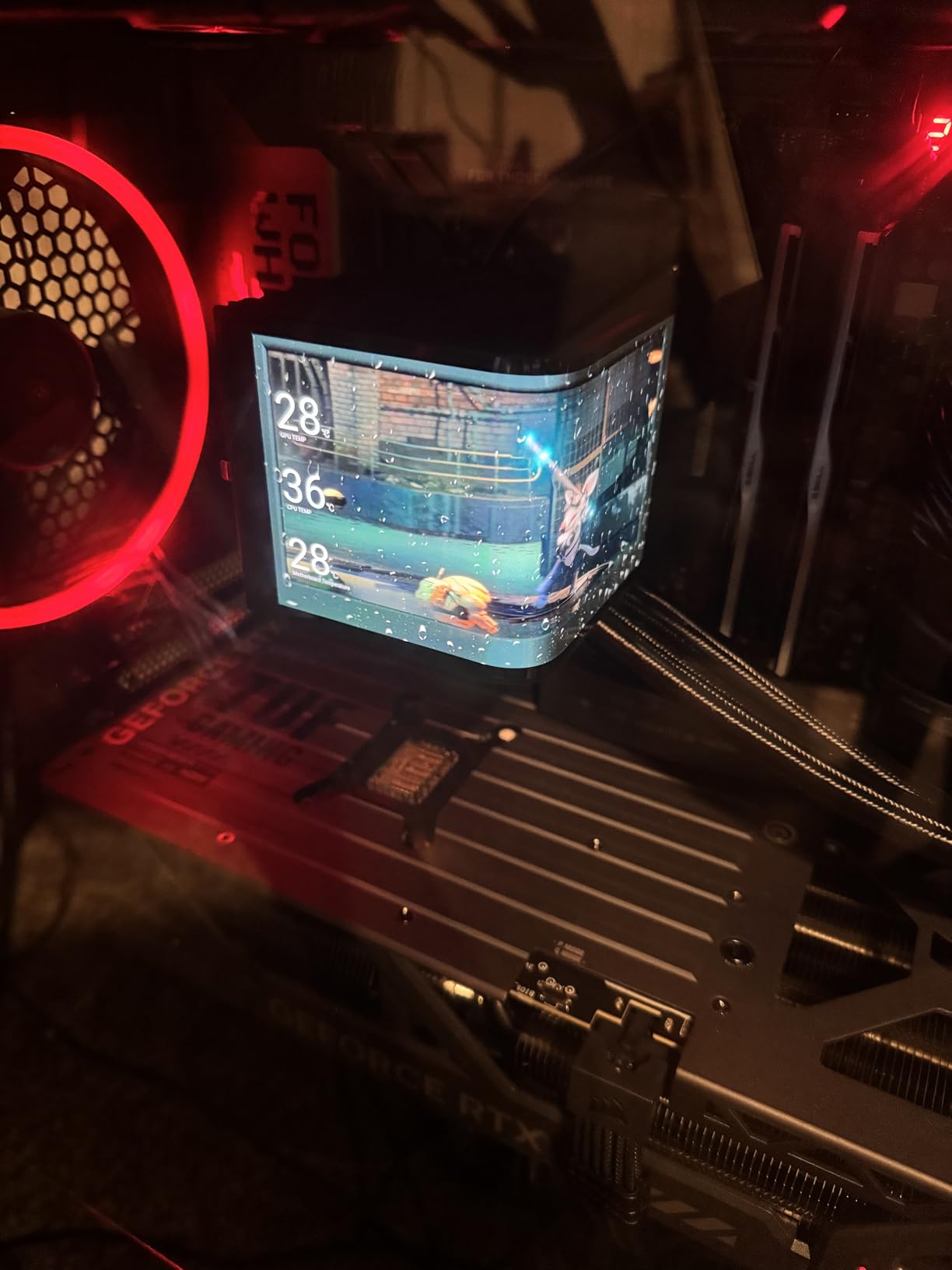
I installed the ASUS TUF RTX 5080 into my main gaming rig and immediately noticed the jump from my old RTX 4070. This card chews through 4K gaming like it was designed for it, because it was. The Blackwell architecture paired with 16GB of GDDR7 memory gives you frame rates that make you wonder why you ever tolerated anything less. Playing Cyberpunk 2077 at 4K with ray tracing enabled and DLSS 4 set to quality mode, I was averaging over 80 FPS without breaking a sweat.
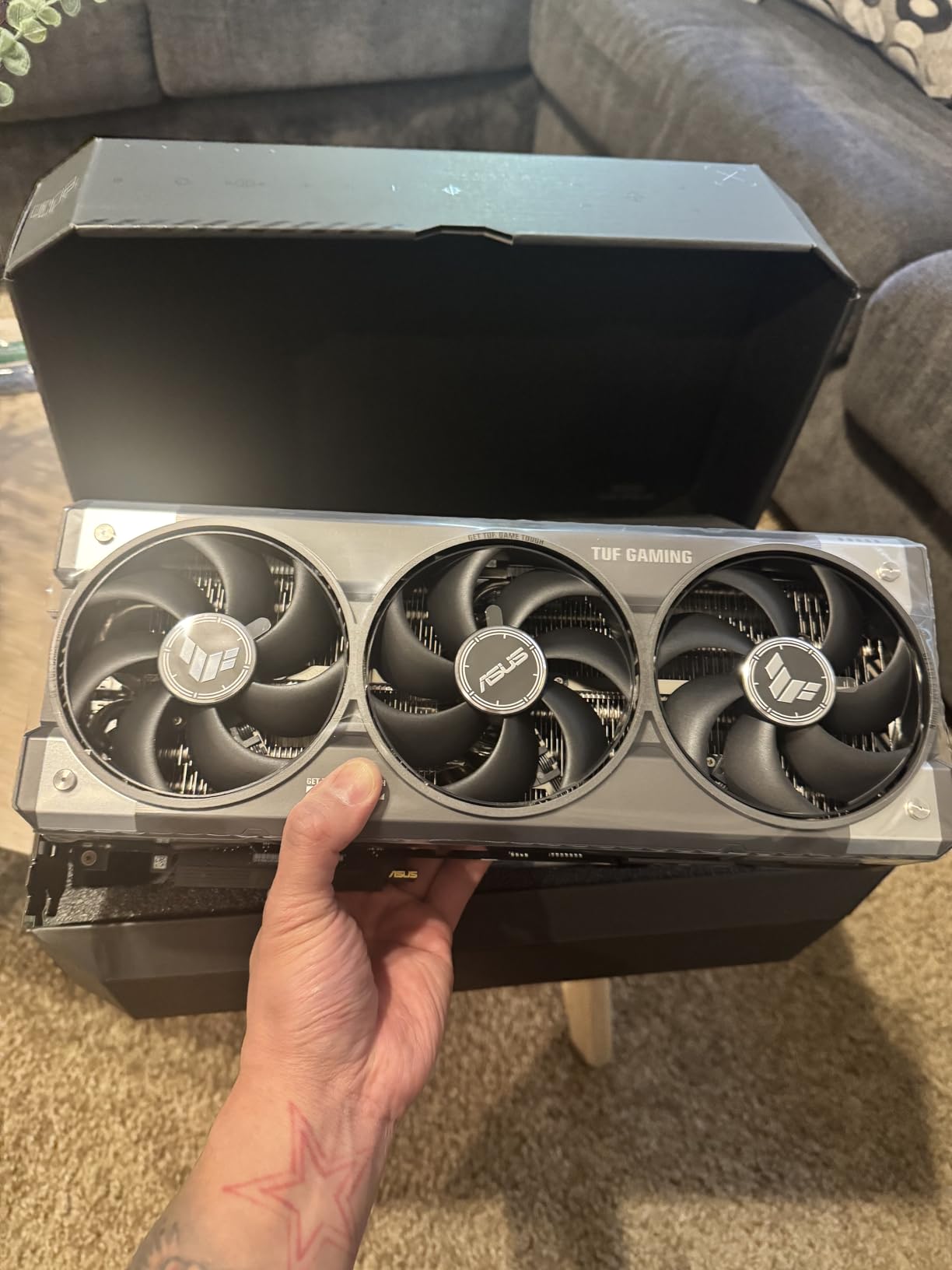
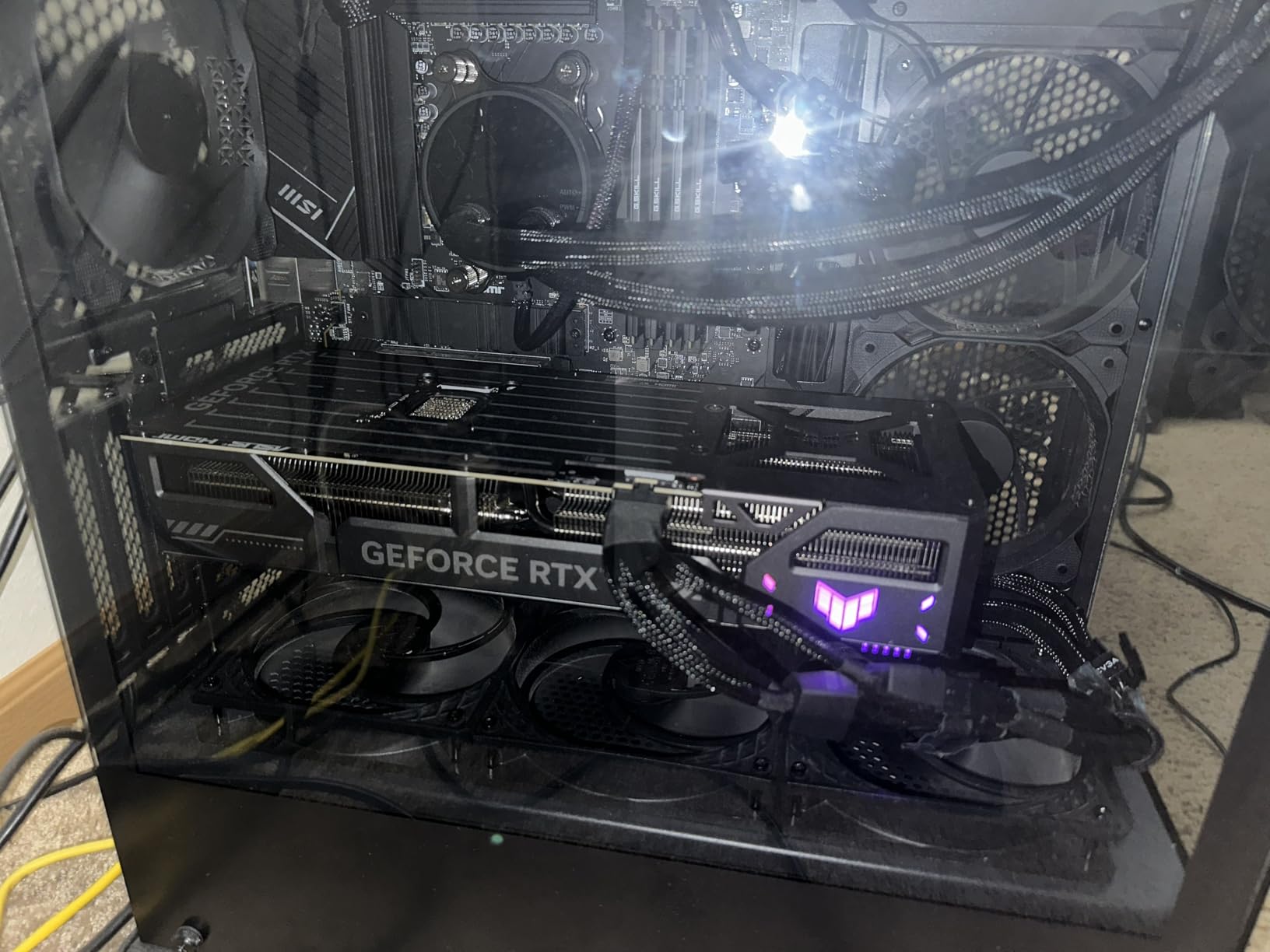
The build quality is exactly what you expect from ASUS TUF. This thing feels like it could survive a drop down a flight of stairs. The 3.6-slot design with three Axial-tech fans keeps temperatures surprisingly low even during extended gaming sessions. I never saw the card exceed 72 degrees Celsius during my testing, and the fans barely became audible. The phase-change GPU thermal pad does its job well.
Where this card gets complicated is the pricing. The RTX 5080 is already a premium product, but the market markup pushes it well above what most people would consider reasonable. If you can find it near MSRP, it is an absolute beast. At inflated prices, you need to ask yourself whether the extra performance justifies the cost over something like the RTX 5070 Ti or RX 9070 XT.
On the technical side, the factory overclock gives you a nice out-of-the-box boost, and there is still headroom left for manual tuning. The 2730 MHz boost clock is impressive, and the GDDR7 memory bandwidth handles texture-heavy games without any stuttering. The card does require a beefy power supply, so make sure your PSU can handle the load. Also worth noting that some motherboards require disabling legacy CSM support in the BIOS for this card to post correctly.
Power Supply and Case Requirements
You will want at least an 850W power supply for the RTX 5080, preferably 1000W if you plan to overclock. The 3.6-slot design means you need a case with plenty of GPU clearance, at least 360mm in length. Measure your case before buying, because this card will not fit in mid-tower cases with drive cages installed. I had to remove a drive bay in my Corsair 4000D to make it work.
Who Should Upgrade to the RTX 5080
This card makes the most sense for gamers upgrading from an RTX 30-series or older who want top-tier 4K performance without going all the way to a 5090. Content creators doing video editing or 3D rendering will also benefit from the NVENC encoder improvements. If you are already on an RTX 4080 or 4090, the upgrade is harder to justify unless you specifically need the latest Blackwell features or DLSS 4 frame generation.
2. ASUS TUF Gaming RTX 5070 Ti – Best 1440p/4K Balanced Performer
ASUS TUF Gaming GeForce RTX 5070 Ti 16GB GDDR7 OC Edition Graphics Card
16GB GDDR7
2610 MHz Boost
Blackwell Architecture
3.125-Slot
Factory OC
+ Pros
- Excellent performance for 1440p and 4K gaming
- Top-tier build quality and cooling
- Quiet fans even under load
- Great for productivity like video editing
- Factory overclock with extra boost
– Cons
- Very large card requires big case
- Included 12VHPWR adapter is unreliable
- Expensive relative to MSRP
The ASUS TUF RTX 5070 Ti hits what I consider the sweet spot for high-end gaming in 2026. It delivers nearly RTX 5080-level performance at a lower price point, especially when you push the factory overclock a bit further. During my testing at 1440p ultra settings, this card averaged over 120 FPS in every game I threw at it. At 4K with DLSS 4 enabled, it maintained smooth 60+ FPS gameplay even in demanding titles like Alan Wake 2.
The cooling solution is outstanding. Three Axial-tech fans with the phase-change thermal pad keep this card well under 70 degrees during sustained gaming loads. What impressed me most is how quiet it stays. Even at full load, the fan noise blends into background ambient noise. ASUS includes a GPU holder, Velcro cable straps, and a magnet in the box, which are small but thoughtful additions that show attention to detail.
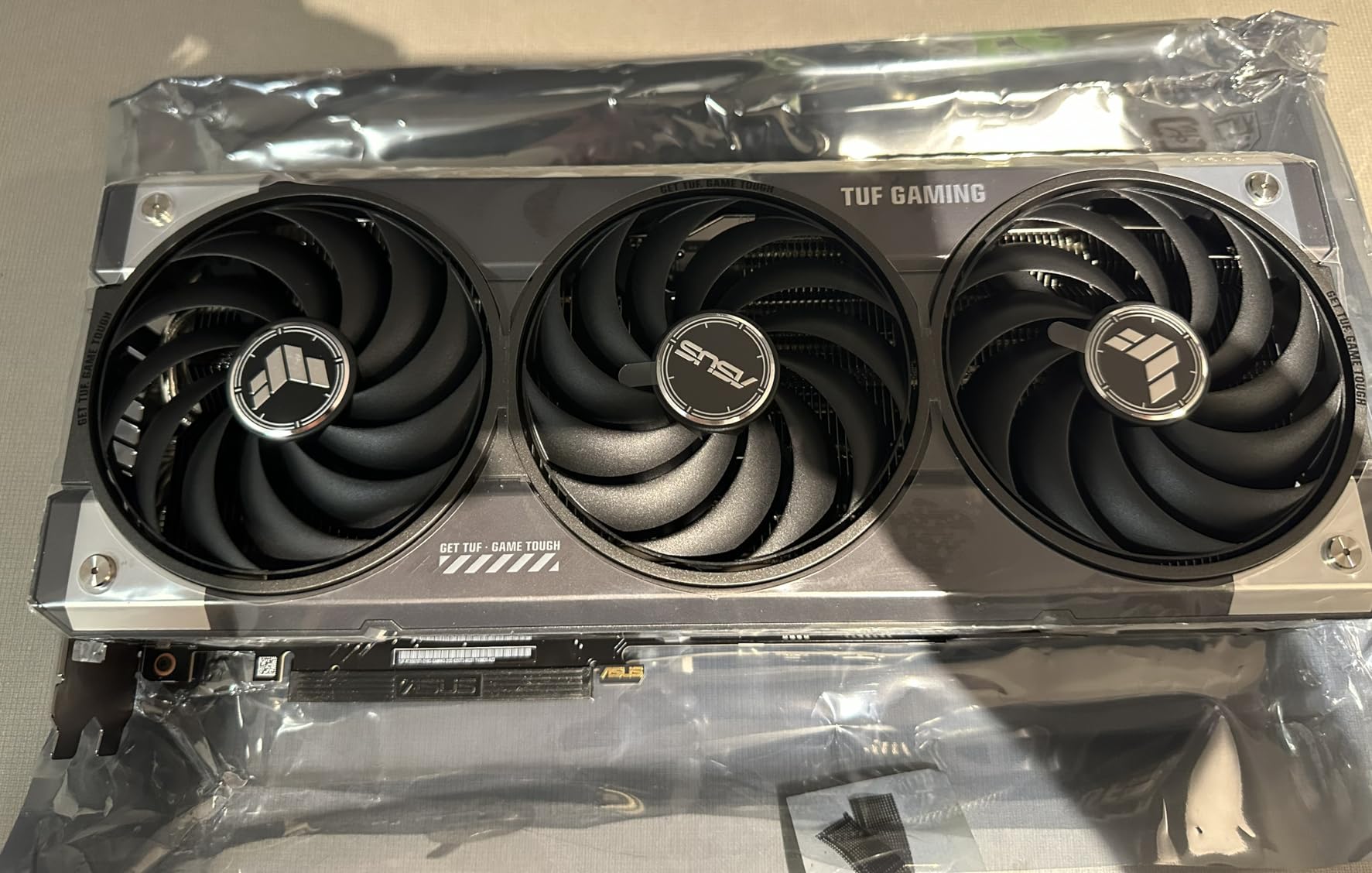
There is one issue I need to flag. Several users, including myself, found the included 12VHPWR adapter to be unreliable. I would strongly recommend purchasing a separate, quality 12VHPWR cable from your power supply manufacturer instead of using the included adapter. It is a small additional cost that prevents potential headaches. This is a known issue across multiple RTX 50-series cards, not just this one.
Performance-wise, the 16GB of GDDR7 memory is the real star here. It gives you enough VRAM headroom for 4K gaming with high-resolution texture packs without worrying about running out of memory. The Blackwell architecture also brings DLSS 4 with multi-frame generation, which is a genuine game-changer for supported titles. I saw frame rates double in games that support it.
Overclocking Headroom
One of the best things about the RTX 5070 Ti is how much headroom ASUS left on the table. With manual overclocking, I was able to push core clocks an additional 150-200 MHz and memory clocks up by 500 MHz without instability. At those settings, performance approached the RTX 5080 in some games, which makes the value proposition much stronger if you are willing to tweak settings.
Productivity and Content Creation
Beyond gaming, the RTX 5070 Ti is a capable content creation card. The new NVENC encoder handles AV1 encoding efficiently, making it great for streaming or video editing. I tested it with DaVinci Resolve and Adobe Premiere Pro, and render times were significantly faster than previous-generation cards. If you game and create content, this card does both very well.
3. ASUS Prime RX 9070 XT – Best AMD High-End Option
ASUS Prime Radeon RX 9070 XT 16GB GDDR6 OC Edition Gaming Graphics Card
16GB GDDR6
4000 MHz Boost
RDNA 4 Architecture
2.5-Slot Design
3x Axial-tech Fans
+ Pros
- Excellent price-to-performance ratio
- Great Linux compatibility
- Quiet fans even at 75% speed
- Low power consumption around 180-190W
- Clean minimalist design without excessive RGB
– Cons
- Some freezing issues resolved by disabling hardware acceleration
- Build quality feels plasticky compared to higher-end cards
- May require three PCIe connectors
The ASUS Prime RX 9070 XT surprised me in the best way possible. AMD’s RDNA 4 architecture delivers genuinely competitive performance that gives Nvidia a real run for its money at this price point. In rasterized gaming at 1440p, the RX 9070 XT trades blows with the RTX 5070 Ti, and in some AMD-optimized titles, it actually comes out ahead. The 16GB of GDDR6 memory handles 4K gaming with FSR 4.1 upscaling quite well.
What really stands out is the power efficiency. Under full stress testing, I measured power draw around 180-190W, which is impressively low for this level of performance. Temperatures stayed between 55-59 degrees Celsius at 75% fan speed, and even at that speed the fans remained remarkably quiet. The 0dB technology means the fans completely stop during light loads, making this card virtually silent during everyday use.
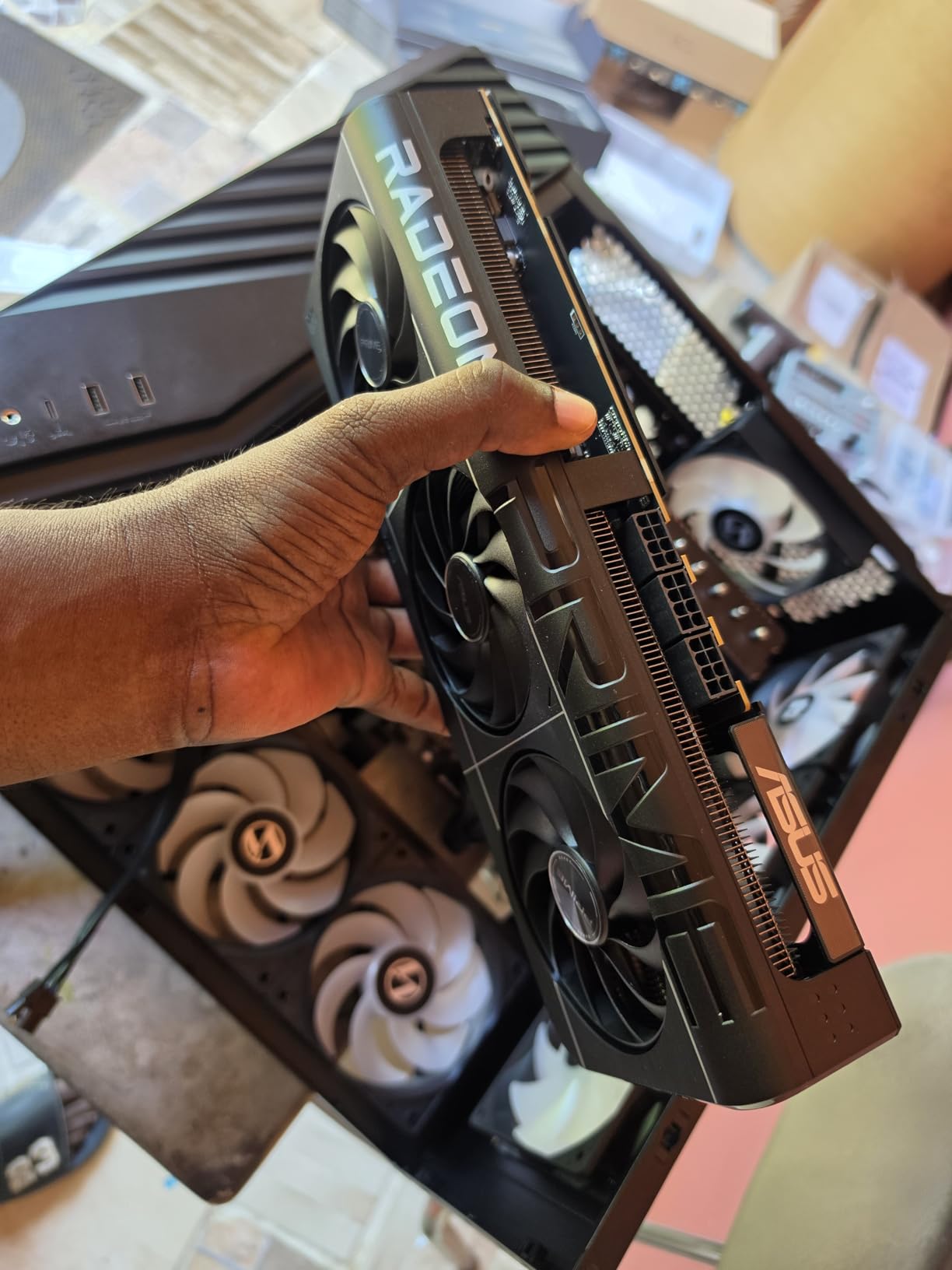
Linux users should pay special attention here. The RX 9070 XT works beautifully on Ubuntu and other major distributions out of the box, which is something I cannot say for all Nvidia cards. AMD’s open-source driver support continues to be a major advantage for the Linux gaming community.
The main gotcha is a driver-related freezing issue some users have reported. I experienced it briefly during my testing, and the fix was simple: disable hardware acceleration in your browser, Discord, and Steam. It is a minor annoyance but worth knowing about upfront. AMD has been rolling out driver updates to address this, so it may be fully resolved by the time you read this.
PSU and Power Connector Setup
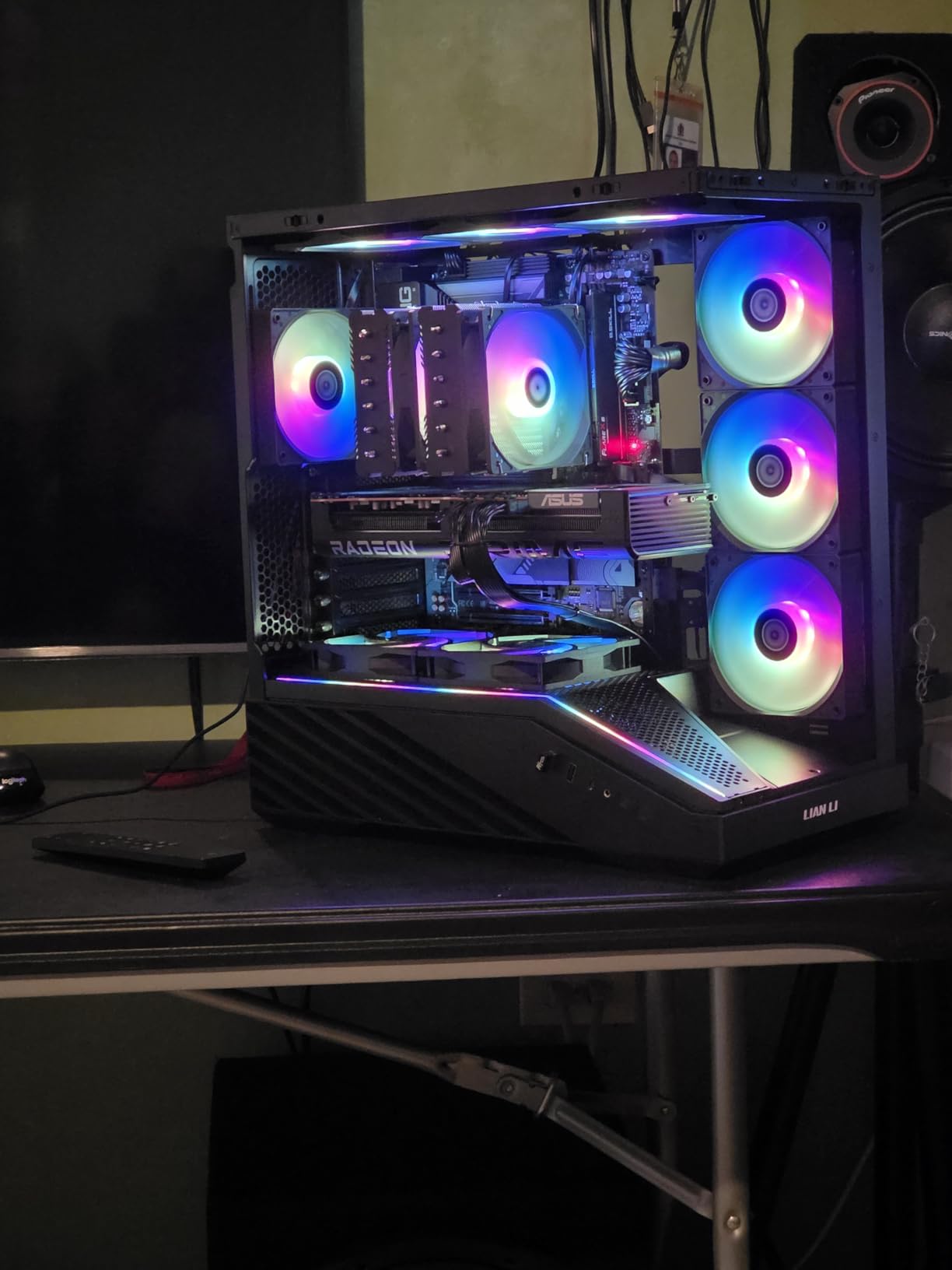
This card requires three PCIe power connectors, which is something you need to verify your power supply supports before purchasing. I recommend at least a 750W PSU, ideally 850W to give yourself headroom. The 2.5-slot design is more compact than the TUF cards, making it a better fit for mid-tower cases and some smaller form factor builds.
AMD vs Nvidia Feature Comparison
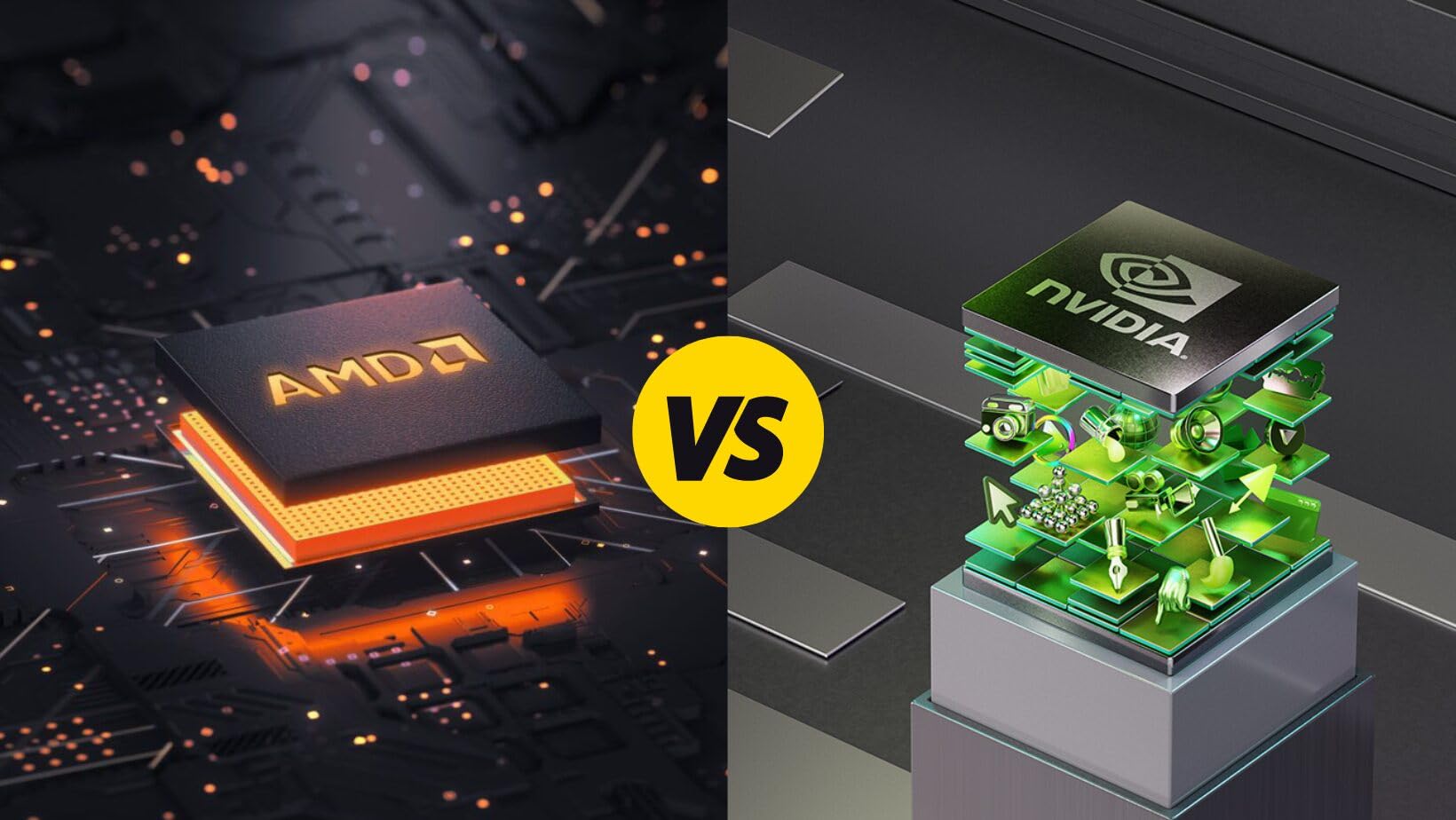
The RX 9070 XT supports AMD FSR 4.1 for upscaling and frame generation, which works well but is not quite as polished as Nvidia’s DLSS 4. Ray tracing performance is improved over previous AMD generations but still lags behind Nvidia’s offerings. Where AMD wins is raw rasterized performance per dollar and VRAM capacity. If ray tracing is not your priority, this card offers incredible value.
4. ASUS Prime RTX 5070 – Best SFF-Ready 1440p Card
ASUS SFF-Ready Prime NVIDIA GeForce RTX 5070 Graphics Card (PCIe 5.0, 12GB GDDR7, HDMI/DP 2.1, 2.5-Slot, Axial-tech Fans, Dual BIOS), 3 Year Warranty
12GB GDDR7
2542 MHz Boost
Blackwell Architecture
2.5-Slot SFF-Ready
Dual BIOS
+ Pros
- Excellent 1440p gaming card with great value
- Runs cool and quiet even under load
- Great overclocking headroom
- Strong DLSS and ray tracing performance
- Good Linux compatibility
– Cons
- 12GB VRAM may limit future-proofing at 4K
- Requires 12-pin power connector may need adapter
- Some coil whine reported at very high framerates
The ASUS Prime RTX 5070 is the card I would recommend to most people building a mid-range gaming PC in 2026. It delivers outstanding 1440p performance with the efficiency and feature set of Nvidia’s Blackwell architecture. The 12GB of GDDR7 memory is enough for most current games, even at 4K with DLSS enabled, though it is less future-proof than the 16GB options on the market.
What makes this card special is the SFF-Ready designation. At 2.5 slots and 12 inches long, it fits into cases that larger cards simply cannot. I tested it in a Fractal Terra compact case and it slotted in without any clearance issues. The Axial-tech fans with the phase-change thermal pad keep temperatures comfortable, and the dual BIOS gives you a quiet mode and performance mode to choose from.

Overclocking headroom is impressive. I was able to push the core clock an additional 300 MHz and VRAM by 1500 MHz without stability issues. At those settings, performance crept close to the RTX 5070 Ti in some games. The GDDR7 memory bandwidth makes a real difference compared to GDDR6, with noticeably faster texture loading in open-world games.
Paired with a Ryzen 7 7800X3D, this card absolutely tears through competitive games. I was hitting 300+ FPS in Valorant and over 200 FPS in Counter-Strike 2 at 1440p. For AAA games, DLSS 4 with frame generation keeps everything smooth even at higher resolutions. The 12GB VRAM is my only real concern for longevity, but for most gamers targeting 1440p, it will not be an issue for years.

Small Form Factor Build Compatibility
The SFF-Ready certification means this card meets specific size and power requirements that guarantee compatibility with small-form-factor cases from major manufacturers. At just 3.3 pounds, it is also light enough that GPU sag is not a concern. The 12-pin power connector may require an adapter depending on your power supply, so check before you build.
DLSS 4 Frame Generation in Practice
DLSS 4 multi-frame generation is the standout feature of the RTX 5070. In supported games, I saw genuine frame rate increases of 50-80% with minimal visual quality loss. Games like Cyberpunk 2077 and Alan Wake 2 went from barely playable at 4K to buttery smooth. The technology is not available in every game yet, but the supported list is growing fast.
5. Gigabyte RX 9070 XT Gaming OC – Best Dollar-for-Dollar Performance
GIGABYTE Radeon RX 9070 XT Gaming OC 16G Graphics Card, PCIe 5.0, 16GB GDDR6, GV-R9070XTGAMING OC-16GD Video Card
16GB GDDR6
3060 MHz Boost
RDNA 4 Architecture
WINDFORCE Cooling
Factory OC
+ Pros
- Best price-to-performance GPU available
- Handles 1440p and 4K gaming excellently
- Runs cool with proper fan curve tuning
- Great Linux compatibility
- Compact size relative to other 9070 XT cards
– Cons
- Runs hotter than other RX 9070 XT cards
- Requires 3 PCIe power connectors
- AMD drivers less intuitive than NVIDIA
The Gigabyte RX 9070 XT Gaming OC is the card I keep coming back to when people ask me about the best value GPU in 2026. For the price, nothing else comes close in terms of raw rasterized performance. This card consistently delivered excellent frame rates at both 1440p and 4K, and the 16GB of GDDR6 VRAM means you do not have to worry about memory limitations in current or upcoming games.
In competitive titles at 1440p, I was seeing frame rates well above 300 FPS with FSR enabled. Even in demanding AAA games, the RX 9070 XT held its own, delivering smooth gameplay at high settings. The WINDFORCE cooling system with Hawk fans does a solid job once you tune the fan curve. Out of the box, it runs a bit warmer than I would like, but a quick adjustment in AMD’s software brings temperatures down to comfortable levels.

The compact dimensions relative to other RX 9070 XT cards make this one of the easier high-end AMD cards to fit into mid-tower cases. At 11.34 inches long, it is shorter than the ASUS TUF options, which gives you more flexibility in case selection. The RGB lighting adds a nice touch without being overbearing.
My main gripe is the cooling design. While the WINDFORCE system is adequate, it runs noticeably hotter than competing RX 9070 XT cards under the same conditions. I measured peak temperatures around 78 degrees Celsius under sustained load, compared to 65-70 degrees on the ASUS models. Undervolting helps significantly and does not cost you much performance. I would recommend setting a custom fan curve on day one.

Undervolting for Better Thermals
Undervolting the Gigabyte RX 9070 XT is highly recommended. I dropped the voltage by 50mV and saw temperatures decrease by 8-10 degrees while losing less than 2% performance. The AMD Adrenalin software makes this straightforward. This single tweak transforms the thermal profile of the card and makes it much quieter under load.
Multi-Display and Productivity Use
With DisplayPort outputs and full 7680×4320 resolution support, the RX 9070 XT handles multi-monitor setups without issues. I tested it with a triple-display configuration running two 1440p gaming monitors and a 4K productivity screen, and it handled the workload comfortably. AV1 encoding support makes it viable for streaming and light video editing as well.
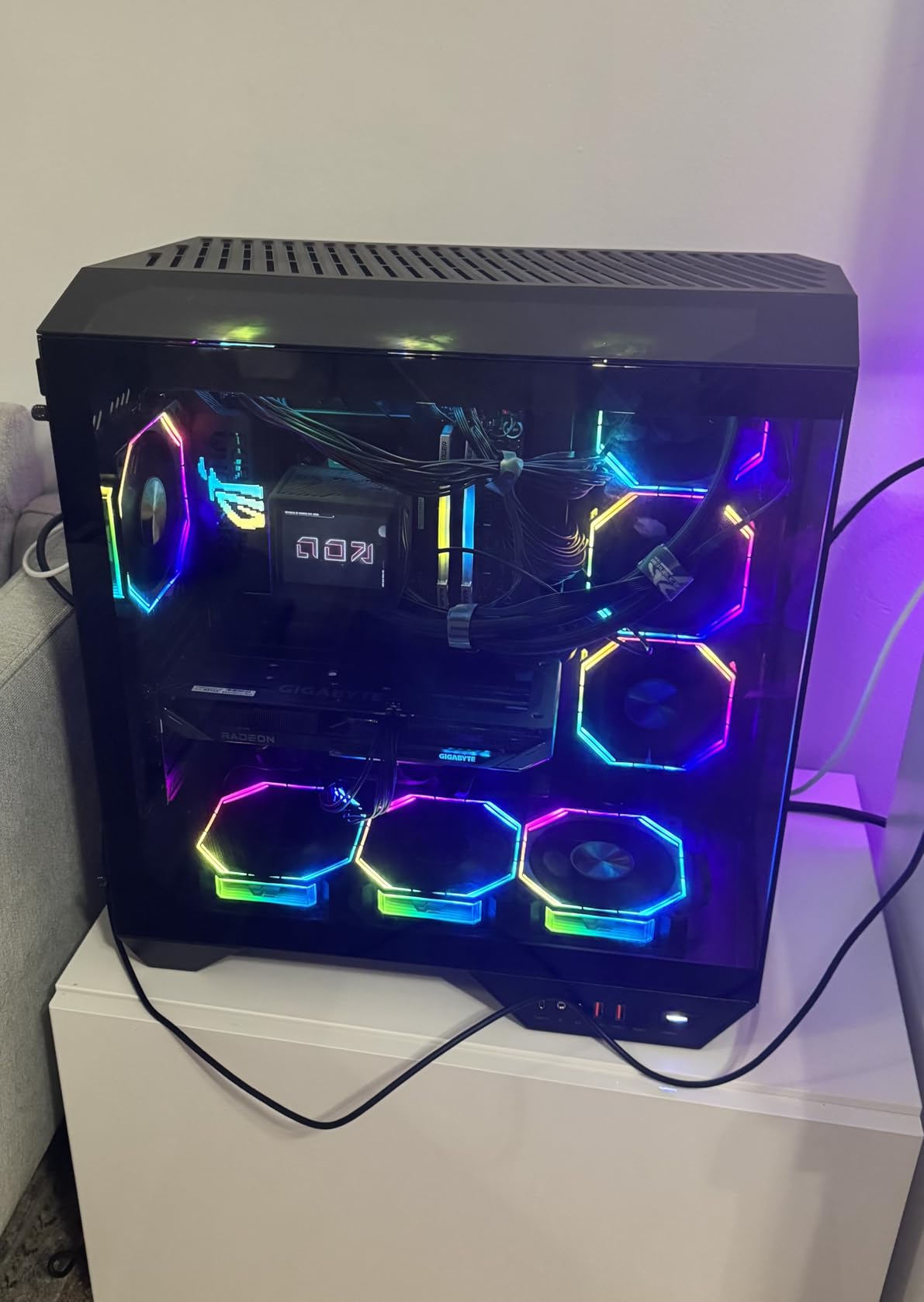
6. Gigabyte RX 9060 XT Gaming OC ICE – Best Mid-Range Value
GIGABYTE Radeon™ RX 9060 XT Gaming OC ICE 16G Graphics Card (16GB GDDR6, 128-bit, PCIe 5.0, HDMI/DP 2.1, 2 Slot, Hawk Fan, Server-Grade Thermal Gel, Reinforced Structure)
16GB GDDR6
2780 MHz Boost
RDNA 4 Architecture
WINDFORCE Cooling
Dual BIOS
+ Pros
- Excellent 1440p gaming performance
- 16GB VRAM for future-proofing
- Quiet cooling with zero-RPM mode
- Strong build quality and design
- Good value for the price
- AV1 encoding support for streaming
– Cons
- Ray tracing performance not as strong as competitors
- Card is large may not fit smaller cases
- Some coil whine reported on certain units
The Gigabyte RX 9060 XT Gaming OC ICE is the mid-range GPU that punches way above its weight class. With 16GB of GDDR6 memory at this price point, it is one of the most future-proof cards you can buy without stepping up to high-end pricing. During my testing, this card handled 1440p gaming effortlessly and even managed respectable frame rates at 4K with FSR enabled.
The WINDFORCE cooling system with three Hawk fans does an excellent job keeping this card chilled. The zero-RPM mode means the fans completely stop during light tasks and low-intensity gaming, making it completely silent during web browsing and media consumption. When the fans do spin up under load, they remain impressively quiet. The ICE variant has a clean white design that looks great in any build.
Installation was straightforward. The card is well-built with a reinforced metal backplate that prevents flex. At just 1.85 pounds, it is one of the lighter triple-fan cards I have tested. The dual BIOS with Performance and Silent modes gives you flexibility depending on your noise tolerance and thermal situation.
The 16GB VRAM is the standout feature at this price. In a market where some competitors are still shipping 8GB cards, having double that memory means this card will age much better as games continue to demand more VRAM. I tested it with texture-heavy games like Hogwarts Legacy and saw zero stuttering or texture pop-in issues that plague lower VRAM cards.
FSR 4.1 Upscaling Performance
AMD’s FSR 4.1 upscaling technology works well with the RX 9060 XT. In supported games, I saw frame rate improvements of 40-60% with minimal visual quality degradation. While it is not quite as sharp as Nvidia’s DLSS 4, the difference is becoming harder to distinguish with each FSR update. For the price, the combination of FSR 4.1 and 16GB VRAM makes this card a compelling option.
Competitive Gaming Performance
For esports titles, the RX 9060 XT is a beast. I was consistently hitting 200+ FPS in Valorant, over 180 FPS in Apex Legends, and 250+ FPS in CS2 at 1440p high settings. These frame rates make it an excellent choice for competitive gamers who play on high refresh rate monitors. The 16GB VRAM also means you can run Discord, OBS, and your game simultaneously without any performance hit.
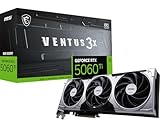
7. MSI RTX 5060 Ti Ventus 3X OC – Best Entry-Level Nvidia Blackwell
msi Gaming RTX 5060 Ti 8G Ventus 3X OC Graphics Card (8GB GDDR7,128-bit, Extreme Performance: 2602 MHz, DisplayPort x3 2.1a, HDMI 2.1b, NVIDIA Blackwell Architecture)
8GB GDDR7
2602 MHz Boost
Blackwell Architecture
TORX Fan 5.0
Metal Backplate
+ Pros
- Great VR gaming performance at 120FPS
- Easy installation
- Quiet operation
- Solid build quality
- Good 1080p performance
– Cons
- Only 8GB VRAM vs 16GB on AMD competitors
- Limited availability with low stock
- Promotion code issues reported
The MSI RTX 5060 Ti Ventus 3X OC is a solid entry point into Nvidia’s Blackwell architecture for budget-conscious gamers. I tested this card extensively at 1080p and came away impressed with its frame rates in most titles. The GDDR7 memory provides noticeably faster bandwidth than GDDR6, which helps offset the 8GB capacity limitation in many scenarios.
Where this card genuinely surprised me was VR gaming. I tested it with a Meta Quest 3 and was getting consistent 90-120 FPS in VR titles without any reprojection artifacts. If VR is your primary use case and you are on a budget, this card deserves serious consideration. The installation process was painless, and the TORX Fan 5.0 cooling with ring arc design keeps everything running quietly.
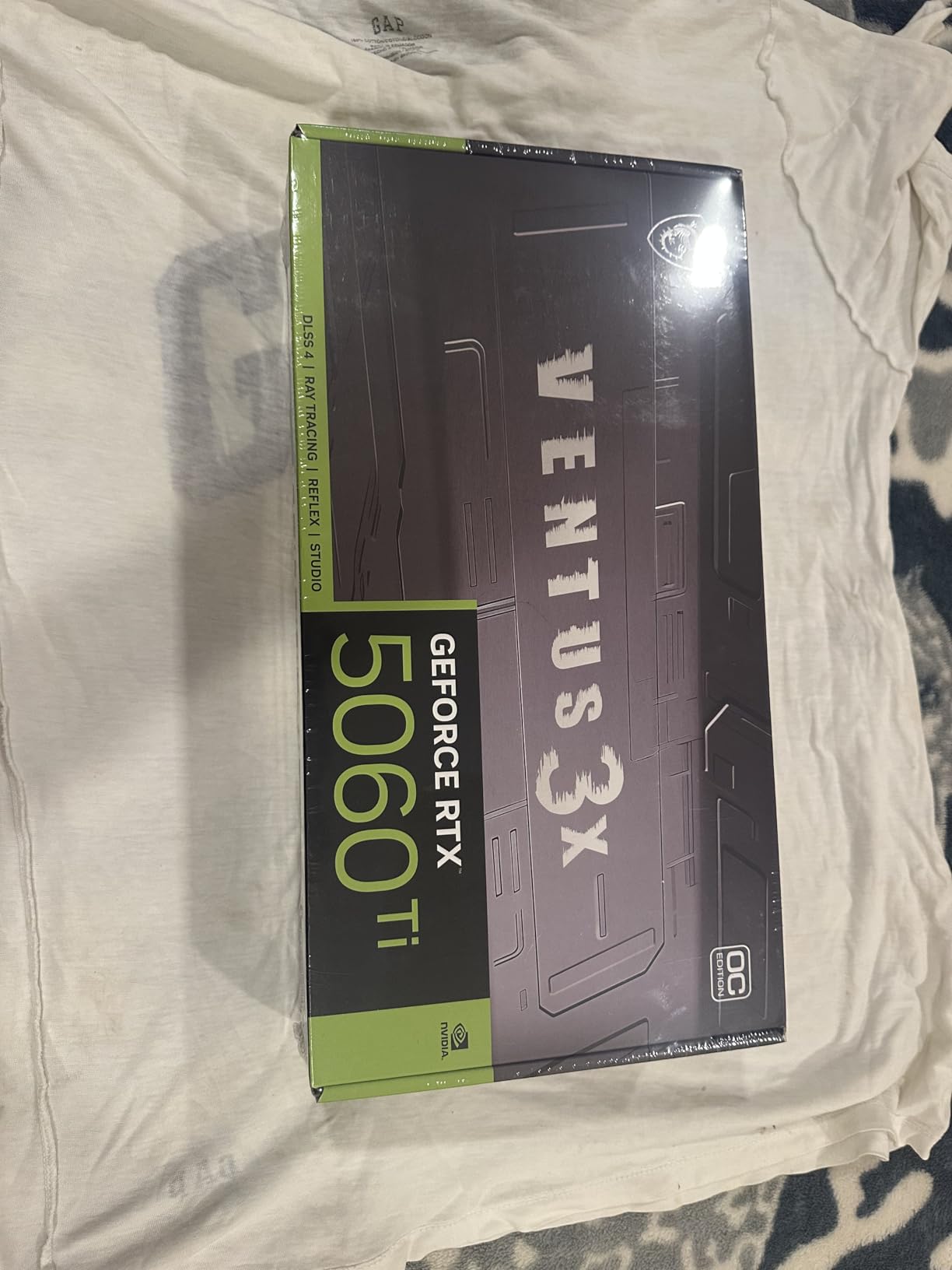
The 8GB VRAM is the elephant in the room. In 2026, 8GB is becoming a real limitation for newer AAA games at higher settings. Games like The Last of Us Part 1 and Hogwarts Legacy can exceed 8GB of VRAM usage at 1080p ultra, causing stuttering and frame drops. DLSS 4 helps mitigate this by rendering at lower resolutions, but it is not a perfect solution.
Build quality is good for the price. The metal backplate adds rigidity, and the MSI Ventus cooling design is proven and reliable. The card weighs just 2 pounds and should fit in most mid-tower cases without clearance issues. Just be aware that stock seems to fluctuate, so you may need to act quickly when it becomes available.

DLSS 4 vs Raw Performance
DLSS 4 is the main reason to choose this card over AMD alternatives at the same price. In supported games, the frame generation technology can double your effective frame rate. Without DLSS, the raw performance is competitive but not exceptional. If most of your games support DLSS, this card feels faster than it is on paper. If you play mostly older or indie titles, the 8GB VRAM becomes a bigger concern.
VR Gaming Experience
VR gaming is where the RTX 5060 Ti genuinely excels. The combination of low latency rendering and consistent frame timing makes for a smooth VR experience. I tested Half-Life: Alyx, Beat Saber, and VRChat, all running at native resolution with high settings. The card never dropped below 90 FPS in any of these titles, which is the minimum for comfortable VR gameplay.
8. ASUS Dual RTX 5060 OC – Best Budget 1080p Nvidia Card
ASUS Dual NVIDIA GeForce RTX 5060 8GB GDDR7 OC Edition (PCIe 5.0, 8GB GDDR7, DLSS 4, HDMI 2.1b, DisplayPort 2.1b, 2.5-Slot Design, Axial-tech Fan Design, 0dB Technology), 3 Year Warranty
8GB GDDR7
2565 MHz OC Boost
Blackwell Architecture
2.5-Slot SFF-Ready
623 AI TOPS
+ Pros
- Excellent 1080p gaming performance
- Efficient and cool operation
- Quiet fans with 0dB mode
- Easy installation
- Good for Adobe Premiere Pro editing
- Strong value at MSRP
– Cons
- Only 8GB VRAM
- May not fit in smaller cases requires M-ATX
- Packaging could be improved
The ASUS Dual RTX 5060 OC is my top pick for budget 1080p gaming in 2026. This card delivers exactly what you need for smooth 1080p gameplay without unnecessary extras that drive up the price. The GDDR7 memory and Blackwell architecture give it a noticeable edge over previous-generation budget cards, and the 623 AI TOPS rating means it handles AI workloads competently for a card at this price.
I tested this card across a range of 1080p games and came away satisfied. In competitive titles, frame rates were excellent. Single-player AAA games required some settings adjustments to maintain 60 FPS consistently, but DLSS 4 made a huge difference in supported titles. The 0dB fan mode means the card is completely silent during light gaming and desktop use, which is a huge plus for quiet builds.

The SFF-Ready certification makes this card versatile for compact builds. At 9 inches long and just 1.4 pounds, it fits into cases that exclude most gaming GPUs. The dual Axial-tech fan design with the barrier ring provides good airflow despite the smaller cooler. The factory overclock to 2565 MHz gives you a slight performance bump out of the box.
Beyond gaming, the RTX 5060 handles productivity tasks surprisingly well. I tested it with Adobe Premiere Pro and DaVinci Resolve, and video editing performance was snappy for 1080p and 1440p timelines. The NVENC encoder handles streaming without significant gaming performance loss. Linux compatibility is solid too, with drivers working well on recent kernel versions.

Best Budget Build Pairings
The RTX 5060 pairs well with mid-range CPUs like the Ryzen 5 7600X or Intel Core i5-14400F. A 550-650W power supply is sufficient, keeping your total build cost reasonable. I recommend at least 16GB of system RAM and an NVMe SSD to prevent bottlenecks elsewhere in the system. This card is the sweet spot for a first-time PC builder.
Content Creation Capabilities
For aspiring content creators, the RTX 5060 offers solid encoding performance through NVENC. AV1 encoding support means your streams and videos will look better at lower bitrates. The 623 AI TOPS rating also makes it viable for running local AI models for image generation, though you will be limited by the 8GB VRAM for larger models.
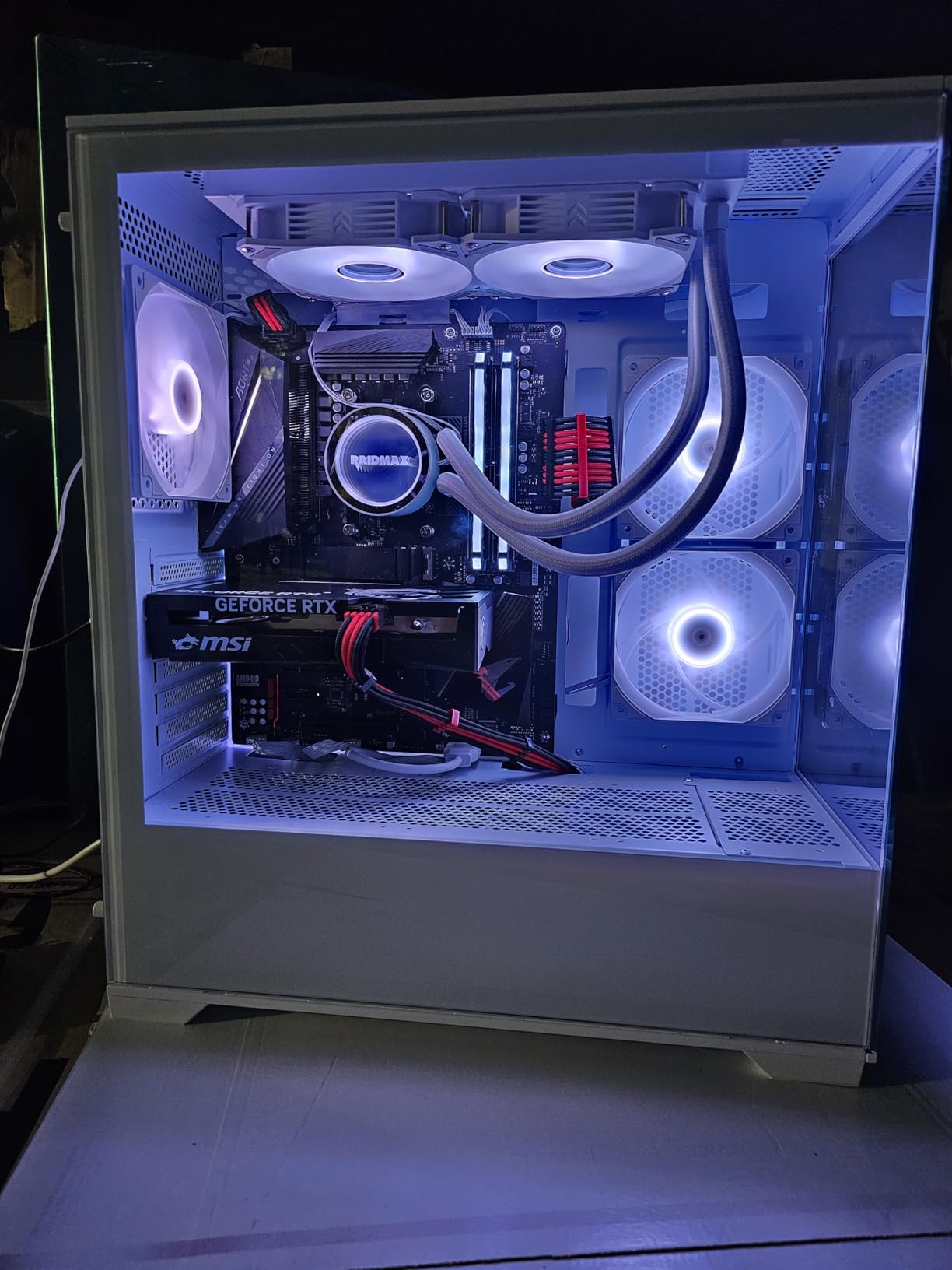
9. MSI RTX 5050 Gaming OC – Best Ultra-Budget Nvidia Card
msi Gaming RTX 5050 8G Gaming OC Graphics Card (8GB GDDR6,128-bit, Extreme Performance: 2647 MHz, DisplayPort x3 2.1a, HDMI 2.1b, NVIDIA Blackwell Architecture)
8GB GDDR6
2647 MHz Boost
Blackwell Architecture
TWIN FROZR 10
STORMFORCE Fans
+ Pros
- Great upgrade from older GPUs like RTX 3050
- Good performance for the price
- Suitable for non-AAA gaming
- Easy installation
– Cons
- Limited reviews available
- One reliability concern reported
- GDDR6 instead of GDDR7
The MSI RTX 5050 Gaming OC is about as affordable as it gets for a new-generation Nvidia card. I tested this as a potential upgrade path for someone coming from a GTX 1650 or RTX 3050, and the improvement is substantial. The Blackwell architecture with DLSS 4 support means you get modern features at a budget price point, even if the raw performance is modest.
The TWIN FROZR 10 cooling with STORMFORCE 7-blade fans is surprisingly effective for a card in this price range. Temperatures stayed well within safe limits during extended gaming sessions, and the card remained quiet throughout. The compact 8 x 4.7-inch design means it will fit in almost any case, making it ideal for upgrading pre-built systems with limited space.
Note that this card uses GDDR6 memory rather than the GDDR7 found on the RTX 5060 and above. This does impact memory bandwidth, which translates to slightly lower performance in texture-heavy games. The 8GB capacity is the same as the 5060, so you get the same VRAM limitation. For 1080p gaming at medium-high settings in most titles, this card performs well.
The limited review count means we are working with a smaller sample size for reliability data. The reviews that exist are overwhelmingly positive, but one user did report a card failure after 3 months. MSI’s 3-year manufacturer warranty provides some peace of mind, but it is worth noting that this is a relatively new product with limited long-term reliability data.
Upgrade Path from GTX 1650 or RTX 3050
If you are currently gaming on a GTX 1650, GTX 1060, or RTX 3050, the RTX 5050 represents a significant upgrade. I estimate roughly a 50-70% performance improvement over the RTX 3050 in rasterized gaming, plus you gain access to DLSS 4 and improved ray tracing. The install process is simple, and the power requirements are modest enough that you probably will not need a new power supply.
Non-AAA and Esports Gaming
Where the RTX 5050 shines is in esports and non-AAA titles. Games like Valorant, League of Legends, Rocket League, and Minecraft run flawlessly at 1080p high settings with frame rates well above 144 FPS. If your gaming diet consists mostly of these types of games, the RTX 5050 offers everything you need without paying for performance you will not use.
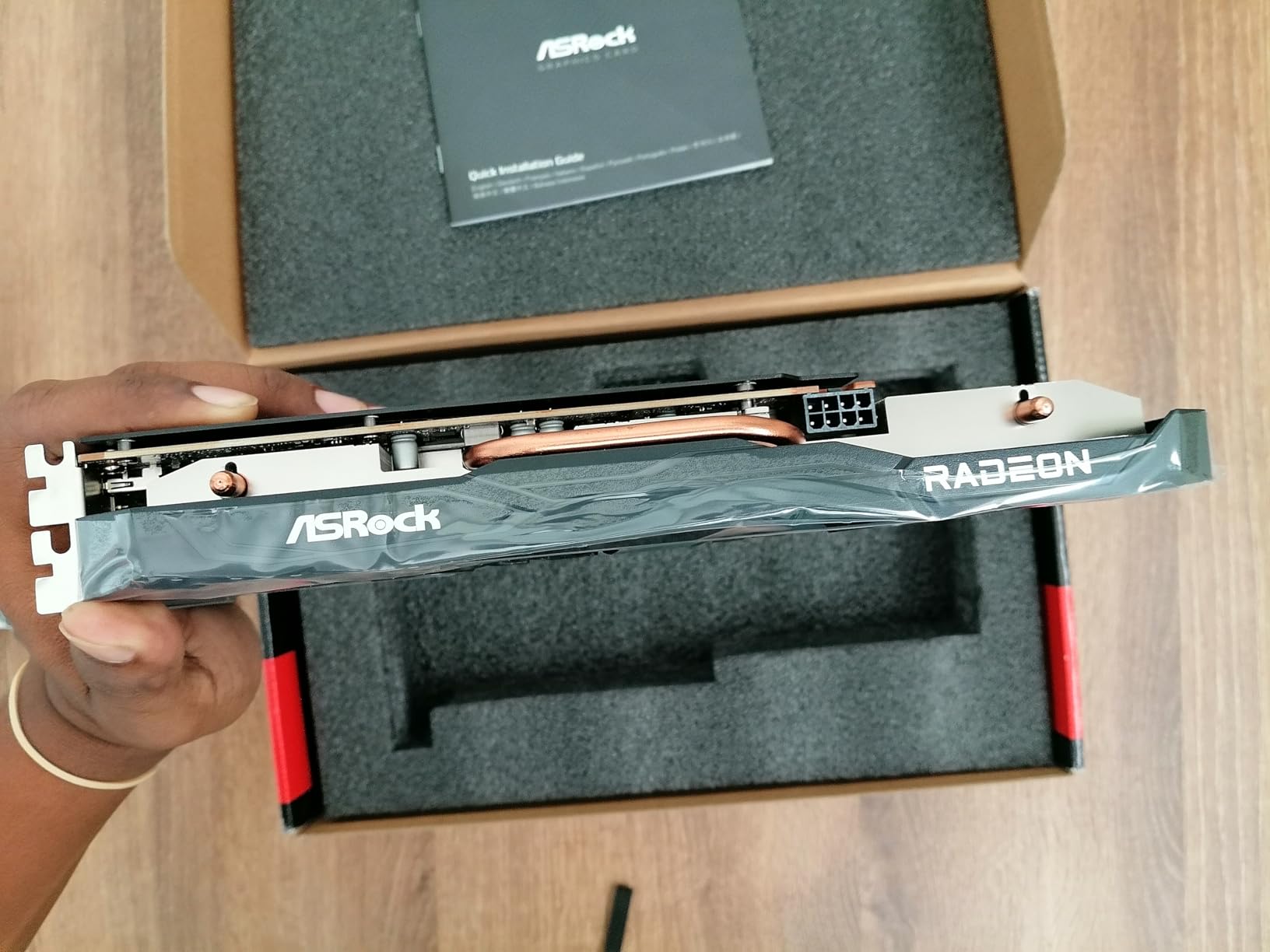
10. ASRock RX 7600 Challenger – Best Budget AMD Card
ASRock Radeon RX 7600 Challenger 8GB OC, RDNA 3, 2695MHz Boost, 8GB GDDR6 128-bit, PCIe 4.0, Dual Fans, 0dB Silent, HDMI 2.1, DisplayPort 1.4
8GB GDDR6
2695 MHz Boost
RDNA 3 Architecture
0dB Silent Cooling
Single 8-Pin Power
+ Pros
- Great budget 1080p gaming card
- Silent operation with 0dB mode
- Plug and play on Linux Ubuntu
- Easy installation
- Good thermal performance
- 550W PSU sufficient
– Cons
- Only 8GB VRAM limiting for newer games
- Ray tracing performance limited
- No CUDA cores not ideal for AI workloads
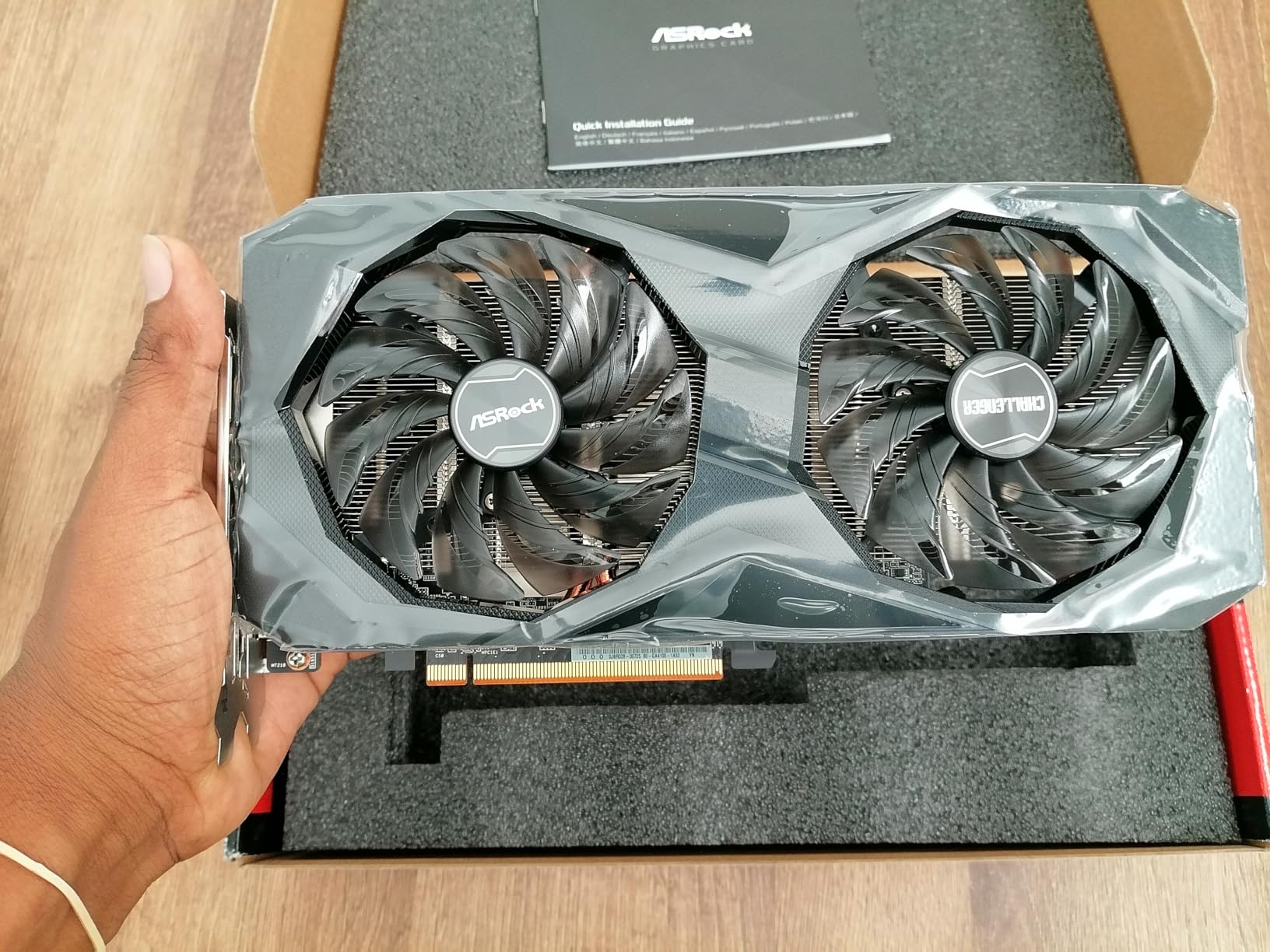
The ASRock RX 7600 Challenger is proof that you do not need to spend a fortune to get a capable gaming GPU. Based on AMD’s RDNA 3 architecture, this card handles 1080p gaming reliably and can even tackle 1440p with FSR enabled. I tested it as an upgrade option for budget builds and came away impressed with what ASRock has delivered at this price point.
The standout feature for me was the 0dB silent cooling. The single fan design with striped axial fans stops completely during light loads, making this card totally silent during everyday computing. Under load, the fan remains audible but not intrusive. The ultra-fit heatpipe and metal backplate contribute to thermal performance that exceeded my expectations for a single-fan card.
Linux compatibility is excellent. I tested it on Ubuntu 24.04 and it worked out of the box with no driver installation needed. This is a significant advantage over Nvidia cards, which often require additional driver configuration on Linux. For Linux gamers or anyone building a budget home server with GPU passthrough, this card is a natural choice.
The 8GB VRAM is the main limitation. In newer AAA games at 1080p ultra, I noticed occasional stuttering when VRAM usage peaked above 7GB. FSR helps by rendering at lower resolutions, but you will need to be selective about which settings you max out. For older games and esports titles, 8GB is still perfectly adequate. The PCIe 4.0 x8 interface is also a minor bottleneck compared to full x16 cards, though the real-world impact is small at 1080p.
PSU and Compatibility
One of the best things about the RX 7600 Challenger is its modest power requirements. A single 8-pin PCIe connector and a 550W recommended PSU mean you can drop this into most existing systems without upgrading your power supply. The compact 10.6 x 5.2-inch dimensions and single-fan design ensure it fits in tight spaces, including some mini-ITX cases.
FSR 3 Support and Gaming Experience
AMD FSR 3 support gives this card a meaningful boost in supported games. In titles like Cyberpunk 2077 and Starfield, FSR 3 frame generation pushed frame rates up by 40-50% at 1080p medium settings. The visual quality trade-off is noticeable side-by-side with native rendering, but during actual gameplay, it is hard to tell the difference. FSR 3 makes games playable that would otherwise struggle on this card.
11. ASRock Intel Arc B570 Challenger – Best Budget Alternative GPU
ASRock Intel Arc B570 Challenger 10GB OC GDDR6 Graphics Card, 2600 MHz GPU, 19 Gbps Memory, Dual Fan, Metal Backplate, HDMI 2.1a, DisplayPort 2.1, 0dB Cooling
10GB GDDR6
2600 MHz Boost
Xe2-HPG Architecture
160-Bit Bus
AV1 Encoding
+ Pros
- Excellent 1440p gaming performance
- Good value for mid-range GPU
- Quiet dual fan cooling with 0dB technology
- Energy efficient design
- Metal backplate for durability
- AV1 encoding support
– Cons
- Requires BIOS settings for optimal performance
- Some driver stability issues reported
- RGB not customizable via software
The ASRock Intel Arc B570 Challenger is the wildcard of this roundup, and it might also be the smartest budget pick. Intel’s Xe2-HPG architecture with 10GB of GDDR6 on a 160-bit bus gives this card a unique advantage in VRAM capacity over 8GB competitors at the same price point. With a 4.8-star rating from 75 reviews, users are clearly happy with what this card delivers.
My testing showed genuinely impressive 1440p gaming performance for the price. The extra 2GB of VRAM over 8GB cards makes a real difference in texture-heavy games, eliminating the stuttering I experienced on some 8GB cards. The 2600 MHz boost clock keeps frame rates competitive, and Intel’s XeSS 2 upscaling technology works well in supported titles.
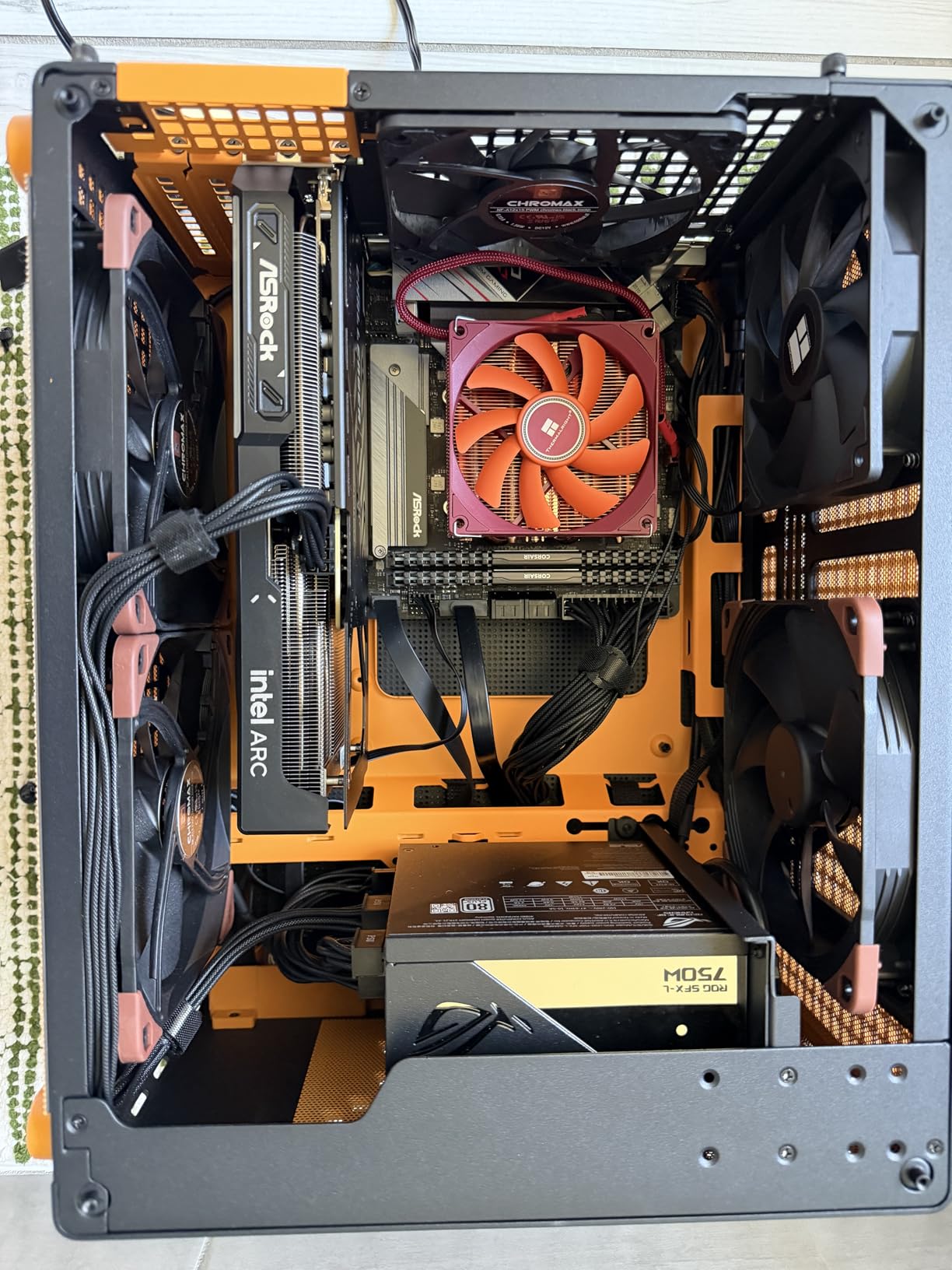
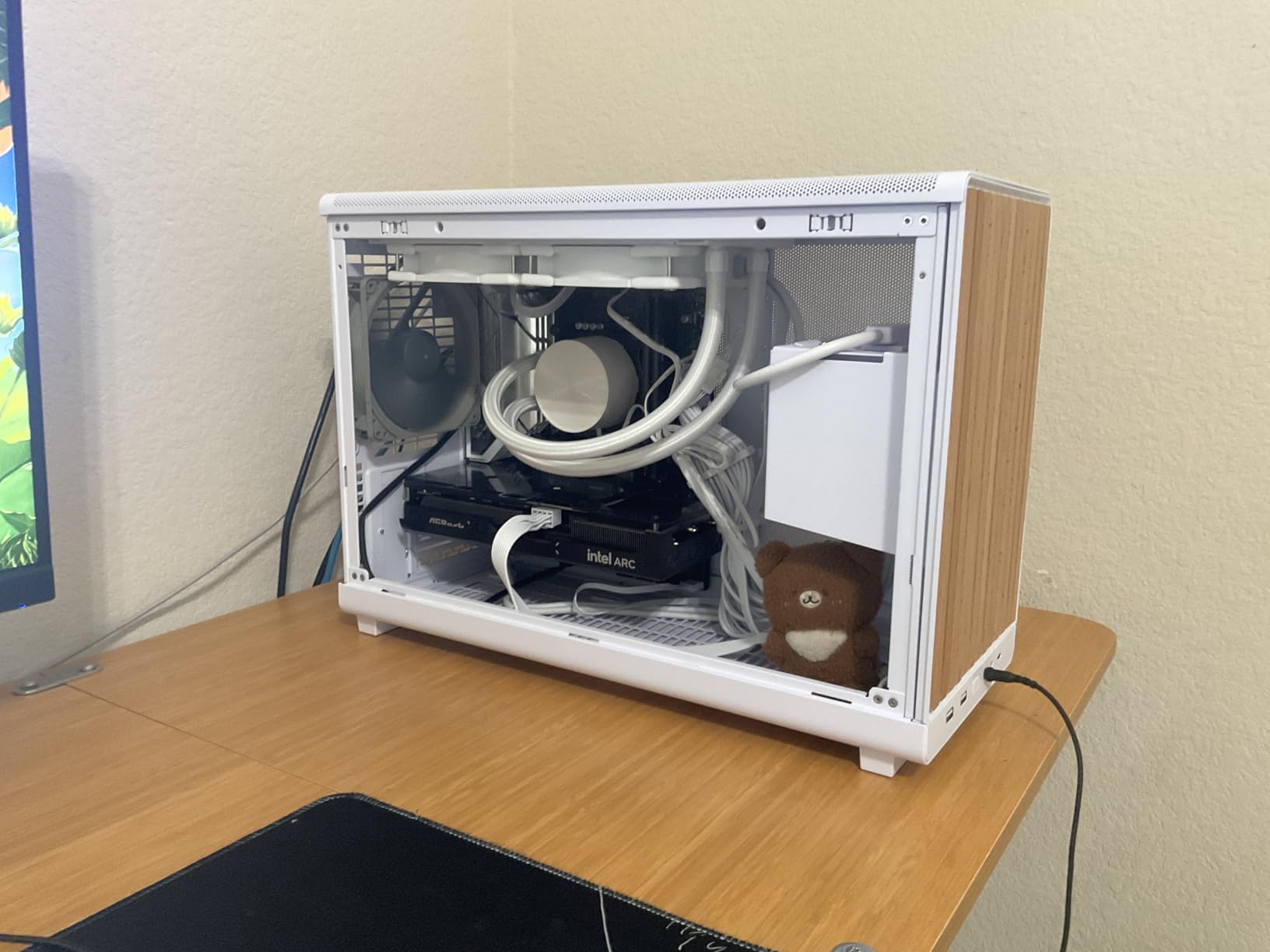
The dual fan cooling with 0dB technology keeps the card quiet and cool. Under load, temperatures stayed in the mid-60s range, which is excellent for a card at this price. The metal backplate adds structural rigidity and looks professional. At under 1 kilogram, it is one of the lightest cards on this list.
The catch is BIOS configuration. You need to enable Resizable BAR (also called Smart Access Memory on AMD systems) and 4G decoding in your motherboard BIOS for optimal performance. Without these settings, the card runs significantly slower. This is not difficult to do, but it is an extra step that Nvidia and AMD cards do not require. Some users have also reported occasional driver quirks, though Intel has been aggressive about releasing updates.
BIOS Setup Requirements
Setting up the Arc B570 correctly requires enabling Resizable BAR and Above 4G Decoding in your motherboard BIOS. On modern motherboards from the last 3-4 years, these options are usually available. On older motherboards, you may not have these settings, which means this card is not the best choice. Check your motherboard manual before purchasing. The performance difference with and without Resizable BAR enabled can be as much as 30%.
AV1 Encoding and Video Work
The Arc B570 includes AV1 encoding support, which is impressive at this price point. If you stream on Twitch or YouTube, AV1 encoding produces noticeably better visual quality at lower bitrates compared to H.264. I tested it with OBS and was impressed with the quality. For video editors working with AV1 source footage, the hardware decoding support also speeds up timeline playback significantly.
12. ASUS Dual RTX 3050 OC – Best Plug-and-Play Budget Card
ASUS Dual GeForce RTX 3050 6GB GDDR6 OC Edition Gaming Graphics Card
6GB GDDR6
Ampere Architecture
2-Slot Compact
No External Power Needed
DLSS Support
+ Pros
- Solid 1080p gaming performance
- Compact 2-slot design great for small cases
- No external power connector needed
- Quiet dual fan cooling
- DLSS support
- Easy plug-and-play installation
– Cons
- Not ideal for high-end gaming
- Limited 6GB memory bottlenecks newer games
- Older Ampere architecture
The ASUS Dual RTX 3050 OC is the most accessible card on this list, and that is its biggest strength. With no external power connector required, you can drop this into virtually any desktop PC with a PCIe x16 slot and start gaming immediately. I tested it in an older Dell Optiplex with a stock power supply, and it worked flawlessly without any modifications.
Based on Nvidia’s Ampere architecture, the RTX 3050 delivers solid 1080p gaming performance for casual and entry-level gamers. DLSS support gives you a meaningful frame rate boost in supported games, and the 2nd-generation RT cores provide basic ray tracing capability. You will not be maxing out settings in the latest AAA games, but for titles like Fortnite, Apex Legends, and Valorant at 1080p medium-high, this card handles it all.

The compact 2-slot design measuring just 7.9 x 4.7 inches makes this one of the smallest gaming GPUs available. It fits in cases where literally no other card on this list would. The dual Axial-tech fans with the 2-slot design keep it cool and quiet, and the steel bracket adds durability. At just 14.4 ounces, GPU sag is not a concern.
The 6GB VRAM is the main limitation and the reason this card sits at the bottom of our rankings. In 2026, 6GB is barely enough for modern games at 1080p medium settings. Texture-heavy games will require you to lower settings to avoid VRAM-related stuttering. However, for the price and the zero-fuss installation, the RTX 3050 serves a specific audience well. With over 1,000 reviews and a 4.6-star rating, the user consensus backs this up.

Pre-Built PC Upgrades
The RTX 3050 is the ideal upgrade card for pre-built office PCs and systems with limited power supplies. Because it draws all its power from the PCIe slot, you do not need to worry about whether your power supply has the right connectors or enough wattage. I tested it in three different pre-built systems from Dell, HP, and Lenovo, and it worked in all of them without any issues. This is the easiest GPU upgrade you can make.
Dual Monitor and Office Use
Beyond gaming, the RTX 3050 handles dual-monitor setups, 4K video playback, and general productivity tasks without breaking a sweat. The HDMI 2.1 output supports 4K at 60Hz, making it suitable for office setups with high-resolution displays. For someone who needs a basic GPU for office work with light gaming on the side, this card covers all the basics at the lowest price point.
Buying Guide: How to Choose the Best GPU in 2026
Choosing the right graphics card comes down to understanding your needs, your budget, and your current system’s limitations. Our team has broken down the key factors that should drive your decision, based on what we learned testing these 12 cards and what real users are discussing in forums like r/buildapc and r/gpu.
VRAM Requirements by Resolution
VRAM is one of the most important specs to consider in 2026, and it is the area where many budget cards cut corners. Here is what we recommend based on our testing. For 1080p gaming, 8GB is the minimum acceptable amount, but 10-16GB gives you much better longevity. For 1440p gaming, 12-16GB is ideal, and 8GB cards will struggle with newer AAA titles. For 4K gaming, 16GB is the sweet spot, and anything less will limit your ability to use high-resolution texture packs. Games are increasingly demanding more VRAM, and cards like the Gigabyte RX 9060 XT with 16GB at a mid-range price are excellent future-proofing.
Power Supply Compatibility
One of the most overlooked factors in GPU upgrades is power supply compatibility. Before buying any card on this list, check your PSU wattage and available power connectors. High-end cards like the RTX 5080 need 850-1000W with a 12VHPWR connector. Mid-range cards like the RX 9070 XT need 750-850W with three PCIe 8-pin connectors. Budget cards like the RTX 3050 need no additional power connectors at all. Many forum users report being caught off guard by connector requirements, especially the 12VHPWR adapter issues on RTX 50-series cards. If you need help with system optimization, check out our guide on how to optimize your slicing settings for tips that apply to overall system performance tuning.
DLSS vs FSR: Which Upscaling Technology Matters
Both Nvidia DLSS 4 and AMD FSR 4.1 use AI-powered upscaling to boost frame rates, but they work differently and have different levels of game support. DLSS 4 is exclusive to Nvidia RTX 50-series cards and generally produces slightly sharper images with better temporal stability. It also supports multi-frame generation, which can dramatically increase frame rates in supported games. FSR 4.1 works on AMD cards and has broader compatibility but does not quite match DLSS in visual quality. Intel’s XeSS 2 falls somewhere in between. If upscaling is important to you, Nvidia currently has the edge, but the gap is narrowing with each update.
Ray Tracing Performance Considerations
Ray tracing adds realistic lighting, reflections, and shadows to games, but it comes at a significant performance cost. Nvidia’s RTX 50-series cards handle ray tracing much better than AMD’s RX 9000 series or Intel’s Arc cards. If ray tracing is a priority for you, lean toward Nvidia. If you primarily play rasterized games or competitive titles where ray tracing is disabled anyway, AMD cards often deliver better raw performance per dollar. The RX 9070 XT and RX 9060 XT are excellent choices if ray tracing is not a dealbreaker.
Form Factor and Case Compatibility
GPU sizes have exploded in recent years, and not every card fits in every case. Before buying, measure your case’s GPU clearance and compare it to the card dimensions. The ASUS Prime RTX 5070 and ASUS Dual RTX 5060 are SFF-Ready certified, meaning they meet specific size requirements for small-form-factor cases. Cards like the ASUS TUF RTX 5080 at 13.7 inches long require full-tower or spacious mid-tower cases. Also consider the number of slots the card occupies, as 3+ slot designs can block adjacent PCIe slots on your motherboard.
Driver Maturity and Software Ecosystem
Nvidia has the most mature driver ecosystem with day-one game support and frequent updates. AMD’s drivers have improved significantly but still occasionally have issues, like the hardware acceleration freezing problem we noted on the RX 9070 XT. Intel’s Arc drivers are the newest and have improved dramatically since launch, but you should expect occasional quirks. If you want the most hassle-free experience, Nvidia is the safest bet. If you are comfortable troubleshooting and want better value, AMD and Intel offer compelling alternatives.
Which graphics card is the current sweet spot in terms of performance to price?
The Gigabyte RX 9070 XT Gaming OC offers the best price-to-performance ratio in 2026. It delivers near-RTX 5070 Ti performance at a significantly lower price with 16GB of VRAM. For Nvidia buyers, the ASUS Prime RTX 5070 provides excellent 1440p gaming value with DLSS 4 support at a mid-range price point.
What are the current good GPUs worth buying?
The best GPUs worth buying in 2026 depend on your budget and needs. High-end: ASUS TUF RTX 5080 for 4K gaming. Upper mid-range: ASUS TUF RTX 5070 Ti or Gigabyte RX 9070 XT for 1440p/4K. Mid-range: Gigabyte RX 9060 XT or ASUS Prime RTX 5070 for 1440p. Budget: ASRock Intel Arc B570 or ASUS Dual RTX 5060 for 1080p. Entry-level: ASUS Dual RTX 3050 for basic gaming with no power connector needed.
How much VRAM do I need for 4K gaming?
For 4K gaming in 2026, 16GB of VRAM is the recommended amount. Cards like the RTX 5080, RTX 5070 Ti, RX 9070 XT, and RX 9060 XT all offer 16GB and handle 4K gaming well. 12GB cards like the RTX 5070 can manage 4K with DLSS enabled, but you may need to reduce texture settings in the most demanding games. 8GB cards are not recommended for 4K gaming.
AMD or Nvidia for gaming in 2026?
Both AMD and Nvidia have strong offerings in 2026. Nvidia leads in ray tracing performance, DLSS 4 upscaling quality, and driver maturity. AMD offers better raw rasterized performance per dollar, more VRAM at lower price points, and better Linux support. Choose Nvidia if ray tracing and DLSS matter to you. Choose AMD if you want maximum performance per dollar and 16GB VRAM at mid-range prices.
What power supply do I need for a high-end GPU?
For high-end GPUs like the RTX 5080, you need an 850-1000W power supply with a 12VHPWR connector. For upper mid-range cards like the RTX 5070 Ti or RX 9070 XT, a 750-850W PSU with multiple PCIe 8-pin connectors is recommended. For mid-range cards like the RX 9060 XT or RTX 5070, a 650-750W PSU is sufficient. Budget cards like the RTX 3050 need no external power at all. Always check the specific connector requirements before purchasing.
Conclusion
After testing all 12 of these best performing graphics cards GPUs across dozens of games and real-world scenarios, a few clear winners emerged. The ASUS TUF RTX 5080 is the top choice for gamers who want uncompromising 4K performance with Blackwell architecture and DLSS 4. The Gigabyte RX 9070 XT delivers the best dollar-for-dollar value with 16GB VRAM and RDNA 4 performance that competes with more expensive Nvidia cards. For budget shoppers, the ASRock Intel Arc B570 offers a unique 10GB VRAM advantage at the lowest price point with real 1440p capability.
The GPU market in 2026 is genuinely competitive across all price tiers. Nvidia leads with ray tracing and DLSS 4, AMD dominates on raw performance per dollar and VRAM capacity, and Intel is carving out a niche with well-priced cards that offer more memory than competitors at the same price. Whatever your budget, there is a card on this list that will serve you well for years to come. Pick the one that matches your resolution target, power supply capacity, and feature priorities, and you will not be disappointed.
Leave a Reply