
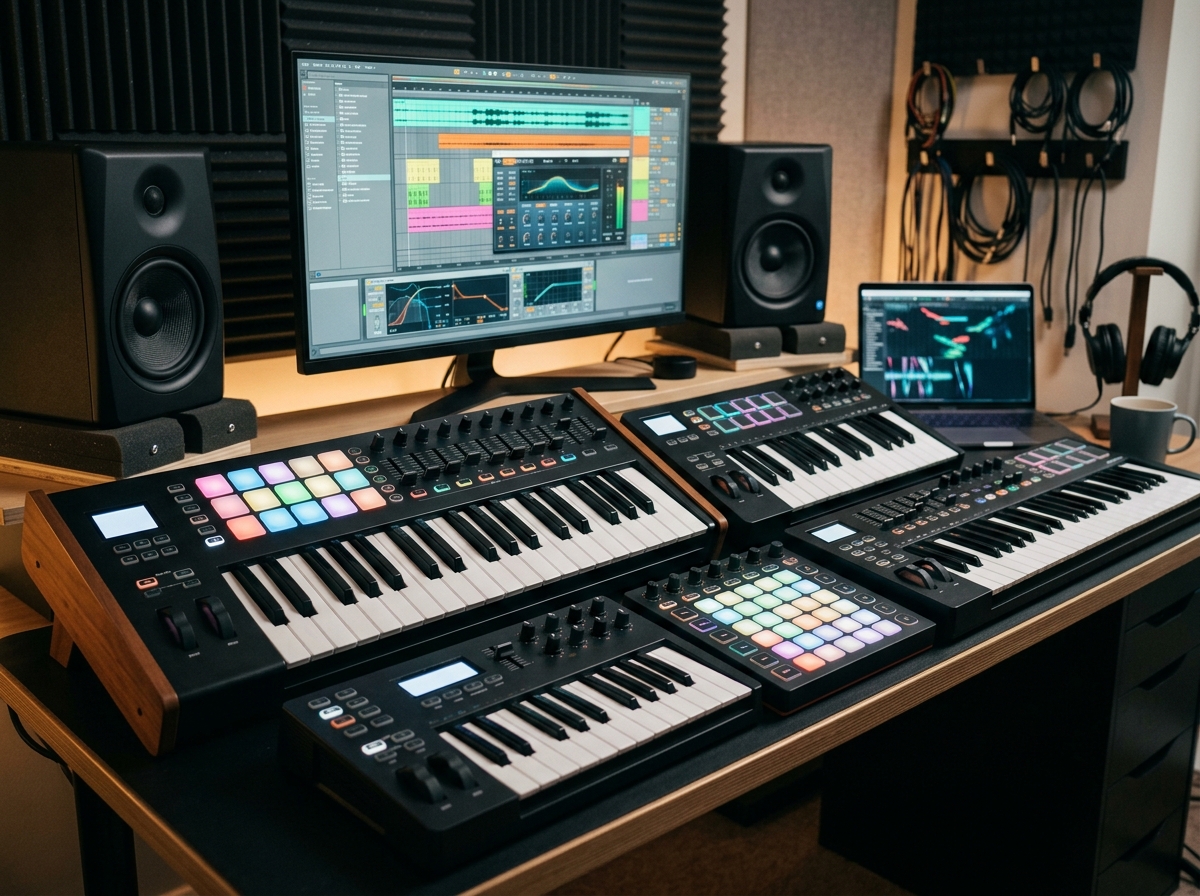
Finding the right MIDI keyboard controller can completely change how you make music. Whether you are laying down piano parts, programming drum patterns, or tweaking synth parameters in real time, a solid keyboard controller gives you a hands-on connection to your DAW that a mouse simply cannot match.
Our team has spent months comparing MIDI keyboard controllers across every category: compact 25-key units for tight desk spaces, 49-key workhorses for home studios, and 61-key controllers for players who need a wider range without going full 88 keys. We tested each one with Ableton Live, Logic Pro, FL Studio, and other popular DAWs to see how well they actually integrate into real production workflows.
In this guide, we break down the best MIDI keyboard controllers for music production in 2026. We cover everything from ultra-portable budget options to professional-grade controllers with semi-weighted keys, aftertouch pads, and comprehensive DAW integration. Whether you are a complete beginner buying your first controller or an experienced producer upgrading your studio, you will find the right match here.
Top 3 Picks for Best MIDI Keyboard Controllers

Novation Launchkey 61 MK4
- 61 Semi-Weighted Keys
- FSR Pads with Aftertouch
- Scale and Chord Modes

Arturia KeyLab Essential mk3 49
- 49 Fatar Keys
- Software Bundle Worth $400+
- 9 Faders and 9 Encoders

Akai Professional MPK Mini MK3
- 25 Mini Keys
- 8 MPC Pads
- Built-in Arpeggiator
- Includes MPC Beats
These three controllers represent the best of what is available right now. The Novation Launchkey 61 MK4 earns our top spot for its premium semi-weighted keybed and unmatched DAW integration. The Arturia KeyLab Essential mk3 delivers incredible value with a Fatar keybed and software bundle worth more than the controller itself. And the Akai MPK Mini MK3 remains the king of budget-friendly controllers with over 30,000 reviews backing it up.
Best MIDI Keyboard Controllers for Music Production in 2026
| Product | Details | Action |
|---|---|---|
|
|
Check Latest Price |
|
|
Check Latest Price |
|
|
Check Latest Price |
 |
|
Check Latest Price |
 |
|
Check Latest Price |
 |
|
Check Latest Price |
 |
|
Check Latest Price |
 |
|
Check Latest Price |
 |
|
Check Latest Price |
 |
|
Check Latest Price |
 |
|
Check Latest Price |
 |
|
Check Latest Price |
1. Novation Launchkey 61 MK4 – Best Overall MIDI Controller
Novation Launchkey 61 MK4 USB MIDI Keyboard Controller
61 Semi-Weighted Keys
16 FSR Pads with Aftertouch
Scale and Chord Modes
NKS Ready
3 Year Warranty
+ Pros
- Premium semi-weighted keybed feel
- Seamless DAW integration with all major software
- FSR pads with polyphonic aftertouch
- Scale Mode and Chord Mode built in
- Excellent software bundle included
– Cons
- Bundled software requires multiple accounts
- Linux compatibility can be spotty
- No dedicated MIDI program switch
I have been using the Novation Launchkey 61 MK4 as my primary controller for the past few months, and it has become the one I reach for before any other. The semi-weighted keybed has a genuinely premium feel that makes playing piano parts and synth lines satisfying. Every key responds consistently across the velocity range, and the action is smooth without being mushy.
The 16 FSR pads are a massive improvement over previous generations. They respond to both velocity and polyphonic aftertouch, which means you can add expression to drum patterns and synth performances after the initial strike. I mapped them to control different drum racks in Ableton Live and they feel responsive enough for detailed finger drumming.
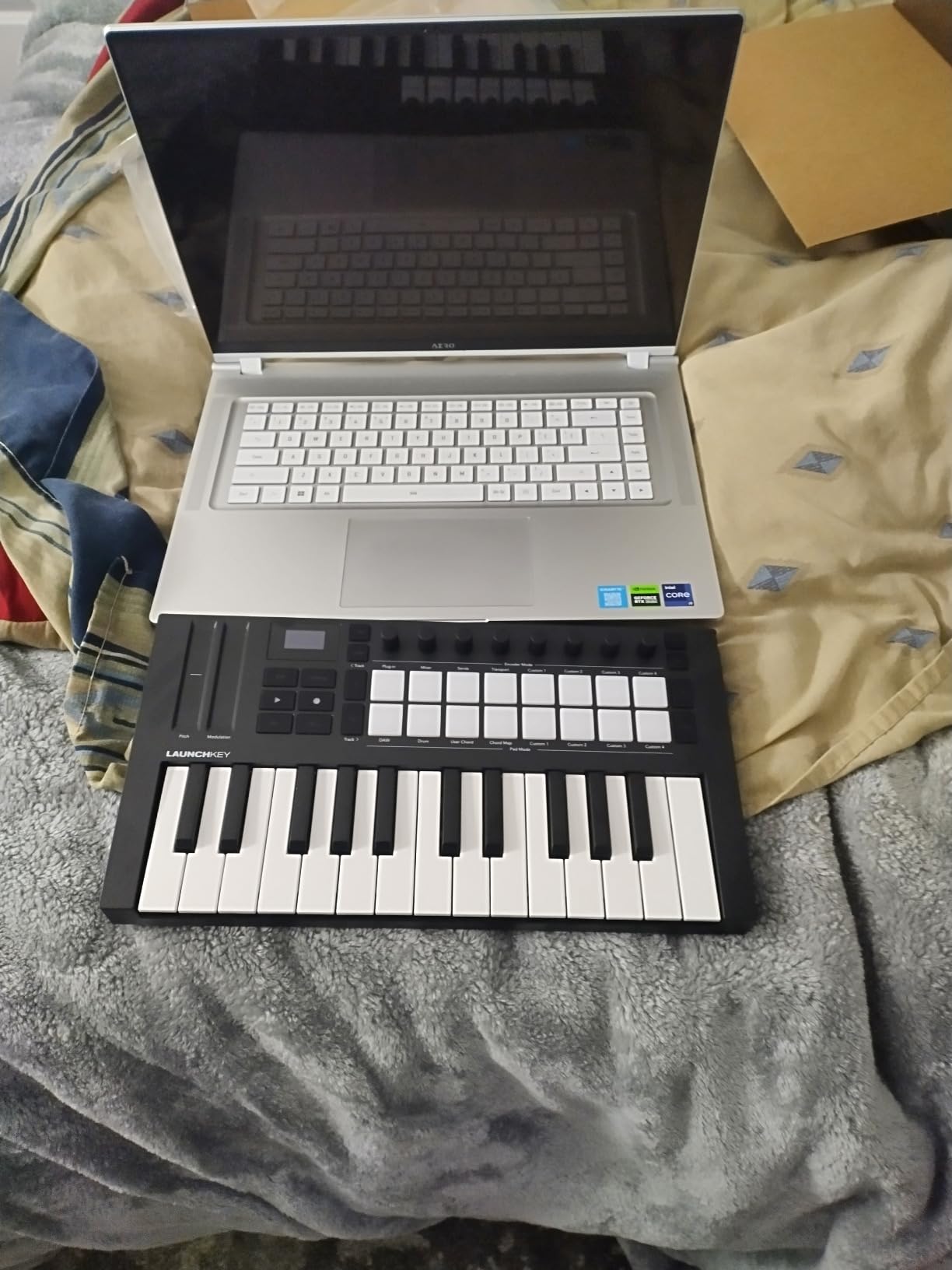
What sets this controller apart is the deep DAW integration. It works seamlessly with Ableton Live, Logic Pro, Cubase, Reason, Reaper, and FL Studio. Scale Mode locks your playing to a specific scale so you never hit a wrong note, and Chord Mode lets you trigger full chords from single keys or pads. The arpeggiator with mutation capabilities adds another layer of creative potential.
The build quality is solid at 10.5 pounds. It has some heft to it, which keeps it planted on your desk during intense playing sessions. The knobs, faders, and buttons all have a satisfying tactile feel. My only real complaint is that the included software requires you to create accounts with several different companies, which is a minor hassle during setup.
DAW Compatibility and Integration
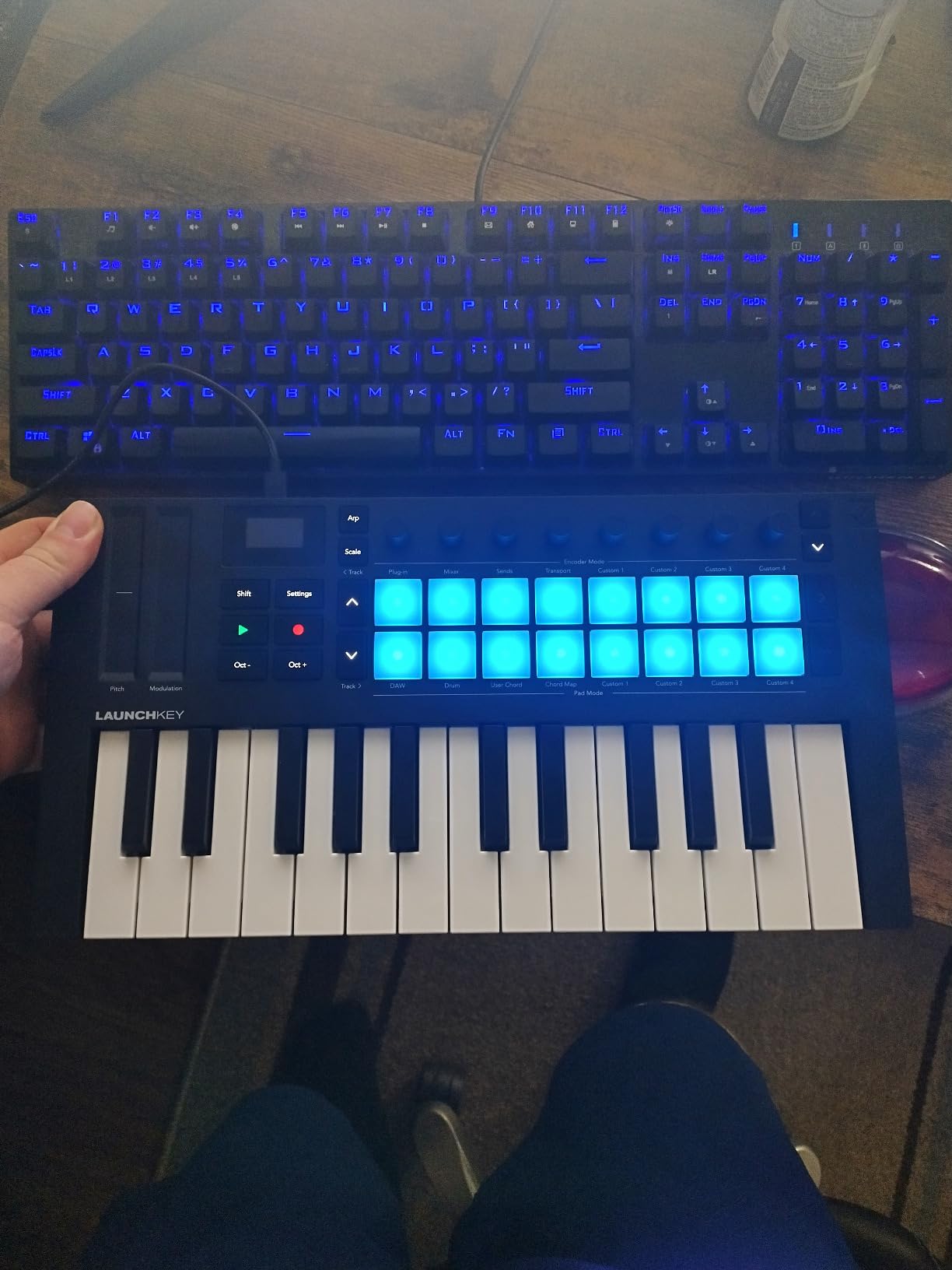
The Launchkey 61 MK4 auto-maps its controls to whatever DAW you open. In Ableton Live, the pads instantly become clip launchers, the faders control mixer channels, and the knobs map to device parameters. In Logic Pro and FL Studio, the integration is equally smooth with transport controls, mixer mapping, and plugin parameter control all working out of the box. NKS support means you get hands-on control of Native Instruments plugins as well.
Who Should Consider This Controller
This is the controller I recommend for intermediate to advanced producers who want a do-everything keyboard. It is ideal if you produce across multiple DAWs, play both keys and drums, and need a wide enough key range for two-handed playing without committing to a full 88-key controller. It is less ideal for producers with very limited desk space or those on a tight budget.
2. Arturia KeyLab Essential mk3 49 – Best Value 49-Key Controller
Arturia KeyLab Essential mk3 — 49 Key USB MIDI Keyboard Controller with Analog Lab V Software Included
49 Synth-Action Keys with Fatar Keybed
2.5 Inch LCD
9 Faders and 9 Encoders
Analog Lab V Included
USB-C and MIDI Out
+ Pros
- Fatar keybed quality at this price is outstanding
- Software bundle worth over $400 alone
- Comprehensive controls with 9 faders and 9 encoders
- Bright LCD screen for real-time feedback
- Custom DAW scripts for major software
– Cons
- Faux wood sides are not to everyones taste
- Software installation takes time
- No polyphonic aftertouch
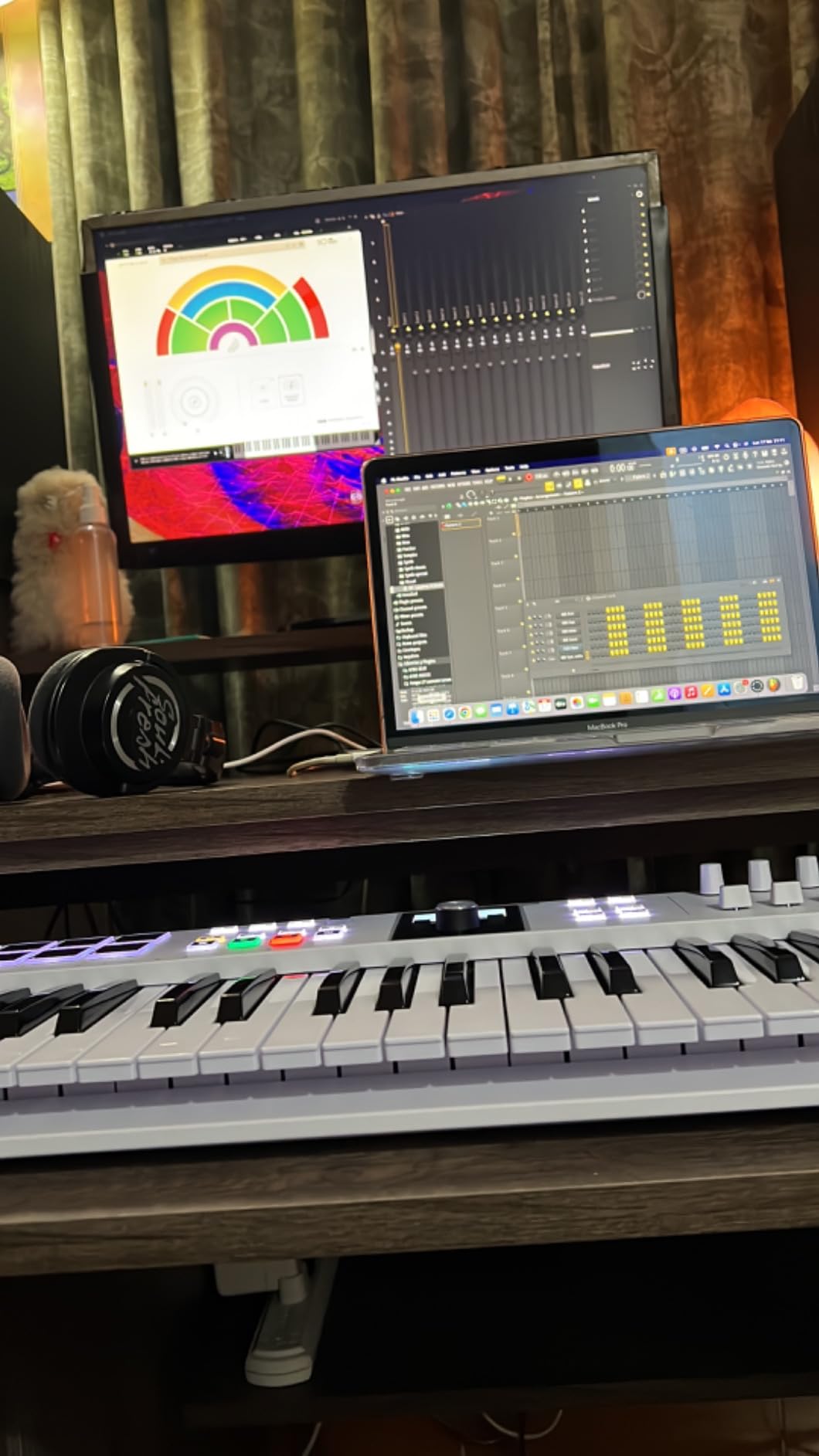
The Arturia KeyLab Essential mk3 punches well above its weight class. The moment I started playing on the Fatar keybed, I understood why Reddit users consistently recommend this controller for beginners and intermediate producers alike. The keys have a responsive, musical feel that makes you want to keep playing.
The software bundle is where this controller really separates itself. You get Analog Lab Pro with over 2,000 presets covering vintage synths, modern hybrids, and orchestral sounds, plus Ableton Live Lite and The Gentleman piano. The combined value of the included software exceeds the cost of the controller itself.
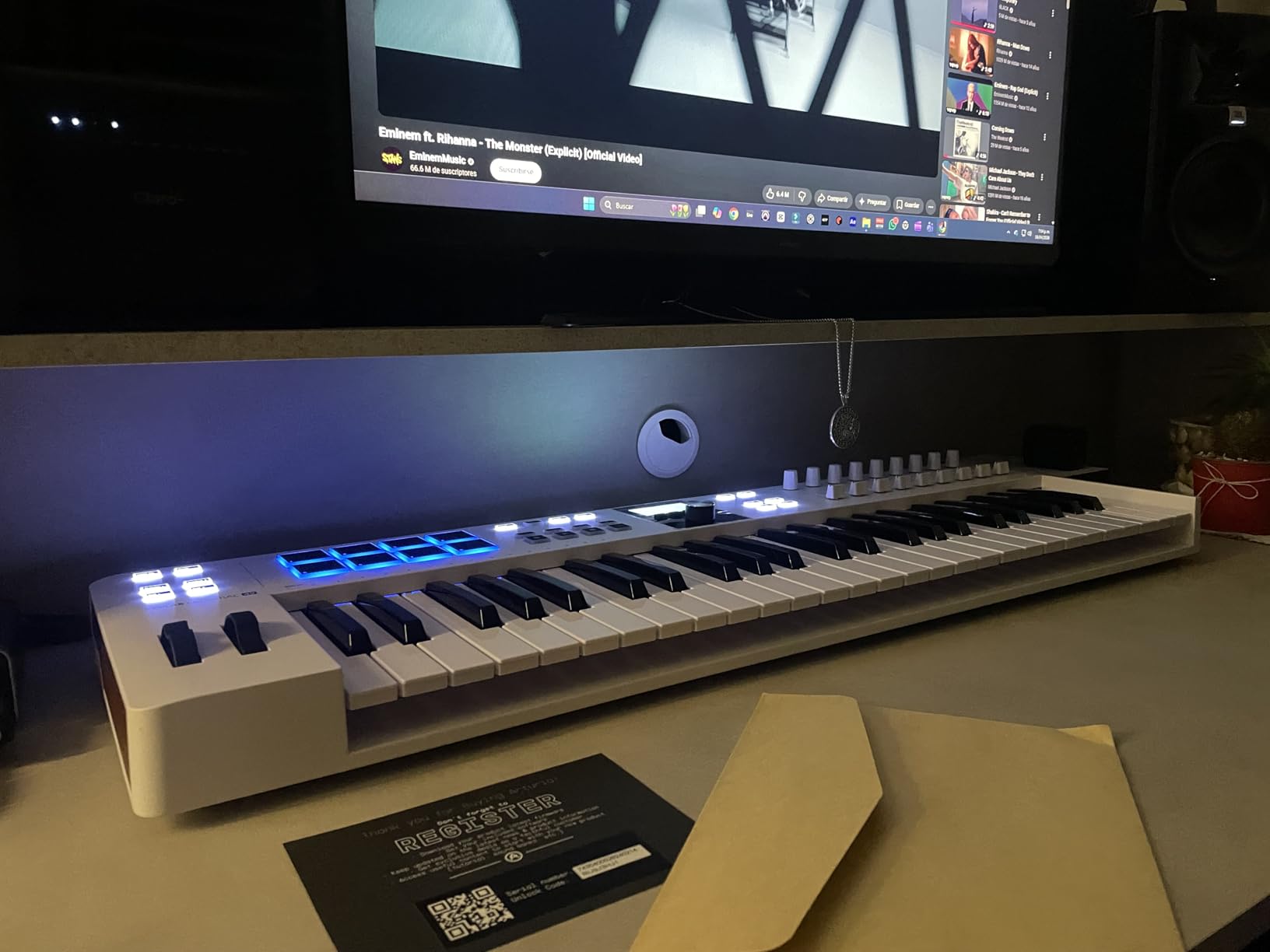
Arturia built custom integration scripts for Ableton Live, Logic Pro X, FL Studio, and Cubase. The 2.5-inch LCD screen gives you real-time feedback on parameter values, preset names, and DAW status. The 8 RGB-backlit pads support velocity and pressure sensitivity, and the Scale Mode, Chord Mode, and arpeggiator open up creative possibilities even if you are not a trained keyboard player.
The build quality is solid at 6.1 pounds, with a sturdy plastic chassis. The faux wood side panels are a design choice that some people love and others find off-putting. Personally, I do not mind them, but I can see how they might not fit every studio aesthetic. The USB-C connection and 5-pin MIDI out port give you flexibility for connecting to modern computers and vintage gear alike.
Software Bundle and Value
The included Analog Lab V software is genuinely useful, not just a teaser. You get access to sounds modeled after iconic synthesizers like the Minimoog, Prophet-5, and Juno-106, plus orchestral patches and modern hybrid sounds. This alone would cost hundreds of dollars if purchased separately. When you factor in the controller hardware, the Fatar keybed, and all the creative tools, the value proposition is hard to beat.
Ideal Studio Setup
The 49-key form factor is what many forum users call the sweet spot for home studios. It fits comfortably on most desks while providing enough range for two-handed chord playing. This controller is ideal for home studio producers who want professional-quality keys and comprehensive DAW control without spending premium money. If you are primarily a beat maker who rarely plays chords, a more pad-focused compact controller might serve you better.
3. Akai Professional MPK Mini MK3 – Best Budget MIDI Controller
Akai Professional MPK Mini MK3 25-Key USB MIDI Keyboard Controller
25 Mini Velocity-Sensitive Keys
8 Backlit MPC Pads
8 Knobs
Built-in Arpeggiator
Includes MPC Beats and 1500+ Sounds
+ Pros
- Outstanding value for the money
- Ultra-compact and portable design
- Responsive velocity-sensitive keys
- Includes MPC Beats and virtual instruments
- Plug-and-play with any DAW
– Cons
- Mini keys take getting used to
- Limited to 25 keys
- Plastic construction feels lightweight
The Akai MPK Mini MK3 is the best-selling MIDI controller for a reason. With over 30,000 customer reviews and a 4.6-star rating, it has earned its reputation as the go-to budget controller for beginners and traveling producers. I have kept one in my backpack for impromptu sessions, and it has never let me down.
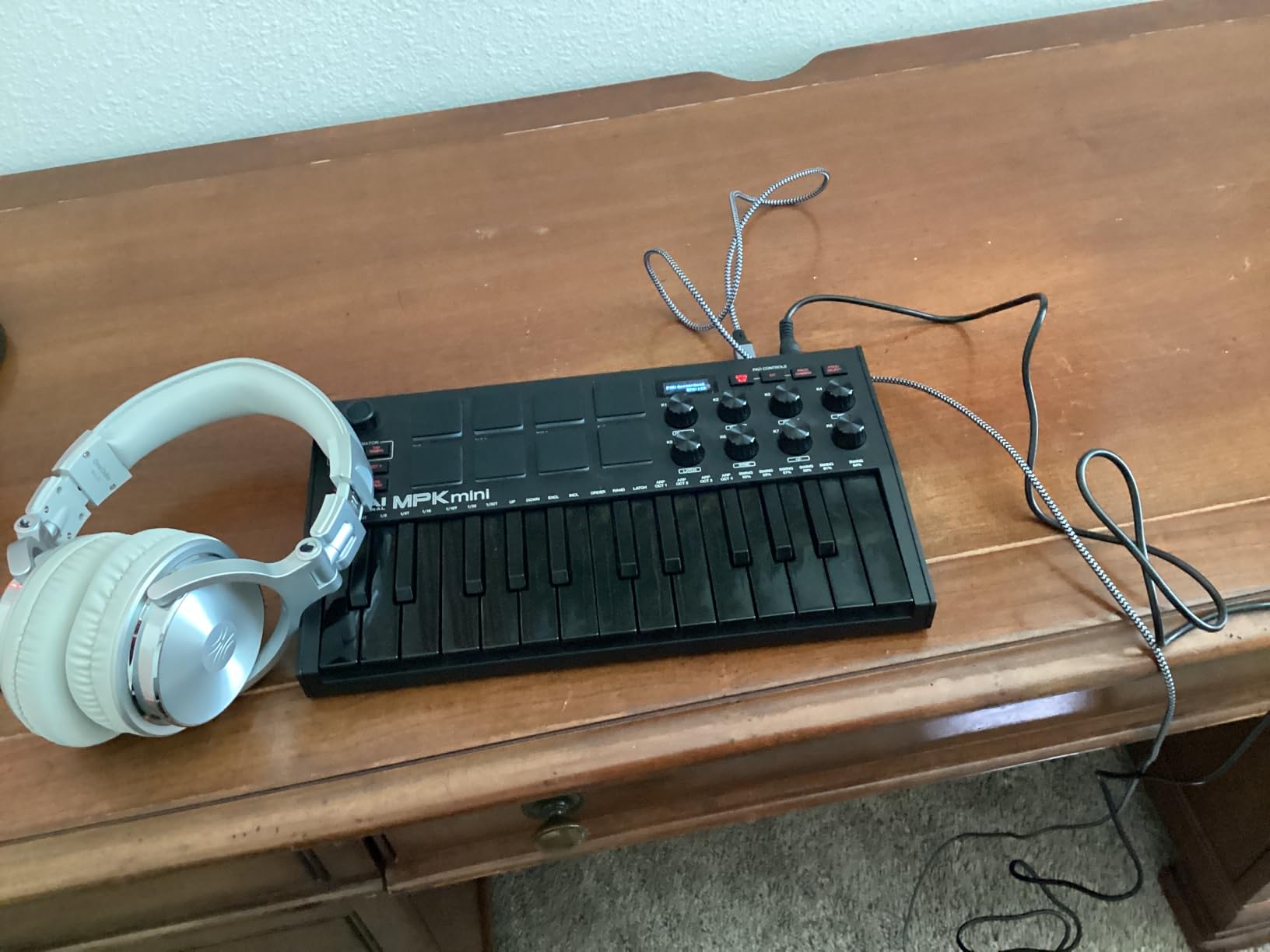
At just 0.9 kilograms and measuring 12.5 inches wide, this controller fits in a laptop bag alongside your computer. The 25 mini keys are velocity-sensitive and surprisingly playable once you adjust to the smaller size. The 4-way thumbstick handles pitch bend and modulation, which works well enough for most production tasks even if it is not as precise as dedicated wheels.
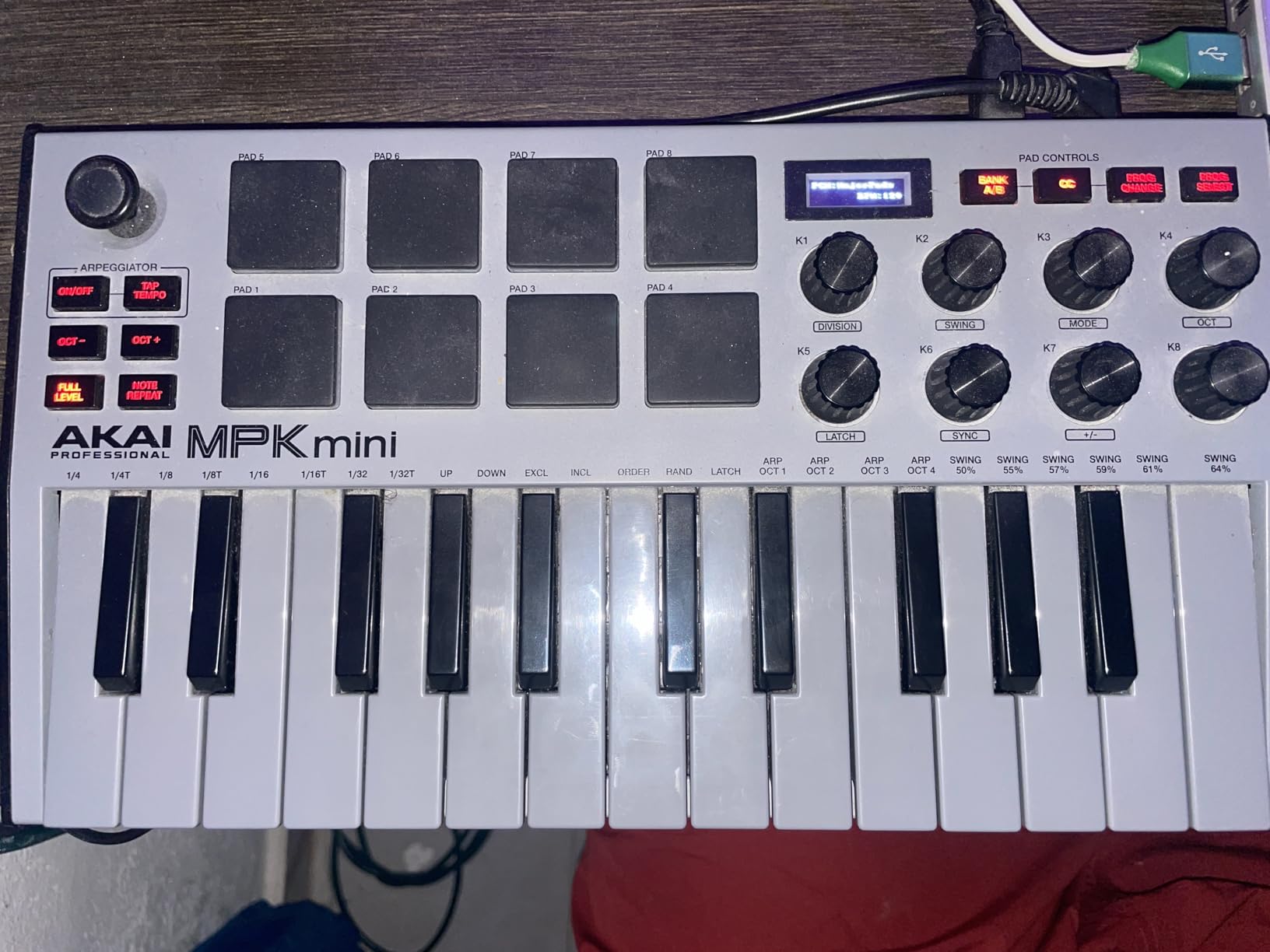
The 8 MPC-style drum pads are backlit and respond to velocity with Note Repeat and Full Level functions built in. I found them responsive for programming drums and triggering one-shots. The 8 rotary knobs give you hands-on control over plugin parameters, and the built-in arpeggiator with adjustable resolution, range, and modes adds creative potential that you do not usually find at this price.
The included software bundle is generous for the price point. You get MPC Beats (a full beat-making DAW), three virtual instruments, and over 2GB of sound content. Native Kontrol Standard integration means it works smoothly with Native Instruments software too. Setup is genuinely plug-and-play on both Mac and Windows.
Portability and Travel Use
This is where the MPK Mini truly shines. It is light enough to toss in a backpack, durable enough to survive being jostled around, and simple enough that you can start making music within minutes of unboxing. Many Reddit users specifically recommend it for producers who travel, produce in coffee shops, or have extremely limited desk space. If your production workflow centers around programming drums and playing simple melodies, this controller delivers everything you need.
Limitations to Know About
The mini keys are the main trade-off. If you have larger hands or are trained on full-size piano keys, you will need time to adjust. The 25-key range means you are working within a two-octave window at any time, which requires frequent octave shifting for melodies that span wider ranges. This controller is not ideal if you plan to do serious two-handed piano playing or need a full range for live performance.
4. Novation Launchkey Mini 25 MK4 – Best Compact Controller for Ableton
Novation Launchkey Mini 25 MK4 USB MIDI Keyboard Controller
25 Mini Keys
16 FSR Pads with Aftertouch
Scale and Chord Modes
Multi-Mode Arpeggiator
NKS Ready
+ Pros
- Top-rated 4.8 stars with near-universal praise
- 16 FSR pads with polyphonic aftertouch
- Scale Mode prevents wrong notes
- Seamless Ableton Live integration
- Extremely portable at 1.7 pounds
– Cons
- Software requires multiple account signups
- Linux support can be inconsistent
- Only 25 mini keys
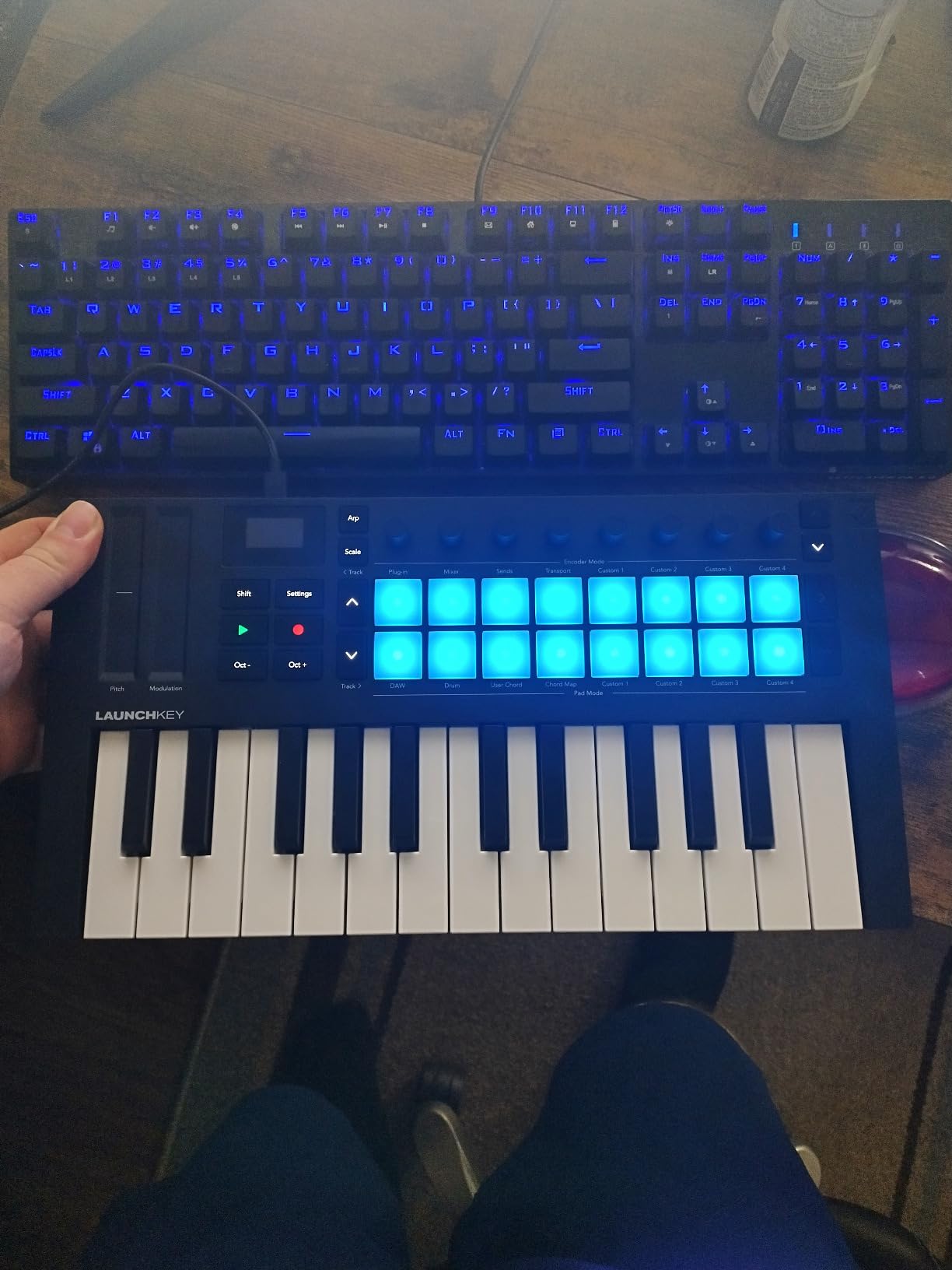
The Novation Launchkey Mini 25 MK4 holds the highest rating in our lineup at 4.8 stars, and after testing it extensively with Ableton Live, I understand why. This little controller was clearly designed by people who use Ableton every day. The pads instantly become clip launchers, the knobs auto-map to device parameters, and the transport controls work without any manual configuration.
The 16 FSR pads support polyphonic aftertouch, which is remarkable at this size and price. They respond beautifully for finger drumming, and the aftertouch adds an expressive dimension to synth performances. Scale Mode locks your playing to any of several musical scales, so even if you are not a trained keyboardist, you can play confidently without hitting sour notes.
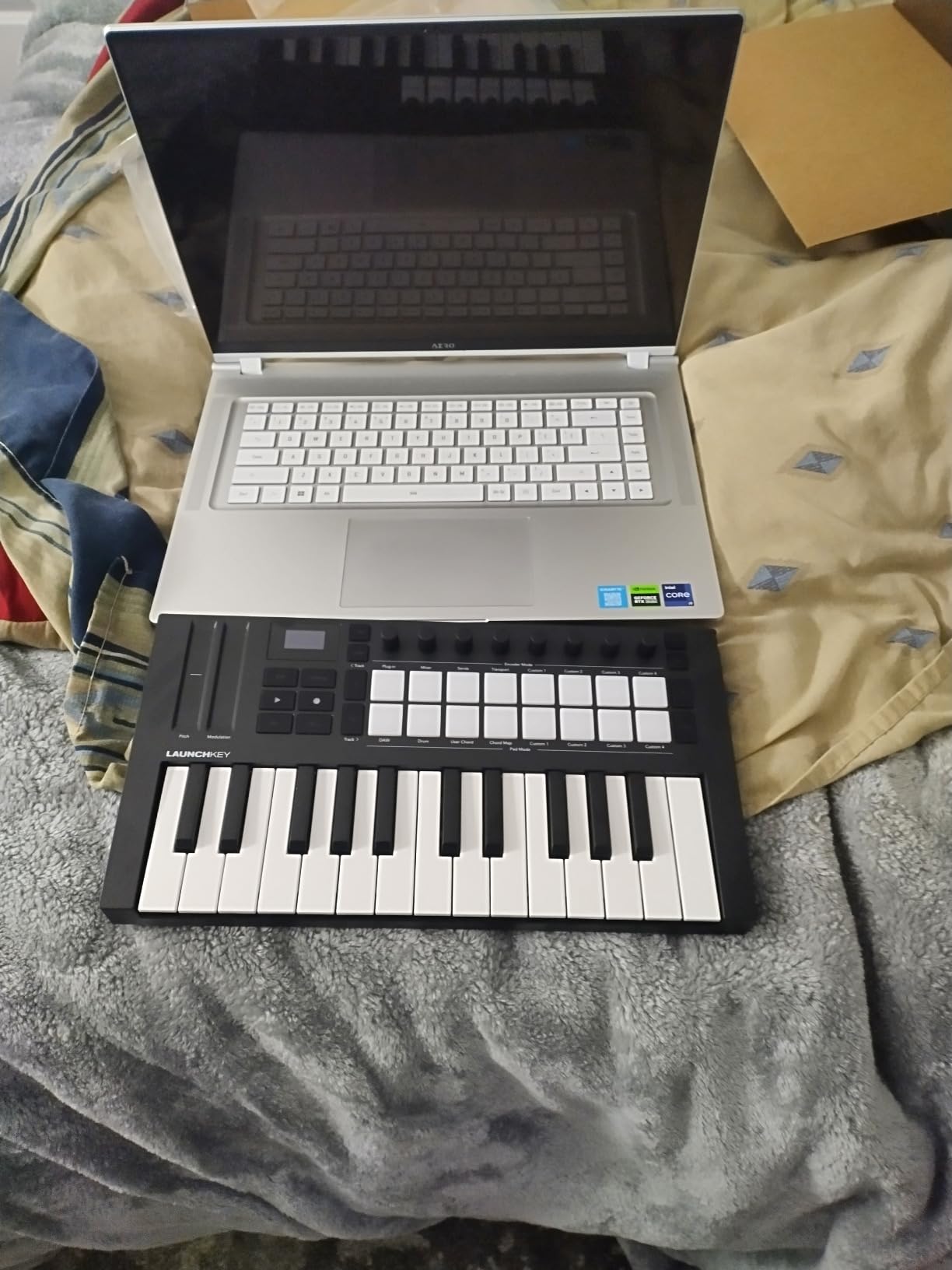
Chord Mode is another standout feature that lets you trigger full chord voicings from single keys or pads. Combined with the arpeggiator and its mutation options, you can generate complex musical ideas quickly. The controller also integrates with Logic Pro, Cubase, Reason, Reaper, and FL Studio, though the Ableton integration is where it really shines.
At 1.7 pounds, it is one of the lightest controllers we tested. The build feels surprisingly sturdy for the weight. The included software bundle covers Ableton Live Lite, Cubase LE, and instruments from GForce, Klevgrand, and Native Instruments. The only frustration is that you need to create separate accounts with each software provider to redeem everything.
Ableton Live Workflow
If you use Ableton Live as your primary DAW, this controller should be at the top of your list. The pads double as clip launchers with visual feedback that matches Ableton’s session view. Knobs auto-map to the currently selected device, and the transport buttons control playback, recording, and loop functions. It is one of the few compact controllers that truly feels like an extension of Ableton rather than a generic MIDI device.
Creative Production Features
The combination of Scale Mode, Chord Mode, and the arpeggiator makes this controller a powerful creative tool even for non-keyboardists. You can sketch out chord progressions, generate arpeggiated patterns, and experiment with melodies without worrying about music theory. These features make it especially appealing for beat makers and electronic producers who think in terms of patterns and textures rather than traditional piano playing.
5. Arturia MiniLab 3 – Best Portable 25-Key Controller
Arturia MiniLab 3 Universal MIDI Controller, White
25 Slim Keys with Synth Action
8 Rotary Encoders
4 Faders
Capacitive Touch Sensors
MIDI Out Port
5 Year Warranty
+ Pros
- Exceptional key feel for a compact controller
- Real MIDI out port for hardware integration
- Clean design with premium aesthetics
- Excellent bundled software including Analog Lab Intro
- 5-year warranty provides peace of mind
– Cons
- Pads can feel wobbly at edges
- Transport controls shared with pads
- Minimal labeling on device face
Arturia knows how to make keys feel good. The MiniLab 3 has what I consider the best key feel among compact 25-key controllers. The slim keys have a synth-action response that is consistent across the velocity range, and playing them feels natural even if you are used to full-size keys. One reviewer who tested four different controllers side by side rated the MiniLab 3 as having the best key feel of the group.
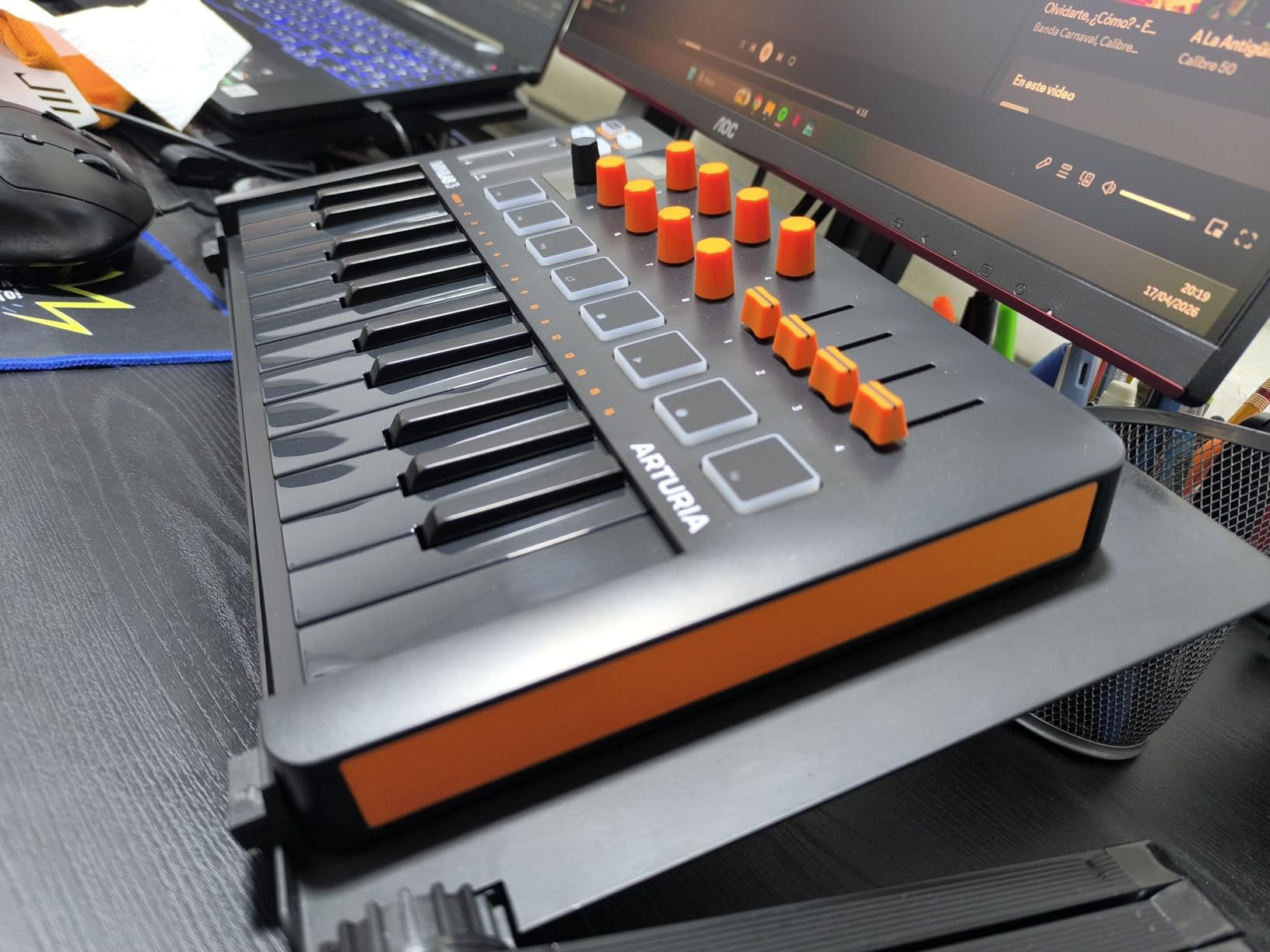
The design is clean and minimal with faux wood side panels that give it a distinctive look. The 8 rotary encoders and 4 faders provide solid hands-on control for mixing and plugin parameters. The capacitive touch sensors for pitch bend and modulation are a unique choice. They take some getting used to compared to traditional wheels, but they work well once you develop the muscle memory.
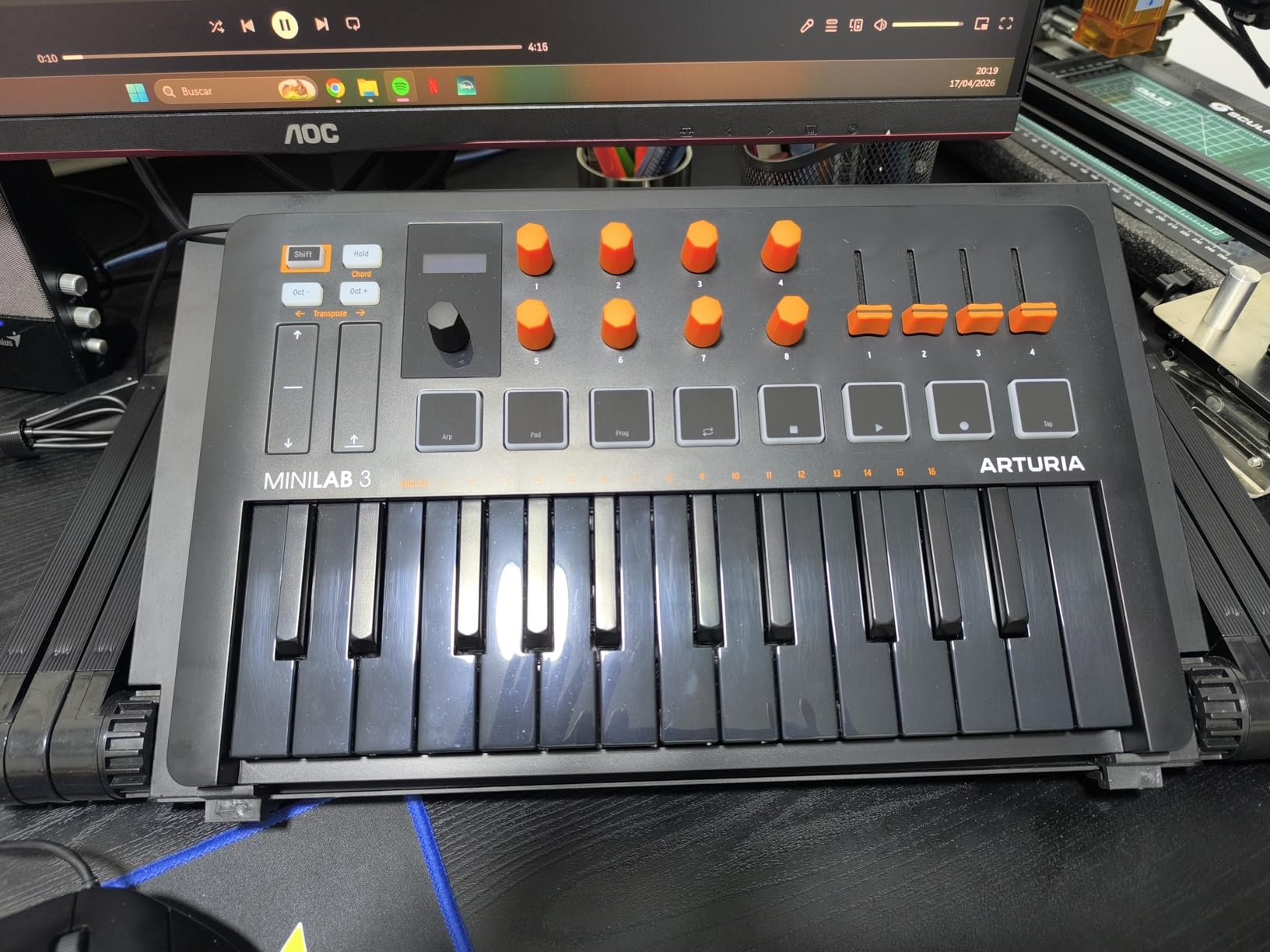
A real MIDI out port sets this controller apart from most compact options. If you have hardware synthesizers or sound modules, you can connect directly without needing a separate MIDI interface. The included software suite covers Ableton Live Lite, Analog Lab Intro, and UVI Model D, which is a solid starting package for any new producer.
The 5-year warranty is the longest in this category and speaks to Arturia’s confidence in their build quality. At 3.09 pounds, it is heavier than some 25-key competitors, but that extra weight translates to a more substantial feel on the desk. The pads are the weakest point. They work fine in the center but can feel wobbly when pressed near the edges.
Hardware Integration Potential
The dedicated MIDI out port is a significant advantage if you work with hardware synths, drum machines, or modular gear. You can send MIDI data directly from the MiniLab 3 to external devices without routing through your computer. This makes it an excellent hub for small hardware setups where you want a keyboard to control multiple sound sources.
Build Quality and Longevity
The 5-year warranty is not something you see often in this price range. Arturia clearly stands behind the construction. The chassis has minimal flex, the knobs have defined detents, and the faders move smoothly without scratchiness. If you plan to use your controller for years without upgrading, the MiniLab 3’s build quality and warranty make a compelling case for long-term reliability.
6. M-Audio Oxygen Pro 49 – Best Semi-Weighted 49-Key Controller
M-AUDIO Oxygen Pro 49 USB MIDI Keyboard Controller
49 Semi-Weighted Keys with Aftertouch
16 RGB Drum Pads
9 Faders and 8 Knobs
Smart Chord and Scale
NKS Integration
5-Pin MIDI Out
+ Pros
- Semi-weighted keys feel professional and responsive
- 16 RGB backlit drum pads with Note Repeat
- Comprehensive controls with knobs faders and buttons
- Smart Chord and Smart Scale modes
- NKS integration with Native Instruments
– Cons
- Software setup can be tedious with some DAWs
- No aftertouch on the 49-key model
- Pitch and modulation wheels are basic
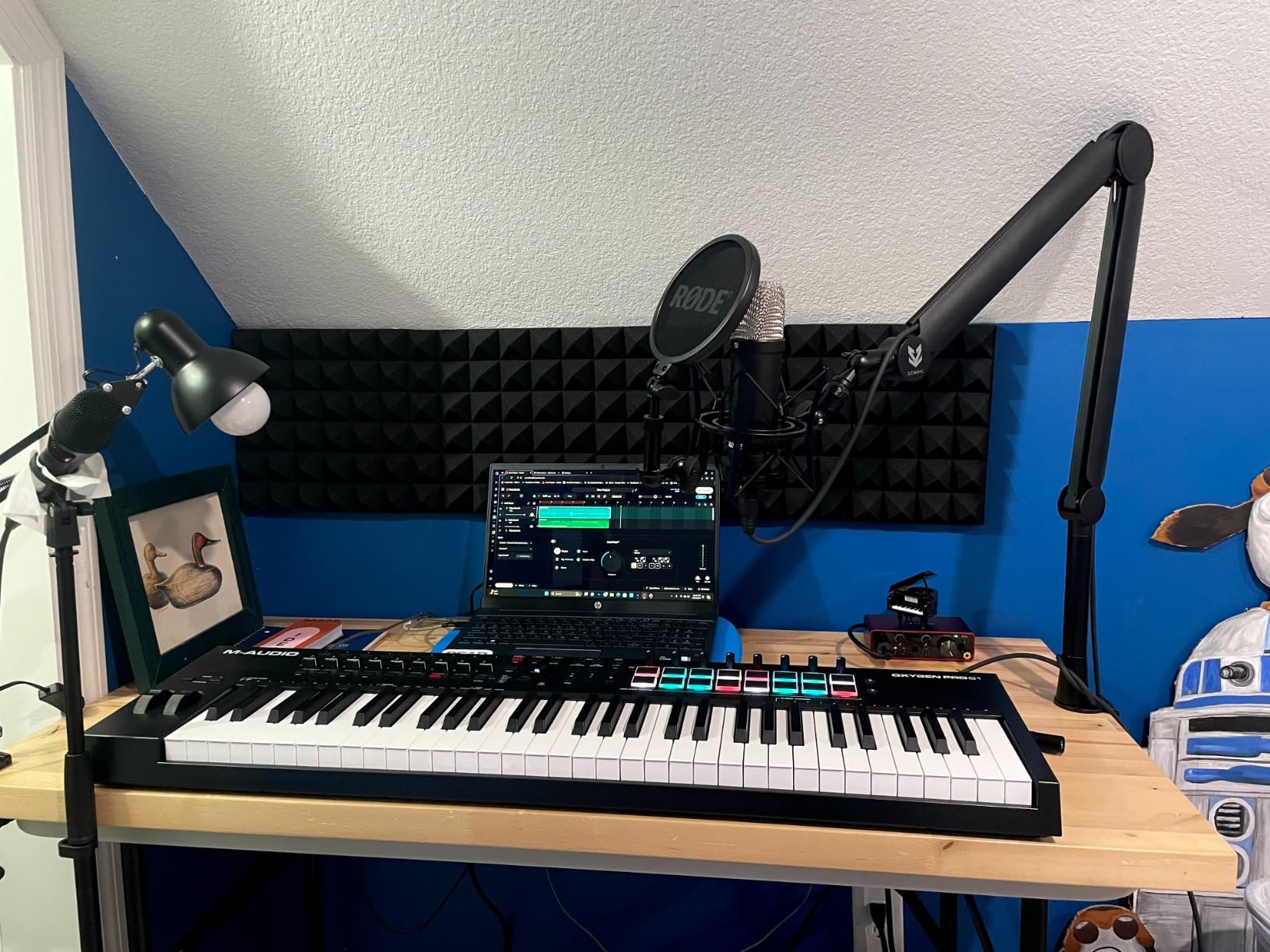
The M-Audio Oxygen Pro 49 is built for producers who want studio-grade controls without the studio-grade price tag. The semi-weighted keys have a satisfying resistance that feels closer to a real piano than the synth-action keys on most controllers in this range. I found them comfortable for extended playing sessions, whether laying down piano parts or triggering synth leads.
The 16 RGB backlit drum pads are generous for a 49-key controller. They support Note Repeat for rapid-fire hi-hat patterns and roll effects. The 8 assignable knobs and 9 assignable faders give you comprehensive control over your mixer and plugins. Smart Chord and Smart Scale modes help you play musically even if you are not a trained pianist.
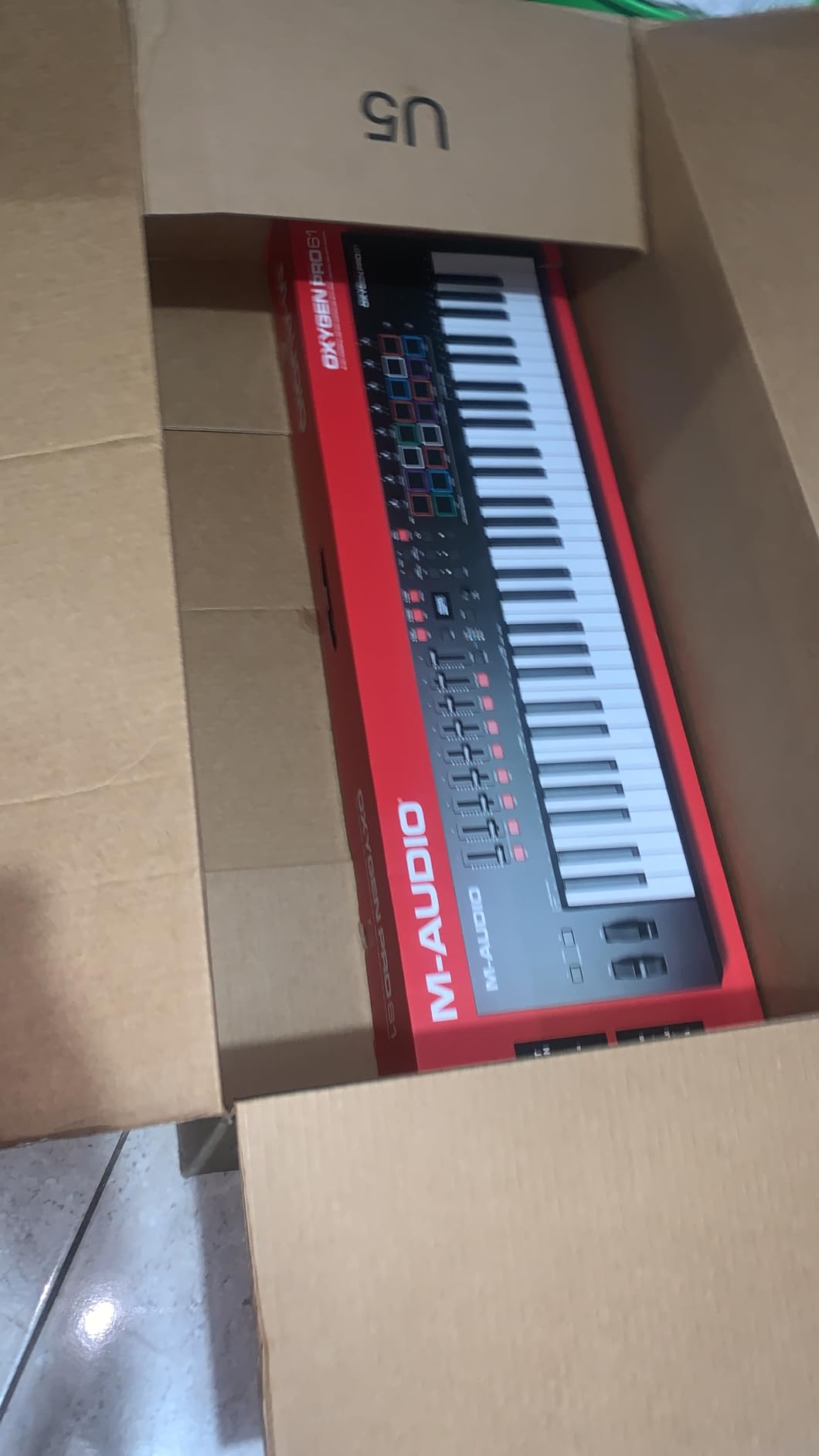
Build quality is solid at 4.2 kilograms. The controller feels substantial enough for regular studio use and live performance. NKS integration means tight control over Native Instruments plugins, and the included software covers MPC Beats, Ableton Live Lite, and AIR Music Tech virtual instruments. The 5-pin MIDI output lets you connect to external hardware.
The main downside is setup complexity. Several users report that getting full DAW integration working, particularly with FL Studio, requires manual mapping and configuration. Once everything is set up, it works reliably, but the initial process can be frustrating if you are not comfortable with MIDI routing.
Studio Production Workflow
The combination of semi-weighted keys, 16 pads, 9 faders, and 8 knobs makes this controller well-suited for all-in-one studio production. You can play keys, program drums, mix tracks, and control plugin parameters without reaching for your mouse. The Smart Chord feature generates full chord voicings from single keys, which is handy for producers who think melodically but lack formal keyboard training.
DAW Setup Considerations
M-Audio provides auto-mapping presets for most major DAWs, but the experience varies. Ableton Live and Logic Pro users generally report smooth setup. FL Studio users may need to spend extra time configuring MIDI routing. The included software download cards activate through separate accounts, which adds time to the initial setup process. Plan for about 30 to 45 minutes of configuration before you are fully up and running.
7. Akai Professional MPK Mini Plus – Best 37-Key Controller with CV/Gate
Akai Professional MPK Mini Plus 37-Key USB MIDI Keyboard Controller
37 Mini Keys Covering 3 Octaves
8 RGB MPC Pads with Aftertouch
Built-in 64-Step Sequencer
CV/Gate and MIDI I/O
NKS Integration
+ Pros
- 37 keys cover 3 full octaves for better playability
- CV/Gate outputs for modular synth integration
- Built-in step sequencer for standalone composition
- MPC pads with aftertouch are best-in-class
- NKS integration with Native Instruments
– Cons
- Mini keys feel plasticky compared to competitors
- No faders included
- Pads require firm hits to register
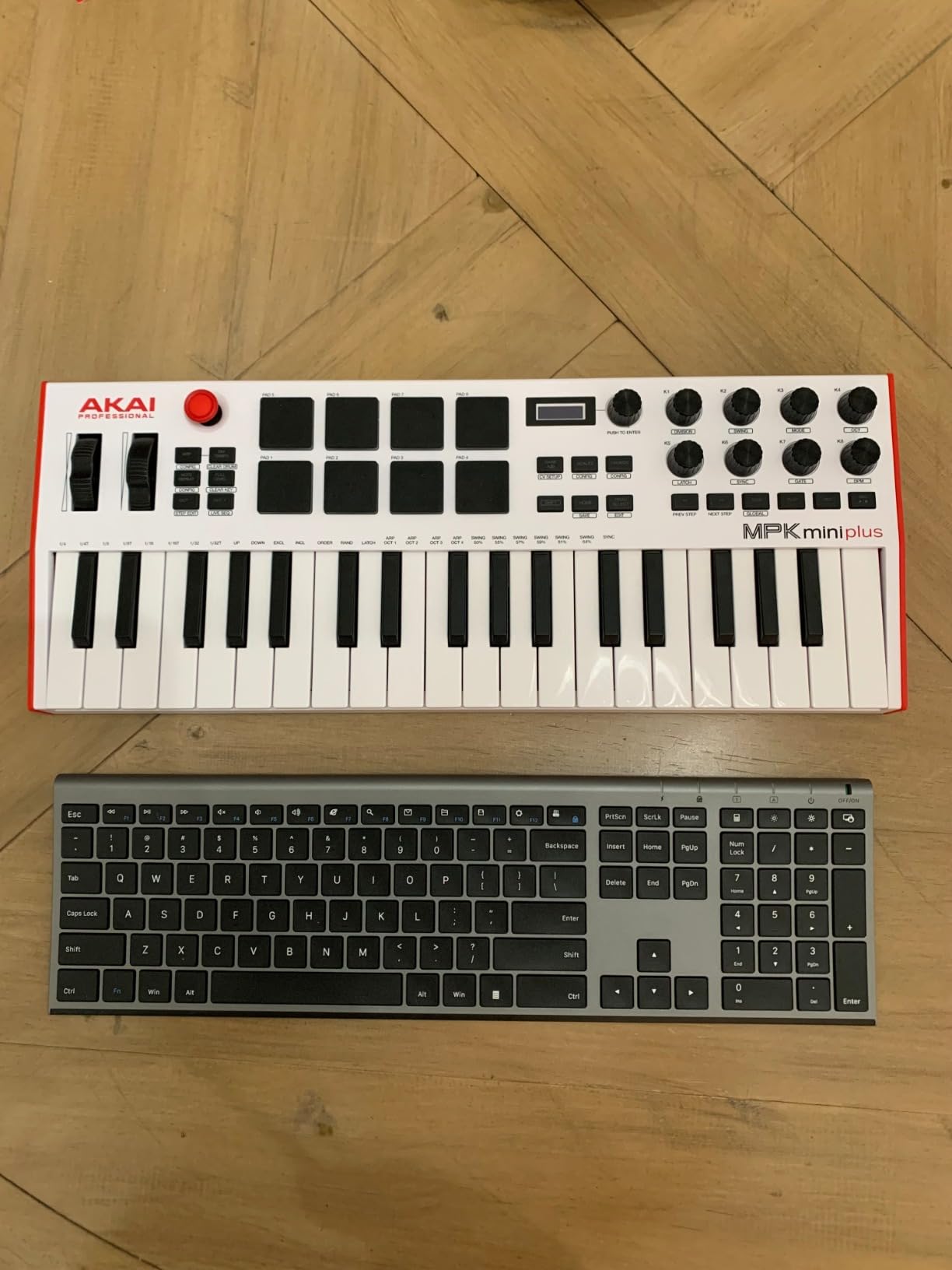
The Akai MPK Mini Plus occupies a unique position between compact 25-key controllers and full-size 49-key units. The 37-key layout gives you three full octaves of range, which is enough for two-handed playing of simple chord progressions and melodies without reaching for the octave shift button constantly.
What really sets this controller apart is the connectivity. The CV/Gate outputs let you connect directly to modular synthesizers and analog gear, which is rare at this size and price. Add the standard MIDI DIN in/out ports and USB connection, and you have a controller that can talk to virtually any piece of music hardware or software.
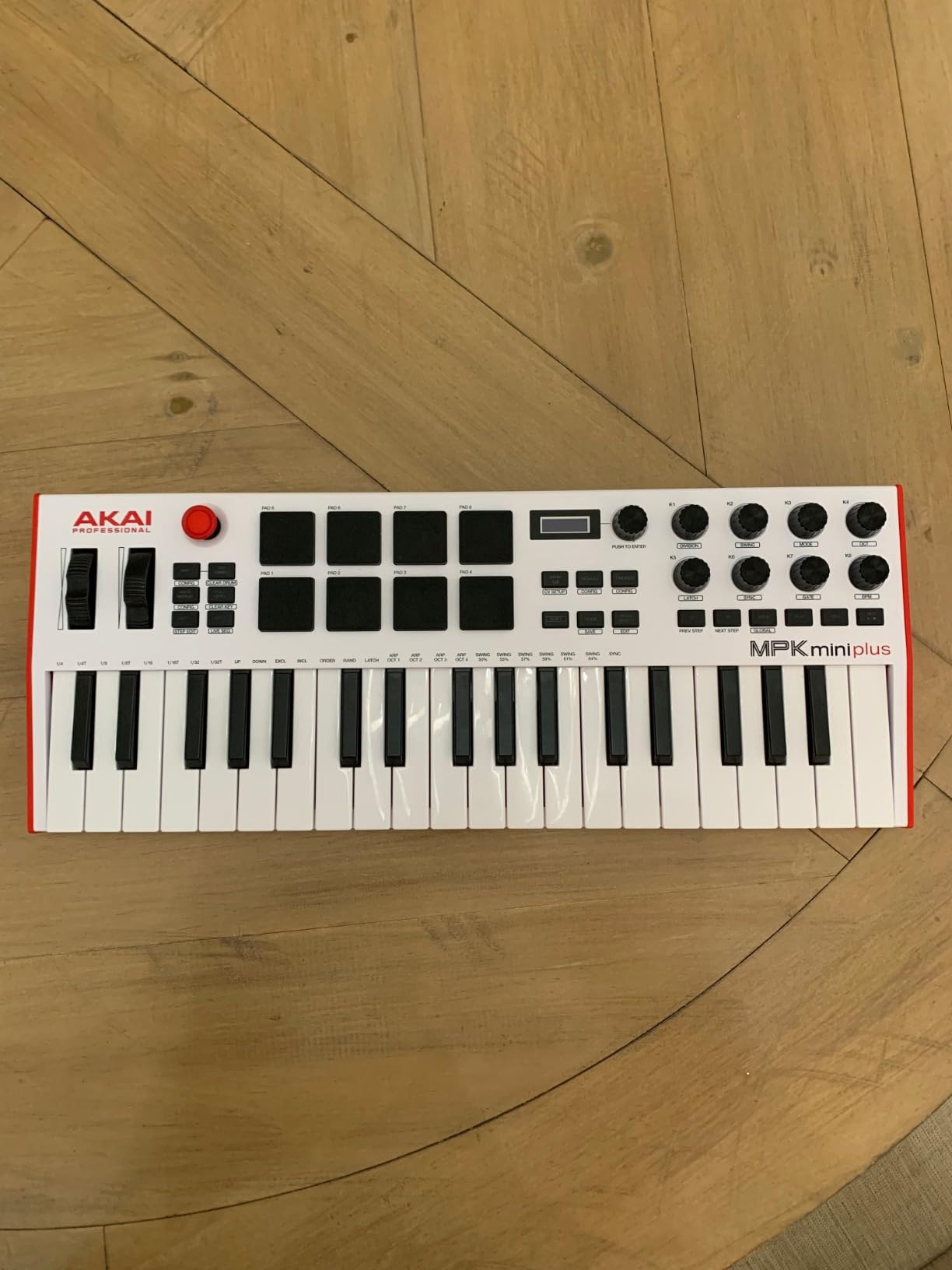
The built-in 64-step sequencer means you can create drum patterns and melodies without even opening your DAW. This is useful for sketching ideas on the go or generating sequences to send to external hardware. The 8 MPC pads with aftertouch are among the best pads on any compact controller, though they do require a firm touch to register consistently.
The included software covers MPC Beats and Native Instruments Komplete 15 Select, which is a substantial bundle. The NKS integration works well with the NI ecosystem. The trade-offs are the plasticky key feel, which lacks the quality of Arturia or Novation mini keys, and the absence of faders for mixer control. Some DAWs also require manual mapping rather than offering automatic configuration.
Modular Synth and Hardware Integration
If you work with modular synthesizers, the CV/Gate outputs on the MPK Mini Plus are a game-changer. You can send control voltage signals directly to oscillators, filters, and envelopes on your modular system. Combined with the MIDI DIN ports, this controller can serve as the central hub for a small hardware setup. It is one of the few controllers at this price that bridges the software and hardware worlds so effectively.
Sequencer and Standalone Workflow
The 64-step sequencer supports both drum and melody tracks, allowing you to build complete patterns without a computer. This makes the MPK Mini Plus useful as a creative sketchpad when you want to capture ideas away from your desk. You can sequence external hardware, layer drum patterns, and experiment with melodies all from the controller itself. It is an ideal feature for producers who like to start their creative process with hardware before moving into the DAW.
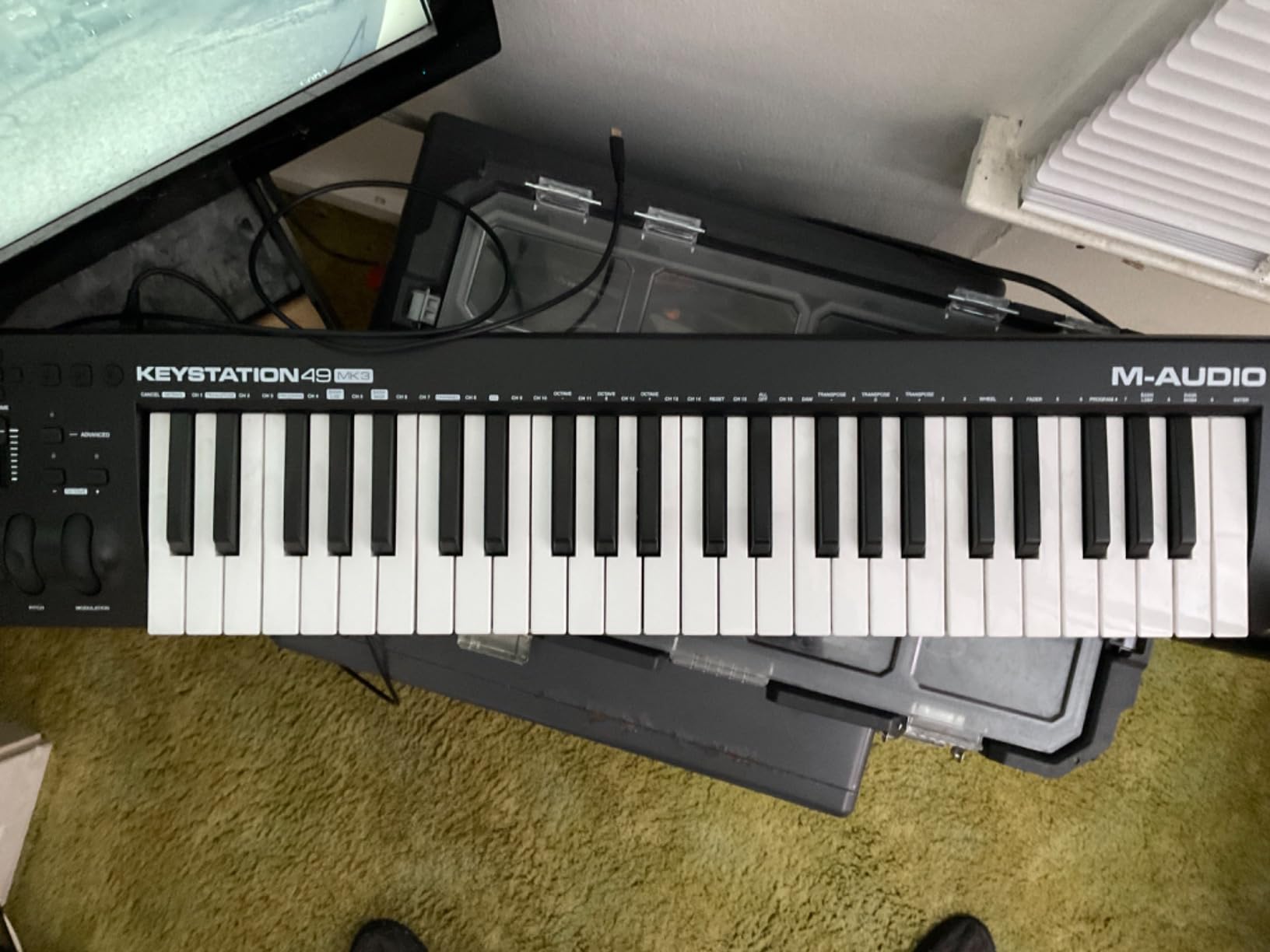
8. M-Audio Keystation 49 MK3 – Best Simple 49-Key Controller
M-AUDIO Keystation 49 MK3 USB MIDI Controller
49 Full-Size Velocity-Sensitive Keys
Pitch and Mod Wheels
Volume Fader
Transport Controls
iOS Compatible
Class Compliant USB
+ Pros
- 49 full-size keys for proper two-handed playing
- Plug-and-play class-compliant USB connection
- iOS compatible via Apple Camera Adapter
- Comprehensive software bundle included
- Free lessons from Skoove and Melodics
– Cons
- Windows setup can require extra configuration
- Synth-action keys may not satisfy pianists
- No drum pads included
The M-Audio Keystation 49 MK3 is proof that sometimes simple is better. This controller does exactly what a MIDI keyboard should do: it gives you 49 full-size, velocity-sensitive keys, pitch and modulation wheels, a volume fader, and transport controls. No pads, no encoders, no complicated setup. Just a straightforward keyboard controller.
I appreciate the class-compliant USB design. On Mac, you plug it in and it works immediately. No drivers, no configuration panels, no headaches. The keys are synth-action with a lightweight feel that works well for synth and organ parts. They are not going to fool anyone into thinking they are playing a grand piano, but for production work they are accurate and responsive.
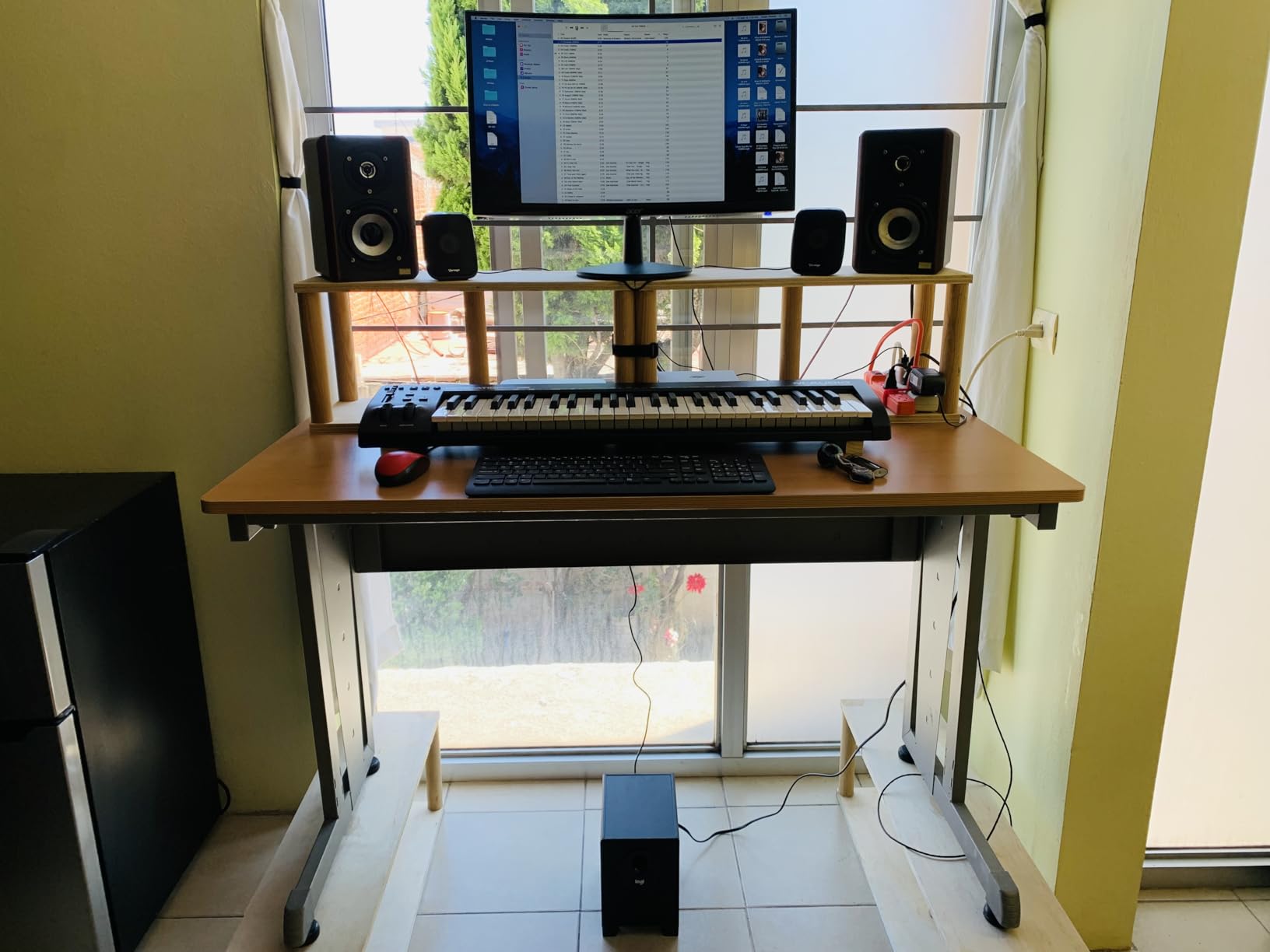
The iOS compatibility via the Apple Camera Adapter is a nice bonus. If you produce music on an iPad using apps like GarageBand or Cubasis, this controller works seamlessly. The included software bundle covers MPC Beats, Ableton Live Lite, several virtual instruments, and free lessons from Skoove and Melodics. It is a generous package for what is essentially a no-frills controller.
The main trade-off is the lack of pads and rotary controls. If your production workflow involves a lot of drum programming or plugin parameter tweaking, you will need to rely on your mouse or add a separate pad controller. Some Windows users also report needing utilities like MIDI-OX to get everything configured properly, which adds friction to the setup process.
iOS and Mobile Production
For iPad-based producers, the Keystation 49 MK3 is one of the best options available. The class-compliant USB connection works with the Apple Camera Adapter without any additional drivers or software. It draws power from the iPad, so you do not need an external power supply. This makes it an excellent companion for mobile production setups using GarageBand, Cubasis, or other iOS DAWs.
Beginner-Friendly Simplicity
If you are buying your first MIDI keyboard and feel overwhelmed by controllers covered in pads, knobs, and faders, the Keystation 49 MK3 is a refreshing alternative. It lets you focus on learning to play and produce music without the distraction of mapping controls. The included Skoove and Melodics lessons are genuinely helpful for building keyboard skills and production technique. Many beginners find that starting with a simple controller helps them develop fundamental skills before upgrading to more complex setups.
9. Novation FLkey Mini – Best MIDI Controller for FL Studio
Novation FLkey Mini USB MIDI Controller Keyboard
25 Mini Velocity-Sensitive Keys
16 RGB Backlit Pads
8 Knobs for Mixer and Channel Rack
Step Sequencer
Scale Mode
FL Studio Native
+ Pros
- Designed specifically for FL Studio with auto-mapping
- Step sequencer for intuitive drum programming
- 16 responsive RGB pads for finger drumming
- Scale mode keeps you in key
- Compact and portable at 1.6 pounds
– Cons
- Mini keys feel small for some users
- Velocity curve needs adjustment out of the box
- Automation limited to FL Studio stock instruments
- Only 25 mini keys
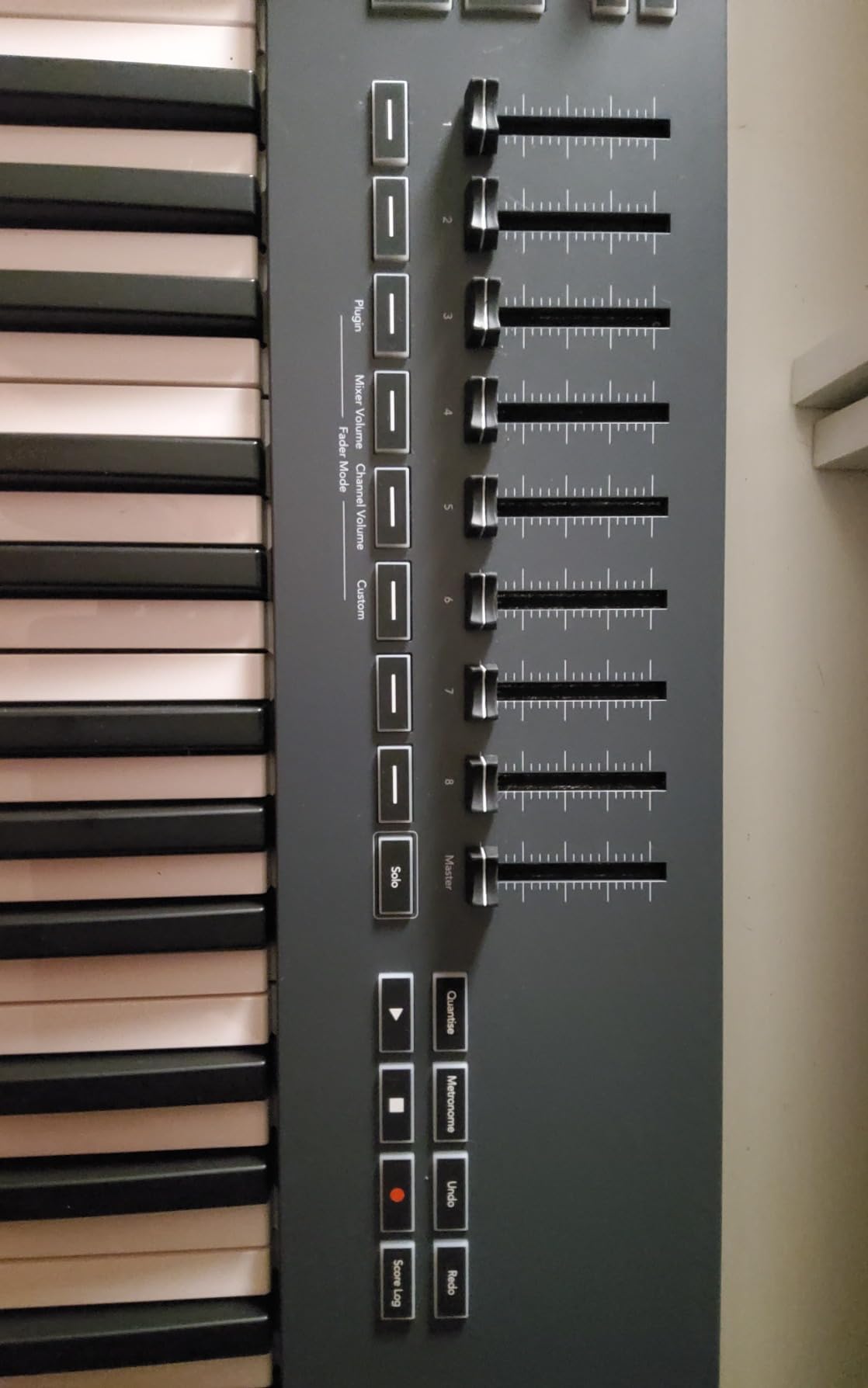
If FL Studio is your primary DAW, the Novation FLkey Mini was built specifically for you. Unlike generic MIDI controllers that require manual mapping, this controller auto-maps its controls to FL Studio’s mixer, Channel Rack, and transport functions the moment you plug it in. The 8 knobs control mixer channels and Channel Rack parameters without any configuration.
The step sequencer is the standout feature. It maps directly to FL Studio’s step sequencer, letting you build drum patterns by pressing pads in sequence. This mirrors the way many FL Studio users already work with the software’s built-in step sequencer, but now you can do it with physical pads instead of clicking with a mouse. It feels intuitive and speeds up the beat-making process significantly.
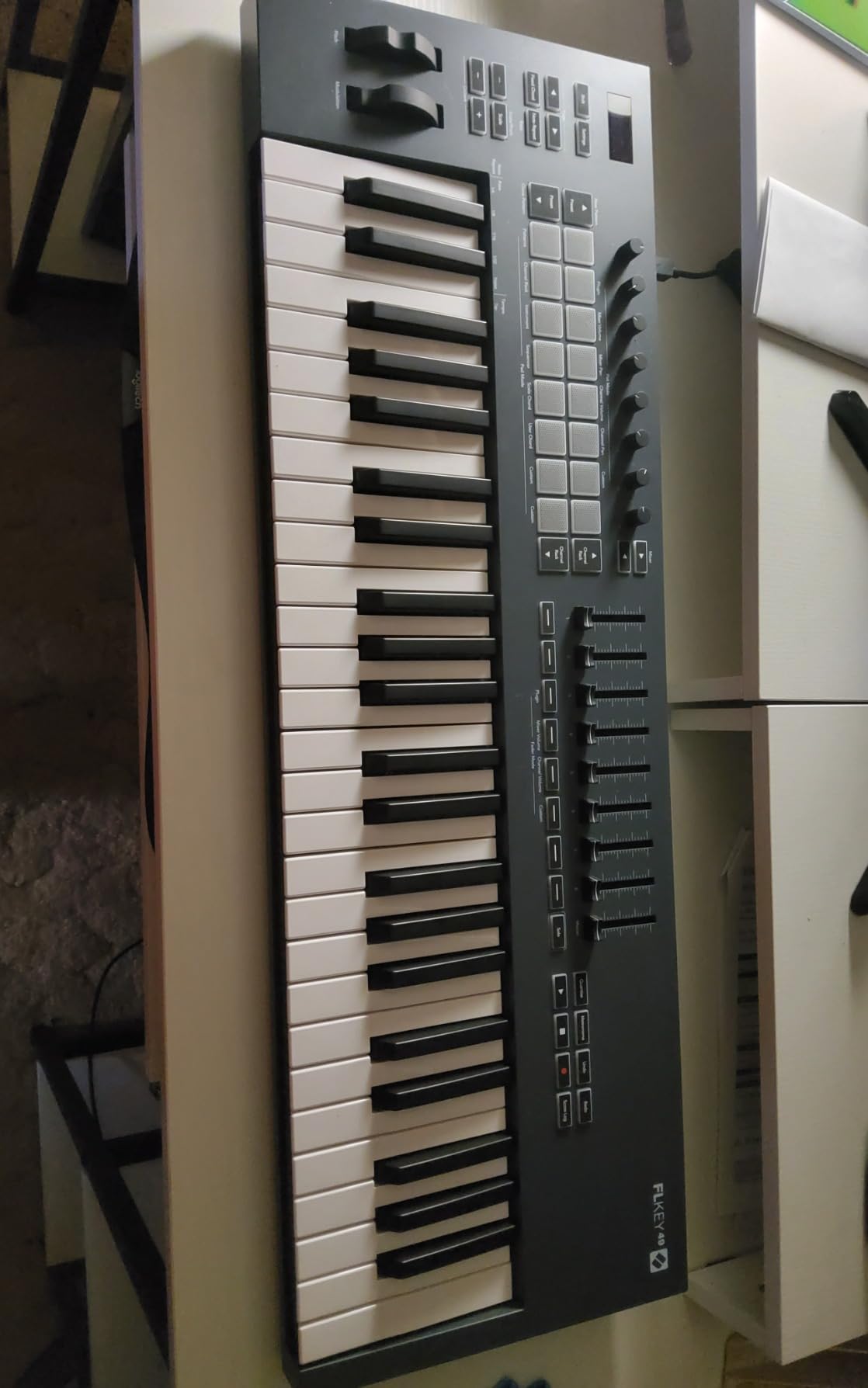
The 16 RGB backlit pads are responsive for finger drumming and triggering FPC and SliceX instruments. Scale mode ensures you always hit the right notes when playing melodies, and the note repeat function is great for creating hi-hat rolls and rapid-fire percussion patterns. At 1.6 pounds, it is one of the lightest controllers in this lineup.
The limitation is that the automation knobs only work with FL Studio’s stock instruments and effects. If you use a lot of third-party plugins, you will still need to automate those parameters with your mouse. The mini keys also require some adjustment, and the velocity curve needs tweaking right out of the box to feel natural.
FL Studio Integration Depth
The FLkey Mini goes beyond basic MIDI mapping. The pads function as a hardware step sequencer that mirrors FL Studio’s software step sequencer. The knobs auto-map to the Channel Rack for sound selection and to the mixer for level and pan control. Transport buttons control FL Studio’s playback, recording, and loop functions. This level of native integration is rare and makes the FLkey Mini feel like a natural extension of FL Studio rather than a third-party controller.
Beat Making Workflow
For FL Studio beat makers, this controller streamlines the entire production process. You can browse sounds, program drums with the step sequencer, play melodies with scale-locked keys, and mix your track without touching the mouse. The FPC and SliceX pad integration is particularly useful for chopping and playing sampled breaks. If your production style is centered around FL Studio’s pattern-based workflow, this controller will feel like a natural fit from the first session.
10. Native Instruments Komplete Kontrol M32 – Best Controller for NI Ecosystem
Native Instruments Komplete Kontrol M32 Controller Keyboard (26154)
32 Compact Keys
OLED Display
Touch-Sensitive Knobs
Smart Play Features
NKS Integration
Komplete Start Bundle
+ Pros
- 32 keys offer an extra octave over 25-key competitors
- OLED display for visual parameter feedback
- Smart Play with scales chords and arpeggios
- Komplete Start bundle worth thousands
- NKS integration for seamless NI workflow
– Cons
- No drum pads included
- Velocity requires significant force for high values
- Encoders cannot store custom mappings
- Setup complex for non-NI DAWs
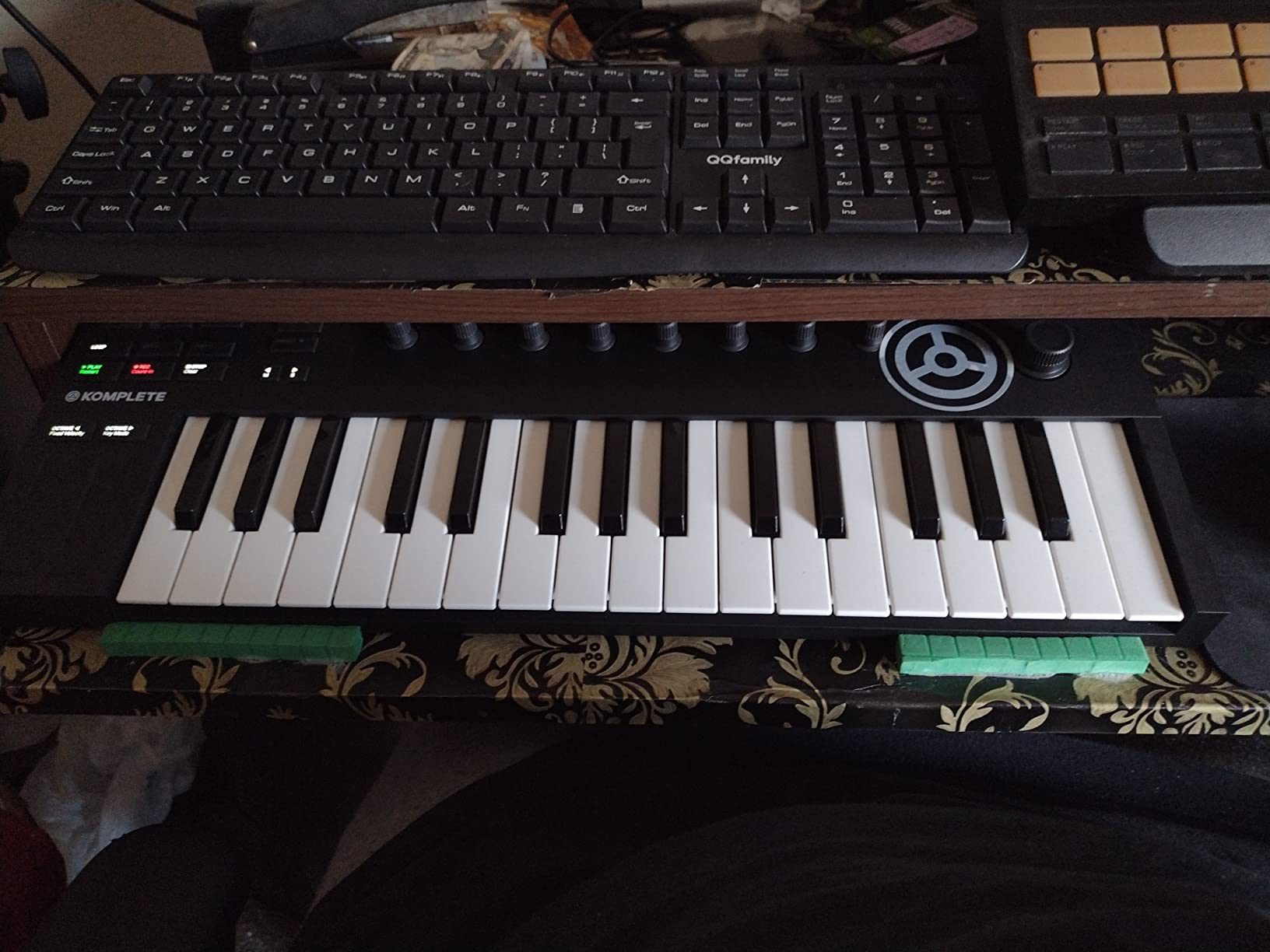
The Native Instruments Komplete Kontrol M32 is the gateway drug to the NI ecosystem, and that is not a bad thing. With 32 keys, it gives you one extra octave compared to typical 25-key compact controllers, which makes a real difference when you want to play melodies that span more than two octaves without shifting.
The OLED display is a genuinely useful feature that shows you parameter names, values, and preset information directly on the controller. The touch-sensitive knobs let you see and adjust parameters in real time without looking at your computer screen. Smart Play features include scale-locked playing, chord triggering, and arpeggiator patterns that work across all NKS-compatible instruments.
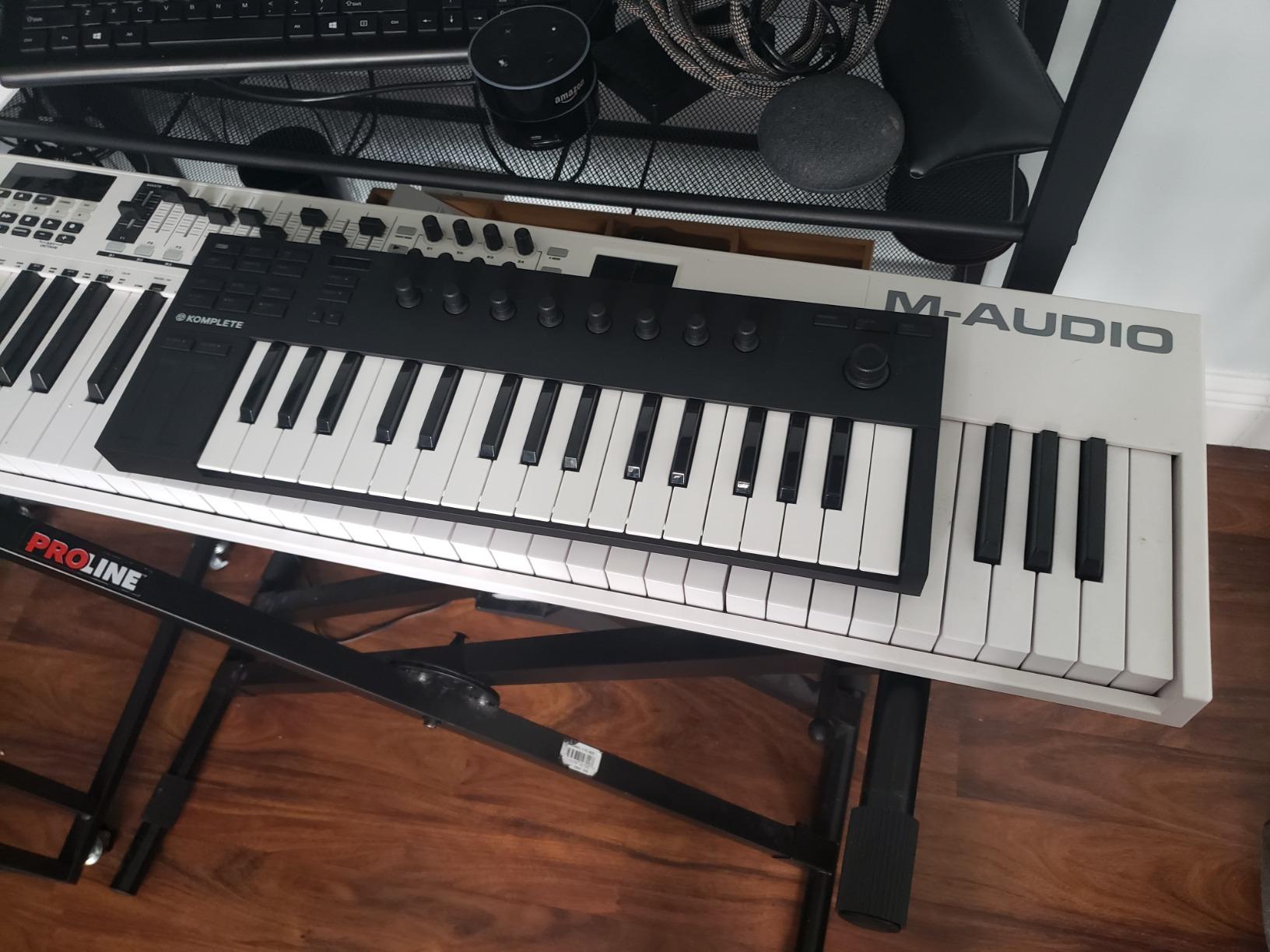
The included Komplete Start bundle is enormous. You get thousands of sounds, effects, and instruments from NI’s premium library. If you already use Kontakt, Massive, or other NI plugins, the NKS integration means this controller auto-maps its knobs to every parameter in your NI instruments. It is a deeply integrated experience that generic MIDI controllers simply cannot match.
The drawbacks are notable though. There are no drum pads at all, which is a significant omission for beat makers. The velocity sensitivity requires a heavier touch than most controllers to reach maximum velocity values. The buttons are stiff and clicky, and the included USB cable has a reputation for failing relatively quickly. If NI is not your primary software ecosystem, the setup process for other DAWs can be frustrating.
Native Instruments Ecosystem Benefits
The real value of the M32 reveals itself when you are deep in the NI ecosystem. Every NKS-compatible instrument automatically maps its most important parameters to the touch-sensitive knobs. The preset browser on the OLED display lets you scroll through thousands of sounds without touching your mouse. If you own Komplete or use Kontakt libraries regularly, this controller transforms how you interact with your software.
Key Count Advantage
The 32-key layout hits a sweet spot that many producers overlook. You get two and a half octaves of range, which is often enough to play most melodies without octave shifting. This might seem like a small advantage over 25-key controllers, but in practice it reduces the number of times you need to reach for the octave buttons during a session. For producers who play a lot of melodic content in a compact form factor, those extra seven keys make a meaningful difference in workflow speed.
11. Akai Professional MPK Mini Play MK3 – Best Standalone Portable Controller
Akai Professional MPK Mini Play MK3 25-Key USB MIDI Keyboard Controller
25-Key Gen 2 Dynamic Keybed
Built-in Speaker and 100+ Sounds
Battery Powered
8 MPC Pads
OLED Display
NKS Ready
+ Pros
- Built-in speaker and sounds for standalone use
- Battery powered for true portability
- Works as both MIDI controller and standalone instrument
- OLED display for easy navigation
- Includes MPC Beats and AIR instruments
– Cons
- Built-in speaker is too quiet
- Pads are very stiff and require firm hits
- Mini keys cause accidental presses for large hands
- Limited to 25 keys
The Akai MPK Mini Play MK3 is the only controller in this lineup that you can use without a computer. The built-in speaker and over 100 internal sounds mean you can sketch musical ideas on the bus, in a park, or anywhere inspiration strikes. Battery power frees you from needing a USB connection or wall outlet.
The Gen 2 dynamic keybed is an improvement over the original MPK Mini keys. The velocity sensitivity is more nuanced, allowing for better expression when playing soft and loud passages. The 8 MPC pads are backlit and velocity-sensitive, though they require a noticeably firm hit to register, which can be tiring during extended finger drumming sessions.
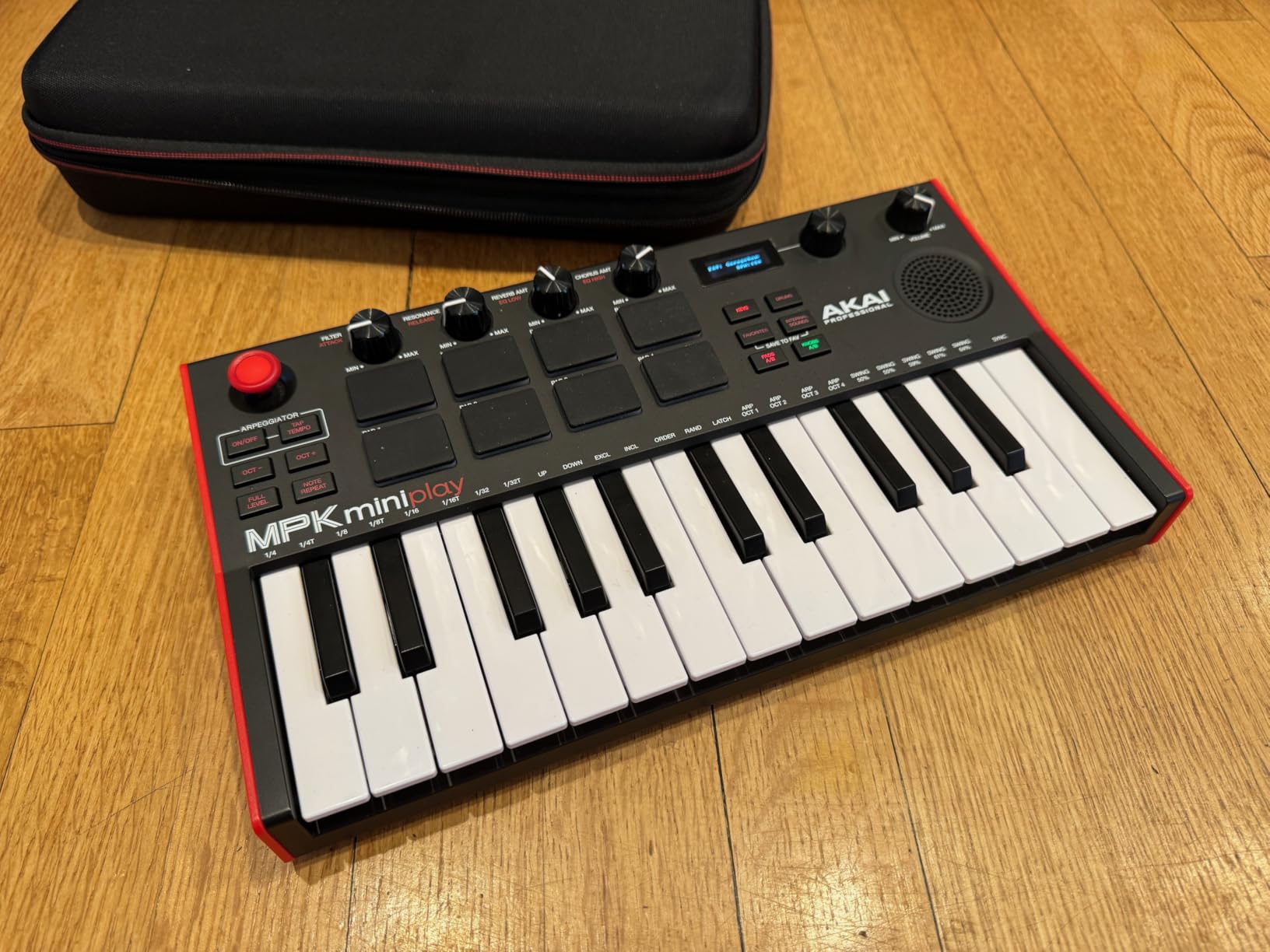
When you do connect to a computer, it functions as a full MIDI controller with plug-and-play USB connectivity. The included software covers MPC Beats and AIR Music Tech instruments, plus NKS integration for Native Instruments. The OLED display makes navigating sounds and settings straightforward, which is a nice upgrade from the basic LED indicators on the standard MPK Mini.
The built-in speaker is the weakest feature. It is quiet enough that you will want headphones for any serious practice or composition. The pads are also stiffer than I would like, requiring more force than the Novation or Arturia pads to trigger consistently. At 0.9 kilograms, it is ultra-portable, but the mini keys can lead to accidental presses if you have larger hands.
Standalone Music Creation
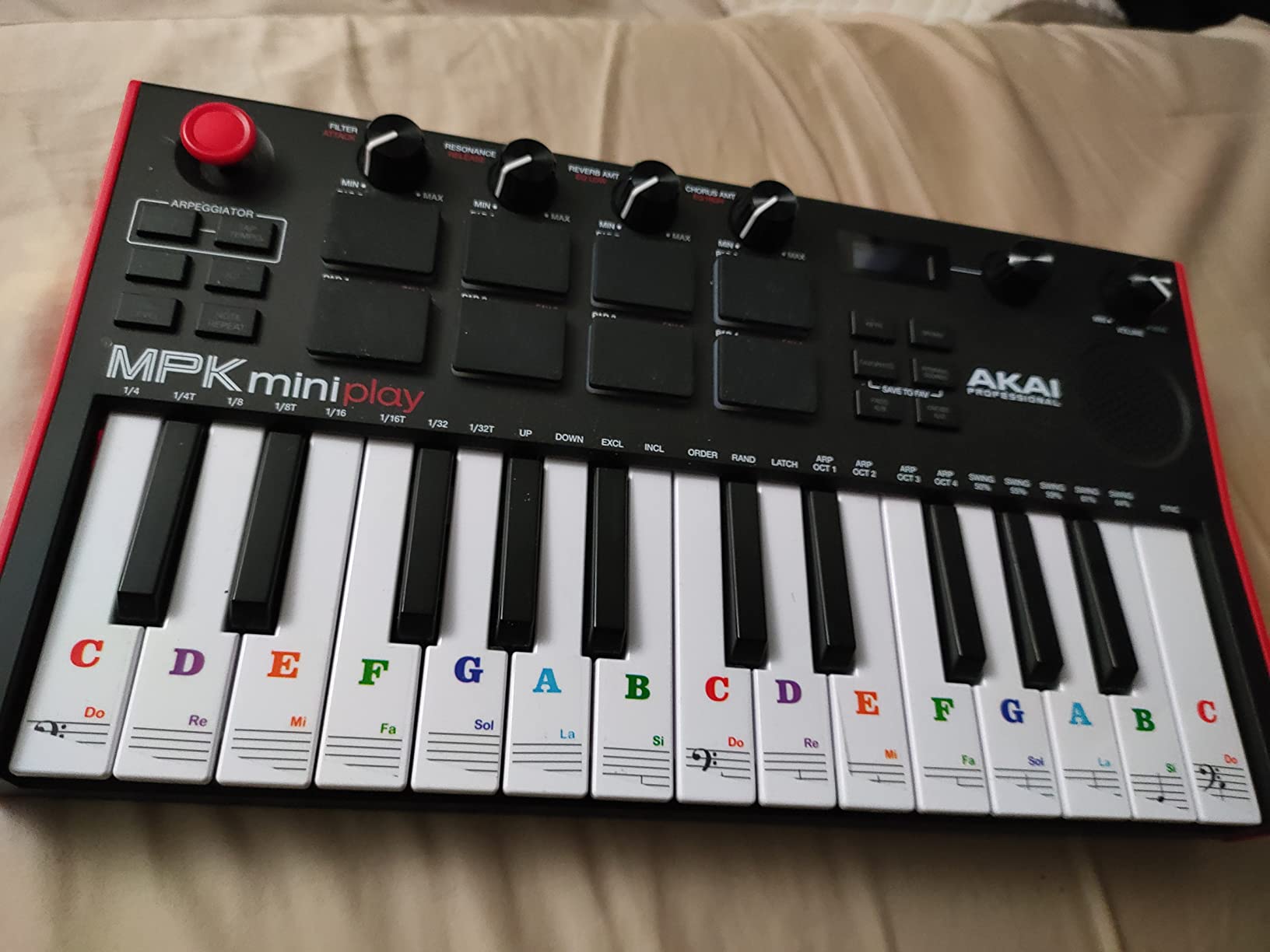
The ability to make music without a computer is what makes the MPK Mini Play unique. You get over 100 built-in sounds including pianos, synths, drums, and basses. The arpeggiator and note repeat functions work in standalone mode, so you can create patterns and practice playing without booting up your DAW. For producers who want to capture ideas on the go or practice away from their studio setup, this dual-mode functionality is genuinely useful.
Battery Life and Portability
The MPK Mini Play runs on AA batteries or USB power. Battery life is reasonable for casual use, though you will want to keep spare batteries handy for longer sessions. The headphone output provides much better sound quality than the built-in speaker for standalone practice. At under 1 kilogram, it is one of the lightest controllers available and slips easily into a backpack or gig bag. For traveling musicians and producers who are always on the move, the standalone capability and battery power make this a practical creative tool.
12. Nektar Impact LX49+ – Best 49-Key Controller for DAW Integration
Nektar Impact LX49+ USB MIDI Controller Keyboard with Nektar DAW Integration,Dark Grey
49 Full-Size Synth-Action Keys
8 Drum Pads
9 Faders and 8 Knobs
Transport Controls
Nektar DAW Integration
Bitwig Included
+ Pros
- Excellent DAW integration with Logic Cubase Bitwig Studio One
- 8 hyper-sensitive drum pads
- Comprehensive mixer and instrument modes
- Includes Bitwig Studio 8-Track DAW
- Compatible with Mac PC and iOS
– Cons
- Bitwig software has loading issues on some computers
- Build quality adequate but not premium
- Keybed spring action takes adjustment for pianists
The Nektar Impact LX49+ wins on DAW integration. Where most controllers offer basic transport and mixer mapping, Nektar builds custom integration for Logic Pro, Cubase, Bitwig Studio, Studio One, Reason, and other DAWs that goes several layers deeper. Transport controls, mixer mapping, instrument parameter control, and track navigation all work automatically without manual configuration.
The 49 full-size synth-action keys are velocity-sensitive and comfortable for extended playing. They are not weighted or semi-weighted, so piano purists may find them too light. But for synth, organ, and general production work, they respond well across the velocity range. The 8 backlit drum pads are described as hyper-sensitive, and they live up to that description with responsive triggering even at low velocities.
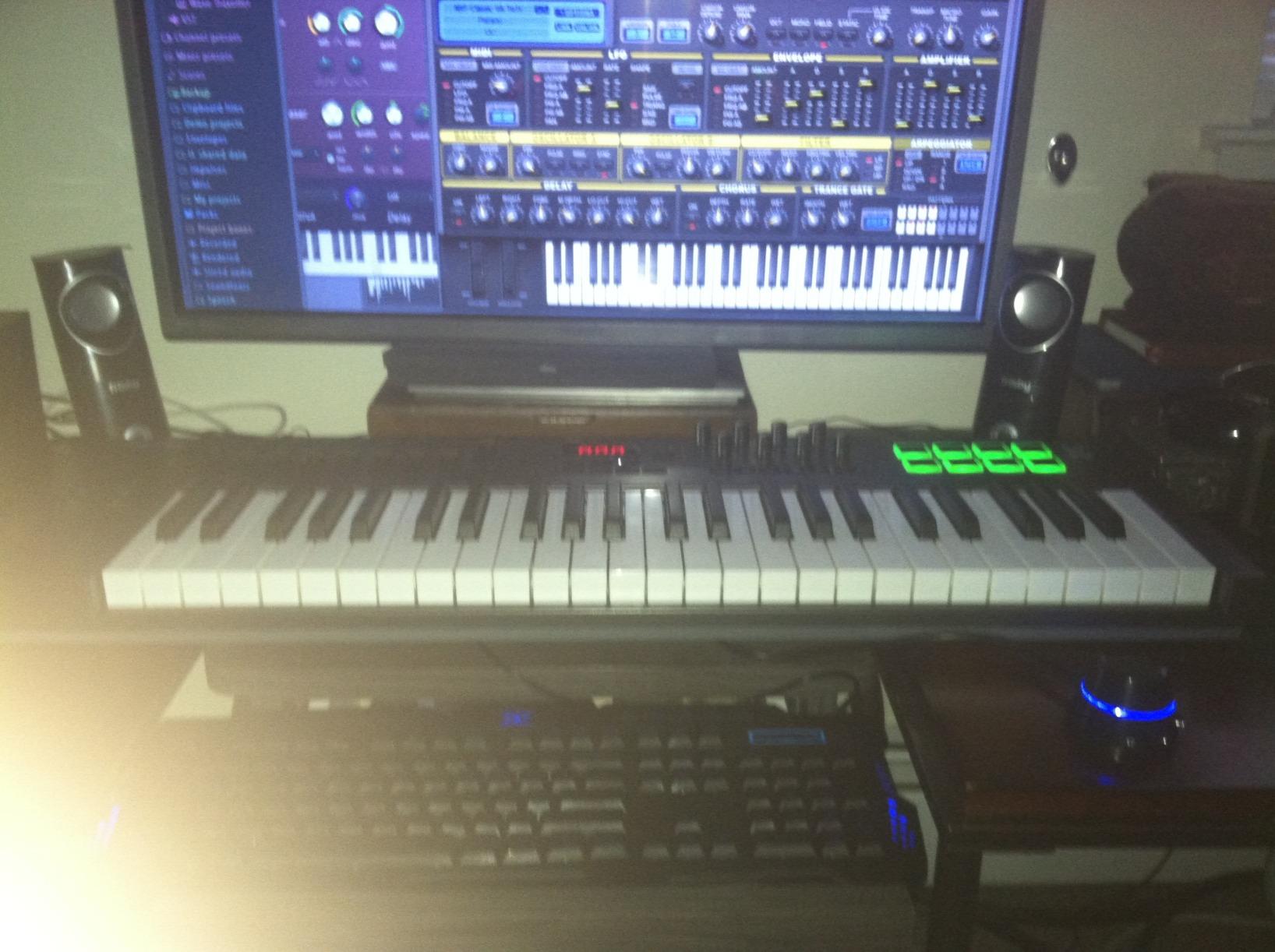
The 9 faders and 8 knobs provide comprehensive hands-on control. In mixer mode, the faders control track levels and the knobs handle pan and send levels. In instrument mode, they map to plugin parameters. The dedicated transport section with 6 buttons controls playback, recording, looping, and navigation across all supported DAWs.
The included software covers Bitwig Studio 8-Track and 5 Cherry Audio synth and effect plugins. Bitwig is a capable DAW, but some users report loading issues on certain computer configurations. At 3.2 kilograms, the Impact LX49+ is lighter than many 49-key competitors, making it easier to move between studio and live setups. The build quality is functional rather than premium, with some flex in the chassis under heavy playing.
DAW-Specific Integration Features
Nektar’s DAW integration is the standout feature here. In Logic Pro, the Impact LX49+ maps its controls to the mixer, transport, and instrument plugins automatically. Track navigation buttons let you move between tracks without touching your mouse. In Cubase and Studio One, the same deep integration applies. The mixer mode provides instant control over levels, pan, and sends. This level of DAW-specific mapping is unusual at this price and saves significant setup time.
Value for Home Studios
At its price point, the Nektar Impact LX49+ offers an impressive combination of features. You get 49 keys, 8 pads, 9 faders, 8 knobs, comprehensive DAW integration, and a DAW included. Many forum users specifically recommend this controller for producers who work primarily in Logic Pro or Cubase and want automatic mapping without spending time on configuration. The 2-year manufacturer warranty provides reasonable coverage for the price, though it falls short of Arturia’s 5-year guarantee on the MiniLab 3.
Buying Guide: How to Choose the Right MIDI Keyboard Controller
Choosing a MIDI keyboard controller comes down to matching the controller to your specific production workflow, available space, and budget. Here are the key factors that should drive your decision.
Key Count: How Many Keys Do You Actually Need?
This is the first question most producers ask, and the answer depends on how you plan to use the controller. Many forum users agree that 49 keys is the sweet spot for most home studio setups. It gives you enough range for two-handed chord playing and melodies that span several octaves, while still fitting on a standard desk.
25 to 32 key controllers are ideal if you primarily program drums, play simple melodies, or have limited desk space. Beat makers and electronic music producers often prefer these compact sizes because they prioritize portability and pad count over keyboard range. 37 keys is a practical middle ground, offering three full octaves for better playability without sacrificing much desk space.
61 keys suit producers who play more complex piano and synth parts and have room for a larger controller. 88 keys are best for trained pianists who need the full range for realistic piano playing, though these controllers are significantly larger and more expensive.
Key Type: Synth Action vs. Semi-Weighted vs. Hammer Action
The key type affects how the keyboard feels under your fingers. Synth-action keys use springs and are light and fast, making them ideal for synth leads, organ parts, and fast passages. Most compact controllers and budget options use synth-action keys.
Semi-weighted keys add some resistance, giving you a closer approximation of a real piano feel. They are the most popular choice for 49-key and 61-key controllers aimed at intermediate to advanced producers. Controllers like the Novation Launchkey 61 MK4 and M-Audio Oxygen Pro 49 use semi-weighted keys.
Hammer-action keys replicate the mechanism of an acoustic piano with weighted hammers. These are found on 88-key controllers designed for pianists who need realistic touch response. They are heavier, more expensive, and typically overkill unless you specifically want a piano-like playing experience.
DAW Compatibility and Integration
Not all MIDI controllers work equally well with every DAW. Some controllers, like the Novation Launchkey series, offer deep native integration with Ableton Live, Logic Pro, FL Studio, and other major DAWs. Others, like the Novation FLkey Mini, are designed specifically for one DAW and offer the most seamless experience within that ecosystem.
Before buying, check that the controller supports your specific DAW with auto-mapping rather than just generic MIDI output. Controllers with NKS integration work especially well with Native Instruments software. Reddit users frequently mention DAW compatibility as a major purchase decision factor, and for good reason. A controller that auto-maps its controls saves you hours of manual configuration.
Pads, Knobs, and Faders
Drum pads are essential if you program beats or trigger clips during live performance. Look for velocity-sensitive pads with aftertouch if you want expressive control over dynamics. Controllers like the Novation Launchkey series and Akai MPK Mini Plus offer high-quality pads with aftertouch support.
Knobs and faders give you hands-on control over mixer levels, pan, send amounts, and plugin parameters. If you mix primarily with your mouse, you may not need many faders. But if you prefer tactile control, look for controllers with at least 8 knobs and 8 faders for comprehensive mixer mapping.
Transport controls (play, stop, record, loop) are found on most mid-range and premium controllers. They seem like a small feature, but having physical transport buttons saves you from constantly switching between your keyboard and mouse during recording sessions.
Connectivity Options
USB connectivity is standard on all modern MIDI controllers, but the specifics matter. USB-C is becoming the preferred connection type for its reversibility and durability. Class-compliant USB means plug-and-play operation without driver installation, which is important for Mac users and iOS compatibility.
MIDI DIN ports (the round 5-pin connectors) let you connect to hardware synthesizers, drum machines, and other external gear. CV/Gate outputs, found on controllers like the Akai MPK Mini Plus, provide direct connection to modular synthesizers. If you work with hardware, these connectivity options should factor heavily into your decision.
Software Bundle Value
The software included with MIDI controllers can represent significant value. Arturia controllers include Analog Lab with thousands of synth presets. Akai controllers come with MPC Beats and virtual instruments. Novation includes Ableton Live Lite and sounds from multiple providers. When comparing prices, factor in the value of the included software. In some cases, the software alone is worth nearly as much as the controller.
Portability and Desk Space
If you produce in multiple locations or have a compact studio, portability matters. Controllers under 2 pounds like the Akai MPK Mini MK3 and Novation Launchkey Mini can travel in a laptop bag. Larger 49-key and 61-key controllers require more permanent desk space but offer better playability and more controls. Measure your available desk space before buying and remember that you need room for your computer, monitors, and possibly a mouse alongside the controller.
What is the best MIDI keyboard for music production?
The Novation Launchkey 61 MK4 is our top pick for the best MIDI keyboard controller for music production. It offers 61 semi-weighted keys, 16 FSR pads with polyphonic aftertouch, Scale and Chord modes, and seamless integration with all major DAWs including Ableton Live, Logic Pro, FL Studio, and Cubase. The combination of premium key feel, comprehensive controls, and creative features makes it the most versatile option for producers at any level.
How many keys do I need for a MIDI controller?
Most home studio producers find 49 keys to be the ideal balance of range and desk space. This gives you enough keys for two-handed chord playing and melodies spanning several octaves. If you are primarily a beat maker or have limited space, 25 to 37 keys will serve you well. Trained pianists who want to play full piano repertoire should consider 61 or 88 keys. Beginners can start with 25 or 32 keys and upgrade later as their needs evolve.
Is 49 keys enough for music production?
Yes, 49 keys is enough for most music production tasks. It provides a four-octave range that covers the majority of melodies, chord progressions, and bass lines you will play in a typical production session. The octave shift buttons let you access the full MIDI note range when needed. Many professional producers use 49-key controllers as their primary studio tool. You only really need more than 49 keys if you play complex classical piano pieces or want to perform live without any octave shifting.
What is the best MIDI keyboard for beginners?
The Akai Professional MPK Mini MK3 is the best MIDI keyboard for beginners. At a very accessible price, it provides 25 velocity-sensitive keys, 8 MPC-style drum pads, 8 knobs, a built-in arpeggiator, and a generous software bundle including MPC Beats and virtual instruments. It is plug-and-play on Mac and Windows, ultra-portable, and has over 30,000 positive reviews from users worldwide. For beginners who want full-size keys, the M-Audio Keystation 49 MK3 is an excellent alternative with its simple layout and included lessons from Skoove and Melodics.
What MIDI keyboard do professional producers use?
Professional producers use a range of MIDI keyboards depending on their workflow. Many studio professionals use 49 or 61-key controllers from Novation, Arturia, or Akai for day-to-day production. The Novation Launchkey series is popular for its DAW integration, Arturia KeyLab controllers are favored for their key quality and software bundles, and Akai MPK controllers are widely used for their MPC pads and beat-making workflow. Some professional pianists and composers prefer 88-key controllers with hammer action for realistic piano feel.
Conclusion
Finding the best MIDI keyboard controllers for music production in 2026 comes down to matching the controller to your specific needs. If you want the best overall experience, the Novation Launchkey 61 MK4 delivers premium semi-weighted keys, expressive FSR pads, and DAW integration that works flawlessly across all major platforms. For the best value, the Arturia KeyLab Essential mk3 49 pairs a Fatar keybed with software worth more than the controller itself.
Budget-conscious producers and beginners are well served by the Akai MPK Mini MK3, which packs impressive features into an ultra-portable design. FL Studio users should look at the Novation FLkey Mini for native integration, while Ableton Live producers will love the Novation Launchkey Mini 25 MK4. If you work with hardware synthesizers or modular gear, the Akai MPK Mini Plus with its CV/Gate outputs is uniquely capable.
Whichever controller you choose, the most important thing is that it fits your workflow and inspires you to make music. A great MIDI keyboard controller removes the barrier between the music in your head and the music coming out of your speakers. Pick the one that matches your DAW, your space, and your budget, and start creating.
Leave a Reply