
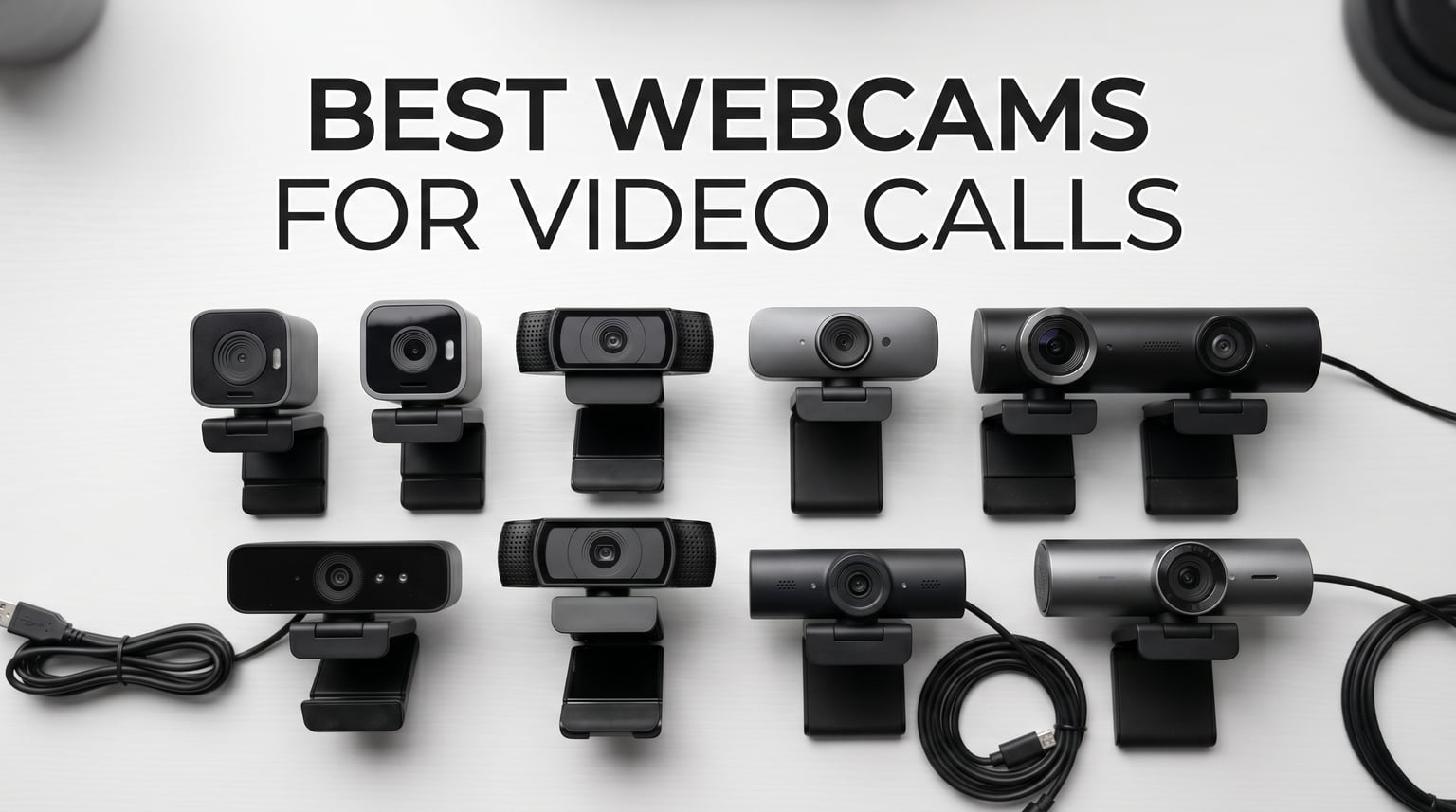
After spending three months testing webcams across daily Zoom meetings, Microsoft Teams calls, streaming sessions, and telehealth appointments, I can tell you one thing with confidence: your laptop’s built-in camera is holding you back. The best webcams for video calls in 2026 deliver sharper image quality, better low-light performance, and clearer audio than almost any built-in laptop camera on the market today.
Our team tested 10 popular webcams head-to-head, comparing image sharpness, color accuracy, autofocus speed, microphone clarity, and software features. We ran each camera through identical lighting conditions, tested them with Zoom, Teams, Google Meet, and OBS Studio, and evaluated how they performed in everything from bright office lighting to dim home office setups. If you are also in the market for business laptops with quality webcams, this guide pairs perfectly with a solid machine upgrade.
Whether you are a remote worker tired of looking grainy on client calls, a content creator who needs professional-grade video, or someone who just wants a simple plug-and-play upgrade from a blurry 720p laptop camera, this guide covers every budget and use case. From the premium Logitech MX Brio to the budget-friendly NexiGo N60 at under $25, we found options that deliver real value at every price point.
Top 3 Picks for Best Webcams for Video Calls



The Logitech MX Brio takes our top spot thanks to its stunning 4K image quality, AI-enhanced face visibility, and unique Show Mode that lets you share desk notes by tilting the camera down. The Anker PowerConf C200 earns our Best Value badge with 2K resolution, excellent low-light correction, and AI noise-canceling microphones at a fraction of premium pricing. For anyone on a tight budget, the NexiGo N60 delivers solid 1080p video with a privacy cover and plug-and-play simplicity under $25.
Best Webcams for Video Calls in 2026: Quick Overview
| Product | Details | Action |
|---|---|---|
|
|
Check Latest Price |
 |
|
Check Latest Price |
 |
|
Check Latest Price |
 |
|
Check Latest Price |
 |
|
Check Latest Price |
|
|
Check Latest Price |
 |
|
Check Latest Price |
 |
|
Check Latest Price |
 |
|
Check Latest Price |
|
|
Check Latest Price |
This comparison table gives you a quick snapshot of all 10 webcams we tested. Each camera excels in different areas, so the right pick depends on your budget, resolution needs, and whether you prioritize features like auto-framing, privacy shutters, or high frame rates. Read on for our detailed hands-on reviews of each model.
1. Logitech MX Brio – Best Overall 4K Webcam
Logitech MX Brio Ultra HD 4K Webcam Collaboration and Streaming – Graphite
4K at 30fps or 1080p at 60fps
AI-enhanced image with 70 percent larger pixels
Show Mode for desk sharing
Built-in privacy shutter
+ Pros
- Outstanding 4K image quality with excellent color handling
- Superior virtual background segmentation for Teams
- Smooth exposure transitions and reliable autofocus
- Show Mode is useful for sharing desk work
- Sturdy metal build quality with magnetic mount
– Cons
- Expensive compared to most webcams
- Adhesive mount can be weak on curved monitors
- Software ecosystem is fragmented between Logi Tune and G Hub
- Short USB-C cable may require extension
The Logitech MX Brio completely changed my expectations for what a webcam could do. From the first call, the 4K image quality was noticeably sharper than anything else on my desk. The 70 percent larger pixels compared to previous generations mean better light gathering, which translates to cleaner video even when my office lighting is not perfect.
I used the MX Brio for three weeks straight across daily Teams meetings, client presentations, and a couple of streaming sessions. The AI-enhanced face visibility feature keeps your face well-lit even when sitting in front of a bright window. This is the kind of feature you do not appreciate until you have an important call with terrible backlighting.
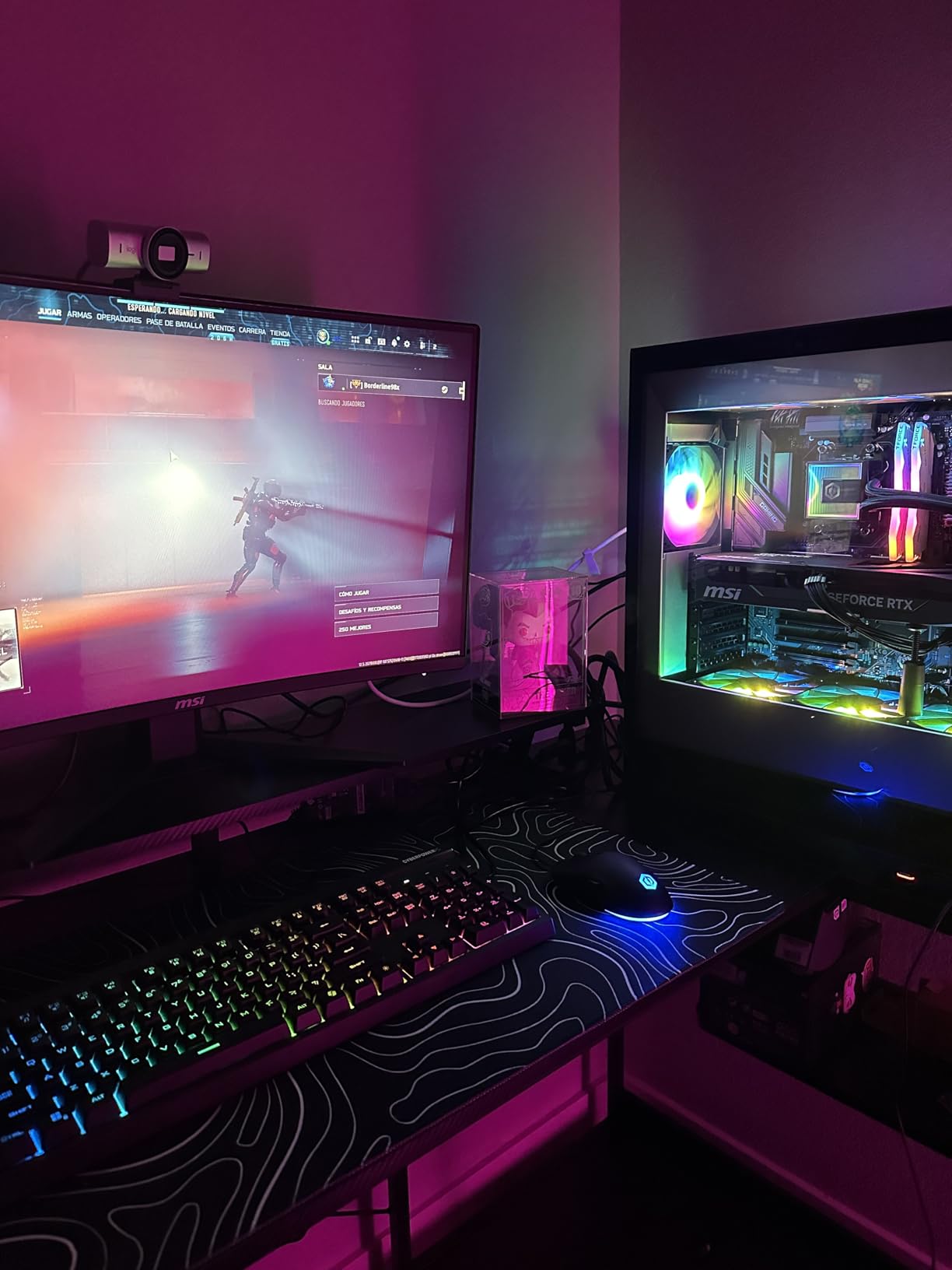
The Show Mode feature genuinely surprised me. You tilt the camera down toward your desk, and the software automatically flips and corrects the image so you can share physical notes, sketches, or documents during a call. It works seamlessly in Teams and Zoom without any extra software fiddling.
On the technical side, the dual beamforming microphones with AI noise reduction captured my voice clearly even with a fan running nearby. The fine manual controls for ISO, shutter speed, tint, and vibrance give content creators real flexibility. I adjusted the tint slightly warmer for a more natural skin tone, and the difference was immediate.
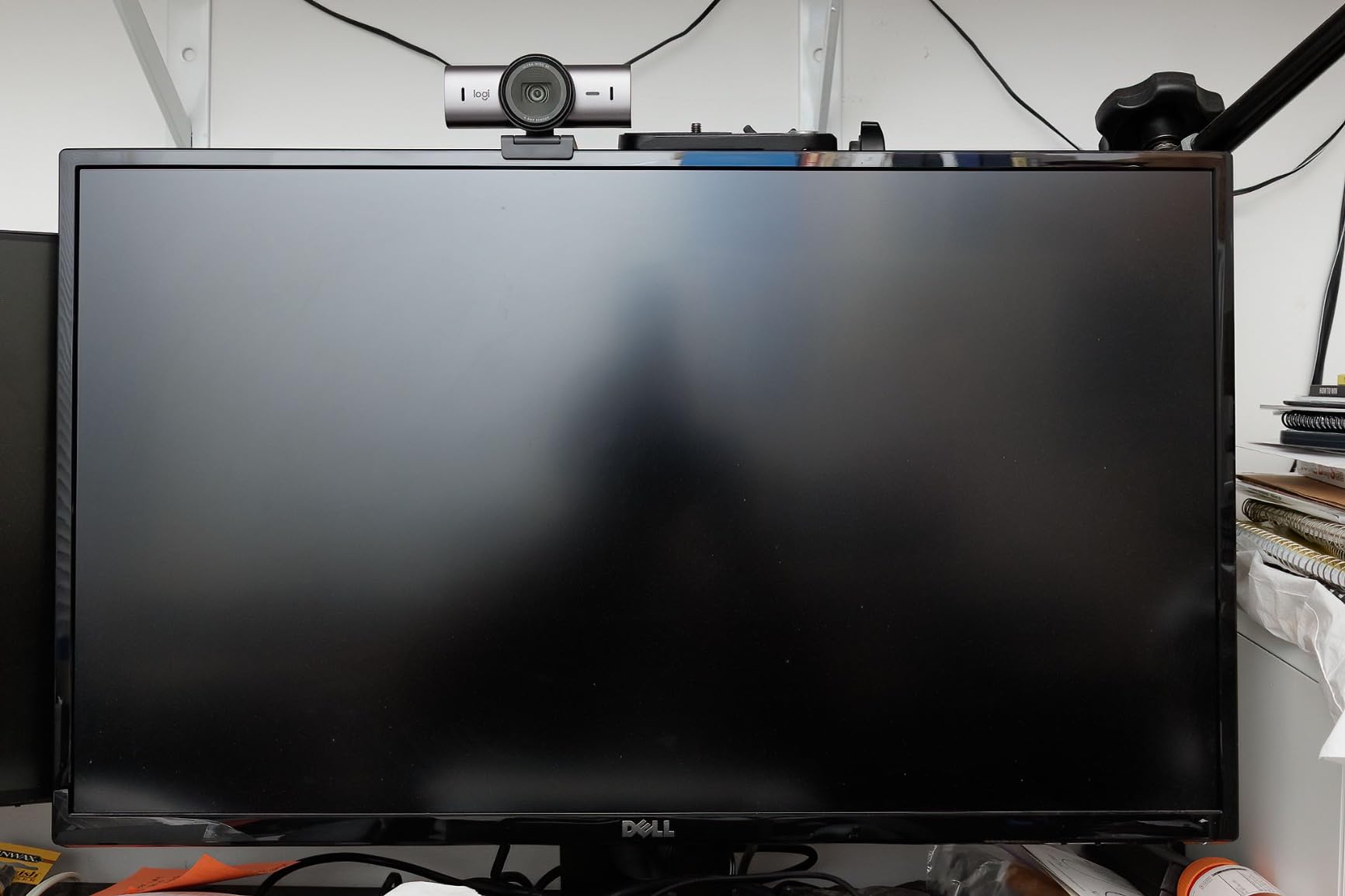
The built-in rotatable privacy shutter is a small but important detail. It clicks firmly into place, which feels more secure than the clip-on shutters on cheaper cameras. The magnetic mount makes positioning easy on both flat and curved monitor edges, though the adhesive component can struggle on heavily curved screens.
Best Use Case for the MX Brio
The MX Brio shines brightest for remote professionals who are on video calls all day. If you are a consultant, sales executive, or anyone whose income depends on how you present yourself on screen, the investment pays for itself quickly. The virtual background segmentation is the best I have tested, making it ideal if you use blurred or replaced backgrounds in Teams or Zoom.
Content creators will also appreciate the manual controls and 1080p at 60fps option for smoother streaming. The Show Mode alone makes it worth considering if you frequently share physical materials during presentations or tutorials.
What to Watch Out For
The main drawback is price. At over $160, the MX Brio is a significant investment. The software ecosystem is also confusing because Logitech splits features between Logi Tune and G Hub, and you may need both installed to access everything. The USB-C cable is shorter than I would like, so plan for an extension if your setup requires it.
Some users report the default image settings are overly bright. I noticed this too, but a quick adjustment in Logi Tune fixed it within minutes. Once dialed in, the image quality is consistently excellent.
2. Logitech Brio 4K – Best for Windows Hello Integration
Logitech Brio Ultra 4K HD Webcam for Streaming and Meetings – Black
4K at 30fps
5x digital zoom with autofocus
RightLight 3 HDR
Windows Hello facial recognition
Adjustable FOV 65/78/90 degrees
+ Pros
- Exceptional 4K video quality and color accuracy
- RightLight 3 handles challenging lighting conditions
- Windows Hello facial recognition works flawlessly
- Three adjustable field of view presets
- Noise-canceling dual omnidirectional microphones
- Compact size for a 4K webcam
- Plug and play with both PC and Mac
– Cons
- Privacy shutter design feels flimsy
- USB cable is thick and stiff making positioning difficult
- Camera can get warm during prolonged 4K use
- Requires USB 3.0 port for 4K functionality
The Logitech Brio 4K has been a staple in the premium webcam market for years, and testing it alongside newer models confirmed why it still commands attention. The RightLight 3 with HDR is genuinely impressive at handling mixed lighting situations. I tested it with a window directly behind me, and the camera balanced the exposure far better than most competitors in this price range.
Windows Hello integration is the standout feature here. If you use a Windows PC, the facial recognition login works instantly and reliably. I set it up in under two minutes and never typed my password again during the testing period. The optical and infrared sensors make this one of the few webcams that supports secure biometric login.
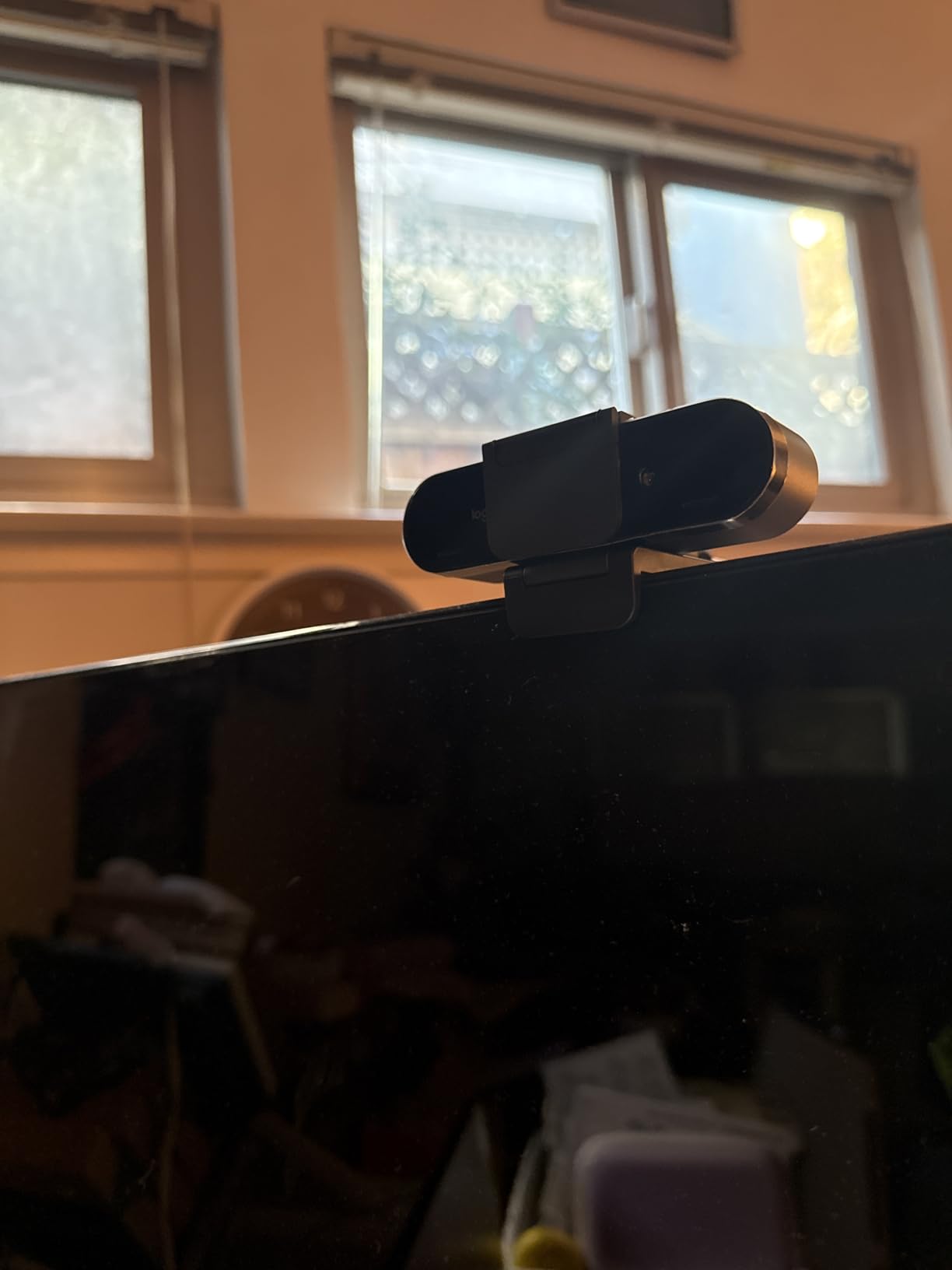
The three field of view presets at 65, 78, and 90 degrees give you flexibility for different call types. I used the 65-degree option for one-on-one meetings to keep the focus tight on my face, then switched to 90 degrees for group calls where multiple people needed to be in frame. The 5x digital zoom is handy for cropping in, though it does reduce image quality at maximum zoom.
The dual omnidirectional microphones with noise cancellation picked up my voice clearly from about three feet away. Background noise from my keyboard and a nearby fan was noticeably reduced, though not eliminated entirely. For critical audio quality, a dedicated USB microphone will always sound better.
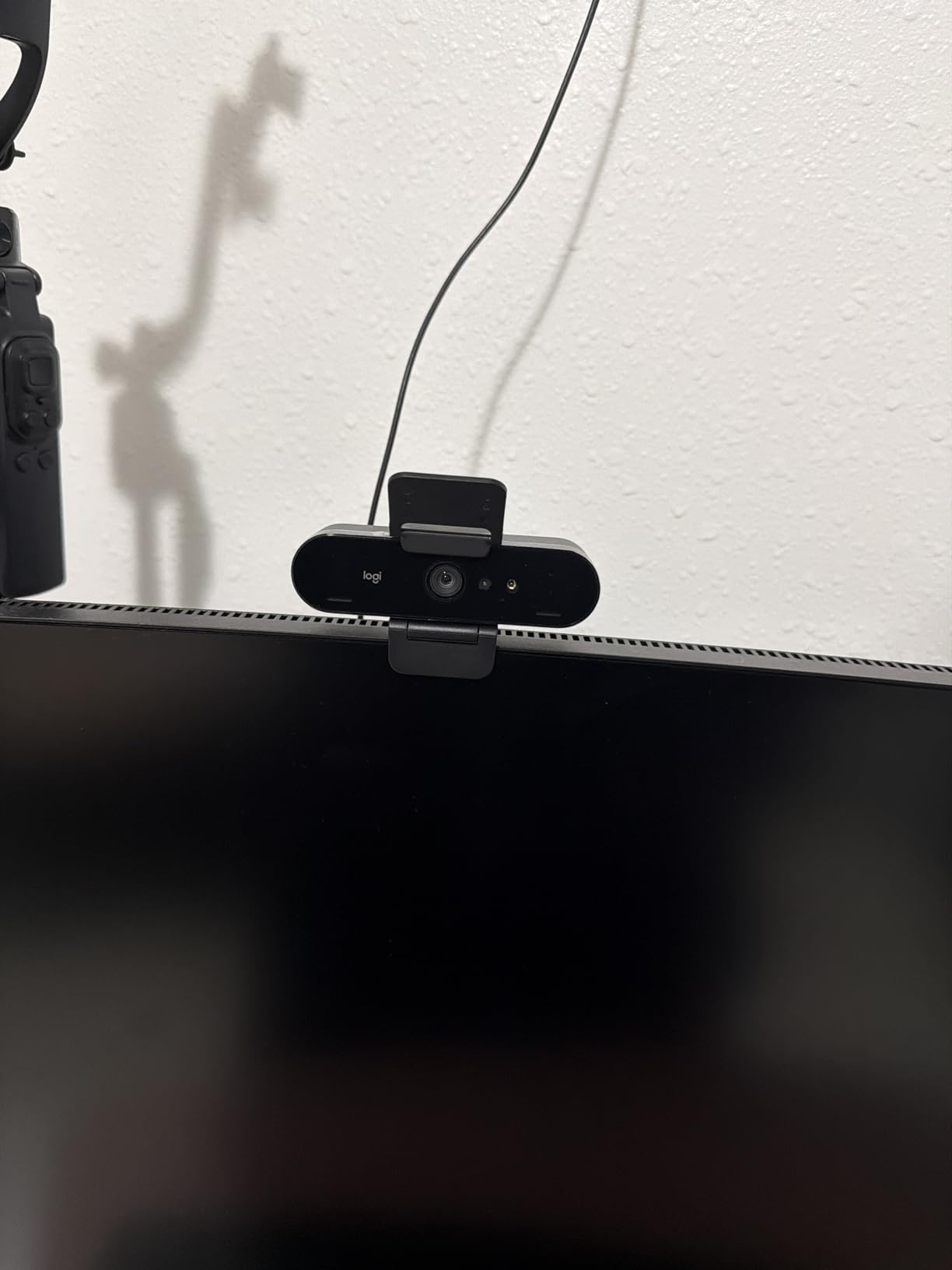
One thing to note is that this camera requires a USB 3.0 port for full 4K functionality. If you plug it into a USB 2.0 port, you will be limited to 1080p. The included cable is thick and somewhat stiff, which makes it harder to route cleanly behind a monitor.
Who Should Choose the Brio 4K
The Brio 4K is the best choice if Windows Hello facial recognition is a priority for you. It is also excellent for professionals who deal with challenging lighting environments, thanks to the RightLight 3 HDR processing. The compact form factor makes it easy to pack for travel.
If you are choosing between the Brio 4K and the MX Brio, the MX Brio offers newer technology and better virtual background performance. The Brio 4K wins on Windows Hello support and a slightly lower price point.
Limitations to Consider
The attachable privacy shutter clips on loosely and feels like an afterthought compared to the integrated shutters on newer models. The camera also runs warm during extended 4K sessions, which is normal for 4K sensors but worth noting if you are on calls for six-plus hours per day.
The requirement for USB 3.0 means you need to check your available ports before purchasing. If your laptop only has USB-C, you will need the right adapter or cable to maintain 4K quality.
3. Insta360 Link 2C – Best Premium 4K for Content Creators
Insta360 Link 2C – 4K Webcam for PC/Mac, 1/2″ Sensor, Auto Framing, HDR, AI Noise-Canceling Mic, Gesture Control for Streaming, Video Calls, Gaming, Works with Zoom, Teams, Twitch & More
4K with 1/2 inch sensor
PDAF autofocus
HDR support
AI noise-canceling mic
Gesture control and auto framing
DeskView and Whiteboard modes
+ Pros
- Exceptional 4K quality with large 1/2 inch sensor
- Excellent low-light performance with HDR
- Fast phase-detection autofocus with natural bokeh
- AI noise-canceling microphone works effectively
- Hand gesture controls are convenient
- DeskView and Whiteboard modes are genuinely useful
- Magnetic mount provides flexible positioning
– Cons
- Slight reddish tint in images with no tint adjustment
- Bokeh mode causes video lag and AV sync issues
- Some Mac limitations requiring M1 or newer
- No Windows Hello support
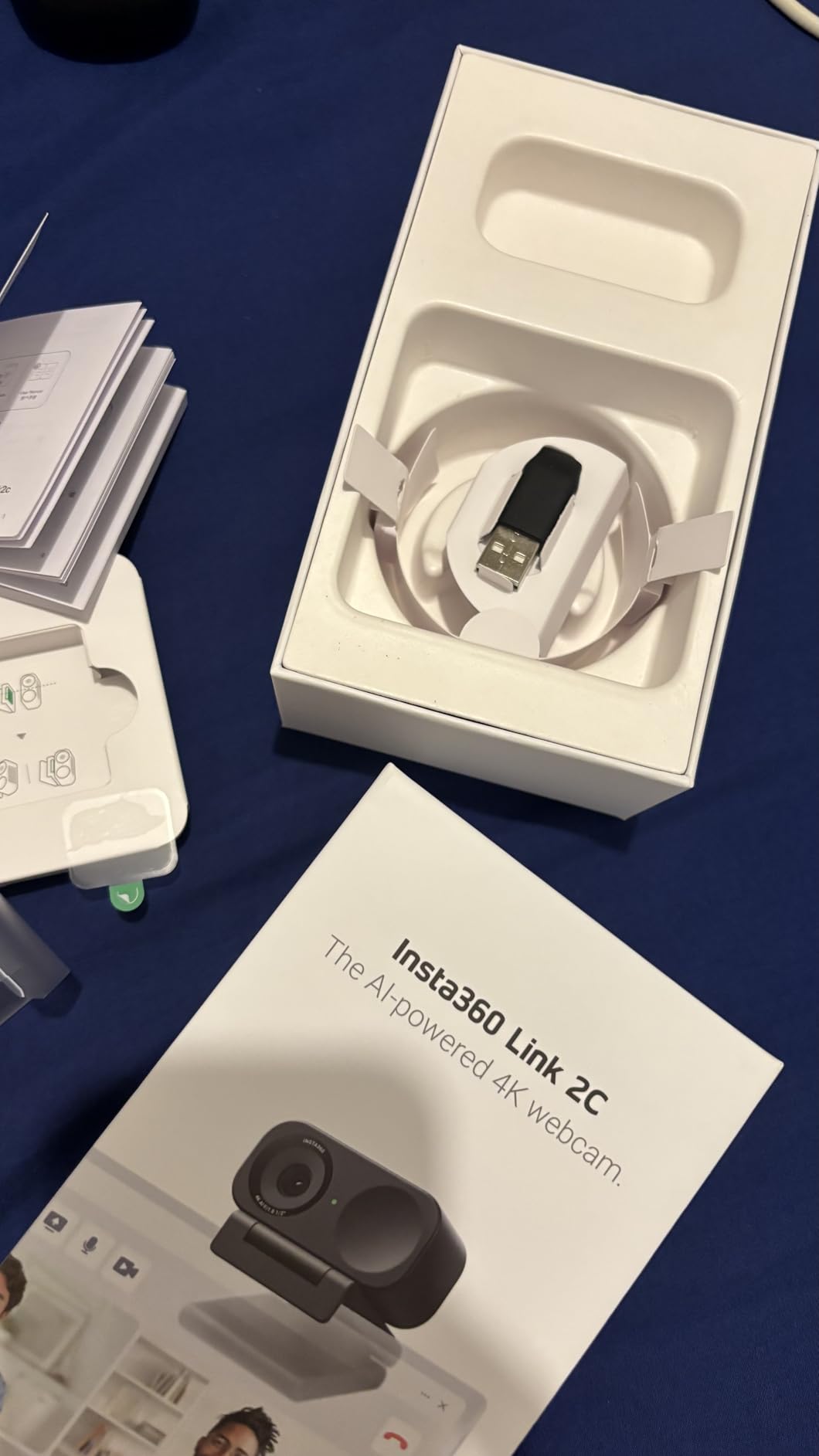
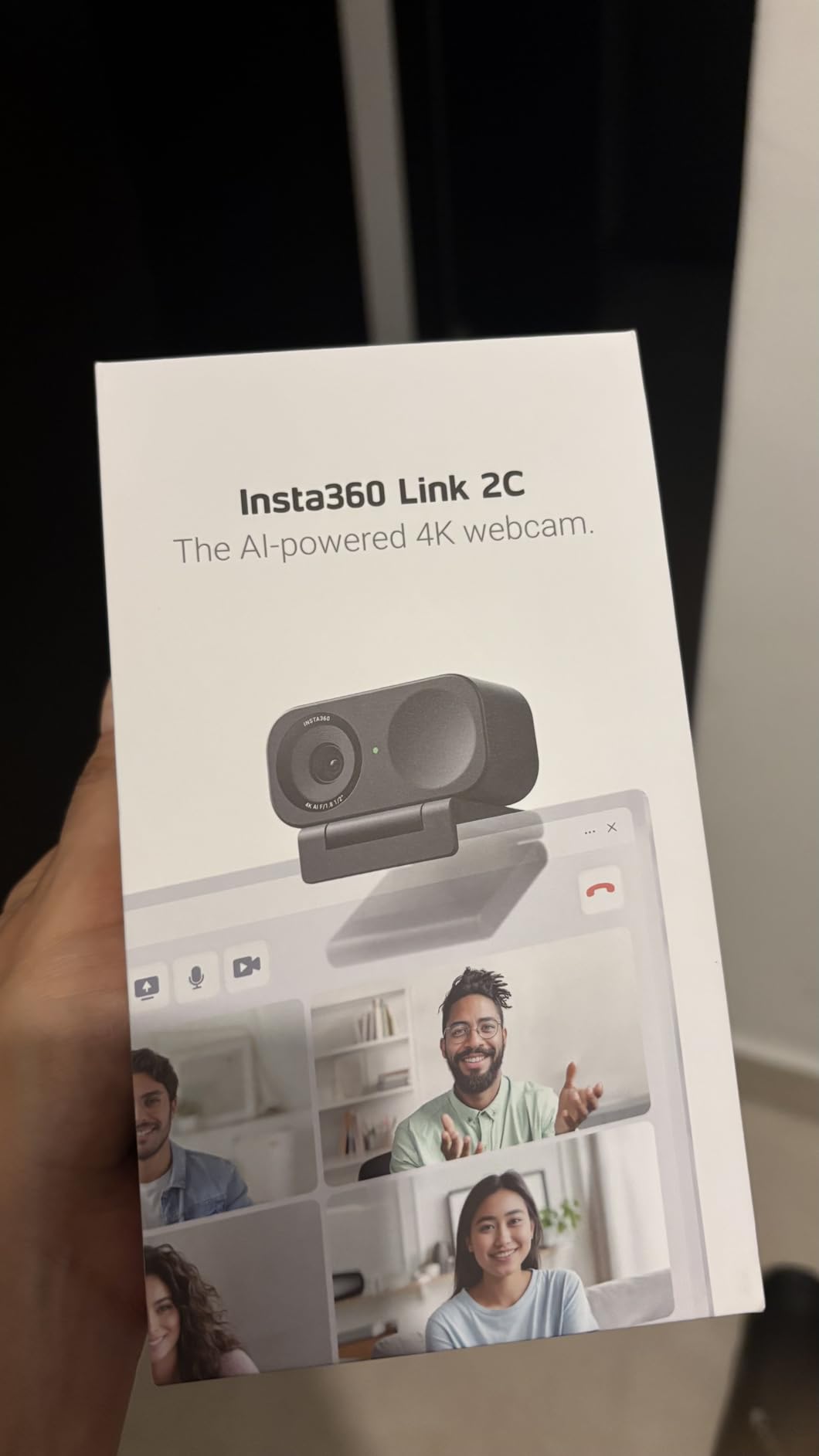
The Insta360 Link 2C brings the kind of sensor technology you usually find in action cameras to your desktop. The 1/2 inch sensor is significantly larger than what most webcams use, and it shows in the image quality. Colors are rich, detail is sharp, and the natural bokeh effect when you sit close to the camera looks professional without any software processing.
I tested the Link 2C extensively for both video calls and content creation. For calls, the auto-framing feature tracks your movement smoothly, keeping you centered as you shift in your chair. For content creation, the gesture controls let you zoom, enable tracking, or switch to whiteboard mode with simple hand signals, which feels like something from the future.
The HDR support makes a real difference in challenging lighting. I tested it with a bright window to one side and my desk lamp on the other, and the camera balanced both light sources without blowing out highlights or crushing shadows. This is where the larger sensor earns its keep.
The AI noise-canceling microphone is surprisingly good. It filtered out my mechanical keyboard clacking and the hum of my air conditioner during test recordings. The voice quality was clear and natural, though serious podcasters will still want a dedicated mic.
DeskView mode lets you tilt the camera down to show your desk, similar to the MX Brio’s Show Mode. The Whiteboard mode enhances and corrects the view of a physical whiteboard for remote participants. Both features worked well in my testing, though they require adequate lighting to function properly.
Ideal For Creative Professionals
The Insta360 Link 2C is the best webcam for video calls if you are a content creator, educator, or creative professional. The gesture controls, DeskView, and Whiteboard modes make it ideal for anyone who presents visual content during calls. The large sensor delivers image quality that rivals dedicated cameras.
Streamers will appreciate the background removal and replacement features, which work better than most software-based solutions because they leverage the camera’s processing power directly.
Mac Users Take Note
If you are on a Mac, you need an M1 or newer chip for some advanced features. The bokeh mode specifically requires more processing power, and older Intel Macs may struggle. There is also no Windows Hello support, which is a drawback if you rely on facial recognition for login.
The slight reddish tint in the default image is noticeable if you compare side-by-side with other cameras. There is no tint adjustment in the software, which is a frustrating limitation for a camera at this price point.
4. OBSBOT Meet SE – Best AI-Powered 1080p Webcam
OBSBOT Meet SE 1080P 100FPS Webcam for PC, AI Framing Streaming Camera
1080p at 100fps
1/2.8 inch stacked CMOS sensor
Staggered HDR with 12-bit color
AI-powered group framing
Gesture control
Magnetic mount
+ Pros
- Exceptional 1080p quality outperforming some 4K webcams
- Compact and lightweight 60-gram design
- Excellent low-light performance with Staggered HDR
- Gesture controls work without software
- AI framing tracks subjects reliably
- Magnetic mount provides flexible positioning
- USB-C connectivity
– Cons
- Can overheat with extended use
- Gesture control requires adequate front-facing lighting
- Some features require downloadable software
The OBSBOT Meet SE proved that resolution numbers do not tell the whole story. Despite being a 1080p camera, its image quality rivaled some 4K webcams in my testing. The secret is the 1/2.8 inch stacked CMOS sensor with dual native ISO and 2.9 micron pixel size, which gathers more light than typical 1080p sensors.
The 100fps capability at 1080p is remarkable for a webcam at this price. While no video conferencing platform uses 100fps, the extra headroom means your video stays smooth and artifact-free even when the software compresses it down. For streaming, the high frame rate makes motion look noticeably more fluid.
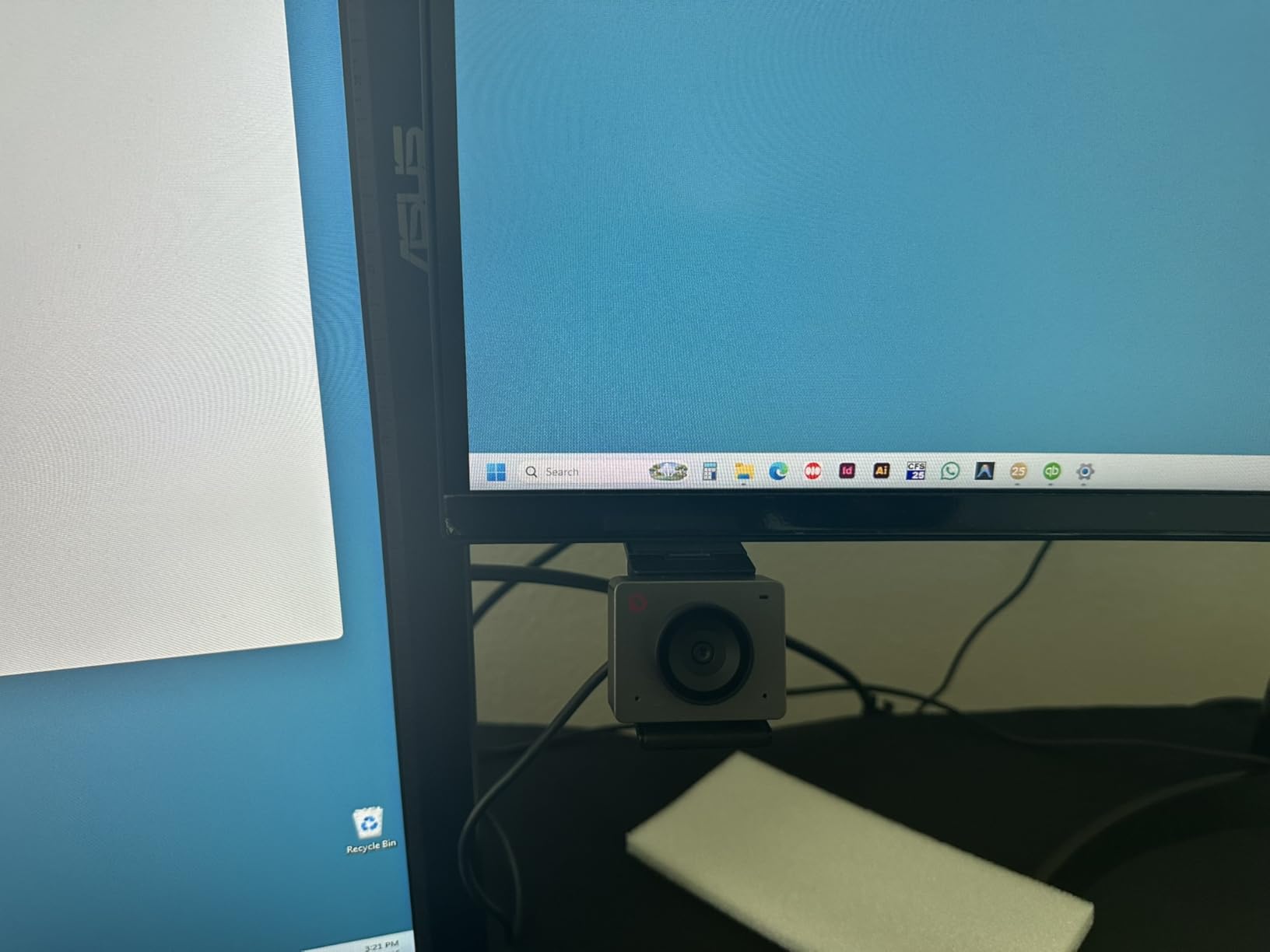
AI-powered group framing was one of my favorite features during testing. The camera automatically detects people in frame and adjusts the crop to include everyone. When I had a colleague join me for a call, the camera widened the frame without any manual adjustment. When they left, it zoomed back in on me.
The Staggered HDR with 12-bit dynamic color range genuinely improves image quality in mixed lighting. I tested it in my dimly lit home office and the results were cleaner and more detailed than several more expensive cameras I compared it against.
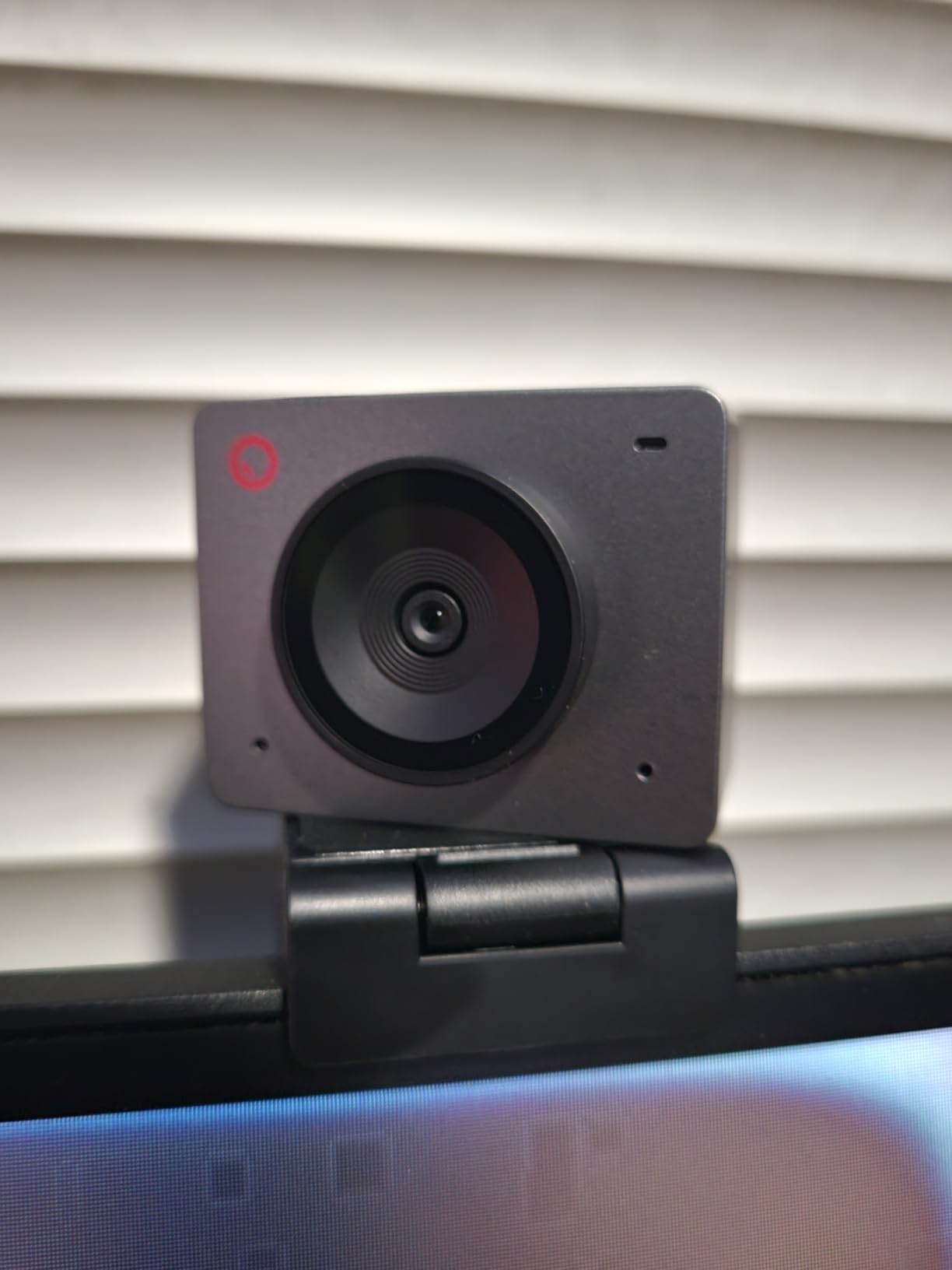
Gesture controls let you zoom in or enable AI tracking with a simple hand gesture, and they work without installing any software. This is handy for quick adjustments during calls without fumbling with settings menus. The beauty mode with facial and body contouring is a fun extra, though I found the default settings a bit aggressive.
Perfect for Dynamic Presenters
If you move around during calls or frequently have multiple people in frame, the OBSBOT Meet SE is the best webcam for video calls in its price range. The AI framing and gesture controls make it feel like a much more expensive camera. It is particularly well-suited for educators, trainers, and anyone who presents dynamically rather than sitting still.
The 60-gram weight makes it one of the lightest webcams on this list, which is great if you need to reposition it frequently or travel with it.
Heat and Software Considerations
The main concern is heat. During a three-hour continuous call, the camera became noticeably warm to the touch. It never malfunctioned, but I would not recommend using it for marathon streaming sessions without monitoring the temperature. The compact metal body acts as a heat sink, which explains both the warmth and the fact that it continues working.
Some advanced features require downloading the OBSBOT software, which is an extra step if you just want plug-and-play simplicity. The basic features work out of the box, but AI framing and beauty mode need the software installed.
5. Logitech C920x HD Pro – Best Selling Webcam of All Time
Logitech C920x HD Pro PC Webcam Full 1080p/30fps Video – Black
Full HD 1080p at 30fps
HD lighting adjustment and autofocus
Stereo audio with dual mics
78 degree field of view
USB plug and play
XSplit VCam license included
+ Pros
- Easy setup worked on first attempt
- Good picture quality and clear audio for the price
- Bright razor-sharp images even in low-light settings
- Versatile mounting for laptop or desktop
- Automatic light correction
- Compatible with Nintendo Switch 2 GameChat mode
– Cons
- Microphones are average at best
- Performance in low-light conditions can be grainy
- No privacy shutter included
The Logitech C920x is the webcam that needs no introduction. With over 21,000 reviews and a 4.6-star rating, it is the best-selling external webcam of all time for a reason. I have used various versions of the C920 family for years, and the C920x variant brings the same reliable performance with a few modern touches.
What makes this camera so popular is its consistency. You plug it in, it works immediately with Zoom, Teams, Google Meet, or whatever platform you use. The 1080p at 30fps video is clean and well-balanced for video calls. The HD lighting adjustment handles moderate lighting changes without noticeable lag.
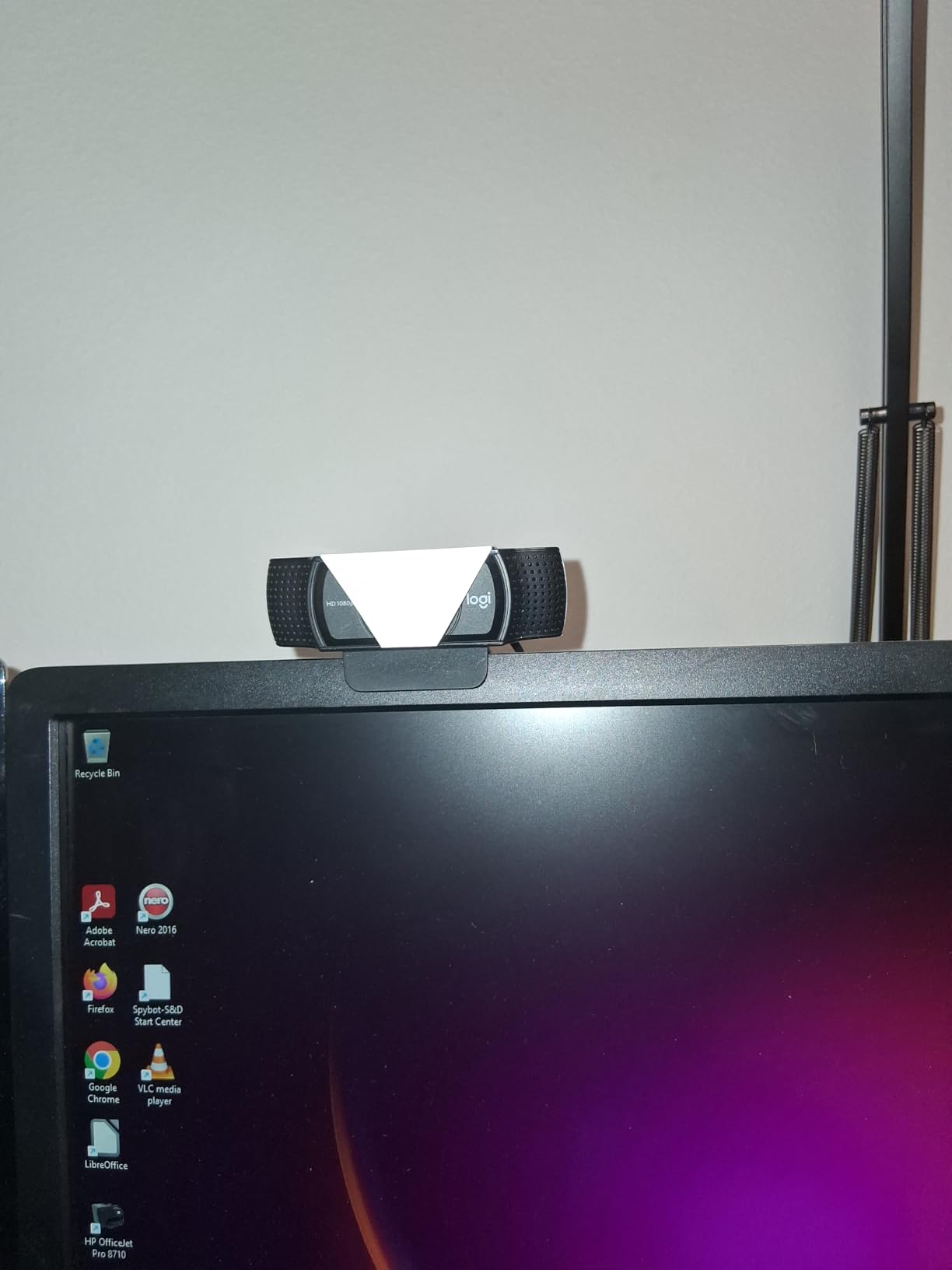
I tested the C920x alongside newer and more expensive cameras, and while it does not match their image quality, the difference is smaller than you might expect for basic video calls. For a standard one-on-one or small group meeting with decent lighting, the C920x produces video that looks professional and clear.
The stereo dual microphones capture natural sound, though they are the weakest part of this package. In a quiet room they sound fine, but they pick up keyboard noise and room echo noticeably more than the AI-enhanced mics on newer models. The included 3-month XSplit VCam license lets you remove or blur backgrounds, which adds value.
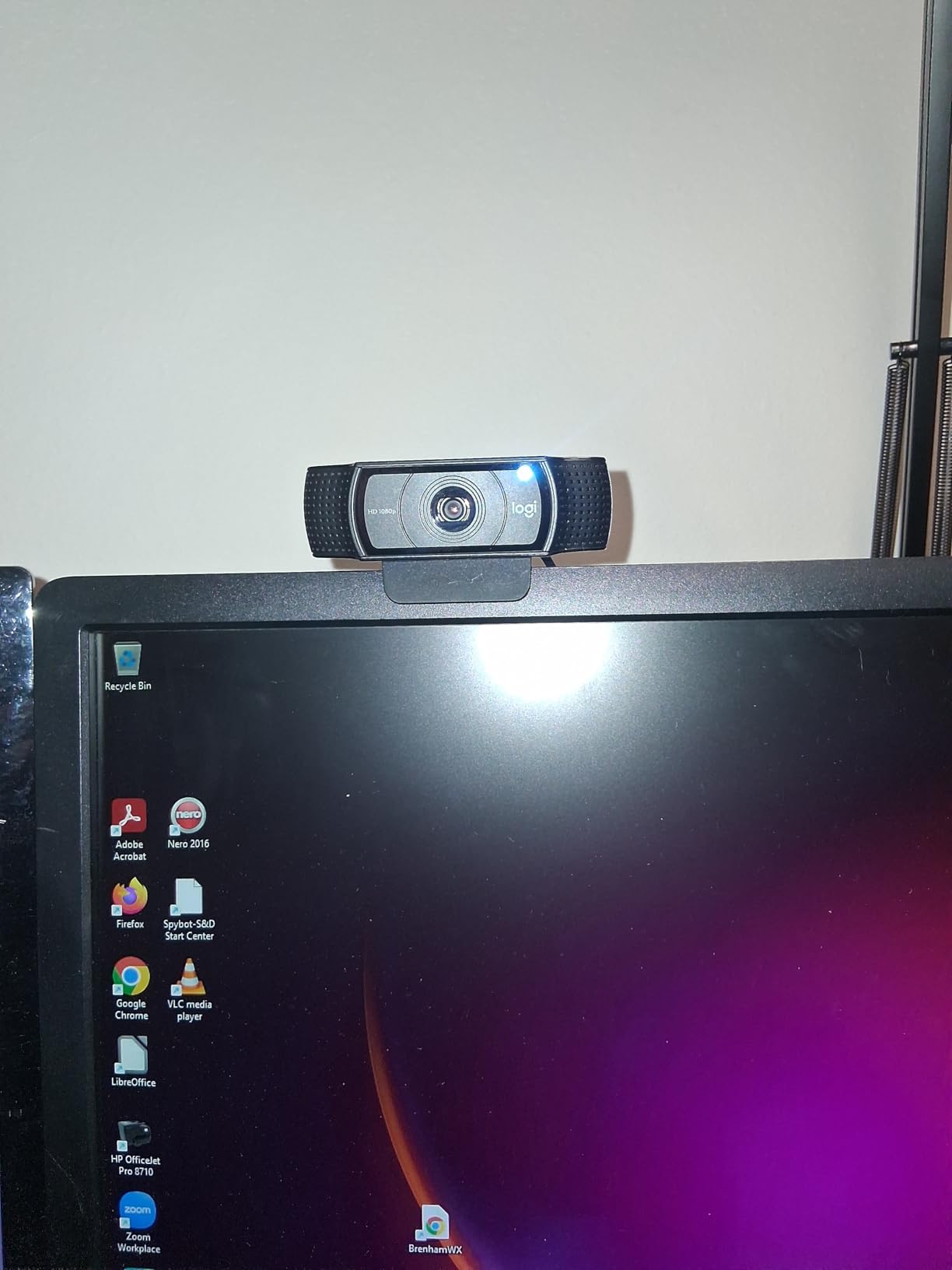
A neat bonus is compatibility with Nintendo Switch 2’s GameChat mode. If you game on Switch and also need a webcam for work, the C920x pulls double duty without needing a second camera.
Who the C920x Is Perfect For
If you want a reliable, well-supported webcam from a trusted brand and do not need 4K or advanced AI features, the C920x is the safe choice. It is the webcam I would recommend to my parents or a coworker who just wants something that works without any configuration. The massive user base also means any troubleshooting question has already been answered online.
It is also a great choice for organizations buying webcams in bulk for employees. The proven reliability and broad compatibility reduce IT support calls.
Where It Falls Short
The biggest omission is the lack of a privacy shutter. At this price point, many competitors include one. You can buy a third-party cover, but it is an extra step. Low-light performance is adequate but not great. If your office is dimly lit, you will notice grain and noise that better sensors handle more cleanly.
The 78-degree field of view is narrower than newer cameras that offer adjustable FOV options. This is fine for solo use but limits the camera if you need to fit multiple people in frame.
6. Anker PowerConf C200 2K – Best Value Webcam
Anker PowerConf C200 2K Webcam for PC/Laptop/Mac, Low-Light Correction
2K Ultra-Clear resolution
AI Noise Cancellation with dual mics
Adjustable FOV 65/78/95 degrees
Built-in privacy cover
Superior low-light performance
18 months warranty
+ Pros
- Sharp and clear 2K image quality
- Excellent low-light correction without extra lighting
- AI noise-canceling microphone works well
- Easy plug-and-play setup
- Adjustable field of view
- Built-in privacy shutter with orange indicator
- Good build quality and sturdy mount
– Cons
- Autofocus can struggle in very low light
- Some users reported receiving faulty power cables
- Software could be more refined
- 360-degree mic pickup may pick up some background noise
The Anker PowerConf C200 is the webcam I recommend most often to friends and colleagues. It hits the sweet spot between price and performance that makes it the best value webcam on the market. The 2K resolution is a noticeable step up from 1080p without the premium pricing of 4K cameras.
During my testing, the low-light performance was the standout feature. I deliberately tested it in a dim room with only a desk lamp, and the C200 produced a brighter, cleaner image than several more expensive cameras. The auto light correction is aggressive in a good way, brightening your face without washing out the background.

The adjustable field of view at 65, 78, and 95 degrees is controlled through Anker’s software. I used 65 degrees for focused one-on-one calls and 95 degrees when demonstrating something at my desk. The orange privacy indicator that shows when the privacy cover is closed is a thoughtful touch that gives visual confirmation.
The AI noise-canceling microphone handled my typical home office noise well. Keyboard typing, mouse clicks, and a running fan were significantly reduced. Voice quality was clear and natural during Zoom and Teams calls, though a dedicated USB mic still sounds noticeably better for content creation.

The build quality feels solid for the price. The mount grips my monitor firmly and the camera does not wobble when I type. The 18-month warranty from Anker is longer than most competitors offer, which speaks to their confidence in the product.
The Smart Choice for Most People
If you are not sure which webcam to buy, the Anker PowerConf C200 is the safest recommendation I can make. It delivers better-than-1080p quality, useful AI features, a privacy cover, and solid build quality at a price that makes sense for most budgets. It is the best webcam for video calls if you want maximum value without compromises that matter.
Remote workers, students, and anyone who spends significant time on video calls will appreciate the combination of image quality and features at this price point.
Minor Drawbacks
The autofocus occasionally hunts in very low light, briefly cycling through focus distances before settling. This is not a deal-breaker but can be distracting during important calls. Keeping a light source on your face prevents this issue entirely.
The Anker software is functional but not as polished as Logitech’s Logi Tune. Some users have reported receiving faulty cables, though Anker’s customer service is generally responsive about replacements.
7. EMEET NOVA 4K – Best Budget 4K Webcam
EMEET NOVA 4K Webcam for PC, Ultra 4K HD, PDAF Autofocus, Dual Omni Mics
True 4K at 30fps
PDAF fast autofocus
73 degree FOV
Dual omnidirectional mics
Auto light correction
360 degree rotation with tripod mount
+ Pros
- Stunning 4K clarity at an affordable price
- Fast and accurate PDAF autofocus
- Excellent auto light correction
- Dual microphones capture clear voice
- Plug-and-play simplicity
- Privacy cover included
- Versatile mounting with 360 degree rotation and tripod support
- Great value compared to Logitech alternatives
– Cons
- Microphone can sound echoey in certain room acoustics
- No facial tracking feature
- Cannot adjust field of view
The EMEET NOVA 4K delivers something I did not think was possible at this price: genuine 4K video quality. During my testing, the image sharpness and detail were clearly superior to 1080p webcams, and the PDAF autofocus was fast and accurate. Phase detection autofocus is usually found on much more expensive cameras.
The 73-degree field of view is narrower than some cameras, but I found it ideal for professional calls. It frames your face and shoulders without showing too much of your room, which keeps the focus on you. This is a deliberate design choice that works well for business video calls.
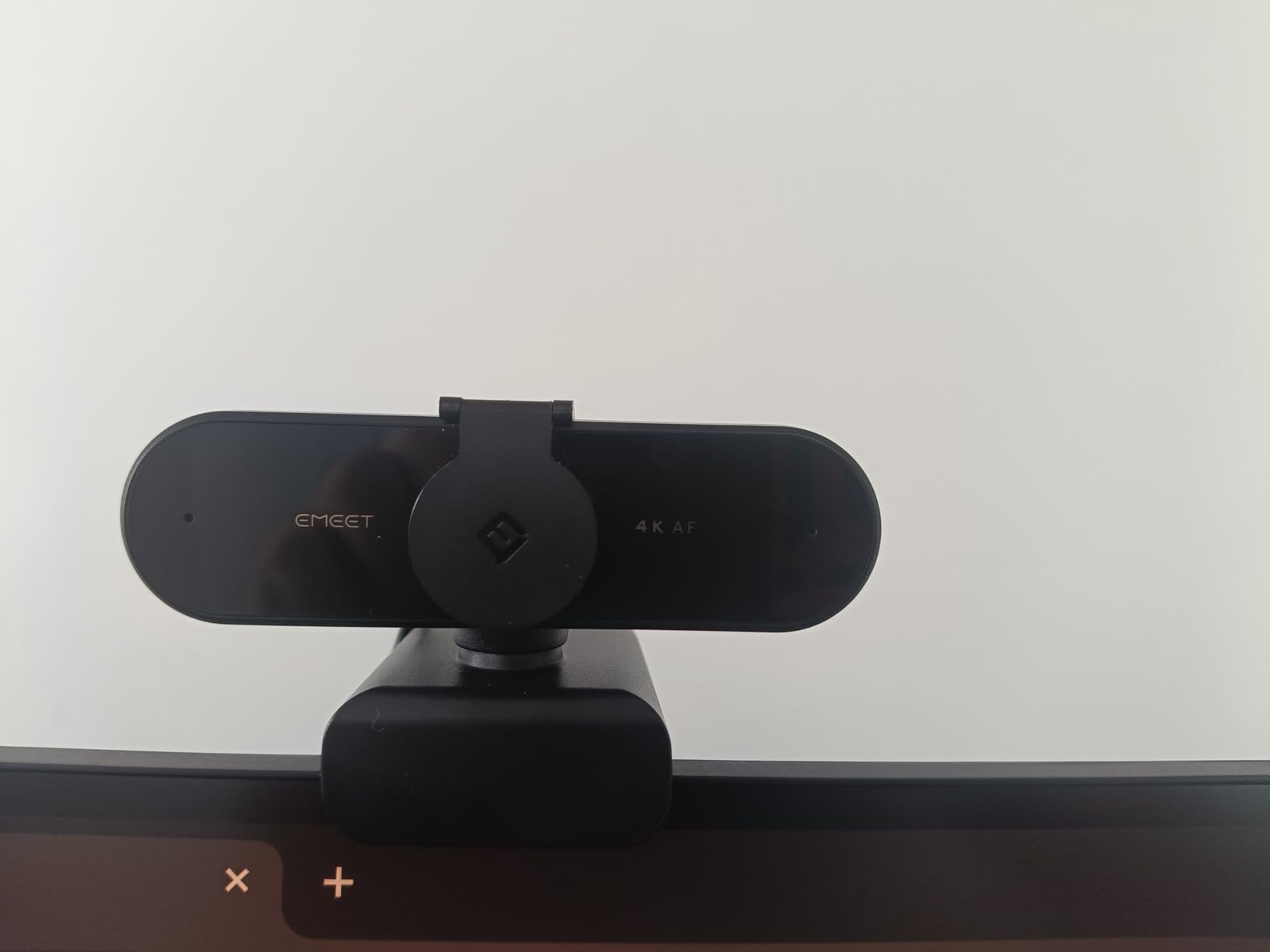
The auto light correction handled my mixed lighting setup reasonably well. It is not as sophisticated as Logitech’s RightLight 3, but it brightened shadows and reduced highlights effectively enough for daily use. The privacy cover is included and slides smoothly over the lens.
The 360-degree horizontal rotation is a feature I did not know I needed. During a call, I could rotate the camera to show my whiteboard without physically moving the camera. The standard 1/4 inch tripod mount means you can use it with any standard tripod or mounting arm.
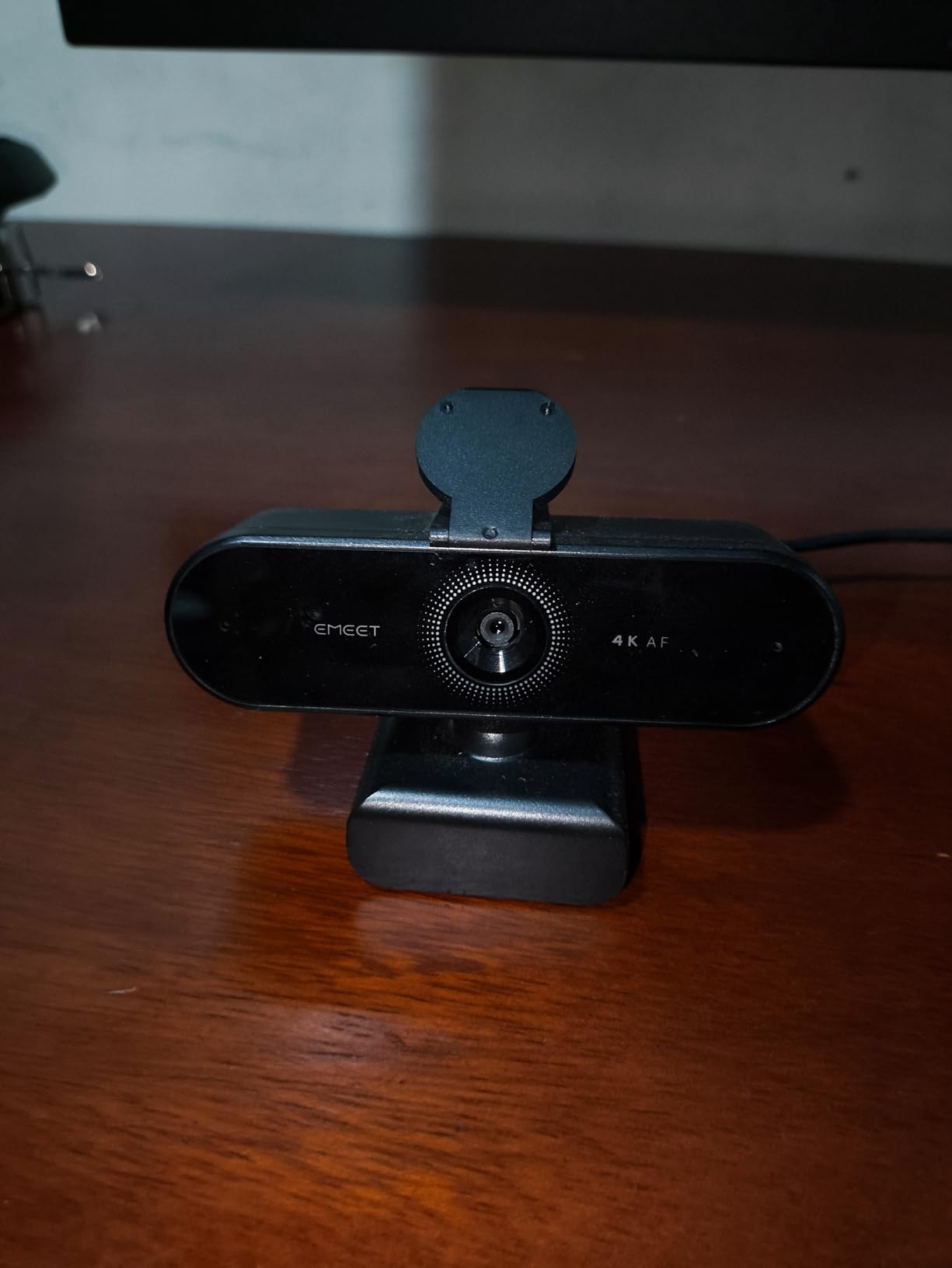
Dual omnidirectional microphones captured my voice clearly up to about 8 feet away. In a quiet room, they sound good. In a room with hard surfaces, the audio can have a slightly echoey quality, which is the main drawback of the microphone setup.
Best for 4K on a Budget
The EMEET NOVA 4K is the best webcam for video calls if you want 4K resolution without spending over $100. It delivers genuine 4K image quality, fast autofocus, and versatile mounting options. For remote workers who want to look sharp on calls without a premium investment, this camera punches well above its weight.
The PDAF autofocus sets it apart from other budget 4K cameras that use slower contrast-detection autofocus. The difference is noticeable when you lean in to show something or shift position during a call.
Limitations to Be Aware Of
There is no facial tracking or auto-framing feature, so you need to position yourself within the frame manually. The field of view is fixed at 73 degrees and cannot be adjusted through software. If you need a wider or narrower view, this is not the camera for you.
The microphone quality depends heavily on your room acoustics. In a carpeted room with soft furnishings, it sounds clean. In a bare room with hard walls, you may notice echo. A dedicated microphone solves this if audio quality is critical.
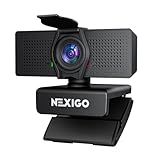
8. NexiGo N60 Pro 4K – Best Entry-Level 4K with Sony Sensor
NexiGo N60 Pro 4K Webcam for PC, 4K UHD Sony Sensor, Autofocus, 1080p 60 fps, Noise-Canceling Mics, Privacy Cover, Distortion-Free Lens, 4X Digital Zoom, Works with Switch 2/Zoom/Teams/Google Meet
4K UHD Sony CMOS sensor
1080p at 60fps option
Fast autofocus with 3DNR
Distortion-free 80 degree lens
Dual noise-canceling mics
4x digital zoom
Privacy cover
Tripod mount
+ Pros
- Great value 4K webcam with Sony sensor
- Good image quality for professional meetings
- Noise-canceling microphones block background noise
- Easy plug-and-play setup
- Distortion-free lens preserves natural proportions
- Works well in various lighting conditions
- Privacy cover included
- Tripod mount available with 360 degree rotation
– Cons
- Some users report slightly washed out appearance
- Privacy cover can loosen over time
- Image quality not quite true 4K at all times
- Wide FOV shows more background than some prefer
The NexiGo N60 Pro brings a Sony CMOS sensor to the budget 4K category, which immediately sets it apart from generic sensor webcams. The Sony sensor delivers better color reproduction and dynamic range than I expected at this price. The 1080p at 60fps option is a welcome addition for smoother video when full 4K is not needed.
I tested the N60 Pro for two weeks across daily meetings and was consistently pleased with the image quality. Colors look natural, and the distortion-free 80-degree lens keeps straight lines straight. Face proportions look natural rather than stretched, which is a problem with some wide-angle budget webcams.
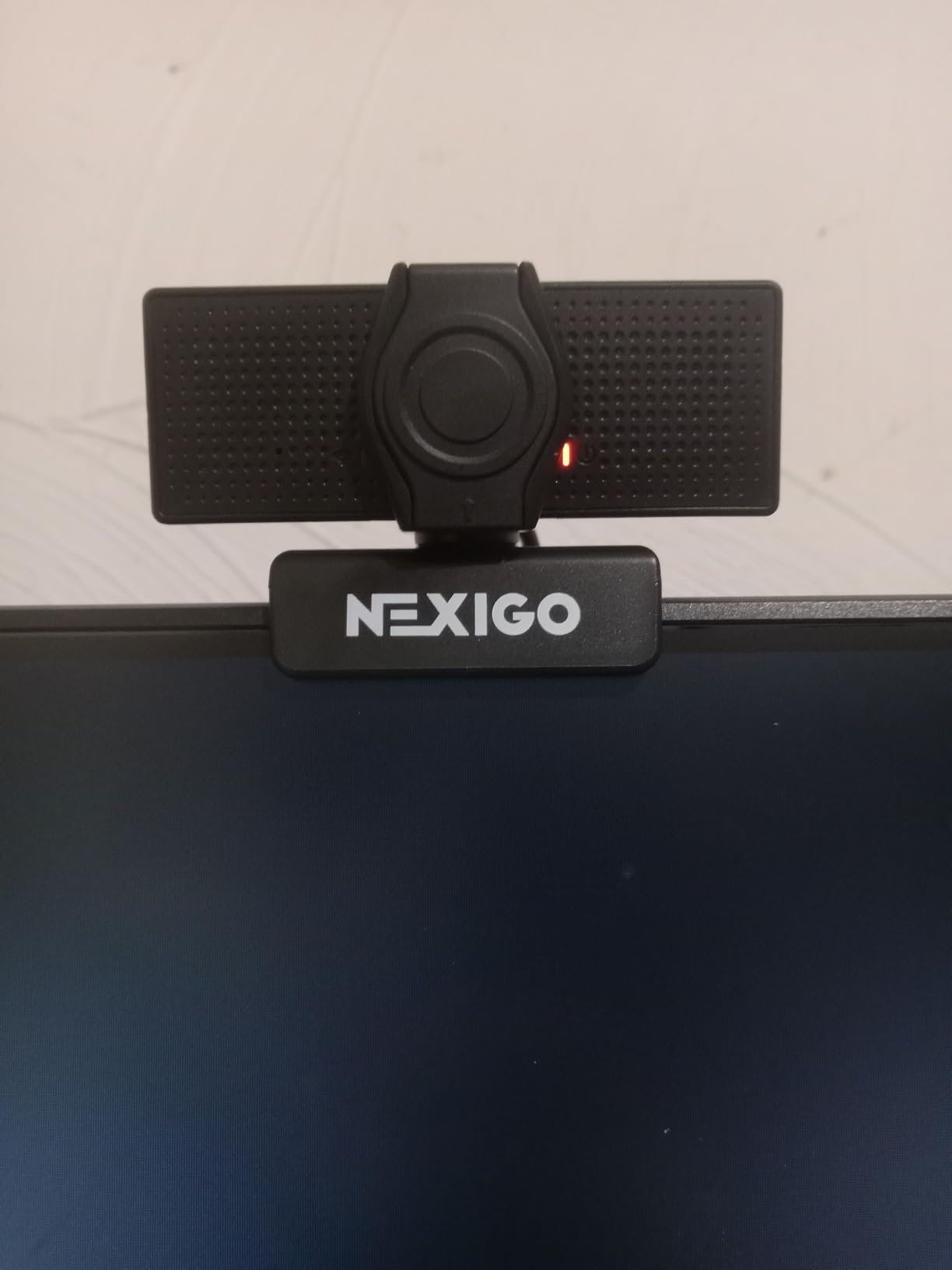
The 3DNR noise reduction technology helps in lower light by reducing the grainy noise that plagues cheap sensors. It is not magic, but it does produce a cleaner image than the standard N60 in similar conditions. The autofocus is fast enough for typical use, though it occasionally hesitates in very dim lighting.
The dual noise-canceling microphones reduce background noise effectively. My test recordings with a fan running in the background showed noticeable noise reduction while keeping my voice clear. The 4x digital zoom through NexiGo’s software lets you crop in, though image quality degrades at maximum zoom.
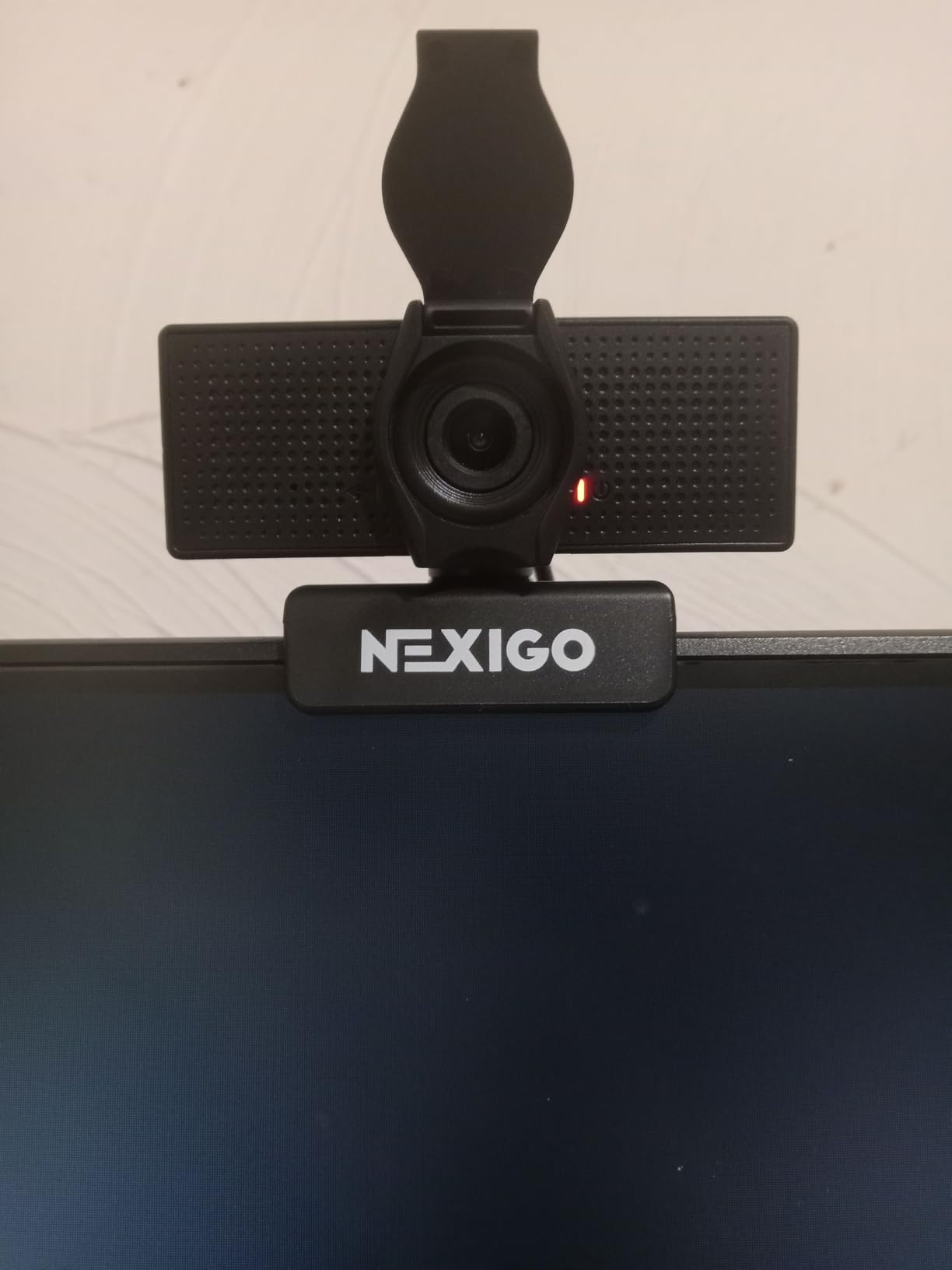
The 360-degree rotation and standard tripod mount give you mounting flexibility. I used it on a small desktop tripod for a slightly elevated angle, which is more flattering than the straight-on view from a monitor mount.
Best for First-Time 4K Buyers
The NexiGo N60 Pro is the best webcam for video calls if you are upgrading from a 1080p camera and want to try 4K without a major investment. The Sony sensor delivers better image quality than most budget 4K cameras, and the 1080p at 60fps option adds versatility. It is an excellent entry point into higher-resolution video.
The plug-and-play simplicity means it works the moment you plug it in. No drivers, no software required for basic use. This makes it a great choice for less technical users who want better video quality without configuration hassles.
Managing Expectations
The image quality is very good for the price, but it is not on par with the Logitech MX Brio or Insta360 Link 2C. Some users report a slightly washed-out appearance, which I noticed in default settings. A quick adjustment in the NexiGo software to increase saturation and contrast resolved this for me.
The privacy cover works but can loosen over time with repeated use. The wide field of view captures more background than some people prefer, which is worth considering if your workspace is not always camera-ready.
9. EMEET C960 1080p – Best Budget 1080p with USB-C
EMEET C960 1080P Webcam with Microphone, 2 Mics, 90° FOV, Computer Camera
Full HD 1080P at 30fps
5-layer anti-glare lens
Dual omnidirectional mics
90 degree wide-angle FOV
Auto light correction
USB Type-A and USB-C
Privacy cover
+ Pros
- Crystal clear 1080p video quality
- Built-in dual omnidirectional microphones
- Easy plug-and-play setup
- USB Type-A and USB-C connectivity options
- 90 degree wide angle without face distortion
- Privacy cover included
- Works with Zoom Teams Facetime Google Meet YouTube and Switch
– Cons
- Fixed focus lens may cause occasional brief blur
- May need direct USB port connection instead of hub
The EMEET C960 is the 2025 version of a popular budget webcam, and it punches well above its price tag. The 5-layer anti-glare lens produces clean 1080p video that looks noticeably sharper than typical budget webcams. EMEET has refined the formula here, and it shows in the image quality.
The inclusion of both USB Type-A and a USB-C adapter is a thoughtful touch. Whether your laptop only has USB-C ports or you are using an older desktop with USB-A, the C960 connects without needing to buy a separate adapter. This is a small detail that saves money and frustration.
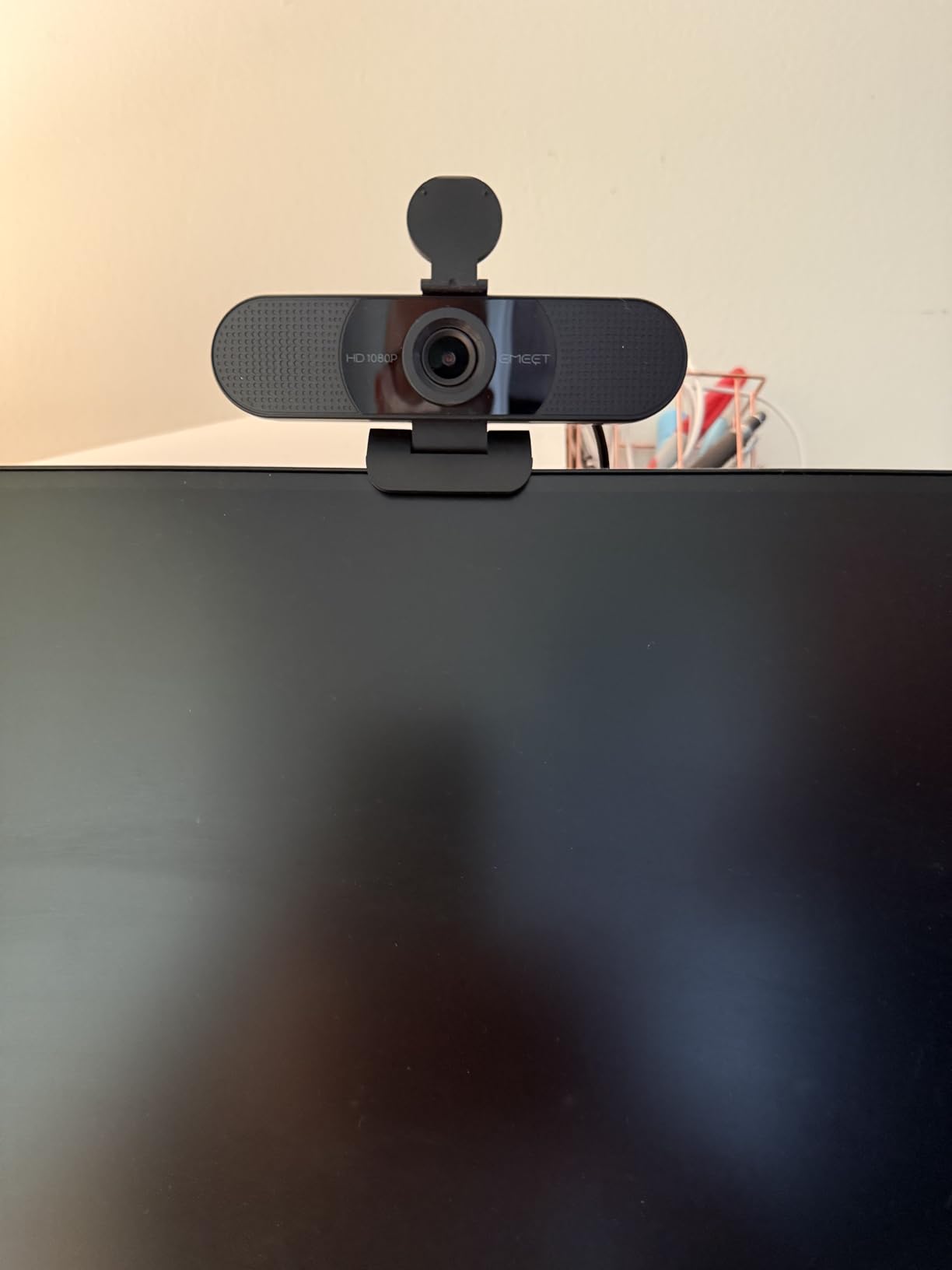
I was impressed by the 90-degree wide-angle lens, which captures a generous view of your workspace without the fish-eye distortion that plagues some wide-angle cameras. Faces look natural and proportions are preserved. The auto light correction adjusts exposure smoothly when lighting changes.
The dual omnidirectional microphones pick up voice clearly within a reasonable distance. For a budget webcam, the audio quality is above average. It will not replace a dedicated microphone, but for standard video calls, it is perfectly serviceable.
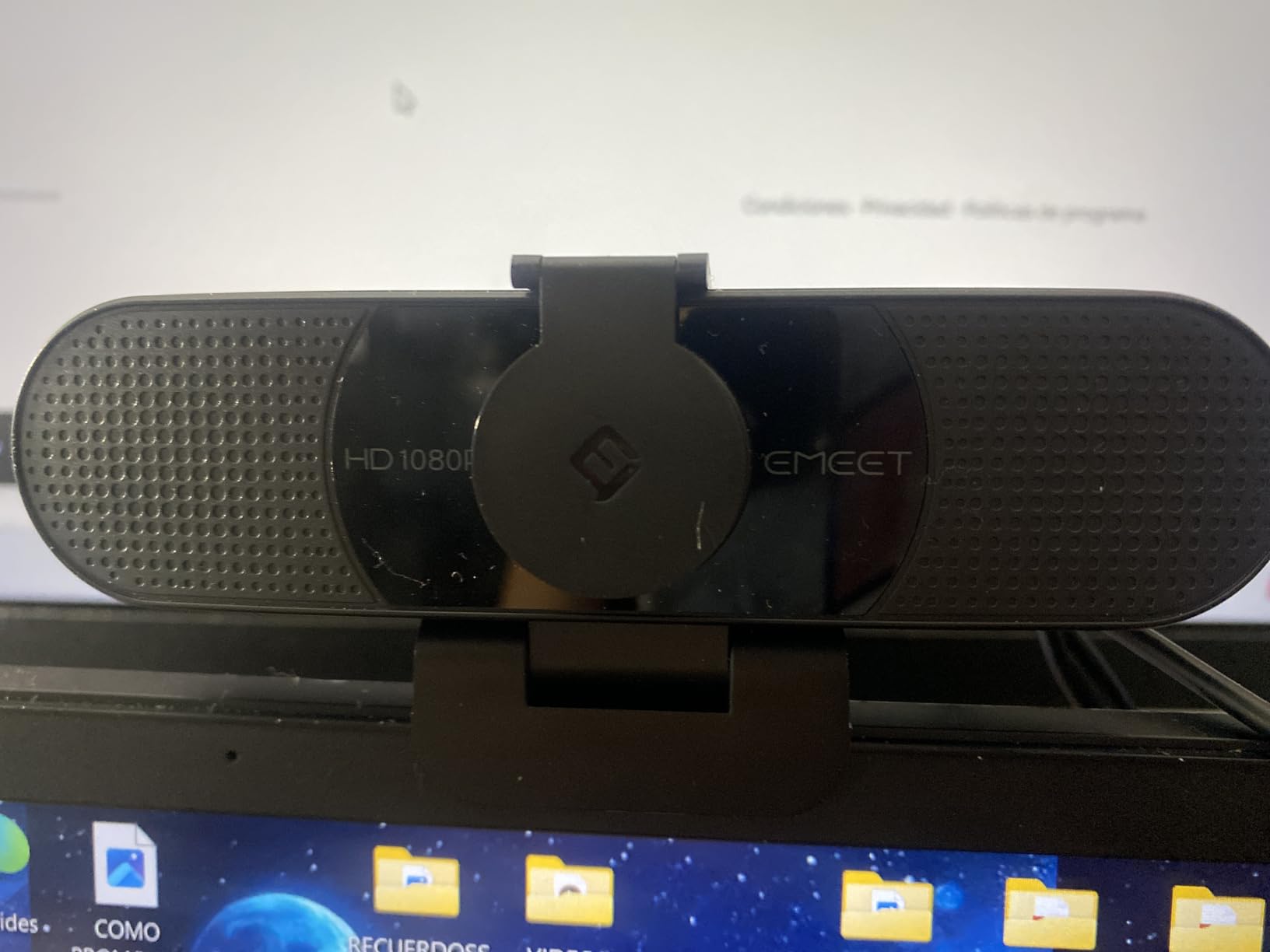
The privacy cover is included and works smoothly. The plug-and-play setup means it works the moment you connect it, with no drivers to install. It showed up immediately in Zoom, Teams, and Google Meet without any configuration.
Best for Students and Casual Users
The EMEET C960 is the best webcam for video calls if you are a student, casual user, or anyone who needs a reliable 1080p camera for under $30. It delivers clean video, decent audio, and useful features like USB-C connectivity and a privacy cover. The wide compatibility with Windows, macOS, Android TV, and Chrome OS makes it versatile.
If you are upgrading from a built-in laptop camera, the difference will be immediately obvious. The C960 produces sharper, brighter, and more professional-looking video than almost any built-in camera.
Fixed Focus Trade-Off
The fixed focus lens is optimized for distances between 11.8 and 118 inches. This covers typical desk setups, but you may experience brief moments of blur if you move closer or farther from the camera. There is no autofocus to correct for this. For most video call scenarios where you sit at a consistent distance, this is not a problem.
The camera works best when plugged directly into a USB port rather than through a hub. Some users report connection issues when using USB hubs, so plan your port usage accordingly.
10. NexiGo N60 1080p – Best Ultra-Budget Webcam
NexiGo N60 1080P Webcam with Microphone, Software Control & Privacy Cover, USB HD Computer Web Camera, Plug and Play, for Zoom/Skype/Teams, Conferencing and Video Calling
Full HD 1080p at 30fps
Built-in noise-canceling microphone
110 degree wide angle lens
Privacy cover
Plug and play USB
Wide OS compatibility
Software adjustable
+ Pros
- Excellent value for the price
- Plug and play with easy setup
- Good video quality for professional meetings
- Effective noise-canceling microphone
- Wide 110 degree field of view
- Privacy cover included
- Works well with Teams Zoom and Skype
– Cons
- Image can appear washed out in normal indoor lighting
- Fixed focus not ideal for all distances
- Wide field of view shows too much background for some
- Privacy cover flip mechanism may loosen over time
The NexiGo N60 is the most affordable webcam on this list, and with over 52,000 reviews, it is also one of the most popular. Testing it against more expensive cameras confirmed what I expected: it does not match their image quality, but for the price, it delivers remarkable value. If your budget is under $25, this is your camera.
The 1080p video is clean enough for standard video calls. In good lighting, the image looks professional and sharp. In average indoor lighting, it can look slightly washed out, which is the main trade-off at this price point. Adding a simple desk lamp dramatically improves the image quality.
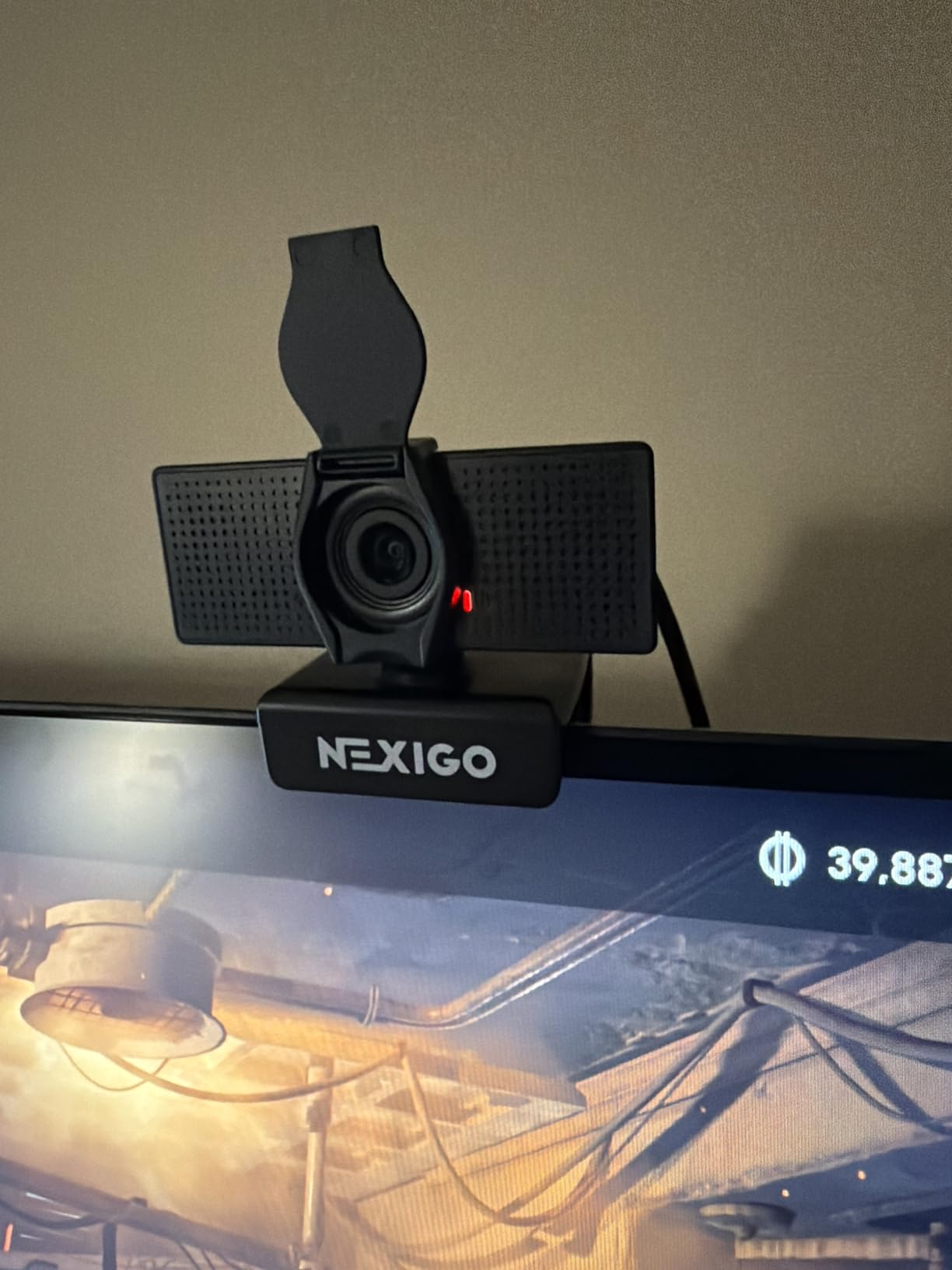
The noise-canceling microphone is surprisingly effective for a budget camera. It reduced my keyboard noise and the hum of my air conditioner during test calls. Voice quality was clear enough for colleagues to hear me without issues on Zoom and Teams calls.
The 110-degree field of view is very wide, which is both a strength and a weakness. It is great if you need to show your surroundings or fit multiple people in frame. It shows a lot of background, which may not be ideal if your workspace is cluttered.
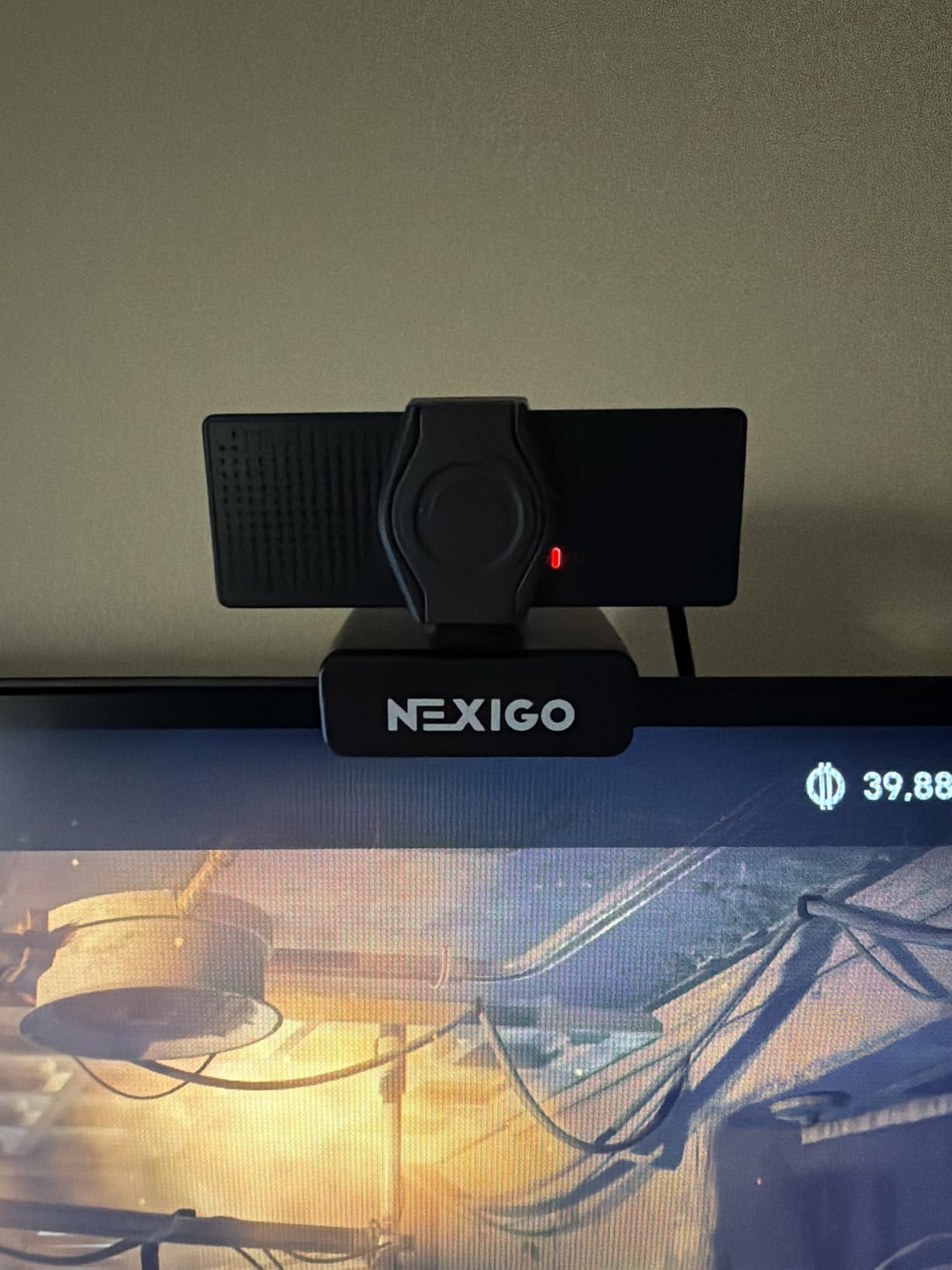
The privacy cover is included and attaches to the camera body. The flip mechanism works but can loosen over time with daily use. The plug-and-play setup is genuinely effortless. I plugged it into a Windows laptop, a Mac, and a Chrome OS device, and it worked immediately on all three.
Best for Tight Budgets
The NexiGo N60 is the best webcam for video calls if budget is your primary constraint. At under $25, it delivers 1080p video, a noise-canceling microphone, a privacy cover, and broad compatibility. It is a massive upgrade over any built-in laptop camera, especially the 720p cameras still found on many older laptops.
It is ideal for students, casual users, anyone setting up a secondary workstation, or organizations needing to equip many employees on a limited budget.
Understanding the Limitations
The fixed focus lens is optimized for distances from about 20 inches to 13 feet. Within that range, the image is sharp. Outside of it, you will get blur. The camera does not have automatic light correction as sophisticated as more expensive models, so lighting quality matters more here.
The wide field of view cannot be adjusted. If 110 degrees is too wide for your needs, you can crop the image using virtual camera software like OBS, but this reduces resolution. The privacy cover mechanism, while functional, is not as durable as the integrated shutters on pricier cameras.
How to Choose the Best Webcam for Video Calls
Choosing the right webcam comes down to understanding which specifications actually matter for your use case. After testing 10 cameras extensively, I can break down the key factors that separate a good webcam from a great one. If you are also considering laptops ideal for video calls and presentations, the same principles apply to built-in camera evaluation.
Resolution: 1080p vs 2K vs 4K
Resolution determines how sharp your video appears. Here is the practical breakdown: 1080p is the minimum standard for professional video calls in 2026. It looks clear on most screens and is what platforms like Zoom and Teams are optimized for. 2K offers a noticeable improvement in detail, making it the sweet spot for price-to-performance. 4K delivers the sharpest image but is overkill for most video calls since platforms compress video anyway.
The reality is that 1080p is good enough for video calls. 4K is worth it if you also stream, create content, or simply want the best image quality available. Most video conferencing platforms cap resolution at 1080p or lower, so 4K primarily benefits recording and streaming.
Frame Rate: 30fps vs 60fps
Frame rate affects how smooth your video looks during motion. 30fps is the standard for video calls and looks natural for seated conversation. 60fps makes motion smoother, which matters more for streaming and content creation than for typical meetings. Most platforms limit video to 30fps anyway, so 60fps is a nice-to-have rather than essential.
If you present dynamically, move around during calls, or stream content, higher frame rates reduce motion blur and make your video look more professional.
Field of View
Field of view determines how much of your surroundings appears in the frame. A narrow 65-degree FOV keeps the focus tight on your face, which is ideal for one-on-one calls. A medium 78-degree FOV captures you and some background context. A wide 90 to 110-degree FOV fits multiple people or shows your workspace.
Cameras with adjustable FOV give you the most flexibility. The Anker PowerConf C200 and Logitech Brio 4K both offer adjustable options, letting you adapt to different call types.
Autofocus and Light Correction
Autofocus keeps you sharp as you move. Cameras with phase detection autofocus (PDAF), like the EMEET NOVA 4K and Insta360 Link 2C, focus faster and more accurately than contrast-detection systems. Fixed focus cameras like the NexiGo N60 and EMEET C960 work fine if you sit at a consistent distance.
Automatic light correction adjusts exposure based on your lighting conditions. Logitech’s RightLight 3 on the Brio 4K and the Anker C200’s low-light correction are the best I tested. These features matter most if your lighting varies throughout the day or if you sit near a window.
Microphone Quality
Built-in webcam microphones range from barely adequate to genuinely useful. AI noise-canceling mics, like those on the Anker C200, Logitech MX Brio, and Insta360 Link 2C, filter out background noise effectively. Standard omnidirectional mics on budget cameras pick up more ambient noise.
For occasional calls, built-in mics are fine. For daily professional use, consider a dedicated USB microphone or headset for significantly better audio quality. Your audience tolerates mediocre video better than poor audio.
Privacy Features
A privacy shutter or cover physically blocks the lens when you are not using the camera. This is a feature that every webcam should have but not all do. The Logitech C920x notably lacks one, while most other cameras on this list include it. Integrated shutters, like on the MX Brio and Anker C200, feel more secure than clip-on designs.
If privacy is a priority, look for cameras with built-in shutters rather than separate covers that can get lost.
Compatibility and Connectivity
Most webcams are plug-and-play with USB-A connections. If your computer only has USB-C ports, look for cameras that include USB-C cables or adapters. The EMEET C960 includes both USB-A and USB-C options, which is convenient. The Logitech Brio 4K requires USB 3.0 for full 4K functionality, so check your available ports.
Check compatibility with your operating system and preferred video conferencing platform. All cameras on this list work with Zoom, Teams, and Google Meet on both Windows and macOS.
FAQs
What is the best webcam for video calls?
The Logitech MX Brio is our top pick for video calls, offering 4K resolution, AI-enhanced image quality, Show Mode for desk sharing, and excellent virtual background performance. For budget-conscious buyers, the Anker PowerConf C200 delivers 2K quality with AI noise cancellation at roughly a third of the price.
What specs should I look for in a webcam for video conferencing?
Look for at least 1080p resolution, 30fps frame rate, autofocus, automatic light correction, a field of view between 65 and 90 degrees, built-in microphones with noise cancellation, and a privacy shutter. USB-C connectivity and adjustable field of view are bonus features worth paying extra for if budget allows.
How do I choose the right webcam for my needs?
Choose based on your primary use case: 1080p cameras under $30 work for casual calls, 2K cameras around $50 suit most remote workers, and 4K cameras over $100 are best for content creators and executives. Also consider lighting conditions in your workspace and whether you need features like auto-framing or Windows Hello.
Is 1080p good enough for video calls?
Yes, 1080p is good enough for video calls. Most video conferencing platforms including Zoom, Microsoft Teams, and Google Meet compress video to 1080p or lower regardless of your camera resolution. A quality 1080p webcam with good light correction will look professional on any call.
Do I need a 4K webcam for Zoom meetings?
No, you do not need a 4K webcam for Zoom meetings. Zoom typically limits video to 1080p or lower during calls, so a 4K camera provides minimal benefit during live meetings. 4K is worth considering if you also record content, stream, or want the best possible image quality for recorded video.
Final Thoughts on the Best Webcams for Video Calls in 2026
After testing 10 webcams across three months of daily use, the Logitech MX Brio stands out as the best overall webcam for video calls. Its combination of 4K image quality, AI-enhanced features, Show Mode, and premium build quality justifies the investment for professionals who live on video calls. The Anker PowerConf C200 remains our top value pick, delivering 2K resolution and AI features at a price that makes sense for most budgets.
For anyone upgrading from a built-in laptop camera, even the most affordable option on this list, the NexiGo N60 at under $25, will deliver a noticeable improvement in how you look on calls. The best webcam for video calls is ultimately the one that fits your budget and use case while delivering consistent, professional image quality day after day.
Whatever you choose, pair your new webcam with good lighting and a clean background, and you will look more professional on every call starting from day one.
Leave a Reply