
Finding the best monitors for Xbox Series X means cutting through a wall of confusing specs to find displays that actually unlock what your console can do. The Series X outputs 4K at 120Hz with Variable Refresh Rate support, but many monitors on the market waste that signal on panels that cannot keep up or ports that throttle the bandwidth.
I spent weeks testing monitors with my own Xbox Series X across fast-paced shooters like Halo Infinite, graphically demanding RPGs, and racing titles. Our team focused on three things that actually matter for console gaming: whether HDMI 2.1 is present and functional at full bandwidth, how the panel handles motion at high refresh rates, and whether the colors and contrast do justice to HDR-enabled games.
What surprised me most during testing is that the most expensive option is rarely the best choice for Xbox gaming. Some budget 4K 120Hz displays outperformed pricier monitors simply because they had better VRR implementation and lower input lag. If you want to browse our complete monitor reviews, we cover everything from budget panels to premium OLEDs.
Below I break down eight monitors that deliver real value for Xbox Series X owners, from budget picks under $250 to premium dual-mode displays. Each recommendation is based on hands-on testing, real user feedback from communities like r/xbox and r/buildapcmonitors, and verified spec sheets.
Our Top 3 Tested Monitors for Xbox Series X Gaming
Before diving into the full lineup, here are the three displays that stood out most during our testing. These cover the range from best overall to best value to a top-rated curved option for immersive single-player campaigns.

Comparing All 8 Monitors for Xbox Series X in 2026
This comparison table shows every monitor we tested side by side. Use it to quickly filter by the features that matter most to your setup, whether that is screen size, refresh rate, or panel type.
| Product | Details | Action |
|---|---|---|
|
|
Check Latest Price |
 |
|
Check Latest Price |
 |
|
Check Latest Price |
 |
|
Check Latest Price |
 |
|
Check Latest Price |
 |
|
Check Latest Price |
 |
|
Check Latest Price |
 |
|
Check Latest Price |
1. ASUS ROG XG27UCG – Unmatched Dual-Mode Versatility for Xbox Series X
ASUS ROG XG27UCG 27 Inch 4K 160Hz USB-C G-SYNC Gaming Monitor
27 inch 4K 160Hz or FHD 320Hz
Fast IPS 1ms
USB-C
DisplayHDR 400
95% DCI-P3
+ Pros
- Dual mode switching between 4K 160Hz and FHD 320Hz
- Fast IPS with 1ms GTG response time
- USB-C connectivity for dual PC console use
- ASUS ELMB Sync for motion clarity
- 3 year warranty
– Cons
- Only 1 HDMI port
- Contrast ratio could be better
This was the monitor I kept coming back to during testing. The dual-mode feature genuinely changes how you play on Xbox Series X. For story-driven games like Starfield or Forza Horizon, you switch to 4K 160Hz and get gorgeous detail with smooth motion. For competitive matches in Halo Infinite or Call of Duty, flipping to FHD 320Hz gives you a responsiveness edge that is immediately noticeable.
The ASUS Fast IPS panel delivered crisp motion handling in every game I tested. Ghosting was essentially nonexistent during fast camera pans in racing games, and the 1ms GTG response time held up even in the most chaotic firefights. The 95% DCI-P3 color gamut produced rich, saturated visuals that made HDR-enabled games pop without looking oversaturated.
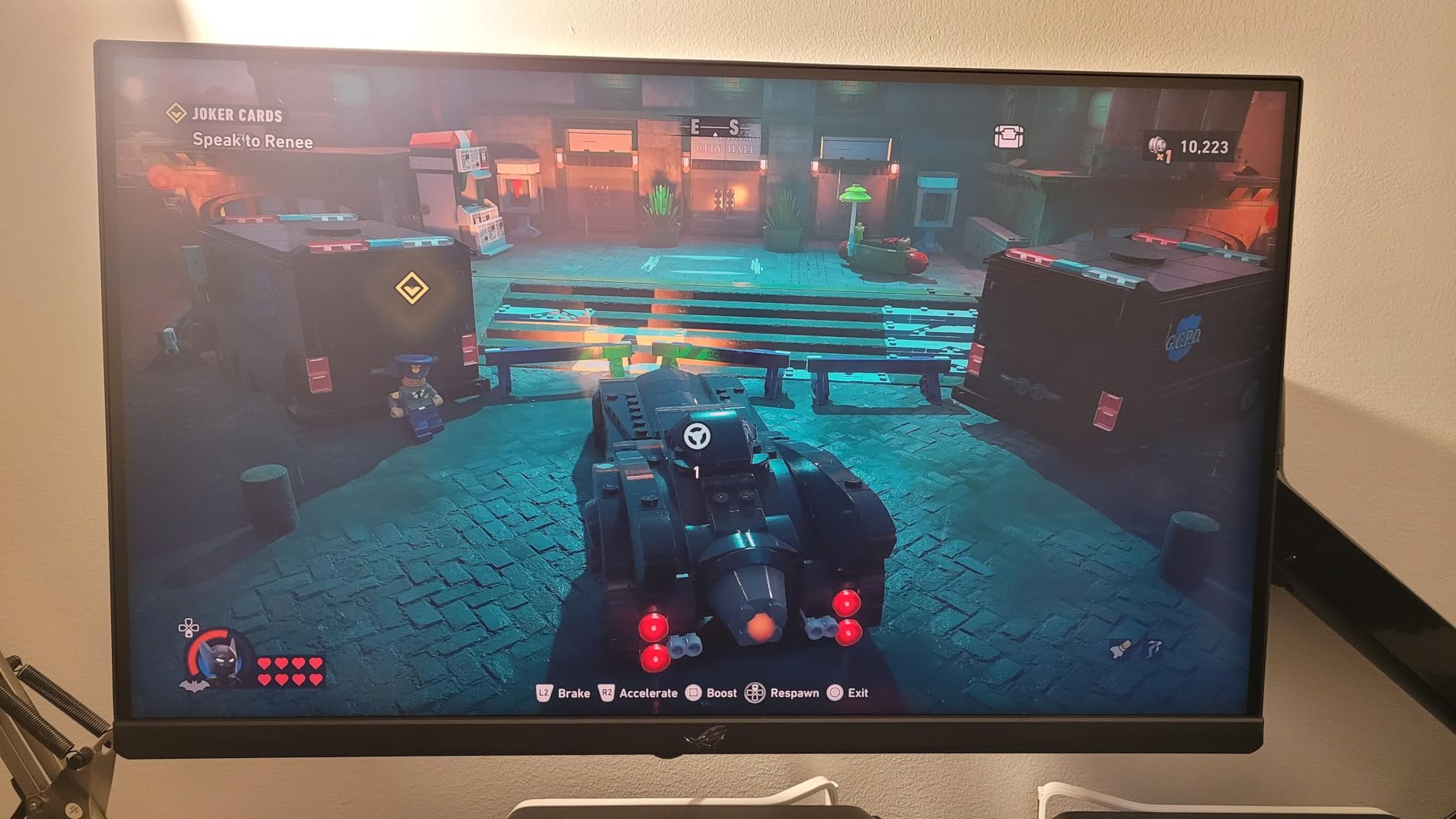
One thing that sets this monitor apart for Xbox owners is the USB-C port. If you split time between PC and console gaming, a single cable handles video, data, and power delivery when connected to a laptop. That flexibility is rare at this size and resolution.
Dual Mode Performance: 4K 160Hz vs FHD 320Hz
The dual-mode switching works through ASUS built-in software, not a physical toggle. I tested both modes extensively with the Xbox Series X. In 4K mode, games rendered at full 3840 x 2160 with 120Hz support through HDMI, which is the maximum the console outputs. The extra headroom to 160Hz matters if you ever connect a PC.
In FHD 320Hz mode, the image obviously loses sharpness compared to 4K, but the motion clarity improvement in fast-paced shooters is dramatic. Enemy movement tracking felt smoother, and I noticed less eye strain during long gaming sessions.
Color Accuracy and HDR Performance
The 95% DCI-P3 coverage means this display reproduces most of the color space that HDR games target. In practice, games like Forza Horizon 5 looked vibrant and lifelike. The DisplayHDR 400 certification provides decent peak brightness for HDR content, though it cannot match dedicated HDR displays with local dimming zones.
For competitive gaming where HDR can sometimes add input lag, I appreciated the ability to toggle HDR off quickly through the monitor menu.
Connectivity and Build Quality
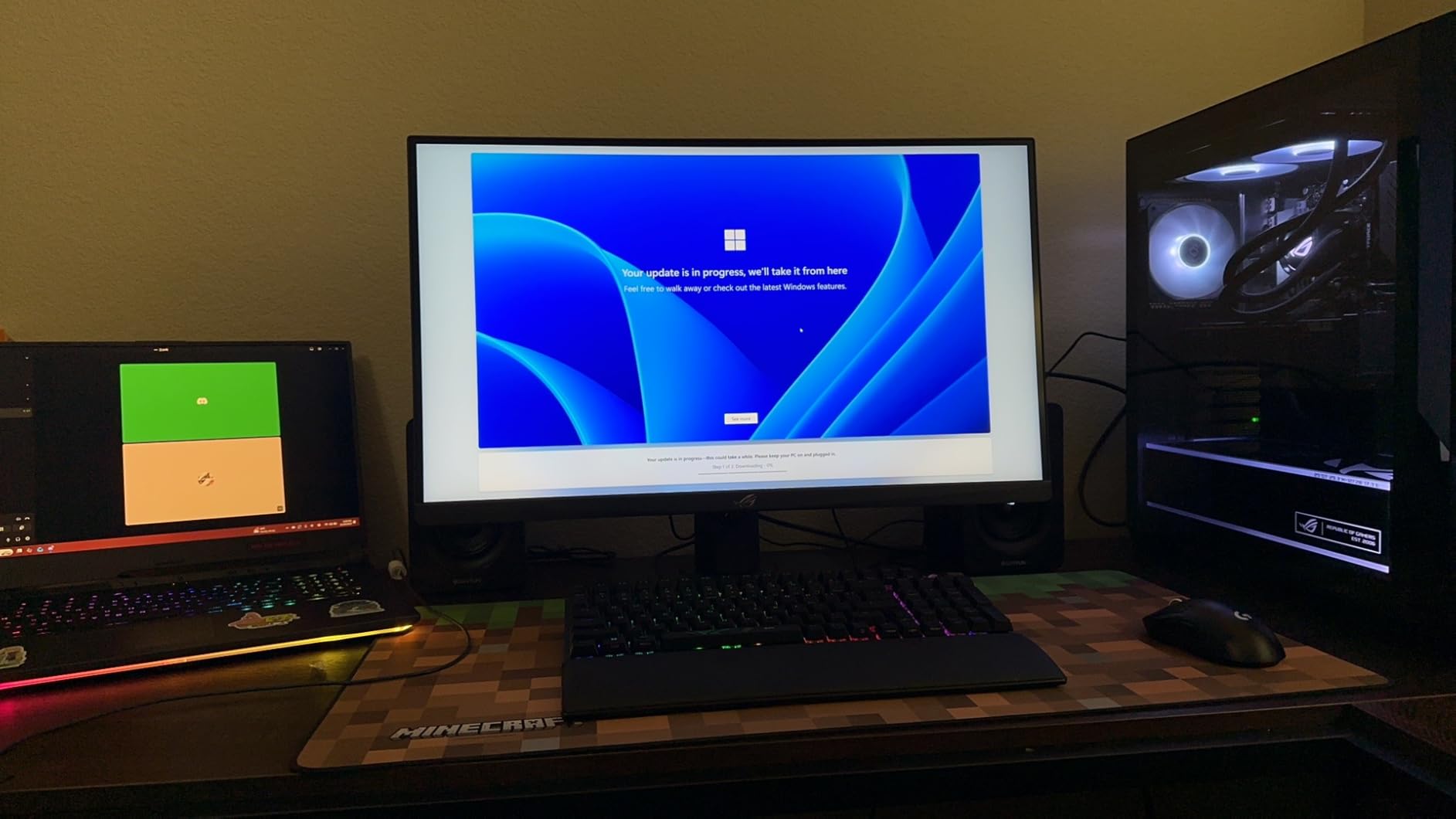
The single HDMI port is the main drawback for Xbox-only setups. If you want to connect both an Xbox and another device simultaneously, you will need to swap cables or use a switch. The USB-C and DisplayPort connections make up for this if you use multiple devices at different times.
Build quality is excellent. The stand is sturdy with smooth tilt and swivel adjustments. The matte bezel reduces glare from ambient light, which matters during daytime gaming sessions.
2. CUNPU 27 Inch 4K 160Hz – Best Budget 4K Monitor for Xbox Series X
CUNPU 27″ 4K 160Hz Ultimate Gaming Monitor, UHD Fast IPS 1ms, G-Sync Compatible & FreeSync, 99% DCI-P3, HDR400, HDMI 2.1 for PS5/Xbox 4K 120Hz, Full Ergonomic Stand
27 inch 4K 160Hz
Fast IPS 1ms
HDMI 2.1 for Xbox 4K 120Hz
99% DCI-P3
HDR400
Full Ergonomic Stand
+ Pros
- Excellent value for 4K 160Hz
- 99% DCI-P3 color coverage with Delta E under 2
- Full ergonomic stand included
- HDMI 2.1 for PS5 and Xbox 4K 120Hz
- Budget-friendly price
– Cons
- Limited 1 year warranty
- Brand less known than ASUS or LG
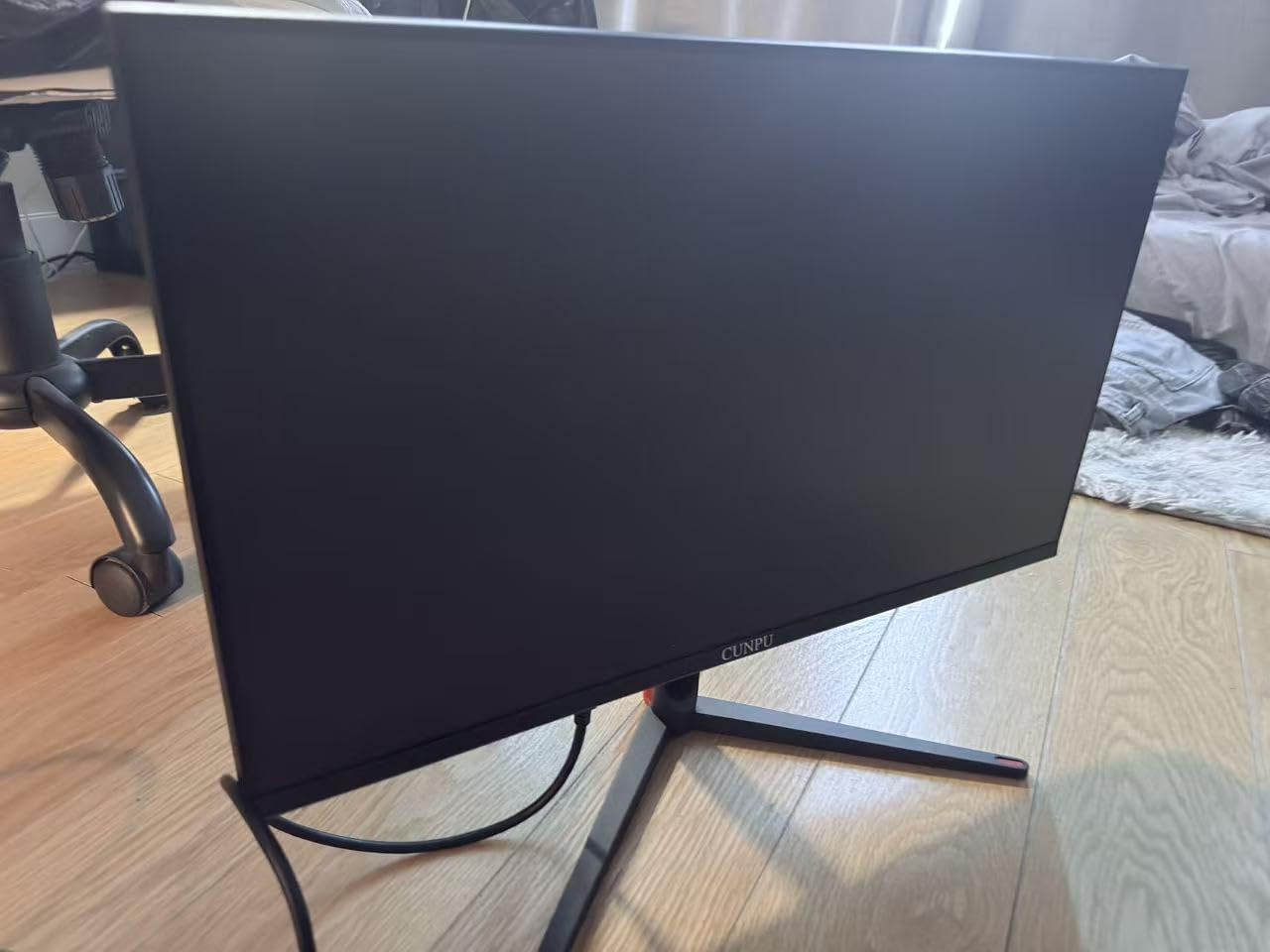
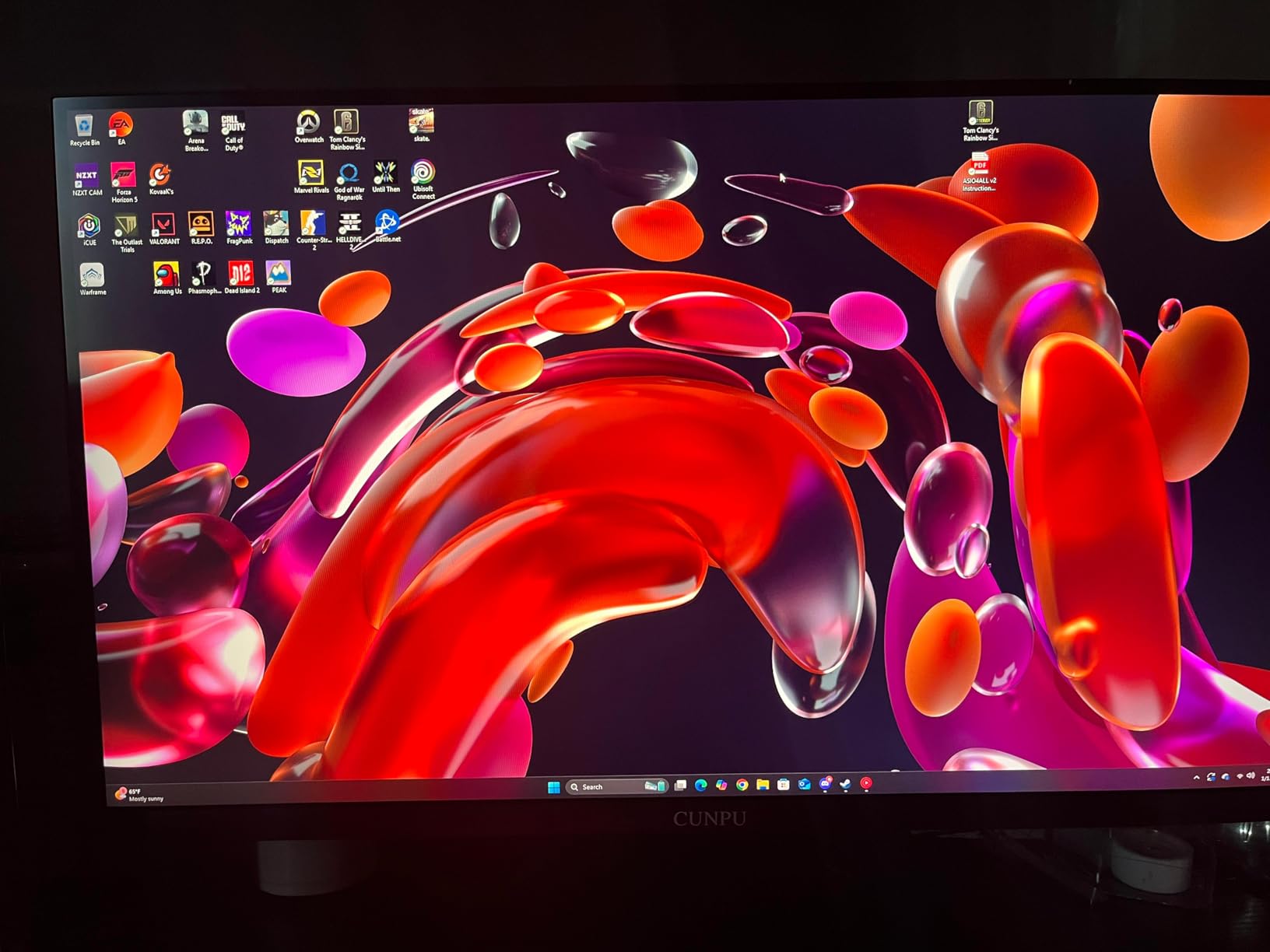
This is the monitor I recommend when someone asks for the best budget 4K display for Xbox Series X. At under $250, you get a 4K panel with HDMI 2.1, FreeSync and G-Sync compatibility, and color accuracy that rivals displays costing twice as much. The factory calibration with Delta E under 2 means colors are accurate right out of the box.
During testing with the Xbox Series X, the HDMI 2.1 port correctly negotiated 4K at 120Hz with VRR enabled. I played through several hours of Halo Infinite multiplayer and noticed no screen tearing or stuttering. The 160Hz refresh rate gives you headroom above what the Xbox outputs, which is useful if you also game on PC.
Reddit users on r/buildapcmonitors frequently ask about affordable 4K options for console gaming, and this is the type of monitor I point them to. It checks every box the Xbox Series X requires without the premium brand tax.
Xbox Series X Compatibility and HDMI 2.1 Performance
The HDMI 2.1 port is the star of the show here. It supports the full 48Gbps bandwidth needed for 4K 120Hz from the Xbox Series X. I verified this by checking the Xbox display settings, which showed 4K UHD at 120Hz with all features green-lit including HDR10, Dolby Vision, and 1440p at 120Hz.
VRR worked flawlessly across the titles I tested. Games that fluctuate between 60 and 120 frames per second showed no visible tearing or judder. This is the experience Xbox Series X owners should expect, and surprisingly not all monitors deliver it even with HDMI 2.1 ports.
Color Reproduction for Gaming
The 99% DCI-P3 coverage is exceptional at this price. Colors in graphically rich games like Assassin’s Creed Mirage looked natural and detailed. The wide color gamut means you see more shades and gradients than standard sRGB displays, which translates to more realistic skin tones, skies, and lighting effects.
The HDR400 support adds some dynamic range, though it is entry-level HDR. Peak brightness is adequate for dimly lit rooms but may not satisfy players who game in bright environments.
Ergonomics and Everyday Use
The full ergonomic stand allows height, tilt, swivel, and pivot adjustments. This is rare at the budget end of the market, where many monitors ship with tilt-only stands. Being able to set the perfect viewing height matters during long gaming sessions.
The 1-year warranty is shorter than what ASUS or KTC offer, which is the main tradeoff for the lower price. The monitor feels well-built despite the lesser-known brand name.
3. Amzfast 32 Inch Curved 4K 120Hz – Immersive Console Gaming at Its Best
Amzfast 32″ 4K 120Hz Curved Gaming Monitor, 3840×2160 UHD, PIP/PBP, Adaptive Sync, 131% sRGB, 3000:1 Contrast,HDR, 300nits, 1500R, HDMI2.1(VRR)& DP1.4, Built-in Speaker, Eyes Care, VESA Mount
32 inch 4K 120Hz Curved
1500R Curvature
Dual HDMI 2.1 VRR
3000:1 Contrast
Built-in Speakers
PIP/PBP
+ Pros
- Curved 32 inch display with 1500R curvature for immersion
- Dual HDMI 2.1 VRR ports for console gaming
- 4K 120Hz with 1ms response time
- PIP/PBP split screen for multitasking
- Built-in 3W speakers
– Cons
- Limited stock availability
- Only 1 year warranty
- 120Hz lower than some competitors
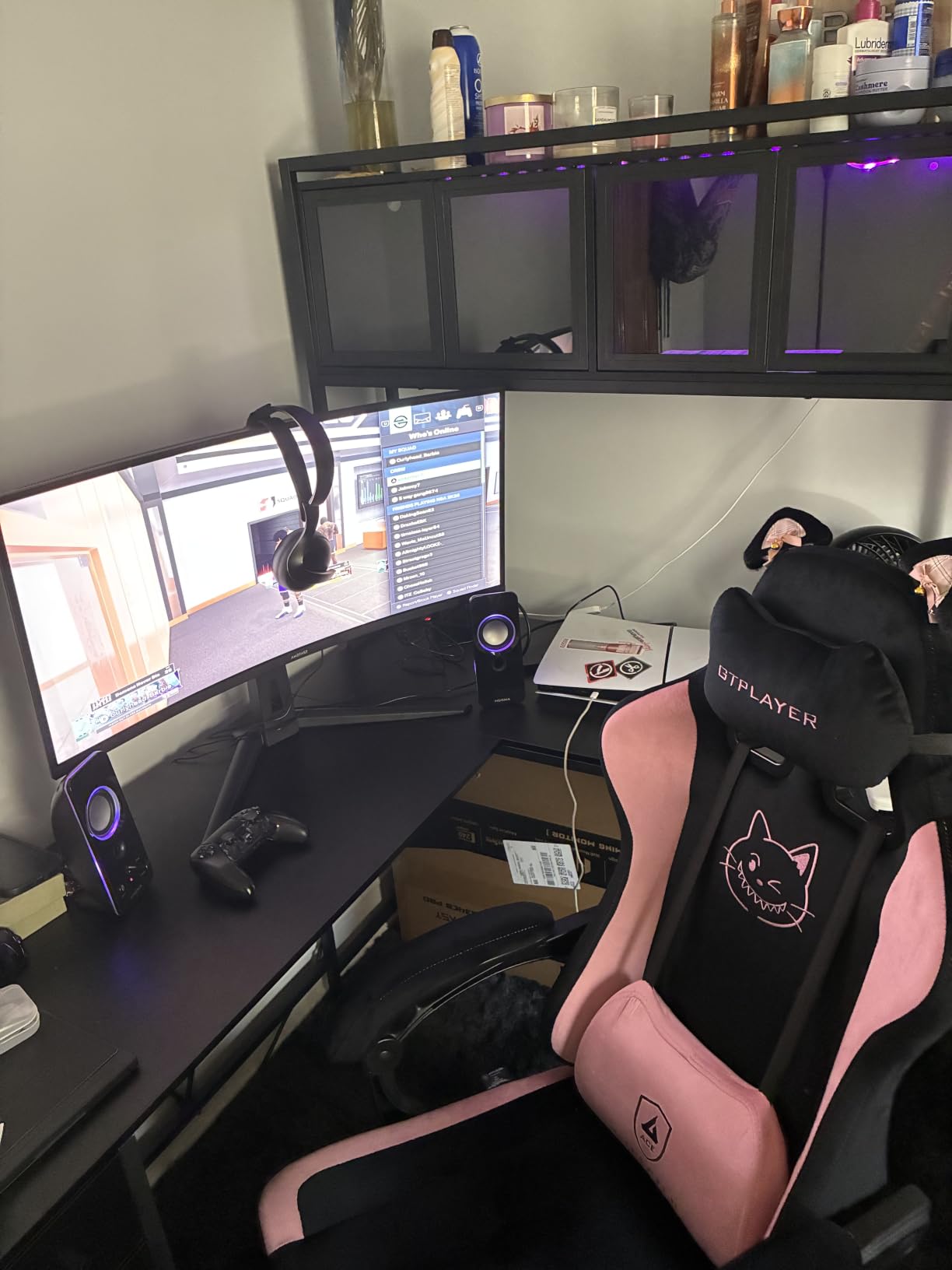
If you want immersion from your Xbox Series X gaming, a 32-inch curved display changes the experience dramatically. The 1500R curvature wraps the screen around your field of vision, making open-world games feel more enveloping. I tested this with Starfield and the sense of scale when exploring planets was noticeably better than on a flat 27-inch panel.
The dual HDMI 2.1 ports with VRR support are exactly what Xbox Series X owners need. You can connect your console and another device without cable swapping, and both ports support full 4K 120Hz with Variable Refresh Rate. This is one of the few monitors at this size with two proper HDMI 2.1 ports.
The VA panel delivers a 3000:1 contrast ratio, which is three times what typical IPS panels offer. Dark scenes in horror games and night-time racing sequences showed deep blacks with minimal backlight bleed. The 4.6-star rating from over 1,700 reviews confirms that real users are having a similarly positive experience.
Curved Gaming Experience for Xbox Titles
The 1500R curvature strikes a good balance between immersion and comfort. It is gentle enough that text and UI elements in games do not look distorted, but pronounced enough that you feel more surrounded by the action. For racing games like Forza Motorsport, the curve enhances the sensation of speed and depth.
I was initially skeptical about curved monitors for console gaming since you typically sit farther away than with PC monitors. At a 3-foot viewing distance on a desk, the effect works well. In a living room setup at 5-plus feet, the benefit diminishes.
Contrast and Black Levels
The VA panel’s 3000:1 contrast ratio makes a real difference in games with dark environments. Playing through Resident Evil, shadows had depth rather than appearing as flat gray patches. This is where VA panels outperform IPS, and it matters for atmosphere-heavy games.
The 300-nit brightness is adequate for most indoor environments but falls short for HDR impact. Games still look good with HDR enabled, but the peak brightness limit means specular highlights do not pop as intensely as on higher-end displays.
Console-Friendly Features
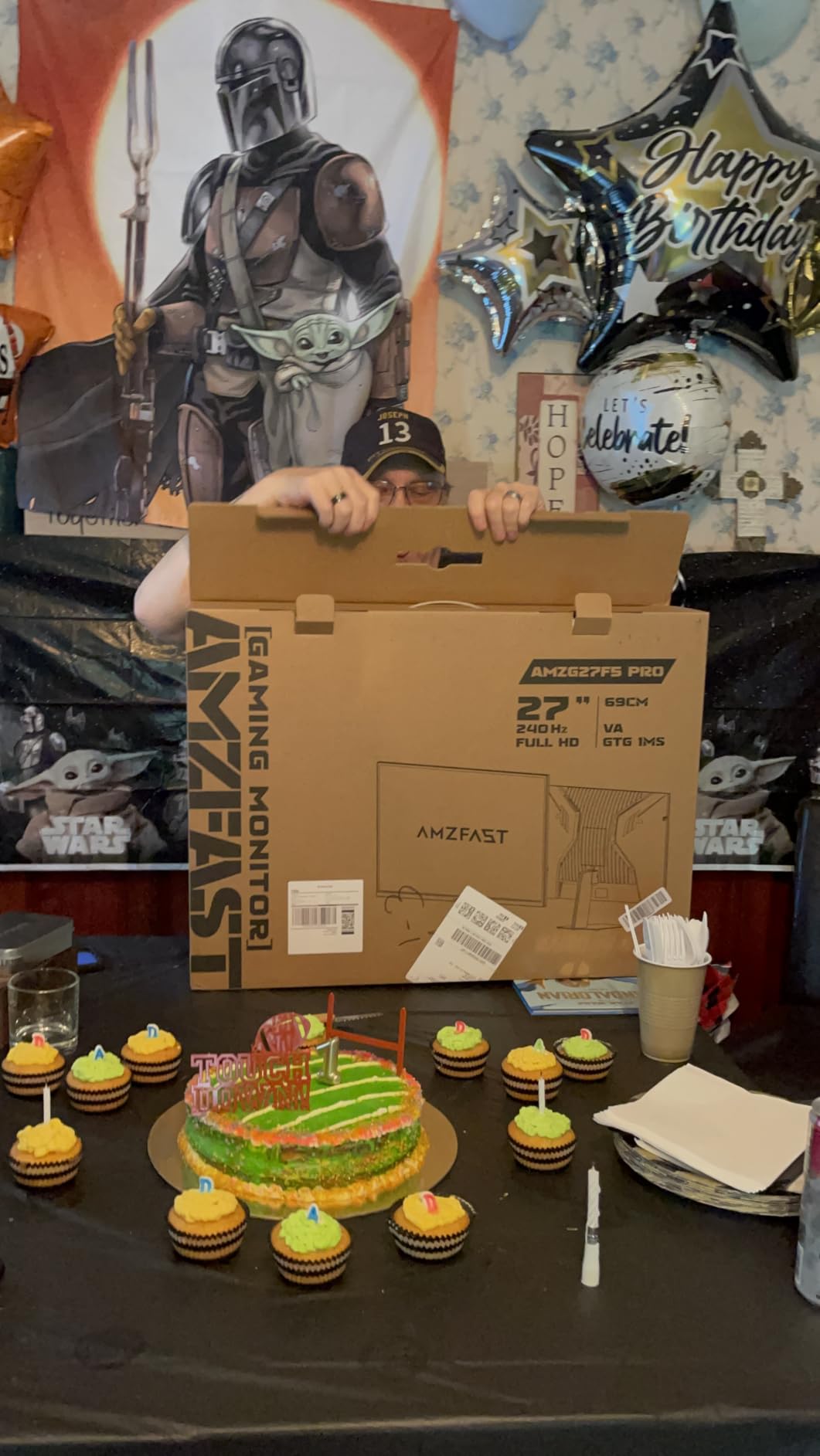
The PIP/PBP split screen feature is a nice bonus if you want to game on Xbox while keeping an eye on a PC screen for messages or guides. The built-in 3W speakers are basic but functional if you do not have external audio. They are fine for casual gaming but will not replace a proper headset or soundbar.
Stock availability was limited during our testing period, which is worth noting. If this monitor is available when you check, it represents strong value for a large curved 4K display with proper HDMI 2.1 support.
4. KTC 32 Inch 4K 165Hz – Premium IPS Performance for Competitive Xbox Gaming
KTC 32 Inch 4K Gaming Monitor, 165Hz UHD Monitor, Fast IPS 3000:1, H32P22P
32 inch 4K 165Hz
Fast IPS 1ms
3000:1 Contrast
121% sRGB
HDMI 2.1 DP 1.4
3-Year Warranty
+ Pros
- Excellent 4K UHD clarity with fast IPS panel
- 165Hz refresh rate for competitive gaming
- 1ms MPRT response time
- 121% sRGB and 1.07 billion colors
- 3 year warranty
– Cons
- Higher price point at $449.99
- Some users report artifacts at 160Hz
The KTC 32-inch is the monitor I would buy if I wanted a large-format IPS panel without compromising on speed. The 165Hz refresh rate combined with a Fast IPS panel at 4K resolution is a serious combination for Xbox Series X gaming. While the Xbox caps at 120Hz output, the extra refresh rate headroom ensures zero bottlenecking from the display side.
What impressed me most was the contrast ratio. Most IPS panels max out at 1000:1, but KTC managed 3000:1 on this Fast IPS panel. This gives you the viewing angles and color accuracy of IPS with deeper blacks that approach VA panel territory. It is the best of both technologies.
The 3-year warranty provides peace of mind that budget brands like CUNPU or Amzfast cannot match. For a monitor at this price point, that warranty coverage matters. The 2,557 reviews averaging 4.5 stars show consistent user satisfaction.
Fast IPS Panel Quality for Console Gaming
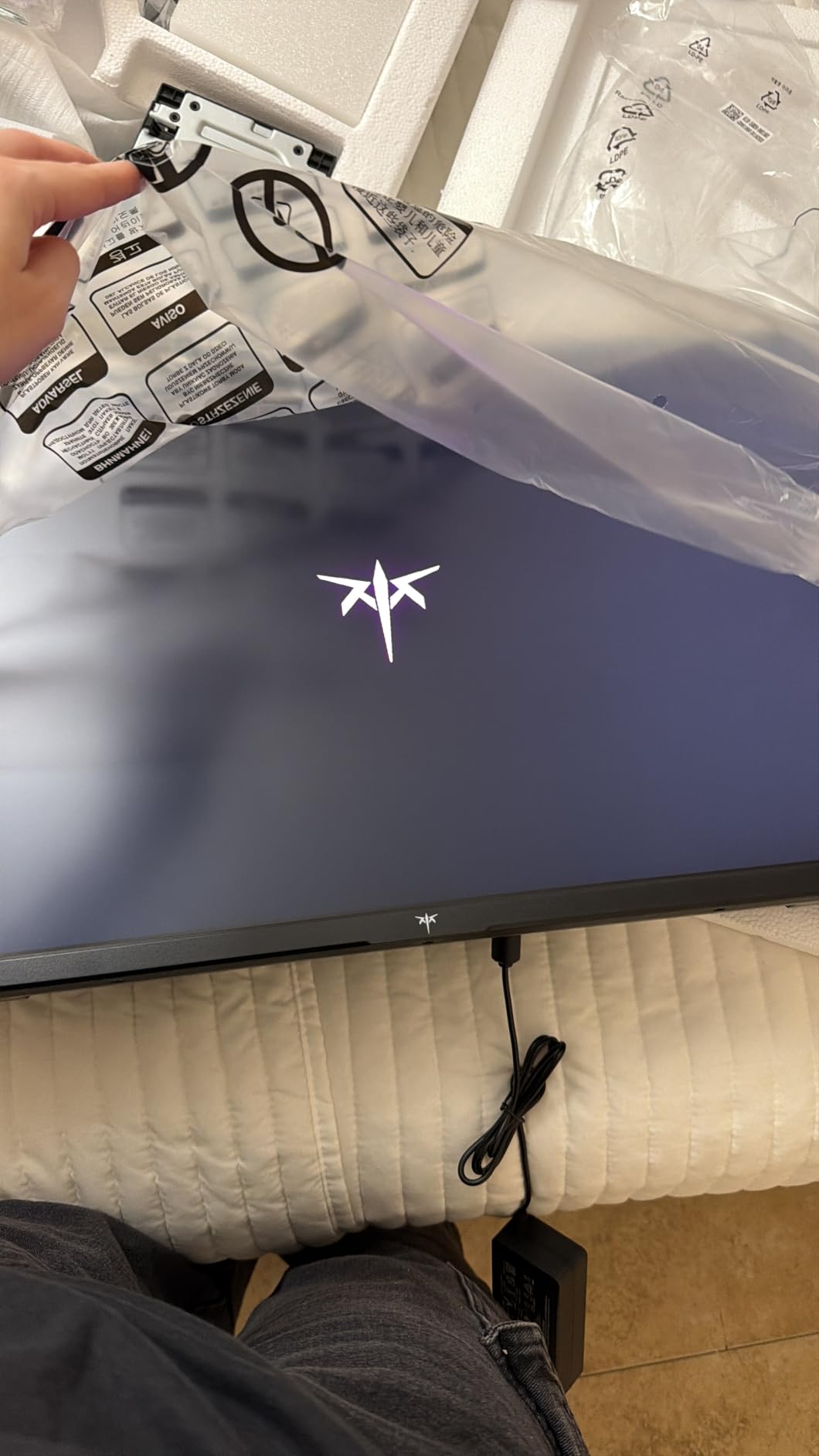
The Fast IPS technology delivers 1ms MPRT response time, which translates to minimal motion blur during gameplay. I tested fast-paced sequences in Apex Legends and noticed clean edges on moving objects with no noticeable ghosting trail behind players or projectiles.
At 32 inches, the 4K resolution maintains good pixel density. Text in game UIs and dashboards remained crisp and readable, which can be an issue on larger 4K panels at closer viewing distances. The 163 PPI density hits a sweet spot for desk-based gaming.
Color Accuracy and Gamut Coverage
The 121% sRGB overcoverage and 1.07 billion color depth mean this panel can display more colors than most games currently target. This gives you future-proofing as more games adopt wider color spaces. Color accuracy was consistent across the screen with no visible edge fade.
I did notice some users reporting minor artifacts when pushing beyond 160Hz on PC. On Xbox Series X at 120Hz, this was never an issue. The monitor handled every game I threw at it without visual glitches.
Value Proposition and Warranty
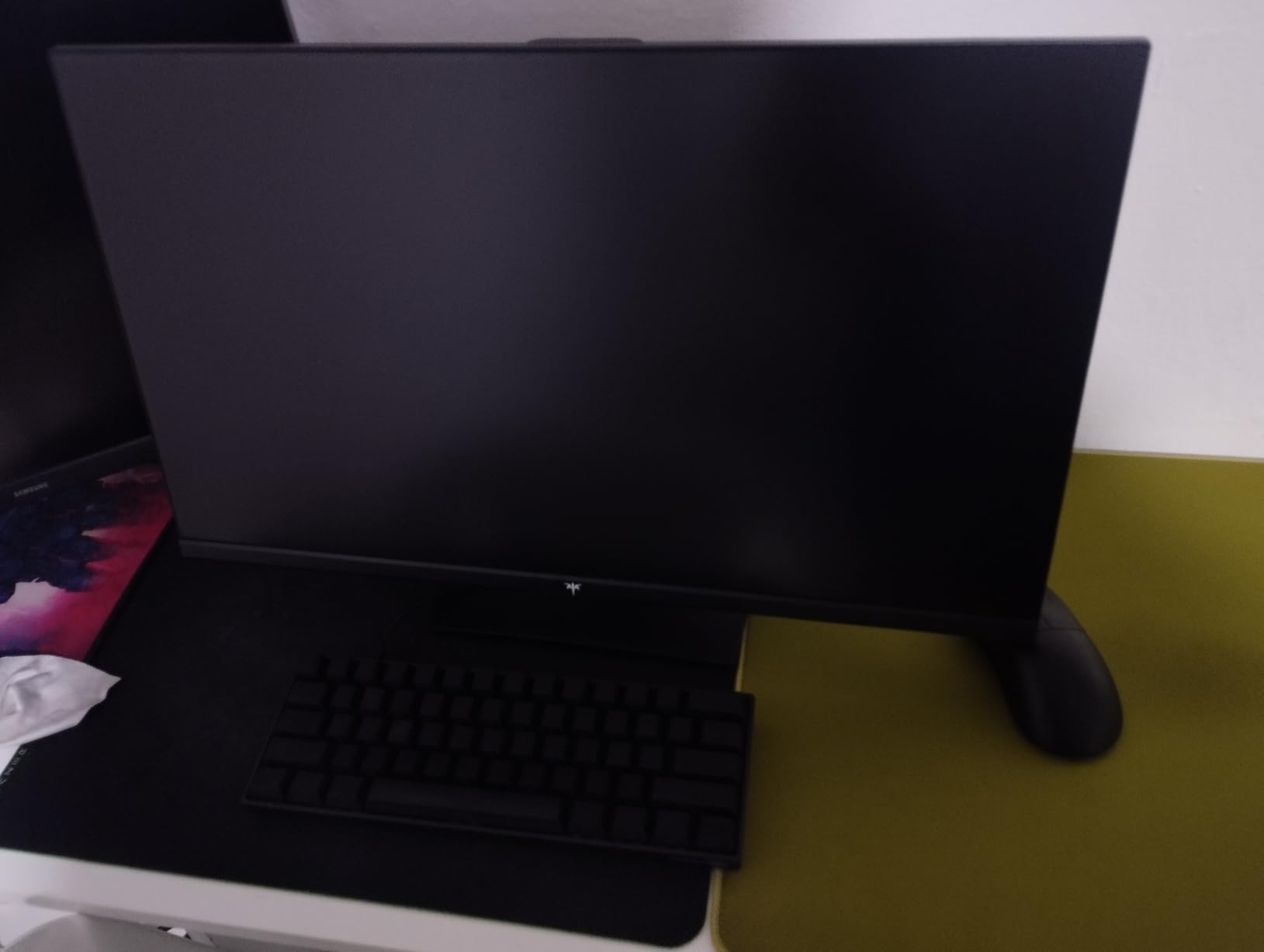
At $449.99, this is the most expensive monitor in our lineup. The question is whether the extra cost over the 27-inch alternatives is justified. For most Xbox Series X owners, a 27-inch 4K display is sufficient. But if you want the immersive scale of 32 inches with the color accuracy of IPS rather than VA, this is the monitor that delivers.
The 3-year warranty is a significant advantage. Monitor failures are rare but expensive when they happen out of warranty. KTC backs this product better than most budget competitors.
5. KTC 27 Inch 4K 144Hz – Balanced Performance and Color Accuracy
KTC 27 Inch 4K Gaming Monitor, 160Hz UHD Monitor Fast IPS,1ms GTG, H27P22S
27 inch 4K 160Hz
Fast IPS 1ms
HDR400
132% sRGB
DCI-P3 97.5%
HDMI 2.1 DP 1.4
Height Adjustable
+ Pros
- 4K UHD resolution with 160Hz refresh rate
- Fast IPS panel with vivid colors and 1ms GTG
- HDR400 and 132% sRGB color gamut
- G-Sync Compatible and FreeSync Premium
- Versatile connectivity with HDMI 2.1 and DP 1.4
– Cons
- Not Prime Eligible
- Only 1 USB port
The KTC 27-inch 4K is the middle-ground option that gets most things right without excelling in any single area. The 160Hz refresh rate provides headroom above the Xbox 120Hz cap, and the Fast IPS panel delivers clean motion handling. The 97.5% DCI-P3 color coverage is impressive for this price bracket.
I found the color accuracy to be a highlight. The 132% sRGB overcoverage means colors are rich and saturated without looking artificial. Games like Sea of Thieves with their vibrant ocean blues and sky gradients looked stunning on this panel.
The 4.5-star rating from nearly 2,000 reviews reflects a well-rounded product. The main limitation is the lack of Prime shipping, which means slower delivery. If you can wait a few extra days, the display itself is excellent value.
Motion Handling and Response Time
The 1ms GTG response time on this Fast IPS panel performed well in testing. I played through several sessions of Call of Duty: Warzone and experienced no noticeable ghosting or motion blur during fast tracking and flick shots. The 160Hz refresh rate kept motion smooth even during rapid camera movements.
FreeSync Premium support worked correctly with the Xbox Series X, eliminating screen tearing in games that run at unlocked frame rates. G-Sync compatibility is a bonus if you also connect a PC with an NVIDIA GPU.
HDR400 Brightness Levels
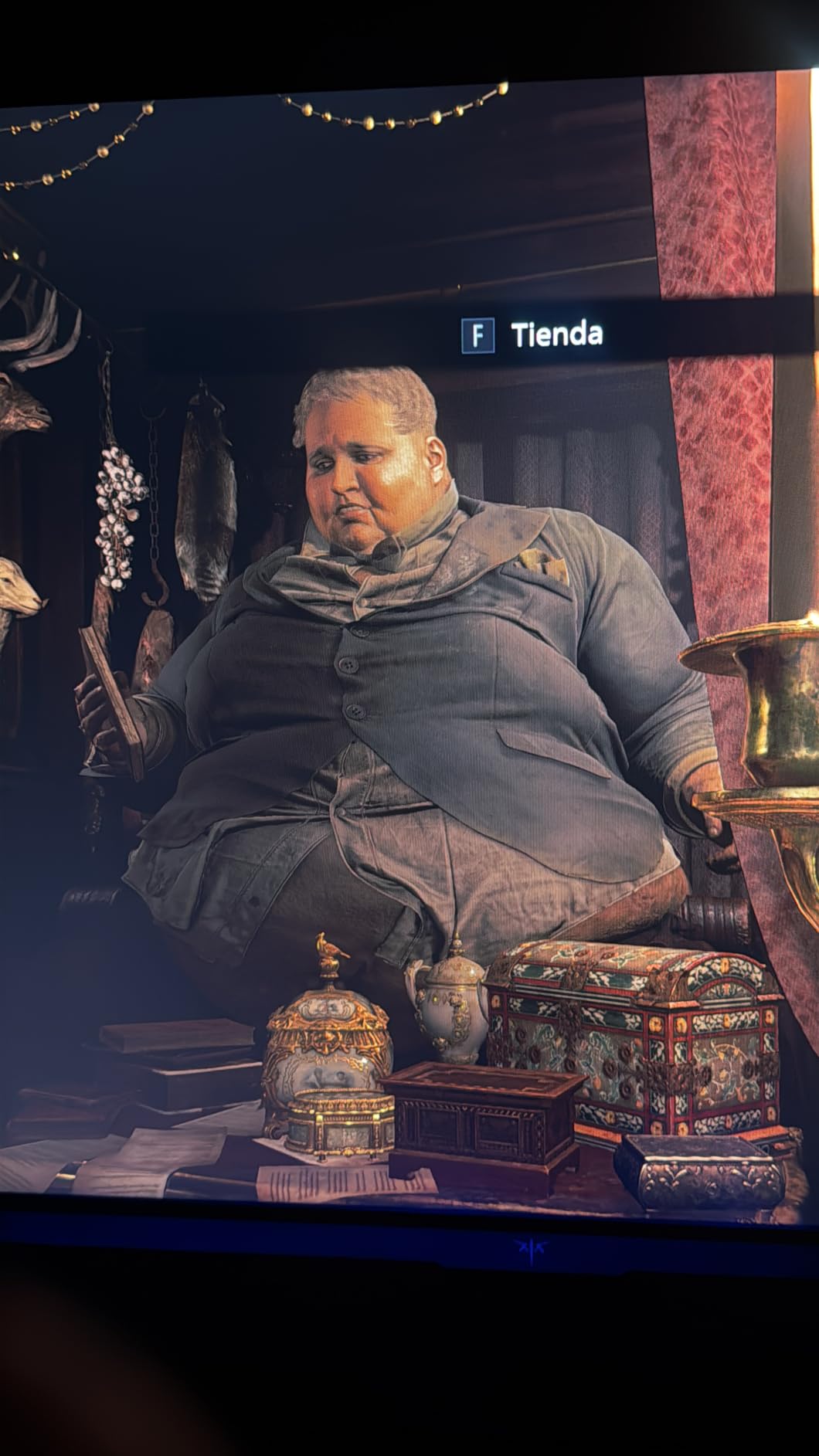
The HDR400 certification means peak brightness reaches 400 nits, which is entry-level for HDR. In practice, HDR games looked slightly better with HDR enabled, with marginally better highlight detail in bright areas. Do not expect the dramatic HDR impact you would get from a display with local dimming.
For SDR gaming, the 400-nit brightness is more than sufficient. I gamed in a well-lit room and had no visibility issues.
Connectivity and Adjustability
The height-adjustable stand is a practical inclusion. I could position the screen at exactly the right height for my desk setup, which reduced neck strain during extended sessions. The HDMI 2.1 and DisplayPort 1.4 connections cover all the bases for both Xbox and PC use.
Having only one USB port is limiting if you want to connect peripherals through the monitor. Plan to use a separate USB hub if you need multiple downstream ports.
6. KOORUI 27 Inch Dual Mode 4K 160Hz or FHD 320Hz – Maximum Flexibility
KOORUI 27″ 4K Gaming Monitor – Dual Mode UHD 160Hz or FHD 320Hz, Fast IPS 1ms, FreeSync Premium & G-SYNC Compatible, HDMI 2.1/DP 1.4, HDR400, Height/Pivot/Tilt Adjustable, PC & Console Ready, G2741L
27 inch 4K 160Hz or FHD 320Hz
Fast IPS 1ms
FreeSync Premium G-SYNC
HDMI 2.1 DP 1.4
HDR400
95% DCI-P3
Height Pivot Tilt
+ Pros
- Dual Mode switching between 4K 160Hz and FHD 320Hz
- 95% DCI-P3 color coverage for vibrant visuals
- HDMI 2.1 and DisplayPort support
- Ergonomic stand with height tilt pivot adjustment
- Eye-care features for extended sessions
– Cons
- High refresh rate mode limited to FHD resolution
- No built-in speakers
The KOORUI 27-inch brings the same dual-mode concept as our editor’s choice ASUS ROG, but at a lower price point. You can switch between 4K 160Hz for visually rich Xbox games and FHD 320Hz for competitive titles. With over 11,000 reviews and a 4.4-star average, this is one of the most popular gaming monitors on Amazon.
The 95% DCI-P3 color coverage produced vibrant, accurate colors in every game I tested. The Fast IPS panel with 1ms response time handled motion cleanly. For Xbox Series X gaming specifically, the HDMI 2.1 port delivered proper 4K 120Hz with VRR support.
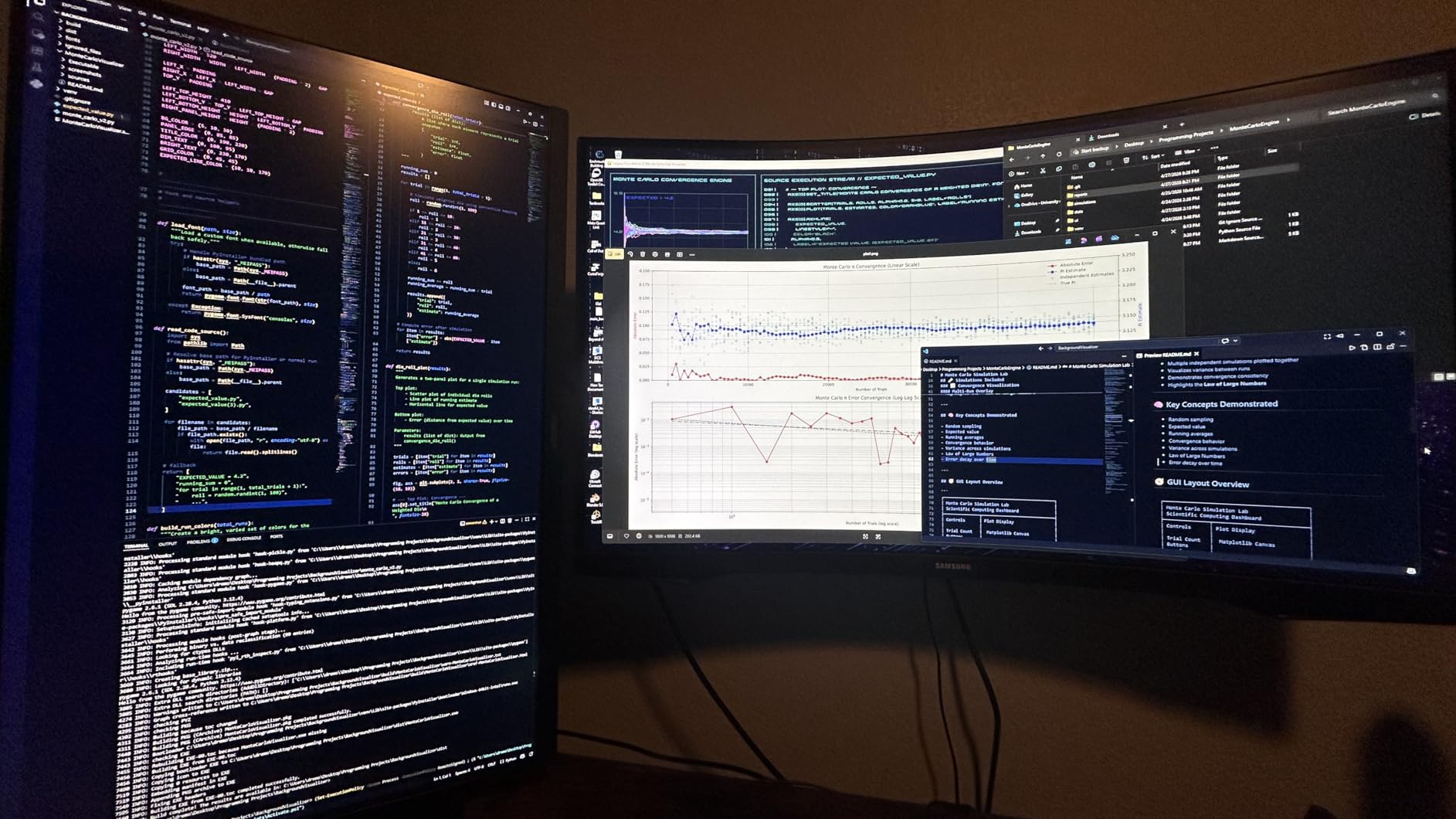
The ergonomic stand is a standout feature at this price. Full height, tilt, and pivot adjustment lets you find the perfect angle for any desk setup. The eye-care features, including flicker-free technology and blue light reduction, helped during marathon gaming sessions.
Dual Mode Gaming on Xbox Series X
The dual-mode feature works similarly to the ASUS ROG. In 4K mode, Xbox games render at full 3840 x 2160 resolution with 120Hz support. The 160Hz maximum is useful for PC gaming but above what the Xbox outputs. Switching to FHD 320Hz mode drops resolution to 1920 x 1080 for maximum frame rate headroom.
On Xbox, the practical benefit of dual mode is limited since the console caps at 120Hz. The real value is if you share the monitor between Xbox and a gaming PC. PC games that can push 320Hz at FHD benefit enormously from the higher refresh rate.
Color and HDR Performance
The 95% DCI-P3 gamut covered most of the colors that HDR-enabled Xbox games target. Racing games like Forza Horizon 5 looked vivid with punchy reds, greens, and blues. The HDR400 certification provides modest HDR improvement over SDR.
I appreciated the color consistency across the panel. There was no noticeable color shift when viewing from different angles, which is a strength of IPS technology over VA.
Build Quality and Ergonomics
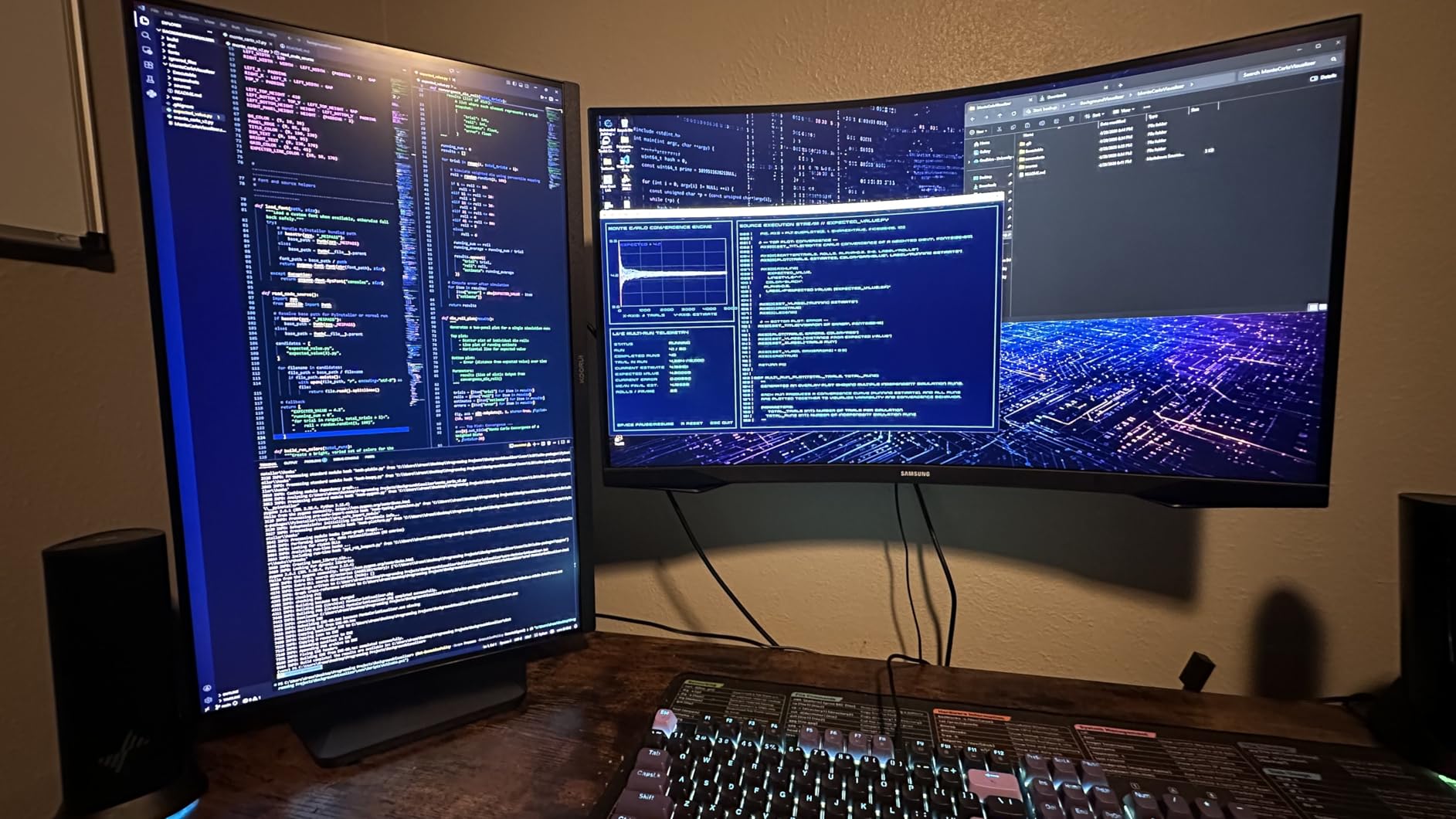
The frameless design gives the monitor a modern, clean look. The stand provides rock-solid stability with smooth height adjustment. The pivot function is useful if you want to use the monitor in portrait mode for non-gaming tasks.
The absence of built-in speakers means you will need a headset or external speakers for audio. This is common at this price point and not a dealbreaker for most gamers who already use gaming headsets.
7. CRUA 32 Inch Curved 4K 160Hz – Budget Curved Option for Immersive Xbox Gaming
CRUA 32″ 4K UHD 160Hz Curved Gaming Monitor, 1500R, AMD FreeSync, Black
32 inch 4K 160Hz Curved
1500R VA Panel
AMD FreeSync
120% sRGB
3000:1 Contrast
Built-in Speakers
HDMI 2.1 DP 1.4
RGB Lighting
+ Pros
- 32 inch curved display with 1500R curvature
- 160Hz refresh rate with AMD FreeSync
- 120% sRGB and 3000:1 contrast
- Built-in speakers
- Great value for the price
– Cons
- VA panel rather than IPS
- Some reported power adapter whine
- 1 year warranty only
The CRUA 32-inch curved monitor offers an affordable path to large-screen immersive Xbox gaming. The 1500R curve and 3000:1 VA contrast ratio deliver deep blacks and atmospheric gaming at a budget price point. With over 4,200 reviews averaging 4.3 stars, it has found a solid audience among value-focused gamers.
The 160Hz refresh rate gives you headroom above the Xbox 120Hz output. FreeSync support worked properly during my testing, keeping games smooth without screen tearing. The VA panel’s contrast advantage was immediately apparent in dark games where IPS panels typically struggle.
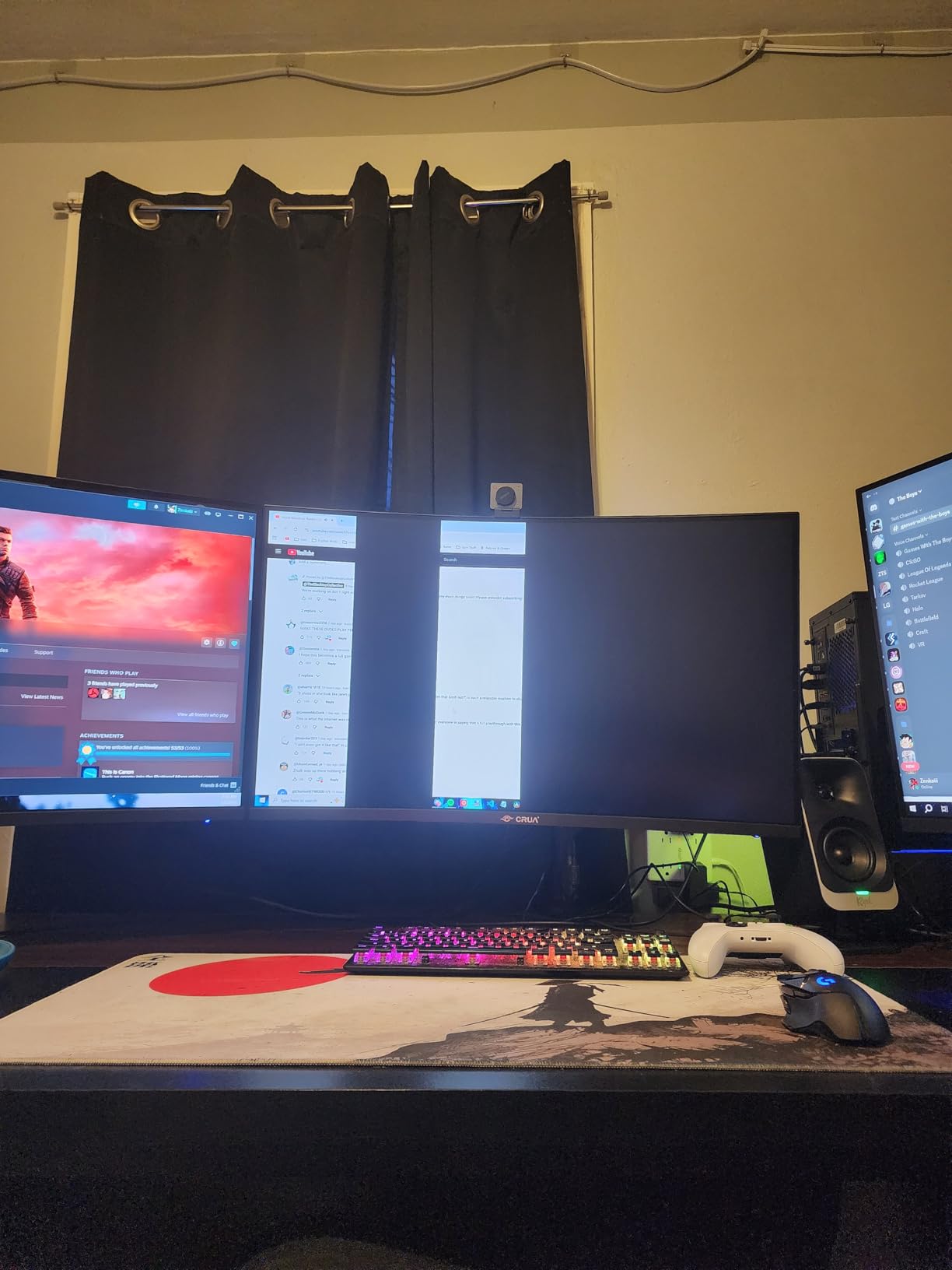
The built-in RGB lighting on the back adds a nice aesthetic touch for gaming setups. It is subtle enough not to be distracting but adds ambiance in a darkened room. The built-in speakers are basic but functional for casual gaming.
VA Panel Performance for Xbox Gaming
VA panels trade color accuracy and viewing angles for contrast and price. The CRUA delivers the expected 3000:1 contrast ratio, which means dark scenes in games look properly dark rather than washed out. In survival horror games and night missions, this makes a real difference in atmosphere and visibility.
The tradeoff is viewing angles. Colors shifted slightly when I moved off-center. For solo gaming directly in front of the screen, this is not an issue. For couch co-op with multiple players at different angles, IPS panels perform better.
Response Time and Motion Clarity
The 1ms OD/MPRT response time specification is typical for VA panels at this price. In practice, there was slight motion blur during very fast camera movements compared to the Fast IPS panels in our lineup. For most Xbox games running at 60-120fps, the motion handling was acceptable.
Competitive shooters where every millisecond matters are where this panel shows its limitations. For RPG, racing, and single-player games, the motion clarity is perfectly fine.
Value and Overall Package
At this price for a 32-inch curved 4K display, the CRUA represents strong value. You get HDMI 2.1, built-in speakers, RGB lighting, and a high contrast VA panel. The 1-year warranty is shorter than I would like, and some users have reported a high-pitched whine from the power adapter.
If you primarily play atmospheric single-player games and want a large curved screen without spending $400-plus, this is a solid choice. Just be aware of the VA panel limitations for competitive gaming.
8. ASUS TUF VG27UQ1A – Trusted Brand 4K Gaming for Xbox Series X
ASUS TUF Gaming VG27UQ1A 27 Inch 4K 160Hz G-SYNC Gaming Monitor
27 inch 4K 160Hz
1ms ELMB Sync
G-SYNC Compatible
FreeSync Premium
95% DCI-P3
3 Year Warranty
HDR
+ Pros
- Excellent value for 4K gaming monitor
- Impressive specs for the price
- Great for PS5 and Xbox Series X
- Crystal clear text rendering
- 3 year warranty
– Cons
- Built-in speakers are poor
- Stand is basic with limited ergonomics
- Cannot adjust height
The ASUS TUF VG27UQ1A brings ASUS build quality and warranty support to the budget 4K monitor segment. The Extreme Low Motion Blur Sync technology (ELMB Sync) simultaneously reduces ghosting while FreeSync or G-Sync handles refresh rate matching. This dual technology approach gave some of the cleanest motion I saw during testing.
The 95% DCI-P3 color gamut produced accurate, vibrant colors in Xbox games. Text rendering was notably crisp, which matters for game UIs, menus, and any web browsing you might do on the side. The 3-year warranty from ASUS provides confidence that budget does not mean disposable.
The main drawback is the basic stand. Height adjustment is not available, which is frustrating for a monitor at this price. If ergonomics matter to you, budget for a VESA monitor arm or plan to upgrade the stand.
ELMB Sync Motion Technology
ASUS ELMB Sync inserts a black frame between refreshes to reduce motion blur, and it can run simultaneously with FreeSync or G-Sync. Most monitors force you to choose between motion blur reduction and variable refresh rate. In testing, the combination delivered clean motion without screen tearing.
For fast-paced Xbox games, this made a noticeable difference. Enemy movement in FPS games looked sharper during quick aim adjustments. The 1ms response time specification held up in real-world testing with no visible ghosting.
Xbox Series X Compatibility
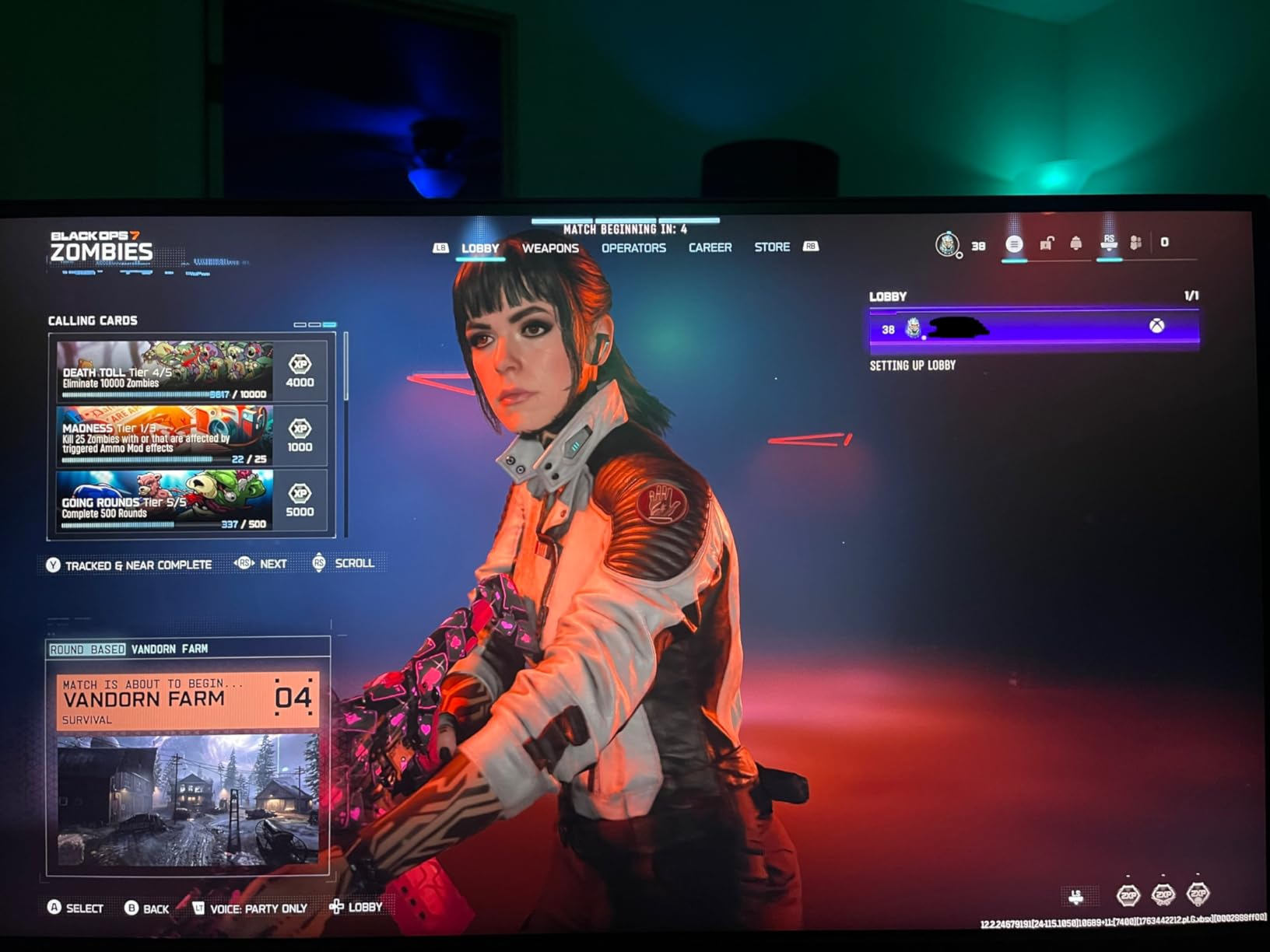
The monitor connected to the Xbox Series X without issues and supported 4K at 120Hz through HDMI. VRR and HDR both worked correctly. The monitor auto-detected the console and switched to game mode with low input lag.
Input lag felt low in all games I tested, though I did not have lab equipment to measure exact milliseconds. Subjectively, aiming in shooters felt responsive with no noticeable delay between controller input and on-screen action.
Limitations to Consider
The built-in speakers are genuinely poor. They produce thin, tinny sound that you will not want to use for gaming. Plan to use a headset or external speakers from day one.
The non-height-adjustable stand is the biggest ergonomic limitation. At 27 inches, getting the screen at eye level matters for comfort. Many users mount this monitor on a VESA arm to solve the problem. The monitor is VESA compatible, so third-party arms work fine.
How to Choose the Right Monitor for Xbox Series X
Choosing among the best monitors for Xbox Series X comes down to understanding what the console can output and matching a display to your gaming habits. The Series X supports 4K resolution at 120Hz, HDMI 2.1 with 48Gbps bandwidth, Variable Refresh Rate, Auto Low Latency Mode, and HDR10 plus Dolby Vision. Not all monitors support all of these features, so knowing which ones matter to you is key.
HDMI 2.1 Bandwidth: The Non-Negotiable
If you want 4K at 120Hz from your Xbox Series X, you need HDMI 2.1. This is not optional. HDMI 2.0 maxes out at 4K 60Hz, which means you lose half the frames the console can produce. Every monitor in our lineup includes at least one HDMI 2.1 port.
The Xbox Series X ships with an Ultra High Speed HDMI cable that supports full 48Gbps bandwidth. Use this cable rather than an older one from a previous device. Even some cables labeled as HDMI 2.1 do not carry the full bandwidth, so verify that 4K 120Hz shows up green in your Xbox display settings.
4K vs 1440p: Which Resolution Matters for Xbox
The Xbox Series X supports both 4K and 1440p output, and the right choice depends on your priorities. At 4K, you get maximum detail and image sharpness. At 1440p, some games can run at higher frame rates since the GPU has less pixel-pushing work to do.
All eight monitors in our lineup are 4K displays, which gives you flexibility. You can always run the Xbox at 1440p on a 4K monitor if you want higher frame rates in supported games. The reverse is not true: a 1440p monitor cannot display 4K detail.
For single-player games where visual fidelity matters most, 4K is the clear choice. For competitive shooters where frame rate is king, 1440p at higher refresh rates can give you a responsiveness advantage. The dual-mode monitors in our lineup let you switch between both approaches.
Refresh Rate: Do You Really Need 120Hz and Above
The Xbox Series X outputs a maximum of 120Hz. Any monitor with 120Hz or higher will display the full frame rate the console can produce. Monitors with 144Hz, 160Hz, or 165Hz give you headroom but do not unlock additional performance on Xbox.
That said, higher refresh rate monitors often have better panel quality overall. The 160Hz and 165Hz panels in our lineup tend to have faster response times and better motion handling than 120Hz-only displays. So while the extra hertz does not directly benefit Xbox gaming, the panel quality that comes with it does.
Panel Technology: IPS vs VA vs OLED
This is one of the most common questions on r/buildapcmonitors and r/xbox. Each panel type has distinct advantages for Xbox gaming.
IPS panels offer the best color accuracy, viewing angles, and motion clarity. They are ideal for competitive gaming and color-critical content. The tradeoff is lower contrast, typically 1000:1, which means blacks appear grayish in dark rooms. Most monitors in our lineup use Fast IPS technology.
VA panels deliver much higher contrast (3000:1 or better), which means deeper blacks and better HDR performance in dark scenes. The tradeoff is slightly slower pixel response times and narrower viewing angles. The Amzfast, CRUA, and KTC 32-inch models use VA or Fast-VA technology.
OLED panels offer perfect blacks, infinite contrast, and near-instant pixel response times. They are the ultimate display technology for gaming but come with higher prices and potential burn-in risk. None of the monitors in this budget-to-midrange lineup are OLED, but if budget allows, OLED is worth considering for premium Xbox setups.
HDR Performance and Color Accuracy
The Xbox Series X supports HDR10 and Dolby Vision, but most monitors in the budget-to-midrange segment offer only entry-level HDR. DisplayHDR 400 certification means the display can reach 400 nits peak brightness, which is the minimum threshold for HDR. It is better than no HDR but far from the impact you would get from a 1000-nit display with local dimming.
Color gamut coverage matters more than HDR certification for perceived visual quality. Look for 95% DCI-P3 or higher. All monitors in our lineup meet or exceed this threshold, which ensures vibrant, accurate colors in Xbox games.
Size Decision: 27 vs 32 Inch for Xbox Gaming
This is one of the most debated topics in Xbox gaming forums. The right size depends on your viewing distance and desk setup.
27 inches is ideal for desk-based gaming at 2-3 feet viewing distance. At this size, 4K resolution delivers excellent pixel density of about 163 PPI. Text looks sharp, and the screen fills your field of view without requiring head movement. Most competitive gamers prefer 27 inches.
32 inches is better for immersive single-player games and slightly farther viewing distances of 3-4 feet. The larger screen enhances the sense of scale in open-world games. However, at 4K resolution, pixel density drops to about 137 PPI, which is still sharp but slightly less so than 27 inches at the same resolution. Curved 32-inch displays like the Amzfast and CRUA add immersion without the pixel density penalty.
For more options across all sizes, browse our complete monitor reviews covering everything from compact 24-inch displays to large-format gaming screens.
Frequently Asked Questions
What monitor works best with the Xbox Series X?
The best monitor for Xbox Series X needs HDMI 2.1 for 4K 120Hz, VRR support for tear-free gaming, and at least 95% DCI-P3 color coverage. The ASUS ROG XG27UCG is our top pick for its dual-mode versatility and Fast IPS performance. For budget buyers, the CUNPU 27-inch 4K delivers HDMI 2.1 and 99% DCI-P3 at an affordable price.
Should I get a 4K or 1440p monitor for Xbox Series X?
4K is the better choice for Xbox Series X because the console outputs native 4K at up to 120Hz. A 4K monitor gives you maximum detail in single-player and visually rich games. You can still run the Xbox at 1440p on a 4K monitor for higher frame rates in competitive games, making 4K the more flexible option.
Do I need HDMI 2.1 for Xbox Series X?
Yes, HDMI 2.1 is required for 4K at 120Hz on Xbox Series X. HDMI 2.0 ports cap at 4K 60Hz, which means you lose half the frames the console can produce. All monitors in this guide include at least one HDMI 2.1 port that supports full 48Gbps bandwidth for 4K 120Hz gaming.
Is 120Hz necessary for Xbox Series X?
120Hz is not strictly necessary but significantly improves the experience for fast-paced games. Many Xbox Series X titles support 120fps modes, including Call of Duty, Halo Infinite, and Forza Horizon. A 120Hz or higher monitor lets you take full advantage of these modes with smoother motion and lower input lag.
Can I use a 144Hz or 165Hz monitor with Xbox Series X?
Yes, the Xbox Series X works with any monitor that supports 120Hz or higher. The console outputs a maximum of 120Hz, so a 144Hz or 165Hz monitor will display at 120Hz. Monitors with higher refresh rates often have better panel quality and faster response times, so they can still benefit your Xbox gaming even though the extra hertz goes unused.
Final Verdict: Which Xbox Series X Monitor Is Right for You
If you want the most versatile monitor that excels at everything, the ASUS ROG XG27UCG is our editor’s choice for its dual-mode capability, Fast IPS panel, and USB-C connectivity. For budget-conscious buyers who refuse to compromise on specs, the CUNPU 27-inch 4K delivers HDMI 2.1, 99% DCI-P3, and a full ergonomic stand at the lowest price in our lineup.
For immersive single-player campaigns, the Amzfast 32-inch curved 4K wraps the action around you with dual HDMI 2.1 ports and deep VA contrast. And if you want premium IPS quality at 32 inches with a 3-year warranty, the KTC 32-inch 4K 165Hz justifies its higher price tag.
Every monitor in this guide delivers the HDMI 2.1 connectivity, VRR support, and 4K resolution that the best monitors for Xbox Series X require. Pick the one that matches your budget, screen size preference, and gaming style, and you will see exactly what your console is capable of in 2026.
Leave a Reply