
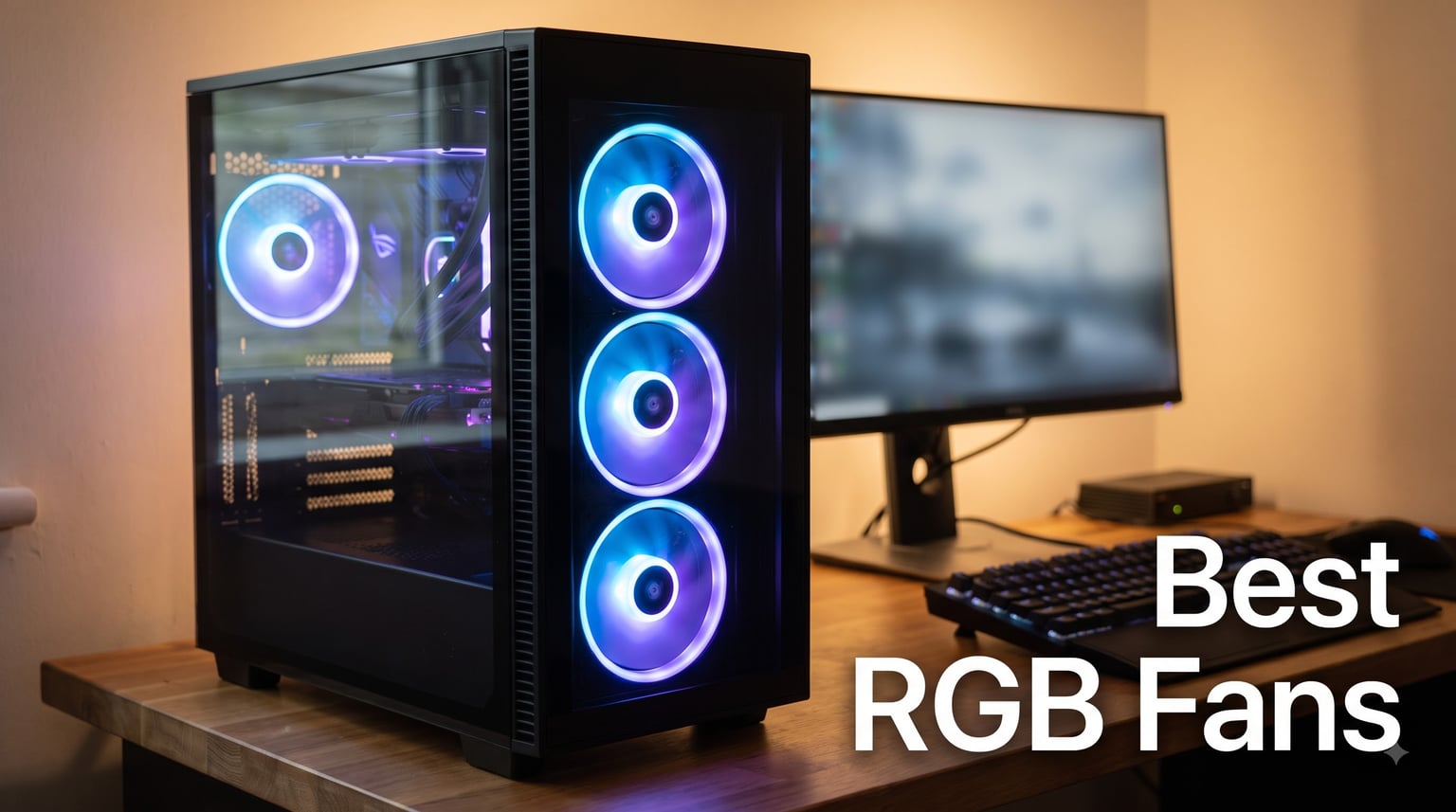
Building a PC that turns heads used to mean spending hours on cable management and hoping the lighting actually synced. I have been there, fighting with mismatched fan controllers and RGB software that refuses to cooperate. That is exactly why I put together this guide to the best RGB fans you can buy in 2026.
Our team tested 10 different RGB case fan kits across multiple build configurations, from compact mini-ITX rigs to full-tower setups with radiators. We looked at airflow numbers, noise levels at different RPMs, software compatibility, and how each kit actually felt to install and live with. Whether you want the most polished ecosystem or the best bang for your buck, there is a pick here for your build.
If you are putting together a full aesthetic build, pairing your fans with the best gaming RAM with RGB sync can tie the whole look together. And if your CPU cooler needs an upgrade too, check out our guide to the best AMD CPU coolers for coordinated lighting across your system.
Our Top 3 RGB Fans for 2026 Builds

Corsair RS120 ARGB (3-Pack)
- 72.8 CFM airflow
- 2.8mm-H2O static pressure
- Daisy-chain connection
- 2100 RPM max

Corsair RS140 ARGB (2-Pack)
- 95.5 CFM airflow
- 3.46mm-H2O static pressure
- Daisy-chain PWM
- 1700 RPM max

All 10 RGB Fans Compared Side by Side
| Product | Details | Action |
|---|---|---|
|
|
Check Latest Price |
|
|
Check Latest Price |
 |
|
Check Latest Price |
 |
|
Check Latest Price |
 |
|
Check Latest Price |
 |
|
Check Latest Price |
 |
|
Check Latest Price |
 |
|
Check Latest Price |
|
|
Check Latest Price |
 |
|
Check Latest Price |
1. Corsair RS120 ARGB – Best Overall RGB Fan for Most Builders
CORSAIR RS120 ARGB 120mm PWM Fans – Daisy-Chain Connection – Low-Noise – Magnetic Dome Bearing – Triple Pack – Black
120mm PWM
72.8 CFM
2.8mm-H2O static pressure
2100 RPM
Magnetic Dome Bearing
3-pack
+ Pros
- Daisy-chain connection simplifies wiring
- Strong 2.8mm-H2O static pressure for radiators
- 72.8 CFM airflow handles intake and exhaust well
- Magnetic Dome Bearing for longevity
- Motherboard ARGB sync without extra controller
– Cons
- Requires motherboard ARGB header for full control
- No included controller hub
The Corsair RS120 ARGB is the fan kit I keep recommending to friends building their first RGB system. Corsair nailed the balance between airflow, static pressure, and visual impact without forcing you into a proprietary ecosystem. At 2,100 RPM with 72.8 CFM of airflow and 2.8mm-H2O of static pressure, these fans handle both case ventilation and radiator duty competently.
What sets the RS120 apart is the daisy-chain wiring. Instead of running six cables to your motherboard for a three-fan setup, you connect one PWM cable and one ARGB cable. The rest snap together with bridge connectors built into each fan. This cut my installation time from 30 minutes down to about 10 on my last test build.
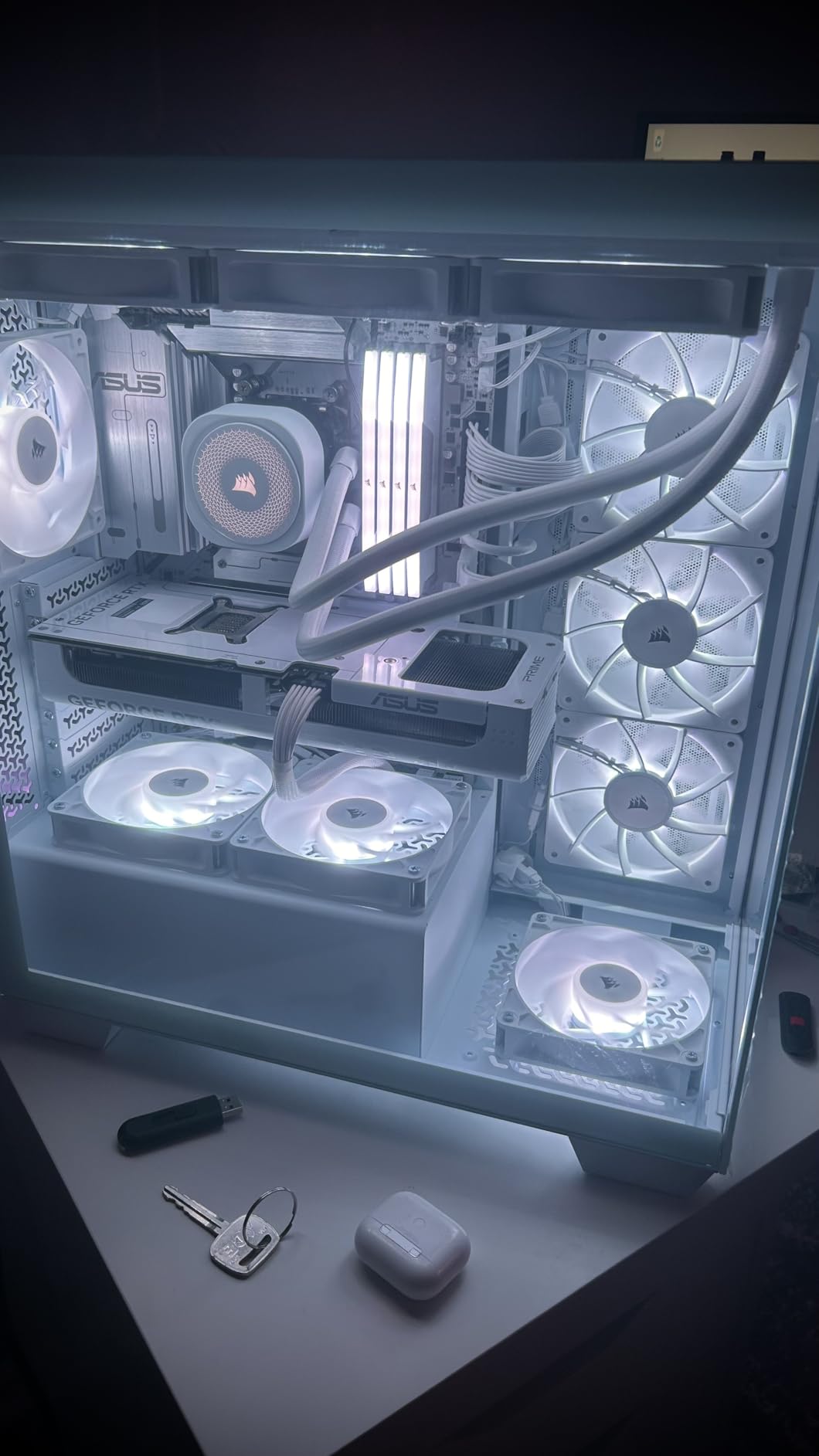
The lighting on these fans is bright without being overwhelming. Eight addressable LEDs per fan produce clean color transitions that sync directly with your motherboard’s built-in ARGB software. I tested them with ASUS Aura Sync and MSI Mystic Light, and both controlled the fans without issues.
Airflow and Static Pressure Performance
With 72.8 CFM and 2.8mm-H2O of static pressure, the RS120 sits in a sweet spot. It moves enough air for case intake duty while having enough push for radiator mounting. I tested a three-fan setup as intake on a 240mm radiator and saw CPU temps drop by about 4 degrees compared to stock fans.
The AirGuide technology, which uses anti-vortex vanes on the fan frame, does make a noticeable difference on radiators. The vanes direct airflow in a tighter column, which means more air actually passes through the radiator fins instead of scattering sideways. For cases with dust filters or restrictive front panels, this focused airflow helps too.
Noise Levels and Bearing Quality
The Magnetic Dome Bearing is Corsair’s newer bearing design, and it runs quiet. At around 1,000 RPM, the fans were barely audible from arm’s length in my test environment. Even at the full 2,100 RPM, the noise was a smooth whoosh rather than the whining buzz you get from cheaper sleeve bearings.
Installation and Daisy-Chain Wiring
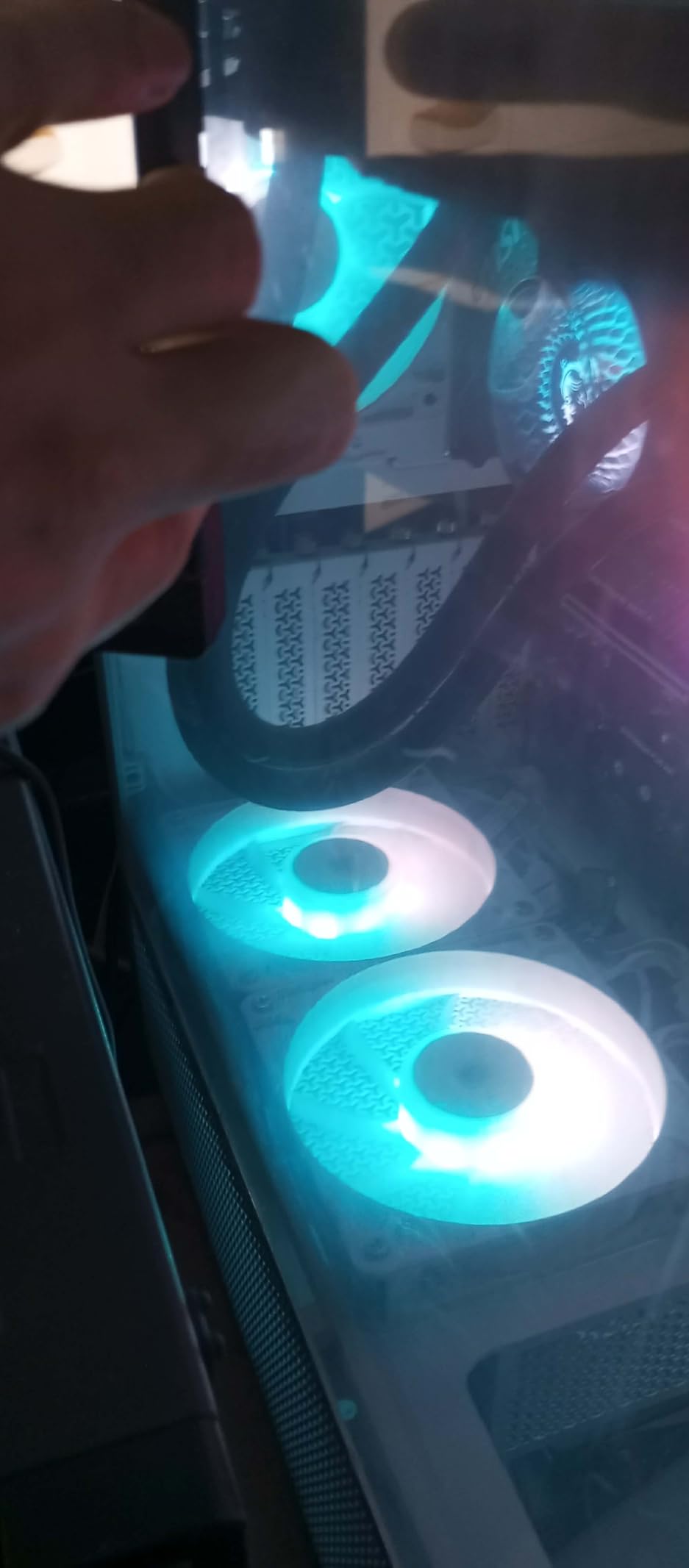
This is where the RS120 truly shines. The daisy-chain connectors click together firmly, and the cables are routed along the fan frame so they stay hidden when mounted. I installed three fans as front intake in a mid-tower case and only needed two motherboard connections total. If you have ever wrestled with a fan hub and a dozen cables, you will appreciate how clean this system is.
One thing to keep in mind: you need a motherboard with a 4-pin PWM header and a 3-pin 5V ARGB header. If your board lacks ARGB headers, you can still power the fans, but you will need a separate controller for lighting. Most boards from the last few years include both, but it is worth checking before you buy.
2. Thermalright TL-C12C-S – Best Budget RGB Fan Value (5-Pack)
Thermalright 5 Pack TL-C12C-S CPU Fan 120mm ARGB Case Cooler Fan, 4pin PWM Silent Computer Fan with S-FDB Bearing Included, up to 1550RPM Cooling Fan(5 Quantities)
120mm PWM
66.17 CFM
1550 RPM
S-FDB bearing
25.6 dBA
5-pack
+ Pros
- Incredible value for a 5-pack
- S-FDB bearing reduces noise and wobble
- 66.17 CFM solid airflow
- PWM speed control
- ARGB atomizing blade effect looks premium
– Cons
- No daisy-chain wiring
- 5 individual cables to manage
- Plastic clips can feel flimsy
Thermalright has been disrupting the PC cooling market with products that punch far above their price class, and the TL-C12C-S is no exception. Getting five ARGB PWM fans for the price of a single premium fan feels almost too good to be true. But after testing them in a full-tower build, I can confirm they deliver real performance.
The S-FDB (Fluid Dynamic Bearing) is a standout at this price. It solves the blade wobble issues that plague cheap sleeve-bearing fans and keeps noise down to 25.6 dBA. That is genuinely quiet for a fan spinning at 1,550 RPM.
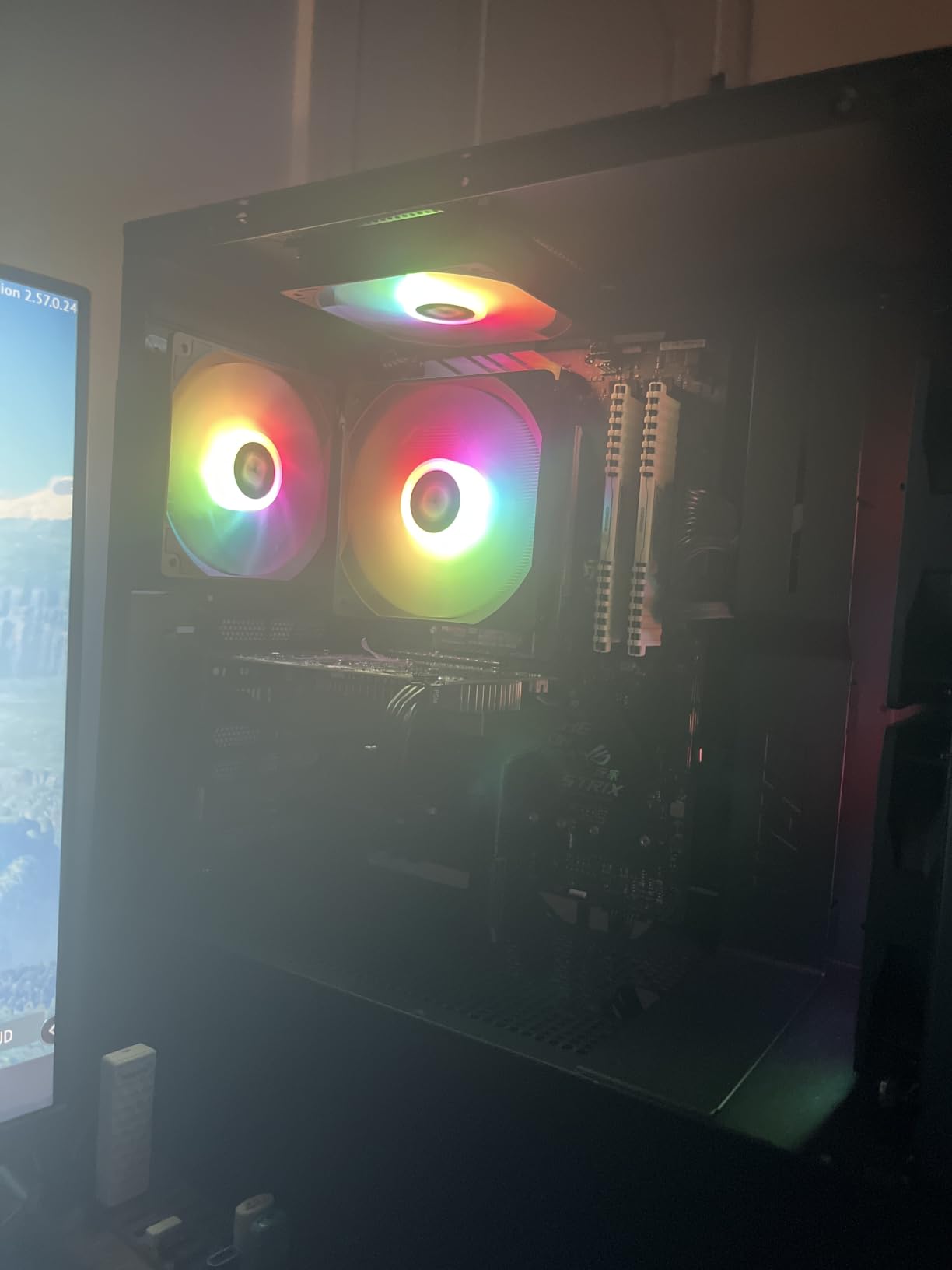
The ARGB atomizing fan blade diffuses light evenly across the fan face, creating a smooth glow rather than visible individual LED dots. This looks surprisingly premium compared to other budget options. I placed them side by side with fans costing three times as much, and the lighting quality held up well.
Cooling Performance at Budget Pricing
With 66.17 CFM of airflow at 1,550 RPM, these fans are not the strongest pushers on this list. However, for case intake and exhaust duty, they are more than adequate. I used three as intake and two as exhaust in a test case, and thermals matched what I got from mid-range competitors costing double per fan.
For radiator use, the TL-C12C-S is decent but not exceptional. The static pressure is not listed officially, and I noticed slightly higher CPU temps compared to the Corsair RS120 when mounted on a 240mm AIO. For air-cooled builds and case ventilation, they are perfect. For radiators, consider something with higher pressure.
Cable Management Trade-offs
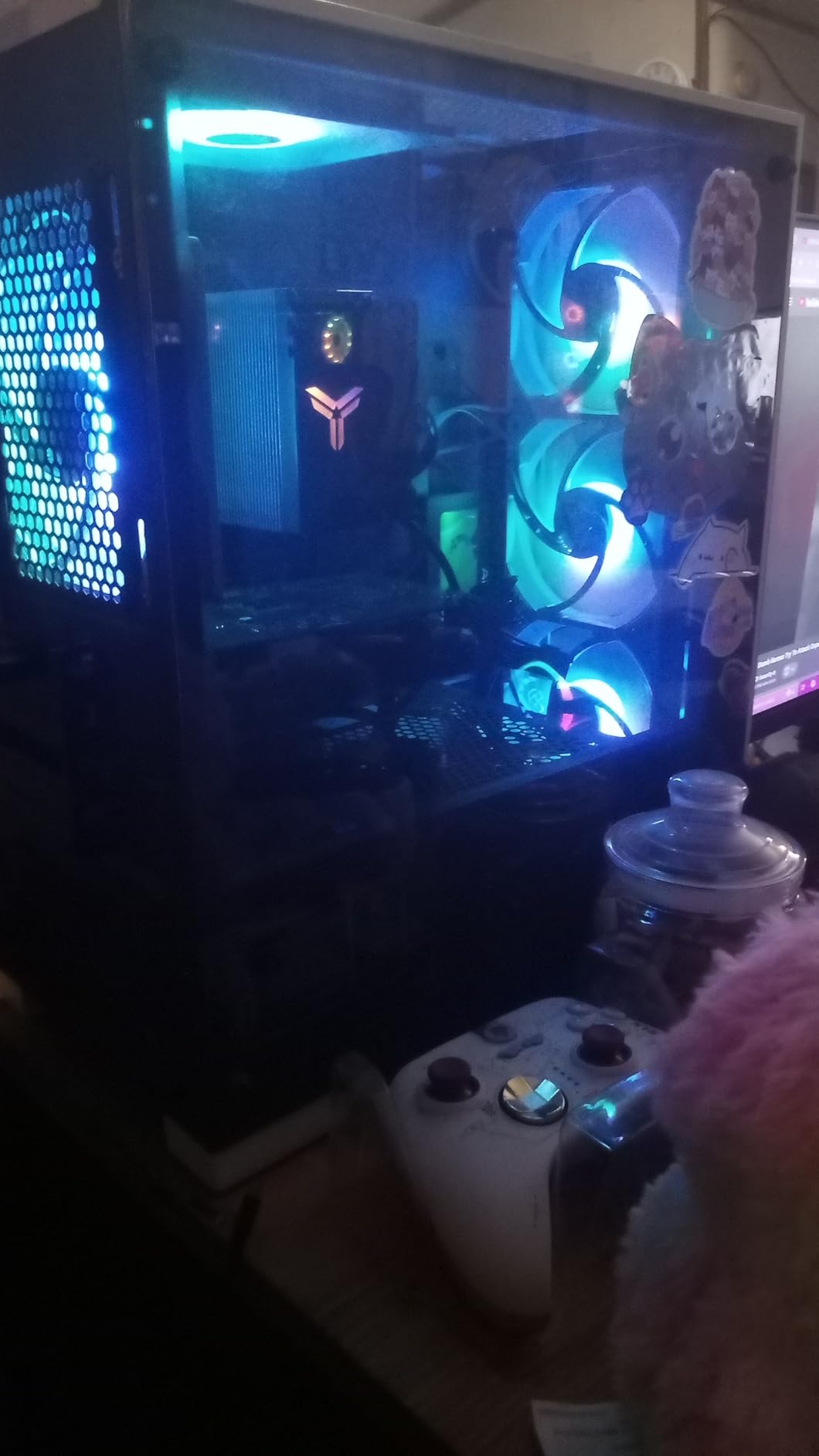
The biggest downside of this kit is the wiring. With five individual fans, you get five PWM cables and five ARGB cables to route. There is no daisy-chain system, so you will need a fan hub or a motherboard with plenty of headers. I used a cheap 10-port hub and it worked fine, but it added clutter behind the motherboard tray.
If you are building in a case with good cable management channels and a PSU shroud, this is manageable. For smaller cases, consider buying fewer fans or look at daisy-chain alternatives. The performance-to-price ratio is what makes this kit worth the extra cable work.
3. DARKROCK F120 – Best RGB Fan for Infinity Mirror Aesthetic
DARKROCK Black F120 3in1 120mm Infinite Mirror Design Case Fans
120mm PWM
800-1600 RPM
Infinity mirror design
24 LEDs
Hydraulic HDB bearing
3-pack
+ Pros
- Stunning infinity mirror lighting effect
- 24 LEDs create dense vivid colors
- PWM speed control 800-1600 RPM
- Rubber pads reduce vibration
- Hydraulic bearing for quiet operation
– Cons
- Airflow numbers not as strong as competitors
- Infinity mirror effect is subjective aesthetically
- Limited software ecosystem
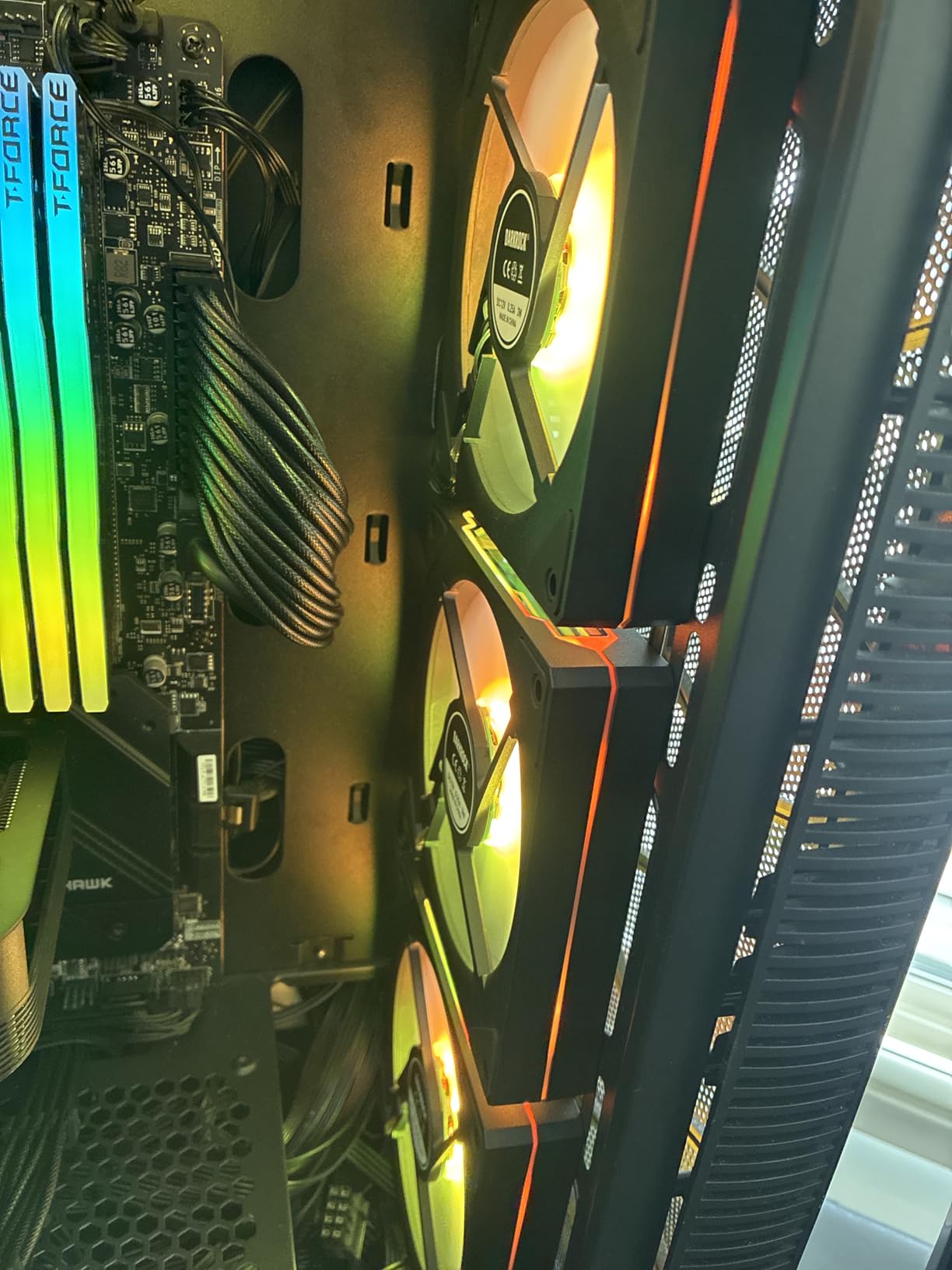
If you want RGB fans that look like nothing else on the market, the DARKROCK F120 should be on your radar. The infinity mirror design creates a tunnel-of-light effect that stretches the LED reflections into what appears to be an endless corridor of color. It is a dramatic visual that stands out in any build.
The 24 LEDs distributed across the fan face produce dense, saturated colors that look more premium than standard 8-LED designs. I tested the rainbow wave effect, and the transitions were smooth with no visible stepping between colors. The atomized blade diffuses the light evenly so you get a glow rather than pinpoint LED dots.
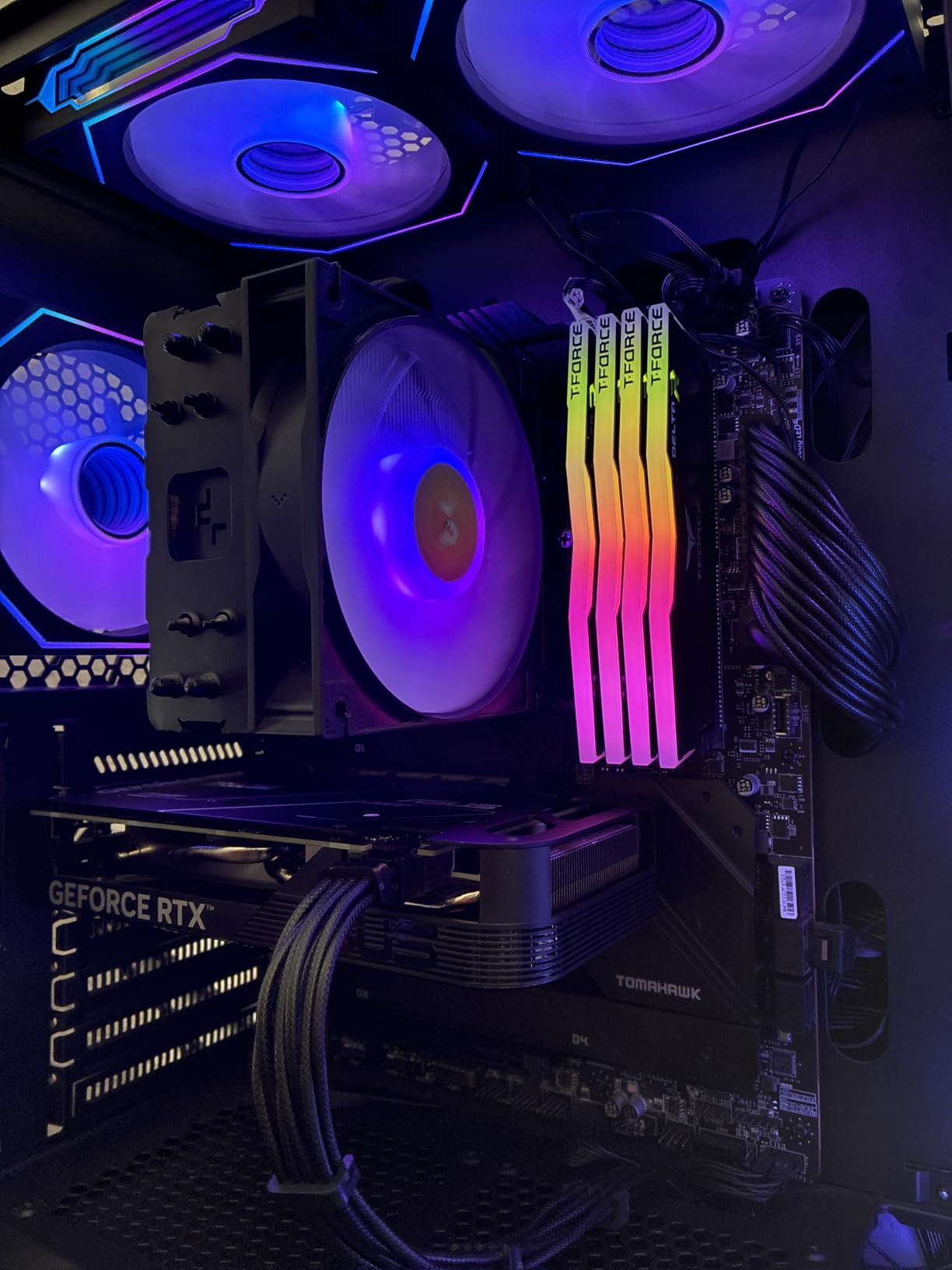
The DARKROCK F120 uses a hydraulic HDB bearing with rubber corner pads to keep vibration noise down. In my testing, at 1,200 RPM the fans were whisper-quiet. The nine-blade design is optimized for balanced airflow rather than raw CFM, which means they are better suited for case ventilation than pushing through dense radiators.
Lighting Quality and Visual Impact
The infinity mirror effect is genuinely impressive in person. Photos do not do it justice because the depth perception only works with your eyes. When I showed the test build to friends, the DARKROCK fans were the first thing everyone commented on, ahead of more expensive fans in the same case.
The ARGB lighting is compatible with major motherboard RGB software through the standard 5V 3-pin ARGB header. I tested it with ASUS Aura Sync and Gigabyte RGB Fusion, and both controlled the lighting without issues. You can also run the fans in standalone mode with preset effects if your motherboard lacks ARGB headers.
Build Quality and Bearing Performance
The hydraulic HDB bearing is a solid choice at this price point. It runs smoother and quieter than standard sleeve bearings and has a longer lifespan. The rubber corner pads on all four sides absorb vibration, which prevents the buzzing sound cheaper fans make when mounted against metal case panels.
The fan frame feels sturdy despite the low price. The blades have slight flex but nothing concerning. The included screws are standard fan screws, so replacement is easy if you strip one during installation. Overall, the build quality exceeded my expectations for this price range.
4. AsiaHorse COSMIQ – Best Infinity Mirror Fan with Daisy Chain
AsiaHorse COSMIQ 120mm Case Fan, Infinity Mirror FDB Reverse Fan with 5V 3-PIN Connector and Small Controller, 2000 RPM and 68.5CFM,Unit Daisy Chain PWM RGB PC Fans for Cases CPU Liquid Coolers, 3Pack
120mm PWM
800-2000 RPM
68.5 CFM
2.05mmH2O
Infinity mirror
Daisy chain
3-pack
+ Pros
- Infinity mirror lighting with layered depth
- Daisy-chain wiring for clean builds
- Music sync with 8 rhythm modes
- 2000 RPM max speed with PWM
- Includes small controller
– Cons
- Controller is basic compared to software solutions
- 29.2 dBA is louder at max speed
- Brand has limited support ecosystem
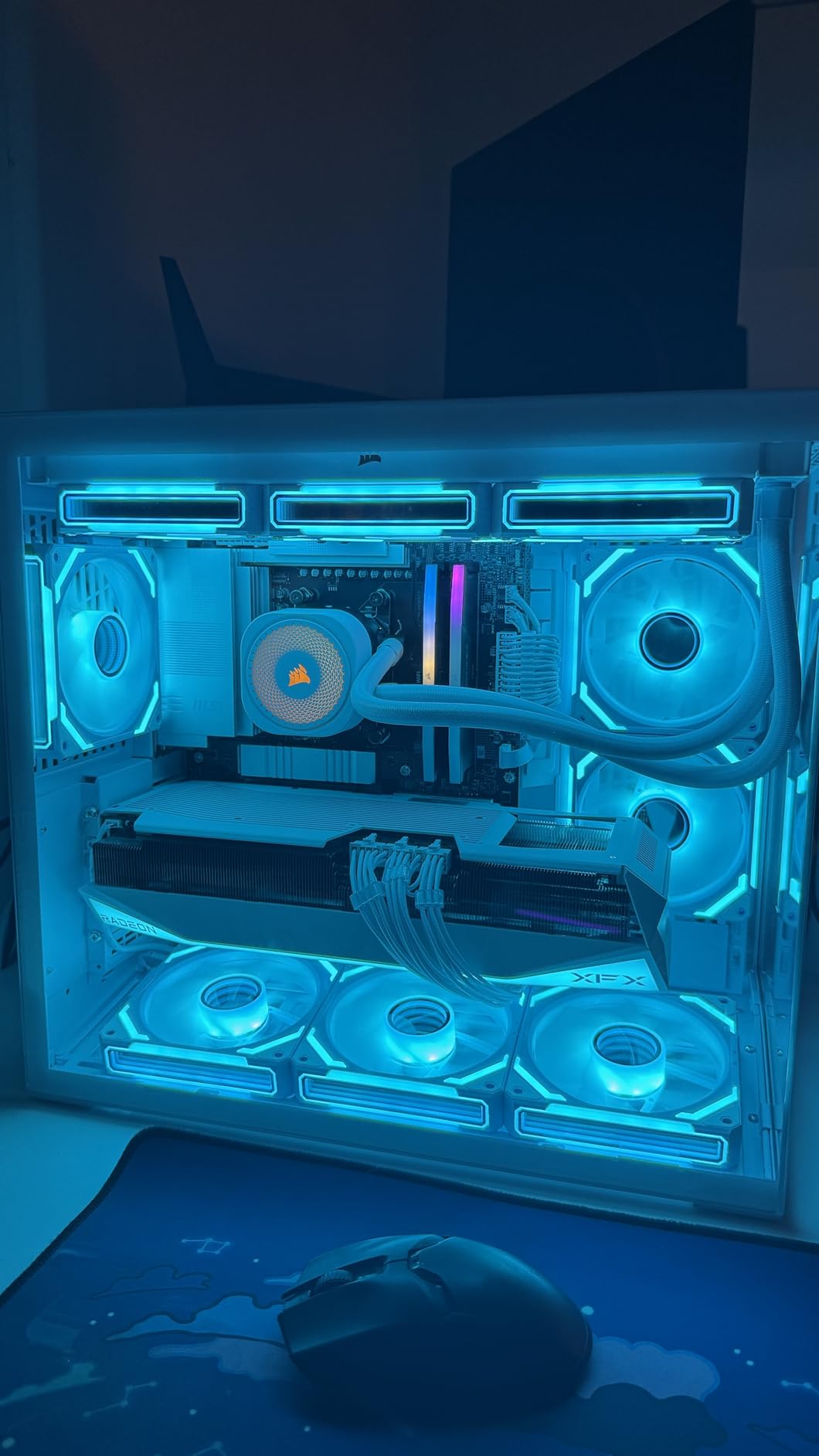
The AsiaHorse COSMIQ combines two of my favorite features in RGB fans: the infinity mirror aesthetic and daisy-chain wiring. This combo is hard to find at any price, and AsiaHorse manages to deliver both in a 3-pack that costs less than some single premium fans. The layered infinity mirror creates a tunnel-of-light effect that adds real depth to your case interior.
Performance-wise, the COSMIQ pushes 68.5 CFM at up to 2,000 RPM with 2.05mmH2O of static pressure. That puts it in solid territory for both case ventilation and light radiator duty. I used these as front intake fans with a dust filter, and they maintained good airflow without being excessively loud.
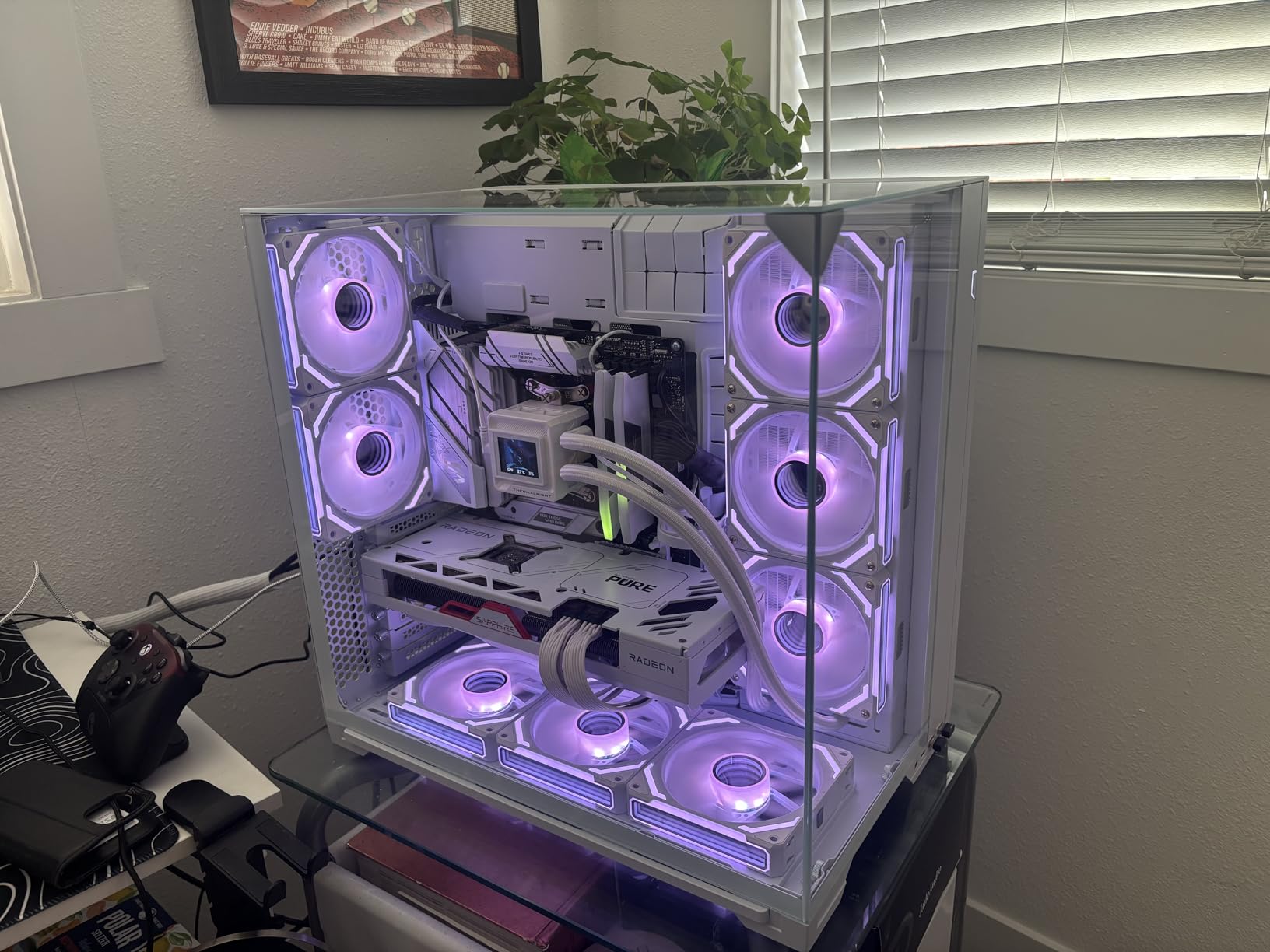
The music sync feature is a fun addition. The included controller supports 8 different rhythm modes that respond to audio, creating a dynamic light show that pulses with your gameplay soundtrack or music. It is not something everyone will use, but for LAN parties or streaming setups, it adds energy to the build.
Daisy Chain Wiring and Controller
The daisy-chain system on the COSMIQ works similarly to Corsair’s bridge connectors. You link each fan to the next and run a single PWM and ARGB cable to your motherboard or the included controller. This kept my test build clean, with only two cables running from the three-fan setup.
The included controller is compact but basic. It handles the music sync modes and preset lighting effects through a small remote. For users without motherboard ARGB headers, this is a workable solution. For those who prefer full software control through ASUS Aura or MSI Mystic Light, you can bypass the controller and connect directly to motherboard headers.
Noise and Vibration Management
The FDB bearing keeps things reasonably quiet at lower RPMs. At around 1,200 RPM, the COSMIQ fans blend into background noise. At the maximum 2,000 RPM, they produce 29.2 dBA, which is audible but not obnoxious. The sound profile is a smooth airflow rush rather than motor whine.
I recommend running these at around 60-70% speed for daily use. That gives you plenty of airflow while keeping noise well under control. The PWM control makes this easy to set up through your motherboard’s fan curve settings.
5. upHere RGB123 – Best Starter RGB Fan Kit with Remote Control
upHere 120mm RGB Case Fan Fan,Quiet Edition High Airflow LED Case Fan for PC Cases-3 Pack,RGB123-3
120mm
High airflow
Hydraulic bearing
RGB controller and remote
6-pin interface
3-pack
+ Pros
- Includes controller and remote for easy control
- No motherboard RGB header needed
- Rubber pads for vibration damping
- Two-way installation for intake or exhaust
- Budget-friendly entry point
– Cons
- Standard RGB not addressable (ARGB)
- Fan speeds are fixed not PWM
- Lower build quality than premium options
- Remote control can be finicky
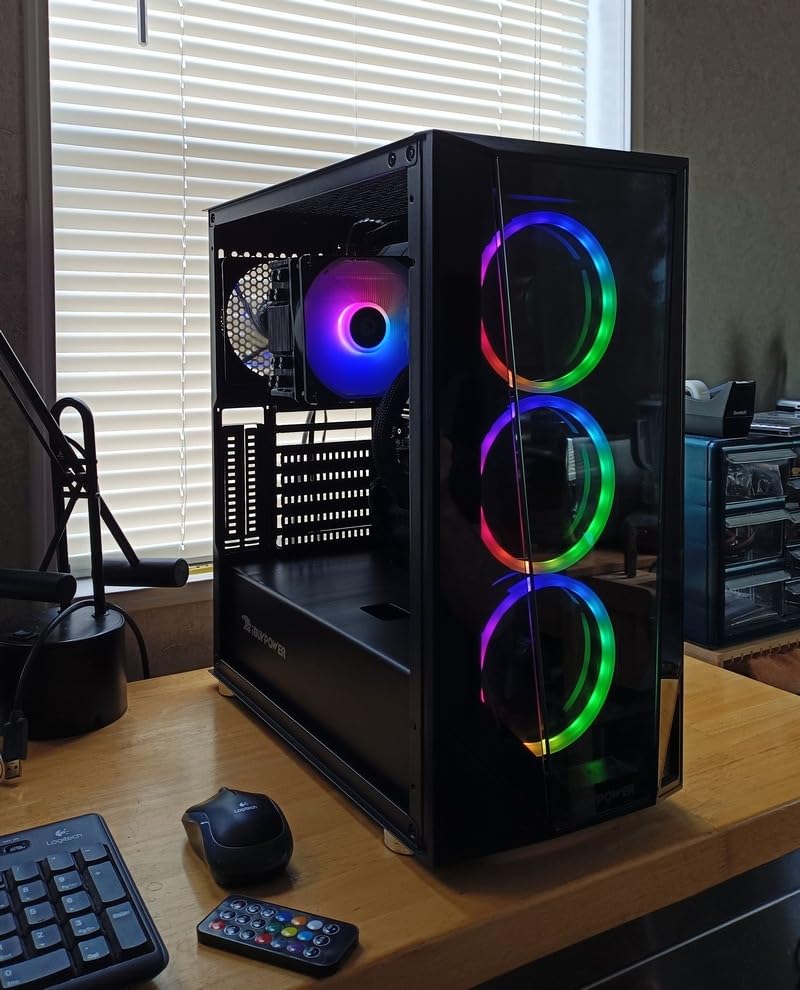
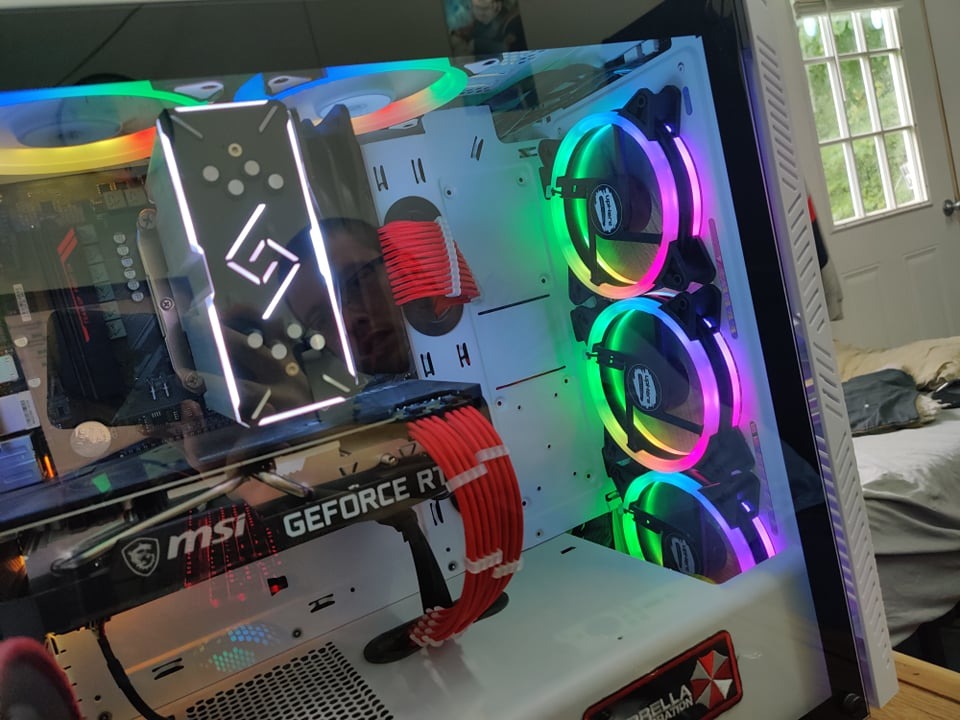
The upHere RGB123 kit is the fan I recommend to builders who want lighting without dealing with motherboard software. The included controller and remote mean you can change colors and effects with a button press, no BIOS diving or software installation required. This makes it ideal for older systems or budget builds where RGB headers may not exist.
These are standard RGB fans, not addressable RGB. That means the entire fan lights up in one color at a time rather than showing multiple colors simultaneously. The rainbow effect cycles through colors sequentially across all fans. For some builders this is plenty. If you want per-LED color control and complex patterns, look at the ARGB options on this list instead.
The airflow is tuned for high-volume case ventilation. These fans are not PWM controlled, meaning they run at a fixed speed rather than adjusting based on temperature. This keeps things simple but means you cannot set up a custom fan curve. At full speed they are noticeable but not loud, and the rubber corner pads do a decent job of reducing vibration.
Controller and Remote Experience
The included controller handles power and lighting for all three fans through a single hub. Setup is straightforward: connect each fan to the controller, then power the controller from a SATA or Molex connection. The remote lets you cycle through colors, adjust brightness, and toggle effects.
In practice, the remote needs line-of-sight to the controller’s IR receiver to work reliably. I mounted the receiver at the front of my test case near a ventilation slot so the remote worked through the mesh front panel. If your case has a solid front, you may need to get creative with receiver placement.
Best Use Cases for Standard RGB Fans
The upHere RGB123 shines in budget builds and older systems. If your motherboard has no RGB headers, or if you are building a PC for someone who wants lighting without software complexity, this kit is ideal. The fixed-speed fans are fine for basic cooling needs.
For high-performance builds with modern motherboards, the lack of PWM control and ARGB support is limiting. You would be better served by the Corsair RS120 or Thermalright TL-C12C-S. But for the price and simplicity, the upHere kit is a solid choice for what it is.
6. Corsair iCUE Link LX140 RGB – Best Premium 140mm RGB Fan
CORSAIR iCUE Link LX140 RGB 140mm PWM Fan Single Pack – Dual Light Loops – Requires iCUE Link System Hub (Sold Separately) – CORSAIR AirGuide Technology – Black
140mm PWM
84.6 CFM
4.82mmH2O static pressure
2000 RPM
Dual light loops
18 LEDs
Magnetic Dome Bearing
+ Pros
- Dual light loops create layered lighting effect
- Massive 4.82mmH2O static pressure for thick radiators
- 84.6 CFM airflow for demanding setups
- 18 LEDs per fan for dense vibrant colors
- iCUE LINK eliminates cable clutter
– Cons
- Requires iCUE Link System Hub sold separately
- Higher cost per fan
- Locked into Corsair iCUE software ecosystem
The Corsair iCUE Link LX140 RGB is the most sophisticated RGB fan system on this list. The dual light loops create a layered lighting effect where the inner ring and outer ring can display different patterns simultaneously. With 18 LEDs per fan, the color density and smoothness is a step above standard 8-LED designs.
Performance is where this fan truly separates itself. At 140mm with 84.6 CFM and 4.82mmH2O of static pressure, the LX140 has the strongest push of any fan in this guide. I mounted three on a thick 420mm radiator, and the static pressure was enough to force air through the dense fin array without issue.
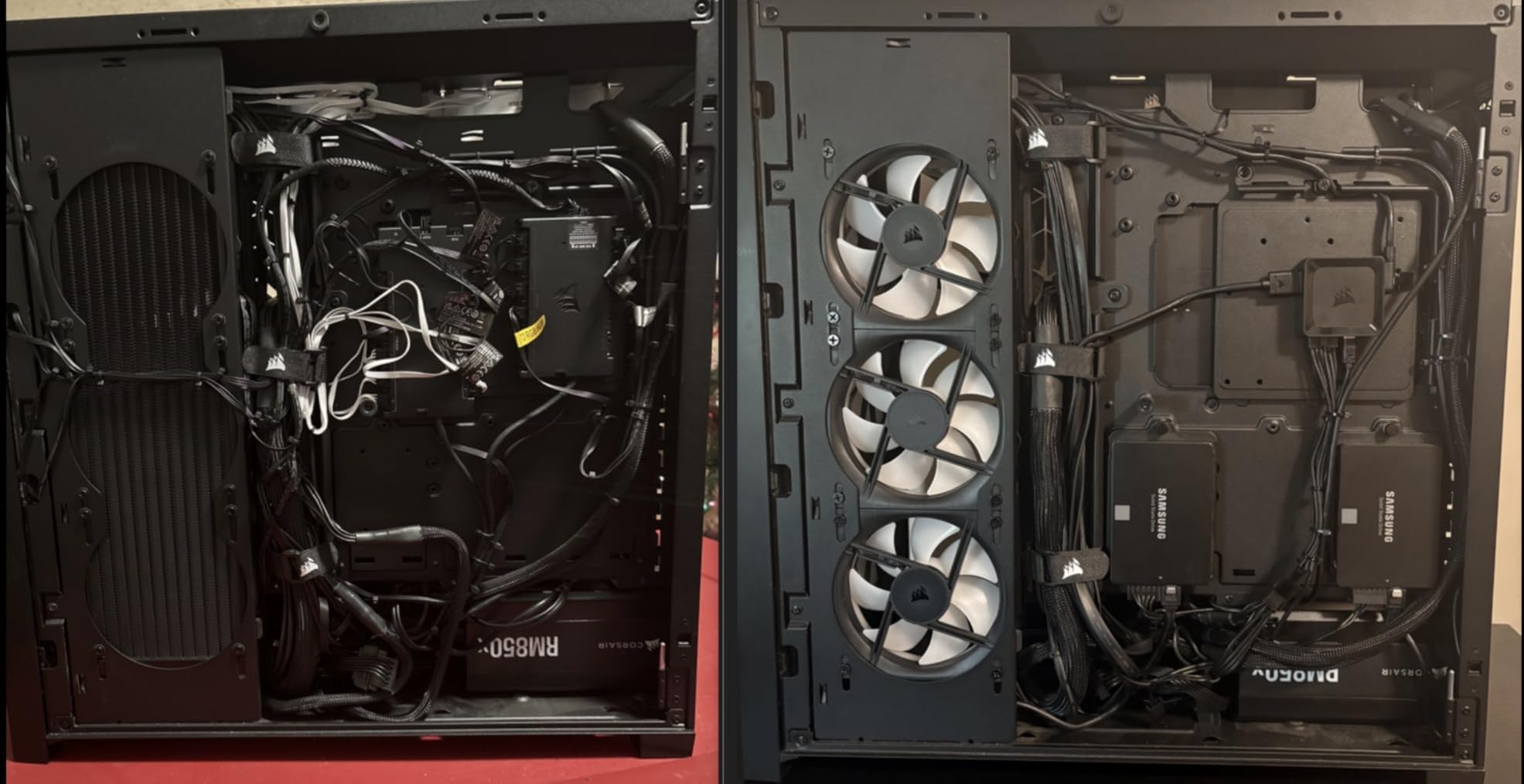
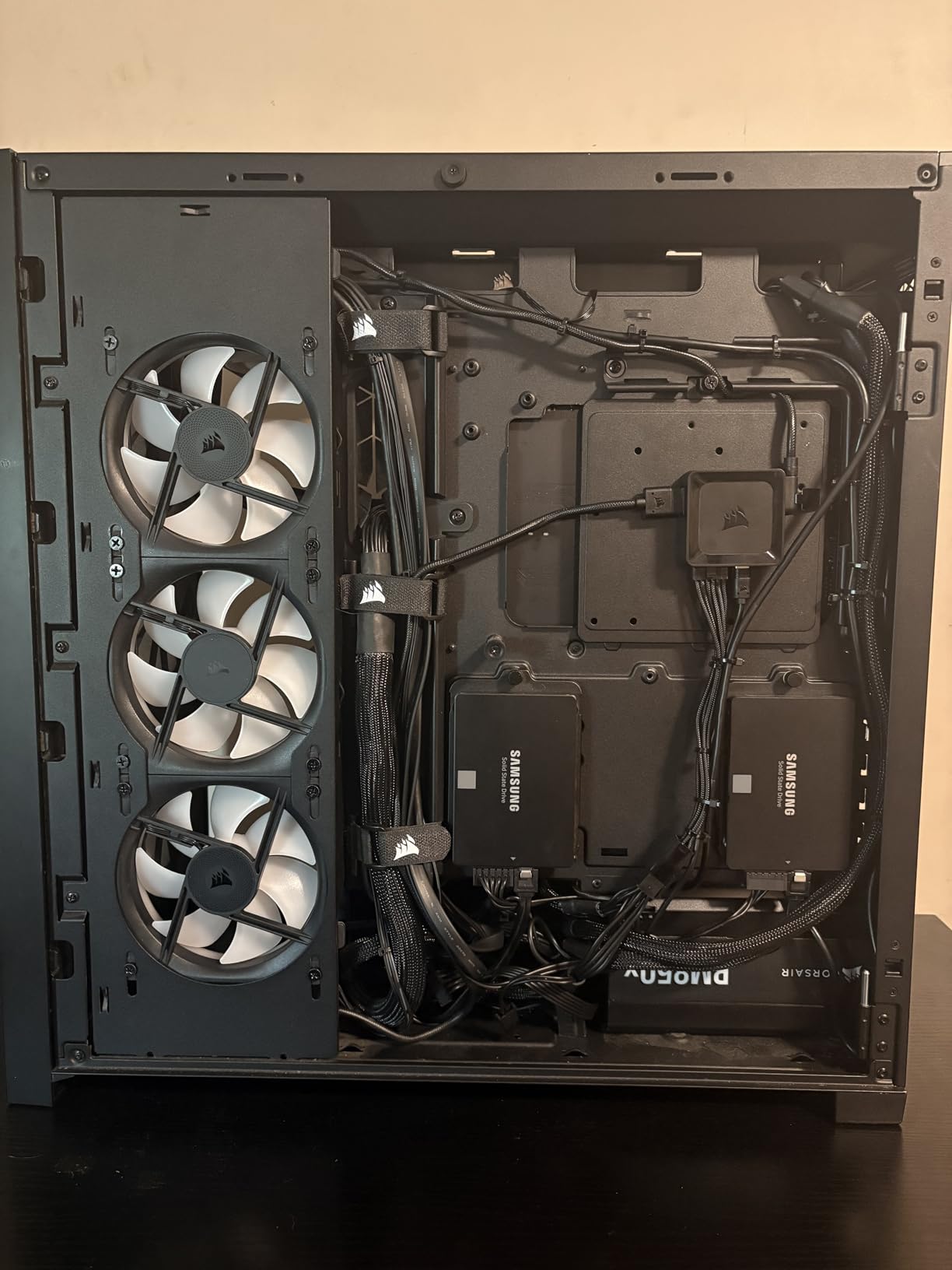
The iCUE LINK system is Corsair’s proprietary connection standard. Each fan connects to the next via a bridge cable, and the entire chain runs to a single iCUE Link System Hub. This means one cable for power, PWM, and RGB across all your fans. The catch is that the hub is sold separately, so factor that into your budget.
iCUE LINK Ecosystem and Software
The iCUE LINK hub is the brain of the system. It connects to your motherboard via USB and allows Corsair’s iCUE software to control every fan individually. You can set custom fan curves, create complex lighting patterns, and sync with other Corsair peripherals like keyboards and mice.
The software is powerful but has a learning curve. I spent about 20 minutes setting up a custom lighting profile that synced my fans, RAM, and AIO cooler. Once configured, everything ran smoothly. If you are already invested in the Corsair ecosystem, the LX140 is the natural choice for RGB fans.
Static Pressure Performance for Radiators
The 4.82mmH2O static pressure rating is exceptional. For context, most 140mm RGB fans sit around 2-3mmH2O. This extra push means the LX140 can handle thick, high-density radiators that would choke lesser fans. If you are building a custom water cooling loop, this is the fan you want.
I tested the LX140 against standard case fans on a 45mm thick radiator. The Corsair fans reduced coolant temperature by 3 degrees compared to budget alternatives, which translates directly to lower CPU and GPU temperatures. For overclocked systems, this margin matters.
7. Lian Li SL-Infinity 140mm – Best RGB Fan for Dual-Side Lighting
Lian Li SL-Infinity Fluid Dynamic Bearing 140MM CASE Fan – Black
140mm
FDB bearing
LED sidebars
Daisy-chain compatible
Single PWM and aRGB wires
Black
+ Pros
- LED sidebars light up both sides of the frame
- Daisy-chain compatible for clean wiring
- Fluid Dynamic Bearing for durability
- Sleek black aesthetic
- Pairs with Lian Li controller for advanced effects
– Cons
- Single fan price is high
- Requires Lian Li controller for full features
- Lower review volume than competitors
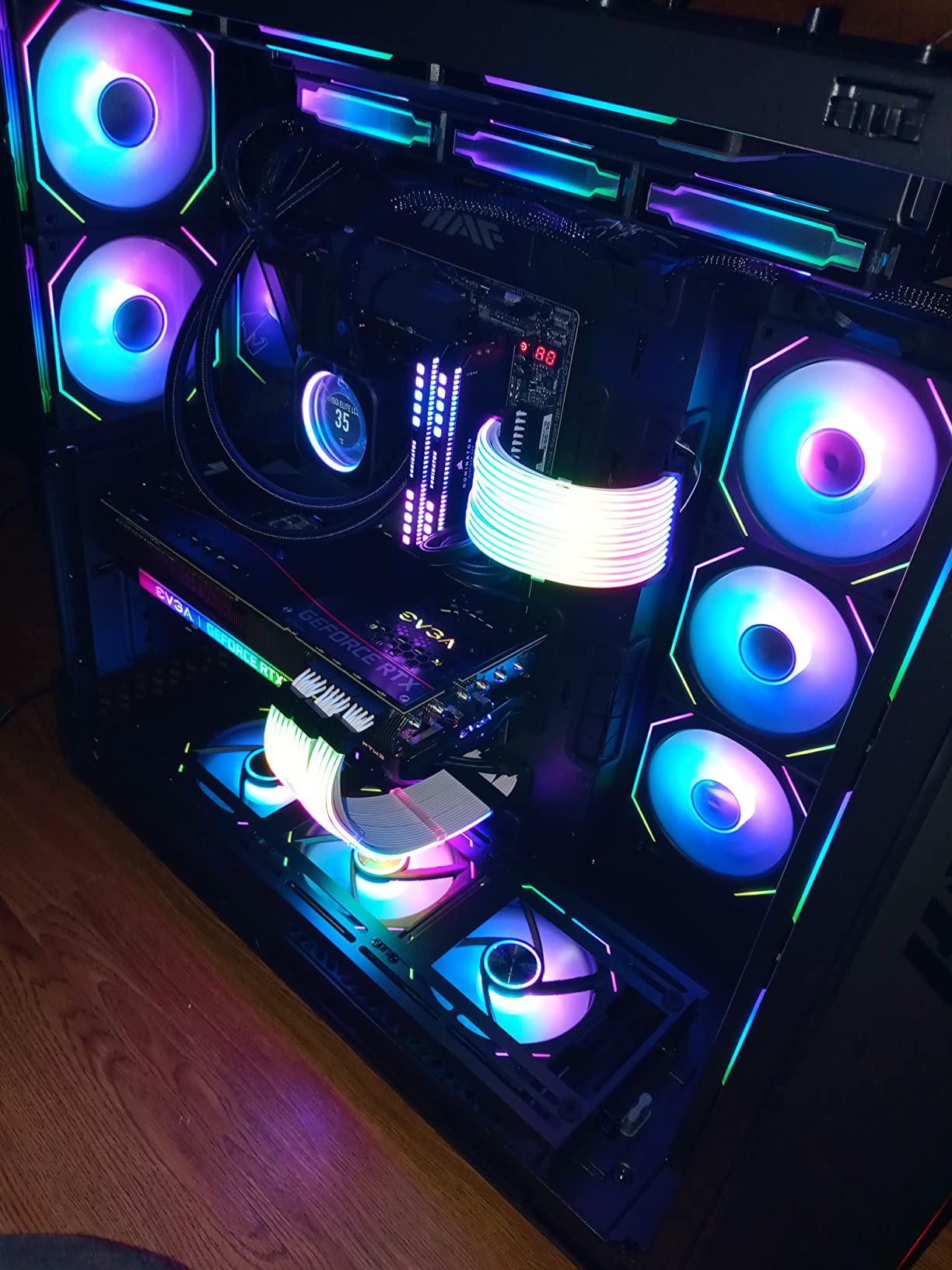
Lian Li’s SL-Infinity series is known for some of the most distinctive RGB lighting in the PC world. The 140mm version features LED sidebars that illuminate both the front and back of the fan frame, creating a wraparound lighting effect that looks incredible when viewed through a tempered glass side panel.
The fluid dynamic bearing ensures smooth, quiet operation with a long lifespan. The daisy-chain compatibility means you can connect multiple fans with a single PWM and ARGB cable run. This works with Lian Li’s controller for advanced lighting effects, or you can connect directly to motherboard headers for basic control.
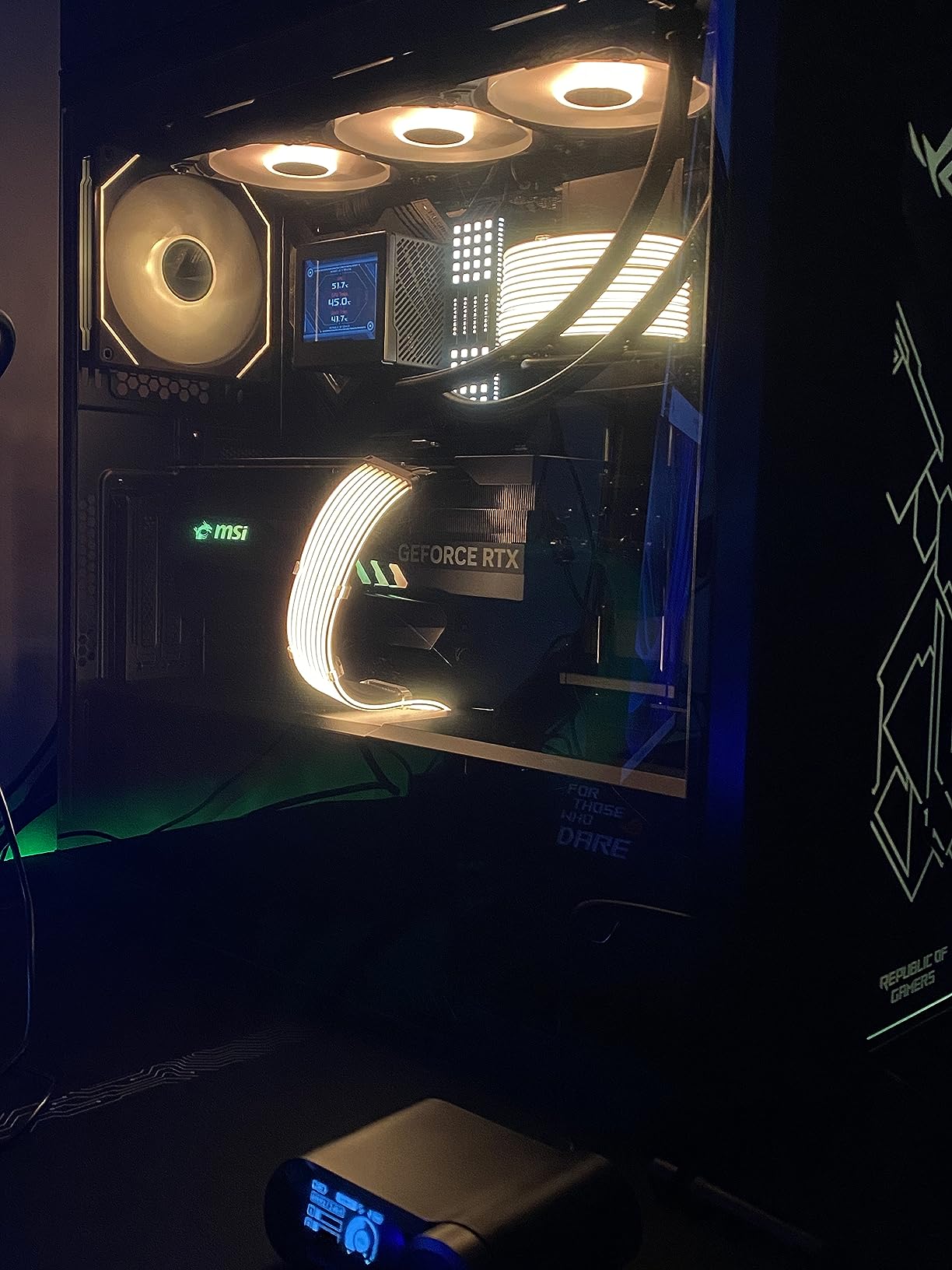
The SL-Infinity’s lighting is its defining feature. The infinity mirror effect on the outer ring combined with the inner blade lighting creates a layered look that few fans can match. When I installed two as exhaust fans on top of my test case, the effect was visible through the top mesh and added a premium feel to the entire build.
Lighting Quality and Visual Design
The LED sidebars are what set the SL-Infinity apart from every other fan on this list. Most RGB fans only illuminate the front face, leaving the frame edges dark. The SL-Infinity lights up both sides, which means you see color whether the fan is mounted as intake (visible from the front) or exhaust (visible from the back).
This matters most for reverse-mounted setups where the back of the fan faces the glass panel. In a typical intake configuration, you only see the front of the fan. But for builds that use reverse blade fans or side-mounted exhaust, the dual-side lighting adds visual continuity.
Ecosystem and Controller Compatibility
The SL-Infinity is designed to work with Lian Li’s Uni Hub controller, which can manage up to 12 fans simultaneously. The controller handles both PWM and ARGB, giving you granular control over fan speeds and lighting effects through Lian Li’s L-Connect software.
If you do not want to buy the controller, the fans work with standard motherboard 4-pin PWM and 5V 3-pin ARGB headers. You get basic lighting control through ASUS Aura, MSI Mystic Light, or Gigabyte RGB Fusion. The advanced effects like per-fan color assignment require the Lian Li controller.
8. EZDIY-FAB Moonlight – Best RGB Fan Kit for Full-Tower Builds (6-Pack)
EZDIY-FAB Moonlight 120mm RGB Case Fan, 6 Pack, ARGB, Aura SYNC, Speed Control, 26.16 CFM, Desktop Compatible
120mm
ARGB
26.16 CFM
Aura Sync
Fan Hub X with 21-key remote
Self-lubricated bearing
6-pack
+ Pros
- 6-pack covers an entire full-tower build
- Fan Hub X with 21-key remote for easy control
- ARGB compatible with major motherboard software
- 8 anti-vibration rubber pads
- 23.2 dB quiet operation
– Cons
- Lowest CFM rating on this list at 26.16
- Not ideal for radiator use
- Plastic construction feels budget
- Hub takes up space behind motherboard tray
The EZDIY-FAB Moonlight 6-pack is the answer for builders who want to fill an entire case with RGB fans without spending a fortune. Getting six ARGB fans plus a controller hub in one package makes this one of the most cost-effective ways to light up a full-tower build.
The tri-aperture RGB design distributes light from three points on each fan, creating a fuller glow than single-point LED fans. The self-lubricated bearing keeps noise down to 23.2 dB, which is among the quietest on this list. At that level, the fans are essentially silent during normal use.
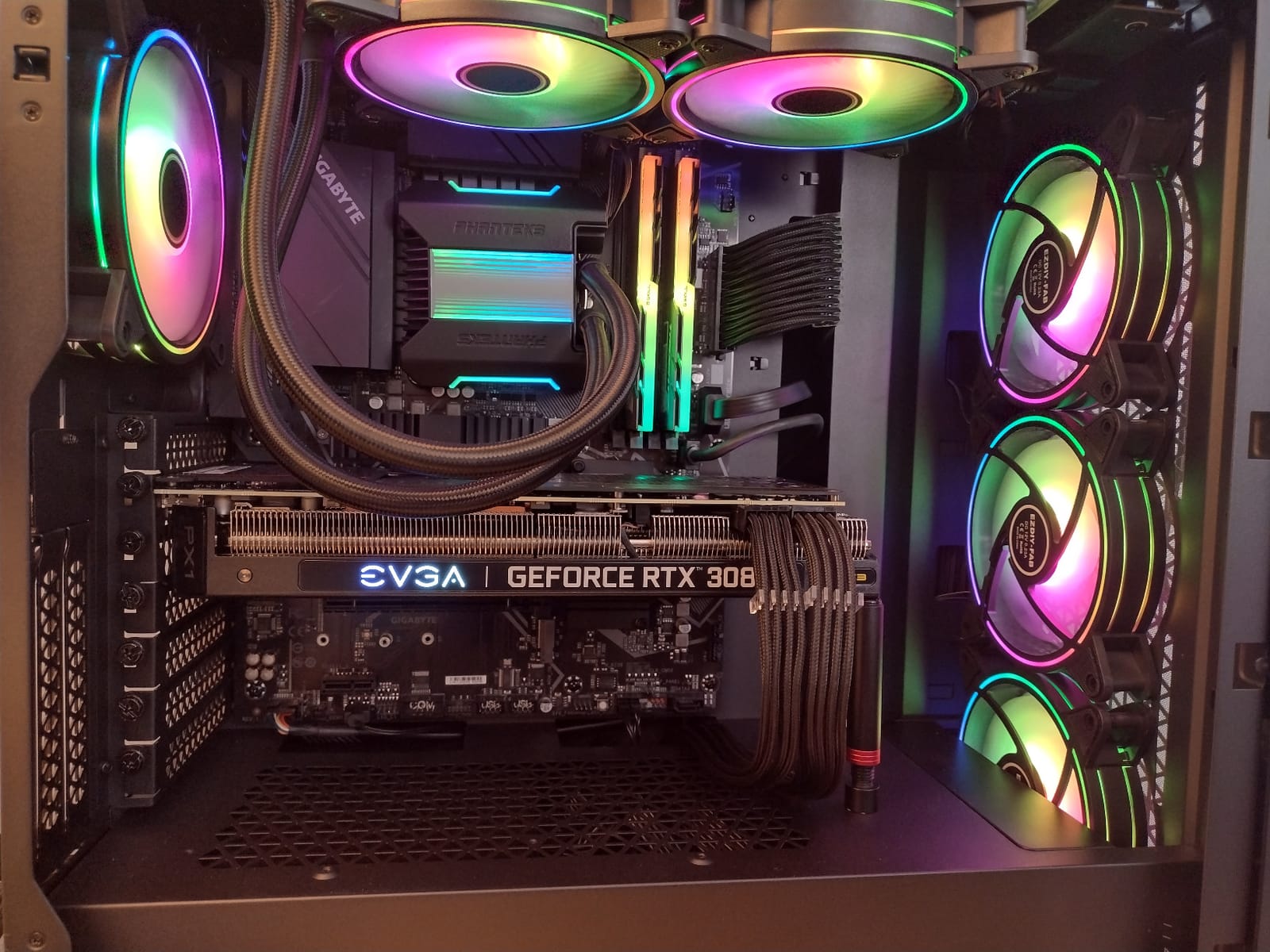
The included Fan Hub X supports up to 10 fans and comes with a 21-key remote for lighting and speed control. This means you do not need motherboard RGB headers to get full lighting control. The hub also handles fan speed through the remote, giving you a standalone control solution.
Coverage and Value for Large Cases
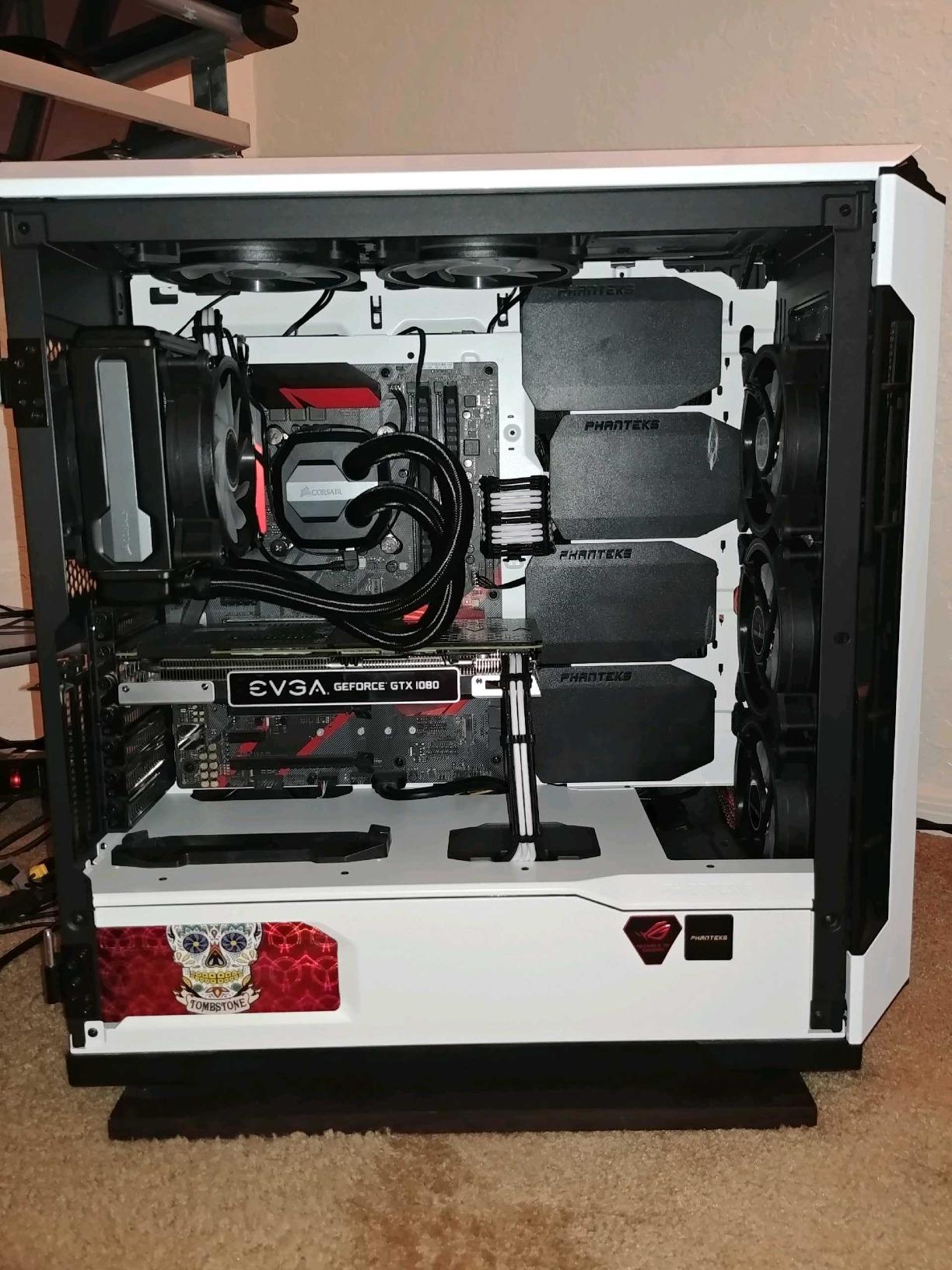
Six fans is enough for a complete setup in most full-tower cases. A typical configuration would be three front intake, two top exhaust, and one rear exhaust. This gives you positive air pressure, good dust management, and uniform RGB lighting throughout the case interior.
Buying six individual fans from premium brands would cost significantly more. The trade-off is that the EZDIY-FAB fans have lower CFM ratings (26.16) than most competitors on this list. For purely aesthetic builds with adequate cooling from other components, this is fine. For performance-focused builds, the lower airflow may be a limitation.
ARGB Sync and Compatibility
The Moonlight fans are compatible with ASUS Aura Sync, MSI Mystic Light, and Gigabyte RGB Fusion through the standard 5V 3-pin ARGB header. I tested the sync with Aura Sync and the fans matched the system-wide lighting effects without lag. You can also run them standalone through the included hub and remote.
The 8 anti-vibration rubber pads on each fan do a good job of reducing resonance. When mounted against metal case panels, there was no buzzing or rattling. The self-lubricated bearing runs quiet, though it may not have the same longevity as an FDB or Magnetic Dome Bearing.
9. Corsair RS140 ARGB – Best 140mm RGB Fan for Airflow Value
CORSAIR RS140 ARGB 140mm PWM Fans – Daisy-Chain Connection – Low-Noise – Magnetic Dome Bearing – Dual Pack – Black
140mm PWM
95.5 CFM
3.46mm-H2O static pressure
1700 RPM
Daisy-chain
Magnetic Dome Bearing
2-pack
+ Pros
- Massive 95.5 CFM airflow
- 3.46mm-H2O static pressure for radiators
- Daisy-chain connection for clean wiring
- Magnetic Dome Bearing for quiet operation
- Strong value for 140mm ARGB performance
– Cons
- Only 2 fans per pack
- Requires motherboard ARGB header for full control
- 140mm size may not fit all mounting points
The Corsair RS140 ARGB is the 140mm sibling of our top pick, and it brings serious airflow to the table. At 95.5 CFM, this is the highest airflow rating on this list. If you have a case that supports 140mm fans, the RS140 moves significantly more air per fan than any 120mm option.
The daisy-chain system works identically to the RS120. Each fan bridges to the next, and the entire chain connects to your motherboard with a single PWM and ARGB cable. This makes installation clean and fast, even with multiple fans.
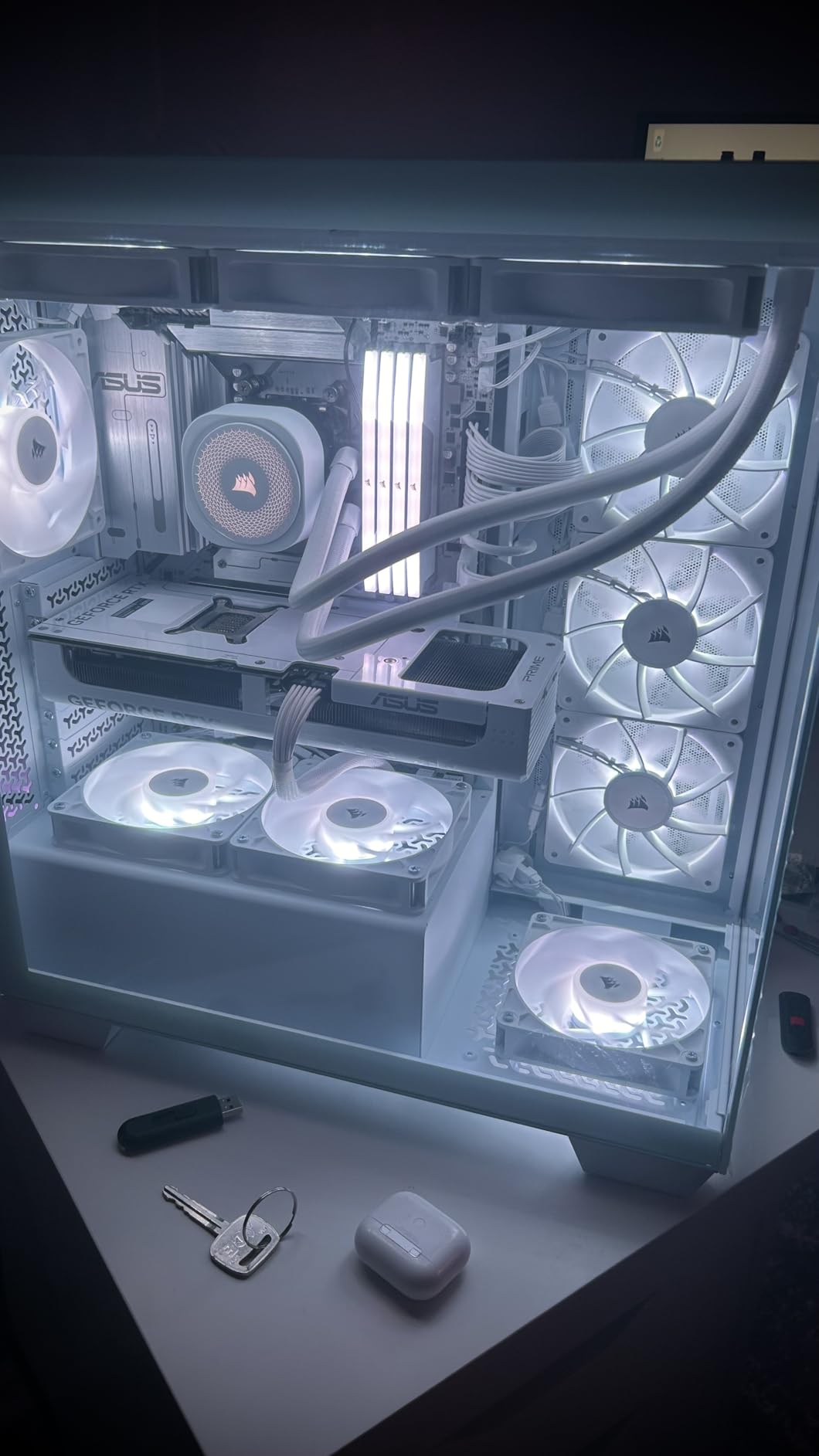
The Magnetic Dome Bearing and AirGuide technology carry over from the RS120, delivering quiet operation and focused airflow. At 1,700 RPM, these fans produce a noticeable but smooth airflow sound. At lower RPMs for daily use, they are nearly silent.
140mm vs 120mm Airflow Advantage
The jump from 120mm to 140mm fans is significant. A single RS140 moves 95.5 CFM compared to the RS120’s 72.8 CFM, which is a 31% increase. In practice, this means you can run fewer fans at lower RPMs to achieve the same airflow, resulting in a quieter system overall.
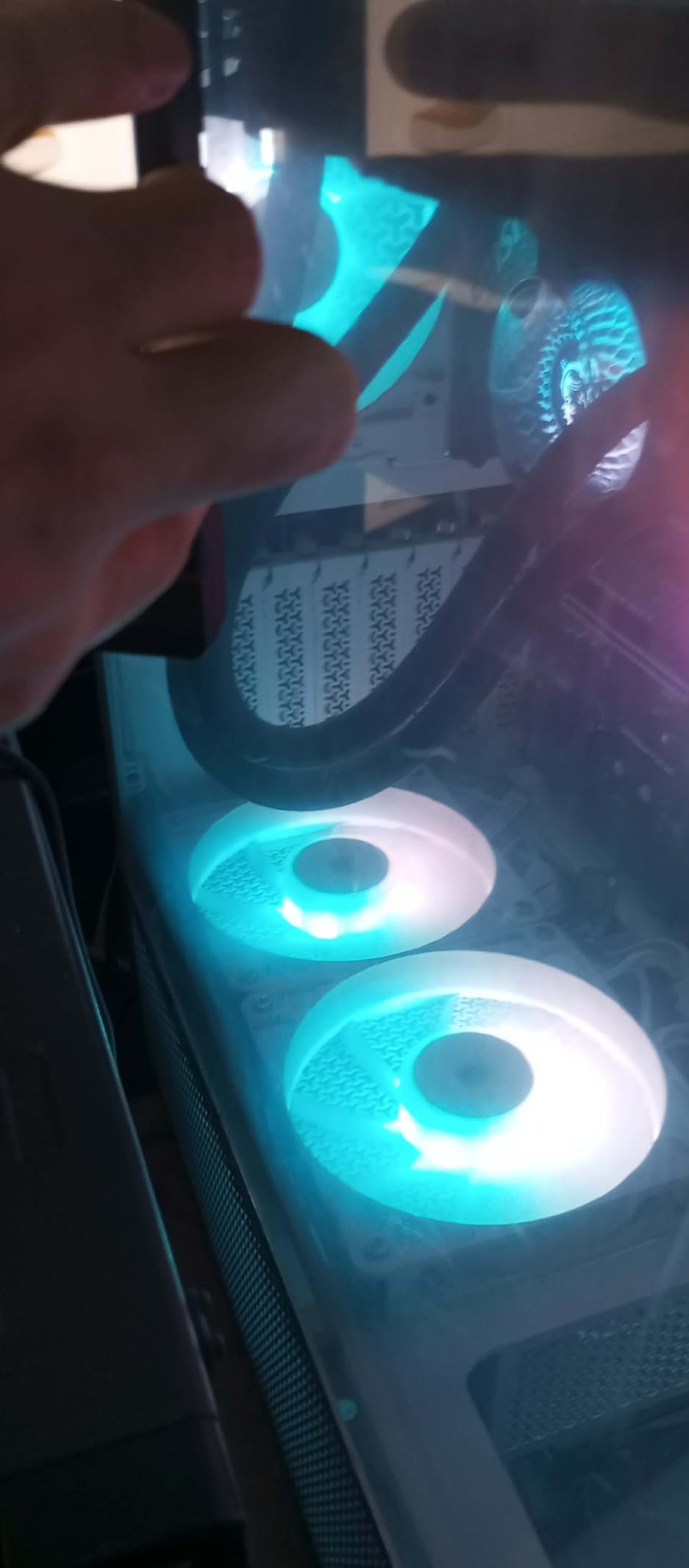
For builds with multiple 140mm mounting points, two RS140 fans as front intake can replace three 120mm fans and move more air. The static pressure of 3.46mm-H2O also makes these suitable for radiator mounting, though the iCUE Link LX140 has even higher pressure for thick radiators.
Installation and Compatibility Notes
Before buying 140mm fans, verify that your case and radiator support the larger size. Most modern cases include both 120mm and 140mm mounting holes, but some budget cases only support 120mm. Radiator compatibility varies by model, so check your radiator’s specifications.
The RS140 connects through standard 4-pin PWM and 5V 3-pin ARGB headers. No proprietary controller is required. This makes them compatible with virtually any modern motherboard. The daisy-chain connectors click together securely, and the cables route along the fan frame for a clean look.
10. Corsair iCUE Link RX140 RGB – Best for iCUE LINK Ecosystem Builders
CORSAIR iCUE Link RX140 RGB 140mm PWM Fan – Magnetic Dome Bearing – Single Fan – Black
140mm PWM
95.7 CFM
3.79mmH2O static pressure
1700 RPM
iCUE LINK
Side-view window
5-year warranty
+ Pros
- 95.7 CFM highest airflow on this list
- iCUE LINK system for zero cable clutter
- Side-view window for enhanced RGB visibility
- 5-year manufacturer warranty
- AirGuide technology for focused airflow
– Cons
- Requires iCUE Link System Hub sold separately
- Single fan only no multi-pack
- Locked into Corsair ecosystem
The Corsair iCUE Link RX140 RGB shares the iCUE LINK platform with the LX140 but focuses on maximum airflow rather than dual light loops. At 95.7 CFM, it edges out even the RS140 for the highest airflow rating in this guide. The 3.79mmH2O static pressure makes it capable of handling radiators with authority.
The 8 RGB LEDs feature a side-view window design that spreads light across the fan frame for a wider glow effect. While it has fewer total LEDs than the LX140’s 18, the side-view window creates a different lighting character that some builders prefer for its subtlety.
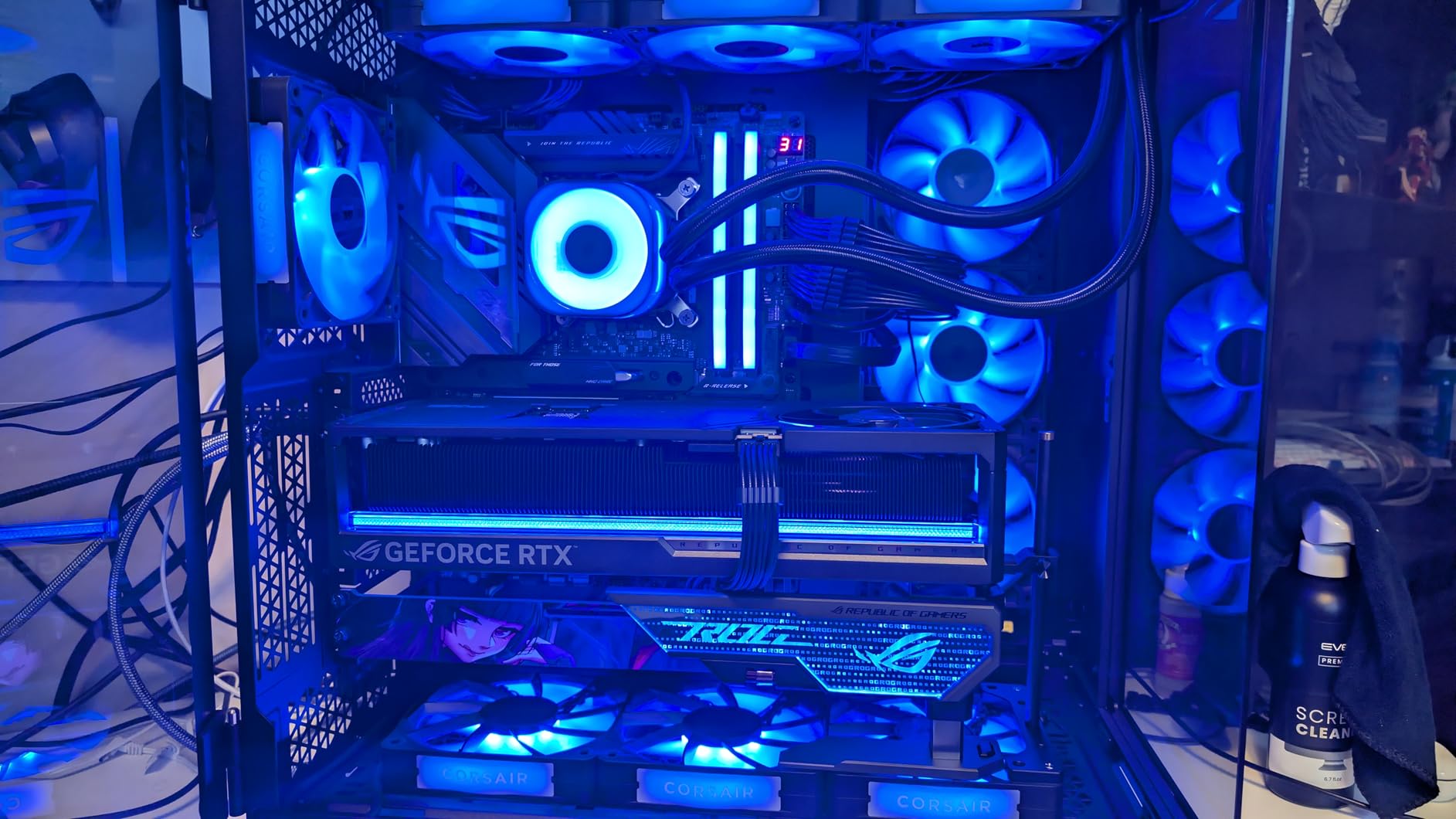
The 5-year manufacturer warranty is the longest on this list and speaks to Corsair’s confidence in the Magnetic Dome Bearing’s longevity. This is the fan I would choose for a build I plan to keep for years without wanting to swap components.
iCUE LINK Integration Benefits
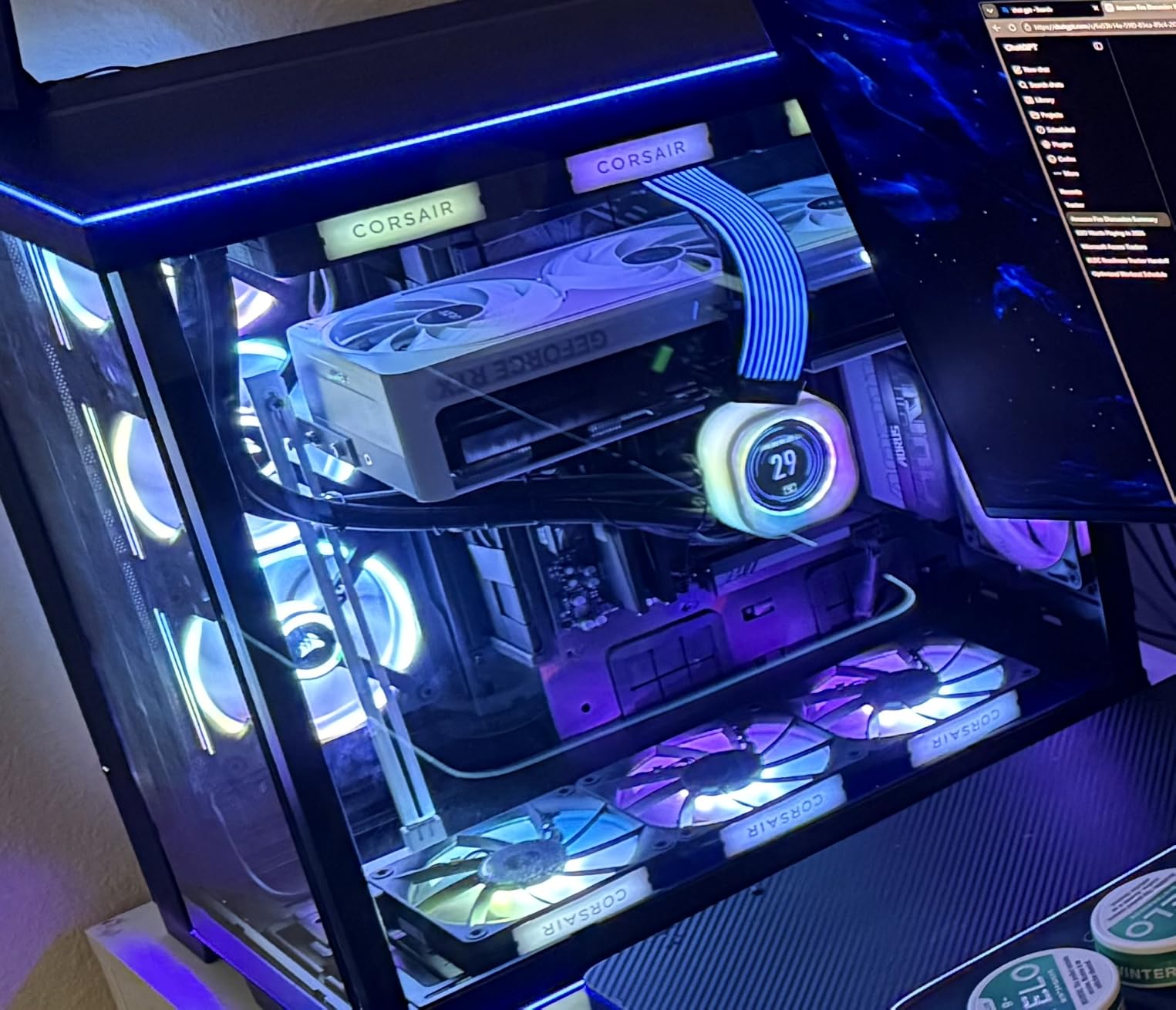
The iCUE LINK system is the cleanest fan wiring solution I have tested. Each fan snaps to the next via a rigid bridge connector, and the entire chain terminates at a single cable to the System Hub. For a six-fan build, you deal with exactly one cable from the fans to the hub instead of twelve individual cables.
The trade-off is that the System Hub is sold separately, adding to the total cost. However, if you are already buying Corsair iCUE LINK AIO coolers or other iCUE LINK products, the hub is shared across all devices. For builders planning a full Corsair ecosystem build, the RX140 fits naturally.
Performance Comparison with RS140
The RX140 and RS140 are similar in specs (95.7 vs 95.5 CFM) but differ in static pressure and lighting. The RX140’s 3.79mmH2O gives it a slight edge on radiators. The RS140’s standard ARGB connection makes it more flexible for non-Corsair builds, while the RX140’s iCUE LINK integration makes it better for Corsair ecosystem builds.
In my testing, the temperature difference between the two on a 280mm radiator was less than one degree. Choose based on your ecosystem preference rather than raw performance numbers. If you want iCUE LINK, get the RX140. If you want standard connections, get the RS140.
How to Choose the Best RGB Fans for Your Build
Choosing RGB fans involves more than picking the brightest set. Fan size, bearing type, static pressure, and software compatibility all affect how well your fans perform and how easy they are to live with. Here is what I learned from testing 10 different kits.
120mm vs 140mm: Which Fan Size Is Right?
The choice between 120mm and 140mm fans comes down to your case and your cooling priorities. A 140mm fan moves about 30% more air than a 120mm at the same RPM while typically running quieter because it can spin slower to achieve the same airflow. If your case supports 140mm mounting points, I generally recommend going with the larger size.
The exception is small form factor builds. For mini-ITX cases or compact builds where space is tight, 120mm fans are often the only option. If you are building a small system, check out our guide to mini gaming PCs for compatible components.
For radiator users, 140mm fans can be harder to find in thick radiator configurations. Most high-end radiators are designed for 120mm fans. Check your radiator’s fan compatibility before buying 140mm units.
RGB vs ARGB: What is the Difference?
This is one of the most common questions I get, and the answer is simpler than it sounds. Standard RGB uses 12V 4-pin connectors and can only display one color across the entire fan at a time. Addressable RGB (ARGB) uses 5V 3-pin connectors and allows each individual LED to display a different color simultaneously.
ARGB is clearly the better technology. It enables rainbow effects, color gradients, and per-LED animations that standard RGB cannot achieve. Almost all modern RGB fans use ARGB. The only standard RGB fans on this list are the upHere RGB123, which is designed for older systems without ARGB headers.
Before buying, check your motherboard for a 5V 3-pin ARGB header. If you do not have one, you can use an included controller (like the upHere or EZDIY-FAB kits) or buy a standalone ARGB controller. Never plug a 5V ARGB fan into a 12V RGB header, as this will damage the LEDs.
Static Pressure vs Airflow: Matching Fans to Their Job
Fans are designed either for high airflow (CFM) or high static pressure (mmH2O). Airflow fans are best for unobstructed case intake and exhaust, where air can move freely. Static pressure fans are best for pushing air through resistance like radiators, dust filters, or hard drive cages.
Static pressure is measured in mmH2O (millimeters of water). Anything above 2.0mmH2O is decent for radiators, and 3.0mmH2O or higher is excellent. The Corsair iCUE Link LX140’s 4.82mmH2O rating makes it the strongest radiator fan on this list.
If you are using fans on a radiator, prioritize static pressure. If you are using fans as case intake or exhaust with no obstruction, prioritize airflow CFM. For mixed use, a balanced fan like the Corsair RS120 (2.8mmH2O, 72.8 CFM) works well in both roles.
Daisy Chain Wiring and Cable Management
Daisy-chain wiring is one of the biggest quality-of-life features in modern RGB fans. Instead of running individual cables from each fan to your motherboard or hub, daisy-chain fans connect to each other sequentially. The entire chain then runs a single cable to your motherboard.
This dramatically reduces cable clutter behind your motherboard tray. For a three-fan setup, you go from six cables (three PWM, three ARGB) to just two (one PWM, one ARGB). For six-fan builds, the savings are even more dramatic.
Brands with good daisy-chain systems include Corsair (RS120, RS140, iCUE Link series), AsiaHorse (COSMIQ), and Lian Li (SL-Infinity). If cable management is important to you, prioritize one of these options over fans that require individual cable runs.
RGB Controllers and Motherboard Sync
If your motherboard has ARGB headers, you can sync your fans with other RGB components through software like ASUS Aura Sync, MSI Mystic Light, Gigabyte RGB Fusion, or ASRock Polychrome. This gives you unified control over all your lighting from one application.
If your motherboard lacks ARGB headers, or if you want more control than motherboard software offers, consider a standalone controller. The EZDIY-FAB Moonlight includes a Fan Hub X with remote control, and the upHere RGB123 includes a controller and remote. For premium builds, the Corsair iCUE Link System Hub and Lian Li Uni Hub offer the most advanced control options.
For builds with Intel processors, pairing your RGB fans with one of the best Intel CPU coolers ensures your cooling and lighting work together as a system rather than a collection of parts.
SignalRGB and Third-Party Software Compatibility
SignalRGB is a free third-party application that can control RGB across different brands from a single interface. This is incredibly useful for builds mixing components from Corsair, Lian Li, NZXT, and other brands. Instead of running three separate RGB applications, SignalRGB unifies control into one program.
For fans that connect directly to motherboard ARGB headers, SignalRGB works through your motherboard’s existing RGB control. For fans with proprietary controllers (like iCUE LINK), SignalRGB compatibility depends on whether the controller exposes its API to third-party software. Corsair’s iCUE software does integrate with SignalRGB for some features.
If unified RGB control across brands is important to you, prioritize fans that connect to standard motherboard ARGB headers. The Corsair RS120, Thermalright TL-C12C-S, DARKROCK F120, and AsiaHorse COSMIQ all use standard headers and will work with SignalRGB through your motherboard.
Frequently Asked Questions
Which brand of RGB fans is considered the best?
Corsair is widely considered the best RGB fan brand thanks to its iCUE LINK ecosystem, strong airflow and static pressure ratings, and reliable Magnetic Dome Bearings. The Corsair RS120 ARGB and iCUE Link LX140 RGB consistently top professional reviews and community rankings. Thermalright is the best budget option, and Lian Li is the top pick for unique lighting aesthetics.
Is 10 fans overkill for a PC?
Yes, 10 fans is generally overkill for most PC builds. A typical setup needs 3 to 6 fans: 2 to 3 as front intake, 1 as rear exhaust, and optionally 2 as top exhaust. More fans do not always mean better cooling, as proper airflow direction and fan placement matter more than quantity. Excess fans also add noise and cable complexity.
Is RGB or ARGB better?
ARGB (addressable RGB) is better than standard RGB. ARGB uses 5V 3-pin connectors and allows each individual LED to display a different color simultaneously, enabling rainbow effects and per-LED animations. Standard RGB uses 12V 4-pin connectors and can only show one color across all LEDs at a time. Nearly all modern RGB fans use ARGB.
Are 140 or 120mm fans better?
140mm fans are better for most builds because they move about 30% more air than 120mm fans at the same RPM while running quieter. However, 120mm fans are better for small form factor cases and are more commonly supported on radiators. Choose 140mm if your case supports it and 120mm for compact builds or specific radiator requirements.
Final Thoughts on the Best RGB Fans in 2026
After testing 10 RGB fan kits across different build configurations, a few clear winners emerged. The Corsair RS120 ARGB is my top overall pick for its balance of airflow, static pressure, daisy-chain wiring, and motherboard ARGB sync. If you want the absolute best performance and do not mind investing in the iCUE LINK ecosystem, the Corsair iCUE Link LX140 RGB delivers unmatched static pressure and dual light loops.
For budget-conscious builders, the Thermalright TL-C12C-S 5-pack is impossible to beat on value. And if visual impact is your priority, the DARKROCK F120 and AsiaHorse COSMIQ deliver infinity mirror effects that make your build look far more expensive than it is.
The best RGB fans for your build ultimately depend on your case, motherboard, and budget. Match your fan size to your mounting points, prioritize ARGB over standard RGB, and choose daisy-chain models if cable management matters to you. With any of the kits on this list, your 2026 build will run cool and look stunning behind tempered glass.
Leave a Reply