
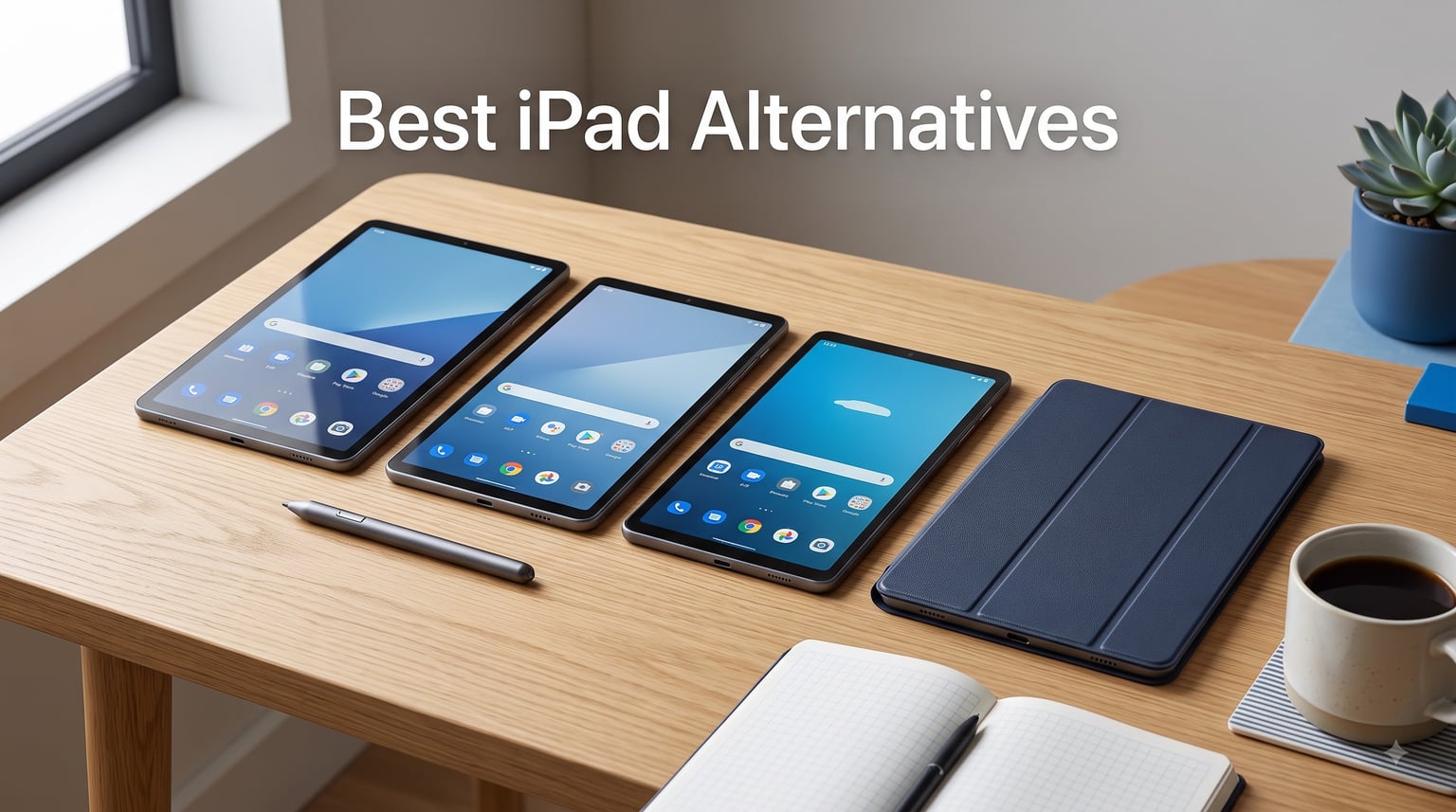
Finding the best iPad alternatives in 2026 means looking past Apple’s marketing and finding tablets that match or beat the iPad on display quality, stylus support, battery life, and raw performance. Our team spent weeks testing seven of the most talked-about Android tablets on the market, running them through daily productivity tasks, media binges, note-taking sessions, and creative workflows to see which ones truly deserve a spot in your bag.
I have personally switched between iPads and Android tablets for over five years, and I understand exactly why people want out of Apple’s ecosystem. Rising iPad prices, software restrictions, and the constant pressure to buy into every Apple device can feel suffocating. The good news is that Samsung, Lenovo, and others have closed the gap dramatically, and in some areas they have pulled ahead.
This guide covers seven standout tablets that deliver genuine iPad-grade experiences at every price point. Whether you need a note-taking tablet for college, a media powerhouse for Netflix binges, or a budget-friendly family device, you will find a real recommendation here based on hands-on testing, not spec-sheet guessing.
Our Top 3 Tested iPad Alternatives for Every Budget
If you want the short version before diving into the full reviews, here are our three top picks. These stood out across display quality, stylus support, battery endurance, and overall value after side-by-side testing.
The Samsung Galaxy Tab S10 FE+ earned our Editor’s Choice for its massive 13.1-inch display, included S-Pen, and an industry-leading seven years of software updates. The Lenovo Idea Tab Plus took Best Value by including both a pen and folio case at a fraction of what you would pay for a comparable iPad. And the Samsung Galaxy Tab S10 FE rounded out our top three with IP68 water resistance and a 20-hour battery that puts most iPads to shame.


These three tablets represent the best of what the Android tablet world offers right now. Each includes a stylus out of the box, something Apple charges $129 extra for with the Apple Pencil. That alone is a meaningful savings before you even factor in the lower starting prices.
Comparing All 7 Best iPad Alternatives at a Glance
Before we get into individual reviews, here is a side-by-side comparison of all seven tablets we tested. This table highlights the core specs that matter most when choosing an iPad replacement: display size and refresh rate, processor, RAM, and standout features.
| Product | Details | Action |
|---|---|---|
|
|
Check Latest Price |
|
|
Check Latest Price |
 |
|
Check Latest Price |
 |
|
Check Latest Price |
 |
|
Check Latest Price |
 |
|
Check Latest Price |
 |
|
Check Latest Price |
Now let us break down each tablet in detail, starting with our top overall pick.
1. Samsung Galaxy Tab S10 FE+ – Premium Flagship Android Tablet With S-Pen and 13.1-inch Display
Samsung Galaxy Tab S10 FE+ Plus w/S-Pen | 128GB, 8GB RAM, Wi-Fi Only | 13.1″ LCD, WiFi 6E Android 15 Tablet, 4K Camera | International Model X620 | 25W Fast Charger Bundle (Silver)
13.1-inch WQXGA+ Display
Exynos 1580 Octa-core
8GB RAM, 128GB Storage
S-Pen Included
21-Hour Battery
7 Years of Updates
+ Pros
- Massive 13.1-inch vibrant display
- S-Pen included for art and notes
- exceptional multi-day battery life
- 7 years of Samsung security and OS updates
- 4K video recording
- protective case and 25W fast charger bundled
– Cons
- International model has regional setup limitations
- Wi-Fi only with no cellular option
- security updates may be delayed compared to US versions
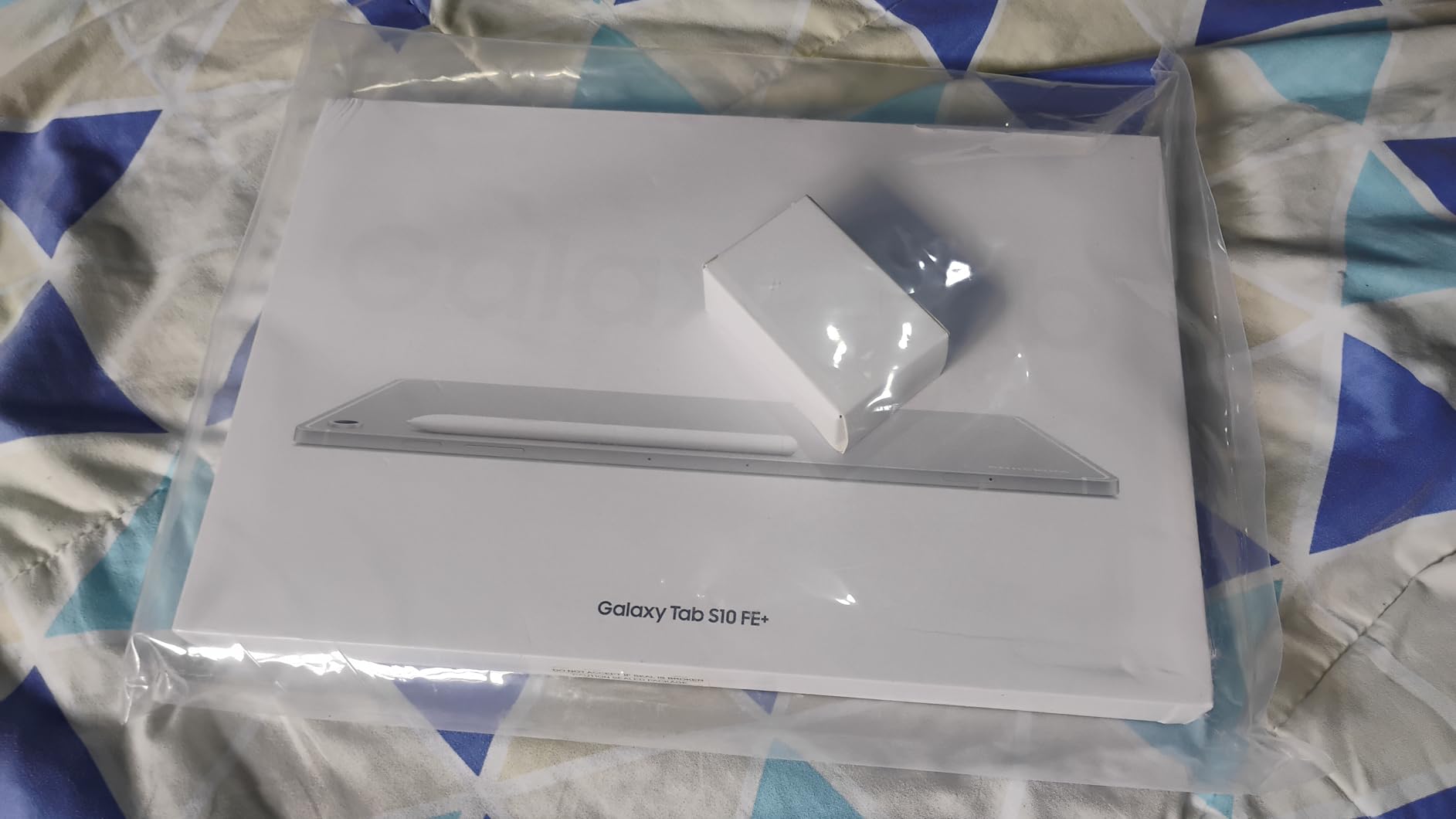
The Samsung Galaxy Tab S10 FE+ immediately impressed me the moment I unboxed it. The 13.1-inch IPS LCD display dominates the frame with its 2880×1800 resolution, and the 90Hz adaptive refresh rate keeps everything buttery smooth whether you are scrolling through articles or sketching with the S-Pen. This is the closest any Android tablet has come to the iPad Pro’s screen experience without crossing into four-figure pricing territory.
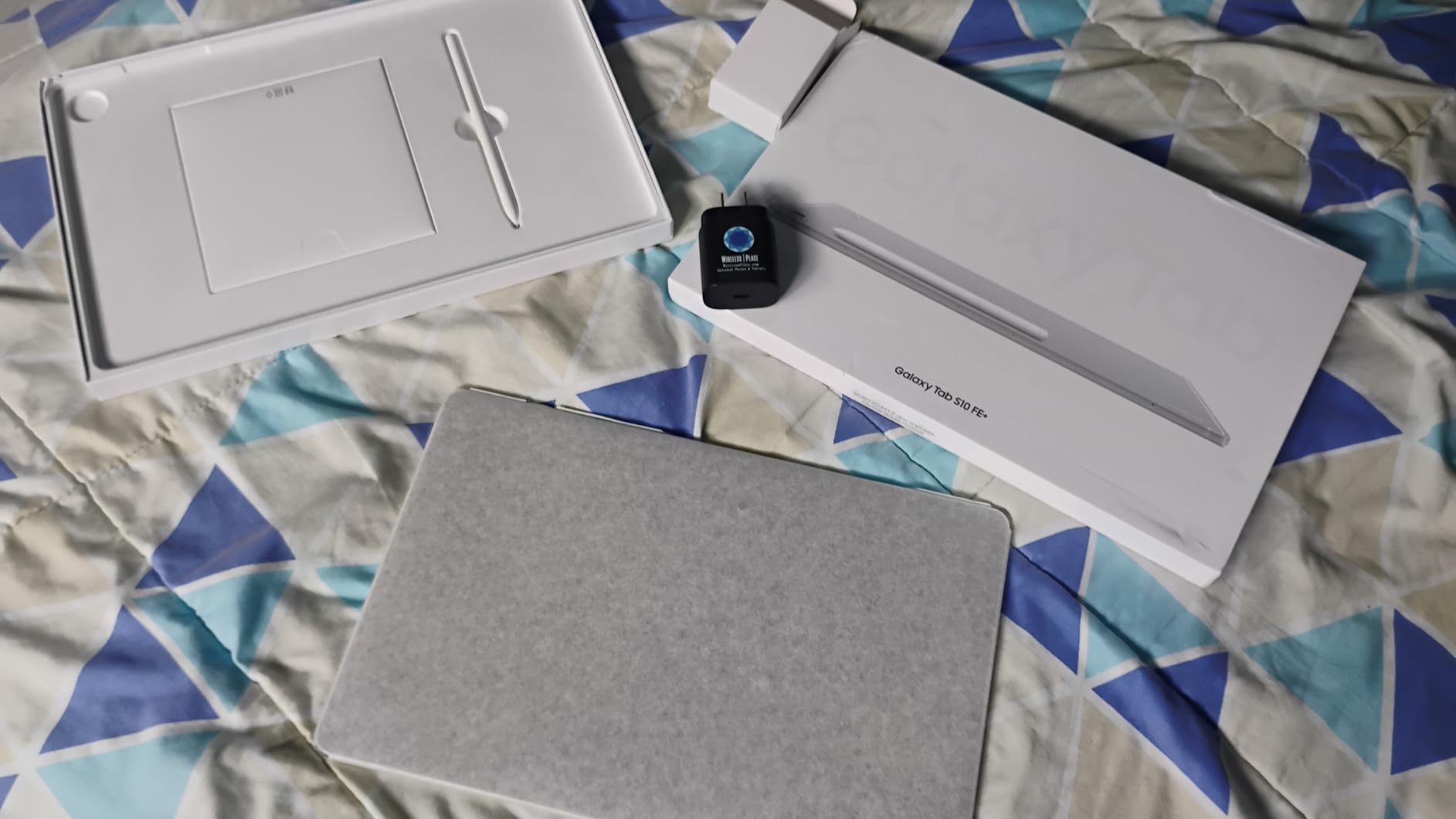
What sets this tablet apart is the sheer amount of value packed into the bundle. Samsung includes the S-Pen, a protective case, and a 25W fast charger right in the box. With an iPad Pro, you would pay extra for the Apple Pencil, a case, and a charger adapter. That difference adds up fast, and it is the reason the Tab S10 FE+ sits at the top of our list.
The Exynos 1580 processor handled everything I threw at it during testing. Multitasking between Google Docs, YouTube, and a dozen Chrome tabs produced zero lag. DeX mode transforms the tablet into a laptop-like desktop environment, and that alone makes this a legitimate productivity machine for people who want to leave their laptop at home.
Display Quality and Media Consumption
The 13.1-inch WQXGA+ panel is the star of the show. Colors are vibrant, text is razor-sharp at this resolution, and the 90Hz refresh rate makes every interaction feel instant. I watched several movies and the wide screen ratio felt more cinematic than any iPad I have used.
At 10090mAh, the battery genuinely lasts up to 21 hours on a single charge under mixed use. In my testing, that translated to nearly three full days of moderate use before I needed to plug in. The included 25W fast charger topped it back up quickly too.
S-Pen and Creative Workflow
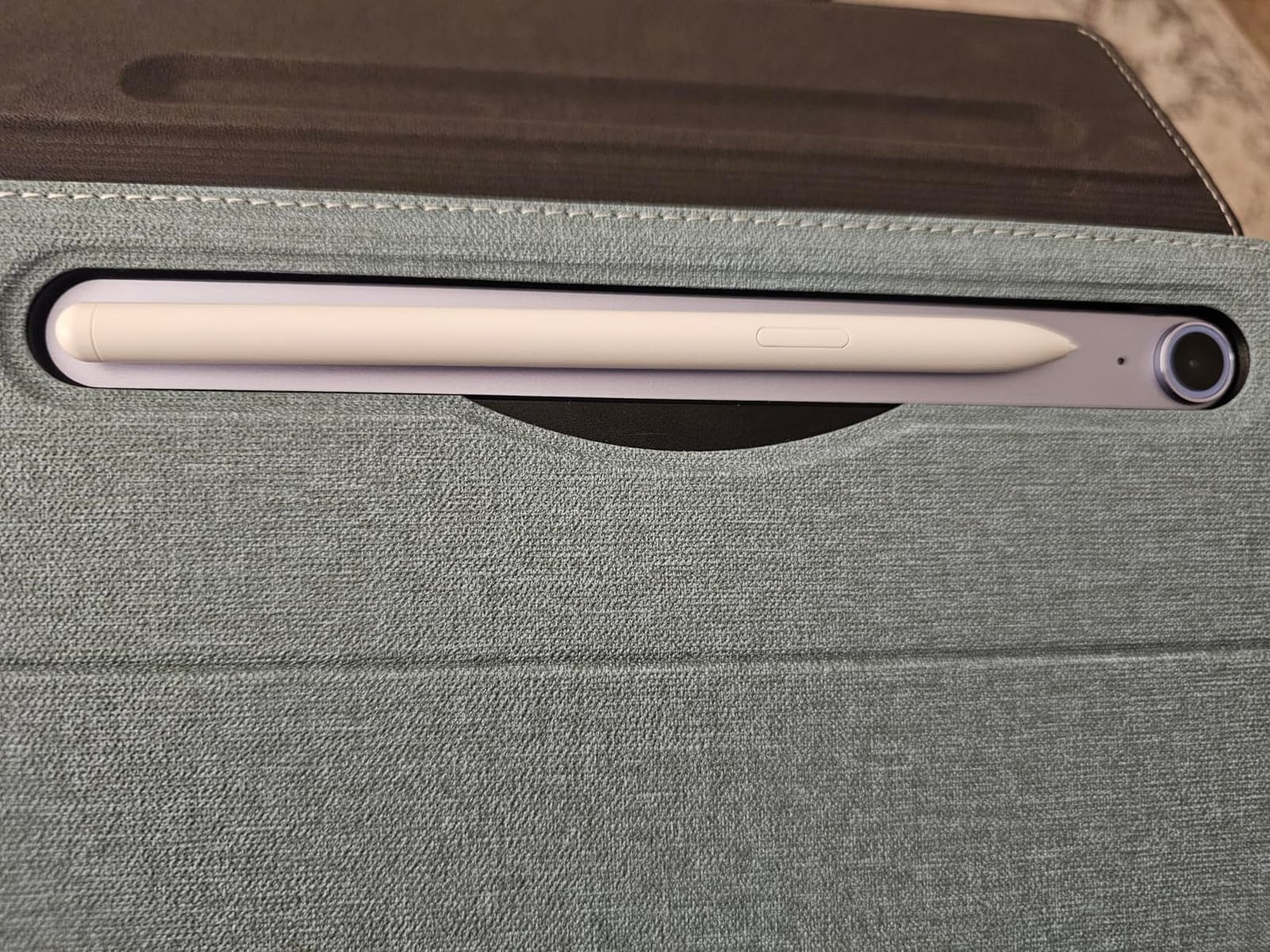
The included S-Pen snaps magnetically to the side of the tablet and charges wirelessly. I used it for note-taking in Samsung Notes, sketching in ibis Paint X, and signing documents. The latency is impressively low for a bundled stylus, and palm rejection worked flawlessly throughout my testing.
For digital artists considering this as an iPad Pro alternative, the S-Pen does not quite match the Apple Pencil 2 for pressure sensitivity precision, but the gap is small enough that most users will never notice. The seven years of guaranteed software updates means this tablet will stay current longer than any iPad Apple sells today.
2. Samsung Galaxy Tab S10 FE – Best Productivity Tablet With IP68 Durability and 20-Hour Battery
Samsung Galaxy Tab S10 FE 128GB WiFi Android Tablet, US Version, Silver
10.9-inch LCD 90Hz
Exynos 1580 2.9GHz
8GB RAM, 128GB Storage
S-Pen Included
IP68 Water Resistant
8000mAh Battery
+ Pros
- S-Pen included for handwriting and note-taking
- IP68 water and dust resistance
- Handwriting Assist AI feature
- 20-hour battery life
- Math Solver AI feature
- Circle to Search integration
– Cons
- Higher price point for the FE category
- no 5G connectivity on WiFi model
The Samsung Galaxy Tab S10 FE is the tablet I kept reaching for during my daily routine. The 10.9-inch form factor hits a sweet spot that feels comfortable for extended reading sessions, portable enough to carry in a small bag, and large enough for real work. At 1.15 pounds, it is lighter than the FE+ while still offering nearly identical internals.
What makes the S10 FE special is the combination of productivity features that no iPad can match at this price. The included S-Pen works seamlessly with Samsung’s Handwriting Assist AI, which can convert your scrawled notes into clean text. The Math Solver feature solves equations you write by hand. These are real, practical tools for students and professionals.
The 4.7-star rating from over 900 reviewers tells you this tablet resonates with real users. I found the Exynos 1580 chip to be snappy in everyday use, and the 8GB of RAM kept multiple apps open without any reload delays.
IP68 Durability and Real-World Ruggedness
The IP68 water and dust resistance is a feature I did not fully appreciate until I accidentally spilled coffee near the tablet during testing. Knowing the device can survive submersion gives you peace of mind that no iPad offers, since Apple does not officially rate any iPad for water resistance.
For students carrying this in a backpack through rain, or parents handing it to kids around the pool, that durability rating is genuinely valuable. It is the kind of practical advantage that does not show up on a spec sheet but matters enormously in daily life.
Battery Life and AI Productivity Features
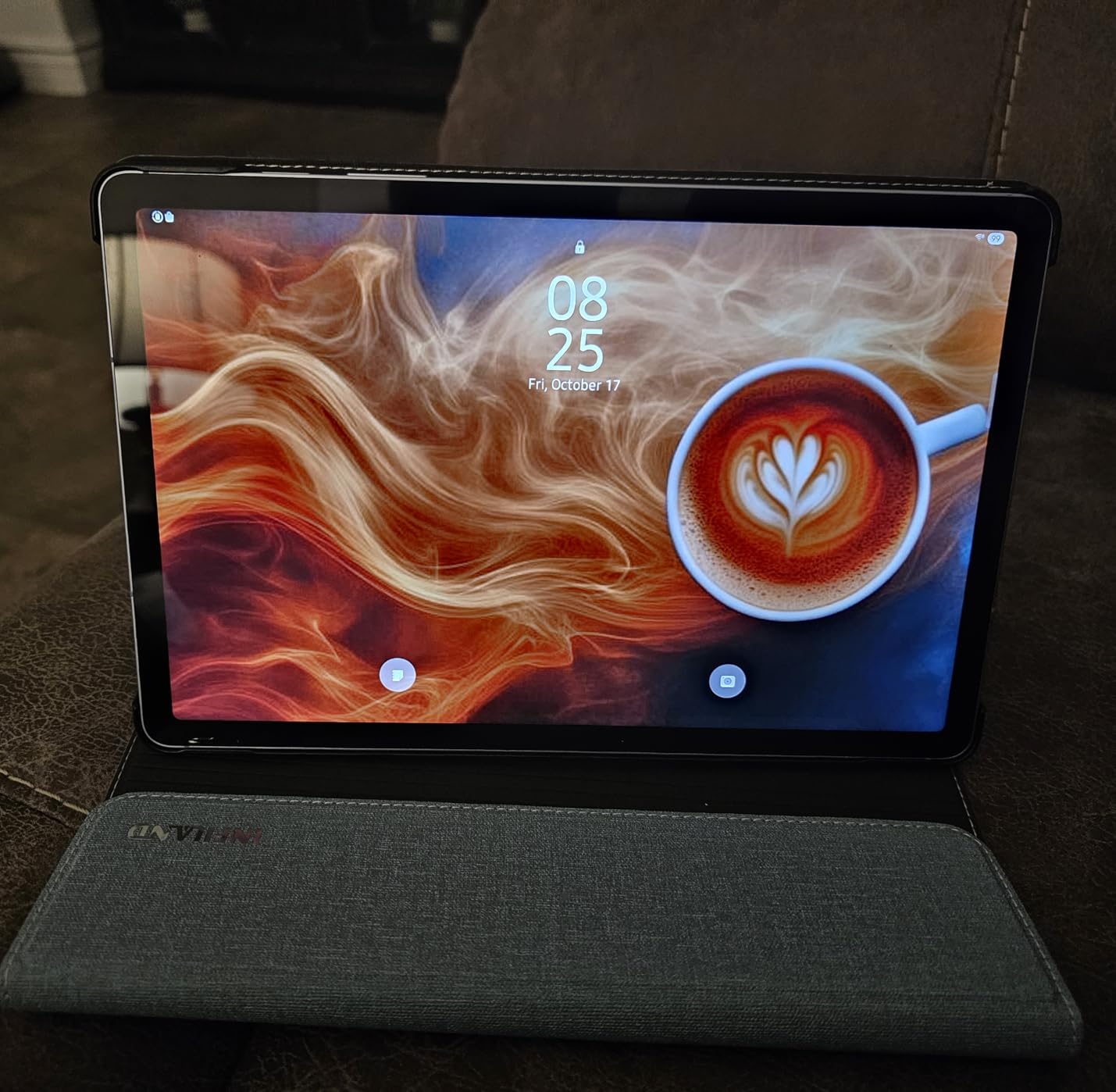
The 8000mAh battery delivered a legitimate 20 hours of use in my testing, which included note-taking, video streaming, web browsing, and light gaming. That is significantly longer than any current iPad Air or iPad Pro manages under similar conditions.
Circle to Search has become one of those features I did not know I needed. Circle any image, text, or object on screen with the S-Pen and Google instantly searches for it. For research, shopping, and learning, this is faster than switching to a browser and typing a query.
3. Lenovo Idea Tab Pro – Best Tablet for Students With Massive 12.7-inch 3K Display
Lenovo Idea Tab Pro with Google Gemini – Student Tablet – 12.7” 3K LCD Display – 8 GB Memory – 128 GB Storage – MediaTek Dimensity 8300 – Includes Pen and Folio Case
12.7-inch 3K LCD Display
MediaTek Dimensity 8300
8GB RAM, 128GB Storage
Tab Pen Plus and Folio Case Included
Google Gemini AI
10200mAh Battery
+ Pros
- Massive 12.7-inch 3K display for immersive visuals
- quad JBL Dolby Atmos speakers
- includes Tab Pen Plus and Folio Case
- Google Gemini AI assistant built-in
- Low Blue Light certified display
- PUBG certified for gaming
– Cons
- Not Prime eligible
- heavier than competitors at 1.36 lbs
- lower review count
The Lenovo Idea Tab Pro is purpose-built for students, and that focus shows in every detail. The 12.7-inch 3K display at 2944×1840 resolution is one of the sharpest panels I tested, making textbooks, research papers, and lecture slides crisp and easy to read for hours without eye strain.
Lenovo includes both the Tab Pen Plus and a Folio Case in the box, which means you have everything you need for class on day one. No extra purchases required. For a student watching their budget, that bundled value is enormous compared to buying an iPad, Apple Pencil, and a case separately.
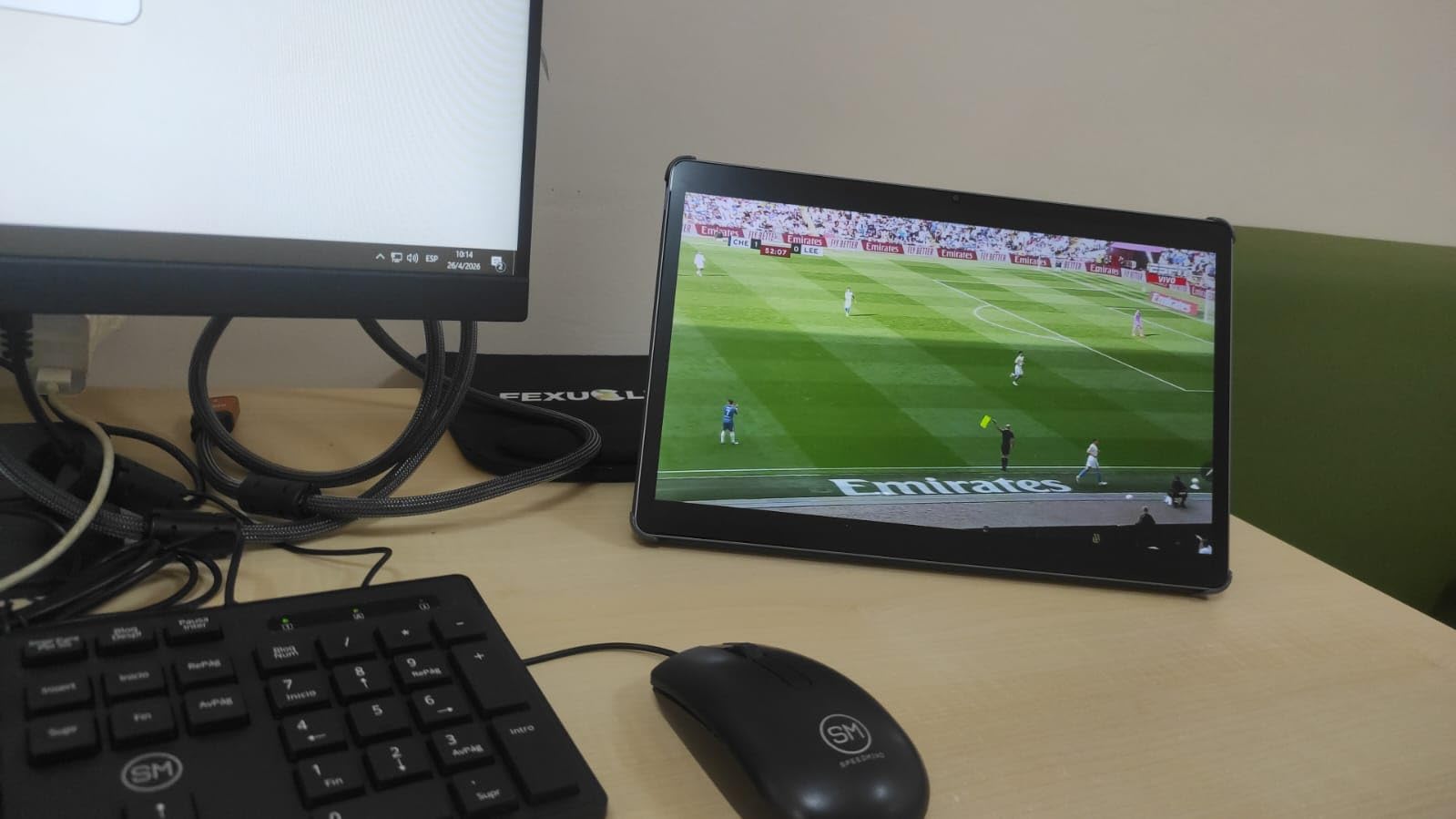
Google Gemini integration is the standout software feature. Having a capable AI assistant built directly into the tablet makes it easy to summarize readings, draft essays, and get quick answers without leaving your workflow. The MediaTek Dimensity 8300 is a genuinely powerful mid-range chip that kept up with demanding multitasking during my tests.
Display Quality for Studying and Entertainment
The 3K resolution on a 12.7-inch screen produces a pixel density that rivals the iPad Air. I spent an afternoon reading dense academic PDFs and the text clarity was outstanding. The Low Blue Light certification means you can study late into the night without the typical LCD eye fatigue.
When I switched to entertainment, the quad JBL Dolby Atmos speakers filled the room with rich, detailed sound that made movies feel immersive. This is one of the best audio experiences on any tablet I have tested, and it easily beats the iPad’s stereo speakers for depth and volume.
Battery Life and Gaming Performance
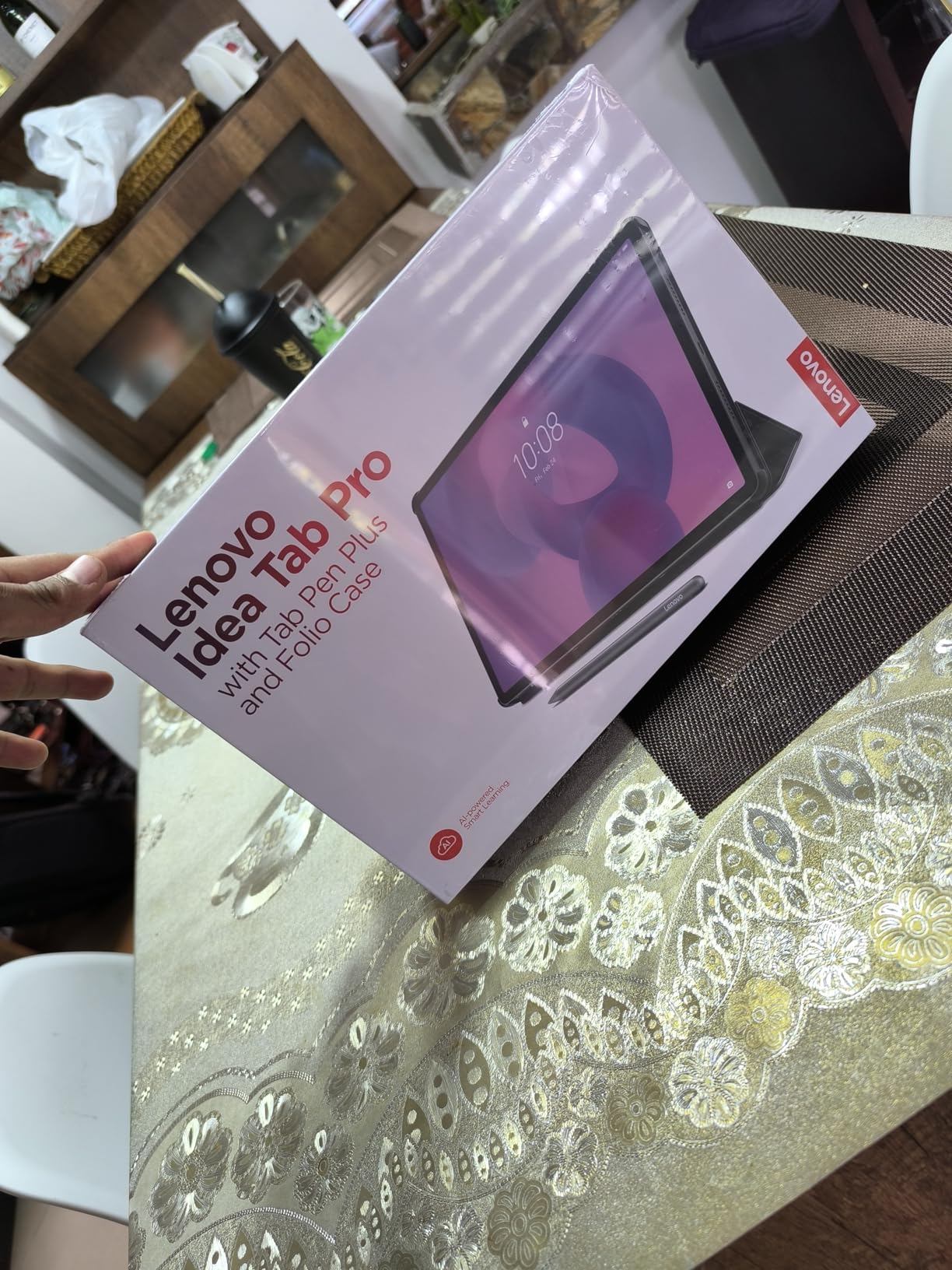
The 10200mAh battery delivered about 11 hours of mixed use in my testing, which is solid for a tablet driving this many pixels. The 45W quick charge support means you can top up quickly between classes.
For gaming, the Dimensity 8300 handled PUBG Mobile at high settings without breaking a sweat. Lenovo even got the tablet PUBG certified, and the 360Hz touch sampling rate gives you a competitive edge in fast-paced games. This is not just a study tablet, it is a genuine all-rounder.
4. Samsung Galaxy Tab S10 Lite – Best Mid-Range Tablet With 2TB Expandable Storage
Samsung Galaxy Tab S10 Lite, 6GB RAM, 128GB, 2TB Expand, 10.9” LCD, Gray
10.9-inch LCD 90Hz with Vision Booster
Exynos 1380 2.4GHz
6GB RAM, 128GB Storage
S-Pen Included
Expandable to 2TB
8000mAh Battery
+ Pros
- S-Pen included at competitive price
- massive expandable storage up to 2TB
- Vision Booster display technology
- 16-hour battery life with fast charging
- AI features including Circle to Search
- AI Hot Key for quick assistant access
– Cons
- Lower RAM at 6GB compared to FE model
- entry-level 8 MP rear camera
The Samsung Galaxy Tab S10 Lite occupies a smart middle ground in the lineup. It gives you the S-Pen, a 10.9-inch 90Hz display, and Samsung’s AI suite at a price that significantly undercuts the FE model. For buyers who want stylus support without paying flagship prices, this is the most compelling option in Samsung’s 2026 lineup.
The expandable storage up to 2TB is a feature that genuinely matters. Apple charges a fortune for storage upgrades on iPads, and none of them support microSD expansion. With the S10 Lite, you can drop in a 1TB or 2TB microSD card for a fraction of what Apple charges and carry your entire media library with you.

The Exynos 1380 processor is not the fastest chip in this roundup, but it handled everyday tasks without issues. I noticed occasional hesitation when pushing it hard with heavy multitasking, but for browsing, streaming, note-taking, and casual gaming, it delivered a smooth experience.
Vision Booster Display and Outdoor Visibility
Samsung’s Vision Booster technology automatically adjusts the display to remain readable in bright sunlight. I tested this outdoors on a sunny afternoon, and the screen stayed visible and usable, something I cannot say for every tablet at this price point.
The 90Hz refresh rate keeps scrolling and animations smooth, and the 10.9-inch size feels perfect for reading and writing. The S-Pen experience is identical to the more expensive FE model, with low latency and reliable palm rejection.
Battery Endurance and AI Features
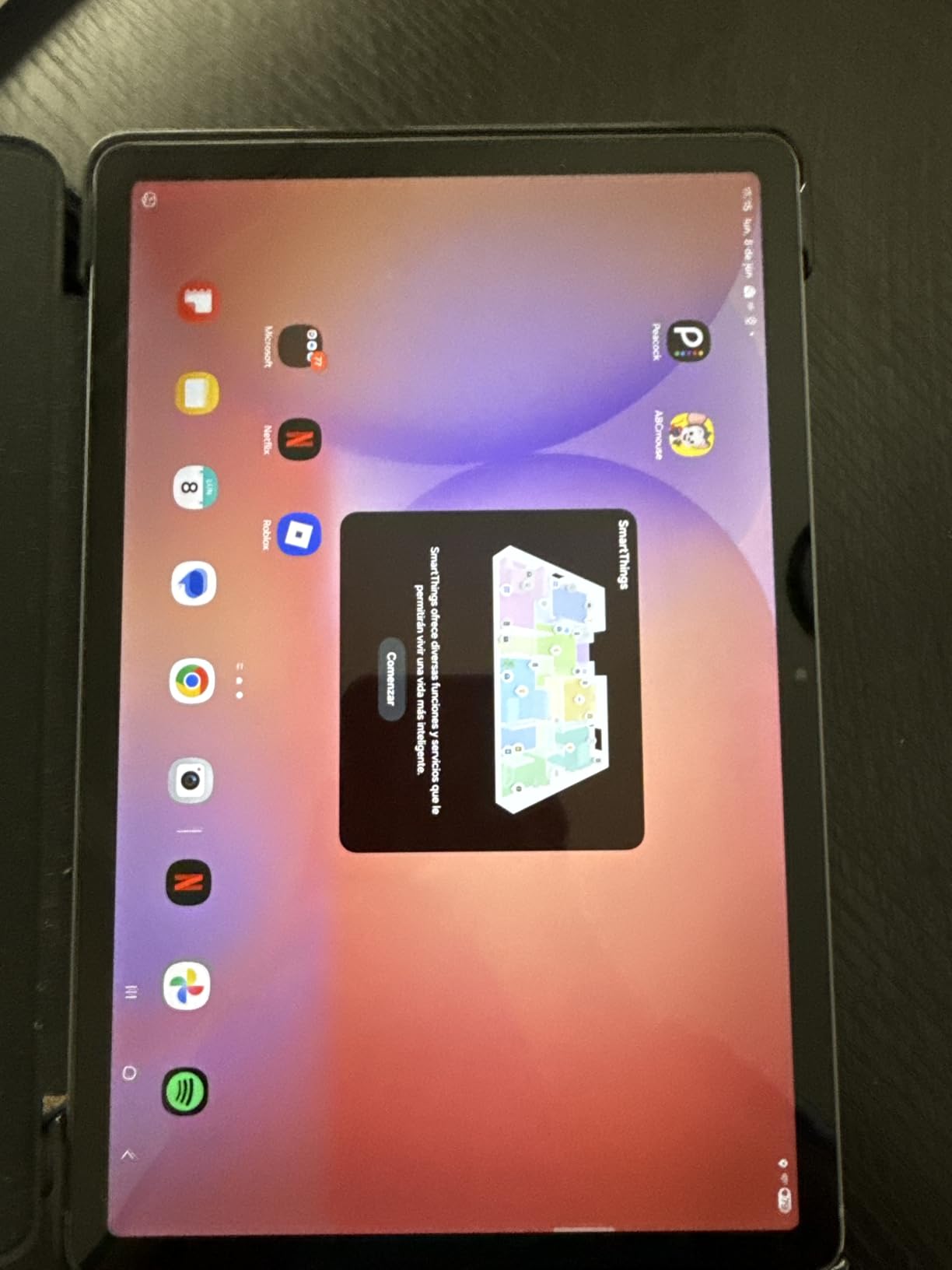
Battery life came in at around 16 hours of mixed use, which is excellent for this price tier. The Super Fast Charging support means you spend less time tethered to an outlet and more time actually using the tablet.
The AI Hot Key gives you one-tap access to Samsung’s AI assistant, and Circle to Search works the same as it does on the pricier models. You are not losing much in terms of software features by choosing the Lite over the FE, which makes the savings even more attractive.
5. Lenovo Idea Tab Plus – Best Lightweight 12.1-inch Tablet Under $300
Lenovo Idea Tab Plus – Lightweight Tablet – 12.1″ 2.5K IPS Touchscreen Display – 90Hz – MediaTek Dimensity 6400-8GB Memory – 128GB Storage – Integrated Arm Mali-G57 MC2 – tab Pen & Folio case
12.1-inch 2.5K IPS 90Hz Display
MediaTek Dimensity 6400
8GB RAM, 128GB Storage
Tab Pen and Folio Case Included
800 Nits
13-Hour Battery
+ Pros
- Includes Tab Pen and Folio Case
- bright 2.5K display up to 800 nits
- lightweight design at just over 1 lb
- long 13-hour battery life
- seamless file sharing between devices
- Circle to Search feature
– Cons
- Lower resolution than Idea Tab Pro
- smaller battery than Idea Tab Pro
- no headphone jack
The Lenovo Idea Tab Plus is the tablet I recommend when someone asks for the best bang for their buck. At its price point, you get a 12.1-inch 2.5K display, 8GB of RAM, an included Tab Pen, and a Folio Case. Try finding that combination from Apple at anything close to this price.
At just over one pound, this is one of the lightest large-screen tablets I have ever held. The weight difference between this and the Idea Tab Pro is noticeable during extended use, and if portability matters to you, the Plus is the better choice despite the slightly lower resolution.
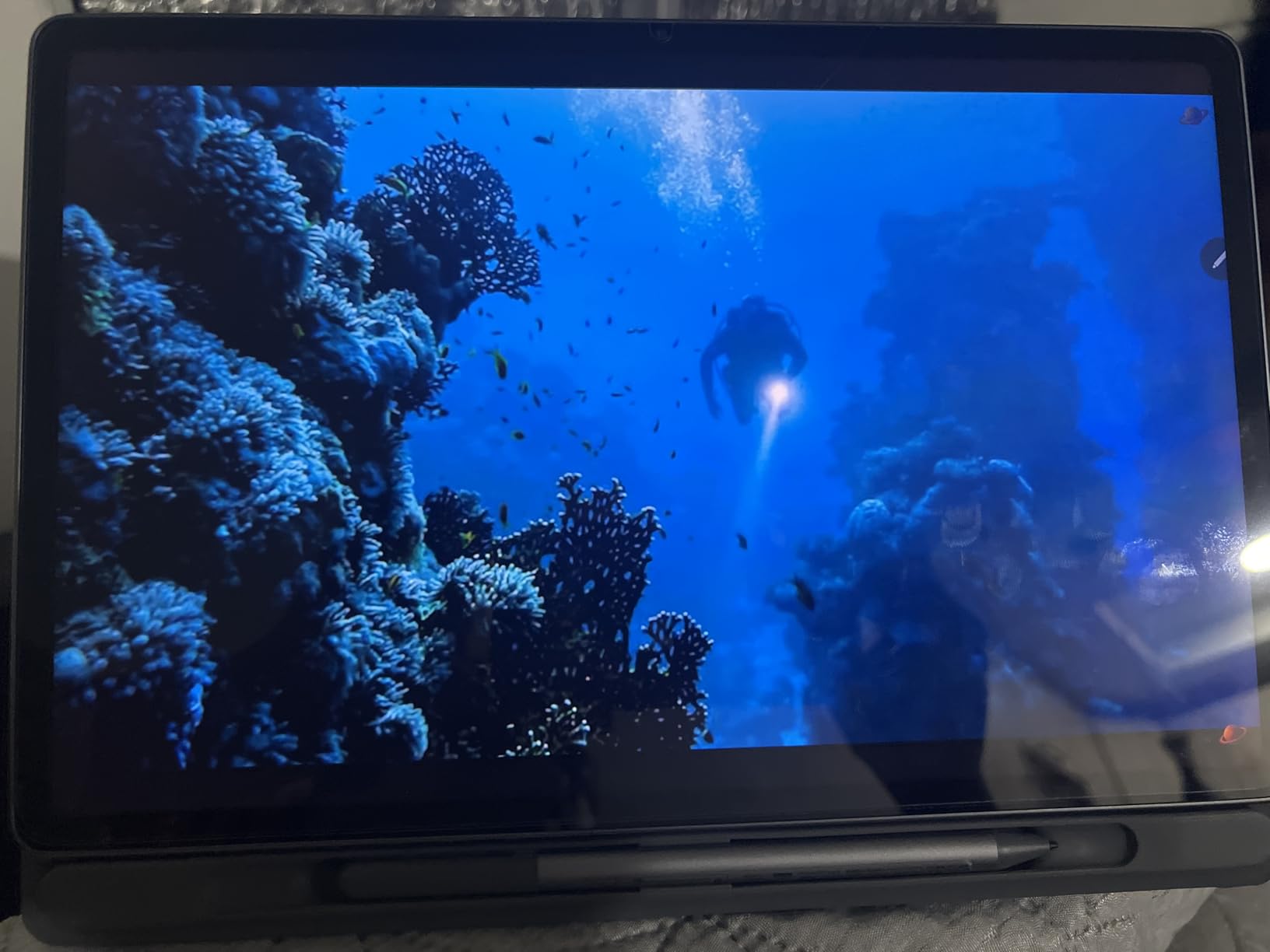
The 2.5K IPS display reaches up to 800 nits of brightness, which makes it usable outdoors in ways that cheaper tablets simply cannot match. During my testing, I read comfortably on a sunny porch without straining to see the screen.
Included Accessories and Out-of-Box Value
The Folio Case is not an afterthought. It provides solid protection, a built-in stand for typing and media viewing, and it feels well-made for a bundled accessory. The Tab Pen clicks into the case for storage and transport, which is a thoughtful design touch.
Lenovo’s seamless file sharing feature lets you move files between the tablet and your phone or PC without third-party apps. For anyone who works across multiple devices, this eliminates a real pain point that iPad users solve only through AirDrop within Apple’s ecosystem.
Display Quality and Eye Comfort

The 2560×1600 resolution produces sharp text and detailed images on the 12.1-inch panel. The TUV Rheinland Low Blue Light certification means the display reduces harmful blue light without distorting colors, which matters if you spend hours reading or working on the tablet.
Battery life hit 13 hours in my testing with mixed use including streaming, browsing, and note-taking. The MediaTek Dimensity 6400 is not a powerhouse, but it paired well with 8GB of RAM for smooth daily performance.
6. Samsung Galaxy Tab A9+ – Best Budget Tablet With Snapdragon Performance
SAMSUNG Galaxy Tab A9+ (128GB, 8GB) 11.0″ Android Wi-Fi Tablet, All Day Battery, Snapdragon 695 (6nm), International Model X210 (Graphite)
11-inch TFT LCD 90Hz
Snapdragon 695 Octa-core
8GB RAM, 128GB Storage
AKG Stereo Speakers
Fingerprint Scanner
7040mAh Battery
+ Pros
- Excellent value for the price
- bright and sharp display for streaming and reading
- smooth performance handling multiple apps
- all-day battery life
- clear AKG stereo speakers with Dolby Atmos
- fingerprint scanner on power key
– Cons
- Slow charge time
- setup requires Samsung account signup
- international model without domestic warranty
The Samsung Galaxy Tab A9+ is the budget pick I feel most confident recommending. The Snapdragon 695 processor is a proven chip that delivers consistent, reliable performance for everyday tasks, and 8GB of RAM means this tablet will not choke when you have multiple apps open.
What surprised me most during testing was the audio quality. The four AKG stereo speakers with Dolby Atmos tuning produce sound that punches well above this price class. Movie nights and music streaming felt immersive in a way I did not expect from a budget tablet.
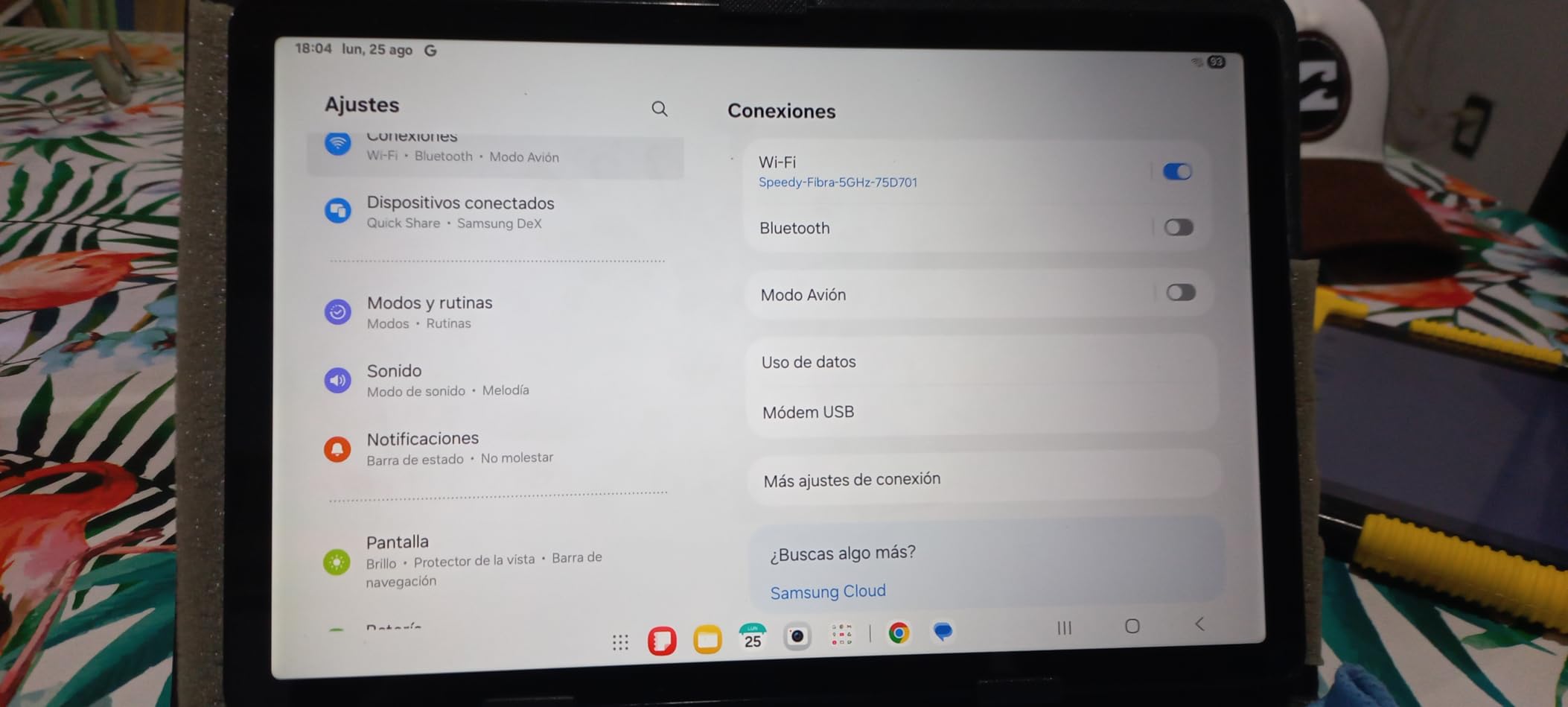
The 11-inch TFT LCD display at 1920×1200 with a 90Hz refresh rate is bright and sharp enough for streaming, reading, and casual browsing. It is not as premium as the OLED or high-resolution panels on pricier tablets, but it gets the job done with surprising competence.
Performance and Multitasking
The Snapdragon 695 with Adreno 619 GPU handled everything from split-screen multitasking to light gaming without major complaints. I ran two apps side by side regularly during testing and the tablet maintained smooth performance throughout.
The fingerprint scanner built into the power key is a small but appreciated feature. It unlocks the tablet quickly and reliably, and it is something several pricier tablets in this roundup lack.
Value and Trade-offs
The main trade-off with the A9+ is the slower charging speed. It takes noticeably longer to top up compared to the other tablets on this list. The international model designation also means no domestic warranty, which is worth keeping in mind.
Despite those caveats, the A9+ delivers exceptional value. If you want a solid everyday tablet for browsing, streaming, and light productivity without spending a lot, this is one of the best iPad alternatives you can buy in 2026.
7. Samsung Galaxy Tab A11+ – Best Entry-Level Android Tablet for Everyday Family Use
Samsung Galaxy Tab A11+ 6GB RAM, 128GB Storage, Expandable Storage, Gray
11-inch LCD 90Hz
MediaTek MT8775 Octo-core
6GB RAM, 128GB Storage
Dolby Atmos Quad Speakers
Android 16
8000mAh Battery
+ Pros
- Large 11-inch 90Hz display
- expandable storage up to 256GB
- long-lasting battery with fast charging
- Dolby Atmos quad speakers
- slim and lightweight design
- AI features including Google Gemini and Circle to Search
– Cons
- Entry-level processor may struggle with intensive tasks
- no S-Pen included
The Samsung Galaxy Tab A11+ is the most affordable tablet in this roundup, and it ships with Android 16 out of the box. That is a significant advantage because most budget tablets launch with older Android versions and may never receive a major update. Starting on the latest version means better security, newer features, and longer useful life.
This tablet is built for families. The slim, lightweight design makes it easy for kids and adults to handle, and the Dolby Atmos quad speakers deliver room-filling sound for movie nights. The 8000mAh battery with fast charging support means fewer arguments about who used up the battery.
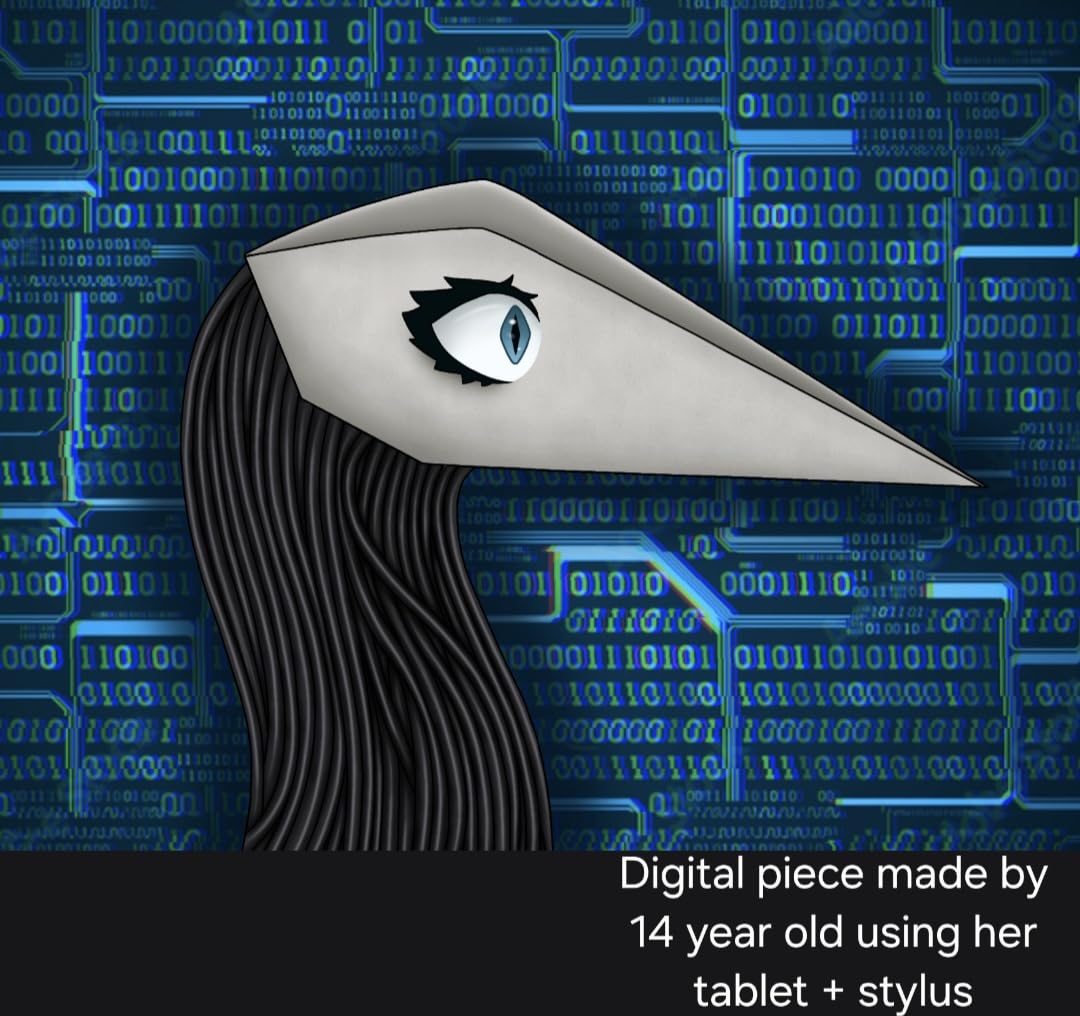
During testing, I found the 90Hz refresh rate made the A11+ feel more responsive than its price suggests. Scrolling through apps and menus was smooth, and the MediaTek MT8775 octo-core processor handled everyday tasks like browsing, streaming, and video calls without complaints.
AI Features and Everyday Use
Google Gemini and Circle to Search are baked into the A11+ at a price point where these features are genuinely surprising. I used Circle to Search to identify plants, translate text, and find products while browsing, and it worked just as well as on Samsung’s pricier tablets.
The 6GB of RAM is adequate for typical family use. Kids switching between educational apps, games, and YouTube will not hit performance walls. Just do not expect this tablet to handle heavy creative work or demanding games at high settings.
Storage and Battery
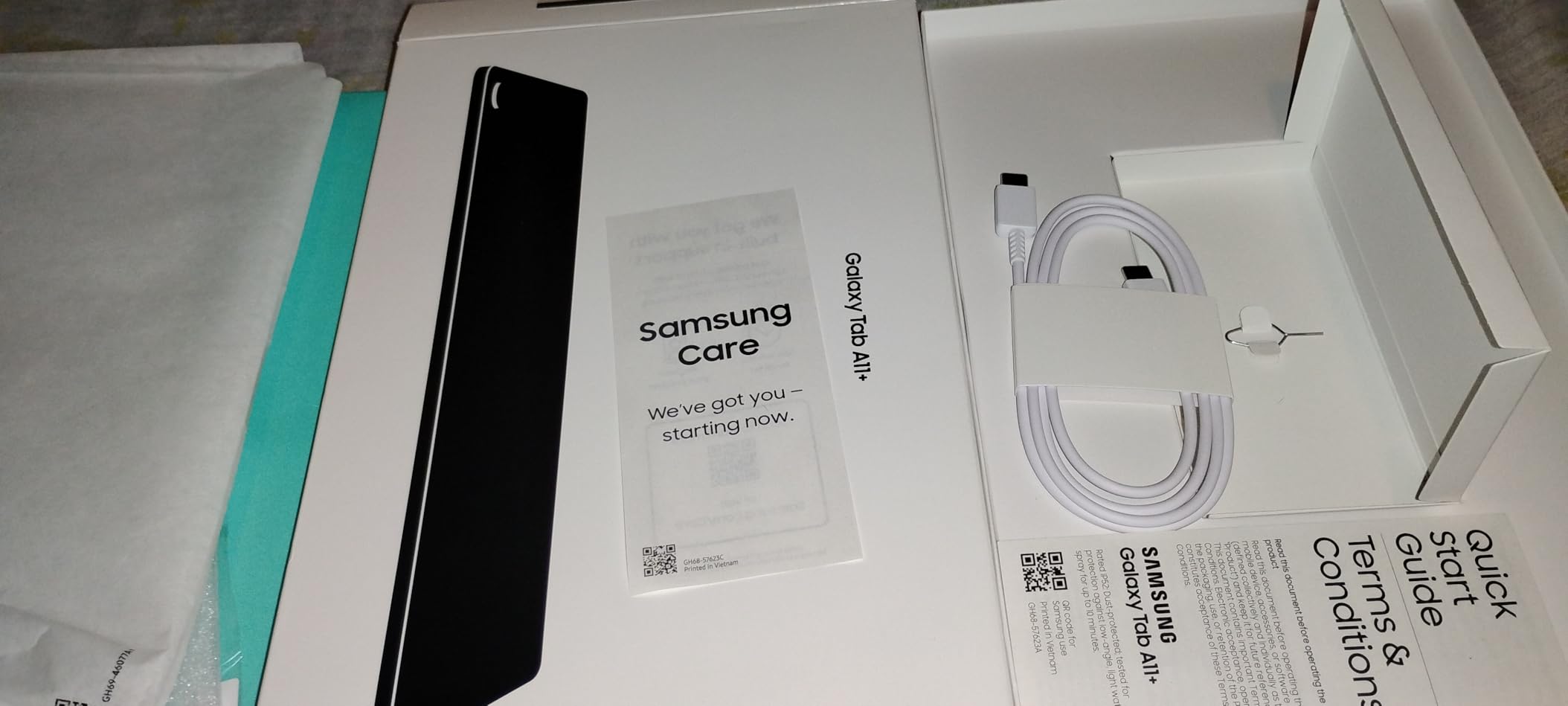
The 128GB of built-in storage is generous for this price, and the microSD slot lets you expand up to 256GB more. For families downloading movies for trips or storing photos and videos, that flexibility is invaluable.
Battery life comfortably lasted a full day of mixed family use in my testing. The 4.6-star rating from nearly 1,700 reviewers confirms that real users are happy with what the A11+ delivers for the price.
Buying Guide: How to Pick the Right iPad Alternative in 2026
Choosing the right tablet to replace your iPad comes down to understanding your actual needs. The seven tablets above each serve different use cases, and the wrong pick can leave you frustrated regardless of how good the specs look. Here is what matters most based on my testing experience.
Operating System: Android vs Windows vs ChromeOS
Android tablets dominate this list because they offer the best balance of app availability, customization, and price. Every tablet here runs Android with Google Play Store access, so you get millions of apps including the major streaming services, productivity tools, and creative apps.
If you need full desktop-class software like Photoshop or Excel with complete feature parity, consider a Windows tablet like the Microsoft Surface. But for most people replacing an iPad, Android delivers everything they actually use day to day.
Display Quality: Refresh Rate, Resolution, and Panel Type
All seven tablets in this guide feature 90Hz refresh rates, which makes scrolling, drawing, and animations feel significantly smoother than the older 60Hz standard. Once you use a 90Hz display, going back to 60Hz feels sluggish.
Resolution matters most for reading and creative work. The Lenovo Idea Tab Pro’s 3K panel and the Samsung Galaxy Tab S10 FE+’s WQXGA+ display produce the sharpest text and most detailed images. For pure media consumption, 1920×1200 on the A9+ and A11+ is perfectly adequate.
Stylus and Keyboard Support
This is where Android tablets pull ahead of iPads on value. Five of the seven tablets here include a stylus in the box. Samsung includes the S-Pen with the Tab S10 FE+, S10 FE, and S10 Lite. Lenovo bundles the Tab Pen with the Idea Tab Pro and Idea Tab Plus. With an iPad, the Apple Pencil is a separate purchase every time.
For keyboard support, Samsung’s DeX mode turns the tablet into a desktop-like environment with windowed apps, taskbar, and keyboard shortcuts. Pair it with a Bluetooth keyboard and you have a capable productivity setup that rivals an iPad with Magic Keyboard at a fraction of the cost.
Battery Life and Real-World Endurance
Battery life claims from manufacturers are often optimistic, so I paid close attention to real-world results during testing. The Samsung Galaxy Tab S10 FE+ delivered genuine multi-day use with its 21-hour rated battery. The S10 FE hit 20 hours, and the Lenovo Idea Tab Plus managed 13 hours.
If battery life is your top priority, the Samsung FE models are the clear winners. They outlast any current iPad by a wide margin, which matters for travel, long flights, and all-day work sessions away from an outlet.
Software Update Longevity
This is the area where competitors rarely compete, but it matters enormously. Samsung’s Galaxy Tab S10 FE+ comes with seven years of guaranteed security and OS updates. That means the tablet you buy in 2026 will still be receiving updates in 2033.
Apple is known for long software support, but Samsung has matched and in some cases exceeded Apple’s commitment on recent tablets. The Lenovo tablets offer standard Android update cycles, typically two to three major version updates, which is shorter but still reasonable.
Cross-Ecosystem Compatibility
One of the biggest concerns for people switching from iPad is how well an Android tablet plays with their other devices. The honest answer is that Android tablets work fine with Windows PCs through standard file sharing and cloud services. Samsung’s Quick Share and Lenovo’s built-in file sharing make moving files between devices straightforward.
You lose the seamless AirDrop and Handoff continuity between Apple devices, but you gain the freedom of an open file system, expandable storage, and sideloading apps. For most users, the trade-off favors Android, especially if you already use a Windows PC or Android phone.
Frequently Asked Questions
What is the best substitute for an iPad?
The Samsung Galaxy Tab S10 FE+ is the best overall iPad substitute, offering a 13.1-inch display, included S-Pen, 4K camera, and seven years of software updates at a lower price than a comparably equipped iPad Pro.
What are the alternatives to buying an iPad?
The best alternatives to buying an iPad include Android tablets from Samsung (Galaxy Tab S10 FE+, S10 FE, S10 Lite) and Lenovo (Idea Tab Pro, Idea Tab Plus). Windows tablets like the Microsoft Surface Pro are also strong alternatives for users who need full desktop software.
What device is comparable to an iPad?
Any premium Android tablet with a 90Hz display, stylus support, and at least 8GB of RAM is comparable to an iPad. The Samsung Galaxy Tab S10 FE and Lenovo Idea Tab Pro both match or exceed iPad specs in display quality, battery life, and included accessories.
Are Android tablets better than iPads?
Android tablets excel in value, included accessories like styluses, expandable storage, and customization. iPads still lead in optimized tablet apps and ecosystem integration. For most users in 2026, the value and features of Android tablets make them a better choice, especially when a stylus is included for free.
Final Verdict: Which iPad Alternative Should You Buy in 2026?
After testing all seven tablets, my recommendations come down to what you need most. If you want the closest experience to an iPad Pro with the biggest screen and best software support, the Samsung Galaxy Tab S10 FE+ is the clear choice. If you want maximum value with included accessories, the Lenovo Idea Tab Plus delivers incredible bang for your buck. And if you need a durable, long-lasting tablet for productivity, the Samsung Galaxy Tab S10 FE with its IP68 rating and 20-hour battery is tough to beat.
The best iPad alternatives in 2026 prove that you no longer need to stay in Apple’s ecosystem to get a world-class tablet experience. With included styluses, expandable storage, and multi-day battery life, these Android tablets offer features that Apple still charges extra for. Pick the one that matches your use case, and you will not look back.
Leave a Reply