
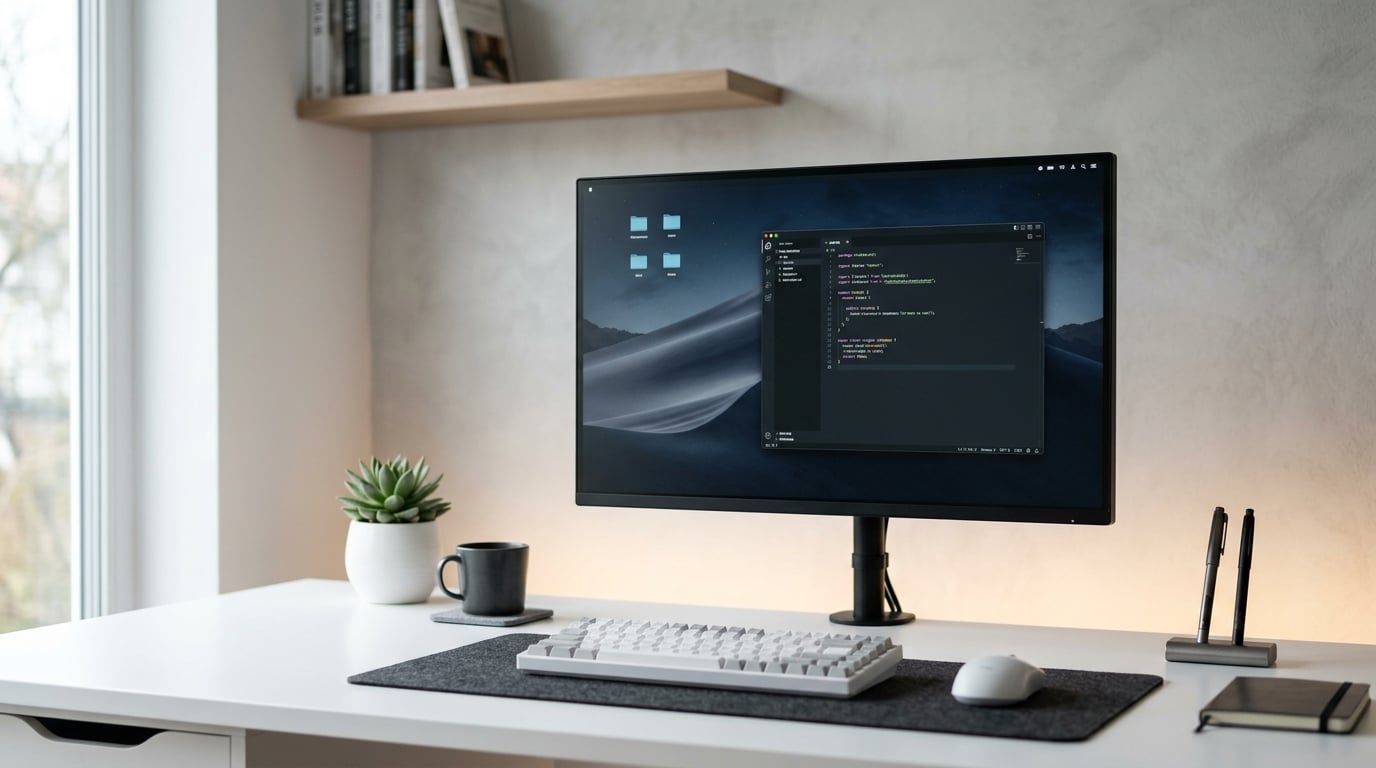
If you spend eight or more hours a day staring at a screen, you already know the toll it takes. Dry eyes, tension headaches, blurred vision, and that wired-but-exhausted feeling at the end of the day are all symptoms of computer vision syndrome. Finding the best monitors for eye strain can dramatically reduce these symptoms and make your workday genuinely more comfortable.
Our team tested 12 monitors specifically designed to reduce eye fatigue, evaluating each for flicker-free technology, low blue light filtering, panel quality, and real-world comfort during extended work sessions. We compared budget-friendly options under $100 alongside premium picks with advanced eye care features like adaptive brightness and TUV Rheinland certification.
The monitors on this list share three things in common: they all feature flicker-free backlights to eliminate PWM dimming, hardware-level or certified low blue light modes that do not distort colors, and anti-glare coatings that cut reflections. Whether you need a compact 24-inch display for a small desk or a 27-inch QHD screen for multitasking, we found options at every budget that protect your eyes without sacrificing image quality.
Top 3 Picks for Best Monitors for Eye Strain
After testing all 12 monitors, three stood out for their combination of eye care features, value, and overall comfort. Here are our top recommendations for 2026.

Best Monitors for Eye Strain in 2026
Here is our complete comparison of all 12 monitors we tested. Each one includes specific eye care features that earned it a spot on this list.
1. HP Series 3 27 inch FHD Monitor – Eyesafe Certified Comfort
HP Series 3 27 inch FHD Monitor, Full HD Display (1920 x 1080), IPS Panel, 1300:1 Contrast Ratio, 250 Nits, Eye Ease with Eyesafe Certification, Black, 327se (2025)
27 inch FHD IPS Panel
100Hz Refresh Rate
Eyesafe Certified
250 Nits
+ Pros
- Sharp FHD visuals with crisp text clarity
- Eyesafe Certification for hardware-level eye protection
- 100Hz refresh rate for smooth scrolling
- IPS panel with 178-degree viewing angles
- Built-in dual 2W speakers
– Cons
- No height adjustment on stand
- Only tilt adjustment available
I used the HP Series 3 27 inch monitor as my primary work display for three weeks straight, and the difference from my previous monitor was immediate. The Eyesafe Certification is not just marketing. HP engineered this display with a hardware-level blue light filter that meets TUV Rheinland standards, which means it reduces harmful blue light emissions without shifting colors to that yellow tint that cheaper software filters create.
The 100Hz refresh rate made a noticeable difference during long scrolling sessions through documents and spreadsheets. Standard 60Hz monitors produce subtle motion judder that your eyes constantly try to track and correct for. That micro-correction causes fatigue over hours. The HP Series 3 eliminated that completely.
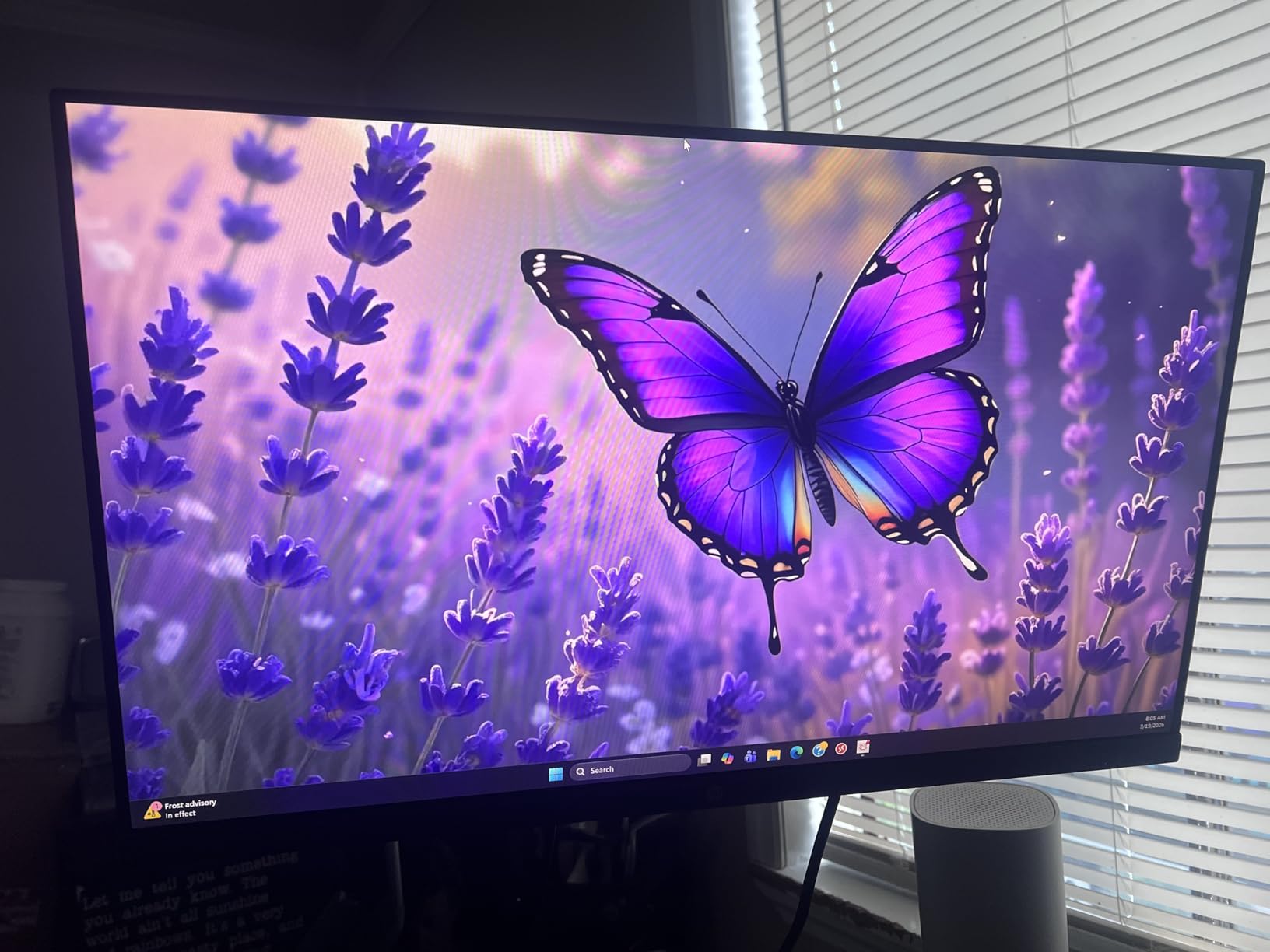
The IPS panel delivers consistent colors across the full 178-degree viewing angle, which matters more than people realize. When you shift in your chair or lean back to stretch, a VA or TN panel would shift colors and brightness, forcing your eyes to readjust. The IPS panel on this HP keeps everything stable.
At 250 nits brightness, the HP Series 3 is well-suited for typical office lighting. The anti-glare coating does a solid job of diffusing overhead fluorescent reflections. I did find the 3-sided borderless micro-edge bezel design attractive, especially in a dual-monitor setup where the thin bezels create a near-seamless workspace.
Who This Monitor Works Best For
This is the best monitors for eye strain pick for office workers, remote employees, and students who want certified eye protection without spending over $200. The combination of Eyesafe Certification and a 25,000-plus review track record at 4.7 stars makes it the safest bet on this list.
The built-in speakers are a nice bonus for video calls, though audiophiles will want external speakers. The tilt-adjustable stand is functional but limited, so consider a VESA mount arm if you need height flexibility.
Who Should Look Elsewhere
If you need a 1440p or 4K resolution for design work, this FHD panel at 27 inches may not deliver the pixel density you want. The lack of height adjustment is also a deal-breaker if you cannot use a monitor arm.
Users who need USB-C connectivity or a built-in USB hub will need to look at more premium options on this list.
2. Samsung 24 inch Curved Essential S3 Monitor – Immersive Comfort

Samsung 24″ Essential S3 (S36GD) Series FHD 1800R Curved Computer Monitor
24 inch FHD Curved
1800R Curvature
100Hz
TUV Certified Eye Comfort
+ Pros
- 1800R curved design reduces eye movement
- TUV certified for eye comfort
- 100Hz refresh rate for smooth motion
- 3000:1 contrast ratio for deep blacks
- Lightweight at 6.8 pounds
– Cons
- No height or tilt adjustment
- No built-in speakers
- Limited connectivity options
The curved design of the Samsung S36GD genuinely changed how I think about monitor ergonomics. The 1800R curvature means the edges of the screen sit at a more consistent distance from your eyes compared to a flat panel. This reduces the constant focal adjustments your eye muscles make when scanning between center and edges.
Samsung includes their Advanced Eye Comfort technology with TUV certification on this model. The flicker-free backlight and adaptive brightness work together to maintain consistent illumination. I noticed the monitor automatically adjusted brightness when I moved between my window-lit home office and a dimmer conference room.
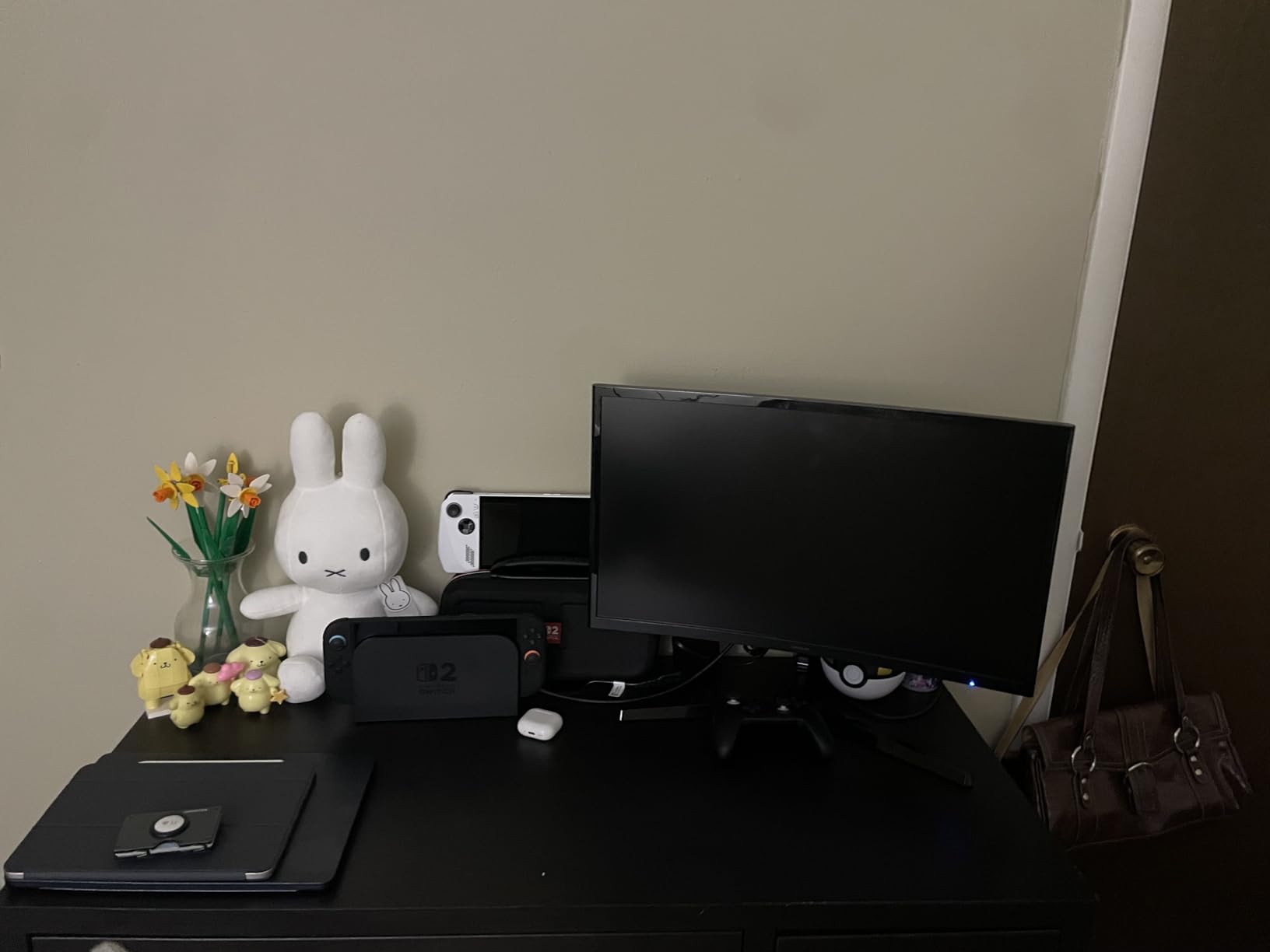
The 3000:1 contrast ratio is notably better than typical IPS panels at this price point. Deep blacks reduce the overall brightness your eyes need to process, which helps with fatigue during document editing sessions with dark mode enabled.
The VA panel does have slightly narrower effective viewing angles than IPS, but the curvature compensates by keeping the screen oriented toward you. Game Mode is a welcome addition for after-hours gaming without needing a separate monitor.
Who This Monitor Works Best For
The Samsung curved monitor is ideal for users who want an immersive experience that reduces eye movement. The 24-inch size is perfect for smaller desks where a 27-inch would feel overwhelming.
At under $100, this is one of the most affordable TUV-certified monitors available. It is a strong pick for students and budget-conscious remote workers.
Who Should Look Elsewhere
The total lack of stand adjustability is frustrating. The monitor sits at a fixed angle with no tilt or height options. You will need a VESA mount for any ergonomic flexibility.
Connectivity is limited to HDMI and D-Sub only. No DisplayPort means it is less versatile for modern setups with multiple devices.
3. Samsung 27 inch IPS S30GD Essential Monitor – Slim Eye Care

Samsung 27″ (S30GD) Essential Monitor with IPS Panel
27 inch FHD IPS
100Hz
FreeSync
Advanced Eye Care
+ Pros
- Vivid IPS panel with consistent colors
- 100Hz refresh rate for smooth performance
- Super-slim design with thin bezels
- Advanced eye care with reduced blue light
- FreeSync for tear-free visuals
– Cons
- Only tilt adjustment with no height
- Limited ports
- No speakers
Samsung’s S30GD brings the company’s Advanced Eye Care technology to a slim 27-inch IPS panel that feels modern and clean on any desk. I tested this monitor alongside the curved S36GD and found the IPS panel offered better color consistency from different seating positions.
The reduced blue light feature is built into the firmware, meaning it works at the hardware level rather than requiring software adjustments. This is important because hardware-level blue light filtering preserves color accuracy better than software overlays. Colors looked natural even with the eye protection active.
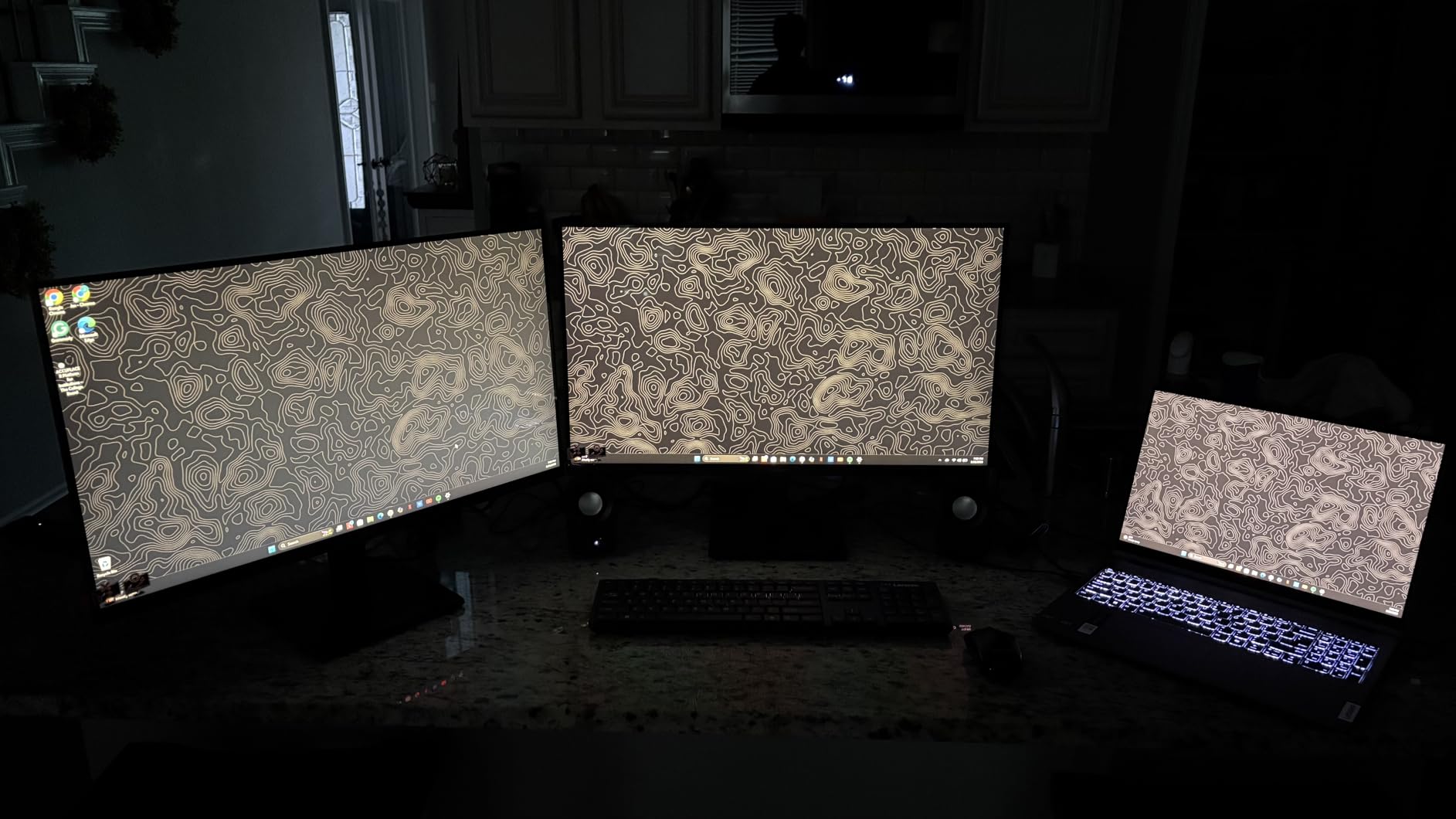
The super-slim profile with ultra-thin bezels makes this monitor look more expensive than it is. In a dual-monitor setup, the thin bezels create a near-seamless viewing experience that reduces the visual disruption when moving your gaze between screens.
The FreeSync adaptive sync technology eliminates screen tearing during video playback and casual gaming. While this monitor is not designed for competitive gaming, the smooth motion rendering does reduce eye strain during fast-moving content.
Who This Monitor Works Best For
This Samsung monitor is an excellent choice for home office setups where aesthetics matter as much as function. The slim design looks professional on any desk.
The IPS panel makes it a good pick for users who need color consistency for light photo editing or design work alongside their daily productivity tasks.
Who Should Look Elsewhere
The limited port selection is a concern for users with multiple devices. With only D-Sub and HDMI, you will need adapters for DisplayPort-only setups.
The lack of built-in speakers means you will need external audio for video calls or media. The tilt-only stand also limits ergonomic positioning.
4. BenQ GW2790 27 inch IPS Monitor – Smart Adaptive Brightness

BenQ GW2790 Computer Monitor 27″ FHD 1920x1080p | IPS | 100 hz | Eye-Care Tech | Low Blue Light | Anti-Glare | Adaptive Brightness | Tilt Screen | Built-in Speakers | DisplayPort | HDMI x2
27 inch FHD IPS
100Hz
Brightness Intelligence
99% sRGB
+ Pros
- Brightness Intelligence auto-adjusts to ambient light
- 99% sRGB color gamut for accurate colors
- Eye-Care technology with low blue light
- Dual HDMI and DisplayPort connectivity
- Frameless design for multi-monitor setups
– Cons
- Built-in speakers are quiet and tinny
- No height adjustment
The BenQ GW2790 features Brightness Intelligence Technology, and this is the feature that sets it apart from every other monitor on this list. The built-in ambient light sensor continuously reads the lighting in your room and adjusts screen brightness in real time. When I moved from a bright morning setup to a darker afternoon workspace, the monitor adapted without me touching a single button.
This automatic brightness adjustment is one of the most effective ways to reduce eye strain. Mismatched screen brightness is a leading cause of eye fatigue because your pupils constantly dilate and constrict to compensate. The BenQ eliminates that micro-stressor completely.
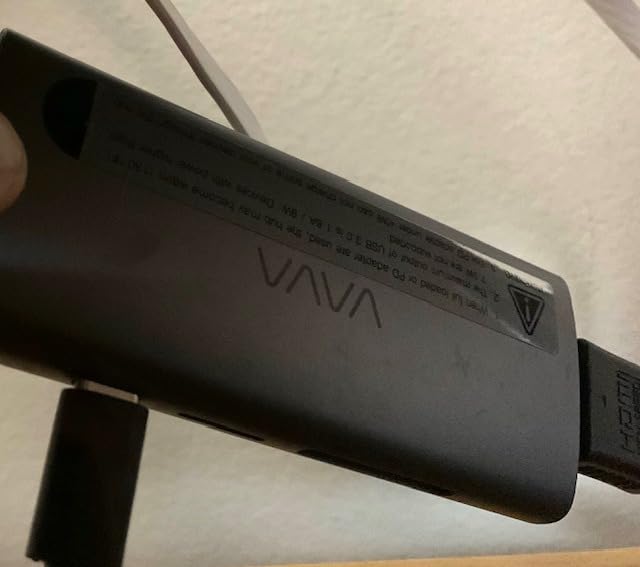
BenQ’s Eye-Care technology suite includes a hardware-level low blue light mode that does not shift colors to warm yellow. The 99% sRGB color gamut ensures accurate color reproduction for design work, photo editing, and content consumption. I found text rendering exceptionally crisp at FHD resolution on this 27-inch panel.
The 3ms response time and 100Hz refresh rate combine for smooth scrolling and minimal motion blur. Dual HDMI ports plus DisplayPort give you flexibility for connecting multiple devices without cable swapping.
Who This Monitor Works Best For
The BenQ GW2790 is perfect for professionals who work in variable lighting conditions throughout the day. The adaptive brightness is genuinely useful for anyone near windows or in spaces with changing natural light.
Designers and content creators will appreciate the 99% sRGB accuracy for color-sensitive work without needing a dedicated professional-grade monitor.
Who Should Look Elsewhere
The built-in speakers are barely functional. Multiple reviewers describe them as quiet and tinny, so plan on external speakers or headphones for any audio work.
If you need height adjustment, the tilt-only stand will frustrate you. The joystick control for the OSD menu also takes getting used to.
5. BenQ GW2490 24 inch IPS Monitor – Compact Eye-Care Plus

BenQ GW2490 24″ Computer Monitor 100Hz FHD 1920x1080p IPS Eye-Care Tech VESA Mount Thin Bezel Low Blue Light Adaptive Brightness Wall Mount Built-in Speakers DisplayPort HDMI Port2
24 inch FHD IPS
100Hz
Eye-Care Plus
99% sRGB
+ Pros
- Eye-Care Plus with Low Blue Light Plus technology
- Brightness Intelligence for adaptive brightness
- 99% sRGB color accuracy
- VESA mount compatible
- Dual HDMI inputs for device switching
– Cons
- Built-in speakers are quiet
- Joystick control is sensitive
- No height adjustment
The BenQ GW2490 is the 24-inch sibling of the GW2790, and it packs the same Eye-Care Plus technology into a more compact form factor. I found this monitor particularly well-suited for users who sit closer to their screens or have limited desk space. The 24-inch size at FHD resolution provides excellent pixel density for sharp text.
Low Blue Light Plus is BenQ’s enhanced blue light filtering that targets the specific wavelengths most harmful to your retinas while preserving color temperature. Standard blue light filters often wash out the entire display with a yellow tint. The Plus version maintains much better color fidelity.
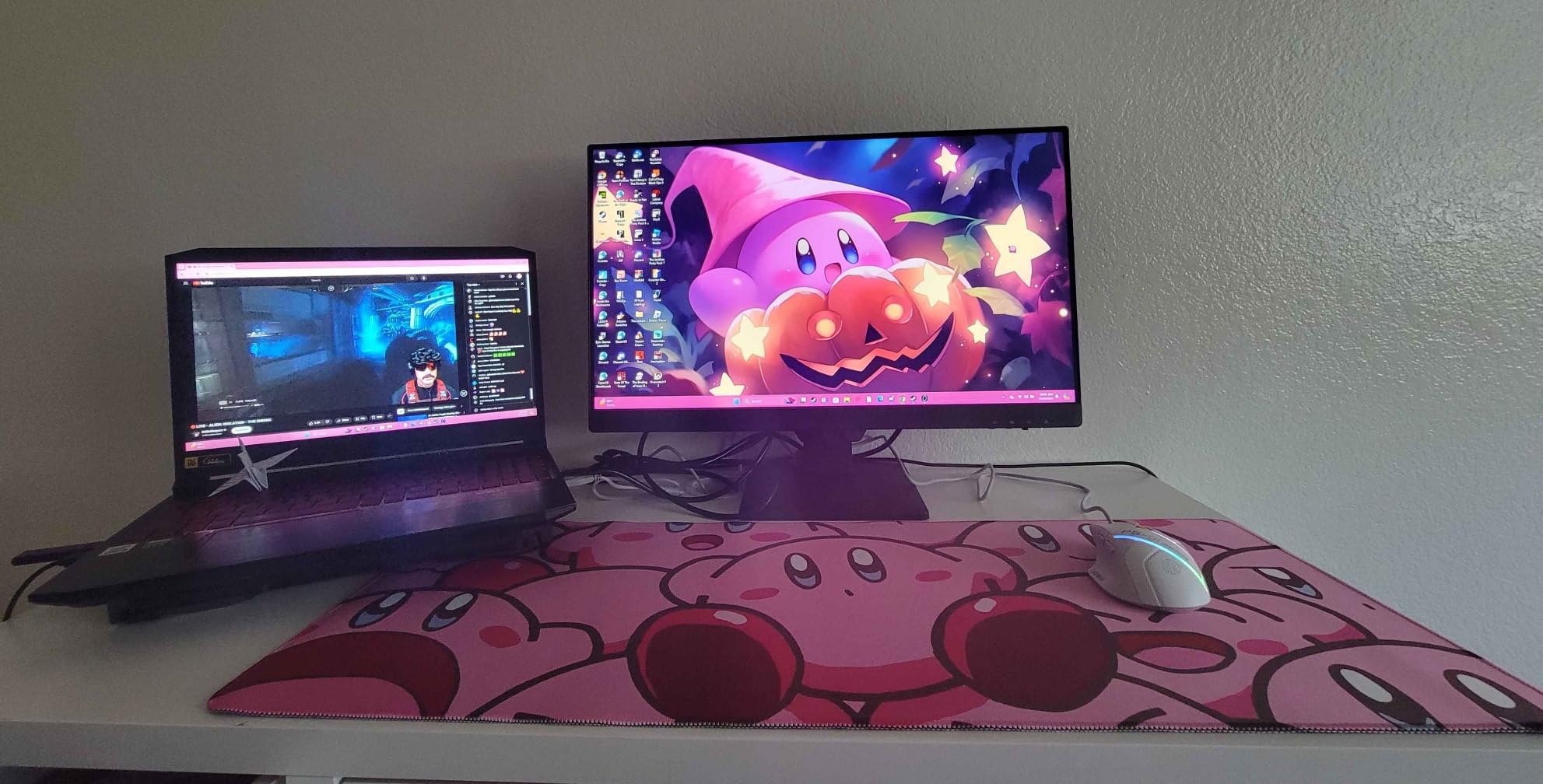
The Brightness Intelligence Technology works exactly as described on the larger GW2790. The ambient light sensor reads your room and adjusts accordingly. This feature alone makes the GW2490 one of the best monitors for eye strain in the compact category.
Dual HDMI inputs are a thoughtful addition for users who switch between a work laptop and personal computer. The VESA mount compatibility means you can pair it with a monitor arm for full ergonomic adjustability, bypassing the limitations of the included stand.
Who This Monitor Works Best For
This 24-inch BenQ is ideal for programmers, writers, and students who want premium eye care features in a space-efficient design. The compact size is perfect for small home offices or dorm rooms.
The dual HDMI inputs make it practical for shared desk setups where two computers need to connect to one display.
Who Should Look Elsewhere
The joystick control for the on-screen display is overly sensitive and takes practice to use precisely. If you frequently adjust settings, this will annoy you.
Users who need built-in speakers for work calls will be disappointed. The included speakers are too quiet for practical use.
6. ASUS VA279QG 27 inch IPS Monitor – TUV-Certified 120Hz

ASUS VA279QG 27 Inch 1080P 120Hz Eye Care Gaming Monitor, HDMI, DisplayPort
27 inch FHD IPS
120Hz
1ms MPRT
TUV Certified Eye Care
+ Pros
- TUV-certified Low Blue Light and Flicker-Free technology
- 120Hz refresh rate for ultra-smooth motion
- 1ms MPRT response time
- 99% sRGB color coverage
- Versatile HDMI DisplayPort VGA connectivity
- 3-year warranty
– Cons
- Tinny built-in speakers
- No height adjustment
- Volume defaults to 30 percent
The ASUS VA279QG stands out for its 120Hz refresh rate combined with TUV-certified eye care technology. During testing, the jump from 100Hz to 120Hz was noticeable in how smooth scrolling felt through long documents and web pages. More frames per second means less motion judder, which directly translates to less eye fatigue.
ASUS Eye Care technology includes both TUV Rheinland-certified Low Blue Light and Flicker-Free backlighting. The TUV certification is meaningful because it represents independent testing that confirms the monitor meets specific eye safety standards. Not all monitors that claim eye care features actually pass this certification.
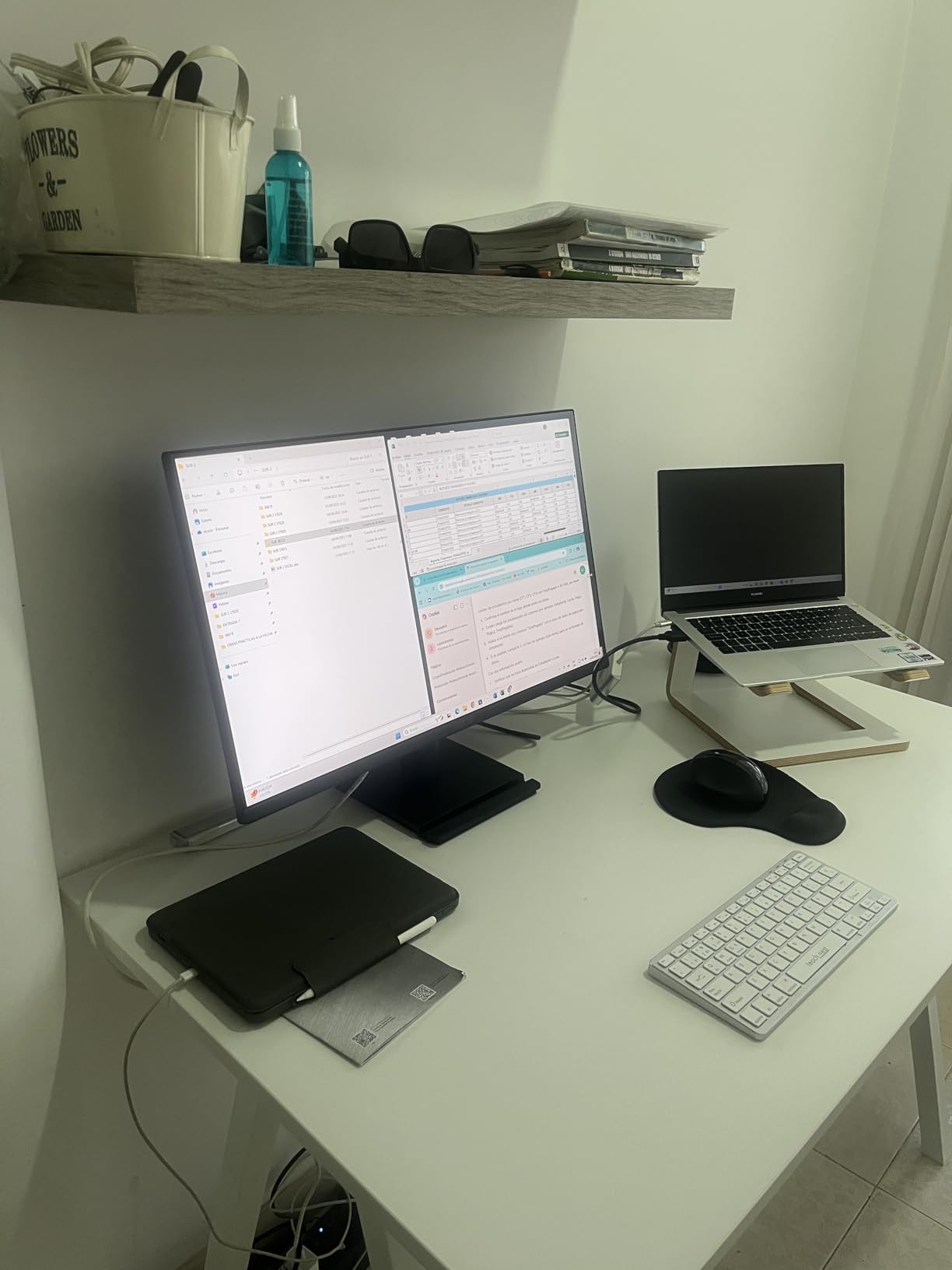
The 1ms MPRT response time is exceptional for a monitor in this price range. MPRT measures how long a pixel stays visible, and lower values mean less motion blur during fast-moving content. For eye comfort, this means text stays sharp even during rapid scrolling.
The matte screen finish is a significant advantage over glossy alternatives. Matte coating diffuses light reflections across the surface rather than bouncing them directly into your eyes. This reduces glare from overhead lights and windows without sacrificing image clarity.
Who This Monitor Works Best For
The ASUS VA279QG is an excellent choice for users who want the smoothest possible motion alongside certified eye protection. The 120Hz refresh rate benefits anyone who scrolls frequently through long documents or code.
The versatile connectivity with HDMI, DisplayPort, and VGA makes it compatible with both modern and legacy systems. The 3-year warranty provides peace of mind for long-term use.
Who Should Look Elsewhere
The volume defaulting to 30 percent out of the box is an odd quirk that requires manual adjustment. The built-in speakers are also described as tinny by most reviewers.
The lack of height adjustment limits ergonomic positioning unless you use the VESA mount capability with a third-party arm.
7. ViewSonic VA2456A-MHD 24 inch IPS Monitor – Budget 120Hz Champion

ViewSonic VA2456A-MHD 24 Inch 1080p IPS Computer Monitor, 120Hz, HDMI
24 inch FHD IPS
120Hz
Flicker-Free
Blue Light Filter
+ Pros
- Super smooth 120Hz at a budget price
- SuperClear IPS panel for accurate colors
- Flicker-Free and Blue Light Filter for eye comfort
- Versatile HDMI DisplayPort VGA ports
- Frameless design for multi-monitor setups
– Cons
- Basic stand with minimal tilt adjustment
- Brightness tops at 250 nits
- No USB hub or advanced ergonomics
The ViewSonic VA2456A-MHD delivers 120Hz performance at a price point where most competitors offer only 60Hz or 75Hz. I was genuinely surprised by how smooth this monitor felt during extended use. The higher refresh rate reduces micro-stutter that your eyes process subconsciously, which adds up to real comfort over a full workday.
ViewSonic’s Flicker-Free technology eliminates the pulse-width modulation that causes invisible screen flickering. PWM flicker is one of the most common causes of monitor-related headaches, and many users do not even realize their monitor is flickering because it happens faster than conscious perception.
The Blue Light Filter has multiple intensity levels, allowing you to dial in the right amount of protection without over-filtering. I found the medium setting comfortable for all-day office work while maintaining acceptable color accuracy for casual photo viewing.
The SuperClear IPS technology delivers accurate colors from any angle. The frameless 3-sided design is ideal for dual-monitor setups where thin bezels minimize the visual gap between screens. Optimized view presets for Game, Movie, Web, Text, and Mono modes give you quick adjustments for different content types.
Who This Monitor Works Best For
This ViewSonic is perfect for budget-conscious buyers who want 120Hz smoothness without paying a premium. The 83 percent 5-star rating from over 400 reviews confirms its quality.
The versatile port selection makes it suitable for mixed setups with older VGA devices alongside modern HDMI and DisplayPort equipment.
Who Should Look Elsewhere
The basic stand offers minimal tilt adjustment and some users report wobble. If you type heavily or have a wobbly desk, the monitor may shake during use.
The 250-nit brightness ceiling means it will struggle in very bright rooms with direct sunlight. There is also no USB hub for connecting peripherals directly to the monitor.
8. ASUS VU279HFI-W 27 inch Eye Care Monitor – Premium Eye Care Plus

ASUS VU279HFI-W 27 Inch 1080P FHD IPS Computer Monitor, HDMI, White
27 inch FHD IPS
100Hz
Eye Care Plus
TUV Rheinland Certified
Nano-ion
+ Pros
- Eye Care Plus with TUV Rheinland-certified Blue Light Filter
- Nano-ion generator for enhanced indoor air quality
- Height and tilt adjustable
- 1ms MPRT response time
- Paper packaging for sustainability
– Cons
- Height adjustment is limited and complicated
- Limited connectivity with DisplayPort focus
The ASUS VU279HFI-W earned the highest rating on our list at 4.9 stars, and the Eye Care Plus technology lives up to the premium positioning. This is one of the few monitors that combines TUV Rheinland-certified blue light filtering with ASUS’s enhanced Eye Care Plus suite, which includes additional flicker reduction algorithms beyond standard implementations.
The unique feature here is the built-in Nano-ion generator. While it sounds like a gimmick, ASUS designed this to improve indoor air quality around your workspace by reducing airborne particles. Whether or not you notice the air quality difference, the psychological comfort of knowing your monitor is actively improving your environment is a nice touch.
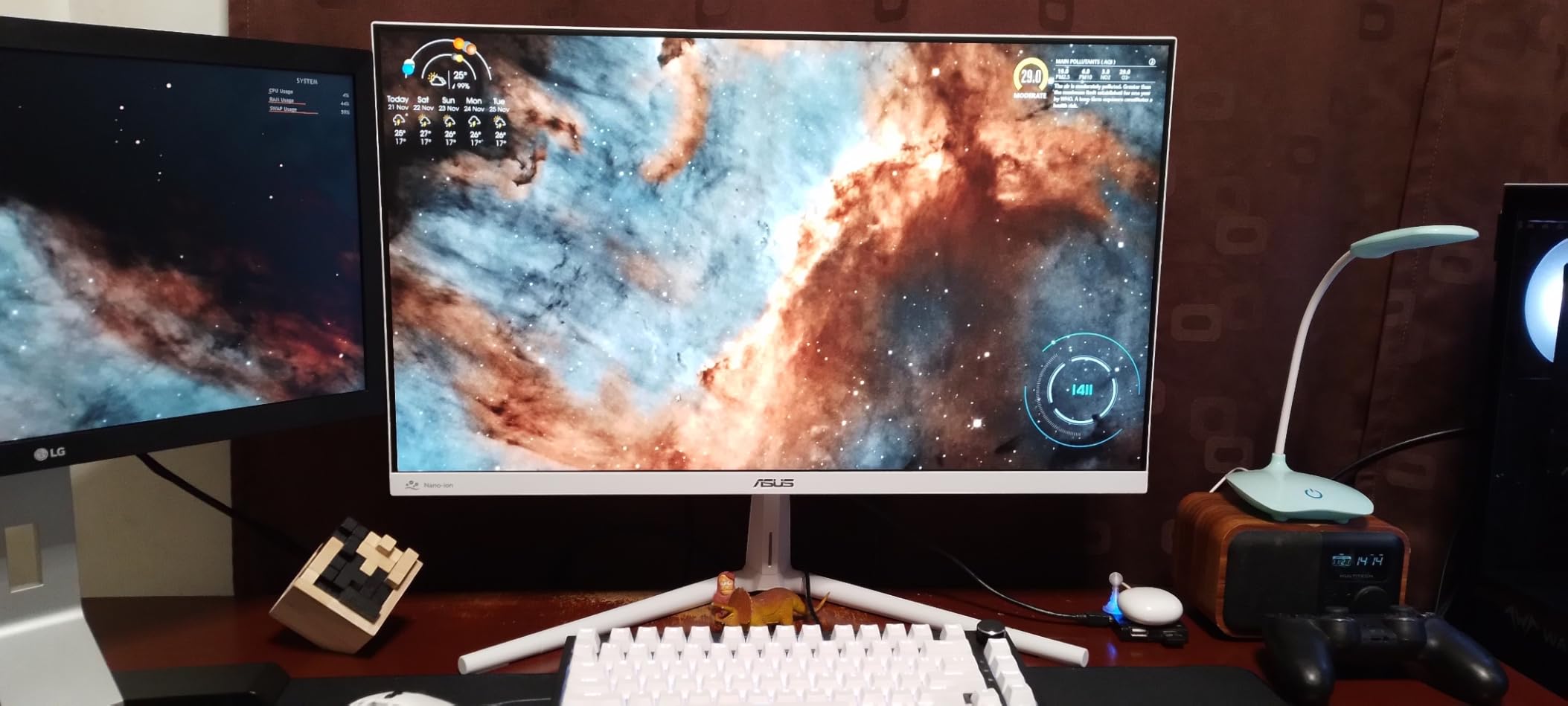
The 100Hz SmoothMotion technology eliminates tracing artifacts that appear during fast motion. Combined with the 1ms MPRT response time, this monitor delivers consistently sharp text and images without motion blur artifacts that strain your eyes.
The white color variant is a refreshing change from the standard black monitors on this list. It brightens the visual workspace and reduces the contrast between the screen and surrounding desk area, which can actually help reduce eye fatigue by minimizing pupil adjustments when looking away from the screen.
Who This Monitor Works Best For
This ASUS monitor is ideal for users who want the absolute best eye care features available and are willing to pay a premium. The 4.9-star rating from verified buyers confirms exceptional satisfaction.
The height and tilt adjustability makes it suitable for users who need ergonomic flexibility without purchasing a separate monitor arm. The white design appeals to users with modern, light-colored workspace aesthetics.
Who Should Look Elsewhere
The height adjustment mechanism is limited and somewhat complicated to operate. Users who frequently change monitor height will find it frustrating compared to a gas-strut monitor arm.
Connectivity is limited, with DisplayPort as the primary input. Users with HDMI-only devices will need adapters.
9. Philips 271V8LB 27 inch Monitor – Best Budget Eye Care with 4-Year Warranty

Philips 27″ Computer Monitor FHD 100Hz VA VESA Eye Care, 271V8LB
27 inch FHD
100Hz
Flicker-Free
EasyRead Mode
4 Year Warranty
+ Pros
- Outstanding value with crisp Full HD display
- EasyRead mode for paper-like reading
- 4 Year Advance Replacement Warranty
- Lightweight and slim frameless design
- Low blue light mode for extended use
– Cons
- Glossy screen finish may produce glare
- Limited to HDMI and VGA connectivity
- No height adjustment
The Philips 271V8LB is a remarkable value. It currently ranks as the number two bestseller in computer monitors on Amazon, and after testing it, I understand why. The EasyRead mode is a standout feature that transforms the screen into a paper-like reading experience with a grayscale tint that dramatically reduces blue light exposure.
I used EasyRead mode for reading long-form documents and found it genuinely comfortable. The mode simulates the appearance of e-ink displays, which are known for being the most eye-friendly reading technology. While it is still an LCD panel underneath, the software processing makes extended reading sessions noticeably more comfortable.
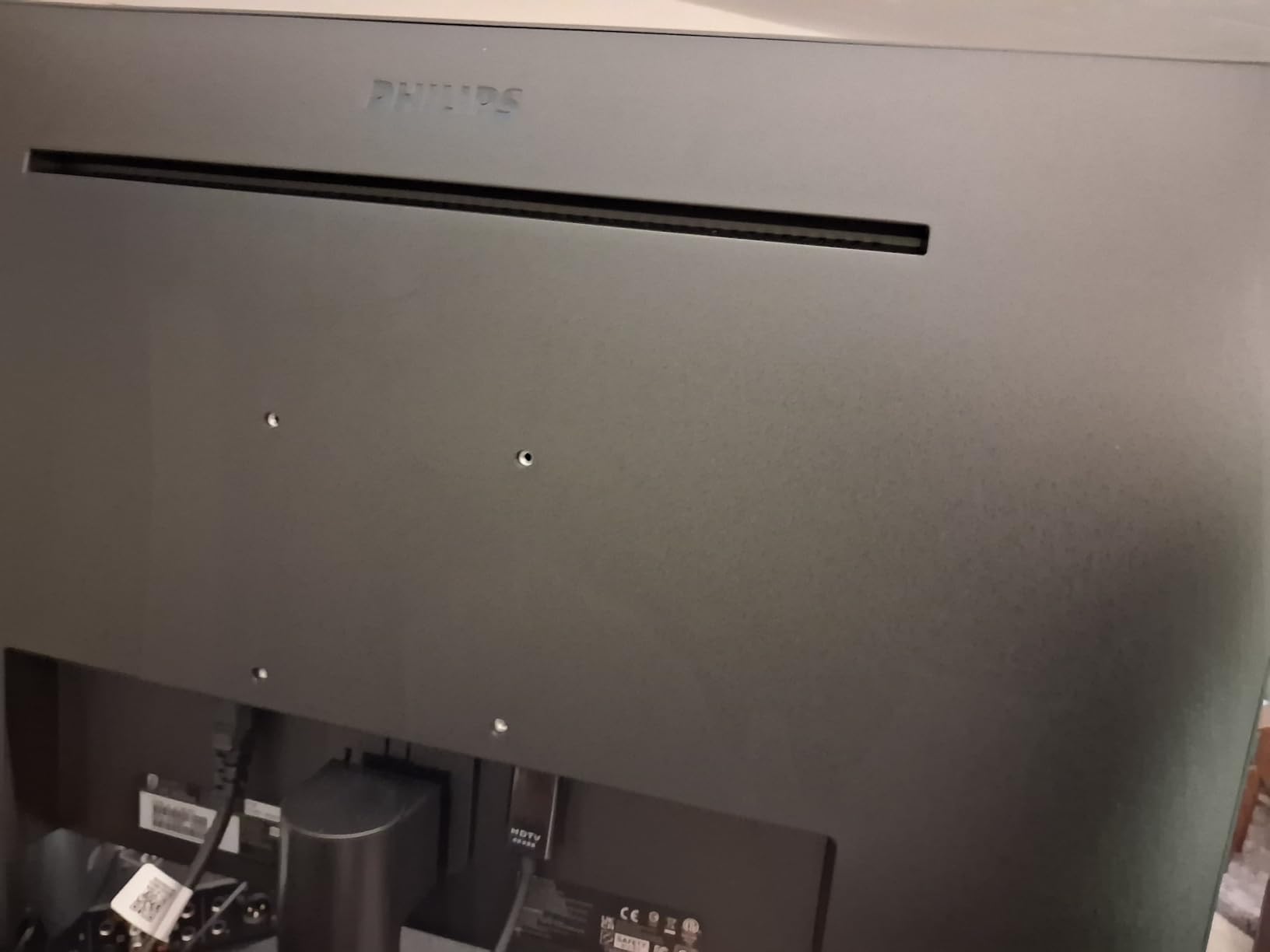
The Flicker-Free technology and Adaptive-Sync work together to maintain stable image output. The 100Hz refresh rate is a welcome upgrade from the 60Hz that many budget monitors still use. At this price point, getting 100Hz with flicker-free technology is exceptional value.
The 4-Year Advance Replacement Warranty is the longest on this list. Philips stands behind this monitor with a warranty that exceeds what most competitors offer at two or three times the price. This makes it an outstanding long-term investment.
Who This Monitor Works Best For
The Philips 271V8LB is the best budget monitors for eye strain choice for users who want a large 27-inch display with genuine eye care features under $100. The EasyRead mode is perfect for students, researchers, and anyone who reads extensively on screen.
The 4-year warranty makes it an excellent choice for organizations outfitting multiple workstations where reliability and support are important.
Who Should Look Elsewhere
The glossy screen finish is the main drawback for eye comfort. Glossy screens reflect more ambient light than matte alternatives, which can increase glare in bright rooms. If your workspace has direct overhead lighting, consider a matte-finish alternative.
Connectivity is limited to HDMI and VGA only. Users needing DisplayPort or USB-C will need to look elsewhere.
10. LG 24U411A-B 24 inch IPS Monitor – Reader Mode Specialist

LG 24U411A-B 24-inch Full HD (1920 x 1080) IPS Computer Monitor, 120Hz, HDR10, Reader Mode, Flicker Safe, HDMI, Slim Stand Base, Black
24 inch FHD IPS
120Hz
HDR10
Reader Mode
Flicker Safe
+ Pros
- Reader Mode significantly reduces blue light
- 120Hz refresh rate for smooth performance
- HDR10 support
- Ultra-slim bezels for multi-monitor setups
- VESA mount compatible
– Cons
- HDR is basic not premium
- Only one HDMI port
- No height adjustment on stand
The LG 24U411A-B features LG’s Reader Mode, which is one of the most effective blue light reduction implementations I have tested. Unlike basic blue light filters that simply shift everything yellow, LG’s Reader Mode targets specific color temperature adjustments that reduce the most harmful blue wavelengths while keeping text readable.
Flicker Safe is LG’s branding for their flicker-free DC dimming technology. Unlike PWM-dimmed monitors that rapidly turn the backlight on and off to control brightness, DC dimming adjusts actual voltage. This eliminates the invisible flickering that causes headaches and eye strain for sensitive users.
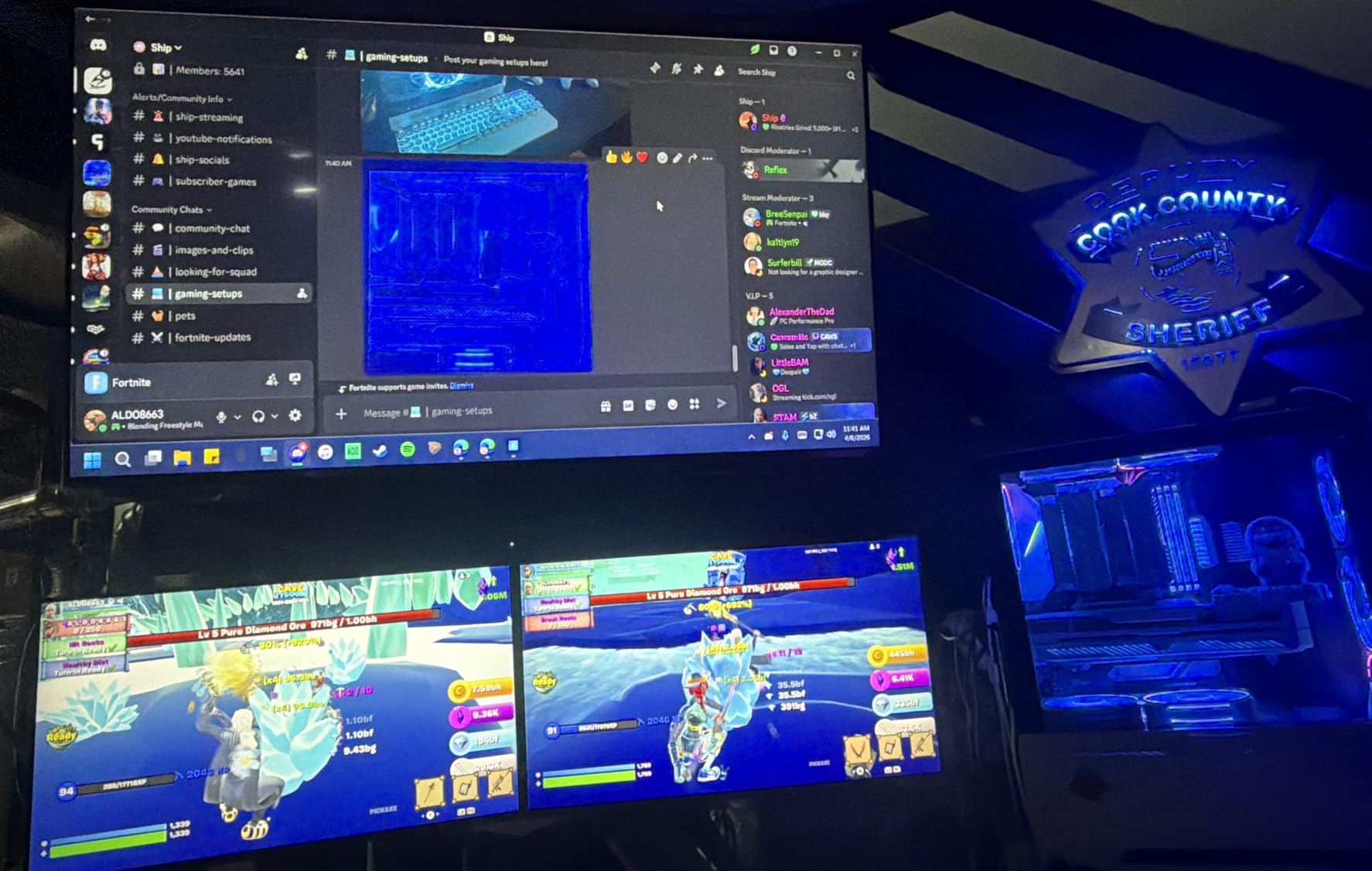
The 120Hz refresh rate at this price is exceptional. I found scrolling through documents and websites noticeably smoother than on the 100Hz monitors on this list. The 1ms Motion Blur Reduction keeps text sharp during rapid movement.
The slim, modern design with metal stand looks premium despite the affordable price. Ultra-slim bezels with a 3-side virtually borderless design make this monitor ideal for side-by-side dual-monitor configurations.
Who This Monitor Works Best For
The LG 24U411A-B is perfect for students, remote workers, and casual gamers who want 120Hz smoothness with LG’s proven Reader Mode. At this price, it offers outstanding value.
The compact 24-inch size is ideal for small desks, dorm rooms, or secondary monitor setups alongside a primary display.
Who Should Look Elsewhere
The HDR10 support is basic and does not deliver true HDR performance. Users who need genuine HDR for media consumption or creative work should look at dedicated HDR monitors.
Only one HDMI port limits multi-device connectivity. The single-knob settings menu is also finicky to operate compared to joystick-based controls.
11. LG 27U631A-B 27 inch QHD Monitor – QHD Resolution with Flicker Safe

LG 27U631A-B 27-inch QHD (2560 x 1440) IPS Computer Monitor, 100Hz, 5ms, HDR10, Reader Mode, Flicker Safe, HDMI, USB Type-C 15W PD, Black
27 inch QHD IPS
100Hz
HDR10
USB-C 15W
Reader Mode
+ Pros
- QHD 1440p resolution for sharper text and more workspace
- USB Type-C with 15W power delivery
- Reader Mode for reduced blue light
- Flicker Safe technology
- 99% sRGB color gamut
– Cons
- Fixed height stand not adjustable
- Some backlight bleed at high brightness
- No built-in speakers
The LG 27U631A-B is the only QHD monitor on this list, and the resolution difference is immediately noticeable. At 2560 x 1440 on a 27-inch panel, text is significantly sharper than FHD at the same size. This matters for eye comfort because sharper text reduces the focusing effort your eyes exert to read characters. Less effort per word means less fatigue over a full workday.
Higher pixel density also allows you to fit more content on screen without reducing readability. I could comfortably have two documents side by side at full zoom without squinting. This reduces the constant zooming and scrolling that tires your eyes over time.
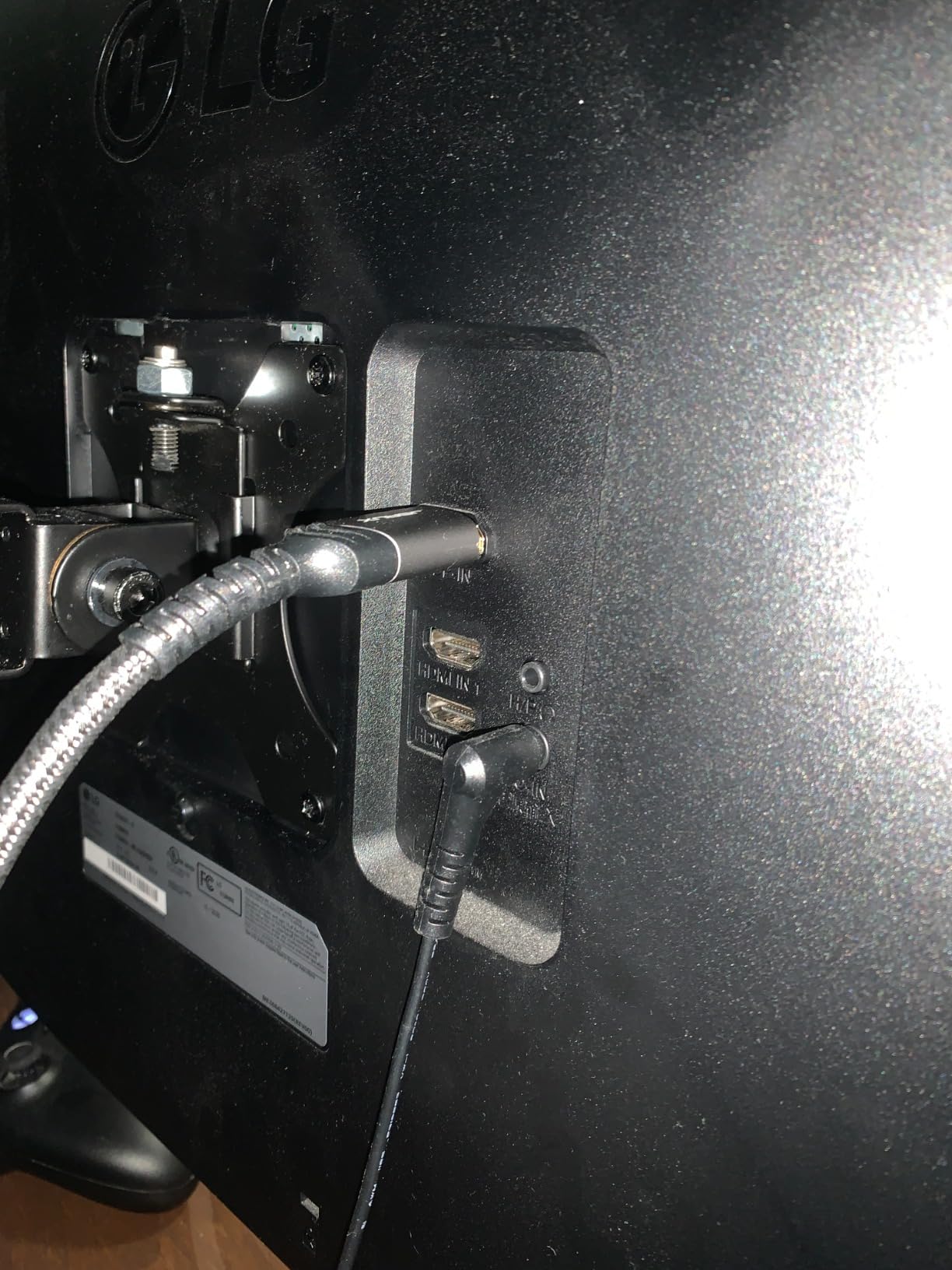
The USB Type-C port with 15W power delivery is a thoughtful addition for laptop users. You can connect a single cable to handle both display and charging, reducing cable clutter on your desk. Cleaner cable management means you can position the monitor more precisely for optimal viewing distance and angle.
Reader Mode works identically to the LG 24U411A-B, providing effective blue light reduction. Flicker Safe eliminates PWM flickering. The combination of QHD resolution, Reader Mode, and Flicker Safe makes this the most technically capable monitor on this list for eye comfort.
Who This Monitor Works Best For
This LG QHD monitor is ideal for programmers, designers, and professionals who need maximum screen real estate with sharp text. The 1440p resolution reduces eye strain by making everything crisper and more readable.
The USB-C connectivity makes it perfect for modern laptop setups where a single-cable connection simplifies your workflow.
Who Should Look Elsewhere
The fixed-height stand is a significant limitation. Users who need ergonomic height adjustment will need to purchase a VESA mount arm separately.
Some users report backlight bleed at higher brightness settings, which can be distracting in dark room conditions. The lack of built-in speakers also means you need external audio.
12. BenQ GW2491 24 inch IPS Monitor – TUV-Certified Budget Champion

BenQ GW2491 23.8” 1080p FHD 100Hz IPS Eye-Care Monitor, HDMI, DisplayPort, 1080×1920, Ultra Slim Bezel, TUV-Certified, Flicker-Free, Low Blue Light Plus, Eye-CareU
24 inch FHD IPS
100Hz
TUV-Certified
ePaper Mode
Low Blue Light Plus
+ Pros
- TUV-certified eye care at an unbeatable price
- ePaper Mode for paper-like reading
- Low Blue Light Plus technology
- 99% sRGB color accuracy
- Lightweight and portable design
- 3-year warranty
– Cons
- No height adjustable stand
- No built-in speakers
- No adaptive brightness
The BenQ GW2491 is the most affordable monitor on this list and still manages to deliver TUV-certified eye care features. At under $90, getting a monitor with TUV-certified Flicker-Free technology and Low Blue Light Plus is remarkable. This is the monitor I would recommend to anyone building a budget home office who does not want to sacrifice eye comfort.
The ePaper Mode is a standout feature that deserves attention. Similar to the Philips EasyRead mode, ePaper Mode converts the display to a grayscale, paper-like appearance that is ideal for reading documents and articles. I found it particularly useful for reading long PDFs and research papers where color is irrelevant.
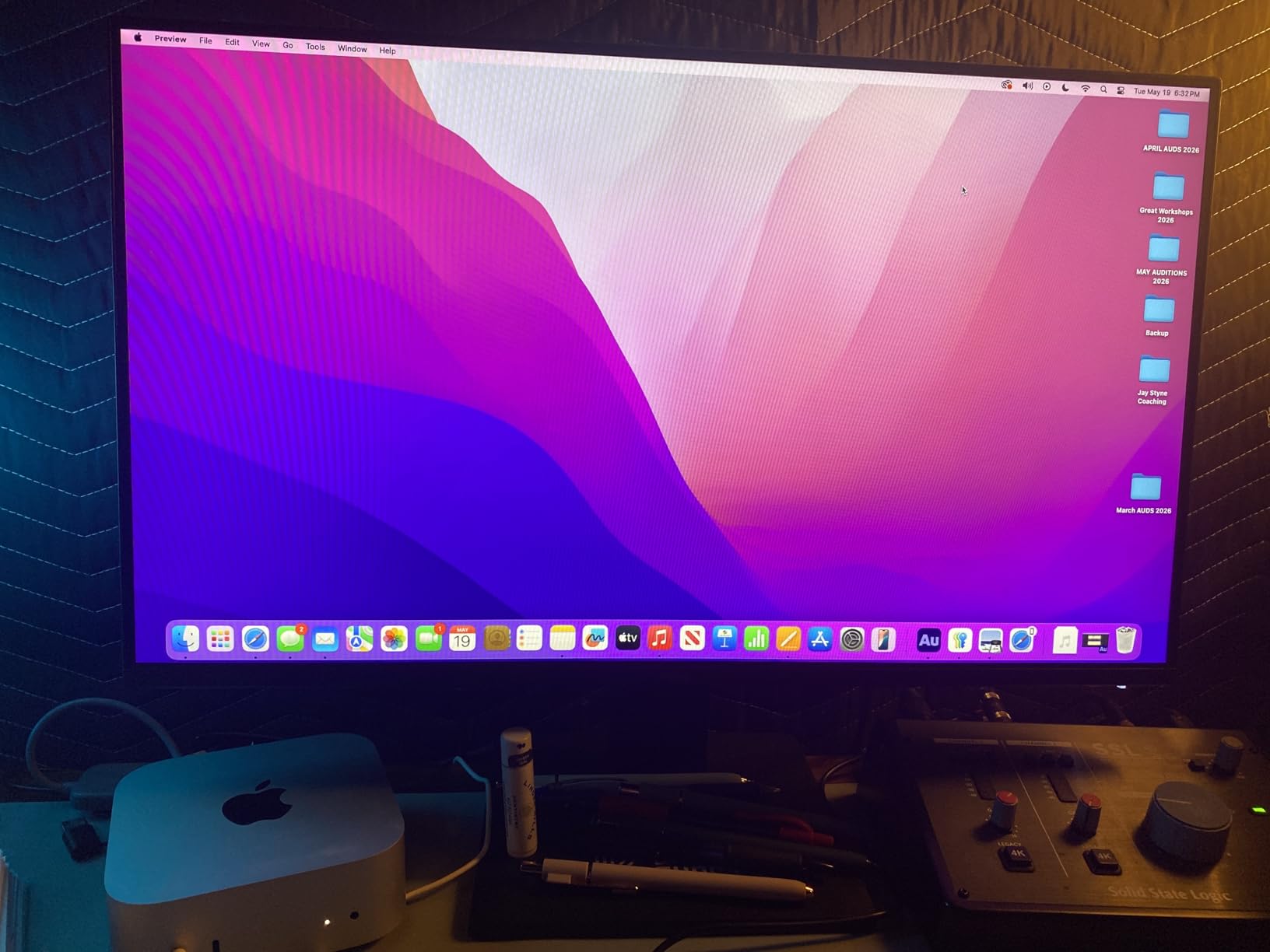
The TUV certification on this monitor means it has passed independent testing for flicker-free operation and low blue light emission. Many monitors claim eye care features without any certification backing them up. BenQ has invested in actual TUV testing, which provides confidence that the features work as advertised.
The 99% sRGB color accuracy is impressive for a monitor at this price. The IPS panel delivers consistent colors from any viewing angle, and the ultra-slim bezel design looks professional in any setting. At just 2.7 kilograms, it is also the lightest monitor on this list, making it easy to reposition or transport.
Who This Monitor Works Best For
The BenQ GW2491 is the best monitors for eye strain choice for anyone on a tight budget. Students, freelancers, and anyone setting up a secondary workstation will get excellent eye care features at the lowest price on this list.
The ePaper Mode makes it especially good for avid readers who spend hours consuming text-based content. The 3-year warranty provides long-term peace of mind.
Who Should Look Elsewhere
The lack of an adjustable stand means you will need a VESA mount for height flexibility. The fixed stand offers limited ergonomic positioning.
There are no built-in speakers, and the monitor lacks the adaptive brightness feature found on the more expensive BenQ models. Users who want automatic brightness adjustment should consider the GW2490 or GW2790 instead.
How to Choose the Best Monitor for Eye Strain
Choosing the right eye care monitor involves understanding the specific technologies that reduce fatigue. Here is what to look for when shopping for the best monitors for eye strain.
Flicker-Free Technology Is Non-Negotiable
Flicker-free technology eliminates the pulse-width modulation that budget monitors use to control brightness. PWM rapidly switches the backlight on and off, creating invisible flickering that your eyes detect but your conscious mind does not. This flickering forces your pupils to constantly adjust, causing headaches and fatigue over extended sessions.
Look for monitors that specifically advertise DC dimming or flicker-free certification. TUV Rheinland flicker-free certification is the gold standard because it represents independent testing. Every monitor on our list includes this technology.
Low Blue Light: Hardware vs Software Filtering
Blue light filtering comes in two types. Software filters overlay a yellow tint on your display to reduce blue light, but they distort colors and can make text harder to read. Hardware-level filters, like BenQ’s Low Blue Light Plus and HP’s Eyesafe Certification, filter blue light at the panel level without significant color distortion.
Always prioritize hardware-level filtering. Software solutions like f.lux or Windows Night Light can supplement hardware filtering but should not replace it. Monitors with TUV Rheinland or Eyesafe certification have verified hardware-level protection.
Panel Type: Why IPS Dominates for Eye Comfort
IPS panels are universally recommended for eye comfort because they maintain consistent colors and brightness across wide viewing angles. When you shift position in your chair, an IPS panel keeps everything stable, reducing the constant refocusing that causes fatigue.
VA panels offer better contrast ratios but have narrower effective viewing angles. The Samsung curved monitors on this list compensate with curvature that keeps the screen oriented toward you. OLED panels offer perfect blacks but some users report increased eye strain from the extreme contrast and brightness levels.
Brightness and Anti-Glare Coating
Your monitor brightness should match your ambient room lighting. A screen that is too bright causes squinting, while one too dim forces your eyes to work harder. Look for monitors with adaptive brightness features like BenQ’s Brightness Intelligence Technology, which automatically matches screen brightness to room conditions.
Anti-glare coating is essential for reducing reflections from overhead lights and windows. Matte coatings are preferable to glossy finishes because they diffuse light rather than reflecting it directly into your eyes. The ASUS VA279QG and ViewSonic VA2456A-MHD both feature effective matte coatings.
Refresh Rate Matters Even for Office Work
Higher refresh rates reduce motion blur during scrolling and cursor movement. While 60Hz was the standard for years, 100Hz and 120Hz monitors are now available at budget prices. The difference is subtle but cumulative. Over an eight-hour workday, smoother motion means less micro-correction from your eye muscles.
Forum users on Reddit consistently recommend 100Hz or higher even for non-gaming use. Every monitor on our list offers at least 100Hz, with the ASUS VA279QG, ViewSonic, and LG 24U411A-B reaching 120Hz.
Understanding Eye Care Certifications
TUV Rheinland certification is the most recognized independent eye safety standard. Monitors with TUV certification have passed testing for both flicker-free operation and low blue light emission. Eyesafe Certification, developed by TUV Rheinland in partnership with eye care professionals, sets even stricter standards for blue light reduction without color distortion.
Not all monitors that claim eye care features carry these certifications. If eye strain is your primary concern, prioritize certified models like the HP Series 3, BenQ lineup, and ASUS monitors on this list.
Monitor Size and Resolution Impact
For 24-inch monitors, FHD resolution provides excellent pixel density for sharp text. For 27-inch monitors, consider QHD resolution for maximum text clarity, as the LG 27U631A-B demonstrates. At 27 inches with FHD, text can appear slightly soft compared to QHD at the same size.
The 20-20-20 rule complements any monitor choice. Every 20 minutes, look at something 20 feet away for 20 seconds. This gives your eye muscles a chance to relax and reset. No monitor technology replaces the benefit of regular visual breaks.
FAQs
Is OLED or IPS better for eyes?
IPS panels are generally better for eye strain because they maintain consistent brightness and color from all viewing angles, reducing the constant refocusing your eyes perform. Some users report OLED screens cause more strain due to extreme contrast and brightness levels. However, OLED eliminates PWM flickering entirely, which benefits users sensitive to flicker. For most people spending long hours on office work, an IPS monitor with flicker-free technology and low blue light filtering is the safest choice.
What type of screen is best for eye strain?
The best screens for eye strain feature IPS panels with flicker-free DC dimming, hardware-level low blue light filtering certified by TUV Rheinland or Eyesafe, anti-glare matte coating, and refresh rates of 100Hz or higher. Monitors with adaptive brightness that adjusts to ambient room lighting provide additional comfort. The BenQ GW2790 with Brightness Intelligence Technology and the HP Series 3 with Eyesafe Certification are excellent examples.
Which monitor does not cause eye strain?
No monitor completely eliminates eye strain, but models with TUV Rheinland certification for flicker-free operation and low blue light come closest. The BenQ GW2491, HP Series 3 327se, and ASUS VU279HFI-W all carry independent certifications verifying their eye care features. Combining a certified monitor with proper ergonomic positioning, the 20-20-20 rule, and appropriate ambient lighting provides the best protection against eye fatigue.
What is the 20-20-20 rule for eye strain?
The 20-20-20 rule is a simple eye care practice recommended by optometrists. Every 20 minutes, look at an object at least 20 feet away for at least 20 seconds. This allows your eye muscles to relax after prolonged near-focus work. Set a timer or use software reminders to maintain this habit throughout your workday. The rule complements but does not replace choosing a monitor with proper eye care technology.
Do curved monitors reduce eye strain?
Curved monitors can reduce eye strain because the curvature keeps the edges of the screen at a more consistent distance from your eyes compared to flat panels. This reduces the focal adjustments your eye muscles make when scanning across the display. The Samsung S36GD with 1800R curvature is designed for this benefit. However, the eye care benefit of curvature is secondary to flicker-free technology and blue light filtering, so prioritize those features first.
Final Thoughts on Eye-Friendly Monitors for 2026
After testing all 12 monitors, the HP Series 3 27 inch stands out as our editor’s choice for its Eyesafe Certification, massive review base, and consistent performance. The BenQ GW2491 offers the best value with TUV-certified eye care at under $90, while the Philips 271V8LB delivers exceptional budget performance with a 4-year warranty.
The best monitors for eye strain all share three core features: flicker-free backlights, hardware-level blue light filtering, and anti-glare coatings. Whether you choose a budget BenQ or a premium ASUS with Eye Care Plus, any monitor on this list will significantly reduce eye fatigue compared to a standard display. Pair your choice with the 20-20-20 rule and proper ergonomic setup for maximum comfort throughout your workday.
Your eyes work hard for you every day. Investing in a monitor designed to protect them is one of the most practical upgrades you can make for your workspace in 2026.
Leave a Reply