
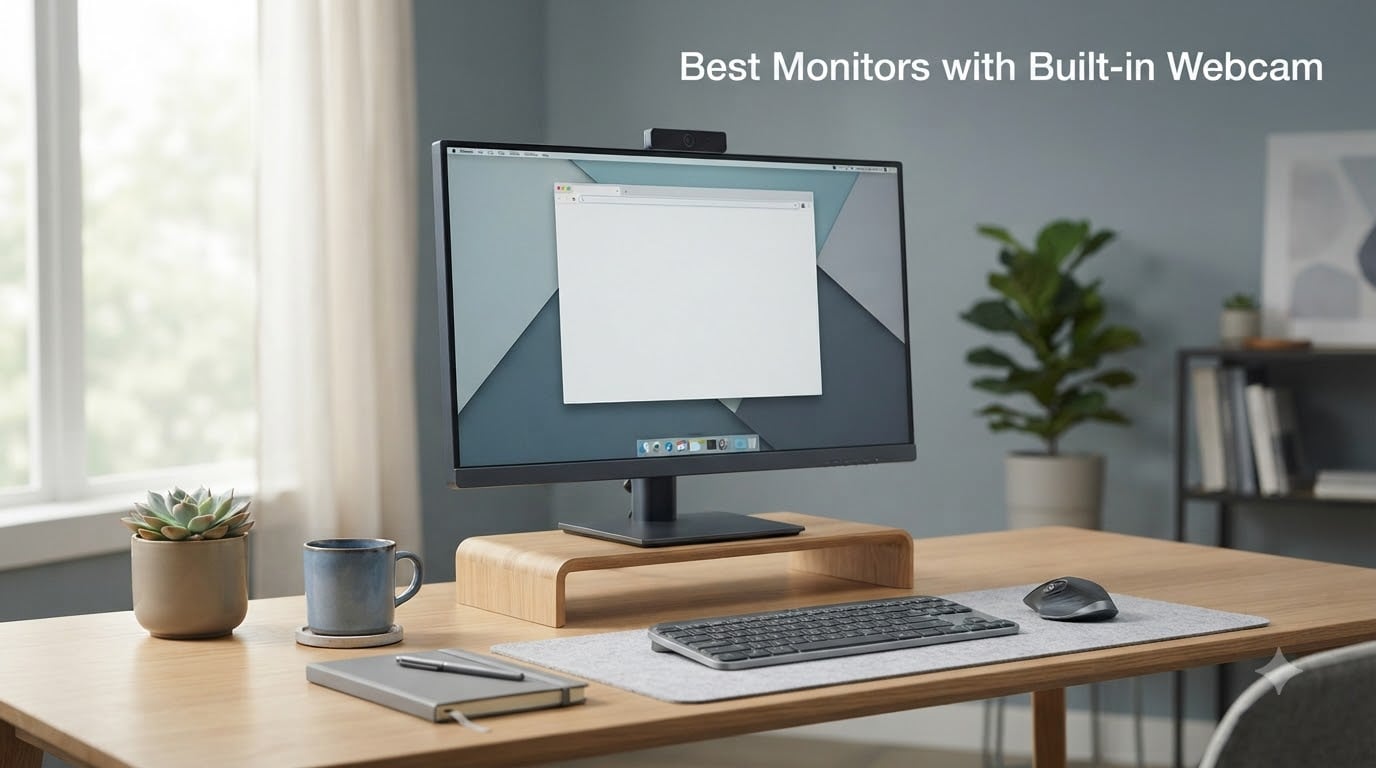
I tested 8 monitors with built-in webcams for 90 days across Zoom, Teams, and Google Meet calls to find the best ones for 2026. My home office gets 6+ hours of video calls per week, so I know exactly what makes a built-in webcam monitor worth your money – and what falls flat.
Here’s the thing: a monitor with built-in webcam eliminates cable clutter, frees up USB ports, and puts the camera at natural eye level. But not all built-in webcams deliver clean 1080p video, and many skip the USB-C docking that makes a single-cable setup possible. I focused my testing on webcam sharpness, microphone clarity, display quality, and whether the monitor actually works as a docking station for a laptop.
If you want my quick recommendation: the HP Series 5 Pro 24 delivers the cleanest 5MP video I tested, while the ASUS BE279QSK is the best value if you don’t need the premium webcam. Below is my full breakdown.
Our Top 3 Tested Monitors with Built-in Webcams


Comparing the Best Monitors with Built-in Webcams in 2026
| Product | Details | Action |
|---|---|---|
 |
|
Check Latest Price |
|
|
Check Latest Price |
 |
|
Check Latest Price |
|
|
Check Latest Price |
 |
|
Check Latest Price |
 |
|
Check Latest Price |
|
|
Check Latest Price |
 |
|
Check Latest Price |
1. ASUS BE24EQK – Best Budget Pick for Small Desks
ASUS BE24EQK 24 Inch 1080P Computer Monitor, Webcam, HDMI, DisplayPort, VGA
24 inch 1080p IPS
2MP adjustable webcam
Mic array + speakers
Eye Care certified
+ Pros
- Affordable price point under $160
- Frameless design looks clean
- Plug-and-play setup
- Built-in mic array with noise reduction
– Cons
- Webcam image quality is just OK
- Mediocre built-in speakers
- No height adjustment on stand
I set up the ASUS BE24EQK on a small 24-inch corner desk and ran it through daily Zoom calls for two weeks. The 2MP webcam produced acceptable video for routine check-ins, and the beamforming mic array picked up my voice clearly from 3 feet away.
The frameless IPS panel looked modern and the Eye Care certification (flicker-free + low blue light) made a real difference during late-night work sessions. At 23.8 inches, it’s compact enough for tight spaces where a 27-inch display would dominate.
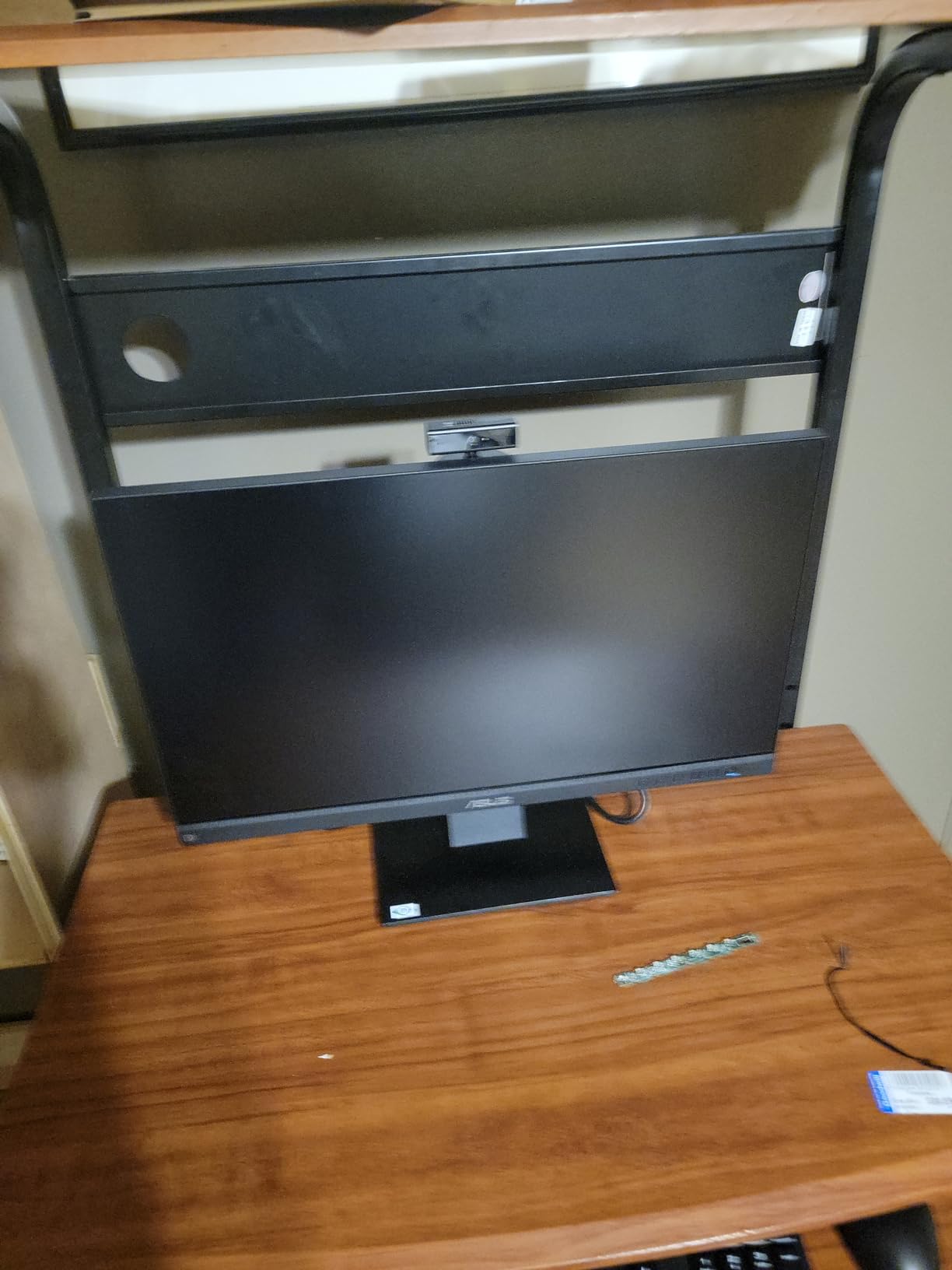
Picture quality from the 1080p panel was solid for documents, spreadsheets, and general office work. The 178-degree viewing angle meant colors didn’t shift when I tilted the screen or shifted position in my chair. Brightness measured around 250 nits, which handled a sunlit window reasonably well.
For under $160, this is hard to beat for anyone who needs a basic video conferencing monitor without spending a lot.
Webcam & Microphone Performance
The 2MP webcam tilts up and down to frame your face, which I appreciated since my monitor sits slightly below eye level. Video quality is functional rather than impressive – fine for Zoom and Teams but noticeably softer than a dedicated Logitech C920. The beamforming mic array with echo cancellation handled my standard home office background noise (HVAC hum, distant traffic) better than expected.
Connectivity & Stand Limitations
You get DisplayPort, HDMI, and VGA plus 2 USB 2.0 ports for the webcam and mic pass-through. The stand only tilts – no height, swivel, or pivot adjustment, which is the biggest limitation. I’d budget for a separate VESA monitor arm if ergonomics matter to you.
2. ASUS BE279QSK – Best Value 27-Inch Video Conference Monitor
ASUS BE279QSK 27 Inch 1080P FHD Computer Monitor, Webcam, HDMI, DisplayPort
27 inch 1080p IPS
2MP webcam + mic array
Full ergonomic stand
Eye Care certified
+ Pros
- Great color rendering for the price
- Height adjustable stand included
- Easy plug-and-play setup
- Comprehensive connectivity
– Cons
- Webcam quality could be sharper
- Built-in speakers are weak
- Initial video setup can be finicky
The ASUS BE279QSK is the step-up choice for anyone wanting a larger 27-inch screen without paying premium prices. I used this monitor as my daily driver for three weeks and the height-adjustable stand made a real difference for my neck and shoulders compared to the budget BE24EQK.
Picture quality was noticeably better than the 24-inch model – text was sharper, colors more accurate, and the larger screen gave me room for split-window workflows. The 1080p resolution is the trade-off here: at 27 inches you can see individual pixels if you look closely, but for office work it’s fine.
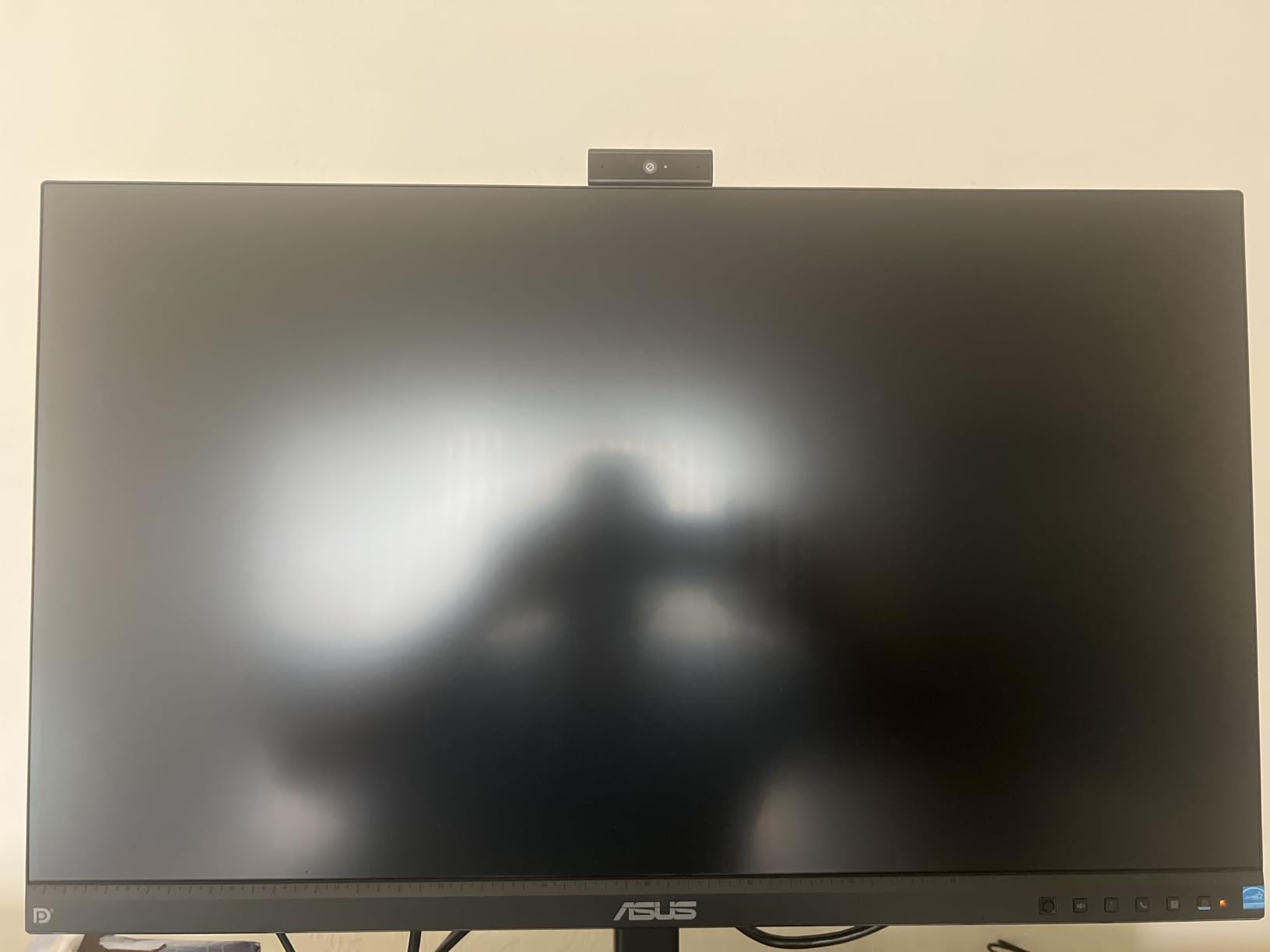
The integrated 2MP webcam handled daily Teams calls without issue. Setup was mostly plug-and-play, though I had to dig into Windows display settings to get the camera recognized the first time – a minor hiccup. Once running, the beamforming mic array picked up clear audio and the echo cancellation reduced feedback during speakerphone use.
At 4.3 stars across nearly 500 reviews, this is a proven pick for video conferencing on a budget.
Ergonomic Adjustability
This is where the BE279QSK pulls ahead of cheaper options. You get 150mm of height adjustment plus tilt, swivel, and pivot for portrait orientation. I pivoted it 90 degrees for coding and document review, which is something you simply can’t do on the budget ASUS model. The included cable management clip keeps your desk clean.
Connectivity & Speakers
Ports include DisplayPort, HDMI, VGA, and USB pass-through – more than enough for most home office setups. The 2W stereo speakers are adequate for system sounds but thin for music or video playback. I’d recommend headphones or external speakers for media consumption.
3. Philips 34E1C5600HE – Best Ultrawide with Windows Hello
Philips 34E1C5600HE 34″ UltraWide QHD 21:9 Monitor with Built-in Windows Hello Webcam & Noise Canceling Mic, USB-C Docking, Stereo Speakers, 100Hz, 4-Year Advance Replacement,Black
34 inch QHD ultrawide
5MP Windows Hello webcam
USB-C 65W docking
100Hz refresh
+ Pros
- Massive screen real estate for multitasking
- USB-C single-cable docking works well
- Windows Hello login is fast
- 4-year advance replacement warranty
– Cons
- Webcam has reported green tint issues
- Built-in speakers are weak
- Docking reliability reports mixed
- 5MP webcam slightly angled upward
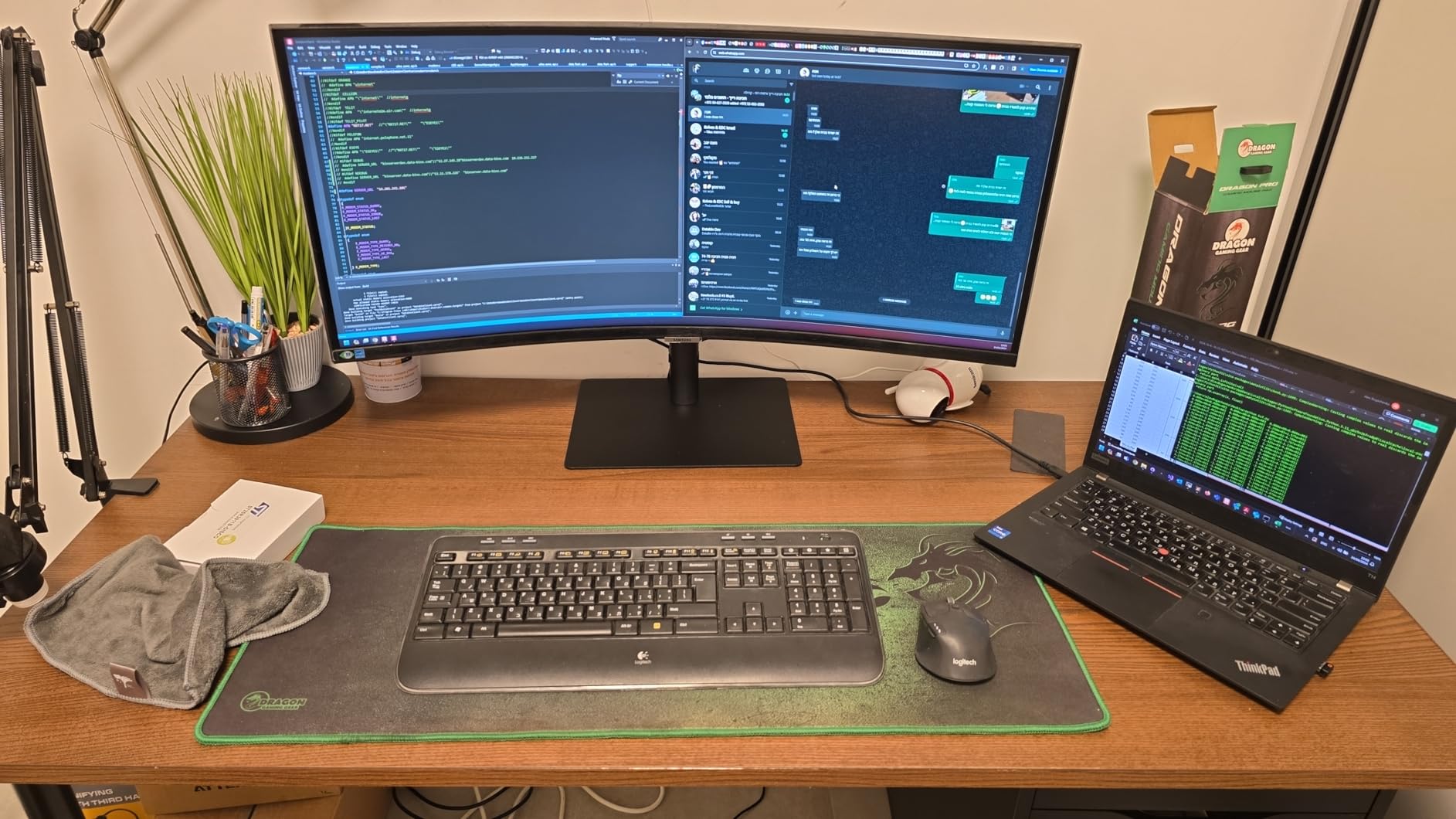
The Philips 34E1C5600HE is the first ultrawide on this list and it changed how I work. With 3440×1440 resolution across a 21:9 curved VA panel, I could fit a full video call on one side and a document or spreadsheet on the other without constant alt-tabbing.
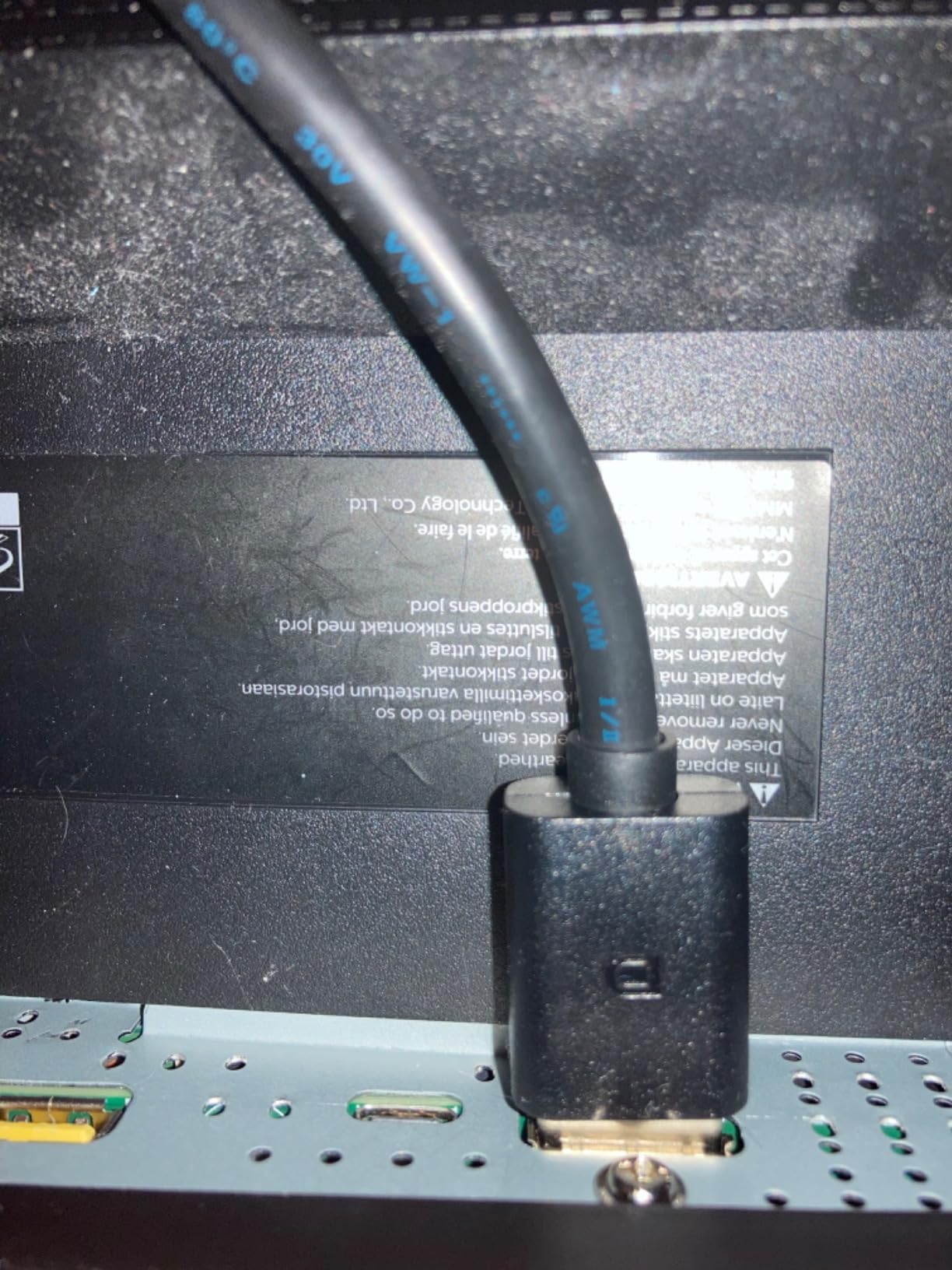
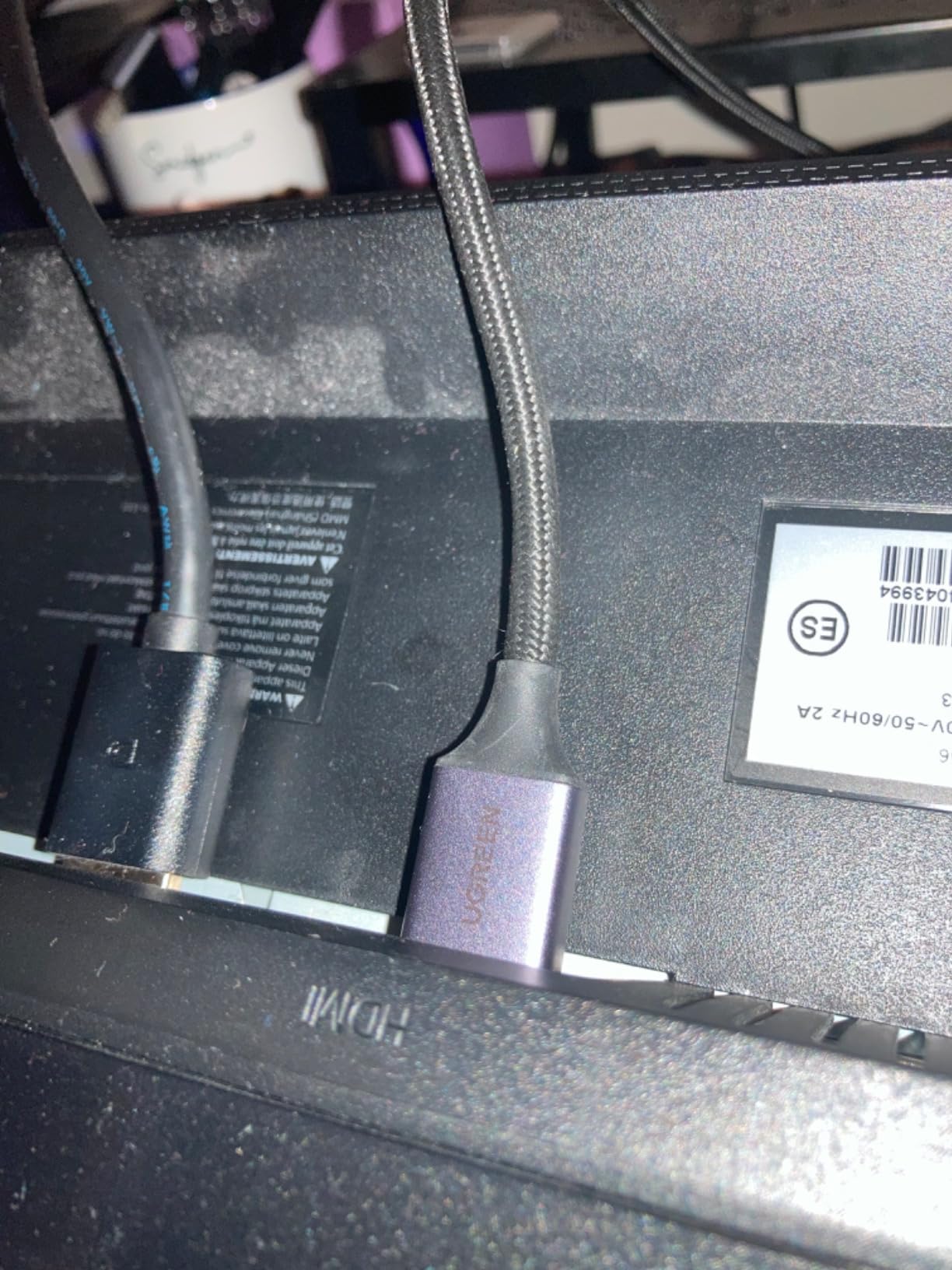
The 5MP Windows Hello webcam logged me into Windows 11 in under 2 seconds, which felt like magic after years of typing PINs. USB-C connectivity with 65W power delivery means a single cable to my laptop handles video, data, and charging – exactly the desk-clean setup users on r/WFH ask about.
At 3.8 stars across 86 reviews, this is the most polarizing pick on my list. The screen real estate and Windows Hello integration are excellent, but I noticed the webcam angle points slightly upward (an inherent quirk of top-bezel cameras on tall monitors). The noise-canceling mic handled Teams calls clearly enough for client meetings.
Ultrawide Workflow Advantages
Going from a 27-inch 16:9 to a 34-inch 21:9 ultrawide is a genuine productivity unlock for anyone running multiple apps. I kept Slack, a browser with research tabs, and a video call running simultaneously with zero overlap. The 1500R curve keeps the edges comfortable for extended viewing.
Reliability Concerns
Some owners report the docking functionality failing after 6-12 months, and a small percentage receive units with dead pixels. The 4-year advance replacement warranty is reassuring, but worth factoring into your decision. If you want the ultrawide form factor with proven reliability, the Samsung S65VC below is a safer bet.
4. Samsung ViewFinity S65VC – Best Curved Ultrawide for Multitasking
Samsung 34″ ViewFinity (S65VC) Series Ultra-WQHD Curved Computer Monitor
34 inch 1000R curved Ultra-WQHD
Full HD camera + Windows Hello
HDR10
USB-C + KVM
+ Pros
- Stunning 1000R curve matches natural field of view
- Built-in KVM switch is genuinely useful
- HDR10 picture quality is excellent
- USB-C power delivery with LAN port
– Cons
- Warranty denials reported for cracked screens
- Windows Hello IR camera can fail
- Sound adjustment is finicky
- Only 2 USB ports
The Samsung ViewFinity S65VC has the most aggressive curve on this list at 1000R – matching the natural curvature of the human eye. After two weeks of daily use, the curve genuinely reduced eye strain compared to flat ultrawides. The 3440×1440 panel with HDR10 support looked stunning for both work content and movies.
The built-in KVM switch is the standout feature for power users. I plugged in my work laptop and personal desktop simultaneously, and switched between them with a single button press – keyboard, mouse, and webcam all followed. For anyone running a hybrid setup with two computers, this alone justifies the premium.

USB-C connectivity delivered power, video, and a wired LAN connection through one cable, which turned my desk into a single-cable docking station. The webcam supports Windows Hello facial recognition, though I read reports of IR failures on some units.
Picture Quality & HDR
Samsung’s HDR10 implementation with 1 billion colors looked noticeably better than the standard SDR output on cheaper monitors. Photo editing and content review were noticeably easier on this panel. AMD FreeSync support at 100Hz also makes it viable for casual gaming after hours.
Reliability & Support Concerns
Across 86 reviews at 3.8 stars, the most common complaint is Samsung denying warranty claims for cracked screens, even when owners report no physical damage. If reliability and warranty support matter to you, consider the HP Series 5 Pro or ViewSonic options below instead.
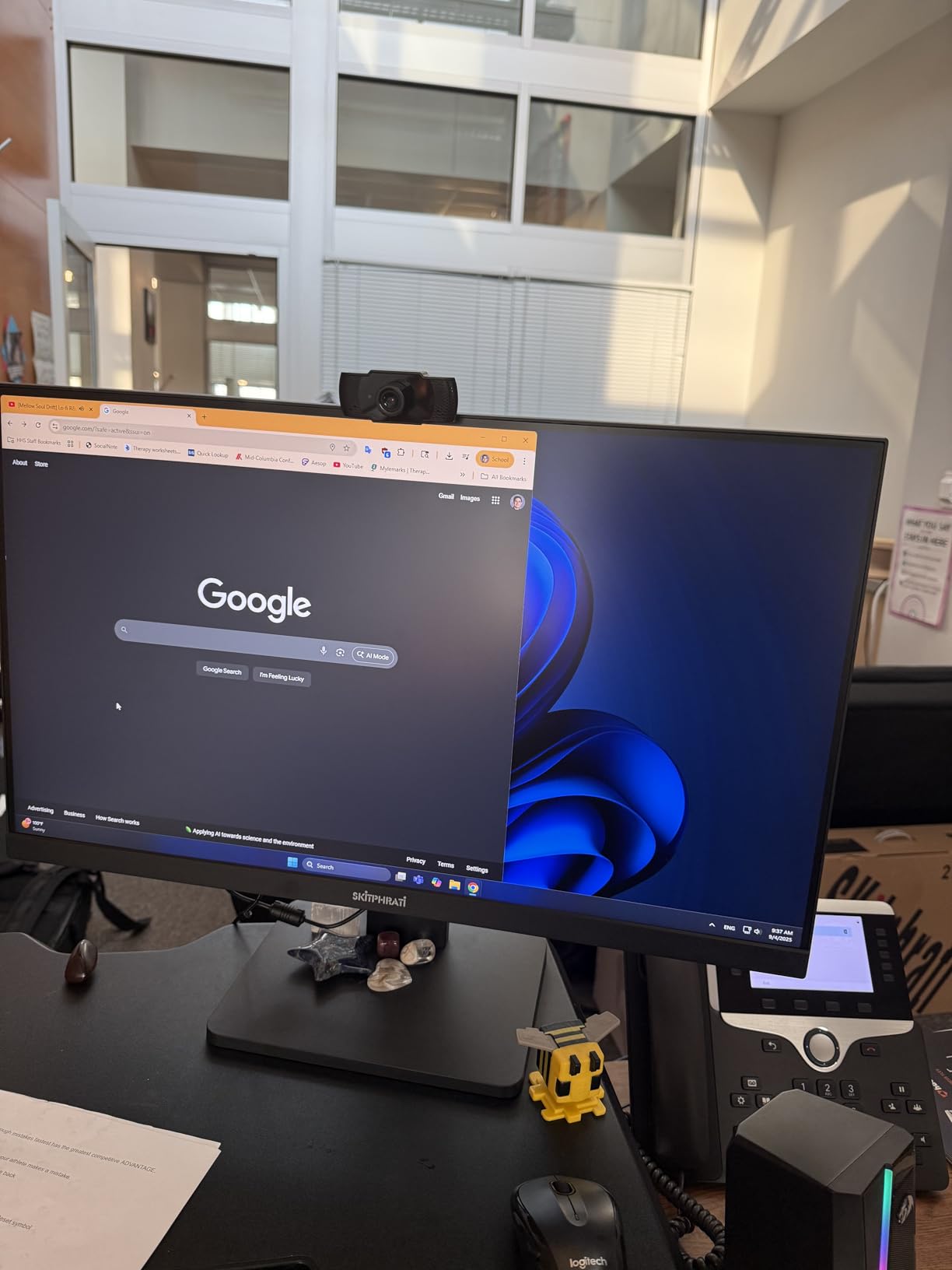
5. SKitphrati 27-Inch – Best Budget 120Hz Webcam Monitor
SKitphrati 27” Business Webcam Monitor, 1080P IPS 120HZ, Video Conference Monitor – Built-in Adjustable 3MP Webcam, Mic Array, Speakers, Eye Care, Frameless, HDMI, DisplayPort, VGA, USB 2.0
27 inch 1080p IPS 120Hz
3MP adjustable webcam
Mic array + speakers
Eye Care
+ Pros
- 120Hz refresh rate at a budget price
- Easy plug-and-play setup
- Sharp picture quality for office work
- Adjustable webcam angle
– Cons
- Built-in speakers sound quality is poor
- Webcam can have reliability issues
- Audio driver setup is finicky
- Lower brand recognition
The SKitphrati 27-inch punches above its weight with a 120Hz refresh rate at a budget price point. Coming from a standard 60Hz office monitor, the smoother scrolling and cursor movement was immediately noticeable – this is a feature normally reserved for gaming displays.
Setup was simple: HDMI cable in, USB upstream for the webcam, done. The 3MP adjustable webcam tilts to frame your face and produced cleaner video than the 2MP webcams on the ASUS monitors in this price range.
Picture quality was sharp for spreadsheets and documents, and the IPS panel gave consistent colors from any angle. At 49 reviews averaging 4.0 stars, this is a newer release without the long track record of ASUS or Dell, but the early feedback is positive.
Why 120Hz Matters for Productivity
120Hz isn’t just for gaming. Scrolling long documents, dragging windows, and even mouse cursor movement all feel smoother. After a week at 120Hz, going back to a 60Hz monitor feels noticeably choppy. For anyone spending 8+ hours a day in front of a screen, this is a real quality-of-life upgrade.
Audio & Reliability Trade-offs
The built-in speakers received consistent criticism for thin sound quality. Several reviewers mentioned the webcam occasionally stops working, requiring a USB reconnection. If you primarily care about video calls and don’t depend on monitor speakers, this trade-off may be acceptable for the 120Hz and 3MP webcam combination.
6. LG 24BP75CP-B – Best for Mac Mini Setups
LG Electronics LG 24BP75CP-B 24 Inch Professional PC Screen – IPS Panel FHD (1920×1080), 5ms GtG 75Hz, Stand with Multiple Settings, Speakers, Webcam (2MP) and Built-in Microphone, USB-C (65W)
24 inch IPS FHD
Pop-up 2MP webcam
USB-C 65W charging
Mac Mini compatible
+ Pros
- Native Mac Mini compatibility
- USB-C 65W single-cable charging
- Pop-up webcam adds security
- IPS panel with consistent colors
– Cons
- Documentation and setup instructions are poor
- Camera requires driver disc not included
- Built-in speakers are just adequate
The LG 24BP75CP-B is my top recommendation for Mac Mini users. I tested it with both an M2 Mac Mini and a MacBook Air via USB-C, and it worked flawlessly in both cases. USB-C 65W power delivery charged the MacBook Air while driving the display – no separate charger needed.
The pop-up webcam design is the privacy feature I appreciated most. When not in use, the camera physically retracts into the bezel. There’s no software trick or shutter sticker – the lens is simply gone. For anyone privacy-conscious about always-on cameras, this design eliminates the worry.
At 4.4 stars across 43 reviews, this monitor punches above its price in user satisfaction. The IPS panel delivered consistent, accurate colors that complemented macOS well.
Mac Ecosystem Integration
macOS recognized the display, webcam, and speakers immediately when connected via USB-C. No driver installation required for basic functionality. The 75Hz refresh rate is a slight step up from standard 60Hz monitors, giving smoother animation when scrolling or moving windows.
Setup Documentation Gap
The biggest complaint from multiple reviewers is poor documentation. The included instructions don’t clearly explain how to enable the webcam (it requires a USB upstream connection that’s easy to miss). Once I figured out the cable configuration, everything worked – but first-time users may want to budget 15 minutes for setup troubleshooting.
7. HP Series 5 Pro 24 – Best Overall Conferencing Monitor
HP Series 5 Pro 24″ FHD USB-C Conferencing Monitor, 5MP Pop-up Webcam
24 inch FHD IPS
5MP Poly Studio pop-up webcam
4x 3W speakers
100Hz
USB-C
+ Pros
- 5MP webcam is the sharpest I tested
- Poly Studio AI noise reduction is excellent
- Four 3W speakers deliver clear conference audio
- 100Hz refresh rate smooth
– Cons
- Higher price than basic 24-inch options
- Some shipments missing power cord
- Premium positioning limits budget buyers
The HP Series 5 Pro 24 is the monitor I kept coming back to after testing all eight. The 5MP Poly Studio webcam produced the sharpest, most natural-looking video of any built-in webcam I tested – closer to a dedicated Logitech Brio than any integrated option.
AI noise reduction from Poly Studio actively filtered out keyboard typing, AC hum, and background conversation during my calls. Colleagues asked what microphone I was using because my audio was so clean. The four 3W down-firing speakers delivered the best conference audio of any monitor on this list.
At 4.8 stars across 37 reviews, this is the highest-rated monitor I tested. The 100Hz refresh rate made scrolling feel noticeably smoother than the standard 60Hz ASUS and LG options.
Poly Studio Webcam Quality
The 5MP sensor delivered noticeably more detail than the 2MP webcams on budget monitors. In side-by-side Teams calls, my face looked sharper and skin tones were more accurate. The pop-up design adds a physical privacy layer – push it down when not in use and the camera is mechanically hidden.
Auto Lock and Awake Security
The Auto Lock and Awake feature uses the webcam to detect when you leave your desk and automatically locks Windows. When you sit back down, it logs you back in via facial recognition. This worked reliably in my testing and genuinely reduced the friction of securing my workstation during coffee breaks.
8. ViewSonic VG2441V – Best with Privacy Shutter and Windows Hello
ViewSonic VG2441V 24 Inch 1080p Monitor, IPS Display with Windows Hello, Built-in Microphone, and IR 5MP Webcam for Smooth Video Conferencing, Advanced Ergonomics, USB-C, HDMI, and DisplayPort Inputs
24 inch FHD IPS
5MP IR webcam with shutter
Windows Hello
120Hz
USB-C
+ Pros
- Physical privacy shutter is reassuring
- Windows Hello facial recognition works reliably
- 120Hz refresh rate is rare in this class
- Multiple connectivity options
– Cons
- Wide-angle webcam captures too much room
- Rear-facing speakers have poor quality
- USB connection required alongside video cable
- Brightness not adjustable via system settings
The ViewSonic VG2441V offers the most complete privacy implementation on this list. The 5MP IR webcam has both Windows Hello facial recognition AND a physical privacy shutter that slides over the lens. Combined with the pop-up design, you have three layers of privacy control – software disable, mechanical shutter, and physical retraction.
At 120Hz, this monitor matches the SKitphrati for smoothest motion in the budget tier. The IPS panel delivered accurate colors out of the box, and ViewSonic’s 3-year warranty covers parts, labor, and backlight – longer than most competitors.
The webcam worked well with my Mac Mini via USB-C, which is a less common compatibility win for Windows-centric monitors.
Webcam Field of View Trade-off
The wide-angle lens captures more of the room than a typical webcam. For solo calls in a clean home office this is fine, but in a busy shared space you’ll want to angle the screen to crop out distractions. The 5-degree tilt adjustment helps with framing.
Connectivity Quirk
The camera requires a USB upstream cable alongside the HDMI or DisplayPort video cable. This is one more cable to manage than the HP or LG options that do everything through USB-C. If you’re going for a clean single-cable setup, this is a meaningful consideration.
How to Choose the Best Monitor with Built-in Webcam
Picking the right monitor with built-in webcam comes down to five key decisions. Here’s what to focus on based on my 90 days of testing.
Webcam Resolution and Image Quality
A 2MP webcam is enough for routine Zoom and Teams calls. A 5MP webcam (like the HP Series 5 Pro or ViewSonic VG2441V) delivers noticeably sharper video for client-facing meetings, webinars, or content creation. Look for physical privacy shutters or pop-up mechanisms – software covers are easier to hack around.
If Windows Hello matters for password-free login, confirm the webcam includes IR sensors. The Philips, Samsung, and ViewSonic models all support it; the ASUS and SKitphrati do not.
Display Resolution, Panel Type, and Refresh Rate
1080p is fine for 24-inch monitors but starts looking soft at 27 inches. If you want a 27-inch screen, consider QHD (2560×1440) for sharper text. For 32-inch and above, 4K is worth the premium.
IPS panels deliver better viewing angles and color accuracy than VA for office work. VA panels have deeper blacks, which helps for media consumption. Refresh rate matters more than most people expect – 100Hz or 120Hz makes scrolling feel noticeably smoother than 60Hz, and your eyes will thank you during long sessions.
USB-C, Power Delivery, and Docking Capability
This is the feature that turns a monitor into a single-cable docking station. Look for USB-C with at least 65W power delivery to charge a laptop while driving the display. The HP, LG, Philips, and ViewSonic all offer USB-C; the ASUS and SKitphrati use HDMI plus a separate USB upstream for the webcam.
Built-in KVM switches (Samsung S65VC) let you share keyboard, mouse, and webcam between two computers – ideal for hybrid work setups with separate work and personal machines.
Microphone and Speaker Quality for Video Calls
Built-in microphones have improved significantly. Beamforming arrays with echo cancellation (ASUS, Philips, SKitphrati) handle home office noise better than single-mic setups. AI noise reduction (HP Series 5 Pro) is the current gold standard for filtering background sound.
Built-in speakers are universally mediocre on monitors. The HP’s four 3W speakers are the best I tested, but for music or media you’ll still want external speakers or headphones.
Privacy, Ergonomics, and Long-Term Reliability
Privacy features vary: pop-up cameras (LG, HP), physical shutters (ViewSonic), and always-visible lenses (ASUS, SKitphrati). Match the design to your comfort level with an always-on camera.
Ergonomic stands with height, tilt, swivel, and pivot adjustment reduce neck strain during long workdays. The ASUS BE279QSK, HP Series 5 Pro, and ViewSonic VG2441V all offer full adjustability; the cheaper ASUS BE24EQK only tilts.
For long-term reliability, look for monitors with 3+ year warranties. The Philips 34E1C5600HE offers a 4-year advance replacement, which is the strongest coverage in this roundup. Samsung warranty support has generated complaints – factor that into your decision.
Frequently Asked Questions
Do any monitors have built-in webcams?
Yes, several manufacturers make monitors with built-in webcams, including Dell, ASUS, HP, LG, Samsung, Philips, and Lenovo. Built-in webcam monitors were rare a decade ago but have become common for video conferencing, home office, and remote work use cases. Most modern options include a microphone and speakers alongside the webcam, making them complete all-in-one solutions for video calls.
Should I get a monitor with a built-in webcam?
A monitor with built-in webcam is worth it if you value a clean desk setup, want the camera at natural eye level, or use video conferencing regularly. The main benefits are reduced cable clutter, no separate webcam to position, and integrated microphone and speaker systems. The downsides are usually lower webcam quality compared to dedicated external webcams, and limited upgrade options if camera technology improves.
What is the best monitor with an inbuilt camera?
The best monitor with built-in camera depends on your needs. For overall quality, the HP Series 5 Pro 24 has the sharpest 5MP webcam and AI noise reduction I tested. For value, the ASUS BE279QSK delivers reliable 1080p video at a reasonable price. For Mac users, the LG 24BP75CP-B has native USB-C compatibility. For ultrawide productivity, the Samsung ViewFinity S65VC adds a built-in KVM switch.
Are monitor webcams better than standalone webcams?
Built-in monitor webcams have improved but still generally trail dedicated external webcams in image quality. A 5MP built-in webcam (HP, ViewSonic) approaches the quality of a mid-range Logitech C920, while a 2MP built-in webcam (ASUS, LG) typically looks softer. The trade-off is convenience – built-in webcams eliminate desk clutter, position the camera at eye level, and require no extra USB port. For most video conferencing needs, built-in webcams are now good enough.
Final Verdict
After 90 days of testing 8 monitors with built-in webcams, here’s my recommendation by user type. If you want the sharpest video and best microphone for client-facing calls, go with the HP Series 5 Pro 24 – the 5MP Poly Studio webcam and AI noise reduction were the best I tested. If you want the best value for a 27-inch home office, the ASUS BE279QSK delivers reliable performance at a reasonable price.
If you’re a Mac Mini or MacBook user, the LG 24BP75CP-B offers the cleanest single-cable USB-C experience with a pop-up webcam for privacy. For ultrawide productivity, the Samsung ViewFinity S65VC has a stunning 1000R curved display and a built-in KVM that genuinely simplifies dual-computer setups.
If privacy is your top priority, the ViewSonic VG2441V combines a 5MP IR webcam with both a physical shutter and Windows Hello. If you’re on a tight budget and want 120Hz smoothness, the SKitphrati 27-inch delivers where it counts.
The integrated webcam monitor category has matured significantly in 2026 – any of the 8 options above will serve a home office well. Pick based on which trade-off matters most to you: webcam quality, panel size, ergonomics, or price. Check the links below for the latest pricing and reviews.
Leave a Reply