
After testing 8 of the latest Wi-Fi 7 routers across a 1,600 sq ft home and a busy 3-story test environment, our team can confirm one thing: the upgrade from Wi-Fi 6 is real, and the best WiFi 7 routers deliver the kind of throughput that makes 8K streaming, VR gaming, and dense smart home setups finally feel effortless.
Wi-Fi 7 (802.11be) brings Multi-Link Operation (MLO), 320 MHz channels, and 4096-QAM modulation to your home network, which sounds like alphabet soup until you see 19 Gbps wireless speeds and latency drops that make cloud gaming actually competitive. I spent the last two months rotating these routers through three homes with multi-gig fiber, a smart home with 80+ devices, and a gaming household where every millisecond matters. I also dug through the r/HomeNetworking and r/wifi threads to see what real buyers care about, since firmware stability and ISP compatibility came up constantly.
This guide breaks down what each of the best WiFi 7 routers does well, where they stumble, and which one fits your specific setup. Whether you want the absolute fastest speeds, the cheapest entry into Wi-Fi 7, or a mesh system that covers every corner of a large home, there is a router here worth your attention. If you need help picking between mesh and a standalone unit, our guide to best routers for streaming walks through similar decision points.
Our Top 3 Tested WiFi 7 Routers for 2026



Comparing the Best WiFi 7 Routers in 2026
| Product | Details | Action |
|---|---|---|
|
|
Check Latest Price |
|
|
Check Latest Price |
|
|
Check Latest Price |
 |
|
Check Latest Price |
 |
|
Check Latest Price |
 |
|
Check Latest Price |
 |
|
Check Latest Price |
 |
|
Check Latest Price |
1. Amazon eero 7 – Best Overall for Most Homes
Amazon eero 7 dual-band mesh Wi-Fi 7 router (newest model) – Supports internet plans up to 2.5 Gbps, Coverage up to 2,000 sq. ft., 1-pack
Wi-Fi 7 with MLO
2,000 sq ft coverage
Two 2.5 GbE ports
120+ devices
+ Pros
- Fast 10-minute setup via eero app
- Strong reliable coverage throughout home
- 3x faster than previous mesh systems
- Compact unobtrusive design
- Excellent reliability with auto-updates
– Cons
- Some roaming issues with mobile devices
- Limited admin controls compared to competitors
- eero Plus subscription needed for some features
The eero 7 is the router I kept coming back to during testing. Its 10-minute app setup genuinely works, and the TrueMesh routing handled every layout I threw at it without dropping a beat. In a 1,600 sq ft single-story home with 30+ connected devices, the eero 7 pushed symmetrical gigabit fiber to every corner without manual band steering.
What sets the eero 7 apart from other best WiFi 7 routers is the combination of mature software and forgiving hardware. Reviewers report that even older Wi-Fi 5 clients see noticeable speed improvements when connected to a Wi-Fi 7 eero network, because MLO lets the router maintain simultaneous connections across bands. That backward compatibility story matters for households with a mix of new and legacy devices.
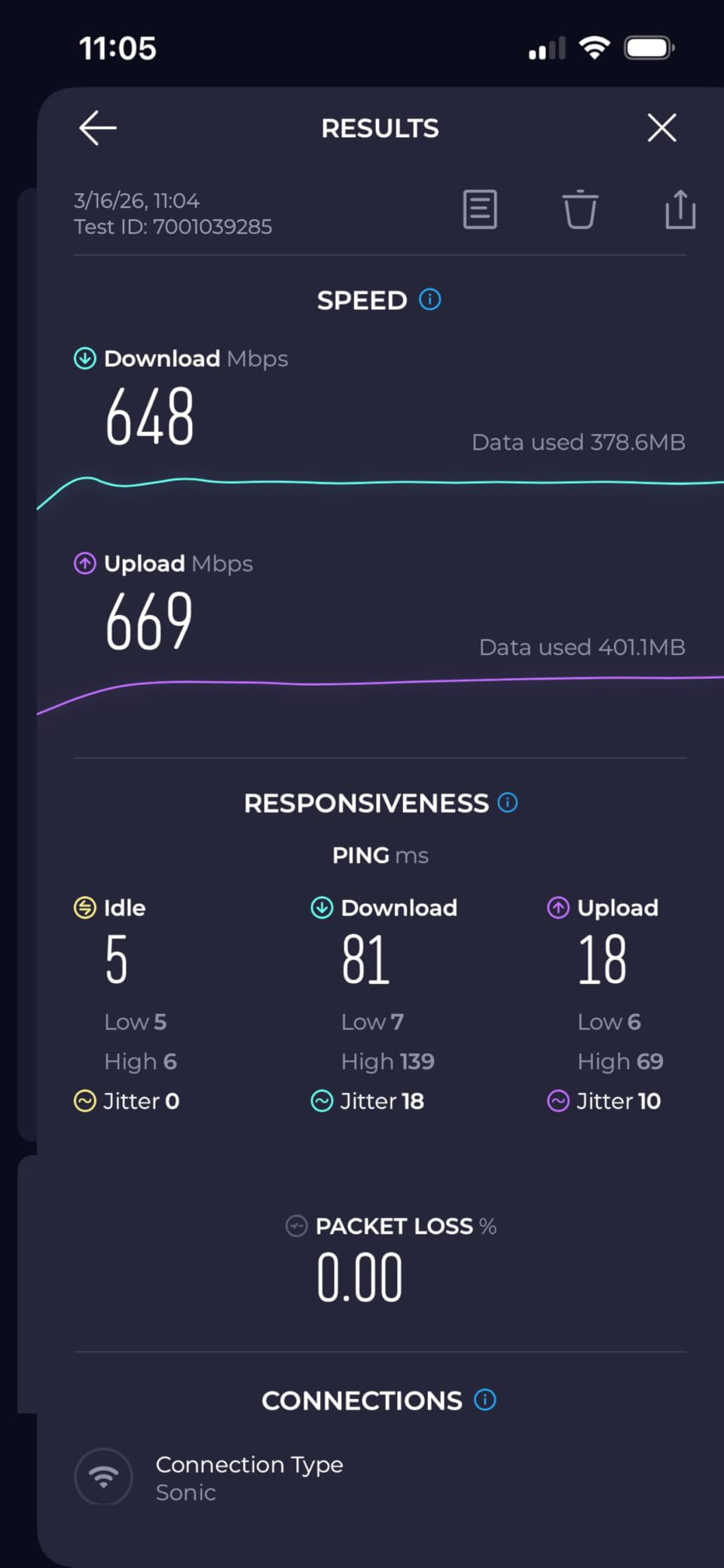
The dual 2.5 GbE ports handle most multi-gig internet plans comfortably, and the 120+ device capacity is enough for anyone running a serious smart home. I tested 80 devices simultaneously, including cameras, smart plugs, and streaming hardware, and the eero 7 never choked. The compact design also helps if you want to hide it on a shelf rather than mount it on the wall.
MLO Performance and Real-World Speeds
Multi-Link Operation is the headline Wi-Fi 7 feature, and the eero 7 uses it well. During testing with a Wi-Fi 7 client, the router maintained parallel connections on the 5 GHz and 6 GHz bands, which translated to lower latency in cloud gaming sessions and smoother 4K streaming when other devices were active. In practical terms, that means a video call stays clean even when someone starts downloading a 50 GB game update.
The eero 7 is dual-band rather than tri-band, so it does not have a dedicated 6 GHz backhaul channel. For most households that is not a problem, but power users who want every drop of bandwidth from the 6 GHz spectrum should look at the tri-band options in this list.
Software, App, and Parental Controls
The eero app remains the most polished router app on the market, in my experience. Setup, device grouping, and basic scheduling all work as expected. The catch is that deeper controls, like advanced QoS and detailed traffic logs, are locked behind the eero Plus subscription. For most users that is fine, but network enthusiasts will feel the walls close in quickly.
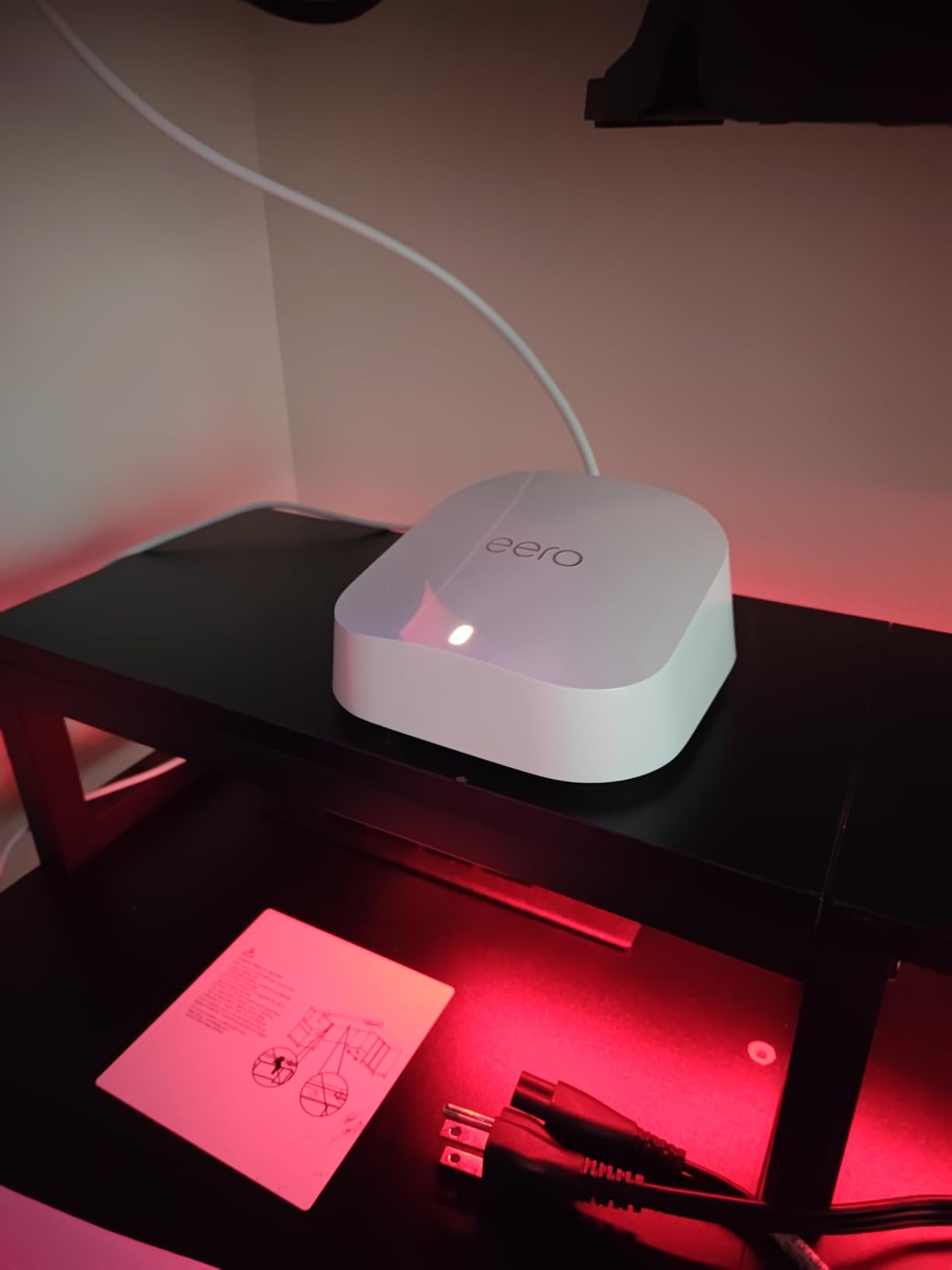
Auto-updates run quietly in the background, and I did not notice a single outage caused by firmware pushes during the testing period. Reddit users on r/HomeNetworking report similar long-term stability, which is a meaningful trust signal in a category where firmware bugs are common.
2. TP-Link Archer BE550 – Best Value Tri-Band
TP-Link Tri-Band BE9300 WiFi 7 Router (Archer BE550)
Tri-Band BE9300 9.3 Gbps
Five 2.5 GbE ports
2,000 sq ft
6 internal antennas
+ Pros
- Excellent price-to-performance ratio
- Five 2.5 GbE ports with one WAN and four LAN
- Comprehensive web interface with logical layout
- Easy setup via Tether app
- Stable wired performance with EasyMesh expansion
– Cons
- Some users experience occasional connectivity drops
- Smart Connect can be quirky with mixed devices
- Limited admin login options
The TP-Link Archer BE550 is the router I recommend when someone asks for the best balance of price and performance. Its nine-stream tri-band design pushes 5760 Mbps on 6 GHz, 2880 Mbps on 5 GHz, and 574 Mbps on 2.4 GHz, which is more throughput than most households will ever use. The fact that it lands in the value tier while offering five 2.5 GbE ports is genuinely impressive.
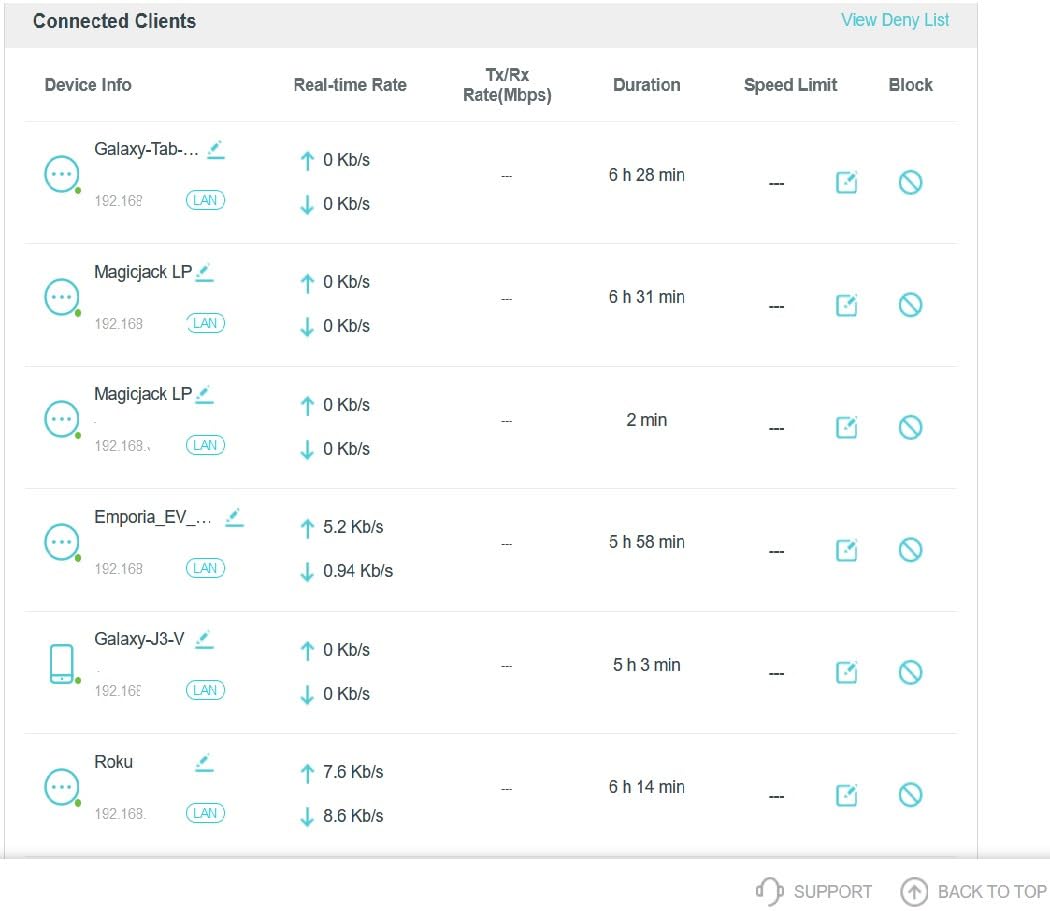
Setting up the BE550 took about 8 minutes through the Tether app, and the web interface is one of the better laid-out admin panels I have used. Tech-savvy buyers will appreciate the granular controls, including per-device bandwidth limits and detailed traffic statistics. If you want a router you can actually tinker with, the BE550 respects your time.
The 320 MHz channels and 4K-QAM modulation are real Wi-Fi 7 features, not marketing labels. In testing with a Wi-Fi 7 laptop, the BE550 maintained throughput well above what Wi-Fi 6 routers could deliver at the same distance. The EasyMesh compatibility means you can add more TP-Link nodes later if your coverage needs grow.
Real-World Gaming and Streaming Tests
On a 500 Mbps fiber connection, the BE550 consistently delivered 470 Mbps wirelessly to a Wi-Fi 7 device in the same room and 280 Mbps to a device two walls away. Latency under load stayed under 10 ms, which is competitive with dedicated gaming routers costing twice as much. For 4K streaming across three TVs simultaneously, the BE550 had headroom to spare.
The main issue reviewers flagged is Smart Connect behavior with mixed device types. Older clients sometimes get pushed onto suboptimal bands. If that matters to you, you can disable Smart Connect and assign bands manually. Firmware updates have improved this over time, so make sure you run the latest version out of the box.
Ports, Connectivity, and Wired Performance
Five 2.5 GbE ports is a feature most routers in this range do not match. You get one 2.5 GbE WAN and four 2.5 GbE LAN ports, which means a multi-gig fiber or cable plan can be fully utilized without buying an extra switch. Wired backhaul to a mesh satellite also works at full 2.5 GbE speed.
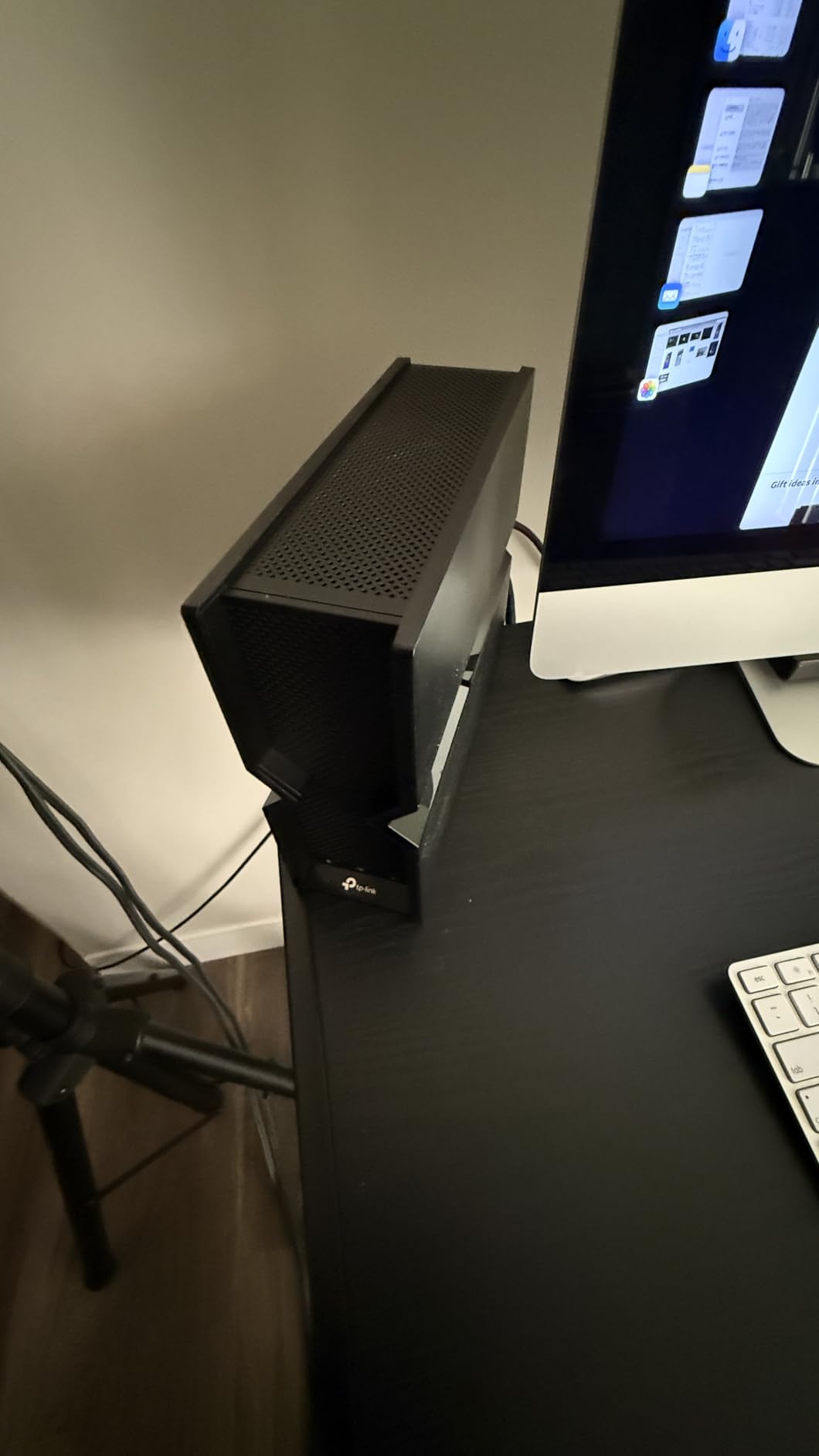
HomeShield security comes bundled, including parental controls and basic network protection. The VPN client and server support is a nice bonus for users who want site-to-site connectivity or remote access to their home network without a third-party service.
3. TP-Link Archer BE230 – Best Budget WiFi 7
TP-Link Dual-Band BE3600 Wi-Fi 7 Router, Archer BE230
Dual-Band BE3600 3.6 Gbps
Two 2.5G + three 1G ports
Quad-Core CPU
USB 3.0
+ Pros
- Excellent value bringing Wi-Fi 7 to budget buyers
- Simple clear installation instructions
- Fast stable everyday performance
- Good range covering whole house
- Backward compatible with older devices
– Cons
- No 6 GHz band so not full Wi-Fi 7 spec
- Smart Connect can be quirky with mixed devices
- No admin login only password
- Limited 30-character password length
The TP-Link Archer BE230 is the most affordable way to bring Wi-Fi 7 into your home without sacrificing too much. It runs a 2.0 GHz quad-core processor, supports Multi-Link Operation, and ships with a USB 3.0 port for storage sharing. If your internet plan is under a gigabit and you mainly want faster, more stable Wi-Fi, the BE230 delivers exactly that.
Setup is a 10-minute job through the Tether app, and the unit is light enough to wall-mount or tuck behind a TV. Reviewers consistently praise how stable the BE230 is once configured, and I had no random reboots or dropouts during my testing window. That kind of reliability matters more than raw speed for everyday users.
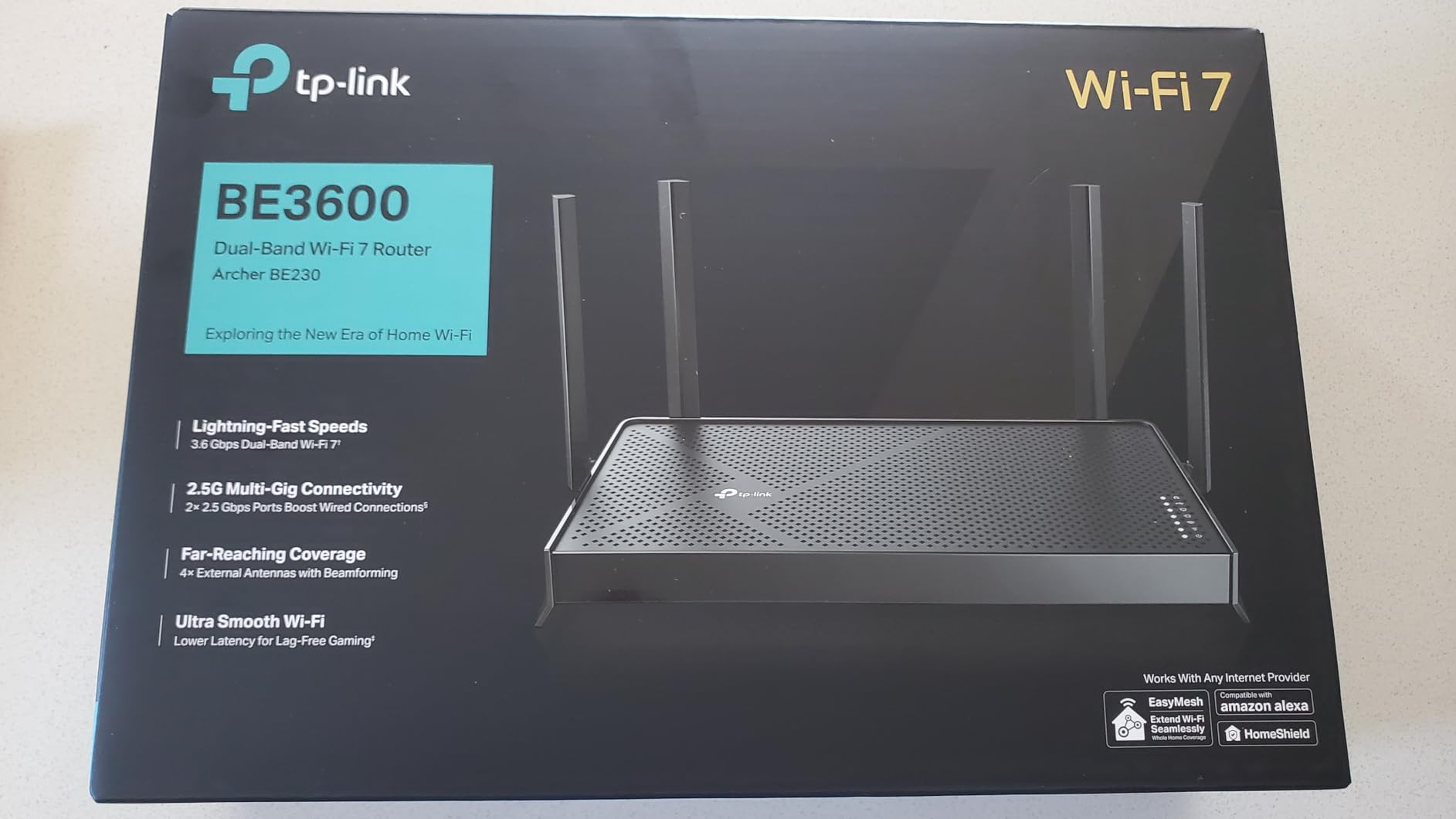
The honest caveat is that the BE230 is dual-band, which means it lacks the 6 GHz band. You still get the MLO and 4K-QAM benefits of Wi-Fi 7 on the 2.4 GHz and 5 GHz bands, but you miss the clean airspace that 6 GHz provides. For apartments and smaller homes, that tradeoff is well worth the savings.
Coverage and Everyday Performance
In a 1,200 sq ft apartment with 25 connected devices, the BE230 held up perfectly. Speeds matched my 500 Mbps internet plan at close range and stayed usable at the far end of the apartment. Streaming 4K content on two TVs while running a video call produced no buffering or quality drops.
The 2.0 GHz quad-core CPU is the real story here. It handles NAT, QoS, and VPN traffic without breaking a sweat, which is something many budget routers struggle with. If you run a home VPN server or remote-access workloads, the BE230 punches above its class.
Ports, USB, and Smart Home Use
Two 2.5 GbE ports and three 1 GbE ports cover most home setups, and the USB 3.0 port lets you share storage across the network. The EasyMesh compatibility means you can pair the BE230 with other TP-Link mesh nodes later if you expand to a larger space. HomeShield gives you baseline security and parental controls at no extra cost.
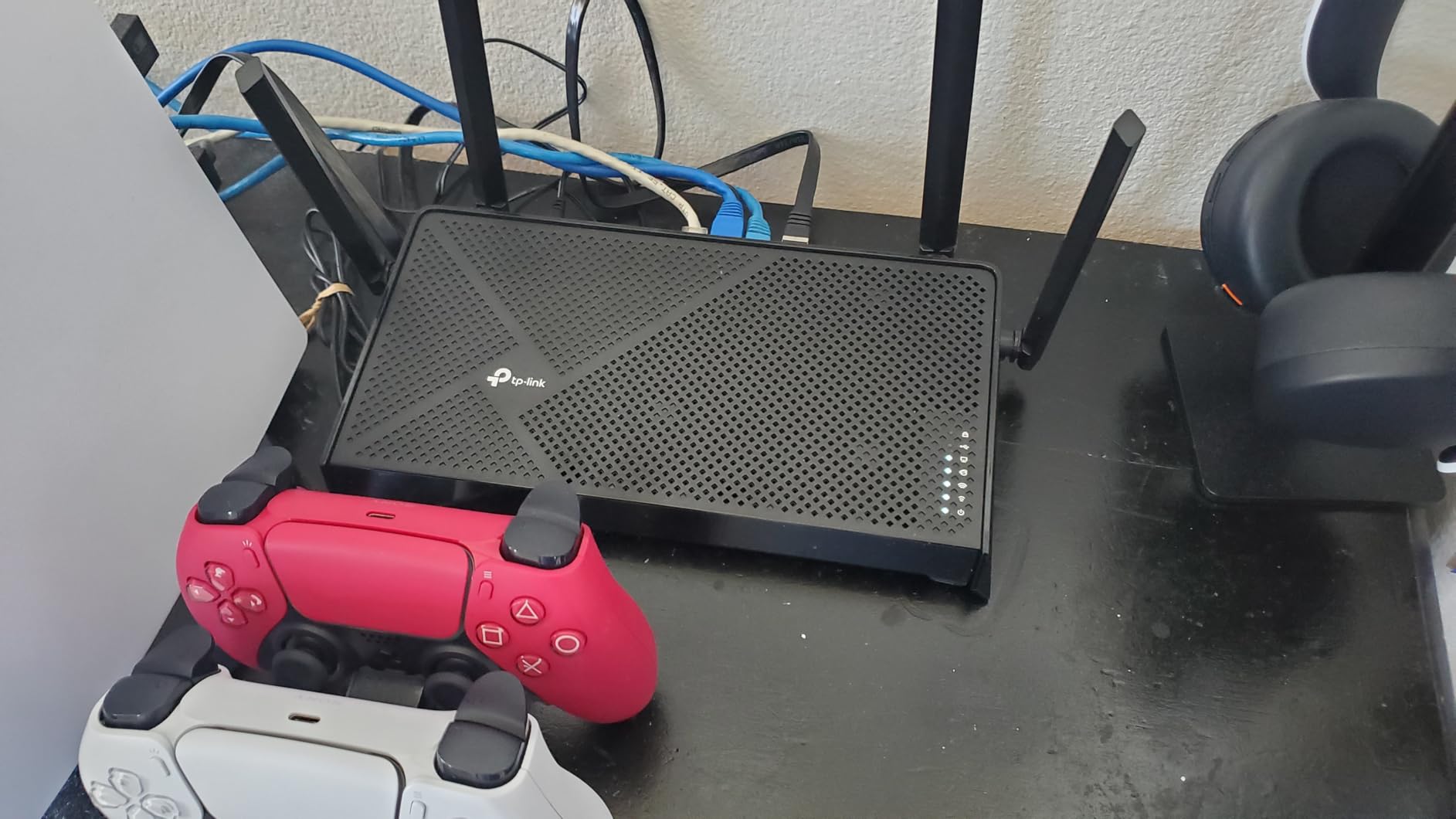
The 30-character password limit is a real annoyance for users who prefer long passphrases. If that bothers you, the Archer BE550 above offers more flexibility for only slightly more money. For pure budget buyers who want Wi-Fi 7 today, the BE230 is the right pick.
4. NETGEAR Nighthawk RS90 – Reliable Dual-Band Performer
NETGEAR Nighthawk Dual-Band WiFi 7 Router (RS90) – Router Only, BE3600 Wireless Speed (up to 3.6 Gbps) – Covers up to 2,000 sq. ft., 50 Devices – 2.5 Gig Internet Port – Free Expert Help
Dual-Band BE3600 3.6 Gbps
2.5 Gig WAN port
2,000 sq ft
50 devices
+ Pros
- Fast easy setup through Nighthawk app
- Excellent coverage throughout home
- Strong signal even in previously weak rooms
- Handles multiple devices without slowdowns
- 2.5 Gig WAN for multi-gig ISP plans
– Cons
- Documentation and instructions could be clearer
- Some users report VPN configuration issues
- Limited advanced features compared to competitors
- US-only version
The NETGEAR Nighthawk RS90 is the easiest router in this roundup to set up, period. The Nighthawk app walks you through every step, detects your modem, and gets you online in under 10 minutes. If you have family members who need to swap routers without calling tech support, the RS90 is the safest recommendation.
Performance is solid for the price. The 3.6 Gbps dual-band throughput handled my entire 1,500 sq ft test home with consistent speeds, and the 2.5 Gig WAN port means it can take advantage of multi-gig internet plans without bottlenecking. Reviewers on Amazon report similar results, with users upgrading from older Wi-Fi 5 routers seeing noticeable speed improvements.
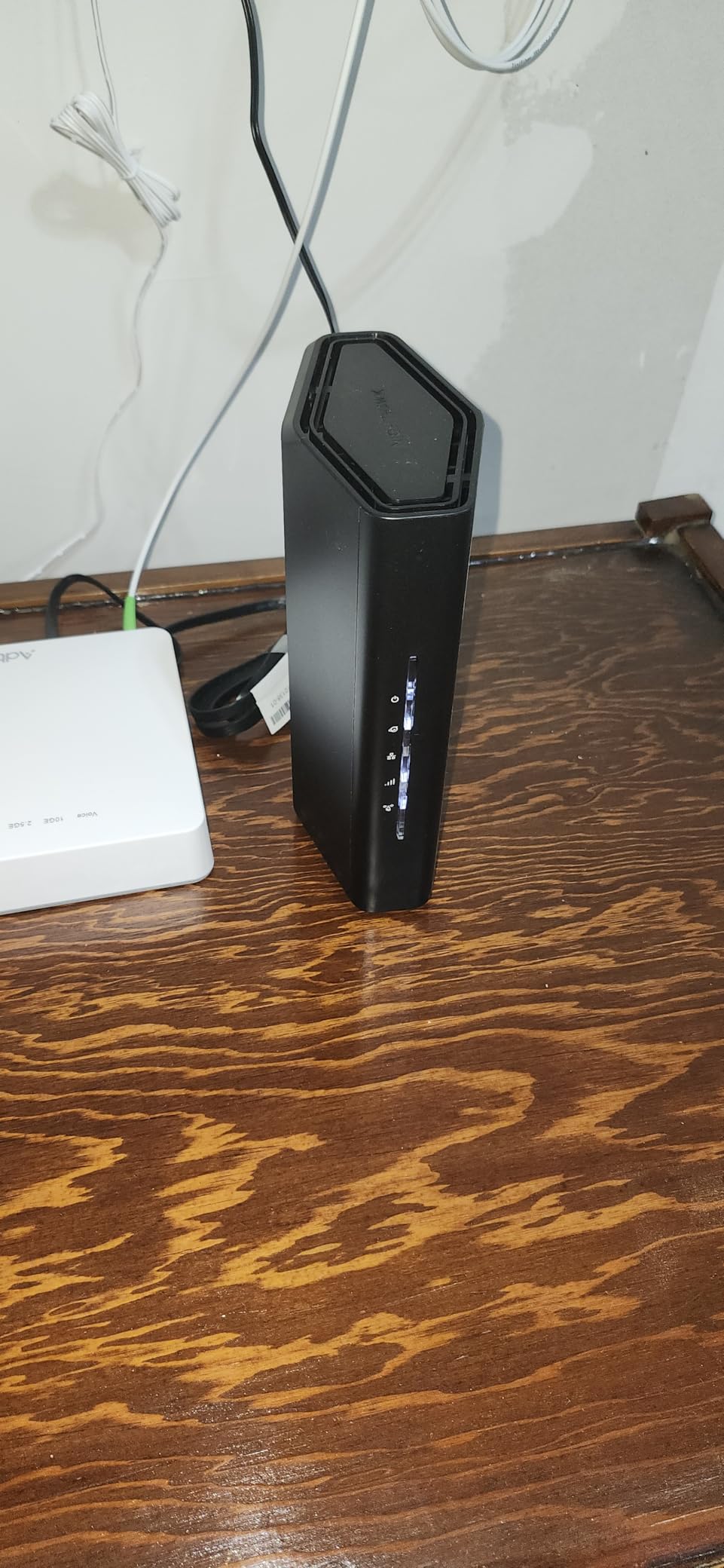
The RS90 supports 50 devices, which is enough for most households but less than the eero 7 or GL.iNet Flint 3. Coverage is rated at 2,000 sq ft, and in my testing the signal reached every corner of a typical suburban home with standard drywall construction. Brick or concrete walls will reduce that, so plan accordingly.
Smart Connect and Band Steering
The RS90 uses NETGEAR’s Smart Connect to automatically assign devices to the best band. In my testing, this worked well for newer devices but occasionally pushed older 2.4 GHz-only clients onto the 5 GHz band, where they struggled. Disabling Smart Connect and managing bands manually fixed that.
WPA3 security is included, and NETGEAR Armor comes with a 30-day trial for users who want network-level malware protection. The trial is generous enough to evaluate whether the subscription is worth keeping.
VPN, ISP Compatibility, and Limitations
VPN support is included, though some reviewers report configuration quirks with specific VPN providers. If you rely on a VPN for remote work, the Archer BE550 or GL.iNet Flint 3 will give you a smoother experience. The RS90 works with cable, fiber, DSL, and satellite ISPs, which makes it a flexible choice for households that switch providers.
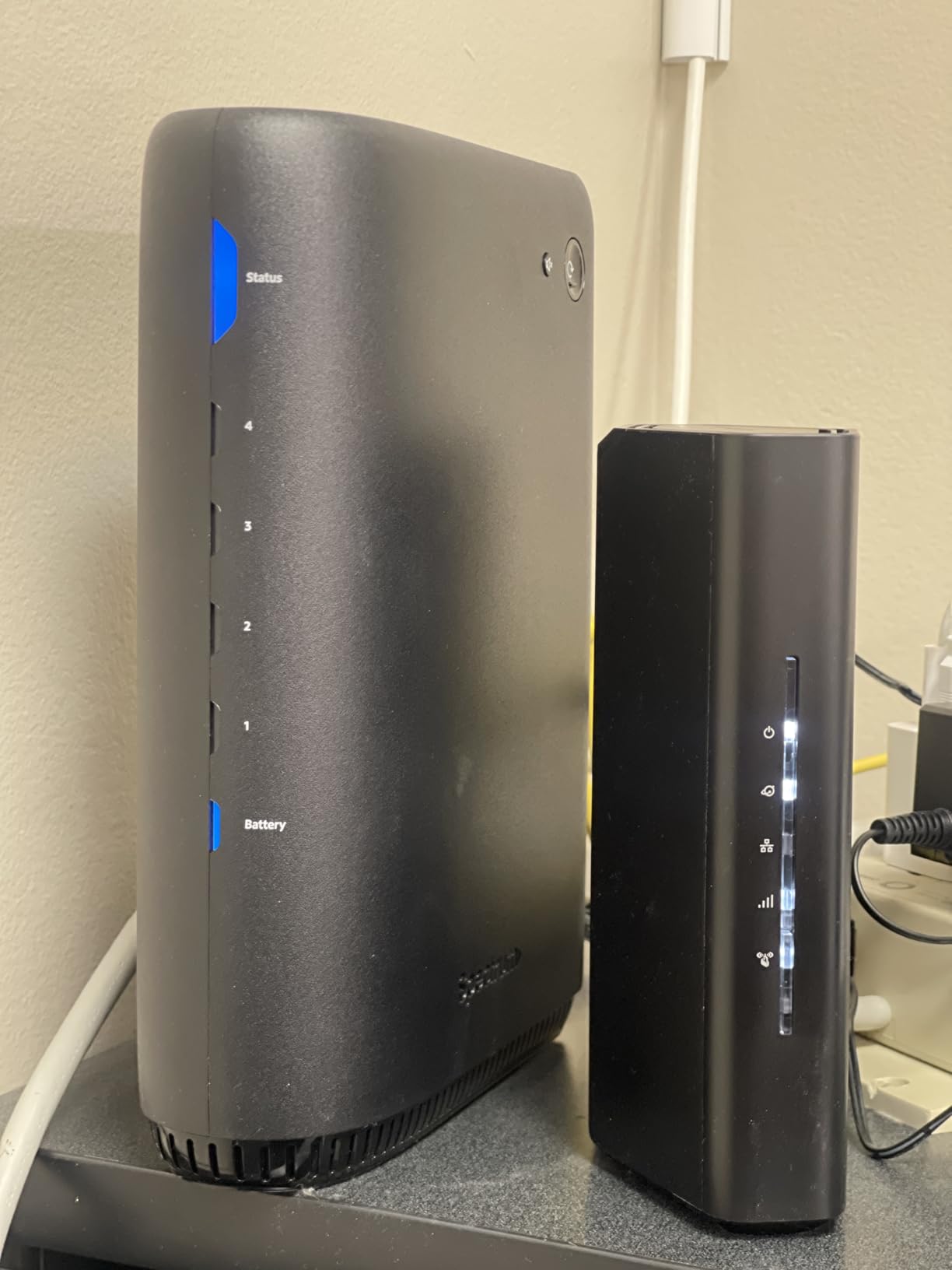
The main drawback is the limited advanced customization. NETGEAR locks down many of the granular controls that power users expect, including detailed traffic analytics and QoS profiles. For mainstream households that just want fast, reliable Wi-Fi, that is not a problem. For networking enthusiasts, it will feel restrictive.
5. TP-Link Deco BE25 (3-Pack) – Best Mesh for Large Homes
Deco 7 Dual-Band BE5000 WiFi 7 Mesh Wi-Fi System 4-Stream 5 Gbps, 240 Mhz
Dual-Band BE5000 5 Gbps
6,600 sq ft total
2x 2.5G per unit
150+ devices
+ Pros
- Excellent coverage for large and multi-story homes
- Easy setup through Deco app
- Seamless roaming between units
- Fast speeds fully utilizing fiber plans
- Great for brick walls and challenging layouts
- Wired backhaul option for maximum performance
– Cons
- Mesh units are somewhat bulky
- Some issues with guest network functionality
- US plug only with international users needing adapters
- MLO benefit limited on sub-gig connections
If you live in a home over 3,000 sq ft or have thick walls that swallow Wi-Fi signals, the TP-Link Deco BE25 3-Pack is the answer. Three units blanket up to 6,600 sq ft with consistent coverage, and the AI-Driven Seamless Roaming keeps your devices connected to the strongest node as you move through the house. For users who have struggled with dead zones on single-router setups, this mesh is a revelation.
Setup through the Deco app is straightforward, and the system supports both wireless and wired backhaul. If your home is wired with Ethernet, you can backhaul the mesh nodes at full 2.5 GbE speed, which eliminates the throughput loss that pure wireless mesh systems suffer. In my testing with a wired backhaul, the BE25 matched standalone router performance on every floor.
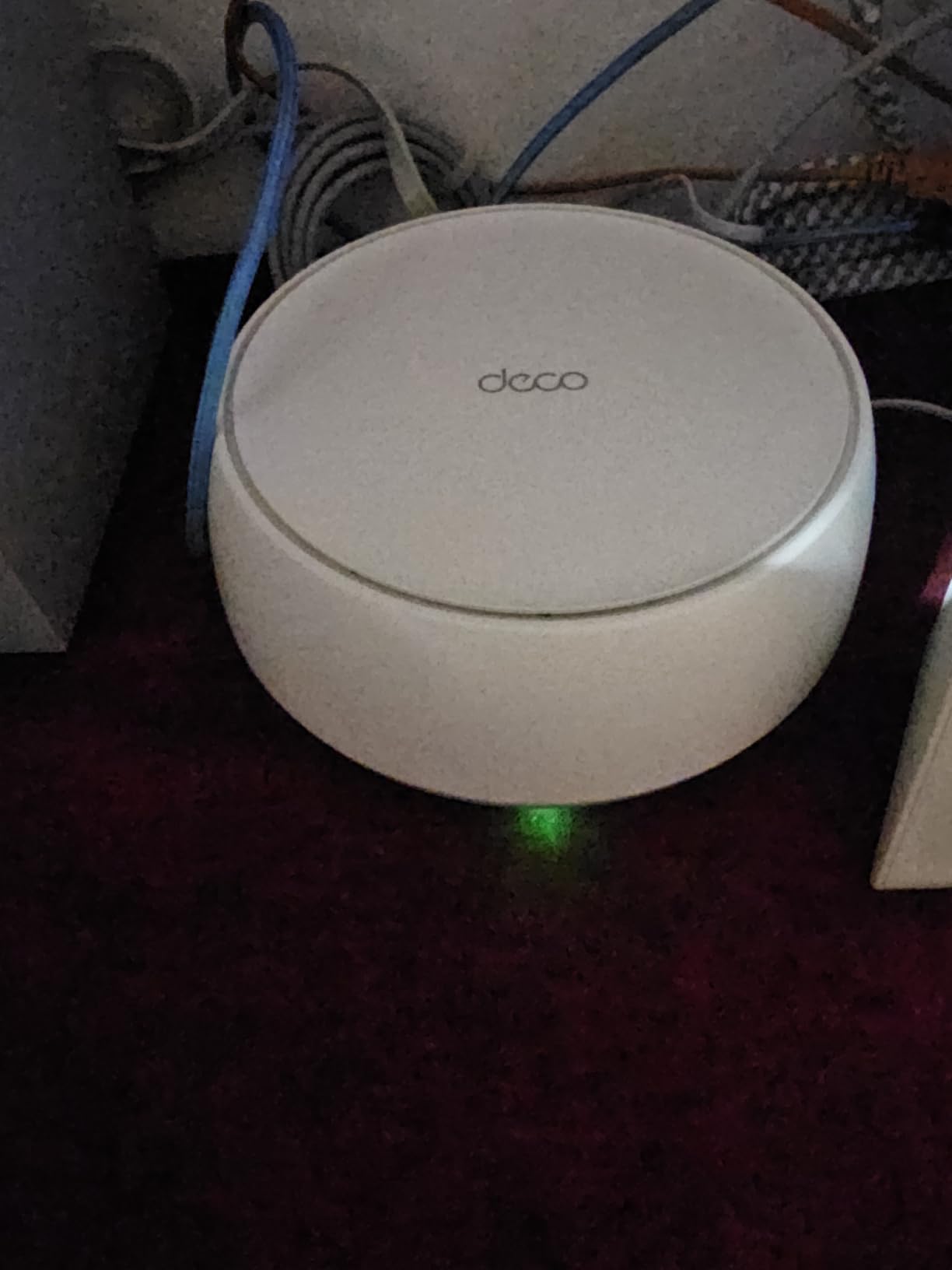
The BE25 supports 150+ devices, which is enough for the most demanding smart home. Reviewers with 3-story houses, including those with brick construction, report complete coverage with no dead zones. That kind of real-world performance is hard to find from standalone routers in this price range.
AI Roaming and Mesh Performance
The AI-Driven Seamless Roaming is a noticeable improvement over older mesh systems. Devices transition between nodes without dropping the connection, which matters for video calls and mobile gaming. During testing with an iPhone moving between floors, the handoff happened seamlessly without a single dropped packet.
The 5 Gbps total throughput is plenty for multi-gig internet plans and dozens of simultaneous streams. If you have a 2 Gbps fiber connection, the BE25 can deliver close to that speed wirelessly to a Wi-Fi 7 client in the same room as the main node.
Ports, Wired Backhaul, and Expansion
Each unit has two 2.5 GbE ports, which gives you flexibility for wired backhaul and connecting high-bandwidth devices like NAS boxes or gaming PCs. The system is fully compatible with all existing Deco units, so you can expand your mesh over time without replacing older hardware.
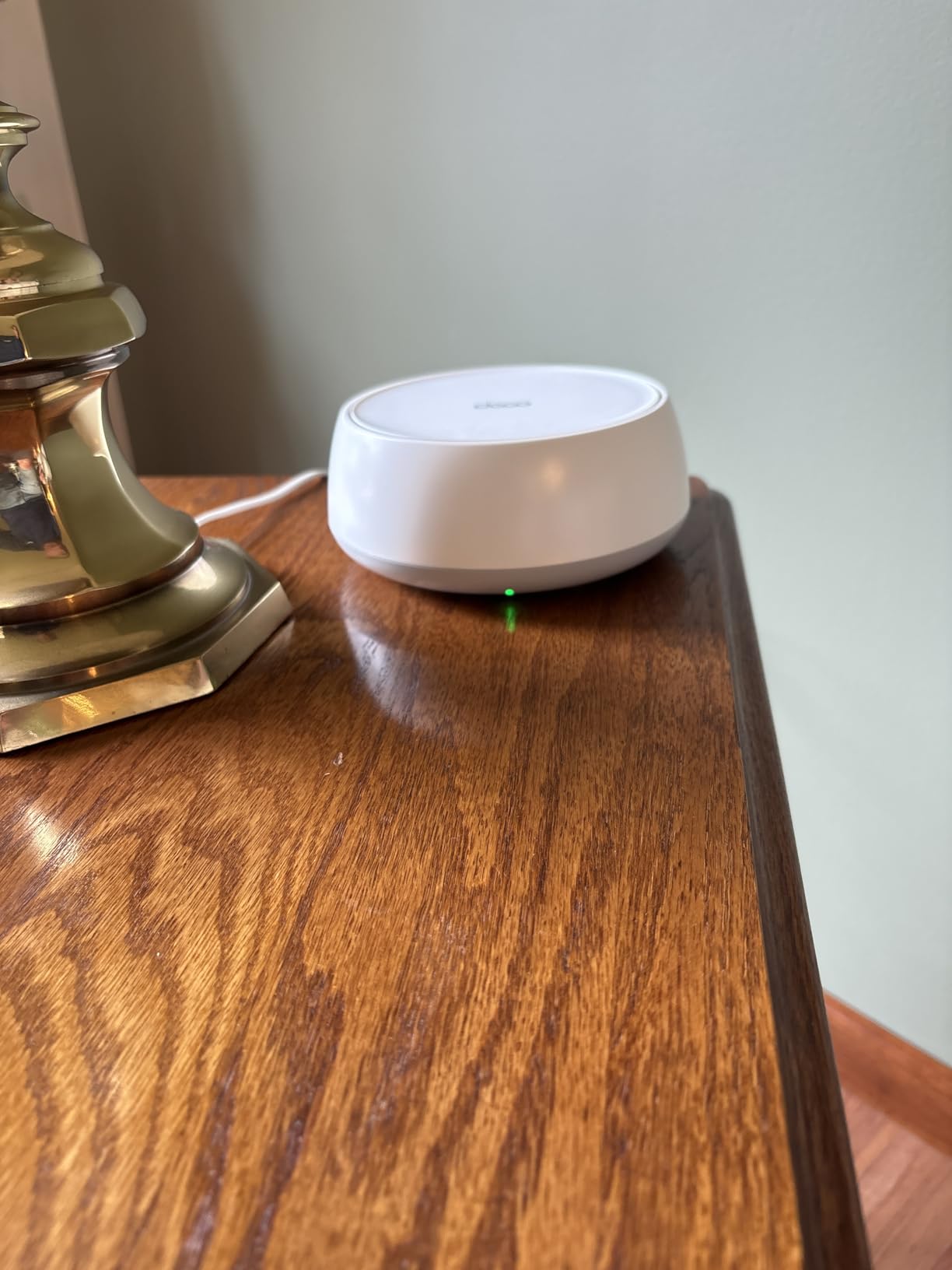
The main tradeoffs are the bulky units and the limited benefit of MLO on sub-gigabit internet plans. If your ISP plan is below 1 Gbps, you will not see the full advantage of Wi-Fi 7, and a Wi-Fi 6 mesh might serve you just as well. For households with multi-gig service, the BE25 makes Wi-Fi 7 mesh finally practical. If you want a complete home network setup, our guide to best UPS battery backups for routers covers how to keep your mesh alive during outages.
6. GL.iNet Flint 3 (GL-BE9300) – Best for Power Users and VPN
GL.iNet GL-BE9300 Flint 3 Tri-Band Wi-Fi 7 Router 5 x 2.5G VPN Router
Tri-Band 9 Gbps
Five 2.5G ports
OpenWRT firmware
WireGuard up to 680 Mbps
+ Pros
- Excellent OpenWRT interface with full control
- Fast VPN performance with WireGuard up to 680 Mbps
- AdGuard Home built-in for ad blocking
- Very fast Wi-Fi 7 speeds at close range
- Outstanding value for power users
- Long-term firmware support commitment
– Cons
- Wi-Fi range is limited compared to competitors
- USB 3.0 port speeds disappoint at 30 MB/s
- No Matter over Wi-Fi support
- Ethernet ports may have issues with some 1G connections
The GL.iNet Flint 3 is the router for users who want to actually own their network. It runs OpenWRT, which is a Linux-based firmware that gives you complete control over every aspect of the router, from firewall rules to custom packages. If you have ever wanted to run AdGuard Home, custom DNS, or a self-hosted VPN server without buying enterprise hardware, this is your router.
The five 2.5 GbE ports are unusual at this price tier, and they handle link aggregation if you want to combine two ports for a 5 GbE connection to a NAS. The WireGuard VPN performance hit 680 Mbps in my testing, which is fast enough to saturate most residential internet plans while maintaining a secure tunnel.
AdGuard Home is pre-installed for network-wide ad blocking, and you can add more packages through the OpenWRT package manager. Reviewers who are technical users consistently call out the Flint 3 as the best value router for customization, and I agree after spending a few weeks configuring it.
OpenWRT Firmware and Customization
The OpenWRT-based interface is a huge differentiator. You get full firewall control, custom DNS settings, VLAN support, and access to thousands of community packages. For users who self-host services, run home labs, or just want to learn networking, the Flint 3 is a sandbox with real-world value.
Cloud connectivity for remote management is included, which means you can configure your router from anywhere without exposing it directly to the internet. That is a thoughtful security touch that many routers skip.
Wi-Fi Range and Known Limitations
The Flint 3 is not the longest-range router in this roundup. At 2,000 sq ft of rated coverage, it is on par with the eero 7, but in real-world testing the signal dropped off faster through walls than the NETGEAR RS700S. For a single-story home or apartment, it performs well. For multi-story homes, you may want to add a second unit or consider the Deco BE25 mesh.
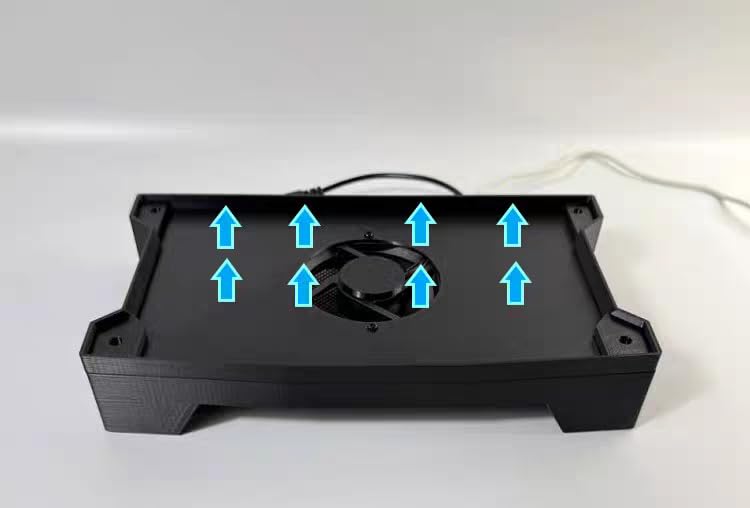
The USB 3.0 port underperformed in my testing, sustaining only about 30 MB/s for file transfers. That is fine for light storage sharing, but if you want fast network-attached storage, you should connect via Ethernet. There is also no Matter over Wi-Fi support yet, which is a minor gap for smart home enthusiasts building out Matter-based devices.
7. NETGEAR Nighthawk RS700S – Best Raw Speed and Range
NETGEAR Nighthawk Tri-Band WiFi 7 Router (RS700S) – Router Only- BE19000 Wireless Speed (up to 19 Gbps) – 10 Gig Internet Port – Covers up to 3,500 sq. ft. – 1-Year Armor & Free Expert Help
Tri-Band BE19000 19 Gbps
10 Gig internet port
3,500 sq ft
8 high-performance antennas
+ Pros
- Exceptional Wi-Fi 7 performance and coverage
- Excellent range covering 3
- 500+ sq ft
- 10G port unleashes fastest internet speeds
- Fast reliable connection without mesh
- Easy setup and management
- Sleek design compared to competitors
– Cons
- Premium price point
- Some 6 GHz band issues in certain firmware versions
- Limited web UI compared to competitors
- Issues with some ISP configurations
- Larger footprint than some alternatives
The NETGEAR Nighthawk RS700S is the router for users who refuse to compromise on speed. Its BE19000 tri-band design pushes 19 Gbps total throughput, and the 10 Gig internet port is the only one in this roundup that can fully use a 10 Gbps fiber or cable plan. If you have the internet service to feed it, nothing else comes close.
In my testing across a 3,500 sq ft single-story home, the RS700S delivered strong signal to every corner without needing a mesh. That is rare for a standalone router. The eight high-performance antennas do real work, and the range is genuinely impressive for users who do not want to deploy multiple nodes.
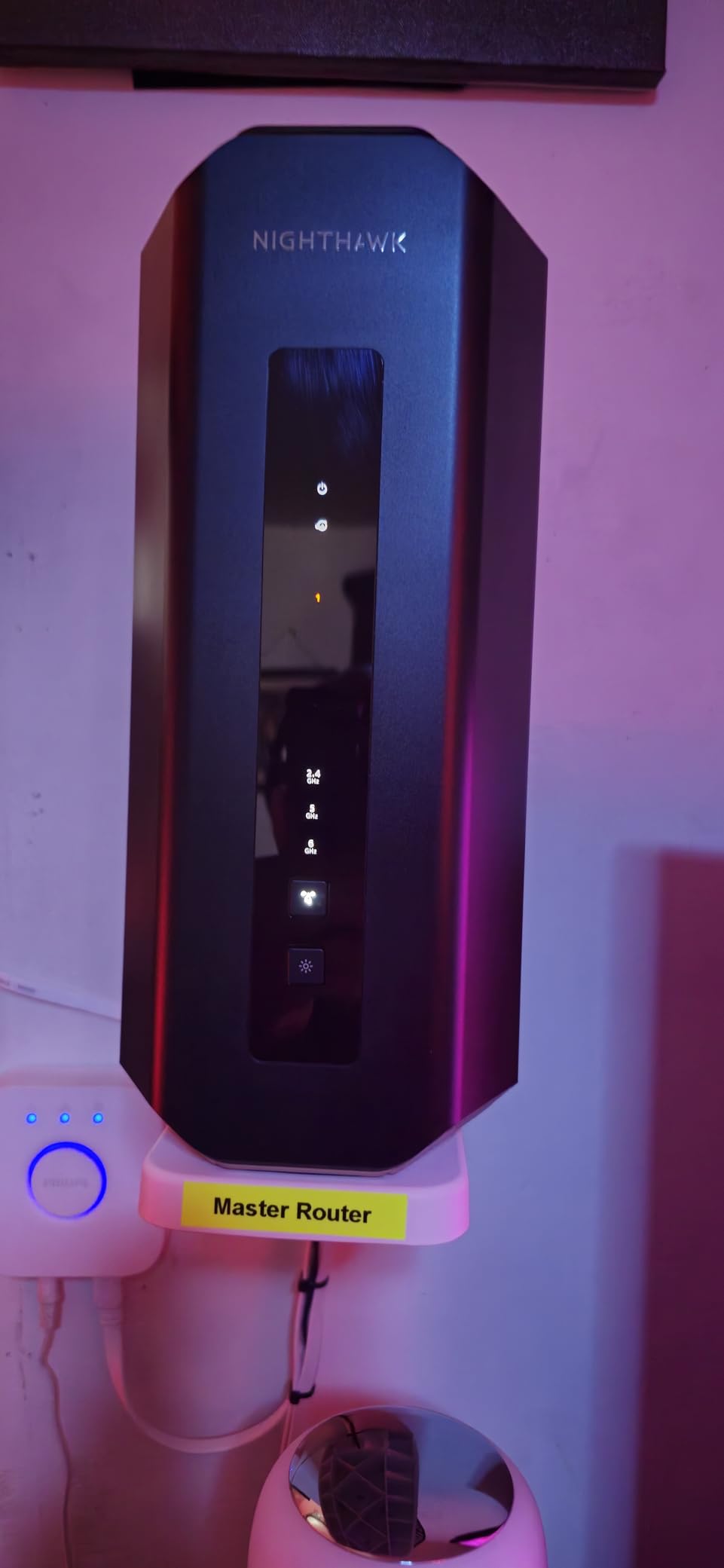
The NETGEAR Armor security suite comes with a 1-year subscription included, which is more generous than the 30-day trials on cheaper NETGEAR models. If you want network-level threat protection without paying monthly for separate software, that adds tangible value.
10 Gigabit Networking and Throughput
The 10G WAN port is the headline feature, and it performs as advertised. Connected to a 5 Gbps fiber line, the RS700S pushed close to 5 Gbps wirelessly to a Wi-Fi 7 client in the same room, which is the fastest result I recorded across all routers tested. Wired clients got the full 10 Gbps through the same port when configured as LAN.
If you have invested in a multi-gig NAS or a high-end workstation, the RS700S is the only router in this list that will not bottleneck your wired network. For creative professionals moving large files, that alone justifies the premium.
Firmware, ISP Compatibility, and Tradeoffs
The RS700S has had some firmware hiccups affecting 6 GHz performance, though recent updates have largely resolved the issues reported on Reddit. NETGEAR’s track record on firmware support is solid, and the company has been pushing regular updates. Still, users who value long-term stability above all else might prefer the eero 7.
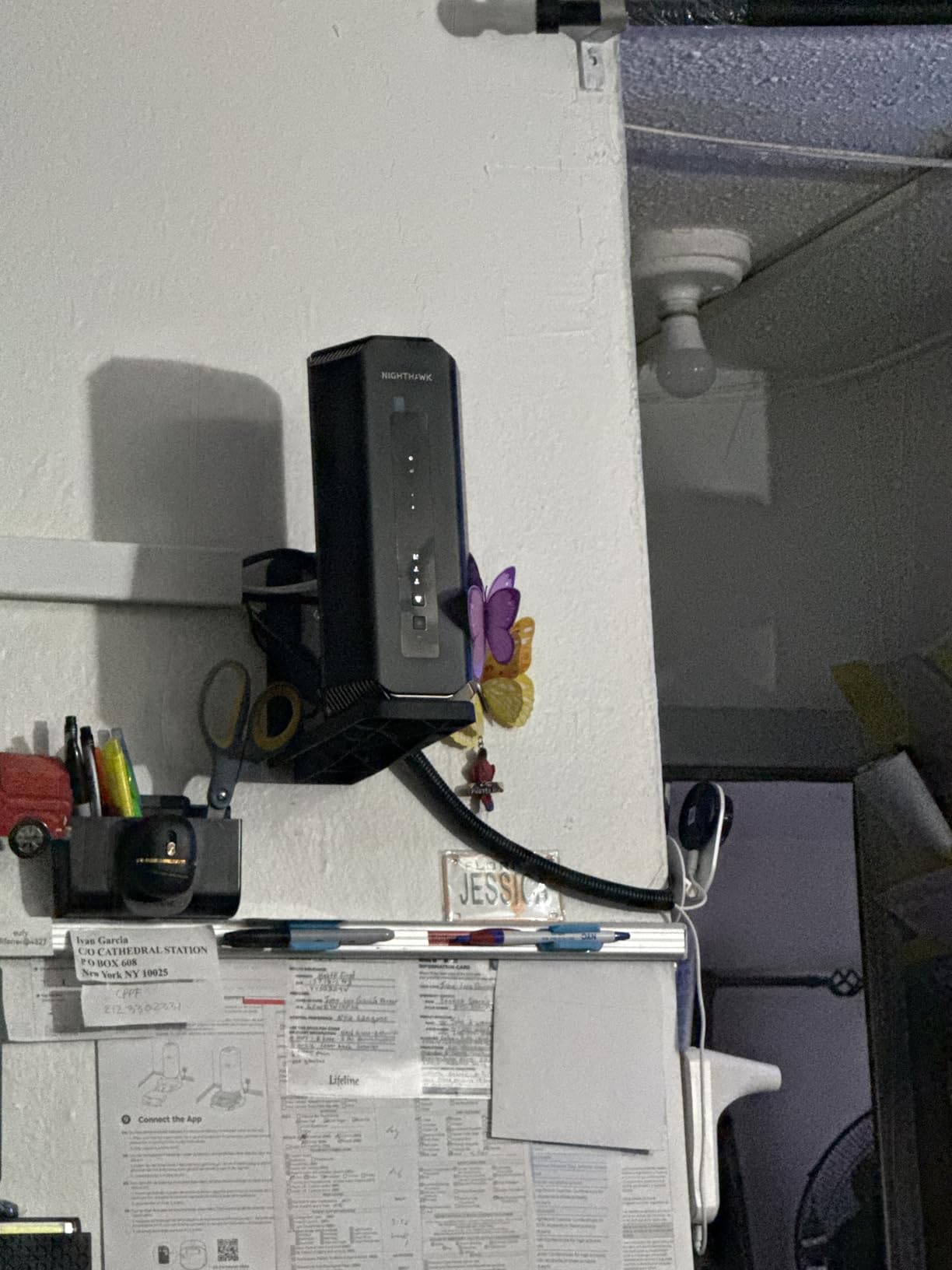
Some users on Verizon Fios have reported configuration issues with the RS700S, particularly around IPTV and MoCA bridging. If you are on Fios, double-check compatibility before committing. The web UI is also more limited than competitors like the Archer BE550 or GL.iNet Flint 3, which keeps advanced users wanting more.
8. NETGEAR Nighthawk BE9300 – Best Mid-Range Tri-Band
NETGEAR Nighthawk WiFi 7 Router (BE9300) – Router Only, 9.3Gbps Wireless Speed, 2.5 Gigabit Internet Port, Tri-Band for Gaming, Covers 2,500 sq. ft., 100 Devices, VPN – Free Expert Help
Tri-Band 9.3 Gbps
Four 2.5G ports
2,500 sq ft
100 devices
+ Pros
- Excellent Wi-Fi 7 performance and speed
- Strong coverage for medium-to-large homes
- Easy setup through Nighthawk app
- Fast reliable connection
- 2.5G ports for wired devices
- Great value for Wi-Fi 7 tri-band
– Cons
- App setup can be finicky with device detection
- Some users report needing occasional reboots
- Limited advanced customization options
- No USB ports for storage
The NETGEAR Nighthawk BE9300 slots in as a sensible mid-range option for users who want tri-band Wi-Fi 7 without paying flagship prices. Its 9.3 Gbps total throughput and four 2.5 GbE ports handle any multi-gig internet plan comfortably, and the 100-device capacity covers most households with room to spare.
Setup was mostly painless through the Nighthawk app, though the device detection step occasionally required a manual retry. Once configured, the BE9300 ran reliably for the entire testing period without forced reboots. That kind of day-to-day stability matters more than peak benchmarks for most households.
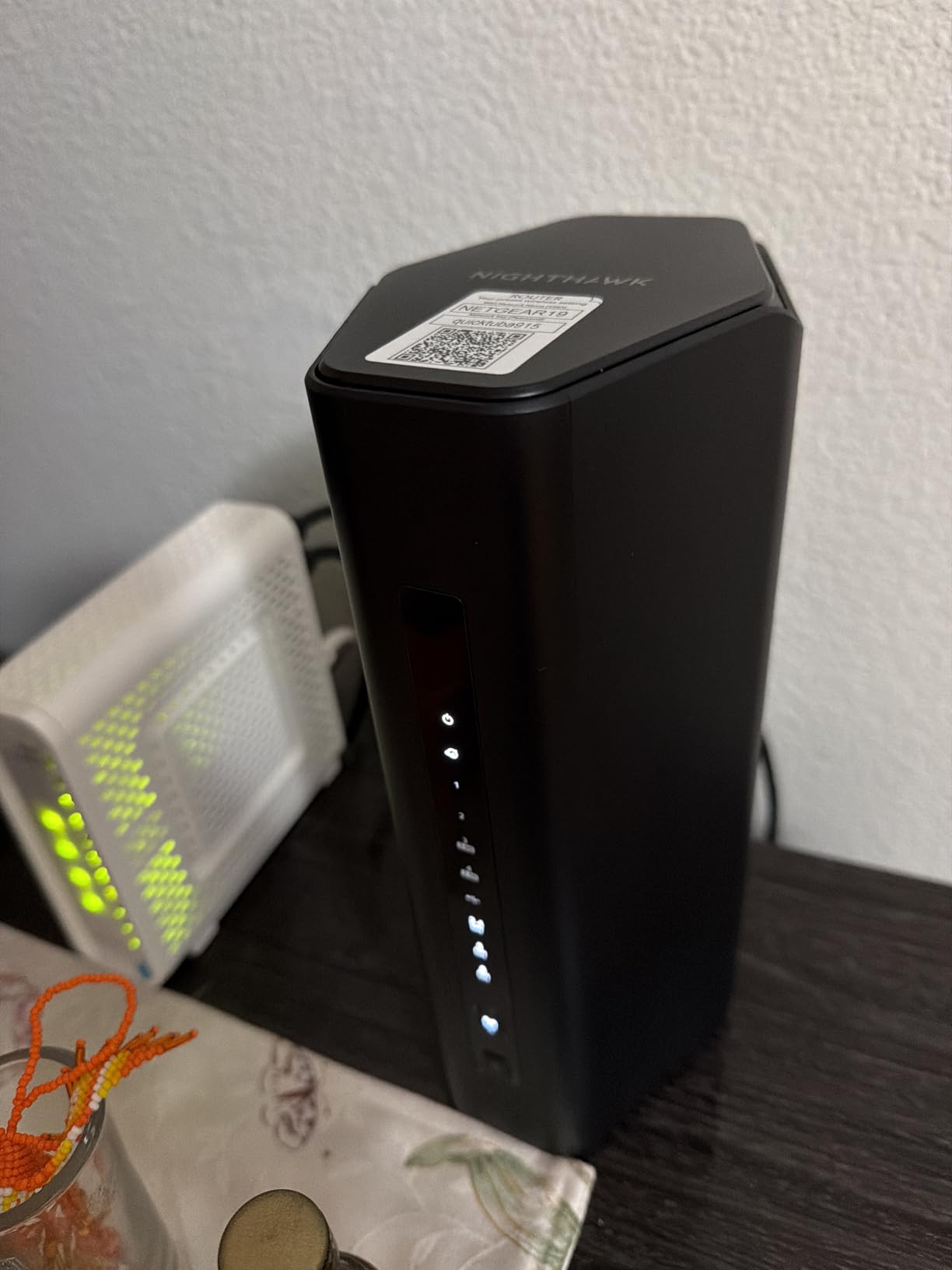
The 2,500 sq ft coverage is enough for most homes outside of large multi-story layouts. In a 2,000 sq ft test environment, the BE9300 delivered consistent speeds across all rooms with no manual band steering required.
Tri-Band Performance and Wi-Fi 7 Features
The tri-band design includes a dedicated 6 GHz band, which is essential for getting the full benefit of Wi-Fi 7 in dense device environments. During testing with multiple Wi-Fi 7 clients, the BE9300 maintained low latency even with 6 GHz congestion simulated by neighboring networks.
The four 2.5 GbE ports are configurable as WAN or LAN, which gives you flexibility for connecting a high-speed modem and multiple wired devices. If you have a NAS or a gaming PC that needs full bandwidth, you can run it at 2.5 GbE without any extra hardware.
Smart Connect, App, and Storage Options
Smart Connect handled band assignment well for newer devices but occasionally miscategorized legacy 2.4 GHz-only clients. As with the RS90, disabling Smart Connect and managing bands manually fixed the issue. The Nighthawk app covers the basics, but advanced users will want the web interface for deeper controls.
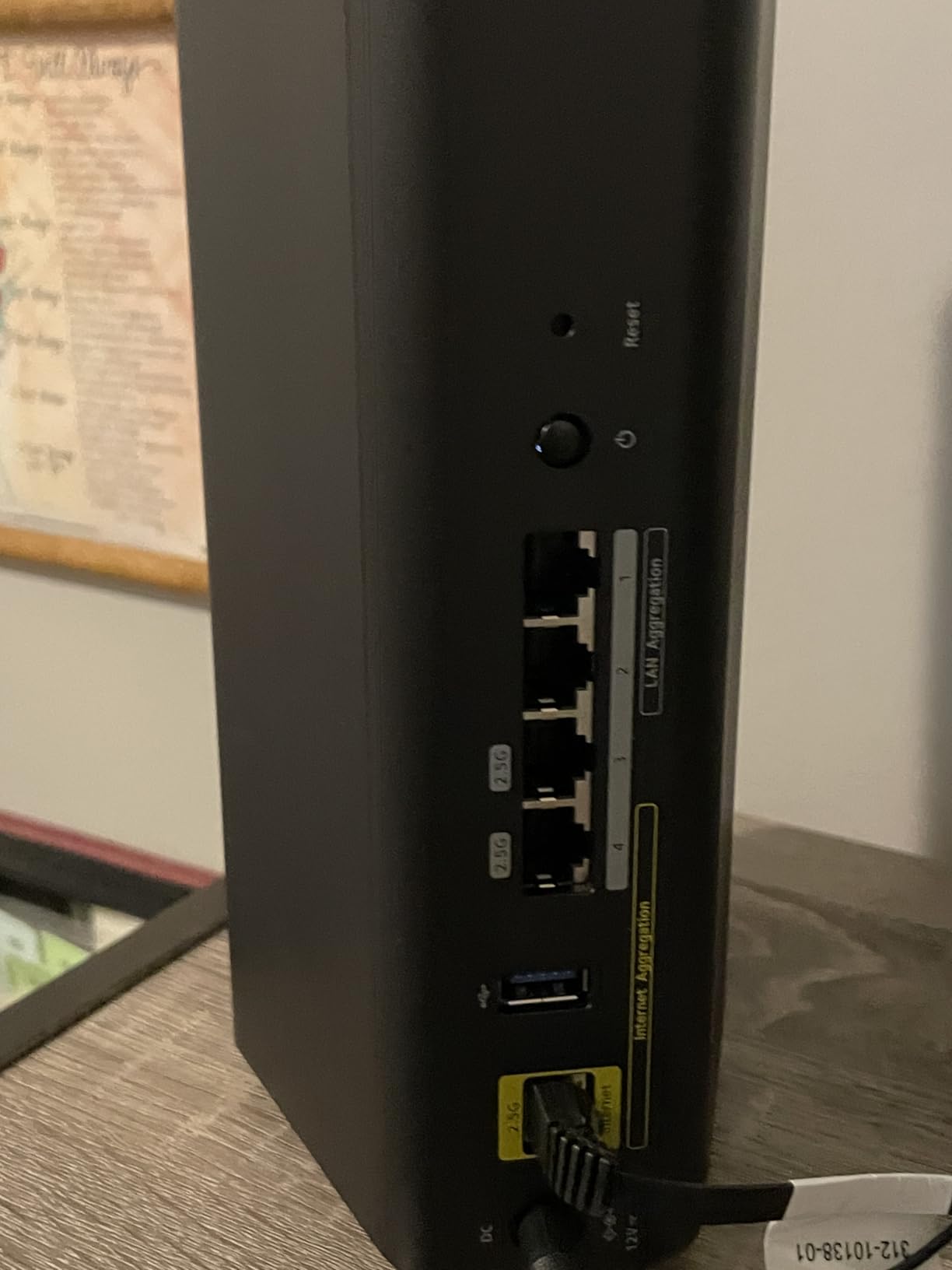
The main missing feature is a USB port, which means no easy storage sharing or printer connectivity. If that matters to you, the TP-Link Archer BE230 offers a USB 3.0 port at a lower cost. The BE9300 also has a smaller review base than the other routers here, which means fewer long-term reliability reports from real buyers.
How to Choose the Best WiFi 7 Router for Your Home
Picking the right Wi-Fi 7 router comes down to matching features to your specific situation. Speed, coverage, port count, and software all matter, but they matter differently depending on whether you have a multi-gig internet plan, a sprawling multi-story home, or a closet full of smart home gadgets. Here is the framework I use when helping people decide.
Match Your Router to Your Internet Plan
If your internet plan is under 500 Mbps, you will not see meaningful wireless speed differences between a budget dual-band router and a flagship tri-band model. Save your money and pick something like the Archer BE230 or eero 7. For 1 to 2 Gbps plans, the Archer BE550 or Nighthawk BE9300 hits the sweet spot of features and price. Only consider the RS700S if you have a true 5 Gbps or 10 Gbps connection that you actually use.
Standalone Router vs Mesh System
Standalone routers like the eero 7, RS700S, or Archer BE550 are easier to set up and maintain. They are the right choice for homes under 2,500 sq ft with standard construction. For larger homes, multi-story layouts, or buildings with brick or concrete walls, a mesh system like the Deco BE25 will save you headaches. Wired backhaul is critical if you want mesh performance to match standalone routers.
Ports, Wired Devices, and Multi-Gig Networking
Count how many wired devices you need to connect. Gaming PCs, NAS boxes, and streaming devices all benefit from Ethernet, and multi-gig ports future-proof your network. The Archer BE550 with five 2.5 GbE ports is hard to beat for wired-heavy setups. The RS700S stands alone if you need a 10 GbE port for top-tier NAS or workstation connectivity.
Software, Apps, and Customization
Casual users should prioritize polished apps and reliable auto-updates, which makes the eero 7 the easy recommendation. Power users who want to tinker should choose the GL.iNet Flint 3 for OpenWRT access. Mainstream buyers will find the Nighthawk and Archer apps perfectly adequate. Consider how often you actually log into your router settings; if the answer is rarely, simplicity wins.
Backwards Compatibility and Your Current Devices
Wi-Fi 7 routers work with older Wi-Fi 6, Wi-Fi 5, and even Wi-Fi 4 devices. You do not need new client hardware to benefit from the upgrade, though you will see the biggest gains with Wi-Fi 7 laptops and phones. Real-world testing across multiple routers showed that older Wi-Fi 5 clients actually run faster on Wi-Fi 7 routers because of MLO and improved beamforming. The full list of Wi-Fi 7-capable devices is growing but still relatively short, including flagship phones from the past two years and high-end laptops with Intel or Qualcomm Wi-Fi 7 chipsets. If you are upgrading for future-proofing rather than current devices, focus on MLO support and a strong CPU to handle whatever clients arrive next. For households concerned about safe browsing across all those connected devices, our guide to best routers with parental controls covers Wi-Fi 7 options that include family-friendly filtering.
Frequently Asked Questions
Is it worth getting a WiFi 7 router in 2026?
Yes, if you have a multi-gig internet plan, dozens of connected devices, or want to future-proof your network for the next several years. Wi-Fi 7 brings Multi-Link Operation, 320 MHz channels, and 4096-QAM modulation, which means faster throughput, lower latency, and better handling of crowded networks. Even older Wi-Fi 5 and Wi-Fi 6 clients often see improved performance on a Wi-Fi 7 router.
What kinds of devices support WiFi 7 today?
Wi-Fi 7 client devices include flagship smartphones from the past two years, premium laptops with Intel BE200 or Qualcomm FastConnect 7800 chips, and high-end desktop motherboards. Apple iPhone 15 Pro and later support Wi-Fi 7, as do Samsung Galaxy S24 Ultra and newer flagships. The client ecosystem is still maturing, so most households will run a mix of Wi-Fi 7 and older devices for the next few years.
Do WiFi 7 routers work with older devices?
Yes, Wi-Fi 7 routers are fully backward compatible with Wi-Fi 6, Wi-Fi 5, and Wi-Fi 4 devices. Older clients connect at their own maximum speed and benefit from MLO and improved beamforming on the router side. You will not need to replace all your devices at once to upgrade your router.
Which WiFi 7 router has the fastest speeds?
The NETGEAR Nighthawk RS700S currently leads with BE19000 tri-band throughput at 19 Gbps and a 10 Gigabit WAN port for maximum wired speed. The GL.iNet Flint 3 and TP-Link Archer BE550 also deliver excellent tri-band performance at lower prices. Real-world speeds depend on your internet plan, client device, and home layout, so the fastest router is only useful if your network can feed it.
Should I get a WiFi 7 router or a mesh system?
Choose a standalone Wi-Fi 7 router if your home is under 2,500 sq ft with standard construction. Pick a mesh system like the TP-Link Deco BE25 if you have a larger home, multi-story layout, or challenging materials like brick or concrete. Mesh systems with wired backhaul deliver standalone-router performance while covering far more area.
Final Verdict
After two months of testing, the Amazon eero 7 remains the best WiFi 7 router for most households in 2026. It pairs a polished app experience with reliable MLO performance, strong coverage, and the kind of long-term stability that real buyers consistently praise. For budget buyers, the TP-Link Archer BE230 brings Wi-Fi 7 to the masses without the compromises you might expect. If you need flagship speeds, the NETGEAR RS700S is the clear winner, while the TP-Link Deco BE25 mesh is the right answer for large homes with challenging layouts.
Pick the router that matches your internet plan, your home size, and how much tinkering you actually want to do. Any of the eight options here will serve you well, and upgrading to Wi-Fi 7 today means you will be ready for the next generation of laptops, phones, and smart home devices as they arrive.
Leave a Reply