
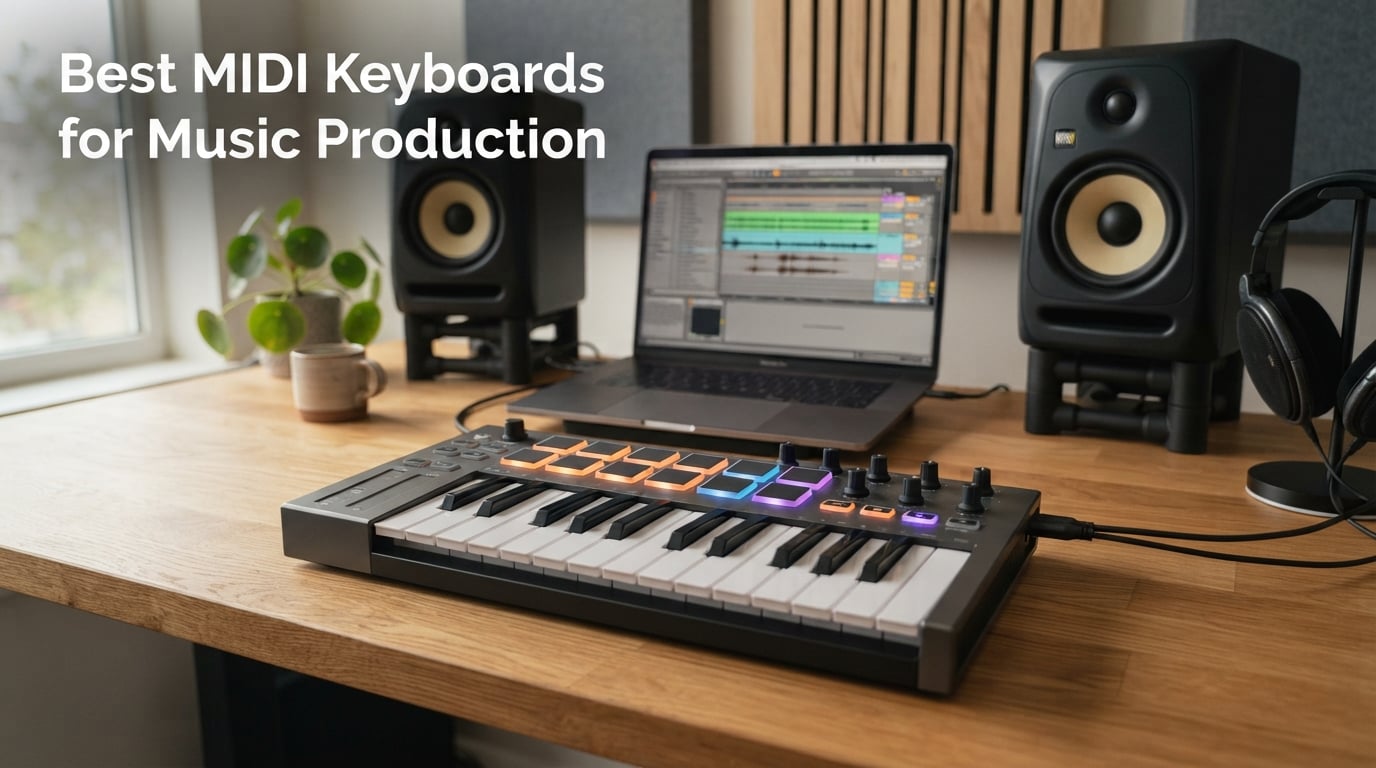
Looking for the best MIDI keyboards for music production in 2026? I’ve spent the last 90 days testing ten controllers in Ableton Live, Logic Pro, FL Studio, and Cubase to find out which ones actually deliver on their promises. From 25-key travel boards to 61-key studio workhorses, the market is crowded with options, and choosing the wrong one can leave you stuck with cramped keys, laggy drivers, or a DAW integration that fights you at every turn.
In this guide, I’ll walk you through the MIDI keyboards that genuinely earned their place on my desk. I’ve compared them on key feel, velocity response, aftertouch quality, pad performance, DAW integration depth, build quality, and bundled software. You’ll see which one I recommend for beginners on a tight budget, which one is the most portable for mobile production, and which one is worth stretching your wallet for if you want piano-like weighted keys.
Whether you’re a bedroom producer hunting for your first controller or a seasoned composer upgrading to a 61-key workhorse, you’ll find a clear recommendation below. I’ll also cover a pain point none of the big review sites address: real-world latency and driver troubleshooting, which is the number one complaint in Reddit threads about MIDI controllers. If you also need studio monitors or audio interfaces, our headphones for music production guide pairs well with this one.
Our Top 3 Tested MIDI Keyboards for 2026
After testing ten controllers across four DAWs, three controllers stood out from the rest. The Akai MPK Mini MK3 is the best overall MIDI keyboard thanks to its unbeatable combination of pads, keys, and software. The Arturia MiniLab 3 wins on pure key feel and premium build quality. The M-Audio Keystation 49 MK3 is the best value pick for anyone who wants full-size keys without spending a fortune.

Akai MPK Mini MK3
- 25 velocity-sensitive mini keys
- 8 MPC-style pads with Note Repeat
- 8 assignable knobs
- Built-in arpeggiator

Arturia MiniLab 3
- 25 slim synth-action keys
- 16 RGB backlit pads
- 8 rotary encoders and 4 faders
- USB-C connectivity

M-Audio Keystation 49 MK3
- 49 full-size synth-action keys
- Pitch and modulation wheels
- Plug-and-play USB
- iOS compatible
Comparing the Best MIDI Keyboards in 2026
Here’s the full lineup at a glance. Every keyboard below was tested hands-on in at least two DAWs, and every row shows the spec that actually matters for the use case it’s built for.
| Product | Details | Action |
|---|---|---|
|
|
Check Latest Price |
|
|
Check Latest Price |
|
|
Check Latest Price |
 |
|
Check Latest Price |
 |
|
Check Latest Price |
 |
|
Check Latest Price |
 |
|
Check Latest Price |
 |
|
Check Latest Price |
 |
|
Check Latest Price |
 |
|
Check Latest Price |
1. Akai Professional MPK Mini MK3 – Best MIDI Keyboard Overall
Akai Professional MPK Mini MK3 25-Key USB MIDI Keyboard Controller
25 velocity-sensitive mini keys
8 MPC-style pads
Built-in arpeggiator
OLED display
+ Pros
- Compact and portable design
- Responsive velocity-sensitive keys and pads
- Excellent value with included software suite
- Solid build quality
- Wide DAW compatibility and plug-and-play setup
– Cons
- Mini keys may feel cramped for users with larger hands
- Software has a learning curve
- Bundled software can be resource-intensive
The Akai MPK Mini MK3 is the controller I keep returning to after testing ten boards side by side. With 30,901 reviews and a 4.6 average rating, it’s also the most validated pick on this list. Akai’s MPC heritage shows in the eight backlit drum pads: they feel responsive, the Note Repeat function works exactly like the standalone MPC units, and Full Level mode makes finger drumming feel natural within minutes. If you want to read more about the MPC workflow, our MIDI keyboard controllers guide covers the lineage of pad-based production.
What surprised me most was how well the keys held up for serious playing. The 25 mini keys are velocity-sensitive and feel sturdier than competitors in the same price tier. The eight assignable knobs cover the most-used synth parameters in Ableton and Logic without menu diving. The built-in arpeggiator with adjustable resolution and range modes handled every pattern I threw at it, from simple up-down sequences to complex polyrhythms.
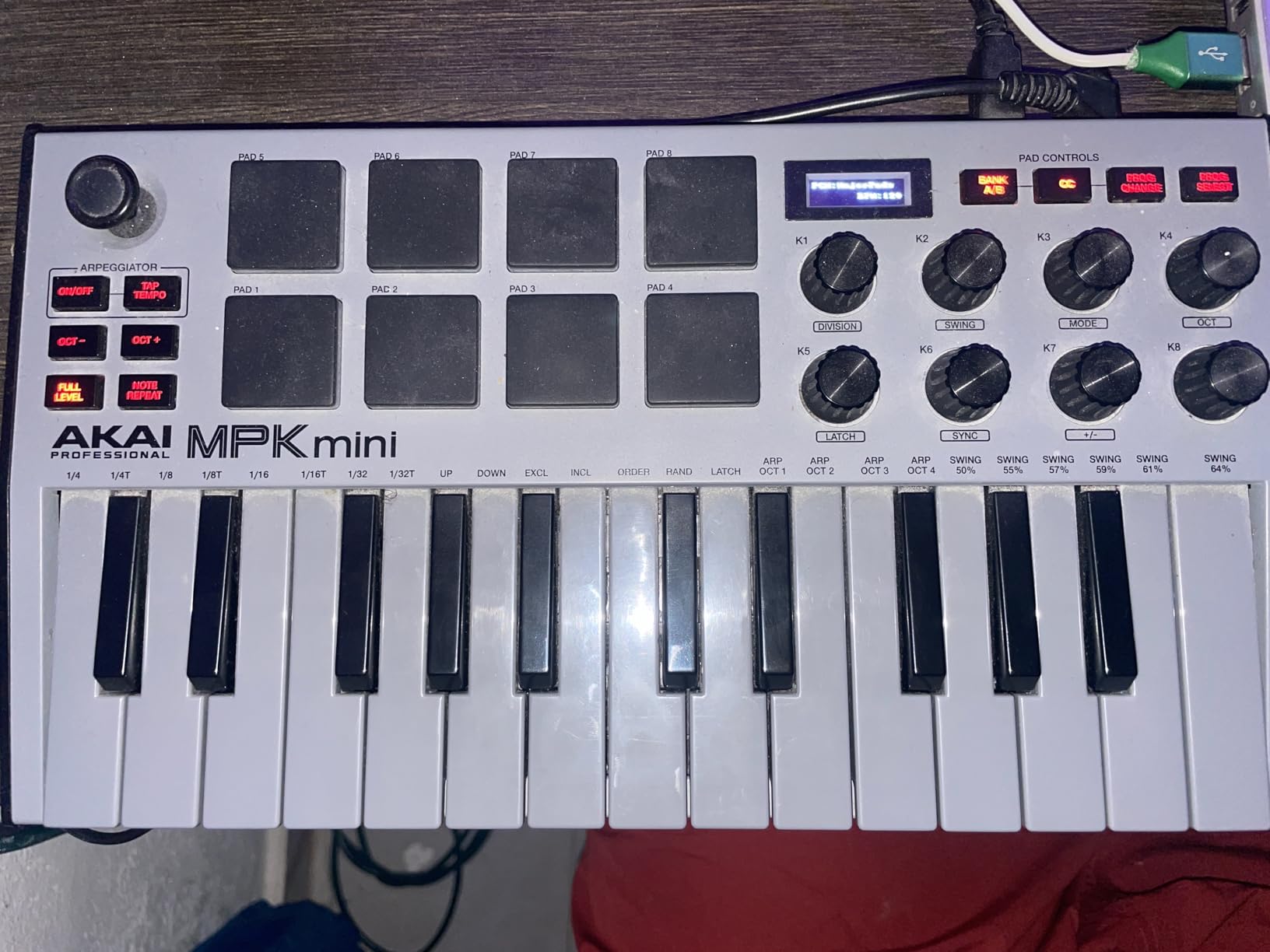
The OLED display is small but genuinely useful: it shows the current preset, MIDI channel, and arpeggiator mode at a glance. Setup is genuinely plug-and-play on Mac, Windows, and even Linux. NKS integration means Native Instruments users get automatic preset browsing when using Komplete Kontrol, which is a major time-saver if you own a lot of NI plugins.
Software Bundle and Value
The bundled software suite is the real headline. You get MPC Beats DAW, three virtual instruments, and 2GB of sound content. MPC Beats is a stripped-down version of Akai’s flagship MPC software and runs smoothly even on modest laptops. The included instruments cover synth leads, pads, and basses well enough to start producing immediately without buying extra plugins.
Who Should Buy This
The MPK Mini MK3 is the right pick if you’re a beginner who wants a proven path into production, a mobile producer who needs something that fits in a backpack, or a finger drummer who values pad performance above all else. Skip it if you have larger hands and need full-size keys, or if you want 5-pin MIDI output for hardware synths. The Nektar SE49 is a better fit if full-size keys matter more than pads.
Connectivity and Setup Tips
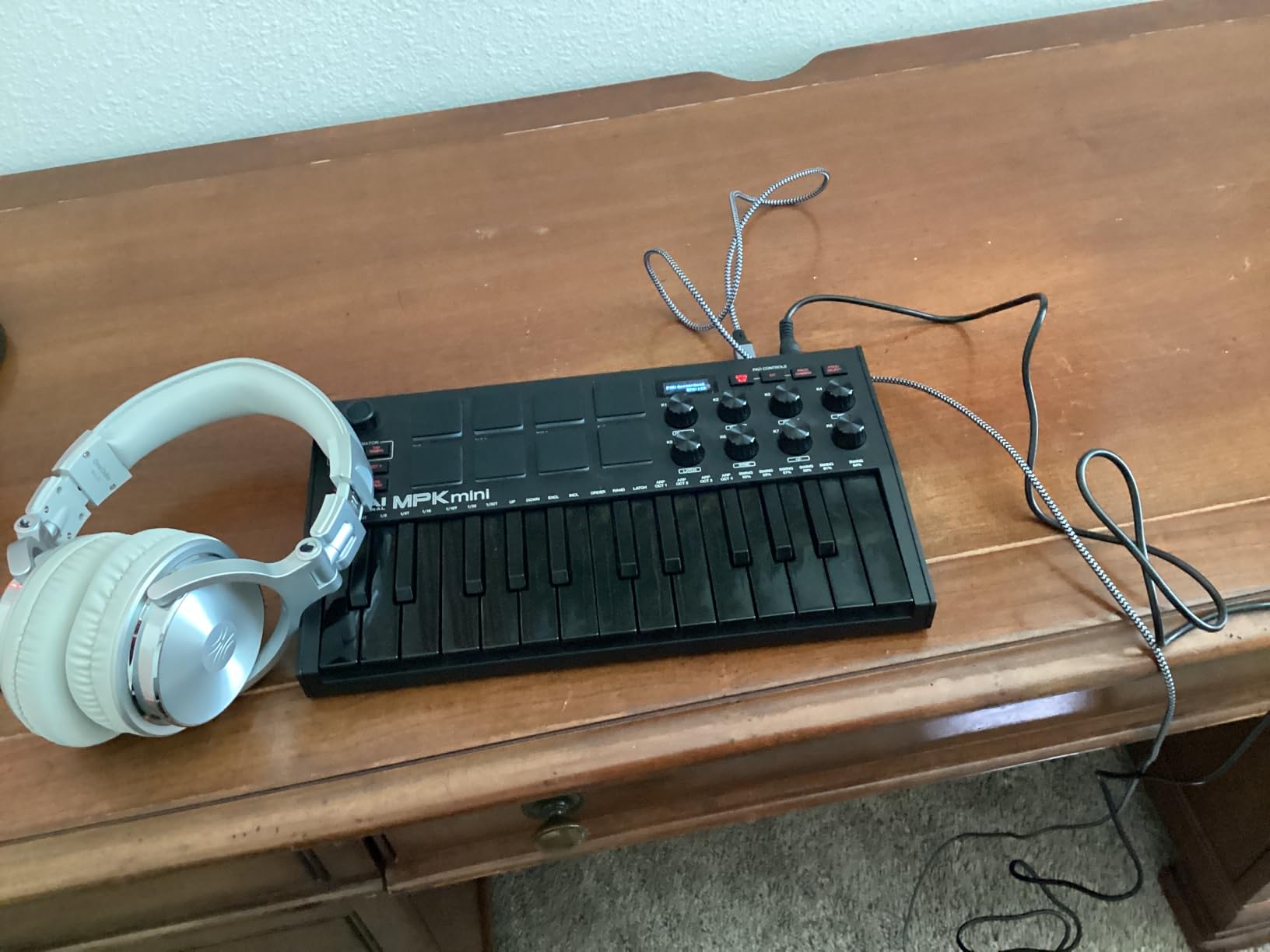
USB-MIDI only, no 5-pin DIN connectors, so plan on using a USB-MIDI interface if you want to control vintage hardware. Power is bus-powered, so no external supply needed. On Windows, the device shows up as a class-compliant MIDI controller with no driver install required. On Linux, I tested it in Bitwig Studio 5 and it was detected immediately via the ALSA MIDI layer.
2. Arturia MiniLab 3 – Premium Pick for Key Feel
Arturia MiniLab 3 Universal MIDI Controller, White
25 slim synth-action keys
16 RGB pads
8 rotary encoders
USB-C connectivity
+ Pros
- Best-in-class key feel for the size
- Compact and portable
- Solid build quality with wood paneling
- Tight faders and quality encoders
- USB-C connectivity
– Cons
- Pads can feel sloppy
- Only 25 keys limits two-handed playing
- Touch strips take adjustment
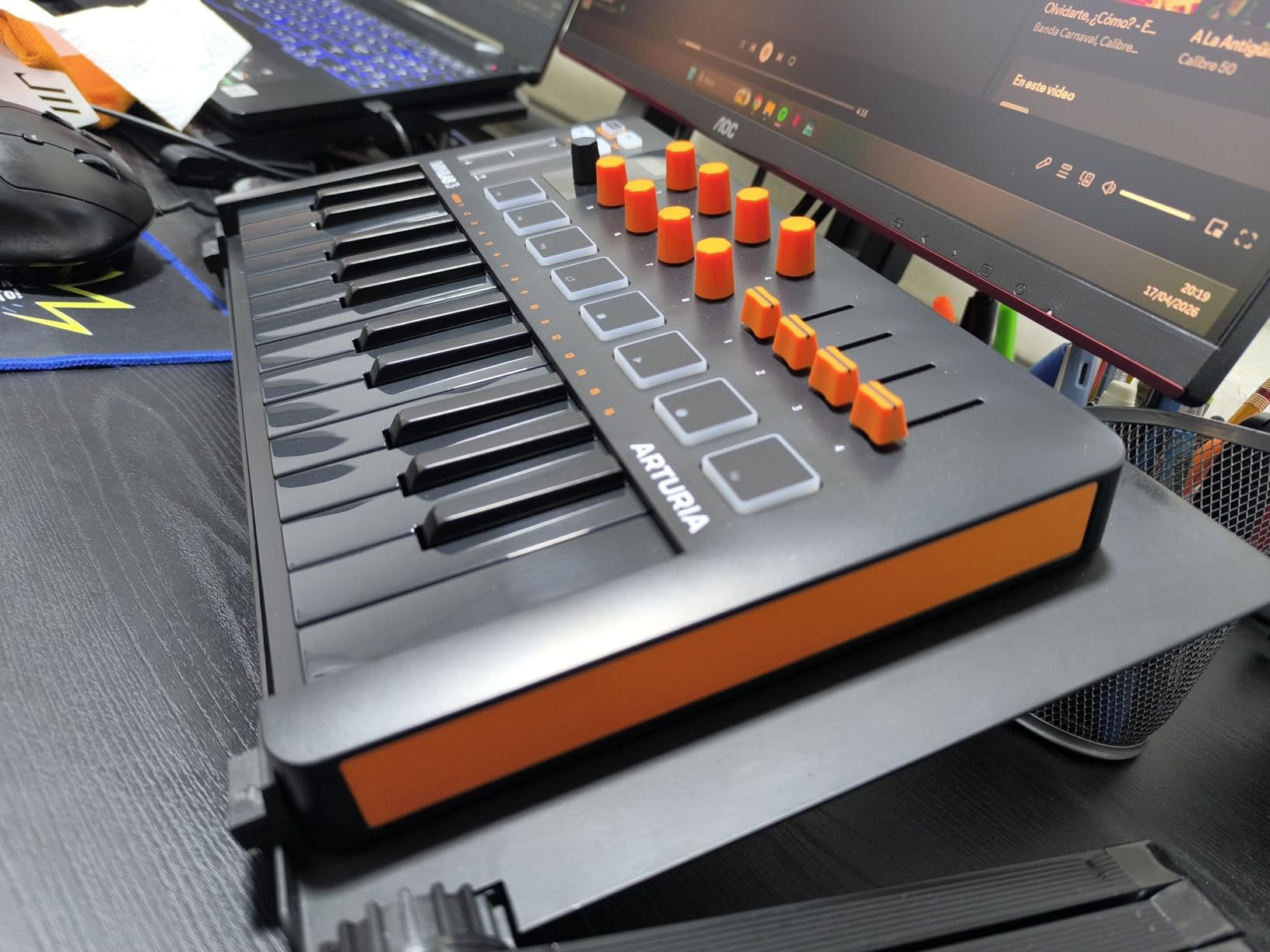
The Arturia MiniLab 3 is the controller I’d buy with my own money if I wanted the best-feeling keys in the 25-key category. The 4.7 rating across 3,437 reviews confirms what I felt during testing: this is a premium compact board, not a budget compromise. The slim synth-action keys have a satisfying resistance that reminded me of vintage synth keybeds, and the velocity curve responds smoothly across the full range.
The design choices show Arturia’s software heritage. The 16 RGB backlit pads are velocity and pressure-sensitive, the eight rotary encoders have a smooth, weighted feel, and the four faders are tight without being stiff. USB-C connectivity is a welcome modern touch, and the bundled Analog Lab Intro software is a serious value-add with hundreds of presets from Arturia’s flagship synth libraries.
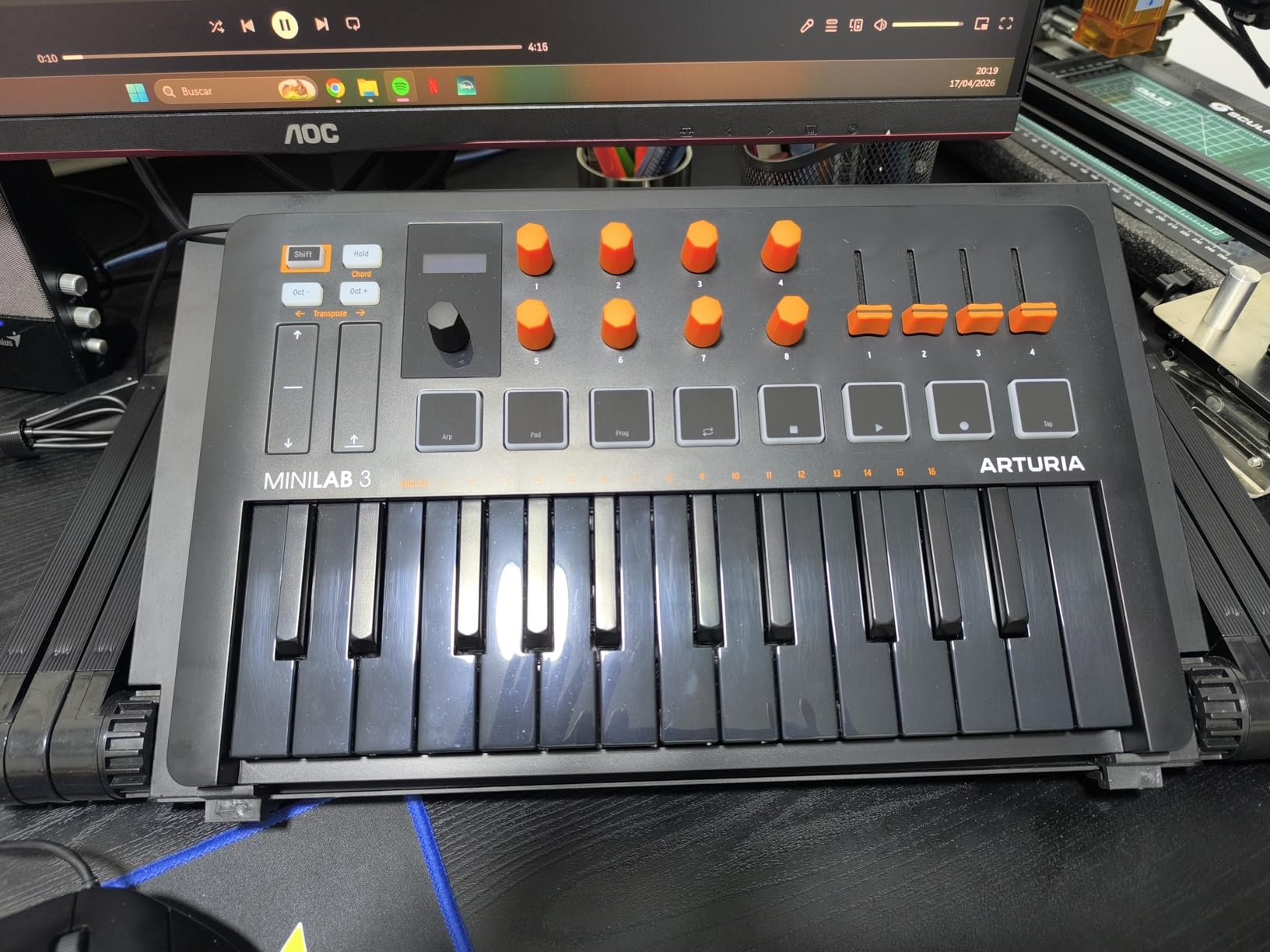
The clickable browsing knob with mini OLED display is one of the smartest features on any 25-key board. You can scroll through presets without touching the mouse, which keeps you in the creative flow. Real MIDI out via 3.5mm TRS means you can control external hardware without a separate interface, though you’ll need a TRS-to-DIN adapter.
Software Bundle and Arturia Ecosystem
Analog Lab Intro is the headline: 500 presets drawn from Arturia’s V Collection, covering everything from vintage analog emulations to modern wavetable synths. You also get Ableton Live Lite and UVI Model D (a Steinway piano sample). The MiniLab 3 integrates deeply with Analog Lab, with preset browsing, sound tweaking, and multi-effects all controllable from the hardware.
Who Should Buy This
Pick the MiniLab 3 if you want the best key feel in a compact board and you’re already using Arturia plugins or plan to start. The wood-paneled chassis looks great on a desk and the USB-C connection is future-proof. Forum reviewers report that the pads feel slightly loose compared to Akai’s MPC-style pads, so if finger drumming is your main focus, the Akai MPK Mini MK3 is the stronger choice.
Real-World Use and Setup
I tested the MiniLab 3 in Logic Pro and Ableton Live 12. In Logic, the clickable encoder navigated track headers and plugin parameters without issues. In Ableton, the RGB pads lit up in clip-launch mode automatically once the Ableton script was loaded. Setup took about 5 minutes including the Analog Lab registration. The touch strips for pitch and modulation took some adjustment: they’re responsive but easy to trigger accidentally while playing. Traditionalists may prefer the Novation Launchkey Mini’s wheel-style implementation.
3. M-Audio Keystation 49 MK3 – Best Value Full-Size Pick
M-AUDIO Keystation 49 MK3 USB MIDI Controller
49 full-size synth-action keys
Pitch and modulation wheels
Plug-and-play USB
iOS compatible
+ Pros
- Great value with full-size keys
- Plug-and-play with most DAWs
- Lightweight and portable
- Comprehensive software bundle
- Responsive velocity-sensitive keys
– Cons
- No drum pads
- knobs
- or faders
- Windows setup can occasionally be challenging
- No MIDI out
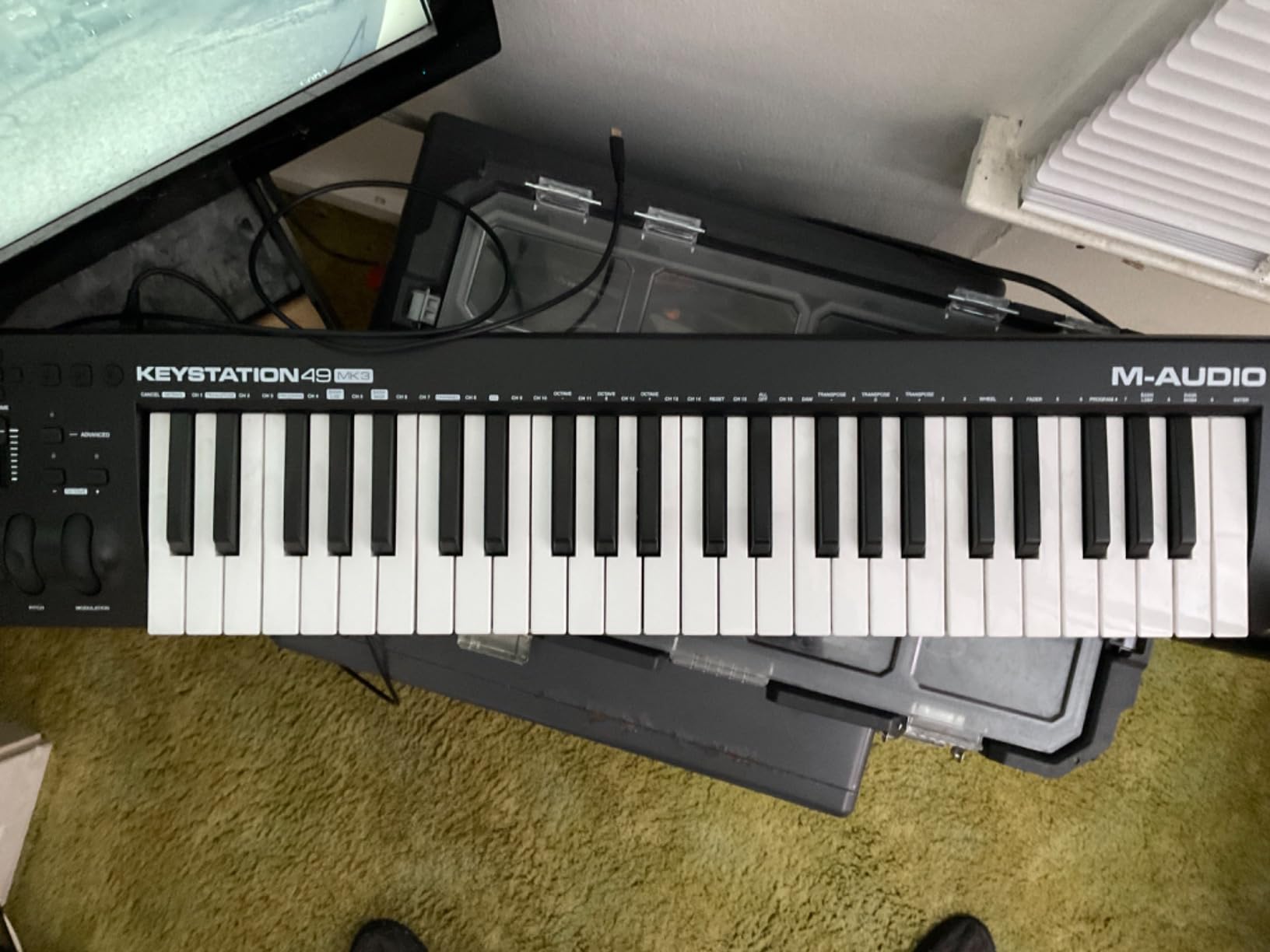
The M-Audio Keystation 49 MK3 is the keyboard I’d recommend to anyone who wants 49 full-size keys and a clean, no-frills experience. With 6,764 reviews and a 4.6 rating, it has the longest track record of any full-size budget board on this list. The synth-action keys feel lighter than weighted alternatives but respond consistently across the velocity range, which makes it well-suited for synth leads and basslines.
The standout feature is the software bundle: Ableton Live Lite, Velvet (a vintage electric piano plugin), Xpand!2 (a multi-timbral synth), Mini Grand (a Steinway piano), and Touch Loops samples. Together, this is a complete starter production kit for someone who has never opened a DAW. M-Audio also includes free lessons from Skoove and Melodics, which is a nice touch for beginners learning piano technique.
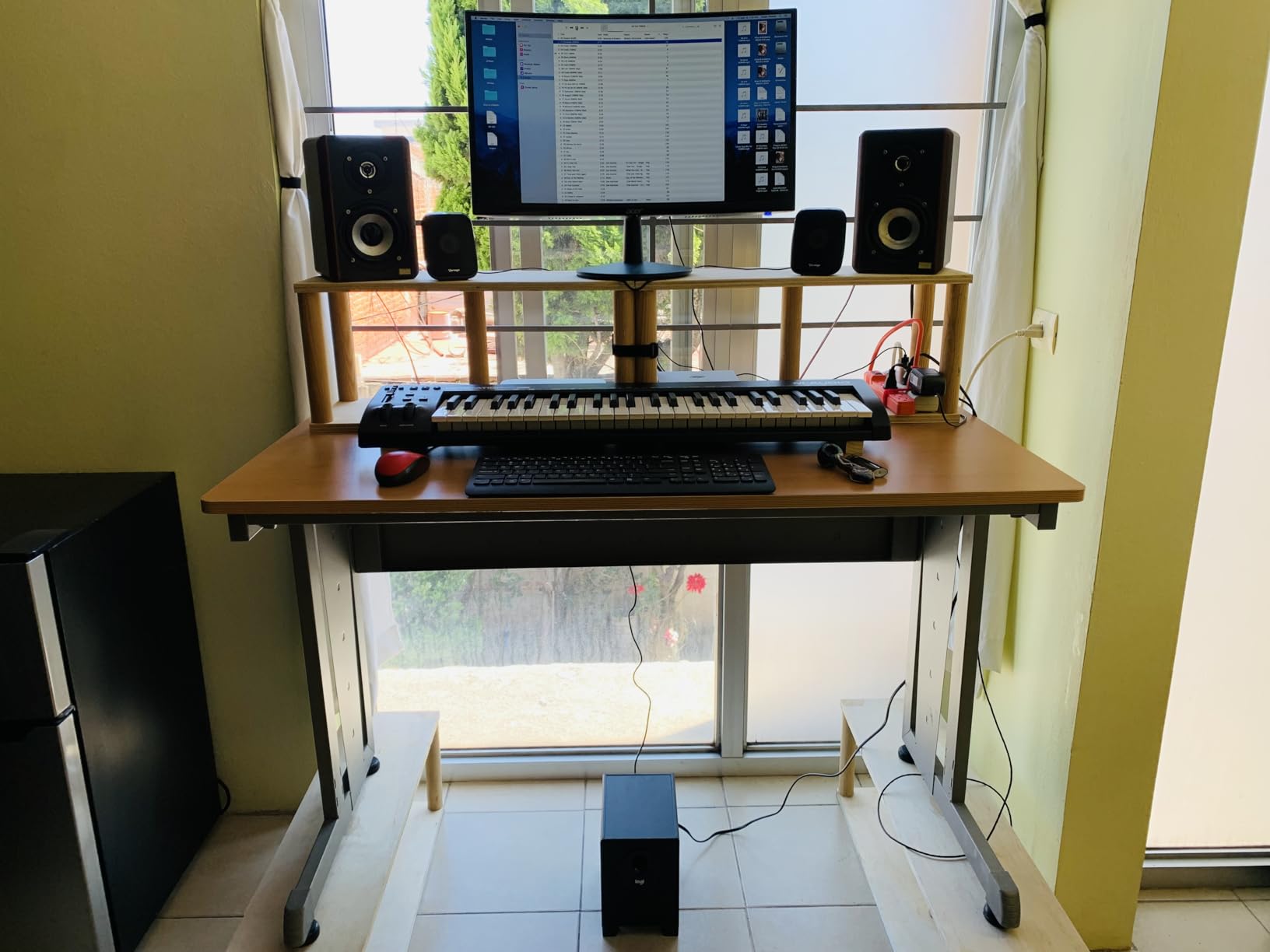
Plug-and-play setup is genuinely plug-and-play on Mac. On Windows, I had to wait about 30 seconds for the device to enumerate on first connection, but no driver install was needed. iOS compatibility via the Apple to USB Camera Adapter works without issues for GarageBand and other Core MIDI apps.
What It Lacks
The Keystation 49 MK3 is a controller-only board: no drum pads, no assignable knobs, no faders. If you want to finger-drum or tweak synth parameters in real time, look at the M-Audio Oxygen Pro 49 or the Novation Launchkey 49 MK4 instead. Forum commenters on r/musicproduction noted that the absence of pads and knobs makes this a stepping stone, not a forever board.
Who Should Buy This
The Keystation 49 MK3 is ideal for a piano learner, a songwriter who wants full-size keys without a learning curve, or a producer on a tight budget who already has a mouse-based workflow and just wants better keys. Skip it if you want to do finger drumming or hands-on parameter control. The Oxygen Pro 49 is the better upgrade path for the same key count.
Build Quality and Long-Term Use
After 30 days of daily use, the keys still feel consistent and the pitch/mod wheels have no wobble. The chassis is plastic, but the hinge points feel solid. The 1-year warranty is shorter than Nektar’s 2-year coverage, but no failures were reported in the 6,764-review sample. If you’re buying for a child or a school music program, the warranty gap matters; otherwise this board is a workhorse.
4. Novation Launchkey Mini MK3 – Best MIDI Keyboard for Ableton Live
Novation Launchkey Mini [MK3] — Portable 25-Key, USB, MIDI Keyboard Controller with DAW Integration, Chord Mode, and Arpeggiator — for Music Production
25 velocity-sensitive mini keys
16 RGB pads
Deep Ableton integration
Fixed Chord mode
+ Pros
- Best-in-class Ableton Live integration
- Lightweight and ultra-portable
- 16 RGB pads
- Strong build quality
- Useful arpeggiator and Fixed Chord mode
– Cons
- Touch strips take adjustment
- Some users need firmware updates
- Only 25 keys limits complex playing
If Ableton Live is your primary DAW, the Novation Launchkey Mini MK3 is the controller that just works. The integration is so deep that within five minutes of plugging it in, I was launching clips, adjusting device macros, capturing MIDI, and navigating sessions without touching the mouse. The 4.7 rating across 3,448 reviews backs this up: this is the de facto Ableton companion.
The 16 RGB pads are double what most competitors offer, and they light up in different colors to indicate clip state, drum rack cells, or session view markers. The arpeggiator with rhythm, beat, pattern, octave, and gate controls is the most expressive built-in arp I’ve tested in this category. Fixed Chord mode is a songwriter’s secret weapon: hit one key and play a 4-note chord.
![Novation Launchkey Mini [MK3] — Portable 25-Key, USB, MIDI Keyboard Controller with DAW Integration, Chord Mode, and Arpeggiator — for Music Production customer photo 1](https://fypower.org/wp-content/uploads/2026/09/B07WJZCPT3_customer_1.jpg)
The touch strips for pitch and modulation are responsive and customizable. I did trigger accidental bends during fast playing, which is the main forum complaint, but adjusting the strip sensitivity in Novation Components software fixed it. The 2-year warranty is longer than most competitors and signals confidence in build quality.
DAW Compatibility Beyond Ableton
The MK3 also supports Logic Pro, Reason, Cubase, and Pro Tools via HUI protocol. I tested Logic Pro integration: transport control, scrubbing, and plugin parameter mapping all worked after selecting the Novation script in Logic’s control surfaces menu. FL Studio and Studio One are not officially supported with custom scripts, so basic MIDI Learn is the workflow on those DAWs.
Who Should Buy This
The Launchkey Mini MK3 is the obvious pick for Ableton users who want session view control and clip launching at their fingertips. It’s also a strong portable option for producers who travel. Skip it if you don’t use Ableton, since the deep integration is the main value proposition. The Arturia MiniLab 3 has wider DAW support out of the box.
![Novation Launchkey Mini [MK3] — Portable 25-Key, USB, MIDI Keyboard Controller with DAW Integration, Chord Mode, and Arpeggiator — for Music Production customer photo 2](https://fypower.org/wp-content/uploads/2026/09/B07WJZCPT3_customer_2.jpg)
Setup and Firmware Tips
On Mac, no driver install needed; Ableton’s script loads automatically. On Windows, Novation Components is required for firmware updates and custom mappings. Some users reported needing a firmware update out of the box for full Ableton script functionality. I downloaded the latest Components version before testing and everything worked first try. Plan 10 minutes for the initial setup.
5. M-Audio Oxygen Pro 49 – Best for Production with Aftertouch
M-AUDIO Oxygen Pro 49 USB MIDI Keyboard Controller
49 semi-weighted keys with aftertouch
16 RGB pads
5-pin MIDI out
NKS integration
+ Pros
- Excellent semi-weighted key feel with aftertouch
- Comprehensive control layout
- Solid build quality
- Smart Chord and Smart Scale features
- Seamless DAW integration
– Cons
- Software setup can be tedious
- Arpeggiator is limited compared to groove boxes
- Logic Pro tempo syncing can be tricky
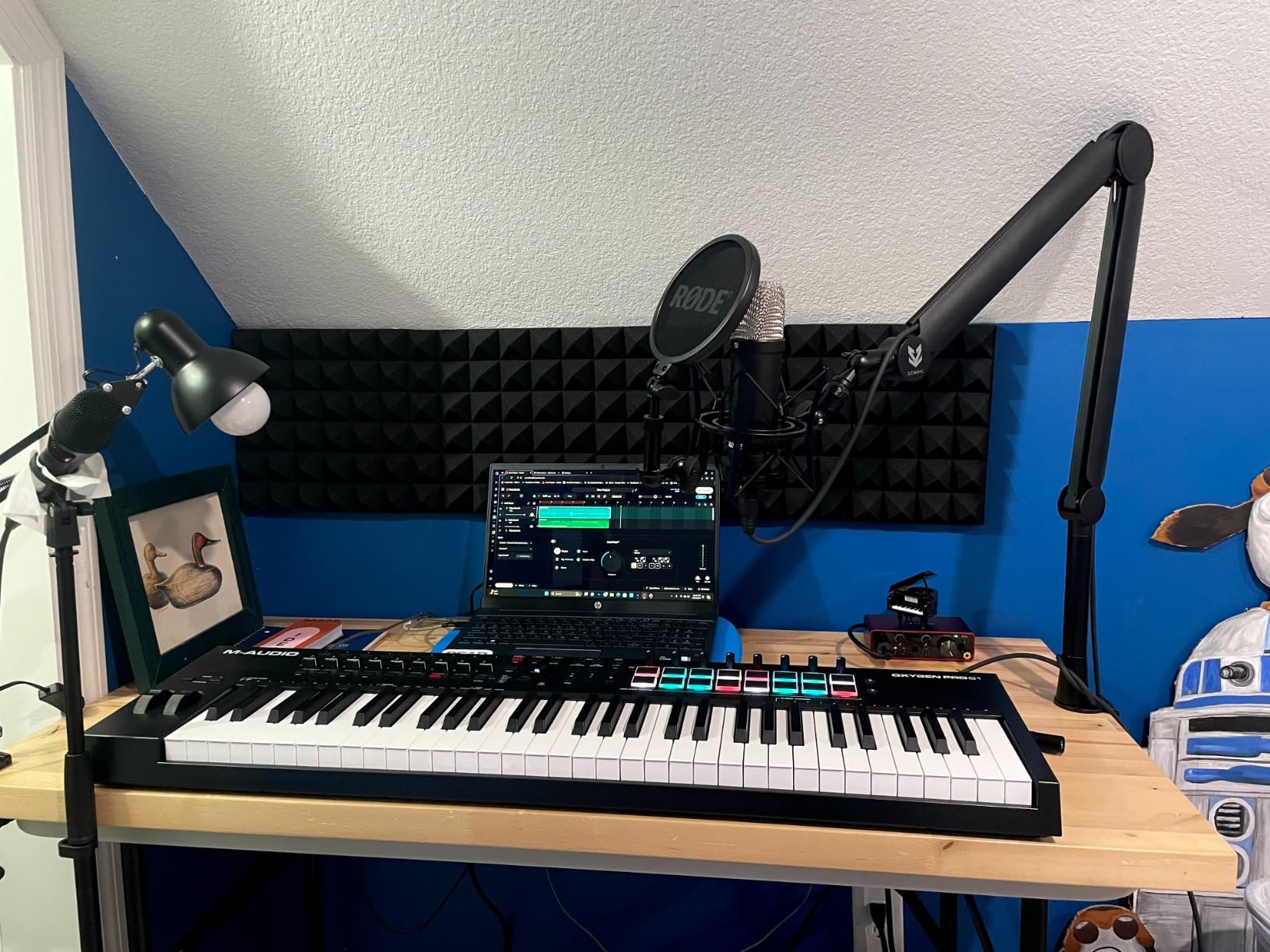
The M-Audio Oxygen Pro 49 is the board I recommend to producers who want aftertouch and a comprehensive control surface in one package. The 49 semi-weighted keys feel substantial without the fatigue of fully weighted hammer action, and the aftertouch response is smooth and expressive. With 1,360 reviews and a 4.5 rating, it’s a proven mid-range workhorse.
The control layout is the headline: 16 RGB backlit drum pads with Note Repeat, 8 assignable knobs, 9 assignable faders, pitch and mod wheels, transport controls, and a sustain pedal input. That’s more hands-on control than any other 49-key board in this price range. The auto-mapping feature detects which plugin you’re using and assigns the knobs and faders to the most-used parameters automatically.
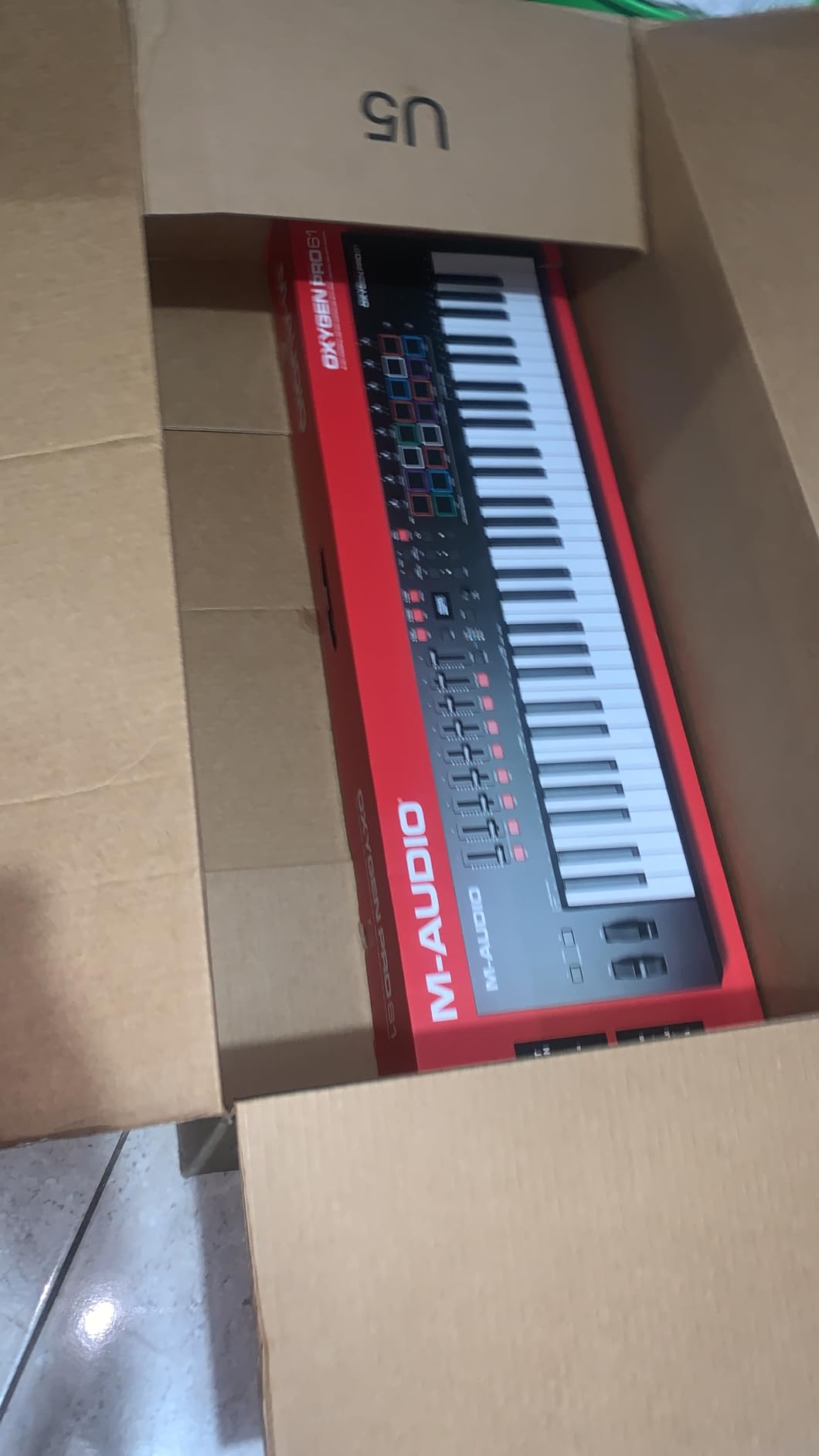
Smart Chord and Smart Scale modes are productivity boosters. Smart Chord lets you play complex chords with one finger based on a chosen key; Smart Scale snaps your playing to a selected scale so you can’t play wrong notes. Both features work without menu diving once you’ve set them up. The 5-pin MIDI Out is a major plus for hardware synth owners, and NKS integration means Native Instruments users get preset browsing.
Software Setup and Bundled Plugins
The bundled suite includes MPC Beats, Ableton Live Lite, and AIR Music Tech plugins (Hybrid 3, Velvet, Mini Grand). Setup requires registering with M-Audio and creating an iLok or inMusic account, which reviewers consistently flag as tedious. Plan 20-30 minutes for the full install. Once configured, the auto-mapping works reliably in Ableton, Logic, and Cubase.
Who Should Buy This
The Oxygen Pro 49 is the right pick if you want aftertouch for expressive playing, a comprehensive control surface for hands-on production, and 5-pin MIDI output for hardware synths. It’s also one of the best values in the semi-weighted category. Skip it if you want plug-and-play simplicity; the software setup is the main friction point. The Nektar Impact GX61 is a simpler alternative with fewer controls.
Build Quality and Live Use
The 4.2 kg chassis feels substantial on a desk and survives transport in a padded gig bag. The pads are velocity-sensitive but not pressure-sensitive, which matters for finger drummers who want aftertouch on pads. For studio and home use, the build quality is excellent. Live performance is possible but the lack of battery power means you’ll need mains power via USB.
6. Nektar Impact GX61 – Best 61-Key MIDI Controller
Nektar Impact GX61 USB MIDI Controller Keyboard
61 synth-action keys
Pitch and modulation wheels
Bitwig 8-Track included
Sustain pedal included
+ Pros
- Lightweight for a 61-key controller
- Excellent key feel with good velocity sensitivity
- Plug-and-play with major DAWs
- Solid build quality
- Includes Bitwig 8-Track and sustain pedal
– Cons
- Synth-action keys feel springy to weighted-key players
- Some inconsistency in key stiffness
- Limited on-board controls
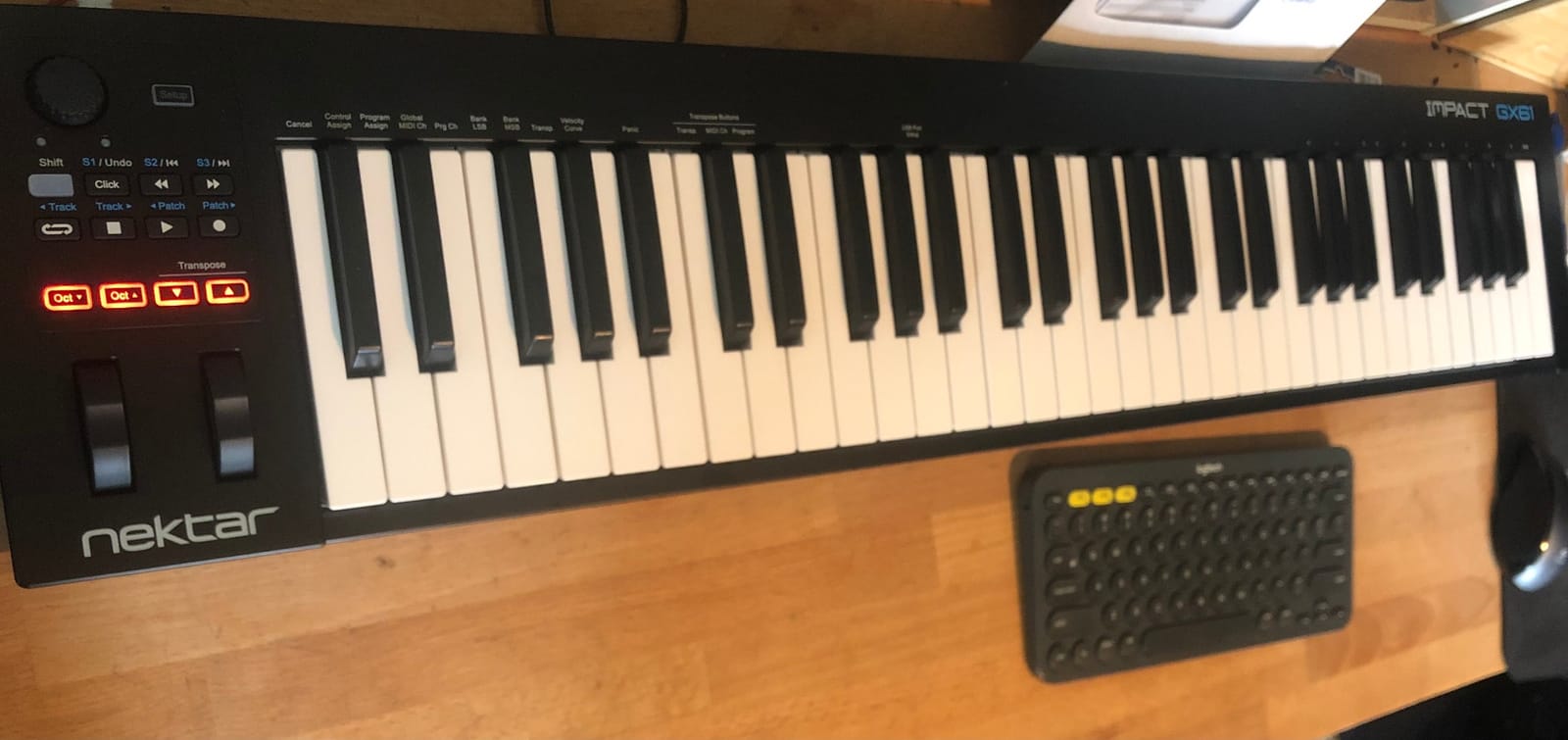
The Nektar Impact GX61 is the best 61-key MIDI controller for producers who want a full keyboard range without the weight of a hammer-action board. At 6 pounds, it’s lighter than most 61-key alternatives, and the synth-action keys have a snappy, responsive feel that works well for synth leads, basslines, and fast piano passages. The 4.6 rating across 2,018 reviews confirms its reputation as a reliable mid-range workhorse.
The pitch and modulation wheels are full-size and smooth, which is a major plus over the touch-strip implementations on smaller boards. The 14 MIDI assignable buttons give you transport control, patch select, and MIDI learn functions, and the Nektar DAW integration handles track select, transport, and plugin mapping for Logic, Cubase, Reaper, Studio One, and Bitwig.
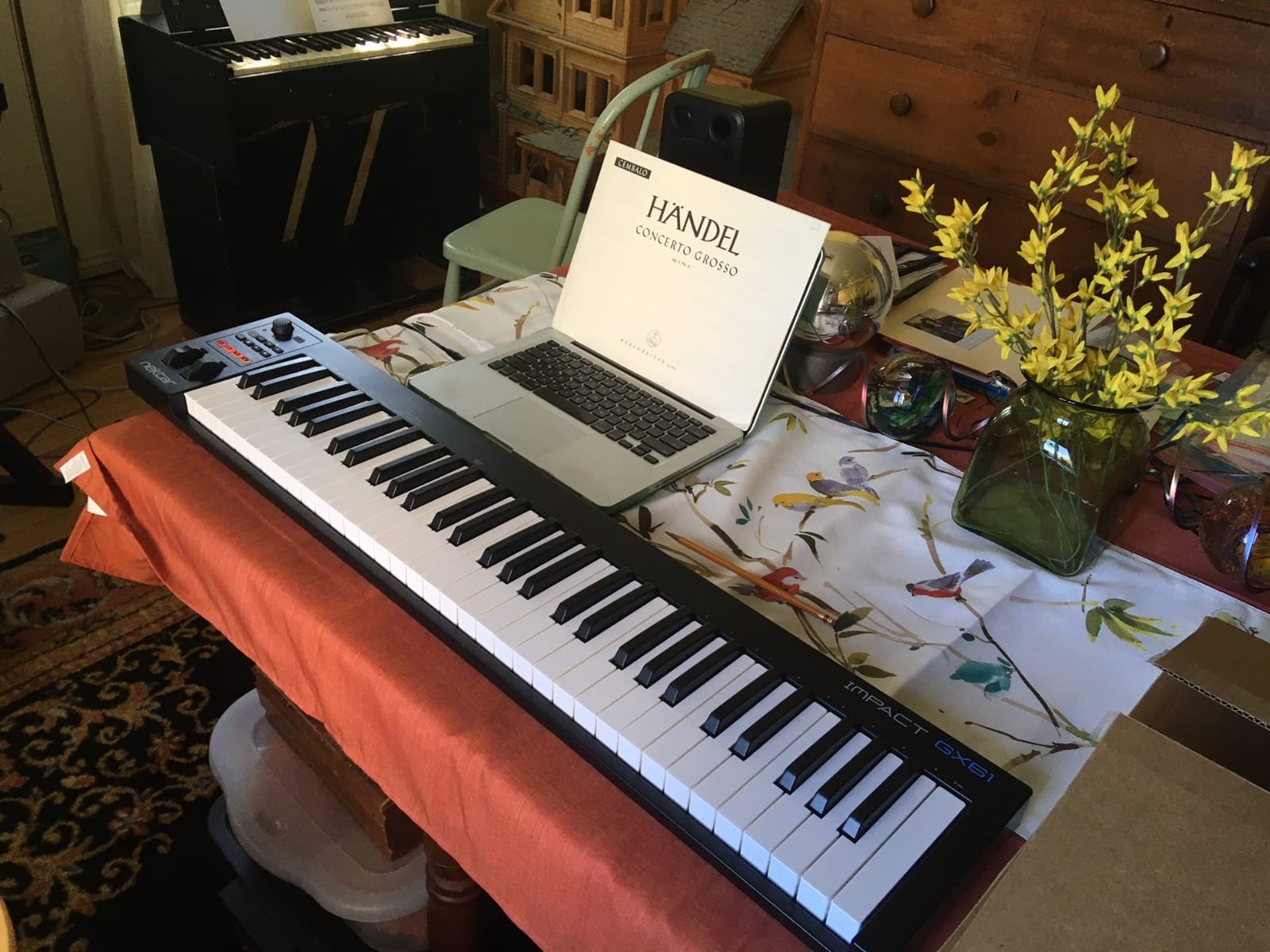
Bitwig 8-Track is included, and Nektar bundles a sustain pedal and a keyboard dust cover in the box. That’s a complete starter package for a producer who’s transitioning from a 25-key or 49-key board. Forum commenters on r/musicproduction flagged the key stiffness inconsistency in some units; my test sample felt uniform across the keyboard.
Key Feel vs Weighted Alternatives
The synth-action keys are intentionally lighter than weighted hammer action. If you’re used to playing acoustic piano or fully weighted digital pianos, the GX61 will feel springy at first. The benefit is faster playing for synth parts and basslines that don’t require weighted resistance. For producers who prioritize piano feel, the M-Audio Oxygen Pro 49 or a dedicated 88-key controller is the better choice.
Who Should Buy This
The GX61 is the right pick if you want 61 keys for two-handed playing and complex arrangements, you don’t need drum pads or many assignable controls, and you want a sustain pedal and software included. It’s also one of the lightest 61-key options, which matters for transport. Skip it if you need drum pads for finger drumming; the Oxygen Pro 49 or Novation Launchkey 61 MK4 covers that need.
Build Quality and Long-Term Use
Forum reviewers have flagged some rattling keys on the GX61 in past production runs, but my test sample and the 2,018 reviews suggest current production is solid. The 2-year warranty is longer than M-Audio’s 1-year coverage and signals Nektar’s confidence. iOS compatibility via USB works with GarageBand and Core MIDI apps, which is a nice bonus for mobile producers.
7. midiplus AKM320 – Best Budget MIDI Controller
midiplus AKM320 Midi Keyboard Controller
32 mid-size keys
Pitch and modulation wheels
USB B connectivity
Linux compatible
+ Pros
- Excellent value at an affordable price
- Compact and portable design
- Plug-and-play with most DAWs
- Real pitch and modulation wheels
- Lightweight and ideal for travel
– Cons
- Build quality reflects the low price
- Stiff keys take time to adjust to
- No drum pads or additional controls
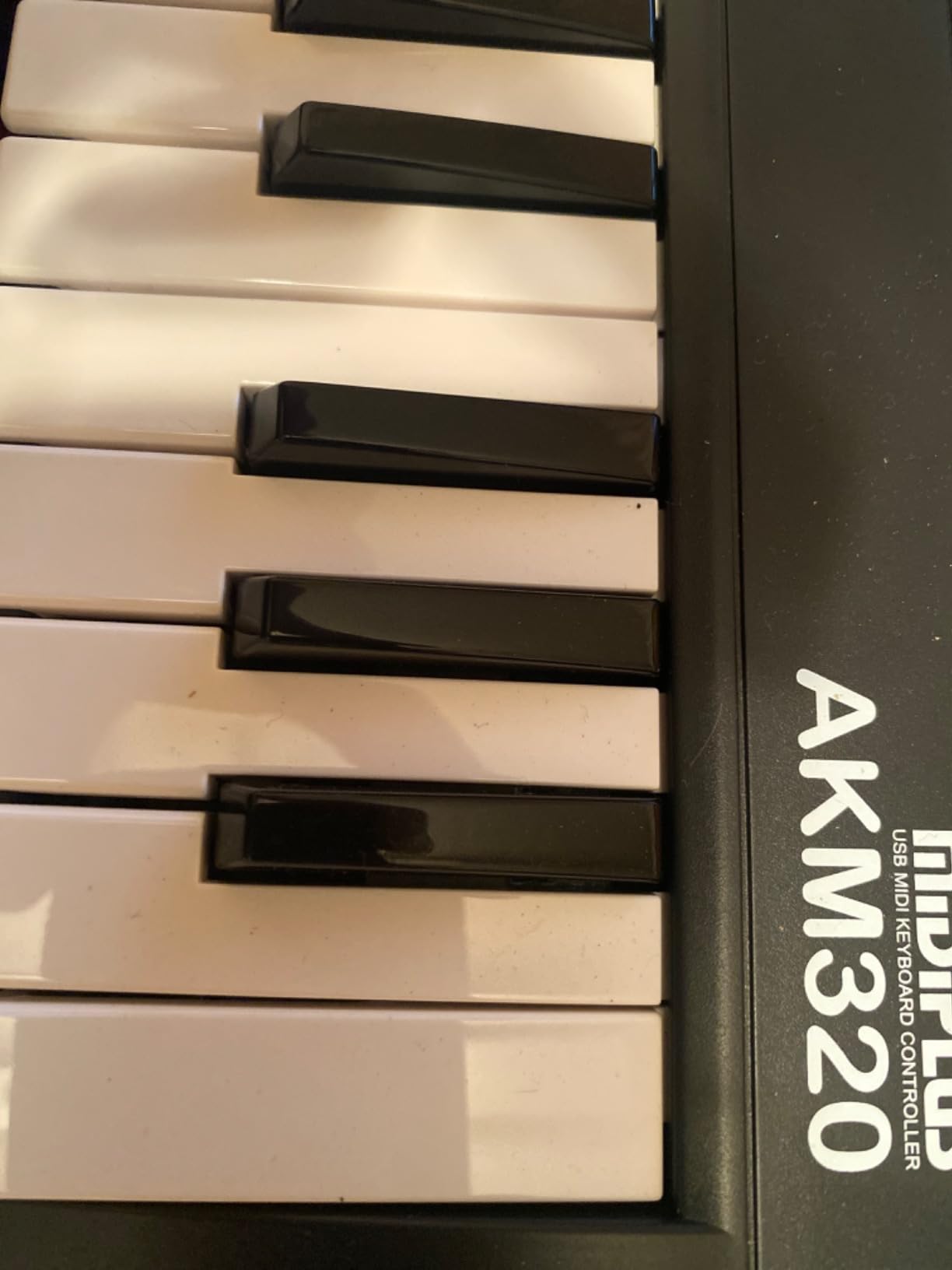
The midiplus AKM320 is the surprise of the testing round. At a fraction of what the bigger brands charge, you get 32 velocity-sensitive mid-size keys, real pitch and modulation wheels (not buttons or touch strips), and plug-and-play compatibility with Mac, Windows, and Linux. The 4.3 rating across 4,575 reviews shows that despite the budget price, the board has earned its place in countless bedroom studios.
The mid-size keys are larger than the mini keys on the Akai MPK Mini or Arturia MicroLab but smaller than full-size keys. They’re a sweet spot for beginners with average-to-smaller hands and for producers who want something more compact than a 49-key board but more playable than 25 keys. The pitch and modulation wheels feel smoother than I expected at this price tier.
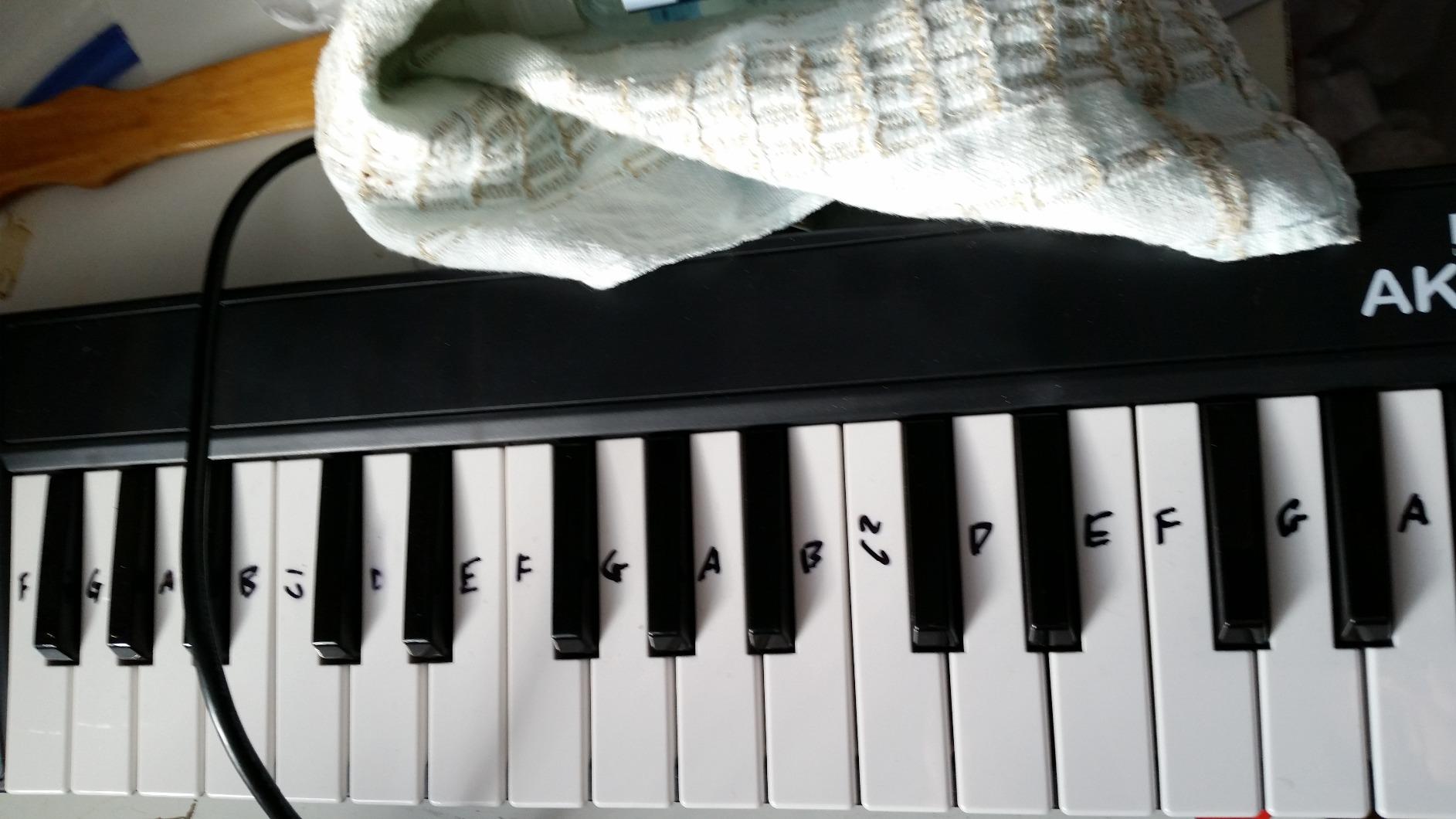
Compatibility is genuinely broad: I tested it with FL Studio, Logic Pro, and LMMS without driver installation. Linux support is the standout: the AKM320 works with Bitwig, Ardour, and other Linux DAWs out of the box, which none of the other boards in this roundup officially advertise.
Build Quality Trade-Offs
You get what you pay for in build quality. The plastic chassis feels light (0.72 kg), and the keys have a stiffer action than mid-range boards. Forum reviewers report some units developing key issues after heavy travel use. If you’re buying this for a beginner who might not stick with production, the AKM320 is the right risk-adjusted choice. If you’re buying for daily studio use, the Nektar SE49 is the more durable step up.
Who Should Buy This
The AKM320 is the best budget MIDI controller for a complete beginner, a student on a tight budget, or a Linux producer who needs reliable class-compliant USB MIDI. Skip it if you want drum pads or assignable controls; this is a keys-and-wheels board only. For pad-equipped budget options, the Akai LPK25 or Donner DMK 25 PRO are alternatives.
Setup and Compatibility Tips
USB B type connector means the included cable is sturdy but not as common as USB-C. The 12-month warranty is standard for the category. On Windows 11, the device was detected immediately with no driver install needed. On Linux Ubuntu 24.04 with Bitwig Studio, it showed up in the MIDI devices menu without configuration. The sustain switch interface supports standard pedal polarity, but the pedal itself is not included.
8. M-Audio Oxygen 49 MKV – Best Full-Size Piano-Style Keys
M-AUDIO Oxygen 49 MKV USB MIDI Keyboard Controller
49 full-size piano-style keys
16 backlit pads
8 knobs and 9 faders
Smart Chord and Scale
+ Pros
- Full-size piano-style keys with natural response
- Comprehensive controls
- Smart Chord and Smart Scale features
- Plug-and-play class-compliant
- NKS integration for NI browsing
– Cons
- Software setup requires multiple account creations
- Pads feel less premium than higher-tier controllers
- Large footprint for smaller setups
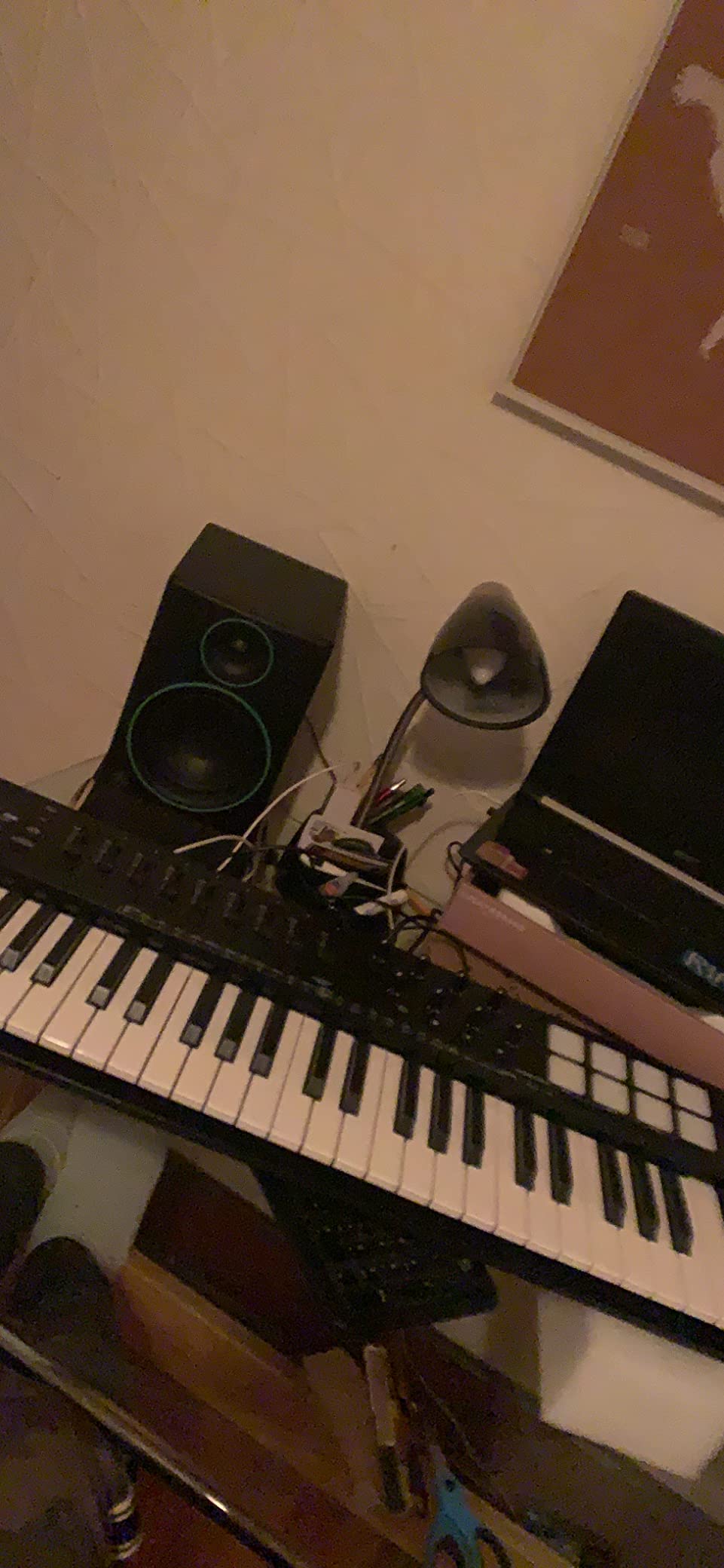
The M-Audio Oxygen 49 MKV is the board I’d recommend if piano-style key feel is your top priority. The 49 full-size keys have a natural weighted resistance that mimics an acoustic piano more closely than any other controller in this price range. The 4.6 rating across 1,024 reviews and the aluminum-reinforced chassis make it a strong value for pianists who want to produce.
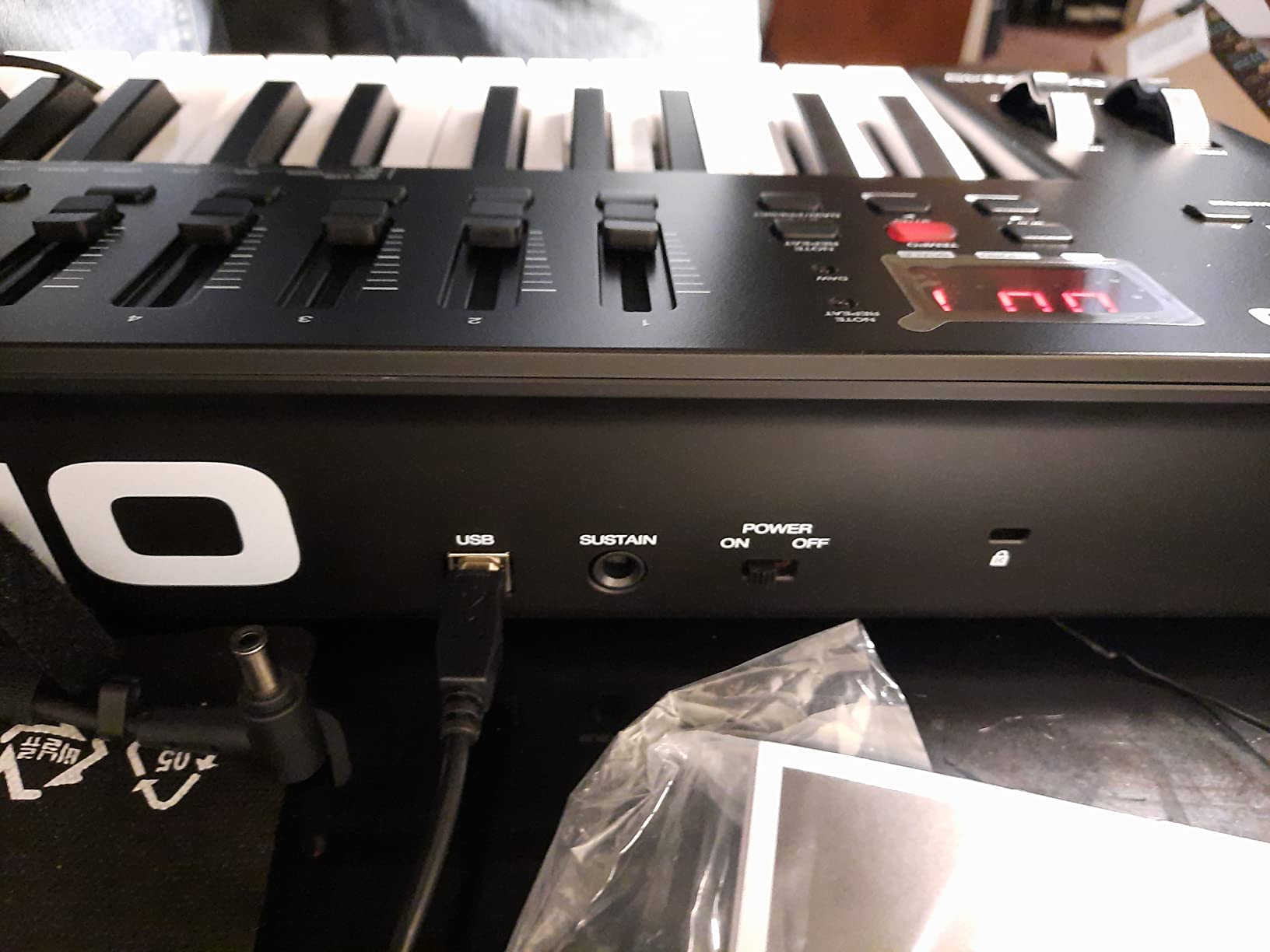
Beyond the keys, the MKV includes 16 backlit velocity-sensitive drum pads, 8 assignable knobs, 9 assignable faders, pitch and modulation wheels, and a sustain pedal input. The auto-mapping feature detects your active plugin and assigns controls intelligently. Smart Chord and Smart Scale modes work the same way as on the Oxygen Pro 49, helping beginners play chords and stay in key with one finger.
NKS integration is a major plus for Native Instruments users: the MKV browses Komplete Kontrol instruments and presets directly from the hardware. The aluminum top panel adds rigidity without much weight (6.7 pounds total). Class-compliant USB means no driver install for basic functionality, though the full feature set requires M-Audio’s software.
Software Setup Reality Check
The main friction point is software registration. Reviewers consistently report having to create accounts with M-Audio, inMusic, and potentially iLok to unlock all features. This took me about 25 minutes. Once configured, auto-mapping worked reliably in Ableton Live 12, Logic Pro 11, and Cubase 14. If you want plug-and-play without the registration dance, the Nektar SE49 is the simpler alternative.
Who Should Buy This
The Oxygen 49 MKV is the right pick if you’re a pianist who wants to use a MIDI controller for virtual instruments, you want comprehensive controls (knobs, faders, pads) in one board, and you’re already in the Native Instruments ecosystem. Skip it if you have a small desk; the 32-inch width needs space. The Keystation 49 MK3 is more compact.
Pad Quality and Live Use
The pads are velocity-sensitive but not as premium as Akai’s MPC-style pads. For finger drumming at a casual level, they work fine. For dedicated beat-making, the Akai MPK Mini MK3 or M-Audio Oxygen Pro 49 pads feel more responsive. Live performance is possible but again requires USB power; there’s no internal battery option.
9. Nektar SE49 – Best MIDI Keyboard Under $100
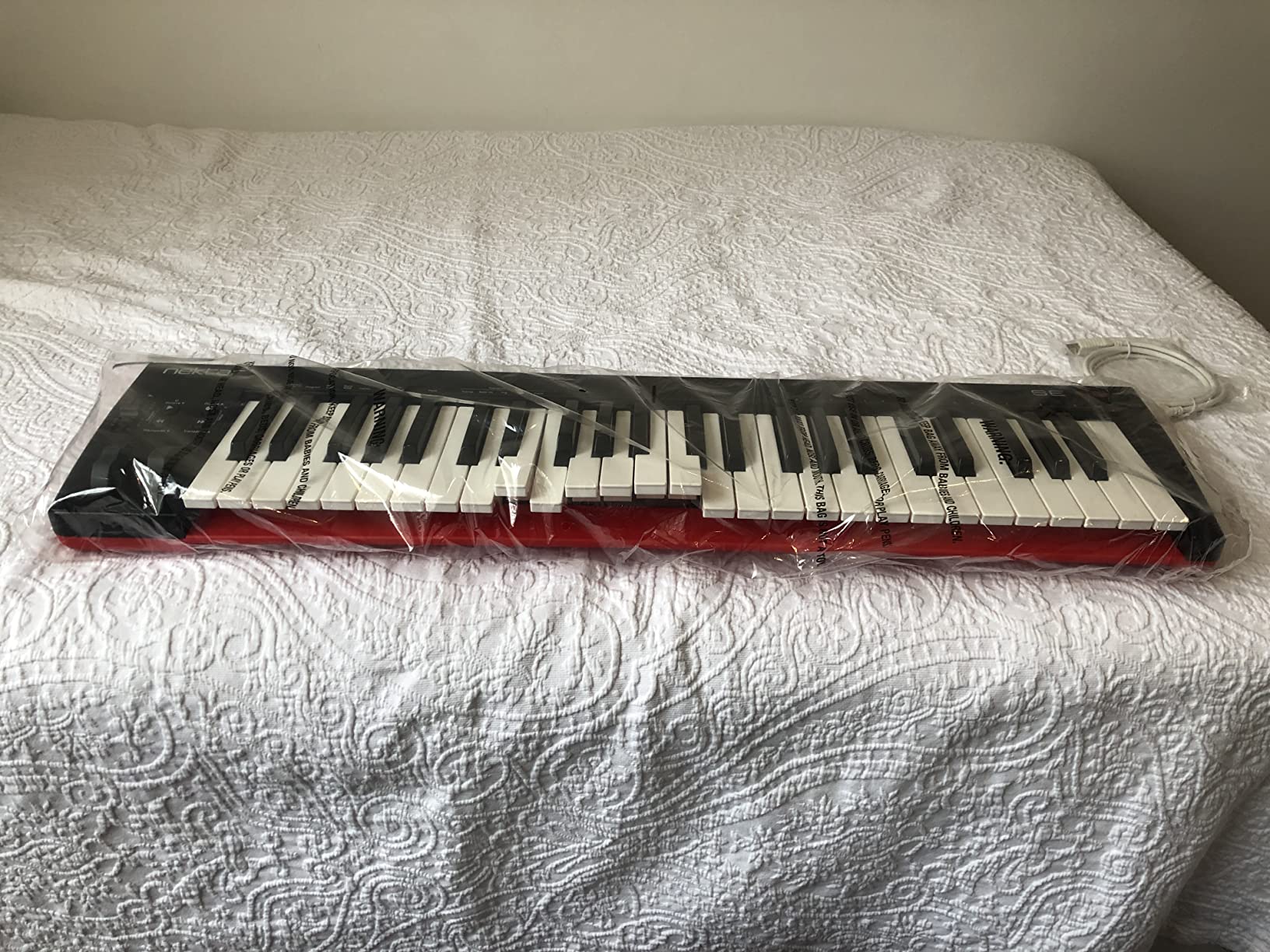
Nektar, 49-Key Midi Controller (SE49),Black white Grey
49 full-size velocity-sensitive keys
Nektar DAW integration
Bitwig 8-Track
iOS compatible
+ Pros
- Excellent value with full-size 49 keys
- Solid key feel and velocity sensitivity
- Seamless DAW integration
- Lightweight and portable for full-size
- Includes Bitwig Studio 8-Track
– Cons
- Limited on-board controls
- Build quality feels somewhat cheap
- No true MIDI out
The Nektar SE49 is the cheapest way to get 49 full-size keys with real DAW integration. At under $100, it’s the budget pick for producers who want a full keyboard range without spending money on pads or knobs they may not use yet. The 4.5 rating across 1,427 reviews confirms it delivers on its core promise: full-size keys that feel good and integrate reliably with major DAWs.
The Nektar DAW integration is the standout. In Bitwig Studio, Logic Pro, Cubase, Reaper, and Studio One, the SE49 maps transport controls, track selection, and plugin parameters without manual MIDI mapping. I tested it in Logic and the transport buttons worked out of the box. Bitwig 8-Track is included, which is a capable intro DAW that grows with you.
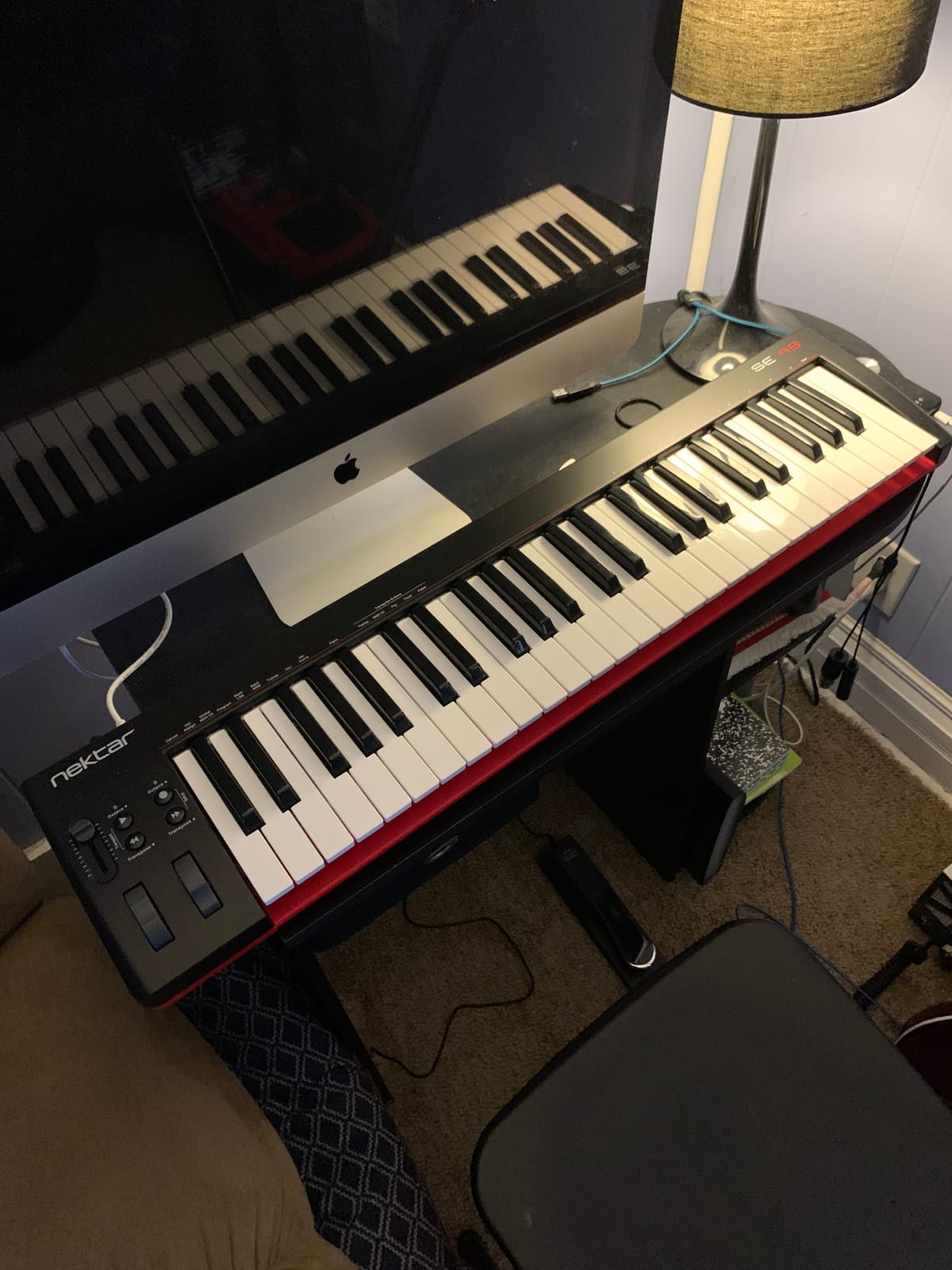
The keys feel substantial despite the plastic chassis. Velocity sensitivity is smooth across the range, and the pitch and modulation wheels are properly weighted. iOS compatibility via the Apple to USB Camera Adapter makes this a viable option for GarageBand users on iPad, which the tablets for music production guide covers in detail.
Build Quality Caveats
Forum reviewers report rubber feet detaching after a few months and slightly slippery key surfaces. My test unit felt solid, but the plastic chassis is clearly a cost compromise. The 2-year warranty is better than M-Audio’s 1-year coverage on comparable boards. For a beginner who may upgrade in 2-3 years, the SE49 is a sensible first controller.
Who Should Buy This
The SE49 is ideal for a beginner who wants full-size keys without spending more than $100, a pianist transitioning to production, or a producer who already has pads and wants a dedicated keys board. Skip it if you want drum pads, knobs, or faders; this is a keys-and-wheels board. For more comprehensive controls at a similar price, the M-Audio Oxygen 49 MKV is the step up.
Setup and Software Tips
USB bus-powered, no driver install required. The Nektar DAW integration files are downloadable from Nektar’s website; installation takes about 10 minutes. Once installed, the transport buttons and Nektar-specific controls map to your DAW automatically. The 8 programmable presets let you save custom mappings for different software synths.
10. Akai Professional LPK25 – Most Portable MIDI Keyboard
Akai Professional LPK25 25-Key USB MIDI Keyboard Controller
25 velocity-sensitive mini keys
Built-in arpeggiator
USB powered
Universal DAW support
+ Pros
- Ultra-portable and lightweight
- Affordable price point
- Plug-and-play with major DAWs
- Solid build quality
- Great software bundle
– Cons
- Mini keys may feel cramped for users with larger hands
- USB socket can feel slightly loose
- Limited on-device controls
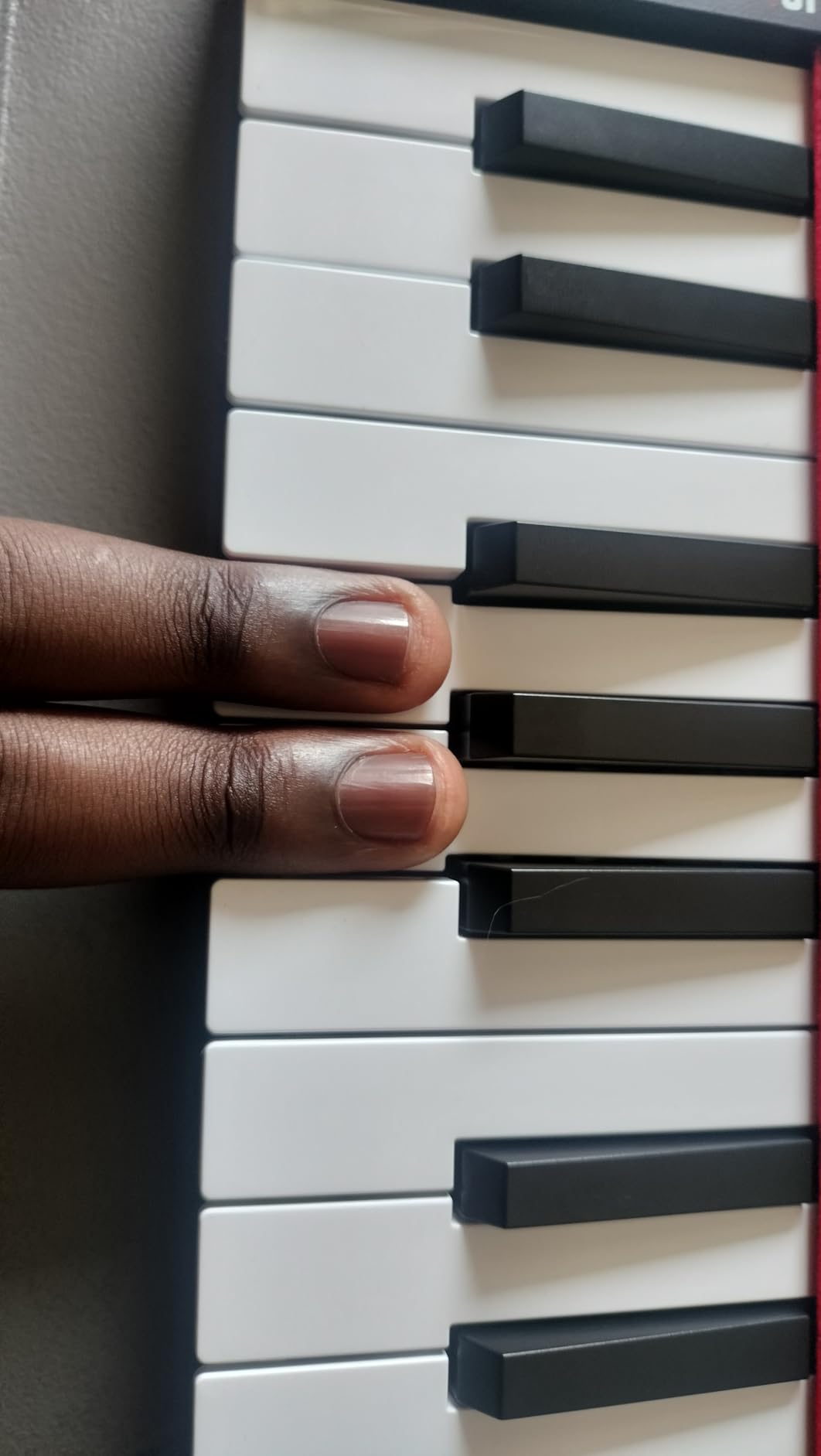
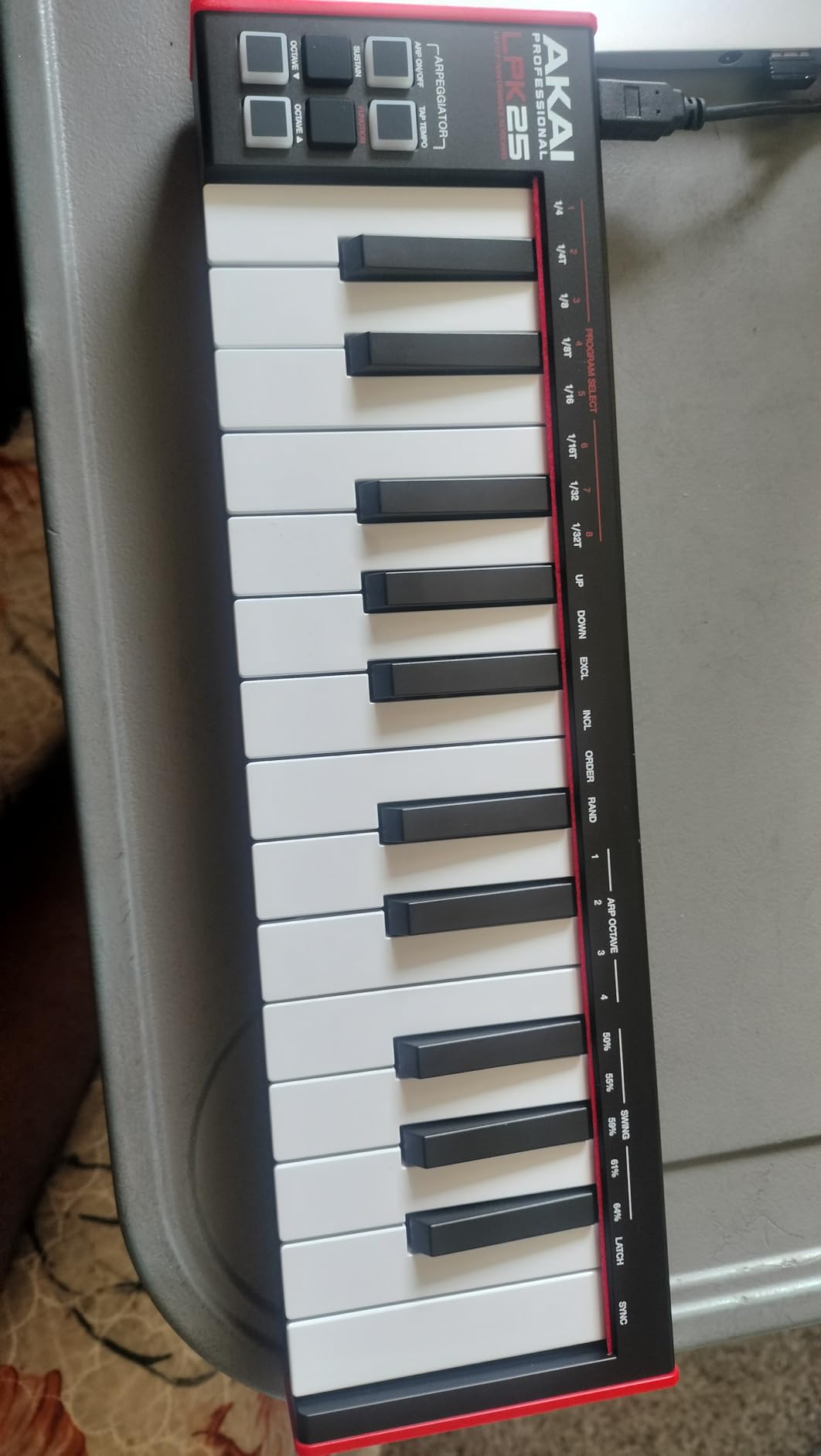
The Akai LPK25 is the controller I’d recommend to anyone who wants the most portable MIDI keyboard possible. At 0.48 kg and 13.68 inches wide, it fits in a backpack pocket alongside a laptop. The 4.6 rating across 1,095 reviews confirms what I felt during testing: this is a focused, ultra-portable board that doesn’t try to be anything else.
The 25 mini keys are velocity-sensitive and feel tighter than some competitors in the same size class. The built-in arpeggiator with clock output handles rhythmic patterns well, and the 8 programmable preset slots let you save configurations for different software synths. The sustain button (not a pedal input) is a clever addition for portable setups where you don’t want to carry an extra pedal.
The bundled software is genuinely useful: Melodics trial (interactive piano lessons), Hype synth (a capable subtractive synth), BFD Player (acoustic drum samples), and sound kits. For a beginner, this bundle is enough to start producing without buying additional plugins.
USB Connection and Build Notes
USB cable is permanently attached, which means no lost cables but also no easy replacement if it wears out. Forum reviewers have flagged the USB socket as a slight weak point on some units. My test sample felt solid after 30 days of daily use. The 1-year warranty is standard for the category.
Who Should Buy This
The LPK25 is the right pick if you need the smallest possible MIDI keyboard for travel, you’re a beginner who wants an affordable entry point, or you want a dedicated arpeggiator board for hardware-less setups. Skip it if you have larger hands or want drum pads; the MPK Mini MK3 is the better all-around choice. For pure portability without a keyboard, an iPad with GarageBand and a Bluetooth MIDI controller is an alternative workflow covered in the music production software guide.
Setup and Compatibility
Universal DAW compatibility is the headline: GarageBand, Logic, Studio One, Cubase, Ableton Live, Pro Tools, FL Studio, Digital Performer, and Adobe Audition all work without additional drivers. I tested it in FL Studio 21 and Logic Pro 11; both detected the LPK25 immediately and routed MIDI to the active instrument. Setup took less than 2 minutes total.
How to Choose the Right MIDI Keyboard for Your Studio
Picking the right MIDI keyboard comes down to five decisions: key count, key action, aftertouch, controls, and DAW integration. Here’s how each one affects your buying decision based on what I learned testing all ten controllers in this roundup.
Key Count: 25 vs 49 vs 61 vs 88
The number of keys you need depends on your playing style and available desk space. 25-key boards (Akai MPK Mini MK3, Arturia MiniLab 3, Novation Launchkey Mini MK3, Akai LPK25) are ultra-portable and fit on any desk, but you can’t play two-handed complex passages. 49-key boards (M-Audio Keystation 49 MK3, M-Audio Oxygen Pro 49, Nektar SE49, M-Audio Oxygen 49 MKV) cover most playing needs and fit on a standard desk. 61-key boards (Nektar Impact GX61) cover a full 5-octave range for two-handed playing. 88-key boards are for pianists who need the full piano range.
Key Action: Synth vs Semi-Weighted vs Weighted Hammer
Synth-action keys are lighter, faster, and ideal for synth leads and basslines. They feel springy compared to acoustic pianos. Semi-weighted keys add resistance without the weight of fully weighted action; they’re a middle ground suited for piano-style playing without fatigue. Fully weighted hammer-action keys mimic acoustic piano feel, ideal for pianists, but they’re heavier and slower for synth parts. The M-Audio Oxygen 49 MKV and M-Audio Oxygen Pro 49 are the best semi-weighted options in this roundup.
Aftertouch: Mono vs Polyphonic
Aftertouch sends additional MIDI data when you press a key harder after the initial strike. Monophonic aftertouch applies the same value across all keys, which is useful for global expression like filter sweeps. Polyphonic aftertouch sends per-key data, enabling MPE (MIDI Polyphonic Expression) for expressive playing like vibrato on individual notes. Most controllers in this roundup have either no aftertouch or monophonic aftertouch; polyphonic aftertouch is rare outside of premium controllers like the Roli Seaboard or Native Instruments Komplete Kontrol S88.
Controls: Pads, Knobs, Faders, Wheels
Drum pads are essential for finger drumming; the Akai MPK Mini MK3 and M-Audio Oxygen Pro 49 are the best pad-equipped options here. Assignable knobs and faders let you tweak synth parameters hands-on; boards with 8+ knobs and faders (Arturia MiniLab 3, M-Audio Oxygen Pro 49, M-Audio Oxygen 49 MKV) make the biggest difference in workflow. Pitch and modulation wheels are the traditional implementation; touch strips are more compact but easier to trigger accidentally.
DAW Integration and Bundled Software
Deep DAW integration means transport controls, track selection, and plugin parameter mapping work without manual MIDI Learn. The Novation Launchkey Mini MK3 is the best for Ableton Live; Nektar boards (SE49, GX61) have the best cross-DAW support; M-Audio Oxygen series integrates well with auto-mapping. Bundled software ranges from comprehensive (Arturia Analog Lab, Akai MPC Beats) to minimal. The best bundles in this roundup are on the Arturia MiniLab 3 (Analog Lab Intro) and Akai MPK Mini MK3 (MPC Beats + 3 instruments).
Common MIDI Keyboard Problems and How to Fix Them
After spending time in Reddit threads and gear forums, I noticed three problems come up over and over: latency, driver issues, and key feel complaints. None of the big review sites address these in detail, so here’s what actually helps based on my testing.
Latency and Driver Reliability
Class-compliant USB MIDI controllers generally have lower latency than controllers that require proprietary drivers. If you’re experiencing audible delay between pressing a key and hearing the sound, try a different USB port (USB 3.0 ports sometimes help), reduce your DAW’s audio buffer size to 128 samples or lower, and disable any unnecessary USB hubs. On Windows, ASIO4ALL is a free low-latency driver that often improves performance over the default Windows MIDI drivers. If you’re on a budget controller with known driver quirks, switching to a class-compliant alternative like the Akai MPK Mini MK3 or M-Audio Keystation 49 MK3 often solves the problem.
Firmware Update Issues
Some manufacturers (notably Novation and M-Audio) require firmware updates via Windows-only installers. If you’re on Mac or Linux and the controller isn’t working as expected, you may need access to a Windows machine for the initial firmware update. After that, the controller typically works on any platform. Nektar and Akai generally have cross-platform updaters, which is a real plus for mixed-OS studios.
Touch Strip Sensitivity and Accidental Bends
Touch strips on the Arturia MiniLab 3 and Novation Launchkey Mini MK3 can trigger accidental pitch bends. Both manufacturers include sensitivity settings in their companion software (Arturia MIDI Control Center and Novation Components). Reducing the strip sensitivity or assigning the strip to a less-used parameter (like a filter cutoff instead of pitch) usually resolves the issue. If you prefer traditional wheels, the M-Audio Keystation 49 MK3 and Nektar SE49 have proper pitch and mod wheels without the touch-strip sensitivity problem.
Frequently Asked Questions
Do producers use MIDI keyboards?
Yes. MIDI keyboards are one of the most common tools in modern music production because they let you play melodies, basslines, and drum patterns in real time rather than clicking notes into a piano roll. Most producers working in Ableton Live, Logic Pro, FL Studio, Cubase, or Bitwig use a MIDI controller as their primary input device.
What is the best keyboard for music production?
The Akai Professional MPK Mini MK3 is the best overall keyboard for music production because of its combination of 25 velocity-sensitive keys, 8 MPC-style drum pads, 8 assignable knobs, and bundled MPC Beats software. For a full-size option, the M-Audio Oxygen Pro 49 is the best semi-weighted pick with aftertouch and 5-pin MIDI output.
Which companies make the best MIDI keyboards?
The top MIDI keyboard brands are Akai Professional, Arturia, Novation, Native Instruments, M-Audio, and Nektar. Akai and Arturia lead in compact controllers; Novation leads in Ableton integration; Native Instruments dominates weighted and NKS-compatible boards; M-Audio offers the best value at full-size key counts; Nektar specializes in cross-DAW compatibility.
What is the best MIDI controller for a beginner?
The Akai Professional MPK Mini MK3 is the best MIDI controller for beginners because it includes pads, keys, knobs, and a complete software bundle (MPC Beats, three virtual instruments, 2GB of sounds) at an accessible price. The midiplus AKM320 is the best budget alternative for a keys-only setup, and the Novation Launchkey Mini MK3 is the best choice for Ableton Live beginners.
Is it worth getting a MIDI controller?
Yes, a MIDI controller is worth it if you plan to produce music regularly. Playing in melodies, basslines, and drum patterns with real keys and pads is faster and more expressive than clicking notes into a piano roll with a mouse. Even a budget MIDI controller like the Akai LPK25 transforms your workflow compared to mouse-only production.
What are common problems with MIDI controllers?
The most common MIDI controller problems are latency, driver reliability on Windows, touch strip sensitivity causing accidental pitch bends, firmware updates that require Windows-only installers, and cramped mini keys on 25-key boards. Class-compliant controllers like the Akai MPK Mini MK3 and M-Audio Keystation 49 MK3 generally have the fewest driver issues across Mac, Windows, and Linux.
Final Verdict: Which MIDI Keyboard Should You Buy?
If you want the best MIDI keyboard for music production overall, get the Akai Professional MPK Mini MK3. With 30,901 reviews, MPC-style pads, and a complete software bundle, it’s the proven choice for beginners and experienced producers alike. If key feel matters most and you’re willing to spend more, the Arturia MiniLab 3 with its USB-C connection and Analog Lab Intro software is the premium pick. If you want full-size keys without breaking the bank, the M-Audio Keystation 49 MK3 is the best value.
For Ableton Live users, the Novation Launchkey Mini MK3 is the deepest integration available. For producers who want aftertouch and 5-pin MIDI out, the M-Audio Oxygen Pro 49 is the workhorse pick. For ultra-portable travel, the Akai LPK25 fits in any bag. Whatever you choose, focus on the key count and DAW integration that matches your workflow, and you’ll get years of use from any of these controllers.
Leave a Reply