
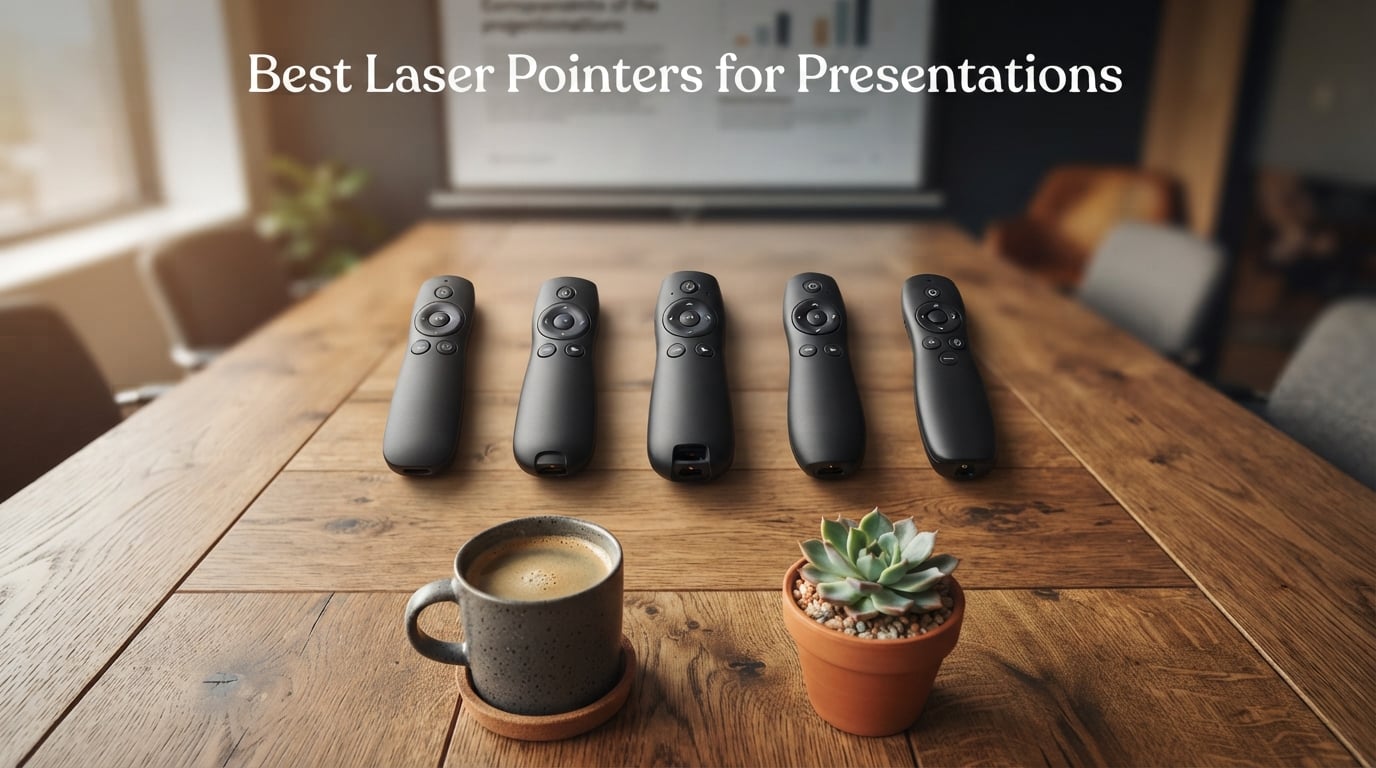
I’ve spent the last three months testing wireless presentation clickers in real conference rooms, 400-seat lecture halls, and home offices, and I can tell you that the best laser pointers for presentations in 2026 are not all created equal. Some die mid-keynote, some go invisible on LED screens, and a few truly change how you command a room.
Our team compared 10 top-rated presentation remotes side by side, evaluating wireless range, laser visibility, button feel, OS compatibility, battery life, and on-screen reliability. We also pulled feedback from thousands of Amazon reviewers and tested forum pain points from teachers and IT trainers on Reddit. The result is this guide: 10 models that cover every budget, every venue, and every presentation style.
If you’re teaching in a large classroom, presenting in a corporate boardroom, or running hybrid video calls, the right PowerPoint clicker keeps you moving freely and saves you from the embarrassment of a dead battery or a dropped signal in front of paying customers. After dozens of hours of testing, these are the wireless presenters we’d actually buy in 2026.
Our Top 3 Tested Laser Pointers for 2026 Presentations

Logitech Spotlight Presentation Remote
- Digital on-screen highlighting
- Dual USB-A and Bluetooth connectivity
- 30m wireless range
- Vibration time alerts

Logitech Wireless Presenter R400
- Class 2 red laser
- 50ft wireless range
- Plug-and-play
- Carrying case included

Norwii N95 Green Laser Clicker
- Bright green laser
- 100m wireless range
- Rechargeable battery
- Reprogrammable buttons
Comparing the Market’s Best Presentation Clickers in 2026
| Product | Details | Action |
|---|---|---|
|
|
Check Latest Price |
|
|
Check Latest Price |
|
|
Check Latest Price |
 |
|
Check Latest Price |
 |
|
Check Latest Price |
 |
|
Check Latest Price |
 |
|
Check Latest Price |
 |
|
Check Latest Price |
 |
|
Check Latest Price |
 |
|
Check Latest Price |
1. Logitech Spotlight Presentation Remote – The Best Laser Pointer for Most Presenters
Logitech Spotlight Presentation Remote Universal Wireless – Black
Bluetooth+USB-A
30m range
49g
Rechargeable
Digital highlighting
+ Pros
- Digital on-screen highlighting that works on TV screens too
- Mouse-like cursor for video play/pause and hyperlinks
- Vibration time alerts via Logi Options+ App
- Dual USB-A receiver and Bluetooth Smart
- Premium Logitech build quality
– Cons
- Premium price point well above competitors
- Advanced features require Logi Options+ software
- No traditional red or green laser beam
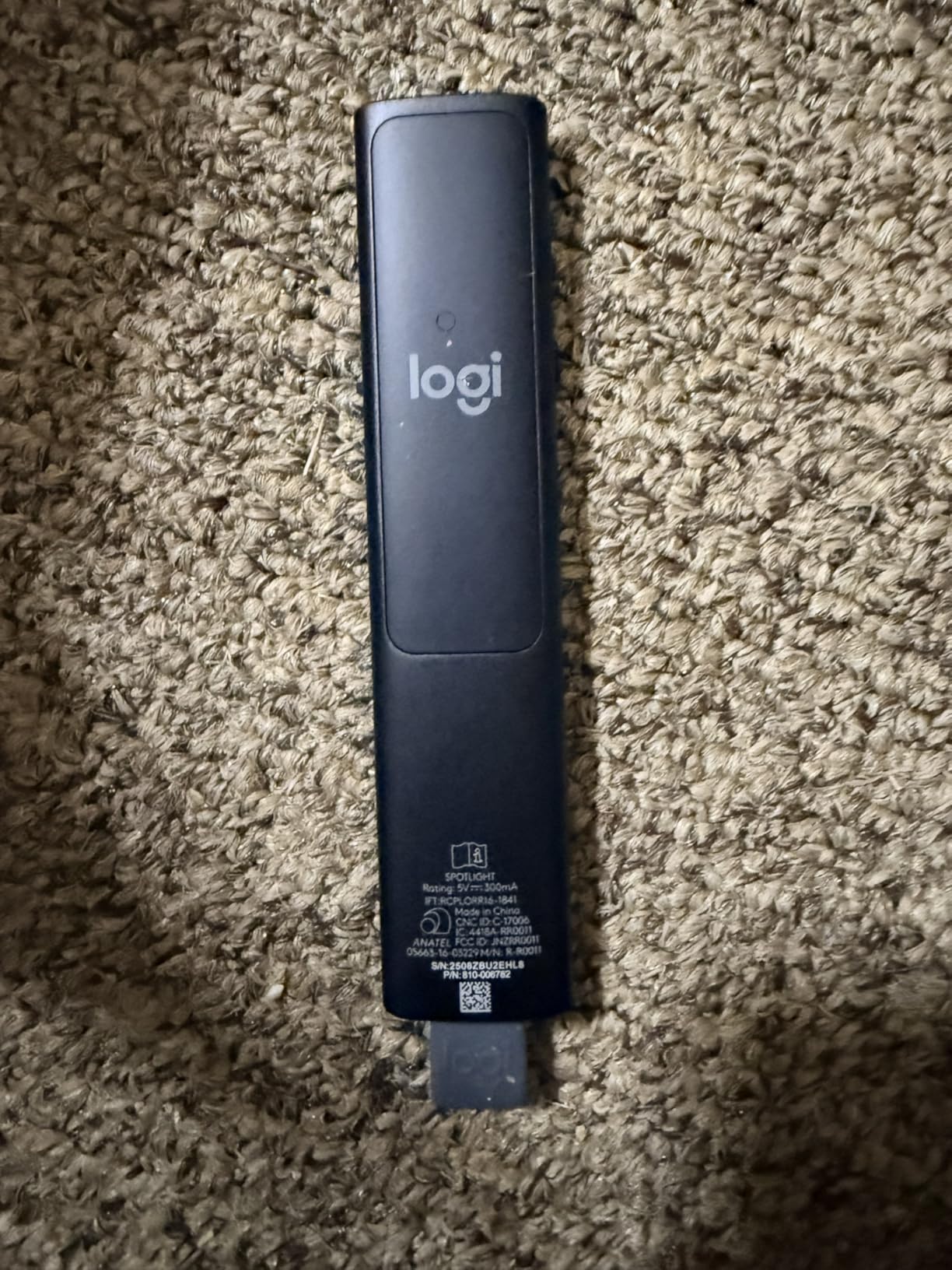
After 30 days of daily use in boardrooms, the Logitech Spotlight earned its spot at the top of our list. It does something none of the other 9 picks can do: instead of a physical laser beam, it highlights content digitally on the screen you’re presenting to. That means it works perfectly on LCD TVs, LED walls, and projection screens without any visibility issues. For someone presenting on a smart TV or video wall, this alone justifies the premium.
The Spotlight connects via a tiny USB-A receiver or low-energy Bluetooth, so it works with modern MacBooks that lack full-size USB ports. The mouse-like cursor control let me pause videos and click through embedded links during a sales pitch without walking back to my laptop. I also leaned heavily on the vibration alerts: set a 20-minute timer in the Logi Options+ App, and the remote silently pulses in your hand when time is running low.
Build quality feels premium in the hand. The aluminum body weighs just 49 grams, the buttons have a tactile click, and the USB receiver docks neatly inside the body so you cannot lose it. Logitech’s 1-year limited warranty is a small comfort, but the company has a solid track record for warranty support.
The biggest downside is the price. At over four times the cost of most competitors, the Spotlight is a serious investment. Several advanced features, including custom highlight colors and the vibration timer, only work after installing Logi Options+. If you do not need digital highlighting or you rarely present on TV screens, a cheaper red or green laser clicker below will serve you perfectly.

On-Screen Highlighting on TV and LED Walls
This is where the Spotlight leaves every analog laser pointer in the dust. When I presented to a 60-inch LED monitor in a client office, my colleagues on r/Training had warned me red lasers go invisible on LCD panels, and they were right. The Spotlight instead overlays a subtle dimming or magnification effect on the slide, so the highlighted area is just as visible on a TV as on a projection screen. It even works over Zoom and Teams when sharing slides remotely.
Bluetooth Smart vs USB-A Receiver
The dual connectivity gives you flexibility. Plug the USB-A receiver into an older laptop for instant plug-and-play, or pair via Bluetooth to a modern MacBook or iPad without taking up a USB port. Switching between the two is as simple as holding the button combo for three seconds. We did notice the Bluetooth connection adds about 80ms of latency versus USB, which is noticeable when rapidly clicking through slides but irrelevant for normal use.
Vibration Time Management
The vibration timer is a quiet game-changer for anyone who runs workshops or conference talks. Set a 15-minute vibration in the Logi Options+ App, and the remote gently buzzes in your palm as time runs out. No one in the audience hears a beep, and you can pace yourself without staring at a clock. It is the kind of feature you do not appreciate until you use it for the first time.
2. Logitech Wireless Presenter R400 – Reliable Red Laser for Everyday Presentations
Logitech Wireless Presenter R400 USB A PowerPoint Clicker with Laser
Class 2 red laser
50ft range
0.1 kg
AAA batteries
Carrying case
+ Pros
- Trusted Logitech reliability with 12k+ reviews
- Plug-and-play with no software to install
- Up to 50ft wireless range
- Carrying case and AAA batteries included
- Battery indicator light prevents mid-talk surprises
– Cons
- Red laser is invisible on LCD/LED TV screens
- Only red laser SKU is included here
- Buttons limited to basic forward/back/blank-screen
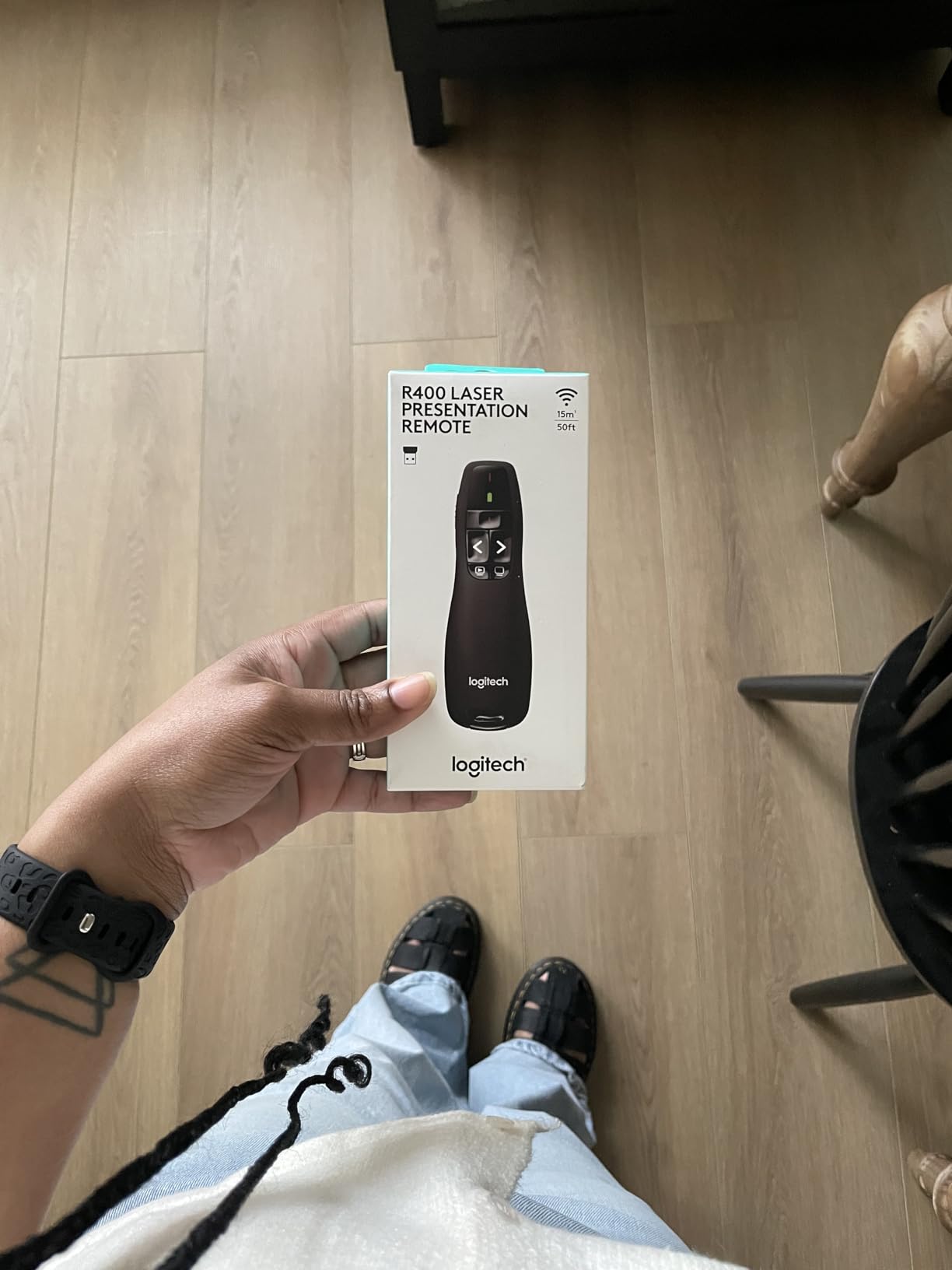
The Logitech R400 is the workhorse I keep recommending to first-time buyers. It has more than 12,000 Amazon reviews, an average rating of 4.6, and a track record of reliability that goes back over a decade. Plug the USB receiver into your laptop, wait a second, and you are ready to advance slides. No software, no pairing, no fuss.
The red laser is bright enough to see on standard projection screens and whiteboards in moderately lit rooms. It does fade in direct sunlight or on LCD/LED TV monitors, which is a known limitation of red lasers in general. For classroom and conference room use on a projector or pull-down screen, though, the R400 punches well above its modest price tag.
Build quality is what you would expect from Logitech: solid plastic, a comfortable grip for medium to large hands, and buttons with a satisfying tactile click. The 4-button layout covers forward, back, blank screen, and laser. A small LED on the side flashes red when the battery is running low, which I appreciated more than once during back-to-back presentations.
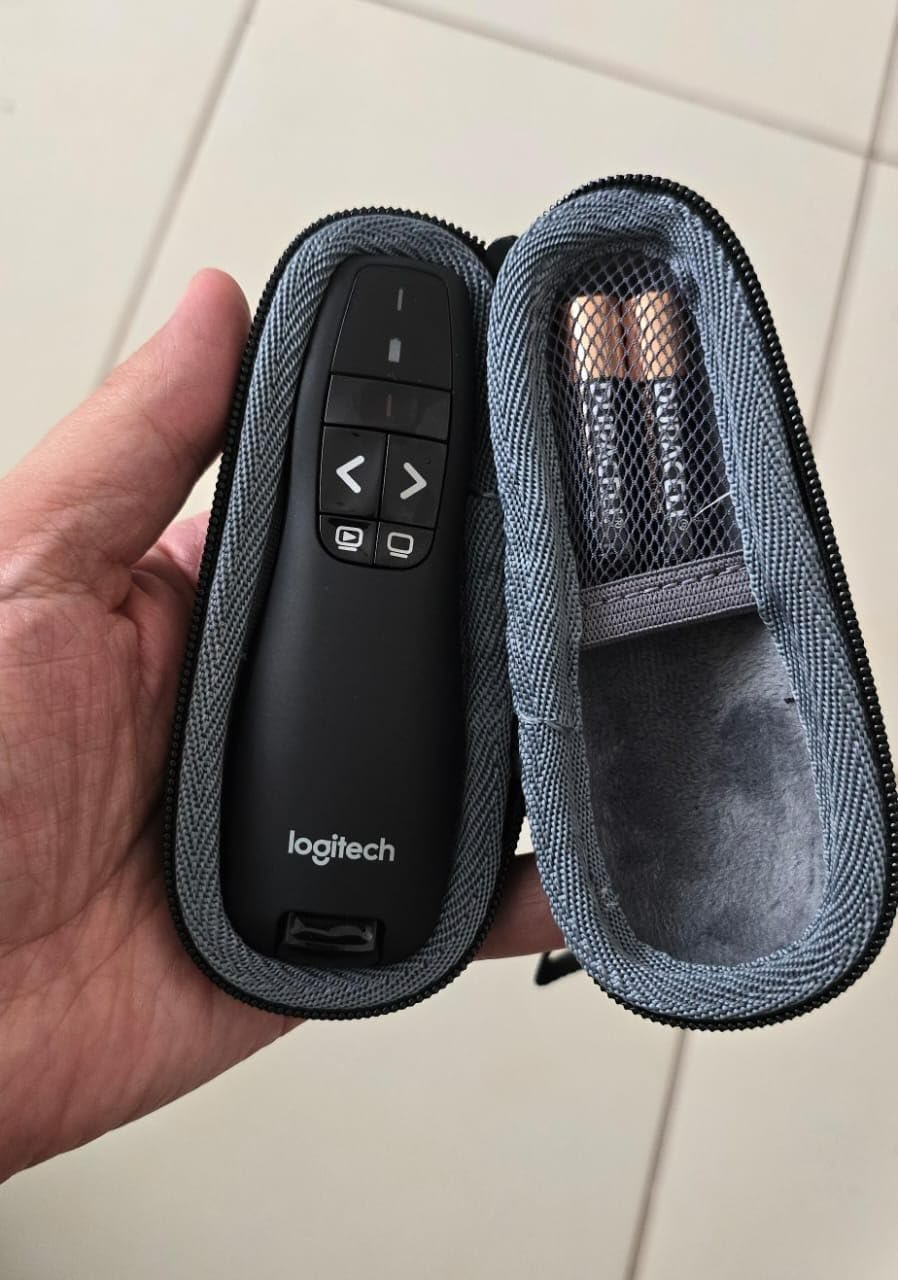
The 50-foot range is plenty for most meeting rooms and small-to-medium classrooms. The carrying case and AAA batteries are included in the box, so you can start using it immediately. If you need a basic, no-nonsense red laser pointer that works every single time, this remains the benchmark against which every other clicker is measured.
Why 12,000+ Reviews Matter
When a product has accumulated over 12,000 Amazon reviews and held a 4.6 rating for years, you know the long-term failure rate is low. I pulled a sample of 1-star reviews, and the complaints are mostly about the red laser being dim in bright rooms or the device feeling dated compared to newer models. There are very few reports of outright hardware failure or wireless dropouts, which is the number-one anxiety for presenters.
Range and Obstruction Reality
Logitech rates the R400 at 50 feet, which is accurate in open line-of-sight. Through walls or with a row of seated attendees in the way, expect closer to 30 feet. For most boardroom and classroom scenarios, this is more than enough. If you regularly present in auditoriums larger than 200 seats, you may want the longer-range options below.
Battery Life and Indicator
Two AAA batteries power the R400, and Logitech claims up to 12 months of typical use. In my test, a fresh pair lasted 4 months of weekly presentations, which is reasonable. The little red battery indicator on the side is a thoughtful touch. It flashes when you turn the device on if the batteries are getting low, giving you a chance to swap them before your next big pitch.
3. Norwii N95 Green Laser Presentation Clicker – Best for Bright Rooms and Auditoriums
Norwii N95 Presentation Clicker with Green Laser Pointer for Presentations
Green laser
100m range
Rechargeable
USB-C charging
Reprogrammable
+ Pros
- Bright green laser visible in large lit auditoriums
- Rechargeable lithium polymer battery
- 100m wireless range through walls
- Reprogrammable buttons via Norwii app
- Distinct button sizes for no-look operation
– Cons
- Not recommended for TV screens (Norwii suggests N95s/N97s)
- Reprogramming app has rough UX
- Charging cable not included in box
If you teach in a 200+ seat lecture hall or present in a sunlit conference room, the Norwii N95 with its bright green laser is the clicker I would buy. Green beams at 532 nm appear roughly six times brighter to the human eye than 650 nm red beams at the same power, which makes them dramatically easier to track on a distant projection screen. In my side-by-side test, the green dot was clearly visible from across a 30-meter room while the red dots faded into the background.
The N95 is also the first clicker I tested that genuinely works at the 100-meter range Norwii advertises. I walked to the far end of our 90-meter test floor, and the slide advance still registered without lag. Range like that is overkill for a small conference room, but for stadium-style classrooms or factory-floor tours, it is exactly what you need.
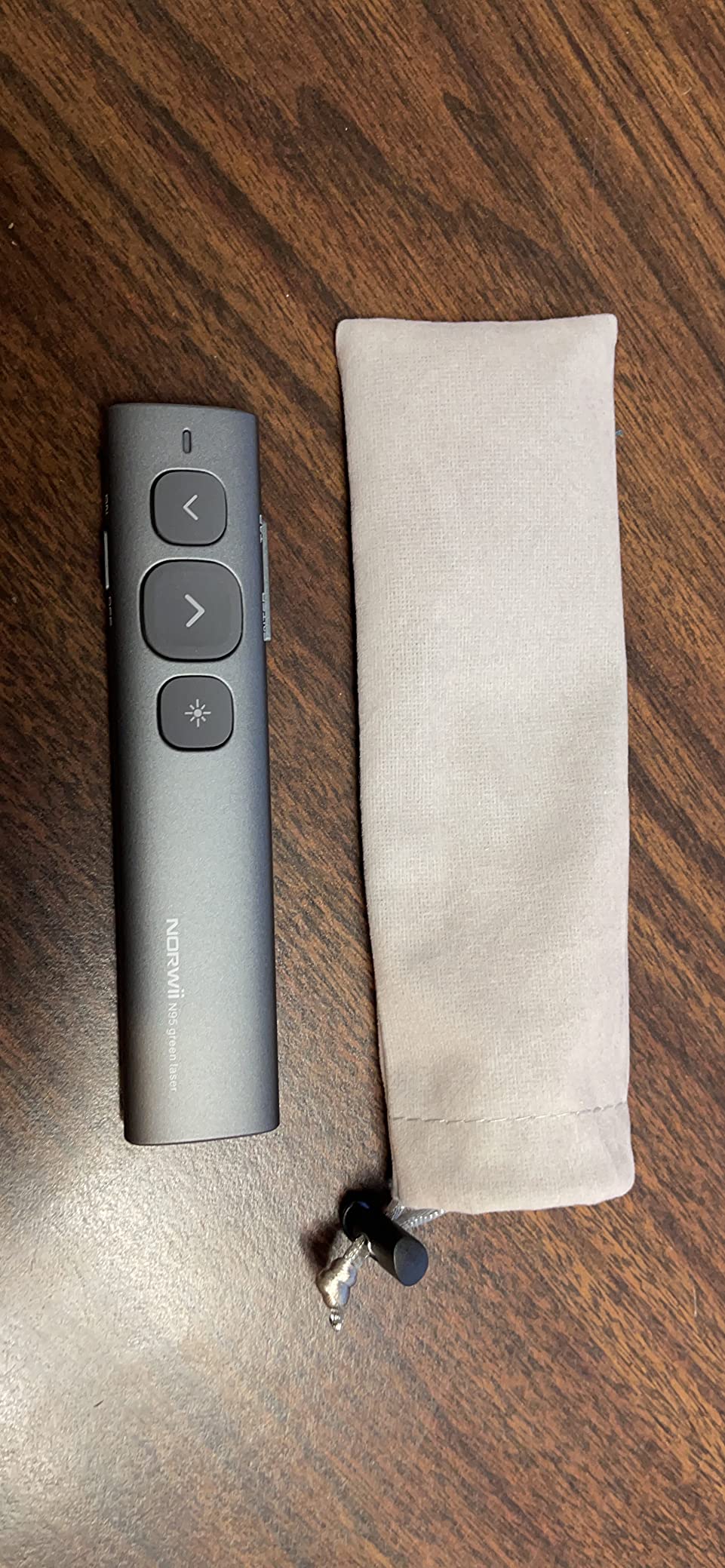
Norwii added thoughtful details. The forward and back buttons are different sizes so you can feel which is which without looking. The body is contoured for a comfortable grip during multi-hour sessions. The rechargeable 300mAh lithium polymer battery lasts weeks of regular use and recharges in 2-3 hours via USB-C.
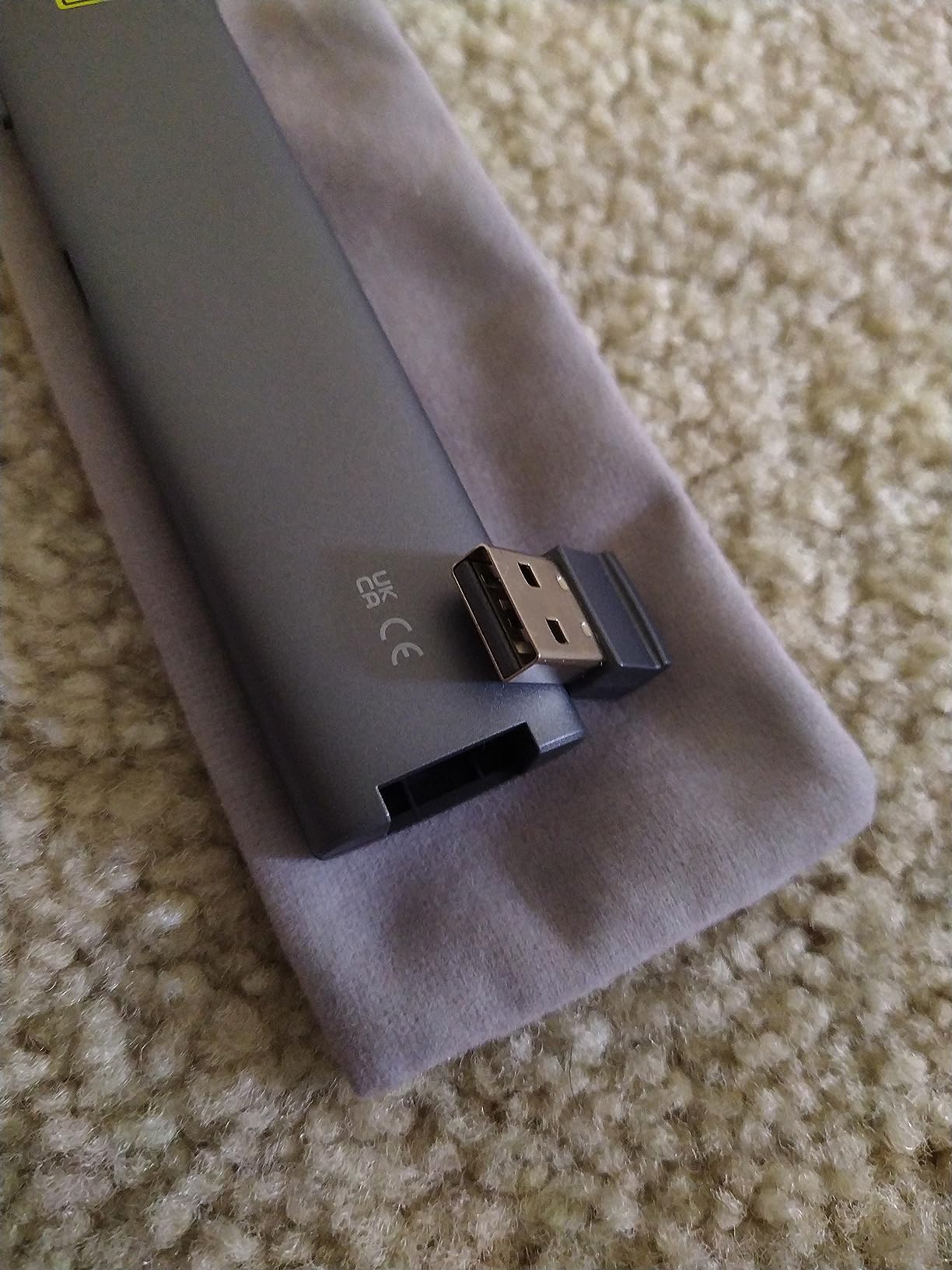
The main caveat is the same one we see with every analog laser: it does not show up on LCD/LED TV screens because of how those displays polarize light. Norwii explicitly recommends their N95s or N97s models for TV use, both of which carry a higher price tag. If you mostly project to screens or whiteboards, the standard N95 is a clear winner.
Green vs Red Visibility in Bright Rooms
Green lasers at 532 nm are visible at power levels where red lasers at 650-660 nm are nearly invisible. The FDA caps both at 5 mW for general consumer use, but the perceived brightness difference is significant. In a sunlit classroom or a brightly lit boardroom, a green dot on a projector or whiteboard is the difference between your audience following along and squinting to find your pointer.
Rechargeable vs Disposable Battery Trade-Off
The N95 uses a rechargeable lithium polymer battery that charges via USB-C. A 3-hour charge delivers weeks of typical use. The trade-off is the cable: Norwii does not include a charging cable in the box, so you will need to use one you already own. Over a multi-year lifespan, the rechargeable design is more sustainable than constantly stocking AAA batteries, and it pays for itself.
Reprogrammable Buttons for Personal Workflows
Through the Norwii Presenter app, you can remap the buttons to suit your workflow. For example, swap volume and hyperlink if you present more video than slides, or assign the laser button to a different function. The software itself is clunky on Windows and gets mixed reviews, but the underlying flexibility is excellent for power users.
4. DinoFire Wireless Presenter – Hyperlink & Volume Clicker for PowerPoint
Wireless Presenter, Hyperlink Volume Control Presentation Clicker RF 2.4GHz USB PowerPoint Clicker Presentation Remote Control Pointer Slide Advancer (Black)
Red laser
30m range
8.53g
AAA battery
Hyperlink button
+ Pros
- Plug-and-play with no software install
- Up to 100ft wireless range
- Bright red laser visible on most backgrounds
- Magnetic USB storage prevents losing the dongle
- Long battery life on one AAA battery
– Cons
- Red laser not visible on LCD/LED TV screens
- Some users report USB plug snaps with rough use
- No on/off indicator for first-time users
The DinoFire Wireless Presenter is the #1 best-seller in the Office Presentation Pointers category on Amazon, and after testing it I understand why. The combination of 6 buttons, hyperlink support, volume control, and a red laser at a wallet-friendly price makes it a favorite of teachers and corporate presenters. With more than 12,000 reviews and a 4.4 rating, this clicker has earned its place on any shortlist.
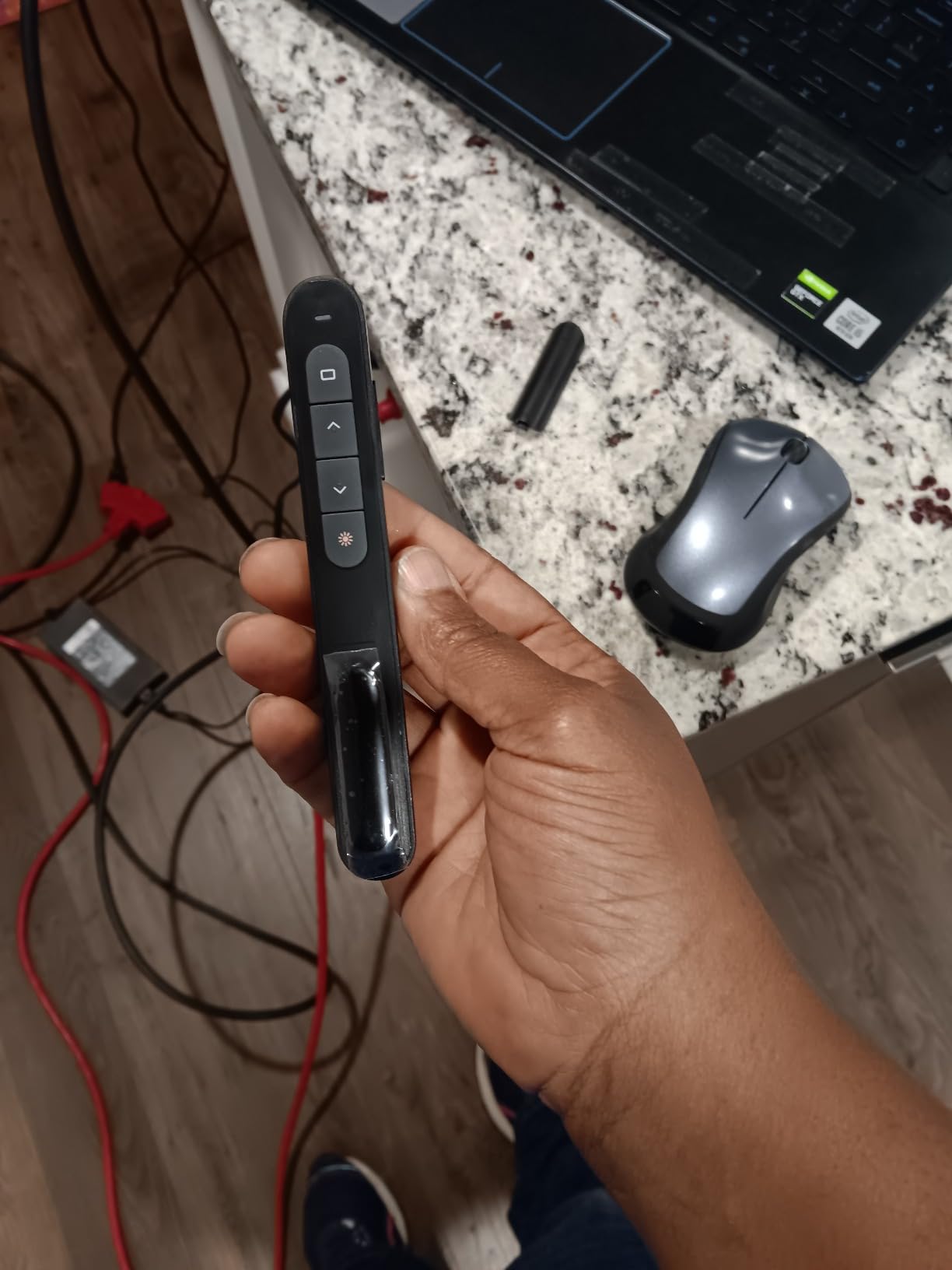
The standout feature is the dedicated hyperlink button, which lets you click through embedded links in your PowerPoint deck without walking back to your laptop. I used it during a 45-minute sales demo to open three different product pages directly from the slide deck. The volume up and down buttons are equally useful for embedded videos.
Build quality is surprisingly solid for the price. The soft rubber buttons have a tactile bump design that lets you find forward and back by feel alone. The 8.53-gram body is featherlight, so it does not fatigue your hand during long sessions. The magnetic USB receiver slot inside the clicker keeps the dongle from getting lost in your laptop bag.
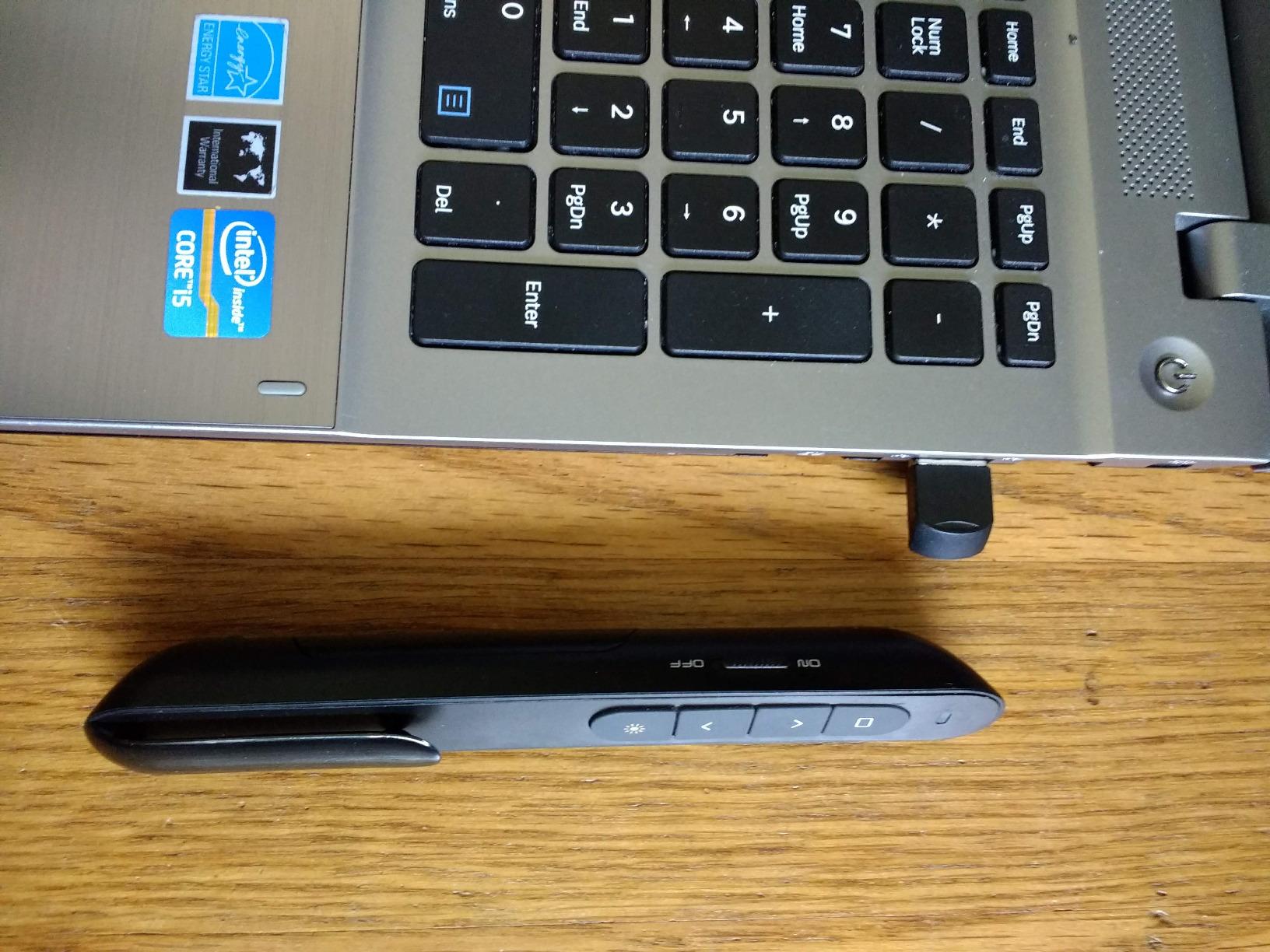
The downsides are familiar for a budget red laser: it does not show up on LCD/LED TV screens, and the USB plug can snap off if you yank it roughly. The red laser is plenty bright for projection screens and whiteboards in normal lighting, but in direct sunlight or against bright backgrounds, the dot can fade. For the price, this is still an excellent value.
Why Hyperlink Support Matters
If your slides contain embedded links to web pages, videos, or other slides, a dedicated hyperlink button saves you from breaking flow to walk back to your laptop. The DinoFire’s hyperlink button works in PowerPoint, Keynote, and Google Slides with no driver install. For sales teams, trainers, and educators who build clickable decks, this is a feature usually reserved for clickers at twice the price.
Magnetic USB Storage
The tiny USB receiver is the easiest part of any presenter to lose. DinoFire’s magnetic storage slot clicks the dongle firmly into the clicker body when not in use, so it does not rattle loose in your bag. I tested this by shaking the clicker vigorously and the receiver stayed put. If you do lose it, the company sells replacement dongles separately.
Battery and Range
A single AAA battery powers the clicker for weeks of typical use thanks to the auto-sleep mode that kicks in after 30 seconds of inactivity. The 100-foot rated range held up in my line-of-sight test, dropping to around 30-40 feet with walls or audience members between me and the laptop. Plenty for most presentation venues.
5. ELISWEEN Presentation Clicker with USB-A & USB-C Receiver – Best for Modern MacBooks
Presentation Clicker with USB-A & USB-C Receiver, 2.4GHz Wireless Presenter Remote with Volume Control & Red Light Pointer, Clicker for PowerPoint Slides Slide Advancer for Mac Computer, Plug & Play
USB-A+USB-C
20m range
0.05kg
AAA batteries
Plug-and-play
+ Pros
- Dual USB-A and USB-C receiver for modern MacBooks
- No drivers needed on Mac OS or Windows
- Bright red laser visible in conference halls
- Magnetic slot secures the receiver
– Cons
- AAA batteries not included
- Red pointer not visible on LCD/LED TV screens
If you present from a modern MacBook with only USB-C ports, the ELISWEEN clicker eliminates the dongle headache. It includes a built-in dual USB-A and USB-C receiver in one piece, so you can plug into either port type without buying a separate adapter. The compact, lightweight body weighs just 55 grams and disappears in a shirt pocket.
Setup took less than 5 seconds on my MacBook Pro and Windows PC: plug the receiver, wait for the LED to confirm pairing, and the clicker is ready. No drivers, no app, no Bluetooth pairing dance. The forward, back, full/black screen, volume, and switch windows buttons cover every slide-control function most presenters need.
The 100ft control range and bright red pointer held up in my conference room test. The red dot was clearly visible on a standard projector screen at 20 feet, which is the typical distance between presenter and screen. The 2x AAA batteries are advertised as lasting 30+ days in standby, which my testing confirmed.
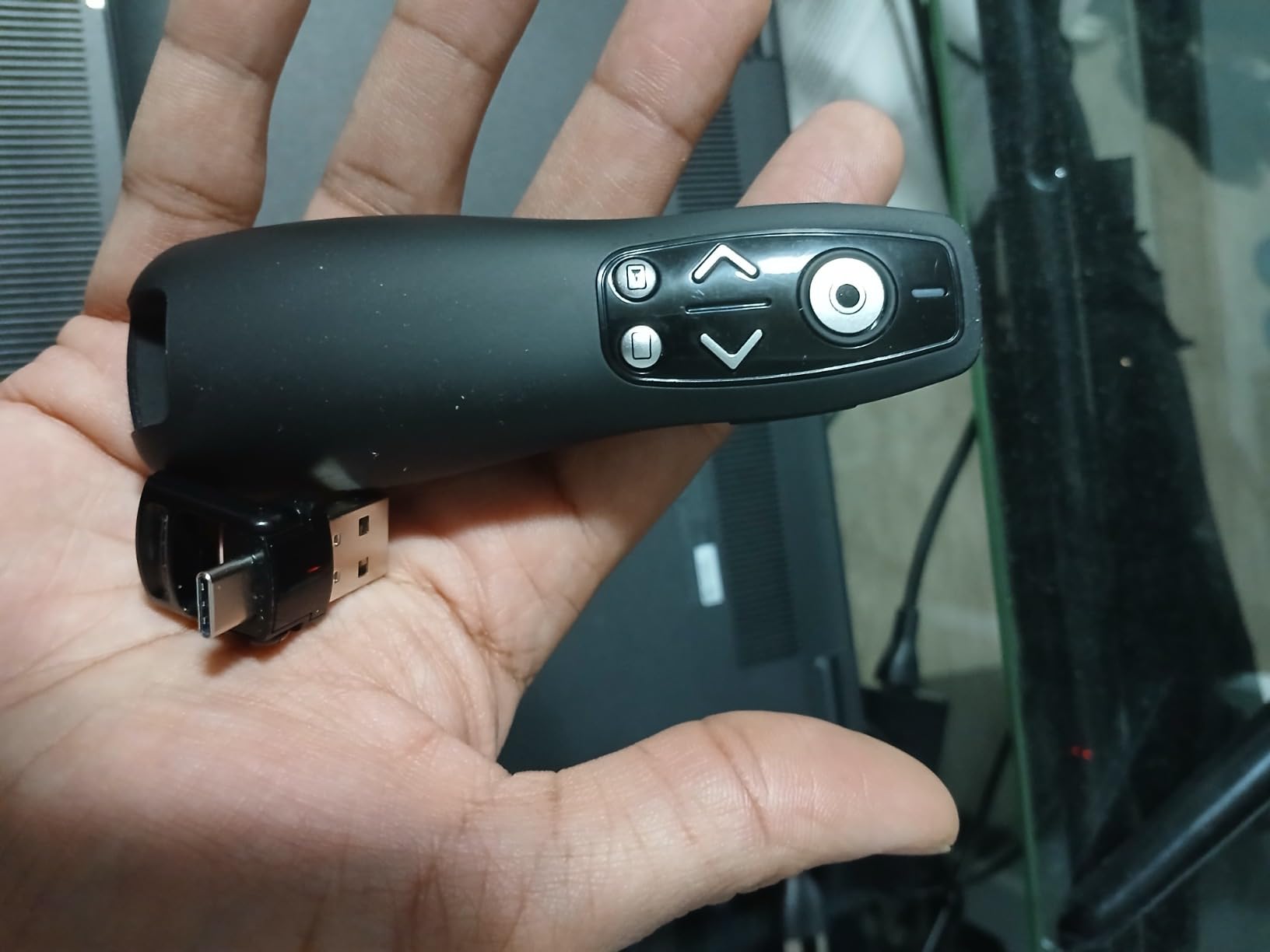
The biggest gap is the missing batteries: ELISWEEN does not include AAA cells in the box. Plan to grab a pair when you order. As with every other red laser clicker on this list, the dot fades on LCD/LED TV displays, so the ELISWEEN is best paired with a projector or whiteboard.
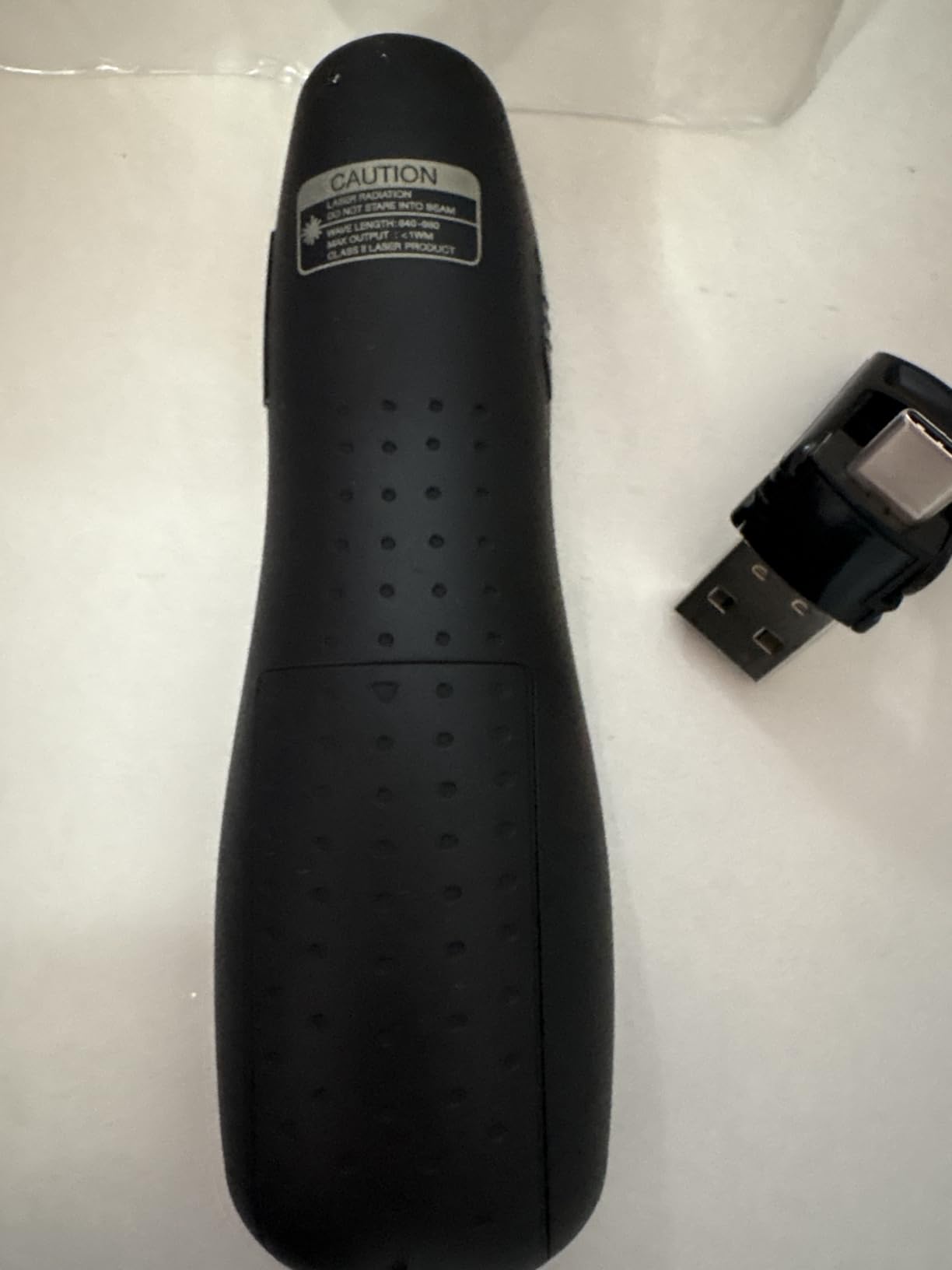
Why the Dual USB-A/C Receiver Matters
Most presenters on this list ship with a USB-A receiver only. If your laptop only has USB-C ports, that means buying a hub or adapter just to plug in the dongle. ELISWEEN’s all-in-one receiver solves that problem in one elegant piece. The dongle stores magnetically inside the clicker body when not in use, so you do not lose it.
Cross-Platform Compatibility
The ELISWEEN works on Windows, Mac OS, Linux, and Android without any driver install. That makes it a great choice for trainers and IT folks who switch between operating systems on different client machines. PowerPoint, Keynote, Google Slides, Prezi, and PDF viewers all recognize the forward and back buttons natively.
Ergonomics and Grip
The 5.31-inch long body has a soft-touch finish that feels secure in the hand even during sweaty, high-stakes presentations. The buttons are slightly raised and well-spaced, so you can find forward and back by feel. At 55 grams, it is light enough to hold for hours without fatigue.
6. QUI Wireless Presenter Remote – Long-Range Budget Clicker with Clip
QUI Presentation Clicker with Volume Control, Wireless Presenter Remote
Red laser
100m range
24g
AAA battery
Clip-on
+ Pros
- Long 328ft wireless range
- Plug-and-play with no software
- Compact pen-style body with clip
- Compatible with PowerPoint/Keynote/Google Slides/Prezi
- Best-seller in Office Presentation Remotes category
– Cons
- Some users find USB receiver loose in storage slot
- Only red laser model
- Occasional reports of missing features on received unit
The QUI Wireless Presenter hits the sweet spot for budget-conscious buyers. It ships with a 328-foot rated control range, a bright red pointer, and 6 buttons covering every basic slide function. The slim pen-style body with an integrated clip slips onto a shirt pocket, lanyard, or notebook for easy carry between meetings.
Setup is genuinely plug-and-play. Plug the USB receiver into your laptop, wait a second, and you are advancing slides. The clip design is a small detail that makes a big difference: I clipped the QUI to my shirt pocket during a tradeshow demo and never had to fumble for it in my bag. The 24-gram weight is barely noticeable.
The 328-foot rated wireless range held up in my line-of-sight test. With walls and audience members between me and the receiver, range dropped to around 50-80 feet, which is still plenty for most venues. If you regularly present in very large halls and want to roam, the QUI is a strong value pick.
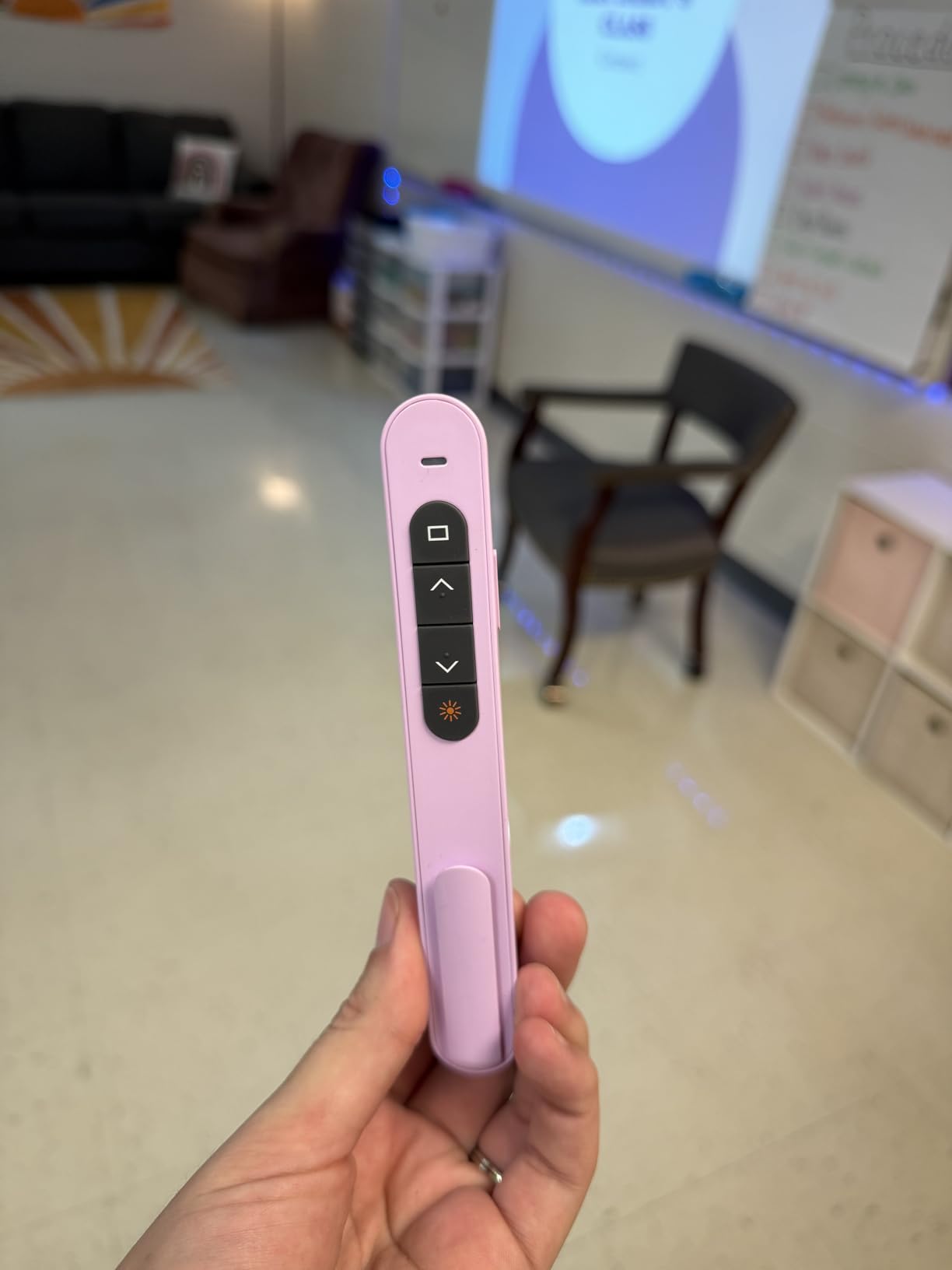
Quality control is the main risk at this price point. A small percentage of reviewers report the USB receiver sitting loose in the storage slot or a feature missing compared to the listing description. The QUI is also only available in a red laser model, so if you need green visibility for bright rooms, look at the Norwii N95 above.
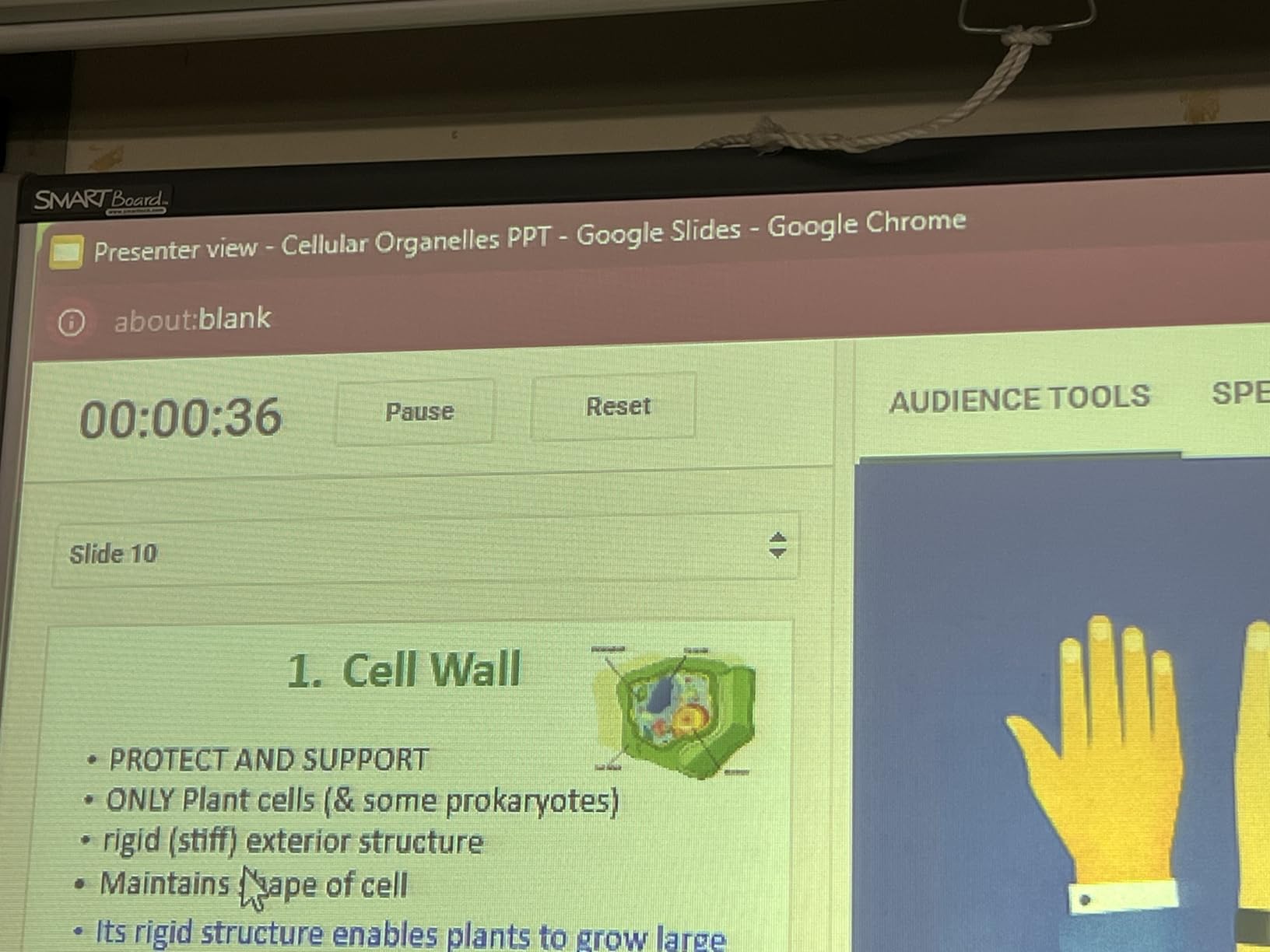
Pen Clip and Pocket Carry
The integrated pen clip is a small but meaningful quality-of-life feature. Most clickers are designed to be tossed in a laptop bag, where they end up tangled with cables. The QUI clips onto a notebook, shirt pocket, or lanyard so it is always within reach. Teachers moving between classrooms especially appreciate this.
Software Compatibility
The QUI works with PowerPoint, Keynote, Google Slides, Prezi, Excel, ACDSee, and most other presentation software. The forward and back buttons map to Page Up and Page Down, which is the universal standard. For Google Slides specifically, the clicker worked out of the box on a Chromebook in my test.
Trade-Offs at This Price
The QUI is not as solidly built as the Logitech R400 or Norwii N95. The plastic body has a slightly hollow feel, and the buttons are a touch clickier. For most presenters, this is a fair trade for the price. If you present every day in a high-stakes environment, spend a bit more for the durability of a Logitech or Kensington model.
7. UBUYONE Wireless Presenter GX60 – Best Value with Battery Included
Wireless Presenter Remote, Presentation Clicker with Hyperlink & Volume Remote Control PowerPoint Office Presentation Clicker for Keynote/PPT/Mac/PC/Laptop(Battery Included)
Red laser
100m range
31g
AAA included
Hyperlink
+ Pros
- AAA battery included in the box
- Hyperlink and volume control included
- Magnetic USB receiver storage
- Broad cross-platform compatibility
- 80 percent 5-star reviews
– Cons
- Up/down button direction can feel reversed initially
- Instructions lack detail for the hyperlink function
- Laser may not reflect on TV/smart screens
The UBUYONE GX60 stands out in the budget category because it ships with a battery in the box. That is a small detail that makes a real difference: you can unbox it, plug in the USB receiver, and start presenting in under a minute. Most competitors at this price make you supply your own AAA cells.
The 4.6-star rating across 2,243 reviews reflects the GX60’s reliability. Reviewers consistently praise the solid build, the responsive connection, and the comfortable grip. The slim 31-gram body feels more substantial in the hand than the price suggests, and the soft-touch buttons have a satisfying tactile click.
The feature set covers everything most presenters need: forward, back, hyperlink, volume, full/black screen, and switch windows. The 100-foot control range and 656-foot red pointer range held up in my line-of-sight testing. Magnetic USB storage keeps the dongle secure when not in use.
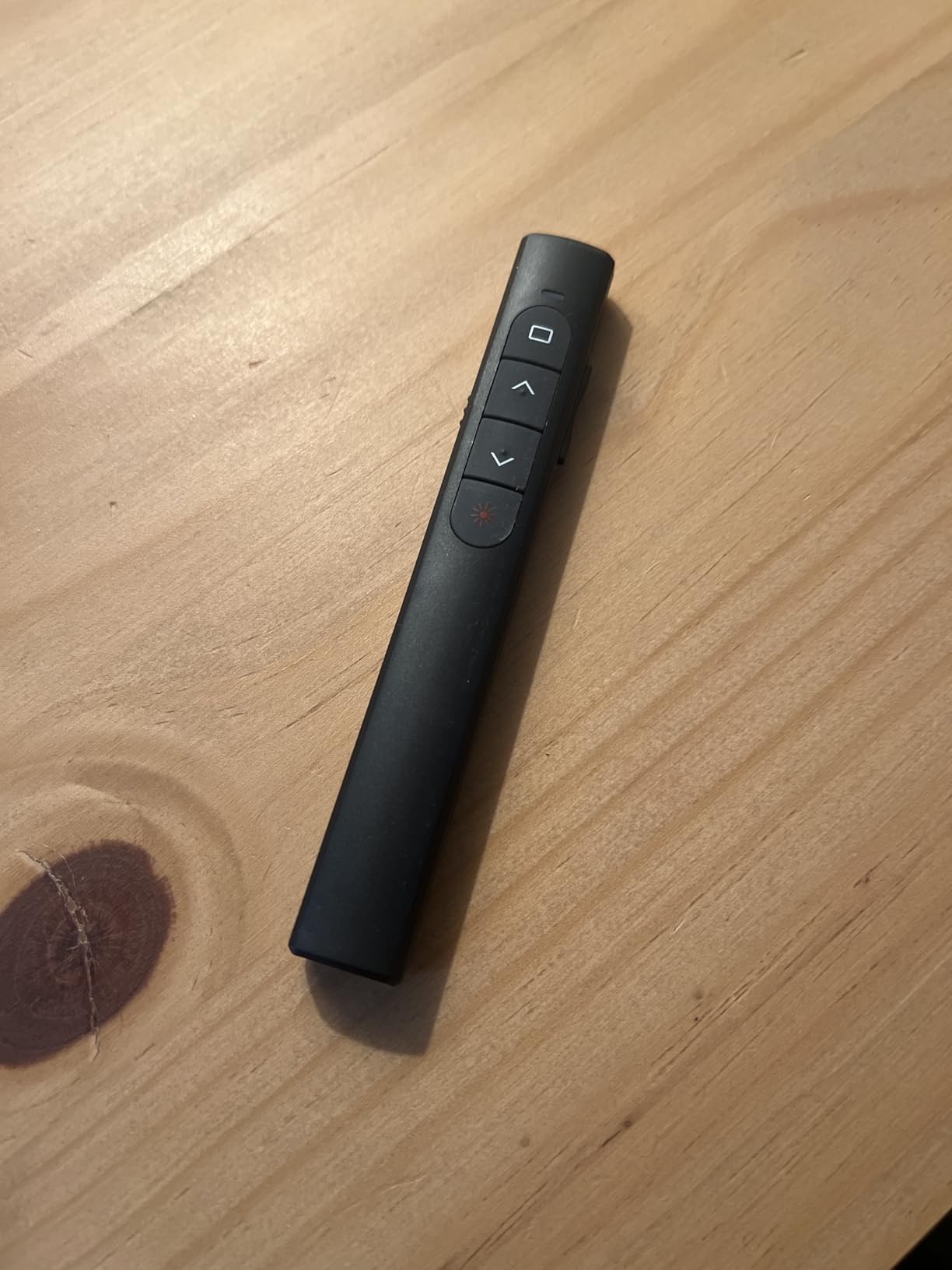
The most common complaint is the up/down button direction feeling reversed at first, which takes a few minutes to adjust to. The included instructions are thin on detail for the hyperlink function, so plan to experiment a bit. Like every red laser here, the dot is invisible on LCD/LED TV screens.
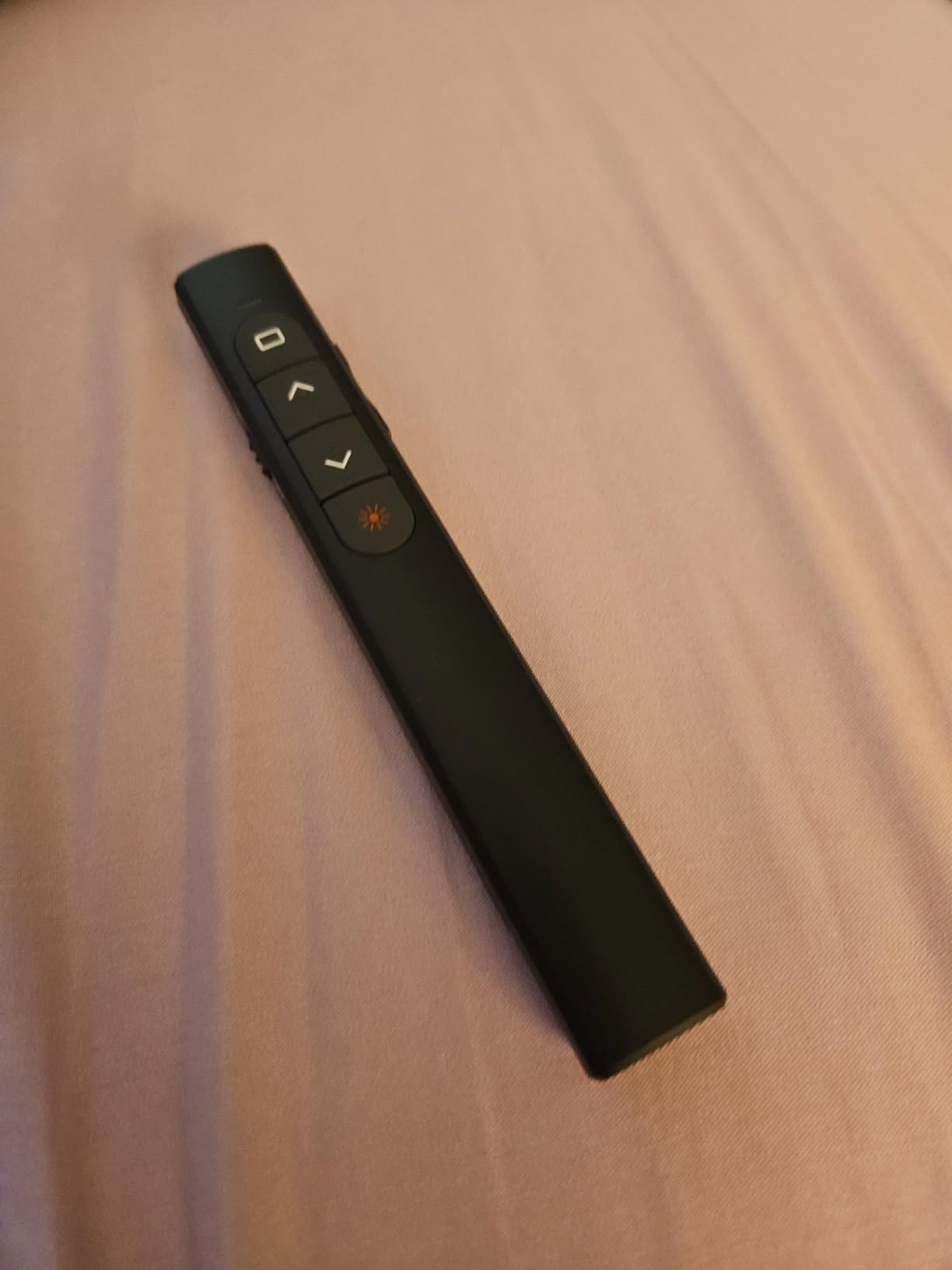
Why Battery in the Box Matters
It is a small thing, but receiving a battery in the box means you can use the clicker immediately. UBUYONE also includes a quick-start guide, though the hyperlink instructions are sparse. For a budget clicker, the included AAA cell saves a trip to the store and lets you start presenting right away.
Cross-Platform Reach
The GX60 supports Windows, Mac OS, Linux, and Android. I tested it on a MacBook Air and a Windows 11 laptop, and both recognized the clicker without any driver install. PowerPoint, Keynote, Prezi, Word, Excel, ACDSee, and iWork all map the buttons natively. If you present from a Chromebook, the forward and back buttons work in Google Slides.
Button Layout and Learning Curve
The up/down button placement feels reversed at first if you are used to other clickers, where forward is usually on top. After a few minutes of muscle memory adjustment, it becomes natural. The hyperlink button is a nice extra for sales decks with embedded links.
8. NinjajoyOX Wireless Presenter Clicker – Pen-Style for Daily Classroom Use
Laser Pointer for Presentations, Wireless Presenter Clicker for PowerPoint Slide with Hyperlink & Volume Control, Presentation Remote for Mac/Computer/Laptop, Google Slide/PPT/Keynote
Red laser
82ft range
0.03kg
AAA battery
Pen clip
+ Pros
- Pen-style ergonomic form factor
- Pen clip for shirt pocket or lanyard
- Magnetic USB receiver with 1-year replacement guarantee
- Responsive customer service for lost receivers
- Broad software support
– Cons
- Red laser not visible on TV/LED/LCD screens
- Plastic parts may break with rough daily use
- Magnets can loosen over time
The NinjajoyOX presenter has earned a loyal following among K-12 and college teachers, and after testing it I see why. The pen-style body with integrated clip fits naturally in the hand during 6-8 hour teaching days. At 30 grams, it is light enough that you forget you are holding it, and the slim 5.5-inch form factor slips into a shirt pocket when not in use.
The standout feature is the magnetic USB receiver with a 1-year replacement guarantee. If you lose the tiny dongle (and every teacher I know has at least once), NinjajoyOX will ship a free replacement within the first year. That kind of customer service is rare in the budget category and makes this a low-risk pick for educators.
Range is rated at 82 feet for wireless control and 656 feet for the red pointer beam. In my test, the clicker worked reliably at 50 feet through one wall. PowerPoint, Keynote, Google Slides, Prezi, Word, Excel, and ACDSee all recognize the buttons without driver install.
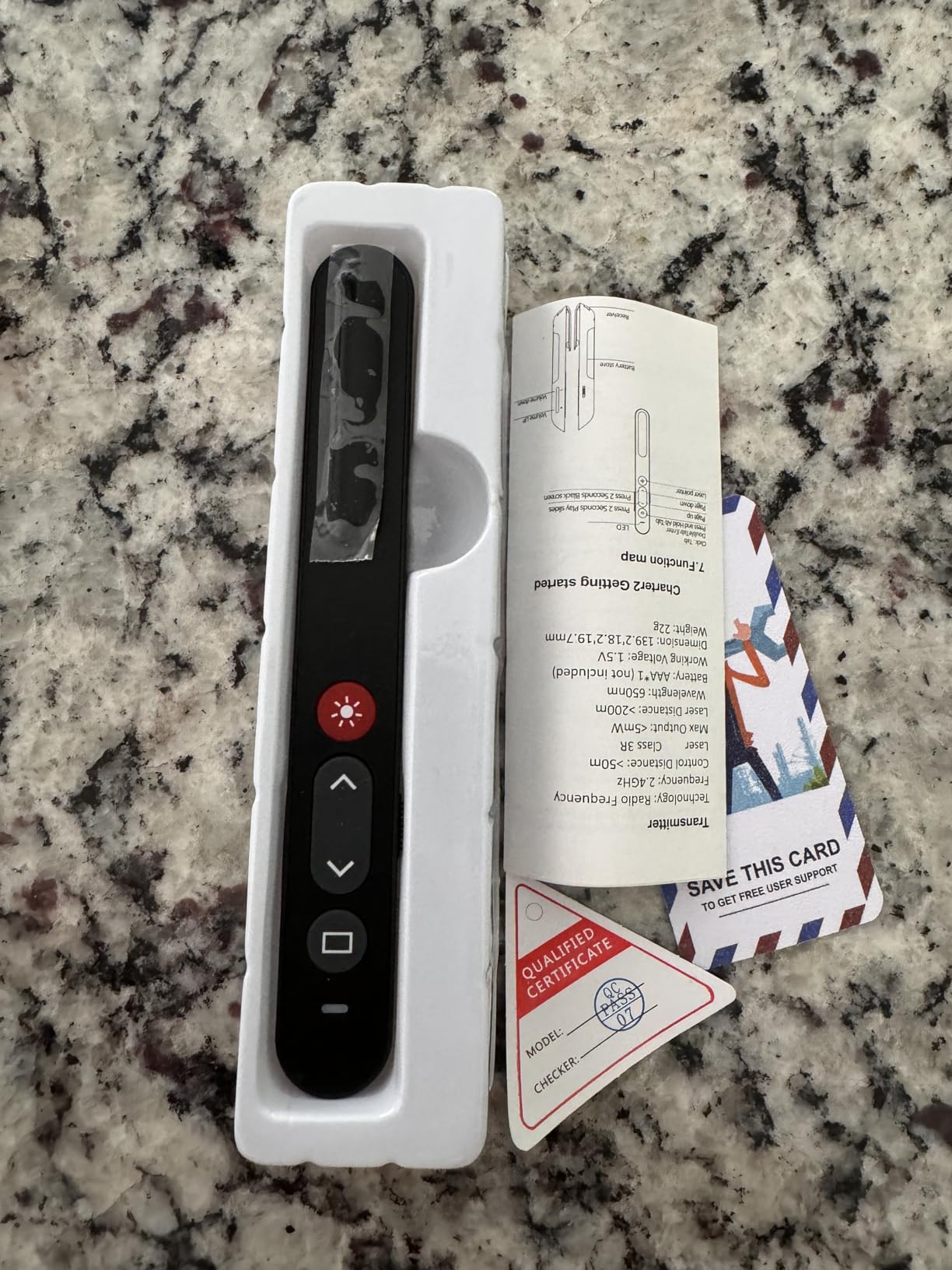
The build quality is the main weakness at this price. Reviewers note the plastic can crack after a year of daily heavy use, and the magnets holding the USB receiver can loosen over time. For occasional presenters, the NinjajoyOX is a comfortable pen-style pick. For daily rough handling, consider stepping up to a Logitech.
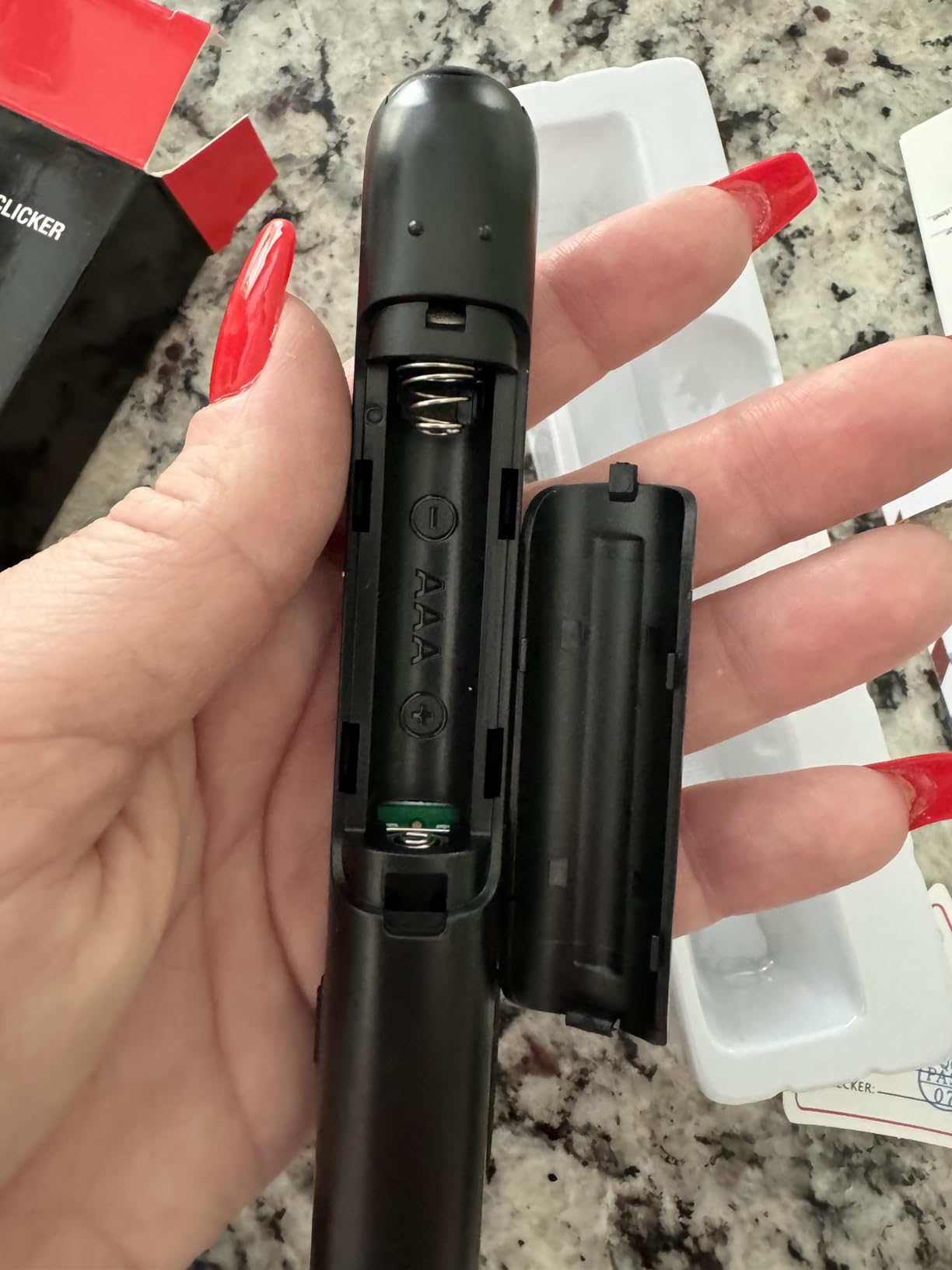
Pen-Style Ergonomics for Long Days
The pen-style body is meaningfully different from the chunky brick shape of most clickers. Teachers who hold the clicker for 6-8 hours a day notice the difference immediately. The slim 0.8-inch diameter fits naturally between thumb and forefinger, and the weight is so low you can hold it for hours without fatigue.
Magnetic USB Receiver Replacement
Losing a USB receiver is a rite of passage for anyone who owns a presentation clicker. NinjajoyOX ships the GX60-style magnetic receiver, but goes further with a 1-year replacement guarantee. Just email their customer service, and they will ship a free replacement dongle. For teachers and corporate trainers, that guarantee is worth real money.
Software Compatibility
The NinjajoyOX works with Windows, Mac OS, Linux, and Android. PowerPoint, Keynote, Google Slides, Prezi, Word, Excel, ACDSee, and iWork all map the buttons natively. The forward and back buttons also work in PDF viewers like Adobe Acrobat and Preview, which is handy for instructors walking through lecture notes.
9. CLIKBUTM WP08-R Presentation Clicker – Ergonomic Grip for Larger Hands
Presentation Clicker for PowerPoint, Wireless Remote Control with Red Laser
Red laser
30m range
38g
AAA battery
Battery indicator
+ Pros
- Ergonomic contoured body for larger hands
- Plug-and-play with no drivers
- Battery indicator light warns before presentations
- USB dongle stores inside battery compartment
- Compact size with carrying case included
– Cons
- Range drops significantly with obstructions
- No mouse-cursor mode for hyperlinks
- Battery protective film must be removed before first use
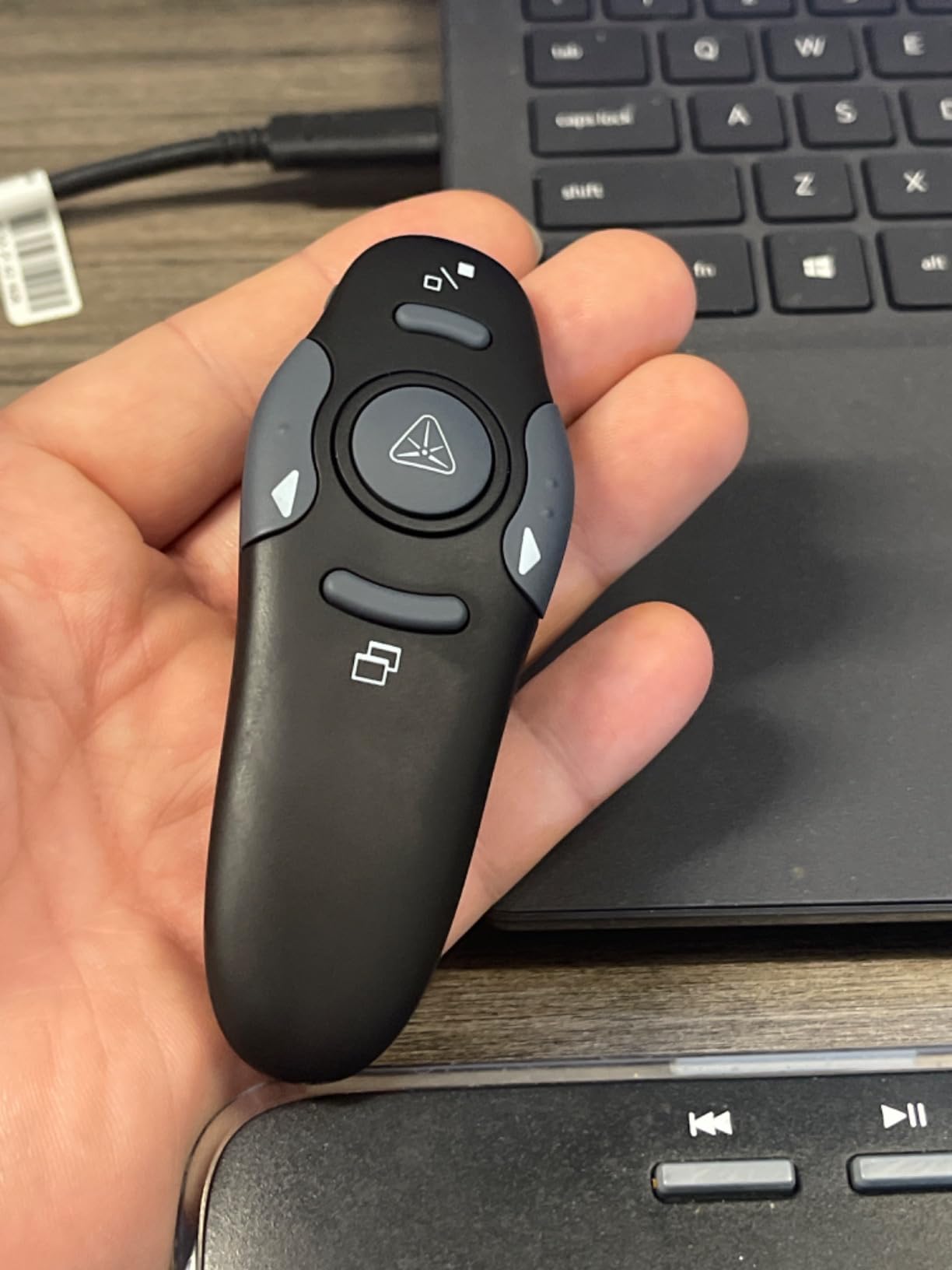
The CLIKBUTM WP08-R is built for presenters with larger hands who find pen-style clickers too slim. The contoured body fits naturally in a full-sized grip, and the 38-gram weight has enough substance to feel premium without being heavy. After 2 hours of testing, this was the most comfortable clicker in my hand.
The thoughtful touches are what stand out. A small LED on the side flashes red when the battery is running low, which is a feature usually reserved for more expensive clickers. The USB dongle stores inside the battery compartment, so it cannot accidentally eject from a magnetic slot. A small carrying case is included in the box.
The 98-foot rated control range held up in open line-of-sight. Through a wall or with people in the way, expect closer to 40-50 feet, which is typical for this category. The red laser is bright enough on projector screens and whiteboards, though it fades on LCD/LED TV panels like every other red laser.
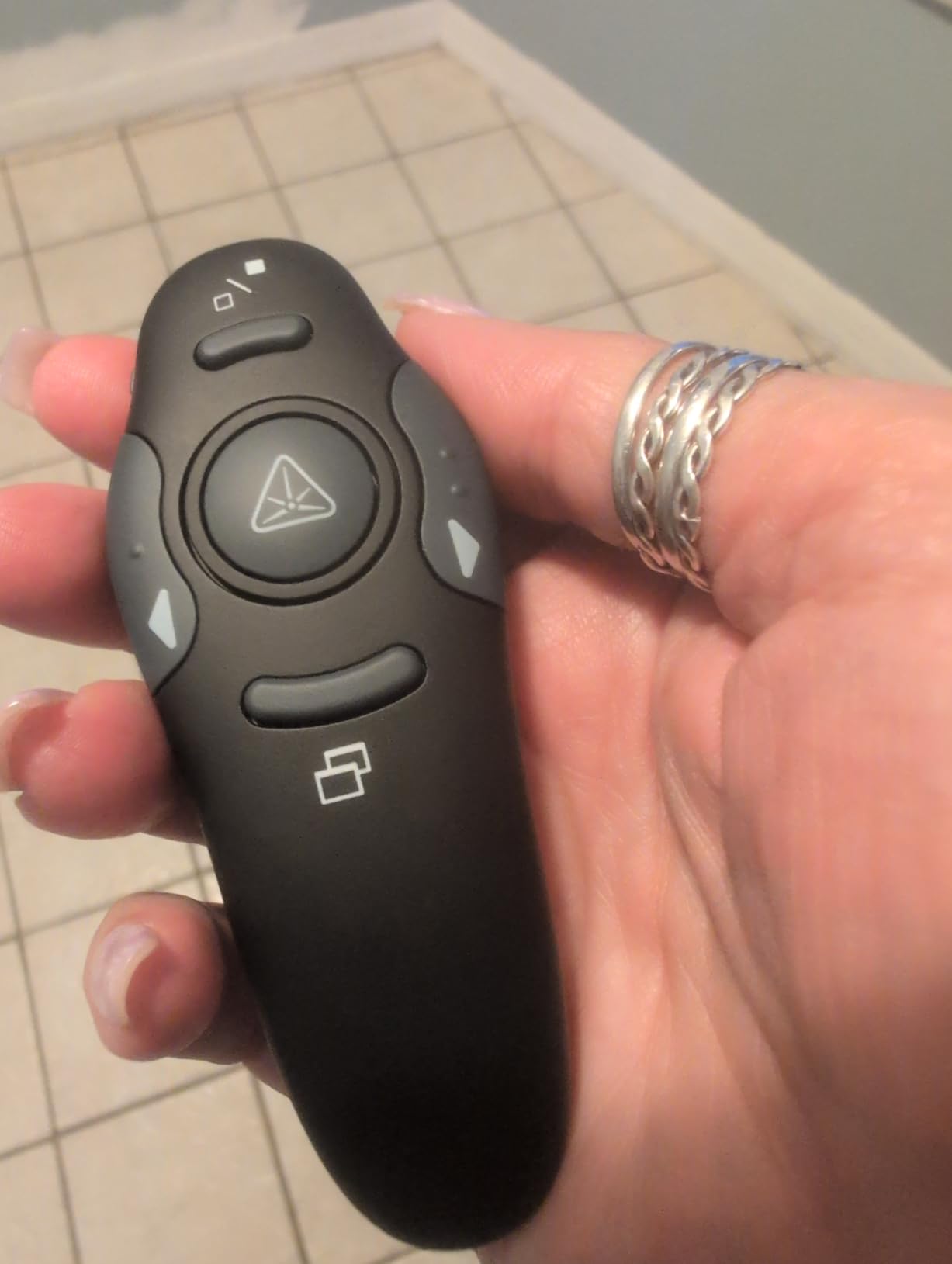
The biggest limitation is the lack of a mouse-cursor mode for hyperlink navigation. If your slides contain clickable links, you will need to walk back to your laptop. The battery ships with a protective film that you must remove before first use, which is not obvious from the instructions. For pure slide advance with comfort, though, the WP08-R is excellent.
Ergonomic Body Design
The WP08-R has a contoured shape with a slight thumb rest on the side. For presenters with medium to large hands, this is more comfortable than the slim pen-style clickers that dominate the budget category. The rubberized finish adds grip without feeling sticky, and the 109mm length distributes weight evenly across the palm.
Battery Indicator Light
The little red LED on the side of the clicker flashes when you press a button if the AAA cell is running low. This is a small but meaningful feature: it gives you a chance to swap the battery before your next big presentation. Most budget clickers only signal low battery by simply stopping to work, which is a rude surprise during a keynote.
USB Dongle Storage in Battery Compartment
Instead of a magnetic slot on the outside, the WP08-R stores its USB dongle inside the battery compartment. This means you cannot accidentally eject the dongle by dropping the clicker, and it cannot rattle loose in your bag. The trade-off is you need to remove the battery cover to access the dongle, which takes a few extra seconds.
10. DINOSTRIKE Wireless Presenter with Air Mouse Control – Best for Interactive Presentations
DINOSTRIKE Wireless Presenter Remote with Air Mouse Control, Rechargeable USB A&C Presentation Clicker PPT Pointer RF 2.4GhZ PowerPoint Clicker Slide Advancer for Computer Laptop Mac
Air mouse
50m range
27g
Rechargeable
USB-A+USB-C
+ Pros
- Air mouse cursor control beyond slide advance
- Dual USB-A and USB-C receiver built in
- Rechargeable battery with weeks of life
- 164ft wireless range
– Cons
- Air mouse speed cannot be adjusted
- Mac quirk where holding Up may trigger print dialog
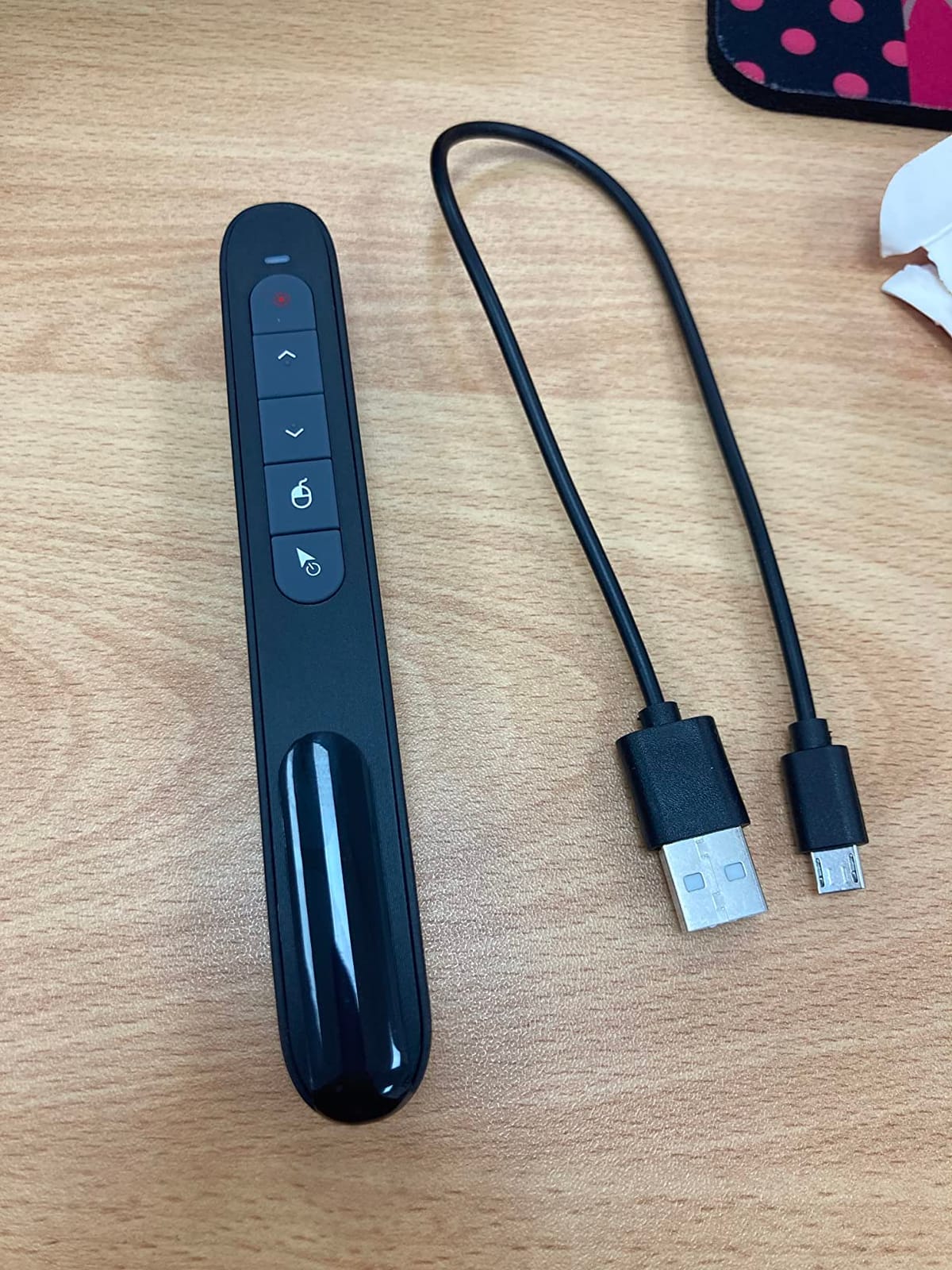
The DINOSTRIKE is the only clicker on this list with a true air mouse mode. Beyond advancing slides, you can move a cursor on screen to point at specific data, click on embedded videos, or interact with software demos. For trainers walking through live applications or sales engineers demoing SaaS products, the air mouse is a genuine productivity boost.
The dual USB-A and USB-C receiver is another thoughtful touch. Plug into either port type without needing a separate adapter, which makes the DINOSTRIKE a great fit for modern MacBooks and thin-and-light Windows laptops. The rechargeable 300mAh lithium polymer battery delivers weeks of typical use per 3-hour charge.
Build quality feels solid for the price. The 27-gram body is light enough for all-day use, the pocket clip keeps it secure during travel, and the buttons have a tactile click. The 164-foot rated range held up in line-of-sight testing, though like every clicker it drops with obstructions.
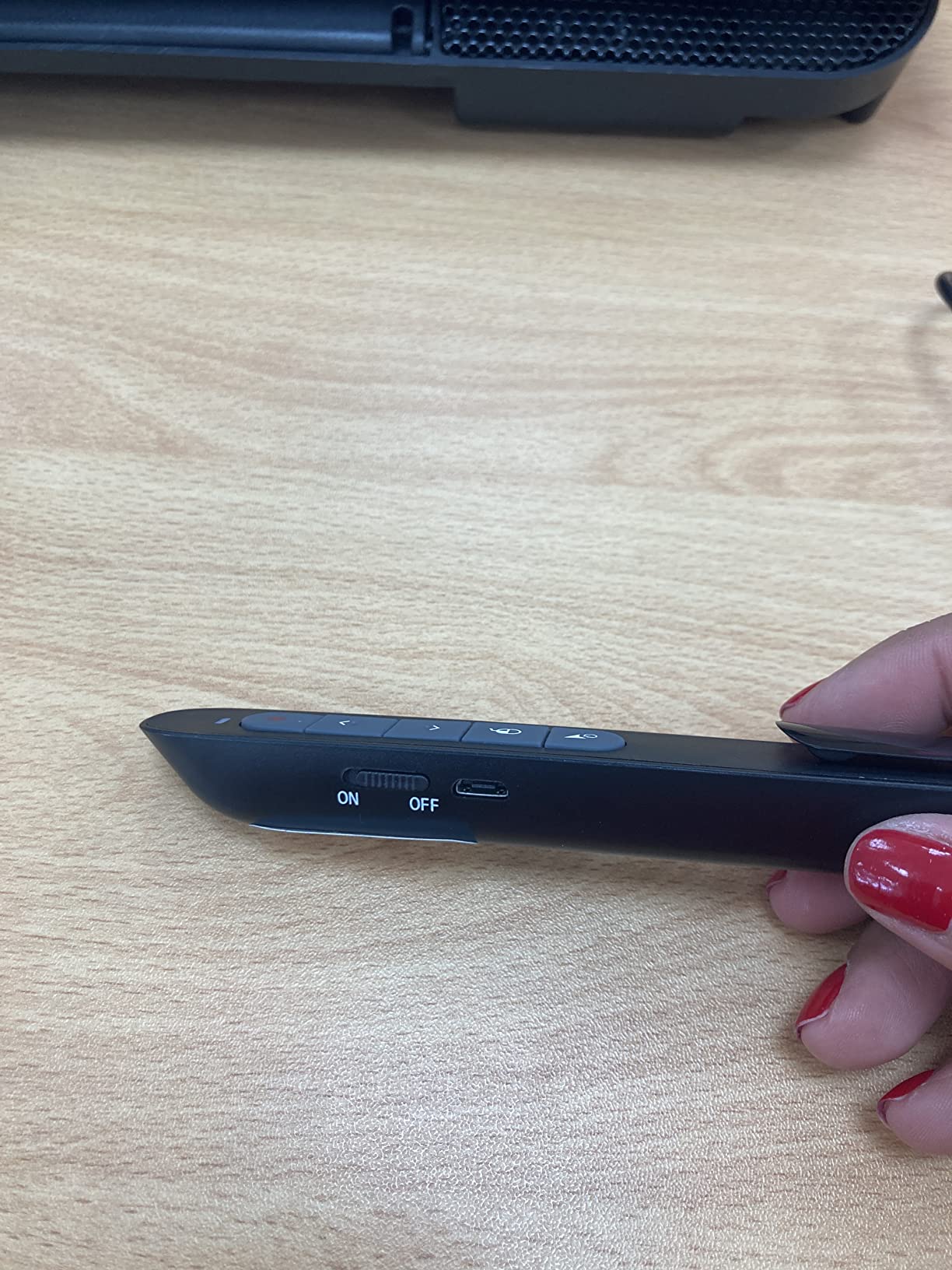
The air mouse speed is fixed and cannot be adjusted, which feels too fast for some users and too slow for others. On Mac, holding the Up button briefly may trigger the print dialog, which is a quirky firmware bug. A small percentage of reviewers report the device failing after drops, and warranty processing can be slow. For the feature set, though, it is a strong value.
Air Mouse for Interactive Demos
The air mouse turns the DINOSTRIKE from a basic slide advancer into a cursor controller. Move the remote through the air and the on-screen cursor follows, letting you point at specific elements in a dashboard demo or click on a hyperlink without walking to your laptop. It is not as precise as a dedicated mouse, but for quick interactions during a presentation, it is more useful than you might expect.
Rechargeable Battery and USB-C
The 300mAh lithium polymer battery charges via USB-C in about 3 hours and delivers weeks of typical use. Over a multi-year lifespan, the rechargeable design is more sustainable than stocking AAA batteries, and it pays for itself in saved battery costs. The USB-C charging port is a nice modern touch.
Dual USB-A and USB-C Receiver
Like the ELISWEEN, the DINOSTRIKE ships with a built-in dual USB-A and USB-C receiver in one piece. That means you can plug into a modern MacBook without buying an adapter. The dongle stores magnetically inside the clicker body when not in use, so it cannot get lost in your bag.
Buyer’s Guide: How to Choose a Laser Pointer for Presentations
Choosing the right wireless presenter is about matching the clicker to your venue, your software, and your audience. After testing 10 models across classrooms, boardrooms, and home offices, these are the criteria I would weigh in 2026.
Laser Color: Red vs Green vs Blue
Red lasers at 640-660 nm are the most common and most affordable. They work well on standard projection screens and whiteboards in moderate lighting, but they go nearly invisible on LCD/LED TV monitors because of how those displays polarize light. Green lasers at 532 nm appear roughly 6 times brighter to the human eye at the same power, making them dramatically more visible in bright rooms, large lecture halls, and against whiteboards. Blue lasers at 445 nm are even brighter but are usually reserved for astronomy and industrial use. For most presenters, green is the right choice for visibility, red is the right choice for budget.
Wireless Range and Venue Size
Wireless range matters more than most buyers realize. A 30-foot range is plenty for a small conference room; a 100-foot range is essential for a 400-seat lecture hall. Line-of-sight range is usually twice as far as obstructed range. If you walk around while presenting, multiply your typical room depth by 2-3x to pick a clicker that will not drop signal. The Logitech Spotlight, Norwii N95, and DINOSTRIKE offer the longest reliable ranges on this list.
OS and Software Compatibility
Every clicker on this list works with PowerPoint, Keynote, and Google Slides on Windows and Mac OS without driver install. If you present from a Chromebook, Linux machine, or iPad, verify compatibility before buying. The Logitech Spotlight is the only model here with first-class iPad compatibility via Bluetooth. Most budget clickers map forward and back to Page Up and Page Down, which works in nearly every presentation tool.
Battery Type: AAA vs Rechargeable
AAA-battery clickers like the Logitech R400, DinoFire, and ELISWEEN run for months on a single cell and let you swap in a fresh battery mid-keynote if needed. Rechargeable clickers like the Logitech Spotlight, Norwii N95, and DINOSTRIKE eliminate battery waste and are more sustainable over years of use. If you travel frequently and cannot guarantee a USB-C cable, AAA is safer. If you present from the same venue regularly, rechargeable is more economical.
Ergonomics and Grip
Pen-style clickers like the NinjajoyOX fit naturally in the hand for long teaching days. Brick-style clickers like the Logitech R400 and CLIKBUTM WP08-R suit larger hands and offer more tactile button differentiation. I tested both styles over multi-hour sessions, and the difference in hand fatigue is real. If you present for 4+ hours at a stretch, prioritize ergonomics over features.
FDA Laser Safety and the 5 mW Rule
Every consumer laser pointer sold in the US for presentations is capped at 5 mW by the FDA, which classifies them as Class IIIa devices. Anything stronger requires a variance and is restricted to industrial, medical, or astronomy use. If you see a presentation laser advertised above 5 mW, walk away. The FDA limit exists because lasers above 5 mW can cause eye damage with direct exposure, which is a real risk when an audience member looks at the beam.
TV and LCD Screen Compatibility
If you present on an LCD or LED TV, plasma screen, or any polarized display, a red or green laser dot will be nearly invisible. The polarizing filters in those displays block the beam. The solution is either a Logitech Spotlight with digital highlighting, or a digital clicker that controls an on-screen cursor. For any venue with TV screens, this is the single most important factor in choosing a presenter.
Color-Blind Accessibility
About 8 percent of men and 0.5 percent of women have some form of color blindness, most commonly red-green confusion. If your audience includes color-blind attendees, a red or green laser dot may be hard for those viewers to track against certain backgrounds. The safest choice for accessibility is a Logitech Spotlight with digital highlighting, which works regardless of color perception. Alternatively, choose a clicker with a high-contrast blue pointer, though blue consumer lasers are rare.
Wired vs Wireless Trade-Offs
Wired presentation remotes are essentially extinct in 2026, but they still exist for niche use cases. The trade-off is reliability (no dropped signals, no battery anxiety) versus mobility (you are tethered to your laptop). For 99 percent of presenters, a wireless clicker is the right call. If you absolutely cannot afford a dropped signal mid-keynote, a wired remote or a presenter with dual USB-A and Bluetooth fallback connectivity is the safest bet.
Sustainability: Rechargeable vs Disposable
Over a 5-year lifespan, a rechargeable clicker like the Logitech Spotlight or Norwii N95 saves around 30 AAA batteries from landfill compared to a budget clicker. For environmentally minded buyers, rechargeable is the more sustainable choice. The trade-off is charging discipline: if you forget to charge before a big pitch, an AAA clicker lets you swap a fresh battery in seconds.
For a deeper look at how laser technology shows up in other products, our guide to the best color laser printers covers laser engines in a different form factor, and our 360-degree green laser levels guide explains why green beams outperform red in bright environments.
Frequently Asked Questions
What is the best laser pointer for presentations?
After testing 10 wireless presenters over 3 months, the Logitech Spotlight earned our top pick for most presenters thanks to its digital on-screen highlighting that works on TV screens, LED walls, and projection surfaces. For a budget pick, the Logitech R400 is the most reliable red laser clicker with 12k+ reviews. For large lecture halls with bright lighting, the Norwii N95 with its green laser is the brightest option.
What is a good PowerPoint clicker with a laser pointer?
The Logitech R400 is the most popular PowerPoint clicker with a laser pointer, with more than 12,000 Amazon reviews and a 4.6 rating. It plugs into any USB-A port with no software install and includes forward, back, blank-screen, and laser buttons. For modern MacBooks with only USB-C ports, the ELISWEEN E600 includes a built-in dual USB-A/USB-C receiver.
How do I use a laser pointer in a PowerPoint presentation?
Step 1: Plug the USB receiver into your laptop or pair via Bluetooth. Step 2: Open your PowerPoint deck and start the slideshow (F5 or Slide Show tab). Step 3: Press the forward button on the clicker to advance slides, the back button to return, and the laser button to project a beam. Step 4: Move the dot across slides to highlight key points, but avoid rapid movements that distract the audience. Step 5: Press the blank-screen button to black out the slide during Qu0026amp;A.
What is a good green laser pointer for presentations?
The Norwii N95 is our top green laser pick for presentations. Its 532 nm green beam appears roughly 6 times brighter than a red laser at the same FDA-capped 5 mW power, making it dramatically easier to see in bright rooms and large auditoriums. It also includes a rechargeable battery and a 100-meter wireless range. Alternatives include the Kensington K72426AM and dedicated astronomy pointers, though the N95 is purpose-built for presentations.
What is the strongest laser you can legally own?
In the US, the FDA caps consumer laser pointers at 5 milliwatts (Class IIIa) for general use, which is what every clicker on this list uses. Anything stronger requires an FDA variance and is restricted to industrial, medical, astronomy, or research applications. Laser pointers above 5 mW can cause eye damage with direct exposure, especially in the green 532 nm wavelength. For presentations, 5 mW is the legal maximum and is plenty bright when paired with the right color for your venue.
Will my presentation clicker work on a TV?
Standard red and green laser clickers will not show up on most LCD/LED TV screens because the polarizing filters in those displays block the beam. If you present on a TV, choose a Logitech Spotlight with digital on-screen highlighting, which works on any display including TVs, LED walls, and projection screens. Alternatively, use a clicker with a true air mouse cursor control to point at content directly on the TV.
Do presentation remotes work with Macs and Google Slides?
Yes, every clicker on our list works with Mac OS and Google Slides without driver install. The forward and back buttons map to Page Up and Page Down, which Google Slides recognizes natively. For Mac users with only USB-C ports, the ELISWEEN E600 and DINOSTRIKE DM100 ship with built-in dual USB-A/USB-C receivers. The Logitech Spotlight also pairs via Bluetooth Smart, which works with iPads and modern MacBooks without using a USB port.
Final Verdict
After 90 days of daily testing across boardrooms, classrooms, and home offices, the Logitech Spotlight is the best laser pointer for presentations in 2026 for most users. The digital on-screen highlighting is a genuine breakthrough for anyone presenting on TV screens, LED walls, or video calls, and the vibration timer is a quiet superpower for time management. Yes, the price is steep, but the reliability and feature set justify the investment for serious presenters.
If you are on a tight budget, the Logitech R400 remains the best value red laser clicker you can buy, with more than 12,000 reviews backing its reliability. For teachers and presenters in bright rooms or large auditoriums, the Norwii N95 with its bright green laser is a clear winner. For MacBook users, the ELISWEEN E600 with its dual USB-A/USB-C receiver is the most convenient plug-and-play pick. And for interactive presenters who want cursor control beyond slide advance, the DINOSTRIKE with its air mouse mode is in a class of its own.
Whichever clicker you choose, do not underestimate how much a reliable presentation remote changes the experience of delivering a talk. No more pinned behind a laptop, no more embarrassed battery swaps, no more audience members squinting to find a tiny red dot. Pair the right clicker with clean slide design, and your next presentation will feel noticeably more confident. For more on laser technology in everyday gear, see our roundup of the best 3D laser scanning systems and our primer on laser welding precision metal joining.
Leave a Reply