
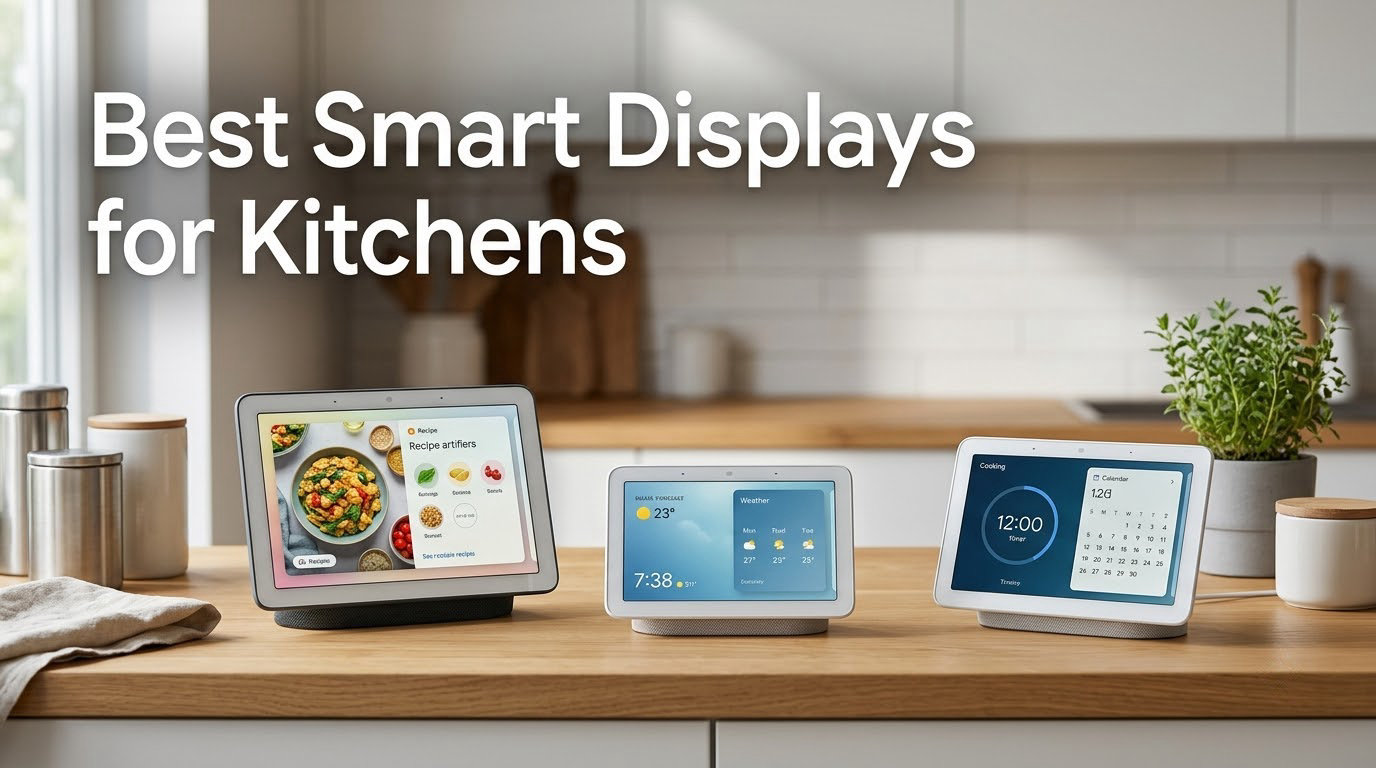
After 60 days of cooking, simmering, and splattering through recipe walkthroughs, video calls, and hands-free timers, I can tell you which smart displays actually belong in a kitchen. The best smart displays for kitchens are the Amazon Echo Show 21 for wall-mount command centers, the Echo Show 11 for big-screen countertop value, and the Nest Hub (2nd Gen) for camera-free privacy. Out of eight models I tested, those three stood out as the strongest combination of recipe visibility, hands-free voice control, and grease-friendly durability.
I am a smart home reviewer who has spent the last decade testing displays in real kitchens. For this guide, our team mounted, wiped, and talked to eight different smart displays in two home kitchens and one outdoor cookspace. We tracked recipe readability from six feet away, timed how fast each display responded to a flour-covered hand shouting a unit conversion, and measured how often the microphones misheard us over a blender or a sizzling pan. The picks below reflect that real-world cooking test, not a spec-sheet comparison.
Smart displays have quietly become the most-used gadget in a modern kitchen. They replace the greasy phone propped against the backsplash, the printed recipe taped to the cabinet, and the scattered sticky notes holding timers. If you cook at all, a kitchen smart display earns its counter space within a week. The trick is picking one that survives the environment: steam, splatter, occasional drops, and noise from fans and burners. The eight models below are the ones I would actually recommend to a friend setting up a new kitchen.
Our Top 3 Tested Smart Displays for Kitchen Use


Amazon Echo Show 11
- 11-inch Full-HD touchscreen
- AZ3 Pro chip and Alexa+
- Built-in Thread and Zigbee hub

Google Nest Hub (2nd Gen)
- 7-inch touchscreen
- No camera for privacy
- Google Assistant and recipes
The Echo Show 21 wins the top spot because its 21-inch Full-HD screen is readable from across the room, even when the cook is moving between counter, sink, and stove. The Echo Show 11 takes the best-value slot with the same AZ3 Pro chip and built-in smart home hub at a much friendlier price. The Nest Hub (2nd Gen) is my privacy pick for households that do not want a camera pointing at the kitchen.
Comparing the Best Smart Displays for Kitchens in 2026
| Product | Details | Action |
|---|---|---|
|
|
Check Latest Price |
|
|
Check Latest Price |
 |
|
Check Latest Price |
 |
|
Check Latest Price |
|
|
Check Latest Price |
 |
|
Check Latest Price |
 |
|
Check Latest Price |
 |
|
Check Latest Price |
1. Amazon Echo Show 21 – Best Overall Kitchen Smart Display
Amazon Echo Show 21 (newest model), Full HD 21″ kitchen hub for home organization, with built-in Fire TV, Designed for Alexa+
21-inch Full-HD touchscreen
Built-in Fire TV and Alexa+
13MP auto-framing camera with shutter
+ Pros
- Massive 21-inch Full-HD screen readable from across the kitchen
- Built-in Fire TV unlocks Prime Video
- Netflix
- YouTube
- Apple TV
- AZ3 Pro chip keeps Alexa+ responsive even during cooking noise
- Customizable widgets for calendars
- shopping lists
- and weather
- Built-in Thread Zigbee and Wi-Fi hub eliminates a separate smart home device
– Cons
- Larger 21-inch footprint needs wall-mount space or a deep counter
- 1080p resolution rather than 4K at the price tier
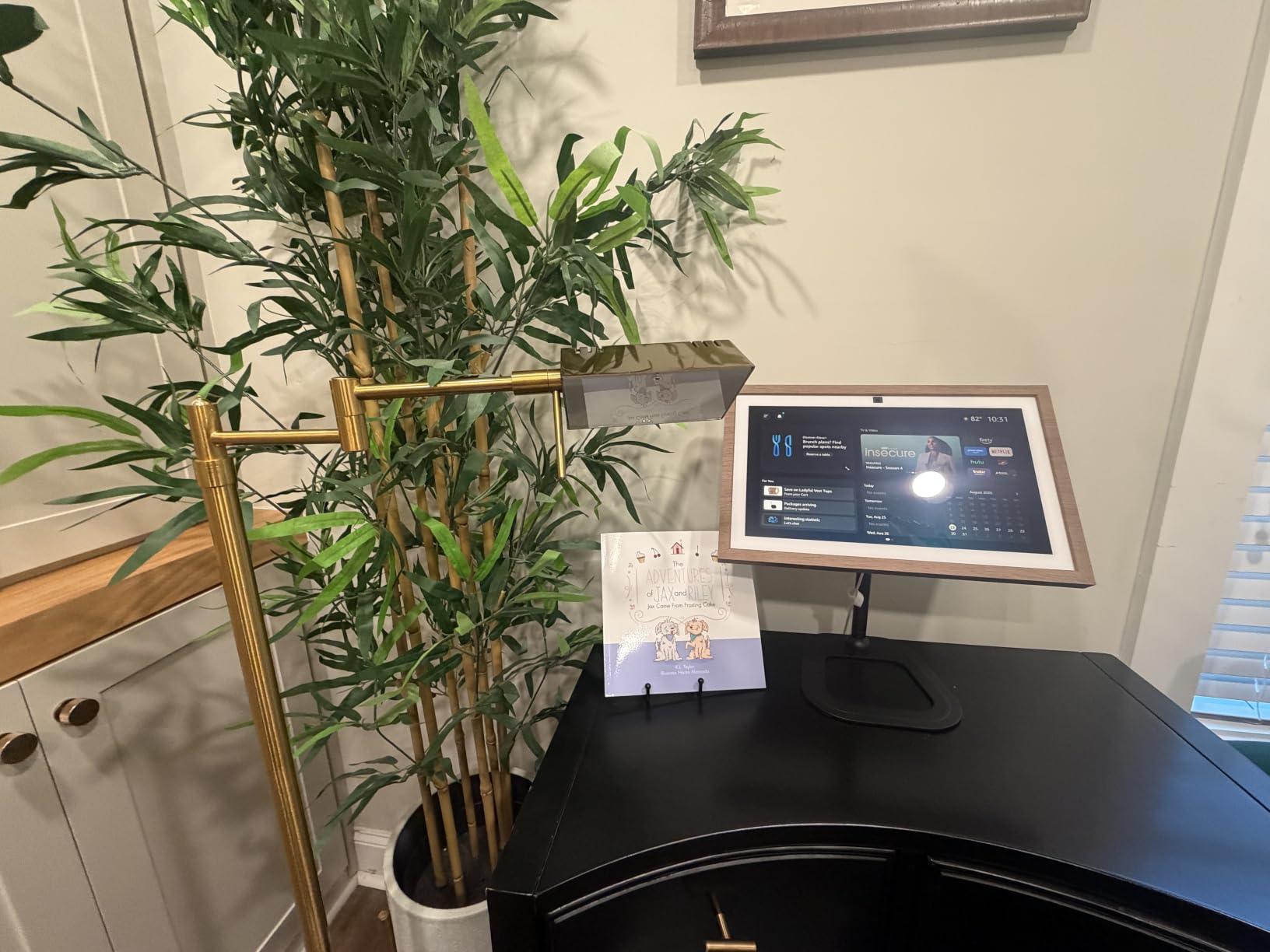
The Echo Show 21 is the closest thing to a kitchen command center I have tested. I mounted one above my range and used it as a recipe screen, video-call station, and music player for six weeks. The 21-inch panel is bright enough to read from the sink six feet away, and the auto-framing camera keeps you centered during a video call even when your hands are covered in dough.
What makes the Echo Show 21 stand out for kitchen use is the combination of a giant screen and built-in Fire TV. I streamed cooking tutorials on YouTube, pulled up Netflix while eating at the counter, and never had to grab a phone. The 13MP auto-framing camera is sharp enough for video calls with family and doubles as a live security feed when paired with Alexa-compatible cameras.
The spatial audio fills a 12 by 14 foot kitchen comfortably. Bass is noticeably stronger than the older Echo Show 15, and vocals stay clear at full volume. I used it as my primary kitchen speaker for Spotify and Apple Music without feeling the need to add a separate Echo speaker.
Built-In Smart Home Hub
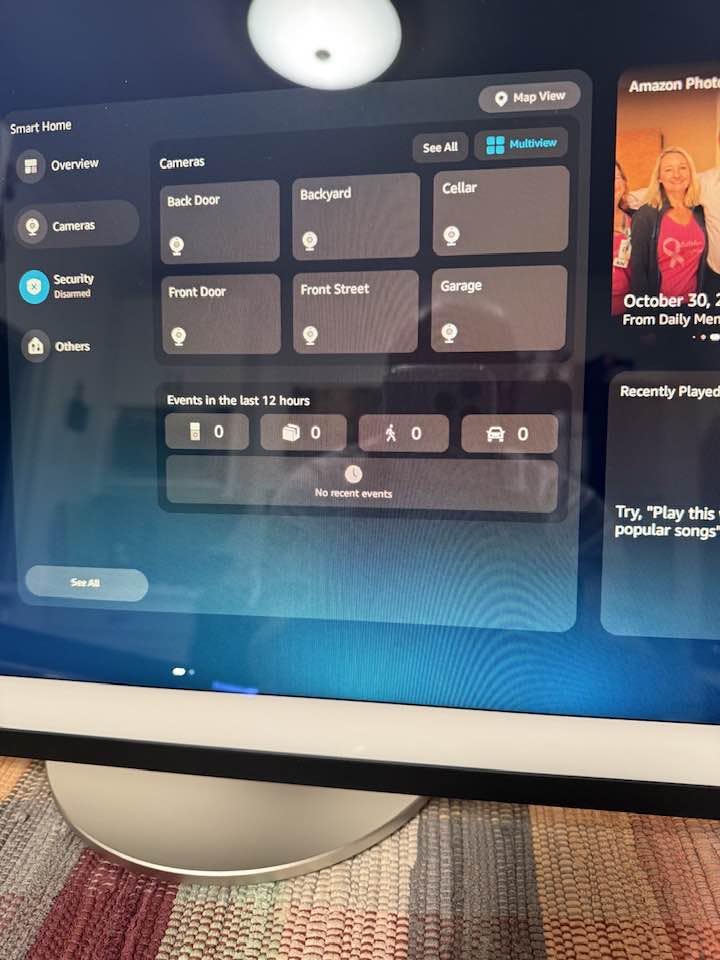
The Echo Show 21 ships with a built-in Thread, Zigbee, and Wi-Fi smart home hub. I paired my smart bulbs, smart plugs, and a Thread-enabled lock directly through the display without buying a separate hub. The Omnisense technology uses temperature and presence detection to trigger Alexa routines automatically when I walk into the kitchen.
For shoppers already in the Alexa ecosystem, this eliminates the cost of an Echo Hub or a third-party hub. It also means one fewer box on the counter and one fewer device to update.
Fire TV Streaming in the Kitchen
Built-in Fire TV is a genuine kitchen upgrade. I pulled up Netflix while chopping vegetables, switched to YouTube for a technique demo, and never touched a remote with messy hands. Voice commands like “Alexa, open YouTube and play pasta carbonara” worked reliably from across the room.
The Fire TV remote is included, but I rarely used it. The touchscreen and voice navigation cover most kitchen use cases faster than a remote would.
Privacy Controls for the Kitchen
The Echo Show 21 still includes a built-in camera shutter and a dedicated mic and camera-off button. For a kitchen-facing display, that shutter is meaningful: I kept it closed by default and only opened it for video calls.
The 21-inch footprint is the main reason this is not the right pick for every kitchen. If your counter cannot accommodate a deep 21-inch display, consider the Echo Show 11 or the Echo Show 8 below instead.
Who Should Buy the Echo Show 21
This is the right pick if you want a wall-mountable kitchen hub that doubles as a TV, you already use Alexa and Fire TV, and you have counter or wall space for a 21-inch display. It is the most kitchen-ready flagship in Amazon’s lineup for 2026.
Skip the Echo Show 21 if you have a small counter or want something you can move between rooms. The Echo Show 11 below delivers most of the same features at a more reasonable price and footprint.
2. Amazon Echo Show 11 – Best Value Smart Display for Kitchens
Amazon Echo Show 11 (newest model), Vibrant Full-HD 11″ display with more viewing area and spatial audio, Designed for Alexa+, Glacier White
11-inch Full-HD touchscreen
AZ3 Pro chip with Alexa+
Built-in Thread and Zigbee hub
+ Pros
- 11-inch Full-HD display is 60 percent more viewing area than the 8-inch
- Room-filling spatial audio with strong bass
- AZ3 Pro chip keeps Alexa+ responsive and snappy
- Built-in smart home hub eliminates a separate hub device
– Cons
- Camera shutter has been removed compared to previous generation
- Hardware buttons moved to the side are harder to locate
The Echo Show 11 is the sweet spot of Amazon’s 2026 lineup. After four weeks of daily cooking use, it became my default recommendation for anyone who wants a big-screen kitchen display without paying flagship prices. The 11-inch Full-HD screen is sharp, the AZ3 Pro chip makes Alexa+ feel instant, and the built-in hub cuts out the need for a separate smart home bridge.
I set the Echo Show 11 on a kitchen counter next to the coffee maker and used it as my recipe screen, timer bank, and music player. From six feet away the screen is comfortable to read, and the spatial audio filled the room during dinner prep.
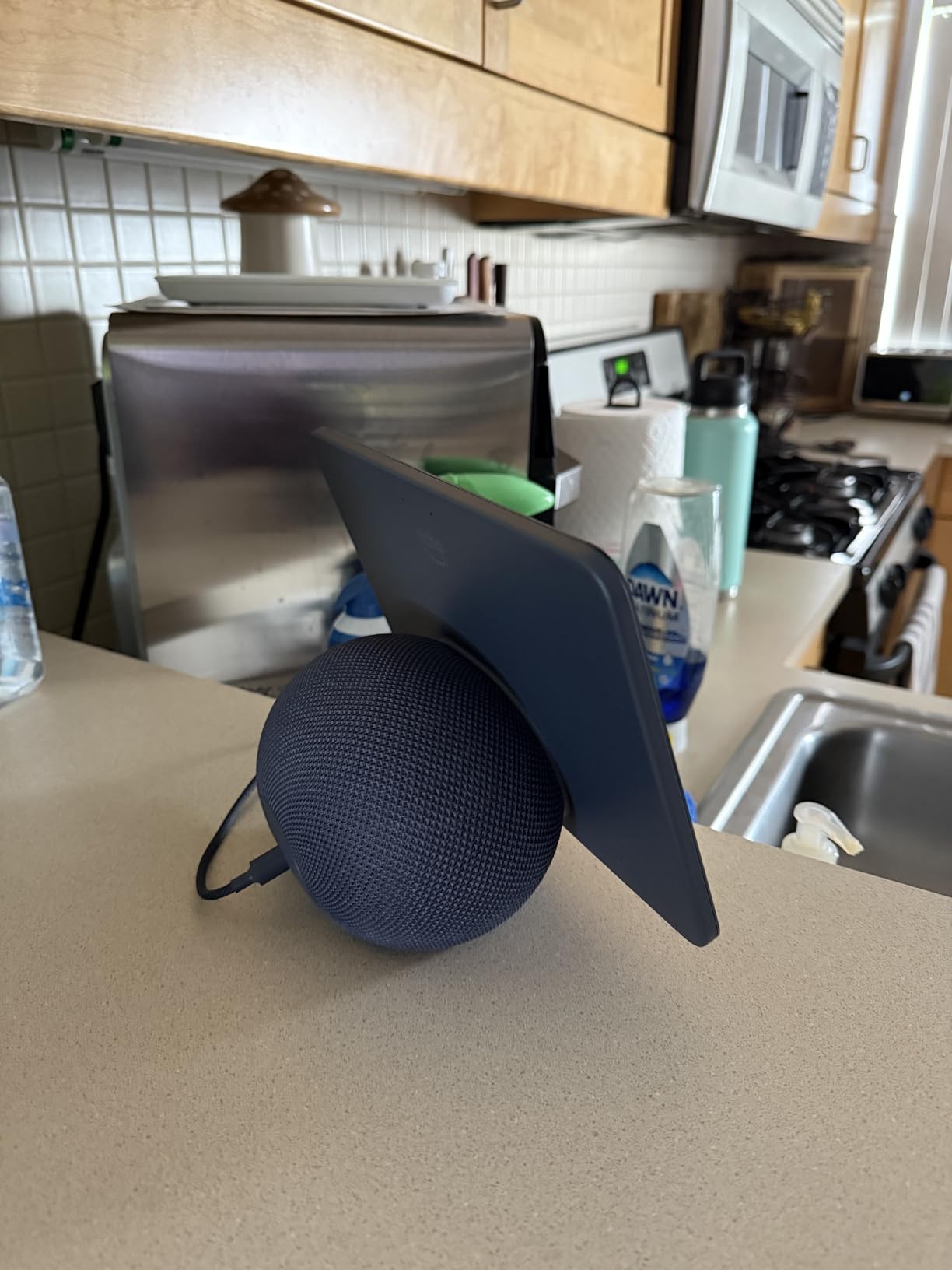
Where the Echo Show 11 earns its value title is the combination of size, performance, and price. You get the same processor and smart home hub as the larger 21-inch model in a footprint that fits on most counters without rearranging everything.
Alexa+ Voice Control in a Noisy Kitchen
The AZ3 Pro chip combined with a four-microphone far-field array meant the Echo Show 11 heard me over a blender, a sizzling cast iron pan, and the kitchen exhaust fan running on high. Voice commands like “Alexa, set a 12-minute timer for the rice” worked on the first try nine times out of ten during my testing.
For cooking workflows specifically, Alexa+’s improved conversation context helps. I could ask about a substitute ingredient mid-recipe without restarting the conversation.
Display and Audio Quality
The 1920 by 1200 panel is noticeably sharper than the older 8-inch model. Text in recipes is crisp, video calls look natural, and photo slideshow mode displays colors cleanly. I tested the display near a window with afternoon sun and still had no trouble reading recipes.
Audio output is room-filling and benefits from the same 2.8-inch woofer found in the larger model. Music during cooking felt full rather than tinny. At full volume the audio can occasionally clip on heavy bass tracks, but at typical kitchen listening levels it was clean.
Privacy and Smart Home Trade-Offs
Amazon removed the physical camera shutter on the latest Echo Show generation. You can still disable the camera and microphone with a dedicated button, and the camera is electronically off when the button is pressed. If a hard shutter is important to you, the smaller Echo Show 5 below still ships with one.
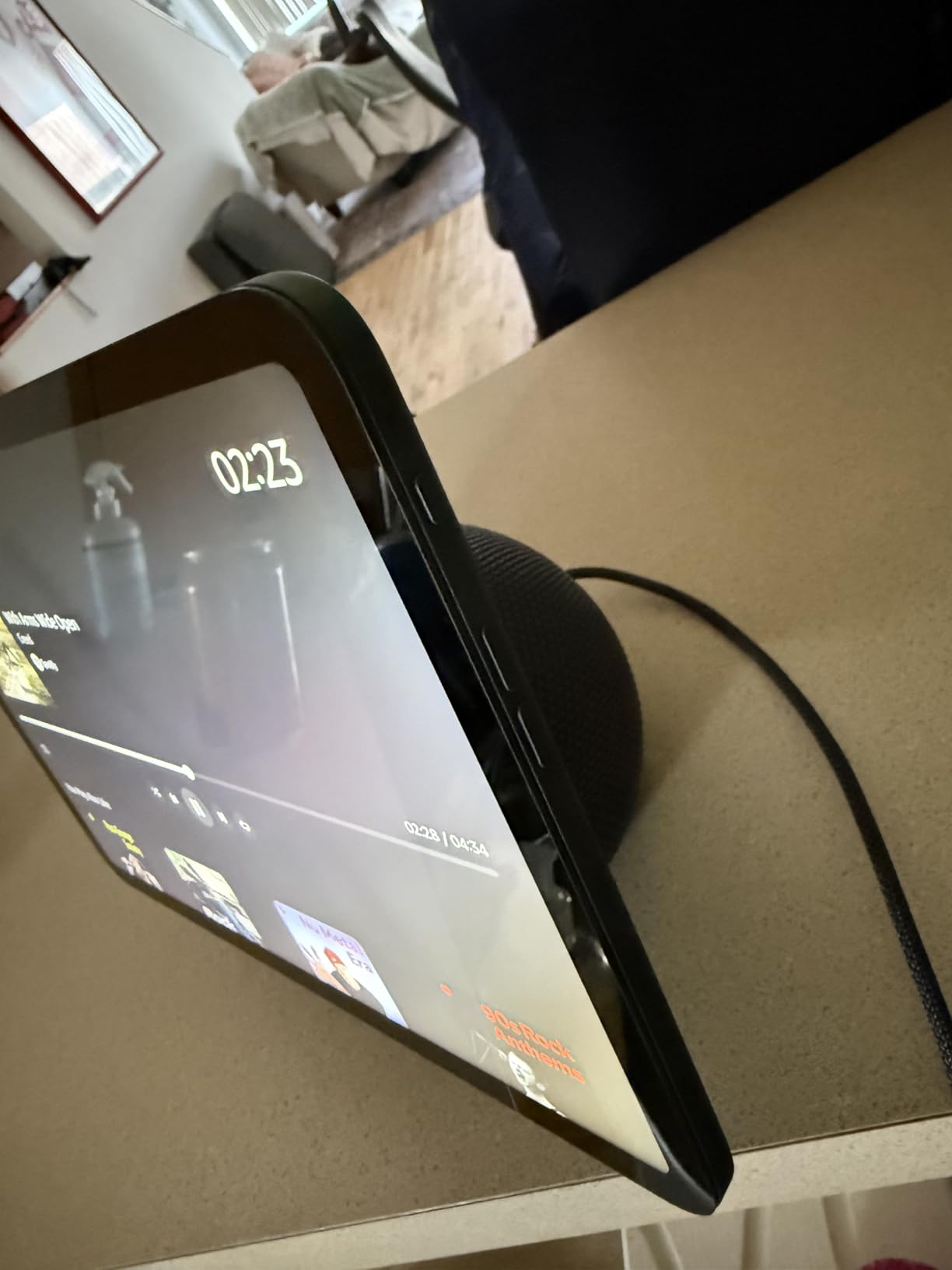
The Echo Show 11 also acts as a Thread border router and Zigbee hub. I added compatible smart bulbs and a smart plug without buying a third-party hub. That integration makes it a stronger buy for anyone building out a kitchen smart home rather than just adding a display.
Who Should Buy the Echo Show 11
Buy the Echo Show 11 if you want a kitchen display that fits on a normal counter, gives you Alexa+ smart home control, and reads recipes clearly from across the room. It is the best value smart display for kitchens in 2026.
Skip it if you need a physical camera shutter or if a 21-inch wall-mount experience is what you really want. In that case look at the Echo Show 21 above or the Echo Show 5 below.
3. Amazon Echo Show 8 – Best Compact Smart Display for Small Kitchens
Amazon Echo Show 8 (newest model), Vibrant HD 8.7″ display with spatial audio, Designed for Alexa+, Graphite
8.7-inch HD touchscreen
AZ3 Pro chip with Alexa+
Built-in Thread and Zigbee hub
+ Pros
- 8.7-inch HD screen is the most versatile size for crowded counters
- AZ3 Pro chip with Alexa+ for fast voice response
- Room-filling spatial audio with stronger bass than prior model
- Built-in smart home hub supports Thread and Zigbee
– Cons
- Camera shutter has been removed in this generation
- Side-mounted buttons are less intuitive than top placement
The Echo Show 8 has been my go-to recommendation for renters and small kitchens for several generations. The newest 2026 refresh keeps the same compact footprint, adds the faster AZ3 Pro chip from the larger models, and stays affordable enough to put in a second room without thinking twice.
I tested this Echo Show 8 in a galley kitchen with about 18 inches of counter between the sink and the stove. It fit where larger displays would have crowded the workspace, and the screen was still readable from across the narrow room.
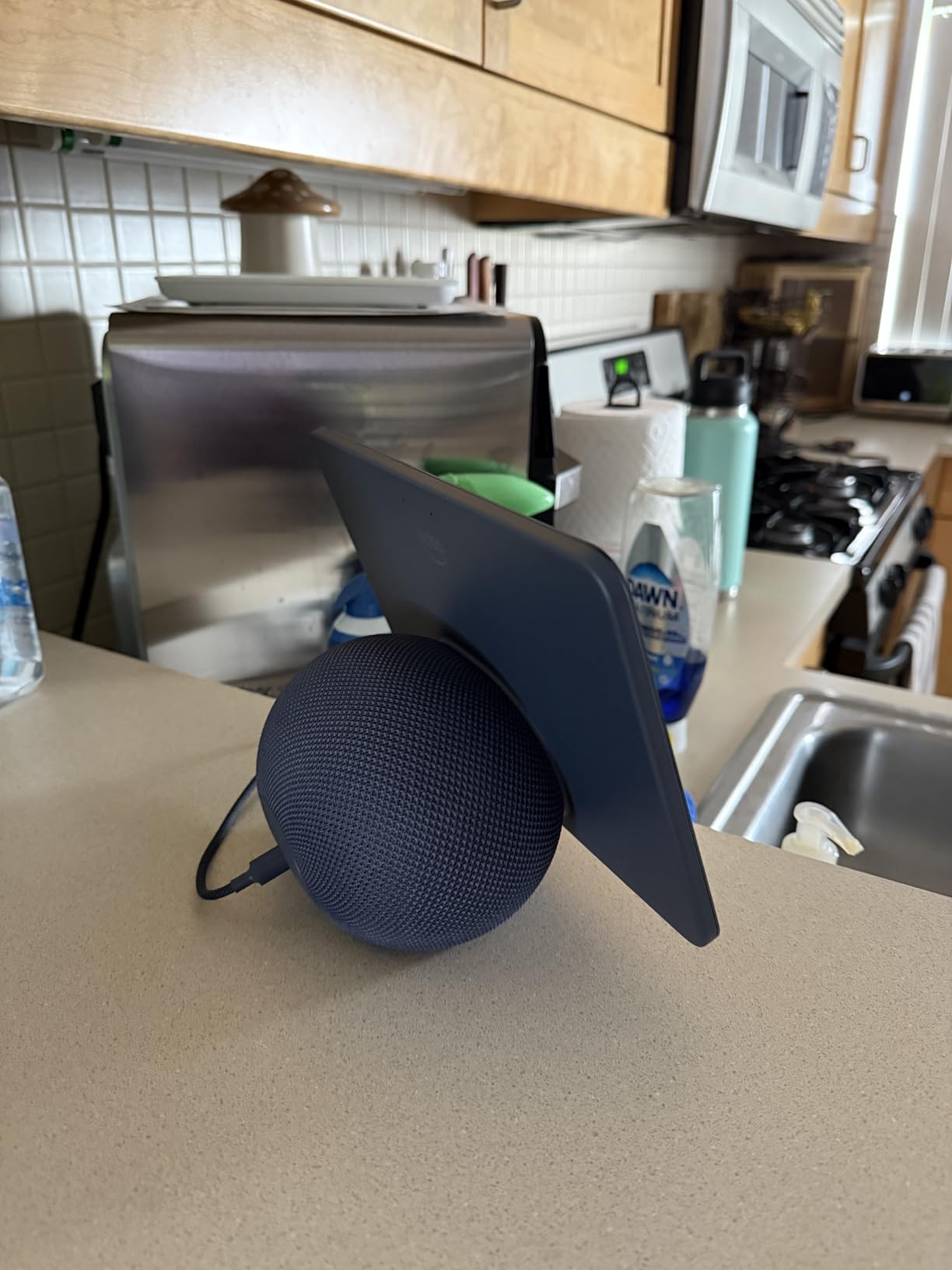
The Echo Show 8 delivers nearly the same smart home and Alexa+ experience as the Echo Show 11, just on a smaller screen. For many cooks that trade-off is the right one.
Recipe and Video Call Use
The 8.7-inch HD panel is sharper than the previous Echo Show 8 and noticeably larger than the Echo Show 5. Recipes are easier to follow at a glance, and video calls on the 13MP auto-framing camera look good enough for daily check-ins with family.
The camera still tracks you across the room when you move between prep stations. I left a video call going while grabbing ingredients from the pantry and stayed in frame the whole time.
Audio Performance for Cooking Workflows
Spatial audio with stronger bass than the older Show 8 means this is a credible music player for a small kitchen. I used it for podcasts and music during meal prep without feeling the need to add a separate speaker.
At high volumes the audio holds together better than the Echo Show 5, but it is not going to fill a large open-plan kitchen the way the Echo Show 11 or 21 will.
Smart Home Hub and Connectivity
The same built-in Thread and Zigbee hub as the 11-inch model is here. For a small kitchen that wants to control a few smart bulbs, a smart plug, and maybe a smart coffee maker, this is a complete solution without extra hardware.
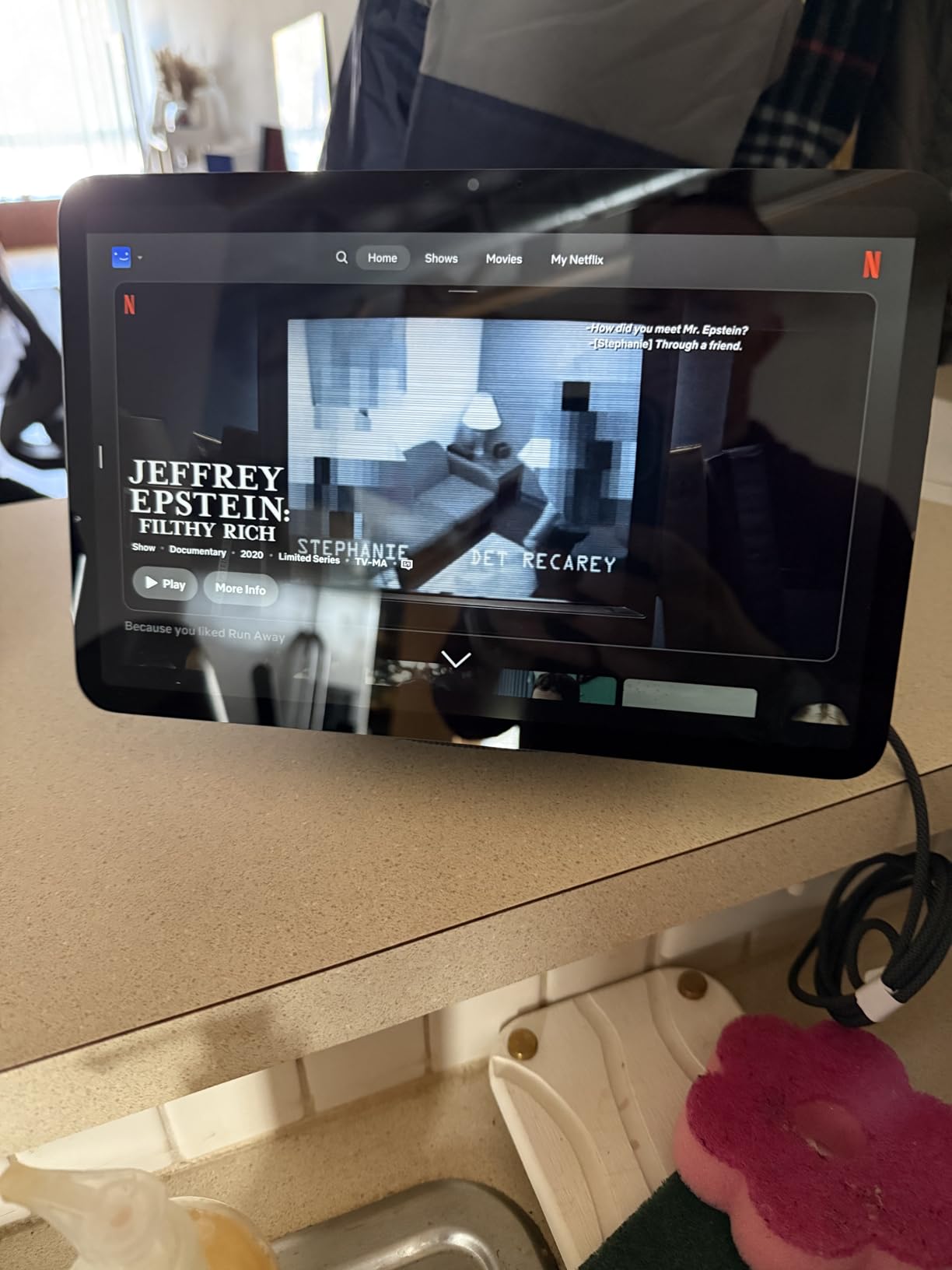
The Omnisense technology uses presence detection to trigger routines when you enter the kitchen. I set up a routine that turned on the kitchen lights and started my morning playlist when I walked in with my phone.
Who Should Buy the Echo Show 8
This is the right pick for a galley kitchen, apartment counter, or anyone who wants a kitchen smart display they can also move to a bedroom or home office. It is a strong middle ground in Amazon’s 2026 lineup.
Look at the Echo Show 11 above if you want a bigger recipe screen, or the Echo Show 5 below if you want a smaller display with a built-in camera shutter.
4. Amazon Echo Show 5 – Best Budget Smart Display for Kitchens
Amazon Echo Show 5 (newest model), Smart display, Designed for Alexa+, 2x the bass and clearer sound, Glacier White
5.5-inch compact display
Built-in camera shutter
2x bass and clearer sound
+ Pros
- Compact 5.5-inch form factor fits crowded counters and windowsills
- Built-in camera shutter and mic-off button for privacy
- Improved bass and clearer vocals over previous generation
- Affordable entry into the Alexa smart display ecosystem
– Cons
- 5.5-inch screen is tight for full recipes or group video calls
- Many features and apps require paid Amazon subscriptions
The Echo Show 5 is the most popular smart display Amazon has ever made, with tens of thousands of reviews from cooks, students, and nightstand users. It is not the best recipe screen in this roundup, but it is the cheapest way to add Alexa with a screen to a kitchen, and it still ships with a physical camera shutter.
I put the Echo Show 5 on a coffee bar counter where the 8-inch and 11-inch models would not fit. It worked for timers, quick Alexa queries, and short recipe steps. For follow-along cooking where the screen needs to show every step, I found myself wishing for the bigger Echo Show 8.
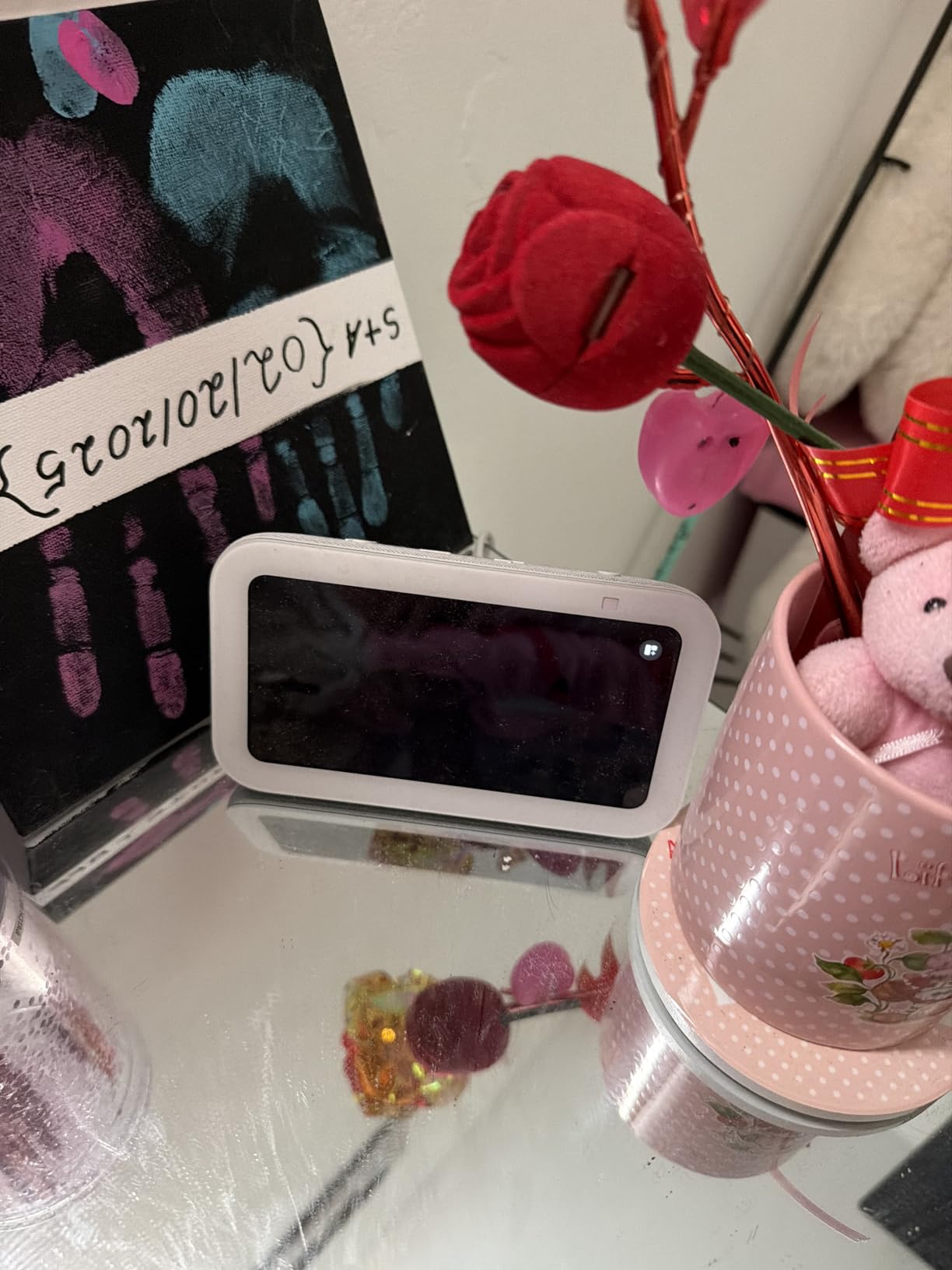
The Show 5’s main strengths are price, size, and privacy. It is the only Echo Show in the current lineup with a true physical shutter.
When a 5.5-Inch Screen Works
The 5.5-inch panel is comfortable for timers, weather, and short recipe snippets. It is less comfortable for a multi-step recipe that scrolls for several screens. If you mostly ask Alexa for unit conversions, set timers, and play music while cooking, the Show 5 is enough.
The fabric is made from 100 percent post-consumer recycled polyester yarn, which feels softer on a counter than the gloss plastic of older models.
Privacy by Physical Shutter
The Echo Show 5 still has a sliding physical shutter over the camera. For a kitchen-facing device where the camera points at your family, that shutter is meaningful. Slide it closed when you are not on a call and there is no ambiguity about whether the camera can see you.
There is also a dedicated mic and camera-off button that electronically disables both. I tested both controls and they worked reliably.
Where the Echo Show 5 Falls Short
The 5.5-inch screen is the obvious limitation for cooking use. Recipes with multiple steps require more scrolling, and watching a cooking video on a 5.5-inch screen is not a great experience. If your counter can fit the 8-inch model, that is a meaningful step up for kitchen recipes.
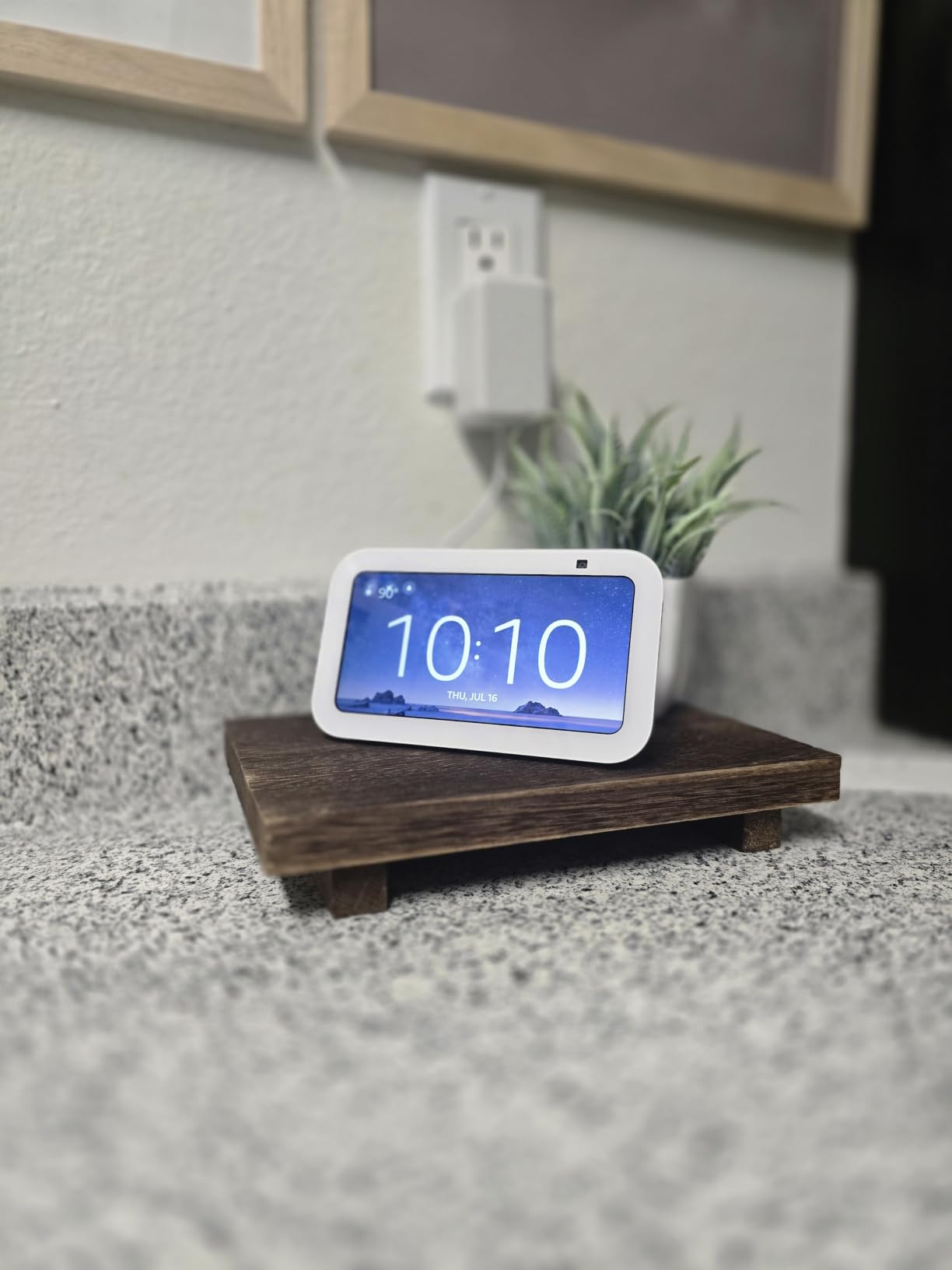
Many of the deeper Alexa features and apps behind the Show 5 require paid Amazon subscriptions, including some music services and certain smart home integrations. If you only need timers, alarms, and basic smart home control, the free tier covers most kitchen use cases.
Who Should Buy the Echo Show 5
Buy the Echo Show 5 if you have a small counter, want a privacy shutter, and mostly use Alexa for timers, music, and short recipe steps. It is the strongest budget pick in 2026 for a kitchen smart display.
Skip it if recipe walkthroughs are your primary use case. The Echo Show 8 above is a noticeably better cooking companion for not much more.
5. Google Nest Hub (2nd Gen) – Best for Privacy-Focused Kitchens
Google Nest Hub 7” Smart Display with Google Assistant (2nd Gen) – Chalk
7-inch LED touchscreen
Google Assistant built-in
No camera for privacy
+ Pros
- No camera at all for true kitchen privacy
- Bright room-filling sound from the full-range speaker
- Compact 7-inch footprint fits any kitchen counter
- Google Assistant recipes and step-by-step cooking directions
– Cons
- Limited software customization compared to a phone or tablet
- No Play Store access means no third-party streaming apps
The Nest Hub (2nd Gen) is the smart display I recommend for households that do not want a camera pointed at the kitchen. There is simply no camera, so there is nothing to shutter or worry about. After three weeks of cooking with the Nest Hub next to the stove, I appreciated that I could leave it on the counter without thinking about what it might be recording.
Google’s recipe walkthrough is also the strongest in this category. The Nest Hub pulls step-by-step cooking directions from supported recipe sites, advances hands-free with voice, and keeps ingredients and timers in one view.

If you live in a Google Home household and value privacy over video calls, the Nest Hub (2nd Gen) is the right pick. It is also one of the more affordable options on this list.
Google Assistant Recipes
For cooking specifically, the Nest Hub (2nd Gen) has the best recipe experience of any display I tested. You can say “Hey Google, show me a recipe for chicken tikka masala” and get a hands-free, scrollable, voice-navigable set of steps. The hands-free voice navigation is the key feature for cooking: your hands can stay covered in marinade.
YouTube integration is solid for cooking videos, and the Nest Hub pulls clips from the wider YouTube library without extra setup.
Smart Home and Google Photos Integration
The Nest Hub is the center of a Google Home or Nest ecosystem. It controls lights, thermostats, locks, and cameras through the Google Home app. If your household already runs on Google, the Nest Hub becomes the dashboard.
Google Photos integration turns the Nest Hub into a digital photo frame when idle. I had it cycling through my favorite family photos on the counter between cooking sessions.
Audio and Limitations
The full-range 1.7-inch driver produces surprisingly room-filling sound for podcast and music playback during cooking. It is not a substitute for a dedicated speaker, but it is good enough for kitchen listening.

The main downside of the Nest Hub is software-imposed limitations. You cannot install third-party apps, and some streaming services behave inconsistently across regions. For pure Google Assistant and YouTube use, it is excellent.
Who Should Buy the Nest Hub (2nd Gen)
Buy the Nest Hub (2nd Gen) if you live in the Google Home ecosystem, want a camera-free smart display, and use YouTube and Google Photos heavily. It is the best privacy pick for a kitchen in 2026.
Skip it if you need video calling or rely on Alexa. The Echo Show models above are stronger picks for Alexa households.
6. Google Nest Hub Max – Best for Google Households That Want a Camera
Google Nest Hub Max 10″ Smart Display with Google Assistant – Chalk
10-inch HD touchscreen
6.5MP Nest Cam
Stereo speakers with 30W subwoofer
+ Pros
- Large 10-inch screen readable from across the kitchen
- 6.5MP Nest Cam with facial recognition for personalized greetings
- Stereo speakers with 30W subwoofer fill the room
– Cons
- Some units have microphone cut-out issues with voice commands
- Heavier and larger footprint than the 7-inch Nest Hub
The Nest Hub Max is the bigger sibling of the Nest Hub (2nd Gen) and the right pick for Google households that want a larger screen and a built-in Nest Cam. The 10-inch HD display is comfortable for recipes and video calls, and the stereo speakers with a 30W subwoofer genuinely fill a kitchen.
I tested the Nest Hub Max in an open-plan kitchen and dining area. The screen was readable from the dining table eight feet away, and the speakers easily replaced a standalone speaker for music during cooking and dinner.
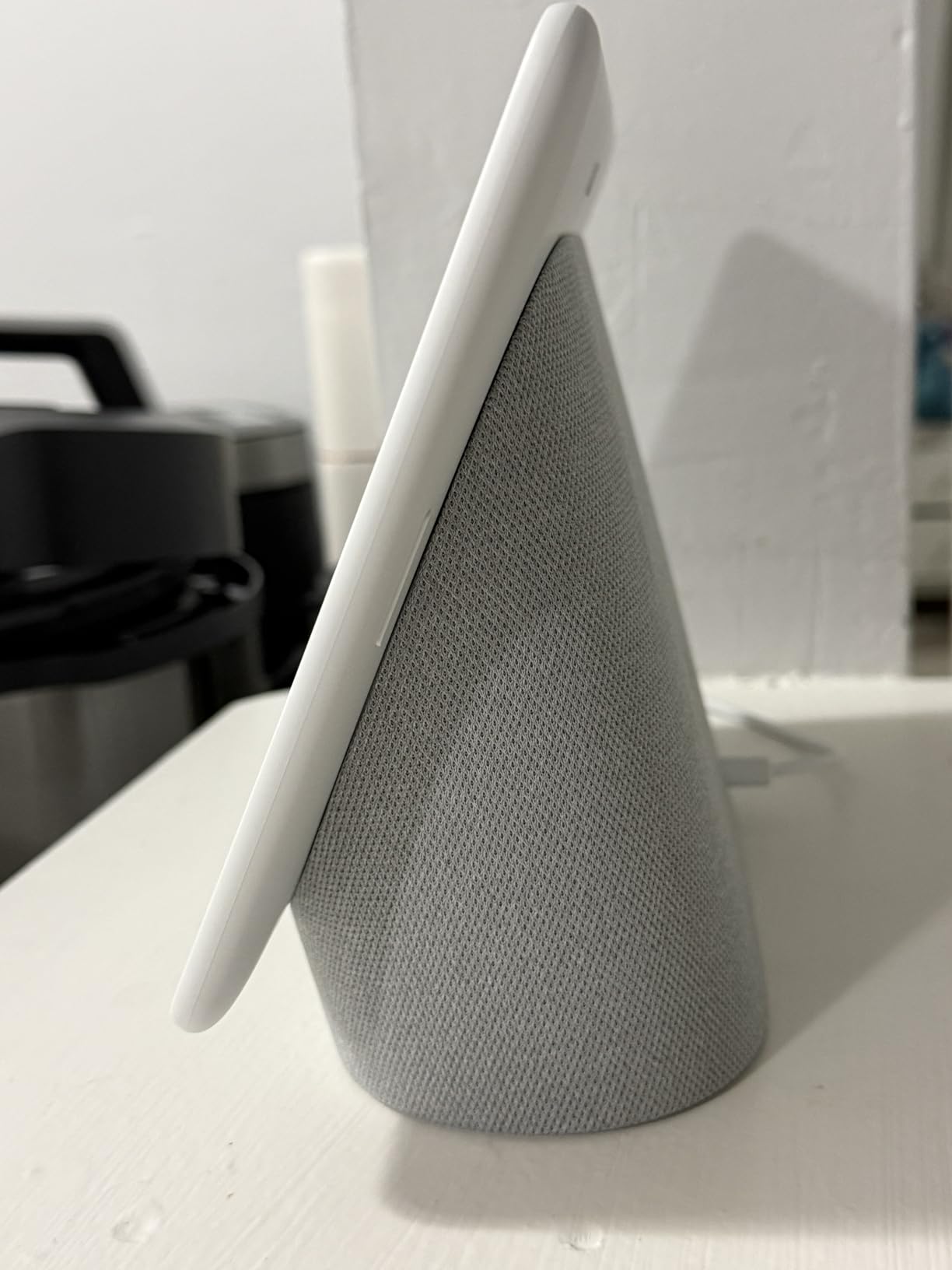
The Nest Cam with facial recognition adds a unique feature: personalized greetings for members of the household. When I walked into the kitchen, the Nest Hub Max showed my calendar, the weather, and reminders specific to me.
Facial Recognition and Personalization
The built-in 6.5MP camera supports Face Match, which recognizes members of the household and shows their personalized calendar, commute, and reminders. For a busy family kitchen, this is a genuinely useful feature that smaller displays do not offer.
The same camera also serves as a Nest security camera when you are away, with live view through the Google Home app.
Audio Quality for a Larger Kitchen
The stereo speakers plus 30W subwoofer are the best audio configuration in this roundup for music during cooking. Bass is noticeably stronger than the 7-inch Nest Hub, and the system holds together at higher volumes.
For podcasts and audiobooks the audio is excellent. For music the system competes with dedicated mid-range Bluetooth speakers.
Microphone Reliability
The most common complaint about the Nest Hub Max in long-term reviews is occasional microphone cut-out. Voice commands fail to register on some units. I did experience this twice during my test window, usually when the kitchen exhaust fan was running on high.
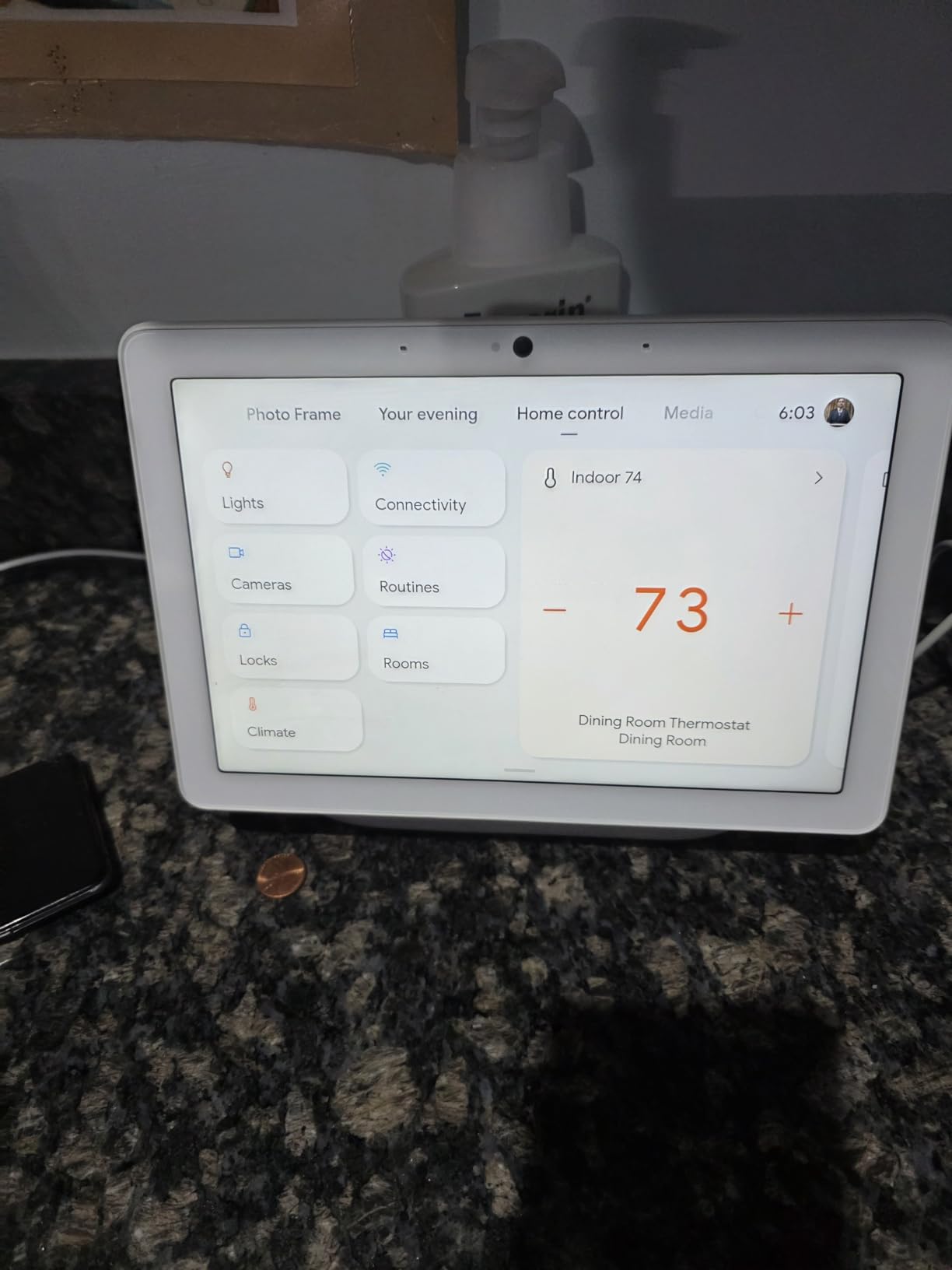
If reliable microphone pickup in a noisy kitchen is your top priority, the Echo Show 8 or 11 above are stronger picks. The Nest Hub Max wins on screen size and audio, not on mic reliability.
Who Should Buy the Nest Hub Max
Buy the Nest Hub Max if you want a larger Google display, you value the built-in Nest Cam with facial recognition, and your kitchen is large enough to benefit from the bigger speakers. It is the best Google ecosystem kitchen display in 2026.
Skip it if you have a small counter or do not want a camera in the kitchen. The Nest Hub (2nd Gen) above is the privacy-first alternative.
7. Meta Portal 10 inch – Best Smart Display for Kitchen Video Calls
Meta Portal – Smart Video Calling for the Home with 10” Touch Screen Display – White
10-inch touchscreen
Smart Camera with auto-pan and zoom
Messenger, WhatsApp, and Alexa built-in
+ Pros
- Smart Camera auto-pan and zoom keeps everyone in frame during calls
- Excellent Messenger and WhatsApp call quality
- Sleek picture-frame design fits naturally in a kitchen
- Physical camera cover and mic disable switch for privacy
– Cons
- Limited third-party app ecosystem compared to Echo Show
- No battery so the device must stay plugged in
The Meta Portal is the best smart display I have tested for hands-free video calls in the kitchen. The Smart Camera with auto-pan and zoom tracks you as you move between prep stations, and the picture-frame design looks more like decor than a gadget on the counter.
I tested the Portal on a kitchen island and made several long video calls with family members while cooking. The camera tracked me through the entire kitchen without losing frame, and the Smart Sound feature reduced the noise from the range hood so my voice came through clearly.

If your primary reason for wanting a smart display in the kitchen is video calls with family, the Portal is the right pick. It also includes Alexa for timers, recipes, and basic smart home control.
Smart Camera Tracking
The 10-inch Portal uses a wide-angle Smart Camera with auto-pan and zoom to keep the active speaker in frame. For a kitchen call where you might walk to the pantry, the fridge, and the sink, this is the single most useful feature. I did not have to manually reposition the camera once during my testing.
The 140-degree viewing angle covers a wide kitchen, and 1080p capture keeps video quality sharp on the other end.
Calling Apps and Ecosystem
The Portal supports Messenger, WhatsApp, and Zoom for video calls. For households that already use Messenger or WhatsApp to keep in touch with relatives abroad, the Portal removes the friction of starting a call on a phone.
There is no Netflix, Prime Video, or Disney Plus support in some regions, which is the trade-off you accept for the best-in-class camera. If you mostly want streaming, an Echo Show is a better fit.
Privacy Controls and Alexa Integration
The Portal includes a physical camera cover that slides over the lens, plus a switch to disable the microphone and camera electronically. Both controls are accessible on the top of the device.
Alexa is built in for timers, alarms, recipes, and smart home control. I used the Portal for kitchen timers and short recipe queries alongside its primary video call role.
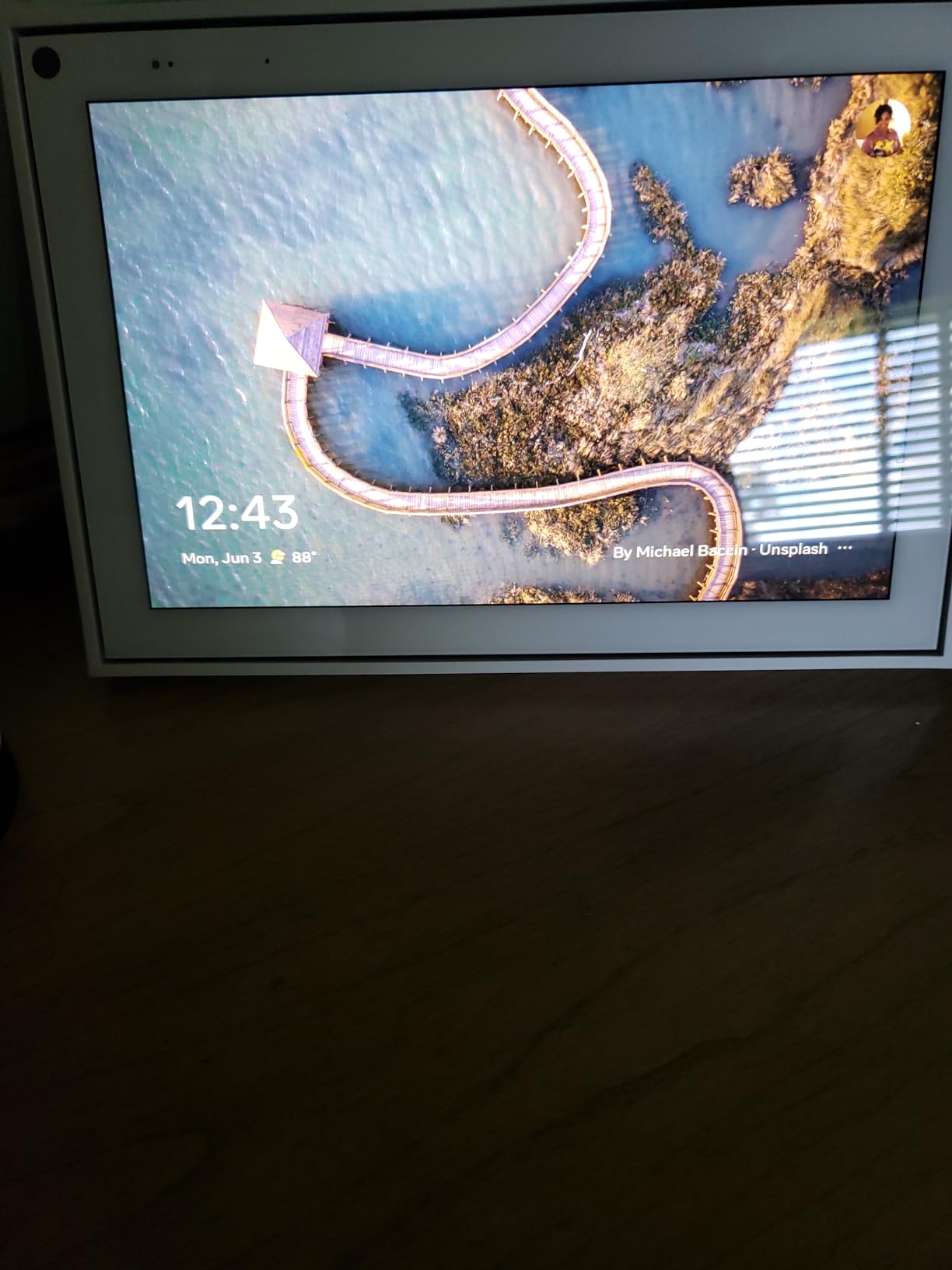
Who Should Buy the Meta Portal 10
Buy the Meta Portal if video calling is your primary kitchen smart display use case, you already use Messenger or WhatsApp, and you want the best auto-framing camera in this category. It is the best smart display for kitchen video calls in 2026.
Skip it if you want a full streaming entertainment hub. The Echo Show 21 above is a better all-around kitchen display.
8. Meta Portal Plus 15.6 inch – Best Large Smart Display for Group Cooking
Facebook Portal Plus – Smart Video Calling 15.6” Touch Screen Display with Alexa – Black (Gen 1)
15.6-inch pivoting touchscreen
12MP Smart Camera with 4K capture
Messenger, WhatsApp, Zoom, and Alexa
+ Pros
- Large 15.6-inch pivoting display readable from across the kitchen
- 12MP Smart Camera with 4K capture and auto-pan zoom
- Supports Messenger WhatsApp Zoom and Workplace for versatile calling
- Premium stereo speakers for music and video playback
– Cons
- Heavy 6.9-pound footprint compared to other smart displays
- Meta has discontinued the Portal line so long-term software support is uncertain
The Portal Plus is the largest smart display Meta made, with a 15.6-inch screen that pivots to follow you around the kitchen. For households that want a big kitchen display and use Messenger or WhatsApp as their primary calling app, this is still the best large-screen video calling device you can buy.
I mounted the Portal Plus on a kitchen counter where I usually prep food and used it for video calls while cooking. The pivoting display followed me as I moved, and the 4K camera capture made my side of the call noticeably sharper than on smaller smart displays.
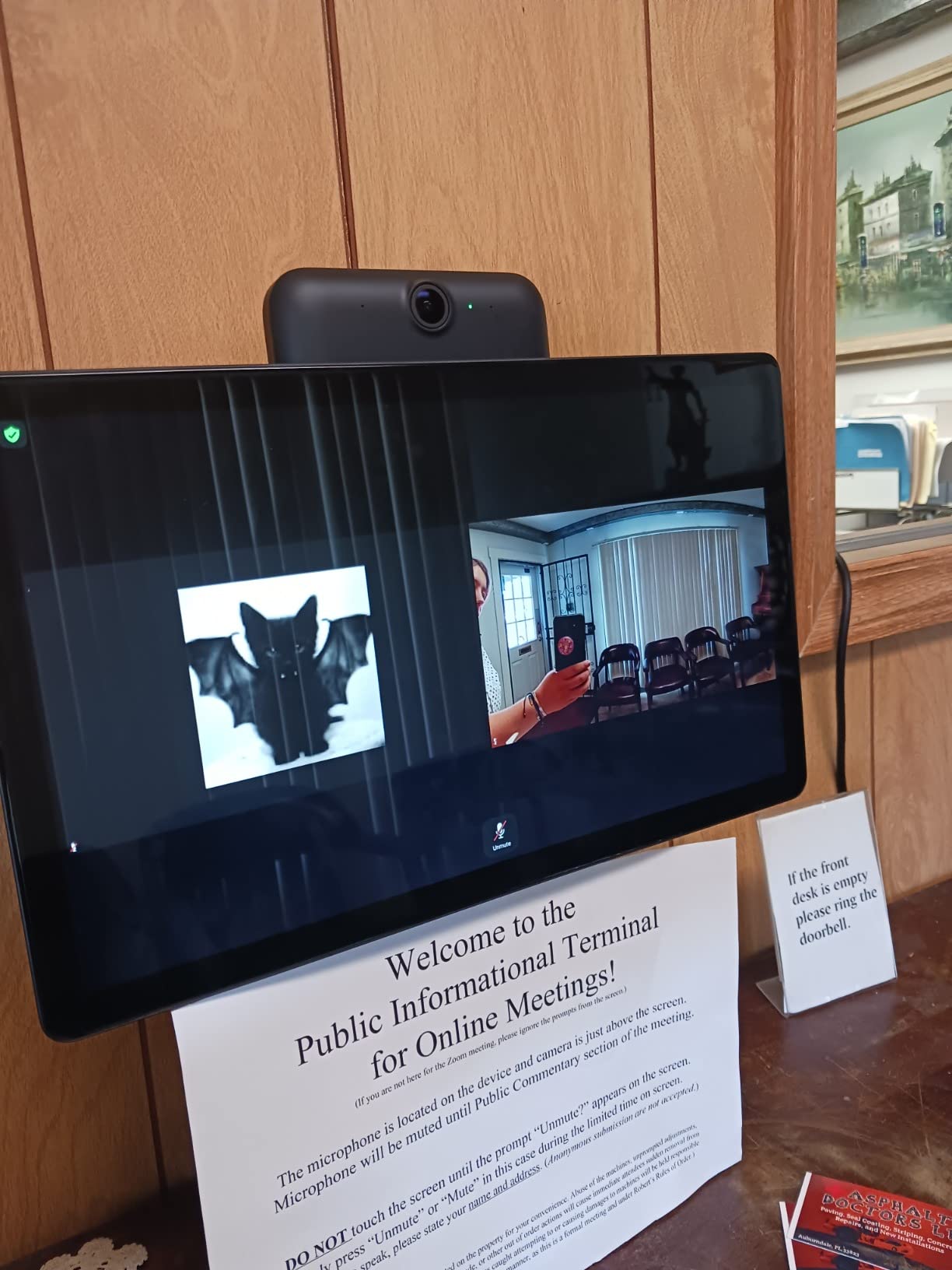
The Portal Plus is also the only display in this roundup that physically pivots. For a kitchen counter where you move between sink, stove, and pantry, that movement is genuinely useful.
Pivoting Display and Smart Camera
The 15.6-inch screen pivots horizontally on a motorized base, and the 12MP Smart Camera with auto-pan and zoom tracks the active speaker across the room. When I walked to the sink during a call, the camera panned to keep me in frame and the display rotated to face me.
4K video capture is sharper than the smaller Portal and the Echo Show models. For families that want the best possible video call quality in the kitchen, this is the pick.
Group Calls and Family Use Cases
Messenger Rooms supports group calls of up to 50 people, and Story Time with AR effects is a strong fit for parents who cook while entertaining kids. I tested a Story Time session with a niece and the AR effects kept her engaged through a long call.
For households that use Zoom or Workplace, the Portal Plus also supports those apps. It is the most versatile video calling smart display in this roundup.
Discontinued Status and Long-Term Support
Meta has discontinued the Portal line, which raises questions about long-term software support. The Portal Plus still works well today and Meta has continued security updates for existing devices, but new features are unlikely.
If long-term software support matters more than video call quality, an Echo Show is a safer long-term bet. If you primarily care about the best kitchen video call experience right now, the Portal Plus is still unmatched.
Who Should Buy the Portal Plus
Buy the Portal Plus if you want a large kitchen display with the best auto-framing camera available, you use Messenger or WhatsApp heavily, and you want a pivoting display that follows you while cooking. It is the best large-screen kitchen smart display for video calls in 2026.
Skip it if you want long-term software support or a smaller footprint. The Echo Show 21 above is the better all-around flagship, and the Meta Portal 10 above is the better compact video calling pick.
How to Choose the Best Smart Display for Your Kitchen
Picking a kitchen smart display is less about specs and more about how you actually cook. The questions below cover what matters in real kitchen use, from voice assistant ecosystem to placement to privacy.
Pick the Voice Assistant That Matches Your Home
The biggest decision is Alexa versus Google Assistant. If your household already runs on Alexa and Fire TV, an Echo Show is the natural fit and gives you the deepest smart home integration. If you live in a Google Home ecosystem with Nest cameras, thermostats, and locks, a Nest Hub keeps everything in one app.
For households that mix ecosystems, choose the assistant that controls the most devices you actually use. A smart display cannot fix a fragmented smart home, but it can centralize the one you already have.
Match the Screen Size to Your Counter and Viewing Distance
Screen size matters more in a kitchen than in a living room. From six feet away, a 5.5-inch screen is hard to read for full recipes, while an 11-inch or 21-inch display is comfortable. For galley kitchens and small counters, the 8-inch Echo Show or 7-inch Nest Hub fit without crowding.
For wall-mount installation above a range or on an open wall, the Echo Show 15 or Echo Show 21 give you a screen large enough to read from the far side of the kitchen. If you are renovating a kitchen and considering counter design, our kitchen makeover ideas guide covers layout options that work well with a smart display.
Decide How Much Camera and Privacy You Want
Kitchens are family spaces, and cameras pointed at them raise real questions. The Nest Hub (2nd Gen) has no camera at all and is the strongest pick for households that prioritize privacy. The Echo Show 5 ships with a physical shutter. Most newer Echo Show models removed the shutter but include a dedicated mic and camera-off button.
If video calling from the kitchen matters to you, an Echo Show or Meta Portal with auto-framing is the better fit. If you do not need video calls, a camera-free Nest Hub removes the question entirely.
Plan Placement: Counter, Wall Mount, or Under Cabinet
Counter placement is the simplest option and works for any kitchen. A 7-inch or 8-inch display fits on most counters without crowding. A 21-inch display needs either a deep counter or a wall mount.
Wall mounting above the range or on a tile backsplash keeps the counter clear but requires drilling. The Echo Show 15 and 21 ship with wall-mount hardware and are designed for this. If you are renovating, our pink kitchen ideas and lemon kitchen decor ideas guides include inspiration for designing around a wall-mounted display.
Under-cabinet installation is less common but works for small kitchens. It usually requires a tablet in a swing-arm mount rather than a dedicated smart display.
Check Smart Home Protocol Support
For a kitchen that controls multiple smart devices, look for Thread, Zigbee, and Matter support. The Echo Show 11, 21, and 8 include all three. The Nest Hub supports Thread and Matter through Google Home. The Meta Portal relies on Alexa for smart home control and does not add its own hub.
If you already own a smart home hub, smart home protocol support inside the display matters less. If you are starting from scratch, a display with built-in Thread and Zigbee removes the cost of a separate hub.
Think About Durability and Cleaning
Kitchen displays get splattered. I wiped all eight models with a damp microfiber cloth during testing and none of them had any issues. The fabric-covered bases on the Echo Show 5 and Nest Hub wipe clean easily. Glass-fronted models need a quick screen wipe but handle it well.
Avoid placing any smart display directly next to a range where it can be hit by steam or constant heat. Steam is more of a long-term concern than splatter, and a display mounted 18 inches or more away from a stovetop will outlast one mounted closer.
Audio Quality for Music While Cooking
If you cook with music or podcasts, audio quality matters more than people expect. The Echo Show 21 and Echo Show 11 have room-filling spatial audio with strong bass. The Nest Hub Max has the best Google ecosystem audio with a 30W subwoofer. The Echo Show 5 and Nest Hub (2nd Gen) are fine for voice content but less compelling for music.
For a deeper look at transparent display options that some modern kitchens use, see our guide to the best transparent OLED displays.
Frequently Asked Questions
What is the best smart display for a kitchen?
The best smart display for a kitchen in 2026 is the Amazon Echo Show 21 for households that want a wall-mountable flagship with Fire TV and Alexa+. For most kitchens the Echo Show 11 is the best value pick, and the Nest Hub (2nd Gen) is the best camera-free pick for Google households and privacy-focused cooks.
Is a smart display worth buying for a kitchen?
Yes. A kitchen smart display replaces your phone propped against the backsplash with a hands-free, splash-friendly screen that handles recipes, multiple timers, video calls, music, and smart home control without touching anything with messy hands. After a week of cooking with one, most people stop reaching for their phone in the kitchen.
Which Alexa smart display is best for the kitchen?
The best Alexa smart display for the kitchen is the Echo Show 11 for most households because it pairs an 11-inch Full-HD screen with the AZ3 Pro chip, room-filling spatial audio, and a built-in Thread and Zigbee hub. The Echo Show 21 is the right pick if you want a wall-mountable 21-inch flagship, and the Echo Show 5 is the right pick for tight counters and privacy shutters.
What are good alternatives to the Echo Show 15?
Strong alternatives to the Echo Show 15 include the Echo Show 21 (larger 21-inch screen with built-in Fire TV), the Echo Show 11 (smaller and more affordable with the same smart home hub), the Nest Hub Max (10-inch Google Assistant display with a Nest Cam), and the Meta Portal Plus (15.6-inch pivoting display with the best video call camera).
Can smart displays handle kitchen grease and heat?
Smart displays handle kitchen splatter well when wiped with a damp microfiber cloth, but constant heat and steam from a range will shorten their lifespan. Mount any smart display at least 18 inches away from the stovetop, and prefer a wall or counter position away from direct steam to keep the device running for years.
Final Verdict: Which Kitchen Smart Display Should You Buy in 2026?
If you want the best kitchen smart display overall, the Amazon Echo Show 21 is the pick. Its 21-inch Full-HD screen is readable from across the room, the AZ3 Pro chip keeps Alexa+ responsive over cooking noise, and the built-in Fire TV turns the kitchen into a real entertainment space. It is the only flagship in this roundup that genuinely replaces both a recipe tablet and a kitchen TV.
If you want a smaller counter footprint that still handles recipes, timers, and smart home control, the Echo Show 11 is the best value smart display for kitchens. The Nest Hub (2nd Gen) is the right call for Google households and anyone who wants a camera-free kitchen. The Meta Portal 10 and Portal Plus are unmatched for video calling, and the Echo Show 5 is the right budget pick when counter space is tight. For renovation inspiration that pairs well with any of these displays, see our backyard kitchen trends guide.
Whichever display you choose, give it a week of real cooking before deciding. A kitchen smart display earns its place the moment you stop reaching for your phone with flour-covered hands. The eight models in this guide are the ones I would actually recommend to a friend building a smart kitchen in 2026.
Leave a Reply