
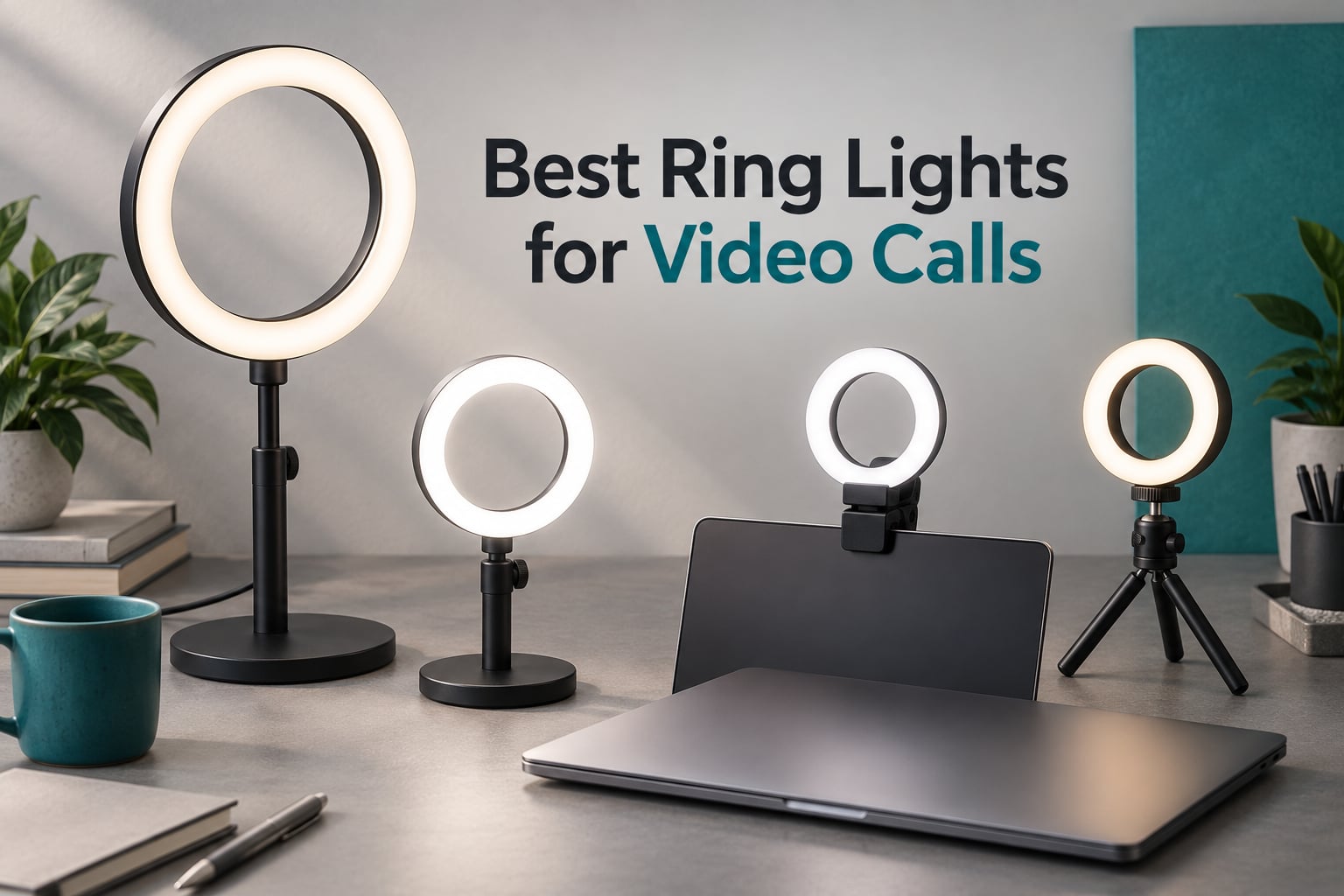
The best ring lights for video calls are a 10 to 12 inch ring on a floor or desk stand, or a compact monitor clip when your camera sits at eye level. Lighting, not webcam resolution, is what makes you look flat and tired on camera, and a ring fires from every angle at once so the shadows under your eyes and chin get filled in.
That is the short answer, and it took us a while to believe it. Our team set up ten of the most-reviewed ring lights on this category side by side over several weeks and ran the same routine with each one: a morning Zoom call from a dark room, a client presentation at a bright window, and a late-evening recording session. We watched skin tone, shadow behaviour, glare in glasses and flicker at low brightness, because those four things decide whether a light looks professional on camera or looks like a shortcut.
Two products dominated. A 12 inch tripod kit won on outright brightness and reach, and a 7 inch square panel with a four-layer diffuser won on how soft it was in a long meeting. Everything else fell into one of three groups: monitor clips for laptop-first desks, desk stands for fixed home offices, and budget picks that do a respectable job without a phone holder.
If you are still choosing hardware, our webcam guide for video calls covers the other half of the equation, and our broader ring light roundup goes deeper on studio and content-creation rigs. For calls specifically, the variables that matter are different.
Our Top 3 Tested Ring Lights for Video Calls in 2026

UBeesize 12 inch Ring Light Kit
- 240 LEDs at 10W
- 62 inch tripod
- 5 color modes and 10 brightness levels

ACMEZING Clip and Tripod Kit
- 64 LEDs at 10W
- clamp plus mini tripod
- 5 color temps and 5 brightness levels

Comparing Every Ring Light for Video Calls in 2026
All ten lights below run on USB power, which is the right call for a desk setup. The meaningful differences are ring diameter, colour temperature range, CRI, how many brightness steps you get and how the light mounts to your desk or screen.
| Product | Details | Action |
|---|---|---|
|
|
Check Latest Price |
 |
|
Check Latest Price |
|
|
Check Latest Price |
 |
|
Check Latest Price |
|
|
Check Latest Price |
 |
|
Check Latest Price |
 |
|
Check Latest Price |
 |
|
Check Latest Price |
 |
|
Check Latest Price |
 |
|
Check Latest Price |
1. UBeesize 12 inch Ring Light Kit – Best Overall for Video Calls and Streaming
UBeesize 12″ LED Ring Light with 62″ Tripod Stand, Phone Holder & Remote
12 inch head, 240 LEDs at 10W
3000K-6000K in 5 modes
10 brightness levels
62 inch tripod
+ Pros
- Brightest
- widest coverage in this group
- 10 colour and brightness steps give fine control
- 360-degree rotating head and adjustable phone holder
- Complete kit includes tripod remote and USB cable
– Cons
- Bulky on a small desk
- Wired USB power only
- 62 inch tripod is oversized for a fixed desk
Our overall pick is the least subtle of the ten, and that is precisely why it works. The 12 inch head wraps enough light around your face that a shaded desk lamp in a dim room stops mattering, and the 240 LEDs at 10W were the only kit in this set that filled a home office corner without a second source.
For a video call specifically, the part that surprised us was the control granularity. Five colour modes from 3000K to 6000K and ten brightness levels meant we could match a warm evening room or a cold morning office without guessing, and 71 percent of the 99k-plus ratings are five star. The touch panel on the ring itself means you never hunt for a remote mid-call.
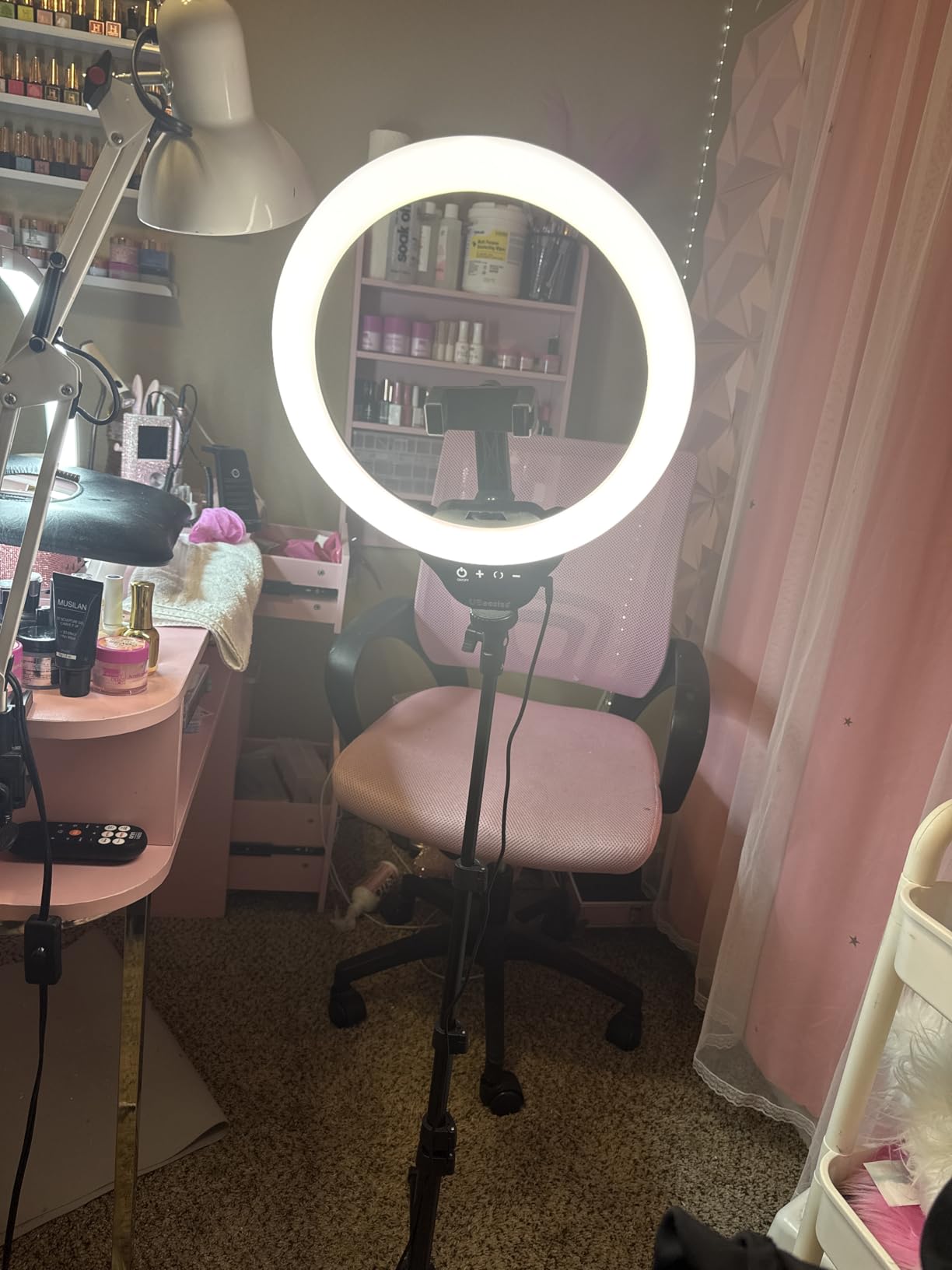
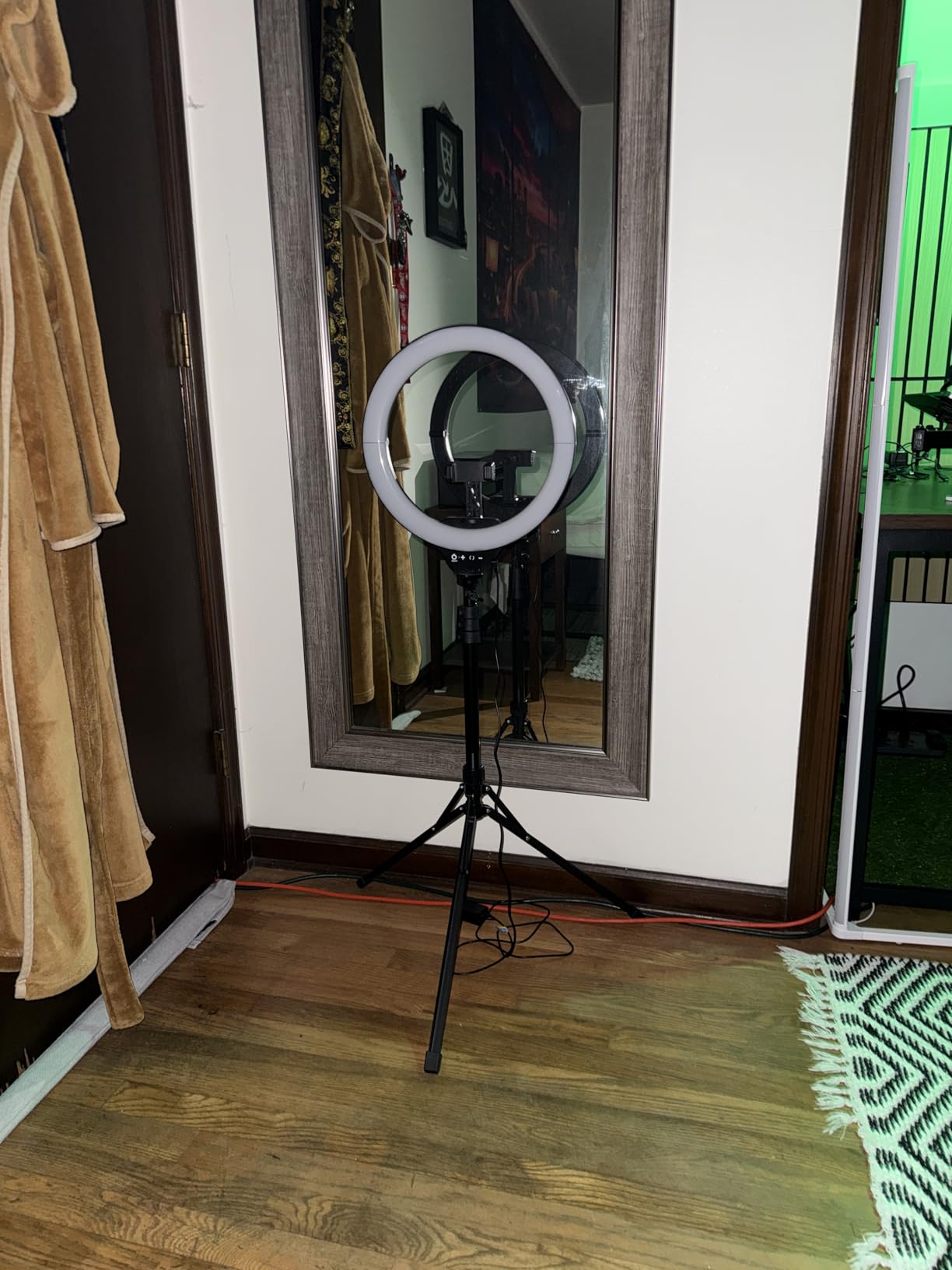
The tripod is the trade. At 62 inches it towers over a monitor, so on a fixed desk we ended up collapsing it and clamping nothing, instead standing it beside the screen and using the tilt to hit face height. It also converts to a handheld stick, which is a bonus if you ever move the call to a phone.
Colour Temperature and Brightness Range
The 3000K to 6000K span covers both ends of what a home office actually throws at you. Warm 3000K in a room lit by a warm bulb avoids the icy pallor that owners on r/WFH complain about when a daylight-white light fights their ambient lighting.
Ten brightness levels beat the five-step models for one practical reason: five steps means you often overshoot the level you wanted, and lowering brightness also lowers the harshness. With ten levels we could dim a 12 inch ring right down for an evening call without turning the desk into a cave.
Ring Size Against Camera Distance
A 12 inch head is the reason this kit wins for calls. Most people sit 20 to 28 inches from a laptop or monitor camera, and a small clip ring simply cannot spread light across that whole distance before it falls off toward the edges of your face.
The 360-degree rotating head lets you aim the ring slightly above camera height and angled down, which softens the under-eye shadows that a chin-level clip-on produces when the head sits level with your face.
What It Costs You in Desk Space
This is the one real drawback. On a 48 inch desk the base and the 62 inch pole are a permanent commitment, and forum complaints about stands crowding a workspace are one of the most repeated themes in home-office lighting threads.
If your desk is small or you hot-desk often, look at the clamp-on options further down. If you have a dedicated office corner and spend hours on camera, the coverage is worth the footprint.
2. Cyezcor Monitor Clip-On Ring Light – Best for Laptops With No Desk Clamp
Cyezcor Video Conference Lighting Kit, Ring Light for Monitor Clip On
5 inch clip-on head, 5.12 inch x 5.12 inch body
3 color temps 3200K-6800K
5 brightness levels
48 LEDs at 10W
USB
+ Pros
- Clips to the screen edge and stays firm
- Rotates so you can aim it at your face
- Draws power from a laptop
- display or power bank
- Small enough to move between workspaces
– Cons
- Only 5 brightness steps
- Clip-only mount with no stand
- 5 inch source works best at close range
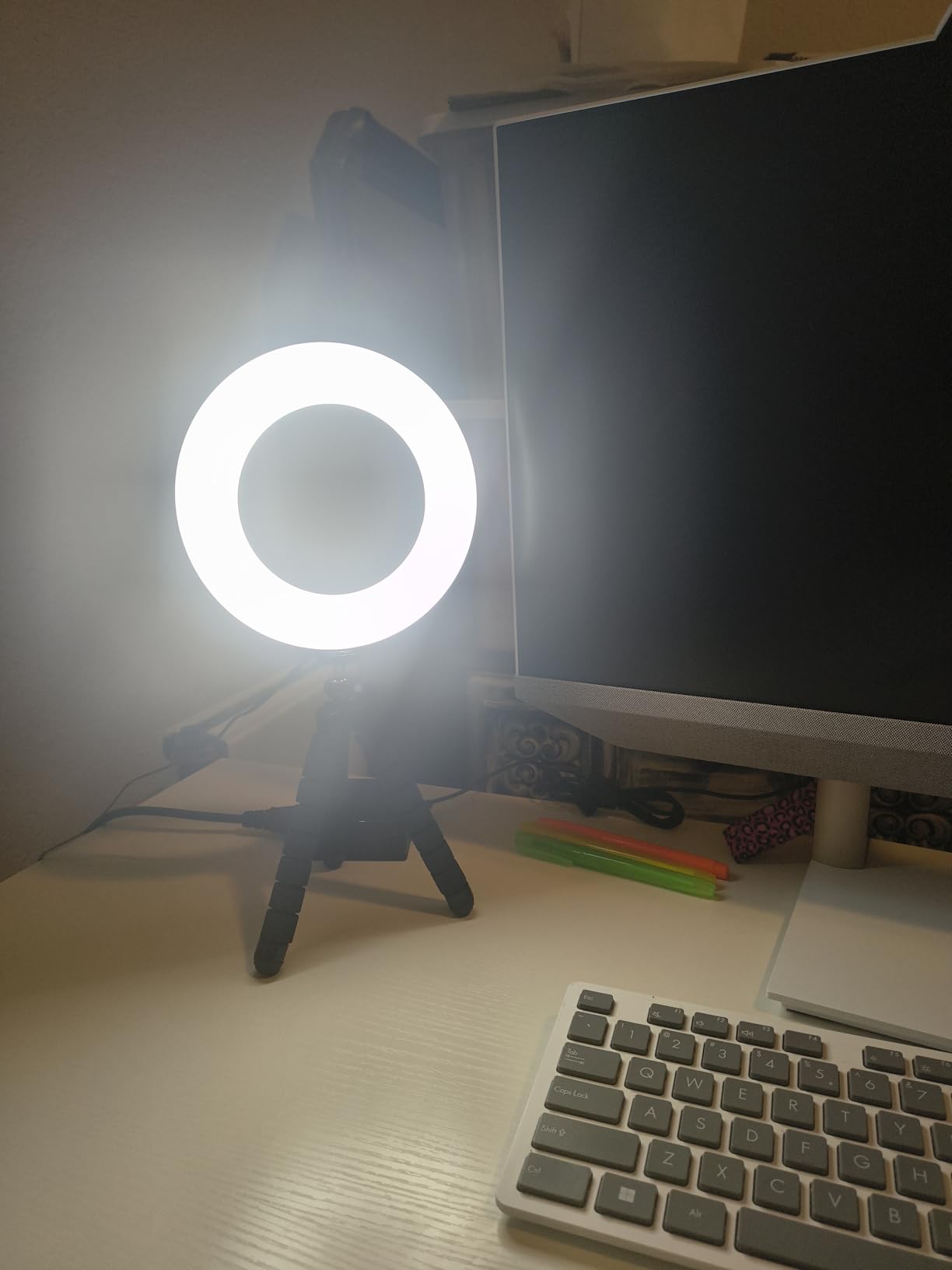
This is the light we recommend to anyone whose camera lives on a laptop screen. Clipping it to the top bezel guarantees the light sits right at the camera, so there is no geometry to get wrong, and the rotating head lets you tilt the ring down toward your face rather than washing the ceiling.
It is also the answer to the most common home-office complaint about ring lights, which is that they take over the desk. A monitor clip occupies no desk surface at all, which is why a thread in r/ExecutiveAssistants debating whether a small ring reads as professional kept circling back to compact mounts like this.
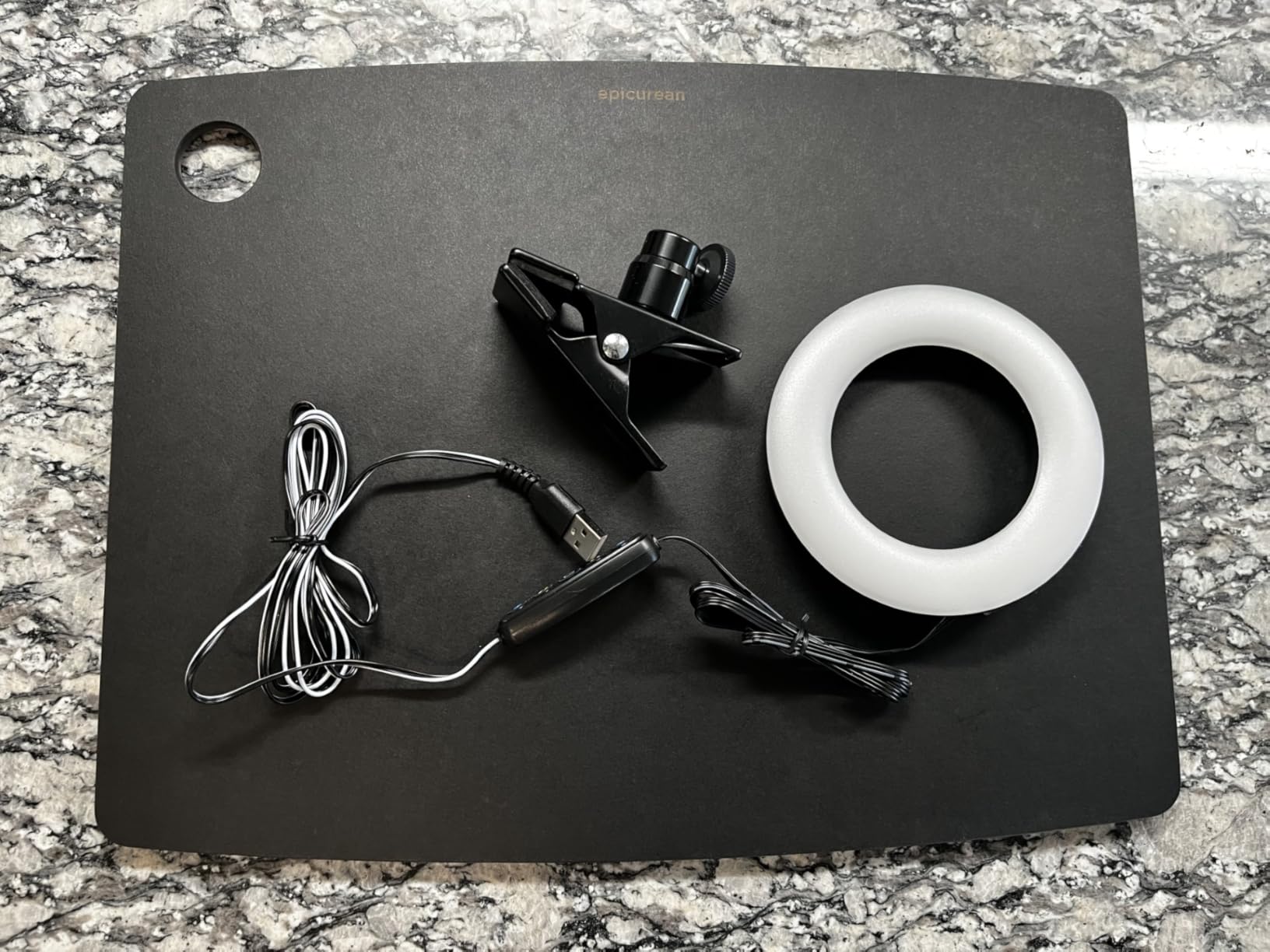
At 5.12 inches square and 2.36 inches deep, the body clears a webcam but not much else, so on a laptop with a thick hinge you may need to angle it forward rather than straight up.
Why Clip Placement Solves the Geometry Problem
The rule we kept returning to while testing is simple: the light should sit as close as possible to the camera line, roughly in line with your face and at or just above eye level. A clip does that by default, which is why a 5 inch clip can outperform a 10 inch floor ring that is parked 18 inches to one side.
The 3200K to 6800K range is the widest in the compact group, which helps in mixed lighting. Set it warm when your room is warm and skin tone stops shifting toward grey on camera.
Brightness Steps and Close-Range Use
Five brightness levels is the main limitation here, and reviewers name it consistently. With 48 LEDs at 10W the light is bright, but the coarse steps mean you either sit in a slightly bright frame or a slightly dark one.
Because the source is only 5 inches across, brightness falls off quickly with distance. Sit at normal laptop range and it is fine; lean back 30 inches and your cheeks will start to fall off the edge of the pool of light.
Power and Portability
USB power from a laptop, monitor, power bank or phone charger means zero cable clutter and no adapter hunting. The manufacturer is listed as wonderful LIFE and the model is LT-05, and it carries a broad compatibility list across computers, laptops and mobile power supplies.
It is the easiest light here to move between a home desk, a co-working space and a hotel desk. No base, no clamp, nothing to unscrew.
What to Watch For
Two things. The clip grips the bezel rather than the panel, so check that your display has an edge it can hold, and expect the 5 inch ring to reflect as a visible bright circle in your glasses if it sits directly in the camera line.
For a fixed desk where you can free up surface area, a stand-based light gives you more even coverage. For a laptop-only setup, this is the simplest thing that works.
3. ACMEZING Clip and Tripod Ring Light – Best Value for a Two-Mount Kit
Video Conference Lighting Kit, Ring Light Clip on Laptop Monitor with 5 Dimmable Color & 5 Brightness Level for Webcam Lighting/Zoom Lighting/Remote Working/Self Broadcasting and Live Streaming, etc.
Padded clamp and mini tripod kit
64 LEDs at 10W
5 color temps 3200K-6500K
5 brightness levels
2m USB cord
+ Pros
- Two mounts in one kit
- Clamp grips thin laptop bezels a heavier clip would slide off
- Light and compact with a 2m cord
- Warranty and return window
– Cons
- Only 5 brightness levels
- Loose ball joint can let the head droop
- Thin clamp padding and very short tripod legs
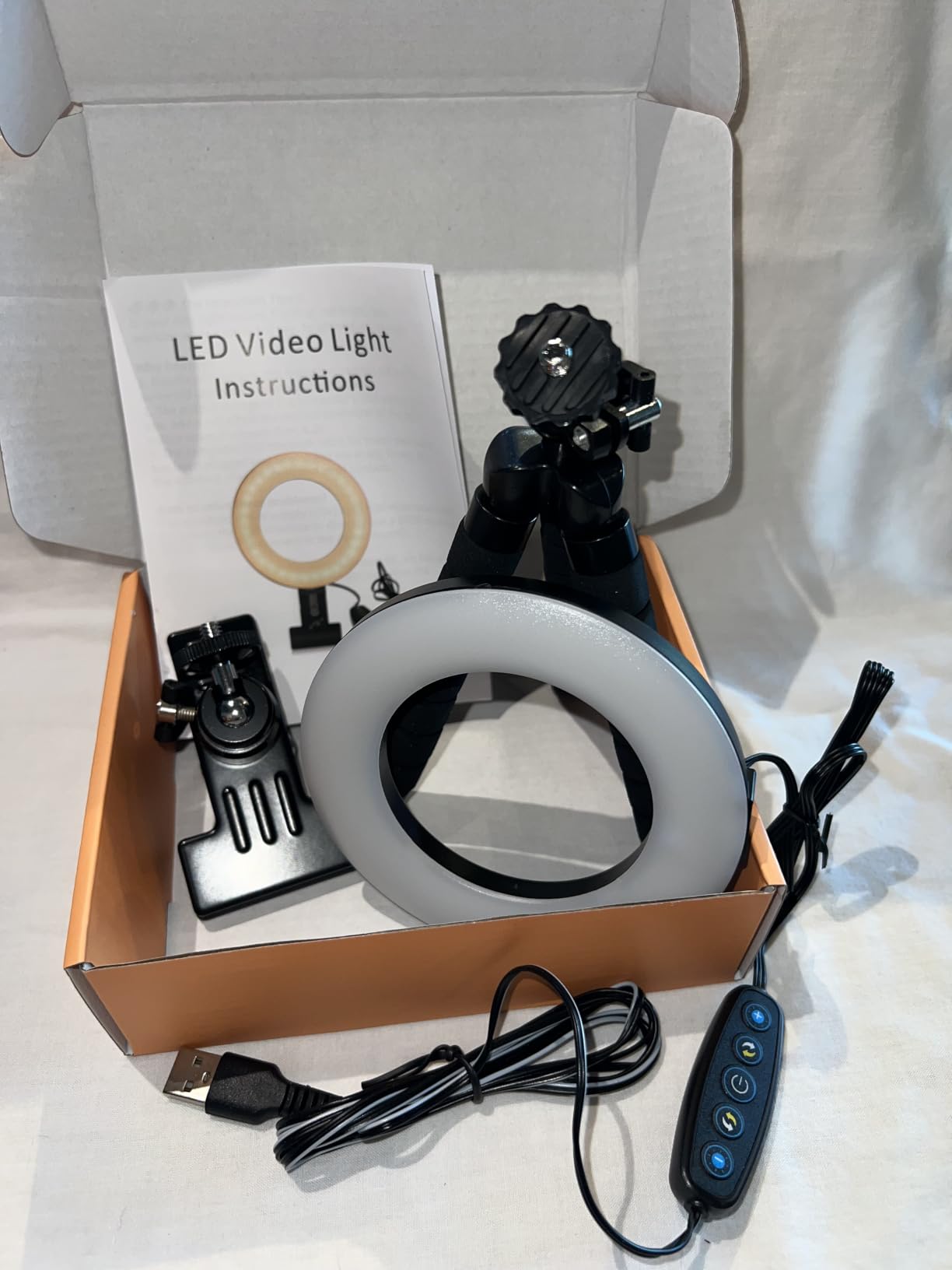
Getting both a padded clamp and a mini tripod in one box is unusual at this level, and it is why this kit keeps coming up in r/WFH threads where people describe a cheap USB ring light with warm, neutral and cool tones doing a better job than nothing. You can clamp it to a laptop for a call, then stand it on a shelf when the camera moves.
Sixty-four LEDs at 10W across five colour temperatures from 3200K to 6500K is a genuinely usable spread, and 67 percent of the 6,962 ratings are five star. Owners talk about a visible improvement in meeting appearance and a two-minute setup, which is the standard to beat.
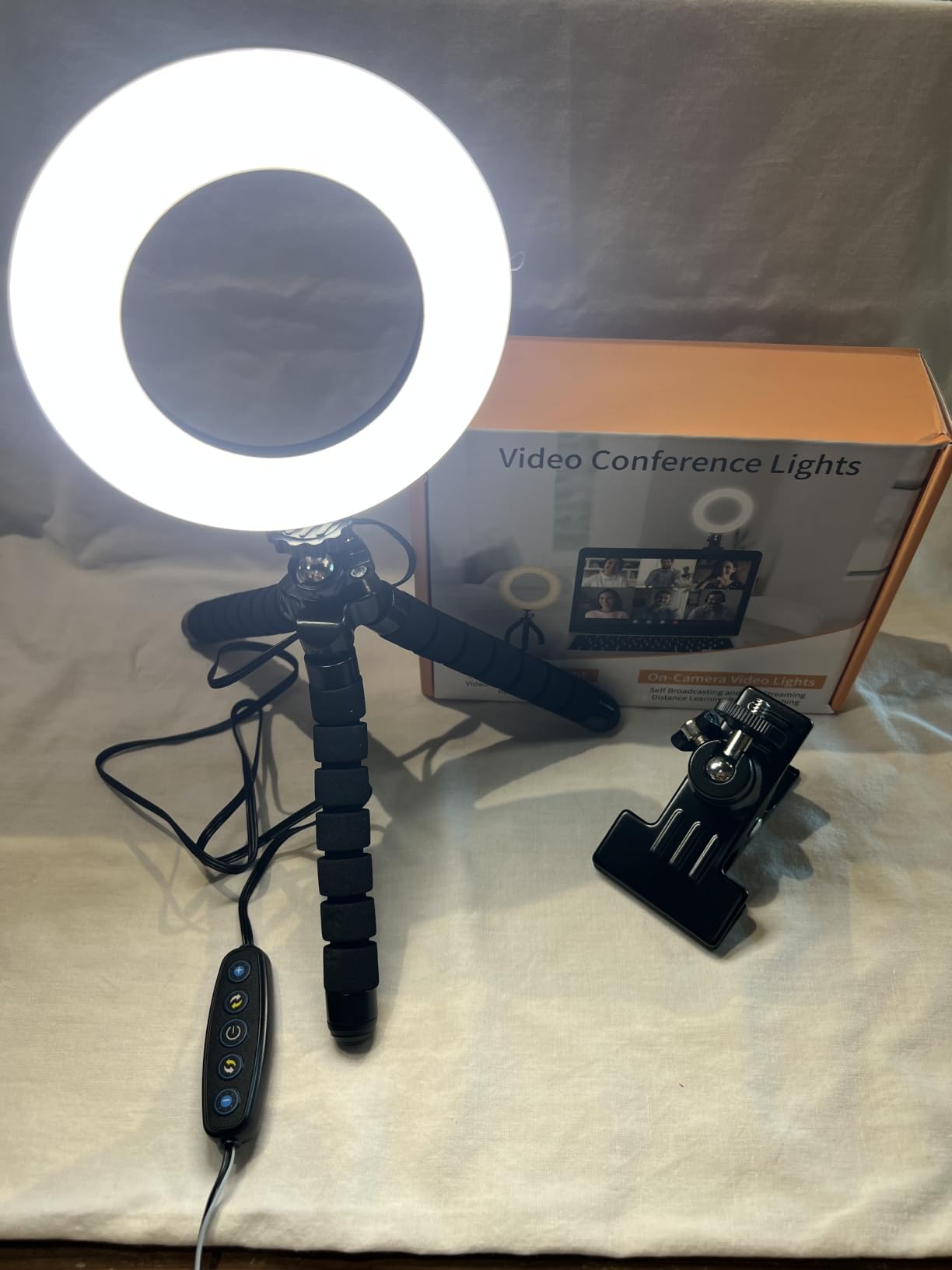
The mechanical complaints are consistent enough to plan around. The ball joint on some builds will not tighten fully, so check the head holds its angle before you join a call, and the tripod legs are short and do not telescope.
Two Mounts, Two Use Cases
The foam-padded spring clamp is the better of the two because it spreads pressure across a thin bezel. Harder clips on slim notebooks tend to slide off or leave a mark, and that is a real complaint in this category rather than a hypothetical one.
The mini tripod fills a gap the others leave. Clip lights need a screen to attach to, and stand lights need desk surface. A small tripod can sit on a shelf, a windowsill or the edge of a filing cabinet right next to a fixed camera.
What 5 Brightness Steps Means on Camera
Owners on this kit ask specifically for dimmer low-end steps, and it shows on camera. When you need a soft evening look, the lowest setting is still bright enough to flatten your face a little. Manual exposure on your camera can claw some of that back.
The five colour temperatures are the more useful half of the control set. Moving from 3200K to 6500K changes your entire on-camera colour cast, and that matters far more to how you look than one brightness step does.
Build Quality Over Time
The manufacturer is SHENZHEN LIANGTOU TECHNOLOGY, and USB power with a cord up to 2m gives you more reach than a permanently attached short cable, which matters when the camera is on a monitor arm.
Watch the clamp pad on frameless screens. It is thin, and on a seamless display it can bite if you overtighten it.
Best For and Skip If
Pick it if you alternate between a laptop call and a fixed camera, and if you want a phone clamp at the same time. Skip it if your only setup is a desktop monitor and you have desk space, because a weighted desk stand will be steadier.
Among the kits we tested, this is the strongest balance of brightness range, mount options and review volume at the budget end.
4. Yarrashop 10.5 inch Desk Ring Light – Best CRI for Skin Tone Accuracy
Desk Ring Light with Stand for Computer, Desk Light for Video Recording
10.5 inch curved head, 120 LEDs
CRI over 95
10 brightness levels, 3 color temps 3000K-6500K
23 to 31 inch height, 180 degree tilt
+ Pros
- CRI over 95 renders skin tone accurately
- Curved head gives softer light than flat clip shades
- Weighted anti-scratch base stays put
- 360-degree metal phone holder
– Cons
- Minimum height is still too tall for some seated face positions
- Limited range for overhead or non face-forward shooting
- Adapter not included
This is the light we would buy if our appearance on camera depends on looking professional to clients. A CRI over 95 means skin tone and colour reproduction hold up far better than the low-CRI budget rings that wash faces out, and the 10.5 inch curved head spreads light more evenly across your cheeks and jaw than a flat-faced disc.
Ten brightness levels and three colour temperatures from 3000K to 6500K give a clean working range, and 69 percent of the 4,022 ratings are five star. Owners regularly report a noticeable improvement for Zoom and work-from-home meetings, which is exactly the use we had it in for.

The height range runs 23 to 31 inches with a 180 degree tilting head, and the minimum of 23 inches is the one to think about. On a low desk it will not drop to face level, so the ring sits above you and the shadow pattern changes.
Why CRI Matters More Than Lumens on a Call
CRI, or colour rendering index, measures how faithfully a light reproduces colour compared with a reference source. For a video call the only colour that matters is your skin, and low-CRI LEDs push skin toward a flat, greyish cast that reads as tired on camera even when the exposure is right.
We treat CRI 90 as the practical floor and 95 or above as the comfortable target for anything you get regularly lit by. This light and the two panel-style lights further down clear that bar. Several clip lights in this group do not publish a CRI figure at all, which is itself a signal.
The Curved Head Advantage
A curved head throws light forward and slightly outward, so the falloff across your face is gentler than on a straight-faced ring of the same diameter. That matters more at 10 inches than at 5, because a larger source at the same distance behaves more like soft daylight than a point source.
It is the reason this light looks calmer on camera than the smaller clips even before you adjust anything. Combined with the 180 degree tilt, you can angle it to fill the shadow side of your face without moving the base.
Desk Footprint and Height Limits
The weighted anti-scratch base is genuinely stable, which is a marked improvement over the light mini tripods in the clip group. At 1163 g it will not creep across a desk when you tilt the head.
The 23 inch minimum height and a stand that cannot lean far past vertical will frustrate you if you film anything other than face-forward content. A rigid base also means moving it between rooms is a two-hand job.
Power Notes and Adapter
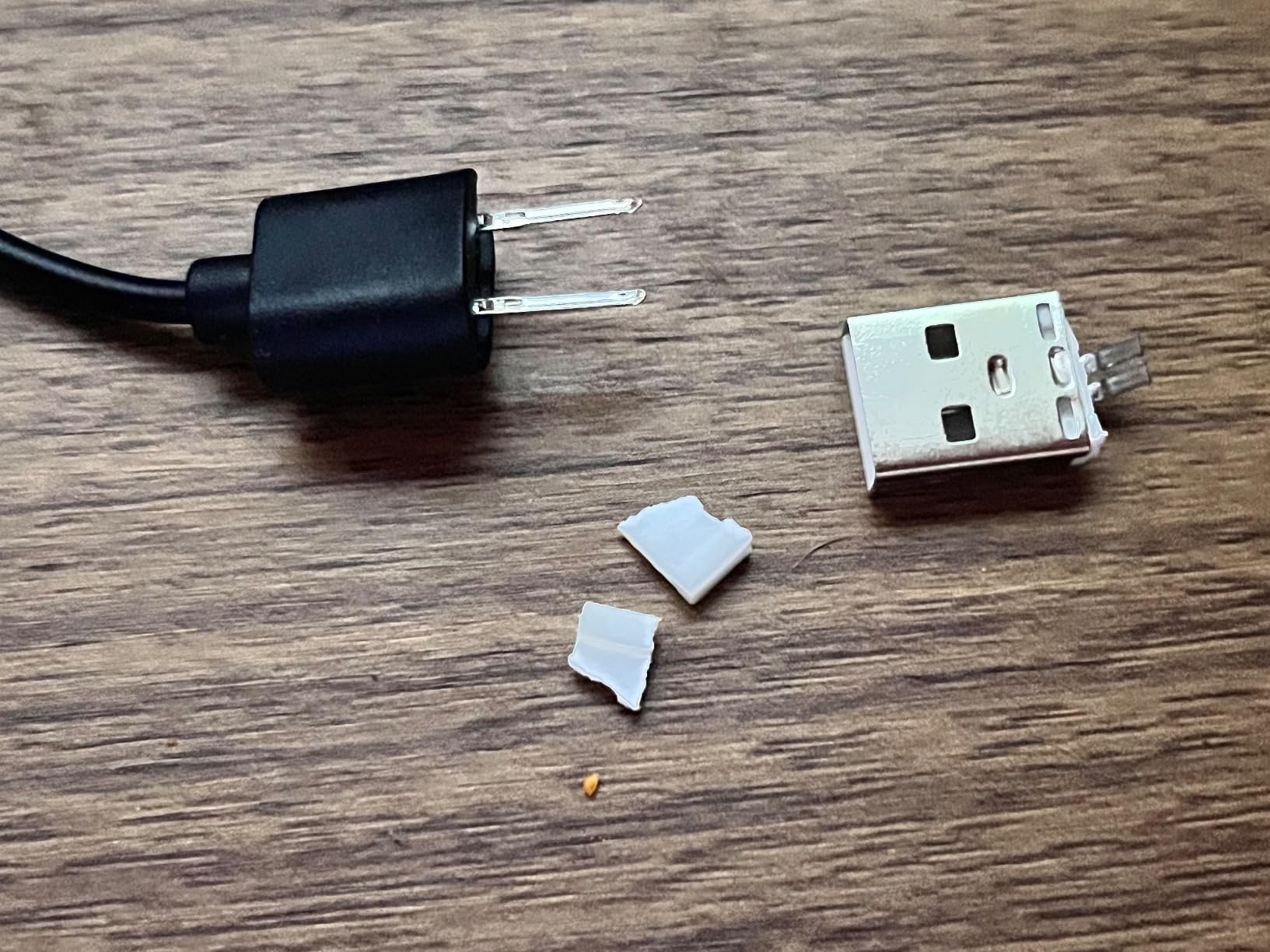
It runs on USB at a recommended 5V and 2A, and the adapter is not included. If your laptop port supplies less current you will get inconsistent brightness, so budget for a small adapter if you do not have one.
Among desk-stand rings in this group, the CRI specification and the weighted base make this the one we would put in front of a camera for a client call.
5. NEEWER BR60 5 inch Ring Light – Most Versatile With Clip and Tripod
NEEWER Basics 5″ Clip on Ring Light for Video Conference Lighting, BR60
5 inch head, 60 LEDs, 450Lx at 0.5m
CRI over 97
3000K-6000K across 5 modes
10-level dimming
Clip plus mini desk tripod
+ Pros
- CRI over 97 and 450Lx from a 5 inch head
- 10 brightness levels give real control
- Dual mounting with a 170 degree tilt clip
- Light at 131 g and easy to travel with
– Cons
- Mini tripod can tip at an angle
- No phone holder included
- Clip pressure can mark a thin display
Our budget pick is unusual for a small light, because it publishes both brightness in lux and a CRI figure. At 450Lx measured at 0.5m and CRI over 97, it punches far above the clip-on norm, and 71 percent of the 1,950 ratings are five star.
The spec sheet also gives you something to compare against: a 170 degree tilting clip and a mini desk tripod with 360 degree pan and 135 degree tilt on a 9cm raised platform. That combination is what makes it a kit rather than a single-purpose clip.
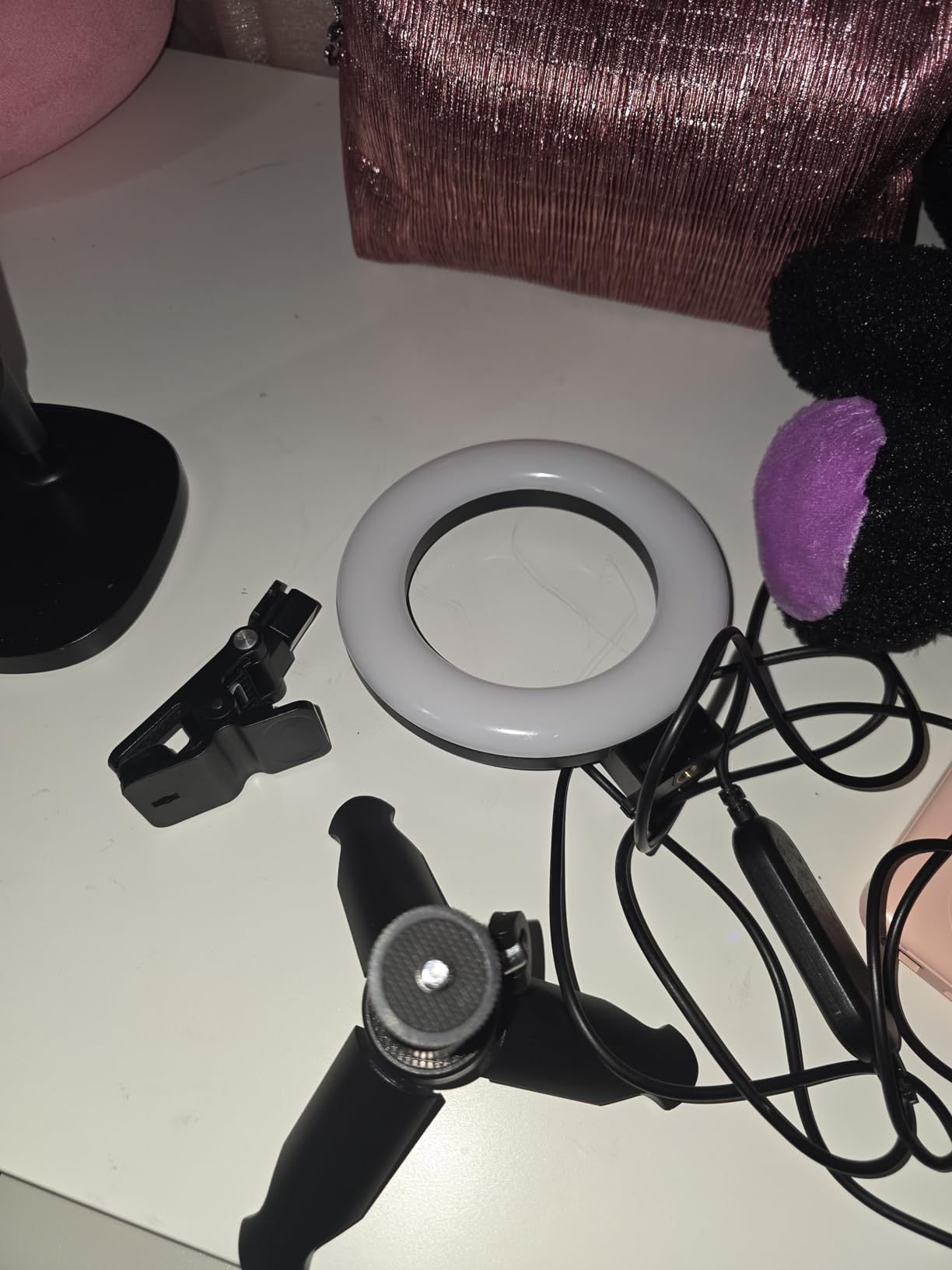
It ships with a built-in 6ft USB cable, which is long enough to reach a laptop from a monitor arm, and the 10W draw at 5V and 2A is gentle on battery-powered setups. The clip fits monitors up to 2.5 cm thick.
What 450Lx Actually Means for Your Face
Lux tells you how much light lands on a surface at a set distance, and 450Lx at half a metre is a comfortable working level for one person at a desk. It will not light a room, which is not the job, but it is more than enough to flatten the shadows overhead room lights create.
Because the number is measured at 0.5m, be honest about your distance. At the 20 to 25 inches most people sit from a laptop camera you are further away than the test point, so treat 450Lx as a brightness indicator rather than a promise.
CRI Over 97 in a Small Head
Colour rendering is where budget lights usually give up, and this one does not. CRI over 97 means skin tone stays close to its true colour on camera, which is the difference between a light that looks invisible and one that slightly alters how you look all day.
Five colour modes from warm through mixed to cool white give you usable granularity, and 10-level dimming from 10 to 100 percent is a genuine step above the five-step clip lights at a similar size.
The Mini Tripod Tipping Issue
At 131 g the whole thing is light, which is exactly why the mini tripod tips when the head is angled away from vertical. If you plan to tilt the light, set it on a flat surface and keep the head closer to upright, or clip it instead.
It also comes with no phone holder despite the expectation, so if you switch to a phone for a call you need a separate clamp.
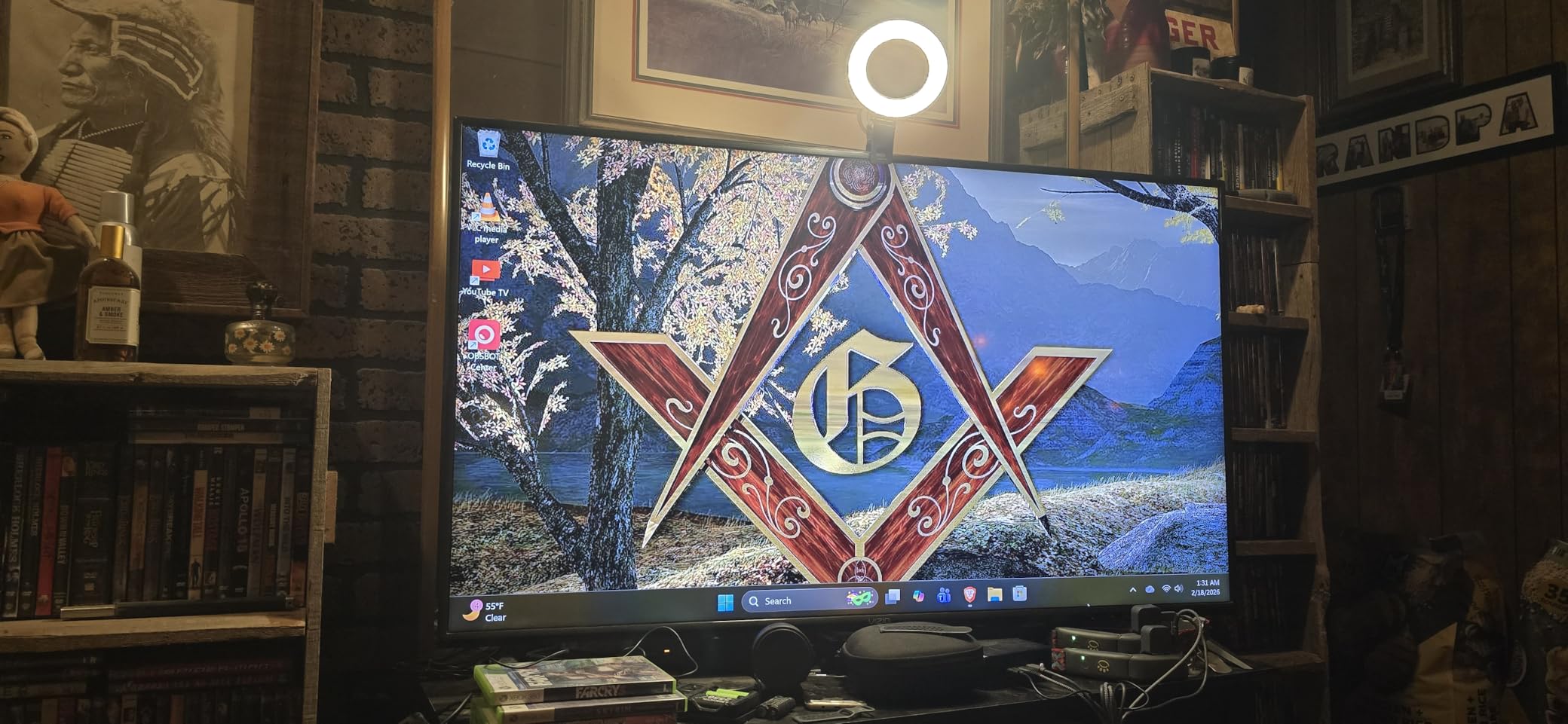
Handling and Durability Notes
The inline control buttons on the clip feel fragile, and the clip is strong enough to risk marking a thin or delicate display if you overtighten it. Grip the body rather than the screw head when adjusting.
Its manufacturer warranty is shorter than several others in this group, so register it if you intend to keep it long term.
6. DUIDESHI 6 inch Clip-On Ring Light – Best for Travel and Hot-Desking
Ring Light for Computer Video Conference – Webcam Light for Monitor Clip On Remote Working Distance Learning Zoom Call Self Broadcasting and Live Streaming Influencer Light Laptop Video Conferencing
6 inch curved head with thicker coating
3 color temps 3200K-6800K
5 brightness levels
CRI over 95
USB Type-C
+ Pros
- Thicker coating cuts glare on a monitor
- CRI over 95 keeps skin tone accurate
- Compact and light for a laptop-first setup
- Highest share of 5 star ratings in this group at 73 percent
– Cons
- Only 5 brightness steps
- USB Type-C may need an adapter
- Accessory list is just the light
This is the smallest and simplest answer here, and for one specific job it is the right one. A 6 inch curved head with an upgraded thicker coating for glare reduction, three colour temperatures and CRI over 95 in a body you can toss in a laptop bag and clip onto whatever screen you find.
At 73 percent five star it has the strongest share of top ratings in the set, and the feedback centres on a pleasant glare-free face light with selectable colour temperatures for calls and streaming. Limited control granularity is the accepted trade.
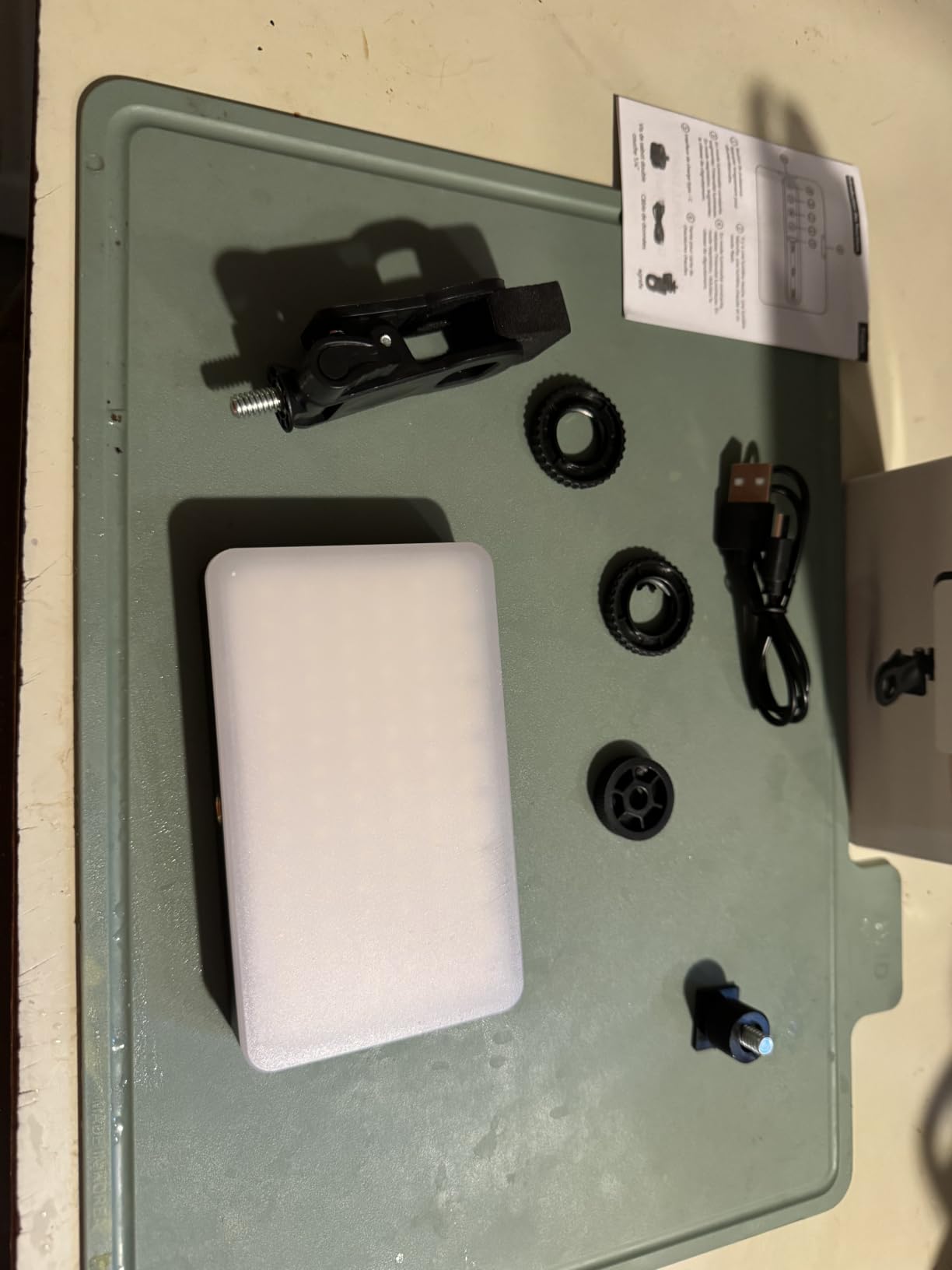
It is listed under cell phone selfie lights, which tells you how the manufacturer positions it, but the 6 inch size makes it a monitor accessory rather than a phone one. The model is R1 and it comes in colorful, black and black-white variants.
Glare Reduction on a Screen-Based Setup
The thicker coating on the curved shade is not a marketing line. A ring that is too glossy bounces specular reflection off your monitor glass and into your eyes, which shows up as an obvious bright band and forces you to squint.
On camera, the same reflection appears as a catchlight. A softer shade is one of the cheapest ways to avoid the harsh ring reflection that makes a clip light look obvious on a call, which is the fear several people in r/WFH raised about looking overdone.
Colour Temperature in a Mixed Lighting Room
Three temperatures from 3200K to 6800K is enough to stop your light fighting the room. The common complaint in work-from-home threads is a daylight-white light in a warm-lit room making skin look pale and icy, and 3200K is the setting that solves it.
CRI over 95 means the colour you pick is the colour you get. For a light with only three settings, accurate rendering matters more than it would with thirty.
Portability Versus Desktop Permanence
USB Type-C is both a strength and a limitation. It is a single standard that works across most modern machines, but on a computer without that port you will need an adapter, which adds a failure point to a light meant to be travel kit.
The package list is just the light itself, so there is no stand and no clamp bundle listed. Plan on attaching it to a screen rather than standing it on a surface.
Best For and Skip If
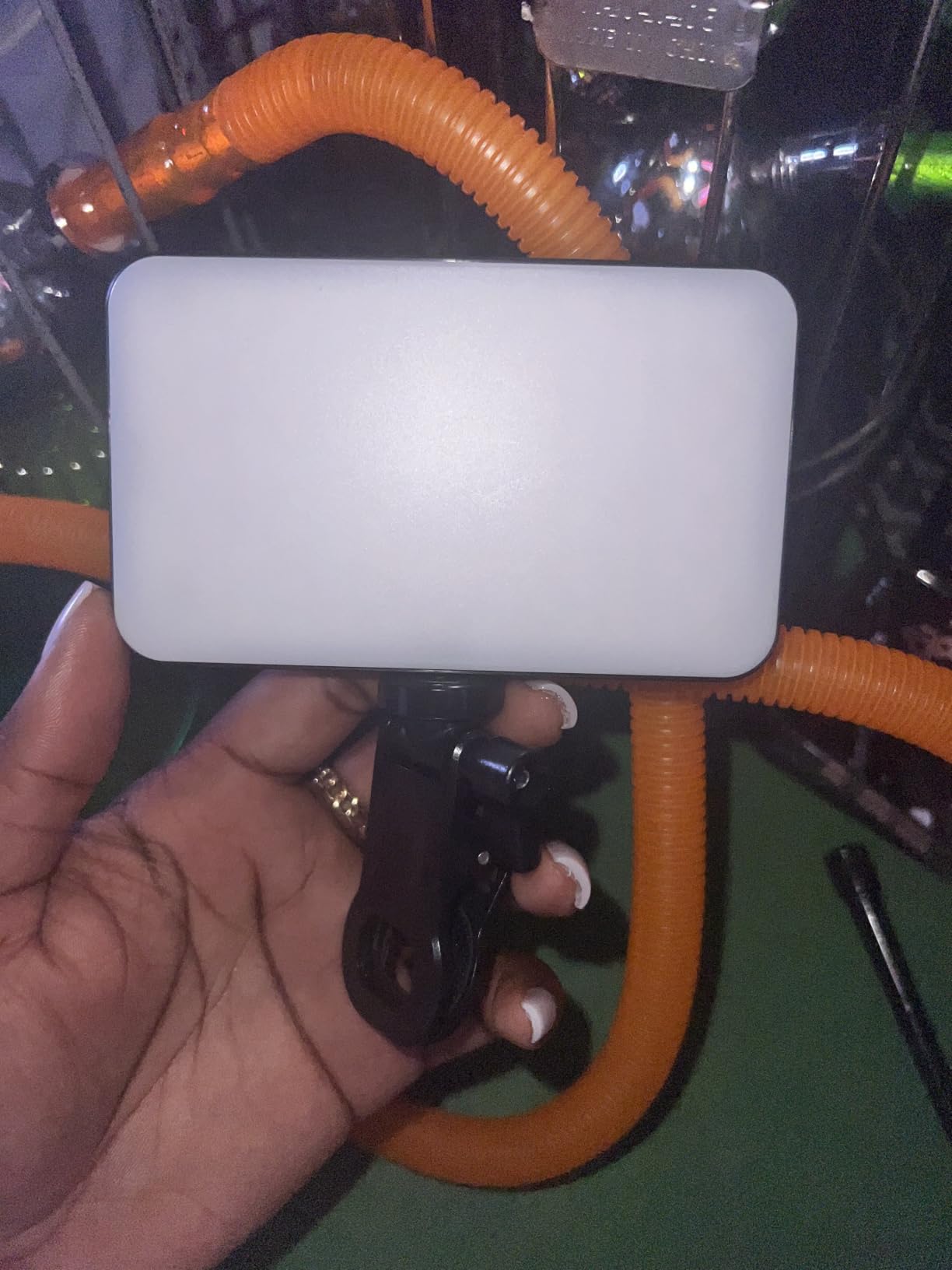
Pick it for hot-desking, travel, and anyone who needs one light that works on a work laptop and a home laptop without re-learning controls. Skip it if you want fine brightness control or a desk stand included.
Within the compact clip category, it combines the widest temperature range with a published CRI, and that combination is rarer than it should be.
7. Evershop 5 inch Ring Light with Stand – Best for Phone and Tablet Calls
Evershop Ring Light for Laptop Desk Clip On,Small Computer Video Conference Lighting with Stand for Phone/Webcam/Monitor,5″ Portable Mini LED Selfie Light Desktop for Zoom Meeting/Video Call/Recording
5 inch head, 64 LEDs at 10W
CRI over 98
3 colors and 30 brightness combinations
Folding stand with 360 degree rotation
+ Pros
- Stand doubles as a phone or tablet holder
- CRI over 98 with 64 LEDs
- Redesigned stand avoids the loose fixity of old clip designs
- Stretchable 2 to 2.5 inch mounting plate grips curved screens
– Cons
- Mount can be deeper than thin modern bezels
- Short permanently attached USB-A cord and no adapter
- 5 inch ring reflects brightly in glasses
- Settings need trial and error
The distinguishing feature here is that the mount is a stand rather than a clip. The adjustable plate stretches from 2 to 2.5 inches, grips straight and curved screens, and the stand body adjusts from 6.5 to 8.5 inches while doubling as a phone or tablet holder for the times your call is on a handheld device.
Colour accuracy is excellent. Sixty-four LEDs at 10W with CRI over 98 across three colours and 30 brightness combinations means more usable combinations than most five-level lights, and 67 percent of the 1,490 ratings are five star. Owners working from home praise the sturdier stand design and the visibly cleaner face lighting.

It weighs 7.1 ounces with a folding bracket and a folding base, so it packs flat. The listing states a long manufacturer warranty, which is worth registering.
A Stand Instead of a Clip Changes the Desk
Most small ring lights force a choice: clip to a screen and have nothing freestanding, or stand on a desk and occupy surface area. A short stand with a mounting plate gives you both, and the bracket folds flat enough that the footprint disappears in a drawer.
Because the plate stretches rather than clamps hard, it is far less likely to scratch a display. That is a real improvement on the older clip-on designs that users have complained about for years.
Thirty Brightness Combinations in Practice
Thirty combinations is 3 colour temperatures by 10 brightness levels, and in practice the extra granularity mostly helps at the dim end. Finding the right pair takes a little trial and error, which is the main complaint owners report about the controls.
CRI over 98 is the standout number here. It puts this small light ahead of several larger ones on colour reproduction, which is the thing that makes a call look natural rather than lit.
Glasses and Deep Mounts
Owners specifically report that a small 5 inch ring reflects as a bright circle in glasses if positioned directly in front of the face. Aim it high and to one side rather than centred, and the reflection moves out of the camera line.
The other recurring issue is depth. On a modern thin-bezel display the mount can stand proud of the screen and may need wedging to avoid covering part of the panel.

Cable and Power Notes
The USB-A cord is permanently attached and short, and no power adapter is included. That is the least flexible arrangement in this group for a fixed desk, though plug-and-play means no setup.
If your day is calls from a phone or tablet, the built-in holder is the reason to pick this over a plain clip.
8. LitONES 7 inch Edge-Lit Video Conference Light – Best Full-Screen Panel for a Small Desk
Zoom Lighting for Computer, Adjustable Desk Lighting for Video Calls, 30 Light Modes Video Conference Light, Desk Ring Light with Stand for Webcam, Meetings, Live Stream, Home Office. CRI 97.8
7 inch full-screen edge-lit head
CRI 97.8
3000K-6500K, 10 brightness levels
22 to 32.5 inch height
Weighted metal base
+ Pros
- Edge-lit panel gives broader
- more even coverage than a small ring
- Height adjustment to 32.5 inches clears eye line
- Rotating head and movable phone holder on the stand
- Weighted base does not tip forward
– Cons
- A small number of reports of units failing within weeks
- Discrete button steps rather than a dial
- Phone holder nozzle must be tightened
Edge-lit panel technology is the difference here. Instead of LEDs pointing forward from a ring, the light spreads across a full 7 inch face, so the source you look at is large and even rather than a bright annulus. On camera that reads as softer, flatter light with fewer harsh highlights.
CRI 97.8, three colour temperatures from 3000K to 6500K and ten brightness levels make it one of the better-specified desk lights we tested, and it carries the strongest five star share among the desk-stand models here at 74 percent. It ships with a cellphone holder, a metal disc base, a stand rod and a manual.

Height adjusts from 22 to 32.5 inches, and the top of that range is the useful part. A light that sits above eye level and points down at you avoids the flat under-eye shadow you get from a fixture at chin height, and the 360-degree head rotation lets you fill from one side.
Panel Versus Ring for Face Lighting
A ring surrounds the camera’s line of sight, which fills shadows from every direction at once. A full-screen panel does something slightly different: it presents a large, uniform emitter whose output falls off gently across your whole face rather than arriving as a distinct bright band.
In side-by-side webcam checks, the panel produced the more even result across the forehead and cheeks, while the ring held a more defined catchlight. If your priority is even skin tone rather than a specific look, the panel is the better tool.
Colour Accuracy at 97.8 CRI
A CRI of 97.8 puts this within a fraction of a point of the best figure we saw in this group. Skin tones and object colours render accurately, and the 3000K to 6500K range covers a warm evening room through to a daylight-balanced office.
Ten brightness levels at 10W on USB at 5V and 2A is a modest power draw, so it can run off a laptop or a small adapter without competing with a laptop charger.
Durability Reports and Controls
There is a small number of reports of models that stopped working within about two weeks, which is the one concern we would raise. Its longer warranty coverage is the reason this still makes the list.
Adjustments are discrete button steps rather than a continuous dial, and the phone holder nozzle must be tightened or a phone will tilt forward.

Desk Space and Base Stability
The metal base with a non-slip pad is a step up from the light mini tripods in the clip group. It does not tip forward, which matters when the head is rotated off-axis, and the whole unit is 1 kg.
It still takes more desk space than a clip-on light. If your desk is genuinely small, either measure first or go with a monitor clip instead.
9. Weilisi 10.2 inch C-Clamp Desk Light – Best Clamp-On Desk Lighting That Clears the Surface
Weilisi 10.2″ Desk Ring Light with Stand, 360° Rotate Desk Lamps for Home Office with C-Clamp, Flexible Height Desk Light, Adjust Arm Ring Light for Desk, Podcast, Gaming, Recording, Zoom Lighting
10.2 inch full-screen edge-lit head
10 brightness levels, 3 color temperatures
C-clamp up to 2.34 inches
Telescoping pole, 360 and 180 degree adjustment
+ Pros
- Largest head in this group for even desk coverage
- C-clamp frees the entire desk surface
- Telescoping pole plus 360 degree rotation and 180 degree head tilt
- Silicone base protects the desktop
- Adapter and multi-year warranty included
– Cons
- 2.34 inch clamp will not fit thicker desks or monitor arms
- Full-screen panel reflects as a bright shape in glasses
This light answered the single most common hardware complaint about desk ring lights, which is that they eat the workspace. The C-clamp grips the desk edge and the whole 10.2 inch head hangs over empty air, so your keyboard, notebook and coffee are all clear.
It also posts the highest average rating among the desk-stand lights we tested at 4.5, with 76 percent of its 886 ratings at five stars. Reviewers highlight the large evenly diffused output, the space-saving clamp and the included warranty.

The telescoping pole extends 11.42 inches with 360 degree rotation and a 180 degree tilting head, which covers a lot of angles. It is also one of the few lights in this group that includes a power adapter rather than making you source one.
Why Clamp Mounting Beats a Base for Desk Space
A weighted base needs roughly a 10 inch circle of desk to stay stable. A C-clamp needs about two inches of edge and nothing else. On a desk that already has a monitor arm, a keyboard tray and notebooks, that difference decides the purchase.
The silicone base on the clamp jaw protects the surface where the metal touches, which matters on a finished wood or veneer desk. The trade is that the clamp hangs below the desk, so check clearance if you have a modesty panel or a drawer front.
A 10.2 inch Head Fills a Room Better
Ten inches is the largest emitter here, and for a home office where you sometimes record a wide shot or light a second person, that size does real work. A 5 inch clip handles one face at one distance; a 10 inch panel handles a face and the space around it.
Edge-lit construction spreads the output across the whole face of the panel, so there is no visible hot ring and no hard centre hotspot. Combined with 10 brightness levels and 3 colour temperatures, the coverage is easy to tune down for a close call.
Clamp Width Is the Hard Limit
A 2.34 inch maximum clamp width will not fit a thicker desk or a monitor arm post, and it is the reason we would not call this universal. Measure your desk edge and any hardware mounted on it before committing.
The other limitation is glasses. A full-screen panel aimed straight at your face reflects as a bright shape, so angle it slightly off-axis or raise it above eye level.

Power and Included Accessories
A 5V and 3A adapter is included, which removes the most common complaint about USB desk lights, and USB connectivity means it can also run from a computer. The light supports cameras, smartphones, computers and tablets.
It is listed for 1920 x 1080 video capture, and it carries one of the longer warranties we saw in this group.
10. LitONES 7 inch Square Panel Light – Softest Output for Long Meeting Sessions
LitONES Video Conference Lighting for Zoom with Stand, 30 Modes, CRI>98
7 inch square head, 4 layer optical soft panel
CRI over 98
2700K-6500K, 30 modes, 10 to 100 percent
20.5 to 28.5 inch stand
Memory function
+ Pros
- Four layer optical panel blocks harsh glare for long sessions
- CRI over 98 for accurate colour
- 30 modes across 3 temperatures and 10 brightness levels
- Memory function recalls your settings
- Iron base with non-slip pads resists tipping
– Cons
- Stepped rather than continuous adjustment
- Stand reaches 28.5 inches which is tight under low shelving
- Square panel reflects in glasses when aimed at the face
This is the highest rated light in the set at 4.6, with 78 percent five star, and the reason is the four layer optical soft panel. Rather than diffusing with a single frosted sheet, it stacks diffusion and edge lighting so you can look straight at it for a two-hour meeting without the eye strain a bare LED panel causes.
It posts the widest colour temperature range we saw, 2700K to 6500K, and combines 3 temperatures with 10 brightness levels for 30 selectable modes. A built-in memory function saves your preferred setting and recalls it with one press, which matters when you are joining calls many times a day.
It is the only light here with a stand that reaches 28.5 inches, and that extra height is what lets the panel sit above eye level and angle down, which is the single most effective way to remove the under-eye shadow without lighting your face from directly ahead.
Why a Four Layer Panel Changes Long-Session Comfort
Direct LED emitters put small, intense light sources in your line of sight, and your pupil keeps refocusing between that and the screen. The result is the tired, slightly gritty feeling people report after a long block of calls in a brightly lit room.
Stacking diffusion with edge lighting enlarges the apparent emitter and spreads the luminance. With the panel raised and angled down, the reflection in your eyes is much weaker, and several owners describe it as a major upgrade over both a cheap webcam and a conventional ring.
Thirty Modes and a Memory Function
Thirty modes is not marketing padding, because with a single fixed setting you end up with a colour cast whenever the room changes. Being able to move from 2700K to 6500K and pair each with 10 percent to 100 percent brightness covers a morning call and an evening one with the same unit.
The memory function is the underrated part. Set it once for your day and it is a single button press from then on, rather than cycling through modes while a meeting is already in progress.
Height, Glare in Glasses and Base
The stand adjusts from 20.5 to 28.5 inches, which is tall. Under low shelving or in a small desk nook, check your vertical clearance first. The iron base with non-slip foam rubber pads resists tipping and protects the surface.
Glasses wearers should note the same catchlight issue as any large panel: aimed directly at the face, the square head reflects as a white circle. Raising it and shifting it off the camera axis fixes it.
Who This Suits
Pick it for people who are on camera all day, or who find bright lights uncomfortable. If you take client calls in a dark room every morning, the soft output and the memory function are worth more than raw brightness.
Adjustment is stepped rather than continuous, which is the one specification trade-off against the higher specification desk stands. For a video call, once you find a mode you keep it, so stepping rarely gets in the way.
Where to Place a Ring Light for a Video Call in Five Steps
Most of the disappointment in this category comes down to five minutes of placement. The light is bought, clipped on, and pointed wherever was convenient, and then the owner concludes the ring light does not work.
Before that, the direct answer: put the light in line with your face, at or slightly above eye level, 12 to 24 inches from you, and off to one side if you wear glasses. A ring at the wrong distance is the mismatch behind the light is right there but I still look bad.
1. Put It in Line With Your Face
Align the ring with the camera axis so it is beside or around the lens rather than off to the side. A light 18 inches to one side creates a shadow on the far cheek that no amount of brightness will remove. This is the single biggest improvement most people can make in under a minute.
2. Raise It to Eye Level or Just Above
Ceiling lights above you carve dark pockets under your eyes and your chin. Getting the light to eye level, or a few inches higher and angled down, is what removes the tired look that people try to fix by turning up brightness instead.
Desk stands that reach 28 to 32 inches make this easy. Clip lights solve it by definition, because they attach to the screen where the camera already is.
3. Sit 12 to 24 Inches From the Light
A 5 inch source is designed for close range and falls off fast beyond about 20 inches, which leaves the edges of your face dim. A 10 to 12 inch ring covers the full 20 to 28 inch distance most laptop users sit at.
This is why small clips are not automatically better. They are the right size for the right distance, and the distance is set by your camera.
4. Shift Off-Axis If You Wear Glasses
A ring centred on your face reflects as a bright circle in every pair of glasses you own, and that ring reflection is the single most recognisable tell that a ring light is in use. Move the light up and to one side so the reflection sits above your eye line instead of in it.
Large panels need this more than small clips, because a bigger emitter produces a bigger, brighter reflection. The light source size is the variable, not the mount.
5. Add Fill on the Dark Side
Even a properly placed ring leaves some shadow on the side of your face away from the light. A cheap secondary source on the opposite side at low brightness balances it, and forum recommendations favour a small adjustable panel over a second ring for exactly this job.
Keep fill low, around a quarter of the key brightness. Too much and you flatten your face completely, which reads as worse than a shadow.
What to Look for in a Ring Light for Video Calls
Ring lights for video calls are far more similar to one another than their listing photos suggest. The specs that actually change how you look are ring diameter, colour temperature range, CRI and how many brightness steps you get.
Here is the checklist we used, in the order that matters. It mirrors the size, colour temperature and power factors that dominate the buying guidance in this category, with the two spec thresholds competitors rarely mention.
Ring Diameter Against Camera Distance
Match the head to your viewing distance, not to your desk. 10 to 12 inches is the desk sweet spot for a laptop or monitor camera at 20 to 28 inches. Below about 8 inches, a ring is a close-range light and should be treated as one.
Clip lights below 6 inches are not weaker lights, they are differently sized ones. Judge them at arm length from the screen, not across a desk.
Colour Temperature From 2700K to 6500K
Look for at least three temperature settings spanning warm to daylight. Target 4500K to 5500K for a call in a neutral room, and drop toward 3000K to 4000K when your own lighting is warm. Mismatched colour temperature is the most common reason a face looks pale on camera.
A light narrower than roughly 3000K to 6000K will fight your room rather than adapt to it.
CRI 90 or Above
Treat CRI 90 as the floor and 95 or above as the target for anything you get lit by regularly. This is the number that determines whether your skin looks like your skin on camera, and it is the one most budget ring lights either omit or rate poorly.
Several lights in this roundup publish no CRI figure at all, which tells you enough. If a listing does not mention it, assume it is not a priority for that manufacturer.
Brightness Steps and Low-End Flicker
Ten steps beats five steps for a specific reason: at the bottom of the range, five-step lights jump from too bright to much too dim, and on camera that jump is a visible exposure change. Watch the light at its lowest setting on camera, because low brightness is where LED flicker shows up as banding in a live call.
Discrete buttons are fine for calls, since you set a mode and keep it. A continuous dial only matters if you are filming and need fine exposure changes mid-take.
Mount Style and Desk Footprint
Match the mount to your desk, and check the numbers. Monitor clips need a bezel the clip can hold and no desk space at all. Desk stands need a weighted base or a clamp with a stated maximum width. Tripod kits need surface area and a permanent position.
Two specs to check before you buy a clamp: the maximum clamp width, and whether the clamp hangs below the desk where it might hit a drawer or modesty panel.
Power Source and Cable Length
USB power is the right default for a desk. Check whether an adapter is included, because several lights at 5V and 2A will not deliver consistent brightness from a laptop port alone, and a permanently attached short cord limits placement more than most buyers expect.
Nothing here runs on an internal battery, so every light needs a cable to your computer, a power bank or a wall adapter.
Ring Light vs. Key Light vs. Monitor Light Bar
A ring light is not automatically the right tool for a video call, and the forums are fairly clear on this. A thread in r/videography is openly skeptical of rings and points to multiple small lights instead, while a commenter in r/workfromhome pushed back on the consensus that we spend hundreds on ring lights and good mics for lighting that a basic adjustable panel handles.
Both critiques are fair, and both are about the same thing: a single on-axis source fixes shadows but also flattens your face and puts a catchlight in your eyes. Decide which problem you actually have.
Ring Light: Best for Shadow Removal
A ring wraps light around the camera line, so shadows under the nose, chin and eyes are filled from every direction. It is the fastest fix for an overhead ceiling light and requires no placement skill, which is why it is the default recommendation.
The cost is a defined, evenly lit look and a ring catchlight in your eyes or glasses. If your problem is shadows, a ring is the right answer.
Key Light: Best for Dimension
A key light placed high and roughly 45 degrees to one side is what videographers actually use, because the shadow it throws on the unlit side of your face gives you dimension. A key light with a soft diffusion panel, plus a much dimmer fill opposite, gives a more natural image than any ring.
It takes longer to position, needs more desk or floor space, and is easier to get wrong. It is worth the effort if you are recording regularly rather than taking calls.
Monitor Light Bar: Best for Your Eyes
A light bar mounted above the screen is not a face light. Its job is to light your desk and reduce the contrast between a bright monitor and a dark room, which is what causes eye strain over a long day.
That is a different problem from looking good on camera. If your ring light is working and your eyes still tire, a bar addresses the real cause.
Best Lighting for Video Calls With Glasses
Glasses are the most common reason a ring light works in person and fails on camera. The lens reflects any light source in your line of sight, and a circular source produces a circular reflection that viewers read immediately as a ring light.
You cannot remove the reflection entirely, because a camera positioned at eye level has to see your eyes. You can move it where it is least noticeable, and choose a light that produces a softer one.
Move the Light Up and to One Side
Off-axis placement is the fix. Raise the light above eye level and shift it laterally so the reflection sits at the top edge of the lens or above the eyebrow, where it reads as a normal catchlight rather than a ring. A light placed 30 to 45 degrees off the camera axis achieves this.
Monitor clips make this easy because you can rotate the head without moving the base. Desk stands need enough height adjustment to get the ring above your glasses line.
Choose a Softer or Larger Source
Reflection size scales with source size. A 5 inch ring produces a small, hard, bright circle. A 7 to 10 inch panel produces a broader, dimmer shape that is easier to hide behind the frame of your lenses.
Reviews of the Evershop and the LitONES panel both flag the circular reflection in glasses as the main complaint, while the 12 inch UBeesize head is the least reflective because of its size. That is not an accident of the products, it is optics.
Avoid Very Bright, Very Small Lights at Close Range
The worst combination for glasses is a small, bright, cool light placed directly in front of your face. If that is what you have, dim it, warm it toward 3000K to 4000K, or move it back and to the side before you decide the ring light itself is the problem.
Anti-reflective lens coating helps and is outside our control, but it works best when the source is soft and off-axis to begin with.
What to Skip When Buying a Ring Light for Video Calls
Not every ring light is worth your time, and a few categories are worth skipping outright. These are the ones that came up repeatedly in our testing and in owner feedback.
Skip Rings That Do Not Publish a CRI
If a listing gives brightness, colour temperature and a wattage but no CRI, the manufacturer is telling you colour accuracy was not a design target. For a light whose only job is to show a face accurately on camera, that is a disqualifying omission. Insist on a published figure of 90 or above.
Skip Single-Colour or Cool-White-Only Lights
A fixed cool-white light looks correct in a dark room at night and wrong the moment you turn a lamp on. Reviews describe the pale, icy look people get from a daylight-white light in a warm room, and a single-temperature light gives you no way to correct it.
Skip Phone-Clamp Rings for Desktop Calls
A ring built to clamp a phone is sized and weighted for a phone at arm’s length. On a desktop monitor setup it will sit too low, be too small for the distance, and may not reach the screen edge. Clip lights designed for monitors and laptops are a different product category for a reason.
Skip Stands That Cannot Reach Face Height
If the minimum height of a desk stand sits well above your seated eye line, the light will always be pointing down from too far away and you will fight it forever. Check the stated height range against your seated eye level before you buy, not after.
Skip Anything With No Brightness Adjustment
A fixed-output light is usable in a dark room and unusable in a bright one. A single on/off control is the fastest way to end up with a face that is either blown out or lost in shadow, and adjusting your camera exposure to compensate is worse than adjusting the light.
Frequently Asked Questions
Is a ring light good for Zoom meetings?
Yes, if your main problem is shadows. A ring wraps light around the camera line so shadows under your eyes, nose and chin get filled in rather than cast, which removes the tired look overhead ceiling lights create. Set the colour temperature to match your room and place it at or just above eye level.
What is the best light for Zoom meetings?
For a single person at a desk, a 10 to 12 inch ring on a stand, or a monitor clip if your camera is on a laptop screen. The light should sit in line with your face at 12 to 24 inches. If you mainly need relief from eye strain rather than better camera appearance, a monitor light bar addresses a different problem.
Where should I place the ring light for a Zoom meeting?
Put it in line with your face, at or slightly above eye level, 12 to 24 inches away, and angled slightly down. A light far off to one side leaves a shadow on the far cheek that more brightness will not fix. If you wear glasses, shift it up and to one side so the ring reflection does not sit in the lens.
What size ring light is best for video calls?
For a laptop or monitor camera at 20 to 28 inches, a 10 to 12 inch ring covers your whole face evenly. Rings below 8 inches are close-range lights and only look even if your camera is close. Judge the size against your viewing distance, not against your desk space.
Do ring lights cause eye strain?
They can, if the LED source sits in your direct line of sight at high brightness, because your pupil keeps refocusing between the emitter and the screen. Panels with stacked diffusion and edge lighting spread the luminance and are far easier to look at directly. Positioning the light above eye level and dimming it also helps.
The Bottom Line for Ring Lights in 2026
If you want one light that handles a fixed desk and occasional streaming, the UBeesize 12 inch kit wins on coverage and control range, and its 99k-plus reviews make it the least risky buy in the category. If your desk is a laptop-only setup, the Cyezcor or ACMEZING clip gets you most of the benefit with no footprint at all.
For all-day call comfort, the LitONES square panel is the one we would use, because the four layer diffuser and the memory function are built for repetition rather than for a single perfect frame. For a crowded desk, the Weilisi clamp frees the surface entirely. And for skin tone accuracy on client calls, the Yarrashop 10.5 inch has the CRI to back it up.
Whichever you choose, spend five minutes on placement before you judge it. Light in line with your face, at eye level, matched to your room’s colour temperature. If you are still upgrading the rest of the setup, our 4K webcam guide and desk-mounted ring light guide cover the next step.
Leave a Reply