

If you dock a laptop at a desk all day, the right USB-C hub quietly reshapes how work feels, and right now the USB-C docking station deals during Prime Big Deal Days are the ones worth watching. The Anker 8-in-1 USB-C Dock is our top pick because it pairs dual 4K HDMI with 85W pass-through charging, and tens of thousands of owners have rated it 4.5 stars. For shoppers on a tighter budget, the Selore Dual HDMI Hub delivers dual 4K at a fraction of the price, while the Anker 5-in-1 USB-C Hub is the cleanest single-cable solution for one external screen.
Prime Big Deal Days runs October 6-7, 2026, and most of the offers we highlight below need a Prime membership to unlock. We’ve sorted ten picks by what they actually do well, so a remote worker, a MacBook owner, or a multi-monitor power user can each find a dock that fits before the sale ends.
Our Top 3 Picks for USB-C Docking Station Deals: Prime Big Deal Days

USB-C Docking Station Deals: Prime Big Deal Days Compared (October 2026)
| Product | Details | Action |
|---|---|---|
|
|
Check Deal Price |
 |
|
Check Deal Price |
 |
|
Check Deal Price |
 |
|
Check Deal Price |
 |
|
Check Deal Price |
 |
|
Check Deal Price |
 |
|
Check Deal Price |
 |
|
Check Deal Price |
 |
|
Check Deal Price |
 |
|
Check Deal Price |
How We Chose
We filtered this list on the four specs that decide whether a laptop dock actually fits a desk: display support, port count and layout, power delivery wattage, and the brand’s track record for reliability. Every product below carries a rating above 4.1 stars with thousands of owner reviews, and the latest product data was checked for the October 2026 sale window. Picks are ranked by how well they balance those four factors for the most common setups, not by price alone.
1. Anker 8-in-1 USB-C Dock: Best for Dual 4K Home Office
Anker Laptop Docking Station Dual Monitor, 8-in-1 USB C Hub with 4K HDMI
Display: Dual 4K HDMI
Power Delivery: 85W
Port Count: 8
Ethernet: 1Gbps
+ Pros
- Dual 4K HDMI display output
- 85W pass-through laptop charging
- 1Gbps wired Ethernet
- SD and microSD card readers
- Plug and play with no setup
– Cons
- 100W PD wall charger not included
- macOS mirrors instead of extends displays
The Anker 8-in-1 USB-C Dock earns the editor’s choice spot because it covers the most common desk setup with the fewest compromises. Two HDMI ports push dual 4K resolution, the 85W pass-through charging keeps a 13 or 14 inch laptop topped up, and 1Gbps Ethernet handles video calls without WiFi hiccups. Owners running two external monitors from a single USB-C cable report stable performance across a full workweek.
Compared with the Selore Dual HDMI Hub further down, the Anker trades a slightly higher price for an established brand warranty (18 months) and a noticeably larger review base of more than 35,000 ratings. That review count matters during a sale: it means you can spot recurring complaints before you buy. The most common one is that the 100W wall charger and the USB-C to USB-C cable are sold separately, so budget for those if your laptop does not already include a high-wattage brick.
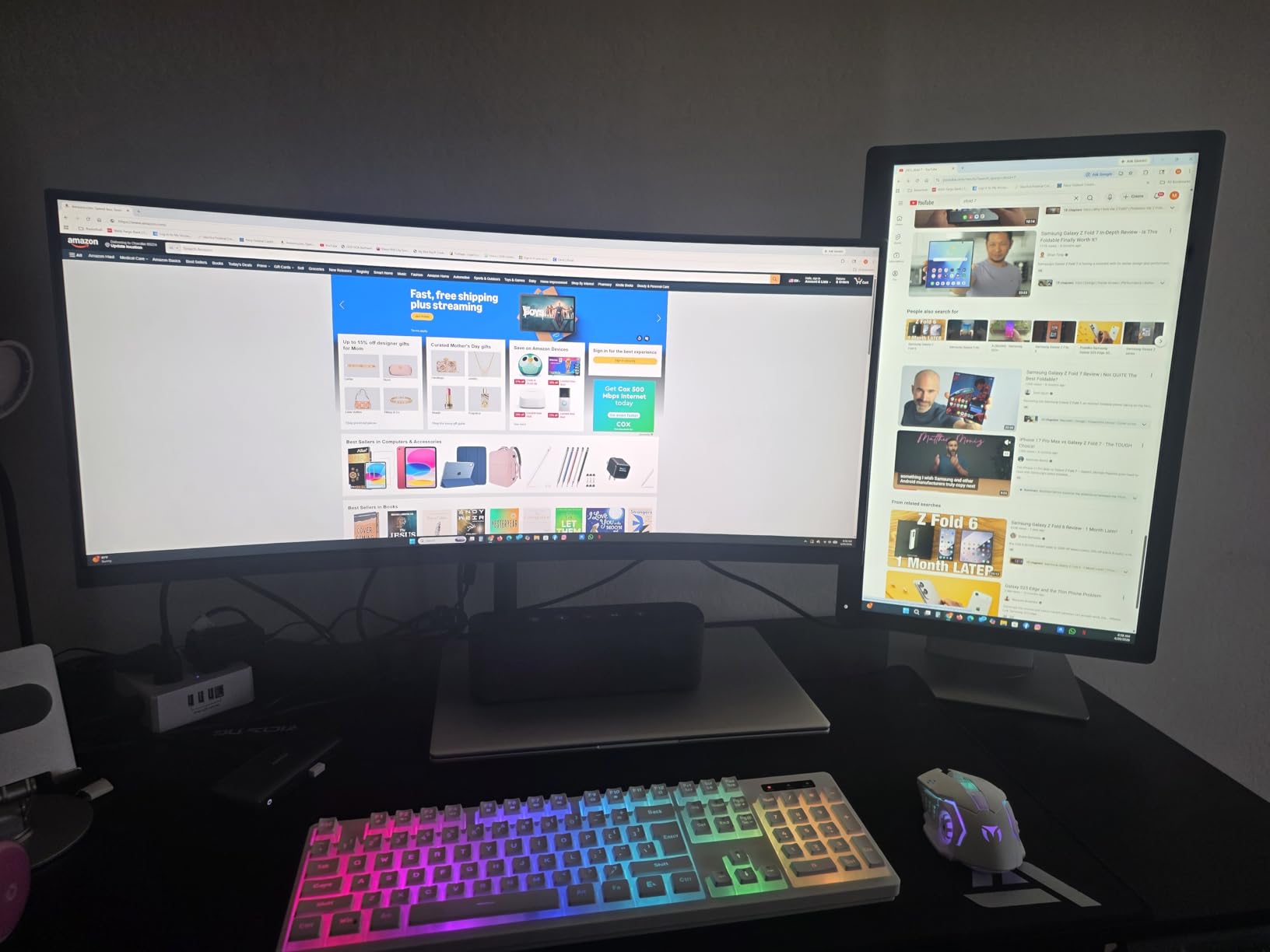
macOS users should know that this hub mirrors displays rather than extending them in macOS, which is a known limitation across most USB-C docks in this price band. If you need true extended desktops on a MacBook, the buying guide below covers the Mac-specific workarounds.
Skip this dock if you need four monitors or triple 4K extended mode on Windows; the Selore 13-in-1 Triple Monitor and MOKiN 14-in-1 Quad Dock are built for that.
2. Selore Dual HDMI Hub: Best Value for a Dual-Display Setup
Selore USB C Docking Station Dual Monitor, USB C to Dual HDMI Adapter
Display: Dual 4K@60Hz HDMI
Power Delivery: 100W
Port Count: 8
Data: 5Gbps
+ Pros
- Dual 4K@60Hz HDMI at a budget price
- 100W pass-through charging
- Aluminum enclosure for heat dissipation
- Two year warranty
- Multiple USB ports and card readers
– Cons
- Requires Thunderbolt or full-featured USB-C
- Second USB-C port is data only
- Can run warm under heavy use
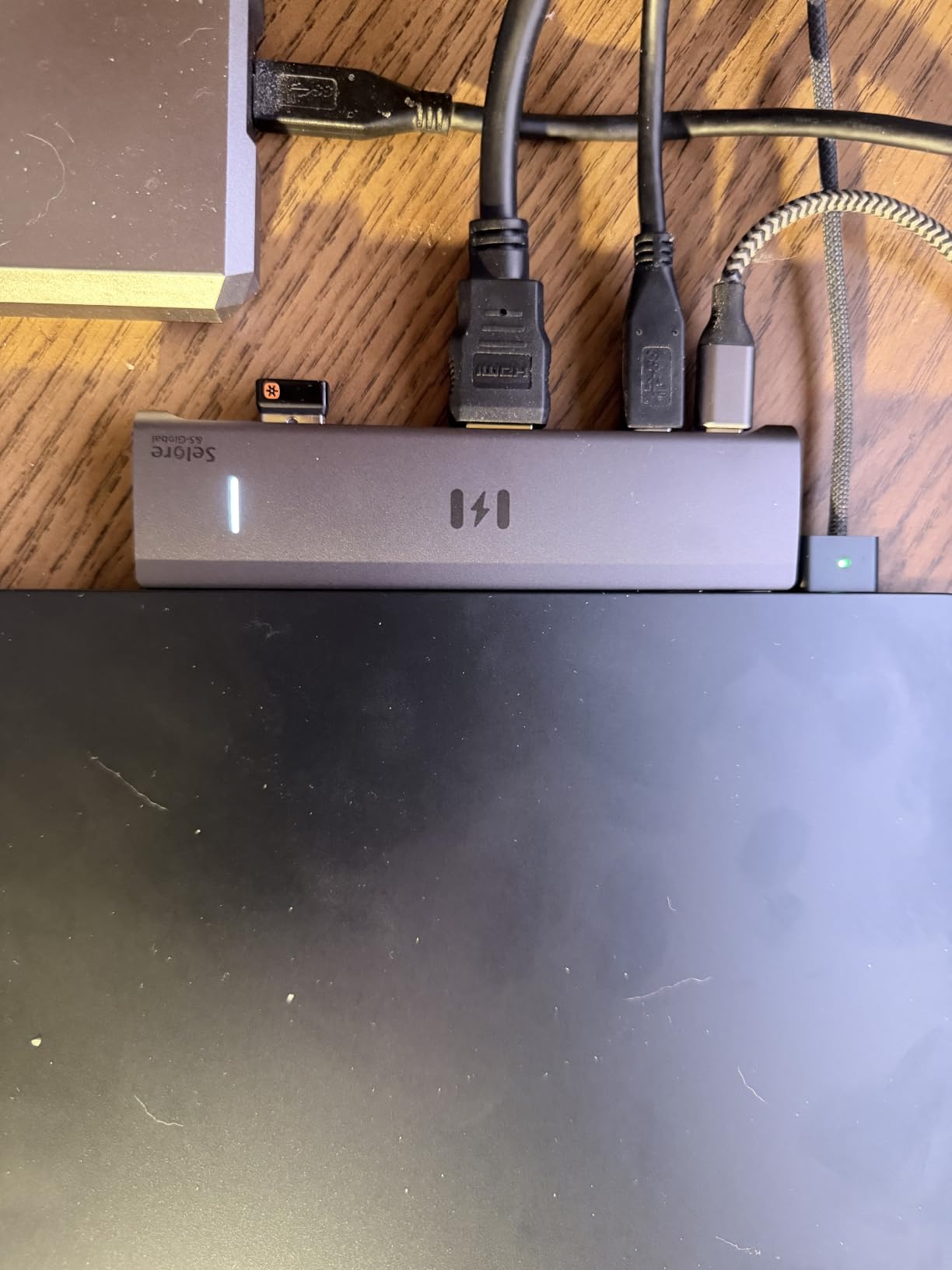
Best for shoppers who want dual 4K monitors without paying for a Thunderbolt dock. The Selore Dual HDMI Hub packs dual 4K@60Hz HDMI ports into an aluminum housing, accepts a 100W input, and hands 85W to your laptop. With more than 22,000 ratings and a 4.4 star average, it is one of the most trusted budget dual-display hubs on Amazon, which is why it earns the best value label here.
For a remote worker on a ThinkPad, ZenBook, or Surface, this hub typically just works: plug it in, the two monitors light up, the laptop charges, and the Ethernet jack (via the upstream USB-C) carries traffic. Several reviews mention using it as a daily driver for two 27 inch 4K displays without driver headaches on the Windows side.
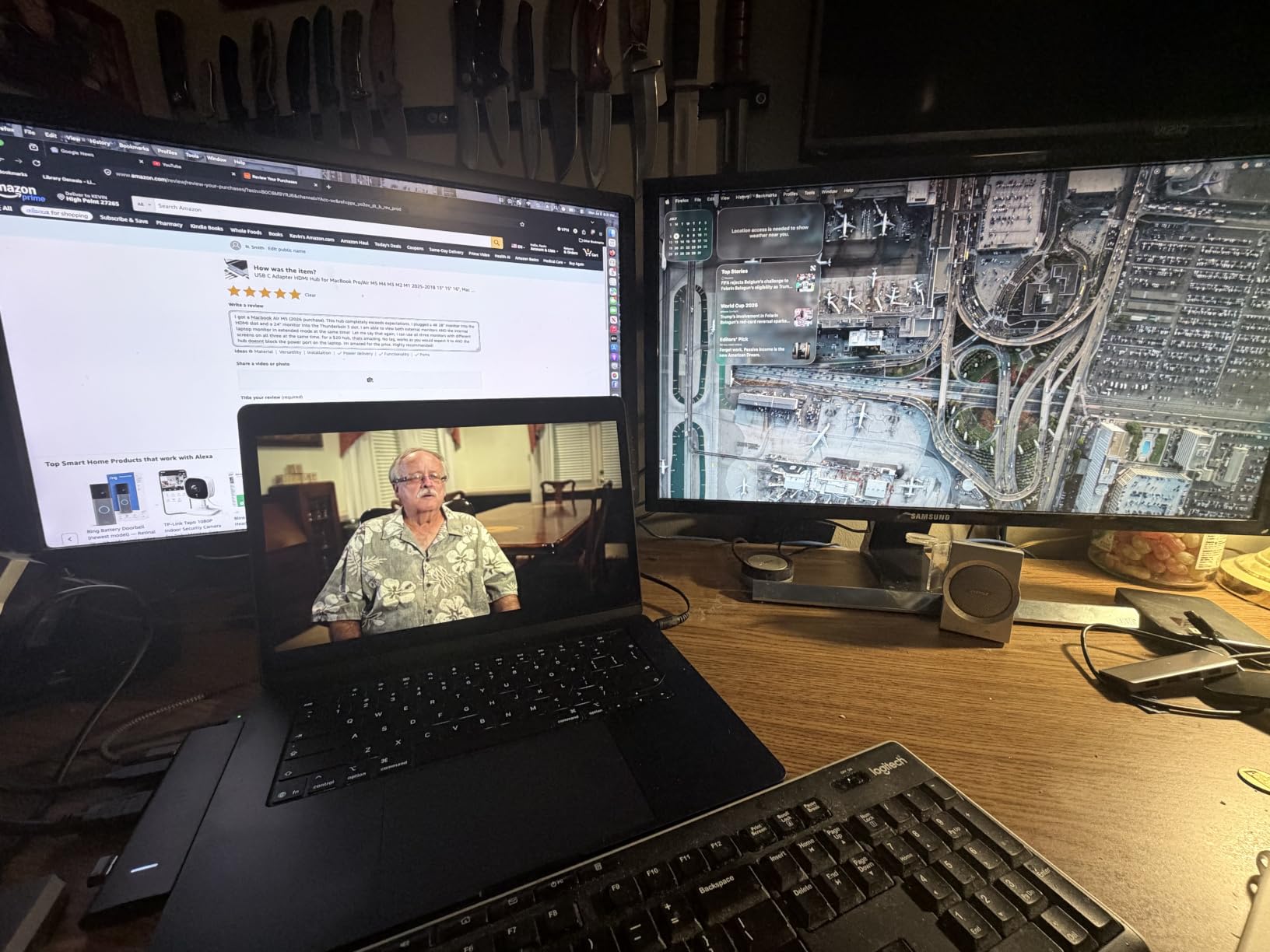
There is one macOS caveat: macOS does not support extended dual displays through this hub, and the second USB-C port is for data transfer only, not for a second upstream laptop connection. The Selore 13-in-1 Triple Monitor further down this list adds a DisplayPort and more ports, which is the right pick when you need three or four screens.
Good to know: Selore offers a two-year warranty on this model, which is one of the longest in this price range. If you have ever had a budget hub fail right after the standard 12 month coverage ended, that extra year matters.
3. Anker 5-in-1 USB-C Hub: Most Versatile for One External Monitor
Anker USB C Hub, 5-in-1 USBC to HDMI Splitter with 4K Display
Display: 4K HDMI
Power Delivery: 85W
Port Count: 5
Data: 5Gbps
+ Pros
- Compact 1.44 ounce design
- 4K HDMI external display
- 85W pass-through laptop charging
- 5Gbps fast data on every port
- Plug and play with no drivers
– Cons
- Only one HDMI output
- USB-C PD-IN is charging only
- Charger not included

If your desk runs one external monitor and you want the cleanest possible cable situation, the Anker 5-in-1 USB-C Hub is the budget pick. It weighs 1.44 ounces, fits in a laptop sleeve, and pulls a 4K HDMI signal plus 85W pass-through charging through a single USB-C cable. With more than 18,000 ratings and a 4.4 star average, it is also one of the highest-rated USB-C hubs in the Anker catalog.
Owners report setting it up in under a minute on a Windows ultrabook and on a Chromebook. The aluminum-style housing keeps it cool during full-day video calls, and the two USB-A ports handle a keyboard, mouse, or webcam without a separate hub. For students and frequent travelers who carry a dock in a bag, the footprint is the deciding factor.
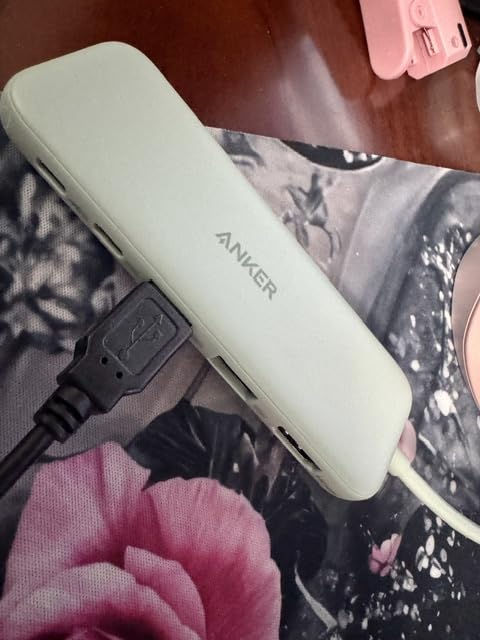
Compared with the Selore Dual HDMI Hub (#2), the Anker 5-in-1 has fewer ports and only one HDMI output, but it costs less and runs cooler. Pick this one when your setup is genuinely one external display, a keyboard, and a mouse. If you want two monitors, step up to the Selore or the Anker 8-in-1 (#1).
Note that the USB-C port labeled PD-IN on this hub is for power input only; you cannot run data or video through it. That detail is easy to miss on the listing, but it is what allows Anker to keep the dock small and cheap.
4. Selore 13-in-1 Triple Monitor: Best for Three-Screen Windows Setups
Selore USB C Docking Station Dual Monitor 13-in-1 Triple Monitor Hub
Display: Triple 4K HDMI/DP
Power Delivery: 85W
Port Count: 13
Ethernet: 1Gbps
+ Pros
- Up to three external monitors
- 4K@60Hz on a single HDMI port
- 100W pass-through input
- SD/TF card reader and audio jack
- Two year manufacturer warranty
– Cons
- Can run warm during extended use
- Connection can be finicky with some laptops
- Cable may be short for standing desks
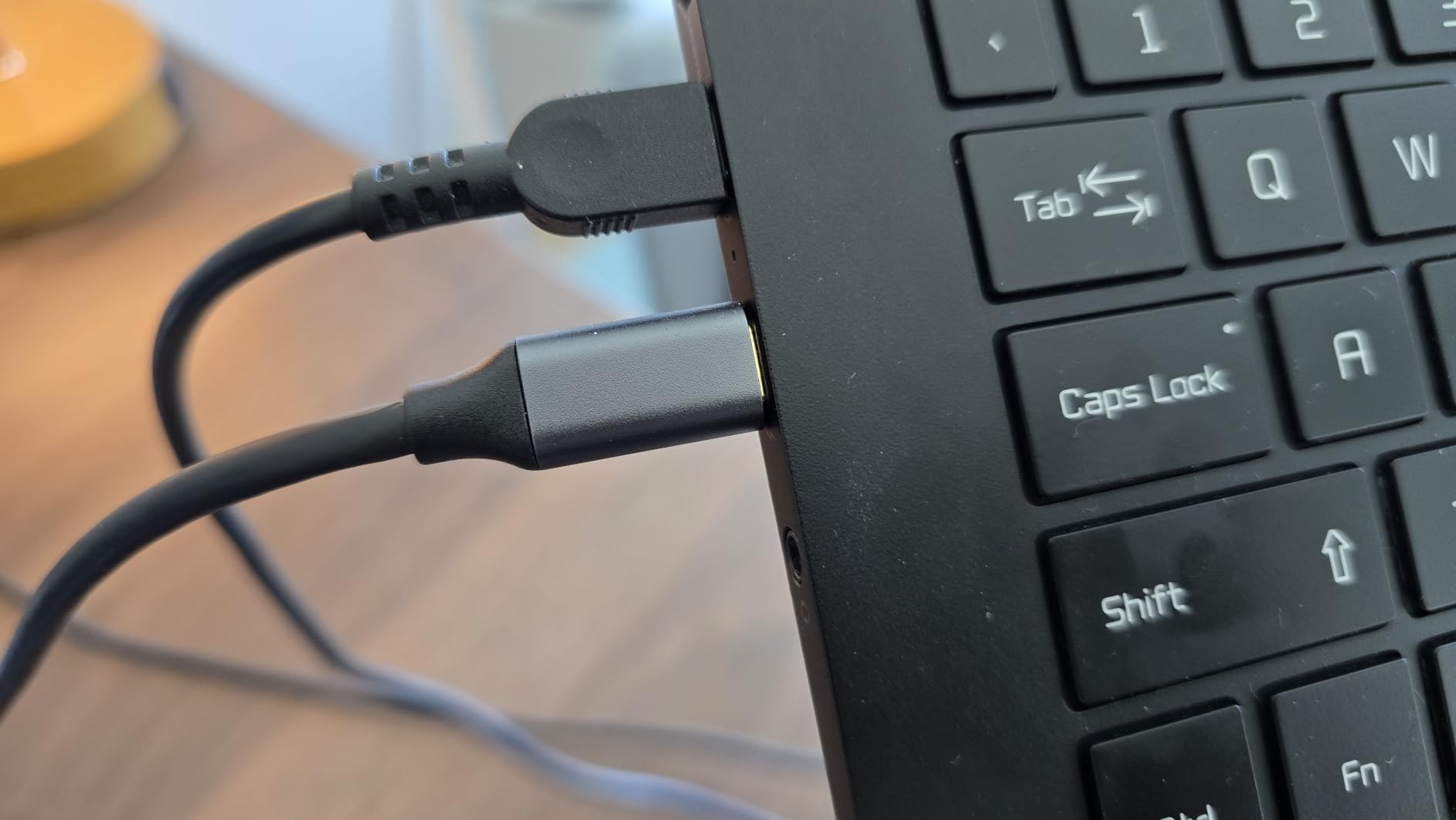
The Selore 13-in-1 Triple Monitor Hub is the pick for Windows users who run a 4K panel in the center plus two flanking 1080p screens. With two HDMI ports, a DisplayPort, 1Gbps Ethernet, and a full SD/TF card reader, it covers almost every port a power user actually needs. The 100W input and 85W output keep a 14 inch laptop or a 16 inch workstation charged during heavy multi-display use.
Owners running a Dell XPS or a Surface Laptop Studio report that the triple-monitor mode lights up reliably once Windows recognizes the hub, and that the 10Gbps USB ports move large files fast. Several reviews note that the dock gets warm under continuous load but stays within safe temperatures in normal office conditions.
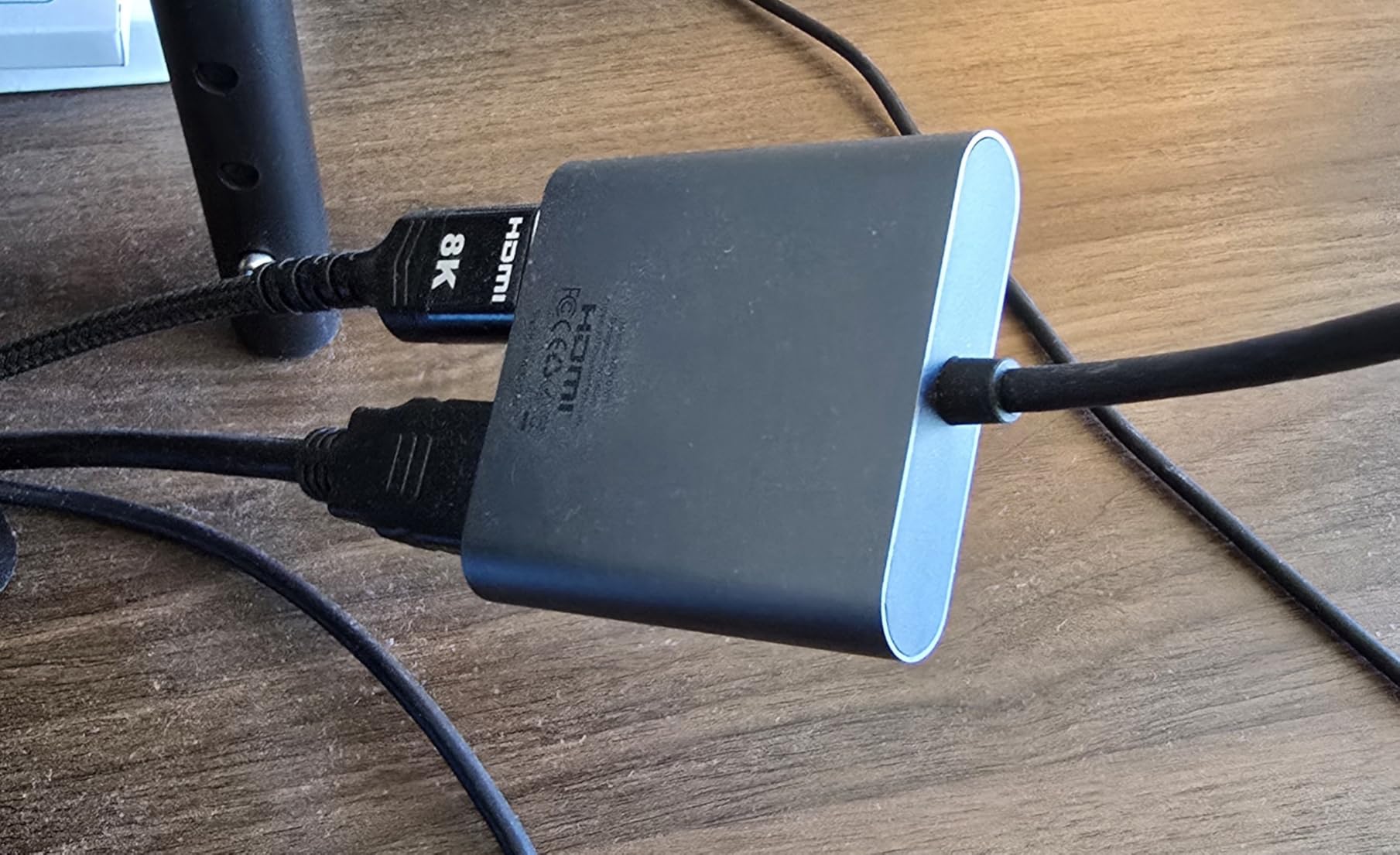
Skip this hub if you are on a MacBook. macOS does not support MST (Multi-Stream Transport), so triple extended displays will not work; macOS users with a triple-display need should look at Thunderbolt docks instead. On Windows, it is one of the more affordable paths to three screens from a single USB-C cable.
Good to know: the built-in cable is on the shorter side, so plan for the dock to sit close to your laptop rather than under a monitor arm. A USB-C extension cable fixes this if your desk is wide.
5. MOKiN 14-in-1 Quad Dock: Best for Quad-Monitor Workstations
MOKiN Laptop Docking Station Dual Monitor 4K HDMI USB C Hub for Dell/HP/Mac
Display: Quad HDMI/DP
Power Delivery: 87W
Port Count: 14
Ethernet: 1Gbps
+ Pros
- Quadruple display support with 2 HDMI and 2 DP
- 100W PD input with 87W output
- 1Gbps RJ45 Ethernet
- Privacy lock button to blank screens
- SD/TF card readers
– Cons
- Only works with Thunderbolt 3/4 or full-function USB-C
- macOS limited to mirrored mode
- Setup can be complex for first-time users
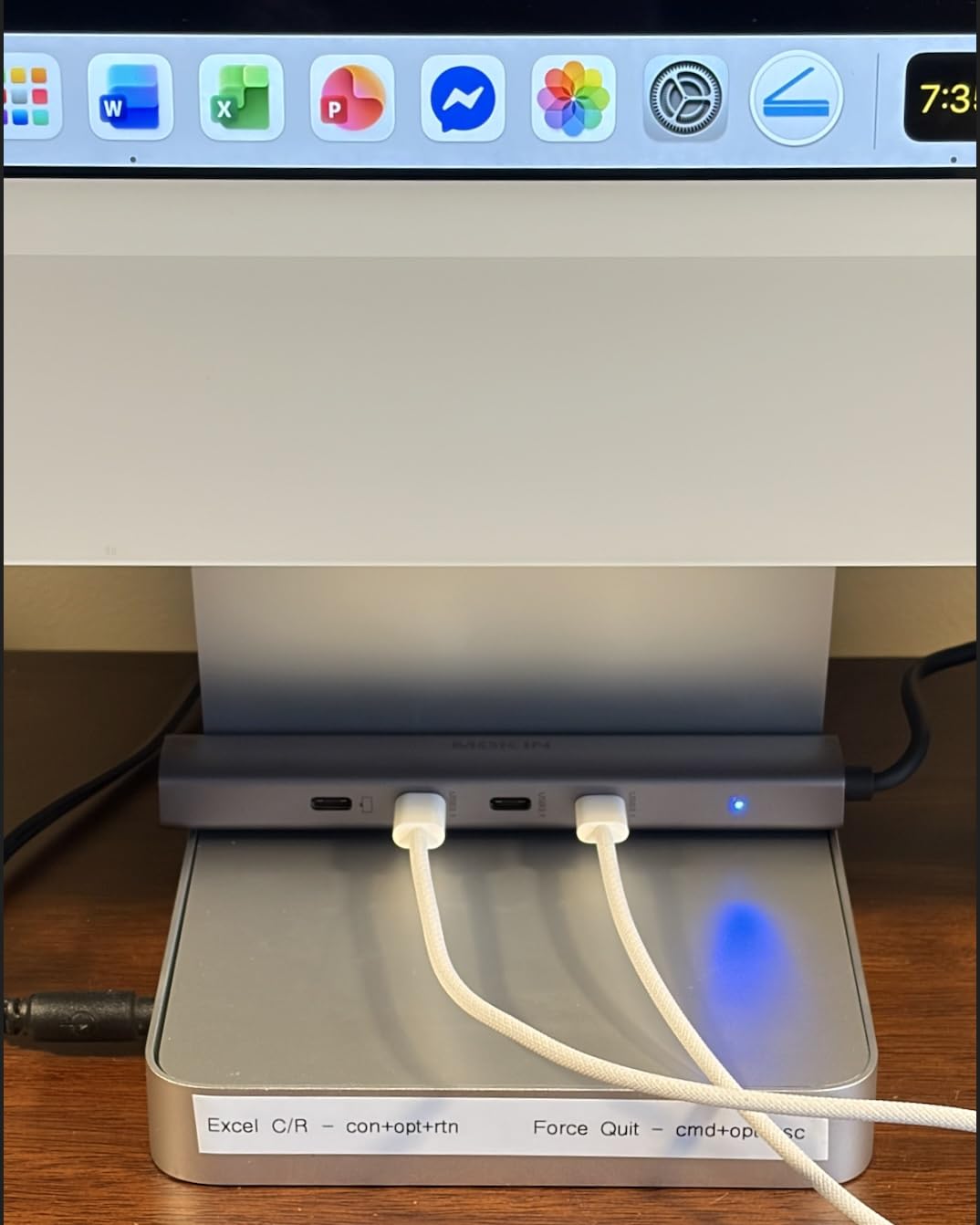
For a trading-style setup or a creative workstation that needs four screens, the MOKiN 14-in-1 Quad Dock pairs a wide port count with the rare privacy lock button at this price. Two HDMI plus two DisplayPort outputs drive four external monitors, and the 100W input delivers 87W safely to the laptop. One press on the lock button blanks all external displays when you walk away.
Worth noting against the other multi-screen docks here: the Selore 13-in-1 above sits lower in price, but trades the lock button and one of the DisplayPort outputs.
Owners running finance dashboards or audio production rigs report that the quad-display mode works on Windows once the laptop is set to discrete GPU mode, and that the SD/TF card reader is fast enough for photo culling. The two year warranty is a confidence boost compared with most budget hubs that only offer 12 months.
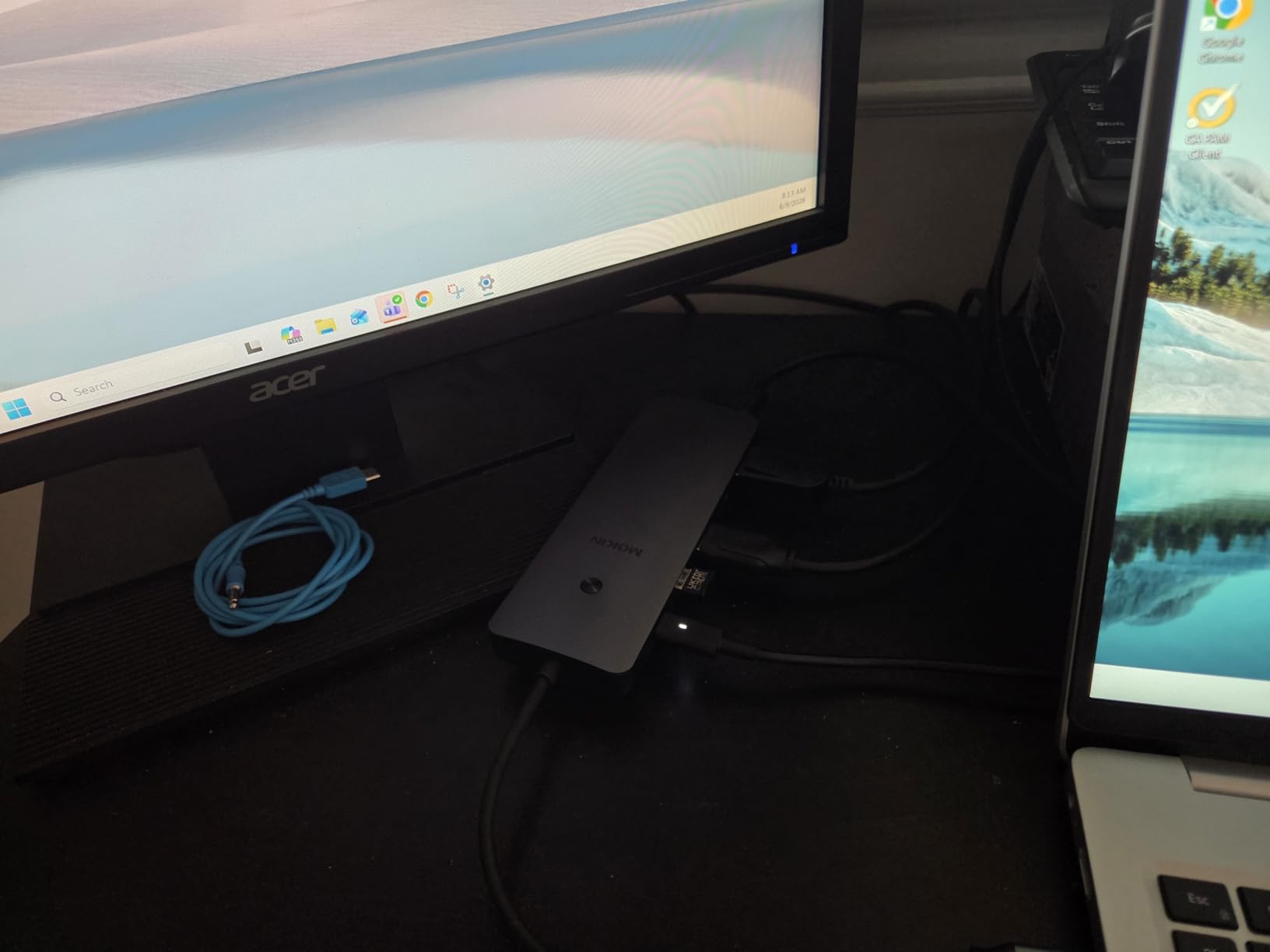
One caveat: on macOS, this hub is limited to mirrored displays because Apple silicon does not support MST over USB-C. macOS users with a quad-display need should look at Thunderbolt 4 docks with DisplayLink instead.
6. Anker 7-in-1 4K@60Hz Hub: Best for Smooth 4K@60Hz Video
Anker USB C Hub, 7in1 Multi-Port USB Adapter, 4K@60Hz USBC to HDMI Splitter
Display: 4K@60Hz HDMI
Power Delivery: 85W
Port Count: 7
Data: 5Gbps
+ Pros
- 4K@60Hz HDMI for smoother motion
- 85W pass-through charging
- Fast 5Gbps on every USB port
- SD and microSD card readers
- Premium metal housing
– Cons
- USB-C port is data only (no video)
- 100W charger not included
- Can get warm during heavy use
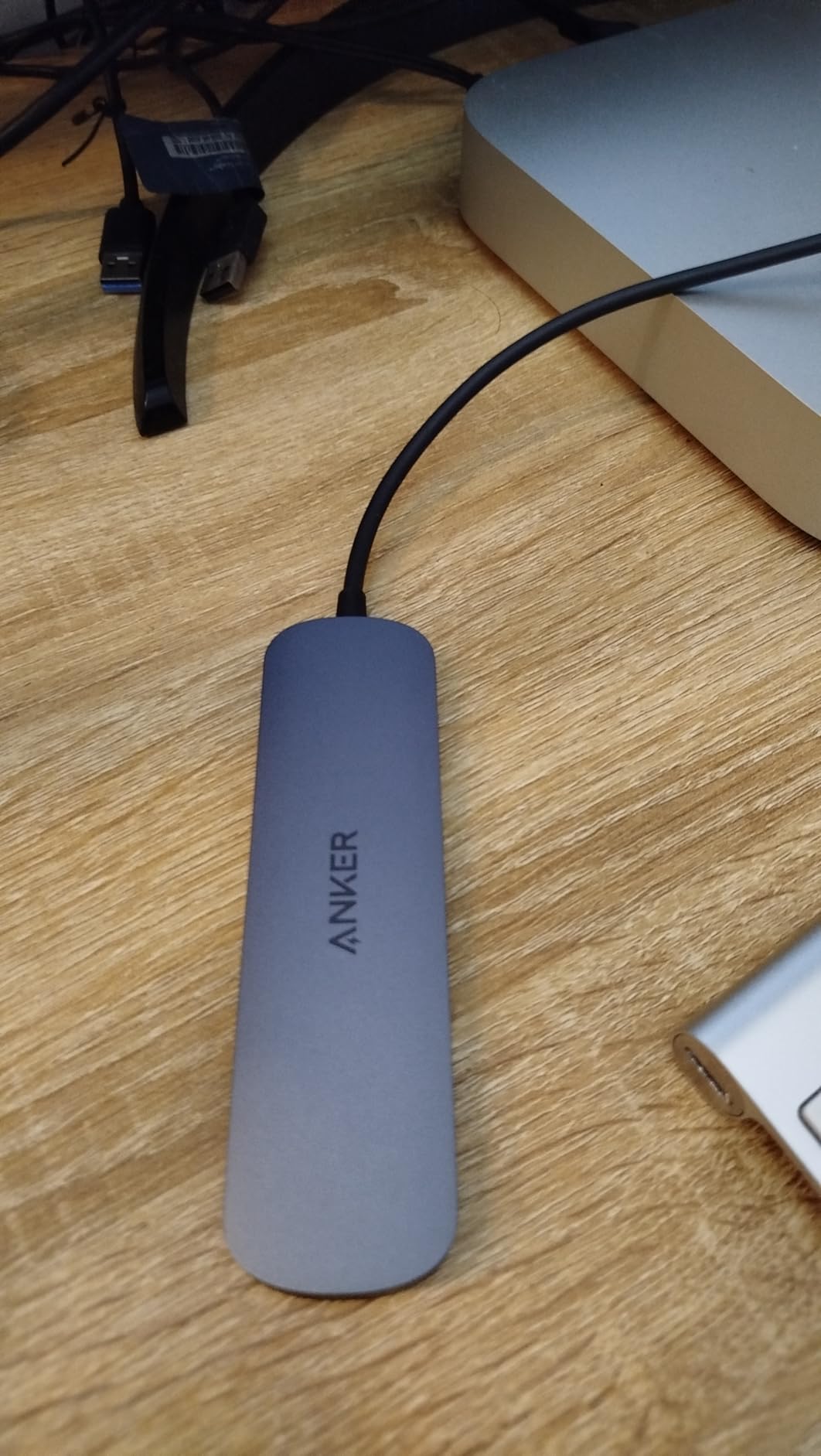
If you edit video, work with motion graphics, or just want smoother scrolling on a 4K monitor, the Anker 7-in-1 4K@60Hz Hub is worth the small premium over 4K@30Hz hubs. The HDMI port pushes 4K at a full 60Hz refresh instead of the typical 30Hz, which makes a real difference on a 4K 27 inch display.
Owners love the compact 67 gram design and the metal housing, which is rare in this price band. The 85W pass-through charging and the SD/microSD card readers round out a balanced port set for a creator on the move.
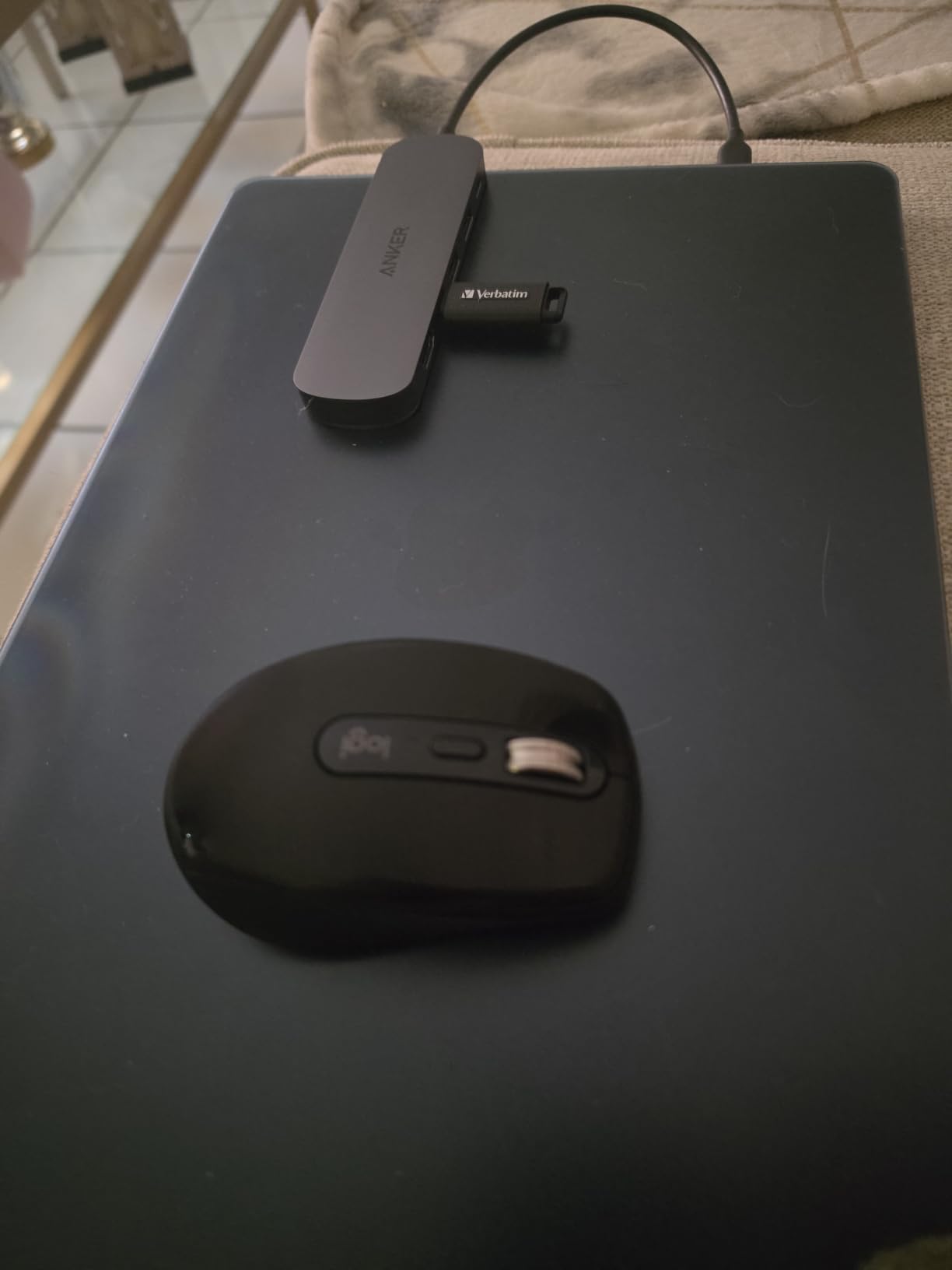
The Anker 5-in-1 (#3) trades a USB-C PD-IN port for an extra USB-A, while the Anker 7-in-1 swaps a USB-C PD-IN port for a USB-C data port, which is more useful if you actually plug a USB-C thumb drive or SSD into the dock. The UGREEN 10-in-1 (#8) goes further with dual HDMI and 8K support, but at the cost of the smoother 60Hz refresh on a single 4K display that this hub delivers.
Good to know: the 100W wall charger and USB-C cable are not included. If your laptop ships with a high-wattage USB-C brick, you are set; if not, plan for an extra spend.
7. HODO 8-in-1 Multi-Display: Best for Legacy VGA Monitors
USB C Docking Station Dual Monitor for HP,Laptop Docking Station 3 Monitors
Display: HDMI/DP/VGA
Power Delivery: 87W
Port Count: 8
Compatibility: Dell/HP/Lenovo
+ Pros
- Quadruple display support with HDMI plus DP plus VGA
- 100W pass-through charging
- USB 2.0 ports ideal for keyboard and mouse
- Compatible with Dell HP and Lenovo laptops
- Works with Thunderbolt 3 and 4
– Cons
- USB 2.0 only at 480Mbps
- VGA port limits max resolution
- Not all USB-C ports are supported
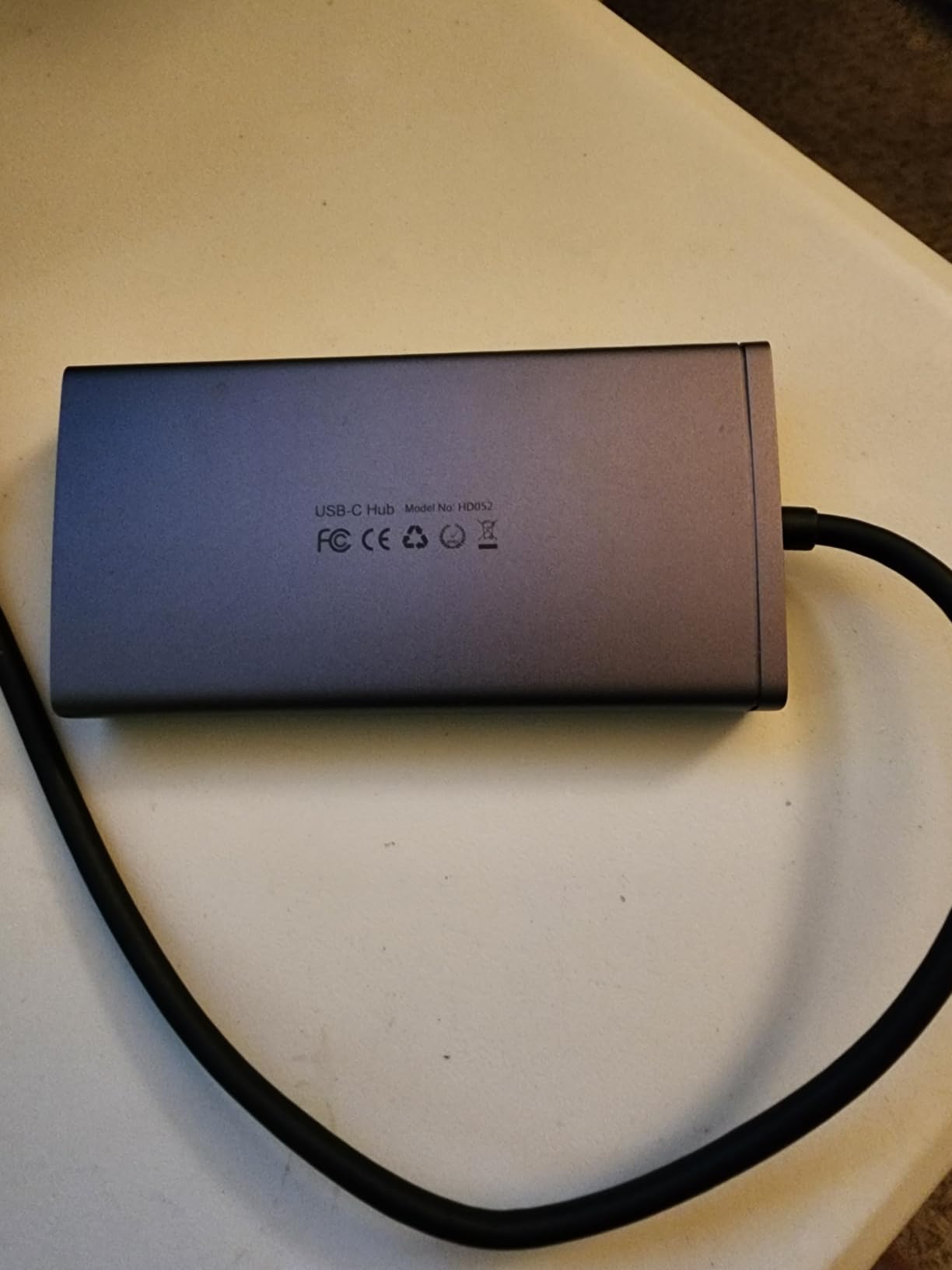
Offices with older monitors still on VGA cables are exactly the situation the HODO 8-in-1 Multi-Display Dock was built for. It offers two HDMI, one DisplayPort, and one VGA output, which lets you mix a modern 4K panel with an older projector or VGA screen. The 100W input and 87W output handle most office laptops without a second brick.
Owners running Dell, HP, and Lenovo laptops report plug-and-play behavior on Windows. The dedicated USB 2.0 ports are positioned for a wireless keyboard and mouse dongle, which avoids the lag that some USB 3.0 ports cause with 2.4GHz receivers.
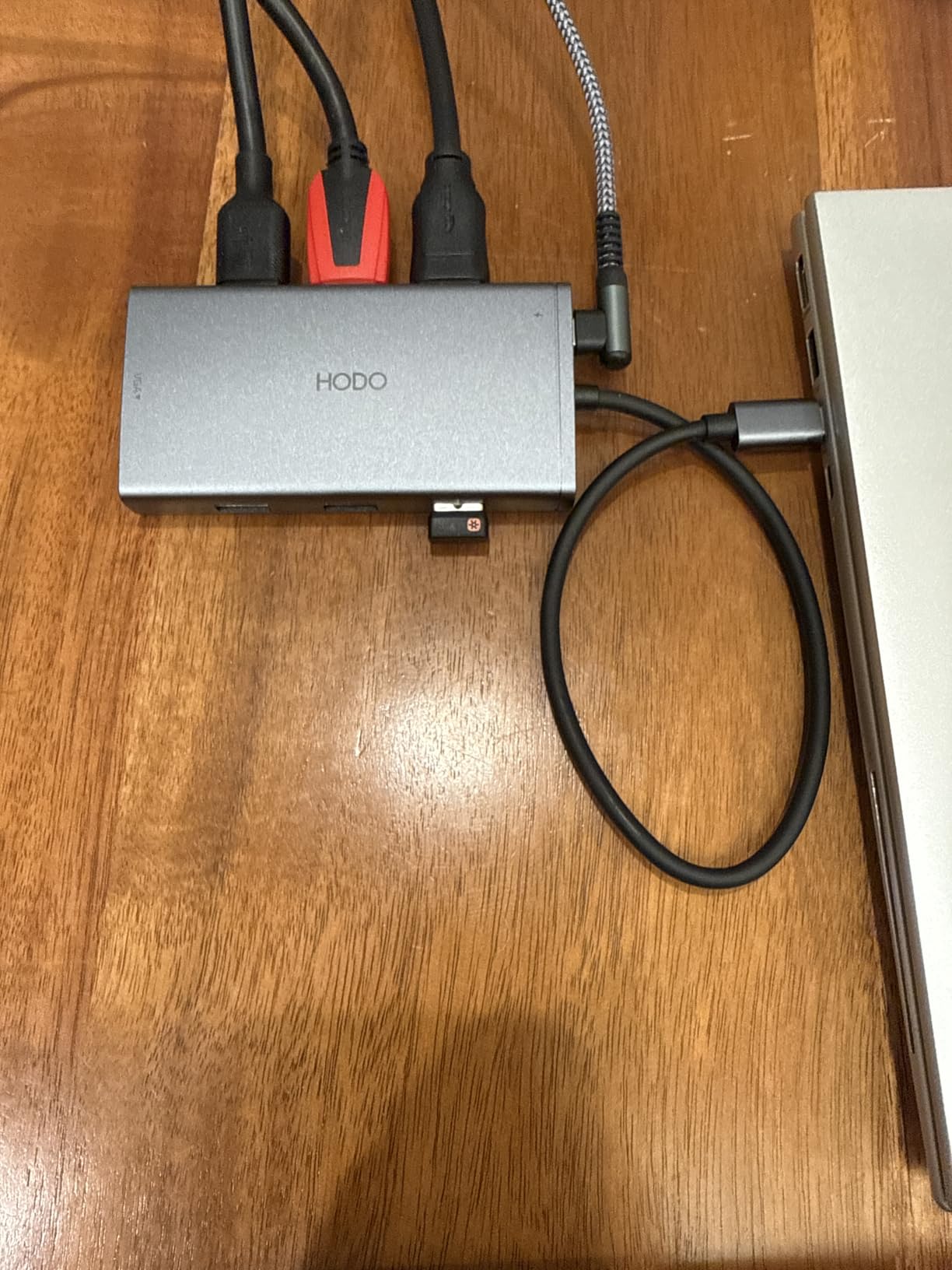
The MOKiN 14-in-1 (#5) covers four-display Windows setups, while the HODO is built around one specific job: keeping a legacy VGA projector or monitor in the rotation. If your office still has a VGA projector, this hub will save you from buying a separate adapter.
Caveat: the USB ports on the HODO are USB 2.0 at 480Mbps, which is noticeably slower than the 5Gbps you get on the UGREEN docks. Plan to plug external SSDs into the laptop directly.
8. UGREEN 10-in-1 Dock: Best 8K-Ready Option
UGREEN USB C Docking Station Dual Monitor, 10-in-1 Laptop Dock with 2 HDMI
Display: Dual 4K or single 8K HDMI
Power Delivery: 85W
Port Count: 10
Ethernet: 1Gbps
+ Pros
- Dual 4K@60Hz or single 8K@30Hz output
- 85W pass-through charging
- Aluminum alloy body
- 1Gbps Ethernet and SD/microSD readers
- Plug and play with no drivers
– Cons
- USB ports do not support charging or video
- macOS limited to mirrored mode
- Hub consumes 15W of the 100W PD input
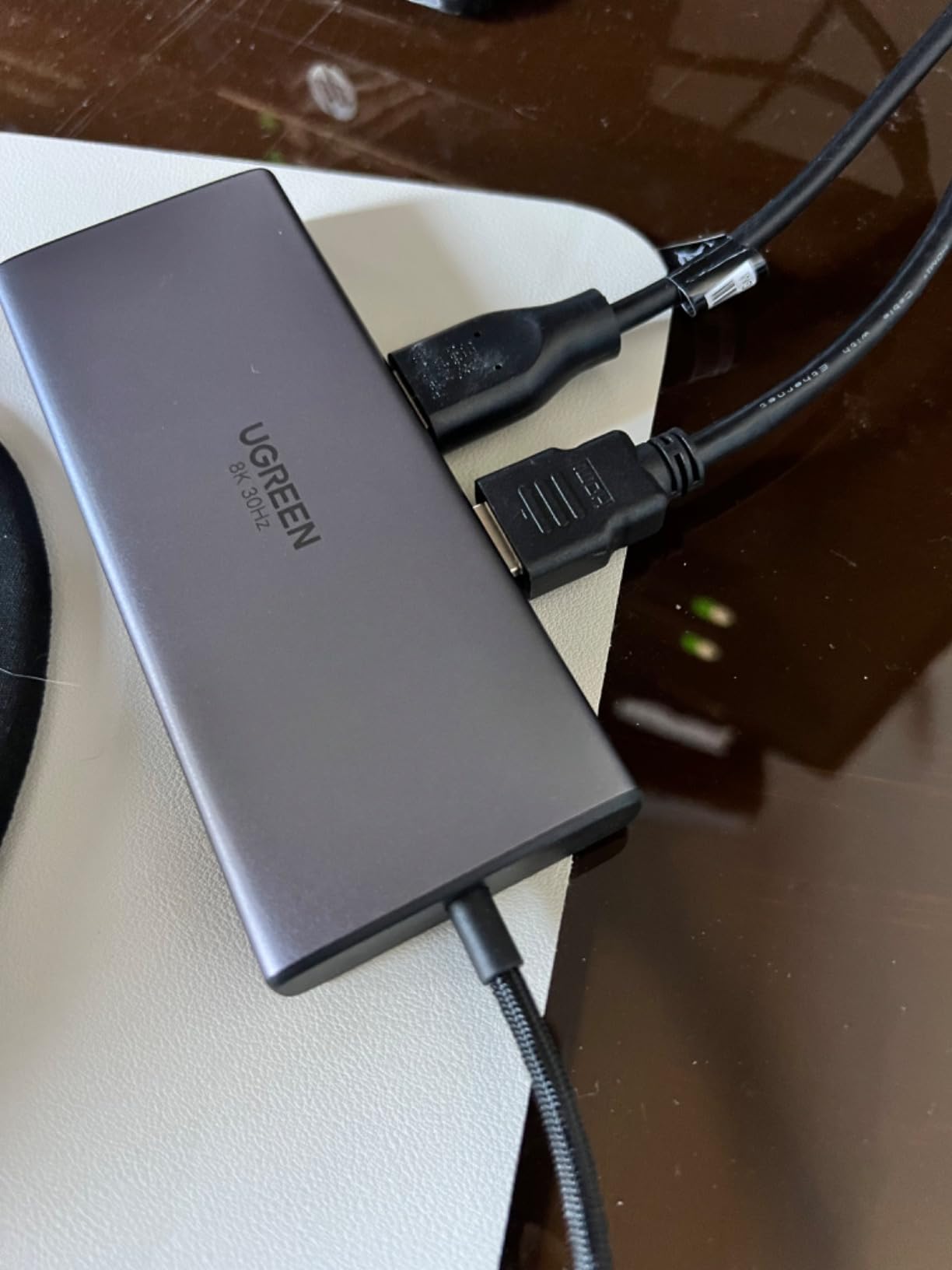
The UGREEN 10-in-1 Dock is the future-proof pick. It pushes dual 4K@60Hz today and a single 8K@30Hz tomorrow if you upgrade your monitor during the dock’s lifetime. The aluminum body and the Ugreen 24 month warranty are signs of a brand that has moved up the quality ladder, which is why it earns the 8K ready label here.
Owners report that the dock stays cool even during 8K output at 30Hz, and the dual HDMI ports run cleanly on Windows. The 1Gbps Ethernet handles large file transfers over a wired network without dropping frames during video calls.
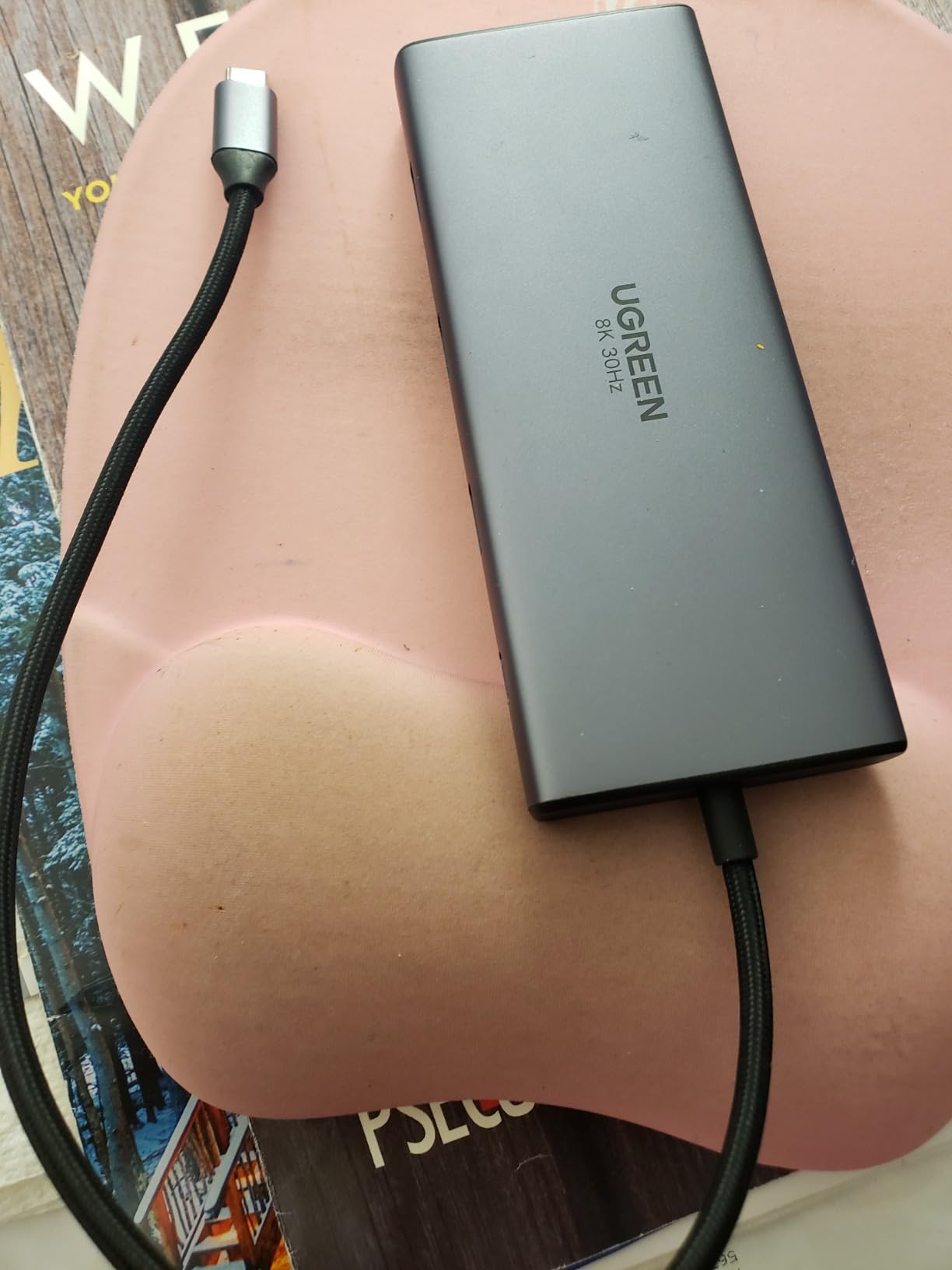
The Selore offerings earlier in the list stop at 4K, while the UGREEN adds the single 8K option and the longer warranty. Against the Anker 8-in-1 (#1), the UGREEN costs a touch more but adds the 8K future-proofing. If your monitor will be 4K for the next three years, the Anker 8-in-1 is still our pick; if you plan to upgrade to 8K, this is the dock.
Good to know: the hub consumes 15W of the 100W PD input to run itself, so your laptop receives 85W. That is enough for most 13 to 16 inch laptops but tight for a workstation that expects 100W.
9. UGREEN 7-in-1 Aluminum Dock: Fastest USB Ports
UGREEN USB C Docking Station Dual Monitor, 7-in-1 Aluminum Dock with 2xHDMI
Display: Dual 4K HDMI
Power Delivery: 100W
Port Count: 7
Data: 10Gbps
+ Pros
- Dual 4K@60Hz HDMI output
- Four 10Gbps USB ports for fast SSDs
- 100W PD pass-through charging
- Compact aluminum design
- Compatible with ThinkPad ZenBook Chromebook Surface
– Cons
- Power adapter and cable not included
- USB ports are data only
- macOS does not extend dual displays
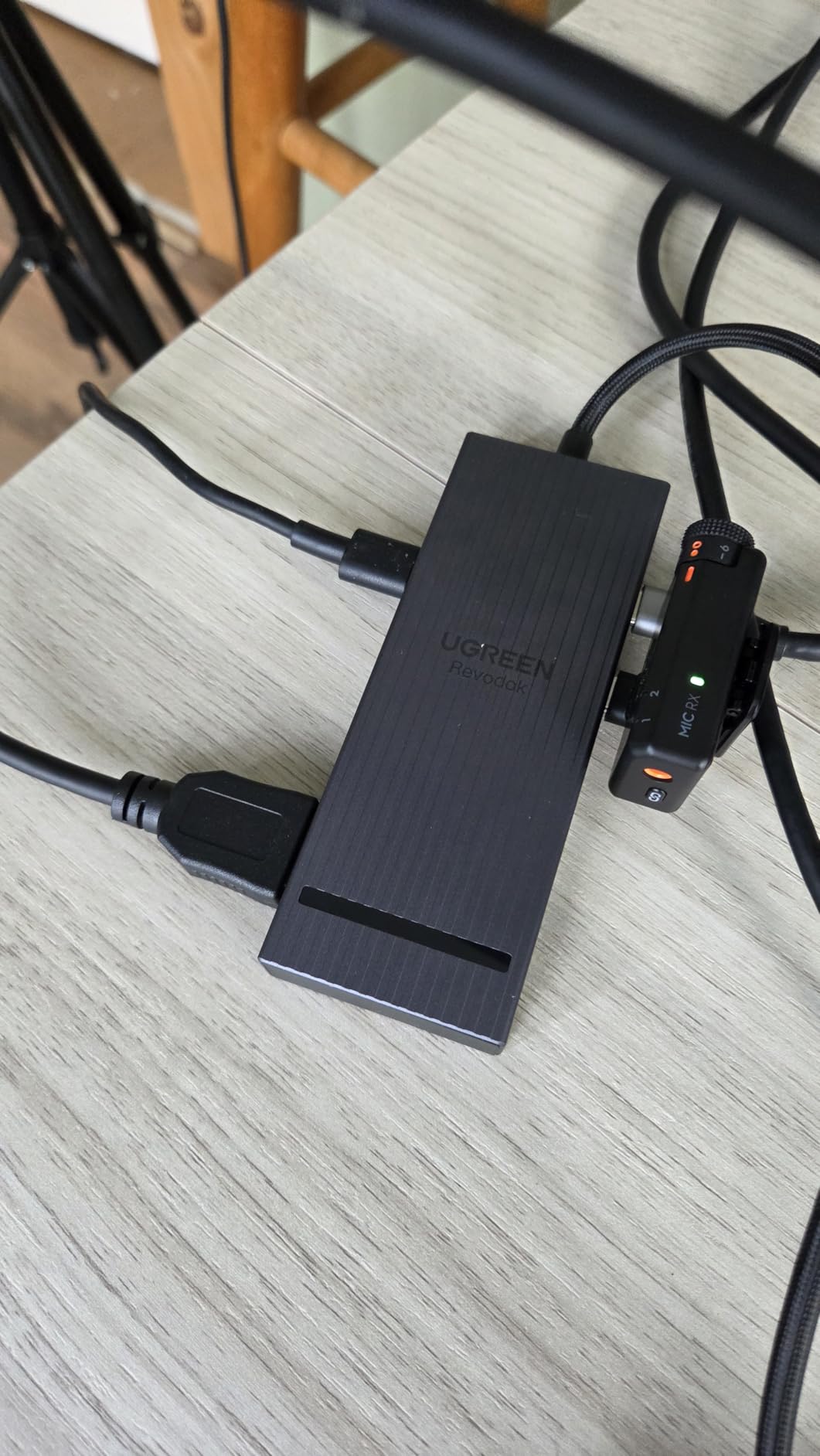
If you regularly move large files to and from external SSDs, the UGREEN 7-in-1 Aluminum Dock is the pick. Its four USB data ports (two USB-A, two USB-C) all run at 10Gbps, which is twice as fast as the 5Gbps you get on most budget hubs. Pair that with dual 4K@60Hz HDMI and 100W PD pass-through, and you get a dock that handles both screens and storage.
Owners with ThinkPad, ZenBook, Chromebook, and Surface laptops report that the dock is plug-and-play on Windows. Several reviewers note that transferring 50GB of video footage to an external NVMe SSD cuts the time roughly in half compared with their old 5Gbps hub.
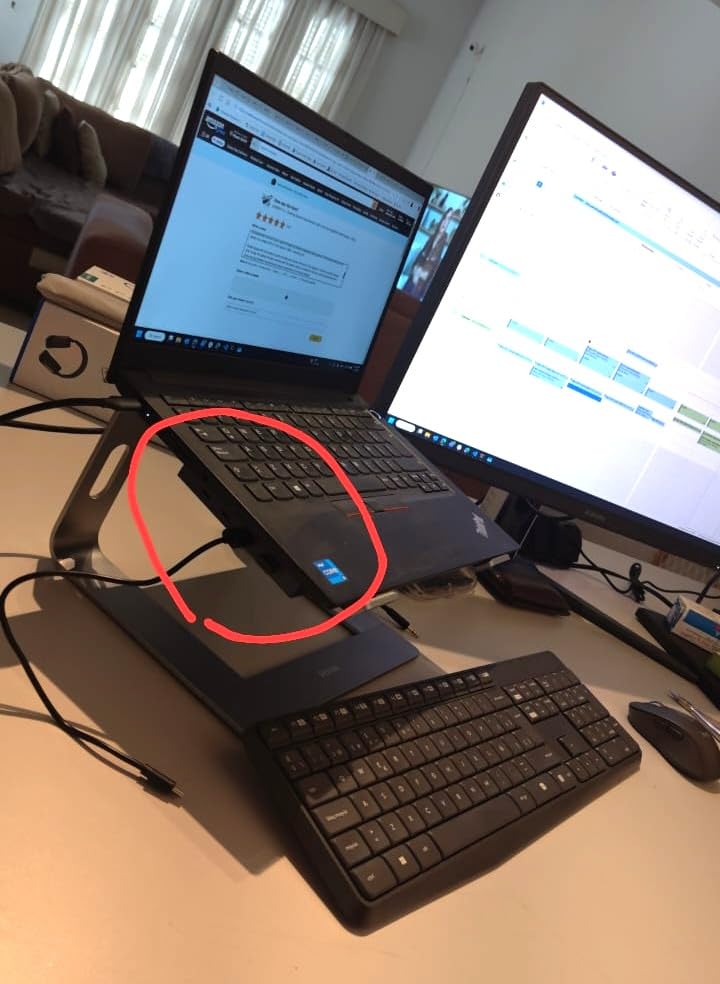
The Anker 7-in-1 4K@60Hz Hub (#6) runs at 5Gbps per port, while the UGREEN’s USB ports are double that speed — which is the deciding factor if your workflow involves external SSDs. The Selore Dual HDMI Hub (#2) has more total ports but slower data on the ones it has.
Skip this dock if all you need is a basic dual-monitor setup with no fast storage. The Selore Dual HDMI Hub is a better value for that.
10. Acer 9-in-1 Dock: Best With Lock Button for Privacy
Acer USB-C Docking Station Dual Monitor, 9-in-1 Laptop Dock with 2 HDMI
Display: Dual 4K HDMI
Power Delivery: 90W
Port Count: 9
Data: 5Gbps
+ Pros
- Dual 4K@60Hz HDMI output
- 100W input with 90W laptop charging
- Four 5Gbps USB ports
- SD and microSD card readers
- Security lock button to blank screens
– Cons
- Short built-in cable
- Some users report overheating under heavy use
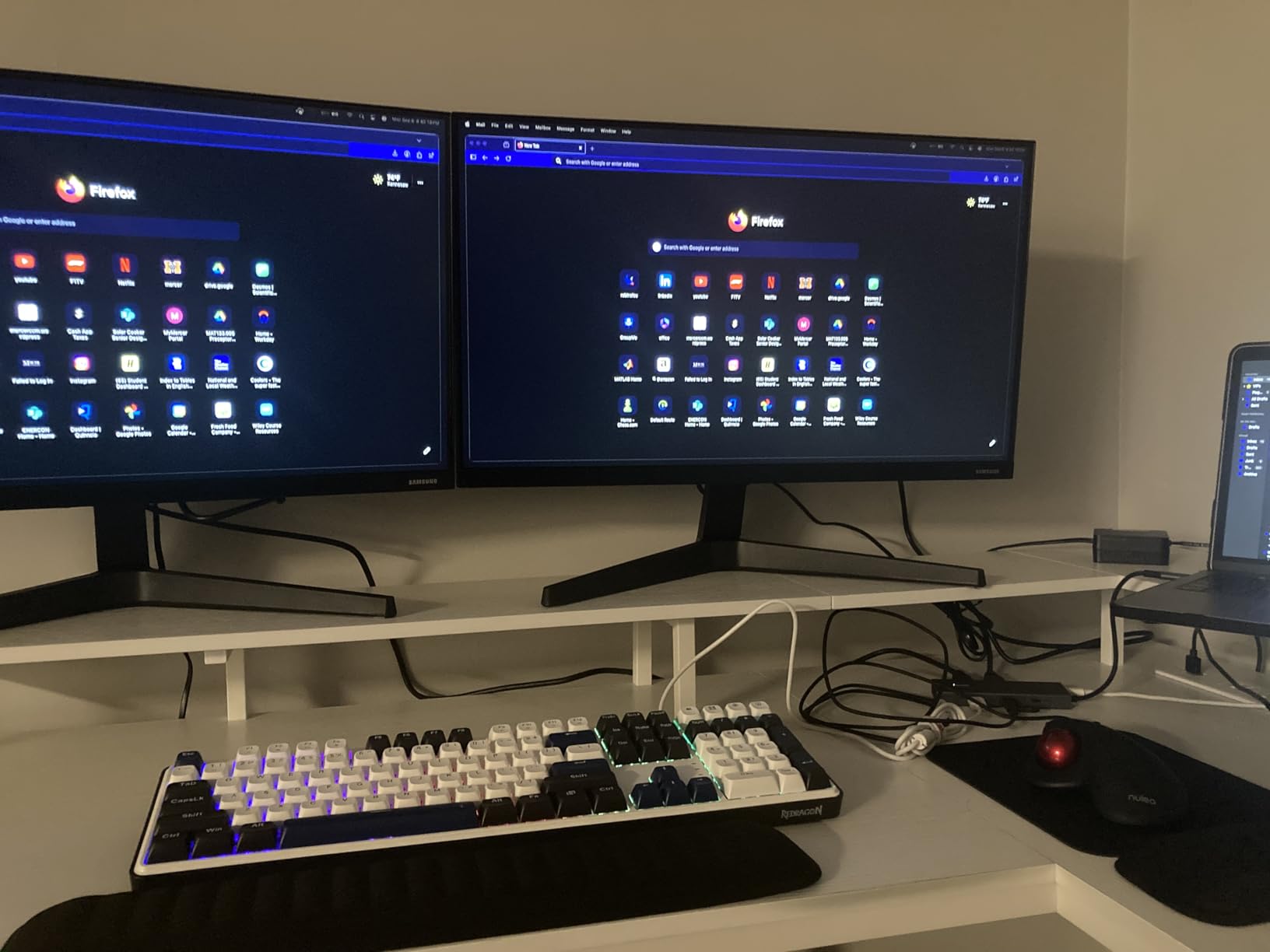
The Acer 9-in-1 Dock rounds out the list with a security focus. One button blanks all external displays when you step away from your laptop, which is useful in shared offices and open floor plans. The 100W input delivers a full 90W to your laptop, the highest laptop-charging wattage on this list, which is enough for a 16 inch workstation.
Owners running dual 4K monitors on Windows report that the dock handles video calls and large spreadsheets without dropping frames. The aluminum body and the dedicated security lock button are the standout physical features.
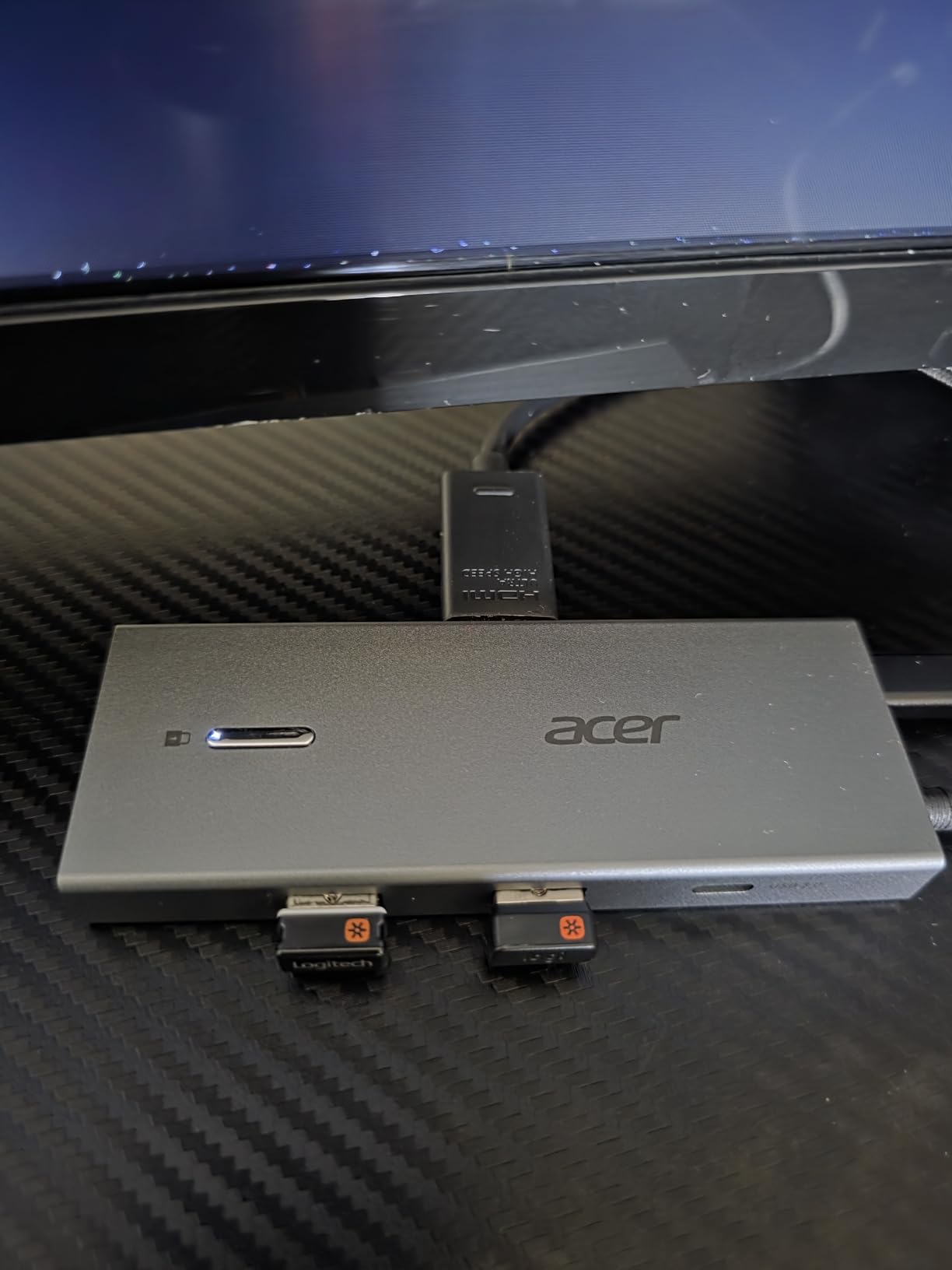
The MOKiN 14-in-1 (#5) also has a lock button, but it carries more ports at a higher review count than the Acer. Against the Anker 8-in-1 (#1), the Acer offers higher laptop charging (90W vs 85W) but a lower average rating (4.1 vs 4.5).
Caveat: the built-in cable is short at 0.65 feet, so the dock needs to sit close to the laptop. Some owners report overheating under continuous triple-monitor use; if you run heavy workloads, plan airflow around the dock.
How to Choose a USB-C Docking Station During Prime Big Deal Days
Start with the laptop in front of you, not the dock. The port on your laptop decides what kind of dock will work, and Prime Big Deal Days is the wrong time to gamble on a hub your machine cannot fully use. Match the dock to your real setup, then look for a discount.
Display Support and Dual-Monitor Setups
Dual 4K at 60Hz is the sweet spot for most office setups, and our USB-C docking stations for dual monitors guide covers the options in detail. For two 1080p panels, almost any hub on this list works. For two 4K panels at 60Hz, focus on docks with dual HDMI 2.0 or DisplayPort 1.4 outputs. For a single 8K panel today or in the near future, the UGREEN 10-in-1 (#8) is the only hub on this list that supports it.
Laptop and OS Compatibility
Windows laptops with full-function USB-C or Thunderbolt 3/4 ports will run any hub on this list. macOS users face a known limitation: most USB-C hubs mirror displays rather than extending them, because Apple silicon does not support MST. Our docking stations for MacBooks guide walks through the Mac-specific workarounds. Chromebooks work with most hubs as well; check that the USB-C port supports DisplayPort Alt Mode.
Port Count and Layout
Count the peripherals before you count the ports. Most desks need HDMI, Ethernet, two USB-A ports (keyboard and mouse), one USB-C data port (SSD or webcam), and SD/microSD readers. Our USB-C laptop docks for multi-monitor setups guide breaks down which port counts map to which setups. The Selore 13-in-1 and MOKiN 14-in-1 cover power users; the Anker 5-in-1 and 7-in-1 cover minimalists.
Power Delivery Wattage
Match the wattage to your laptop. Most 13 and 14 inch laptops need 60 to 85W; 15 and 16 inch laptops often need 90 to 100W. The Anker 8-in-1, Selore Dual HDMI Hub, Acer 9-in-1, and UGREEN docks all push 85 to 90W to the laptop, which is enough for the most common sizes. Workstations that draw 100W or more will need a Thunderbolt dock instead of a USB-C hub.
Travel Docks Versus Full-Size Hubs
If your dock lives in a laptop bag, weight and size matter more than port count. The Anker 5-in-1 (1.44 oz) and Anker 7-in-1 (67 g) are travel-friendly; the Selore 13-in-1 and MOKiN 14-in-1 are desk-only. For the full picture, our USB-C hubs for laptops guide compares travel and desk options side by side.
How to Shop USB-C Dock Deals During the Sale
Before you click “buy” on any USB-C docking station deal during Prime Big Deal Days, check three things on the listing: the model number (ASIN), the wattage output to your laptop, and whether the power adapter is included. Many hubs quote a 100W PD input but ship without the brick and cable, which is a hidden cost. Cross-check the model on a price history site before you commit, so you know whether the discount is real or whether the price was inflated before the event. Most of these deals require a Prime membership, and a free trial counts if you have not signed up before.
- Confirm the ASIN matches the dock you researched
- Verify the listed wattage to the laptop, not just the input wattage
- Check whether the power brick and USB-C cable are included
- Cross-check the price history to confirm the discount is real
- Confirm Prime membership or a free trial before checkout
Frequently Asked Questions
What is the best USB-C docking station deal to buy during Prime Big Deal Days?
The Anker 8-in-1 USB-C Dock is our top pick, with a 4.5 star rating across more than 35,000 reviews and dual 4K HDMI plus 85W pass-through charging. The Selore Dual HDMI Hub is the best value, and the Anker 5-in-1 USB-C Hub is the cleanest budget pick for a single external monitor. Check the latest price on each before you commit, since sale prices change through the event.
When does Prime Big Deal Days run in 2026?
October 6-7, 2026 (Amazon confirmed). The sale runs for 48 hours, though some Lightning Deals extend through the week. Most offers require a Prime membership to unlock, and a free trial counts if you have not signed up before.
Do I need a Prime membership to use USB-C Docking Station Deals: Prime Big Deal Days?
Most of the deals require a Prime membership to unlock the sale price. A free trial counts if you have not used one before. Some Lightning Deals remain visible to non-Prime shoppers but at a higher price.
How much power delivery do I need in a USB-C docking station for a laptop?
Most 13 and 14 inch laptops need 60 to 85W to charge at full speed, while 15 and 16 inch laptops often need 90 to 100W. Workstations that draw more than 100W usually need a Thunderbolt dock rather than a USB-C hub. Match the dock’s output wattage to your laptop’s input requirement before you buy.
Can a USB-C docking station drive two 4K monitors?
Yes, on Windows. Hubs with dual HDMI 2.0 or HDMI plus DisplayPort outputs can drive two 4K monitors at 30 or 60Hz from a single USB-C cable. macOS does not support MST, so dual 4K extended mode requires a Thunderbolt dock or a DisplayLink adapter. Always check that your laptop’s USB-C port supports DisplayPort Alt Mode first.
Are older USB-C docking station models worth buying on sale?
Sometimes. If an older model matches your current monitor and laptop setup, a real discount is worth taking. If your next monitor will be 4K@60Hz or higher, a newer hub with 4K@60Hz HDMI or 8K support is the safer buy. Cross-check the price history before you commit so you know whether the discount is genuine.
Final Verdict: USB-C Docking Station Deals: Prime Big Deal Days
The dock most worth watching during the sale is the Anker 8-in-1 USB-C Dock, our editor’s choice for dual 4K home offices. Buy it if you run two external monitors and want a hub with a long track record and an 18 month warranty. For a tighter budget, the Selore Dual HDMI Hub is the next dock to add to your shortlist; it covers dual 4K@60Hz at a fraction of the price and includes a two year warranty.
If you need triple monitors on Windows, the Selore 13-in-1 Triple Monitor is the next step up. For four screens, choose the MOKiN 14-in-1 Quad Dock. For smooth 4K@60Hz video, pick the Anker 7-in-1 4K@60Hz Hub. For legacy VGA monitors, the HODO 8-in-1 Multi-Display still has the port you need. For future 8K displays, the UGREEN 10-in-1 Dock is the only hub on this list ready for 8K. For the fastest external SSDs, the UGREEN 7-in-1 Aluminum Dock is the one to watch. And for shared workspaces with a privacy lock button, the Acer 9-in-1 rounds out the list. Check the latest price on each before you commit, and confirm your Prime membership or free trial is active before the sale ends on October 6-7, 2026.
Leave a Reply