
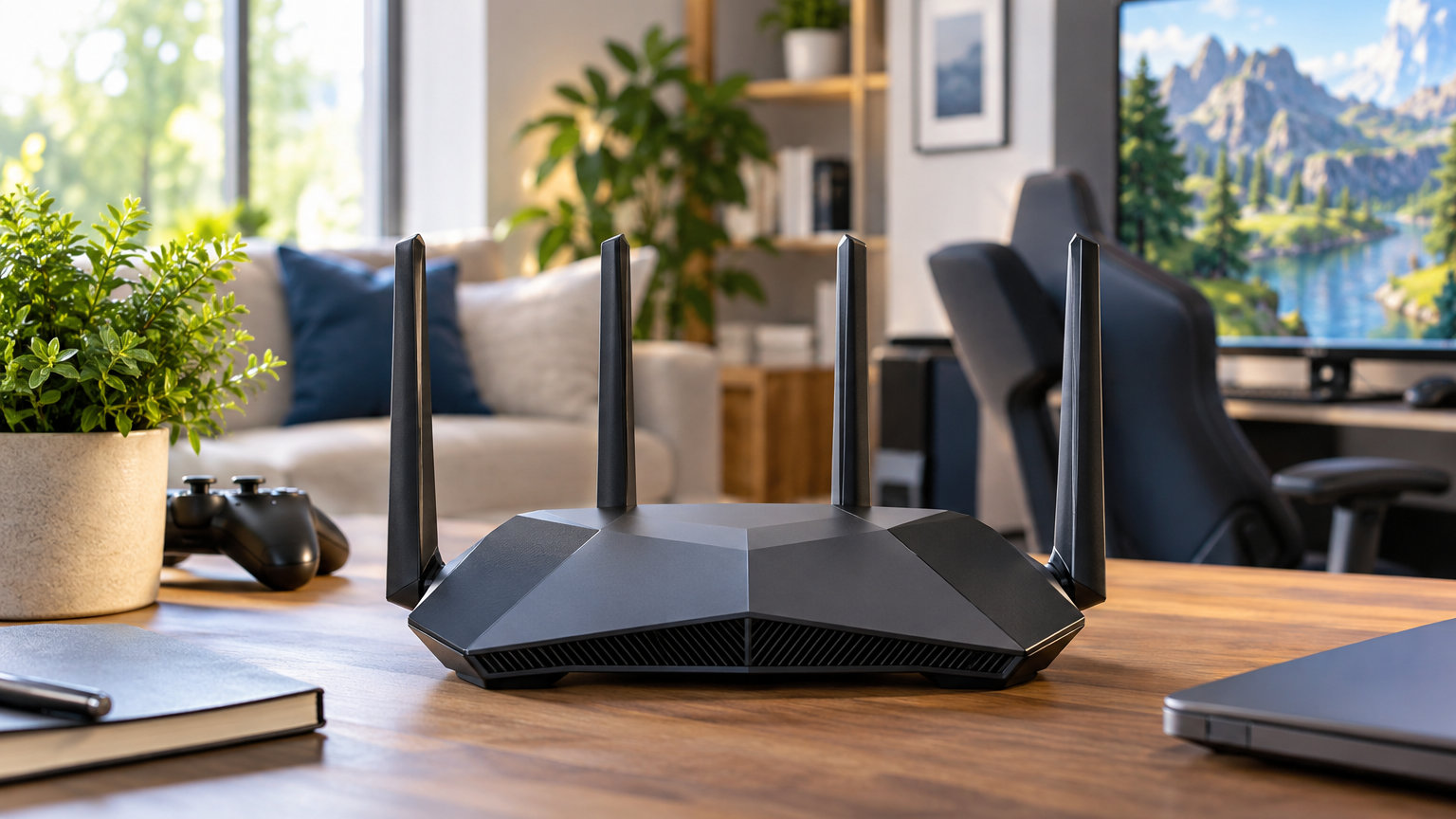
Gaming router deals are a different breed during Amazon’s Prime Big Deal Days, and the GL.iNet Flint 2 is the pick worth watching first. It runs Wi-Fi 6 with dual 2.5G ports, ships with OpenWrt pre-installed, and holds a 4.5-star average across 2999 owner reviews — the kind of mix that tends to drop noticeably when routers go on sale. If a flagship Wi-Fi 7 build is more your speed, the ASUS ROG GT-BE98 Pro tops out at 30 Gbps with quad-band support, while the MSI Radix AXE6600 brings tri-band Wi-Fi 6E to RGB-friendly gaming desks at a friendlier tier.
Prime Big Deal Days runs October 6-7, 2026, and most offers need a Prime membership (a free trial counts). Router listings change quickly once the sale starts, so these are the nine models our team would watch first when the door opens.
Our Top 3 Picks for Gaming Router Deals: Prime Big Deal Days

GL.iNet Flint 2
- Wi-Fi 6 with dual 2.5G ports
- OpenWrt pre-installed
- Strong owner reviews

ASUS ROG GT-BE98 Pro
- Wi-Fi 7 quad-band at 30 Gbps
- Triple-Level Game Acceleration
- Dual 10G and quad 2.5G ports

Gaming Router Deals: Prime Big Deal Days Compared (2026)
| Product | Details | Action |
|---|---|---|
|
|
Check Deal Price |
|
|
Check Deal Price |
|
|
Check Deal Price |
 |
|
Check Deal Price |
 |
|
Check Deal Price |
 |
|
Check Deal Price |
 |
|
Check Deal Price |
 |
|
Check Deal Price |
 |
|
Check Deal Price |
How We Chose
We compared nine gaming routers across the specs that matter when a deal lands: Wi-Fi standard, port setup, gaming features like QoS and game acceleration, and real-world owner feedback. Ratings and review counts come from each product’s Amazon listing, checked on October 5, 2026.
1. GL.iNet Flint 2: Editor’s Choice
GL.iNet GL-MT6000 Flint 2 Wi-Fi 6 Gaming Router Dual 2.5G Ports
Wi-Fi: 6 dual-band
Speed: 6 Gbps
Ports: 2x 2.5G + 4x 1G
RAM: 1GB
+ Pros
- OpenWrt pre-installed for advanced customization
- Excellent VPN performance with WireGuard up to 900Mbps
- Dual 2.5G ports for multi-gig connections
- Strong Wi-Fi 6 coverage and signal range
– Cons
- Antennas do not rotate side-to-side
- Setup may need a firmware update first
The Flint 2 stands out for a reason most gaming routers can’t match: it runs OpenWrt out of the box, which means tinkerers can dig into QoS rules, VPN routing and ad-blocking without flashing custom firmware. For most households the stock firmware is already plenty, with dual 2.5G ports ready to take a multi-gig fiber plan or to wire a gaming PC and a console side by side without sacrificing throughput.
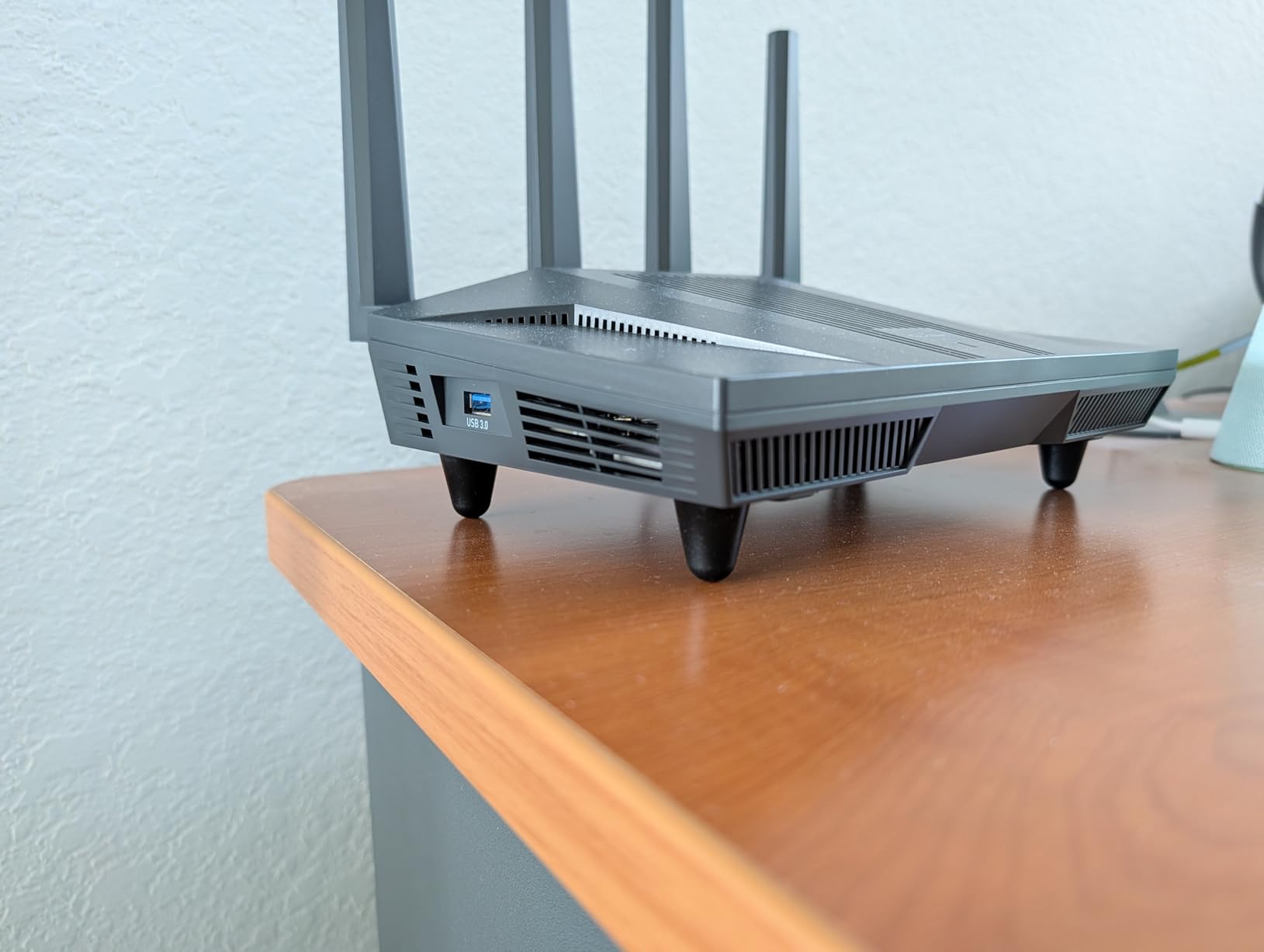
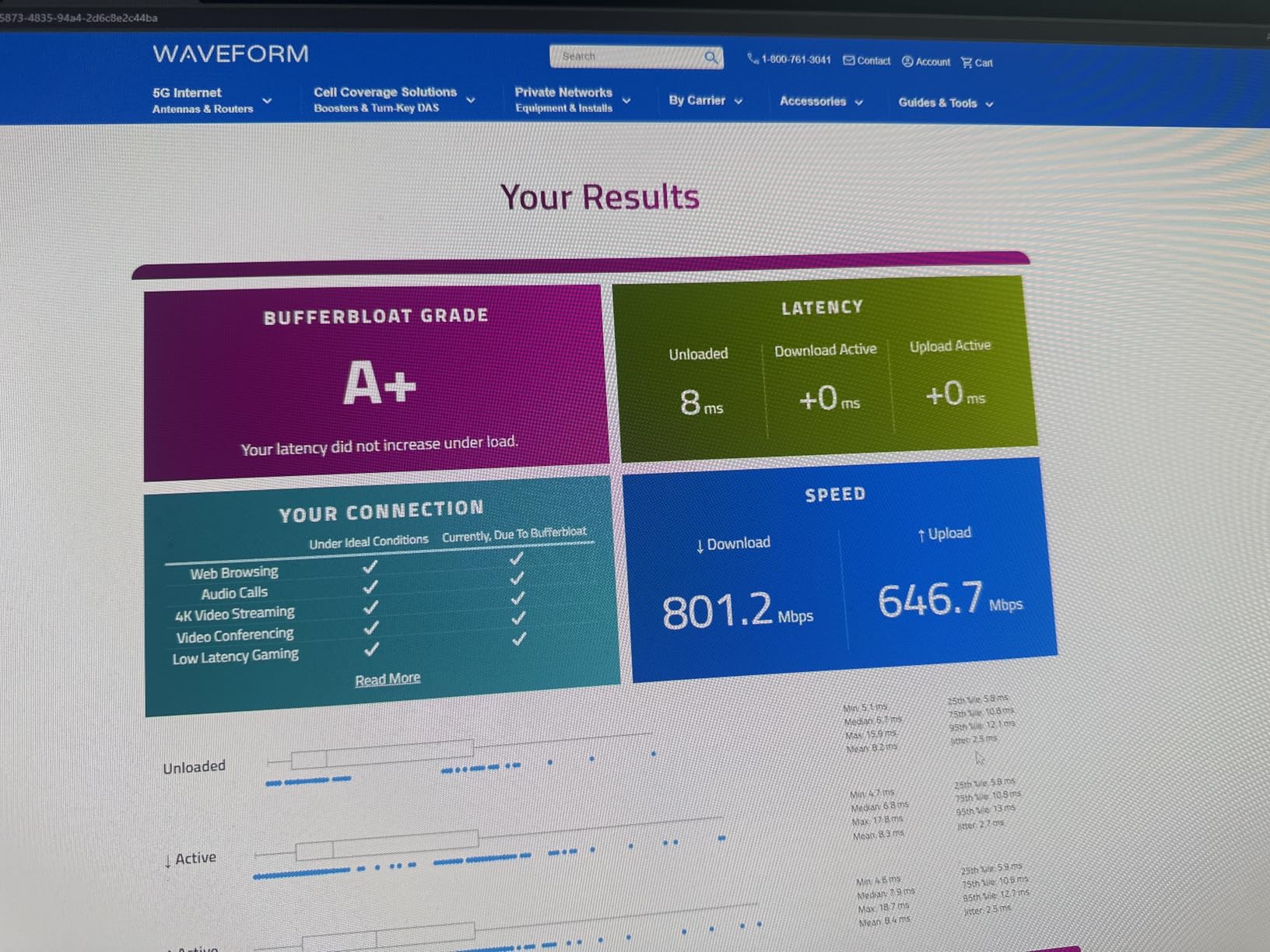
Owner reviews highlight the VPN speeds specifically, with WireGuard and OpenVPN throughput well above what most consumer routers manage. The 1GB of RAM also helps when more than a hundred devices share the network — a fair description of a busy smart home. Several owners mention updating the firmware before setup to avoid a small quirk, which is the only consistent nit we saw.
The Flint 2 is the rare single-router pick in this list that can stretch into mesh territory later if needed, which matters for a household that may add a second floor or a detached office. For a budget pick with similar multi-gig headroom but a simpler app-only setup, the TP-Link Archer GXE75 below sits in a comparable tier with fewer ports.
2. ASUS ROG GT-BE98 Pro: Premium Pick
ASUS ROG Rapture GT-BE98 Pro WiFi 7 Gaming Router – Quad-Band, 30Gbps, Mesh
Wi-Fi: 7 quad-band
Speed: 30 Gbps
Ports: 2x 10G + 4x 2.5G
RAM: 2GB
+ Pros
- Wi-Fi 7 with 320MHz channels in 6 GHz
- Dual 10G ports plus quad 2.5G
- Triple-Level Game Acceleration
- 4096-QAM and Multi-Link Operation
– Cons
- Premium price point
- Large footprint for the desk
The GT-BE98 Pro is the most ambitious router on this list: 30 Gbps of theoretical throughput, quad-band radios, and a port layout that includes dual 10G WAN/LAN plus four 2.5G jacks. It is the kind of machine built for someone who already has a 2 Gbps or 5 Gbps fiber plan and wants the wired side of the network to keep up with the wireless side.
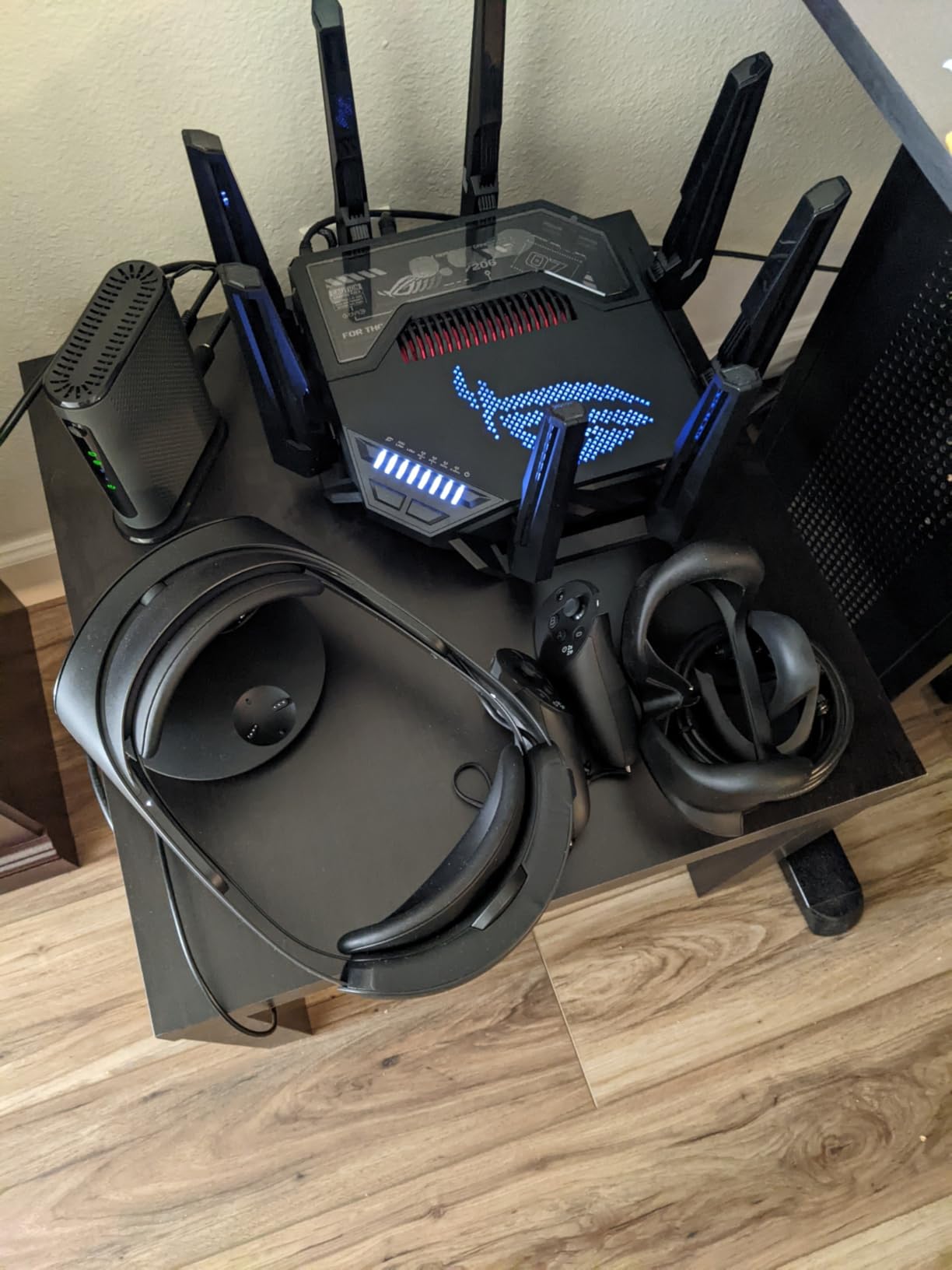
What owners praise is the Triple-Level Game Acceleration, which prioritizes traffic from the device to the game server rather than just the local hop. For a household running a PS5, an Xbox, a streaming PC and a 4K TV at the same time, that traffic shaping is the difference between a smooth match and rubberbanding. Two GB of RAM and the eight-antenna layout handle the load without breaking a sweat, per owner write-ups.
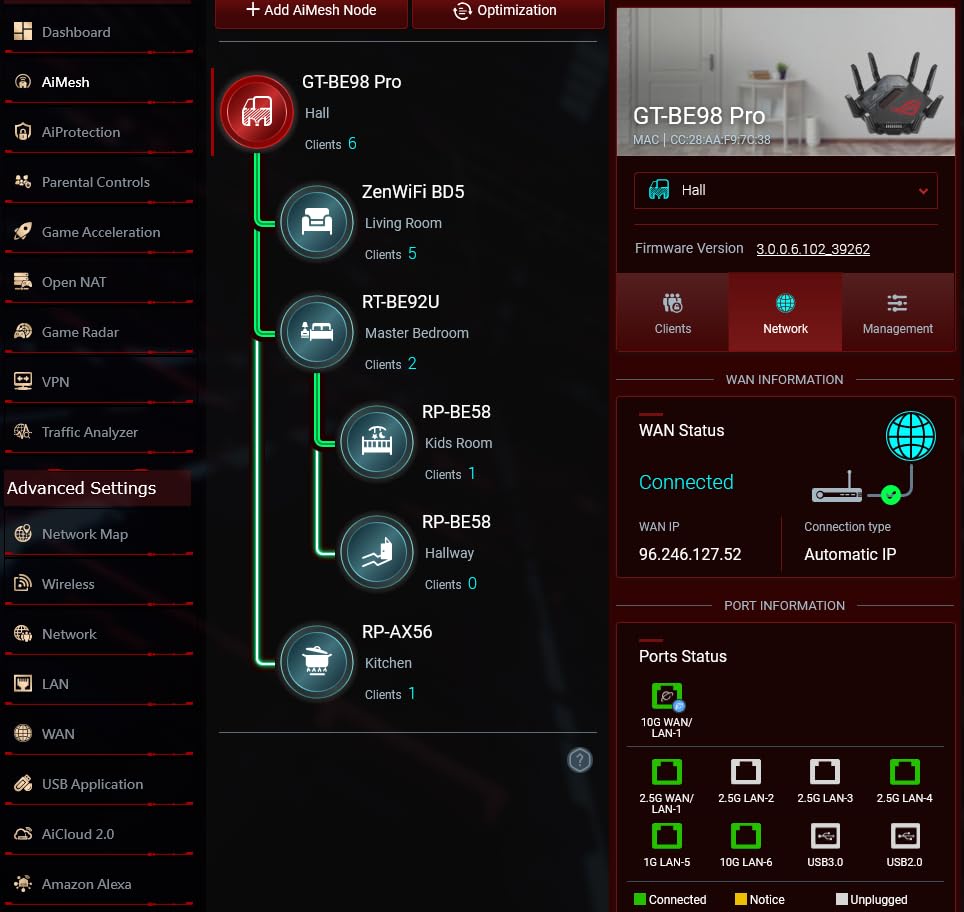
If a quad-band Wi-Fi 7 rig sounds like overkill, the NETGEAR Nighthawk BE17000 further down offers tri-band Wi-Fi 7 at a friendlier tier. The GT-BE98 Pro is for buyers who specifically want dual 10G ports and a flagship-grade CPU under the hood — our Wi-Fi 7 roundup digs into how these specs translate in real homes.
Good to know: setup is app-driven on iOS, Android and Windows, and the warranty runs three years. Owners recommend keeping the eight antennas fully extended in the box — the router is large enough that a low shelf will clip the wireless range.
3. MSI Radix AXE6600: Best for RGB Setups
MSI Radix AXE6600 WiFi 6E Tri-Band Gaming Router, AI QoS, RGB, 1.8GHz Quad-Core Processor, MU-MIMO, Tri Band Gigabit Wireless, 8-Stream, High Speed Long Range Gaming Router
Wi-Fi: 6E tri-band
Speed: 6.6 Gbps
Ports: 1x 2.5G
CPU: 1.8GHz quad-core
+ Pros
- Tri-band Wi-Fi 6E on a budget
- AI QoS prioritizes gaming traffic
- Mystic Light RGB sync
- 1.8GHz quad-core processor
– Cons
- Limited to 1 wired port
- Basic compatible devices list
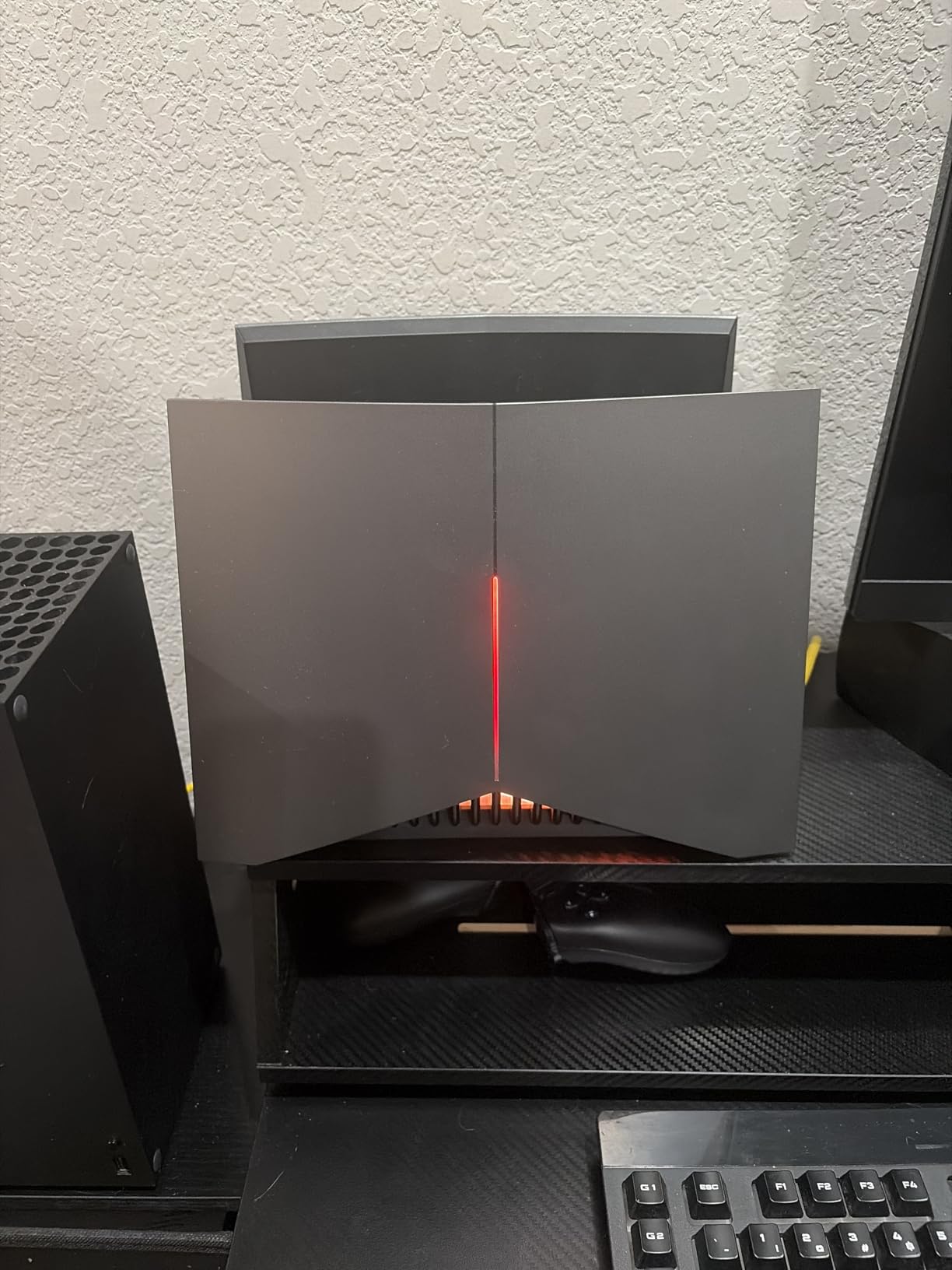
The MSI Radix AXE6600 is the router to look at if the gaming desk already has RGB everything and the network box needs to fit the aesthetic. The Mystic Light ring syncs with the rest of an MSI build, and underneath the lighting the radio is a true tri-band Wi-Fi 6E setup — a configuration you usually only see on pricier units.
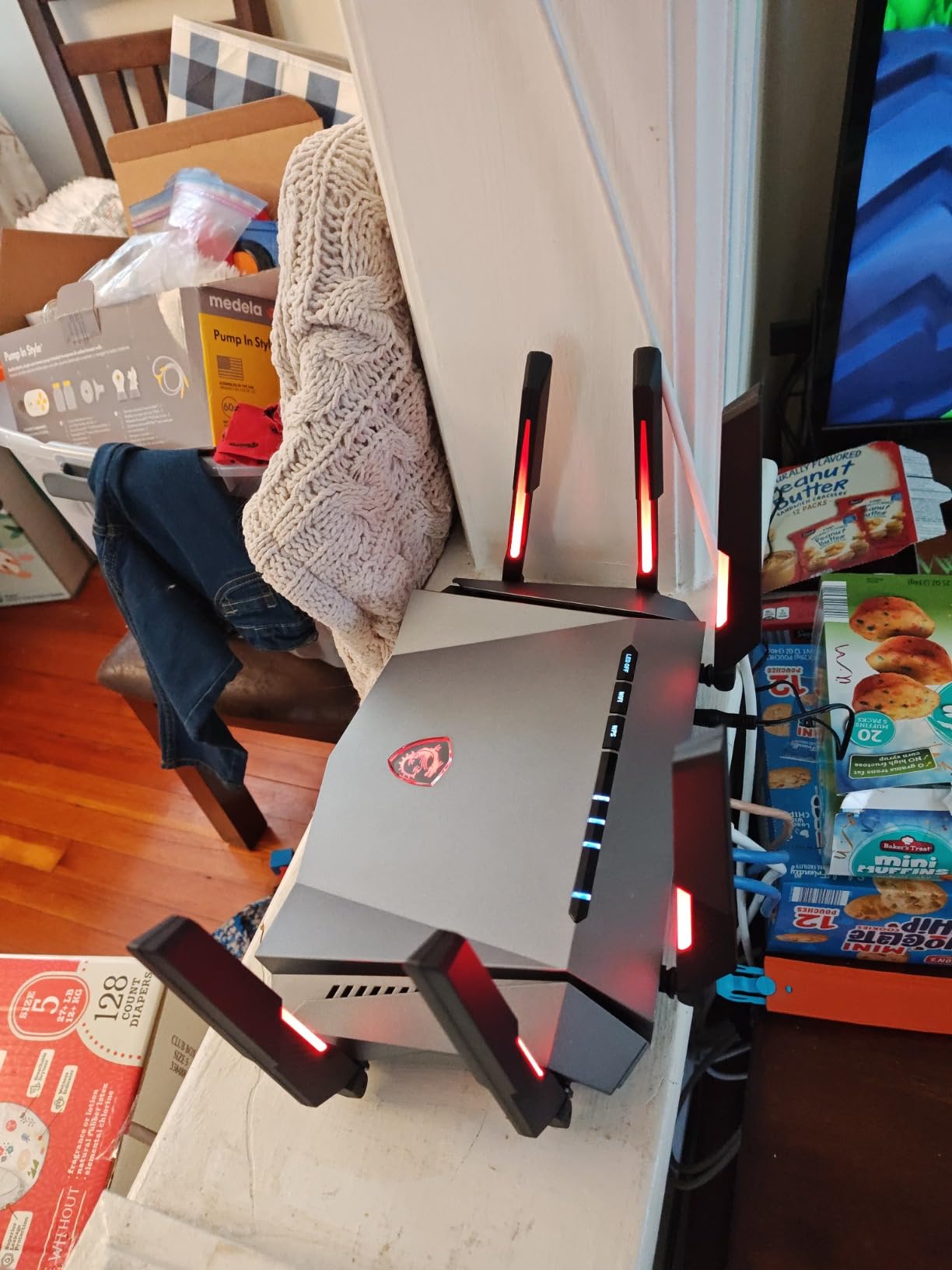
AI QoS does the prioritization work without much configuration, which is the kind of feature that helps a household where the router is shared between work calls in the day and ranked matches at night. The 1.8GHz quad-core processor keeps latency low even when the 6 GHz band is busy.
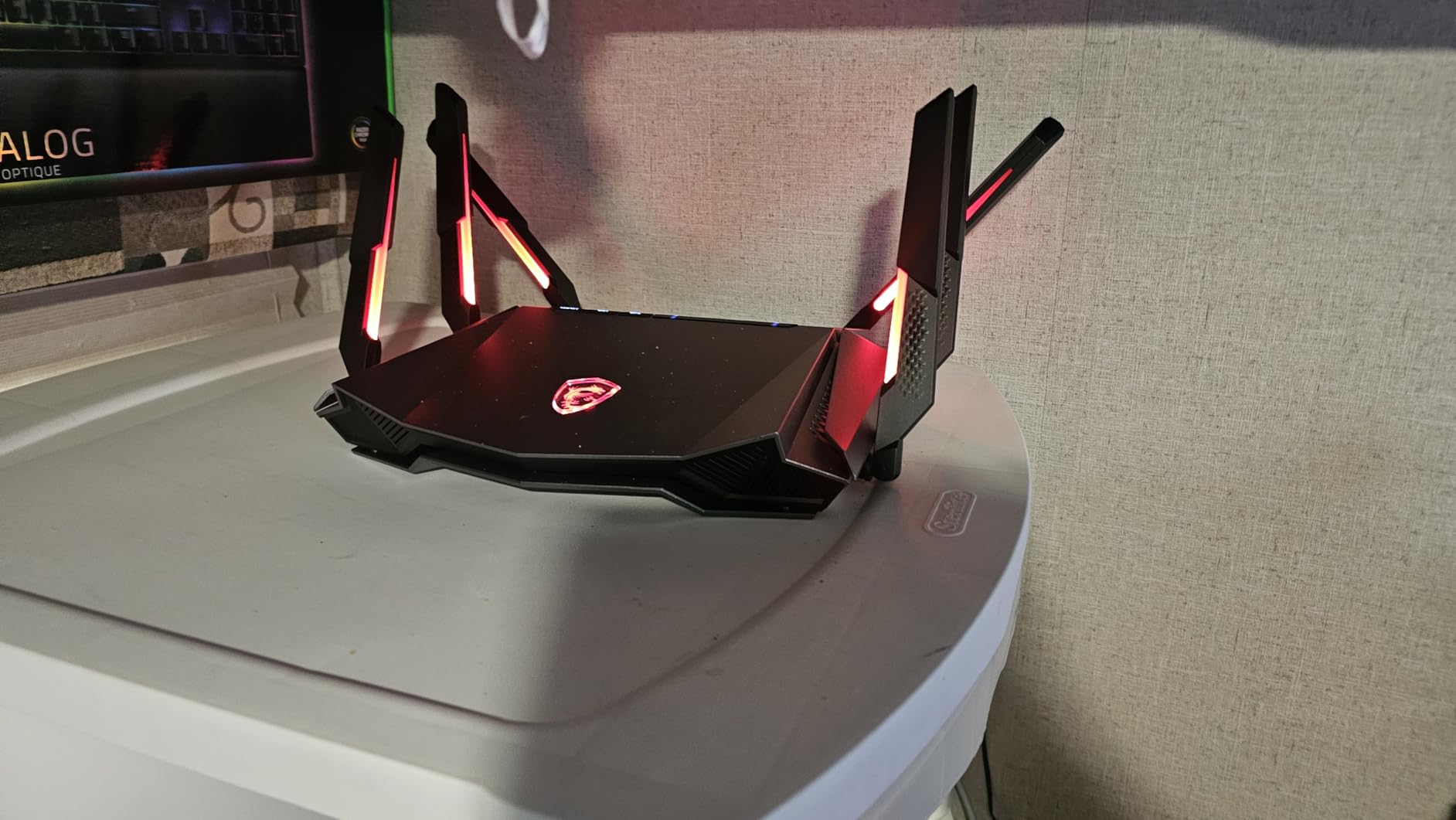
Compared with the ASUS ROG GT-AX11000 below, the Radix AXE6600 gives up a 2.5G wired port and the brand-new firmware polish, but the owner count is small and the price lands well below the ROG tier. Our low-latency gaming router guide covers what tri-band 6E actually buys you over a plain dual-band router.
4. TP-Link Archer GE800: Best for High-Speed Wired
TP-Link Tri-Band BE19000 Wi-Fi 7 Gaming Router (Archer GE800)
Wi-Fi: 7 tri-band
Speed: 19 Gbps
Ports: 2x 10G + 4x 2.5G
RAM: 2GB
+ Pros
- 19 Gbps tri-band Wi-Fi 7
- 2x 10G plus 4x 2.5G ports
- Game panel with RGB display
- EasyMesh compatible
– Cons
- Lower owner rating than rivals
- Premium tier price
The Archer GE800 is the wired play in the Wi-Fi 7 generation. Two 10G ports and four 2.5G ports on a single router is unusual even at this tier, and it makes sense for a buyer with a multi-gig fiber line who also wants to wire a NAS, a gaming PC and a console without daisy-chaining switches. The 8-antenna layout and 320MHz channels handle the wireless side as a bonus.
Turbo Game Acceleration and the front-facing game panel are the standouts, giving a quick read on ping and traffic without opening the app. The 3.7-star owner average is the lowest in this list, though, and several reviews flag occasional firmware hiccups — a fair caution for anyone whose job depends on a stable network.
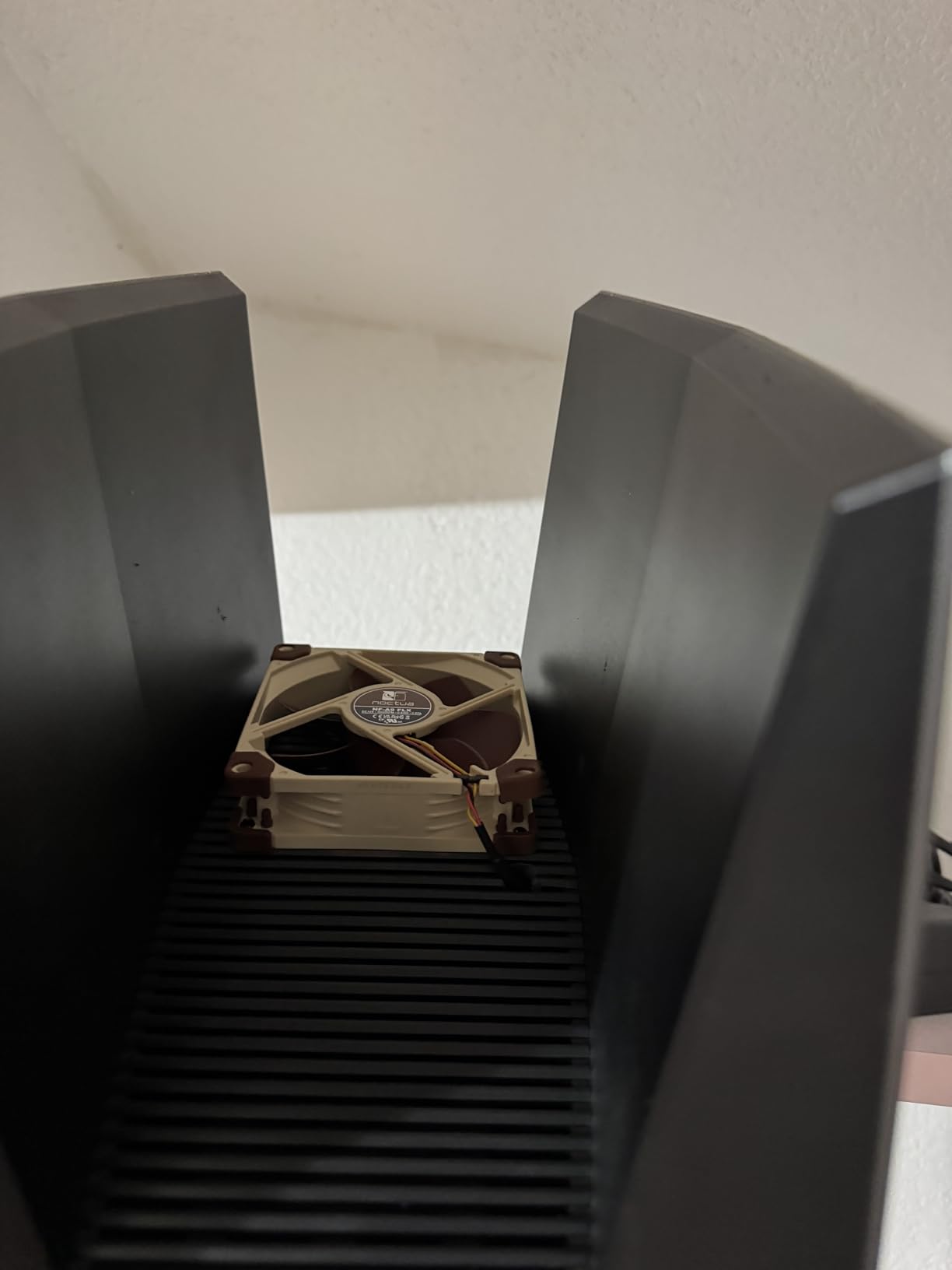
The GE800 trades a quad-band radio for tri-band compared with the ASUS ROG GT-BE98 Pro above, but it still keeps dual 10G ports on the wired side. For a buyer who mostly wants to push wired throughput and only needs Wi-Fi 7 on the side, the GE800 is the more practical pick of the two.
Skip it if the owner count matters more than the spec sheet: the 3.7-star average is the lowest in this roundup, and a few owners mention dropping connections after a firmware update. For a brand-new mesh install in a smaller home, the TP-Link Archer GXE75 is the steadier mid-range pick.
5. TP-Link Archer GXE75: Top Rated Mid-Range
TP-Link Tri-Band AXE5400 Wi-Fi 6E Gaming Router 6-Stream, Archer GXE75
Wi-Fi: 6E tri-band
Speed: 5.4 Gbps
Ports: 1x 2.5G + 4x 1G
Weight: 2.2 lb
+ Pros
- Tri-band Wi-Fi 6E at a mid-range price
- 2.5G WAN port for multi-gig modems
- Dedicated Game Panel
- EasyMesh support
– Cons
- Internal antennas cannot be adjusted
- USB port count not specified
The Archer GXE75 hits a comfortable middle ground: tri-band Wi-Fi 6E, a 2.5G WAN port, and the Game Panel that lets you see which device is hogging the pipe. For a buyer with a 1 Gbps or 2 Gbps fiber plan who doesn’t want to pay flagship prices, it’s the cleanest step up from a basic dual-band router.
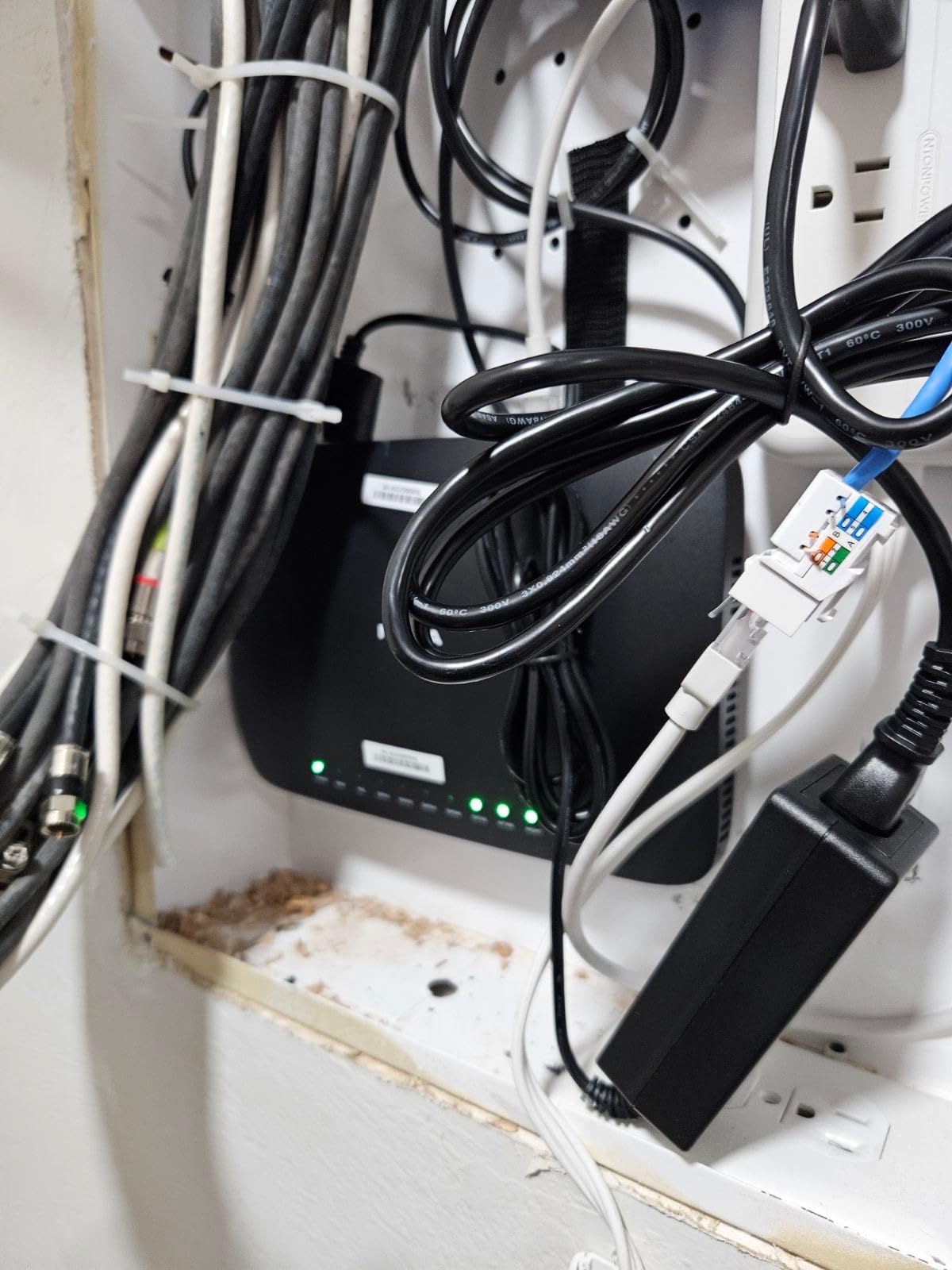
What owners mention most is the consistent throughput on the 6 GHz band when the room is line-of-sight to the router. EasyMesh compatibility also means the GXE75 can pair with other TP-Link mesh units if the home later grows beyond one floor. The internal antennas are the trade-off — they keep the look clean but limit aim.
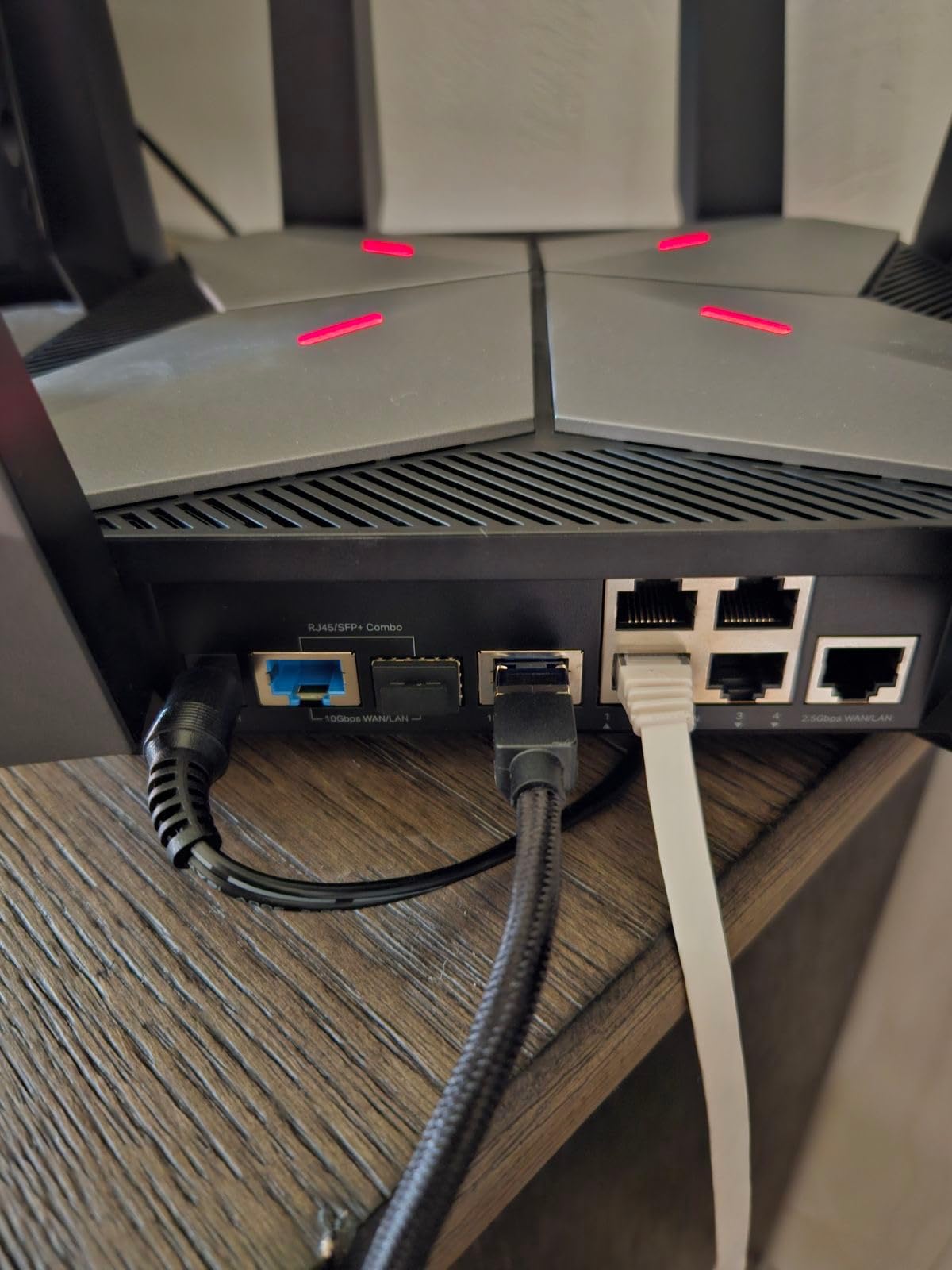
Compared with the MSI Radix AXE6600 above, the GXE75 has fewer flashy extras but adds a proper 2.5G WAN port and a sturdier owner rating at a similar price. If you are weighing 6E today against 7 next year, the Wi-Fi 7 home roundup is worth a look.
6. ASUS ROG GT-AX11000 Pro: Best for Coverage
ASUS ROG Rapture GT-AX11000 Pro Tri-Band WiFi 6 Extendable Gaming Router, 10G & 2.5G Ports, ASUS RangeBoost Plus, Triple-Level Game Acceleration, Subscription-Free Network Security, AiMesh Compatible
Wi-Fi: 6 tri-band
Speed: 11 Gbps
Ports: 1x 10G + 1x 2.5G
CPU: Quad-core 2.0GHz
+ Pros
- Wi-Fi 6 tri-band up to 11 Gbps
- RangeBoost Plus for larger homes
- Configurable 10G and 2.5G ports
- Triple-level game acceleration
– Cons
- Large physical footprint
- Premium pricing for Wi-Fi 6
The GT-AX11000 Pro is the right pick when the problem is range. RangeBoost Plus pushes signal into the corners of a multi-bedroom home, and the 8-antenna layout covers more ground than a typical dual-band router can. For a 2,000-3,000 sq ft home with thick walls, this is one of the more dependable Wi-Fi 6 options on the market.
Wired flexibility is a highlight: the 2.5G port and 10G port can be reassigned as WAN or LAN depending on the install, which is useful for someone running multi-gig fiber and a wired gaming PC at the same time. The quad-core 2.0GHz CPU keeps QoS rules snappy even with a long device list.
Where the Pro clearly pulls ahead of the GL.iNet Flint 2 is coverage and port flexibility, and it gives up the OpenWrt tinker-friendly firmware in return. For a large-home install where reliability matters more than deep configuration, the Pro is the safer bet. A mesh setup is the better alternative if a single router still won’t reach.
Good to know: the chassis measures roughly 14 inches on each side, so plan shelf space before ordering. The 10G port can flip between WAN and LAN, which lets a buyer use a 2 Gbps or 5 Gbps fiber line without buying a separate switch.
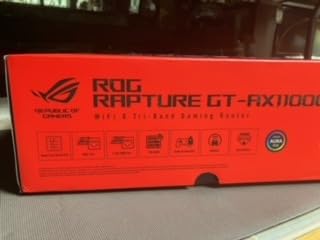
7. ASUS ROG GT-AX11000: Best Value
ASUS ROG Rapture WiFi 6 Gaming Router (GT-AX11000) – Tri-Band 10 Gigabit Wireless Router, 1.8GHz Quad-Core CPU, WTFast, 2.5G Port, AiMesh Compatible, Included Lifetime Internet Security, Aura RGB
Wi-Fi: 6 tri-band
Speed: 11 Gbps
Ports: 1x 2.5G + 4x 1G
CPU: 1.8GHz quad-core
+ Pros
- Tri-band Wi-Fi 6 at 11 Gbps
- WTFast game acceleration built in
- 3500+ owner reviews
- Lifetime internet security included
– Cons
- Older Wi-Fi 6 design
- USB ports not 5G compatible
The original GT-AX11000 has been on shelves long enough to build a 3500-review owner base, and at its sale price it is one of the more dependable gaming routers in the value tier. The 1.8GHz quad-core CPU and WTFast game acceleration handle the gaming side competently, even though it lacks Wi-Fi 7.
Owners consistently call out the lifetime security subscription as a quiet bonus, and the 2.5G gaming port is enough for a 2 Gbps fiber plan. The Aura RGB lighting is a small touch, but for a setup where the router sits in plain view, it fits a gaming room without looking out of place.
Compared with the GT-AX11000 Pro above, the original sacrifices the 10G port and RangeBoost Plus, but the price gap usually pays for itself over a few years of use. For a buyer who values proven performance over the latest spec sheet, this is the gaming router deals pick most likely to land in the value zone during Prime Big Deal Days.
Skip it if the plan is multi-gig fiber. The 2.5G port is the ceiling here, and the USB ports are 2.0 rather than 3.0, so a wired NAS attached to the router will not hit the speeds of a USB 3.0 model. For a sub-1 Gbps connection, none of that matters.
8. NETGEAR Nighthawk RAX36: Budget Pick
NETGEAR Nighthawk WiFi 6 Router (RAX36) – Router Only, AX3000 3 Gbps Wireless Speed – Dual-Band Gigabit Internet – Covers 2,000 sq. ft., 25 Devices – Built-in VPN, USB 3.0, Gaming
Wi-Fi: 6 dual-band
Speed: 3 Gbps
Ports: 4x 1G
Coverage: 2000 sq ft
+ Pros
- Affordable Wi-Fi 6 entry point
- Built-in VPN for security
- USB 3.0 for network storage
- Covers 2000 sq ft
– Cons
- Dual-band only
- Dual internal antennas
The RAX36 is the budget option for a household that just needs a stable Wi-Fi 6 router without the gaming extras. It covers a 2,000 sq ft home and handles around 25 devices, which is the right size for an apartment or a small house where one person games and the rest stream.
The built-in VPN client is a useful tool for travelers, and the USB 3.0 port turns the router into a small NAS for backups. There is no dedicated game acceleration and no multi-gig port, so the RAX36 is best for buyers whose plan is 1 Gbps or slower.
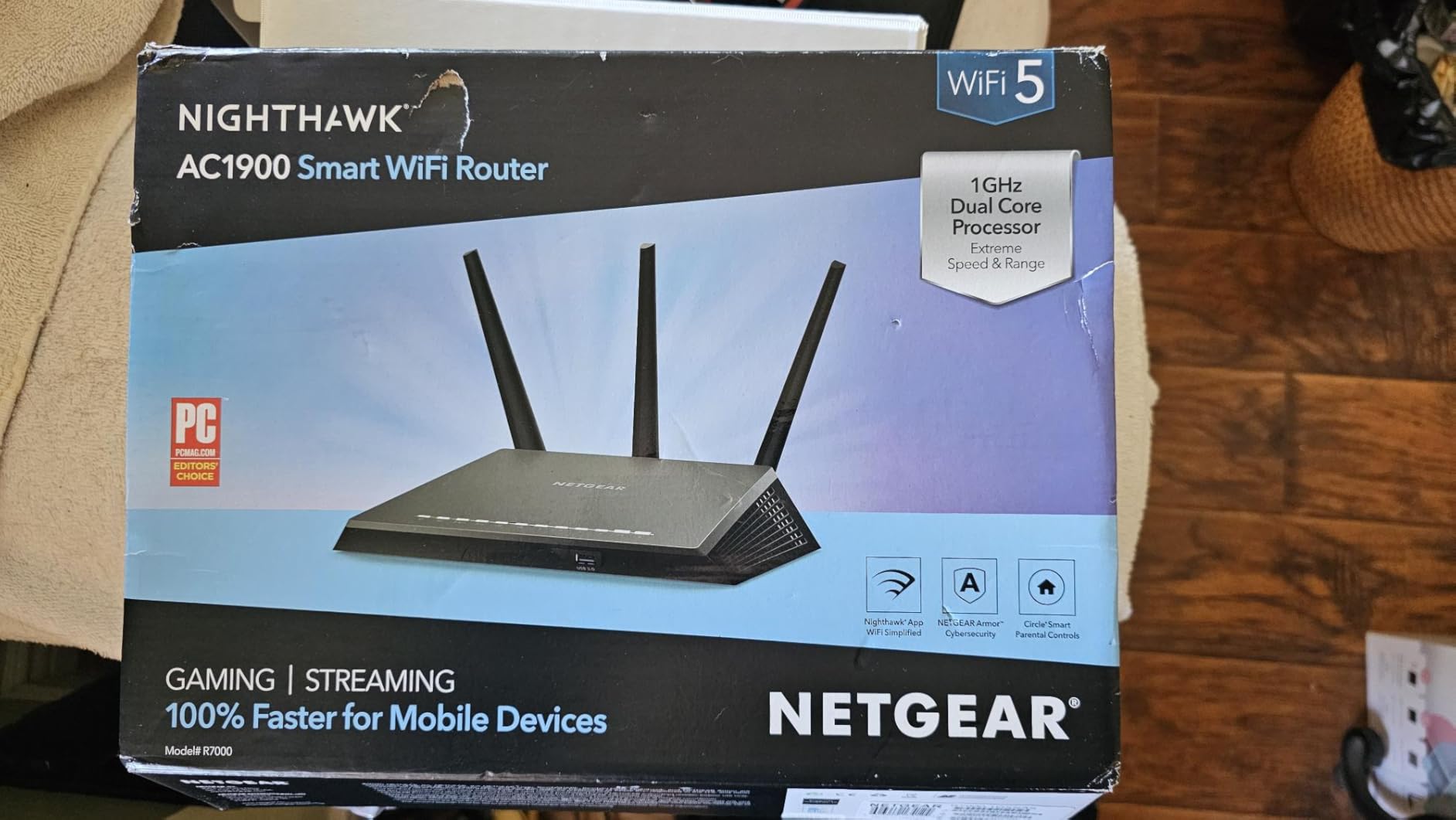
Stepping down from the GL.iNet Flint 2, the RAX36 gives up multi-gig ports, the tri-band layout and the open firmware, but lands at a friendlier price for a simpler home. If a sale trims a chunk off the RAX36, it becomes an easy entry-level gaming router for a kid’s first console or a guest network.
Owners also mention that the Nighthawk app walks through setup in under ten minutes, and the router stays cool even in a media cabinet. The 1-year warranty is shorter than the 2-3 years most other picks in this list offer, so factor that in if the router is the heart of a busy home network.
9. NETGEAR Nighthawk BE17000: Best for Large Homes
NETGEAR Nighthawk WiFi 7 Router BE17000, Up to 3,300 sq ft, 17 Gbps
Wi-Fi: 7 tri-band
Speed: 17 Gbps
Ports: 1x 10G + 3x 1G
Coverage: 3300 sq ft
+ Pros
- Wi-Fi 7 tri-band up to 17 Gbps
- 3300 sq ft coverage
- 10G WAN for fiber
- Supports up to 150 devices
– Cons
- Premium price tier
- Only 4 wired ports
The Nighthawk BE17000 is the pick for a large home that needs one router instead of a mesh. With 3,300 sq ft of coverage and support for 150 devices, it handles a busy household with multiple gamers, streaming TVs, and a long list of smart-home gear. The 10G WAN port also leaves headroom for a 5 Gbps fiber plan down the line.
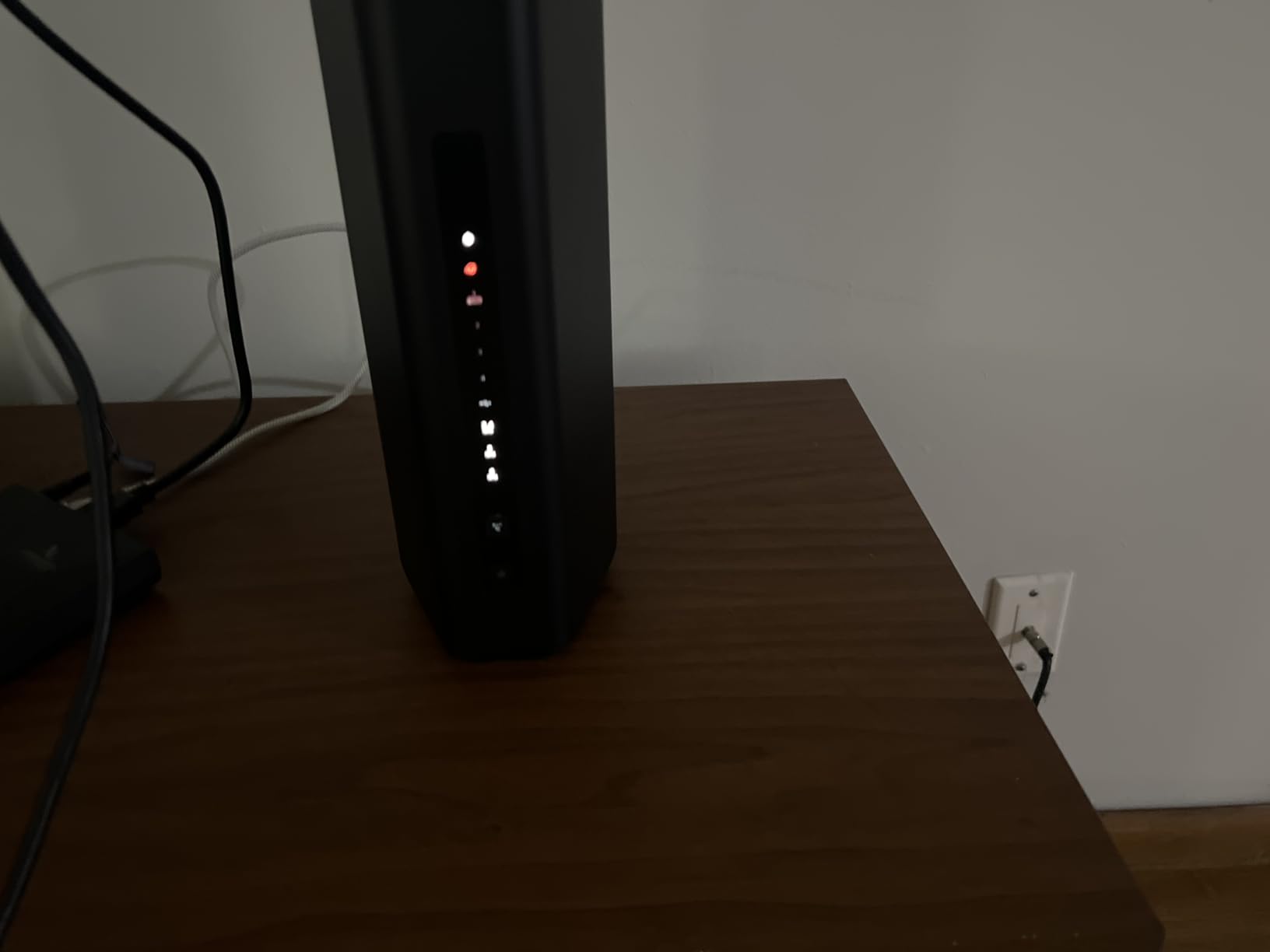
The 2.4x speed jump over Wi-Fi 6 shows up as a real-world difference on a 6 GHz-capable client, which is what makes the BE17000 worth the spend in a busy smart home. For a buyer with a new Wi-Fi 7 phone or laptop, the BE17000 makes the most of that hardware. If the household is still mostly Wi-Fi 6, the ASUS ROG GT-AX11000 Pro above is the more practical spend.
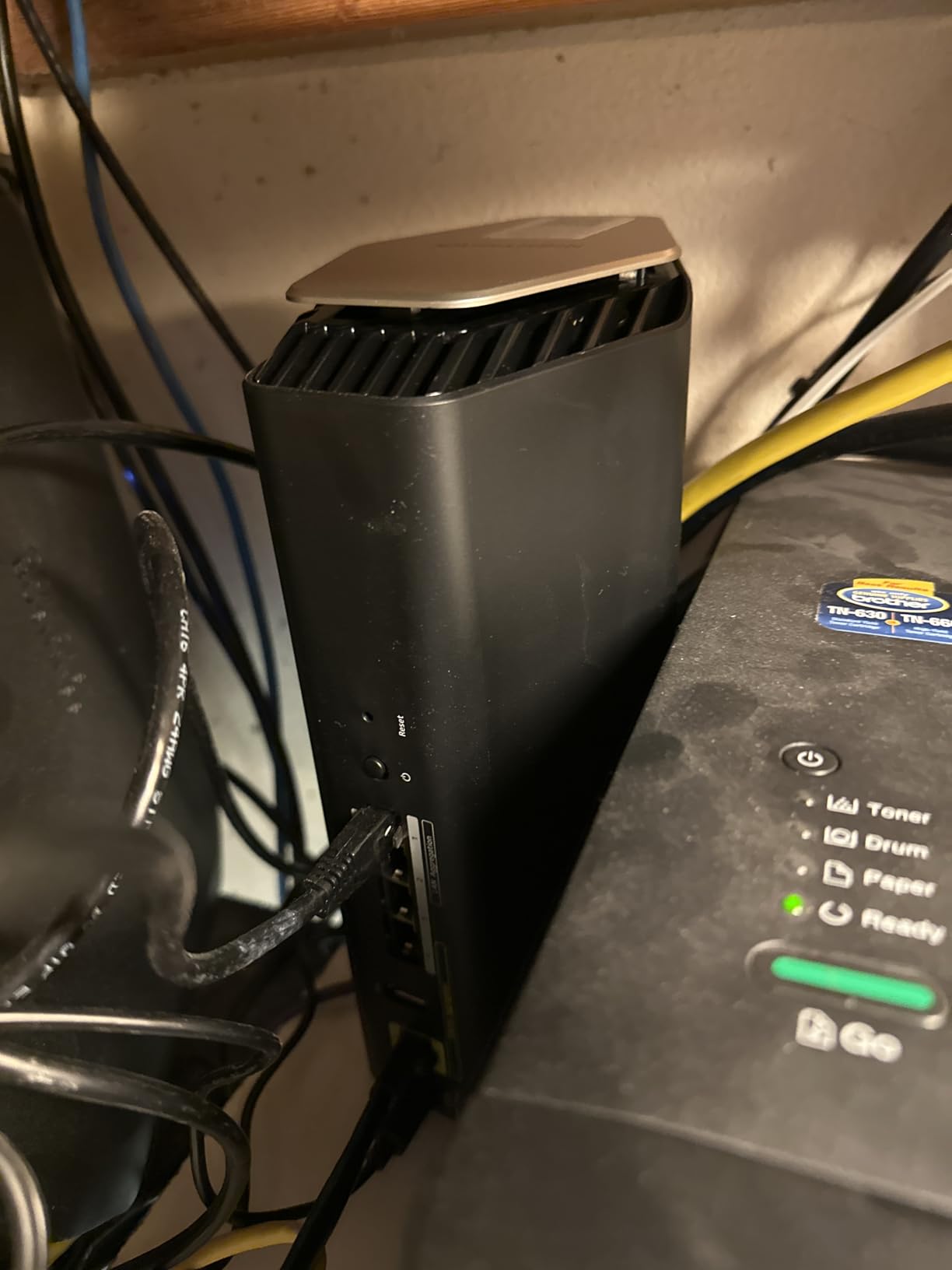
The BE17000 is the better fit for a large single-floor home or ranch layout when weighed against the TP-Link Archer GE800, while the GE800 is the more wired-heavy choice for a smaller space with multi-gig fiber. Either way, both are worth watching during the sale and a home Wi-Fi 7 roundup covers where the standard makes the biggest difference.
Good to know: the BE17000 ships with a 30-day trial of NETGEAR Armor, and the rest of the security suite is a subscription after that. The 1-year warranty is shorter than the 2-3 years ASUS and TP-Link offer on comparable picks, so an extended warranty might be worth a look during the sale.
How to Choose a Gaming Router During Prime Big Deal Days
Latency and QoS
Latency and QoS are what separate a gaming router from a generic one. Look for adaptive QoS or a game accelerator that prioritizes gaming packets over downloads and streaming, especially if the household runs both at the same time. Routers like the GL.iNet Flint 2 and the ASUS ROG GT-BE98 Pro lean heavily on these tools, and they make a noticeable difference in ranked sessions.
Wi-Fi 7 vs Wi-Fi 6E
Wi-Fi 7 brings 320MHz channels, Multi-Link Operation and 4K-QAM, which translates to lower latency and more stable throughput on supported devices. For most gamers today, Wi-Fi 6E (the 6 GHz band) is still plenty — the home Wi-Fi 7 roundup explains when the upgrade actually pays off.
Multi-Gig Ports and Wired Backhaul
If you have a multi-gig fiber plan, a 2.5G or 10G WAN port matters. For a desktop or console that can be wired, the ethernet cables for gaming roundup covers the right cable tier to pair with a multi-gig port. Routers with both 2.5G and 10G ports (the GT-BE98 Pro and the Archer GE800) make the most of fiber plans above 2 Gbps.
Coverage and Home Size
For a 2,000-3,000 sq ft home, a single router with strong antennas (the ASUS ROG GT-AX11000 Pro or the Nighthawk BE17000) usually covers every room. If the home is multi-story or has dead spots, mesh routers for large homes are a better fit than chasing a single flagship.
How to Shop Gaming Router Deals During the Sale
Prime Big Deal Days runs October 6-7, 2026, and most offers need a Prime membership. Watch for the model number, not just the marketing name — many gaming routers share a chassis across price tiers, and the discount can land on a lower-spec variant. Compare the listing’s review count and rating before adding to cart: a router with thousands of reviews is a safer pick than a brand-new model at the same price.
- Confirm the Wi-Fi standard and band count match your devices
- Check that the WAN port speed matches your internet plan
- Look for a game accelerator or QoS feature on the spec sheet
- Read the most recent owner reviews for firmware complaints
- Compare review counts across the price tier before choosing
Frequently Asked Questions
When does Prime Big Deal Days 2026 run?
Prime Big Deal Days runs October 6-7, 2026, with most offers available for a 48-hour window. Amazon confirmed the dates, and the event starts and ends on the same days for shoppers in the US. A free Prime trial counts as a membership for the sale.
Do I need a Prime membership to get these gaming router deals?
Yes. Most Prime Big Deal Days offers need an active Prime membership, though a free 30-day trial is enough to check out. Non-Prime shoppers can still see the deals, but the buttons usually revert to full price at checkout without an active membership.
How much should I spend on a gaming router during Prime Big Deal Days?
For a Wi-Fi 6E gaming router with multi-gig ports, the mid-range tier covers most households at a price most buyers can justify. Above that line, you start paying for Wi-Fi 7 features and 10G ports, which only pay off if the home has a multi-gig fiber plan or a desktop that needs wired backhaul.
Is it worth buying a Wi-Fi 7 gaming router during Prime Big Deal Days?
Wi-Fi 7 is worth the spend if the household has a Wi-Fi 7 phone or laptop and a multi-gig fiber plan. Otherwise, a Wi-Fi 6E router covers the same gaming use cases for less, and most consoles today still connect over Wi-Fi 6 or Ethernet.
What features matter most in a gaming router deal?
Look for a game accelerator or adaptive QoS, a 2.5G or higher WAN port, and at least Wi-Fi 6E. Wi-Fi 7 is a nice extra but not required. A high owner rating with hundreds of reviews is a stronger signal than a flashy spec sheet.
Do gaming router prices usually drop during Prime Big Deal Days?
Routers are one of the more consistently discounted categories during Prime Big Deal Days, and the listings from the last few events show visible drops on Wi-Fi 6 and Wi-Fi 6E models. Wi-Fi 7 routers are newer, so the discounts tend to be smaller, but the mid-range picks usually see meaningful cuts.
Final Verdict: Gaming Router Deals: Prime Big Deal Days
Buy the GL.iNet Flint 2 if a single, low-latency Wi-Fi 6 router with multi-gig ports is what the home needs — it is the most balanced pick of the nine. Choose the ASUS ROG GT-BE98 Pro when a Wi-Fi 7 flagship with dual 10G ports fits the network, and grab the ASUS ROG GT-AX11000 as the value play if a tried-and-true tri-band setup is enough. For large homes, the NETGEAR Nighthawk BE17000 is the better reach; for tight budgets, the NETGEAR RAX36 handles the basics; and for an RGB desk, the MSI Radix AXE6600 is the obvious fit. When the sale opens, compare the listing’s review count and current price before adding anything to cart.
Leave a Reply