

The ASUS ROG Strix G16 with an RTX 5070 Ti and a 240Hz 2.5K display leads our list of gaming laptop deals worth your time in Amazon’s Prime Big Deal Days sale this October. The MSI Katana 15 HX is the smarter value play for shoppers who want RTX 5070 muscle without paying flagship money, and the Acer Nitro V 16S AI earns its slot for anyone leaning into the new RTX 5060 tier. Amazon’s sale runs October 6-7, 2026, and most offers need a Prime membership, so check the dates before the laptop you want sells out. If you’re also shopping consoles, our Xbox Series X deals roundup covers what’s worth grabbing alongside a new rig.
Our Top 3 Picks for Gaming Laptop Deals for Prime Big Deal Days

Gaming Laptop Deals for Prime Big Deal Days Compared (2026)
| Product | Details | Action |
|---|---|---|
|
|
Check Deal Price |
 |
|
Check Deal Price |
 |
|
Check Deal Price |
 |
|
Check Deal Price |
 |
|
Check Deal Price |
 |
|
Check Deal Price |
 |
|
Check Deal Price |
 |
|
Check Deal Price |
 |
|
Check Deal Price |
 |
|
Check Deal Price |
How We Chose These Gaming Laptop Deals
Every laptop on this list is worth watching during the sale, with specs that match its tier and owner reviews we could check. We compared GPU model and wattage, CPU generation, RAM, storage and display refresh rate, then cross-referenced ratings and review themes from Amazon listings. Data was checked in October 2026. Prices shift during Prime Big Deal Days, so the current price lives on each listing.
1. ASUS ROG Strix G16: Editor’s Choice for High-End Gaming
ASUS ROG Strix G16 (2025) Gaming Laptop, 16” ROG Nebula 16:10 2.5K 240Hz/3ms, NVIDIA® GeForce RTX™ 5070 Ti, Intel® Core™ Ultra 9 Processor 275HX, 32GB DDR5, 1TB SSD, Wi-Fi 7, Win11 Home, G615LR-AS96
GPU: RTX 5070 Ti
CPU: Core Ultra 9 275HX
RAM: 32GB DDR5
Display: 2.5K 240Hz
Weight: 5.8 lb
+ Pros
- Top-tier RTX 5070 Ti with DLSS 4
- Intel Core Ultra 9 275HX for heavy multitasking
- 240Hz 2.5K Nebula display at 500 nits
- ROG Intelligent Cooling with vapor chamber and liquid metal
- Wi-Fi 7 connectivity
– Cons
- Very expensive
- Heavy at 5.8 pounds
- Limited USB ports
Buy the ASUS ROG Strix G16 if you want the most powerful laptop on this list and you’re willing to pay for it. The RTX 5070 Ti with DLSS 4 and an Intel Core Ultra 9 275HX give you room to push demanding games at high settings, and the 240Hz 2.5K panel handles fast-paced shooters without smearing. Owners mention the vapor-chamber cooling and full-surround RGB light bar as standout touches for a premium build.

Weight is the real trade-off: at 5.8 pounds, this is a desktop replacement more than a daily commuter. Battery life on RTX 5070 Ti machines is rarely a strength, so plan to stay near an outlet for long sessions.

The 500-nit Nebula display holds up in bright rooms, and the Wi-Fi 7 card future-proofs wireless networking for years.
- Pick this one for 1440p gaming at high refresh, content creation, future-proof builds
- Look elsewhere if you want a lighter machine or you’re set on a tighter budget
2. MSI Katana 15 HX: Best Value for RTX 5070 Power
msi Katana 15 HX 15.6” 165Hz QHD+ Gaming Laptop: Intel Core i9-14900HX, NVIDIA Geforce RTX 5070, 32GB DDR5, 1TB NVMe SSD, RGB Keyboard, Win 11 Home: Black B14WGK-016US
GPU: RTX 5070
CPU: i9-14900HX
RAM: 32GB DDR5
Display: QHD 165Hz
Weight: 5 lb
+ Pros
- Elite i9-14900HX with 24-core hybrid architecture
- RTX 5070 with DLSS 4 and ray tracing
- 32GB DDR5 RAM for multitasking
- QHD 165Hz display with 100% DCI-P3
- 4-Zone RGB keyboard
– Cons
- Battery life limited to about 2 hours
- Runs hot under heavy load
- Plastic chassis feel
The MSI Katana 15 HX is the smartest pick for shoppers who want RTX 5070 muscle without paying flagship money. You get a 24-core Intel i9-14900HX, 32GB of DDR5, a 1TB NVMe SSD and a 100% DCI-P3 QHD panel. Cooler Boost 5 keeps the dual fans working hard under load, and reviewers highlight the 4-Zone RGB keyboard as a fun touch.
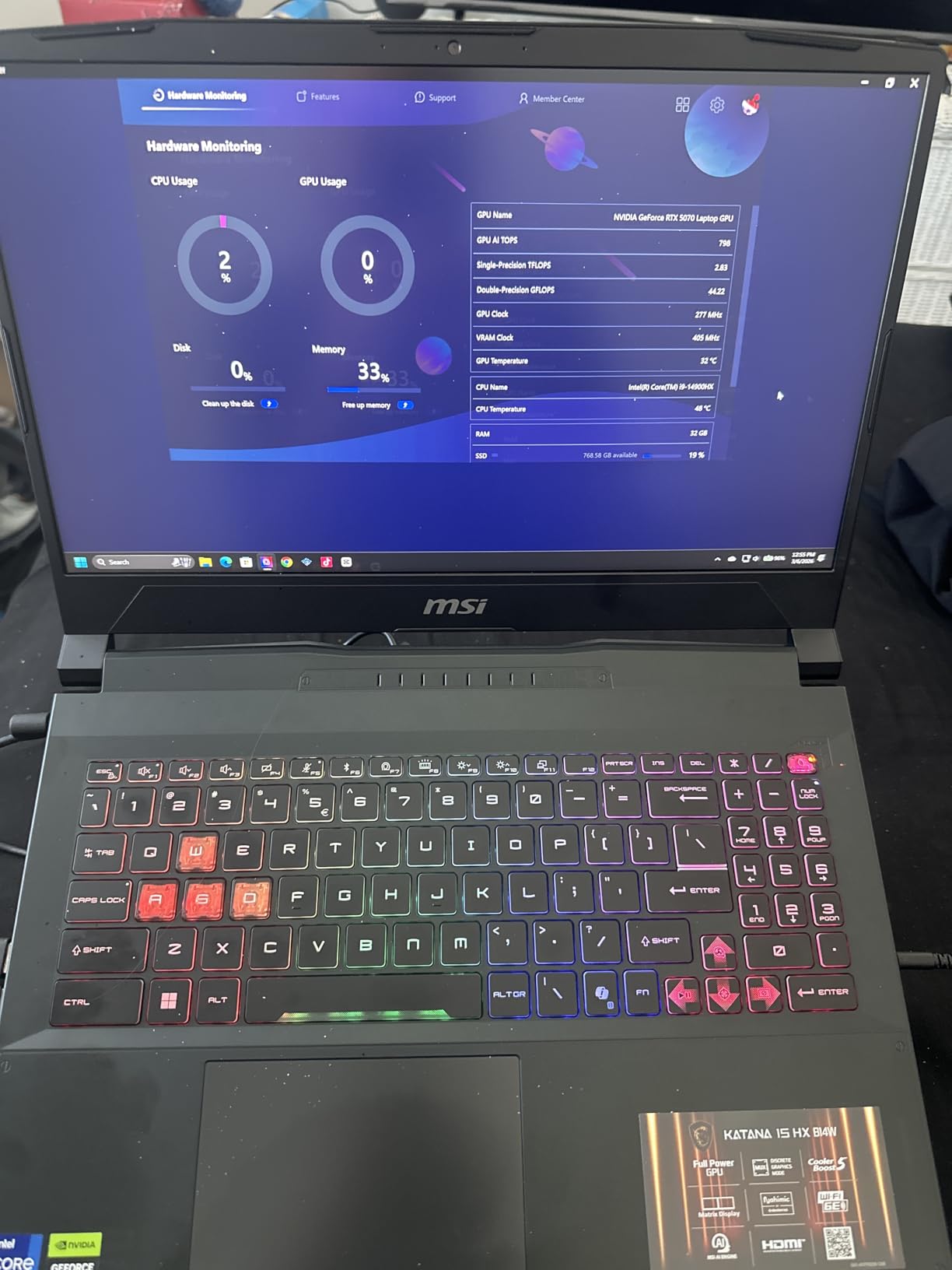
Owners report two consistent complaints: battery life barely cracks two hours under gaming, and the chassis runs hot during long sessions. Both are common on high-TGP gaming laptops.
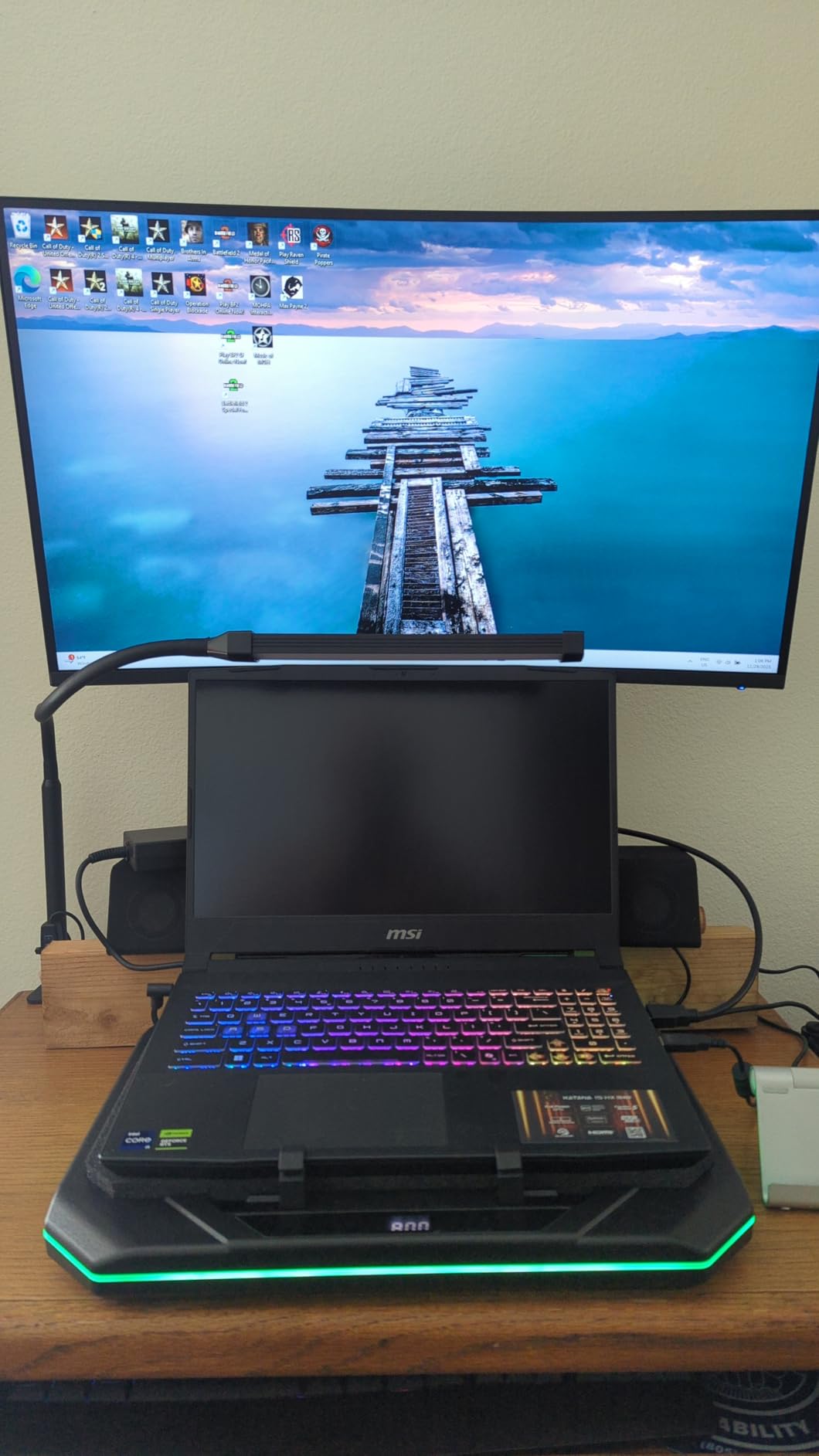
The QHD panel hits a real sweet spot for single-player RPGs and competitive shooters alike. If you want help keeping thermals in check, a stand from our cooling laptop stands for gaming roundup makes a noticeable difference.
- An easy pick for 1440p gaming with a strong CPU and heavy multitasking
- Compared with the ASUS ROG Strix G16 above: you give up the 240Hz 2.5K and Wi-Fi 7 for a lower price
3. Acer Nitro V 16S AI: Most Compact RTX 5060 Pick
Acer Nitro V 16S AI Gaming Laptop | AMD Ryzen 7 260 Processor | NVIDIA GeForce RTX 5060 Laptop GPU (572 AI Tops) | 16″ WUXGA IPS 180Hz Display | 32GB DDR5 | 1TB Gen 4 SSD | Wi-Fi 6 | ANV16S-41-R2AJ
GPU: RTX 5060
CPU: Ryzen 7 260
RAM: 32GB DDR5
Display: 180Hz WUXGA
Weight: 4.6 lb
+ Pros
- AMD Ryzen 7 260 with 38 AI TOPS
- RTX 5060 with DLSS 4 and Multi Frame Generation
- 32GB DDR5 5600MHz memory
- 180Hz refresh rate display
- 1TB PCIe Gen 4 SSD with extra M.2 slot
– Cons
- Non-touch display
- RAM not expandable beyond 32GB
The Acer Nitro V 16S AI pulls together the new RTX 5060 GPU, an AMD Ryzen 7 260 and 32GB of DDR5 at a price that undercuts most rivals. The 180Hz WUXGA display is fast for esports, and the second M.2 slot means you can add storage later without voiding anything. Owners highlight the AI feature set as a real productivity bonus, not just a marketing bullet.

Skip it if you need a touch panel or you plan to upgrade past 32GB of RAM later — the memory is capped. Battery life is decent for the class but not class-leading.

Against the Alienware 16 Aurora further down, the Nitro V 16S gives you more RAM and a higher refresh for a similar spend.
- Built for 1440p gaming with DLSS 4 and AI workloads
- Compared with the MSI Katana above: you give up RTX 5070 raw speed for a higher refresh and a lower price
- AMD Ryzen 7 260 is strong in multi-threaded creator apps
4. Acer Nitro V i7: Best Mid-Range Pick With the Highest Rating
Acer Nitro V Gaming Laptop | Intel Core i7-13620H Processor | NVIDIA GeForce RTX 4050 Laptop GPU | 15.6″ FHD IPS 165Hz Display | 16GB DDR5 | 1TB Gen 4 SSD | Wi-Fi 6 | Backlit KB | ANV15-52-76NK
GPU: RTX 4050
CPU: i7-13620H
RAM: 16GB DDR5
Display: FHD 165Hz
Weight: 4.7 lb
+ Pros
- i7-13620H with 10 cores and 4.9 GHz boost
- 16GB DDR5 expandable to 32GB
- 1TB PCIe Gen 4 SSD
- 165Hz display with 82.64 percent screen-to-body ratio
- RTX 4050 with DLSS 3.5
– Cons
- Battery life could be better
- Plastic build quality for the class
Owners rate the Acer Nitro V i7 the highest of any laptop on this list at 4.6 stars, and the rating is no accident. You get a 10-core i7-13620H, a 1TB SSD and 16GB of DDR5 you can push to 32GB later, plus a 165Hz panel that makes 1080p esports feel smooth. The RTX 4050 with DLSS 3.5 handles current games well at FHD.
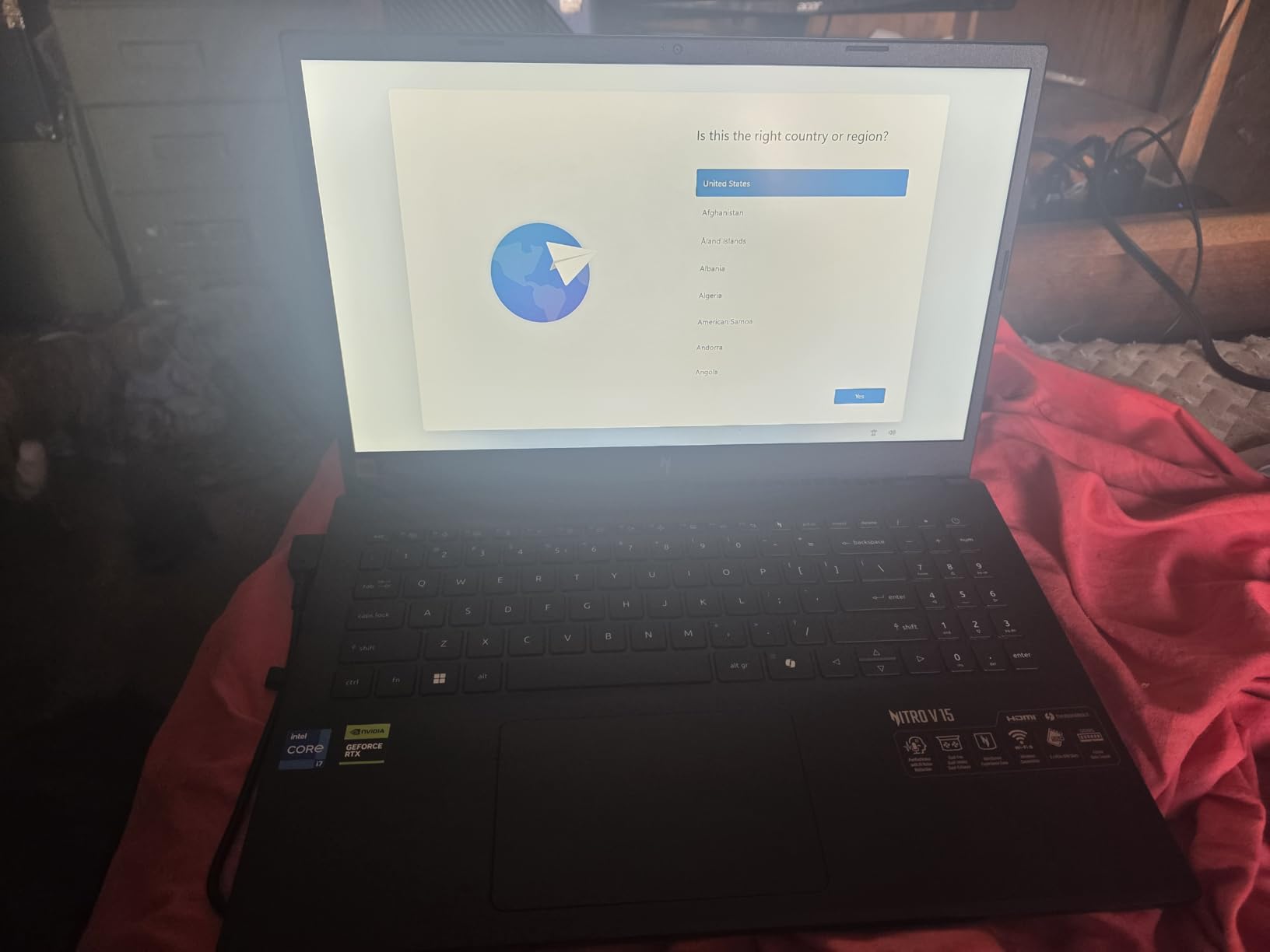
Battery life is the main weakness — most owners report needing the charger for extended play. The i7 chip and the 1TB drive are the real reasons to step up from the cheaper Acer Nitro V i5 below.
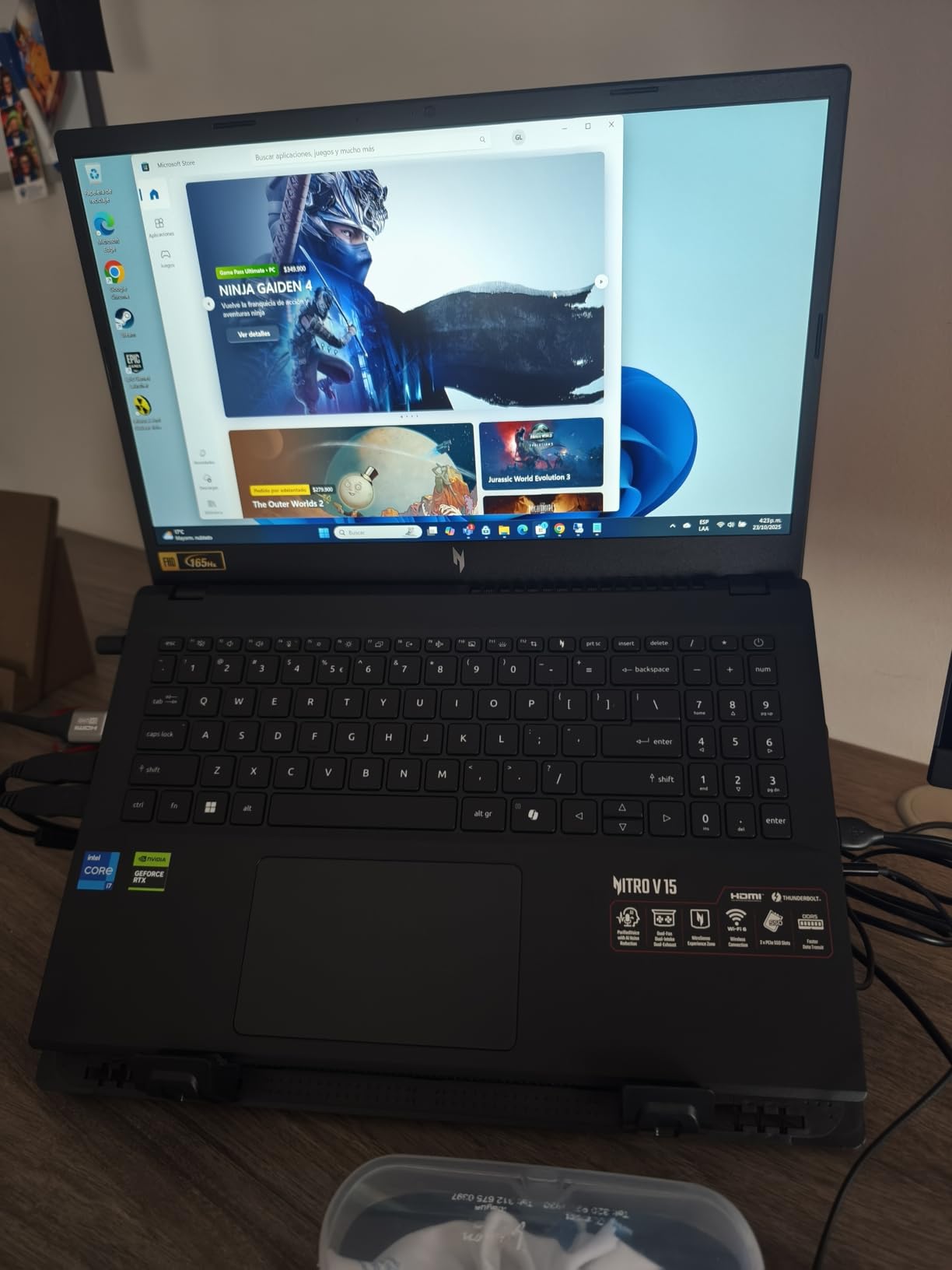
Thunderbolt 4 plus Killer Ethernet E2600 make online play stable even on crowded home networks.
- Worth a look for 1080p gaming at high refresh, students, value-focused buyers
- Side-by-side with the Acer Nitro V 16S AI: you give up RTX 5060 and 32GB of RAM for a much lower price
5. Alienware 16 Aurora: Best for Big-Screen Brand-Name Builds
Alienware 16 Aurora Gaming Laptop, NVIDIA RTX 5060, Intel Core 7 240H
GPU: RTX 5060
CPU: Core 7 240H
RAM: 16GB DDR5
Display: WQXGA 16:10
Weight: 5.5 lb
+ Pros
- RTX 5060 with AI-powered performance
- 16:10 WQXGA display with 300 nits
- Cryo-Chamber cooling technology
- 1-Year Onsite Service included
- Alienware build quality and design
– Cons
- RAM not expandable beyond 16GB
- No fingerprint reader
The Alienware 16 Aurora is the pick for shoppers who want the brand-name build and a 16-inch WQXGA 16:10 panel. The RTX 5060 handles current games at high settings, and the Cryo-Chamber cooling moves heat away from the keyboard deck better than most laptops in this price band. The 1-Year Onsite Service is a real plus over a typical mail-in warranty.
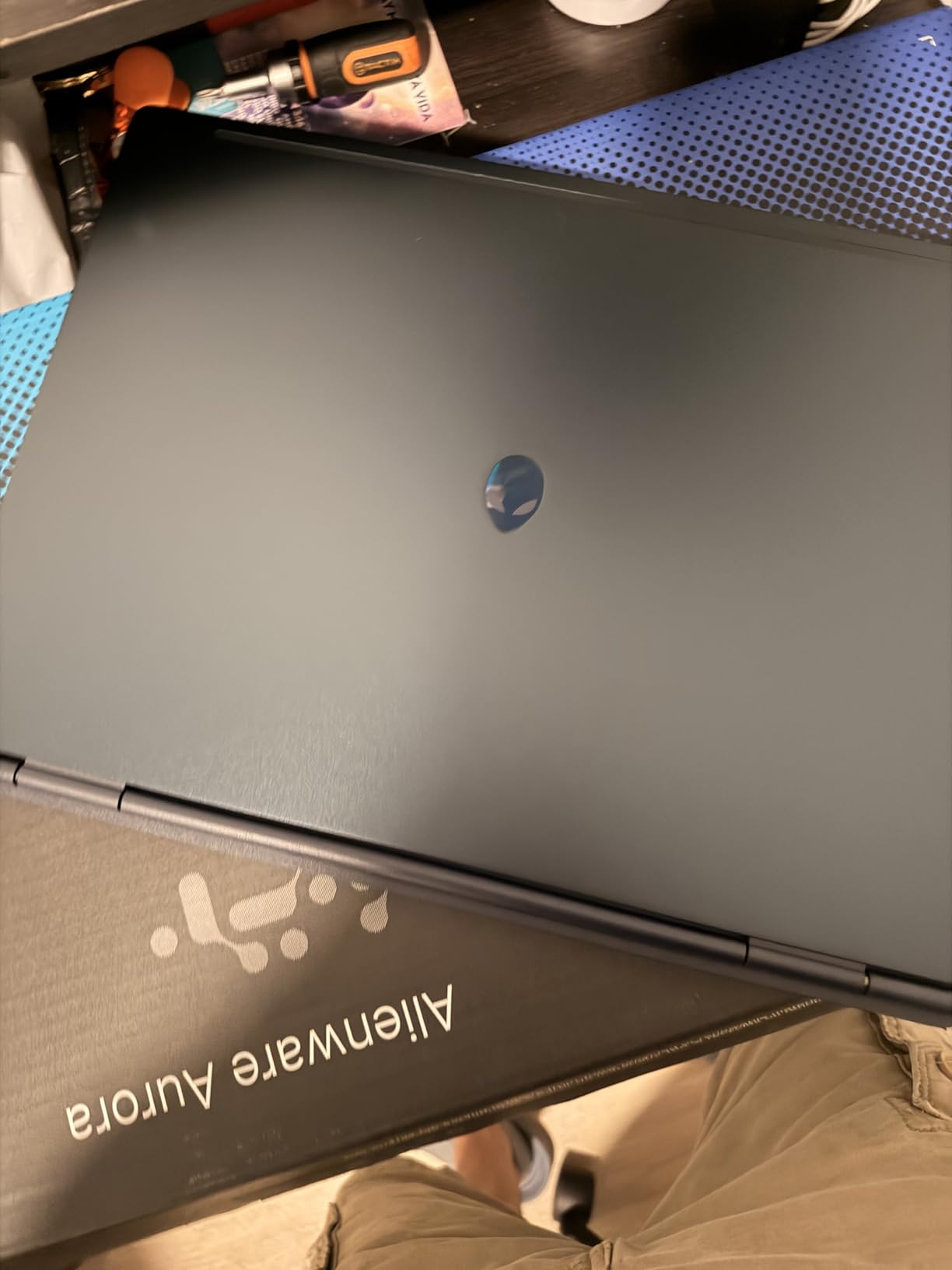
The two limitations owners mention are 16GB max (the slot is capped) and the missing fingerprint scanner for quick sign-ins.
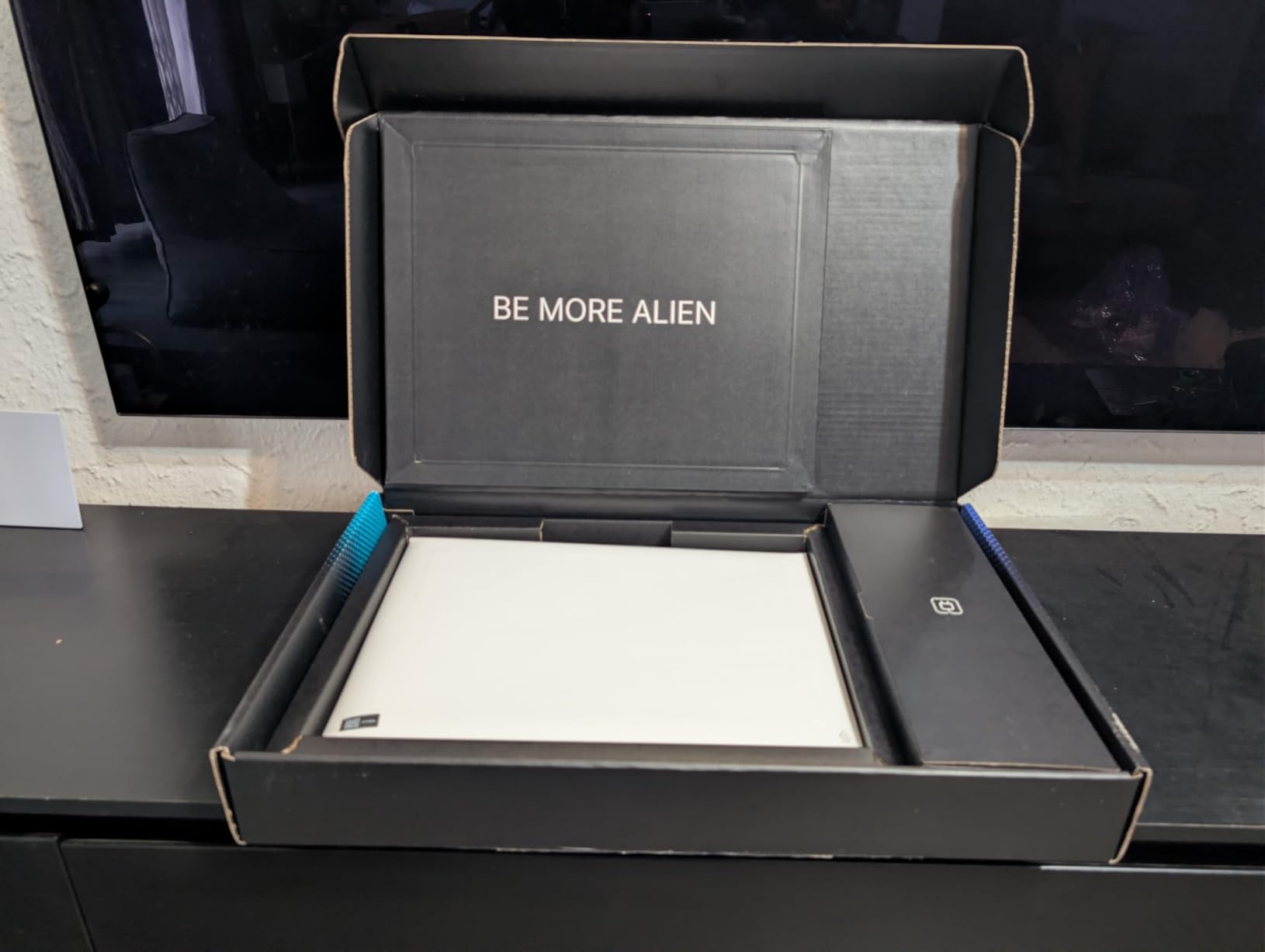
Side by side with the Acer Nitro V 16S AI above, you trade RAM and refresh rate for the Alienware build and a taller 16:10 panel.
- Targeted at shoppers who want the Alienware look and a tall display
- Versus the MSI Cyborg 17 below: smaller screen, similar GPU, but better warranty
6. MSI Cyborg 17: Best for Streamers Who Want a Big Screen
msi Cyborg 17 17.3″ FHD 144Hz Gaming Laptop: Intel Core 7-240H, NVIDIA Geforce RTX 5060, 16GB DDR5, 1TB NVMe SSD, Type C, Wi-Fi 6E, Win 11 Home: Translucent Black B2RWFKG-074US
GPU: RTX 5060
CPU: Core 7-240H
RAM: 16GB DDR5
Display: 17.3 inch FHD 144Hz
Weight: 5.3 lb
+ Pros
- Large 17.3-inch 144Hz display
- RTX 5060 with DLSS 4
- 16GB DDR5 upgradable to 96GB
- 1TB NVMe SSD
- Wi-Fi 6E connectivity
– Cons
- Limited USB ports with only one USB-C
- Port placement on right side inconvenient for right-handed users
- Single SSD slot
The MSI Cyborg 17 is the obvious pick for streamers and content creators who want screen real estate over portability. The 17.3-inch display gives you more room for chat windows and overlays, and the RTX 5060 with DLSS 4 holds smooth frame rates while streaming software runs in the background. RAM expands to 96GB, so the headroom for heavy creator workflows is real.
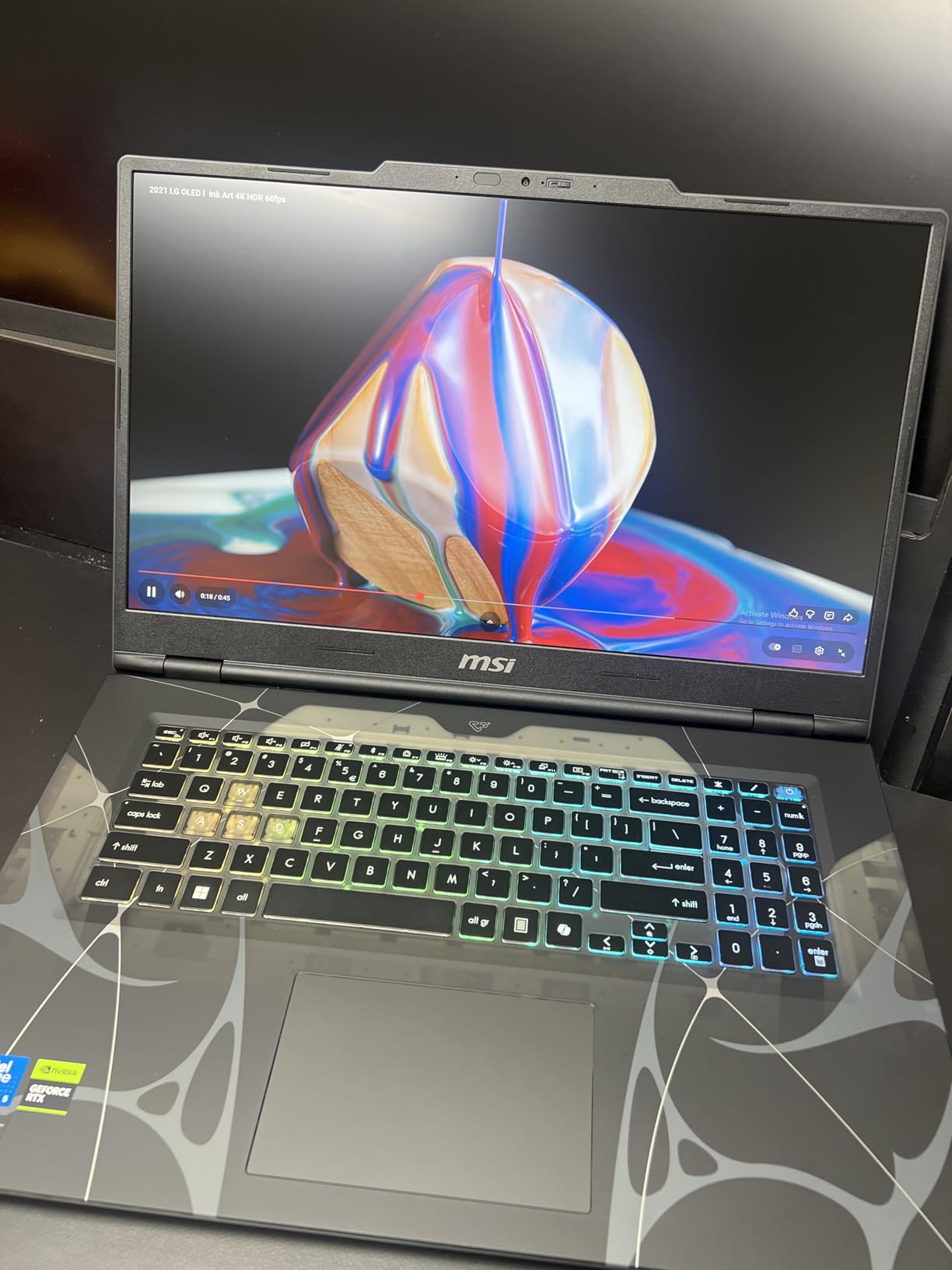
The trade-off is bulk: 5.3 pounds and a wide chassis make this a desk-bound laptop, not a backpack daily driver. Owners also flag the right-side USB-C placement as inconvenient for right-handed mouse users, so plan your cable routing.
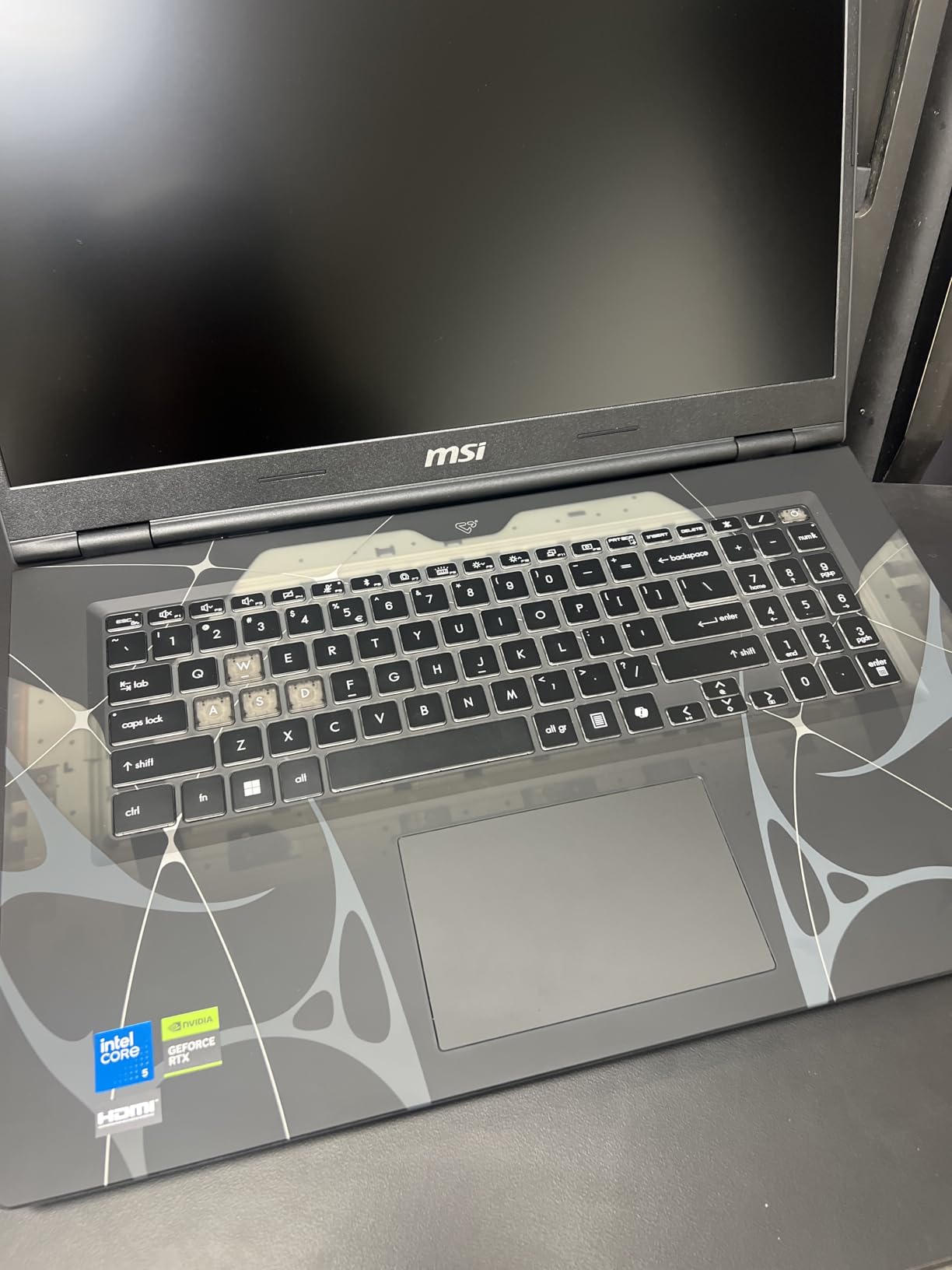
Matte display finish cuts glare in bright setups, and the translucent black shell stands apart from the usual all-black gaming laptops.
- A natural fit for streaming, content creation, anyone who wants a 17-inch display
- Versus the ASUS ROG Strix G16 above: bigger screen but lower-end GPU and lower refresh
7. ASUS ROG Strix G16 Classic: Best Entry-Level RTX 4060 Pick
ASUS ROG Strix G16 Gaming Laptop, 165Hz Display, NVIDIA® GeForce RTX™ 4060, Intel Core i7-13650HX, 16GB DDR5, 1TB PCIe Gen4 SSD, Wi-Fi 6E, Windows 11, G614JV-AS74
GPU: RTX 4060
CPU: i7-13650HX
RAM: 16GB DDR5
Display: FHD 165Hz
Weight: 5.5 lb
+ Pros
- Powerful RTX 4060 GPU for 1080p gaming
- 16GB DDR5 memory for multitasking
- 165Hz display with Pantone validation
- ROG Intelligent Cooling with liquid metal
- Free 90-day Xbox Game Pass included
– Cons
- Battery life limited to about 4 hours
- 5.5 pounds makes it a backpack filler
The ASUS ROG Strix G16 Classic sits in the sweet spot for previous-gen 1080p gaming. The RTX 4060 at 140W max TGP drives esports titles at the panel’s native refresh, and the Pantone-validated 165Hz display is unusually color-accurate for the class. ROG Intelligent Cooling with liquid metal keeps sustained performance steady, and the bundled 90-day Xbox Game Pass adds value on day one.
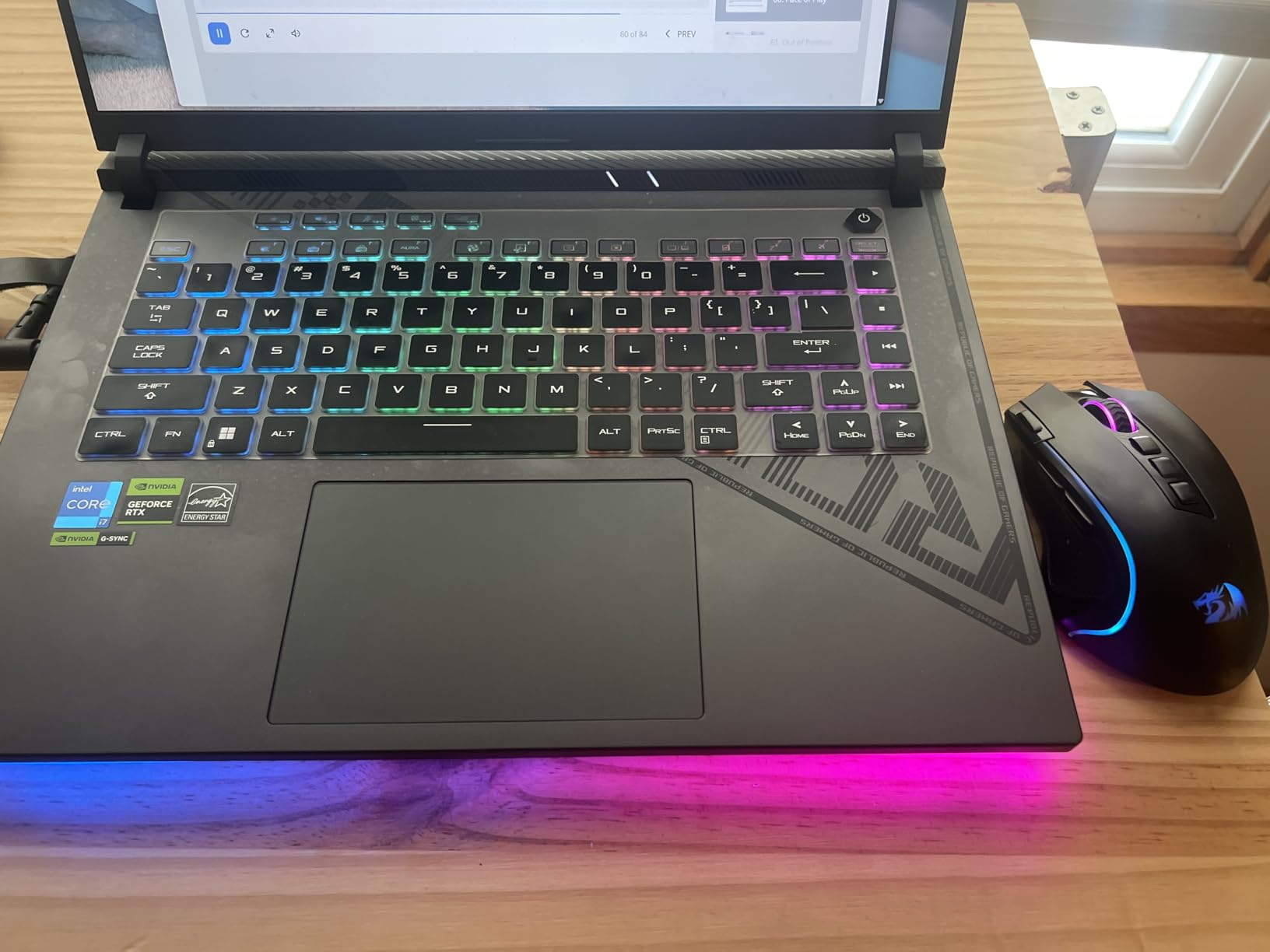
Battery life tops out near four hours, so this is a plugged-in gaming machine first. The 140W TGP is on the higher end for an RTX 4060 laptop and shows up in benchmarks.
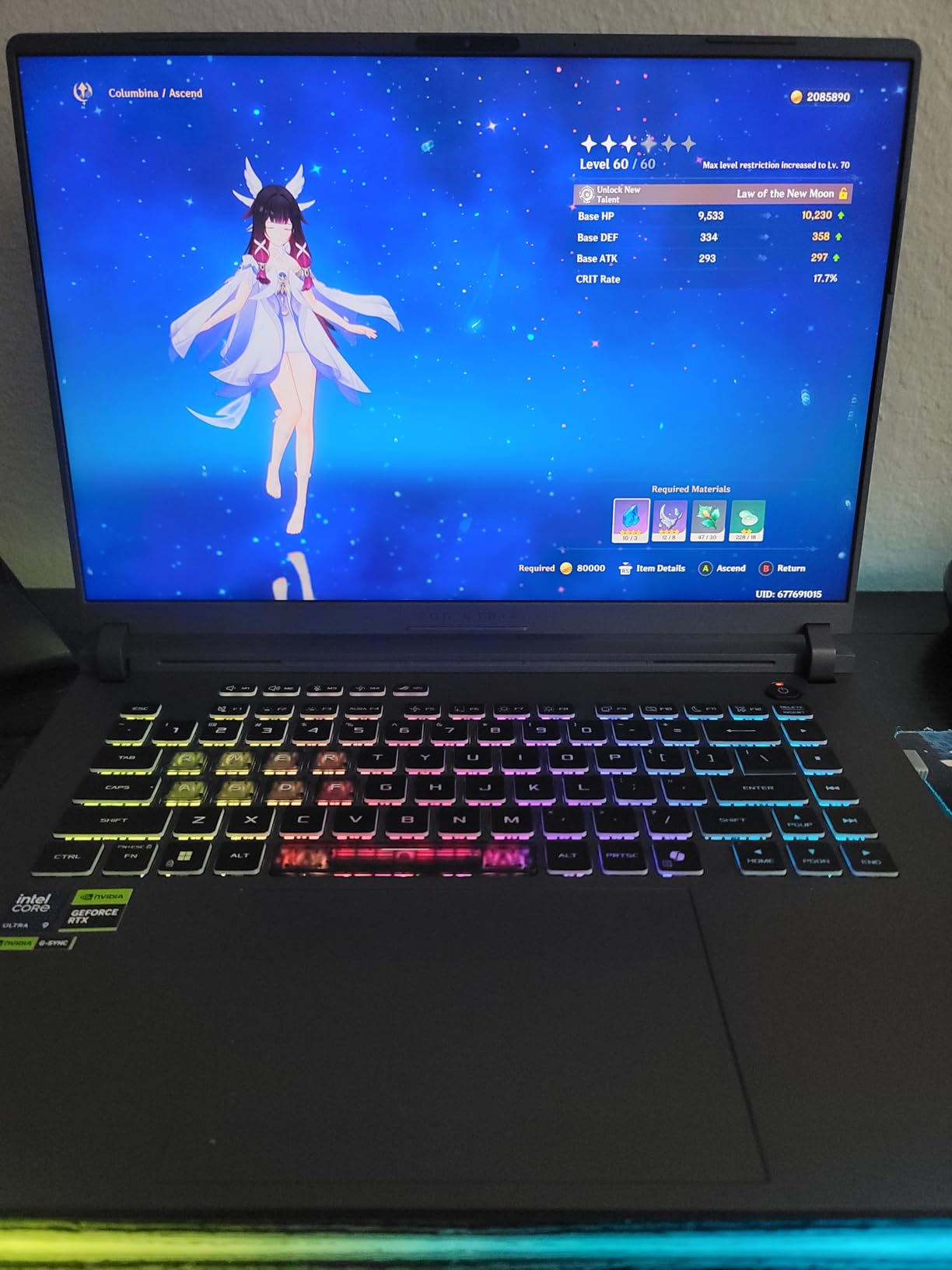
The Pantone validation is the standout spec for content creators who edit photos or video on the same machine they game on.
- The right call for 1080p gaming at high frame rates and color-accurate creator work
- Versus the ASUS ROG Strix G16 above: you give up the 240Hz 2.5K and 5070 Ti for a much lower price
8. Acer Nitro V RTX 5050: Best New-Gen Budget GPU Pick
acer Nitro V 15.6” FHD IPS 165Hz Gaming Laptop, Intel Core i5-13420H, NVIDIA GeForce RTX 5050 with 8GB GDDR7 VRAM, Win11H, w/Mouse pad (16GB RAM, 512GB PCIe SSD)
GPU: RTX 5050
CPU: i5-13420H
RAM: 16GB DDR4
Display: FHD 165Hz
Weight: 4.7 lb
+ Pros
- RTX 5050 with 8GB GDDR7 VRAM
- 165Hz FHD IPS display
- 16GB DDR4 RAM upgradable to 64GB
- Multiple USB ports including Thunderbolt 4
- Includes mouse pad in the box
– Cons
- DDR4 rather than DDR5
- Smaller battery capacity
The Acer Nitro V RTX 5050 is the cheapest way to get a current-generation NVIDIA GPU on this list. The RTX 5050 with 8GB of GDDR7 handles 1080p gaming with DLSS, and the 16GB of DDR4 expands to 64GB later if you want to keep the laptop for years. Thunderbolt 4 plus multiple USB ports make peripheral expansion painless.
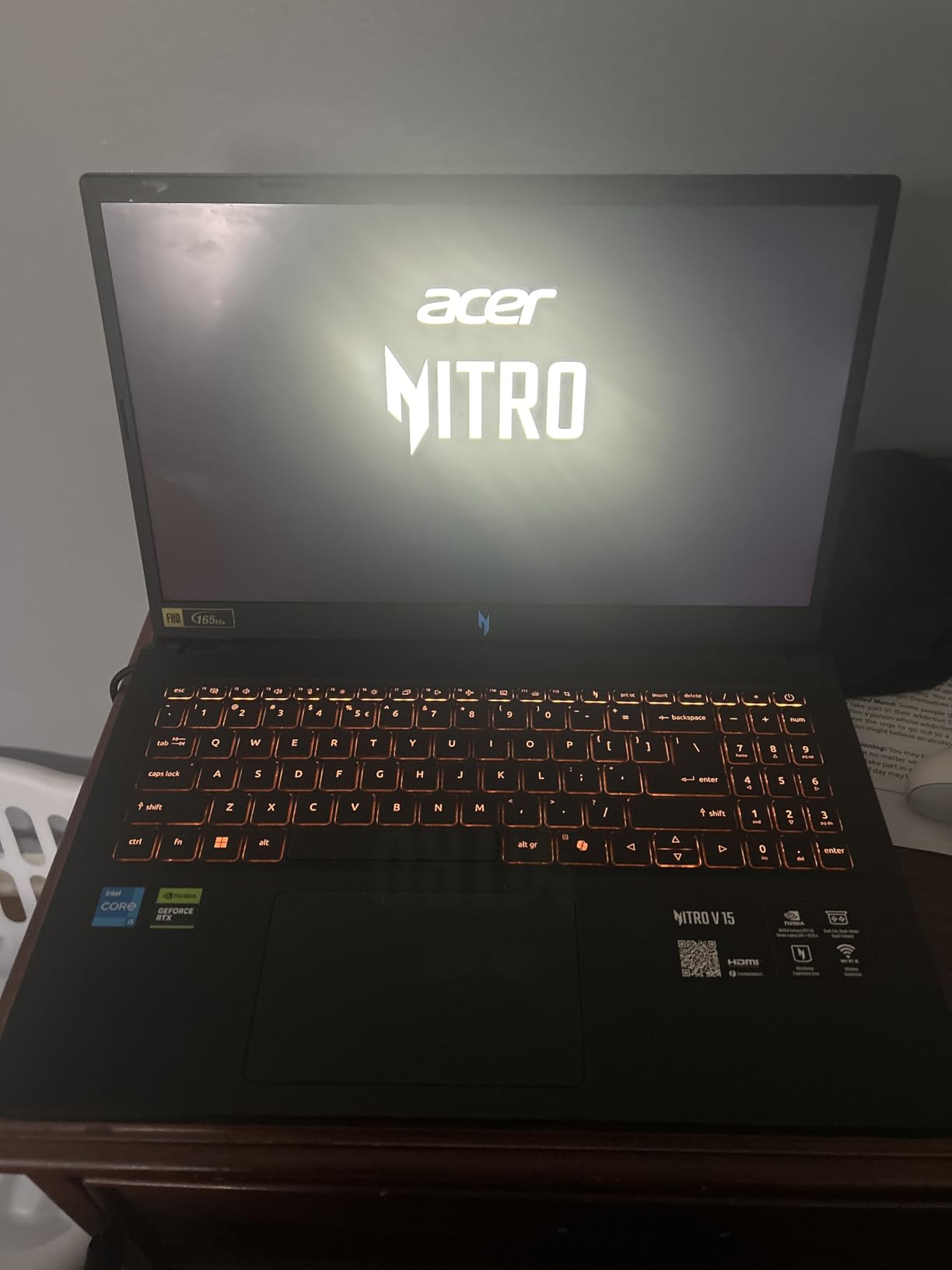
The two trade-offs: DDR4 instead of DDR5 holds back memory bandwidth slightly, and the 51Wh battery is smaller than rivals.
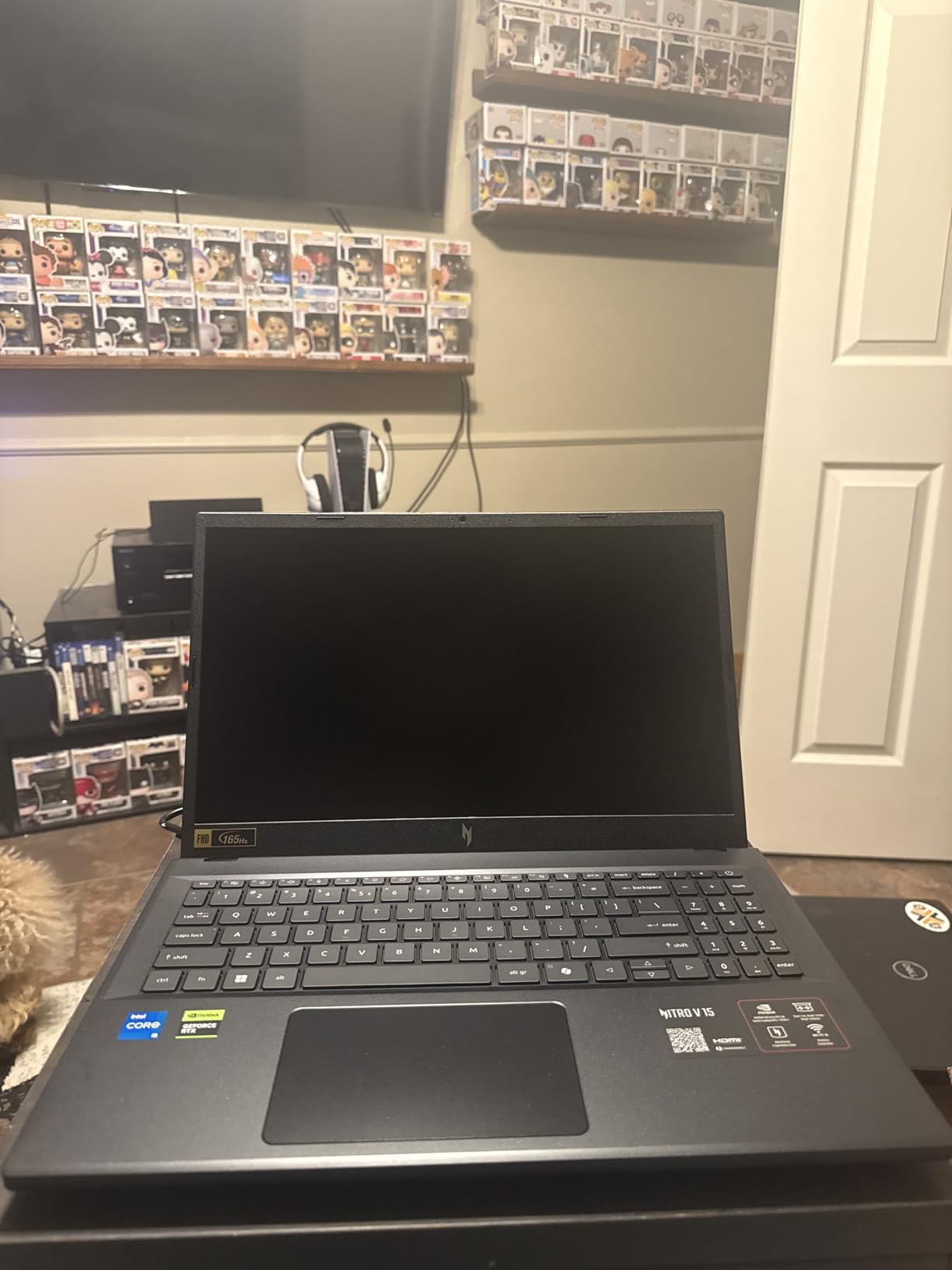
The included mouse pad is a small but useful bundle extra, and the port layout is unusually generous for the price.
- Designed for shoppers who want the newest budget GPU without overspending
- Versus the Acer Nitro V i7 above: you give up CPU speed and storage for a newer GPU tier at a lower price
9. Acer Nitro V i5: Best Tight-Budget Pick
Acer Nitro V Gaming Laptop | Intel Core i5-13420H Processor | NVIDIA GeForce RTX 4050 Laptop GPU | 15.6″ FHD IPS 165Hz Display | 8GB DDR5 | 512GB Gen 4 SSD | Wi-Fi 6 | Backlit KB | ANV15-52-586Z
GPU: RTX 4050
CPU: i5-13420H
RAM: 8GB DDR5
Display: FHD 165Hz
Weight: 4.7 lb
+ Pros
- RTX 4050 with DLSS 3.5 and 194 AI TOPS
- 165Hz refresh rate display
- Wi-Fi 6 plus Killer Ethernet E2600
- Thunderbolt 4 port
- Backlit keyboard with numeric keypad
– Cons
- 8GB RAM may need upgrade for demanding tasks
- RAM capped at 32GB
The Acer Nitro V i5 is the cheapest RTX 4050 laptop on this list, and it punches above its weight for 1080p gaming. The 165Hz IPS display, Killer Ethernet for stable online play, and Thunderbolt 4 port are unusual touches at this price. Owners highlight the value as the main reason to pick it over pricier rivals.

The catch is 8GB of RAM, which is tight for modern games plus a browser or chat app running in the background. Plan to upgrade to 16GB or 32GB soon.

The 57Wh battery is larger than the RTX 5050 Nitro V’s, so unplugged sessions last a bit longer.
- A good entry point for first-time gaming laptop buyers and students on a tight budget
- Skip it if you want to multitask heavily without upgrading RAM
10. HP Victus 15: Best Budget Entry for Light Gaming
HP Victus 15 Gaming Laptop, NVIDIA GeForce RTX 3050, 12th Gen Intel Core i5-12500H, 8 GB RAM, 512 GB SSD, Full HD Display, Windows 11 Home, Backlit Keyboard, Enhanced Thermals (15-fa0025nr, 2022)
GPU: RTX 3050
CPU: i5-12500H
RAM: 8GB DDR4
Display: FHD IPS
Weight: 4.7 lb
+ Pros
- RTX 3050 GPU for entry-level gaming
- 12th Gen Intel Core i5-12500H processor
- FHD IPS display with wide viewing angles
- Backlit keyboard
- Enhanced thermal management
– Cons
- 8GB RAM is not expandable
- Wi-Fi 5 is an older standard
The HP Victus 15 is the cheapest gaming laptop on this list, and it’s a fine pick for someone who mostly plays esports or older titles at 1080p. The 12th Gen i5-12500H is a capable CPU for the class, and the FHD IPS panel gives wide viewing angles. For someone stepping into PC gaming for the first time, it’s a low-risk entry point.
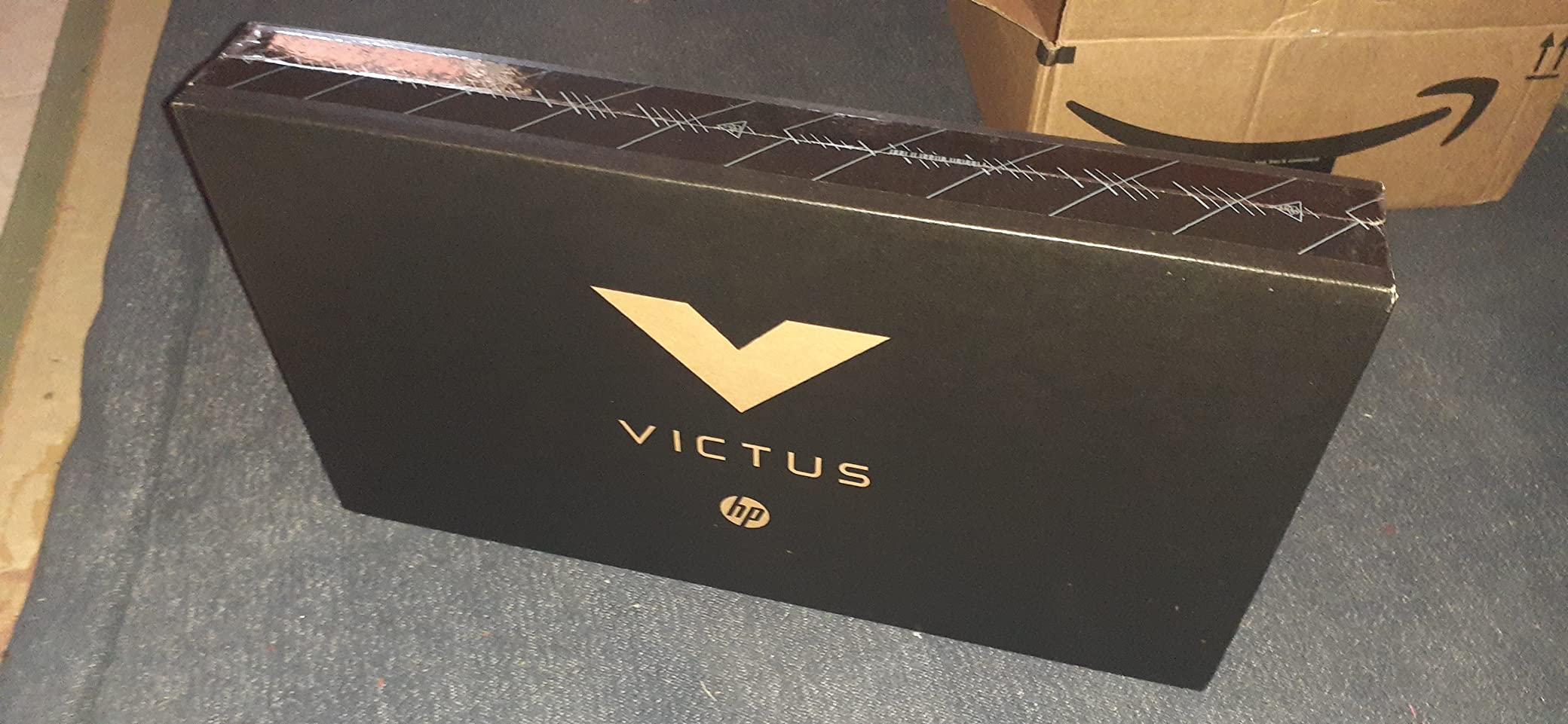
The two clear limitations: 8GB of RAM is not expandable, and Wi-Fi 5 is older than newer standards. Owners who can live with those trade-offs are happy; owners who try to push modern AAA games are not.
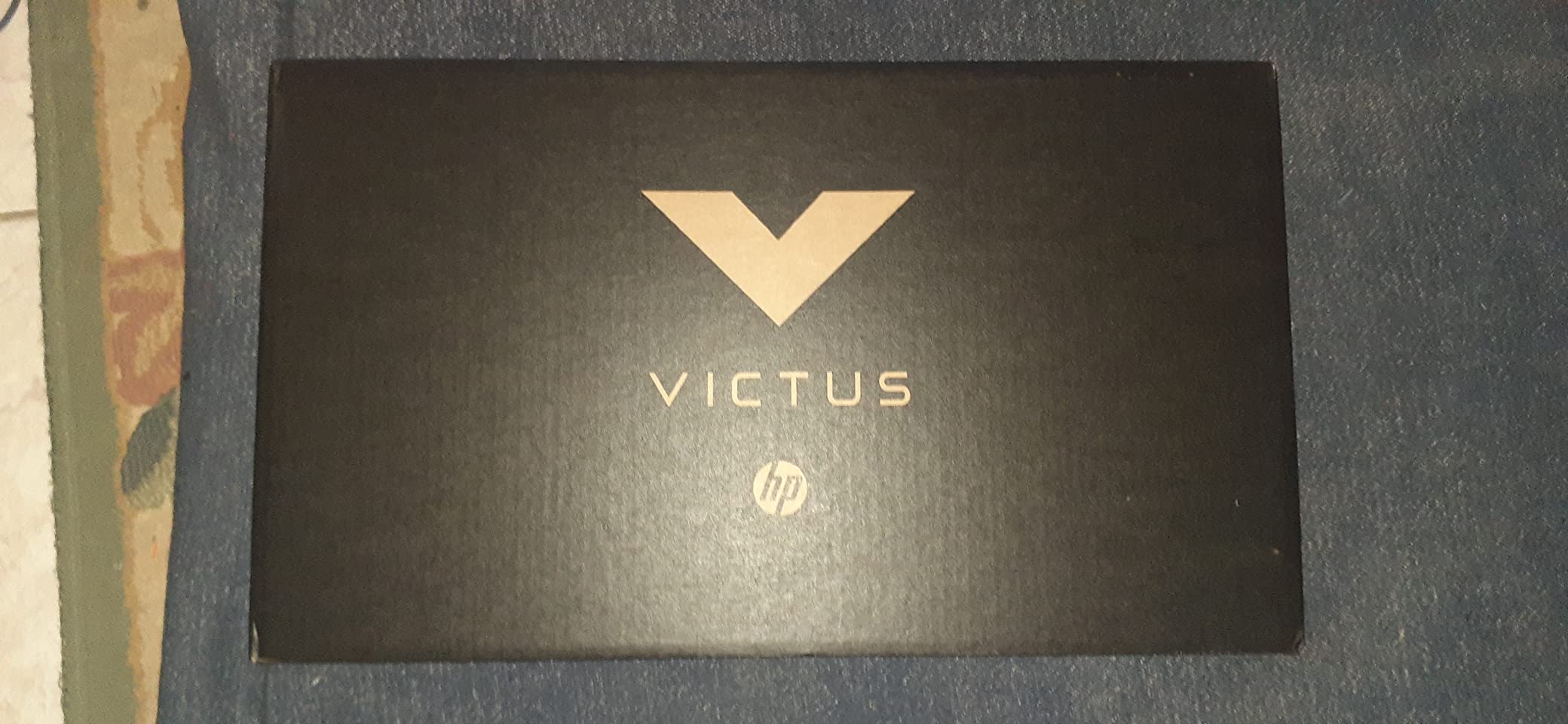
The 70Wh battery is unusually large for the class, which helps offset the older GPU during lighter play.
- Makes sense for esports titles and older AAA games at medium settings
- Skip it if you plan to play new AAA releases or multitask heavily
How to Choose a Gaming Laptop During Prime Big Deal Days
Match the GPU Tier to the Games You Play
For 1080p esports at high refresh, an RTX 4050 or 4060 is plenty. For 1440p gaming with ray tracing, step up to RTX 5060 or RTX 5070, and look for RTX 5070 Ti if you want headroom for demanding single-player games. The RTX 3050 in the HP Victus 15 handles light esports but struggles with new AAA releases.
Check GPU Wattage, Not Just the Model Name
Two laptops with the same RTX 4070 GPU can perform very differently based on the wattage the manufacturer allows. Higher TGP means stronger sustained performance, at the cost of heat and battery. The ASUS ROG Strix G16 Classic, for example, runs its RTX 4060 at 140W max TGP, which is on the higher end and shows up in benchmarks.
Pick the Right Display for Your Play Style
For competitive shooters, 165Hz or higher is the sweet spot. For single-player cinematic games, a higher resolution panel like the 2.5K ROG Nebula display on the ASUS ROG Strix G16 or the WQXGA panel on the Alienware 16 Aurora makes a visible difference. If you stream or use chat overlays, a 17-inch display like the MSI Cyborg 17 gives you more breathing room.
Don’t Skimp on RAM or Storage
16GB is the floor for modern gaming plus a browser; 32GB is the comfortable spot if you keep the laptop for several years. For storage, 512GB fills up fast once you add a few modern games, which is why the 1TB options on the Acer Nitro V i7, the MSI Cyborg 17, and the Acer Nitro V RTX 5050 are worth watching. Pair your rig with one of the best laptop cooling pads for gaming to keep thermals and noise in check during long sessions.
Look Beyond the Sticker Price
A higher price doesn’t always equal better value. Compare the GPU tier, CPU generation, RAM, and storage together. An RTX 4050 laptop with 16GB of RAM and a 1TB SSD can be a smarter buy than an RTX 4050 laptop with 8GB and 512GB. Deals during the sale change hour by hour, so the current price on each listing is the only one that matters.
How to Shop Gaming Laptop Deals During Prime Big Deal Days
Check the model number on the listing before you buy: the same brand and screen size can ship with different GPUs, RAM, or storage tiers. Watch for “renewed” or “open-box” listings and read the condition line carefully. Most offers in the sale need a Prime membership, but a free trial works if you haven’t used one. Check who sells and ships the laptop — fulfilled-by-Amazon and direct-from-Amazon listings tend to have cleaner return policies than third-party sellers. Finally, expect popular picks like the Acer Nitro V line and the ASUS ROG Strix G16 to sell out within hours of the sale going live.
Quick checklist
- Confirm GPU model and wattage, not just the brand
- Verify 16GB RAM minimum and 1TB SSD if possible
- Match the display refresh and resolution to your game library
- Check the model number on the listing for the exact config
- Confirm Prime membership or free trial is in place
Frequently Asked Questions
When does Prime Big Deal Days run?
Prime Big Deal Days runs October 6-7, 2026. Amazon confirmed both dates, and most offers need a Prime membership, though a free trial works for shoppers who haven’t used one.
Is it worth buying a gaming laptop during Prime Big Deal Days?
It usually is. Prime Big Deal Days brings some of the year’s lowest prices on gaming laptops, often matching or beating the Black Friday deals that follow. Shoppers who want an RTX 5070 or RTX 5060 machine typically see real savings versus other shopping windows.
What is the best time of year to buy a gaming laptop?
Prime Big Deal Days in October and Black Friday in late November are the two strongest windows for gaming laptop prices. Back-to-school in August and the spring sale events in April also surface decent discounts, but October and November usually hit the lowest prices of the year.
Which RTX GPU tier should I buy?
For 1080p esports and most current games, an RTX 4050 or RTX 4060 is the right pick. For 1440p gaming with ray tracing, RTX 5060 or RTX 5070 makes sense. RTX 5070 Ti is the high-end sweet spot for shoppers who want headroom. The RTX 3050 is fine for esports or older games at 1080p.
Do I need 32GB of RAM for a gaming laptop?
16GB is the floor for modern gaming plus a browser or chat app. 32GB is more comfortable if you stream, run creator software, or want to keep the laptop for several years without upgrading. Many laptops in this list cap RAM at a set amount, so pick the right config up front when you can.
Where can I find the best gaming laptop deals for Prime Big Deal Days?
Amazon is the main source for the best gaming laptop deals for Prime Big Deal Days, with the picks in this list worth watching throughout the sale. Confirm the model number, exact GPU model and wattage, RAM amount and whether it is expandable, storage size, and display refresh rate before you buy. Most deals during the event need a Prime membership, so have yours active or start a free trial in advance.
Final Verdict: Gaming Laptop Deals for Prime Big Deal Days
Buy the ASUS ROG Strix G16 if you want the most powerful laptop on this list and you can justify the spend. Pick the MSI Katana 15 HX if you want RTX 5070 horsepower without paying flagship money. For shoppers who want the new RTX 5060 tier with a strong CPU and 32GB of RAM, the Acer Nitro V 16S AI is the standout mid-range choice. The Acer Nitro V i7 is the highest-rated laptop on this list and the smartest mid-range pick for 1080p gaming. Streamers and content creators should look at the MSI Cyborg 17 for its 17-inch panel, while the Alienware 16 Aurora is the right call for shoppers who want the Alienware brand and a tall display. On a tighter budget, the Acer Nitro V RTX 5050 is the cheapest current-gen GPU option, the Acer Nitro V i5 is the best tight-budget pick, and the HP Victus 15 is the lowest-cost way to step into PC gaming. Check each listing during the sale for the current price.
Leave a Reply