
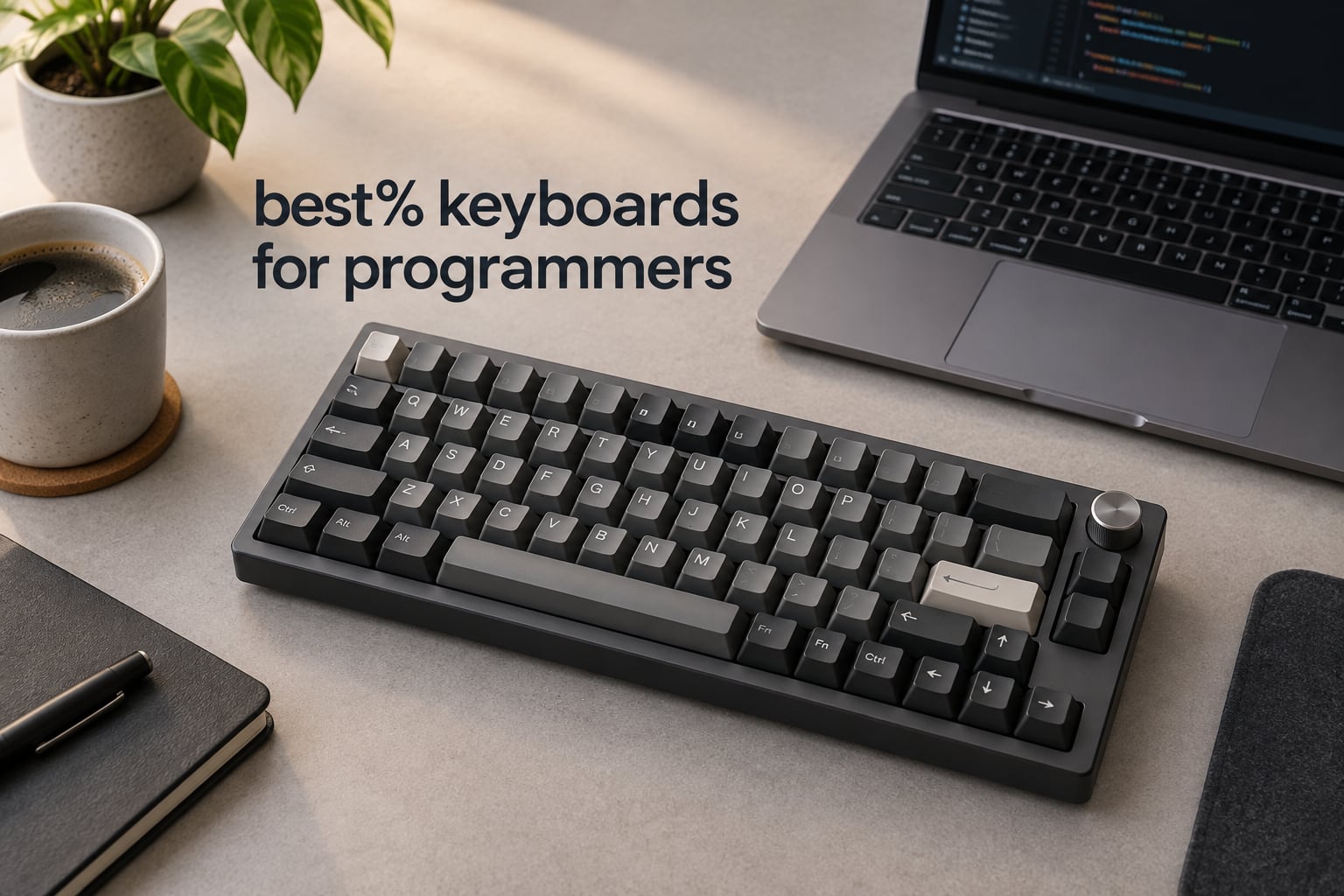
Choosing the best 75% keyboards for programmers comes down to two things a spec sheet rarely explains: whether the board can be remapped with open firmware, and whether its sound will survive eight hours next to another person. We spent weeks with the fourteen boards below, typing real code, remapping layers in QMK and VIA, and swapping switches mid-session to see which ones hold up after the first week of adjustment.
The 75% layout is the sweet spot for a desk that has a mouse arm and a monitor arm competing for space. It keeps the function row and dedicated arrow keys that a 60% forces you to invent, and it drops the numpad that most programmers never touch. Everything else in this roundup is a detail of execution, and that is where the boards separate.
Two criteria drove every ranking here. First, programmability: a board you cannot remap is a board that will eventually frustrate you, and the most common misconception in this category is that hot-swap sockets imply open firmware. They do not.
Second, acoustics and typing feel, tested in a quiet room and in a noisy one, because a keyboard that sounds like a maraca on a video call is a real productivity drag.
If you want a broader map of the field first, our guide to the best mechanical keyboards for programmers covers full-size and tenkeyless options, and the low profile mechanical keyboard roundup covers slim boards for laptop risers and standing desks.
Is a 75% Keyboard Good for Programming?
Yes, for most developers. A 75% keyboard is a compact mechanical layout with roughly 80 to 85 keys that keeps a full F1 to F12 row and dedicated arrow keys, drops the numeric keypad, and compresses the navigation cluster into the right edge of the main block.
Programmers keep the keys they actually use, regain Home, End, Page Up and Page Down through a programmable layer, and pull the mouse closer to the body, which reduces shoulder reach. Expect about a week of slower typing while your hands adapt, then a typing speed that passes your old full-size baseline.
Our Top 3 Tested 75% Keyboards for Programmers (October 2026)
Comparing 14 of the Best 75% Keyboards for Programmers in 2026
| Product | Details | Action |
|---|---|---|
 |
|
Check Latest Price |
 |
|
Check Latest Price |
 |
|
Check Latest Price |
 |
|
Check Latest Price |
 |
|
Check Latest Price |
 |
|
Check Latest Price |
 |
|
Check Latest Price |
 |
|
Check Latest Price |
 |
|
Check Latest Price |
 |
|
Check Latest Price |
 |
|
Check Latest Price |
 |
|
Check Latest Price |
 |
|
Check Latest Price |
 |
|
Check Latest Price |
1. RK Royal Kludge R75 – Deep, Creamy Sound and a Knob on a Desk Budget
RK ROYAL KLUDGE R75 Wired Mechanical Keyboard with Volume Knob, 75% Mechanical Gaming Keyboard Gasket Mount, Hot Swappable Silver Switch, MDA Profile PBT Keycaps, Creamy Keyboards, Black
81 keys
Gasket mount
Hot-swappable 3 and 5-pin
1.7 lb
Wired USB-C
1 year warranty
+ Pros
- Deep creamy thock out of the box
- Keeps arrow keys and function row
- Weighted build with CNC aluminum knob
- Double-shot PBT keycaps in MDA profile
– Cons
- Wired only with no wireless
- No QMK or VIA on earlier hardware revisions
- Included linear switches are louder than expected
The R75 is the board we kept reaching for after work ended. Typing on it produces a low, rounded bottom-out with almost no top-end clatter, which comes from a gasket mount wrapped in three layers of absorption: poron cotton, an IXPE foam pad and sponge case foam.
What makes it a programmer’s board rather than a typing toy is the layout discipline. Eighty-one keys, with a function row, a dedicated Delete and real arrow keys, so your terminal shortcuts land where muscle memory expects them. The included dust cover, keycap puller and four spare switches mean the first switch swap takes about five minutes.
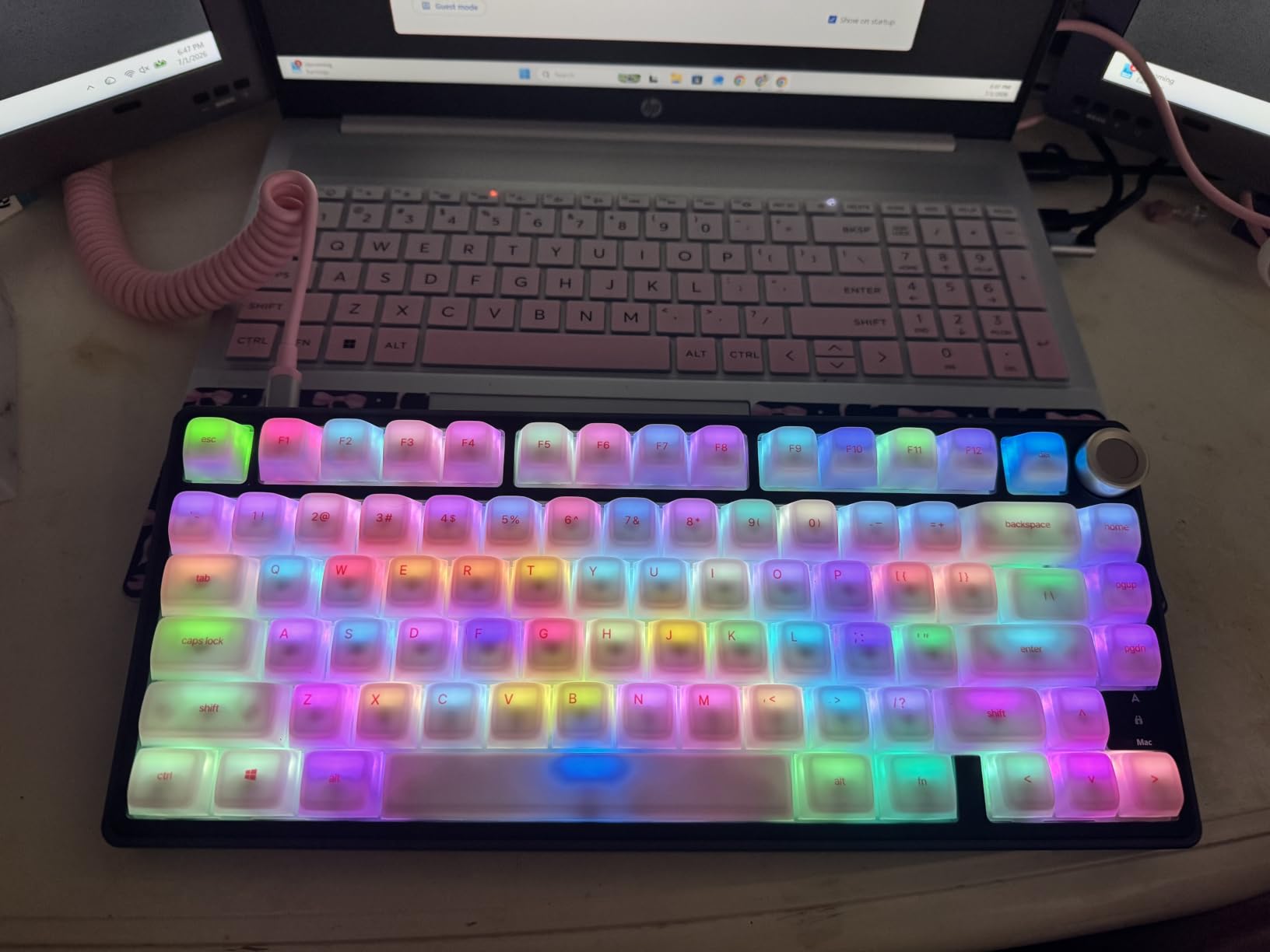
The one serious limitation is firmware. Earlier hardware revisions come without QMK or VIA, which means Caps Lock cannot become a second Control, Home and End need an Fn combo, and a Vim-style leader layer lives entirely in your head. Check the listing revision carefully before committing.
Acoustics, Mounting and the MDA Profile
Gasket mounting is a major reason budget boards stopped sounding cheap. The plate floats on soft pads rather than being screwed rigidly to the case, so the impact energy dissipates instead of ringing. The R75 pairs that with an aluminum plate, which adds density and lowers the pitch further.
MDA profile keycaps are taller and more sculpted than Cherry profile, with a stepped surface that guides each finger. Touch typists who moved from a laptop keyboard usually find the pronounced height difference noticeable for a few days. If you want a lower ramp and less adjustment, look for a board with Cherry profile caps instead.
Wired Only: Why That Is Not a Dealbreaker at a Desk
One cable, zero pairing, zero battery decay, zero chance of a stuttering wireless link during a screen share. For a single fixed workstation, that reliability is genuinely worth more than Bluetooth convenience, and the removable USB-C connector means you can swap a frayed cable in seconds.
The included Speed Silver linears are the one thing reviewers flag. They are not silent, and if you work on video calls all day, plan on swapping in dampened linears through the hot-swap sockets.
That is exactly the kind of change hot-swap exists for, and it takes no soldering.
Who This Board Suits
Pick the R75 if you type eight hours a day, work at one desk, care more about sound than wireless, and are willing to buy your own remapping solution. Our broader mechanical keyboard picks for programmers cover the alternatives if you need wireless out of the box.
Skip it if you need open firmware today and will not flash anything, or if you split time between a laptop and a desktop and want one tap to switch devices.
2. AULA F75 Pro – The Pick for Programmers Who Split Devices
AULA F75 Pro Wireless Mechanical Keyboard,75% Hot Swappable Custom Keyboard with Knob,RGB Backlit,Pre-lubed Reaper Switches,Side Printed PBT Keycaps,2.4GHz/USB-C/BT5.0 Mechanical Gaming Keyboards
81 keys
Tri-mode wireless
4000mAh battery
Five-layer dampening
1.02 kg
6 month warranty
+ Pros
- Thocky damped feel from five-layer filling
- Tri-mode wireless with five paired devices
- Hot-swap sockets and pre-lubed stabilizers
- Multi-function knob for lighting or media
– Cons
- No dedicated macro or layer keys
- RGB software is Windows-only
- Side-printed legends are dim in low light
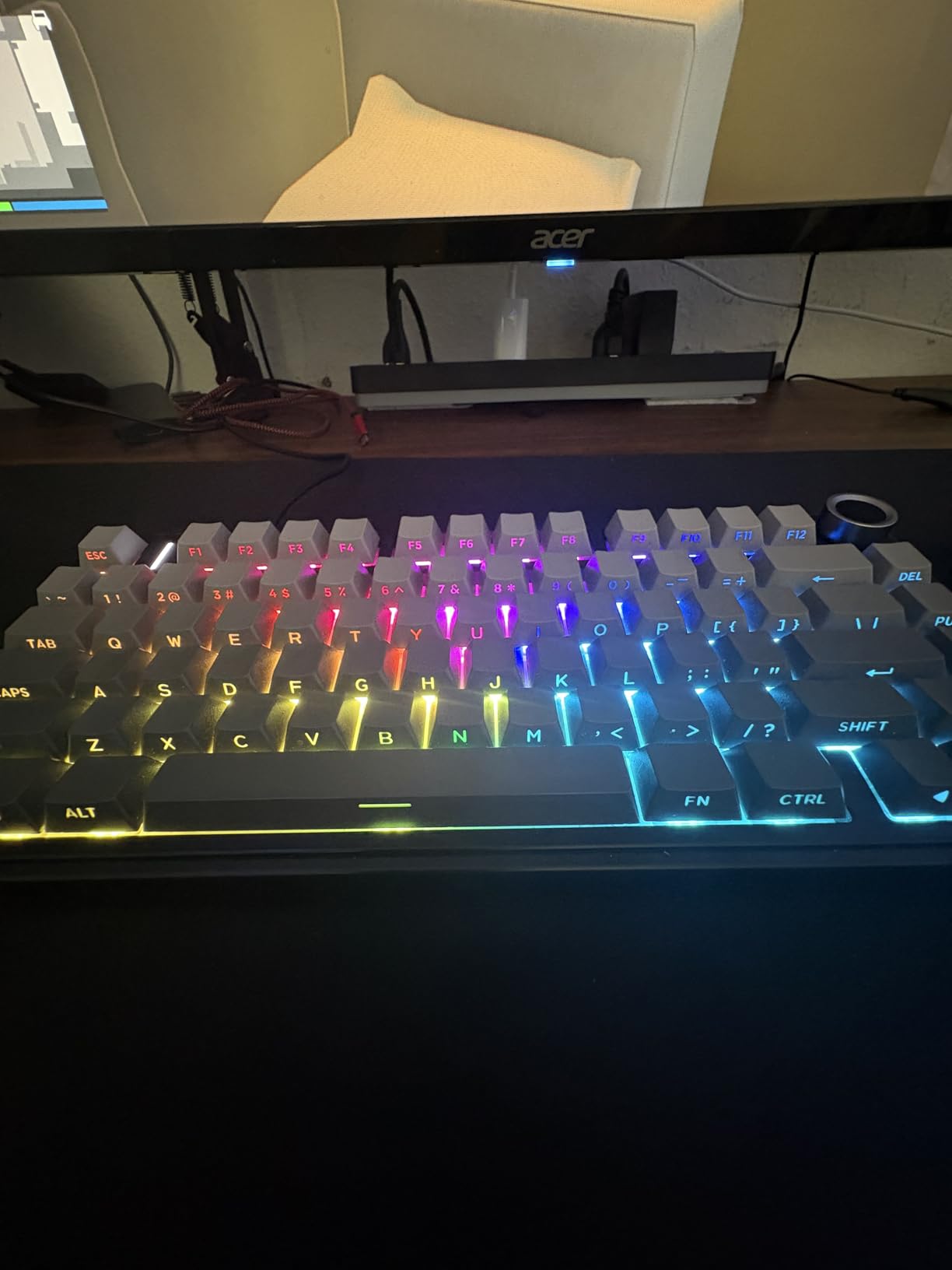
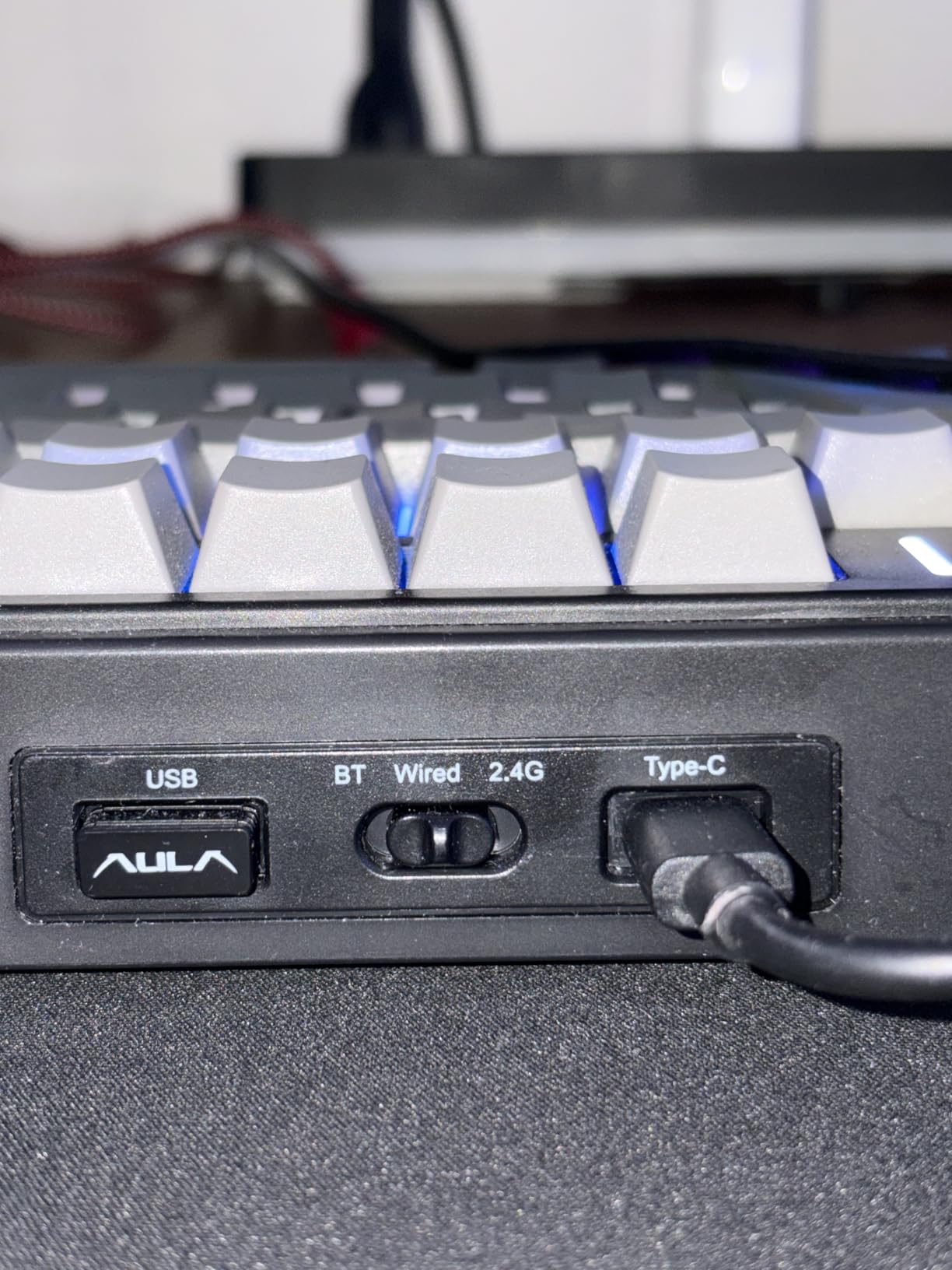
The F75 Pro is the board we recommend to people who arrive at the office with a laptop, dock to a desktop for the afternoon, then join a call from a tablet. It holds five paired devices across Bluetooth 5.0, 2.4GHz and USB-C, and switching takes a couple of key combinations rather than a menu hunt.
Acoustically it behaves like a much more expensive board. Five layers of filling plus PCB single key slotting and an extended silicone pad produce a creamy, low-hollow sound that reviewers consistently describe as thocky. Pre-lubed LEOBOG Reaper linears and pre-lubed stabilizers mean there is no break-in period.
Why the Knob Matters More Than Advertised
The multi-function knob is not decoration here. In gaming mode it cycles lighting, in office mode it handles volume and play-pause. For a programmer with a long shell session in tmux, an audible way to pause and adjust without leaving the home row is a real convenience, and it occupies one key position in the top right rather than adding width.
The Windows-Only Software Problem
Macro programming runs through a Windows driver, so Linux and macOS users get the keyboard but lose the configuration layer. That is a meaningful limitation for developers who remap in keyd on Linux and would expect the same freedom on the board itself.
Side-printed PBT legends resist shine and sweat well, but they are not shine-through, so the RGB glow is decorative rather than readable in a dark room. If you code at night with the lights off, this matters more than it sounds like it does.
Who This Board Suits
Choose the F75 Pro for a hot-desking setup, a shared desk where you need to disappear quickly on calls, or a first mechanical keyboard that should not feel like a compromise. It is also the easiest board here to hand to someone who has never typed on a gasket mount.
Move up if open-source firmware is non-negotiable, or if you want per-key sensitivity control rather than a fixed linear feel.
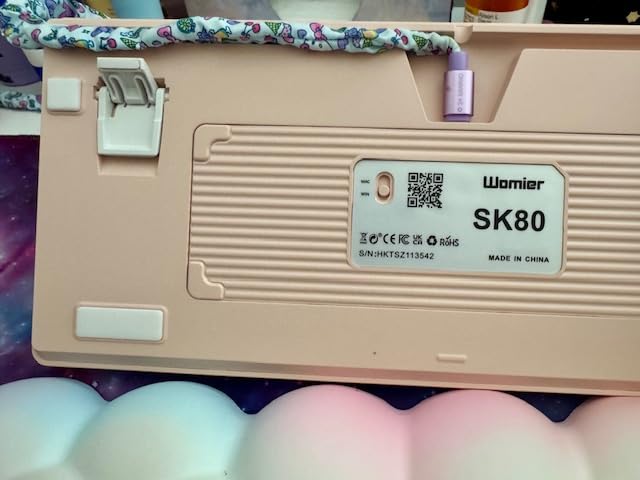
3. Womier SK80 – A Built-in Status Display in a Gasket-Mounted 75%
Womier SK80 75% Keyboard with Color Multimedia Display Mechanical Keyboard
82 keys
Color multimedia display
Gasket mount
Hot-swap
Detachable USB-C
1 year warranty
+ Pros
- Color display shows GIFs
- mode and volume status
- Gasket mount keeps typing quiet and stable
- Hot-swap sockets with POM linears pre-installed
- Nineteen lighting effects with adjustable flow
- Works with both Mac and Windows
– Cons
- Wired only
- Driver for macros and GIFs is Windows-only
- Display takes a key position
- Plastic enclosure
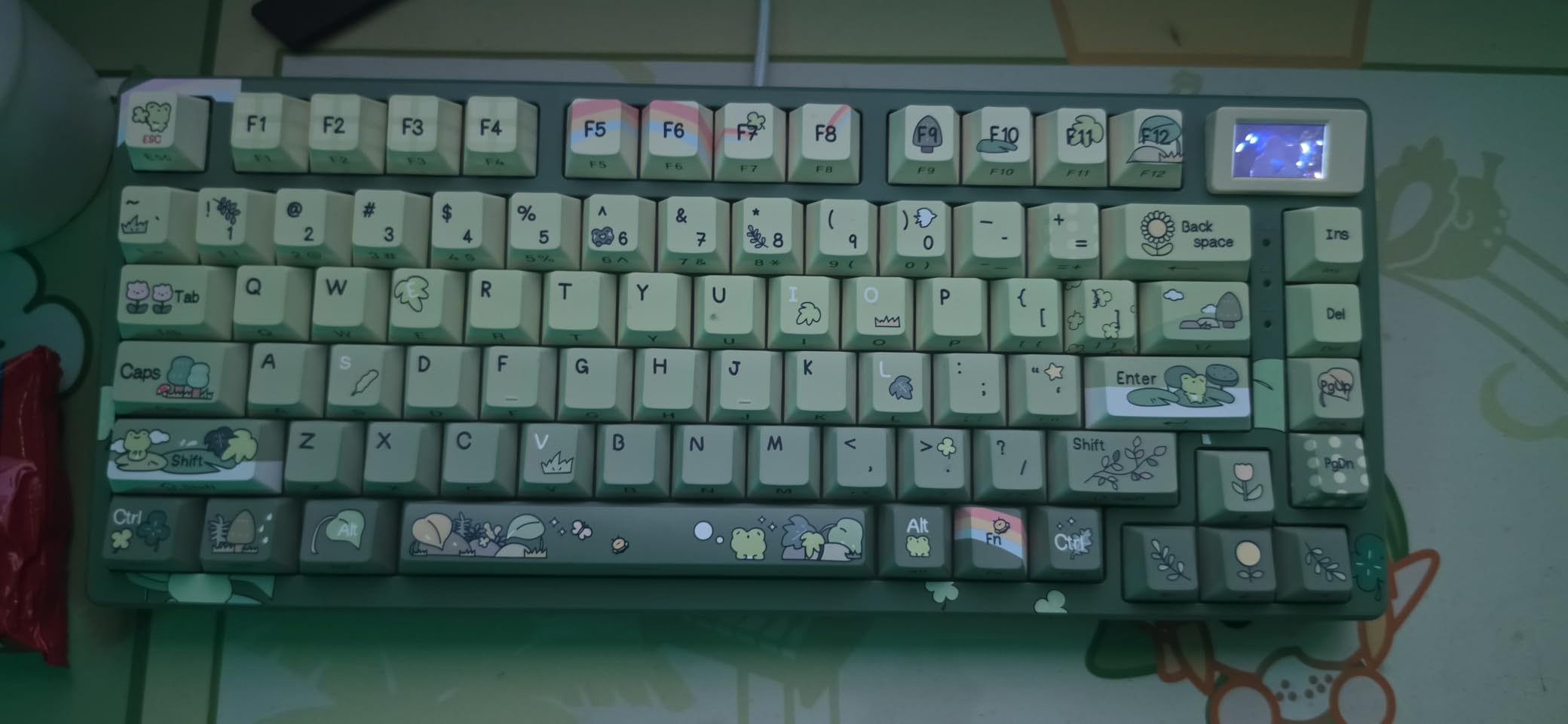
The SK80 carries one of the highest average ratings in this roundup, and the reason is not the typing feel alone. The colour multimedia screen sits at an 11-degree oblique angle and shows custom GIFs, caps lock state, connection mode, Windows or Mac state, backlight brightness and speed, RGB mode, volume and language. During a long pairing you glance once instead of guessing.
Underneath the novelty is a serious board. Gasket mount with pre-lubed stabilizers, a hot-swap PCB accepting 3-pin and 5-pin switches, and POM switches already installed. Nineteen lighting effects across nine colours with adjustable flow rate, all handled from the board.
What the Display Costs You
The screen replaces a key position, which is why the count is 82 rather than 84. You do not lose navigation keys, but the function row is slightly reduced, and that is the compromise to weigh. Anyone who loves an information-dense top edge will find it genuinely useful; anyone who wants a full F-row will notice the gap.
Acoustics and Daily Typing
Gasket mounting keeps the board quiet and stable under long typing sessions, and the POM linears give a smooth bottom-out without scratchiness. Compared with heavier aluminum boards in this list, the plastic enclosure gives up some density, so the pitch sits a touch higher and the sound is cleaner rather than deeper.
Who This Board Suits
Pick the SK80 if you like visible system state, work across Mac and Windows, and want a polished daily driver that needs no configuration. It is also a strong pick for anyone who streams or records while coding, since the display can show a custom animation.
Pass on it if the reduced function row bothers you, or if your setup depends on remapping layers, because the macro driver is Windows-only and there is no QMK layer here.
4. GravaStar Mercury K1 Pro – The Metal 75% Board With a Fully Programmable Driver
GravaStar Mercury K1 Pro 75% Wireless Mechanical Gaming Keyboard, Hot-Swap
79 keys
Aluminum exoskeleton
Gateron Speedy Mint 45gf
Web driver
470h battery off
1 year warranty
+ Pros
- Premium aluminum exoskeleton build
- Smooth crisp Gateron linears rated 70 million keystrokes
- Deep controlled thock from gasket mount and five-layer foam
- Triple-mode connectivity with long battery life
- Full key remapping through the web-based driver
– Cons
- Open frame removes usable key positions
- RGB configured through a web driver
- Large footprint for a 75% board
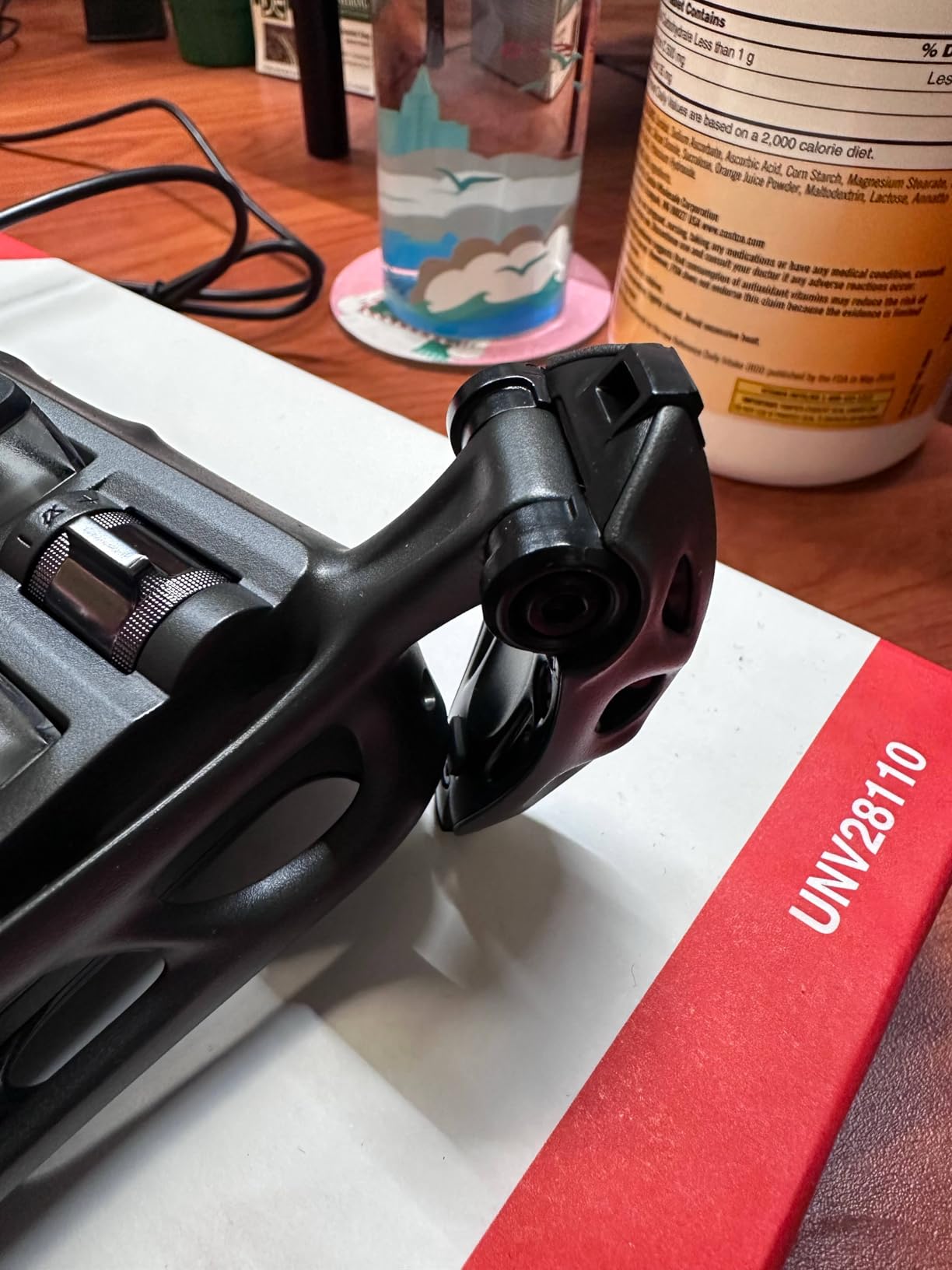
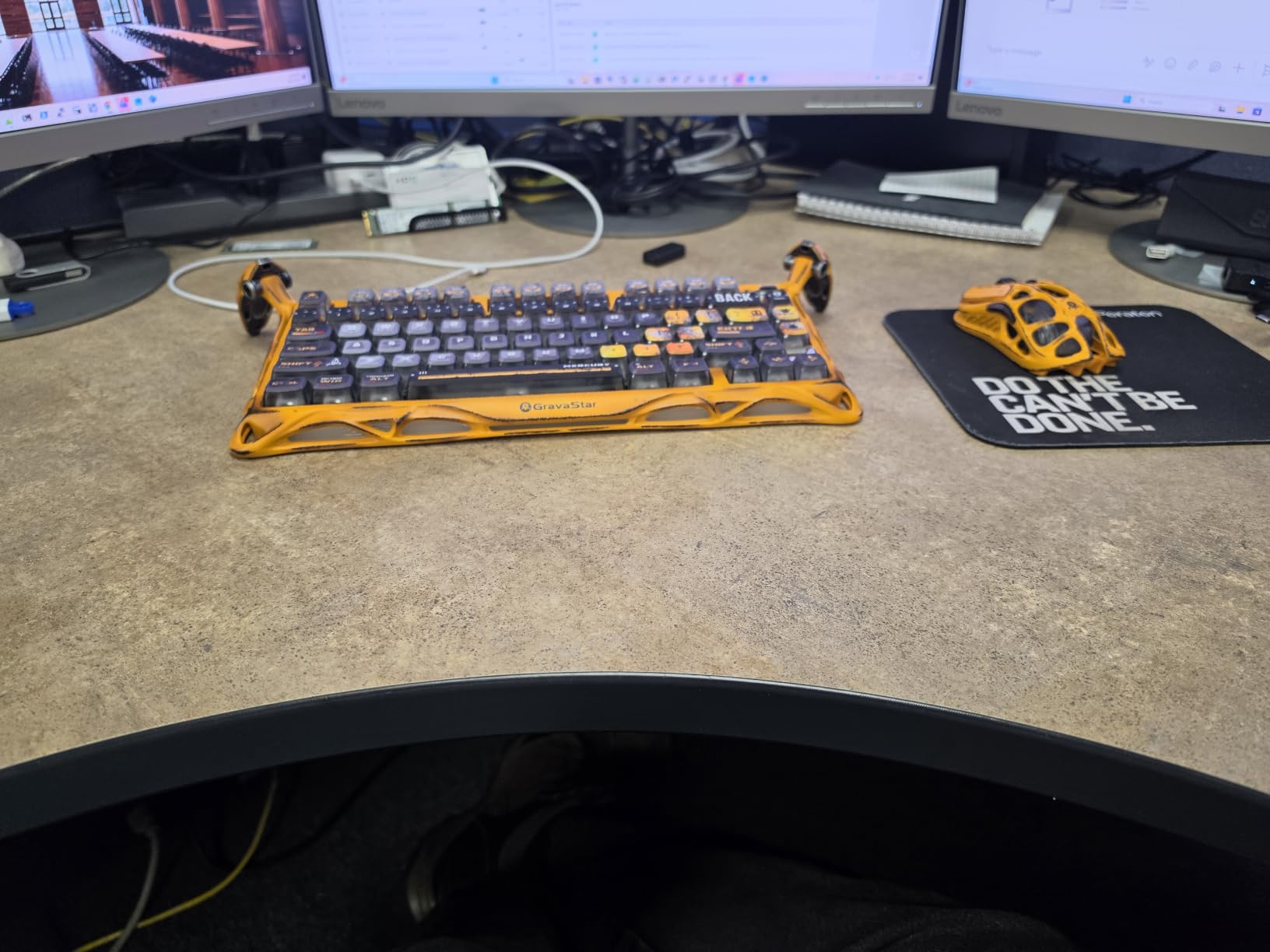
Eighty-nine percent of its ratings are five stars, and the recurring word in reviews is quality: aluminum exoskeleton, gasket-mounted FR4 plate, five-layer foam, and a deep controlled thock that the plastic boards in this roundup struggle to match.
More importantly for this roundup, it exposes a full web-based configurator rather than an onboard-only layout. That is the distinction that separates it from most boards at a similar size with the same look, and it is why it belongs in a programming roundup at all. Remapping options reach layers, macros and lighting from the browser on both Windows and Mac.
Battery Life and Polling in Daily Use
Rated at up to 470 hours with lighting off and up to 40 hours with lighting on, this is a board you can leave in wireless mode for weeks. Gateron Speedy Mint linears at 45gf actuation with 1.2mm of pre-travel give a crisp, fast bottom-out that suits long coding sessions and still works for games at night.
The Open-Frame Tradeoff
Seventy-nine keys plus a control knob means the open frame costs usable positions, and the 16.34 inch length is longer than the other 75% boards here. You are trading a little desk savings and a little key coverage for the look and the acoustics.
The dual RGB systems run 16.8 million colours across 13 modes, configured through a web-based driver rather than onboard controls, so plan a minute of setup.
Who This Board Suits
Choose it if you want a remappable metal chassis with genuine acoustic tuning, and you like a board that looks like an object. It is a strong match for someone who wants a stable daily driver they will not want to replace next year.
Look elsewhere if desk width is tight, or if you need every navigation key in a dedicated position rather than on a layer.
5. Redragon K673 PRO – A 75% Board That Needs No Software for Daily Use
Redragon K673 PRO Wireless 81-Key RGB Gasket Gaming Keyboard, Scroll Knob
81 keys
Tri-mode wireless
Gasket mount
Hot-swap
500 g
1 year warranty
+ Pros
- Heavy solid build that stays planted
- Quiet typing from gasket mount and five-layer dampening
- Metal scroll knob for volume and lighting
- RGB adjustable on the board itself
- Reliable 2.4GHz and Bluetooth
– Cons
- Switches feel slightly mushy
- Deep macro customization needs vendor software
- Occasional wireless drop-out reports
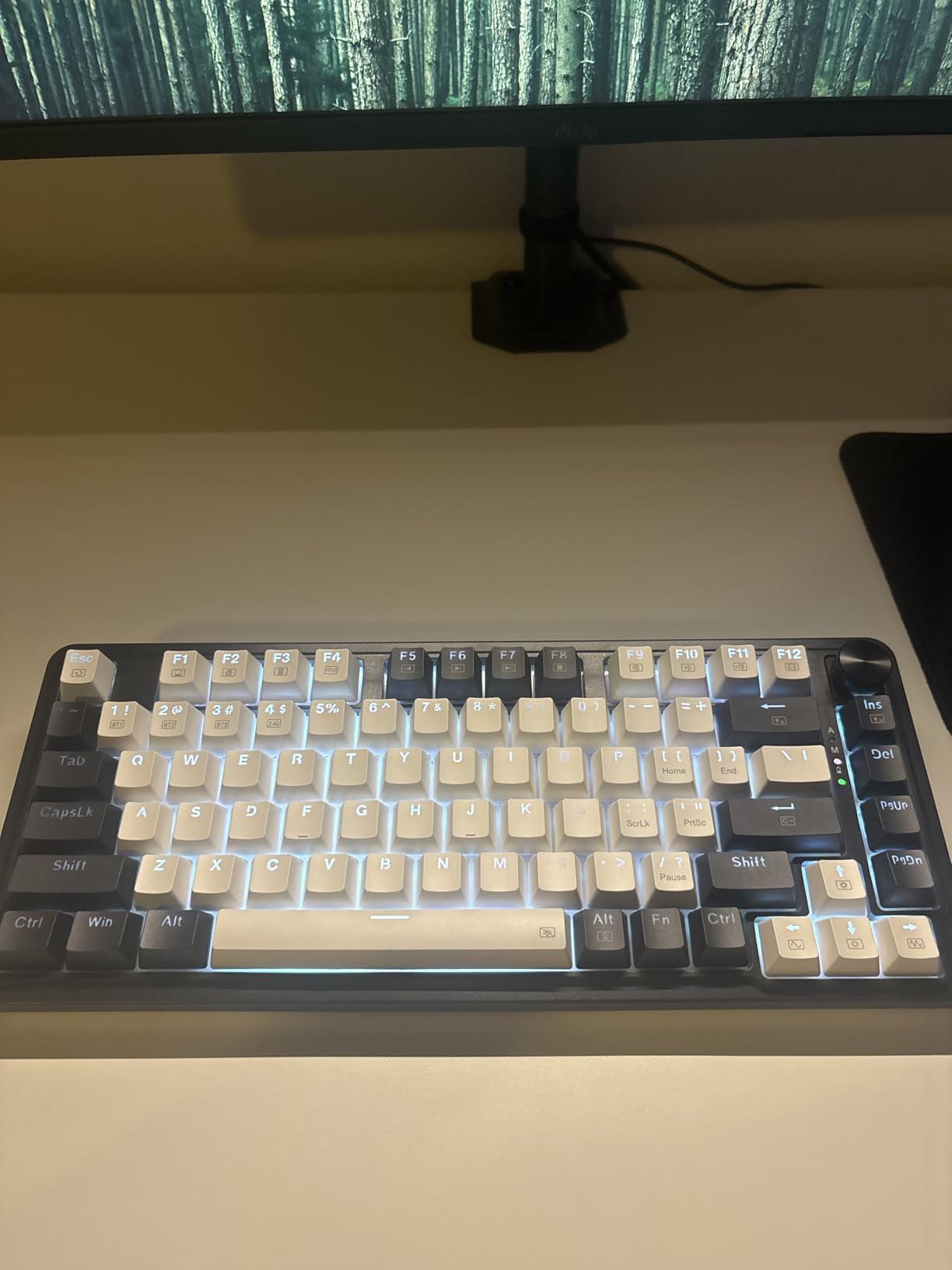
The K673 PRO answers a question most roundups ignore: do you actually want a driver? On this board, RGB effects, brightness and lighting modes are all adjustable on the hardware itself, so nothing needs to be installed before you start working. For a programmer who resents background software more than RGB customization, that is the whole design brief.
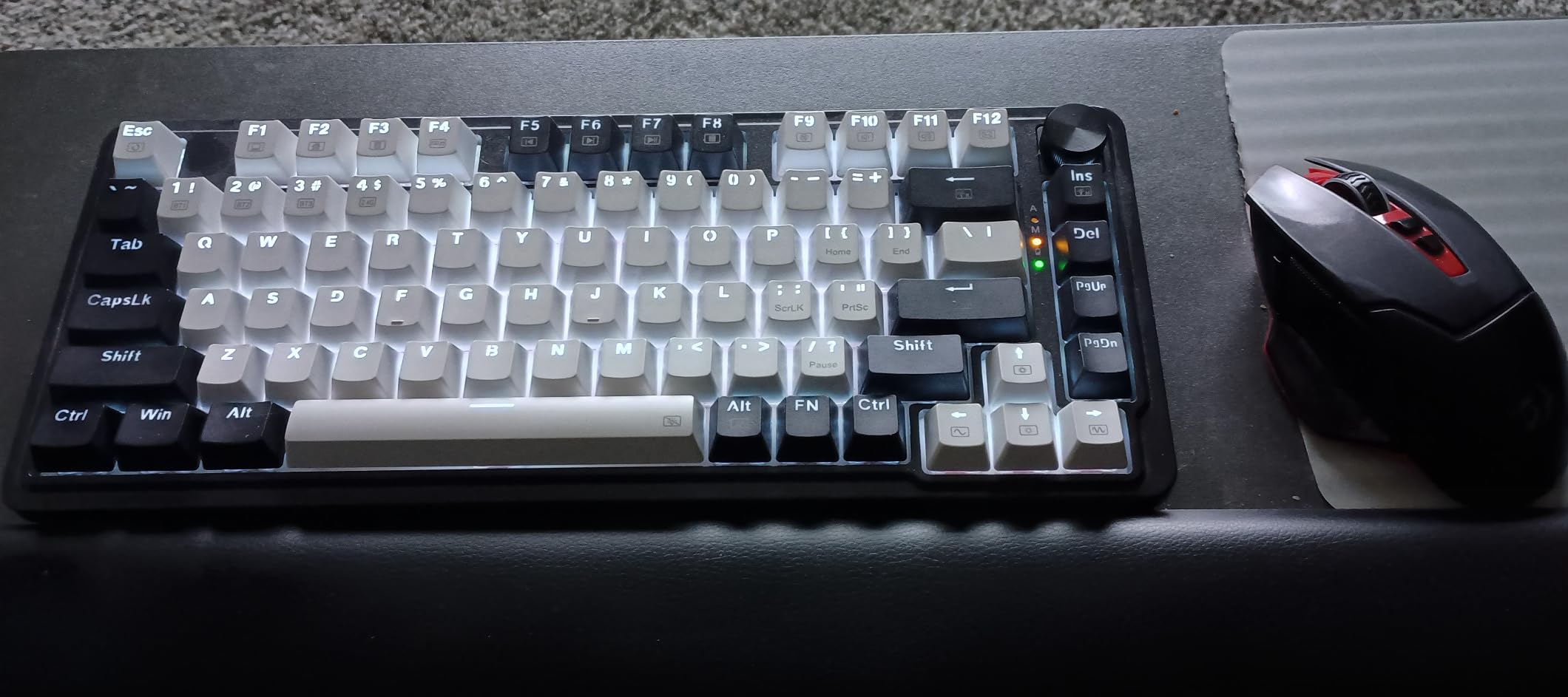
The chassis is heavy for its class and it stays put on the desk. Gasket mount with five-layer noise dampening keeps the typing profile quiet, and a single control knob handles backlight brightness and media playback.
Tri-Mode Without the Usual Friction
USB-C, Bluetooth and 2.4GHz wireless cover a laptop, a desktop and a tablet without reconfiguring anything. Owners report reliable connections and good battery life, with a small number reporting drop-outs or a battery failure after several months, so treat long-term wireless reliability on any board in this class as something to verify against current reviews.
Switch Feel and Hot-Swap Reality
The Redragon Red linears are described as slightly mushy by reviewers, and they are not a tactile option. The hot-swap socket accepts most 3-pin and 5-pin switches, which is where this board gets its second life: fit silent linears and the noise profile changes more than any other single upgrade on this list.
Who This Board Suits
Pick it for a shared office, a dorm desk or any setup where a clean install-free experience beats deep customization. It is a strong first mechanical keyboard for someone moving off a membrane board.
Skip it if you rely on macros, since those still need the vendor software, or if tactile feedback is a requirement for typing accuracy.
6. YUNZII B75 PRO – Smooth Sound and Even South-Facing RGB
YUNZII B75 PRO 75% Wireless Mechanical Keyboard(Matcha Green,Cocoa V2)
82 keys
Gasket mount
4000mAh battery
Pre-lubed linears
South-facing RGB
0.9 kg
+ Pros
- Gasket mount and five-layer padding for a creamy sound
- Hot-swap sockets with tuned stabilizers
- Tri-mode wireless with 4000mAh battery
- Knob switches between gaming and office modes
- Programmable keys and macros via driver
– Cons
- Plastic case lacks the density of aluminum
- Configuration software is Windows-oriented
- Knob takes getting used to
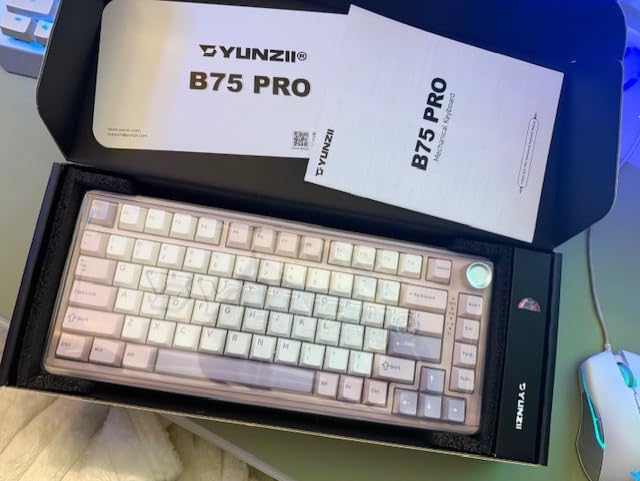
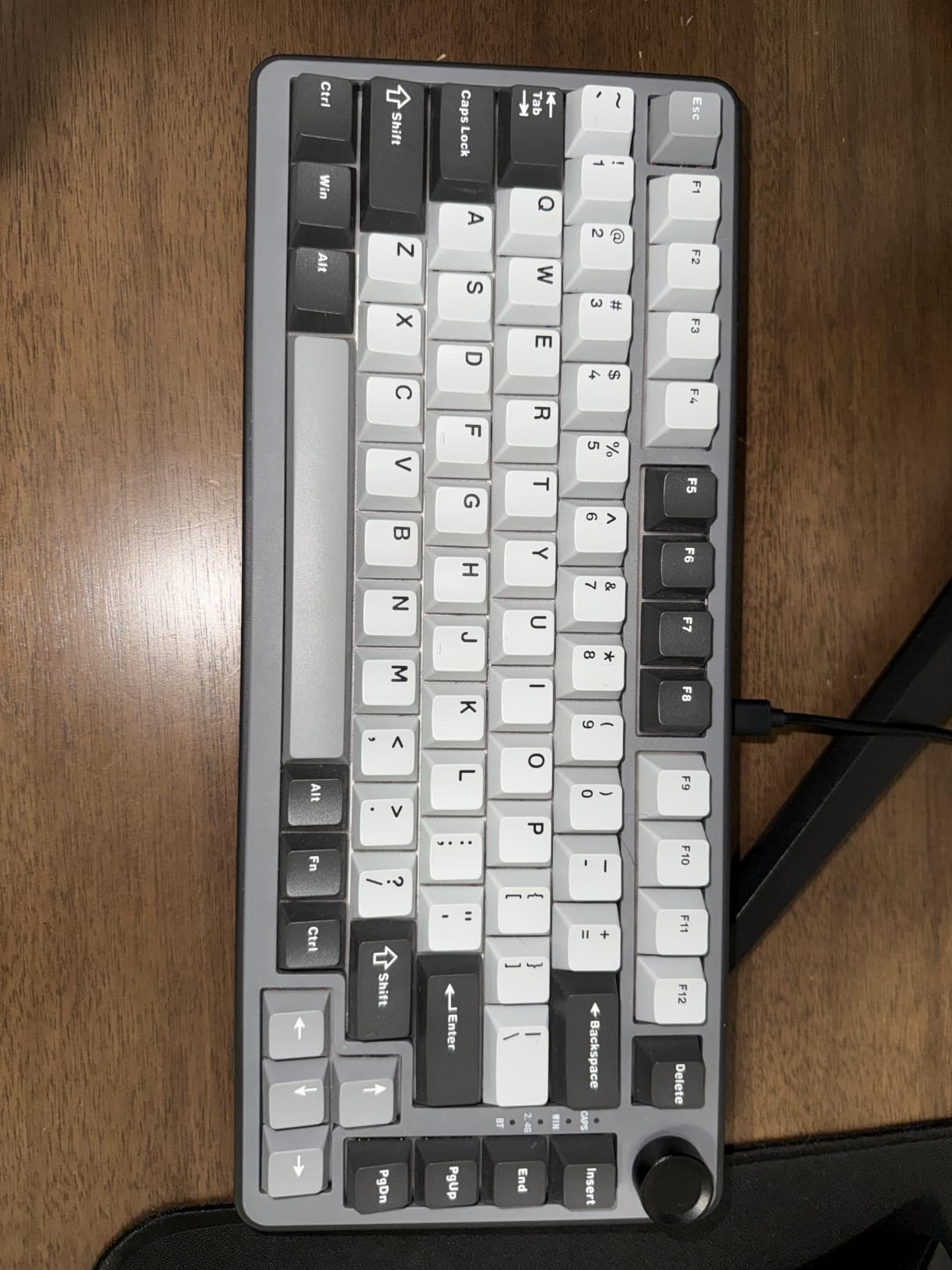
Community threads repeatedly name YUNZII boards as the ones that are simply decent, with a thocky signature and no drama, and the B75 PRO is the 82-key wireless version of that reputation. The Cocoa V2 pre-lubed linears arrive smooth, and gasket mount with five-layer padding gives a creamy sound without a long tuning period.
South-facing LEDs are a quiet win here. On boards with north-facing diodes, shine-through PBT keycaps pick up uneven hot spots, and the board looks worse the longer you own it. South-facing placement keeps the lighting even.
82 Keys and a Knob That Earns Its Space
A long press on the multi-function knob switches between gaming and office mode, and rotating it handles volume and RGB. Twenty-plus backlight modes cover everything from static to reactive. The 4000mAh battery paired with Bluetooth, 2.4GHz and USB-C means it works as a daily driver away from a desk as well as at one.
Where the Software Falls Short
Key redefining, macros and RGB are handled through Windows software, with MacOS support described as working but secondary. If you write your own layers in QMK on other hardware, this is the board where that habit will stall. Full-key hot-swap sockets still let you change the feel without touching a soldering iron.
Who This Board Suits
Choose it if you want a smooth, quiet, wireless daily board with a knob and even lighting, and you do not need deep firmware access. It also works well for a shared desk where you switch between work and games on the same machine.
Move on if you edit firmware regularly, or if the feel of a plastic case bothers you and you want the density of metal under your hands.
7. Kisnt KN85 – The Fullest 75% Layout in the Roundup
Kisnt KN85 Wireless Mechanical Keyboard, 75% Layout, Bluetooth/2.4GHz/USB-C, Custom RGB Backlit, Hot-Swappable Linear Switch, Creamy Sound for Gaming/Typing (Retro Beige)
85 keys
Full nav row
Tri-mode with 3 Bluetooth channels
4000mAh
Hot-swappable
2 year warranty
+ Pros
- Complete 75% layout keeping F-row
- arrows
- Home/End
- PgUp/PgDn
- Insert and Delete
- Deep creamy thock from layered foam
- Three Bluetooth channels with strong battery life
- Hot-swappable pre-lubed Bsun linears
- Two year warranty
– Cons
- No volume knob or scroll wheel
- Loud for a shared office
- ABS keycaps rather than true PBT
- Bundled management software is weak
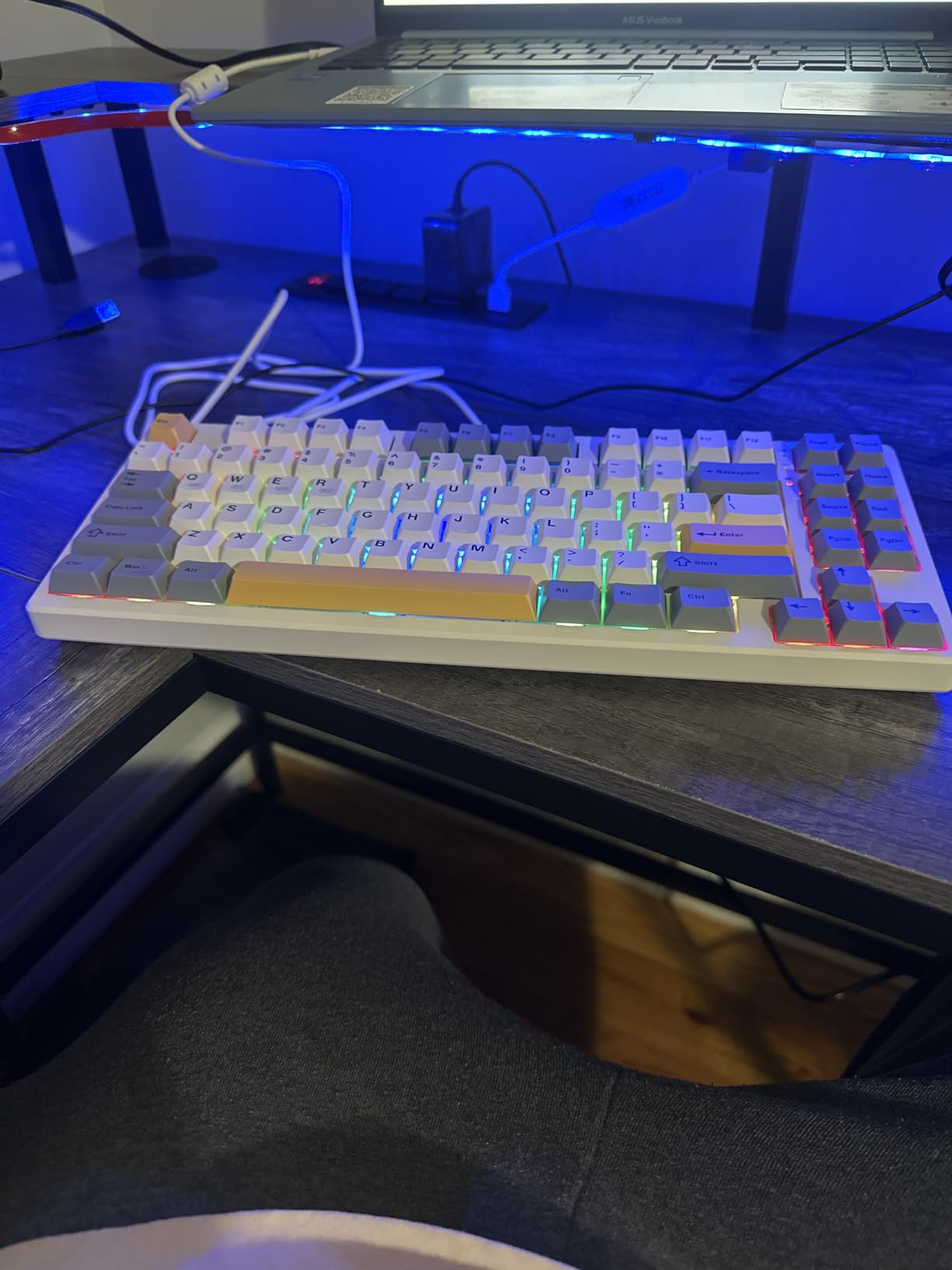
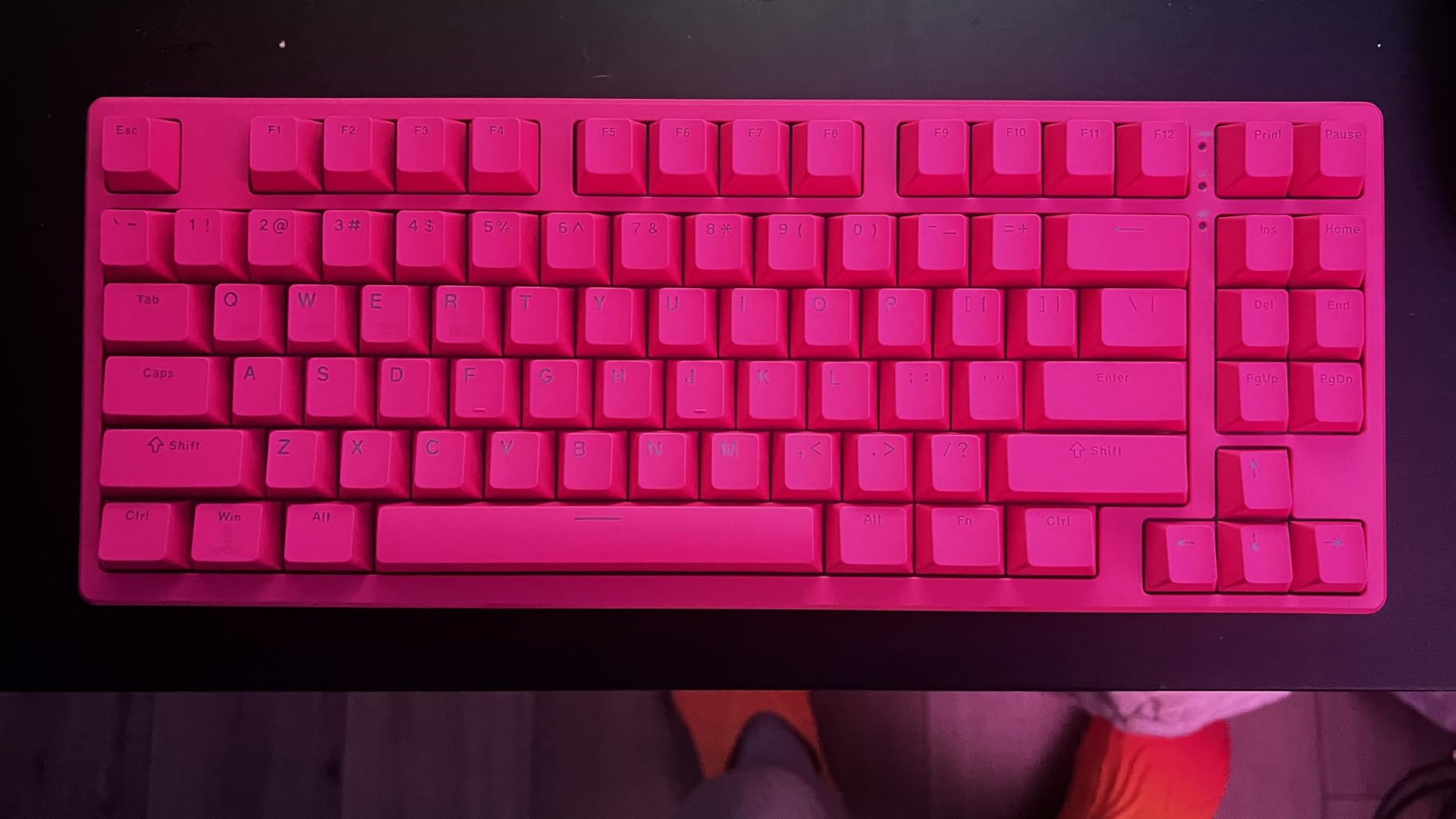
The KN85 answers the most common layout objection to 75% boards. At 85 keys it has the widest coverage of navigation keys here, retaining F1 to F12, arrows, Home, End, Page Up, Page Down, Insert and Delete. If you are moving from a TKL and do not want to spend a week building muscle memory for navigation keys, that is the whole pitch.
It is also honest about latency: 2ms over USB, 5ms over 2.4GHz and 11ms over Bluetooth. All three are below the threshold most people can feel, and USB-C mode lets you type while charging from the 4000mAh battery.
Sound, Latency and Shared-Space Reality
Gasket mount with layered foam gives a deep, marbly sound, which is the board’s best feature and its main problem. Reviewers call it loud relative to peers in the same class. If you share a flat, work on calls, or sit near someone who is sensitive to sound, budget for silent switches in the hot-swap sockets.
Three Bluetooth Channels, Four Operating Systems
Three Bluetooth channels plus 2.4GHz and USB-C cover a work laptop, a personal machine and a tablet, and the board is listed as compatible with Android, Linux, MacOS and Windows. That cross-platform support is unusual at this level and matters for developers who split between a Linux desktop and a Mac laptop.
Who This Board Suits
Pick it if you want every navigation key in a real position, use more than one operating system, and value a two year warranty over a knob. Remapping here runs through vendor software rather than open firmware, so treat it as a later upgrade rather than a day-one expectation.
Pass if the missing knob and the ABS keycaps bother you, or if noise on a shared floor is a hard requirement rather than a preference.
8. Keychron K3 Version 2 – The Best Low Profile 75% Keyboard With Real QMK Support
Keychron K3 Version 2 QMK 75% Wireless Low-Profile Mechanical Keyboard
84 keys
0.87 inch thick
Low-profile tactile
QMK firmware
Bluetooth 5.1
500 g
+ Pros
- Slim low-profile body that fits under laptop risers
- Open-source QMK firmware with full remapping
- Switches between three Bluetooth devices plus wired
- Mac and Windows keycaps included
- Lightweight and portable
– Cons
- Shallow low-profile key travel
- Single-colour white backlight only
- No dedicated layer or macro keys
- Lowest average rating here at 4.2
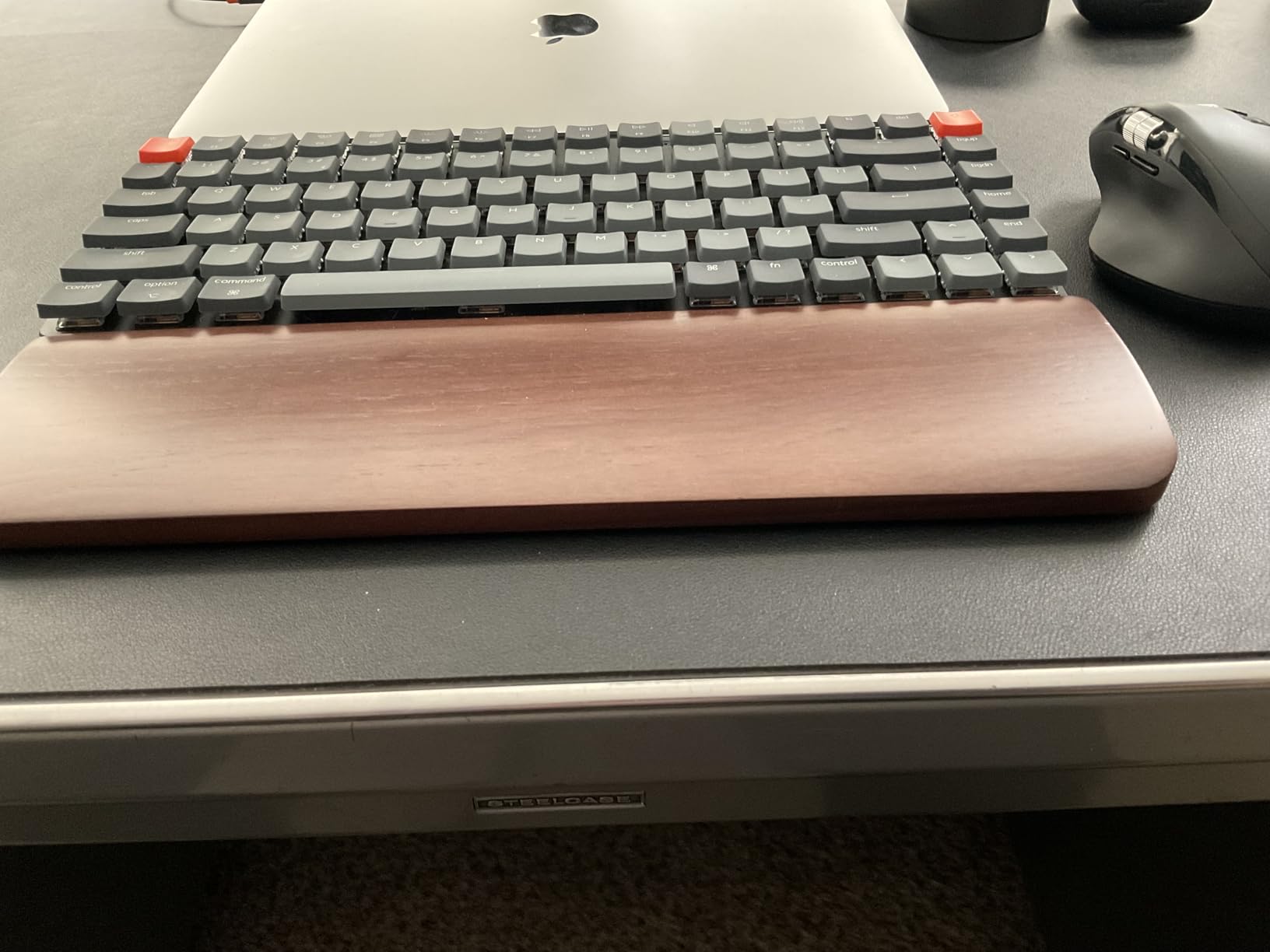
The K3 is the only low-profile board in this roundup, and at 0.87 inches it slides under a laptop riser or a monitor stand in a way no other pick here can. It also runs open-source QMK with full remapping, macros and shortcuts, configured through the Keychron Launcher web app.
That combination is rare. Plenty of boards look thin and remap through a vendor app; very few give you both. For a developer who writes their own layers, the K3 is a strong 75% option even though its 4.2 rating is the lowest in this roundup, with 8 percent one-star reviews.
What You Give Up for 0.87 Inches
Low-profile switches have shallow travel and a lighter feel than standard mechanicals. The included Keychron low-profile browns are tactile, which helps typing accuracy, but the sensation is closer to a good laptop keyboard than to a full-height mechanical. Reviewers who wanted a deep mechanical press rate it lower, and that shows in the ratings.
Layout and Connectivity Details
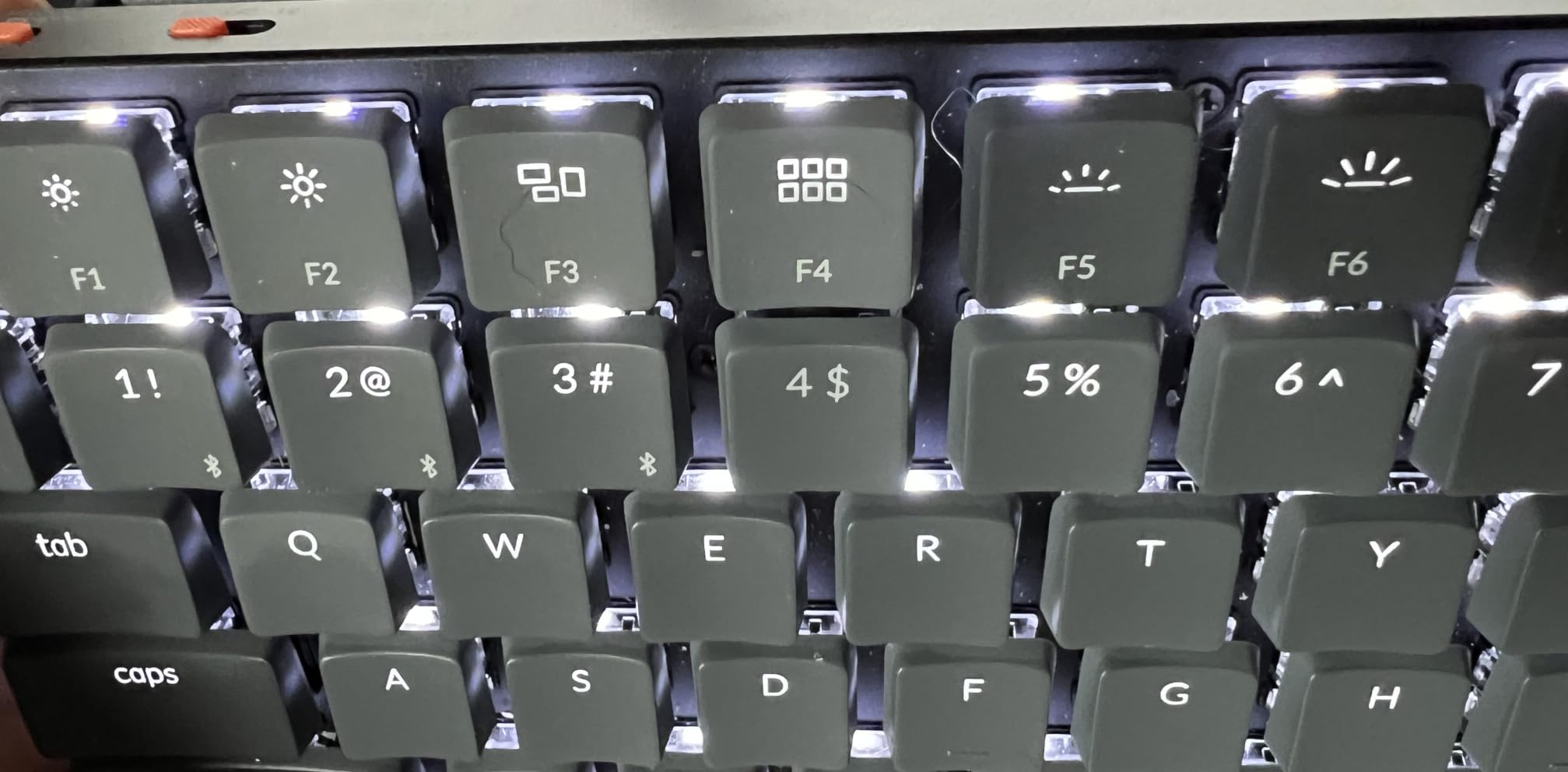
Eighty-four keys in a low-profile 75% arrangement, Broadcom Bluetooth 5.1 with up to three paired devices, wired mode, and a reinforced aluminum top over a plastic bottom frame. The floating keycap design keeps the profile slim, and backlighting is single-colour white LED rather than RGB.
Mac and Windows keycaps are both included, which saves a hunt through the drawer.
Who This Board Suits
Choose the K3 for a standing desk, a laptop riser setup, a travel bag, or any environment where wrist extension matters more than a deep key press. Our low profile mechanical keyboard guide covers more options if you want to compare slim formats.
Skip it if you love the thock of a full-height board, or if you need RGB and a deep press.
9. Keychron K2 HE – The 75% Board for Programmers Who Also Play Competitive Games
Keychron K2 HE Wireless Magnetic Hall Effect Custom Keyboard 75% Layout
84 keys
Hall effect magnetic switches
Actuation 0.2 to 3.8mm
1000Hz polling
Web configurator
965 g
+ Pros
- Hall effect switches with per-key actuation adjustment
- Rapid trigger for very fast resets
- 1000Hz polling over 2.4GHz wireless
- Genuine remapping via the web configurator
- Aluminum and rosewood construction
– Cons
- Only compatible with Gateron Double-Rail magnetic switches
- Legends are not shine-through so RGB is dim
- Shorter wireless battery life
- Review base of 353 limits long-term data
The K2 HE is the one board here where magnetic switch technology is genuinely relevant to typing, not just gaming. Actuation is adjustable from 0.2mm to 3.8mm in 0.1mm steps, per key. Set a shallow point for fast directional play, a deeper point for the letters you type all day, and a higher bottom-out for the modifiers you never want to fire by accident.
Rapid trigger resets a key the instant it travels back rather than waiting for a fixed release, and polling runs at 1000Hz over 2.4GHz wireless. Keymap options come through the web-based Keychron Launcher, so layers and macros are not locked to a single-platform app.
Where Hall Effect Falls Short for Coding
Hall effect boards measure magnetic field rather than contact, which means they only take magnetic switches. The compatibility list is narrow, and the standard tactile and silent linears that make up most of this roundup are simply not options here. The switch ecosystem, not the board, is the constraint.
Wireless battery life is shorter than on comparable non-magnetic boards, and the double-shot PBT legends are not shine-through, so RGB visibility is poor in a dark room. With 353 ratings, long-term reliability data for this board is still limited.
Build, Layout and Platform Support
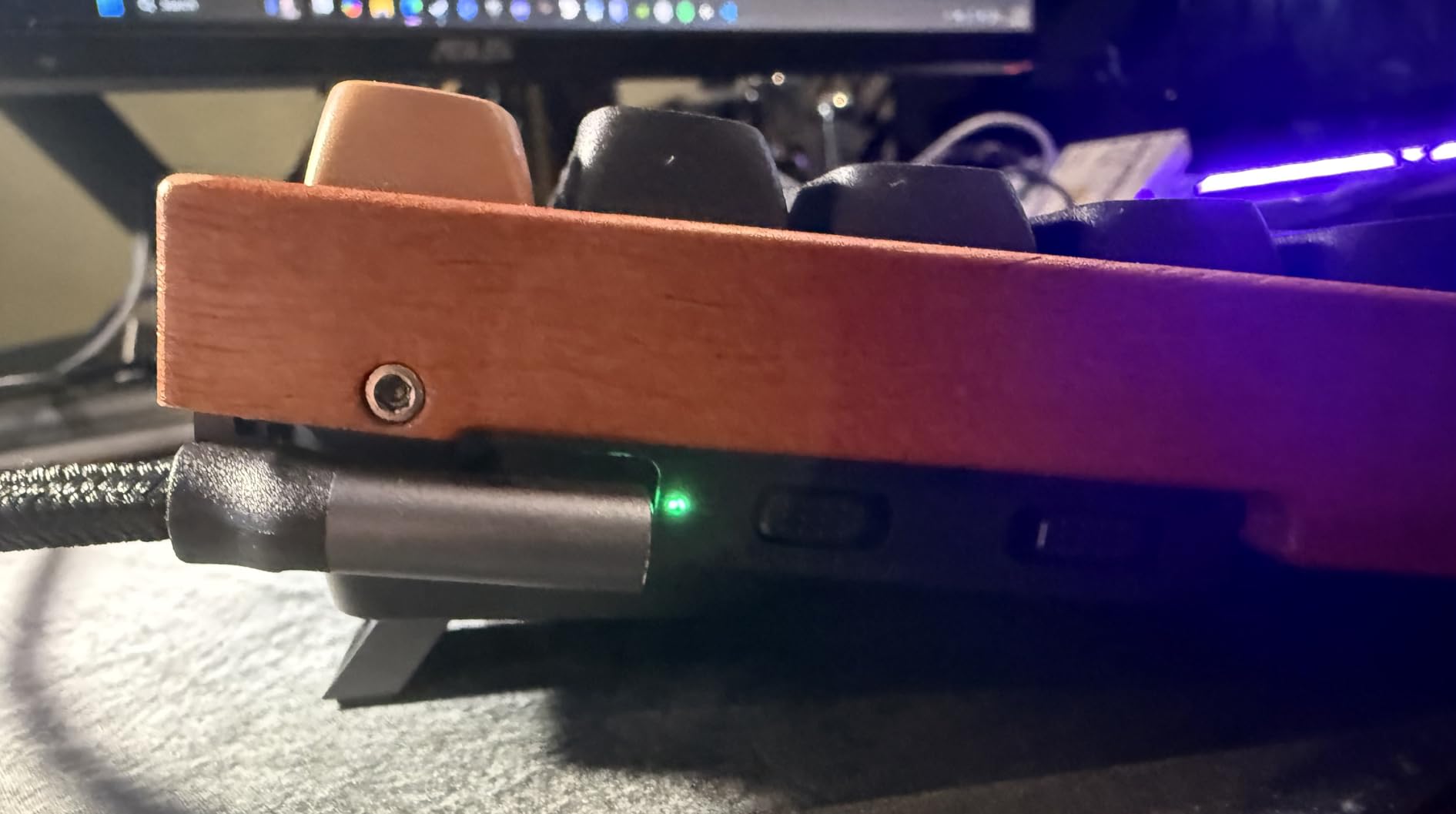
ABS plastic bottom case with an aluminum and rosewood frame, 84 keys, 965 grams, and keycaps included for both Mac and Windows. The board is listed as compatible with Linux, macOS and Windows, which matters if you are running a Linux desktop and remapping in keyd on the host as well as in QMK on the board.
Who This Board Suits
Choose it if you code for eight hours and game competitively in the evening, and you want one board for both. Programmable actuation also helps anyone who wants a heavier press on punctuation keys, where accidental characters cost you the most time.
Pass if you want to experiment with a wide range of standard switches, or if your setup is battery-sensitive and wireless-only.
10. YUNZII AL80 – The Mid Tier Aluminum Board With a Screen and a Claim About VIA
YUNZII AL80 75% Wireless Aluminum Mechanical Keyboard(Silver,Cocoa Cream)
80 keys
Anodized aluminum case
6000mAh battery
1000Hz polling
LCD screen
1.4 kg
+ Pros
- Heavy CNC aluminum case that feels premium
- Excellent included keycaps and generously lubed stabilizers
- Tri-mode with 1000Hz polling and 6000mAh battery
- Customizable LCD for time GIFs and battery status
- Hot-swappable sockets
– Cons
- VIA and QMK support is incomplete with source code unpublished
- Included Cocoa Cream V2 switches are louder
- No AltGr key for European layouts
- Stiff gasket mount and Allen screws limit modding
The AL80 is the metal board in the middle of this roundup, and the build quality is genuinely there. A 1.4 kilogram anodized aluminum case, a mirror-finished back plate, and stabilizers that arrive generously lubed.
Owners consistently single out the keycaps and the stabilizer tuning first, which is what separates a board that feels finished from one that feels assembled.
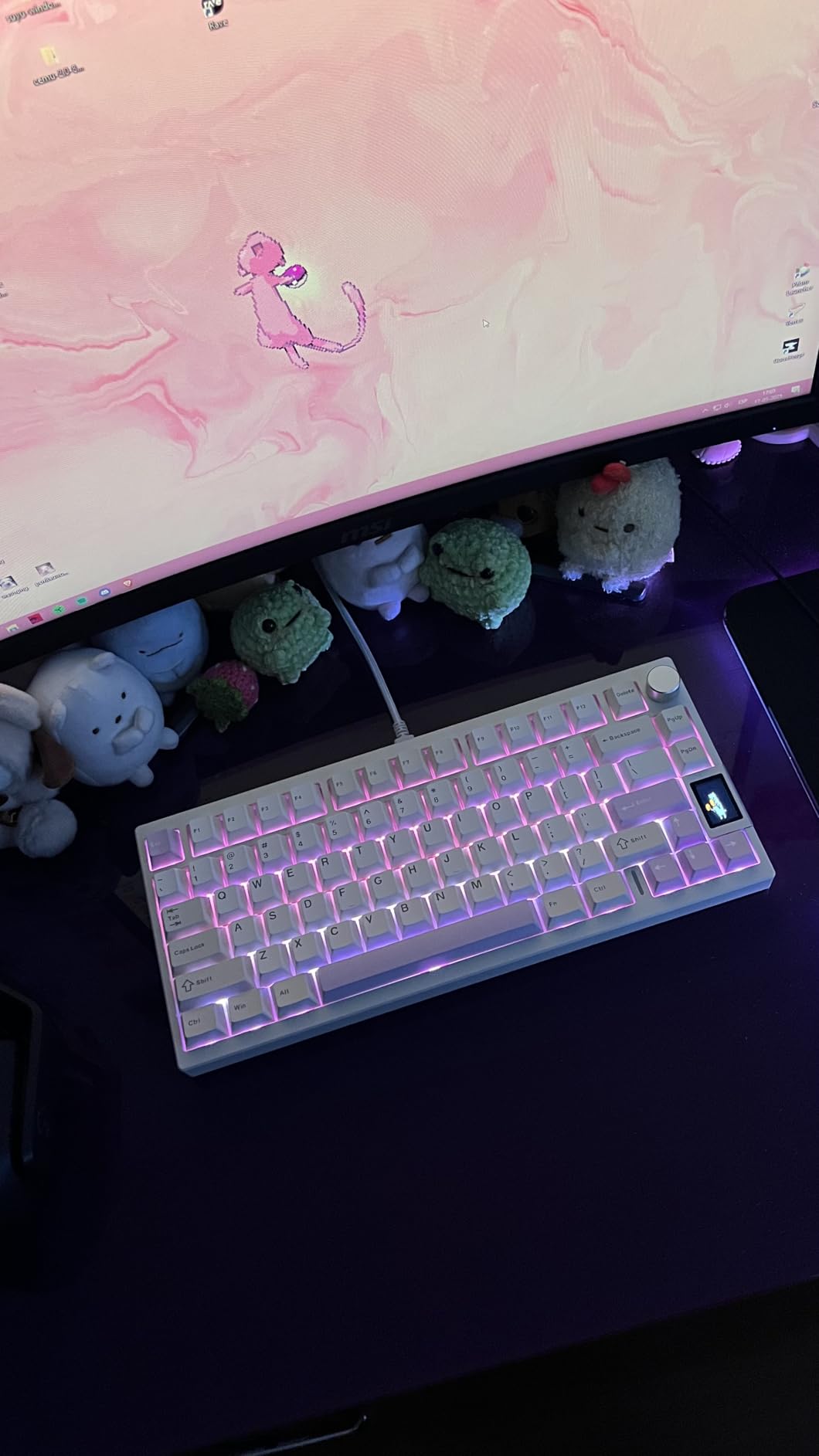
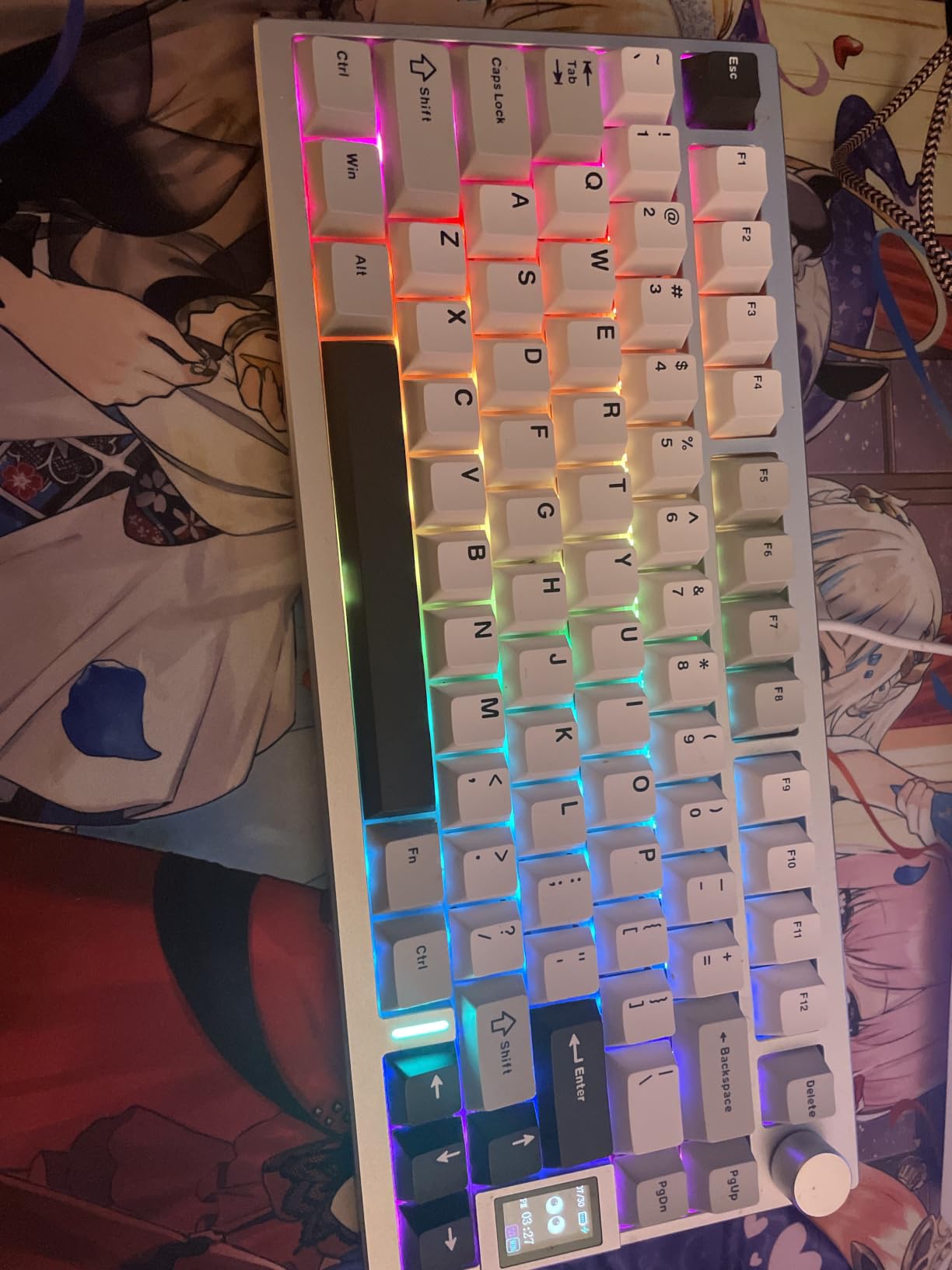
It also carries an LCD showing time, GIFs, photos, battery status and connection mode, plus 1000Hz polling and a 6000mAh battery across Bluetooth, 2.4GHz and USB-C with up to five devices.
The VIA Claim You Should Read Twice
This is the most important caveat in the roundup. The board advertises QMK and VIA support, but detailed reviews report that the source code is not published, which blocks full customization and tools like OpenRGB. You get basic remapping and macros; you do not get the open ecosystem that the name implies.
If programmable firmware is your main reason to buy, read the current reviews before ordering.
Switch Noise and the Missing AltGr
The included Cocoa Cream V2 linears are described as louder and higher-pitched than competing boards in the same class. Through the full-key hot-swap sockets you can replace them with silent linears, which is the single most effective upgrade available. The listed AZERTY layout and no AltGr key will also frustrate European developers who type code with characters that require it.
Who This Board Suits
Choose the AL80 if you want aluminum weight and a screen on a mid-tier build, and you are not planning to run custom firmware. It suits a desk that stays put, where 1.4 kilograms is an advantage rather than a lifting problem.
Pass if open firmware is a requirement, if you mod boards yourself, or if you need a solid AltGr key for a European layout.
11. Ajazz AK820 – Creamy Sound and PBT Keycaps on a Small Build Budget
Ajazz AK820 75% Mechanical Gaming Keyboard, Wired Gasket Mount Hot-Swappable Keyboard with Volume Knob, 5-Layer Sound Dampening, PBT Keycaps, 82 Keys, Black
82 keys
Screwless gasket mount
Double-shot PBT
Hot-swappable
Detachable USB-C
1 year warranty
+ Pros
- Gasket mount and five-layer foam give a genuinely creamy sound
- Metal volume knob for quick audio adjustment
- Hot-swap sockets for 3-pin and 5-pin switches
- Double-shot PBT keycaps with good texture
- Light and compact
– Cons
- Light linears are too sensitive for fast typists
- No documentation for switching RGB modes
- ABS plastic case feels chunky
- Wired only
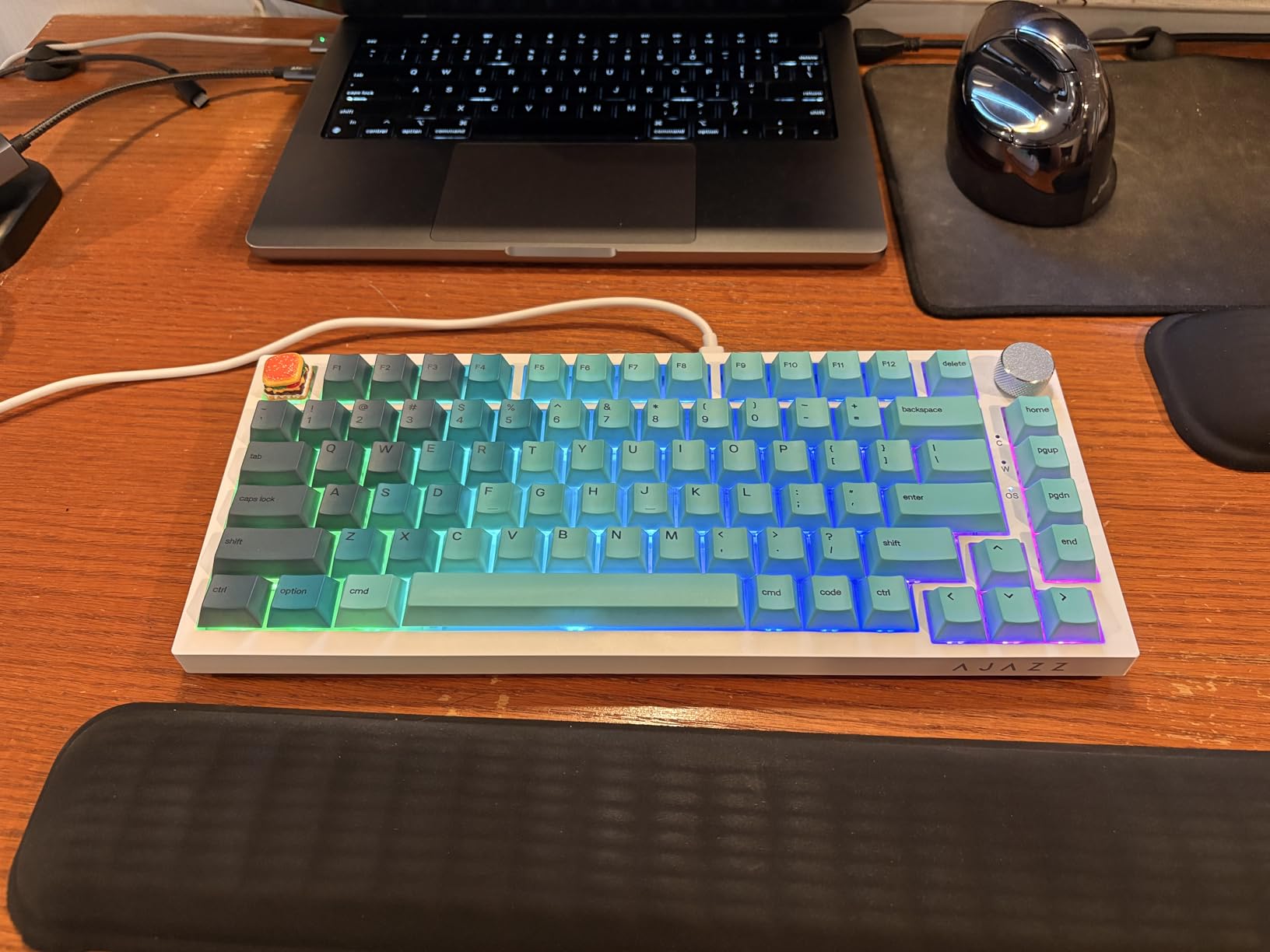
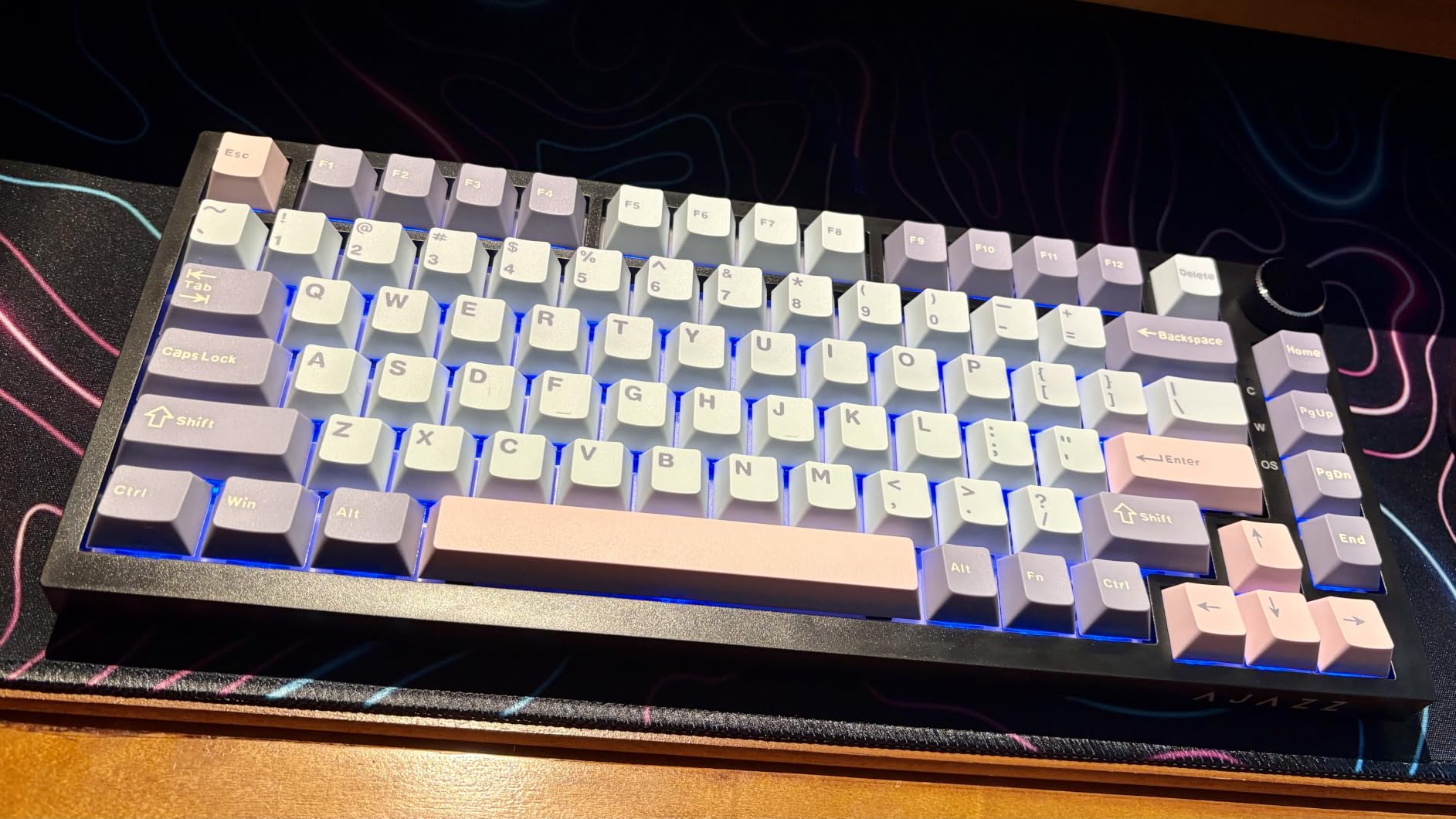
The AK820 is the acoustics specialist of this roundup. A screwless gasket-mounted structure with poron sandwich cotton, an IXPE switch pad, a PET sound pad and high-density base foam gives it a creamy, deeply thocky signature that reviewers single out as the standout feature at this level. A flex-cut single-key slotted PCB adds a little give under the fingers.
It also does the unglamorous things right: double-shot PBT keycaps, a metal volume knob, dual-stage adjustable feet, a detachable USB-C cable and full hot-swap support for 3-pin and 5-pin switches.
Why Fast Typists May Need to Change Something
The factory-lubricated light linears are the main complaint, and it is a specific one: they are sensitive enough that fast typists trigger extra characters. If you write in long bursts, the fix is a slightly heavier or dampened switch through the hot-swap sockets rather than a different board. That is a five minute job with the included puller.
Wired, Plastic and Practical
The ABS plastic case is light and slightly chunky, and the board is wired only, so there is no wireless or multi-device switching. The absence of documentation for the RGB mode shortcuts is a small annoyance that takes a minute to work out. It is listed as compatible with Windows, Linux, macOS and Ubuntu, which is better than most boards at this level claim.
Who This Board Suits
Pick the AK820 if sound quality is your top priority, you sit at one desk, and you want real PBT keycaps without paying a premium. It is also a good first board for someone who wants to try switch swaps and does not need wireless.
Skip it if you need to jump between a laptop and a desktop all day, or if a very light press already causes you typing errors.
12. LOFREE DOT – The 75% Keyboard Built Around a 40 Gram Press
LOFREE DOT Foundation Mechanical Keyboard, 75% Rechargeable Hot-swappable Keyboards with 3 Types Connection for Windows, Mac OS/Pink GATERON Baby Racoon Switches
84 keys
Four-layer filter gasket
Gateron Baby Raccoon 40g
Bluetooth 5.3
White LED
1 year warranty
+ Pros
- Distinctive design with round keycaps
- Four-layer gasket structure for a refined sound
- Tri-mode connectivity including Bluetooth 5.3
- Hot-swappable sockets
- Very light press suits long typing sessions
– Cons
- Single-colour white backlight only
- Plastic case
- 40g linears are too light for those who want a heavier bottom-out
- Round keycaps need adjustment time
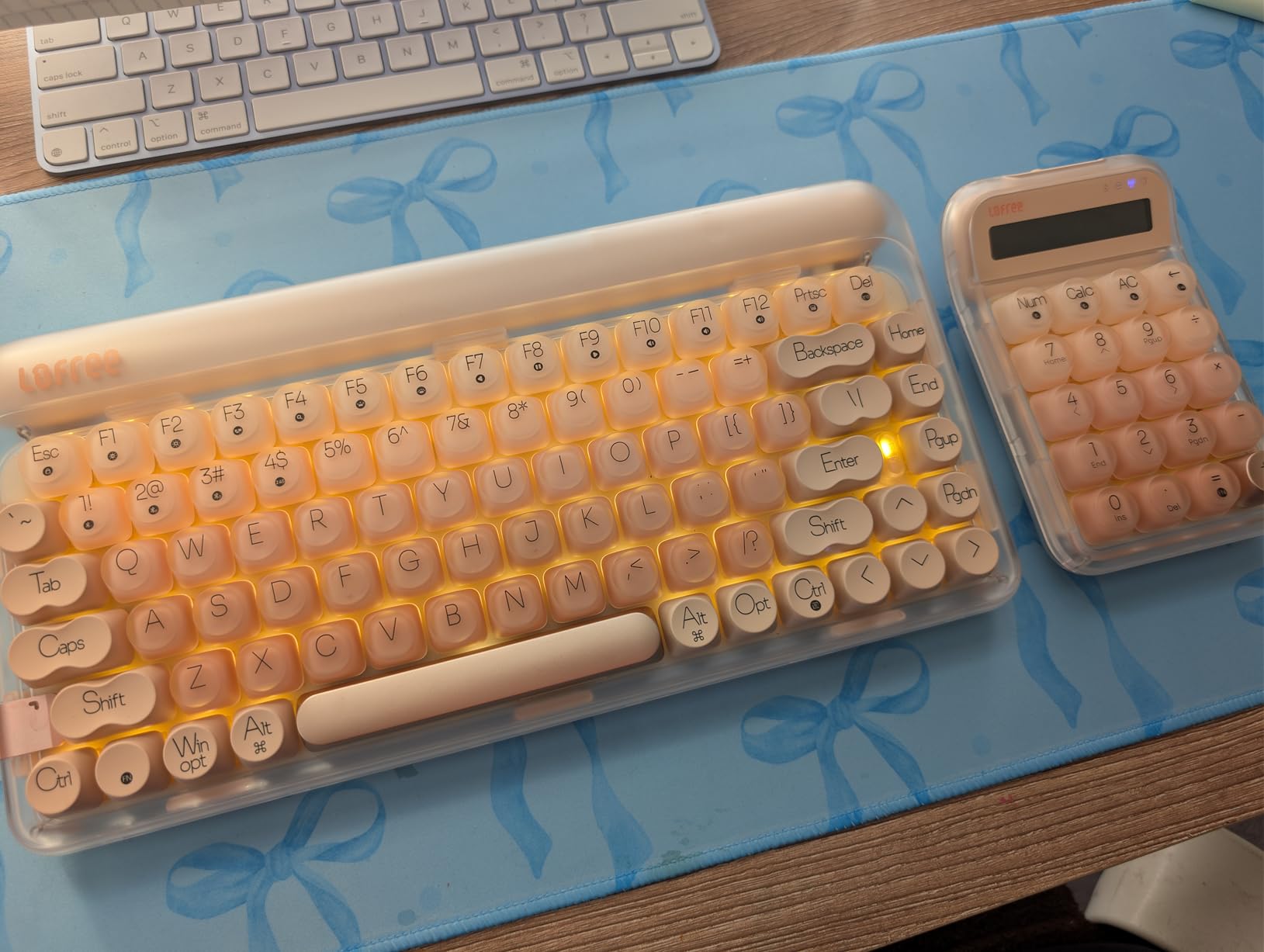
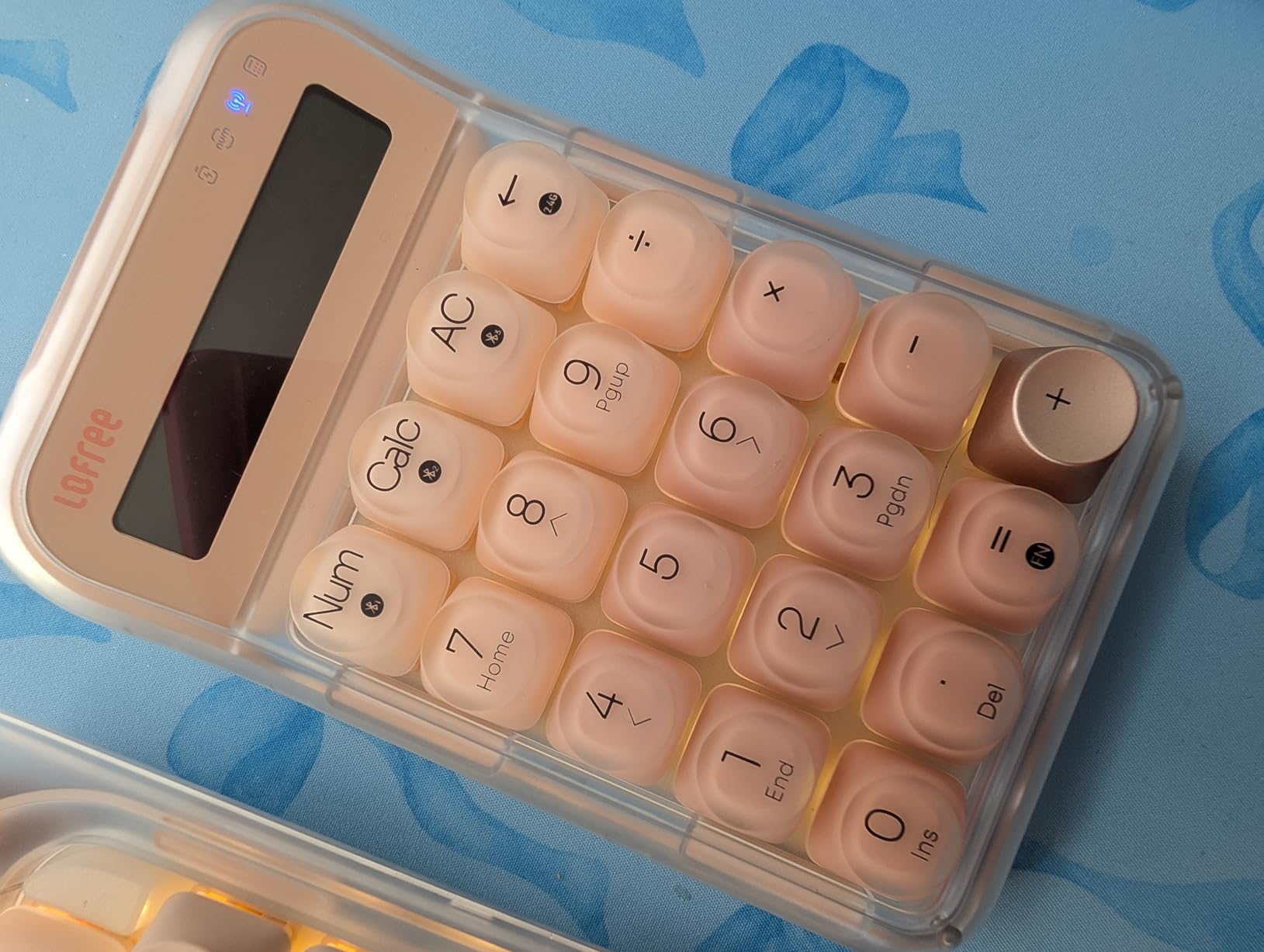
The LOFREE DOT is the design object in this roundup. Round keycaps carry a liquid-foundation texture refined over 84 molding iterations, and the visual result is unlike anything else on this list. Underneath the styling is a four-layer filter gasket design that tunes the sound deliberately rather than by accident.
The switch choice is the real story. Custom Gateron Baby Raccoon linears at 40 grams of touch are among the lightest forces in this roundup, and for long typing sessions that low actuation force can mean less finger fatigue. The trade is a bottom-out that feels insubstantial if you prefer a heavy press.
Connectivity and Backlighting
Three connection modes cover 2.4GHz wireless, Bluetooth 5.3 and USB-C wired on a rechargeable battery, with hot-swappable sockets underneath. The backlight is single-colour white with seven effects adjustable by key combination, a deliberate choice matching the minimalist design rather than a cost-saving one.
It does rule the board out for anyone who wants per-key colour.
The Adjustment Period for Round Caps
Round keycaps are not a standard profile, and they are not cherry, OEM, MDA or XDA. Finger placement has to be more deliberate, and the first week involves more correction than a sculpted profile requires. Programmers who type by feel will adapt; programmers who switch between a laptop keyboard and this will want a consistent secondary board for a few days.
Who This Board Suits
Choose the DOT for a desk that looks better with a design object on it, and for anyone whose hands tire on firmer switches. It suits a typing-first workload where a long session is measured in hours.
Pass if you need tactile feedback, RGB, or a standard keycap profile you can swap into a familiar shape later.
13. SOLAKAKA A75 – Per-Key Sensitivity Tuning Without Leaving the Driver
SOLAKAKA A75 75% Wireless Mechanical Keyboard, Hot Swappable Gaming Keyboard with Multifunction Knob & RGB, Gasket Mounted Creamy Keyboard, PBT Keycaps, Compact Layout for Win/Mac/PC
81 keys
Multifunction metal knob
4000mAh battery
Tri-mode 5 devices
Windows driver
1 year warranty
+ Pros
- Gasket mount and multi-layer padding for a creamy low-hollow sound
- Tri-mode wireless with five-device pairing
- Full hot-swap with pre-lubed stabilizers
- Knob handles volume mute and lighting
- Driver allows macros per-key sensitivity and bounce tuning
– Cons
- Driver is Windows-only and must run in wired mode
- Plastic case
- Small review base for long-term data
- Arrow and function row combinations are tight
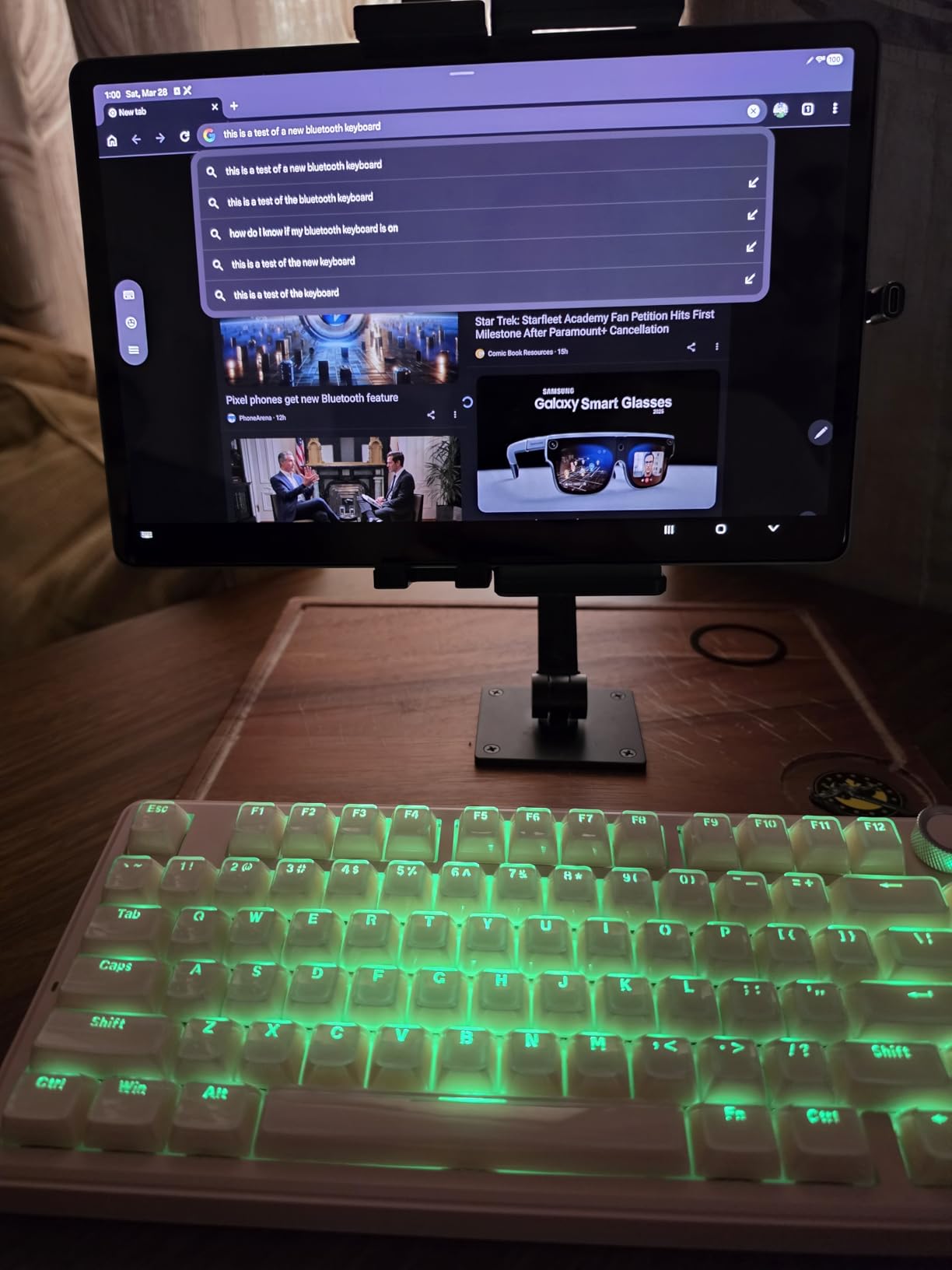
The A75 is the only board here whose driver exposes per-key sensitivity and key bounce optimization alongside macro recording. That is a more granular tuning surface than the layer-only setups on the other tri-mode boards, and for a programmer who wants one key to behave differently from its neighbours, it is the feature that matters.
Acoustically it sits among the better-sounding boards here. Gasket mount with PCB single-key slotting, an IXPE shaft bottom pad, a PET sound pad, a silicone base mat and PO sound-absorbing cotton produce a creamy, low-hollow sound, and the pre-lubed stabilizers avoid a rattle in the space bar.
Five Devices and Where the Software Stops
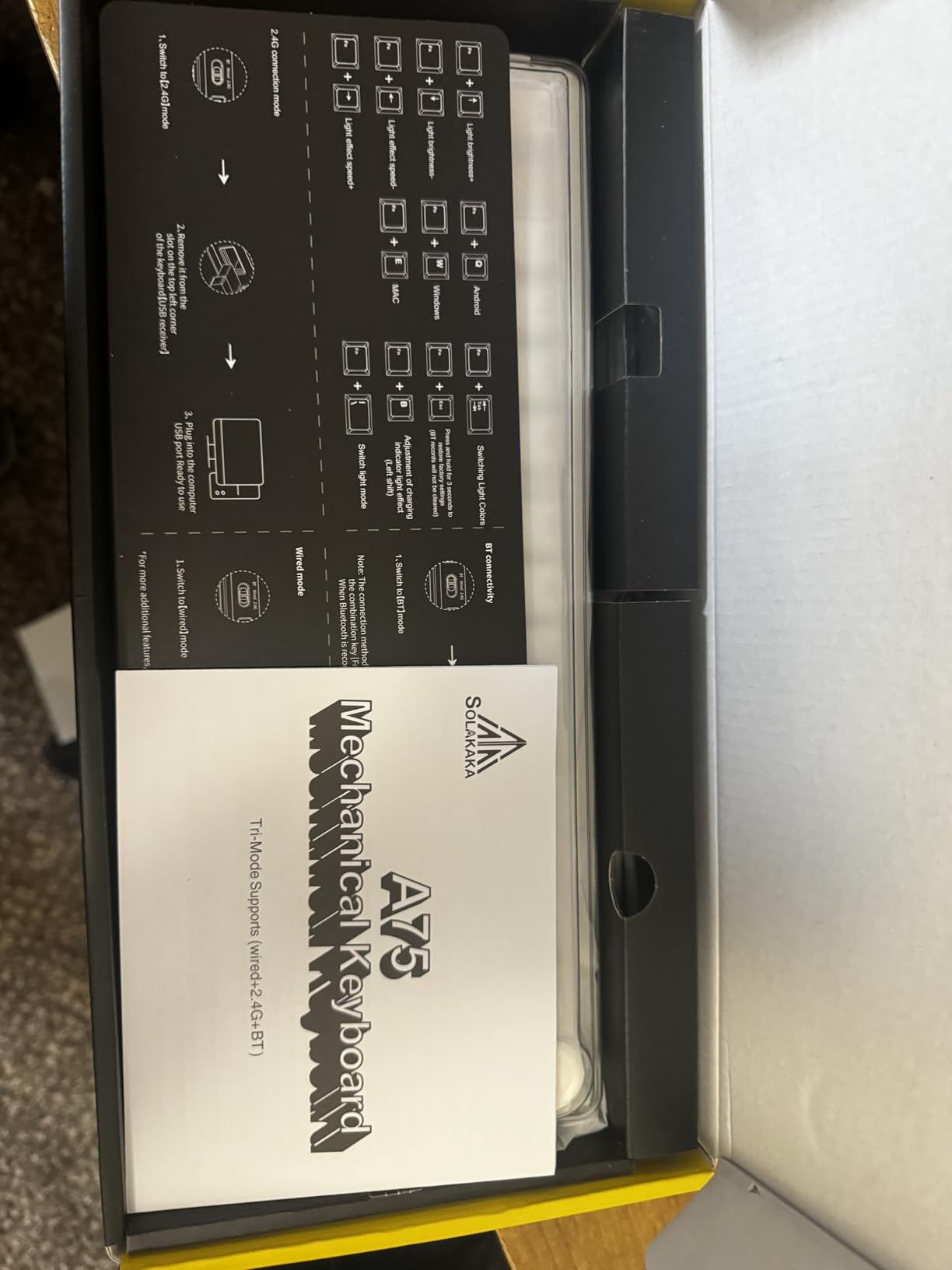
Bluetooth 5.0, 2.4GHz and USB-C cover up to five paired devices, with Windows, Mac and iOS shortcuts using Fn combinations. The 4000mAh battery, N-key rollover and Win key lock round out the everyday features. The catch is that the driver is Windows-only and must be run in wired mode, so the tuning options disappear the moment you go wireless or switch to a Mac session.
Layout Density and Platform Support
At 81 keys the arrow and function row combinations are tight, and the multifunction metal knob is the one key position given over to a non-keyboard control. Double-injection PBT keycaps resist shine. Seventeen lighting modes plus ten music-sync effects are available through the driver, and the board is listed for Win, Mac and PC.
Who This Board Suits
Pick the A75 if you want the deepest per-key tuning available without leaving the vendor software, and you work primarily on Windows. It suits someone who games and codes on the same machine and wants a knob for mute during calls.
Pass if you need firmware-level control, or if you are on Linux or Mac and want full remapping on every connection mode.
14. KEEBMONKEY WOBKEY Rainy 75 – Tuning-Heavy Aluminum and the Lowest Latency Here
KEEBMONKEY WOBKEY Rainy 75 CNC Aluminum HMX/JWK/Cocoa Switches Triple-Mode Connectivity Mechanical Keyboard with Superior Acoustics, RGB/FR4/Silver SUS304/7000mAh/Cocoa Switch (Pro – Black)
81 keys
CNC 6063 aluminum with SUS304 weight
FR4 plate
7000mAh battery
2kg
7 day warranty
+ Pros
- Substantial CNC aluminum build with a metal weight
- Acoustically tuned FR4 plate with five-layer foam and 14 dampening buds
- Very low latency across all three connection modes
- Factory-lubricated HMX and JWK switches
- Double-shot PBT keycaps and 7000mAh battery
– Cons
- Only a 7 day warranty
- Review base of 145 ratings
- Listed Colemak layout
- No QMK or VIA advertised
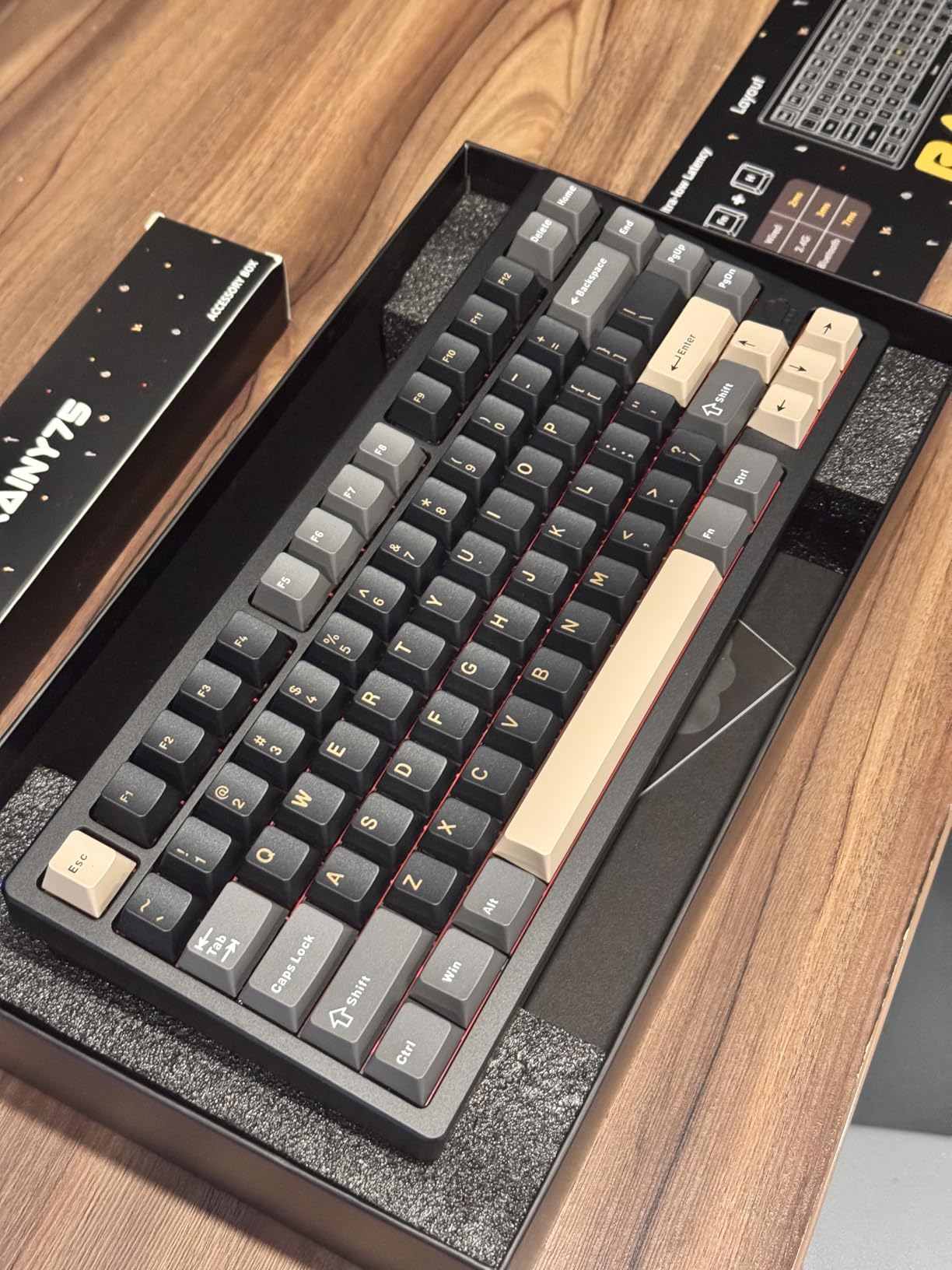
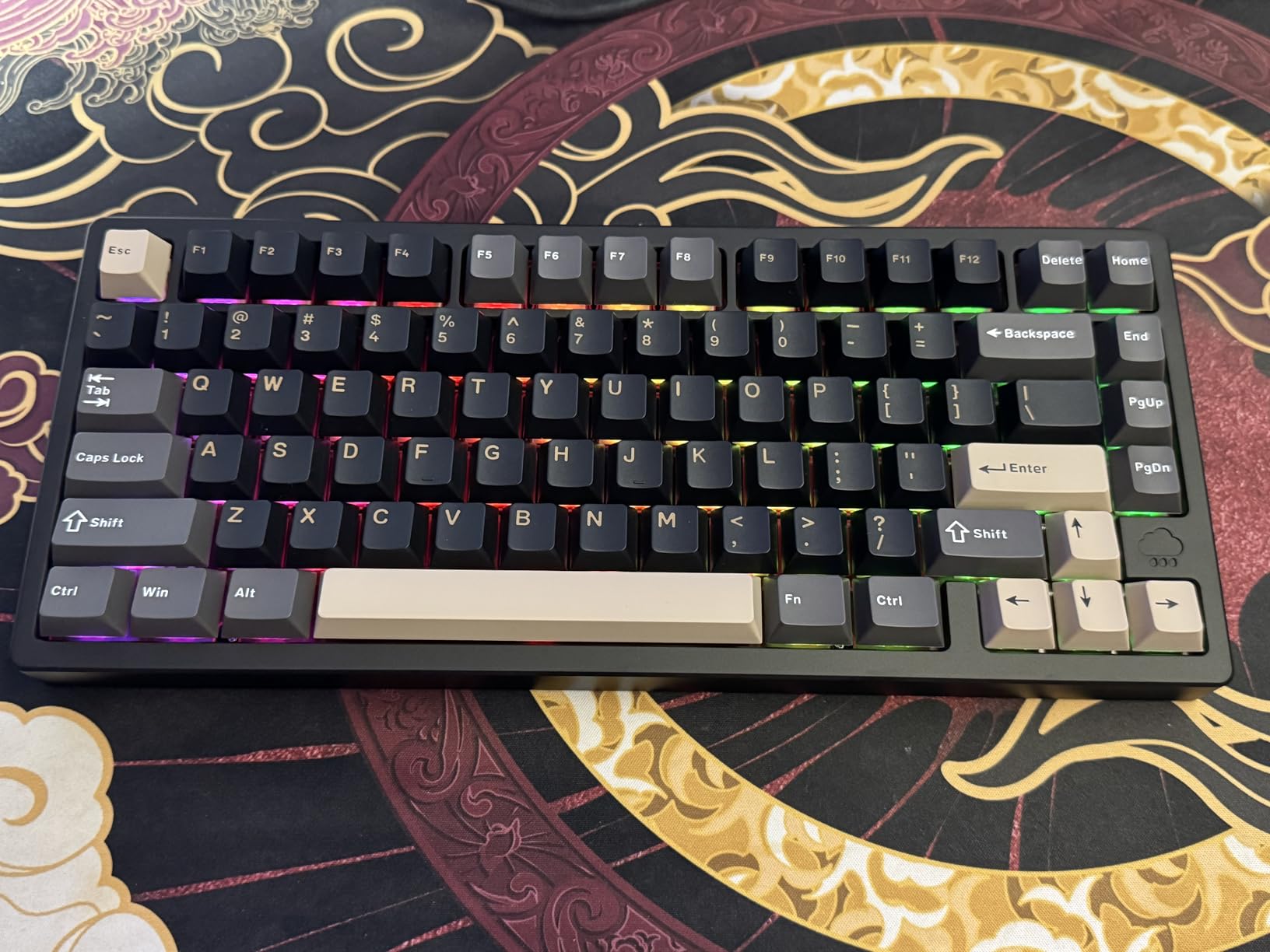
The Rainy 75 is the board that comes up most often when enthusiasts ask for the best 75% without brand loyalty, and the engineering here explains why. A CNC 6063 aluminum case with a silver SUS304 weight, an FR4 plate with flex cuts, five layers of foam and fourteen separate dampening buds, tuned as a set rather than assembled from generic parts.
Latency is the quiet headline: 2ms wired, 3ms over 2.4GHz wireless and 7ms over Bluetooth. Factory-lubricated HMX and JWK switches, double-shot PBT keycaps and a 7000mAh battery complete a package that is clearly aimed at someone who cares about the last millisecond.
Weight, Portability and the Warranty Problem
Two kilograms is heavy for a 75% board. Enthusiast threads treat weight as a quality signal, and in that framing it is a plus, but owners also note that a board which must stay at one desk is a downgrade for anyone who moves between a home and an office. At 2 kilograms, this one stays put.
What the Listing Does Not Tell You
Two things need checking before purchase. The warranty is seven days, the shortest in this roundup, which matters if anything arrives imperfect. And the listed layout is Colemak, so confirm the actual layout with the seller before ordering if you expect QWERTY.
There is no advertised QMK or VIA support, and RGB and configuration run through vendor software, so this is a board for people who tune hardware rather than firmware.
Who This Board Suits
Choose the Rainy 75 if you have one desk and you want the most deliberately tuned acoustics and the lowest latency available in this form factor, and you are comfortable owning a heavy object. It is a natural next board after a first hot-swap entry.
Pass if you travel with your keyboard, if you need a long warranty behind an unfamiliar brand, or if open firmware is a requirement.
How to Choose a 75% Keyboard for Coding
Hot-Swap Sockets and QMK/VIA Are Two Different Features
This is the most repeated misconception in the category, so it is worth stating plainly. Hot-swap sockets let you pull a switch out with a keycap puller and push a new one in, without a soldering iron. They say nothing about firmware.
A board can have hot-swap and a closed vendor app that only runs on Windows, which is exactly the situation with several tri-mode boards here.
For programmers, QMK is the open-source firmware that gives you layers, tap-hold, macros and leader keys with no vendor dependency. VIA is a graphical configurator that sits on top of the same idea, letting you remap without writing a keymap file.
Both matter for one specific reason: a 75% compresses the navigation cluster, and you need a programmable layer to put Home, End, Page Up and Page Down back under your fingers.
Check the firmware support before anything else, because no amount of hot-swap fixes a missing layer.
75% vs TKL vs 65% vs 60% for Programmers
A TKL keeps the full navigation cluster and function row but adds a wide gap and a separate arrow block, pushing the mouse outward. A 65% keeps the arrow keys but folds the function row into a number row, so F-keys live behind Fn. A 60% keeps arrows and drops the function row entirely.
The 75% sits between the 60% and the TKL: full function row, dedicated arrows, compressed navigation. For a coder with a mouse arm, the 75% wins on reach.
For someone who lives in Vim motions and never touches an F-key, a 65% frees up more desk. For a spreadsheet or data entry role, none of them are right. Our general programming keyboard guide covers the full-size and TKL side of that decision.
Switches for Typing Code
Linears are the fastest for continuous typing because there is no tactile bump to interrupt the rhythm, and they are the default on most boards here. Tactile switches give a bump you can feel without looking down, which helps accuracy when you are watching a screen rather than your hands; Keychron K3 and Keychron K2 HE offer tactile or adjustable options.
Silent linears are the answer for open-plan floors and video calls, and because most boards here have hot-swap sockets, silence is an upgrade rather than a purchase decision.
Clicky switches are the one category to avoid in a shared space. Hall effect magnetic switches, found here on the Keychron K2 HE, add per-key adjustable actuation, which helps most when you game competitively and type on the same board.
Keycap Profile Matters More Than Most Buyers Expect
Cherry profile is low and sloped, MDA is taller and more sculpted, and round profiles like the LOFREE DOT’s are a category of their own. Height differences change how far your fingers travel and can create errors during the first days of a new board.
PBT keycaps resist shine and feel consistent for years; ABS is smoother at first but develops shine. Where possible, pick PBT and stay with one profile once you have adapted to it.
Noise, Case Material and the Shared Office
Case material drives both weight and sound. Aluminum boards weigh more and pitch lower; plastic boards are lighter and cleaner. Gasket mounting, where the plate floats on soft pads instead of being screwed rigidly to the case, absorbs impact energy and is the reason budget boards now sound acceptable.
If you share a floor, foam filling and silent switches matter more than case material.
Multi-Device Pairing and Connection Type
Tri-mode boards pair Bluetooth, 2.4GHz and USB-C, usually three to five devices. Bluetooth is the one to use for a laptop on a desk, 2.4GHz for a desktop where latency matters, and USB-C when you want zero delay and no battery drain.
Reported latency across this roundup ranges from 2ms over USB to 11ms over Bluetooth on one board, so if you are on a competitive title, stay on the wired or 2.4GHz path.
Who Should Not Buy a 75% Keyboard
Skip this layout if numeric entry is part of your daily work, since spreadsheet-heavy finance and data roles need a numpad. Also skip it if you are unwilling to spend a week adapting to a compressed navigation cluster.
Skip it too if your employer does not permit unapproved firmware on work hardware, since QMK flashing can conflict with device management policy. In all three cases a TKL or full-size board is the better tool.
Frequently Asked Questions
Is a 75% keyboard good for programming?
Yes, for most developers. A 75% keyboard keeps a full F1 to F12 function row and dedicated arrow keys, drops the numeric keypad, and compresses the navigation cluster into the main block. You regain Home, End, Page Up and Page Down through a programmable layer, and the mouse sits closer to your body, reducing shoulder reach. Expect about a week of slower typing before you pass your old full-size speed.
What is the best mechanical keyboard for programmers?
The best mechanical keyboard for programmers is one with hot-swap sockets and open firmware such as QMK or VIA, PBT keycaps in a profile you can adapt to, and switches tuned for long sessions. Linear switches suit fast typing, tactile switches suit accuracy without looking down, and silent linears suit open offices. The single most useful criterion is programmable layers, because a compressed 75% layout depends on remapping to restore navigation keys.
Which 75% keyboard has the best quality?
Quality on 75% boards now comes in clear tiers. Budget boards ship gasket mount, foam dampening and hot-swap sockets. Mid tier adds aluminum cases, tuned stabilizers and larger batteries. Premium boards add CNC finishing, custom switches, screens and real open-source firmware. Among these picks, the GravaStar Mercury K1 Pro leads on metal build and its web-based configurator, while the YUNZII AL80 and KEEBMONKEY Rainy 75 lead on aluminum weight and acoustic tuning.
What switches are best for typing code?
Linear switches are best for fast, uninterrupted typing because there is no tactile bump to break your rhythm. Tactile switches give feedback you can feel without looking down, which helps accuracy. Silent linears are best for shared offices and video calls. Hall effect magnetic switches add per-key adjustable actuation, which is useful if you also play competitive games. Any of these can be fitted through hot-swap sockets without soldering.
Is a 75% keyboard too small for coding?
Only if you rely on dedicated navigation keys and are unwilling to remap. A 75% board compresses Home, End, Page Up and Page Down into a layer, so it is only comfortable if that layer is programmed. Programmers generally adapt in about a week and then type faster than they did on a full-size board, because the mouse reaches inward. If you do heavy numeric entry or spreadsheet work, a TKL is the better choice.
Which 75% Keyboard Should You Buy?
If you want the best overall 75% keyboard for programmers right now, the RK Royal Kludge R75 is the pick: a deep, creamy gasket-mounted sound, real PBT keycaps, a metal knob and hot-swap sockets at a build level most people do not expect.
It is wired only and earlier revisions lack QMK, so pair it with a remapping solution or choose the GravaStar Mercury K1 Pro if open firmware is a requirement in a metal chassis.
If you move between devices, the AULA F75 Pro holds five paired connections and stays quiet. If you want visible system state, the Womier SK80 pairs one of the highest ratings in this roundup with a colour display.
For slim setups and a laptop riser, the Keychron K3 Version 2 is the only low-profile option here with real QMK support. For gaming and coding on one board, the Keychron K2 HE covers Hall effect switches and rapid trigger.
If you do heavy numeric entry, a TKL or full-size board will serve you better, and no 75% layout will change that. For everyone else, the deciding criterion in 2026 is not switch hype: it is open firmware, keycap profile, and whether the board is quiet enough for the room you work in.
Leave a Reply