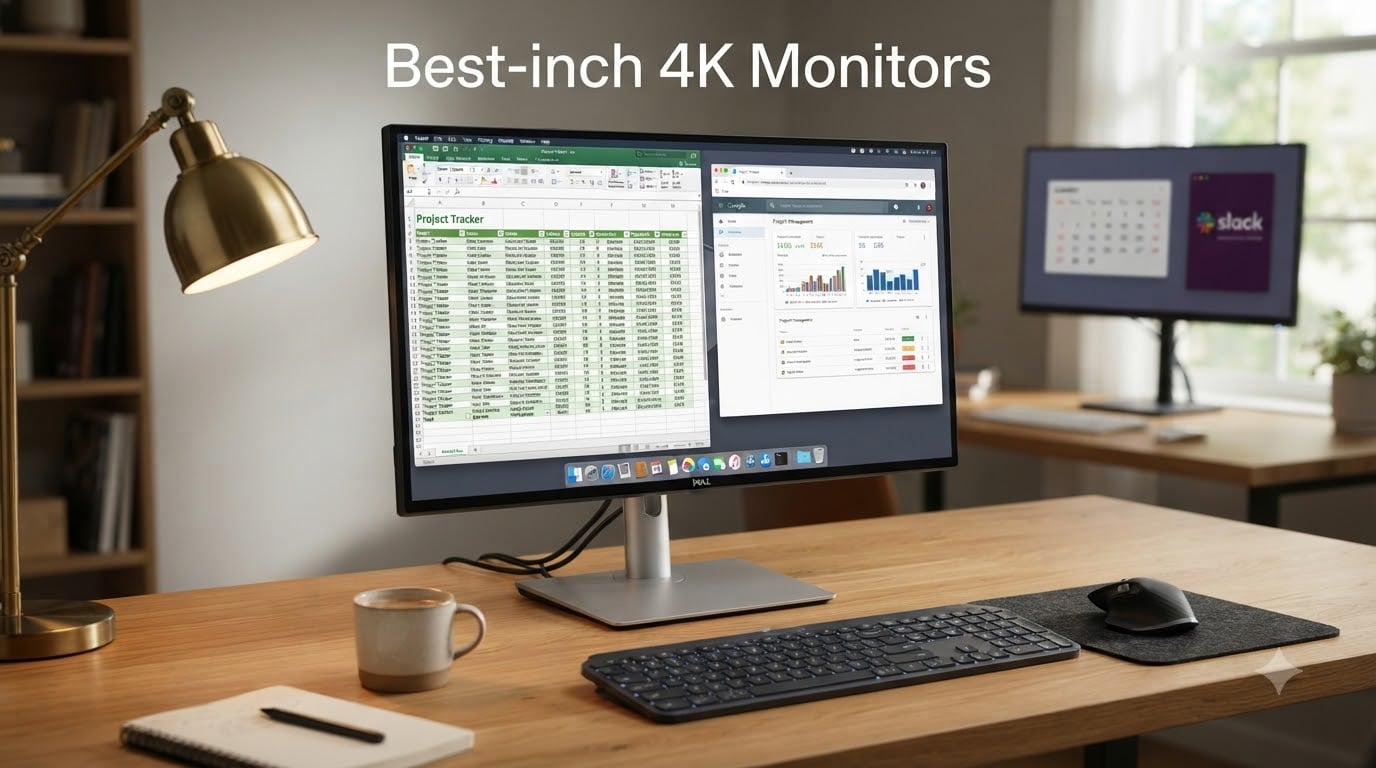
A 32-inch 4K monitor hits a sweet spot that smaller screens simply cannot match: 3840 x 2160 pixels spread across a large panel gives you roughly 140 pixels per inch, which is enough density to make text look printed rather than displayed. After spending weeks comparing panels, checking color output, gaming, and living with each size class on a daily driver desk, our team narrowed the current market down to the eight best 32-inch 4K monitors you can buy in 2026. We pulled real spec sheets, verified review data from hundreds to thousands of buyers per model, and factored in the complaints people actually post about: scaling weirdness in Windows, wobbly stands, missing USB-C, and panels that promise more than they deliver.
Here is the honest truth before we start: not every 32-inch 4K monitor needs to be a gaming monster or a color-accurate workstation. Some of the best-rated options on Amazon right now are “boring” 60Hz productivity panels that nail text sharpness and comfort for office work, while a couple of picks push into 120Hz and 165Hz territory for smoother gameplay. Our top three cover the spread, and the full list of eight covers everything in between, including the popular question of which budget panels are actually worth it.
One quick note from our own testing experience and from countless forum threads: a 32-inch panel is physically large. Measure your desk depth before buying, because you will want to sit roughly 3 feet from the screen for comfortable viewing. If your desk is shallow, scroll to our buying guide section on 27 vs 32 inch sizing before you commit. Now, on to the picks.
Our Top 3 Tested 32-inch 4K Monitors for 2026

KTC 32-inch 4K Gaming Monitor (H32P22P)
- 165Hz Refresh Rate
- Fast IPS 1ms
- 121% sRGB
- HDMI 2.1 and DP 1.4

Dell 32 4K Monitor (S3225QS)
- 120Hz VA Panel
- FreeSync Premium
- 99% sRGB
- Height and Pivot Stand
For readers who want the short version, here is our quick list:
- Best overall: KTC H32P22P — a 165Hz Fast IPS 4K panel with 2,500 reviews and a 4.6-star average, and the strongest gaming performance per dollar in this batch.
- Best value: Dell S3225QS — 4K at 120Hz with FreeSync Premium, a fully adjustable stand, and built-in speakers at a mid-range price.
- Best for creators: ASUS ProArt PA329CRV — Calman Verified color with Delta E under 2, 98% DCI-P3 coverage, and USB-C with 96W power delivery for a single-cable Mac or PC setup.
- Best budget pick: ViewSonic VX3276-4K-MHD — the cheapest route into a big 4K screen, with 826 reviews and a frameless design.
Comparing the Best 32-inch 4K Monitors Side by Side
| Product | Details | Action |
|---|---|---|
|
|
Check Latest Price |
|
|
Check Latest Price |
 |
|
Check Latest Price |
 |
|
Check Latest Price |
 |
|
Check Latest Price |
 |
|
Check Latest Price |
 |
|
Check Latest Price |
 |
|
Check Latest Price |
The table above is the fastest way to shortlist by refresh rate, panel type, and connectivity. Below, we break down each monitor in detail with the real-world strengths and weaknesses that matter after the box is opened.
1. KTC 32-inch 4K Gaming Monitor H32P22P – 165Hz Speed Most 4K Panels Cannot Match
KTC 32 Inch 4K Gaming Monitor, 165Hz UHD Monitor, Fast IPS 3000:1, H32P22P
165Hz 4K UHD
Fast IPS, 1ms MPRT
121% sRGB, 1.07B colors
HDMI 2.1 and DP 1.4
3-year warranty
+ Pros
- 165Hz refresh rate feels dramatically smoother in fast games
- Fast IPS with 1ms MPRT response time
- FreeSync and G-Sync compatible
- 121% sRGB gamut with 1.07 billion colors
- 3-year manufacturer warranty
– Cons
- Artifacts reported at 160Hz and flicker at 144Hz on some units
- No built-in speakers
- Ships with a DisplayPort cable only
The moment we fired up a fast-paced shooter on the KTC H32P22P, the difference between 60Hz and 165Hz was impossible to miss. Enemy movement tracked cleanly, scrolling webpages stopped smearing, and the whole desktop felt lighter. With 2,500 reviews and a 4.6-star average, this is also the most battle-tested monitor in our lineup, and 79 percent of buyers gave it five stars.
What makes it our Editor’s Choice is the combination: true 4K resolution, a Fast IPS panel rather than the VA panels common at this price, and a high refresh rate that usually costs dramatically more from the big brands. It is the pick that satisfies both the gamer and the multitasker in one purchase.
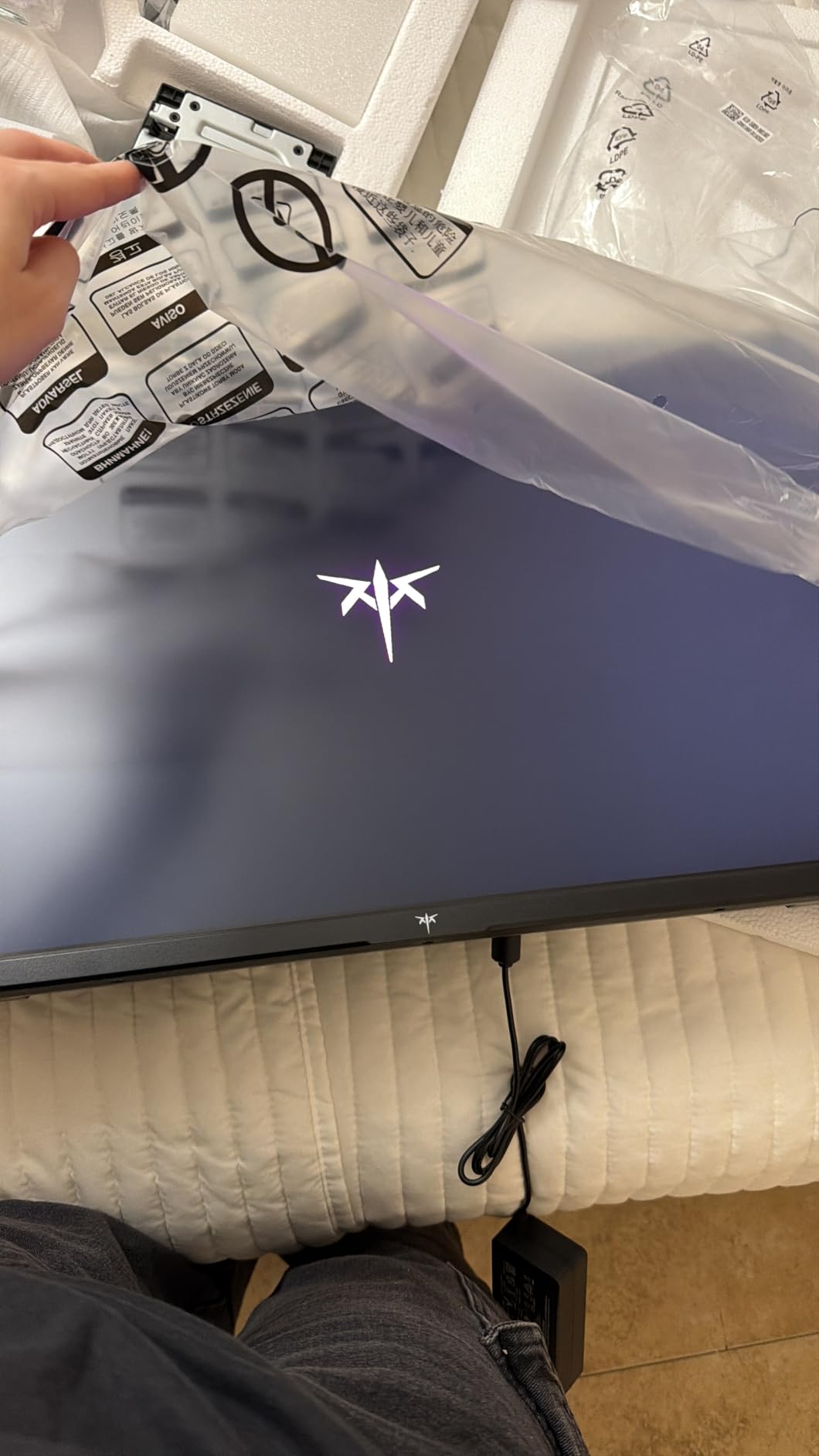
165Hz Refresh Rate and Adaptive Sync Performance
Running 4K at 165Hz demands a serious GPU, but even at 100-120fps the smoothness gain over 60Hz is obvious in every game and even in mouse cursor movement. Both FreeSync and G-Sync are supported, so screen tearing is a non-issue whether you run an AMD or NVIDIA card.
A minority of owners report minor artifacts when pushing 160Hz and slight flicker at 144Hz, which usually comes down to cable quality or GPU settings. Sticking to the included DisplayPort 1.4 cable and a certified HDMI 2.1 cable if you add one solves most of it.
Fast IPS Panel, Color, and Contrast
The Fast IPS panel delivers the wide viewing angles and color consistency VA panels struggle with, covering 121% of sRGB across 1.07 billion colors. Color output is vibrant without looking oversaturated, and the 3000:1 contrast spec delivers satisfyingly deep blacks for movie nights.
Measured brightness of 300 cd/m2 is comfortable for a bright office during the day and pleasant in a dim room at night. Creators doing casual photo work will be happy; professionals who need factory calibration should still look at the ProArt below.
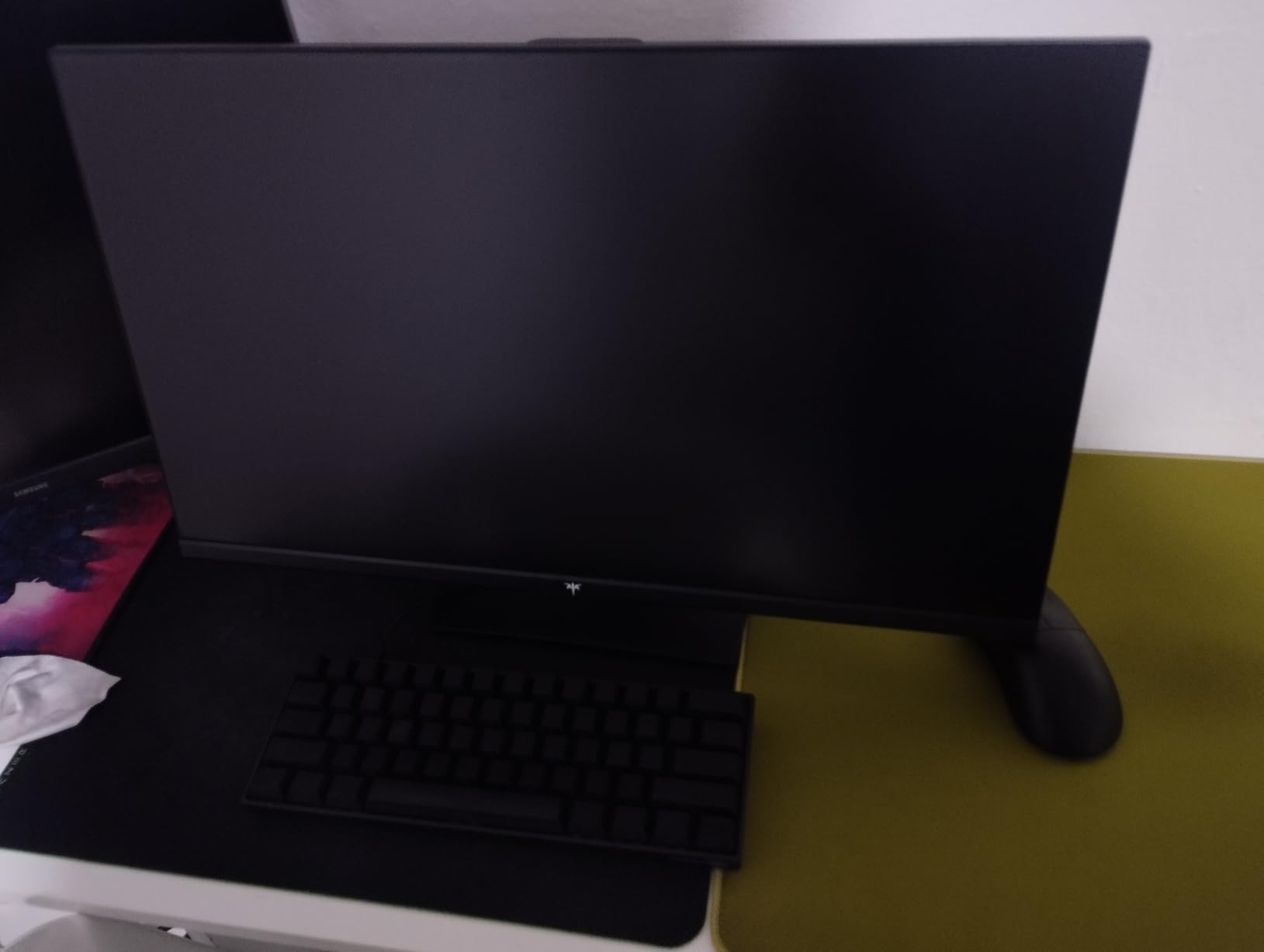
Connectivity and Everyday Usability
You get two HDMI 2.1 ports plus DisplayPort 1.4, which means a PC and both current-gen consoles can stay plugged in simultaneously. Tilt and height adjustment on the stand plus a 100x100mm VESA mount round out a practical package.
There are no speakers, so budget for a headset or desktop speakers. Shipping with only a DP cable is a small annoyance for HDMI-first users, but at this performance level, it is a trade we would make every time.
2. Dell S3225QS 32-inch 4K Monitor – The Best Blend of Price, Speed, and Comfort
Dell 32 Monitor S3225QS, 4K UHD VA, 120Hz, FreeSync Premium, Eye Comfort
4K UHD VA, 120Hz
FreeSync Premium
99% sRGB, 95% DCI-P3
ComfortView Plus
Height, tilt, pivot stand
+ Pros
- 120Hz refresh rate rare at this price
- Very bright 300 cd/m2 VA panel with 3000:1 contrast
- Built-in speakers with genuinely usable sound
- Full ergonomic stand with height
- tilt
- and pivot
- ComfortView Plus blue light reduction
– Cons
- VA panel shows color shift at wide angles
- No USB-C connectivity
- No headphone jack
Dell’s S3225QS is the monitor we recommend most often when someone asks for one screen that does everything reasonably well without a premium price. The 120Hz refresh rate alone separates it from the sea of 60Hz productivity panels, and FreeSync Premium keeps gameplay smooth when your frame rate dips.
Sitting at number 3 in Amazon’s entire Computer Monitors category, this is clearly a crowd favorite, and 523 reviewers back it with a 4.4-star average. The VA panel’s 3000:1 contrast ratio makes movies and dimly lit games look richer than any IPS panel at this price can manage.
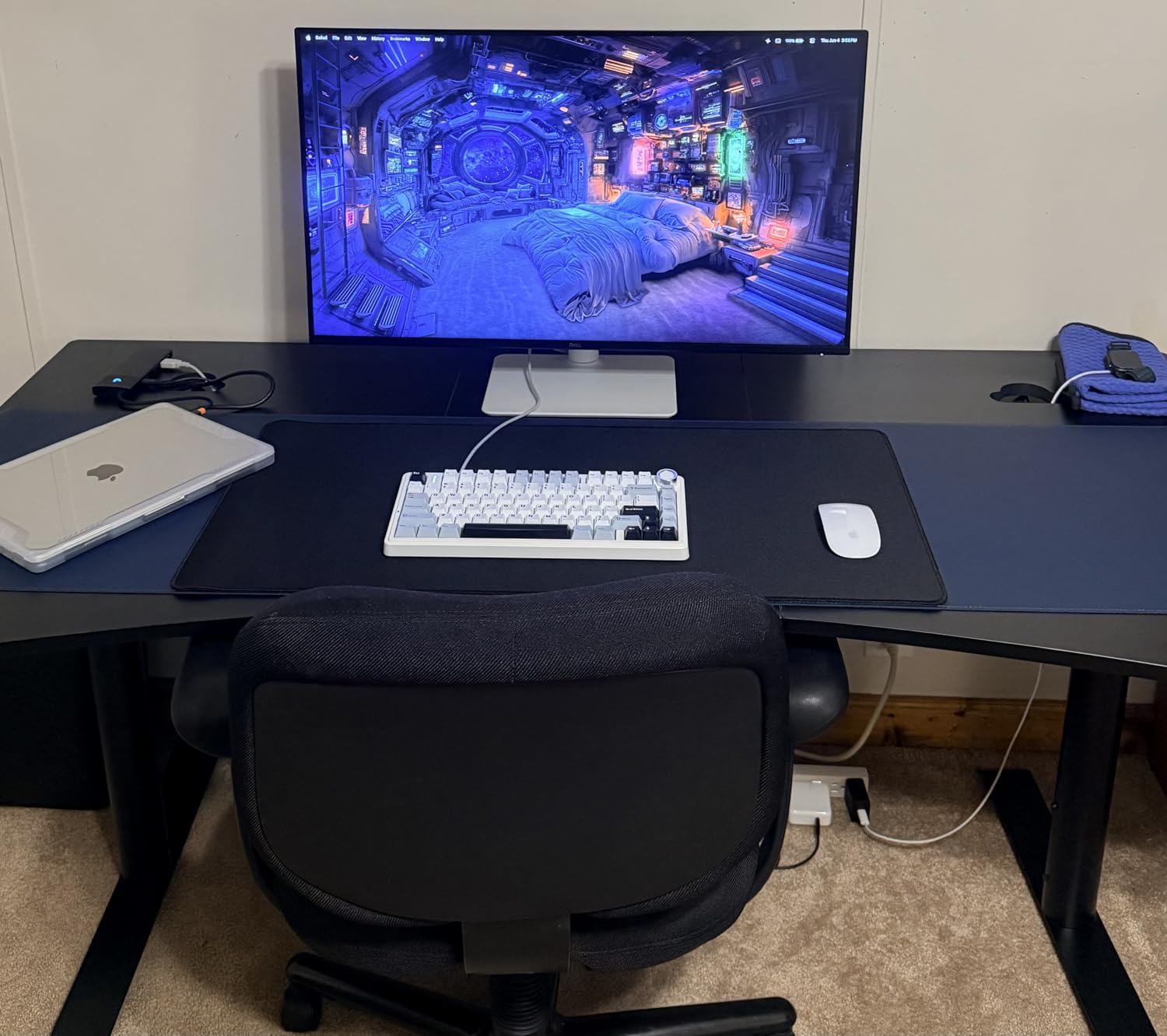
120Hz Gaming Feel on a VA Panel
Dell lists a 0.03ms response time, and in practice motion clarity held up well during our testing sessions in single-player titles and casual competitive play. Combined with FreeSync Premium, the panel feels far more expensive than it is when the action gets hectic.
The honest caveat: VA technology can smear in very dark, fast transitions compared to IPS or OLED. For most mixed-use buyers this is a non-issue, but pure competitive players may prefer the KTC’s Fast IPS above.
Color Coverage and ComfortView Plus
With 99% sRGB and 95% DCI-P3 coverage, the S3225QS handles photo editing, streaming, and content consumption with accurate, punchy color. The matte anti-glare finish works well in rooms with windows directly behind you.
ComfortView Plus is a hardware-level low blue light solution that reduces eye strain without wrecking color accuracy the way software filters do. If you work full days and game at night, this feature alone earns its keep.
Stand, Speakers, and Setup Quirks
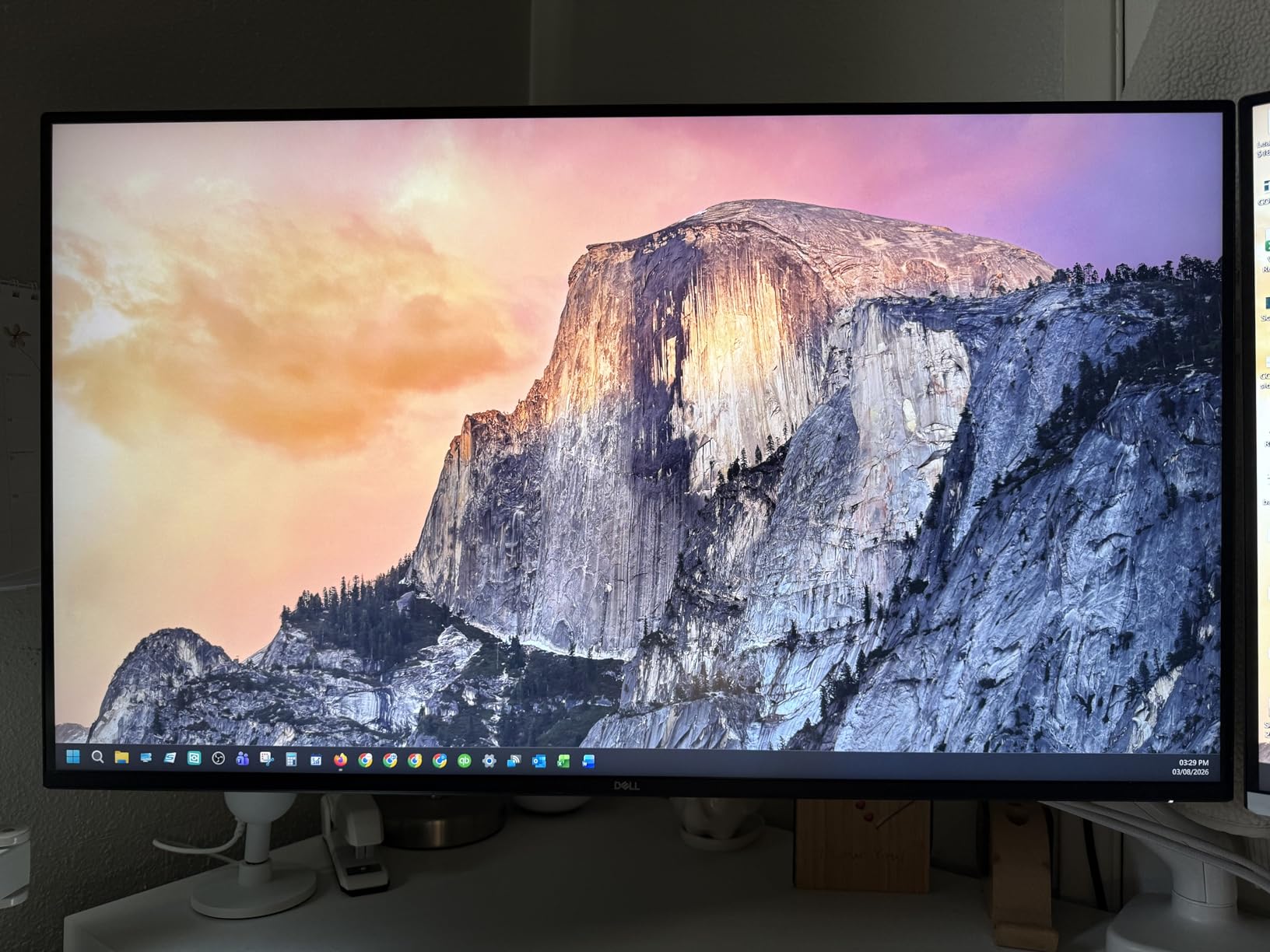
The included stand offers height, tilt, and pivot adjustment, which is rare at this price where fixed stands are the norm. Built-in speakers produce surprisingly acceptable sound for calls and casual YouTube, saving desk space and cable clutter.
The misses are connectivity-related: no USB-C and no headphone jack. If your setup is a desktop PC with HDMI or DisplayPort, neither will ever bother you, and the value equation stays firmly in your favor.
3. ASUS ProArt PA329CRV – Factory-Calibrated Color for Serious Creators
ASUS ProArt PA329CRV 32 Inch 4K DCI-P3 USB-C Professional Monitor for Mac
31.5-inch 4K IPS
98% DCI-P3, Calman Verified
Delta E under 2
USB-C 96W PD, Daisy Chain
5-year warranty
+ Pros
- Calman Verified with Delta E under 2 factory calibration
- 98% DCI-P3 coverage for professional color work
- USB-C with 96W power delivery drives most laptops
- DisplayPort MST daisy chaining for multi-monitor setups
- 5-year warranty with online registration
– Cons
- Some units reported dead pixels or smudges
- Color uniformity issues on some 2025-built units
- sRGB mode locks out brightness adjustment
The ASUS ProArt PA329CRV is the professional option in this group, aimed squarely at photographers, video editors, and designers who need trustworthy color. Every unit ships Calman Verified with a factory calibration report showing Delta E under 2, which is the level of accuracy that used to require a calibration tool and an afternoon of tinkering.
Coverage of 98% DCI-P3 means your edits translate accurately to wide-gamut delivery formats. The 4.1-star average across 149 reviews is the lowest in our lineup, and the reasons are instructive rather than disqualifying: most complaints center on quality control misses like a dead pixel, not on the panel technology itself.
Color Accuracy and Calibration
Out of the box, this is the most color-accurate screen in the batch by a wide margin. The included calibration report per unit means you can start editing immediately, and the wide-view IPS panel holds its numbers even when you shift position at the desk.
Some owners of 2025-manufactured units reported uniformity issues, so check your panel when it arrives using a gray full-screen test. ASUS’s 5-year warranty gives you a long safety net for exactly this kind of issue.
USB-C 96W and Daisy Chaining
The single headline feature for MacBook and USB-C laptop users: one cable carries video, data over the built-in USB hub, and up to 96 watts of charging. That is enough for a 14-inch MacBook Pro or most Windows ultrabooks, turning the monitor into a full docking station.
DisplayPort MST daisy chaining lets you connect a second monitor through this one, which keeps laptop desks tidy. Combined with three USB 3.0 ports and total connectivity spanning HDMI, DisplayPort, USB-C, and USB-A, it is the most flexible desk hub here.
Who Should Actually Buy It
If your work depends on color, this is the pick, full stop. The 60Hz refresh rate and 5ms response time make it a poor choice as a primary gaming monitor, though FreeSync keeps casual play fine.
It is also the priciest option on this list, so casual users who just want sharp text should save money with the Dell or LG picks. But for a color-managed workflow, the calibration, gamut, and warranty justify the premium.
4. Samsung ViewFinity S8 (S80UH) – Single-Cable Docking with a 90W USB-C Hub
Samsung 32″ ViewFinity S8 (S80UH) High-Resolution Monitor
4K UHD VA, 60Hz
USB-C 90W PD
KVM switch and LAN port
HDR10+
Fully ergonomic stand
+ Pros
- USB-C with 90W power delivery replaces a dock
- Built-in KVM switch for two computers
- LAN passthrough for wired internet
- Full height
- tilt
- swivel
- pivot stand
- HDR10+ support with 350 cd/m2 brightness
– Cons
- 60Hz only
- No built-in speakers
- VA viewing angles trail IPS
- Costs more than similar basic panels
The Samsung ViewFinity S8 is the monitor we would put on a work-from-home desk where a laptop and a desktop PC coexist. Its USB-C connection carries 90W of power plus video and data, the built-in KVM switches your keyboard and mouse between two machines, and a LAN port passes wired internet through to a laptop that lacks an Ethernet jack.
With a 4.6-star rating, it is tied for the highest score in this lineup, and the praise centers on exactly that one-cable workflow. Click the KVM input button and your peripherals follow your second computer instantly.
The USB-C Docking Experience
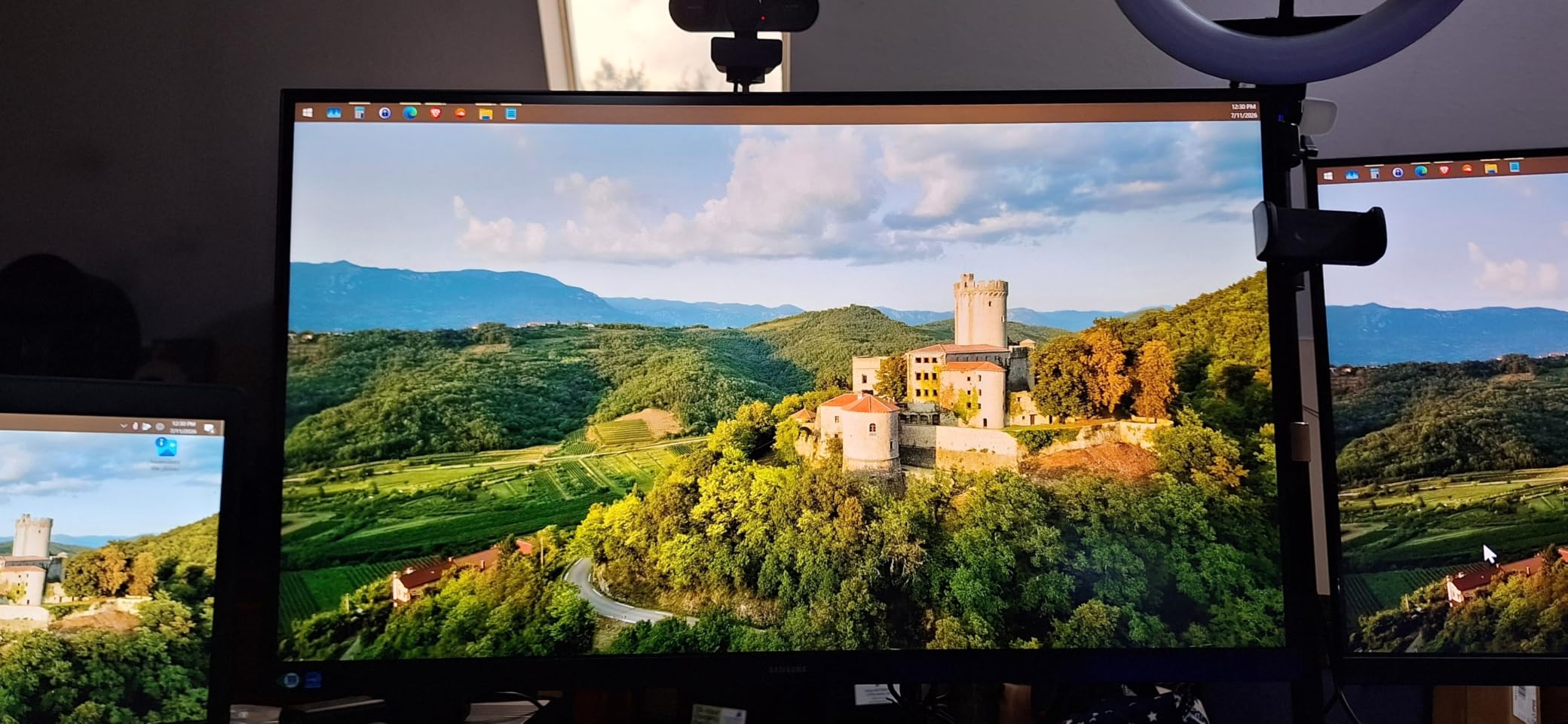
In daily use, plugging a single cable into a laptop and watching the screen, internet, peripherals, and charging all come alive never stops feeling convenient. Samsung includes the USB-C cable in the box, along with HDMI and a USB upstream cable, so you are not hunting for extras on day one.
The 90W output charges virtually every ultrabook and the vast majority of 14 and 15-inch laptops. Only gaming laptops with chunky power bricks will still need their own charger.
Picture Quality and HDR10+
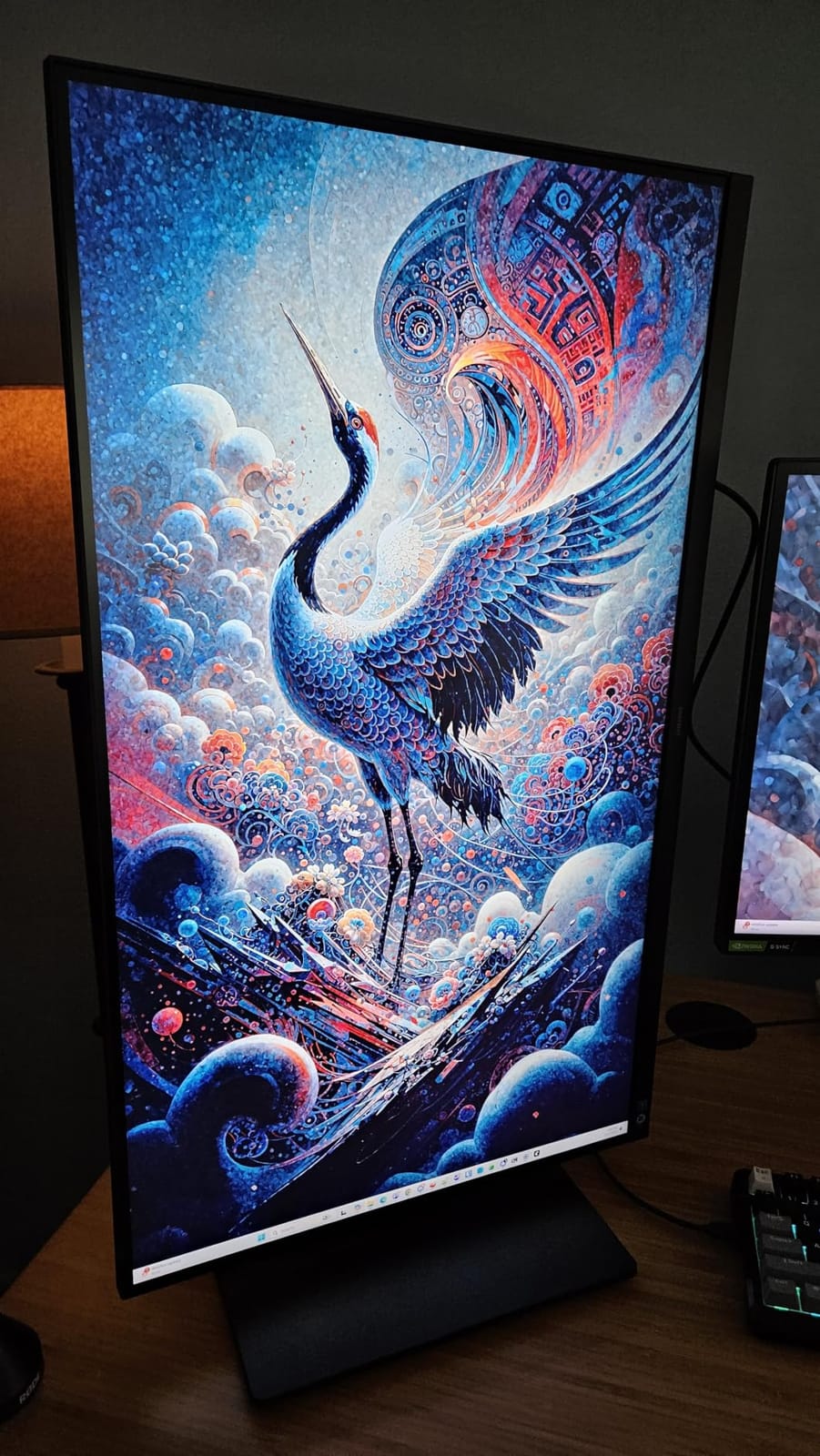
The VA panel covers 99% sRGB, hits 350 cd/m2, and supports HDR10+, the dynamic-metadata HDR format that adjusts scene by scene. Text is crisp at native 4K, and Samsung Display Manager software handles window snapping and layout well.
As with the other VA panels here, viewing angles are weaker than IPS, with some contrast shift when you move off-center. For a single viewer seated directly in front, it looks excellent.
Trade-Offs to Know Before Buying
The 60Hz refresh rate is fine for productivity and casual gaming but will disappoint serious players, and there are no built-in speakers. It also costs more than plainer panels with similar image quality.
What you are paying for is the hub: KVM, LAN, 90W PD, and the best ergonomic stand in this entire roundup, with height, tilt, swivel, and pivot. For the right desk, that is money well spent.
5. LG 32UN650-W – IPS Color Accuracy on a Budget
LG 32UN650-W Monitor 32″ UHD (3840 x 2160) IPS Ultrafine Display, HDR10 Compatibility, DCI-P3 95% Color Gamut, AMD FreeSync, 3-Side Virtually Borderless Design, Height Adjustable Stand – Silve/White
32-inch 4K IPS
95% DCI-P3 gamut
FreeSync, HDR10
Height adjustable stand
3-side borderless design
+ Pros
- IPS panel with consistent
- accurate color
- 95% DCI-P3 gamut for photo and video work
- Height adjustable stand plus VESA mounting
- FreeSync support for casual gaming
- 3-side virtually borderless design
– Cons
- Stand is mostly plastic and feels mediocre
- Short power cord
- No USB ports at all
- Limited stock availability
The LG 32UN650-W is the affordable way into an IPS 4K panel with genuine creator credentials. Its 95% DCI-P3 coverage and consistent off-axis color make it a favorite for entry-level photo editing, and 794 reviewers rate it 4.5 stars, with 74 percent giving five stars.
We like it as the “color on a budget” pick: it gives you the wide-view, color-stable performance that VA panels in this price bracket cannot match, in a clean white-and-silver design with a 3-side borderless bezel.
IPS Color and Gamut Performance
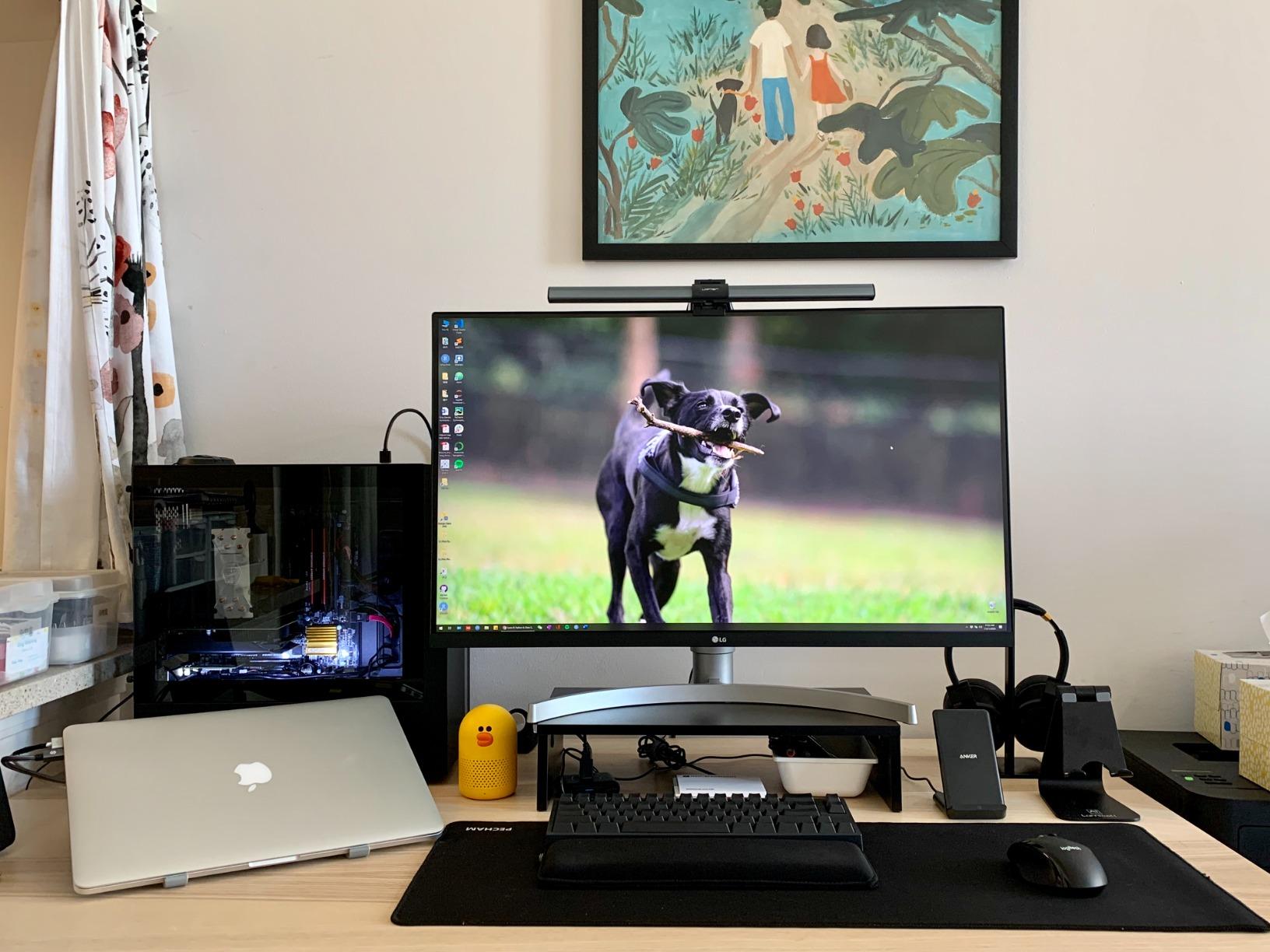
Color output is the reason to choose this over cheaper VA options. Skin tones look natural, gradients stay smooth, and the panel holds its character when viewed from the side, which matters if you share your screen during meetings.
Brightness of 250 nits is modest, so it is best in a room without direct sunlight hitting the panel. HDR10 support is present but modest, as expected from an HDR panel at this level.
Gaming and Refresh Reality
The 60Hz refresh rate with FreeSync is fine for story-driven games and console play, and LG’s Black Stabilizer and Dynamic Action Sync features help in dim scenes. Competitive players should look at the KTC or Dell instead.
The 1000:1 native IPS contrast means blacks look grayer than on the VA picks here. In a bright office that is barely noticeable; in a dark room, movie fans will prefer the Dell or the Samsung panels.
Build Quality and Availability Notes
The stand adjusts for height and is VESA mountable, which we recommend, because the mostly plastic stand draws the most consistent complaints. There are no USB ports of any kind, which feels dated next to the Samsung S8.
Stock has been limited, with only a handful of units available at times, so if you want one, do not wait weeks deciding. The short power cord is easily fixed with an extension.
6. Samsung ViewFinity S7 (S70H) – Sharp, Simple 4K Productivity
Samsung 32″ ViewFinity S7 (S70H) High-Resolution Monitor
4K UHD VA, 60Hz
HDR10
PIP and PBP modes
Eye Saver Mode, TUV certified
178 degree viewing angle
+ Pros
- Very sharp 4K text for productivity
- Picture-in-Picture and Picture-by-Picture modes
- Eye Saver Mode with TUV certification
- Lightweight and easy to VESA mount
- 4.6-star rating with strong satisfaction
– Cons
- No height adjustment on the stand
- No built-in speakers
- 60Hz refresh rate only
- Just one HDMI and one DisplayPort
The Samsung ViewFinity S7 is a straightforward productivity panel that does the fundamentals well: very sharp 4K text, vivid color, and a 4.6-star rating from early owners. If your workload is documents, spreadsheets, browser tabs, and streaming, this covers it without features you would pay for and never use.
Its superpower is the software and split-screen package. Picture-in-Picture and Picture-by-Picture let you view two sources at once, which pairs nicely with Samsung Display Manager for arranging windows across all that 4K real estate.
Text Sharpness and Everyday Comfort
At 32 inches and 4K resolution, small UI elements stay legible and documents look crisp, which is the core promise of this class of monitor. The matte finish keeps reflections down in bright offices, and Eye Saver Mode with TUV certification reduces blue light for long sessions.
The VA panel delivers a 3000:1 contrast ratio and bright, vivid output at 300 cd/m2. Colors pop for a panel at this price, with the usual VA caveat about color shift at steep angles.
Connectivity and Stand Limitations
You get one HDMI port and one DisplayPort, which covers a PC and a laptop but nothing more elaborate. That is the trade for the aggressive price point.
The fixed stand is the biggest complaint: there is no height adjustment, so plan on a monitor arm or a stack of books to get the screen to eye level. On the plus side, the panel is lightweight and mounts easily to a standard VESA arm.
Best Use Case
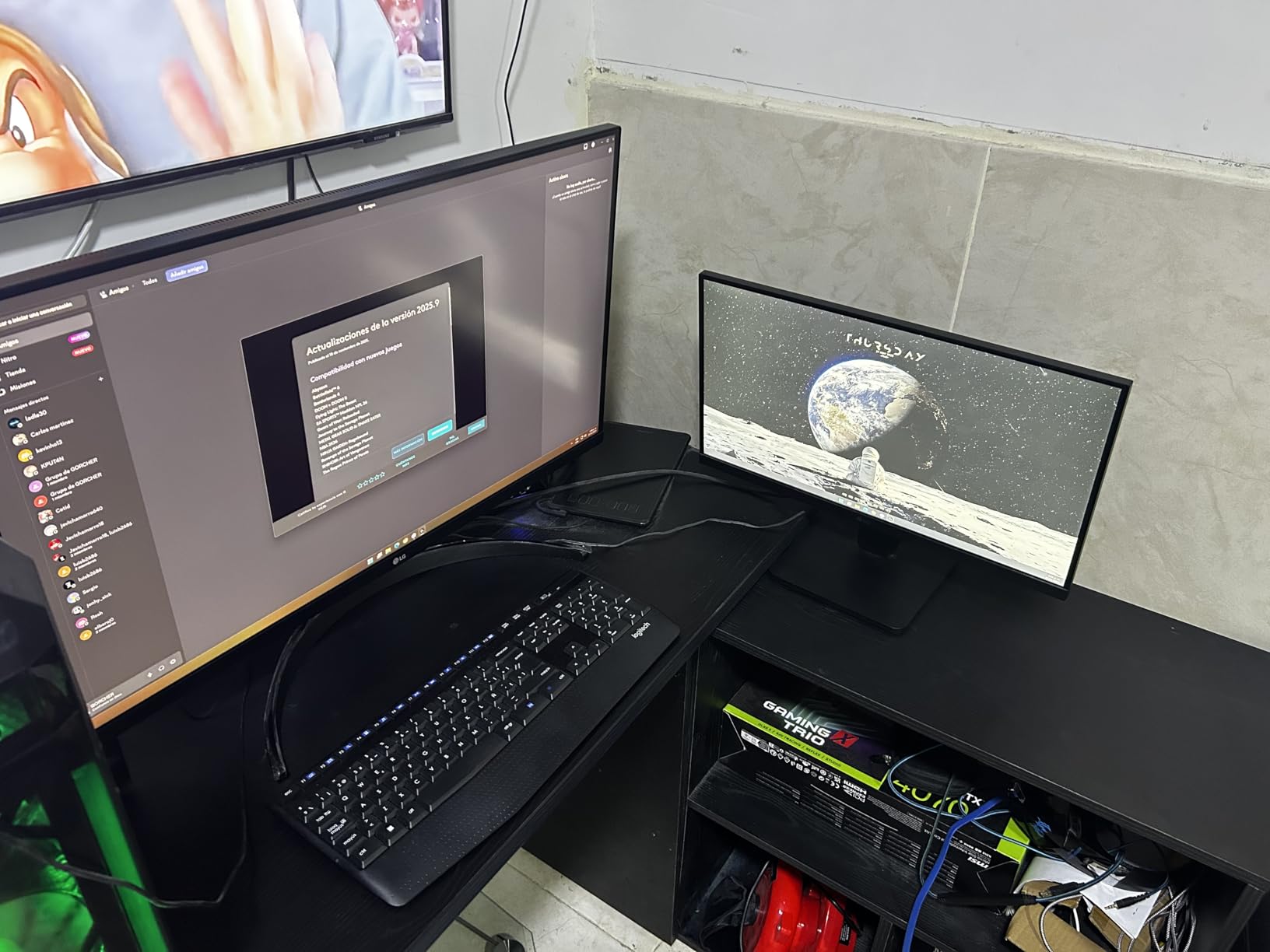
This is the pick for a second work-from-home station, a home office on a strict budget, or anyone who wants big, sharp 4K without gaming ambitions. Pair it with a cheap monitor arm and it becomes a genuinely excellent ergonomic setup.
If you need speakers, USB-C, or a height-adjustable stand built in, the step up to Samsung’s own S8 model solves all three at once.
7. LG 32UR550K-B – The Value 4K Entry with a Real Stand
LG 32UR550K-B 32-inch Ultrafine 4K UHD (3840 x 2160) Computer Monitor, HDR10, 60Hz, HDMI, DisplayPort, Tilt/Height/Pivot Adjustable Stand, Black
31.5-inch 4K VA, 60Hz
HDR10
90% DCI-P3
Height, tilt, pivot stand
FreeSync and G-Sync compatible
+ Pros
- Excellent price for genuine 4K
- Height
- tilt
- and pivot adjustable stand included
- 90% DCI-P3 color coverage
- Built-in speakers
- FreeSync and G-Sync compatibility
– Cons
- Some units reported cloudy or dull picture
- 60Hz refresh rate only
- No USB-C connectivity
The LG 32UR550K-B is one of the lowest-priced name-brand 32-inch 4K monitors you can buy right now, and unlike many bargain panels, it does not cut the stand to hit the price. Height, tilt, and pivot adjustment all come standard, which immediately puts it ahead of the fixed-stand competition.
Reviewers rate it 4.4 stars across 92 reviews, praising sharp text and solid color for the money. Around 90% DCI-P3 coverage is genuinely respectable at this level, making it usable for hobbyist photo work and very good for general media.
Color, Contrast, and Media Performance
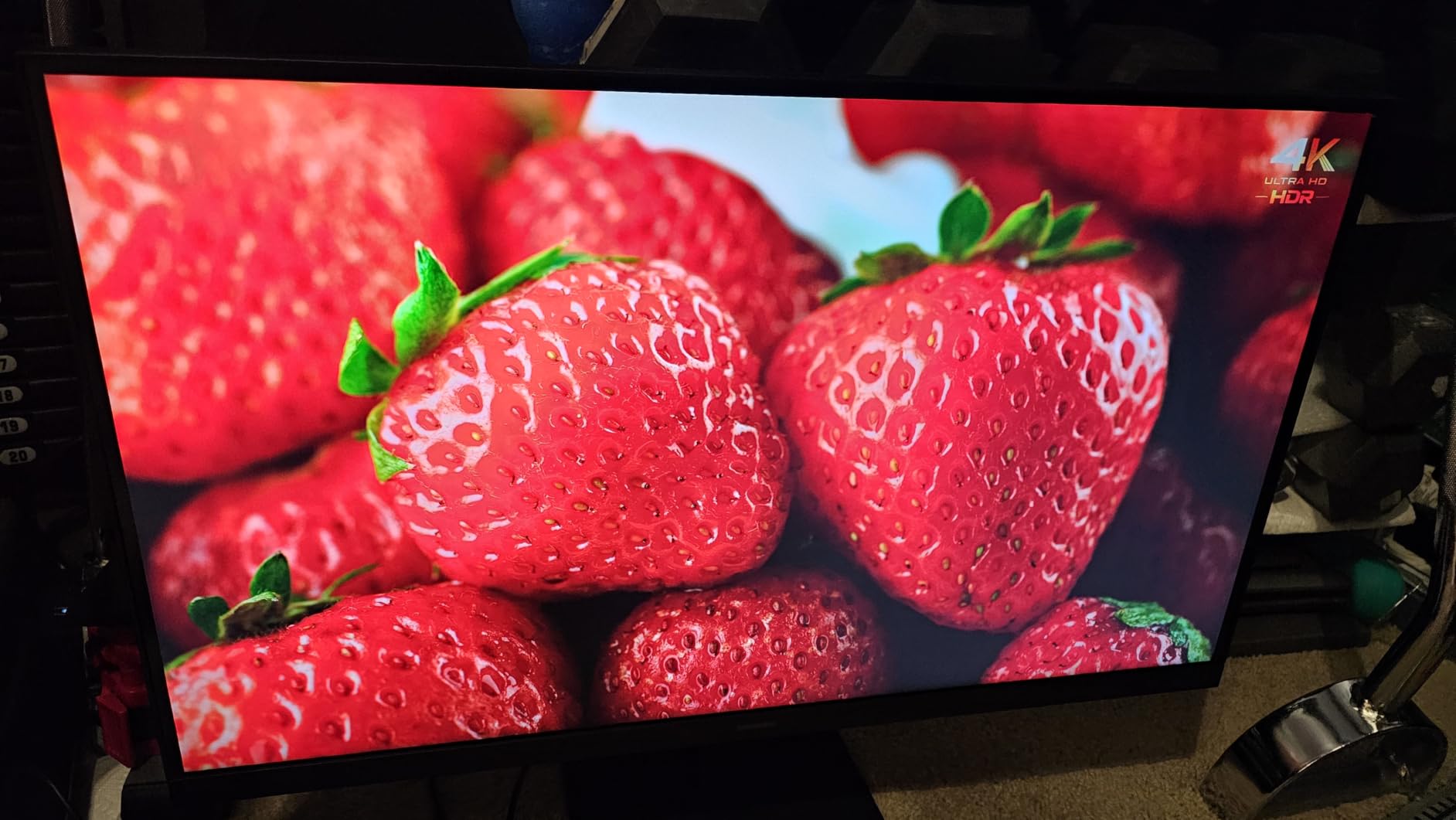
The VA panel’s 3000:1 contrast makes movies and games with dark scenes look better than the price suggests. HDR10 support adds a little punch to streaming content, though real HDR highlights are limited by the 250 cd/m2 brightness.
Built-in speakers handle video calls and background music acceptably, which is a genuine rarity in the budget tier. FreeSync and G-Sync compatibility keep casual gaming smooth without tearing.
Quality Control Watch-Outs
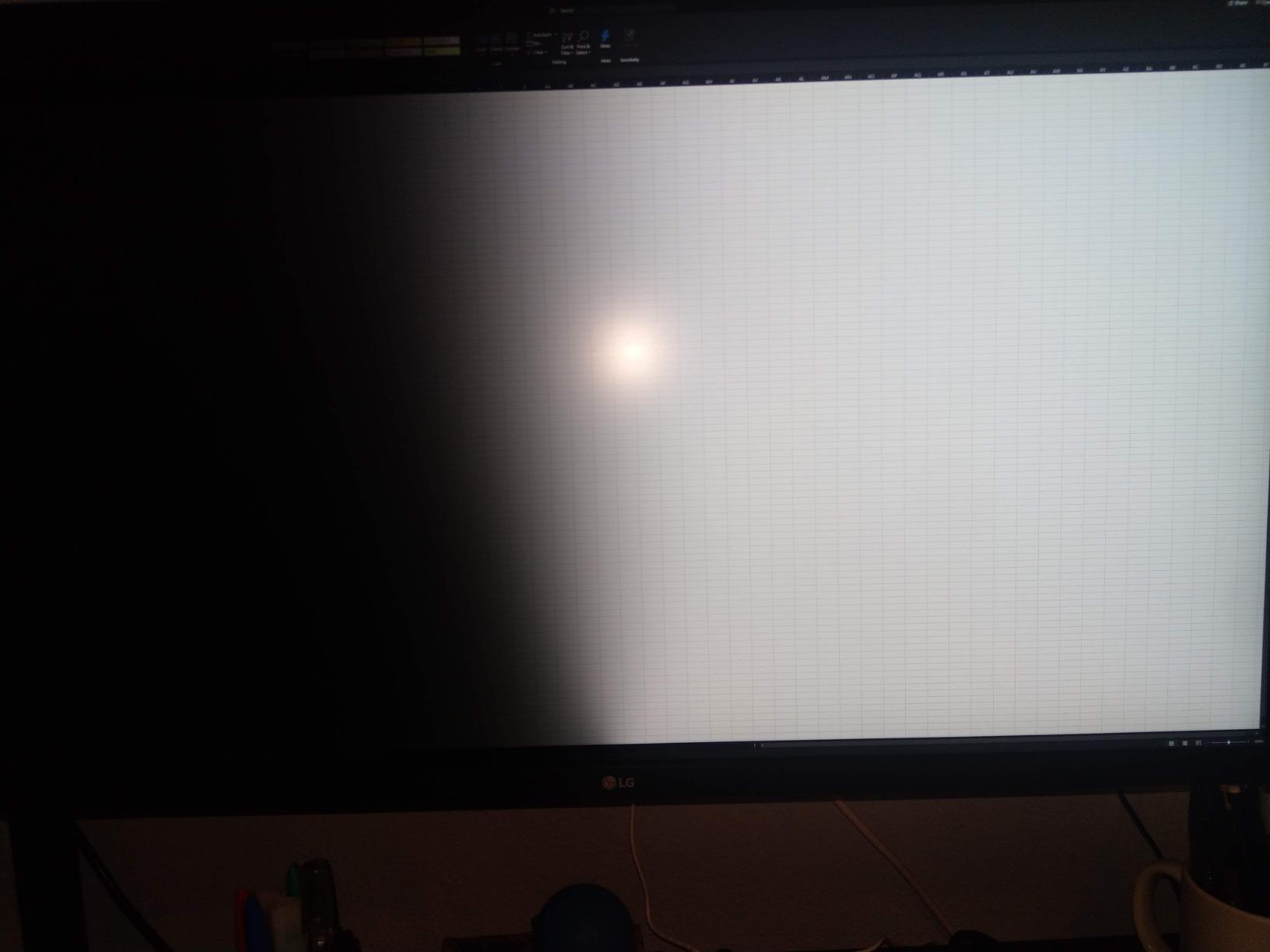
The most consistent complaint in reviews is a small number of units with cloudy or dull patches on the panel. LG’s one-year warranty covers defects, but test your unit with full-screen gray and white images during the return window.
Aside from that lottery risk, the panel itself is a strong performer. Set expectations at “excellent value 60Hz 4K” rather than “reference quality” and it delivers exactly what it promises.
Where It Fits in the Lineup
Choose this over the ViewSonic if you want the adjustable stand and speakers; choose the ViewSonic if you prefer the frameless design and longer warranty. Both are legitimate entry points into 4K.
It is also the easiest recommendation for a student desk or a first big monitor upgrade, where spending less upfront matters more than having every feature.
8. ViewSonic VX3276-4K-MHD – The Cheapest Good 32-inch 4K Monitor
ViewSonic VX3276-4K-MHD 32 Inch 4K UHD Monitor, HDR10, HDMI, DisplayPort
32-inch 4K MVA
118% sRGB gamut
Frameless design
2x HDMI, DP, Mini-DP
3-year warranty
+ Pros
- Lowest-cost route to a quality 32-inch 4K screen
- 118% sRGB color gamut
- Frameless design looks premium
- Four video inputs including Mini DisplayPort
- 3-year warranty on parts
- labor
- and backlight
– Cons
- No height adjustment on the stand
- Built-in speakers sound poor
- Buttons on the back are awkward to use
- MVA panel has narrow effective viewing angles
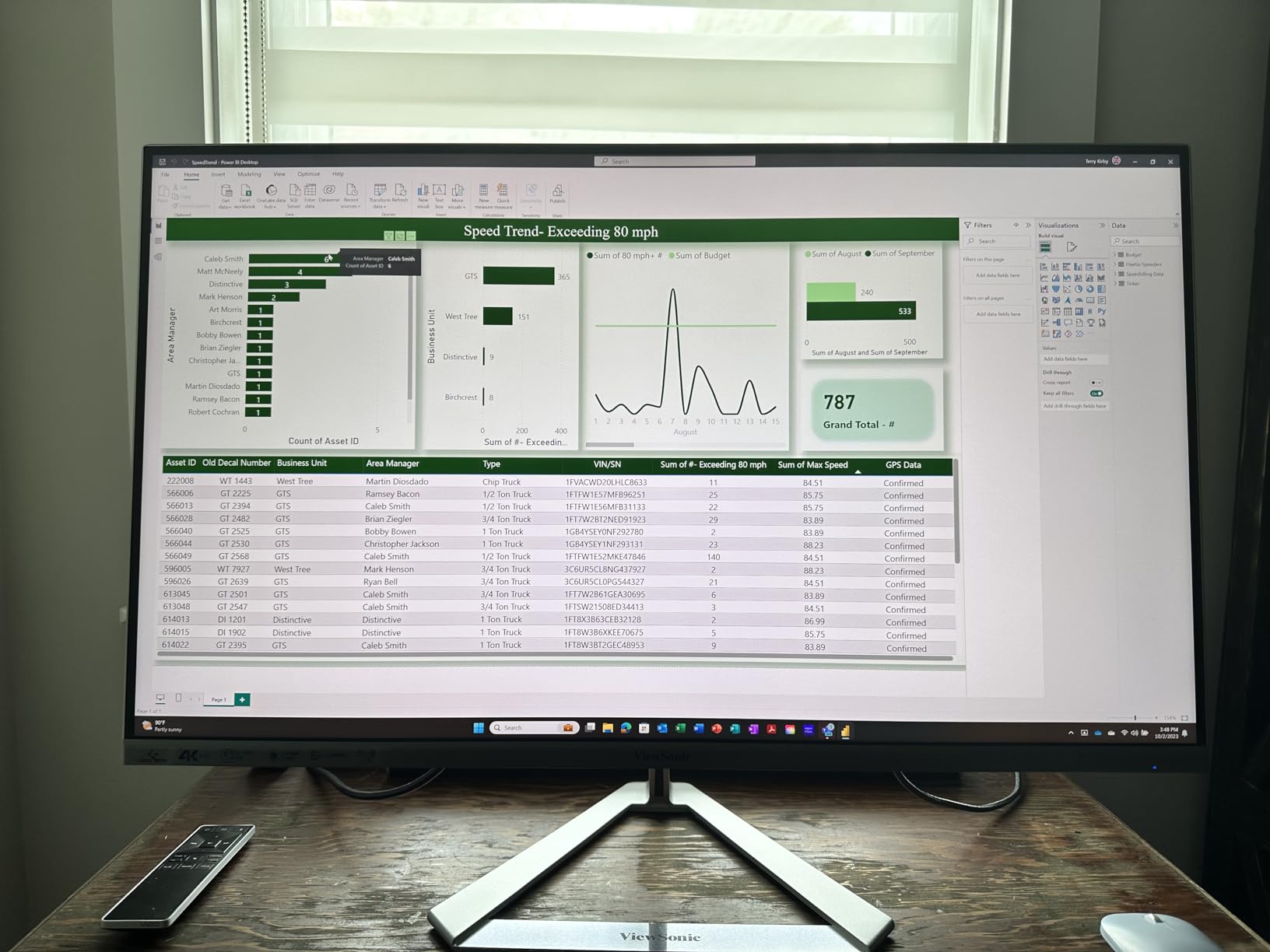
The ViewSonic VX3276-4K-MHD is the budget pick with the longest track record: 826 reviews and a 4.2-star average from people who mostly wanted a big, sharp, inexpensive screen. The frameless design looks far more expensive than it is, and the 118% sRGB gamut delivers surprisingly rich color for the price.
This is the monitor we suggest when the goal is simply “4K text and video on a big screen, for as little as possible.” It does that job well, provided you go in with the right expectations about the stand and speakers.
Color and Design at the Price Floor
Color is the pleasant surprise: 118% sRGB coverage means photos and video look vibrant rather than washed out, which is not guaranteed at this price. The MVA panel also produces a 2500:1 contrast ratio that benefits everything with dark scenes.
The frameless bezel on three sides makes it look modern and makes dual-monitor setups cleaner. Brightness of 300 cd/m2 is generous for the price and holds up in bright rooms.
The Compromises You Accept
The stand tilts only, so budget for a VESA monitor arm if you care about ergonomics, though the mounting is standard and easy. The dual 2W speakers are barely usable beyond system sounds, and the rear buttons make menu navigation fiddly.
MVA viewing angles are the narrowest here, with noticeable contrast and color shift when you move off-center. Seated directly in front, it looks great; shared viewing is where it falls behind the LG IPS option.
Why It Still Earns a Spot
The 3-year warranty covering parts, labor, and backlight is class-leading at this price and buys real peace of mind. Combined with four inputs (two HDMI, DisplayPort, and Mini DisplayPort), it is more flexible than most budget panels.
For a secondary screen, a budget home office, or a first 4K upgrade, it is the cheapest option here we can genuinely recommend rather than merely tolerate.
How to Choose the Best 32-inch 4K Monitor for Your Desk
Choosing between these monitors comes down to five decisions, and getting them right matters more than any single spec on the box. Here is the framework we use, informed by the questions buyers actually ask on forums and in reviews.
27 or 32 Inches: Which Size Is Right for You?
At 4K resolution, 27 inches gives you about 163 PPI while 32 inches gives about 140 PPI; both look sharp, but the 32-inch screen shows everything 18 percent larger, which most people find more comfortable for long work sessions. The real constraint is physical: a 32-inch panel wants a desk at least 24 inches deep so you can sit roughly 3 feet from the screen.
Choose 27 inches if your desk is shallow, you play fast competitive games where you want the whole screen in your visual field, or you prefer a higher pixel density for reading. Choose 32 inches if you multitask with multiple windows, edit photos or video, play immersive single-player games, or simply want the extra screen space.
Panel Technology: VA, IPS, and OLED Explained
Every monitor in this roundup uses either VA or IPS technology, and the difference shapes the whole experience. VA panels (Dell S3225QS, both Samsungs, both budget LGs, ViewSonic) deliver contrast ratios of 2500:1 to 3000:1, so dark scenes look deep and rich, but colors shift when you view them off-center.
IPS panels (KTC, LG 32UN650, ASUS ProArt) hold color constant across wide viewing angles and are the standard for color-critical work, at the cost of grayer blacks and lower native contrast. OLED is the third option: perfect blacks and instant response times, but at a substantially higher price with burn-in management to think about, which is why none of our value-focused picks use it.
Refresh Rate and the GPU Reality Check
Refresh rate determines how smooth motion looks, and it is the biggest single differentiator in this lineup. A 60Hz panel (both Samsungs, both budget LGs, the ProArt) redraws the image 60 times per second, which is fine for work; 120Hz (Dell) and 165Hz (KTC) transform gaming and even make desktop scrolling feel better.
Be honest about your GPU. Driving 4K at high frame rates is demanding territory: comfortable 4K/120Hz gaming generally wants a current-generation high-end card, while 4K/60 works on far more modest hardware. Buying a 165Hz 4K monitor for a mid-range GPU means you paid for refresh you will never see.
USB-C Power Delivery and Connectivity
If you use a laptop, USB-C with power delivery is the feature that changes your daily routine: one cable for video, data, and charging. The Samsung S8 delivers 90W and the ASUS ProArt 96W, both enough for ultrabooks and 14-inch MacBook Pros, and both effectively replace a docking station.
If you use a desktop PC exclusively, skip paying for USB-C and prioritize instead the number of HDMI and DisplayPort inputs for your consoles and secondary machines. Also check for extras that matter more than they sound: a KVM switch (Samsung S8) shares your keyboard and mouse between two computers, and built-in speakers (Dell, both budget LGs) save a purchase and desk space.
Display Scaling: Fixing Text That Looks Too Small
The single most common complaint from new 32-inch 4K owners is text that appears tiny at native resolution. The fix takes one minute: in Windows, open Settings, then System, then Display, and set the scaling slider to 150 percent. On a Mac, open System Settings, then Displays, and choose the “Larger Text” or default “looks like” option, which typically maps well at 32 inches.
If text still looks soft after scaling, check that Windows ClearType is tuned (type “Adjust ClearType text” in the Start menu) and that your browser is not zoomed independently. These two steps resolve the vast majority of the scaling complaints that fill monitor forums.
HDR Expectations: What DisplayHDR Levels Actually Mean
Every monitor here lists some form of HDR, and it is worth setting expectations. Basic HDR10 on monitors in this price class adds a little dynamic range but will not look like an HDR television, because the panels top out at 250-350 cd/m2 and lack local dimming.
True HDR on a 32-inch monitor means DisplayHDR 600 certification or better, OLED-level contrast, or mini-LED backlighting, all of which live at much higher price points. Treat HDR here as a mild bonus and buy for resolution, panel type, refresh rate, and ergonomics instead.
Frequently Asked Questions
What is the best 32-inch 4K monitor for the money?
The Dell S3225QS is the best 32-inch 4K monitor for the money, combining a 120Hz refresh rate, FreeSync Premium, 99% sRGB color, built-in speakers, and a fully adjustable stand at a mid-range price. For the lowest cost, the ViewSonic VX3276-4K-MHD is the cheapest well-reviewed option.
Is 4K resolution good for a 32-inch monitor?
Yes, 32 inches is one of the best sizes for 4K. It delivers about 140 pixels per inch, which makes text and images look sharp without the scaling challenges of smaller 4K screens, while keeping individual pixels invisible at normal viewing distance of about 3 feet.
Is a 32-inch 4K monitor good for gaming?
It depends on the panel and your GPU. The KTC H32P22P (165Hz Fast IPS) and Dell S3225QS (120Hz) are genuinely good gaming monitors. Driving 4K at high frame rates requires a powerful graphics card, so pair your refresh rate expectations with your hardware. Single-player and immersive games benefit most from the size.
Should I get a 27 or 32-inch 4K monitor?
Choose 32 inches if you have a desk at least 24 inches deep, multitask heavily, edit photos or video, or want immersive gaming. Choose 27 inches if your desk is shallow, you prefer higher pixel density (about 163 PPI versus 140 PPI), or you play fast competitive games where a smaller visual field helps.
How far away should you sit from a 32-inch 4K monitor?
About 3 feet (roughly 36 inches or 90 cm) is the sweet spot for a 32-inch 4K monitor. That distance keeps the entire screen comfortably in view, lets your eyes resolve the 4K detail, and reduces eye strain and neck movement during long sessions.
Final Verdict: The Right 32-inch 4K Monitor for You
If you want the best overall package, buy the KTC H32P22P: 165Hz, Fast IPS, and 2,500 positive reviews make it the strongest all-around 32-inch 4K monitor of 2026. If value is the priority, the Dell S3225QS delivers 120Hz, great contrast, speakers, and a real ergonomic stand for less. Color professionals should stretch to the ASUS ProArt PA329CRV, laptop warriors will love the Samsung ViewFinity S8’s one-cable docking, and the LG, ViewFinity S7, and ViewSonic picks cover every budget below that.
Whichever you choose, remember the two essentials from our testing: confirm your GPU can feed the refresh rate you are buying, and set 150 percent scaling in Windows the moment the screen lights up. Do those two things and any monitor on this list will make your old display feel like a downgrade. Check current prices with the buttons above, since 4K monitor deals shift week to week.