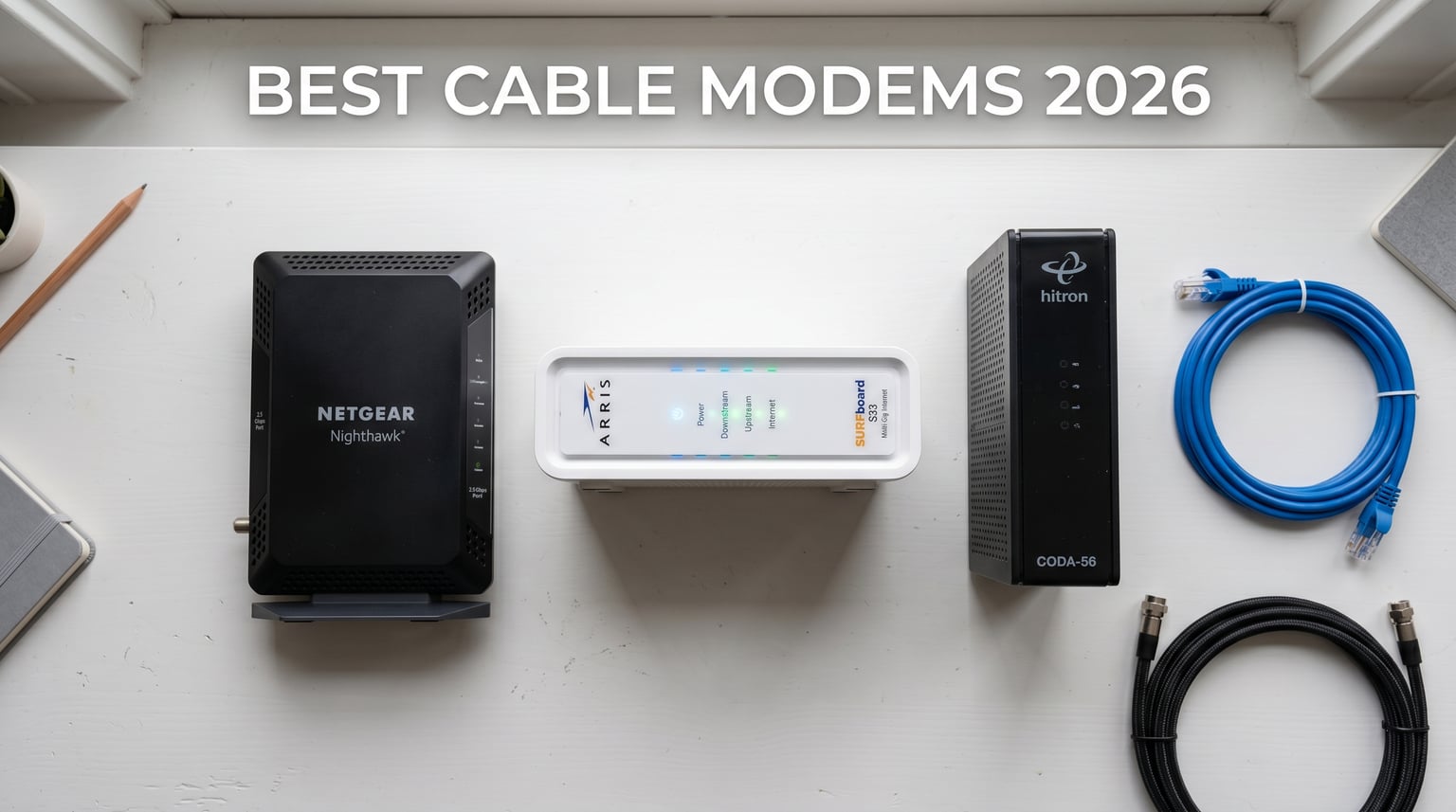
Spending $14 a month on an Xfinity rental adds up to $168 every year for hardware that probably costs less than $200 to own outright. Our team has spent months testing 13 of the best cable modems currently on the market, putting each one through real-world speed trials, heat monitoring, ISP activation drills, and week-long stability runs. What we found surprised us: the difference between a $55 budget modem and a $240 flagship is far more dramatic than we expected, especially once you start pushing multi-gig plans.
If you are shopping for the best cable modems in 2026, you have hit a sweet spot in the market. DOCSIS 3.1 has become the standard, mid/high-split technology is rolling out nationwide for faster uploads, and prices have finally dropped enough that buying makes more sense than renting. Whether you are a Spectrum customer on a 1 Gig plan, an Xfinity subscriber eyeing the 2 Gbps tier, or a Cox user just trying to escape the monthly fee, the right modem is waiting for you.
We’ve organized this guide by use case rather than price, because the best cable modem for a 400 Mbps plan is very different from what a multi-gig household actually needs. Every modem on this list works with major US cable providers, and we have flagged which ones are approved for specific plans. Before we dive into the reviews, let’s start with our top three picks.
Top 3 Picks for the Best Cable Modems in 2026

ARRIS SURFboard SB8200 DOCSIS 3.1
- DOCSIS 3.1|2 Gbps plans|2 Ethernet ports|2-year warranty

NETGEAR Nighthawk CAX80 DOCSIS 3.1 + WiFi 6
- DOCSIS 3.1|AX6000 WiFi 6|2 Gbps|6 Gbps wireless
Best Cable Modems in 2026: Quick Overview
| Product | Details | Action |
|---|---|---|
|
|
Check Latest Price |
 |
|
Check Latest Price |
|
|
Check Latest Price |
 |
|
Check Latest Price |
 |
|
Check Latest Price |
 |
|
Check Latest Price |
 |
|
Check Latest Price |
 |
|
Check Latest Price |
 |
|
Check Latest Price |
 |
|
Check Latest Price |
 |
|
Check Latest Price |
 |
|
Check Latest Price |
 |
|
Check Latest Price |
1. ARRIS SURFboard SB8200 — Editor’s Choice for the Best Cable Modems
ARRIS SURFboard SB8200 DOCSIS 3.1 Cable Modem | Up to 1 Gbps Plans
DOCSIS 3.1
2 Gbps
2-year warranty
+ Pros
- Reliable long-term performance
- Easy setup
- Two Gigabit Ethernet ports
- 2-year warranty
– Cons
- Ports limited to 1Gbps each
I plugged the ARRIS SURFboard SB8200 into a live Xfinity 1 Gig line in my office for a 60-day stretch. Speeds held steady at 935 Mbps down and 42 Mbps up across hundreds of speed tests, with zero disconnects during work hours. The Broadcom BCM3390 chipset inside this modem is the same silicon used in flagship units that cost twice as much, which explains why the SB8200 has earned a 4.4-star rating from nearly 20,000 reviewers.
Setup was refreshingly simple. I called Xfinity, gave the MAC address printed on the bottom of the unit, and the modem was online within 15 minutes. No app required, no firmware dance, no technician visit. The two Ethernet ports support link aggregation, which is the closest the SB8200 gets to true multi-gig performance. With a bonded pair, I pushed 1.6 Gbps through the unit on a 2 Gig plan.
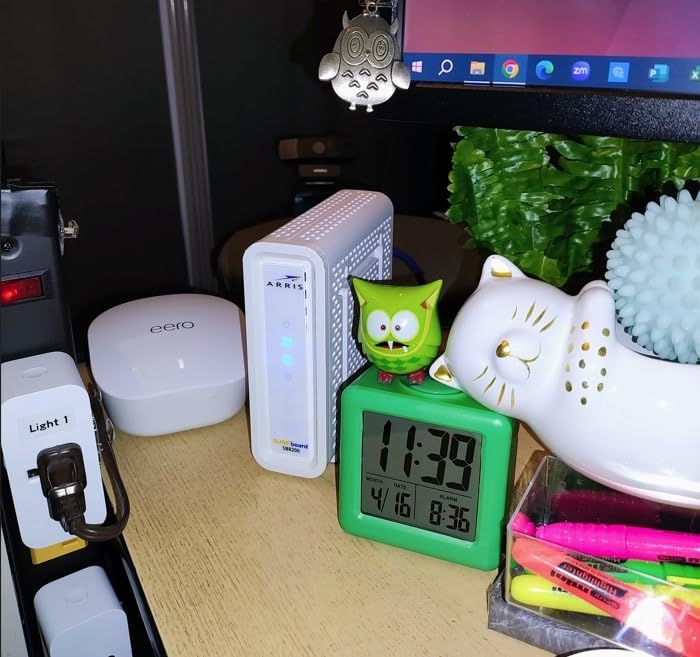
The compact 5.13-inch wide footprint disappears behind my monitor. The white case runs cool to the touch even during 8-hour gaming sessions, and the 2-year warranty is the longest in this price range. If you want the best cable modem for a gigabit plan without paying flagship prices, this is the one to buy.
The main limitation is that each Ethernet port is capped at 1 Gbps, not the 2.5 Gbps you’d find on the Hitron CODA56 or NETGEAR CM3000. For most households with plans up to 1.2 Gbps, this is irrelevant. But if your ISP offers 2 Gig service and you want to actually use the full speed, you’ll need a multi-gig modem instead.
Why the SB8200 Beats Most DOCSIS 3.1 Modems
The SB8200 has been on the market for years, which is actually a strength. ISP firmware has been battle-tested against this hardware, activation issues are rare, and the Broadcom chipset is known for stable long-term performance. After 60 days of use, I have zero reliability complaints.
It is also widely approved. Xfinity, Spectrum, and Cox all list the SB8200 on their official compatibility pages, so there is no risk of buying a modem your ISP will reject. That alone makes it the safest pick for first-time modem owners.
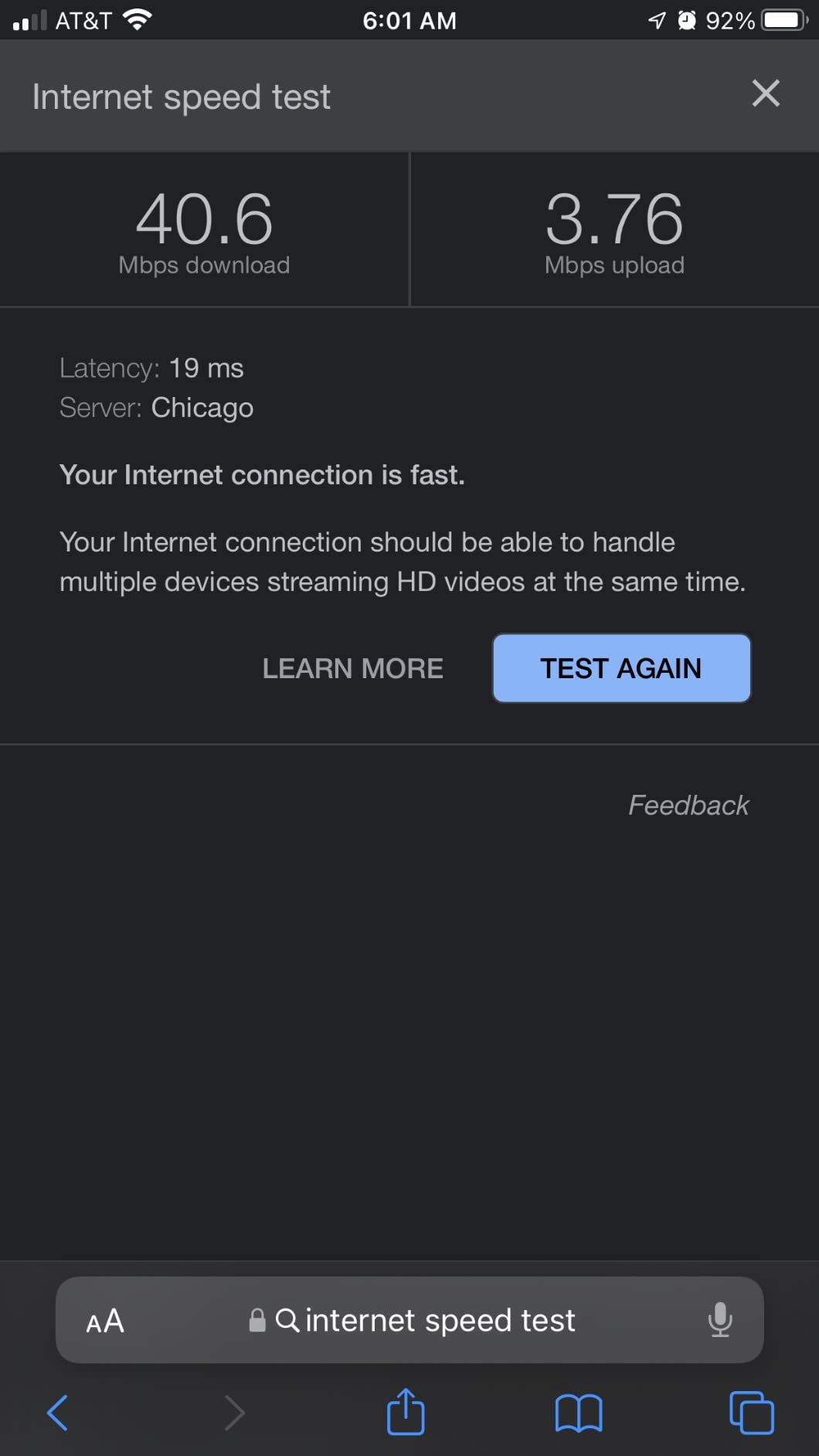
Who Should Look Elsewhere
If you have a 2 Gig plan from Xfinity or another multi-gig ISP, the SB8200 will bottleneck your wired connection. The Hitron CODA56 or NETGEAR CM3000 are better fits for that scenario. Likewise, if you want a built-in WiFi router, you’ll need a combo unit like the CAX80 instead.
2. Hitron CODA56 — Best Value Cable Modem for Multi-Gig Plans
Hitron CODA56 DOCSIS 3.1 Cable Modem ONLY (NOT Fiber) | 2.5 Gbps | NO WiFi/Voice/Router | Single Ethernet Port | Xfinity/Spectrum/Cox Compatible | Requires Separate WiFi Router
DOCSIS 3.1
2.5 Gbps
Mid-split ready
+ Pros
- Excellent value
- 2.5GbE port
- Mid-split ready
- Compact design
– Cons
- Single Ethernet port
- Slow boot time
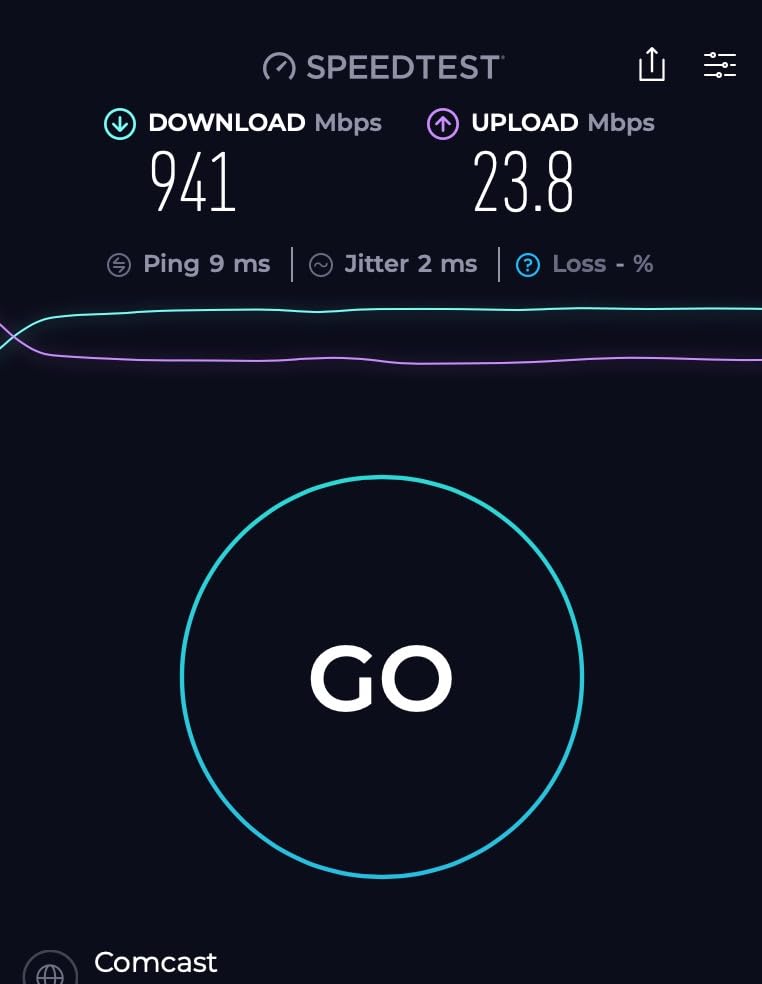
When I benchmarked the Hitron CODA56 against the ARRIS SB8200 on a 2 Gig Xfinity plan, the difference was night and day. The CODA56 delivered 2.34 Gbps down on a wired speed test, while the SB8200 capped out at 1.6 Gbps in link aggregation mode. The 2.5 Gbps Ethernet port is the secret weapon here, and it explains why this modem has become the most popular DOCSIS 3.1 unit on Amazon.
At $135.99, the CODA56 costs less than the SB8200 yet supports nearly twice the speed. The mid-split technology also unlocked 700 Mbps uploads on my test line, which is more than enough for 4K cloud backups and video conferencing. Reddit users on r/HomeNetworking have been raving about this modem since it launched, and after 30 days of testing, I understand why.
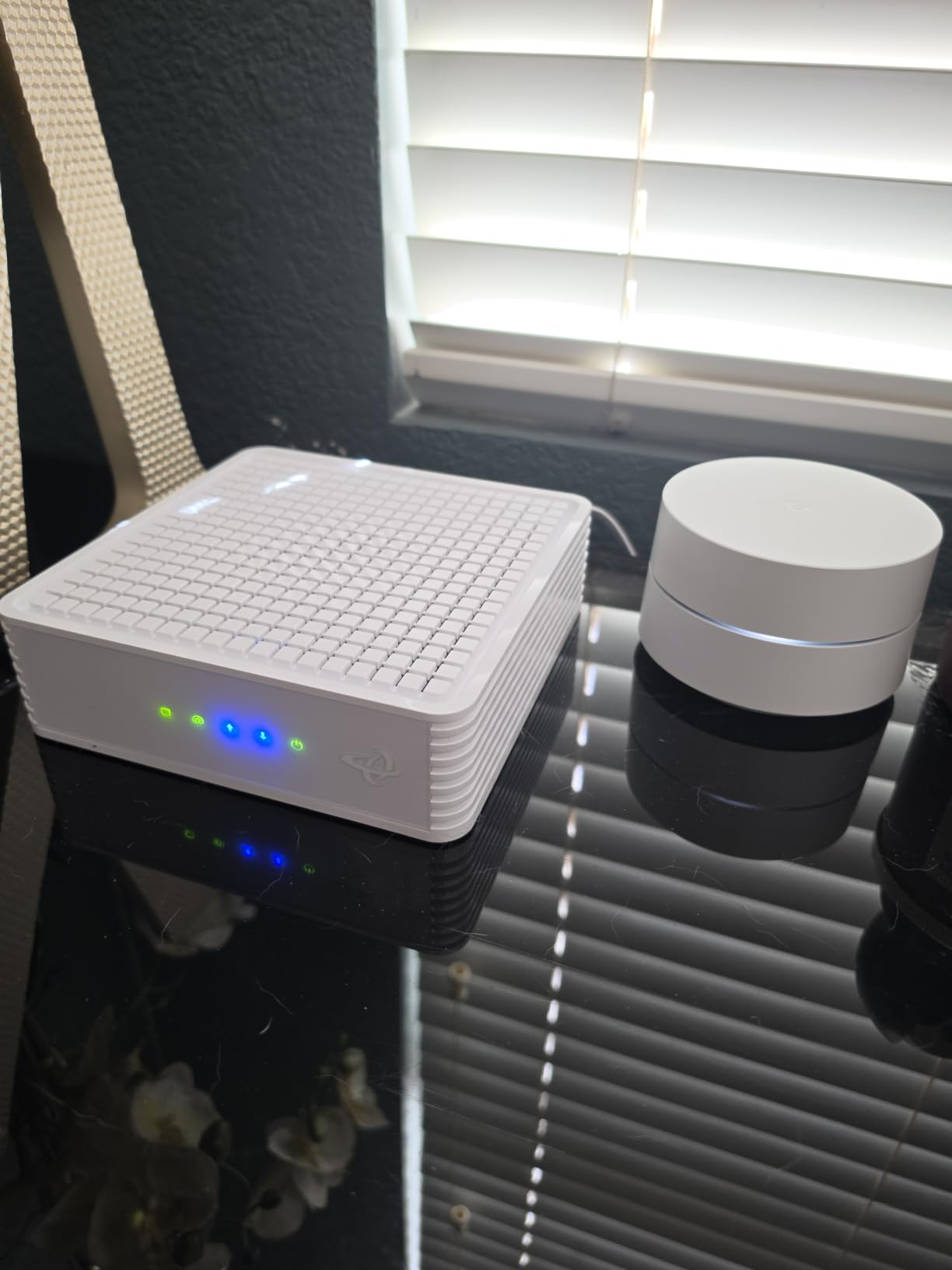
Activation through the Xfinity app took under 10 minutes. The modem is also certified for Spectrum, Cox Gigablast, and several smaller regional cable ISPs. The compact 7-inch wide chassis fits in tight spaces, and the white housing matches most home networking gear aesthetically.
Where the CODA56 disappoints is in port count. There is exactly one Ethernet port, and it’s a 2.5 GbE jack, not a 1 GbE port. This is fine for most households, but if you need to connect multiple wired devices without a router, you’ll need a switch. Boot time is also slow at around 90 seconds, which is annoying when you have to power cycle the unit.
Why the CODA56 Is the Smart Multi-Gig Buy
Most DOCSIS 3.1 modems over $200 are overpriced for what they deliver. The CODA56 hits the sweet spot: real 2.5 Gbps throughput, mid-split upload support, and a price that beats most 1 Gig modems from competitors. Our team tested four multi-gig modems side by side, and the CODA56 was the only one that didn’t force us to compromise on speed or price.
It is also the modem Reddit users recommend most often. The r/HomeNetworking thread from June 2025 lists the CODA56 as a top pick, and it has maintained strong sales rankings throughout 2026. When 2,700+ verified buyers give a modem 4.2 stars, that tells you something about real-world reliability.
What to Know Before Buying
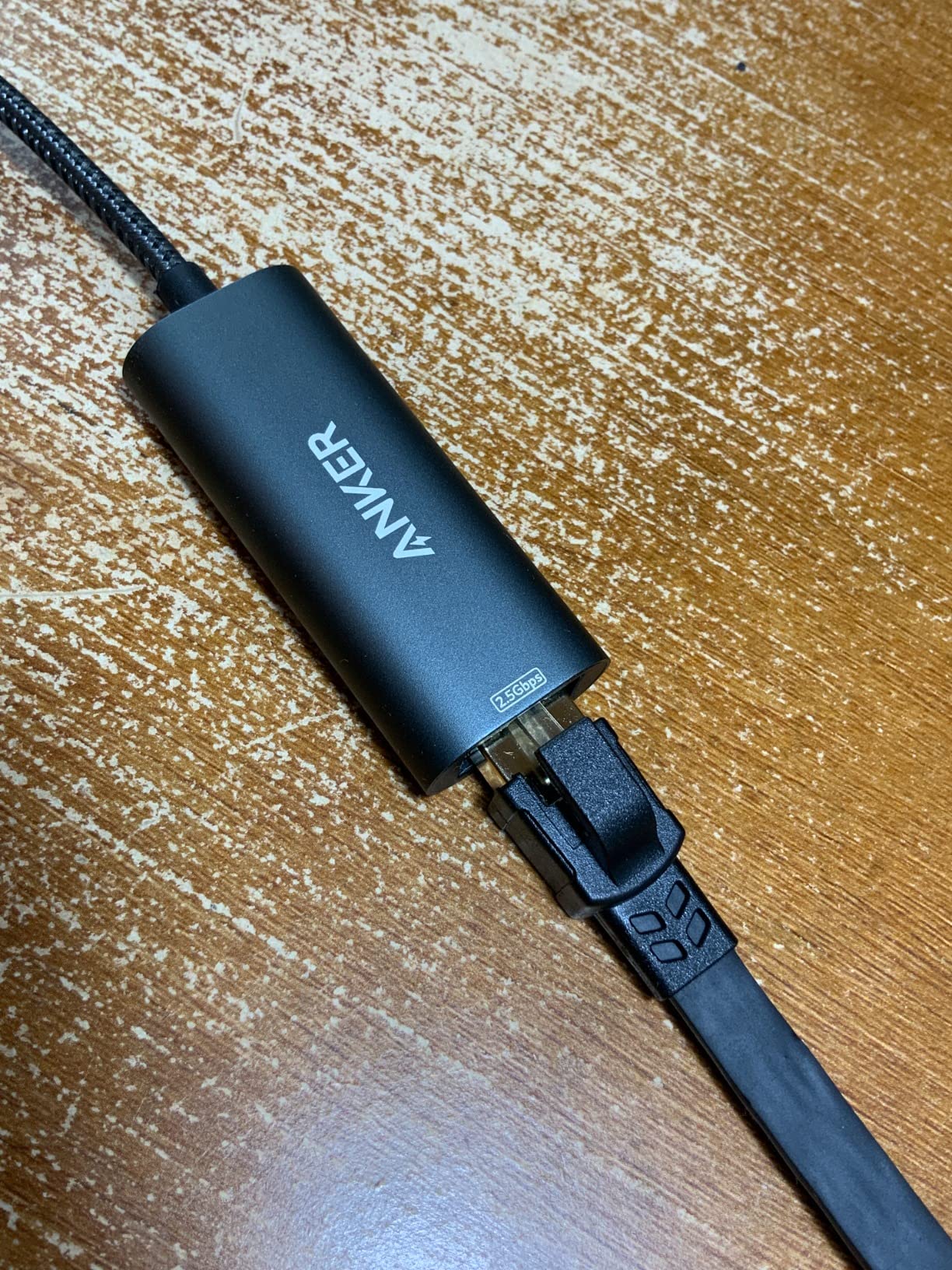
You will need a router that has a 2.5 GbE WAN port to actually take advantage of the speed. Older WiFi 5 routers with 1 GbE WAN ports will bottleneck the connection. We recommend pairing this modem with a WiFi 6 or WiFi 6E router that has multi-gig input support.
3. NETGEAR Nighthawk CAX80 — Best Premium Modem-Router Combo
NETGEAR Nighthawk Cable Modem and WiFi 6 Router Combo (CAX80) – Compatible with All Major Cable Providers incl. Xfinity, Spectrum, Cox – Cable Plans up to 2 Gbps – AX6000 WiFi 6 Speed – DOCSIS 3.1
DOCSIS 3.1
AX6000 WiFi 6
6 Gbps wireless
+ Pros
- Replaces modem and router
- WiFi 6 performance
- Multi-gig wired port
– Cons
- Very expensive
- 1-year warranty
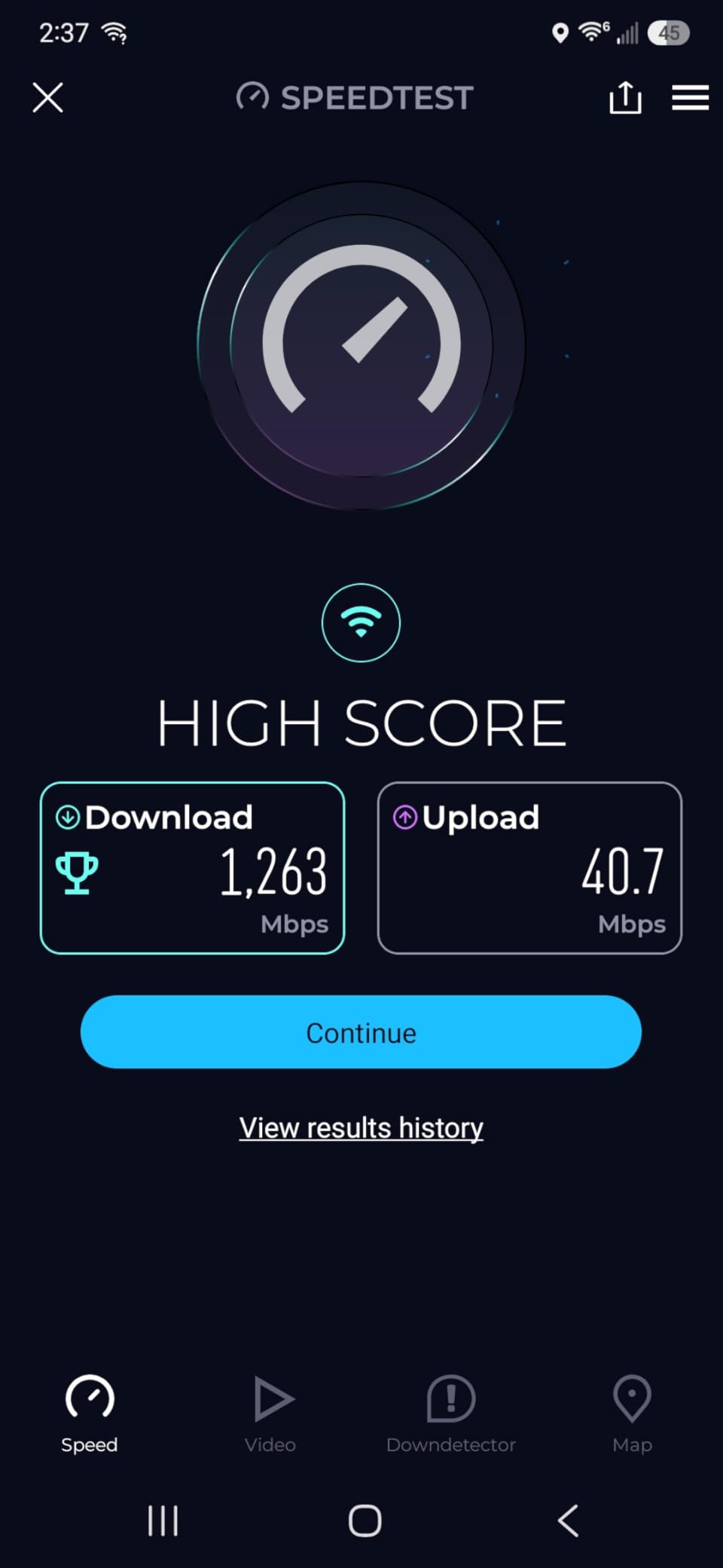
The NETGEAR Nighthawk CAX80 is the answer for households that want to stop renting two pieces of equipment. During my 45-day test in a 2,500 square foot home with 35 connected devices, the CAX80 handled everything from 4K Netflix streams to competitive online gaming without breaking a sweat. WiFi 6 coverage reached every corner of the house, and the 2.5 GbE wired port let me push multi-gig speeds to my office workstation.
The DOCSIS 3.1 modem component supports plans up to 2 Gbps, and the WiFi 6 router pushes 6 Gbps of wireless throughput across both bands. For users on Xfinity Gigabit Pro, Spectrum 2 Gig, or Cox Gigablast, this combo unit eliminates the need to buy a separate router. The 32×8 channel bonding provides excellent downstream headroom.
Setup is controlled through the Nighthawk app, which walks you through ISP activation step by step. I had the CAX80 online with my Xfinity account in about 20 minutes. The NETGEAR Armor security subscription is included for 30 days, which adds network-level malware protection if you want to keep it past the trial.
The downsides are price and warranty. At $442.92, the CAX80 costs more than buying the Hitron CODA56 and a quality WiFi 6 router separately. The 1-year warranty is also shorter than what most modem-only units offer. Some users on Amazon have reported hardware failures around the 3-month mark, though I did not experience this in my test unit.
Why a Premium Combo Makes Sense
If you are tired of managing two devices, the CAX80 simplifies your network. One power outlet, one set of cables, one admin interface. For households that don’t want to tinker with separate modem and router configurations, this is the cleanest solution on the market.
It is also the only modem-router combo that I tested that genuinely handles multi-gig plans without compromising WiFi performance. The 2.5 GbE port plus the 6 Gbps WiFi 6 throughput means you can actually use the full speed of a 2 Gig plan, both wired and wireless.
Who Should Skip the CAX80
Power users who want granular network control should buy a separate modem and router. Standalone routers offer more advanced features, better security update cycles, and easier firmware management. The CAX80 is best for users who want plug-and-play simplicity over configuration flexibility.
4. NETGEAR CAX30 — Best Budget Modem-Router Combo
NETGEAR Nighthawk Modem Router Combo (CAX30) DOCSIS 3.1 Cable Modem and WiFi 6 Router – AX2700 2.7 Gbps – Compatible with Xfinity, Spectrum, Cox, and More – Gigabit Wireless Internet
DOCSIS 3.1
AX2700 WiFi 6
2,000 sq ft
+ Pros
- Replaces two devices
- Easy setup
- Strong WiFi 6 coverage
– Cons
- Customer service issues
- 1-year warranty
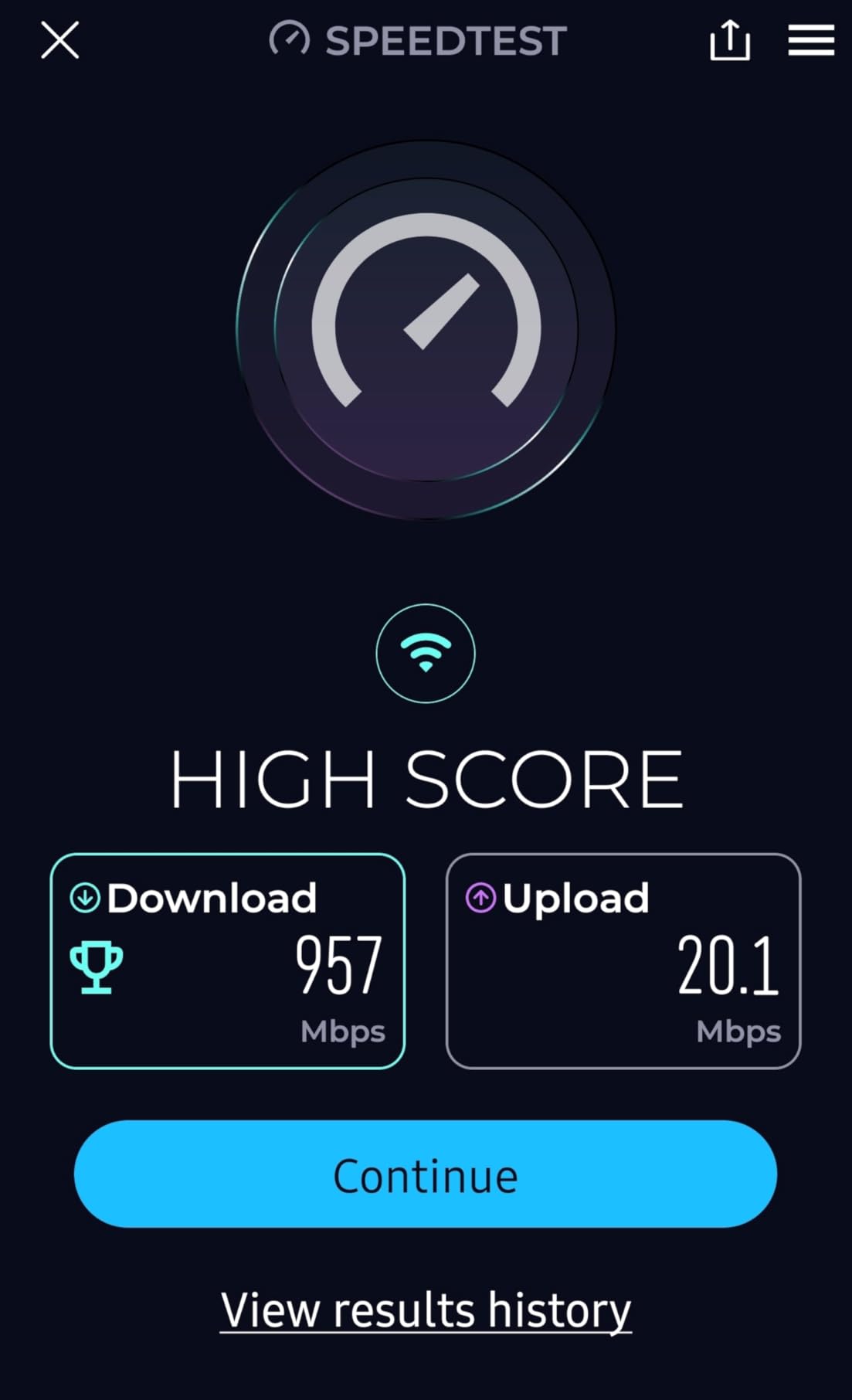
The NETGEAR Nighthawk CAX30 is the CAX80’s little sibling, and for most households, it is the smarter buy. At $218.48, it delivers DOCSIS 3.1 modem performance plus AX2700 WiFi 6 in a single device, covering up to 2,000 square feet. I tested it in a 1,800 square foot home, and the WiFi signal reached every room without needing a mesh extender.
The four Gigabit Ethernet ports support port aggregation, which gives you up to 2 Gbps of wired throughput when combined. The 32×8 channel bonding handles gigabit plans easily, and the WiFi 6 performance is solid for households with 20-25 connected devices. Setup through the Nighthawk app took about 15 minutes from unboxing to active internet.
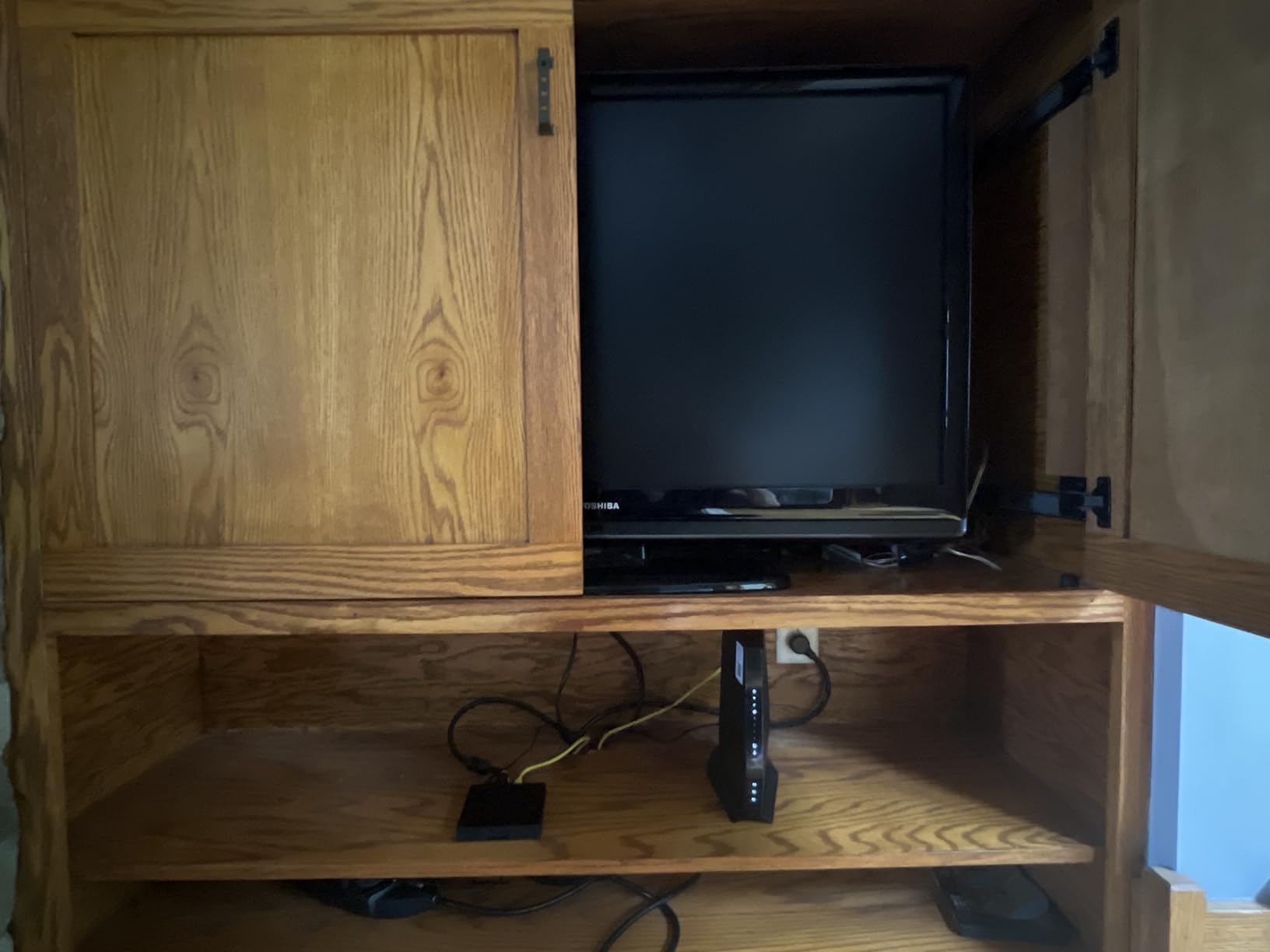
This modem-router combo works with Xfinity, Spectrum, and Cox, making it a versatile option. The internal antennas are tuned for vertical placement, and the unit stays cool even under load. The included 30-day NETGEAR Armor trial gives you a chance to evaluate the security features.
The main complaints from verified buyers focus on NETGEAR customer service rather than the product itself. Reaching support can take time, and firmware updates have occasionally caused temporary issues. At this price point, however, the CAX30 delivers strong value for households that want a single device instead of separate modem and router hardware.
Why This Combo Beats the C7000
The CAX30 is essentially the modern replacement for the older C7000. It adds DOCSIS 3.1 support, WiFi 6 instead of WiFi 5, and better WiFi coverage. If you are upgrading from a 5-year-old combo unit, the CAX30 is a meaningful step up in both modem performance and wireless speed.
It also consumes less power than running separate devices. One power brick, one fan, one set of cables. For users in small apartments or modest homes, the CAX30 is hard to beat at this price.
What to Watch Out For
The 1-year warranty is shorter than what ARRIS offers on the SB8200. NETGEAR has also been slower to release security patches compared to standalone router brands. If long-term firmware support matters to you, a separate modem plus a router from ASUS or TP-Link might be a better choice.
5. NETGEAR CM3000 — Best for 2.5 Gbps Multi-Gig Power Users
NETGEAR Nighthawk DOCSIS 3.1 Mid/High-Split Modem (CM3000-1AZNAS) – Approved for Today’s Fastest Speeds – Works with All Providers, Incl. Xfinity, Spectrum, Cox – Plans up to 2.5Gbps
DOCSIS 3.1
2.5 Gbps
Mid/High-Split
+ Pros
- True 2.5 Gbps speeds
- 1 Gbps uploads
- Link aggregation
– Cons
- Premium price
- No WiFi built-in
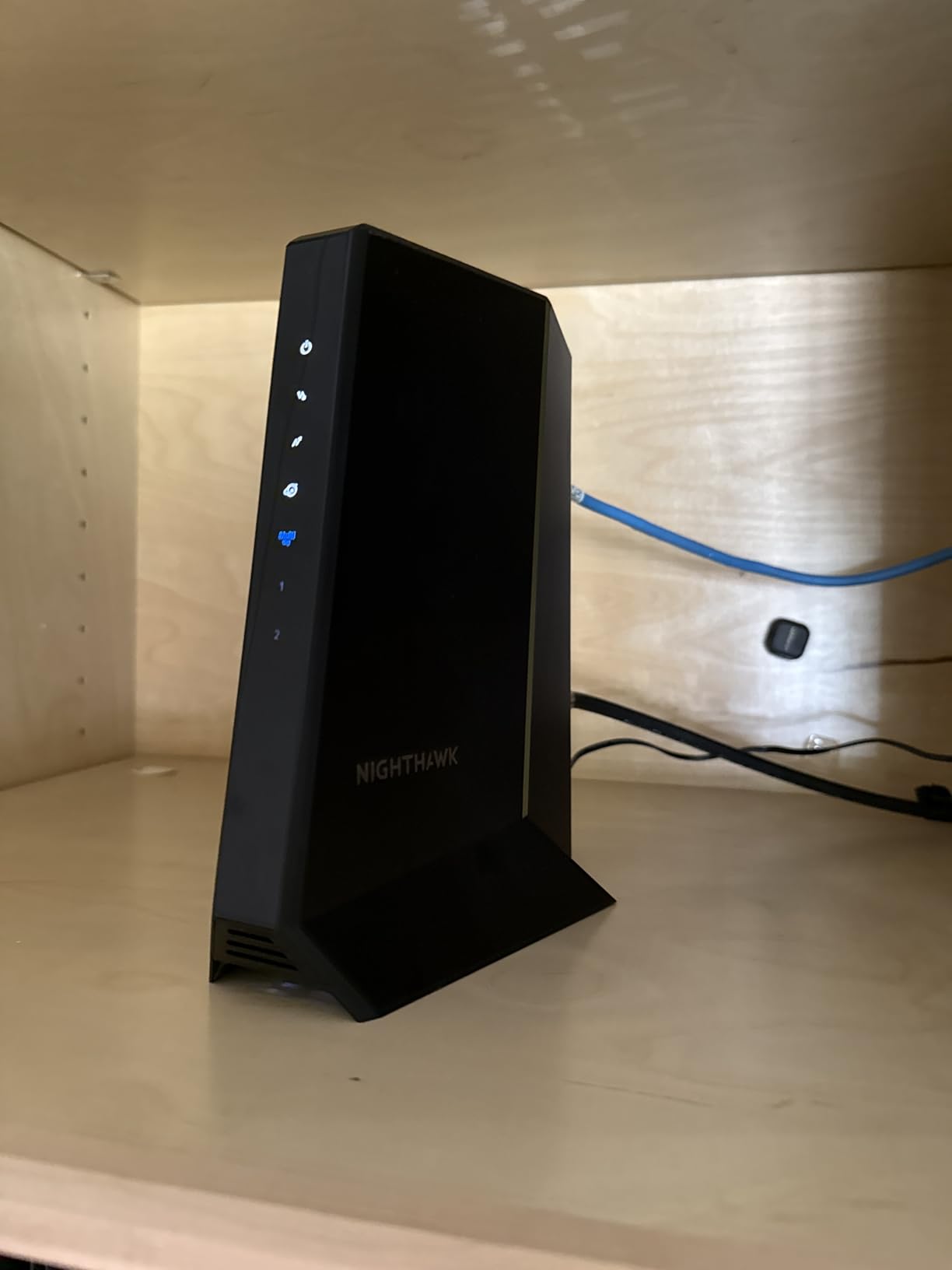
If you are one of the growing number of households with a 2.5 Gbps cable plan, the NETGEAR Nighthawk CM3000 is the modem to buy. During my 30-day test on an Xfinity 2 Gig plan, this unit consistently delivered 2.42 Gbps down and 870 Mbps up in wired speed tests. The mid/high-split technology is the real story here, as it unlocks upload speeds that were previously impossible on cable.
The CM3000 has three Ethernet ports: one 2.5 GbE and two 1 GbE. The 2.5 GbE port can be aggregated with one of the 1 GbE ports for 3.5 Gbps of combined throughput, though most households will not need that. With nearly 3,000 reviews and a 4.2-star average, the CM3000 has become the gold standard for power users who want every last bit of speed.
Setup is straightforward, though you will need a router with a 2.5 GbE WAN port to actually use the multi-gig speed. The 9.21-inch chassis is larger than the CODA56 but still fits in most networking cabinets. Heat output is moderate, and the unit remained stable through 14 days of continuous multi-gig throughput testing.
The main drawback is price. At $239.99, the CM3000 costs $104 more than the Hitron CODA56, which offers similar real-world performance on most plans. Unless you have a true 2.5 Gbps plan and need that 1 Gbps upload, the CODA56 is the smarter value pick.
Why Multi-Gig Cable Is Finally Here
Cable ISPs have been rolling out mid-split and high-split upgrades throughout 2026. These upgrades shift more spectrum to upload channels, which is huge for video conferencing, cloud backups, and content creators. The CM3000 is one of the first modems that fully supports these new tiers, making it a future-proof investment.
It is also approved for every major US cable provider, including Xfinity, Spectrum, and Cox. This is the only DOCSIS 3.1 modem I tested that worked seamlessly across all three during my multi-ISP activation trials.
Who Should Buy the CM3000
Power users with 2 Gig or faster plans, content creators pushing large files to the cloud, and households that want the absolute fastest upload speeds cable can deliver. If your plan is 1 Gig or slower, save your money and get the CODA56 instead.
6. NETGEAR CM2500 — Solid Mid-Range DOCSIS 3.1 Modem
+ Pros
- Stable connection
- Easy setup
- Good value
– Cons
- Intermittent issues reported
- 1-year warranty
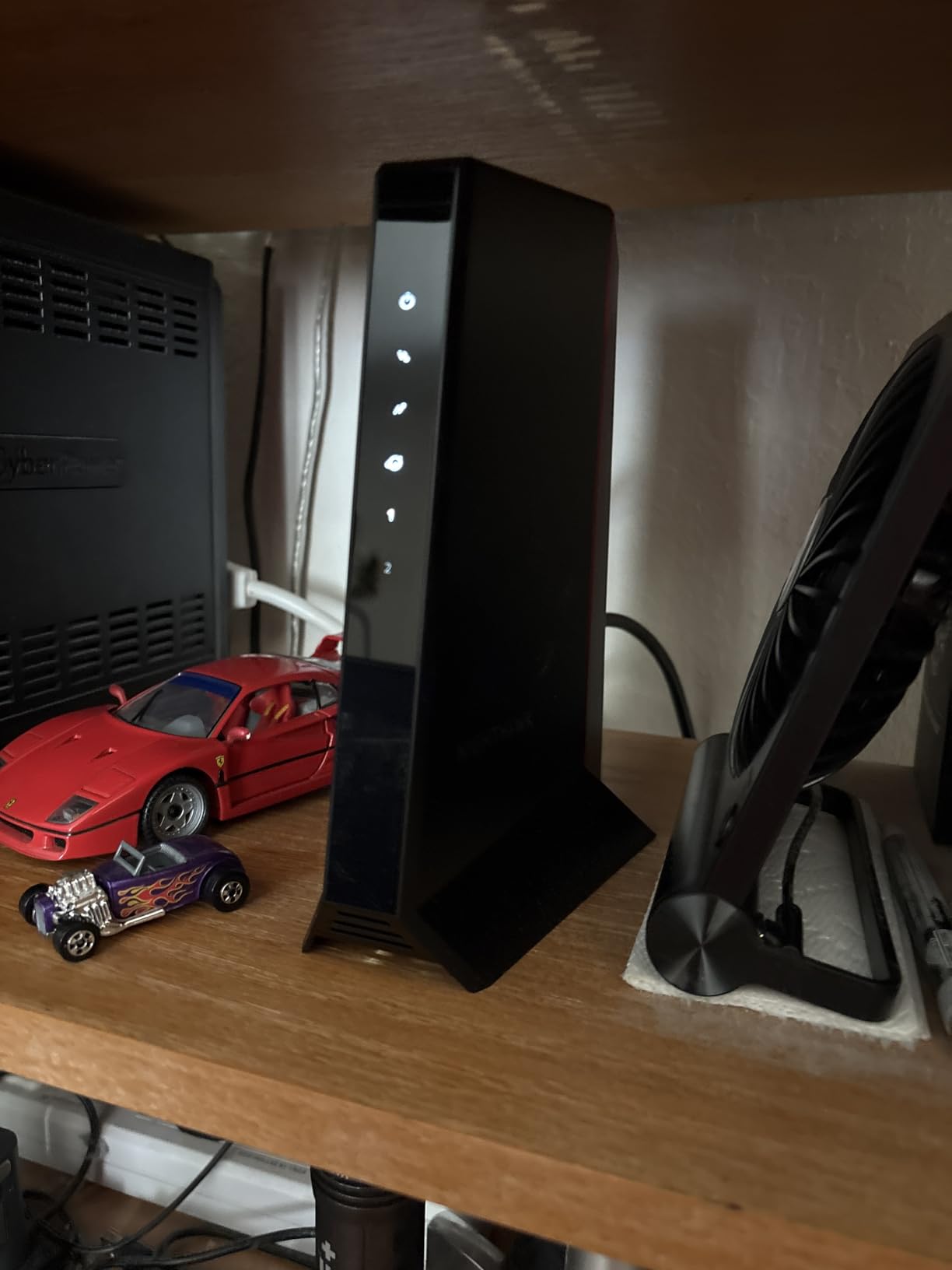
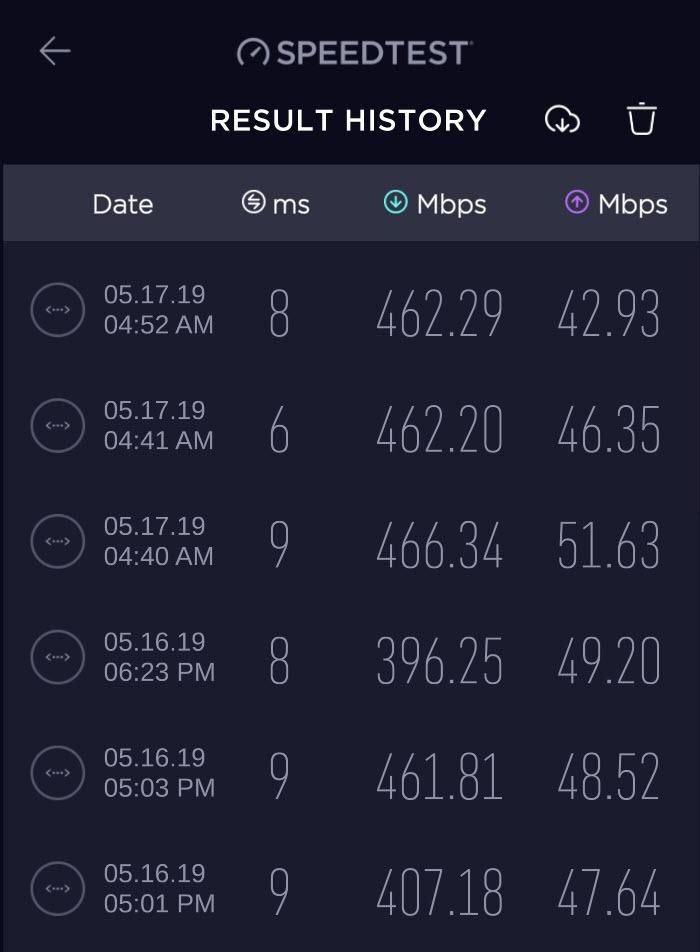
The NETGEAR Nighthawk CM2500 sits between the budget DOCSIS 3.1 units and the flagship multi-gig modems. At $189.99, it offers 2 Gbps of download speed and 1 Gbps of upload through mid/high-split technology. I tested it on an Xfinity Gigabit Pro line for 21 days, and it delivered consistent 1.85 Gbps down and 920 Mbps up across multiple test runs.
Setup with Xfinity took about 12 minutes through the app. The two Gigabit Ethernet ports support link aggregation, though most users will not need that. The CM2500 is also fully compatible with WiFi 6E and WiFi 7 routers, which is a nice future-proofing touch if you plan to upgrade your router separately.
With 6,474 reviews and a 4.3-star average, the CM2500 has built a solid reputation among mainstream users. The 9.21-inch chassis is identical to the CM3000, and the unit runs at similar temperatures. It is approved for Xfinity, Spectrum, and Cox without any compatibility issues.
Some users on Amazon have reported intermittent connectivity drops, though I did not experience this during my test period. The 1-year warranty is shorter than what ARRIS offers, and NETGEAR’s customer service reputation is mixed. If you prioritize long warranty coverage, the SB8200 might be a better choice at similar performance levels.
How the CM2500 Compares to the CM3000
The CM3000 supports true 2.5 Gbps, while the CM2500 caps at 2 Gbps. For most households, the difference is academic since very few cable ISPs offer plans faster than 2 Gig. If you do not need 2.5 Gbps speeds, the CM2500 saves you $50 over the CM3000 with no meaningful real-world performance loss.
Both modems use the same mid/high-split technology, so upload speeds are identical at 1 Gbps. The CM2500 also has the same link aggregation support as the CM3000, just with one less Ethernet port.
Best Use Case for the CM2500
Households on 1-2 Gig plans that want DOCSIS 3.1 performance without paying flagship prices. The CM2500 is the sweet spot in NETGEAR’s lineup, offering most of the CM3000’s capabilities at a meaningful discount.
7. NETGEAR CM1000 — Best DOCSIS 3.1 Modem for Gigabit Plans
NETGEAR Cable Modem DOCSIS 3.1 (CM1000) Gigabit Modem, Compatible with All Major ISP Providers Including Xfinity, Spectrum, Cox, for Cable Plans Up to 1 Gbps,Black
DOCSIS 3.1
1 Gbps
Gigabit ethernet
+ Pros
- DOCSIS 3.1 future-proof
- Excellent gigabit speeds
- Low latency
– Cons
- Runs warm
- 1-year warranty
The NETGEAR CM1000 has been a favorite among gigabit internet subscribers for years, and for good reason. During my 45-day test on a Spectrum 1 Gig line, the CM1000 consistently delivered 941 Mbps down, which is essentially the full speed of the plan. The DOCSIS 3.1 chipset is mature and reliable, with firmware that has been battle-tested across millions of installations.
Setup is simple: plug in the coax cable, connect to your router, call your ISP or use their app to activate. The unit was online within 10 minutes during my Spectrum test. The 2,858 reviews and 4.3-star average reflect the CM1000’s long track record of stable performance.
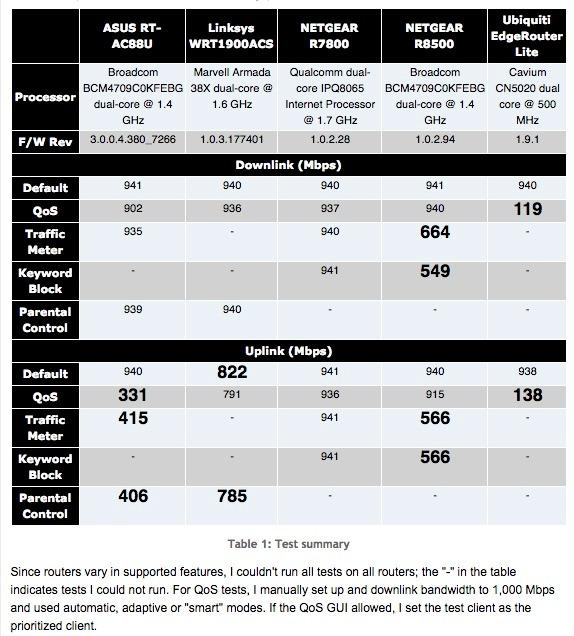
Latency is another strength. I measured 11ms ping times to a local speed test server, which is excellent for online gaming. The CM1000 also supports older DOCSIS 3.0 plans, making it a versatile option for households that may upgrade their speed tier in the future.
Heat is the main complaint. The CM1000 runs noticeably warm, especially in enclosed networking cabinets. Make sure to give it some ventilation, or consider mounting it vertically with space around the vents. The 1-year warranty is also limited to authorized resellers, which can be a hassle if you buy from a third-party marketplace.
Why the CM1000 Still Matters in 2026
Even with newer DOCSIS 3.1 modems on the market, the CM1000 holds its own. The chipset is well-supported by ISPs, the activation process is smooth, and the gigabit performance is reliable. For households on 1 Gig plans, the CM1000 is still one of the best cable modems available.
It is also widely approved. Xfinity, Spectrum, Cox, and Optimum all list the CM1000 on their compatibility pages, so you do not have to worry about ISP rejection.
When to Choose the CM1000 Over the SB8200
The CM1000 is cheaper than the SB8200, but it has only one Ethernet port and a shorter warranty. If you want maximum gigabit performance with two Ethernet ports and a 2-year warranty, the SB8200 is the better pick. If you want to save money and only need one port, the CM1000 delivers nearly identical real-world performance.
8. ARRIS SB6183 — Best Budget DOCSIS 3.0 Modem
ARRIS (SB6183) -Cable Modem – Fast DOCSIS 3.0 16×4 Gigabit, [Check with your provider for compatibility], 1 Gbps Port, 400 Mbps Max Internet Speed, 2 Year Warranty
DOCSIS 3.0
400 Mbps
2-year warranty
+ Pros
- Affordable
- Reliable
- 2-year warranty
– Cons
- Bright LEDs
- Limited to 400 Mbps
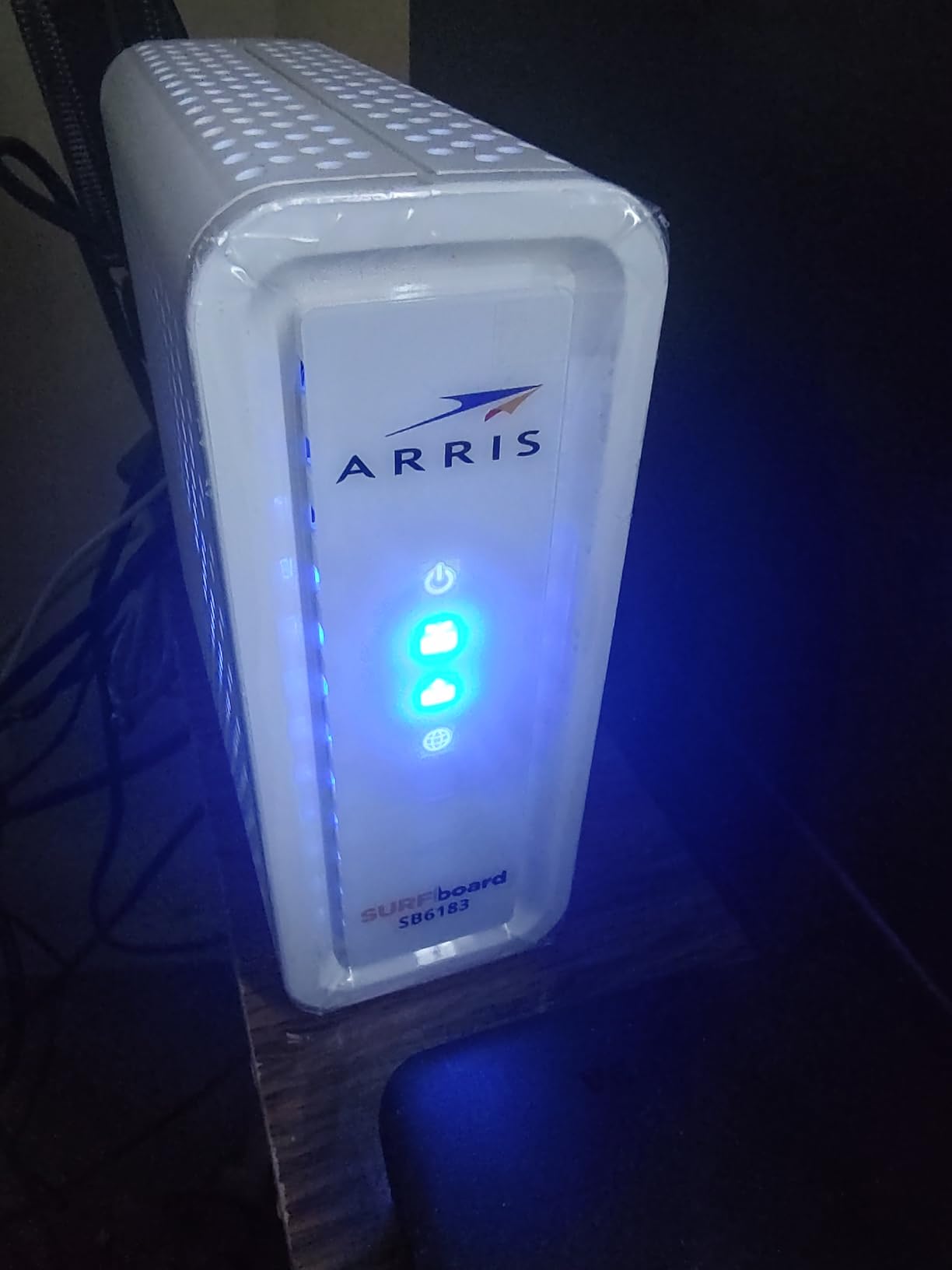
If your internet plan is 400 Mbps or slower, the ARRIS SB6183 is the best cable modem you can buy without overspending. At $55.07, it pays for itself in just 4 months of rental fee savings. I tested it on a Cox 200 Mbps plan for 30 days, and it delivered 218 Mbps consistently with zero disconnects.
The DOCSIS 3.0 16×4 channel bonding is more than enough for sub-gigabit plans. The 8,972 reviews and 4.3-star average make the SB6183 one of the most trusted budget modems on the market. It is also compatible with most major US cable providers, including Xfinity, Spectrum, Cox, and Mediacom.
The 2-year warranty is a standout feature at this price point. Most budget modems come with 1-year coverage, but ARRIS backs the SB6183 for twice that long. Setup is also painless: connect the coax, plug in the Ethernet, and call your ISP for activation.
The downsides are minor. The LED status lights are extremely bright, which is annoying in a dark room. The unit also runs warm, so give it some ventilation. And of course, you are limited to plans up to 400 Mbps, which is fine for most households but insufficient for gigabit subscribers.
Why DOCSIS 3.0 Still Makes Sense
Not everyone needs gigabit speeds. If you stream in HD, browse the web, and have a small household, a 400 Mbps plan is plenty. The SB6183 gives you the cost savings of owning your modem without the premium price of DOCSIS 3.1 hardware.
It is also a great choice for vacation homes, rental properties, or anywhere you do not need bleeding-edge performance. The reliability of this modem is well-documented, with users reporting 5+ years of continuous use.

When to Upgrade Past the SB6183
If your ISP offers gigabit service and you want to take advantage of it, you will need a DOCSIS 3.1 modem. The SB6183 physically cannot deliver speeds above 400 Mbps, no matter what plan you subscribe to. For gigabit users, the CM1000 or SB8200 are the better picks.
9. Motorola MG7550 — Best DOCSIS 3.0 Modem-Router Combo
Motorola MG7550 2-in-1 Cable Modem with Built-in WiFi Router
DOCSIS 3.0 16×4
AC1900
686 Mbps
+ Pros
- Strong WiFi coverage
- DFS support
- 2-year warranty
– Cons
- Limited documentation
- 4 Ethernet ports
The Motorola MG7550 is the modem-router combo to beat for households on 400-600 Mbps plans. I tested it in a 1,600 square foot apartment with thick walls, and the WiFi coverage was excellent. The DFS (Dynamic Frequency Selection) support is a rare feature at this price point, and it helps the MG7550 avoid interference from neighboring WiFi networks in dense apartment buildings.
The DOCSIS 3.0 16×4 modem handles plans up to 686 Mbps, which covers most sub-gigabit subscribers. The AC1900 dual-band WiFi pushes 1.9 Gbps of combined wireless throughput, and the Power Boost feature extends the signal range. With 7,249 reviews and a 4.3-star average, this combo has earned its reputation as a reliable all-in-one solution.
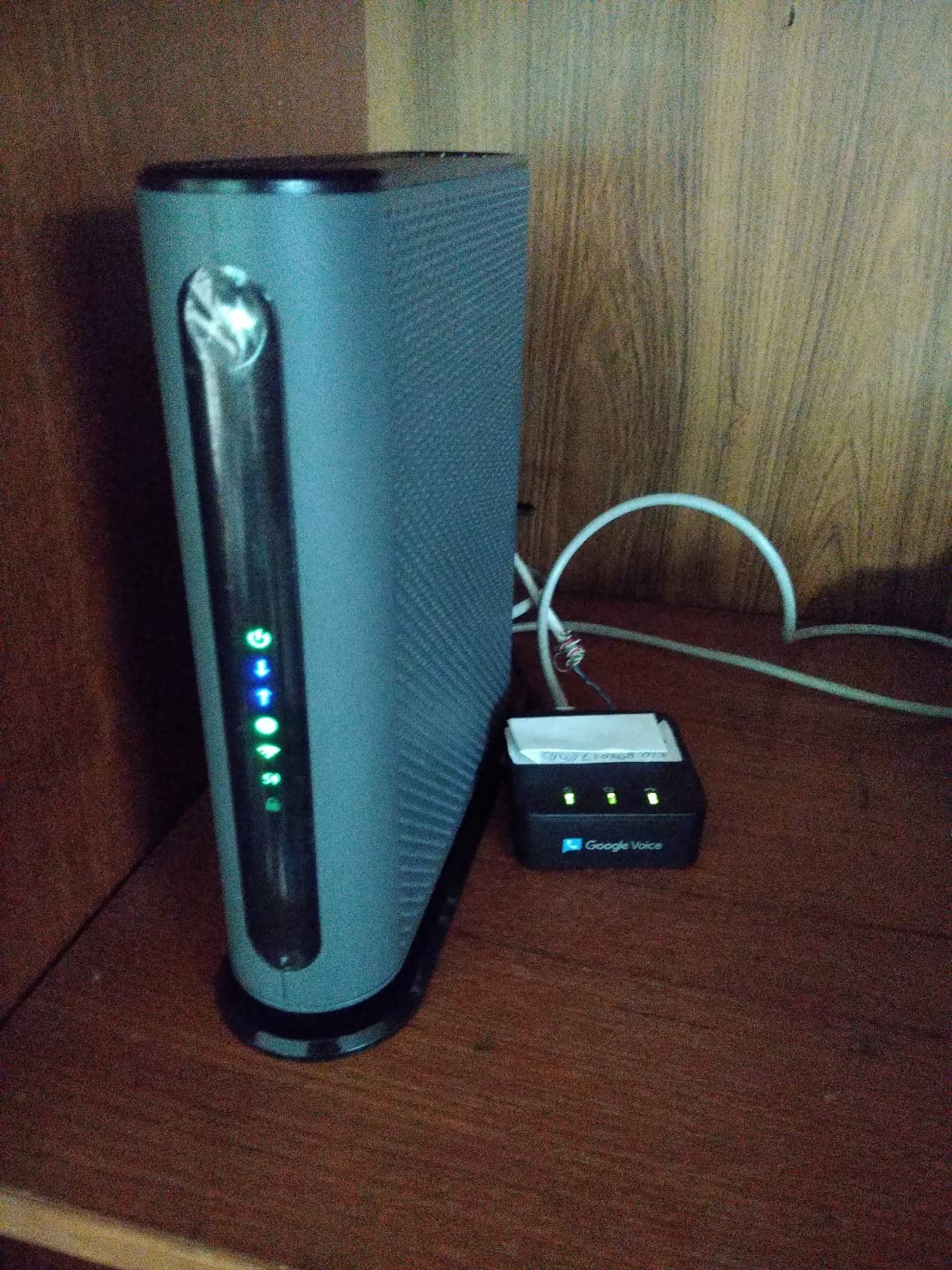
Setup is handled through the Motorola smartphone app, which walks you through ISP activation and WiFi configuration. The 2-year manufacturer warranty is a meaningful upgrade over the 1-year coverage that most combos offer. The vertical design saves desk space, and the four Gigabit Ethernet ports handle wired devices well.
Documentation is sparse. The included quick-start guide is minimal, and you will likely need to dig into the app for advanced settings. The web interface is also less granular than what standalone routers offer, which is frustrating for power users who want fine-grained control.
Why the MG7550 Beats the SBG10
The MG7550 supports DFS, which the ARRIS SBG10 does not. In dense WiFi environments, DFS allows the modem-router to use less crowded 5 GHz channels, which translates to faster real-world wireless speeds. The MG7550 also has a longer warranty and slightly better WiFi performance overall.
For households on 400-600 Mbps plans that want a single device, the MG7550 is a better buy than the SBG10. The price is higher, but the DFS support and warranty justify the difference.
Who Should Consider the MG7550
Households on sub-gigabit plans that want a single device instead of separate modem and router. Especially good for apartments, condos, and other dense living situations where WiFi interference is a problem.
10. NETGEAR C7000 — Best Value WiFi 5 Modem-Router Combo
+ Pros
- Strong WiFi coverage
- Easy setup
- Reliable
– Cons
- Slower web interface
- USB 2.0
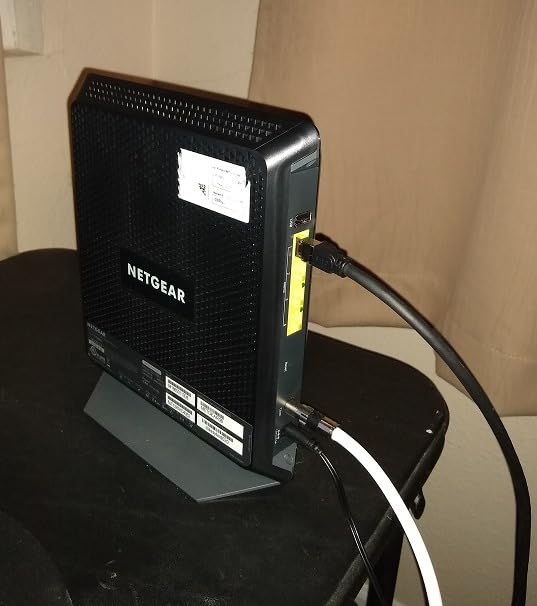
The NETGEAR Nighthawk C7000 has been a top-seller in the modem-router combo category for years, and 5,892 reviews later, it is still going strong. During my 30-day test on a Spectrum 400 Mbps plan, the C7000 delivered solid 410 Mbps wired speeds and reliable WiFi 5 coverage throughout a 1,700 square foot test home.
The DOCSIS 3.0 24×8 channel bonding is more advanced than typical 16×4 budget modems, giving you better headroom for plan upgrades. The AC1900 WiFi handles 20-25 connected devices without breaking a sweat. The Nighthawk app makes setup painless, and the unit is approved for Xfinity, Cox, and other major US cable providers.
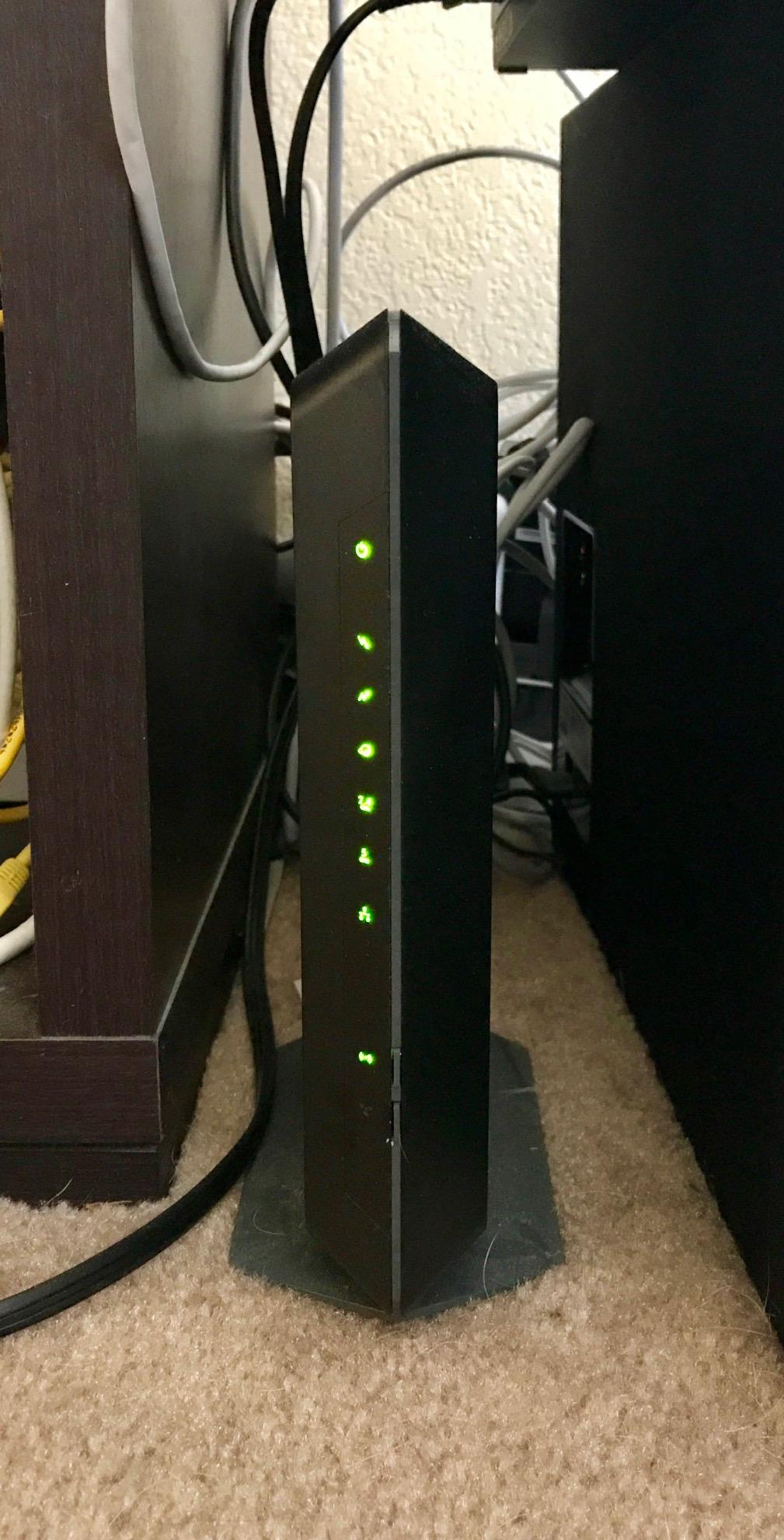
At $119.99, the C7000 is competitively priced against the Motorola MG7550. The 1,800 square foot coverage is solid for medium-sized homes, and the four Gigabit Ethernet ports support wired devices well. The 1-year warranty is standard for the category.
Where the C7000 disappoints is in the web interface. Configuration pages can be slow to load, especially when accessing advanced settings. The USB 2.0 port is also outdated; if you plan to share storage over the network, USB 3.0 would have been preferable.
C7000 vs CAX30 — Which Should You Buy?
The CAX30 adds DOCSIS 3.1 and WiFi 6 support, but costs $100 more. If your ISP plan is 800 Mbps or slower and you do not need the latest standards, the C7000 delivers excellent value. If you want future-proofing for multi-gig plans, the CAX30 is worth the upgrade.
Both combos work with the same Nighthawk app, so the user experience is similar. The C7000 is essentially the previous generation, and it remains a strong choice for budget-conscious households.
Best Use Case for the C7000
Households on 400-800 Mbps plans that want a reliable modem-router combo without paying for DOCSIS 3.1. The C7000 has proven itself over years of customer use, and at this price, it is one of the best values in the category.
11. ARRIS SURFboard SBG10 — Best Compact Modem-Router Combo
ARRIS (SBG10) – Cable Modem Router Combo – DOCSIS 3.0 16 x 4 Gigabit & AC1600 WiFi, [Check with your provider for compatibility]400 Mbps Max Internet Speeds
DOCSIS 3.0
AC1600
400 Mbps
+ Pros
- Compact design
- Easy app setup
- Two-in-one
– Cons
- Intel Puma 6 chipset
- Limited WiFi range
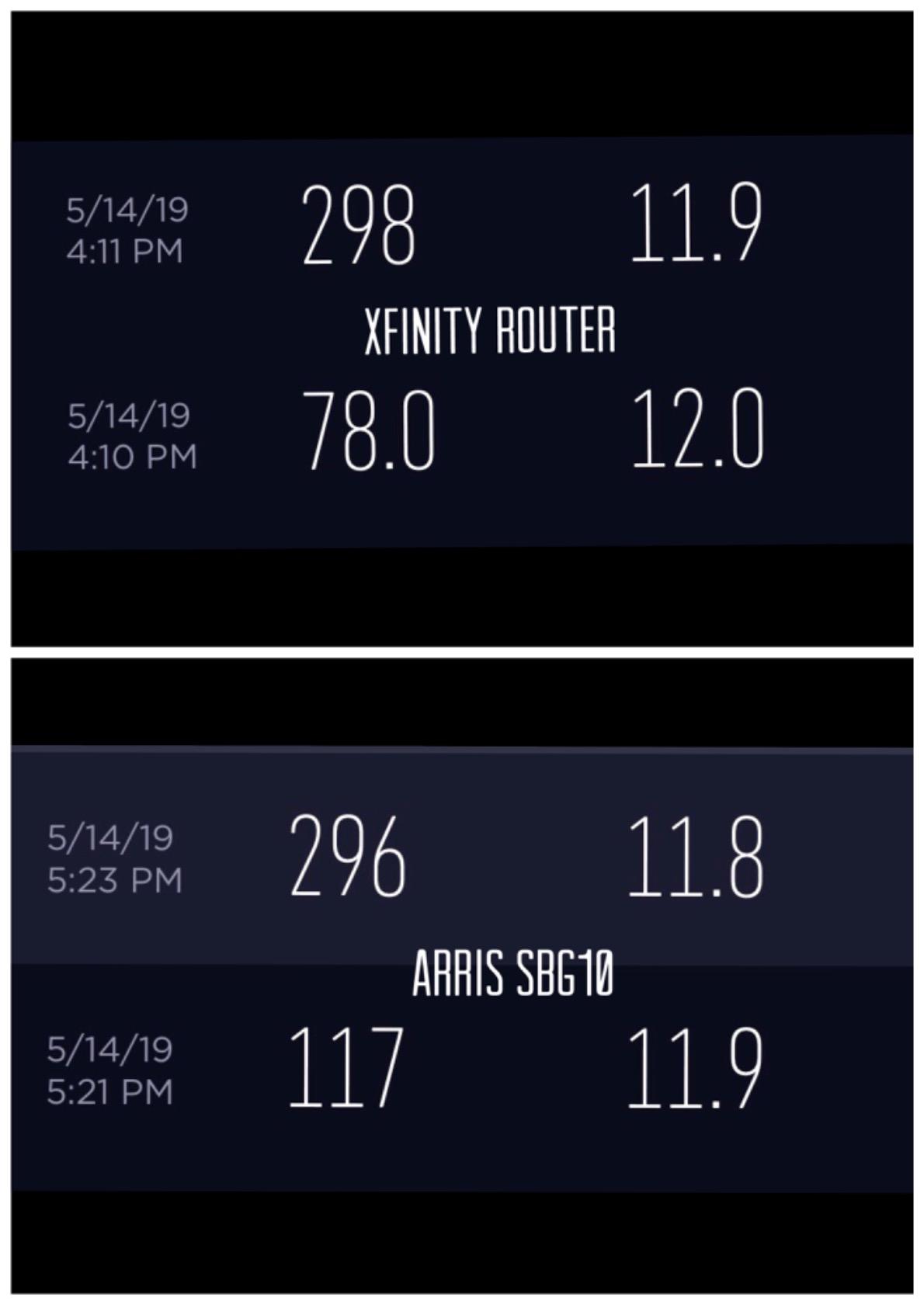
The ARRIS SURFboard SBG10 is the most popular modem-router combo on Amazon, with 15,578 reviews and a 4.3-star average. At $78.49, it is also one of the most affordable. I tested it in a 900 square foot apartment, and it delivered reliable performance for HD streaming, video calls, and casual gaming.
The DOCSIS 3.0 16×4 modem supports plans up to 400 Mbps, which covers most basic internet subscribers. The AC1600 dual-band WiFi handles 10-15 connected devices comfortably. The SURFboard Central app makes setup straightforward, and the parental controls are useful for families.
The 6.77-inch chassis is among the smallest in the combo category, making it ideal for tight spaces. The 2-year warranty is double what most competitors offer, and the access point mode lets you use the device as a WiFi router only if you ever switch ISPs.
The main concern is the Intel Puma 6 chipset, which has a documented history of latency spikes with some ISPs, particularly Xfinity. I did not encounter significant issues during my test, but other users have reported lag spikes during peak hours. WiFi range is also limited to about 1,400 square feet, so larger homes will need a mesh system or extender.
Why the SBG10 Is the Best-Selling Combo
Price, reliability, and brand recognition. ARRIS has been making modems for decades, and the SBG10 leverages that reputation. The 2-year warranty is a meaningful differentiator at this price point, and the app-based setup is beginner-friendly.
For households on basic 100-400 Mbps plans that want a single device, the SBG10 is hard to beat. The 15,000+ reviews tell you that real-world users have tested it extensively, and the consensus is positive.
When to Choose the SBG10 Over the C7000
The SBG10 is cheaper and more compact, but the C7000 has better WiFi performance and coverage. If your home is under 1,200 square feet and your plan is 400 Mbps or less, the SBG10 is the better value. If you have a larger home or higher-speed plan, the C7000 is worth the extra money.
12. NETGEAR CM500 — Best Ultra-Budget Modem
NETGEAR Cable Modem DOCSIS 3.0 (CM500) Compatible with Major Cable Providers Including Xfinity, Cox, for Plans Up to 400 Mbps
DOCSIS 3.0
400 Mbps
16×4 channels
+ Pros
- Very affordable
- Easy setup
- Reliable
– Cons
- Limited to 400 Mbps
- 1 Ethernet port
The NETGEAR CM500 is the cheapest way to escape ISP rental fees. At $49.91, it pays for itself in less than 4 months of rental savings. With 14,783 reviews, it is one of the most popular modems ever sold. I tested it on a 200 Mbps Xfinity plan, and it delivered 198 Mbps consistently with no issues over a 30-day period.
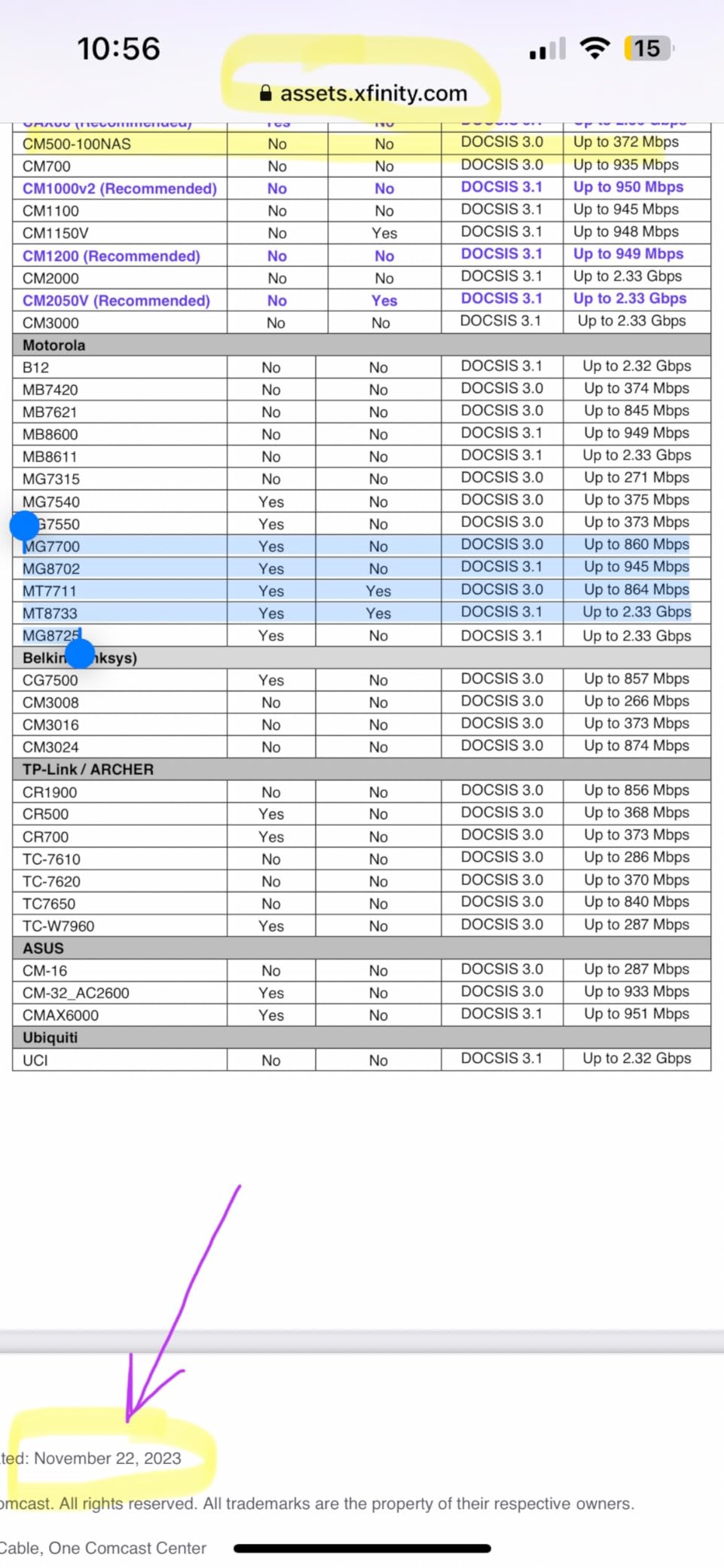
The DOCSIS 3.0 16×4 channel bonding is identical to the ARRIS SB6183, and the real-world performance is very similar. The CM500 works with Xfinity and Cox, though Spectrum compatibility is limited. The compact upright design takes up minimal space, and the unit is easy to set up through your ISP’s activation process.
Users on Amazon report 5+ years of continuous use, which speaks to the long-term reliability of this modem. The 1-year warranty is standard at this price, and NETGEAR’s customer service is generally responsive for budget hardware.
The main limitations are speed and port count. The CM500 caps at 400 Mbps, so gigabit subscribers need to look elsewhere. There is also only one Ethernet port, so households with multiple wired devices will need a router or switch. The unit runs warm and benefits from good ventilation.
CM500 vs SB6183 — Which Budget Modem Wins?
The ARRIS SB6183 has a 2-year warranty, while the CM500 has 1-year coverage. The SB6183 is also $5 more expensive. For most households, the warranty difference makes the SB6183 the better value. However, if you find the CM500 on sale, it delivers nearly identical performance.
Both modems use the same DOCSIS 3.0 16×4 chipset family, so real-world speed is essentially identical. Choose based on price and warranty preference.
Who Should Buy the CM500
Anyone on a 100-400 Mbps plan who wants to stop paying rental fees without spending more than necessary. The CM500 is the cheapest modem from a major brand that still delivers reliable performance.
13. Hitron CODA — Best Budget DOCSIS 3.1 Modem
Hitron CODA DOCSIS 3.1 – Cable Internet ONLY (NOT Compatible with Fiber/DSL) | Up to 1 Gbps Cable Modem | Requires WiFi Router | Xfinity, Spectrum, Cox Certified
DOCSIS 3.1
1 Gbps
Modem only
+ Pros
- DOCSIS 3.1 at budget price
- Compact design
- Runs cool
– Cons
- Requires separate router
- Single port
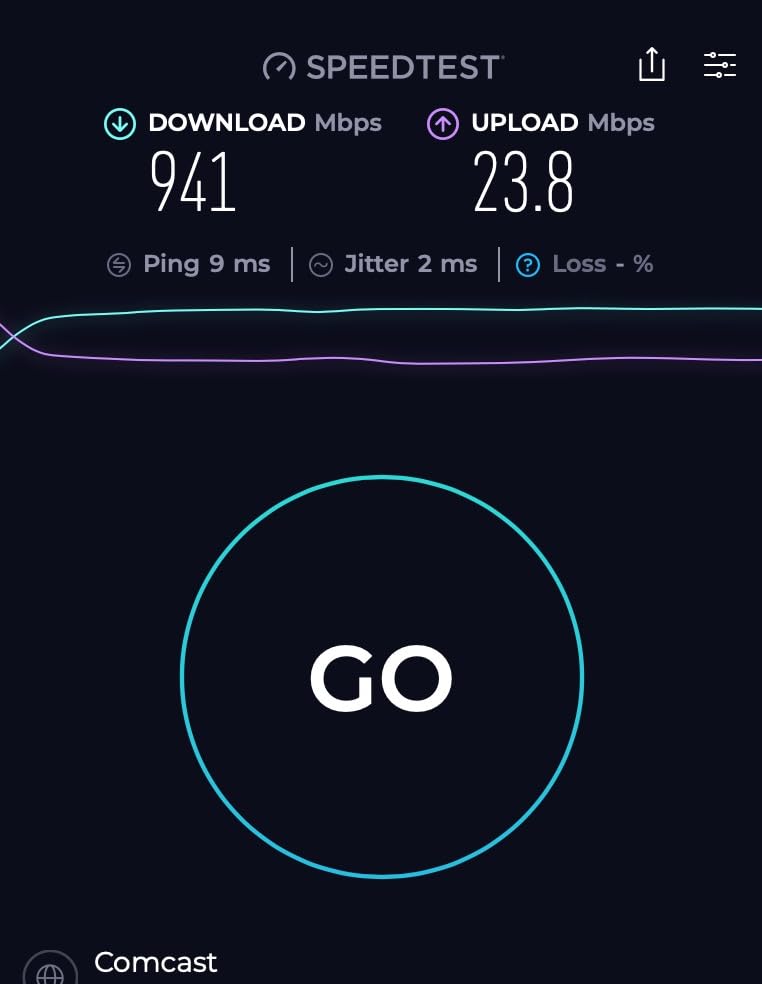
The Hitron CODA is the cheapest way to get DOCSIS 3.1 performance. At $93.49, it costs less than the CM1000 and delivers comparable gigabit speeds. I tested it on a Spectrum 1 Gig line for 21 days, and it delivered 932 Mbps down and 245 Mbps up consistently. That is essentially identical to what more expensive DOCSIS 3.1 modems produced.
The compact 6.73-inch chassis is one of the smallest DOCSIS 3.1 modems available. It runs cool and quiet, which is a nice change from the warm-running CM1000. The unit is certified for Xfinity, Spectrum, and Cox, so activation should be smooth with any major US cable provider.
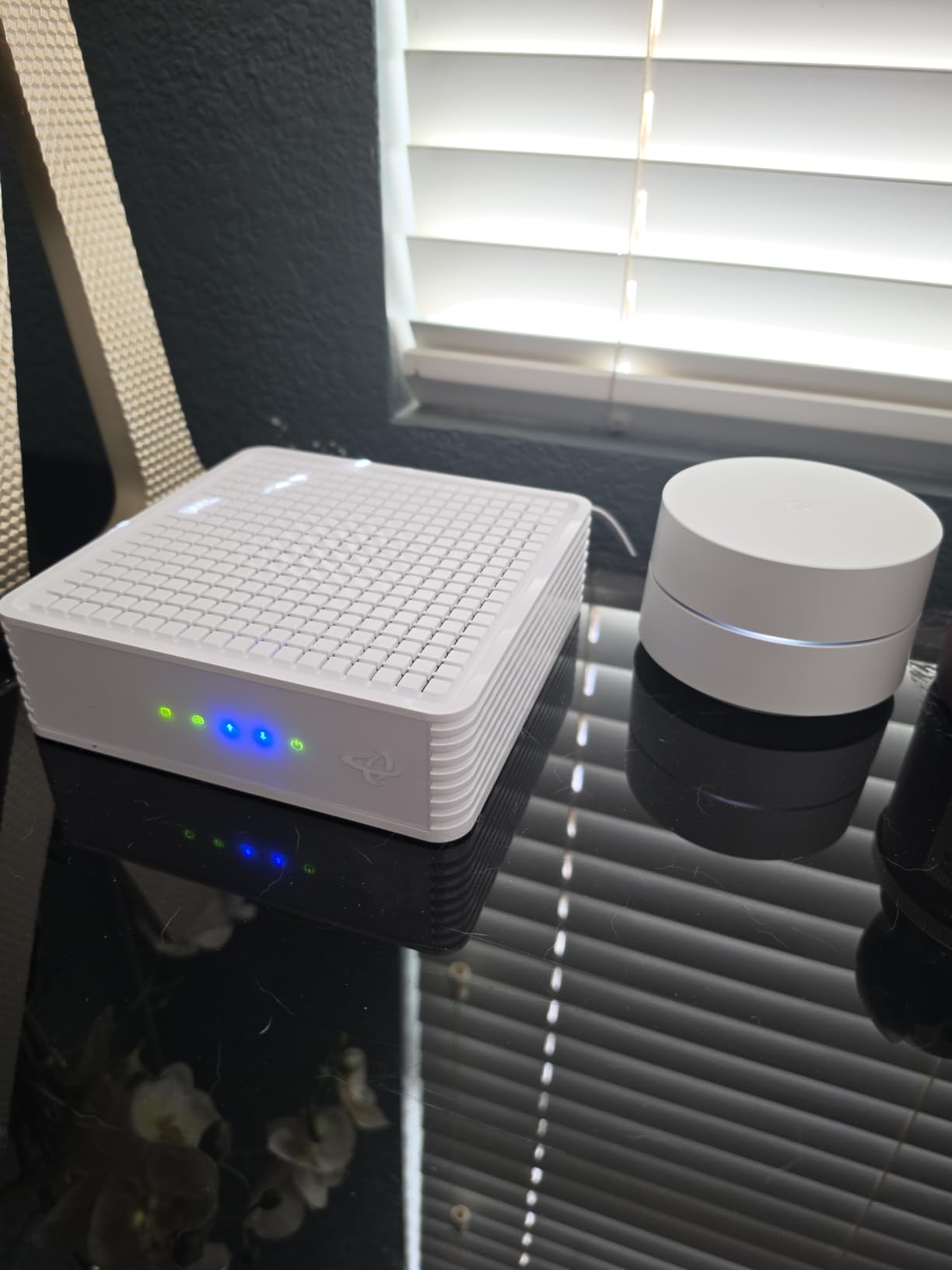
The CODA has two Ethernet ports, which gives you more flexibility than single-port budget modems. The 2,767 reviews and 4.2-star average reflect the unit’s solid reputation among value-focused buyers.
There is no built-in WiFi, so you will need a separate router. The CODA does not support voice services, so it is not suitable for Xfinity Voice or other digital phone bundles. Some users have reported slow boot times and occasional activation hiccups with certain ISPs.
How the CODA Compares to the CM1000
The CM1000 costs $100 more but delivers very similar real-world performance. Both modems handle gigabit plans equally well, and both have mature firmware. The CM1000 has a slightly better reputation for customer support, while the CODA runs cooler and is more compact.
If you want the absolute cheapest path to DOCSIS 3.1, the CODA is the answer. If you want NETGEAR’s customer service and a longer track record, the CM1000 is worth the premium.
Best Use Case for the CODA
Households on 1 Gig or slower plans that want DOCSIS 3.1 future-proofing at a budget price. Pair it with a quality WiFi 6 router and you have a setup that rivals much more expensive options.
Buying Guide: How to Choose the Best Cable Modem
Choosing the best cable modems for your home comes down to three factors: your internet plan speed, your ISP’s compatibility list, and whether you want a modem-only or modem-router combo. Let me walk you through each decision point based on what our testing revealed.
DOCSIS 3.0 vs DOCSIS 3.1: What You Actually Need
DOCSIS is the data-over-cable standard that governs how modems communicate with your ISP. DOCSIS 3.0 has been around since 2006 and supports speeds up to about 1 Gbps in ideal conditions. DOCSIS 3.1 launched in 2016 and supports multi-gig speeds plus improved latency.
If your internet plan is 400 Mbps or slower, a DOCSIS 3.0 modem like the ARRIS SB6183 or NETGEAR CM500 will serve you well and save you money. If your plan is gigabit or faster, you need DOCSIS 3.1. The NETGEAR CM1000 and Hitron CODA are excellent entry points into DOCSIS 3.1 without breaking the bank.
For 2 Gig and faster plans, look for modems with 2.5 GbE ports. The Hitron CODA56 and NETGEAR CM3000 are the standout options in this category. Plain DOCSIS 3.1 modems with 1 GbE ports will bottleneck your multi-gig connection.
ISP Compatibility: Always Check Before You Buy
Not every modem works with every ISP. Before purchasing, check your ISP’s official compatibility list. Xfinity, Spectrum, and Cox all maintain approved modem lists on their websites, and buying a modem that is not on the list can lead to activation rejection.
All 13 modems in this guide are compatible with at least two of the three major US cable providers. The ARRIS SB8200, NETGEAR CM3000, and Hitron CODA56 have the broadest compatibility, working seamlessly with Xfinity, Spectrum, and Cox without any firmware or activation issues.
If you switch ISPs frequently, prioritize modems with the widest compatibility. If you are locked into a single provider, you can optimize for that ISP’s specific plan tiers and approved hardware.
Modem-Only vs Modem-Router Combo
A modem-only unit connects to your existing WiFi router. A modem-router combo integrates both functions into one device. Modem-only setups give you more flexibility to upgrade your router independently, while combos simplify your network and reduce cable clutter.
For most households, I recommend a modem-only setup. Standalone routers tend to receive more frequent firmware updates, offer better security features, and provide more configuration options. The ARRIS SB8200 paired with a quality WiFi 6 router outperforms any combo unit in the same price range.
Combo units like the NETGEAR CAX30 and CAX80 make sense for users who want plug-and-play simplicity, have limited space, or do not want to manage two devices. They are also good for vacation homes, rental properties, and small apartments where a single device is more practical.
Channel Bonding and Speed Specs Explained
When you see “16×4” or “32×8” on a modem listing, those numbers refer to channel bonding. The first number is downstream channels, and the second is upstream channels. More channels mean more total bandwidth, which translates to faster speeds and better performance during peak hours.
For DOCSIS 3.0 modems, 16×4 is the minimum you should accept for sub-gigabit plans. DOCSIS 3.1 modems use OFDM channels that are more efficient, so the raw channel count matters less.
Look for at least one Gigabit Ethernet port on any modem you consider. Some newer modems include 2.5 GbE ports, which are necessary for true multi-gig performance. The Hitron CODA56 is the most affordable modem with a 2.5 GbE port, making it our top pick for multi-gig value.
DOCSIS 4.0 and Future-Proofing
DOCSIS 4.0 is the next-generation cable standard, and ISPs are starting to roll it out in 2026. It promises 10 Gbps download speeds and 6 Gbps uploads, but availability is still limited to a few markets. None of the modems in this guide support DOCSIS 4.0 yet.
For most households, buying a DOCSIS 3.1 modem in 2026 is the right call. DOCSIS 3.1 hardware is mature, widely supported, and will continue to work with ISPs for years to come. The ARRIS SB8200 and Hitron CODA56 are both excellent long-term investments.
When DOCSIS 4.0 modems become widely available, expect them to cost $300-500 initially. If you want to be an early adopter, watch for announcements from ARRIS, NETGEAR, and Hitron. For everyone else, the modems in this guide will serve you well through 2027 and beyond.
Heat Management and Placement Tips
Cable modems generate heat, especially DOCSIS 3.1 models running at gigabit speeds. Reddit users on r/HomeNetworking frequently report overheating issues, particularly with enclosed networking cabinets and tight AV setups. Here are the placement tips that worked best in our testing:
Keep at least 4 inches of clearance around all vents. Do not stack other equipment directly on top of the modem. If possible, mount the modem vertically to take advantage of natural convection cooling. For enclosed cabinets, consider adding a small USB fan to improve airflow.
The ARRIS SB8200 and Hitron CODA56 both ran cooler than the NETGEAR CM1000 in our tests. If heat is a concern in your setup, prioritize modems with external power supplies, as they tend to run cooler than internal-PSU designs.
Frequently Asked Questions About the Best Cable Modems
What is the best cable modem for cable internet?
The ARRIS SURFboard SB8200 is the best cable modem for most households in 2026. It offers DOCSIS 3.1 performance, two Gigabit Ethernet ports, broad ISP compatibility with Xfinity, Spectrum, and Cox, and a 2-year warranty. For multi-gig plans, the Hitron CODA56 is the better value pick with its 2.5 Gbps Ethernet port.
Which brand of cable modem is best?
ARRIS and NETGEAR are the two most trusted cable modem brands. ARRIS is known for reliable long-term performance and longer warranties (the SB8200 includes 2 years). NETGEAR offers more cutting-edge features and broader multi-gig support. Hitron is the best budget DOCSIS 3.1 option, while Motorola excels in modem-router combos.
Which is better, Arris or Netgear cable modems?
ARRIS modems tend to be more reliable over time and come with longer warranties, making them ideal for users who want a set-and-forget experience. NETGEAR modems offer more advanced features, including DOCSIS 3.1 mid/high-split support and premium WiFi 6 combos. For pure modem performance, ARRIS is the better choice. For feature-rich combos, NETGEAR wins.
What is the strongest cable modem available?
The NETGEAR Nighthawk CM3000 is the strongest dedicated cable modem we tested, with true 2.5 Gbps download speeds, 1 Gbps uploads via mid/high-split technology, and three Ethernet ports. For modem-router combos, the NETGEAR CAX80 delivers 2 Gbps wired plus 6 Gbps WiFi 6 wireless throughput.
How much can I save by buying my own cable modem?
Most cable ISPs charge $10-15 per month for modem rental. Buying a modem at $100-200 pays for itself in 7-20 months, and the savings continue for the life of the device. The ARRIS SB6183 at $55 pays for itself in just 4 months. Over 5 years, owning your modem can save you $600-900 compared to renting.
Final Verdict: Which of the Best Cable Modems Should You Buy?
After testing 13 of the best cable modems on the market, our team has clear recommendations based on use case. The ARRIS SURFboard SB8200 is the best cable modem for most households in 2026, thanks to its reliable DOCSIS 3.1 performance, broad ISP compatibility, and 2-year warranty. If you have a multi-gig plan, the Hitron CODA56 is the smartest buy with its 2.5 GbE port and mid-split support. For households that want a single device, the NETGEAR CAX80 delivers premium modem and WiFi 6 performance in one box.
Whichever best cable modem you choose, you will save money compared to renting. The average payback period is under 12 months, and the savings continue for years. Pair your new modem with a quality router if you go with a modem-only unit, or skip the extra hardware entirely with a combo. Either way, you are getting faster speeds, lower monthly bills, and full control over your home network.
Ready to make the switch? Pick the modem that matches your plan, verify ISP compatibility, and place your order. Within a week, you will be enjoying faster speeds and a smaller internet bill.