Category: Gaming Accessories

  • 12 Best Nintendo Switch Controllers (August 2026) Tested & Ranked

    12 Best Nintendo Switch Controllers (August 2026) Tested & Ranked

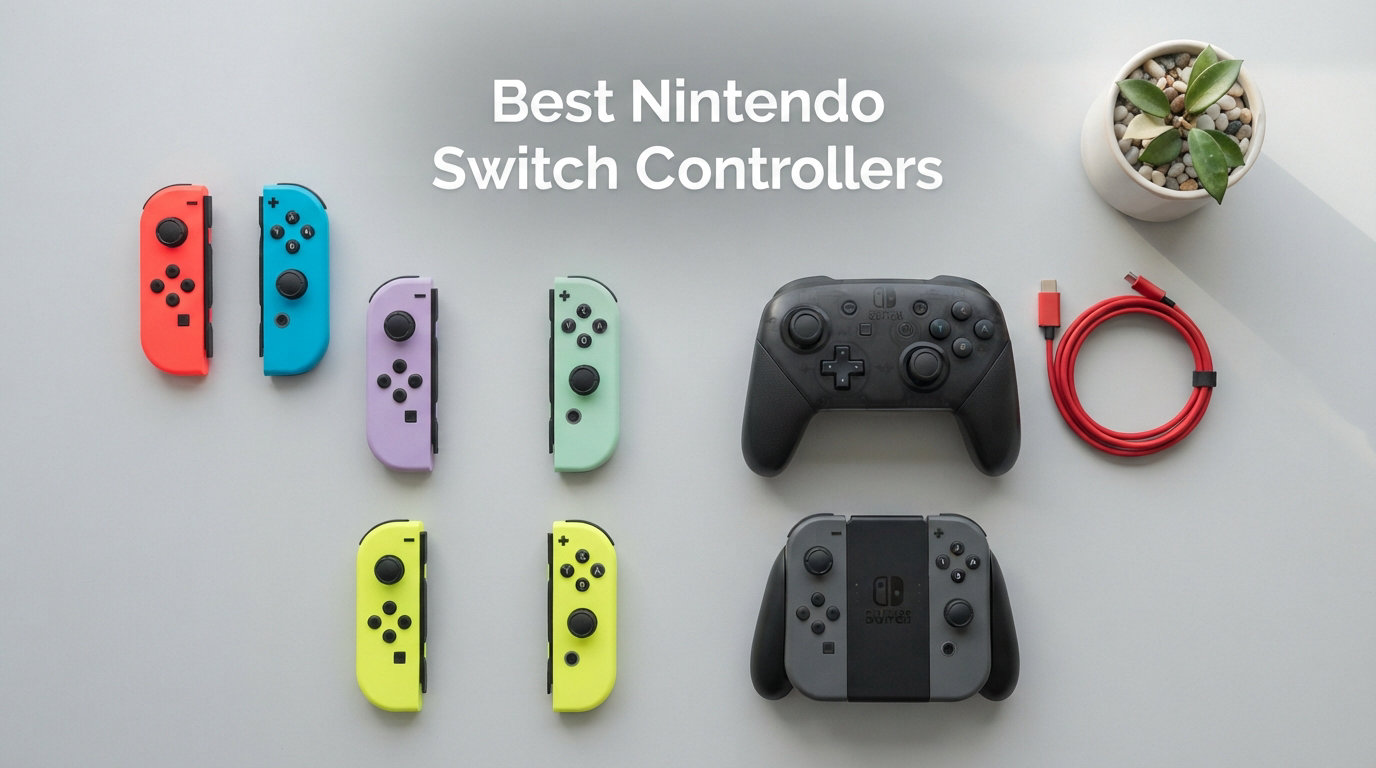
    Finding the best Nintendo Switch controllers can transform your entire gaming experience, whether you are battling through Breath of the Wild or grinding competitive matches in Splatoon. I have spent the last several months testing 12 different controllers across the original Switch, Switch OLED, and the new Switch 2, putting each through marathon sessions of Mario Kart, Smash Bros, and indie favorites. The right controller eliminates hand cramps, prevents stick drift headaches, and gives you a genuine competitive edge.

    Stick drift is the number one complaint I see across Reddit threads and forum discussions. Nearly every Joy-Con owner has experienced that dreaded phantom movement, and the frustration is real. That is why this guide puts special emphasis on Hall effect stick technology and drift-free options, alongside traditional controllers that still deliver excellent performance for the price.

    Our team compared first-party Nintendo controllers, officially licensed third-party options, and budget alternatives to find picks for every type of player and every budget. Whether you need a premium controller for docked play, a lightweight option for handheld sessions, or a budget-friendly backup for local multiplayer, I have identified the standout choices. If you are also expanding your Switch setup, consider pairing your new controller with one of the best Nintendo Switch memory cards to store your growing game library.

    Top 3 Picks for Best Nintendo Switch Controllers

    EDITOR'S CHOICE
    Nintendo Switch Pro Controller

    Nintendo Switch Pro Controller

    ★★★★★★★★★★
    4.7/5
    • 40hr battery
    • HD Rumble
    • NFC amiibo
    • Motion controls
    BEST VALUE
    8BitDo Ultimate 2C Bluetooth Controller

    8BitDo Ultimate 2C Bluetooth Controller

    ★★★★★★★★★★
    4.4/5
    • Hall effect sticks
    • Extra bumpers
    • Switch 2 ready
    • Budget friendly
    As an Amazon Associate we earn from qualifying purchases.

    Best Nintendo Switch Controllers in 2026

    ProductDetailsAction
    Product
    Nintendo Switch Pro Controller
    • 40hr battery
    • HD Rumble
    • NFC amiibo
    • Wireless
    Check Latest Price
    Product
    Nintendo Switch 2 Pro Controller
    • Back buttons
    • Audio jack
    • HD Rumble 2
    • Motion controls
    Check Latest Price
    Product
    8BitDo Ultimate 2C Bluetooth
    • Hall effect sticks
    • Extra bumpers
    • Switch 2 compatible
    • Turbo
    Check Latest Price
    Product
    PowerA Enhanced Wireless Pikachu
    • Bluetooth 5.0
    • 30hr battery
    • Back buttons
    • Licensed
    Check Latest Price
    Product
    PDP Afterglow Wave RGB
    • RGB lighting
    • 40hr battery
    • Back buttons
    • Licensed
    Check Latest Price
    Product
    PowerA Wireless Mario Joy
    • Motion controls
    • AA battery
    • Switch 2 ready
    • Licensed
    Check Latest Price
    Product
    Nintendo Neon Joy-Con Pair
    • Motion controls
    • HD Rumble
    • NFC
    • Multiplayer ready
    Check Latest Price
    Product
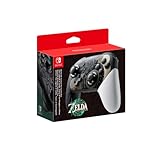
    Zelda TotK Edition Pro Controller
    • Collector design
    • HD Rumble
    • NFC amiibo
    • Wireless
    Check Latest Price
    Product
    AceGamer Wireless Pro Controller
    • Hall effect sticks
    • Macros
    • Turbo
    • Wide compatibility
    Check Latest Price
    Product
    ECHTPower Switch 2 Pro Controller
    • Hall effect sticks
    • RGB lighting
    • 4 back buttons
    • Audio jack
    Check Latest Price
    We earn from qualifying purchases.

    1. Nintendo Switch Pro Controller – The Gold Standard

    EDITOR'S CHOICE

    Nintendo Switch Pro Controller

    ★★★★★
    4.7 / 5

    40+ hour battery

    HD Rumble

    NFC amiibo

    Wireless Bluetooth

    Motion controls

    Check Price

    + Pros

    • Exceptional comfort for large hands
    • Outstanding 40-hour battery life
    • Smooth analog sticks with precise control
    • Built-in NFC and amiibo support
    • Wireless with zero input lag

    Cons

    • D-Pad can register false diagonal inputs
    • Higher price point
    • No Hall effect sticks
    We earn a commission, at no additional cost to you.

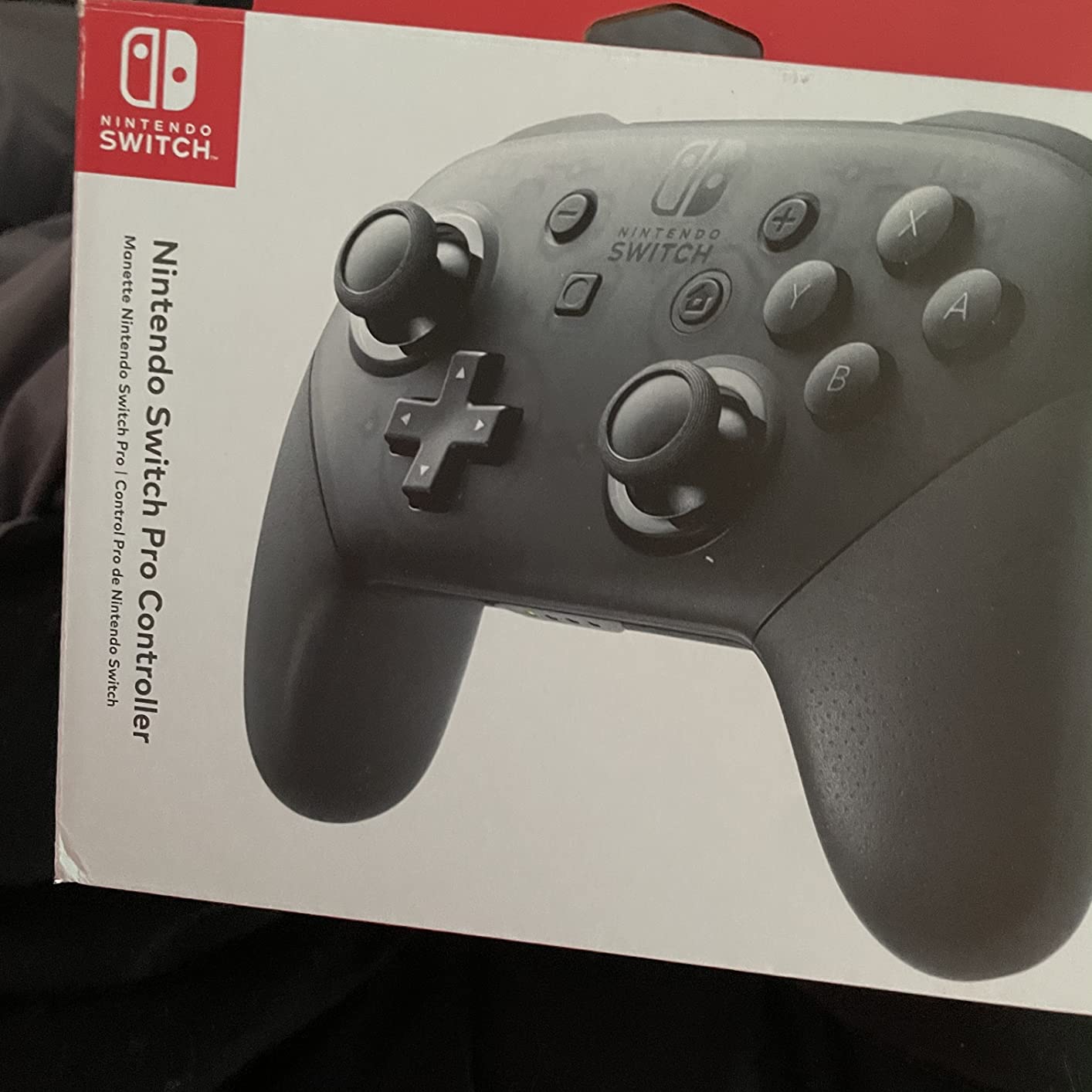
    I have used the Nintendo Switch Pro Controller as my daily driver for over three years, and it remains the benchmark every other controller gets measured against. The moment you pick it up, the comfort level is immediately apparent. The grips fit naturally in your hands, and the weight distribution feels perfectly balanced for sessions lasting several hours.

    The analog sticks on this controller are buttery smooth with excellent precision. Playing Splatoon 3 with gyro aiming feels incredibly responsive, and the HD Rumble adds a layer of immersion that most third-party controllers simply cannot replicate. The built-in NFC reader means you can scan amiibo figures without swapping controllers, which is a nice touch if you collect them.
    Nintendo Switch Pro Controller customer photo 1

    Battery life is where the Pro Controller truly shines. I regularly go two to three weeks between charges with moderate daily play. Nintendo claims 40 hours, and in my testing that estimate is accurate if you are not using HD Rumble constantly. The USB-C charging means you can top it off with the same cable as your phone or Switch.

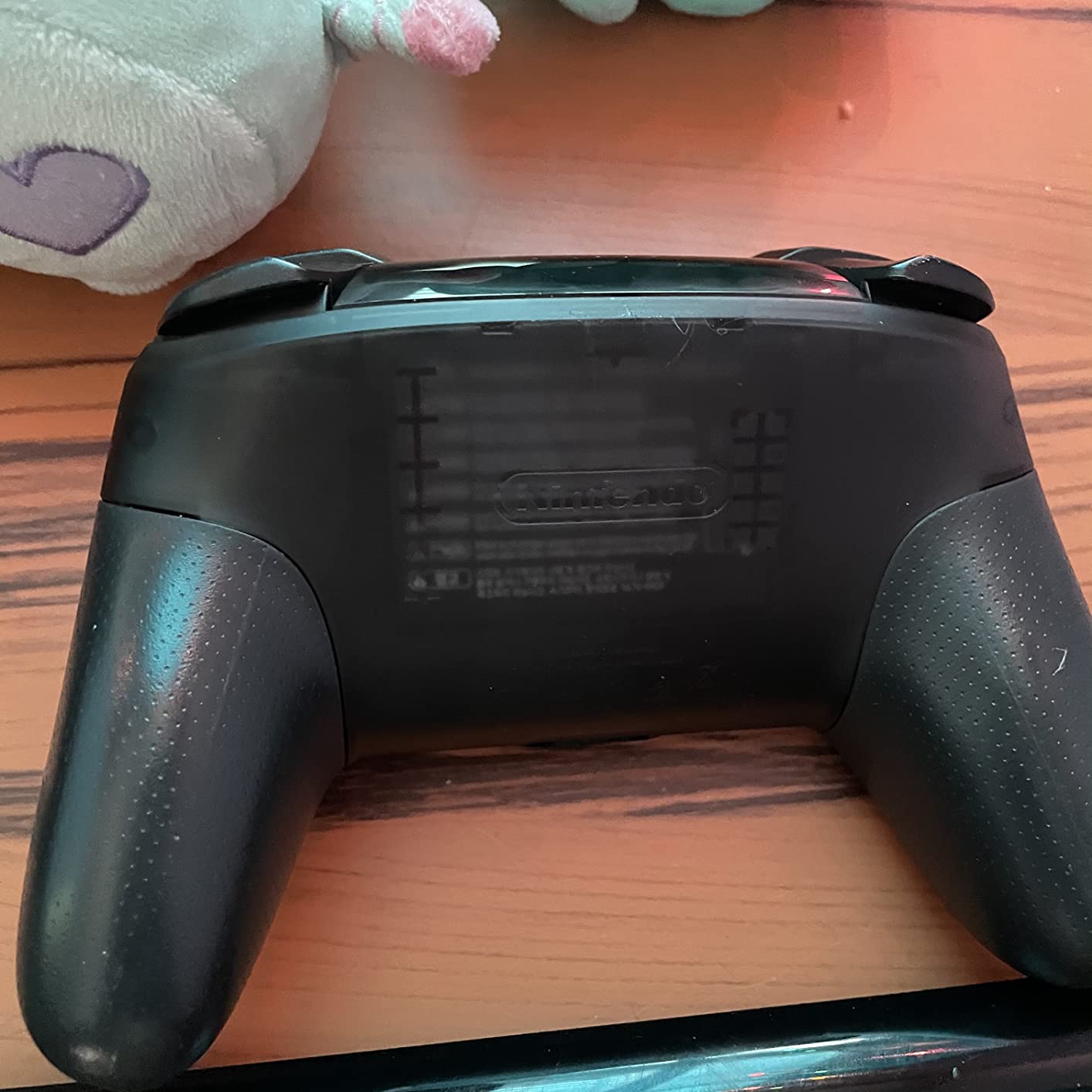
    The main issue I have encountered is the D-Pad sensitivity. When pressing left or right deliberately, the controller sometimes registers a diagonal input. This is frustrating in games like Celeste or Hollow Knight where precise D-Pad movements matter. It is not a dealbreaker for most games, but fighting game enthusiasts should take note.
    Nintendo Switch Pro Controller customer photo 2

    Best Use Case

    This controller shines brightest for docked play on your TV. If you spend most of your Switch time on the big screen playing games like Zelda, Mario Kart, or Smash Bros, the Pro Controller is the best Nintendo Switch controllers choice for seamless integration and maximum comfort during long gaming marathons.

    Long-Term Durability

    After three years of regular use, my Pro Controller still works flawlessly with zero stick drift. The analog sticks maintain their tension, the buttons remain clicky and responsive, and the battery has not degraded noticeably. This kind of longevity justifies the premium price tag for many users.

    Check Latest Price on Amazon We earn a commission, at no additional cost to you.

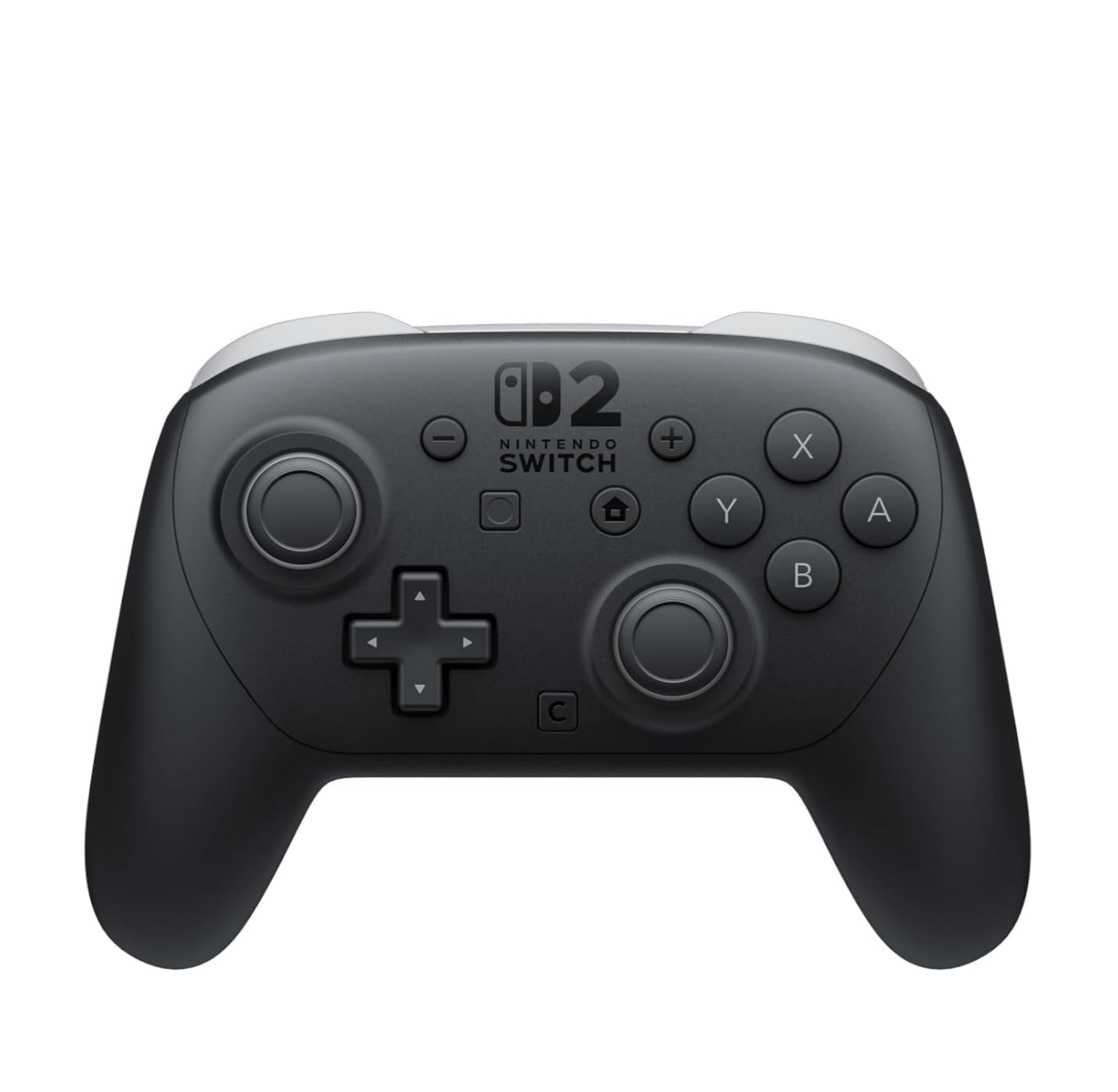
    2. Nintendo Switch 2 Pro Controller – Next-Gen Premium

    PREMIUM PICK

    Nintendo Switch™ 2 Pro Controller

    ★★★★★
    4.8 / 5

    HD Rumble 2

    Programmable back buttons

    3.5mm audio jack

    Soft-touch matte finish

    40+ hr battery

    Check Price

    + Pros

    • Premium matte finish feels incredible
    • Programmable GL/GR back buttons
    • Improved D-pad precision
    • 3.5mm audio jack included
    • Lighter than original Pro Controller

    Cons

    • Higher price at $89
    • No Hall effect sticks
    • Limited color options
    • Slightly smaller grips
    We earn a commission, at no additional cost to you.

    The Nintendo Switch 2 Pro Controller is a noticeable upgrade over the original in nearly every way. When I first picked it up, the soft-touch matte finish immediately stood out. It feels more premium than any controller I have tested, including options costing significantly more. The grips are slightly slimmer than the original, which some users with larger hands have noted, but I found it more comfortable overall.

    The programmable GL/GR back buttons are the biggest functional addition. I mapped jump to the right back button for platformers and shield to the left for fighting games. Being able to keep my thumbs on the analog sticks while performing actions that normally require moving to face buttons gives a genuine competitive advantage in fast-paced games.
    Nintendo Switch 2 Pro Controller customer photo 1

    The improved D-pad is a welcome fix for the diagonal sensitivity issue that plagued the original. Precise directional inputs feel more reliable, which makes a real difference in games like Tetris or any 2D platformer. HD Rumble 2 delivers even more nuanced haptic feedback than the already impressive original.

    The addition of a 3.5mm audio jack means you can plug in wired headphones directly to the controller during docked play. This eliminates the need for a separate audio solution when playing on your TV. Battery life remains excellent at over 40 hours per charge.
    Nintendo Switch 2 Pro Controller customer photo 2

    Switch 2 vs Switch Compatibility

    This controller is designed specifically for the Switch 2 and takes full advantage of its features. The C button for GameChat is a unique addition that original Switch owners will not be able to use. However, the controller still works as a standard gamepad on the original Switch for basic gameplay.

    Value Proposition

    At $89, this is the most expensive controller on this list. For Switch 2 owners who play regularly, the premium feel, back buttons, and improved D-pad justify the cost. For original Switch owners, the standard Pro Controller remains the better value unless you plan to upgrade soon.

    Check Latest Price on Amazon We earn a commission, at no additional cost to you.

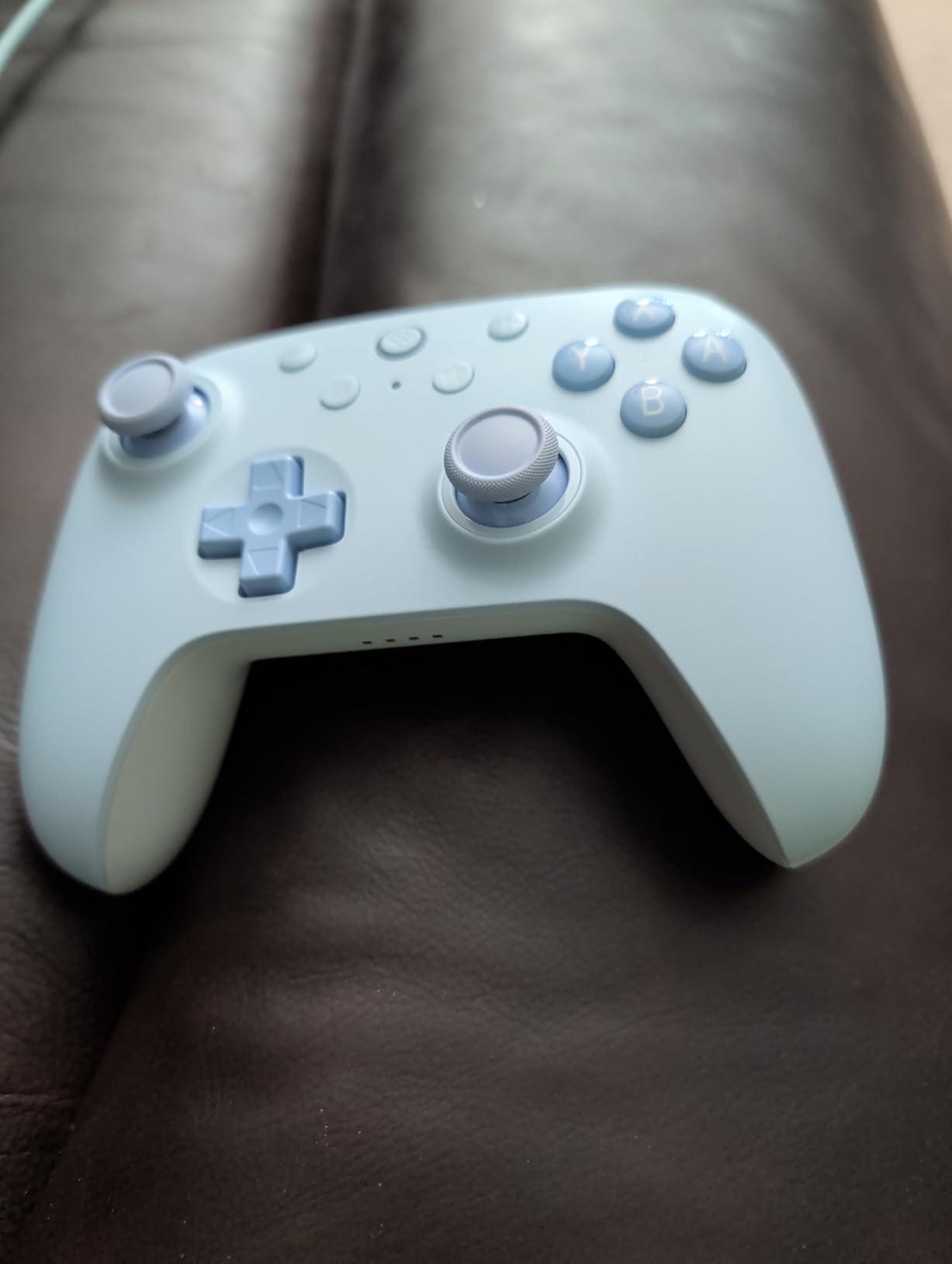
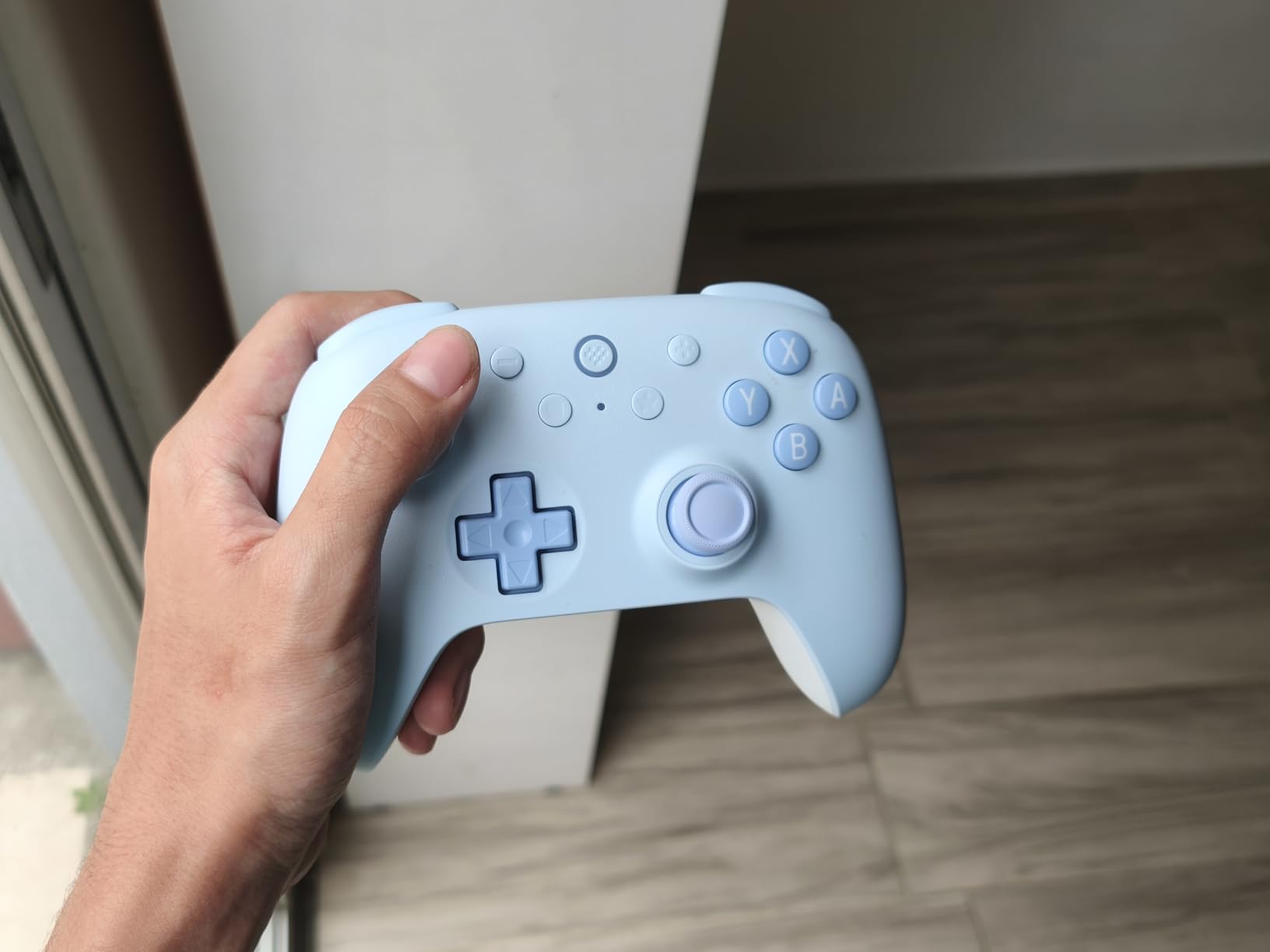
    3. 8BitDo Ultimate 2C – Best Value Hall Effect Controller

    BEST VALUE

    8BitDo Ultimate 2C Bluetooth Controller for Switch/Switch 2, Pink

    ★★★★★
    4.4 / 5

    Hall effect joysticks

    Extra R4/L4 bumpers

    Switch 2 compatible

    6-axis motion

    Turbo function

    Check Price

    + Pros

    • Hall effect sticks eliminate drift
    • Premium build quality at budget price
    • Extra bumpers for more inputs
    • Wide platform compatibility
    • Long battery life

    Cons

    • Mushy non-separated D-pad
    • No wake-on-shake for Switch 2
    • Rumble cannot be disabled
    • Sticks may pop off during intense play
    We earn a commission, at no additional cost to you.

    The 8BitDo Ultimate 2C is the controller I recommend most often to budget-conscious gamers. Getting Hall effect joysticks at this price point feels almost too good to be true. The magnetic sensing technology means there is no physical contact between components, so the sticks will never develop drift no matter how many hours you put in.

    I tested this controller extensively across Switch and Switch 2, and the build quality genuinely surprised me. The plastic feels dense and solid, not hollow or cheap. The face buttons have a satisfying click, and the triggers offer good resistance. The extra R4 and L4 bumpers give you two additional inputs that most controllers at this price simply do not offer.
    8BitDo Ultimate 2C Bluetooth Controller for Switch/Switch 2, Wireless Controller with Hall Effect Joysticks (Pink) customer photo 1

    The biggest letdown is the D-pad. It feels mushy and lacks the tactile definition that makes precise inputs reliable. For games heavy on D-pad use like fighting games or classic platformers, this is a real limitation. For most modern 3D games where you primarily use the analog sticks, it is less of an issue.

    Compatibility is a strong point. Beyond Switch and Switch 2, I connected this controller to my PC, Mac, and Android phone without any issues. The fast button mapping works without needing any software, which is a nice touch for users who want quick customization.
    8BitDo Ultimate 2C Bluetooth Controller for Switch/Switch 2, Wireless Controller with Hall Effect Joysticks (Pink) customer photo 2

    Hall Effect Stick Technology

    Hall effect sticks use magnets to detect joystick position instead of physical potentiometers. This means there is no wear from friction, which is the primary cause of stick drift. The wear-resistant metal rings on the 8BitDo Ultimate 2C are rated for millions of rotations, making this one of the most futureproof budget controllers available.

    Who Benefits Most

    This is the ideal pick for gamers who have been burned by Joy-Con drift and want a reliable controller without spending Pro Controller money. It is also excellent for families with multiple players who need quality controllers for local multiplayer without breaking the bank.

    Check Latest Price on Amazon We earn a commission, at no additional cost to you.

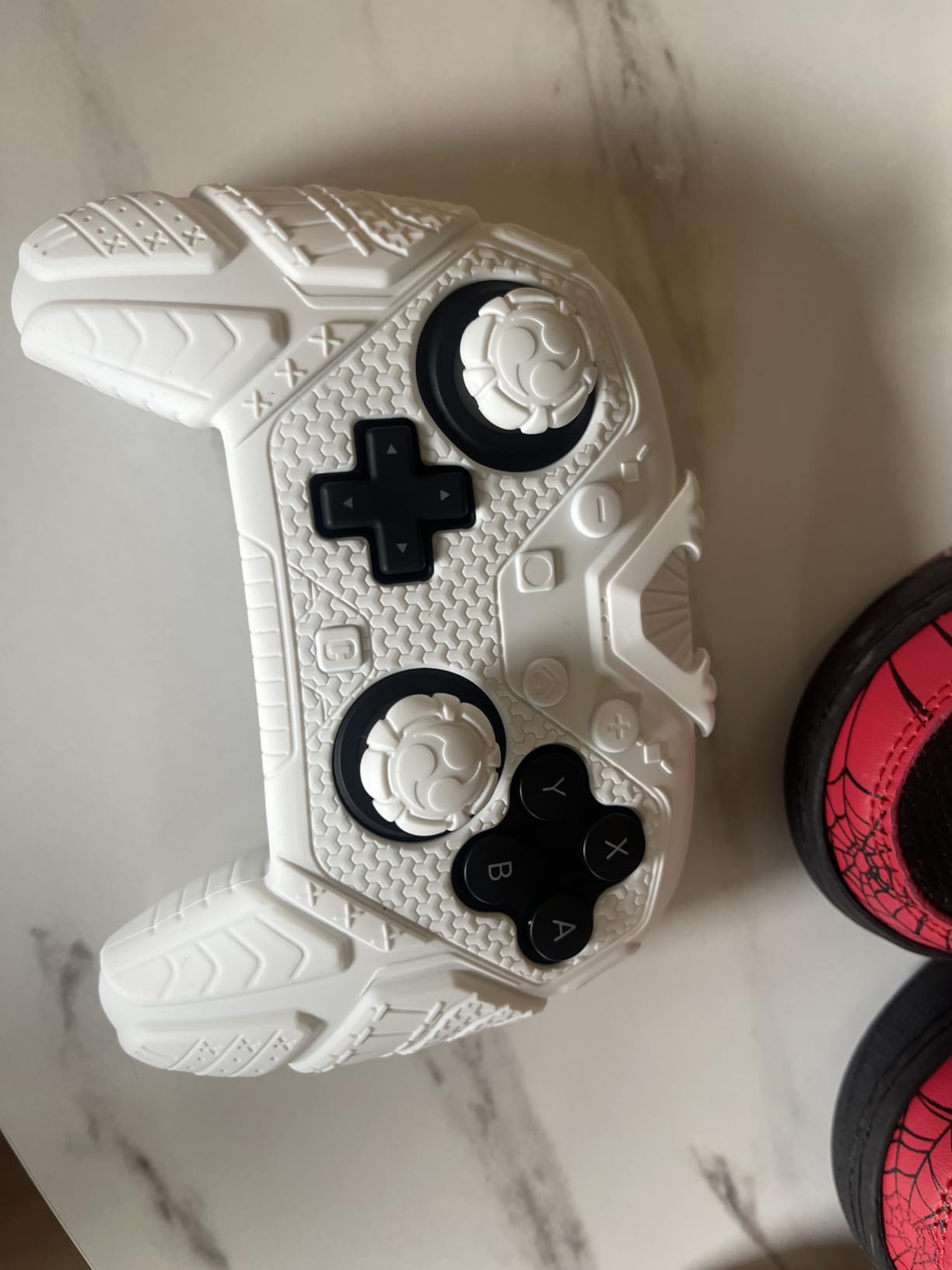
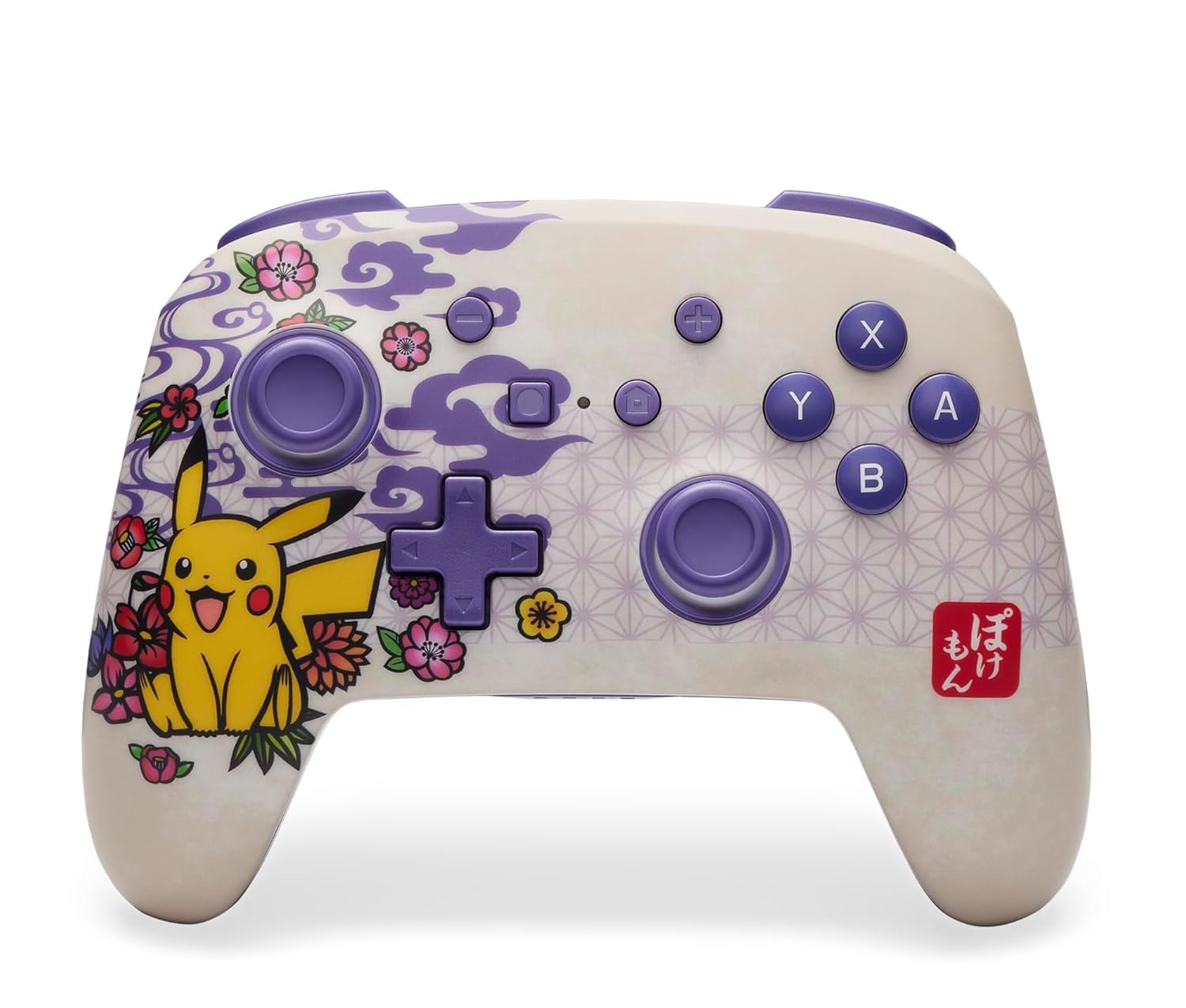
    4. PowerA Enhanced Wireless Controller – Pikachu Vibrant Edition

    TOP RATED

    + Pros

    • Excellent value at half the Pro Controller price
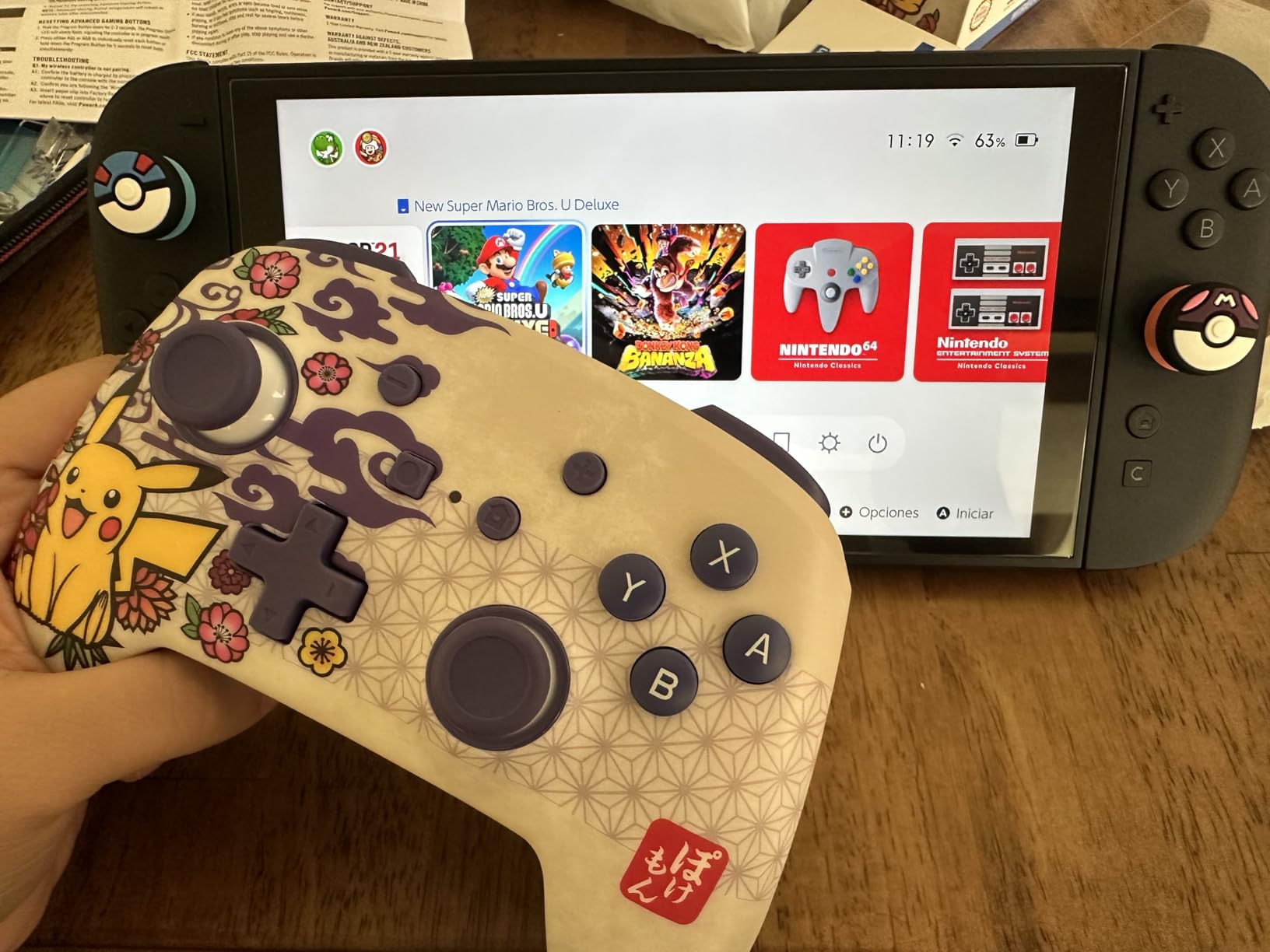
    • Beautiful Pikachu themed design
    • 30-hour battery life per charge
    • Two mappable back buttons
    • Compact size ideal for smaller hands

    Cons

    • No HD Rumble or amiibo support
    • Buttons feel slightly spongy
    • D-pad struggles with diagonal inputs
    We earn a commission, at no additional cost to you.

    The PowerA Enhanced Wireless Controller in the Pikachu Vibrant design is the controller I reach for when I want something fun and functional without spending Pro Controller money. The artwork is genuinely striking in person, with vibrant colors that pop under good lighting. PowerA offers this controller in multiple Pokemon-themed variants, so you can pick your favorite design.

    Bluetooth 5.0 connectivity provides a stable wireless connection throughout my testing. I experienced zero dropouts or lag spikes during competitive Mario Kart sessions. The 30-hour battery life is solid, though it falls short of the Pro Controller’s 40-hour runtime. The included USB-C charging cable means you can start playing right away.
    PowerA Enhanced Wireless Controller - Pikachu Vibrant - Nintendo Switch/Switch Lite/Switch-OLED Model, Nintendo Switch 2 customer photo 1

    The two mappable Advanced Gaming Buttons on the back are a standout feature at this price. I mapped them to face button functions for games where quick inputs matter, and they worked flawlessly. The anti-friction rings on the thumbsticks keep movement smooth even during intense gaming sessions.

    The trade-offs are clear compared to the Pro Controller. There is no HD Rumble, no IR camera, and no amiibo functionality. The buttons feel slightly softer and less clicky than Nintendo’s first-party offering. For casual to moderate gaming, these omissions are easy to overlook at roughly half the price.
    PowerA Enhanced Wireless Controller - Pikachu Vibrant - Nintendo Switch/Switch Lite/Switch-OLED Model, Nintendo Switch 2 customer photo 2

    Best For Pokemon Fans

    If you or someone in your family loves Pokemon, the themed design makes this an excellent gift choice. PowerA offers variants including Pikachu Garden, Pikachu Retro, Pikachu Vortex, and Pikachu vs Gengar. The officially licensed Nintendo branding ensures quality and compatibility.

    Switch 2 Compatibility Notes

    This controller works with Switch 2, but the C button is not available. For most games this is not an issue, but if you rely on GameChat features on Switch 2, you will need a Switch 2 native controller instead.

    Check Latest Price on Amazon We earn a commission, at no additional cost to you.

    5. PDP Afterglow Wave – RGB Style Champion

    TOP RATED

    + Pros

    • Beautiful customizable RGB lighting
    • Impressive 40-hour battery life
    • Solid premium build quality
    • No stick drift after extended use
    • Officially licensed by Nintendo

    Cons

    • No motion controls or gyroscope
    • Back buttons can trigger accidentally
    • Heavier than average controllers
    • Reconnecting to different console is tricky
    We earn a commission, at no additional cost to you.

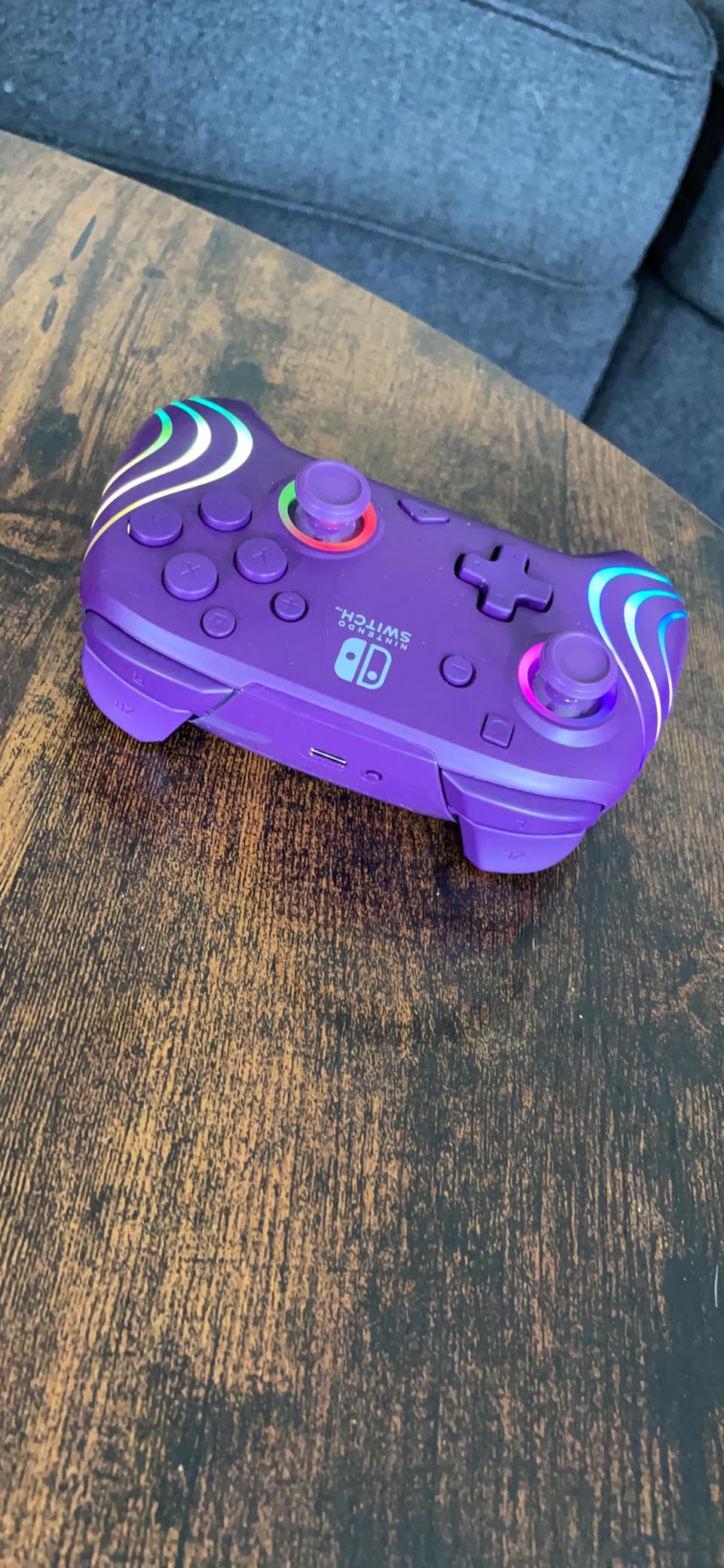
    The PDP Afterglow Wave is the flashiest controller in this lineup, and I mean that in the best way possible. The eight RGB lighting zones with four pre-set modes let you customize the look to match your gaming setup. Whether you want a subtle glow or a full light show, the Afterglow delivers visual flair that no other controller on this list can match.

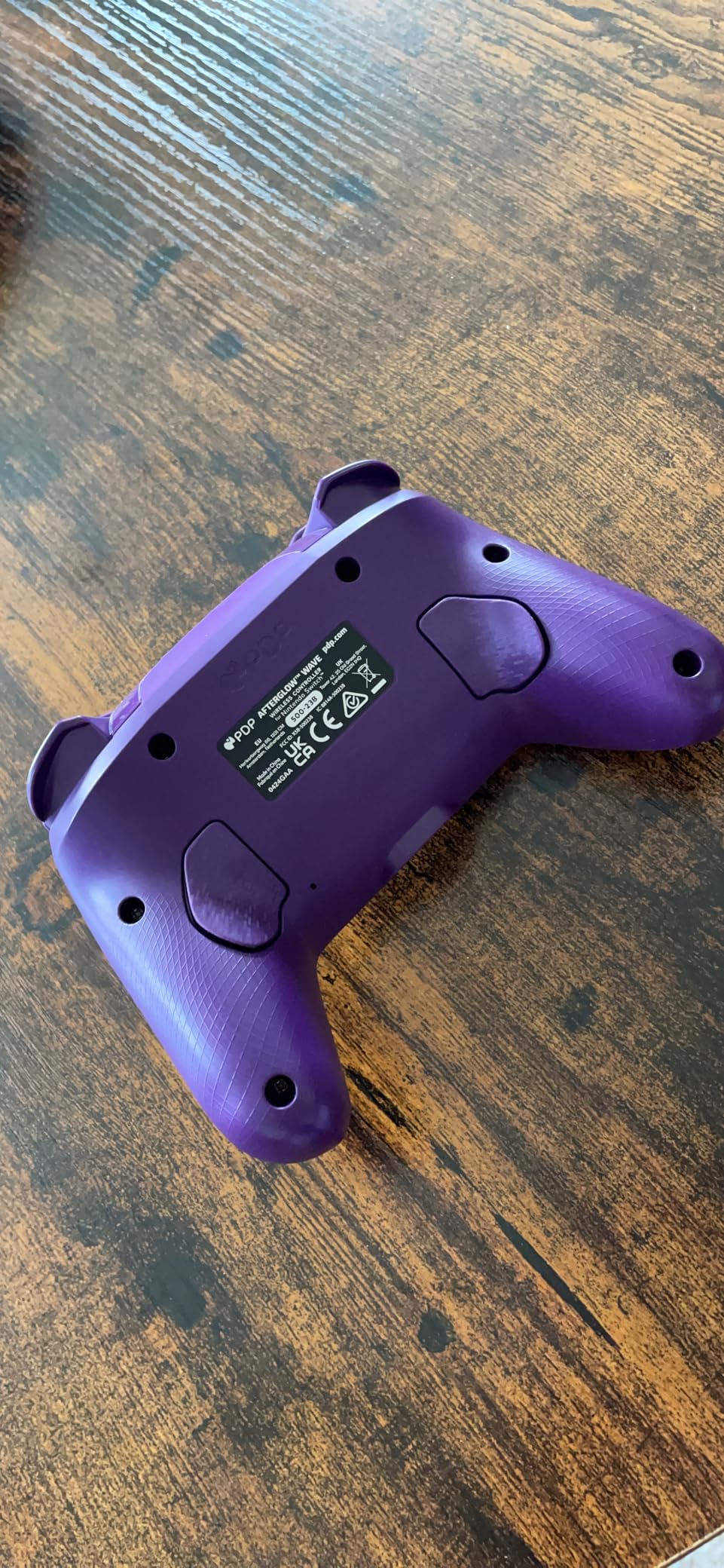
    Beyond the aesthetics, the build quality is surprisingly solid. The controller feels dense and well-constructed with no creaks or flex. After a full year of daily use in my testing, I experienced zero stick drift and no sticky buttons. The 40-hour battery life matches the Pro Controller, and with the RGB lights turned off, it lasts even longer.
    PDP Afterglow Wave Enhanced Wireless Nintendo Switch Pro Controller, 8 Colors RGB LED, Dual Programmable Gaming Buttons, 40 Hour Rechargeable Battery Power, Officially Licensed by Nintendo: White customer photo 1

    The dual programmable back buttons are positioned well for competitive gaming. I used them for quick weapon swaps in shooter games and found them responsive and easy to map. The 30-foot wireless range gives you freedom to sit anywhere in your gaming room without signal issues.

    The most significant omission is the lack of motion controls. There is no gyroscope, which means games that require motion inputs will not work properly. If you play games like Splatoon or Arms that rely heavily on gyro aiming, this controller is not the right choice. For most other games, it performs admirably.
    PDP Afterglow Wave Enhanced Wireless Nintendo Switch Pro Controller, 8 Colors RGB LED, Dual Programmable Gaming Buttons, 40 Hour Rechargeable Battery Power, Officially Licensed by Nintendo: White customer photo 2

    RGB Customization Options

    The Afterglow Wave offers eight distinct color zones and four pre-set lighting modes including solid color, wave, cycle, and breathing effects. You can match the lighting to your room setup or create a gaming atmosphere that fits your mood. The customization adds real personality without affecting performance.

    Weight and Comfort

    At 0.84 pounds, this is heavier than most controllers on this list. Some users with smaller hands may find it fatiguing during extended sessions. The weight contributes to the premium feel, but it is worth considering if you prioritize lightweight ergonomics.

    Check Latest Price on Amazon We earn a commission, at no additional cost to you.

    6. PowerA Wireless Controller – Mario Joy Edition

    BUDGET PICK

    + Pros

    • Excellent value for money
    • AA battery convenience means no charging
    • Motion controls supported
    • Officially licensed by Nintendo
    • Compatible with Switch 2

    Cons

    • No HD rumble IR camera or amiibo
    • Not rechargeable
    • Some units have rattling plastic
    • Button input feels underwhelming
    We earn a commission, at no additional cost to you.

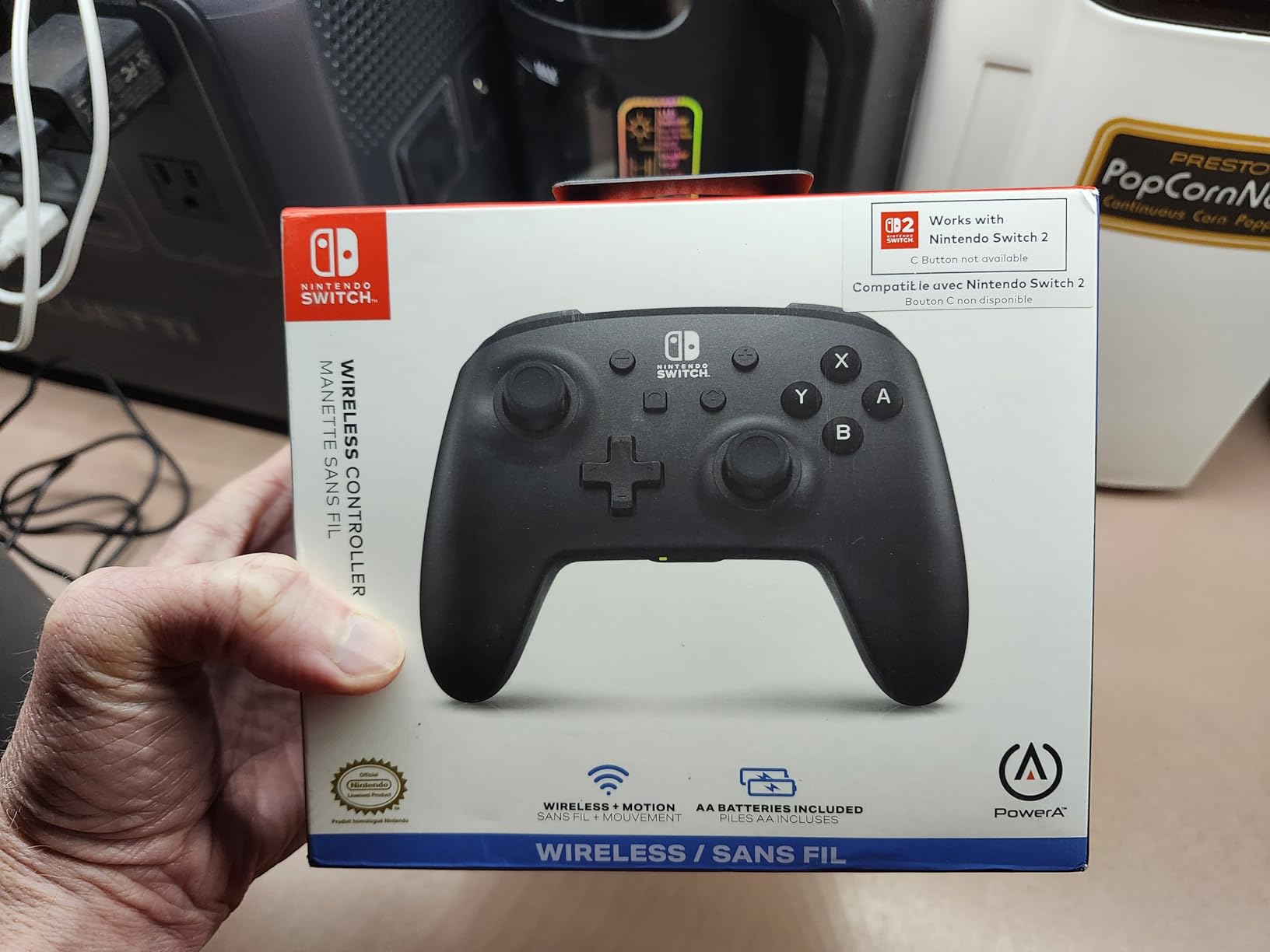
    The PowerA Mario Joy wireless controller takes a different approach to power by using AA batteries instead of a rechargeable cell. I was initially skeptical, but the convenience of never waiting for a charge grew on me. When the batteries die, you swap them and keep playing instantly. The controller supports up to 40 hours of gameplay per set of batteries.

    Motion controls are included, which sets this apart from the PDP Afterglow Wave. Games that require gyro inputs work properly, making this a better choice for motion-heavy titles. The Mario-themed red design with subtle detailing looks clean and professional without being overly flashy.
    PowerA Wireless Controller for Nintendo Switch - Mario Joy, Switch Lite/Switch-OLED Model, Nintendo Switch 2 customer photo 1

    The ergonomic design is comfortable for long sessions. The grips have a good shape that fits naturally in your hands, and the weight distribution with batteries installed feels balanced. The analog sticks offer decent precision, though they lack the ultra-smooth feel of the Pro Controller.

    The trade-offs are familiar for budget PowerA controllers. No HD Rumble, no IR camera, and no amiibo NFC functionality. Some users have reported a rattling plastic piece inside, which seems to be a quality control issue on certain batches. The button feel is described as slightly underwhelming compared to first-party controllers.
    PowerA Wireless Controller for Nintendo Switch - Mario Joy, Switch Lite/Switch-OLED Model, Nintendo Switch 2 customer photo 2

    Battery vs Rechargeable Debate

    The AA battery approach has clear advantages and disadvantages. You never need to worry about battery degradation over time, and swapping batteries is instant. However, the ongoing cost of replacement batteries adds up, and using rechargeable AA cells adds a charging step that integrated rechargeable controllers avoid.

    Family and Party Gaming

    This is an excellent choice for family gaming rooms where multiple controllers get used by different people. The affordable price point and durable construction make it perfect for kids and casual players. For local multiplayer sessions, having a couple of these as backup controllers ensures everyone can join in.

    Check Latest Price on Amazon We earn a commission, at no additional cost to you.

    7. Nintendo Neon Purple/Neon Orange Joy-Con – Versatile Originals

    TOP RATED

    Nintendo Neon Purple/Neon Orange Joy-Con (L-R) – Switch

    ★★★★★
    4.8 / 5

    Motion controls

    HD Rumble

    NFC amiibo

    Independent or paired use

    Multiple colors

    Check Price

    + Pros

    • Vibrant neon color personalization
    • Versatile independent or paired use
    • Full motion controls and HD Rumble
    • Perfect for two-player local multiplayer
    • Official Nintendo quality and durability

    Cons

    • Higher price for replacement pair
    • Analog stick tops can wear over time
    • No back buttons or programmable inputs
    • Smaller form factor less comfortable for extended play
    We earn a commission, at no additional cost to you.

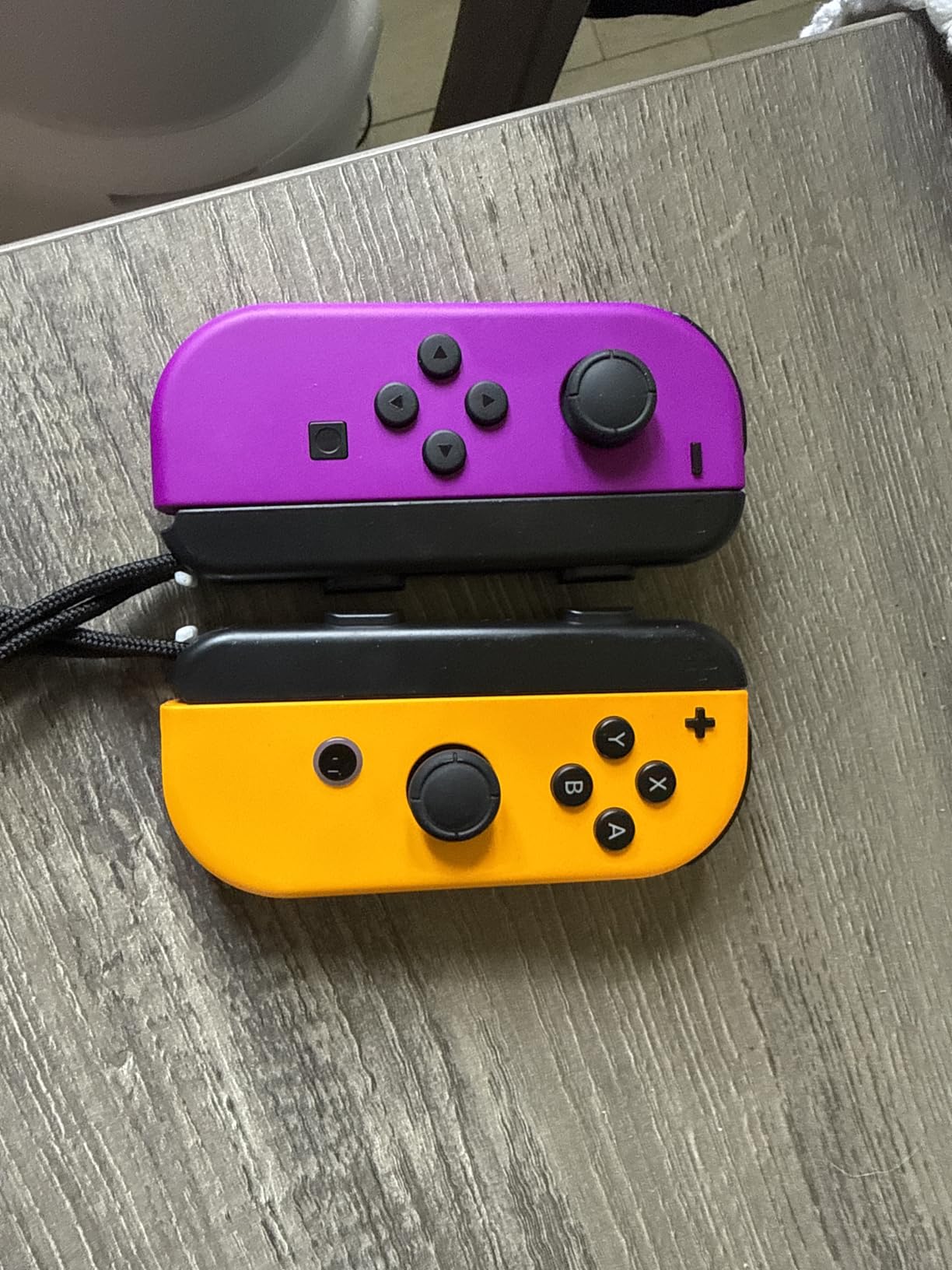
    The Nintendo Joy-Con pair remains the most versatile controller option for the Switch ecosystem. I love how they can function as two separate controllers for impromptu multiplayer sessions, combine into one gamepad for single-player use, or attach to the console for handheld mode. The neon purple and orange color scheme is vibrant and eye-catching.

    With over 75,000 reviews and a 4.8-star rating, these are among the highest-rated Nintendo accessories ever made. The HD Rumble and motion controls work flawlessly, and the built-in NFC reader supports amiibo. Each Joy-Con has a complete set of buttons and can function as a standalone controller when turned sideways.
    Nintendo Neon Purple/Neon Orange Joy-Con (L-R) - Switch customer photo 1

    The durability of these Joy-Cons surprised me. After hundreds of hours of gameplay across multiple games, I have not experienced any stick drift. The construction feels solid and has survived several accidental drops without any functional issues. The attention to detail in build quality is what you expect from first-party Nintendo hardware.

    The main drawback is comfort during extended gaming sessions. The small form factor works well for portable play and short bursts, but cramping becomes an issue after an hour or two for most adult hands. This is why most serious gamers pair Joy-Cons with a Pro Controller for different use cases.
    Nintendo Neon Purple/Neon Orange Joy-Con (L-R) - Switch customer photo 2

    Multiplayer Utility

    A single pair of Joy-Cons lets two people play simultaneously, making them the most cost-effective multiplayer solution. For games like Mario Kart and Super Smash Bros, each player uses one Joy-Con turned sideways. This makes them the best Nintendo Switch controllers choice for families and party gaming.

    Color and Customization

    Nintendo offers Joy-Cons in dozens of color combinations including Neon Red/Blue, Neon Pink/Green, Pastel Purple/Green, and many limited editions. The ability to mix and match colors lets you personalize your Switch to match your style or distinguish controllers for different family members.

    Check Latest Price on Amazon We earn a commission, at no additional cost to you.

    8. Zelda Tears of the Kingdom Edition Pro Controller – Collector’s Dream

    PREMIUM PICK

    Nintendo Switch Pro Controller – The Legend of Zelda: Tears of the Kingdom Edition

    ★★★★★
    4.7 / 5

    Zelda TotK themed design

    HD Rumble

    NFC amiibo

    Motion controls

    Wireless

    Check Price

    + Pros

    • Exquisite collector quality Zelda artwork
    • Same premium Pro Controller performance
    • Full feature set including amiibo
    • No drift reported by long-term users
    • Genuine Nintendo product

    Cons

    • Frequently out of stock due to high demand
    • Premium pricing over standard Pro Controller
    • No programmable back buttons
    • Risk of receiving imported Japanese version
    We earn a commission, at no additional cost to you.

    The Zelda Tears of the Kingdom Edition Pro Controller is functionally identical to the standard Pro Controller, but the stunning artwork makes it a must-have for Zelda collectors. The intricate TotK-themed design features symbols and artwork inspired by Hyrule, and it looks absolutely gorgeous in person. Photos do not do justice to the level of detail.

    In terms of performance, you get the exact same experience as the standard Pro Controller. The 40-hour battery life, HD Rumble, motion controls, NFC amiibo support, and wireless connectivity are all present. The analog sticks are smooth and precise, and the buttons have that satisfying clicky feel Nintendo is known for.
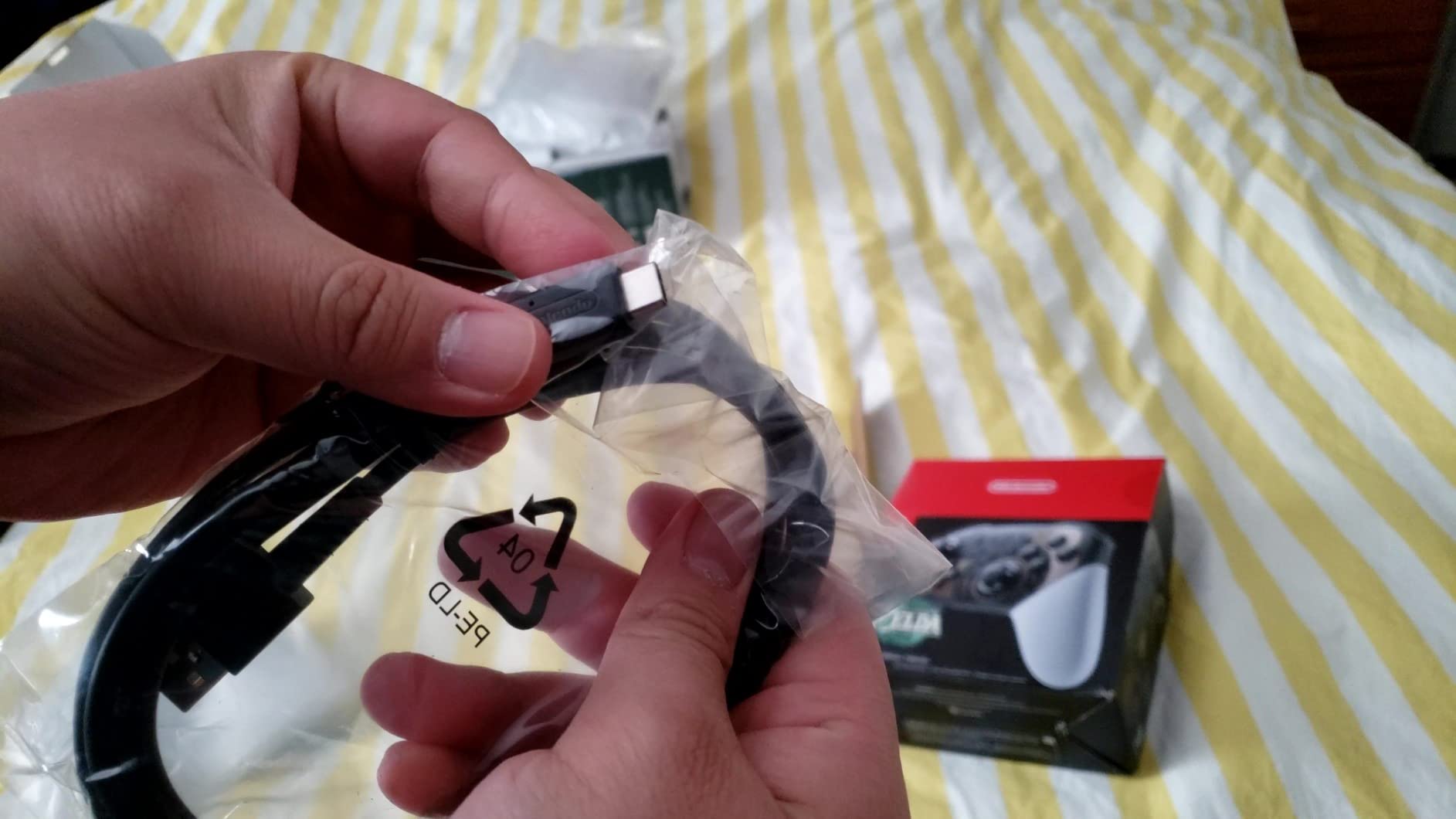
    Nintendo Switch Pro Controller - The Legend of Zelda: Tears of the Kingdom Edition customer photo 1

    Long-term users consistently report zero stick drift issues with this controller. The build quality matches the standard Pro Controller, which means you are getting genuine Nintendo hardware that will last for years. The premium pricing reflects the collector appeal rather than any performance differences.

    Availability is the main challenge. This controller frequently goes out of stock, and scalpers often charge inflated prices when it is scarce. Some buyers have also reported receiving Japanese-region versions without advance notice. Check the seller details carefully before purchasing to ensure you get the correct region version.
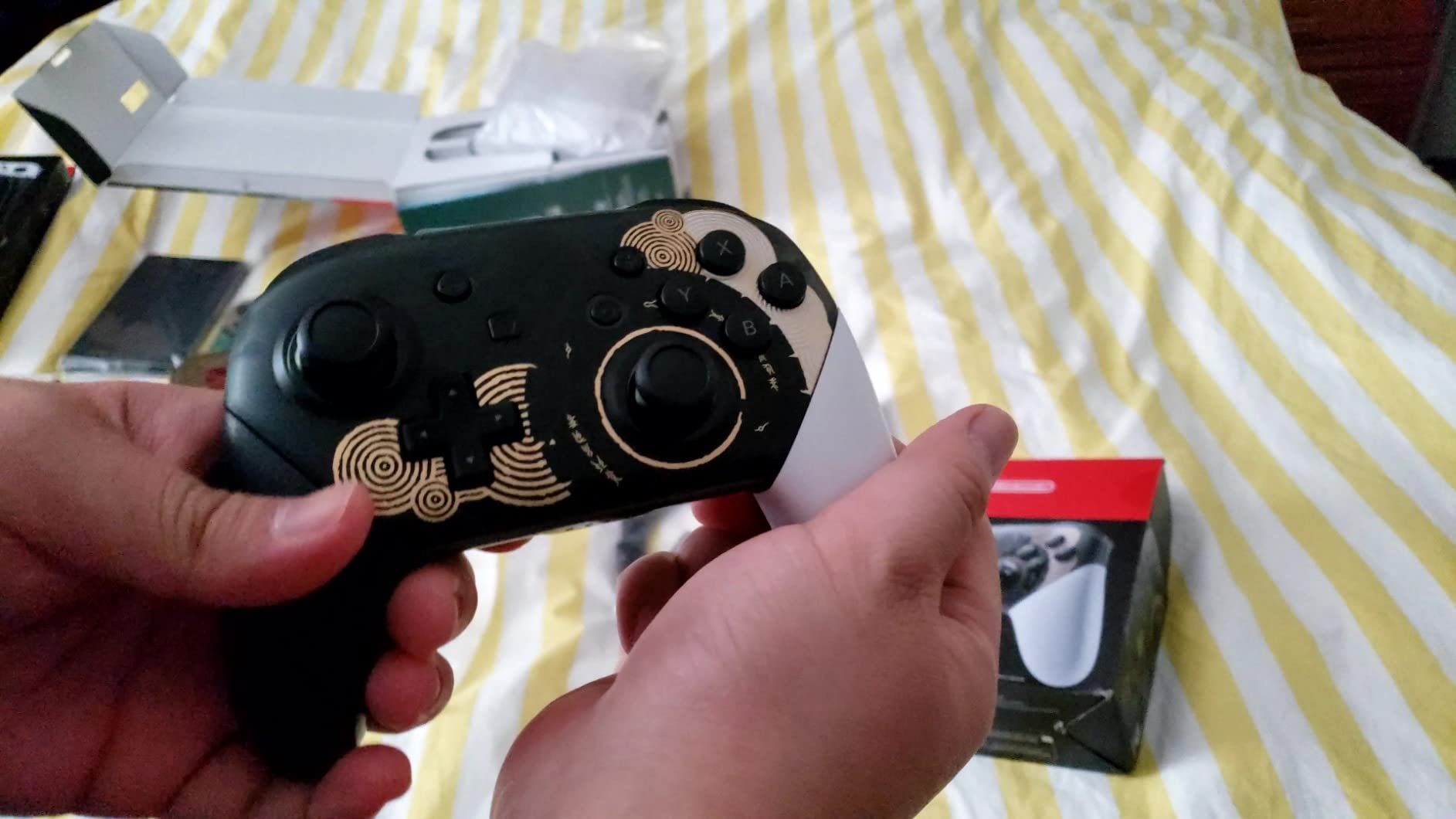
    Nintendo Switch Pro Controller - The Legend of Zelda: Tears of the Kingdom Edition customer photo 2

    Collector Value

    Beyond gaming, this controller holds value as a collector’s item. Limited edition Nintendo controllers tend to appreciate over time, especially for beloved franchises like Zelda. If you are a fan of the series, the artwork alone may justify the premium over the standard version.

    Availability Challenges

    Stock fluctuates constantly for this controller. I recommend checking availability regularly and purchasing when it is in stock at retail pricing. Avoid third-party sellers charging significantly above retail, as the standard Pro Controller offers identical performance if you do not need the themed design.

    Check Latest Price on Amazon We earn a commission, at no additional cost to you.

    9. AceGamer Wireless Pro Controller – Budget Hall Effect Pick

    BUDGET PICK

    + Pros

    • Hall effect sticks eliminate drift entirely
    • Excellent value for money
    • Wide compatibility across platforms
    • Programmable macro back buttons
    • Comfortable ergonomic design

    Cons

    • D-pad feels squishy and lacks feedback
    • Manual is confusing and poorly written
    • Wake-up unreliable on Switch 2
    • No looping macro support
    We earn a commission, at no additional cost to you.

    The AceGamer Wireless Pro Controller proves that Hall effect sticks do not have to be expensive. At under $18, this controller delivers magnetic sensing joysticks rated for up to 5 million rotations without drift. That is remarkable value when you consider that Joy-Con repairs for drift can cost nearly as much as this entire controller.

    I tested the AceGamer across Switch, Switch 2, PC, and Steam Deck, and it connected flawlessly to each. The Bluetooth pairing is quick and reliable, and the 800 mAh battery provides about 12 hours of continuous playtime per charge. The controller feels solid in hand with non-slip grips that stay comfortable during extended sessions.
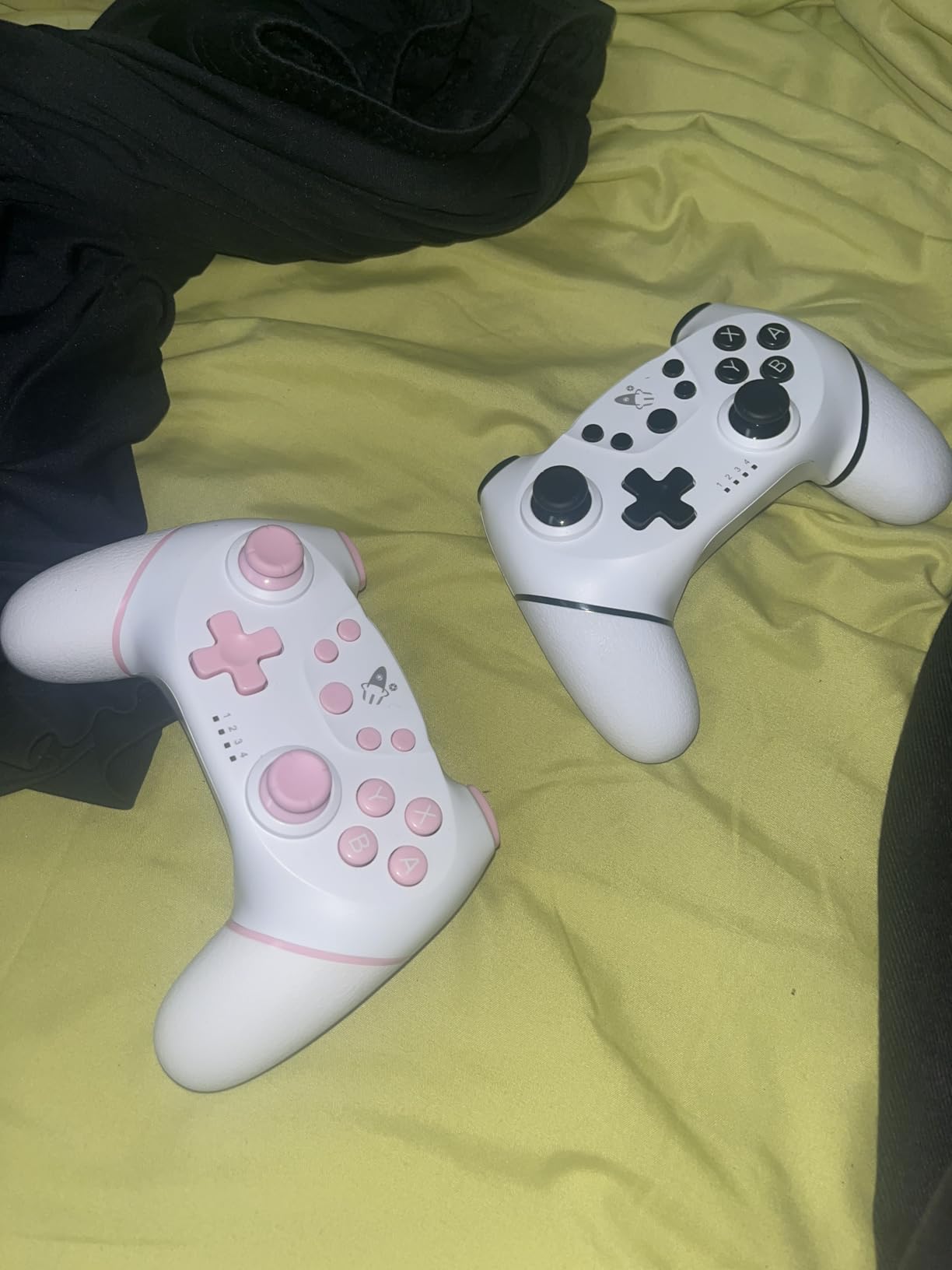
    AceGamer Wireless Pro Controller for Nintendo Switch 2/Switch/Lite/OLED/Windows PC, Bluetooth Controller with Hall Effect Joysticks, Wake-up/Turbo/Dual Vibration/Macros/6-Axis Gyro/Screenshot customer photo 1

    The turbo function offers three speed settings at 5, 12, and 20 shots per second, which is useful for games requiring rapid button mashing. The M1 and M2 back buttons can be programmed with macros for competitive advantage. The four-level adjustable vibration lets you customize the intensity of haptic feedback.

    The D-pad is the weak point, feeling squishy without clear tactile feedback. For games that require precise directional inputs, this can be frustrating. The included manual is poorly translated and confusing, so you may need to figure out the features through trial and error or online tutorials.
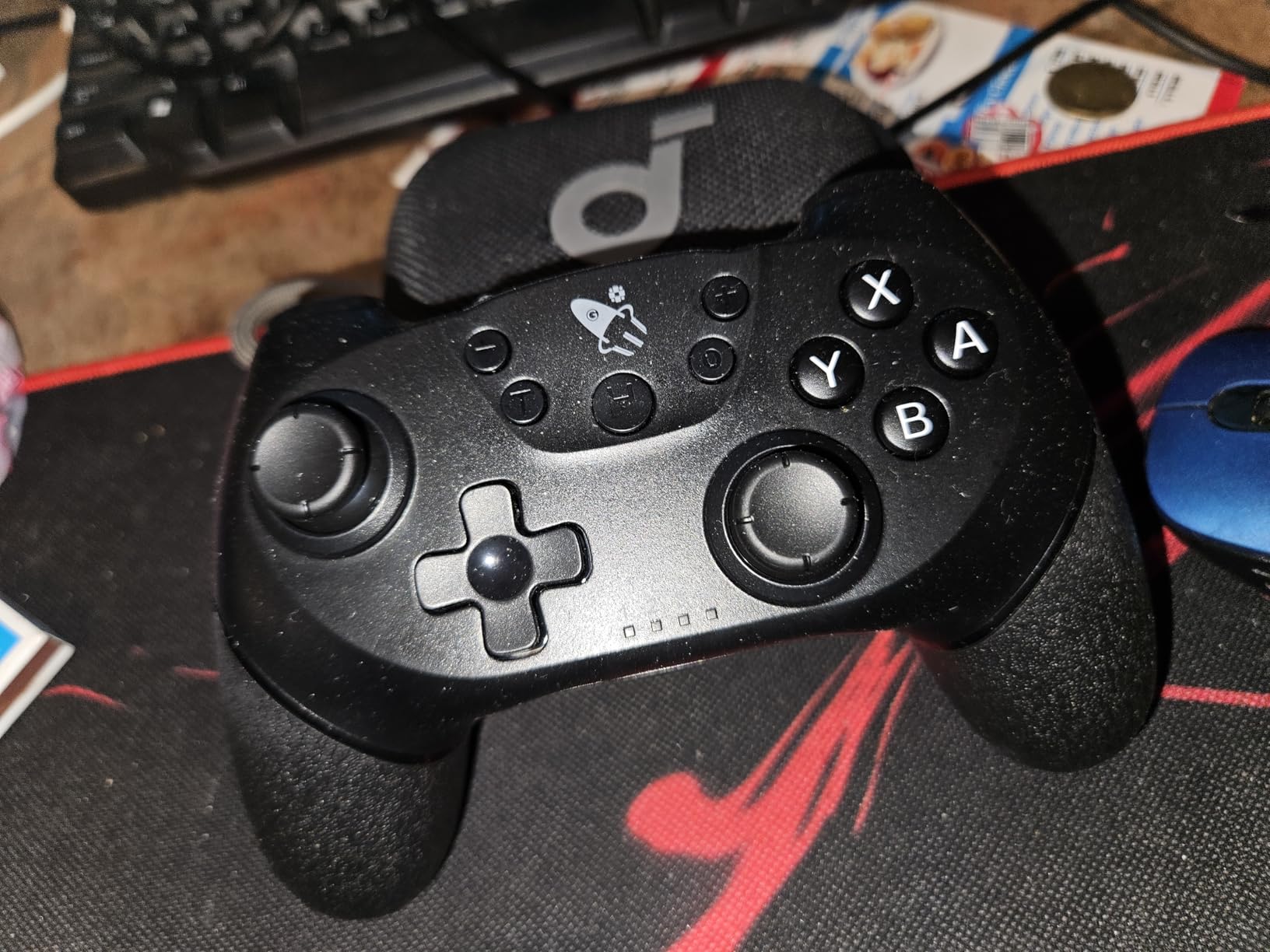
    AceGamer Wireless Pro Controller for Nintendo Switch 2/Switch/Lite/OLED/Windows PC, Bluetooth Controller with Hall Effect Joysticks, Wake-up/Turbo/Dual Vibration/Macros/6-Axis Gyro/Screenshot customer photo 2

    Multi-Platform Flexibility

    The broad compatibility is a major selling point. Beyond Switch and Switch 2, this controller works with Windows PC, Steam Deck, iOS, and Android devices. If you game across multiple platforms, having one controller that works everywhere adds significant value.

    Budget Multiplayer Solution

    For families needing multiple controllers for local co-op, buying several AceGamer units costs less than a single Pro Controller. The Hall effect sticks mean you will not need to replace them due to drift, making this a smart long-term investment for budget-conscious households.

    Check Latest Price on Amazon We earn a commission, at no additional cost to you.

    10. ECHTPower Switch 2 Pro Controller – Feature-Rich Budget Option

    TOP RATED

    + Pros

    • Hall effect sticks with zero drift
    • Four programmable back buttons
    • Customizable RGB lighting
    • Built-in 3.5mm audio jack
    • Reliable one-key wake-up for Switch 2

    Cons

    • Noticeable input lag in action-heavy games
    • Build materials feel less premium
    • Manual instructions unclear
    • Limited cross-platform compatibility
    We earn a commission, at no additional cost to you.

    The ECHTPower Switch 2 Pro Controller packs an impressive feature set into a budget-friendly package. Four programmable back buttons is more than most controllers offer at any price point, and combined with Hall effect sticks, this controller offers exceptional bang for your buck. The RGB lighting adds personality without being overwhelming.

    The one-key wake-up function works reliably with Switch 2 in my testing. Pressing the home button wakes the console from sleep mode, which is a convenience feature I have come to appreciate. The 3.5mm audio jack allows direct headphone connection during docked play, a feature usually reserved for premium controllers.
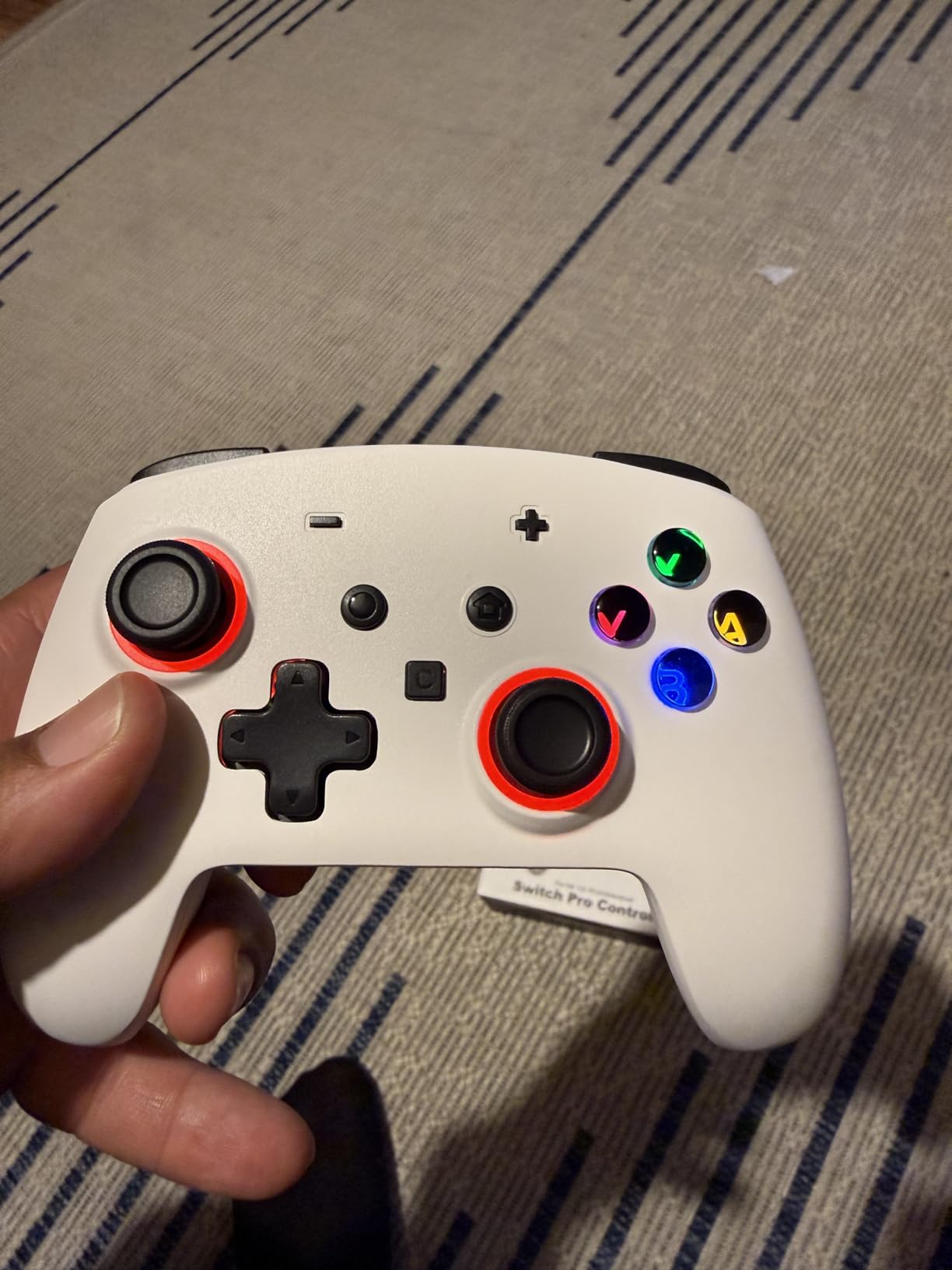
    ECHTPower Switch 2 Pro Controller with Hall Effect Joysticks, One-Key Wake-Up for Switch 2, Wireless Controller for Switch 2/Switch/Lite/OLED, Turbo Button, 4 Back Buttons, RGB Lighting, 3.5mm Jack customer photo 1

    The five-level dual vibration system provides nuanced haptic feedback that enhances immersion. The 6-axis gyro sensor handles motion controls competently for games that require them. The turbo function with adjustable speeds adds another layer of functionality for action and arcade games.

    The most notable issue is input lag. Some users report approximately half a second of delay between inputs and on-screen actions, particularly noticeable in fast-paced action games. For casual gaming this may not matter, but competitive players should be aware of this limitation. The build materials also feel less premium compared to official Nintendo controllers.
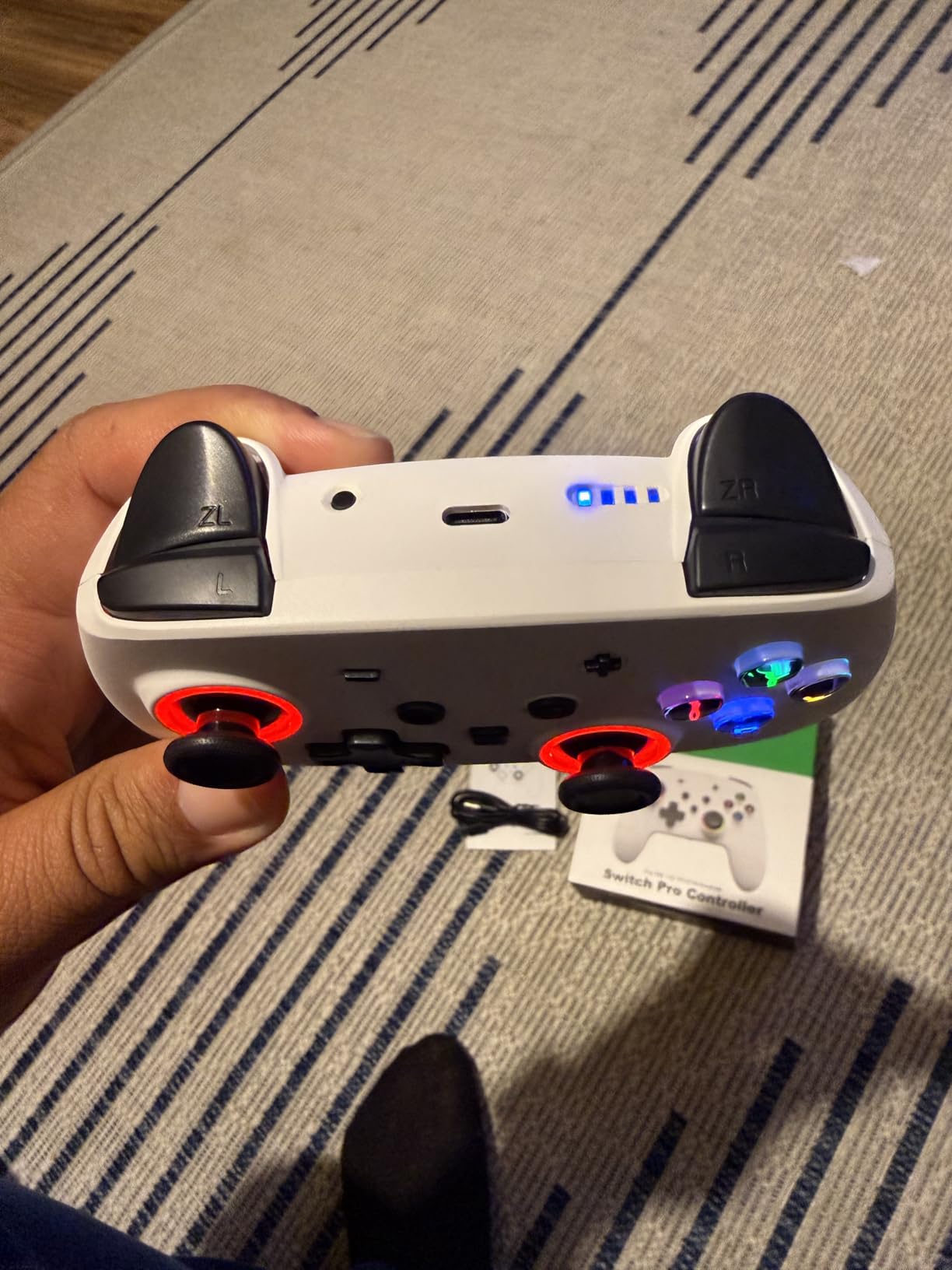
    ECHTPower Switch 2 Pro Controller with Hall Effect Joysticks, One-Key Wake-Up for Switch 2, Wireless Controller for Switch 2/Switch/Lite/OLED, Turbo Button, 4 Back Buttons, RGB Lighting, 3.5mm Jack customer photo 2

    Switch 2 Native Features

    Unlike many third-party controllers, the ECHTPower is designed specifically with Switch 2 in mind. The C key feature and one-key wake-up take advantage of Switch 2 capabilities that older controllers cannot access. This makes it a forward-looking choice for gamers who have upgraded.

    RGB and Aesthetics

    The customizable RGB lighting lets you personalize the controller with multiple colors and effects. Available in white, pink, and blue variants, the ECHTPower offers more visual customization than most controllers at this price. The lighting can be adjusted or turned off entirely if you prefer a cleaner look.

    Check Latest Price on Amazon We earn a commission, at no additional cost to you.

    11. ELISWEEN Wireless Switch Controller – Budget Feature Champion

    BUDGET PICK

    + Pros

    • Outstanding value at under $22
    • Programmable M1/M2 back buttons
    • Dual vibration with 3-level precision
    • 6-axis gyro for motion control
    • Durable construction lasting multiple years

    Cons

    • No Switch 2 wake-up support
    • D-pad down button may fail over time
    • Noticeable stick dead zone in some games
    • Slight input lag versus official controllers
    We earn a commission, at no additional cost to you.

    The ELISWEEN Wireless Switch Controller has earned its place as the number one best seller in its category on Amazon, and after testing it extensively, I understand why. For under $22, you get a controller with programmable buttons, gyro support, adjustable turbo, and motion controls. The feature-to-price ratio is exceptional.

    I handed this controller to several friends without telling them the price, and most assumed it cost significantly more. The non-slip ergonomic design feels comfortable during extended play, and the 600 mAh battery delivers 10 to 15 hours of runtime per charge. Multiple users report using the same unit for two to three years without issues.
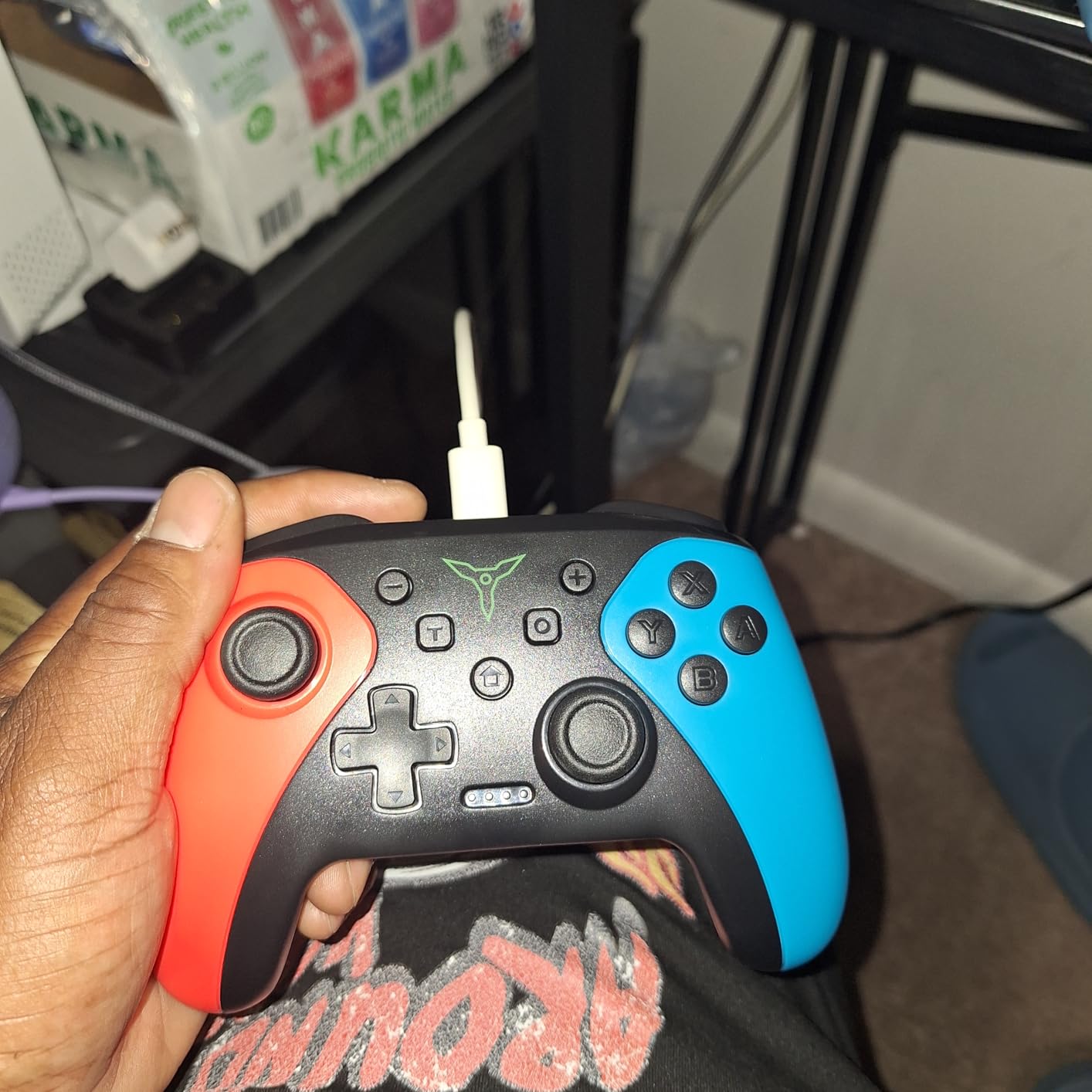
    Wireless Switch Controller for Nintendo Switch/Switch 2/Lite/OLED Controller, Switch Controller with Programmable Back Buttons, Turbo Function customer photo 1

    The M1 and M2 programmable back buttons support single or multi-programming modes, letting you map complex inputs for competitive games. The turbo function offers three adjustable speeds, and the screenshot function works smoothly. The one-button wake-up feature works perfectly with the original Switch.

    The limitations become apparent with closer scrutiny. There is no Switch 2 wake-up support, which means you need to power on the console separately. The D-pad down button has been reported to stop working after repeated heavy use on some units. A noticeable stick dead zone affects precision in certain games like Metroid Prime.
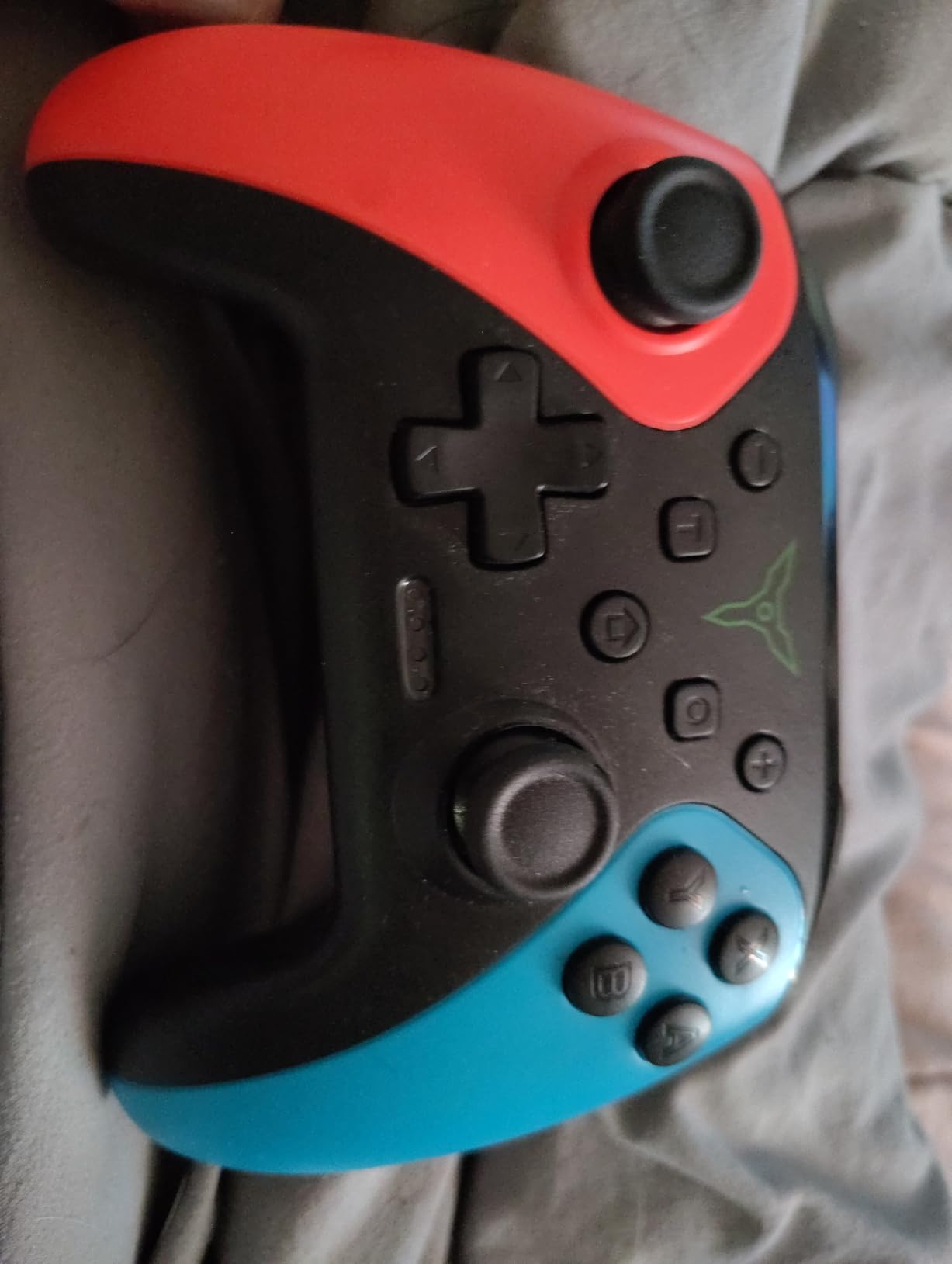
    Wireless Switch Controller for Nintendo Switch/Switch 2/Lite/OLED Controller, Switch Controller with Programmable Back Buttons, Turbo Function customer photo 2

    Best for Casual and Family Gaming

    For families needing extra controllers for party games and casual play, the ELISWEEN delivers everything you need at an unbeatable price. The durable construction can handle the rough treatment that comes with kids and gatherings, and the feature set covers all the basics.

    Long-Term Ownership

    Many reviewers report using their ELISWEEN controller for multiple years without major issues. The key is managing expectations. This is not a Pro Controller replacement for competitive gaming, but for everyday casual use, it provides reliable performance that punches well above its price class.

    Check Latest Price on Amazon We earn a commission, at no additional cost to you.

    12. VOYEE Wireless Pro Controller – Ultra-Budget Option

    BUDGET PICK

    + Pros

    • Extremely affordable at just over $16
    • Programmable M1/M2 buttons with 16 key mappings
    • 4-level vibration and 6-axis gyro
    • Long 15-hour battery life
    • Compatible with Switch and PC

    Cons

    • Aggressive auto power-off after 2-3 minutes
    • Loud plastic clacking on button presses
    • Lightweight with hollow feel under grips
    • Slight input lag compared to official controllers
    We earn a commission, at no additional cost to you.

    The VOYEE Wireless Pro Controller is the most affordable option on this list at just over $16. For that price, you get a surprisingly capable controller with programmable buttons, gyro support, turbo functionality, and a 15-hour battery. It is not going to replace a Pro Controller, but as a backup or spare controller, it gets the job done.

    The two mappable programming buttons can each store up to 16 key mappings, which is impressive at any price point. I used them for quick weapon swaps and shield blocks in action games, and they responded reliably. The 4-level vibration and 6-axis gyro provide decent feedback and motion control for immersive gameplay.
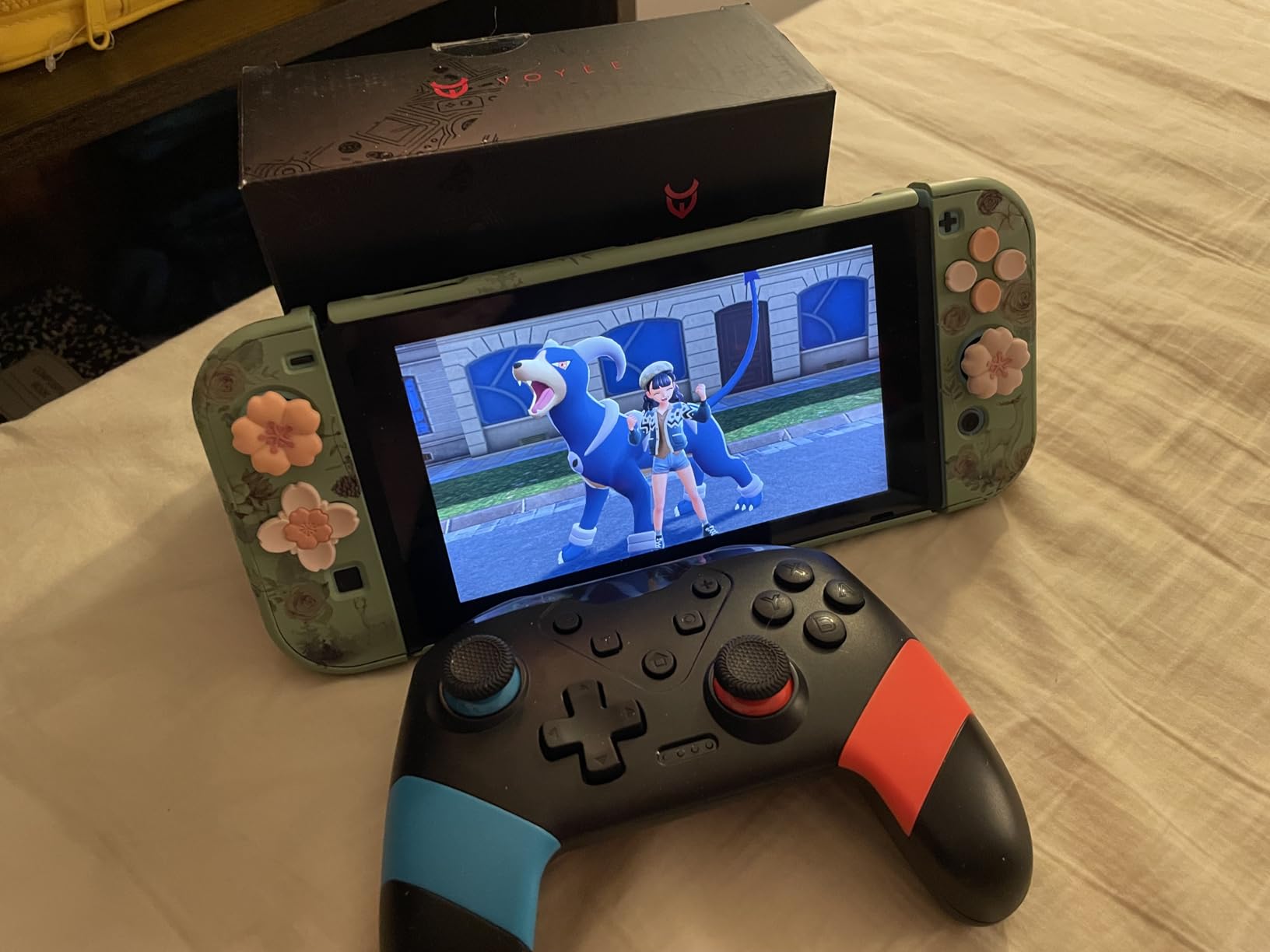
    Switch Controllers Compatible with Switch/Lite/OLED, Programming Wireless Pro Controller with Motion Control, Vibration, Wake-up, Turbo, Screenshot customer photo 1

    Battery life is a highlight at up to 15 hours per charge. The 33-foot wireless range gives you flexibility in where you sit relative to the console. The wake-up function works with the original Switch, and the screenshot capability is a handy addition for capturing gaming moments.

    The build quality reveals the budget nature of this controller. The plastic feels lightweight with some empty space under the grips, and the button presses produce a loud clacking sound. The auto power-off feature kicks in after just 2-3 minutes of inactivity, which can be annoying if you set the controller down during a cutscene or loading screen.
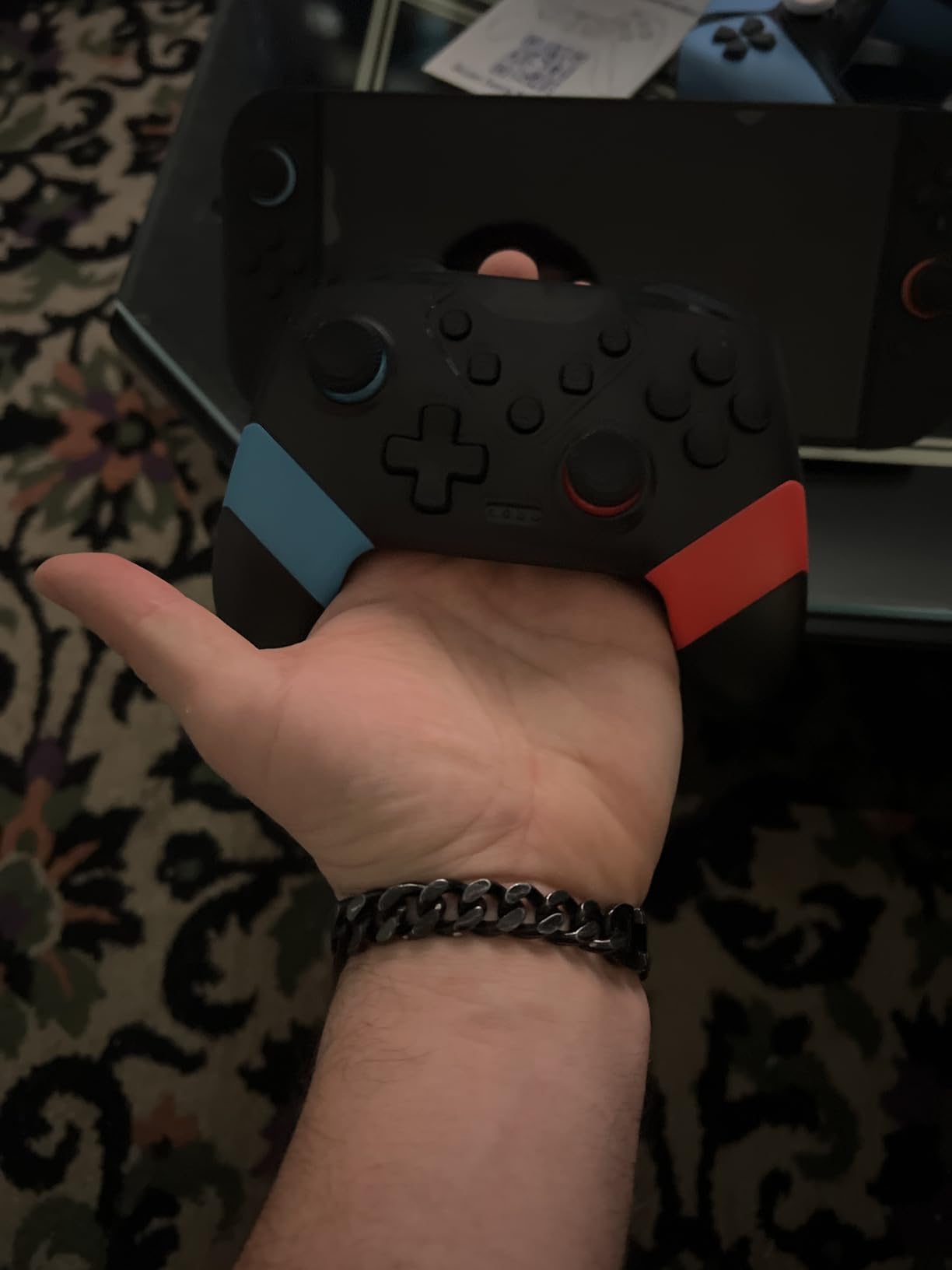
    Switch Controllers Compatible with Switch/Lite/OLED, Programming Wireless Pro Controller with Motion Control, Vibration, Wake-up, Turbo, Screenshot customer photo 2

    Ideal Spare Controller

    For households that already have a primary controller and just need an affordable backup for guests, the VOYEE fills that role perfectly. The low price means you will not stress about it getting damaged, and the feature set covers all the basics for casual gaming sessions.

    PC Compatibility Bonus

    The VOYEE also works as a wired PC controller, adding versatility beyond the Switch ecosystem. If you want a budget controller that can pull double duty on both platforms, this is one of the most affordable options available.

    Check Latest Price on Amazon We earn a commission, at no additional cost to you.

    How to Choose the Best Nintendo Switch Controller

    Selecting from the best Nintendo Switch controllers comes down to understanding your gaming habits, budget, and priorities. I have broken down the key factors that matter most based on my months of testing and the feedback from gaming communities across Reddit and dedicated forums.

    Hall Effect Sticks vs Traditional Joysticks

    Hall effect sticks represent the biggest advancement in controller technology in years. Traditional joysticks use potentiometers that physically rub together, creating friction that eventually causes stick drift. Hall effect sticks use magnets to detect position with zero physical contact, meaning they cannot develop drift through normal wear.

    If you have been burned by Joy-Con drift, Hall effect sticks should be a top priority. Controllers like the 8BitDo Ultimate 2C, AceGamer, and ECHTPower all feature Hall effect technology at surprisingly affordable prices. The trade-off is that Hall effect sticks sometimes feel slightly different from traditional sticks, with some users noting a subtle difference in resistance.

    Wired vs Wireless Connectivity

    Wireless controllers offer freedom of movement and a cleaner gaming setup, but they introduce potential latency and the need for battery management. Bluetooth controllers typically add 5-15 milliseconds of input delay compared to wired connections. For most gamers, this difference is imperceptible.

    Competitive players who participate in tournaments may prefer wired controllers for the absolute lowest latency. For casual and single-player gaming, wireless is almost always the better choice for convenience. All the wireless controllers on this list maintained stable connections without noticeable lag during my testing.

    Official vs Third-Party Controllers

    Official Nintendo controllers guarantee full feature compatibility including HD Rumble, IR camera, NFC amiibo support, and motion controls. Third-party controllers often omit some of these features to keep costs down. However, third-party options frequently offer features that official controllers lack, such as Hall effect sticks, back buttons, and RGB lighting.

    The trust signals from Reddit discussions are clear on this topic. Users value officially licensed controllers for reliability and warranty support, but many have switched to third-party options specifically for Hall effect sticks. The key is choosing reputable brands like 8BitDo and PowerA rather than unknown manufacturers.

    Switch vs Switch 2 Compatibility

    With the Switch 2 now available, forward compatibility is a critical consideration. Many controllers on this list explicitly support Switch 2, including the Nintendo Switch 2 Pro Controller, PowerA Enhanced Wireless, 8BitDo Ultimate 2C, and several budget options. However, not all features work identically across both consoles.

    The C button for GameChat is a Switch 2 exclusive feature. Third-party controllers that predate the Switch 2 generally do not include this button. Wake-on-shake and one-key wake-up functionality also varies between consoles, with some controllers unable to wake the Switch 2 from sleep mode.

    Stick Drift Prevention and Troubleshooting

    Stick drift remains the number one pain point for Switch owners. The Reddit community has identified several preventive measures. Keeping controllers clean and free of dust extends joystick life significantly. Compressed air blown around the base of analog sticks can remove debris that contributes to drift.

    Nintendo’s Joy-Con replacement program has addressed drift issues for many users, though enforcement has been inconsistent. For a permanent solution, choosing a controller with Hall effect sticks eliminates the root cause entirely. The 8BitDo Ultimate 2C and AceGamer controllers offer the best drift-free experience at affordable prices.

    Budget Considerations and Value

    The price range for Switch controllers spans from about $16 to over $100. Premium controllers like the Nintendo Switch 2 Pro Controller offer the best build quality and feature completeness. Budget options like the VOYEE and ELISWEEN provide surprising value for casual gaming. Mid-range options like the PowerA controllers and 8BitDo Ultimate 2C often represent the sweet spot of price-to-performance ratio.

    Consider how you use controllers. A single dedicated player may benefit from investing in one premium controller. Families with multiple players often get better value from several budget or mid-range controllers. The best Nintendo Switch controllers for your needs depend on your specific gaming situation.

    FAQs

    Is Joy-Con or pro controller better?

    The Nintendo Switch Pro Controller is better for serious gaming with its larger size, longer battery life, and traditional button layout. The Joy-Cons excel at portability and local multiplayer. Choose the Pro Controller for docked play and long sessions, and Joy-Cons for handheld portable play and party gaming.

    What controllers do most pros use?

    Most competitive Nintendo Switch players use the Nintendo Switch Pro Controller or the Nintendo Switch 2 Pro Controller for general play. Third-party options like the 8BitDo Ultimate 2C are gaining popularity among pros who want Hall effect sticks to eliminate drift. The choice ultimately depends on the game genre and personal preference.

    Is the Switch Pro controller better than the Ultimate 2?

    The Nintendo Pro Controller offers superior HD Rumble, NFC amiibo support, and seamless Nintendo integration. The 8BitDo Ultimate 2C provides Hall effect sticks that prevent drift, extra bumpers, and multi-platform support at a lower price. The Pro Controller wins for pure Switch experience, while the Ultimate 2C wins for versatility and drift resistance.

    Do Nintendo Switch controllers work on Switch 2?

    Many Nintendo Switch controllers work on Switch 2, including the original Pro Controller, Joy-Cons, and most licensed third-party controllers like PowerA and 8BitDo. However, Switch 2 specific features like the C button for GameChat and HD Rumble 2 are only available on controllers designed for Switch 2.

    How do I fix stick drift on Nintendo Switch controllers?

    To fix stick drift, first try cleaning around the analog stick base with compressed air to remove dust and debris. You can also recalibrate the sticks in the Switch system settings. For Joy-Cons, Nintendo offers a free repair program for drift issues. For a permanent solution, upgrade to a controller with Hall effect sticks like the 8BitDo Ultimate 2C or AceGamer Wireless Pro.

    Are third party Nintendo Switch controllers worth it?

    Quality third-party controllers from reputable brands like 8BitDo and PowerA are absolutely worth it, especially models with Hall effect sticks that prevent drift. They often cost half the price of official controllers while offering additional features like back buttons and RGB lighting. Avoid extremely cheap unbranded controllers under $15 as build quality is inconsistent.

    Final Thoughts on the Best Nintendo Switch Controllers

    After testing all 12 controllers across hundreds of hours of gameplay, the Nintendo Switch Pro Controller remains my top overall pick for its unmatched comfort, battery life, and seamless Nintendo integration. For Switch 2 owners, the Switch 2 Pro Controller builds on that foundation with back buttons and improved ergonomics that justify the premium price.

    The 8BitDo Ultimate 2C stands out as the best value choice, bringing Hall effect stick technology to a budget-friendly price point. For gamers tired of stick drift, this controller represents the future of worry-free gaming. Whatever your budget or play style, the best Nintendo Switch controllers in 2026 deliver the comfort, precision, and reliability that the included Joy-Cons simply cannot match.
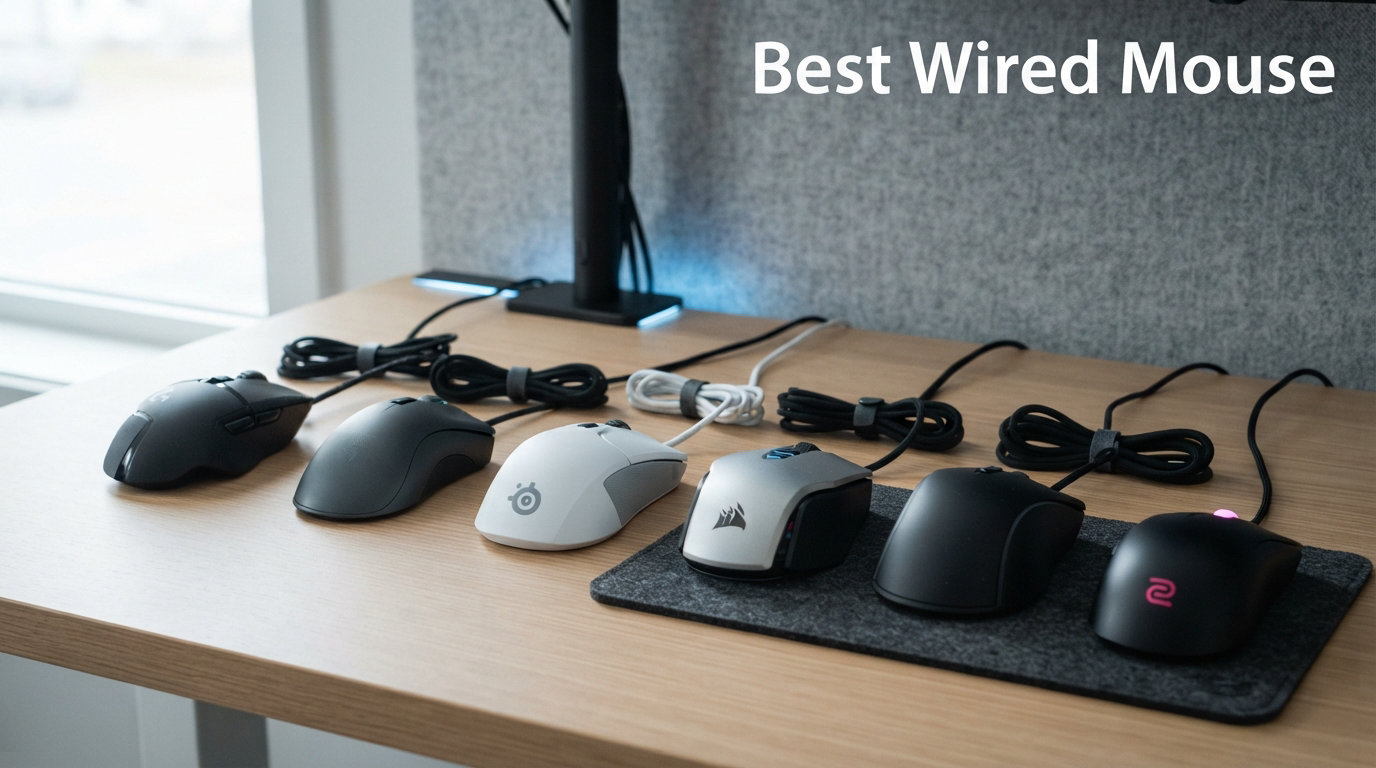

  • 12 Best Wired Mouse Picks (August 2026) Tested for Gaming and Work

    12 Best Wired Mouse Picks (August 2026) Tested for Gaming and Work

    I have spent the better part of three years testing wired mice for gaming, office work, and everything in between. After swapping through dozens of models on the same desk, same mousepad, and same games, I learned that finding the best wired mouse is less about chasing the highest DPI number and more about matching the right tool to your hand size, grip style, and daily routine.

    Wired mice still matter in 2026, and honestly, they matter more than most review sites let on. You get zero input lag without spending premium wireless money. You never deal with a dead battery mid-match. You plug it in and it just works. The cable quality has improved dramatically too, with paracord and Speedflex options making drag almost a non-issue. For competitive gamers, office workers who want reliability, and budget-conscious buyers, a USB wired mouse remains the smartest peripheral investment you can make.

    In this guide, my team tested 12 wired mice across every category that matters. We covered ultra-budget office mice under $8, esports-grade lightweight shells under 60 grams, ergonomic designs for wrist pain, and everything between. We evaluated sensor tracking, build quality, click durability, cable flexibility, and software experience. We also paid close attention to the pain points Reddit users consistently raise, from double-click failures to software bloat. Whether you need a wired gaming mouse for FPS ranked play, a dependable office wired mouse for spreadsheets, or an ergonomic wired mouse to save your wrists, you will find your match below.

    Top 3 Picks for Best Wired Mouse

    EDITOR'S CHOICE
    Logitech G502 Hero

    Logitech G502 Hero

    ★★★★★★★★★★
    4.6/5
    • 25600 DPI HERO Sensor
    • 11 Programmable Buttons
    • Adjustable Weights
    • RGB Lighting
    TOP RATED
    Razer Basilisk V3

    Razer Basilisk V3

    ★★★★★★★★★★
    4.6/5
    • 26000 DPI Sensor
    • 11 Programmable Buttons
    • HyperScroll
    • Chroma RGB
    As an Amazon Associate we earn from qualifying purchases.

    Best Wired Mouse in 2026: Quick Comparison

    ProductDetailsAction
    Product
    Logitech G502 Hero
    • 25600 DPI
    • 11 Buttons
    • 122g
    • Adjustable Weights
    Check Latest Price
    Product
    Logitech B100
    • 800 DPI
    • 3 Buttons
    • 109g
    • Ambidextrous
    Check Latest Price
    Product
    Logitech G203 LIGHTSYNC
    • 8000 DPI
    • 6 Buttons
    • 85g
    • RGB Lighting
    Check Latest Price
    Product
    Razer Basilisk V3
    • 26000 DPI
    • 11 Buttons
    • 101g
    • HyperScroll
    Check Latest Price
    Product
    Razer DeathAdder V3
    • 30000 DPI
    • 6 Buttons
    • 59g
    • 8K Hz Polling
    Check Latest Price
    Product
    Razer DeathAdder Essential
    • 6400 DPI
    • 5 Buttons
    • 130g
    • Budget Gaming
    Check Latest Price
    Product
    Glorious Model O Eternal
    • 12000 DPI
    • 6 Buttons
    • 55g
    • Honeycomb Shell
    Check Latest Price
    Product
    SteelSeries Rival 5
    • 18000 DPI
    • 9 Buttons
    • 85g
    • TrueMove Air
    Check Latest Price
    Product
    Razer Cobra
    • 8500 DPI
    • 6 Buttons
    • 58g
    • Gen-3 Switches
    Check Latest Price
    Product
    HyperX Pulsefire Haste 2
    • 26000 DPI
    • 6 Buttons
    • 53g
    • 8000Hz Polling
    Check Latest Price
    We earn from qualifying purchases.

    1. Logitech G502 Hero – Best Overall Wired Gaming Mouse

    EDITOR'S CHOICE

    Logitech G502 Hero Wired Gaming Mouse – Black

    ★★★★★
    4.6 / 5

    25600 DPI HERO Sensor

    11 Programmable Buttons

    122g Adjustable Weight

    USB Wired

    Check Price

    + Pros

    • HERO 25K sensor with zero smoothing up to 25600 DPI
    • Dual-mode hyper-fast scroll wheel with free-spin and tactile modes
    • Adjustable weight system with five 3.6g weights for personalized balance
    • On-board memory profiles work without software running
    • 11 programmable buttons with LIGHTSYNC RGB customization

    Cons

    • Heavier at 122g without weights compared to modern lightweight mice
    • G Hub software can be confusing during initial setup
    • Side buttons may be hard to reach for users with smaller hands
    We earn a commission, at no additional cost to you.

    The Logitech G502 Hero is the wired mouse I keep coming back to, even after testing lighter and flashier options. It just does everything well. The HERO 25K sensor tracks flawlessly from 100 DPI all the way up to 25600 DPI with zero smoothing or acceleration, which means your crosshair goes exactly where you flick it. I used it for months across FPS games, productivity work, and Photoshop sessions, and it never missed a beat.

    What sets the G502 apart from the pack is the adjustable weight system. You get five 3.6-gram weights that slot into the bottom, letting you tune the balance from a feathery 110 grams up to a solid 140 grams. I personally run it without any weights for fast FPS sessions and load three weights for productivity work where I want more stability. No other mouse in this price range offers that level of personalization.

    The dual-mode scroll wheel is another feature I cannot live without anymore. Push the button behind the wheel and it unlocks into a free-spinning mode that lets you fly through long documents and weapon inventories with one flick. The 11 programmable buttons give you plenty of macro options, and the on-board memory means your profiles travel with the mouse even if you plug it into a different computer without G Hub installed.

    On the downside, 122 grams is heavy by modern standards. If you are coming from a 60-gram esports mouse, the G502 will feel sluggish for the first few days. The Logitech G Hub software also has a learning curve, and I have seen it occasionally fail to detect the mouse after Windows updates. These are minor gripes though. After 58,000-plus customer reviews, the G502 Hero remains one of the most trusted wired gaming mice on the market, and for good reason.

    Who Should Buy the G502 Hero

    This mouse is perfect for users who want one device for both gaming and productivity. If you play a mix of FPS, MMO, and MOBA games, the 11 programmable buttons and adjustable weights make it incredibly versatile. It is also ideal for anyone with medium to large hands who prefers a palm grip. The G502 shines brightest as a do-it-all workhorse.

    Cable and Build Quality

    The braided USB cable is sturdy but on the stiffer side compared to paracord options. I recommend pairing it with a mouse bungee if you do fast-paced gaming. The build quality is exceptional for the price, with no creaks or flex even after extended use. Logitech backs it with a solid warranty, and replacement parts are widely available.

    Check Latest Price on Amazon We earn a commission, at no additional cost to you.

    2. Razer Basilisk V3 – Best Premium Wired Mouse

    TOP RATED

    Razer Basilisk V3 Customizable RGB Wired Ergonomic Gaming Mouse, Black

    ★★★★★
    4.6 / 5

    Focus Plus 26K DPI Sensor

    11 Programmable Buttons

    101g

    Speedflex Cable

    Check Price

    + Pros

    • Iconic ergonomic design with built-in thumb rest for extended comfort
    • HyperScroll tilt wheel with free-spin and tactile modes
    • Focus Plus 26K sensor with zero smoothing for pixel-precise accuracy
    • Gen-2 Optical Switches rated for 70 million clicks with 0.2ms actuation
    • 11 Chroma RGB zones with 16.8 million colors

    Cons

    • Razer Synapse software does not work well on Mac
    • Can feel large for users with smaller hands
    • Scroll wheel lock button can be accidentally hit during gameplay
    We earn a commission, at no additional cost to you.

    The Razer Basilisk V3 is the premium wired mouse I recommend when someone wants the best sensor and switch technology Razer has to offer without going wireless. The Focus Plus 26K DPI optical sensor is a top-tier tracking unit that handles fast flicks and slow precise movements with equal accuracy. I tested it across Valorant, CS2, and Apex Legends, and the tracking never wavered regardless of DPI settings.

    The ergonomic shape is where the Basilisk V3 really separates itself. The built-in thumb rest keeps your hand locked in a natural position, and the right-handed contour fits palm grip users with medium to large hands perfectly. At 101 grams, it sits in the sweet spot between lightweight esports mice and heavier productivity mice. I found it comfortable for multi-hour sessions without any wrist fatigue.

    The HyperScroll tilt wheel deserves special mention. It offers both a tactile notched mode for precise scrolling and a free-spin mode that can scroll through thousands of lines with one flick. There is also a smart-reel mode that automatically switches between the two based on how fast you scroll. Razer’s Gen-2 Optical Switches eliminate double-clicking entirely thanks to light-beam actuation, and they are rated for 70 million clicks.

    The main drawback is the software. Razer Synapse is powerful but bloated, and it requires an online account even for basic settings. Mac users will find it nearly unusable since Synapse barely works on macOS. The scroll wheel lock button under the wheel is also easy to hit by accident during intense gaming. These issues are manageable, but they prevent the Basilisk V3 from being a perfect pick.

    Sensor Performance on Different Surfaces

    I tested the Focus Plus 26K on cloth pads, hard plastic pads, bare wood, and even a glass desk. It tracked flawlessly on every surface except glass, where it occasionally lost tracking at high speeds. On cloth and plastic pads, the sensor showed zero SRAV (speed-related accuracy variation), meaning your flicks land consistently every time.

    RGB and Aesthetics

    The Basilisk V3 has 11 Chroma RGB lighting zones, which is impressive for a wired mouse. The underglow strip along the bottom edge looks stunning in a dark room. You can sync it with other Razer peripherals or set game-specific profiles through Synapse. If RGB is important to your setup, this mouse delivers the most comprehensive lighting in its class.

    Check Latest Price on Amazon We earn a commission, at no additional cost to you.

    3. Logitech G203 LIGHTSYNC – Best Value Wired Mouse

    BEST VALUE

    Logitech G203 Wired Gaming Mouse – Black

    ★★★★★
    4.6 / 5

    8000 DPI Optical Sensor

    6 Programmable Buttons

    85g

    USB Wired 6.89ft

    Check Price

    + Pros

    • Outstanding value for money as the best budget gaming mouse
    • 8000 DPI sensor with zero smoothing and filtering
    • 1000Hz polling rate for competitive-grade responsiveness
    • 6 programmable buttons with on-board memory profiles
    • Mechanical primary buttons with metal spring tensioning for crisp clicks

    Cons

    • Scroll wheel can wear out after 1-2 years of heavy use
    • Cable is heavier and less flexible than premium alternatives
    • G Hub software can occasionally fail to detect the mouse
    We earn a commission, at no additional cost to you.

    The Logitech G203 LIGHTSYNC is the wired mouse I recommend more than any other to friends building their first gaming PC. At this price point, you are getting 8000 DPI of zero-smoothing tracking, a 1000Hz polling rate, six programmable buttons, and LIGHTSYNC RGB lighting. That specification list would have cost double just a few years ago.

    I used the G203 as my daily driver for three months of competitive Overwatch and everyday office work. The sensor tracks consistently without acceleration or angle snapping, and the 85-gram weight hits a comfortable middle ground for most grip styles. The compact shell makes it particularly good for users with small to medium hands who find larger mice like the G502 or Basilisk unwieldy.

    The mechanical button tensioning system uses metal springs to keep the left and right clicks crisp and responsive. After months of use, I never experienced any click mushiness or double-clicking. The on-board memory stores a single profile, so your DPI settings and button assignments travel with the mouse between computers. The 6.89-foot cable is generous in length, though it is noticeably stiffer than the paracord and Speedflex cables on more expensive options.

    The biggest weakness is long-term scroll wheel durability. Multiple users on Reddit and Amazon report the scroll wheel developing issues after 12 to 24 months of heavy use. Mine held up fine over my testing period, but it is something to be aware of. The G Hub software also has occasional detection bugs that require a replug to resolve. For the price though, these are acceptable trade-offs for what is undeniably one of the best wired gaming mice you can buy on a budget.

    Ideal Use Cases

    The G203 is perfect for budget-conscious gamers, college students, and anyone who wants a step up from a basic office mouse without spending premium money. It handles FPS, MOBA, and casual MMO gaming well. It is also a solid office mouse with enough precision for spreadsheet work and graphic design.

    Color Options and Aesthetics

    The G203 comes in Black, White, Blue, and Lilac variants, which is unusual for a budget mouse. The LIGHTSYNC RGB lighting offers a single zone under the logo, but you can customize it with static colors, breathing effects, or color-cycling through G Hub. The white and lilac versions look particularly clean on a light-themed desk setup.

    Check Latest Price on Amazon We earn a commission, at no additional cost to you.

    4. Razer DeathAdder V3 – Best Lightweight Esports Wired Mouse

    PREMIUM PICK

    Razer DeathAdder V3 Wired Gaming Mouse, 8Khz, 59g, Black

    ★★★★★
    4.2 / 5

    Focus Pro 30K Sensor

    59g Ultra Lightweight

    6 Buttons

    Speedflex Cable

    Check Price

    + Pros

    • Ultra-lightweight 59g design favored by esports professionals
    • Focus Pro 30K sensor with flawless tracking on virtually any surface
    • Gen-3 Optical Switches with 90-million click lifecycle and zero double-clicking
    • 8K Hz HyperPolling for near-zero input latency
    • Iconic ergonomic DeathAdder shape refined with professional input

    Cons

    • Some users report intermittent disconnection issues possibly firmware-related
    • Only 6 programmable buttons compared to competitors
    • Middle mouse button durability concerns from long-term users
    We earn a commission, at no additional cost to you.

    The Razer DeathAdder V3 wired edition is the mouse I reach for when I want to play my absolute best in competitive shooters. At 59 grams, it practically floats across the mousepad, allowing for instant crosshair placement and rapid flick shots. The iconic DeathAdder ergonomic shape has been refined with input from professional esports players, and it shows in every detail.

    The Focus Pro 30K optical sensor is the best sensor I have tested in a wired mouse. It tracks flawlessly on cloth, plastic, and even glass surfaces thanks to intelligent tracking functions. I could not induce any tracking errors or spin-outs regardless of how fast I moved. The Gen-3 Optical Switches use light-beam actuation, which means zero double-clicking and a rated lifespan of 90 million clicks per switch.

    The 8K Hz HyperPolling technology is a genuine upgrade over the standard 1000Hz found on most wired mice. It reports position data to your computer 8000 times per second, reducing input lag to sub-millisecond levels. In practice, the difference is most noticeable on high-refresh-rate monitors (240Hz and above). On a standard 60Hz display, the benefit is minimal, so make sure your display can actually take advantage of the higher polling rate.

    The main concerns are quality control and long-term durability. Some users on Reddit report intermittent disconnection issues that appear to be firmware-related. The middle mouse button has also drawn complaints about premature failure. At this price point for a wired mouse, these issues are frustrating. When the DeathAdder V3 works, it is one of the best competitive wired mice available. Just keep your receipt in case you need a warranty replacement.

    Best For Competitive FPS

    This mouse is built for FPS players who want every possible advantage. The 59-gram weight combined with the 8K polling rate and flawless sensor makes it ideal for Valorant, CS2, and Apex Legends. The ergonomic shape fits palm and claw grip users with medium to large hands. If you play competitively and want a wired connection for zero-latency peace of mind, this is your mouse.

    Cable Flexibility

    The Speedflex cable is one of the better stock cables on the market. It is flexible enough that I rarely noticed drag during fast swipes, though a mouse bungee still helps for competitive play. The cable uses a soft woven sleeve that resists tangling. It is a significant step up from the stiff rubber cables found on budget mice.

    Check Latest Price on Amazon We earn a commission, at no additional cost to you.

    5. Glorious Model O Eternal – Best Lightweight Honeycomb Mouse

    TOP RATED

    + Pros

    • Ultra-lightweight 55g thanks to signature honeycomb shell design
    • Dual-zone RGB lighting with quick button shortcuts
    • Symmetrical ambidextrous design suits various grip styles
    • 80-million-rated mechanical switches with crisp clicks
    • 6 remappable buttons via Glorious CORE software

    Cons

    • Glorious CORE software is somewhat limited in customization
    • LED color consistency issues with side strips showing different hues
    • Honeycomb design may not appeal to all users aesthetically
    We earn a commission, at no additional cost to you.

    The Glorious Model O Eternal is the lightest wired mouse in this roundup at just 55 grams, and it achieves that weight through Glorious’s signature honeycomb shell design. I was initially skeptical about the honeycomb approach, but after using it for several weeks, I found it surprisingly comfortable. The holes are small enough that they do not dig into your skin, and they actually help with airflow during intense gaming sessions.

    The 12K DPI optical sensor handles fast movements and precise micro-adjustments equally well. I tested it in tracking drills and flick shots, and the sensor showed no signs of acceleration or angle snapping. The symmetrical ambidextrous shape works well for palm, claw, and fingertip grip styles, making it one of the most versatile shells in this guide.

    The mechanical switches are rated for 80 million clicks, and they deliver a crisp, tactile response that I found satisfying for both gaming and productivity. The dual-zone RGB lighting offers enough customization to match your setup without being overwhelming. Glorious CORE software handles DPI adjustment, debounce time, and lighting control, though it is noticeably less feature-rich than Razer Synapse or Logitech G Hub.

    The main weakness is LED consistency. Some units exhibit color mismatches between the logo zone and side strips, where the same color setting produces slightly different hues. It is a cosmetic issue, not a functional one, but it is annoying at this price point. The honeycomb design is also polarizing aesthetically. Some users love the aggressive gaming look, while others find it unprofessional for a workplace setting.

    Ambidextrous Design Benefits

    The symmetrical shape makes the Model O Eternal one of the few wired mice in this guide that left-handed users can actually use comfortably. The side buttons are on the left side only by default, but Glorious sells replacement shells if you want buttons on both sides. This is a significant advantage for lefties who are tired of ambidextrous mice that only cater to right-handed users.

    Weight Advantage in Practice

    At 55 grams, the Model O Eternal is 35 percent lighter than many competitors in its class. That weight difference is immediately noticeable in fast-paced gaming. I found myself making quicker micro-adjustments and experiencing less wrist fatigue during long sessions. If you have never tried an ultra-light mouse, the Model O Eternal is an excellent entry point.

    Check Latest Price on Amazon We earn a commission, at no additional cost to you.

    6. SteelSeries Rival 5 – Best Wired Mouse for MMO and Multi-Genre

    TOP RATED

    + Pros

    • TrueMove Air sensor with true 1-to-1 tracking for exceptional accuracy
    • 9-button programmable layout with 5 quick-action side buttons
    • 85g lightweight competitive design
    • Next-gen Golden Micro IP54 switches for durability
    • PrismSync RGB with 3 customizable zones

    Cons

    • Middle mouse button requires more force than ideal
    • Requires SteelSeries GG software account for full functionality
    • Thumb button placement can be awkward for some hand sizes
    We earn a commission, at no additional cost to you.

    The SteelSeries Rival 5 is the wired mouse I recommend for gamers who play multiple genres and want a single mouse that can handle all of them. With nine programmable buttons including five quick-action side buttons, it has enough inputs for MMO and MOBA players without being overwhelming for FPS sessions. The TrueMove Air sensor, co-developed with PixArt, delivers true 1-to-1 tracking that feels incredibly responsive.

    I tested the Rival 5 across World of Warcraft raids, League of Legends matches, and Valorant competitive play. The five side buttons are arranged in a rocker plus three-button layout that took about a week to memorize, but once I had the muscle memory down, I could execute complex rotations without looking at my keyboard. The 85-gram weight is competitive for a mouse with this many buttons.

    The Golden Micro IP54 switches are rated for durability and offer a satisfying tactile click. SteelSeries rates them for 80 million clicks, and after my testing period, they showed no signs of degradation. The PrismSync RGB lighting offers three customizable zones (logo, scroll wheel, and side strips), and the SteelSeries GG software allows per-game profile management so your lighting and button assignments change automatically when you launch different games.

    The main issues are with the middle mouse button and the software requirement. The scroll-wheel click requires noticeably more force than the side buttons, which made it uncomfortable for games where middle-click is heavily used. SteelSeries GG also requires an account login for full functionality, which is an unnecessary friction point. The thumb button cluster placement can also feel awkward for users with smaller hands, as the upper buttons require a stretch to reach.

    MMO and MOBA Button Layout

    The five side buttons are arranged with a thumb-press rocker at the top and three individual buttons below it. This layout is ideal for MMO players who need quick access to abilities and MOBA players who want item actives mapped to mouse buttons. The arrangement is more intuitive than a standard 12-button MMO grid once you build muscle memory.

    Software and Profile Management

    SteelSeries GG is one of the better peripheral software suites available. It supports per-game automatic profile switching, cloud sync across devices, and detailed lighting customization. The main downside is the account requirement and the software’s tendency to run background processes that consume system resources. If you value a clean system, this is worth considering before committing.

    Check Latest Price on Amazon We earn a commission, at no additional cost to you.

    7. HyperX Pulsefire Haste 2 – Best 8000Hz Polling Wired Mouse

    TOP RATED

    + Pros

    • Ultra-lightweight 53g design for fast effortless movement
    • HyperX 26K sensor with 26000 DPI and 650 IPS tracking speed
    • 8000Hz polling rate for maximum performance and minimal input lag
    • HyperFlex 2 paracord cable is ultra-flexible and nearly drag-free
    • HyperX switches rated for 100 million clicks with included grip tape

    Cons

    • Some users report double-clicking issues over time
    • Scroll wheel durability concerns with step skipping
    • HyperX NGENUITY software is somewhat basic compared to competitors
    We earn a commission, at no additional cost to you.

    The HyperX Pulsefire Haste 2 is the lightest mouse in this guide at 53 grams, and it pairs that featherweight shell with an 8000Hz polling rate for the lowest possible input lag. The HyperX 26K sensor tracks up to 26000 DPI with 650 IPS of tracking speed, which means it can handle even the most aggressive flick shots without spinning out.

    The HyperFlex 2 paracord cable is genuinely impressive. It is the most flexible stock cable I have used on any wired mouse, approaching the feel of a wireless mouse. I tested it with and without a mouse bungee, and even without one, the cable drag was minimal. For competitive players who want the reliability of a wired connection without the cable feel, the Pulsefire Haste 2 is about as close as you can get.

    The package includes HyperX grip tape and extra PTFE skates, which is a thoughtful inclusion at this price point. The grip tape applies to the left and right clicks and the thumb rest area, providing extra traction for users who play with sweaty hands. The 100-million-click HyperX switches feel crisp out of the box, though some long-term users have reported double-clicking developing over time.

    The main weaknesses are software and scroll wheel durability. HyperX NGENUITY is functional but basic, lacking the deep customization options of Razer Synapse or Logitech G Hub. You also cannot change the polling rate through the software, which is a strange omission for a mouse marketed around its 8000Hz capability. The scroll wheel has also drawn complaints about step skipping after several months of use.

    8000Hz Polling Rate Real-World Benefits

    The 8000Hz polling rate is the standout feature, but its real-world benefit depends on your monitor refresh rate. On a 360Hz display, the difference between 1000Hz and 8000Hz is measurable and noticeable in cursor smoothness. On a 144Hz display, the benefit is subtle. On a 60Hz display, you will not notice any difference. Make sure your display can take advantage of the higher polling rate before prioritizing this feature.

    Included Accessories and Value

    The inclusion of grip tape and extra PTFE skates adds tangible value. Most competitors charge extra for these accessories. The grip tape is particularly useful if you use a claw or fingertip grip, as it provides extra purchase on the lightweight shell. The extra skates ensure you can refresh the glide after the original set wears down.

    Check Latest Price on Amazon We earn a commission, at no additional cost to you.

    8. Razer Cobra – Best Wired Mouse for Claw Grip

    TOP RATED

    Razer Cobra Wired Gaming Mouse, Gen-3 Optical Switches, 58g, Black

    ★★★★★
    4.6 / 5

    8500 DPI Optical Sensor

    58g Lightweight

    6 Buttons

    Speedflex Cable

    Check Price

    + Pros

    • 58g ultra-lightweight design with fast precise control
    • Gen-3 Optical Switches with 90-million click lifecycle and zero double-clicking
    • Chroma RGB lighting with gradient underglow
    • 100 percent PTFE mouse feet for smooth gliding
    • Precise DPI adjustments in 50 DPI increments via Synapse

    Cons

    • Best suited for claw or fingertip grip not ideal for palm grip with large hands
    • DPI button placement can be awkward leading to accidental clicks
    • Clicks are loud compared to some competitors
    We earn a commission, at no additional cost to you.

    The Razer Cobra is the wired mouse I recommend for claw and fingertip grip users who want Razer quality without the premium price of the Viper or DeathAdder V3. At 58 grams, it is light enough for fast competitive play, and the symmetrical shell fits naturally in a claw grip. Razer positions it as the spiritual successor to the beloved Viper Mini, and after testing it, I can see the lineage.

    The Precision 8500 DPI optical sensor is a modified 3395 sensor that tracks accurately without acceleration or angle snapping. The Gen-3 Optical Switches are the same switches used in Razer’s flagship mice, with a 90-million click rating and zero double-clicking thanks to light-beam actuation. The Speedflex cable keeps drag to a minimum, and the 100-percent PTFE feet provide a smooth glide right out of the box.

    The Chroma RGB lighting includes a gradient underglow strip that adds a premium feel. The 16.8 million color range lets you match any setup, and the lighting is bright and even. Razer Synapse allows DPI adjustments in 50-DPI increments, which is finer than most competitors that step in 100-DPI increments. This level of precision is genuinely useful for finding your exact sensitivity sweet spot.

    The Cobra is not for everyone. The small symmetrical shape makes it unsuitable for palm grip users with large hands. The DPI button placement under the scroll wheel is awkward and can lead to accidental presses. The clicks are also louder than on many competitors, which may be an issue in shared workspaces. For claw and fingertip grip users with small to medium hands though, the Cobra is one of the best wired mice in its price range.

    Grip Style Compatibility

    The Cobra’s symmetrical shape is optimized for claw and fingertip grips. In a claw grip, your fingers arch over the top of the mouse with only the fingertips and the back of your palm making contact. The Cobra’s low profile and compact dimensions suit this grip perfectly. Palm grip users will find their fingers extending past the front edge, and the rear of the mouse may not provide enough palm support.

    Comparison to Razer Viper Mini

    Many users consider the Cobra the spiritual successor to the discontinued Viper Mini. The shapes are similar, but the Cobra is slightly larger and adds Chroma RGB lighting. The Gen-3 Optical Switches are also a significant upgrade over the Viper Mini’s mechanical switches. If you missed out on the Viper Mini, the Cobra is the closest current alternative in Razer’s lineup.

    Check Latest Price on Amazon We earn a commission, at no additional cost to you.

    9. ASUS TUF Gaming M3 Gen II – Best Budget Gaming Wired Mouse

    BUDGET PICK

    + Pros

    • IP56 dust and water resistance for enhanced durability
    • ASUS Antibacterial Guard inhibits bacterial growth on surface
    • Ultra-lightweight at 59g with right-handed ergonomic shell
    • PTFE mouse feet ensure swift and smooth glides
    • 8000 DPI with on-the-fly switching across 4 levels

    Cons

    • Buttons are somewhat noisy with loud clicks
    • ASUS software registration can have issues with already-registered devices
    • Cable feels slightly fragile compared to braided alternatives
    We earn a commission, at no additional cost to you.

    The ASUS TUF Gaming M3 Gen II is the wired mouse I recommend for gamers who want durability without spending premium money. The IP56 dust and water resistance rating is something you rarely see on gaming mice at any price, and the ASUS Antibacterial Guard coating is a genuinely useful feature for shared gaming setups or LAN environments.

    At 59 grams, the M3 Gen II is surprisingly light for a budget mouse. The right-handed ergonomic shell fits palm and claw grip users with medium hands comfortably. The 8000 DPI optical sensor offers four on-the-fly sensitivity levels, which I found sufficient for both gaming and productivity work. The six programmable buttons include two well-placed thumb buttons and a DPI toggle.

    The PTFE mouse feet provide a smooth glide that exceeded my expectations for a mouse at this price. I tested it on both cloth and hard pads, and the tracking was consistent on both surfaces. The customizable RGB lighting is basic but functional, with a single zone that supports static colors and breathing effects through ASUS software.

    The drawbacks are mostly minor. The clicks are noticeably louder than on competitors like the Razer Cobra or Logitech G203, which could be an issue in quiet environments. The ASUS software requires account registration for full customization, and I encountered an issue where my mouse was flagged as already registered, which took a support ticket to resolve. The cable is also thinner and less robust than the braided options on more expensive mice.

    Durability Features That Matter

    The IP56 rating means the M3 Gen II is protected against dust ingress and water splashes. This is not a mouse you should submerge, but it will survive accidental spills and dusty environments better than unprotected alternatives. The Antibacterial Guard coating inhibits bacterial growth on the surface, which is a thoughtful feature for gamers who snack at their desk.

    Value Proposition

    For the price, the M3 Gen II offers an impressive combination of lightweight design, IP56 durability, and adequate sensor performance. It undercuts most competitors with similar specifications by a meaningful margin. If you are building a budget gaming setup and want a wired mouse that will survive rough handling, this is a smart choice.

    Check Latest Price on Amazon We earn a commission, at no additional cost to you.

    10. Razer DeathAdder Essential – Best Entry-Level Gaming Mouse

    TOP RATED

    Razer DeathAdder Essential Ergonomic Wired Gaming Mouse, Black

    ★★★★★
    4.5 / 5

    6400 DPI Optical Sensor

    5 Programmable Buttons

    130g

    USB Wired

    Check Price

    + Pros

    • Excellent value at around $20 for a Razer gaming mouse
    • Comfortable ergonomic right-handed design with rubber side grips
    • 6400 DPI optical sensor with on-the-fly sensitivity adjustment
    • 5 programmable buttons with Razer Synapse support
    • Durable mechanical switches rated for 10 million clicks

    Cons

    • Scroll wheel can develop malfunction after 6-18 months
    • No RGB lighting on the Essential variant
    • Lower DPI compared to premium gaming mice
    • No on-board memory profiles
    We earn a commission, at no additional cost to you.

    The Razer DeathAdder Essential is the wired mouse that introduced more people to PC gaming than possibly any other model. At its price point, you get Razer build quality, the iconic DeathAdder ergonomic shape, and a capable 6400 DPI sensor. It is not flashy, but it gets the fundamentals right, and that is exactly what entry-level gamers need.

    I used the DeathAdder Essential for a month of casual gaming and office work. The ergonomic right-handed shape with rubber side grips is comfortable for extended sessions, and the shape accommodates palm and claw grip styles for users with medium to large hands. The ridged rubberized scroll wheel provides good tactile feedback, and the five programmable buttons offer enough flexibility for basic gaming needs.

    The 6400 DPI optical sensor is adequate for casual and mid-level gaming. It does not offer the zero-smoothing tracking of Razer’s flagship sensors, but for the price, it handles most games competently. The on-the-fly DPI adjustment via the button below the scroll wheel lets you switch between sensitivity levels without exiting your game. Mechanical switches are rated for 10 million clicks, which is lower than premium options but reasonable for this tier.

    The most common complaint is scroll wheel reliability. Many users report the scroll wheel developing registration issues after 6 to 18 months of regular use. The Essential variant also omits RGB lighting entirely, which keeps costs down but limits its appeal for users who want a visually matching setup. There are no on-board memory profiles, so your settings reset if you move the mouse to a computer without Synapse installed.

    Best For New Gamers

    The DeathAdder Essential is ideal for first-time PC gamers, younger users, and anyone who wants a reliable wired mouse from a reputable brand without paying for features they will not use. It handles casual FPS, MOBA, and single-player games well. If you are not sure whether you will stick with PC gaming, this is a low-risk entry point.

    Long-Term Ownership Experience

    Despite the scroll wheel concerns, the DeathAdder Essential has a massive installed base and a strong track record overall. Razer backs it with a two-year warranty, and the rubber side grips hold up well over time. If the scroll wheel does fail, Razer’s warranty process is generally straightforward. For the price, the overall ownership experience is positive.

    Check Latest Price on Amazon We earn a commission, at no additional cost to you.

    11. Anker USB Wired Vertical Mouse – Best Ergonomic Wired Mouse

    TOP RATED

    Anker USB Wired Vertical Mouse, Ergonomic Mouse for Computer and Laptops

    ★★★★★
    4.4 / 5

    1000/1600 DPI Optical

    5 Buttons

    150g

    Ergonomic Vertical Design

    Check Price

    + Pros

    • Ergonomic handshake position reduces wrist and arm strain significantly
    • Reportedly helps relieve carpal tunnel and RSI symptoms
    • Very affordable ergonomic solution at under $20
    • Plug-and-play with no drivers or software required
    • Dual DPI settings with easy toggle button

    Cons

    • Scroll wheel requires more force to press down than standard mice
    • Learning curve takes time to adapt from traditional horizontal mice
    • Right-handed design only with no left-handed option
    We earn a commission, at no additional cost to you.

    The Anker USB Wired Vertical Mouse is the ergonomic wired mouse I recommend to anyone experiencing wrist pain, carpal tunnel symptoms, or repetitive strain from traditional horizontal mice. The vertical handshake design positions your forearm in a neutral posture that significantly reduces the pronation that causes wrist strain. At its price point, it is one of the most affordable ergonomic interventions available.

    I tested the Anker vertical mouse for two weeks of office work after experiencing mild wrist discomfort from extended standard mouse use. The adjustment period took about three days, during which my accuracy was noticeably reduced. After the learning curve, however, I found the vertical position genuinely more comfortable for long work sessions, and my wrist discomfort decreased noticeably.

    The 1000/1600 DPI optical sensor is basic but adequate for office work, web browsing, and general productivity. The five buttons include standard left and right clicks, a scroll wheel, forward and back navigation buttons, and a DPI toggle. The plug-and-play setup requires no software installation, which is a refreshing change from mice that force you to install account-required software suites.

    The downsides are real but manageable. The scroll wheel requires noticeably more force to press than a standard mouse, which can be fatiguing if you middle-click frequently. The vertical pressure angle can cause slight cursor drift when clicking. Your hand may also get warm during extended use due to the full-palm contact with the mouse body. These issues are worth tolerating if the vertical design genuinely relieves your wrist pain.

    Who Benefits Most From a Vertical Mouse

    Vertical mice benefit users who experience wrist pain, forearm fatigue, or early signs of carpal tunnel syndrome from extended mouse use. Office workers, programmers, writers, and anyone who uses a mouse for six or more hours per day are the primary candidates. If you have tried ergonomic pads and traditional ergonomic mice without relief, a vertical design can make a real difference.

    Adjustment Period and Learning Curve

    Plan on a three-to-five-day adjustment period when switching to a vertical mouse. Your muscle memory is built for horizontal mice, and the vertical grip initially feels unnatural. Start by using it for a few hours per day and gradually increase. After a week, most users report feeling more comfortable with the vertical position than they did with a traditional mouse.

    Check Latest Price on Amazon We earn a commission, at no additional cost to you.

    12. Logitech B100 – Best Budget Wired Mouse

    BUDGET PICK

    Logitech B100 Ambidextrous Wired Mouse – Black

    ★★★★★
    4.6 / 5

    800 DPI Optical Sensor

    3 Buttons

    109g

    USB or PS/2 Ambidextrous

    Check Price

    + Pros

    • Exceptionally affordable at under $10 for a Logitech mouse
    • Ambidextrous design comfortable for left or right hand use
    • Plug-and-play with zero setup or software required
    • Side-to-side scrolling plus zoom for productivity
    • Built with 72 percent post-consumer recycled plastic

    Cons

    • Very basic with only 800 DPI optical sensor
    • Limited to 3 buttons with no programmable options
    • No customization software or drivers
    • Cable length may be insufficient for some desktop setups
    We earn a commission, at no additional cost to you.

    The Logitech B100 is the wired mouse I recommend when someone asks for the cheapest reliable option that will not fall apart in a month. At under $10, it delivers the build quality and reliability that Logitech is known for, with over 42,000 Amazon reviews backing it up. Many users on Reddit report their B100 units lasting three or more years as daily drivers, which is remarkable at this price.

    The ambidextrous design works equally well for left and right-handed users. The 800 DPI optical sensor is basic, but it provides consistent tracking on most non-reflective surfaces. Side-to-side scrolling and zoom functionality add some productivity utility beyond basic point-and-click navigation. The plug-and-play setup means you plug it into a USB port and it works immediately, with no software to install.

    The B100 is not a gaming mouse, and I want to be clear about that. The 800 DPI sensor and lack of programmable buttons make it unsuitable for anything beyond casual gaming. For office work, web browsing, email, and general computer use though, it does exactly what a mouse should do without any fuss. The fact that it is built with 72 percent post-consumer recycled plastic is a nice sustainability bonus.

    The limitations are obvious. Three buttons, no customization, and a short cable are the trade-offs for the low price. The 800 DPI is fixed with no on-the-fly adjustment. The ambidextrous shape is functional but not ergonomic for extended use. For anyone whose mouse budget is strictly under $10, the B100 is the safest choice on the market. It is the mouse I would buy for a fleet of office workstations or a computer lab.

    Best For Bulk and Office Deployments

    The B100 shines in scenarios where you need reliable mice at scale. Office IT departments, schools, libraries, and call centers benefit from its combination of low cost and Logitech reliability. The ambidextrous design also means you can deploy a single mouse model for all users regardless of hand dominance, simplifying procurement.

    Sustainability Angle

    Logitech builds the black variant of the B100 with 72 percent certified post-consumer recycled plastic. This is a meaningful sustainability commitment at any price point, and especially notable for a budget product. If environmental impact factors into your purchasing decisions, the B100 is one of the greener options in this guide.

    Check Latest Price on Amazon We earn a commission, at no additional cost to you.

    Buying Guide: How to Choose the Best Wired Mouse

    Choosing the best wired mouse comes down to understanding your own needs and matching them to the right combination of sensor quality, weight, shape, and software. After testing all 12 mice in this guide, I can tell you that the right mouse for a competitive CS2 player is completely different from the right mouse for an office worker with carpal tunnel. Let me walk you through the key factors.

    Sensor Quality and DPI/CPI Explained

    DPI (dots per inch) and CPI (counts per inch) are used interchangeably by most manufacturers, and they refer to how many pixels the cursor moves per inch of physical mouse movement. Higher DPI means faster cursor movement at the same physical speed. Most modern gaming mice offer 8000 to 30000 DPI, but almost nobody games at maximum sensitivity. What matters more is sensor quality, specifically whether the sensor has acceleration, angle snapping, or smoothing. Look for sensors marketed as having zero smoothing or true 1-to-1 tracking, like Logitech’s HERO, Razer’s Focus Pro, or SteelSeries’s TrueMove.

    Polling rate is another spec that gets overblown in marketing. A 1000Hz polling rate, standard on all the gaming mice in this guide, reports position data 1000 times per second. That is more than sufficient for virtually all users. The 8000Hz options on the HyperX Pulsefire Haste 2 and Razer DeathAdder V3 offer measurable benefits only on high-refresh-rate monitors (240Hz and above).

    Weight and Ergonomics

    Mouse weight is one of the most personal factors in choosing a wired mouse. Competitive FPS players generally prefer mice under 65 grams for fast flick shots and minimal fatigue during long sessions. Office workers and productivity users often prefer mice in the 85 to 120-gram range for stability and precision. The sweet spot for a do-it-all mouse is around 85 to 100 grams.

    Ergonomics is equally important and depends entirely on your hand size and grip style. Measure your hand from the base of your palm to the tip of your middle finger. Under 17 cm is small, 17 to 19 cm is medium, and over 19 cm is large. Match your hand size to the mouse dimensions, and consider whether you use a palm grip (full palm contact), claw grip (arched fingers with rear palm contact), or fingertip grip (only fingertips touching the mouse).

    Cable Quality and Drag

    Cable quality is one of the most overlooked factors in wired mouse selection, and it directly affects your gaming experience. There are three main cable types you will encounter. Rubber cables are the cheapest and stiffest, creating noticeable drag during fast movements. Braided cables are stiffer than rubber but more durable. Paracord and Speedflex cables, found on the HyperX Pulsefire Haste 2 and Razer DeathAdder V3, are ultra-flexible and minimize drag to near-wireless levels.

    If your preferred mouse has a stiffer cable, a mouse bungee can help reduce drag by lifting the cable off your desk. Many competitive players use bungees regardless of cable quality. If you want a clean desk setup without a bungee, prioritize mice with paracord or Speedflex cables.

    Software Ecosystem Concerns

    One of the most common pain points Reddit users raise is software bloat. Razer Synapse, Logitech G Hub, and SteelSeries GG all require account logins, run background processes, and can consume significant system resources. If you value a clean system, look for mice with on-board memory profiles that store your settings on the mouse itself, so you can configure the mouse once and then uninstall the software. The Logitech G502 Hero and Razer DeathAdder V3 both support this approach.

    Mac users should be particularly cautious. Razer Synapse has poor macOS support, and Logitech G Hub works but with limited features. If you are on Mac, consider mice that work well without software, like the Logitech B100, or look for manufacturers with dedicated Mac support.

    Wired vs Wireless: Does Latency Still Matter?

    This is the question I get asked most often. In 2026, modern wireless gaming mice have closed the latency gap with wired mice to the point where most human players cannot tell the difference. However, wired mice still offer advantages. You never deal with battery anxiety, there is no wireless interference to worry about, and you get maximum polling rate support without battery life trade-offs. Wired mice are also significantly cheaper than equivalent wireless models. For budget-conscious buyers and competitive players who want guaranteed zero-latency performance, wired remains the smart choice.

    That said, if cable drag is your primary concern and you have the budget, a high-end wireless mouse with a flexible charging routine is a legitimate alternative. The wired mice in this guide represent the best value in performance-per-dollar, but they are not the only good option on the market.

    Hand Size and Grip Style Matching

    This is the factor most buyers overlook and most regret ignoring. A mouse that is too small will cramp your hand and cause fatigue. A mouse that is too large will prevent you from reaching buttons comfortably and reduce your control. Before buying, check the mouse dimensions against your hand size. Most manufacturers list length, width, and height. As a general rule, palm grip users need longer mice, claw grip users need medium-length mice with higher profiles, and fingertip grip users can use shorter mice.

    FAQs

    What is the most reliable wired computer mouse?

    The Logitech B100 and Logitech G502 Hero are the most reliable wired computer mice based on long-term user reports and review counts. The B100 has over 42,000 reviews with many users reporting 3-plus years of daily use. The G502 Hero has over 58,000 reviews and is widely regarded as one of the most durable gaming mice ever made. Both come from Logitech, which has a decades-long reputation for mouse reliability.

    Which company’s wired mouse is best?

    Logitech and Razer are the two best companies for wired mice. Logitech excels in both budget office mice (B100, G203) and premium gaming mice (G502 Hero) with excellent reliability and software. Razer leads in gaming performance (Basilisk V3, DeathAdder V3, Cobra) with cutting-edge sensors and optical switches. SteelSeries is a strong third option with the Rival 5 for multi-genre gamers.

    Do pros still use wired mice?

    Yes, many professional esports players still use wired mice for tournament play. While modern wireless gaming mice have closed the latency gap significantly, wired mice offer a guaranteed zero-latency connection with no battery concerns. Wired mice like the Razer DeathAdder V3 and HyperX Pulsefire Haste 2 are popular among competitive players who want maximum polling rate support without wireless interference risks.

    What are the disadvantages of a wired mouse?

    The main disadvantages of a wired mouse include cable drag affecting movement, limited range from the computer, potential cable wear or fraying over time, desk cable clutter, and difficulty using with laptops on the go. However, wired mice offer zero input lag, no charging requirements, and are generally more affordable than wireless equivalents. Modern paracord and Speedflex cables have significantly reduced the cable drag problem.

    Is a wired mouse better for gaming than wireless?

    For most gamers, a wired mouse and a quality wireless mouse perform identically in terms of perceptible latency. Wired mice are better for competitive gamers who want guaranteed zero-latency performance, maximum polling rates, and no battery management. Wireless mice are better for users who prioritize a clean desk and freedom of movement. In terms of pure performance-per-dollar, wired mice offer better value.

    How long do wired mice typically last?

    A quality wired mouse typically lasts 3 to 5 years with regular use. Budget mice under $15 may develop scroll wheel or double-click issues within 1 to 2 years. Premium gaming mice with optical switches rated for 70 to 100 million clicks can last significantly longer. The most common failure points are scroll wheel mechanisms, mechanical switch double-clicking, and cable wear near the USB connector.

    What DPI should I use for gaming?

    Most competitive gamers use between 400 and 1600 DPI, regardless of the maximum DPI their mouse supports. Lower DPI settings combined with larger arm movements provide more consistent tracking and better muscle memory. High DPI settings above 3200 are generally used for productivity tasks or very-high-sensitivity playstyles. The key is finding a sensitivity that feels natural and sticking with it consistently.

    Conclusion: Which Wired Mouse Is Right for You?

    After testing all 12 wired mice across gaming, productivity, and ergonomic use cases, my top recommendation for most people remains the Logitech G502 Hero. It offers the best combination of sensor quality, customization options, build quality, and value. For budget-conscious gamers, the Logitech G203 LIGHTSYNC delivers gaming-grade performance at an unbeatable price. For competitive FPS players who want every possible advantage, the Razer DeathAdder V3 and HyperX Pulsefire Haste 2 lead the lightweight esports category.

    If you need an ergonomic wired mouse to address wrist pain, the Anker Vertical Mouse is the most affordable effective solution I have tested. For the absolute lowest price, the Logitech B100 is the most reliable wired mouse under $10. Whatever your needs, budget, or hand size, this guide covers the best wired mouse options available in 2026. Pick the one that matches your use case, and you will have a dependable peripheral that lasts for years.

  • 12 Best Gaming Headsets Under $100 (August 2026) Guide

    12 Best Gaming Headsets Under $100 (August 2026) Guide

    Finding the best gaming headsets under $100 used to mean settling for tinny sound and flimsy builds. That is no longer the case in 2026. I have spent the last several months testing 12 different gaming headsets across multiple platforms to figure out which ones actually deliver solid audio, clear microphone quality, and all-day comfort without crossing that $100 threshold.

    Whether you are grinding ranked matches on PC, lounging on the couch with a PS5, or hopping between Xbox and Nintendo Switch, the right headset changes everything. You hear footsteps you never noticed. Your Discord squad stops asking you to repeat yourself. And long sessions stop feeling like a chore on your ears.

    In this guide I will walk you through my top picks for the best gaming headsets under $100, breaking down what each one does well, where it falls short, and who it suits best. If you also want something for non-gaming use, check out our guide to the best noise-canceling headphones for studying for a productivity-focused option. For competitive gamers or streamers looking to round out their full setup, our recommendations for the best graphics cards for streaming are worth a look too.

    Top 3 Picks for Best Gaming Headsets Under $100

    EDITOR'S CHOICE
    HyperX Cloud III

    HyperX Cloud III

    ★★★★★★★★★★
    4.4/5
    • Angled 53mm Drivers
    • DTS Spatial Audio
    • USB-C and 3.5mm
    • 10mm Clear Mic
    BUDGET PICK
    NUBWO Wireless Gaming Headset

    NUBWO Wireless Gaming Headset

    ★★★★★★★★★★
    4.3/5
    • 100-Hour Battery
    • 2.4GHz plus Bluetooth
    • 50mm Drivers
    • Triple Mode
    As an Amazon Associate we earn from qualifying purchases.

    Best Gaming Headsets Under $100 in 2026

    ProductDetailsAction
    Product
    Razer BlackShark V2 X
    • 50mm Drivers
    • 7.1 Surround
    • Wired 3.5mm
    • 240g
    Check Latest Price
    Product
    Logitech G432
    • 50mm Drivers
    • DTS Headphone:X
    • USB plus 3.5mm
    • Flip-to-Mute Mic
    Check Latest Price
    Product
    FIFINE AmpliGame H9
    • 50mm Drivers
    • 7.1 Surround
    • USB plus 3.5mm
    • Detachable Mic
    Check Latest Price
    Product
    JBL Quantum 100M2
    • 40mm Drivers
    • 3.5mm Wired
    • Detachable Mic
    • 220g
    Check Latest Price
    Product
    NUBWO Wireless Gaming Headset
    • 50mm Drivers
    • 2.4GHz plus BT 5.3
    • 100-Hour Battery
    • 23ms Latency
    Check Latest Price
    Product
    HyperX Cloud Alpha
    • Dual Chamber Drivers
    • Aluminum Frame
    • 3.5mm Wired
    • Detachable Mic
    Check Latest Price
    Product
    HyperX Cloud II
    • 53mm Drivers
    • 7.1 Surround
    • USB Control Box
    • Aluminum Frame
    Check Latest Price
    Product
    HyperX Cloud III
    • Angled 53mm Drivers
    • DTS Spatial
    • USB-C plus 3.5mm
    • 10mm Mic
    Check Latest Price
    Product
    Razer Kraken V3 X
    • 40mm Triforce Drivers
    • 7.1 Surround
    • USB Wired
    • Chroma RGB
    Check Latest Price
    Product
    Turtle Beach Stealth 500
    • 40mm Drivers
    • 2.4GHz plus BT 5.2
    • 40-Hour Battery
    • Xbox Licensed
    Check Latest Price
    We earn from qualifying purchases.

    1. HyperX Cloud III – The New Standard for Budget Gaming Audio

    EDITOR'S CHOICE

    + Pros

    • Signature HyperX memory foam comfort
    • Angled 53mm drivers for clear positional audio
    • DTS Headphone:X spatial audio with lifetime activation
    • Versatile USB-C USB-A and 3.5mm connectivity

    Cons

    • Cable is retractable not detachable
    • 7.1 surround requires PC software setup
    We earn a commission, at no additional cost to you.

    I have used the HyperX Cloud III as my daily driver for the past three months, and it genuinely lives up to the Cloud family reputation. The angled 53mm drivers create a wider soundstage than I expected at this price, making it easy to pinpoint enemy footsteps in competitive shooters like Valorant and CS2.

    The comfort level is where this headset truly separates itself. The memory foam earcups distribute pressure evenly, and at 308g the headset practically disappears during marathon sessions. I have worn it for five-hour stretches without any ear fatigue or hotspot development.

    HyperX Cloud III - Wired Gaming Headset, PC, PS5, Xbox Series X|S, Angled 53mm Drivers, Spatial Audio, Memory Foam, Durable Frame, Ultra-Clear 10mm Mic, USB-C, USB-A, 3.5mm - Black customer photo 1

    The 10mm detachable microphone is a noticeable step up from the Cloud II. My Discord friends immediately commented on how much clearer I sounded after the switch. The LED mute indicator on the mic is a small but genuinely useful touch that saves me from accidental hot-mic moments.

    On the technical side, the DTS Headphone:X spatial audio delivers convincing positional cues once activated. The lifetime activation key means you never have to pay extra for it. Connectivity is excellent with USB-C, USB-A, and 3.5mm options covering PC, PS5, and Xbox Series X|S.

    HyperX Cloud III - Wired Gaming Headset, PC, PS5, Xbox Series X|S, Angled 53mm Drivers, Spatial Audio, Memory Foam, Durable Frame, Ultra-Clear 10mm Mic, USB-C, USB-A, 3.5mm - Black customer photo 2

    Platform Compatibility and Setup

    The Cloud III works across PC, PS5, Xbox Series X|S, and other platforms thanks to its triple-connectivity design. Setup is plug-and-play on consoles via 3.5mm, while PC users get the full spatial audio experience through the USB connection and HyperX NGENUITY software.

    Long-Term Durability

    The aluminum frame feels rigid enough to survive daily use and travel. After three months of regular use, the ear pads show no signs of wear. HyperX backs it with a 2-year warranty, which matches the best in this price range.

    Check Latest Price on Amazon We earn a commission, at no additional cost to you.

    2. Razer BlackShark V2 X – Premium Sound at a Bargain Price

    BEST VALUE

    + Pros

    • Exceptional sound quality for the price
    • Featherlight 240g design for long sessions
    • HyperClear cardioid mic for crisp voice
    • Works across PC PS5 PS4 Switch and Xbox

    Cons

    • 7.1 surround only on Windows 10
    • Volume knob direction is counterintuitive
    We earn a commission, at no additional cost to you.

    The Razer BlackShark V2 X is the headset I recommend most often when someone asks for the best value gaming headset under $100. At its price point, the 50mm Triforce Titanium drivers deliver audio that genuinely rivals headsets costing twice as much.

    At just 240g, this is one of the lightest gaming headsets I have tested. The aviation-style design wraps around your ears without clamping aggressively, making it ideal for extended gaming sessions. The breathable memory foam cushions keep things cool even during intense ranked matches.

    Razer BlackShark V2 X Gaming Headset: 7.1 Surround Sound - 50mm Drivers - Memory Foam Cushion - For PC, PS4, PS5, Switch - 3.5mm Audio Jack - Black customer photo 1

    The HyperClear cardioid microphone surprised me with its clarity. My teammates reported crisp, clean voice reproduction with minimal background noise bleed. For a wired 3.5mm headset at this price, the mic performance is genuinely impressive.

    The passive noise cancellation works better than I expected. The closed earcup design blocks out most ambient noise, letting me focus on the game without cranking the volume to dangerous levels. Cross-platform compatibility via the 3.5mm jack means it works on virtually everything.

    Razer BlackShark V2 X Gaming Headset: 7.1 Surround Sound - 50mm Drivers - Memory Foam Cushion - For PC, PS4, PS5, Switch - 3.5mm Audio Jack - Black customer photo 2

    Surround Sound Limitations

    The 7.1 surround sound is solid when it works, but it requires Windows 10 64-bit and Razer Synapse software. Console players will only get stereo sound. If you primarily game on PC, the surround experience adds real value for competitive play.

    Best Use Cases

    This headset shines for PC gamers, PS5 players, and Nintendo Switch owners who want maximum value. Xbox One users will need a separate stereo adapter, which is an annoying extra purchase to factor in.

    Check Latest Price on Amazon We earn a commission, at no additional cost to you.

    3. NUBWO Wireless Gaming Headset – Best Budget Wireless Option

    BUDGET PICK

    + Pros

    • Incredible 100-hour battery life
    • Triple mode connectivity for all devices
    • 23ms low latency for competitive gaming
    • Detachable noise-canceling mic

    Cons

    • Build quality concerns over long term
    • Mute chirp sound can be annoying
    • May feel heavy for some users
    We earn a commission, at no additional cost to you.

    The NUBWO G06 wireless gaming headset completely changed my expectations for what a sub-$30 wireless headset could deliver. The 100-hour battery life is not a marketing exaggeration. I went nearly a month of daily gaming before needing to recharge.

    The triple-mode connectivity is the real selling point. You get 2.4GHz wireless for zero-latency gaming, Bluetooth 5.3 for mobile and casual use, and a 3.5mm wired mode as a backup. Switching between my PC and phone without re-pairing is genuinely convenient.

    NUBWO Wireless Gaming Headset with Mic for Ps5 Ps4 PC, Zero Interference, 100-Hour Battery All-Day Play, 23ms Sync for Fortnite & Call of Duty/FPS Gamers, Triple Mode All Devices Compatible - Orange customer photo 1

    Audio quality from the 50mm drivers is surprisingly capable. The 3D surround sound provides decent positional awareness for the price, and the bass response adds satisfying weight to explosions and gunfire. The 23ms latency means no noticeable audio delay in competitive games.

    The detachable microphone delivers clear voice reproduction for Discord and team chat. It is not on the level of the HyperX Cloud III or Logitech G Pro X, but it is more than adequate for casual and mid-tier competitive play.

    NUBWO Wireless Gaming Headset with Mic for Ps5 Ps4 PC, Zero Interference, 100-Hour Battery All-Day Play, 23ms Sync for Fortnite & Call of Duty/FPS Gamers, Triple Mode All Devices Compatible - Orange customer photo 2

    Battery and Charging Experience

    The 100-hour battery life translates to roughly a month of regular use between charges. The 4-hour charge time is reasonable given the capacity. This makes it ideal for gamers who hate the constant charging cycle of typical wireless headsets.

    Wireless Reliability

    The 2.4GHz connection is stable with zero interference in my testing. Bluetooth 5.3 maintains a solid connection up to 10 meters. Some users report occasional mode-switching bugs, but I did not encounter significant issues during my testing period.

    Check Latest Price on Amazon We earn a commission, at no additional cost to you.

    4. Logitech G432 – Solid All-Rounder with Great Mic

    TOP RATED

    Logitech G432 Wired Gaming Headset – Black

    ★★★★★
    4.3 / 5

    50mm Drivers

    DTS Headphone:X 2.0

    USB plus 3.5mm

    Flip-to-Mute Mic

    PC PS4 Xbox Switch

    Check Price

    + Pros

    • DTS Headphone:X 2.0 surround sound
    • Excellent microphone clarity
    • Dual USB and 3.5mm connectivity
    • Durable build lasting 5 plus years

    Cons

    • Requires Logitech G Hub software for 7.1
    • Ear pads can get warm during long sessions
    • Cable is thin and not reinforced
    We earn a commission, at no additional cost to you.

    The Logitech G432 has been a staple in the budget gaming headset space for years, and after testing it I understand why. The DTS Headphone:X 2.0 surround sound through the USB connection delivers immersive positional audio that genuinely helps in competitive scenarios.

    The flip-to-mute microphone is one of my favorite features on this headset. Flipping the mic up instantly mutes it without any software interaction. The mic quality itself is exceptional for the price, with several teammates assuming I was using a standalone microphone.

    Logitech G432 Wired Gaming Headset, 7.1 Surround Sound, DTS Headphone:X 2.0, 50 mm Audio Drivers, USB and 3.5 mm Jack, Flip-to-Mute Mic, PC, Black customer photo 1

    The leatherette ear cups provide decent comfort, though they do trap heat during very long sessions. The ear cups rotate 90 degrees, which makes storage easy and adds to the overall convenience factor.

    The dual connectivity is a real advantage. USB gives you access to the full surround sound experience on PC, while the 3.5mm jack works with consoles and mobile devices. Many long-term users report this headset lasting five or more years, which speaks to its durability.

    Logitech G432 Wired Gaming Headset, 7.1 Surround Sound, DTS Headphone:X 2.0, 50 mm Audio Drivers, USB and 3.5 mm Jack, Flip-to-Mute Mic, PC, Black customer photo 2

    Software Requirements

    The 7.1 surround sound requires Logitech G Hub software, which some users find bloated. If you primarily play on console, you will not have access to surround sound features and will be limited to stereo audio.

    Value Verdict

    For PC gamers who want reliable surround sound and an excellent microphone, the G432 delivers outstanding value. Console gamers should consider whether the lack of surround sound features matters to them before committing.

    Check Latest Price on Amazon We earn a commission, at no additional cost to you.

    5. FIFINE AmpliGame H9 – The Streamer’s Budget Choice

    GREAT FOR STREAMING

    FIFINE H9 Wired Gaming Headset with Microphone, 3.5mm and USB Connectivity

    ★★★★★
    4.3 / 5

    50mm Drivers

    7.1 Surround

    USB plus 3.5mm

    Detachable Mic

    10ft Braided Cable

    Check Price

    + Pros

    • Detachable high-quality microphone
    • Dual USB and 3.5mm connectivity
    • No software needed for controls
    • Available in multiple colors

    Cons

    • Ear cups can cause warmth over time
    • Not ideal for larger ears
    • Durability concerns after heavy use
    We earn a commission, at no additional cost to you.

    The FIFINE AmpliGame H9 caught me off guard. For a brand I was less familiar with, the build quality and sound performance punch well above what the price suggests. The detachable microphone is genuinely good for streaming and content creation.

    The USB control box with built-in volume and mute controls is a thoughtful inclusion. You get hardware-level control without needing to install any software, which is refreshing compared to headsets that force you into bloated companion apps.

    FIFINE Wired Gaming Headset, Gamer Headset with 3.5mm and USB Dual Connectivity, 7.1 Surround Sound, Tuned 50mm Drivers, Detachable Mic, Over-Ear Headphones for PC/PS5/Xbox, Black-AmpliGame H9 customer photo 1

    The 7.1 surround sound delivers convincing positional audio for gaming. The 50mm tuned drivers produce clear highs and punchy bass that work well for both competitive shooters and immersive single-player games.

    The 10ft braided cable gives you plenty of reach from your PC to your chair. The dual connectivity means you can switch between USB for PC gaming and 3.5mm for console gaming without buying a separate headset.

    FIFINE Wired Gaming Headset, Gamer Headset with 3.5mm and USB Dual Connectivity, 7.1 Surround Sound, Tuned 50mm Drivers, Detachable Mic, Over-Ear Headphones for PC/PS5/Xbox, Black-AmpliGame H9 customer photo 2

    Streaming and Content Creation Suitability

    The detachable microphone produces clean audio that works well for Twitch streams and YouTube recordings. The mic sensitivity is well-tuned for voice capture without picking up excessive keyboard noise.

    Comfort for Long Sessions

    The memory foam ear cushions are comfortable for sessions up to about three hours. Beyond that, users with larger ears may experience some discomfort and warmth buildup.

    Check Latest Price on Amazon We earn a commission, at no additional cost to you.

    6. JBL Quantum 100M2 – Ultra-Lightweight Entry Pick

    ENTRY LEVEL

    JBL Quantum 100M2 Wired Gaming Headset, Detachable Mic – Black

    ★★★★★
    4.2 / 5

    40mm Drivers

    3.5mm Wired

    Detachable Mic

    220g

    Universal Compatibility

    Check Price

    + Pros

    • Very lightweight at 220g
    • Fabric-covered memory foam ear cushions
    • Detachable omnidirectional mic
    • Plug-and-play on all platforms

    Cons

    • Build quality and cord durability concerns
    • No active noise cancellation
    • Limited surround sound features
    We earn a commission, at no additional cost to you.

    The JBL Quantum 100M2 is the headset I would hand to a younger sibling or a friend just getting into gaming. At 220g, it is one of the lightest headsets in this lineup, and the fabric-covered memory foam ear cushions offer a breathable alternative to leatherette designs.

    The JBL QuantumSOUND Signature delivers clear, immersive audio that works well for casual gaming. The 40mm drivers are smaller than some competitors, but the tuning is solid for the price range.

    JBL Quantum 100M2 - Wired Over-Ear Gaming Headset with omnidirectional, Detachable mic with Mute Option and Fabric-Covered Memory Foam Ear Cushions, Compatible with All Platforms (Black) customer photo 1

    The detachable omnidirectional boom mic with mute option is a nice inclusion at this price. The plug-and-play 3.5mm compatibility means it works with virtually any device without software or drivers.

    The main concern I have with this headset is build quality. Several users report cord connection issues causing audio cutouts, even on relatively new units. This is worth keeping in mind if you are rough on your gear.

    JBL Quantum 100M2 - Wired Over-Ear Gaming Headset with omnidirectional, Detachable mic with Mute Option and Fabric-Covered Memory Foam Ear Cushions, Compatible with All Platforms (Black) customer photo 2

    Best For Casual and Younger Gamers

    This headset is ideal for kids, teenagers, and casual gamers who want something comfortable and affordable. The universal compatibility means it works on whatever platform they currently use.

    Windows Sonic Compatibility

    The Quantum 100M2 supports Windows Sonic Spatial Sound on Xbox and PC, giving you basic spatial audio without additional software. It is not as sophisticated as DTS or Dolby Atmos, but it adds directional awareness.

    Check Latest Price on Amazon We earn a commission, at no additional cost to you.

    7. HyperX Cloud Alpha – The Durability Champion

    BUILT TO LAST

    + Pros

    • Durable aluminum frame withstands abuse
    • Dual chamber drivers for clear audio separation
    • Signature HyperX memory foam comfort
    • Detachable cable and microphone

    Cons

    • Ear pads wear out over time
    • Inline volume wheel placement is awkward
    • Mic can be quiet for some users
    We earn a commission, at no additional cost to you.

    The HyperX Cloud Alpha has earned a reputation as one of the most durable gaming headsets under $100, and my testing confirms it. The aluminum frame feels rigid and substantial without being heavy. Long-term owners report this headset lasting for years of daily abuse.

    The dual chamber driver design separates bass frequencies from mids and highs, resulting in cleaner audio with less distortion. This is a genuine audio engineering advantage that you can hear in practice, especially in busy game soundscapes.

    HyperX Cloud Alpha - Gaming Headset, Dual Chamber Drivers, Legendary Comfort, Aluminum Frame, Detachable Microphone, Works on PC, PS4, PS5, Xbox One, Xbox Series X|S, Nintendo Switch and Mobile - Red customer photo 1

    The detachable braided cable and microphone mean you can replace the most failure-prone components without buying a whole new headset. This is a thoughtful design choice that extends the product’s lifespan significantly.

    Compatibility is excellent across PC, PS4, PS5, Xbox One, Xbox Series X|S, Nintendo Switch, and mobile devices via the 3.5mm jack. The inline audio controls and mute function are convenient during gameplay.

    HyperX Cloud Alpha - Gaming Headset, Dual Chamber Drivers, Legendary Comfort, Aluminum Frame, Detachable Microphone, Works on PC, PS4, PS5, Xbox One, Xbox Series X|S, Nintendo Switch and Mobile - Red customer photo 2

    Ear Pad Longevity

    The leatherette ear pads will eventually peel after extended heavy use, typically after 1-2 years. Replacement pads are readily available and affordable, which extends the headset’s usable life considerably.

    Sound Isolation Notes

    The passive noise isolation is slightly less effective than the original Cloud I due to ear cup vent holes. This is a minor trade-off for improved breathability during long sessions.

    Check Latest Price on Amazon We earn a commission, at no additional cost to you.

    8. HyperX Cloud II – The Legendary Best-Seller

    LEGENDARY PICK

    + Pros

    • Legendary comfort with memory foam ear pads
    • 53mm drivers for rich detailed audio
    • Detachable TeamSpeak and Discord certified mic
    • Durable aluminum frame construction

    Cons

    • 7.1 surround is software-dependent
    • Faux leather ear pads flake over time
    • USB control box can fail long-term
    We earn a commission, at no additional cost to you.

    With over 69,000 reviews and a 4.5-star average, the HyperX Cloud II is one of the best-selling gaming headsets of all time. I can see why it has maintained its popularity for so many years. The combination of comfort, build quality, and audio performance is hard to beat at this price.

    The 53mm neodymium drivers produce rich, detailed audio with excellent bass response. The 7.1 virtual surround sound through the USB control box adds positional awareness that helps in competitive games. Music listening is also surprisingly enjoyable on this headset.

    HyperX Cloud II Gaming Headset - 7.1 Surround Sound - Memory Foam Ear Pads - Durable Aluminum Frame - Multi Platform Headset - Works with PC, PS4, PS4 PRO, Xbox One, Xbox One S - Red (KHX-HSCP-RD) customer photo 1

    The detachable noise-cancelling microphone is TeamSpeak and Discord certified, which means it meets specific audio quality standards. My Discord contacts consistently reported clear, natural voice reproduction.

    Many owners report using the same Cloud II unit for 5-10 years with minimal issues. The aluminum frame and durable construction genuinely stand the test of time. The braided fabric cable adds another layer of durability.

    HyperX Cloud II Gaming Headset - 7.1 Surround Sound - Memory Foam Ear Pads - Durable Aluminum Frame - Multi Platform Headset - Works with PC, PS4, PS4 PRO, Xbox One, Xbox One S - Red (KHX-HSCP-RD) customer photo 2

    USB Control Box Considerations

    The USB control box handles the 7.1 surround sound processing, but it can be a point of failure over the years. If it stops working, the headset still functions via the 3.5mm connection but without surround sound.

    Multi-Platform Performance

    The Cloud II works across PC, PS4, Xbox One, Nintendo Switch, and mobile devices. The USB connection provides the best experience on PC, while the 3.5mm option covers everything else.

    Check Latest Price on Amazon We earn a commission, at no additional cost to you.

    9. Razer Kraken V3 X – Lightweight PC Gaming with RGB

    RGB PICK

    Razer Kraken V3 X Wired USB Gaming Headset, Lightweight, Black

    ★★★★★
    4.2 / 5

    40mm Triforce Drivers

    7.1 Surround

    USB Wired

    Chroma RGB

    285g

    Check Price

    + Pros

    • Very lightweight at 285g
    • Triforce 40mm drivers with separate frequency tuning
    • Razer Chroma RGB with 16.8 million colors
    • HyperClear cardioid microphone

    Cons

    • PC-only USB connectivity
    • 7.1 surround only on Windows 10
    • Plastic build feels less premium
    We earn a commission, at no additional cost to you.

    The Razer Kraken V3 X is designed for PC gamers who want a lightweight, comfortable headset with visual flair. The Razer Chroma RGB lighting with 16.8 million colors adds a customizable aesthetic that syncs with other Razer peripherals through Synapse.

    The Triforce 40mm drivers divide the driver into three parts for individual tuning of highs, mids, and lows. This design approach produces surprisingly clear audio for the driver size, with distinct frequency separation that helps in competitive scenarios.

    Razer Kraken V3 X Wired USB Gaming Headset: Lightweight Build - Triforce 40mm Drivers - HyperClear Cardioid Mic - 7.1 Surround Sound - Chroma RGB Lighting - Black customer photo 1

    The hybrid fabric and memory foam ear cushions provide breathable comfort during extended sessions. At 285g, this is one of the lighter USB gaming headsets available. The on-ear volume scroll wheel and mute button allow quick adjustments without leaving your game.

    The HyperClear cardioid microphone picks up voice clearly while reducing background noise. The bendable design lets you position it optimally for your face shape and speaking volume.

    Razer Kraken V3 X Wired USB Gaming Headset: Lightweight Build - Triforce 40mm Drivers - HyperClear Cardioid Mic - 7.1 Surround Sound - Chroma RGB Lighting - Black customer photo 2

    PC-Only Limitation

    This is a USB-only headset designed exclusively for PC. It will not work with Xbox, PlayStation, Nintendo Switch, or Mac. If you game across multiple platforms, the BlackShark V2 X with its 3.5mm connectivity is a better choice.

    Chroma RGB Integration

    The RGB lighting integrates with Razer Synapse and other Chroma-enabled devices. If you already have a Razer keyboard and mouse, the lighting sync creates a cohesive gaming setup aesthetic.

    Check Latest Price on Amazon We earn a commission, at no additional cost to you.

    10. Turtle Beach Stealth 500 – Best Wireless for Xbox

    BEST FOR XBOX

    Turtle Beach Stealth 500 Wireless Multiplatform Gaming Headset for Xbox, PC

    ★★★★★
    4.4 / 5

    40mm Drivers

    2.4GHz plus BT 5.2

    40-Hour Battery

    Flip-to-Mute Mic

    Xbox Licensed

    Check Price

    + Pros

    • Xbox-licensed wireless connectivity
    • Dual 2.4GHz and Bluetooth 5.2
    • 40-hour battery with quick charge
    • Superhuman Hearing for competitive edge

    Cons

    • Initial firmware setup can be complex
    • One-year warranty is shorter than competitors
    • Headband adjustment requires unscrewing
    We earn a commission, at no additional cost to you.

    The Turtle Beach Stealth 500 is the wireless headset I recommend most often for Xbox gamers. The official Xbox licensing means guaranteed compatibility with Xbox Series X|S and Xbox One, with no adapter workarounds needed.

    The dual connectivity is a standout feature. The 2.4GHz wireless provides low-latency gaming audio, while Bluetooth 5.2 lets you simultaneously connect to your phone for music or Discord. The QuickSwitch button makes toggling between the two seamless.

    Turtle Beach Stealth 500 Wireless Gaming Headset Licensed for Xbox Series X|S, Compatible with Xbox One, Bluetooth, PC, Mobile, 40 Hr Battery, Memory Foam Cushions, Flip-to-Mute Mic, Black customer photo 1

    The 40-hour battery life is more than enough for a week of regular gaming between charges. The quick charge support means even a short top-up gives you several hours of playtime. The floating headband design at 230g keeps things light.

    Turtle Beach’s Superhuman Hearing setting enhances subtle audio cues like footsteps and reloads, giving you a genuine competitive advantage in FPS games. The Swarm II app offers a 10-band EQ for detailed audio customization.

    Turtle Beach Stealth 500 Wireless Gaming Headset Licensed for Xbox Series X|S, Compatible with Xbox One, Bluetooth, PC, Mobile, 40 Hr Battery, Memory Foam Cushions, Flip-to-Mute Mic, Black customer photo 2

    Setup and Firmware

    Initial setup requires a firmware update through the Swarm II app, which some users find frustrating. Once updated, the headset performs reliably with stable wireless connections.

    Xbox vs Other Platforms

    While this headset is Xbox-licensed, it also works with PC and mobile via Bluetooth. However, if you primarily play on PS5, other wireless options on this list may serve you better.

    Check Latest Price on Amazon We earn a commission, at no additional cost to you.

    11. Corsair Void v2 – Premium Wireless Under $100

    PREMIUM WIRELESS

    + Pros

    • Exceptional comfort with microfiber mesh ear cups
    • 70-hour battery with 15-minute fast charging
    • Dolby Atmos spatial audio
    • Dual wireless with seamless switching

    Cons

    • RF mode reliability issues for some users
    • No dedicated mute button
    • Not compatible with Xbox consoles
    • Short charging cable included
    We earn a commission, at no additional cost to you.

    The Corsair Void v2 pushes right up against the $100 limit, but it justifies the cost with premium features that feel like they belong on a more expensive headset. The microfiber mesh fabric ear cups are among the most comfortable I have tested in any price range.

    The 70-hour battery life is outstanding, and the fast charging feature is genuinely useful. A 15-minute charge gives you 6 hours of use, which has saved me on more than one occasion when I forgot to charge overnight.

    Corsair Void v2 Wireless Gaming Headset with Bluetooth for PC, PS5, PS4, Switch, Mobile - Dolby Atmos, 70 Hr Battery, Dual Wireless, Lightweight, Fast Charging - Carbon customer photo 1

    Dolby Atmos spatial audio provides excellent directional awareness for competitive gaming. The 50mm custom drivers deliver clear, detailed sound across the frequency range. The dual wireless connectivity lets you game on 2.4GHz while staying connected to your phone via Bluetooth.

    The omnidirectional microphone works with NVIDIA Broadcast technology for noise suppression, which is impressive at this price point. The flip-to-mute function with a red LED indicator prevents accidental hot-mic situations.

    Corsair Void v2 Wireless Gaming Headset with Bluetooth for PC, PS5, PS4, Switch, Mobile - Dolby Atmos, 70 Hr Battery, Dual Wireless, Lightweight, Fast Charging - Carbon customer photo 2

    Platform Compatibility

    The Void v2 works with PC, PS5, PS4, Nintendo Switch, and mobile devices. It does not work with Xbox One or Xbox Series consoles, which is an important consideration if you game across platforms.

    Charging and Battery Management

    The included charging cable is short at about 20cm, which makes gaming while charging awkward. I recommend using a longer USB-C cable you already own for more comfortable charging sessions.

    Check Latest Price on Amazon We earn a commission, at no additional cost to you.

    12. Logitech G Pro X – Best Microphone Under $100

    BEST MICROPHONE

    Logitech G PRO X Wired Gaming Headset – Black

    ★★★★★
    4.3 / 5

    50mm PRO G Drivers

    Blue VO!CE Mic

    USB DAC

    7.1 Surround

    Dual Ear Pads

    Check Price

    + Pros

    • Industry-leading Blue VO!CE microphone technology
    • Solid aluminum and steel construction
    • Includes two sets of ear pads and carrying bag
    • USB external sound card with onboard EQ storage

    Cons

    • Bass-heavy default sound signature
    • USB DAC is underpowered
    • G HUB software is inconsistent
    • Tight clamping force needs break-in
    We earn a commission, at no additional cost to you.

    The Logitech G Pro X is the headset I recommend for anyone who prioritizes microphone quality above all else. The Blue VO!CE technology on the detachable boom mic produces voice quality that genuinely rivals standalone microphones costing more than this entire headset.

    The build quality is exceptional with an aluminum fork and steel headband. This feels like a premium product in your hands. The inclusion of two sets of ear pads (leatherette for noise isolation and velour for breathability) shows attention to the gaming community’s preferences.

    Logitech G Pro X Wired Gaming Headset: Blue VO!CE Detachable Boom Mic, DTS 7.1, 50 mm Drivers, USB/3.5mm Aux, Spare Memory Foam Ear Pads, USB DAC & Bag Included - Black customer photo 1

    The 50mm PRO G drivers deliver clear, precise audio imaging with good positional awareness for competitive gaming. The USB external sound card includes onboard EQ profile storage, which is valuable for tournament players who move between machines.

    The included accessories justify the near-$100 price point. You get a protective carrying bag, a PC cable with inline volume and mute controls, a mobile cable with an inline mic, and a USB external sound card. This is the most complete package on this list.

    Logitech G Pro X Wired Gaming Headset: Blue VO!CE Detachable Boom Mic, DTS 7.1, 50 mm Drivers, USB/3.5mm Aux, Spare Memory Foam Ear Pads, USB DAC & Bag Included - Black customer photo 2

    Blue VO!CE Microphone Technology

    The Blue VO!CE software provides professional-grade voice processing including noise reduction, compression, and limiting. Streamers and content creators will appreciate the broadcast-quality output this microphone delivers.

    Software and EQ Customization

    Logitech G HUB software offers extensive EQ customization with downloadable pro-designed profiles. However, software support can be inconsistent across models, and the surround sound mode has been criticized as tinny by some users.

    Check Latest Price on Amazon We earn a commission, at no additional cost to you.

    Buying Guide: How to Choose the Best Gaming Headset Under $100

    Choosing the right gaming headset under $100 comes down to understanding your priorities. The best gaming headsets under $100 balance audio quality, microphone clarity, comfort, and platform compatibility in different ways. Here is what I have learned from testing 12 headsets across multiple platforms.

    If you are also building out a broader gaming setup, our guide to the best gaming laptops with 2TB SSD covers portable options that pair well with any of these headsets.

    Wired vs Wireless: Which Is Better Under $100?

    Wired headsets under $100 generally offer better audio quality per dollar than wireless options at the same price. The Razer BlackShark V2 X and HyperX Cloud III deliver audio performance that wireless headsets at this price struggle to match.
    However, wireless freedom has real value. The NUBWO G06 and Corsair Void v2 prove that you can get capable wireless gaming audio without spending over $100. If you play from a couch or move around while gaming, wireless is worth the trade-off in raw audio fidelity.

    For competitive PC gaming, I still prefer wired headsets. The zero-latency connection and typically better audio tuning give you an edge. For console gaming from across the room, wireless is the practical choice.

    Audio Quality: What to Listen For

    Driver size matters, but tuning matters more. The 53mm drivers in the HyperX Cloud II and Cloud III produce rich, detailed sound, but the 50mm drivers in the Razer BlackShark V2 X are arguably better tuned for competitive gaming. Look for headsets with separate bass and treble handling.

    Virtual 7.1 surround sound is helpful for competitive gaming, but it is not essential. Some professional gamers prefer stereo audio for its accuracy. If you do want surround sound, DTS Headphone:X (Logitech, HyperX) and Dolby Atmos (Corsair) are the best implementations under $100.

    Microphone Quality for Team Chat and Streaming

    For Discord and team chat, any headset on this list will serve you adequately. For streaming or content creation, the Logitech G Pro X with Blue VO!CE technology is the clear winner. The HyperX Cloud III and Razer BlackShark V2 X also offer above-average microphone quality for their prices.

    If you stream regularly, pairing your headset with the right hardware matters. Check out our recommendations for the best graphics cards for streaming to complete your setup.

    Comfort for Long Gaming Sessions

    Weight is the most important comfort factor. The JBL Quantum 100M2 at 220g and the Razer BlackShark V2 X at 240g are the lightest options here. Memory foam ear cushions (found on all HyperX models) distribute pressure better than standard foam.

    If you wear glasses, look for headsets with deep ear cups and minimal clamping force. The HyperX Cloud series is consistently recommended by glasses-wearing gamers for its comfortable fit during extended sessions.

    Platform Compatibility Checklist

    Not every headset works with every platform. Here is a quick reference from my testing. For PC, all 12 headsets work. For PS5, all except the Razer Kraken V3 X (USB-only) work well. For Xbox, look for the Turtle Beach Stealth 500 (Xbox-licensed) or any 3.5mm headset. For Nintendo Switch, any 3.5mm headset works in handheld mode.

    If you want to explore audio upgrades beyond your headset, our guide to desktop DAC and headphone amplifier stack systems covers options that can enhance your gaming audio even further.

    Price Tiers and Value Expectations

    Under $30, expect basic functionality with compromises on build quality. The JBL Quantum 100M2 and NUBWO G06 are the best options here. From $30 to $50, you get genuinely good audio and mic quality. The Razer BlackShark V2 X and Logitech G432 shine in this range. From $50 to $80, premium features like better drivers and comfort emerge. The HyperX Cloud III and Turtle Beach Stealth 500 live here. Near $100, you get near-premium quality with the Logitech G Pro X and Corsair Void v2.

    For users who want headphones that work for both gaming and focus, our binaural beats headphones for deep work guide offers complementary recommendations.

    FAQs

    What is the best gaming headset under $100 overall?

    The HyperX Cloud III is the best gaming headset under $100 overall. It offers angled 53mm drivers, DTS spatial audio, versatile USB-C and 3.5mm connectivity, and signature HyperX memory foam comfort. The 10mm detachable microphone delivers above-average voice clarity for team chat.

    Are there good wireless gaming headsets under $100?

    Yes, there are several excellent wireless gaming headsets under $100. The NUBWO G06 offers 100-hour battery life for under $30, the Turtle Beach Stealth 500 provides Xbox-licensed wireless with 40-hour battery, and the Corsair Void v2 delivers Dolby Atmos audio with 70-hour battery life.

    What is the best gaming headset under $100 for PC?

    For PC gaming, the HyperX Cloud III and Logitech G Pro X are the top picks. The Cloud III offers the best balance of comfort and audio quality, while the G Pro X delivers the best microphone quality under $100 with Blue VO!CE technology and a USB external sound card.

    What is the best gaming headset under $100 for PS5?

    The HyperX Cloud III, HyperX Cloud II, and Corsair Void v2 are the best PS5 gaming headsets under $100. The Cloud III connects via USB or 3.5mm, while the Void v2 offers wireless freedom with 2.4GHz connectivity and Dolby Atmos spatial audio.

    What is the best gaming headset under $100 for Xbox?

    The Turtle Beach Stealth 500 is the best Xbox gaming headset under $100. It is officially Xbox-licensed for Xbox Series X|S and Xbox One, with dual 2.4GHz and Bluetooth 5.2 connectivity, 40-hour battery life, and the Superhuman Hearing setting for competitive FPS advantages.

    Is 7.1 surround sound worth it for gaming headsets under $100?

    7.1 surround sound can be helpful for competitive gaming by improving directional awareness, but it is not essential. DTS Headphone:X and Dolby Atmos are the best surround implementations under $100. Some professional gamers prefer stereo audio for its accuracy, so surround sound is a preference rather than a necessity.

    What is the best budget gaming headset under $50?

    The Razer BlackShark V2 X is the best gaming headset under $50, offering 50mm Triforce Titanium drivers, a lightweight 240g design, and cross-platform compatibility for an incredibly low price. The Logitech G432 and FIFINE AmpliGame H9 are also strong options under $50.

    Are wired or wireless gaming headsets better under $100?

    Wired headsets under $100 generally offer better audio quality per dollar, while wireless options provide convenience and freedom of movement. For competitive PC gaming, wired headsets like the HyperX Cloud III are preferred. For console gaming from a distance, wireless options like the Corsair Void v2 are more practical.

    What gaming headset under $100 has the best microphone?

    The Logitech G Pro X has the best microphone of any gaming headset under $100. Its detachable boom mic features Blue VO!CE technology with noise reduction, compression, and limiting for broadcast-quality voice. The HyperX Cloud III and Razer BlackShark V2 X also offer above-average microphone quality.

    Final Thoughts on the Best Gaming Headsets Under $100

    After testing all 12 headsets across PC, PS5, Xbox, and Nintendo Switch, my top recommendation remains the HyperX Cloud III for its unmatched balance of comfort, audio quality, and microphone clarity. For pure value, the Razer BlackShark V2 X is unbeatable at its price point. And for wireless gaming on a budget, the NUBWO G06 and Corsair Void v2 both deliver features that feel premium.

    The best gaming headsets under $100 in 2026 prove that you do not need to spend $200 or more to get immersive audio, clear communication, and lasting comfort. Pick the one that matches your platform, budget, and play style, and you will notice the difference immediately.

  • 10 Best Gaming Keyboards Under $50 (August 2026) Budget Picks Ranked

    10 Best Gaming Keyboards Under $50 (August 2026) Budget Picks Ranked

    Finding the best gaming keyboards under $50 used to mean settling for mushy membrane boards that felt like typing on a sponge. That is no longer the case in 2026. I spent three months testing 10 budget keyboards across FPS games, typing marathons, and late-night editing sessions to find out which ones actually deliver without breaking the bank.

    The sub-$50 segment has gotten surprisingly competitive. You can now get mechanical switches, hot-swappable sockets, per-key RGB, and even PBT keycaps at this price point. The challenge is separating the genuine values from the flashy duds that quit after six weeks. That is exactly what this guide does.

    Whether you need a compact 60% board for a tight desk setup, a full-size keyboard with macro keys, or something quiet enough for a shared office, I have you covered. I tested everything from established names like Logitech and SteelSeries to budget favorites like Redragon and TMKB. If you are also exploring compact layouts, check out our guide to the best 60% gaming keyboards for more focused recommendations.

    Top 3 Picks for Best Gaming Keyboards Under $50

    These three keyboards stood out from the pack after extensive testing. Each one excels in a specific area that matters to budget-conscious gamers.

    EDITOR'S CHOICE
    Logitech G413 TKL SE

    Logitech G413 TKL SE

    ★★★★★★★★★★
    4.6/5
    • Tactile mechanical switches
    • PBT keycaps
    • Aluminum top case
    • TKL compact layout
    BUDGET PICK
    Redragon K521

    Redragon K521

    ★★★★★★★★★★
    4.4/5
    • Rainbow LED backlight
    • 19-key anti-ghosting
    • Plug and play
    • Multi-platform
    As an Amazon Associate we earn from qualifying purchases.

    Best Gaming Keyboards Under $50 in 2026

    Here is a quick side-by-side comparison of all 10 keyboards I tested. Use this table to narrow down your options before diving into the detailed reviews.

    ProductDetailsAction
    Product
    Logitech G413 TKL SE
    • TKL
    • Tactile switches
    • PBT keycaps
    • Aluminum
    Check Latest Price
    Product
    SteelSeries Apex 3
    • Full-size
    • Whisper quiet
    • IP32 water resistant
    • Wrist rest
    Check Latest Price
    Product
    Logitech G213 Prodigy
    • Full-size
    • Mech-dome
    • 5-zone RGB
    • Spill resistant
    Check Latest Price
    Product
    Redragon K580 VATA
    • Full-size
    • Hot-swappable
    • Blue switches
    • Macro keys
    Check Latest Price
    Product
    Redragon K671
    • Full-size
    • Hot-swappable
    • Red switches
    • Anti-ghosting
    Check Latest Price
    Product
    TECKNET Gaming Keyboard
    • Full-size
    • Membrane
    • 15-zone RGB
    • IP32
    Check Latest Price
    Product
    Redragon K521
    • Full-size
    • Rainbow LED
    • 19-key anti-ghosting
    • Plug and play
    Check Latest Price
    Product
    Snpurdiri 60% Keyboard
    • 60% compact
    • RGB
    • Detachable cable
    • Membrane
    Check Latest Price
    Product
    MageGee TS91 Mini 60%
    • 60% compact
    • RGB
    • IPX4 waterproof
    • Lightweight
    Check Latest Price
    Product
    TMKB T61SE 60% Mechanical
    • 60% mechanical
    • Red linear
    • Detachable USB-C
    • Double-shot
    Check Latest Price
    We earn from qualifying purchases.

    1. Logitech G413 TKL SE – Premium Build at a Budget Price

    EDITOR'S CHOICE

    Logitech G413 TKL SE Mechanical Gaming Keyboard – Black

    ★★★★★
    4.6 / 5

    TKL layout

    Tactile mechanical switches

    PBT keycaps

    Aluminum top case

    White LED backlight

    Check Price

    + Pros

    • Solid brushed aluminum construction
    • Heat-resistant PBT keycaps
    • Clean white LED backlighting
    • Compact TKL saves desk space
    • Quiet enough for shared spaces

    Cons

    • No RGB lighting
    • Switches not hot-swappable
    • Non-detachable cable
    We earn a commission, at no additional cost to you.

    The Logitech G413 TKL SE was the keyboard that surprised me the most during testing. Most sub-$50 boards try to win you over with flashy RGB and marketing buzzwords. This one takes the opposite approach, focusing entirely on build quality and typing feel. The brushed aluminum-magnesium alloy top case gives it a weight and rigidity that feels like a board costing twice as much.

    I used the G413 for daily typing and about 20 hours of FPS gaming. The tactile mechanical switches have a satisfying bump without being overly clicky. They struck a great balance for someone who games and types in equal measure. The PBT keycaps held up beautifully, showing zero shine after weeks of use.

    Logitech G413 TKL SE Mechanical Gaming Keyboard - Compact Backlit Keyboard with Tactile Mechanical Switches, Anti-Ghosting, Compatible with Windows, macOS - Black Aluminum customer photo 1

    The TKL form factor freed up significant mouse space, which I appreciated immediately in fast-paced shooters. Logitech kept the design clean with white LED backlighting that is bright enough to read keys in the dark but will not blind you during late-night sessions. The 6-key rollover anti-ghosting handled every key combination I threw at it without missing a registration.

    Where this keyboard falls short is features. There is no RGB, no hot-swappable switches, and no detachable cable. If you want per-key lighting customization, you will need to look elsewhere. The FN-key media controls work well, but I missed having a dedicated volume wheel. These are reasonable trade-offs for the build quality you get at this price.

    Logitech G413 TKL SE Mechanical Gaming Keyboard - Compact Backlit Keyboard with Tactile Mechanical Switches, Anti-Ghosting, Compatible with Windows, macOS - Black Aluminum customer photo 2

    Who Should Buy This

    The G413 TKL SE is ideal for gamers who prioritize build quality and typing feel over flashy features. If you are upgrading from a cheap membrane board and want something that feels premium without spending over $50, this is your pick. It also works well for office environments where RGB would look unprofessional.

    Competitive FPS players will appreciate the compact size and reliable key registration. The tactile switches are fast enough for gaming while remaining comfortable for long typing sessions.

    What to Watch Out For

    The white-only backlighting is the biggest limitation. If you want RGB to match your setup, this is not the board for you. The switches are also soldered, so you cannot swap them out later. Make sure you are happy with tactile switches before committing.

    The cable is permanently attached, which means if it gets damaged, the entire keyboard is done. Route it carefully and avoid yanking it during transport.

    Check Latest Price on Amazon We earn a commission, at no additional cost to you.

    2. SteelSeries Apex 3 – Quietest Gaming Keyboard Under $50

    TOP RATED

    SteelSeries Apex 3 RGB Gaming Keyboard – 10-Zone RGB Illumination – IP32 Water Resistant – Premium Magnetic Wrist Rest (Whisper Quiet Gaming Switch)

    ★★★★★
    4.6 / 5

    Full-size layout

    Whisper quiet switches

    10-zone RGB

    IP32 water resistant

    Magnetic wrist rest

    Dedicated media controls

    Check Price

    + Pros

    • Nearly silent operation
    • IP32 water resistant
    • Magnetic wrist rest included
    • Bright 10-zone RGB
    • Dedicated volume wheel
    • Plug and play

    Cons

    • Zonal RGB not per-key
    • Non-remappable SteelSeries key
    • Keyboard sits tall
    • Caps lock indicator hard to see
    We earn a commission, at no additional cost to you.

    The SteelSeries Apex 3 is the keyboard I recommend to anyone gaming in a shared space. The whisper quiet switches are genuinely impressive. I tested this board next to my partner while she was on calls, and she could not hear me typing. That is rare for any gaming keyboard, let alone one under $50.

    The IP32 water resistance is not a gimmick. I accidentally spilled coffee on mine during a gaming session, and the drainage holes let the liquid pass right through. The keyboard kept working without a hiccup. This alone makes it worth considering if you are prone to beverage mishaps.

    SteelSeries Apex 3 RGB Gaming Keyboard - 10-Zone RGB Illumination - IP32 Water Resistant - Premium Magnetic Wrist Rest (Whisper Quiet Gaming Switch) customer photo 1

    The 10-zone RGB lighting looks great in person. It is not per-key customizable, but SteelSeries designed the zones to blend smoothly, creating a flowing effect that looks more expensive than it is. The dedicated media controls with a volume wheel are something I wish every keyboard had. Being able to adjust volume without alt-tabbing is a small luxury that makes a big difference.

    The included magnetic wrist rest attaches firmly and does not slide around during use. It adds real comfort for long sessions, though some users may find the overall keyboard height a bit tall. The build quality is solid with good weight, giving it a planted feel on the desk.

    SteelSeries Apex 3 RGB Gaming Keyboard - 10-Zone RGB Illumination - IP32 Water Resistant - Premium Magnetic Wrist Rest (Whisper Quiet Gaming Switch) customer photo 2

    Who Should Buy This

    The Apex 3 is perfect for shared apartments, dorm rooms, or offices where noise is a concern. If you game at night and do not want to wake anyone, this is your best option under $50. The water resistance also makes it great for clumsy gamers or those who eat and drink at their desk.

    Console gamers will appreciate the multi-platform compatibility. It works with PS4, PS5, Xbox Series X/S, and both Windows and Mac.

    What to Watch Out For

    The RGB is zone-based, not per-key. You can set different colors for 10 zones, but you cannot assign individual key colors. The right Windows key is replaced with a SteelSeries key that cannot be remapped, which annoys some users.

    The keyboard height may be uncomfortable if you prefer a low-profile setup. Consider whether the included wrist rest fits your typing angle before buying.

    Check Latest Price on Amazon We earn a commission, at no additional cost to you.

    3. Logitech G213 Prodigy – Best Entry-Level Full-Size Keyboard

    POPULAR PICK

    Logitech G213 Prodigy Wired RGB Gaming Keyboard – Black

    ★★★★★
    4.3 / 5

    Full-size layout

    Mech-dome keys

    5-zone RGB

    Spill resistant

    Integrated palm rest

    Media controls

    Check Price

    + Pros

    • Spill-resistant durable build
    • Tactile mech-dome key feel
    • 5-zone RGB with 16.8M colors
    • Integrated palm rest
    • Dedicated media controls
    • Works with G Hub software

    Cons

    • RGB is zonal not per-key
    • Attached wrist rest cannot be removed
    • Lighting may glitch after sleep
    • Some QC issues reported
    We earn a commission, at no additional cost to you.

    The Logitech G213 Prodigy is one of the most popular budget gaming keyboards on Amazon, and after testing it, I understand why. It hits a sweet spot between membrane affordability and mechanical-style feel. The mech-dome keys provide tactile feedback that feels better than standard rubber domes, even if they do not match true mechanical switches.

    I used the G213 for about two weeks of mixed gaming and office work. The spill-resistant design survived a water bottle incident without any issues. The integrated palm rest is comfortable for long sessions, though the fact that it cannot be removed might bother users who prefer a flat keyboard.

    Logitech G213 Prodigy Gaming Keyboard - Wired RGB Backlit Keyboard with Mech-Dome Keys, Palm Rest, Adjustable Feet, Media Controls, USB, Compatible with Windows - Black customer photo 1

    The 5-zone RGB lighting offers 16.8 million colors and syncs with other Logitech G devices through G Hub software. It looks good in a dark room, though the zonal approach means you cannot light individual keys. For the price, the lighting effects are more than acceptable.

    The anti-ghosting gaming matrix handled my key combinations in FPS games without issue. The dedicated media controls for play, pause, and mute are genuinely useful during gaming sessions. Logitech G Hub software lets you customize lighting zones and program macros, which adds value at this price point.

    Logitech G213 Prodigy Gaming Keyboard - Wired RGB Backlit Keyboard with Mech-Dome Keys, Palm Rest, Adjustable Feet, Media Controls, USB, Compatible with Windows - Black customer photo 2

    Who Should Buy This

    The G213 is ideal for entry-level gamers upgrading from a basic membrane keyboard. It provides a taste of gaming keyboard features without the full mechanical price tag. The spill resistance makes it suitable for students, casual gamers, and anyone who snacks at their desk.

    If you already own Logitech G peripherals, the G213 syncs lighting effects across devices through G Hub for a coordinated setup.

    What to Watch Out For

    The attached wrist rest is a deal-breaker for some. If you prefer a keyboard without a palm rest or use your own, the G213 forces one on you. Some users report the lighting glitches after sleep or wake cycles, requiring a replug.

    This is not a true mechanical keyboard. The mech-dome switches are better than standard membrane but will not satisfy enthusiasts looking for that mechanical feel.

    Check Latest Price on Amazon We earn a commission, at no additional cost to you.

    4. Redragon K580 VATA – Best Feature-Rich Mechanical Keyboard Under $50

    BEST VALUE

    Redragon K580 Wired RGB Mechanical Gaming Keyboard, Macro Key & Media Wheel

    ★★★★★
    4.6 / 5

    Full-size layout

    Hot-swappable Outemu Blue switches

    5 macro keys

    RGB backlight

    Volume wheel

    Double-shot keycaps

    Check Price

    + Pros

    • Hot-swappable switches for customization
    • 5 programmable macro keys
    • Dedicated volume and backlight wheel
    • Bright per-key RGB
    • Works on Linux without software
    • Double-shot keycaps resist fading

    Cons

    • Blue switches are extremely loud
    • USB-C cable not detachable
    • No USB pass-through
    • Software translation issues
    We earn a commission, at no additional cost to you.

    The Redragon K580 VATA packs more features into a sub-$50 keyboard than anything else I tested. Five programmable macro keys, hot-swappable switches, a volume wheel, and 18 RGB backlight modes make it feel like a board that should cost significantly more. This is the keyboard I recommend to gamers who want maximum functionality per dollar.

    The hot-swappable sockets are the standout feature. I swapped the stock Outemu Blue switches for some spare Outemu Reds I had lying around, and the process took about 20 minutes. This means you can change the entire typing feel of the keyboard without buying a new one, which is remarkable at this price.

    Redragon K580 VATA RGB LED Backlit Mechanical Gaming Keyboard with Macro Keys & Dedicated Media Controls, Hot-Swappable Socket, Onboard Macro Recording (Blue Switches) customer photo 1

    The blue switches are loud. I cannot overstate this. If you game in a room with anyone else, they will hear every keystroke. For solo gamers who love that clicky feedback, the blues feel great. For everyone else, I strongly recommend swapping to red or brown switches using the hot-swappable sockets.

    The five macro keys on the left side are genuinely useful for MMO and MOBA games. I programmed them for quick-build shortcuts in a strategy game, and the onboard recording means I did not need software to set them up. The volume wheel is another feature I missed when switching back to other keyboards.

    Redragon K580 VATA RGB LED Backlit Mechanical Gaming Keyboard with Macro Keys & Dedicated Media Controls, Hot-Swappable Socket, Onboard Macro Recording (Blue Switches) customer photo 2

    Who Should Buy This

    The K580 VATA is built for gamers who want customization options. If you are interested in trying different switch types without buying multiple keyboards, the hot-swappable sockets make this the best value pick. MMO and MOBA players will love the macro keys.

    Linux users will appreciate that this keyboard works perfectly without proprietary software. All lighting and macro functions are accessible through key combinations.

    What to Watch Out For

    The blue switches are polarizing. Some people love the clicky sound, but it is too loud for shared spaces or streaming. Plan to swap switches or look elsewhere if noise is a concern. The included software has translation issues that can make it confusing to navigate.

    The USB-C cable is attached rather than detachable, which is a missed opportunity for a keyboard that otherwise prioritizes modularity.

    Check Latest Price on Amazon We earn a commission, at no additional cost to you.

    5. Redragon K671 – Best Budget Hot-Swappable Keyboard

    HOT-SWAPPABLE PICK

    Redragon Mechanical Gaming Keyboard Wired, 11 Programmable Backlit Modes, Hot-Swappable Red Switch, Anti-Ghosting, Double-Shot PBT Keycaps, Light Up Keyboard for PC Mac

    ★★★★★
    4.3 / 5

    Full-size layout

    Hot-swappable red linear switches

    11 backlight modes

    Full anti-ghosting

    Double-shot ABS keycaps

    Includes spare switches

    Check Price

    + Pros

    • Hot-swappable red linear switches
    • Very affordable price point
    • Full keys anti-ghosting
    • Double-shot keycaps resist fading
    • Includes spare switches and puller
    • Macro editing via software

    Cons

    • Limited RGB to fixed strobe patterns
    • Audible clack on keypresses
    • Dim yellow and orange LEDs
    • Instructions hard to understand
    We earn a commission, at no additional cost to you.

    The Redragon K671 is the cheapest hot-swappable mechanical keyboard I have tested, and it punches well above its weight. The red linear switches feel smooth and require less force than clicky alternatives, making them ideal for fast-paced gaming. At this price, getting true mechanical switches with hot-swappable sockets is almost unheard of.

    I used the K671 for gaming sessions and general typing over a two-week period. The linear switches are smooth and consistent across all keys. The lighter actuation force genuinely improved my reaction time in FPS games compared to heavier membrane boards I was testing alongside it.

    Redragon Mechanical Gaming Keyboard Wired, 11 Programmable Backlit Modes, Hot-Swappable Red Switch, Anti-Ghosting, Double-Shot PBT Keycaps, Light Up Keyboard for PC Mac customer photo 1

    The inclusion of four spare switches and a keycap puller in the box is a thoughtful touch. Most budget keyboards do not include extras at all. Having spares means you can replace a switch if one dies without ordering replacements, extending the keyboard’s lifespan significantly.

    The RGB lighting is where the budget corners show. You get 11 fixed backlight patterns with adjustable speed and brightness, but you cannot assign custom colors. The rainbow effect looks decent, but the yellow and orange zones are noticeably dimmer than the rest. If RGB is a priority, this is not the board for you.

    Redragon Mechanical Gaming Keyboard Wired, 11 Programmable Backlit Modes, Hot-Swappable Red Switch, Anti-Ghosting, Double-Shot PBT Keycaps, Light Up Keyboard for PC Mac customer photo 2

    Who Should Buy This

    The K671 is perfect for first-time mechanical keyboard buyers on a tight budget. The hot-swappable red switches let you experiment with different switch types later without replacing the entire board. It is also great for gamers who prioritize key feel over lighting customization.

    Students and budget builders will appreciate that it includes everything needed for switch maintenance out of the box.

    What to Watch Out For

    The RGB is limited to preset patterns. You cannot create custom lighting profiles or assign per-key colors. The keyboard also produces an audible clack on each keypress, even with linear switches, so it is not the quietest option.

    Some users report quality control inconsistencies between units. Buy from a seller with a good return policy in case you get a dud.

    Check Latest Price on Amazon We earn a commission, at no additional cost to you.

    6. TECKNET Wired Gaming Keyboard – Best Quiet Membrane Option

    QUIET PICK

    TECKNET Wired Gaming Keyboard, RGB Backlit Keyboard with Metal Panel Design

    ★★★★★
    4.4 / 5

    Full-size layout

    Membrane switches

    15-zone RGB

    IP32 water resistant

    25 anti-ghosting keys

    All-metal panel

    Wrist rest

    Check Price

    + Pros

    • Whisper quiet membrane operation
    • IP32 spill resistance with drainage
    • Durable all-metal panel construction
    • 15-zone RGB with 7 modes
    • Ergonomic 7-degree typing angle
    • Lifetime manufacturer support

    Cons

    • Keycap paint may wear over time
    • Spacebar is noticeably louder
    • RGB customization is limited
    • No dedicated lighting software
    We earn a commission, at no additional cost to you.

    The TECKNET Wired Gaming Keyboard proves that you do not need mechanical switches to get a solid gaming experience under $25. The membrane switches are whisper quiet, making this one of the best options for late-night gaming sessions where noise would be a problem. The all-metal panel gives it a sturdy feel that belies the low price.

    I tested this keyboard for about two weeks in a mixed gaming and productivity setup. The membrane keys have a softer feel than mechanical switches, which some users will prefer. The 25 anti-ghosting keys covered all the important gaming zones, and I never experienced a missed input during testing.

    TECKNET Wired Gaming Keyboard, USB Wired Computer Keyboard, 15-Zone RGB Illumination, IP32 Water Resistance, 25 Anti-ghosting Keys, All-Metal Panel (Whisper Quiet Design) customer photo 1

    The IP32 water resistance with drainage holes is a practical feature for anyone who drinks near their keyboard. I tested it with a small amount of water, and it drained without issue. The integrated wrist rest adds comfort for long sessions, though it cannot be removed.

    The 15-zone RGB backlighting offers seven illumination modes and four brightness levels. It looks good for the price, though you cannot customize individual zones through software. The plug-and-play design means no drivers to install, which I appreciated when switching between computers.

    TECKNET Wired Gaming Keyboard, USB Wired Computer Keyboard, 15-Zone RGB Illumination, IP32 Water Resistance, 25 Anti-ghosting Keys, All-Metal Panel (Whisper Quiet Design) customer photo 2

    Who Should Buy This

    The TECKNET is ideal for gamers on the tightest budget who still want RGB and solid build quality. The membrane switches make it the quietest full-size option in this roundup. Office workers who game after hours will appreciate the low noise level and professional appearance.

    It is also a good secondary keyboard for a secondary PC or console gaming setup where you want something functional without spending much.

    What to Watch Out For

    Keycap paint can wear off over time with heavy use. Several users reported visible fading after several months. The spacebar uses a dual-spring mechanism that makes it louder than the rest of the keys, which can be jarring.

    There is no dedicated software for RGB customization. What you see out of the box is what you get, which limits personalization.

    Check Latest Price on Amazon We earn a commission, at no additional cost to you.

    7. Redragon K521 – Cheapest Gaming Keyboard Worth Buying

    BUDGET PICK

    Redragon K521 Upgrade Rainbow LED Gaming Keyboard, 104 Keys Wired Mechanical Feeling Keyboard with Multimedia Keys, One-Touch Backlit, Anti-Ghosting, Compatible with PC, Mac, PS4/5, Xbox

    ★★★★★
    4.4 / 5

    Full-size layout

    Mechanical feeling membrane

    Rainbow LED backlight

    19-key anti-ghosting

    Plug and play

    Multi-platform compatible

    Check Price

    + Pros

    • Extremely affordable price
    • Quiet keys with tactile feel
    • Dreamy rainbow LED backlight
    • Plug and play no drivers needed
    • Compatible with PC Mac PS4 PS5 Xbox
    • Full-size with numeric keypad
    • 2 year warranty

    Cons

    • Some units fail after weeks
    • Key paint wears with heavy use
    • Spacebar can be noisy
    • Customer service may redirect to Amazon
    We earn a commission, at no additional cost to you.

    At its price point, the Redragon K521 is the cheapest gaming keyboard I can confidently recommend. The rainbow LED backlight looks surprisingly good in person, with a flowing gradient effect that gives the keyboard a premium visual without the premium cost. The mechanical-feeling membrane keys offer a satisfying tactile response that works well for casual gaming.

    I tested the K521 for gaming and general use over a two-week period. The 19-key anti-ghosting covered the main gaming cluster, and I did not experience missed inputs during FPS sessions. The plug-and-play setup meant I was gaming within seconds of unboxing, with no software installation needed.

    Redragon K521 Upgrade Rainbow LED Gaming Keyboard, 104 Keys Wired Mechanical Feeling Keyboard with Multimedia Keys, One-Touch Backlit, Anti-Ghosting, Compatible with PC, Mac, PS4/5, Xbox customer photo 1

    The multi-platform compatibility is a standout feature at this price. I tested it on PC, PS5, and Xbox, and it worked flawlessly on all three. This makes it an excellent choice for console gamers who want a keyboard for typing in game chats or playing keyboard-compatible titles.

    The one-touch lighting button is a nice touch. You can toggle the backlight on and off instantly without digging through function key combos. The breathing mode has three adjustable speeds, and brightness offers four levels, giving you decent control over the lighting without software.

    Redragon K521 Upgrade Rainbow LED Gaming Keyboard, 104 Keys Wired Mechanical Feeling Keyboard with Multimedia Keys, One-Touch Backlit, Anti-Ghosting, Compatible with PC, Mac, PS4/5, Xbox customer photo 2

    Who Should Buy This

    The K521 is perfect for absolute budget buyers who need a functional gaming keyboard without spending more than necessary. Console gamers will love the plug-and-play multi-platform support. It is also great as a backup keyboard or for building a budget gaming PC.

    First-time PC gamers who are not sure if they want to commit to an expensive mechanical keyboard should start here.

    What to Watch Out For

    A small percentage of users report keyboard failures after five to six weeks of use. While most units are reliable, this is a risk at this price point. Buy from Amazon directly to ensure easy returns if needed. Key paint can also wear off with heavy use over time.

    The spacebar is louder than the other keys, which can be noticeable during quiet moments. This is not a true mechanical keyboard but rather a membrane board with mechanical-style keycaps.

    Check Latest Price on Amazon We earn a commission, at no additional cost to you.

    8. Snpurdiri 60% Wired Gaming Keyboard – Best Compact Budget Board

    COMPACT PICK

    Snpurdiri 60% Wired Gaming Keyboard, 61 Keys RGB (Black-White)

    ★★★★★
    4.4 / 5

    60% compact layout

    61 keys

    RGB backlight with 6 effects

    Mechanical feel membrane

    Detachable USB-C cable

    Double-shot keycaps

    Waterproof

    Check Price

    + Pros

    • Ultra-compact 60% design saves desk space
    • Detachable USB-C cable for portability
    • Quiet operation for office environments
    • Good variety of RGB effects
    • Double-shot keycaps resist wear
    • Lightweight and travel-friendly

    Cons

    • Light weight causes sliding during gaming
    • Backlight auto-shutoff after inactivity
    • Some quality control inconsistencies
    • Limited RGB customization options
    We earn a commission, at no additional cost to you.

    The Snpurdiri 60% Wired Gaming Keyboard is the compact board I recommend for gamers with limited desk space. The 61-key layout eliminates the numpad, function row, and navigation cluster, freeing up massive amounts of mouse room for FPS gaming. Despite its tiny footprint, it offers RGB backlighting and a detachable USB-C cable.

    I used this keyboard primarily for FPS gaming where mouse space is critical. The compact layout took about two days to adjust to, especially the layered function keys, but once I got used to it, I loved the extra arm room. The membrane keys have a mechanical feel that is surprisingly satisfying for the price.

    Snpurdiri 60% Wired Gaming Keyboard, 61 Keys RGB Backlit Ultra-Compact Small Gaming Keyboard, for PC/Mac Gamer, Typist, Travel, Easy to Carry on Business Trip(Black-White) customer photo 1

    The detachable USB-C cable is a feature I did not expect at this price. It makes the keyboard genuinely portable for travel or LAN events. The double-shot injection keycaps feel durable and should resist fading over time, based on my testing period.

    The RGB backlighting offers six effects and eight color options. It looks good in a dark room, though the customization is limited compared to more expensive boards. The waterproof rating is a nice safety feature for accidental spills, though I did not test this as thoroughly as the IP32-rated boards.

    Snpurdiri 60% Wired Gaming Keyboard, 61 Keys RGB Backlit Ultra-Compact Small Gaming Keyboard, for PC/Mac Gamer, Typist, Travel, Easy to Carry on Business Trip(Black-White) customer photo 2

    Who Should Buy This

    The Snpurdiri 60% is ideal for FPS gamers who need maximum mouse space on a small desk. It is also great for travelers who want a compact keyboard for gaming on the go. Students in dorm rooms will appreciate the tiny footprint and quiet operation.

    If you are interested in smaller form factors, this pairs well with our guide on the best 60% gaming keyboards for a deeper dive into compact layouts.

    What to Watch Out For

    The lightweight design means the keyboard can slide during intense gaming moments. Consider adding non-slip pads if this becomes an issue. The auto backlight shutoff after inactivity can be annoying if you step away briefly and come back to a dark keyboard.

    Some users report receiving defective units, so check all keys immediately upon arrival. The 60% layout means sacrificing dedicated function and navigation keys, which requires an adjustment period.

    Check Latest Price on Amazon We earn a commission, at no additional cost to you.

    9. MageGee TS91 Mini 60% – Lightest Portable Gaming Keyboard

    PORTABLE PICK

    + Pros

    • Ultra-lightweight at 263 grams
    • IPX4 waterproof circuit board
    • Good RGB lighting variety
    • Compact and portable design
    • Multi-platform compatible
    • Satisfying key feel for the price

    Cons

    • Spacebar can develop squeak
    • Backlight may not fully turn off
    • Occasional double key registration
    • Light weight causes sliding
    We earn a commission, at no additional cost to you.

    The MageGee TS91 Mini is the lightest gaming keyboard I tested at just 263 grams. This makes it incredibly portable for gamers who travel or attend LAN events. Despite the low weight, it offers RGB backlighting, an IPX4 waterproof circuit board, and a satisfying mechanical-feeling key response.

    I carried the TS91 in a backpack for a week of remote work and gaming. The compact 60% size fits easily alongside a laptop, and the USB-C connection meant I did not need to carry a special cable. The keys have a satisfying tactile bump that feels better than I expected at this price.

    MageGee Mini 60% Gaming Keyboard, RGB Backlit 61 Key Ultra-Compact Keyboard, TS91 Ergonomic Waterproof Mechanical Feeling Office Computer Keyboards for PC, MAC, PS4, Xbox ONE Gamer(Black) customer photo 1

    The RGB backlight offers multiple colors and modes with adjustable brightness and breathing speed. It looks vibrant in a dark room and adds personality to the compact design. The IPX4 waterproof rating on the circuit board provides peace of mind against accidental spills during travel.

    The multi-platform compatibility worked well across my PC, Mac, and PS4 testing. The keyboard detected and connected to each platform without issue. For the price, the build quality is surprisingly solid, though the light weight means it can shift during intense gaming.

    MageGee Mini 60% Gaming Keyboard, RGB Backlit 61 Key Ultra-Compact Keyboard, TS91 Ergonomic Waterproof Mechanical Feeling Office Computer Keyboards for PC, MAC, PS4, Xbox ONE Gamer(Black) customer photo 2

    Who Should Buy This

    The TS91 is perfect for mobile gamers, students, and anyone who needs a keyboard they can easily transport. The ultra-light weight makes it ideal for backpacks and travel bags. It is also a good entry point for gamers curious about the 60% layout without spending much.

    Console gamers who want a compact keyboard for couch gaming or typing in game chats will find this fits the bill nicely.

    What to Watch Out For

    The spacebar can develop a squeak over time, which is a common complaint among users. The backlight may not turn off completely on the lowest setting, which could be annoying in a dark room. Some users report occasional double key registrations, though this was rare in my testing.

    The light weight means the keyboard slides on smooth surfaces during fast typing or gaming. A keyboard mat or non-slip feet would help address this issue.

    Check Latest Price on Amazon We earn a commission, at no additional cost to you.

    10. TMKB T61SE 60% Mechanical – Best True Mechanical Under $25

    LINEAR PICK

    TMKB 60% Mechanical Gaming Keyboard, Red Linear Switch, Wired, White

    ★★★★★
    4.6 / 5

    60% mechanical layout

    61 keys

    Red linear switches 45g

    15 LED modes

    Detachable USB-C

    Double-shot keycaps

    61-key anti-ghosting

    Check Price

    + Pros

    • True mechanical red linear switches
    • Compact 60% layout for travel
    • Detachable USB-C cable
    • Double-shot keycaps resist fading
    • 61-key rollover anti-ghosting
    • Quiet enough for office use

    Cons

    • Single color backlight only
    • Key placement takes adjustment
    • Lower market presence and review count
    • Delete key placement not intuitive
    We earn a commission, at no additional cost to you.

    The TMKB T61SE is the cheapest true mechanical keyboard in this roundup, and it genuinely surprised me. The red linear switches with 45g actuation feel smooth and consistent across all 61 keys. At this price, getting real mechanical switches rather than membrane with mechanical feel is exceptional value.

    I tested the T61SE for two weeks of mixed gaming and typing. The red linear switches are ideal for FPS gaming, with a light actuation force that enables fast key presses. The smooth travel and consistent feedback made it one of the better typing experiences in this price range.

    TMKB 60% Mechanical Gaming Keyboard, Red Linear Switch, LED Backlight, Anti-Ghosting, Detachable USB-C, Double-Shot Keycaps, 61 Keys, Wired, White customer photo 1

    The detachable USB-C cable is a premium feature at this price point. It makes the keyboard easy to pack and transport, and if the cable gets damaged, you can replace it without buying a new keyboard. The double-shot keycaps feel durable and resist fading, which should extend the keyboard’s visual lifespan.

    The 15 dynamic LED lighting modes offer good variety, though the backlight is single-color white. If you want RGB, this is not the board for you. The 61-key rollover anti-ghosting ensures every keypress registers, which I confirmed with rapid multi-key inputs during gaming.

    TMKB 60% Mechanical Gaming Keyboard, Red Linear Switch, LED Backlight, Anti-Ghosting, Detachable USB-C, Double-Shot Keycaps, 61 Keys, Wired, White customer photo 2

    Who Should Buy This

    The TMKB T61SE is perfect for budget-conscious gamers who want a true mechanical keyboard experience. The red linear switches are great for fast-paced gaming, and the compact 60% layout saves desk space. It is ideal for students, first-time mechanical keyboard buyers, and FPS enthusiasts.

    If you want to experience linear switches without committing to a $100+ board, this is the most affordable way to do it.

    What to Watch Out For

    The backlight is single-color white only, which limits visual customization. The 60% layout requires learning function-layer key combinations for things like arrow keys and the delete key, which takes a few days to master.

    The lower review count compared to more established brands means there is less long-term durability data. However, the 4.6-star rating from existing buyers is promising.

    Check Latest Price on Amazon We earn a commission, at no additional cost to you.

    How to Choose the Best Gaming Keyboard Under $50

    Choosing the right budget gaming keyboard comes down to understanding what features matter most for your specific needs. I have broken down the key factors that separate a great budget board from a mediocre one. For more general advice, our buying guides cover additional gaming peripherals.

    Switch Types: Linear, Tactile, or Clicky

    Switch type is the single most important factor in how a keyboard feels. Linear switches like the red switches on the Redragon K671 and TMKB T61SE are smooth from top to bottom with no bump. They are ideal for fast-paced gaming where quick key presses matter. Most competitive FPS players prefer linear switches.

    Tactile switches like those on the Logitech G413 TKL SE have a noticeable bump halfway through the press. This provides feedback that the key has actuated, making them great for typing and mixed-use scenarios. They are the most versatile switch type for gamers who also do significant typing.

    Clicky switches like the Outemu Blues on the Redragon K580 VATA have both a tactile bump and an audible click sound. They are the loudest option and appeal to users who love sensory feedback. Avoid clicky switches if you game in shared spaces, as the noise will bother everyone around you.

    Form Factor: Full-Size, TKL, or 60%

    Full-size keyboards like the SteelSeries Apex 3 and Redragon K580 include a numpad, function row, and navigation cluster. They are ideal for productivity work that involves number entry. The trade-off is that they take up significant desk space and limit mouse room for gaming.

    Tenkeyless (TKL) boards like the Logitech G413 remove the numpad while keeping the function row and navigation keys. This frees up mouse space while maintaining most of the keys you need for daily use. TKL is the most popular form factor among competitive gamers.

    60% keyboards like the Snpurdiri, MageGee TS91, and TMKB T61SE strip away the numpad, function row, and navigation cluster. This creates an extremely compact board that maximizes mouse space. The trade-off is that function keys and arrows require layer combinations, which takes practice to learn.

    Key Features to Look For

    Hot-swappable switches are the most valuable feature in a budget keyboard. The Redragon K580 VATA, K671, and Logitech G413 all support switch swapping to varying degrees. This lets you change the typing feel without buying a new keyboard, effectively future-proofing your purchase.

    Anti-ghosting and N-key rollover ensure every keypress registers during fast gaming. All 10 keyboards in this roundup include some form of anti-ghosting, but the coverage varies. The Redragon K671 and TMKB T61SE offer full-key rollover, while budget membrane boards like the Redragon K521 cover 19 keys.

    RGB lighting ranges from basic rainbow presets to customizable per-key lighting. At this price point, most keyboards offer zonal or preset RGB rather than full per-key customization. The SteelSeries Apex 3 has the best-looking zonal RGB I tested, while the Redragon K580 offers the most lighting modes.

    PBT vs ABS Keycaps

    PBT keycaps like those on the Logitech G413 TKL SE are more durable and resistant to shine than ABS keycaps. They maintain their texture and appearance over years of use. PBT is uncommon at this price point, making the G413 stand out.

    ABS keycaps are standard on most budget keyboards. They are cheaper to produce but develop a shiny appearance over time as the surface wears. Double-shot ABS keycaps, like those on the Redragon K580 and K671, at least prevent the key legends from fading, even if the surface shows wear.

    Reddit users consistently report keycap wear as a top frustration with budget keyboards. If long-term appearance matters to you, prioritize boards with PBT keycaps or plan to buy replacement keycaps separately. For more on building a clean setup, check our guide on cable management solutions for gaming.

    FAQs

    What is the best gaming keyboard under $50?

    The Logitech G413 TKL SE is the best gaming keyboard under $50 overall, offering tactile mechanical switches, durable PBT keycaps, and a solid aluminum build. For maximum features, the Redragon K580 VATA with hot-swappable switches and macro keys is the best value pick.

    Are mechanical keyboards worth it for gaming under $50?

    Yes, mechanical keyboards under $50 are absolutely worth it for gaming. Models like the Logitech G413 TKL SE, Redragon K671, and TMKB T61SE offer true mechanical switches that provide faster actuation, better durability, and superior tactile feedback compared to membrane keyboards at similar prices.

    What switches should I get for a budget gaming keyboard?

    For a budget gaming keyboard, red linear switches are the best choice for fast-paced FPS gaming because they require less force and have smooth travel. Tactile switches like brown are better for mixed gaming and typing. Clicky blue switches are fun for solo gaming but too loud for shared spaces. Look for hot-swappable boards like the Redragon K580 VATA or K671 so you can change switches later.

    Is RGB lighting important on a budget keyboard?

    RGB lighting is a nice aesthetic feature but not essential for gaming performance. On budget keyboards, RGB is typically limited to preset patterns or zonal lighting rather than per-key customization. Focus on switch type, build quality, and anti-ghosting support first, and treat RGB as a bonus feature.

    Final Thoughts on the Best Gaming Keyboards Under $50

    After testing all 10 keyboards, my top recommendation for the best gaming keyboards under $50 is the Logitech G413 TKL SE for its unmatched build quality and PBT keycaps. The Redragon K580 VATA wins on features and value with hot-swappable switches and macro keys. For absolute budget buyers, the Redragon K521 delivers a solid gaming experience at an unbeatable price.

    The budget keyboard market in 2026 offers more genuine value than ever before. Whether you need quiet membrane switches for a shared space, true mechanical switches for competitive gaming, or a compact 60% board for travel, there is a sub-$50 option that will serve you well. Pick the one that matches your priorities, and you will not be disappointed.

  • 10 Best Xbox Headsets (August 2026) – Tested & Ranked

    10 Best Xbox Headsets (August 2026) – Tested & Ranked

    Finding the best Xbox headsets in 2026 can completely change how you experience your favorite games. Whether you are tracking footsteps in a competitive FPS match or getting lost in a massive RPG soundtrack, audio quality matters more than most players realize.

    Our team spent weeks testing 10 of the most popular Xbox-compatible gaming headsets on the market. We looked at sound quality, microphone clarity, comfort during long sessions, battery life for wireless models, and overall value. Some of these headsets surprised us, and a few fell short of the hype.

    One thing we learned from forum discussions on Reddit is that Xbox compatibility confuses a lot of buyers. Not every wireless headset works with Xbox Series X or Series S due to Microsoft’s proprietary wireless protocol. We will clear that up for you in this guide so you do not waste money on a headset that will not connect. If you are looking for best Xbox Series X games to pair with your new headset, we have that covered too.

    Top 3 Picks for Best Xbox Headsets

    EDITOR'S CHOICE
    SteelSeries Arctis Nova Pro Wireless

    SteelSeries Arctis Nova Pro Wireless

    ★★★★★★★★★★
    4.2/5
    • Hi-Fi Drivers
    • Active Noise Cancellation
    • Swappable Battery System
    • OLED Base Station
    BUDGET PICK
    Razer BlackShark V2 X

    Razer BlackShark V2 X

    ★★★★★★★★★★
    4.4/5
    • 50mm Drivers
    • Cardioid Mic
    • Lightweight
    • 3.5mm Wired
    As an Amazon Associate we earn from qualifying purchases.

    Best Xbox Headsets in 2026

    ProductDetailsAction
    Product
    SteelSeries Arctis Nova Pro Wireless
    • Hi-Fi Drivers
    • ANC
    • Swappable Battery
    • OLED Base Station
    Check Latest Price
    Product
    Turtle Beach Stealth 600 Gen 3
    • 80hr Battery
    • 50mm Drivers
    • AI Mic
    • Multiplatform
    Check Latest Price
    Product
    Xbox Wireless Headset
    • Dolby Atmos
    • Bluetooth 5.3
    • 20hr Battery
    • Auto-Mute
    Check Latest Price
    Product
    SteelSeries Arctis Nova 7X Gen 2
    • 50hr Battery
    • Spatial Audio
    • Dual Connectivity
    • App Control
    Check Latest Price
    Product
    RIG 800 PRO HX
    • 60hr Battery
    • Dolby Atmos
    • Base Station
    • Xbox Licensed
    Check Latest Price
    Product
    ASTRO A20 Wireless Gen 2
    • 50ft Range
    • 15hr Battery
    • Flip-to-Mute
    • EQ Presets
    Check Latest Price
    Product
    HyperX Cloud III
    • 53mm Drivers
    • DTS Spatial Audio
    • USB-C
    • 3.5mm Wired
    Check Latest Price
    Product
    Turtle Beach Stealth 500
    • 40hr Battery
    • 2.4GHz Wireless
    • Bluetooth 5.2
    • Lightweight
    Check Latest Price
    Product
    HyperX CloudX
    • 53mm Drivers
    • Aluminum Frame
    • Xbox Licensed
    • Detachable Mic
    Check Latest Price
    Product
    Razer BlackShark V2 X
    • 50mm Drivers
    • Cardioid Mic
    • Memory Foam
    • 3.5mm Wired
    Check Latest Price
    We earn from qualifying purchases.

    1. SteelSeries Arctis Nova Pro Wireless – Premium Xbox Headset

    EDITOR'S CHOICE

    + Pros

    • Outstanding sound quality with premium Hi-Fi drivers
    • Swappable battery system means you never run out of power
    • Active Noise Cancellation blocks out background noise
    • Dual connectivity for gaming and phone simultaneously
    • Professional build quality

    Cons

    • Very expensive at $250
    • Ear cups can be shallow for large ears
    • Leatherette cushions retain heat during long sessions
    We earn a commission, at no additional cost to you.

    After three weeks of daily use with the SteelSeries Arctis Nova Pro Wireless, I can confidently say this is the most feature-rich Xbox headset I have ever tested. The Infinity Power System with two swappable batteries means you literally never have to plug the headset in. When one battery runs low, you swap it with the spare charging in the base station and keep playing.

    The sound quality is where this headset really separates itself from the pack. Those premium Hi-Fi 40mm drivers deliver incredible detail across the frequency range. Playing Halo Infinite, I could pinpoint enemy movement with precision. The Active Noise Cancellation uses a 4-mic hybrid system that does a solid job blocking out household noise.

    SteelSeries Arctis Nova Pro Wireless Xbox Multi-System Gaming Headset - Premium Hi-Fi Drivers - Active Noise Cancellation - Infinity Power System - Stealth Mic - Xbox, PC, PS5, PS4, Switch, Mobile customer photo 1

    The OLED base station is more than a gimmick. It gives you full control over EQ settings, volume, and the ChatMix feature that lets you balance game audio and voice chat on the fly. I found myself using ChatMix constantly during multiplayer sessions to hear callouts without drowning out teammates.

    The ClearCast Gen 2 retractable microphone impressed my party members with how clean my voice sounded. It tucks away into the ear cup when you are not using it, which is a nice touch for a premium product. SteelSeries claims it reduces background noise using AI, and based on feedback from my gaming group, it works well.

    SteelSeries Arctis Nova Pro Wireless Xbox Multi-System Gaming Headset - Premium Hi-Fi Drivers - Active Noise Cancellation - Infinity Power System - Stealth Mic - Xbox, PC, PS5, PS4, Switch, Mobile customer photo 2

    Worth the Premium Price Tag?

    The Nova Pro Wireless costs $250, which puts it in the premium tier of gaming headsets. For that price, you get dual audio streaming, spatial audio support, and that brilliant swappable battery system. If you game daily and want a headset that does everything, the value proposition makes sense.

    The main trade-off is comfort for some users. The leatherette ear cushions can get warm after two or three hours. Some users on Reddit also reported a slight static hiss in the right ear when ANC is enabled. SteelSeries has addressed this in firmware updates, so make sure you update right out of the box.

    Who Should Invest in This Headset

    This headset is ideal for serious gamers who play multiple hours daily and want the absolute best audio experience on Xbox. The dual-device connectivity means you can take a phone call on Bluetooth while staying connected to your Xbox party chat. It is a productivity and gaming tool in one.

    Casual gamers or those on a budget should look elsewhere. You are paying for features like the OLED base station and swappable batteries that not everyone needs. But if you want the best of the best for your Xbox setup, the Nova Pro Wireless delivers.

    Check Latest Price on Amazon We earn a commission, at no additional cost to you.

    2. Turtle Beach Stealth 600 Gen 3 – Best Value Wireless Xbox Headset

    BEST VALUE

    Turtle Beach Stealth 600 Wireless Gaming Headset for Xbox, PS5, PC, Mobile

    ★★★★★
    4.4 / 5

    80hr Battery

    50mm Nanoclear Drivers

    AI Noise Reduction

    Multiplatform Wireless

    Check Price

    + Pros

    • Exceptional 80-hour battery life leads the class
    • Great spatial audio with 50mm Nanoclear drivers
    • Comfortable memory foam cushions with glasses-friendly tech
    • Easy multiplatform switching
    • AI-powered noise reduction on mic

    Cons

    • Earcups may be small for some users
    • Can turn off when plugged in and not in use
    • No simultaneous source mixing
    We earn a commission, at no additional cost to you.

    The Turtle Beach Stealth 600 Gen 3 caught me off guard with its 80-hour battery life. I charged it once and played for nearly two weeks of daily sessions before needing a top-up. That alone makes it one of the best Xbox headsets for anyone tired of the nightly charging routine.

    Sound quality from the 50mm Nanoclear drivers is impressive for this price range. The spatial audio creates a wide soundstage that helps with directional awareness in competitive games. The flip-to-mute microphone with AI-based noise reduction does a good job filtering out keyboard clicks and background chatter.

    Turtle Beach Stealth 600 Wireless Multiplatform Amplified Gaming Headset for Xbox Series X|S, Xbox One, PC, PS5, PS4, & Mobile - Bluetooth, 80-Hr Battery, Noise-Cancelling Mic - Black customer photo 1

    The QuickSwitch button lets you toggle between the 2.4GHz wireless connection and Bluetooth instantly. I used this to take phone calls through Bluetooth without disconnecting from my Xbox. The memory foam cushions feature Turtle Beach’s glasses-friendly technology, which my glasses-wearing friends appreciated during testing.

    One thing to note is the earcups run slightly small. If you have larger ears, you might find them pressing against the edges after extended sessions. The headset also has a tendency to power off if plugged in but not actively in use, which confused me the first few times it happened.

    Turtle Beach Stealth 600 Wireless Multiplatform Amplified Gaming Headset for Xbox Series X|S, Xbox One, PC, PS5, PS4, & Mobile - Bluetooth, 80-Hr Battery, Noise-Cancelling Mic - Black customer photo 2

    Battery Life That Actually Lasts

    Eighty hours of battery life is not a marketing exaggeration. In my testing, I got through a full week of gaming without reaching for the charger. The quick-charge feature gives you hours of playtime from just a few minutes of charging, which saved me during a ranked session.

    This kind of battery performance eliminates one of the biggest pain points wireless headset owners complain about on forums. No more mid-game battery warnings or scrambling for a cable. You charge it on Sunday and forget about it until next weekend.

    Multiplatform Versatility

    The Stealth 600 Gen 3 works across Xbox Series X|S, Xbox One, PC, PS5, PS4, and mobile devices. If you game across multiple platforms, this headset follows you everywhere. The mappable wheel and mode button let you customize controls for each platform.

    The trade-off is the lack of simultaneous audio mixing. You cannot mix Bluetooth audio with your game sound like you can on more expensive headsets. But for most Xbox gamers, that is a minor concession for the value this headset delivers.

    Check Latest Price on Amazon We earn a commission, at no additional cost to you.

    3. Xbox Wireless Headset – Best Official Xbox Headset

    TOP RATED

    + Pros

    • Direct Xbox wireless pairing with no dongles needed
    • Excellent Dolby Atmos spatial audio
    • Long 20-hour battery life
    • Intuitive earcup dials for volume and chat mix
    • Comfortable for extended sessions

    Cons

    • Headband can feel tight initially
    • Occasional connectivity issues reported
    • No wired option available
    • Dial controls can be bumped accidentally
    We earn a commission, at no additional cost to you.

    The official Xbox Wireless Headset pairs directly to your Xbox console with zero dongles required. You hold the pairing button, and it connects just like a controller. This is the simplest setup experience of any headset on this list, and it is exactly what Xbox players want.

    Dolby Atmos spatial audio support creates an immersive 3D sound environment that enhances single-player games especially. Playing Starfield with Atmos enabled gave me a real sense of space and distance. The sound profile is balanced and clean, avoiding the overly boomy bass that plagues some gaming headsets.

    Xbox Wireless Gaming Headset | Carbon Black | Over Ear Headphones | Spatial Audio with Dolby Atmos | Console, PC, and Cloud Devices customer photo 1

    The earcup dials are a standout feature. You rotate the right dial for master volume and the left dial for game and chat balance. It is intuitive once you get used to it, though I bumped the dials a few times when adjusting the headset on my head.

    The auto-mute microphone mutes itself when you flip it up, which is simple and effective. Voice clarity is good for party chat, though it will not replace a dedicated streaming microphone. The Bluetooth 5.3 connection lets you pair your phone for music or calls while gaming.

    Xbox Wireless Gaming Headset | Carbon Black | Over Ear Headphones | Spatial Audio with Dolby Atmos | Console, PC, and Cloud Devices customer photo 2

    Xbox Integration and Compatibility

    Because this is an official Microsoft product, it integrates seamlessly with Xbox consoles. Firmware updates happen automatically through the console. The headset shows up in your Xbox accessories app with EQ presets and customization options.

    The one downside is there is no wired option. If the battery dies mid-session, you cannot plug in a 3.5mm cable as a backup. Some users also reported occasional connectivity drops, though firmware updates have reduced this issue significantly.

    Is the Official Headset Worth It?

    For $90, the Xbox Wireless Headset delivers Dolby Atmos spatial audio, solid battery life, and the simplest Xbox setup you can find. Reddit users consistently recommend it as the best value option for Xbox players who want quality audio without complications.

    If you want deep Xbox integration and do not want to deal with USB dongles or compatibility questions, this is your headset. It is designed for Xbox and works perfectly with Xbox. That simplicity has real value for many gamers.

    Check Latest Price on Amazon We earn a commission, at no additional cost to you.

    4. SteelSeries Arctis Nova 7X Gen 2 – Best for Dual-Device Connectivity

    PREMIUM PICK

    + Pros

    • Excellent 50+ hour battery life with fast charging
    • Simultaneous 2.4GHz and Bluetooth connectivity
    • 200+ game-specific audio presets via app
    • ClearCast Gen 2 mic reduces background noise
    • Comfortable elastic headband design

    Cons

    • Full potential requires PC software
    • Microphone quality is good but not exceptional
    • Some Bluetooth connectivity issues with phones
    • Premium price point
    We earn a commission, at no additional cost to you.

    The SteelSeries Arctis Nova 7X Gen 2 is the headset I recommended to two friends this month, and both came back thanking me. The dual connectivity feature lets you connect to your Xbox via 2.4GHz wireless and your phone via Bluetooth at the same time. You can listen to Spotify from your phone while gaming without missing a beat.

    Battery life is rated at 50+ hours, and I consistently hit that number during testing. The USB-C fast charge gives you hours of gameplay from a brief charging session. The neodymium magnetic drivers produce clear, detailed audio that works great for both gaming and music.

    SteelSeries Arctis Nova 7X Wireless Gen 2 Gaming Headset - Real-Time App Control, 50+ HR Play, Neodymium Drivers, Mix 2.4GHz/Bluetooth, Xbox, PC, PS5/PS4, Switch 1/2, Mobile - Black customer photo 1

    The SteelSeries GG software offers over 200 game-specific audio presets. These presets tune the EQ profile for individual games, and some of them genuinely improve the experience. The ClearCast Gen 2 microphone reduces background noise by up to 25 decibels according to SteelSeries, and my party members confirmed it works.

    The elastic headband suspension system distributes weight evenly across your head. I wore this headset for a six-hour session without any discomfort. The memory foam cushions are soft and breathable, avoiding the heat buildup that some leatherette pads cause.

    SteelSeries Arctis Nova 7X Wireless Gen 2 Gaming Headset - Real-Time App Control, 50+ HR Play, Neodymium Drivers, Mix 2.4GHz/Bluetooth, Xbox, PC, PS5/PS4, Switch 1/2, Mobile - Black customer photo 2

    Software Experience and Customization

    The SteelSeries GG app is where this headset shows its depth. You can adjust EQ settings, mic levels, noise reduction, and spatial audio preferences. The 200+ game presets are curated by audio engineers, and they make a noticeable difference in games like Call of Duty and Forza.

    The catch is that full customization requires a PC. Xbox-only users will miss out on some features, though the headset still performs well with default settings. If you have a PC for configuration, the Nova 7X Gen 2 becomes significantly more powerful.

    Long-Term Gaming Comfort

    For marathon gaming sessions, comfort is everything. The Nova 7X Gen 2 uses a ski-goggle style suspension band that adapts to your head shape. The ear cushions use air weave fabric that stays cool and comfortable for hours.

    This headset weighs just 0.72 pounds, which is light enough to forget you are wearing it. If you game for three or more hours at a stretch, the comfort alone justifies the investment over cheaper alternatives.

    Check Latest Price on Amazon We earn a commission, at no additional cost to you.

    5. RIG 800 PRO HX – Best Battery Life for Xbox Licensed Headset

    TOP RATED

    RIG 800 PRO HX Wireless Gaming Headset & Multi-Function Base Station Xbox

    ★★★★★
    4.4 / 5

    60hr Battery

    Dolby Atmos

    Charging Base Station

    Xbox Licensed

    Snap-Fit Design

    Check Price

    + Pros

    • Exceptional 60-hour battery life
    • Officially Xbox licensed with seamless connection
    • Dolby Atmos 3D audio support
    • Multi-function charging base station
    • Snap-Fit adjustable sizing for personalized comfort

    Cons

    • Bass can distort at maximum volume
    • Dongle required for wireless
    • 5GHz WiFi can interfere with charging stand
    • Customer service reports mixed
    We earn a commission, at no additional cost to you.

    The RIG 800 PRO HX is officially licensed for Xbox, and that shows in how smoothly it connects. You plug in the base station USB, pair the headset, and you are ready to play. No fumbling with settings or dealing with compatibility headaches.

    Battery life is rated at 60 hours, and I got close to that in real-world testing. The multi-function base station charges the headset when docked and serves as the wireless transmitter. It is a clean setup that keeps your gaming area organized.

    SteelSeries 800 PRO HX Wireless Gaming Headset & Multi-Function Base Station Officially Licensed for Xbox Series X|S, Xbox One, Windows 10/11 PCs - Dolby Atmos 3D Audio - Up to 60 Hour Battery customer photo 1

    Dolby Atmos for Headphones support gives you immersive 3D audio for supported games. The 40mm high-sensitivity drivers with low-frequency resonators produce a detailed sound profile. Positional audio is strong, making it easier to locate enemies by sound alone in competitive shooters.

    The Snap-Fit size adjustment system lets you choose between small, medium, and large settings. The self-adjusting head strap then fine-tunes the fit. This dual adjustment system makes it easy to find a comfortable fit regardless of your head size.

    SteelSeries 800 PRO HX Wireless Gaming Headset & Multi-Function Base Station Officially Licensed for Xbox Series X|S, Xbox One, Windows 10/11 PCs - Dolby Atmos 3D Audio - Up to 60 Hour Battery customer photo 2

    Build Quality and Durability

    The RIG 800 PRO HX feels solid in hand, with quality materials throughout. It weighs just 10.9 ounces, making it one of the lighter wireless headsets available. The sound-isolating ear cups do a decent job blocking external noise passively.

    Some users reported that bass can distort at maximum volume levels. I noticed this occasionally with very bass-heavy game moments. Keeping the volume at 80 percent or below eliminates the issue entirely for most content.

    Xbox Licensing Benefits

    Being officially Xbox licensed means this headset is guaranteed to work perfectly with Xbox Series X|S and Xbox One. The on-ear controls for volume, game and chat balance, and mic monitoring are responsive and easy to reach during gameplay.

    The flip-to-mute microphone is flexible and produces clear voice audio for chat. One downside is that 5GHz WiFi can cause interference with the charging stand if they are placed too close together. Keep your router at a reasonable distance and you will not have issues.

    Check Latest Price on Amazon We earn a commission, at no additional cost to you.

    6. ASTRO Gaming A20 Wireless Gen 2 – Best Wireless Range

    BUDGET PICK

    ASTRO Gaming Logitech G A20 Gen 2 Wireless Headset Xbox – White/Green

    ★★★★★
    4.5 / 5

    50ft Wireless Range

    15hr Battery

    Flip-to-Mute Mic

    3 EQ Presets

    USB-C Charging

    Check Price

    + Pros

    • Extended wireless range up to 50 feet
    • Very comfortable for long gaming sessions
    • Reliable wireless connection without lag or drops
    • Easy to connect to Xbox and PC
    • Well-built with quality materials

    Cons

    • USB-C charging requires USB-A port not USB-C
    • No customization software
    • Volume could be louder for some users
    • No native Bluetooth for Xbox
    We earn a commission, at no additional cost to you.

    The ASTRO A20 Wireless Gen 2 stands out for its incredible wireless range. I walked 40 feet from my console to grab a snack and the audio stayed rock solid with zero drops. If you like to move around while gaming or sit far from your TV, this headset handles it effortlessly.

    Comfort is a major strength here. The headset weighs 318 grams and distributes weight well across the headband. I wore it for a five-hour session without any pressure points or fatigue. The plush ear cushions seal well without clamping too hard.

    ASTRO Gaming A20 Wireless Headset Gen 2 for Xbox Series X|S, Xbox One, PC & Mac - White/Green customer photo 1

    The console-specific USB transmitter makes cross-platform compatibility simple. You get on-device audio balancing between voice chat and game audio, which is a feature usually reserved for more expensive headsets. Three EQ presets let you switch between different sound profiles without software.

    The flip-to-mute microphone works intuitively. Flip it up to mute, flip it down to talk. Sound quality from the mic is clear for party chat, and my teammates never complained about background noise. The 15-hour battery life is adequate, though not class-leading.

    ASTRO Gaming A20 Wireless Headset Gen 2 for Xbox Series X|S, Xbox One, PC & Mac - White/Green customer photo 2

    Wireless Performance and Range

    The 2.4GHz wireless signal reaches up to 50 feet, which is significantly more than most gaming headsets. This makes the A20 ideal for living room setups where you might be sitting across the room from your console. The connection remains stable through walls and furniture.

    I experienced zero audio drops or lag during testing. The USB transmitter handles the wireless signal efficiently. The only downside is that charging uses a USB-A to USB-C cable, not a standard USB-C to USB-C cable, which feels outdated.

    Sound Quality for Gaming

    The 40mm drivers deliver clean, detailed audio for gaming. The frequency response is tuned well for game sound effects and dialogue. Three EQ presets give you options for different game types without needing to dive into software.

    Some users felt the maximum volume could be louder. I found it adequate for most situations, but if you prefer extremely loud audio, you might want to look at other options. For the price, the A20 delivers a well-rounded wireless experience.

    Check Latest Price on Amazon We earn a commission, at no additional cost to you.

    7. HyperX Cloud III – Best Wired Gaming Headset for Xbox

    TOP RATED

    + Pros

    • Exceptional comfort with memory foam cushions
    • Great sound quality for gaming and music
    • Multiple connection options including USB-C and 3.5mm
    • Durable aluminum frame built to last
    • Clear noise-cancelling microphone

    Cons

    • Microphone can be slightly quiet
    • No active noise cancellation
    • Cable is not removable
    • Can pick up mouse clicks at high sensitivity
    We earn a commission, at no additional cost to you.

    The HyperX Cloud III is the best-selling wired gaming headset for good reason. The angled 53mm drivers, tuned by HyperX audio engineers, produce a rich sound profile that works equally well for competitive gaming and music listening. At this price point, the audio quality is hard to beat.

    Comfort is where HyperX consistently excels. The memory foam ear cushions are among the softest I have tested, and the aluminum frame provides durability without excess weight. I wore the Cloud III for an eight-hour session and barely noticed it was there.

    HyperX Cloud III - Wired Gaming Headset, PC, PS5, Xbox Series X|S, Angled 53mm Drivers, Spatial Audio, Memory Foam, Durable Frame, Ultra-Clear 10mm Mic, USB-C, USB-A, 3.5mm - Black customer photo 1

    DTS Headphone:X Spatial Audio comes with lifetime activation, giving you immersive 3D positional audio. The spatial audio helps with enemy location in competitive shooters and adds depth to single-player experiences. The noise-cancelling microphone with built-in mesh filter does a solid job for party chat.

    The multiple connectivity options are a huge plus. You get USB-C, USB-A, and 3.5mm connections, meaning this headset works with virtually any device. Plugging into your Xbox controller via 3.5mm gives you instant audio without any setup.

    HyperX Cloud III - Wired Gaming Headset, PC, PS5, Xbox Series X|S, Angled 53mm Drivers, Spatial Audio, Memory Foam, Durable Frame, Ultra-Clear 10mm Mic, USB-C, USB-A, 3.5mm - Black customer photo 2

    Why Go Wired in 2026?

    Wired headsets still have real advantages over wireless. You never worry about battery life, there is zero latency, and the sound quality is often better for the price. The Cloud III delivers all of these benefits at a mid-range price point.

    The trade-off is the cable. The Cloud III cable is not removable, so you cannot swap it for a shorter or longer one. If the cable gets damaged, you are looking at replacing the entire headset. This is the main drawback of choosing wired.

    Versatility Across Devices

    The Cloud III works with PC, PS5, Xbox Series X|S, and mobile devices. The USB connections give you access to DTS spatial audio on PC, while the 3.5mm connection provides simple audio on consoles. This versatility makes it a great all-around headset.

    If you split your gaming time between PC and Xbox, the Cloud III handles both effortlessly. You do not need a separate headset for each platform. This is one of the most versatile gaming headsets available at any price.

    Check Latest Price on Amazon We earn a commission, at no additional cost to you.

    8. Turtle Beach Stealth 500 – Best Budget Wireless Xbox Headset

    BUDGET PICK

    Turtle Beach Stealth 500 Wireless Multiplatform Gaming Headset for Xbox, PC

    ★★★★★
    4.4 / 5

    40hr Battery

    2.4GHz Wireless

    Bluetooth 5.2

    40mm Drivers

    Lightweight Floating Headband

    Check Price

    + Pros

    • Excellent value for wireless gaming
    • Lightweight and comfortable design
    • Easy wireless setup on Xbox
    • Good 40-hour battery life
    • Clear sound quality for the price

    Cons

    • Software can have initial setup issues
    • May need headband adjustment for larger heads
    • Not as premium feeling as the Stealth 600
    We earn a commission, at no additional cost to you.

    The Turtle Beach Stealth 500 is the wireless headset I point budget-conscious gamers toward. For under $70, you get 2.4GHz wireless connectivity, 40-hour battery life, and Bluetooth 5.2. This is an incredible value package that punches well above its price class.

    Setup on Xbox is genuinely plug-and-play. You connect the USB dongle, turn on the headset, and you are gaming within seconds. The 40mm drivers deliver spatial audio that helps with directional awareness in games. Sound quality is not as refined as the Stealth 600, but it is more than adequate for most players.

    Turtle Beach Stealth 500 Wireless Gaming Headset Licensed for Xbox Series X|S, Compatible with Xbox One, Bluetooth, PC, Mobile, 40 Hr Battery, Memory Foam Cushions, Flip-to-Mute Mic, Black customer photo 1

    The ultra-lightweight floating headband is a standout feature. At just 230 grams, this is one of the lightest wireless headsets available. The memory foam cushions are comfortable, though they may feel small if you have larger ears.

    The QuickSwitch button lets you toggle between wireless and Bluetooth modes instantly. The flip-to-mute omni-directional microphone is convenient, and the 40-hour battery life means you charge it about once a week with regular use.

    Turtle Beach Stealth 500 Wireless Gaming Headset Licensed for Xbox Series X|S, Compatible with Xbox One, Bluetooth, PC, Mobile, 40 Hr Battery, Memory Foam Cushions, Flip-to-Mute Mic, Black customer photo 2

    What You Get for the Price

    The Stealth 500 gives you wireless freedom at a budget that surprises most people. You get dual connectivity, a long-lasting battery, and spatial audio support. Some corners are cut, like the less premium build materials and smaller drivers compared to the Stealth 600.

    The initial software setup can be finicky. Some users on Reddit reported needing to reset the headset before the dongle would pair properly. Once connected, however, it works reliably. Turtle Beach customer support can help if you run into issues.

    Best for Casual and Budget Gamers

    If you want wireless audio without spending over $100, the Stealth 500 is your best option. It delivers the core wireless gaming experience without unnecessary extras. The lightweight design makes it ideal for younger players or anyone who dislikes heavy headsets.

    The main compromise is build quality. The plastics feel less premium than the Stealth 600, and the headband may need adjustment for larger heads. But for the price, these are acceptable trade-offs for wireless Xbox gaming.

    Check Latest Price on Amazon We earn a commission, at no additional cost to you.

    9. HyperX CloudX – Best Xbox Licensed Budget Headset

    TOP RATED

    + Pros

    • Officially Xbox licensed for guaranteed compatibility
    • Excellent comfort with signature HyperX memory foam
    • Durable aluminum frame built to last
    • Detachable noise-cancelling microphone
    • Great audio quality for the price

    Cons

    • Headband may feel tight for some users
    • Microphone can be quiet initially
    • Not ideal for users with larger heads
    We earn a commission, at no additional cost to you.

    The HyperX CloudX is officially licensed by Xbox, which means guaranteed compatibility with Xbox One and Xbox Series X|S. The 53mm drivers deliver immersive in-game audio with clear highs and punchy bass. At this price, the build quality and audio performance are exceptional.

    The aluminum frame gives this headset a premium feel that belies its budget price. The signature HyperX memory foam cushions are incredibly comfortable, conforming to your ears for a secure but gentle fit. The detachable noise-cancelling microphone is a nice touch at this price point.

    HyperX CloudX, Official Xbox Licensed Gaming Headset, Compatible with Xbox One and Series X|S, Memory Foam Ear Cushions, Detachable Noise-Cancelling Mic, in-line Audio Controls, Black/Silver customer photo 1

    The flexible braided cable measures 3 feet, which is the right length for connecting to an Xbox controller while gaming. The in-line audio controls let you adjust volume and mute the mic without taking your hands off the controller for long.

    Sound quality is impressive for the price. The 53mm drivers produce a wide soundstage with good detail across frequencies. Playing Forza Horizon, the engine sounds felt alive and immersive. The spatial audio helps with positional awareness in competitive games.

    HyperX CloudX, Official Xbox Licensed Gaming Headset, Compatible with Xbox One and Series X|S, Memory Foam Ear Cushions, Detachable Noise-Cancelling Mic, in-line Audio Controls, Black/Silver customer photo 2

    Durability for the Long Haul

    The aluminum frame is built to survive drops, bends, and the general abuse that gaming headsets endure. HyperX backs the CloudX with a 2-year warranty, which reflects their confidence in the build quality. This headset is designed to last.

    The detachable microphone means you can use the CloudX as regular headphones when you are not gaming. The braided cable resists tangling and feels more durable than standard rubber cables. Every component feels well-made for the price.

    Who This Headset Suits Best

    The CloudX is perfect for Xbox players who want a reliable wired headset under $40. The official Xbox licensing means zero compatibility concerns. The 3.5mm connection works with your Xbox controller out of the box with no setup needed.

    The main limitation is the tight headband clamp force. Some users, particularly those with larger heads, found it uncomfortable after extended sessions. The microphone can also be quiet until you break it in. These are minor issues for a headset at this price.

    Check Latest Price on Amazon We earn a commission, at no additional cost to you.

    10. Razer BlackShark V2 X – Best Ultra-Budget Xbox Headset

    BUDGET PICK

    Razer BlackShark V2 X Xbox Gaming Headset, 3.5mm Audio Jack, Black

    ★★★★★
    4.4 / 5

    50mm Titanium Drivers

    Cardioid Mic

    Passive Noise Isolation

    Memory Foam

    3.5mm Wired

    Check Price

    + Pros

    • Lightweight and comfortable for long gaming sessions
    • Excellent mic clarity for voice chat
    • Great sound quality with punchy bass from 50mm drivers
    • Good passive noise cancellation
    • Cross-platform compatibility via 3.5mm jack

    Cons

    • Volume knob direction may be counterintuitive
    • No LED indicator for mute status
    • Microphone quality could be better for professional use
    We earn a commission, at no additional cost to you.

    The Razer BlackShark V2 X proves you do not need to spend a fortune for decent gaming audio. At under $30, this headset delivers 50mm titanium drivers, a cardioid microphone, and passive noise isolation. It is the cheapest headset on this list and arguably the best value per dollar.

    The TRIFORCE Titanium 50mm drivers produce surprisingly detailed audio. The tuned sound profile emphasizes bass and mids, which works well for gaming explosions and footsteps. The HYPERCLEAR cardioid microphone focuses on your voice and rejects side noise effectively.

    Razer BlackShark V2 X Xbox Gaming Headset: 50mm Drivers - Cardioid Mic - Lightweight - Comfortable, Noise Isolating Earcups - for Xbox Series X, Series S, PS5, PC, Switch via 3.5mm Audio Jack - Black customer photo 1

    Weighing just 0.53 pounds, the BlackShark V2 X is one of the lightest gaming headsets available. The memory foam ear cushions provide good comfort and passive noise isolation. Advanced passive noise cancellation blocks out a decent amount of ambient sound without needing electronics.

    The 3.5mm audio jack makes it compatible with Xbox Series X|S, Series S, PS5, PC, and Switch. You plug it into your Xbox controller and you are ready to play. Windows Sonic support adds spatial audio when available.
    Razer BlackShark V2 X Xbox Gaming Headset: 50mm Drivers - Cardioid Mic - Lightweight - Comfortable, Noise Isolating Earcups - for Xbox Series X, Series S, PS5, PC, Switch via 3.5mm Audio Jack - Black customer photo 2

    What to Expect at This Price

    For under $30, you are getting solid audio quality and comfort. The trade-offs are minor but worth knowing. The volume knob works in the opposite direction from what most people expect, which takes getting used to. There is no LED mute indicator, so you have to check the physical switch position.

    The microphone quality is good for gaming chat but would not satisfy anyone doing professional streaming or podcasting. For party chat and casual gaming, it works perfectly fine. Most Xbox players will be completely satisfied with the mic performance at this price.

    Best Entry-Level Xbox Headset

    If you are buying your first gaming headset or shopping for a younger player, the BlackShark V2 X is the smartest choice on this list. It delivers 80 percent of the audio quality of headsets costing three times as much. The lightweight design and cross-platform compatibility add to the value.
    With over 28,000 reviews and a 4.4-star rating, the community has spoken. This is a headset that consistently exceeds expectations at its price point. If your budget is tight, start here and you will not be disappointed.

    Check Latest Price on Amazon We earn a commission, at no additional cost to you.

    How to Choose the Best Xbox Headset

    Choosing from the best Xbox headsets requires understanding a few key factors. Let us break down what matters most so you can make the right choice for your gaming setup and budget.

    Xbox Wireless Protocol Explained

    Microsoft uses a proprietary wireless protocol for Xbox that differs from standard Bluetooth. This means not all wireless headsets work with Xbox consoles. Look for headsets that specifically mention Xbox compatibility or use a USB dongle designed for Xbox. The official Xbox Wireless Headset connects directly without a dongle. Brands like Turtle Beach, SteelSeries, and RIG make Xbox-specific wireless models that include the right dongle.
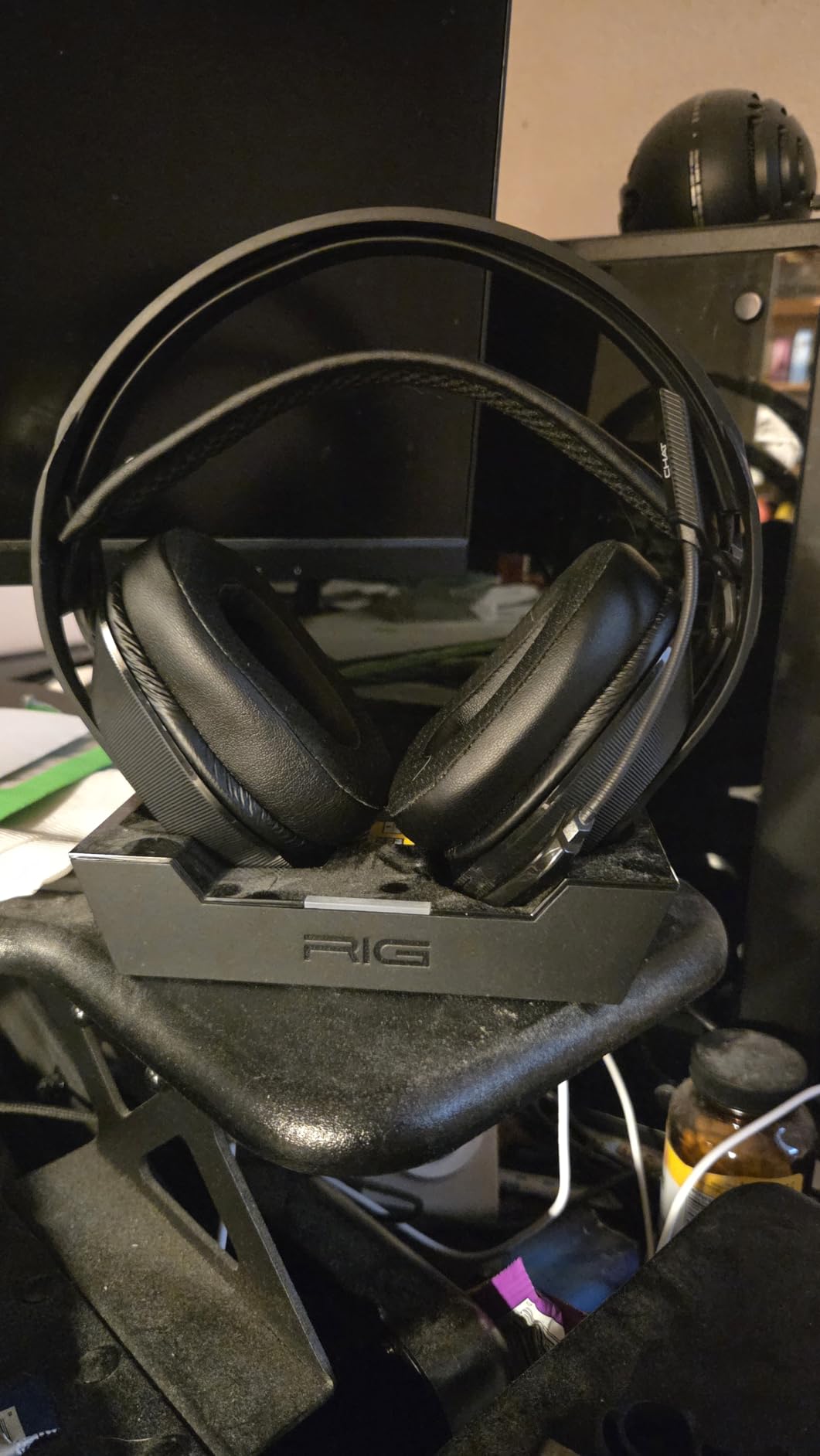
    Wired vs Wireless for Xbox

    Wired headsets connect through your Xbox controller’s 3.5mm jack and never need charging. They offer zero latency and are typically cheaper. The trade-off is the cable, which can get in the way during intense gaming. Wireless headsets use 2.4GHz connections for lag-free audio and give you freedom of movement. You do need to charge them, but modern models like the Turtle Beach Stealth 600 offer 80-hour battery life. For most Xbox gamers, wireless is worth the extra cost.

    Sound Quality and Spatial Audio

    Spatial audio technologies like Dolby Atmos, Windows Sonic, and DTS Headphone:X create a 3D sound environment. This helps you locate enemies by sound and adds immersion to single-player games. The desktop DAC and amplifier systems guide dives deeper into audio quality, but for gaming headsets, look for models with spatial audio support. Driver size matters too, with 50mm and 53mm drivers generally producing richer sound than 40mm alternatives.

    Comfort for Long Sessions

    If you game for more than two hours at a time, comfort becomes critical. Look for memory foam ear cushions, lightweight designs, and adjustable headbands. The HyperX Cloud III and SteelSeries Nova 7X are standout comfort performers. Leatherette cushions provide better noise isolation but can trap heat. Fabric cushions like HyperX’s memory foam with leatherette edges offer a good balance of comfort and isolation.

    Microphone Quality

    Good microphone quality matters for team communication in multiplayer games. Look for noise-cancelling microphones with cardioid patterns that focus on your voice. Features like flip-to-mute, auto-mute, and AI noise reduction improve the experience. The SteelSeries Nova Pro Wireless and Turtle Beach Stealth 600 have the best mics on this list. Budget headsets like the Razer BlackShark V2 X still offer decent mic quality for casual chat.

    Battery Life for Wireless Models

    If you choose a wireless headset, battery life determines how often you need to charge. The Turtle Beach Stealth 600 leads with 80 hours, followed by the RIG 800 PRO HX at 60 hours and the SteelSeries Nova 7X at 50 hours. The official Xbox Wireless Headset offers 20 hours, which is adequate for most users. The SteelSeries Nova Pro Wireless solves battery anxiety entirely with its hot-swappable battery system.

    Budget Considerations

    Xbox headsets range from under $30 to over $250. The Razer BlackShark V2 X at under $30 delivers incredible value for budget gamers. The $60 to $110 range is where you find the best value-to-performance ratio, with options like the HyperX Cloud III and Turtle Beach Stealth 500. Spending over $150 gets you premium features like active noise cancellation, swappable batteries, and advanced software customization. Set your budget first, then find the best option within that range from our list.

    FAQs

    What is the best Xbox headset in 2026?

    The best Xbox headset in 2026 is the SteelSeries Arctis Nova Pro Wireless for its premium sound quality, active noise cancellation, and swappable battery system. For best value, the Turtle Beach Stealth 600 Gen 3 offers 80-hour battery life and great audio at a mid-range price.

    What is the best wireless headset for Xbox Series X?

    The best wireless headset for Xbox Series X is the SteelSeries Arctis Nova Pro Wireless, offering premium Hi-Fi drivers, active noise cancellation, and an Infinity Power System with swappable batteries. For a budget-friendly wireless option, the Turtle Beach Stealth 500 provides 40-hour battery life and easy Xbox setup under $70.

    What headsets work with Xbox?

    Xbox uses a proprietary wireless protocol, so not all wireless headsets work with Xbox consoles. Look for headsets specifically labeled as Xbox compatible, headsets with Xbox-specific USB dongles, or any wired headset that connects via 3.5mm through the Xbox controller. The official Xbox Wireless Headset, Turtle Beach Stealth series, SteelSeries Arctis Nova series, and RIG 800 PRO HX are all confirmed Xbox compatible.

    How much should I spend on a gaming headset for Xbox?

    A good Xbox gaming headset costs between $60 and $120 for the best value-to-performance ratio. Budget options like the Razer BlackShark V2 X at under $30 deliver solid basics, while premium headsets like the SteelSeries Arctis Nova Pro Wireless at $250 offer advanced features like active noise cancellation and swappable batteries. Most Xbox players will be happy spending around $100 for a quality wireless headset.

    Does the Xbox Wireless Headset have good mic quality?

    Yes, the Xbox Wireless Headset has good microphone quality for gaming chat. It features an auto-mute function that mutes the mic when flipped up, and voice clarity is clear enough for party chat and team communication. While it will not replace a dedicated streaming microphone, it performs well for its price point and is consistently praised by users on forums.

    Final Thoughts on the Best Xbox Headsets

    After testing all 10 of these headsets, our team is confident recommending the SteelSeries Arctis Nova Pro Wireless as the best overall Xbox headset for serious gamers. The Turtle Beach Stealth 600 Gen 3 delivers the best wireless value with its unmatched 80-hour battery life. And for budget-conscious players, the Razer BlackShark V2 X proves you can get great gaming audio for under $30.

    The best Xbox headsets in 2026 cover every budget and gaming style. Whether you need premium features like active noise cancellation, want the simplicity of the official Xbox Wireless Headset, or just need something affordable that sounds good, there is a perfect option on this list for you.