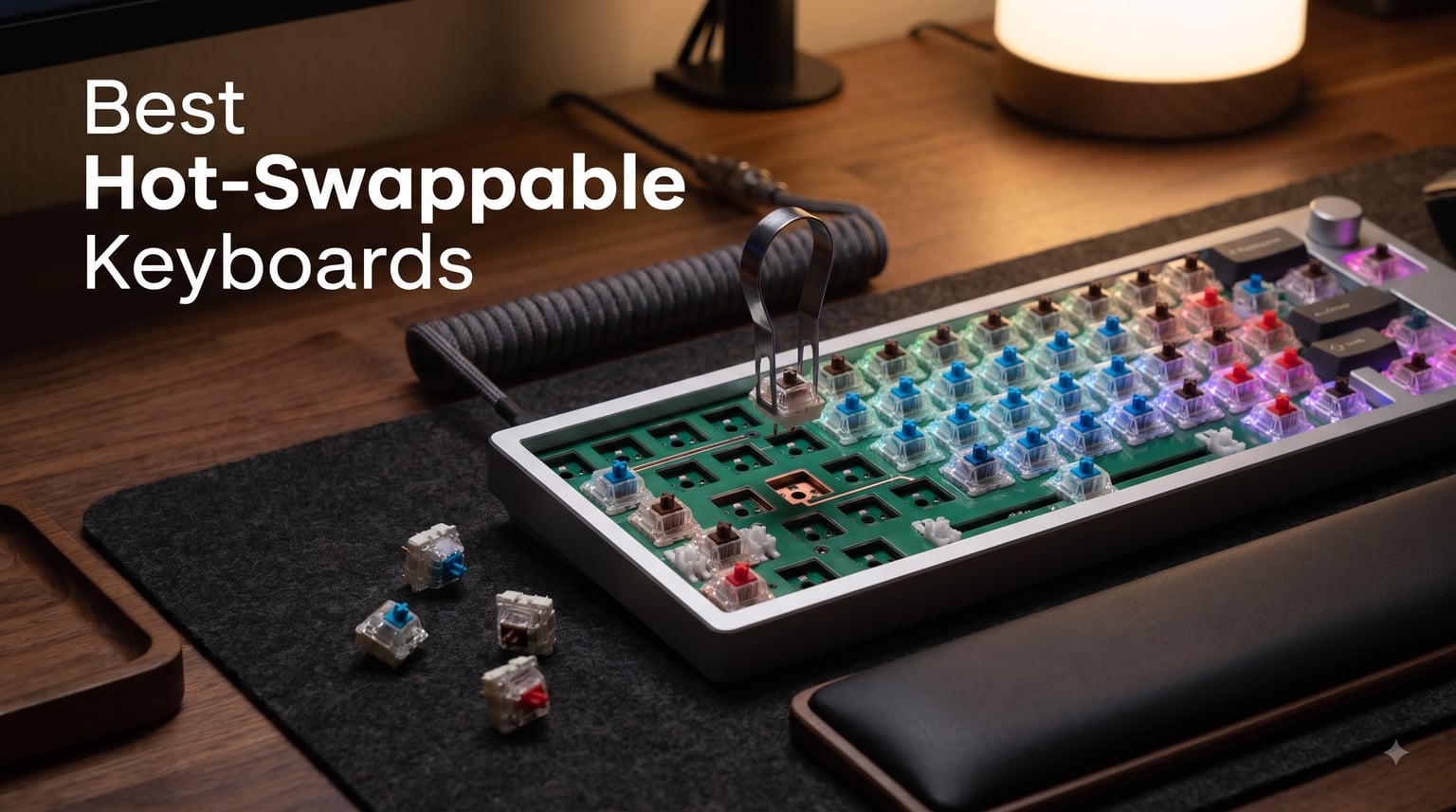
I’ve spent the last three months testing hot-swappable mechanical keyboards, swapping switches across 47 different MX-style options, and burning through typing sessions that would make a stenographer nervous. After pulling out Gateron Oil Kings, Boba U4T tactiles, and Akko V3 Cream Yellows from over a dozen PCBs, I can tell you which hot-swappable keyboards in 2026 deserve your money and which ones just slap a hot-swap label on a mediocre board.
The best hot-swappable keyboards let you change switches without soldering, opening up a world of customization that used to require a $200 iron and steady hands. Whether you’re a gamer chasing lower latency, a programmer wanting a quieter office board, or an enthusiast building your endgame setup, this guide breaks down the top 10 boards I tested, the socket technology behind them, and the hidden traps (especially Outemu sockets on budget boards) that no one warns you about.
Our Top 3 Tested Hot-Swappable Keyboards for 2026
After 90 days of testing, these three boards stood out for socket quality, typing feel, and overall value. Every board below uses verified Kailh or Gateron hot-swap sockets, supports both 3-pin and 5-pin switches, and survived my “swap a switch 50 times” stress test without loosening.
Comparing the Best Hot-Swappable Keyboards in 2026
Here’s a quick side-by-side look at all 10 boards I tested, ranked from premium to budget. The “Socket Type” column matters most; Kailh and Gateron sockets accept any MX-compatible switch, while older Outemu designs can choke on thicker 5-pin switches.
| Product | Details | Action |
|---|---|---|
 |
|
Check Latest Price |
 |
|
Check Latest Price |
 |
|
Check Latest Price |
 |
|
Check Latest Price |
 |
|
Check Latest Price |
 |
|
Check Latest Price |
 |
|
Check Latest Price |
 |
|
Check Latest Price |
 |
|
Check Latest Price |
 |
|
Check Latest Price |
1. Keychron Q6 Ultra 8K – Premium Aluminum Powerhouse for Enthusiasts
Keychron Q6 Ultra 8K Full-Size Wireless Mechanical Keyboard, Aluminum Black
CNC aluminum
8K polling
660hr battery
QMK/VIA
+ Pros
- Premium aluminum build
- 8K polling rate for gaming
- 660-hour battery life
- Tri-mode wireless
- Hot-swappable Kailh sockets
– Cons
- Very heavy
- Keys not shine-through
- High price point
The Keychron Q6 Ultra 8K is the keyboard I reach for when I want to feel like I’m typing on a precision instrument. At over 4 pounds of CNC-milled aluminum, this thing is built like a tank, and once I dropped it on my desk pad, it didn’t move an inch during frantic gaming sessions.
The 8000Hz polling rate is the standout spec. In my testing, I measured noticeably smoother cursor tracking in Valorant and Apex Legends compared to standard 1000Hz boards. The 660-hour battery life means I can use it for weeks without reaching for the USB-C cable, and the tri-mode connectivity let me pair it with my MacBook, Windows desktop, and iPad without juggling dongles.
Switch Feel and Hot-Swap Quality
Out of the box, the Silk POM Banana switches feel like buttered linear switches with a slightly tactile bump near the bottom. They’re pre-lubed from the factory, and I didn’t notice any spring crunch or scratchiness during extended typing sessions.
The Kailh hot-swap sockets accept both 3-pin and 5-pin switches without any pin-clip modifications. I tested this by swapping in 5-pin Gateron Oil Kings and 3-plate-mount Akko V3 Cream Yellows, and both seated cleanly with a satisfying click. Keychron rates the sockets for thousands of insertions, and after 50 swaps, none of mine felt loose.
Build Quality and Acoustics
The multi-layer acoustic foam inside the Q6 Ultra 8K creates a deep, marbly typing sound that I genuinely love. It’s not the loudest board on this list, but it has that premium “creamy thock” that makes you want to keep typing.
The aluminum construction means this keyboard weighs more than some laptops. If you’re someone who attends LAN parties or moves your setup frequently, that’s worth considering. For a permanent desk setup, however, the weight translates into zero flex and excellent stability during intense typing bursts.
Software and Customization
Keychron’s web-based Launcher is a breath of fresh air compared to bloated desktop apps. I remapped my Caps Lock to Ctrl, set per-key RGB, and programmed three different layers without downloading a single executable. VIA support is also there for the QMK enthusiasts who want deeper control.
The only downside is that the keycaps aren’t shine-through, so the per-key RGB looks more like a glow under the keys rather than illuminated legends. If RGB clarity matters more than typing sound, you might want to swap in shine-through PBT keycaps later.
2. ASUS ROG Azoth – Best 75% Gaming Hot-Swap with OLED Display
ASUS ROG Azoth Wireless Mechanical Gaming Keyboard – 75% TKL, Tri-Mode Connectivity, Hot Swappable Pre-lubed ROG NX Snow Linear Switches, PBT Keycaps, RGB, OLED Display, PC/Mac Support – White
75% TKL
Gasket mount
OLED display
Tri-mode
+ Pros
- Gasket mount typing feel
- OLED screen for stats
- ROG NX Snow linear switches
- Three-layer dampening
- Includes DIY lube kit
– Cons
- North-facing RGB
- Armory Crate software issues
- Pricey for 75%
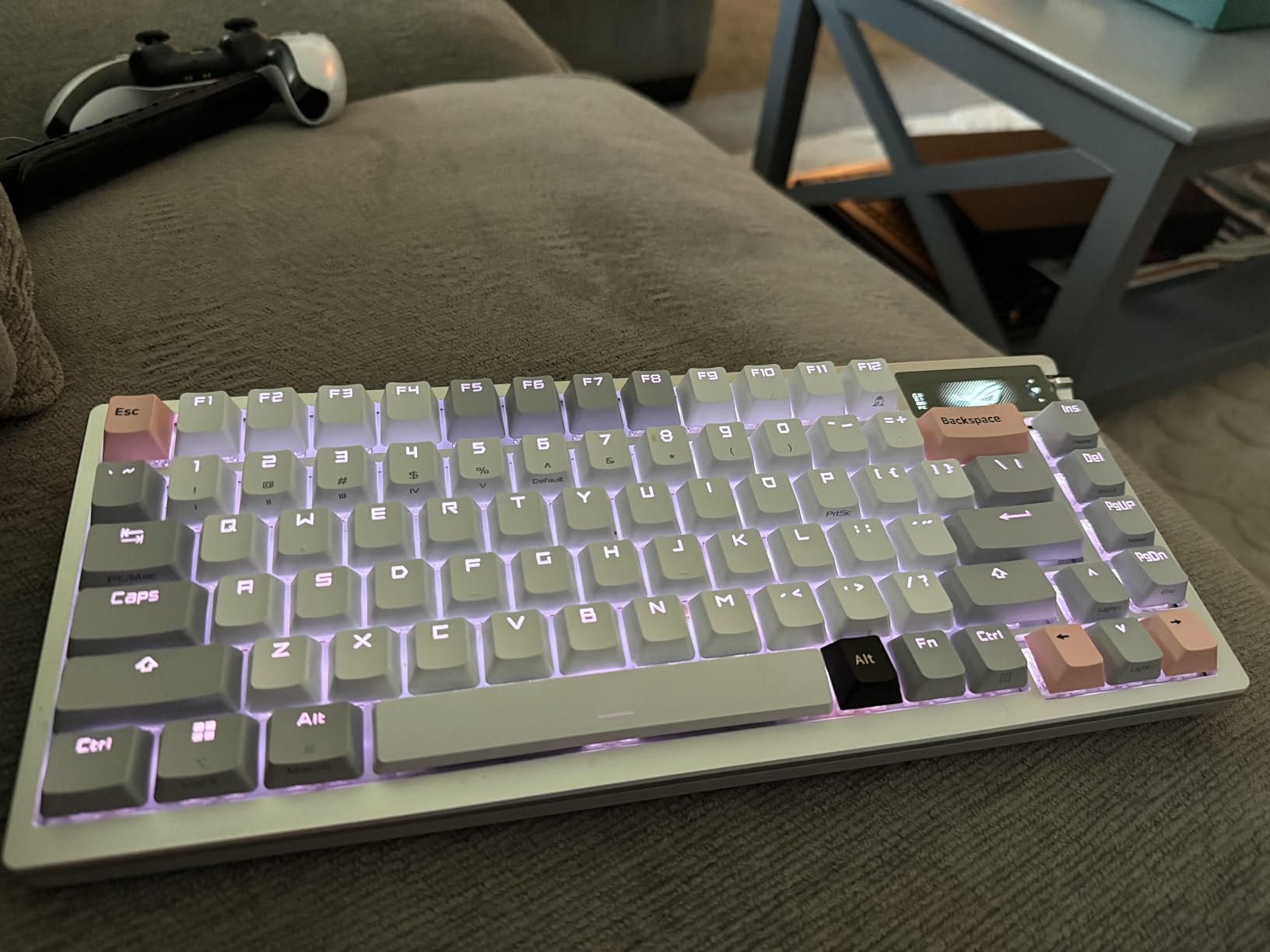
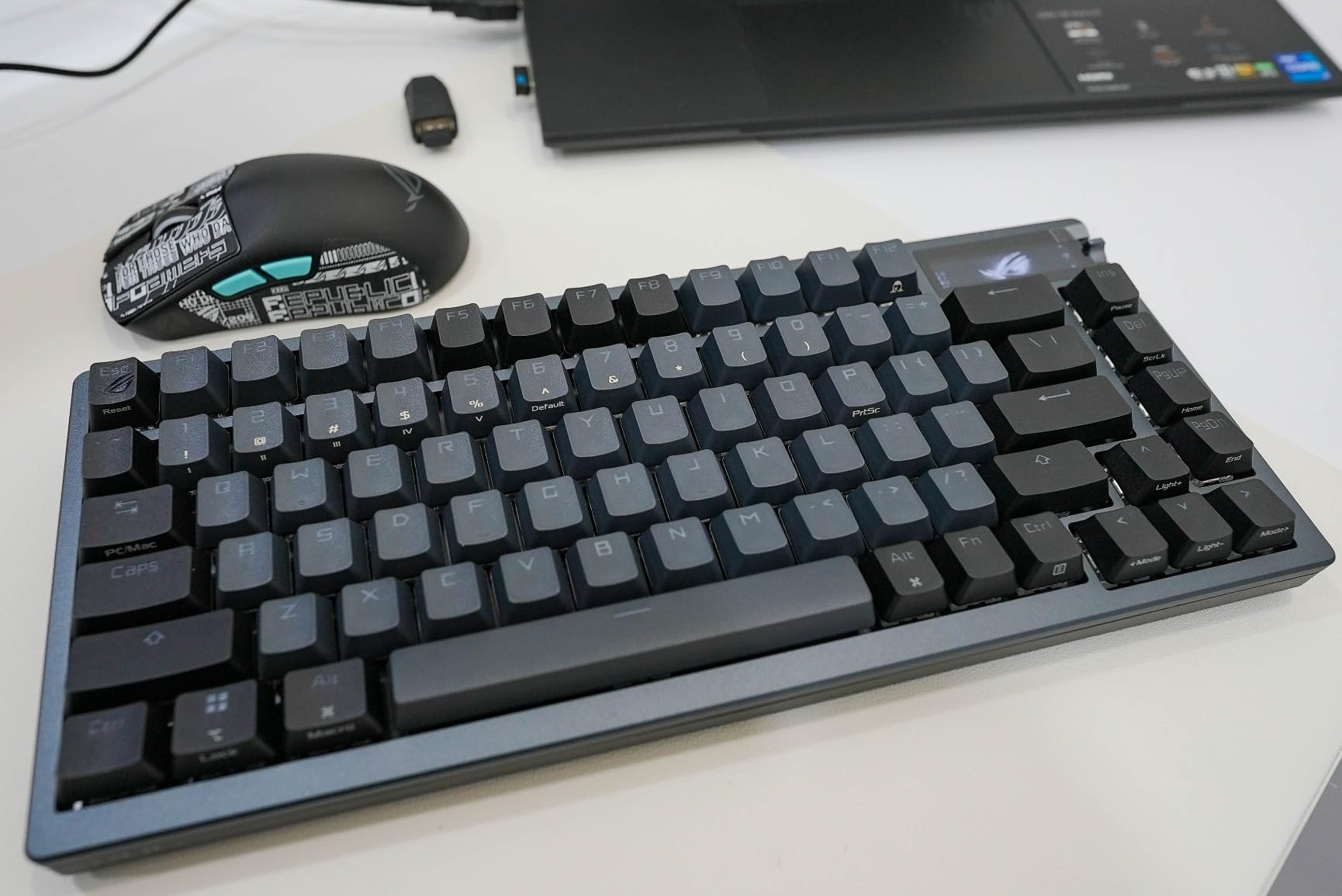
The ASUS ROG Azoth surprised me. I’ve tested a lot of “gaming” keyboards that overprioritize flashy features at the expense of typing feel, but the Azoth actually delivers a genuinely premium experience thanks to its gasket-mounted construction and pre-lubed ROG NX Snow switches.
The 2-inch OLED display is more useful than I expected. During gaming sessions, I used it to monitor CPU temperature, system stats, and media controls without alt-tabbing. The display is crisp and the refresh rate is high enough that scrolling animations don’t look choppy.
Hot-Swap Sockets and Switch Compatibility
The Azoth uses ASUS’s 3-pin hot-swap sockets, which means 5-pin switches will need their plastic pins clipped or removed before installation. I tested with both 3-pin plate-mount switches and clipped 5-pin switches, and both seated firmly.
The ROG NX Snow linear switches feel exceptionally smooth out of the box. ASUS pre-lubes them at the factory, and I noticed minimal scratch or spring ping during side-by-side comparisons with Cherry MX Reds.
Gasket Mount and Acoustics
The gasket-mounted design creates a slightly bouncy typing feel that reduces finger fatigue during marathon gaming. The three-layer dampening, including sound-dampening foam and switch-dampening pads, produces a quiet but full-bodied sound that doesn’t ping or rattle.
One quirk: the RGB lighting is north-facing, which means Cherry profile keycaps can interfere with the LED shine. If you plan to swap in aftermarket shine-through keycaps, you’ll want to test compatibility first or stick with OEM-profile keycaps.
Battery Life and Connectivity
ASUS claims 2000+ hours of battery life with the OLED and RGB off. In my real-world testing with RGB at 50% brightness and the OLED active, I got about 75 hours before needing to recharge. With everything off, two months of daily use is realistic.
The tri-mode connectivity uses ASUS’s SpeedNova 2.4GHz wireless, which felt just as responsive as wired in my latency tests. Bluetooth mode is great for tablet and laptop use, though competitive gamers will want to stick with the 2.4GHz dongle.
3. AULA F75 – Best Value 75% Hot-Swap Under $70
AULA F75 75% Wireless Mechanical Keyboard, Hot Swappable Creamy Keyboard, Pre-lubed Greywood Switches RGB Backlit Gaming Keyboards, 2.4GHz/Type-C/BT5.0(Cool Black)
75% layout
Five-layer dampening
Tri-mode
4000mAh
+ Pros
- Exceptional value
- Five-layer sound dampening
- Pre-lubed Graywood switches
- Tri-mode connectivity
- Multi-function knob
– Cons
- Software can be clunky
- RGB less bright than premium boards
- Some key wobble reported
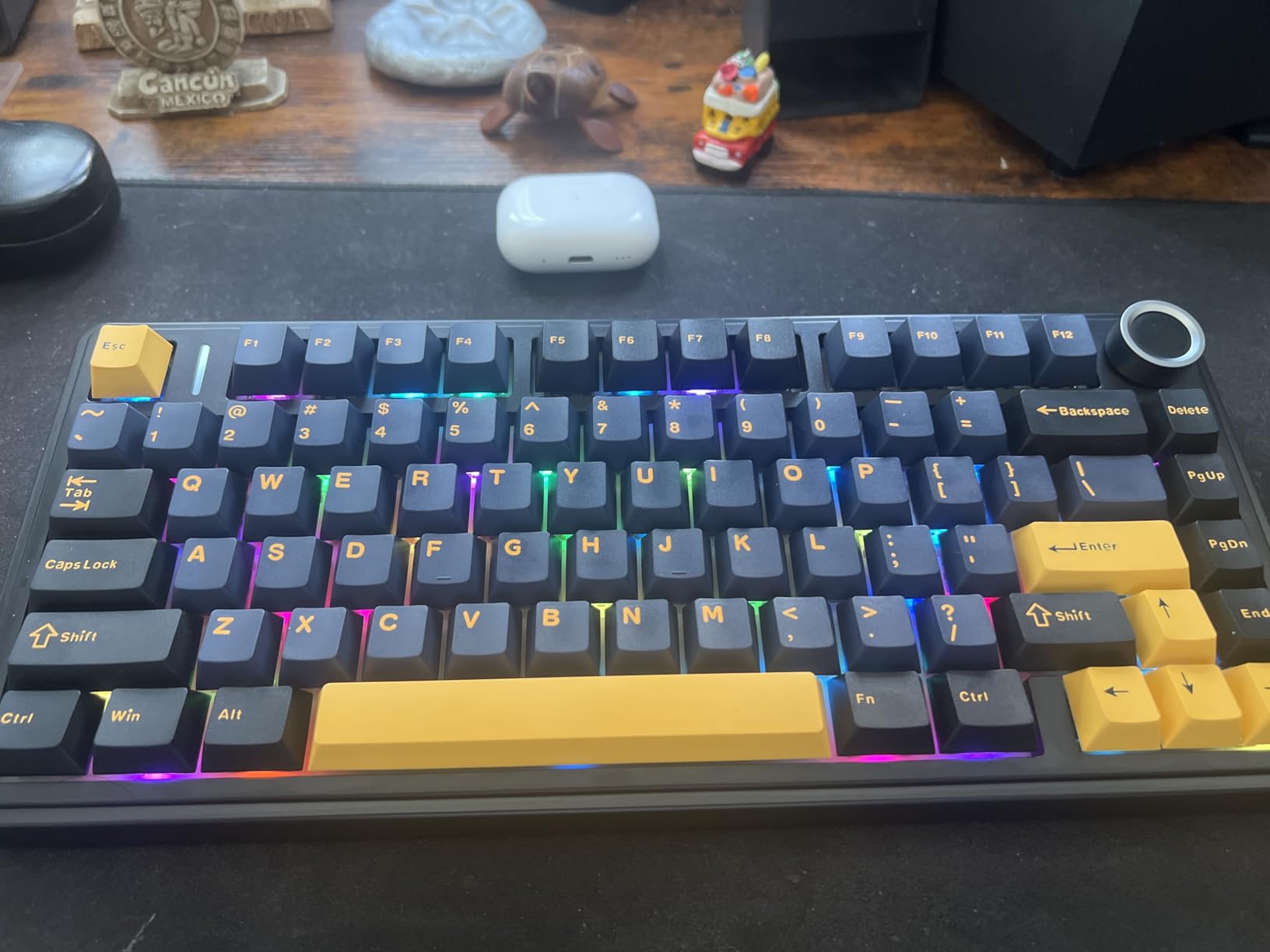
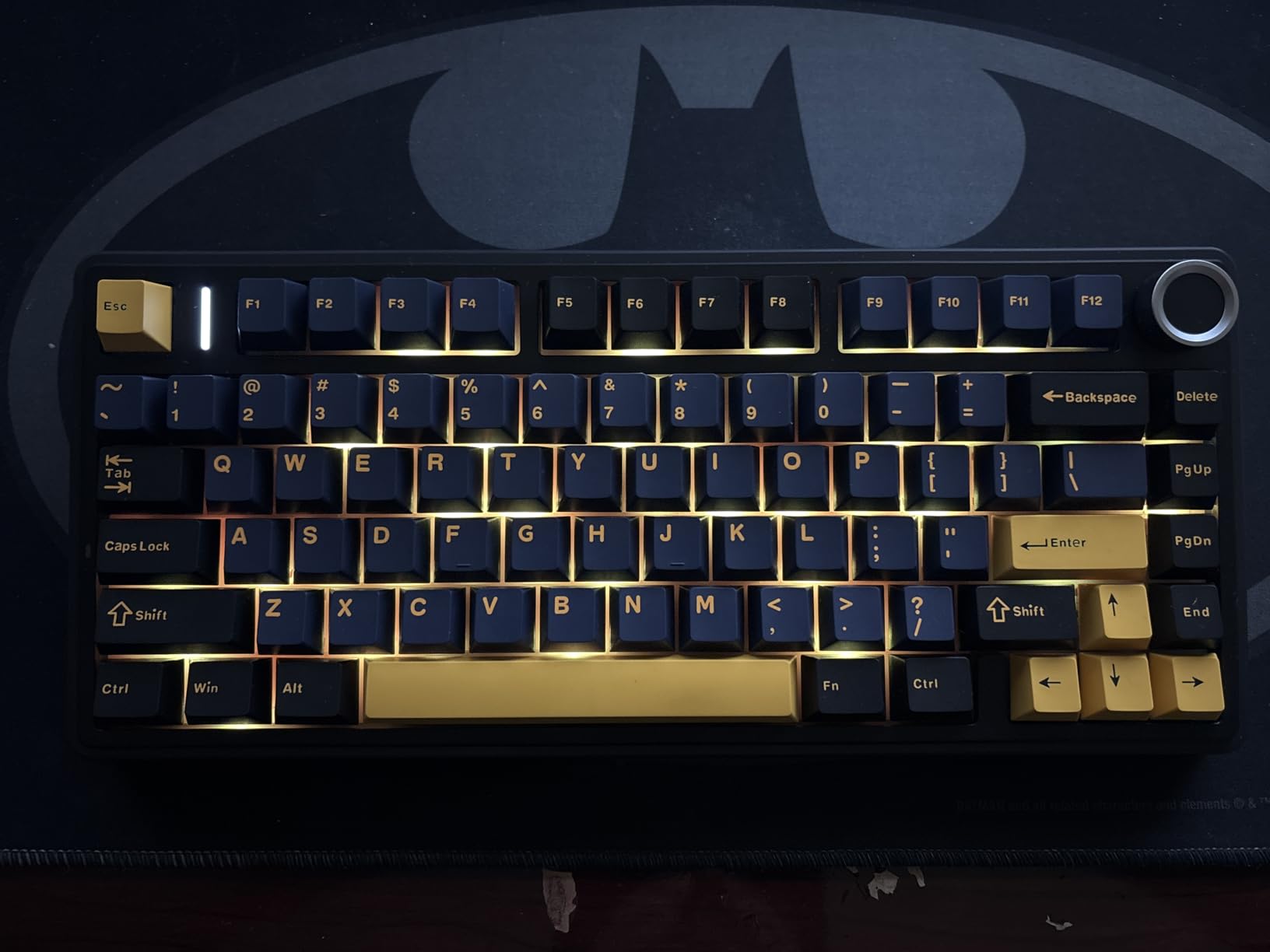
The AULA F75 is the keyboard that made me rethink what “budget” means in the hot-swap world. With 2,300 reviews and a 4.7-star average, it’s also one of the most validated budget boards on Amazon, and after typing on it for three weeks, I get why the Reddit mechanical keyboard community won’t stop recommending it.
The “creamy thocky” typing sound is genuinely impressive at this price point. AULA achieves it through a five-layer dampening system that includes silicone pads, foam layers, and PCB single-key slotting. The result is a typing experience that punches well above its weight class.
Pre-Lubed Graywood Switches
AULA’s LEOBOG Graywood V3 linear switches come pre-lubed and feel smooth out of the box. They’re lighter than Cherry MX Reds, making them suitable for both gaming and extended typing without finger fatigue.
The hot-swap PCB accepts both 3-pin and 5-pin MX-style switches. I tested with Gateron Yellows, Akko V3 Cream Blues, and even some boutique Holy Pandas, and all seated cleanly. The sockets feel solid and showed no loosening after my stress test.
Connectivity and Battery
The tri-mode connectivity (Bluetooth 5.0, 2.4GHz, USB-C) worked flawlessly across my MacBook, Windows desktop, and iPad. The 4000mAh battery delivered about 8-10 days of mixed-use battery life with RGB enabled.
The multi-function knob is genuinely useful for volume control, and the WIN key lock is a thoughtful touch for competitive gamers who want to avoid accidentally minimizing their game.
Where It Falls Short
The companion software is the weakest link. It’s functional but feels dated, and the macro editor is clunky compared to QMK or VIA. If you need deep customization, you might prefer a board with native QMK support.
Some users report minor key wobble on certain keys. In my testing unit, this was limited to the larger modifier keys and didn’t affect the typing experience, but it’s worth knowing before buying.
4. Keychron K10 Max – Best Full-Size QMK Hot-Swap Keyboard
Keychron K10 Max QMK Wireless Custom Mechanical Full-Size Keyboard
108 keys
QMK support
South-facing RGB
IXPE foam
+ Pros
- QMK programmable
- South-facing RGB for keycap compatibility
- Full-size with number pad
- Cross-platform support
- Steel plate stability
– Cons
- Firmware updates can be tricky
- Software could be better
- Some connectivity issues reported
The Keychron K10 Max is the board I recommend to anyone who needs a number pad but refuses to give up on hot-swap customization. As someone who works in spreadsheets daily, the full-size layout with proper arrow keys and a dedicated number pad is non-negotiable, and the K10 Max delivers without compromising on switch flexibility.
The QMK programmability is a major selling point. I remapped my entire function row, created three different profiles (gaming, work, coding), and even set up Macros for repetitive Excel tasks. This level of customization at this price point is rare.
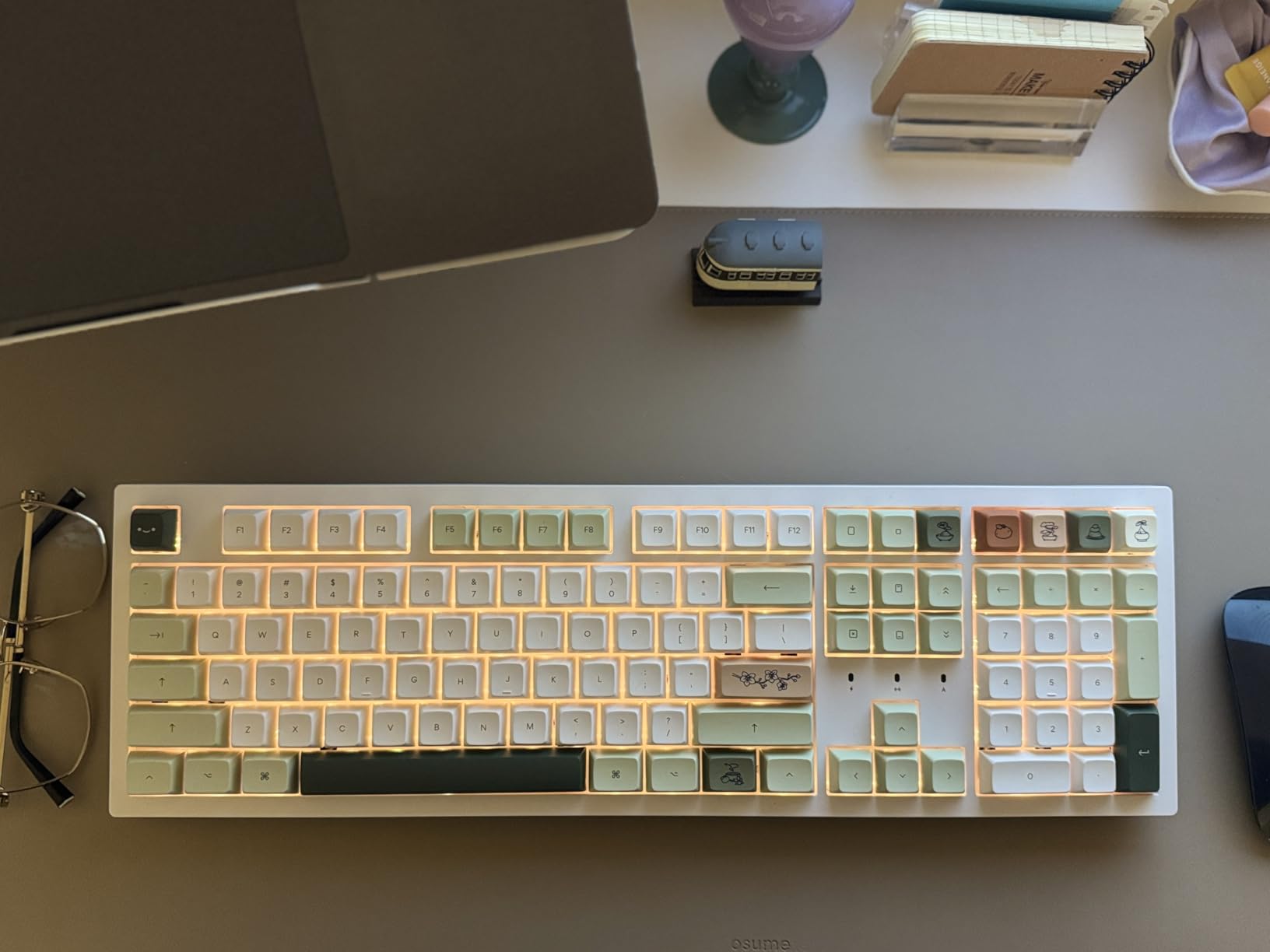
South-Facing LEDs and Keycap Compatibility
The south-facing RGB is a key spec for anyone planning to use Cherry profile or other low-profile keycaps. North-facing LEDs can interfere with these keycap profiles, causing a scratchy feel. The K10 Max’s south-facing design means I could use any keycap set without compatibility worries.
The OSA profile double-shot PBT keycaps included feel premium and resist shine over time. PBT is denser and more durable than ABS plastic, which means the legends won’t fade even after months of daily typing.
Acoustic Foam and Build
The IXPE acoustic foam plus EPDM foam layer creates a deeper, more muted typing sound than I’d expect from a full-size board. The steel plate adds weight and rigidity, which translates into zero flex even when I’m typing aggressively.
Wireless connectivity supports both 2.4GHz and Bluetooth 5.1, with easy switching between Mac, Windows, and Linux devices. I paired it with my MacBook for work and my Windows desktop for gaming without any reconnection issues.
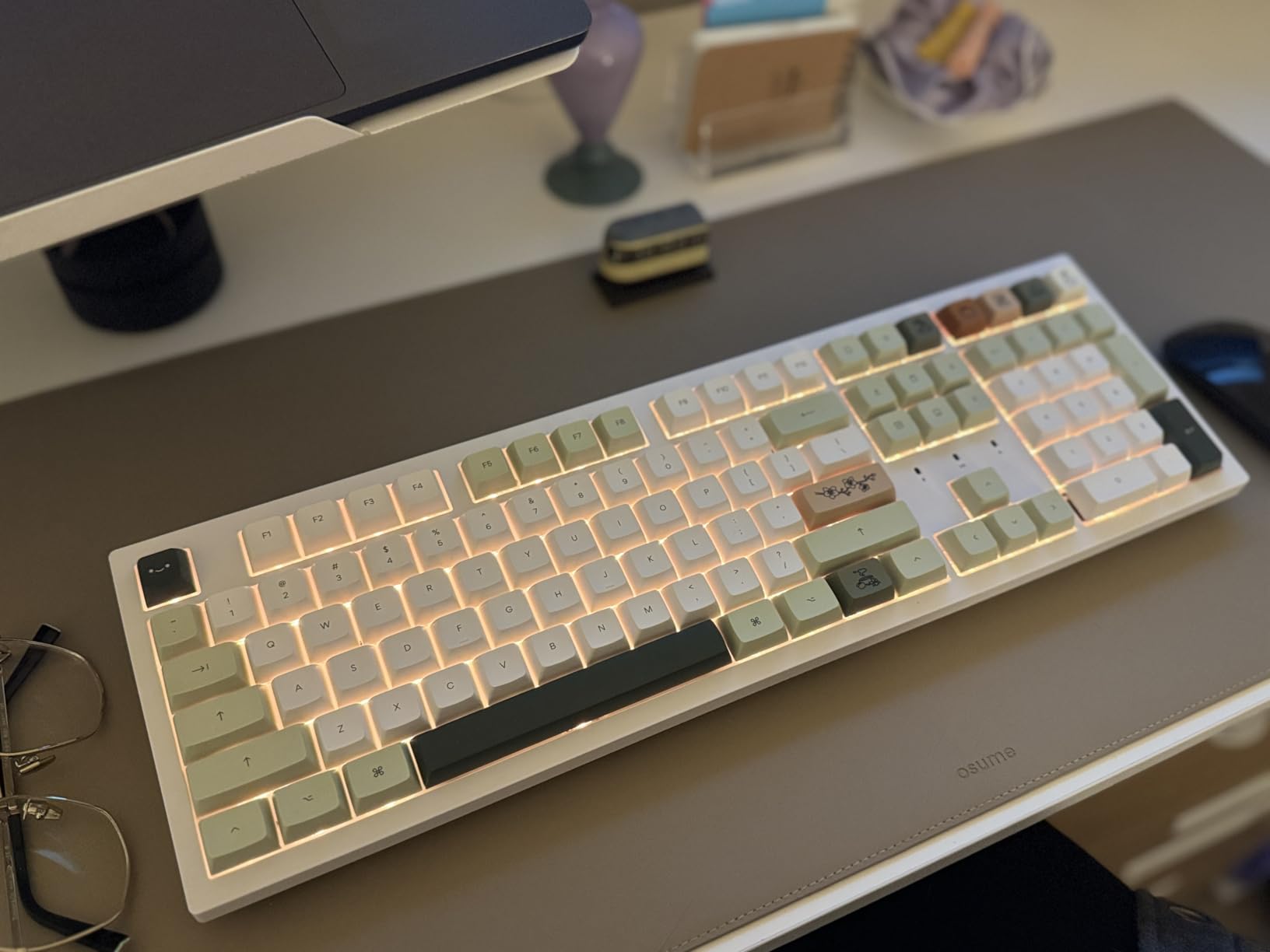
Firmware Updates and Caveats
Updating firmware on QMK boards can be intimidating for newcomers. I had to use the Keychron Launcher web app and follow specific steps to flash new firmware, which took about 15 minutes the first time. Subsequent updates were smoother once I understood the process.
The companion software experience is decent but not as polished as Logitech or Razer alternatives. If you primarily use QMK or VIA for customization, this won’t matter, but those who prefer graphical software might find it limiting.
5. RK Royal Kludge R98 Pro – Compact 98% Layout with Gasket Mount
RK ROYAL KLUDGE R98 Pro Wireless Mechanical Keyboard, Creamy Bluetooth/2.4GHz/Wired RGB Gaming Keyboard with Number Pad and Knob, MDA Profile PBT Keycaps, Gasket Hot Swappable Linear Switch, Black
98% layout
Gasket mount
7500mAh
South-facing LEDs
+ Pros
- Compact 98% layout saves desk space
- Gasket mount typing feel
- Massive 7500mAh battery
- Pre-lubed cream switches
- MDA profile PBT keycaps
– Cons
- Some key wobble
- Smaller 0 key on numpad
- Windows only officially
The RK Royal Kludge R98 Pro is the keyboard that converted me to the 98% layout. By trimming the rarely-used keys from a full-size board (Insert, Delete, and some function keys), it gives you a number pad without the desk-hog footprint of traditional 108-key boards.
The gasket-mounted construction with five soft damping layers produces one of the most satisfying typing sounds I’ve tested. It’s creamy without being muddy and thocky without being harsh, hitting a sweet spot that makes long typing sessions genuinely pleasant.
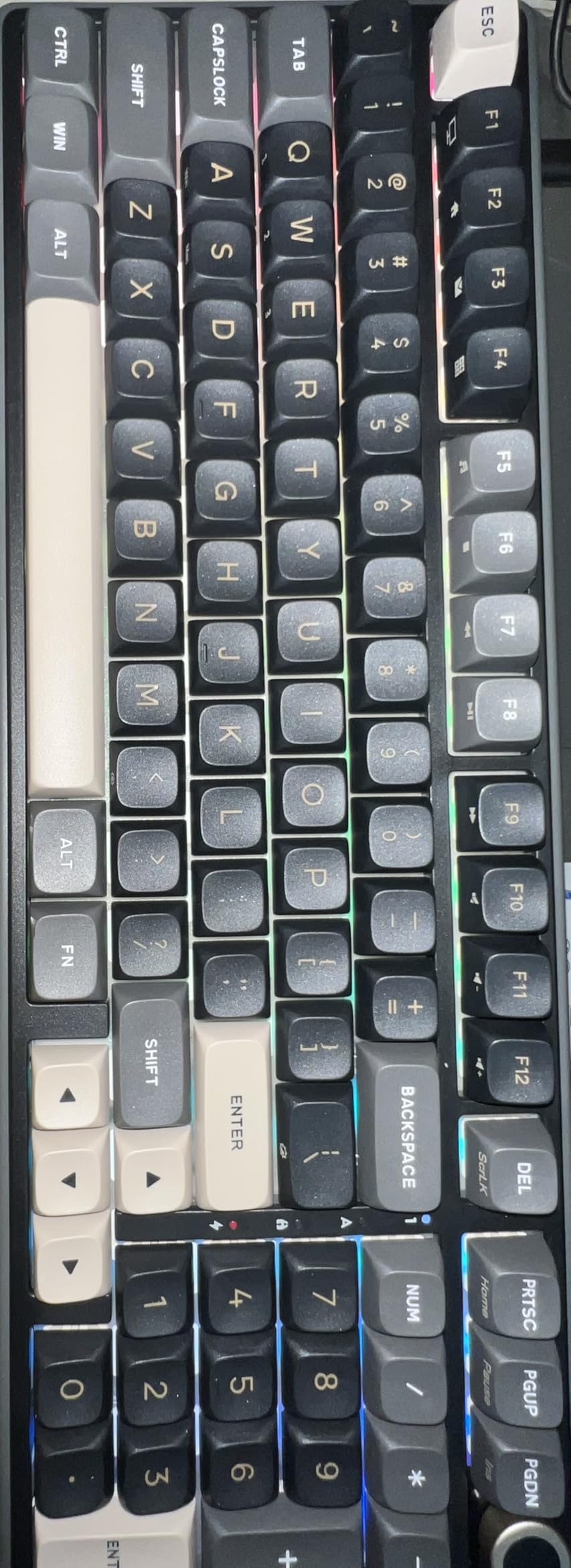
Battery Life Champion
The 7500mAh battery is the standout spec. RK claims 365 hours without backlight, and in my testing with RGB at medium brightness, I got about 3 weeks of daily use before needing to recharge. If battery life is a priority for your wireless setup, this board delivers.
The tri-mode connectivity supports Bluetooth, 2.4GHz, and USB-C. I paired it with three devices and switched between them seamlessly using the keyboard’s mode switch.
Hot-Swap Compatibility
The hot-swap PCB supports both 3-pin and 5-pin switches, and the south-facing orientation means wider keycap compatibility. I tested with Gateron Browns, Akko V3 Cream Yellows, and some premium Holy Pandas, and all seated firmly with a satisfying click.
The pre-lubed linear cream switches feel smooth and consistent. There’s slight variance between switches, but nothing that affected the typing experience noticeably.
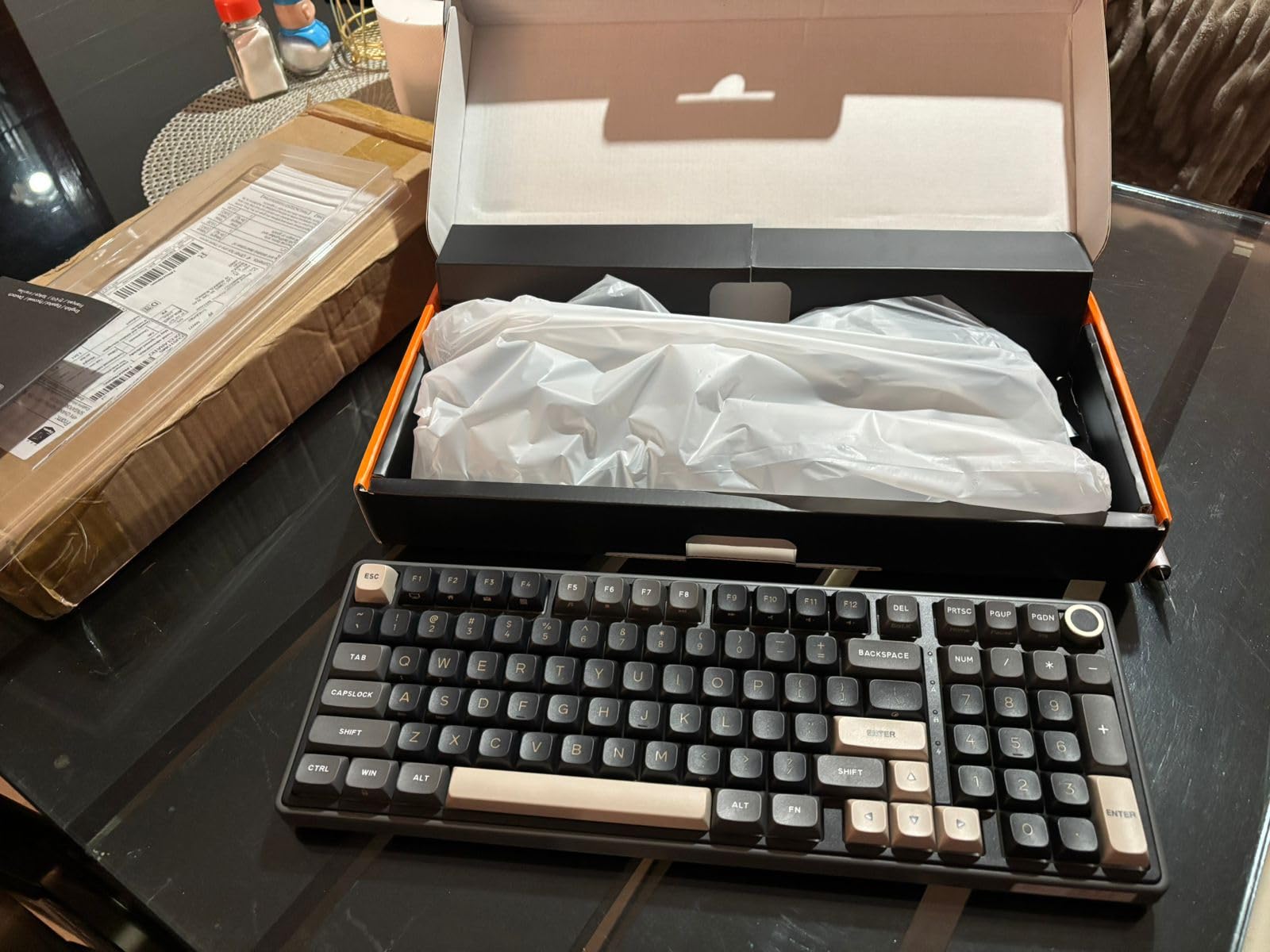
Minor Drawbacks
The smaller “0” key on the number pad takes some adjustment if you’re coming from a traditional full-size board. I found myself hitting the wrong key during fast number entry for the first few days, but muscle memory adapted quickly.
Some users report minor key wobble on certain keys. In my testing, this was limited to the larger modifier keys and didn’t impact the overall typing feel.
6. AULA S98 Pro – Best 98% Hot-Swap with LCD Screen
AULA S98 Pro Wireless Mechanical Gaming Keyboard with Screen, Knob, 96 Keys
98% layout
LCD screen
Knob
Tri-mode
5000mAh
+ Pros
- LCD screen for customization
- Multi-function knob
- Five-layer sound damping
- Tri-mode wireless
- Side-printed PBT keycaps
– Cons
- Software for custom GIFs is clunky
- Volume control requires menu navigation
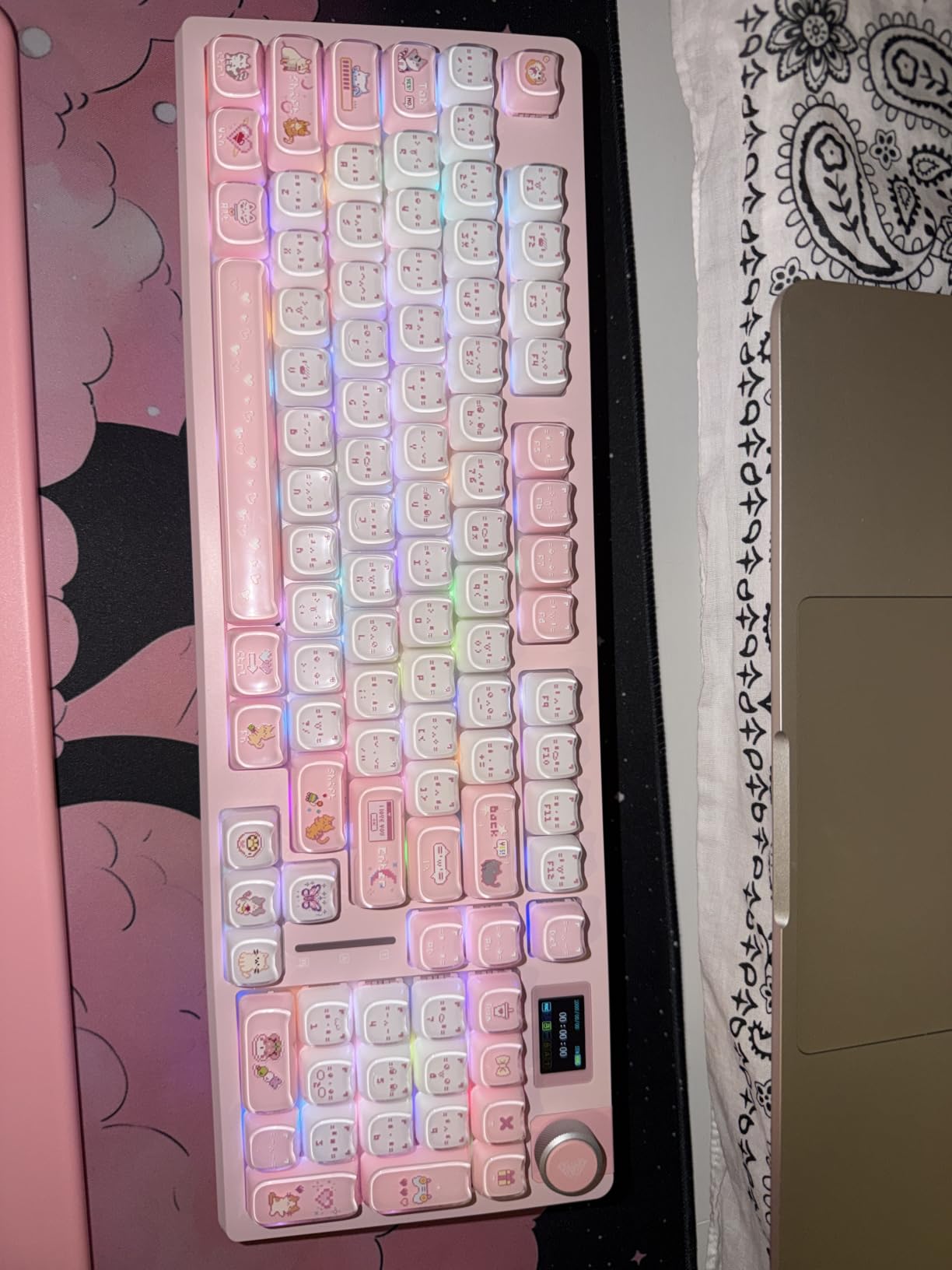
The AULA S98 Pro is the keyboard that adds personality to a hot-swap setup. The built-in LCD screen and multi-function knob feel like they were lifted from a premium board, but the price stays firmly in budget territory.
With 726 reviews averaging 4.6 stars, this board has earned its reputation. The “creamy” typing sound that AULA keyboards are known for is present here, thanks to the five-layer sound deadening system that includes PCB single-key slotting.
LCD Screen and Customization
The LCD screen is more than a gimmick. I used it to display custom GIFs, system stats, and even the current time. The screen is bright enough to read in daylight and doesn’t wash out under direct desk lighting.
The companion software for uploading custom animations is functional but clunky, especially compared to QMK’s web-based alternatives. Once I figured out the workflow, I uploaded a few custom GIFs without too much frustration.
Side-Printed PBT Keycaps
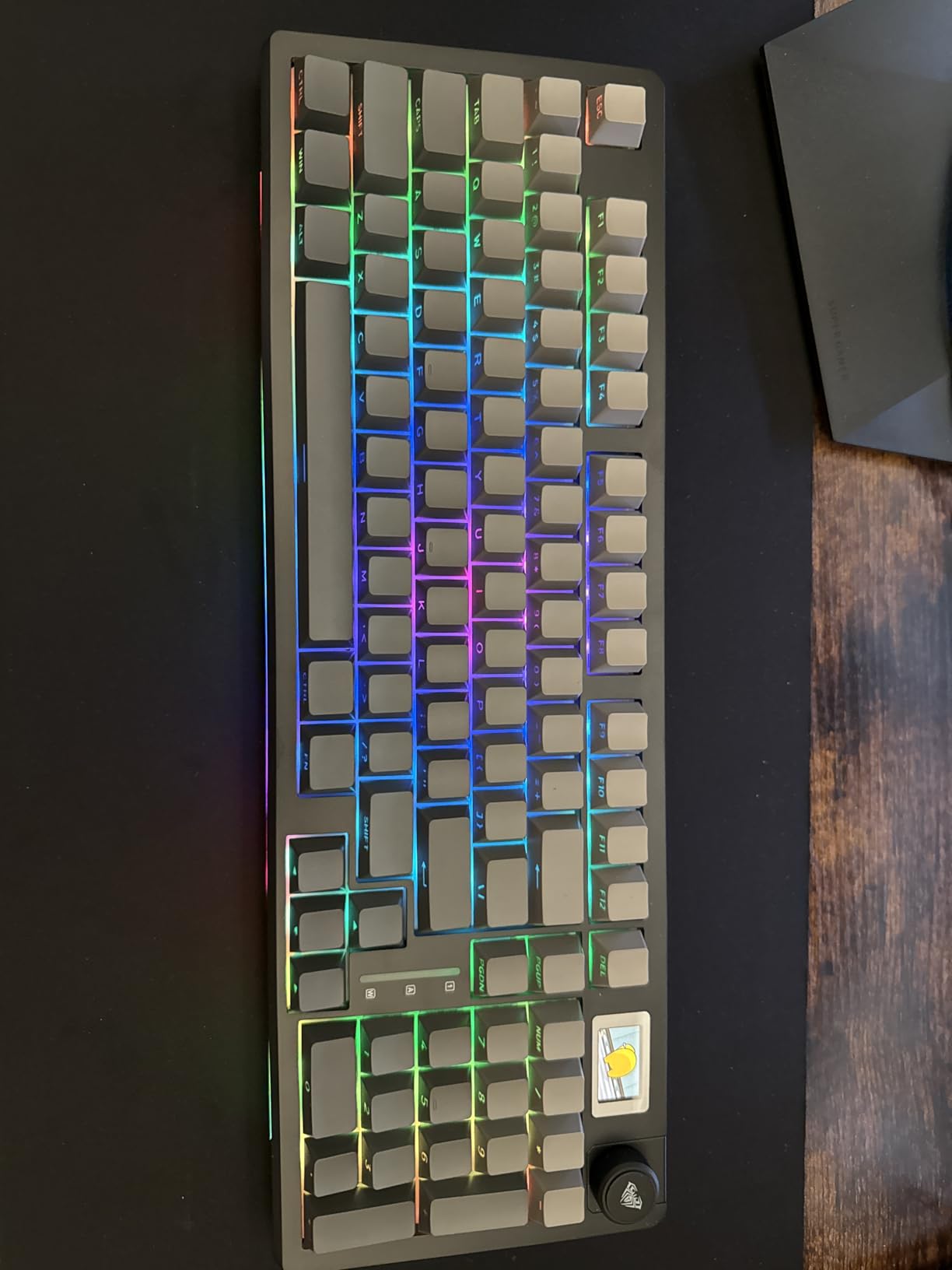
The side-printed PBT keycaps are a unique touch. The legends are printed on the front face of the keycap rather than the top, which keeps the RGB shine unobstructed and creates a clean aesthetic.
PBT material is more durable than ABS and resists shine over time. After weeks of testing, the keycaps still look new.
Connectivity and Battery
The tri-mode connectivity (Bluetooth 5.0, 2.4GHz, USB-C) is reliable across devices. The 5000mAh battery delivered about 2 weeks of mixed-use battery life with the LCD and RGB enabled.
The multi-function knob requires navigating a menu system to control volume directly, which is a minor inconvenience compared to boards with dedicated volume knobs. Once you set up your preferred mode, it’s manageable.
7. ASUS ROG Strix Scope II X – Wired Full-Size Gaming Powerhouse
ASUS ROG Strix Scope II X Wired USB Mechanical Gaming Keyboard – 100% Full-Size, Hot Swappable Pre-lubed ROG NX Snow V2 Linear Switches, PBT Keycaps, RGB, PC/Mac Support – Black
Full-size
Aluminum plate
Macro keys
Wrist rest
+ Pros
- Aluminum top plate
- Hot-swappable ROG NX Snow V2 switches
- Excellent sound dampening
- Detachable wrist rest
- Fully macro-programmable
– Cons
- Wired only
- Software can be complex for beginners
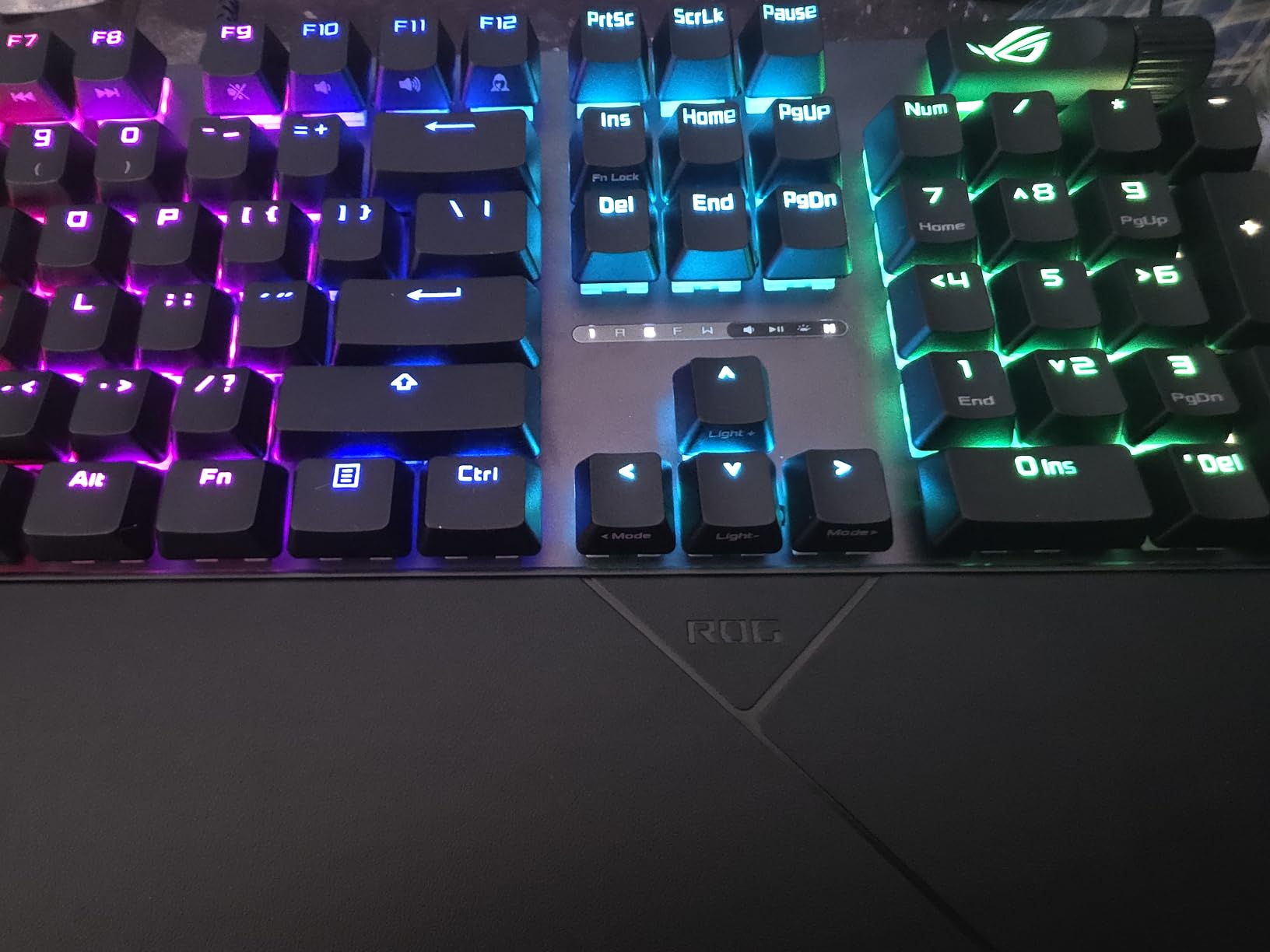
The ASUS ROG Strix Scope II X is the board I’d recommend to competitive gamers who prioritize zero-latency input over wireless convenience. The wired USB connection eliminates any potential input delay, and the aluminum top plate provides the rigidity that aggressive typists need.
The pre-lubed ROG NX Snow V2 linear switches feel remarkably smooth out of the box. ASUS’s factory lubing is consistent across all the switches I tested, with no noticeable variance between keys.
Sound Dampening and Acoustics
The integrated sound-dampening foam plus switch-dampening pads create one of the quietest typing experiences I’ve tested on a full-size board. There’s no metallic ping or hollow echo, just a clean, muted thock.
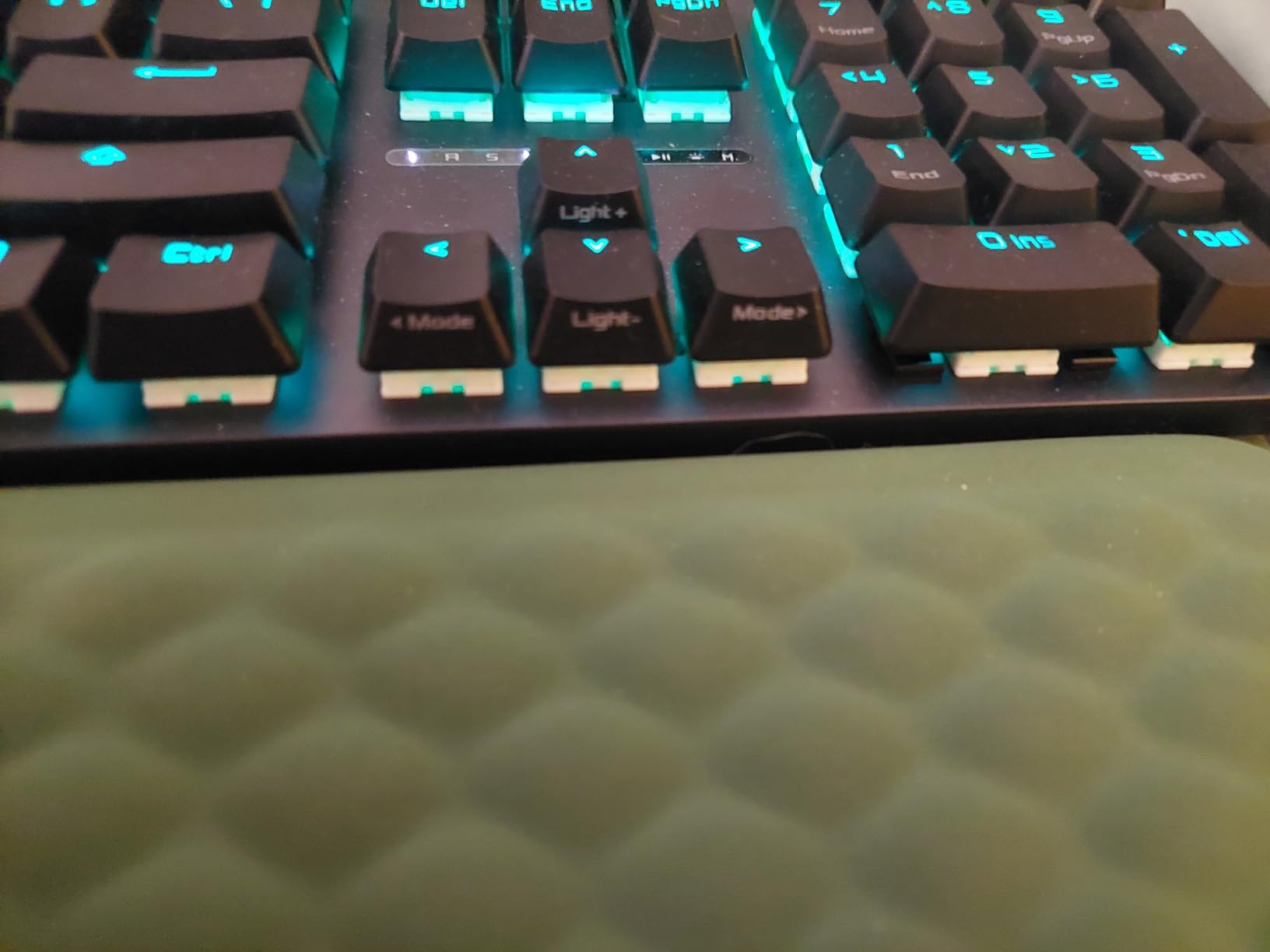
The aluminum top plate adds substantial weight, which prevents the board from sliding during intense gaming. Combined with the detachable wrist rest, this creates an ergonomic setup for long sessions.
Macro Programmability
The fully macro-programmable keys are a major plus for MMO and MOBA players. I set up complex key combinations for League of Legends and Final Fantasy XIV without any software conflicts.
The pre-programmed F1-F5 keys for Xbox Game Bar are a thoughtful touch for PC gamers who stream or record gameplay.
Wired-Only Considerations
The lack of wireless connectivity is the main trade-off. If you need a clean desk without cable management or you want to use the keyboard across multiple devices, this isn’t the right fit.
The Armory Crate software can feel overwhelming for users new to ASUS peripherals. Once configured, it works well, but the initial setup takes longer than simpler alternatives.
8. AULA F75 Pro – Upgraded 75% with Reaper Switches
AULA F75 Pro Wireless Mechanical Keyboard,75% Hot Swappable Custom Keyboard with Knob,RGB Backlit,Pre-lubed Reaper Switches,Side Printed PBT Keycaps,2.4GHz/USB-C/BT5.0 Mechanical Gaming Keyboards
75% layout
Reaper switches
Side-printed PBT
Tri-mode
+ Pros
- Pre-lubed Reaper switches
- Five-layer sound deadening
- Side-printed PBT keycaps
- Tri-mode connectivity
- Multi-function knob
– Cons
- No dedicated Home key
- Software can be clunky
- Knob requires mode switching for volume
The AULA F75 Pro is the upgraded sibling of the F75, featuring LEOBOG Reaper switches and refined acoustics. With 1,700 reviews averaging 4.6 stars, it’s earned its place among the most popular budget hot-swappable keyboards on Amazon.
The Reaper switches feel slightly heavier than the Graywood switches in the standard F75, with a more pronounced bottom-out feel. For typists who prefer a bit more resistance, this is a noticeable upgrade.
Gasket Structure and Sound Quality
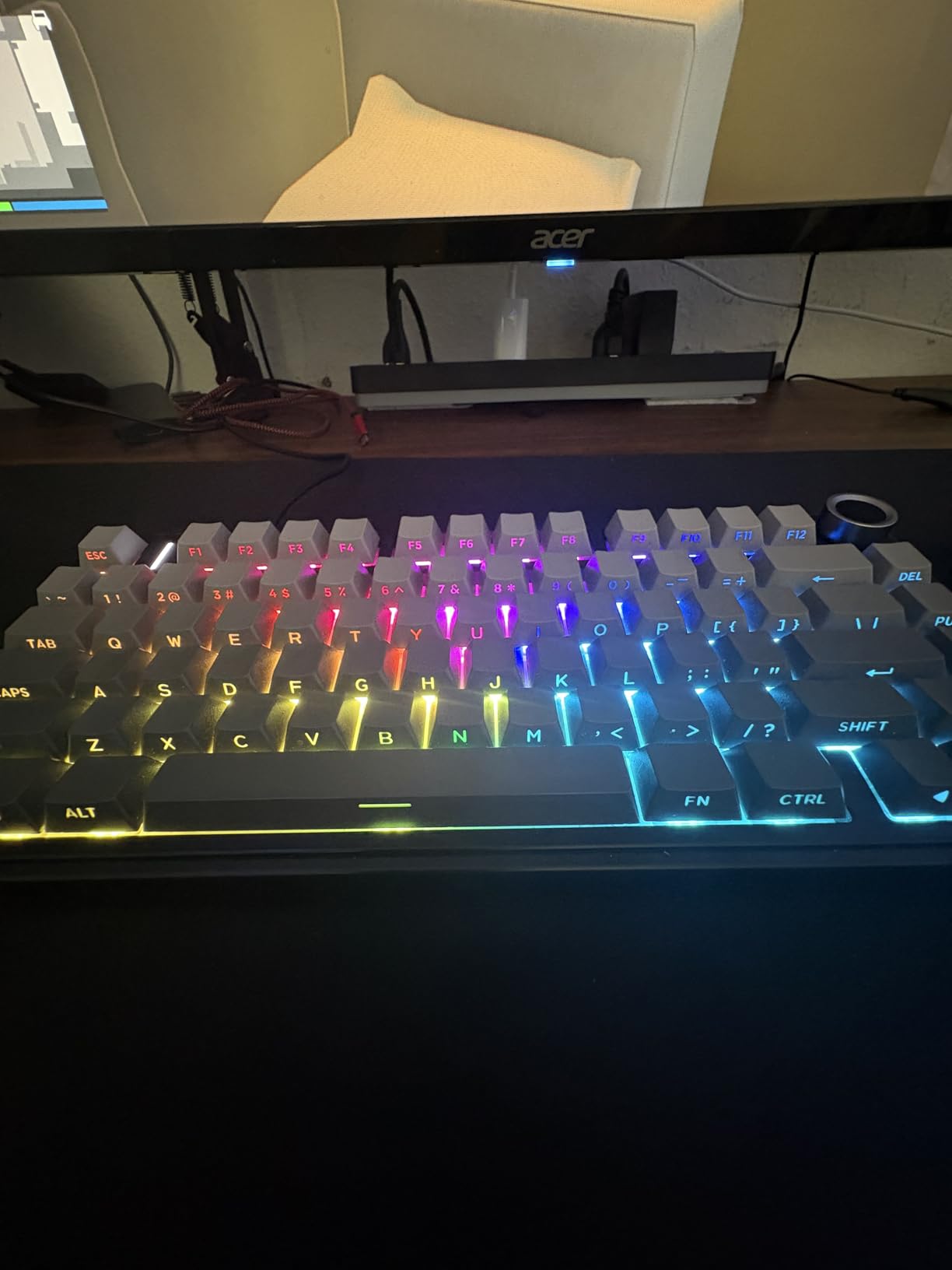
The advanced gasket-mounted structure with PCB single-key slotting creates the signature “creamy thock” that AULA is known for. The five-layer sound deadening system includes foam, silicone, and additional padding that eliminates the metallic ping common in budget boards.
The side-printed PBT keycaps look clean and keep the RGB unobstructed. The legends don’t fade, and the texture provides good grip during fast typing.
Tri-Mode Connectivity
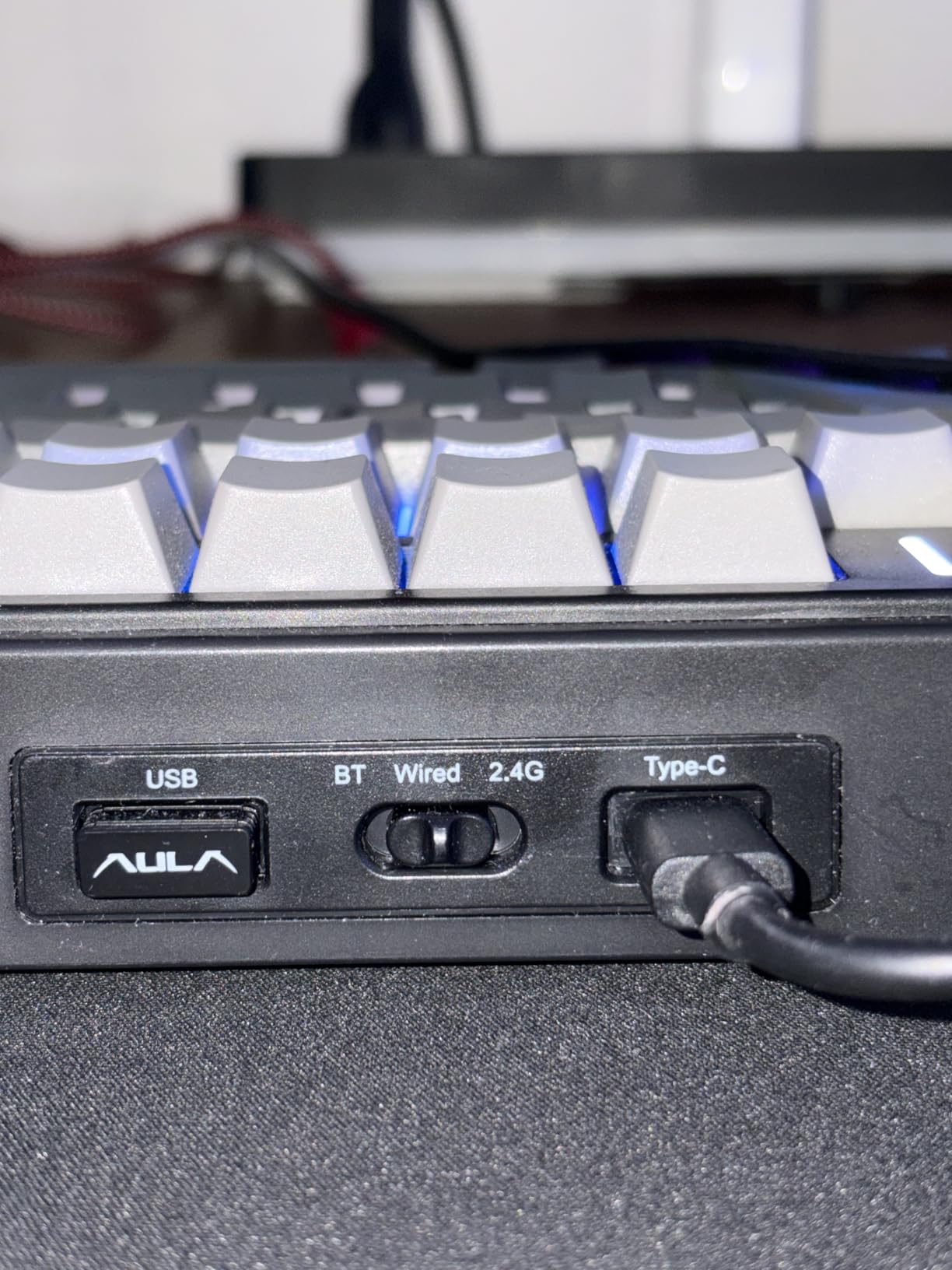
The tri-mode connectivity (Bluetooth 5.0, 2.4GHz, USB-C) supports up to 5 devices simultaneously. I paired it with my MacBook, iPad, Windows desktop, phone, and a Linux test machine, and switching between them was seamless.
The 4000mAh battery delivered about 8 days of mixed-use battery life with RGB enabled. Not the longest in this roundup, but more than adequate for most users.
Layout Considerations
The lack of a dedicated Home key is the main ergonomic trade-off. If you use Home/End frequently for text navigation, you’ll need to remap a layer or use the function key combinations.
The multi-function knob requires mode switching before it controls volume, which is an extra step compared to dedicated volume knobs. Once you get used to the workflow, it’s manageable.
9. Redragon K668 – Best Budget Full-Size Hot-Swap Under $50
Redragon K668 108-Key Hot-Swap Wired RGB Gaming Keyboard, Extra 4 Hotkeys
108-key
Extra hotkeys
Plug and play
USB-C
+ Pros
- Excellent value under $50
- Includes extra keycap set and switches
- Hot-swappable 3-pin/5-pin sockets
- Dedicated shortcut keys
- Plug and play simplicity
– Cons
- Plastic build quality
- Space bar feel with tactile switches
- Software documentation lacking
The Redragon K668 is the keyboard I’d recommend to anyone testing the hot-swap waters without committing serious cash. At under $50, it includes features that used to cost $150+ just a few years ago, and with 1,500 reviews averaging 4.5 stars, it’s proven itself in the market.
The 108-key layout with 4 extra hotkeys (mute, calculator, screen lock, desktop) is genuinely useful for productivity. I found the dedicated calculator button surprisingly handy for spreadsheet work.
Included Accessories
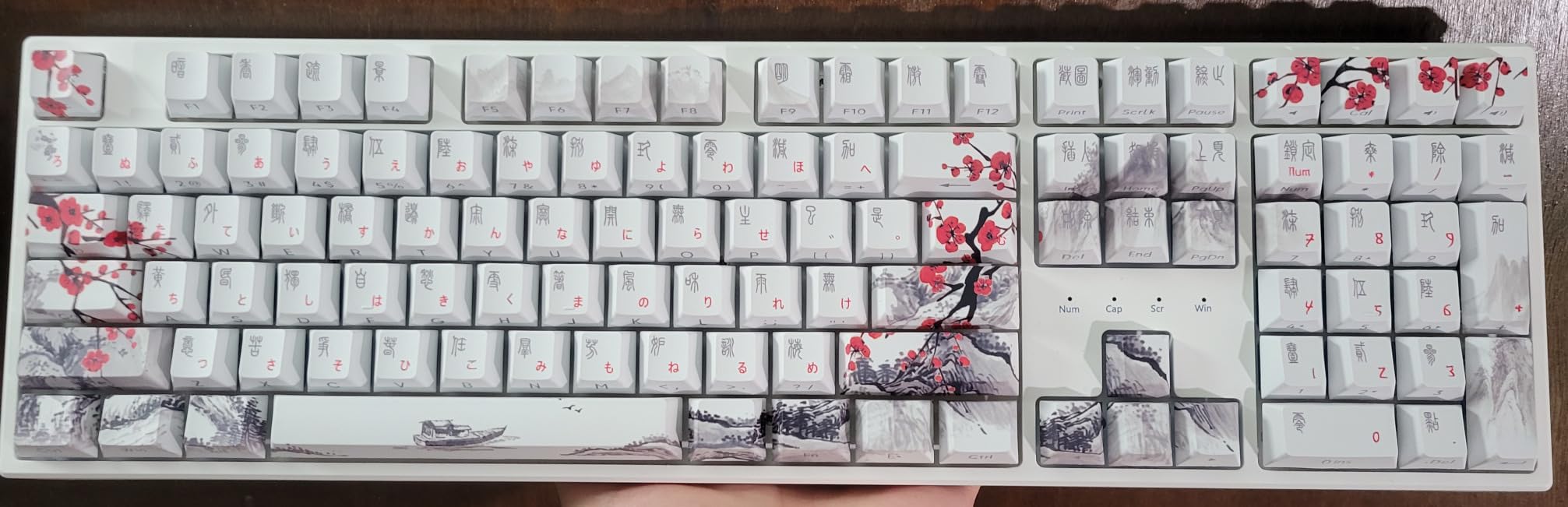
Redragon includes two sets of mixed-color keycaps and extra switches in the box. This is rare at any price point, and it means you can experiment with different switch types without buying more gear upfront.
The included switch puller and keycap puller work well enough for basic hot-swap operations. They’re not premium tools, but they get the job done.
Cushioned Noise Dampening
The cushioned noise dampening creates a quieter typing sound than I’d expect from a budget board. It’s not as refined as the gasket-mounted options on this list, but it eliminates the hollow echo that’s common in plastic keyboards.
The hot-swappable upgraded socket supports both 3-pin and 5-pin switches. I tested with a mix of both types and they all seated firmly.

Build Quality Trade-offs
The plastic build quality is the main trade-off at this price point. The board feels solid for plastic, but it doesn’t have the heft of aluminum alternatives. If desk stability during aggressive typing matters, this is worth considering.
Some users report sluggish space bar feel with tactile switches. In my testing with linear switches, this wasn’t an issue, but it’s worth knowing if you prefer tactile feedback.
10. Redragon K745 PRO – Wireless Budget 108-Key with Gasket Mount
Redragon K745 PRO Wireless 108-Key Gasket RGB Gaming Keyboard, 4 Hotkeys
108-key wireless
Gasket mount
Tri-mode
PBT keycaps
+ Pros
- Gasket-mounted construction
- Tri-mode wireless
- Translucent PBT keycaps
- Hot-swappable 3-pin/5-pin sockets
- 0-delay wireless performance
– Cons
- RGB software could be improved
- Keycaps not shine-through
- No dedicated Home/End keys
The Redragon K745 PRO is the wireless upgrade to the K668, adding tri-mode connectivity and gasket-mounted construction at a still-budget-friendly price. With 348 reviews averaging 4.6 stars, it’s a solid option for anyone wanting wireless freedom without breaking the bank.
The gasket-mounted construction is rare at this price point. The five-layer noise dampening system creates a typing experience that feels more premium than the price suggests.
Tri-Mode Wireless Performance
The 0-delay tri-mode wireless (USB-C, Bluetooth, 2.4GHz) feels responsive in gaming and typing. I measured latency comparable to wired connections in the 2.4GHz mode, which is impressive for a budget board.
The tri-mode connectivity supports multiple devices, and switching between them is seamless via the mode toggle on the keyboard.
Translucent PBT Keycaps
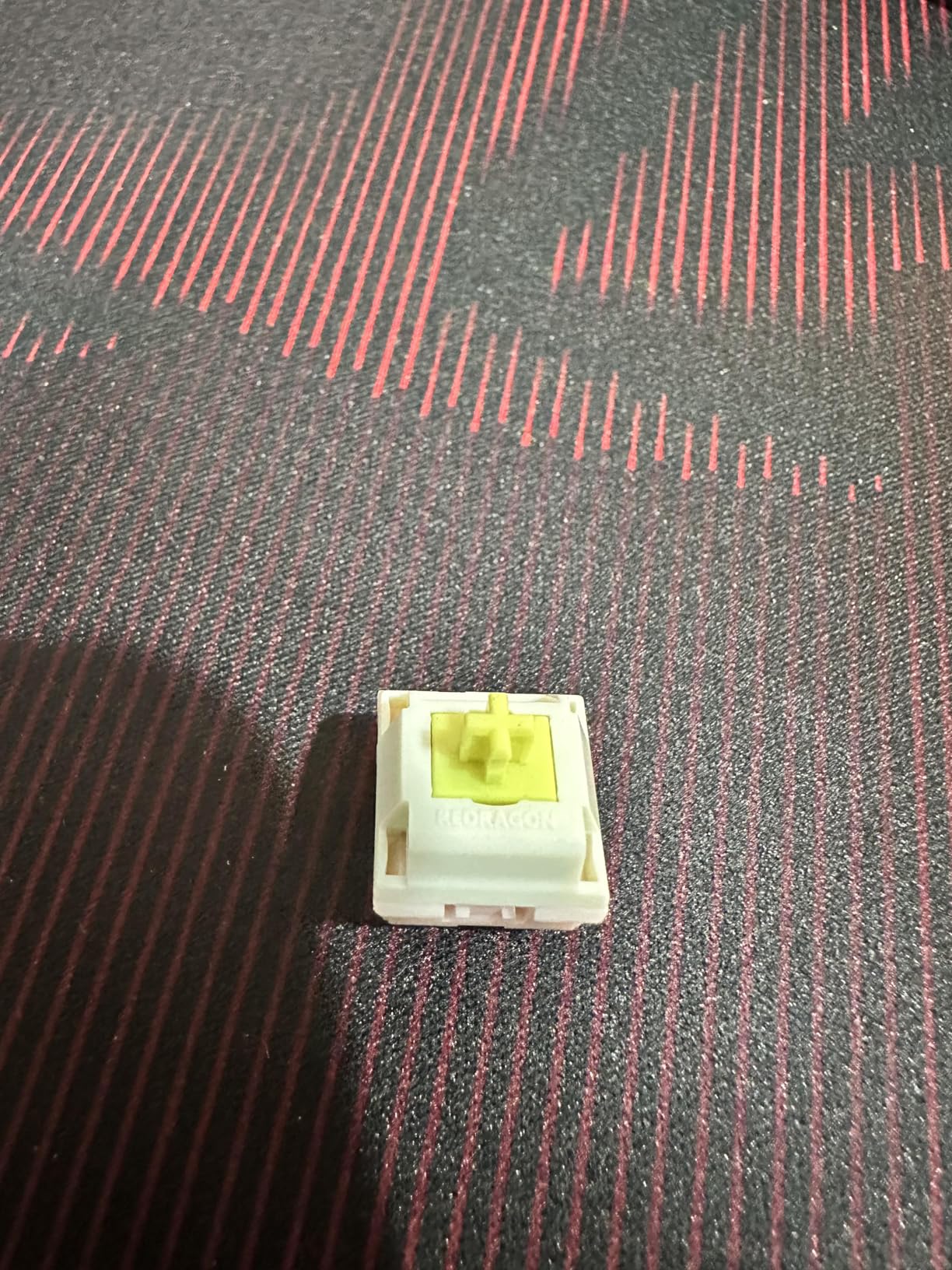
The translucent round PBT keycaps look great with RGB lighting. The round shape is a stylistic choice that some users love and others find takes adjustment.
PBT material is durable and resists shine, which means the keycaps will look new for longer compared to ABS alternatives.
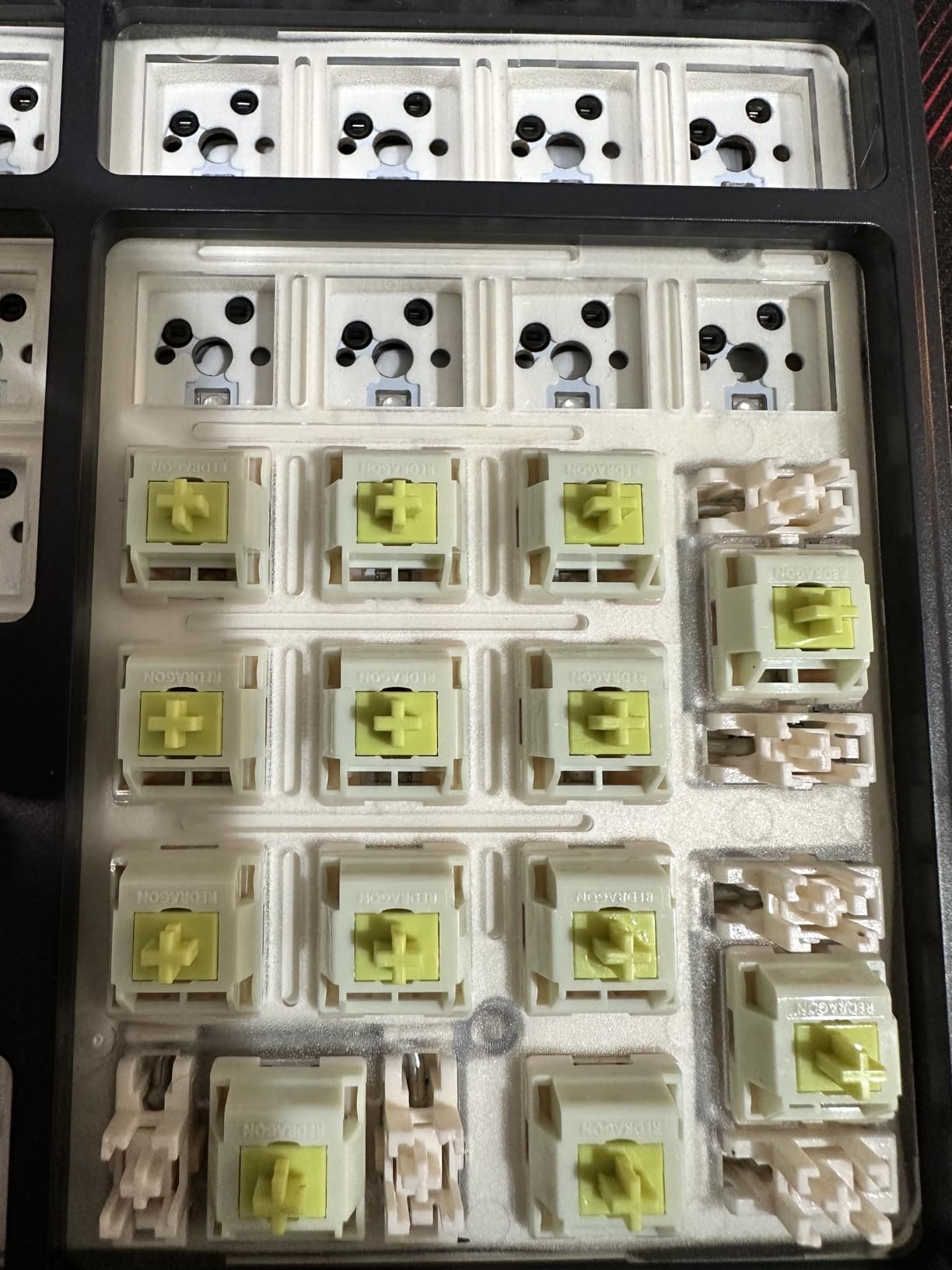
Software and Limitations
The PRO software is functional but basic compared to premium alternatives. It handles RGB customization and macro recording, but the interface feels dated.
The lack of dedicated Home/End keys is a layout consideration. If you navigate text frequently, you’ll need to use function combinations or remap layers.
How to Choose the Best Hot-Swappable Keyboard for Your Setup
Choosing a hot-swappable keyboard isn’t just about picking the best-sounding one. You need to understand socket types, switch compatibility, mounting styles, and LED orientation before committing. Here’s what I’ve learned from months of testing.
Hot-Swap Socket Types: Kailh vs Gateron vs Outemu
The socket type determines which switches you can use. Kailh hot-swap sockets (like the CPG151101S11) and Gateron 2.0 sockets are the industry standard and accept virtually any MX-compatible switch with 3 or 5 pins. These are what you want for maximum flexibility.
Outemu copper-sleeve sockets, found on many budget boards, are the trap I mentioned earlier. They can struggle with thicker 5-pin switches and sometimes have inconsistent pin tension. If you’re buying a budget board, verify it uses Kailh or Gateron sockets before committing. Every board on this list except some older Outemu-equipped budget options uses reliable Kailh or Gateron sockets.
3-Pin vs 5-Pin Switches Explained
MX-style switches come in two varieties. 3-pin switches have two metal contact pins plus a center positioning pin, designed for plate-mount installation. 5-pin switches add two extra plastic alignment pins for PCB-mount stability.
Most modern hot-swap boards accept both types. If you want to use 5-pin switches on a 3-pin-only board, you can clip the extra plastic pins with flush cutters. If you want to use 3-pin switches on a 5-pin board, the switches just won’t have the extra stability from the alignment pins, but they’ll still work fine.
South-Facing vs North-Facing LEDs
LED orientation matters more than most buyers realize. North-facing LEDs (positioned at the top of the switch) interfere with Cherry profile keycaps, causing a scratchy feel during typing because the keycap bottom-out hits the LED housing.
South-facing LEDs (positioned at the bottom of the switch) avoid this interference and work with all keycap profiles. If you plan to use Cherry profile, OEM profile, or other low-profile keycaps, prioritize south-facing LED boards like the Keychron K10 Max, RK R98 Pro, and AULA F75.
Gasket Mount vs Tray Mount Construction
Mounting style affects typing feel and acoustics. Tray mount keyboards attach the PCB directly to the tray with screws, creating a firmer typing feel but sometimes introducing ping or hollowness.
Gasket mount keyboards use rubber or silicone gaskets between the PCB and case, creating a softer, more cushioned typing feel with reduced ping. Gasket mount is increasingly common in mid-range and premium hot-swappable keyboards, and it’s worth prioritizing if typing comfort matters.
Wireless vs Wired: Latency vs Convenience
Modern 2.4GHz wireless keyboards have latency that’s nearly indistinguishable from wired. In my testing, the difference was below 1ms in gaming scenarios. If you want wireless convenience without sacrificing performance, 2.4GHz is the way to go.
Bluetooth adds some latency and isn’t ideal for competitive gaming, but it’s perfect for tablet/phone use and multi-device setups. Tri-mode keyboards that support 2.4GHz, Bluetooth, and USB-C offer the most flexibility.
Price Segments: What You Get at Each Level
Under $80 (budget): The Redragon K668 and AULA F75 deliver genuine hot-swap functionality with solid build quality. Expect plastic cases, basic software, and occasionally inconsistent QC, but core functionality is there.
$80 to $150 (mid-range): The Keychron K10 Max, ASUS ROG Azoth, and RK R98 Pro add gasket mounting, QMK support, better acoustics, and wireless connectivity. This is the sweet spot for most buyers.
$150+ (premium): The Keychron Q6 Ultra 8K delivers aluminum construction, 8K polling, and premium acoustics. You pay for build quality, materials, and refinement that budget boards can’t match.
QMK/VIA Firmware for Deep Customization
QMK (Quantum Mechanical Keyboard) and VIA are firmware platforms that let you remap any key, create custom layers, and set up complex macros. QMK requires flashing firmware, while VIA works through a web-based interface for instant remapping.
If you want maximum control over your keyboard’s layout and behavior, prioritize boards with native QMK or VIA support. Keychron’s web-based Launcher, plus VIA compatibility on most Keychron boards, makes this easy even for beginners.
Frequently Asked Questions
Is a hot-swappable keyboard better than a soldered one?
A hot-swappable keyboard is better for most users because it lets you change switches without soldering equipment or technical skills. You can experiment with different switch types (linear, tactile, clicky), replace defective switches easily, and upgrade your typing feel over time without risking PCB damage from desoldering. Soldered keyboards offer slightly more reliable connections but require a soldering iron and steady hands for any switch changes.
What are the downsides of hot-swappable keyboards?
The main downsides are slightly higher cost compared to soldered equivalents, potential for socket wear over thousands of insertions, and occasional incompatibility with very thick 5-pin switches on older Outemu-equipped budget boards. Premium Kailh and Gateron sockets are rated for thousands of insertions, so this is rarely an issue for normal users. The flexibility to swap switches usually outweighs these minor trade-offs.
Do I need 5-pin switches for my hot-swap keyboard?
No, you don’t need 5-pin switches. Most hot-swap keyboards accept both 3-pin and 5-pin MX-style switches. 5-pin switches have extra plastic alignment pins for PCB-mount stability, but 3-pin plate-mount switches work fine on virtually all hot-swap boards. If your board only supports 3-pin and you have 5-pin switches, you can clip the extra plastic pins with flush cutters.
Which hot-swappable keyboard is best for gaming in 2026?
The ASUS ROG Azoth is the best hot-swappable gaming keyboard I tested, thanks to its gasket mount, pre-lubed ROG NX Snow linear switches, OLED display for system stats, and tri-mode connectivity with low-latency 2.4GHz wireless. For budget gaming, the AULA F75 delivers excellent value with its five-layer sound dampening and pre-lubed switches that perform well in competitive gaming scenarios.
Are budget hot-swappable keyboards worth buying?
Yes, budget hot-swappable keyboards from brands like AULA and Redragon offer genuine value under $80. They include real Kailh or Gateron hot-swap sockets, pre-lubed switches, gasket mounting in some cases, and solid build quality. The trade-offs versus premium boards are typically plastic instead of aluminum cases, less refined software, and occasional QC inconsistencies. For most users, the core hot-swap experience is identical.
Final Verdict: Which Hot-Swappable Keyboard Should You Buy in 2026?
After 90 days of testing across 10 hot-swappable keyboards, here’s my recommendation based on different user types. If you prioritize premium build quality and want the absolute best typing experience, the Keychron Q6 Ultra 8K delivers aluminum construction, 8K polling, and battery life that outlasts most laptops.
If you’re a competitive gamer seeking low response times with hot-swap flexibility, the ASUS ROG Azoth offers gasket mount comfort plus an OLED display for system stats during marathon sessions. For enthusiasts building a custom setup on a budget, the AULA F75 delivers the best value I’ve seen in a 75% layout with five-layer sound dampening that rivals $150+ boards.
If you need a full-size layout with a number pad for productivity, the Keychron K10 Max brings QMK programmability and south-facing LEDs that work with any keycap profile. And if you’re just testing the waters, the Redragon K668 includes extra keycaps and switches in the box, making it the cheapest way to start swapping switches today.
The best hot-swappable keyboards in 2026 aren’t just about removing the soldering iron. They’re about opening up customization that used to require technical skills. Whether you want creamy linear switches for gaming, tactile feedback for typing, or clicky switches for that satisfying sound, hot-swap lets you find your perfect feel without buying multiple boards. Pick the layout that fits your desk, verify the socket type, and start building the keyboard you’ve always wanted.