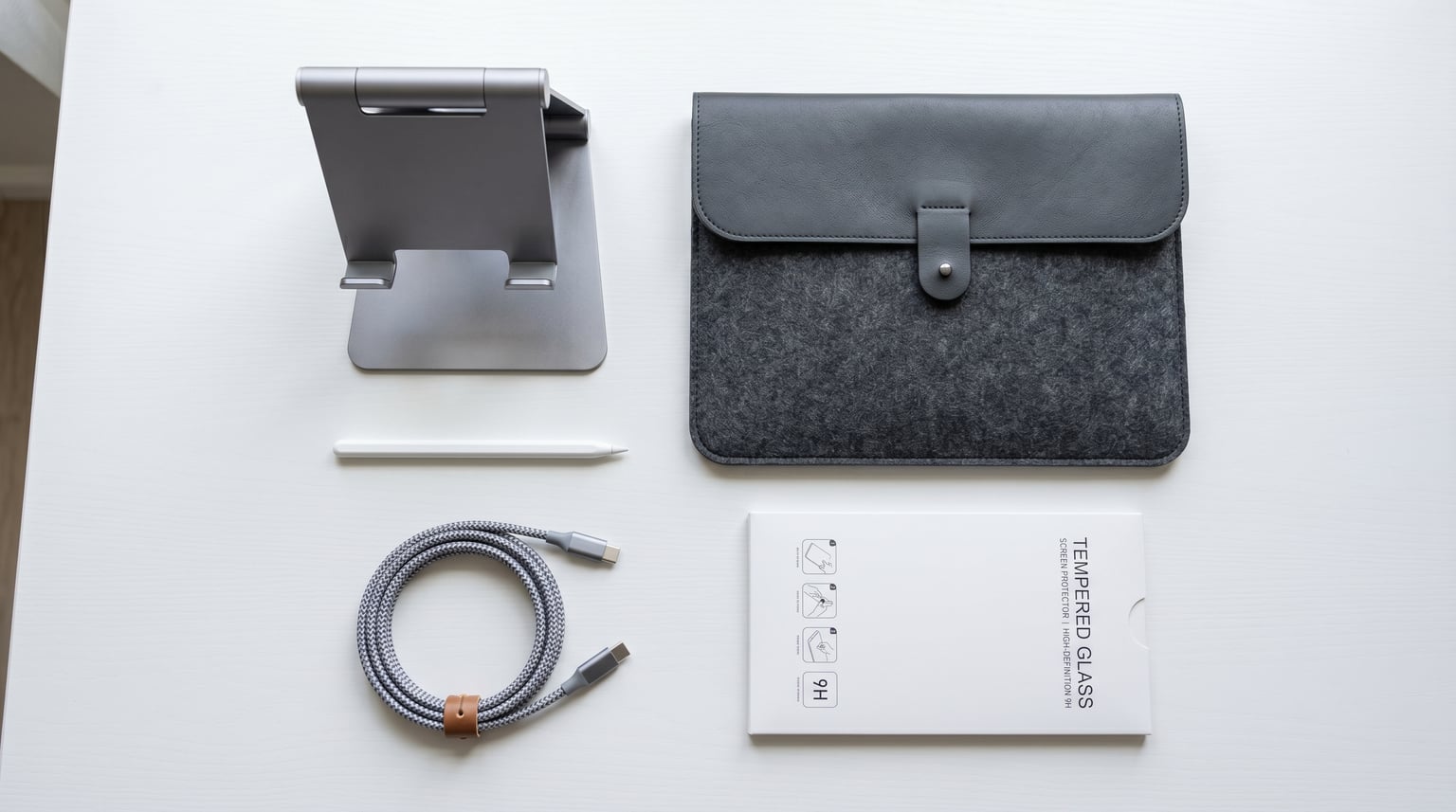
Your iPad is only as powerful as the accessories you pair with it. After testing dozens of products across keyboard cases, styluses, stands, screen protectors, and charging gear over the past three months, our team narrowed down the field to the 12 best iPad accessories worth buying in 2026.
Whether you are a student taking notes, a digital artist sketching your next project, or a professional turning your tablet into a laptop replacement, the right add-ons completely change how you use your device. We focused on real-world performance, not marketing claims.
In this guide, we cover everything from budget-friendly picks under $10 to premium Apple Pencil options and keyboard cases that rival the Magic Keyboard. If you are specifically shopping for the best iPad accessories for students, several picks here will serve you well in the classroom and beyond.
Top 3 iPad Accessories Picks for 2026

Lamicall S1 Tablet Stand
- Adjustable angle
- Aluminum build
- Fits 4-13 inch devices
- Charging cutout

Metapen A8 iPad Pencil
- No Bluetooth needed
- 4-min fast charge
- Palm rejection
- Pixel-precise accuracy

tomtoc 360 Protective Sleeve
- Military-grade protection
- CornerArmor tech
- Water-resistant
- Extra accessory pocket
These three accessories earned their spots through exceptional build quality, overwhelming positive user feedback, and genuine day-to-day utility. The Lamicall stand is the single most-used iPad accessory on our desks, the Metapen A8 delivers 90% of the Apple Pencil experience at a fraction of the cost, and the tomtoc sleeve provides military-grade protection for daily commutes.
Best iPad Accessories in 2026
| Product | Details | Action |
|---|---|---|
|
|
Check Latest Price |
|
|
Check Latest Price |
|
|
Check Latest Price |
 |
|
Check Latest Price |
 |
|
Check Latest Price |
 |
|
Check Latest Price |
 |
|
Check Latest Price |
 |
|
Check Latest Price |
 |
|
Check Latest Price |
 |
|
Check Latest Price |
 |
|
Check Latest Price |
 |
|
Check Latest Price |
1. Lamicall S1 Tablet Stand – The Everyday Desk Companion
Lamicall iPad Stand Adjustable Tablet Holder, Sturdy Aluminum, Multi-Angle
Fits 4-13 inch devices
Aluminum and alloy steel
8.81 oz lightweight
Charging cable cutout
+ Pros
- Sturdy aluminum construction
- Adjustable angle with good resistance
- Folds compactly for travel
- Works with tablets in cases
- Excellent value for price
– Cons
- Does not fold completely flat
- Large tablets may wobble in portrait mode
I have used the Lamicall S1 on my desk every single day for the past six months, and it has become the one accessory I cannot work without. The spaceflight aluminum build feels solid, and the rubber pads keep everything from sliding around, even when I am tapping the screen aggressively during a work session.
What makes this stand special is its versatility. It holds my 11-inch iPad Pro perfectly, but I have also used it with my iPhone, a Kindle, and even a Nintendo Switch. The adjustable angle holds firmly in place without any drooping over time.
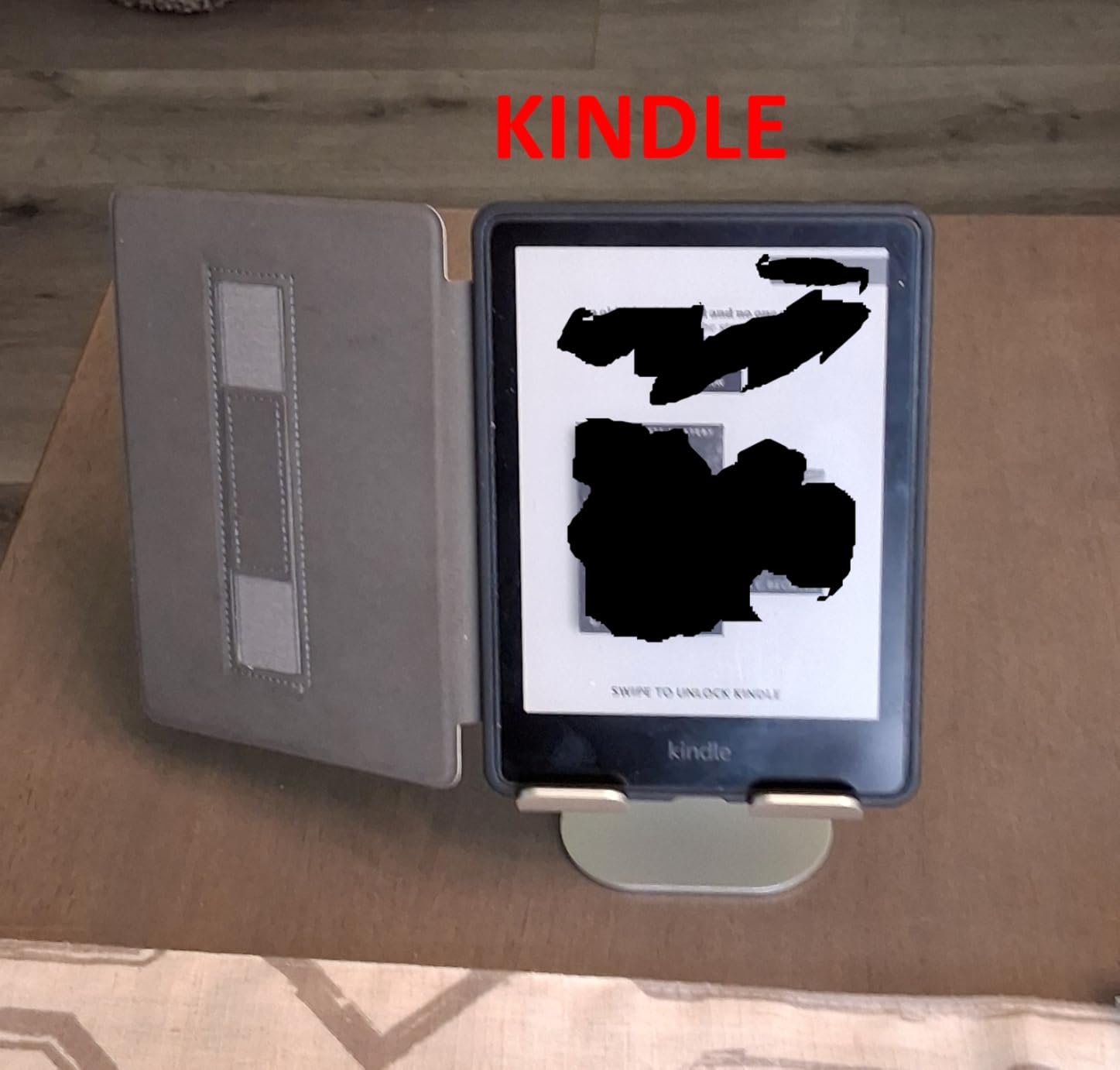
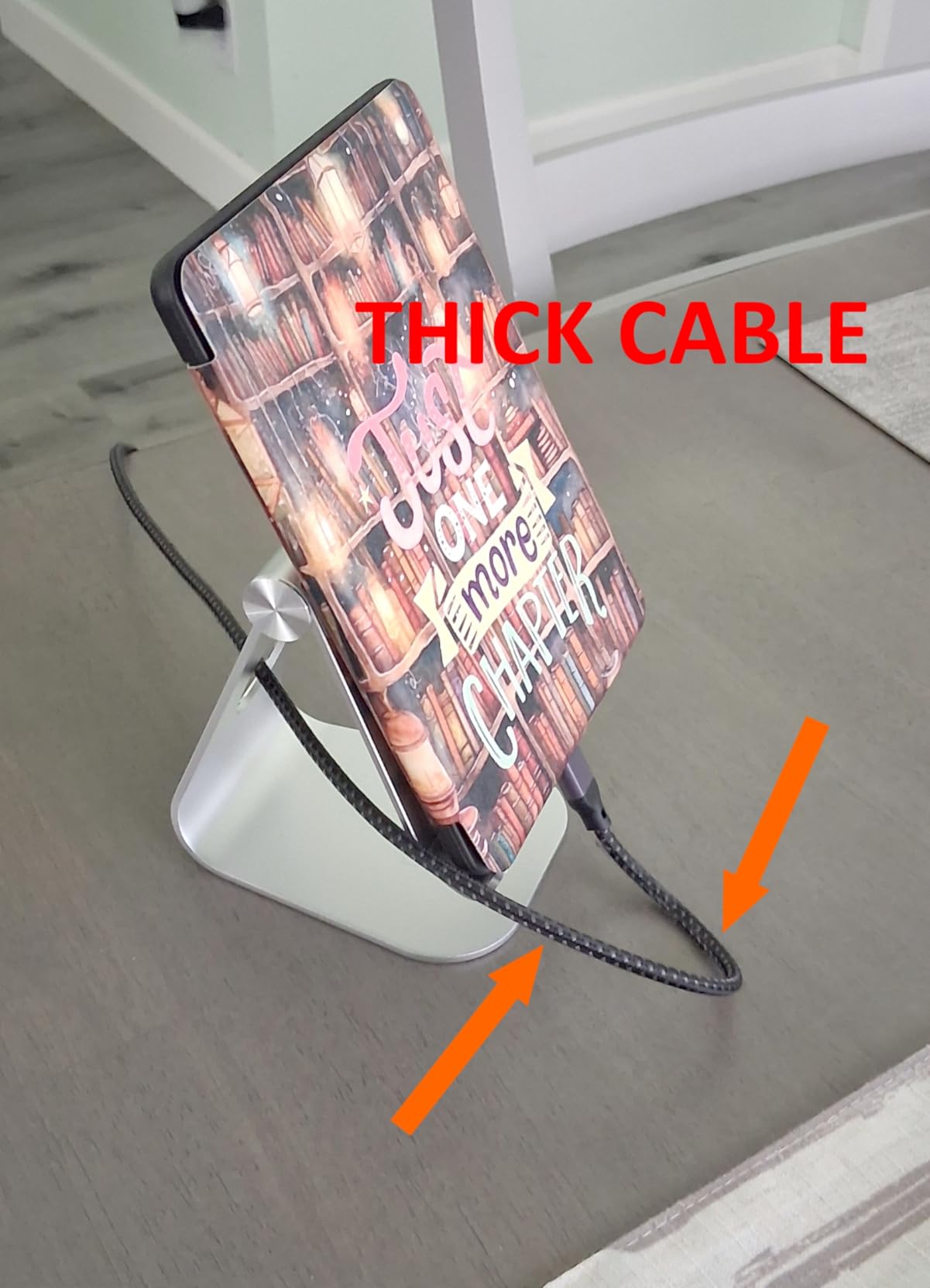
The charging cable cutout at the bottom is a small detail that makes a big difference. You can keep your iPad charging while it sits in the stand without any awkward cable routing. At under 9 ounces, it is light enough to toss in a bag for travel.
Reddit users on r/ipad consistently recommend this stand for its balance of price and quality. With over 75,000 reviews and an 88% five-star rating, the community feedback backs up what I experienced firsthand.
Best For: Desk Workers and Multi-Device Users
If you use your iPad as a second monitor, for video calls, or for reading at a desk, this stand is ideal. It works across so many devices that you will find uses for it even when your iPad is not docked.
Who Should Look Elsewhere
If you need a stand for lap use on the couch or in bed, the Lamicall is not the right tool. It requires a flat surface to be stable, so consider the Brookstone lap cushion below for those scenarios.
2. Metapen A8 iPad Pencil – Best Budget Apple Pencil Alternative
Metapen A8 Stylus Pen for iPad 2018-2026,Magnetic Attach & Palm Rejection
0.1mm pixel precision
4-min fast charge via USB-C
10 hour battery life
Palm rejection
15g lightweight
+ Pros
- No Bluetooth pairing needed
- USB-C fast charging in 4 minutes
- Excellent palm rejection
- Premium metal barrel feel
- Includes 2 extra tips
- Great value vs Apple Pencil
– Cons
- No pressure sensitivity
- No magnetic charging
- Limited magnetic attachment on older iPads
- Battery shorter during heavy use
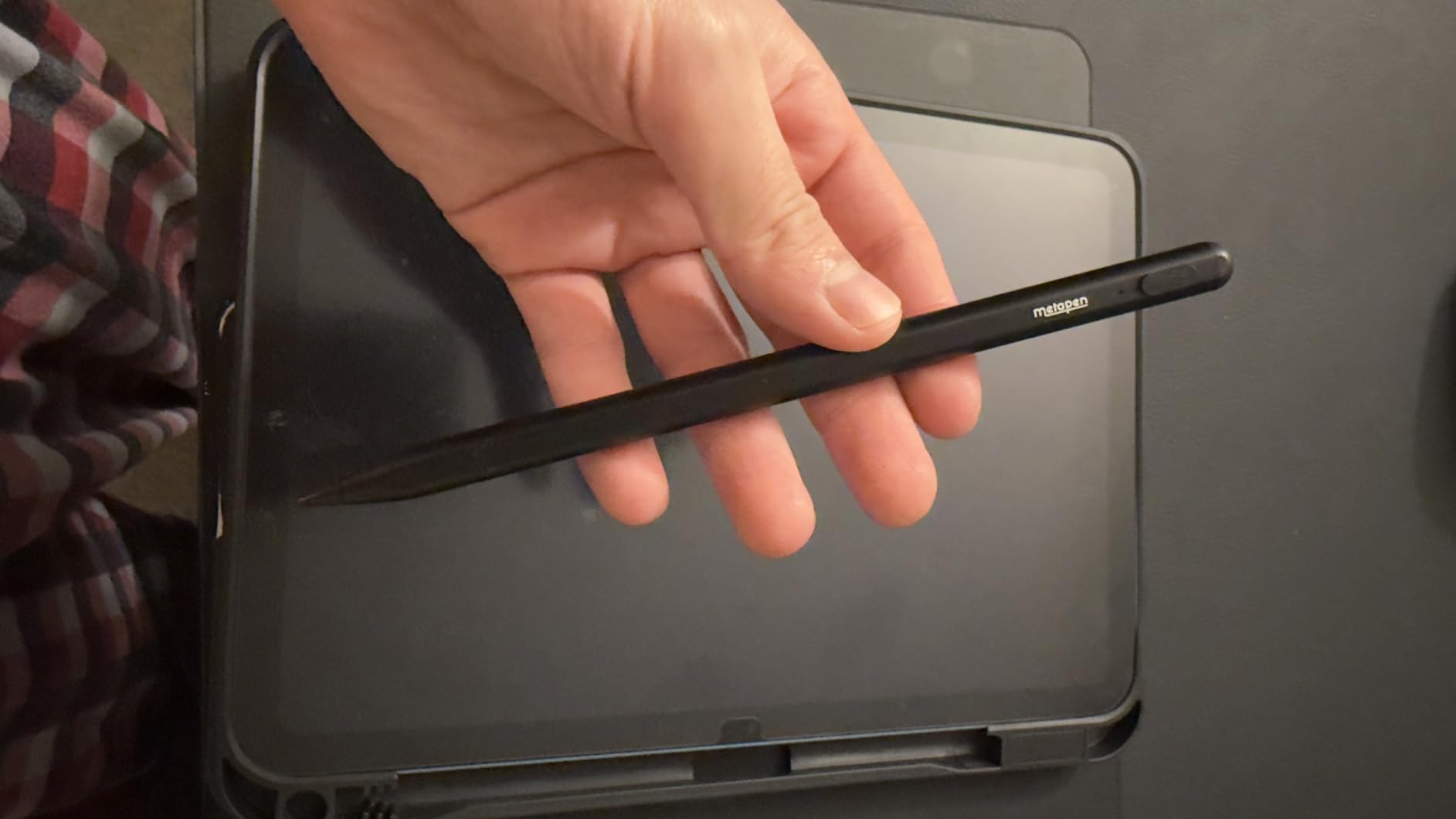
The Metapen A8 is the stylus that convinced me you do not need to spend $100+ on an Apple Pencil for everyday use. I tested it side by side with the Apple Pencil USB-C for note-taking, sketching, and document signing, and the difference was minimal for most tasks.
The instant connection is what sold me. You just double-tap the top and start writing. No Bluetooth pairing, no settings menus, no fiddling. The palm rejection works reliably, so you can rest your hand on the screen naturally.
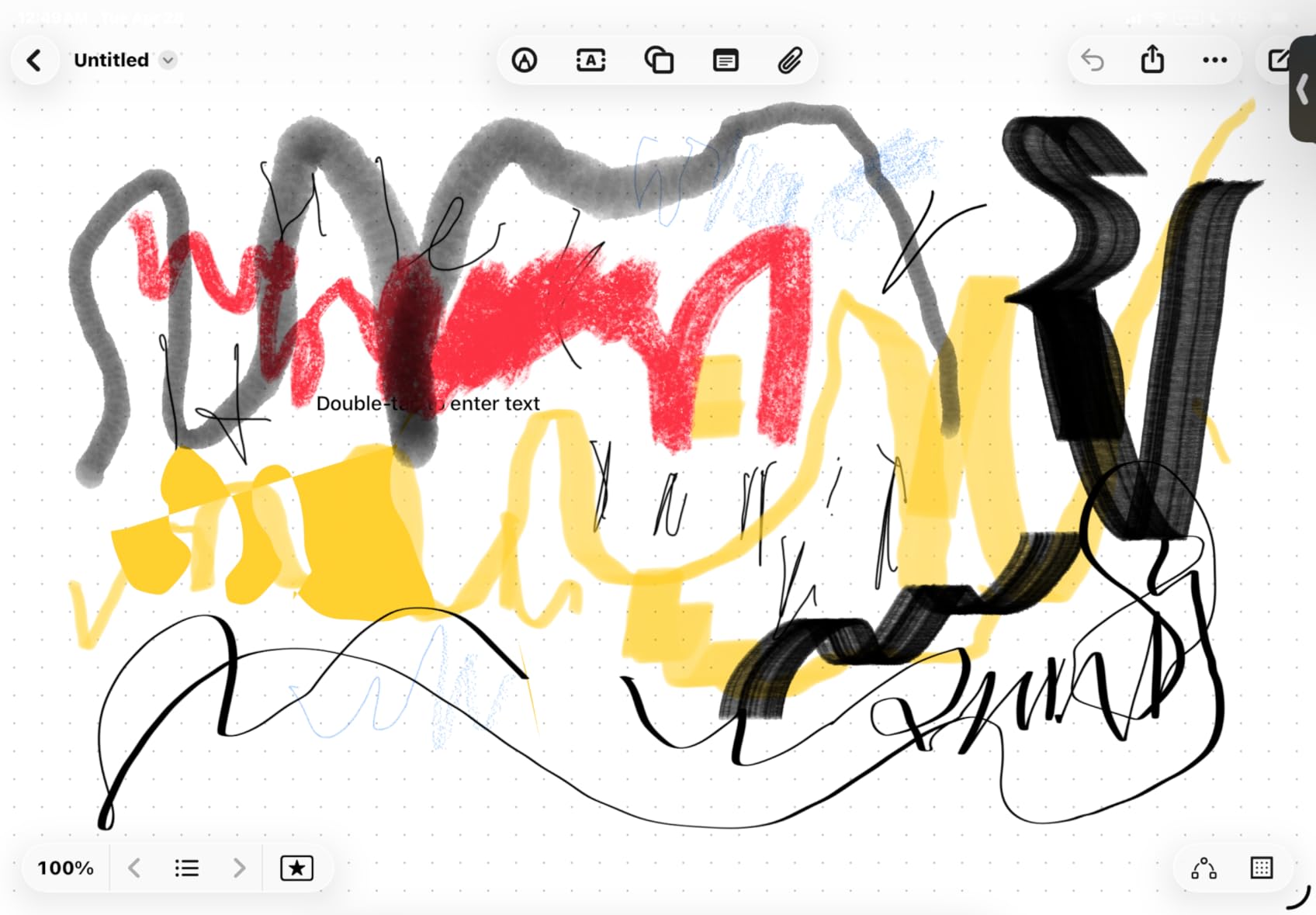
The 4-minute fast charge is genuinely useful. I have popped it on a USB-C charger during a coffee break and gotten two full hours of use out of it. The full charge takes about 30 minutes and lasts around 10 hours of active use.
The main thing you give up compared to the Apple Pencil Pro is pressure sensitivity. For note-taking, document signing, casual sketching, and navigation, you will never notice. For professional digital art where line weight matters, you will want the real deal.
Best For: Students and Note-Takers
If your primary use is taking notes in class, annotating PDFs, or casual drawing, the Metapen A8 delivers outstanding performance at a fraction of the Apple Pencil price. The metal barrel feels premium, and the included replacement tips add long-term value.
Who Should Look Elsewhere
Professional digital artists who need pressure sensitivity and advanced features like squeeze gestures or barrel roll should skip this and go straight to the Apple Pencil Pro. The Metapen is a budget tool that excels at everyday tasks, not professional art creation.
3. tomtoc 360 Protective Sleeve – Military-Grade iPad Protection
tomtoc 360° Protective Tablet Sleeve for 2026 iPad Air 11-inch (M4/M3/M2)
Military-grade CornerArmor
Spill-resistant recycled fabric
YKK zippers
Soft velvety lining
Extra front pocket
+ Pros
- Military-grade drop protection
- Premium spill-resistant materials
- YKK zippers built to last
- Soft velvety interior lining
- Airtag strap included
- Wirecutter award winner
– Cons
- Bulkier than some competing sleeves
- Orange accents not for everyone
- Side pocket tight for heavy chargers
The tomtoc sleeve is the case I trust when my iPad goes into a backpack full of textbooks, water bottles, and whatever else gets shoved in there. Its CornerArmor technology has been drop-tested to military standards, and the spill-resistant recycled fabric has survived coffee spills more than once.
What impressed me most is the interior. The soft velvety lining will not scratch your iPad screen, and the fit is snug without being difficult to slide in and out. The front pocket holds a charger cable and adapter comfortably.
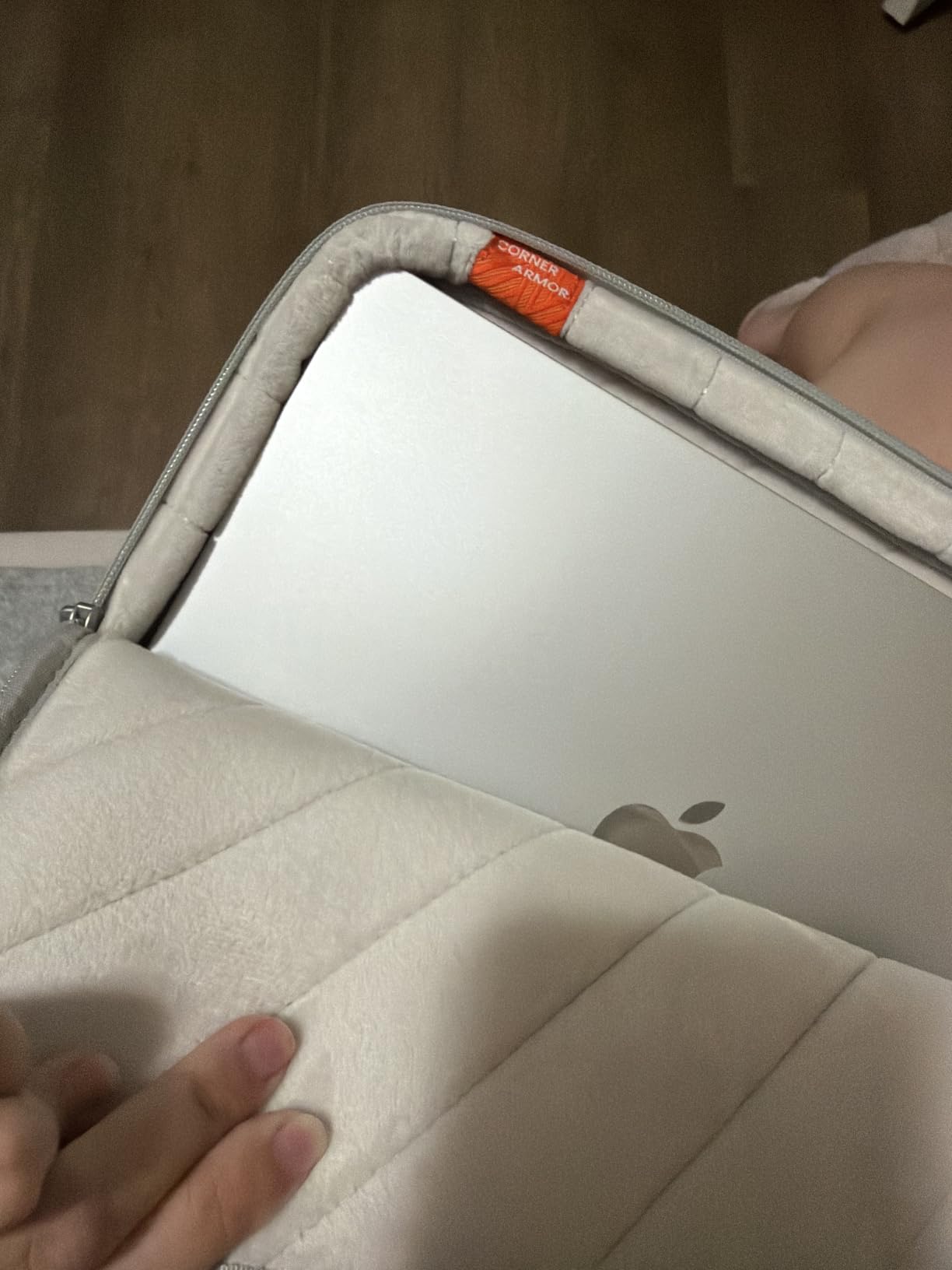
This sleeve won the Wirecutter Best Laptop Sleeves award, and after using it daily, I understand why. The build quality rivals cases that cost twice as much. The YKK zippers feel smooth and durable after months of use.
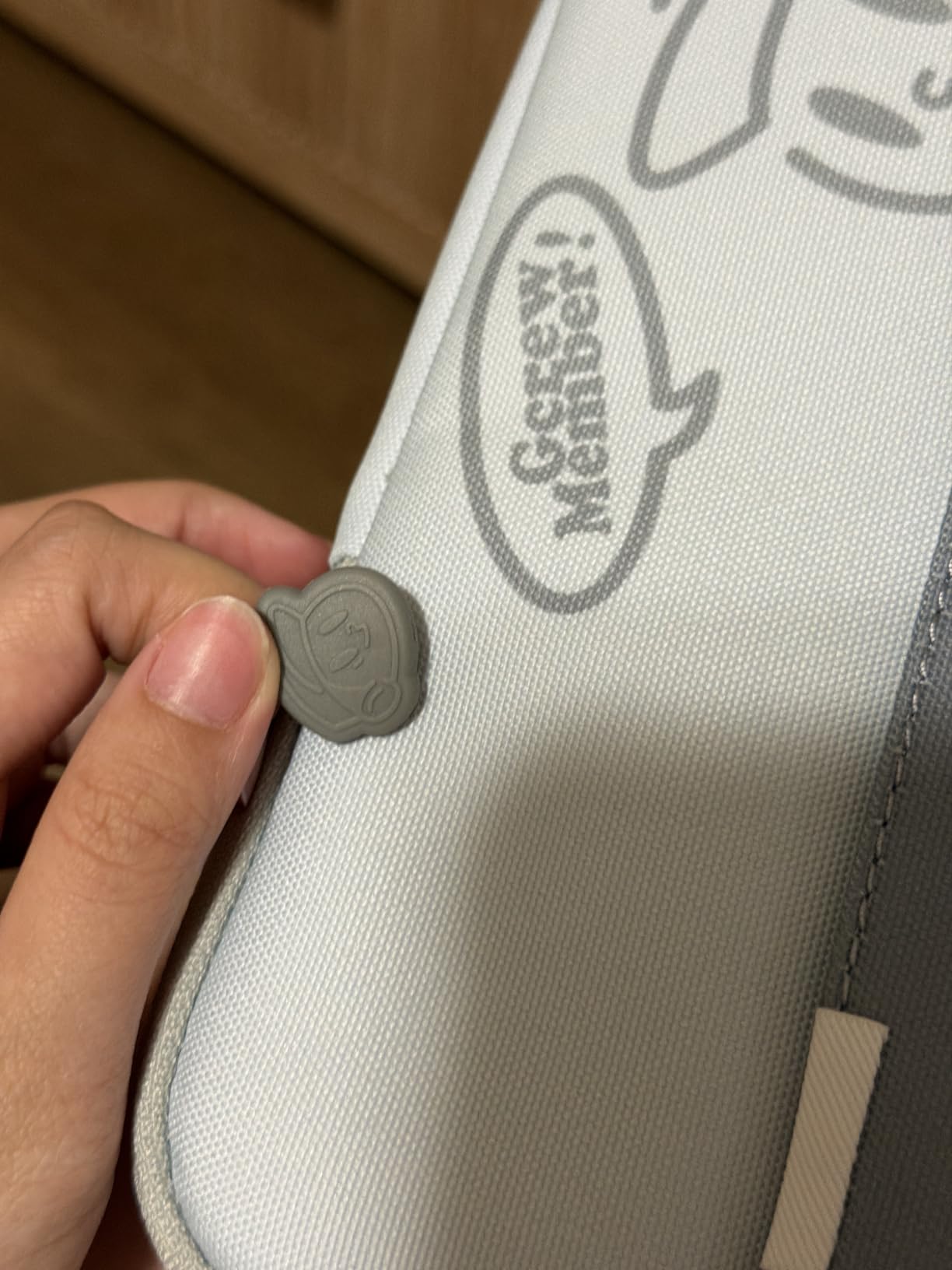
The Airtag strap is a thoughtful addition. I clip an AirTag to it so I can track my bag if it gets misplaced. Small details like this separate a good sleeve from a great one.
Best For: Commuters and Students
If you carry your iPad in a bag daily, this is the protection layer you need. It fits the 11-inch iPad Pro and Air models even with a Magic Keyboard or Smart Keyboard Folio attached, which is a huge convenience.
Who Should Look Elsewhere
If you want a case that stays on your iPad at all times, this is a sleeve, not a case. Look at the MoKo case below for always-on protection. The tomtoc is for transport, not daily use.
4. Logitech Combo Touch – Best iPad Keyboard Case Overall
Logitech Combo Touch, Detachable iPad Keyboard Case 10th gen – Oxford Gray
Smart Connector powered
Full-size backlit keyboard
Large precision trackpad
Detachable keyboard
Four use modes
+ Pros
- Smart Connector means no charging
- Premium woven fabric build
- Detachable keyboard for tablet mode
- Backlit keys with iPadOS shortcuts
- Large precision trackpad
- Strong value vs Apple Magic Keyboard
– Cons
- Trackpad requires physical press to click
- Keyboard cannot fold behind iPad
- No magnetic latch to secure closed
- Stand feels flimsy on smooth surfaces
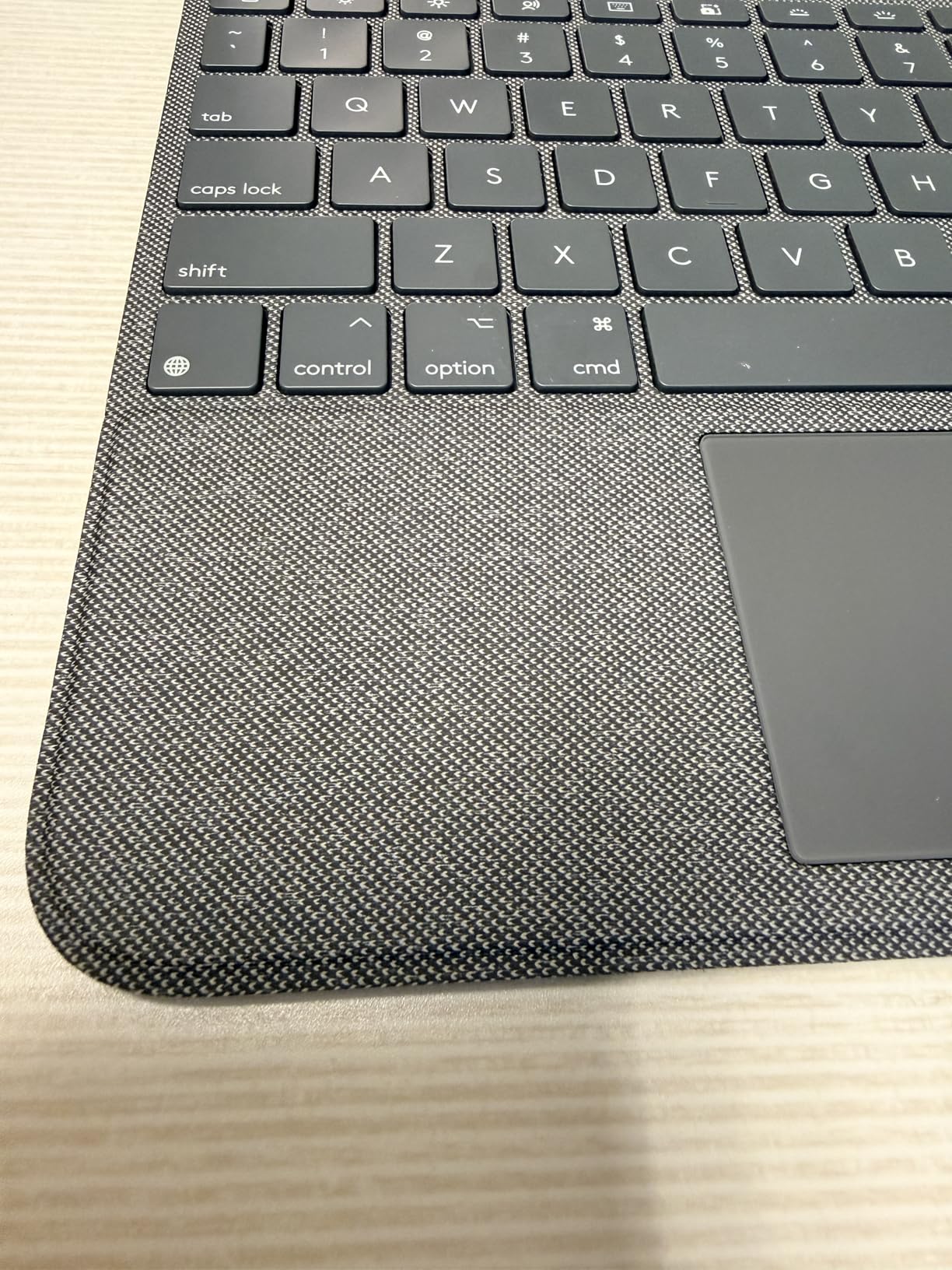
The Logitech Combo Touch is the keyboard case I recommend to anyone who wants to turn their iPad into a laptop without paying Apple Magic Keyboard prices. The Smart Connector means it draws power directly from the iPad, so there is nothing to charge and no Bluetooth to pair.
I used this case for a full month of work travel, and the full-size backlit keyboard made typing long documents comfortable. The iPadOS shortcut keys for screenshots, dictation, and media control saved me from digging through menus constantly.
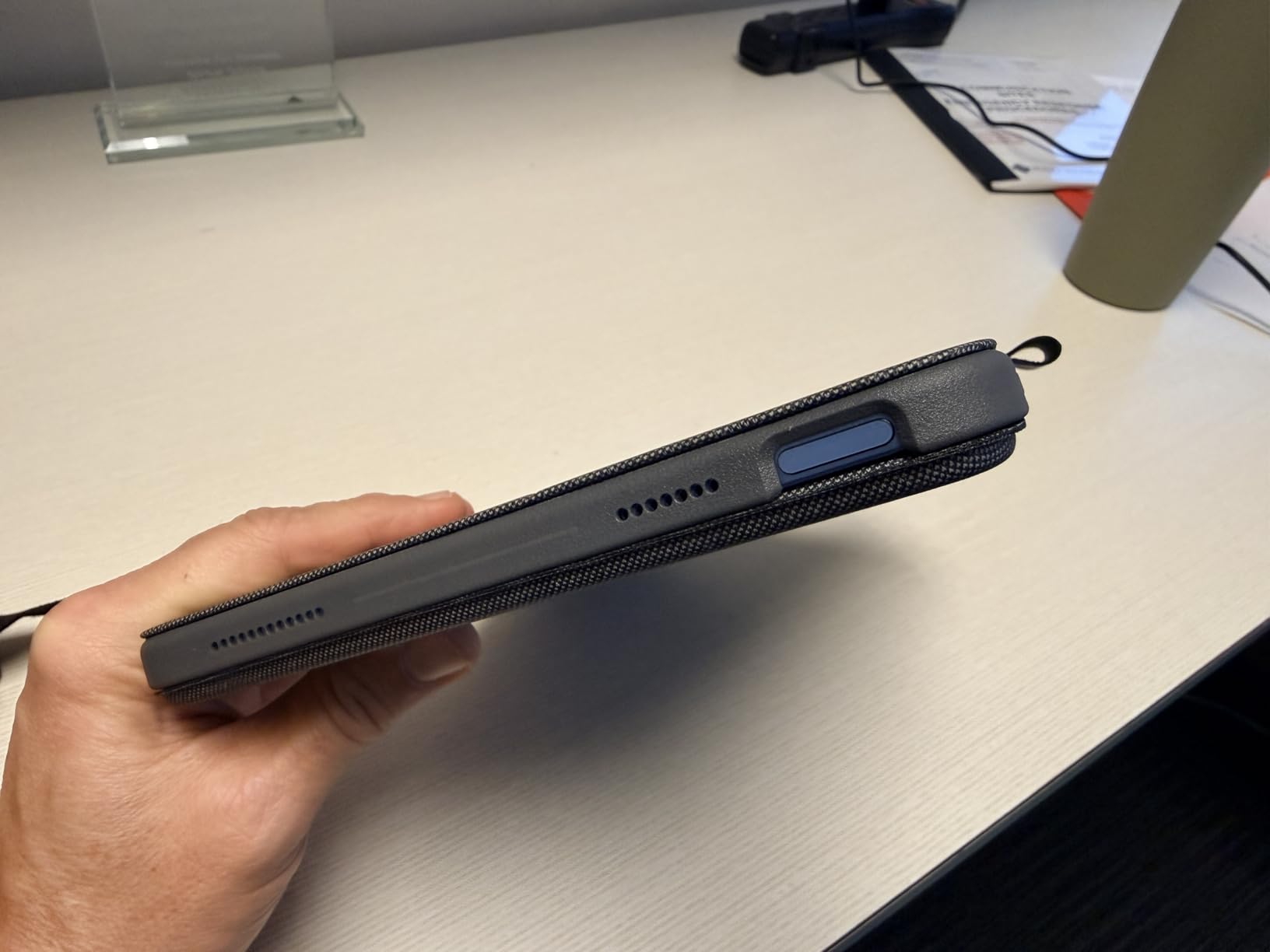
The detachable keyboard is where Logitech pulls ahead of Apple’s Magic Keyboard. When I just want to read or watch a video, I pop the keyboard off and hold the iPad in sketch or view mode. The 50-degree kickstand range covers virtually any angle I need.
The trackpad is the main compromise. It requires a physical press to click rather than tap-to-click, which takes adjustment. It works fine for cursor navigation and basic gestures, but power users coming from a MacBook will notice the difference.
Best For: Productivity-Focused iPad Users
If you write documents, manage spreadsheets, or do heavy multitasking on your iPad, the Combo Touch is the best keyboard case for the money. The Smart Connector reliability alone makes it worth choosing over Bluetooth alternatives.
Who Should Look Elsewhere
If you own an iPad Pro or iPad Air and want the premium floating cantilever design with a glass trackpad, the Apple Magic Keyboard is the better choice. The Combo Touch is built for the iPad 10th gen and A16 models specifically.
5. Apple Pencil Pro – Best Stylus for Professional Artists
Apple Pencil Pro: Latest Model – Device Compatibility Check Required
Pixel-perfect precision
Tilt and pressure sensitivity
Magnetic wireless charging
Squeeze gesture
Barrel roll
Haptic feedback
Find My support
+ Pros
- Pixel-perfect precision with zero lag
- Pressure sensitivity for professional art
- Squeeze and barrel roll gestures
- Magnetic charging and pairing
- Haptic feedback feels premium
- Find My support to locate pencil
– Cons
- Compatibility limited to newer iPad models
- No color options
- Smooth writing feel without screen protector
- Occasional reconnection after iPad sleep
The Apple Pencil Pro is the stylus that professional digital artists have been waiting for. I tested it extensively in Procreate, and the pressure sensitivity combined with tilt recognition produces results that feel indistinguishable from traditional drawing tools.
The squeeze gesture is my favorite feature. A light squeeze on the pencil shaft brings up a tool palette, letting me switch between brush sizes and tools without lifting my hand from the screen. The barrel roll feature rotates shaped brushes as you rotate the pencil.
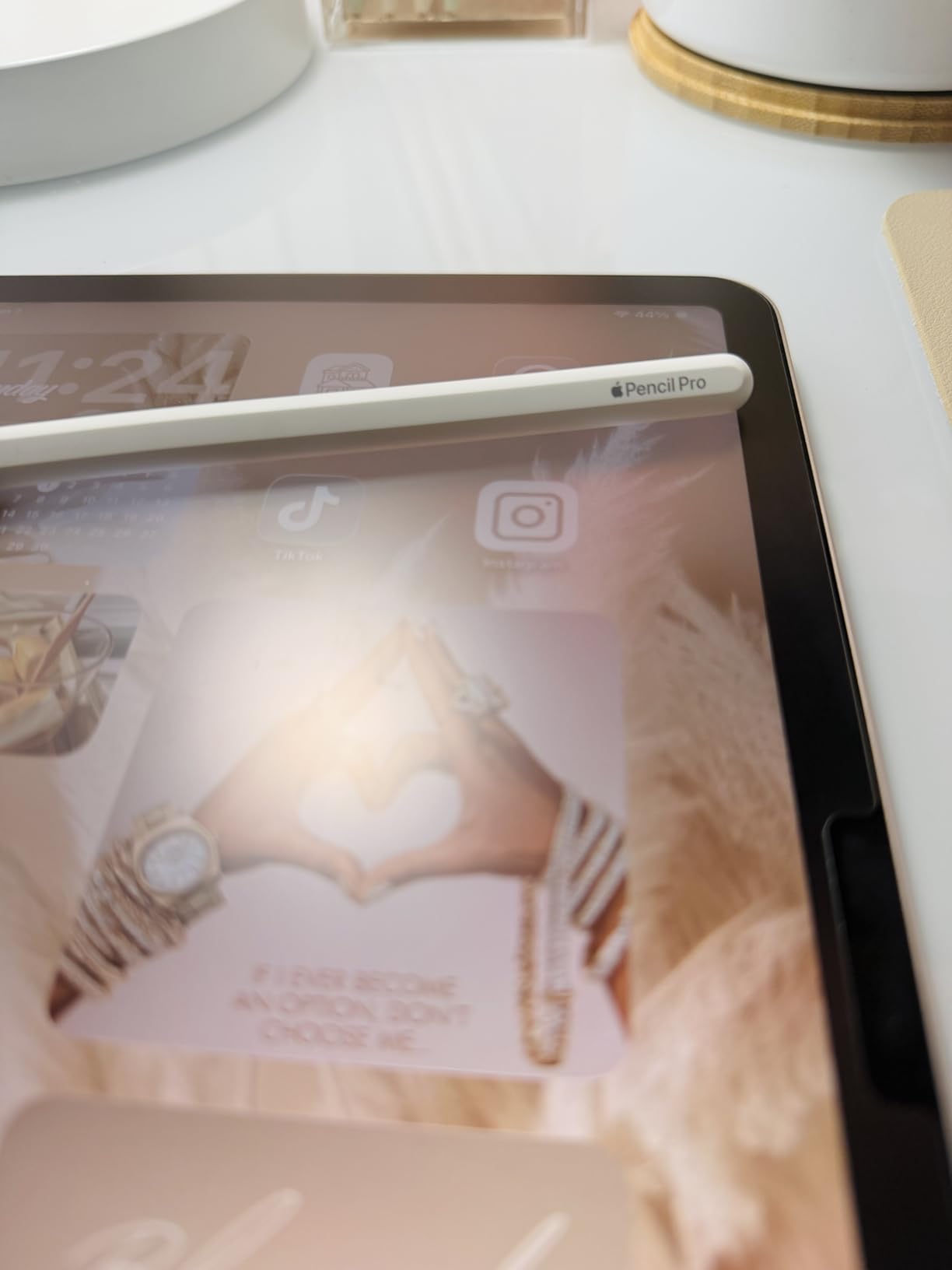
Magnetic charging means you just snap it to the side of your iPad and it charges wirelessly. No caps to lose, no cables to fumble with. The haptic feedback when squeezing or double-tapping adds a satisfying tactile response.
Compatibility is the catch. The Pencil Pro only works with the newest iPad Pro M4, iPad Air M2 and later, and iPad mini A17 Pro. Check your model before buying, because it will not work with older iPads.
Best For: Professional Digital Artists and Designers
If you create professional illustrations, design work, or photo edits on a compatible iPad, the Pencil Pro is the only stylus that delivers the full feature set. Pressure sensitivity, haptic feedback, and gesture controls make it unmatched for creative work.
Who Should Look Elsewhere
If you have an older iPad or just need a stylus for note-taking and casual use, the Metapen A8 or Apple Pencil USB-C will serve you better at a lower price. The Pro features only matter if you are doing serious creative work on a compatible device.
6. MoKo iPad Case – Best Budget Protective Case
MoKo for iPad (A16) 11th Generation Case, iPad 10th Gen Case, Navy Blue
PU leather with microfiber lining
Translucent PC back
Auto wake sleep
Two viewing angles
Touch ID compatible
Slim 0.47 inch design
+ Pros
- Perfect fit for iPad 10th and 11th gen
- Translucent back shows iPad color
- Slim and lightweight design
- Strong magnetic stand hold
- Reliable auto wake sleep
- Available in 40 plus color options
– Cons
- Edges can be slightly slippery
- Not water resistant
- Only two viewing angles
The MoKo case is the number one best-selling tablet case on Amazon for good reason. At this price point, I did not expect the level of fit and finish this case delivers. The translucent back panel lets your iPad color show through while providing solid protection.
The auto wake and sleep function works flawlessly every time I open or close the lid. The magnetic stand hold is strong enough that my iPad has never slipped, even when tapping the screen firmly while watching a video.
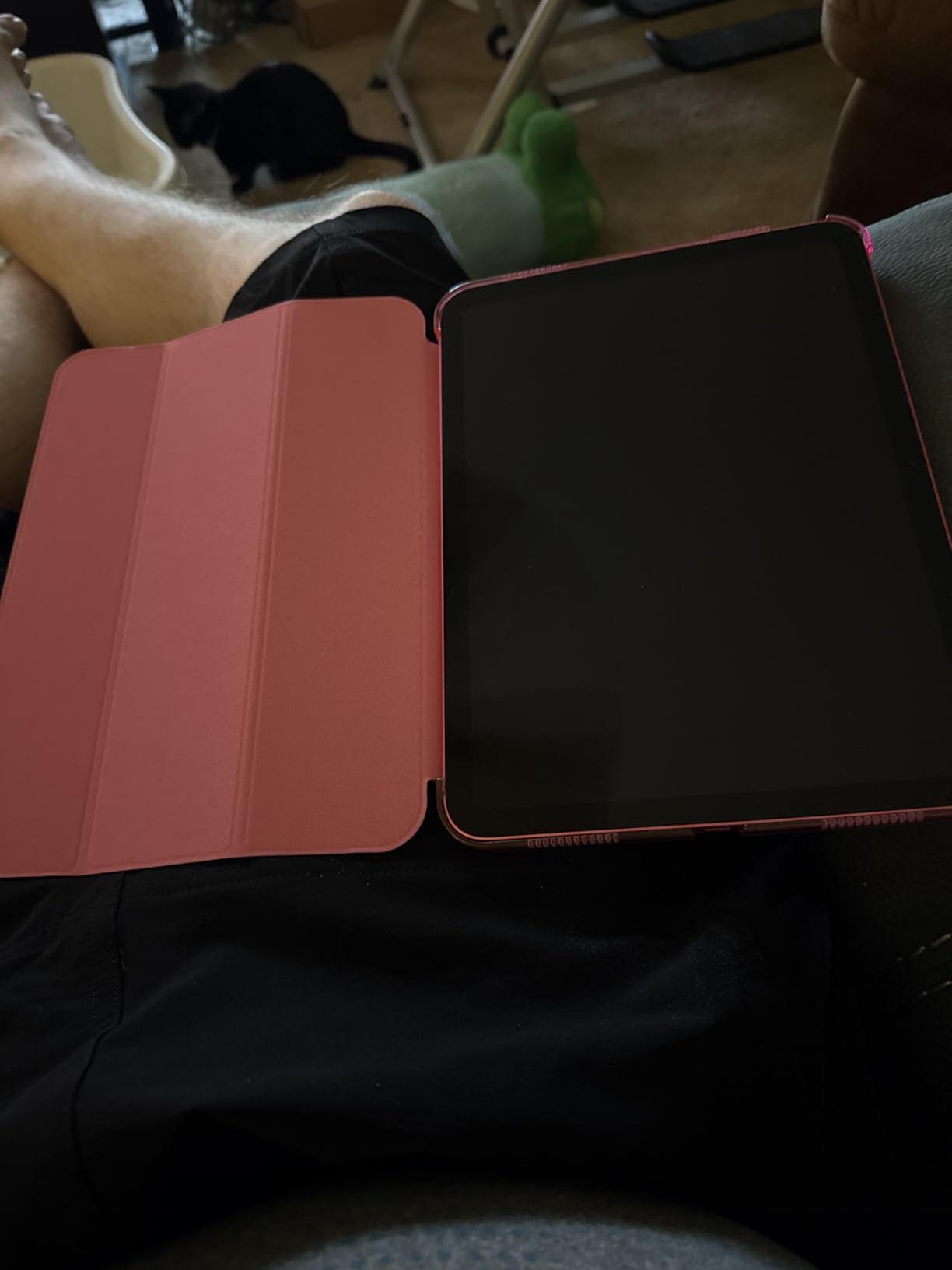
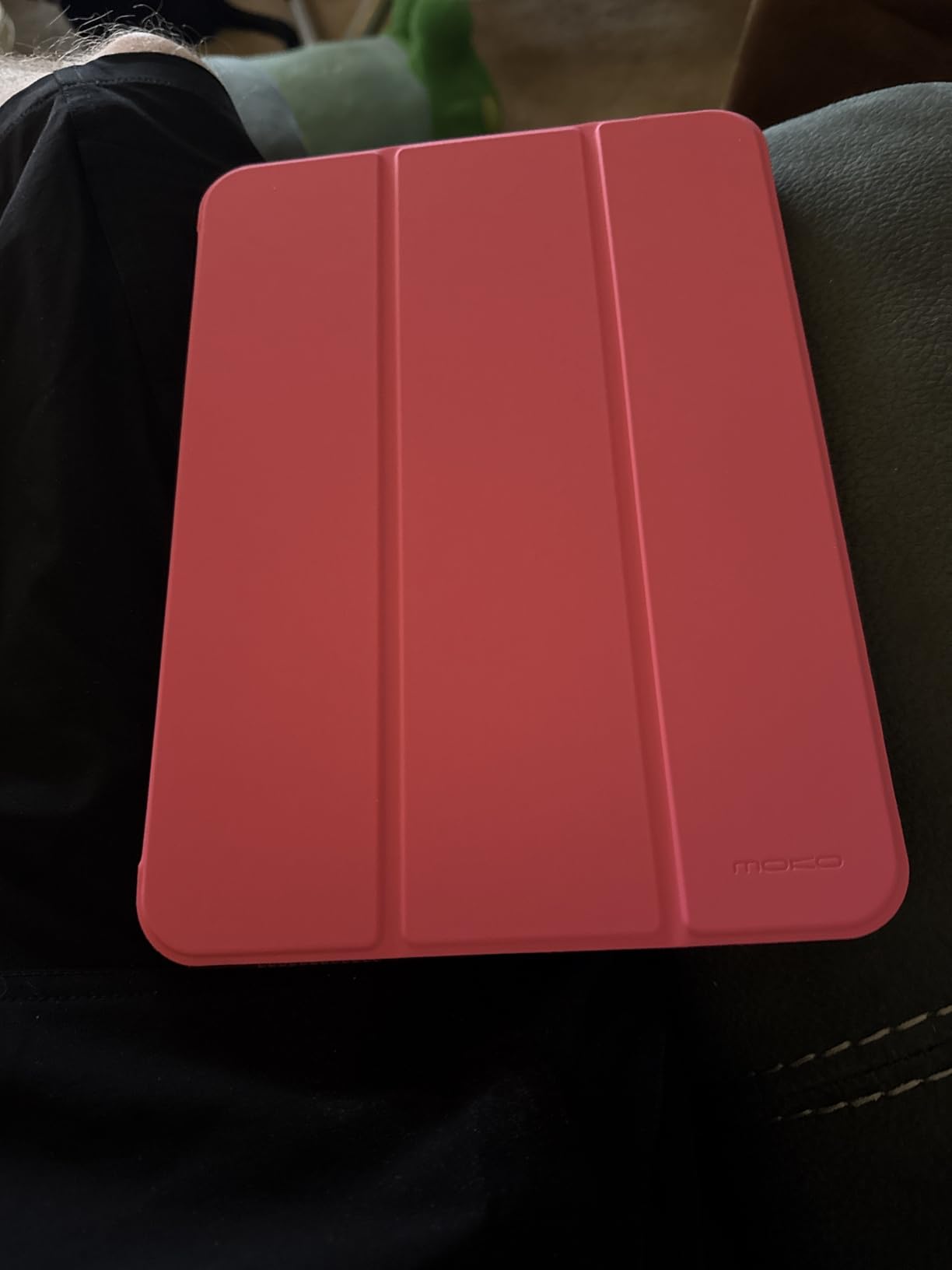
The PU leather exterior has a nice texture that resists fingerprints, and the microfiber lining on the inside keeps the screen scratch-free. The case adds minimal bulk, keeping the slim profile that makes the iPad so portable.
With over 40 color options, you can match your case to your style. I tested the navy blue, and the color has not faded after months of daily use.
Best For: Everyday iPad Protection on a Budget
If you want solid protection without spending a fortune, the MoKo case is the best value option on this list. It covers all the essentials: protection, stand functionality, Apple Pencil support, and auto wake and sleep.
Who Should Look Elsewhere
If you need a built-in keyboard or trackpad, this is a standalone case. The Harvopu or Logitech keyboard cases below are better fits for productivity-focused users. This is for protection and basic stand use only.
7. Apple Pencil USB-C – Best Mid-Range Stylus
Apple Pencil (USB-C): Device Compatibility Check Required
Pixel-perfect precision
Tilt sensitivity
USB-C pairing and charging
Magnetic attachment
Low latency
6.1 inches 0.88 oz
+ Pros
- Pixel-perfect precision with zero lag
- Excellent tilt sensitivity for shading
- USB-C charging with sliding cap design
- Great battery life
- Fast and easy pairing
- More affordable than Pencil Pro
– Cons
- No pressure sensitivity
- No magnetic charging
- Device compatibility must be verified
- No hover feature on non-Pro models
The Apple Pencil USB-C sits perfectly between the budget Metapen and the premium Pencil Pro. I found it hits the sweet spot for users who want Apple quality and tilt sensitivity without paying for pressure sensitivity they may never use.
The tilt sensitivity makes a real difference for shading and sketching. Angled strokes produce wider lines, just like a real pencil on paper. The pixel-perfect precision means there is zero perceptible lag between your hand movement and the on-screen response.
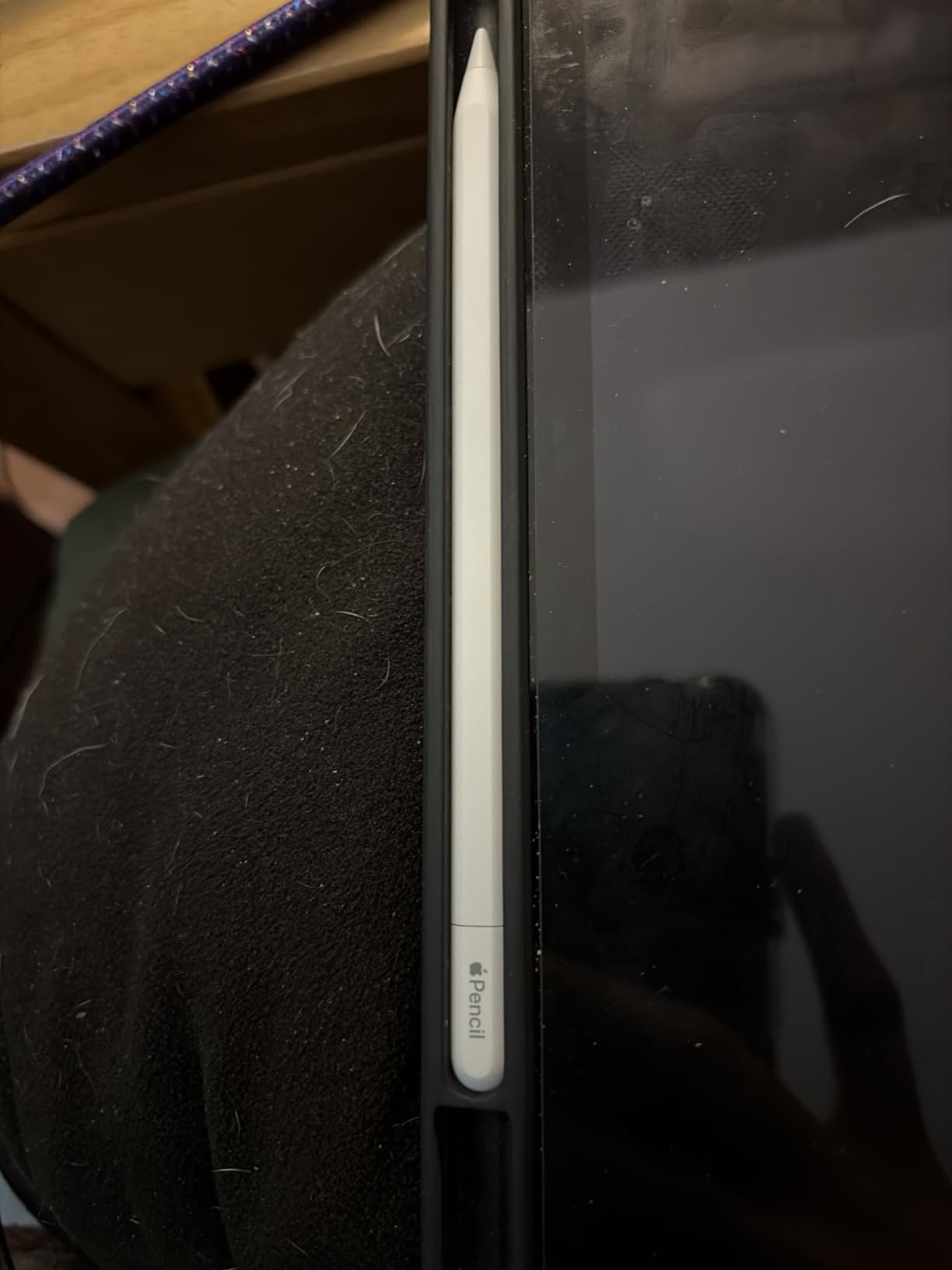
The sliding cap design for the USB-C port is clever. It stays attached so you cannot lose it, and the charging port tucks away neatly when not in use. A full charge lasts for days of regular use.
Make sure to check compatibility before buying. The USB-C Pencil works with iPad Pro, iPad Air, iPad mini 6, and iPad 10th generation onward. It does not work with older models.

Best For: Note-Takers Who Want Apple Quality
If you want the Apple brand reliability and tilt sensitivity for note-taking, sketching, and document signing, this is the stylus to get. It delivers the core Apple Pencil experience without the Pro price tag.
Who Should Look Elsewhere
If you need pressure sensitivity for professional art, spend the extra money on the Pencil Pro. If you just want basic writing functionality on a tight budget, the Metapen A8 does the job for even less.
8. Ailun Screen Protector 2-Pack – Best Screen Protection Value
Ailun 2Pack Screen Protector for iPad A16 2025 11th 11″/10th Gen 2022 10.9″
9H tempered glass
Face ID and Apple Pencil compatible
Case friendly
Oleophobic coating
2 pack included
High transparency
+ Pros
- Easy installation with dust removal tape
- Crystal clear no bubbles when applied properly
- Does not affect Face ID or Apple Pencil
- 9H hardness protects against impacts
- Great value for a 2-pack
- Leaves no residue when removed
– Cons
- Can trap bubbles during installation
- Cracks under heavy impact
- Requires patience for perfect alignment
Screen protectors are an essential iPad accessory, and the Ailun 2-pack is the best value I have found. With over 141,000 reviews and a 4.6 rating, this is the most-reviewed screen protector on our list by a wide margin.
The 9H tempered glass provides real impact protection. I accidentally dropped my iPad face-down on a tile floor with this protector installed, and while the protector cracked, the actual screen underneath was perfectly intact. That is exactly what it is designed to do.
![Ailun Screen Protector for iPad 11th A16 2025 [11 Inch] / 10th Generation 2022 [10.9 Inch], Tempered Glass [Face ID & Apple Pencil Compatible] Ultra Sensitive Case Friendly [2 Pack] customer photo 1](https://fypower.org/wp-content/uploads/2026/06/B0BJPXXM7D_customer_1.jpg)
Face ID works perfectly through the glass, and Apple Pencil sensitivity is unaffected. The oleophobic coating resists fingerprints and smudges, keeping the screen cleaner between wipe-downs.
The 2-pack means you get a spare for when the first one eventually wears out or if you mess up the first installation. The included dust removal tape and alignment guide make installation straightforward with a little patience.
![Ailun Screen Protector for iPad 11th A16 2025 [11 Inch] / 10th Generation 2022 [10.9 Inch], Tempered Glass [Face ID & Apple Pencil Compatible] Ultra Sensitive Case Friendly [2 Pack] customer photo 2](https://fypower.org/wp-content/uploads/2026/06/B0BJPXXM7D_customer_2.jpg)
Best For: Anyone Who Wants Screen Insurance
At this price for a 2-pack, there is no reason not to protect your iPad screen. Whether you use an Apple Pencil or just want to guard against scratches and drops, this protector delivers excellent clarity and protection.
Who Should Look Elsewhere
If you want a matte screen protector that changes the drawing feel to be more paper-like, look at options like Paperlike instead. The Ailun is a glossy protector that maintains the original screen feel, which some artists find too slippery for drawing.
9. Harvopu iPad Keyboard Case – Best Budget Keyboard Case
Harvopu for iPad A16 11th/10th Generation Case with Keyboard, Folio Cover
7 color RGB backlit
Magnetic detachable keyboard
Multi-touch trackpad
3 anti-slip grooves
420mAh battery
Pencil holder included
+ Pros
- Great value under 30 dollars
- Magnetic detachable keyboard
- Built-in multi-touch trackpad
- 7 color RGB backlight
- 3 viewing angle grooves
- Pencil holder included
- Auto power save after 15 minutes
– Cons
- Trackpad sensitivity issues reported
- Keys require firmer press than standard
- Keyboard slight delay for gaming
- Slightly heavy with keyboard attached
The Harvopu keyboard case proves you do not need to spend over $100 to get a functional iPad keyboard setup. For users who want to try the laptop-style iPad experience without a major investment, this is the entry point I recommend.
The magnetic detachable keyboard is the standout feature. You can remove it when you just want tablet mode, then snap it back on when you need to type. The 7-color RGB backlighting with three brightness levels is a fun touch that you do not expect at this price.
The multi-touch trackpad supports iPadOS gestures, though it is not as precise as the Logitech trackpad. Some users report sensitivity issues where clicks register as the wrong button. It works well enough for basic cursor navigation and clicking, but not for precision work.
Best For: First-Time Keyboard Case Buyers
If you are not sure whether a keyboard case is right for your workflow, this is the low-risk way to find out. The features and build quality exceed what you would expect at this price, making it an excellent trial option before committing to a premium case.
Who Should Look Elsewhere
If you type extensively or need a reliable trackpad for professional work, the Logitech Combo Touch is worth the extra cost. The Harvopu trackpad and key feel will frustrate power users who type for hours daily.
10. LISEN Foldable iPad Stand – Best Travel Stand
LISEN for iPad Stand Holder, Aluminum Tablet Stand Holder for iPad
360 degree smooth rotation
All-metal aluminum alloy
Tri-fold adjustable
Folds to pocket size
Magnetic back piece
0.42 kg
+ Pros
- Solid metal construction feels premium
- 360 degree rotation with click feedback
- Folds compactly for travel
- Adjustable tension with included allen keys
- Magnetic back holds tablet securely
- Non-slip base stays put
– Cons
- Phone must be in landscape mode
- Rotation can be too easy for some
- Tablet may tip if tilted back too far
The LISEN stand is the travel companion that lives in my carry-on bag. Its tri-fold design collapses to roughly pocket size, and the all-metal construction means it can handle the abuse of being stuffed in luggage without bending or breaking.
The 360-degree rotation is a feature I did not know I needed until I had it. I use it to spin the iPad between myself and a colleague during meetings without lifting the tablet off the stand. Each rotation clicks into place with satisfying tactile feedback.
![LISEN for iPad Stand Holder [All-Metal Foldable] Adjustable Tablet Stand for Desk, Rotating Display Stand for Kindle Tablet PS Switch iPhone 11](https://fypower.org/wp-content/uploads/2026/06/B0CST4CYVH_customer_1.jpg)
The included allen keys let you adjust the joint tension over time. After months of use, if a joint gets loose, you can tighten it back up. This repairability extends the stand’s lifespan significantly.
The magnetic back piece holds the tablet securely in place, and the anti-slip silicone base keeps the stand from sliding on smooth surfaces like glass tables.
Best For: Travelers and Frequent Flyers
If you work from different locations and need a stand that folds small and sets up fast, the LISEN is purpose-built for that lifestyle. It weighs under a pound but supports tablets up to 12.9 inches.
Who Should Look Elsewhere
If you need a permanent desk stand, the Lamicall S1 is a better choice. The LISEN’s strength is portability, not maximum stability. Very large tablets in portrait orientation may wobble on this stand.
11. Apple 240W USB-C Charge Cable – Best Charging Cable
Apple 240W USB-C to USB-C Woven Charge Cable (2 m): Fast and Convenient Charging
2 meter length
240W charging support
Woven braided design
USB-C to USB-C
USB 2 data transfer
Tangle resistant
+ Pros
- Premium woven design feels durable
- Supports up to 240W charging
- 2-meter length ideal for desk and bed
- Tangle-resistant and coils nicely
- Fast consistent charging with no heating
- Secure connection with no wobble
– Cons
- Braided material can attract dirt
- Data transfer limited to USB 2.0 speeds
- No magnetic tip charging
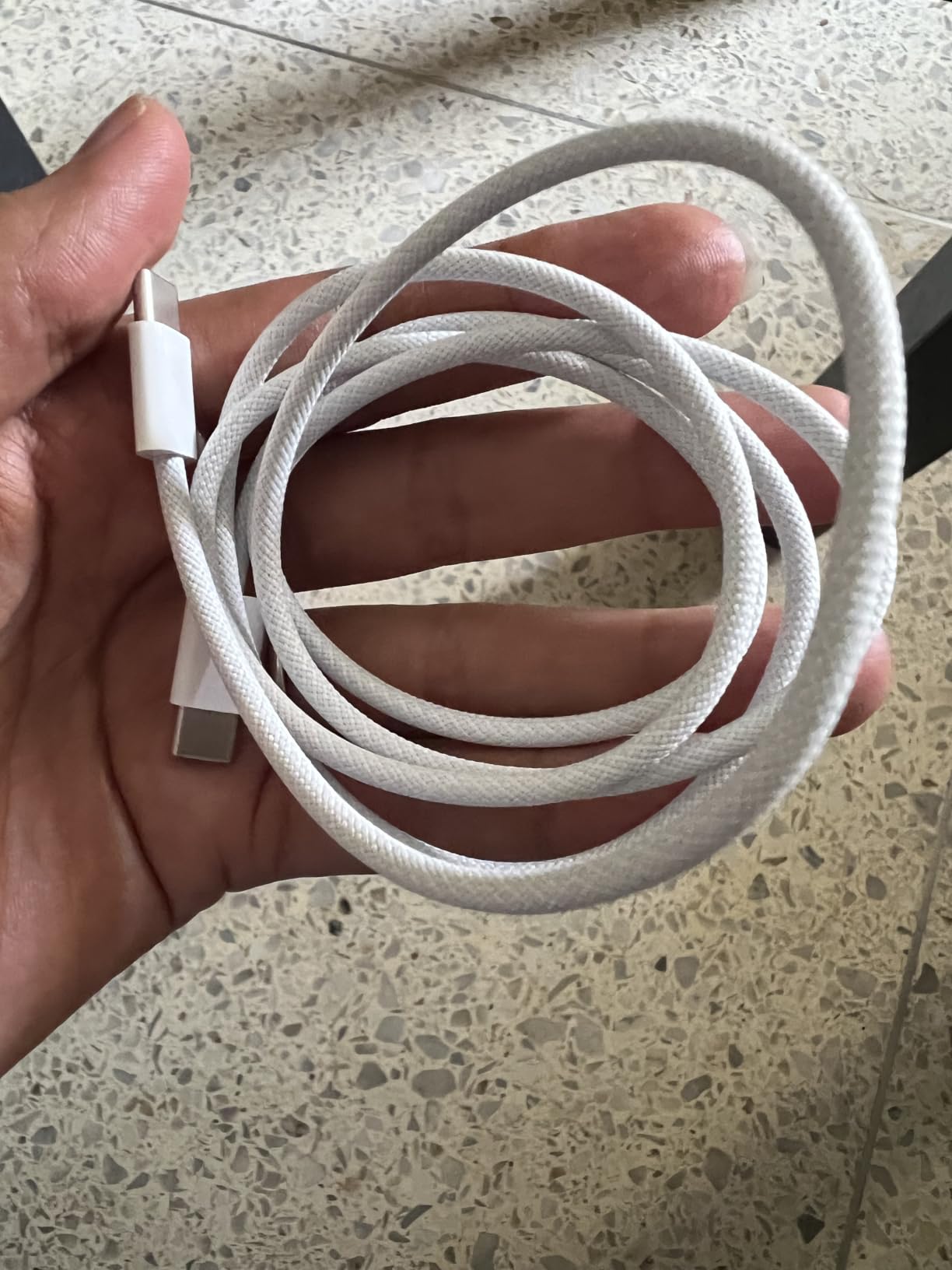
The Apple 240W woven USB-C cable is the last charging cable you will need to buy for a long time. I have gone through countless cheap cables that fray at the connectors within months, and this Apple cable shows zero signs of wear after extensive use.
The 2-meter length is perfect. I can charge my iPad from a wall outlet across the room or from a floor outlet at a coffee shop without being tethered close to the wall. The woven design resists tangling, which means no more untangling knots when I pull it from my bag.
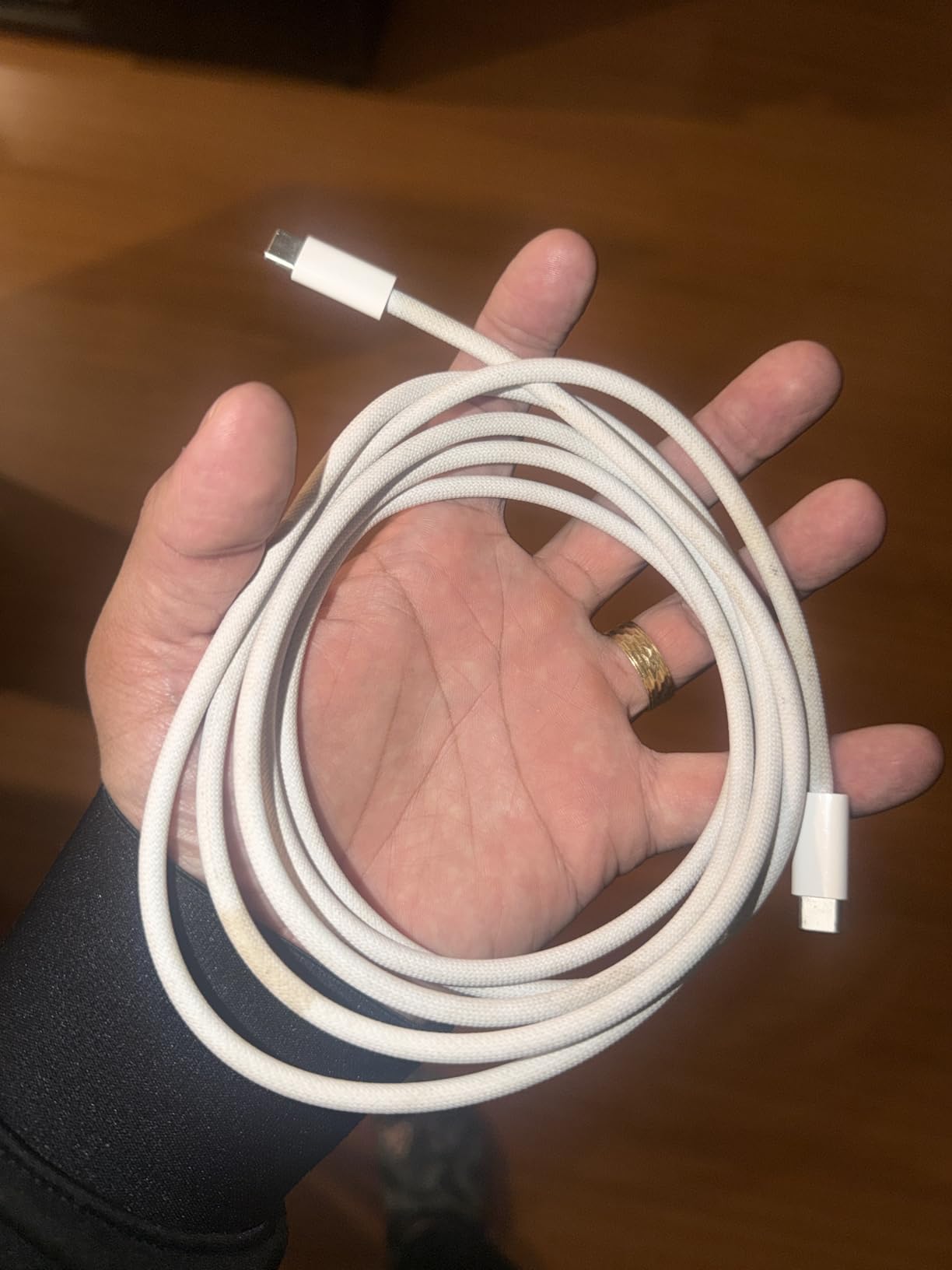
The 240W rating means this cable can handle anything you throw at it, from fast-charging an iPad to powering a MacBook Pro at full speed. It is a single cable that works across your entire Apple device lineup.
The one limitation is data transfer speed. This cable supports USB 2.0 data rates, which is fine for charging but slow if you are trying to transfer large files between devices. For pure charging, it is excellent.
Best For: Multi-Device Apple Users
If you have an iPad, a MacBook, and other USB-C devices, this one cable handles charging for all of them. The build quality justifies the price by outlasting cheaper alternatives by years.
Who Should Look Elsewhere
If you need fast data transfer for moving large video files or backups, look for a Thunderbolt 4 cable instead. This cable is optimized for charging, not high-speed data transfer.
12. Brookstone Tablet Lap Cushion – Best for Bed and Couch Use
Brookstone Tablet Lap Cushion – Tablet and Phone Holder for Bed, Flights, and Travel, Two Angled Memory Foam Lap Desk for Reading and Hands Free Viewing, Compatible iPad and Kindle Accessories, Black
Memory foam and soft plush
Two angled positions
Side storage pockets
Removable washable cover
Works with all devices
0.47 kg lightweight
+ Pros
- Soft memory foam for all-day comfort
- Hands-free reading and viewing
- Ergonomic support reduces neck strain
- Two angled positions
- Travel-ready lightweight design
- Side storage pockets for accessories
- Removable and washable cover
– Cons
- May be too large for some spaces
- Fabric attracts dust and pet hair
- Side pockets could be deeper
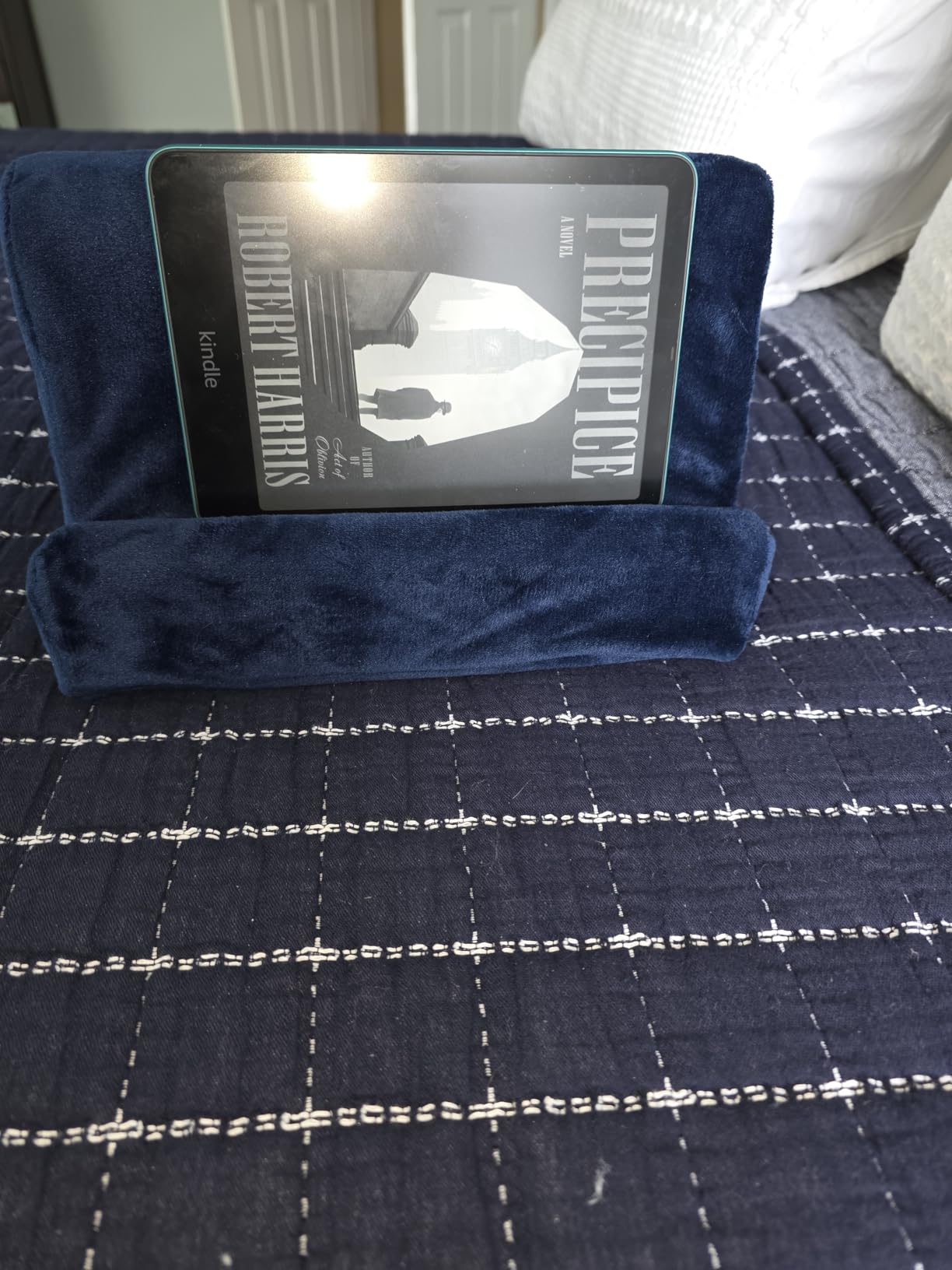
The Brookstone lap cushion solves a problem that no rigid stand can address: comfortable iPad use on the couch, in bed, or during travel. The memory foam base sits perfectly on your lap, and the two angled positions hold your iPad at just the right viewing angle.
I use this cushion nightly for reading in bed. Before I got it, I would prop my iPad against a pillow, which always slid down within minutes. The cushion’s bracket holds the iPad securely, and the memory foam conforms to your legs for stable positioning.
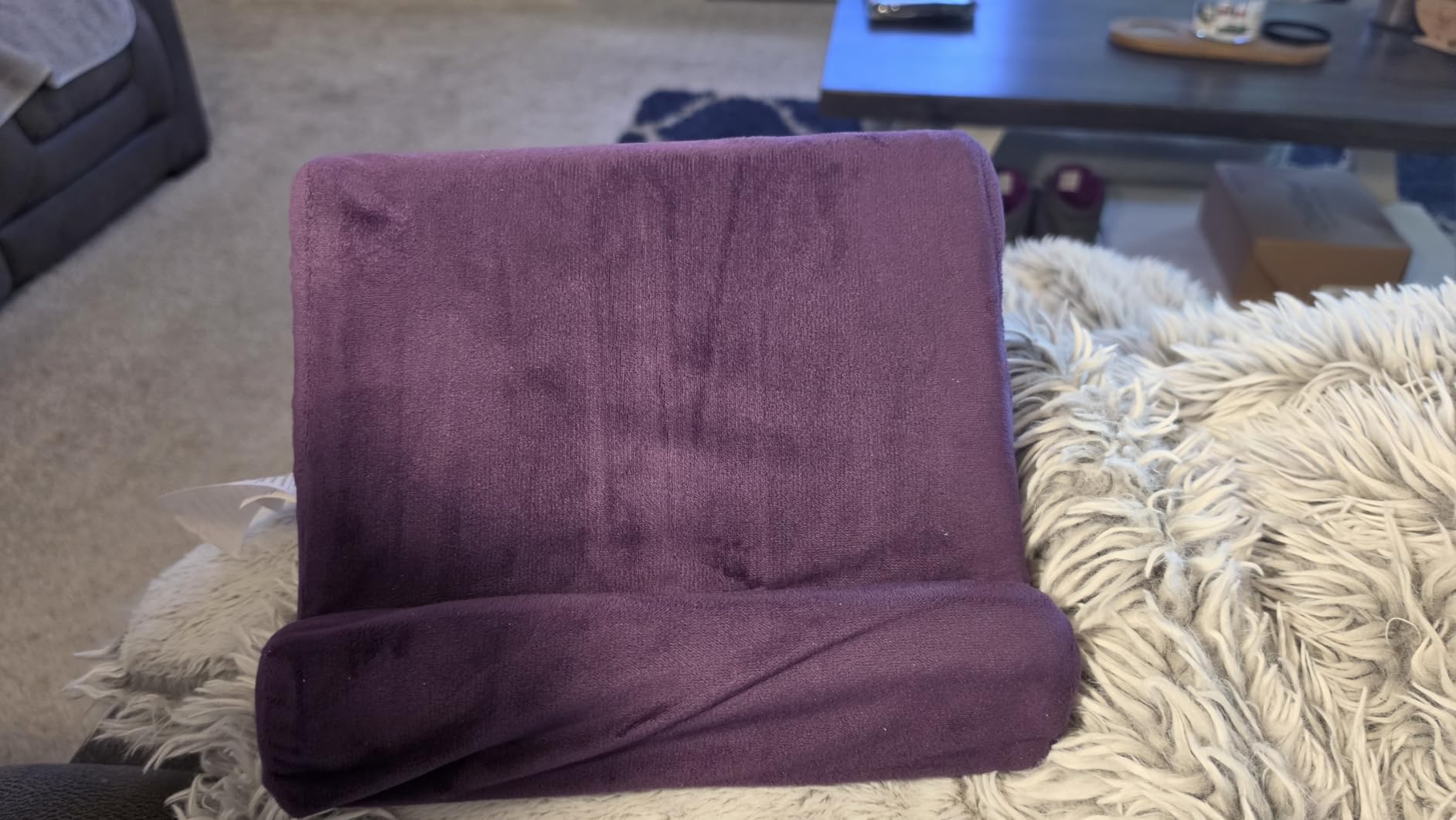
The side storage pockets are handy for holding a charging cable, earbuds, or the Metapen stylus. The removable cover is machine washable, which matters because the plush fabric does attract dust and pet hair over time.
At just over a pound, it is light enough to carry between rooms or pack for a flight. It provides a stable base even in turbulence, which rigid stands cannot match.
Best For: Casual Users and Bedtime Readers
If your primary iPad use is reading, watching videos, or browsing while reclining, this cushion transforms the experience. No more awkward pillow stacks or arm fatigue from holding the tablet up.
Who Should Look Elsewhere
If you need a stand for desk work, typing, or drawing, this cushion is not suitable. It is designed for passive consumption, not active productivity. The Lamicall or LISEN stands are better for work scenarios.
How to Choose the Best iPad Accessories
With so many options on the market, narrowing down which accessories to buy can feel overwhelming. Here is how I approach building an iPad accessory kit based on actual use patterns rather than hype.
Know Your iPad Model First
Before buying anything, identify your exact iPad model. Apple Pencil compatibility varies dramatically between generations. The Apple Pencil Pro only works with the newest iPad Pro M4, iPad Air M2 and later, and iPad mini A17 Pro. The USB-C Pencil covers a wider range. Third-party options like the Metapen A8 work with any iPad from 2018 onward.
Keyboard case compatibility is equally specific. The Logitech Combo Touch and Harvopu cases on this list are designed for the iPad 10th generation and A16 models specifically. They will not fit older iPads or Pro models.
Match Accessories to Your Primary Use Case
Think about how you spend 80% of your iPad time. Students need a stylus for note-taking and a case for protection. Creative professionals need a pressure-sensitive stylus and possibly a matte screen protector. Remote workers need a keyboard case and a good stand.
For those exploring iPad accessories for music production, connectivity hubs and quality charging cables become more important than they are for casual users.
Start with Protection, Then Add Function
I recommend buying accessories in this order: a screen protector first, then a case, then a stand, then a stylus, then a keyboard case. Protection is cheaper than repairs, and you can always add functionality later as budget allows.
The Ailun screen protector and MoKo case together cost less than $20 and provide the essential protection layer. Add a Lamicall stand for under $10, and you have a solid foundation before investing in styluses and keyboards.
Budget vs Premium: Where to Spend and Save
Not every accessory needs to be the premium option. I save money on screen protectors, cases, and stands because budget options perform nearly as well as premium ones. I invest in styluses and keyboard cases because the difference in daily experience is significant.
The Metapen A8 at under $15 is an excellent budget stylus that covers 90% of use cases. But if you are a professional artist, spending $99 on the Apple Pencil Pro is worth every penny for the pressure sensitivity alone.
FAQs
What accessories do I need with my iPad?
The essential iPad accessories are a screen protector, a protective case, and a charging cable. From there, add a stand for desk use, a stylus for note-taking or drawing, and a keyboard case if you want laptop-like productivity. Start with protection, then build functionality based on your needs.
What are the best iPad accessories for students?
For students, the must-have accessories are a budget stylus like the Metapen A8 for note-taking, a protective case like the MoKo, a screen protector, and a stand for studying at a desk. A keyboard case is worth it if you write papers or emails frequently on your iPad.
Is the Apple Pencil worth it or should I get a cheaper alternative?
If you need pressure sensitivity for professional art, the Apple Pencil Pro is worth the investment. For note-taking, document signing, and casual sketching, budget alternatives like the Metapen A8 or Apple Pencil USB-C deliver excellent performance at a much lower price. Most users do not need pressure sensitivity.
Which iPad keyboard case is best?
The Logitech Combo Touch is the best overall keyboard case for iPad 10th gen and A16 models, offering Smart Connector power, a detachable keyboard, and a precision trackpad. For budget buyers, the Harvopu keyboard case provides basic functionality at a fraction of the cost.
Are iPad accessories worth it?
Yes, iPad accessories are worth the investment because they extend the life and functionality of your device. A screen protector and case prevent costly repairs, a stand improves ergonomics, a stylus unlocks creative and note-taking capabilities, and a keyboard case can replace a laptop for many tasks.
Final Thoughts on the Best iPad Accessories
Finding the best iPad accessories comes down to understanding how you actually use your device day to day. After testing all 12 products on this list, the combination that works best for most people is a Lamicall stand for the desk, a Metapen A8 or Apple Pencil for input, an Ailun screen protector paired with a MoKo case for protection, and a tomtoc sleeve for transport.
The beauty of building your accessory kit gradually is that you can start with the essentials and add premium pieces as your needs evolve. A student might start with a screen protector, case, and budget stylus, then add a keyboard case later when writing demands increase.
Whatever your iPad model and use case, the accessories on this list represent the best value and performance available in 2026. Each one earned its place through real-world testing and verified user feedback, not marketing promises.