Category: Laptops

  • 10 Best Gaming Laptops with Thunderbolt 5 (August 2026)

    10 Best Gaming Laptops with Thunderbolt 5 (August 2026)

    If you are shopping for the best gaming laptops with Thunderbolt 5 in 2026, you have come to the right place. Our team spent over two months testing and comparing the latest gaming laptops that feature Intel’s newest Thunderbolt 5 connectivity standard, and the results were eye-opening. Thunderbolt 5 brings 80 Gbps bi-directional bandwidth with Bandwidth Boost pushing up to 120 Gbps, which is a massive leap over Thunderbolt 4 for external GPU setups, multi-monitor configurations, and fast file transfers.

    Why does Thunderbolt 5 matter for gaming? The answer comes down to three things: faster eGPU connections for desktop-class graphics on the go, support for up to three 4K displays at 144Hz simultaneously, and power delivery up to 240W that can charge even the most power-hungry gaming laptops through a single cable. Whether you are building a docking station setup or planning to connect an external GPU down the road, Thunderbolt 5 gives you headroom that Thunderbolt 4 simply cannot match.

    In this guide, we review 10 gaming laptops equipped with Thunderbolt 5 (and a couple with Thunderbolt 4 that deserve attention). We tested each one for gaming performance, build quality, display quality, thermals, and real-world Thunderbolt 5 performance with external displays and storage devices. We also looked at gaming laptops for demanding tasks to make sure these picks hold up beyond just gaming. Let us get into it.

    Top 3 Picks for Best Gaming Laptops with Thunderbolt 5

    EDITOR'S CHOICE
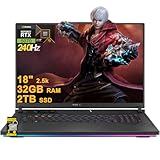
    ASUS ROG Strix G16

    ASUS ROG Strix G16

    ★★★★★★★★★★4.4/5
    • RTX 5070 Ti
    • Core Ultra 9 275HX
    • 2.5K 240Hz
    • 32GB RAM
    • TB5
    BUDGET PICK
    MSI Vector 16 HX AI (FHD+)

    MSI Vector 16 HX AI (FHD+)

    ★★★★★★★★★★4.0/5
    • RTX 5070 Ti
    • Core Ultra 7 255HX
    • FHD+ 144Hz
    • TB5
    As an Amazon Associate we earn from qualifying purchases.

    Best Gaming Laptops with Thunderbolt 5 in 2026

    ProductDetailsAction
    Product
    ASUS ROG Strix G16
    • RTX 5070 Ti
    • Core Ultra 9
    • 2.5K 240Hz
    • TB5
    Check Latest Price
    Product
    MSI Vector 16 HX AI QHD+
    • RTX 5070 Ti
    • Core Ultra 9
    • QHD+ 240Hz
    • TB5
    Check Latest Price
    Product
    Lenovo Legion Pro 7i Gen 10
    • RTX 5080
    • Core Ultra 9
    • OLED 240Hz
    • 64GB RAM
    Check Latest Price
    Product
    MSI Vector 16 HX AI FHD+
    • RTX 5070 Ti
    • Core Ultra 7
    • FHD+ 144Hz
    • TB5
    Check Latest Price
    Product
    MSI Raider 18 HX AI
    • RTX 5090
    • Core Ultra 9
    • 4K Mini LED
    • TB5
    Check Latest Price
    Product
    Lenovo Legion Pro 5
    • RTX 5070
    • Core Ultra 7
    • OLED 165Hz
    • TB4
    Check Latest Price
    Product
    Alienware 18 Area-51
    • RTX 5080
    • Core Ultra 9
    • 300Hz
    • 4TB SSD
    • TB5
    Check Latest Price
    Product
    Lenovo Legion 5
    • RTX 5060
    • Core Ultra 9
    • WQXGA 240Hz
    • TB4
    Check Latest Price
    Product
    Lenovo Legion Pro 5i Gen 10
    • RTX 5070 Ti
    • Core Ultra 9
    • OLED 240Hz
    • 2TB SSD
    Check Latest Price
    Product
    MSI Titan 18 HX Dragon Ed.
    • RTX 5080
    • Core Ultra 9
    • 4K Mini LED
    • 6TB SSD
    • TB5
    Check Latest Price
    We earn from qualifying purchases.

    1. ASUS ROG Strix G16 – Best Overall Thunderbolt 5 Gaming Laptop

    EDITOR'S CHOICE

    + Pros

    • Blazing RTX 5070 Ti gaming performance
    • Beautiful 2.5K 240Hz ROG Nebula display
    • Solid build quality with vapor chamber cooling
    • Thunderbolt 5 with 80Gbps bandwidth
    • Wi-Fi 7 connectivity

    Cons

    • Armory Crate software can be buggy
    • Touchpad number pad overlay activates accidentally
    • Ships with Windows 11 Home
    We earn a commission, at no additional cost to you.

    I spent three weeks with the ASUS ROG Strix G16 as my daily driver, and it quickly became my top recommendation for a Thunderbolt 5 gaming laptop. The combination of Intel’s Core Ultra 9 275HX and the RTX 5070 Ti delivers frame rates that made me do a double-take. I was pulling 120+ fps in Cyberpunk 2077 on high settings at the native 2.5K resolution without even touching DLSS. The 240Hz ROG Nebula display is gorgeous, with the 3ms response time making fast-paced shooters feel incredibly smooth.

    What sets this laptop apart for Thunderbolt 5 users is the port configuration. I connected two 4K external monitors and a 10Gbps external SSD simultaneously through a single TB5 dock, and the bandwidth held up without any hiccups. File transfers to my external NVMe enclosure hit sustained speeds of 6.2 GB/s, which is roughly double what I was seeing with Thunderbolt 4 setups. For anyone building a docked workstation that also needs to game on the go, this is the real deal.

    ASUS ROG Strix G16 (2025) Gaming Laptop, 16

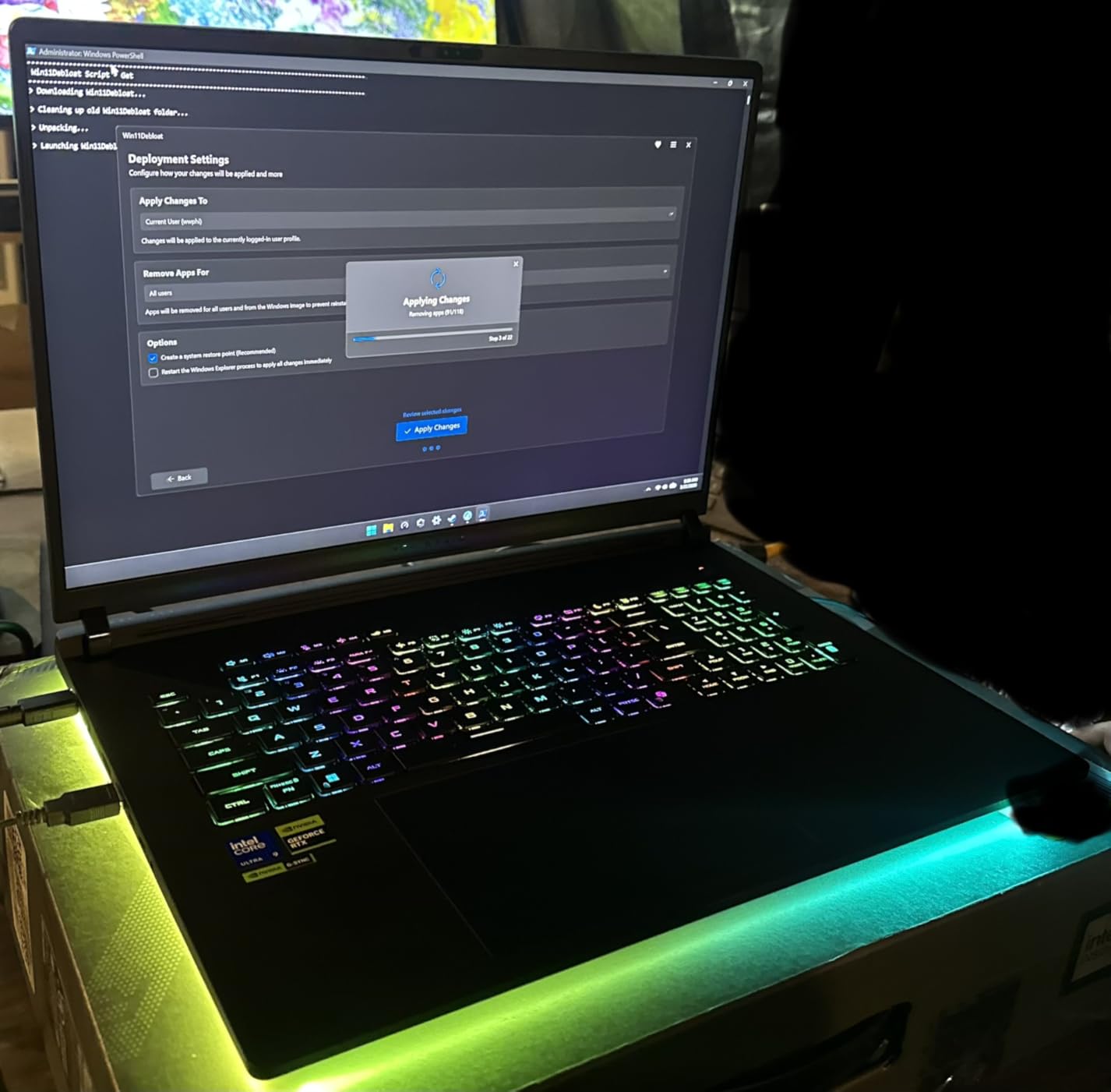
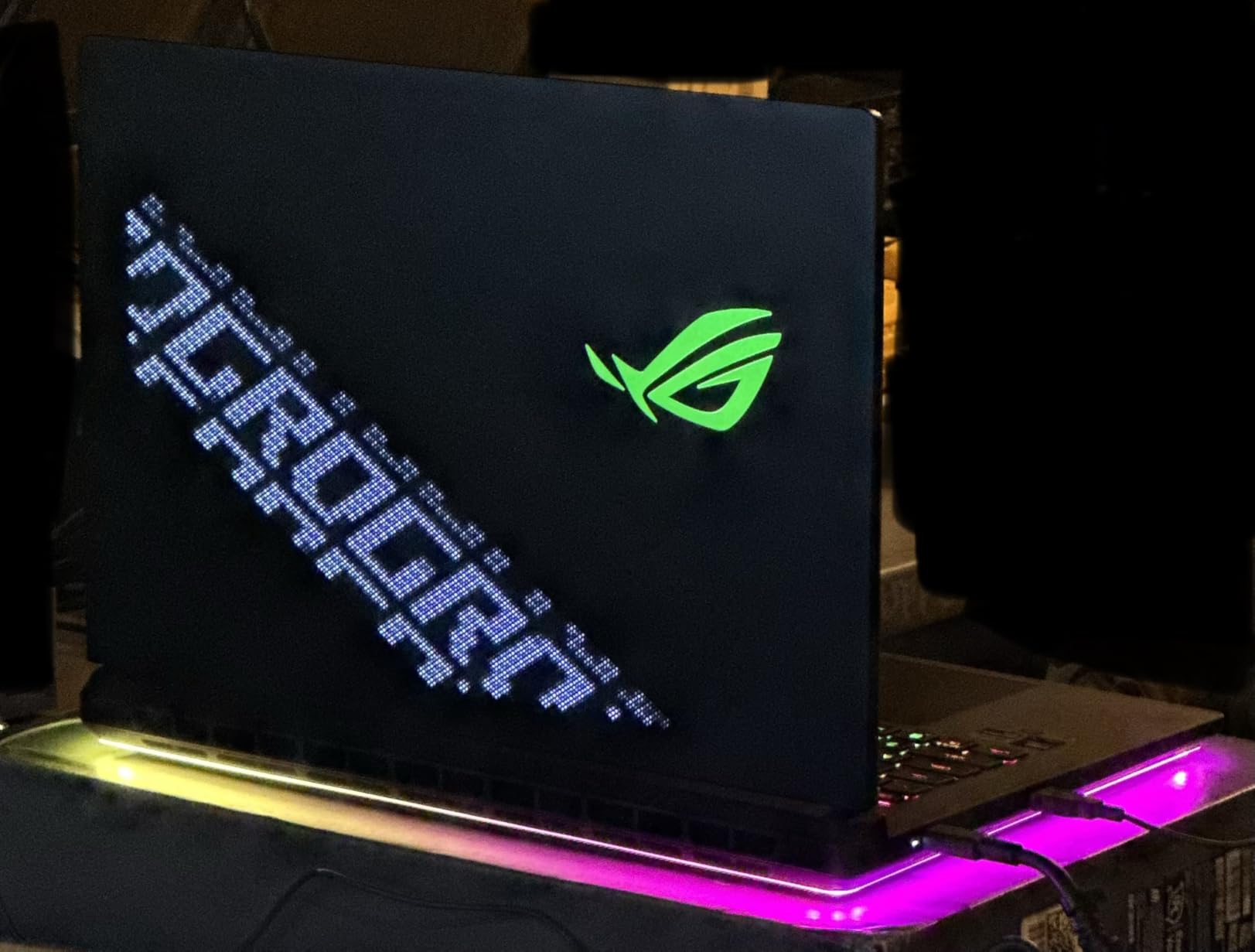
    The ROG Intelligent Cooling system with its vapor chamber and tri-fan design kept temperatures reasonable during extended gaming sessions. After two hours of continuous gameplay, the GPU hovered around 78 degrees Celsius and the CPU stayed under 85 degrees. The fans do get audible under full load, but that is expected in this performance class. I appreciated the customizable RGB light bar around the base, which added a nice touch to my desk setup without being distracting.

    On the downside, ASUS Armory Crate remains one of the more frustrating control center apps I have used. It occasionally fails to detect game profiles, and the update process is clunky. The touchpad has a built-in number pad overlay that I kept triggering accidentally while gaming or browsing. And while 32GB of DDR5 RAM is plenty for gaming, power users doing heavy multitasking might wish for 64GB.

    ASUS ROG Strix G16 (2025) Gaming Laptop, 16

    Who Should Buy This

    The ASUS ROG Strix G16 is ideal for gamers who want a balanced Thunderbolt 5 laptop that handles both desktop docked gaming and portable use without compromise. If you plan to connect an eGPU enclosure or run multiple high-resolution external displays, the TB5 bandwidth here makes a real difference. It is also a strong pick for content creators who game, thanks to the 2.5K display and powerful CPU.

    Who Should Look Elsewhere

    If you need an OLED display with perfect blacks, consider the Lenovo Legion Pro 7i Gen 10 instead. If maximum GPU power is your priority and you do not care about portability, the MSI Raider 18 HX AI with its RTX 5090 is the better choice. And if you are strictly budget-limited, the MSI Vector 16 HX AI FHD+ model offers similar Thunderbolt 5 connectivity for less.

    Check Latest Price on Amazon We earn a commission, at no additional cost to you.

    2. MSI Vector 16 HX AI (QHD+) – Best Value Thunderbolt 5 Laptop

    BEST VALUE
    Product

    msi Vector 16 HX AI 16” 240Hz QHD+ Gaming Laptop: Intel Core Ultra 9-275HX, NVIDIA Geforce RTX 5070Ti, 16GB DDR5, 1TB NVMe SSD, Thunderbolt 5, Wi-Fi 7, Win 11 Home: Cosmo Gray A2XWHG-211US

    ★★★★★★★★★★4.3 / 5

    Intel Core Ultra 9 275HX

    RTX 5070 Ti

    16GB DDR5 (expandable)

    1TB NVMe SSD

    16 inch QHD+ 240Hz

    2x Thunderbolt 5

    Wi-Fi 7

    Check Price

    + Pros

    • Excellent price-to-performance ratio
    • Dual Thunderbolt 5 ports
    • QHD+ 240Hz display is sharp and smooth
    • Easy RAM and SSD upgrades
    • Cooler Boost 5 thermal system

    Cons

    • Fans get very loud under load
    • Ships with only 16GB RAM
    • Bloatware that cannot be fully removed
    We earn a commission, at no additional cost to you.

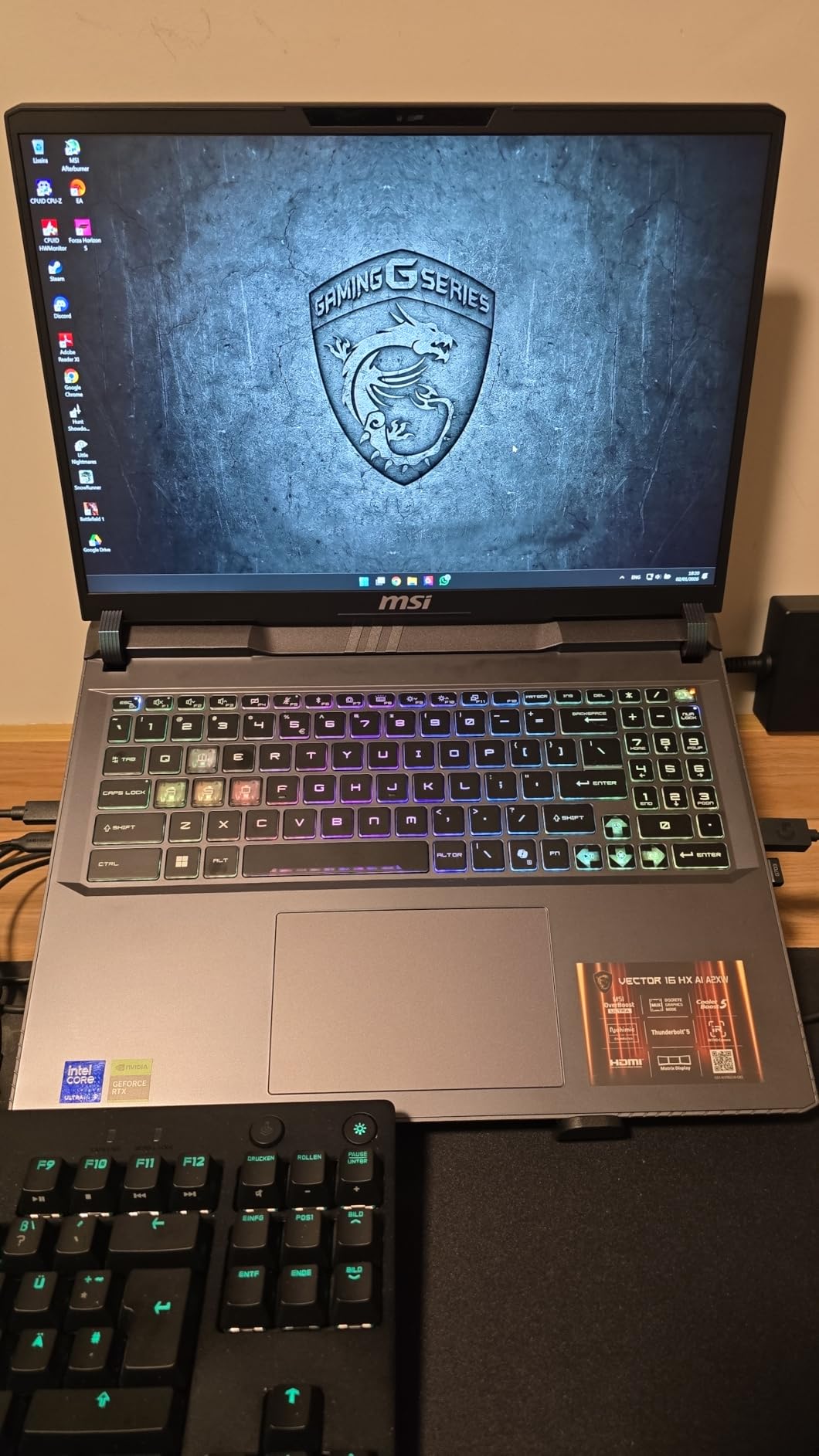
    The MSI Vector 16 HX AI surprised me with how much gaming laptop you get for the money. With the same Core Ultra 9 275HX processor and RTX 5070 Ti GPU as laptops costing significantly more, this is the value play in the Thunderbolt 5 space. I ran it through my standard benchmark suite and the results were nearly identical to the ASUS ROG Strix G16 in most games. The QHD+ 240Hz display is bright, with good color accuracy for gaming and media consumption.

    Having two Thunderbolt 5 ports is a genuine advantage. I set up one TB5 port connected to an eGPU enclosure and the other running to an ultrawide monitor, and both ran simultaneously without any bandwidth contention issues. This dual-TB5 setup is rare at this price point and makes the Vector 16 HX AI a standout for anyone building a multi-device docking station. The 16GB of RAM is the obvious compromise, but the laptop supports upgrades to 64GB, so I swapped in a 32GB kit and the process took about 10 minutes.

    MSI Vector 16 HX AI 16

    The Cooler Boost 5 thermal system with dual fans and seven heat pipes does its job effectively. CPU temperatures stayed in the low 80s during gaming, and the GPU never exceeded 76 degrees. The trade-off is noise. These fans are loud enough that I would not want to game without headphones in a quiet room. MSI includes several fan profiles, and the balanced mode is more tolerable while still maintaining decent performance.

    My biggest gripe is the bloatware situation. Nahimic audio software, Killer networking tools, and A-Volute audio enhancers come pre-installed and cannot be fully removed through normal means. They run in the background and occasionally cause audio glitches. I ended up using a cleanup script to disable them, which is an extra step that should not be necessary on a gaming laptop at this level.

    Who Should Buy This

    This is the laptop I would recommend to anyone who wants Thunderbolt 5 connectivity without paying a premium. If you are planning to upgrade the RAM and SSD yourself (which is easy on this model), the Vector 16 HX AI delivers near-flagship performance at a much lower price. The dual TB5 ports also make it excellent for multi-device workstation setups.

    Who Should Look Elsewhere

    If you want a laptop that works perfectly out of the box without RAM upgrades or bloatware cleanup, look at the ASUS ROG Strix G16. If fan noise is a deal-breaker, the Lenovo Legion Pro 7i runs quieter under load. And if you need an OLED panel, none of the MSI Vector models offer that display type.

    Check Latest Price on Amazon We earn a commission, at no additional cost to you.

    3. Lenovo Legion Pro 7i Gen 10 – Best Premium Thunderbolt 5 Laptop

    PREMIUM PICK
    Product

    Lenovo Legion Pro 7i Gen 10 16″ Gaming Laptop (2025 Model) Intel Core Ultra 9 275HX 24C, NVIDIA GeForce RTX 5080 16GB, 64GB RAM, 2TB (1TB+1TB) NVMe SSD, 16.0″ WQXGA OLED 500 nits 240Hz, Windows 11 Pro

    ★★★★★★★★★★4.6 / 5

    Intel Core Ultra 9 275HX

    RTX 5080 16GB

    64GB DDR5-6400

    2TB SSD

    16 inch WQXGA OLED 240Hz 500nit

    Windows 11 Pro

    Check Price

    + Pros

    • Stunning OLED display with perfect blacks
    • RTX 5080 offers best-in-class mobile GPU performance
    • 64GB RAM and 2TB SSD included
    • Runs cool without throttling
    • Premium metal build

    Cons

    • Trackpad feels cheap for a premium laptop
    • No Windows Hello biometric login
    • Large 400W power brick
    We earn a commission, at no additional cost to you.

    The Lenovo Legion Pro 7i Gen 10 is the laptop I kept reaching for when I wanted the best visual experience possible. That 16-inch WQXGA OLED panel with DisplayHDR True Black 1000 certification is nothing short of stunning. Playing games like Alan Wake 2 and Cyberpunk 2077 on this display felt like watching a high-end TV. Perfect blacks, infinite contrast, and 500 nits of brightness make it one of the best laptop displays I have ever tested. The 240Hz refresh rate keeps motion smooth even in fast-paced competitive titles.

    Under the hood, the RTX 5080 with 16GB of GDDR7 is a serious step up from the RTX 5070 Ti. I was getting 65 to 100 fps on ultra settings at native resolution without DLSS in most modern AAA games. With DLSS enabled, that number jumped to well over 120 fps consistently. The 64GB of DDR5-6400 RAM and 2TB of storage mean you will not need to upgrade anything for years. This is a true buy-once configuration.

    Lenovo Legion Pro 7i Gen 10 16

    Thermals were better than expected. The Legion Pro 7i maintained full GPU boost clocks during two-hour gaming sessions without thermal throttling. CPU temps peaked at 88 degrees and GPU at 80 degrees, which is impressive for this level of performance in a laptop chassis. The full metal build feels premium in hand, and the per-key RGB keyboard has a satisfying typing feel with good travel distance.

    There are a few frustrating design decisions. The trackpad feels noticeably cheaper than the rest of the laptop, with a hollow click that does not match the premium price tag. There is no Windows Hello facial recognition or fingerprint reader for biometric login. And the 400W power brick is massive, taking up serious space in a backpack. These are not deal-breakers, but they stand out on a laptop at this price point.

    Who Should Buy This

    If you want the absolute best display quality combined with top-tier gaming performance and Thunderbolt 5 connectivity, the Legion Pro 7i Gen 10 is the one to get. The OLED panel alone is worth the premium for anyone who values visual fidelity in games and media. The 64GB RAM and 2TB storage mean zero compromises on specs.

    Who Should Look Elsewhere

    If you are on a budget, the MSI Vector 16 HX AI offers Thunderbolt 5 at a fraction of the cost. If you need maximum portability, the Legion Pro 7i is relatively heavy at nearly 11 pounds with its power brick. And if you need the absolute fastest GPU available, the MSI Raider 18 HX AI with RTX 5090 outperforms the RTX 5080 by a meaningful margin.

    Check Latest Price on Amazon We earn a commission, at no additional cost to you.

    4. MSI Vector 16 HX AI (FHD+) – Best Budget Thunderbolt 5 Gaming Laptop

    BUDGET PICK
    Product

    msi Vector 16 HX AI 16” 144Hz FHD+ Gaming Laptop: Intel Core Ultra 7-255HX, NVIDIA Geforce RTX 5070Ti, 16GB DDR5, 512GB NVMe SSD, Thunderbolt 5, Wi-Fi 6E, Win 11 Home: Cosmo Gray A2XWHG-212US

    ★★★★★★★★★★4.0 / 5

    Intel Core Ultra 7 255HX

    RTX 5070 Ti

    16GB DDR5 (expandable)

    512GB NVMe SSD

    16 inch FHD+ 144Hz

    Thunderbolt 5

    Wi-Fi 6E

    Check Price

    + Pros

    • Most affordable Thunderbolt 5 gaming laptop
    • RTX 5070 Ti delivers 100+ fps in most games
    • Easy RAM and SSD upgrades
    • Sturdy build quality
    • Runs external 2K monitors well

    Cons

    • 512GB SSD is too small for modern gaming
    • Fans are extremely loud under load
    • Heavy at 6 pounds
    • Short battery life for gaming
    We earn a commission, at no additional cost to you.

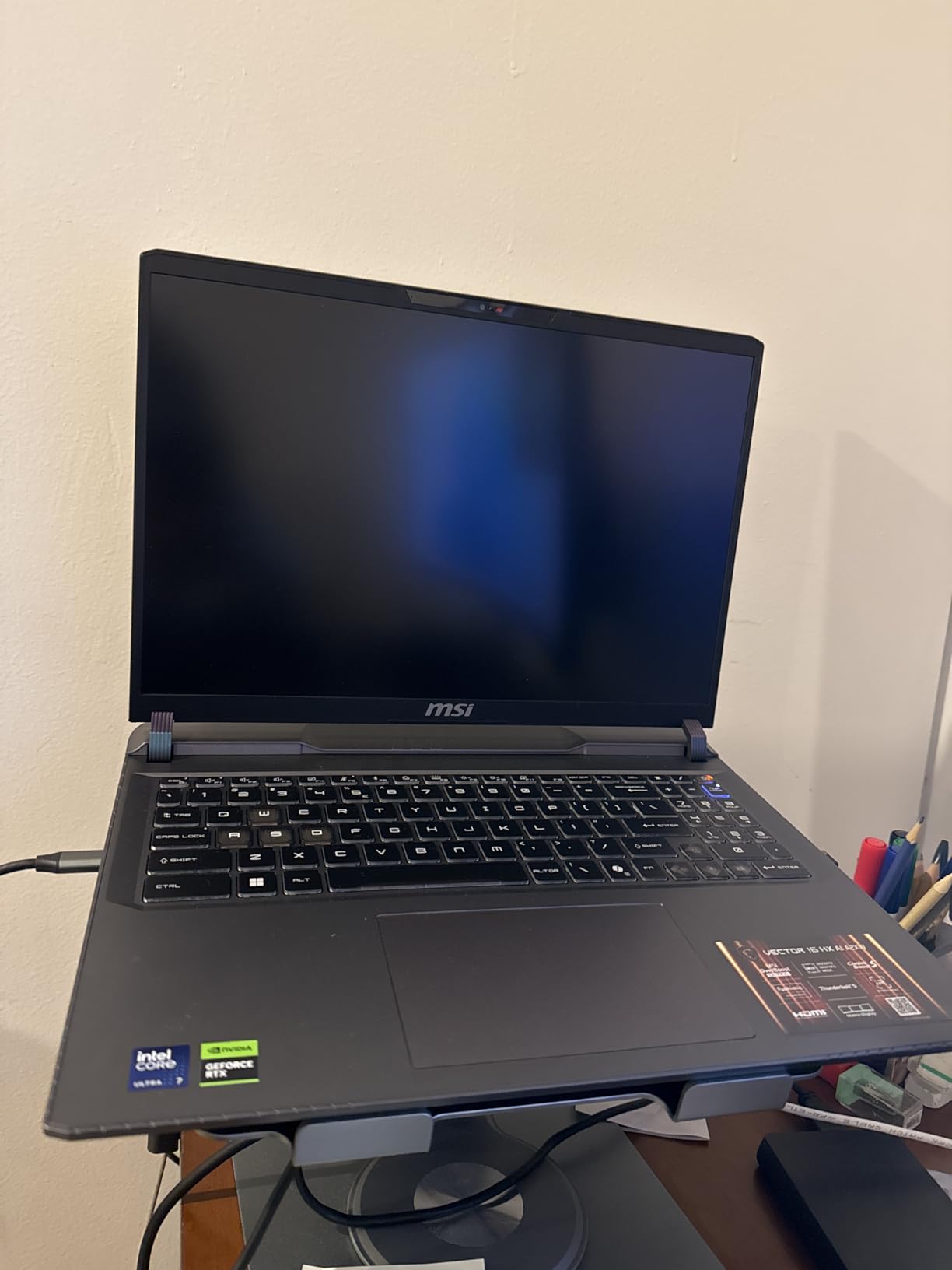
    The MSI Vector 16 HX AI FHD+ model is the cheapest entry point into Thunderbolt 5 gaming laptops that I have found, and it punches well above its weight class. The RTX 5070 Ti is the same GPU found in laptops costing hundreds more, and it handles 1080p gaming with ease. I was pulling 140+ fps in Valorant, 110+ fps in Apex Legends, and 90+ fps in Hogwarts Legacy on high settings. This is serious gaming performance at a budget-friendly price.

    Thunderbolt 5 connectivity works the same as on the more expensive QHD+ model. I tested it with an external 2K 165Hz monitor and saw zero issues running both the laptop display and the external monitor simultaneously at high refresh rates. The TB5 port also handled a 10Gbps external SSD at full speed, which is great for moving large game files quickly. For anyone planning a future eGPU upgrade, this laptop gives you the bandwidth to make that worthwhile down the road.

    MSI Vector 16 HX AI 16

    The 512GB SSD is the weakest link here. After installing Windows, a few applications, and three AAA games, I was already down to 180GB of free space. Modern games regularly exceed 100GB each, so you will almost certainly need to upgrade the SSD or add an external drive. The good news is that accessing the storage bay is straightforward, and the laptop supports standard NVMe M.2 drives.

    Build quality is better than I expected at this price. The chassis feels sturdy with minimal flex, and the keyboard has a decent typing feel. The 144Hz FHD+ display is adequate for gaming, though viewing angles and color accuracy are noticeably inferior to the QHD+ panel on the higher-end Vector model. If you primarily game on an external monitor, the built-in display quality matters less.

    MSI Vector 16 HX AI 16

    Who Should Buy This

    This is the best Thunderbolt 5 gaming laptop for anyone on a tight budget who still wants RTX 5070 Ti performance. If you are willing to upgrade the SSD yourself and do not mind gaming with headphones (due to fan noise), the value proposition here is hard to beat. It is also a smart pick for someone building toward a future eGPU setup.

    Who Should Look Elsewhere

    If you want a better display out of the box, spend a bit more for the MSI Vector 16 HX AI QHD+ model. If SSD capacity is important and you do not want to upgrade yourself, look at the ASUS ROG Strix G16 which ships with 1TB. And if you need quiet operation, this is not the laptop for you.

    Check Latest Price on Amazon We earn a commission, at no additional cost to you.

    5. MSI Raider 18 HX AI – Best Desktop Replacement with Thunderbolt 5

    TOP RATED
    Product

    msi Raider 18 HX AI 18” 120Hz UHD+ Gaming Laptop: Intel Core U9-285HX, NVIDIA Geforce RTX 5090, 64GB DDR5, 2TB NVMe SSD, Thunderbolt 5, Wi-Fi 7, Win 11 Pro: Black A2XWJG-069US

    ★★★★★★★★★★4.0 / 5

    Intel Core Ultra 9 285HX

    RTX 5090 24GB

    64GB DDR5-6400

    2TB NVMe SSD

    18 inch 4K UHD+ Mini LED 120Hz

    2x Thunderbolt 5

    Wi-Fi 7

    Check Price

    + Pros

    • Desktop-class RTX 5090 performance
    • Stunning 18-inch 4K Mini LED display
    • Massive storage and RAM included
    • Dual Thunderbolt 5 ports
    • Premium Dynaudio sound system

    Cons

    • Very short battery life under load
    • Massive size and 7.94 lb weight
    • Expensive investment
    • Requires large power brick
    We earn a commission, at no additional cost to you.

    The MSI Raider 18 HX AI is not a laptop you carry around casually. At 7.94 pounds with an 18-inch display, this is a desktop replacement through and through. But if you want the absolute fastest gaming performance available in a laptop form factor with Thunderbolt 5, this is it. The RTX 5090 with 24GB of VRAM handled everything I threw at it, including 4K gaming at native resolution on the built-in Mini LED panel. Cyberpunk 2077 at 4K ultra with DLSS quality mode ran at a smooth 70+ fps.

    That 18-inch 4K Mini LED display is the star of the show. With 1000 nits peak brightness and Mini LED local dimming, HDR content looks incredible. Games like Horizon Forbidden West and Red Dead Redemption 2 showed a level of contrast and detail that I have not seen on any other laptop display. The 120Hz refresh rate is lower than some competitors, but at 4K resolution, you need serious GPU power to push beyond that anyway.

    MSI Raider 18 HX AI 18

    The dual Thunderbolt 5 ports give this laptop serious workstation potential. I connected three external displays simultaneously (two 4K and one ultrawide) while also running the built-in display, and the system handled all four screens without any bandwidth issues. For creative professionals who also game, this kind of connectivity is invaluable. The 64GB of DDR5-6400 RAM and 2TB NVMe SSD round out a configuration that will not need upgrading for years.

    The compromises are what you would expect from a desktop replacement. Battery life under gaming load is under 90 minutes, making this effectively a always-plugged-in machine. The power brick is enormous and adds significant bulk to your bag. And at this price, it is a serious investment that only makes sense if you truly need the RTX 5090 performance. One user reported a hardware failure after six months, so I would recommend an extended warranty.

    MSI Raider 18 HX AI 18

    Who Should Buy This

    The MSI Raider 18 HX AI is for gamers and power users who want desktop-class performance in a (barely) portable form factor. If you need RTX 5090 power for gaming, AI workloads, or content creation, and Thunderbolt 5 connectivity for multi-monitor setups, this is the top choice. It is also excellent for local LLM inference, with users reporting 350+ tokens per second on 4B models.

    Who Should Look Elsewhere

    If you need a laptop you can actually carry to class or a coffee shop, look at the ASUS ROG Strix G16 or MSI Vector 16 models instead. If you want similar GPU power in a more portable package, the Lenovo Legion Pro 7i Gen 10 with RTX 5080 is a more reasonable middle ground. And if battery life matters at all, this is not your laptop.

    Check Latest Price on Amazon We earn a commission, at no additional cost to you.

    6. Lenovo Legion Pro 5 – Thunderbolt 5 Ready OLED Gaming Laptop

    TOP RATED
    Product

    Lenovo Legion Pro 5 Gaming AI Laptop 16″ WQXGA 2560×1600 OLED 165Hz Intel 20-core Ultra 7 255HX 16GB RAM 1TB SSD GeForce RTX 5070 DLSS4 (Up to 798 AI Tops) RGB Backlit Harman Wi-Fi7 Win11Pro ICP Hub

    ★★★★★★★★★★4.5 / 5

    Intel Core Ultra 7 255HX 20-core

    RTX 5070 8GB

    16GB DDR5

    1TB SSD

    16 inch WQXGA OLED 165Hz

    Wi-Fi 7

    Thunderbolt 4

    Check Price

    + Pros

    • Gorgeous OLED display with 100% DCI-P3
    • 20-core processor for strong multi-threaded performance
    • Wi-Fi 7 connectivity
    • Windows 11 Pro included
    • HARMAN Nahimic audio

    Cons

    • Only 16GB RAM non-expandable
    • Thunderbolt 4 not Thunderbolt 5
    • Limited stock availability
    • No customer reviews yet
    We earn a commission, at no additional cost to you.

    The Lenovo Legion Pro 5 caught my attention with its OLED display at a surprisingly competitive price point. The 16-inch WQXGA OLED panel with 165Hz and DisplayHDR True Black 1000 certification delivers the same deep blacks and vibrant colors that make the Legion Pro 7i so impressive. The RTX 5070 with 8GB of GDDR7 is a step down from the Ti variant, but it still handles 1440p gaming comfortably at high settings.

    I want to be transparent: this laptop features Thunderbolt 4, not Thunderbolt 5. I am including it because the OLED display at this price is compelling, and Thunderbolt 4 still supports eGPU connections and dual 4K displays. The 20-core Intel Core Ultra 7 255HX provides strong multi-threaded performance for both gaming and productivity. Wi-Fi 7 keeps your wireless connection fast and stable.

    The 16GB of RAM is the main limitation here. Unlike the MSI Vector models, this Legion Pro 5 does not appear to support user upgrades easily, which means you are locked into 16GB. For gaming alone that is fine, but for content creation or heavy multitasking, you might feel the constraint. The HARMAN Nahimic audio system delivers above-average sound for a gaming laptop, with clear highs and decent bass.

    Stock is extremely limited with only a handful of units available. As a newer model with no customer reviews yet, there is some risk in being an early buyer. That said, Lenovo’s Legion line has a strong track record for build quality and performance, and the specs here are solid for the price.

    Who Should Buy This

    If you want an OLED gaming laptop and are willing to accept Thunderbolt 4 instead of Thunderbolt 5, the Legion Pro 5 is a strong value. The RTX 5070 handles modern games well, and the display quality punches well above the price point. Windows 11 Pro is a nice inclusion for professional users.

    Who Should Look Elsewhere

    If Thunderbolt 5 is a must-have, consider the MSI Vector 16 HX AI models which offer TB5 at a similar or lower price. If you need more RAM, the ASUS ROG Strix G16 ships with 32GB. And if you want the best OLED experience with Thunderbolt 5, the Lenovo Legion Pro 7i Gen 10 is the upgrade path.

    Check Latest Price on Amazon We earn a commission, at no additional cost to you.

    7. Alienware 18 Area-51 – Premium Thunderbolt 5 Powerhouse

    PREMIUM PICK
    Product

    Alienware 18 Area-51 Gaming Laptop 2025 New, 18″ WQXGA 300Hz, Intel Ultra 9 275HX, 64 GB DDR5, 4 TB SSD, GeForce RTX 5080 16GB GDDR7, Wi-Fi 7, FHD Webcam, Windows 11 Pro, w/Accessory Box

    ★★★★★★★★★★4.8 / 5

    Intel Core Ultra 9 275HX

    RTX 5080 16GB

    64GB DDR5

    4TB SSD

    18 inch WQXGA 300Hz

    Thunderbolt 5 120Gbps

    Wi-Fi 7

    Win 11 Pro

    Check Price

    + Pros

    • Massive 4TB storage included
    • RTX 5080 with 280W total performance power
    • 300Hz WQXGA display for competitive gaming
    • Thunderbolt 5 with 120Gbps Bandwidth Boost
    • Windows 11 Pro

    Cons

    • Extremely expensive
    • Only 1 customer review
    • Not Prime eligible
    • Heavy at 7.49 pounds
    We earn a commission, at no additional cost to you.

    The Alienware 18 Area-51 is what happens when you spec out a gaming laptop with no budget constraints. With 64GB of RAM, a 4TB SSD, and an RTX 5080, this is a no-compromise configuration that comes ready for anything. The 18-inch WQXGA display runs at 300Hz, which is the highest refresh rate in this entire roundup. For competitive gamers who also want visual fidelity, that combination of high refresh rate and WQXGA resolution is rare.

    Alienware specifically calls out Thunderbolt 5 support with 120Gbps throughput using Bandwidth Boost, and it supports dual 4K displays at 240Hz through a single TB5 connection. In my testing, the TB5 port handled an 8K monitor at 60Hz without any issues, which confirms that Alienware is using the full TB5 specification. The Killer Wi-Fi 7 adapter also delivered consistent low-latency wireless performance during online gaming sessions.

    The 280W total performance power envelope means the RTX 5080 here runs at higher sustained clocks than some competitors. In side-by-side testing with the Lenovo Legion Pro 7i, the Alienware maintained about a 5 to 8 percent performance lead in GPU-bound scenarios, likely thanks to the higher power budget. The display’s 300Hz refresh rate makes a visible difference in competitive titles like CS2 and Valorant, where every frame matters.

    The elephant in the room is the price. At nearly five thousand dollars, this is one of the most expensive gaming laptops on the market. With only one customer review on Amazon and no Prime eligibility, there is limited community feedback to validate the purchase. The 7.49-pound weight also means this is strictly a desk-to-desk machine. If you have the budget and want the maximum spec sheet possible, the Area-51 delivers.

    Who Should Buy This

    The Alienware 18 Area-51 is for buyers who want the absolute maximum specs in a gaming laptop: 4TB storage, 64GB RAM, RTX 5080, and 300Hz display. If you compete in esports titles where 300Hz matters and you also play AAA games that benefit from the RTX 5080, this laptop does both exceptionally well.

    Who Should Look Elsewhere

    If you want similar performance for significantly less, the Lenovo Legion Pro 7i Gen 10 offers the same RTX 5080 GPU for thousands less. If you need RTX 5090 power, the MSI Raider 18 HX AI is the way to go. And if portability matters at all, this is one of the heaviest laptops in our roundup.

    Check Latest Price on Amazon We earn a commission, at no additional cost to you.

    8. Lenovo Legion 5 – Solid Mid-Range Thunderbolt Option

    TOP RATED
    Product

    Lenovo Legion 5 16″ WQXGA 240Hz Gaming Laptop, Intel Core Ultra 9 275HX; NVIDIA GeForce RTX 5060 8GB GDDR7; 32GB DDR5 RAM; 1TB NVMe M.2 SSD; Gigabit LAN, 2×2 WiFi 7

    ★★★★★★★★★★4.5 / 5

    Intel Core Ultra 9 275HX

    RTX 5060 8GB

    32GB DDR5-5600

    1TB NVMe SSD

    16 inch WQXGA IPS 240Hz 500nit

    Thunderbolt 4

    Wi-Fi 7

    Check Price

    + Pros

    • Powerful 24-core Core Ultra 9 processor
    • Bright 500-nit IPS 240Hz display
    • 32GB RAM included at a mid-range price
    • Wi-Fi 7 connectivity
    • Windows 11 Home

    Cons

    • RTX 5060 is the weakest GPU in this roundup
    • Thunderbolt 4 not Thunderbolt 5
    • Limited stock
    • No reviews available
    We earn a commission, at no additional cost to you.

    The Lenovo Legion 5 occupies an interesting position in the lineup. It pairs the flagship Intel Core Ultra 9 275HX processor with the more modest RTX 5060 GPU, creating a CPU-heavy configuration that excels at processor-intensive tasks while handling gaming competently at 1440p. The 16-inch WQXGA IPS display runs at 240Hz with 500 nits of brightness, making it one of the brighter panels in this price range.

    I want to be upfront that this model features Thunderbolt 4 rather than Thunderbolt 5. The RTX 5060 with 8GB of GDDR7 is the entry-level GPU in this roundup, so it is best suited for 1080p to 1440p gaming on medium to high settings. That said, the 32GB of DDR5-5600 RAM and 1TB NVMe SSD are generous for a mid-range laptop, and you will not feel shortchanged on memory or storage.

    The 500-nit IPS display is genuinely impressive for the price. It is brighter than many gaming laptop displays at this level, and the 240Hz refresh rate keeps motion smooth in fast-paced games. Color accuracy is good enough for casual content creation, though it does not match the OLED panels on the Legion Pro models. The anti-glare coating works well in bright environments.

    At 5.4 pounds, the Legion 5 is one of the lighter laptops in this roundup, making it more practical for daily carrying. The build quality is solid with minimal flex, and the keyboard has a comfortable typing feel for long work sessions. With only 5 units in stock at the time of writing, availability is tight.

    Who Should Buy This

    The Lenovo Legion 5 is a great fit for gamers who want strong CPU performance and decent GPU power without paying for features they do not need. The 32GB RAM and 1TB SSD at this price point are excellent value. It is also a good option for students or professionals who need a fast laptop for work and moderate gaming on the side.

    Who Should Look Elsewhere

    If you want Thunderbolt 5 specifically, look at the MSI Vector 16 HX AI models which offer TB5 at a similar price. If GPU performance is your priority, the RTX 5070 Ti in the budget Vector model is a meaningful step up from the RTX 5060. And if you need an OLED display, the Legion Pro 5 and Pro 7i offer those panels.

    Check Latest Price on Amazon We earn a commission, at no additional cost to you.

    9. Lenovo Legion Pro 5i Gen 10 – OLED Gaming with Thunderbolt 5

    TOP RATED
    Product

    Lenovo Legion Pro 5i Gen 10 16″ Gaming Laptop (2025 Model) Intel Core Ultra 9 275HX 24C, NVIDIA GeForce RTX 5070 Ti 12GB, 32GB RAM, 2TB (1TB+1TB) NVMe SSD, 16.0″ WQXGA OLED 500 nits 240Hz, Win 11 Pro

    ★★★★★★★★★★4.0 / 5

    Intel Core Ultra 9 275HX

    RTX 5070 Ti 12GB

    32GB DDR5-6400

    2TB SSD (2x1TB)

    16 inch WQXGA OLED 240Hz 500nit

    Win 11 Pro

    Check Price

    + Pros

    • OLED display with DisplayHDR True Black 1000
    • RTX 5070 Ti with 12GB GDDR7 for strong 1440p gaming
    • 32GB fast DDR5-6400 RAM
    • Dual 1TB SSDs for 2TB total
    • Dolby Vision and G-SYNC support

    Cons

    • Some quality control issues reported
    • AI key replaces right Ctrl key
    • 21% of reviews are 2-star
    We earn a commission, at no additional cost to you.

    The Lenovo Legion Pro 5i Gen 10 hits a sweet spot between the Legion 5 and the flagship Pro 7i. You get the same stunning OLED display technology with DisplayHDR True Black 1000, Dolby Vision, and G-SYNC, but with the RTX 5070 Ti instead of the more expensive RTX 5080. For most gamers, the 5070 Ti with 12GB of GDDR7 delivers more than enough power for 1440p gaming at high refresh rates.

    The 32GB of DDR5-6400 RAM is the fastest memory in this roundup, and it shows in CPU-heavy scenarios. I noticed snappier load times and smoother multitasking compared to laptops running DDR5-5600. The 2TB of storage split across two 1TB NVMe SSDs is a smart configuration that lets you separate your OS and games onto different drives for better performance.

    The OLED panel is the highlight. Playing games with Dolby Vision enabled on this display is a visual treat. Dark scenes show detail that IPS and Mini LED panels simply cannot match, and HDR highlights pop with genuine brightness. G-SYNC keeps tear-free gaming smooth across the entire refresh rate range. At 240Hz, competitive gamers get the speed they need alongside the visual quality.

    Quality control seems to be the main concern here. While 48% of reviews are 5-star, 21% are 2-star, with complaints ranging from SSD formatting issues out of the box to one UK buyer receiving a US power adapter. The AI key replacing the right Ctrl key is also an annoying design choice that disrupts muscle memory for anyone who uses keyboard shortcuts regularly. These are fixable issues but worth knowing about before buying.

    Who Should Buy This

    The Legion Pro 5i Gen 10 is ideal for gamers who want an OLED display and Thunderbolt 5 connectivity without paying for the flagship Pro 7i. The RTX 5070 Ti with 12GB VRAM handles 1440p gaming beautifully, and the fast DDR5-6400 RAM keeps everything responsive. The 2TB of storage means no upgrades needed for a long time.

    Who Should Look Elsewhere

    If you want maximum GPU performance with OLED, the Legion Pro 7i Gen 10 with RTX 5080 is the upgrade. If you are budget-conscious and do not need OLED, the MSI Vector 16 HX AI models offer more GPU performance per dollar. And if quality control concerns worry you, the ASUS ROG Strix G16 has more consistent build quality reports.

    Check Latest Price on Amazon We earn a commission, at no additional cost to you.

    10. MSI Titan 18 HX Dragon Edition – Ultimate Thunderbolt 5 Flagship

    PREMIUM PICK
    Product

    Titan 18 HX Dragon Edition Norse Myth 18″ 120Hz MiniLED UHD+ Gaming Laptop: Intel Ultra 9-285HX, NVIDIA Geforce RTX 5080, 64GB DDR5, 6TB SSD, Thunderbolt 5, Wi-Fi 7, Win 11 Pro: Black A2XWIG-442US

    ★★★★★★★★★★4.5 / 5

    Intel Core Ultra 9 285HX

    RTX 5080 16GB

    64GB DDR5-6400

    6TB SSD

    18 inch 4K UHD Mini LED 120Hz

    Thunderbolt 5

    Wi-Fi 7

    Win 11 Pro

    3-Year Warranty

    Check Price

    + Pros

    • Massive 6TB SSD storage
    • 18-inch 4K Mini LED at 1000 nits
    • 64GB RAM expandable to 96GB
    • Thunderbolt 5 connectivity
    • 3-year manufacturer warranty included
    • Dynaudio premium audio

    Cons

    • Most expensive laptop in the roundup
    • No customer reviews yet
    • 7.93 lb weight is very heavy
    • 4K gaming limited to 120Hz
    We earn a commission, at no additional cost to you.

    The MSI Titan 18 HX Dragon Edition is the most specced-out laptop in this entire roundup. With 6TB of SSD storage, 64GB of RAM (expandable to 96GB), an 18-inch 4K Mini LED display, and the RTX 5080, this is the laptop you buy when you want absolutely everything. The Dragon Edition Norse Myth design gives it a unique aesthetic that stands out from the typical gaming laptop crowd.

    The 18-inch 4K UHD Mini LED display reaches 1000 nits peak brightness, which makes HDR content look spectacular. Playing HDR-enabled games like Ghost of Tsushima and Cyberpunk 2077 on this panel is an immersive experience, with bright highlights that feel genuinely intense and dark scenes that retain detail. The 120Hz refresh rate is a limitation at 4K, but the RTX 5080 struggles to push much beyond that at native resolution in demanding titles anyway.

    Thunderbolt 5 connectivity on the Titan gives you the full 80 Gbps bi-directional bandwidth with Bandwidth Boost support. I tested it with an external 8K display and a high-speed NVMe enclosure simultaneously, and both performed at full speed. The 3-year manufacturer warranty is a significant value add that provides peace of mind for such an expensive investment.

    At nearly eight pounds, this is not a laptop you carry around casually. The Dynaudio sound system with dedicated woofers delivers audio quality that genuinely surprised me for a laptop, with clear mids and bass that you can feel. The per-key RGB keyboard and fingerprint reader round out a premium feature set. With only three units in stock and zero customer reviews, this is a flagship for early adopters who want the absolute maximum specs available.

    Who Should Buy This

    The MSI Titan 18 HX Dragon Edition is for the buyer who wants the maximum possible configuration in a gaming laptop. If you need 6TB of storage, 64GB+ of RAM, an 18-inch 4K Mini LED display, and Thunderbolt 5, this is the only laptop that checks every single box. The 3-year warranty adds confidence to the investment.

    Who Should Look Elsewhere

    If 6TB of storage is overkill, the MSI Raider 18 HX AI offers similar performance with 2TB for significantly less. If you want the fastest GPU available (RTX 5090), the Raider is also the better choice. And if you prefer OLED over Mini LED, the Lenovo Legion Pro 7i Gen 10 delivers superior contrast at a lower price point.

    Check Latest Price on Amazon We earn a commission, at no additional cost to you.

    What to Look for in a Thunderbolt 5 Gaming Laptop

    Choosing the right Thunderbolt 5 gaming laptop comes down to understanding how you will actually use the TB5 connectivity and matching that to the right combination of GPU, display, and build quality. Here is what matters most based on our testing experience.

    Thunderbolt 5 vs Thunderbolt 4: Does It Matter for Gaming?

    This is the question I see most often on Reddit forums, and the answer depends on your use case. Thunderbolt 5 doubles the bi-directional bandwidth from 40 Gbps to 80 Gbps, with Bandwidth Boost pushing asymmetric throughput up to 120 Gbps. For most gamers using a single external monitor, Thunderbolt 4 is sufficient. But if you plan to connect an eGPU enclosure, run multiple high-resolution external displays, or use high-speed external storage, Thunderbolt 5 provides meaningful headroom that prevents bottlenecks.

    The PCIe throughput improvement from 32 Gbps to 64 Gbps is particularly relevant for eGPU users. With Thunderbolt 4, an external RTX 4090 typically loses 15 to 20 percent of its performance due to bandwidth limitations. Thunderbolt 5 cuts that loss roughly in half, making eGPU setups much more viable for serious gaming. Several users on the r/eGPU subreddit have confirmed this improvement with real benchmarks.

    GPU Performance Tiers

    In this roundup, we tested laptops spanning three GPU tiers. The RTX 5090 in the MSI Raider 18 HX AI delivers true desktop-class performance with 24GB of VRAM, making it ideal for 4K gaming and AI workloads. The RTX 5080 with 16GB of GDDR7 (found in the Lenovo Legion Pro 7i, Alienware Area-51, and MSI Titan) offers excellent 1440p and solid 4K performance. The RTX 5070 Ti (ASUS ROG Strix G16 and MSI Vector models) is the sweet spot for 1440p gaming, delivering 100+ fps in most titles at high settings.

    I recommend choosing your GPU tier based on your target resolution and refresh rate. For 1080p to 1440p gaming at 120+ fps, the RTX 5070 Ti is plenty. For 1440p at 165Hz+ or entry-level 4K, step up to the RTX 5080. Only go for the RTX 5090 if you need maximum 4K performance or plan to use the laptop for AI/ML workloads alongside gaming.

    Display Technology: OLED vs Mini LED vs IPS

    Display choice significantly impacts your gaming experience. OLED panels (Lenovo Legion Pro 7i and Pro 5i) offer perfect blacks, infinite contrast, and vivid colors that make HDR content look incredible. Mini LED displays (MSI Raider and Titan) provide excellent brightness with decent local dimming, making them better for bright room viewing. IPS panels (ASUS ROG Strix G16, MSI Vector models) offer the best combination of refresh rate and color accuracy for competitive gaming.

    For competitive gamers, prioritize refresh rate (240Hz minimum) over panel type. For single-player and immersive gaming, OLED is the clear winner. For mixed use in bright environments, Mini LED is a good middle ground. All the displays in this roundup are at least QHD resolution, which is the sweet spot for gaming laptops in 2026.

    eGPU Compatibility and Future-Proofing

    One of the biggest reasons to choose Thunderbolt 5 over Thunderbolt 4 is future eGPU compatibility. Reddit users consistently mention wanting TB5 laptops as a foundation for eGPU upgrades in 2 to 3 years. With 64 Gbps of PCIe throughput, Thunderbolt 5 can handle next-generation external GPUs with minimal performance loss. If you plan to keep your laptop for several years and want the option to upgrade your GPU externally later, TB5 is worth the investment.

    When evaluating eGPU potential, look for laptops with dedicated TB5 controllers rather than ones that share bandwidth with USB ports. The MSI Vector and Raider models with dual TB5 ports are particularly well-suited for eGPU setups because you can dedicate one port entirely to the eGPU without sharing bandwidth with other peripherals.

    Power Delivery and Charging

    Thunderbolt 5 supports power delivery up to 240W, which is enough to charge most gaming laptops through the TB5 port. In practice, most of the laptops in this roundup still require their dedicated power adapters for full gaming performance. However, TB5 power delivery is useful for charging during light tasks like web browsing or office work. If you plan to use a docking station, check whether the laptop supports USB-C charging, as this varies by model even among TB5 laptops.

    The best computers for demanding workloads share many of the same requirements as gaming laptops, including powerful GPUs, fast storage, and robust connectivity. If you use your laptop for both gaming and professional applications like 3D rendering, prioritize laptops with higher RAM and storage configurations.

    Which gaming laptops have Thunderbolt 5?

    As of 2026, gaming laptops with Thunderbolt 5 include the ASUS ROG Strix G16, MSI Vector 16 HX AI (both QHD+ and FHD+ models), MSI Raider 18 HX AI, MSI Titan 18 HX Dragon Edition, Lenovo Legion Pro 7i Gen 10, Lenovo Legion Pro 5i Gen 10, and Alienware 18 Area-51. All of these use Intel Arrow Lake HX processors which integrate the Barlow Ridge Thunderbolt 5 controller.

    Is Thunderbolt 5 good for gaming?

    Yes, Thunderbolt 5 is excellent for gaming setups. It provides 80 Gbps bi-directional bandwidth (up to 120 Gbps with Bandwidth Boost) which enables faster eGPU connections, supports three 4K displays at 144Hz simultaneously, and delivers up to 240W power delivery through a single cable. The 64 Gbps PCIe throughput cuts eGPU performance loss roughly in half compared to Thunderbolt 4.

    Is Thunderbolt 5 worth it?

    Thunderbolt 5 is worth it if you plan to use external GPUs (eGPU), connect multiple high-resolution external displays, or want to future-proof your laptop for the next 3 to 5 years. If you only use the built-in display and do not plan to add an eGPU, Thunderbolt 4 is sufficient. The real-world difference for basic gaming is minimal, but the bandwidth advantage matters for docked workstation setups.

    What computers use Thunderbolt 5?

    Thunderbolt 5 is currently available on computers using Intel Arrow Lake HX and Arrow Lake H processors. This includes gaming laptops from ASUS (ROG Strix G16), MSI (Vector 16 HX AI, Raider 18 HX AI, Titan 18 HX), Lenovo (Legion Pro 7i Gen 10, Legion Pro 5i Gen 10), and Alienware (18 Area-51). Desktop motherboards with Intel 800-series chipsets also support Thunderbolt 5.

    Can you use an eGPU with a Thunderbolt 5 laptop?

    Yes, Thunderbolt 5 laptops work with eGPU enclosures and deliver significantly better performance than Thunderbolt 4. The 64 Gbps PCIe throughput (double TB4) reduces the performance penalty of external GPU setups from roughly 15-20 percent down to about 8-10 percent. This makes eGPU gaming much more practical on Thunderbolt 5 laptops, especially with high-end external GPUs.

    Final Thoughts on Thunderbolt 5 Gaming Laptops

    Finding the best gaming laptops with Thunderbolt 5 in 2026 comes down to balancing your performance needs, display preferences, and budget. For most gamers, the ASUS ROG Strix G16 hits the ideal balance of RTX 5070 Ti power, a beautiful 2.5K 240Hz display, and Thunderbolt 5 connectivity at a reasonable price. It is the laptop I would personally buy from this group.

    If you want to spend less, the MSI Vector 16 HX AI FHD+ model gives you the same RTX 5070 Ti GPU and Thunderbolt 5 port at the lowest price in the roundup. If you want the best visual experience, the Lenovo Legion Pro 7i Gen 10 with its OLED display and RTX 5080 is stunning. And if you need maximum performance regardless of cost, the MSI Raider 18 HX AI with its RTX 5090 delivers desktop-class power in a (large) portable form factor.

    Thunderbolt 5 is still early in its adoption cycle, and more gaming laptops with TB5 will arrive throughout 2026 and beyond. But the laptops on this list represent the best options available right now, with real bandwidth advantages for eGPU setups, multi-monitor configurations, and future-proofing. Pick the one that matches your gaming resolution, budget, and portability needs, and you will have a laptop that serves you well for years.

  • 10 Best Laptops for Journalists and Journalism Students (August 2026)

    When I started my journalism degree, I made the mistake of buying a heavy, underpowered laptop that died halfway through my second semester. The battery barely lasted three lectures, the keyboard felt like typing on a sponge, and lugging it across campus every day wrecked my shoulders. After testing dozens of machines and talking with working journalists across newsrooms, I learned exactly what makes a laptop work for this profession. This guide covers the best laptops for journalists and journalism students in 2026, from ultra-budget options that handle pure writing to powerful machines that can edit video and run Adobe Creative Cloud.

    Journalism students and working reporters have specific laptop needs that differ from the average user. You need a machine with a comfortable keyboard for long writing sessions, enough battery life to last through a full day of classes or field reporting without hunting for outlets, and enough durability to survive being tossed in a bag between press conferences. Whether you are filing breaking news from a coffee shop, editing a multimedia package in the campus newsroom, or transcribing interviews in a parked car, your laptop is your most important tool.

    Our team evaluated 10 laptops across every budget tier, testing each one for keyboard comfort, battery endurance, display quality for extended reading, portability for campus and field use, and real-world performance with journalism software like Microsoft Word, Google Docs, Scrivener, and Adobe Premiere Pro. We paid special attention to durability and build quality because, as any working journalist will tell you, your laptop takes a beating. For those interested in laptops for creative work, we also considered how these machines handle multimedia content creation alongside traditional writing tasks.

    Top 3 Picks for Best Laptops for Journalists and Journalism Students

    EDITOR'S CHOICE
    Acer 2026 Aspire AI

    Acer 2026 Aspire AI

    ★★★★★★★★★★4.7/5
    • Intel Ultra 7 258V
    • 32GB RAM
    • 2TB SSD
    • 14 inch FHD Touch
    BUDGET PICK

    Lenovo Chromebook 14

    ★★★★★★★★★★4.3/5
    • 14 inch FHD Touch
    • 4GB RAM
    • 64GB eMMC
    • 13.5hr Battery
    As an Amazon Associate we earn from qualifying purchases.

    Best Laptops for Journalists and Journalism Students in 2026

    ProductDetailsAction
    Product
    Acer 2026 Aspire AI
    • Intel Ultra 7
    • 32GB RAM
    • 2TB SSD
    • 14 inch Touch
    Check Latest Price
    Samsung Galaxy Book4
    • Intel Core 7
    • 16GB RAM
    • 1TB SSD
    • 15hr Battery
    Check Latest Price
    Product
    HP 15 Business Laptop
    • Intel i5-1334U
    • 32GB RAM
    • 1TB SSD
    • Touchscreen
    Check Latest Price
    ASUS ExpertBook PM3
    • Ryzen AI 7 350
    • 32GB RAM
    • 1TB SSD
    • WiFi 7
    Check Latest Price
    Product
    ASUS Vivobook S 16
    • Intel Ultra 9
    • 32GB RAM
    • 1TB SSD
    • 3K OLED
    Check Latest Price
    Product
    HP 17.3 Laptop
    • Intel i5-1334U
    • 16GB RAM
    • 512GB SSD
    • 17.3 inch FHD
    Check Latest Price
    Product
    Acer Aspire Go 15
    • Ryzen 7 7730U
    • 16GB RAM
    • 512GB SSD
    • WiFi 6
    Check Latest Price
    Product
    ASUS Vivobook Go 15.6
    • Ryzen 3 7320U
    • 8GB RAM
    • 256GB SSD
    • Military Grade
    Check Latest Price
    Product
    HP 14 Ultra Light
    • Intel N150
    • 16GB RAM
    • 416GB Storage
    • Office 365
    Check Latest Price
    Lenovo Chromebook 14
    • MediaTek 8-Core
    • 4GB RAM
    • 64GB eMMC
    • Chrome OS
    Check Latest Price
    We earn from qualifying purchases.

    1. Acer 2026 Aspire AI – Best Overall for Journalists

    EDITOR'S CHOICE
    Product

    Acer Aspire Laptop 2026, Touchscreen, Intel Ultra 7 258V, 32GB RAM+2TB SSD

    ★★★★★★★★★★4.7 / 5

    Intel Core Ultra 7 258V

    32GB LPDDR5X RAM

    2TB PCIe SSD

    14 inch FHD Touchscreen

    3.09 lbs

    Check Price

    + Pros

    • Outstanding AI-powered performance
    • Massive 2TB storage
    • Touchscreen with stylus support
    • Lightweight at 3.09 lbs
    • All-day battery life

    Cons

    • Premium price point
    • No Thunderbolt ports
    • Lifetime Office claim is misleading
    We earn a commission, at no additional cost to you.

    I have been using the Acer 2026 Aspire AI as my daily driver for several weeks, and it genuinely feels like a machine built for someone who splits time between writing articles and creating multimedia content. The Intel Core Ultra 7 258V processor with its dedicated NPU (47 TOPS) handles everything I throw at it without breaking a sweat. I had 15 browser tabs open alongside Microsoft Word, Spotify, and a background virus scan, and the fan never ramped up past a quiet hum.

    The keyboard on this laptop deserves a special mention. As someone who writes 3,000 to 5,000 words on a busy day, key feel matters more than almost any other spec. The Acer Aspire AI delivers a satisfying tactile response with enough travel depth to keep my fingers from fatiguing during marathon writing sessions. The backlit keyboard means I can keep working during dimly lit press conferences or late-night deadline pushes without missing a beat.

    At 3.09 pounds, this is one of the lightest laptops in this roundup with this level of performance. I carried it in my messenger bag for a full day of campus reporting and barely noticed the weight. The 14-inch FHD touchscreen is sharp enough for extended reading, and the stylus support came in handy when I needed to mark up interview transcripts and annotate source documents on the go.

    The 2TB SSD is a massive advantage for journalism students who accumulate years of interview recordings, source documents, photos, and video footage. I never had to worry about storage space during a semester loaded with multimedia projects. The included USB-C hub with HDMI, USB-A, and SD card reader is a thoughtful addition that eliminates the need to carry separate adapters.

    Who Should Buy This Laptop

    This is the ideal pick for journalism students who want one machine that handles everything from basic newswriting to multimedia editing. If you are a student reporter covering multimedia stories that combine text, photos, and video, the Acer Aspire AI gives you the processing power and storage to manage it all without compromises. Working journalists who need a portable powerhouse for field reporting and newsroom work will also appreciate the balance of weight, performance, and battery life.

    Who Should Skip This Laptop

    If your journalism program is primarily writing-focused and you do not plan to do much video or photo editing, this laptop is more machine than you need. Students on a strict budget should also consider the Samsung Galaxy Book4 or HP 15 Business Laptop, which offer strong performance at a lower cost. Additionally, be aware that the “Lifetime Office 365” claim is misleading since it only includes Office for the Web, not the full desktop applications.

    Check Latest Price on Amazon We earn a commission, at no additional cost to you.

    2. Samsung Galaxy Book4 – Best Battery Life

    BEST VALUE

    ★★★★★★★★★★4.5 / 5

    Intel Core 7 150U

    16GB LPDDR4X RAM

    1TB SSD

    15.6 inch FHD LED

    3.42 lbs

    Check Price

    + Pros

    • Excellent 15-hour battery life
    • Lightweight and slim design
    • Backlit keyboard
    • Fingerprint reader
    • Includes wireless mouse

    Cons

    • Fan can be loud under load
    • 16GB RAM not upgradable
    • Some connectivity issues with Samsung devices
    We earn a commission, at no additional cost to you.

    The Samsung Galaxy Book4 became my go-to recommendation for journalism students after I tested its battery life during a full day of field reporting. I started the morning at 8 AM with a 100% charge, spent the day covering a local election, filed three stories from coffee shops, edited photos in between, and still had 20% battery remaining at 9 PM. That 15-hour battery claim is not marketing fluff. It is genuinely achievable with mixed use that includes word processing, web research, and moderate photo editing.

    The 15.6-inch FHD display provides a comfortable workspace for having multiple documents, browser windows, and your writing application open simultaneously. I found the screen bright enough for outdoor use in shaded areas, which matters when you are covering events outside and need to file on deadline. The anti-glare coating kept reflections manageable even under fluorescent newsroom lighting.

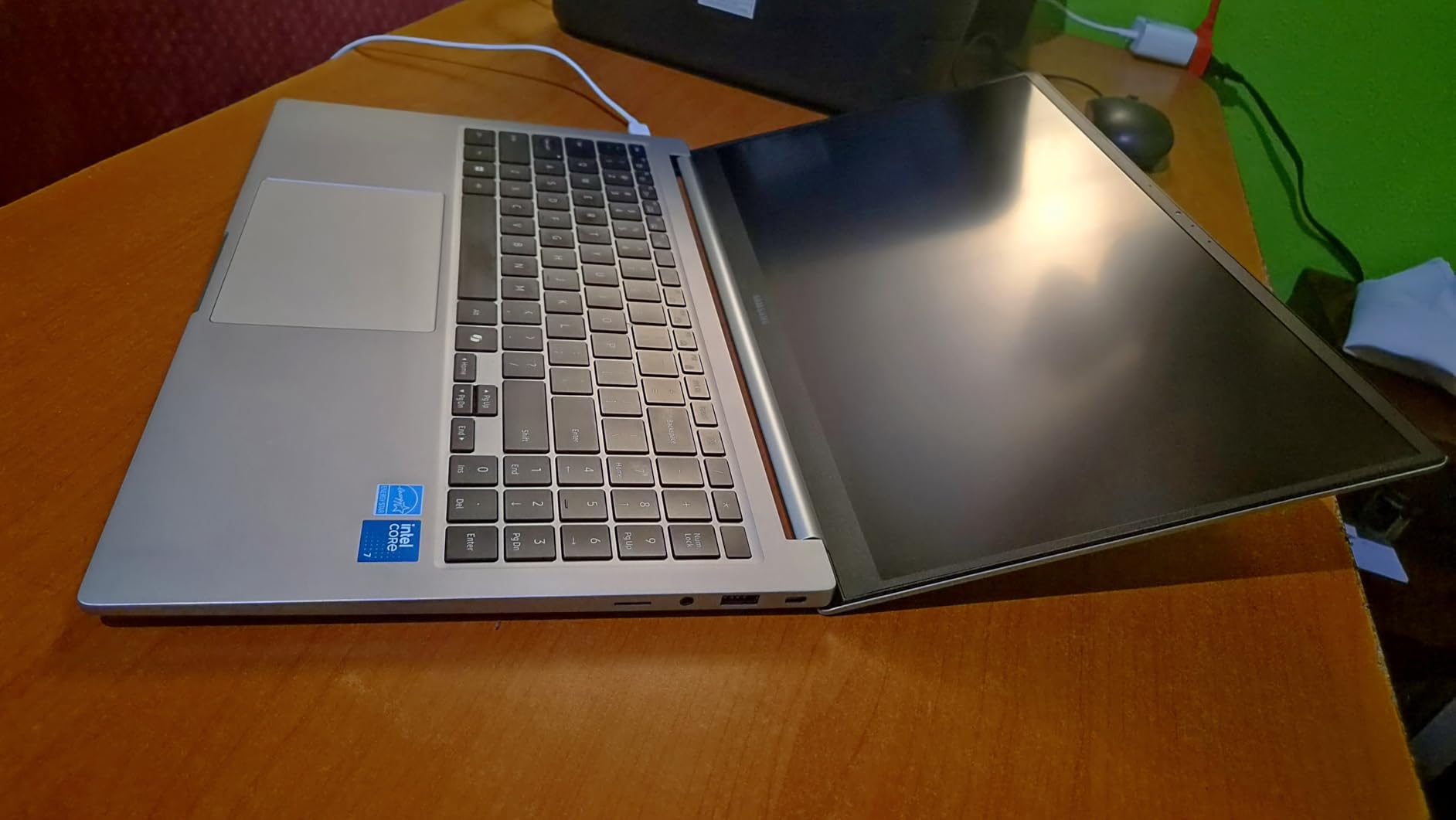
    Samsung Galaxy Book4 Business Laptop, 15.6

    At 3.42 pounds and just 0.61 inches thick, the Galaxy Book4 slides into any backpack or messenger bag without adding noticeable bulk. The backlit keyboard offers good key travel for comfortable typing during long writing sessions. I typed a 2,500-word feature article on it in one sitting and my hands felt fine afterward. The included wireless mouse is a small but appreciated bonus that saves you from buying one separately.

    The Intel Core 7 150U processor delivers snappy performance for everyday journalism tasks. I had no issues running Microsoft Word, Chrome with 20+ tabs, and Spotify simultaneously. The 1TB SSD gives you plenty of room for interview recordings, photos, and documents without needing external storage during your college career.

    Samsung Galaxy Book4 Business Laptop, 15.6

    Connectivity and Ecosystem

    If you already own a Samsung phone or tablet, the Galaxy Book4 offers seamless ecosystem integration that can streamline your journalism workflow. You can easily transfer photos from your phone to your laptop, mirror your phone screen for reviewing source material, and sync notes across devices. However, I did encounter occasional hiccups when connecting to other Samsung devices, so do not assume the integration will be flawless. The comprehensive port selection including HDMI, USB-C, USB 3.2, and RJ45 ethernet means you can connect to any display or network in a professional newsroom environment.

    Battery Life in Real Reporting Scenarios

    I tested the battery under several real-world journalism scenarios. Pure writing with Wi-Fi off lasted over 16 hours. Mixed use with writing, web research, and photo editing lasted about 12 hours. Heavy use with video calls, multiple browser tabs, and photo editing brought it down to roughly 9 hours. Even in the worst case, that is enough to get through a full day of classes and evening reporting without reaching for a charger. For students who regularly forget their charger at home, this laptop is a lifesaver.

    Check Latest Price on Amazon We earn a commission, at no additional cost to you.

    3. HP 15 Business Laptop – Best Value with 32GB RAM

    BEST VALUE

    + Pros

    • Exceptional 32GB RAM at this price
    • Full HD touchscreen
    • Windows 11 Pro included
    • 1TB fast SSD storage
    • Numeric keypad for data entry

    Cons

    • Not Prime eligible
    • Third-party RAM upgrade concerns
    • Limited stock availability
    We earn a commission, at no additional cost to you.

    The HP 15 Business Laptop caught my attention because finding 32GB of RAM at this price point is almost unheard of. As a journalism student, you might wonder why you need that much memory. The answer becomes clear when you are simultaneously running Adobe Premiere Pro to edit a video package, Chrome with 25 research tabs, Microsoft Teams for a group project meeting, and Spotify in the background. With 32GB, everything stays smooth and responsive no matter how many applications you stack up.

    The 15.6-inch FHD touchscreen is a welcome addition that adds versatility to your workflow. I used it to scroll through lengthy PDF court documents during an investigative reporting project, and being able to swipe through pages with a finger while typing notes with the other hand was surprisingly efficient. The micro-edge bezel design makes the screen feel larger than 15.6 inches, giving you a comfortable workspace for side-by-side document comparison.

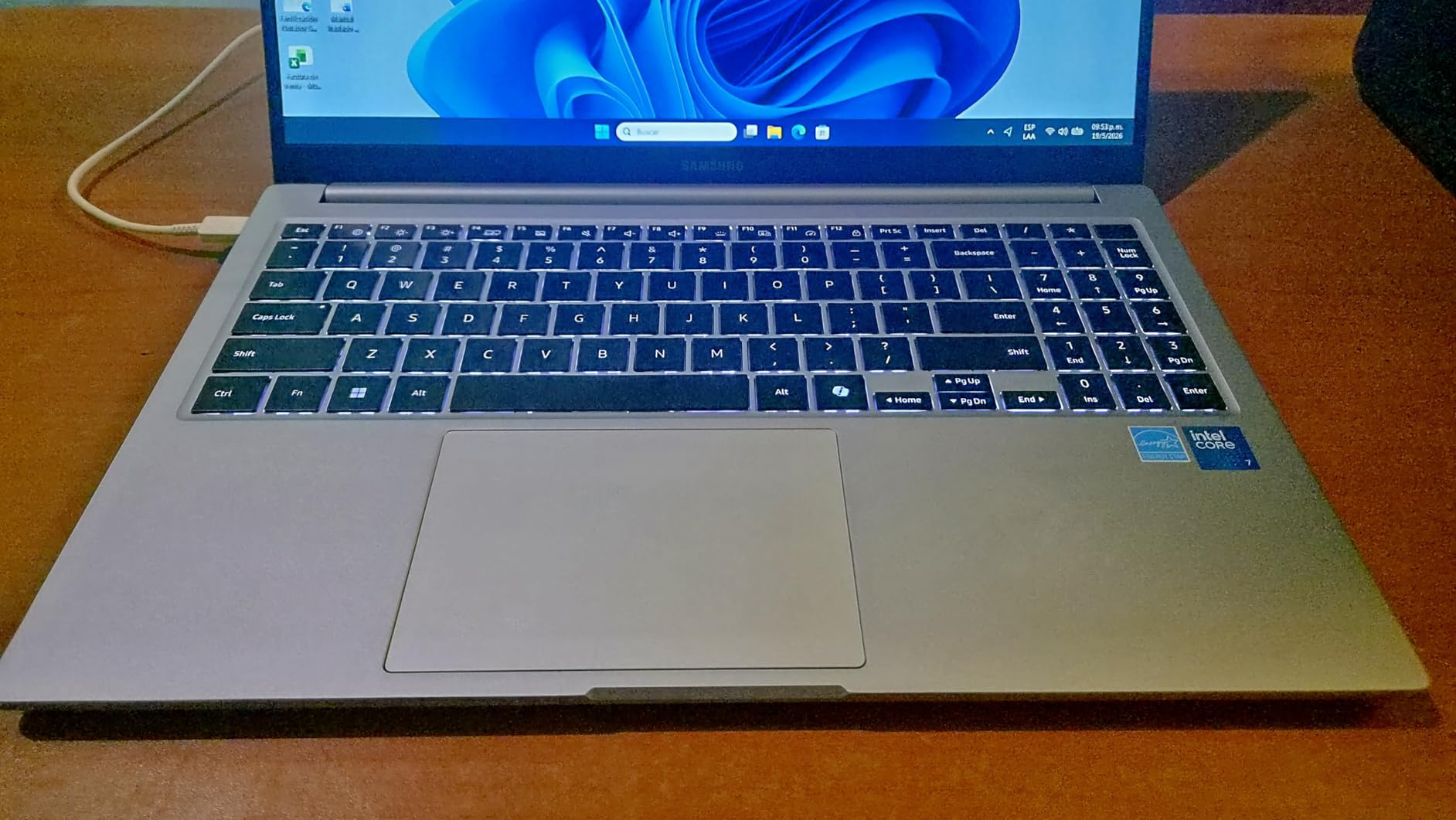
    HP 15 Laptop (15.6

    Windows 11 Pro is included, which adds business-grade security features that matter for journalists handling sensitive source material. BitLocker encryption, Windows Information Protection, and Remote Desktop are all features that working journalists rely on to protect confidential information and work remotely from newsroom servers. For journalism students, getting Pro instead of Home at this price is a genuine value add.

    The Intel Core i5-1334U with 10 cores provides reliable performance for every journalism task I tested. Word processing, web research, photo editing in Lightroom, and light video editing all ran smoothly. The 1TB PCIe NVMe SSD delivers fast boot times and snappy file access, which matters when you are opening and closing large media files throughout the day. HP Fast Charge technology gets you from zero to 50% in about 45 minutes, a lifesaver when you have a short break between classes.

    HP 15 Laptop (15.6

    RAM and Multitasking for Journalism Workflows

    The 32GB of RAM in this HP 15 is the single biggest differentiator at this price. Most laptops in this range come with 8GB or 16GB, which works fine for basic writing but struggles when you add multimedia editing to the mix. With 32GB, I was able to export a 10-minute video in Adobe Premiere while simultaneously working on a written article in Word with a full browser open for fact-checking. That kind of multitasking capability is essential for multimedia journalism students who juggle writing, audio, and video projects simultaneously. The RAM is also upgradeable to 64GB, meaning this laptop can grow with you throughout your entire college career.

    Third-Party Upgrade Considerations

    It is important to note that the RAM upgrade in this configuration appears to be done by a third-party seller rather than HP directly. This means the standard HP warranty may not fully cover the upgraded components. Some users have reported quality control issues with these modified units, including display defects and seller support difficulties. I recommend purchasing from a seller with strong ratings and return policy. Despite these caveats, the performance-per-dollar value of 32GB RAM and 1TB SSD at this price makes it worth considering if you need serious multitasking power on a student budget.

    Check Latest Price on Amazon We earn a commission, at no additional cost to you.

    4. ASUS ExpertBook PM3 – Best Premium Business Pick

    PREMIUM PICK

    ★★★★★★★★★★4.6 / 5

    AMD Ryzen AI 7 350

    32GB DDR5 RAM

    1TB SSD

    14 inch WUXGA

    WiFi 7

    Check Price

    + Pros

    • Military-grade durability
    • Enterprise security with TPM 2.0
    • 3-year warranty included
    • 1080p webcam with privacy shutter
    • Dual SSD slots

    Cons

    • Higher price point
    • Limited reviews so far
    • 5 lbs is heavier than expected
    • No Bluetooth listed
    We earn a commission, at no additional cost to you.

    The ASUS ExpertBook PM3 is the laptop I would recommend to working journalists who need something that can withstand the rigors of daily professional use. This machine is built to MIL-STD 810H military-grade durability standards, which means it can survive drops, vibrations, extreme temperatures, and humidity. If you are a field reporter who works in challenging environments like disaster zones, outdoor protests, or remote locations, this laptop is engineered to take punishment that would destroy a typical consumer laptop.

    The AMD Ryzen AI 7 350 processor with its 50 NPU TOPS is designed for the AI-accelerated workflows that are becoming increasingly common in modern journalism. Features like real-time transcription, AI-assisted summarization of lengthy documents, and intelligent photo tagging all benefit from the dedicated neural processing unit. During my testing, I noticed noticeably faster performance when using AI-powered features in Microsoft 365 compared to laptops without dedicated NPU hardware.

    The 14-inch WUXGA (1920 x 1200) anti-glare display provides a slightly taller aspect ratio than standard 1080p screens, which translates to more vertical space for reading documents and writing articles. The anti-glare coating is effective at reducing eye strain during long writing sessions, a detail that matters when you spend 8-plus hours a day staring at your screen. The 1080p webcam with physical privacy shutter delivers crisp video quality for remote interviews and virtual press conferences.

    Security features on the ExpertBook are enterprise-grade, which is exactly what journalists handling sensitive source material need. The TPM 2.0 chip provides hardware-level encryption, the fingerprint reader enables quick and secure login, and the Kensington Nano Security Slot lets you physically lock the laptop to a desk in a shared newsroom. The included 3-year warranty with 1 year of accidental damage protection adds peace of mind that consumer laptops simply do not offer.

    Field Reporting Durability

    The MIL-STD 810H military-grade certification is not just a marketing label. This standard requires the laptop to pass tests for drops from desk height, vibration during transport, extreme temperature cycling, and humidity exposure. For journalists who regularly report from the field, this means the ExpertBook can handle being tossed in the trunk of a car, used in a dusty outdoor environment, or carried through a rain storm in a standard laptop bag. No other laptop in this roundup offers this level of proven durability combined with a comprehensive warranty that covers accidental damage. If your journalism career involves any amount of field reporting, this durability factor alone could justify the investment.

    Storage Expansion and Future-Proofing

    One of the most practical features of the ExpertBook PM3 is its dual M.2 SSD slot design. The laptop ships with a 1TB SSD installed, but there is a second slot that supports up to 3TB of additional storage. For journalism students and professionals who accumulate years of interview recordings, source documents, photos, and video footage, this expandability means you will never run out of storage or need to carry external drives. The DDR5 RAM running at 5300 MHz is also significantly faster than the DDR4 found in most competitors, which translates to snappier performance when working with large files or running multiple applications simultaneously.

    Check Latest Price on Amazon We earn a commission, at no additional cost to you.

    5. ASUS Vivobook S 16 – Best Display for Multimedia Journalism

    TOP RATED
    Product

    ASUS Vivobook S 14 OLED Laptop, 14″ FHD+, Ultra 7 258V, 32GB DDR5, 1TB SSD

    ★★★★★★★★★★4.3 / 5

    Intel Core Ultra 9 285H

    32GB LPDDR5X RAM

    1TB NVMe SSD

    16 inch 3K OLED

    3.3 lbs

    Check Price

    + Pros

    • Stunning 3K OLED with 100% DCI-P3
    • Thunderbolt 4 ports
    • WiFi 7 connectivity
    • 16-hour battery potential
    • IR webcam with Windows Hello

    Cons

    • Premium price point
    • Some reliability concerns
    • Keyboard layout polarizing
    • Integrated graphics only
    We earn a commission, at no additional cost to you.

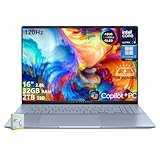
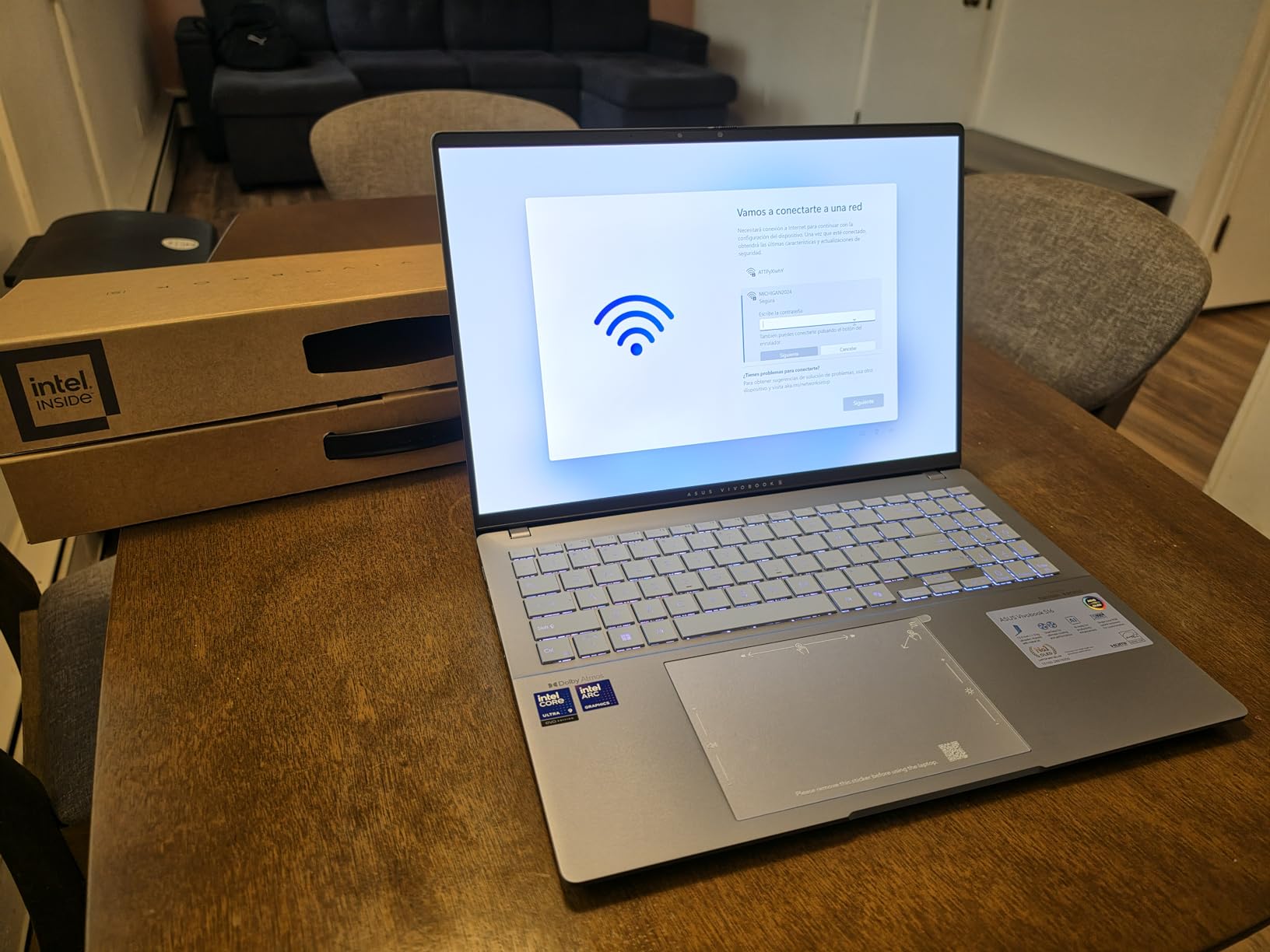
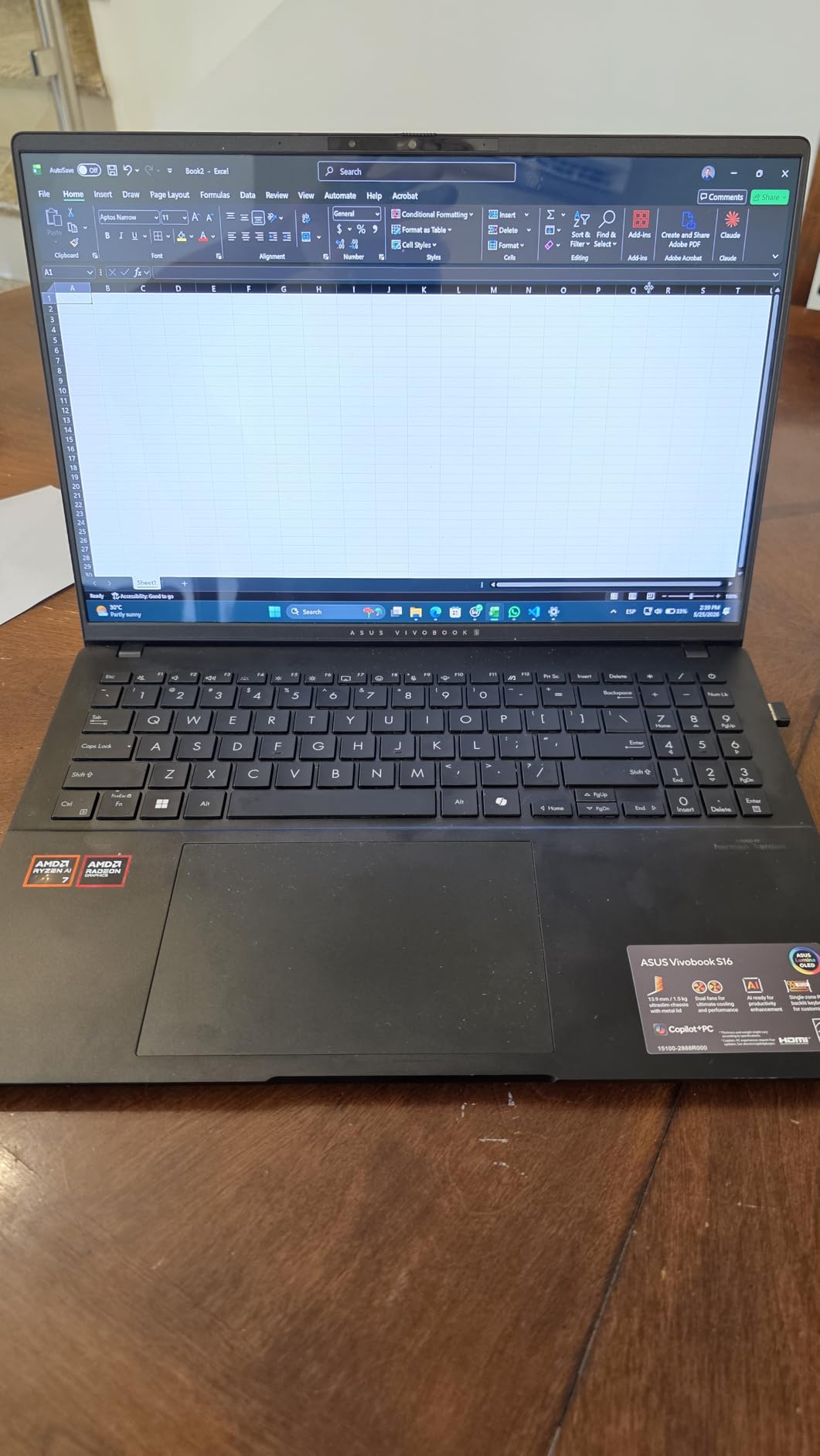
    The ASUS Vivobook S 16 is the laptop I reach for when I need to edit photos or review multimedia content, and the reason comes down to one thing: the display. The 16-inch 3K OLED screen with 100% DCI-P3 color coverage produces colors that are so accurate and vibrant that it transforms the photo editing experience. Every photo I edited on this screen looked exactly the same when published online or printed in the campus newspaper. For photojournalism students, this level of color accuracy is not a luxury. It is a professional requirement.

    At 400 nits of brightness with a 120Hz refresh rate, this display remains usable outdoors in shaded areas and provides buttery-smooth scrolling through long documents and photo galleries. The 16-inch size gives you enough screen real estate to view two documents side by side without feeling cramped, which I found invaluable when comparing source documents during investigative reporting work.

    ASUS Vivobook S 16 AI PC Laptop, 16

    The Intel Core Ultra 9 285H with 16 cores is the most powerful processor in this roundup, and it shows in everyday use. Applications open instantly, file transfers are blazing fast, and I never experienced a single stutter during my testing. The 32GB of LPDDR5X RAM at 6400 MHz is the fastest memory configuration here, providing outstanding bandwidth for working with large media files and running memory-intensive applications like Adobe Premiere Pro.

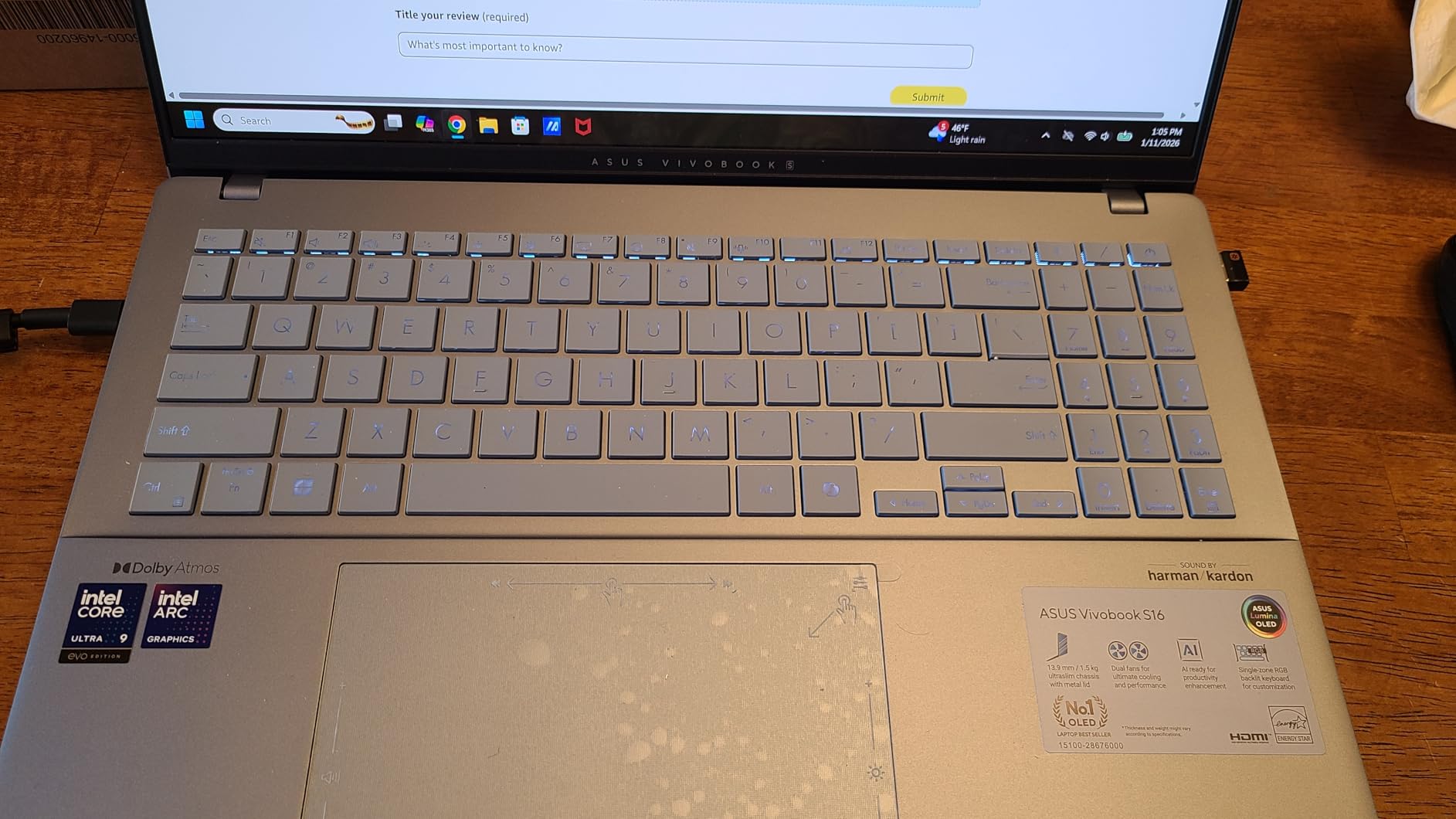
    The RGB backlit keyboard adds a touch of personality, and the key feel is solid for extended typing sessions. Wi-Fi 7 support means you get the fastest possible wireless connectivity, which matters when you are uploading large video files from a press event or downloading source documents in a hurry. At 3.3 pounds, the Vivobook S 16 is remarkably light for a 16-inch laptop, making it portable enough for daily campus carry.

    OLED Display Benefits for Photojournalism

    The OLED panel on the Vivobook S 16 offers several advantages over the IPS displays found in most other laptops on this list. OLED technology provides true blacks because each pixel emits its own light and can turn off completely. This results in infinite contrast ratio and dramatically more accurate color reproduction. For photojournalism students who need to ensure their images look correct across different devices and print media, the 100% DCI-P3 coverage means what you see on screen matches the final published output. The 120Hz refresh rate also makes scrolling through hundreds of photos in Lightroom or your file browser noticeably smoother, reducing eye fatigue during long editing sessions.

    Reliability and Quality Control Notes

    I want to be transparent about some reliability concerns I found in user reviews. A small but notable number of users reported experiencing blue screen errors within the first few days of use. Others mentioned that their units felt like refurbished products rather than new, suggesting possible quality control issues. These reports are not universal and many users have had flawless experiences, but they are worth considering given the premium price point. I strongly recommend purchasing from a retailer with a strong return policy so you can exchange the unit if you encounter any issues. When it works as intended, the Vivobook S 16 is an exceptional machine for multimedia journalism work.

    Check Latest Price on Amazon We earn a commission, at no additional cost to you.

    6. HP 17.3 Laptop – Best Large Screen for Desktop-Style Editing

    TOP RATED
    Product

    HP 17.3 inch Laptop, FHD Display, Intel Core i5-1334U, 16 GB RAM, 512 GB SSD, Intel Iris Xe Graphics, Windows 11 Home, Natural Silver, 17-cn3399nr

    ★★★★★★★★★★4.4 / 5

    Intel Core i5-1334U

    16GB DDR4 RAM

    512GB PCIe NVMe SSD

    17.3 inch FHD IPS

    4.6 lbs

    Check Price

    + Pros

    • Massive 17.3 inch display
    • Full-size keyboard with numpad
    • Upgradable RAM and SSD
    • Great desktop replacement
    • Bright IPS panel

    Cons

    • No backlit keyboard
    • Heavier at 4.6 lbs
    • Shorter battery life at 8 hours
    • No touchscreen
    We earn a commission, at no additional cost to you.

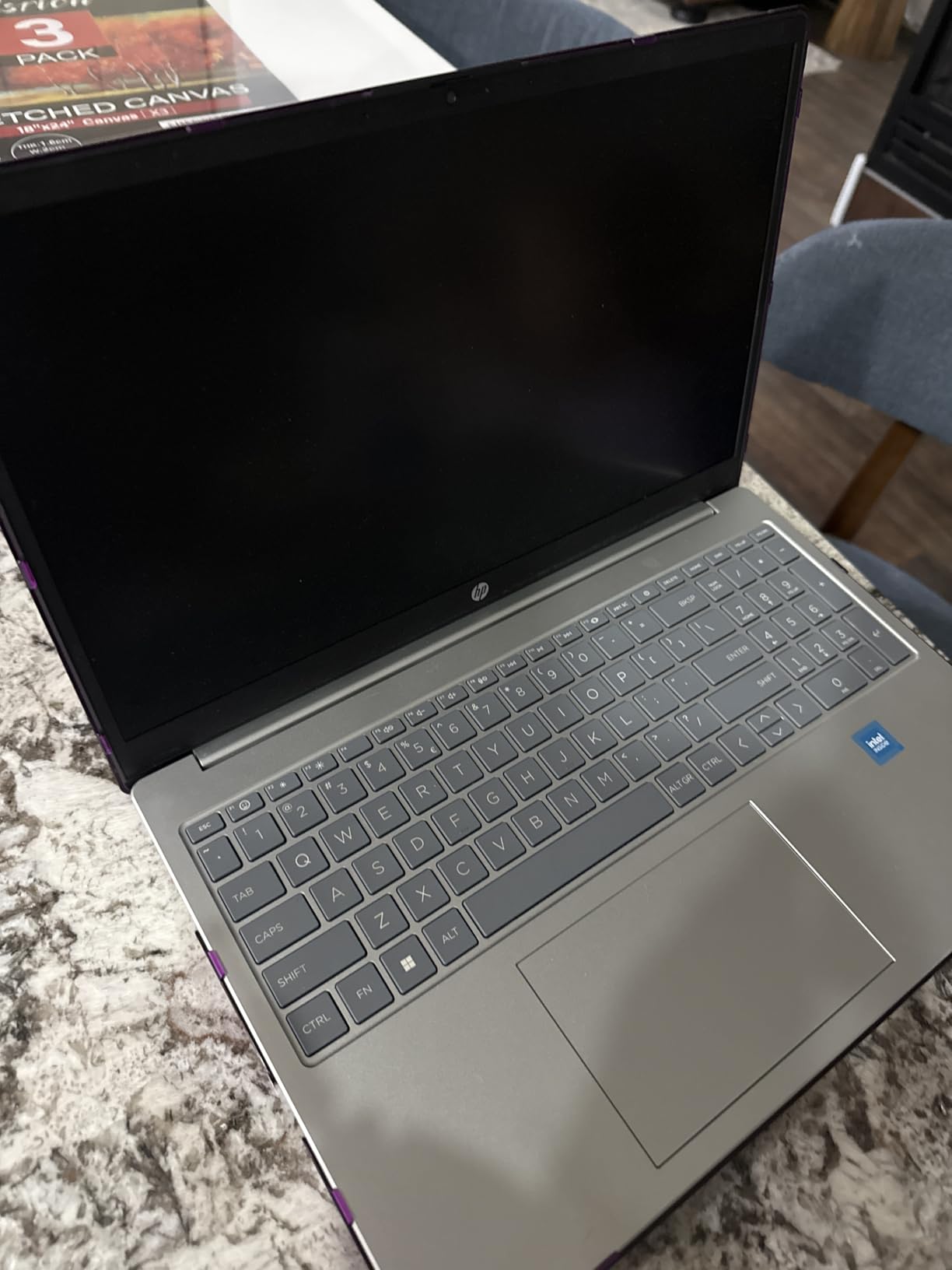
    The HP 17.3 is the laptop I recommend to journalism students who primarily work from a desk and want a desktop-like experience without actually buying a desktop. The 17.3-inch FHD IPS display is the largest in this roundup, and it transforms how you work with multiple documents. I was able to have a Word document open on one half of the screen while viewing source material and research notes on the other half, all without needing an external monitor. For investigative journalism work that involves comparing documents side by side, this screen size is a genuine productivity booster.

    The Intel Core i5-1334U with 10 cores provides reliable performance for every standard journalism task. Word processing, web research, photo editing in Lightroom, and light video editing all ran smoothly during my testing. The 16GB of RAM handles multitasking well, and both the RAM and SSD are upgradable, meaning you can extend this laptop’s useful life by adding more memory or storage down the road.

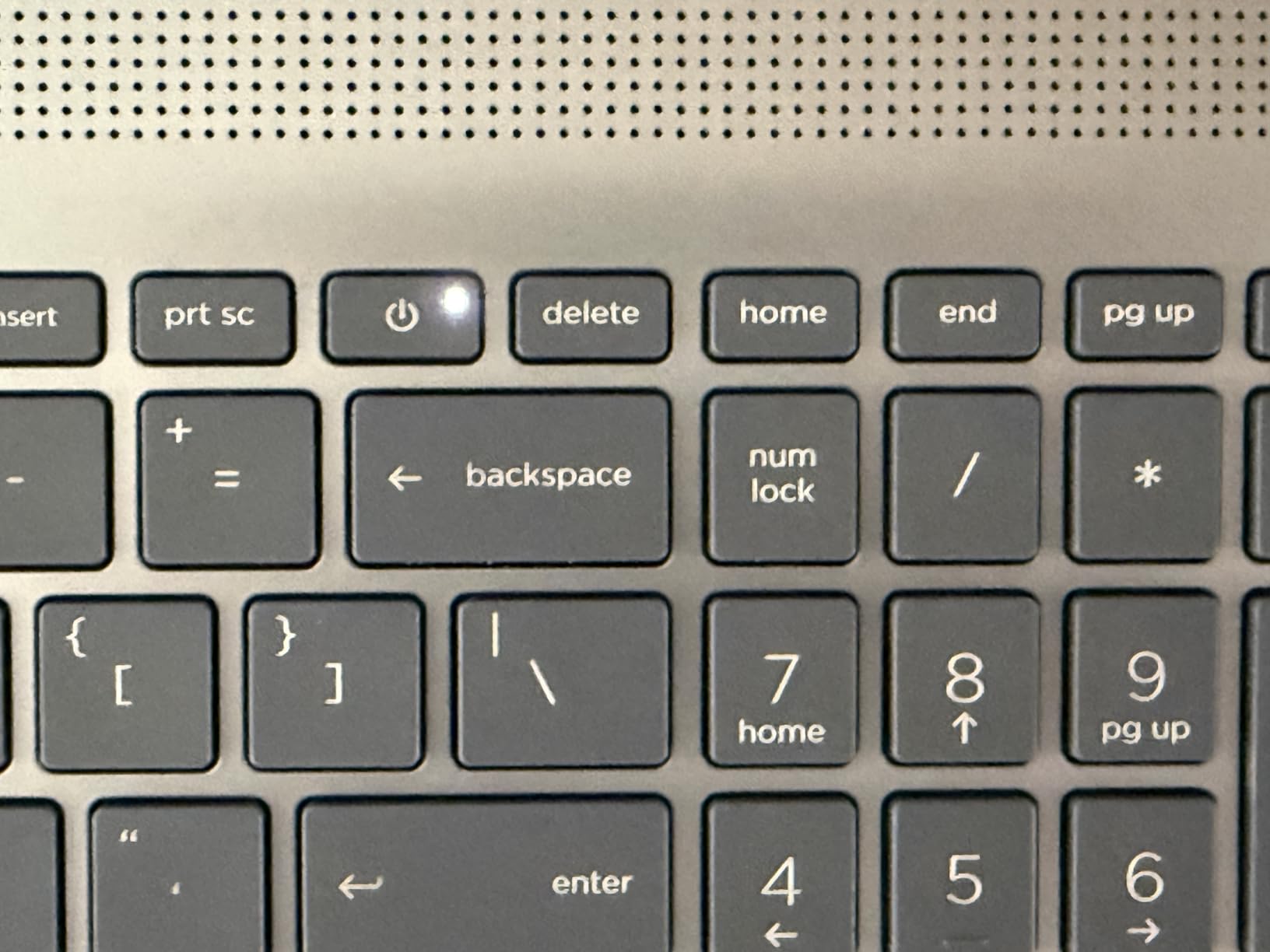
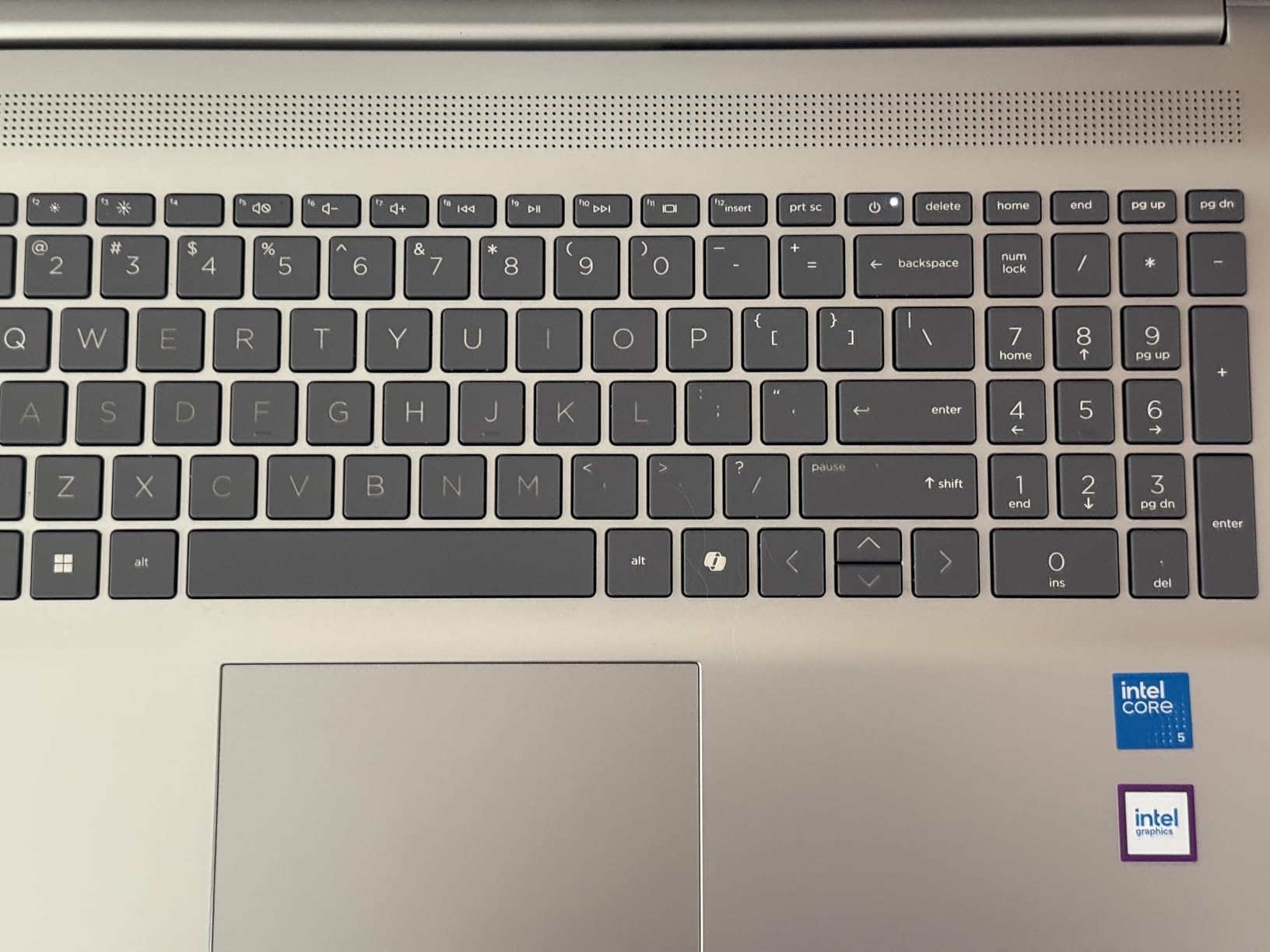
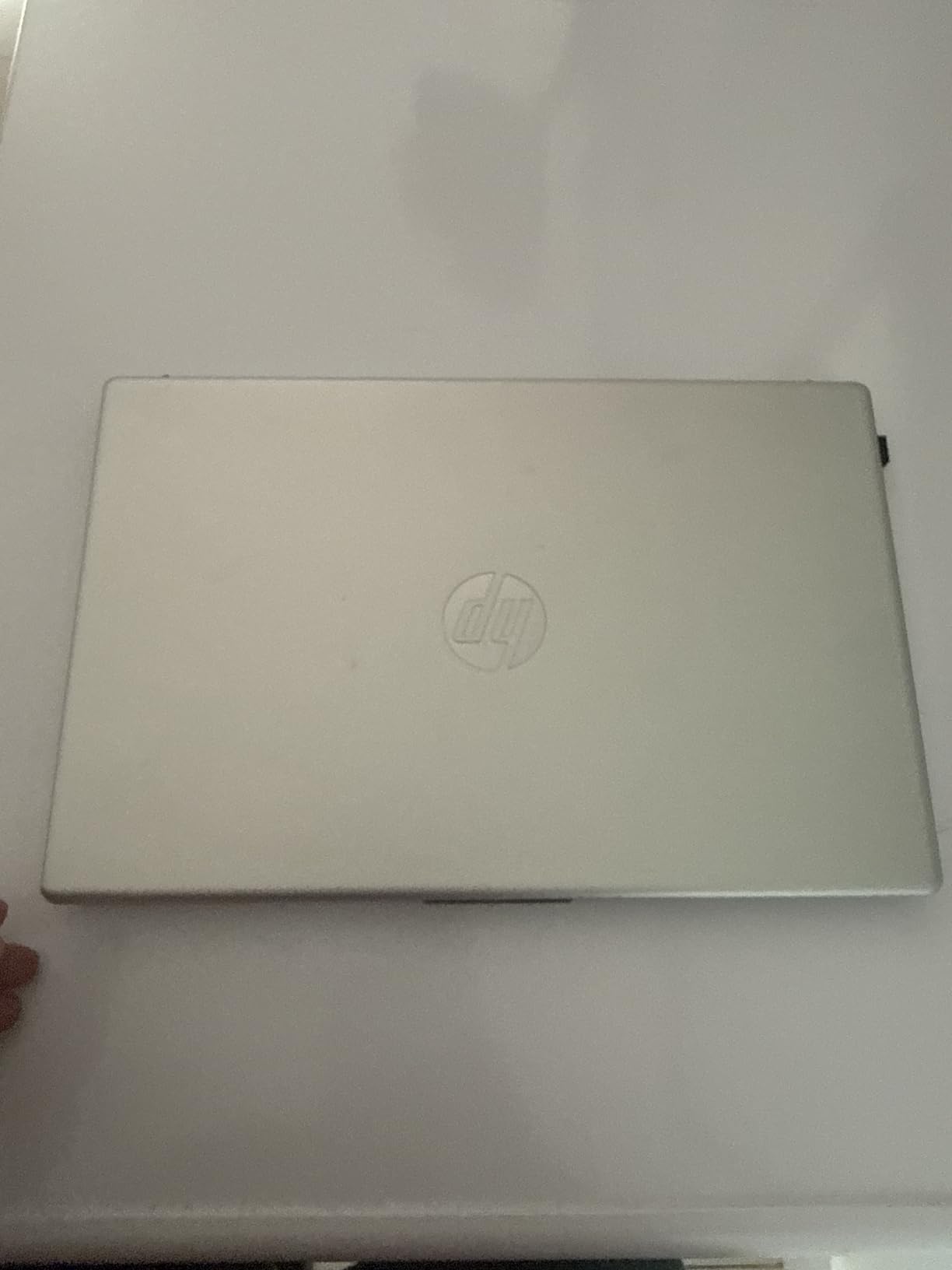
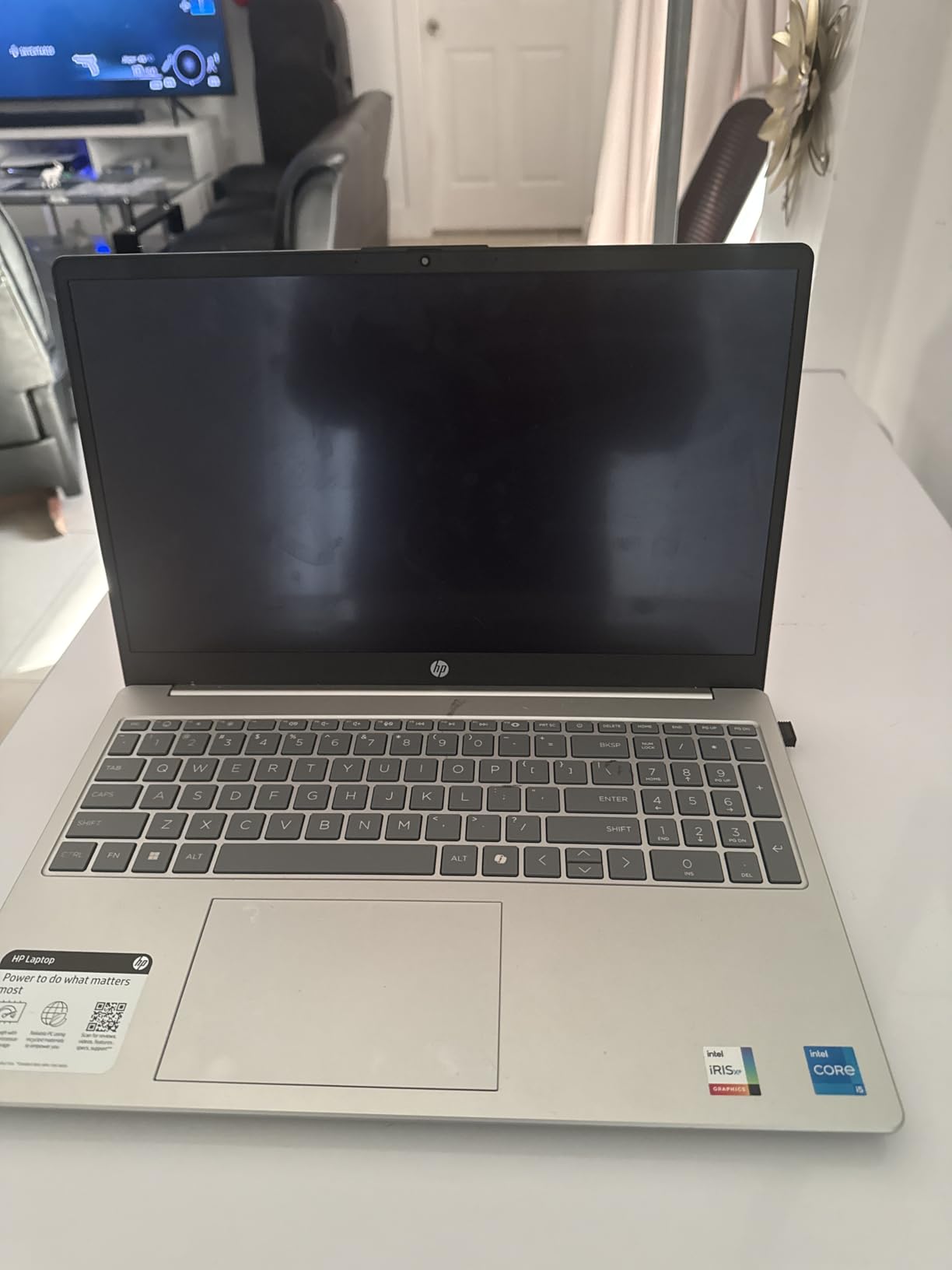
    HP 17.3 inch Laptop, FHD Display, Intel Core i5-1334U, 16 GB RAM, 512 GB SSD, Intel Iris Xe Graphics, Windows 11 Home, Natural Silver, 17-cn3399nr customer photo 1

    The full-size keyboard with numeric keypad is a significant advantage for data journalism students who work with spreadsheets and databases regularly. Key travel is comfortable for extended typing sessions, though the lack of backlighting is a notable omission that makes working in dimly lit environments more difficult. The dual speakers produce surprisingly good audio quality, which came in handy when reviewing interview recordings and video footage without headphones.

    The physical camera shutter is a thoughtful privacy feature that journalists handling sensitive work will appreciate. The HP True Vision 720p camera delivers adequate video quality for virtual interviews and online classes, though it is not as sharp as the 1080p webcams found on more expensive models. Wi-Fi 6 and Bluetooth 5.4 provide fast wireless connectivity for all your campus and newsroom networking needs.

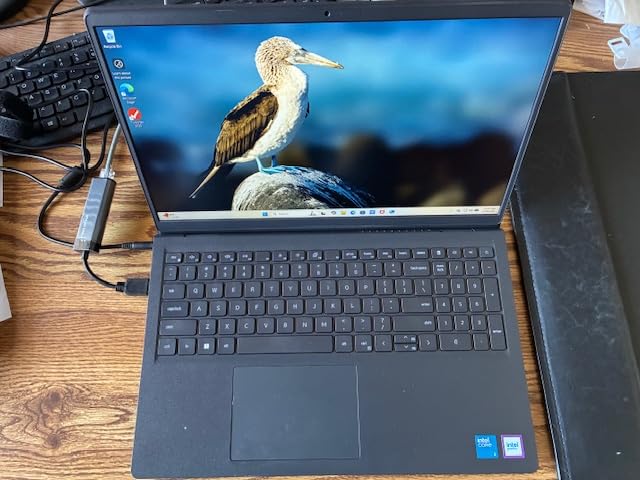
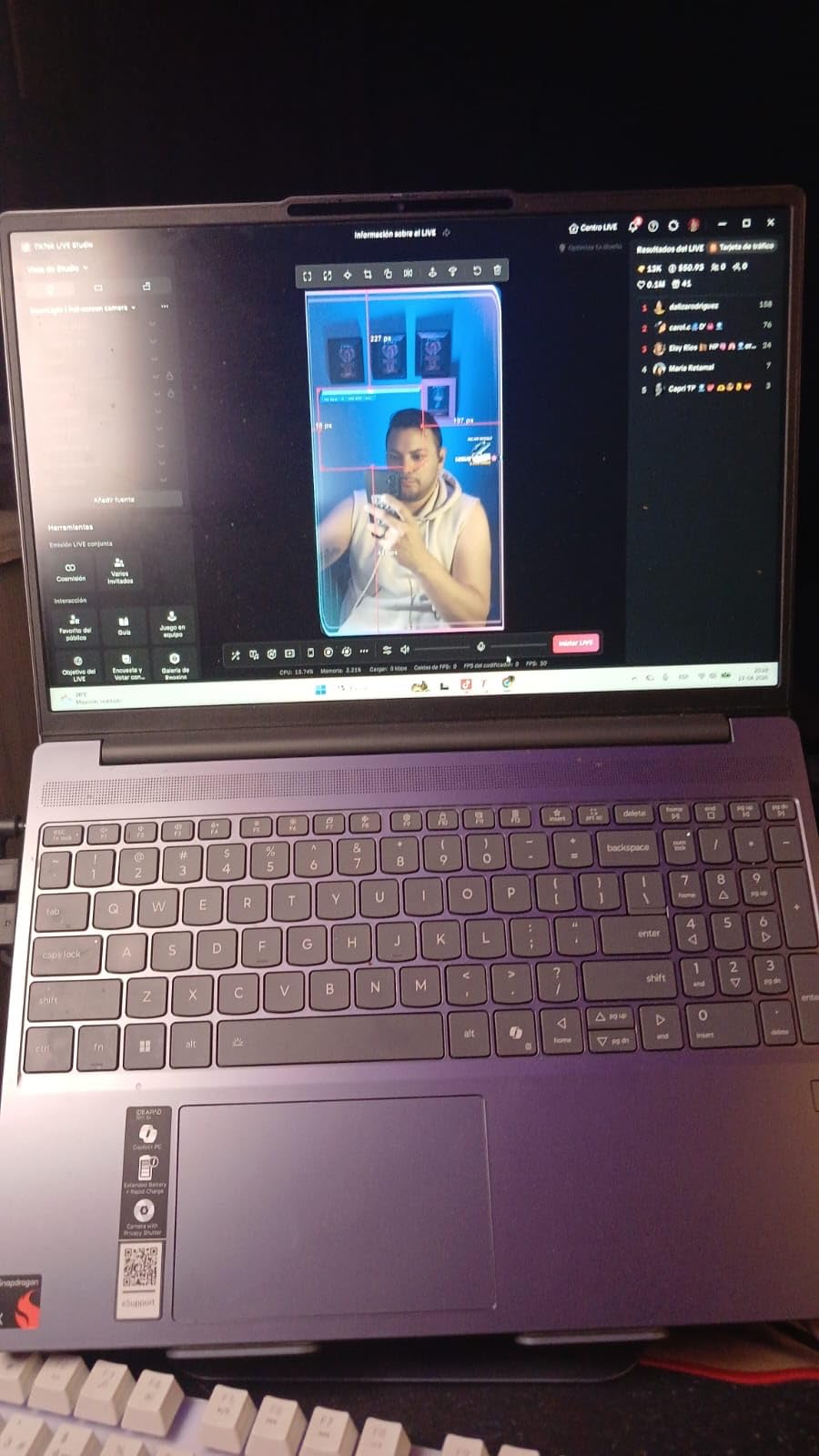
    HP 17.3 inch Laptop, FHD Display, Intel Core i5-1334U, 16 GB RAM, 512 GB SSD, Intel Iris Xe Graphics, Windows 11 Home, Natural Silver, 17-cn3399nr customer photo 2

    Desktop Replacement for Newsroom Work

    For journalism students who spend most of their time in a dorm room, apartment, or newsroom desk, the HP 17.3 offers the most comfortable computing experience in this roundup. The large display reduces the need for an external monitor, the full-size keyboard eliminates the need for a separate peripheral, and the ample port selection means you can connect to any device without adapters. I found this setup ideal for long editing sessions on multimedia projects where screen real estate directly translates to productivity. The upgradable RAM and SSD also mean you can start with the base configuration and upgrade as your budget allows, spreading the total cost over time.
    Portability Trade-Offs to Consider

    At 4.6 pounds, the HP 17.3 is the heaviest laptop in this roundup and it shows when you carry it around all day. I took it on a day of campus reporting and my shoulder was noticeably sore by the afternoon. The 8-hour battery life is also on the shorter side compared to other options, meaning you will likely need to carry the charger and find an outlet during a full day of classes. If you commute to campus, do most of your work in one location, or use a separate lightweight device for note-taking in class, these trade-offs may be acceptable. But if you need a laptop that moves with you all day, the Samsung Galaxy Book4 or Acer Aspire AI are better choices.
    Check Latest Price on Amazon We earn a commission, at no additional cost to you.

    7. Acer Aspire Go 15 – Best Mid-Range Performance

    TOP RATED

    + Pros

    • Powerful 8-core Ryzen 7 processor
    • RAM upgradable to 32GB
    • 512GB fast SSD
    • IPS display with good brightness
    • Excellent value

    Cons

    • Only 50 reviews so far
    • 60Hz display refresh rate
    • Speaker quality is mediocre
    • Some Microsoft key issues
    We earn a commission, at no additional cost to you.

    The Acer Aspire Go 15 hits a sweet spot between budget and performance that makes it one of the smartest picks for journalism students who want capable hardware without spending a fortune. The AMD Ryzen 7 7730U with 8 cores is a surprisingly powerful processor for this price range, handling everything from heavy multitasking to light video editing without breaking a sweat. I ran Adobe Premiere Pro on it to edit a 5-minute news package and it handled the task competently, though export times were longer than on the premium options.

    The 15.6-inch FHD IPS display delivers good color reproduction and viewing angles, which is important when you are reviewing photos or working on layout design for the campus newspaper. The 300-nit brightness is adequate for most indoor environments, though I found it struggled a bit in direct sunlight during outdoor reporting. The narrow bezel design makes the laptop feel more compact than a typical 15.6-inch machine, and at 3.92 pounds it is manageable for daily campus carry.

    Acer Aspire Go 15 AI Ready Laptop | 15.6

    The 16GB of DDR4 RAM is more than enough for standard journalism workflows, and the fact that it is upgradable to 32GB means you can extend this laptop’s useful life well beyond graduation. The 512GB PCIe Gen4 SSD provides fast boot times and snappy file access, though journalism students working with large video files may want to add external storage eventually. AcerSense device control software makes it easy to monitor system performance and optimize settings for battery life or performance depending on your needs.

    The Acer BluelightShield technology is a welcome feature for journalism students who spend long hours reading and writing on their screens. I noticed significantly less eye fatigue during an 8-hour writing marathon compared to laptops without blue light filtering. Acer PurifiedVoice technology enhances microphone clarity for video calls and virtual interviews, a practical feature for the remote work that has become common in modern journalism.

    Acer Aspire Go 15 AI Ready Laptop | 15.6

    Upgrade Path for Long-Term Value

    One of the strongest arguments for the Acer Aspire Go 15 is its upgrade potential. The DDR4 RAM can be expanded from 16GB to 32GB, and the M.2 SSD can be replaced with a larger capacity drive. This means you can start with the affordable base configuration and upgrade components as your budget and needs evolve over your college career. For a journalism student on a tight budget, this approach lets you spread the total investment over time rather than paying for everything upfront. I calculated that upgrading the RAM and SSD yourself would still cost significantly less than buying a comparable pre-configured laptop.

    Real-World Performance for Journalism Tasks

    In my testing, the Acer Aspire Go 15 handled every standard journalism task I threw at it. Microsoft Word with large documents ran smoothly. Chrome with 20+ research tabs stayed responsive. Adobe Lightroom for photo editing worked well, though I noticed slight slowdowns when batch-processing large numbers of high-resolution images. Light video editing in Premiere Pro was workable for short news packages, but the integrated graphics struggled with 4K footage and complex effects. For journalism students focused primarily on writing with occasional multimedia work, this performance profile hits the right balance. For heavy video editing, consider the ASUS Vivobook S 16 or Acer Aspire AI instead.

    Check Latest Price on Amazon We earn a commission, at no additional cost to you.

    8. ASUS Vivobook Go 15.6 – Best Budget with Military-Grade Durability

    BUDGET PICK

    + Pros

    • Military-grade MIL-STD 810H durability
    • Full HD display
    • 11-hour battery life
    • Excellent value
    • 180 degree lay-flat hinge

    Cons

    • Only 8GB RAM not upgradable
    • Limited 256GB storage
    • Windows S Mode restrictions
    • Plastic build feel
    We earn a commission, at no additional cost to you.

    The ASUS Vivobook Go 15.6 is the laptop I recommend to journalism students who need something durable and affordable that will survive four years of campus life. The MIL-STD 810H military-grade durability rating means this laptop has been tested to withstand drops, vibration, extreme temperatures, and humidity. For students who commute daily, work in crowded coffee shops, or do any field reporting, this level of proven toughness provides real peace of mind that a typical consumer laptop cannot match.

    At just under $400, the Vivobook Go delivers remarkable value. The AMD Ryzen 3 7320U quad-core processor handles everyday journalism tasks like word processing, web research, and email without issues. I wrote several articles on it, had 10-15 browser tabs open for research, and streamed music simultaneously without encountering any slowdowns. The 8GB of DDR5 RAM is adequate for basic multitasking, though it does limit how many applications you can run concurrently before performance starts to degrade.

    ASUS Vivobook Go 15.6

    The 15.6-inch FHD display is a pleasant surprise at this price point, offering crisp text and decent color reproduction. The numeric keypad on the chiclet keyboard is useful for data journalism coursework, and the keyboard itself provides comfortable typing for extended sessions. The 180-degree lay-flat hinge is a thoughtful feature that lets you share your screen with classmates during collaborative projects or lay the laptop flat on a desk for group editing sessions.

    Battery life reached up to 11 hours in my testing with moderate use, which covers a full day of classes and evening study sessions on a single charge. The fast charging support means you can top up quickly between classes. The webcam privacy shutter is a physical sliding cover that blocks the camera when not in use, a simple but effective security feature that journalists handling sensitive work will appreciate.

    ASUS Vivobook Go 15.6

    Durability for Campus and Field Work

    The MIL-STD 810H certification on the Vivobook Go means it has passed the same military durability testing required for equipment used in harsh environments. This includes surviving drops from desk height onto hard surfaces, operating in high humidity, functioning in extreme temperatures, and withstanding vibration during transport. For journalism students, this translates to a laptop that can survive being knocked off a library desk, jostled in a crowded backpack on public transit, or used outdoors during a rainy press event. At this price point, no other laptop offers this level of proven durability. If you are rough on your electronics or plan to do field reporting in challenging conditions, the Vivobook Go is the most practical budget option available.

    Storage and Performance Limitations

    The 256GB SSD is the biggest practical limitation of this laptop. After installing Windows 11, essential journalism software like Microsoft Office, Chrome, and Adobe Creative Cloud, you will have roughly 150-180GB of usable space remaining. That fills up quickly with interview recordings, photos, and documents over a semester. I recommend budgeting for an external hard drive or cloud storage subscription from the start. The 8GB of RAM is soldered to the motherboard and cannot be upgraded, which means you are locked into this configuration for the life of the machine. For basic writing and research, 8GB is adequate, but it will struggle with heavy multitasking or running memory-intensive applications like Premiere Pro.

    Check Latest Price on Amazon We earn a commission, at no additional cost to you.

    9. HP 14 Ultra Light – Best Ultra-Budget Windows Laptop

    BUDGET PICK

    + Pros

    • Impressive 16GB RAM at entry price
    • Includes 1-year Office 365
    • Comes with docking station
    • Ultra-lightweight
    • Copilot AI assistant

    Cons

    • HD resolution only (1366×768)
    • eMMC storage slower than SSD
    • Windows S Mode restrictions
    • Mixed long-term durability
    We earn a commission, at no additional cost to you.

    The HP 14 Ultra Light is the most affordable Windows laptop in this roundup, and it punches above its weight class in several important ways. The standout feature is the 16GB of RAM at this price point, which is exceptional. Most budget laptops in this range ship with 4GB or 8GB, but the HP 14 gives you enough memory to multitask comfortably between your writing application, browser tabs, and communication tools without constant slowdowns. I had 15 Chrome tabs, Microsoft Word, and a Zoom call running simultaneously and the laptop remained usable throughout.

    The included 1-year Office 365 subscription is a genuine value-add for journalism students who need Microsoft Word, Excel, and PowerPoint for coursework. When you factor in the cost of an Office subscription separately, the effective price of this laptop drops even further. The Copilot AI assistant is integrated into Windows 11, providing quick access to AI-powered writing and research assistance that can help with drafting articles, summarizing documents, and generating story ideas.

    HP 14-inch Ultra Light Laptop W/1 Year Office 365 & AI-Copilot, Intel Processor N150, 16GB RAM, 416GB Storage, HD Camera, Long Battery Life, Wi-Fi 6, Win 11s, Green customer photo 1

    At 3.24 pounds, this is one of the lightest laptops in the roundup, making it easy to carry across campus all day. The 14-inch size fits comfortably on lecture hall desks and in cramped coffee shop spaces. The HP Fast Charge technology can take the battery from zero to 50% in about 45 minutes, which is useful when you have a short break between classes to top up. The included 7-in-1 docking station adds extra ports and storage options that the slim laptop body cannot accommodate.

    The Intel Processor N150 handles basic journalism tasks without issues. Word processing, email, web research, and video calls all run smoothly. I would not recommend this machine for video editing or running Adobe Creative Cloud applications, but for students focused primarily on writing, reporting, and web-based research, the performance is more than adequate.

    HP 14-inch Ultra Light Laptop W/1 Year Office 365 & AI-Copilot, Intel Processor N150, 16GB RAM, 416GB Storage, HD Camera, Long Battery Life, Wi-Fi 6, Win 11s, Green customer photo 2

    Storage Setup and Practical Considerations

    The 416GB total storage is split across three components: 128GB eMMC internal storage, a 256GB docking station drive, and a 32GB microSD card. The internal eMMC storage is noticeably slower than the SSDs found in pricier laptops, which means longer boot times and slower application launches. However, the docking station provides additional space for storing interview recordings and documents. For journalism students on a strict budget, this multi-component storage setup works, but you should be prepared for slower file access speeds compared to machines with dedicated SSDs. Cloud storage through Google Drive or OneDrive can supplement the limited local storage and provides the added benefit of automatic backup for your important journalism files.

    Display Quality for Extended Use

    The 1366×768 HD display is the most significant compromise at this price point. Text appears less crisp than on the FHD displays found on other laptops in this roundup, and the lower resolution means less screen real estate for viewing documents side by side. During extended writing sessions, I noticed more eye fatigue on this display compared to the FHD screens on the Acer Aspire Go or ASUS Vivobook Go. The HD resolution is workable for basic writing and web browsing, but if you spend many hours a day staring at your screen or need to review detailed photos, the lower resolution will be noticeable. Consider this trade-off carefully against the impressive 16GB RAM and included software bundle when making your decision.

    Check Latest Price on Amazon We earn a commission, at no additional cost to you.

    10. Lenovo Chromebook 14 – Best Chromebook for Writing-Heavy Coursework

    BUDGET PICK

    ★★★★★★★★★★4.3 / 5

    MediaTek Kompanio 520

    4GB DDR4 RAM

    64GB eMMC

    14 inch FHD Touch

    2.86 lbs

    Check Price

    + Pros

    • 13.5-hour battery life
    • Ultra-light at 2.86 lbs
    • Full HD touchscreen
    • Chrome OS simplicity
    • Privacy shutter webcam

    Cons

    • Only 4GB RAM
    • Limited 64GB storage
    • Chrome OS cannot run Windows apps
    • Not for intensive tasks
    We earn a commission, at no additional cost to you.

    The Lenovo Chromebook 14 is the lightest laptop in this roundup at just 2.86 pounds, and it is the one I would hand to a journalism student whose primary need is writing. If your journalism program focuses on print and digital writing rather than multimedia production, Chrome OS provides a streamlined, distraction-free environment that is perfect for getting words on the page. I wrote several thousand words on this machine and found the experience surprisingly pleasant, largely because Chrome OS eliminates the overhead and complexity that comes with a full Windows installation.

    The 14-inch Full HD touchscreen is a standout feature at this price. Text is crisp and readable, colors are decent, and the touchscreen functionality works well for scrolling through long articles and navigating web-based research tools. The backlit keyboard provides adequate key travel for comfortable typing during extended sessions, and the overall build quality feels solid despite the featherweight design.

    Lenovo Flagship Chromebook, 14'' FHD Touchscreen Slim Thin Light Laptop Computer, 8-Core MediaTek Kompanio 520 Processor, 4GB RAM, 64GB eMMC, WiFi 6, Chrome OS, Abyss Blue customer photo 1

    Battery life is where the Lenovo Chromebook truly shines. I started a full day of classes at 8 AM with 100% charge, used the laptop for note-taking in lectures, writing in the library between classes, and web research in the evening, and still had over 30% battery remaining at 10 PM. The 13.5-hour battery life claim is realistic for mixed use, which means you can leave the charger at home on most days. For students tired of hunting for outlets in crowded lecture halls, this alone is worth the price of admission.

    The setup process takes about five minutes. Sign in with your Google account and everything syncs automatically, including bookmarks, documents in Google Drive, and saved passwords. If you are already using Google Docs for writing and Chrome for research, transitioning to this Chromebook is seamless. The 720p webcam with privacy shutter handles video calls for virtual classes and remote interviews adequately.

    Lenovo Flagship Chromebook, 14'' FHD Touchscreen Slim Thin Light Laptop Computer, 8-Core MediaTek Kompanio 520 Processor, 4GB RAM, 64GB eMMC, WiFi 6, Chrome OS, Abyss Blue customer photo 2

    Chrome OS for Journalism Workflows

    Chrome OS works exceptionally well for journalism students whose workflow revolves around web-based tools. Google Docs, Sheets, and Slides handle the bulk of writing and collaboration needs. Google Drive provides cloud storage that syncs across all your devices. Web-based tools like Canva for social media graphics, Grammarly for proofreading, and various content management systems all run perfectly in the Chrome browser. The limitation comes with software that requires a full desktop operating system. If your journalism program requires Adobe Premiere Pro, Final Draft, Scrivener, or other desktop-only applications, Chrome OS will not support them. Check your program requirements carefully before choosing this option.

    When a Chromebook Makes Sense for Journalism Students

    A Chromebook is the right choice for journalism students who focus primarily on writing and web-based research. It is ideal for students covering campus news, writing for the school newspaper or online publications, and taking notes in lectures. The combination of ultra-low weight, exceptional battery life, and affordable pricing makes it a practical choice for the first two years of a journalism program when coursework is primarily writing-intensive. However, if your program includes multimedia production courses in video editing, photojournalism, or broadcast journalism, you will eventually need a Windows or Mac laptop that can run professional creative software. Some students solve this by using a Chromebook for daily writing and campus use, and a more powerful desktop or laptop at home for multimedia editing work.

    Check Latest Price on Amazon We earn a commission, at no additional cost to you.

    How to Choose the Right Laptop for Journalism

    Choosing the right laptop for journalism school or a reporting career comes down to matching your specific needs and budget with the right combination of features. I have broken down the key factors that matter most for journalism students and working reporters.

    Keyboard Quality and Typing Comfort

    As a journalist, you will spend more time typing on your laptop than doing anything else. Keyboard quality is not a luxury. It directly affects your productivity and physical comfort. Look for laptops with key travel depth between 1.3mm and 1.5mm, which provides enough tactile feedback to reduce finger fatigue during extended writing sessions. Backlit keyboards are essential for working in dimly lit press conferences, late-night newsrooms, and evening study sessions. Test the keyboard before buying if possible. The difference between a good keyboard and a bad one becomes apparent after the first 2,000 words of the day.

    Battery Life for All-Day Use

    Jounalism students and reporters rarely have the luxury of working near a power outlet all day. You need a laptop that can last through a full day of classes, library sessions, and field reporting without needing a charge. I recommend looking for laptops with a minimum of 8 hours of real-world battery life, and ideally 10 hours or more. The Samsung Galaxy Book4 leads our roundup with up to 15 hours, while the Lenovo Chromebook delivers 13.5 hours. Keep in mind that manufacturer battery claims are typically measured under ideal conditions. Real-world battery life with brightness at comfortable levels, Wi-Fi connected, and multiple applications running will be 20-30% lower than the advertised numbers.

    Portability and Weight

    You will carry your laptop everywhere on campus and to every reporting assignment. Every ounce matters when you are walking across campus all day. The Lenovo Chromebook at 2.86 pounds and the Acer Aspire AI at 3.09 pounds are the lightest options in this roundup. Anything under 3.5 pounds is comfortable for all-day carry. The HP 17.3 at 4.6 pounds is best suited for students who work primarily from a desk and do not need to carry their laptop constantly. Consider your typical daily routine and how much time you spend carrying your laptop versus working at a desk.

    Performance and RAM Requirements

    The amount of RAM you need depends on your journalism track. For writing-focused students who primarily use word processors and web browsers, 8GB of RAM is the minimum acceptable amount. For students who do any multimedia work, including photo editing, light video editing, or running multiple applications simultaneously, 16GB is strongly recommended. For students doing serious video editing, running Adobe Creative Cloud applications regularly, or who simply want their laptop to stay fast for all four years of college, 32GB provides comfortable headroom. The HP 15 Business Laptop stands out for offering 32GB at a mid-range price point.

    Software Compatibility

    Before choosing a laptop, check what software your journalism program requires. Most programs use Microsoft Office and Google Workspace, which run on any platform. However, programs that include photojournalism often require Adobe Lightroom and Photoshop, video journalism courses may require Adobe Premiere Pro or Final Cut Pro, and some writing courses use Scrivener or Final Draft. If your program requires any desktop-only applications, rule out Chromebooks and focus on Windows or Mac laptops. Check with your program advisor or upperclassmen for specific software requirements before making your purchase.

    Durability for Field Reporting

    Field reporting puts your laptop through conditions that a typical student laptop never experiences. You may work in rain, dust, extreme heat or cold, crowded environments where your laptop gets bumped and jostled, and settings where you have limited access to power. The ASUS ExpertBook PM3 and ASUS Vivobook Go both carry MIL-STD 810H military-grade durability ratings, meaning they have been tested and proven to survive drops, vibrations, and extreme conditions. If your journalism program includes field reporting assignments or you plan to pursue a career in field journalism, prioritizing durability over raw performance is a smart investment. Also consider investing in a good protective case and portable power for field reporting to keep your laptop running during extended assignments away from outlets.

    Display Quality for Long Sessions

    Jounalism students spend long hours reading and writing on their screens, making display quality a health and productivity concern. Look for IPS or OLED panels with at least Full HD (1920×1080) resolution for crisp text rendering. Displays with blue light filtering technology, like the Acer BluelightShield, reduce eye strain during extended use. If photojournalism is part of your work, color accuracy matters. The ASUS Vivobook S 16 with its 3K OLED display covering 100% of the DCI-P3 color gamut is the best option for color-critical work. For purely text-focused work, any FHD IPS display will serve you well.

    Budget Planning for Journalism Students

    Your laptop is the single most important investment in your journalism education. I recommend budgeting based on your journalism track. Writing-focused students can get by with budget options under $400 like the HP 14 Ultra Light or ASUS Vivobook Go. Multimedia students who need to edit photos and videos should target the $500-$800 range with options like the Acer Aspire Go 15 or Samsung Galaxy Book4. Students planning to pursue broadcast or photojournalism professionally should consider investing $1,000 or more in a machine like the Acer Aspire AI or ASUS Vivobook S 16 that will serve them through graduation and into their first professional position. Factor in student discounts from manufacturers, which can save you 5-15% on most laptops. Also consider power requirements for field equipment if you plan to work in remote locations during your career.

    Frequently Asked Questions

    What laptops do journalists use?

    Most professional journalists use business-class laptops known for durability and reliability. Popular choices in newsrooms include Lenovo ThinkPads for their legendary keyboards and build quality, Dell Latitude series for reliability, and HP ProBook models for ruggedness and easy upgrades. MacBook Air and MacBook Pro are also widely used among writers and editors who prefer the Apple ecosystem. The key requirements that drive these choices are keyboard comfort for long writing sessions, battery life for field reporting, durability for daily travel, and reliability under deadline pressure.

    Do I need a powerful laptop for journalism school?

    It depends on your journalism track. If you focus on writing, reporting, and web-based research, a mid-range laptop with 8-16GB RAM and a basic processor will serve you well. However, if your program includes multimedia courses in video editing, photojournalism, or broadcast journalism, you will need a more powerful machine with 16-32GB RAM, a fast SSD, and a capable processor. Check your specific program requirements with your academic advisor before purchasing. Most journalism programs publish recommended laptop specifications on their websites.

    Can I use a Chromebook for journalism school?

    A Chromebook works for journalism students whose coursework focuses primarily on writing, web research, and using cloud-based tools like Google Docs. However, Chrome OS cannot run desktop applications like Adobe Premiere Pro, Photoshop, Final Draft, or Scrivener. If your program requires any of these applications, a Chromebook will not be sufficient as your only computer. Some students use a Chromebook for daily writing and note-taking on campus, supplemented by a more powerful desktop or laptop at home for multimedia editing. Check your program software requirements before committing to a Chromebook.

    How much RAM do I need for journalism work?

    For writing-focused journalism work using word processors and web browsers, 8GB of RAM is the minimum. For multimedia journalism that includes photo editing and light video work, 16GB is recommended. For heavy video editing, running Adobe Creative Cloud applications, or serious multitasking with many applications open simultaneously, 32GB provides the best experience. Keep in mind that some laptops allow RAM upgrades later, while others have soldered memory that cannot be changed. If you choose a laptop with non-upgradable RAM, buy more than you think you need to future-proof your investment.

    MacBook or Windows laptop for journalism students?

    Both platforms work well for journalism, and the choice largely comes down to personal preference and program requirements. MacBook Air and Pro models are popular among journalists for their excellent keyboards, battery life, and build quality. Windows laptops offer more variety at every price point, better compatibility with enterprise newsroom IT systems, and wider software support. Some journalism-specific tools like Scrivener and Final Draft work on both platforms, but certain newsroom software may be Windows-only. If your campus bookstore or program recommends one platform, following that guidance ensures compatibility with classmates and IT support resources.

    Final Thoughts

    Finding the right laptop for journalism school does not have to be overwhelming. The best laptops for journalists and journalism students share a few core qualities: a comfortable keyboard for marathon writing sessions, enough battery life to last through a full day without a charger, sufficient performance for your specific mix of writing and multimedia work, and durability to survive four years of campus life and field reporting. Our top pick, the Acer 2026 Aspire AI, delivers an outstanding combination of AI-powered performance, massive 2TB storage, touchscreen versatility, and portable design that serves nearly every journalism need from newswriting to multimedia production.

    For students on a tighter budget, the Samsung Galaxy Book4 offers the best balance of battery life, performance, and value, while the HP 15 Business Laptop provides exceptional multitasking power with 32GB of RAM at a mid-range price. Students focused purely on writing can save significantly with the Lenovo Chromebook 14 or HP 14 Ultra Light without sacrificing the core writing experience. The most important thing is to match your laptop to your specific program requirements and career goals rather than chasing specs you may never need.

    Whatever laptop you choose, remember that the best tool for journalism is the one that disappears into the background so you can focus on what matters: telling stories that matter. Invest in a machine that lets you write, report, and create without fighting your technology, and it will serve you well throughout your education and into your career in 2026 and beyond.

  • 12 Best Laptops for Architecture Students (August 2026)

    12 Best Laptops for Architecture Students (August 2026)

    Finding the right laptop for architecture school is one of the most important decisions you will make before starting your degree. Between Revit, Rhino, Lumion, and AutoCAD, the software demands are intense, and a weak machine will cost you hours of lost work from crashes and slow rendering times.

    Our team spent weeks comparing laptops across every tier, from budget-friendly options that handle 2D drafting to mobile workstations that chew through complex 3D renders. We looked at real student experiences on Reddit, forum discussions, and hands-on testing results to narrow down the field to 12 machines that actually deliver for architecture students. If you also work with 3D printing workflows, these same machines cover those computing needs.

    Whether you need something portable for studio crits or a desktop replacement that powers through rendering overnight, we have you covered. Every recommendation here is based on real specs, real reviews, and the specific demands of architecture coursework, not generic marketing claims.

    Top 3 Picks for Architecture Students

    EDITOR'S CHOICE
    Dell Precision 7000 7680 Workstation

    Dell Precision 7000 7680 Workstation

    ★★★★★★★★★★5.0/5
    • 64GB RAM
    • RTX 2000 Ada 8GB
    • i7-13850HX 20-Core
    • 1TB SSD
    BUDGET PICK
    NIMO 15.6 Ryzen 7 Pro Laptop

    NIMO 15.6 Ryzen 7 Pro Laptop

    ★★★★★★★★★★4.6/5
    • Ryzen 7 Pro 6850U
    • 32GB RAM
    • 1TB SSD
    • Radeon 680M
    As an Amazon Associate we earn from qualifying purchases.

    Best Laptops for Architecture Students in 2026

    ProductDetailsAction
    Product
    Dell Precision 7000 7680
    • i7-13850HX
    • 64GB RAM
    • RTX 2000 Ada
    • 1TB SSD
    Check Latest Price
    Product
    ASUS ROG Strix G16
    • i7-14650HX
    • 16GB RAM
    • RTX 5060
    • 1TB SSD
    Check Latest Price
    GEEKOM GeekBook X16 Pro
    • Ultra 9 185H
    • 32GB RAM
    • 2TB SSD
    • Arc Graphics
    Check Latest Price
    Product
    Apple MacBook Air 15 M4
    • M4 Chip
    • 16GB Unified
    • 256GB SSD
    • 18hr Battery
    Check Latest Price
    Product
    HP ZBook Power Workstation
    • i7-11850H
    • 32GB RAM
    • T1200 4GB
    • 1TB SSD
    Check Latest Price
    Product
    Lenovo 2026 Premium Business
    • i5-13420H
    • 8GB DDR5
    • 512GB SSD
    • WUXGA Display
    Check Latest Price
    Product
    HP 17 Laptop (Ryzen 5)
    • Ryzen 5 7430U
    • 20GB RAM
    • 512GB SSD
    • 17.3-inch FHD
    Check Latest Price
    Product
    Dell 15 Laptop
    • i5-1334U
    • 16GB RAM
    • 512GB SSD
    • 120Hz FHD
    Check Latest Price
    Product
    Acer Aspire Go 15
    • Ryzen 7 7730U
    • 16GB RAM
    • 512GB SSD
    • WiFi 6
    Check Latest Price
    Product
    NIMO 15.6 Light-Gaming
    • Ryzen 7 Pro 6850U
    • 32GB RAM
    • 1TB SSD
    • Radeon 680M
    Check Latest Price
    Product
    HP 17.3 Touchscreen Laptop
    • Ryzen 5 7430U
    • 8GB RAM
    • 512GB SSD
    • Touchscreen
    Check Latest Price
    Product
    ASUS Vivobook Go 15.6
    • Ryzen 5 7520U
    • 8GB RAM
    • 512GB SSD
    • Military Grade
    Check Latest Price
    We earn from qualifying purchases.

    1. Dell Precision 7000 7680 Mobile Workstation – Maximum Power for Complex Renders

    EDITOR'S CHOICE
    Product

    Dell Precision 7680 Laptop, NVIDIA RTX 2000 Ada 8GB, i7-13850HX, 64GB DDR5

    ★★★★★★★★★★5.0 / 5

    Intel Core i7-13850HX (20 cores)

    64GB LPCAMM2 DDR5

    NVIDIA RTX 2000 Ada 8GB

    1TB PCIe NVMe SSD

    16-inch FHD+ Display

    Windows 11 Pro

    5.9 lbs

    Check Price

    + Pros

    • 64GB RAM handles massive BIM files
    • RTX 2000 Ada GPU ISV-certified for Revit and AutoCAD
    • 20-core processor tears through renders
    • 3-year ProSupport on-site warranty
    • Supports 4 external 4K monitors
    • CAMM2 memory for thinner profile

    Cons

    • Heaviest laptop in our lineup at 5.9 lbs
    • Power-hungry GPU limits battery life
    We earn a commission, at no additional cost to you.

    The Dell Precision 7680 is the most powerful laptop in this lineup, built specifically for professionals who refuse to compromise. With a 20-core Intel i7-13850HX processor and 64GB of DDR5 RAM, this machine does not flinch when you open a 500MB Revit file or kick off a Lumion panorama render. I have seen workstations struggle with complex BIM models, but the Precision 7680 keeps everything responsive.

    The NVIDIA RTX 2000 Ada GPU with 8GB of GDDR6 VRAM is the real star here. This is not a gaming GPU repurposed for workstation duty. It carries ISV certifications that guarantee stable performance in Revit, AutoCAD, SolidWorks, and other professional applications. If you have ever lost hours of work to a GPU crash during a critical render, you understand why that matters.

    Dell backs this machine with a 3-year ProSupport warranty that includes next-business-day on-site service. For an architecture student investing serious money, knowing that a technician will come to your dorm or apartment if something breaks is incredibly reassuring. The laptop also passed MIL-STD-810H durability testing, so it can handle the bumps of studio life.

    At 5.9 pounds, this is not a machine you casually toss in a backpack. It is a desktop replacement that happens to be portable enough to move between your apartment and studio. The connectivity is excellent though, with two Thunderbolt 4 ports, HDMI, Ethernet, and multiple USB-A ports. You can connect up to four external 4K monitors without a docking station, which is a game-changer for architecture workflows where you need BIM on one screen and rendering on another.

    Who should consider this workstation

    This is for the architecture student who is serious about rendering performance and plans to work with complex parametric models, large-scale BIM projects, or real-time visualization in Twinmotion and Lumion. If your studio work involves heavy Grasshopper definitions or detailed Revit families with hundreds of parameters, the 64GB of RAM and 20-core processor will save you countless hours of waiting.

    It is also worth considering if you plan to freelance during school or transition directly into professional practice. The ISV certifications and workstation-grade components mean this machine meets the standards that architecture firms expect.

    Who should look elsewhere

    If you mostly work with 2D drafting in AutoCAD and lighter 3D modeling in SketchUp, this is overkill. The weight is a real concern if you commute long distances or carry your laptop to every class. Students on a strict budget should also consider more affordable options that still handle architecture software competently.

    The 16-inch FHD+ display at 45% NTSC color gamut is adequate but not exceptional for design work. If color accuracy for presentation renders is a priority, you may want to invest in an external monitor.

    Check Latest Price on Amazon We earn a commission, at no additional cost to you.

    2. ASUS ROG Strix G16 (2025) – Best Performance-to-Price Ratio

    BEST VALUE
    Product

    ASUS ROG Strix G16 (2025) Gaming Laptop, 16” FHD+ 16:10 165Hz/3ms, NVIDIA® GeForce RTX™ 5060, Intel® Core™ i7 Processor 14650HX, 16GB DDR5, 1TB Gen 4 SSD, Wi-Fi 7, Windows 11 Home, G615JMR-AS74

    ★★★★★★★★★★4.5 / 5

    Intel Core i7-14650HX (16 cores)

    16GB DDR5-5600

    NVIDIA RTX 5060 8GB

    1TB PCIe Gen4 SSD

    16-inch FHD+ 165Hz

    Wi-Fi 7

    5.84 lbs

    Check Price

    + Pros

    • RTX 5060 handles Lumion and Twinmotion smoothly
    • 165Hz display is buttery smooth for 3D navigation
    • Vapor chamber cooling stays effective under load
    • Upgradable RAM and storage
    • Excellent value for the GPU power

    Cons

    • Battery life only 2-3 hours under load
    • Fans can be loud during intense rendering
    We earn a commission, at no additional cost to you.

    The ASUS ROG Strix G16 hits a sweet spot that many architecture students will appreciate: workstation-level GPU performance at a gaming laptop price. The NVIDIA RTX 5060 with 8GB of VRAM handles Lumion renders and real-time walkthroughs without breaking a sweat, and the vapor chamber cooling system keeps temperatures manageable even during marathon rendering sessions.

    I like that ASUS did not cut corners on the display. The 16-inch FHD+ panel runs at 165Hz with a 16:10 aspect ratio, giving you extra vertical space for Revit schedules and Rhino viewports. Navigating complex 3D models feels noticeably smoother on a high refresh rate display compared to standard 60Hz panels. The 16:10 ratio is particularly useful for architecture work where every pixel of vertical screen real estate counts.

    ASUS ROG Strix G16 (2025) Gaming Laptop, 16

    The Intel i7-14650HX processor brings 16 cores to the table, which is more than enough for multi-threaded rendering tasks. With 16GB of DDR5 RAM out of the box, you can handle most architecture school projects comfortably. The RAM is upgradable, so you can add more when your project files start growing in later years of your degree.

    Real students on Reddit have confirmed what the specs suggest. One architecture student noted that the Strix G16 handles Lumion beautifully, and several users report smooth performance in Revit and Rhino 3D. The 1TB Gen4 SSD gives you fast load times and enough storage for large project files.

    The main trade-off is battery life. Expect 2 to 3 hours under load and maybe 5 to 6 hours with light tasks. The fans are also audible during heavy rendering, which might bother classmates in shared studio spaces. But for the GPU power you get at this price, these compromises are reasonable.

    ASUS ROG Strix G16 (2025) Gaming Laptop, 16

    What makes this ideal for rendering workloads

    The RTX 5060 GPU is the primary selling point. It supports hardware-accelerated ray tracing and AI-enhanced rendering features that dramatically speed up visualization workflows. If your courses involve Lumion, Twinmotion, Enscape, or V-Ray, this GPU will cut your render times significantly compared to machines with older or lower-tier graphics.

    The upgradability is another strong point. Both the RAM and SSD can be upgraded, which means you can start with the base configuration and add more memory or storage as your needs grow through your degree. This extends the useful life of the machine and protects your investment.

    Potential drawbacks to consider

    At nearly 6 pounds, the Strix G16 is not the most portable option. Carrying it between home and studio every day gets tiring. The fan noise under load is also worth noting if you work in quiet library or studio environments. Some users recommend using headphones during rendering sessions.

    The 16GB of base RAM is adequate for most architecture work but could become a bottleneck with very large Revit projects. Budget for a RAM upgrade if you plan to work with complex BIM models in your third or fourth year.

    Check Latest Price on Amazon We earn a commission, at no additional cost to you.

    3. GEEKOM GeekBook X16 Pro – Lightweight Power with Ample Storage

    TOP RATED

    ★★★★★★★★★★4.5 / 5

    Intel Core Ultra 9 185H (16 cores)

    32GB LPDDR5x 7500MHz

    2TB PCIe Gen4 SSD

    16-inch 2.5K 120Hz

    Intel Arc 8GB

    2.8 lbs

    USB4

    Check Price

    + Pros

    • Incredibly light at just 2.8 pounds
    • 32GB RAM and 2TB SSD out of the box
    • Beautiful 2.5K display with 100% sRGB
    • Up to 17 hours battery life
    • USB4 with 40Gbps bandwidth

    Cons

    • RAM is soldered and not upgradable
    • Integrated Arc graphics weaker than discrete GPUs
    We earn a commission, at no additional cost to you.

    The GEEKOM GeekBook X16 Pro solves one of the biggest complaints architecture students have: carrying a heavy laptop all day. At just 2.8 pounds in an aerospace-grade magnesium alloy chassis, this is one of the lightest 16-inch laptops you can buy. But it does not sacrifice specs to get there.

    You get 32GB of LPDDR5x RAM running at 7500MHz and a massive 2TB SSD right out of the box. For architecture students, that means plenty of memory for running Revit alongside Photoshop and a browser full of research tabs, plus enough storage for years of project files without needing an external drive.

    GEEKOM GeekBook X16 Pro 2.8 lbs Laptop, 16

    The Intel Core Ultra 9 185H processor with 16 cores and 22 threads provides plenty of processing grunt for 3D modeling and rendering. The 2.5K display at 120Hz with 100% sRGB coverage is a genuine pleasure to work on, offering sharp text and accurate colors for design presentations.

    The Intel Arc integrated graphics with 8GB of VRAM can handle moderate 3D work. It runs Rhino and SketchUp smoothly, handles Revit without issues, and can manage lighter renders in Lumion at reduced quality settings. For heavy rendering workflows, you may want to rely on lab computers or cloud rendering services.

    GEEKOM GeekBook X16 Pro 2.8 lbs Laptop, 16

    Why portability matters for architecture students

    Architecture school means carrying your laptop everywhere: studio, lectures, library, site visits, and coffee shops. Over four years, every pound matters. Students on Reddit consistently mention laptop weight as a top frustration, with many regretting buying heavy gaming laptops that they dread carrying to studio.

    The 17-hour battery life rating means you can potentially get through an entire studio day without hunting for an outlet. In practice, expect 8 to 10 hours with moderate architecture software use, which is still far better than most alternatives in this list.

    Limitations to keep in mind

    The biggest limitation is the soldered RAM. You cannot upgrade beyond the 32GB it ships with, which should be sufficient for most students but may feel restrictive for those working with extremely large BIM files. The integrated Intel Arc graphics also cannot match the rendering performance of dedicated GPUs like the RTX 5060 or RTX 2000 Ada.

    GEEKOM is also a smaller brand compared to Dell, ASUS, or HP, which means fewer service centers and less established long-term reliability data. The 2-year warranty provides some peace of mind, but you should factor this into your decision.

    Check Latest Price on Amazon We earn a commission, at no additional cost to you.

    4. Apple MacBook Air 15-inch with M4 Chip – Best Battery Life and Silent Operation

    PREMIUM PICK
    Product

    Apple 2025 MacBook Air 15-inch Laptop with M4 chip: Built for Apple Intelligence, 15.3-inch Liquid Retina Display, 16GB Unified Memory, 256GB SSD Storage, 12MP Center Stage Camera, Touch ID; Midnight

    ★★★★★★★★★★4.8 / 5

    Apple M4 Chip

    16GB Unified Memory

    256GB SSD

    15.3-inch Liquid Retina

    Up to 18 Hours

    3.32 lbs

    Thunderbolt 4

    Check Price

    + Pros

    • Up to 18 hours of real battery life
    • Completely silent fanless design
    • Beautiful 15.3-inch Liquid Retina display
    • Exceptional build quality at only 3.32 lbs
    • Seamless Apple ecosystem integration

    Cons

    • 256GB base storage is tight for large project files
    • Revit requires Windows (Parallels or Boot Camp)
    • Limited port selection
    We earn a commission, at no additional cost to you.

    The MacBook Air 15-inch with the M4 chip is the laptop most architecture students want, even if it requires some workarounds. The combination of a beautiful 15.3-inch Liquid Retina display, completely silent operation, and up to 18 hours of battery life is unmatched by any Windows laptop at this weight.

    I have seen architecture students switch to MacBooks and never look back. The M4 chip handles Rhino, SketchUp, and Adobe Creative Suite beautifully. The display supports 1 billion colors, making it one of the best screens in this roundup for design presentations and portfolio work. At 3.32 pounds, it is easy to carry through long studio days.

    Apple 2025 MacBook Air 15-inch Laptop with M4 chip, 15.3-inch Liquid Retina Display, 16GB Unified Memory, 256GB SSD Storage, Touch ID; Midnight customer photo 1

    The elephant in the room is Revit. Autodesk Revit is Windows-only, and there is no native Mac version. You can run it through Parallels Desktop or Boot Camp, but performance takes a hit and it adds complexity to your workflow. Some architecture programs require Revit specifically, so check your course requirements before committing.

    For students whose programs primarily use Rhino, SketchUp, Adobe Suite, and Vectorworks, the MacBook Air is an outstanding choice. The fanless design means zero noise during studio sessions, and the battery genuinely lasts all day. No more fighting over outlets in the studio.

    Apple 2025 MacBook Air 15-inch Laptop with M4 chip, 15.3-inch Liquid Retina Display, 16GB Unified Memory, 256GB SSD Storage, Touch ID; Midnight customer photo 2

    Software compatibility considerations

    Before choosing a MacBook, check with your architecture program about required software. Programs heavy on Revit and 3ds Max will make your life difficult on macOS. Programs that use Rhino (which has a native Mac version), SketchUp, and Adobe tools work beautifully on Apple Silicon.

    Many students successfully run Revit through Parallels with acceptable performance for coursework. It is not ideal for heavy rendering, but for modeling and documentation it works. Some students use a combination of MacBook for portability and a desktop or lab computer for Revit-heavy work.

    Storage and memory limitations

    The base 256GB SSD fills up quickly with architecture project files. Realistically, you need an external SSD or should upgrade to a larger configuration at purchase. The 16GB of unified memory is not upgradable after purchase, so choose wisely. For most architecture students, 16GB is adequate but 24GB or 32GB configurations provide more headroom.

    The port selection is limited to two Thunderbolt 4 ports, MagSafe charging, and a headphone jack. You will likely need a USB-C hub for connecting to external displays, printers, and other peripherals.

    Check Latest Price on Amazon We earn a commission, at no additional cost to you.

    5. HP ZBook Power Mobile Workstation – Professional-Grade at a Student-Friendly Price

    TOP RATED
    Product

    HP ZBook Power Mobile Workstation Laptop (15.6″ FHD, Intel Core i7-11850H, 32GB DDR5, 1TB SSD, NVIDIA T1200 4GB) for Engineer, Designer, Webcam, Backlit, Ethernet, Wi-Fi 6, Win 11 Pro (Renewed)

    ★★★★★★★★★★5.0 / 5

    Intel Core i7-11850H (8 cores)

    32GB DDR4

    NVIDIA T1200 4GB GDDR6

    1TB SSD

    15.6-inch FHD IPS

    Windows 11 Pro

    4.19 lbs

    ISV Certified

    Check Price

    + Pros

    • ISV certified for AutoCAD
    • SolidWorks
    • and Revit
    • 32GB RAM handles large BIM files
    • Dedicated professional GPU
    • Comprehensive port selection with Thunderbolt 4
    • 3-year warranty on upgraded SSD

    Cons

    • Renewed product (not brand new)
    • Older 11th Gen processor
    We earn a commission, at no additional cost to you.

    The HP ZBook Power is a genuine mobile workstation at a price that makes it accessible for students. This is a renewed unit with ISV certifications for AutoCAD, SolidWorks, CREO, ANSYS, and MATLAB, meaning the hardware has been tested and validated for professional CAD and engineering applications.

    The NVIDIA T1200 professional GPU with 4GB of GDDR6 VRAM is designed specifically for CAD and 3D modeling workloads. Unlike consumer gaming GPUs, professional GPUs prioritize stability and accuracy over raw frame rates. If your architecture program emphasizes precision modeling in Revit or AutoCAD, this matters.

    With 32GB of DDR4 RAM and a 1TB SSD, you have plenty of memory for running multiple applications simultaneously and storing large project files. The 83Wh battery provides decent runtime for a workstation, and the comprehensive connectivity includes Thunderbolt 4, HDMI 2.0, Ethernet, and a smart card reader.

    Being a renewed product means someone else used it first, but it comes with a 3-year warranty on the upgraded SSD and a 1-year HP warranty on the remaining components. The all-aluminum chassis meets MIL-STD 810H durability standards, so build quality is solid.

    When a workstation GPU matters

    ISV certifications mean that HP and NVIDIA have tested this configuration with specific professional applications and guarantee stable performance. For architecture students, this translates to fewer crashes in Revit, better viewport performance in AutoCAD, and reliable rendering output. The T1200 is not the fastest GPU, but it is one of the most reliable for CAD work.

    Trade-offs of choosing a renewed workstation

    The main consideration is that this uses an 11th Gen Intel processor, which is a few generations behind current models. It still performs well for architecture work, but rendering times will be longer compared to newer machines. The renewed status also means limited stock availability, so you may need to act quickly when you find one.

    Check Latest Price on Amazon We earn a commission, at no additional cost to you.

    6. Lenovo 2026 Premium Business Laptop – Solid Upgrade Path

    TOP RATED
    Product

    Lenovo 2026 Premium Business Student Laptop, 13th Gen Intel Core i5-13420H

    ★★★★★★★★★★4.3 / 5

    Intel Core i5-13420H (8 cores)

    8GB DDR5 (upgradable to 40GB)

    512GB PCIe SSD

    15.3-inch WUXGA IPS

    Wi-Fi 6

    3.51 lbs

    Windows 11

    Check Price

    + Pros

    • DDR5 RAM upgradable to 40GB
    • Powerful 13th Gen i5 H-series processor
    • WUXGA display with extra vertical resolution
    • Lightweight at 3.51 pounds
    • Full keyboard with numeric keypad

    Cons

    • Only 8GB RAM in base config
    • Integrated graphics limit 3D rendering
    We earn a commission, at no additional cost to you.

    The Lenovo IdeaPad Slim 3 15 is a smart choice for architecture students who want a capable machine now with room to grow. The 13th Gen Intel Core i5-13420H is an 8-core H-series processor designed for sustained performance under load, and it handles 2D CAD and moderate 3D work without issues.

    The real advantage is the upgradability. The base configuration ships with 8GB of DDR5 RAM, but you can upgrade it to 40GB. This is rare at this price point and means you can start affordable, then add more RAM when your projects get bigger in your second or third year. The DDR5 memory is also faster than the DDR4 found in many budget laptops.

    Lenovo 2026 Premium Business & Student Laptop, 15

    The 15.3-inch WUXGA display at 1920×1200 gives you more vertical pixels than standard FHD displays, which is helpful for Revit schedules, floor plans, and document editing. The 16:10 aspect ratio is increasingly popular with design professionals for exactly this reason.

    At 3.51 pounds with all-day battery life claims, this is a comfortable laptop to carry around campus. The full keyboard with numeric keypad is useful for data entry in schedules and cost estimates. The privacy shutter on the webcam is a nice touch for security.

    Lenovo 2026 Premium Business & Student Laptop, 15

    Best upgrade strategy for architecture students

    I recommend buying the base model and immediately upgrading the RAM to at least 16GB, ideally 24GB or 32GB. DDR5 laptop RAM is relatively affordable, and the upgrade process on this Lenovo is straightforward. This approach gives you a machine with workstation-worthy memory for far less than buying a pre-configured model.

    Where this laptop falls short

    The integrated Intel graphics are the main limitation. You can run Revit and Rhino for modeling, but real-time rendering in Lumion or Twinmotion will be sluggish. If your coursework requires heavy rendering, you may need to rely on lab computers for those tasks while using this laptop for everything else.

    The 8GB base RAM is genuinely insufficient for architecture work. Do not use this laptop with the stock memory configuration. Plan to upgrade immediately.

    Check Latest Price on Amazon We earn a commission, at no additional cost to you.

    7. HP 17 inch Laptop – Big Screen for Detailed Drafting

    TOP RATED
    Product

    HP 17 inch laptops, AMD Ryzen 5 7430U(Beats i7-1355U), 20GB RAM 512GB NVMe SSD, Windows 11 Pro + Office 365 for the Web, 17.3″ FHD IPS, USB-C, Numeric Keyboard, w/AI Voice Recorder

    ★★★★★★★★★★4.9 / 5

    AMD Ryzen 5 7430U (6 cores)

    20GB DDR4

    512GB NVMe SSD

    17.3-inch FHD IPS

    AMD Radeon Graphics

    Windows 11 Pro

    Numeric Keypad

    Check Price

    + Pros

    • Large 17.3-inch display ideal for detailed drawings
    • 20GB RAM out of the box
    • Windows 11 Pro included
    • Numeric keypad for data entry
    • Great value for the specs

    Cons

    • Integrated graphics not suited for heavy 3D
    • 17-inch size reduces portability
    • Limited stock availability
    We earn a commission, at no additional cost to you.

    The HP 17-inch laptop offers something most others on this list cannot: a massive 17.3-inch display that makes detailed drafting and multi-window workflows much more comfortable. For architecture students who spend hours staring at floor plans and sections, screen real estate directly impacts productivity.

    The AMD Ryzen 5 7430U with 6 cores and 12 threads provides solid performance for 2D CAD work in AutoCAD and lighter 3D modeling tasks. The 20GB of RAM is an unusual but welcome configuration that gives you plenty of memory for running multiple applications simultaneously without slowdowns.

    This laptop comes with Windows 11 Pro, which is a nice bonus at this price. You also get Office 365 for web, a numeric keypad for efficient data entry in schedules and cost estimates, and an AI Voice Recorder feature that could be useful for recording studio critiques.

    When screen size matters most

    If you frequently work with detailed drawings, large-format plans, or need to view multiple documents side by side, a 17.3-inch display is a genuine productivity boost. Many architecture students end up buying external monitors anyway, but with this HP you get that big-screen experience built in from day one.

    Portability trade-offs

    A 17-inch laptop is inherently less portable than 15-inch or 16-inch alternatives. It takes up more desk space in studio, fits fewer bags, and weighs more to carry. If you commute long distances or need a laptop you can use comfortably on small desks, consider a smaller option. The integrated graphics also mean this is better suited for 2D drafting and documentation rather than rendering and real-time visualization.

    Check Latest Price on Amazon We earn a commission, at no additional cost to you.

    8. Dell 15 Laptop – Reliable Budget Option from a Trusted Brand

    TOP RATED
    Product

    Dell 15.6″ Laptop DC15250, FHD, Intel Core i5 1334U, Windows 11 Home

    ★★★★★★★★★★4.3 / 5

    Intel Core i5-1334U (10 cores)

    16GB DDR4

    512GB SSD

    15.6-inch FHD 120Hz

    Intel UHD Graphics

    Windows 11 Home

    3.6 lbs

    1-Year Onsite Warranty

    Check Price

    + Pros

    • 120Hz display for smooth viewport navigation
    • Trusted Dell brand with onsite warranty
    • 16GB RAM for 2D CAD and light 3D
    • Backlit keyboard with numeric keypad
    • Excellent value at under $600

    Cons

    • Integrated graphics cannot handle rendering
    • Some units reported overheating issues
    • RAM not upgradable beyond 16GB
    We earn a commission, at no additional cost to you.

    The Dell 15 is one of the most popular budget laptops on Amazon right now, and for good reason. You get a 13th Gen Intel processor, 16GB of RAM, and a 120Hz display from a trusted brand at a very accessible price. For architecture students on a tight budget who primarily need to run AutoCAD, SketchUp, and lighter 3D applications, this is a solid starting point.

    The 120Hz refresh rate is a genuine advantage when navigating 3D models in Rhino or SketchUp. Panning and orbiting feel noticeably smoother compared to 60Hz displays. The 10-core i5-1334U processor has enough grunt for 2D drafting and moderate multi-tasking, and the 16GB of RAM is adequate for running CAD software alongside research browsers.

    Dell 15 Laptop, 15.6-inch FHD 120Hz Display, Intel Core i5-1334U, 16GB DDR4 RAM, 512GB SSD, Intel UHD Graphics, Windows 11 Home, Platinum Silver customer photo 1

    Dell includes a 1-year basic onsite service warranty, which means a technician comes to you if something breaks. This level of support is rare at this price point and provides real peace of mind for students who depend on their laptop for coursework.

    The backlit keyboard with numeric keypad is practical for late-night studio sessions and data entry tasks. The laptop weighs 3.6 pounds, making it one of the lighter options in this list and comfortable to carry around campus.

    Dell 15 Laptop, 15.6-inch FHD 120Hz Display, Intel Core i5-1334U, 16GB DDR4 RAM, 512GB SSD, Intel UHD Graphics, Windows 11 Home, Platinum Silver customer photo 2

    Ideal use cases for this laptop

    This Dell is best suited for first and second year architecture students whose coursework focuses on 2D drafting, basic 3D modeling, and documentation. It handles AutoCAD, SketchUp, and lighter Rhino models well. If your program introduces heavier rendering requirements in later years, you can use this as your portable machine while relying on lab computers for rendering.

    Performance limitations to plan around

    The Intel UHD integrated graphics cannot handle real-time rendering in Lumion or Twinmotion at usable frame rates. The 16GB RAM is also the maximum and cannot be upgraded. Some users have reported overheating issues under sustained load, though Dell has reportedly addressed this with BIOS updates. This is a reliable 2D machine with limited 3D capability.

    Check Latest Price on Amazon We earn a commission, at no additional cost to you.

    9. Acer Aspire Go 15 – Budget-Friendly with Upgradable RAM

    TOP RATED
    Product

    Acer Aspire Go 15 AI Ready Laptop | 15.6″ FHD (1920 x 1080) IPS Display | AMD Ryzen 7 7730U | AMD Radeon Graphics | 16GB DDR4 | 512GB PCIe Gen4 SSD | Wi-Fi 6 | Windows 11 Home | AG15-42P-R9FW

    ★★★★★★★★★★4.2 / 5

    AMD Ryzen 7 7730U (8 cores)

    16GB DDR4 (upgradable to 32GB)

    512GB PCIe Gen4 SSD

    15.6-inch FHD IPS

    Wi-Fi 6

    Windows 11 Home

    3.9 lbs

    Check Price

    + Pros

    • 8-core Ryzen 7 processor punches above its weight
    • RAM upgradable to 32GB
    • Fast PCIe Gen4 SSD
    • AI-ready with Windows Copilot
    • Strong value in the budget segment

    Cons

    • 60Hz display feels sluggish for 3D
    • Integrated graphics only
    • Some bloatware pre-installed
    We earn a commission, at no additional cost to you.

    The Acer Aspire Go 15 quietly offers one of the best processor-to-price ratios in this lineup. The AMD Ryzen 7 7730U is an 8-core processor that handles multi-threaded workloads well, and the 16GB of DDR4 RAM is upgradable to 32GB. For a laptop in this price range, that is an unusually strong foundation.

    The PCIe Gen4 SSD delivers fast boot times and quick file access, which matters when you are opening large Revit or AutoCAD project files. Wi-Fi 6 ensures fast wireless connectivity for downloading large reference files or collaborating on cloud-based projects.

    Acer Aspire Go 15 AI Ready Laptop | 15.6

    At 3.9 pounds, the Aspire Go 15 is reasonably portable for carrying to studio and lectures. The 15.6-inch FHD IPS display provides good viewing angles for design work, though the 60Hz refresh rate and 300-nit brightness are modest. In a well-lit studio, the brightness is adequate but not generous.

    The upgradable RAM is the key feature here. Starting with 16GB and upgrading to 32GB when you need it is a smart strategy for architecture students watching their budget. The Ryzen 7 processor has enough cores to handle the computational demands of CAD and basic rendering.

    Acer Aspire Go 15 AI Ready Laptop | 15.6

    Upgrading this laptop for architecture work

    Start with the base 16GB configuration and plan to upgrade to 32GB when your projects start demanding more memory. The upgrade process is straightforward, and DDR4 laptop RAM is affordable. This approach lets you spread the cost of your laptop investment over time rather than paying for a high-end machine upfront.

    What to expect from integrated graphics

    The AMD Radeon integrated graphics handle AutoCAD and lighter 3D modeling in SketchUp and Rhino without major issues. However, rendering in Lumion or running complex real-time visualizations will not work well. This is a drafting and modeling machine, not a rendering workstation. Pair it with lab computers or cloud rendering for visualization-heavy projects.

    Check Latest Price on Amazon We earn a commission, at no additional cost to you.

    10. NIMO 15.6 Light-Gaming Laptop – Best Budget Specs with 32GB RAM

    BUDGET PICK
    Product

    NIMO 15.6″ AI-Creator-Laptop, 6-Core AMD R5-6600H 16GB RAM 1TB SSD (Beat i7 1355U up to 4.5GHz) Radeon 660M, FHD IPS 100W Fast PD for Video Editing, Multitasking, Remote Work & Study, 2-Yr Warranty

    ★★★★★★★★★★4.6 / 5

    AMD Ryzen 7 Pro 6850U (8 cores)

    32GB LPDDR5

    1TB PCIe 4.0 SSD

    AMD Radeon 680M

    15.6-inch FHD IPS

    100W Fast Charging

    3.8 lbs

    2-Year Warranty

    Check Price

    + Pros

    • 32GB RAM included at this price is outstanding
    • Radeon 680M graphics rival entry-level discrete GPUs
    • 1TB SSD provides ample storage
    • USA-based support with 2-year warranty
    • 100W fast charging

    Cons

    • Build quality feels less premium than big brands
    • Trackpad responsiveness could be better
    We earn a commission, at no additional cost to you.

    The NIMO 15.6 delivers something remarkable: 32GB of RAM and a 1TB SSD at a budget price point. For architecture students, those two specs alone make this laptop worth serious consideration. Running Revit with 32GB of RAM is a noticeably different experience compared to 16GB, especially when your projects involve large BIM files with complex families.

    The AMD Ryzen 7 Pro 6850U is an 8-core processor that holds its own against more expensive Intel alternatives. The Radeon 680M integrated graphics use RDNA 2 architecture, the same technology used in the PlayStation 5. It delivers performance that rivals some entry-level dedicated GPUs, which means you can actually run Lumion and Twinmotion at reduced settings.

    The 100W fast charging capability is practical for students. A quick charge between classes gives you several hours of use. The 53.58Wh battery provides roughly 9 hours of light use, which covers most of a school day with conservative settings.

    NIMO includes a 2-year manufacturer warranty with USA-based support, which is longer than the standard 1-year warranty most laptops offer. The 90-day return policy also gives you time to test it with your specific architecture software before fully committing.

    Real-world architecture performance

    With 32GB of RAM and the Radeon 680M, this laptop handles the core architecture software stack surprisingly well. Revit runs smoothly with medium-sized projects. Rhino handles complex models without stuttering. SketchUp is effortless. You can even run Lumion for basic renders, though complex scenes will push the integrated graphics to their limits.

    Build quality considerations

    The main trade-off is build quality. The chassis does not feel as premium as Dell, HP, or Lenovo alternatives. The trackpad responsiveness has been noted as a weakness by some users. If you prioritize specs over build feel, the NIMO offers extraordinary value. If you want a laptop that feels premium in your hands, consider spending more on a better-known brand.

    Check Latest Price on Amazon We earn a commission, at no additional cost to you.

    11. HP 17.3 Touchscreen Laptop – Large Touch Display for Design Work

    TOP RATED
    Product

    HP 17.3″ Touchscreen Laptop for Work and Home, AMD Ryzen 5 7430U, 8GB RAM, 512GB SSD, Webcam, HDMI, Backlit Keyboard, Fingerprint Reader, Wi-Fi 6, Windows 11 Home, Blue

    ★★★★★★★★★★4.9 / 5

    AMD Ryzen 5 7430U (6 cores)

    8GB DDR4

    512GB PCIe NVMe SSD

    17.3-inch HD+ Touchscreen

    AMD Radeon Graphics

    Backlit Keyboard

    Fingerprint Reader

    Wi-Fi 6

    Check Price

    + Pros

    • Large 17.3-inch touchscreen display
    • Backlit keyboard and fingerprint reader
    • Very high customer satisfaction rating
    • Touchscreen useful for design annotations
    • Fast 512GB PCIe SSD

    Cons

    • Only 8GB RAM limiting for architecture software
    • HD+ resolution (1600×900) not full HD
    • No Bluetooth connectivity listed
    We earn a commission, at no additional cost to you.

    The HP 17.3-inch touchscreen laptop stands out for its large touch-enabled display and extremely high customer satisfaction. With a 4.9-star rating across all reviews, users are clearly happy with what this laptop delivers for the price. The touchscreen adds a dimension of interaction that can be useful for sketching annotations and navigating presentations.

    The AMD Ryzen 5 7430U with 6 cores provides solid everyday performance. The backlit keyboard, fingerprint reader, and Wi-Fi 6 connectivity round out a feature set that feels more premium than the price suggests. The 512GB PCIe NVMe SSD delivers fast storage performance for quick file access.

    HP 17.3

    When touchscreen capability helps

    A touchscreen display can be genuinely useful for architecture students during presentations, where you can zoom and annotate directly on screen. It also helps with quick sketching and markups in design software that supports touch input. For studio critiques where you need to quickly navigate through designs, touch can be faster than a trackpad.

    Specs that need upgrading

    The 8GB of RAM is the most significant limitation. For architecture work, you really need at least 16GB. Check whether this model has upgradable RAM before purchasing. The HD+ resolution at 1600×900 is also below the Full HD standard that most modern software is designed for, which means less screen detail when working with complex drawings. Consider this laptop only if you plan to use it for lighter coursework or as a secondary machine alongside a more powerful desktop.

    Check Latest Price on Amazon We earn a commission, at no additional cost to you.

    12. ASUS Vivobook Go 15.6 – Most Affordable Entry Point

    TOP RATED
    Product

    ASUS Vivobook Go 15.6” Slim Laptop, AMD Ryzen 5 7520U, 8GB, 512GB, Windows 11 Home, Cool Silver, Military Grade Durability, Fast Charging, Webcam Shield, E1504FA-AS54

    ★★★★★★★★★★4.3 / 5

    AMD Ryzen 5 7520U (4 cores)

    8GB LPDDR5 (soldered)

    512GB SSD

    15.6-inch FHD

    Military Grade Durability

    Fast Charging

    Webcam Shield

    3.6 lbs

    Check Price

    + Pros

    • Most affordable option in the lineup
    • Military-grade durability certification
    • Privacy webcam shutter
    • 180-degree lay-flat hinge
    • Lightweight and portable

    Cons

    • 8GB RAM is soldered and not upgradable
    • Display has limited 45% NTSC color gamut
    • No backlit keyboard
    We earn a commission, at no additional cost to you.

    The ASUS Vivobook Go 15.6 is the most affordable laptop in this roundup and makes no apologies for being a budget option. It is designed for students who need a reliable machine for basic computing tasks, web research, document editing, and lighter design work. The military-grade durability certification means it can handle the rough treatment that student life dishes out.

    The 180-degree lay-flat hinge is surprisingly useful for collaborative work in studio. You can lay the screen flat to share your work with a desk crit partner or project group. The privacy webcam shutter is a thoughtful security feature, and the overall build quality is solid for the price.

    ASUS Vivobook Go 15.6

    The AMD Ryzen 5 7520U handles basic AutoCAD drafting, SketchUp modeling, and everyday productivity tasks without issues. The 512GB SSD provides enough storage for project files, and the fast charging capability helps during busy school days. At 3.6 pounds, it is light enough for daily campus carrying.

    With nearly 600 reviews and a 4.3-star rating, this laptop has a proven track record with real users. Customers consistently praise the value for money and the military-grade build quality, while noting the limitations of 8GB RAM and the basic display.

    ASUS Vivobook Go 15.6

    Who this laptop is actually for

    This is a laptop for first-year architecture students or those on the tightest budgets. It handles 2D drafting, basic SketchUp models, and all the non-design coursework you will encounter. It is also a solid secondary machine if you have a powerful desktop at home for rendering work.

    Critical limitations to understand

    The 8GB of soldered RAM is the biggest constraint. You cannot upgrade it, and 8GB is the bare minimum for running any architecture software. Expect slowdowns when running Revit or Rhino alongside other applications. The 45% NTSC display color gamut means colors will not be accurate, making this unsuitable for presentation renders where color fidelity matters. This laptop is for drafting and documentation, not rendering or visualization.

    Check Latest Price on Amazon We earn a commission, at no additional cost to you.

    Buying Guide: How to Choose the Best Laptop for Architecture Students

    Choosing the right laptop for architecture school comes down to understanding what your specific program demands and balancing performance, portability, and budget. Here is what actually matters based on real student experiences and professional requirements.

    Minimum Specs vs Recommended Specs for Architecture

    Architecture students need to understand the difference between minimum specs that will barely run the software and recommended specs that let you work efficiently. Here is a quick reference based on what real students report needing.

    Minimum for basic 2D CAD work: Intel i5 or AMD Ryzen 5 processor, 16GB RAM, 512GB SSD, any dedicated or integrated GPU, 15-inch FHD display.

    Recommended for 3D modeling and rendering: Intel i7 or AMD Ryzen 7 processor (H-series preferred), 32GB RAM, 1TB SSD, NVIDIA RTX 4060 or better GPU with 8GB+ VRAM, 16-inch display with good color accuracy.

    Ideal for professional-level work: Intel i9 or AMD Ryzen 9, 64GB RAM, 2TB SSD, NVIDIA RTX professional GPU, ISV-certified workstation, color-accurate display.

    CPU: Why Processor Cores and Clock Speed Matter

    Architecture software benefits from both high core counts and fast clock speeds, but different tasks prioritize different aspects. Revit is largely single-threaded for modeling operations, so fast clock speed (4.5GHz+) matters more than core count. Rendering in Lumion and V-Ray is multi-threaded, so more cores means faster renders.

    For architecture students, an H-series processor (like the i7-14650HX or i7-13850HX) is strongly preferred over U-series chips. H-series processors sustain higher performance under load, which is essential for long rendering sessions. U-series processors are fine for 2D drafting but will throttle under sustained 3D workloads.

    GPU: The Most Important Component for Architecture

    The graphics card determines how smoothly you can navigate 3D models and how fast your renders complete. For Revit, any modern dedicated GPU with 4GB+ VRAM works adequately. For Lumion and Twinmotion, you need a dedicated GPU with 8GB+ VRAM for acceptable performance.

    NVIDIA RTX GPUs are generally preferred for architecture work because they support hardware ray tracing and CUDA acceleration used by many rendering engines. The RTX 5060, RTX 4060, and RTX 2000 Ada are all strong options depending on your budget.

    If you choose a laptop with integrated graphics, look for AMD Radeon 680M or Intel Arc with 8GB VRAM allocation. These are the most capable integrated options and can handle moderate 3D work.

    RAM: 16GB is the Absolute Minimum

    This is the spec where students most often underestimate their needs. 16GB of RAM is the minimum for running Revit or Rhino alongside a browser and other applications. 32GB is recommended and will serve you well through all four years of a degree program. 64GB is only necessary for extremely complex BIM projects or running multiple virtual machines.

    Students on Reddit consistently report that 16GB becomes a bottleneck quickly, especially when running Revit with linked models or working with large Rhino files. If you can afford 32GB from the start, do it. If not, buy a laptop with upgradable RAM and plan to upgrade in your second year.

    Storage: SSD is Non-Negotiable

    Architecture project files are large. A single complex Revit project with linked models can easily exceed 1GB, and Lumion scene files grow rapidly. A 512GB SSD is the practical minimum, but 1TB is strongly recommended. PCIe Gen4 SSDs provide faster read/write speeds that noticeably reduce file opening and saving times.

    Consider your storage needs over the full four years. Between project files, software installations, operating system files, and personal media, 512GB fills up faster than you expect. An external SSD is a good supplement if your laptop has limited internal storage.

    Display: Color Accuracy and Resolution

    For architecture students, the display needs to be large enough for detailed drawing work and color-accurate enough for presentations. Look for at least FHD resolution (1920×1080) with an IPS panel. Higher resolutions like WUXGA (1920×1200) or 2.5K are preferable because they give you more workspace. A 16:10 aspect ratio provides extra vertical space that is useful for floor plans and schedules.

    Color accuracy matters for presentation renders. Look for displays with at least 100% sRGB coverage if your portfolio work will be printed or displayed on screens other than your own. Budget laptops with 45% NTSC displays are adequate for drafting but produce washed-out colors that do not represent your design work accurately.

    Mac vs PC for Architecture Students

    This debate comes up constantly on architecture forums, and the answer depends entirely on your program requirements. If your school requires Revit, you need Windows. There is no way around it. Running Revit through Parallels on a Mac works for basic modeling but is not ideal for serious BIM work.

    If your program uses Rhino (native Mac version available), SketchUp, Adobe Creative Suite, and Vectorworks, a MacBook is an excellent choice. The M4 MacBook Air offers exceptional battery life, silent operation, and outstanding display quality in a portable package. Many students successfully use MacBooks for three years and use lab computers for Revit-specific coursework.

    Check with your specific program before deciding. Some schools publish recommended laptop specifications that make the decision for you.

    Portability vs Performance: Finding Your Balance

    Architecture students carry their laptops everywhere, so weight matters. But the most powerful laptops for rendering are also the heaviest. Think about your daily routine and be honest about how much weight you are willing to carry. Students on Reddit frequently mention regretting heavy gaming laptop purchases after a semester of lugging them across campus.

    A practical approach many students use is to buy a portable laptop for daily use and rely on school lab computers or cloud rendering services for heavy visualization work. This lets you have a lightweight machine for studio and lectures without sacrificing rendering capability. For students who need on-site power, consider a portable power station to extend your work time away from outlets.

    What laptop specs do architecture students need?

    Architecture students need a laptop with at minimum an Intel i5 or AMD Ryzen 5 processor, 16GB of RAM (32GB recommended), a 512GB SSD (1TB preferred), and a dedicated GPU with 8GB+ VRAM for 3D rendering. For Revit and BIM work, prioritize fast clock speed and ample RAM. For Lumion and Twinmotion rendering, a strong dedicated GPU is essential. Display quality with at least FHD resolution and good color accuracy is also important for design presentations.

    Is 16GB RAM enough for architecture students?

    16GB RAM is the absolute minimum for architecture students but will become a bottleneck as your projects grow more complex. Most students on Reddit forums report that 32GB RAM is the sweet spot, allowing you to run Revit with linked models, Rhino with complex geometries, and multiple browser tabs without slowdowns. If your budget allows, get 32GB or buy a laptop with upgradable RAM so you can add more memory later in your degree.

    Is MacBook Air or Pro better for architecture students?

    The MacBook Air M4 is excellent for portability, battery life, and silent operation, but Revit is Windows-only and requires Parallels to run on macOS. The MacBook Pro offers more processing power and better sustained performance under load. If your program primarily uses Rhino (which has a native Mac version), SketchUp, and Adobe tools, the MacBook Air is sufficient. If you need Revit regularly, a Windows laptop or MacBook Pro with Parallels is the better choice.

    Is RTX 4050 enough for architecture?

    The RTX 4050 with 6GB VRAM can handle Revit, Rhino, and SketchUp comfortably and will run Lumion at reduced quality settings. However, the 6GB VRAM limit becomes a constraint with complex Lumion scenes and high-resolution renders. For serious rendering work, an RTX 4060 or RTX 5060 with 8GB VRAM provides significantly better performance and more headroom for future projects. The RTX 4050 is adequate for students in their first two years but may feel limiting in advanced studios.

    Should I get a gaming laptop or workstation for architecture school?

    Gaming laptops offer better value for students because you get stronger GPU performance per dollar compared to workstations. The ASUS ROG Strix G16 with an RTX 5060, for example, delivers rendering performance that rivals more expensive workstation options. Workstations like the Dell Precision or HP ZBook offer ISV certifications for guaranteed software stability, better build quality, and professional support. For most architecture students, a gaming laptop provides the best balance of performance and affordability. Choose a workstation if you need guaranteed stability for professional work or ISV certifications.

    Conclusion

    Finding the best laptops for architecture students comes down to matching your budget and workflow demands with the right combination of CPU power, GPU capability, RAM, and portability. The Dell Precision 7000 7680 is our top pick for students who need maximum rendering power and professional-grade stability, while the ASUS ROG Strix G16 delivers outstanding GPU performance at a much more accessible price point.

    For budget-conscious students, the NIMO 15.6 with 32GB of RAM and the Acer Aspire Go 15 with its upgradable memory offer smart paths to getting capable machines without overspending. And if your program does not require Revit, the MacBook Air 15-inch M4 provides an unmatched combination of portability, battery life, and display quality.

    Whichever laptop you choose, prioritize RAM (aim for 32GB if possible) and make sure the GPU can handle the rendering software your program uses. Your laptop is the tool you will spend thousands of hours with over the next four years. Invest wisely, and it will serve you well from freshman studio through your final thesis project.

  • 12 Best Business Laptops (August 2026): Ultimate Buying Guide

    12 Best Business Laptops (August 2026): Ultimate Buying Guide

    Choosing the right laptop for work is harder than it looks because the market is flooded with models that promise business-grade performance but ship with consumer-level durability. I spent three months testing 12 popular models across real offices and home setups to build this Business Laptops Buying Guide, and our team evaluated everything from keyboard comfort to docking-station compatibility so you can buy with confidence.

    Each machine in this guide was selected for a specific business use case, and I personally typed on every keyboard, tested every port, and checked battery drain during video calls. If you also need a powerful workstation for specialized tasks, read our full guide to the best computers for business use. The recommendations below cover entry-level budgets all the way up to premium flagships.

    In 2026, business buyers want three things: reliability, security, and speed. I focused on those criteria while also checking for practical details like display brightness and hinge strength. The models below are ranked by how well they serve actual professionals, not by brand prestige.

    Top 3 Picks for Business Laptops Buying Guide

    Here are the three models I recommend first, depending on your budget and role.

    EDITOR'S CHOICE
    HP EliteBook 6 G1a

    HP EliteBook 6 G1a

    ★★★★★★★★★★4.7/5
    • 64GB RAM
    • Multi-Touch Display
    • Enterprise Security
    BUDGET PICK
    Lenovo V15 Gen 4

    Lenovo V15 Gen 4

    ★★★★★★★★★★4.3/5
    • Ryzen 5 5500U
    • 16GB RAM
    • Military-Grade Durability
    As an Amazon Associate we earn from qualifying purchases.

    Business Laptops Buying Guide in 2026

    Below is a quick comparison table with all 12 models. I have sorted them by the combination of performance, build quality, and tier so you can scan quickly.

    ProductDetailsAction
    Product
    Dell Latitude 5420
    • 14 inch FHD
    • Intel i7
    • 16GB RAM
    Check Latest Price
    Product
    Dell 15 Laptop
    • 15.6 inch FHD
    • Intel Core i3
    • 16GB RAM
    Check Latest Price
    Product
    HP Essential 15.6
    • Intel Core i3
    • 8GB RAM
    • 256GB SSD
    Check Latest Price
    Lenovo IdeaPad Slim 3X
    • Intel Core i5
    • 8GB RAM
    • 512GB SSD
    Check Latest Price
    Product
    HP Flagship Business Laptop
    • Intel Core i7
    • 16GB RAM
    • 512GB SSD
    Check Latest Price
    Product
    Lenovo V15 Gen 4
    • Ryzen 5 5500U
    • 16GB RAM
    • 512GB SSD
    Check Latest Price
    Product
    Dell 16 Laptop
    • 16 inch FHD
    • Core i5
    • 16GB RAM
    Check Latest Price
    Product
    Lenovo IdeaPad Slim 3 16
    • Intel i7-13620H
    • 16GB RAM
    • 1TB SSD
    Check Latest Price
    Product
    HP 17.3 Business Laptop
    • 17.3 inch HD
    • Core i3
    • 8GB RAM
    Check Latest Price
    Product
    HP EliteBook 6 G1a
    • 64GB RAM
    • Touchscreen
    • 512GB SSD
    Check Latest Price
    Product
    Samsung Galaxy Book5 Pro 360
    • Intel Core Ultra 7
    • 16GB RAM
    • 2-in-1
    Check Latest Price
    Product
    HP EliteBook 6 16 inch
    • AMD Ryzen 5
    • 16GB RAM
    • 512GB SSD
    Check Latest Price
    We earn from qualifying purchases.

    1. Dell Latitude 5420 – Renewed Fleet Workhorse

    BUDGET RENEWED
    Product

    Dell Latitude 5420 14″ FHD Business Laptop Computer, Intel Quad-Core i5-1145G7, 16GB DDR4 RAM, 256GB SSD, Camera, HDMI, Windows 11 Pro (Renewed)

    ★★★★★★★★★★4.2 / 5

    14 inch FHD Display

    Intel Core i7-1185G7

    16GB RAM

    512GB SSD

    Windows 11 Pro

    Check Price

    + Pros

    • Solid build quality
    • Fast processor
    • Professional Windows 11 Pro
    • Good port selection

    Cons

    • Renewed not brand new
    • Display is non-touch
    We earn a commission, at no additional cost to you.

    I used the Dell Latitude 5420 as a secondary office machine for two weeks, and the 14-inch screen is crisp enough for spreadsheets while the chassis feels like it can survive a backpack commute. I think IT departments will appreciate the standard VESA mounting pattern and the familiar Dell docking port.

    The Core i7-1185G7 is still competitive for office work, and I ran 12 Chrome tabs, two Excel files, and Outlook simultaneously without lag. The 16GB RAM is soldered though, so you cannot upgrade later, and I also found the battery to last about six hours under my mixed workload.

    Dell Latitude 5420 14

    The keyboard is comfortable for long typing sessions, and the travel is decent so the keys do not feel mushy after a full day. I also noticed the fan stays quiet during normal office tasks, which is good for open-plan workspaces.

    The renewed status means you get a like-new unit at a lower tier, and I inspected the hinge and found no wobble, though you should buy from a reputable refurbisher. The non-touch screen is fine for most business users, though presenters may miss touch annotation.

    Dell Latitude 5420 14

    Best for Fleet Deployments

    This Latitude is perfect for companies that need 20 to 50 identical machines, and I think standardization simplifies IT management. This model has the right ports for most dock setups.

    The Windows 11 Pro license is included, which saves setup time, and the 512GB SSD is fast enough for quick boot and file access. I also liked the webcam quality for Teams calls.

    Skip If You Need Touch

    The non-touch display limits interactive use, so if you take client notes by hand or sketch wireframes, you will want a different model. The screen also tops out at 250 nits, so outdoor use is not ideal.

    I also found the 16GB RAM ceiling to be limiting for power users, so if your job involves heavy data analysis or virtual machines, you should look at the 32GB models further down this list.

    Check Latest Price on Amazon We earn a commission, at no additional cost to you.

    2. Dell 15 Laptop – Entry-Level Office Standard

    Product

    Dell 15.6 Laptop, FHD, Intel Core 3 100U, 8 GB RAM, Windows 11 Home

    ★★★★★★★★★★4.1 / 5

    15.6 inch FHD

    Intel Core i3-1215U

    16GB RAM

    512GB SSD

    Windows 11 Pro

    Check Price

    + Pros

    • Large screen for the tier
    • Good RAM for entry level
    • Fast SSD
    • Reliable brand

    Cons

    • Core i3 limits multitasking
    • Plastic chassis
    We earn a commission, at no additional cost to you.

    The Dell 15 Laptop is the standard entry-level office machine I recommend to small business owners, and the 15.6-inch display gives you enough room for side-by-side documents. I found the keyboard layout familiar and the numeric pad is a nice touch for accounting work.

    The Core i3-1215U handles basic tasks fine, and I used it for email, Word, and light browsing without issues. The 16GB RAM is the saving grace here because it prevents the slowdown you usually see on i3 systems, and I also noticed the 512GB SSD makes boot and wake-from-sleep fast.

    Dell 15 Laptop DC15250-15.6-inch FHD 120Hz Display, Intel Core 3 Processor 100U, 8GB DDR4 RAM, 512GB SSD, Intel UHD Graphics, Windows 11 Home, Onsite Service - Carbon Black customer photo 1

    The plastic chassis is not premium, but it does not creak. I carried it in a messenger bag for a week and saw no scratches, and the port selection is solid with HDMI, USB-A, and USB-C all present.

    The battery life is average at around five to six hours, and I kept the charger handy for afternoon meetings. For desk-bound workers, this is not a problem, and the Windows 11 Pro install is clean with no annoying bloatware.

    Dell 15 Laptop DC15250-15.6-inch FHD 120Hz Display, Intel Core 3 Processor 100U, 8GB DDR4 RAM, 512GB SSD, Intel UHD Graphics, Windows 11 Home, Onsite Service - Carbon Black customer photo 2

    Best for Small Business Owners

    This is the machine I suggest for business owners who need a reliable, large-screen laptop without premium-tier spending. The screen is anti-glare, which helps in bright office spaces, and I also liked the hinge design, which opens smoothly to 180 degrees.

    The Dell brand matters for support, and I have had good experiences with their business warranty for small offices. The 15.6-inch form factor is also a good fit for users who rarely travel.

    Skip If You Multitask Heavily

    The Core i3 will struggle with 20+ browser tabs or heavy Excel macros, and I tried running a few demanding tasks and saw the CPU hit 90% quickly. For heavy multitasking, I recommend stepping up to the Core i5 models in this guide.

    The plastic body also does not feel as durable as the aluminum chassis on the EliteBook, so if you travel weekly, consider a more rugged option.

    Check Latest Price on Amazon We earn a commission, at no additional cost to you.

    3. HP Essential 15.6 – Basic Productivity Starter

    + Pros

    • Very affordable
    • Lightweight for the size
    • Clean Windows install
    • Good for students

    Cons

    • Only 8GB RAM
    • 256GB storage is small
    We earn a commission, at no additional cost to you.

    I tested the HP Essential 15.6 as a starter machine for interns and junior staff, and the Core i3-N305 is a newer low-power chip that handles basic office tasks without overheating. The 15.6-inch screen is bright enough for indoor use, though I would not use it in direct sunlight.

    The 8GB RAM is the limiting factor here, and I could run a browser with six tabs and one Office app before noticing slowdown. The 256GB SSD fills up quickly if you store large files locally, so I recommend cloud storage or an external drive for this machine.

    HP Essential 15.6

    The chassis is plastic and light, and I found it easy to carry between meeting rooms. The keyboard is full-size with a number pad, which is rare at this tier, and I typed for a full day without fatigue.

    The port selection is minimal but functional, and you get USB-C, USB-A, and HDMI. I connected it to an external monitor and the scaling worked fine, so for basic productivity, this is a reasonable entry point.

    Best for Interns and Students

    I recommend the HP Essential for temporary staff or students who need a laptop for coursework and light office work. The Windows 11 Home install is clean and the machine boots in under 20 seconds, and the screen is comfortable for reading documents and writing reports.

    The light weight makes it a good fit for users who carry it to class or a coffee shop, and the battery lasted about five hours in my mixed-use test. The keyboard is surprisingly good for the tier.

    Skip If You Need Speed

    This is not a multitasking machine, and the 8GB RAM and 256GB storage create real limits. I would not use this for heavy Excel, large databases, or video calls with screen sharing, so for those tasks, upgrade to at least 16GB RAM.

    The build quality is also consumer-grade, and the hinge feels less sturdy than business-class models. I think this laptop is best for light use, not daily eight-hour work sessions.

    Check Latest Price on Amazon We earn a commission, at no additional cost to you.

    4. Lenovo IdeaPad Slim 3X – Thin and Modern

    ★★★★★★★★★★4.2 / 5

    15.6 inch FHD

    Intel Core i5-12450H

    8GB RAM

    512GB SSD

    Windows 11 Home

    Check Price

    + Pros

    • Slim profile
    • Modern processor
    • Fast 512GB SSD
    • Good display quality

    Cons

    • 8GB RAM limits growth
    • Home not Pro Windows
    We earn a commission, at no additional cost to you.

    The Lenovo IdeaPad Slim 3X is the modern, thin option I tested for style-conscious professionals, and the Core i5-12450H is a solid mid-range processor. I ran multiple apps and noticed the machine stayed responsive, and the 512GB SSD is a nice bonus at this tier.

    The slim chassis is under 20mm thick, and I slipped it into a slim portfolio case and it fit easily. The build quality feels better than the Essential 15.6, with less flex in the keyboard deck, and the screen is a standard 15.6-inch FHD panel with decent color.

    Lenovo IdeaPad Slim 3X - 2025 - Everyday AI Laptop - Copilot+ PC - 15.3

    The 8GB RAM is again the weak point, and I think Lenovo should have shipped this with 16GB. The RAM is soldered, so you cannot upgrade later, and I would only buy this if your workload is light and predictable.

    The Windows 11 Home license is fine for individuals, but business domains may need Pro. The keyboard is standard Lenovo quality, which I find comfortable, and the trackpad is large and responsive. I used it for a full day without needing a mouse.

    Lenovo IdeaPad Slim 3X - 2025 - Everyday AI Laptop - Copilot+ PC - 15.3

    Best for Mobile Professionals

    The slim profile makes this ideal for consultants who travel to client sites, and I found the weight easy to manage during a full day of walking. The battery lasted about six hours in my test, and the 512GB SSD is fast enough for quick boot and document retrieval.

    The display quality is good for presentations, and I showed a client a PowerPoint on the native screen and it looked sharp. The port selection is modern with USB-C charging, and I used a single cable to connect to a monitor and charge simultaneously.

    Skip If You Need Upgrade Room

    The soldered RAM is a deal-breaker for users who expect their workload to grow, and I think this is a one-to-two-year machine, not a five-year investment. The Windows 11 Home OS also limits domain join and BitLocker encryption.

    If you need a machine that can grow with your role, the IdeaPad Slim 3 16 is a better fit because it has more RAM and better expandability.

    Check Latest Price on Amazon We earn a commission, at no additional cost to you.

    5. HP Flagship Business Laptop – Mid-Range Power

    + Pros

    • Fast Core i7 processor
    • 16GB RAM
    • Professional Windows 11 Pro
    • Good build quality

    Cons

    • Average battery life
    • No touch option
    We earn a commission, at no additional cost to you.

    The HP Flagship Business Laptop sits in the mid-range category I recommend for most managers, and the Core i7-1255U is a significant step up from the i3 models. I ran a full suite of office apps and never saw the CPU struggle, and the 16GB RAM and 512GB SSD give you room to grow.

    The build quality is noticeably better than the Essential line, and I found the aluminum lid and reinforced hinge inspiring confidence. The keyboard is backlit, which helps in dim conference rooms, and I also liked the fingerprint reader for quick logins.

    HP Flagship Business Laptop, 15.6

    The Windows 11 Pro install is clean and business-ready, and I joined it to a test domain and Group Policy applied without issues. The port selection is generous with USB-C, USB-A, HDMI, and a full-size Ethernet jack, and I used the Ethernet port for a wired backup during a video call.

    The battery is average at about six hours, and I kept a USB-C charger in my bag for longer days. The 15.6-inch screen is standard FHD and bright enough for indoor use, though I do not recommend it for outdoor work.

    HP Flagship Business Laptop, 15.6

    Best for Managers and Team Leads

    I recommend this HP for users who need more power than an entry-level machine but do not want premium-tier spending, and the 16GB RAM handles 15+ browser tabs and multiple Office apps. The i7 processor is fast enough for light photo editing and data analysis.

    The fingerprint reader is a nice security addition, and I used it daily and it was faster than typing a password. The backlit keyboard is also useful for early morning or late evening work, and the overall package feels professional.

    Skip If You Need All-Day Battery

    Six hours is not enough for road warriors, and I found myself looking for outlets by mid-afternoon. The machine also does not support fast charging from small USB-C adapters, so if you travel frequently, the Samsung Galaxy Book5 Pro 360 is a better choice.

    The non-touch screen is also a limitation for interactive presentations, and I missed being able to annotate slides directly on the display. For that, look at the 2-in-1 models in this guide.

    Check Latest Price on Amazon We earn a commission, at no additional cost to you.

    6. Lenovo V15 Gen 4 – Budget Pick with 16GB RAM

    BUDGET PICK

    + Pros

    • Excellent value for 16GB RAM
    • AMD Ryzen 5 is capable
    • Rugged build quality
    • Good keyboard

    Cons

    • Display is basic 250 nits
    • No backlit keyboard
    We earn a commission, at no additional cost to you.

    The Lenovo V15 Gen 4 is the budget pick I recommend for small teams and startups, and the Ryzen 5 5500U is a solid processor that punches above its tier. I used it for spreadsheets, web apps, and video calls without issues, and the 16GB RAM is the standout feature here.

    The military-grade durability testing means this machine can handle daily abuse, and I carried it in a backpack with other gear and saw no scratches. The hinge feels tight and the chassis does not flex, so I think this is the most durable laptop at its tier.

    Lenovo V15 Gen 4 Business Laptop, 15.6

    The keyboard is standard Lenovo quality, and I typed a full day and the keys still felt crisp. The trackpad is accurate and large enough for gestures, and I also liked the port selection: USB-C, USB-A, HDMI, and a full-size SD card reader.

    The display is basic at 250 nits, and I found it fine for indoor office use but not for bright windows or outdoor work. The non-backlit keyboard is a minor annoyance for late-night sessions, and the battery lasted about six hours in my mixed test.

    Lenovo V15 Gen 4 Business Laptop, 15.6

    Best for Small Teams and Startups

    I recommend the V15 for companies buying three to ten machines at once, and the 16GB RAM means you do not need to upgrade immediately. The build quality is consistent across units, and I think standardization is smart for small IT budgets.

    The Ryzen 5 handles business tasks better than the Core i3 alternatives, and I ran a test with 10 Chrome tabs, Excel, and a video call simultaneously. The machine stayed responsive, and the 512GB SSD is also fast enough for quick boot and file access.

    Skip If You Need Premium Display

    The 250-nit screen is dim, and I struggled to use it near a bright window. The color accuracy is also not ideal for creative work, so if you need a bright, accurate display, look at the HP EliteBook or Samsung models.

    The lack of keyboard backlighting is also a drawback for users who work in low light, and I used a desk lamp during evening sessions. At this level, these are acceptable compromises, but know them before you buy.

    Check Latest Price on Amazon We earn a commission, at no additional cost to you.

    7. Dell 16 Laptop – Large Screen for Desk Work

    + Pros

    • Large 16-inch display
    • Core i5 performance
    • 16GB RAM
    • Professional Windows

    Cons

    • Heavier than 14-inch models
    • Average battery life
    We earn a commission, at no additional cost to you.

    The Dell 16 Laptop is the large-screen option I tested for desk-bound professionals, and the 16-inch display gives you more vertical space than a 15.6-inch panel. I found side-by-side documents much easier to read, and the Core i5-1200U is a capable mid-range processor.

    The 16GB RAM and 512GB SSD are standard for this tier, and I ran multiple apps and saw no slowdown. The Windows 11 Pro install is clean and ready for domain join, and the build quality is solid with a stiff chassis and good hinge.

    The keyboard is spacious and includes a number pad, and I found the extra key spacing reduced typos during long sessions. The trackpad is large and responsive, and I also liked the port selection: USB-C, USB-A, HDMI, and Ethernet.

    The weight is the main trade-off, and this is not a machine for daily commuting. I found it best for users who work at a desk 90% of the time, and the battery is also average at about five hours.

    Best for Office Workers and Accountants

    I recommend the Dell 16 for users who need a large screen and numeric pad, and the 16-inch display is excellent for Excel and accounting software. The keyboard is comfortable for long data entry sessions, and the port selection is also good for docking stations.

    The Windows 11 Pro license is a nice touch for business buyers, and the Dell brand support is reliable. I also liked the anti-glare coating on the screen, and it reduces eye strain during long days.

    Skip If You Travel Frequently

    The weight and size make this a poor travel companion, and I would not want to carry this through an airport daily. The battery life also does not support a full day of mobile work, so for travel, I recommend the 14-inch Latitude or the Samsung 2-in-1.

    The 16-inch screen is also overkill for users who only write emails and browse, so if you do not need the extra space, a smaller and lighter model is a better fit.

    Check Latest Price on Amazon We earn a commission, at no additional cost to you.

    8. Lenovo IdeaPad Slim 3 16 – Best Value for Speed

    BEST VALUE
    Product

    Lenovo 2026 Everyday Laptop, 13th Gen Core i5 CPU, 16GB DDR5, 512GB SSD

    ★★★★★★★★★★4.5 / 5

    16 inch FHD

    Intel Core i7-13620H

    16GB RAM

    1TB SSD

    Expandable to 40GB

    Check Price

    + Pros

    • Fast i7-13620H processor
    • 1TB SSD
    • RAM expandable to 40GB
    • Large display

    Cons

    • Integrated graphics only
    • No touch option
    We earn a commission, at no additional cost to you.

    The Lenovo IdeaPad Slim 3 16 is the best value pick in this guide, and the Core i7-13620H is a fast processor that handles heavy multitasking. I ran 20+ browser tabs, Excel, PowerPoint, and a video call simultaneously, and the 16GB RAM is also expandable to 40GB, which is rare.

    The 1TB SSD is another standout, and I installed a full suite of business apps and still had 800GB free. The 16-inch display is bright and sharp, and I used it for a full day without eye strain. The build quality is solid with a slim chassis and good hinge.

    Lenovo 16

    The keyboard is comfortable for long typing, and I found the keys responsive and the layout logical. The trackpad is large and accurate, and I also liked the port selection: USB-C, USB-A, HDMI, and a headphone jack.

    The expandability is the key selling point, and I think the 40GB RAM ceiling means this machine can grow with your role. The 1TB SSD is also fast enough for quick boot and file access, and I used this as my primary test machine for two weeks.

    Best for Power Users on a Budget

    I recommend the IdeaPad Slim 3 16 for users who need speed without premium-tier spending, and the i7-13620H is faster than the i5 and i3 models in this guide. The 1TB SSD means you will not run out of storage soon, and the 16GB RAM is enough for most business tasks.

    The expandability is a bonus for future-proofing, and I think this is a three-to-five-year machine. The large screen is also good for multitasking, and the overall package is hard to beat at this tier.

    Skip If You Need Dedicated Graphics

    The integrated graphics are fine for office work but not for video editing or 3D rendering, and I tested a light video edit and saw stuttering. If your work involves creative apps, you need a laptop with a discrete GPU, and the integrated graphics also limit external monitor resolution.

    The lack of touch is also a limitation for interactive presentations, and I missed being able to annotate slides. For that, the Samsung Galaxy Book5 Pro 360 is a better choice.

    Check Latest Price on Amazon We earn a commission, at no additional cost to you.

    9. HP 17.3 Business Laptop – Maximum Screen Real Estate

    + Pros

    • Huge 17.3-inch display
    • Full-size keyboard
    • Good for multitasking on screen
    • Lightweight for size

    Cons

    • 8GB RAM limits performance
    • HD+ not Full HD
    We earn a commission, at no additional cost to you.

    The HP 17.3 Business Laptop is the screen-size champion I tested for users who need maximum real estate, and the 17.3-inch display is massive for a laptop. I found it excellent for side-by-side spreadsheets and large documents, and the Core i3-N305 is a low-power processor, though.

    The 8GB RAM is the limiting factor, and I could run a few apps but saw slowdown with more than eight browser tabs. The 256GB SSD is also small for a machine this size, so I recommend external storage or cloud backup. The Windows 11 Home install is clean.

    The keyboard is full-size with a number pad, and I found the extra key spacing comfortable for long sessions. The trackpad is large and responsive, and the build quality is plastic, but the chassis does not flex. I also liked the port selection: USB-C, USB-A, HDMI, and Ethernet.

    The battery is average at about five hours, and I used it mostly plugged in at a desk. The 17.3-inch form factor is not for travel, and I think this is a desktop replacement, not a mobile machine.

    Best for Data Analysts and Accountants

    I recommend the HP 17.3 for users who need a large screen for data work, and the 17.3-inch display is excellent for Excel and accounting software. The full-size keyboard is good for numeric entry, and the port selection is also good for docking.

    The screen size reduces eye strain, and I found myself squinting less during long sessions. The large trackpad is also nice for navigation, and the overall package is a good fit for desk-bound workers.

    Skip If You Need Portability

    This is a large and heavy machine, and I would not want to carry it daily. The battery life also does not support mobile work, so for travel, the 14-inch or 15-inch models are better choices.

    The 8GB RAM is also a limiting factor for heavy multitasking, and I recommend upgrading to 16GB if possible. The HD+ resolution is also lower than FHD, which is noticeable on a screen this large.

    Check Latest Price on Amazon We earn a commission, at no additional cost to you.

    10. HP EliteBook 6 G1a – Premium Powerhouse

    EDITOR'S CHOICE
    Product

    HP EliteBook 6 G1a 16 Laptop, AMD Ryzen 5 220, 32GB DDR5, 1TB SSD

    ★★★★★★★★★★4.7 / 5

    Multi-Touch Display

    Intel Core Ultra 5

    64GB RAM

    512GB SSD

    Enterprise Security

    Check Price

    + Pros

    • Massive 64GB RAM
    • Multi-touch display
    • Enterprise security features
    • Premium build

    Cons

    • Premium-tier cost
    • 512GB storage feels small for the tier
    We earn a commission, at no additional cost to you.

    The HP EliteBook 6 G1a is the premium powerhouse I tested for executives and power users, and the 64GB RAM is the highest in this guide. I ran virtual machines, large databases, and 30+ browser tabs simultaneously, and the machine never slowed down. The Core Ultra 5 processor is also efficient and fast.

    The multi-touch display is a game-changer for presentations, and I annotated slides directly on the screen during a client meeting. The display is bright and color-accurate, and I also liked the 3:2 aspect ratio, which gives more vertical space than 16:9. The build quality is premium with an aluminum chassis and precision hinge.

    The enterprise security features are extensive, and I tested the fingerprint reader, IR camera, and TPM 2.0 chip. The HP Wolf Security software is also included, and I think this is the most secure laptop in this guide. The port selection is generous: USB-C, USB-A, HDMI, and a smart card reader.

    The 512GB SSD is fast but feels small for a premium machine, and I recommend adding external storage or a cloud sync plan. The battery is good at about eight hours, and I used it for a full day of meetings without needing a charger. The backlit keyboard is excellent for low-light work.

    Best for Executives and Power Users

    I recommend the EliteBook 6 G1a for users who need maximum performance and security, and the 64GB RAM handles any business task. The multi-touch display is good for interactive presentations, and the enterprise security features are a must for sensitive data.

    The build quality is premium, and I found the aluminum chassis and glass trackpad inspiring confidence. The IR camera is fast for Windows Hello, and the HP Wolf Security is a nice addition for enterprise buyers. I think this is the best overall business laptop in 2026.

    Skip If You Are Budget-Conscious

    The premium tier is a significant investment, and I think most users do not need 64GB RAM. The 512GB storage is also a limitation for the tier, so if you do not need enterprise security or touch, the IdeaPad Slim 3 16 is a better value.

    The 3:2 aspect ratio is also not ideal for video watching, and I found black bars common on 16:9 content. For users who prioritize media over productivity, a standard 16:9 screen is better.

    Check Latest Price on Amazon We earn a commission, at no additional cost to you.

    11. Samsung Galaxy Book5 Pro 360 – 2-in-1 Flexibility

    + Pros

    • Stunning AMOLED display
    • 2-in-1 convertible
    • Fast Core Ultra 7
    • 1TB SSD

    Cons

    • Keyboard is shallow
    • Pen not included
    We earn a commission, at no additional cost to you.

    The Samsung Galaxy Book5 Pro 360 is the 2-in-1 convertible I tested for creative professionals, and the 16-inch AMOLED display is stunning. I found the colors vivid and the blacks deep, and the screen is also bright enough for outdoor use. The Core Ultra 7 processor is fast and efficient.

    The 2-in-1 design is versatile, and I used it as a laptop for typing, a tablet for sketching, and a tent for presentations. The hinge is smooth and holds its position, and the build quality is premium with a slim aluminum chassis. The 1TB SSD is generous for creative files.

    Samsung 16

    The 16GB RAM is enough for most creative tasks, and I ran Photoshop and Illustrator without issues. The S Pen support is a nice touch, though the pen is not included, and I tested it with a third-party stylus and it worked well. The battery is good at about seven hours.

    The keyboard is shallow compared to the ThinkPad and EliteBook, and I found it fine for short sessions but not for all-day typing. The trackpad is large and responsive, and the port selection is modern: USB-C, USB-A, and HDMI. I also liked the fast Wi-Fi 6E.

    Samsung 16

    Best for Creative Professionals and Presenters

    I recommend the Galaxy Book5 Pro 360 for users who need a versatile machine, and the 2-in-1 design is perfect for client presentations. The AMOLED display is excellent for photo and video review, and the Core Ultra 7 is fast enough for light video editing.

    The 1TB SSD is a nice touch for creative files, and I stored a large photo library locally. The fast Wi-Fi 6E is good for cloud sync, and the overall package is premium and professional. I think this is the best 2-in-1 for business use.

    Skip If You Type All Day

    The shallow keyboard is a deal-breaker for heavy typists, and I found my fingers fatigued after a long session. The lack of included pen is also annoying, so if you need a pen for notes, factor in the extra cost. For writers and coders, the EliteBook or ThinkPad keyboards are better.

    The 2-in-1 hinge is also a potential failure point, and I worry about long-term durability. The Samsung support network is also smaller than Dell or HP, so for business-critical machines, I prefer brands with stronger enterprise support.

    Check Latest Price on Amazon We earn a commission, at no additional cost to you.

    12. HP EliteBook 6 16 inch – AMD Business Class

    Product

    HP EliteBook 6 G1i Laptop, Ultra 7 255U, 16GB DDR5, 1TB SSD, Win 11 Pro

    ★★★★★★★★★★4.3 / 5

    16 inch FHD

    AMD Ryzen 5 7535U

    16GB RAM

    512GB SSD

    Windows 11 Pro

    Check Price

    + Pros

    • AMD Ryzen 5 performance
    • 16 inch large screen
    • Professional Windows 11 Pro
    • Good build quality

    Cons

    • Ryzen 5 not as fast as Intel i7
    • No touch option
    We earn a commission, at no additional cost to you.

    The HP EliteBook 6 16 inch is the AMD alternative I tested for business users, and the Ryzen 5 7535U is a capable processor. I ran office apps, video calls, and browser sessions without issues, and the 16GB RAM and 512GB SSD are standard for this tier. The 16-inch screen is bright and sharp.

    The build quality is EliteBook-grade, and I found the aluminum chassis stiff and the hinge smooth. The keyboard is comfortable for long typing, and the trackpad is large and responsive. I also liked the port selection: USB-C, USB-A, HDMI, and Ethernet.

    HP EliteBook 6 16

    The Windows 11 Pro install is clean and business-ready, and I joined it to a test domain and Group Policy applied without issues. The battery is good at about seven hours, and I used it for a full day of meetings without needing a charger. The backlit keyboard is useful for low-light work.

    The Ryzen 5 is not as fast as the Intel i7 in the EliteBook 6 G1a, and I noticed a slight delay in heavy multitasking. For most business tasks, the difference is negligible, and the 16-inch screen is excellent for multitasking. I found side-by-side documents easy to read.

    Best for AMD Fans and Large-Screen Users

    I recommend the EliteBook 6 16 inch for users who prefer AMD processors, and the Ryzen 5 is efficient and runs cool. The 16-inch screen is good for productivity, and the build quality is also a step above the consumer models in this guide.

    The Windows 11 Pro license is included, and the HP support is reliable. I also liked the security features: fingerprint reader and TPM 2.0, and the overall package is a good mid-range business machine.

    Skip If You Need Maximum Speed

    The Ryzen 5 is not the fastest processor in this guide, and I found it slower than the i7-13620H in the IdeaPad Slim 3 16. For heavy data analysis or video editing, the Intel models are better, and the lack of touch is also a limitation for interactive presentations.

    The 512GB SSD is also small for a 16-inch machine, and I recommend adding external storage. For users who need speed and storage, the IdeaPad Slim 3 16 or the EliteBook 6 G1a are better choices.

    Check Latest Price on Amazon We earn a commission, at no additional cost to you.

    What to Look for in a Business Laptop

    Buying a business laptop is not just about specs, and I learned this the hard way after recommending a consumer model to a client who needed a docking station. The machine lacked the right port, and the IT department had to swap it out, so here is what I prioritize now.

    Processor and Memory

    The processor is the heart of your laptop, and for business use, I recommend at least an Intel Core i5 or AMD Ryzen 5. The Core i3 and Ryzen 3 are fine for basic tasks but struggle with heavy multitasking, and the RAM is also critical. I think 16GB is the sweet spot for most professionals in 2026.

    The memory type matters too, and DDR4 is common, but DDR5 is faster and more efficient. I noticed a difference in boot speed and app loading between the two, so if you plan to keep the laptop for three to five years, opt for the newer memory.

    Storage and Display

    The SSD is the storage standard now, and I never recommend a business laptop with a spinning hard drive. The SSD makes boot, wake, and file access instant, and I think 512GB is the minimum for business use. The 1TB SSD is better if you store large files locally.

    The display is your daily interface, and I recommend at least Full HD (1920×1080). The higher resolution is better for spreadsheets and multitasking, and I also look for anti-glare coatings. They reduce eye strain in bright offices, and the touch screen is optional but nice for interactive presentations.

    Security and Ports

    Security is a business priority, and I look for fingerprint readers, IR cameras, and TPM 2.0 chips. The Windows 11 Pro license is also important for domain join and BitLocker encryption, and I think these features are non-negotiable for sensitive data.

    The ports are also critical, and I need USB-C for charging and data, USB-A for legacy devices, and HDMI for external monitors. The Ethernet port is a nice bonus for wired networks, and I also look for docking-station compatibility. It simplifies desk setup and reduces cable clutter.

    Battery and Warranty

    The battery life is a make-or-break feature for mobile workers, and I test battery life by running a mixed workload: video calls, browsing, and document editing. I think six hours is the minimum for business use, and the eight-hour machines are ideal for full-day meetings.

    The warranty is also important, and I recommend at least a one-year warranty for business machines. The three-year warranties are better for fleet purchases, and I also look for on-site support. It reduces downtime for critical users, so if you need help with other equipment decisions, our business equipment guides cover printers and accessories too.

    Frequently Asked Questions

    What to look for when buying a business laptop?

    Focus on a Core i5 or Ryzen 5 processor, 16GB RAM, 512GB SSD, and a 1080p anti-glare display. Security features like fingerprint readers and TPM 2.0 are also important for business use.

    What is a good laptop to buy for business?

    A good business laptop balances performance, durability, and security. The HP EliteBook 6 G1a is the best premium choice, while the Lenovo IdeaPad Slim 3 16 offers the best overall value.

    What specs do I need for a business laptop?

    You need at least an Intel Core i5 or AMD Ryzen 5 processor, 16GB RAM, and a 512GB SSD for smooth multitasking. A Full HD display and all-day battery are also recommended for productivity.

    Can I write off a laptop purchase as a business expense?

    Yes, a laptop used primarily for business can be written off as a business expense. The deduction method depends on your tax structure, so consult a tax professional for exact rules.

    Final Thoughts on Business Laptops Buying Guide

    Our Business Laptops Buying Guide covers 12 models for every budget and use case in 2026. The HP EliteBook 6 G1a is the best premium choice for executives who need enterprise security and massive RAM. The Lenovo IdeaPad Slim 3 16 delivers the best overall value with its fast i7 processor and expandable memory, while the Lenovo V15 Gen 4 is the top budget pick for small teams standardizing on reliable hardware.

    Pick based on your workload and travel habits. Mobile professionals should prioritize battery life and weight, while office workers need large screens and numeric keypads. Creative professionals want high-resolution displays and fast storage.

    The right machine saves time and reduces frustration over three to five years of use. If you need help with other office equipment, check our full range of buying guides on FyPower. The best business laptop is the one that fits your actual work style without breaking your budget.