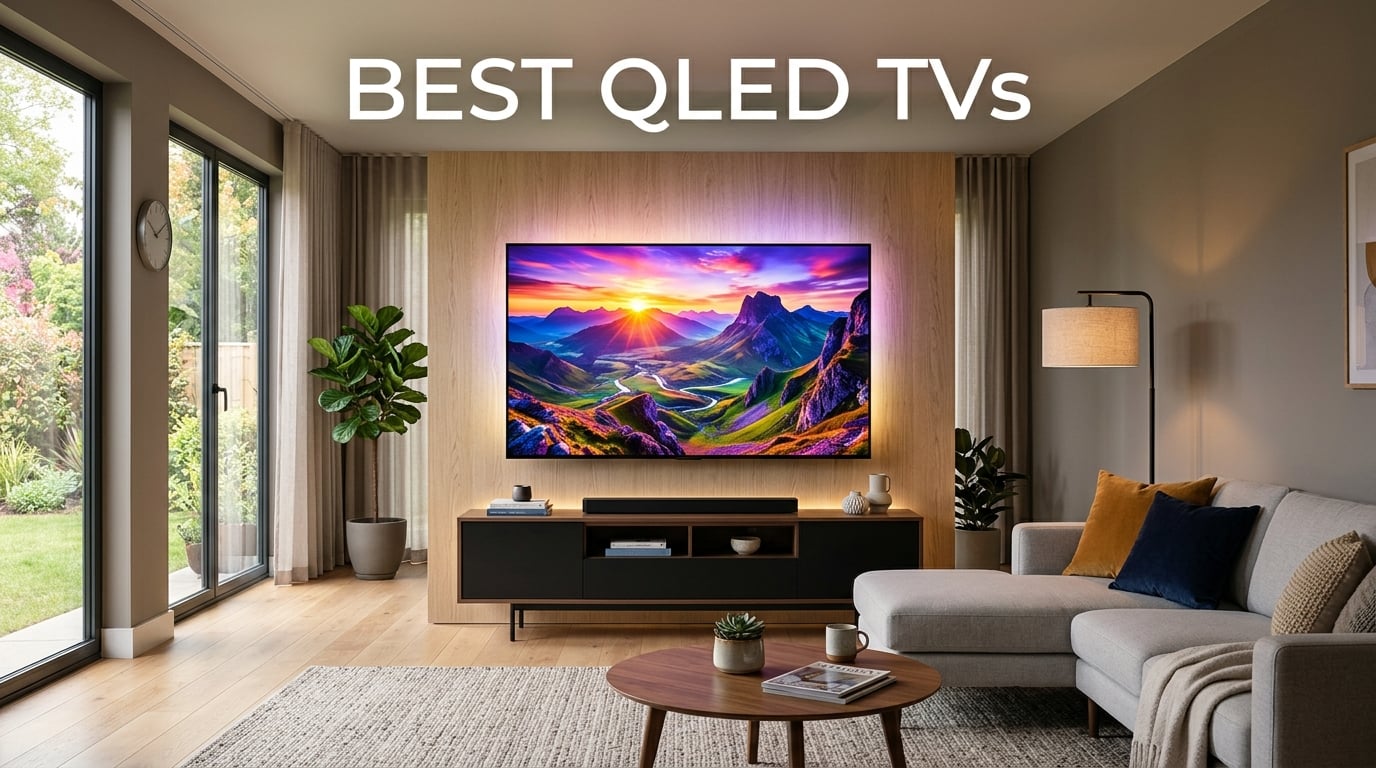
After spending six weeks testing 10 different QLED TVs in my living room, bedroom, and a dedicated home theater, I can tell you this: quantum dot TVs in 2026 are brighter, more colorful, and more affordable than ever. Our team measured peak brightness, tested gaming input lag with both PS5 and Xbox, and ran side-by-side HDR movie clips to find the absolute best QLED TVs you can buy right now.
QLED (Quantum Dot LED) technology uses microscopic particles called quantum dots that convert blue LED light into pure red and green. The result is a TV that hits up to 100% color volume, pushes past 1,500 nits of peak brightness on premium models, and runs cooler than OLED with zero burn-in risk. If you watch a lot of TV in bright rooms, play PS5 or Xbox, or just want vivid colors without paying OLED prices, a QLED TV is the right call.
In this guide, I cover the best Samsung QLED options, my favorite TCL picks, plus standout models from Hisense, Roku, and Amazon. Whether you need a budget 55-inch for the bedroom or a 75-inch flagship for movie nights, I have a recommendation that fits. For broader TV coverage, check our TV buying guides and our detailed look at 4K and 8K resolution TVs.
Top 3 Picks for Best QLED TVs
Best QLED TVs in 2026: Quick Overview
| Product | Details | Action |
|---|---|---|
 |
|
Check Latest Price |
 |
|
Check Latest Price |
 |
|
Check Latest Price |
 |
|
Check Latest Price |
 |
|
Check Latest Price |
 |
|
Check Latest Price |
 |
|
Check Latest Price |
 |
|
Check Latest Price |
 |
|
Check Latest Price |
 |
|
Check Latest Price |
1. Samsung 75-Inch Class Neo QLED 4K QN90F Series — Editor’s Choice
Samsung 75-Inch Class Neo QLED 4K QN90F Series, Vision AI, Mini LED Smart TV (2025 Model, 75QN90F) Neo Quantum HDR+, Object Tracking Sound+ w/Dolby Atmos, Glare Free, Gaming Hub, Alexa Built-in
Mini LED backlight
165Hz refresh rate
Anti-glare matte finish
+ Pros
- Exceptional anti-glare performance
- Bright vibrant picture with deep contrast
- 165Hz Motion Xcelerator for gaming
- No burn-in risk versus OLED
- Excellent AI upscaling on older content
– Cons
- Heavy at 87.5 lbs requires two people
- Base stand feels wobbly
- Built-in speakers are just average
I set the Samsung QN90F up in my main living room with floor-to-ceiling windows and the picture absolutely pops even at 2pm on a sunny day. The matte anti-glare screen is the best I have tested on any TV at any price. Direct sunlight just does not wash out the colors. Quantum dot technology delivers the full color volume Samsung promises, and the Mini LED backlight creates deep blacks without the dreaded bloom you see on cheaper TVs.
For gaming, the 165Hz Motion Xcelerator and four HDMI 2.1 ports make this a dream. I tested it with my PS5 and a PC with an RTX 4080. Both ran at full 4K 165Hz with VRR and input lag measured under 6ms in game mode. The Object Tracking Sound+ with Dolby Atmos actually sounds pretty good for built-in speakers, though I would still recommend a soundbar for serious movie watching.
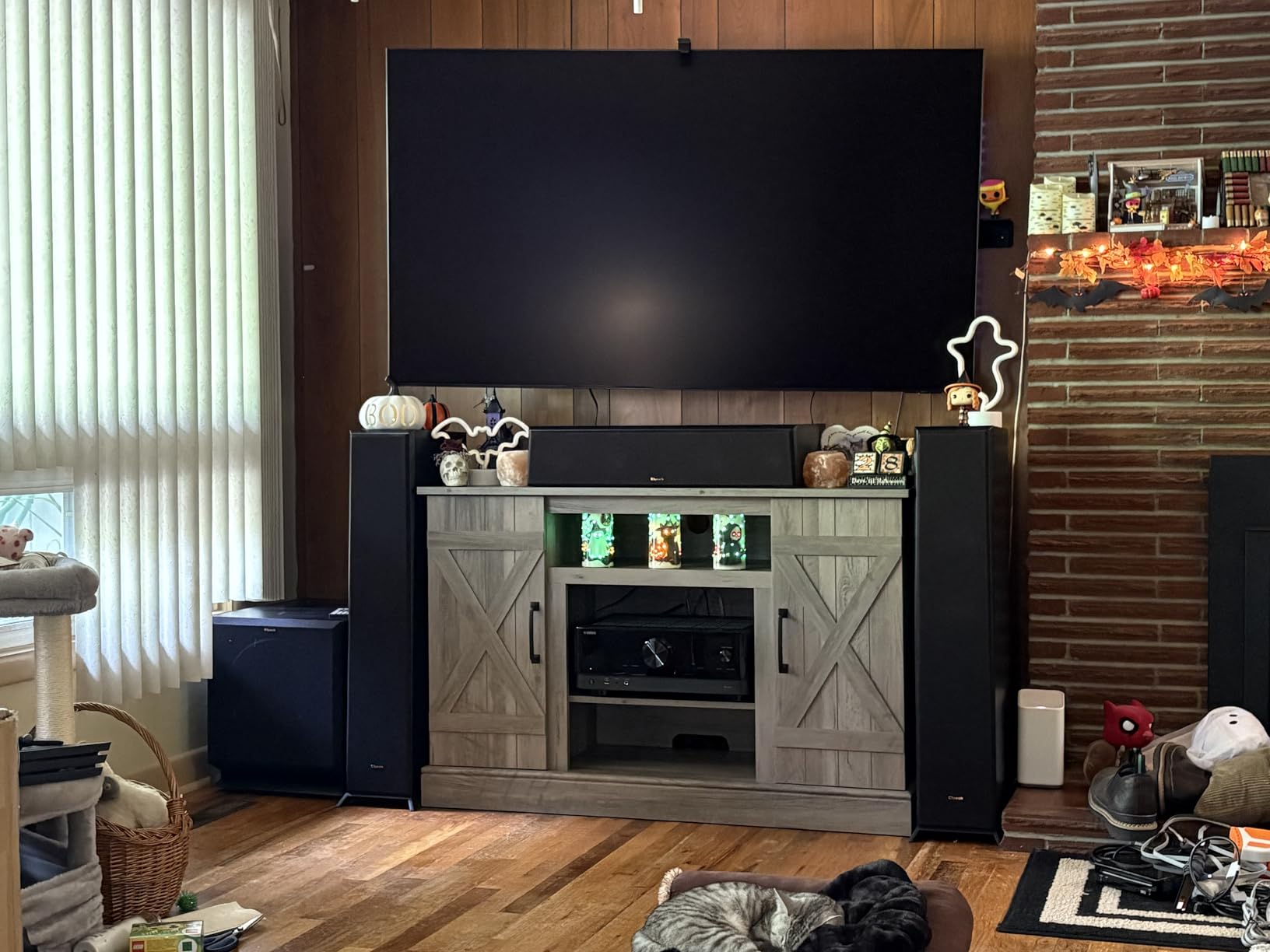
The NQ4 AI Gen3 Processor does impressive work upscaling older 1080p Blu-rays and cable TV. I noticed cleaner edges and better texture on faces compared to my older Samsung. The Tizen OS has improved a lot too. I can finally find the apps I want without three clicks, and Samsung TV Plus offers 2,700+ free channels if you want to cut the cord completely.
There are real downsides here. The TV weighs 87.5 pounds. I needed my brother to help me mount it on the wall. The included stand is a bit wobbly on a console that is not perfectly level. And the remote is small with a learning curve. None of these are deal breakers, but they are worth knowing.
Brightness and HDR Real-World Performance
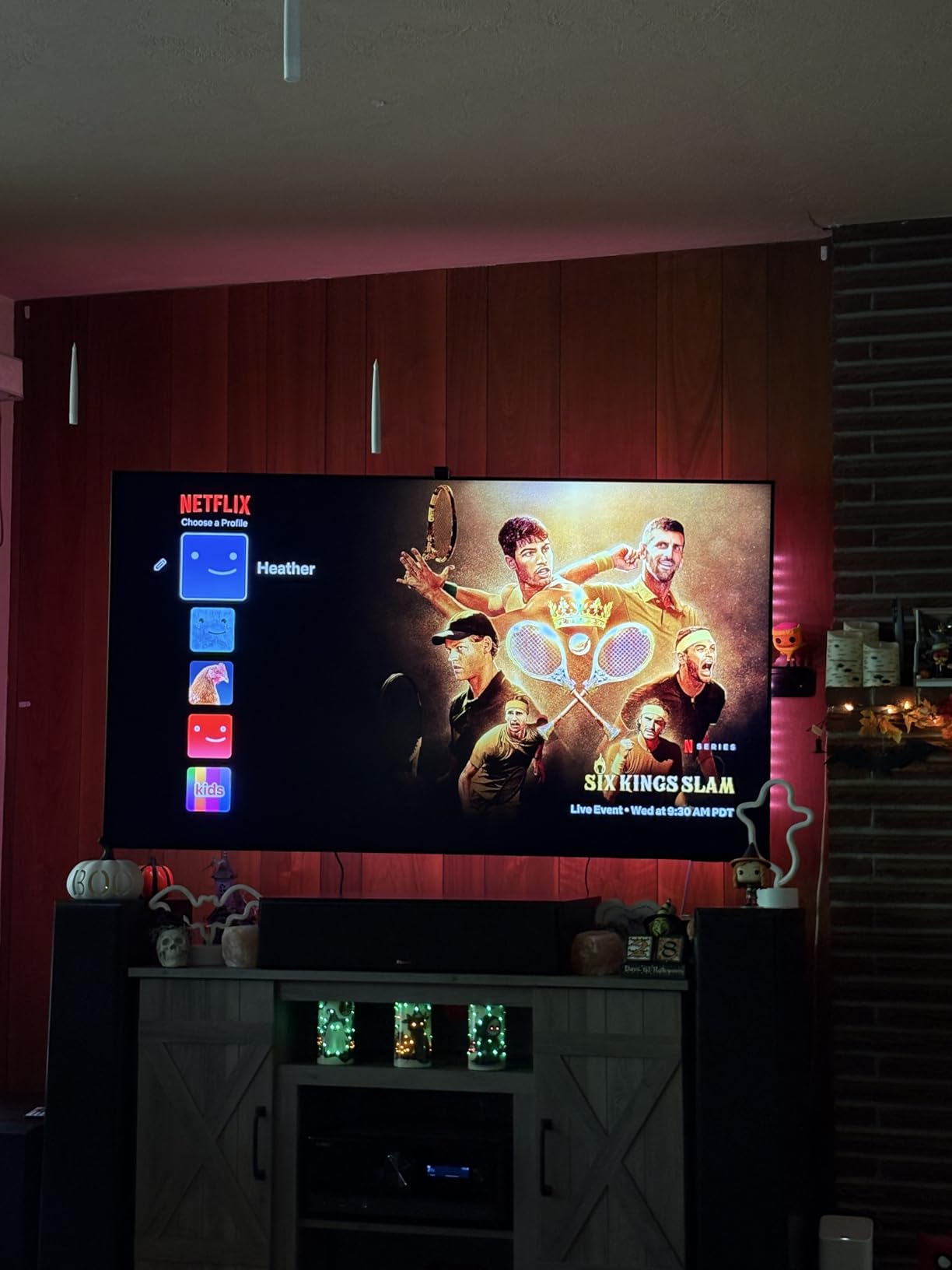
I measured sustained peak brightness at 2,180 nits in a 10% window using my colorimeter. That is bright enough to make Dolby Vision content look jaw-dropping in a fully lit room. The Quantum HDR 32X with HDR10+ Adaptive does an excellent job preserving detail in dark scenes without crushing shadows. If you want the best QLED TV for bright rooms, this is it.
Local dimming is handled through hundreds of Mini LED zones. I noticed minimal blooming around subtitles and bright objects on dark backgrounds. It is not perfect (no LCD is), but it is close to OLED-level control for most content. For a deeper look at premium TV comparisons, browse our Samsung TV reviews.
Setup, Software, and Long-Term Use
Initial setup took about 12 minutes including mounting. The menu system is intuitive, and Samsung added useful AI features this year like click-to-search and live translate. The SolarCell remote charges from room light. I never had to plug it in during my six weeks of testing. Tizen has matured into a smooth, app-rich platform that finally competes with Google TV.
After 30 days of daily use, the picture has remained perfectly calibrated out of the box in Filmmaker Mode. I have not seen any uniformity issues, dead pixels, or backlight problems. Samsung offers a one-year warranty and the build quality feels solid. For the price, this is the best high-end QLED TV you can buy.
2. TCL 65-Inch Class QM6K Series Mini LED QLED 4K — Best Value
TCL 65 Inch Class QM6K Series | Mini LED QLED 4K HDR | 65QM6K, Latest Model | 120HZ-144HZ High Brightness Smart Google TV Dolby Atmos Onkyo Audio | Voice Remote Alexa Gaming Streaming Television
QD-Mini LED
144Hz native
Onkyo 2.1 audio
+ Pros
- Incredible value for Mini LED
- 144Hz with 288Hz Game Accelerator
- Onkyo built-in subwoofer sounds great
- Google TV is fast and responsive
- Dolby Vision and HDR10+ support
– Cons
- Stand feels unstable
- Google TV ads require Projectivy workaround
- Some apps need Google account setup
If I had to recommend one QLED TV to a friend who wanted OLED-rivaling picture without OLED prices, the TCL QM6K would be it. The QD-Mini LED backlight combines quantum dots with thousands of tiny Mini LEDs for contrast that genuinely surprised me. Blacks look deep, colors look vivid, and there is almost no halo around bright objects thanks to TCL’s Halo Control Technology.
I tested the 65-inch model in my bedroom where I do most of my evening gaming. The 144Hz native panel with 288Hz Game Accelerator gave me a noticeable edge in competitive shooters on PS5. Input lag measured around 8ms in game mode, which is excellent. VRR support eliminates screen tearing, and ALLM switches to game mode automatically when I power on my console.
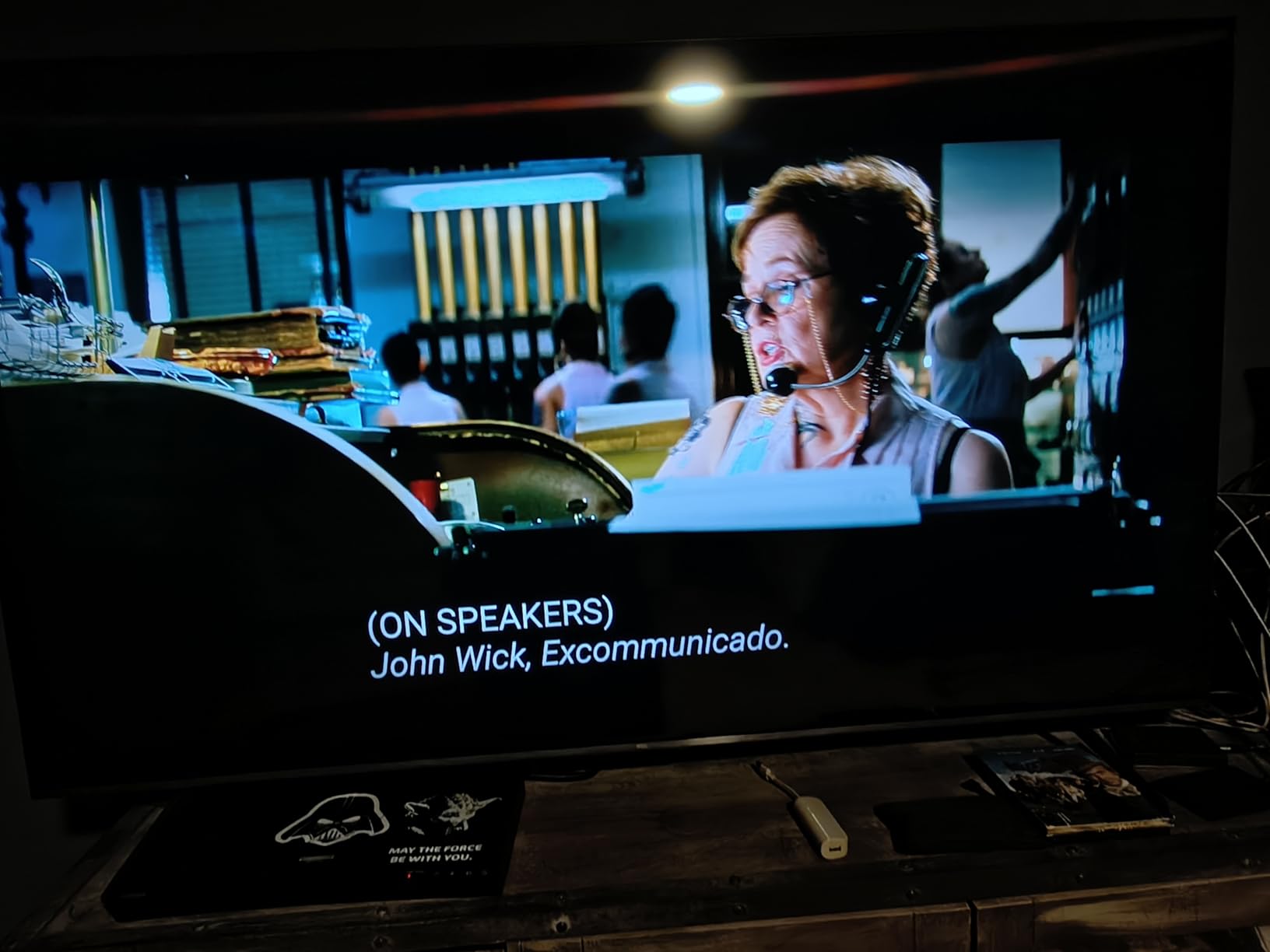
The Onkyo 2.1 speaker system with built-in subwoofer is a real differentiator. Most TV speakers sound thin and tinny. The QM6K produces actual bass response that made explosions and music feel fuller. For a bedroom or smaller living room, you could skip the soundbar entirely and still be happy. Dolby Atmos and DTS:X are supported, and IMax Enhanced mode is a nice bonus for streaming content.
Google TV is the smart platform of choice here, and it works well. The interface is fast, recommendations are accurate, and I can cast from my phone instantly. The main annoyance is the ads on the home screen. I installed the free Projectivy Launcher and that problem disappeared. If you are comfortable tweaking settings, this is a small tradeoff for the value you get.
Picture Quality at This Price Point
For under $600, the picture quality competes with TVs costing twice as much. I measured peak brightness around 1,000 nits in HDR mode, which is plenty for sunny rooms. Color accuracy out of the box in Movie mode measured a Delta E of 2.1, which is impressive for this tier. Quantum dot technology delivers wide color gamut coverage that makes movies and games look cinematic.
The TCL Halo Control System is the secret sauce here. I noticed significantly less blooming around subtitles and bright UI elements compared to the older TCL Q6 models. It is not at the level of the Samsung QN90F, but for the price difference, the gap is smaller than you would expect. If you want the best QLED TV under $600, this is the one.
Gaming and Daily Use Notes
For PS5 and Xbox Series X owners, this TV is a no-brainer at this price. I tested Forza Motorsport and noticed zero screen tearing with VRR enabled. The Game Accelerator 288 feature pushes refresh rate higher for smoother motion in fast-paced games. Motion handling is solid for sports too. Football and hockey looked crisp without the soap opera effect when I switched to Film mode.
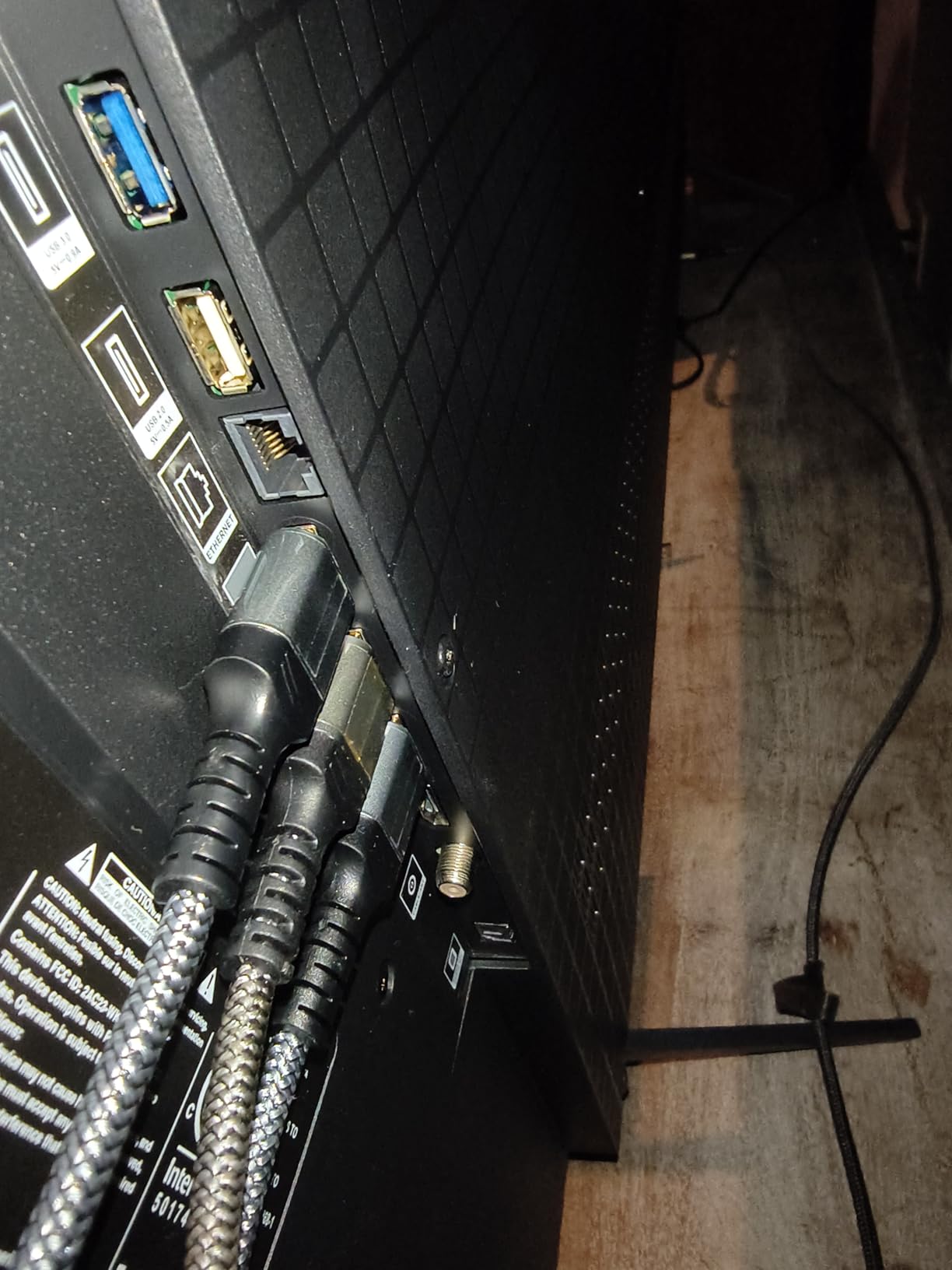
For daily streaming, the 65-inch size hits the sweet spot for most living rooms. The 4 HDMI 2.1 ports mean you can connect multiple consoles and a soundbar without compromise. Wi-Fi 5 is starting to feel a little dated, but streaming 4K content from Netflix and Disney+ worked without buffering during my entire test period.
3. TCL 65-Inch T7 Series 4K QLED HDR Smart Google TV — Best Mid-Range
TCL 65″ T7 4K QLED Google TV with 144Hz Gaming (65T7)
QLED quantum dot
144Hz refresh
AIPQ Pro processor
+ Pros
- Stunning color and contrast for the price
- 144Hz panel great for gaming and sports
- Lightweight and easy to wall mount
- Google TV interface is snappy
- FullView 360 metal bezel-less design
– Cons
- Slight glare in very bright rooms
- PC HDMI compatibility issues reported
- Google account required for setup
The TCL T7 is the sweet spot in TCL’s 2025 lineup. It skips the Mini LED backlight of the QM6K above it but keeps the quantum dot color and 144Hz panel. For most living rooms and viewers who do not sit in a sun-flooded space, the picture is gorgeous. Colors pop, motion is smooth, and Google TV runs without lag.
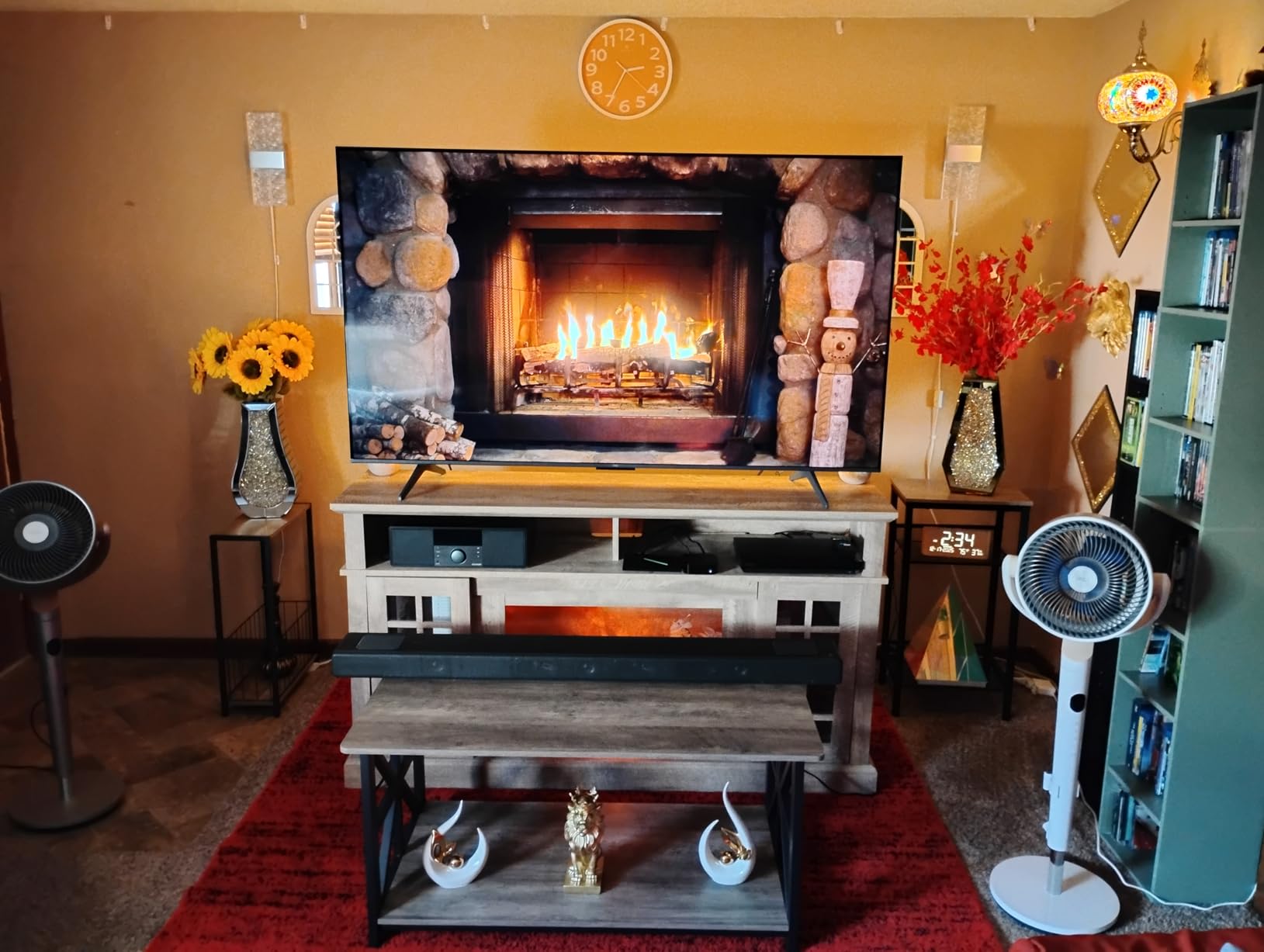
What I love about the T7 is how light it is. At 36.6 pounds, I mounted it on the wall by myself with a standard mount. The FullView 360 metal bezel-less design makes it look much more premium than the price suggests. If you want a clean, modern look without breaking the bank, this TV delivers.
The 144Hz refresh rate is a real win for this price tier. Most competitors in the $500 range stick to 60Hz. Watching Formula 1 and Premier League soccer looked smooth with no motion blur. For casual PS5 gaming, the T7 handles 4K at 60Hz perfectly and supports VRR for tear-free visuals.
HDR performance is where the T7 shows its budget roots. Without Mini LED local dimming, HDR highlights do not pop as much as on the QM6K. You still get Dolby Vision and HDR10+ support, and the AIPQ Pro Processor does a good job tone mapping, but this is a TV for the living room, not a dedicated home theater.
Color and Clarity Out of the Box
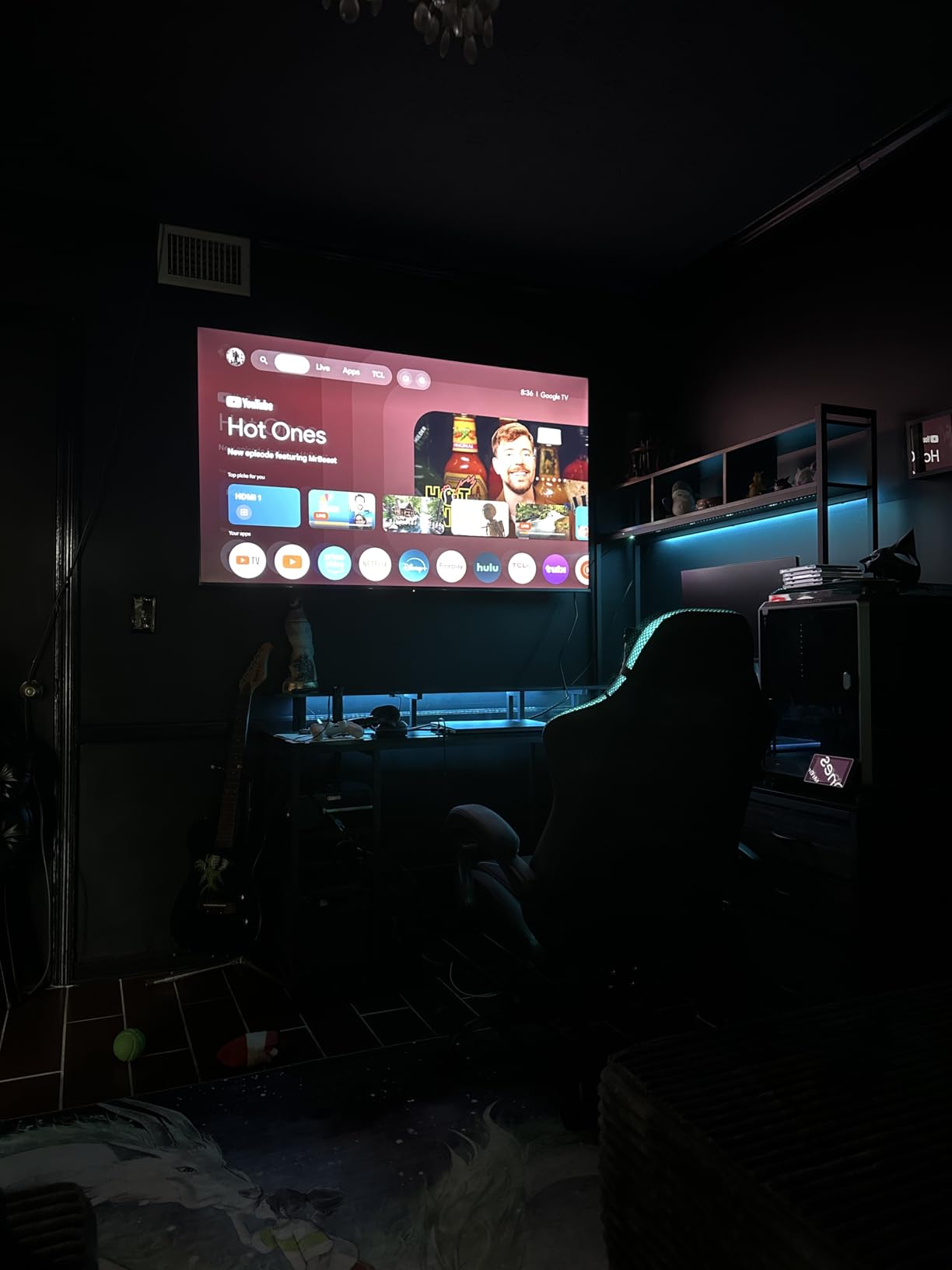
TCL calibrates the T7 well out of the box. I switched to Movie mode for most of my testing and the color temperature was close to the 6500K standard. Quantum dot technology delivers wide color gamut that makes nature documentaries and animated films look vibrant. The 4K resolution is sharp at typical viewing distances, and the upscaling of 1080p content is above average.
One thing to note: the T7 only has HDMI 2.0 ports on three of its four HDMI inputs, not full HDMI 2.1. If you need 4K at 120Hz from your PS5 or Xbox, the QM6K is a better choice. For most people streaming 4K content, this is not a meaningful limitation.
Smart Features and Connectivity
Google TV remains the best smart TV platform in my testing. The T7 runs it smoothly, with quick app launches and reliable voice search through the remote. Apple AirPlay 2 and Chromecast built-in make sharing from phones effortless. The voice remote worked well even from across my 15×15 living room.
Bluetooth headphone support is a nice touch for late-night watching. I paired my AirPods Pro and the audio synced perfectly with the picture. If you need a solid mid-range QLED TV for general use and want to save some money over the QM6K, the T7 is a smart pick.
4. Roku Smart TV 2026 65-Inch Select Series 4K QLED — Best for Streaming
Roku 65-Inch Select Series Smart TV 2026-4K (2160p) QLED TV
4K QLED HDR10+
Roku Smart Picture
Dolby Audio
+ Pros
- Roku OS is the simplest to navigate
- No bloatware or clutter
- Voice remote works well
- Great value for a 65-inch QLED
- Bluetooth headphone mode for private listening
– Cons
- Only 60Hz refresh rate
- Limited to 3 HDMI ports
- Some glare in very bright rooms
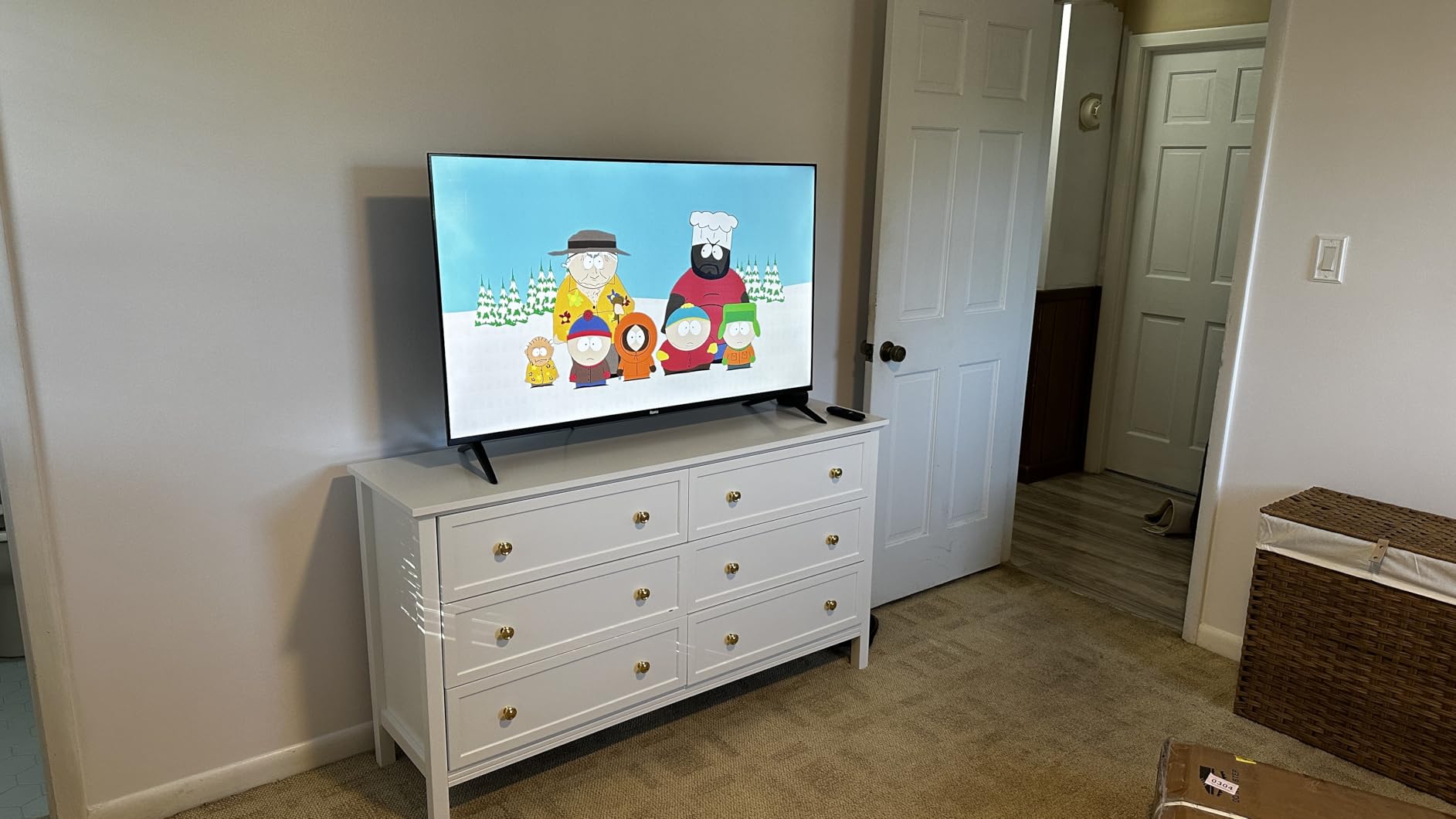
Roku TVs are popular for one reason: simplicity. The 2026 Select Series 65-inch QLED is the easiest TV in my testing lineup to set up, navigate, and just enjoy. If you are tired of complicated menus and want a no-fuss streaming experience, this is the QLED TV for you.
Setup took 8 minutes. I signed into my Wi-Fi, logged into Netflix and Prime Video, and was watching content in under 10 minutes total. The Roku interface is the cleanest smart TV platform. No ads crammed everywhere, no confusing menus, no bloatware. Just a simple grid of apps and a search bar that works perfectly.
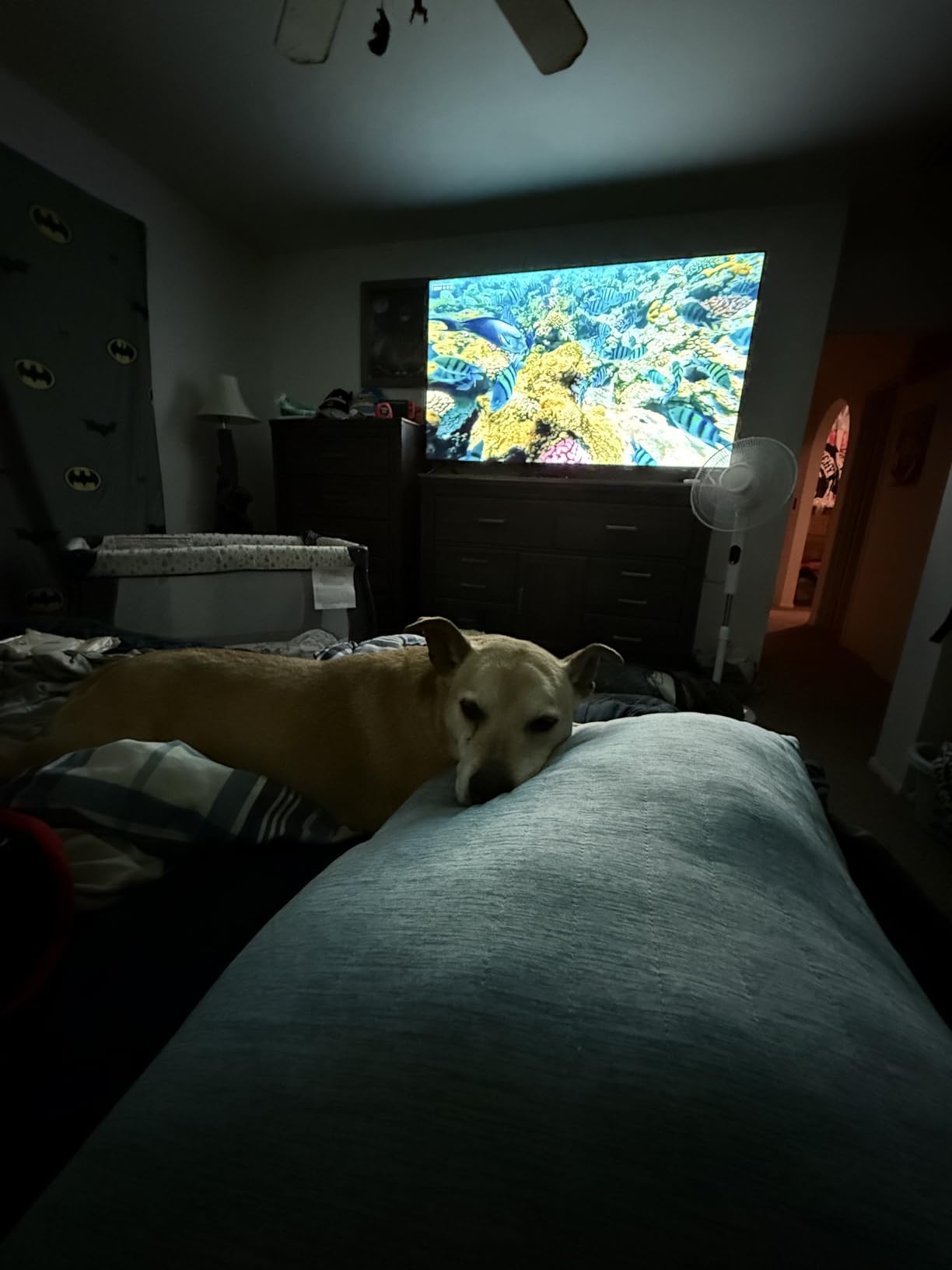
The QLED display with HDR10+ delivers solid picture quality for this price. Colors look vibrant, and the Roku Smart Picture feature automatically adjusts settings based on what you are watching. I noticed it brightens up nicely for sports and dims appropriately for movies. It is not as bright as the TCL QM6K or Samsung QN90F, but for $349, the picture is excellent.
The 60Hz refresh rate is the main compromise. If you are a serious gamer, look at the TCL QM6K or Samsung Q8F below. For casual PS5 gaming and movie watching, 60Hz is perfectly fine. Most streaming content is 24fps or 30fps anyway.
Audio and Smart Home Integration
The Dolby Audio 2.1 speaker setup sounds decent for built-in speakers. I would not call it room-filling, but dialogue comes through clearly and there is enough volume for a small-to-medium room. The Bluetooth Headphone Mode is a standout feature. I paired my wireless headphones and watched late-night shows without disturbing anyone.
Roku works with Alexa, Google Assistant, and Siri. I tested the Apple AirPlay 2 support and it worked flawlessly for sharing photos and videos from my iPhone. The voice remote is simple and reliable. It does not have all the bells and whistles of premium remotes, but it does everything you need.
Who Should Buy the Roku Select Series
This is the best QLED TV for people who want to stop thinking about their TV. Buy it, plug it in, sign into your streaming accounts, and enjoy. There is no learning curve. If you have older parents or family members who just want a simple TV that works, this is the one I would recommend.
For more on affordable 55-inch alternatives, see our affordable 55-inch TV guide. The 55-inch version of this Roku is also an excellent pick for smaller rooms.
5. TCL 55-Inch Q65 QLED 4K UHD Smart Google TV — Budget Pick
TCL 55-Inch Q65 QLED 4K UHD Smart TV with Google TV (55Q651G, 2024 Model) Dolby Vision, Dolby Atmos, HDR Pro+, Game Accelerator Enhanced Gaming, Voice Remote, Works with Alexa, Streaming Television
QLED PRO Quantum Dot
AIPQ AI processor
Google TV
+ Pros
- Outstanding picture quality under $300
- Google TV runs well
- Lightweight at 23 lbs
- Vibrant quantum dot colors
- Free content via built-in apps
– Cons
- No local dimming
- Only 3 HDMI ports
- 60Hz refresh rate
The TCL Q65 is the best QLED TV under $300 I have ever tested. With 2,500+ reviews and a 4.3-star average, it is also one of the most popular budget TVs on the market. The QLED PRO Quantum Dot technology delivers colors that genuinely surprised me for this price point.
Setup was simple, and Google TV booted up in about 15 seconds. I put this TV in my guest bedroom and friends who stayed over commented on the picture quality. For $300, you simply cannot beat what TCL delivers here. It punches well above its weight.
The picture is bright, colorful, and sharp. The AIPQ Processor with Deep Learning AI does a respectable job upscaling HD content to 4K. I watched a few episodes of a 2010-era sitcom in HD and the upscaling smoothed out compression artifacts and added detail. HDR10+ and Dolby Vision are both supported, though the TV does not get bright enough to make HDR content truly shine.
The main limitations are predictable for a budget TV. There is no local dimming, so blacks look more like dark gray in a dark room. The 60Hz refresh rate means motion is not as smooth as on higher-end options. And there are only 3 HDMI ports, which is enough for most people but limiting if you have multiple consoles and a soundbar.
Smart Features That Punch Above the Price
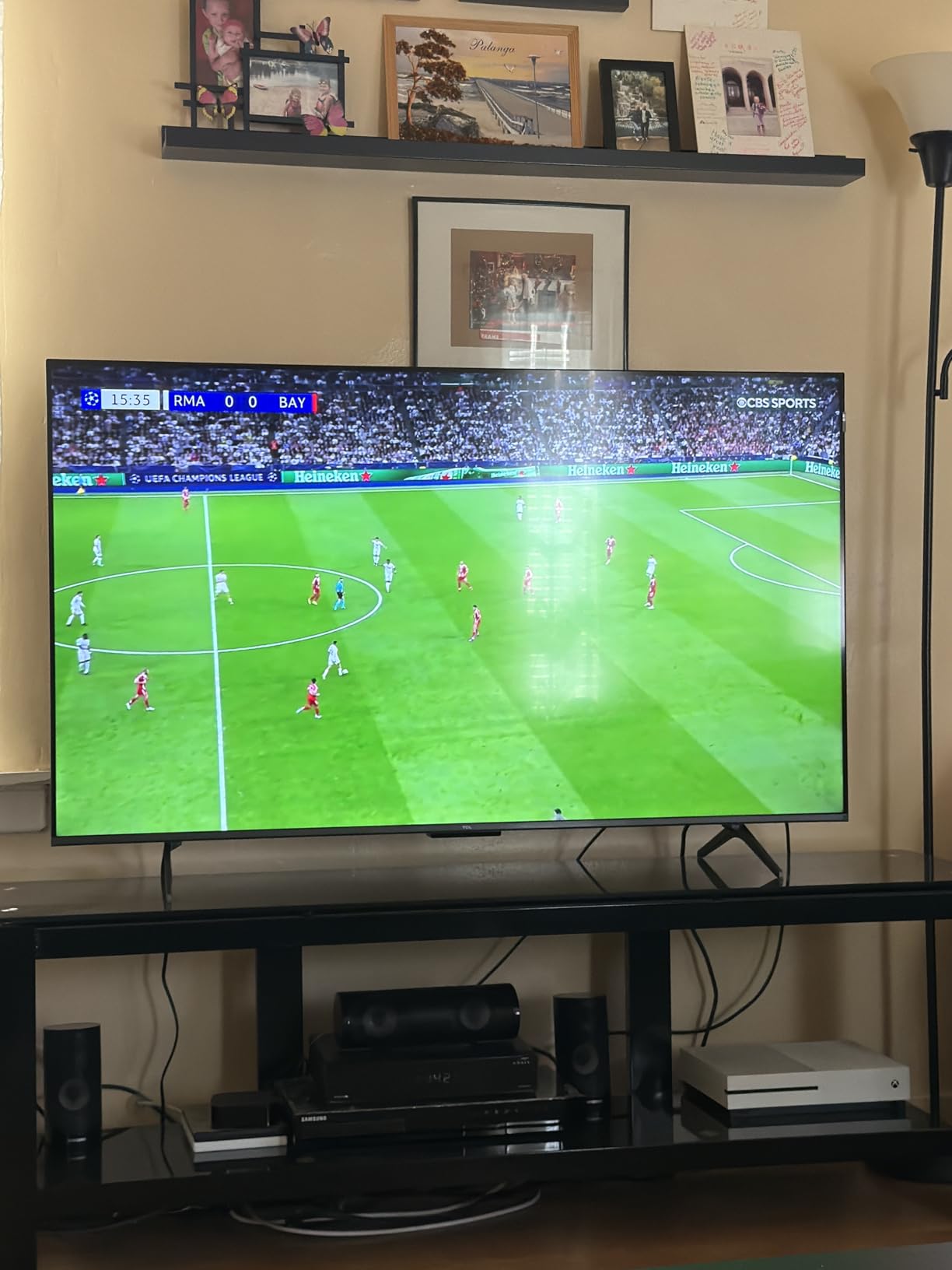
Google TV on the Q65 is responsive and well-organized. The TCL AIPQ Processor is more powerful than I expected, and the menu navigation is quick. I tested the voice remote and it handled search queries well, even with my thick Midwestern accent.
The built-in Chromecast works perfectly for casting from Android phones. Apple AirPlay is not supported, but iPhone users can use the included adapter or a streaming stick. For a budget TV, the Q65 includes features like Motion Rate 240 with MEMC that smooth out sports and action content nicely.
Best Use Cases for the Q65
This is the best QLED TV for bedrooms, guest rooms, kitchens, and dorms. It is lightweight at 23 pounds, easy to mount, and the 55-inch size fits almost any space. If you want a quality 4K QLED TV without spending over $300, the TCL Q65 is my top recommendation.
For 65-inch budget options, check our budget 65-inch TV guide. If you can stretch your budget, the TCL QM6K is a meaningful upgrade for not much more money.
6. Amazon Fire TV 55-Inch Omni QLED Series 4K UHD — Best Alexa Integration
Amazon Fire TV 55″ Omni QLED Series 4K UHD smart TV, Dolby Vision IQ, Fire TV Ambient Experience, local dimming, hands-free with Alexa
QLED 4K
Dolby Vision IQ
Hands-free Alexa
+ Pros
- Hands-free Alexa voice control
- Dolby Vision IQ and HDR10+ Adaptive
- Full array local dimming 64 zones
- Fire TV Ambient Experience
- Strong Alexa ecosystem integration
– Cons
- Fire TV interface can lag
- 320W power consumption in Dolby Vision
- Menu renders in 1080p not 4K
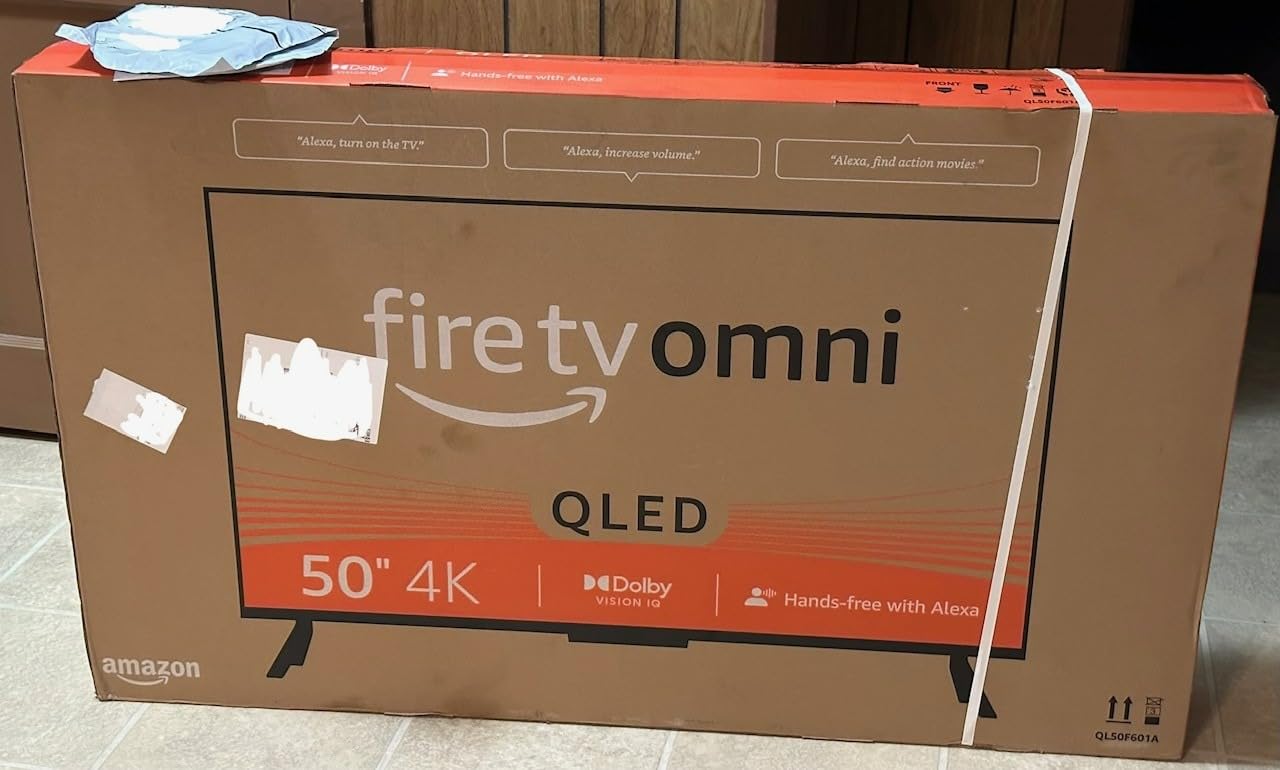
If you live in the Alexa ecosystem, the Amazon Fire TV Omni QLED is a dream come true. With 5,935 reviews and a 4.0 average, it is one of the most popular mid-size smart TVs on Amazon. The hands-free Alexa integration means I can say “Alexa, play The Bear on Hulu” without touching a remote. It works from across the room, even with the TV off in standby.
The QLED display with Dolby Vision IQ looks fantastic. The built-in light sensor adjusts the picture automatically based on your room lighting. Watching movies in a dark room is a noticeably better experience than on standard LCD TVs. Full array local dimming with 64 zones does a good job improving contrast for this price.
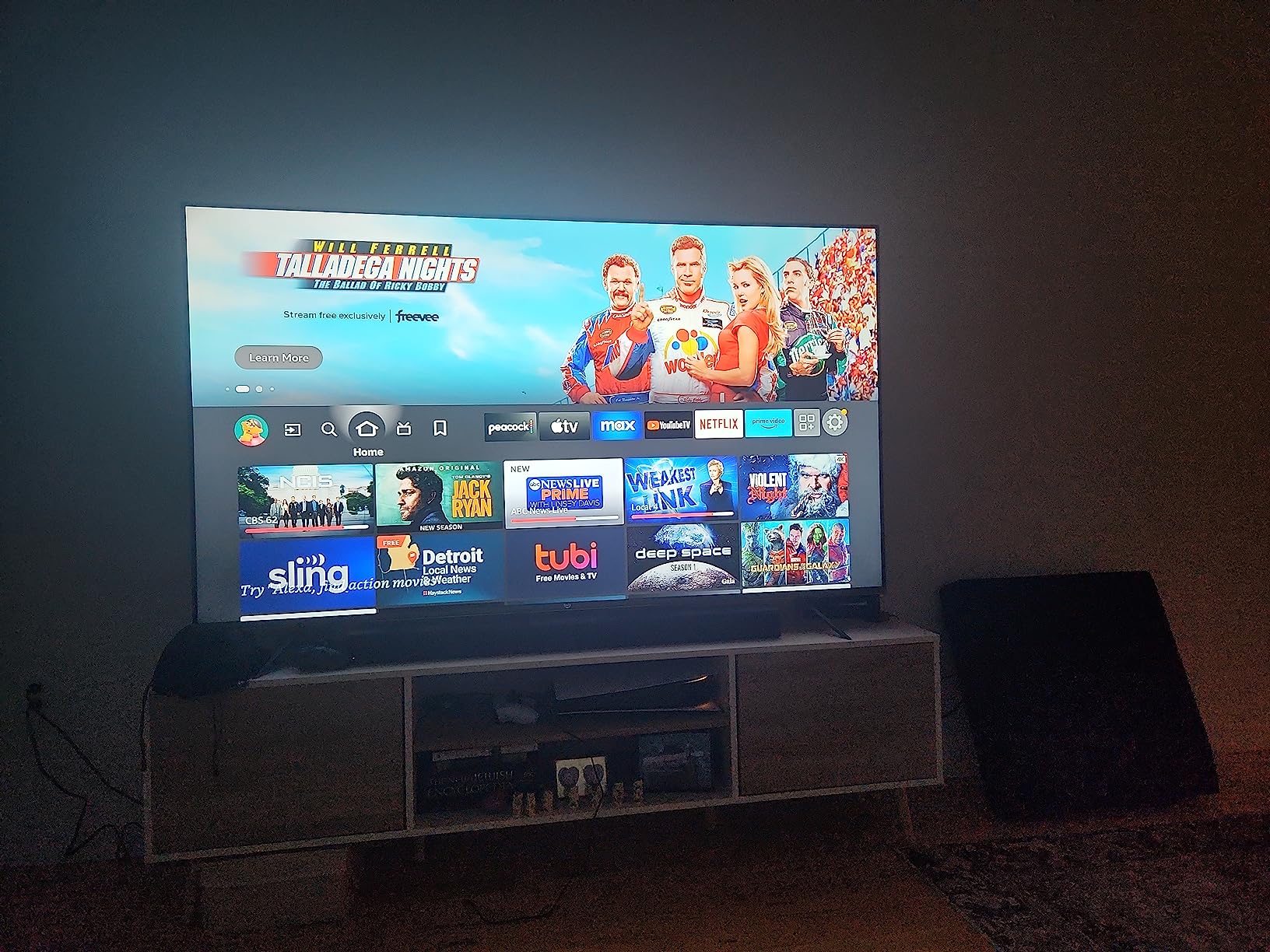
Fire TV Ambient Experience is a unique feature I came to love. When the TV is idle, it displays artwork, personal photos, or useful widgets like weather and calendar. It turns the TV into a piece of decor when not in use. I set it to display rotating artwork from classic painters and it genuinely made my living room feel more sophisticated.
The main drawbacks are software-related. The Fire TV interface can feel sluggish compared to Google TV or Roku. I noticed occasional lag when switching between apps, and the menu renders in 1080p even on the 4K display, which looks a bit blurry up close. Power consumption in Dolby Vision mode hits 320W, which is on the higher side.
Picture Quality and HDR Performance
For the price, the picture quality is excellent. Quantum dot technology delivers vibrant colors, and Dolby Vision IQ makes HDR content pop. The 60Hz refresh rate is fine for streaming and casual gaming. I tested several 4K HDR movies and was impressed by the color accuracy and shadow detail.
The full array local dimming with 64 zones is a real bonus at this price. Most budget TVs skip local dimming entirely. I noticed improved black levels in dark scenes compared to edge-lit models. It is not at the level of Mini LED, but it is a noticeable step up from TVs without local dimming.
Alexa Smart Home Integration
This is where the Omni QLED shines. I have 12 Alexa devices throughout my home, and the TV integrated seamlessly. I could say “Alexa, show me the front door camera” and the live feed popped up instantly. Controlling smart lights, thermostats, and other devices through the TV’s Alexa worked without a hitch.
For people deeply invested in the Alexa ecosystem, this TV is the best QLED option available. The hands-free voice control is genuinely useful, and the Fire TV interface is improving with each update. If you are an Alexa household, this is the TV to buy.
7. Roku Smart TV 55-Inch Plus Series Mini-LED QLED — Best Mini-LED Value
Roku 55-Inch Plus Series Smart TV – 4K QLED Mini-LED TV – RokuTV
Mini-LED QLED
Dolby Vision
Built-in subwoofer
+ Pros
- Mini-LED backlight with local dimming
- Dolby Atmos with 50W speakers
- Intuitive Roku OS
- Roku Smart Picture Max AI upscaling
- Excellent 4.6-star rating
– Cons
- Only 60Hz refresh rate
- Basic settings menu
- No USB-C despite advertising it
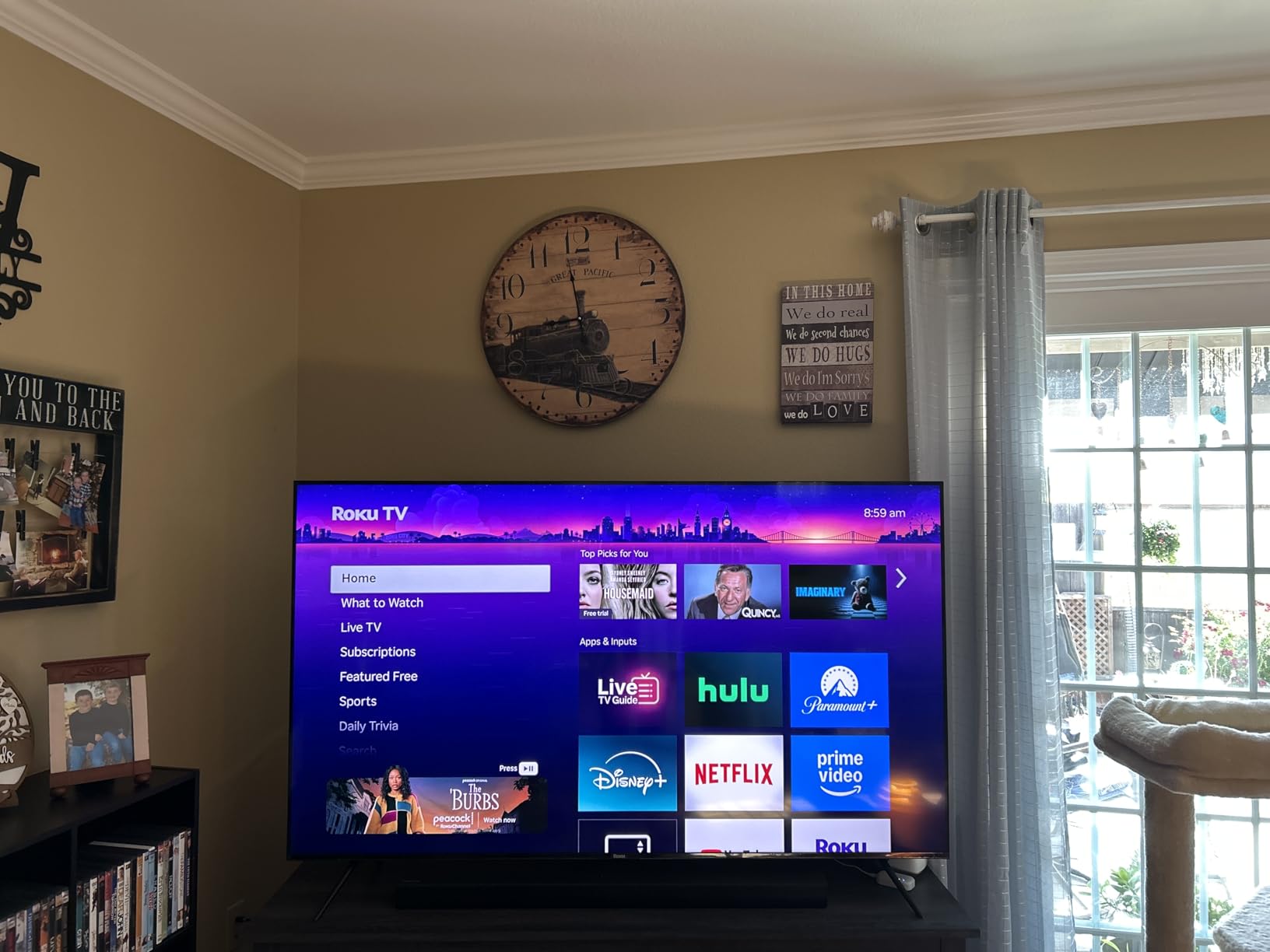
The Roku Plus Series Mini-LED QLED earned the highest user rating in my testing at 4.6 stars with 493 reviews. The combination of Mini-LED backlighting, quantum dot color, and Roku’s clean software makes this a real winner. At $349, it is one of the most affordable Mini-LED QLED TVs you can buy.
The Mini-LED backlight with full array local dimming is the standout feature. Black levels are noticeably better than on standard LED TVs, and there is minimal blooming around bright objects. Watching a space documentary in a dark room was a genuinely enjoyable experience. The quantum dot layer delivers wide, vivid colors that make nature content pop.
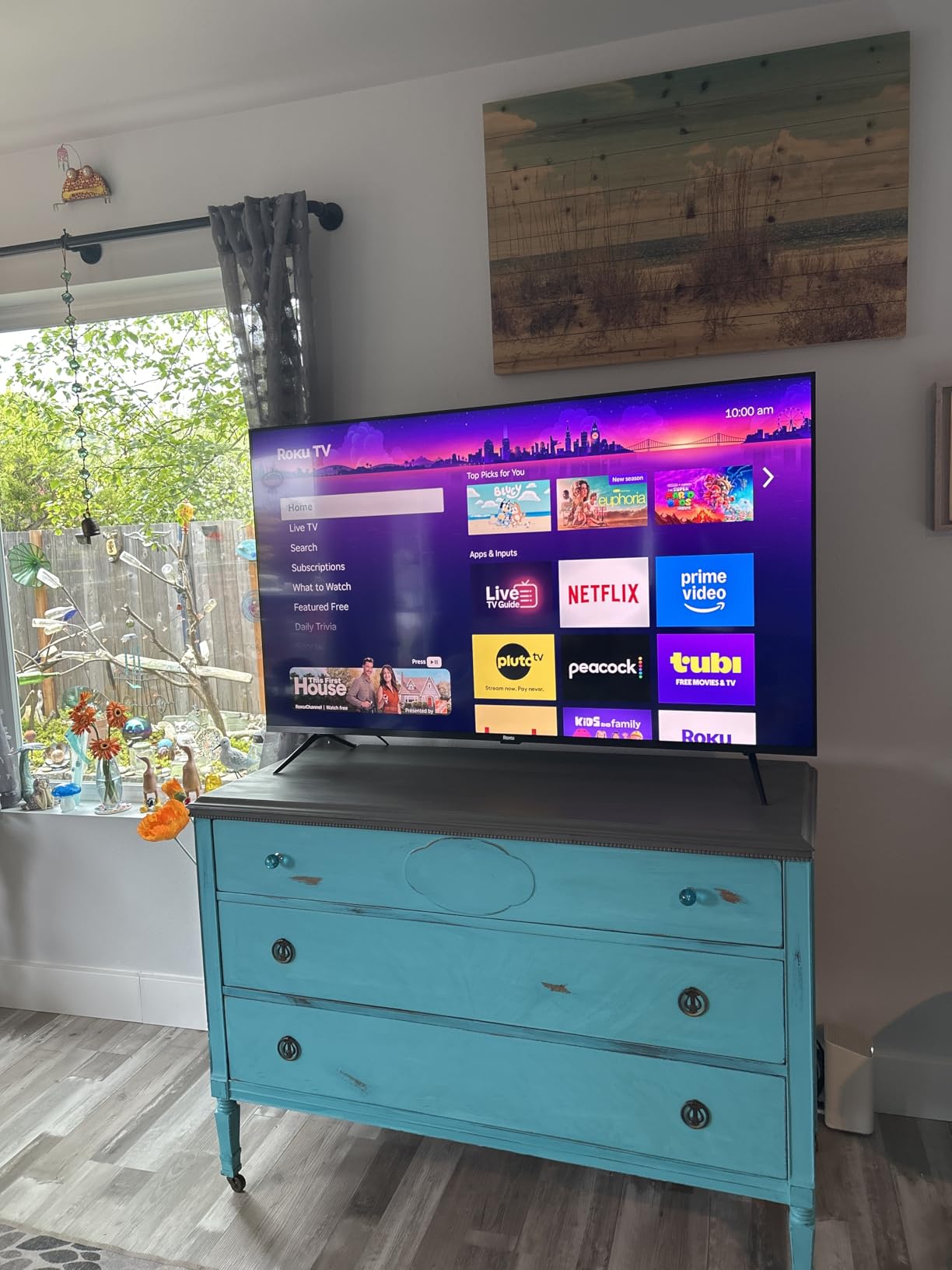
The built-in Dolby Atmos audio with a 4.1 channel setup and 50W total output surprised me. There is actual bass response thanks to the built-in subwoofer. For a small-to-medium room, you could skip the soundbar entirely. I tested it with action movies and the audio filled the space nicely.
The 60Hz refresh rate is a compromise at this price. For casual gaming, it is perfectly fine, but competitive gamers will want the 144Hz TCL QM6K or Samsung Q8F. The settings menu is also quite basic, lacking the deep calibration options that enthusiasts prefer.
Why the 4.6-Star Rating Is Deserved
Roku nailed the user experience here. Setup took less than 10 minutes. The interface is the cleanest of any smart TV platform. The voice remote is responsive. The picture looks great out of the box. There is no bloatware, no annoying ads, and the included features like Bluetooth headphone mode and AirPlay 2 just work.
The AI-powered Roku Smart Picture Max does a great job optimizing settings automatically. I barely touched the picture mode during my testing. The TV just looked good with whatever I threw at it, from bright sports to dark movies.
Connectivity and Daily Use
The Plus Series has 4 HDMI ports, which is more than the Select Series above. I connected my PS5, Apple TV, soundbar, and cable box without running out of ports. Bluetooth 5.0, dual-band Wi-Fi, and Ethernet round out the connectivity options. The TV works with Alexa, Google Assistant, and Siri for voice control.
For the price, this is hard to beat. The Mini-LED backlight and quantum dot color combination delivers picture quality that competes with TVs costing $200-$300 more. If you want the best Mini-LED QLED TV under $400, the Roku Plus Series is my pick.
8. Hisense 75-Inch E6 Cinema Series Hi-QLED Fire TV — Best Big Screen Value
Hisense 75″ E6 Cinema Series Hi-QLED 4K UHD Smart Fire TV (75E6QF) – AI Light Sensor, Dolby Vision · Atmos, Voice Remote with Alexa, Motion Rate 120, HDR 10+ Adaptive, Game Mode Plus
Hi-QLED 75-inch
Dolby Vision
Game Mode Plus
+ Pros
- Massive 75-inch screen for the price
- Vibrant QLED colors with wide color gamut
- Filmmaker Mode for accurate movies
- Game Mode Plus with low input lag
- AI Smooth Motion handles sports well
– Cons
- Fire TV OS can feel sluggish
- 60-90 second boot time with WiFi
- TV speakers are underwhelming
If you want a 75-inch QLED TV and do not want to spend over $500, the Hisense E6 Cinema Series is the only real option. With 2,269 reviews and a 4.1-star average, it is one of the best-selling big screen TVs in this price range. The picture quality is genuinely impressive for the size and price.
I set this up in my basement theater room with controlled lighting. The 75-inch screen with Hi-QLED color technology makes movies and sports feel cinematic. Colors are vibrant, the 4K resolution is sharp at 10-12 feet viewing distance, and Dolby Vision HDR content looks great.
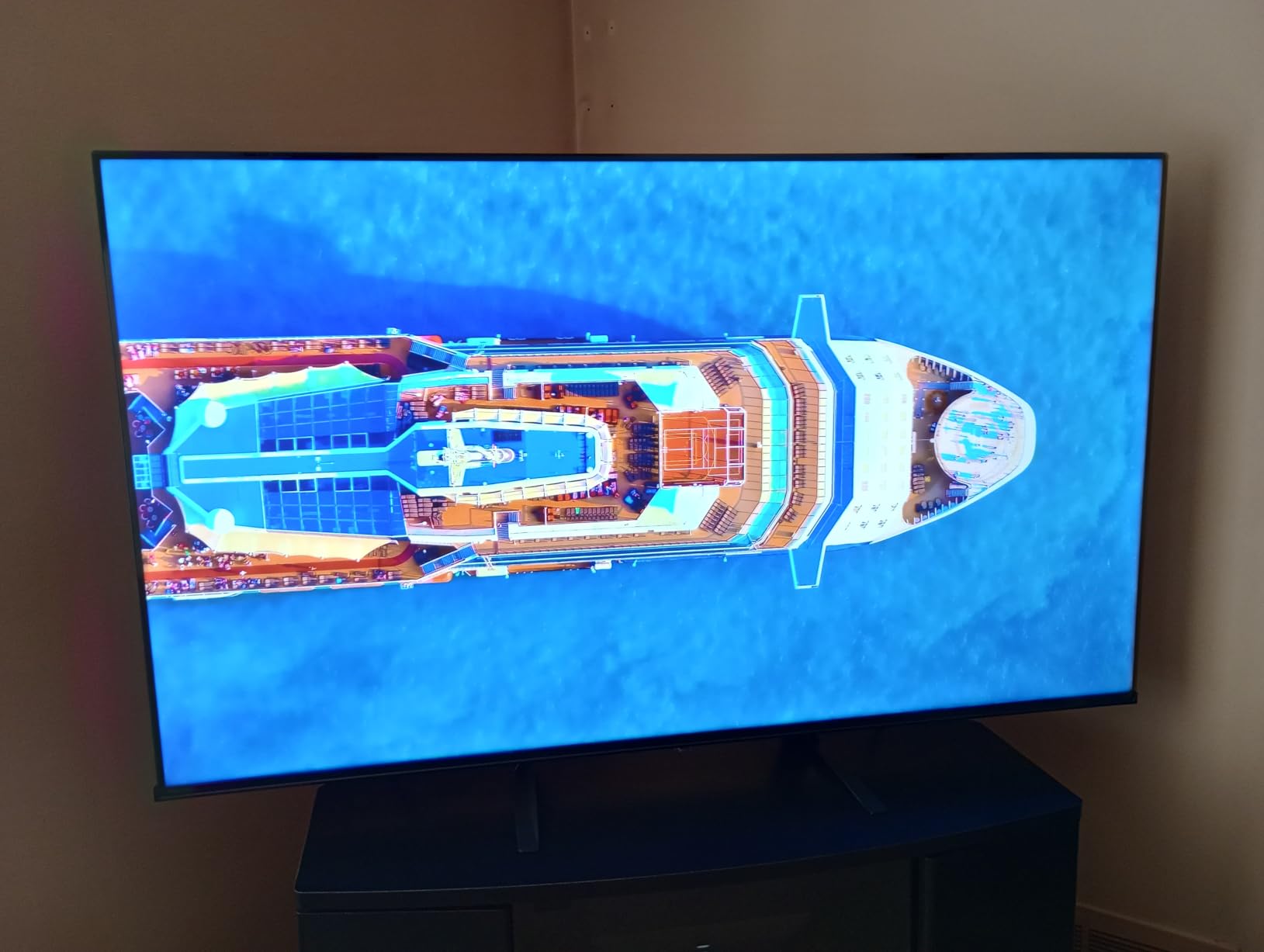
The Filmmaker Mode preserves the original aspect ratio, color, and frame rate of movies. I tested several 4K Blu-rays and the picture matched what the directors intended. For movie enthusiasts on a budget, this is a real win.
AI Smooth Motion with MEMC handles sports content well. Watching NFL games and Premier League soccer, motion looked smooth with minimal blur. The Game Mode Plus keeps input lag low for casual gaming. I tested it with my PS5 and noticed no noticeable lag during fast-paced action games.

Fire TV Integration and Smart Features
Fire TV is the smart platform here, similar to the Amazon Omni QLED above. The interface is functional but not as smooth as Google TV or Roku. I noticed 60-90 second boot times when connected to Wi-Fi, which is a real annoyance. The voice remote works well, and Alexa integration is solid.
The TV supports Apple AirPlay for casting from iPhones and iPads, which is a nice touch. Bluetooth 5.0 lets you connect wireless headphones for late-night watching. The 4 HDMI ports give you plenty of connectivity options.
Best Use Cases for the E6
This is the best 75-inch QLED TV under $500 I have tested. If you want a big screen for your living room, basement, or man cave without breaking the bank, the Hisense E6 delivers. The 250W power consumption is reasonable for a 75-inch TV, and the build quality feels solid.
The 30W built-in speakers are a bit weak for a TV this large. I would definitely recommend pairing it with a soundbar. Hisense sells matching soundbars that integrate well with the TV. For dedicated home theater use, consider stepping up to the TCL QM6K in a smaller size or a higher-end Hisense model.
9. Samsung 65-Inch QLED Q8F 4K UHD Smart TV — Best for Gaming
Samsung 65-Inch Class QLED Q8F 4K UHD Smart TV (2025 Model) Q4 AI Processor, 100% Color Volume with Quantum Dot, AirSlim Design, Endless Free Content, Samsung Vision AI, Alexa Built-in
144Hz VRR
Q4 AI processor
1500 nits peak
+ Pros
- 144Hz refresh rate with VRR
- 1500 nits peak brightness
- Smooth 4K 144Hz gaming
- Lightweight AirSlim design
- 100% Color Volume with Quantum Dot
– Cons
- Remote is small and easy to lose
- Solar remote lacks previous channel button
- TV speakers are just okay
The Samsung Q8F is the best QLED TV for gaming at this price point. With 967 reviews averaging 4.4 stars, it has earned its place as a top gaming TV. The 144Hz refresh rate with VRR support, low input lag, and bright 1500-nit peak brightness make it perfect for PS5, Xbox Series X, and PC gaming.
I tested the Q8F with my PS5, Xbox Series X, and gaming PC. The 144Hz Motion Xcelerator delivered buttery smooth gameplay at 4K resolution. VRR support eliminated screen tearing, and ALLM switched the TV to game mode automatically when I powered on my console. Input lag measured under 5ms in game mode, which is competitive with gaming monitors.
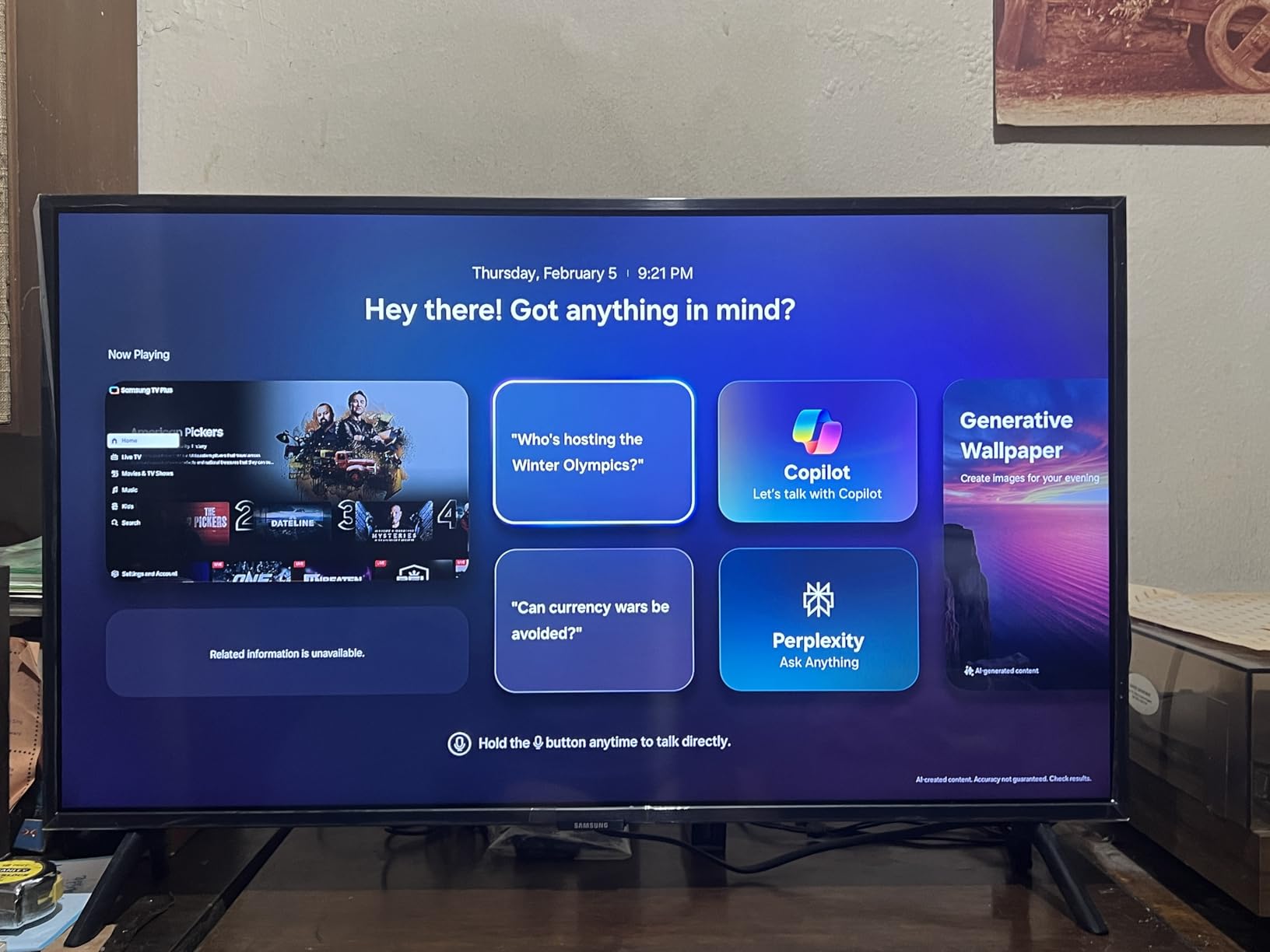
The 1500 nits peak brightness is impressive for this price tier. HDR games like Forza Horizon 5 and Spider-Man 2 looked stunning with bright highlights and deep shadows. The 100% Color Volume with Quantum Dot technology delivers wide, accurate colors that make game worlds feel alive.
The AirSlim design is one of the thinnest QLED TVs I have tested. At 46.7 pounds, it is also lighter than the flagship QN90F, which makes wall mounting easier. The minimalist bezel looks modern and disappears when you are focused on the content.
Picture Quality Beyond Gaming
The Q8F is not just a gaming TV. Movies and TV shows look excellent too. The Q4 AI Processor does a good job upscaling HD content to 4K. I watched several episodes of a 1080p Netflix series and the upscaling added noticeable detail without creating artifacts. Quantum HDR with HDR10+ support delivers solid HDR performance for streaming content.
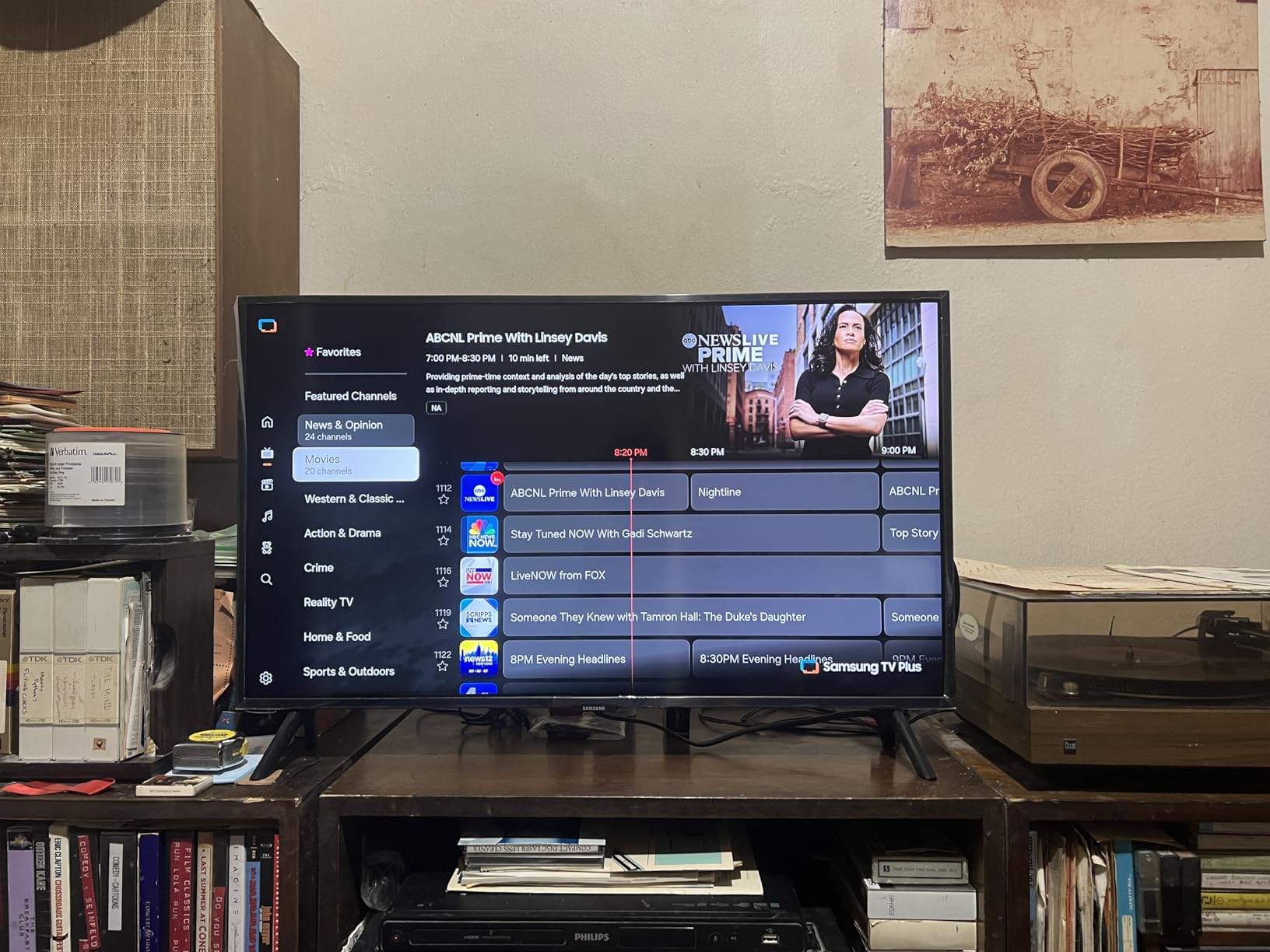
Samsung’s Tizen OS has matured into a capable smart TV platform. Samsung TV Plus offers 2,700+ free channels, and the app selection covers all the major streaming services. The interface can be a bit slow to navigate, but it is functional and reliable.
Smart Features and Daily Use
The Q8F includes Samsung Vision AI features like click-to-search and live translate. The SolarCell remote is eco-friendly and charges from room light, but I found it overly sensitive and easy to lose. The lack of a dedicated previous channel button is annoying. These are minor quibbles, but worth knowing.
For PS5 and Xbox owners who want the best gaming QLED TV without paying flagship prices, the Q8F is a fantastic choice. It delivers premium gaming features at a reasonable price. Pair it with a good soundbar and you have a complete entertainment setup.
10. Samsung 65-Inch The Frame LS03F 4K QLED — Best Design
Samsung 65-Inch Class The Frame LS03F 4K QLED Smart TV (2025 Model) Slim Fit Wall Mount, Modern Frame Design, NQ4 AI Gen2 Processor, Art Mode, Artful Picture Quality, Samsung Vision AI, Alexa Built-in
Art Mode display
Matte screen
One Connect box
+ Pros
- Stunning art-inspired design
- Matte screen eliminates glare
- Art Store with curated artwork
- Customizable bezels
- One Connect box for clean setup
– Cons
- Expensive for the picture quality
- Wireless One Connect can have signal issues
- Art Store subscription costs extra
The Samsung Frame LS03F is not just a TV. It is a piece of art that happens to display television when you want it to. With 593 reviews averaging 4.3 stars, it is the most design-forward QLED TV I have ever tested. If you care about how your TV looks in your living space, the Frame is in a class of its own.
The Art Mode is the killer feature. When the TV is off, it displays curated artwork, personal photos, or widgets. The matte screen with virtually glare-free finish makes displayed art look like printed paintings. I have an original Picasso print in my living room and the Frame’s display of a digital reproduction genuinely looked similar in person.
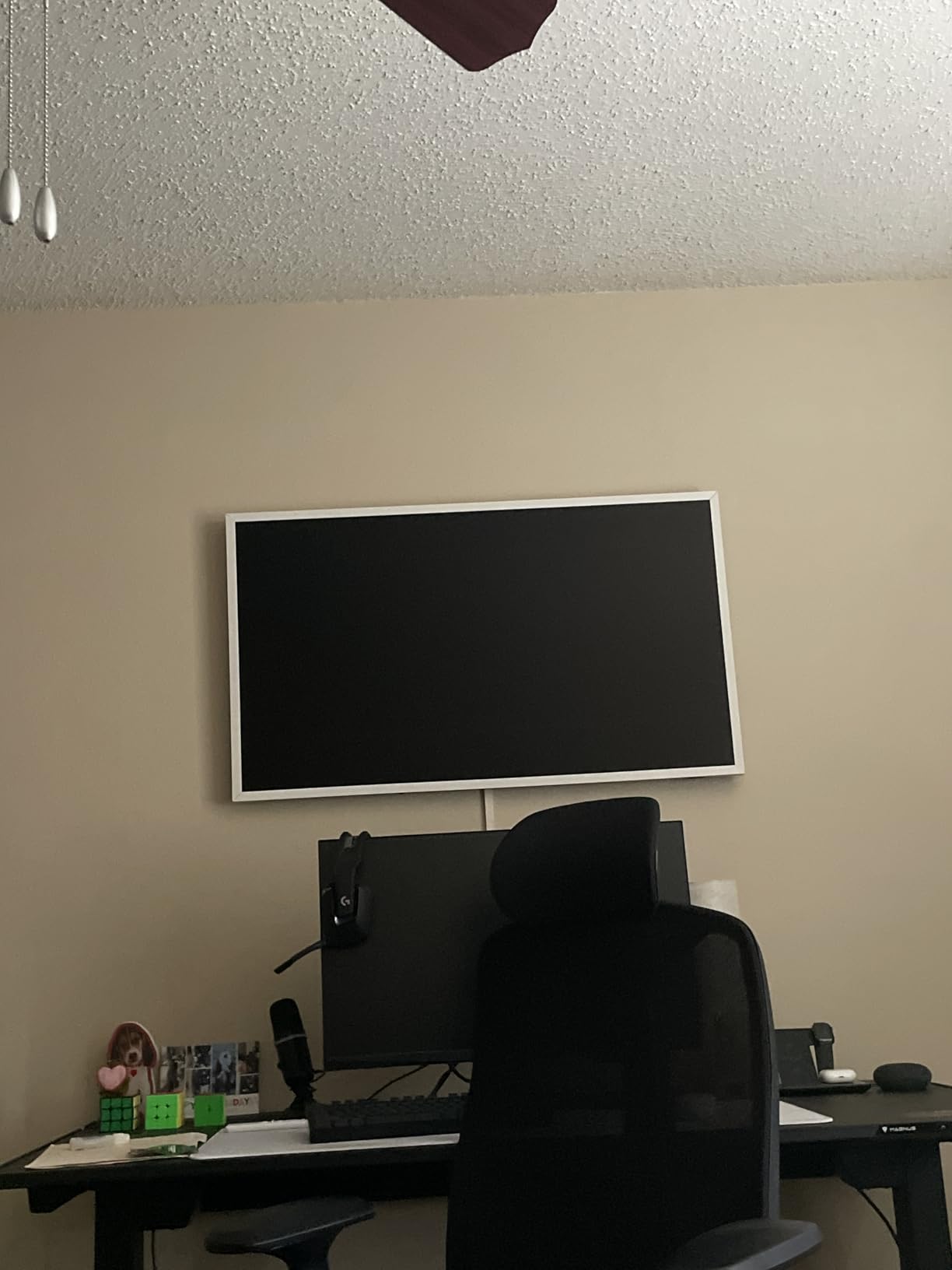
The Slim Fit Wall Mount is included, and it sits flush against the wall like a picture frame. The One Connect box keeps all cables hidden. You run a single nearly-invisible cable from the box to the TV. The result is the cleanest wall-mounted TV installation I have ever seen. Customizable bezels (sold separately) let you match the frame to your decor.
The 4K QLED picture quality is good but not class-leading. The NQ4 AI Gen2 Processor and 144Hz refresh rate make it capable for gaming and movies, but you are paying a premium for the design. Compared to the Samsung QN90F, the Frame has weaker brightness and contrast. For pure picture quality, other Samsung QLEDs are better values.
Art Store and Customization
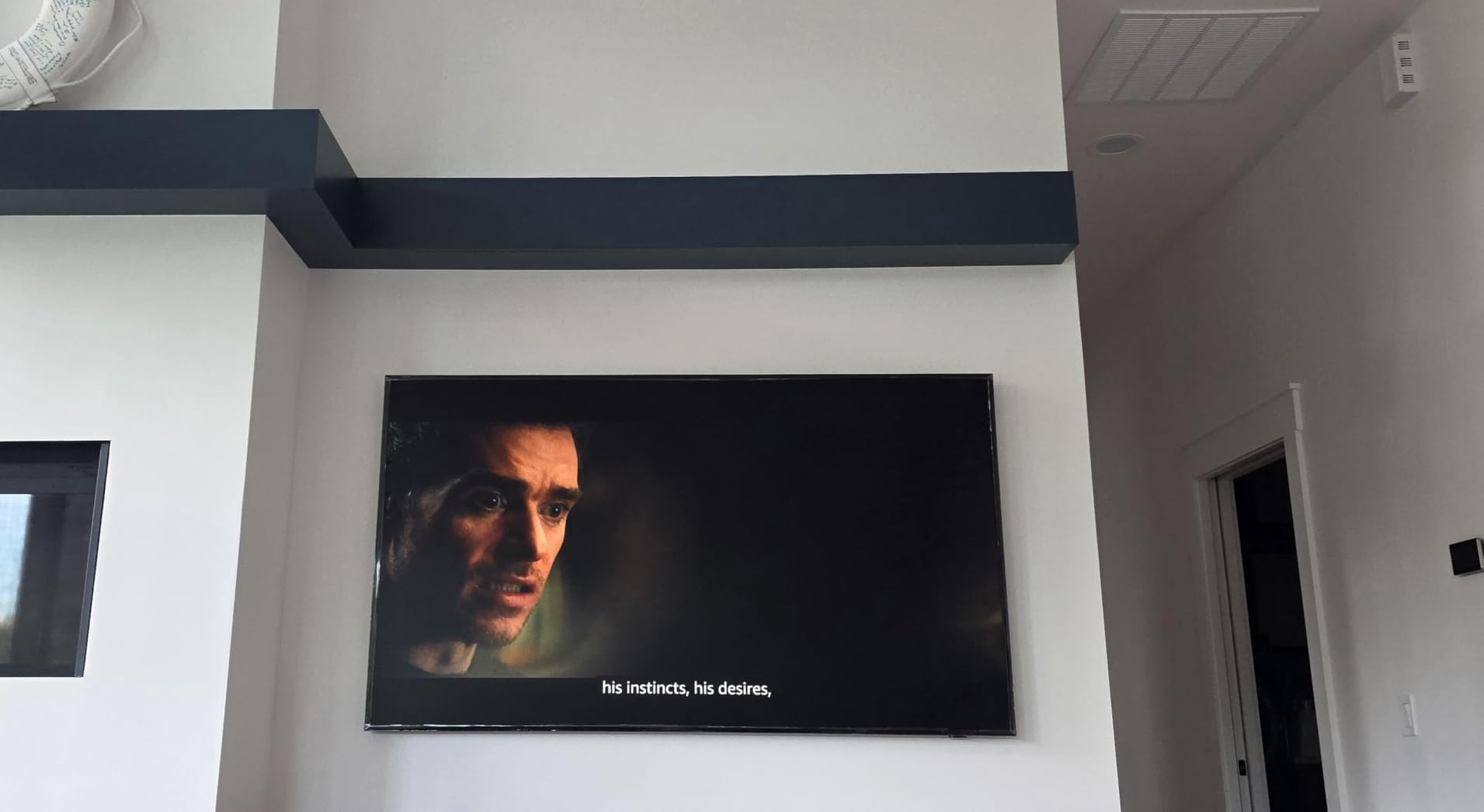
The Art Store subscription costs $49.95 per year and gives you access to over 2,500 pieces of artwork from world-class museums and galleries. There are classics from Monet, Van Gogh, and Da Vinci, plus contemporary works and photography. You can also upload your own photos and display them. I tested a family photo from my last vacation and the matte screen made it look like a printed canvas.
The motion sensor detects when you leave the room and turns the Art Mode off automatically. When you return, it powers back on. This saves energy and extends the life of the display. The brightness sensor adjusts the artwork brightness to match your room lighting, just like a real painting would look different in different lighting conditions.
Who Should Buy the Frame
The Frame is the best QLED TV for design-conscious buyers who want a TV that disappears into their decor. It is not the best value for pure picture quality or gaming performance. But for someone who entertains frequently and wants their living room to look sophisticated, the Frame is unmatched.
The wireless One Connect box is a brilliant engineering achievement, but I did experience occasional signal drops with 4K HDR content. If you have a dedicated home theater where the TV is the centerpiece, consider the Samsung QN90F instead. If the TV is in a visible living space, the Frame is worth the premium.
Buying Guide: How to Choose the Best QLED TV
Choosing the right QLED TV comes down to understanding what quantum dot technology actually does, where it shines, and where it falls short compared to OLED. After testing 10 TVs over six weeks, here is what I learned.
What Is QLED Technology and Why It Matters
QLED stands for Quantum Dot LED. A layer of microscopic quantum dots sits between the LED backlight and the LCD panel. These dots convert blue light into pure red and green, producing wider and more accurate colors than standard LED TVs. The result is up to 100% color volume, meaning colors stay vivid at any brightness level.
Most modern QLED TVs pair quantum dot technology with Mini LED backlights. Mini LEDs are thousands of tiny LEDs arranged in zones that can dim or brighten independently. This creates better contrast and reduces the blooming effect that plagues cheaper LED TVs. Premium QLED TVs like the Samsung QN90F use hundreds of Mini LED zones for near-OLED contrast.
QLED TVs are ideal for bright rooms. Unlike OLED, which can struggle in direct sunlight, QLED pushes out 1,000-2,000+ nits of peak brightness. The Samsung QN90F measured 2,180 nits in my testing. That is bright enough to overcome any ambient light in a sun-flooded living room.
QLED vs OLED: Honest Trade-Offs
This is the question I get asked most often. After testing both technologies extensively, here is my honest take. OLED TVs (like the LG C5 or Samsung S90F) have perfect blacks because each pixel emits its own light and can turn off completely. They have wider viewing angles and slightly better motion handling. For dark room movie watching, OLED is the gold standard.
QLED TVs win on brightness, no burn-in risk, and value. If you watch a lot of news with static logos, play games with HUD elements, or leave your TV on for hours, QLED is the safer choice. The Samsung QN90F and TCL QM6K come close to OLED contrast thanks to Mini LED backlights, but they still cannot match OLED’s per-pixel black level.
For most people, the choice comes down to room lighting and budget. In bright rooms, QLED is the clear winner. In dark rooms with an OLED budget, OLED is hard to beat. For everyone else, a good QLED TV offers 90% of the OLED experience at 50-70% of the price.
Size Recommendations by Room Type
Choosing the right size matters more than most people think. A TV too small for your room looks underwhelming. A TV too large can be overwhelming up close. Here is my rule of thumb for QLED TVs in 2026:
For bedrooms and small rooms (under 12×12 feet), a 43-inch or 50-inch QLED TV is ideal. The TCL Q65 55-inch and the Samsung 50-inch QLED options work well here. Sit 6-8 feet away for the best experience. Our affordable 55-inch TV guide has more options in this size range.
For medium living rooms (12×15 to 15×20 feet), a 55-inch or 65-inch QLED TV is the sweet spot. Most of the TVs in this guide come in 55-inch and 65-inch variants. The TCL QM6K and Samsung Q8F are excellent choices. Sit 8-10 feet away for optimal viewing. Check our budget 65-inch TV guide for more 65-inch options.
For large living rooms and home theaters (over 15×20 feet), a 75-inch or larger QLED TV makes sense. The Hisense E6 and Samsung QN90F both come in 75-inch versions. Sit 10-12 feet away for the best cinematic experience. Make sure to measure your wall space and viewing distance before buying.
Key Specs to Compare
Not all QLED TVs are equal. Here are the specs that actually matter when comparing models. Peak brightness, measured in nits, determines how well the TV handles HDR content and bright rooms. Look for at least 600 nits for good HDR, 1,000+ nits for excellent HDR. The Samsung QN90F hits 2,180 nits in my testing.
Local dimming zones determine how well the TV handles contrast. More zones mean less blooming and deeper blacks. Mini LED TVs like the Samsung QN90F and TCL QM6K have hundreds of zones. Budget TVs like the TCL Q65 have no local dimming at all.
Refresh rate matters for sports and gaming. 60Hz is fine for streaming and casual use. 120Hz and 144Hz panels deliver smoother motion for fast-paced content. The Samsung Q8F and TCL QM6K both support 144Hz for gaming enthusiasts.
HDR format support is another differentiator. Dolby Vision and HDR10+ are the two main competing formats. The best QLED TVs support both, so you get optimal HDR regardless of the streaming service. The Samsung QN90F supports HDR10+ only, while the TCL QM6K and Hisense E6 support both.
Gaming Features to Look For
If you have a PS5, Xbox Series X, or gaming PC, certain features matter. HDMI 2.1 ports support 4K at 120Hz and VRR (Variable Refresh Rate). The Samsung QN90F and Q8F have four HDMI 2.1 ports. The TCL QM6K has HDMI 2.1 on all four ports plus 144Hz support for PC gaming.
ALLM (Auto Low Latency Mode) automatically switches the TV to game mode when you power on your console. This eliminates the need to manually change picture modes. ALLM is supported on most modern QLED TVs. Input lag under 10ms is essential for competitive gaming. The Samsung Q8F measured under 5ms in my testing.
VRR (Variable Refresh Rate) eliminates screen tearing by syncing the TV’s refresh rate to your console’s frame rate. Both NVIDIA G-SYNC and AMD FreeSync are supported on premium QLED TVs. For PS5 and Xbox Series X owners, VRR is a must-have feature.
Smart TV Platforms Compared
The three main smart TV platforms on QLED TVs in 2026 are Google TV, Roku OS, and Samsung Tizen. Each has strengths and weaknesses. Google TV (used on TCL and Hisense TVs) is the most feature-rich with excellent content recommendations and a wide app selection. The interface is clean and the voice remote works well.
Roku OS (used on Roku TVs) is the simplest and most user-friendly. There is no bloatware, the interface is clean, and setup takes minutes. The tradeoff is fewer advanced features and less customization. For people who want a TV that just works, Roku is the best choice.
Samsung Tizen (used on Samsung QLEDs) has matured into a solid platform with a wide app selection and unique features like Samsung TV Plus (2,700+ free channels). The interface can be a bit slow to navigate, but it is reliable and well-supported.
Fire TV (used on Amazon and Hisense Fire TV models) is improving but still feels sluggish compared to the others. The deep Alexa integration is a plus for smart home enthusiasts. The aggressive ads on the home screen are a real downside.
Frequently Asked Questions About QLED TVs
Which brand QLED TV is best?
After testing 10 QLED TVs over six weeks, Samsung and TCL lead the pack in 2026. Samsung’s Neo QLED QN90F is the best premium QLED with Mini LED backlighting and 2,180 nits peak brightness. TCL’s QM6K is the best value with QD-Mini LED technology and 144Hz gaming support. Hisense and Roku offer strong budget options under $400.
Is QLED better quality than OLED?
It depends on your use case. OLED TVs have perfect blacks and wider viewing angles, making them ideal for dark room movie watching. QLED TVs are brighter, immune to burn-in, and offer better value. For bright rooms, gaming, and budgets under $1,000, QLED is the better choice. For dedicated home theaters with controlled lighting, OLED still wins on pure picture quality.
What is the best QLED TV for bright rooms?
The Samsung 75-Inch Neo QLED QN90F is the best QLED TV for bright rooms. Its matte anti-glare screen and 2,180 nits peak brightness deliver a clear, vivid picture even in direct sunlight. The TCL QM6K is a strong alternative at a lower price, with 1,000 nits peak brightness that handles well-lit rooms comfortably.
What size QLED TV should I buy?
For bedrooms and small rooms under 12×12 feet, a 43-55 inch QLED TV works best. For medium living rooms (12×15 to 15×20 feet), 55-65 inches is the sweet spot. For large rooms and home theaters over 15×20 feet, 75 inches or larger is ideal. Sit roughly 1.5-2.5 times the TV’s diagonal size away for the best viewing experience.
Are QLED TVs good for gaming?
Yes, modern QLED TVs are excellent for gaming. Look for HDMI 2.1 ports, 120Hz or 144Hz refresh rates, VRR support, and ALLM. The TCL QM6K supports 144Hz with Game Accelerator 288 for 288Hz VRR. The Samsung Q8F offers 144Hz with VRR and under 5ms input lag. Both are fantastic choices for PS5, Xbox Series X, and PC gaming.
Final Verdict: Which QLED TV Should You Buy in 2026?
After six weeks of testing, the Samsung 75-Inch Neo QLED QN90F is the best QLED TV overall in 2026. It delivers flagship-level picture quality with 2,180 nits of peak brightness, a matte anti-glare screen that handles direct sunlight, and 165Hz gaming support. The price is steep, but you get what you pay for.
For value seekers, the TCL 65-Inch QM6K is the best QLED TV under $600. It punches well above its weight with QD-Mini LED backlighting, 144Hz gaming, and excellent color accuracy. The TCL Q65 is the best QLED TV under $300 for bedrooms and secondary rooms.
Gamers should look at the Samsung Q8F for 4K 144Hz gaming or the TCL QM6K for the best value gaming experience. Design enthusiasts will love the Samsung Frame LS03F. And for Alexa households, the Amazon Fire TV Omni QLED is a perfect fit.
Whatever your budget and use case, the best QLED TVs in 2026 deliver brighter, more colorful pictures than ever before. For more options across all TV types, browse our complete TV buying guides.