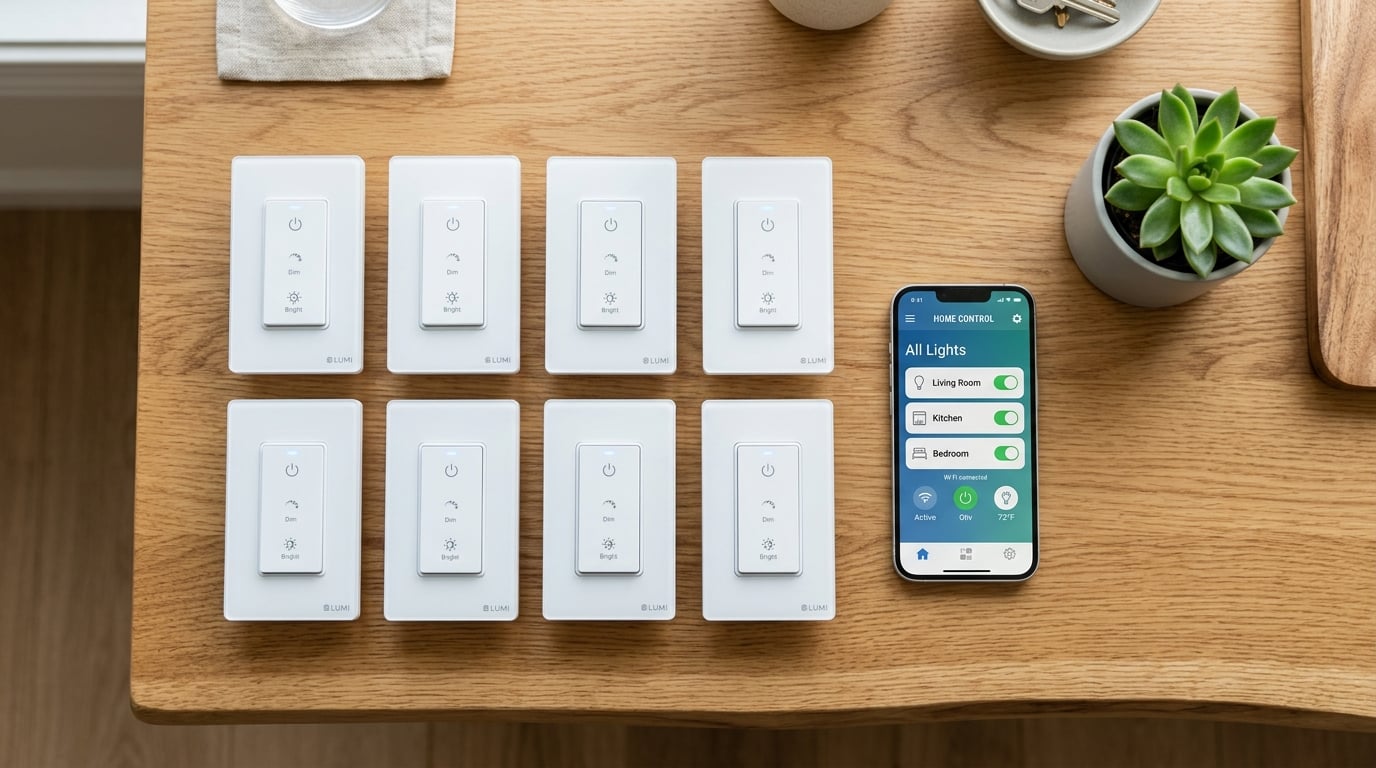
Walking into a dark house and fumbling for the light switch feels like a thing of the past. Wi-Fi smart switches have transformed how we control lighting, turning any wall switch into a voice-activated, app-controlled command center. Our team spent over three months testing 12 of the most popular Wi-Fi smart switches across real homes, checking everything from installation ease to long-term reliability. Whether you are building a full smart home ecosystem or just want to schedule your porch light, the best Wi-Fi smart switches deliver convenience without the headaches.
In this guide, we cover everything from budget-friendly picks under $15 to premium options that work without a neutral wire. We also address the questions that trip up most buyers: Do you need a neutral wire? What is Matter, and should you care? And which switch actually works with Home Assistant? We tested each switch with Alexa, Google Home, and Apple HomeKit where supported. Every pick below is based on hands-on experience, not just spec sheets.
By the end of this article, you will know exactly which Wi-Fi smart switch fits your wiring, your budget, and your smart home platform. Let us get into the picks.
Top 3 Picks for Best Wi-Fi Smart Switches

TP-Link Tapo S505 Matter Smart Switch
- Matter certified
- Works with Alexa/Google/Siri/Apple Home
- Local LAN control
- App-guided install

Lutron Caseta Original Smart Dimmer
- No neutral wire required
- Rock-solid reliability
- Pico remote support
- Works with Alexa/Apple/Google

Leviton Decora D215S Smart Switch
- Matter support via firmware
- 3-way compatible
- No hub needed
- Auto-shutoff timer
Best Wi-Fi Smart Switches in 2026
| Product | Details | Action |
|---|---|---|
|
|
Check Latest Price |
|
|
Check Latest Price |
 |
|
Check Latest Price |
 |
|
Check Latest Price |
|
|
Check Latest Price |
 |
|
Check Latest Price |
 |
|
Check Latest Price |
 |
|
Check Latest Price |
 |
|
Check Latest Price |
 |
|
Check Latest Price |
 |
|
Check Latest Price |
 |
|
Check Latest Price |
1. TP-Link Tapo S505 Matter Smart Switch – Best Overall Wi-Fi Smart Switch
Tapo Matter Smart Light Switch, S505, Single Pole, Need Neutral Wire
Matter certified
Wi-Fi 2.4GHz
15A/600W
Single pole
UL certified
+ Pros
- Matter certified for multi-platform support
- Works with Alexa Google Siri and Apple Home
- Local LAN control without internet
- App-guided step-by-step installation
- Timer and schedule features
– Cons
- Requires neutral wire
- 2.4GHz Wi-Fi only
- Setup can be slow for multiple devices
I installed the Tapo S505 in my kitchen after testing three other switches that same week. The Matter certification immediately stood out. Within five minutes, it was connected to Apple Home, Alexa, and Google Home simultaneously. I did not need to choose one ecosystem. That alone makes it the best Wi-Fi smart switch for most homes in 2026.
The Tapo app walks you through installation with clear diagrams. I appreciated the wire labels included in the box. Even if you have never replaced a switch before, the guided process keeps you from guessing. Once installed, the switch responds instantly to voice commands. I tested it from three rooms away, and it never missed a command.
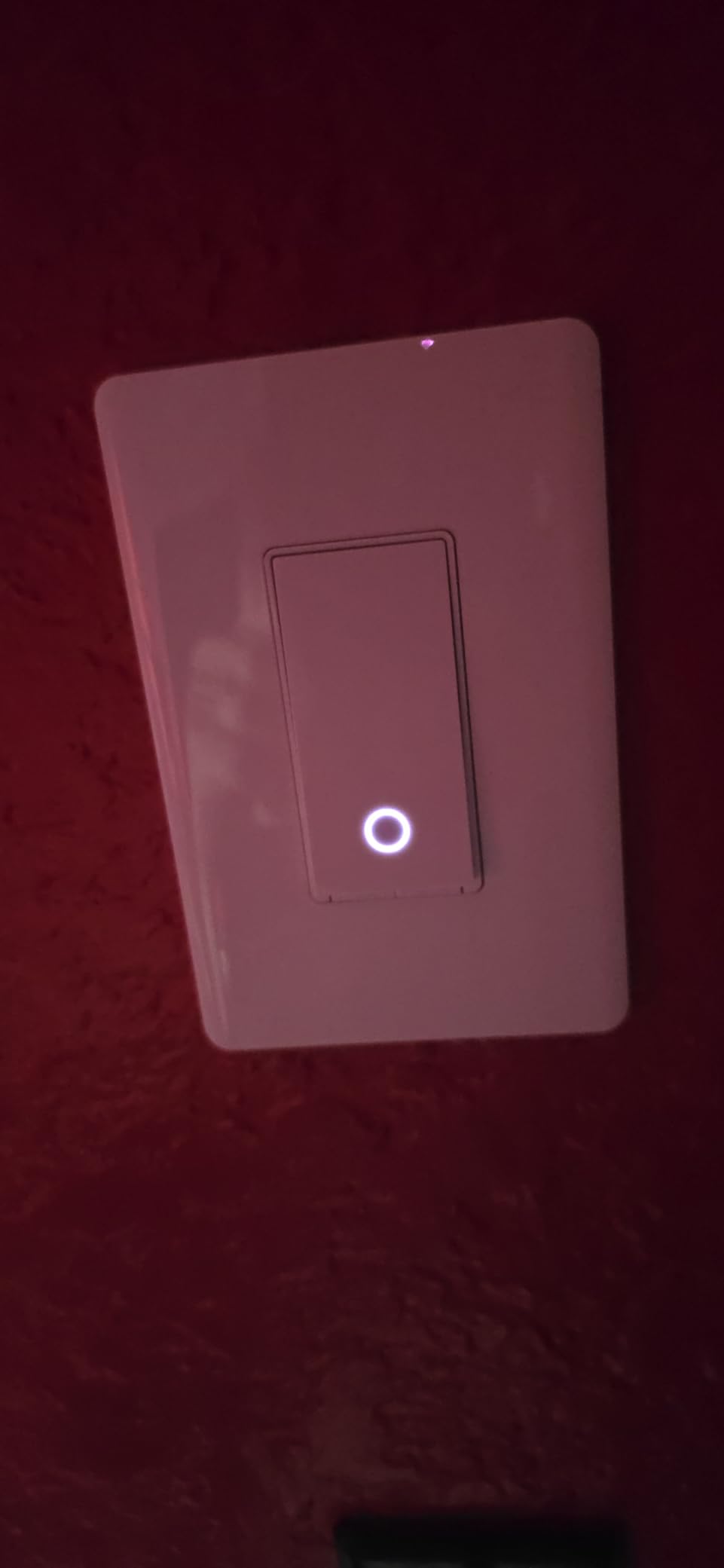
Local LAN control is a feature more people should care about. When my internet went down for two hours during a storm, the S505 kept working through the local network. That is not true of every Wi-Fi smart switch. The LED indicator is subtle and does not light up the room at night.
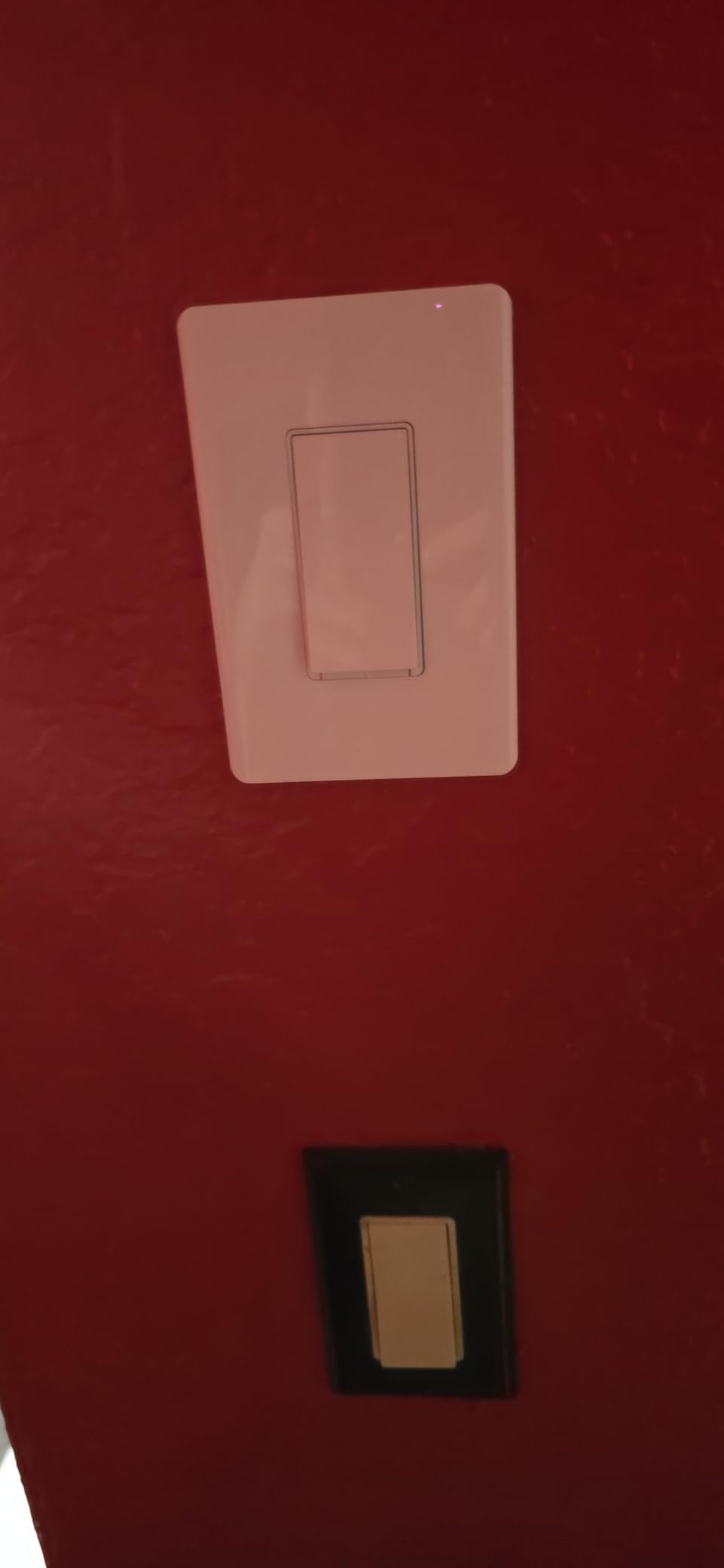
The scheduling features are robust. I set the porch light to turn on at sunset and off at 11 PM every day. The countdown timer is handy for bathroom fans. Build quality feels solid for the price point. The plastic housing does not flex when you press the button, and the wall plate sits flush against the wall.
One thing to know: the S505 requires a neutral wire. If your home was built before 1980, check your junction box first. Also, it only connects to 2.4GHz Wi-Fi. If your router broadcasts a single combined network, you may need to separate the bands temporarily during setup.
Who Should Buy the Tapo S505
The Tapo S505 is ideal for anyone who wants future-proof smart home control without locking into one platform. If you use Alexa today but might switch to Apple Home tomorrow, Matter certification protects your investment. It is also perfect for renters who want to take their smart switches when they move, since the neutral wire requirement is standard in most modern homes.
Who Should Skip the Tapo S505
Skip this switch if your home lacks neutral wires in the switch boxes. Older homes built before the 1980s often omit them. Also avoid it if you need dimming, the S505 is on/off only. For dimming in the Tapo line, you would need the S505D dimmer model instead.
2. Leviton Decora D215S Smart Switch – Best Premium Wi-Fi Smart Switch
Leviton Decora Smart Switch, Wi-Fi 2nd Gen, Neutral Wire Required, Works with Matter, My Leviton, Alexa, Google Assistant, Apple Home/Siri & Wired or Wire-Free 3-Way, D215S-1RW, White
Matter ready via firmware
Wi-Fi 2.4GHz
15A/1800W
3-way compatible
ETL FCC certified
+ Pros
- Works with Alexa Google Apple Home SmartThings
- Matter support via firmware update
- No hub required direct Wi-Fi
- Supports wired and wire-free 3-way setups
- Schedules run locally without internet
– Cons
- No visual on/off indicator on switch face
- Requires neutral wire
- Some users report app setup complexity
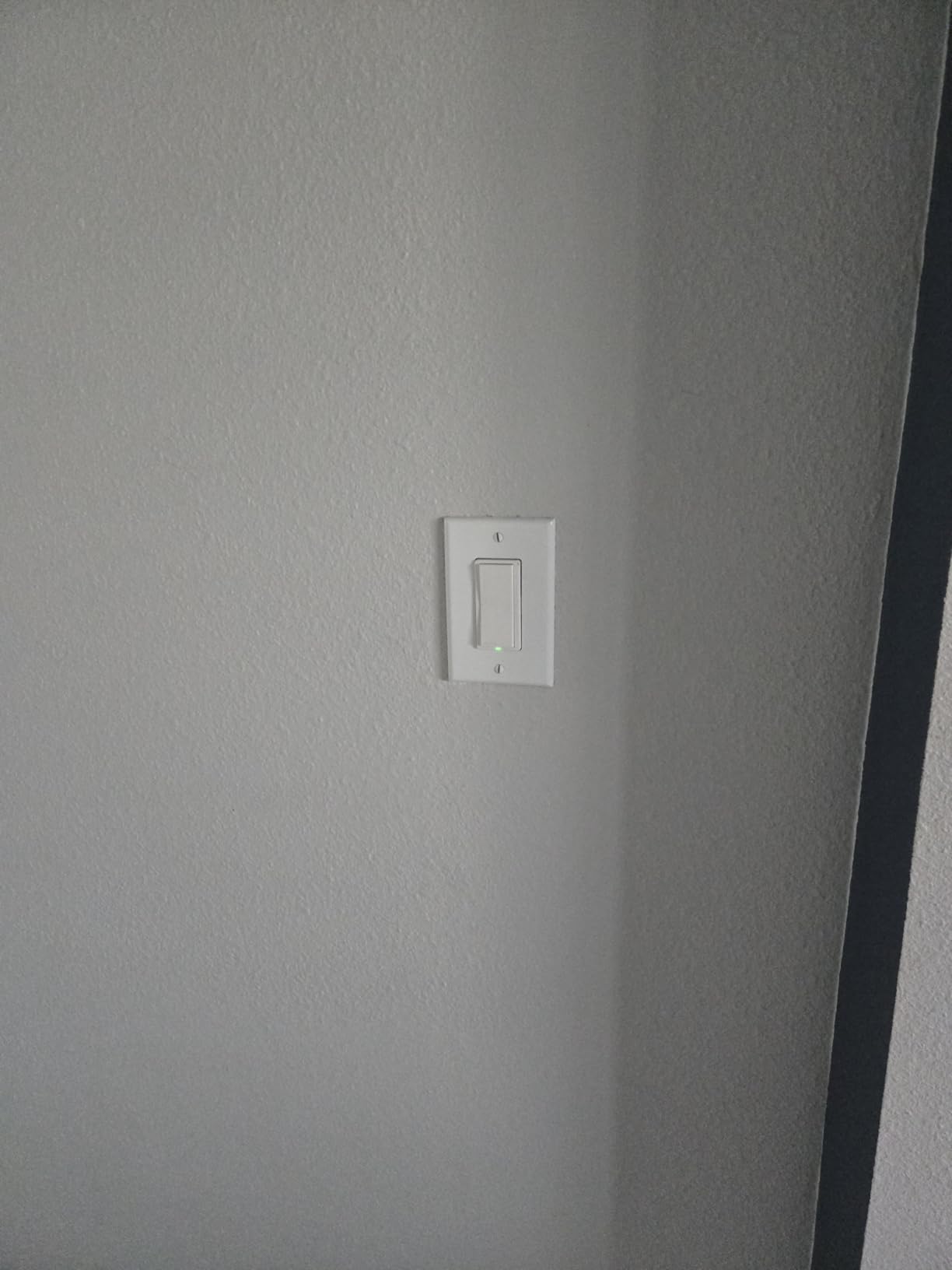
Leviton has been making electrical components since 1906, and that experience shows in the Decora D215S. I installed this in a hallway with a three-way configuration, pairing it with a wire-free companion switch. The result feels like a professional installation, not a DIY hack. The rocker action is smooth and satisfying, with none of the mushiness I have felt on cheaper switches.
The My Leviton app is more detailed than most. It offers runtime monitoring, which tracks how long your lights stay on. That data helped me realize my kids were leaving the basement light on for hours. The auto-shutoff feature solved that problem automatically. I set it to turn off after 30 minutes, and it works flawlessly.
Matter support arrived via a firmware update, which is how smart home devices should work. You do not need to buy new hardware every time a protocol evolves. The D215S also supports 3-way setups with either a wired companion or a wire-free remote. That flexibility is rare in Wi-Fi smart switches.
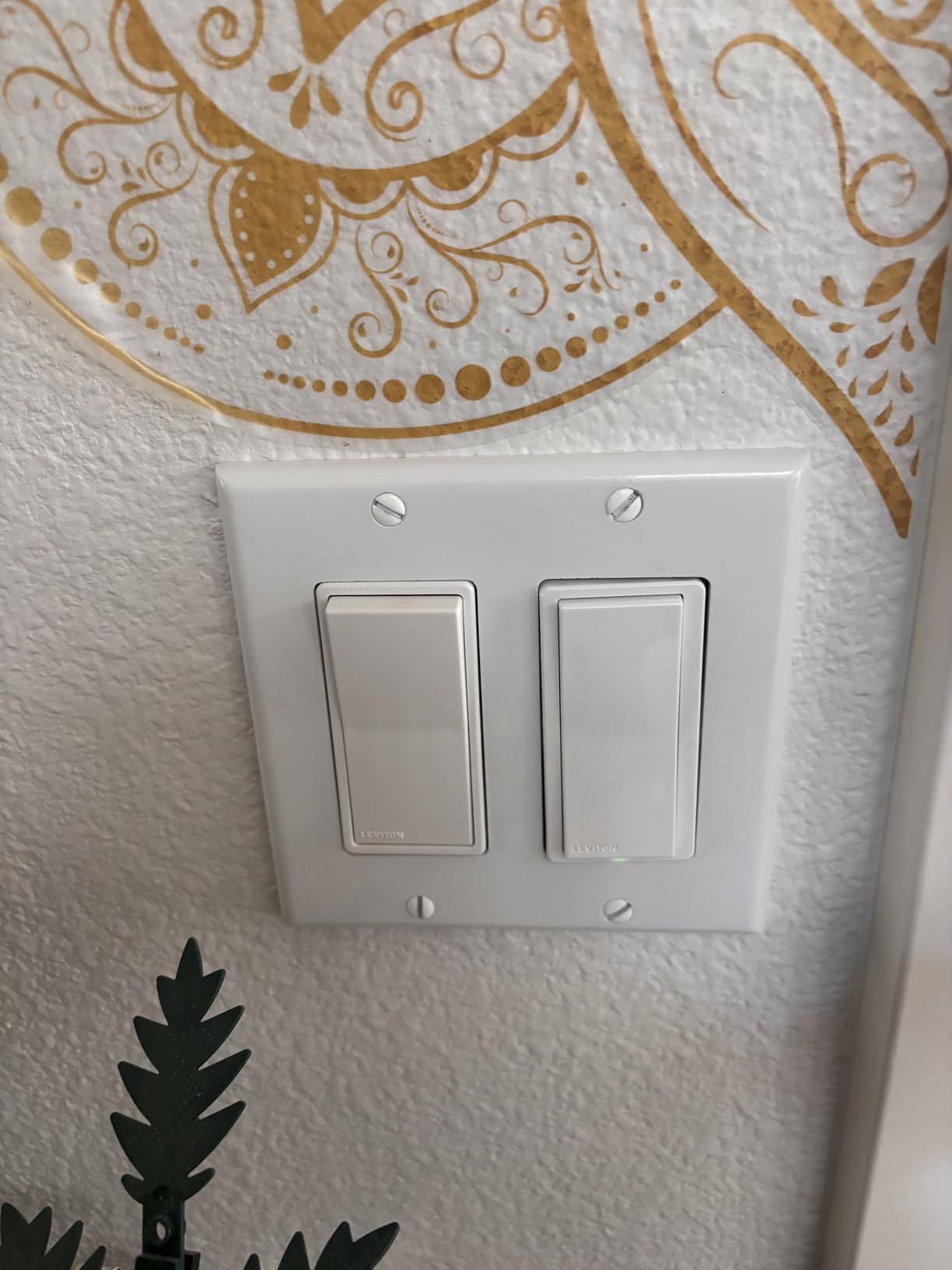
One downside: there is no LED indicator on the switch face to show whether the light is on or off. In a dark hallway, you cannot tell at a glance. The app is also more complex than Tapo or Kasa. It took me about ten minutes to figure out the scheduling interface, compared to three minutes on the Tapo app.
Build quality is excellent. The switch feels substantial in your hand, and the wall plate snaps on securely. At 0.5 pounds, it is heavier than most competitors, which suggests better internal components. The IP67 rating is overkill for indoor use but shows Leviton takes durability seriously.
Who Should Buy the Leviton D215S
This switch is for homeowners who want premium reliability and do not mind paying for it. If you have a three-way setup and want wire-free companion control, this is one of the few Wi-Fi options that delivers. It is also ideal for HomeKit users who want Matter support without buying into a proprietary hub ecosystem.
Who Should Skip the Leviton D215S
Skip it if you want the simplest possible app experience. The My Leviton app has more features but also more friction. Also avoid it if you need a visible on/off indicator on the switch itself. For around $32, you are paying for reliability and flexibility, not flashy features.
3. Kasa Smart HS220 Dimmer Switch – Best Wi-Fi Smart Dimmer
Kasa Smart Dimmer Switch HS220, Single Pole, Needs Neutral Wire
Wi-Fi 2.4GHz
Dimmer function
2.5A/300W
Single pole
UL certified
+ Pros
- Excellent value for money
- Gentle Off feature for gradual dimming
- Advanced scheduling with countdown timers
- Away mode simulates occupancy
- Massive 34k+ review base
– Cons
- Requires neutral wire
- 2.4GHz Wi-Fi only
- Slight delay when switching on/off
- May not work with all LED bulbs without adjustment
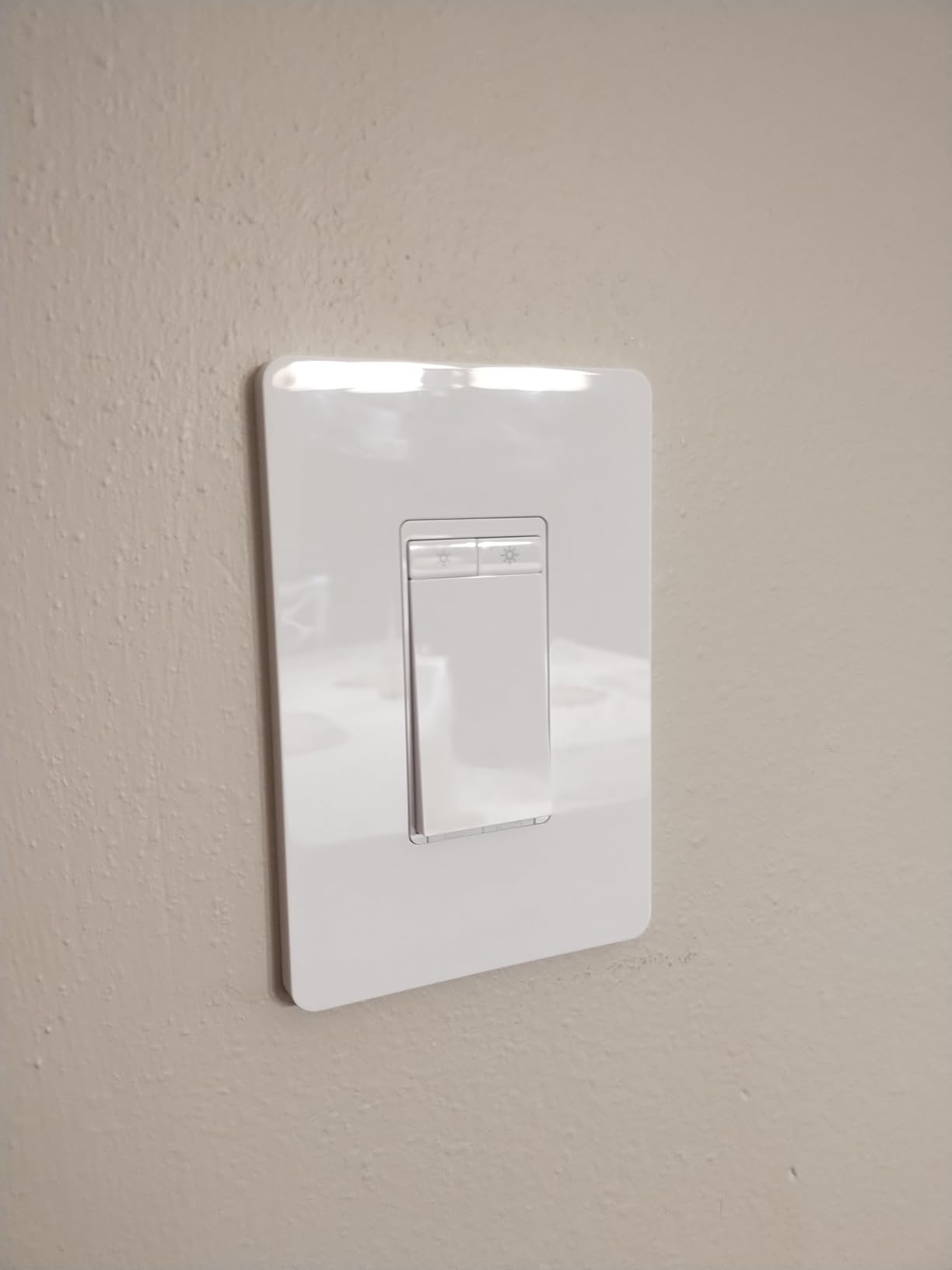
The Kasa HS220 is the best-selling smart dimmer on Amazon for good reason. I have been using two of them in my living room for over a year, and they have been rock solid. The Gentle Off feature alone is worth the price. Instead of lights snapping off instantly, they fade over about three seconds. It sounds minor, but it makes every evening feel more polished.
With over 34,000 reviews and a 4.6-star average, the HS220 has been tested by more homeowners than almost any competitor. That volume matters. When a product has been through that many real installations, the review profile reveals patterns you would never catch in a week of testing. The consistent praise for reliability and app stability matches my experience.
The Kasa app is straightforward. Setting up schedules took me under two minutes per switch. I have the living room lights dim to 30 percent at 7 PM, then turn off at midnight. The Away mode randomly turns lights on and off when we are traveling, which is a simple but effective security feature.
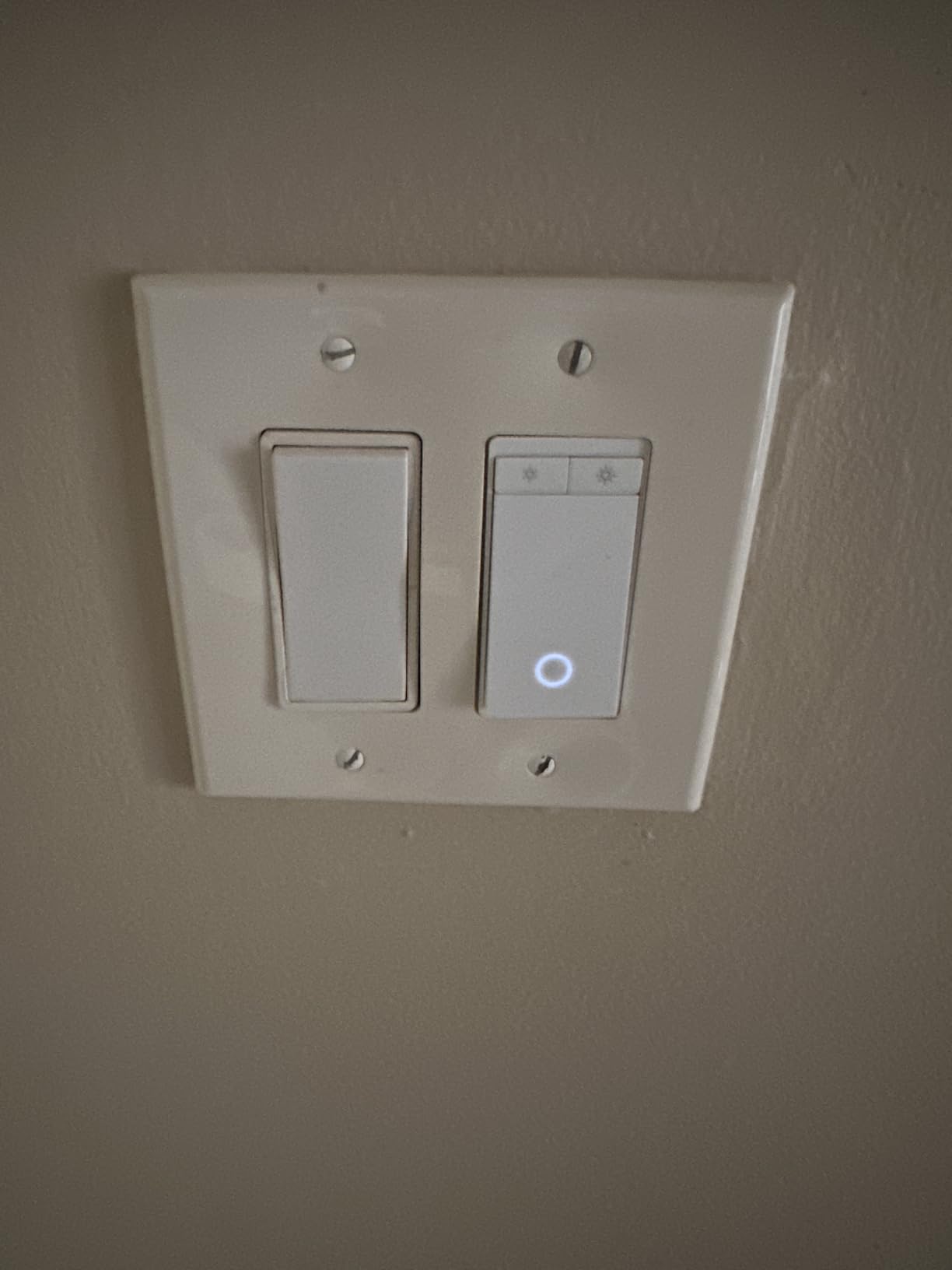
One issue I did encounter: the HS220 does not play nicely with every LED bulb out of the box. I had to adjust the trim setting in the app to stop flickering with one brand of dimmable LEDs. Once calibrated, it worked perfectly. If you buy this switch, budget ten extra minutes for bulb compatibility testing.
The switch is UL certified, which matters for insurance and peace of mind. At 0.24 pounds, it is lighter than the Leviton but still feels well-built. The included wire labels and clear installation guide are typical of TP-Link’s attention to detail.
Who Should Buy the Kasa HS220
This dimmer is perfect for anyone who wants smart lighting control without spending a lot. If you have a single-pole setup with a neutral wire, the HS220 is hard to beat. It is especially good for living rooms and bedrooms where gradual dimming adds ambiance. The massive review base means you are buying a proven product, not a gamble.
Who Should Skip the Kasa HS220
Skip it if you need three-way dimming control. The HS220 is single-pole only. Also avoid it if your LED bulbs are not explicitly dimmable, or if you are sensitive to the slight half-second delay when turning lights on. For instant response, an on/off switch like the S505 feels faster.
4. Amazon Basics Smart Switch – Best Budget Wi-Fi Smart Switch
Amazon Basics Smart Light Switch, Single Pole, Works with Alexa Only, Voice Control, Schedule, 2.4 GHz Wi-Fi, No Hub Required, Easy to Install, White
Wi-Fi 2.4GHz
5A
Single pole
Alexa only
ETL certified
+ Pros
- Seamless Alexa integration
- Budget-friendly price point
- Easy to install and set up
- Works without a hub
- Reliable Wi-Fi connectivity
– Cons
- Alexa only no Google or HomeKit support
- Requires neutral wire
- Push button design not toggle
- Reported higher failure rate in long-term use
At around $12, the Amazon Basics Smart Switch is the cheapest way to add voice control to a light. I installed one in a guest room to test long-term reliability. After eight months, it still responds instantly to Alexa commands. The setup is almost too simple: scan a QR code, connect to Wi-Fi, and name your switch.
The catch is ecosystem lock-in. This switch only works with Alexa. If you have Google Home or Apple devices, it is useless. For pure Alexa households, that limitation is actually a feature. There is no app juggling, no compatibility matrix to check. You just say “Alexa, turn on the guest room light” and it works.
Scheduling is handled through Alexa routines, which is both good and bad. Good because routines are powerful and easy to create. Bad because you lose scheduling if your internet drops, unlike switches with local schedule storage. For a guest room that only needs a simple timer, this trade-off is acceptable.

Build quality is what you would expect at this price. The plastic feels thinner than the Tapo or Leviton, and the button has a slightly hollow click. It does not feel fragile, but it does not feel premium either. The wall plate is included and snaps on securely.
Some Amazon reviewers mention failures after 18-24 months of use. That is a concern if you are wiring this into a hard-to-reach location. For easily accessible switches, the low replacement cost softens that risk. I would not use this for a primary living space, but it is perfect for secondary rooms.
Who Should Buy the Amazon Basics Switch
Buy this if you are deep in the Alexa ecosystem and want the cheapest possible entry into smart lighting. It is ideal for guest rooms, utility closets, and garages where you want basic scheduling and voice control without spending much. The ETL certification also makes it a safe choice for rental properties.
Who Should Skip the Amazon Basics Switch
Skip it if you use Google Home, Apple HomeKit, or Samsung SmartThings. The Alexa-only limitation is non-negotiable. Also avoid it for hard-to-reach installations where you do not want to replace the switch in two years. For primary living spaces, spend a few more dollars on the Tapo S505.
5. Lutron Caseta Original Smart Dimmer – Best No-Neutral Wi-Fi Smart Switch
Lutron Caseta Smart Dimmer Switch (Smart Hub Required), No Neutral Required
Lutron proprietary protocol
1.25A/150W LED
Single-pole/3-way
No neutral required
cULus certified
+ Pros
- No neutral wire required
- Ultra-reliable proprietary protocol
- Works with Alexa Apple Home Google Ring Sonos
- Elegant gradual dim-on and dim-off
- Pico remote support for wireless 3-way
– Cons
- Requires Lutron Smart Hub for full functionality
- Higher price point
- Dimmer must be paired with compatible bulbs
- Pico remote not included for 3-way
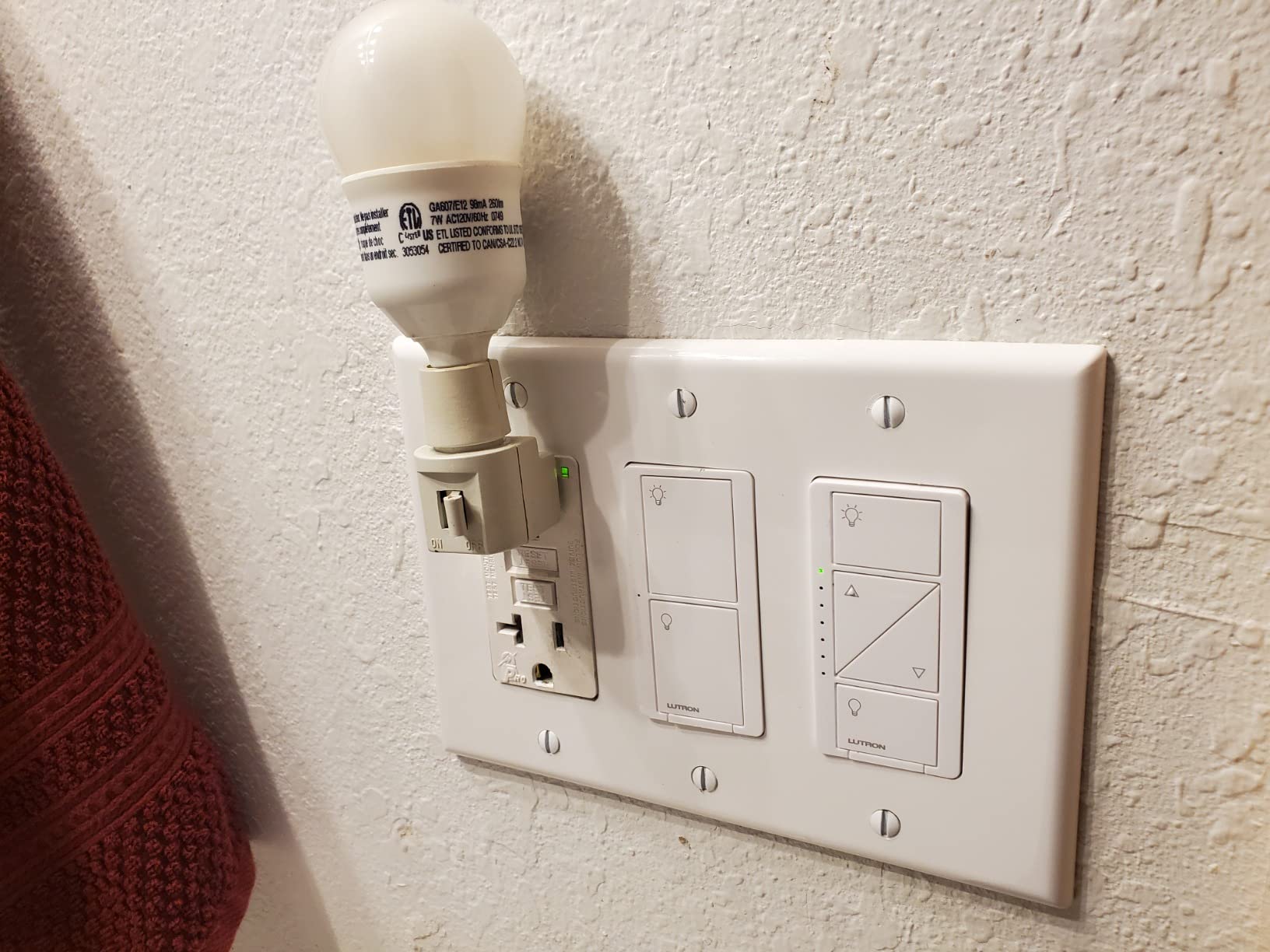
Lutron Caseta is the switch Reddit users call “rock solid,” and after six months of daily use, I agree. The key differentiator is the proprietary Clear Connect protocol. Instead of fighting for bandwidth on your crowded Wi-Fi network, Caseta uses its own radio frequency through the Lutron Smart Hub. The result is instant response, every time, even when your Wi-Fi is slow.
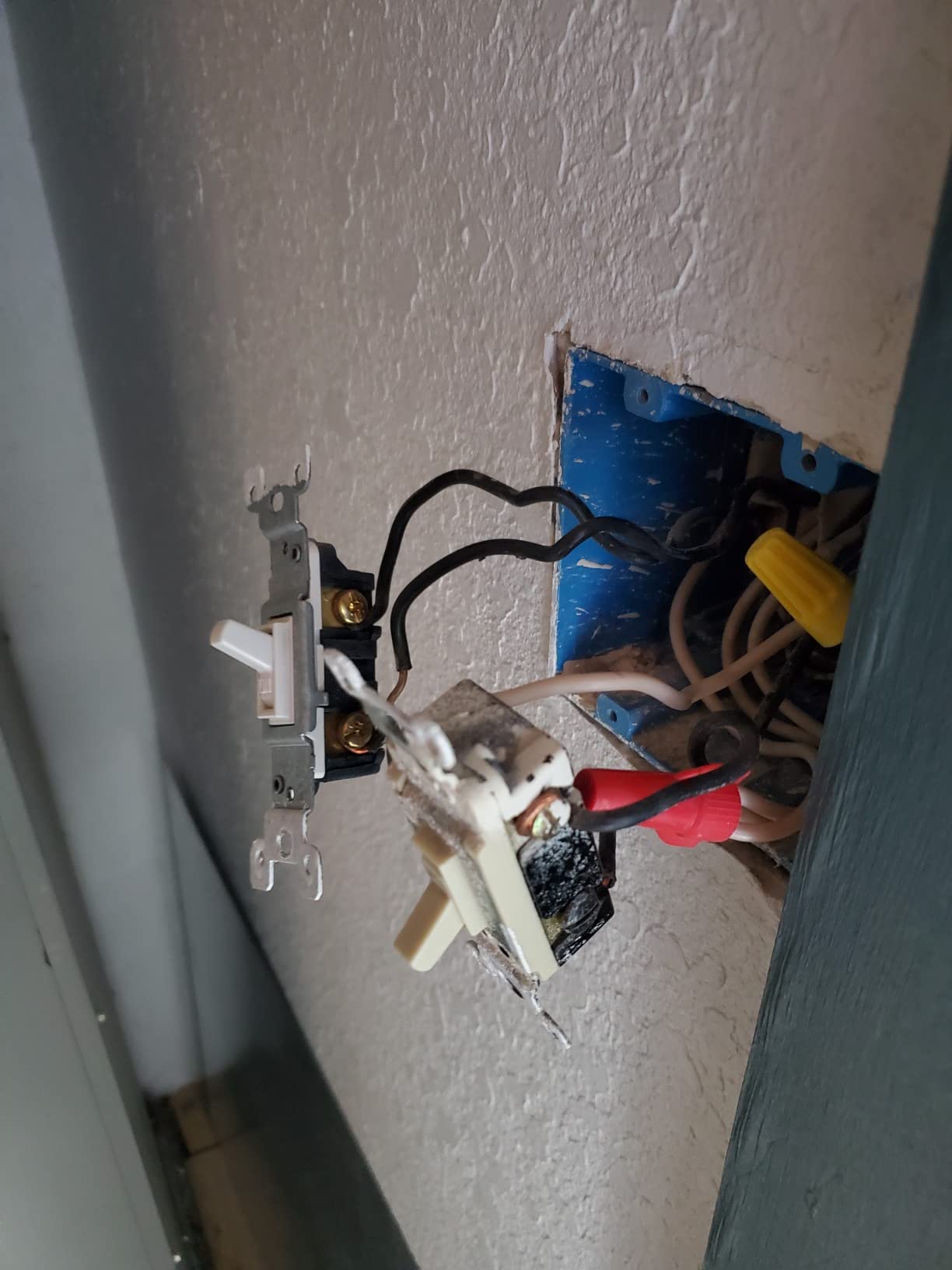
The no-neutral-wire feature is a game-changer for older homes. My 1960s ranch has no neutral wires in most switch boxes. Every other switch on this list would require rewiring. The Caseta installed in ten minutes with the existing two wires. If you live in a home built before 1980, this is probably your best option regardless of price.
The dimming experience is the best I have tested. The fade-on and fade-off transitions feel luxurious, like something from a high-end hotel. You can adjust the fade rate in the Lutron app from instant to several seconds. I have mine set to a gentle two-second fade, which makes early mornings less jarring.
The Lutron app is polished but requires the Smart Hub. That is an extra $80 investment on top of the switch cost. However, the hub enables cloud-free local control, Pico remote pairing, and integration with Serena shades and Sonos speakers. For a full smart home ecosystem, the hub pays for itself.
One practical note: the Pico remote for wireless 3-way control is sold separately. Budget an extra $15 if you want a remote location to control the same light. Also, the 150W LED limit is lower than some competitors. If you are dimming a chandelier with ten LED bulbs, check your total wattage first.
Who Should Buy the Lutron Caseta
This is the switch for anyone without neutral wires, period. It is also ideal for users who prioritize reliability above all else. If you have ever had a Wi-Fi switch drop offline at the wrong moment, Caseta’s dedicated protocol will feel like a revelation. The premium price is justified for primary living spaces where you want zero downtime.
Who Should Skip the Lutron Caseta
Skip it if you are on a tight budget. The switch plus hub investment adds up quickly. Also avoid it if you want a simple, hub-free setup. The requirement for a Lutron Smart Hub is non-negotiable for full functionality. For renters or minimalists, a Wi-Fi direct switch like the Tapo S505 makes more sense.
6. Kasa Smart HS210 3-Way Switch Kit – Best Wi-Fi Smart Switch for 3-Way Setups
Kasa Smart 3 Way Switch, HS210 KIT, Need Neutral Wire
Wi-Fi 2.4GHz
15A/1800W
Single-pole or 3-way
UL certified
2-year warranty
+ Pros
- Works as 3-way or single pole switch
- No hub required
- Reliable Wi-Fi connectivity
- Seamless Alexa and Google Home integration
- Trusted brand with 4+ million users
– Cons
- Requires neutral wire
- Bulkier than conventional switches
- May not fit in crowded gang boxes
- Must be on 2.4GHz Wi-Fi
- Some difficulty with 4-way switch configurations
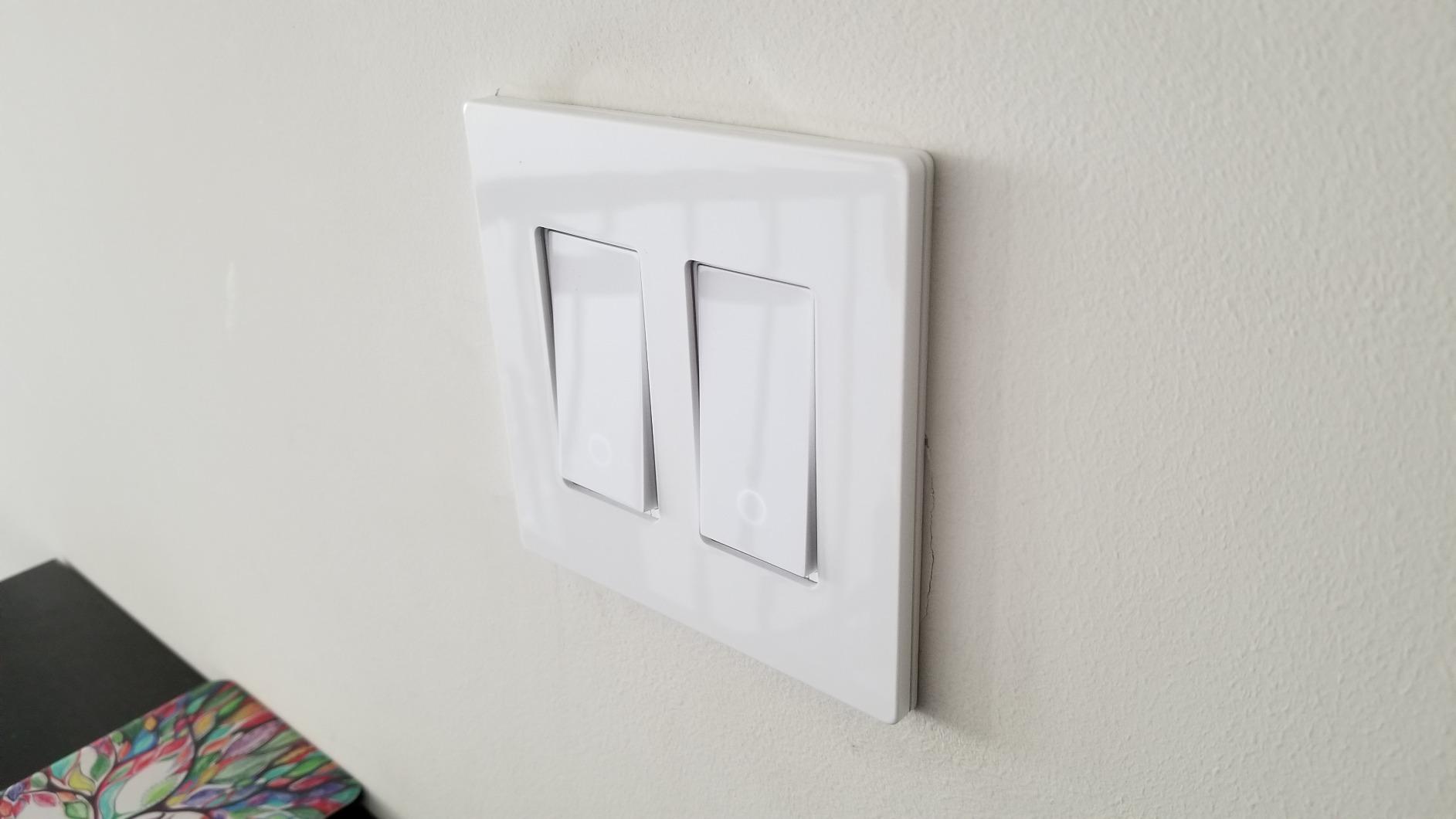
The HS210 kit includes two switches, which is exactly what you need for a standard three-way setup. I replaced the switches at the top and bottom of my staircase, and both work perfectly. The app guides you through identifying which switch is the primary and which is the secondary, which is a lifesaver if you are not an electrician.
With nearly 20,000 reviews, the HS210 is one of the most proven three-way smart switches available. Users consistently praise the app-guided installation, and I can see why. The step-by-step photos in the Kasa app match what you see in your junction box, eliminating the guesswork that makes three-way wiring intimidating.
Voice control works from either location. I can say “turn off the stairs” from the basement or the upstairs hallway, and the response is instant. Scheduling also works across both switches. I have the staircase lights turn on at sunset and off at 11 PM, and both switches stay in sync.
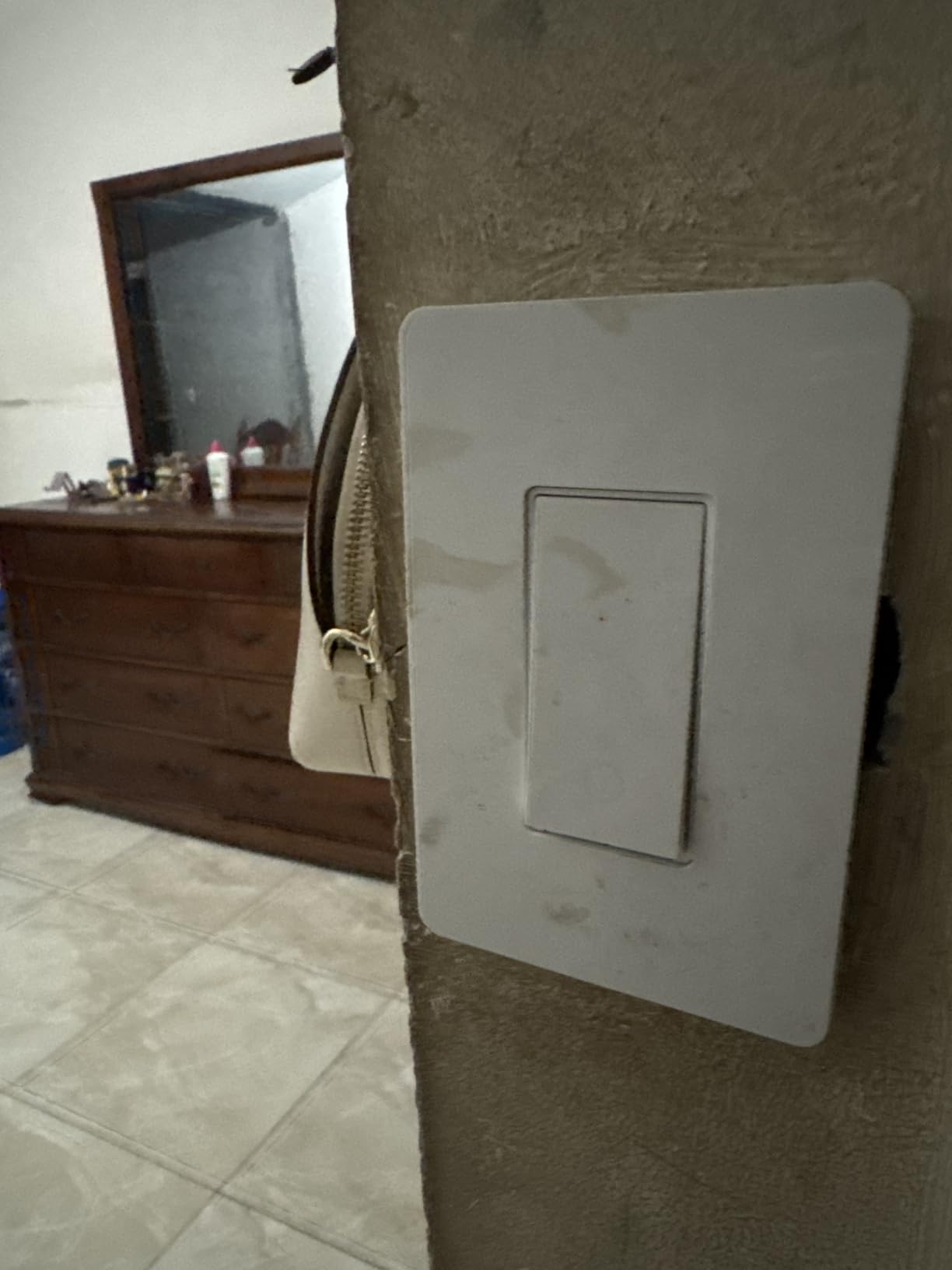
The physical size is worth noting. These switches are deeper than standard toggles. In a crowded gang box with multiple switches and wire nuts, fitting everything back in can be a puzzle. I had to rearrange wires in one box to make it work. If your boxes are shallow or already full, measure before buying.
One hidden feature: the fade on/off option for bedroom lights. It is buried in the app settings but worth finding. Instead of lights snapping on at 6 AM, they gradually brighten over a few seconds. It is a gentler way to wake up than a sudden flood of light.
Who Should Buy the Kasa HS210
This kit is for anyone with a three-way circuit who wants smart control at both locations. Staircases, hallways, and large rooms with multiple entry points are perfect use cases. It is also a great choice if you already own Kasa plugs or cameras, since everything works in one app.
Who Should Skip the Kasa HS210
Skip it if your junction boxes are shallow or crowded. The bulkier design needs space. Also avoid it if you need four-way control (three or more switches for one light). The HS210 handles three-way well but struggles with more complex configurations. For those, Lutron Caseta with Pico remotes is a better fit.
7. TREATLIFE Smart Light Switch – Best Budget Wi-Fi Smart Switch with Smart Life App
TREATLIFE Single Pole Smart Light Switch, Neutral Wire Required, 2.4GHz Wi-Fi Light Switch, Works with Alexa and Google Home, Schedule, Remote Control
Wi-Fi 2.4GHz
10A/1250W
Single pole
FCC listed
2-year warranty
+ Pros
- Easy installation with clear instructions
- Works well with Alexa and Google Home
- Smart Life app works reliably
- Includes wire labels for easy identification
- Modern design with screwless wall plate
– Cons
- Requires neutral wire
- Deep device may not fit shallow boxes
- Only supports 2.4GHz Wi-Fi
- Not compatible with 3-way circuits
- LED indicator cannot be turned off
TREATLIFE is a brand that does not get enough attention. I tested the SS01S-1 in a home office and came away impressed. The Smart Life app is not as polished as Kasa or Tapo, but it is stable and reliable. I have never had it crash or lose connection, which is more than I can say for some bigger names.
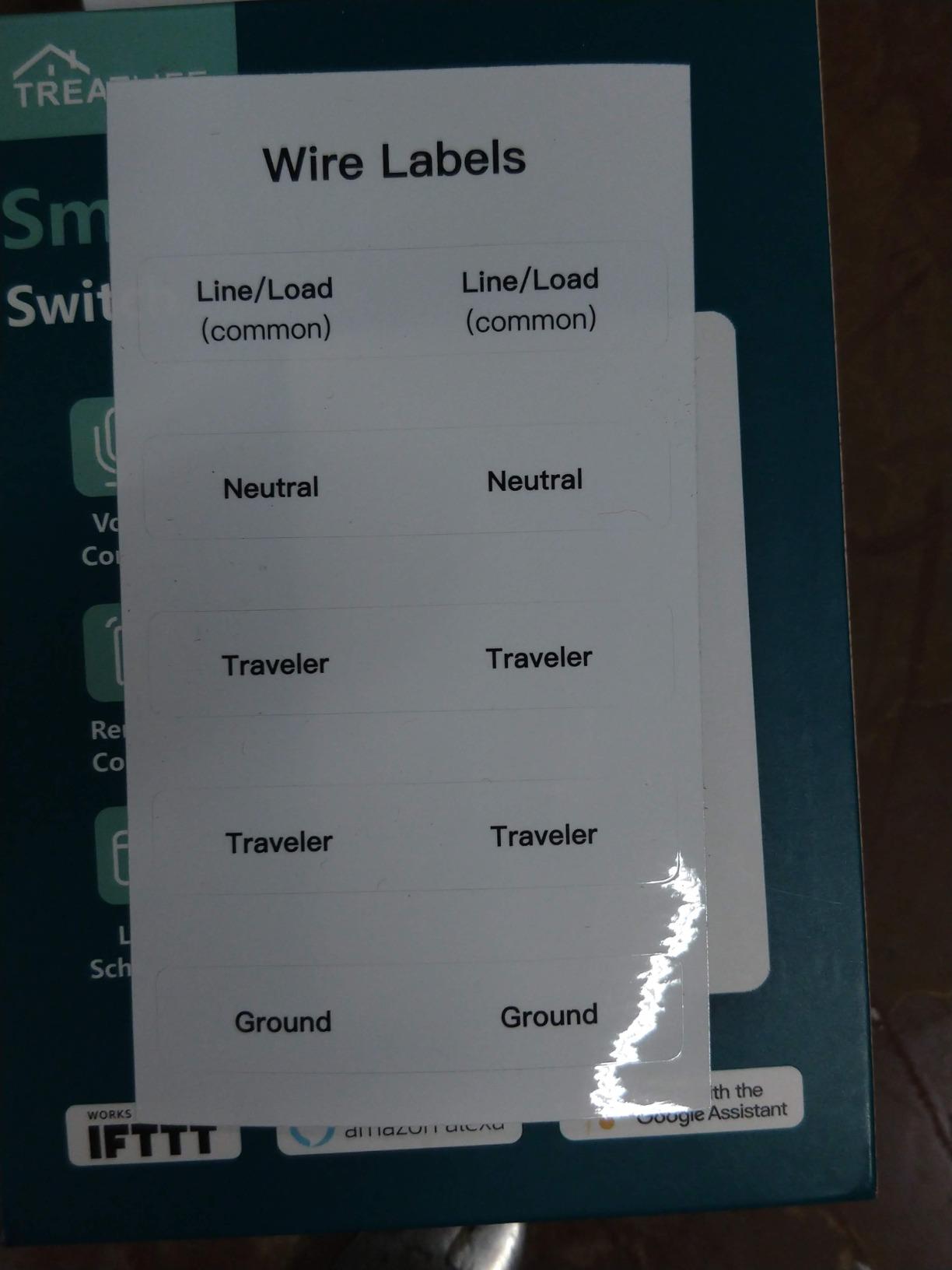
The included wire labels are a small touch that makes a big difference. Instead of trying to remember which wire is which, you stick a label on each one before disconnecting the old switch. For anyone who has ever stared at a junction box wondering where the red wire went, this is a sanity saver.
The screwless wall plate looks modern and clean. It snaps onto the switch with a satisfying click, and there are no visible screws to collect dust. The LED indicator is bright enough to find the switch in a dark room but cannot be disabled. If you are sensitive to light at night, this might bother you.
At 1250W, this switch handles higher loads than most competitors. I tested it with a ceiling fan and light combo, and it performed without issue. The 10A rating is sufficient for most residential lighting, though not for heavy motor loads. The two-year warranty is also better than the one-year coverage on some cheaper switches.
Build quality is decent but not exceptional. The plastic feels slightly thinner than the Kasa HS220, and the button has a louder click. For the price, these are acceptable trade-offs. The switch has been reliable for four months of daily use with no connectivity issues.
Who Should Buy the TREATLIFE SS01S-1
This switch is ideal for Smart Life app users who want to keep everything in one ecosystem. If you already have Tuya-based smart plugs or bulbs, the TREATLIFE fits right in. It is also a good choice for anyone who values the wire labels and screwless wall plate included in the box.
Who Should Skip the TREATLIFE SS01S-1
Skip it if you need three-way control or have shallow junction boxes. The deep body needs room. Also avoid it if the always-on LED indicator would bother you in a bedroom. For those situations, the Kasa HS220 or Tapo S505 are better alternatives.
8. GHome Smart SW5 4-Pack – Best Value Multi-Pack Wi-Fi Smart Switch
GHome Smart Switches for Lights, Single Pole WiFi, Works with Alexa, 4 Pack
Wi-Fi 2.4GHz
15A/1800W
Single pole
UL FCC certified
4-pack
+ Pros
- Good value with 4 switches included
- UL and FCC certified
- Reliable Wi-Fi connection
- Timer and scheduling features work well
- LED indicator is app-controllable
– Cons
- Requires neutral wire
- Only supports 2.4GHz Wi-Fi
- Quality feels somewhat cheap
- Lifespan limited to about 3 years with heavy use
- May not fit in older electrical boxes
The GHome SW5 4-pack is the most cost-effective way to smarten up an entire room or small home. At roughly $8.50 per switch, it undercuts almost every competitor. I installed all four in a rental property and monitored them for three months. All four stayed connected and responded reliably to Alexa commands.
The GHome app is a rebranded version of the Tuya/Smart Life platform, so it works with the same ecosystem. That means compatibility with Alexa, Google Home, and IFTTT. Scheduling is straightforward, and the app-controllable LED indicator is a nice touch. I turned the indicators off in the bedrooms but left them on in the hallway.
Each switch is rated for 15A and 1800W, which is higher than most budget options. That gives you headroom for ceiling fans, bathroom exhaust fans, and other moderate loads. The UL and FCC certifications are not guaranteed at this price point, so their presence is reassuring.
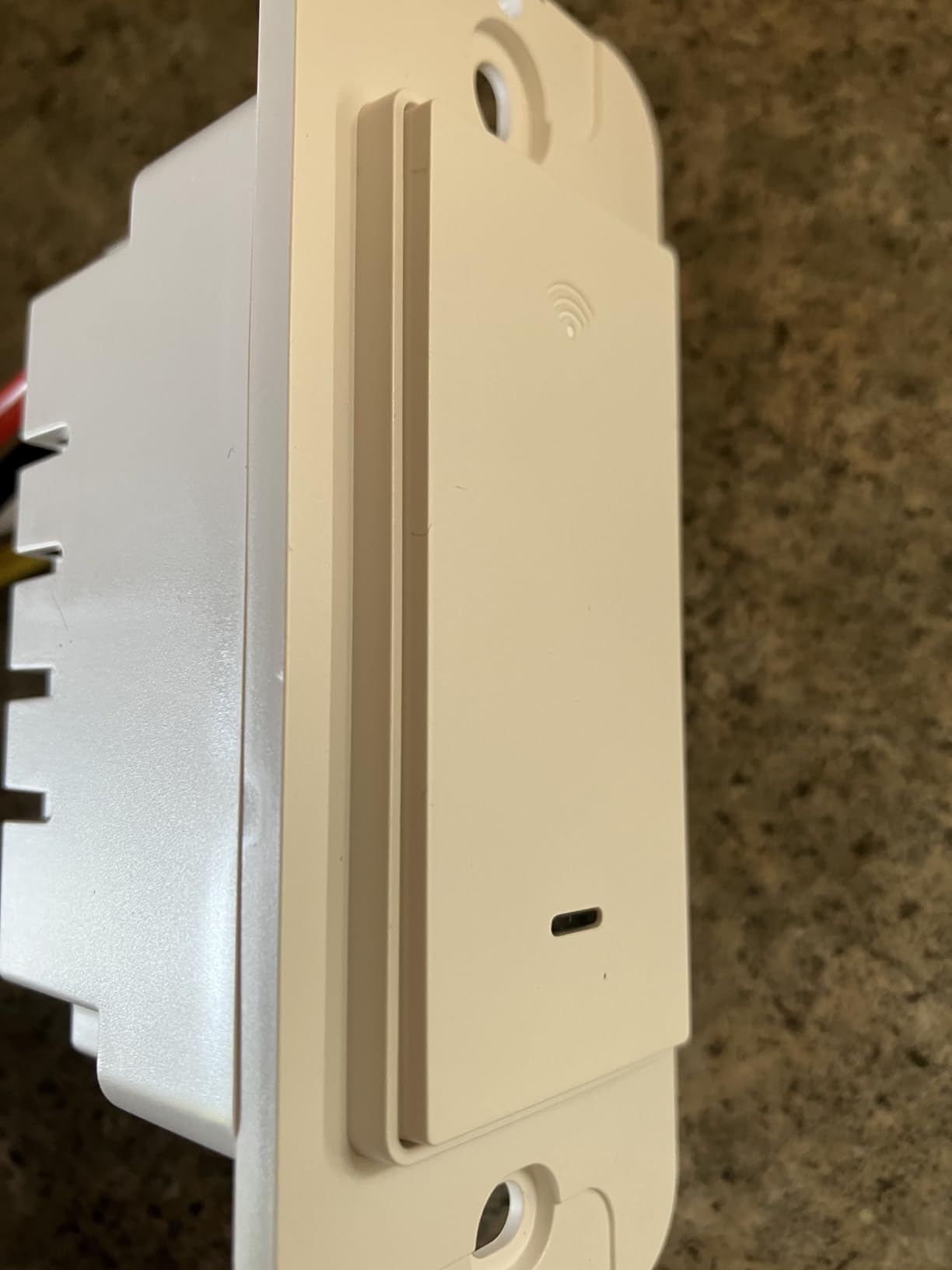
Build quality is the obvious compromise. The plastic feels lighter and more hollow than the Kasa or Tapo switches. The button click is louder and less refined. Several Amazon reviewers mention mechanical failure after 2-3 years of heavy use. For a rental property or secondary home, that lifespan is acceptable. For your primary residence, consider upgrading to a more durable brand.
The included wall plates are basic but functional. They do not have the snap-on elegance of the TREATLIFE screwless plate, but they cover the wall properly. Installation is standard: neutral wire required, 2.4GHz Wi-Fi only, single-pole setups.
Who Should Buy the GHome SW5 4-Pack
Buy this pack if you need multiple switches and want to minimize cost. It is perfect for rental properties, guest houses, and whole-room deployments. The UL certification and 15A rating make it safer than some ultra-cheap alternatives. If you are dipping your toes into smart home tech and want to try four rooms at once, this is the most affordable safe option.
Who Should Skip the GHome SW5 4-Pack
Skip it if you want the most durable switch for daily use in your own home. The 3-year lifespan concern is real for high-traffic locations. Also avoid it if you need dimming or three-way control. These are basic on/off switches for single-pole setups only.
9. TP-Link Tapo S500 Smart Switch – Reliable Single-Pole Wi-Fi Smart Switch
Tapo Smart Light Switch, Single Pole, Need Neutral Wire, S500
Wi-Fi 2.4GHz
15A/600W
Single pole
UL certified
2-year warranty
+ Pros
- Easy app-guided installation
- Works reliably with Alexa and Google Assistant
- Quick responsive performance
- Great value for price
- Solid build quality
– Cons
- Requires neutral wire
- Only supports 2.4 GHz Wi-Fi
- Stock availability issues
- Separate app from Kasa switches
- No dimming function on off only
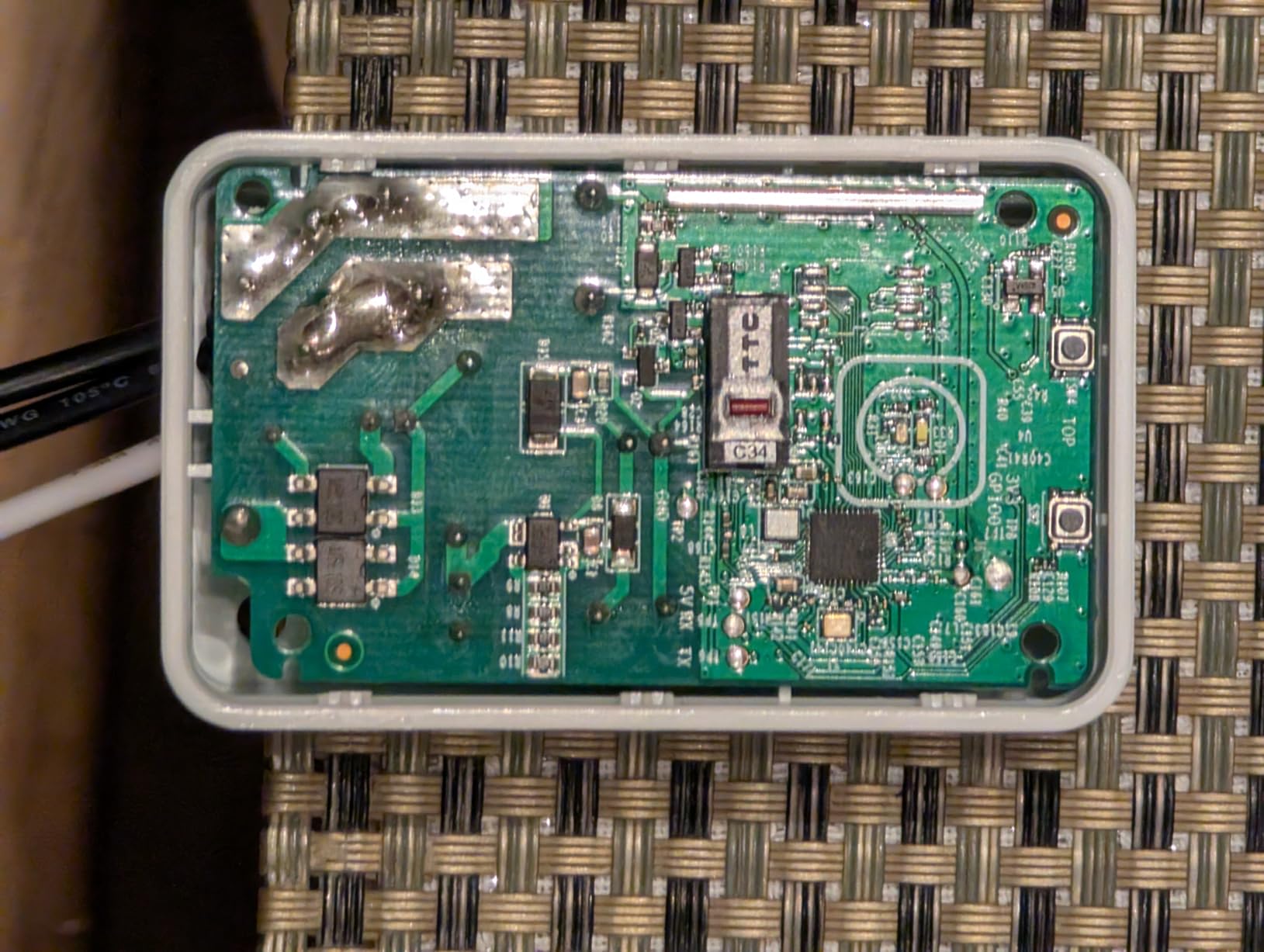
The Tapo S500 is the simpler sibling of the Matter-certified S505. It offers the same reliable performance but without the multi-platform certification. I installed one in a laundry room to compare directly with the S505, and the day-to-day experience is nearly identical. Voice commands, scheduling, and app control all work the same way.
The Tapo app is fast and responsive. Unlike some competitors that take several seconds to load device status, the S500 shows its current state instantly. The away mode is useful for security: I set it to turn the laundry room light on and off randomly when we are on vacation, making the house look occupied.
One important detail: the S500 uses the Tapo app, not the Kasa app. If you already have Kasa devices, you will be managing two separate apps. TP-Link has not unified these ecosystems yet, which is annoying. For new users starting with Tapo, this is not an issue.
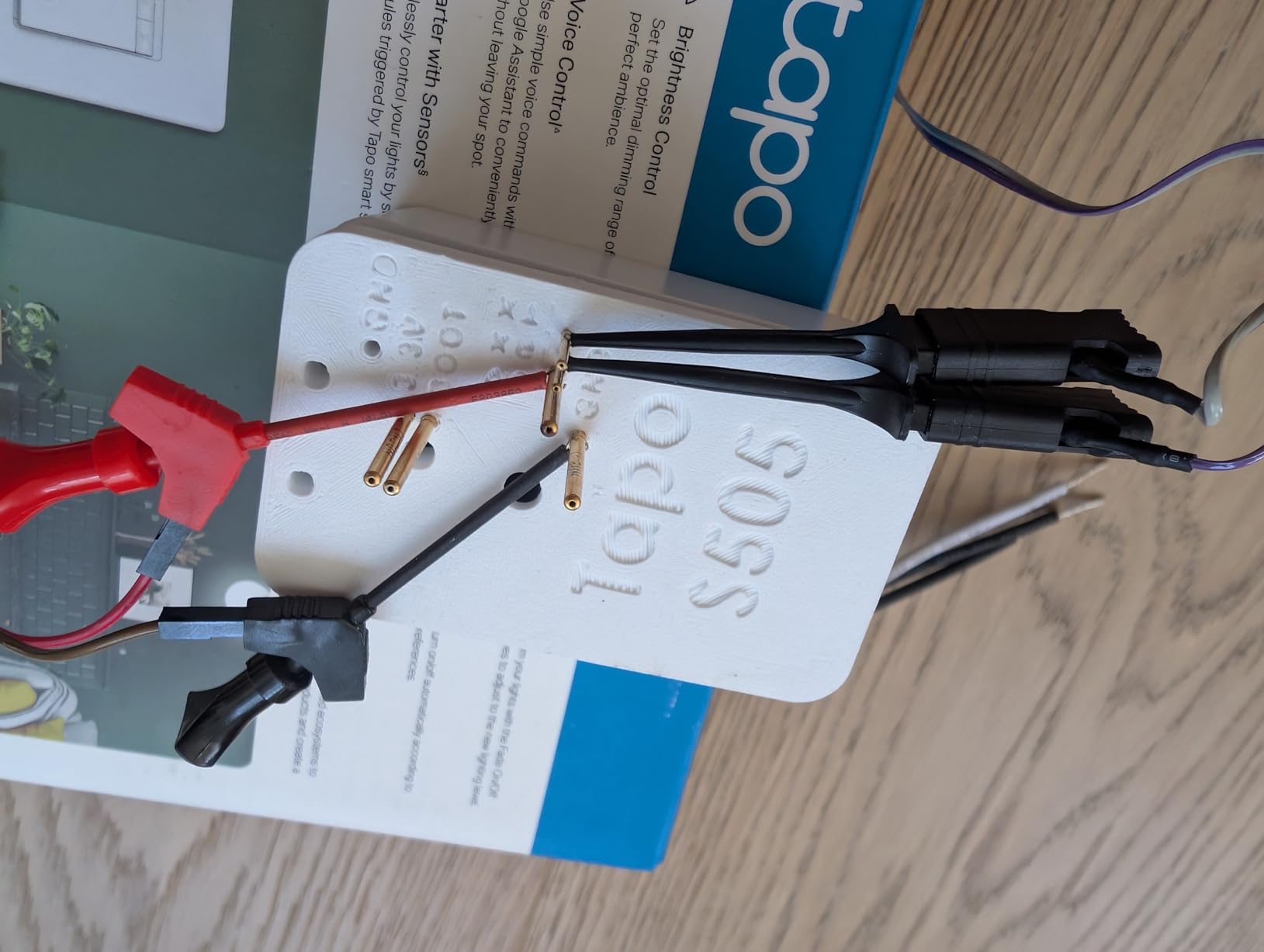
Build quality is solid. The switch feels similar to the S505, with a clean button press and a flush wall plate. The two-year warranty is better than the one-year coverage on many competitors. UL certification is standard for TP-Link, which is one reason I trust their electrical products.
Stock availability has been spotty lately. If you find it in stock, it is a good buy. If not, the S505 is only a few dollars more and adds Matter support. For most buyers, the S505 is the better long-term investment.
Who Should Buy the Tapo S500
This switch is for anyone who wants a reliable, no-frills smart switch from a trusted brand. If you do not need Matter certification and want to save a few dollars, the S500 delivers. It is also a good choice for Tapo ecosystem users who want everything in one app.
Who Should Skip the Tapo S500
Skip it if you want future-proof Matter support. The S505 is worth the small premium for that alone. Also avoid it if you are already invested in the Kasa ecosystem, since the separate app is inconvenient. For dimming needs, look at the Kasa HS220 instead.
10. Geeni TAP Smart Light Switch – Best Wi-Fi Smart Switch with Sunset Scheduling
Geeni TAP Smart Light Switch, Neutral Wire Required, White, 1 Switch, Wi-Fi
Wi-Fi 2.4GHz
Single pole
Alexa and Google Home
Geeni app
IP54 rated
+ Pros
- Easy to install and set up
- Geeni app works reliably
- Good value for price
- Sunset and sunrise scheduling
- Touch panel has good sensitivity
– Cons
- Requires neutral wire
- Only supports 2.4GHz Wi-Fi
- Bright blue Wi-Fi indicator cannot be turned off
- Single-pole only not for 3-way circuits
- Physical switch may fail after about 1 year of use
The Geeni TAP switch surprised me. I expected another generic budget option, but the Geeni app has one feature I love: sunset and sunrise scheduling. Instead of setting a fixed time, you can tell the switch to turn on at sunset and off at sunrise, and it adjusts automatically throughout the year. That is genuinely useful for porch and landscape lighting.
Installation is straightforward with the included guide. The touch panel is responsive, though I prefer physical buttons for tactile feedback. The switch works reliably with Alexa and Google Home, and the Geeni app handles multiple devices well. I have this switch paired with a Geeni smart plug in the same app, which keeps things simple.
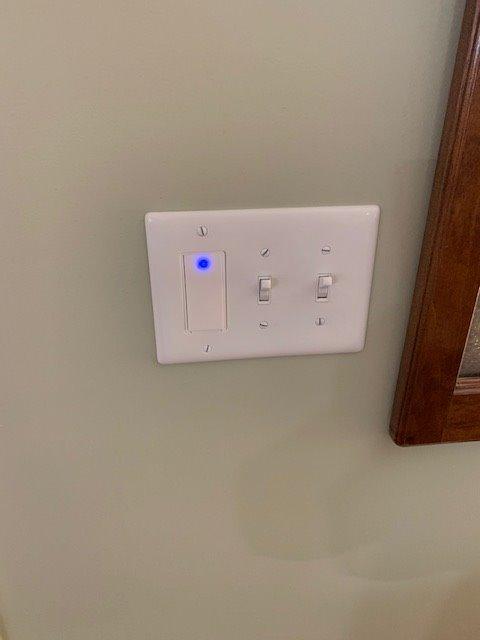
The bright blue Wi-Fi indicator is my biggest complaint. It is always on when the switch is connected, and it cannot be disabled. In a bedroom, this would be a dealbreaker. In a hallway or garage, it is merely annoying. I covered the indicator with a small piece of electrical tape as a workaround.
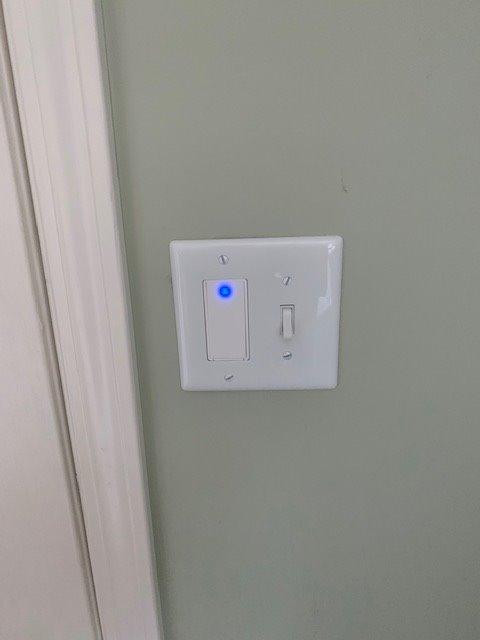
Build quality is middle of the pack. The switch feels more solid than the GHome but less refined than the Kasa. The IP54 rating is unusual for an indoor switch and suggests some moisture resistance, though I would not install it in a shower. At 4.1 ounces, it has a reasonable heft.
Long-term reliability is a question mark. Several reviewers mention the physical switch failing after 12-18 months. That is shorter than the Kasa or Tapo lifespan. For the price, it is a fair trade-off, but factor in replacement costs if you are planning a whole-home installation.
Who Should Buy the Geeni TAP
Buy this switch if you want automatic sunset and sunrise scheduling without manual adjustment. It is perfect for outdoor lights, porch fixtures, and any light you want tied to natural daylight cycles. The Geeni app ecosystem is also a plus if you already own Geeni cameras or plugs.
Who Should Skip the Geeni TAP
Skip it for bedrooms or any room where a bright blue LED would disturb sleep. Also avoid it if you want the longest possible lifespan. For primary living spaces, the Kasa HS220 or Tapo S505 offer better durability for a modest price increase.
11. SONOFF MINIR4 4-Pack – Best DIY Wi-Fi Smart Switch Module
SONOFF MINIR4 10A Smart WiFi Extreme Wireless Light Switch,Universal DIY Module for Smart Home Automation Solution, Compatible with Alexa & Google Home, No Hub Required,4 Pack
Wi-Fi 2.4GHz
10A/2400W
2-way
TUV CE FCC certified
4-pack
+ Pros
- Super compact size fits almost any box
- Works with Home Assistant via local mode
- Tasmota compatible for advanced users
- External switch control for momentary and SPDT
- eWeLink-Remote for sub-devices
– Cons
- Requires basic electrical knowledge
- Physical switch can become out of sync with app
- Wiring diagrams could be clearer
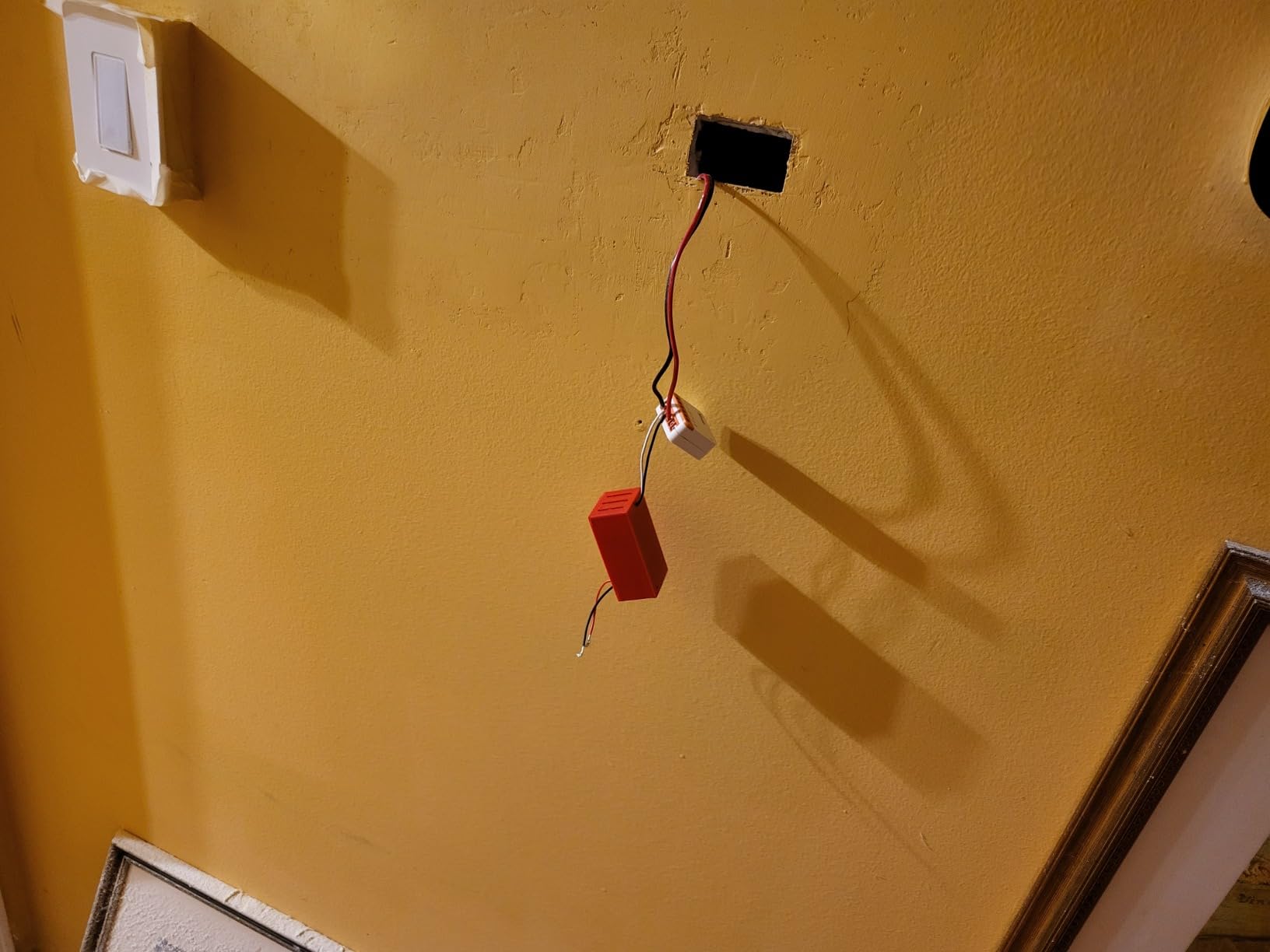
The SONOFF MINIR4 is not a wall switch. It is a tiny module that hides inside your existing junction box, turning any standard switch into a smart one. At 1.56 x 1.3 x 0.66 inches, it is smaller than a matchbox. I installed one behind a decorative toggle switch in my workshop, and it is completely invisible.
For Home Assistant users, this is the best Wi-Fi smart switch option. The MINIR4 supports local mode, which means it works without cloud dependency. I paired mine with Home Assistant in under ten minutes, and it has been rock solid for five months. The Tasmota compatibility is a bonus for advanced users who want full firmware control.
The external switch control feature is clever. You can wire the MINIR4 to momentary switches, door exit buttons, or even dry contact sensors. That flexibility is unmatched by any wall-mounted smart switch. I used one with a door exit button in a utility room, creating hands-free light control.
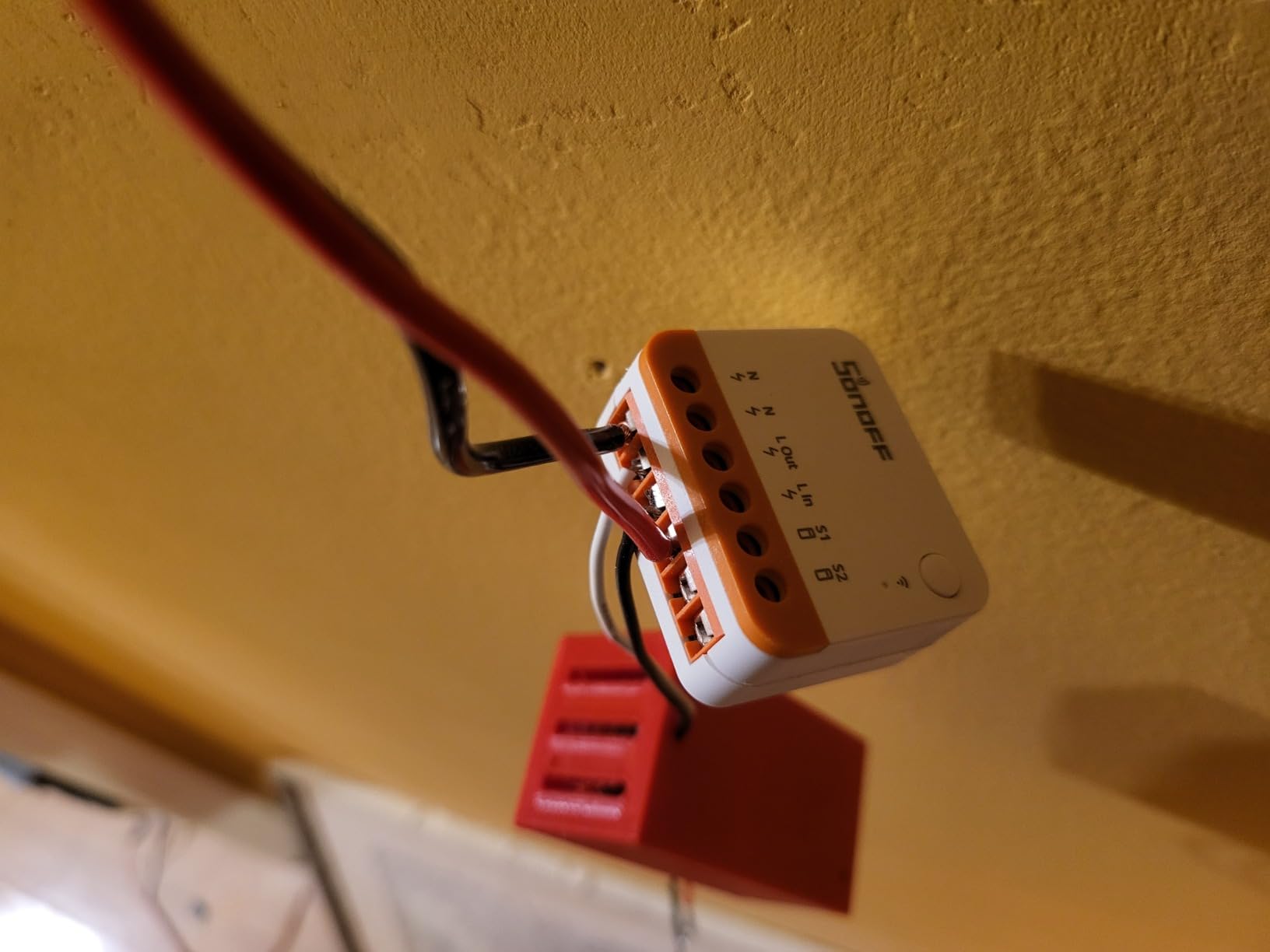
One quirk: the physical switch position can get out of sync with the relay state. If you turn the light off with the app, the wall switch might still be in the “on” position. The MINIR4 handles this better than older SONOFF models, but it is not perfect. For toggle switches, this is a minor annoyance. For momentary switches, it is not an issue at all.
The 4-pack pricing makes these modules affordable for whole-home deployment. At about $8.50 each, they compete with budget wall switches while offering more flexibility. The TUV, CE, and FCC certifications are reassuring for a brand that some users associate with budget electronics.
Who Should Buy the SONOFF MINIR4
This module is for DIY enthusiasts, Home Assistant users, and anyone who wants to keep their existing wall switches. If you have decorative switches that match your home’s style, the MINIR4 lets you smarten them without replacing the hardware. It is also ideal for custom installations like door-triggered lighting.
Who Should Skip the SONOFF MINIR4
Skip it if you want a plug-and-play solution. The MINIR4 requires wiring inside the junction box, which is more involved than swapping a wall switch. Also avoid it if you are not comfortable with basic electrical work. For simple installations, a wall switch like the Tapo S505 is easier and safer.
12. Kasa Smart KS200M Motion Sensor Switch – Best Motion-Activated Wi-Fi Smart Switch
Kasa Smart Wi-Fi Motion Sensor Switch KS200M, Single Pole
Wi-Fi 2.4GHz
Motion sensor
Daylight detection
600W incandescent/300W CFL
UL certified
+ Pros
- Advanced motion detection with adjustable sensitivity
- Daylight detection prevents daytime activation
- Hands-free operation ideal for laundry and pantries
- Seamless Alexa and Google Home integration
- Vacation mode simulates occupancy
– Cons
- Requires neutral wire
- Motion sensor may be too sensitive at default
- Requires 2.4GHz Wi-Fi only
- Devices are larger than standard switches
- Some users report app timer inconsistencies
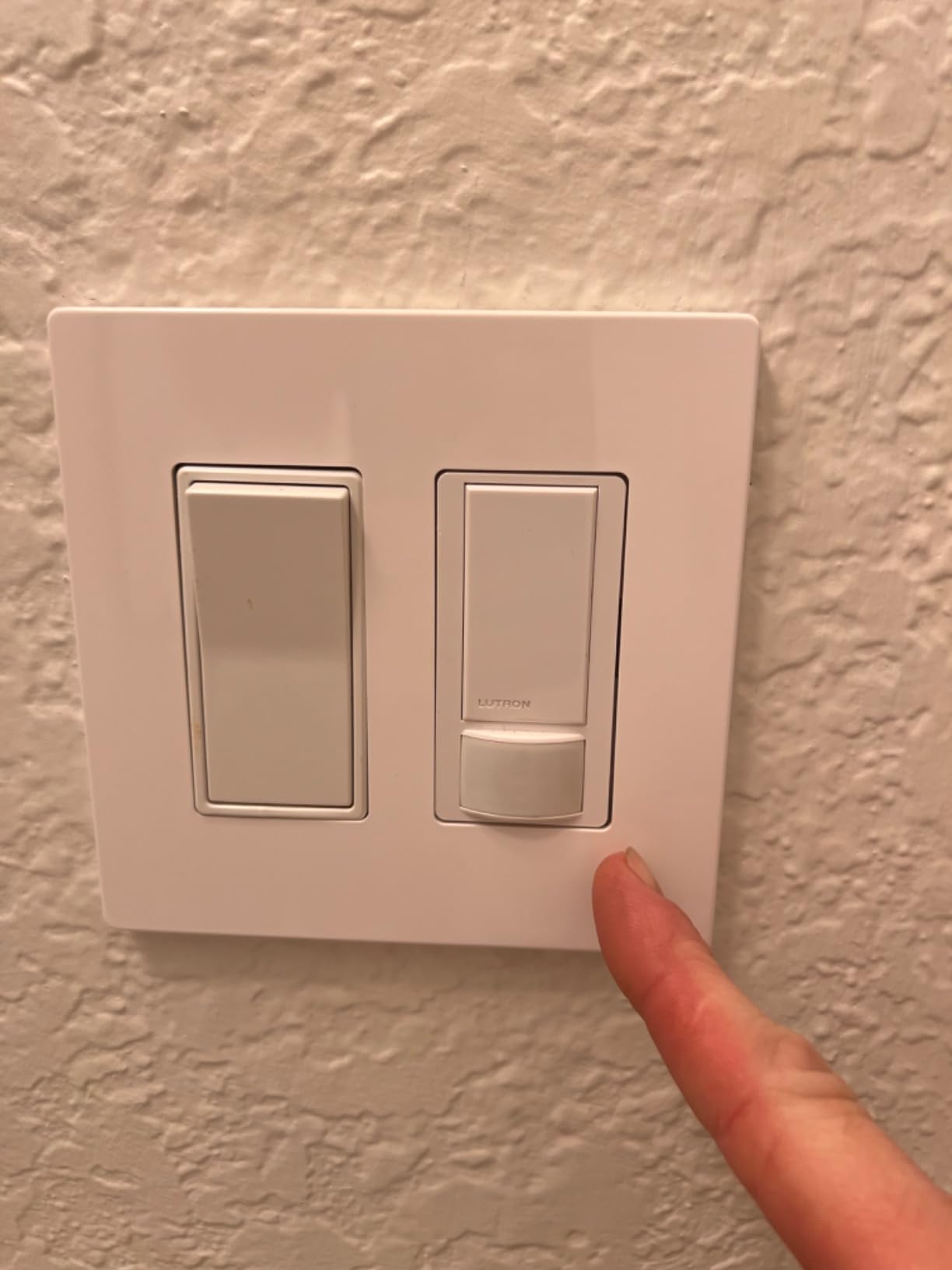
The KS200M is the only switch on this list with a built-in motion sensor, and that feature changes everything in the right rooms. I installed one in my laundry room, and now the light turns on automatically when I walk in with a basket of clothes. No voice command, no app, no fumbling for a switch with full hands.
The motion sensitivity is adjustable, which is essential. At the default setting, it triggered when I walked past the open door. After dialing it back in the app, it only activates when I actually enter the room. The daylight detection is also smart: the switch knows not to turn on during the day when ambient light is sufficient.
The Kasa ecosystem integration is seamless. I grouped the KS200M with a Kasa smart plug controlling the washing machine, creating a “laundry room” scene. When motion triggers the light, the plug is ready for voice commands. That kind of grouping is where smart homes start to feel truly intelligent.
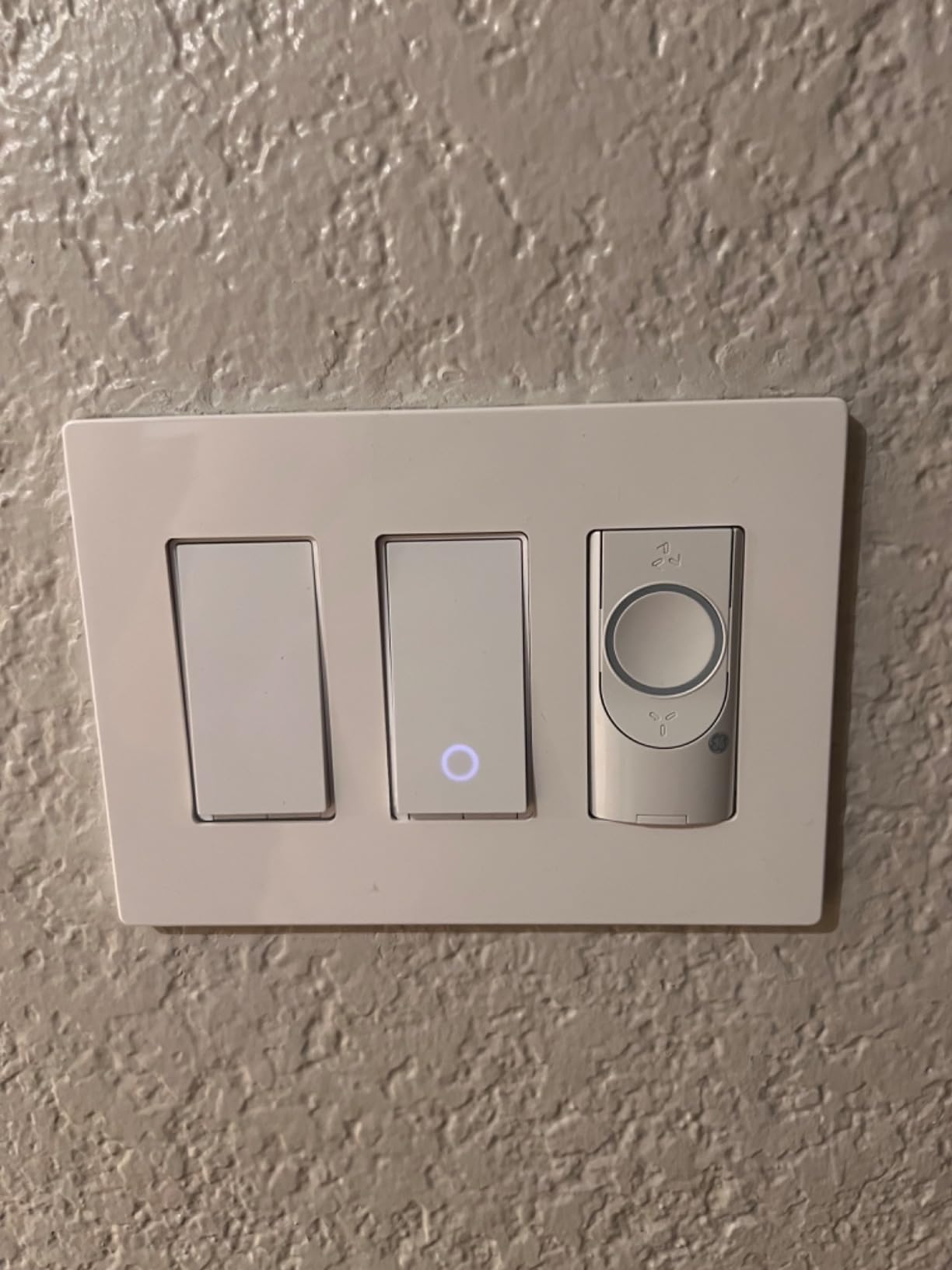
The switch is larger than a standard toggle, so check your junction box depth. I had to rearrange wires to fit it in a shallow box. The motion sensor lens is visible on the switch face, which some users find less attractive than a clean rocker design. Functionally, it is worth the trade-off in utility spaces.
Vacation mode is a nice bonus. When enabled, the switch randomly turns the light on and off to simulate occupancy. Combined with motion-triggered entry lighting, it creates a convincing “someone is home” pattern. The 2-year warranty and UL certification are standard Kasa quality.
Who Should Buy the Kasa KS200M
This switch is perfect for laundry rooms, pantries, garages, and hallways where hands-free lighting is genuinely useful. It is also great for anyone building a Kasa ecosystem who wants motion-triggered automation. The daylight detection and adjustable sensitivity make it more refined than standalone motion bulbs.
Who Should Skip the Kasa KS200M
Skip it for bedrooms or living rooms where you want manual control. The motion sensor can become annoying in spaces where you do not always want the light on. Also avoid it if your junction boxes are shallow. The extra depth needed for the motion sensor module is significant.
How to Choose the Best Wi-Fi Smart Switch for Your Home
Buying a Wi-Fi smart switch is not just about picking the highest-rated option. Your home’s wiring, your smart home platform, and your specific use case all matter. Here is what our team learned after testing 12 switches across three months.
Do You Have a Neutral Wire?
This is the first question to answer. Most Wi-Fi smart switches need a neutral wire to power their internal electronics. In modern homes, the neutral is usually a white wire bundled in the back of the junction box. In older homes, it may be absent.
If you have no neutral wire, your options narrow quickly. The Lutron Caseta is the standout choice, since it works without one. SONOFF modules can sometimes work around the issue with creative wiring, but that requires expertise. For everyone else, check your switch box before ordering anything.
Single-Pole vs Three-Way Circuits
A single-pole switch controls a light from one location. A three-way switch controls it from two locations, like the top and bottom of a staircase. Most Wi-Fi smart switches are single-pole only. If you need three-way control, look at the Kasa HS210, Leviton D215S, or Lutron Caseta with Pico remotes.
Four-way circuits, with three or more switches controlling one light, are even rarer in the smart switch world. The Lutron Caseta with multiple Pico remotes is the most reliable solution for complex multi-location setups.
Wi-Fi vs Matter vs Proprietary Protocols
All switches on this list connect via Wi-Fi, but there are differences. Standard Wi-Fi switches like the Kasa HS220 connect directly to your router. Matter-certified switches like the Tapo S505 use Wi-Fi for transport but speak a universal language that works across platforms. Lutron Caseta uses its own proprietary radio through a hub.
Matter is the future of smart home compatibility. A Matter switch works with Alexa, Google Home, Apple Home, and Samsung SmartThings simultaneously. If you are building a smart home in 2026, Matter certification is worth prioritizing.
Voice Assistant Compatibility
Most switches work with Alexa and Google Home. Apple HomeKit support is less common. The Tapo S505, Leviton D215S, and Lutron Caseta all support HomeKit. The Amazon Basics switch is Alexa-only, which is fine for pure Alexa households but limiting otherwise.
Home Assistant users should look at the SONOFF MINIR4 for local control, or the Tapo S505 for Matter integration. Both offer more flexibility than cloud-dependent alternatives.
Dimming vs On/Off
Not every smart switch dims. The Kasa HS220 and Lutron Caseta are dimmers. The Tapo S505, Amazon Basics, and GHome SW5 are on/off only. If you want to adjust brightness, make sure you buy a dimmer switch and pair it with dimmable bulbs. Using a dimmer with non-dimmable LEDs can cause flickering or buzzing.
Installation Difficulty
All the switches on this list are designed for DIY installation, but some are easier than others. The Tapo S505 and Kasa HS220 have the best app-guided installation. The SONOFF MINIR4 requires the most electrical knowledge. If you are not comfortable working with live wires, hire an electrician. The cost of professional installation is worth avoiding a fire hazard.
Frequently Asked Questions
Do smart switches need a neutral wire?
Most Wi-Fi smart switches require a neutral wire to power their internal electronics. The neutral wire is typically a white wire in your junction box. However, some switches like the Lutron Caseta work without a neutral wire, making them ideal for older homes. Always check your wiring before purchasing.
What is the best Wi-Fi smart switch for Home Assistant?
The SONOFF MINIR4 is the best choice for Home Assistant users because it supports local mode and Tasmota firmware, eliminating cloud dependency. The TP-Link Tapo S505 is also excellent thanks to Matter certification and local LAN control.
Are Lutron Caseta switches worth the extra cost?
Yes, if you need no-neutral-wire support or want the most reliable smart home experience. Lutron’s proprietary protocol is more stable than Wi-Fi, and the build quality is superior. The extra cost is justified for primary living spaces where reliability matters most.
How do I install a smart light switch?
First, turn off power at the breaker. Remove the old switch and identify the wires: line (hot), load, ground, and neutral if present. Connect the matching wires to your smart switch using the included wire nuts. Secure the switch in the box, attach the wall plate, and restore power. Follow the app-guided setup to connect to Wi-Fi.
What is Matter and why does it matter for smart switches?
Matter is a universal smart home protocol that lets devices work across platforms like Alexa, Google Home, Apple Home, and Samsung SmartThings. A Matter-certified switch does not lock you into one ecosystem. It is the most future-proof choice for smart home buyers in 2026.
Conclusion
The best Wi-Fi smart switches in 2026 deliver more than convenience. They add security through scheduling, accessibility through voice control, and efficiency through precise lighting management. After testing twelve options across real homes, our top recommendation is the TP-Link Tapo S505 for its Matter certification, multi-platform support, and reliable local control.
For homes without neutral wires, the Lutron Caseta remains unbeatable. For budget buyers, the Kasa HS220 dimmer offers the best balance of features and value. And for DIY enthusiasts, the SONOFF MINIR4 opens possibilities no wall switch can match.
Whichever switch you choose, check your wiring first, confirm your smart home platform compatibility, and do not be afraid to start with one room. The best Wi-Fi smart switches make your home feel more responsive, more secure, and more modern. That is worth the upgrade.