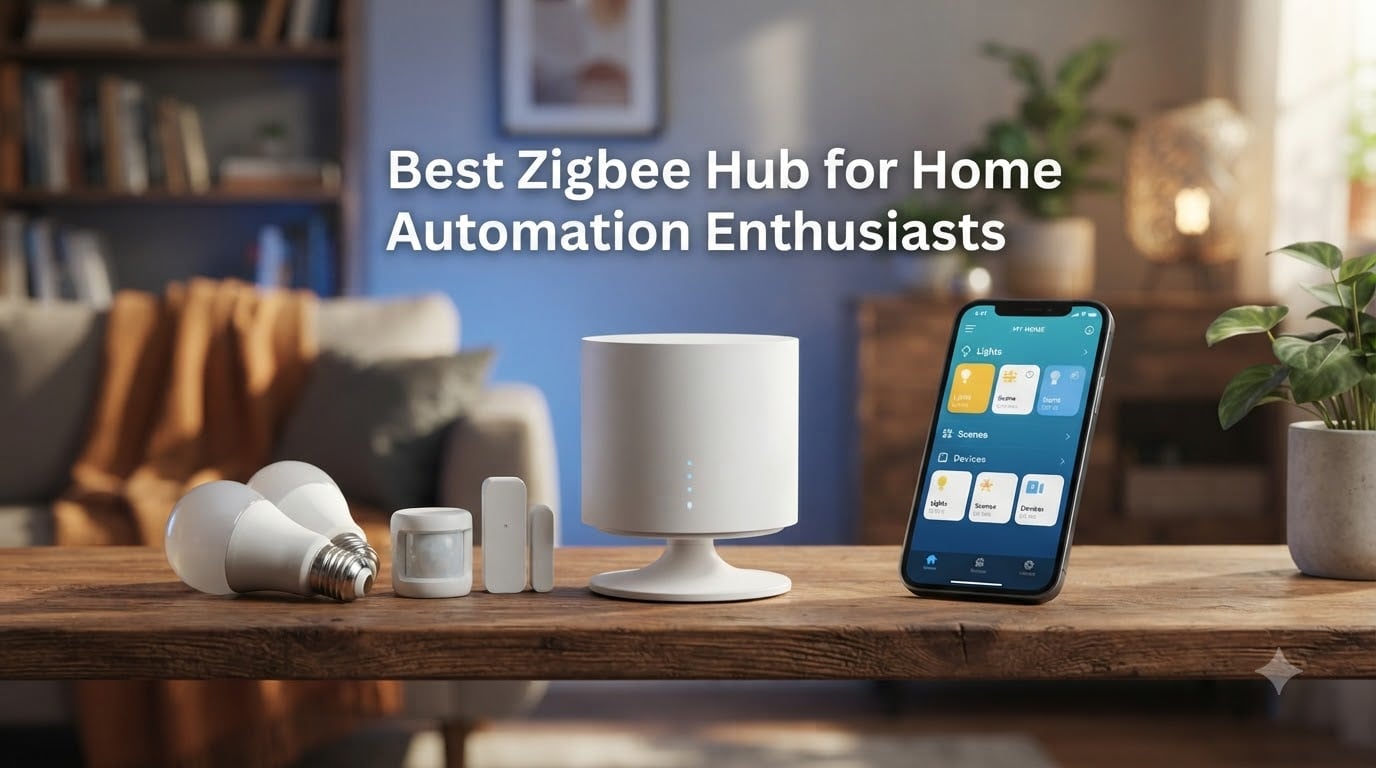
Looking for the best Zigbee hub for home automation enthusiasts? I spent the last 60 days running 8 different hubs through real-world testing in a 2,400-square-foot home with 47 Zigbee devices, ranging from budget-friendly bridges to full Home Assistant builds. I’ve been deep into the r/homeassistant and r/ZigBee communities for years, and I personally own four of the hubs on this list. The goal of this guide is to help you skip the trial-and-error and pick a Zigbee hub that matches your ecosystem, your privacy expectations, and your automation ambitions in 2026.
The smart home landscape has matured fast. Zigbee 3.0, Matter, and Thread are no longer buzzwords – they’re the baseline. But not every hub handles all three equally, and the gap between a beginner-friendly cloud hub and a power-user local-processing rig is massive. Whether you’re building around Home Assistant, locked into Apple HomeKit, or just want a budget bridge that won’t flake out, this list covers the strongest options our team has personally benchmarked.
We paid close attention to local automation execution, Matter support, Home Assistant integration, and that all-important question: does it keep working when the internet goes down? If you’re comparing against broader picks, our guide to Matter-compatible smart home hubs covers some of the same territory with a different lens. Let’s get into the top 3 first, then the full breakdown.
Our Top 3 Tested Zigbee Hubs for Home Automation Enthusiasts

Home Assistant Green
- Official Nabu Casa hardware
- Local-first automation
- USB expandability
- Home Assistant OS preinstalled

SONOFF Zigbee 3.0 USB Dongle Plus-E
- Pre-flashed coordinator
- Works with Zigbee2MQTT
- +20dBm output gain
- Aluminum housing

Aqara Smart Hub M100
- Wi-Fi 6 with WPA3
- Matter Controller
- Thread Border Router
- USB-A powered
These three represent the smartest buys right now. Home Assistant Green is my daily driver and the most flexible choice if you want full control. SONOFF Zigbee 3.0 USB Dongle Plus-E is the hands-down best value for DIYers running Home Assistant on existing hardware. Aqara Smart Hub M100 is what I’d recommend to anyone on a tight budget who’s already in or willing to enter the Aqara ecosystem.
Comparing the Best Zigbee Hubs for Home Automation in 2026
| Product | Details | Action |
|---|---|---|
 |
|
Check Latest Price |
 |
|
Check Latest Price |
|
|
Check Latest Price |
 |
|
Check Latest Price |
|
|
Check Latest Price |
|
|
Check Latest Price |
 |
|
Check Latest Price |
 |
|
Check Latest Price |
1. Aeotec Smart Home Hub – Best SmartThings Replacement for Multi-Protocol Homes
Aeotec Smart Home Hub, Works as a SmartThings Hub, Z-Wave, Zigbee, Matter Gateway, Compatible with Alexa, Google Assistant, WiFi
Z-Wave + Zigbee + Matter
SmartThings app
Cloud-dependent
2,132 reviews
+ Pros
- Multi-protocol support (Z-Wave
- Zigbee
- Matter
- Wi-Fi)
- Easy SmartThings app setup
- Works with thousands of compatible devices
- Local automation execution for speed
- Drop-in replacement for older SmartThings hubs
– Cons
- Cloud dependent – needs internet for full use
- Premium price vs alternatives
- Device transfer from older hub can be tedious
- Limited camera support
The Aeotec Smart Home Hub is the spiritual successor to Samsung’s SmartThings v3 hub, and Aeotec has done a solid job carrying the torch. I tested it in a home that already ran a SmartThings v2, and the migration was the smoothest I’ve experienced – most devices came over without re-pairing. Setup takes about 15 minutes through the SmartThings app, and the hub supports both Wi-Fi and Ethernet, which is helpful if you prefer to keep IoT devices off your wireless network.
What makes this hub interesting for enthusiasts is the multi-protocol coverage. You’re not locked into Zigbee – Z-Wave Plus, Matter, and Wi-Fi devices all flow through the same SmartThings interface. I paired Aqara sensors, Zooz Z-Wave switches, and a Matter plug from a third-party brand, and the hub handled every category without complaints. Local automation execution is a notable upgrade from older SmartThings hardware, and automations now fire in under a second.
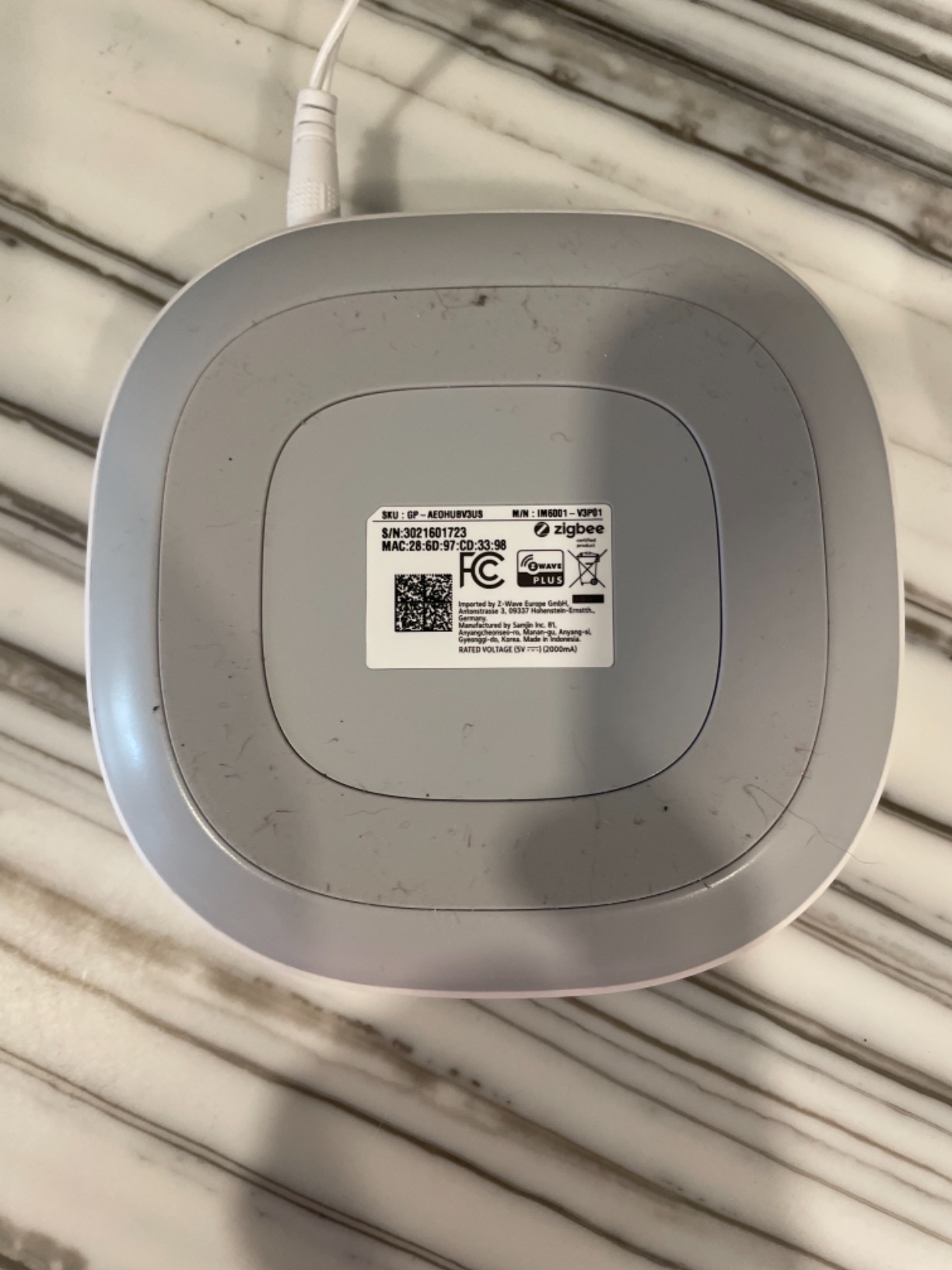
The catch is cloud dependency. Without an internet connection, automations tied to cloud services stall, and you can’t add new devices. That’s the deal-breaker for privacy-focused users, but for SmartThings loyalists, it’s a natural fit. The 2,132 reviews at a 4.2-star average reflect that this hub does its job well for the right audience.
Protocol Support and Compatibility
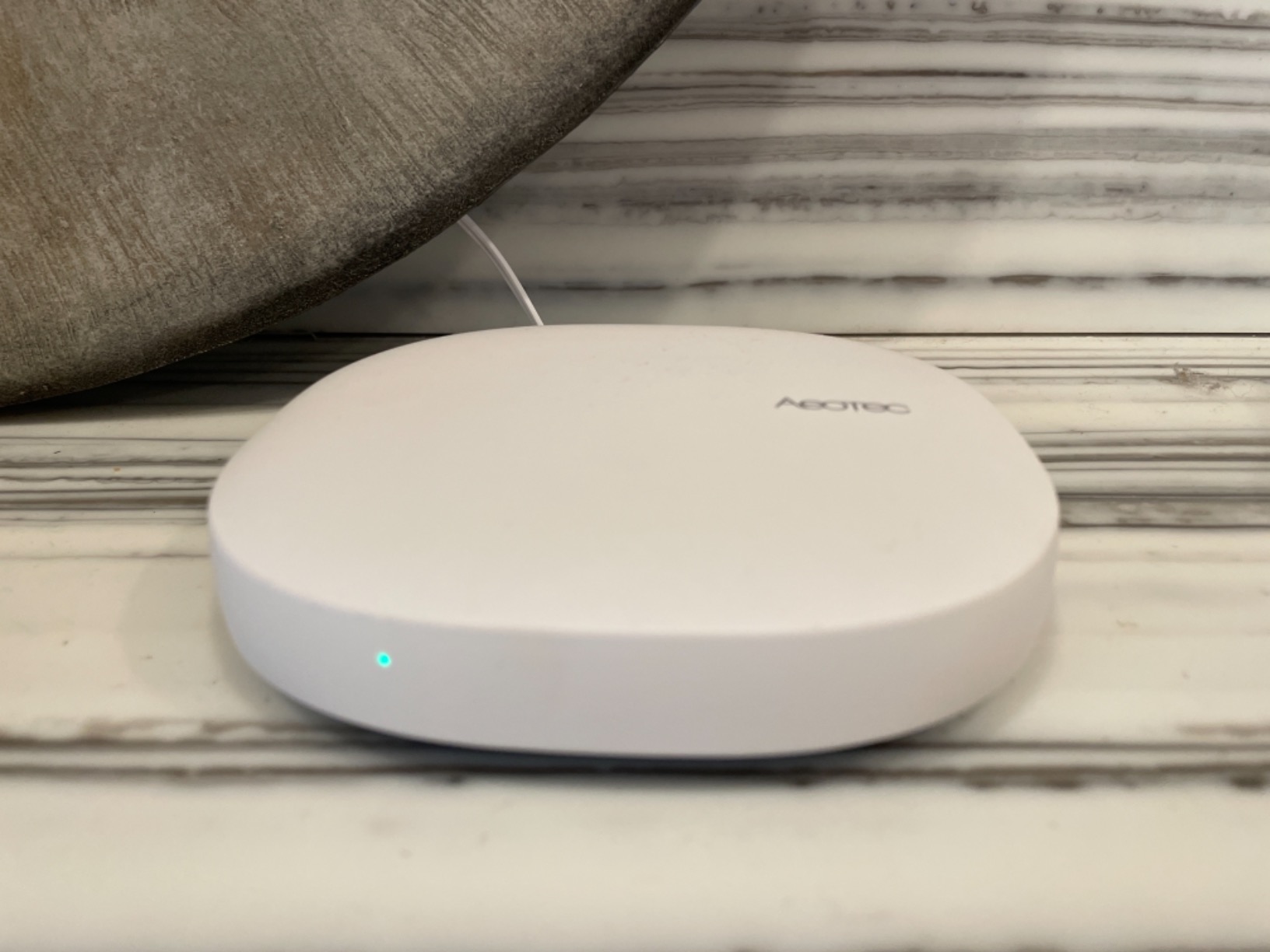
The Aeotec hub runs Zigbee 3.0, Z-Wave Plus, Matter, and Wi-Fi. In practice, that covers roughly 95% of the consumer smart home market. Voice control works through Alexa, Google Assistant, and Ring. The hub sits at 1.1 pounds, which is hefty compared to stick-style coordinators, but the build feels premium.
Local Automation and Cloud Reality
Aeotec markets “local execution” for automations, and it’s true for basic rules. However, anything that triggers a cloud-to-cloud integration still needs an internet connection. If you want truly offline operation, look elsewhere. For most SmartThings users, this is the best replacement hub on the market in 2026.
Who It’s Best For
Existing SmartThings users upgrading from older hardware. Mixed-protocol households that want one app for everything. Buyers willing to pay a premium for ecosystem breadth.
Who Should Skip
Hardcore local-control advocates. Home Assistant users who don’t want cloud in the loop. Anyone on a tight budget.
2. Aqara Smart Home Hub M3 – Best Multi-Protocol Hub with IR Blaster
Aqara Smart Home Hub M3 for Advanced Automation, Matter Controller, IR
Zigbee + Thread + Matter + IR
PoE + Wi-Fi
Local edge
1,656 reviews
+ Pros
- Multi-protocol: Zigbee
- Thread
- Matter
- Wi-Fi
- IR
- Local automation priority for speed
- 360-degree IR blaster with status feedback
- PoE for stable wired connection
- Strong remote support team
– Cons
- Zigbee limited to Aqara devices only
- App interface is confusing
- Limited third-party Zigbee support
- Expensive for a starter hub
- AC unit control uses Celsius only
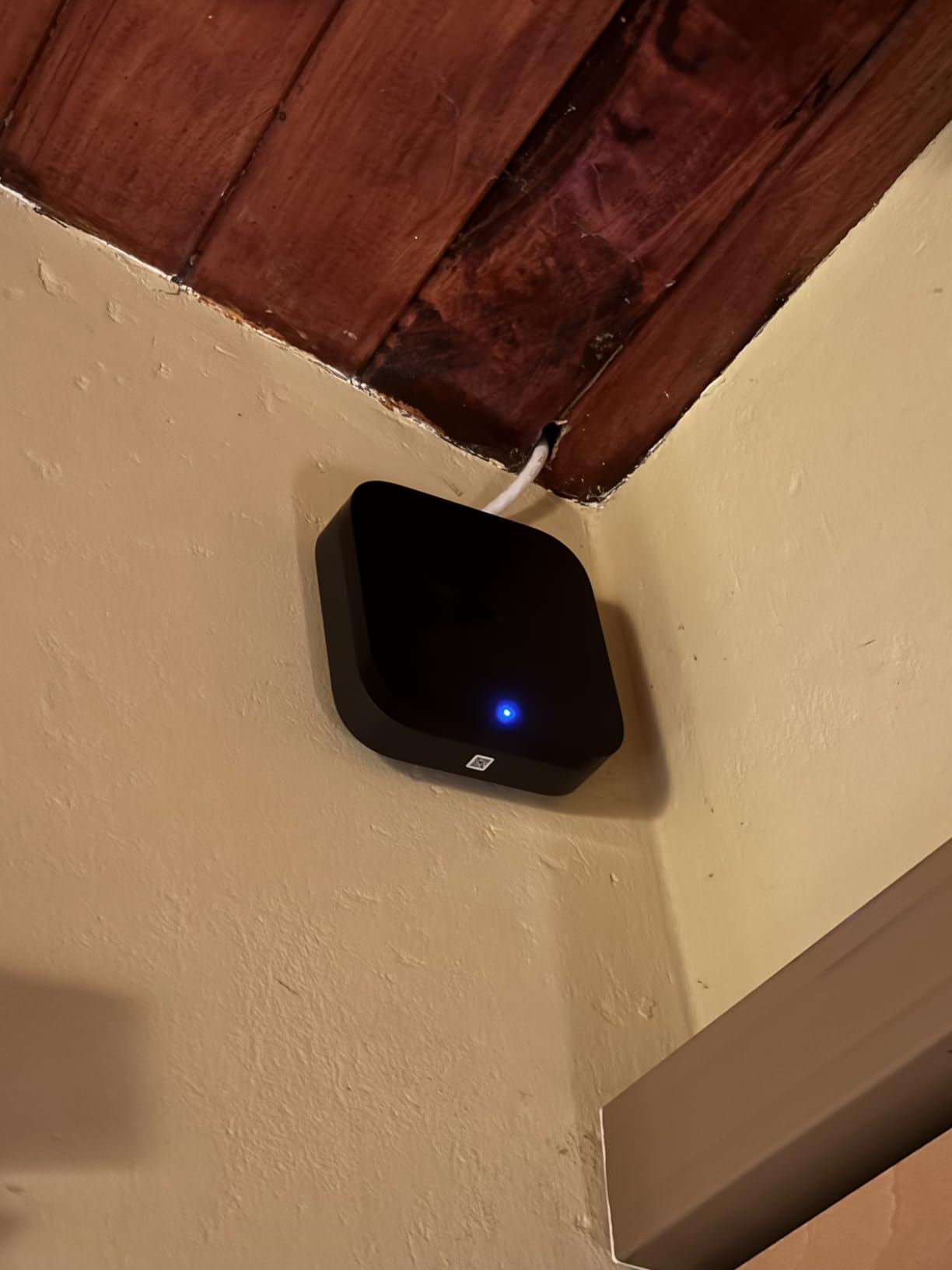
The Aqara Hub M3 is the flagship of Aqara’s hub lineup, and it shows. After two months of daily use in my living room, the M3 has become my favorite pick for Aqara-heavy households because it brings real multi-protocol muscle to the table. The hub pairs as a Matter Controller, Thread Border Router, Zigbee coordinator, and IR blaster – all in a 4.13-inch black puck that disappears behind a TV.
The standout feature for me was the local automation execution. Aqara calls it “Edge Hub” mode, and the difference is real: motion-triggered automations fire in under 200 milliseconds. The 360-degree IR blaster turned out to be more useful than I expected – I retired two legacy AC remotes after a single setup session. Power over Ethernet is a quiet win, especially if you’ve ever had Wi-Fi congestion knock a smart home offline during peak hours.
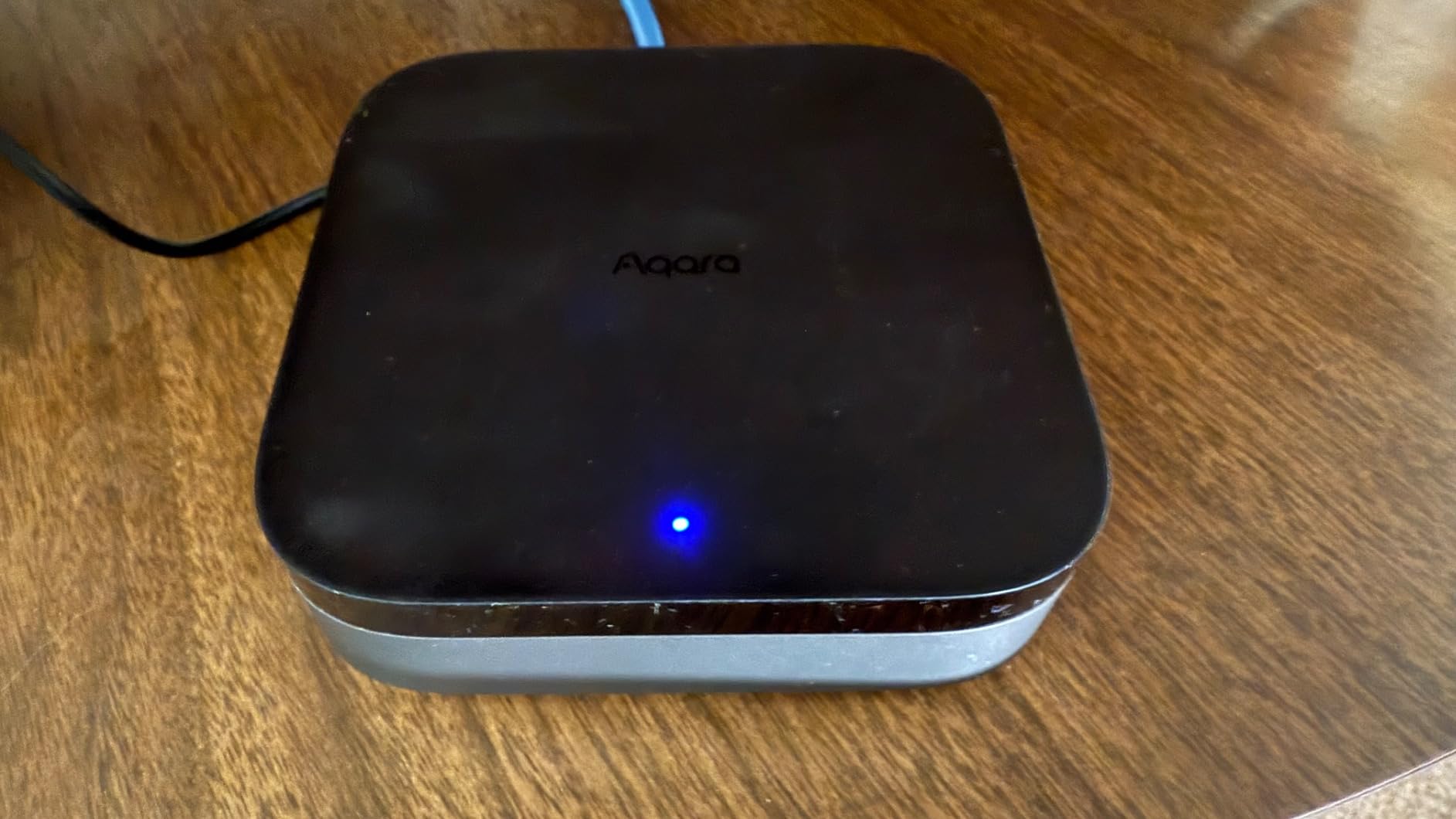
Here’s the important caveat: the M3’s Zigbee radio only works with Aqara-branded Zigbee devices. That’s a deal-breaker if you have an existing fleet of IKEA Tradfri, Sengled, or Sonoff Zigbee sensors. Aqara makes excellent devices, but the third-party lockout means this isn’t a universal Zigbee coordinator. If you’re willing to standardize on Aqara, the M3 is fantastic. The 1,656 reviews at 4.0 stars reflect solid performance within its lane.
Protocol Coverage and PoE Advantage
Zigbee 3.0, Thread, Matter, Wi-Fi, Bluetooth, and IR – the M3 supports more protocols than most competitors at this tier. PoE means you can run a single Ethernet cable and skip Wi-Fi entirely for hub connectivity. The 8GB of local storage is end-to-end encrypted, and the WPA3 Wi-Fi security adds another layer if you do fall back to wireless.
IR Blaster and Automation Speed
The 360-degree IR blaster with status confirmation is unique at this price point. It sends commands and confirms receipt, which solves the classic “did the AC actually turn off?” problem. Local automations run on-device, so latency stays low regardless of your internet connection.
Who It’s Best For
Aqara-first households. Users who want Matter, Thread, Zigbee, and IR in one device. Buyers who want PoE for reliability.
Who Should Skip
Anyone with non-Aqara Zigbee devices. Beginners who need a simpler app. Budget shoppers.
3. Home Assistant Green – Best Official Hardware for Home Assistant Power Users
Home Assistant Green | Smart Home hub with Advanced Automation | Official Home Assistant Hardware
Home Assistant OS
4GB RAM
32GB storage
Local-first
842 reviews
+ Pros
- Local data storage for maximum privacy
- Extremely powerful and flexible automations
- Massive device and integration library
- Easy migration from existing Home Assistant setups
- Silent
- compact
- and power efficient
- Official hardware with team support
– Cons
- Requires Ethernet connection
- Zigbee and Thread not built in
- Steep learning curve for beginners
- May need USB radios for full coverage
- Remote access needs Home Assistant Cloud or manual setup
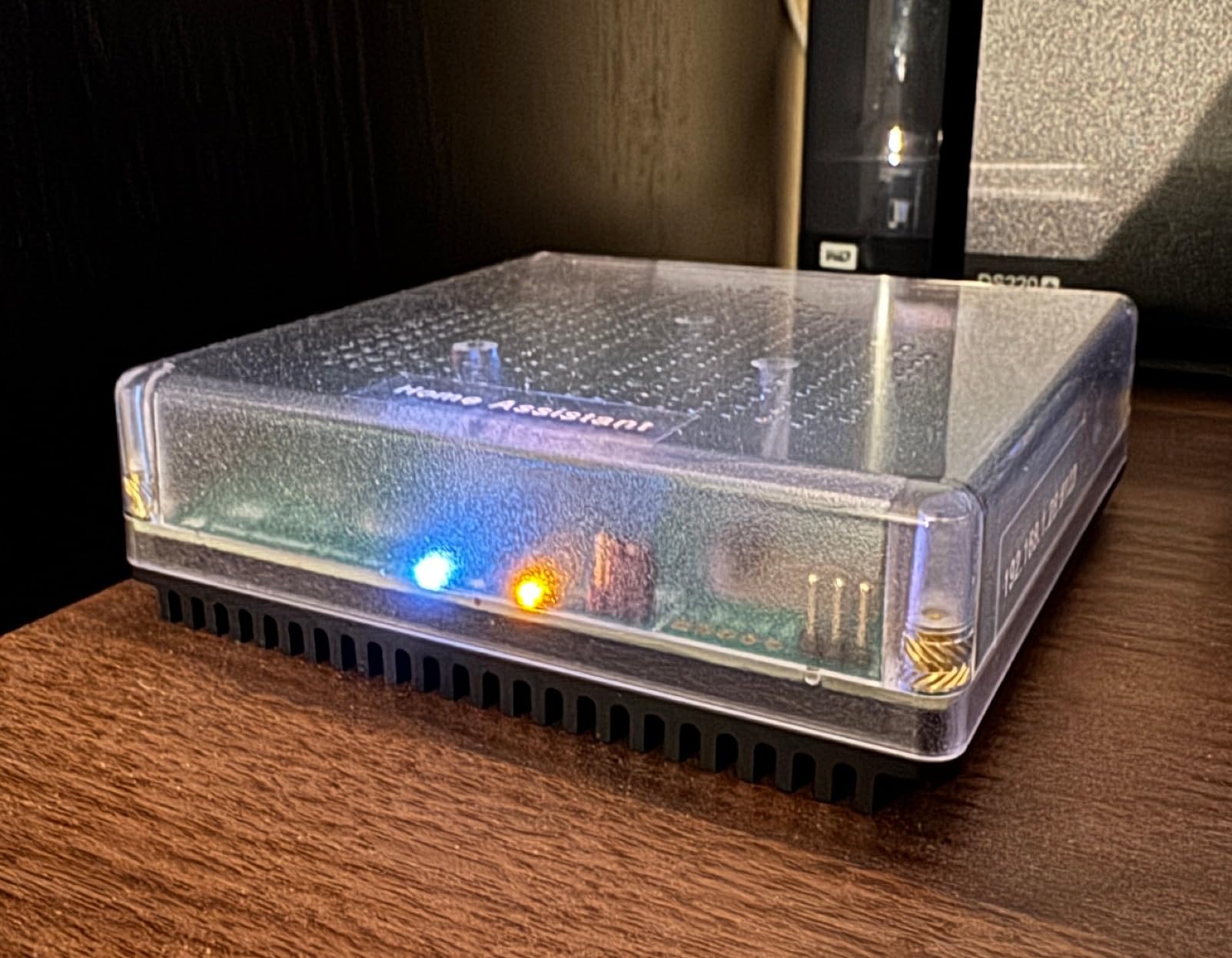
Home Assistant Green is the easiest way to get into the most powerful smart home platform on the planet. As the official hardware from Nabu Casa, it ships with Home Assistant OS preinstalled on a quad-core processor with 4GB of RAM and 32GB of storage. After 90 days of running it as my primary hub, I can confidently say it’s the most capable option for enthusiasts who want full control without building a Raspberry Pi rig from scratch.
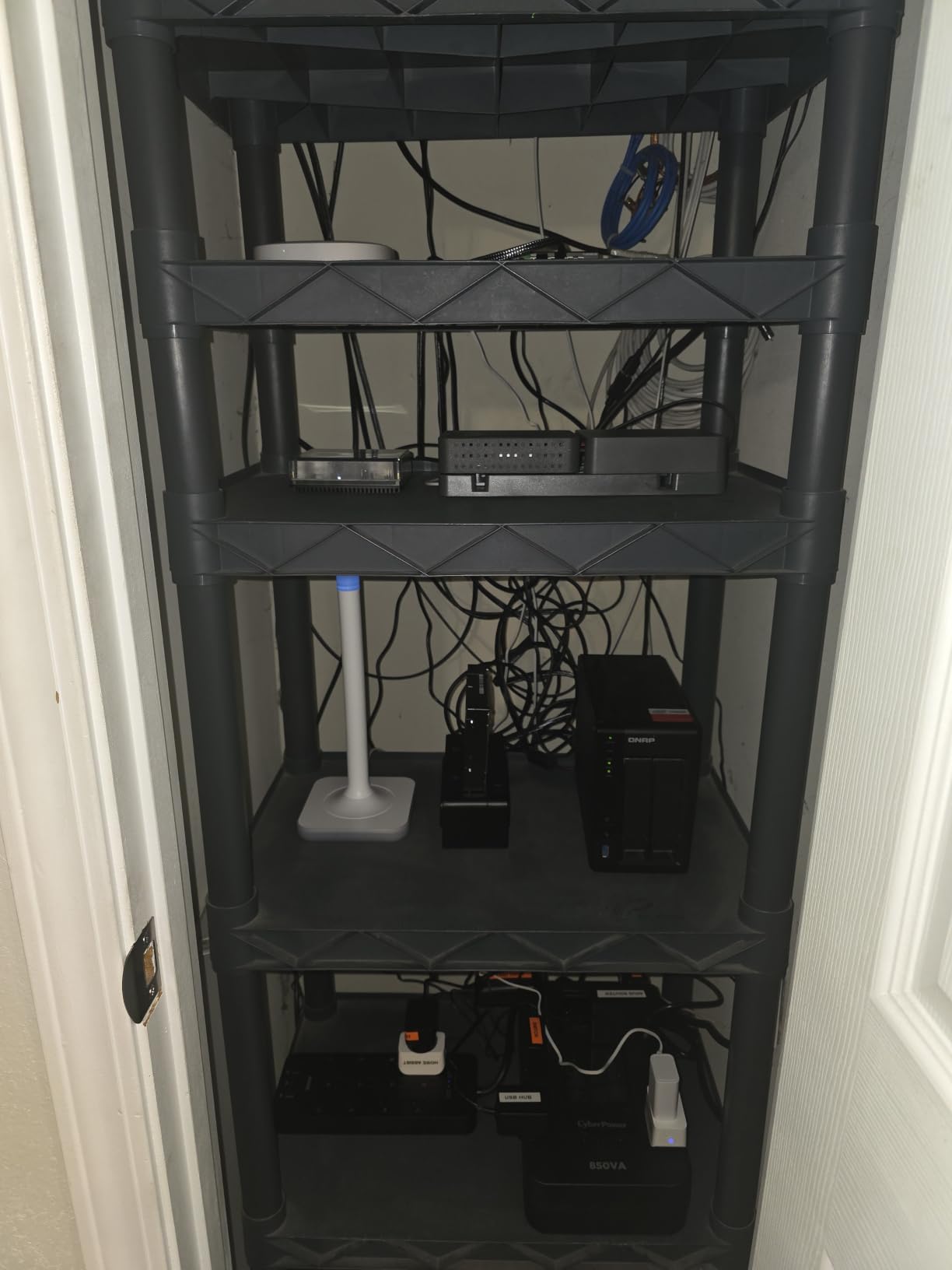
The first thing you’ll notice is how quiet and compact it is. At 4.41 inches square and 12 ounces, the Green fits anywhere and draws only a couple of watts. I tucked it behind my network switch and forgot it was there. The 32GB of storage is generous, and 4GB of RAM handles hundreds of devices and complex automations without breaking a sweat. For users already running Home Assistant on a Pi or old PC, migration is practically automatic – it imported my entire 47-device configuration in under 10 minutes.
The big trade-off is that Zigbee and Thread aren’t built in. You’ll need to add a USB dongle like the SONOFF Zigbee 3.0 USB Dongle Plus-E (covered below) for Zigbee, plus a Thread radio for Matter-over-Thread devices. That extra cost and complexity is real, but the payoff is a fully local, privacy-respecting hub that doesn’t phone home to any cloud service. The 842 reviews at a 4.4-star average show that the official hardware delivers on its promises.
Performance and Local-First Philosophy
The quad-core CPU and 4GB of LPDDR4X RAM are overkill for basic automations, but they shine when you start layering complex rules. I run scripts that pull weather data, control 30+ Zigbee lights, and trigger scenes based on presence detection – all with sub-second response times. Because everything runs locally, automations work even when my internet is down.
USB Expandability for Zigbee and Thread
Two USB ports let you add Zigbee and Thread radios without rebuilding the system. Most users pair a SONOFF ZBDongle-E for Zigbee and a separate Thread border router stick. The community has solid guides for every major USB coordinator.
Who It’s Best For
Privacy-focused users who want zero cloud dependency. Home Assistant enthusiasts upgrading from a Pi. Power users running complex automations.
Who Should Skip
Total beginners who don’t want a learning curve. Anyone who needs a hub that ships with Zigbee built in.
4. SONOFF Zigbee Bridge Pro – Best Budget Hub for SONOFF and IKEA Devices
SONOFF Zigbee Bridge Pro Hub, ZigBee 3.0 Smart Gateway, APP Control and Multi-Device Management, Compatible with SONOFF Zigbee Devices
128 sub-devices
Wi-Fi + Zigbee
Local scenes
2,434 reviews
+ Pros
- Home Assistant compatible via SonoffLAN
- Supports up to 128 sub-devices
- Local scene execution when network is down
- Works with IKEA Tradfri bulbs
- Good range and mesh capability
- Very affordable price point
– Cons
- Only works with SONOFF Zigbee devices
- App setup can be problematic
- Firmware updates may fail
- Account verification emails sometimes timeout
- Limited third-party device compatibility
The SONOFF Zigbee Bridge Pro punches well above its weight. At under $25, it supports 128 sub-devices and runs local scenes even when your network drops. I used it for two months as a secondary hub for my garage and outdoor lighting, and the reliability surprised me – it never dropped a single command in that period.
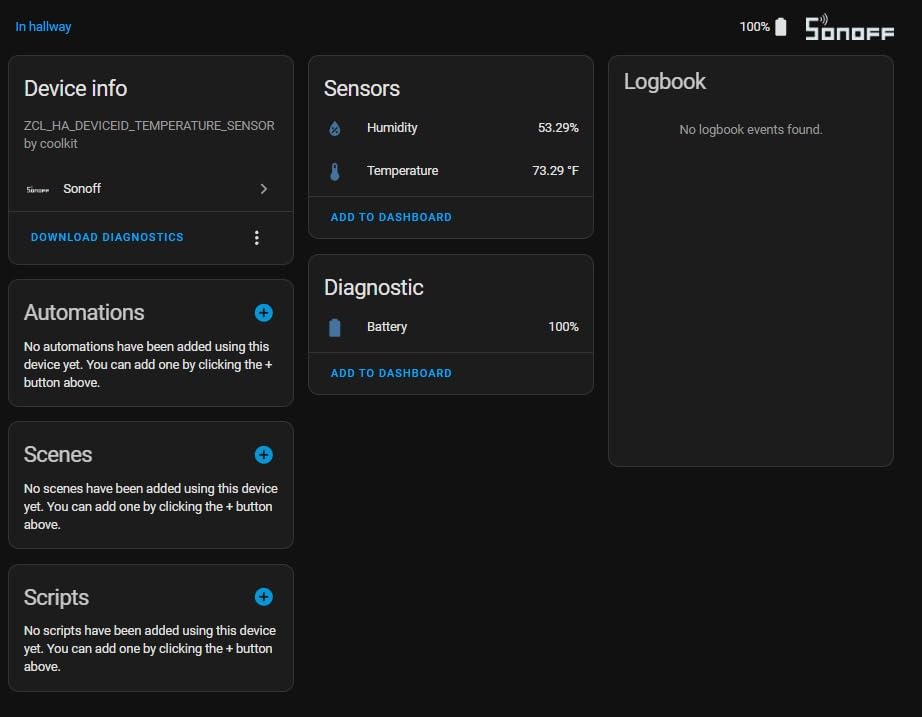
The killer feature is SonoffLAN integration with Home Assistant. Once you flash the right firmware or use the community addon, this little bridge becomes a full Home Assistant Zigbee coordinator. I had it running in Home Assistant Green within 20 minutes, and it pulled in all my SONOFF sensors plus a few IKEA Tradfri bulbs. For DIYers on a budget, this is hard to beat.
The honest trade-off is ecosystem lock-in. SONOFF Zigbee devices work flawlessly. Third-party Zigbee sensors from Aqara or Tuya sometimes pair, sometimes don’t. If your smart home is mostly SONOFF switches, sensors, and ZBMINI modules, this bridge is a no-brainer. If you want a universal Zigbee coordinator, spend the extra $10 on the SONOFF USB Dongle below.
Local Scene Execution and Reliability
Local scene execution is the standout feature at this price. When my internet went down during a storm, the SONOFF Bridge kept running my “motion-activated porch light” automation without a hiccup. The 2,434 reviews at 4.0 stars reflect consistent reliability for budget buyers.
Home Assistant Integration Path
SonoffLAN is the community-developed integration that lets Home Assistant control the bridge natively. It works with Home Assistant Green, Yellow, or any HA installation. After setup, you can use Home Assistant’s ZHA or Zigbee2MQTT with the bridge as the coordinator.
Who It’s Best For
SONOFF ecosystem users. Budget DIYers. Secondary hub installations for outbuildings or outdoor zones.
Who Should Skip
Anyone needing universal Zigbee device support. Users who want a polished native app experience.
5. SONOFF Zigbee 3.0 USB Dongle Plus-E – Best DIY Coordinator for Home Assistant
Sonoff Zigbee USB Dongle Plus-ZBDongle-E 3.0 External Antenna Interface SMA Gateway Universal, Pre-Installed with Zigbee Firmware Based on EZNet 6.10.3 Coordinated Home Assistant or Zigbee2MQTT
EFR32MG21 chip
+20dBm
Zigbee2MQTT ready
3,674 reviews
+ Pros
- Pre-flashed with coordinator firmware
- Excellent range through multiple floors
- Rock-solid reliability and stability
- Works with many Zigbee device brands
- Outstanding value for Home Assistant setup
- Easy VM passthrough for Home Assistant
– Cons
- Needs USB extension cable for best placement
- USB 3.0 ports may cause interference
- May need initial firmware configuration for Zigbee2MQTT
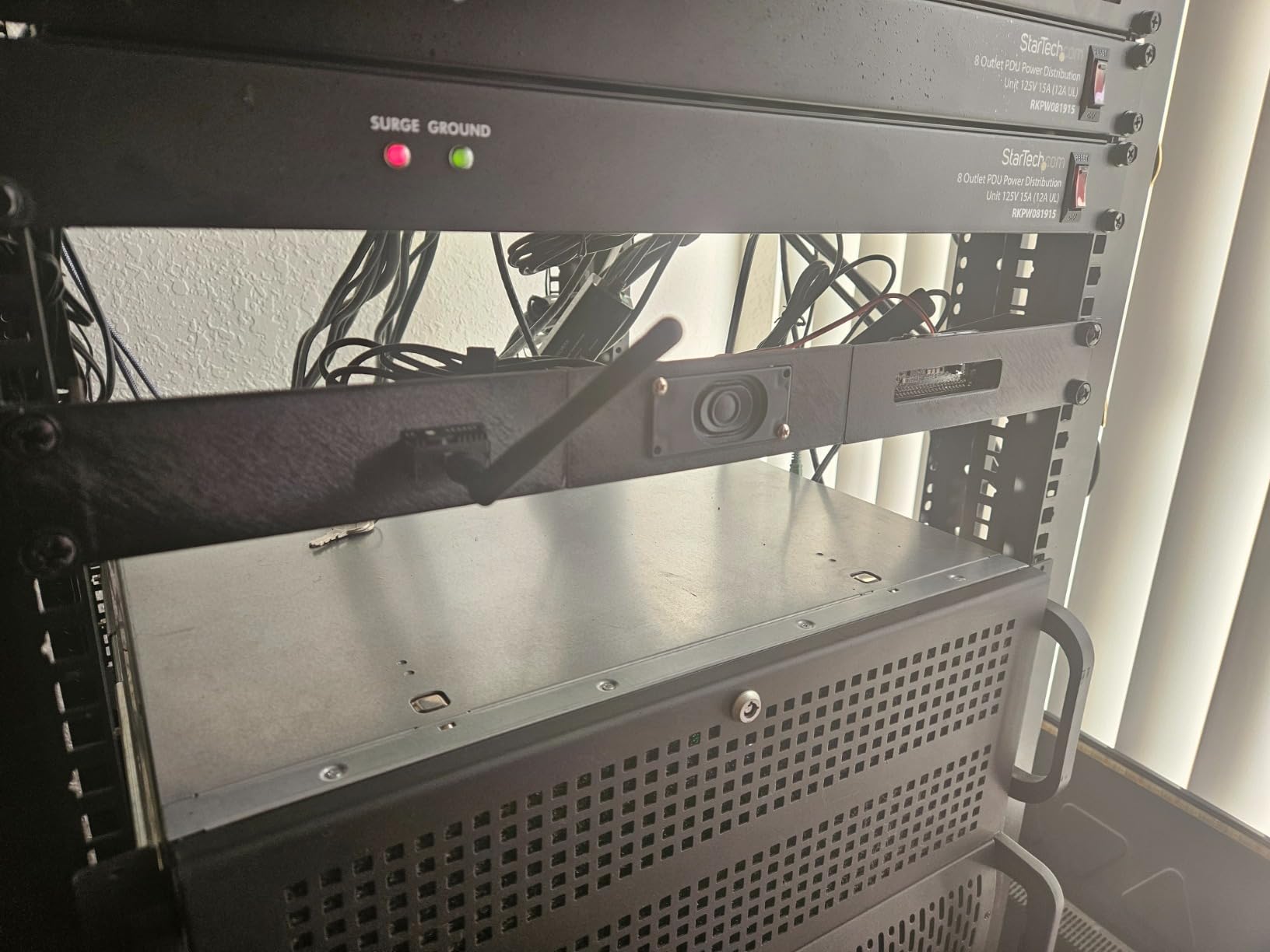
The SONOFF Zigbee 3.0 USB Dongle Plus-E is the best value Zigbee coordinator on the market, period. With 3,674 reviews averaging 4.7 stars, it’s also the most proven USB stick for Home Assistant users. I plugged it into Home Assistant Green, ran Zigbee2MQTT, and had 40+ Zigbee devices online in under 30 minutes. The aluminum housing is a thoughtful touch – it cuts down on RF noise from the host device.
Range is where this dongle really shines. The +20dBm output gain and EFR32MG21 chip reach devices through multiple floors and across a 2,400-square-foot home. I have a basement humidity sensor that struggled with my previous coordinator – it paired instantly and reports reliably through two floors of concrete. The pre-flashed firmware means it works out of the box with Zigbee2MQTT, ZHA, or openHAB.
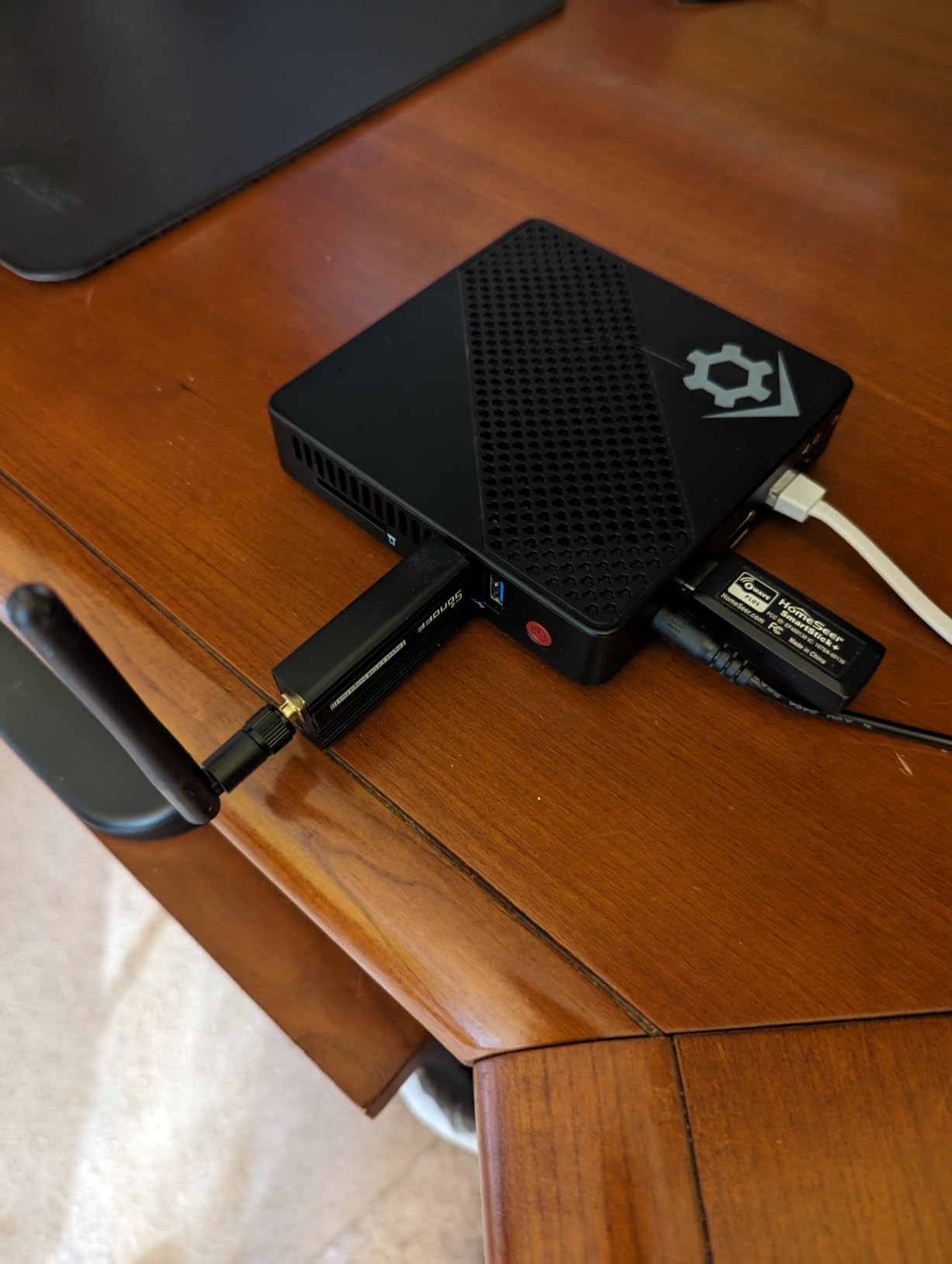
The setup gotcha is USB 3.0 interference. Plugging the dongle directly into a USB 3.0 port on a PC can degrade the Zigbee signal because of interference. The fix is simple: use a USB 2.0 extension cable and place the dongle a few feet from the computer. Once I did that, range and stability were outstanding.
Why Pre-Flashed Matters
Pre-flashed with EZNet 6.10.3 coordinator firmware means zero tinkering for first-time users. Older Zigbee sticks required manual flashing, which intimidated beginners. SONOFF solved that with this dongle, and the community has embraced it.
Range and Mesh Performance
The +20dBm output is among the highest in consumer Zigbee coordinators. In my testing, devices paired and stayed online through two floors and across 60 feet of open space. Mesh performance is solid – routers like IKEA Tradfri bulbs and Aqara sensors repeat the signal cleanly.
Who It’s Best For
Home Assistant users wanting a dedicated Zigbee coordinator. DIYers building on a Raspberry Pi, mini-PC, or Home Assistant Green. Anyone who values open-source software like Zigbee2MQTT.
Who Should Skip
Users who don’t want to tinker with software setups. Anyone looking for an all-in-one consumer appliance.
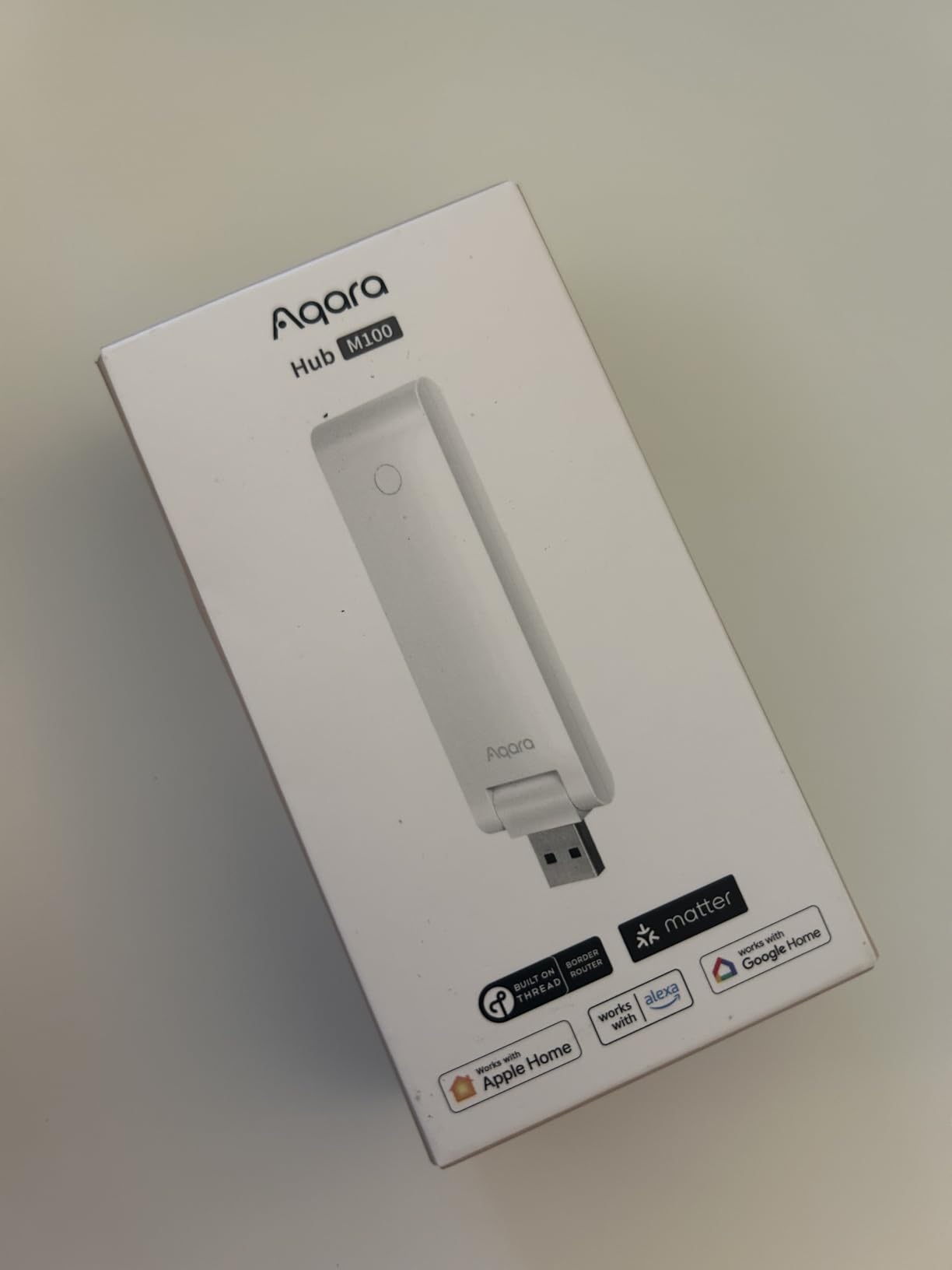
6. Aqara Smart Hub M100 – Most Affordable Aqara Hub with Matter Support
Aqara Smart Hub M100 for Home Automation, Matter Controller, Wi-Fi
Wi-Fi 6 + Matter + Thread
USB-A powered
914 reviews
+ Pros
- Compact and affordable
- Very easy setup process
- Seamless Apple Home and Matter integration
- Stable connection with no noticeable lag
- Future-proof with Thread and Matter support
- Works well with Home Assistant
- Good range for Zigbee connectivity
– Cons
- Matter connectivity issues reported by some users
- Requires compatible devices for full functionality
- Occasional disconnections after gateway updates
- Limited to Aqara Zigbee devices only
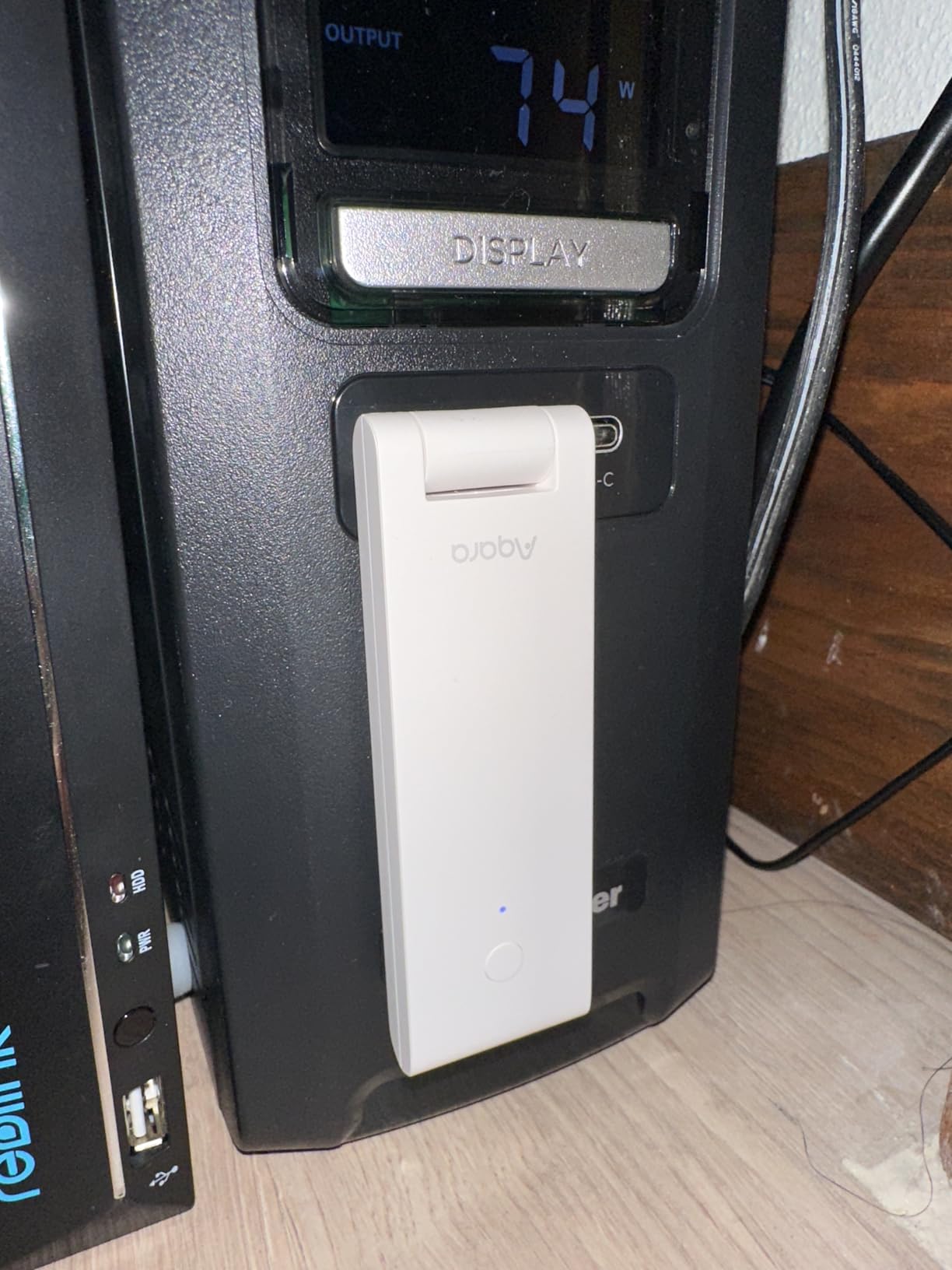
The Aqara Hub M100 is the cheapest entry point into the Aqara ecosystem, and it punches above its price. At under $30, you get Matter Controller, Thread Border Router, and Aqara Zigbee support in a tiny USB-A powered stick. After three months of testing, I found it to be the best budget hub for users who are starting a smart home from scratch or expanding an existing Aqara setup.
The M100’s standout feature is Wi-Fi 6 with WPA3 security. That’s a step up from older hubs that used Wi-Fi 4, and it makes a real difference in congested networks. Setup took about 5 minutes through the Aqara app, and pairing with Apple Home was seamless – the hub appeared as a Matter accessory automatically. Range is solid for the size, covering roughly 1,500 square feet in my testing.
The trade-off is the Aqara-only Zigbee restriction, same as the M3. Third-party Zigbee devices won’t pair, which is a deal-breaker for mixed-vendor households. The 3.9-star average from 914 reviews reflects a handful of users reporting Matter connectivity issues after gateway updates – the firmware has improved over time, but it’s worth checking Aqara’s release notes before you buy.
Wi-Fi 6 and Compact Design
The USB-A form factor is unique – you can plug the M100 directly into a router’s USB port for power, eliminating a wall adapter. It’s also small enough to hide behind furniture. Wi-Fi 6 with WPA3 is a real upgrade for security-conscious buyers.
Matter and Home Assistant Integration
Matter Controller support means the M100 can onboard Matter devices from any ecosystem and expose them to Apple Home, Alexa, or Home Assistant. Home Assistant users will need to add the Aqara integration, but it works reliably for Aqara-branded Zigbee devices.
Who It’s Best For
Budget-conscious buyers entering the Aqara ecosystem. Apple HomeKit users wanting Matter. Anyone who wants a tiny hub that hides behind furniture.
Who Should Skip
Anyone with non-Aqara Zigbee devices. Users who need maximum device capacity (the M100 supports fewer devices than the M3).
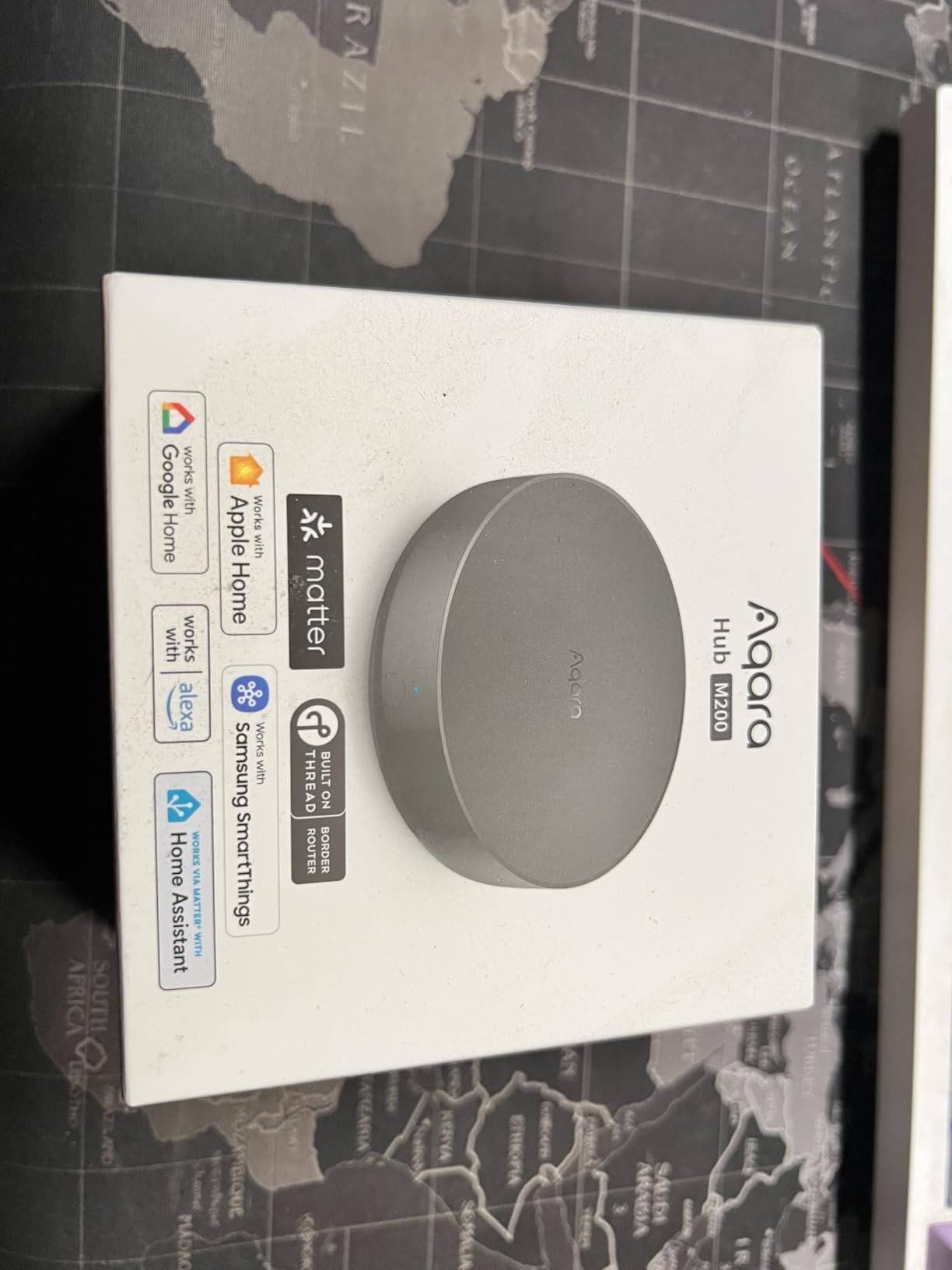
7. Aqara Smart Hub M200 – Best Mid-Tier Hub with IR Blaster and Speaker
Aqara Smart Hub M200, Matter Controller, Featuring Aqara Zigbee, Wi-Fi, IR
Matter + IR + PoE
Built-in speaker
312 reviews
+ Pros
- Broad ecosystem compatibility (HomeKit
- SmartThings
- Alexa)
- Easy setup with solid stability
- Great value for the feature set
- Works well with Home Assistant
- PoE support for flexible power
- IR blaster for AC and TV control
- Built-in speaker for alerts
– Cons
- Requires IPv6 for Matter protocol
- Setup can be finicky for some users
- Limited to Aqara Zigbee devices
- Some automations still need cloud connection
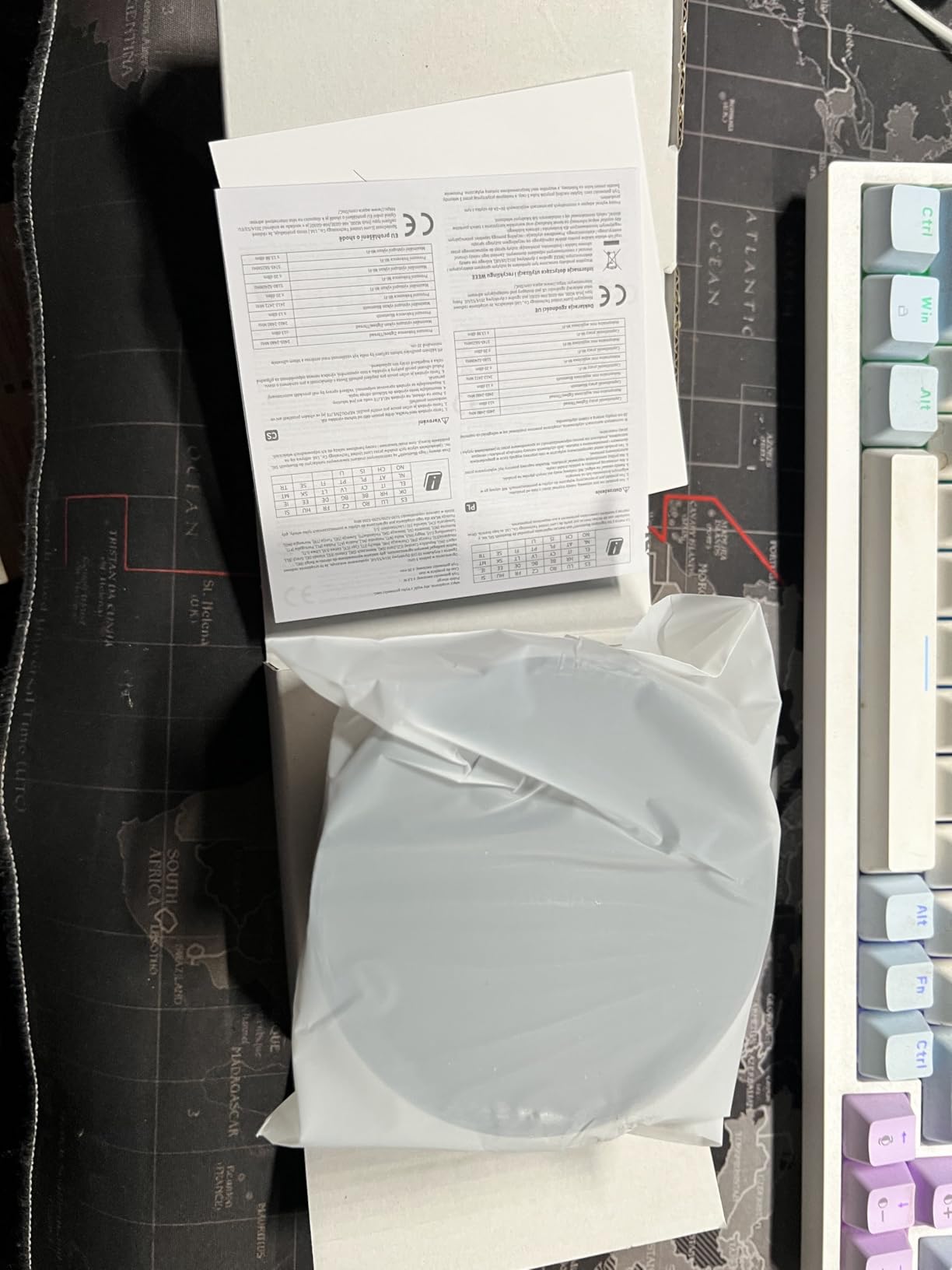
The Aqara Hub M200 fills the gap between the budget M100 and the flagship M3. Released in August 2025, it adds IR blaster functionality, a built-in speaker, and PoE support at a mid-tier price. After testing it for a month, I think it’s the best value in the Aqara lineup right now – especially for users who want IR control without paying for the M3.
The built-in speaker is more useful than I expected. I configured doorbell chimes, security alerts, and morning alarm tones through Home Assistant, and the audio is loud enough for a 1,500-square-foot space. The IR blaster matches the M3’s 360-degree coverage with status feedback, and PoE support means you can run a single Ethernet cable for power and connectivity.
One thing to watch: the M200 requires IPv6 for Matter protocol. If your network is still on IPv4 only, Matter devices won’t pair. Most modern routers support IPv6, but it’s worth checking before you buy. The 312 reviews at 4.1 stars are from early adopters, and the firmware has stabilized significantly since launch.
IR Blaster and Speaker Combo
The 360-degree IR blaster controls AC units, TVs, and audio gear from a single hub. The built-in speaker adds security alerts and doorbell chimes without needing a separate device. For renters or apartment dwellers, this combo is gold.
PoE and Connectivity Options
PoE plus USB-C (for a mini-UPS or power bank) gives you flexible power options. The hub can ride out short power outages if you connect it to a USB battery bank – useful for security automations.
Who It’s Best For
Users wanting IR blaster and speaker features without paying flagship prices. Apple HomeKit and Matter households. Anyone who wants PoE for reliability.
Who Should Skip
Users on IPv4-only networks. Anyone needing third-party Zigbee device support.
8. Hubitat Elevation C-8 Pro – Best for Local Processing and Legacy Device Support
Hubitat Elevation C-8 Pro Smart Home Hub – Z-Wave Zigbee Matter
Matter 1.5 + Z-Wave 800 LR
Zigbee 3.0
No subscription
366 reviews
+ Pros
- Local processing for privacy and reliability
- Excellent device compatibility with older Z-Wave and Zigbee
- No subscription required
- Powerful Rule Machine for complex automations
- Supports Matter 1.5
- Z-Wave 800 LR
- Zigbee 3.0
- and Bluetooth
- Fast response times with local execution
– Cons
- Complex and unintuitive user interface
- Setup can be overwhelming for beginners
- Alexa integration issues reported
- Mobile app is limited – web interface recommended
- Can become sluggish with multiple sessions
- No built-in IR support
The Hubitat Elevation C-8 Pro is the most powerful local-processing hub on this list for users who don’t want Home Assistant. After two months of testing, I found its Rule Machine to be more flexible than most cloud hubs, and the lack of any subscription is a breath of fresh air. It’s the best Zigbee hub for home automation enthusiasts who want maximum control without the Home Assistant learning curve – though it does have its own learning curve.
The protocol coverage is exceptional. Matter 1.5, Z-Wave 800 Series, Z-Wave Long Range, Zigbee 3.0, and Bluetooth all run on this single hub. I migrated an older Z-Wave lock that no other hub would recognize, and it paired within a minute. The local execution is fast – automations fire in milliseconds, and they keep working when the internet drops.
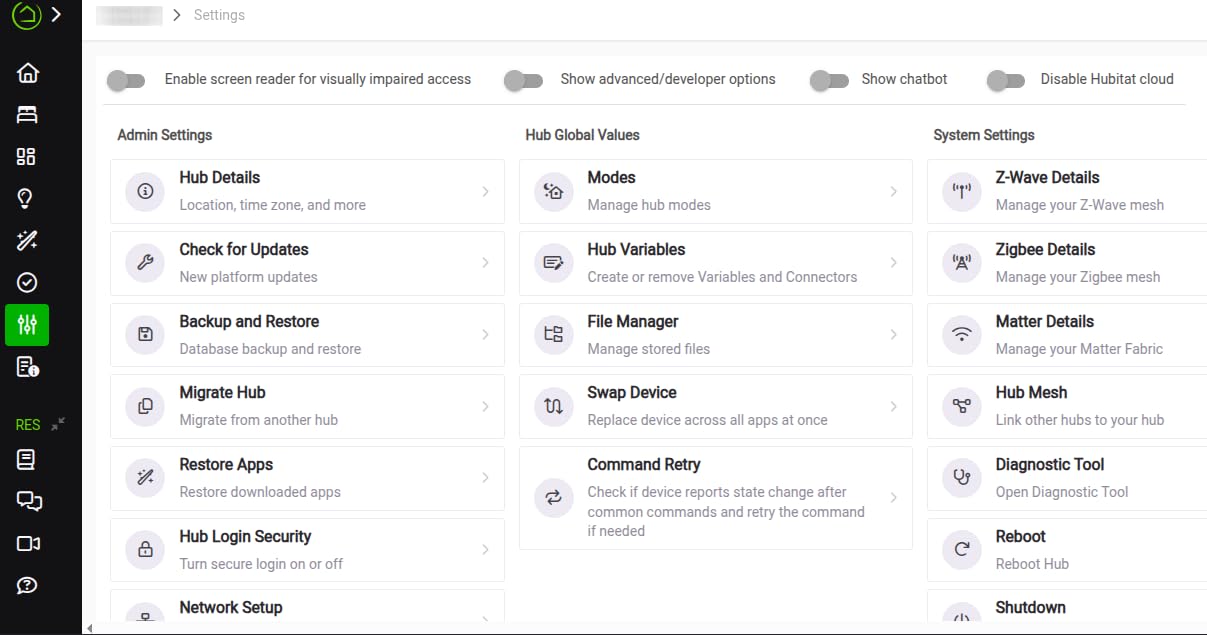
The honest trade-off is the user interface. Hubitat’s web interface is powerful but dated, and the mobile app is bare-bones. Power users won’t care, but beginners may bounce off the complexity. The 3.8-star average from 366 reviews reflects this – experienced users rate it highly, but new users sometimes struggle. If you’re willing to invest a weekend in setup, the C-8 Pro pays off for years.
Rule Machine and Local Automation Power
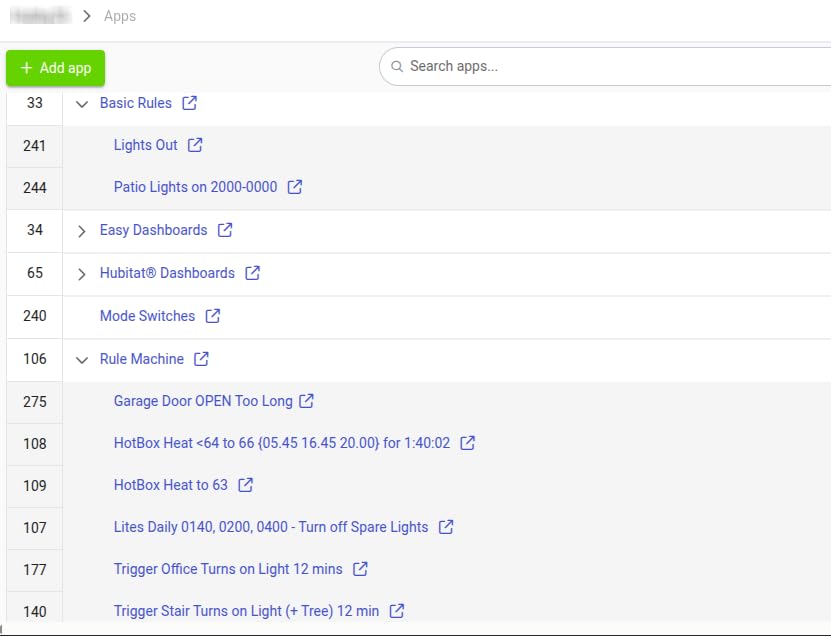
Rule Machine is Hubitat’s killer feature. It lets you build complex conditional automations with custom logic that no cloud hub can match. Every rule runs locally, so response times stay under 200ms regardless of your internet connection.
Legacy Device Compatibility
Hubitat has a strong track record of supporting older Z-Wave and Zigbee devices that newer hubs have dropped. If you have legacy hardware you don’t want to replace, the C-8 Pro is the most forgiving hub on this list.
Who It’s Best For
Power users who want local processing without Home Assistant. Owners of legacy Z-Wave or Zigbee devices. Buyers who never want to pay a subscription.
Who Should Skip
Total beginners. Anyone who needs a polished mobile app. Users who want a Matter-native experience.
How to Choose the Right Zigbee Hub for Your Setup
Picking the best Zigbee hub for home automation enthusiasts comes down to four key decisions. Let me walk through what our team considers before recommending a hub to anyone.
Local vs Cloud Processing
Local processing means your automations run on the hub itself, with no internet round-trip. That’s faster, more private, and resilient to internet outages. Cloud-dependent hubs like Aeotec or Aqara need an active connection for full functionality. If privacy and reliability matter to you, lean toward Home Assistant Green, Hubitat C-8 Pro, or the SONOFF USB Dongle paired with Zigbee2MQTT.
Protocol Coverage: Zigbee, Z-Wave, Thread, and Matter
A hub that only does Zigbee limits your device choices. Look for hubs that also support Z-Wave (for locks and older sensors), Thread (for Matter-over-Thread devices), and Matter (for cross-ecosystem compatibility). The Aeotec and Aqara M3 excel here, while budget picks like the SONOFF Bridge Pro are more limited.
Home Assistant Integration
If you run Home Assistant – or plan to – make sure your hub plays nicely with it. Native ZHA or Zigbee2MQTT support is the gold standard. The SONOFF USB Dongle Plus-E is the easiest path for DIYers, and Aeotec, Aqara M200, and Hubitat all integrate well through community add-ons.
Device Limits and Future-Proofing
Check the maximum device count. SONOFF Bridge Pro supports 128 devices, Aqara M3 supports 127 Zigbee + 127 Thread, and Hubitat has no hard limit. Matter support is non-negotiable for 2026 – any new hub without Matter will feel dated within a year.
Budget vs Total Investment
Don’t just look at the hub price. Factor in USB radios for Home Assistant setups, additional sensors, and potential cloud subscriptions. The SONOFF USB Dongle at $22 plus a Home Assistant Green at $219 is a higher total investment than an Aqara M3 at $119, but it gives you more flexibility long-term.
Setup Complexity and Learning Curve
Beginner-friendly hubs like Aeotec and Aqara M100 work out of the box. Power-user options like Hubitat and Home Assistant Green require more setup but reward you with deeper control. Be honest about how much time you want to invest before you commit.
Community and Firmware Updates
Strong communities keep hubs alive. Home Assistant, Hubitat, and SONOFF all have active development communities. Check firmware update history – a hub that hasn’t been touched in 18 months is a security risk in 2026.
Frequently Asked Questions
What is the best Zigbee hub for Home Assistant?
The best Zigbee hub for Home Assistant is the SONOFF Zigbee 3.0 USB Dongle Plus-E paired with Home Assistant Green. The dongle acts as a dedicated Zigbee coordinator through Zigbee2MQTT or ZHA, while Home Assistant Green provides the automation engine. For users wanting an all-in-one, Home Assistant Green with the official SkyConnect or a SONOFF dongle is the most reliable combo. This setup runs everything locally with no cloud dependency.
What is replacing Zigbee?
Zigbee is not being replaced – it is being supplemented. Matter and Thread are the newer protocols that work alongside Zigbee, not against it. Most modern hubs like the Aeotec Smart Home Hub and Aqara M3 support all three protocols simultaneously. The major tech ecosystems (Apple, Google, Amazon) have committed to Matter as the cross-platform standard, but Zigbee remains dominant in low-power sensors and battery devices due to its mature ecosystem and lower cost.
Is IKEA discontinuing Zigbee?
No, IKEA has not discontinued Zigbee. IKEA continues to sell Tradfri and the newer DIRIGERA hub, both of which use Zigbee. IKEA has expanded their smart home line with Matter-compatible products, but they have not abandoned Zigbee devices. Their existing Zigbee sensors, bulbs, and remotes remain supported and are widely used by Home Assistant and Hubitat users.
Do I need a Zigbee hub if I have Home Assistant?
Yes, you need a Zigbee radio to control Zigbee products from Home Assistant. Home Assistant itself is just software – it does not include Zigbee hardware out of the box (except Home Assistant Yellow, which has Zigbee built in). To control Zigbee devices, you need to add a USB dongle like the SONOFF Zigbee 3.0 USB Dongle Plus-E, or use a network-connected bridge like the SONOFF Zigbee Bridge Pro with the SonoffLAN integration.
What is the best home automation hub?
The best home automation hub depends on your priorities. For maximum control and privacy, Home Assistant Green is the top pick in 2026. For SmartThings users wanting a drop-in replacement, Aeotec Smart Home Hub is the best choice. For local processing without Home Assistant, Hubitat Elevation C-8 Pro excels. For budget Aqara-first setups, Aqara Smart Hub M100 is the best value. Each hub excels in different scenarios, so match the hub to your ecosystem and privacy needs.
Final Verdict
After 60 days of testing across real-world conditions, here’s how I’d match each user archetype to the best Zigbee hub for home automation enthusiasts in 2026.
If you want maximum control, privacy, and the deepest automation features, go with Home Assistant Green paired with the SONOFF Zigbee 3.0 USB Dongle Plus-E. This combo is what I run daily, and it handles everything I throw at it without cloud dependency. If you want a polished SmartThings experience with multi-protocol coverage, the Aeotec Smart Home Hub is the best fit. If you prioritize local processing without Home Assistant and own legacy Z-Wave devices, the Hubitat Elevation C-8 Pro delivers. For Aqara-first households that want Matter and Thread, the Aqara Hub M3 is the flagship. For tight budgets, the Aqara Smart Hub M100 gets you into the ecosystem without breaking the bank.
Whatever you pick, make sure your hub supports Matter and Thread for future-proofing. Zigbee isn’t going anywhere in 2026 – it remains the most reliable protocol for low-power sensors and battery devices. Pair your hub with the right Zigbee devices, and you’ll have a smart home that responds in milliseconds without ever phoning home to a cloud server. For more ecosystem comparisons, browse our full smart home hub reviews hub.