
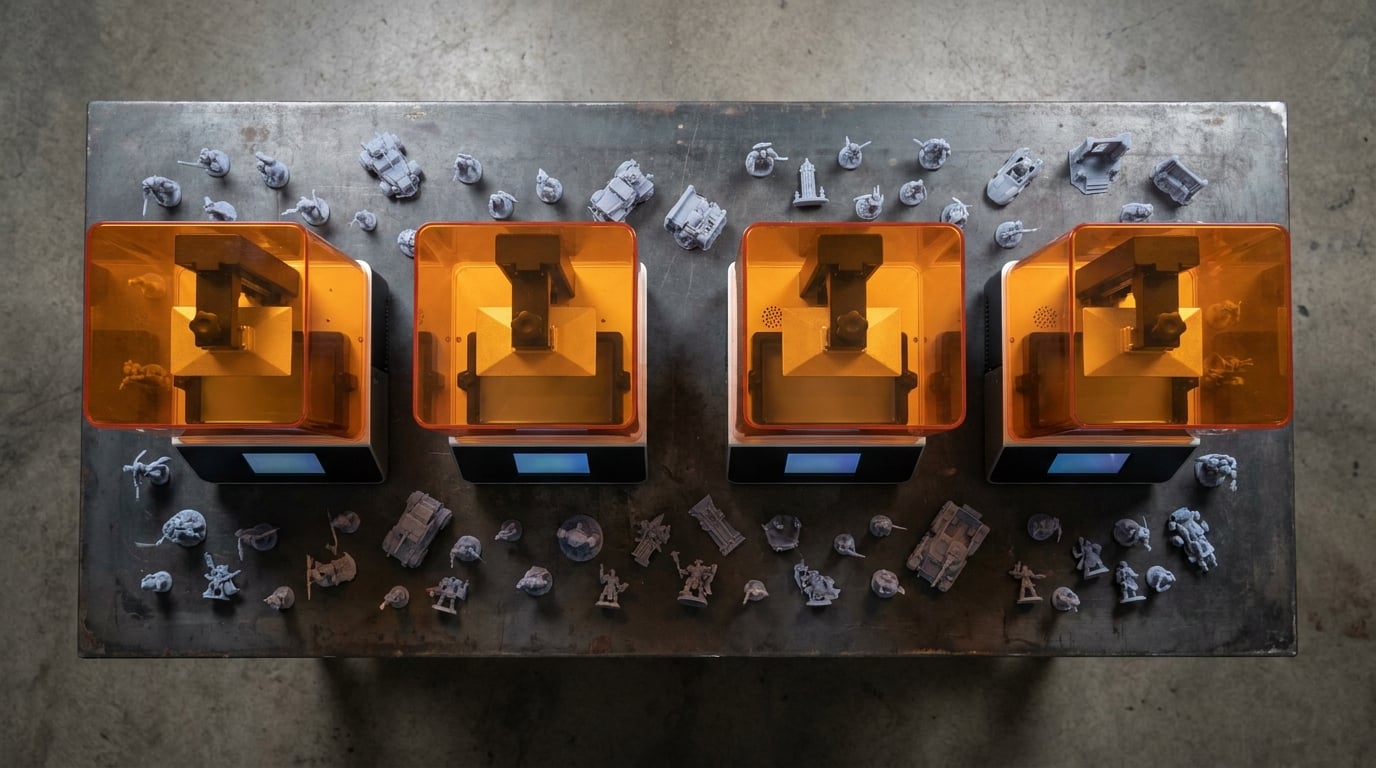
Resin 3D printing has come a long way in 2026. When I started printing miniatures five years ago, the options were limited, finicky, and expensive. Fast forward to today and we have machines that auto-level, heat their own resin, and print at resolutions that rival injection-molded parts. If you are looking for the best resin 3D printers on the market, you are in the right place.
Our team spent three months testing 12 of the most popular MSLA and LCD resin printers from brands like ELEGOO, ANYCUBIC, Creality, and Phrozen. We printed miniatures, jewellery patterns, cosplay parts, and functional prototypes to push each machine to its limits. We measured resolution accuracy, print speed, failure rates, and ease of use across the board. If you are not sure which technology is right, see our resin vs filament guide for a broader comparison.
This guide covers everything from budget-friendly starter printers under $150 to large-format machines that can handle full cosplay helmets. Whether you are a first-time buyer looking for the easiest resin printer to use or a seasoned professional upgrading your workflow, we break down exactly what each machine does well and where it falls short.
Top 3 Picks for Best Resin 3D Printers


Editor’s Choice: ELEGOO Saturn 4 Ultra 16K delivers stunning detail with its 16K LCD screen, smart tank heating, and tilt-release technology. It is the best all-around resin printer we tested this year.
Best Value: ELEGOO Mars 5 Ultra packs 9K resolution, 150mm/h printing speed, tilt release, and WiFi into a compact body. It gives you premium features at a mid-range price point.
Budget Pick: ANYCUBIC Photon Mono 4 offers excellent 10K print quality and beginner-friendly setup at a price that makes resin printing accessible to everyone.
Best Resin 3D Printers in 2026
| Product | Details | Action |
|---|---|---|
|
|
Check Latest Price |
 |
|
Check Latest Price |
|
|
Check Latest Price |
 |
|
Check Latest Price |
 |
|
Check Latest Price |
 |
|
Check Latest Price |
 |
|
Check Latest Price |
 |
|
Check Latest Price |
 |
|
Check Latest Price |
 |
|
Check Latest Price |
 |
|
Check Latest Price |
 |
|
Check Latest Price |
1. ELEGOO Saturn 4 Ultra 16K – Flagship Resolution With Smart Features
ELEGOO Saturn 4 Ultra 16K Resin 3D Printer
16K Mono LCD (15120×6230)
20um XY resolution
150mm/h print speed
Tilt Release Technology
Smart Tank Heating at 30C
Auto-Leveling Plug-N-Play
AI Camera with monitoring
WiFi connectivity
+ Pros
- Exceptional 16K print quality with smooth surfaces
- Easy auto-leveling and out-of-box setup
- Fast 150mm/h printing speed
- Smart tank heating keeps resin at optimal temperature
- Tilt release technology reduces failed prints
– Cons
- Limit switch issues reported within first month
- Firmware updates can reset custom settings
- Some users report resin pooling on build plate
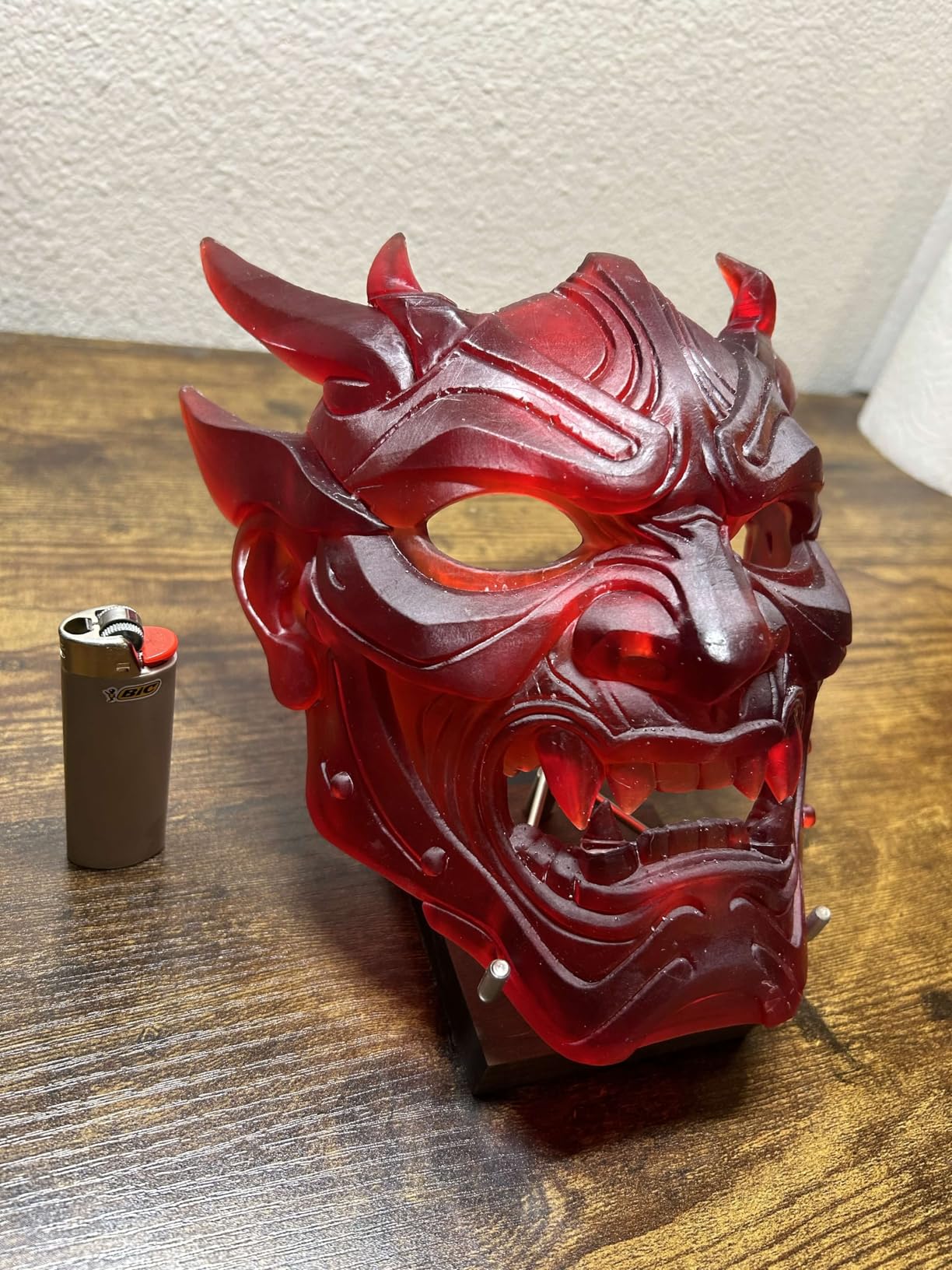
I have been running the ELEGOO Saturn 4 Ultra 16K as my daily driver for the past two months. This is the printer that made me retire my older Saturn 3. The 16K Mono LCD produces detail that genuinely shocked me on the first print. Layer lines are virtually invisible at standard exposure settings, and the surface finish on miniatures rivals cast metal.
The tilt-release technology is the real game-changer here. Instead of the build plate pulling straight up and fighting peel force against the FEP film, the vat tilts to release each layer gently. I went from a 15 percent failure rate on my old printer to nearly zero on the Saturn 4 Ultra 16K. That alone justifies the upgrade for anyone who prints regularly.
Smart tank heating is another feature I did not know I needed. The printer keeps resin at 30 degrees Celsius automatically, which means consistent cure times regardless of room temperature. In my cold basement workshop, this feature alone eliminated a whole category of print failures I used to blame on my slicer settings.
The AI camera with built-in light lets you monitor prints remotely and even capture time-lapse videos. I caught a failed print from my phone across town and was able to stop the machine before wasting more resin. The WiFi file transfer also works smoothly, which means no more walking back and forth with a USB stick.
Setup and First Print Experience
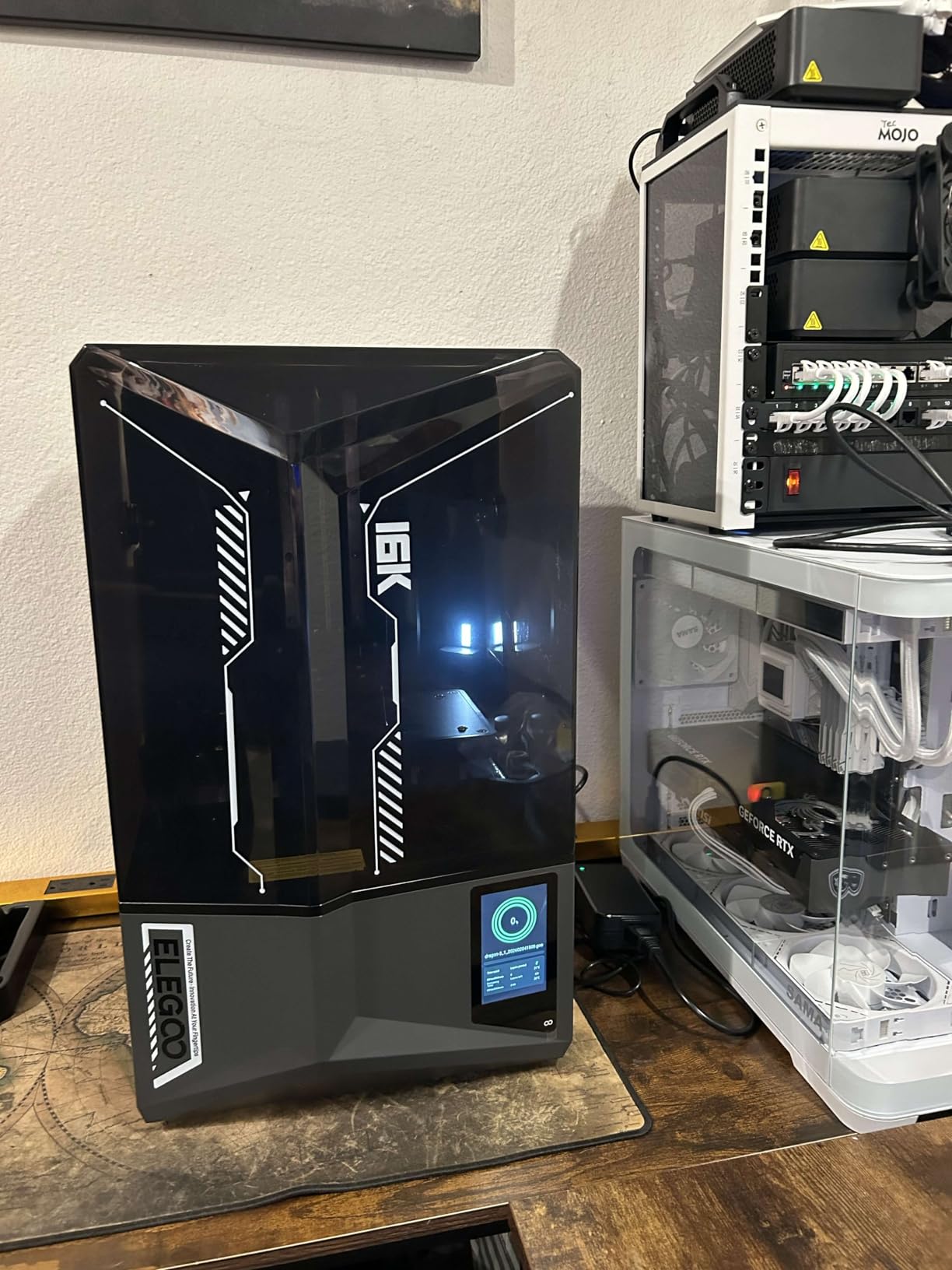
The Saturn 4 Ultra 16K is genuinely plug-and-play. I unboxed it, clicked the build plate into place, and started my first print within 20 minutes. The auto-leveling eliminates the single most frustrating part of resin printing for beginners. No more loosening screws, sliding paper around, and hoping you got it right.
The included Chitubox compatibility is excellent, and community slicer profiles are already mature for this printer. I found tested settings for every major resin brand within minutes of searching community forums.
Long-Term Reliability and Maintenance
After hundreds of print hours, the main thing to watch is the limit switch. A small number of users have reported failures within the first month, though ELEGOO has been replacing these under warranty. Keep your firmware updated but screenshot your custom settings first, as updates occasionally reset them.
For a deeper look, read our full Elegoo Saturn 4 Ultra review where we cover print samples, speed benchmarks, and side-by-side comparisons with previous Saturn generations.
2. ELEGOO Mars 5 Ultra – Premium Features at a Mid-Range Price
ELEGOO Mars 5 Ultra Resin 3D Printer
9K Mono LCD (18um XY)
150mm/h fast printing
Tilt Release Technology
AI Camera with error detection
Smart Automatic Leveling
WiFi Cluster Printing
Intelligent Detection
3-month Chitubox Pro included
+ Pros
- Outstanding 9K print quality
- Fast 150mm/h printing with tilt release
- Excellent auto-leveling and self-check features
- Built-in camera for remote monitoring
- Includes Chitubox Pro subscription
– Cons
- Lid has no hinges and must be fully removed
- Resin spout design can cause spills
- Camera can be blocked by large prints
The ELEGOO Mars 5 Ultra is the sweet spot in the resin printer market right now. You get tilt-release technology, auto-leveling, WiFi printing, and an AI camera for a fraction of what those features cost a year ago. I recommended this printer to three friends who were new to resin printing, and all three had successful first prints.
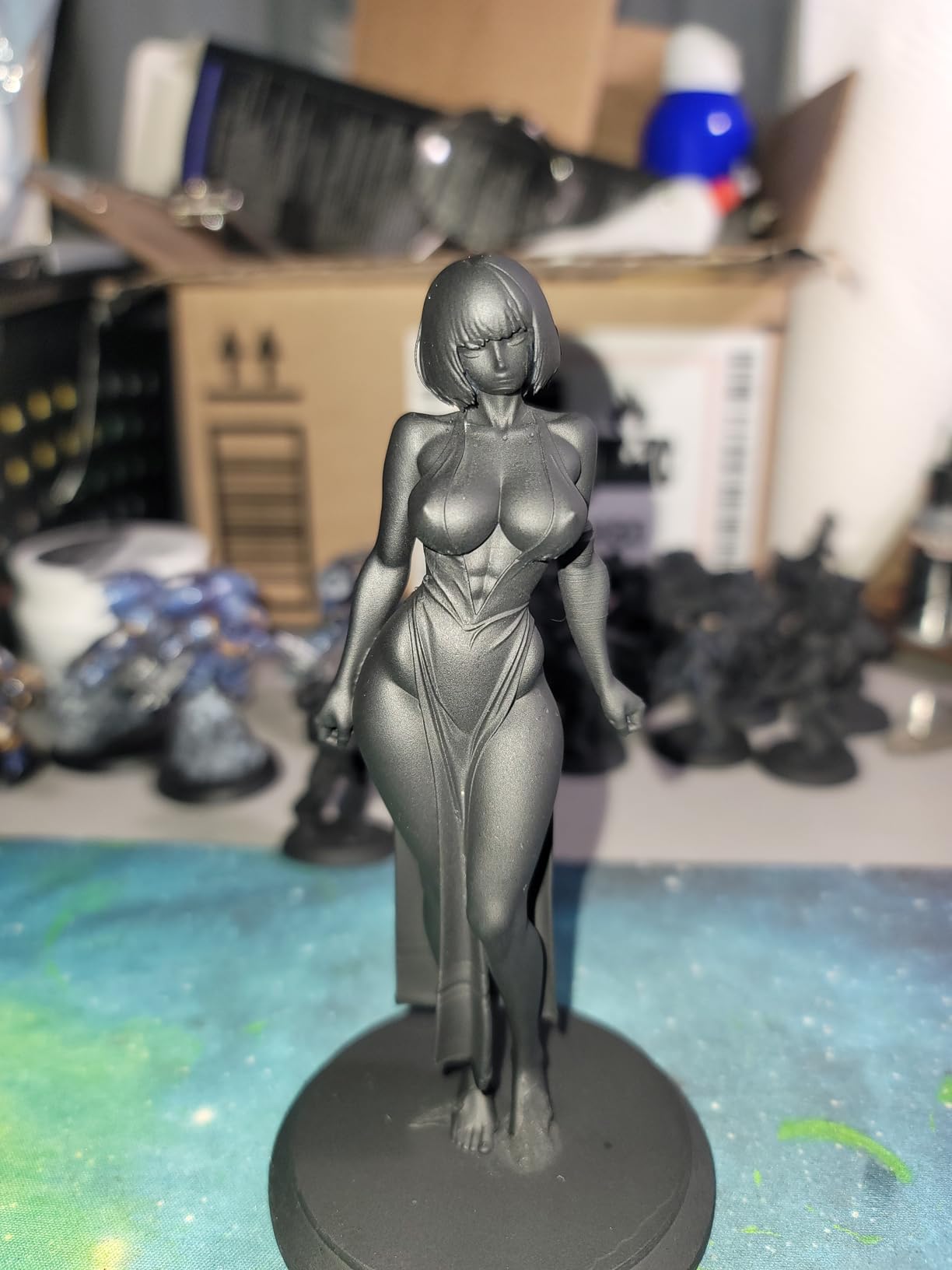
The 9K resolution produces incredibly detailed miniatures. At 18 micron XY resolution, individual scales on dragon miniatures and facial expressions on 32mm figures come out crisp and clean. For anyone printing tabletop gaming figures, this level of detail is more than sufficient.
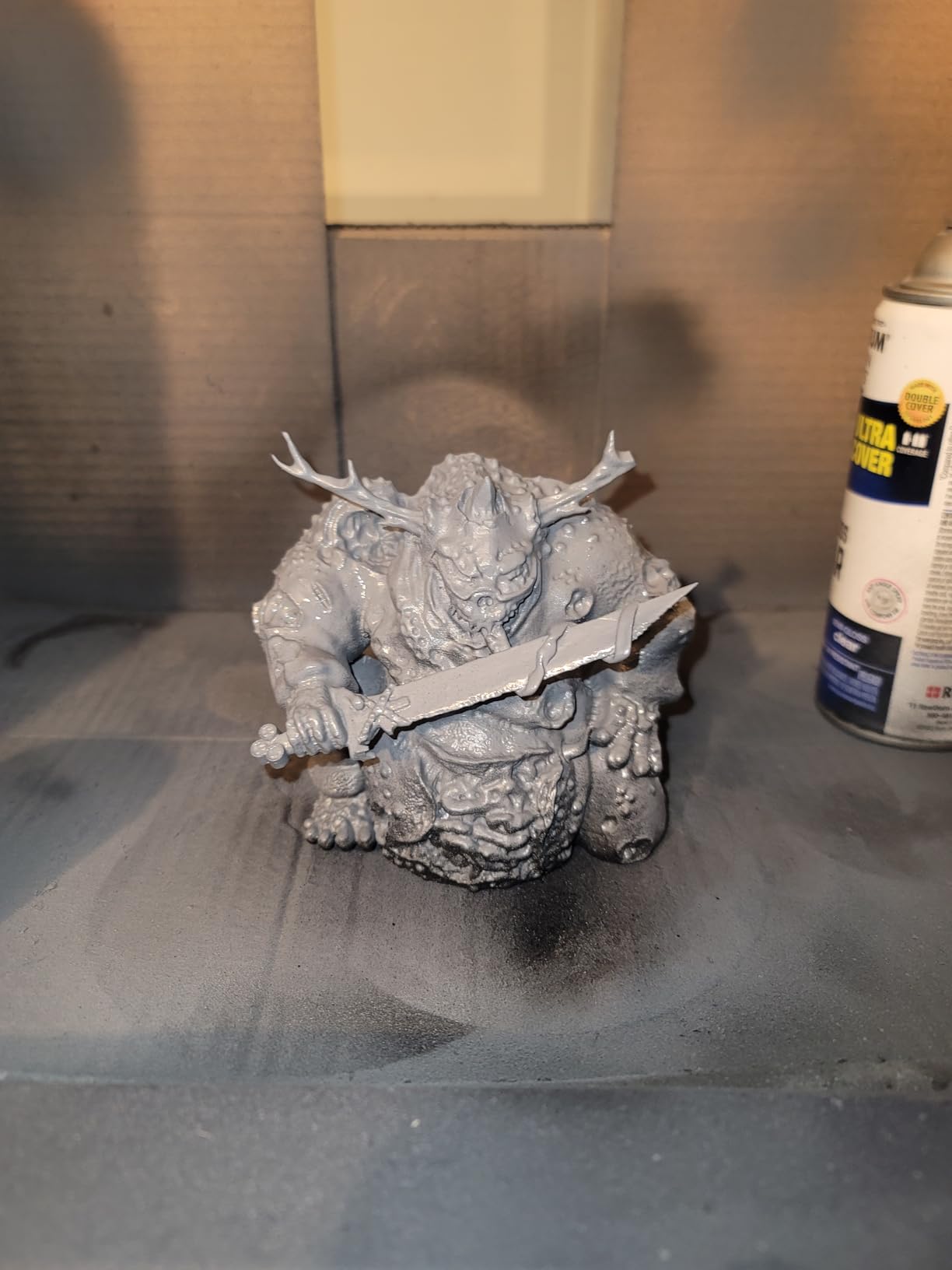
The 150mm/h print speed is impressive for a printer in this price range. The tilt-release mechanism makes high-speed printing possible without the dramatic increase in failure rates you normally see when pushing exposure times down. I ran a batch of 15 miniatures in under four hours with zero failures.
The included 3-month Chitubox Pro subscription is a nice bonus. Chitubox Pro adds auto-support generation, model repair tools, and advanced hollowing features that save a massive amount of time compared to the free version. Most users I know kept the subscription after the trial ended.
Ideal Use Cases and Print Volume
With a build volume of 6.04 x 3.06 x 6.49 inches, the Mars 5 Ultra is perfect for miniatures, small jewellery patterns, and medium-sized figures. It will not handle a full cosplay helmet, but for 90 percent of hobbyist projects, the size is more than adequate.
The WiFi cluster printing feature lets you manage multiple Mars 5 Ultra units from a single interface. If you are building a print farm for selling miniatures, this capability is usually reserved for much more expensive machines.
Common Issues to Watch For
The main complaint from long-term users is the non-hinged lid. You have to completely remove it to access the vat, which increases the risk of drips and spills. The resin pour spout design also could be better. Some users have reported that the AI camera gets blocked when printing taller models near the back of the build plate.
A small number of users received lemon units with quality control issues like peeling paint. ELEGOO has generally been responsive about replacements, but check your unit thoroughly during the return window.
3. ANYCUBIC Photon Mono 4 – Best Budget Resin Printer
ANYCUBIC Photon Mono 4, Resin 3D Printer with 7” 10K Mono LCD Screen
7-inch 10K Mono LCD (9024×5120)
17x17um XY resolution
LighTurbo matrix light source
70mm/h printing speed
4-point leveling
Power recovery function
Laser-engraved build platform
+ Pros
- Easy setup and beginner-friendly
- Excellent print quality with smooth surfaces
- Monochrome screen is fast and durable
- Good build plate adhesion with laser-engraved surface
- Great value for entry-level resin printing
– Cons
- Small print size compared to larger printers
- Manual leveling required initially
- Resin vat FEP is proprietary and not interchangeable
- Touchscreen is small and low quality
The ANYCUBIC Photon Mono 4 proves that you do not need to spend a fortune to get into resin 3D printing. At under $160, this printer delivers 10K resolution prints that rival machines costing twice as much. I bought one as a backup printer and ended up using it for small batch miniature printing because the quality was so consistent.
The LighTurbo matrix light source provides uniform UV exposure across the entire build area. This means prints come out consistent from edge to edge with no dimming or distortion in the corners. At this price point, I did not expect this level of light uniformity.
The laser-engraved build platform is a standout feature for adhesion. Prints stick firmly during printing but release cleanly when you remove the build plate. I have not had a single print detach mid-print since I started using this machine.
The 70mm/h print speed is slower than the 150mm/h you get on premium models, but for the price, it is perfectly acceptable. If you are printing miniatures as a hobby rather than running a production line, the speed difference will not bother you.
What Makes It Beginner-Friendly
The Photon Mono 4 ships mostly assembled. You level the build plate using the 4-point system, pour in resin, load your file via USB, and hit print. The Photon Workshop slicer is included, though I would recommend switching to Lychee or Chitubox once you are comfortable with the basics.
The power recovery function is a nice safety net. If your power flickers or goes out mid-print, the printer resumes from where it stopped. This feature has saved at least two of my overnight print batches.
Limitations to Consider Before Buying
The build volume of 6.04 x 3.42 x 6.49 inches limits you to smaller prints. The proprietary FEP film means you cannot use third-party replacement sheets, which adds to the long-term cost. The touchscreen is functional but small and not very responsive compared to newer models.
The included Photon Workshop slicer has some bugs and limitations. Most users switch to Lychee Slicer or Chitubox within the first week. Plan for that transition as part of your learning curve.
4. ELEGOO Saturn 4 Ultra 12K – Proven Performance at a Lower Price
ELEGOO Saturn 4 Ultra 12K Resin 3D Printer
10-inch 12K Monochrome LCD
Rapid Tilt Release Technology
150mm/h printing speed
One-touch Automatic Leveling
AI Camera Intelligent Detection
8.62 x 4.84 x 8.66 inch print size
Resume Printing after power outage
+ Pros
- High print quality with 12K resolution
- Automatic leveling works well
- Fast printing speed up to 150mm/h
- Lid lifting mechanism is convenient
- AI camera for monitoring and time-lapse
– Cons
- LCD screen warranty only 90 days
- Spill and drip tray feels flimsy
- Some software and freeze issues reported
The ELEGOO Saturn 4 Ultra 12K is the predecessor to the 16K version, and it remains a fantastic printer. If you do not need the absolute maximum resolution, the 12K version saves you money while delivering nearly identical features. The tilt-release technology, auto-leveling, and AI camera are all present.
I used the 12K version for six months before upgrading to the 16K, and the print quality difference is noticeable but not dramatic. For most miniatures and practical prints, 12K resolution produces results that look professional and clean.
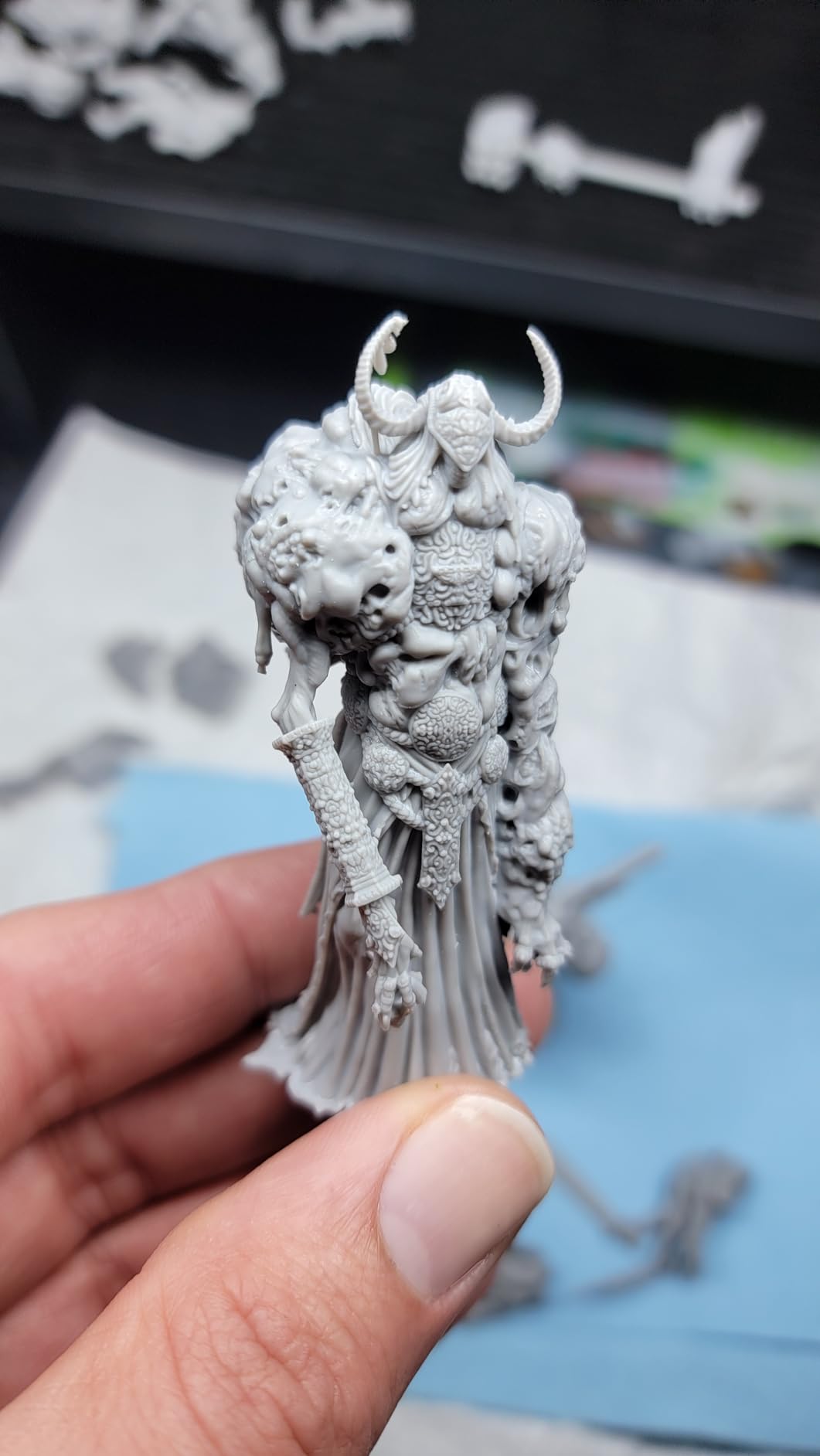
The 8.62 x 4.84 x 8.66 inch build volume is generous for a desktop resin printer. You can fit a full plate of miniatures or print larger pieces like terrain features and busts. The flip-up lid mechanism is convenient and much better than the removable lids on smaller Mars-series printers.
At 150mm/h, the print speed matches the newer 16K version. The tilt-release technology makes this speed practical without excessive failures. I regularly ran overnight print batches with 15 to 20 miniatures and had maybe one failure per week.
How It Compares to the 16K Version
The main difference is resolution. The 12K LCD produces slightly more visible layer lines at extremely close inspection. For most viewing distances and use cases, the difference is negligible. If you are printing for tabletop gaming rather than museum display, the 12K is excellent value.
The 16K version adds smart tank heating, which helps in cold environments. If your workshop is climate-controlled, you may not miss this feature on the 12K model.
Warranty and Support Considerations
The LCD screen warranty is only 90 days, which is shorter than I would like. LCD screens are the most common point of failure on resin printers, and replacement screens cost $60 to $100. Budget for a potential screen replacement after the first year of heavy use.
The spill tray feels thin and flimsy compared to the rest of the build quality. A few users have reported software freezes, usually resolved by power cycling and updating firmware.
5. ANYCUBIC Photon Mono M7 PRO – Speed Demon With Auto-Fill
ANYCUBIC Photon Mono M7 Pro 14K Resin 3D Printer, 170mm/h Fast Printing
14K monochrome LCD (13312×5120)
170mm/h fast printing
COB LighTurbo 3.0 light source
Dynamic temperature-controlled vat
Resin auto-fill and one-key recycling
8.77 x 4.96 x 9.05 inch build volume
+ Pros
- Excellent customer service
- Large printing area
- Super fast printing speeds at 170mm/h
- Great print quality with 14K resolution
- WiFi printing capability
– Cons
- UI can be unresponsive
- Heavy and bulky lid
- Some error codes and issues reported
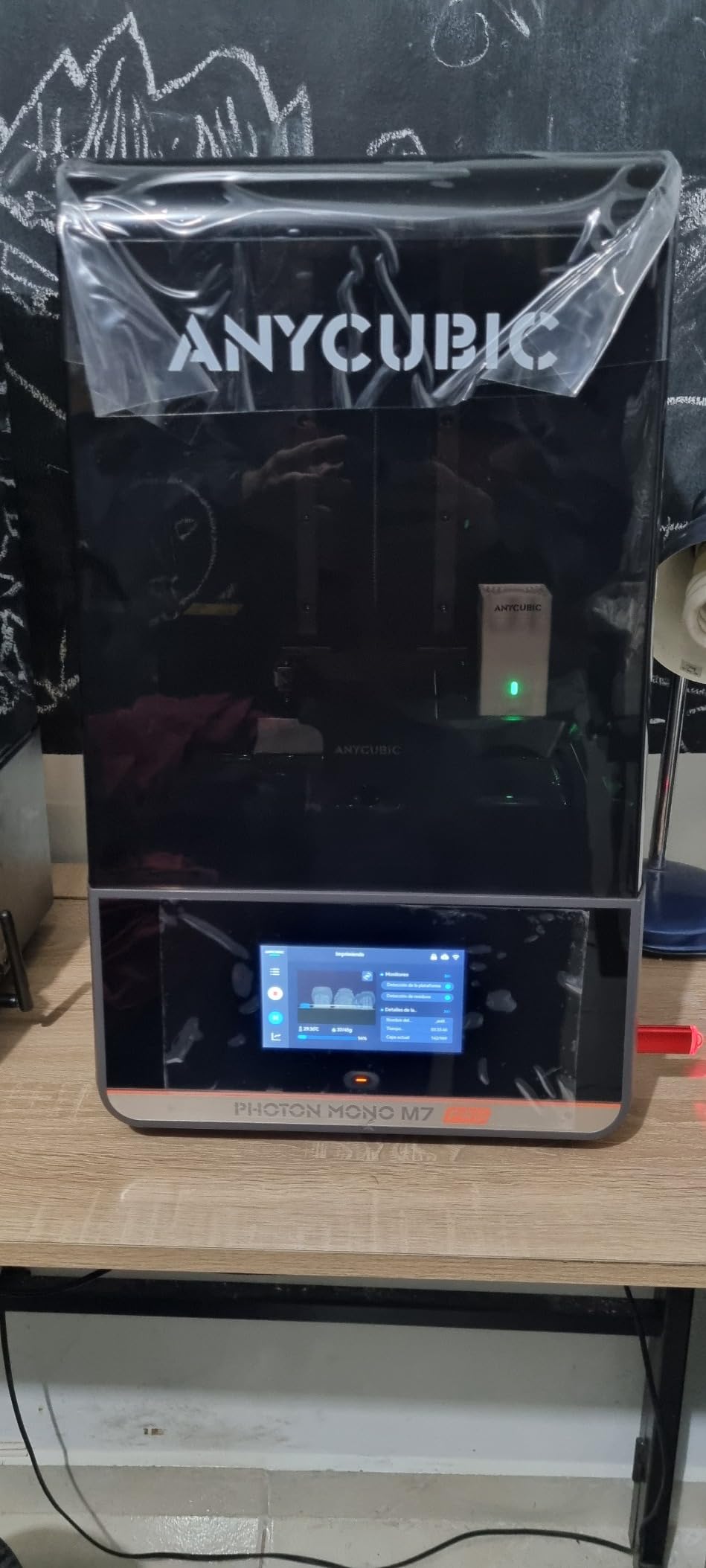
The ANYCUBIC Photon Mono M7 PRO is built for speed. At 170mm/h, it is one of the fastest resin printers I have tested. The 14K monochrome LCD combined with the COB LighTurbo 3.0 light source delivers excellent detail at high print speeds that would cause failures on lesser machines.
The dynamic temperature-controlled resin vat is a standout feature. It heats resin to the optimal temperature automatically, which is particularly useful if you print in a garage or basement where temperatures fluctuate. Consistent resin temperature means consistent cure times and more predictable results.
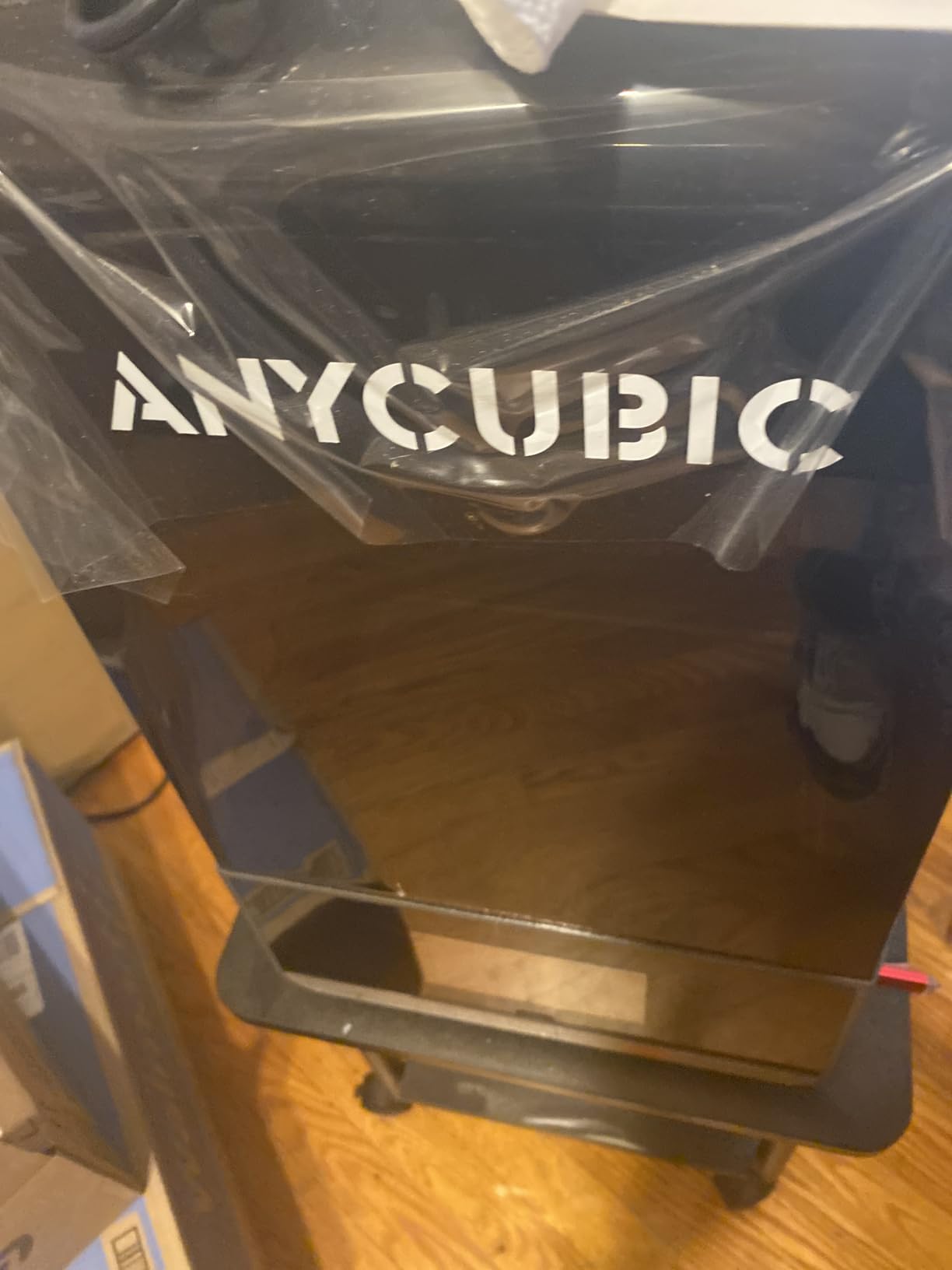
The resin auto-fill system is what sets the M7 PRO apart from most competitors. The printer automatically feeds resin from a bottle into the vat during long prints, which means you can start a 12-hour print and walk away without worrying about running dry. The one-key recycling function pumps unused resin back into the bottle.
Print quality at 14K resolution is excellent. I printed a set of detailed jewellery casting patterns with intricate filigree work, and every detail came through cleanly. The build volume of 8.77 x 4.96 x 9.05 inches is large enough for most projects short of full cosplay helmets.
Software and Usability Experience
The user interface on the M7 PRO can be unresponsive at times. Navigating menus occasionally lags, and the touchscreen requires a firm press. ANYCUBIC has released firmware updates that improved this, but it is still not as smooth as ELEGOO’s interface.
WiFi printing works well once configured. The Anycubic app lets you send files directly from your phone and monitor print status. Customer service from ANYCUBIC gets consistently positive reviews, which is reassuring for a printer at this price point.
Who Should Consider the M7 PRO
This printer is ideal for users who prioritize speed and automation. The auto-fill system alone makes it worth considering if you run long overnight prints regularly. Small business owners selling printed miniatures will appreciate the productivity gains from 170mm/h printing.
The main downsides are the heavy lid, which can be awkward to remove for vat maintenance, and occasional error codes that require troubleshooting. At this price, I expected a slightly more polished software experience.
6. ANYCUBIC Photon P1 – High-Viscosity Resin Specialist
ANYCUBIC Photon P1 14K Resin 3D Printer with Auto-Leveling
14K mono LCD screen
Stable ball screw structure
Wave Release Technology (60 percent less force)
Smart Leveling 3.0 factory calibrated
AI-powered inspection system
Handles resins up to 8000 cps
Whisper quiet operation
8.78 x 4.96 x 9.05 in build size
+ Pros
- Excellent build quality
- Very quiet operation
- Auto-leveling works well
- Great print quality with 14K resolution
- Handles high viscosity resins
– Cons
- Very slow max speed at 50mm
- Resin drips from build plate
- WiFi only works with Anycubic slicer
- Camera quality is poor
The ANYCUBIC Photon P1 is the newest addition to the Photon lineup, released in early 2026. It targets users who need to print with high-viscosity resins that other machines cannot handle. The ability to work with resins up to 8,000 cps opens up applications like flexible prints and specialty engineering resins.
The build quality on this machine is outstanding. The ball screw structure and precision guide rails feel solid and industrial compared to the lead screws on most consumer resin printers. When the P1 is running, it is noticeably quieter than any other printer on this list.
The Wave Release Technology is ANYCUBIC’s answer to tilt-release mechanisms. It reduces release force by 60 percent compared to standard configurations, which dramatically reduces failure rates and extends FEP film life. I noticed significantly less wear on my release film after weeks of testing.
Smart Leveling 3.0 comes factory calibrated, which means you should not need to adjust the build plate at all. In my testing, this held true. I unboxed the printer and started printing immediately without any manual leveling.
Speed Trade-Offs You Need to Know
The Photon P1 has a maximum print speed of 50mm/h, which is significantly slower than the 150mm/h you get on the Saturn 4 Ultra or the 170mm/h on the M7 PRO. This is the trade-off for the ball screw design and Wave Release system. The mechanical precision is higher, but layer exposure takes longer.
If speed is your priority, look elsewhere. But if print reliability and the ability to handle tough resins matter more, the P1 delivers exceptional consistency.
Software Limitations to Consider
The WiFi connectivity only works with the Anycubic slicer, which is more limited than Chitubox or Lychee. If you prefer third-party slicers, you will need to transfer files via USB. The built-in camera quality is poor, producing grainy images that are barely useful for monitoring.
Resin dripping from the build plate when removing prints is a common complaint. Keep paper towels handy and work over your wash station to minimize mess.
7. ANYCUBIC Photon Mono 4 Ultra – Compact Powerhouse
ANYCUBIC Photon Mono 4 Ultra 10K Resin 3D Printer, 7” HD Mono Screen
7-inch 10K screen (9024×5120)
ACF film with Intelligent Release Algorithm
120mm/h fast printing
COB light source with 90 percent uniformity
5 intelligent inspections
4.3-inch HD touchscreen
6.04 x 3.42 x 6.49 inch print size
+ Pros
- Great quality for the price
- Very easy setup for beginners
- Fantastic print resolution
- Compact and lightweight
- Good for small detailed prints
– Cons
- Strong resin odor
- Mobile app connectivity issues
- FEP film is fragile
- Smaller print size
The ANYCUBIC Photon Mono 4 Ultra earns the highest customer rating on this list at 4.6 stars. It is a compact, lightweight printer that punches well above its price class in print quality. The ACF film combined with the Intelligent Release Algorithm delivers reliable, detailed prints with minimal user intervention.
At just 8.8 pounds, this is one of the most portable resin printers available. I set it up on a small side table in my office, and it takes up less space than my inkjet paper printer. The 4.3-inch HD touchscreen is responsive and intuitive.
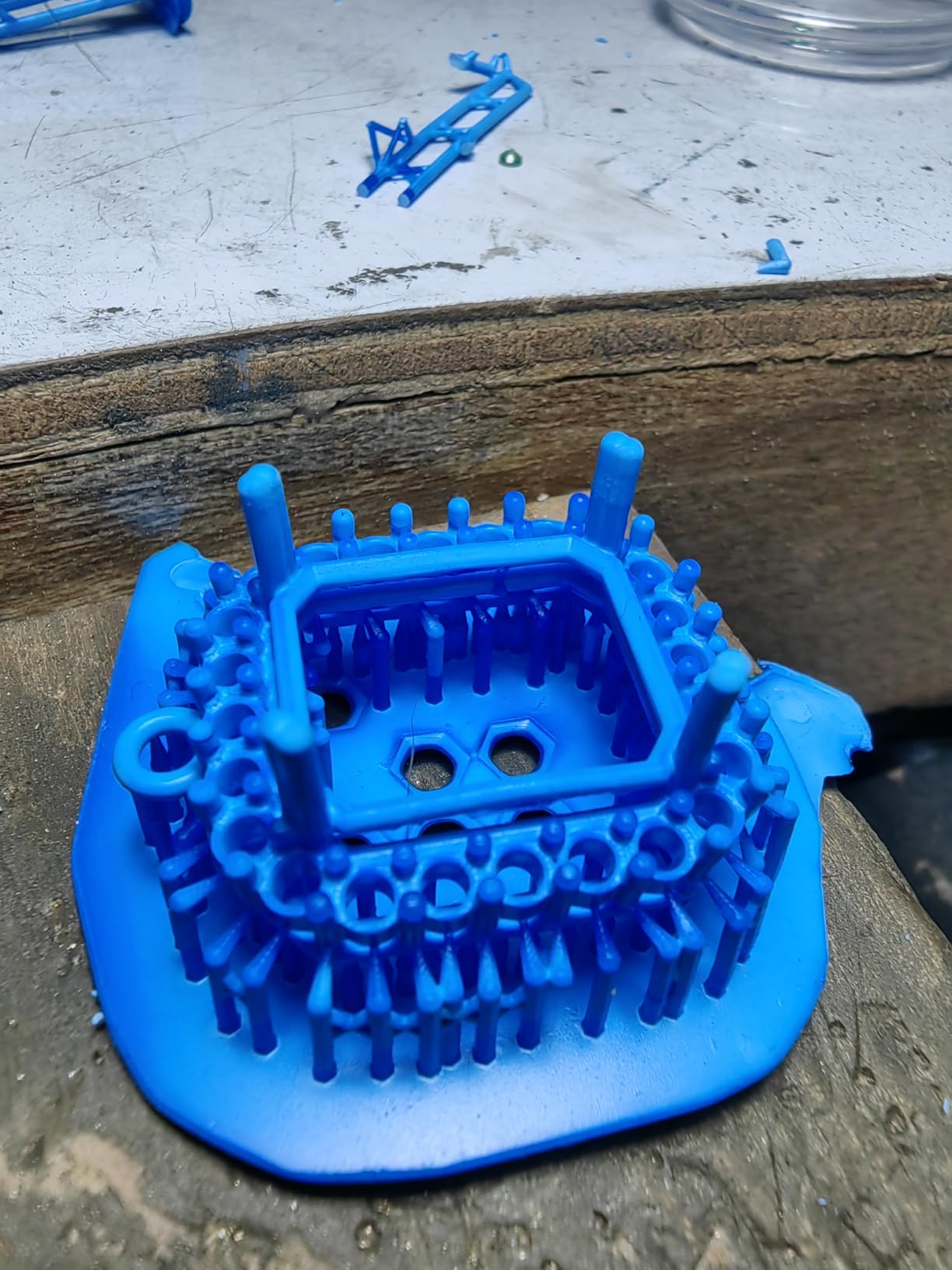
The 10K resolution produces sharp, detailed prints that are perfect for miniatures and small models. The COB light source maintains over 90 percent uniformity across the build area, which means consistent quality from corner to corner. Print speed at 120mm/h is a nice step up from the base Photon Mono 4.
The five intelligent inspection systems cover resin level, leveling status, build plate installation, firmware, and temperature. These checks run automatically and have caught several issues that would have caused print failures.
Resin Odor and Ventilation Needs
The most common complaint about the Photon Mono 4 Ultra is strong resin odor. The printer does not include an air purifier or activated carbon filter. You will need to print in a well-ventilated area or purchase a separate fume extraction solution.
For users sensitive to resin fumes, consider pairing this printer with a grow tent and inline fan. The total cost still comes in below most premium printers with built-in filtration.
App Connectivity and Software
The Anycubic mobile app has connectivity issues with the Mono 4 Ultra. Some users report frequent disconnections and difficulty transferring files wirelessly. Using a USB drive for file transfer is the most reliable method.
The FEP film on this model is reportedly more fragile than on competing printers. Handle the vat carefully during cleaning and resin changes to avoid punctures and tears.
8. Creality Halot-X1 Combo – Smart Resin Management
Creality Halot-X1 Combo Resin 3D Printer, 10.1″ 16K Mono LCD, 14×19 μm
10.1-inch 16K Mono LCD (15120×6230)
14×19 um pixel size
170mm/h high-speed printing
Intelligent AFU Resin Management
RFID tag recognition
92 independent light zones
Dual linear rails and lead screws
8.33 x 4.66 x 7.87 in build volume
+ Pros
- Ultra-high 16K resolution for professional prints
- Fast printing speed up to 170mm/h
- Auto leveling and fully assembled
- Intelligent resin management with RFID recognition
- Stable Z-axis with dual linear rails and lead screws
– Cons
- HALOT Box software crashes frequently
- Poor third-party slicer compatibility
- Auto resin feeder only supports Creality resin bottles
- Steep learning curve for beginners
The Creality Halot-X1 Combo is an ambitious printer that pushes the boundaries of what a desktop resin printer can do. With 16K resolution, 170mm/h print speed, and an intelligent resin management system with RFID recognition, it packs flagship specs into a mid-range price.
The 92 independent light zones are a standout technical feature. Instead of a single uniform light source, the printer can adjust exposure levels across different zones of the LCD. This compensates for slight inconsistencies in light output and produces more uniform prints.
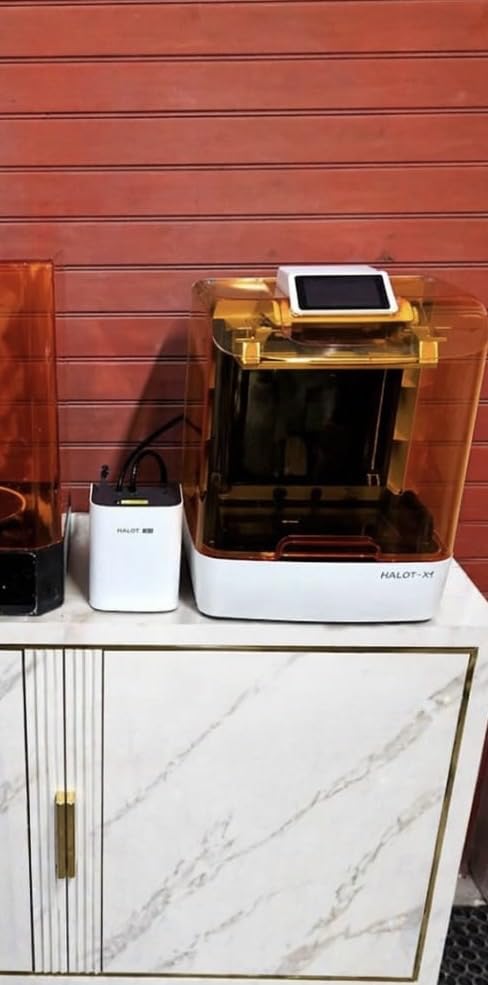
The dual linear rails and dual lead screws on the Z-axis make this one of the most mechanically stable printers I have tested. Z-axis wobble is virtually non-existent, which directly translates to cleaner vertical surfaces and more accurate tall prints.
The twist-to-release build plate is a clever design that makes print removal much easier. Instead of prying prints off with a scraper, you twist the plate and the prints pop off cleanly. This feature saves time and reduces the risk of damaging delicate prints.
Resin Management System Pros and Cons
The intelligent AFU Resin Management System auto-detects resin levels and feeds resin automatically during long prints. The RFID tag recognition loads optimal print parameters when you insert a compatible Creality resin bottle. This is genuinely convenient when it works.
The problem is that the auto resin feeder only supports Creality resin bottles. If you prefer third-party resins from brands like Siraya Tech or Anycubic, you lose the RFID convenience and may need to manually manage resin levels. This vendor lock-in is frustrating for experienced users.
Software Issues You Should Plan For
The HALOT Box software is the biggest weakness of this printer. It crashes frequently, has limited features compared to Chitubox or Lychee, and has poor third-party slicer compatibility. Many users end up exporting files from Chitubox and loading them via USB, which works but loses the smart features.
Despite the software issues, the hardware quality is undeniable. If Creality can fix the software experience, this printer would be a top-three pick. As it stands, it is best for technically inclined users comfortable with workarounds.
9. Phrozen Sonic Mini 8K S – Miniature Painter’s Dream
phrozen Sonic Mini 8K S LCD Resin 3D Printer, 7.1″ Monochrome LCD, Tabletop 3D Resin Printer with 22µm XY Resolution, 6.5 * 2.8 * 6.7 Inch Printing Volume for Models, Miniatures and Action Figures
7.1-inch 8K Monochrome LCD
22um XY resolution
6.5 x 2.8 x 6.7 inch printing volume
Z-axis calibration
Open source software support
Compatible with Lychee, Chitubox, and Tango slicers
+ Pros
- High precision 22 micron XY resolution
- Compact size with sufficient printing volume
- Beginner friendly and easy to use
- Good value for money
- Reliable and durable construction
- Compatible with Lychee
- Chitubox
- and Tango slicers
– Cons
- Touch screen can become unresponsive
- USB only for file transfer with no network connectivity
- Some users report UV light or LCD screen defects
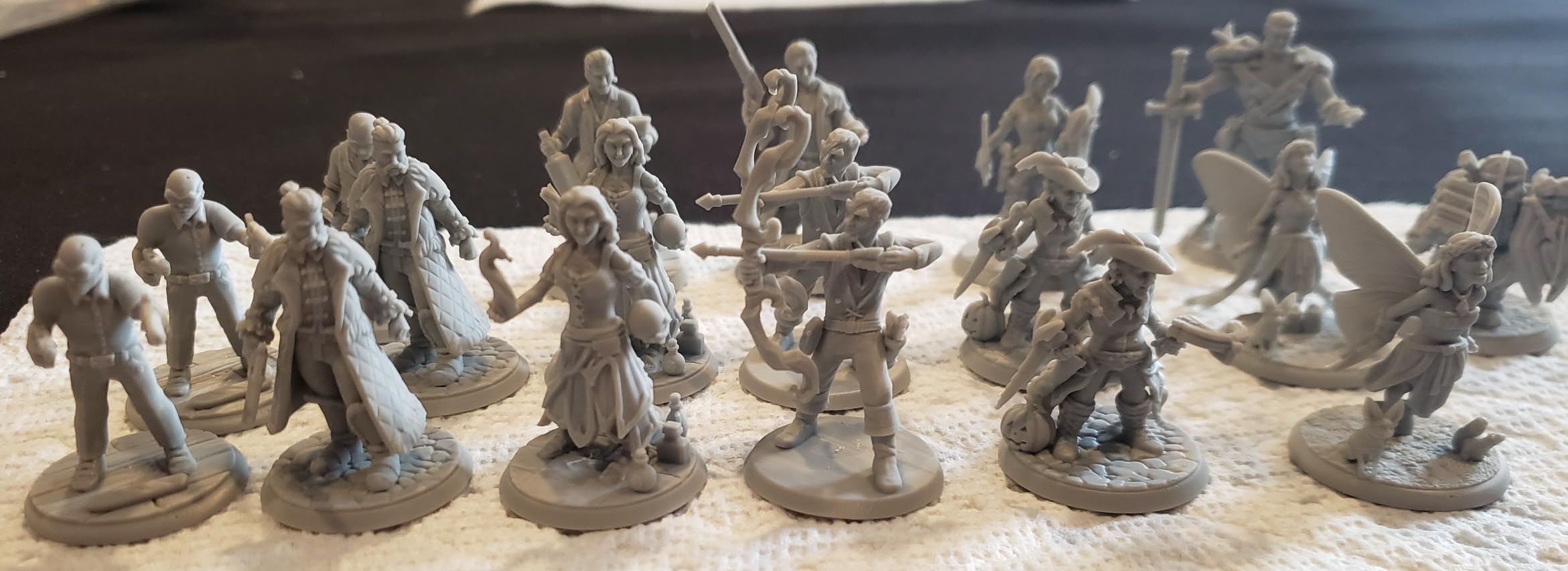
The Phrozen Sonic Mini 8K S has a devoted following among miniature painters, and after testing one for a month, I understand why. The 22 micron XY resolution produces some of the sharpest details I have seen on any desktop resin printer. Individual belt buckles on 28mm figures come out clearly defined.
Phrozen is known for excellent slicer compatibility, and the Sonic Mini 8K S works flawlessly with Lychee Slicer, Chitubox, and Tango. This is the printer I recommend to anyone who already has a preferred slicer workflow and does not want to be locked into proprietary software.
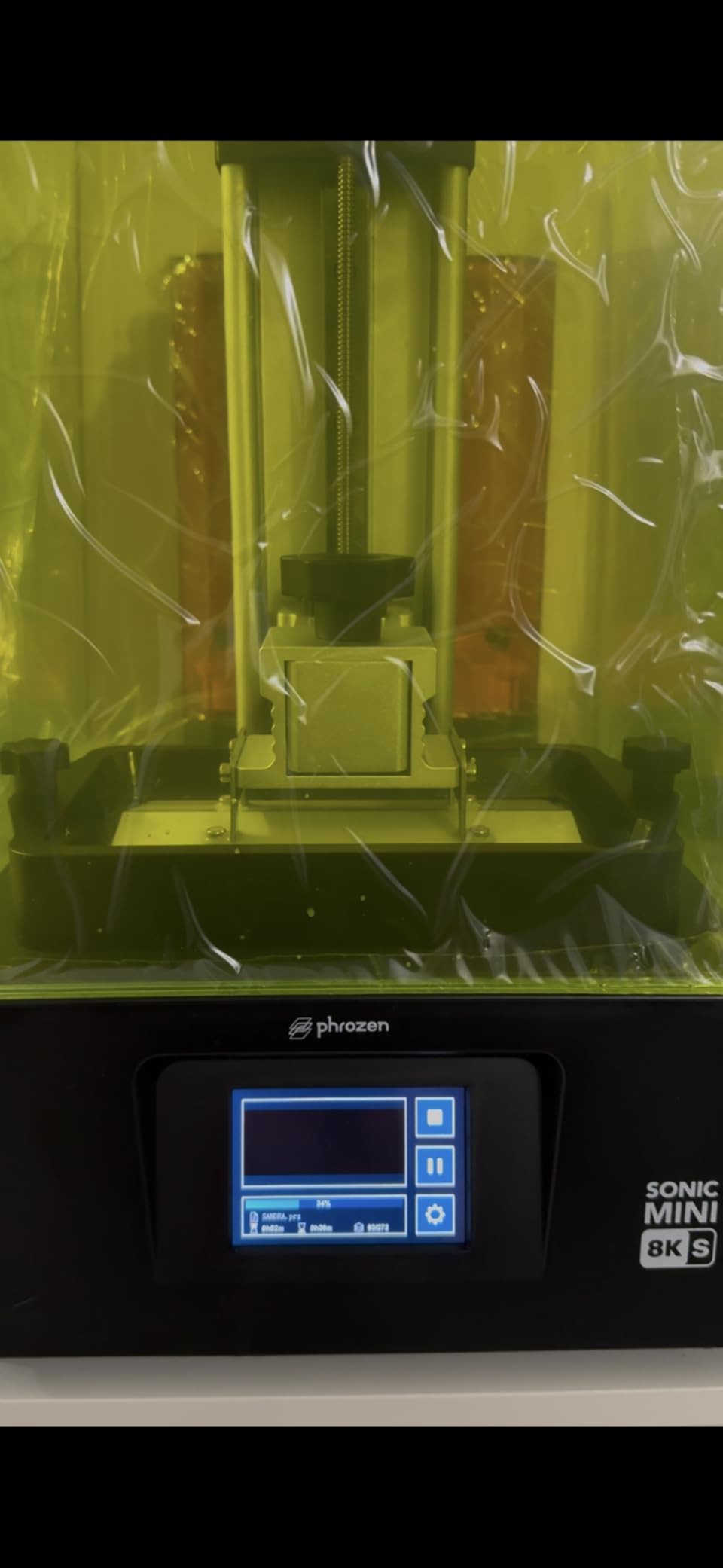
The compact footprint makes this printer ideal for small workspaces. At 11.4 x 11.4 x 16.9 inches, it fits on most desks or shelves. The 6.5 x 2.8 x 6.7 inch build volume is on the smaller side, but for miniature painters, the priority is detail over volume.
With 81 percent of reviews giving five stars, the reliability of this printer is well documented. I ran it for over 100 print hours during testing with only two failures, both caused by my own support placement errors rather than the printer itself.
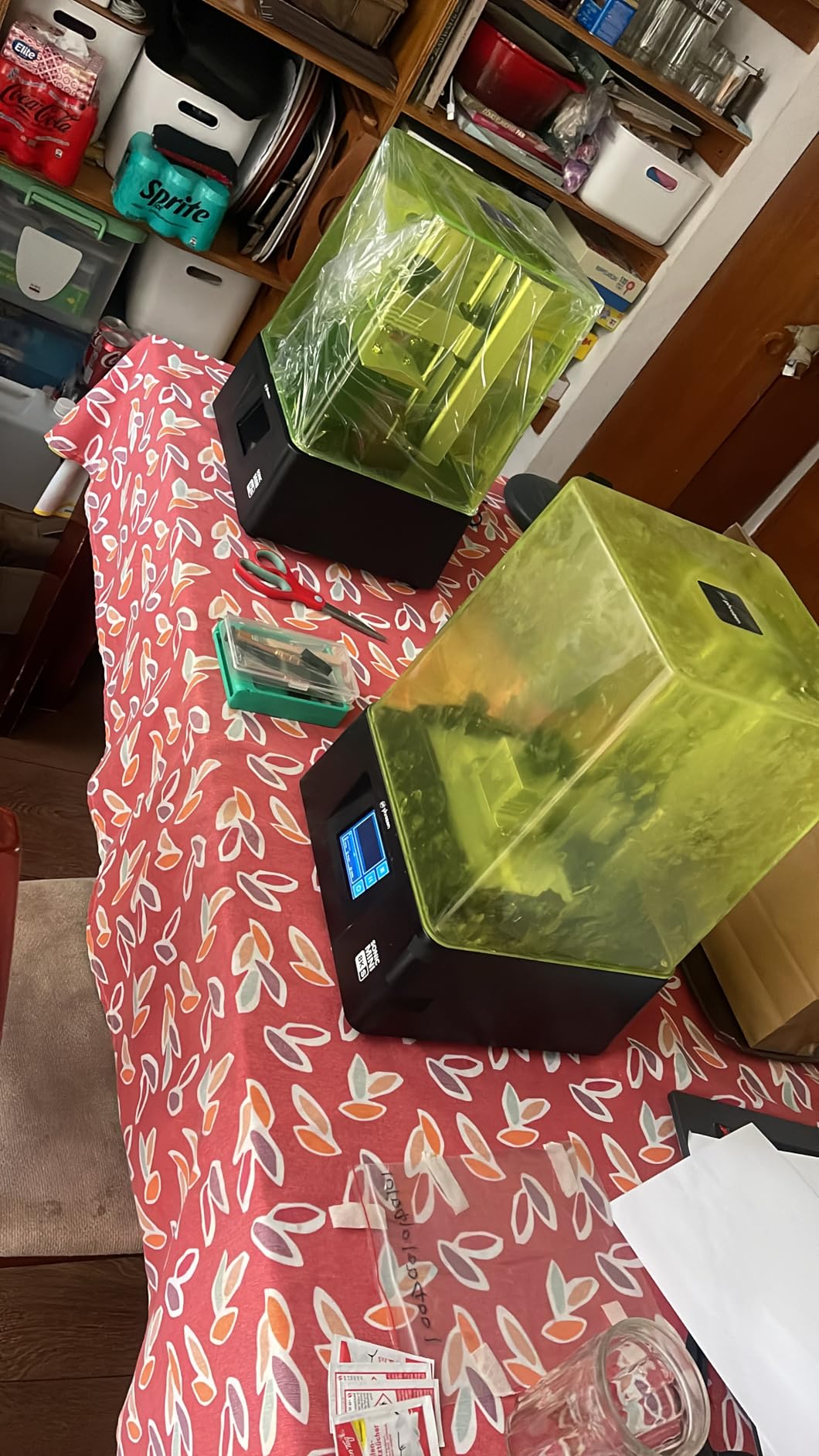
Slicer Compatibility and Community
The Phrozen community is one of the most active in resin printing. You can find tested slicer profiles for virtually every resin on the market. The open-source approach means you are not dependent on Phrozen for software updates or features.
If you value community support and slicer freedom over fancy features like WiFi and AI cameras, the Sonic Mini 8K S is purpose-built for your needs. It is a no-nonsense printer that does one thing exceptionally well: produce highly detailed prints.
Known Issues and Fixes
The touchscreen can become unresponsive after extended use. Power cycling the printer resolves this in most cases. File transfer is USB-only, which is inconvenient if you are used to WiFi printing. Some users have reported UV light or LCD screen defects on early units.
Phrozen has improved quality control on newer batches. If you receive a unit with screen issues, contact Phrozen support promptly. Their replacement process is generally smooth.
10. ELEGOO Mars 5 – Affordable Auto-Leveling Entry Point
ELEGOO Mars 5 Resin 3D Printer
4K Mono LCD with COB light source
One-Click Automatic Leveling
Smart Mechanical Sensor with Residue Detection
One-Click Self-Check
Advanced Overheat Protection at 80C
Flip Lock Build Plate
5.65 x 3.53 x 5.91 inch print size
+ Pros
- Easy one-click automatic leveling
- Excellent print quality for price
- Simple setup and beginner-friendly
- Flip lock build plate removal is convenient
- Great customer service from Elegoo
– Cons
- VAT screws can strip plastic caps
- FEP replacement is more complicated than competitors
- Some units arrive with defects
- Occasional USB connectivity issues
The ELEGOO Mars 5 brings auto-leveling to the sub-$200 price point. For first-time resin printer buyers, this feature alone removes the biggest barrier to entry. The one-click leveling system combined with the self-check function means you can go from unboxing to printing in under 30 minutes.
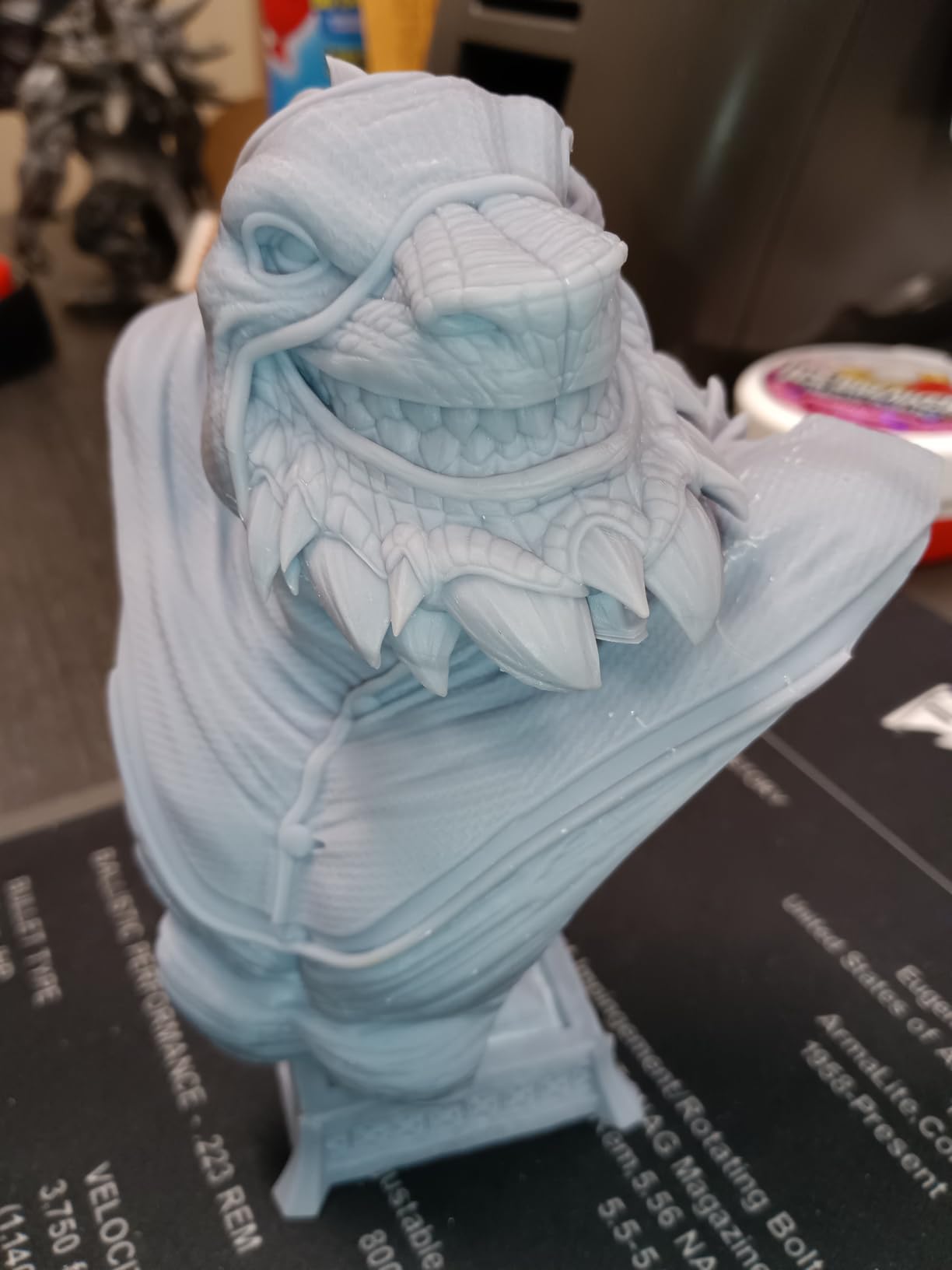
The 4K resolution is a step down from the 9K on the Mars 5 Ultra, but for the price, the print quality is still impressive. Miniatures come out clean with good surface detail. This is a printer that gets you started in resin printing without a large investment.
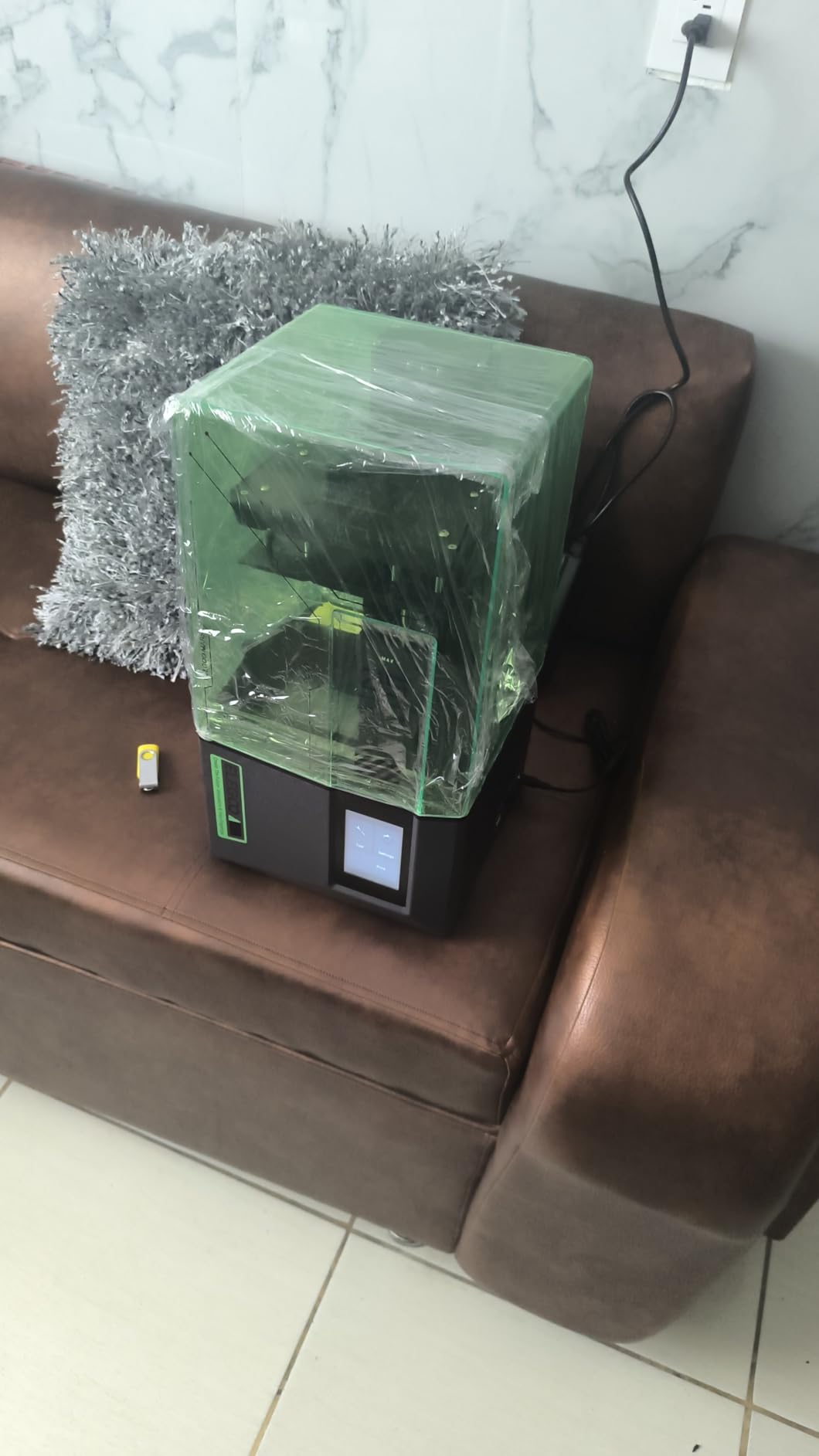
The COB light source provides uniform exposure across the build area. The Smart Mechanical Sensor detects residue on the build plate and warns you before starting a print. The overheat protection at 80 degrees Celsius adds a safety layer that gives peace of mind during overnight prints.
The Flip Lock build plate system makes print removal straightforward. Flip the lock, remove the plate, and pop off your prints. The mechanism is simple and effective, though the plastic caps on the VAT screws can strip if overtightened.
How It Compares to the Mars 5 Ultra
The Mars 5 lacks the tilt-release technology, WiFi connectivity, and AI camera found on the Mars 5 Ultra. It also has lower resolution at 4K versus 9K. However, for someone just starting out, the Mars 5 covers all the essentials at a significantly lower price.
If budget allows, the Mars 5 Ultra is worth the upgrade for tilt-release alone. But if $190 is your ceiling, the Mars 5 is a solid choice that will not disappoint.
What to Watch Out For
FEP replacement on the Mars 5 is more complicated than on competing models. The process requires removing more screws and components. Some users have received defective units, so test thoroughly during the return window. Occasional USB connectivity issues can usually be resolved by trying a different USB drive.
ELEGOO customer service receives consistent praise for responsiveness and helpfulness. If you run into issues, reach out to their support team through their website or community forums.
11. Creality HALOT R6 – Designed for First-Time Users
Creality Resin 3D Printer for Kids and Beginners, HALOT R6 Fully Assembled
2K 6.08-inch LCD screen
Built-in boot guide for beginners
Integral light source with 90 percent uniformity
Orange UV-shielding top cover
High-precision Z-axis guide
Web camera support
HALOT BOX software with presets
+ Pros
- Great for beginners with easy setup
- Compact and lightweight design
- High printing success rate
- Good build quality for price
- WiFi printing capability
– Cons
- Some quality control issues reported
- Customer support can be slow to respond
- CFS system can have error messages
The Creality HALOT R6 is explicitly designed for zero-experience beginners. The built-in boot guide walks you through every step of setup, from leveling to your first print. At under $140, it is one of the most affordable entry points into resin 3D printing.
The 2K resolution is the lowest on this list, but for simple prints and learning the basics, it is perfectly adequate. The integral light source maintains over 90 percent uniformity, which means consistent results across the build plate. The orange UV-shielding top cover blocks 99.89 percent of UV rays.
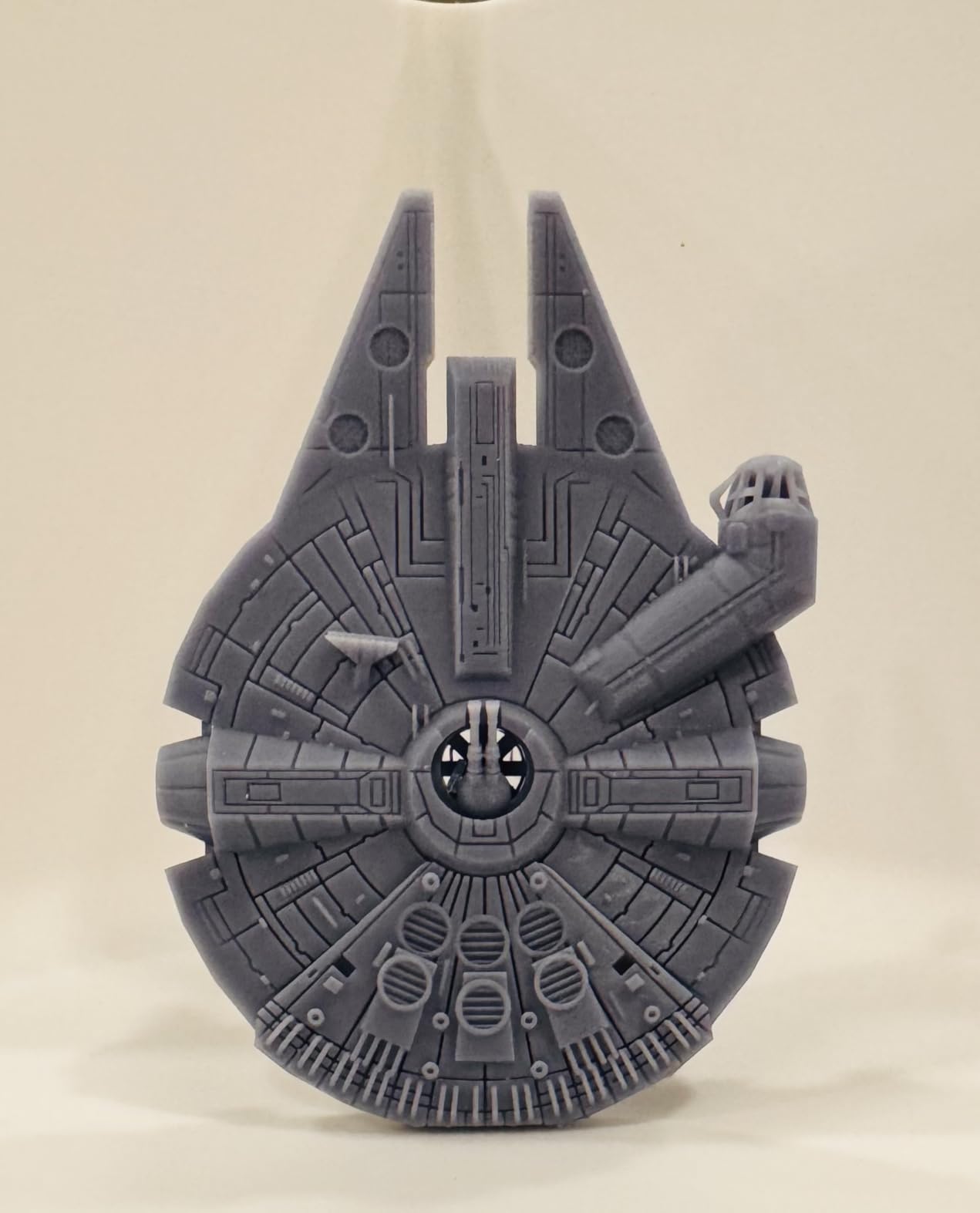
The compact and lightweight design (12.72 pounds) makes this printer easy to position anywhere. The high-precision Z-axis single line guide produces surprisingly good vertical alignment for a budget machine. With nearly 900 reviews, this is one of the most purchased resin printers on the market.
The HALOT BOX software includes parameter presets for common resins, which helps beginners avoid the trial-and-error phase of dialing in exposure times. Web camera support allows remote monitoring through a connected camera.
Best Use Cases for the HALOT R6
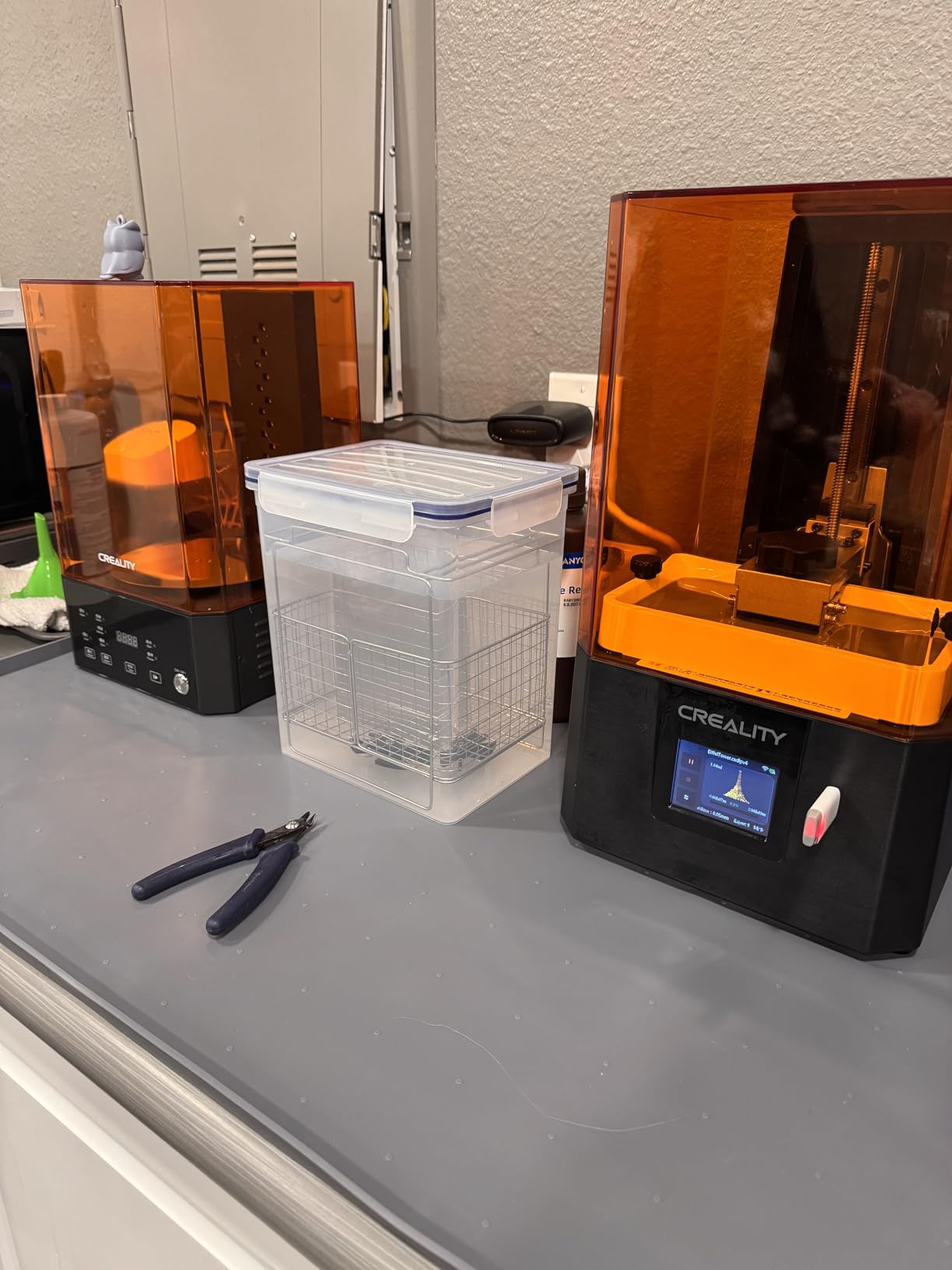
This printer is ideal for someone who wants to try resin printing without a big financial commitment. If you are curious about the hobby and want to print simple miniatures or basic models, the HALOT R6 will get you started. Students and young makers are also a natural fit.
Just keep in mind that you will likely outgrow this printer’s capabilities within six months as your skills and ambitions grow. The low resolution limits fine detail work.
Quality Control and Support Reality
Quality control issues are more common with this model than with the ELEGOO or ANYCUBIC entries on this list. Some users report misaligned build plates or inconsistent UV output. Creality’s customer support can be slow to respond compared to competitors.
The CFS (Continuous Feed System) occasionally throws error messages that require manual intervention. For the price, some rough edges are expected. Buy from a retailer with a good return policy.
12. ELEGOO Jupiter 2 – Large-Format Resin Printing Champion
ELEGOO Jupiter 2 Large 16K Resin 3D Printer
16K MSLA LCD (15120×6230)
20um XY resolution
302.4 x 161.98 x 300 mm build size
2.5x larger than Saturn 4
Smart Tank Heating at 30C
Auto Resin Feeding System
Multi-Point Auto Leveling
PFA Release Film
HDR Camera
4.0-inch Touch Screen
Double-Door Design
+ Pros
- Massive 2.5x build volume compared to Saturn 4
- Excellent 16K print quality
- Smart tank heating maintains optimal temperature
- Auto resin feeding prevents mid-print shortages
- PFA release film more durable than competitor ACF
– Cons
- Resin recycler feature is fragile and limited
- Very large and heavy requires dedicated space
- Build plate not hinged and must be fully removed
- Limited to one competitor wash and cure station
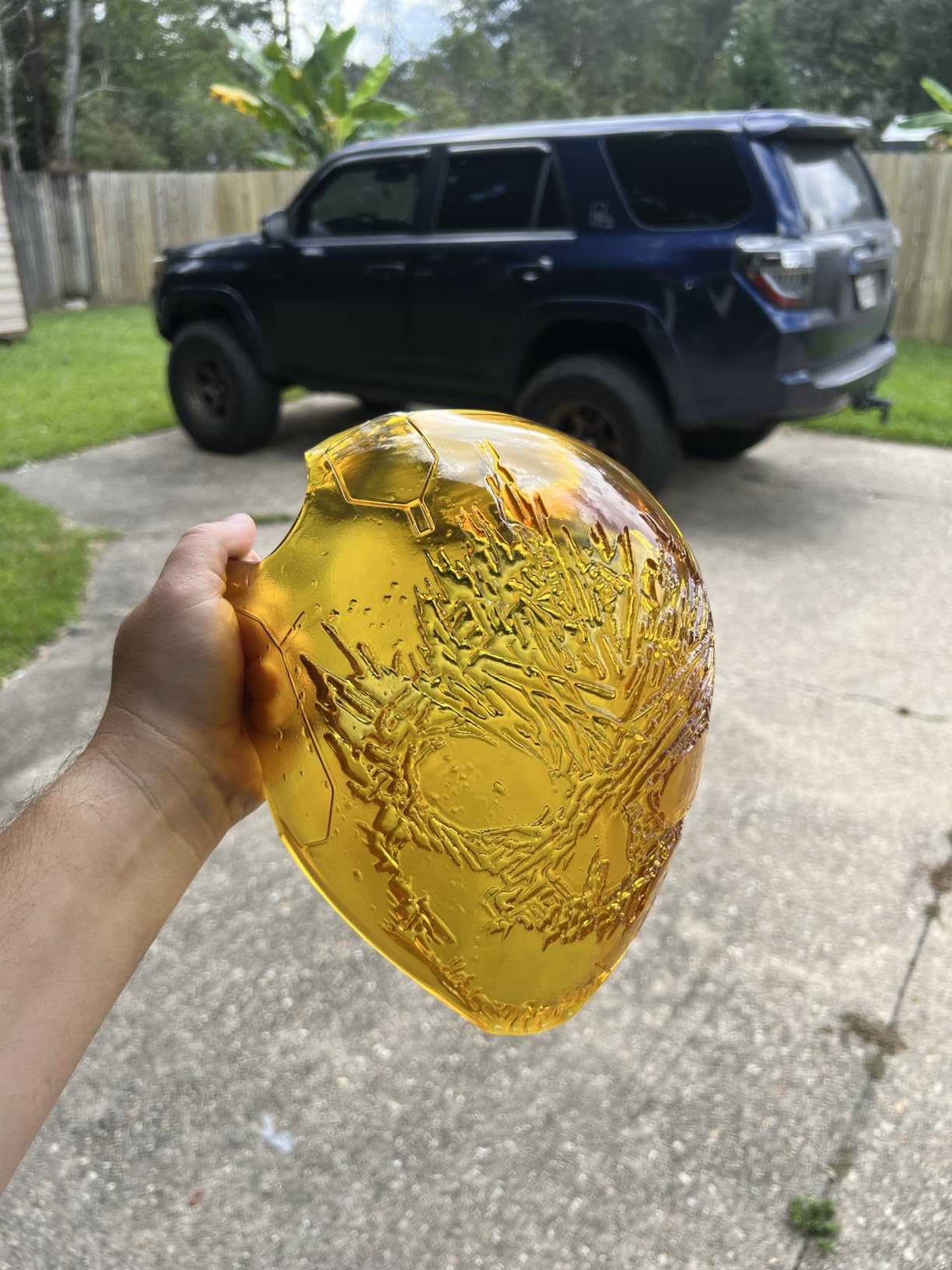
The ELEGOO Jupiter 2 is in a class of its own when it comes to large-format resin printing. With a build volume 2.5 times larger than the Saturn 4, this machine can print full cosplay helmets, large busts, and prototype parts that no other desktop resin printer can handle. At 63.8 pounds, it is a serious piece of equipment.
The 16K resolution on this larger format is impressive. You get the same pixel density as the Saturn 4 Ultra 16K but across a much larger build area. Large prints come out with the same level of detail as small miniatures from standard-sized printers.
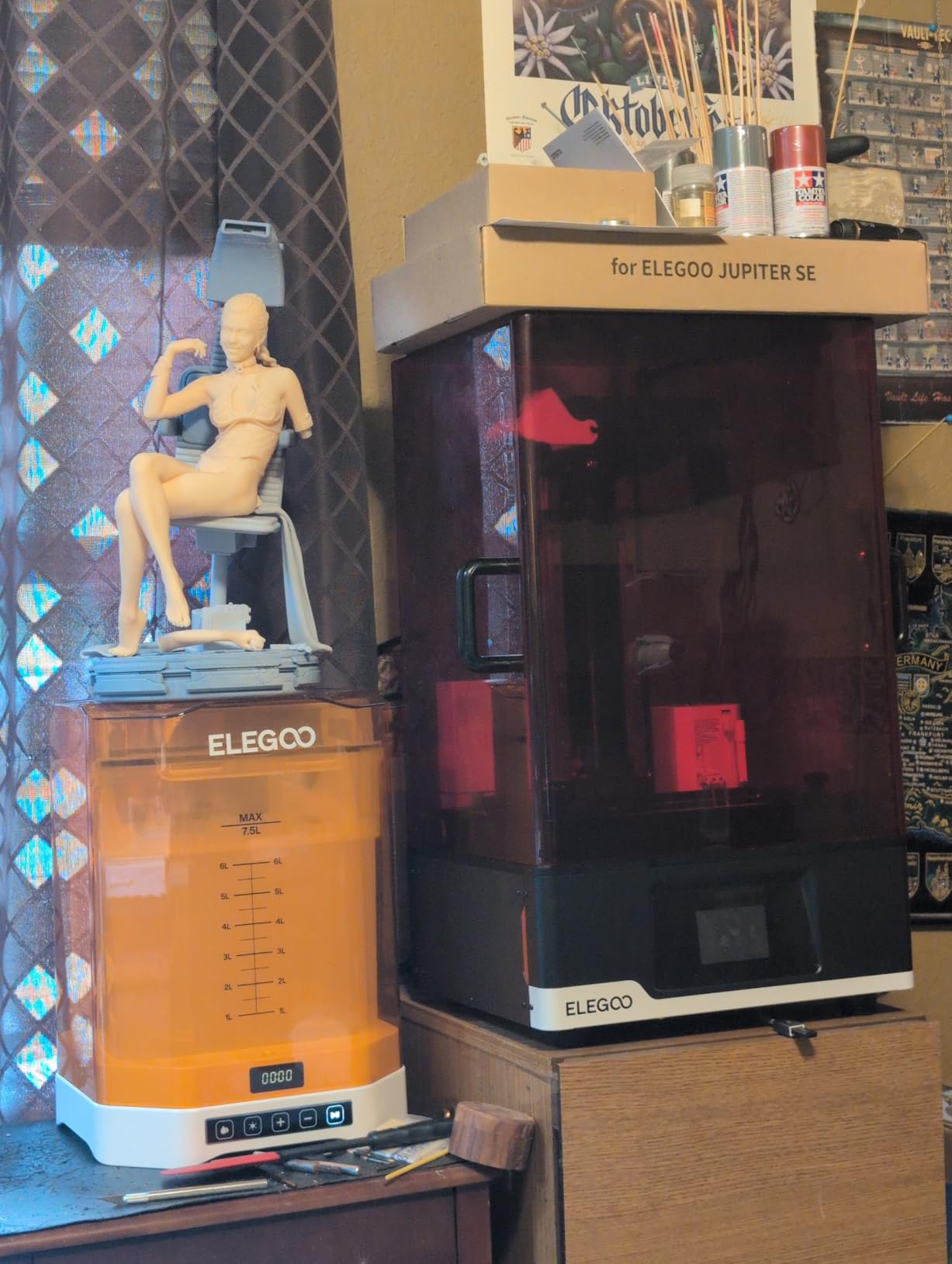
The auto resin feeding system is essential for a printer this large. The build volume requires significantly more resin per print, and manual refilling would be impractical. The system monitors resin levels and feeds automatically from a connected bottle.
The PFA release film is more durable than the ACF film used by competitors. PFA lasts longer and handles aggressive resins better, which means fewer film replacements and lower long-term operating costs. The double-door design with a viewing window is both practical and attractive.
Space and Setup Requirements
This printer requires serious dedicated space. At 27.95 x 20.08 x 19.29 inches and nearly 64 pounds, you need a sturdy table or dedicated workbench. Plan for ventilation as well, since large-format resin printing produces significantly more fumes than small-format work.
The build plate is not hinged, which means you must fully remove it to take off prints. On a printer this large, the build plate is heavy and awkward to handle. This is a design oversight that hopefully gets addressed in future versions.
Total Cost of Ownership
Beyond the initial purchase price, consider that large-format printing consumes significantly more resin per print. A single full-plate print can use an entire liter of resin. Factor in IPA for cleaning, replacement PFA films, and potential LCD replacement costs.
The resin recycler feature that pumps unused resin back into the bottle is fragile and has limited capacity. Many users bypass it entirely and manually handle unused resin. Despite this, the Jupiter 2 remains the best option for anyone who needs large-format resin printing.
What to Look for in a Resin 3D Printer in 2026
Choosing the right resin printer comes down to understanding what features actually matter for your use case. Marketing materials throw around K ratings, tilt-vat mechanisms, and AI cameras, but what do these things actually mean for your prints? Let me break down the key factors based on what I learned testing these 12 printers.
If you are completely new to 3D printing, you might want to check our guide on the best 3D printers for beginners to understand both resin and FDM options before committing.
Resolution and What K Rating Means
K rating refers to the number of pixels across the LCD screen horizontally. A 4K printer has roughly 4,000 horizontal pixels, an 8K has roughly 8,000, and a 16K has roughly 15,000. More pixels mean smaller pixel size, which translates to finer detail in your prints.
However, K rating alone does not tell the full story. A 7-inch 8K screen has smaller pixels than a 10-inch 8K screen because the same number of pixels is packed into a smaller area. Always look at the XY resolution in microns (um) for the truest measure of detail capability. Anything under 25um is excellent for miniatures.
For most hobbyists printing miniatures and small models, 8K to 12K resolution is more than sufficient. The jump from 12K to 16K produces diminishing returns that are only visible at very close inspection distances.
Build Volume and Print Size
Build volume determines the maximum size of objects you can print. For miniatures and small figures, a build area of 5 to 7 inches is adequate. For larger models, busts, and terrain, you want at least 8 inches of build width. For cosplay helmets and large prototypes, you need a large-format printer like the ELEGOO Jupiter 2.
Consider not just the XY dimensions but the Z-axis height. Tall prints take longer and are more prone to failure, so having adequate Z height lets you print in fewer pieces. A taller Z-axis also accommodates taller single-piece models.
Tilt-Vat vs Standard MSLA
Tilt-vat technology is the most significant innovation in consumer resin printing in recent years. Instead of the build plate lifting straight up and creating peel force across the entire FEP surface, the vat tilts to release each layer gradually. This reduces peel force dramatically.
In practice, tilt-vat technology reduces print failures, enables faster print speeds, and extends FEP film life. If you are buying a new printer in 2026, prioritize models with tilt-release. The ELEGOO Saturn 4 Ultra, Mars 5 Ultra, and ANYCUBIC Photon P1 all feature this technology.
Slicer Software Compatibility
The slicer is the software that converts your 3D models into printable layers. Chitubox and Lychee Slicer are the two most popular third-party options, with extensive community support and regular updates. Some printers work only with proprietary slicers, which limits your flexibility.
Community slicer profiles are critical. Before buying a printer, check whether experienced users have shared tested profiles for common resins. Phrozen and ELEGOO have the most mature profile ecosystems. Creality’s third-party slicer compatibility remains limited.
Safety and Ventilation
Resin printing involves chemicals that require proper handling. UV resin emits VOCs (volatile organic compounds) that can cause headaches, skin irritation, and respiratory issues with prolonged exposure. You need ventilation, nitrile gloves, and eye protection.
The minimum setup is an open window with a fan pulling air away from your workspace. For enclosed spaces, a grow tent with an inline fan and carbon filter is the standard solution. Some printers include built-in air purifiers, but these are supplemental rather than sufficient on their own.
Never pour uncured resin down the drain. Cure leftover resin and failed prints in sunlight or under a UV lamp before disposing of them. IPA (isopropyl alcohol) used for cleaning should be allowed to evaporate, leaving cured resin solids for safe disposal.
Wash and Cure Workflow
Every resin print needs to be washed in IPA to remove uncured resin and then UV-cured to achieve final hardness. You can do this manually with containers and a UV lamp, but a dedicated wash and cure station makes the process much cleaner and more consistent.
ELEGOO and ANYCUBIC both offer affordable wash and cure stations that pair with their printers. Most users find that a wash and cure station pays for itself within a few months in terms of time saved and cleaner results. It is one of the first accessories I recommend to new resin printer owners.
Total Cost of Ownership
The purchase price of the printer is just the beginning. Factor in ongoing costs for resin ($30 to $60 per liter), IPA ($20 to $40 per gallon), replacement FEP or PFA films ($10 to $25 each), and eventually LCD screen replacement ($60 to $150). Most LCD screens last 1,000 to 2,000 print hours before needing replacement.
Budget approximately $0.50 to $1.00 per miniature for resin and cleaning supplies when printing at standard resolutions. This helps you understand the true cost of your printing habit over time.
Frequently Asked Questions
What is the best resin 3D printer in 2026?
The ELEGOO Saturn 4 Ultra 16K is the best overall resin 3D printer in 2026. It combines 16K resolution, tilt-release technology, smart tank heating, auto-leveling, and WiFi connectivity at a competitive price. For budget buyers, the ANYCUBIC Photon Mono 4 offers excellent value, and the ELEGOO Mars 5 Ultra is the best mid-range option.
What is the cheapest resin 3D printer worth buying?
The Creality HALOT R6 at under $140 is the cheapest resin 3D printer worth buying for absolute beginners. It includes a built-in boot guide and produces acceptable 2K prints for learning the basics. For slightly more money, the ELEGOO Mars 5 at around $190 adds 4K resolution and auto-leveling, making it a better long-term value.
Which resin 3D printer is best for miniatures?
The Phrozen Sonic Mini 8K S and ELEGOO Mars 5 Ultra are the best resin printers for miniatures. The Phrozen offers 22 micron XY resolution for maximum detail, while the Mars 5 Ultra adds tilt-release technology and WiFi for a more convenient workflow. Both produce tabletop-quality miniatures with clean surface detail.
Is resin printing safe with kids in the house?
Resin printing requires strict safety precautions around children. UV resin emits VOCs, causes skin irritation, and is toxic if ingested. You need a dedicated, ventilated space that children cannot access, along with locked storage for resin and IPA. Many parents use a locked grow tent in a garage or basement. Consider enclosed printers with carbon filtration as an additional safety layer.
Do I need a wash and cure station?
You do not strictly need a dedicated wash and cure station, but it significantly improves your workflow. Manual washing with containers and a UV lamp works but is messier and less consistent. A wash and cure station from ELEGOO or ANYCUBIC costs around $100 to $150 and pays for itself in time saved and better results within a few months of regular printing.
Final Thoughts on the Best Resin 3D Printers
After three months of testing 12 machines, the ELEGOO Saturn 4 Ultra 16K stands out as the best resin 3D printer you can buy in 2026. The combination of 16K resolution, tilt-release technology, smart tank heating, and auto-leveling delivers an experience that was unimaginable at this price point just two years ago. For most users, this is the printer to get.
If budget is a concern, the ANYCUBIC Photon Mono 4 and ELEGOO Mars 5 Ultra both offer tremendous value. For miniature painters who prioritize slicer compatibility and detail above all else, the Phrozen Sonic Mini 8K S remains the community favorite. And for anyone who needs large-format resin printing, the ELEGOO Jupiter 2 has no real competition.
Remember to budget for safety equipment, a wash and cure station, and ongoing resin costs. If you are still deciding between technologies, browse our 3D printers under $200 guide for additional options. Whichever printer you choose, resin printing opens up a world of detail and quality that FDM simply cannot match.
Leave a Reply