

If you spend eight hours a day staring at text, code, or spreadsheets, the difference between a tired 1080p panel and a sharp 4K screen shows up in your eyes by lunchtime. The Dell S2725QS is the monitor worth watching during Amazon’s Prime Big Deal Days sale for most people: a 27-inch 4K IPS panel running at 120Hz, with a fully adjustable stand, all for a fraction of what a premium office display ran a year ago. Two alternatives also stand out: the LG 27UP850K-W for anyone who wants USB-C charging and MacBook-friendly color, and the ASUS ProArt PA279CRV for designers who need factory-calibrated color.
Prime Big Deal Days runs October 6-7, 2026, and monitor prices tend to shift quickly during the event. Most of these picks are popular sale targets, so it pays to know what you want before the deals go live.
Our Top 3 Picks for 4K Work Monitor Deals: Prime Big Deal Days

Dell S2725QS
- 27in 4K IPS at 120Hz
- Sharp text and smooth scrolling
- Fully adjustable stand
- No USB-C

LG 27UP850K-W
- 27in 4K IPS at 60Hz
- USB-C with 90W power delivery
- DisplayHDR 400 and 95% DCI-P3
- Mac-friendly color

ASUS ProArt PA279CRV
- 27in 4K IPS at 60Hz
- Factory calibrated Delta E under 2
- 99% DCI-P3 and Adobe RGB
- USB-C with 96W PD
4K Work Monitor Deals: Prime Big Deal Days Compared (2026)
| Product | Details | Action |
|---|---|---|
|
|
Check Deal Price |
|
|
Check Deal Price |
|
|
Check Deal Price |
 |
|
Check Deal Price |
 |
|
Check Deal Price |
 |
|
Check Deal Price |
 |
|
Check Deal Price |
 |
|
Check Deal Price |
 |
|
Check Deal Price |
 |
|
Check Deal Price |
How We Chose
We compared the specs that affect daily work — panel type, pixel density, USB-C and power delivery, refresh rate, stand range, eye-care features, and owner ratings on Amazon — across every model in this list. Data was last checked in October 2026.
1. Dell S2725QS: Editor’s Choice
Dell 27 Monitor S2725QS, 4K UHD IPS, 120Hz, 5ms, FreeSync Premium
Size: 27in
Refresh: 120Hz
Panel: IPS
PD: None
+ Pros
- Sharp 4K text at typical desk distances
- 120Hz makes scrolling and cursor work noticeably smoother
- Full ergonomic stand with height and pivot
- 99% sRGB covers most office color needs
– Cons
- No USB-C or built-in USB hub
- Speakers are functional but lack bass
For most people shopping the sale, this is the monitor to watch. The 27-inch IPS panel hits 4K at 120Hz, which is rare at this size of budget, and reviewers report the text clarity is sharp enough for long coding sessions. Owners regularly mention the stand, which tilts, swivels, pivots, and adjusts in height — a feature many budget panels skip.
What stands out is the smoothness. A 120Hz refresh rate is not a gaming perk on a 4K work monitor; it just makes everything feel less choppy, from dragging windows to scrolling a long PDF. Several reviews mention that jump from 60Hz as the first thing they noticed when switching from an older display.
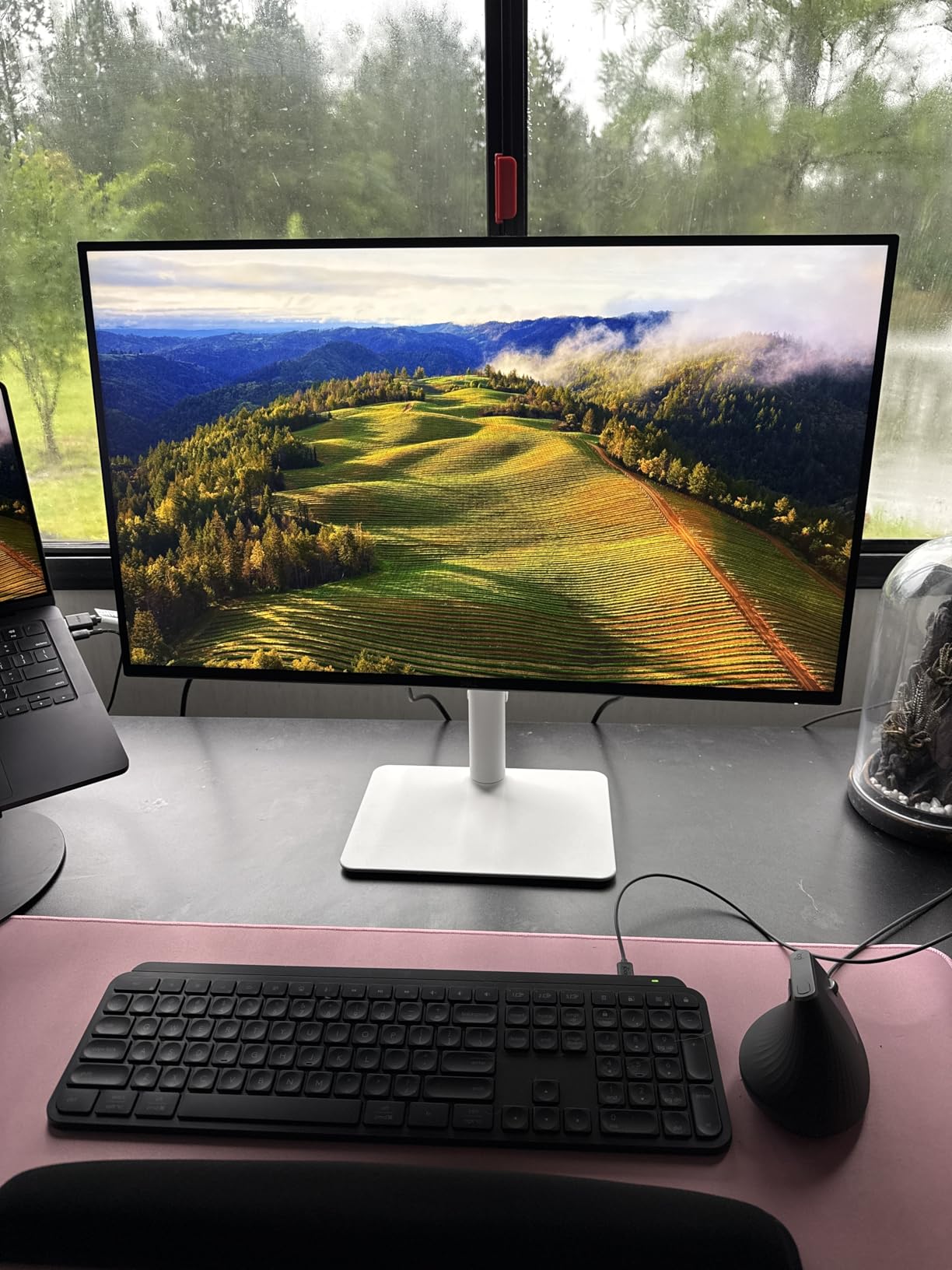
The trade-off is connectivity. There is no USB-C, no hub, and no DisplayPort out for daisy-chaining a second monitor. If your laptop charges over USB-C and you want one cable to your desk, look at the LG 27UP850K-W instead. If you dock through a separate Thunderbolt dock or your laptop has its own HDMI, the Dell handles the rest of an office setup comfortably.
Compared with the Samsung ViewFinity S7 below, the Dell adds the ergonomic stand and 120Hz for a small premium. Compared with the ASUS ProArt PA279CRV, it gives up USB-C and factory color accuracy but saves a meaningful amount. For most WFH desks, that trade lands in Dell’s favor.
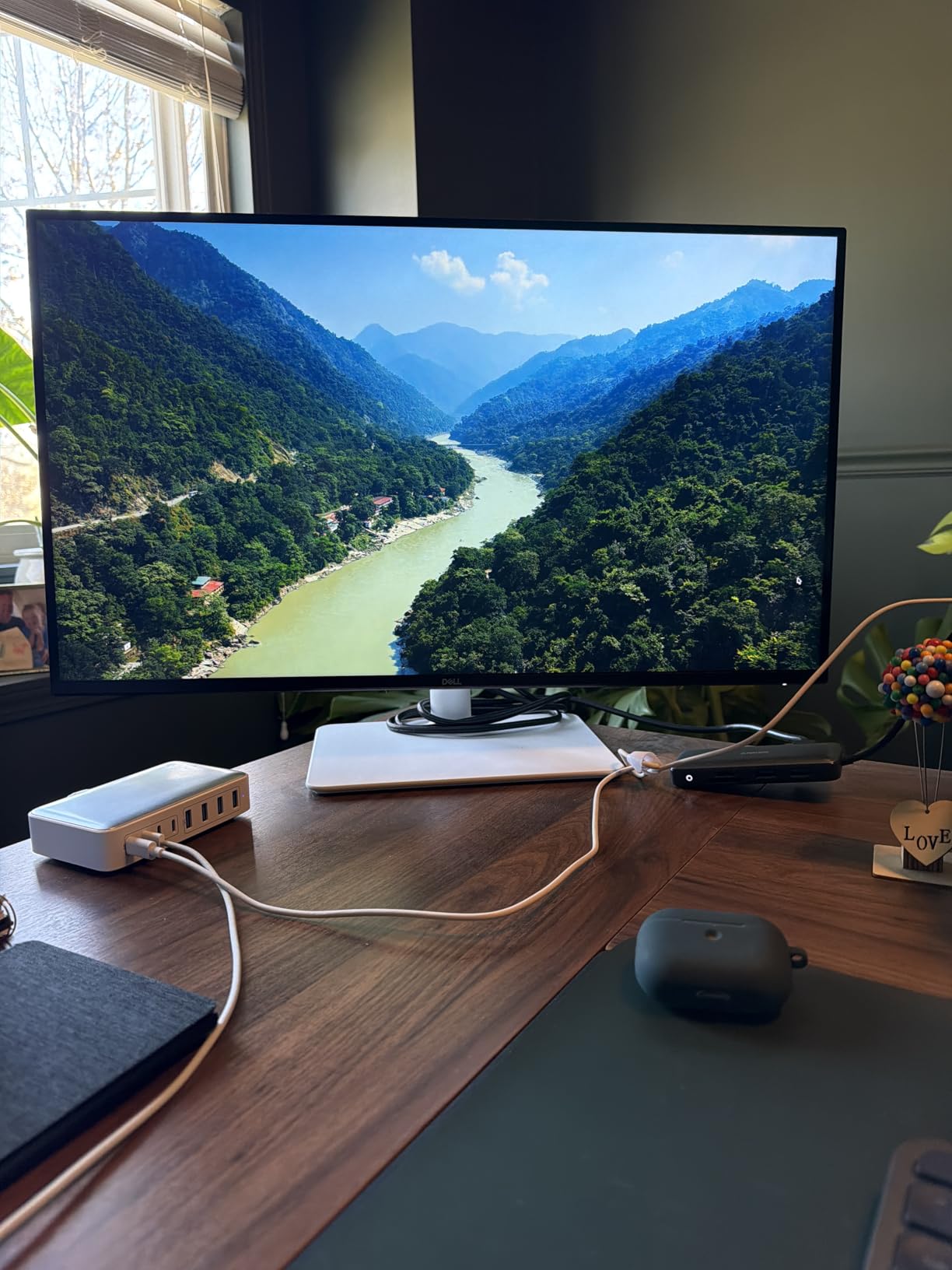
Good to know: the matte finish on this panel reduces glare well in bright rooms, though a few owners mention very mild grain in dark scenes. For text and spreadsheets, it is a non-issue.
2. LG 27UP850K-W: Best for Mac
LG 27UP850K-W 27-inch Ultrafine 4K UHD IPS DisplayHDR 400 Computer Monitor
Size: 27in
Refresh: 60Hz
Panel: IPS
PD: 90W
+ Pros
- USB-C with 90W power delivery for most MacBooks
- VESA DisplayHDR 400 with 95% DCI-P3 color
- Height tilt and pivot stand
- Built-in speakers with Waves MaxxAudio
– Cons
- 60Hz is fine for work but feels dated next to 120Hz rivals
- Premium price for the size
If you want one USB-C cable to charge your MacBook and drive a 4K display, this LG is the cleanest answer on this list. 90W of power delivery covers every MacBook Air and most MacBook Pro 14-inch models without needing a separate charger on your desk.
Color is the other reason Mac users like this panel. The 95% DCI-P3 coverage tracks close to what macOS expects from a wide-gamut display, so photos and video preview closer to how they will render on a MacBook screen. Several reviews note that the factory calibration is good enough for non-critical creative work without buying a calibrator.
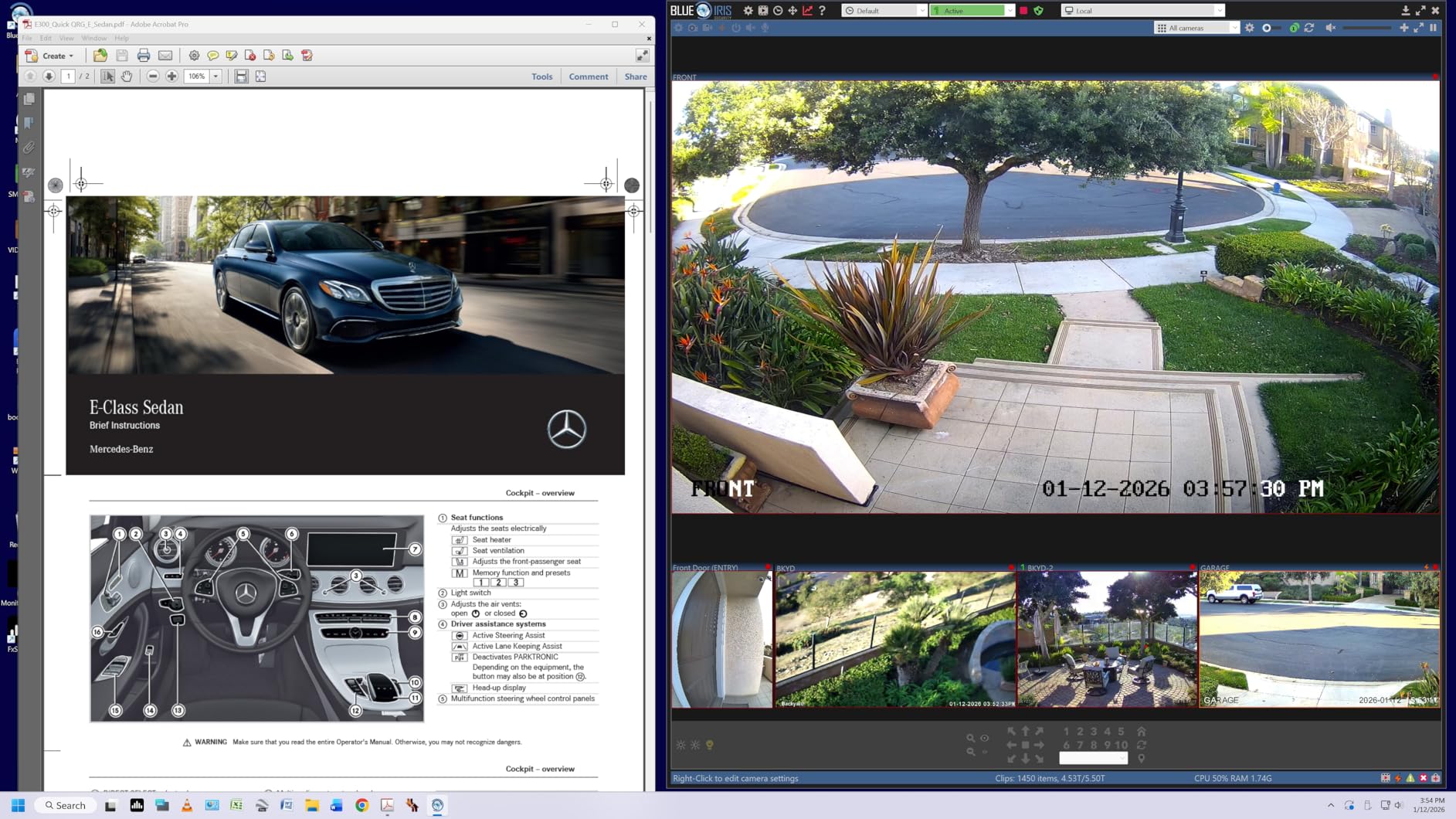
The stand adjusts in height, tilts, and pivots, which most budget 27-inch 4K monitors skip. For an 8-hour workday at a sit-stand desk, that range matters.
Skip it if you do not need USB-C charging or wide-gamut color. The Dell S2725QS above gives a sharper 120Hz panel for less money when USB-C is not on your checklist.
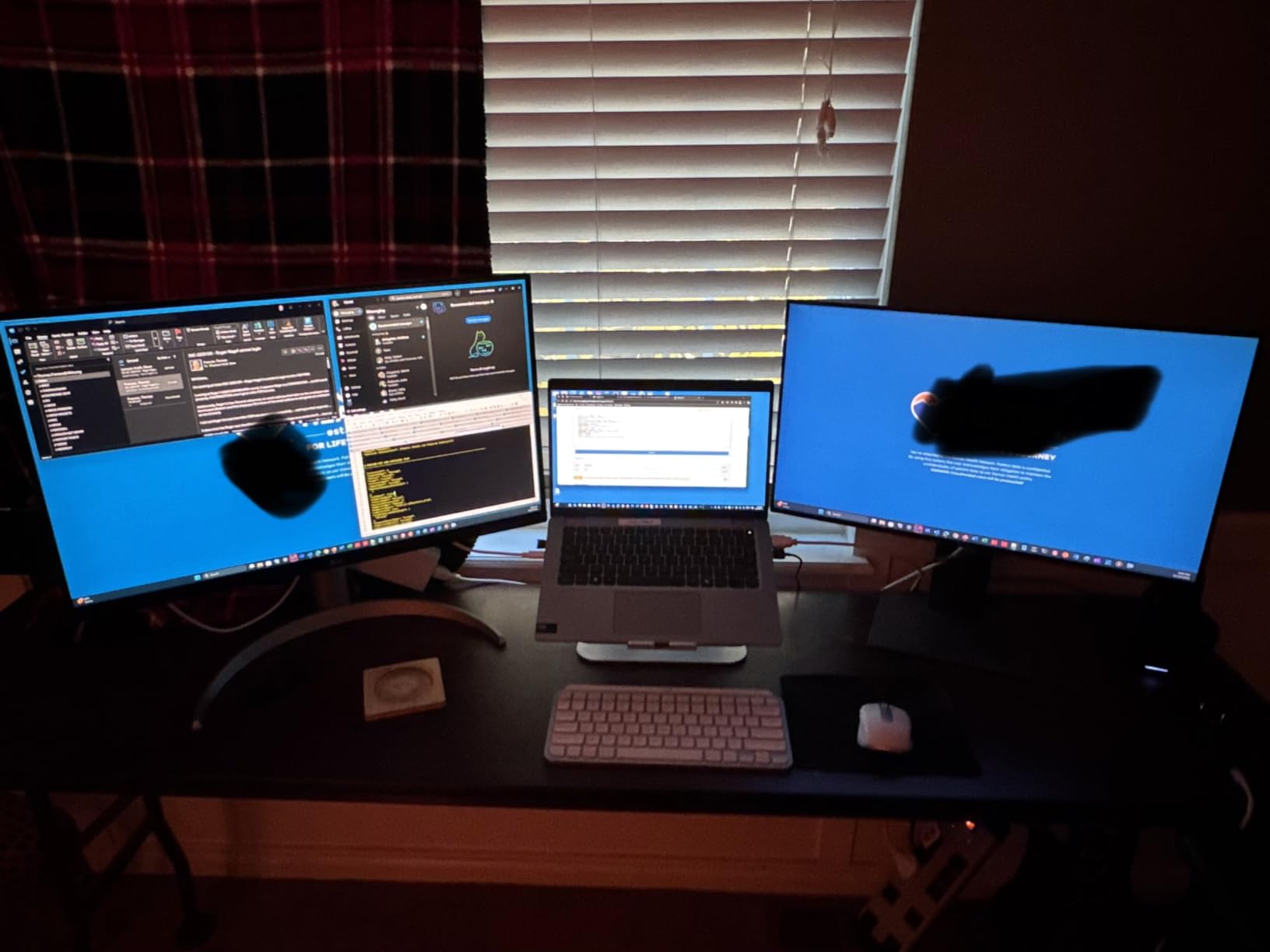
A few owners report that some of the smart features inside the menu are limited, but they are easy to ignore. The core display performance is what makes this panel worth watching during the sale.
3. ASUS ProArt PA279CRV: Best for Creators
ASUS ProArt PA279CRV 27 Inch 4K UHD USB-C HDR Professional Monitor for Mac
Size: 27in
Refresh: 60Hz
Panel: IPS
PD: 96W
+ Pros
- Factory calibrated to Delta E under 2
- 99% DCI-P3 and 99% Adobe RGB coverage
- USB-C with 96W power delivery
- Calman Verified for color work
– Cons
- 60Hz refresh rate
- Premium price for a 27-inch panel
If your work involves photo or video editing and your screen needs to match a final output, this ASUS is built for that. The panel is Calman Verified, factory calibrated to a Delta E under 2, and covers 99% of both DCI-P3 and Adobe RGB. Reviewers who edit color-critical work say it lands close to a calibrator’s results straight out of the box.
The 96W USB-C power delivery is enough for a 14-inch MacBook Pro at full load. Add the 5-year warranty and DisplayPort daisy-chaining, and the port layout works as the heart of a small color studio without buying a separate dock.
Skip it if you do not edit photos or video. The factory calibration and Adobe RGB coverage are wasted on spreadsheets and slides. For those, the Dell S2725QS above gives sharper motion at 120Hz for much less.
Compared with the LG 27UP850K-W, the ASUS gives up some brightness but adds true Adobe RGB coverage and a longer warranty. Both panels are 60Hz and IPS; the deciding question is whether you need Adobe RGB or just DCI-P3.
One practical detail: ASUS bundles a 3-month Adobe Creative Cloud subscription with the listing, which softens the premium price for new editors.
4. Dell UltraSharp U3225QE: Premium Pick
Dell UltraSharp DELL-U3225QE
Size: 32in
Refresh: 120Hz
Panel: IPS
PD: 140W
+ Pros
- 32-inch 4K IPS at 120Hz
- Thunderbolt and KVM built in
- VESA DisplayHDR 600 at 450 nits
- TÜV 5-Star certified eye comfort
– Cons
- Premium price point
- Heavier than smaller 4K options
If your desk can fit 32 inches and your laptop can use a Thunderbolt dock, the Dell UltraSharp U3225QE is the most complete 4K work monitor in the sale. The 120Hz IPS panel hits 450 nits of sustained brightness with DisplayHDR 600, and the built-in KVM switch lets you drive two computers from one keyboard and mouse.
The 140W power delivery over USB-C is the headline number. It charges a 16-inch MacBook Pro under load, eliminating the laptop charger from your desk entirely. Owners running a work laptop and a personal laptop at the same desk say the KVM switch is the reason they picked this panel over smaller alternatives.
For single-computer, 27-inch setups, the Dell S2725QS above does the same job at a fraction of the price. The premium here pays for Thunderbolt, KVM, the larger screen, and the extra brightness.
Compared with the ASUS ProArt PA279CRV, the Dell trades factory color calibration for higher refresh, more brightness, and Thunderbolt. For color-critical editing, the ASUS still wins. For everything else in a work setup, the U3225QE wins.
At roughly 8 kg, this is a heavy monitor. A solid desk arm rated for the weight is worth pairing with it.
5. Samsung ViewFinity S7: Best Value
Samsung 27″ ViewFinity S7 (S71H) 4K UHD IPS HDR10 High Resolution Monitor
Size: 27in
Refresh: 60Hz
Panel: IPS
PD: None
+ Pros
- Crisp 4K IPS picture quality
- TÜV certified Eye Saver mode
- HDR10 support
- Reliable everyday panel
– Cons
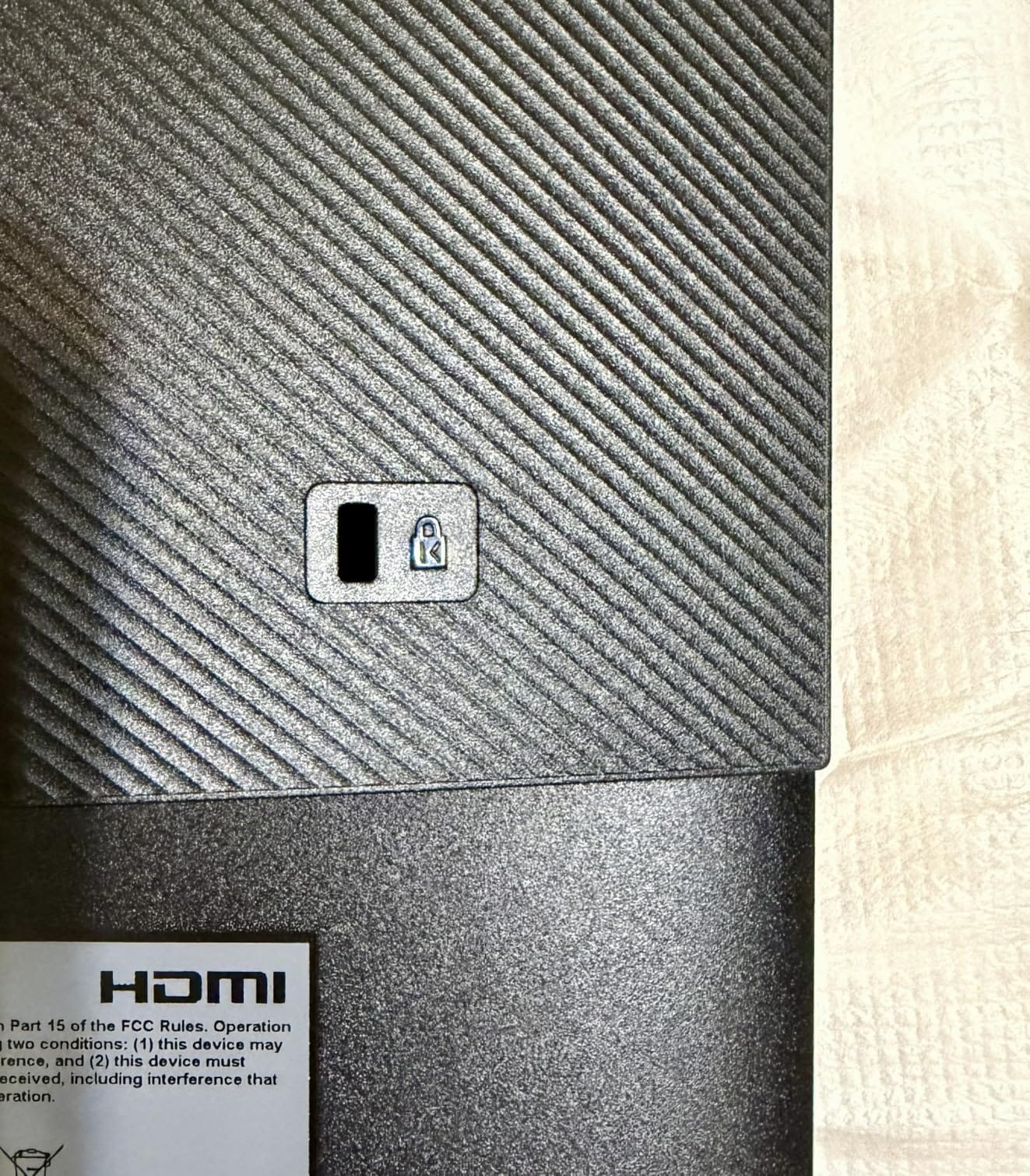
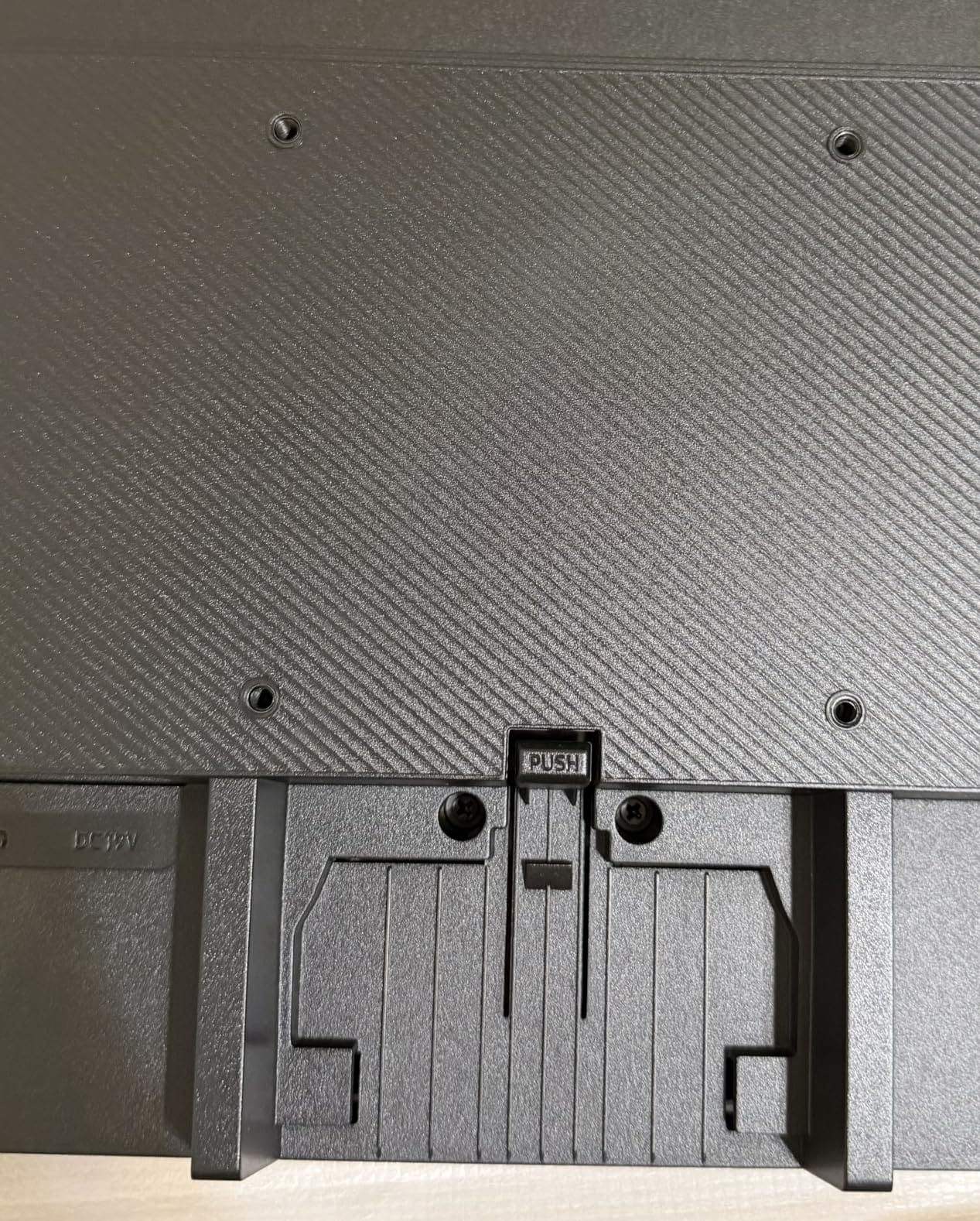
- Stand only tilts and does not adjust height
- Limited to one HDMI and one DisplayPort
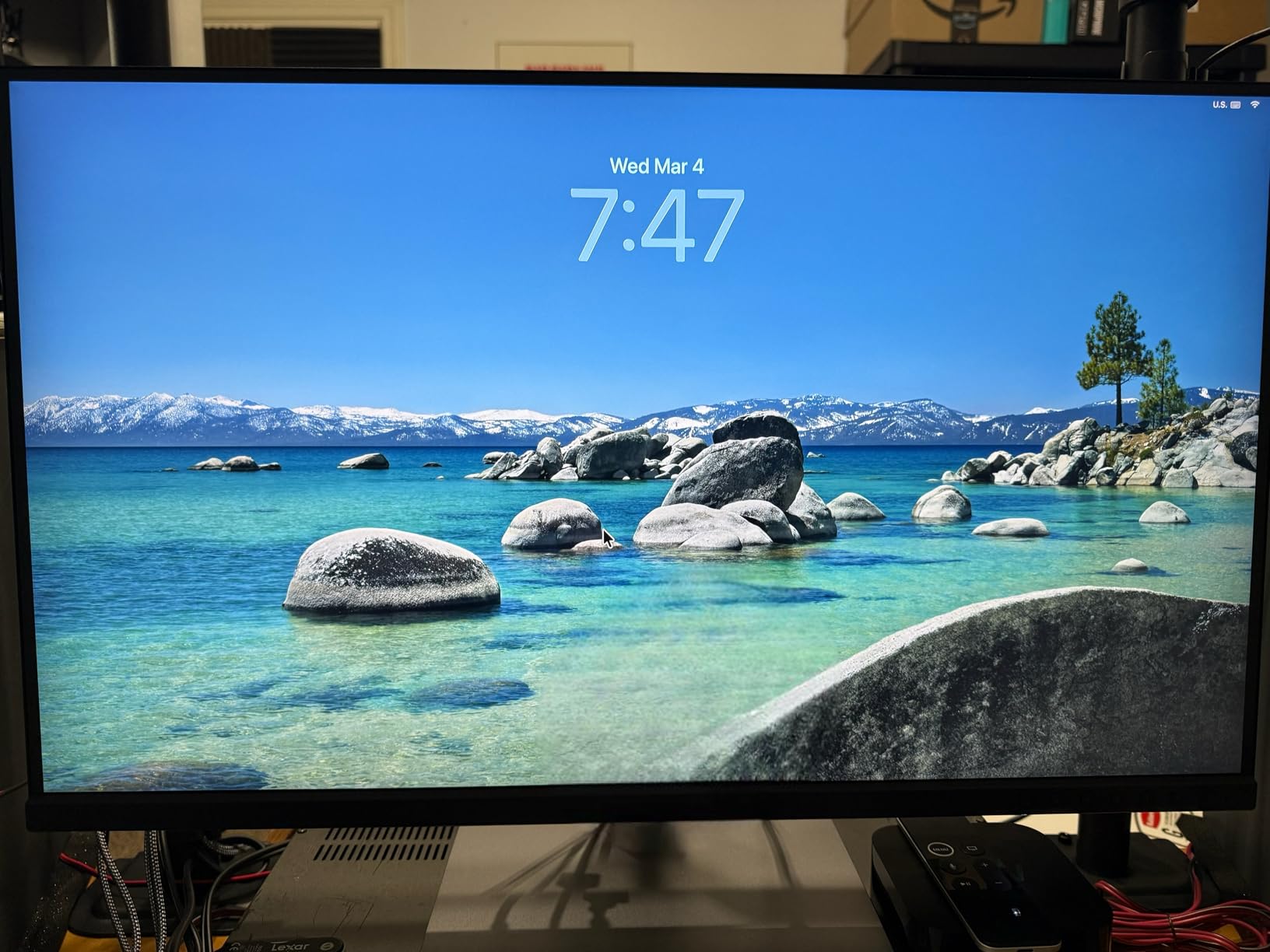
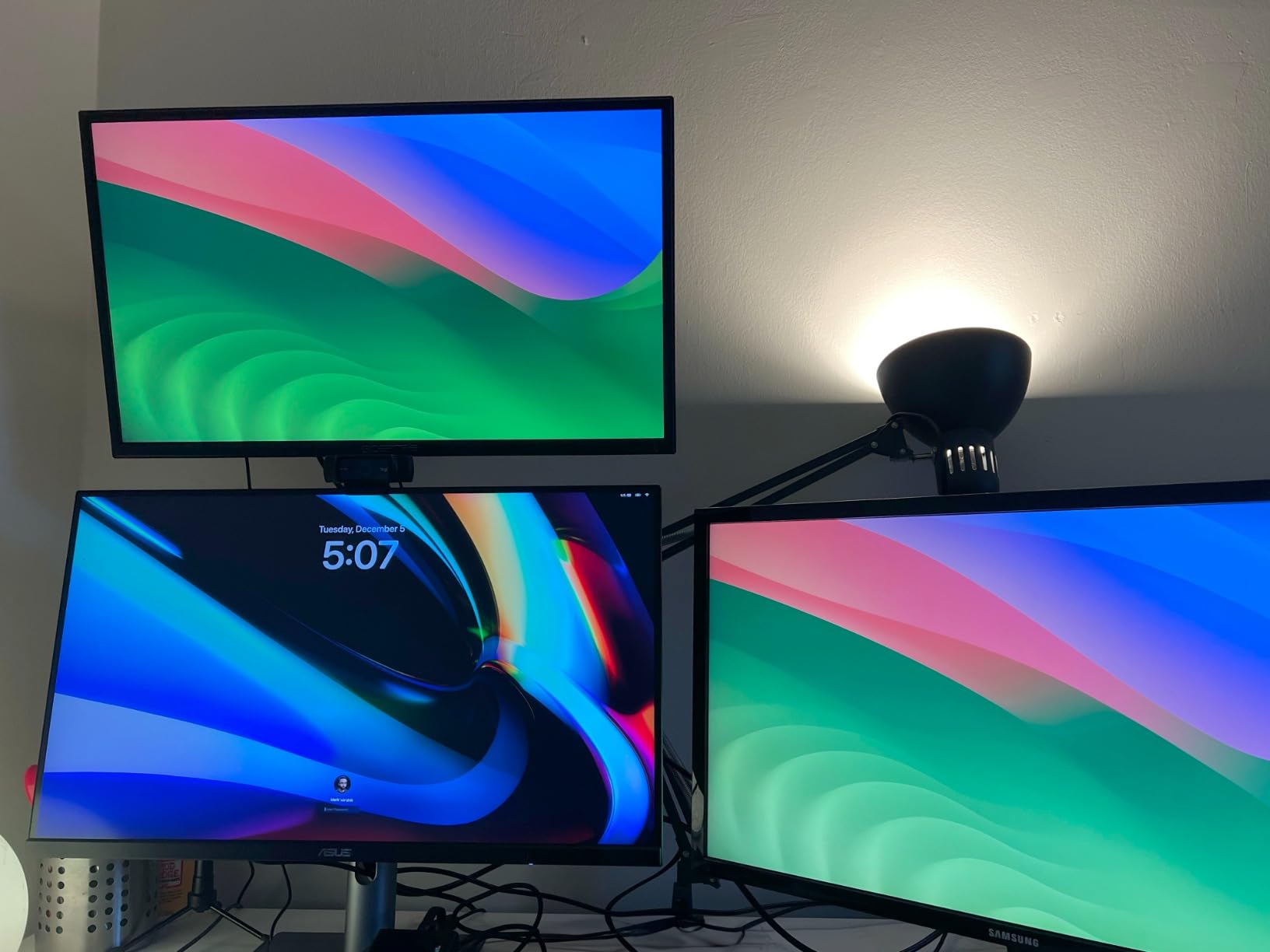
The Samsung ViewFinity S7 is the simple, dependable pick for a home desk that needs a 4K screen and nothing more. The IPS panel produces crisp text, the TÜV-certified Eye Saver mode cuts blue light for late work, and HDR10 support is included even at this end of the list.
Owners highlight two things: the picture quality at the price, and the simple, reliable setup. For a monitor that just needs to show spreadsheets, browser tabs, and email clearly for the next three years, this Samsung hits a sweet spot.
Skip it if you need USB-C charging, a height-adjustable stand, or 120Hz motion. The stand only tilts, and the connections are HDMI and DisplayPort. For a more flexible pick, jump to the LG 27UP850K-W above.
Good to know: review counts are lower on this newer listing, but the average rating is the highest on this list. Owners consistently mention that the panel punches above its tier.
6. MSI PRO MP273U: Best for Color Work
msi PRO MP273U, IPS 3840 x 2160 (UHD) Computer Monitor, 4K, 60 Hz, Adaptive-Synch, HDMI, DisplayPort, 4ms (GTG), Black
Size: 27in
Refresh: 60Hz
Panel: IPS
PD: None
+ Pros
- 95% Adobe RGB and 99% DCI-P3 coverage
- Delta E under 2 color accuracy
- TÜV Rheinland certified eye care
- HDR Ready support
– Cons
- Lower review count than rivals
- Some reliability reports from owners
If you want wide-gamut color on a budget and do not need USB-C charging, the MSI PRO MP273U is the cheapest panel on this list that still covers 95% of Adobe RGB. The Delta E under 2 rating means colors land close to a reference without a colorimeter first.
TÜV Rheinland certified flicker-free and low-blue-light modes add another reason to consider it for long sessions. Eye-Q Check, a small visual self-test, is built into the menu for a quick vision break.
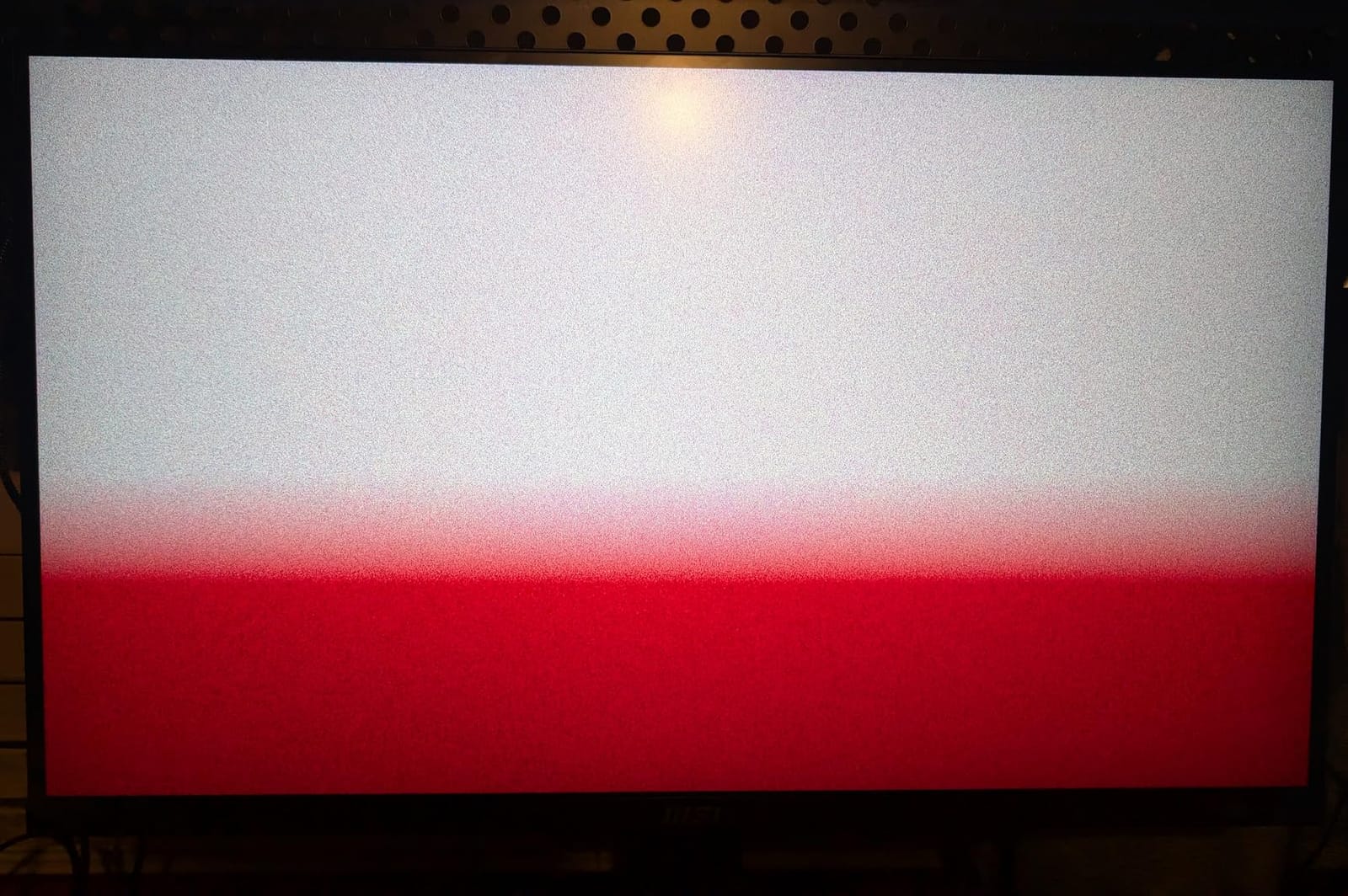
The MSI stops at HDMI and DisplayPort, so anyone wanting USB-C charging will still need a separate laptop charger. For one-cable docking at this size, the LG 27UP850K-W is the better fit.
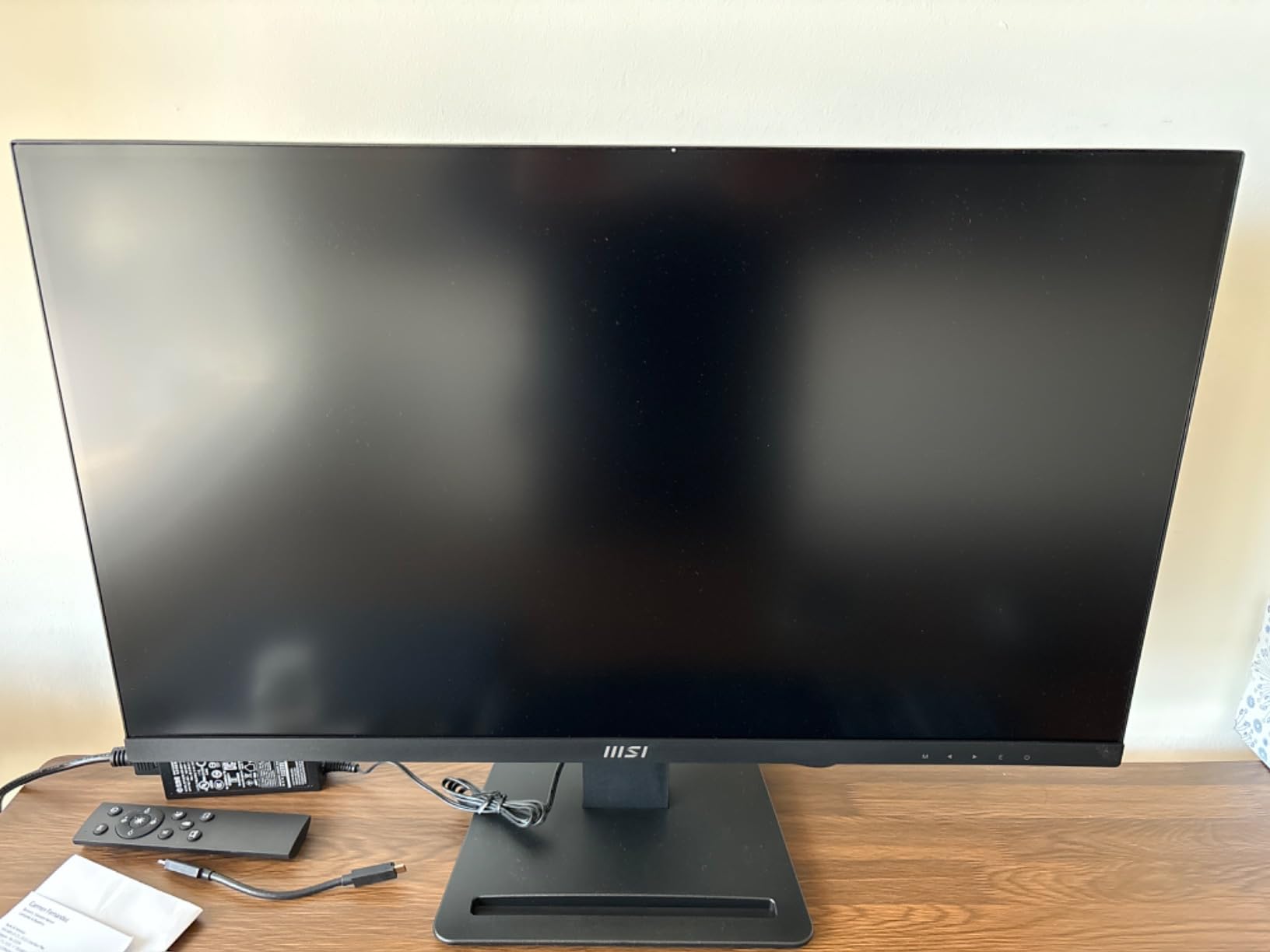
Compared with the ASUS ProArt PA279CRV above, the MSI covers a similar gamut at a lower price but loses the factory Calman verification and the USB-C port. For non-critical color work in spreadsheets, web design, or light photo editing, the MSI is a budget-friendly choice.
A small share of owners report reliability issues. Buying through a seller with a clear return window is the easy safeguard.
7. ZZA Z27K: Most Versatile
ZZA 27 inch 4K UHD Monitor,75Hz Refresh Rate,HDR10,HDMI 2.0×2/DP 1.2×2,Compatible with Wall Mounting,Ideal for Business & Office Work
Size: 27in
Refresh: 75Hz
Panel: LED
PD: None
+ Pros
- One of the lowest priced 4K 27-inch panels
- 75Hz refresh is smoother than 60Hz
- HDR10 and FreeSync included
- Lightweight VESA compatible design
– Cons
- Mixed reliability reports from owners
- Some HDMI cables cap at 4K 60Hz
- Customer service concerns in reviews
If the budget is the deciding question, the ZZA Z27K delivers a real 4K panel for the lowest entry on this list. The 75Hz refresh is a small but welcome step up from a standard 60Hz panel, and HDR10 plus FreeSync come along for the ride.
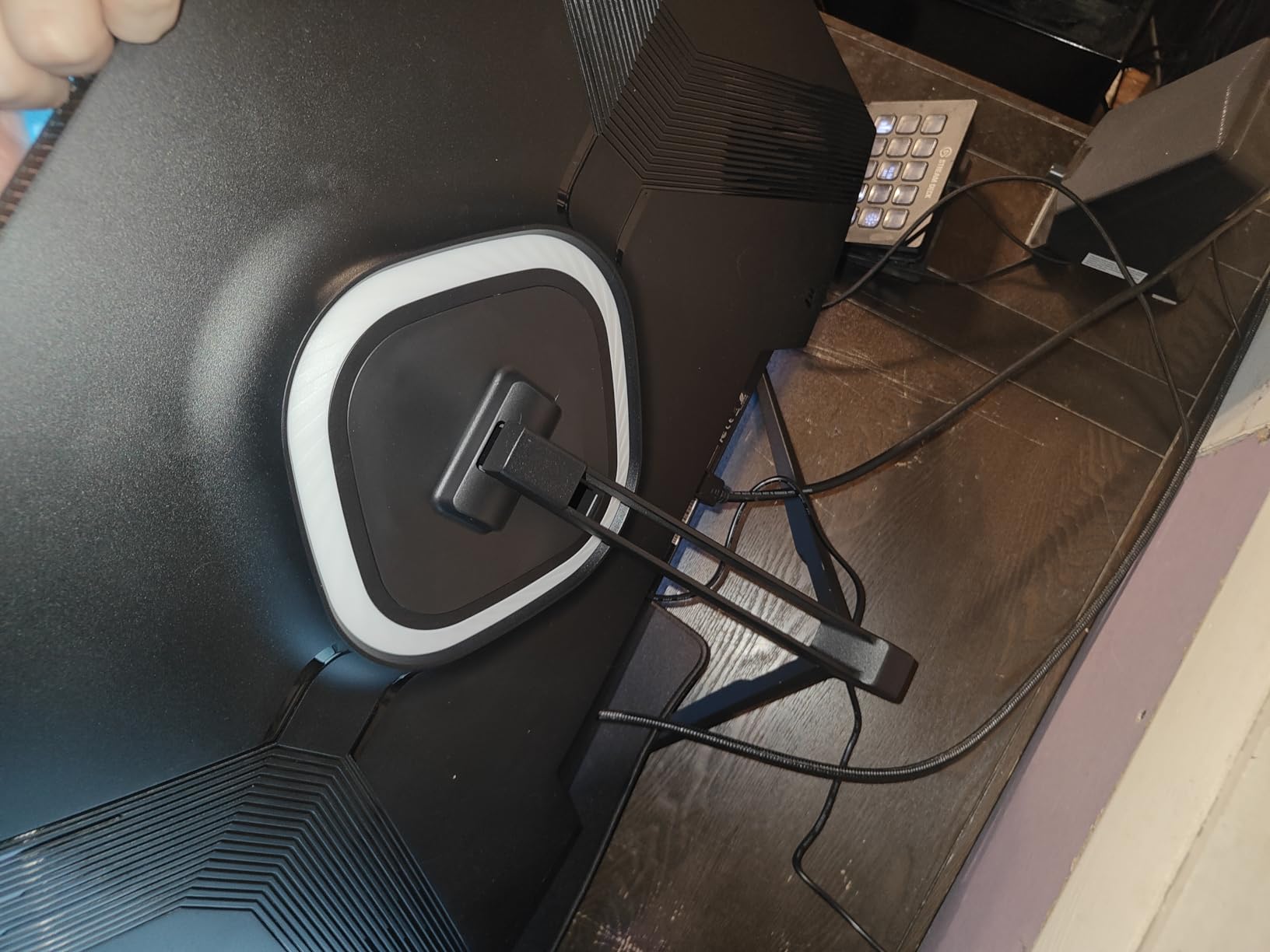
What you give up is polish. Owners mention mixed reliability, and a few report that older HDMI cables will cap the signal at 4K 60Hz rather than the full 75Hz. A certified HDMI 2.0 cable solves it, but it is one more thing to check.
Anyone who needs a USB-C port or a height-adjustable stand should look elsewhere. The ZZA tilts only, which matters for an ergonomic desk setup. For a polished budget panel with an IPS picture, the LG 27US500-W below is the safer bet.
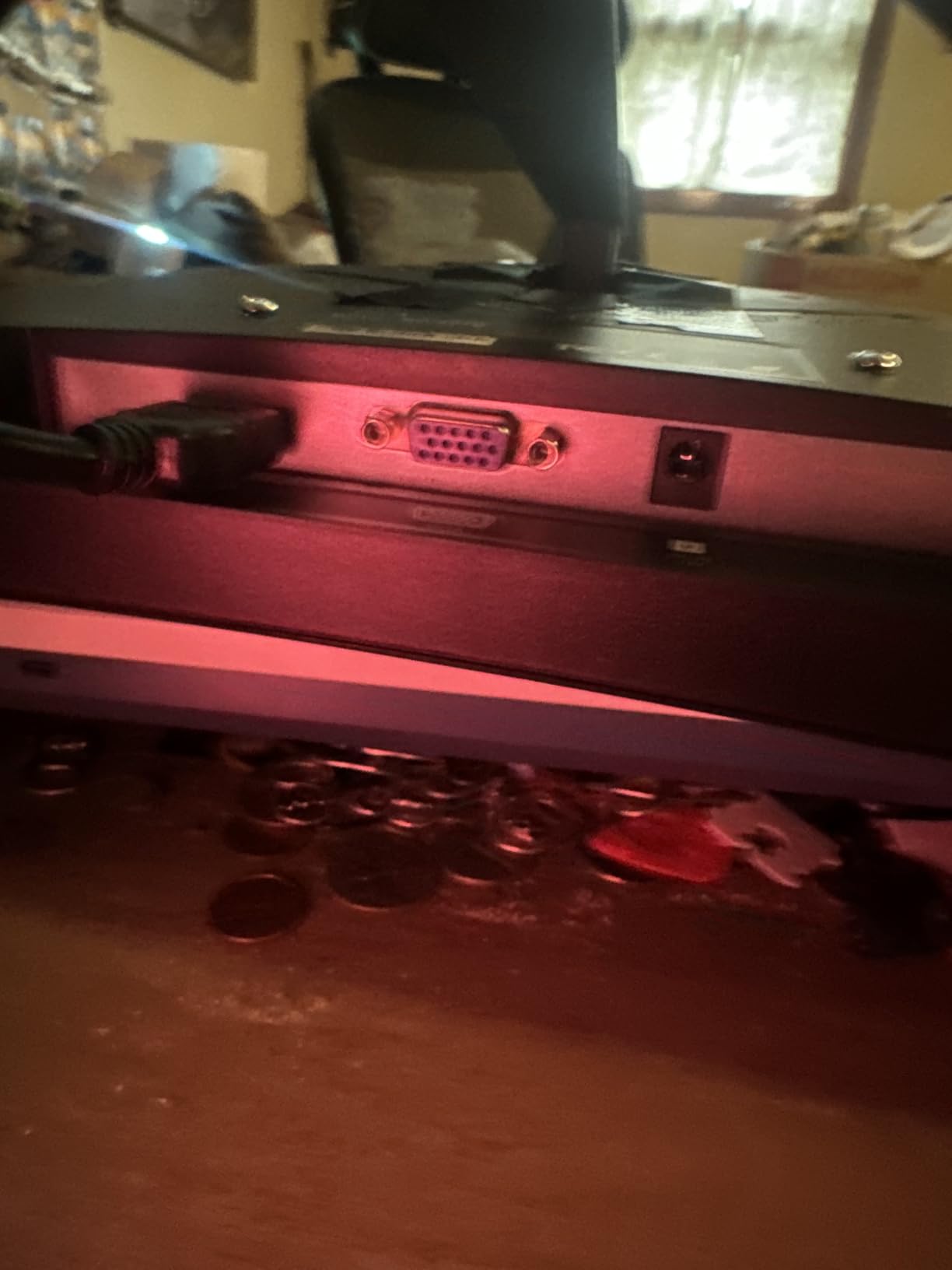
This listing is the most likely on the page to see the sharpest sale drops during Prime Big Deal Days, given the entry-level price.
8. ASUS VP327Q: Best 32-Inch Basic
ASUS VP327Q 32 Inch 4K UHD Computer Monitor, HDMI, DisplayPort, Speakers
Size: 32in
Refresh: 60Hz
Panel: LED
PD: None
+ Pros
- Large 4K screen at a modest price
- 99% sRGB and HDR-10 support
- ASUS Eye Care flicker-free mode
- Built-in speakers included
– Cons
- Mixed panel reports from owners
- Some quality control complaints
- Short power cord in the box
The ASUS VP327Q is a budget path to a 32-inch 4K screen. The 99% sRGB coverage is solid for general office work, and the Eye Care mode keeps long sessions comfortable. Built-in speakers save a pair of desk speakers if you are tight on space.
A handful of owners mention that the panel behaves more like a VA panel than a true IPS in viewing angles, with some color washout when seen from the side. If you sit directly in front of the screen, it is not an issue. If you share the screen for a meeting at the kitchen table, it can show.
Color-critical work calls for a different panel. For wide-gamut work, the MSI PRO MP273U above or the LG 27US500-W below are safer picks.
The ASUS gives up the Thunderbolt, KVM, 120Hz, and brightness of the Dell UltraSharp U3225QE above in exchange for a far lower price. For pure screen size on a budget, it is the more practical pick.
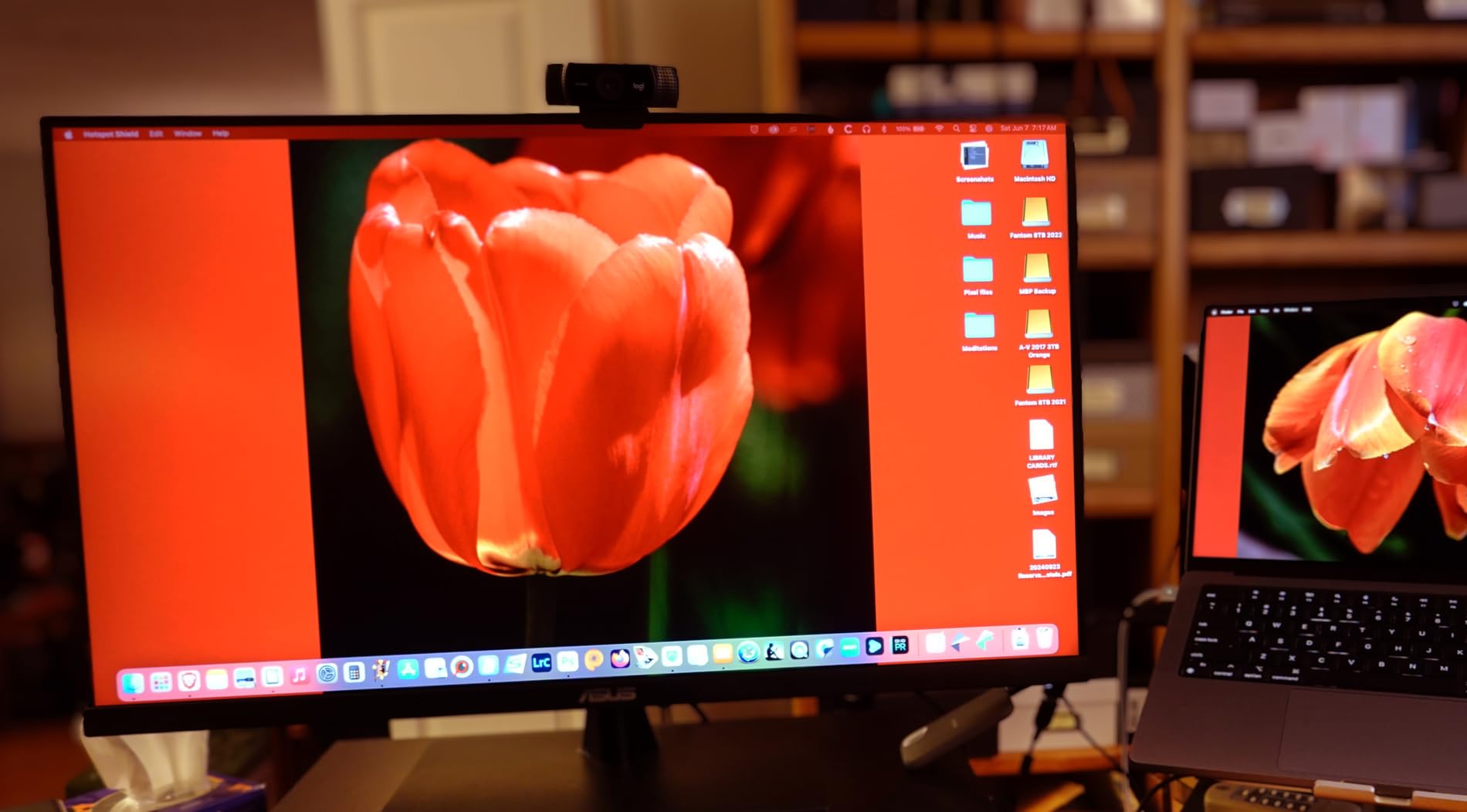
The stand only tilts, so plan on a separate monitor arm if you want full ergonomic range.
9. LG 27US500-W: Best for Basic 4K
LG 27US500-W Ultrafine Monitor 27-Inch 4K UHD (3840×2160) HDR10 IPS Borderless Design Reader Mode Flicker Safe Switch App HDMI DisplayPort – White
Size: 27in
Refresh: 60Hz
Panel: IPS
PD: None
+ Pros
- Clean 4K IPS picture quality
- Up to 90% DCI-P3 expression
- HDR10 support
- Borderless design with Reader Mode
– Cons
- No USB-C port
- No height adjustment on stand
- Limited connectivity options
The LG 27US500-W is the safe, no-fuss 4K IPS monitor for a home desk. Owners describe the picture as sharp, the borderless design as clean in a small space, and the Reader Mode as a real help during late work sessions.
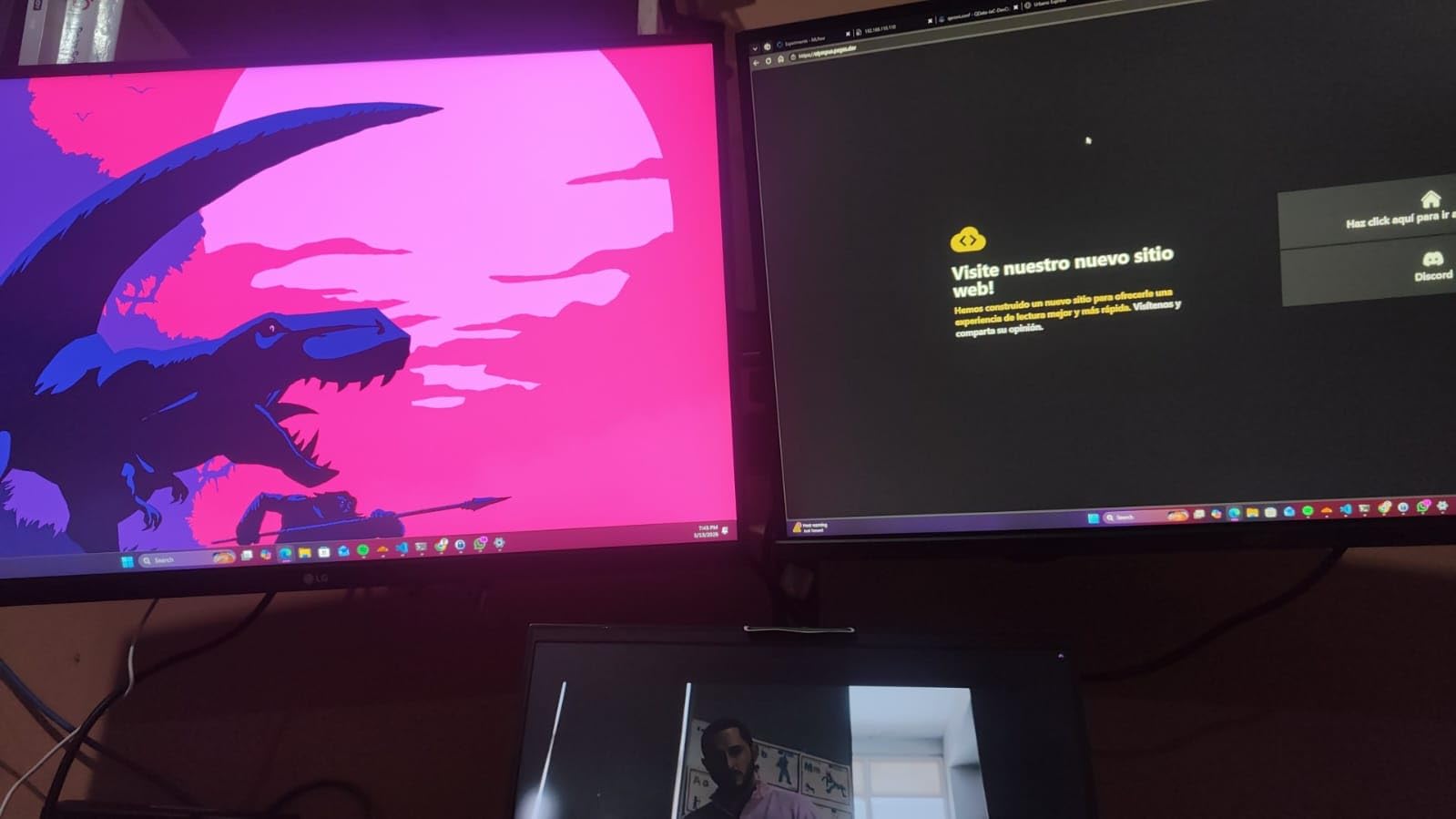
HDR10 and up to 90% DCI-P3 coverage add a touch of color beyond a basic office panel, even if this LG is not aimed at designers. The Onscreen Control software splits inputs and arranges windows without leaving the desktop.
Skip it if you need USB-C or a height-adjustable stand. The stand only tilts, and the ports are HDMI and DisplayPort. For those needs, the LG 27UP850K-W above is the more flexible LG pick.
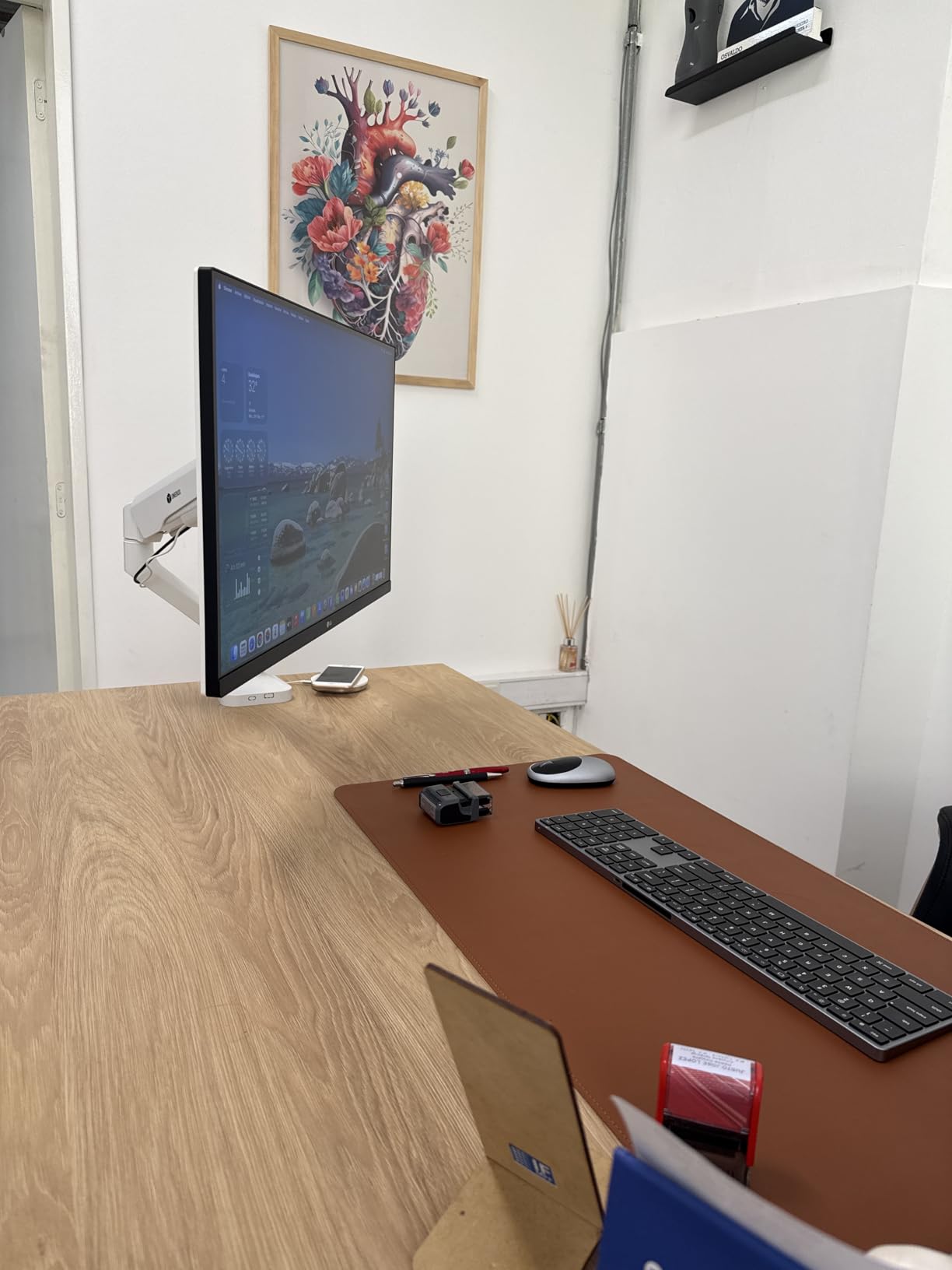
Side by side with the Samsung ViewFinity S7 above, the LG adds a wider color expression and HDR10. The Samsung counters with a stronger eye-care certification. Both are honest basic 4K monitors, and the right one depends on which spec matters more to you.
Good to know: a small group of owners note that the matte panel produces very mild grain in dark rooms, the same trade-off seen on most budget IPS panels.
10. Samsung 32-Inch Basic: Best for Big Screen on a Budget
Samsung 32″ Flat Computer Monitor
Size: 32in
Refresh: 75Hz
Panel: LCD
PD: None
+ Pros
- 32-inch screen at the lowest price on this list
- 75Hz refresh is smoother than 60Hz
- Anti-glare coating handles bright rooms
- Borderless design for multi-monitor setups
– Cons
- Native resolution is 1920 by 1080 not 4K
- Limited to one HDMI and not height adjustable
The Samsung 32-Inch Basic is not a 4K monitor, and that is worth saying up front. But it earns its place on this list as the cheapest path to a 32-inch work display. For a side monitor that holds chat windows, dashboards, or video calls, a 32-inch 1080p panel is a real option.

Owners consistently call out the anti-glare coating and the 75Hz refresh as the strengths. Eye Saver Mode and Flicker Free technology are also included, which is rare at this end of the budget.
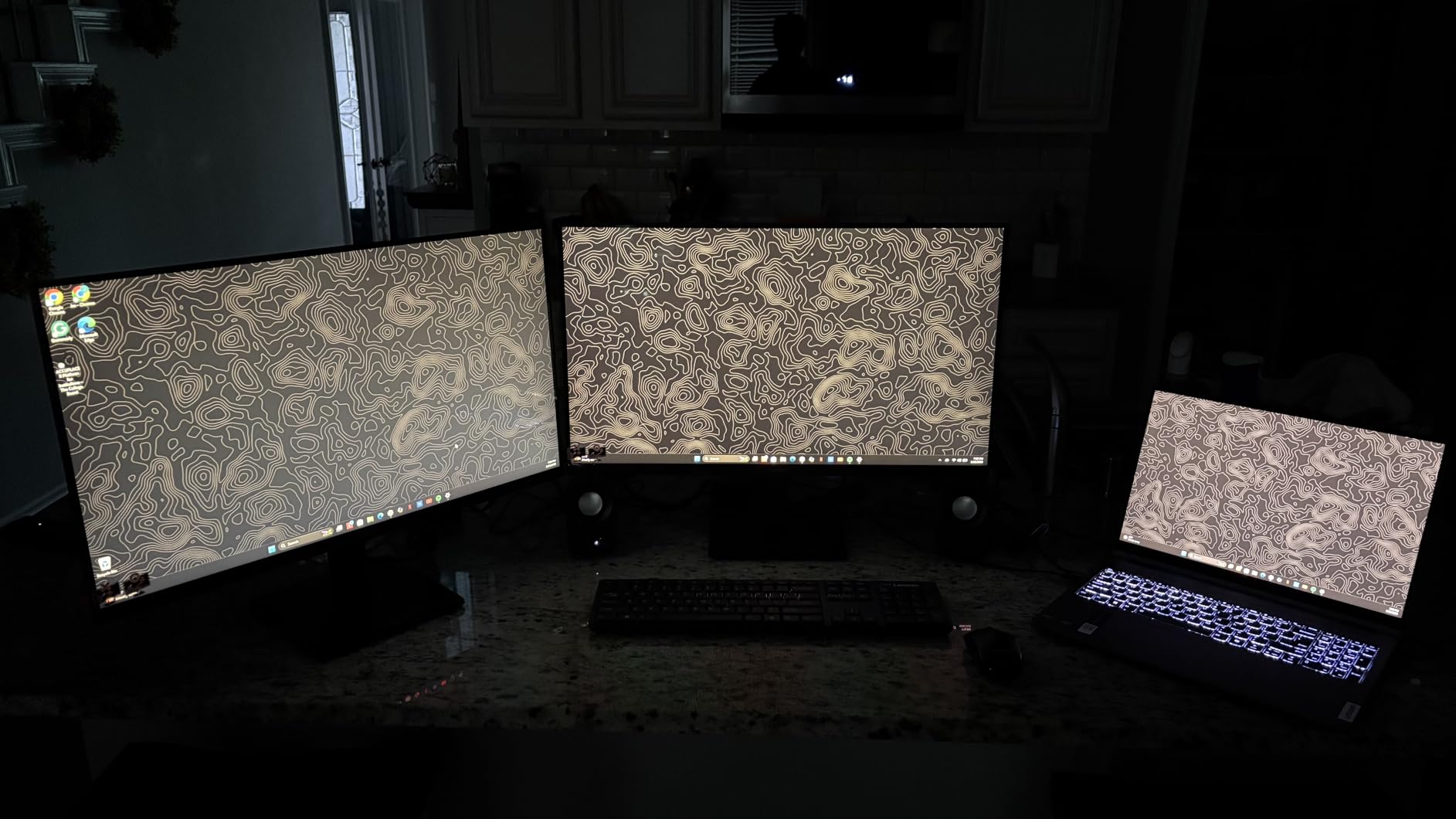
It should not be the primary 4K work monitor. The text on a 32-inch 1080p panel is not as crisp as 4K at the same size. If 4K is the goal, the ASUS VP327Q above is the budget 32-inch pick with real 4K resolution.
The Samsung gives up 4K resolution for a larger screen at a lower price than the LG 27US500-W. The right choice depends on which you value more for the desk in question.
This is the panel most often paired with a primary 4K monitor as a second screen for messaging and calls.
How to Choose a 4K Work Monitor During Prime Big Deal Days
Panel Size and Pixel Density
For a work monitor, 27 inches at 4K gives around 163 pixels per inch, which is the sweet spot for crisp text at typical desk distances. 32 inches at 4K drops to about 140 PPI, which is still sharp but visibly softer if you sit close. If you want more screen for side-by-side documents, 32-inch is the right call. For single-window coding and writing, 27-inch 4K reads cleaner. The Dell S2725QS, LG 27UP850K-W, and ASUS ProArt PA279CRV all fit the 27-inch 4K sweet spot, while the Dell UltraSharp U3225QE and ASUS VP327Q cover the 32-inch tier. For dual-monitor desk setups, our guide to matching secondary picks covers the smaller side panel.
IPS, VA, and OLED for Office Work
IPS is the safest work-monitor panel technology. It handles wide viewing angles for screen sharing, produces consistent color, and avoids the burn-in risk that OLED carries for static UI elements like spreadsheets, IDEs, and email clients. The Dell S2725QS, LG 27UP850K-W, ASUS ProArt PA279CRV, and Dell UltraSharp U3225QE on this list are all IPS panels. VA panels like the ASUS VP327Q give deeper blacks but can wash out at off-angle viewing, which is the trade-off to know.
USB-C, KVM, and Docking Features
USB-C with power delivery is the single most useful feature on a 2026 work display. Look for at least 65W to charge a MacBook Air or thin Windows laptop, and 90W or more for a 14-inch MacBook Pro or Dell XPS under load. The LG 27UP850K-W delivers 90W, the ASUS ProArt PA279CRV delivers 96W, and the Dell UltraSharp U3225QE delivers 140W for 16-inch MacBook Pros. A built-in KVM switch, like on the Dell U3225QE, lets two computers share one keyboard and mouse without a separate KVM box. For wide-gamut USB-C picks in the same tier, our guide to professional 4K monitors lists the options that qualify.
Ergonomic Stand and Mounting
An 8-hour workday punishes a fixed stand. Look for height, tilt, swivel, and pivot adjustments, especially if you alternate between sitting and standing. The Dell S2725QS, LG 27UP850K-W, ASUS ProArt PA279CRV, and Dell UltraSharp U3225QE all include full ergonomic stands. The Samsung ViewFinity S7, MSI PRO MP273U, ZZA Z27K, ASUS VP327Q, LG 27US500-W, and Samsung 32-Inch Basic are tilt-only, which works if you plan to mount them on a monitor arm. VESA 100 by 100 mm or 75 by 75 mm compatibility is what to check. Our guide to monitor arms for dual setups covers arm options rated for these panel sizes.
Eye Care and Brightness
For daytime office work, aim for sustained brightness of at least 300 nits. The Dell S2725QS, LG 27UP850K-W, and Dell UltraSharp U3225QE all clear that. Flicker-free dimming and a low-blue-light mode, like ComfortView Plus on the Dell or Reader Mode on the LG, reduce eye strain on long sessions. TÜV-certified eye comfort on the Dell U3225QE and Samsung ViewFinity S7 adds another layer of confidence. Pairing a flicker-free panel with a good desk light, like the ones in our guide to monitor light bars for eye strain, makes a noticeable difference for evening work.
How to Shop 4K Work Monitor Deals During the Sale
A few habits help during Prime Big Deal Days. Check the exact model number in the listing title, since monitor makers often list two close variants on the same page. Confirm the USB-C wattage in the spec sheet, because two near-identical names can differ on power delivery by 30W or more. Watch for renewed versus new, and prefer listings sold and shipped by Amazon for the cleanest return window. Most offers on monitors require a Prime membership, and pricing shifts through the two-day event.
- Verify the exact model number and panel revision
- Confirm USB-C wattage matches your laptop
- Prefer new listings sold and shipped by Amazon
- Check the VESA mount pattern if you plan to upgrade the stand
- Watch pricing through both event days, since deals rotate
- Have a backup pick ready in case your first choice sells out
Final Verdict: 4K Work Monitor Deals: Prime Big Deal Days
For most people shopping 4K work monitor deals during Prime Big Deal Days, the Dell S2725QS is the monitor worth watching first. It combines sharp 4K text, 120Hz motion, and a full ergonomic stand at a price that is unusual for the spec sheet. For a budget-friendly alternative, the Samsung ViewFinity S7 covers the basics for less.
If you dock a MacBook over USB-C, step up to the LG 27UP850K-W for 90W charging and wide color. If you need factory-calibrated accuracy for editing, the ASUS ProArt PA279CRV is the panel to watch. For a Thunderbolt setup with a 16-inch MacBook Pro at 32 inches, the Dell UltraSharp U3225QE is the premium pick. The remaining picks cover smaller budgets and a 32-inch side screen. Watch the listings on the days the sale runs, and check the price against a price tracker before you commit.
Frequently Asked Questions
When does Prime Big Deal Days run in 2026?
October 6-7, 2026. Amazon confirmed the dates, and the event runs for 48 hours with rotating deals through both days.
Do you need an Amazon Prime membership to shop 4K work monitor deals during Prime Big Deal Days?
Most 4K work monitor deals during the event require an active Amazon Prime membership. A free trial counts, and signing up before the sale starts is the easy way in.
Is 27-inch or 32-inch better for a 4K work monitor?
27-inch 4K gives the sharpest text for coding and writing because of higher pixels per inch. 32-inch 4K gives more room for side-by-side documents and is the better fit for spreadsheet-heavy work.
Do 4K work monitors usually see meaningful deals during Prime Big Deal Days?
Yes. 4K work monitors are a popular category during the event, and pricing on previous-generation models tends to drop more than on the newest releases. Popular picks rotate quickly through the two-day window.
What should I check before buying a 4K work monitor during Prime Big Deal Days?
Confirm the exact model number in the listing, the USB-C wattage if you want one-cable docking, the panel technology, and whether the seller is Amazon itself for the cleanest return window.
Can one USB-C cable really replace my laptop dock with a 4K monitor?
On monitors with USB-C power delivery of 65W or more, yes for most thin laptops. The LG 27UP850K-W, ASUS ProArt PA279CRV, and Dell UltraSharp U3225QE on this list can replace a basic dock for a single 4K display and a keyboard and mouse.
Leave a Reply