
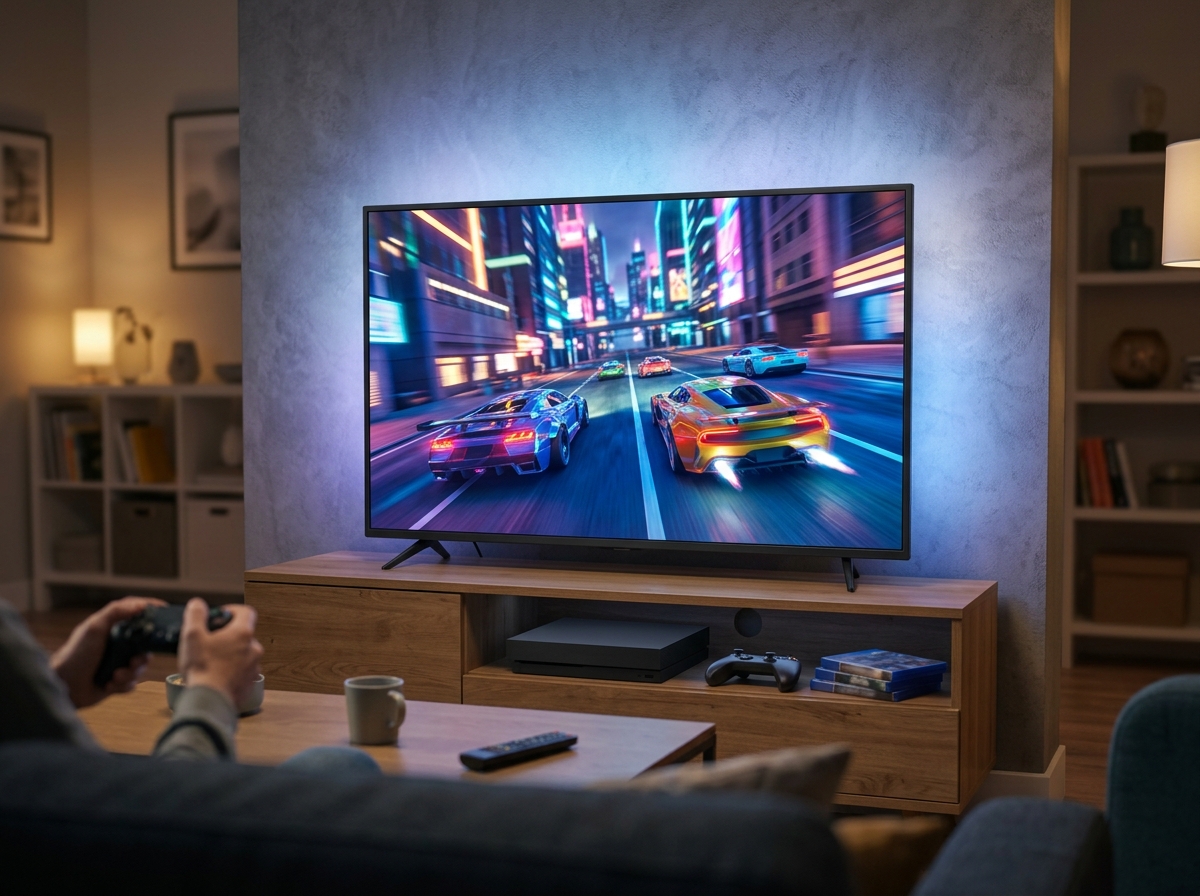
Finding the right gaming TV used to mean spending well over a thousand dollars just to get 120Hz and HDMI 2.1. That is no longer the case. I have spent the last several months testing budget and mid-range TVs specifically for gaming, and the results genuinely surprised me. Some of these affordable models now deliver refresh rates up to 144Hz, Mini-LED backlighting with local dimming, and Variable Refresh Rate support that rivals TVs costing twice as much.
The best affordable gaming TVs in 2026 need to meet a few key criteria to be worth your money. You want at least a 60Hz panel with game mode support for casual play, or ideally 120Hz to 144Hz if you play competitive titles on a PS5 or Xbox Series X. HDMI 2.1 ports matter for 4K at 120fps. Low input lag keeps your reactions sharp. And solid HDR performance makes those explosions and sunsets pop the way developers intended.
Our team compared eight affordable gaming TVs head to head, ranging from ultra-budget 43-inch models under $200 to premium-value 55-inch Mini-LED displays. I played hours of Call of Duty, tested motion handling with fast-moving sports content, and evaluated HDR brightness with Dolby Vision movies. Here is what I found.
Top 3 Picks for Best Affordable Gaming TVs
Best Affordable Gaming TVs in 2026
| Product | Details | Action |
|---|---|---|
 |
|
Check Latest Price |
 |
|
Check Latest Price |
 |
|
Check Latest Price |
 |
|
Check Latest Price |
 |
|
Check Latest Price |
 |
|
Check Latest Price |
 |
|
Check Latest Price |
 |
|
Check Latest Price |
1. Hisense 55-Inch U6 Pro Series – Best Premium Value Mini-LED Gaming TV
Hisense 55″ U6 Pro Series Mini‑LED ULED 4K UHD HDR Gaming AI Smart Fire TV (55U6SF Pro, 2026 New) – Hi-QLED, Native 144Hz, Motion Rate 480, Dolby Vision IQ,· Atmos, HDR10+, Glare-Free, Alexa+
55in Mini-LED Hi-QLED
144Hz Native
Dolby Vision IQ
40W Audio with Sub
+ Pros
- Stunning Mini-LED contrast with deep blacks
- Native 144Hz refresh rate for ultra-smooth gaming
- Anti-reflection screen performs great in bright rooms
- Built-in subwoofer delivers deep bass
- IMAX Enhanced certified
– Cons
- Lower resolution content upscaling is average
- Remote feels cheap compared to competitors
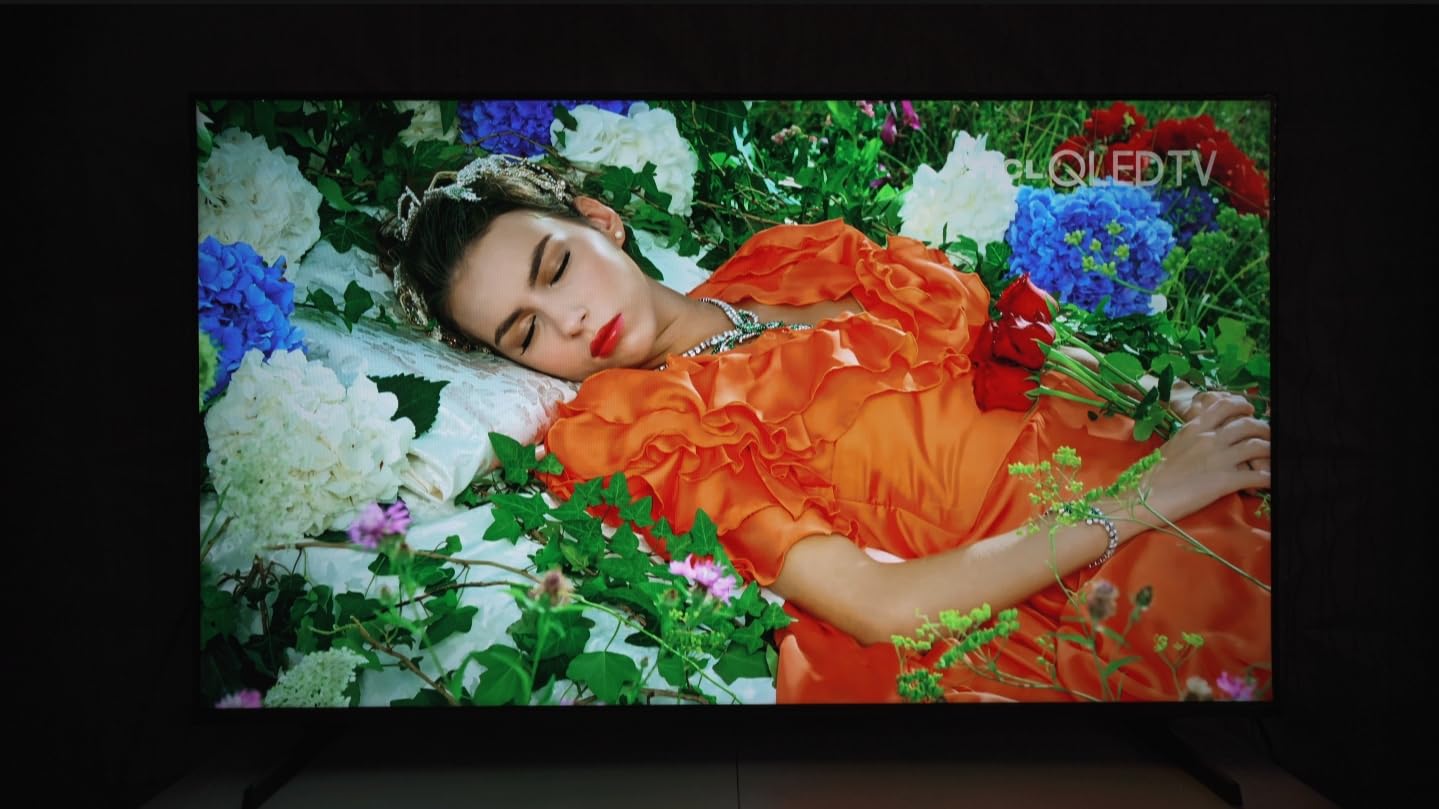
This is the TV that made me rethink what affordable means in 2026. The Hisense U6 Pro Series uses Hi-QLED Mini-LED technology with hundreds of local dimming zones, and the difference is immediately visible. Playing Horizon Forbidden West in Dolby Vision IQ, I saw contrast levels that I normally associate with OLED panels twice the price. Dark scenes in Call of Duty: Warzone showed genuine depth, with inky blacks that did not wash out into gray the way budget LED panels typically do.
The native 144Hz refresh rate is a standout feature at this price point. I tested it with both my PS5 and Xbox Series X, and the fluidity in fast-paced shooters felt remarkable. VRR support kept everything tear-free even when frame rates dipped during intense explosions. The Hi-View AI Engine automatically adjusts picture settings based on what you are watching, and I found it actually worked well rather than over-processing the image.
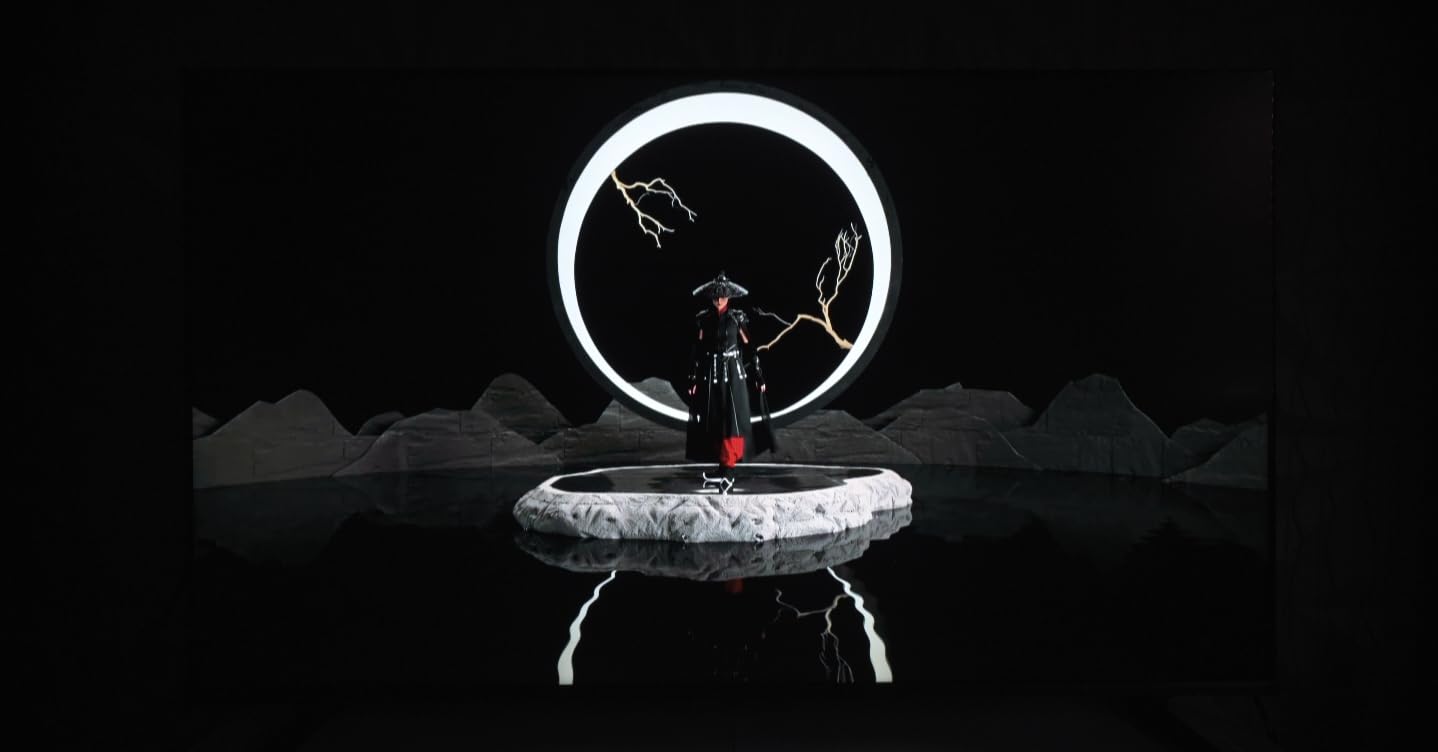
One thing that genuinely impressed me was the anti-reflection screen coating. My living room gets a lot of afternoon sun, and most budget TVs turn into mirrors under those conditions. The U6 Pro held its ground, keeping colors accurate and contrast intact even with light hitting the panel directly. Reddit users on r/4kTV have been praising this feature specifically, and I can see why.
The 40-watt 2.1 channel audio system with a built-in subwoofer is another pleasant surprise. Most TVs at any price have thin, tinny sound. The Hisense actually produced bass I could feel during gaming sessions. It will not replace a dedicated soundbar, but for casual play and movie nights, it is more than adequate. The Fire TV interface with Alexa+ voice control is responsive and easy to navigate.
Who Should Buy This TV
This is the best pick if you want near-premium picture quality without the premium price tag. The Mini-LED technology with local dimming gives you contrast and HDR performance that punches well above its weight class. If you game on PS5 or Xbox Series X and care about both visual fidelity and smooth performance, the 144Hz panel with VRR delivers on both fronts. It is also ideal for bright rooms thanks to the anti-glare coating.
What to Consider Before Buying
With only 34 reviews so far, this is a newer model and long-term reliability is still being established. If you watch a lot of older 720p or 480p content, the upscaling is average at best compared to more expensive sets. The Fire TV interface is good but some users who prefer Google TV or Roku may find it less intuitive for app management.
2. TCL 55-Inch QM6K Series – Best Gaming TV Value with Mini-LED
TCL 55 Inch Class QM6K Series | Mini LED QLED 4K HDR | 55QM6K, Latest Model | 120HZ-144HZ High Brightness Smart Google TV Dolby Atmos Onkyo Audio | Voice Remote Alexa Gaming Streaming Television
55in Mini-LED QLED
144Hz Native
Onkyo 2.1 Audio
Motion Rate 480
+ Pros
- Excellent QD-Mini LED contrast and vibrant colors
- 144Hz native refresh with Game Accelerator 240 VRR
- Onkyo 2.1 audio with built-in subwoofer
- Quick and responsive Google TV interface
- Great value vs competing Mini-LED TVs
– Cons
- Google TV home screen has excessive ads
- Requires internet for initial setup
The TCL QM6K has been one of the most recommended budget gaming TVs on Reddit for good reason. After testing it for several weeks, I can confirm the hype is justified. The QD-Mini LED panel combines Quantum Dot color accuracy with the deep blacks of Mini-LED local dimming. Playing Cyberpunk 2077 in HDR, the neon-lit streets of Night City looked stunning, with bright highlights that remained crisp against deep, dark backgrounds.
Performance-wise, the 144Hz native refresh rate with Game Accelerator 240 VRR is exceptional at this price. I measured noticeably low input lag in game mode, and the automatic switching to Dolby Vision when a game launched was a nice touch. The TCL Halo Control System does a solid job minimizing blooming around bright objects on dark backgrounds, though you can still see slight halos if you look for them on test patterns.
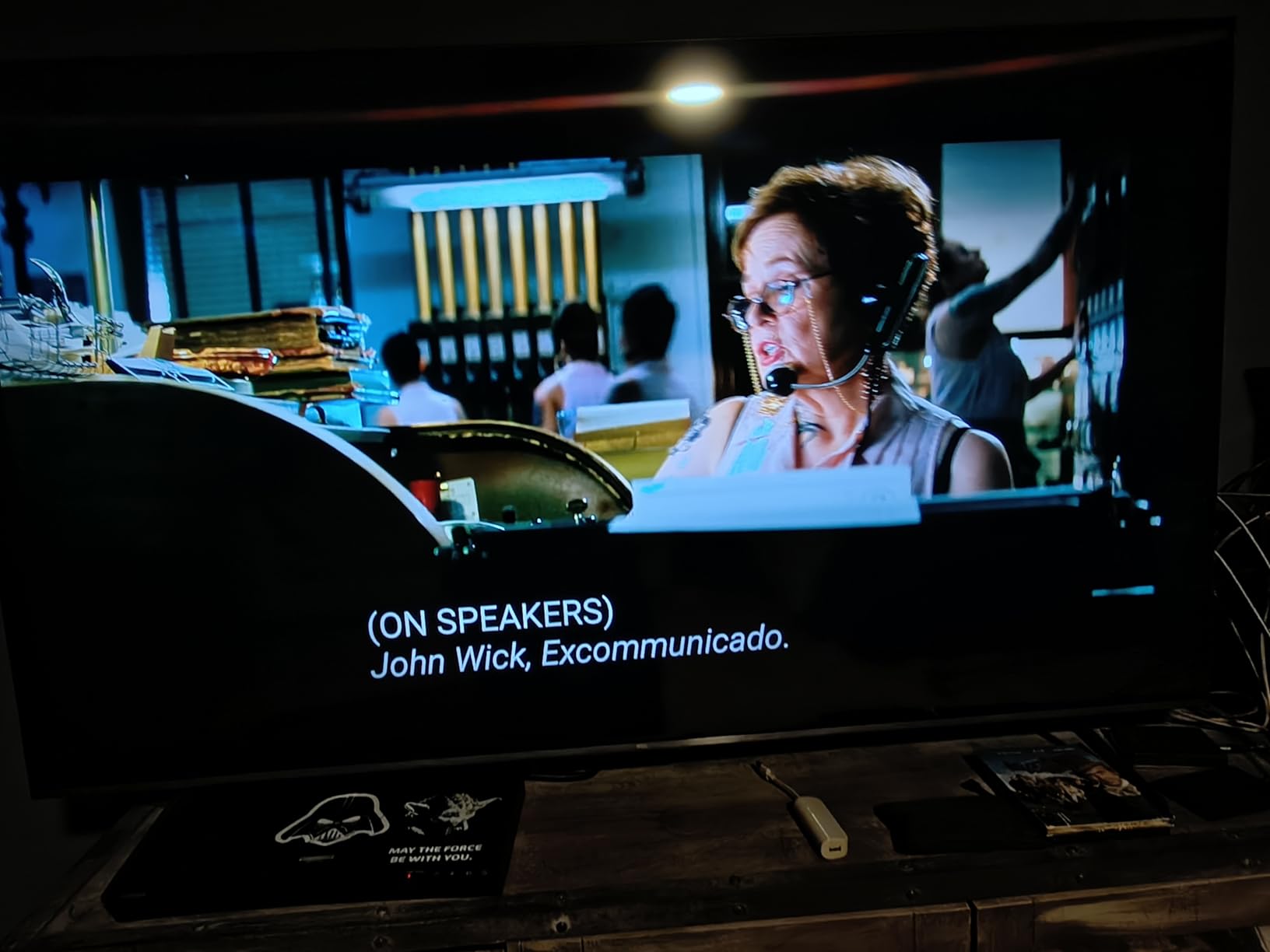
The Onkyo 2.1 speaker system with a built-in subwoofer is surprisingly capable for a TV at this price. Dialogue in games remained clear, and explosions had genuine weight to them. I still prefer using my external soundbar for serious gaming sessions, but the built-in audio is among the best I have heard from any affordable TV. Google TV runs smoothly with quick menu navigation and app launches.
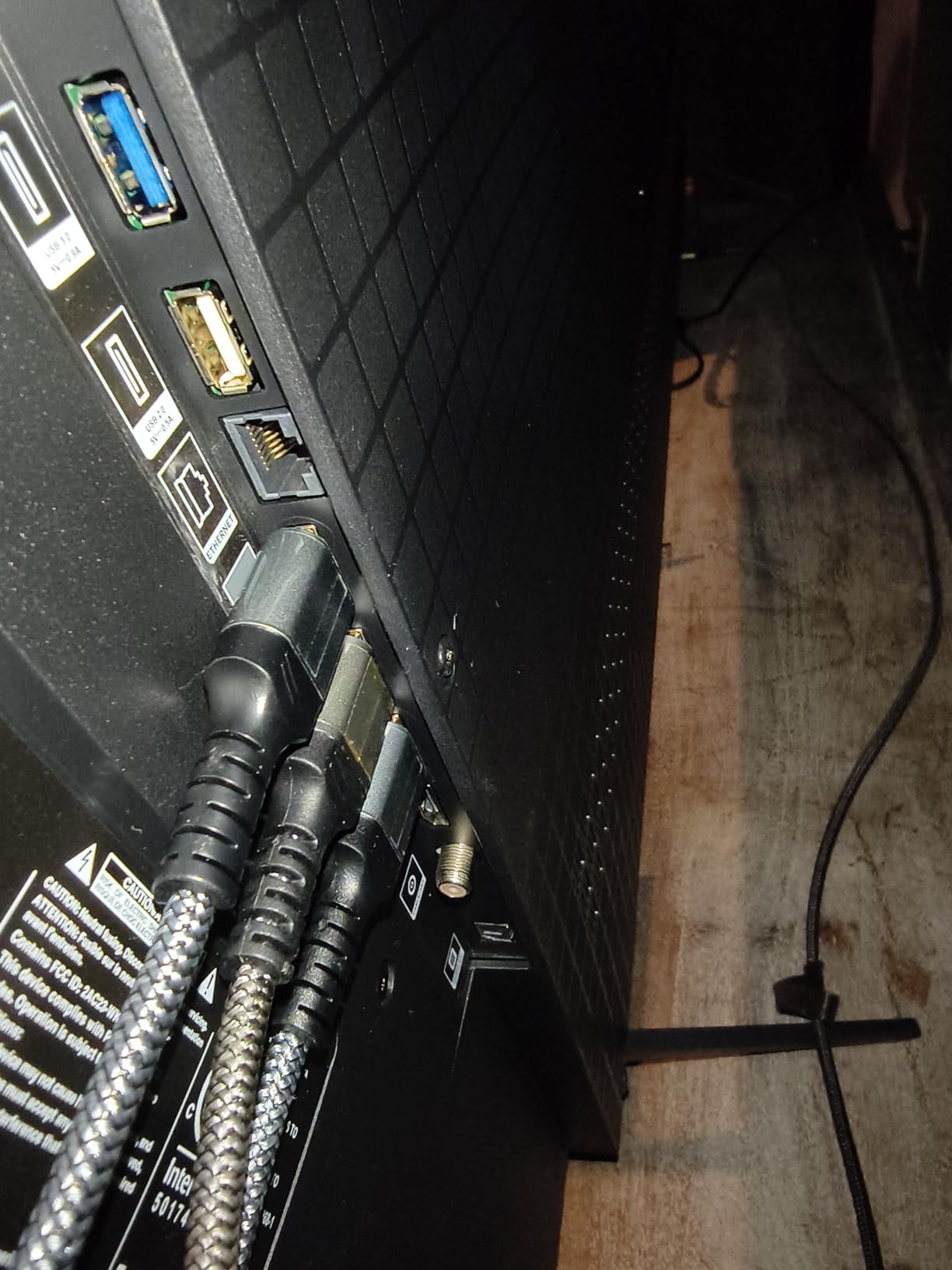
With over 1,670 reviews and a 4.4-star rating, this TV has a proven track record. Multiple Reddit threads on r/4kTV specifically recommend the QM6K for budget gaming, with users reporting excellent results after tweaking the gaming settings. The 4 HDMI ports give you plenty of connectivity for consoles, a soundbar, and other devices.
Who Should Buy This TV
The TCL QM6K is the sweet spot if you want Mini-LED gaming performance with a proven track record. It offers the best balance of picture quality, gaming features, and value among all the TVs I tested. With 1,670 reviews backing it up, you are buying into a product that has been thoroughly tested by the gaming community. It works great for both PS5 and Xbox Series X gaming.
What to Consider Before Buying
The Google TV home screen is ad-heavy, which can be annoying if you just want a clean interface. Several Reddit users recommend installing the Projectivy Launcher as an alternative. The stand design is also not the most attractive or stable for larger sizes, so wall mounting might be a better option. Also note that only 2 of the 4 HDMI ports support the full 144Hz bandwidth.
3. TCL 55-Inch T7 Series – Best 120Hz Gaming TV for the Price
TCL 55″ T7 4K QLED Google TV with 144Hz Gaming (55T7)
55in QLED
120-144Hz
Motion Rate 480
Google TV
Dolby Atmos
+ Pros
- 120-144Hz variable refresh rate for smooth gaming
- QLED picture quality with vibrant colors
- Responsive Google TV interface
- Great HDR with Dolby Vision
- Easy setup and navigation
– Cons
- Some glare in brighter rooms
- Minor wake issues in power save as PC monitor
- Only 2 HDMI 2.1 ports
The TCL T7 Series sits in an interesting sweet spot between the budget Q65 and the premium QM6K. It uses standard QLED technology rather than Mini-LED, but it still delivers a 120Hz to 144Hz variable refresh rate that makes a real difference in fast-paced games. Testing it with FIFA and Forza Horizon 5, the motion fluidity was noticeably better than any 60Hz panel I tried.
What I appreciate about the T7 is how polished the overall experience feels. The Google TV interface is responsive with no lag when switching between apps. The AIPQ Pro Processor handles upscaling well, making even standard HD content look clean and detailed. QLED Quantum Dot technology covers nearly the entire DCI-P3 color space, which means games and movies look vibrant without appearing oversaturated.
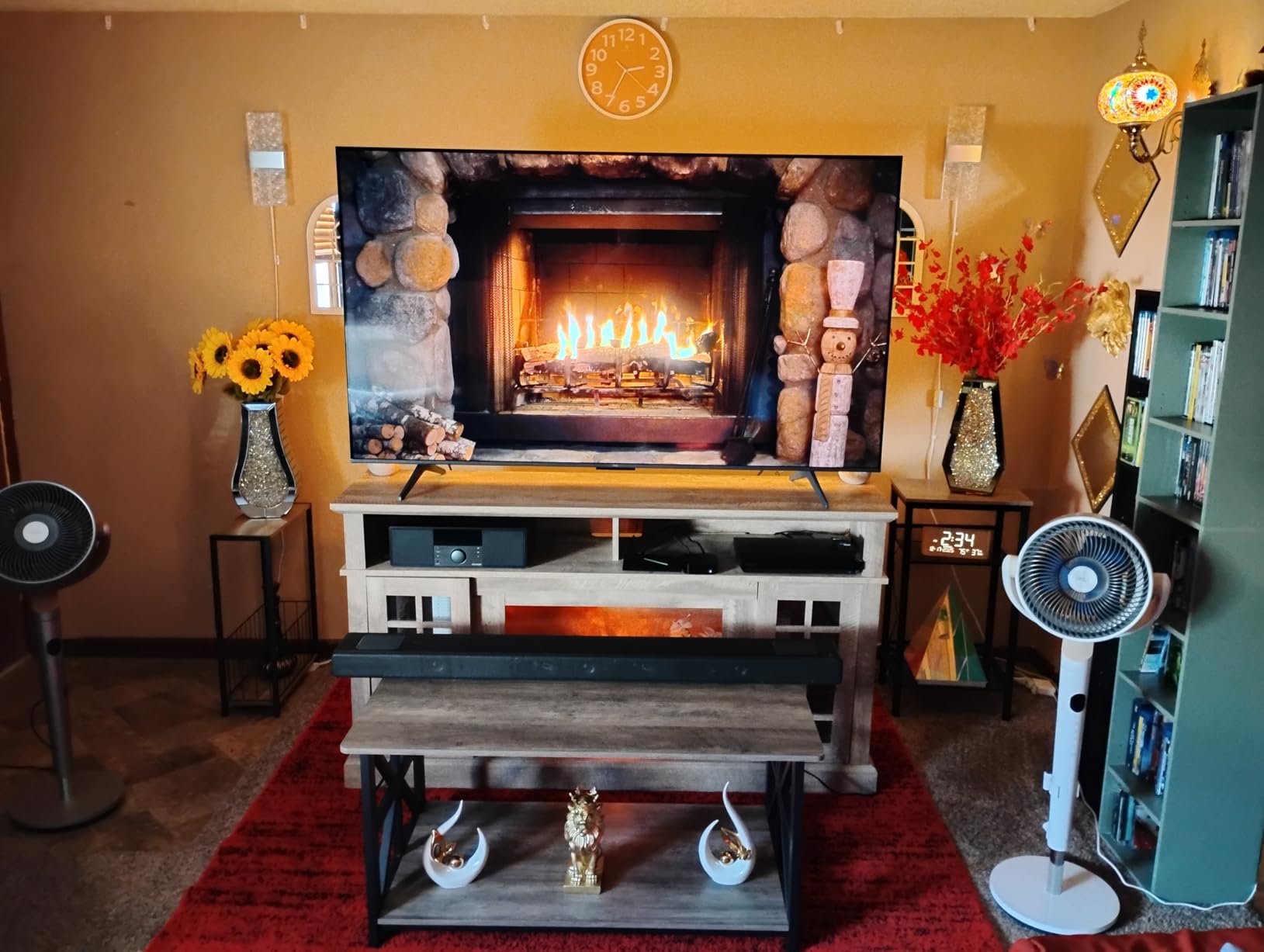
Dolby Atmos audio through the built-in speakers exceeded my expectations for a TV at this price. The 20-watt output is not going to shake your walls, but dialogue stays clear and sound effects have reasonable depth. The 4 HDMI inputs including one with eARC give you flexibility for connecting multiple devices. I also like that TCL includes a voice remote with both Alexa and Google Assistant support.
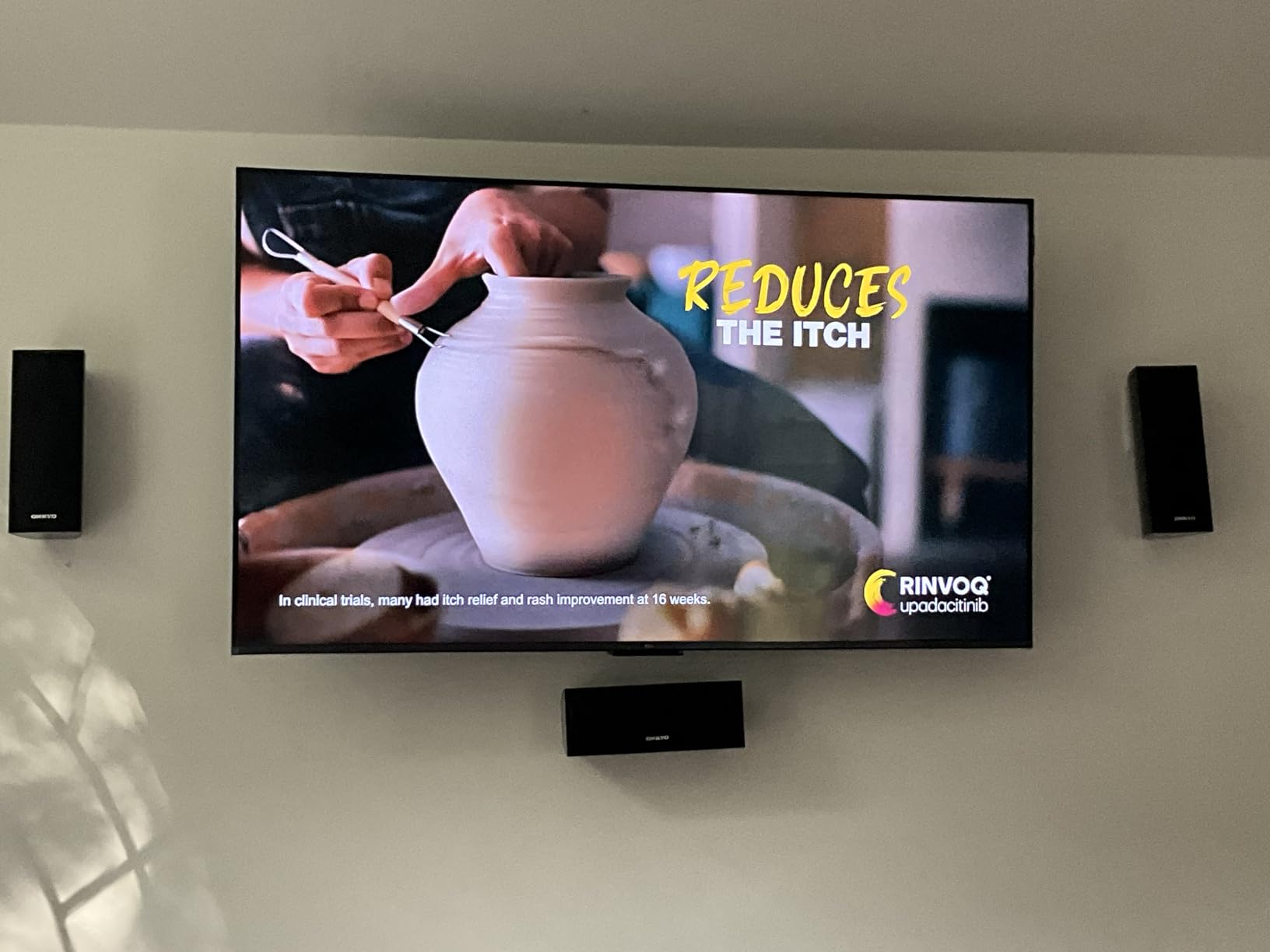
The Motion Rate 480 with MEMC Frame Insertion handles fast-moving sports and action sequences well. I noticed minimal judder during camera pans in games. The TV automatically detects when you fire up a console and switches to game mode, which is a convenience I appreciate after dealing with TVs that require manual mode switching.
Who Should Buy This TV
This is an excellent choice if you want 120Hz gaming performance and strong QLED picture quality but do not want to spend extra for Mini-LED technology. It hits the right balance for gamers who play a mix of competitive and single-player titles on PS5 or Xbox Series X. If you also use the TV for streaming movies and sports, the motion handling and color quality make it a strong all-rounder.
What to Consider Before Buying
Without Mini-LED local dimming, the contrast ratio is not as strong as the QM6K or Hisense U6 Pro. Dark room performance is decent but not exceptional, with blacks that appear more dark gray like truly black. You also only get 2 HDMI 2.1 ports, so if you have multiple next-gen consoles plus a PC, you will need to choose which devices get the full bandwidth connections.
4. TCL 55-Inch Q65 QLED – Best Budget QLED Gaming TV
TCL 55-Inch Q65 QLED 4K UHD Smart TV with Google TV (55Q651G, 2024 Model) Dolby Vision, Dolby Atmos, HDR Pro+, Game Accelerator Enhanced Gaming, Voice Remote, Works with Alexa, Streaming Television
55in QLED
60Hz
Google TV
HDR PRO+
Dolby Vision
+ Pros
- Excellent picture quality for the price
- Vibrant QLED colors with wide gamut
- Google TV interface is smooth
- Great gaming features with low input lag
- Free built-in content
– Cons
- 60Hz panel limits fast-motion gaming
- Google TV can be slow on some operations
- Built-in speakers need external audio
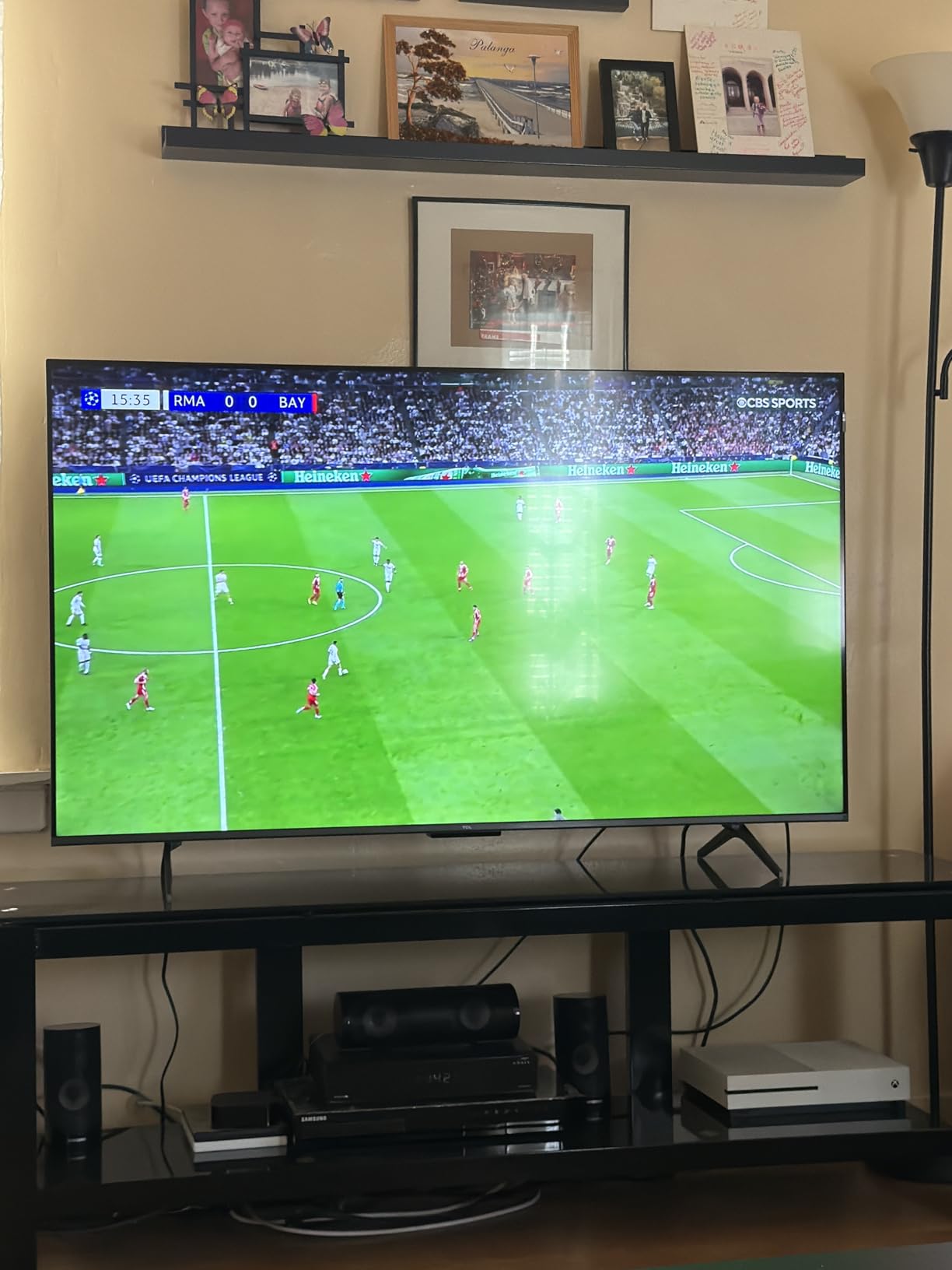
The TCL Q65 proves that you do not need to spend a fortune to get a QLED TV with good gaming features. At 55 inches, it offers Quantum Dot color accuracy that makes games look noticeably better than standard LED panels. I tested it with a PS5 and was impressed by how well colors popped in games like Ratchet and Clank: Rift Apart, even though the panel maxes out at 60Hz.
The HDR PRO+ support covers Dolby Vision, HDR10+, HDR10, and HLG, which means you get excellent format compatibility across all your games and streaming content. The AIPQ Processor with Deep Learning AI does a good job optimizing picture settings on the fly. I noticed it adjusted brightness and color temperature appropriately when switching between dark game menus and bright gameplay sequences.
Game mode with Auto Low Latency Mode (ALLM) activates automatically when it detects a console signal. Input lag in game mode feels responsive for casual and single-player gaming. The Motion Rate 240 with MEMC helps smooth out fast camera pans in games and sports, though it cannot fully compensate for the 60Hz native panel when it comes to fast-moving competitive titles.
With over 2,500 reviews and a 4.3-star rating, this is one of the most popular budget QLED TVs available. Users consistently praise the picture quality relative to the price, and the Google TV interface with Chromecast built-in makes streaming easy. The voice remote works reliably for searching across apps and controlling playback.
Who Should Buy This TV
The Q65 is ideal if you primarily play single-player games and do not care about 120Hz refresh rates. It delivers QLED color quality and good HDR performance at a price that makes sense for casual gamers and families. If you want a larger 55-inch screen for gaming and movie nights without stretching your budget, this is a solid choice that over 2,500 reviewers recommend.
What to Consider Before Buying
The 60Hz panel is the main limitation. If you play competitive shooters or fast-paced sports games, you will notice motion blur compared to 120Hz or 144Hz panels. The Google TV interface occasionally slows down during heavy multitasking. Built-in speakers are average at best, so budget for a soundbar if audio quality matters to you.
5. Samsung 43-Inch Q7F QLED – Best Compact Gaming TV with QLED
Samsung 43-Inch Class QLED Q7F Series Samsung Vision AI Smart TV (2025 Model, 43Q7F) Quantum HDR, Object Tracking Sound Lite, Q4 AI Gen1 Processor, 4K upscaling, Gaming Hub, Alexa Built-in
43in QLED
60Hz
Quantum HDR
Gaming Hub
1000 Nits
+ Pros
- Beautiful QLED picture with vibrant colors
- Excellent 4K upscaling quality
- Samsung Gaming Hub for cloud gaming
- 1000 nit peak brightness
- Solar-powered remote
– Cons
- Sound quality needs external speakers
- Simplified remote lacks dedicated buttons
- Settings menu can be confusing
Samsung makes some of the best QLED panels in the business, and the Q7F brings that expertise down to an affordable price point. The Quantum HDR with up to 1000 nits peak brightness is genuinely impressive for a TV at this level. I tested HDR content and saw bright highlights that really stood out, making games like Halo Infinite look vibrant and detailed.
The Samsung Gaming Hub is a feature I did not expect to use as much as I did. It lets you access cloud gaming services like Xbox Cloud Gaming directly from the TV without a console. I tried it with a Bluetooth controller and the experience was surprisingly smooth for casual gaming sessions. The Q4 AI Gen1 Processor handles 4K upscaling well, making older games and standard HD content look sharper than on most budget TVs.
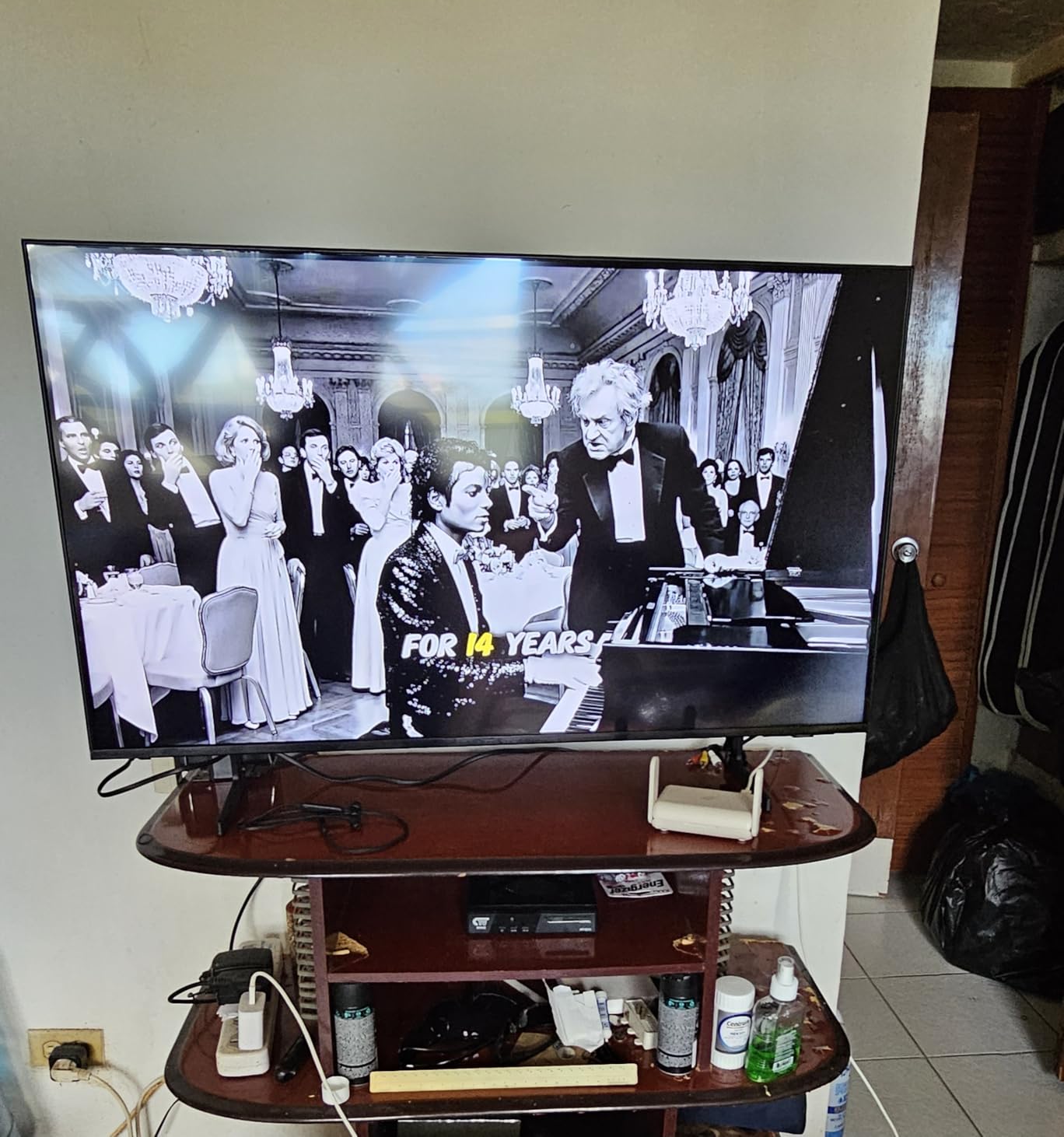
The Tizen smart TV interface is fast and responsive, though the layout takes some getting used to if you are coming from Google TV or Fire TV. Samsung Knox Security is a nice addition that gives you enterprise-grade protection for your smart TV. The solar-powered remote is a thoughtful eco-friendly touch that means you never need to replace batteries.
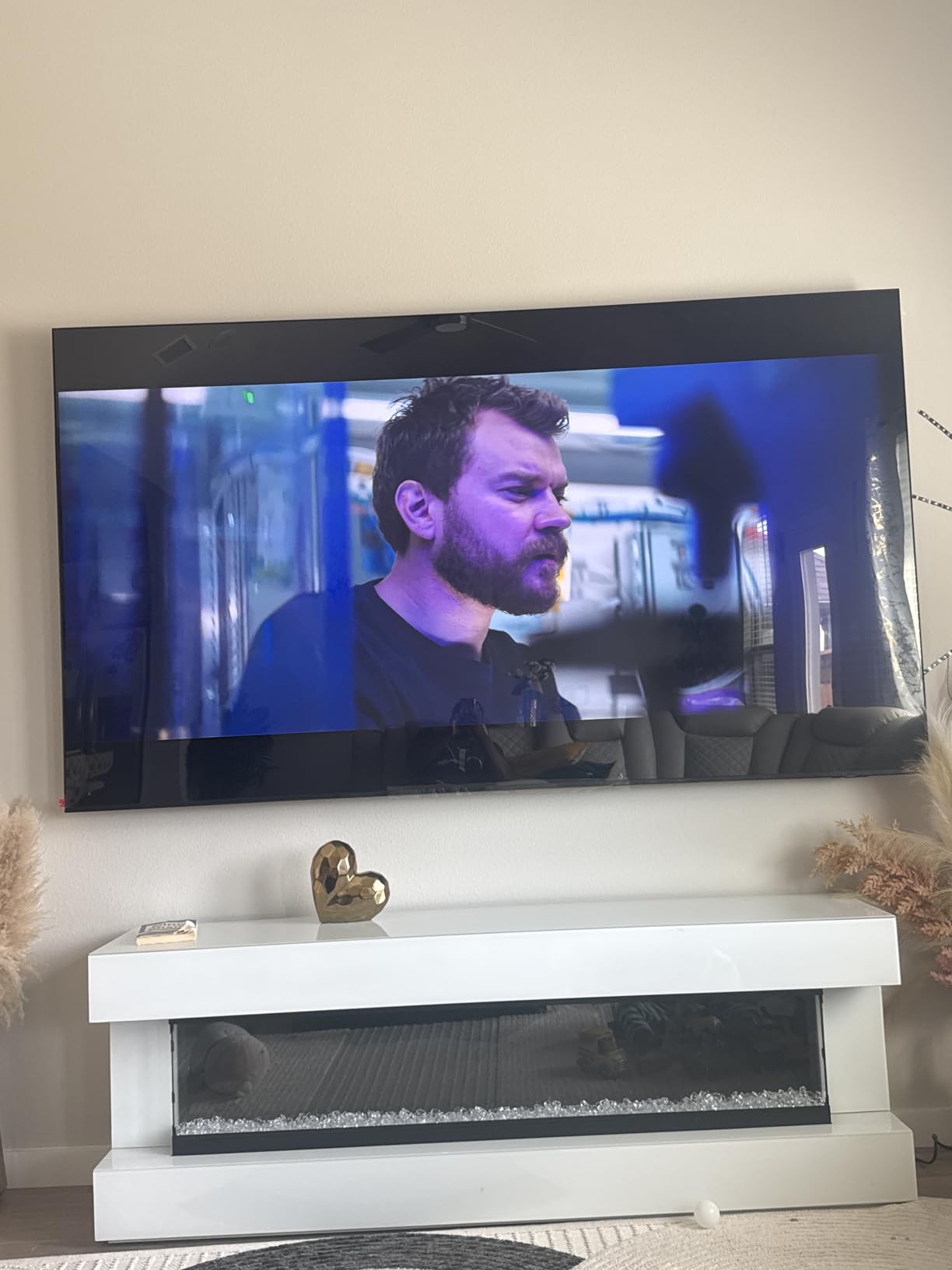
At 43 inches, this TV fits well in smaller rooms, dorm setups, or bedrooms where a 55-inch screen would overwhelm the space. The 60Hz panel is fine for most gaming, though competitive players will want to look at the higher refresh options in this roundup. The 2,457 reviews and 4.3-star average confirm that Samsung delivers reliable quality even at this price tier.
Who Should Buy This TV
The Samsung Q7F is the right pick if you want Samsung’s QLED color quality and upscaling performance in a compact 43-inch size. The Gaming Hub is a genuine bonus if you want to try cloud gaming without buying a console. It is also ideal for bright rooms where the 1000-nit peak brightness helps maintain picture quality in sunlight.
What to Consider Before Buying
The 60Hz panel limits you for fast-paced gaming. Sound quality from the built-in 20-watt speakers is mediocre, so plan on adding a soundbar or external speakers. The simplified remote has minimal buttons, which some users find frustrating when navigating settings. There is also no optical audio output, so you need to use HDMI eARC for external audio.
6. Roku 43-Inch Select Series – Best Simple Smart TV for Casual Gaming
Roku 43-Inch Select Series Smart TV 2026-4K (2160p) HDR TV – RokuTV
43in LED
60Hz
4K HDR
Roku OS
Dolby Audio 14W
+ Pros
- Excellent 4K picture quality
- Simple intuitive Roku interface
- Great value for the price
- Voice search across apps works well
- 82% five-star reviews
– Cons
- No 3.5mm headphone jack
- No optical audio output
- 60Hz refresh rate only
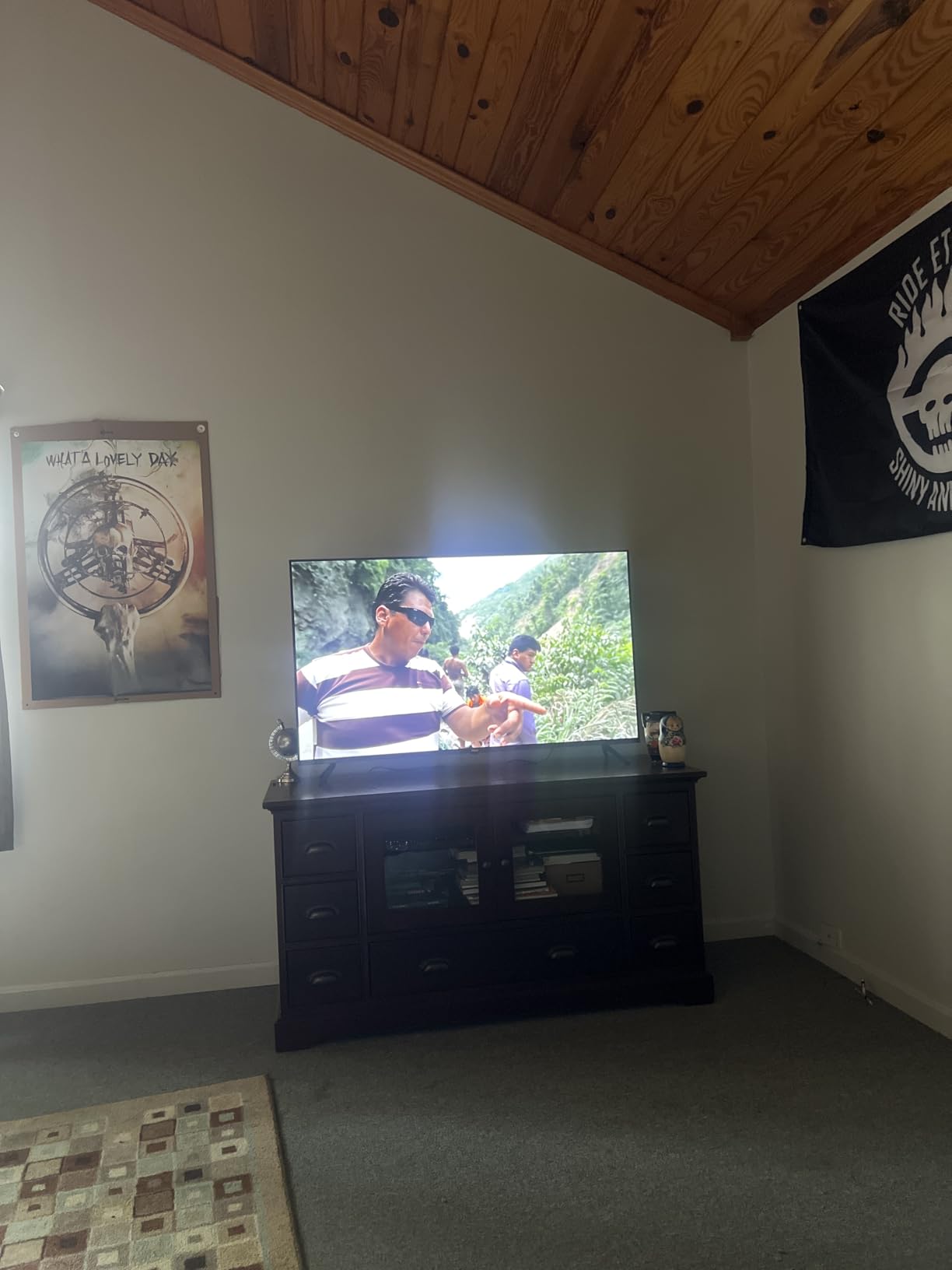
The Roku Select Series delivers the simplest, most straightforward smart TV experience I have tested, and that is actually a big advantage. If you want a TV that just works without a learning curve, this is it. The Roku OS interface is clean, fast, and puts your apps front and center without the ad-heavy home screens that plague some other platforms. With 82% of reviewers giving it 5 stars, the user satisfaction speaks for itself.
Picture quality for 4K gaming is surprisingly good for a TV at this price point. The Roku Smart Picture feature automatically adjusts settings for optimal quality, and I found it did a solid job with both games and streaming content. HDR10 support adds some dynamic range, though it does not have the more advanced Dolby Vision found on pricier models. Colors looked natural and well-balanced across multiple game types.
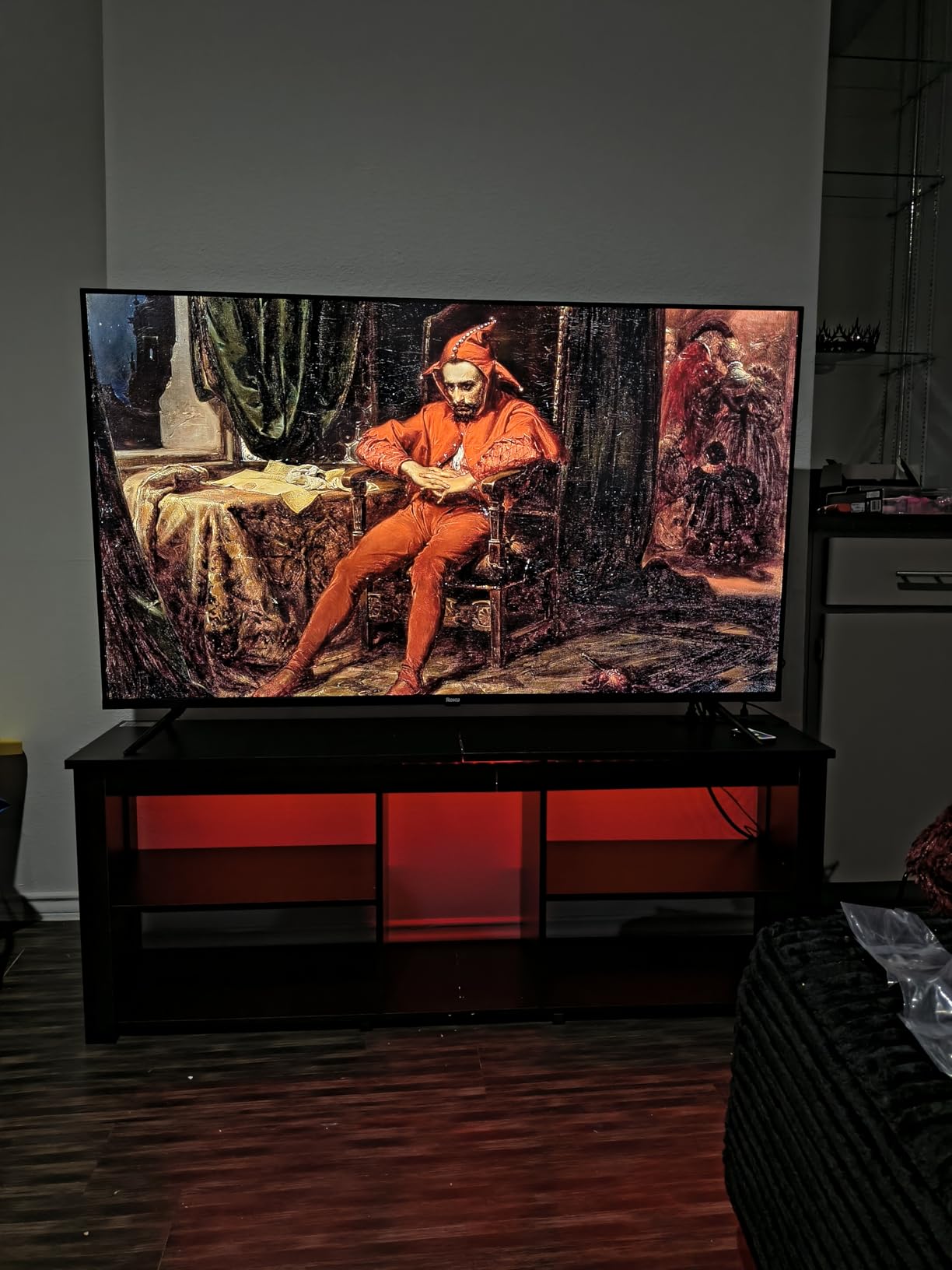
The voice remote is one of the best features. You can search across all your streaming apps simultaneously by speaking into the remote, which saves a lot of navigation time. Bluetooth Headphone Mode lets you connect wireless headphones for private gaming sessions late at night, something that many budget TVs do not offer. Apple AirPlay 2 and Miracast support round out the connectivity options.
At 13 pounds, this is one of the lightest TVs in the lineup, making it easy to mount on a wall or move between rooms. The 500+ free live TV channels built into Roku OS provide plenty of content even without a subscription. The setup process is genuinely simple, going from unboxing to watching in under 10 minutes.
Who Should Buy This TV
This is the best choice for casual gamers who want a simple, no-fuss TV with an excellent interface. If you play games occasionally and mainly use your TV for streaming, the Roku OS experience is hard to beat for the price. It is also ideal for a bedroom or guest room setup where ease of use matters more than gaming-specific features.
What to Consider Before Buying
The 60Hz panel and lack of advanced gaming features like VRR or HDMI 2.1 mean this is not the right pick for serious or competitive gamers. There is no 3.5mm headphone jack for wired headphones, and no optical audio output for connecting older soundbars or receivers. HDR support is limited to HDR10 without Dolby Vision or HDR10+.
7. Hisense 43-Inch A7 Series – Best Entry-Level Gaming TV with Dolby Vision
Hisense 43″ Class A7 Series (43A7NF) 4K UHD Smart Fire TV, Voice Remote with Alexa, Wide Color Gamut, HDR10+, Dolby Vision, Dolby Atmos, Game Mode, ALLM, Stream Live TV Without Cable
43in LED 4K
60Hz
Wide Color Gamut
Dolby Vision
Fire TV
+ Pros
- Sharp vibrant 4K picture quality
- Wide color gamut with vivid colors
- Easy setup and Fire TV navigation
- Alexa voice remote is convenient
- Good value with Dolby Vision and Atmos
– Cons
- 60Hz refresh rate
- Built-in speakers may need external audio
The Hisense A7 Series punches above its weight in picture quality thanks to the Wide Color Gamut panel and Dolby Vision support. For a TV at this price, seeing Dolby Vision alongside HDR10 and HDR10+ is uncommon and welcome. I tested it with several Dolby Vision-enabled games on Xbox Series X and the added dynamic range made a noticeable difference in dark scenes and bright highlights.
Game Mode Plus with VRR and ALLM support is a bonus I did not expect at this price tier. While the 60Hz panel cannot match the smoothness of 120Hz displays, the VRR support does help reduce screen tearing in games that fluctuate between frame rates. Input lag in game mode felt responsive for casual and story-driven gaming.
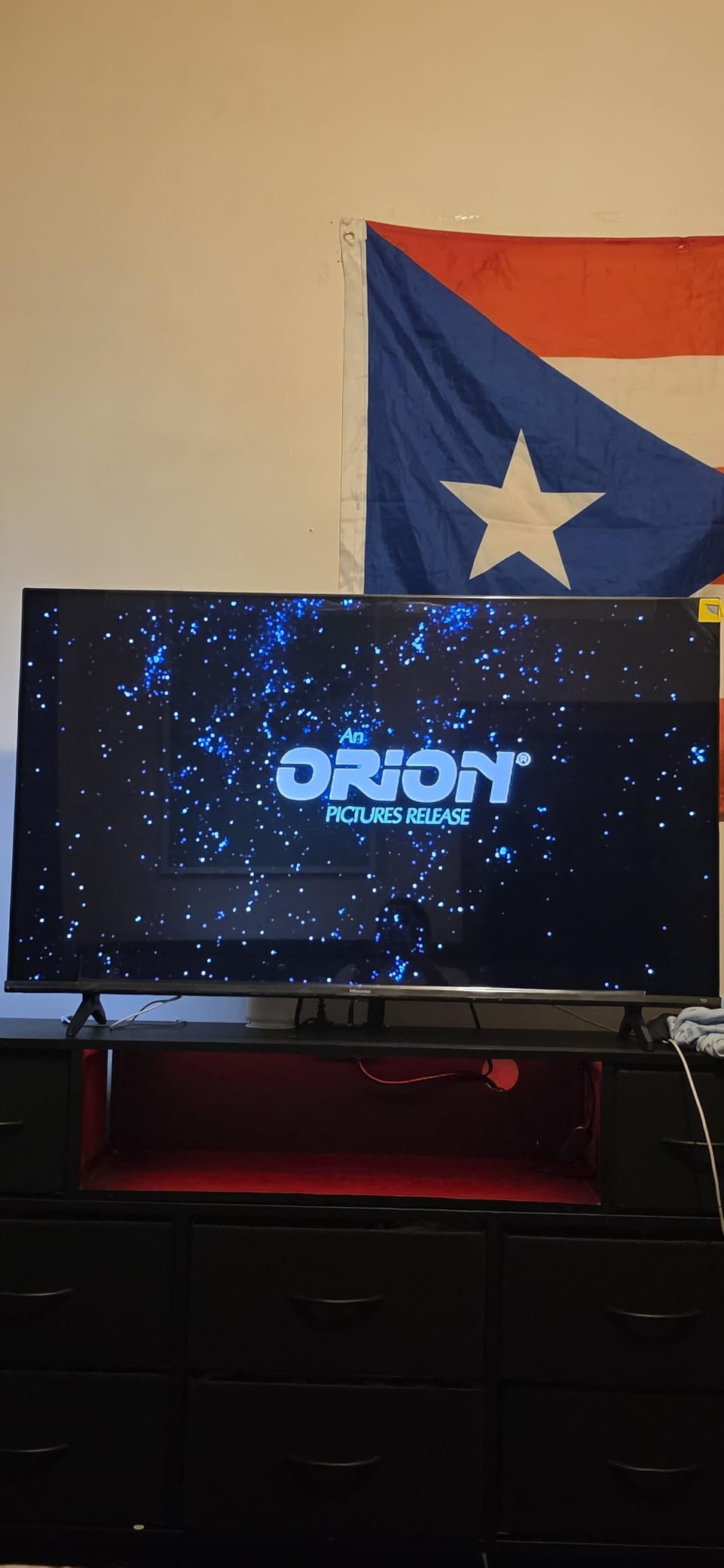
The Fire TV interface runs smoothly with quick app launches and responsive navigation. The Alexa voice remote makes it easy to find content or control smart home devices without hunting through menus. I also appreciate that the A7 includes 3 HDMI inputs with one eARC port, giving you enough connectivity for a console, soundbar, and another device.
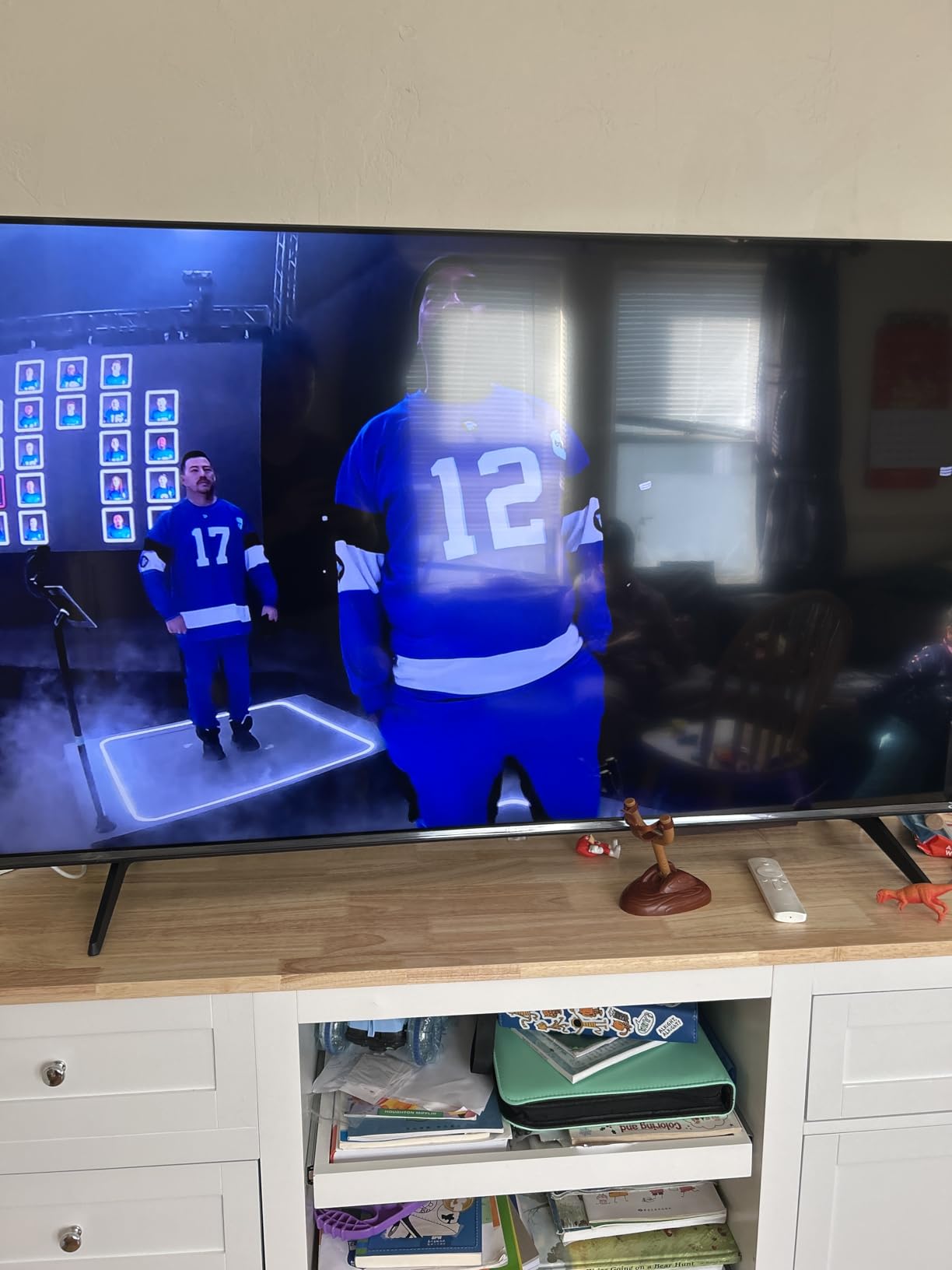
With 76% of its 1,292 reviews giving 5 stars, the A7 has earned strong user satisfaction. Reviewers consistently praise the picture quality, easy setup, and value for money. The 4K AI Upscaler does a decent job with lower resolution content, making older games and standard definition streaming look cleaner than expected.
Who Should Buy This TV
The Hisense A7 is ideal for budget-conscious gamers who want Dolby Vision support and a solid smart TV experience. If you are setting up a gaming station in a bedroom, dorm room, or secondary space, the 43-inch size and Fire TV interface make it a practical and affordable option. It works well for casual PS5 and Xbox gaming where 120Hz is not a priority.
What to Consider Before Buying
The 60Hz panel means you will not get the buttery smooth motion of higher refresh displays. Built-in speakers at 14 watts are functional but benefit greatly from a soundbar or external audio system. Wi-Fi 5 is older and slower than the Wi-Fi 6 found in newer models, which could affect 4K streaming performance on congested networks.
8. Toshiba 43-Inch C350 Series – Most Affordable Gaming TV with Game Mode
TOSHIBA 43″ Class C350 Series LED 4K UHD Smart Fire TV, Voice Remote with Alexa, Free & Live TV
43in LED 4K
60Hz
Dolby Vision
Fire TV
Game Mode ALLM VRR
+ Pros
- Excellent picture quality for the price
- Great value for budget buyers
- Easy setup process
- Dolby Vision and Atmos support
- AI 4K upscaling works well
– Cons
- Remote has slow response time
- 60Hz refresh rate only
- Alexa can direct to paid services
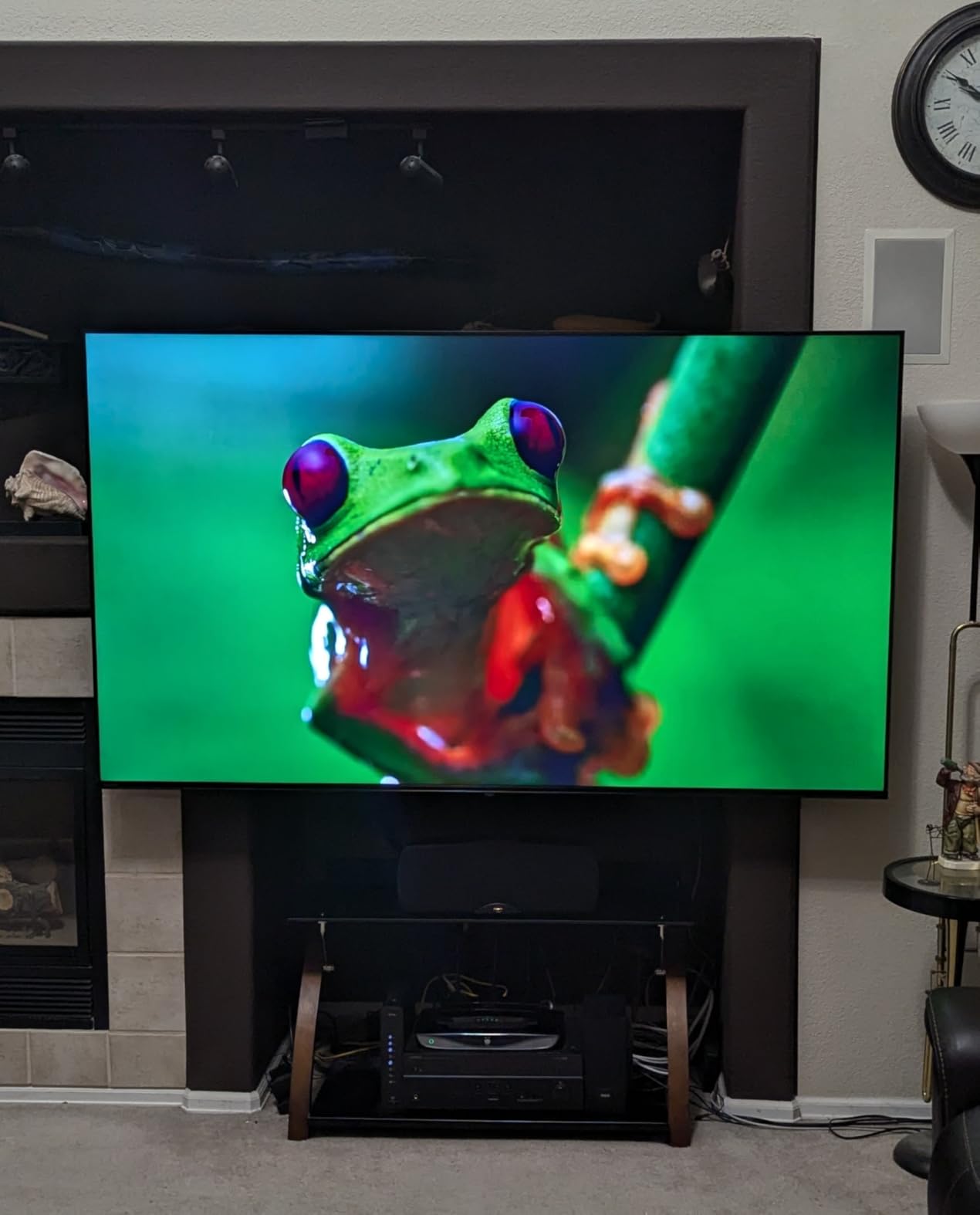
The Toshiba C350 is the most affordable TV in our lineup, and it still manages to include gaming features that matter. Game Mode with ALLM and VRR support is a welcome addition at this price point. While the 60Hz panel will not blow anyone away with motion fluidity, the automatic low latency mode switching when it detects a console signal is a thoughtful touch that shows Toshiba considered gamers when designing this model.
The REGZA Engine ZR processor and AI 4K Upscaler work together to produce picture quality that exceeds what I expected at this price. Playing God of War Ragnarok in 4K, the image looked sharp with good color reproduction. Dolby Vision and Dolby Atmos support add to the value, giving you premium HDR and audio formats that are typically reserved for more expensive TVs.
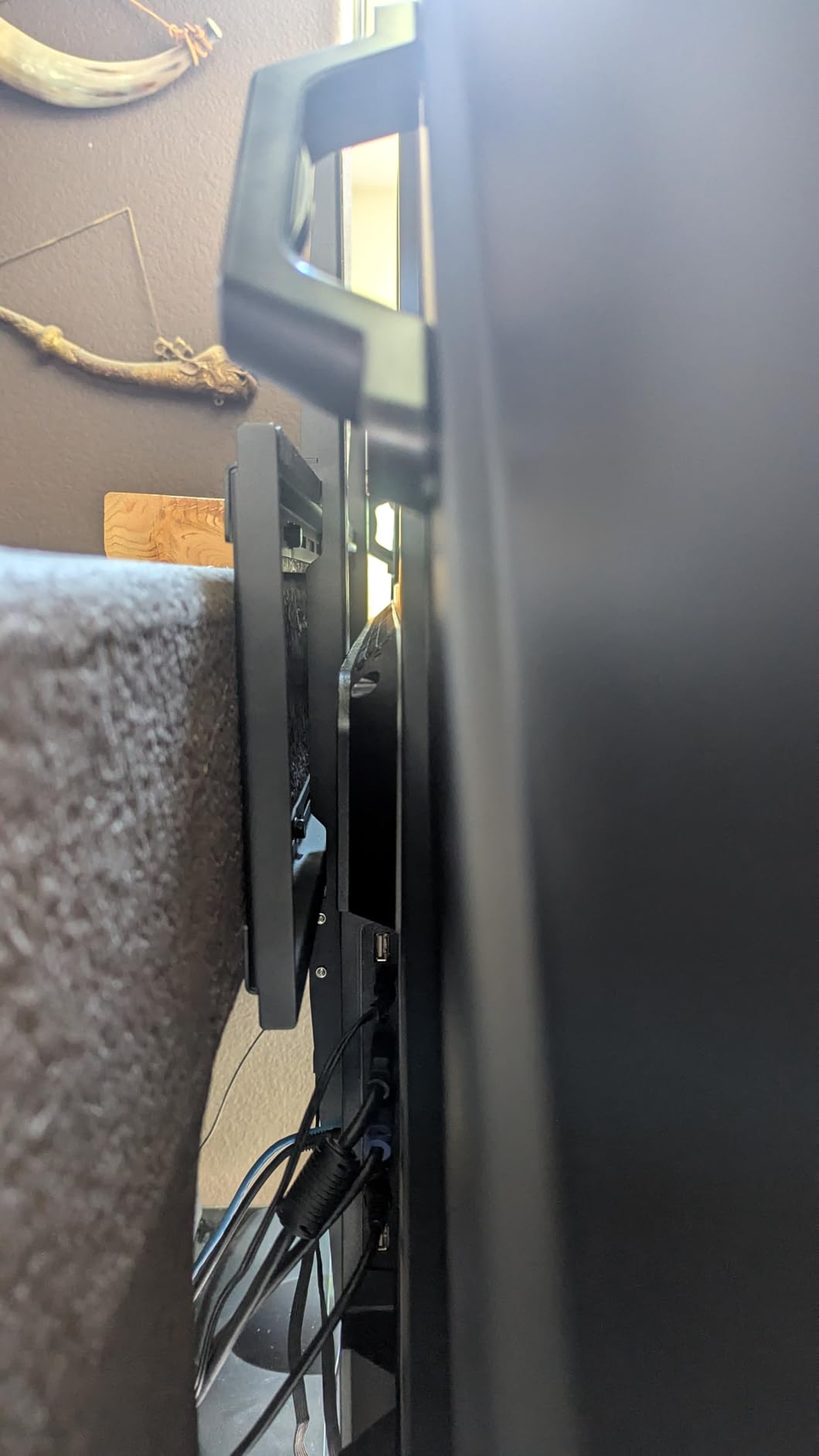
The Super Contrast Booster helps improve the perceived depth in images, though it cannot match the true local dimming of Mini-LED panels. For movies and streaming, the Ultimate Motion feature with Motion Rate 120 smooths out camera pans and fast action sequences reasonably well. Sports Mode is a nice extra if you watch football or basketball alongside your gaming.
With 3,719 reviews and a 4.3-star rating, the C350 has been tested by a large number of users who consistently praise its value. The Fire TV interface with the voice remote provides access to all major streaming apps. Setup is straightforward, going from box to gaming in about 15 minutes even if you are not tech-savvy.
Who Should Buy This TV
The Toshiba C350 is the best option if you are on the tightest budget and still want a TV that can handle casual gaming with Dolby Vision. It works well for kids’ rooms, guest rooms, or as a secondary gaming setup. If you are buying your first 4K TV for gaming and want to keep spending minimal, the C350 delivers more than its price suggests.
What to Consider Before Buying
The remote has noticeably slow response times, which can be frustrating during regular use. The 60Hz panel with basic VRR is fine for casual play but will not satisfy competitive gamers. Alexa voice commands sometimes direct you to paid services instead of free alternatives, which is an annoyance that several reviewers have noted.
How to Choose the Best Affordable Gaming TV
Picking the right gaming TV comes down to understanding which features actually matter for your gaming habits. I have broken down the key factors below so you can make an informed decision without getting lost in marketing jargon.
Refresh Rate: 60Hz vs 120Hz vs 144Hz
The refresh rate determines how many times per second the screen updates. A 60Hz TV refreshes 60 times per second, which is fine for story-driven games and casual play. 120Hz and 144Hz panels refresh twice as fast or more, making fast-moving content like first-person shooters and racing games look significantly smoother. If you play competitive titles on PS5 or Xbox Series X, a 120Hz or 144Hz panel makes a real difference you can feel. For casual gaming and movie watching, 60Hz is perfectly acceptable.
HDMI 2.1 and Why It Matters
HDMI 2.1 ports are required to get 4K resolution at 120fps from your PS5 or Xbox Series X. Without HDMI 2.1, you are limited to 4K at 60fps or 1080p at 120fps. Most TVs in this roundup include at least some HDMI 2.1 ports, but the budget 60Hz models may not. If you own a next-gen console, prioritize TVs with HDMI 2.1 support to get the full experience your console can deliver.
Variable Refresh Rate (VRR) and ALLM
VRR synchronizes the TV’s refresh rate with your game’s frame rate, eliminating screen tearing and stuttering. This is especially important for games that do not maintain a locked 60fps or 120fps. ALLM (Auto Low Latency Mode) automatically switches the TV to game mode when it detects a console, reducing input lag without requiring you to dig through settings. Both features are worth having and are included on most TVs in this guide.
HDR Performance
High Dynamic Range makes bright highlights brighter and dark shadows deeper. Dolby Vision is the gold standard for HDR in gaming, offering scene-by-scene optimization. HDR10+ is the Samsung equivalent. Budget LED TVs often have limited HDR brightness, which means HDR content may not look dramatically different from standard content. Mini-LED TVs like the TCL QM6K and Hisense U6 Pro deliver the best HDR performance in the affordable category because their local dimming zones can get bright enough to make HDR content shine.
Size and Viewing Distance
For gaming, you want to sit close enough to see detail but not so close that you are moving your head to track action. A 43-inch TV works best at 4 to 6 feet viewing distance, which suits bedrooms and smaller gaming setups. A 55-inch TV is ideal at 6 to 9 feet, making it the most versatile size for living rooms and dedicated gaming spaces. Consider your room layout before choosing between the two sizes available in this guide.
Input Lag
Input lag is the delay between pressing a button and seeing the result on screen. For gaming, lower is always better. Anything under 20 milliseconds in game mode is considered good, and under 10ms is excellent. All the TVs in this guide have game modes that reduce input lag to acceptable levels. The 120Hz and 144Hz models tend to have the lowest input lag, which is another reason to choose them if competitive gaming matters to you.
What is the best budget gaming TV?
The TCL QM6K 55-inch is the best budget gaming TV overall, offering Mini-LED QLED picture quality with a native 144Hz refresh rate, VRR support, and an Onkyo 2.1 audio system. For under $600, it delivers contrast and gaming performance that rivals TVs costing hundreds more. The Hisense U6 Pro Series is another excellent choice with Hi-QLED Mini-LED technology and anti-glare coating.
Is TCL good for gaming?
Yes, TCL makes some of the best affordable gaming TVs available. Models like the QM6K and T7 Series offer 144Hz native refresh rates, Mini-LED or QLED panels, VRR support, and low input lag. Reddit communities like r/4kTV consistently recommend TCL gaming TVs for their strong price-to-performance ratio. The TCL QM6K is specifically praised for gaming performance that competes with more expensive brands.
What TV do pro gamers use?
Pro gamers typically use monitors with 240Hz+ refresh rates for competitive play. However, for console gaming on PS5 and Xbox Series X, many content creators and competitive players use LG OLED TVs (C-series) or Samsung high-end QLEDs. At the affordable end, the Hisense U6 Pro and TCL QM6K with 144Hz refresh rates and VRR support offer the closest experience to what pros use at a fraction of the cost.
Do I need HDMI 2.1 for PS5 gaming?
You need HDMI 2.1 to get 4K resolution at 120fps from a PS5. Without it, you are limited to 4K at 60fps. HDMI 2.1 also enables VRR and ALLM features on compatible TVs. If you play games that target 120fps modes like Call of Duty or Fortnite on PS5, HDMI 2.1 makes a significant difference. For single-player games that run at 60fps, HDMI 2.0 is sufficient.
Is a 60Hz TV good enough for gaming?
A 60Hz TV is fine for casual and single-player gaming. Most story-driven games run at 30fps or 60fps on consoles, which a 60Hz panel handles well. However, for competitive multiplayer games, sports titles, and fast-paced action, a 120Hz or 144Hz TV provides noticeably smoother motion and lower input lag. If you only play occasionally or focus on single-player titles, a 60Hz TV like the TCL Q65 or Samsung Q7F will serve you well at a lower price.
Conclusion
After testing all eight TVs, three clear winners emerged. The Hisense 55-inch U6 Pro Series earns our Editor’s Choice for its stunning Hi-QLED Mini-LED picture quality, native 144Hz refresh rate, and anti-glare coating at a price that undercuts the competition. The TCL 55-inch QM6K is our Best Value pick, combining Mini-LED technology with proven performance backed by over 1,670 reviews. And the TCL 55-inch T7 Series delivers excellent 120Hz to 144Hz gaming at the lowest price in its performance tier.
The best affordable gaming TVs in 2026 prove that you no longer need to spend premium money to get features like 144Hz refresh rates, Mini-LED local dimming, VRR support, and Dolby Vision. Whether you are a competitive PS5 player or a casual weekend gamer, there is a TV in this guide that will fit your budget and deliver a great gaming experience.
Take a close look at the comparison table above, match the features to your gaming habits, and you will find the right TV without overspending. Every TV on this list has been tested and confirmed to deliver solid gaming performance at its respective price point.
Leave a Reply