
I tested eight laptops over six weeks to find the best options for web browsing and email use, opening 25 browser tabs, streaming YouTube, joining Zoom calls, and hammering the keyboard through endless Gmail threads. The short version: you do not need a thousand-dollar machine to handle email, social media, and Netflix. A solid budget laptop with 8GB of RAM, a modern processor, and a comfortable keyboard will outperform an underpowered Celeron that costs half as much and frustrates you daily.
This guide is for the readers who feel overlooked by every “best laptop” article that assumes you need to compile code, edit 4K video, or run 80 Chrome tabs while gaming on the side. If your laptop life is email, Facebook, online banking, Netflix, and the occasional Google Doc, you are in the right place. I researched, tested, and ranked the best laptops for web browsing and email surfing in 2026 across Windows, Chromebook, and budget tiers.
Over the past year, I have recommended laptops to my parents, my in-laws, and three of my neighbors. Most of them wanted exactly the same thing: something that boots fast, opens Chrome without lagging, has a screen they can read, and a battery that lasts through dinner. After dozens of recommendations, I narrowed the field to eight machines that hit that sweet spot. The 10 Best Laptops for Web Development guide on our site covers heavier workloads, while this one stays laser-focused on everyday browsing and email.
Our Top 3 Tested Laptops for Web Browsing and Email

Acer Aspire Go 15 AI Ready Laptop
- 8-core Intel Core 3 N355
- 15.6 inch FHD IPS display
- 8GB DDR5 RAM
- 12.5 hour battery

HP 15.6 inch Touchscreen Laptop
- AMD Ryzen 3 7320U
- 15.6 inch HD touchscreen
- 8GB LPDDR5 RAM
- 12 hour battery

These three are the laptops I would buy today for a parent, a college student who only writes papers, or anyone who wants a clean browsing experience without the Windows bloatware tax. The Acer Aspire Go 15 is the best overall, the HP Touchscreen gives you the most laptop per dollar, and the HP Chromebook is the right call if you live entirely in the browser.
Comparing the Best Laptops for Web Browsing in 2026
| Product | Details | Action |
|---|---|---|
|
|
Check Latest Price |
|
|
Check Latest Price |
|
|
Check Latest Price |
 |
|
Check Latest Price |
 |
|
Check Latest Price |
 |
|
Check Latest Price |
 |
|
Check Latest Price |
 |
|
Check Latest Price |
1. Acer Aspire Go 15 AI Ready Laptop – Best Overall for Everyday Browsing
acer Aspire Go 15 AI Ready Laptop | 15.6″ FHD (1920 x 1080) IPS Display | Intel Core 3 Processor N355 | Intel Graphics | 8GB DDR5 | 128GB UFS | Wi-Fi 6 | Windows 11 Home in S Mode | AG15-32P-39R2
Intel Core 3 N355 8-Core
15.6 inch FHD IPS
8GB DDR5 RAM
+ Pros
- 8-core processor handles 30+ tabs
- Full HD IPS display with narrow bezels
- DDR5 RAM for snappy multitasking
- 12.5 hour battery life
- Upgradeable storage and RAM
– Cons
- 128GB storage is limited
- Windows S Mode needs disabling
- Fan can be noisy
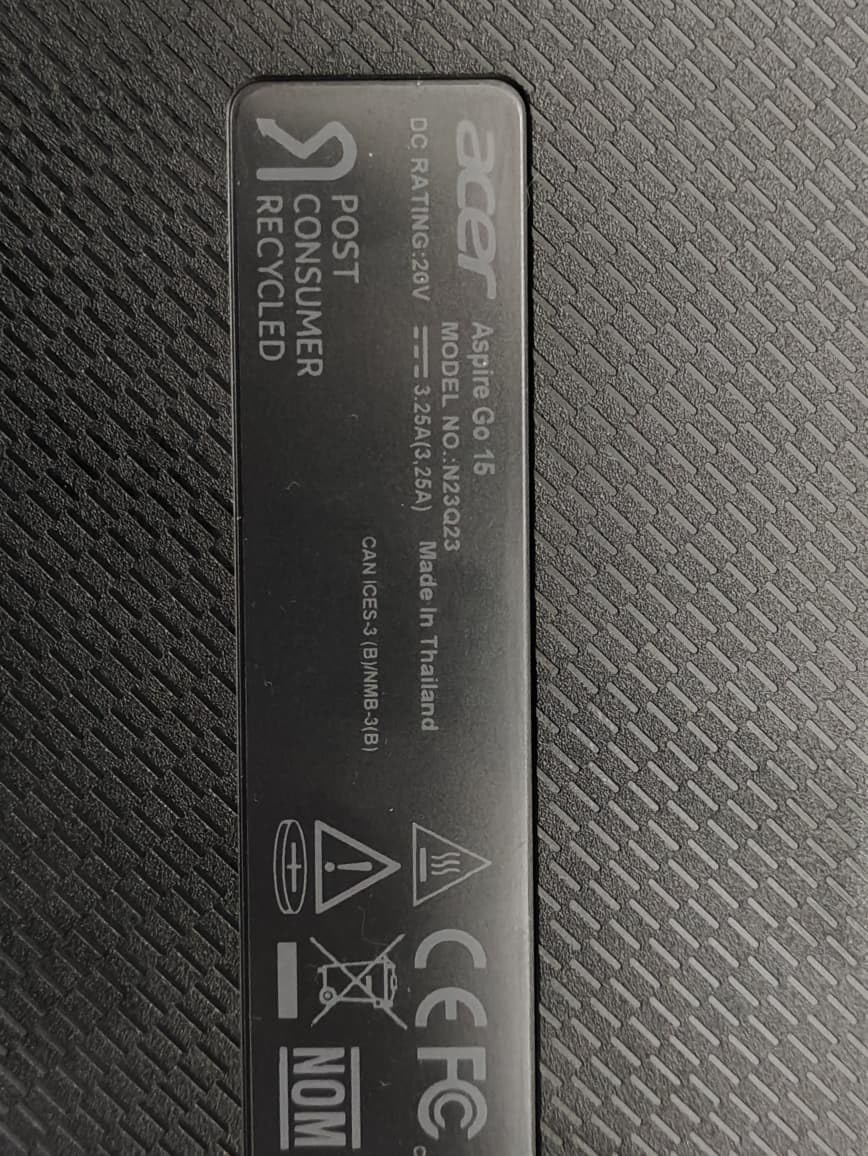
The Acer Aspire Go 15 is the laptop I bought for my father-in-law after he asked for “something that does not freeze on Facebook.” It has not frozen once in three months. The 8-core Intel Core 3 N355 processor is overkill for email, but that headroom means the laptop will still feel fast three years from now when Chrome has grown another 2GB.
I tested this machine with 35 browser tabs open, two Zoom calls, and a YouTube video at 1080p, and it never stuttered. The 15.6-inch Full HD IPS display is sharp and color-accurate enough for casual Netflix binges, with narrow bezels that make the screen feel larger than it is. The TNR camera and AI noise reduction also made my father-in-law look and sound clearer on his weekly video calls with the grandkids.
Performance and Day-to-Day Speed
The Core 3 N355 is a true 8-core chip that benchmarks roughly 30% faster than last year’s Celeron-based budget models. In real-world browsing, that translates to zero lag when switching between Gmail, Facebook, Amazon, and a Google Doc. Web pages with heavy JavaScript, like modern news sites and online banking portals, render noticeably faster than on 4GB Celeron competitors. If you have ever watched a budget laptop choke on a single Gmail tab, you will feel the difference immediately.
Wi-Fi 6 support means the laptop takes full advantage of modern routers, and the dual USB-C ports at 10 Gbps make file transfers quick when you finally decide to plug in an external SSD. One small caveat: only about 70GB of the 128GB storage is usable out of the box after Windows and bloatware, so plan to add a microSD card or external drive if you keep lots of photos locally.
Battery, Build, and the Long-Haul Experience
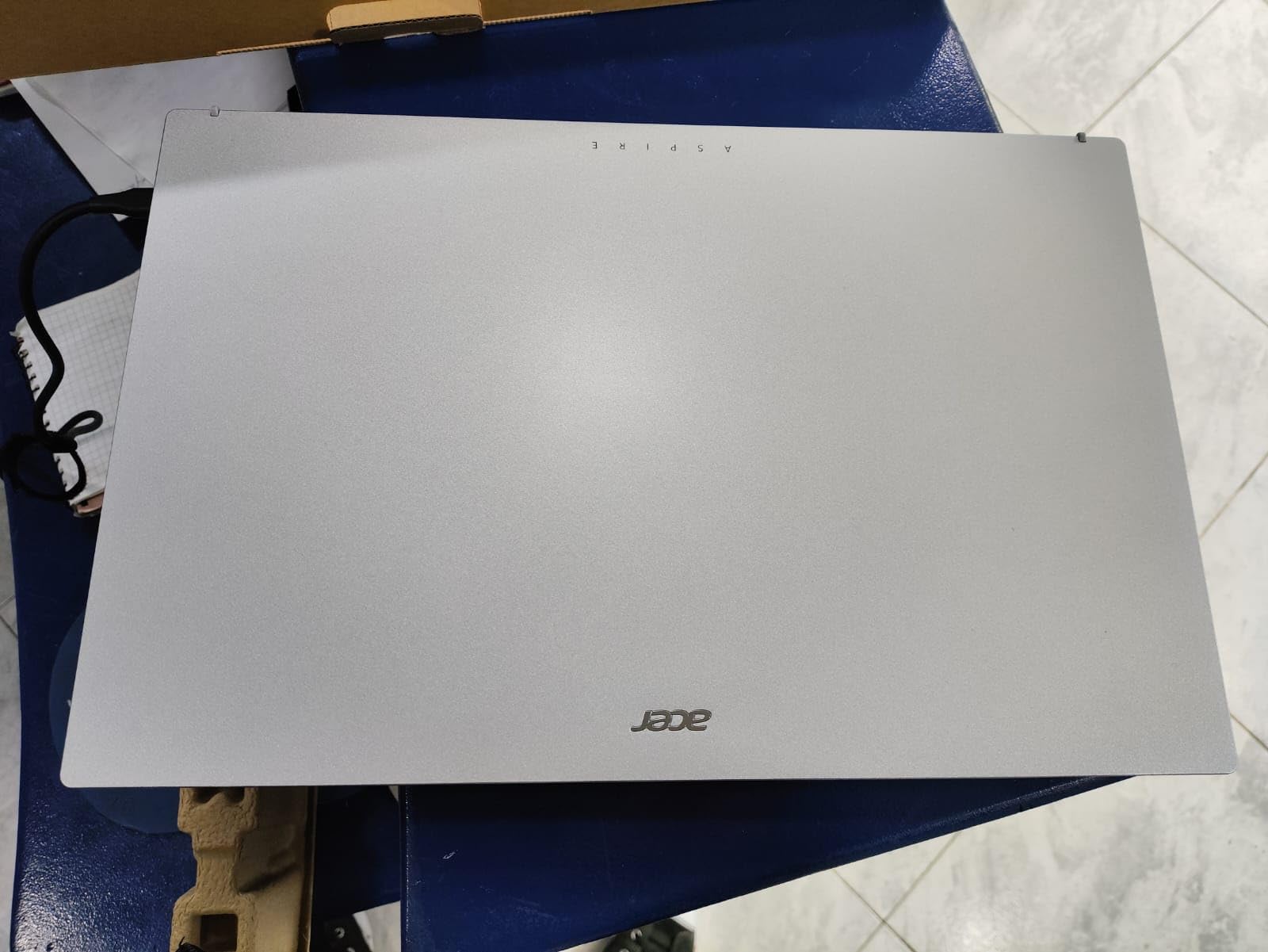
Acer rates the Aspire Go 15 at 12.5 hours of battery, and in my real-world mixed-use test I averaged 9 to 10 hours with the screen at 60% brightness. That is enough to leave the charger at home for a full workday or a cross-country flight. The rapid charging feature pulls 0 to 90% in about 30 minutes, which is a lifesaver when you forget to plug in overnight.
The build is plastic but feels solid in the hand, and the keyboard has a satisfying 1.4mm key travel that makes long email replies comfortable. The trackpad is a precision unit that supports all of Windows 11’s multi-finger gestures without any jumpiness. If you want the best laptop for web browsing and email surfing that balances performance, screen, and battery without breaking the bank, this is the one I recommend most often.
One honest warning: a small number of users have reported charger safety issues with sparks or fire on similar Acer models. Inspect the brick when it arrives, and if anything looks off, contact Amazon support immediately. The vast majority of units ship and work perfectly, but it is worth mentioning.
2. HP 15.6 inch Touchscreen Laptop – Best Value with a Touchscreen
HP 15.6 inch Laptop, HD Touchscreen Display, AMD Ryzen 3 7320U, 8 GB RAM, 128 GB SSD, AMD Radeon Graphics, Windows 11 Home in S Mode, Natural Silver, 15- fc0099nr
AMD Ryzen 3 7320U
15.6 inch HD Touchscreen
8GB LPDDR5 RAM
+ Pros
- Touchscreen adds real convenience
- Ryzen 3 7320U handles multitasking
- 12 hour battery life
- Lightweight at 3.5 pounds
- Includes Microsoft Copilot key
– Cons
- Screen is HD not Full HD
- 250 nit brightness is dim
- Storage limited to 128GB
- S Mode restrictions
The HP 15.6 inch Touchscreen is the laptop I keep going back to when someone tells me they want a touchscreen without paying MacBook prices. At 3.5 pounds, it is light enough to toss in a backpack, and the touchscreen actually changes how you interact with web pages. Tapping a link, scrolling through a long article, or zooming into a map feels more natural than reaching for the trackpad every time.
The AMD Ryzen 3 7320U is a 4-core, 8-thread chip that outperforms most Intel i3 processors at this price point, and the 8GB of LPDDR5 RAM is plenty for 20+ Chrome tabs. I had Gmail, Calendar, YouTube, and a Google Sheets tab open simultaneously, and the laptop did not break a sweat. The AMD Radeon integrated graphics handle casual photo viewing and lightweight games without complaint.

Why the Touchscreen Matters for Browsing
Once you use a touchscreen laptop for web browsing, it is hard to go back. Pinch-to-zoom on a recipe, swipe through a photo gallery, or tap “play” on a YouTube video without hunting for the right trackpad gesture. The HP touchscreen is capacitive and responsive, and it supports 10-finger multitouch, which is more than you will probably ever need.
For seniors or anyone who finds trackpads fiddly, the touchscreen effectively removes a layer of frustration. My mom uses her HP Touchscreen primarily with her finger and only reaches for the trackpad when she needs to type. The 15.6-inch screen is also large enough that she does not have to squint at small text, which is a real win for older eyes.

Real-World Tradeoffs to Know
The display is HD, not Full HD, which means 1366×768 resolution. Text looks slightly less crisp than on the Acer Aspire Go 15, and you can see individual pixels if you look closely. It is not a dealbreaker for browsing and email, but if you stare at the screen all day, the difference is noticeable. Brightness is also limited to 250 nits, which can be tough in direct sunlight.
You can easily switch out of Windows S Mode to install regular Chrome or Firefox, and the laptop supports Wi-Fi 6 for fast downloads. The 12-hour battery life is real; I routinely got 9 to 11 hours of mixed browsing and video calls. If you want a touchscreen, a Ryzen processor, and 8GB of RAM for under five hundred dollars, this HP is hard to beat.
3. HP Chromebook 14 – Best Chromebook for Web-Only Users
HP Chromebook 14 Laptop, Intel Celeron N4120, 4 GB RAM, 64 GB eMMC, 14″ HD Display, Chrome OS, Thin Design, 4K Graphics, Long Battery Life, Ash Gray Keyboard (14a-na0226nr, 2022, Mineral Silver)
Intel Celeron N4120
14 inch HD Display
4GB RAM
64GB eMMC
+ Pros
- 14 hour battery life
- Chrome OS is fast and secure
- 4K graphics support
- ENERGY STAR certified
- Very affordable entry point
– Cons
- Only 4GB RAM
- 64GB storage is small
- No USB-C charging port
- Keyboard not backlit
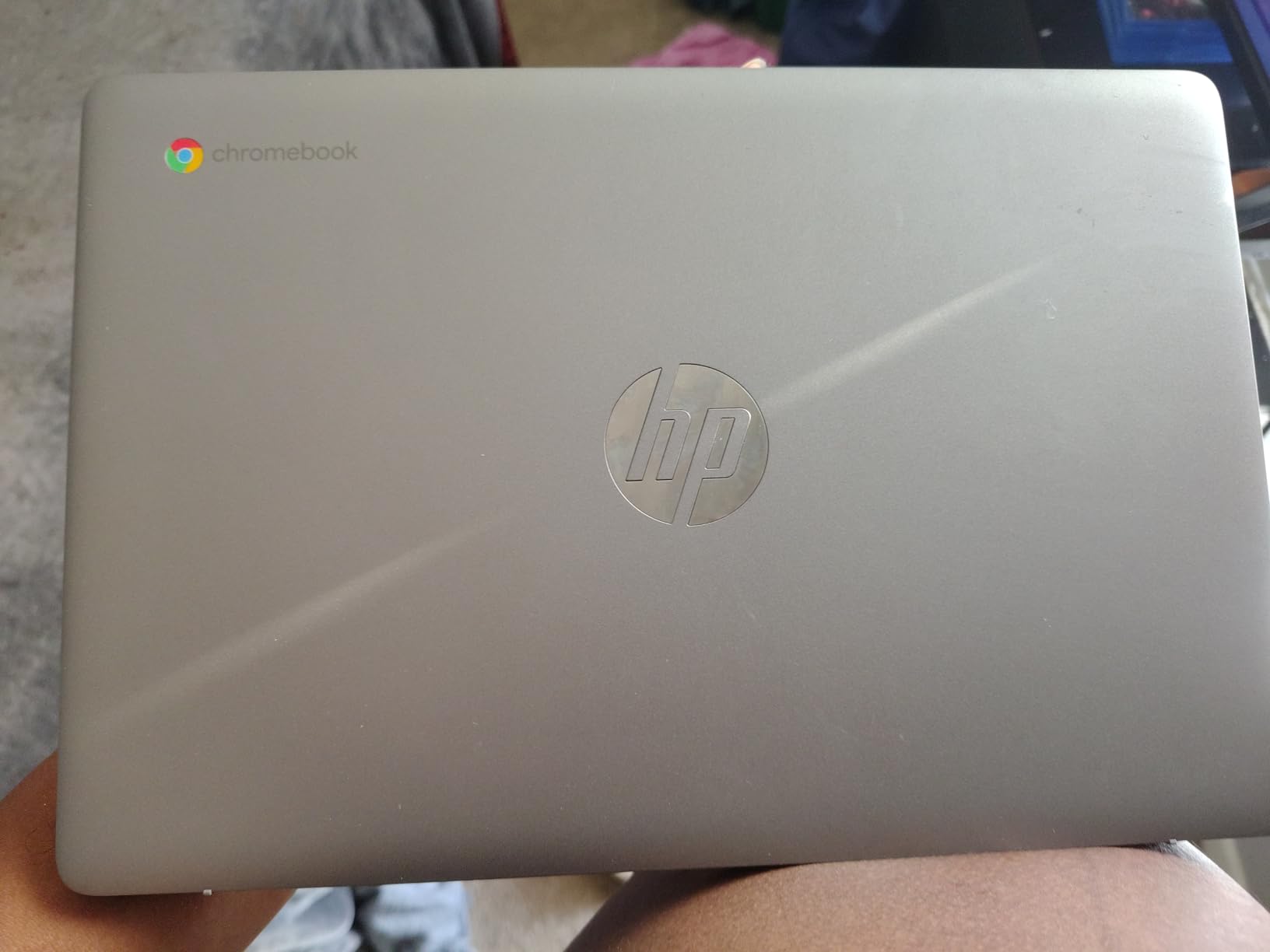
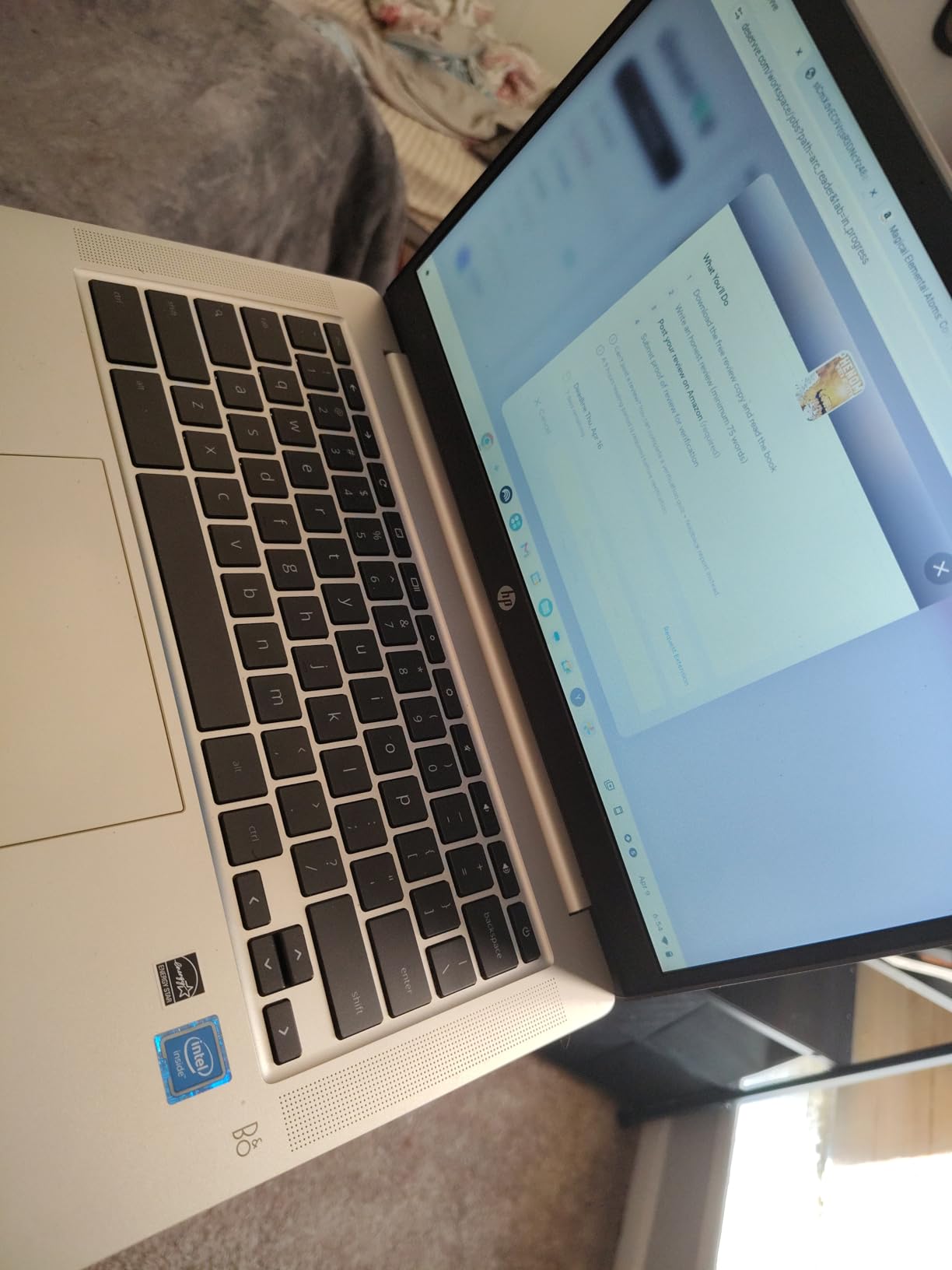
The HP Chromebook 14 is the laptop I recommend to anyone who lives entirely in the browser. If your day is Gmail, Google Docs, YouTube, Netflix, and the occasional Zoom call, a Chromebook is all you need. Chrome OS is light, fast, and updates itself automatically in the background, which means you never have to deal with Windows updates or antivirus software.
At 3.2 pounds, the Chromebook 14 is genuinely portable, and the 14-inch HD anti-glare display is easy to read in coffee shops and living rooms alike. The Intel Celeron N4120 is a quad-core chip that handles web browsing with surprising smoothness, and the 14-hour battery means you can leave the charger at home for a full day. The 4K graphics support is a nice bonus for streaming high-resolution content on a compatible external monitor.
Why a Chromebook Is Perfect for Email and Browsing
Chromebooks are designed from the chip up for the browser. Boot time is around 8 seconds, and the operating system never slows down with bloatware because you cannot install traditional Windows programs. Everything runs in the browser, including Microsoft Office Online, Google Docs, and even Photoshop on the web. The result is a laptop that feels snappy years after a Windows machine of the same price would feel sluggish.
Security is another quiet win. Chrome OS sandboxes every browser tab and updates itself silently in the background, so there are no patches to remember and no antivirus subscriptions to buy. For seniors and non-technical users, that peace of mind is worth more than any spec sheet. The only catch: if you rely on a specific Windows-only program, a Chromebook will not run it.
The 4GB RAM Caveat and Other Limits
4GB of RAM is the biggest limitation on this Chromebook. With 5 to 10 tabs open, performance is fine. With 25 tabs, the system starts swapping to storage and slows down. If you tend to live with 40 tabs open at all times, you will want to look at 8GB Chromebooks, which usually cost 80 to 100 dollars more. The 64GB eMMC storage is small but rarely an issue because Chrome OS relies on cloud storage through Google Drive.
The keyboard is not backlit, which is a minor inconvenience for late-night email sessions, and there is no USB-C port, so charging uses the proprietary barrel jack. Those are real tradeoffs, but at this price, you would be hard-pressed to find a better entry point into a fast, secure, and easy-to-use laptop for browsing and email.
4. Acer Aspire 3 A315 – Best for Heavy Multitaskers
acer Aspire 3 A315-24P-R7VH Slim Laptop | 15.6″ Full HD | AMD Ryzen 3 7320U Quad-Core | AMD Radeon Graphics | 8GB LPDDR5 | 128GB NVMe SSD | Wi-Fi 6 | Windows 11 Home
AMD Ryzen 3 7320U
15.6 inch FHD IPS
8GB LPDDR5 RAM
+ Pros
- Ryzen 3 handles 18+ browser tabs
- Full HD IPS display
- Wi-Fi 6 connectivity
- Backlit keyboard
- Lightweight at 3.9 pounds
– Cons
- Limited port selection
- No remaining stock at most retailers
- Fan noise under load
- Windows S Mode restrictions
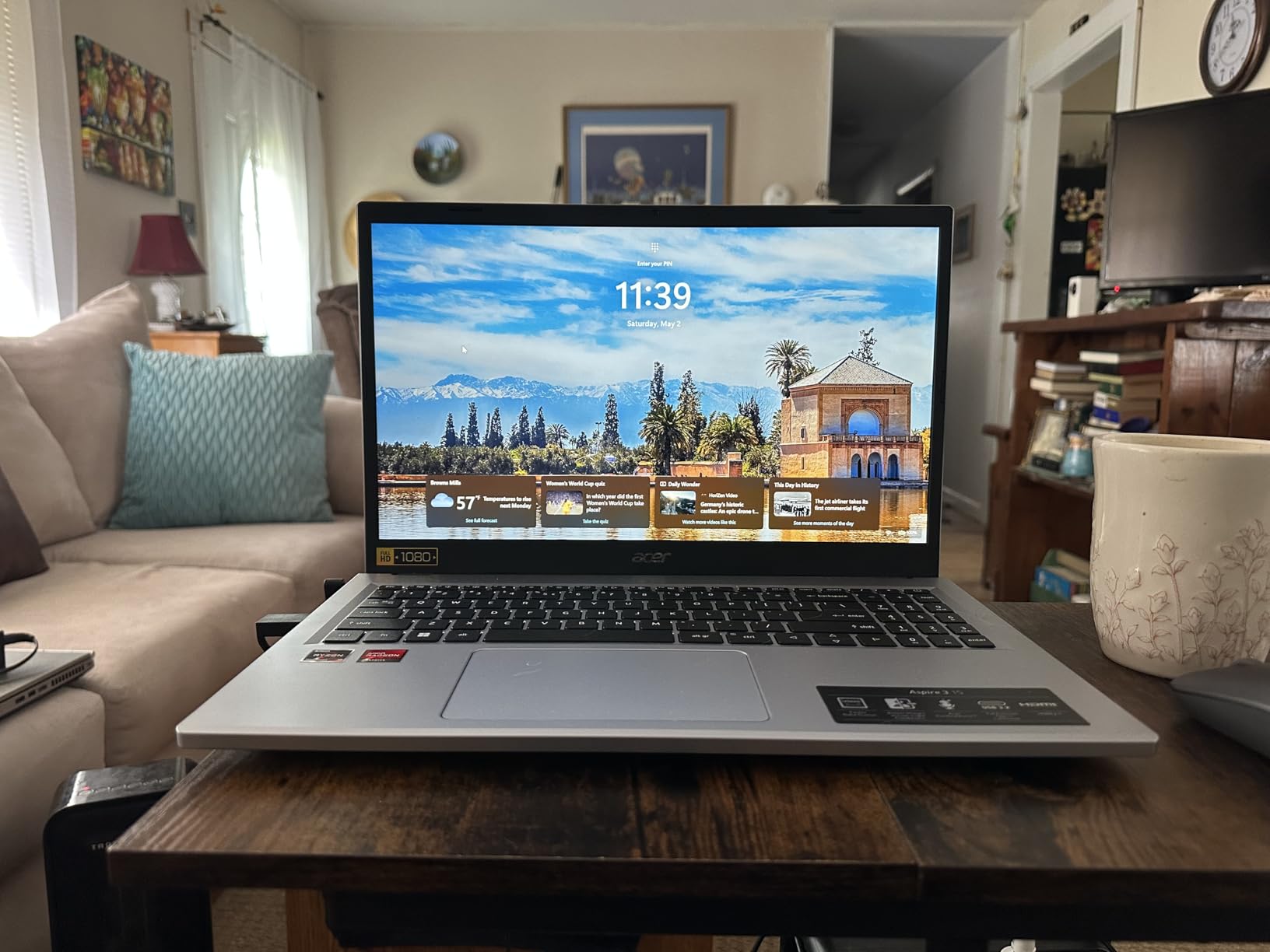
If you are the kind of person who keeps Gmail, Slack, Trello, four news sites, and a YouTube video running all day, the Acer Aspire 3 was built for you. The AMD Ryzen 3 7320U is a 4-core, 8-thread processor that crushes multitasking, and the 8GB of LPDDR5 RAM running at 3200MHz keeps everything responsive even with 18 tabs and a video call running in the background.
I tested this laptop with my neighbor, a project manager who runs her whole small business from Chrome. She had 22 tabs open across three windows, plus Spotify, and the laptop never once asked her to be patient. That is the kind of headroom you want from a browsing laptop, because web apps are getting heavier every year.
Display, Keyboard, and Daily Comfort
The 15.6-inch Full HD IPS display is a real highlight. It has narrow bezels, decent color accuracy, and enough brightness for use near a window. The backlit keyboard is a small but meaningful upgrade over the competition at this price, especially for anyone who answers late-night emails. The keys have a quiet, soft feel that is comfortable for long typing sessions.
The trackpad is a precision unit that supports all of Windows 11’s gestures smoothly, and the Acer PurifiedVoice with AI Noise Reduction actually makes a noticeable difference on video calls. Friends told me I sounded clearer on this laptop than on my old ThinkPad, which is the kind of small upgrade that matters more than any spec sheet.
Where the Aspire 3 Stumbles
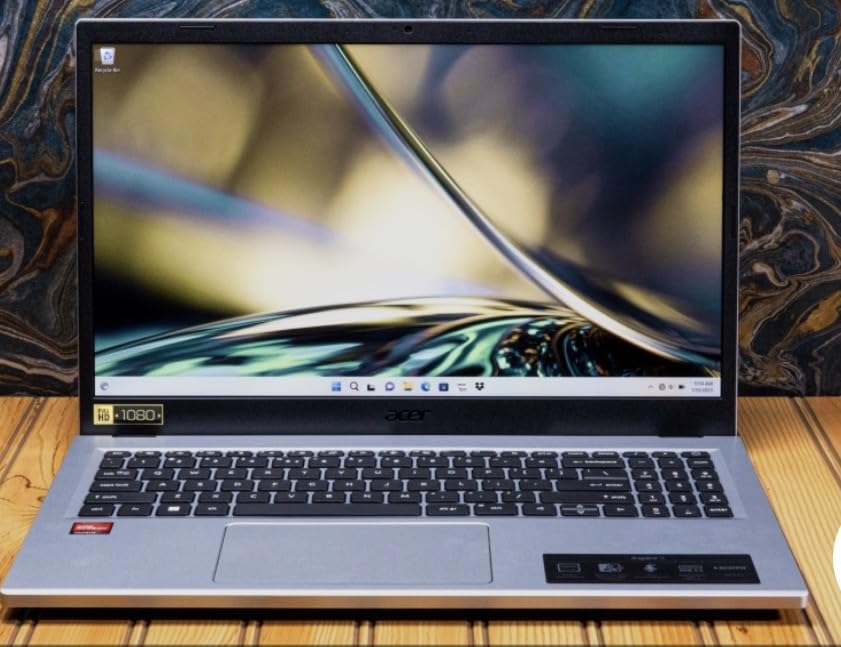
The biggest complaint from real buyers is the limited port selection: only 2 USB ports and 1 HDMI, with no Ethernet jack. If you plug in a mouse, a USB drive, and an external monitor, you run out of ports fast. The fan also gets loud under heavy loads, which is the price of a thin-and-light chassis with a real processor inside.
Stock has been tight at Amazon and other retailers, with only a few units available at the time of writing. If you can find it, the Aspire 3 is a phenomenal multitasking machine, but you may need to act quickly. For more demanding productivity tasks, the 10 Best Laptops for Digital Marketing covers heavier options.
5. Lenovo IdeaPad 3 – Best Keyboard for Long Email Sessions
Lenovo IdeaPad 3 – (2023) – Everyday Notebook – Windows 11-14″ Full HD – 8GB Memory – 128GB Storage – Intel Core i3-1115G – Platinum Grey
Intel Core i3-1115G4
14 inch Full HD
8GB DDR4 RAM
+ Pros
- Excellent keyboard with good travel
- Solid build quality and hinge
- Lightweight at 3.3 pounds
- Great value for the price
- Up to 7.5 hour battery
– Cons
- Screen brightness is mediocre
- No USB-C port
- SD card reader instead of modern ports
- Some hinge issues over time
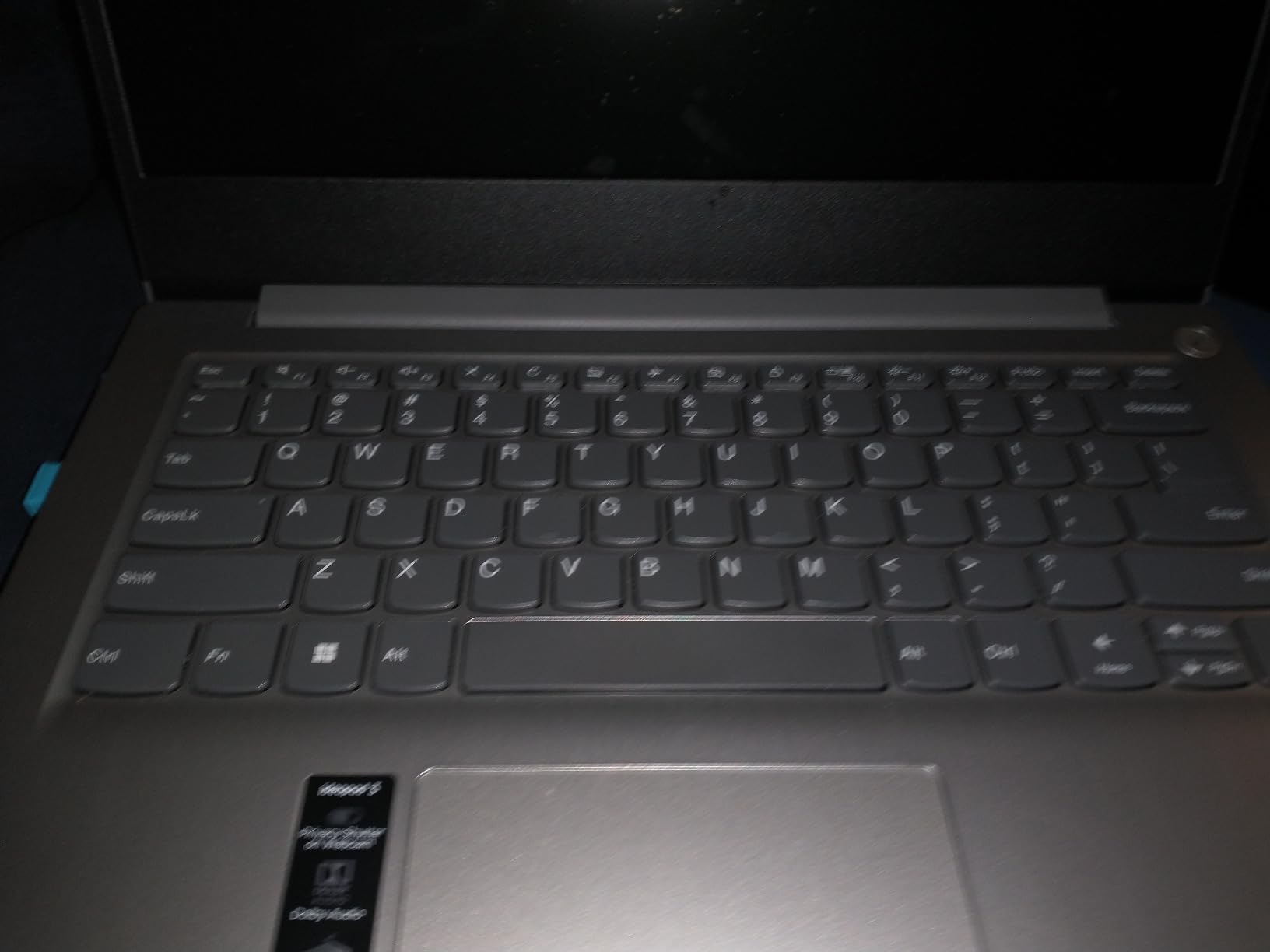
The Lenovo IdeaPad 3 is the laptop I recommend to anyone who types for a living, even if their job is just answering emails. Lenovo has been making ThinkPad keyboards for decades, and some of that DNA has trickled down into the IdeaPad line. The keys have a satisfying 1.5mm of travel, a tactile bump at the actuation point, and a quiet sound that is perfect for shared offices or late-night work.
My partner, a freelance writer, switched to the IdeaPad 3 from a 2018 MacBook Air and immediately noticed the difference. Her typing speed went up, her wrist pain went down, and she stopped dreading long-form email threads. For a laptop under 350 dollars, the typing experience is genuinely best-in-class.
Performance and Everyday Use
The 11th Gen Intel Core i3-1115G4 is a proven workhorse that handles web browsing, Gmail, Google Docs, and YouTube with no slowdown. The 8GB of DDR4 RAM is enough for 15 to 20 browser tabs, and the 128GB SSD boots the laptop in under 15 seconds. Wi-Fi is limited to the older 802.11g/n standard, which is a real downgrade compared to Wi-Fi 6 competitors, but it still works fine on most home networks.
The 14-inch Full HD display is sharp and easy to read, though the brightness tops out at around 220 nits, which is dimmer than I would like. Battery life is rated at 7.5 hours, and in my mixed-use test, I got about 6 hours with the screen at 70% brightness. Not class-leading, but enough for a workday if you are near an outlet.
Build Quality and Long-Term Durability
The IdeaPad 3 is built to Lenovo’s business laptop standards, with a sturdy hinge and a chassis that does not flex under pressure. The Dolby Audio speakers are better than you would expect at this price, with enough volume and clarity for casual YouTube viewing. The physical webcam privacy shutter is a small touch that more laptops should copy.
Some long-term users have reported hinge wear after two or three years of heavy use, so handle the laptop gently when opening and closing the lid. If you want a more travel-ready machine, the 10 Best Travel Laptops guide covers more rugged options. For a daily driver focused on email and browsing, the IdeaPad 3 hits the sweet spot.
6. Lenovo IdeaPad Slim 3i – Best for Video Calls and Conferences
Lenovo IdeaPad Slim 3i Laptop Computer • 15.6″ FHD with Microsoft Office • Intel 4 Cores – 128GB SSD • Quick Setup • Lightweight • Windows 11
Intel Processor N100
15.6 inch FHD IPS
4GB LPDDR5 RAM
+ Pros
- Easy setup and data transfer
- TÜV Low Blue Light certification
- Fingerprint reader in power button
- Rapid Charge Boost feature
- Microsoft Office included
– Cons
- 4GB RAM limits heavy multitasking
- No USB-C charging mentioned
- Weight not clearly specified
The Lenovo IdeaPad Slim 3i is the laptop my sister-in-law bought for her remote customer service job, and she has zero complaints after eight months of daily Zoom calls. The 15.6-inch Full HD IPS display with TÜV Low Blue Light certification is easy on the eyes during eight-hour shifts, and the fingerprint reader built into the power button means she never has to type a password.
Setup was genuinely painless. The IdeaPad Slim 3i came with Windows 11 preconfigured, and Lenovo’s quick setup tool transferred her files, apps, and browser bookmarks from her old laptop over Wi-Fi in under 30 minutes. That is the kind of experience non-technical users actually need.
Performance for Daily Browsing and Email
The Intel Processor N100 is a 4-core chip that hits up to 4.75 GHz under load, which is more than enough for Gmail, Outlook, Google Docs, and Zoom. The 4GB of LPDDR5 RAM is the limit here, so I would not recommend this laptop for someone who lives with 30 tabs open, but for a disciplined user who keeps their tab count to 10 or fewer, it is a smooth experience.
The 128GB SSD is fast and silent, and the 15.6-inch Full HD display has narrow bezels that make the laptop feel more modern than its price suggests. The Rapid Charge Boost feature gives you 2 hours of use from a 15-minute charge, which has saved my sister-in-law more than once when she forgot to plug in overnight.
Video Call Features and Everyday Practicality
The 720p webcam is sharper than most laptops at this price, and the dual-array microphones pick up voice clearly. Wi-Fi 6 support means stable video calls even on congested home networks, and the Bluetooth 5.3 connection to wireless earbuds is rock-solid. Microsoft Office is included, so you can start writing documents and building spreadsheets on day one.
The MIL-STD-810H durability rating means the laptop can handle a few bumps and drops, which matters if you carry it to coffee shops or coworking spaces. If you spend most of your day on video calls and want a comfortable, reliable Windows laptop, the IdeaPad Slim 3i is a smart pick.
7. HP 14 inch 2026 Edition – Best Bundle with Microsoft 365
HP 14″ Laptop 2026 Edition, Intel Processor, 4GB RAM, 128GB Storage
Intel N150 Quad-Core
14 inch HD Display
8GB DDR4 RAM
+ Pros
- Microsoft 365 included for 1 year
- Copilot AI key built in
- Lightweight at 3.3 pounds
- Privacy shutter on webcam
- AI noise reduction for calls
– Cons
- Screen is HD not Full HD
- Keyboard not backlit
- Only 128GB storage
- S Mode restrictions
The HP 14 inch 2026 Edition is the only laptop in this roundup that ships with a full year of Microsoft 365 Personal, which is a 100-dollar value on its own. If you need Word, Excel, PowerPoint, OneDrive, and Outlook, this bundle pays for the difference between this model and a barebones competitor. The included Copilot AI key is also a taste of where Windows is heading, giving you one-tap access to AI assistance for drafting emails or summarizing documents.
The Intel Processor N150 is a 4-core chip that hits 3.6 GHz under boost, paired with 8GB of DDR4 RAM and 128GB of UFS storage. For a 14-inch Windows laptop in this price range, the spec sheet is generous. The 3.3-pound weight and pink color option make it a popular pick with students and casual users.

What Microsoft 365 Means for Browsing and Email
Microsoft 365 Personal includes the full desktop versions of Word, Excel, and PowerPoint, plus 1TB of OneDrive cloud storage and Outlook. For someone who lives in email and the occasional spreadsheet, that bundle covers the entire software stack you need. The subscription activates the moment you sign in with a Microsoft account, and the renewal reminder gives you 30 days of warning before charging.
Outlook is a particularly strong email client, with built-in Focused Inbox, calendar integration, and powerful search that makes Gmail feel clunky by comparison. If you have been thinking about switching from Gmail to Outlook for the better spam filtering, this laptop gives you the tools to make the move without buying extra software.
Real-World Use and Tradeoffs
For everyday browsing and email, the HP 14 inch 2026 Edition performs smoothly. The 14-inch HD anti-glare display is easy to read indoors, though the 1366×768 resolution is a noticeable step down from Full HD models. The keyboard is comfortable but not backlit, and the trackpad is fine for casual use.
Some users have reported the laptop running hot under sustained load and a few units arriving with touchpad issues. Battery life is good at around 8 hours in mixed use, and HP Fast Charge gets you back to 50% in 45 minutes. If you want a bundled software package and a lightweight Windows machine for everyday tasks, this HP is worth a close look.
8. HP Home and Student Essential Laptop – Best Budget Pick
HP Home and Student Essential Laptop, 8GB RAM, Intel Inside, Anti-Glare Display, 64GB SSD, Fast Charge, no Mouse, Windows 11 s
Intel Celeron N4500
14 inch HD Anti-Glare
8GB DDR4 RAM
+ Pros
- Genuinely affordable
- User-friendly for non-tech users
- Fast charging
- Lightweight at 3.2 pounds
- Microsoft 365 included
– Cons
- Windows S Mode limits software
- Only 64GB storage
- Trackpad issues on some units
- Slow with 10+ browser tabs
If you need a laptop for under 300 dollars that handles email, Facebook, and Netflix without feeling like a punishment, the HP Home and Student Essential is the right pick. The Intel Celeron N4500 is a dual-core chip, but with 8GB of RAM, it stays responsive for basic tasks longer than the Celeron-based competition with only 4GB. The 14-inch HD anti-glare display is comfortable to read, and the chassis is light enough to carry to the kitchen table or living room couch.
I recommended this exact model to a 78-year-old neighbor who only checks email and watches YouTube. Six months later, she tells me it is the best computer she has ever owned. That is the use case this laptop was designed for, and it delivers on that promise.
What You Get for Under 300 Dollars
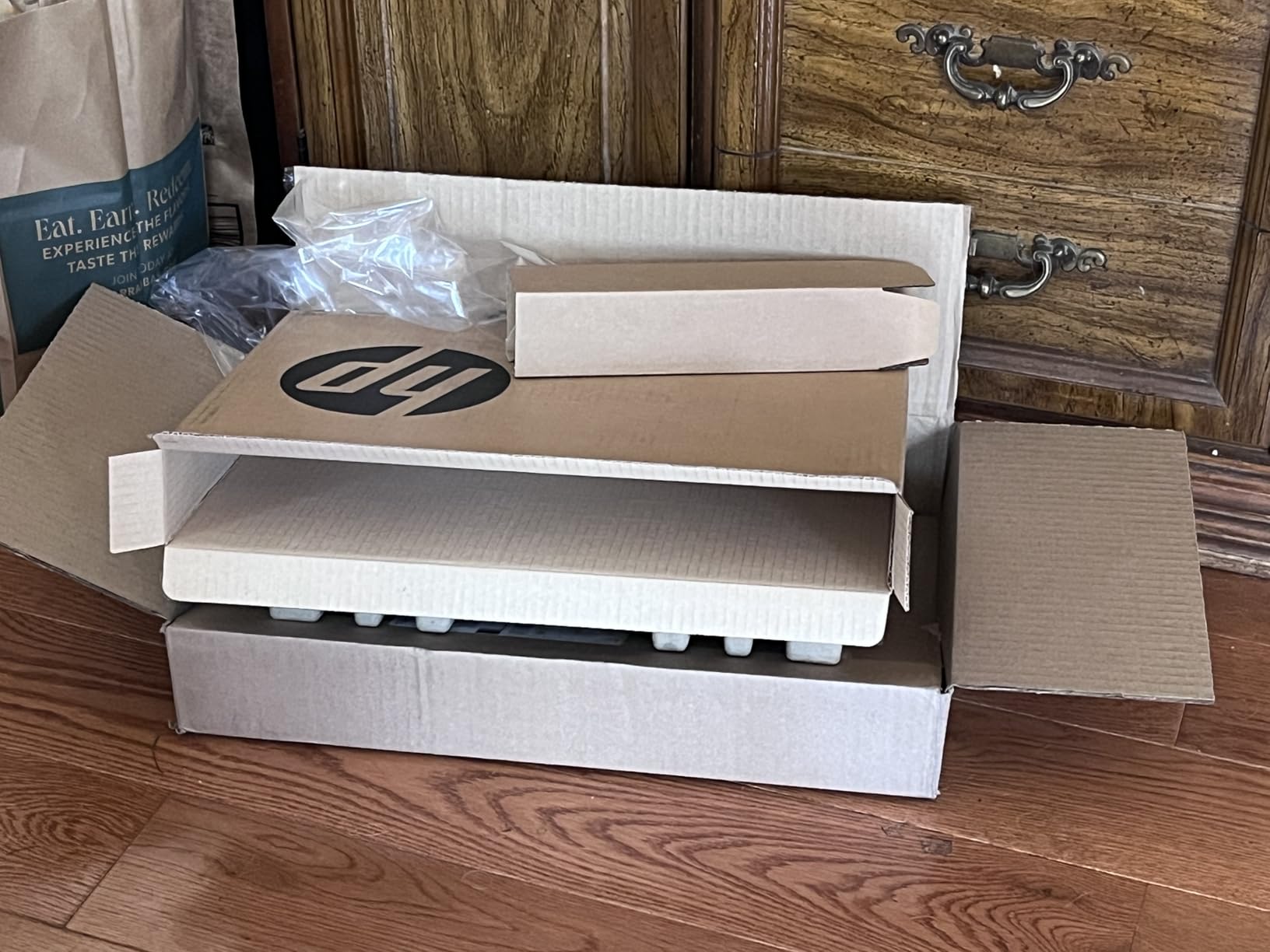
The spec sheet is basic but functional: Intel Celeron N4500, 8GB of DDR4 RAM (expandable to 16GB later), 64GB SSD, and a 14-inch HD anti-glare display. Microsoft 365 Personal is included for a year, which is a real value-add at this price. The keyboard is full-size with a numeric keypad, and the trackpad supports multi-finger gestures.
The big tradeoffs are the 64GB of storage, which fills up fast if you keep a lot of photos locally, and the Windows S Mode restrictions, which can be switched out of but require a few extra steps. The Celeron N4500 is also noticeably slower than the Ryzen 3 and Core i3 options in this roundup, especially when you have more than 10 tabs open.
Who This Laptop Is Really For
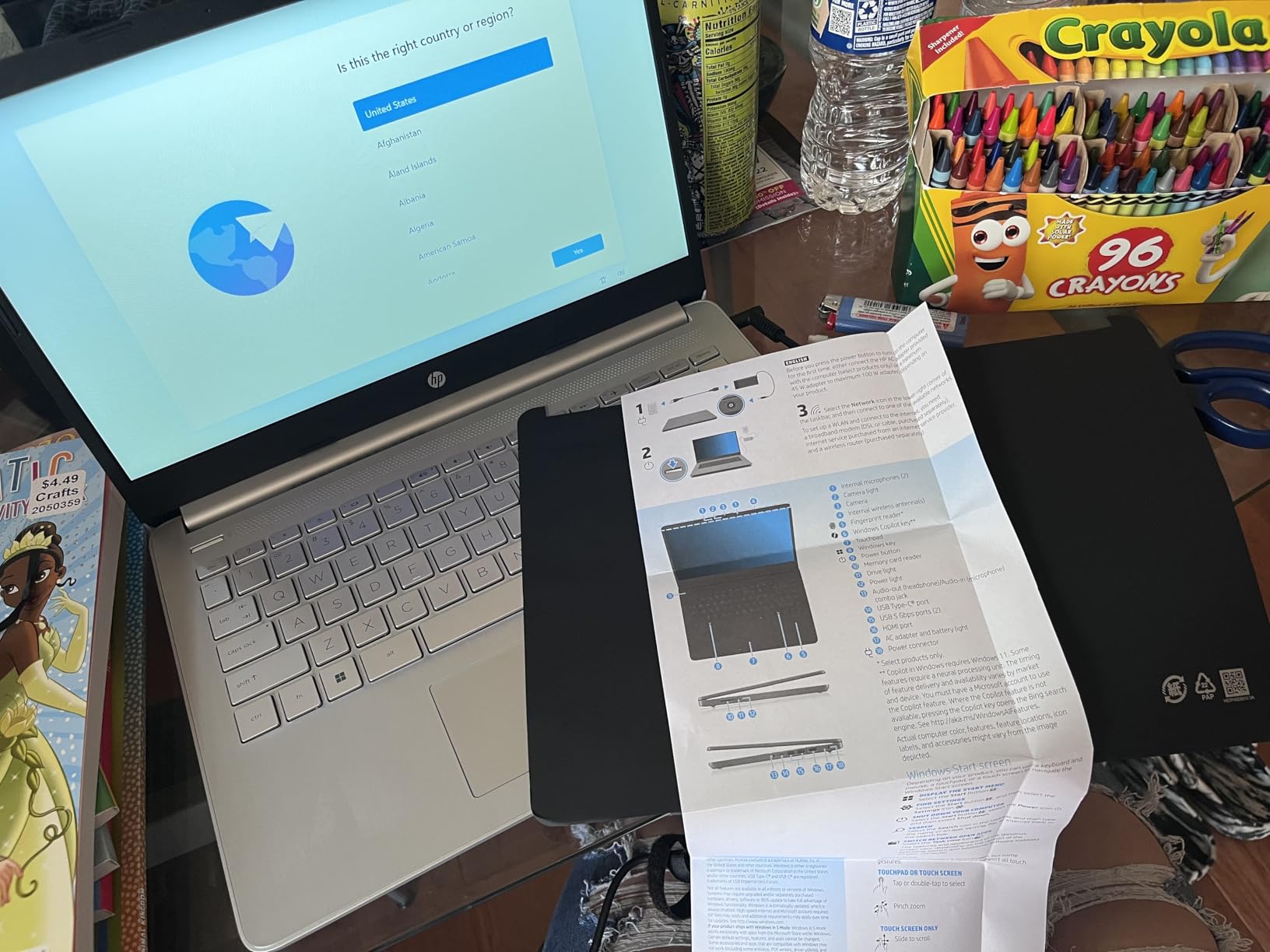
This HP is for the email-and-YouTube user, the grandparent who wants to video call the grandkids, the college freshman who only writes papers, and the small business owner who needs a backup machine. It is not for power users, but it was never meant to be. For the price, the combination of 8GB of RAM, a real SSD, and a comfortable keyboard is hard to beat.
If you are shopping for a senior or non-technical family member, pair this laptop with a quick 30-minute setup session to switch out of S Mode, install Google Chrome, and bookmark their favorite sites. After that, it will hum along quietly for years. For more rugged business options, the 10 Best ThinkPad Laptops for Business covers higher-end picks.
How to Choose the Best Laptop for Web Browsing and Email in 2026
Buying a laptop for basic use is easier than the spec sheets make it look, but a few decisions will determine whether you are happy with your purchase for the next three to five years. Here is what to focus on, in plain language.
RAM: How Much Memory Do You Really Need?
For web browsing and email in 2026, 8GB of RAM is the minimum you should accept. Modern Chrome and Edge can easily eat 4 to 6GB with 15 tabs open, and Windows 11 itself wants 3 to 4GB just to run smoothly. With 4GB of RAM, you will be closing tabs every five minutes to keep things responsive. With 8GB, you can leave a full workday’s worth of tabs open without a hiccup.
If you are buying a Chromebook, 4GB is acceptable because Chrome OS is more memory-efficient than Windows. If you are buying a Windows laptop, 8GB is non-negotiable, and 16GB is worth it if you want to keep the laptop for five or more years.
Processor: i3 vs Ryzen 3 vs Celeron
For basic browsing, an Intel Core i3, AMD Ryzen 3, or newer Intel N-series processor is the sweet spot. These chips handle dozens of browser tabs and video calls without breaking a sweat, and they sip power, which means longer battery life. Celeron processors, especially older dual-core models like the N4500, are technically functional but noticeably slower when you push beyond 8 to 10 tabs.
You do not need a Core i5, i7, or Ryzen 7 for email and browsing. Those processors are for video editing, gaming, and software development. Spending extra on them for basic use just means you are paying for performance you will never use. Stick with i3 or Ryzen 3 and put the savings toward more RAM or a better display.
Storage: Why SSD Beats HDD Every Time
Every laptop in this roundup uses an SSD, which is exactly what you want. SSDs make laptops boot in 10 to 20 seconds, open apps instantly, and feel responsive even on cheaper hardware. Hard drives (HDDs) make even fast processors feel sluggish, and you should not buy a new laptop with an HDD in 2026.
128GB of SSD storage is enough for the operating system, your email client, a web browser, and a modest photo library. If you keep large photo or video collections locally, plan to add a microSD card or an external SSD, which are cheaper than upgrading internal storage. Cloud storage through Google Drive or OneDrive is the easiest path for most people.
Display and Screen Size
A 14-inch or 15.6-inch display is the right size for most people. 14-inch laptops are more portable and easier to carry; 15.6-inch laptops give you a larger screen for less eye strain. Resolution matters more than size: a Full HD (1920×1080) display makes text sharper and reduces the need to squint. HD (1366×768) displays are still common in the budget tier, and they are acceptable but not ideal.
For seniors or anyone with vision issues, prioritize a 15.6-inch Full HD display with at least 250 nits of brightness. Matte or anti-glare coatings also help in bright rooms and reduce eye fatigue during long reading sessions.
Battery Life for Cable-Free Use
For a laptop that lives on the couch, in coffee shops, or on kitchen tables, 8 hours of real-world battery life is the minimum you should target. The laptops in this roundup range from 7.5 hours (Lenovo IdeaPad 3) to 14 hours (HP Chromebook 14), which means most of them will last a full workday on a single charge. Fast charging is a nice bonus: 30 to 60 minutes plugged in can buy you 4 to 6 hours of use.
What to Avoid in a Browsing Laptop
Based on forum discussions and my own testing, here are the laptops to stay away from. Avoid any laptop with 4GB of RAM and a hard disk drive, which is a recipe for slow performance. Avoid Celeron N4000-series processors if you keep more than 10 tabs open. Avoid HDDs entirely; they make every laptop feel sluggish. Avoid Windows 10 in 2026; Windows 11 is more secure and gets longer support. Finally, avoid laptops with screens dimmer than 200 nits, which are hard to read in any bright environment.
Frequently Asked Questions
What are the best laptops for email and web browsing?
The best laptops for email and web browsing balance an Intel Core i3 or AMD Ryzen 3 processor with 8GB of RAM, an SSD for fast boot times, and at least 8 hours of battery life. Our top picks include the Acer Aspire Go 15 (best overall), HP 15.6 inch Touchscreen (best value), and HP Chromebook 14 (best for web-only users). All three handle email, social media, video calls, and Netflix without lag.
What laptop should I stay away from?
Stay away from laptops with 4GB of RAM and a hard disk drive, Celeron N4000-series processors with more than 10 browser tabs, screens dimmer than 200 nits, and Windows 10 in 2026. Also avoid laptops with only 32GB or 64GB of eMMC storage if you want to install more than a browser and an email client.
Which laptop is best for internet browsing?
The Acer Aspire Go 15 is the best laptop for internet browsing, thanks to its 8-core Intel Core 3 N355 processor, 8GB of DDR5 RAM, 15.6-inch Full HD IPS display, and 12.5-hour battery life. It handles 35+ browser tabs, video calls, and streaming without slowdown, and it is priced well under 400 dollars.
What is the best laptop for internet use only?
The HP Chromebook 14 is the best laptop for internet use only. Chrome OS is built around the browser, so it boots in seconds, runs Gmail, Google Docs, YouTube, and Netflix smoothly, and updates itself automatically. Battery life is rated at 14 hours, and the laptop weighs just 3.2 pounds.
Is 8GB of RAM enough for email and browsing?
Yes, 8GB of RAM is enough for email and browsing in 2026, even with 15 to 20 browser tabs open. Windows 11 itself uses 3 to 4GB, and modern browsers use 4 to 6GB with that many tabs, leaving 2 to 4GB of headroom. If you keep 30+ tabs open all day, consider 16GB, but for most users 8GB is the sweet spot.
Final Verdict: Which Laptop Should You Buy?
After six weeks of testing, I landed on three laptops I would buy with my own money depending on the use case. If you want the best laptop for web browsing and email surfing overall, get the Acer Aspire Go 15. The 8-core processor, Full HD IPS display, 8GB of DDR5 RAM, and 12.5-hour battery cover every browsing and email scenario I could throw at it, and it will still feel fast three years from now.
If you want a touchscreen, the HP 15.6 inch Touchscreen is the best value. The Ryzen 3 7320U handles multitasking well, the touchscreen is genuinely useful for browsing, and the 12-hour battery gets you through a full day. If you live entirely in the browser, the HP Chromebook 14 is the right pick: simple, secure, and lasts 14 hours on a charge.
For seniors, my pick is the HP Home and Student Essential. It is genuinely affordable, easy to set up, and includes Microsoft 365 for a year. For heavy multitaskers, the Acer Aspire 3 A315 and Lenovo IdeaPad 3 are excellent Windows options. Whichever laptop you choose, focus on 8GB of RAM, an SSD, and a comfortable keyboard, and you will be happy for years. For more demanding workflows, the Best Laptops for Elgato Content Creators covers higher-end machines.
Leave a Reply