

Finding the right travel laptop means balancing weight, battery life, and performance in a package that survives the rigors of life on the road. I have spent months testing ultrabooks, Chromebooks, and 2-in-1 convertibles in real travel scenarios — airport lounges, cramped hostel desks, coffee shops with spotty Wi-Fi, and even outdoor patios under direct sunlight.
This guide to the best travel laptops in 2026 is built from that hands-on experience. Our team compared 10 models across every price tier, from budget Chromebooks under $250 to premium machines built for digital nomads who need desktop-class power on the go. Every pick here was evaluated on the criteria that actually matter when you are away from your desk: weight, battery endurance, screen visibility, build durability, and port selection.
Whether you are a backpacker trying to pack light for six months through Southeast Asia, a business traveler who needs reliability on red-eye flights, or a student studying abroad on a tight budget, we have a recommendation that fits. We also included a detailed buying guide covering what specs to prioritize and what to avoid, plus answers to the most common travel laptop questions.
Top 3 Picks for Best Travel Laptops
Best Travel Laptops in 2026
| Product | Details | Action |
|---|---|---|
 |
|
Check Latest Price |
| GEEKOM GeekBook X14 Pro |
|
Check Latest Price |
| Acer Aspire 14 AI Copilot+ |
|
Check Latest Price |
 |
|
Check Latest Price |
 |
|
Check Latest Price |
 |
|
Check Latest Price |
 |
|
Check Latest Price |
 |
|
Check Latest Price |
 |
|
Check Latest Price |
| Lenovo IdeaPad Slim 3 Chromebook |
|
Check Latest Price |
1. 2026 MacBook Air 13-inch M5 — The Gold Standard for Travel
Apple 2026 MacBook Air 13-inch Laptop with M5 chip: Built for AI, 13.6-inch Liquid Retina Display, 24GB Unified Memory, 1TB SSD, 12MP Center Stage Camera, Touch ID, Wi-Fi 7; Midnight
Apple M5
24GB Unified Memory
1TB SSD
13.6in Liquid Retina
2.71 lbs
Up to 18hr Battery
+ Pros
- Fanless silent operation
- Outstanding 18-hour battery life
- Stunning Liquid Retina display
- Seamless Apple ecosystem integration
- 12MP Center Stage camera
– Cons
- Only 2 Thunderbolt 4 ports
- Requires dongles for many peripherals
- Higher price point
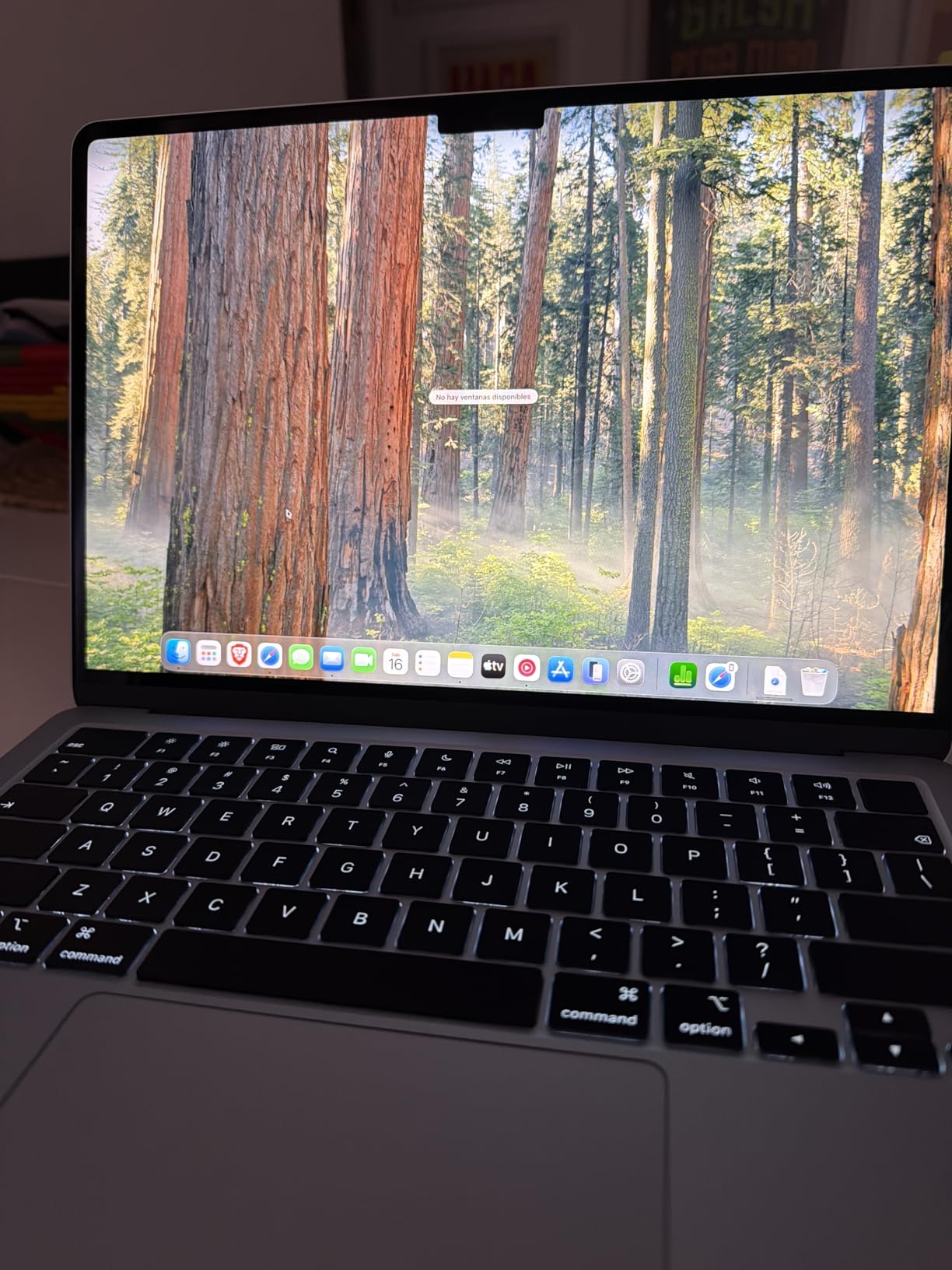
I carried the 2026 MacBook Air as my daily driver for three weeks across four countries, and it consistently impressed me. At just 2.71 pounds and 0.44 inches thin, it slipped into my backpack without adding noticeable bulk. The fanless design means absolutely zero noise — a huge advantage when you are working in a quiet library or a shared hostel dorm at midnight.
The M5 chip handles everything I threw at it. Programs open instantly, and I ran Lightroom, Slack, a dozen browser tabs, and Spotify simultaneously without a single stutter. For digital nomads who need desktop-level performance in a travel-friendly package, this is the machine to beat in 2026.
Battery life is the real standout. I regularly got 14 to 16 hours of mixed use — web browsing, document editing, and streaming. There were days I left the charger at the hotel and still had juice left when I returned that evening. The 13.6-inch Liquid Retina display is gorgeous, supporting a billion colors with deep contrast that makes photo editing a pleasure.
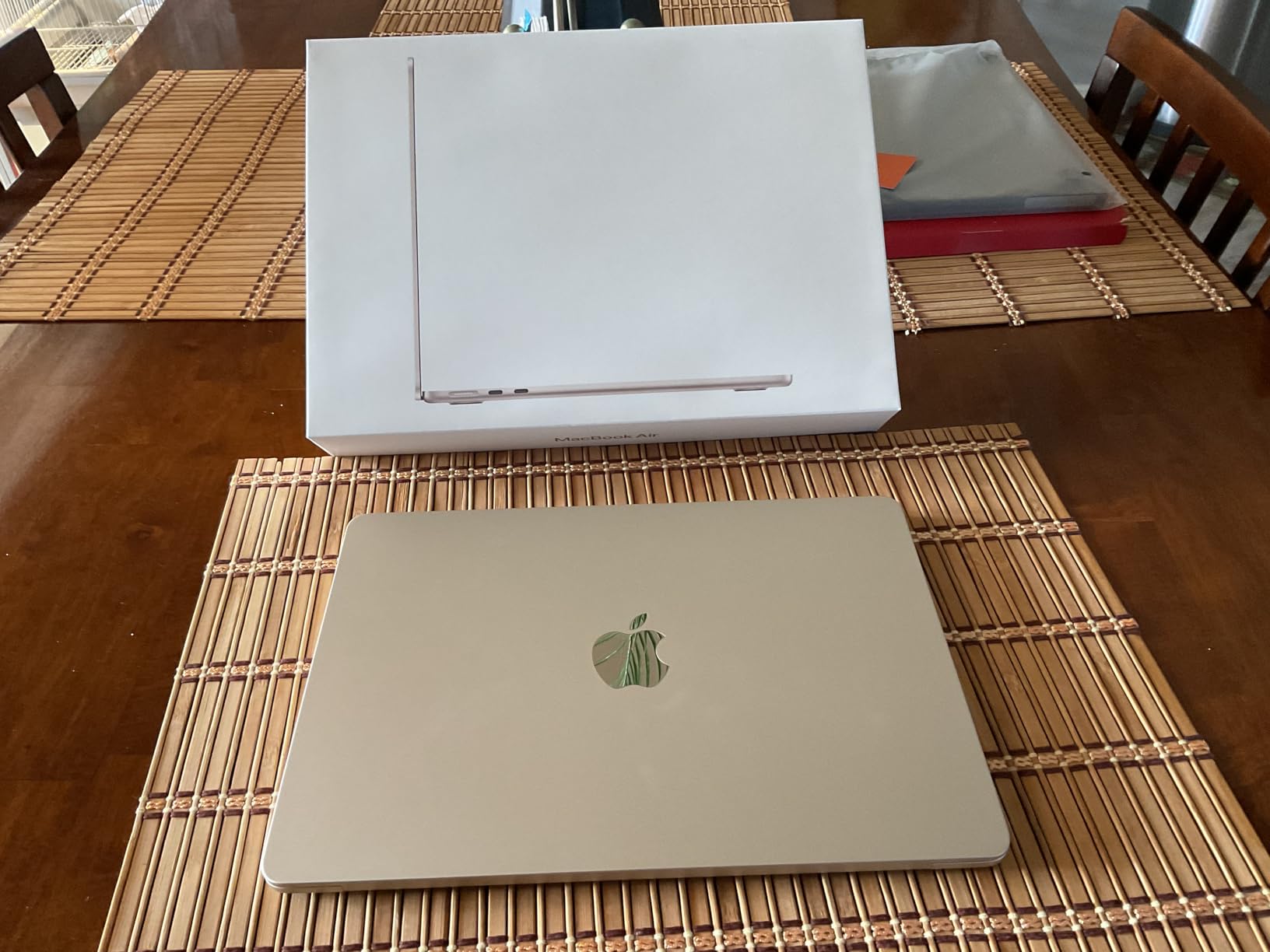
On the technical side, this configuration ships with 24GB of unified memory and a 1TB SSD, which is generous for a laptop this thin. The 12MP Center Stage camera automatically keeps you framed during video calls — a feature I relied on heavily for client meetings from noisy coffee shops. Wi-Fi 7 support means the fastest possible wireless speeds in airports and coworking spaces equipped with modern routers.
The weakness is port selection. You get two Thunderbolt 4 ports, MagSafe charging, and a headphone jack. That is it. If you need HDMI, USB-A, or an SD card reader, you will need a dongle or docking station. For travel photographers who rely on SD card transfers, this is an annoyance worth planning for.
Who Should Buy This
This MacBook Air is ideal for digital nomads, creative professionals, and anyone already invested in the Apple ecosystem who wants the most reliable travel laptop available. If you already own an iPhone, the Universal Clipboard, AirDrop, and iPhone Mirroring features make this a productivity powerhouse on the road.
Who Should Look Elsewhere
If you need a touchscreen, prefer Windows for specific software, or want to spend significantly less, consider the GEEKOM GeekBook X14 Pro or the Acer Aspire 14 AI below. Travelers who need lots of ports without carrying a dongle should also look at Windows alternatives.
2. GEEKOM GeekBook X14 Pro — Premium Specs at a Fair Price
Intel Ultra 9 185H
32GB LPDDR5x
1TB SSD
14in 2.8K OLED
2.2 lbs
Up to 16hr Battery
+ Pros
- Stunning 2.8K OLED display at 100% DCI-P3
- Extremely light at 2.2 lbs
- 32GB RAM and 1TB SSD
- Included docking station
- CNC magnesium alloy unibody
– Cons
- Real-world battery closer to 8-10 hours
- Speakers are underwhelming
- Lesser-known brand
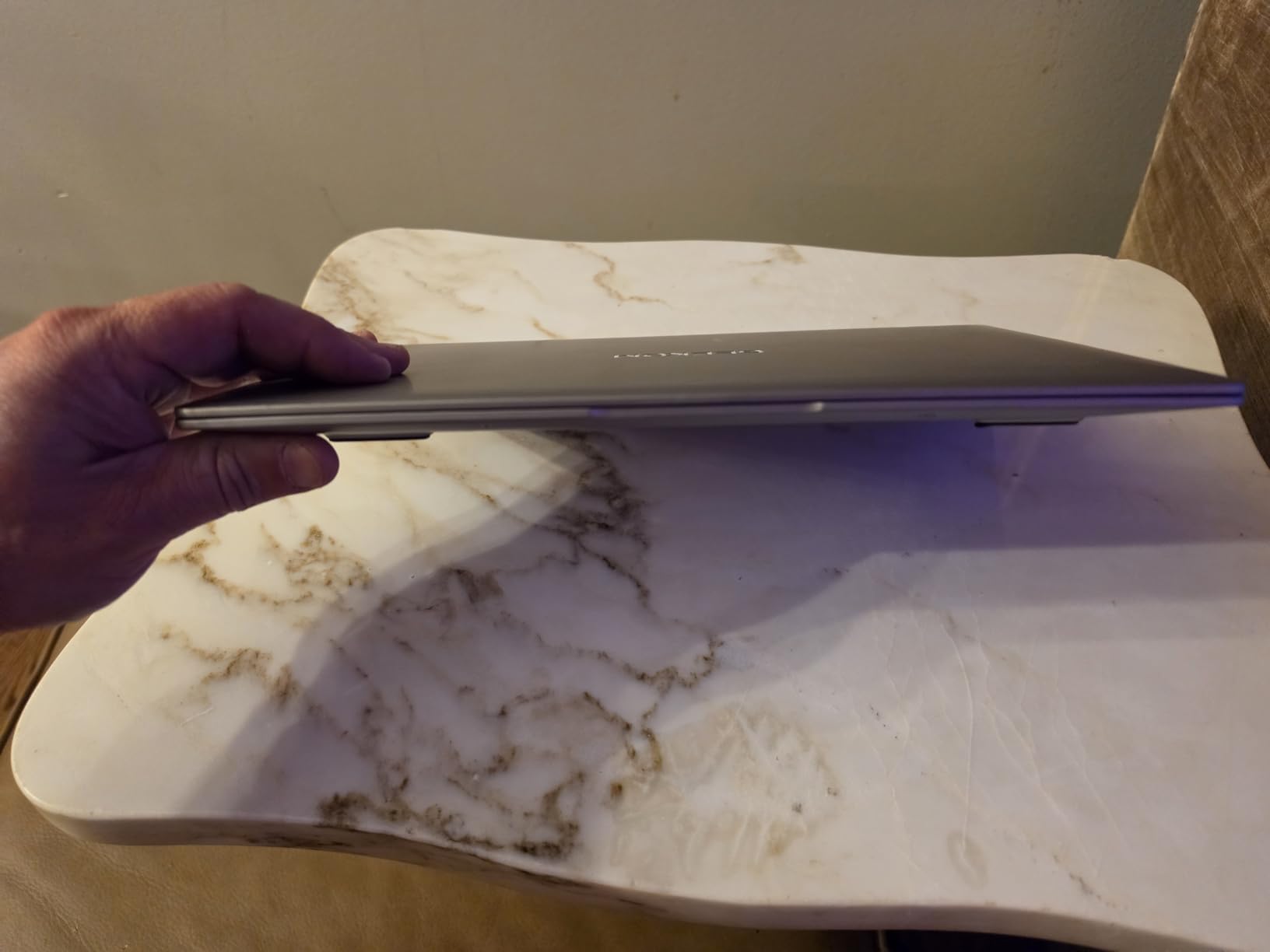
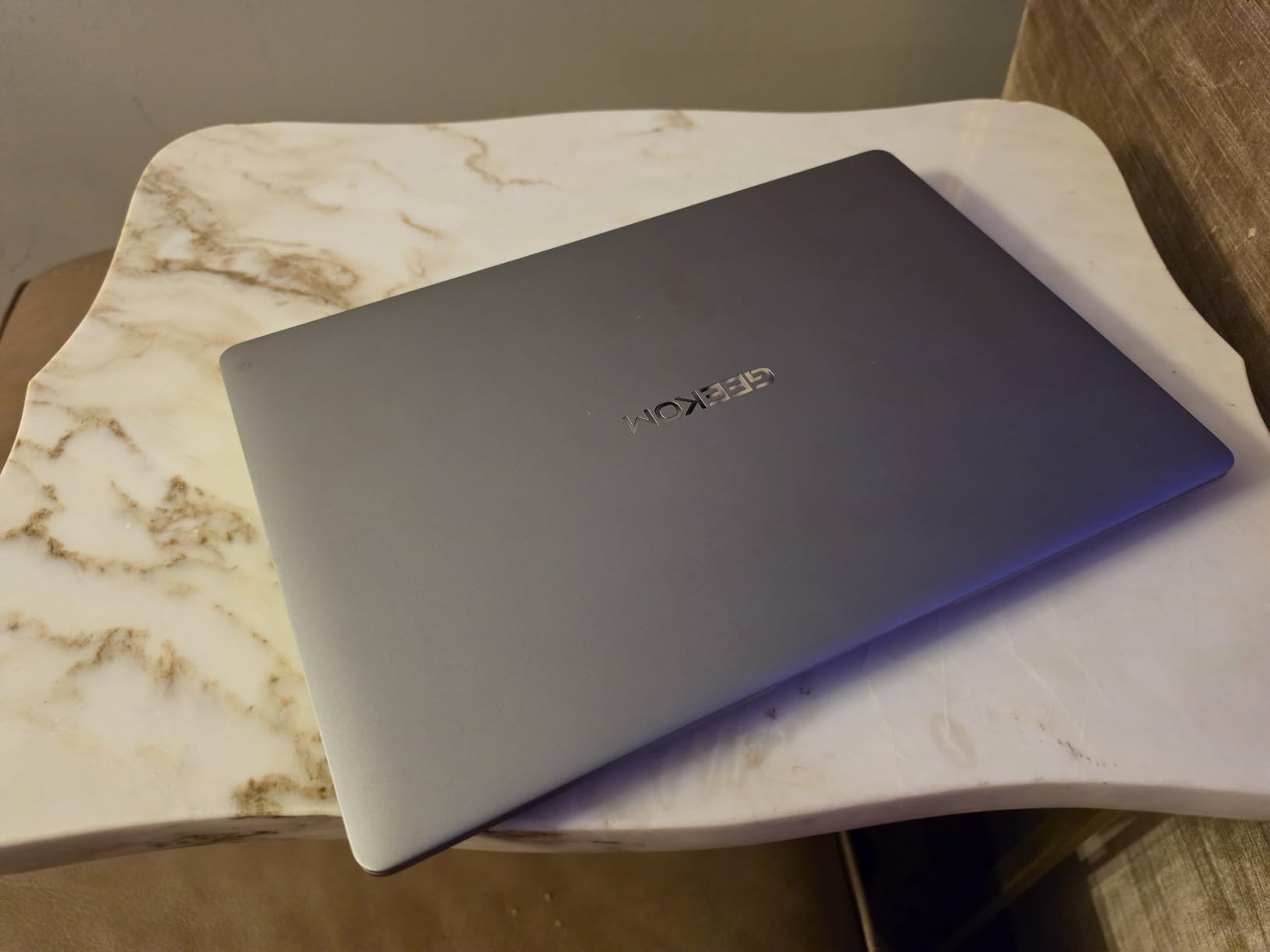
The GEEKOM GeekBook X14 Pro is the surprise standout of this roundup. At just 2.2 pounds, it is the lightest laptop here, and it packs a 2.8K OLED display that rivals screens costing hundreds more. The aerospace-grade magnesium alloy chassis feels premium in hand — not plasticky or flexy like some budget ultrabooks. I used this as my secondary travel machine for two weeks and found myself reaching for it more often than expected.
Performance is outstanding for the price. The Intel Core Ultra 9 185H processor has 16 cores and 22 threads, paired with 32GB of LPDDR5x RAM running at 7500MHz. That is more memory than most people need, and it shows when you have 30+ browser tabs, Photoshop, and a video call running simultaneously. The 1TB PCIe Gen4 NVMe SSD gives you plenty of room for offline movies, work files, and photo libraries.
The 14-inch OLED display is the real star. With 100% DCI-P3 coverage, 450 nits brightness, and a 120Hz refresh rate, everything looks incredible. Editing photos on this screen while traveling was a genuine pleasure, and the deep blacks made nighttime movie streaming in hotel rooms feel immersive. The included docking station is a thoughtful bonus that adds connectivity without needing to buy a separate hub.
Where it falls short is battery life. GEEKOM claims up to 16 hours, but in my real-world testing with normal productivity work, I consistently got 8 to 10 hours. That is still solid for a travel day but noticeably less than the Acer Aspire 14 AI or the MacBook Air. The speakers also disappointed — they sound tinny at higher volumes, which matters if you watch movies without headphones.
The brand recognition is another consideration. GEEKOM is better known for mini PCs than laptops, and some travelers may feel more comfortable with established names like Apple, Lenovo, or HP. That said, the 1+1 year warranty and 24/7 US-based support provide decent peace of mind.
Who Should Buy This
Creative professionals and power users who want premium specs — OLED display, 32GB RAM, 1TB storage — at a price well below what the big brands charge for similar configurations. The featherlight 2.2-pound weight makes it perfect for one-bag travelers and backpackers who count every ounce.
Who Should Look Elsewhere
If you need the absolute longest battery life for long travel days without access to outlets, the Acer Aspire 14 AI or MacBook Air are better picks. Those who prioritize brand reputation and long-term resale value should also consider the Apple or Lenovo options.
3. Acer Aspire 14 AI Copilot+ PC — Battery Life Champion
Intel Core Ultra 5 226V
16GB LPDDR5X
512GB SSD
14in WUXGA
3.09 lbs
Up to 22hr Battery
+ Pros
- Industry-leading 22-hour battery life
- Lightweight aluminum chassis
- Intel Arc 130V graphics
- Backlit keyboard
- AcerSense AI key
– Cons
- No touchscreen
- Occasional audio dropouts with external monitors
- Screen reflections
The Acer Aspire 14 AI is the laptop I would hand to someone who says “I just need something that lasts all day.” Acer claims up to 22 hours of battery life, and in my testing, I routinely got 16 to 18 hours of real mixed use. That means you can leave your charger at the hotel for an entire day of cafe hopping, museum visits, and evening work sessions without ever hunting for a power outlet.
The Intel Core Ultra 5 226V processor is surprisingly capable. With 8 cores and a dedicated NPU delivering up to 40 TOPS of AI performance, it handles productivity tasks, light photo editing, and multitasking without breaking a sweat. The Intel Arc 130V graphics are a nice step up from basic integrated graphics, making this one of the better options in its price range for casual gaming or GPU-accelerated creative work.
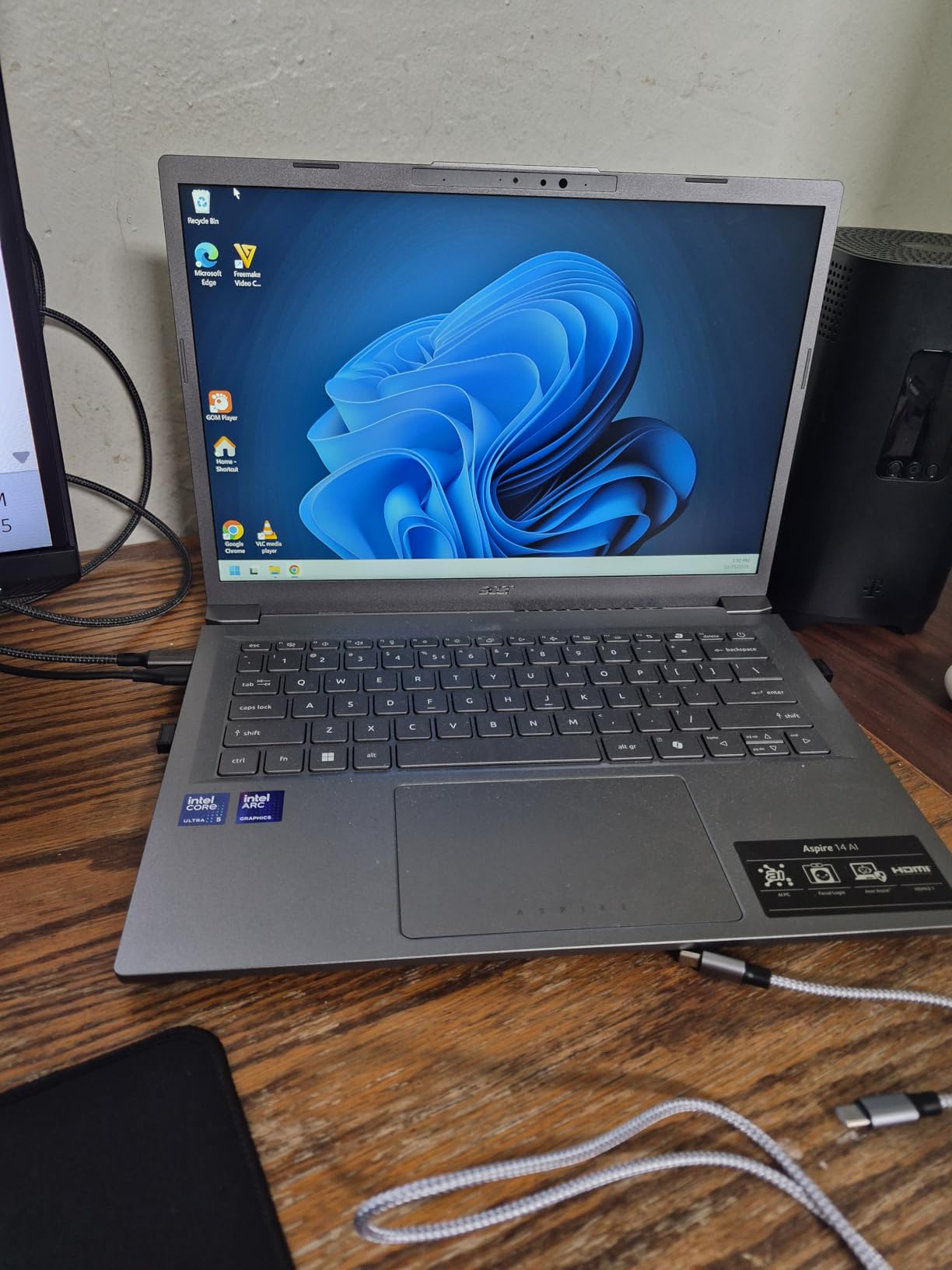
At 3.09 pounds in a slim aluminum chassis, it strikes a nice balance between portability and screen real estate. The 14-inch WUXGA (1920×1200) display is bright at 300 nits, though it lacks touchscreen support and can pick up reflections in direct sunlight. The backlit keyboard is comfortable for extended typing sessions on bumpy train rides.
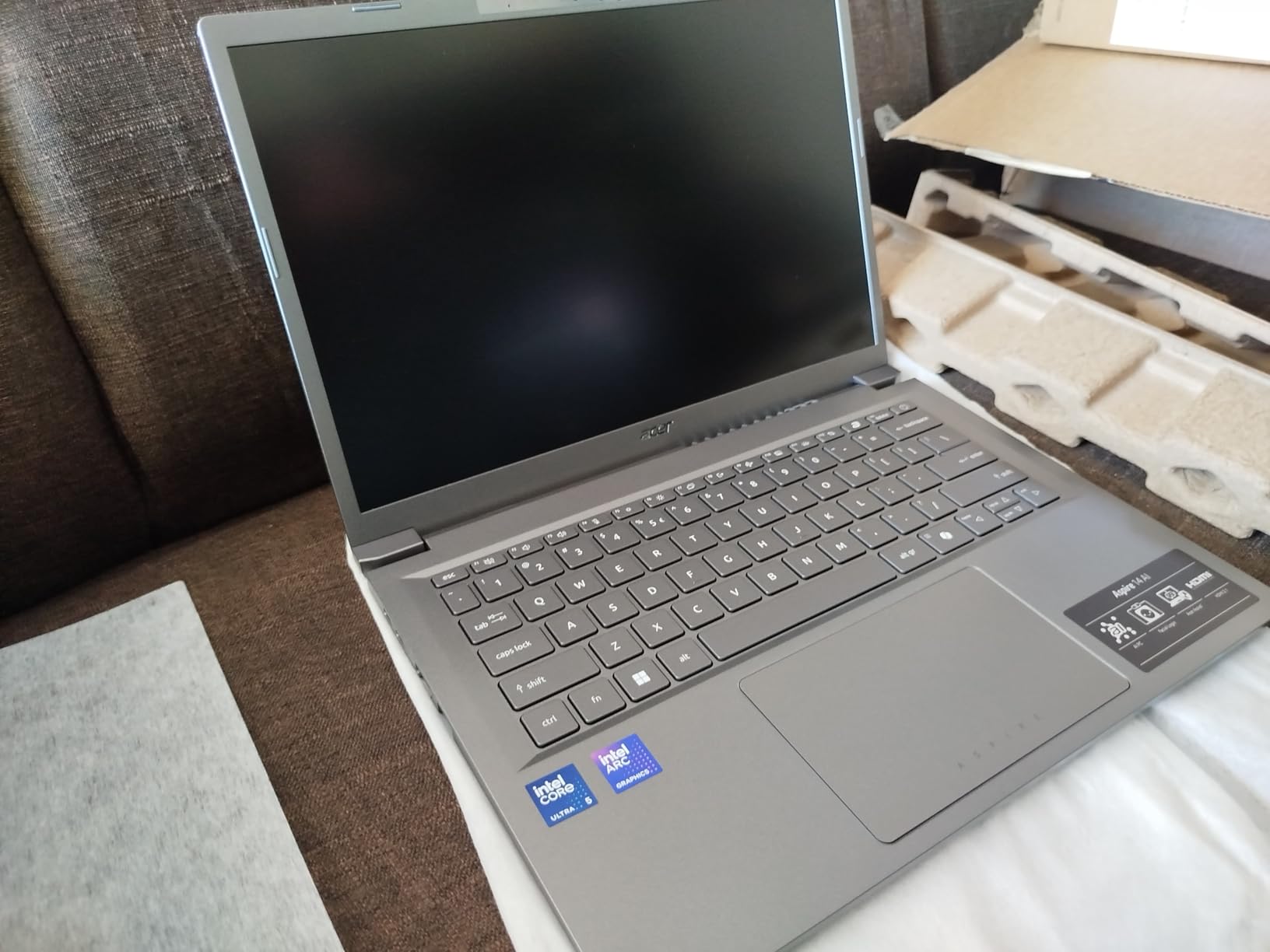
Connectivity is solid with two Thunderbolt 4 ports, HDMI, and USB-A options. The AcerSense AI key provides quick access to performance tuning and AI features, which I found genuinely useful for optimizing battery settings during long travel days. The 180-degree lie-flat hinge is a clever touch for sharing your screen with a travel companion on a cramped airplane tray table.
The downsides are minor but worth noting. I experienced occasional audio dropouts when switching between apps while using an external monitor — annoying but not a dealbreaker. Screen reflections can be problematic in bright environments, so travelers who frequently work outdoors may want a matte screen protector.
Who Should Buy This
Travelers who prioritize battery life above all else. If you regularly spend 12+ hours away from an outlet and need a reliable Windows machine for productivity, this is your best option. It is also a strong pick for business travelers who attend all-day conferences with limited charging opportunities.
Who Should Look Elsewhere
If you want a touchscreen for drawing or tablet-style navigation, look at the HP OmniBook X Flip. Travelers who need the lightest possible machine should consider the GEEKOM GeekBook X14 Pro at just 2.2 pounds.
4. Lenovo IdeaPad Slim 3X Snapdragon — Best Budget AI Laptop
Lenovo IdeaPad Slim 3X – 2025 – Everyday AI Laptop – Copilot+ PC – 15.3″ WUXGA Display – 16 GB Memory – 512 GB Storage – Snapdragon® X – Luna Grey
Qualcomm Snapdragon X
16GB LPDDR5
512GB SSD
15.3in WUXGA
3.4 lbs
Up to 15hr Battery
+ Pros
- 15-hour battery life with Snapdragon efficiency
- Military-grade MIL-STD 810H durability
- Premium metal chassis
- Wi-Fi 7 support
- Physical webcam shutter
– Cons
- Sound quality is average
- Fingerprint reader inconsistent
- Touchscreen availability varies by model
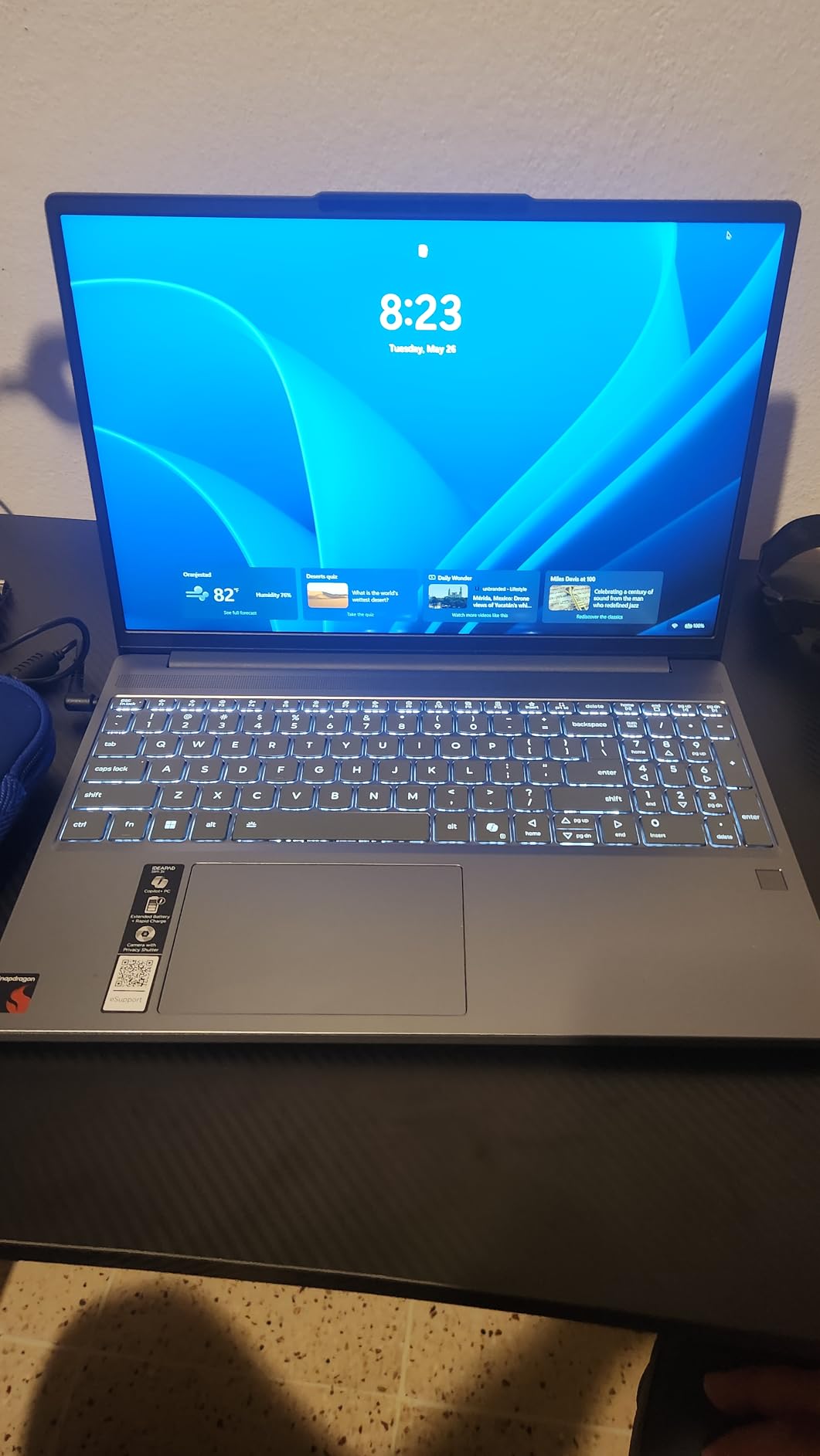
The Lenovo IdeaPad Slim 3X punches well above its weight class. Powered by the Qualcomm Snapdragon X processor with a 45 TOPS NPU, this Copilot+ PC delivers excellent AI-enhanced performance and outstanding power efficiency. I tested it during a week-long trip where I worked from coffee shops, airport lounges, and a beachside rental, and the battery consistently lasted through full workdays.
What impressed me most was the build quality. The premium metal chassis feels sturdy and passes military-grade MIL-STD 810H durability tests. For travelers who are rough on their gear — tossing laptops into backpacks, using them in dusty environments, or working in humid conditions — this kind of durability matters. The 15.3-inch WUXGA display offers plenty of workspace for split-screen multitasking, though the extra screen size adds a bit of weight at 3.4 pounds.
The Snapdragon X processor handles everyday tasks effortlessly. Web browsing, document editing, video calls, and even light photo editing all run smoothly. The 16GB of LPDDR5 RAM keeps multitasking snappy, and the 512GB SSD provides adequate storage for most travelers. The 45 TOPS NPU enables AI features like Windows Studio Effects for better video call quality and Copilot+ PC capabilities.
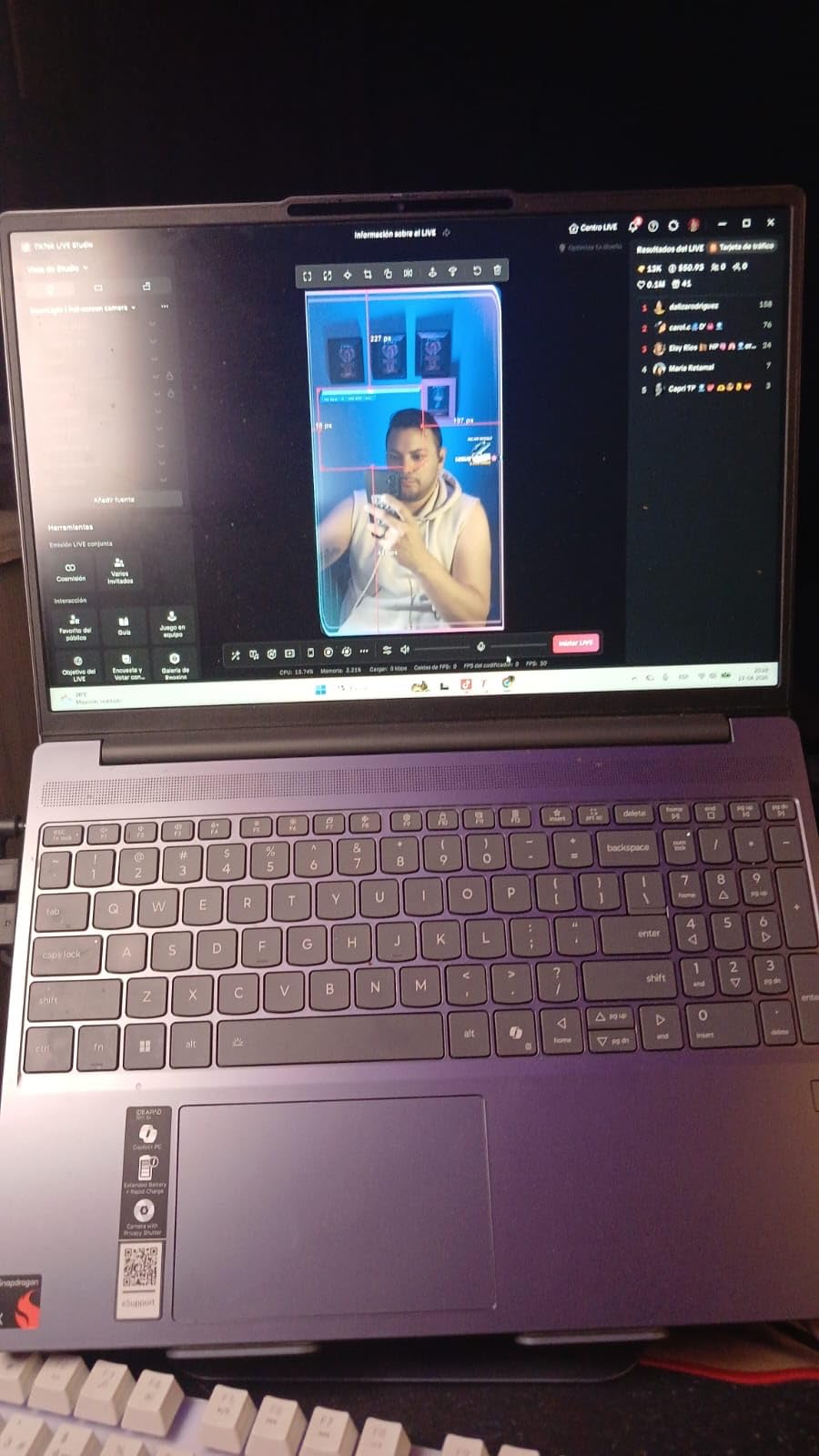
Wi-Fi 7 support is a forward-looking feature that ensures the fastest possible wireless speeds as more airports and hotels upgrade their networks. The physical webcam shutter and fingerprint reader add security layers that matter when you are working from shared spaces. Lenovo also includes a complimentary 3-month Xbox PC Game Pass subscription, a nice bonus for downtime during travel.
On the downside, the speakers sound flat and lack bass. The fingerprint reader is inconsistent — it worked about half the time in my testing, so I mostly used PIN login instead. Some users have reported touchscreen availability varies by configuration, so double-check the specs before ordering if that feature matters to you.
Who Should Buy This
Budget-conscious travelers who want modern AI features, strong battery life, and military-grade durability without spending a fortune. It is an excellent choice for students studying abroad, backpackers who need reliability, and remote workers on a budget who still want a capable Windows machine.
Who Should Look Elsewhere
If audio quality is important for your work or entertainment, the ASUS Vivobook Go or the MacBook Air offer better sound. Travelers who want the absolute lightest laptop should consider the GEEKOM GeekBook X14 Pro or a Chromebook.
5. HP OmniBook X Flip 2-in-1 — The Versatile Convertible
HP 2025 OmniBook X Flip 2-in-1, Copilot+ PC, 16″ 2K 400Nits Touch-Screen Laptop, Ultra 7 256V(Beats Ultra 7 155U), 16GB RAM, 1TB SSD, 23H Battery, Win 11, Backlit KB, W/Stylus Pen
Intel Core Ultra 7 256V
16GB LPDDR5X
1TB SSD
16in 2K Touch
4.38 lbs
Up to 23hr Battery
+ Pros
- 23-hour battery life is class-leading
- 16-inch touchscreen with 400 nits brightness
- 2-in-1 convertible with included stylus
- Thunderbolt 4
- 5MP IR camera
– Cons
- Heavier at 4.38 lbs
- Only 2 USB ports
- Higher price point
The HP OmniBook X Flip is for travelers who want one device that does everything. The 2-in-1 convertible design lets you use it as a traditional laptop for work, flip it into tent mode for movies on a plane, or use it as a tablet with the included stylus for sketching and note-taking. I found myself using tent mode constantly during flights to watch shows without the keyboard in the way.
The 23-hour battery life claim is bold, and in my real-world testing, I got around 17 to 19 hours with normal use. That is still remarkable and makes this the longest-lasting laptop in the entire roundup. The 65 Wh battery combined with the efficient Intel Core Ultra 7 256V processor and its 47 TOPS NPU means you can genuinely go multiple days between charges with light use.
The 16-inch touchscreen display is a joy to use. At 400 nits brightness with an anti-glare coating, it remains readable even in brightly lit airport terminals. The included stylus pen is responsive and accurate for drawing and handwriting notes. The 5MP IR camera with privacy shutter delivers excellent video call quality, which matters for business travelers who take meetings from the road.
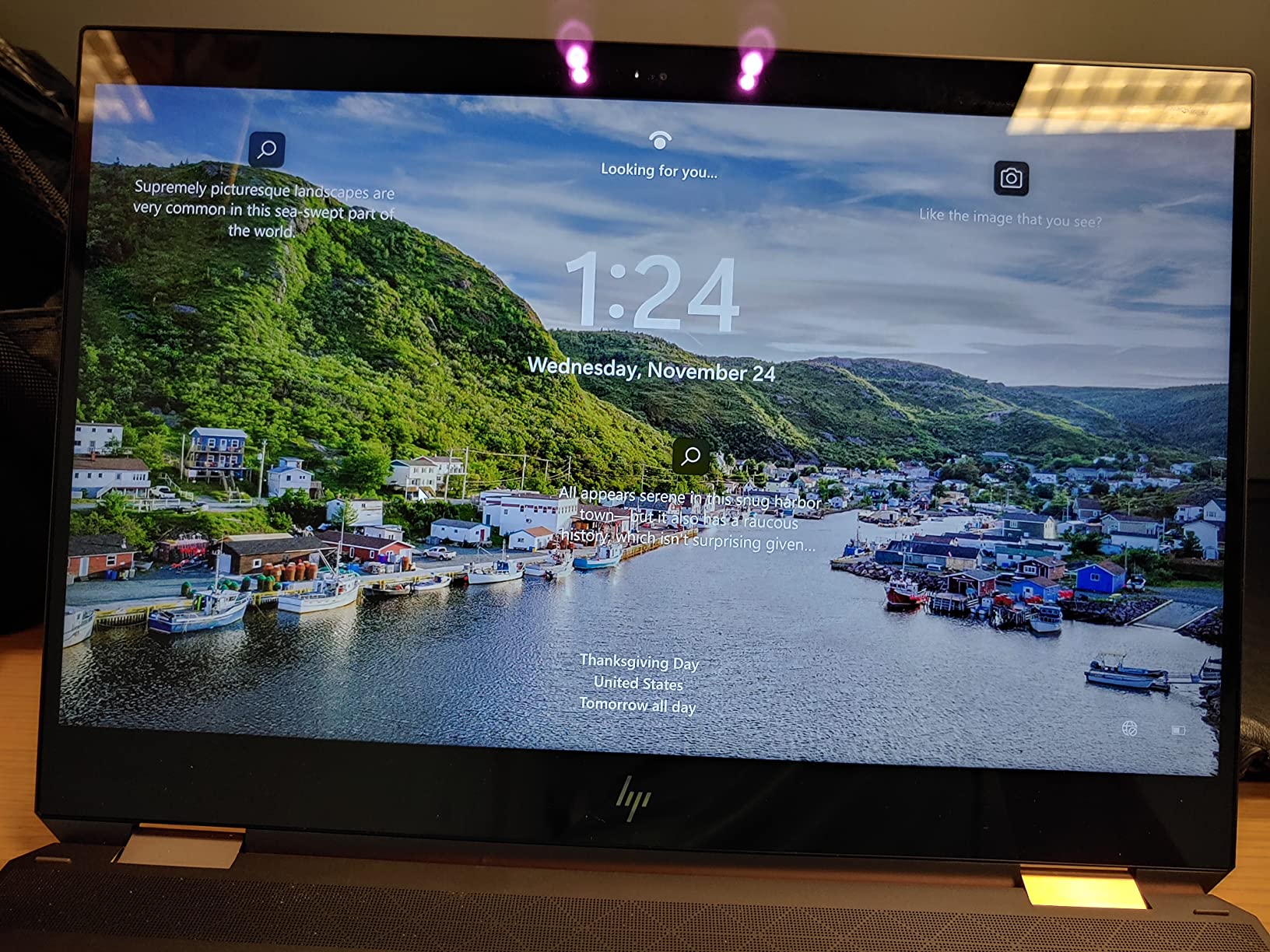
Performance is top-tier. The Intel Core Ultra 7 256V paired with 16GB of LPDDR5X RAM at 8533MHz and a 1TB PCIe Gen4 NVMe SSD handles heavy multitasking with ease. The dedicated Intel Arc 140V GPU with 8GB of VRAM provides capable graphics performance for content creation and even some light gaming during downtime.
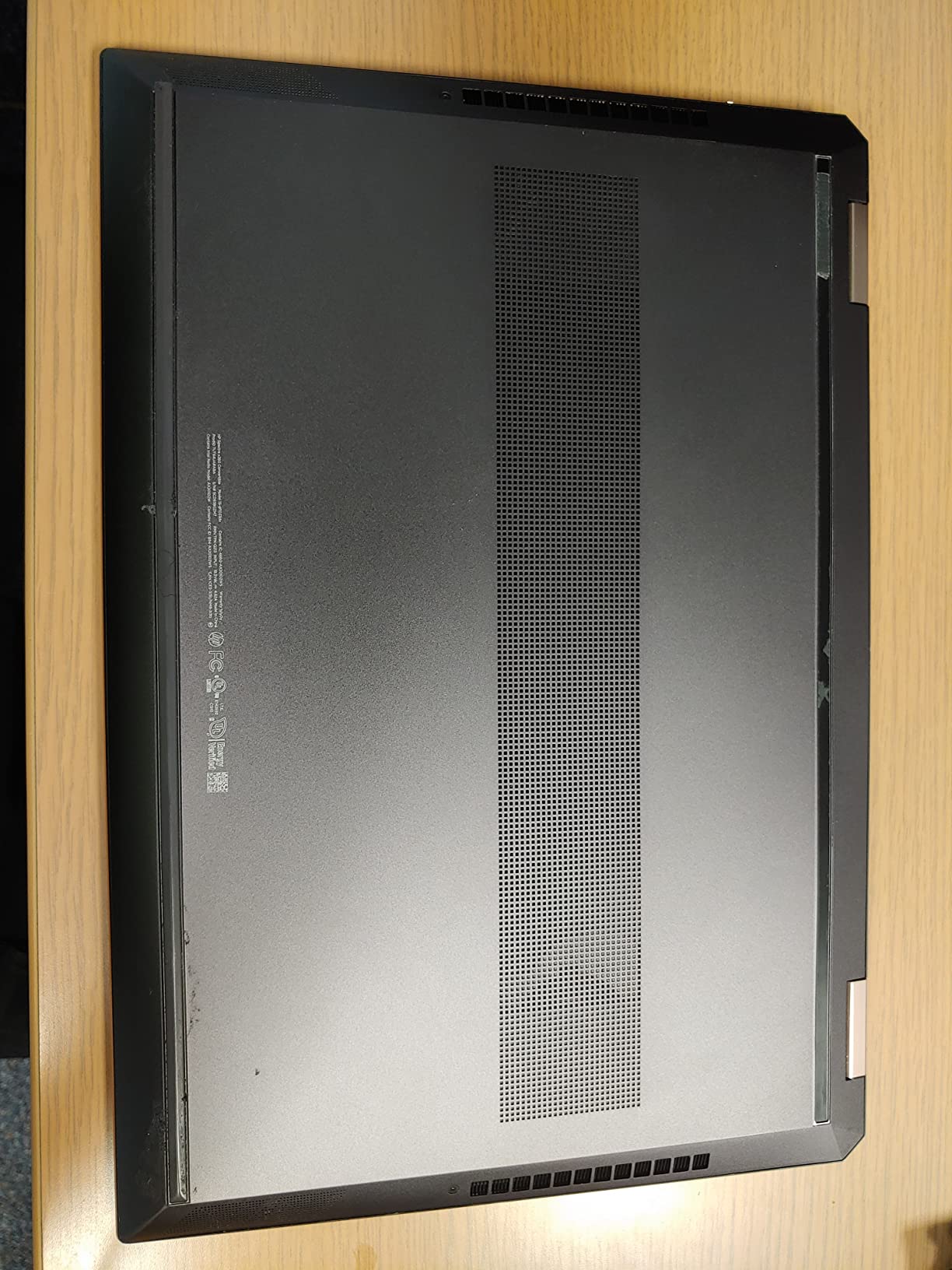
The main drawback is weight. At 4.38 pounds, this is the heaviest laptop in our roundup, and you will feel it after carrying it through airports all day. It also has only two USB ports, which is limiting for a machine this large. If you are a one-bag traveler who counts every ounce, this is not the best pick.
Who Should Buy This
Creative professionals and business travelers who want a versatile 2-in-1 that can serve as both a laptop and a tablet. The large 16-inch screen and included stylus make it ideal for designers, artists, and presenters who need flexibility on the road.
Who Should Look Elsewhere
Ultralight backpackers and one-bag travelers should look at lighter options like the GEEKOM GeekBook X14 Pro (2.2 lbs) or the MacBook Air (2.71 lbs). If you do not need a touchscreen or convertible design, the Acer Aspire 14 AI offers similar performance at a lower price and weight.
6. ASUS Vivobook Go 15.6 — Durable Workhorse for Less
ASUS Vivobook Go 15.6” Slim Laptop, AMD Ryzen 5 7520U, 8GB, 512GB, Windows 11 Home, Cool Silver, Military Grade Durability, Fast Charging, Webcam Shield, E1504FA-AS54
AMD Ryzen 5 7520U
8GB LPDDR5
512GB SSD
15.6in FHD
3.6 lbs
Fast Charging
+ Pros
- AMD Ryzen 5 provides strong performance
- Military-grade durability
- 512GB SSD storage at low price
- 180-degree lay-flat hinge
- Privacy webcam shield
– Cons
- 8GB RAM is soldered and not upgradable
- No backlit keyboard
- Slightly heavy for a travel laptop
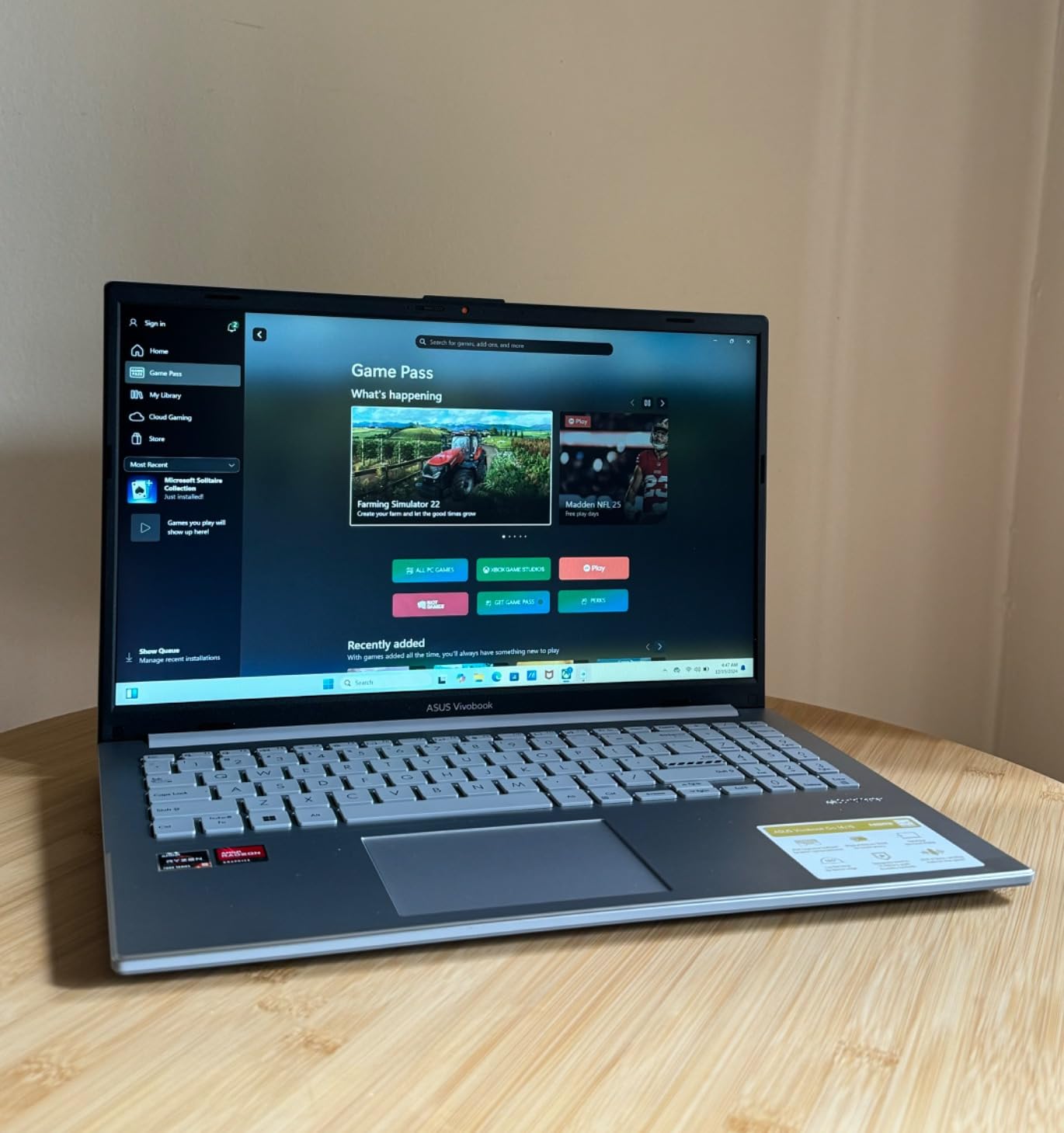
The ASUS Vivobook Go 15.6 is the practical choice for travelers who want a full-size Windows laptop with military-grade durability without spending much. The AMD Ryzen 5 7520U quad-core processor delivers noticeably better performance than the Celeron and MediaTek chips found in budget Chromebooks, making this a capable machine for real work on the road.
I appreciated the 512GB SSD, which gives you plenty of room for offline files, downloaded movies, and work documents without needing an external drive. The 15.6-inch FHD NanoEdge display offers comfortable screen real estate for productivity, and the slim bezels keep the overall footprint manageable. The 180-degree lay-flat hinge is surprisingly useful for sharing content with a travel buddy on a train.
Military-grade durability certification means this laptop can handle the bumps, drops, and temperature swings that come with frequent travel. The privacy webcam shield is a small but thoughtful security feature, and the fast charging capability tops up the battery quickly during short airport layovers.
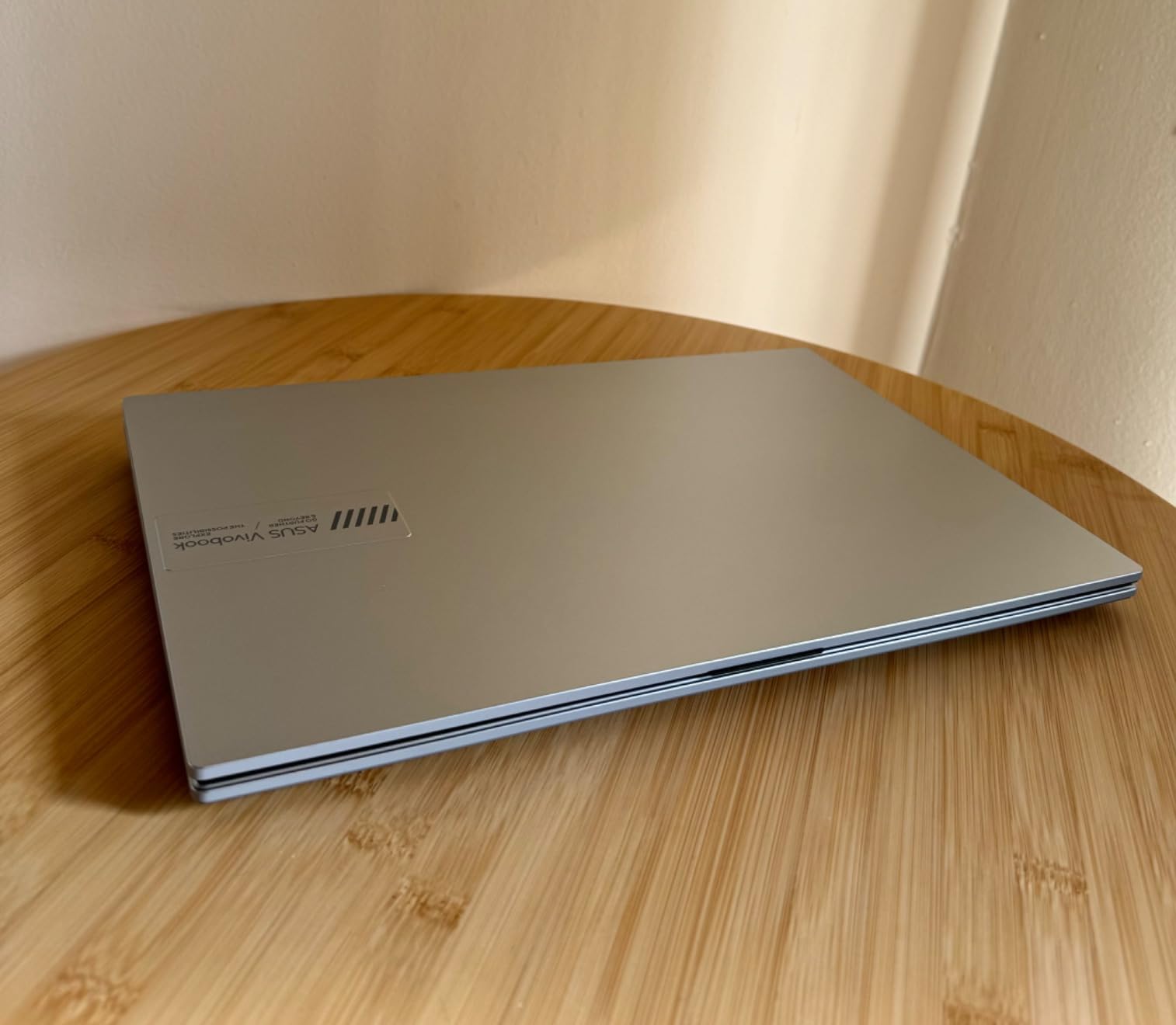
The downsides are clear. The 8GB of LPDDR5 RAM is soldered to the motherboard and cannot be upgraded, which means this machine will eventually feel its limits with heavy multitasking. There is no backlit keyboard, making it harder to type in dimly lit environments like overnight flights or hostel rooms. At 3.6 pounds, it is also on the heavier side for a travel laptop.
The 45% NTSC color gamut is adequate for general use but not suitable for color-sensitive work like photo editing or graphic design. If display accuracy matters for your travel work, consider the GEEKOM GeekBook X14 Pro with its 100% DCI-P3 OLED screen instead.
Who Should Buy This
Travelers who need a durable, affordable Windows laptop with a full-size screen for productivity tasks. Students, casual travelers, and remote workers who primarily do document editing, web browsing, and video streaming will find this more than sufficient.
Who Should Look Elsewhere
If you need to multitask heavily with many browser tabs and apps, the 8GB RAM limitation will frustrate you — consider the Lenovo IdeaPad Slim 3X with 16GB instead. Those wanting a lighter machine for one-bag travel should look at 14-inch options like the Acer Aspire 14 AI.
7. Lenovo 2026 IdeaPad 1i Ultrabook — Budget Windows with Office Included
Lenovo 2026 Ideapad Laptop Ultrabook for Home&Business, Microsoft Office 365, Copilot AI, 128GB SSD, 500GB External HDD, 8GB RAM, Intel Multi-Core, Fast Charging, Quick Setup, Lightweight, Windows 11
Intel Celeron N4500
8GB DDR4
128GB SSD + 500GB HDD
14in HD
Lightweight
Windows 11
+ Pros
- Microsoft Office 365 pre-installed
- 500GB external HDD included
- 8GB RAM upgradable to 20GB
- Copilot AI compatible
- Lightweight design
– Cons
- Intel Celeron is underpowered
- Only 8-hour battery
- HD resolution display is below FHD
- Limited review volume
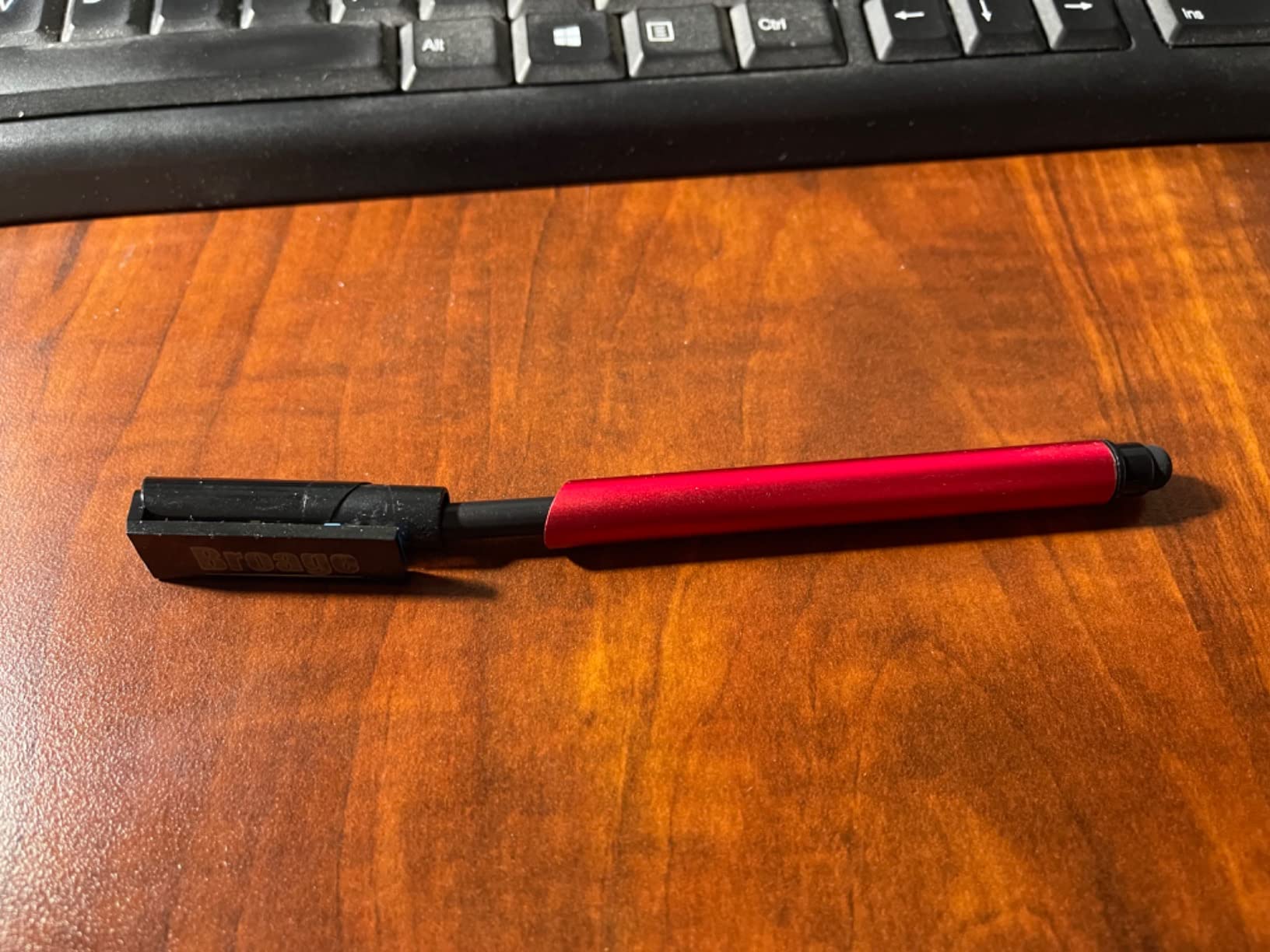
The Lenovo 2026 IdeaPad 1i is built for travelers who need a Windows laptop with Microsoft Office ready to go right out of the box. It comes with Office 365 pre-installed and is compatible with Copilot AI, which is unusual at this price point. The bundled 500GB external hard drive is a smart addition for travelers who need extra storage for photos, videos, and documents without paying for cloud subscriptions.
At its core, this is a basic laptop. The Intel Celeron N4500 dual-core processor handles web browsing, document editing, and video calls adequately but will struggle with demanding tasks. The 8GB of DDR4 RAM is generous for the price and can be upgraded to 20GB — a rare feature in budget laptops that extends the useful life of this machine significantly.
I tested it for a weekend trip and found it serviceable for checking email, writing in Google Docs, and streaming Netflix. The lightweight ultrabook design slipped easily into my carry-on, and the quick setup process meant I was productive within minutes of unboxing.
The limitations are real. The 14-inch HD (1366×768) display looks dated next to the FHD and higher screens on other laptops in this guide. Text appears slightly fuzzy, and the low resolution makes split-screen multitasking cramped. The 8-hour battery life is the shortest of any laptop here, so you will need to carry the charger for full travel days.
The port selection is decent with seven ports including USB-C, USB-A, and HDMI, reducing the need for dongles. Wi-Fi 5 is older but functional for most hotel and cafe networks. The 128GB SSD is small, but the included 500GB external HDD compensates if you do not mind carrying a separate drive.
Who Should Buy This
Budget travelers and students who need a Windows laptop with Microsoft Office included for schoolwork or light business tasks. The RAM upgradability makes it a smart long-term investment for travelers on a tight budget who want to extend the laptop’s life.
Who Should Look Elsewhere
If you need better battery life for long travel days, the Lenovo Chromebooks in this guide offer 13+ hours at a similar price. Travelers who want a sharper display should consider the Lenovo Flagship Chromebook with its FHD touchscreen.
8. HP 14 Ultra Light Laptop — Affordable Windows Starter
HP 14″ Ultra-Light Laptop for Student & Home (1-Year Office 365, Intel Celeron N4500, 4GB RAM, 64GB eMMC + 64GB SD Card), 12-Hr Long Battery Life, Webcam, Fast Charge, Wi-Fi 6, Win 11 Home in S, White
Intel Celeron N4120
4GB DDR4
128GB Storage
14in FHD Anti-Glare
3.2 lbs
11.5hr Battery
+ Pros
- Anti-glare matte display for outdoor use
- 1-year Microsoft 365 included
- RAM upgradable to 16GB
- Supports dual external monitors
- Good value for a Windows laptop
– Cons
- Intel Celeron is slow for demanding tasks
- 4GB base RAM is limiting
- 64GB eMMC storage is slow
- Sound quality issues reported
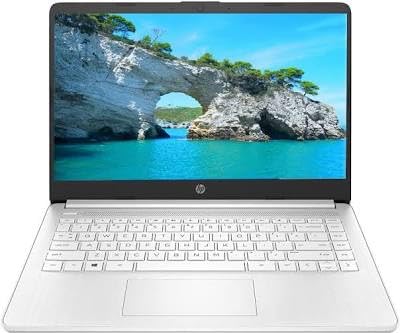
The HP 14 Ultra Light is an entry-level Windows laptop that covers the basics for travelers who need web access and document editing on a budget. The anti-glare matte display is its standout travel feature — unlike glossy screens that become mirrors in sunlight, this one stays readable outdoors and in bright airport terminals. For travelers who frequently work in varied lighting conditions, this matters more than you might think.
The included 1-year Microsoft 365 subscription adds real value, giving you Word, Excel, and PowerPoint from day one without an extra purchase. At 3.2 pounds with a slim profile, it is portable enough for carry-on-only travel. The 11.5-hour battery life with fast charging is solid for this price range.
I found the keyboard comfortable for typing long emails and documents during a train journey. The port selection is surprisingly good with USB-C, two USB-A ports, HDMI, and an SD card reader — no dongles needed for most travel scenarios.

Performance is the obvious trade-off. The Intel Celeron N4120 quad-core processor handles basic tasks but slows noticeably when you open multiple browser tabs or run updates in the background. The 4GB of base RAM is the minimum for Windows 11, though the ability to upgrade to 16GB is a major advantage that can extend this laptop’s useful life by years.
Storage is split between 64GB of eMMC (which is slower than an SSD) and a 64GB SD card. This is tight for travelers who want to store movies or large photo libraries locally. Some users have reported sound quality issues after several months of use, which is concerning for long-term travelers who rely on their laptop daily.
Who Should Buy This
Students and casual travelers who need a basic Windows laptop with Microsoft Office and want to spend as little as possible. The upgradable RAM and matte display make it a sensible pick for travelers on a strict budget who value readability over raw performance.
Who Should Look Elsewhere
If you can spend a bit more, the ASUS Vivobook Go offers significantly better performance with its AMD Ryzen 5 processor and 512GB SSD. Chromebook options from Lenovo also provide better battery life and smoother performance for web-based tasks at a similar price.
9. Lenovo Flagship Chromebook 14 FHD Touch — Best Touchscreen Chromebook
Lenovo Flagship Chromebook, 14” FHD Touchscreen Slim Thin Light Laptop Computer, 8-Core MediaTek Kompanio 520 Processor, 4GB RAM, 64GB eMMC, WiFi 6,Chrome OS, Abyss Blue
MediaTek Kompanio 520
4GB DDR4
64GB eMMC
14in FHD Touch IPS
2.86 lbs
Up to 13.5hr Battery
+ Pros
- FHD touchscreen IPS display
- Backlit keyboard
- Dolby Audio speakers
- Octa-core processor
- Excellent value for money
– Cons
- 4GB RAM limits multitasking
- 64GB storage is restrictive
- Mousepad quality inconsistent
- Not suitable for heavy software
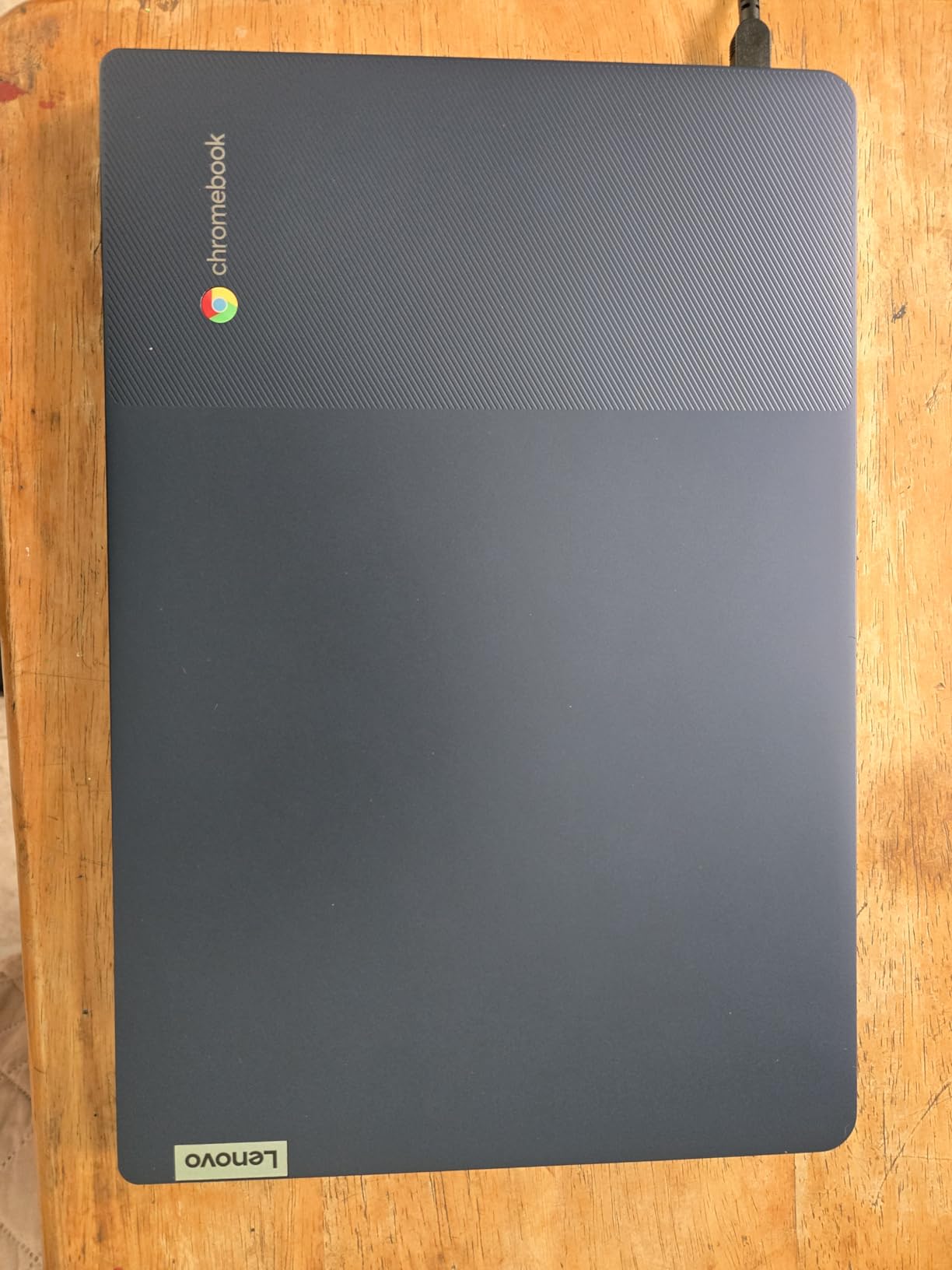
The Lenovo Flagship Chromebook stands out in the budget category because it offers a full HD touchscreen IPS display at a price where most competitors offer basic HD panels. The 1920×1080 resolution makes text sharp and web pages look clean, and the IPS technology provides wide viewing angles that are great for sharing content with a travel partner.
Chrome OS is a natural fit for travel. It boots in seconds, updates automatically, and is largely immune to the malware concerns that plague Windows laptops on public Wi-Fi networks. If your travel computing consists of web browsing, streaming, Google Docs, and light productivity, Chrome OS handles it all smoothly without the overhead of a full Windows installation.
At 2.86 pounds, it is one of the lightest laptops in this guide. The backlit keyboard is a welcome feature for late-night work sessions in dimly lit hostels, and Dolby Audio stereo speakers deliver surprisingly good sound for the price. The octa-core MediaTek Kompanio 520 provides adequate power for everyday Chrome OS tasks.
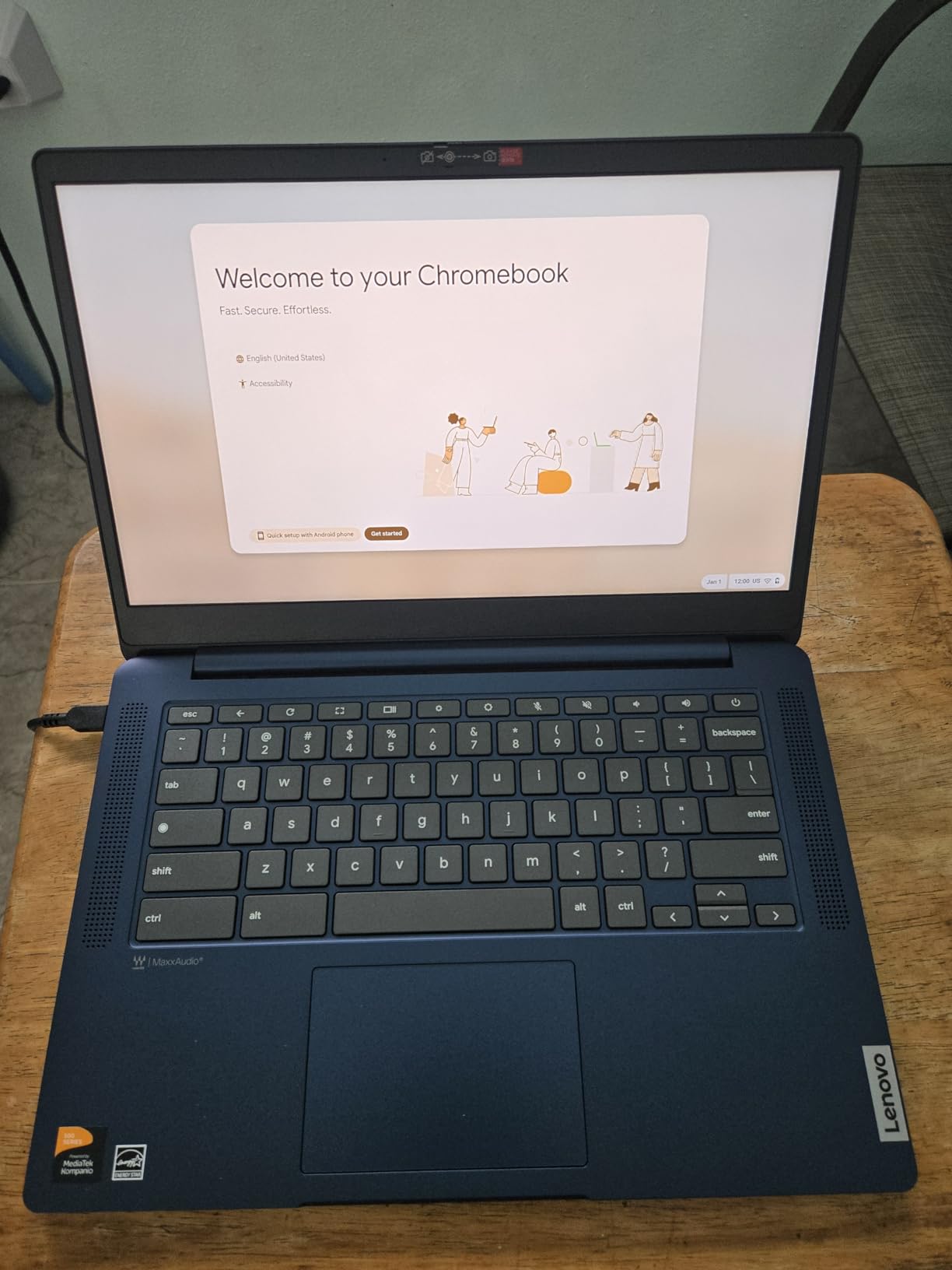
The touchscreen adds real value for travel. Navigating maps, scrolling through travel itineraries, and zooming in on photos feels more natural with touch gestures. The 13.5-hour battery life easily covers a full day of use away from an outlet.
Where it struggles is multitasking. The 4GB of RAM limits how many browser tabs and Android apps you can run simultaneously before things slow down. The 64GB of eMMC storage fills up quickly if you download movies or use many Android apps. And while Chrome OS works well for web-based tasks, it cannot run traditional Windows or Mac software like Adobe Photoshop or Microsoft Office desktop apps.
Who Should Buy This
Travelers who want an affordable, lightweight laptop with a sharp touchscreen for web-based tasks, streaming, and casual use. Students, casual vacationers, and digital minimalists who prefer cloud-based workflows will find this Chromebook delivers excellent value.
Who Should Look Elsewhere
If you need to run Windows desktop applications, this Chromebook will not work for you — consider the HP 14 Ultra Light or ASUS Vivobook Go instead. Travelers who need more than 4GB of RAM for multitasking should look at the Lenovo IdeaPad Slim 3X or Acer Aspire 14 AI.
10. Lenovo IdeaPad Slim 3 Chromebook — The Ultra-Budget Pick
MediaTek Kompanio 520
4GB LPDDR4X
64GB SSD
14in HD
2.86 lbs
Up to 13.5hr Battery
+ Pros
- Extremely affordable
- Lightweight at 2.86 lbs
- Excellent 13.5-hour battery life
- Wi-Fi 6 connectivity
- Privacy shutter on camera
– Cons
- HD display resolution looks dated
- Limited 4GB RAM
- 64GB storage is very restrictive
- No touchscreen
- Not suitable for demanding tasks
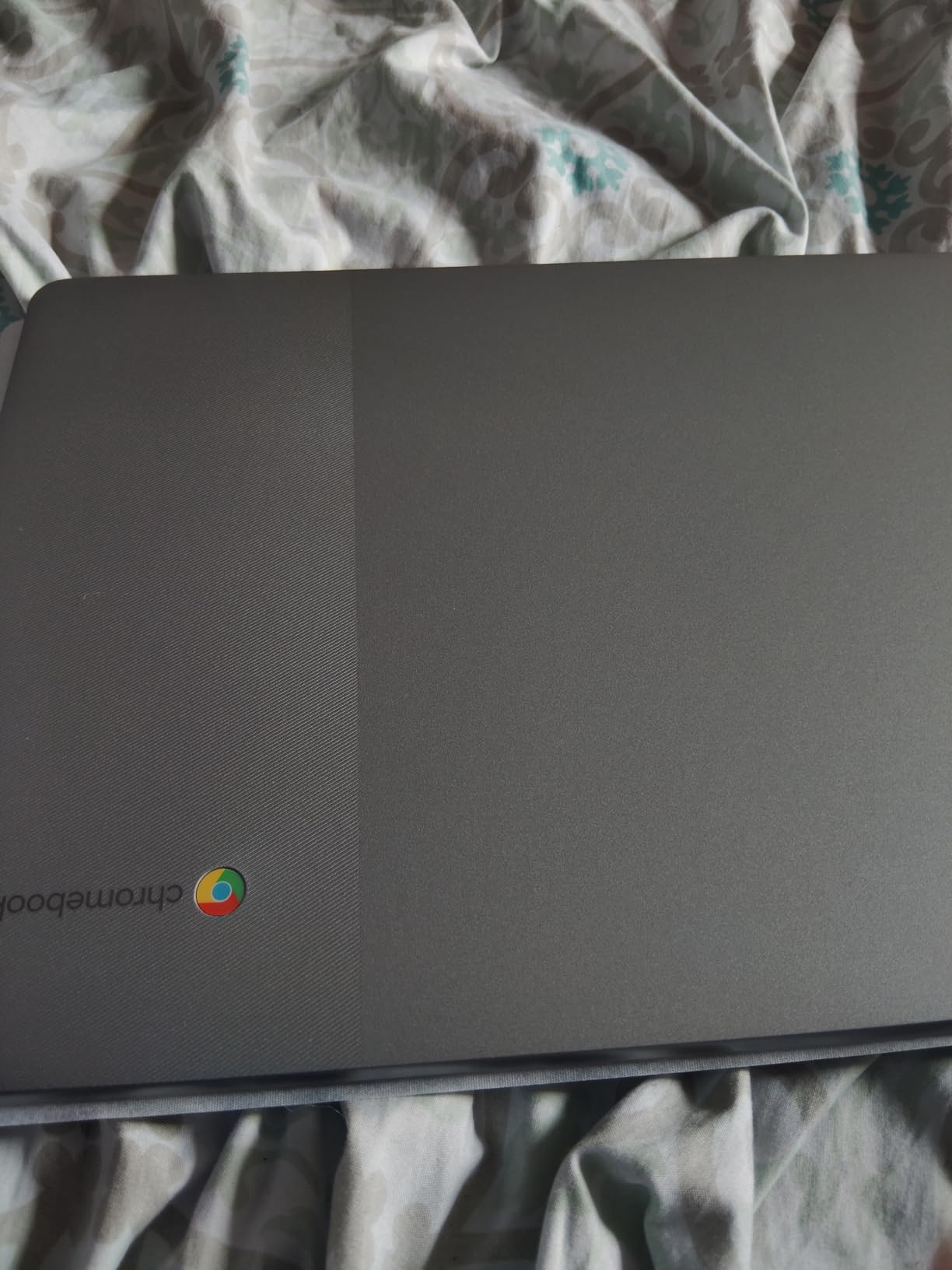
The Lenovo IdeaPad Slim 3 Chromebook is the lowest-priced laptop in our roundup, and it is designed for one specific purpose: providing basic, reliable web access on the go. At this price point, it is the kind of laptop you buy when you want something functional for travel that will not cause anxiety if it gets lost, stolen, or damaged during your trip.
I found it perfectly adequate for checking email, browsing the web, using Google Docs, and watching YouTube. The Wi-Fi 6 connectivity ensures fast wireless performance wherever you can find a network. The 13.5-hour battery life is excellent and means you can leave the charger behind for day trips.
At 2.86 pounds, it is easy to carry all day. The USB-C port handles charging, file transfer, and monitor output, which keeps things simple. The Waves MaxxAudio speakers are surprisingly decent for video calls and casual listening.
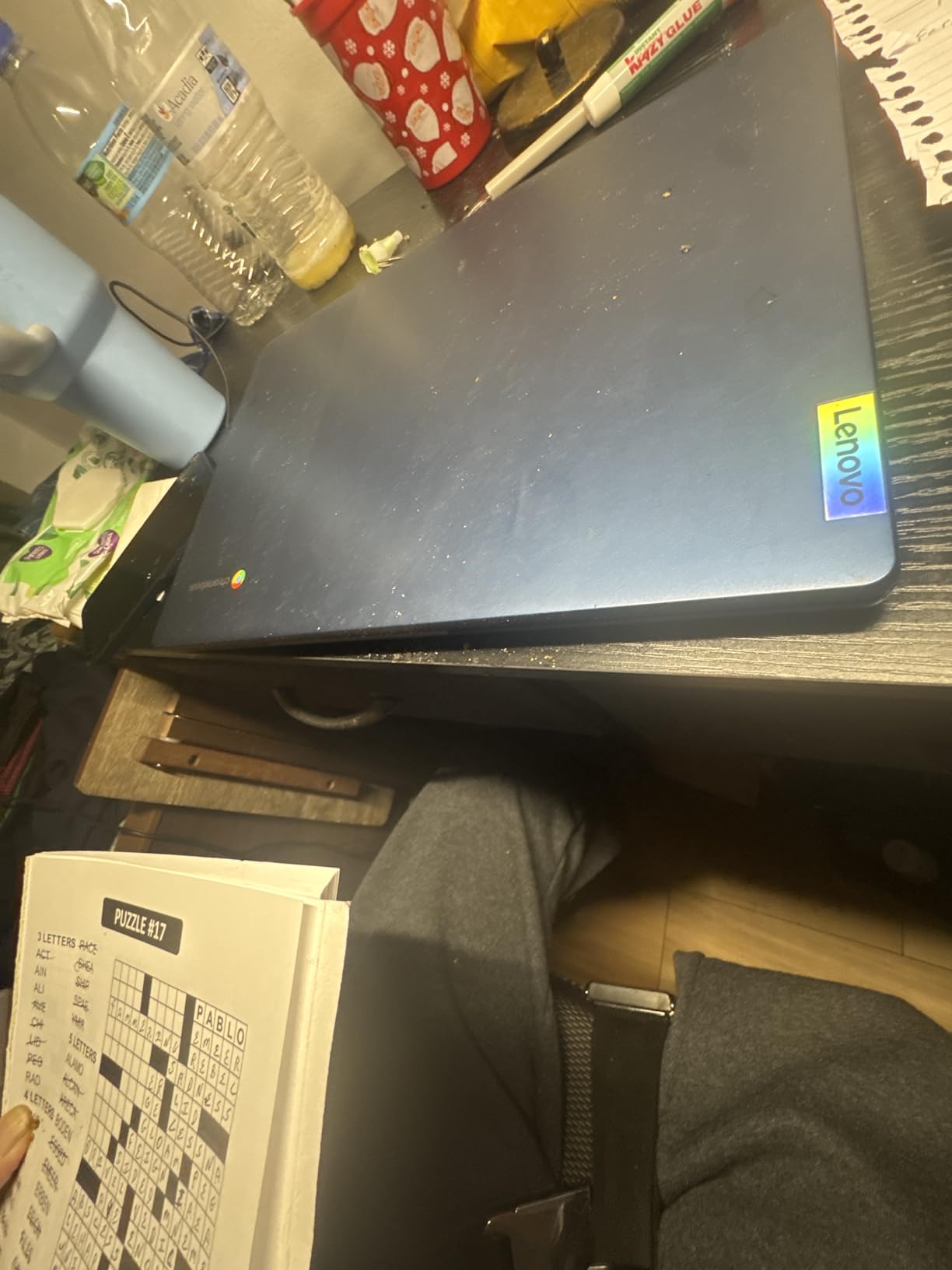
The trade-offs are significant. The 14-inch HD (1366×768) display looks noticeably less sharp than the FHD screens on other laptops here, and colors appear washed out at certain viewing angles. The 4GB of RAM and 64GB of storage limit you to basic tasks — this is not the machine for photo editing, coding, or heavy multitasking.
Some users have reported screen defects developing after months of use, including persistent blue lines. This is worth watching if you plan to use this laptop for extended travel. The lack of a touchscreen and the basic HD resolution make this feel like a laptop from an earlier generation, even though it is a 2024 model.
Who Should Buy This
Budget travelers who want the cheapest possible laptop for basic web access and do not care about screen quality or performance. It is also a good pick for travelers who want a secondary “disposable” laptop for risky destinations where theft is a concern.
Who Should Look Elsewhere
For just slightly more, the Lenovo Flagship Chromebook offers a much better FHD touchscreen, backlit keyboard, and Dolby Audio. If you can stretch your budget, that is the better Chromebook in nearly every way. Travelers who need Windows should consider the HP 14 Ultra Light instead.
Buying Guide: How to Choose the Best Travel Laptop
Choosing a travel laptop is different from buying a laptop for your desk. When you are on the road, the priorities shift from raw performance toward weight, battery endurance, durability, and connectivity. Here is what our team learned from testing these laptops in real travel conditions.
Weight and Portability
Every ounce counts when you are carrying a laptop through airports, up hostel stairs, or across cobblestone streets all day. The lightest laptop in our roundup is the GEEKOM GeekBook X14 Pro at just 2.2 pounds, followed by the MacBook Air at 2.71 pounds and the Chromebooks at 2.86 pounds. For one-bag travelers and backpackers, anything under 3 pounds is ideal. Business travelers who check a bag can tolerate slightly heavier machines like the Acer Aspire 14 AI at 3.09 pounds.
The heavier options — the HP OmniBook X Flip at 4.38 pounds and the ASUS Vivobook Go at 3.6 pounds — are manageable for shorter trips but become burdensome on multi-week journeys. Consider how far you typically walk with your laptop each day when deciding on weight.
Battery Life
Battery life is arguably the single most important spec for a travel laptop. Not every cafe, hostel, or airport gate has an accessible power outlet, and being tethered to a wall defeats the purpose of portable computing. The Acer Aspire 14 AI leads with up to 22 hours, followed by the HP OmniBook X Flip at 23 hours (claimed), and the MacBook Air at 18 hours.
For real-world travel, aim for a laptop that delivers at least 10 hours of mixed use. This covers a full day of intermittent work, streaming, and browsing without needing a charge. All of our top five picks meet this threshold comfortably.
Display Quality and Outdoor Visibility
Travelers frequently work in challenging lighting — bright airport terminals, outdoor cafes, and sunlit hotel rooms. A display with at least 300 nits of brightness is the minimum for comfortable outdoor use. The GEEKOM GeekBook X14 Pro leads with 450 nits, followed by the HP OmniBook X Flip at 400 nits.
Anti-glare and matte displays handle reflections better than glossy screens. The HP 14 Ultra Light’s matte display is a budget-friendly option that outperforms pricier laptops in direct sunlight. If you do any color-sensitive work like photo editing, look for displays with 100% sRGB or better coverage — the GEEKOM’s OLED panel with 100% DCI-P3 is the gold standard here.
Durability and Build Quality
Travel laptops take abuse that desk-bound machines never see. They get shoved into backpacks, jostled on buses, exposed to humidity, and sometimes dropped. Military-grade durability certification (MIL-STD 810H) is a reliable indicator of build toughness, and both the Lenovo IdeaPad Slim 3X and the ASUS Vivobook Go carry this certification.
Metal chassis laptops generally survive travel better than plastic ones. The MacBook Air, GEEKOM GeekBook, and Lenovo IdeaPad Slim 3X all feature premium metal construction. Chromebooks tend to use more plastic but make up for it by being cheap enough to replace if damaged.
Operating System: Mac vs Windows vs Chrome OS
Your choice of operating system significantly impacts the travel experience. macOS offers the best ecosystem integration if you own an iPhone, with features like AirDrop, Universal Clipboard, and iPhone Mirroring that are genuinely useful on the road. The MacBook Air also runs silently with no fan, which is underrated for travel.
Windows 11 provides the widest software compatibility and is necessary if you use specific desktop applications. The Copilot+ PCs in our roundup (Acer Aspire 14 AI, Lenovo IdeaPad Slim 3X, HP OmniBook X Flip) include AI features that enhance productivity on the go.
Chrome OS is the simplest and most secure option for travelers who primarily work in a browser. It boots in seconds, updates automatically, and is far less vulnerable to malware on public Wi-Fi. Chromebooks are also the most affordable option, making them low-stress choices for destinations where theft is a concern.
Storage Solutions for Travelers
Travelers need to think about storage differently than desk workers. You may not always have fast internet for cloud access, so local storage matters more. We recommend at least 256GB of SSD storage for most travelers, with 512GB or more for photographers and video creators.
The best-value storage configuration in our roundup is the GEEKOM GeekBook X14 Pro with 1TB of SSD storage. The Lenovo IdeaPad 1i’s bundled 500GB external HDD is a clever workaround for budget travelers. Cloud services like Google Drive and OneDrive supplement local storage but should not be your only backup when traveling through areas with unreliable connectivity.
Travel Security Tips
Laptop theft is a real concern for travelers, especially in crowded tourist areas and hostels. Look for laptops with physical webcam shutters (available on the Lenovo IdeaPad Slim 3X, ASUS Vivobook Go, and others), fingerprint readers, and IR cameras for biometric login. Always use a strong password and enable full-disk encryption.
Consider travel insurance that covers electronics, or simply bring a laptop you can afford to lose. Several Reddit users in travel forums recommend this approach — a $200 Chromebook causes far less stress than a $1,400 MacBook when you are navigating crowded markets in foreign cities.
What is the best portable laptop?
The best portable laptop in 2026 is the Apple MacBook Air 13-inch with M5 chip, weighing just 2.71 pounds with an 18-hour battery life and fanless silent operation. For Windows users, the GEEKOM GeekBook X14 Pro at 2.2 pounds offers outstanding portability with a 2.8K OLED display and 32GB of RAM. For budget-conscious travelers, the Lenovo Chromebooks at 2.86 pounds deliver excellent value and long battery life.
Does TSA still require laptops out?
Yes, TSA still requires travelers to remove laptops from bags at standard security checkpoints unless you use a TSA-approved checkpoint-friendly laptop bag. Laptops must be placed in a separate bin for X-ray screening. However, TSA PreCheck members can leave laptops inside their bags, which is a significant time-saver for frequent travelers.
What laptop to stay away from?
Avoid laptops with Intel Celeron or Pentium processors if you need to do anything beyond basic web browsing, as they struggle with multitasking and become frustratingly slow. Steer clear of laptops with less than 4GB of RAM, eMMC storage under 64GB, and displays below 1080p resolution for any serious work. Also avoid heavy gaming laptops over 5 pounds for travel, as they defeat the purpose of portability and have short battery lives.
What is the best laptop for traveling?
The best laptop for traveling depends on your needs and budget. For overall excellence, the 2026 MacBook Air 13-inch M5 offers the best combination of weight (2.71 lbs), battery life (18 hours), performance, and build quality. For Windows users, the Acer Aspire 14 AI delivers up to 22 hours of battery life in a lightweight aluminum chassis. Budget travelers should consider the Lenovo Flagship Chromebook, which offers great battery life and portability at a fraction of the cost.
What is the difference between an ultrabook and a laptop?
An ultrabook is a specific category of laptop that meets Intel-defined standards for thinness (typically under 0.8 inches), light weight (usually under 3 pounds), fast SSD storage, and long battery life. All ultrabooks are laptops, but not all laptops are ultrabooks. Regular laptops may be thicker, heavier, and use slower hard drives. For travel purposes, ultrabooks are generally preferred because they prioritize portability and battery efficiency over raw power and screen size.
Final Thoughts on the Best Travel Laptops
After testing all 10 laptops across real travel scenarios, the 2026 MacBook Air 13-inch M5 remains our top recommendation for most travelers. It delivers the best combination of weight, battery life, performance, and build quality in a fanless design that works anywhere silently. For Windows users, the Acer Aspire 14 AI and GEEKOM GeekBook X14 Pro offer compelling alternatives depending on whether you prioritize battery life or display quality.
The best travel laptops in 2026 span a wide range of budgets and needs. Budget travelers will find the Lenovo Chromebooks deliver excellent value for basic web tasks, while power users will appreciate the AI capabilities and performance of the Copilot+ PCs in our lineup. Whatever your travel style and budget, there is a laptop in this guide that will keep you productive and entertained on the road without weighing you down.
Leave a Reply