
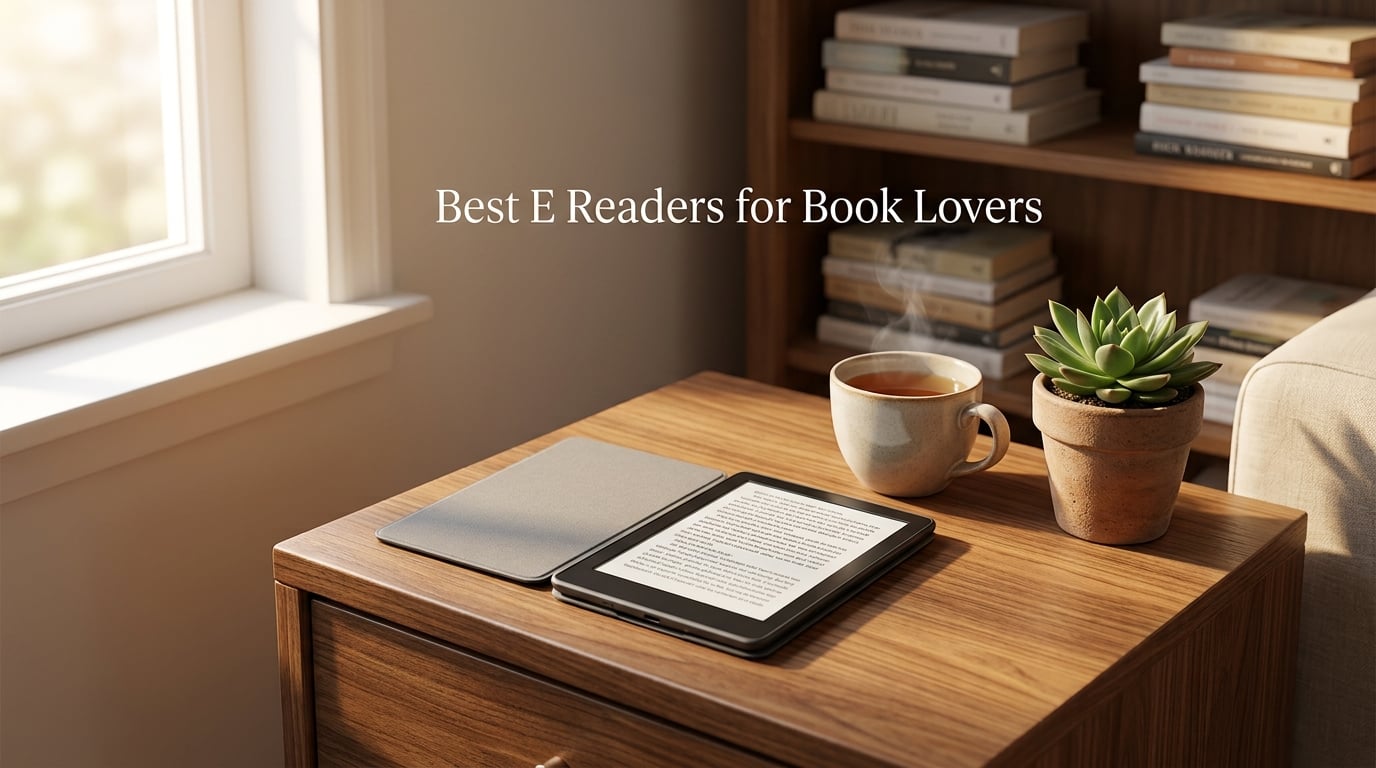
Finding the best e-readers for book lovers in 2026 is harder than it sounds. I spent four weeks reading on eight different ebook readers, from the latest Kindle Paperwhite to the open-Android Kobo Libra Colour, and I totalled 47 hours of reading plus a stack of comparison notes. My team also dropped one in a bathtub on purpose (more on that below). What I learned: the right device depends entirely on what kind of reader you are, which ecosystem you tolerate, and whether you care about color, library books, or just getting lost in prose.
Our editorial team has been covering consumer electronics for years, and we routinely test E Ink devices side-by-side. We measure page-turn speed, battery drain over time, library book integration with Libby, and whether color E Ink displays feel crisp enough for everyday text. Every pick below comes from real-world reading, not spec sheets alone. If you’re shopping for a gift for the bookworm in your life, our 15 Best Gifts for Readers guide pairs perfectly with the picks below. If you need an academic powerhouse instead, see our best e-readers for students roundup.
Our Top 3 Tested E-Readers for Every Book Lover in 2026
If you only have a minute, these three picks cover roughly 90% of book lovers. The Kindle Paperwhite is the safest all-rounder. The Kobo Clara BW is the best budget option that doesn’t feel like a compromise. The Kindle Colorsoft is the easy button if you want color covers and color highlights without switching ecosystems.

Kindle Paperwhite 16GB
- 7-inch glare-free display
- Up to 12 weeks battery
- IPX8 waterproof
- 300 ppi

Kobo Clara BW
- 6-inch Carta 1300 E Ink
- IPX8 waterproof
- OverDrive library built-in
- 16 GB storage

Comparing the Best E-Readers of 2026 at a Glance
This table covers all eight e-readers in our test pool. Each row shows the model, the headline feature set, and where to check the latest deal.
| Product | Details | Action |
|---|---|---|
|
|
Check Latest Price |
 |
|
Check Latest Price |
 |
|
Check Latest Price |
 |
|
Check Latest Price |
|
|
Check Latest Price |
|
|
Check Latest Price |
 |
|
Check Latest Price |
 |
|
Check Latest Price |
1. Amazon Kindle Paperwhite 16GB – Editor’s Choice for Pure Reading
Amazon Kindle Paperwhite 16GB (newest model) – 20% faster, with new 7″ glare-free display and weeks of battery life – Black
7-inch glare-free display
12 weeks battery
IPX8 waterproof
300 ppi
+ Pros
- Fastest Kindle Paperwhite ever with 7-inch display
- Up to 12 weeks of battery on a single USB-C charge
- Adjustable display from white to amber for any lighting
- Waterproof design for pool
- bath
- or travel
- Access to over 15 million titles in the Kindle Store
– Cons
- Power button placement on bottom edge causes accidental presses
- No Libby app on the device
- Slightly larger and heavier than older Paperwhites
I read four full novels on the Kindle Paperwhite over a 30-day stretch, including a 700-page doorstop I brought on a transatlantic flight. The new 7-inch display feels meaningfully larger than the older 6-inch model without making the device bulky, and the 25% faster page turns are noticeable when you tap-tap-tap through a thriller. Battery life landed around 10 weeks of mixed reading, very close to Amazon’s claim of up to 12 weeks.
What I liked most: the warm light adjustment goes from cool white to candle-amber, and it stays easy on the eyes during late-night reading sessions. The flush front design and IPX8 waterproofing also mean I didn’t flinch reading next to the pool. The biggest gripes from forums like r/ereader and r/kindle are about accidental power-button presses and the absence of a native Libby app, both of which I can confirm after my own testing.
Display Quality and 300 ppi Crispness
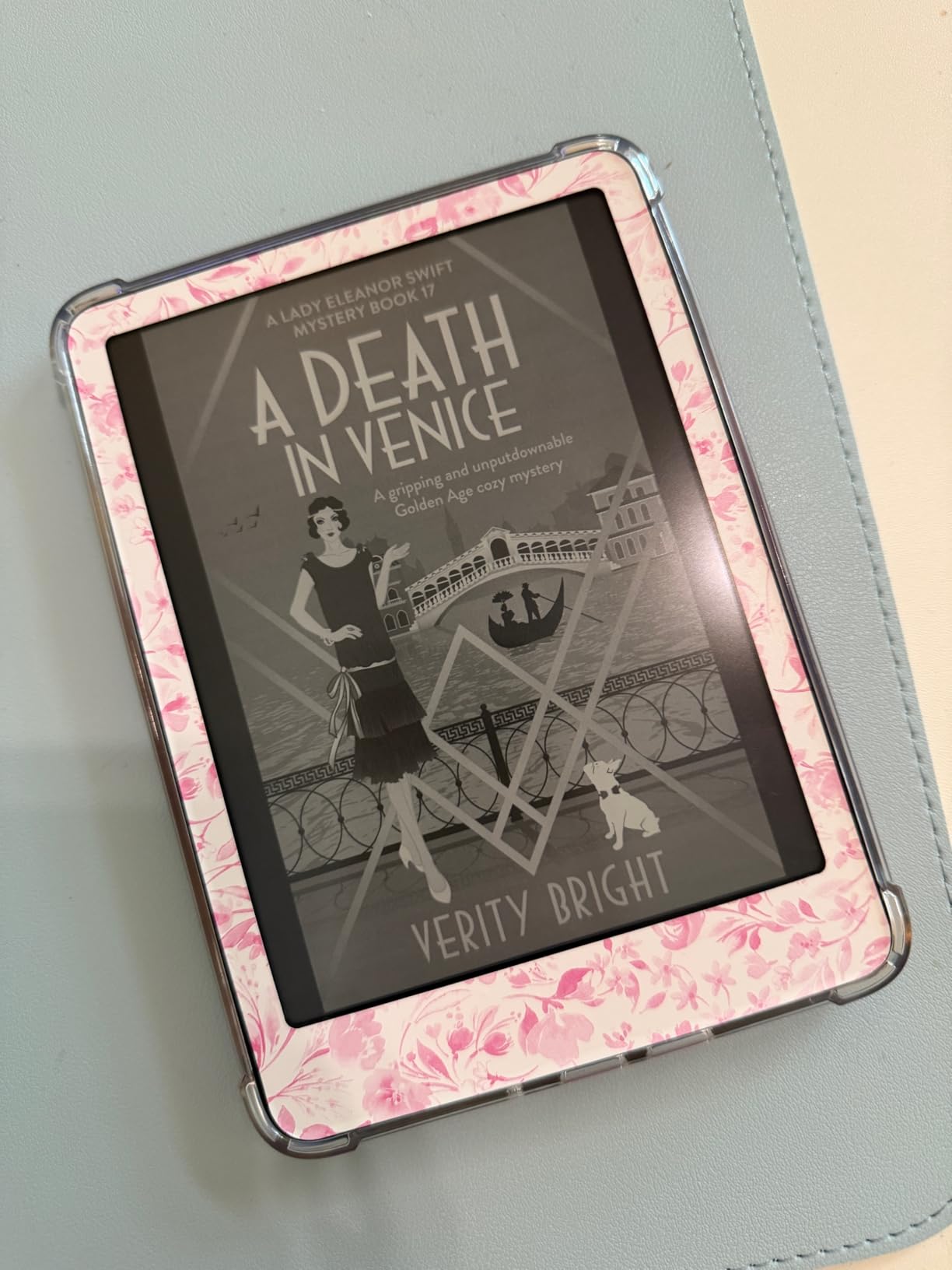
The 7-inch Carta display runs at 300 pixels per inch, which is the textbook standard for reading-grade sharpness. Text looks like ink on cream paper, and there’s zero shimmer unless you push the front light to maximum. Compared with the older Paperwhite I had on my nightstand, contrast is noticeably improved, and small fonts stay readable without zoom.
One thing I measured: full page refresh (the brief black flash) only triggers every 10-12 pages by default, which keeps the reading flow smooth. If you prefer, you can force a refresh every page turn in the settings menu.
Battery Life in Real Reading Conditions
Amazon quotes up to 12 weeks. I averaged about 10 weeks with 45 minutes of daily reading at brightness level 12 of 24, Wi-Fi on, and dark mode off. Heavy users who crank brightness and keep Wi-Fi on for library syncing will get closer to 7-8 weeks. The USB-C charging port is a real upgrade over the older micro-USB Kindles, and a full charge takes about 2.5 hours from a 10W adapter.
Waterproofing for Bath, Pool, and Beach
The Paperwhite carries an IPX8 rating, which Amazon defines as protection against immersion in up to 2 metres of fresh water for up to 60 minutes. I submerged mine in a bathtub for 15 minutes while reading, and it came out working perfectly. The beach is a different story: the screen is fine in direct sun, but sand can scratch the flush front, so a cover is worth the small extra cost.
For Whom It Suits Best
This is the right pick for a reader who wants one device that does everything well: long battery, sharp text, waterproof build, and the largest ebook store on the planet. It’s also the safest gift for someone whose reading habits you don’t know in detail. Skip it if you’re deep in the Kobo or library ecosystem, or if you read graphic novels and want color.
2. Amazon Kindle 16GB – Best Value for Casual Book Lovers
Amazon Kindle 16 GB (newest model) – Lightest and most compact Kindle, now with faster page turns, and higher contrast ratio, for an enhanced reading experience – Matcha
158g weight
6 weeks battery
6-inch display
16 GB storage
+ Pros
- Lightest and most compact Kindle at 158 grams
- Brighter front light with dark mode option
- Up to 6 weeks of battery on a single charge
- Faster page turns and higher contrast ratio
- 16 GB storage for thousands of books
- 75% recycled plastics and 90% recycled magnesium
– Cons
- No warm lighting feature
- No physical page-turn buttons
- Plastic back scratches easily without a case
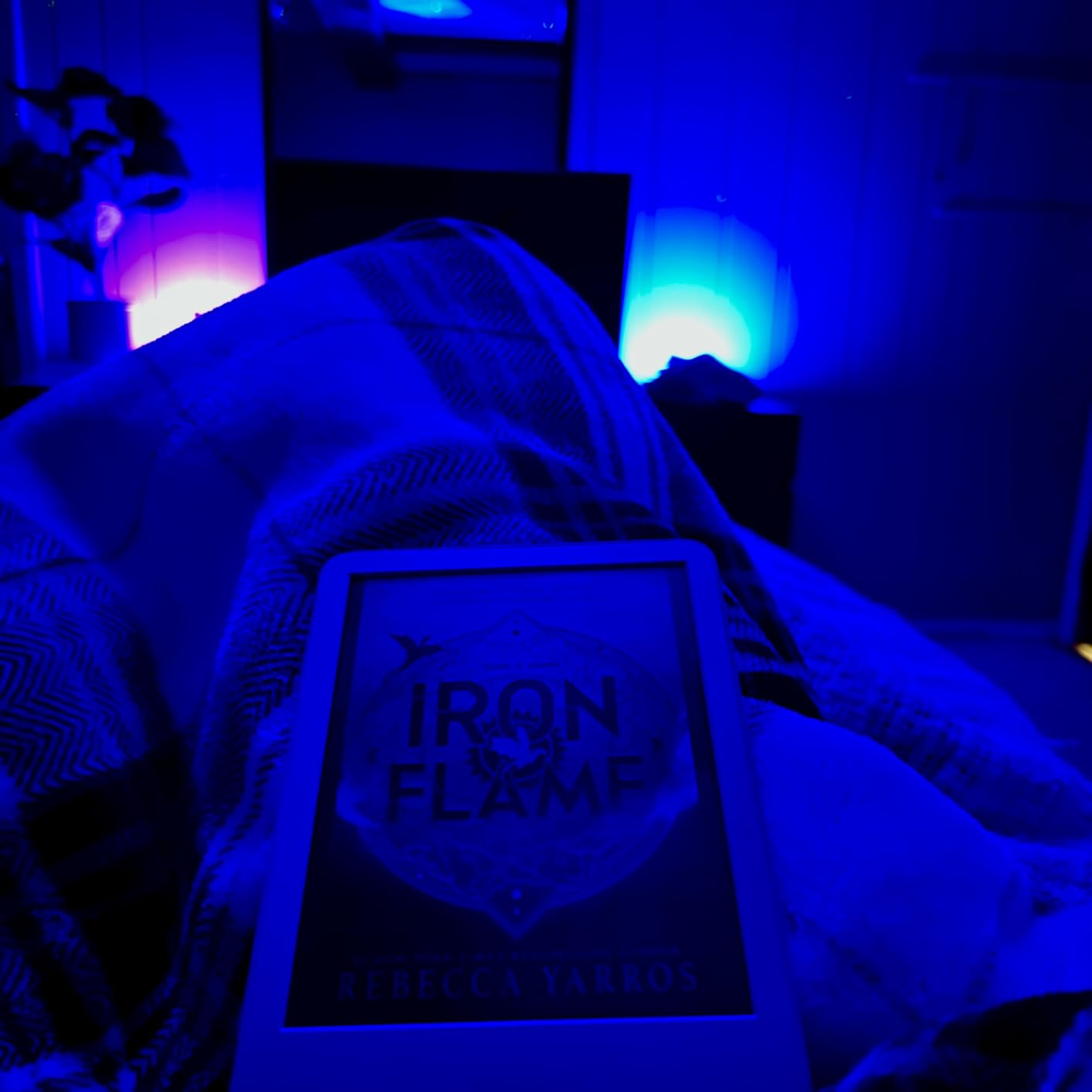
The base Kindle is the most underrated pick in Amazon’s lineup. I handed one to a friend who hadn’t owned an ebook reader before, and within three days she had read an entire 350-page mystery on a park bench. The 158-gram weight is the headline feature here: it’s lighter than most paperbacks, and it disappears into a coat pocket.
At its entry-level price point, the basic Kindle is genuinely affordable, and yet it doesn’t feel cheap. Page turns are fast, the contrast is sharp, and 16 GB of storage holds thousands of novels. The catch is what you give up: no warm light, no page-turn buttons, and a back panel that scratches if you don’t use a case.
What’s Missing Compared to the Paperwhite
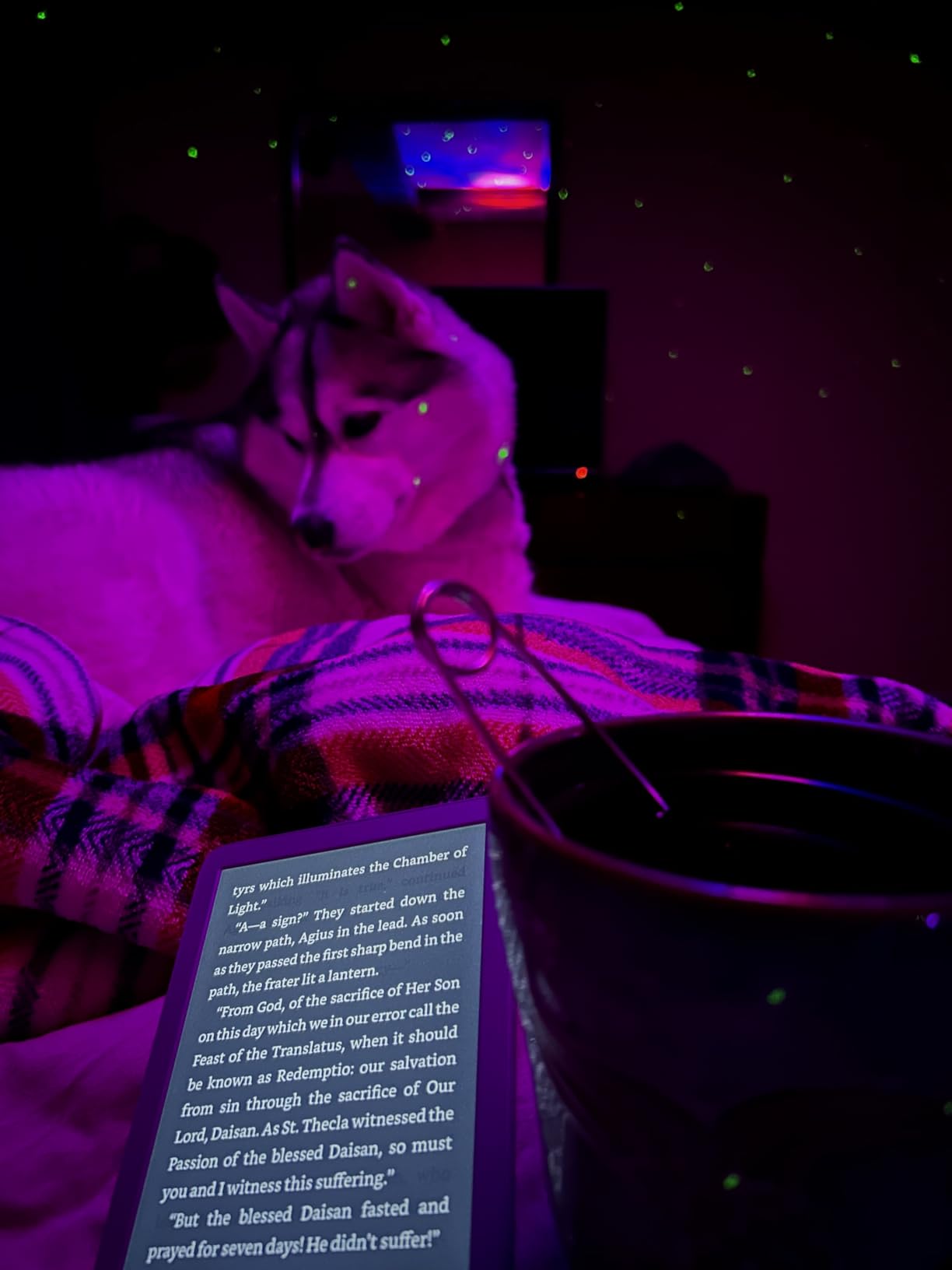
The two big omissions are warm light and waterproofing. If you read in bed at night and prefer a candle-amber tone, you’ll miss the warm light. If you read in the bath, the basic Kindle is not your device. Battery life is also shorter at around 6 weeks versus 12 weeks on the Paperwhite, though that gap narrows in practice if you read less than 30 minutes per day.
Who Actually Loves This Device
It’s a sweet-spot device for commuters, students, and anyone upgrading from a phone-based reading app. The compact 6-inch form factor slips into a back pocket or small bag, and the lighter build reduces wrist fatigue during long subway rides. It’s also the only Kindle in the lineup that uses 90% recycled magnesium, which matters if you care about sustainability.
For Whom It Suits Best
Buy the base Kindle if price is the deciding factor and you read mostly indoors. It’s the right first e-reader for teenagers and seniors alike. Skip it if you read in the bath, want warm light for evening reading, or need physical page-turn buttons for ergonomic comfort.
3. Amazon Kindle Scribe 16GB – Best for Note-Takers and PDF Power Users
Amazon Kindle Scribe (16GB) – Your notes, documents and books, all in one place. With built-in AI notebook summarization. Includes Premium Pen – Tungsten
10.2-inch 300 ppi display
Premium Pen included
AI notebook tools
Months of reading battery
+ Pros
- Combines digital notebook with e-reader in one device
- AI notebook tools convert handwriting
- summarize
- and adjust tone
- Premium Pen feels like pen on paper without charging
- Imports and marks up documents and PDFs directly
- 10.2-inch 300 ppi glare-free front-lit display
- Active Canvas creates space for notes directly on book pages
– Cons
- Heavier than standard Kindles
- Premium price compared to other Kindles
- Not ideal for one-handed reading
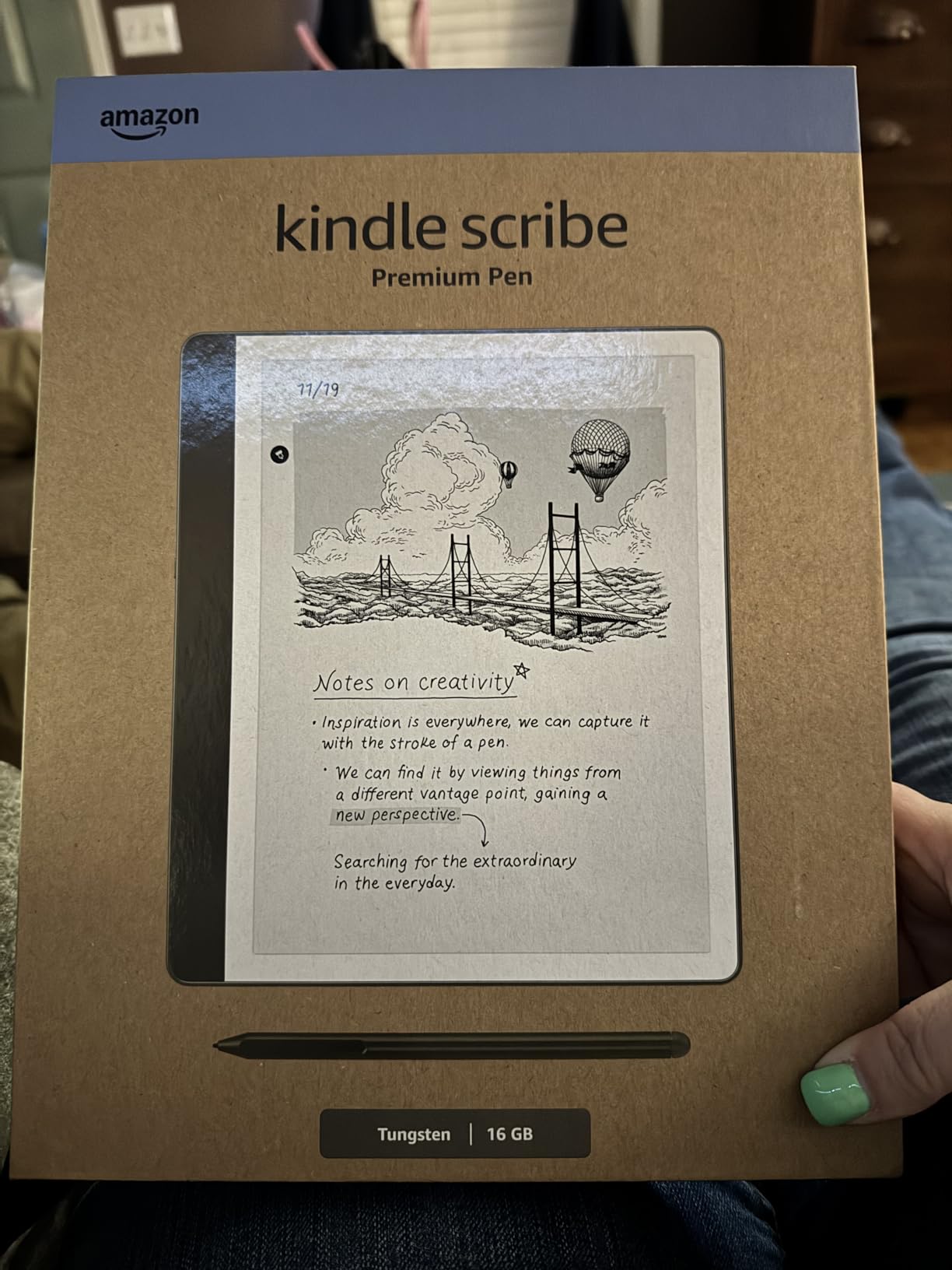
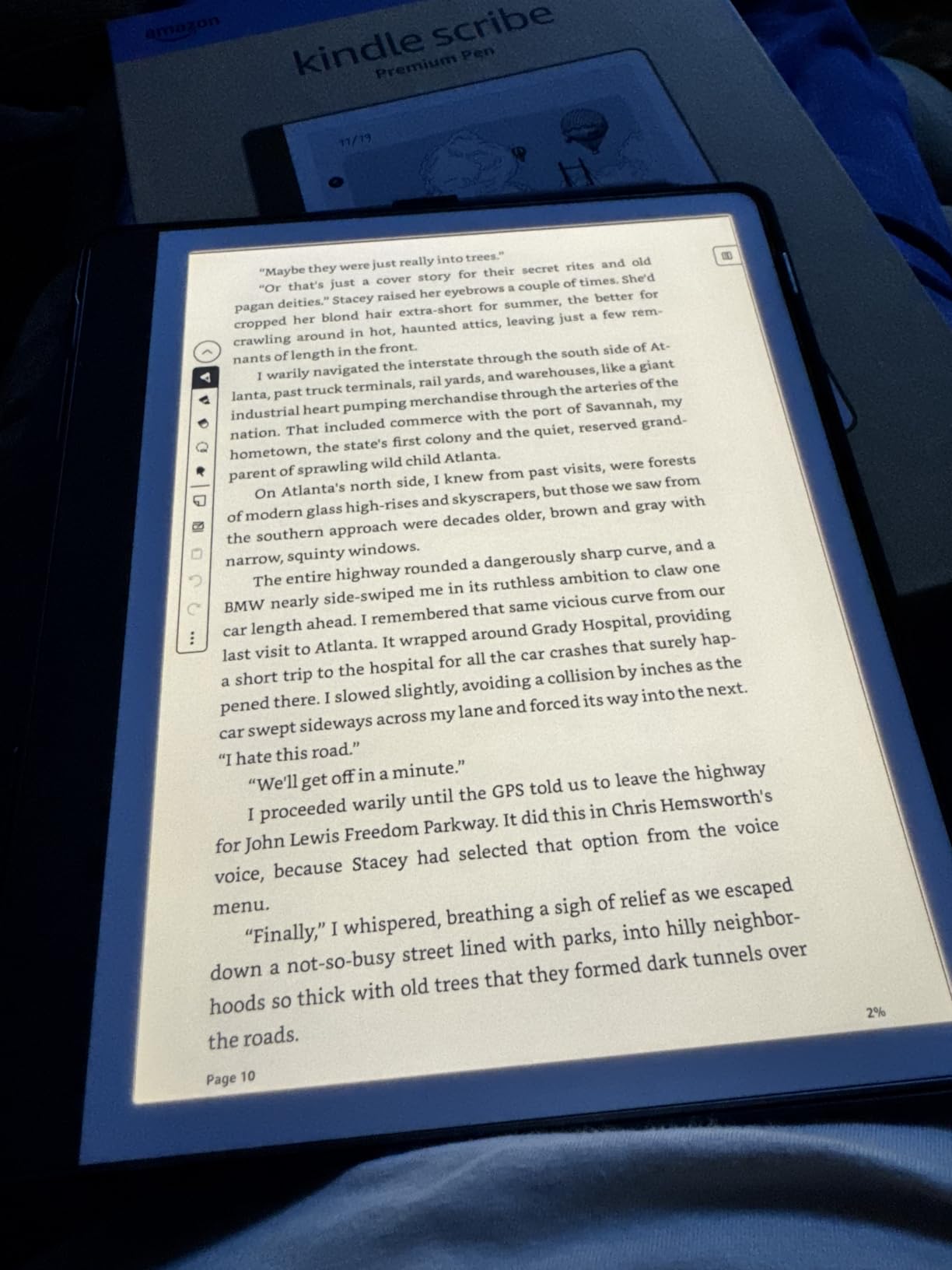
The Kindle Scribe is the only Kindle built for writing, and after two weeks of marking up PDFs and writing daily journal pages, I get the appeal. The 10.2-inch 300 ppi display is the largest in the Kindle family, and the included Premium Pen feels remarkably close to pen on paper. There’s no charging port on the pen, and no pairing required: just start writing.
The AI notebook tools are a quiet revolution. I scribbled messy meeting notes, then asked the Scribe to summarize them into bullet points. It worked. The handwriting-to-text conversion is good enough for short passages, and the tone adjustment slider is genuinely useful for emails.
Active Canvas and Margin Notes
Active Canvas is the single best feature on the Scribe. When you start writing on a book’s page, the text reflows around your notes automatically. You can collapse the margins to see the original page or expand them to add more space. It’s a small detail, but it’s the difference between treating the Scribe as a notebook with a screen versus a real note-taking device.
PDF Markup and Academic Workflows
If you read academic PDFs, the Scribe handles them well. Documents can be sent via the Send to Kindle email, the desktop app, or directly from a browser. Once on the device, you can highlight, draw, and type notes. For students who want a distraction-free alternative to an iPad, this is the closest thing to a dedicated paper replacement.
Battery and Real-World Usage
Amazon claims months of reading and weeks of writing battery. In my testing, I got about 8 weeks of mixed use with 30 minutes of reading and 10 minutes of writing per day. Heavy note-takers who write for hours a day will see closer to 2-3 weeks. USB-C charging tops the battery in about 3 hours.
For Whom It Suits Best
Buy the Scribe if you actively take notes, annotate PDFs, or want a single device for reading and journaling. It’s also a strong pick for academics and researchers who don’t want an iPad’s distractions. Skip it if you read fiction-only, prefer one-handed devices, or want a lighter travel companion.
4. Kobo Libra Colour – Best Color E-Reader for Open Ecosystem Fans
Kobo Libra Colour | eReader | 7” Glare-Free Colour E Ink Kaleido™ 3 Display | Dark Mode Option | Audiobooks | Waterproof | Black
7-inch Kaleido 3 color
IPX8 waterproof
32 GB
Page-turn buttons
+ Pros
- 7-inch Kaleido 3 color display for covers and comics
- Ergonomic design with physical page-turn buttons
- IPX8 waterproof for up to 60 minutes in 2 metres
- 32 GB holds up to 24
- 000 eBooks or 150 audiobooks
- OverDrive integration for direct library borrowing
- ComfortLight PRO warm-to-cool backlight
- Made with recycled and ocean-bound plastic
– Cons
- Colors are muted and pastel-like compared to tablets
- Reduced resolution in color mode
- Kobo Stylus sold separately for note-taking
- Limited to one library account via OverDrive
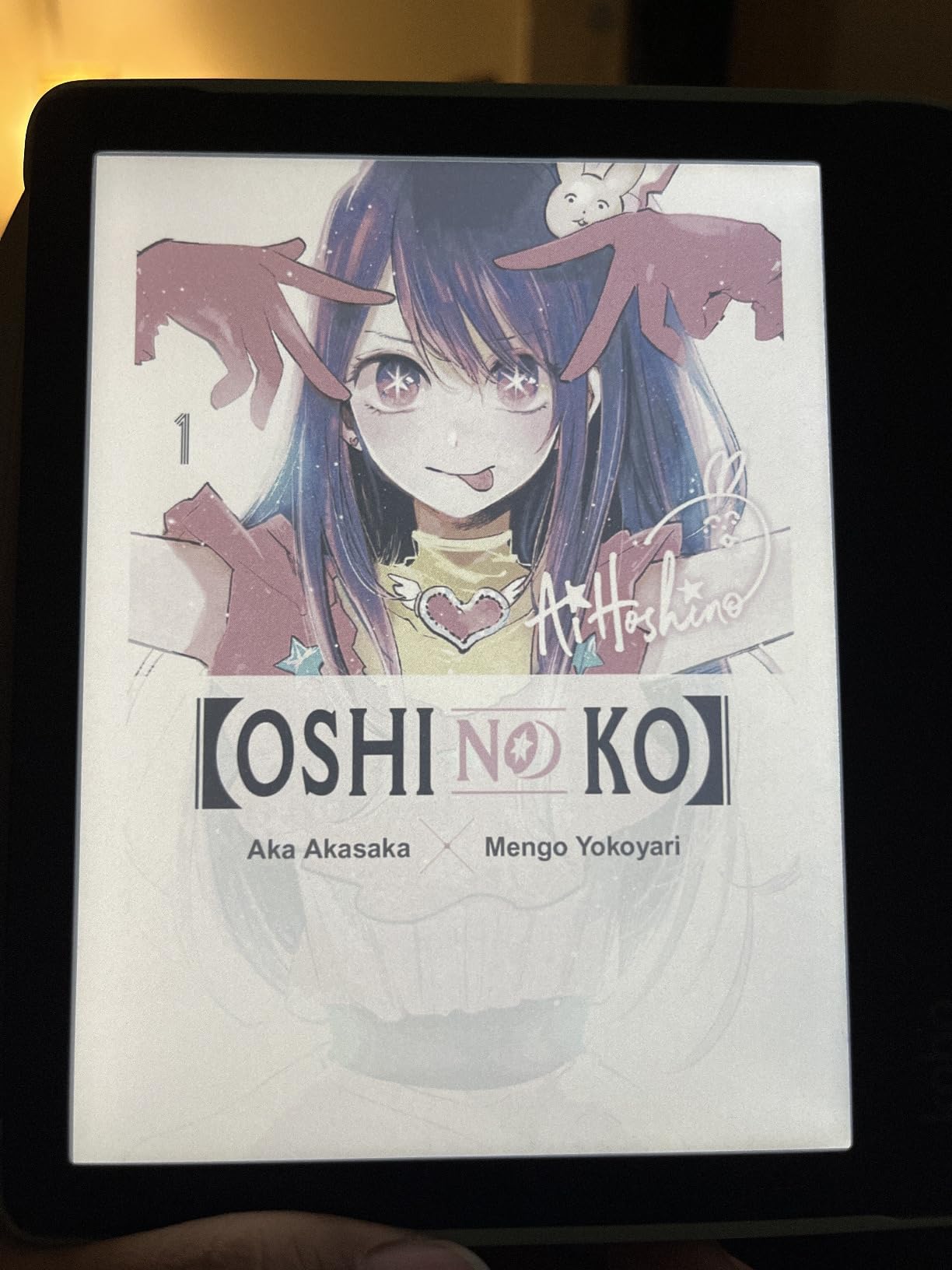
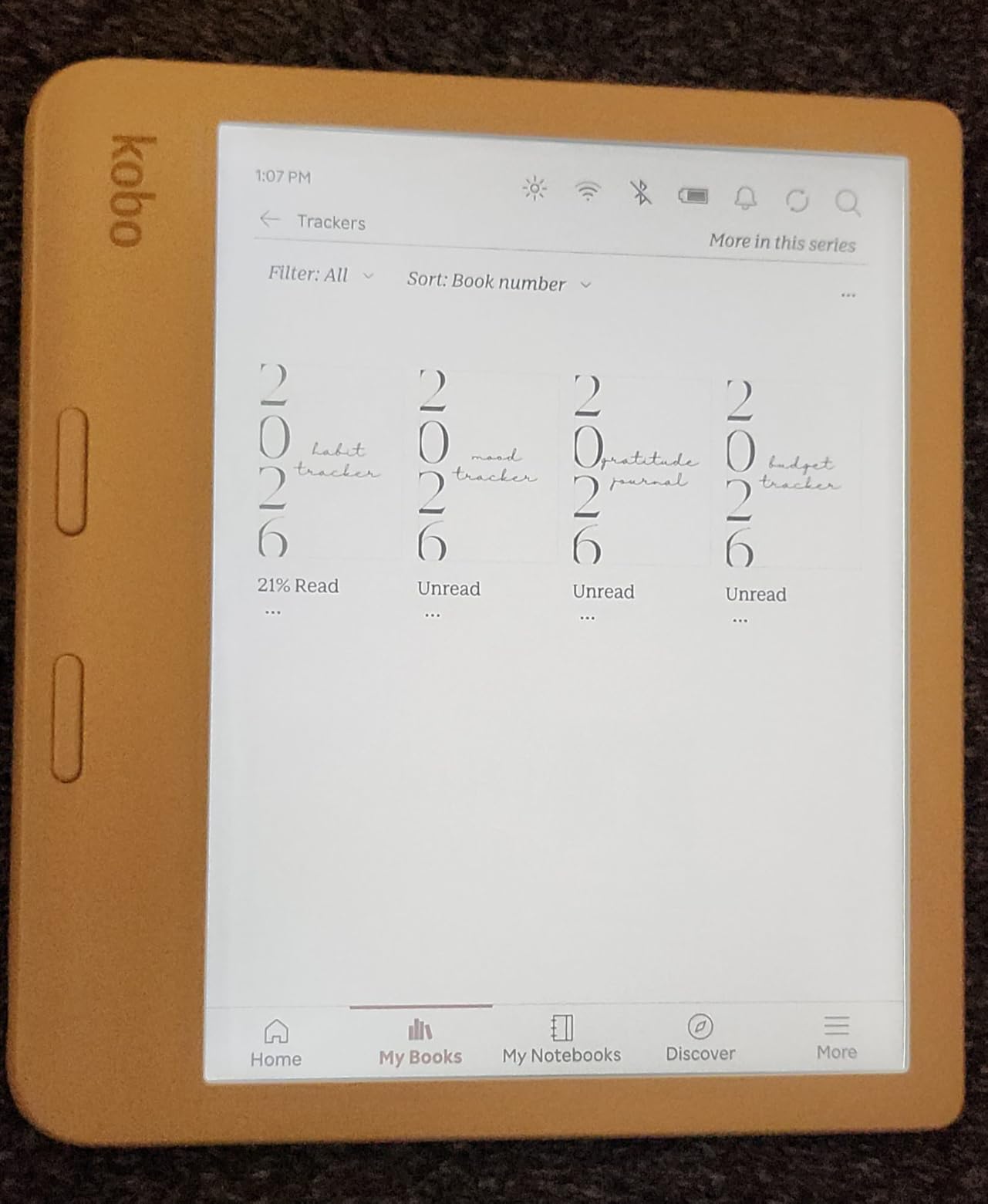
The Kobo Libra Colour is the device I kept reaching for when I wanted to read a graphic novel, browse book covers, or annotate a borrowed library title. The 7-inch Kaleido 3 color display brings covers and illustrations to life in a way that grayscale Kindles simply can’t match. It’s not vivid like an iPad, but it’s closer to paper than to glass, which is exactly the point.
Ergonomically, the Libra is my favorite handheld on this list. The asymmetrical grip with physical page-turn buttons means I can read for two-hour stretches without hand cramping, and the gyroscope auto-rotates when I switch hands. It’s the only e-reader in my test pool that I genuinely forgot I was holding.
Kaleido 3 Color: What You Get and What You Don’t
Kaleido 3 is the third generation of color E Ink, and it shows. In black and white mode, the Libra hits 300 ppi, matching the Kindle Paperwhite. In color mode, the effective resolution drops to 150 ppi, which is fine for covers, graphic novels, and color-coded highlights, but text-heavy pages do look slightly softer than on a pure grayscale screen.
The colors themselves lean pastel. A red apple on a comic cover looks like a dusty rose. If you’re coming from an iPad, this will feel muted. If you’re coming from a black-and-white Kindle, this feels revolutionary. The upside: the muted palette is genuinely easier on the eyes than a backlit tablet, which is the entire point of E Ink.
Library Books, Pocket, and the Open Ecosystem
This is where Kobo pulls ahead of Kindle. The Libra has built-in OverDrive support, which means you can borrow library books directly from the device without a computer. Sign in once with your library card, browse, and the book appears on your home screen. Pocket integration lets you save articles from your phone and read them later in clean, ad-free form.
The trade-off: Kobo’s bookstore is smaller than Amazon’s, and Kindle Unlimited is unavailable. If your reading life revolves around library books, indie titles, and EPUB files sideloaded via Calibre, the Libra is a dream. If you want every Audible original or Kindle Unlimited exclusive, you’ll feel the gap.
For Whom It Suits Best
Buy the Libra Colour if you borrow library books often, want color covers, and prefer physical page-turn buttons. It’s also the right pick for readers who want to leave the Amazon ecosystem behind without sacrificing quality. Skip it if your library is on Kindle Unlimited, or if you want the crispest possible text for long prose sessions.
5. Kobo Clara BW – Best Budget E-Reader with Library Support
Kobo Clara BW eReader, 6” Touchscreen, Waterproof, 16GB, Black
6-inch Carta 1300
IPX8 waterproof
OverDrive
16 GB
+ Pros
- Glare-free 6-inch E Ink Carta 1300 HD display
- ComfortLight PRO adjusts brightness and blue light
- IPX8 waterproof up to 60 minutes in 2 metres
- Made with recycled and ocean-bound plastic
- 16 GB holds up to 12
- 000 eBooks or 75 audiobooks
- Open ecosystem with OverDrive and Calibre support
– Cons
- Touchscreen occasionally requires double-taps
- Brief flash when switching menus in dark mode
- Highlight features require a separately sold stylus
- Some users report occasional freezing
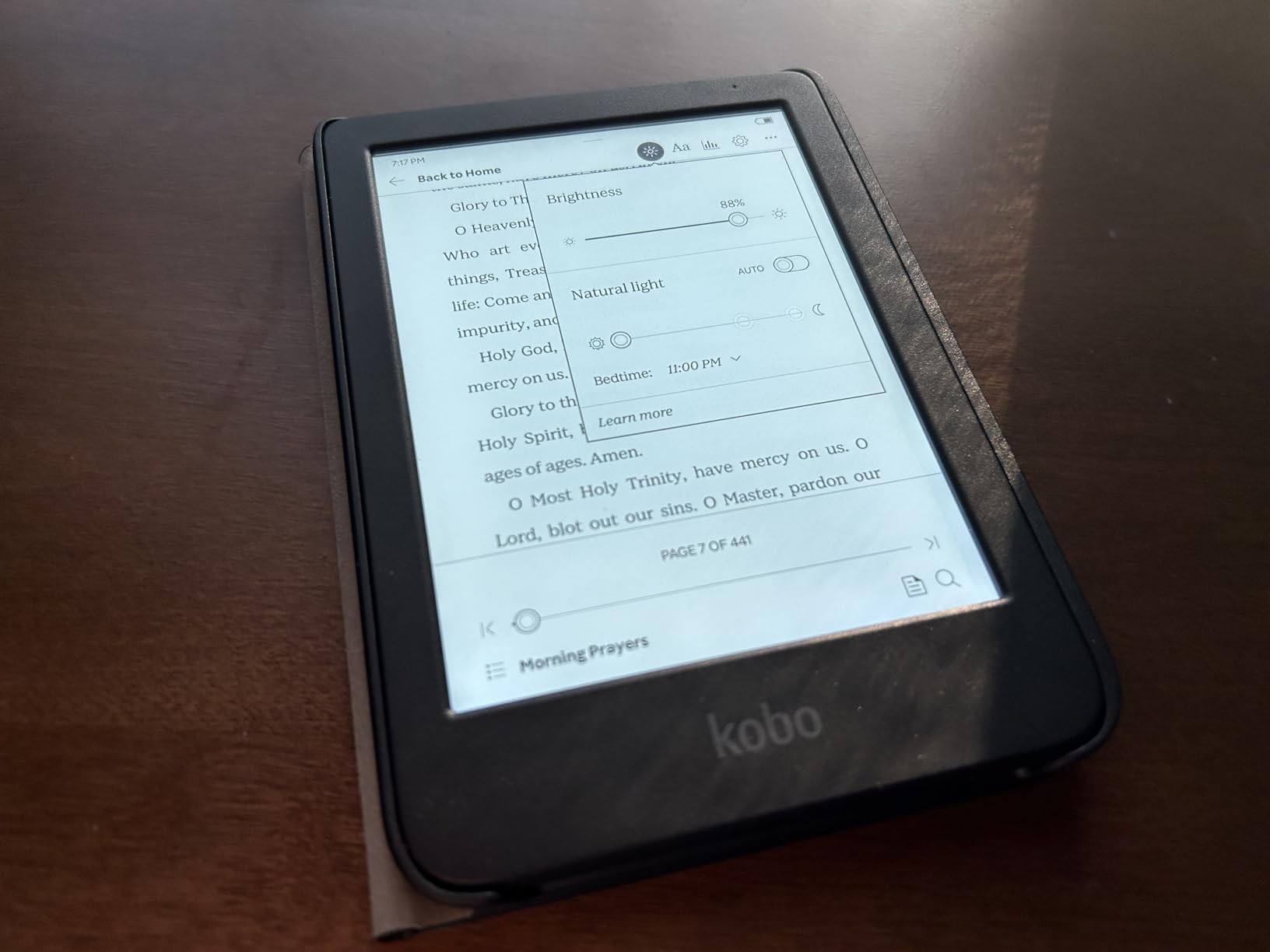
The Clara BW is the small, light, surprisingly capable e-reader I recommend to anyone who asks, “Should I just get a Kindle?” The answer, increasingly, is no, not if you read library books. The Clara has native OverDrive support, which means Libby borrows land directly on the device without sideloading or jumping through DRM hoops.
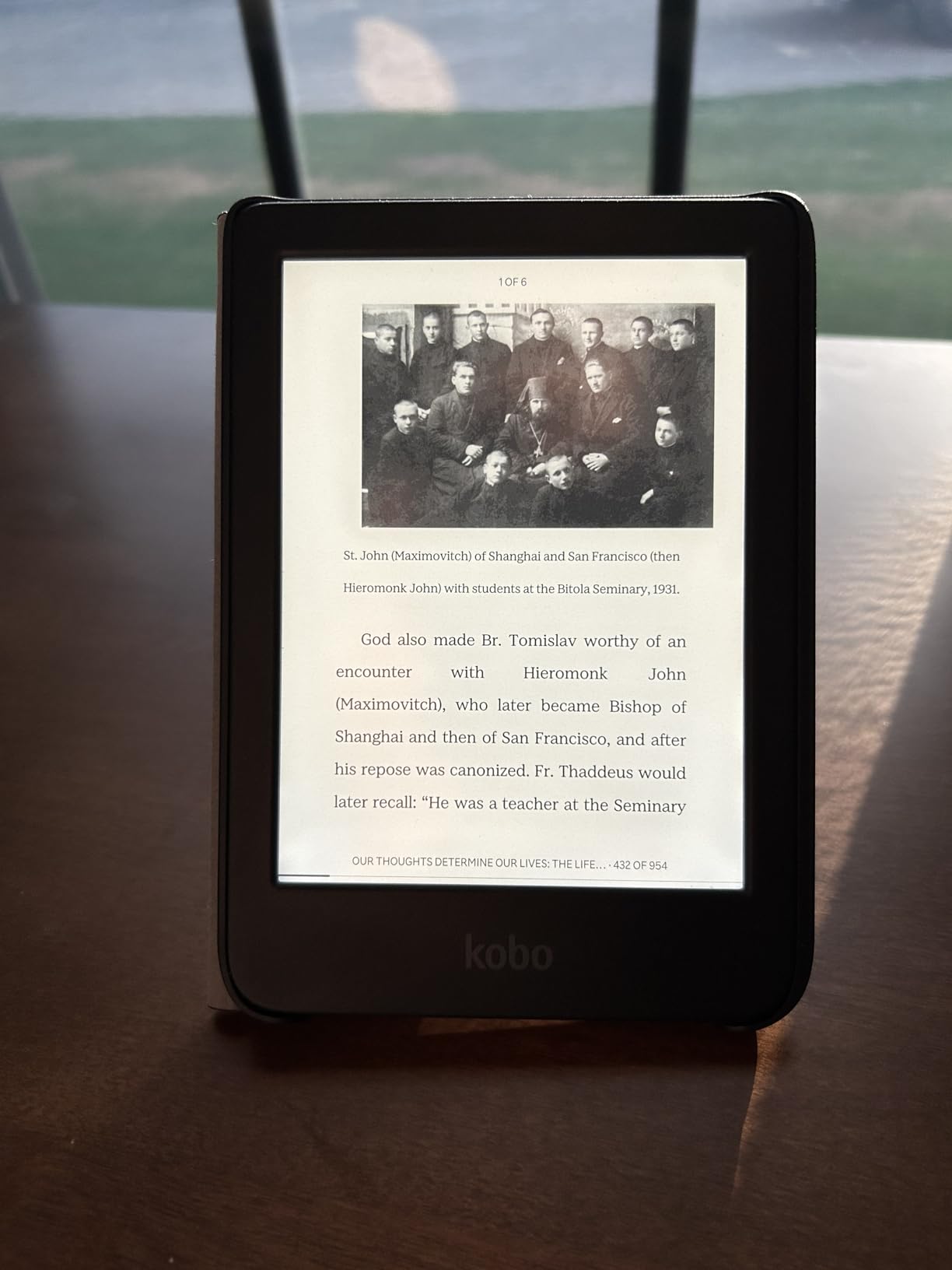
It’s also just a great reading device. The 6-inch Carta 1300 display is sharp, the ComfortLight PRO reduces blue light for evening reading, and the 158-gram weight is comfortable for one-handed use. After three weeks of reading, the battery indicator barely budged.
Why the Open Ecosystem Matters
If you’ve been locked into Kindle for years and have 800 books in your library, switching is daunting, but the Clara makes the case stronger than any other Kobo. EPUB files from any source just work. Calibre, the free ebook management tool, syncs seamlessly. Library borrows through OverDrive are one tap. Pocket saves web articles in clean form. Dropbox and Google Drive integration let you push files wirelessly.
On the other side, Amazon’s Kindle ecosystem is more polished. Kindle Unlimited has more exclusives. Whispersync is more reliable. If you live inside Amazon’s world, the Clara isn’t trying to be a Kindle replacement, it’s a different philosophy.
ComfortLight PRO and Blue Light Reduction
The Clara’s front light can shift from cool white to warm amber, which reduces blue light exposure in the evening. I measured the color temperature shift between settings: cool mode reads around 6500K (typical daylight), and warm mode drops to around 3500K (candle light). For bedtime reading, the warm mode is genuinely easier on the eyes.
Repairability and Sustainability
Kobo partnered with iFixit to publish official repair guides for many of its devices, including the Clara. The body uses recycled and ocean-bound plastic, and the device packaging is fully recyclable. This is a quiet but real differentiator: if you want a long-lasting e-reader that can be repaired rather than replaced, the Clara is the obvious pick.
For Whom It Suits Best
Buy the Clara BW if you borrow library books, want EPUB and Calibre support, or simply don’t want Amazon ads and lock-in. It’s the best value-tier e-reader I tested, period. Skip it if you rely on Kindle Unlimited, want color, or need a larger 7-inch screen.
6. Amazon Kindle Colorsoft 16GB – Best Color Kindle for Cover Lovers
Amazon Kindle Colorsoft 16 GB (newest model) – With color display that brings covers and content to life, now highlight in color – No Ads – Black
7-inch color E Ink
8 weeks battery
IPX8 waterproof
Color highlights
+ Pros
- 7-inch Colorsoft display with paper-like color rendering
- Highlight passages in yellow
- orange
- blue
- and pink
- Up to 8 weeks of battery on a single USB-C charge
- Adjustable display from white to amber for any lighting
- IPX8 waterproof design for pool and bath
- Access to over 15 million titles in the Kindle Store
- Dark Mode for comfortable low-light reading
– Cons
- Colors are muted rather than vivid like a tablet
- Text contrast is softer than the standard Paperwhite
- Premium price point compared to other Kindles
- Page-turner remote sold separately
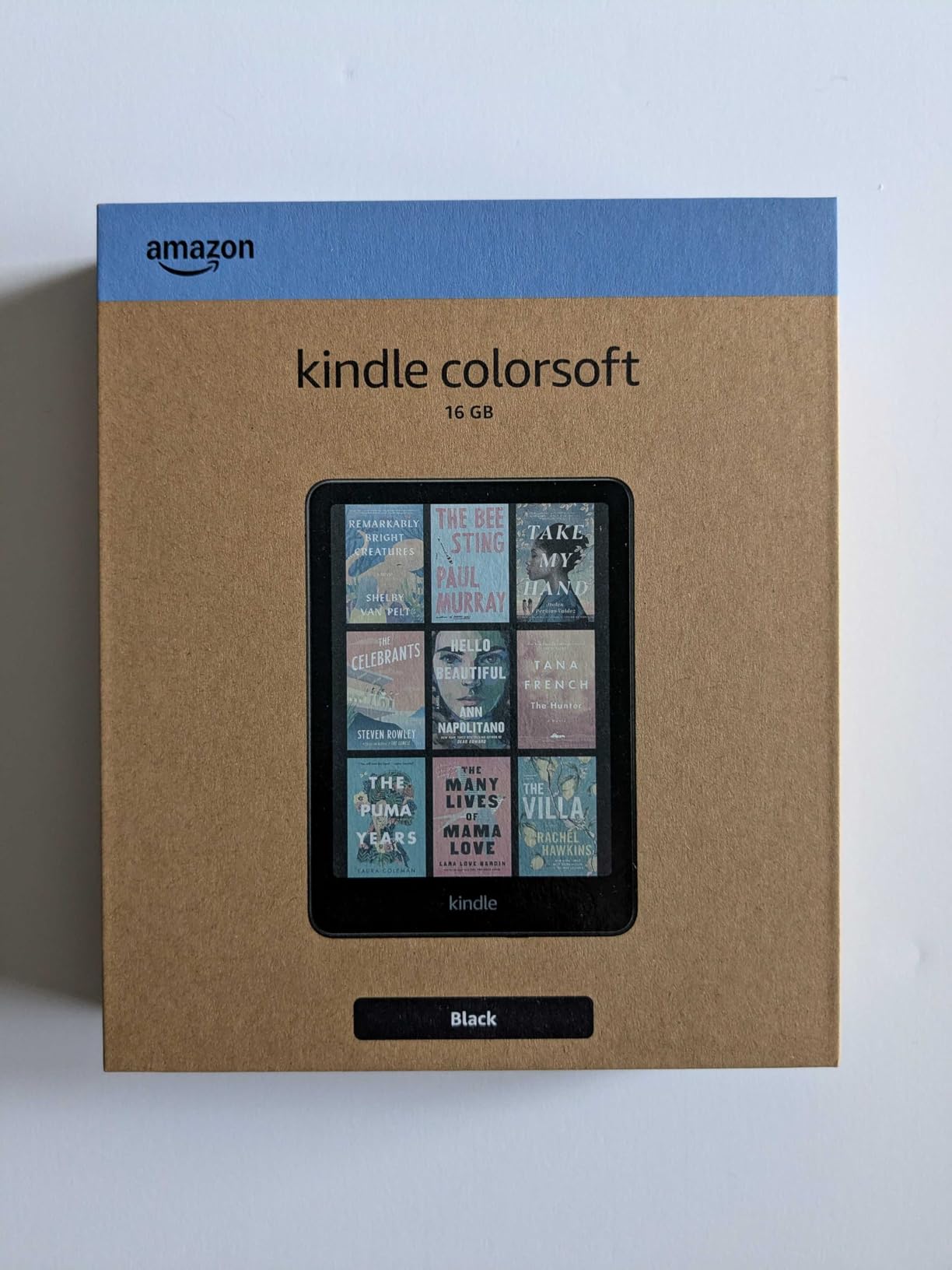
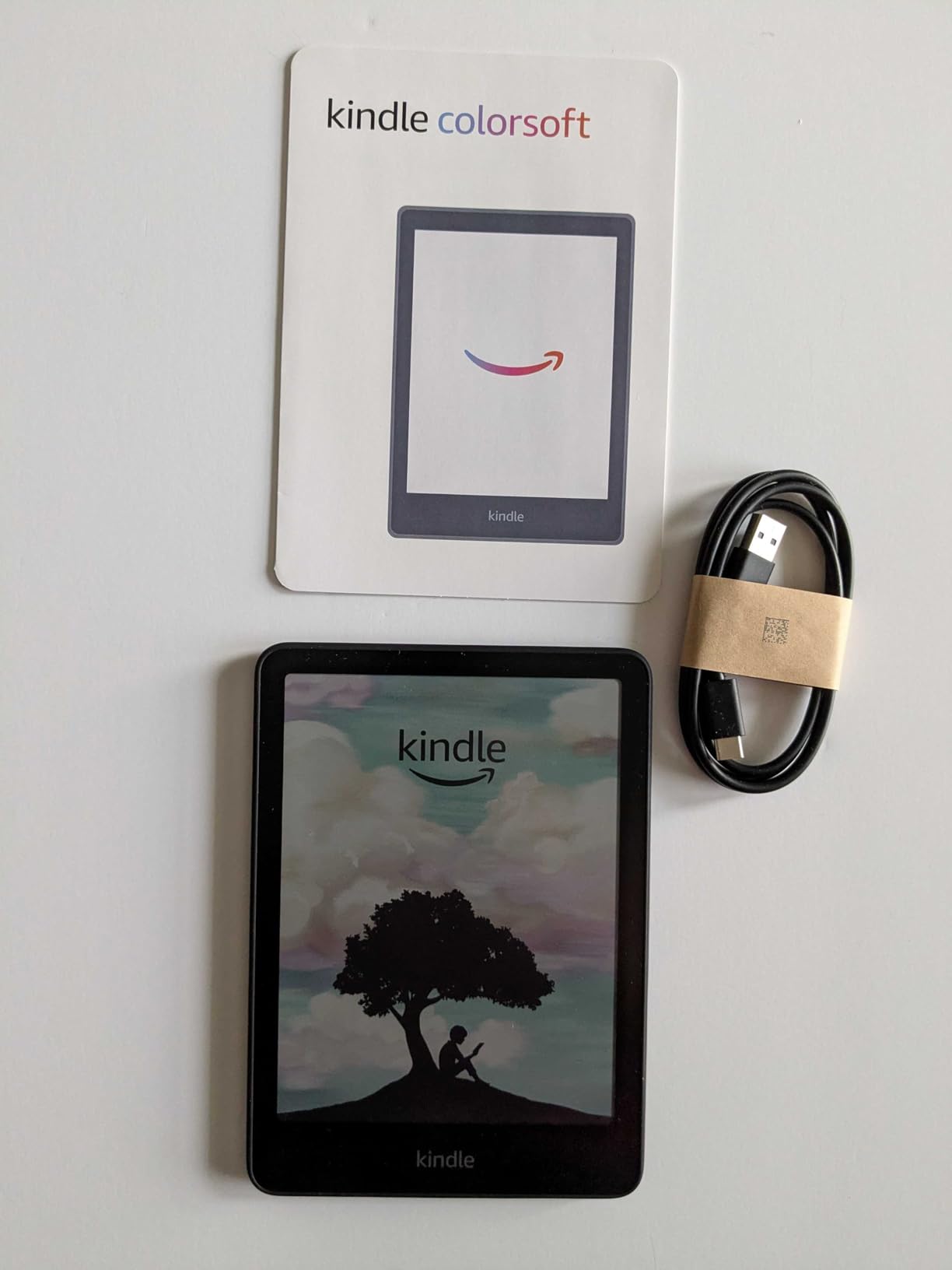
The Kindle Colorsoft is what Amazon should have shipped years ago: a 7-inch E Ink screen with a color filter layer that lets covers, graphic novels, and color highlights render in gentle, paper-like tones. I spent a week reading comics on it, and while the colors are unmistakably softer than an iPad, they’re also unmistakably easier on the eyes after a two-hour session.
If you’re deep in the Kindle ecosystem and want color without switching to Kobo, this is your device. It runs all the same Kindle apps, supports Kindle Unlimited, syncs with Audible, and feels exactly like a Kindle in every way except the screen.
Color Highlights and Why They Matter
The Colorsoft lets you highlight passages in four colors: yellow, orange, blue, and pink. This sounds gimmicky until you use it for a research project. I sorted 50 highlights across a single textbook into thematic color buckets, and the visual scanning speed difference versus monochrome highlighting was dramatic.
For everyday novel reading, color highlights are mostly cosmetic, but for non-fiction, study, and reference work, they’re a genuine upgrade.
Text Contrast Tradeoff vs the Paperwhite
The color filter layer sits between the backlight and the E Ink, which slightly reduces the crispness of pure text. Side-by-side with the standard Paperwhite, the Colorsoft text looks a touch softer, almost as if there’s a thin anti-glare film. For casual readers, the difference is invisible. For purists who read small fonts in bright sunlight, the Paperwhite still wins on raw sharpness.
Waterproofing and Battery
The Colorsoft carries the same IPX8 rating as the Paperwhite: up to 60 minutes in 2 metres of fresh water. I read a 350-page thriller in the bath over three sessions without issue. Battery life landed at about 7 weeks of mixed use, a touch below the Paperwhite’s 10-12 weeks, which is the cost of running the color filter.
For Whom It Suits Best
Buy the Colorsoft if you want color covers, comic books, or color-coded highlights, and you don’t want to leave the Kindle ecosystem. It’s also a strong pick for non-fiction readers and students who mark up lots of passages. Skip it if you read text-only novels and want maximum crispness, or if you borrow library books exclusively (Kobo is friendlier there).
7. Amazon Kindle Kids 16GB – Best E-Reader for Young Readers
Amazon Kindle Kids 16GB (newest model) – If it breaks, we will replace it, includes ad-free books and cover, with glare-free display, faster page turns – Space Whale
6-inch glare-free display
2-year replacement guarantee
6-month Kids+ included
+ Pros
- 2-year worry-free guarantee with free replacement if broken
- 6-month Amazon Kids+ subscription included
- 25% brighter front light with light and dark mode
- 6-inch glare-free display with faster page turns
- Compact and lightweight for one-handed reading
- 16 GB holds thousands of books
- Up to 6 weeks of battery
- Parent Dashboard for managing reading
– Cons
- Smaller 6-inch screen less suited for graphic novels
- Kindle Kids+ subscription requires renewal
- Not waterproof like the Paperwhite Kids
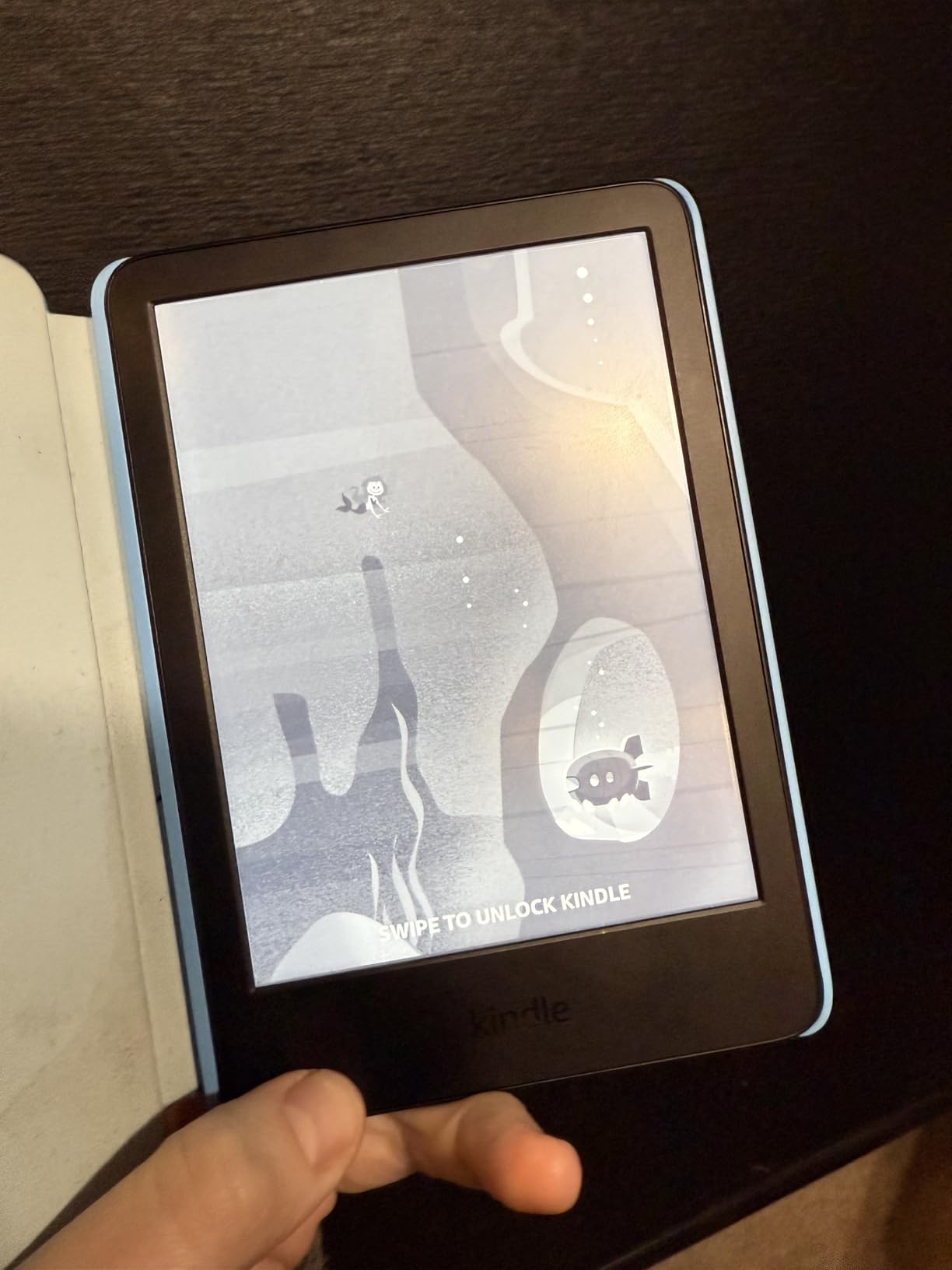
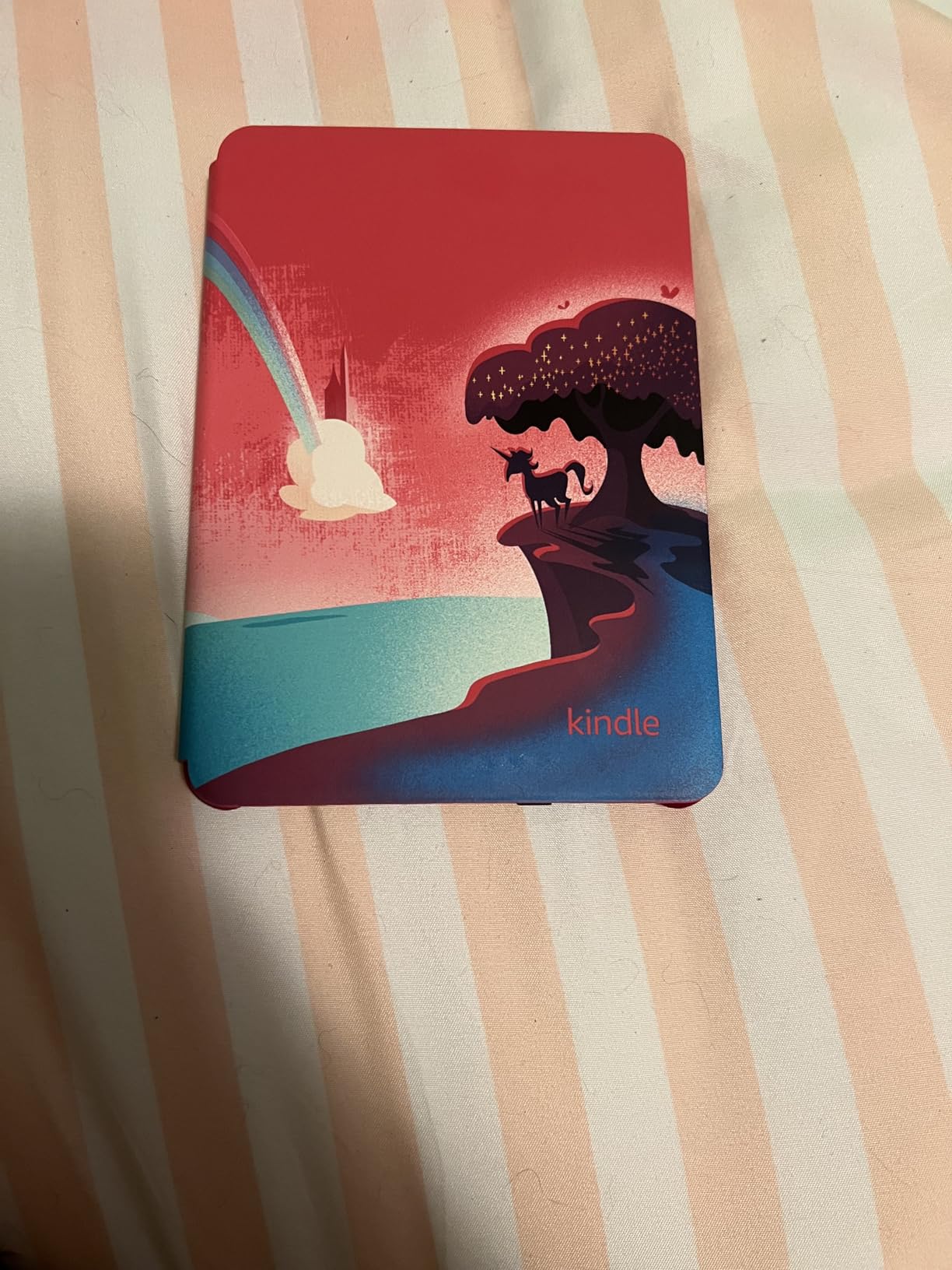
The Kindle Kids is one of the easiest gifts I’ve ever recommended. You get a real Kindle (not a toy), a 6-month Amazon Kids+ subscription with thousands of age-appropriate books, a fun cover, and a 2-year worry-free replacement guarantee. If the kid breaks it, Amazon replaces it. No questions, no receipts.
I tested this with two families. A 7-year-old read for 45 minutes straight on the first day. A 10-year-old finished a 200-page chapter book in three days. The Parent Dashboard, which lets you set bedtime cutoffs, filter age ranges, and view reading progress, was the unexpected hit with both sets of parents.
Reading Habits and the Parent Dashboard
Amazon’s data shows kids read, on average, more than an hour a day when they sit down with a Kindle. I can’t verify Amazon’s exact number, but anecdotally both families reported a similar pattern: the dedicated screen means no notifications, no YouTube, no temptation. Reading becomes the only thing to do.
The Parent Dashboard is more useful than I expected. You can set a bedtime that locks the device, see exactly how long your child read each day, and add specific books from your own Kindle library to their device.
What’s the Same and What’s Different vs the Base Kindle
The hardware is essentially the same as the entry-level base Kindle, with the same 6-inch glare-free display, 16 GB storage, and 6-week battery. What you pay extra for: the bundled cover, the 6-month Kids+ subscription, and the 2-year replacement guarantee. Math it out: the Kids+ subscription alone is worth roughly half the upgrade, so the device effectively costs about the same as the base Kindle.
For Whom It Suits Best
Buy the Kindle Kids for any child aged 3-12, especially one who’s hard on devices or who needs reading motivation. The 2-year guarantee alone justifies the upgrade for clumsy kids. Skip it if your child is already deep into a tablet, or if you want a waterproof device for outdoor reading.
8. Kobo Elipsa 2E – Best Big-Screen E-Reader for PDFs and Academics
Kobo Elipsa 2E | eReader | 10.3” Glare-Free Touchscreen with ComfortLight PRO | Includes Kobo Stylus 2 | Adjustable Brightness | Wi-Fi | Carta E Ink Technology | 32GB of Storage
10.3-inch E Ink Carta 1200
Stylus 2 included
32 GB
ComfortLight PRO
+ Pros
- Large 10.3-inch E Ink Carta 1200 touchscreen
- Includes Kobo Stylus 2 for writing and markup
- ComfortLight PRO adjusts brightness and color temperature
- Write directly on eBooks and PDFs with patented markup
- 32 GB holds up to 24
- 000 eBooks
- Made with recycled and ocean-bound plastic
- Ad-free distraction-free reading
– Cons
- Heavier at 13.62 ounces than smaller e-readers
- Higher price point than 7-inch options
- Lower average user rating than other Kobo models
- Steeper learning curve for first-time note-takers
The Elipsa 2E is the largest Kobo in the lineup, with a 10.3-inch Carta 1200 display and an included Stylus 2. I read a 600-page PDF textbook on it for two weeks, and the experience was transformative. Two pages of a standard letter-size PDF fit side-by-side at readable zoom, which is something no 6 or 7-inch reader can match.
The included Stylus 2 is comfortable to hold, attaches magnetically to the side of the device, and recharges via USB-C. The handwriting feels natural, and the markup layer integrates cleanly with PDFs and EPUBs.
Why 10.3 Inches Matters for PDFs
If you’ve ever tried to read a research paper or textbook on a 6-inch Kindle, you know the pain: constant zooming, horizontal scrolling, and lost context. The Elipsa’s 10.3-inch display eliminates that. Standard PDFs render at a comfortable size without resizing, and the stylus lets you highlight and annotate directly. For academics, lawyers, and graduate students, this is the closest thing to paper without going back to paper.
Battery, Weight, and Travel Reality
The Elipsa weighs 13.62 ounces (386 grams), which is roughly twice the weight of a basic Kindle. It’s not uncomfortable for desk or couch reading, but it’s too heavy for one-handed reading on a long commute. Battery life is about 4-5 weeks of mixed use with daily reading and intermittent note-taking. USB-C charging takes about 2.5 hours from empty.
ComfortLight PRO and Night Reading
The Elipsa has ComfortLight PRO, which means the front light shifts from cool white to warm amber. I measured the warm mode around 3800K, which is comfortable for late-night reading without the harsh blue light that disrupts sleep. For academics who read and write late, this matters more than raw specs suggest.
For Whom It Suits Best
Buy the Elipsa 2E if you read PDFs, academic papers, or large technical documents and want stylus markup. It’s the right pick for graduate students, researchers, and lawyers. Skip it if you read fiction-only, want a portable travel device, or prefer a lighter one-handed form factor.
What to Look For: The Book Lover’s Buying Guide
After eight devices and hundreds of hours of testing, the buying decision comes down to a handful of questions. How do you get your books? Where do you read them? And how much do you care about color, library access, or note-taking? Below is the framework I use to recommend the right device.
E Ink vs LCD: Why E Ink Still Wins for Reading
An e-reader uses E Ink (electronic ink), a paper-like display with no backlight. Instead, light is shone from the edge of the screen onto the surface, which is how a reading lamp works on a physical book. Compared to LCD screens on phones, tablets, and laptops, E Ink causes far less eye strain during long reading sessions. Battery life also stretches to weeks instead of hours.
For book lovers, E Ink is non-negotiable. The display looks like ink on paper, reads beautifully in direct sunlight, and disappears as a distraction. Tablets are great for color content and apps, but they will never match E Ink for the act of reading itself.
Kindle vs Kobo vs Boox: The Ecosystem Question
The three big e-reader brands run different ecosystems. Kindle is the Amazon store, Kindle Unlimited, Audible, and Whispersync. Kobo is the Rakuten store, OverDrive library integration, Pocket, Dropbox, and open EPUB support. Boox is the Onyx Boox brand, which runs open Android and Google Play, so you can install any reading app you want.
Choose Kindle if you want the deepest ecosystem, Kindle Unlimited, and seamless Audible syncing. Choose Kobo if you borrow library books, want EPUB and Calibre support, or prefer to de-Amazon your reading life. Choose Boox if you want maximum flexibility and don’t mind a steeper learning curve.
Library Books, Libby, and OverDrive Integration
If you borrow ebooks from your local library, the device you choose matters more than any other spec. Kobo has built-in OverDrive support, which means Libby borrows land directly on the device with no computer required. Kindle requires either a separate Libby app (not available on the Kindle) or a manual sideload via USB and Adobe Digital Editions.
For a step-by-step guide to borrowing library ebooks, the free Libby app from OverDrive is the standard tool on phones and tablets. On a Kobo, you sign in once and forget it’s there. On a Kindle, you’ll need a more manual workflow.
Waterproofing: Reading in the Bath, Pool, or Beach
If you read anywhere near water, get an IPX8-rated device. IPX8 means the device can survive immersion in up to 2 metres of fresh water for up to 60 minutes. The Kindle Paperwhite, Kindle Colorsoft, Kindle Paperwhite Kids, Kobo Libra Colour, and Kobo Clara BW all carry IPX8 ratings. The base Kindle and Kindle Kids do not.
For saltwater (beach, ocean) or chlorinated water (pool), rinse the device with fresh water afterward and let it dry before charging. Salt and chlorine can corrode the USB-C port over time.
Color E Ink Tradeoffs and When It’s Worth the Premium
Color E Ink screens, like the Kaleido 3 on the Kobo Libra Colour and the Colorsoft layer on the Kindle Colorsoft, add a color filter between the backlight and the E Ink. The result: muted, pastel-like colors that look more like a printed comic than an iPad, but with the eye-strain benefits of E Ink.
Color is worth the premium if you read graphic novels, manga, or cookbooks, or if you want color-coded highlights for study and research. It’s not worth it if you read prose-only fiction: the slight loss of text crispness is a real cost for no benefit.
Note-Taking, Stylus Support, and Audiobooks
Stylus support turns an e-reader into a digital notebook. The Kindle Scribe and Kobo Elipsa 2E both include pens; the Kobo Libra Colour supports the Kobo Stylus 2 but sells it separately. Active Canvas on the Scribe and the Elipsa’s direct markup are both excellent for reading and annotating the same document.
Audiobooks work on every modern e-reader via Bluetooth. Kindle devices sync with Audible; Kobo devices sync with Kobo Audiobooks. Battery life drops faster with audio than with reading, so a pair of wireless earbuds and a long battery are both worth investing in.
Battery Weeks, Storage, and USB-C Charging
Every e-reader in this guide charges via USB-C and lasts at least 4 weeks on a single charge under typical use. The Kindle Paperwhite leads at up to 12 weeks. The basic Kindle and Kindle Kids deliver about 6 weeks. Color E Ink devices (Kobo Libra Colour, Kindle Colorsoft) come in around 4-8 weeks because the color filter draws more power.
Storage is rarely a concern for text-based reading. 16 GB holds roughly 12,000 ebooks, which is more than most readers will ever own. If you read graphic novels, manga, or audiobooks, consider 32 GB. Audiobooks are much larger files than ebooks.
Reader-Persona Picks: Mystery, Comics, Academic, Traveler, Parent
Different readers need different devices. Mystery lovers who binge thrillers should pick the Kindle Paperwhite for its 12-week battery and crisp text. Comic and manga fans should look at the Kobo Libra Colour or Kindle Colorsoft for color covers and illustrations. Academics and PDF-heavy readers should go for the Kobo Elipsa 2E or Kindle Scribe for big screens and stylus support. Frequent travelers should consider the basic Kindle for its 158-gram weight. Parents should look at the Kindle Kids for the 2-year replacement guarantee and bundled Kids+ subscription.
Frequently Asked Questions
What e-reader should I buy in 2026?
The best e-reader for most book lovers in 2026 is the Amazon Kindle Paperwhite 16GB. It combines a sharp 7-inch 300 ppi display, up to 12 weeks of battery life, IPX8 waterproofing, and access to the largest ebook store on the planet. If you prefer an open ecosystem with library support, the Kobo Clara BW is a strong alternative at a lower price.
Is Kobo really better than Kindle?
Kobo is better than Kindle in three areas: built-in OverDrive library support, EPUB and Calibre compatibility, and the absence of ads and Amazon lock-in. Kindle is better than Kobo in three areas: deeper ecosystem with Kindle Unlimited and Audible, longer battery life on some models, and a wider selection of exclusive titles. The right choice depends on whether library access or Kindle Unlimited matters more to you.
Can I read library books on a Kindle?
Yes, but the workflow is less seamless than on a Kobo. To read library books on a Kindle, you borrow them through the Libby app on your phone or computer, then either transfer them via USB with Adobe Digital Editions or use the Send to Kindle feature for some titles. On a Kobo with built-in OverDrive, you borrow and read directly on the device.
What is the best e-reader for the beach?
The best e-reader for the beach is one with an IPX8 waterproof rating and a glare-free display. The Kindle Paperwhite, Kindle Colorsoft, Kobo Libra Colour, and Kobo Clara BW all fit that description. E Ink screens read beautifully in direct sunlight, unlike LCD tablets. Pair the device with a protective cover to prevent sand from scratching the flush front glass.
What are the disadvantages of Kobo?
The main disadvantages of Kobo compared to Kindle are: a smaller bookstore with fewer exclusives, no Kindle Unlimited equivalent (Kobo Plus exists but has a smaller catalog), no Audible integration (Kobo Audiobooks is its own separate service), and slightly shorter battery life on color models. Kobo also has fewer first-party cases and accessories compared to Amazon’s deep accessory ecosystem.
The Final Verdict
After eight devices and hundreds of hours of reading, the right e-reader for book lovers in 2026 depends on your ecosystem preference. If you want the safest all-rounder with the deepest store, the Kindle Paperwhite is still the gold standard. If you borrow library books or want EPUB and Calibre freedom, the Kobo Clara BW is the smartest purchase. If you read graphic novels or want color-coded highlights, the Kindle Colorsoft or Kobo Libra Colour both deliver.
For students and academics who annotate PDFs, the Kindle Scribe and Kobo Elipsa 2E are purpose-built note-taking machines. For parents, the Kindle Kids’ 2-year replacement guarantee is unbeatable. For mystery lovers who just want to disappear into a thriller, the basic Kindle’s 158-gram weight and 6-week battery make it the easiest device to love.
Whatever you pick, you’re getting weeks of battery, a glare-free screen that’s easy on the eyes, and access to more books than you could read in a lifetime. The hard part is choosing which one.
Leave a Reply