
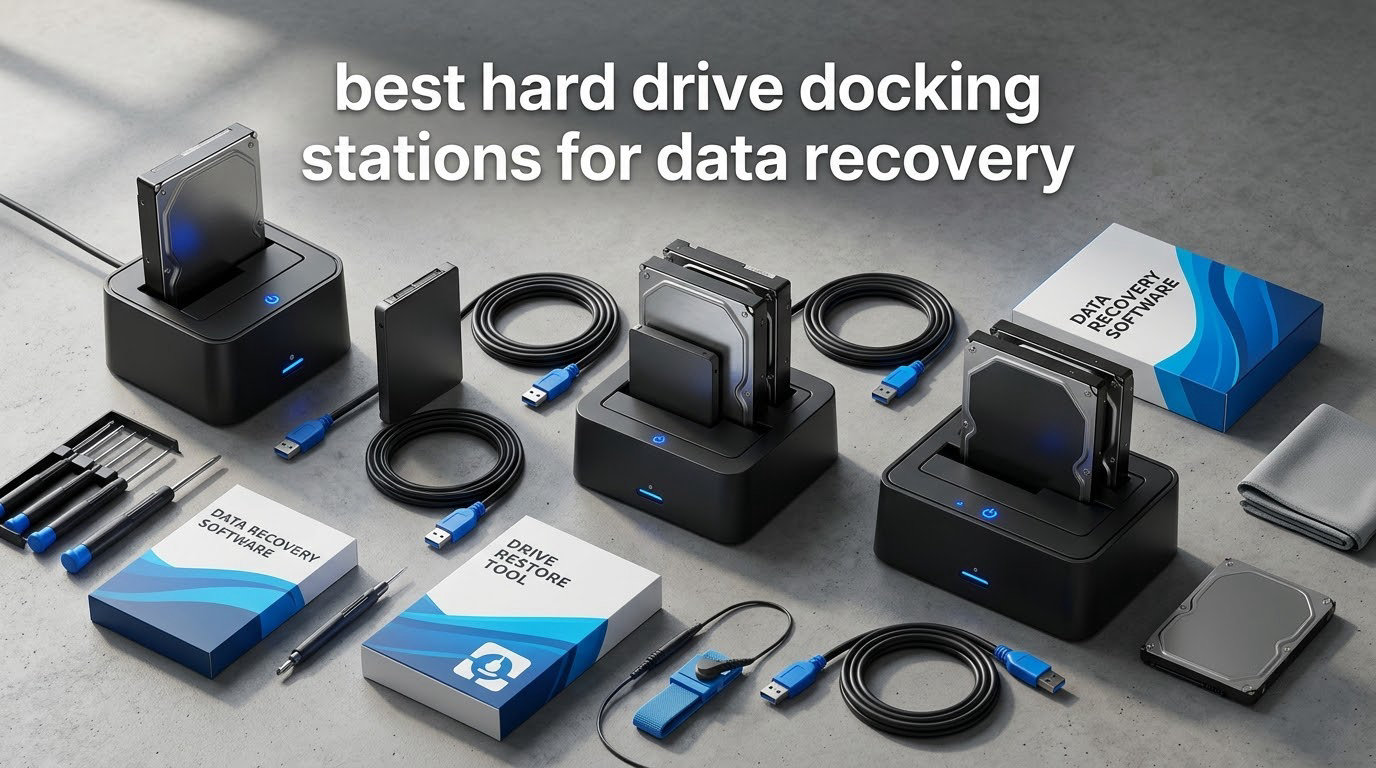
A hard drive docking station is an external box with one or more SATA bays that lets you plug a bare 2.5-inch or 3.5-inch hard drive into a computer over USB, without opening a case or mounting the drive internally. A SATA-to-USB bridge chip inside translates the drive’s commands into USB traffic, and the dock supplies the 12V power and spin-up current a bare 3.5-inch drive needs. That combination is why a dock is the standard first tool for the best hard drive docking stations for data recovery work: pulling files off a drive that no longer boots.
I have spent years moving drives out of dead laptops, wiped family desktops and machines that no longer POST, and the dock is always the first thing out of the drawer. What I learned the hard way is that dock selection for recovery is not a throughput question. It is a triage question: which failure are you dealing with, how much power the dock delivers, and whether the bridge will pass the drive through cleanly enough to read.
There is also a limit nobody in the buying guides will state plainly. As the top answer in a long-running r/synology thread put it, clicking means the drive is mechanically broken, and you can certainly try attaching it to your PC, but the click means the drive is dead. A dock cannot resurrect a drive whose heads cannot read the platters. What a dock can do is give a marginal-but-alive drive enough power to spin up, a stable bridge, and a read-only workflow that does not write a single byte to the surface.
Throughout this roundup I have filtered the ten docks below against four recovery-specific criteria: 12V spin-up headroom, UASP and bridge quality, read-only mount friendliness, and whether the bays let you hold a source and a target drive at the same time. I have also leaned on what owners report in r/techsupport, r/datarecovery and r/DataHoarder, because those threads contain the failure reports that never make it into a product listing. Where you want the software side of the job, our guide to the best data recovery software pairs with any of these docks.
Our Top 3 Docks for Recovery Work in 2026
Before the full list, these three cover the three situations most readers actually arrive at: a single drive rescued from a dead machine, a source-and-target duplication job, and a legacy IDE disk no modern dock will touch.

SABRENT EC-DFLT
- Single bay
- 2.5in and 3.5in SATA
- UASP at 5 Gbps
- Included 12V/2A adapter
- Tool-free hot-swap bay

SABRENT EC-HD2B
- Dual bay source and target
- Offline clone without a computer
- USB 3.0 at 5 Gbps
- Drives up to 20 TB

Unitek Y-3322A
- Reads IDE and SATA at once
- Includes 4-pin IDE power lead
- Hot-swappable with on/off switch
- SATA III at 6 Gbps
Comparing the Best Hard Drive Docks in 2026
All ten docks below, side by side, with the specifications that decide whether a drive will actually spin up and hand over its data.
| Product | Details | Action |
|---|---|---|
|
|
Check Latest Price |
|
|
Check Latest Price |
|
|
Check Latest Price |
 |
|
Check Latest Price |
 |
|
Check Latest Price |
 |
|
Check Latest Price |
 |
|
Check Latest Price |
 |
|
Check Latest Price |
 |
|
Check Latest Price |
 |
|
Check Latest Price |
Can a Dock Save Your Drive? Triage the Symptom First
The honest answer is: only if the drive is electrically alive and mechanically marginal. A dock fixes connectivity, power delivery and bridge stability. It does not fix a failed head stack, a scratched platter or a motor that will not spin.
Read the symptom before you buy anything. In an r/techsupport thread a user describes buying a docking station hoping to recover whatever files they could from a recently failed drive, and the same pain point shows up repeatedly there: a drive vanishes from File Explorer on connect, with no way to tell whether the dock, the cable, the port or the drive is at fault.
Here is the triage ladder I use, in order, before power ever reaches the drive:
- Clicks, or a repeated head-bang on spin-up. The actuator is failing to find its track. Stop. Do not power-cycle it repeatedly, because each attempt can worsen the damage. This is a professional-lab situation or an enclosure-with-frozen-platters job, not a dock job.
- Beeps from the computer, no drive detected. Often a power problem rather than a drive problem. A 3.5-inch 7200rpm desktop drive can draw enough spin-up current that a laptop port or a marginal adapter simply cannot deliver it. This is exactly where a dock with a proper external power supply helps.
- Spins up, is detected, shows as unallocated or raw. The drive is readable at the hardware level and the failure is filesystem-level. This is the best news you can get, and it is where image-then-recover wins.
- Detected but reports 0 bytes, or the size jumps around. The bridge may be masking a dying drive, or the heads are dropping out. Move up to a sector-level imaging tool such as ddrescue rather than a file copier.
- Reads fine at first, then disconnects under load. Thermal or head instability. Improve airflow and lower the read load, and image early and small before you try the whole disk.
Two habits matter more than the hardware. First, mount the filesystem read-only and refuse the automatic repair prompt Windows offers when it detects a dirty volume. Second, on Linux, add norecovery or noload options to the mount so the kernel is not tempted to replay a journal onto your only copy. One r/datarecovery user pulled a failing drive, booted Ubuntu and recovered data successfully, a workflow that gives you more control than the automatic prompts on a desktop OS.
Which Dock Do You Actually Need?
Three questions decide almost every purchase, and they are the same narrowing questions the search engines ask you.
Single bay or dual bay? If you are testing whether one drive still reads at all, a single bay is enough and costs less to live with. If you plan to copy data off a dying drive, you want a second bay or a second dock so a healthy target drive is attached at the same time as the suspect source.
Do you need offline cloning? An offline clone duplicates source to target with no computer involved, which is genuinely useful when the source filesystem is too damaged for the OS to mount. The important caveat is that an offline clone reads the source twice: once to copy, and again to verify. An image reads the source once and lets you re-run recovery tools against the image file as many times as you like. For a drive with dropouts, imaging is the safer path, and we explain that in the workflow section below.
USB-A or USB-C host? Most docks here ship a USB Type-A host cable, and only two of the ten accept USB-C natively. Check your machine before you buy. Several readers in r/UsbCHardware describe carrying both cable types permanently for exactly this reason. If you also dock your laptop regularly for displays and peripherals, our picks for the best MacBook docking stations and the best USB-C docking stations for dual monitors solve the peripheral side, while a hard drive dock handles the bare-drive side.
1. SABRENT EC-DFLT – The Default Rescue Dock for a Single Drive
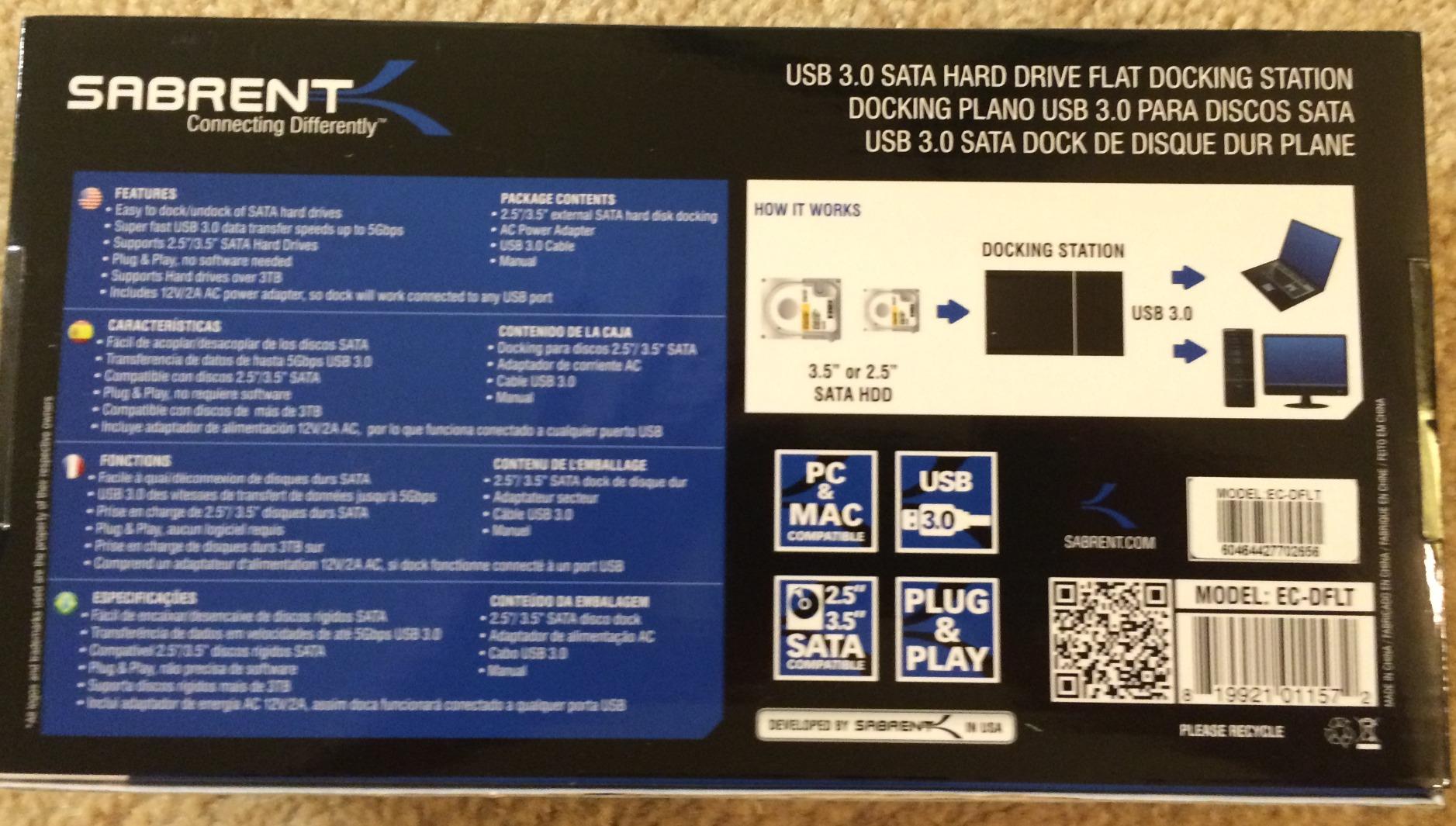
SABRENT USB 3.0 to SATA Hard Drive Docking Station, 2.5/3.5in (EC-DFLT)
Single bay
2.5in and 3.5in SATA HDD and SSD
USB 3.0 with UASP at 5 Gbps
12V/2A adapter included
+ Pros
- Tool-free lay-flat bay swaps bare drives fast
- Plug and play on Windows macOS and Linux with no drivers
- Includes the 12V power adapter a 3.5in desktop drive needs
- Typical 100-160 MB/s on mechanical drives
- Reads consistently out of dead machines
– Cons
- Host cable is USB Type-A only so USB-C machines need an adapter
- No IDE/PATA or M.2 or SAS support
- S.M.A.R.T. data is not passed through the USB bridge
- Some units report random disconnects after long use
This is the dock I keep within arm’s reach, and it is the one I hand to people who only want to know whether a drive still reads. The lay-flat bay takes a bare 2.5-inch or 3.5-inch SATA drive with no caddy, no screws and no enclosure, so the swap from suspect drive to healthy drive takes about two seconds.
At 7.5 ounces and 7.09 by 4.8 by 1.6 inches it is genuinely portable, and the included 12V/2A adapter is the part that saves rescue jobs. Plenty of users on r/techsupport have learned the hard way that a bare 3.5-inch desktop drive will not reliably spin from a laptop’s USB port, and a dock that bundles the right adapter removes an entire class of false diagnosis.
Owners report it recognises drives straight away on Windows, macOS and Linux, which matters when you are chasing a filesystem rather than benchmarking. The volume of owner experience behind this dock is the real argument for it: more than 37000 ratings means that when something goes wrong with a specific drive size or interface generation, other people have almost certainly hit it too.
Bridge Behaviour and the S.M.A.R.T. Gap
UASP support is genuine here, and users typically see 100-160 MB/s from a mechanical drive, which is at the ceiling of what a spinning platter can deliver over a 5 Gbps link anyway. The catch is that S.M.A.R.T. diagnostics are not passed through the USB bridge, so a disk utility on the host computer cannot read the drive’s own health attributes through this dock. If SMART data is your primary decision input, connect the drive via a direct SATA pass-through or a bare-metal Linux setup instead.
Where It Falls Short on Recovery Work
Two limitations shape recovery use. The included host cable is USB Type-A only, so a USB-C-only laptop needs an adapter, which adds a failure point in exactly the scenario where you do not want one. And a minority of owners report random disconnects or unallocated errors after prolonged sessions, so for a long imaging run I would keep the source drive imaged in chunks rather than copying a whole disk in one pass.
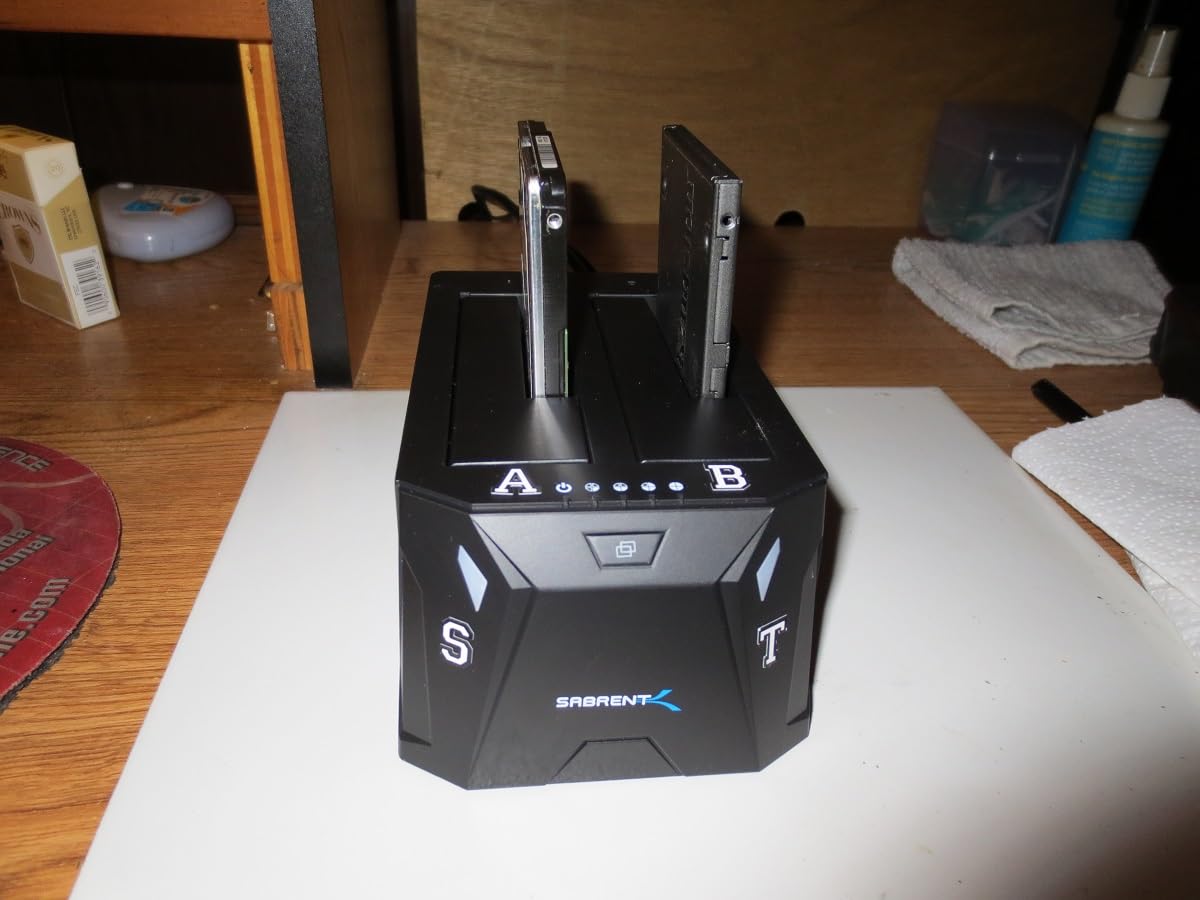
2. SABRENT EC-HD2B – Two Bays for Source-Target Duplication
SABRENT USB 3.0 Dual Bay Hard Drive Docking Station & Cloner (EC-HD2B)
Dual bay
Offline cloning up to 60 Mbps
One 2.5in and one 3.5in drive at once
USB 3.0 at 5 Gbps
+ Pros
- Two bays let you mount a source and a target simultaneously
- Offline cloning works reliably for full-disk duplication
- Immediate recognition of 4TB to 14TB drives
- One owner measured 405 MB/s sequential on a 2.5in SSD
- Power supply and USB 3.0 cable included
– Cons
- Drives must be seated before power-on so hot-swap is unsupported
- Thin padded feet transmit drive vibration to the desk
- Clear cover has no cable cut-outs
- Throughput drops when two mechanical drives run together
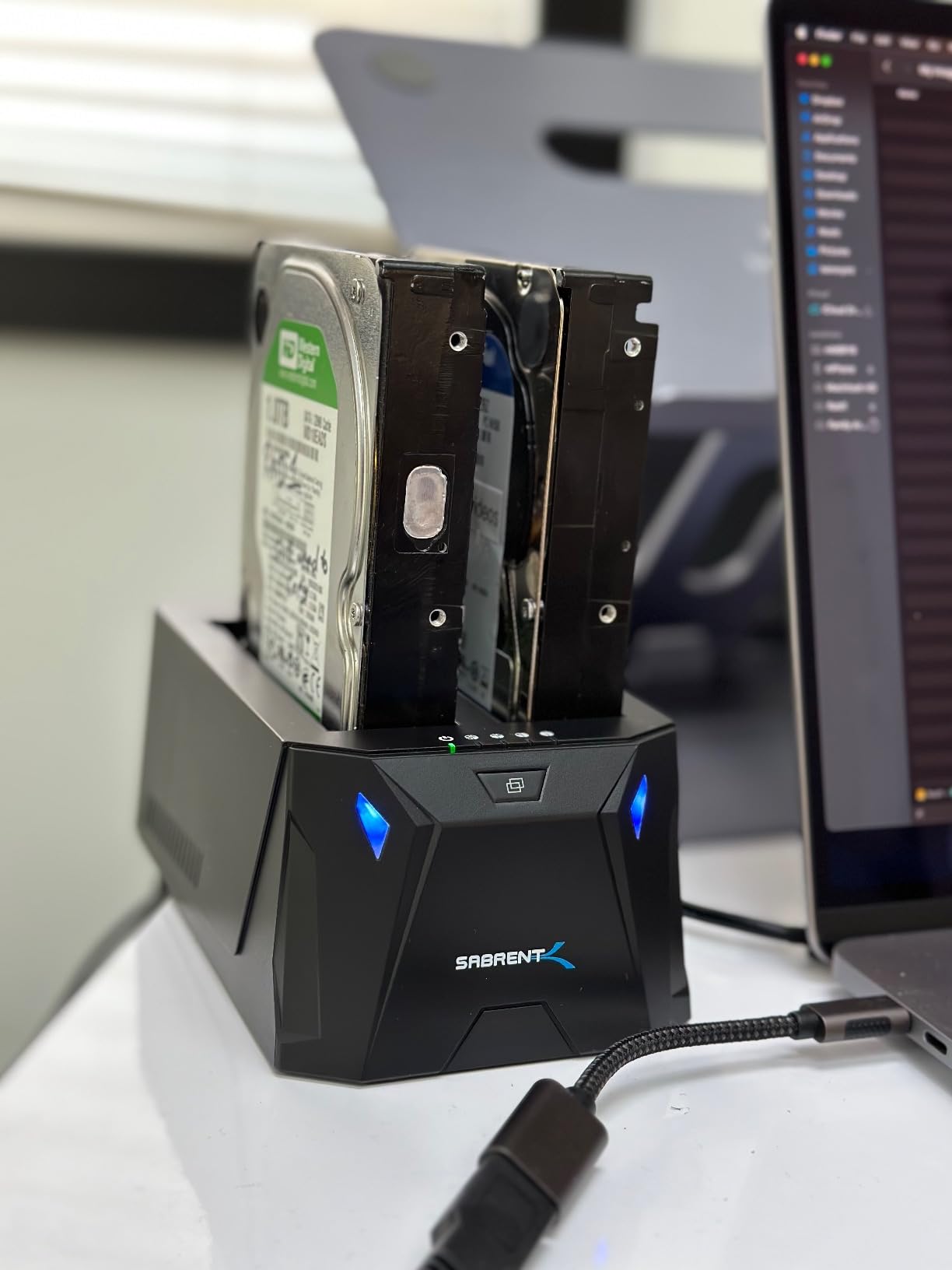
One bay for the dying drive, one bay for a healthy target, and no need to shuffle cables mid-job. That is the entire argument for this dock, and for duplication work it is the right argument. A 1.2-pound body measuring 6.26 by 3.94 by 2.72 inches holds one 2.5-inch and one 3.5-inch SATA drive loaded at the same time.
The offline clone function runs without a computer at up to 60 Mbps, which is exactly what you want when the source drive’s filesystem is too broken for the OS to mount cleanly. Reviewers use it for full-disk and OS-drive duplication, and it handles drives up to 20 TB per bay. For context on how a single drive performs, one owner measured 405 MB/s sequential on a 2.5-inch SSD.
The warranty is one year, extendable to two years with registration, which is a small but real signal. The included power supply and USB 3.0 cable mean you are not hunting for the right adapter at midnight while a drive is dying on the desk.
Pre-Power Insertion Changes How You Work
Drives must be inserted before power-on, because hot-plugging is not officially supported on this model. That is an unusual constraint in a category built around quick swaps, and it changes your workflow: you plan the copy, seat both drives, then power up. For a recovery job that is arguably a feature, since it stops the temptation to yank a drive mid-transfer.
Two Spinning Disks Are a Different Machine
Throughput drops noticeably when two mechanical drives run simultaneously, which is mechanical reality rather than a defect. The thin padded feet also transmit HDD vibration straight into the desk, and for a read-imaging job where a marginal drive is being stressed, I would set the unit on a solid surface. Bays also fit slim 2.5-inch drives poorly enough that they can tip and need shimming, which matters if your suspect drive is a laptop drive.
3. Unitek Y-3322A – The Only Pick Here That Reads IDE and PATA
Unitek USB 3.0 IDE/SATA Adapter, Dual-Drive, for 2.5/3.5″ HDD/SSD
Reads one IDE and one SATA drive at once
2.5in and 3.5in IDE and SATA
SATA III up to 6 Gbps over USB 3.0
Bundled 12V/2A adapter
+ Pros
- Only dock in this group that bridges legacy IDE/PATA drives
- Compact adapter needs no caddy or enclosure
- Hot-swappable with a protective on/off switch
- Bundled 12V/2A adapter keeps dual-drive setups stable
- Also works with CD and DVD optical drives
– Cons
- USB-A host connection only so USB-C machines need an adapter
- The 4-pin power lead only serves 3.5in IDE drives
- Two-drive stability depends on the bundled adapter
- Bare adapter form gives less physical protection
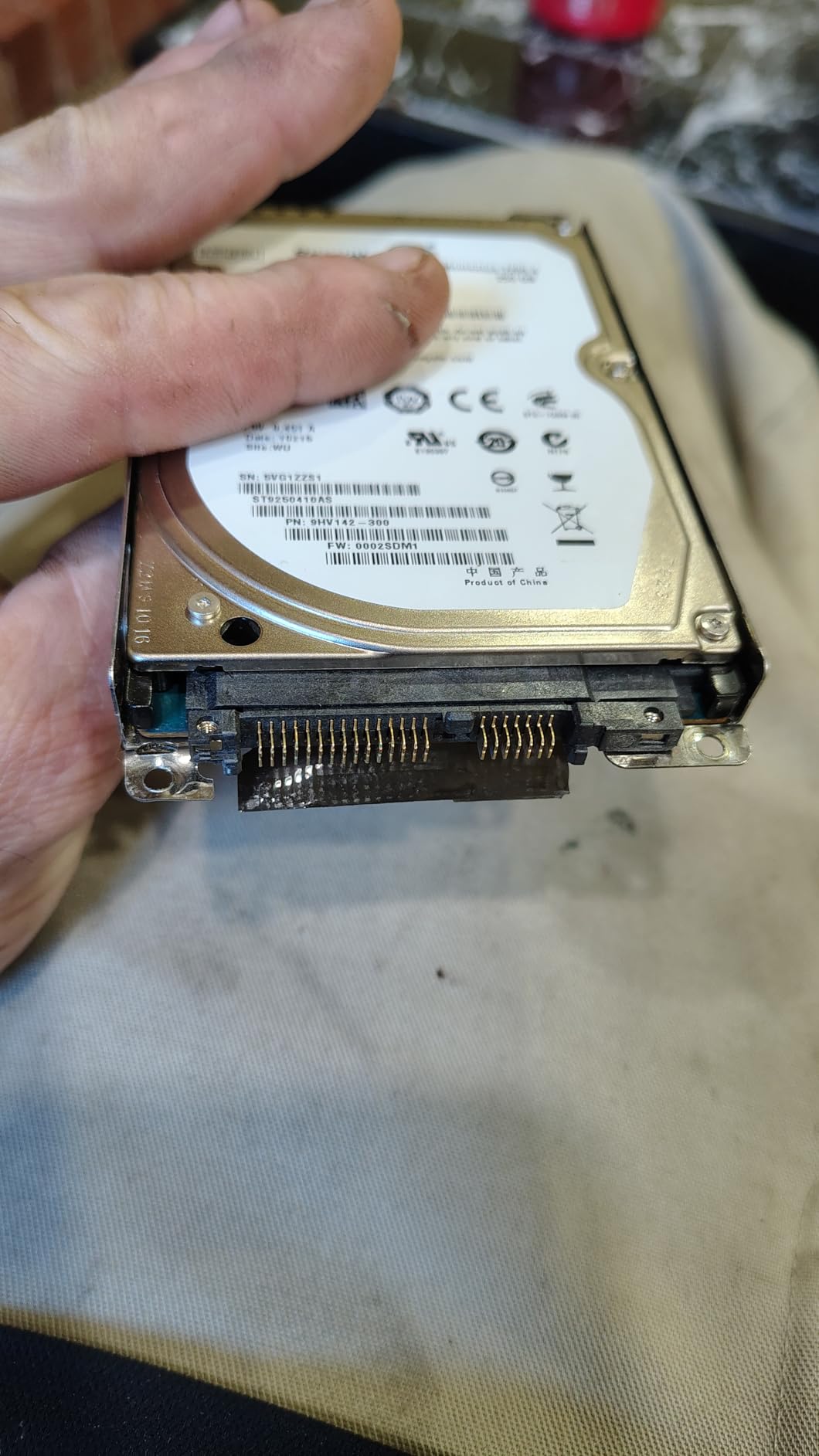
If the drive in your hand has a 40-pin or 80-pin ribbon connector, it is IDE or PATA, and none of the other nine docks in this roundup will touch it. This adapter reads one IDE drive and one SATA drive at the same time, which is precisely the migration case where you want to lift files off a 2004 desktop drive and copy them to a modern SATA disk in a single pass.
It is a bare adapter rather than a caddied dock, measuring 3.8 by 2.7 by 0.63 inches at 7.2 ounces, so it fits in a laptop bag. The on/off switch is a small courtesy that matters: on a marginal legacy drive, being able to cut power deliberately instead of yanking the cable is a real recovery habit.
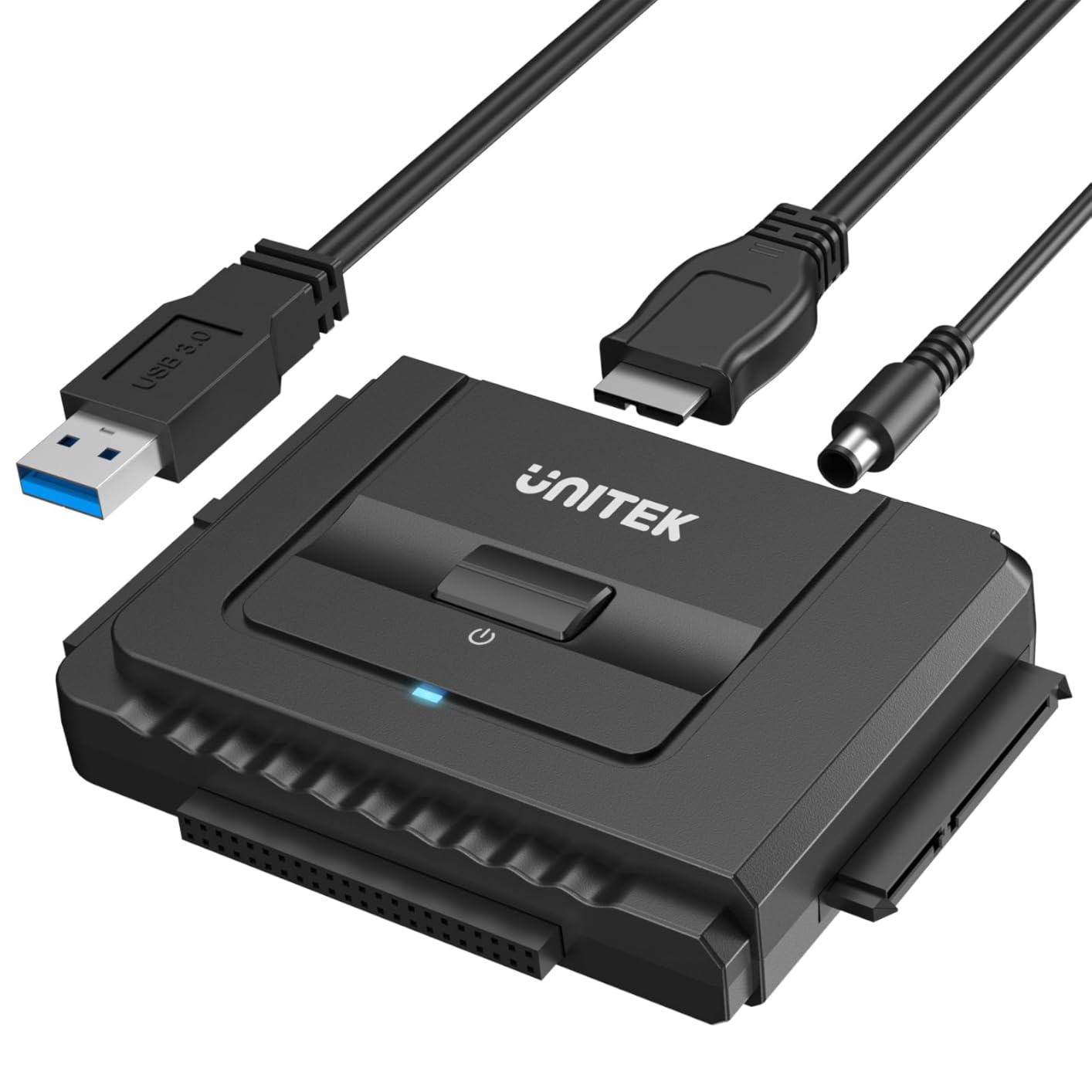
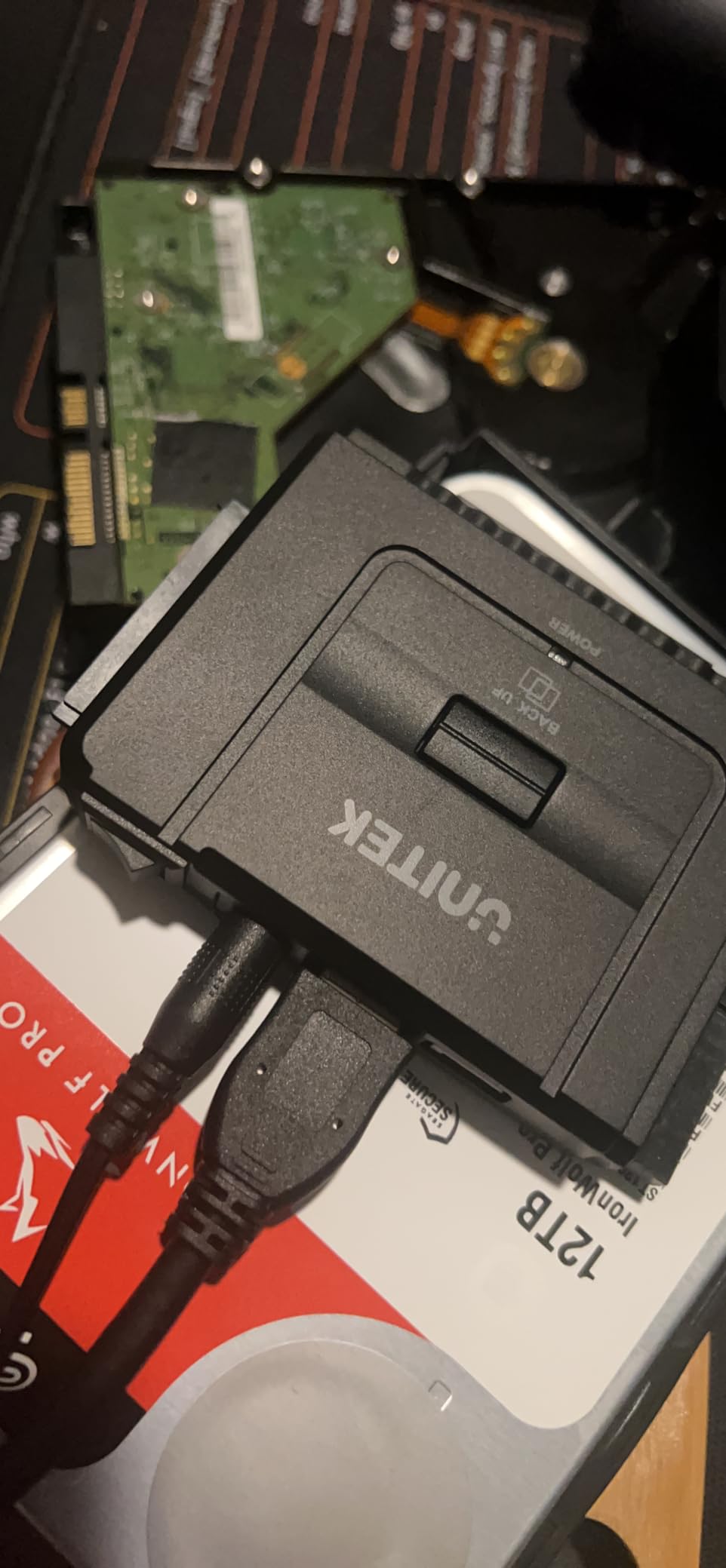
For an old optical drive rescue, the same unit works too, which is handy when the only copy of a CD-era archive sits in a drive nobody has powered in fifteen years. The bundle includes a 12V/2A adapter, a 4-pin Molex power cable for 3.5-inch IDE drives, and a USB 3.0 data cable.
SATA III Speed and the Value of the Dual Interface
On the SATA side it runs SATA III at up to 6 Gbps over USB 3.0 and stays backward compatible with USB 2.0 and 1.1. Running an old IDE disk and a new SATA disk simultaneously means one session covers both halves of a migration, and the third port on the housing takes the Molex lead so the desktop drive is powered separately from the data path.
Physical Protection Is the Trade-Off
A bare adapter has no shell to absorb a drop and no guide to hold the drive steady, so a drive that is already mechanically fragile is more exposed than it would be in a caddied dock. Treat it as a bench tool, not a travel tool, and keep the drive on a flat surface. The USB-A-only host connection is the other constraint, so USB-C-only machines need an adapter.
4. FIDECO YPZ04-S2 – Portable Dual-Bay Cloning for Drive Sweeps
FIDECO External Hard Drive Docking Station, Hard Drive Dock for 2.5 and 3.5 inch SATA HDD SSD, HDD Docking Station with Dual Bay, USB 3.0 Hard Drive Reader, Support Offline Clone and UASP
Dual bay
2.5in and 3.5in SATA HDD or SSD
Offline clone on a five-second button hold
5 Gbps USB 3.0
+ Pros
- Compact and lightweight
- easy to carry between recovery sessions
- Standalone offline clone recovered a failing 250 GB disk to a 500 GB disk
- Reads EXT3 Linux-formatted drives that Windows refuses to mount
- Fast transfers with 100 GB moved in roughly 15 minutes
– Cons
- Small blue status LEDs make it hard to tell a clone has finished
- ABS plastic housing with no active cooling fan
- New or uninitialized drives need formatting in Disk Management first
- SATA only with no IDE support
This is the dock I recommend for a weekend sweep of whatever is sitting in the drawer. Two bays, one-button offline clone, and at 0.6 kilograms it is light enough to move between a desk and a shelf without thinking about it. The 4.5 by 2.7 by 4.1 inch body is compact, and it handles 2.5-inch and 3.5-inch SATA drives in the same chassis.
Offline cloning triggers with a five-second hold of the clone button and needs no computer at all. One owner’s failing 250 GB disk cloned successfully to a 500 GB target, which is the exact use case that matters when the source is the last copy of anything.
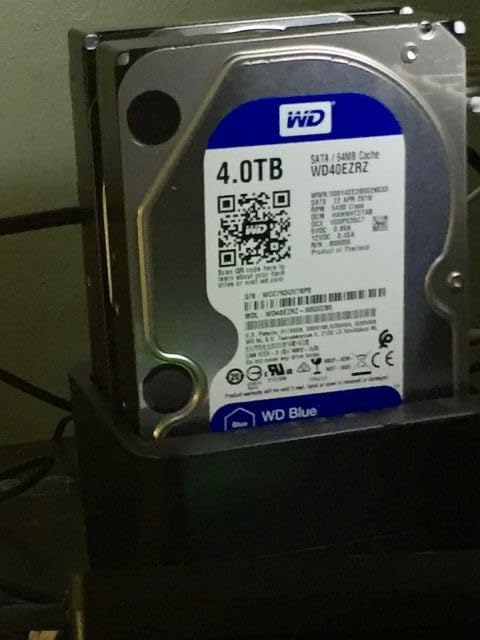
It also reads EXT3 Linux-formatted drives that Windows refuses to mount, which turns it into a bridge for cross-platform rescues rather than a Windows-only tool. Transfers run at 5 Gbps with UASP-style plug-and-play behaviour, and users report 100 GB moved in roughly 15 minutes. Windows, macOS and Linux are all supported.
Cross-Platform Rescue Without a Computer
Pairing a drive from a Linux machine with a dock that understands both sides saves an entire step in mixed-household recoveries. The offline clone is the useful half: because it runs on the dock’s own controller, it does not depend on a mounted filesystem, so a drive with a corrupted partition table can still be duplicated wholesale.
Cooling and Indicator Limitations
Cooling is passive only. The ABS plastic housing has no fan, so four or more 3.5-inch drives run back to back will heat up, and a marginal drive that is already struggling with head stability does not benefit from adding heat. The small blue status LEDs are the other complaint: there is no display, so you watch blinking lights to work out whether a clone has finished, and for large-capacity duplication that wait is long.
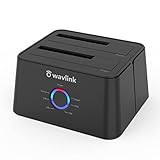
5. WAVLINK WL-ST334UA – Metal Body That Takes Either Host Connector
WAVLINK USB 3.0 and USB C to SATA Dual-Bay External Hard Drive Docking Station for 2.5/3.5 Inch HDD/SSD with UASP (6Gbps), Support Offline Clone/Duplicator Function [16TB X2 ]-Black
Metal housing
Dual bay up to 16 TB per bay
USB 3.0 and USB-C host inputs
UASP up to 6 Gbps
+ Pros
- Metal construction feels sturdier than plastic docks at the same tier
- Works with both USB-C and USB-A hosts
- Offline clone with front-panel progress lights needs no PC
- Handles large-capacity drives that trip up older docks
- Sticky pads keep the unit from sliding during transfers
– Cons
- Offline clone only reliable for equal-size disks
- Clone will not start if the target is smaller than the source
- Some units arrived with a defective clone function
- Not compatible with M1 and M2 based Macs
- Progress shown only by flashing LEDs
The metal housing is the reason this one is on the list. A 330-gram chassis measuring 6.5 by 5.04 by 5.2 inches dissipates heat far better than the plastic bodies at the same tier, and heat is a variable in drive longevity that most dock buyers never think about until a drive dies.
It is also the pick for people who move between machines. Both USB 3.0 and USB-C host connections are supported, so there is no adapter juggling between a work laptop and a home desktop, and UASP runs at up to 6 Gbps, roughly 20 percent faster than plain USB 3.0 in the manufacturer’s own testing.
![WAVLINK USB 3.0 and USB C to SATA Dual-Bay External Hard Drive Docking Station for 2.5/3.5 Inch HDD/SSD with UASP (6Gbps), Support Offline Clone/Duplicator Function [16TB X2 ]-Black customer photo 1](https://fypower.org/wp-content/uploads/2026/09/B018FTE87S_customer_1.jpg)
The 12V/3A power supply has generous headroom for 3.5-inch desktop drives, and auto-sleep after 30 minutes of inactivity means an idle dock is not leaving a drive spinning on a shelf. Bays handle 2.5-inch and 3.5-inch SATA I/II/III HDDs and SSDs up to 16 TB each, and the sticky pads stop the unit sliding during a transfer.
Read the Offline Clone Limits Before You Rely On It
The hardware clone is the feature that draws the strongest criticism, and the reason is specific. It only behaves reliably on equal-size disks, it will not start at all if the target is smaller than the source, and one reviewer reports a defective clone function that required replacement. If your recovery plan depends on duplicating a 500 GB drive to a 1 TB drive, test the function on a throwaway pair first.
Host Compatibility Boundaries
This model is not compatible with M1 and M2 based Macs, which is a genuine limitation for anyone archiving older drives on a current laptop. Windows, macOS on Intel, and Linux are covered, and the tool-free hot-swappable design is driver-free on all three. For imaging work I would use the host connection and run the copy in software rather than leaning on the button, because you get a progress figure and an error log that way.
![WAVLINK USB 3.0 and USB C to SATA Dual-Bay External Hard Drive Docking Station for 2.5/3.5 Inch HDD/SSD with UASP (6Gbps), Support Offline Clone/Duplicator Function [16TB X2 ]-Black customer photo 2](https://fypower.org/wp-content/uploads/2026/09/B018FTE87S_customer_2.jpg)
6. SABRENT DS-4SSD – Four Bays for 2.5-Inch Drive Sweeps
SABRENT USB 3.0 4-Bay 2.5in SATA SSD/HDD Docking Station, Fan (DS-4SSD)
Four 2.5in SATA bays
Up to four 16 TB drives
Built-in cooling fan with on/off switch
Tool-free magnetic cover
+ Pros
- Four 2.5in bays let you image or inspect several drives at once
- Built-in fan keeps stacked 2.5in drives cool during long unattended runs
- Tool-free magnetic cover makes swapping drives fast
- Rated for continuous 24/7 operation
- Works out of the box on Windows macOS and Linux
– Cons
- 2.5in drives only so 3.5in desktop HDDs will not fit
- 15mm thick and RAID-configured drives unsupported
- The 5 Gbps bus is shared across all four bays
- Lowest average rating in this group with 8 percent one-star reviews
This is the multi-bay triage unit, and its limitation is the first thing to understand: it takes 2.5-inch SATA drives only. Four laptop SSDs or four 2.5-inch hard drives, up to 16 TB each, with a maximum drive thickness of 12.5mm. A 3.5-inch desktop drive will not physically fit.
If your recovery queue is a drawer of old laptop drives, that is not a limitation at all, it is the point. Four bays means you can mount, image and inspect four suspect drives in a single session instead of swapping one at a time, and the built-in cooling fan with an on/off switch keeps stacked 2.5-inch drives cool during long unattended runs.

The tool-free magnetic cover makes drive swaps fast, and the unit is engineered for continuous 24/7 operation, which matters for an overnight imaging batch. At one pound and 4.4 by 4.4 by 6.3 inches it is small enough to sit beside a laptop.
One Shared Bus Sets the Ceiling
All four bays share a single USB 3.0 bus at 5 Gbps, so multi-drive throughput is limited no matter how many drives you attach. In practice that ceiling is rarely the constraint for mechanical 2.5-inch drives, but it does mean four SSDs saturate the link rather than scaling with bay count. The 12.5mm thickness limit also excludes 15mm drives.
Where This Multi-Bay Design Falls Short
It carries the lowest average rating in the group, with 8 percent one-star reviews, and RAID-configured drives are unsupported. For a multi-bay triage unit the RAID limitation is arguably a feature, since JBOD visibility is what most people want, but if you have RAID arrays to reassemble you will need a different approach entirely.
7. StarTech SDOCK2U313R – Standalone Sector Copy at 28 GB per Minute
StarTech Dual-Bay 2.5/3.5in SATA Duplicator Dock, 28GB/min (SDOCK2U313R)
Standalone sector-by-sector duplicator to 28 GB/min
USB 3.2 Gen 2 at 10 Gbps
SATA III 6 Gbps with native UASP
2-year warranty
+ Pros
- Full 10 Gbps USB host link with near-full SSD performance measured
- Native UASP and stable Linux operation with the uas driver
- Sector-by-sector copy works on any filesystem and includes empty sectors
- Backed by a 2-year warranty and lifetime 24/5 technical support
- Eject buttons and drive doors make hot media changes straightforward
– Cons
- Disk 1 is the target and Disk 2 is the source which is counter-intuitive
- The standalone clone sequence needs a careful button order
- Some 20 TB and 22 TB drives would not clone or expand
- Drives can run hot during a long standalone copy
This is the professional-grade option in the group, and the difference shows up in the copy engine. It performs a standalone sector-by-sector duplication at up to 28 GB per minute with no computer required, and the sector-level copy works on any filesystem and includes empty sectors rather than skipping unallocated space.
The host link is USB 3.2 Gen 2 at 10 Gbps over SATA III at 6 Gbps with native UASP, and reviewers measured near-full SSD performance with two drives attached. It is also the dock in this group with the cleanest Linux story, running under the uas driver with no kernel blacklisting, which is exactly the environment where sector-level imaging tools live.
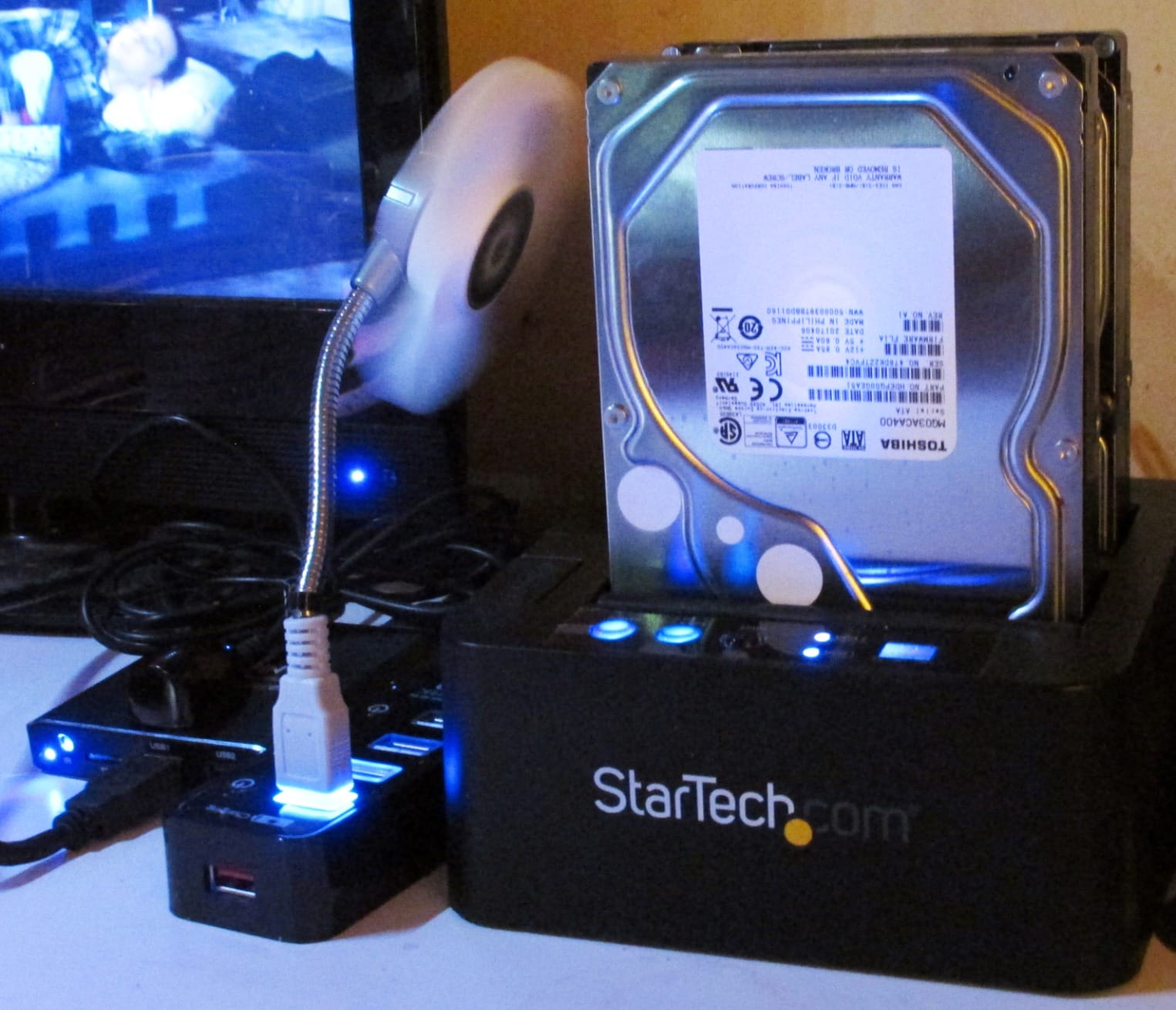
Support is the other differentiator: a two-year warranty and lifetime 24/5 technical support, which matters when a job goes sideways at two in the morning. The tool-less, tray-less top-loading design has drive doors and eject buttons for straightforward media changes, and the unit weighs 0.51 kilograms at 5.6 by 5.2 by 2.8 inches.
4Kn and Any-Capacity Support
4Kn compatibility means advanced-format drives are handled correctly rather than being misread at the sector level, and any-capacity SATA HDD and SSD support removes the arbitrary ceiling that trips up cheaper docks. For a forensic-style workflow where the image has to be byte-accurate, that correctness is worth more than raw speed.
Bay Numbering and Large-Drive Caveats
Disk 1 is the target and Disk 2 is the source, which is the opposite of what most people assume, and the standalone clone sequence is not self-explanatory. Read the documentation before starting, because getting the order wrong on a dying source is a bad afternoon. Large-capacity behaviour is also inconsistent: some 20 TB and 22 TB drives would not clone or expand, and drives can run hot during a long standalone copy.
8. SSK DK102 – Aluminum Cooling for One Drive at a Time
SSK USB 3.0 to SATA Hard Drive Docking Station Adapter for 2.5/3.5″ HDD SSD
Single bay for 2.5in and 3.5in SATA up to 20 TB
USB 3.0 with UASP at 5 Gbps
Aluminum housing with integrated heat sink
Auto-sleep after 10 minutes idle
+ Pros
- Aluminum housing with a heat sink runs cooler than plastic docks
- Lowest-cost single-bay option that still covers 2.5in and 3.5in drives
- Tool-free insertion makes repeated drive swaps quick
- Auto-sleep protects drives from unnecessary spin-up
- UASP support for faster transfers than plain USB 3.0
– Cons
- Single bay only so no dual-drive or offline cloning
- No cloning function for forensic duplication workflows
- Older macOS support range listed only to 10.11
- Needs the included 12V/2A adapter for 3.5in drives
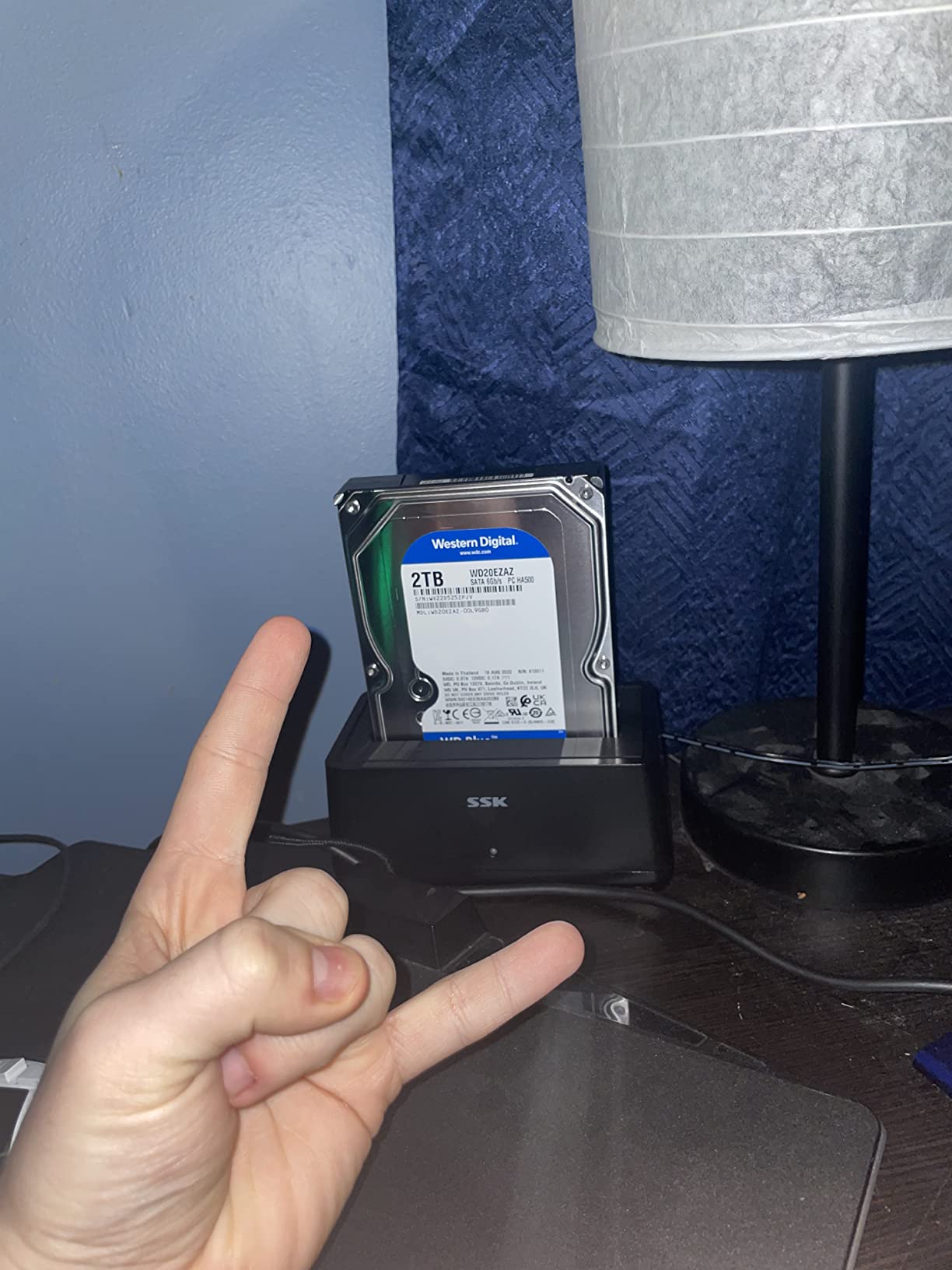
Heat is the quiet variable in drive rescue, and this dock addresses it directly. The aluminum housing with an integrated heat sink runs cooler than plastic-bodied docks at the same tier, which is the single most useful physical property when you are about to run a six-hour imaging job on a drive that is already marginal.
It handles one 2.5-inch or 3.5-inch SATA I/II/III drive or SSD up to 20 TB, at 5 Gbps with UASP. Tool-free insertion makes repeated swaps quick, and the 0.4 kilogram body measures 5.08 by 3.78 by 2.83 inches, so it is small enough to sit permanently on a bench.
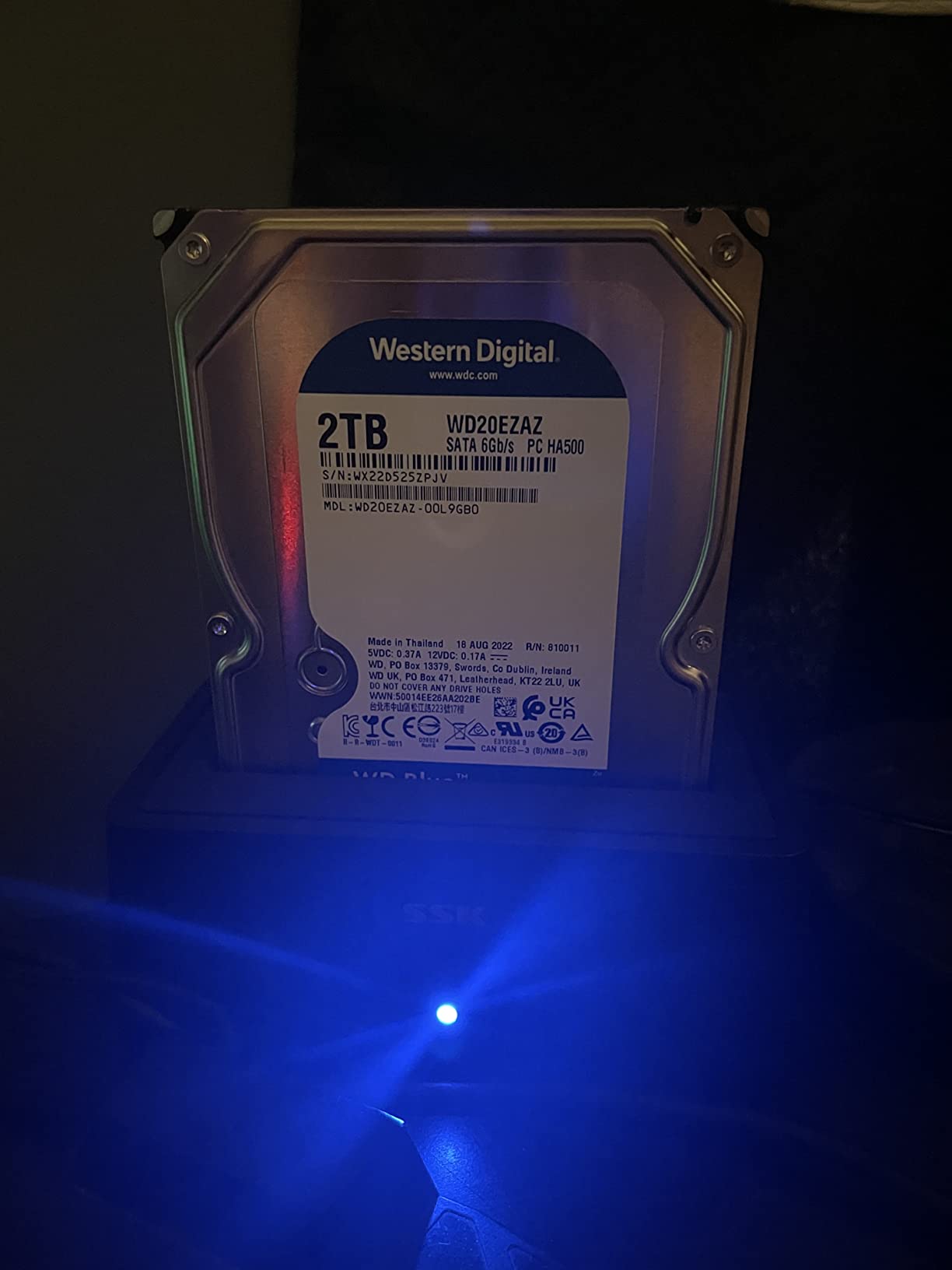
Auto-sleep after 10 minutes of inactivity protects drives from unnecessary spin-up, which is thoughtful behaviour for a rescue dock. A shockproof, vibration-resistant housing and an LED status indicator round out the physical design.
When One Bay Is Exactly Right
A single bay is a strength, not a limitation, when your workflow is image-first. You mount the suspect drive, image it to a file on a large host volume, then do all your recovery work against the image file. Nothing is ever copied back to the dying drive, so one bay is all the hardware you need. For that workflow this is the pick I would use for a long unattended imaging run.
What You Give Up
There is no second bay and no cloning function, so hardware duplication is off the table entirely. The listed operating system support is older, covering Windows XP through 10, Mac OS 10.4 to 10.11 and Linux kernel 2.4.2 or later, so on a current machine you should expect current kernels and OS versions to work even though they are not printed on the box.
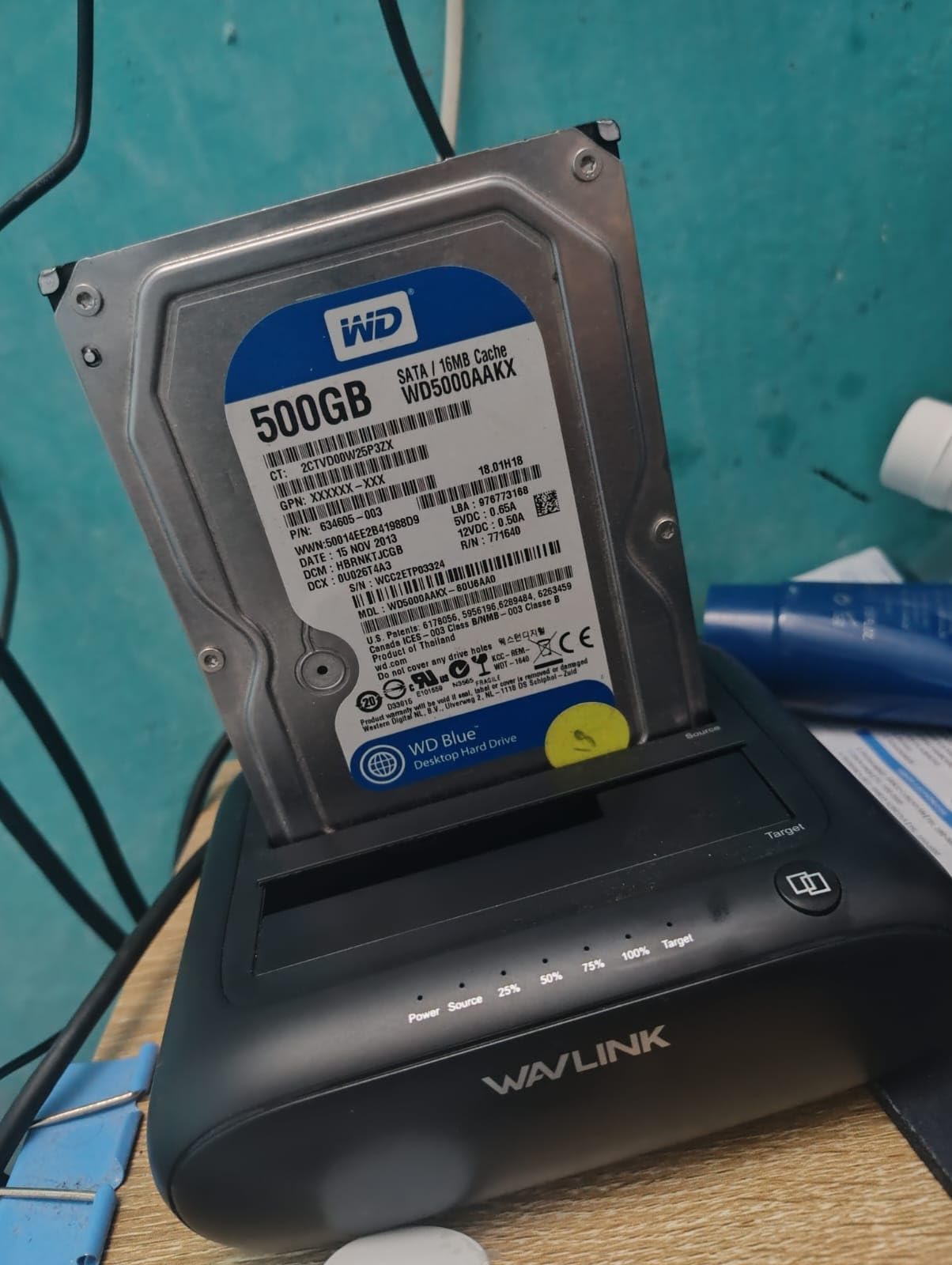
9. WAVLINK ST341UA – Dual-Bay Duplication With Screw-On Bezels
WAVLINK Dual Bay Hard Drive Docking Station – USB 3.0 to SATA I/II/III for 2.5″ & 3.5″ HDD/SSD with Fixed Bezel, Supports Offline Clone/Duplicator Function, Supports 2x20TB with UASP 6Gbps – Black
Dual bay up to 20 TB each
Offline clone on a five-second button hold
USB 3.0 with UASP at 6 Gbps
Includes bezels and USB-C adapter
+ Pros
- Dual bay with offline cloning at a low entry point
- Screw-in bezels hold drives firmly and add physical protection
- UASP support speeds up transfers versus plain USB 3.0
- Hot-swappable and driver-free across Windows macOS Chrome OS Linux and Android
- Bundled USB-C adapter means it works on modern laptops
– Cons
- Plastic housing offers less rigidity than metal-bodied docks
- Clone target must be equal or larger than the source disk
- Beveled drive slots can be fiddly to load
- Lowest average rating among the dual-bay options
The screw-on bezels are the idea worth stealing from this dock. A bare drive sitting in an open bay is exposed to knocks and can shift, and these bezels clamp the drive so it stays seated during a long copy. For a recovery bench where drives get swapped in and out all day, that is more useful than another feature on the spec sheet.
Two bays handle 2.5-inch and 3.5-inch SATA I/II/III drives and SSDs up to 20 TB per bay. Offline clone triggers with roughly a five-second hold of the clone button and needs no computer, and UASP runs at up to 6 Gbps, about 20 percent faster than conventional USB 3.0.
The host coverage is unusually broad for this tier: Windows 7 through 11, Mac 10.2 and later, Chrome OS, Linux and Android via OTG. The bundle includes a USB 3.0 A-to-C adapter, a 12V/3A power adapter and two screw-on bezels, and the body measures 5.6 by 4.7 by 1.8 inches at 12.9 ounces.
Host Breadth as a Real Feature
Working across Windows, macOS, Chrome OS, Linux and Android means the same dock can serve a main workstation, a media box and a ChromeOS laptop during an archive session, without hunting for the right cable. The included A-to-C adapter covers modern laptops directly, and the tool-free, driver-free, hot-swappable design means no driver install on a machine you are trying to rescue data from.
Plastic Rigidity and the Equal-Size Rule
The plastic housing is less rigid than the metal-bodied docks in this roundup, so the bezels matter more, not less. The clone target must be equal or larger than the source, which is the same constraint that catches people out on other hardware clone functions. Loading a drive into a bevelled slot takes a little more care than a flat caddy.
10. ORICO DD18U3-US – Single-Bay Rescue for Consoles and Media Boxes
ORICO Hard Drive Docking Station for 2.5/3.5 Inch HDD SSD
Single bay for 2.5in and 3.5in SATA up to 22 TB
USB 3.0 with UASP and TRIM at 5 Gbps
36W 12V/2A power adapter
Blue and red status LEDs
+ Pros
- Lowest-cost entry in the set with UASP and TRIM support
- Works with unusual hosts such as consoles smart TVs routers and Raspberry Pi
- Separate blue and red LEDs distinguish reading from file transfer
- Silicone anti-skid pads keep the dock stable with a 3.5in drive
- Dust-proof design and tool-less hot-swapping
– Cons
- Single bay so no offline cloning or two-drive comparison
- New or unallocated disks must be initialized in Disk Management first
- SATA only with no IDE or SAS support
- Basic 1-year warranty and a plastic housing
The most distinctive thing about this dock is where it can be used rather than what it does. It works with PCs, laptops, smart TVs, routers and a current generation of game consoles, and it also runs on Linux, macOS, iPadOS over Thunderbolt and a Raspberry Pi. For pulling an archive off an old console drive, that host flexibility is the whole point.
On the drive side it takes a single 2.5-inch or 3.5-inch SATA I/II/III HDD or SSD up to 22 TB, which is the highest per-drive capacity figure among the single-bay options here. USB 3.0 runs with UASP and TRIM at up to 5 Gbps, and the 36W 12V/2A supply gives stable transfers with a 3.5-inch drive seated.
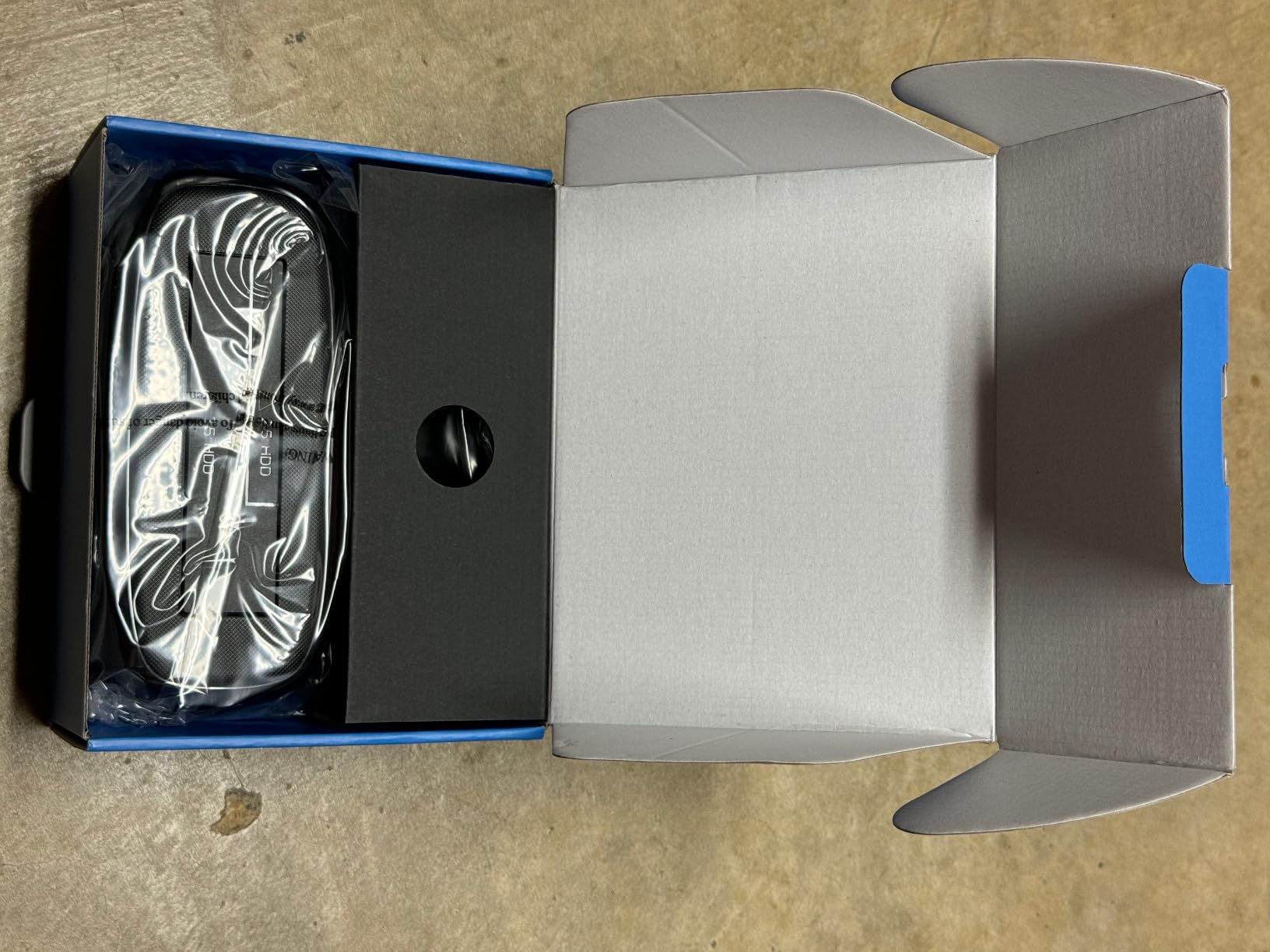
The dual-colour LED scheme is a small piece of engineering I appreciate: a blue light for reading and a red light for transfer, so you can tell at a glance what the bridge is doing without opening software. Silicone anti-skid pads stop a 3.5-inch drive from shifting the dock, and the dust-proof housing is sensible for a unit that lives on a shelf.
Reading Status Without a Display
Since there is no display, the LED convention is how you know whether a read is happening or a write is happening, and that distinction matters during a rescue. You want to see blue while a directory listing or a sector read is running. If red comes on instead, something is writing to the drive, and for a dying disk you want to know that immediately.
Know the First-Touch Requirement
New or unallocated disks must be initialized in Disk Management before first use, which is exactly the prompt recovery readers fear. The drive must be initialised only when it is genuinely blank, never when it holds the data you are trying to rescue, so make that distinction before you connect anything. SATA only, no IDE or SAS, and a basic 1-year warranty round out the limits.
How to Choose a Hard Drive Dock for Recovery
Bay Count: How Many Drives Are In Play
One drive at a time needs one bay. Two drives at a time means one bay for the suspect source and one for a healthy target, or a source and a second suspect in a sweep. Four or more bays only help if you genuinely have a queue, and if you do, check the JBOD question first: most people want each drive visible to the operating system as an individual disk with no RAID and no NAS, which is what a plain multi-bay dock gives you.
Drive Compatibility: SATA, IDE and the M.2 Confusion
Nearly every dock here handles 2.5-inch and 3.5-inch SATA hard drives and SSDs. Only one reads IDE and PATA. None of them handle M.2 NVMe, M.2 SATA or SAS drives, which is a separate hardware standard entirely. A capacity ceiling of 16 TB to 22 TB per bay is typical, and only one model in this group refuses some modern large drives during a clone.
Connection Type: USB 3.0, USB-C and What You Actually Have
A 5 Gbps USB 3.0 link is the category norm and is faster than any single mechanical drive can saturate. Ten Gbps USB 3.2 Gen 2 only matters for SSD work. USB-C host support is a convenience rather than a speed feature, and only two docks here accept it natively, so if your machine is USB-C-only, check the included cable before anything else.
Power Delivery and Spin-Up Current
This is the criterion most guides skip and the one that decides whether a marginal drive reads at all. A 3.5-inch desktop drive can draw a spike of current at spin-up that a laptop port or an underpowered dock cannot supply, and the result is a drive that is diagnosed as dead when it is merely starved. Look for a bundled 12V/2A adapter as a baseline and 12V/3A for multi-bay units. Inadequate power is widely cited as a leading cause of drives that will not spin up on a bench.
Bridge Chip, UASP and Host Drivers
The SATA-to-USB bridge chip is what stands between your drive and the operating system. UASP, the USB Attached SCSI Protocol, sends SCSI commands natively instead of translating them through the older USB mass-storage stack, and a decent bridge improves both throughput and reliability on a drive that is struggling. On Linux, a dock that works cleanly under the uas driver without kernel blacklisting is worth a lot, because that is the environment for sector-level imaging tools.
Cooling and Build
Aluminum with a heat sink dissipates better than plastic, and an active fan matters once you have more than two 3.5-inch drives running. For a multi-bay unit, a single shared 5 Gbps bus is the throughput ceiling nobody prints on the box. For a single-bay rescue dock, build quality and a tool-free trayless bay matter more than anything else, because the bay is where your hands are.
Recovery Workflow: Image First, Clone Second
One r/datarecovery user recovered everything with a commercial recovery tool from an external drive that would not mount, which is a fair summary of how much of recovery is software rather than hardware. The dock gets the drive visible and keeps it safe. The software does the work. Here is the sequence I follow, and it works with any of the ten docks above.
Step 1. Triage the sound before the hardware. Clicking or head-bang means stop. Silence with no spin usually means a power or motor problem. A smooth spin with a quiet seek means you probably have a recoverable drive.
Step 2. Connect with a powered path. Use the dock’s own power adapter rather than a host port, and prefer a rearward USB port on a desktop for power delivery.
Step 3. Mount read-only and refuse repair. Decline every offer to initialise, format, chkdsk or run Disk Utility repair. On Linux, mount with norecovery or noload.
Step 4. Image before you clone or copy files. An image reads the source once and produces a file you can re-scan with different tools. An offline clone reads the source twice, once to copy and once to verify, and hardware clone functions will not start if the target is smaller than the source. For a drive with dropouts, imaging is safer.
Step 5. Work on the image. Point your recovery software at the image file rather than the physical drive. Every pass over a dying disk costs read cycles you cannot get back, and running a scan twice against an image costs nothing extra.
Step 6. Escalate if the scan stalls. If a sector-level tool like ddrescue reports large bad sectors, the drive is beyond casual tools. That is when a professional lab makes sense, and the quotes people post in r/techadvice vary by an order of magnitude for a single drive. That variance is the number you should weigh before you start, not after, because it is the signal that a failing drive is a professional problem.
For the software side of steps 4 and 5, our data recovery software roundup covers the tools that pair best with docks like these.
Legacy IDE and PATA Drives: What You Can and Cannot Dock
IDE and PATA are the same thing under two names. PATA, which stands for Parallel ATA, was the older name, and the industry switched to calling it IDE, for Integrated Drive Electronics. SATA replaced it around 2003, and today SATA is what nearly every dock accepts. If you are answering the question of whether SATA is better than PATA, the answer for a working system is unambiguously yes: SATA is faster, uses thinner cables, and does not suffer the master-slave jumper conflicts that PATA demanded.
For recovery the comparison is different, because the question is not which is better but which one you own. If you own a PATA drive, none of the SATA docks in this roundup will read it. The Unitek Y-3322A is the pick that bridges both, reading one IDE and one SATA drive simultaneously through a 40-pin or 80-pin ribbon connector with a 4-pin Molex power lead for 3.5-inch IDE drives.
Two practical warnings. IDE-to-SATA adapters go the other direction, letting a PATA drive use a SATA port, and they do not help if your problem is the drive’s own electronics rather than the connector. And legacy PATA drives are typically older than the failure thresholds most people assume, so back up the contents of any surviving drive from that era before you power it again. The 2009 advice that still dominates the search results for legacy dock hardware has not aged well, and current dual-interface adapters solve the problem properly.
Frequently Asked Questions
What does a hard drive docking station do?
A hard drive docking station is an external device with one or more SATA bays that lets you plug a bare 2.5-inch or 3.5-inch hard drive or SSD into a computer over USB without opening a case. An internal SATA-to-USB bridge chip translates the drive’s commands into USB traffic, and the dock supplies the 12V power and spin-up current the drive needs. That makes it the standard first tool for pulling files off a drive that no longer boots.
Why is my hard drive clicking and not detected?
Clicking usually means the drive’s read heads cannot find their track, which is a mechanical failure rather than a connection or driver problem. A docking station cannot fix it, and repeated power cycles can make the damage worse, so stop retrying and consider a professional lab. First rule out a power problem, though: a 3.5-inch drive that will not spin from a laptop USB port can sound dead and still be recoverable on a dock with its own 12V adapter.
How do I know what docking station I need?
Three questions decide it. If you are testing one suspect drive, a single bay is enough. If you plan to duplicate a dying drive, you need a second bay or a second dock so a healthy target is attached at the same time. If your machine is USB-C-only, confirm the dock ships a USB-C host cable, because most include only a USB Type-A cable. Legacy IDE and PATA drives need a dual-interface adapter such as the Unitek Y-3322A.
Is IDE the same as SATA?
IDE and PATA refer to the same older interface, which SATA replaced around 2003. IDE drives use a wide 40-pin or 80-pin ribbon connector and a 4-pin Molex power lead, while SATA uses a narrower data cable and a wider power connector. Almost every modern dock reads SATA only, so a PATA drive needs a dedicated IDE-to-USB adapter with its own power supply.
Is a hard drive docking station worth the cost?
A dock is worth it when the failure is filesystem-level or the drive needs more power than a host port can deliver, because it is the cheapest way to find out whether a drive still reads. It is not worth it for mechanical failure such as clicking or a dead platter, where no dock can help. Judge the professional lab quotes people post in r/techadvice against that before you start, and set your stop-loss first.
Final Verdict: Which Hard Drive Dock to Buy in 2026
If you are rescuing one drive from a dead machine, the SABRENT EC-DFLT is the pick. It bundles the 12V adapter that a 3.5-inch drive needs, swaps drives without tools, and has more owner history behind it than anything else in the category.
If your plan is to duplicate a dying disk, the SABRENT EC-HD2B holds a source and a target at once and clones without a computer. If the copy has to be sector-accurate and you want support behind it, the StarTech SDOCK2U313R runs a standalone sector copy at up to 28 GB per minute on a 10 Gbps link with a two-year warranty.
If the drive in your hand is a ribbon-cable IDE or PATA disk, the Unitek Y-3322A is the only one of these ten that will read it, and it will read a SATA drive alongside it. If you have a queue of laptop drives rather than desktop drives, the SABRENT DS-4SSD gives you four bays and a cooling fan. If heat is your worry on a single long imaging run, the SSK DK102’s aluminum body is the one I would choose.
Whatever you pick, mount read-only, refuse every repair prompt, and image before you clone. The dock gets you connected. Careful workflow is what keeps your last copy alive.
Leave a Reply