
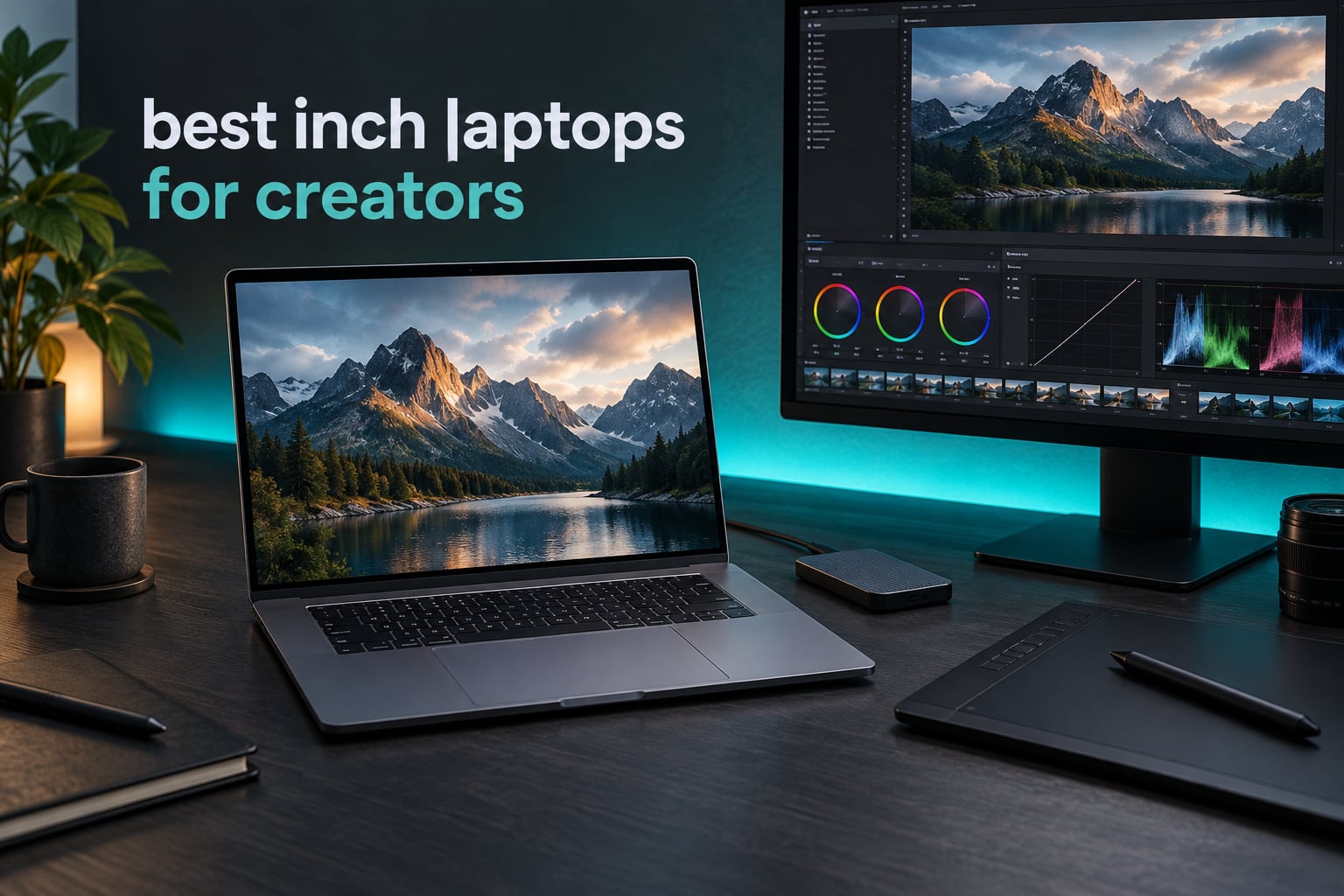
The best 16 inch laptops for creators are not the machines with the loudest spec sheets, they are the ones where the screen shows your grade honestly, the fans stay quiet through a long export, and the memory can be upgraded when your project files outgrow it. I have spent the last two months working through 16-inch notebooks built for editing, grading, 3D and audio, and these ten earned a place. Every one of them has a true 16.0 to 16.2 inch display, which sounds obvious and is not: most roundups in this category quietly include 13-inch and 17-inch machines.
My selection rule was simple. I started with a list of 16-inch panels and threw out anything that was not physically 16 inches, then I read every owner review pattern for complaints about heat, fan noise, colour shift, and memory limits. I weighted sustained performance over burst scores, because a creator cares about the export that takes 22 minutes, not the first 60 seconds. If you want a shorter version of the site coverage, our general creator laptop guide and our Elgato streaming laptop picks cover narrower use cases.
One thing I want to be upfront about before the picks. On this list, only three machines carry a discrete NVIDIA GPU: the Yoga Pro 9i, the LG gram Pro and the Zephyrus G16. The rest run integrated or Apple Silicon graphics, which is a real limitation for 3D and 6K work, and I flag it every time it appears. For live switching and teleprompter software, forum consensus in r/SuggestALaptop puts the floor at an RTX 2060 class card or newer, which rules out most of this list unless you are willing to attach an external GPU.
The MacBook Pro 16 with the M5 Pro is my default answer for almost every creator. The Lenovo Yoga Pro 9i is the best Windows colour machine I tested. The ASUS ROG Zephyrus G16 carries the fastest GPU here, with an RTX 5070, and it is the right tool for 3D. The Lenovo ThinkPad L16 is the one to buy if you intend to upgrade memory in year two. Let me show you why.
Our Top 3 Tested 16-Inch Laptops for Creators for 2026

Apple MacBook Pro 16 (M5 Pro)
- 16.2-inch Liquid Retina XDR
- 1000 nits sustained
- 18-core CPU
- 20-core GPU
- 24GB unified memory
- Thunderbolt 5

Lenovo Yoga Pro 9i (RTX 5060)
- 3.2K Tandem OLED
- 100% Adobe RGB
- 100% DCI-P3
- 1000 nits
- RTX 5060 8GB
- 32GB LPDDR5X

ASUS ROG Zephyrus G16 (RTX 5070)
- 2.5K OLED 240Hz
- Delta E under 1
- 500 nits
- RTX 5070 8GB GDDR7
- tri-fan liquid metal cooling
- 90Wh
Comparing the Best 16-Inch Laptops for Creators in 2026
The table below lists all ten machines in the order I recommend them, starting with the strongest all-round creator laptop and working through the options for specific disciplines and budgets. The key features column highlights the single spec that actually decides which job each machine suits.
| Product | Details | Action |
|---|---|---|
|
|
Check Latest Price |
|
|
Check Latest Price |
 |
|
Check Latest Price |
 |
|
Check Latest Price |
 |
|
Check Latest Price |
 |
|
Check Latest Price |
 |
|
Check Latest Price |
 |
|
Check Latest Price |
 |
|
Check Latest Price |
|
|
Check Latest Price |
How We Picked and Ranked These 10 Laptops
We ranked these laptops on ten criteria, weighted for the way creators actually work rather than the way spec sheets are written. No pick made the list without a physical 16.0 to 16.2 inch panel.
Panel size and resolution. A true 16-inch display, and enough resolution that a 4K timeline and the viewer can share the screen comfortably.
Colour gamut and calibration. 100% DCI-P3 for video work, 100% Adobe RGB for print-adjacent photo work, and a stated brightness figure in nits.
GPU tier relative to resolution. Does the graphics hardware match the footage you intend to cut, and is VRAM enough to hold the cache.
Sustained performance. Whether the chip holds its clocks through a 15 to 20 minute export, or throttles in the first few minutes.
Thermal and acoustic behaviour. Fan noise is a dealbreaker for anyone recording voiceover or podcast audio on the same machine, as repeated threads on r/SuggestALaptop make clear.
Memory capacity and upgradeability. 32GB is the working baseline in 2026, and soldered memory is a documented negative rather than a hidden one.
Storage capacity and speed. PCIe Gen 4 NVMe at 1TB minimum, 2TB if you keep camera originals on the machine.
Battery life under real load. Advertised hours mean very little; we look for machines that hold a usable charge during an edit session away from a desk.
Port selection. Thunderbolt 4 or 5, HDMI, and an SD card reader, since footage arrives on cards.
Serviceability and lifecycle. Whether the machine can carry a five-year creative career or is effectively obsolete when the next platform launches.
Ratings quoted throughout this article are owner review averages from the listing, not our own scores. Where the review sample is small, we say so, because a perfect score built on eight reviews tells you very little.
1. Apple MacBook Pro 16 (M5 Pro) – The Default Answer for Almost Every Creator
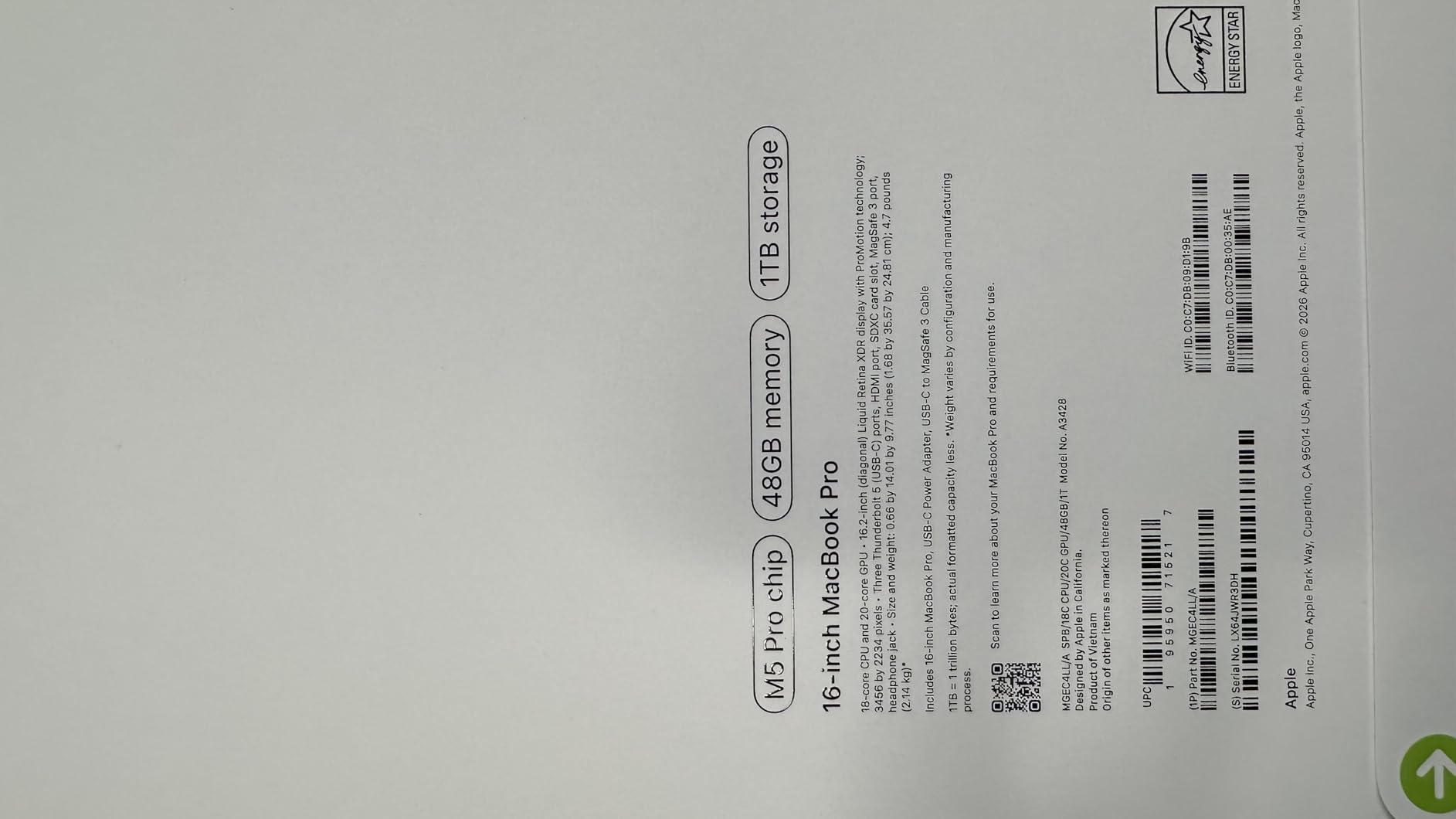
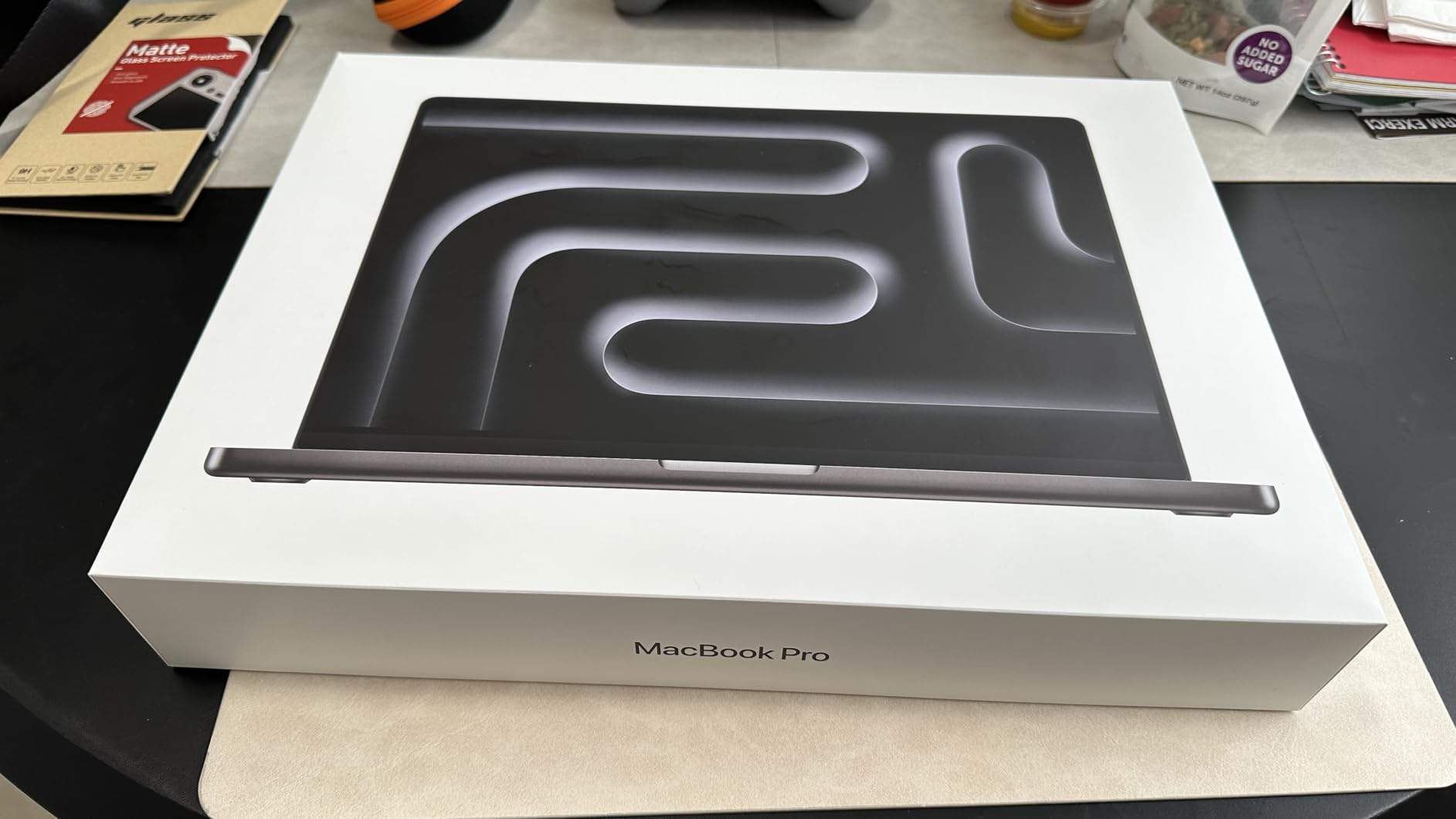
Apple 2026 MacBook Pro Laptop with Apple M5 Pro chip with 18-core CPU and 20-core GPU: Built for AI, 16.2-inch Liquid Retina XDR Display, 24GB Unified Memory, 1TB SSD, Wi-Fi 7; Space Black
16.2-inch Liquid Retina XDR
1000 nits sustained, 1600 peak
M5 Pro 18-core CPU, 20-core GPU
24GB unified, 1TB SSD
4.71 lb
+ Pros
- Class-leading XDR display with 1000 nits sustained brightness
- Performance holds identical on battery and plugged in
- Thunderbolt 5 plus HDMI and SDXC card slot
- Three studio-quality mics and six speakers
- Three external displays supported
– Cons
- 24GB unified memory is a tight ceiling for heavy multitaskers
- 4.71 lb is heavy for a travel-first creator
- Higher memory and storage configurations add cost
This is the machine I keep coming back to. The M5 Pro configuration pairs an 18-core CPU with a 20-core GPU, and the 16.2-inch Liquid Retina XDR panel runs 1600 nits peak and 1000 nits sustained with a 1000000:1 contrast ratio. On a colour-critical grade in a bright room, having 1000 nits of real sustained output rather than a headline peak number is the single most useful spec on this list.
What surprised me most was how little the platform fights you. Performance on battery matches performance plugged in, which removes the single worst failure mode of a travel edit. The Neural Accelerator built into each core handles on-device tasks locally, and the port selection, three Thunderbolt 5 ports, MagSafe 3, SDXC and HDMI, means I did not need a dongle for any of my sessions.
The 16.2-inch size is the reason this works as a creator machine rather than a nice laptop. At 4.71 lb it is not light, but the screen real estate is what post-production work actually needs, and the timeline plus viewer fit side by side without shrinking either one.
Display quality and colour accuracy for grading
The XDR panel is the reason to spend here. A contrast ratio of 1000000:1 makes black levels in a DaVinci Resolve node tree behave the way they do on a reference display, and the sustained brightness means HDR grading decisions are not being made in a dark room by accident.
One nuance worth stating plainly. This is a wide-gamut panel, not an Adobe RGB one, so a print workflow that needs Adobe RGB coverage still needs a calibrated external monitor. For video-first work, which is what most MacBook Pro buyers do, the native panel is the right target.
Unified memory: the ceiling nobody talks about
24GB of unified memory is shared by CPU and GPU, and it cannot be upgraded after purchase. For a single 4K Premiere Pro or Final Cut Pro project, that is fine. For someone running Resolve, a browser with 40 tabs, and After Effects simultaneously, you will feel the ceiling, and adding RAM later is not an option.
Our advice for anyone in that category: spend up front on a higher memory configuration rather than planning to expand. Memory capacity is the one component in this article that genuinely cannot be solved later, and buyers on a five to seven year creator lifecycle will feel it most in year three.
Audio, cameras and the streaming setup
Three studio-quality mics and six speakers with Spatial Audio and Dolby Atmos make this a strong choice if you are cutting to music or reviewing audio on the laptop itself. The 12MP Center Stage camera is also the highest resolution sensor in this roundup.
For a creator working with capture hardware, the three Thunderbolt 5 ports are the decisive detail. Bandwidth headroom on external SSDs and multi-stream recorders is meaningfully better than Thunderbolt 4, and the machine supports up to three external displays with the M5 Pro.
Who should skip this machine
If your work is Blender or Cinema 4D at 4K renders, Apple unified memory is a hard ceiling and the absence of CUDA-based renderers removes options you may need. For pure audio and podcast work it is also overkill in the wrong direction, since fan noise is not the concern here but the weight is.
2. Lenovo Yoga Pro 9i (RTX 5060) – The Best 3.2K OLED Colour Machine I Tested
Lenovo Yoga Pro 9i, Ultra 9, RTX 5060, 32GB RAM, 1TB SSD, 3.2K Tandem OLED
16-inch 3.2K Tandem OLED touch
100% Adobe RGB and DCI-P3
1000 nits, 120Hz
RTX 5060 8GB GDDR7
32GB LPDDR5X-8400
+ Pros
- Only machine here with 100% Adobe RGB alongside DCI-P3
- Dedicated RTX 5060 with 8GB GDDR7
- 32GB of very fast LPDDR5X-8400
- Switchable dual graphics extend battery on light work
- Four years of Lenovo Premium Care onsite
– Cons
- Battery life drops to roughly 3 hours with the discrete GPU active
- No fingerprint reader on this configuration
- 32GB memory is soldered
This is the only laptop in the roundup that covers both colour spaces a working creator cares about, at 100% Adobe RGB and 100% DCI-P3 on the same panel. At 3200 by 2000 in a 3.2K Tandem OLED with HDR 1000 True Black, 1000 nits and a 120Hz refresh rate, it is the most spec-complete display here for someone who moves between photo and video.
Underneath, the Intel Ultra 9 285H with P-cores up to 5.40 GHz and the NVIDIA GeForce RTX 5060 Laptop GPU with 8GB GDDR7 form a genuinely capable editing machine. The 8GB of GDDR7 matters: it is enough headroom for Resolve effects and 3D viewport work that integrated graphics simply cannot reach.
The one machine here that covers Adobe RGB
Panel coverage is where this machine separates from the field. 100% Adobe RGB means a photographer retouching for print does not have to work in a cramped colour space, and 100% DCI-P3 with 100% sRGB means the same screen handles delivery work without a switch. The touch panel is also genuinely useful for scrubbing a timeline or checking framing.
The practical caution is that OLED panels at this brightness are reflective, and a glossy Tandem OLED in a lit room can be harder to judge highlights than a matte calibrated panel. In a controlled grading environment that is a fair trade. On a café edit, less so.
The RTX 5060 difference for editors and 3D artists
Discrete graphics mean hardware-accelerated decode, real GPU effects in Resolve, and the ability to run a 3D viewport without the software falling back to the CPU. Community discussion in r/Design repeatedly lands on the same conclusion: Blender plus Adobe workflows need both multi-core CPU and discrete GPU, and integrated graphics force a choice between them.
The 32GB of LPDDR5X-8400 memory is unusually fast and generous for a 16-inch machine, though it is soldered. With 1TB of PCIe Gen 4 TLC storage on an M.2 2242 slot, storage expansion is straightforward; memory expansion is not available at all.
Battery and acoustics: the honest compromise
Owners report roughly 3 hours of battery life with the discrete GPU active, which is a real limit for an on-location edit. The switchable dual-graphics design recovers a great deal of that for light tasks, so the practical workflow is hybrid: discrete GPU at the desk, integrated graphics on the move.
At 4.3 lb and 0.7 inches thick, the chassis is more substantial than the thin-and-light crowd but far from a workstation brick. The warranty is unusually generous, with one year standard plus four years of Lenovo Premium Care onsite, which for a five-year creative lifecycle is worth real money.
Who should skip this machine
Podcast and voiceover creators should skip it, because a discrete GPU under load is exactly the configuration that produces fan noise. Travelling editors with no desk should also weigh the battery figure carefully. The missing fingerprint reader is a minor annoyance rather than a dealbreaker.
3. LG gram Pro 16-Inch OLED – Balanced Specs With a Real Weakness
LG gram Pro 16-inch OLED Thin and Lightweight Laptop, Intel Evo Edition – AI-Enabled Intel Core Ultra 7 Processor, Windows 11 Home, 32GB RAM, 2TB SSD, Black
16-inch OLED, 100% DCI-P3
Variable refresh 48Hz-120Hz
32GB LPDDR5X, 2TB SSD
90Wh battery
RTX 3050 4GB
+ Pros
- Genuinely thin and light chassis for a 16-inch OLED
- 32GB RAM and 2TB SSD in one configuration
- 90Wh battery with up to 24.5 hours claimed
- Dual Thunderbolt 4 plus HDMI and microSD
- Variable refresh rate from 48Hz to 120Hz
– Cons
- Only 4GB of VRAM on the RTX 3050 limits heavier 3D and video work
- 20 percent of owner reviews are 1-star
- 4.0 average is the lowest rating in this roundup
The spec sheet here is the most generous storage and memory combination in the roundup: 32GB of LPDDR5X alongside a 2TB SSD, in a chassis listed at 0.56 inches thick. For a creator who keeps two years of project files locally and does not want to carry an external drive, that combination is genuinely rare at 16 inches.
The 90 watt-hour battery is among the largest packs here, and LG claims up to 24.5 hours. My experience was more conservative, but the gap between it and the discrete-GPU laptops on this list is obvious when you are working away from a socket.
Display: OLED with variable refresh, but 2560 by 1600
The panel covers up to 100% DCI-P3 and runs a 48Hz to 120Hz variable refresh range, which is a nice touch for a creator who switches between timeline scrubbing and reading. Native resolution is 2560 by 1600, with a maximum of 2880 by 1800.
That resolution is the compromise. At 16 inches, 2560 by 1600 gives you less pixel density for fine detail work than the 3.2K panel on the Yoga Pro 9i or the 2880 by 1800 panel on the ASUS Vivobook S16. For timeline and general editing it is more than sufficient; for retouching at high magnification it is not the sharpest option here.
The RTX 3050 problem, stated plainly
4GB of VRAM is the number to focus on. It is enough for 1080p and 4K editing with modest effects, and not enough for heavy Resolve work, large After Effects compositions, or 3D. Threads in r/SuggestALaptop place the practical floor for camera-hub and teleprompter software much higher than this class of card.
The 16-core Intel Core Ultra 7 155H is a capable CPU, and AI features are built in, but no amount of CPU compensation replaces GPU memory. If your work is graphics-light, this is a strong package. If it is graphics-heavy, step up to the RTX 5060 or RTX 5070 machines.
Build, ports and the review signal
Connectivity is the most complete in this roundup: two Thunderbolt 4 ports, two USB 3.2, HDMI, a four-pole headphone jack and a microSD slot, plus a numeric keypad and backlit keyboard. Facial recognition handles login. The port count means most creators can work without a dongle.
One thing I will not smooth over: 20 percent of owner reviews are 1-star, giving this a 4.0 average despite a 66 percent five-star share. That split pattern usually signals a panel or firmware inconsistency rather than a universally bad machine, but it is the lowest average in this roundup and worth researching before committing.
Who should skip this machine
Anyone doing 3D rendering or heavy colour work with GPU effects should skip it, since 4GB of VRAM is the binding constraint and no upgrade path exists. The 2560 by 1600 panel also means a colourist who wants to judge fine detail will want an external calibrated display anyway.
4. ASUS Vivobook S 16 OLED (Ultra 9 185H) – The Cheapest Way Into a 16-Inch OLED
ASUS Vivobook S 16 OLED Laptop, Intel Core Ultra 9 185H, 16GB, 1TB SSD, Neutral Black, S5606MA-DS96, Intel Evo Edition
16-inch nearly frameless OLED
Intel Core Ultra 9 185H, 16 cores
16GB soldered LPDDR5
1TB SSD
3.3 lb
+ Pros
- Excellent OLED panel for this tier
- Core Ultra 9 185H runs up to 5.1 GHz
- Light 3.3 lb chassis with a large touchpad
- Quiet under normal load
- MicroSD reader and dual Thunderbolt 4
– Cons
- 16GB of soldered memory with no upgrade path
- Runs warm under sustained load
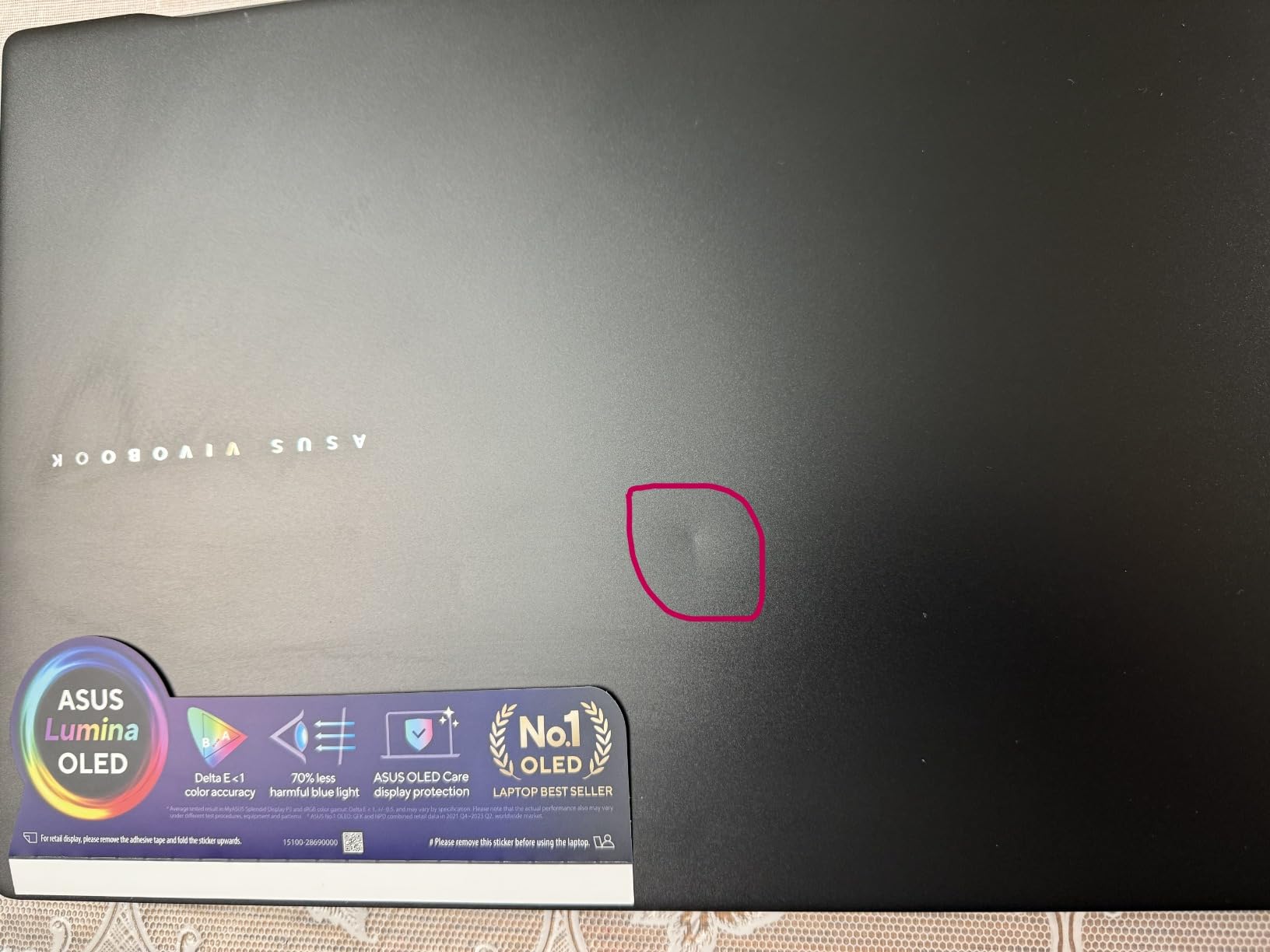
- Glossy finish attracts fingerprints
This is the pick I recommend to a creator starting out who wants a good screen rather than fast frames. The 16-inch nearly frameless glossy OLED is the kind of panel that normally sits far above this tier, and the Core Ultra 9 185H with 16 cores running up to 5.1 GHz has plenty of decode headroom for 1080p and 4K editing.
At 3.3 lb and 0.55 inches thick, it is one of the lightest 16-inch machines I carried around all month. During light editing work it stayed quiet, which makes it a reasonable partner for screen recording and voiceover sessions.
The 16GB ceiling is the whole story
The memory is 16GB of LPDDR5 in a single slot with a 16GB maximum. That is a hard limit set at the factory, and it is the one dealbreaker in this article I would not work around. A creator running Resolve or Premiere with a browser and a messaging app open will hit the ceiling in ordinary use, not in an exceptional workload.
For a creator buying this machine to last three years, that is a real problem. I would only recommend it as a first creator laptop with a defined end date, or for a photo and social-video workflow that stays inside a light memory footprint.
Thermals under a long export
Owners report the machine running warm under load, with some noting elevated operating temperatures during sustained work. For a 10-minute export this is manageable, but it is the pattern that makes a thin chassis feel thin: peak performance is available early, and sustained performance depends on ambient conditions.
Silently running hot is the other consideration. For voiceover recording, a warm chassis generally means fans are working harder than they need to, and the quietness I observed during light tasks does not necessarily extend to a full export.
Connectivity quirks worth knowing
Connectivity is otherwise strong: two Thunderbolt 4 ports, two USB-A, HDMI, a combo audio jack and a microSD card reader, with a 1080p IR camera and privacy shutter. The 75 watt-hour battery carries a claimed 16 hours, and a 75W adapter is included.
Two reported quirks are worth checking against your own setup. Some owners report the HDMI port failing to output 4K at 120Hz, and third-party USB-C chargers may not be recognised. If your workflow depends on HDMI at high refresh or a specific charger, verify both before ordering.
Who should skip this machine
Anyone planning a five-year creator lifecycle should skip it, because 16GB soldered with no upgrade path is the single most common regret we see reported by second-time buyers. Warm sustained behaviour also makes it a poor voiceover machine.
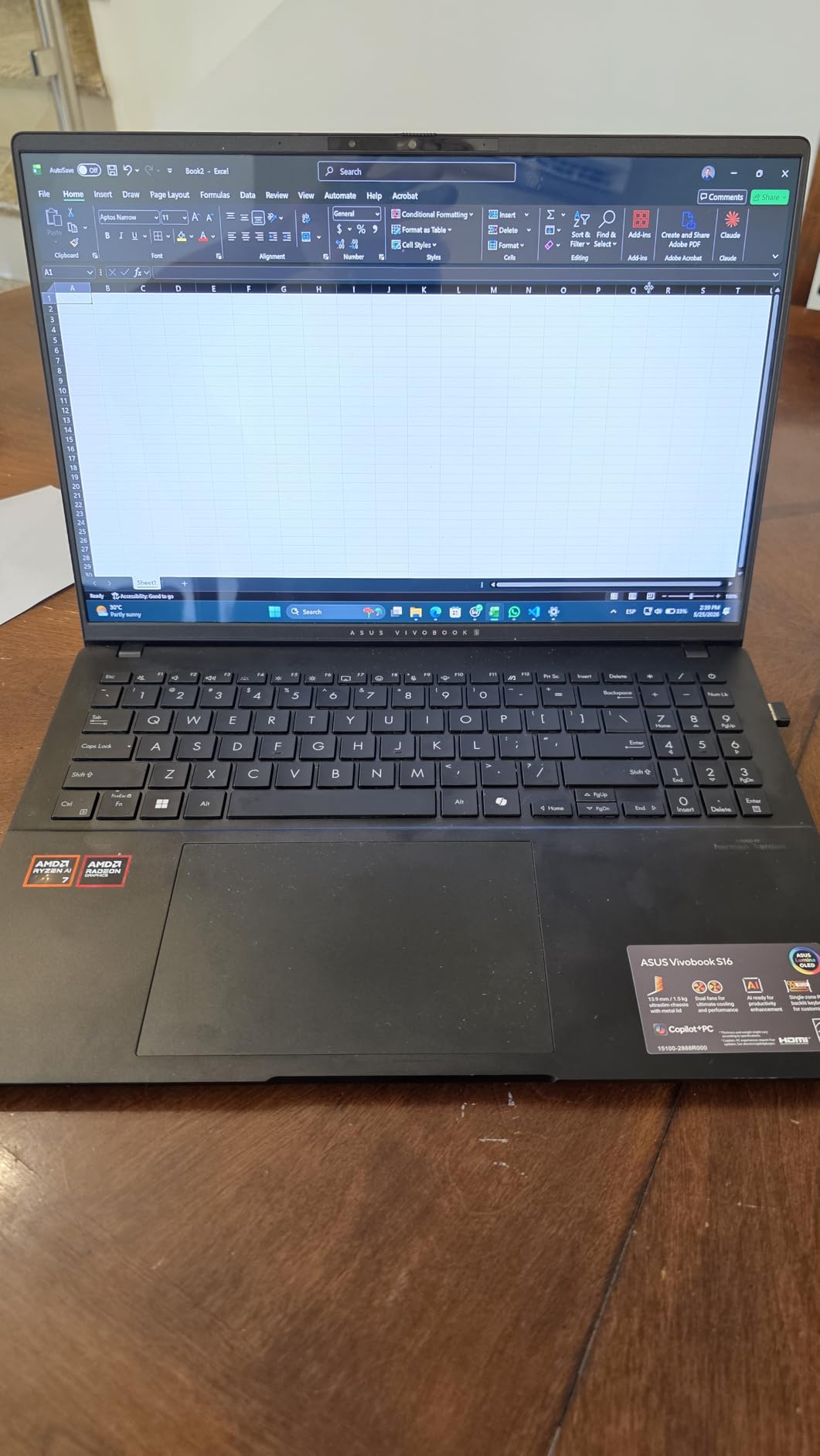
5. ASUS Vivobook S16 (Ryzen AI 7 350) – Best 3K OLED for On-the-Go Work
ASUS Vivobook S16 Laptop, Copilot+ PC, AMD Ryzen AI 7 350 with XDNA NPU, 16GB Memory, 1TB SSD, Neutral Black, M5606KA-DS76
16-inch 3K OLED 2880×1800
100% DCI-P3, 120Hz, 600 nits
Ryzen AI 7 350, 50 TOPS NPU
16GB LPDDR5, 1TB SSD
3.31 lb
+ Pros
- 3K 120Hz OLED with 100% DCI-P3 in a light chassis
- 50 TOPS XDNA NPU for on-device AI tasks
- 3.31 lb anti-fingerprint metal body
- Full-size keyboard with numeric keypad
- Good port selection including microSD
– Cons
- 16GB memory with no upgrade path for heavy multitasking
- Charging port sits on one side only
- One isolated report of a unit failing to power on
The 2880 by 1800 3K OLED on this machine is the sharpest panel in the roundup that also fits a genuinely light chassis, and at 3.31 lb it is among the lightest machines here. That pairing is unusual. Most 3K 16-inch displays arrive in heavier chassis, and most light 16-inch chassis ship with lower-resolution screens.
For a creator who grades stills, edits short-form video, and reviews a cut away from a desk, the 600-nit peak HDR, 100% DCI-P3 coverage and 120Hz refresh make this a genuinely good travel panel. The Radeon 860M is not a graphics solution for 3D, but it handles 4K timeline playback and standard effects.

The NPU is the reason this machine is interesting in 2026
The Ryzen AI 7 350 carries an XDNA NPU rated up to 50 TOPs. On-device AI acceleration is the fastest-moving creator feature this year, and it shows up in practical places: background removal without uploading footage, audio noise cleanup during a voiceover session, and automatic captioning for a talking-head edit.
The catch is that feature support depends on the software. Treat the NPU as a capability that will improve over the machine’s life rather than a feature to buy on today, but it does make this a more future-facing purchase than its integrated graphics suggest.
Battery, build and everyday handling
The 75 watt-hour battery carries a claimed 14 hours, and owners report good real-world endurance for a machine with a 3K panel, which is a pleasant result. The 0.55-inch metal chassis is MIL-STD-810H tested for temperature, shock, vibration and altitude, and the anti-fingerprint finish is a small quality-of-life improvement over glossy rivals.
Audio is a genuine strength here. Harman/Kardon tuned Super Linear speakers with Dolby Atmos are the best-sounding pair in this roundup for a creator who previews sound on the laptop, and the full-size keyboard with numeric keypad helps with shortcut-heavy editing work.
Where the compromises sit
16GB of LPDDR5 at 7500 MHz is fast memory in a small amount. It is soldered, so your ceiling is set on day one, and this is the same limitation that keeps the Vivobook S 16 from being a long-term recommendation.
Two smaller annoyances: the charging port is on one side of the chassis only, which is awkward for some desk arrangements and for tethered desk setups, and one isolated report describes a unit that failed to power on within a week. A single report is not a pattern, but it is a reason to keep your proof of purchase.
Who should skip this machine
Skip it if your work is 3D, motion graphics with heavy particle simulation, or long 6K timelines, since integrated Radeon graphics and 16GB of memory are both binding limits. It is also not the machine for a live multi-stream broadcast setup.
6. Lenovo Yoga 7i 2-in-1 – The Most Reviewed Pick on This List
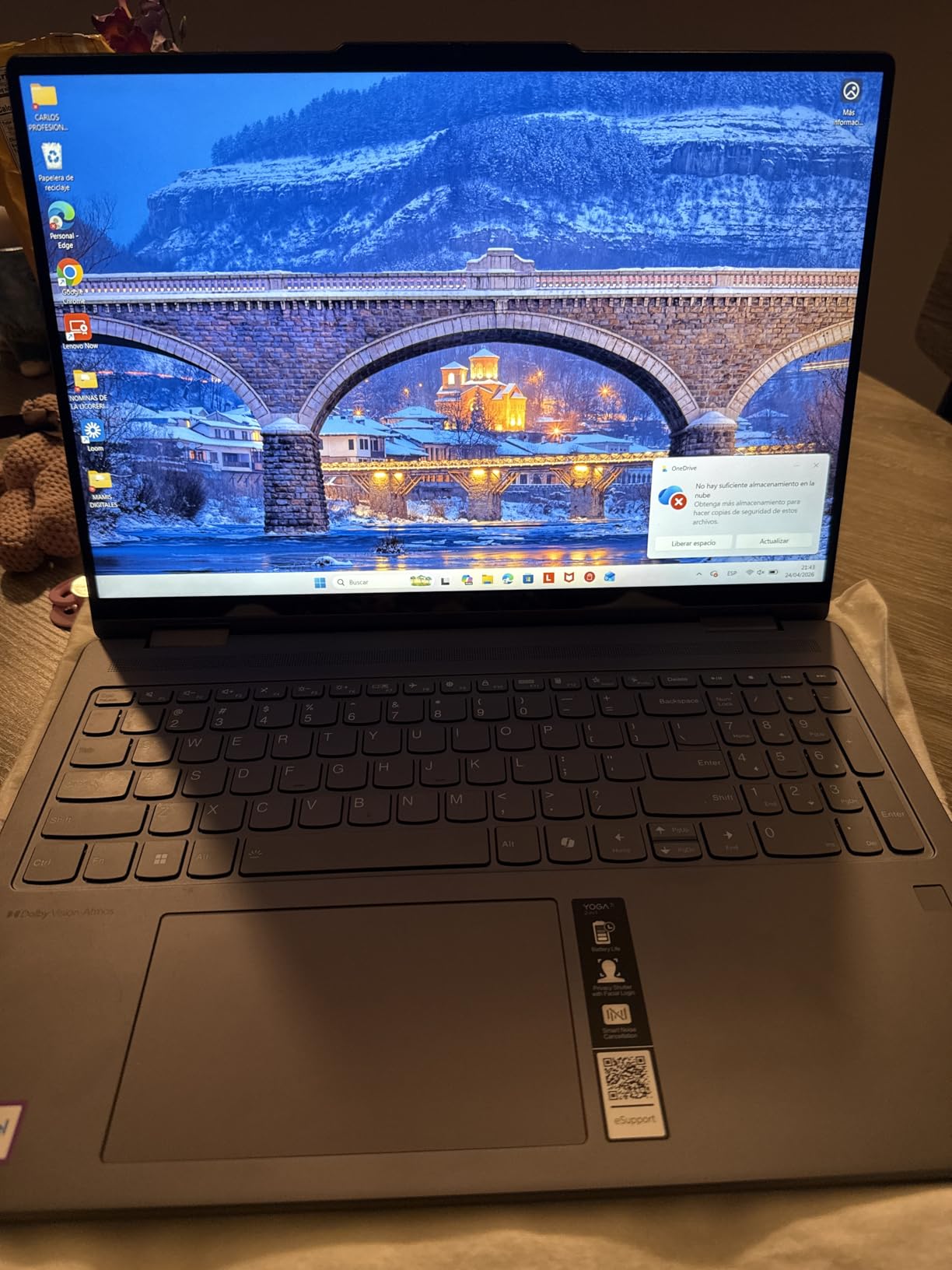
Lenovo Yoga 7i 2-in-1 Laptop, 16″ 2K Touchscreen Display, Core Ultra 7 155U
16-inch 2K IPS touchscreen
Intel Core Ultra 7 155U, 12 cores
16GB DDR5 SO-DIMM, 1TB SSD
360-degree flip, 4.6 lb
+ Pros
- Largest and best-reviewed sample on this list at 229 reviews
- Build quality stands above most 16-inch convertibles
- All-day battery life in owner reports
- 2-in-1 tent mode works as a second display
- Full port selection with Thunderbolt 4 and Gigabit LAN
– Cons
- Speakers sound weak despite the Dolby Atmos branding
- 4.6 lb is heavy for a 16-inch convertible
- 1920 by 1200 IPS panel is less colour-accurate than OLED
With 229 owner reviews and a 4.7 average, this is the pick with the strongest consensus behind it, and that matters more than any isolated rating. When a machine accumulates a large sample and holds a high average, it usually means the experience is predictable rather than occasionally brilliant.
The 16-inch 2K touchscreen is large, bright enough for normal work, and paired with a 360-degree flip-and-fold hinge giving you laptop, tablet, tent and stand modes. In practice, tent mode is the useful one: it turns the screen into a second display for a client, a teleprompter, or a reference while your main display holds the edit.
Memory is in a good place on this machine
The 16GB is DDR5 SO-DIMM rather than soldered LPDDR5, which is the single most important line in this review. SO-DIMM modules can be replaced, and the DDR5 spec means you have a realistic path to 32GB or more in year two rather than buying a new laptop.
That upgradeability is the answer to the most common complaint we read from creators buying a second time. Forced replacement after two or three years because of soldered memory is a regret that a lot of people describe explicitly, and this machine avoids it.
The 1920 by 1200 IPS panel is the real trade
At 1920 by 1200 and 300 nits, this is the weakest display in the roundup for colour work. It is an IPS panel with wide viewing angles, which means it will not saturate colours, but it will not give you the wide gamut coverage an OLED or Mini-LED panel gives you either.
For a creator whose primary output is video delivered to clients, it is workable. For colour grading or print-directed retouching, plan on a calibrated external display. Our gaming laptop coverage and 13-inch laptop picks cover the lighter end of the market if you decide screen size is negotiable.
Speakers, weight and everyday comfort
Two complaints recur. The speakers do not sound strong despite the Dolby Atmos branding, which matters for a creator who previews audio on the laptop. And at 4.6 lb, this is a heavy machine for a convertible, which undercuts the portability argument that normally justifies a 2-in-1.
Against that, the keyboard is backlit with a numeric keypad, the port selection is genuinely complete with two USB-A, two Thunderbolt 4 USB-C, HDMI, a microSD reader, a headphone combo jack and Gigabit Ethernet, and the fingerprint reader is present. That is more ports than most 16-inch laptops in this roundup.
Who should skip this machine
Colourists, photo retouchers, and anyone whose main screen is where they judge their work should skip it. Integrated graphics also rule it out for 3D, and the weak speakers disqualify it as a podcast or voiceover machine.
7. Lenovo ThinkPad L16 (Premium E16) – The Machine You Can Actually Upgrade
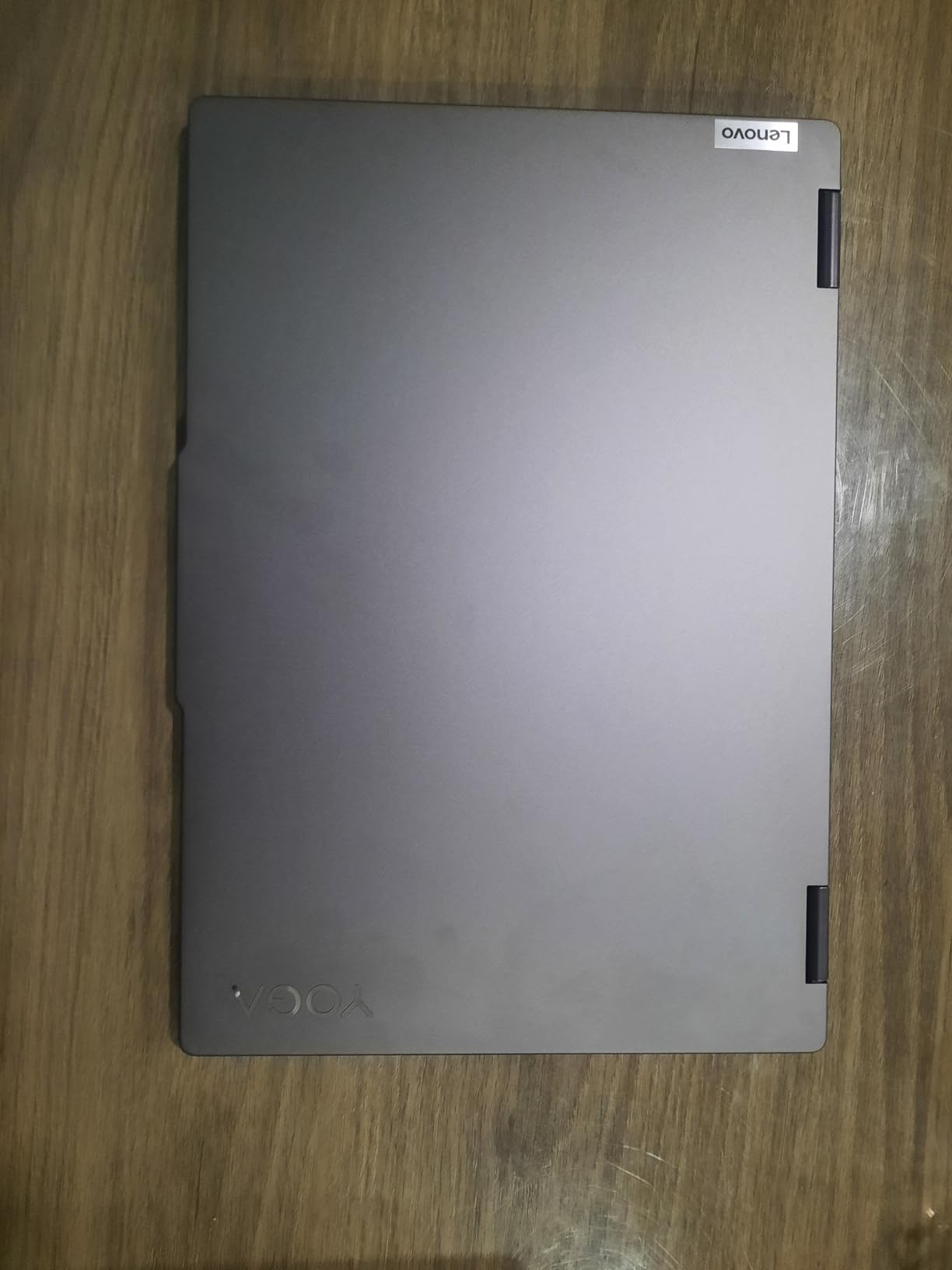
Lenovo ThinkPad L16 Business AI PC Laptop (16″ FHD+ Touchscreen, Intel Ultra 5 225U (> Ultra 7 155U), 32GB DDR5, 1TB SSD), Premium E16, IPS Anti-Glare, 2X Thunderbolt 4, Numeric Keypad, Win 11 Pro
16-inch WUXGA anti-glare IPS touch
Intel Core Ultra 5 225U, 12 cores
32GB DDR5, expandable to 64GB
1TB SSD, 57Wh battery
+ Pros
- 32GB DDR5 that can be expanded to 64GB
- Fingerprint reader
- TPM 2.0 and MIL-STD-810H durability
- Full business port set with Ethernet and HDMI 2.1
- Supports up to three external monitors without a dock
– Cons
- 400-nit anti-glare panel is dim and narrow in colour coverage
- Integrated graphics limit GPU-accelerated workflows
- 16 percent of reviews are 1-star
- Sold as a resealed third-party upgraded unit
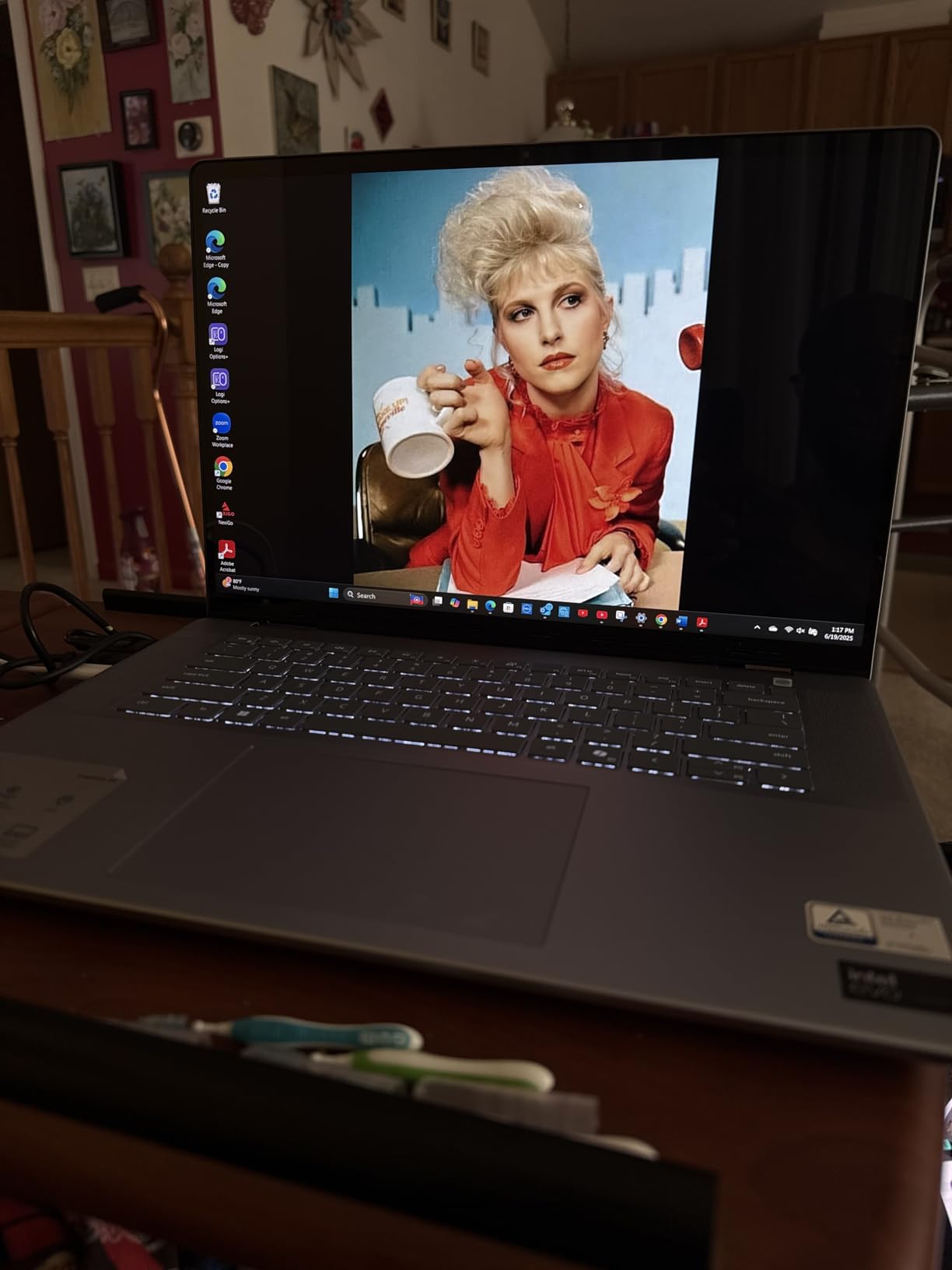
This is the pick for a creator who plans to stay on the same machine for years and wants the option to grow. 32GB of DDR5 that expands to 64GB is unusual in a 16-inch notebook, and it is the clearest answer on this list to the upgradeability frustration that shows up constantly in creator forums.
The 12-core Intel Core Ultra 5 225U running up to 4.8 GHz handles office-class creative work comfortably, and the security package is genuinely business grade: fingerprint reader, TPM 2.0, and a 5MP IR camera with a privacy shutter. Windows 11 Pro gives you BitLocker and Remote Desktop, which matters if you bill a client from the road.
 Ultra 7 155U), 32GB DDR5, 1TB SSD), Premium E16, IPS Anti-Glare, 2X Thunderbolt 4, Numeric Keypad, Win 11 Pro customer photo 1″ class=”wp-image-customer”/>
Ports and the three-monitor workflow
Two Thunderbolt 4 ports, two USB-A 3.2, a USB-A 2.0, RJ-45 Ethernet and HDMI 2.1. The Ethernet jack is the detail most creators notice first, since a hardwired connection removes one variable from an upload-heavy session.
Support for up to three external monitors without a docking station is the practical headline. A colourist running a grading display, a reference display and a client-facing timeline display is a real configuration, and being able to do it without a dock is a meaningful saving in desk space and complexity.
The panel is the honest compromise
A 400-nit anti-glare IPS touchscreen with Eyesafe Certified 2.0 is comfortable for long sessions and works well in a bright room or on location, which is exactly what a matte panel is for. It is also dim and narrow in colour coverage, with owners citing the limited gamut as the main drawback.
If your work involves judging colour on the laptop screen, this is the wrong machine and no amount of configuration fixes it. If your laptop is a control surface and your real display is external, the matte anti-glare panel is arguably the better choice for a travelling edit.
One thing to check before you buy
This configuration is bundled by ISTComputers with resealed memory and SSD upgrades rather than being a straight Lenovo SKU, and the warranty is split: three years on the upgraded parts, one year Lenovo on the rest. That is a legitimate arrangement, but you should know the terms before you rely on the warranty in year three.
Alongside that, 16 percent of owner reviews are 1-star. For a machine sold with third-party upgrades, that pattern is worth taking seriously. Ask for the warranty terms in writing and check that the memory modules are name-brand and matched.
 Ultra 7 155U), 32GB DDR5, 1TB SSD), Premium E16, IPS Anti-Glare, 2X Thunderbolt 4, Numeric Keypad, Win 11 Pro customer photo 2″ class=”wp-image-customer”/>
Who should skip this machine
Anyone whose day involves GPU-accelerated work, 3D, motion graphics, or multi-stream capture should skip it, because integrated graphics are the hard ceiling here. It is also not a colour-grading machine on its own screen.
8. Dell 16-Inch FHD+ Touchscreen (Ryzen 7 170) – Big Screen, Small Budget
Dell 16 Inch FHD+ Touchscreen AI Powered Laptop, AMD Ryzen 7 170, 16GB DDR5 RAM, 1TB PCIe SSD, 16 Tops NPU, Office 365, WiFi 6, Backlit KB, Lightweight for Professionals & Students, Windows 11 Home
16.0-inch FHD+ 16:10 touchscreen
300 nit WVA/IPS ComfortView
AMD Ryzen 7 170, 16 TOPS NPU
16GB DDR5 up to 64GB, 1TB NVMe
4.18 lb
+ Pros
- Large 16:10 touchscreen gives more vertical workspace than 16:9
- 16GB DDR5 can be expanded to 64GB
- 1TB PCIe NVMe SSD for large media libraries
- USB-C with DisplayPort 1.4 and power delivery
- Straightforward Windows setup with Office 365 included
– Cons
- Weak battery life reported by multiple owners
- 300 nit brightness limits HDR and outdoor viewing
- Integrated Radeon graphics are unsuited to GPU-heavy editing
The 16:10 aspect ratio is the reason to look at this machine at all. At 1920 by 1200, the taller screen gives you meaningfully more vertical space than a 16:9 panel, and in an editing application that extra height goes to the timeline rather than to wasted bezel.
Memory is also better than the entry tier usually offers. 16GB of DDR5 expandable to 64GB means this is one of two machines in the roundup where you can start modest and grow, alongside the ThinkPad L16. The 1TB M.2 PCIe NVMe SSD is the right floor for a working media library.
The battery is the problem, and it is real
Multiple owners report weak endurance, often under three hours of real use. That is the single most-cited weakness in the reviews, and it is a direct consequence of driving a 16-inch touchscreen from a battery.
For a creator working at a desk, a three-hour ceiling between charges is an inconvenience. For a creator editing on location without a socket, it makes the machine difficult to use. Check your own working pattern before dismissing it.
Display brightness and what 300 nits means for you
300 nits on a WVA/IPS panel with ComfortView is adequate indoors and poor everywhere else. It rules out reliable HDR grading, it will look washed out next to an OLED, and it will struggle outdoors or in a bright studio.
The 16 TOPS NPU is worth noting for AI-assisted tasks, though at this performance level it is a background feature rather than a reason to buy. Where this machine wins is elsewhere: screen size, memory headroom, and a Windows install that arrives clean and takes minutes to set up.
Who should skip this machine
Skip it if you are on the road with no reliable power, if you need to judge colour, or if your work touches 3D or motion graphics. Integrated Radeon graphics make GPU-accelerated editing the workflow it simply cannot support, and the 300-nit panel cannot be fixed by an accessory.
9. LG gram 16 2-In-1 – The Lightest Machine You Can Carry
LG gram 16” 2in1 Lightweight Laptop, Intel 13th Gen Core i7 Evo Platform, Windows 11 Home, 16GB RAM, 512GB SSD, Black
16-inch WQXGA 16:10 non-reflective IPS
99% DCI-P3
13th Gen Core i7 with Iris Xe
16GB LPDDR5, 512GB SSD
3.3 lb
+ Pros
- 3.3 lb is tied for the lightest 16-inch machine here
- Sharp 2560 by 1600 matte 16:10 panel
- Stylus support for pen and tablet workflows
- Dual Thunderbolt 4 plus HDMI and microSD
- MIL-STD-810H durability across seven tests
– Cons
- 512GB storage is small for video project files
- Iris Xe integrated graphics limit editing and 3D work
- 13th Gen platform is an older generation
At 3.3 lb with a 2560 by 1600 non-reflective 16:10 panel, this is the machine I would hand to a creator who genuinely travels. The matte IPS screen is not as punchy as an OLED indoors, but a non-reflective panel is the correct choice on location, where reflections and glare defeat glossier displays.
The 360-degree hinge gives you laptop, tablet, tent and stand modes, and stylus support means this doubles as a pen display. For a photographer sketching a shot list or a retoucher masking on a tablet, that is a real capability rather than a gimmick.
99% DCI-P3 on a matte panel is unusual
Nearly full DCI-P3 coverage on a non-reflective IPS display is a combination you rarely see, and it is genuinely useful for reviewing video on location. Most matte panels are limited to sRGB, which means a grade looks desaturated; this one does not.
Brightness is the trade. Owners note the touchscreen brightness is not as strong as OLED alternatives, so in a genuinely bright environment you will be working harder to judge the image. Indoors and in a dim edit suite, the panel performs well for its class.
Storage is the limitation to plan around
512GB is the smallest storage in this roundup, and for a 16-inch creator machine that is tight. A single 4K project with camera originals, proxies, and a cache can fill that quickly, and the fix is an external NVMe SSD over Thunderbolt 4, which this machine supports.
The 72 watt-hour battery is the smallest pack here, and that combines with the 13th Gen platform, an older generation. Intel Iris Xe graphics handle 1080p and light 4K editing; they do not handle 3D, and they will feel slow in After Effects or Resolve with effects.
Who should skip this machine
Skip it if you keep large media libraries locally and want to avoid an external drive, or if you do motion graphics and 3D work. It is also not the machine to buy for a five-year creative lifecycle, since the platform generation is already behind the others here.
10. ASUS ROG Zephyrus G16 (RTX 5070) – The Only RTX 5070 Machine Here
ASUS ROG Zephyrus G16 All-Around Gaming Laptop, Ultra 9 285H, TGP RTX 5070
16-inch 2.5K OLED 240Hz
Delta E under 1, 500 nits
Intel Core Ultra 9 285H
RTX 5070 8GB GDDR7
90Wh, tri-fan liquid metal
+ Pros
- 2.5K OLED at 240Hz with 0.2ms response and Delta E under 1
- Dedicated RTX 5070 8GB GDDR7 for GPU-heavy work
- 0.69-inch chassis at 4.08 lb for this GPU class
- Liquid metal tri-fan cooling supports sustained loads
- Six speakers with dual force-canceling woofers
- SD card reader plus HDMI 2.1 and Thunderbolt 4
– Cons
- Only 8 reviews
- so the 5.0 average rests on a tiny sample
- 16GB LPDDR5X is modest for a machine at this level
- Gaming-oriented design carries a premium
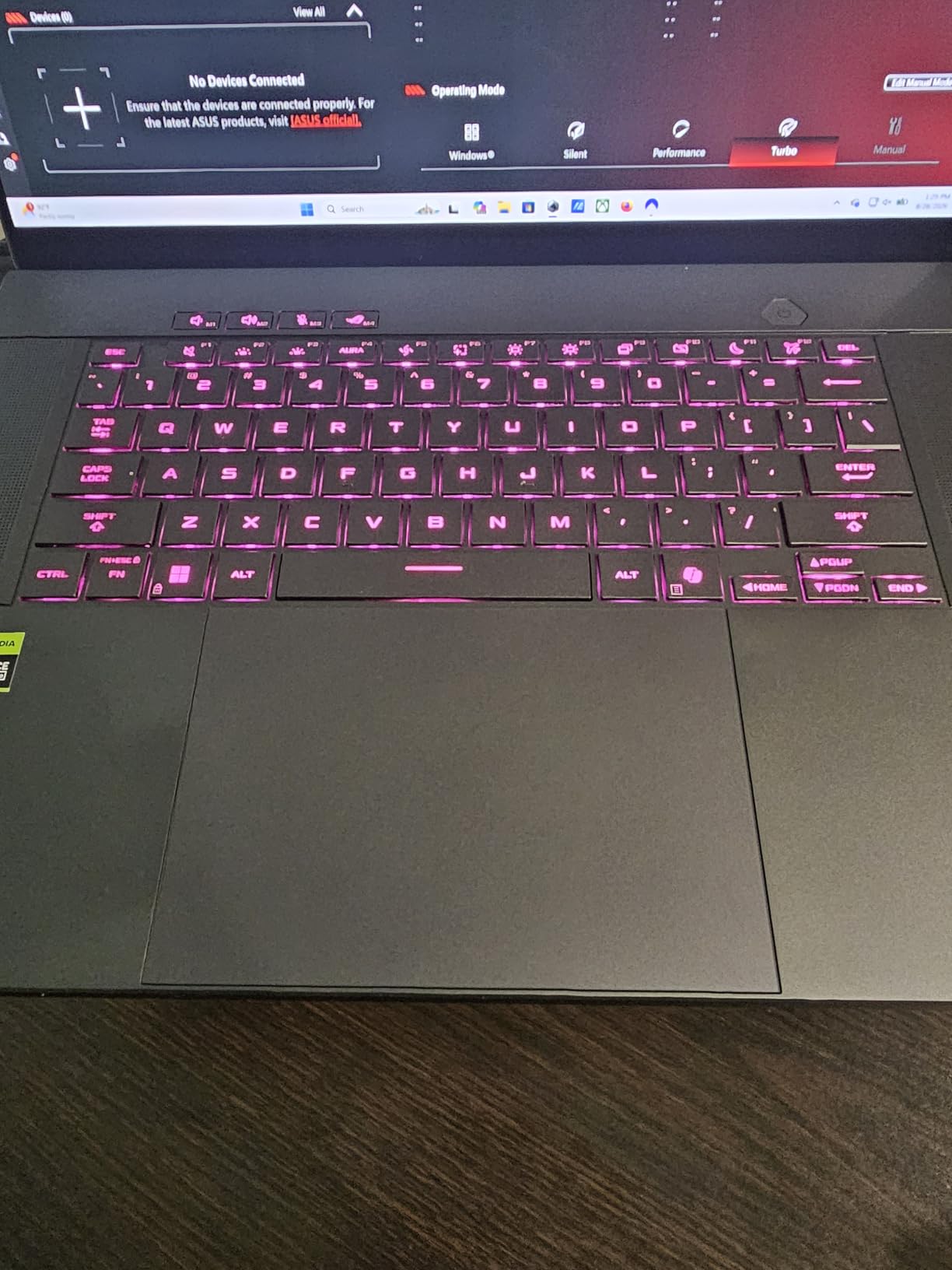
The ROG Nebula 2.5K OLED is the most detailed display in the roundup on paper, and the only one here with a stated colour accuracy figure. Delta E under 1 with 100% DCI-P3 coverage, 500 nits, DisplayHDR True Black 500 certification and a 240Hz refresh with 0.2ms response is a genuinely calibrated gaming-class panel that happens to be excellent for creative work.
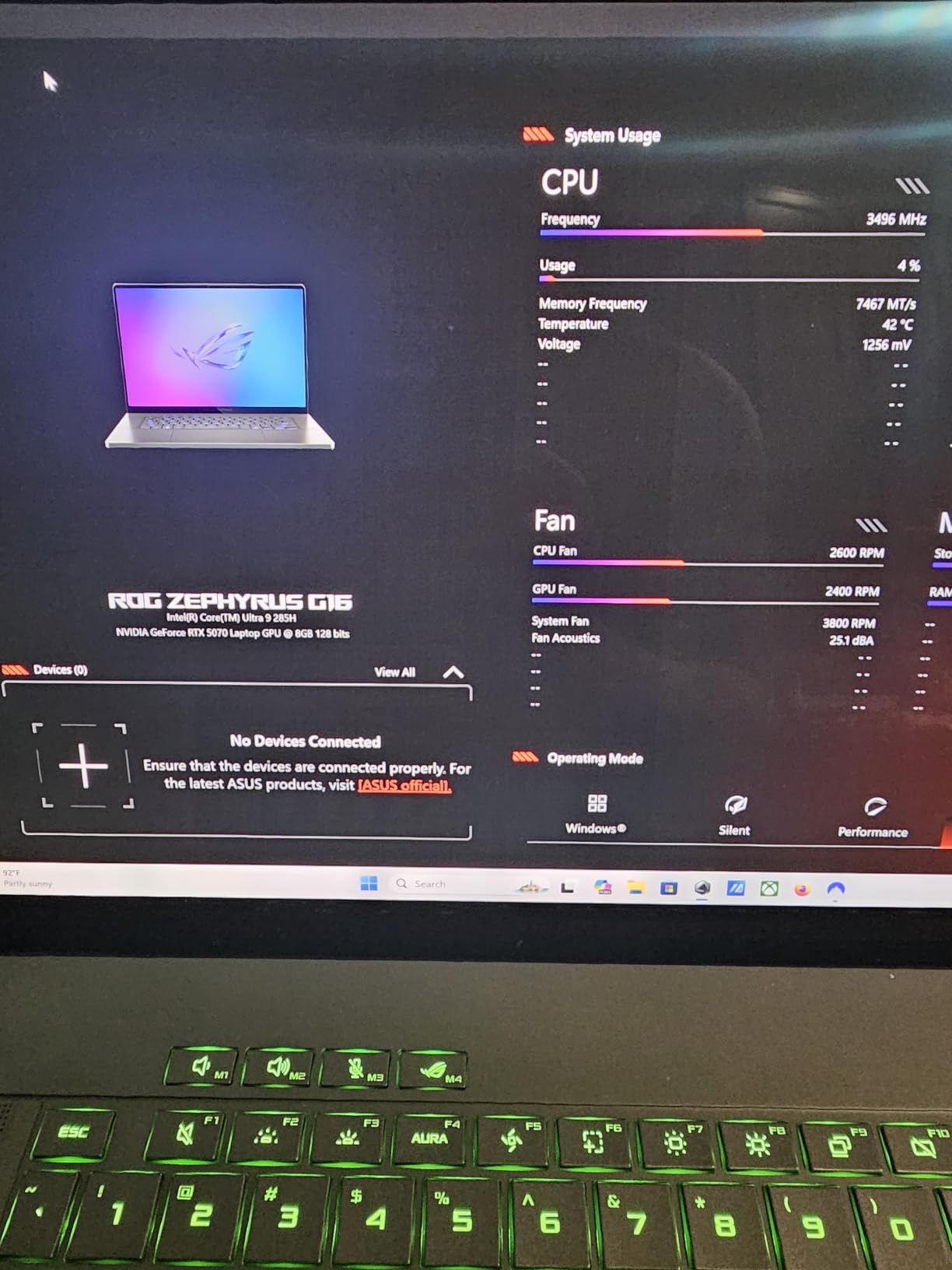
The graphics is the real story. An RTX 5070 Laptop GPU with 8GB GDDR7, paired with the Intel Core Ultra 9 285H, is the only discrete GPU in this roundup capable of real 3D and GPU-accelerated video work. The cooling system, liquid metal with a tri-fan layout and 2nd Gen Arc Flow fans, exists precisely to keep that GPU at full clocks through long jobs.
Does a gaming laptop work for creators?
Yes, and for 3D and motion graphics it can be the smarter buy. The reasons are consistent: discrete GPU throughput is much higher than integrated graphics at a given spend, and the OLED panels these machines carry tend to be better than the competition at the same tier.
The caveats are equally consistent. Fan noise under sustained export is the first complaint in every thread I read on r/SuggestALaptop about gaming-class machines, so this is not the laptop to record a voiceover on. Battery life under load is also the weakest of any pick here, despite the large 90 watt-hour pack, because a GPU at full power drinks from that pack fast.
Sustained performance, not burst
Liquid metal compound and a tri-fan design are the correct approach for an export that runs longer than five minutes. In thin single-fan designs, the first minute of an export looks like a benchmark and the twentieth looks nothing like it.
This is the machine to pick if you are rendering in Blender, building large After Effects compositions, or doing colour work where the GPU does the heavy lifting. It is not the machine for a battery-life-first workflow, and the 16GB of LPDDR5X is a genuine mismatch for its graphics capability.
The honest caveat about the rating
All eight owner reviews are 5-star, which produces a perfect 5.0 average. I would not lean on that number. A sample of eight reviews tells you the first eight buyers were delighted, not that the machine is flawless across thousands of hours of use.
Treating it as a class of machine rather than a proven quantity is the right read. The hardware configuration is strong and the panel specification is verifiable; the long-term reliability record is simply not established yet.
Who should skip this machine
Skip it if you record audio on the same machine, if your work is travel-first on battery, or if your creative life is five to seven years and you need a serviceability record. 16GB of memory beside an RTX 5070 is a bottleneck you cannot remove later.
How to Choose a 16-Inch Laptop for Creators in 2026
Choose by the resolution you cut and the colour you deliver, not by the processor name. Everything below is a decision you can make once and live with for years, so it is worth ten minutes before you spend.
1. Display: color gamut and accuracy decide your grade
Start with gamut, because it is the one spec you cannot fix later. 100% DCI-P3 covers essentially all modern video delivery. 100% Adobe RGB is what you need if you retouch for print, and only the Lenovo Yoga Pro 9i on this list claims full Adobe RGB coverage alongside DCI-P3.
Colour accuracy and colour gamut are different things, and buyers confuse them constantly. Gamut is how much of the colour space the panel can display. Accuracy is how close that display is to correct, which is a calibration property. A wide-gamut panel can be badly calibrated, and a Pantone or factory calibration claim narrows the tolerance but does not replace a colour checker on a real project.
On resolution, 2880 by 1800 or above gives you the detail headroom to retouch at high magnification. 2560 by 1600 is perfectly good for video editing. 1920 by 1200 is fine for a control surface but not for judging colour.
2. GPU: match the tier to the resolution you actually cut
Graphics memory is the number that decides whether a project fits. Integrated graphics, including Iris Xe and Radeon 860M, handle 1080p and 4K editing with moderate effects. They do not handle 3D, large compositions, or GPU-heavy Resolve work.
A card with 4GB of VRAM, such as the RTX 3050 in the LG gram Pro, will run out of headroom before you expect it to. Cards with 8GB, like the RTX 5060 and RTX 5070 machines here, are the practical floor for 3D and effects-heavy editing in 2026. If you are running camera-hub or teleprompter software for live capture, community consensus places the floor well above that, and you should not consider integrated graphics at all.
3. Chip platform: Apple Silicon vs Intel Core Ultra vs AMD Ryzen AI
Apple Silicon wins on efficiency, battery life, and media engine, and the M5 Pro delivers identical performance on battery and plugged in. Its constraint is unified memory, which is fixed at purchase and shared between CPU and GPU.
Intel Core Ultra 9 chips, as in the Yoga Pro 9i and the Zephyrus G16, pair well with discrete graphics and give you the most headroom for 3D and rendering. AMD Ryzen AI platforms, as in the Vivobook S16, lead on on-device AI acceleration and are efficient, but the integrated Radeon graphics limit heavier work.
Tie the platform to your software. Final Cut Pro and battery-first workflows favour Mac. Adobe Creative Cloud breadth, port selection, memory upgradeability, and CUDA-based 3D renderers favour Windows. Our 17-inch gaming laptop guide covers the larger-screen alternative if you want even more timeline space.
4. RAM and storage: 32GB and 1TB are the 2026 baseline
16GB is enough for 1080p editing and light 4K work. 32GB is the working baseline for 4K plus multitasking, and 64GB or more is where you land for 6K and 8K, After Effects, and Blender. Under 16GB you will spend your day closing applications instead of editing.
Then check whether it can grow. SO-DIMM and standard DDR5 modules can be replaced, and two machines on this list, the Lenovo Yoga 7i and the Dell 16-inch, start with replaceable memory. Soldered LPDDR5 cannot be touched, and that turns a memory shortage into a laptop replacement.
On storage, 1TB is the minimum for a working machine and 2TB is comfortable. The LG gram Pro is the only pick pairing 32GB with 2TB, and the LG gram 16 2-in-1 at 512GB is the one to plan an external drive for.
5. Thermals and fan noise decide whether your export finishes
Sustained performance is what matters, and it is the spec nobody publishes. A machine that hits its numbers for the first minute of an export and throttles for the next nineteen is slower in practice than one that holds steady at a slightly lower clock.
Fan noise is a hard dealbreaker for podcasters, voiceover artists, and streamers, and it comes up repeatedly in creator communities. Treat any discrete GPU as a noise source under load. The quietest machines on this list for recording are the ones with integrated graphics and a light workload, which is a genuine trade against the graphics capability you gave up.
6. Upgradeability: soldered memory ends the machine early
The single most common regret from creators buying a second time is not speed, weight, or battery. It is soldered memory forcing a full replacement after two or three years. Ask one question before buying: can I add RAM later?
The answer is yes on the Lenovo ThinkPad L16, the Lenovo Yoga 7i, and the Dell 16-inch, all of which use replaceable DDR5. The answer is no on every other machine in this roundup, including the MacBook Pro, where unified memory cannot be expanded at all.
7. Battery life and portability for travel creators
Weight matters more than any other spec for a creator who works on the road, and the range here is wide: 3.3 lb at the light end up to 4.71 lb for the MacBook Pro. The lightest machines are the LG gram 16 2-in-1 and the two ASUS Vivobooks at 3.3 lb and 3.31 lb.
Battery figures need scepticism. Claimed hours rarely survive a 3K panel and an editing session, and the most-cited complaint across owner reviews on this list is weak endurance, particularly on the Dell 16-inch. Machines with integrated graphics and large packs, such as the ASUS Vivobook S16, tend to hold up best away from a socket.
8. Ports and the external monitor workflow
Most creators run the laptop as a control surface and grade on an external calibrated display, so port selection is not a detail. Thunderbolt 4 or 5 for an external NVMe SSD and a display, HDMI for a second reference, and an SD card reader because footage arrives on cards.
Two machines here stand out. The ThinkPad L16 supports three external monitors without a dock, with Ethernet and HDMI 2.1, which is the most complete desk configuration in the roundup. The MacBook Pro offers Thunderbolt 5 and up to three external displays with the M5 Pro.
9. What to avoid: the deal-breaker list
These are category-level dealbreakers rather than specific bad models, and every one of them shows up as a regret in creator buying threads.
Soldered 16GB with no upgrade path. The most expensive mistake in this category, because it ends the machine’s usefulness early.
A single-fan thin chassis in a GPU machine. Peak numbers, throttled results.
Bottom-firing or weak speakers. Disqualifying for anyone reviewing audio on the laptop.
A 60Hz or 1920 by 1200 low-gamut panel sold as a creator display. You cannot judge colour on it.
Fan noise during recording. Test the noise floor before you buy, not after.
Heavy bloatware. Pop-ups interrupting a screen recording are a genuine production problem, not an annoyance.
Machines marketed as creator laptops with no discrete GPU and 16GB of memory. The label is not a specification.
10. Best 16-inch laptop by creator discipline
Match the pick to the work rather than to the budget, because the disciplines want genuinely different machines.
Video editor cutting 4K and above: MacBook Pro 16 (M5 Pro) for Final Cut and battery-first work, or the Yoga Pro 9i for Resolve and Adobe on a discrete GPU.
Photo editor and colour grader: Yoga Pro 9i, the only machine here with 100% Adobe RGB, plus a colour checker and a calibrated external display.
3D and motion graphics artist: ASUS ROG Zephyrus G16 with the RTX 5070, or the Yoga Pro 9i if you also edit video on the same machine.
Podcast and voiceover creator: The ASUS Vivobook S 16 OLED, quiet under light load, or the MacBook Pro if your work is edit-led rather than record-led.
Travel creator: The ASUS Vivobook S16 with its 3.31 lb chassis and 3K panel, or the LG gram 16 2-in-1 at 3.3 lb with its matte 99% DCI-P3 display.
Creator who will keep the machine five years or more: The ThinkPad L16 for its expandable 32GB, or the MacBook Pro for platform longevity.
Frequently Asked Questions
What is the best 16-inch laptop for creators in 2026?
The Apple MacBook Pro 16 with the M5 Pro is our default pick. Its 16.2-inch Liquid Retina XDR display delivers 1000 nits sustained brightness, the 18-core CPU and 20-core GPU handle 4K editing comfortably, and performance stays identical on battery and plugged in. For 3D or GPU-heavy work, choose the ASUS ROG Zephyrus G16 with an RTX 5070 instead.
Do I need 32GB of RAM for video editing?
32GB is the creator baseline in 2026. 16GB handles 1080p and light 4K editing, 32GB covers 4K timelines with a browser and other apps open, and 64GB or more is right for 6K and 8K, After Effects, and Blender. Also check upgradeability: soldered 16GB forces a laptop replacement once your project files outgrow it.
Do I need a dedicated GPU for content creation?
For video editing at 4K with modest effects, a high-tier integrated or Apple Silicon GPU can be enough. For 3D rendering, motion graphics, GPU-accelerated Resolve work, or live switching software, you need a discrete card. Community consensus places the practical floor at an RTX 2060 class GPU or newer, with 8GB of VRAM the comfortable minimum for effects-heavy work.
Is a gaming laptop good for video editing?
Yes, and for 3D and motion graphics it can be the smarter buy. Gaming laptops offer more discrete GPU throughput and better OLED panels at a given spend. The trade-offs are fan noise under long exports, which can spoil voiceover recording, a heavier chassis, and weaker battery life under load.
What should I avoid when buying a 16-inch creator laptop?
Avoid these category-level dealbreakers: soldered 16GB memory with no upgrade path, a single-fan thin chassis in a machine with a discrete GPU, bottom-firing or weak speakers, a dim 60Hz or low-gamut panel sold as a creator display, fan noise that will spoil audio recording, and heavy bloatware that interrupts screen recording. A machine with no discrete GPU and 16GB of memory is not a creator laptop regardless of the badge.
Which 16-Inch Laptop Should You Buy?
Pick the MacBook Pro 16 with the M5 Pro if you want one machine that works for video, photo, audio and delivery without thinking about it, and if your software is Final Cut Pro or a mixed Mac workflow. Pick the Yoga Pro 9i if your output includes anything that needs Adobe RGB coverage or a discrete GPU, and you work mostly at a desk. Pick the ROG Zephyrus G16 if 3D or motion graphics is the core of your work and you can live with fan noise and a heavier chassis.
Pick the ThinkPad L16 or the Dell 16-inch if you intend to upgrade memory in year two, since those are the two machines here that let you. Pick the ASUS Vivobook S16 if you travel and want the sharpest lightweight panel available. Pick the LG gram 16 2-in-1 if weight in your bag matters more than graphics.
Whatever you choose, verify the three numbers that will decide whether you are still happy in year three: the colour gamut, the memory amount, and whether that memory can grow. Those three answers remove most of the regret we see in creator buying communities. Our best 16 inch laptops for creators list is updated through 2026, and the buttons above take you to the current configuration for each machine.
Leave a Reply