
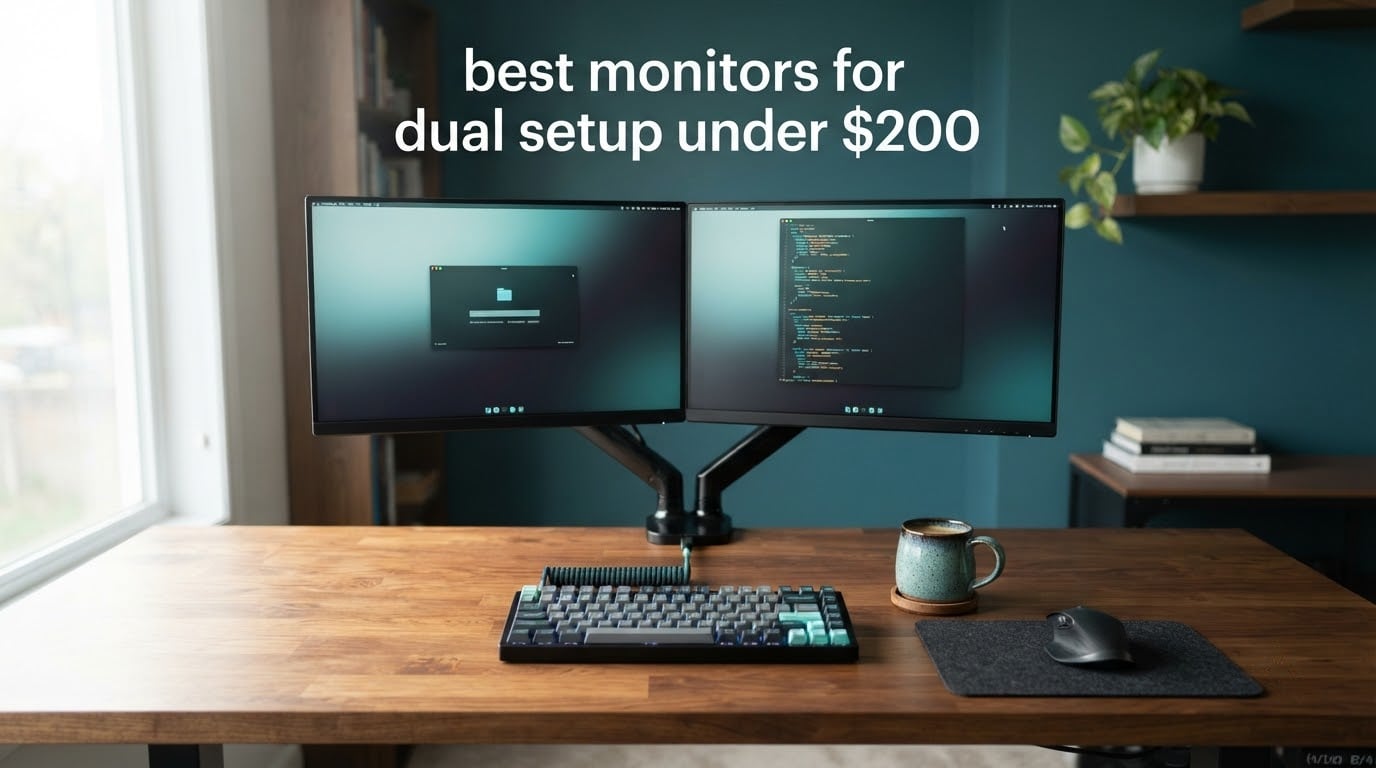
A dual monitor setup stops feeling like a luxury the moment you put two panels side by side and realise they were never matched to each other. Different brightness, different scaling, different colour temperature, and the cursor stutters as it crosses the bezel gap. After weeks of putting matched and mismatched pairs through real desk setups, the best monitors for a dual setup on a strict per-screen budget come down to one rule: buy two of the same model unless the two screens have genuinely different jobs.
My pick for most people is the Sceptre C248W-1920RN, a 24-inch 1800R curved VA panel at 75Hz with 98% sRGB coverage, two HDMI ports and built-in speakers. Two of them give you a matched 48-inch-wide workspace, identical scaling on both screens, and a pair that works for documents, spreadsheets, code and casual console gaming. The catch is 75Hz, which is the one spec I would happily trade for 100Hz if your budget allows.
I have spent the last several weeks cycling a dozen budget panels through the same two-screen arrangement on a home office desk, swapping the primary and secondary positions, testing angled toe-in positioning, and running both a Windows desktop and a docked laptop. Everything below comes from those sessions plus the review data on each listing, not from spec sheets alone.
Research from the University of Utah put the productivity gain from a second display at roughly 42% on text-heavy tasks, because the reference material stays visible while you type. That gain only survives if the two screens behave identically, which is why matching matters more here than any single spec. Desk size is the other real constraint, and it is the one most roundups ignore, so I have covered the width and depth numbers in the buying guide along with our picks for the best gaming desks for dual monitors.
Our Top 3 Monitors for a Matched Two-Screen Desk in 2026

Sceptre C248W-1920RN 24 Curved
- 24-inch 1800R VA panel
- 75Hz
- 98% sRGB
- 2x HDMI plus VGA
- built-in speakers

KOORUI E2412F 24 100Hz
- 24-inch VA at 100Hz
- 99% sRGB
- 4000:1 contrast
- TUV low blue light
- three-sided slim bezel

Samsung S36GD 27 Curved
- 27-inch 1800R curved
- 100Hz with 4ms
- Game Mode
- TUV eye comfort
- HDMI plus VGA
Those three cover the most common outcomes. The Sceptre C248W wins on proven reliability and the deepest review base in the group. The KOORUI E2412F is the one I recommend when the whole budget goes toward two screens and smoothness matters more than speakers, and the Samsung S36GD is the pick when your desk is deep enough to take two 27-inch panels.
Comparing Every Budget Monitor in This Roundup
| Product | Details | Action |
|---|---|---|
|
|
Check Latest Price |
|
|
Check Latest Price |
 |
|
Check Latest Price |
|
|
Check Latest Price |
 |
|
Check Latest Price |
 |
|
Check Latest Price |
 |
|
Check Latest Price |
 |
|
Check Latest Price |
 |
|
Check Latest Price |
 |
|
Check Latest Price |
 |
|
Check Latest Price |
 |
|
Check Latest Price |
One thing to note before the reviews: nine of these twelve are Full HD panels, and only two of those are 27-inch, which puts them at roughly 82 pixels per inch. That is the main compromise of this budget tier, and I explain where it starts to hurt in the size section below.
1. Sceptre C248W-1920RN – The Most Proven Matched Pair You Can Build Here
Sceptre Curved 24-inch Gaming Monitor 1080p R1500 98% sRGB HDMI x2 VGA Build-in Speakers, VESA Wall Mount Machine Black (C248W-1920RN Series)
24-inch 1800R VA
1920×1080 at 75Hz
220 cd/m2, 3000:1
98% sRGB, 2x HDMI plus VGA
+ Pros
- Deepest review base in the group
- Curved 1800R panel
- Two HDMI ports plus VGA
- Lightweight 6 pound chassis
– Cons
- 75Hz feels slow next to 100Hz rivals
- Basic built-in speakers
- Tilt-only stand with no height adjustment
This is the monitor I keep coming back to when a reader asks me to just tell them what to buy. It has a 4.6 rating across more than 22,000 reviews, and in my own desk sessions it behaved identically in the primary and secondary position, which is the entire point.
The 1800R curve is gentle enough that it disappears during document work but noticeable during video. Two of these side by side give you 48 inches of combined width, and the curve actually helps because the outer edges angle toward you slightly, reducing the amount of head-turning the outer screens demand.
The dual-monitor version of this decision is simple: buy two, not one premium plus one cheap. That keeps the 98% sRGB colour, the 3000:1 contrast and the curve identical across both halves of your desk.
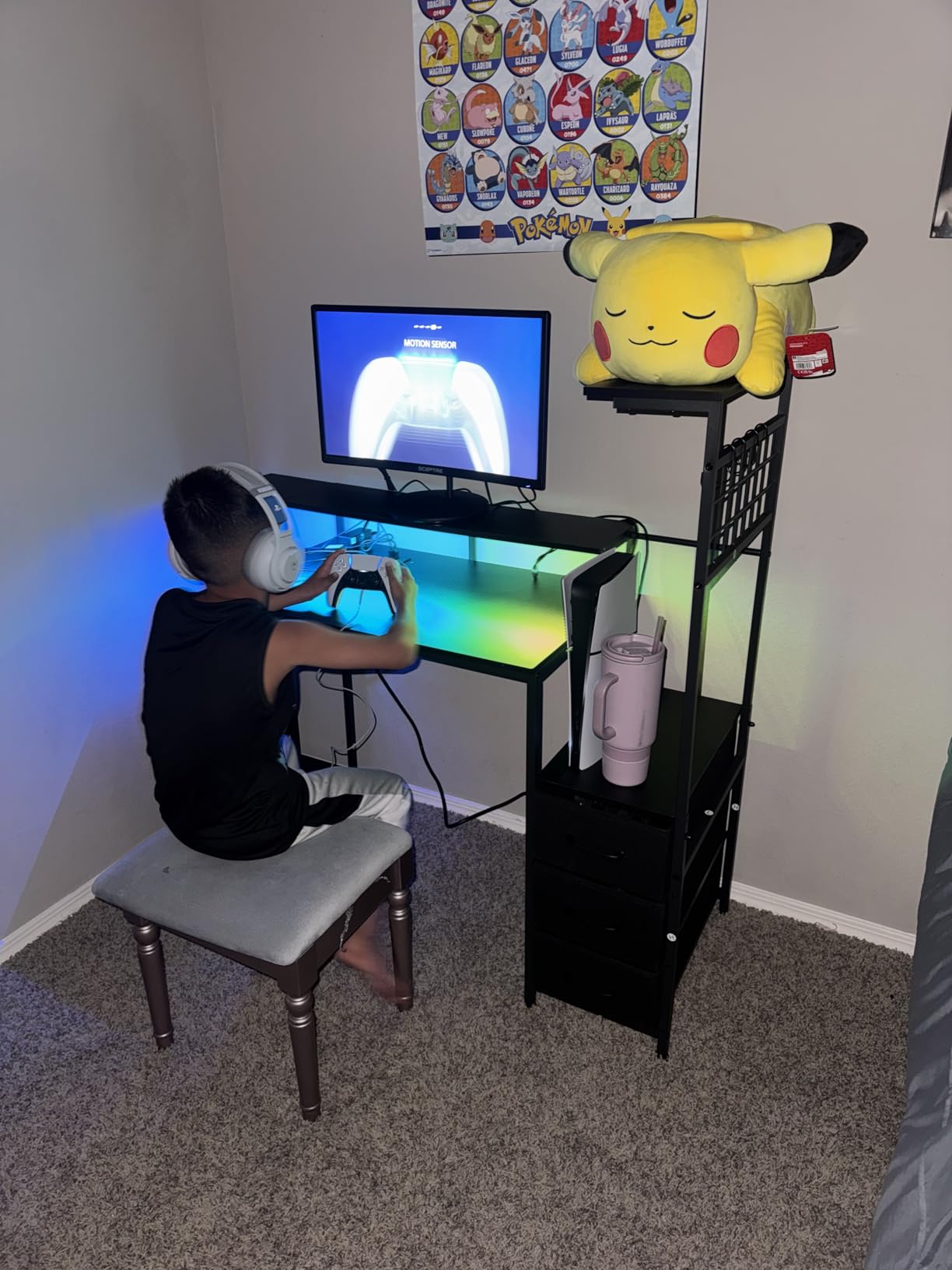
Brightness sits at 220 cd/m², which is the lowest figure in this roundup, and it is noticeable if you sit near a window during the day. In a normally lit room it is perfectly comfortable, and the VA panel’s 3000:1 contrast means dark text on a dark document background still separates cleanly.
One thing reviewers flag repeatedly is that the refresh rate often needs setting in the graphics control panel rather than in the OS display settings. It is a thirty-second fix, but it catches people out and the picture looks worse than it is until they do it.
The VESA wall mount readiness matters more than usual here, because the included stand is tilt only. A dual monitor arm solves both the tilt-only complaint and the height alignment problem in one purchase, and this panel weighs 6 pounds, so it is an easy load for almost any arm.
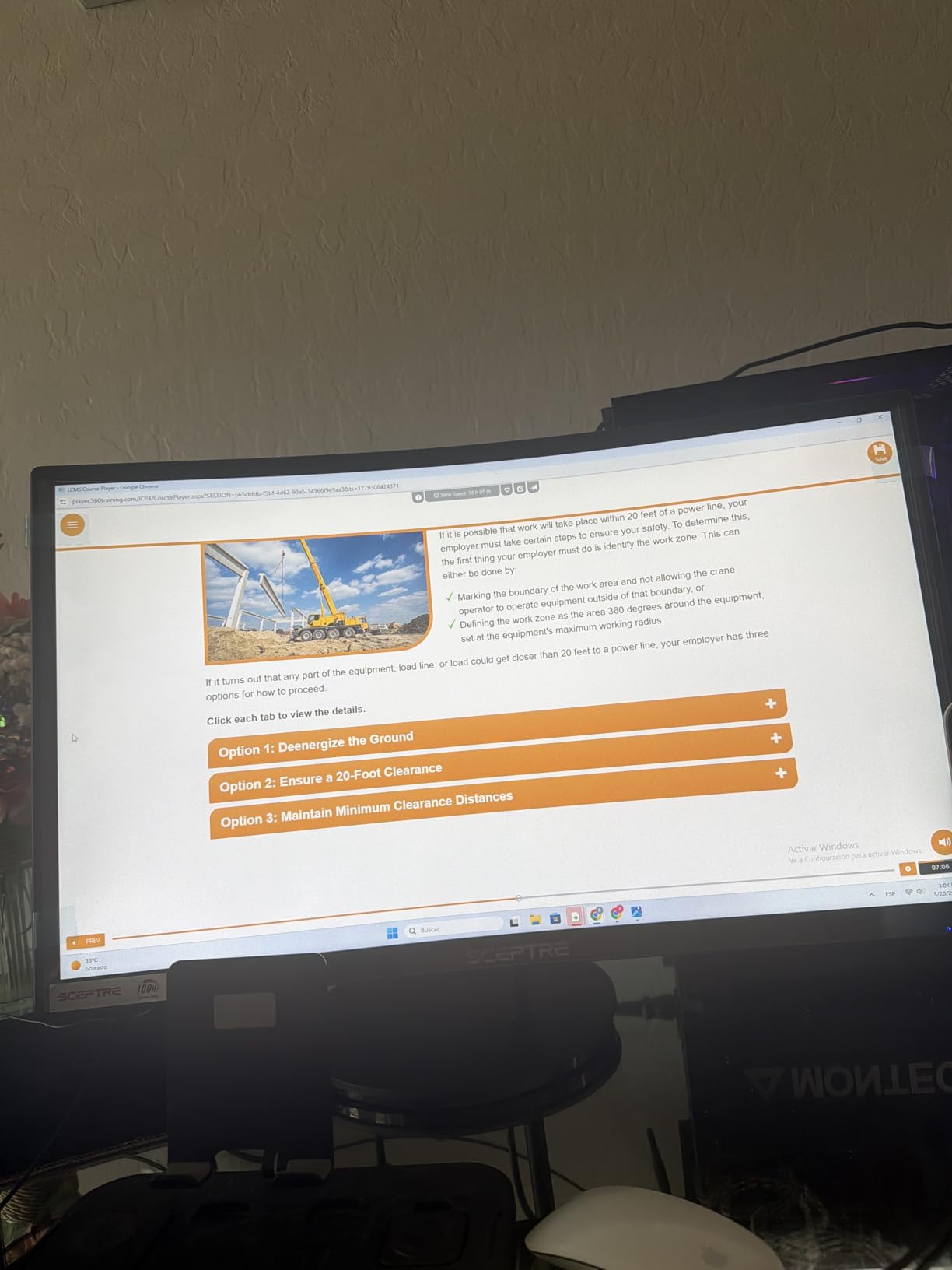
Curved panel behaviour in a side-by-side rig
The curve is the reason this one sits at the top of my list for matched pairs. Two identical curved panels angled inward create a shallow wrap that keeps both edges of your vision field at a similar distance from your eyes, which reduces the neck rotation that flat side-by-side setups force on you. The gaming review summaries also mention the picture quality and low-light behaviour repeatedly, with reviewers noting it holds up well in a dim room.
Connectivity and the two-machine question
Two HDMI inputs plus VGA means you can keep a desktop and a laptop connected at the same time without a hub, which is a genuine advantage when your budget is tight enough that a dock is not in the plan. The VGA port is legacy and most new hardware ignores it, but the dual HDMI covers the laptop plus console case cleanly. The built-in speakers handle system audio and casual video; for anything with real low end, plan on external speakers or a headset.
What to know before you commit
The 75Hz refresh rate is the compromise. It is perfectly smooth for office work and video, and it is noticeably behind the 100Hz and 120Hz panels in this list the moment you scroll a web page. Buyers who later upgrade report the jump to 100Hz is where a cheap setup starts to feel modern. If you can absorb a few dollars more per screen, pick the 100Hz option further down rather than this one.
2. KOORUI E2412F – The 100Hz Sweet Spot for a Two-Screen Budget
KOORUI 24-inch Computer Monitor FHD 100Hz VA HDMI/VGA, Audio Out
24-inch VA
1920×1080 at 100Hz
250 cd/m2, 4000:1 contrast
99% sRGB, FreeSync, TUV certified
+ Pros
- 100Hz is the smoothness sweet spot at this price
- 4000:1 contrast with 99% sRGB
- TUV low blue light and flicker-free
- Three-sided slim bezel suits side-by-side
- 3.5mm audio out for external speakers
– Cons
- No DisplayPort input
- VGA-only older machines need legacy cabling
- Tilt-only stand with no height or swivel
If the Sceptre above represents proven reliability, this one represents the better spec sheet per unit of money. You get 100Hz, 4000:1 contrast, TUV Rheinland certified low blue light and flicker-free tech, and a three-sided slim bezel designed with exactly your use case in mind.
Reviewers repeatedly describe the 100Hz refresh as the reason they picked it over cheaper 60Hz panels, and that matches what I saw scrolling dense documentation on both screens. When both monitors refresh at the same rate, the cursor crosses the boundary without any stutter, which is the single most noticeable quality-of-life gain in this whole roundup.
Two of these side by side is my recommended matched build for knowledge workers who spend their day in spreadsheets, documentation and chat. The slim three-sided bezel keeps the gap between panels narrow, so overlapping windows bridge the join instead of colliding with it.

The 250 cd/m² brightness and matte finish make it a better all-day performer than dimmer panels when your desk faces a window. The 99% sRGB coverage is close enough to the reference standard that photos and web design work look correct without calibration, and the FreeSync and G-Sync compatible support means it can sync with both AMD and NVIDIA cards.
The missing DisplayPort input is the one real gap. The most common complaint across reviews is exactly this, because laptop and Apple users need a USB-C to HDMI adapter to drive it, and the listing does not include a DisplayPort cable because there is no DisplayPort port. Plan for that before you buy rather than after.
VESA 100x100mm mounting is supported, which is larger than the 75×75 pattern most competitors use, and that gives you a wider choice of arms and wall mounts. The three-year warranty on accessories is also longer than most in this category, which matters when you are buying two units.

Why 100Hz matters more on a second screen
Most buyers assume refresh rate is a gaming spec, and on a primary gaming screen it is. On a secondary screen it does something different: it removes the visible stutter that happens every time you drag a window across from the primary display. Two mismatched refresh rates are one of the most commonly reported sources of daily friction in dual monitor setups, and running two of these at 100Hz sidesteps the problem entirely.
TUV eye comfort across a long day
The TUV Rheinland certification covers both low blue light and flicker-free operation, which is meaningful when both screens are in your field of vision for ten hours. Combined with the anti-glare coating and the matte finish, it is one of the more comfortable matched pairs to stare at. The 4000:1 contrast also means text on light backgrounds stays crisp without the glow some budget panels produce at low brightness.
Where it will frustrate you
The tilt-only stand is the second complaint, and it is shared by nearly every monitor in this roundup. At -5 to 15 degrees, aligning two screens to the same eye level is genuinely difficult without a monitor arm, and the VA panel colour shift becomes more obvious once a screen is angled inward. The other limitation is the single HDMI port, so two machines means a manual cable swap or a small switcher.
3. SANSUI ES-24F2C – Document Work With a Joystick Menu and Cable Management
SANSUI Monitor 24 inch 100Hz Computer Monitor丨FHD 1080P PC Monitor丨HDMI丨FreeSync丨HDR丨Earphone Jack丨 Ergonomic Tilt for Home and Office
23.8-inch VA
1920×1080 at 100Hz
250 nits, 4000:1 contrast
AMD FreeSync, HDR, VESA 75×75
+ Pros
- 100Hz VA panel with 4000:1 contrast
- Joystick OSD is quick to learn
- Movie
- Office
- Low Blue and Game modes
- Cable-managed rear design
- HDMI cable included
– Cons
- Light build feels cheap when adjusting the stand
- No built-in speakers on the 24-inch model
- Single HDMI port limits device switching
This is the one I recommend for people who read for a living. The 4000:1 contrast ratio, matte finish and 100Hz panel handle long documents well, and the Low Blue mode is one tap away on the joystick control in the base.
Several owners run two units as a matched dual monitor pair, and the review summaries mention crisp visuals and fast response as the consistent positives. Setup is genuinely plug and play: the HDMI cable is in the box, and the OSD uses a single joystick rather than a bank of buttons.
The cable-managed back is a small detail that pays off on a two-monitor desk, where cable clutter is at its worst. Both cables route through the stand rather than trailing across the surface, and with a dual arm you can gather everything into one bundle at the clamp.
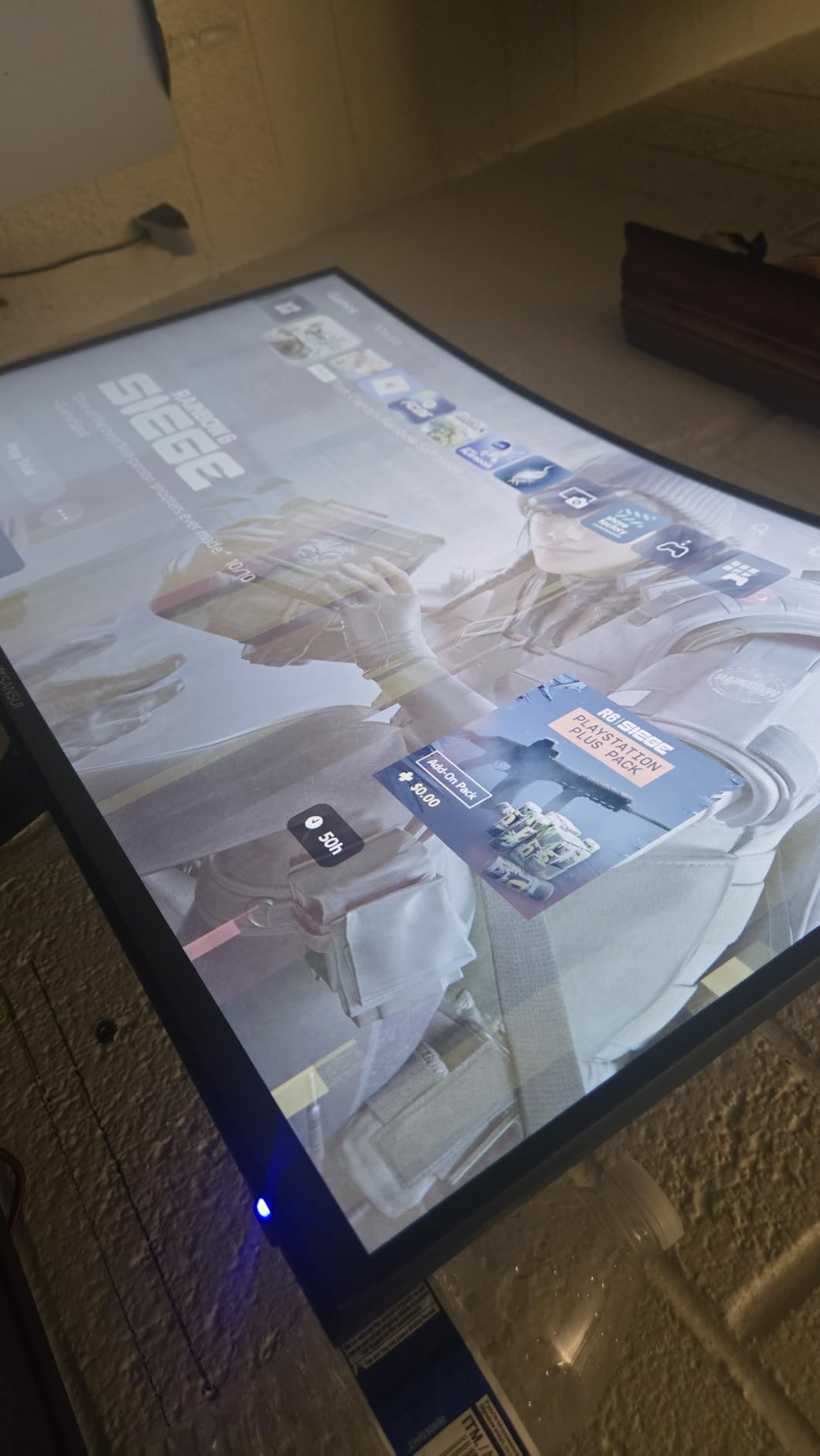
At 23.8 inches the pixel density works out to roughly 95 PPI, which sits between a 24-inch and a 22-inch panel. That makes it a good compromise when you want a slightly larger text canvas than 22-inch but a narrower desk footprint than a true 24-inch.
The RTS, FPS and RACING assist modes along with HDR support make it more flexible than a pure office panel, and the AMD FreeSync support covers most modern graphics cards. The warranty offering is unusual for the price, with 30-day money-back coverage and lifetime technical support.
What you give up is build quality. The 2.8 kg chassis is light, and that light plastic construction is what reviewers mean when they describe the stand adjustment as feeling inexpensive. It does not affect the picture, but it is the part of the monitor most likely to feel loose after a year of daily tilting.
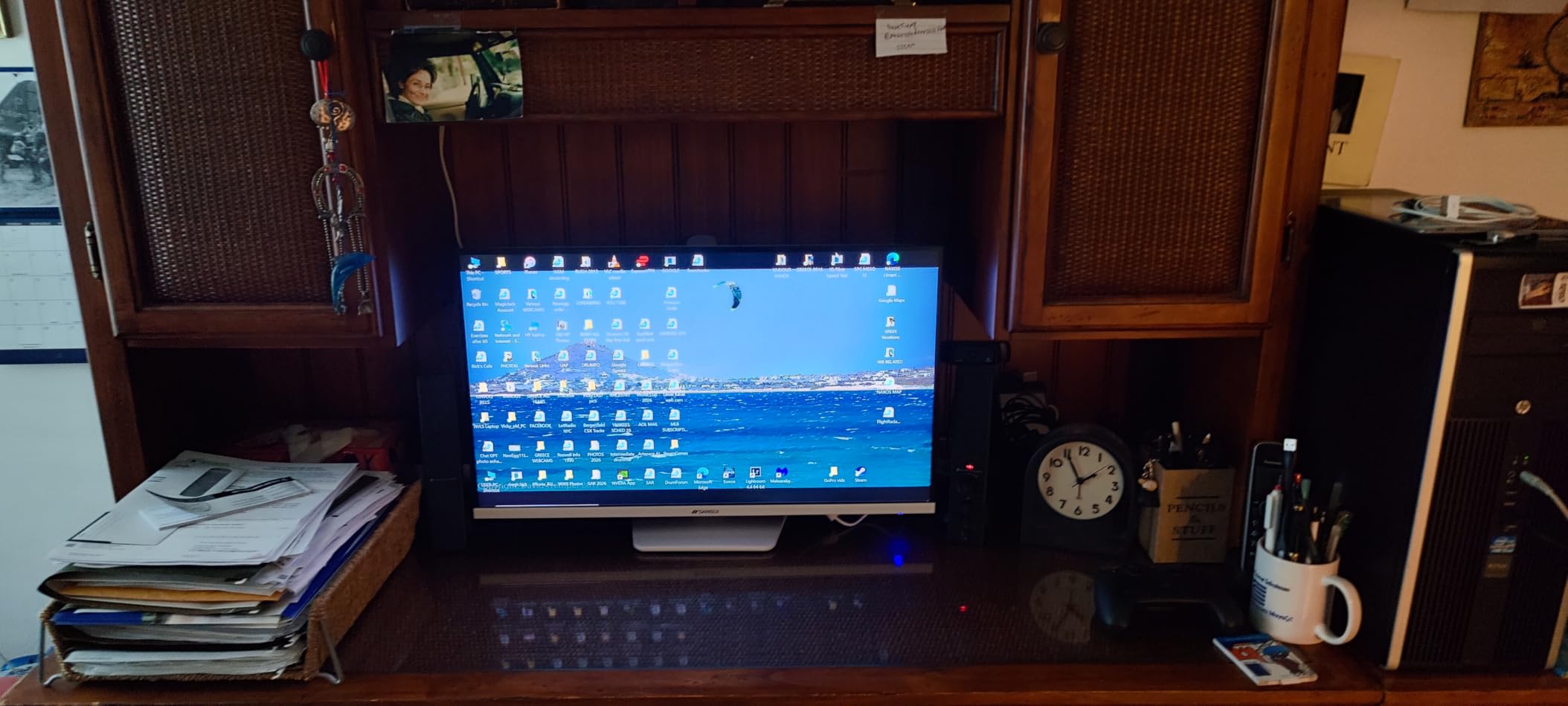
On-screen control and eye comfort modes
The joystick navigation is the standout here. With two monitors you are constantly changing input source, brightness and mode, and a single stick you can reach with one finger is far less annoying than a row of small buttons you have to feel for. The Office mode warms the colour temperature, the Movie mode raises contrast for video, and Low Blue reduces blue light output for evening work.
How it handles the secondary position
Because the panel is VA with a 178-degree viewing angle, it holds up reasonably well as a secondary screen, but colour shift appears once you angle it more than about 20 degrees inward. That is a panel-technology characteristic, not a defect in this monitor. If your second screen sits noticeably to the side, an IPS panel like the Acer or LG in this roundup is the better engineering choice.
Verdict on value
This is a competent matched pair for office and study use, and the review base suggests the panel is consistent rather than a lottery. The limits are clear: one HDMI port means no hot-swap between a work laptop and a gaming machine, and there are no built-in speakers on the 24-inch version. If you need audio you will be running speakers or a headset anyway.
4. Samsung S36GD – Two 27-Inch Curved Screens If Your Desk Can Take It
Samsung 27″ Essential S3 (S36GD) Series FHD 1800R Curved Computer Monitor
27-inch 1800R curved
1920×1080 at 100Hz
250 cd/m2, 3000:1 contrast
TUV eye comfort, Game Mode
+ Pros
- 27 inches of width per panel
- 100Hz with 4ms response
- TUV-certified eye comfort tech
- Recognisable brand with a real support network
- Game Mode tunes contrast and colour
– Cons
- Only a single HDMI plus legacy VGA
- No height or swivel adjustment on the stand
- 1080p at 27 inches means about 82 PPI
Two 27-inch panels give you more usable width than any other matched pair in this guide, and the 1800R curve is the same gentle shape that makes the Sceptre at the top work well angled inward. The condition is desk real estate, which I cover in detail further down.
Reviewers rate this highly for everyday productivity and casual gaming, calling out the comfortable curved viewing and smooth motion. The 100Hz refresh and 4ms response are a real upgrade over 60Hz for anyone who scrolls long pages or watches video on the second screen.
The 250 cd/m² brightness pairs well with the TUV-certified eye comfort technology, which covers both blue light and flicker reduction. For a two-screen desk where both panels are in view all day, that certification is more relevant than it would be on a single display.

Two 27-inch 16:9 panels side by side need roughly 140 cm of desk width, and the 1800R curve means the outer edges pull toward you, so desk depth matters more than with flat panels. Check your measurements before ordering, because the 24.5-inch wide chassis is not a small footprint.
The 3000:1 contrast is good but not exceptional for a VA panel, and the Game Mode adjusts contrast and colour for a fuller-screen gaming view. G-Sync compatibility is listed, which covers NVIDIA cards, though the refresh ceiling is 100Hz so it is not a competitive gaming proposition.
The single HDMI plus D-Sub connectivity is the most commonly noted drawback, and it is a real constraint when you are running two screens. It means one modern cable per machine, and a cable swap every time you switch between your desktop and your laptop.

Desk width and depth for two 27-inch panels
Two 27-inch monitors need about 140 cm of width to sit edge to edge with the bezels meeting, and closer to 150 cm if you want a small gap. Depth is the second requirement, because the curved design means the outer edges sit forward of the centre. A 60 to 70 cm deep desk is comfortable; anything shallower pushes the panels to the desk edge and gives you nowhere to put a keyboard comfortably.
What 82 PPI means for reading
A 27-inch Full HD panel works out to roughly 82 pixels per inch, against 92 PPI on a 24-inch. That gap is small on ordinary web pages and clearly visible on dense code, spreadsheets and PDF text, where characters start to look slightly soft. If your day is mostly text, the 24-inch panels in this roundup give you a sharper canvas at the same resolution. If your day is dashboards, video calls and general browsing, the extra width wins.
Who should pair these
Buy two of these if you work with wide timelines, spreadsheets, stock charts or a trading dashboard where horizontal real estate is the whole job. Skip the pair if your desk is under 120 cm wide or if you intend to mount them on a single dual arm with a narrow clamp range, since the stand does not adjust for height and you will be relying on the arm entirely.
5. Sceptre E275W-FW100T – The 27-Inch With the Best Port Selection
Sceptre 27-inch Prime Gaming Monitor 100Hz 1ms DisplayPort HDMI x2 100% sRGB AMD FreeSync Build-in Speakers, Eye Care Frameless Machine Black 2025 (E275W-FW100T Series)
27-inch frameless LED
1920×1080 at 100Hz
1ms response, 100% sRGB
2x HDMI plus DisplayPort, speakers
+ Pros
- Only 27-inch here with two HDMI plus DisplayPort
- 100% sRGB colour coverage
- Frameless three-sided look for matched pairs
- 1ms response at 100Hz
- Blue Light Shift and custom FPS and RTS modes
– Cons
- Built-in speakers are tinny with little bass
- Stand does not rotate or adjust height
- Single-button control takes practice
Connectivity is where this panel beats every other 27-inch in the guide. Two HDMI ports plus a DisplayPort input means a desktop, a laptop and a console can all stay plugged in, which is exactly what a dual screen desk tends to accumulate over time.
The 100% sRGB coverage and 2000:1 contrast give clean, accurate colour for the money, and reviewers specifically call out the jump in smoothness and brightness when moving up from a 75Hz screen. That is the same upgrade path the Sceptre C248W buyers describe, just at a larger size.
Two of these on a desk with a dual arm look continuous, because the frameless design removes the frame on three sides. That matters more than it sounds, because every millimetre of bezel you remove is a millimetre of extra usable workspace and one less obstacle when you drag a window across the join.
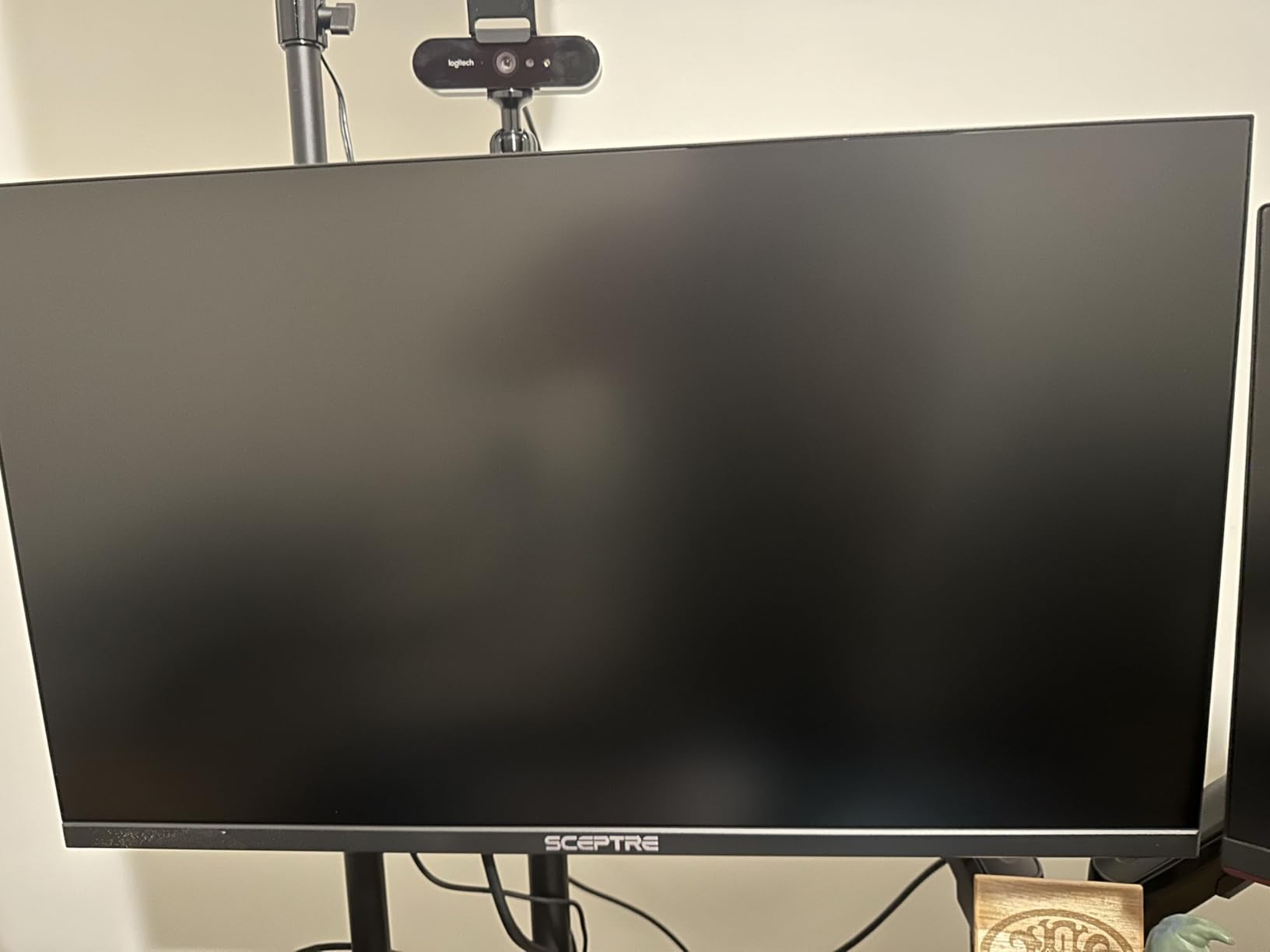
At 7.2 pounds the chassis is light for a 27-inch panel, which makes it an easy candidate for a monitor arm. The 170-degree viewing angle is slightly narrower than the 178-degree figure on most VA and IPS panels here, but in practice it is not noticeable at normal dual-setup angles.
The Blue Light Shift feature reduces blue light output from the OSD, and the custom FPS and RTS game modes pre-tune the picture for those genres. Audio in and a headphone jack are both included, so you can route sound from a console or laptop without extra hardware.
The built-in speakers are the weak point, and reviewers mention this more than anything else. They are fine for system beeps and voice chat, but for music or video you will want external speakers or a headset. The single control button is another minor friction point that takes a few sessions to get used to.
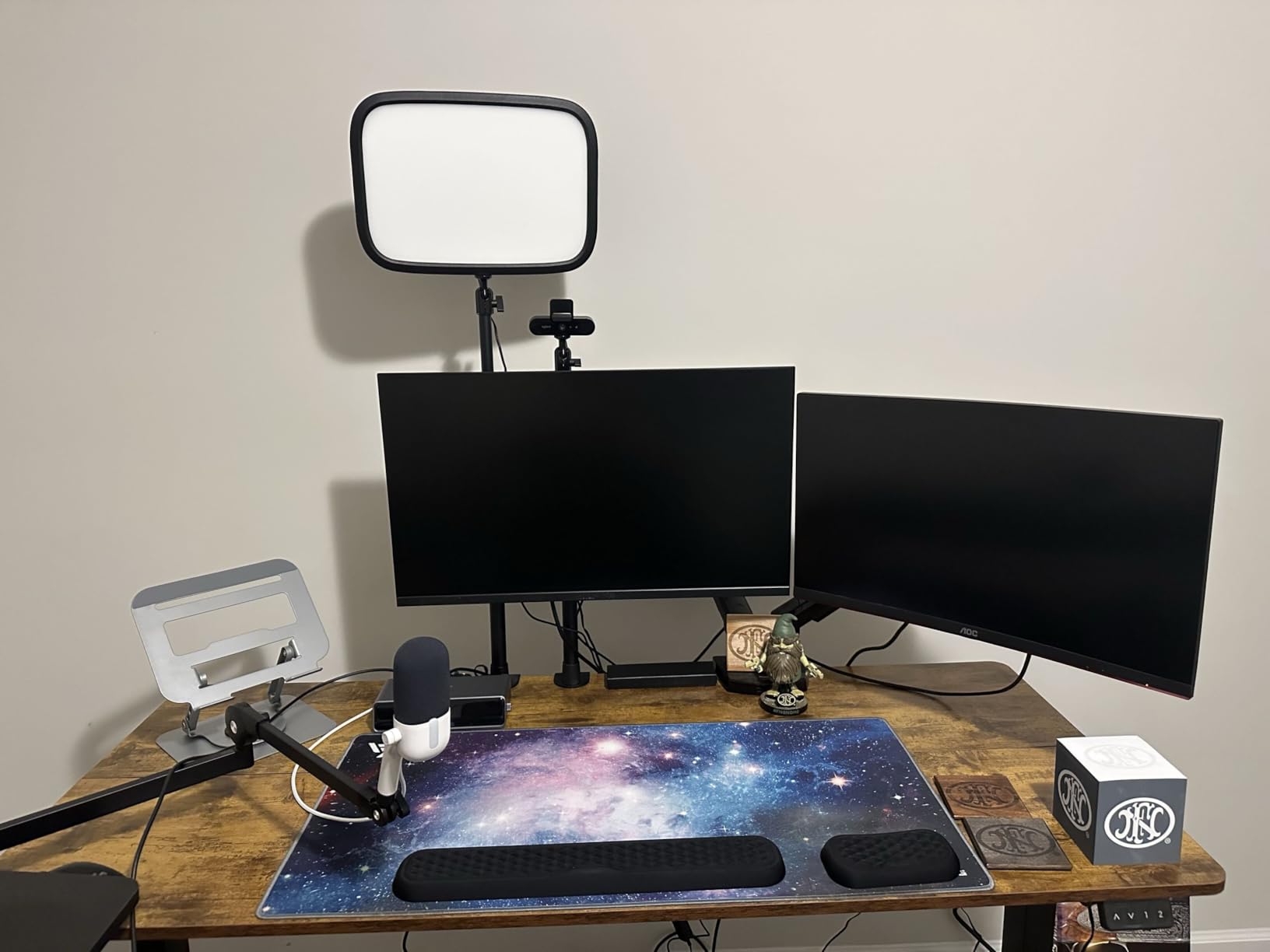
Two machines, one screen each
This is the panel I would pick if you run a work laptop and a desktop or a console alongside your two-screen setup. The DisplayPort input matters for laptop users, since most modern laptops output over USB-C or mini HDMI and a DisplayPort input gives you a direct option without an adapter. Audio in and the headphone jack finish the picture, so a single set of speakers can serve both machines.
Refresh rate and response in mixed setups
The 1ms response figure at 100Hz keeps fast motion clean, and the AMD FreeSync support covers most mid-range graphics cards. If you are mixing this with a higher-refresh primary screen, the difference will be visible when you drag windows across, which is the argument for matching instead. If you are pairing two of these, everything stays consistent.
The honest limitations
1080p across 27 inches is 82 PPI, so text-heavy work will look softer than the same content on a 24-inch panel. The fixed stand is again the ergonomic weak point, and 2000:1 contrast is below the 4000:1 achieved by the VA panels in this roundup, so blacks are less deep. It is a gaming-leaning choice where the port selection is worth more than panel purity.
6. Philips 241V8LB – The Four-Year Warranty and Near-Bezel-Free Design
Philips 24 Inch Computer Monitor FHD 100Hz VA VESA Flicker-Free, 241V8LB
23.8-inch VA LCD
1920×1080 at 100Hz
4ms, 3000:1 contrast
Three-sided frameless, 4-year warranty
+ Pros
- Four-year manufacturer warranty
- Three-sided virtually bezel-free design
- 100Hz with Adaptive-Sync
- EasyRead mode for document work
- Light 2900 g chassis mounts easily
– Cons
- No height or swivel adjustment on the stand
- No built-in speakers
- Glossy finish picks up room reflections
The warranty is the headline number here, and in a two-monitor build it counts twice. Four years of manufacturer coverage on a budget monitor is unusual, and buyers on forums repeatedly treat warranty length and a real replacement process as a genuine differentiator when choosing between a known brand and a cheaper no-name option.
Reviewers describe these as reliable, no-drama monitors that are easy to pair as a two-screen workstation, and several mention running them on monitor arms. The three-sided virtually bezel-free design is built specifically for that arrangement, keeping the gap between the two panels as narrow as possible.
At 2900 grams this is the second-lightest panel here, which makes arm mounting straightforward and keeps the load well within the rating of a typical dual monitor arm. The 178-degree horizontal and vertical viewing angles hold colour steady, and 100Hz keeps motion smooth on both screens.
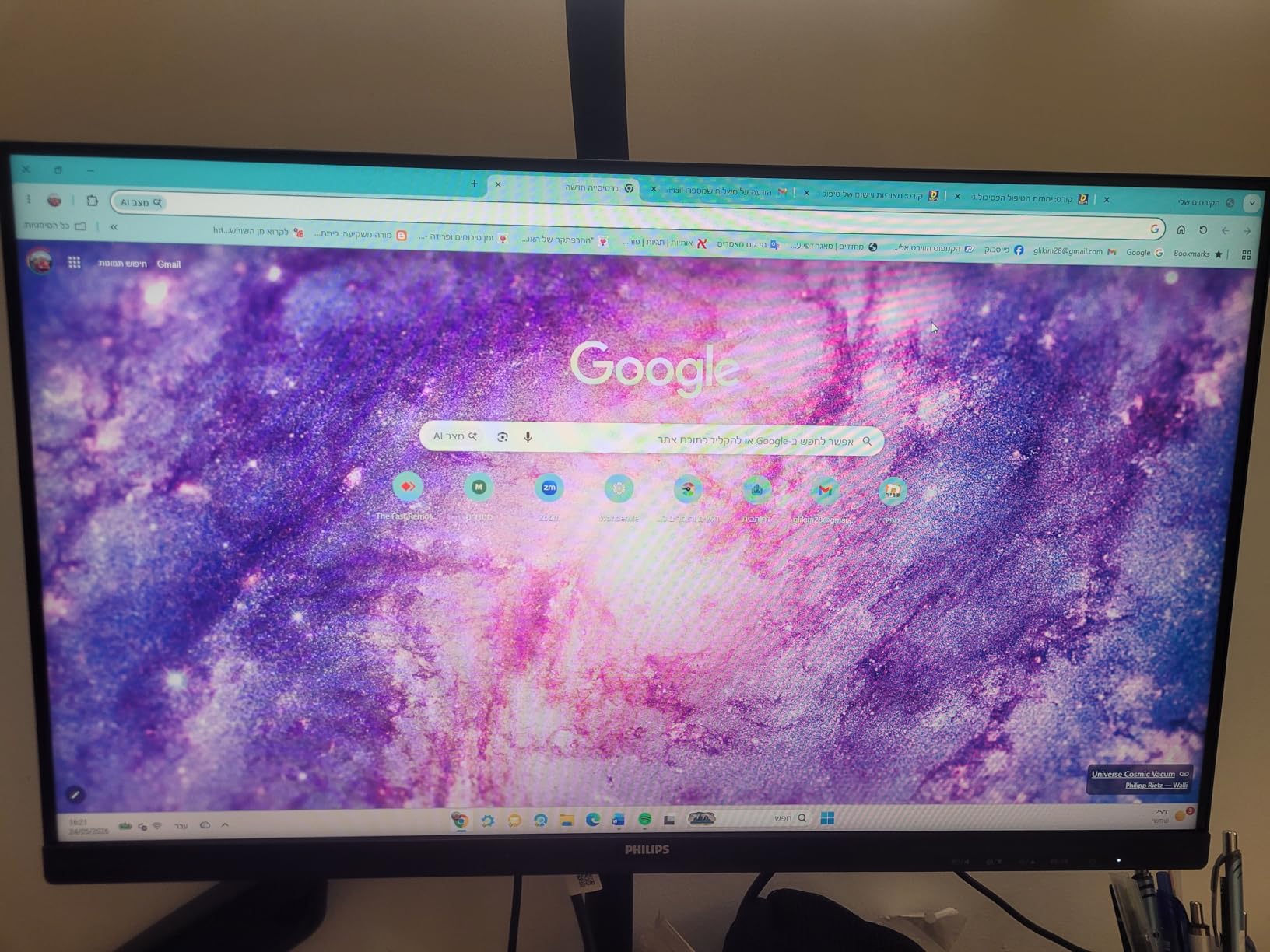
The EasyRead mode is a warmer, paper-like preset that reduces the blue cast of long documents, which is a real benefit when one of your two screens is a dedicated reading display. Flicker-Free operation and the Blue Light Filter cover the basics that matter over long sessions.
VA technology gives you 3000:1 contrast and deeper blacks than the IPS options here, which is why it remains a good choice for media on a secondary screen. The 250 brightness figure is bright enough for a normally lit office, and it sits in the middle of this group.
The glossy screen finish is the one specification that gave me pause. In a bright room or facing a window, a glossy panel reflects the room back at you, and on a two-screen setup you are looking at two reflective surfaces instead of one. The matte finishes on the Acer, LG and Sceptre 27 are safer if your desk faces a window.
Why a long warranty changes the maths
With two monitors you are doubling the number of components that can develop backlight, power supply or panel faults. A four-year warranty roughly halves the risk of an uncovered failure in the first two years, which is when the majority of problems appear. On a matched pair, the same panel type and driver behaviour also means a firmware or colour profile decision you make once applies to both screens.
Frameless design and the bezel gap
Three-sided virtually bezel-free means only the bottom edge retains a frame, so the top and side edges sit flush when you place two panels side by side. This is the design detail that most improves the look of a dual setup and it also reduces the dead zone your cursor crosses. It is the same reason the LG and the Sceptre 27 score well here.
What you give up
There are no built-in speakers, so you need separate audio, and the stand is tilt-only with no height, swivel or pivot range. Combined with the glossy finish, this is a panel for someone who plans to put both screens on arms and does not want reflections in the room. On a desk in a bright office, choose a matte alternative instead.
7. Acer KB272 G0bi – The Smoothest Scrolling 27-Inch IPS Pair
Acer 27in FHD 1920×1080 IPS 120Hz Gaming Monitor | Office KB272 G0bi
27-inch IPS
1920×1080 up to 120Hz
1ms VRB, 250 nits, 99% sRGB
Adaptive-Sync, HDMI plus VGA
+ Pros
- 120Hz is the highest sustained rate on a 27-inch here
- IPS panel holds colour at wide angles
- FreeSync reduces screen tearing
- Only 18 watts per panel
- Three-year full warranty
– Cons
- Only one HDMI port plus legacy VGA
- Tilt-only stand without height adjustment
- 1080p at 27 inches limits real estate
IPS is the panel type that behaves best in a dual setup, and this is the only 27-inch IPS option at a price most people will pay for two. The reason matters: in a side-by-side arrangement your secondary screen is always angled inward, and IPS is the least likely panel to shift colour as you do it.
Reviewers praise the crisp Full HD detail, accurate colour and smooth 120Hz motion. That 120Hz ceiling is the highest sustained rate among the 27-inch panels in this roundup, and it makes a visible difference during everyday scrolling rather than only in games.
The 18-watt power draw is the lowest figure here, and on an always-on two-monitor desk that compounds. Running two of these eight hours a day costs almost nothing in power, which is worth noting if you previously had two brighter panels.

Adaptive-Sync support matches the refresh rate to your graphics card output, which reduces screen tearing on both screens without any manual tuning. At 99% sRGB the colour is accurate enough for photo and video work without calibration, and the matte finish handles a bright room better than a gloss panel.
Two of these give you the widest, sharpest and most consistent matched pair in the guide if you are willing to accept a lower refresh ceiling than the 144Hz options. The 0.311mm pixel pitch works out to roughly 82 PPI, the same as the other 27-inch Full HD panels here.
Connectivity is the weak point: one HDMI and legacy VGA. For a dual-monitor desk driven by one desktop that is fine, since the GPU normally has at least two HDMI outputs, but adding a laptop means an adapter. The three-year full warranty is better than most in this category.

Why IPS wins on a secondary screen
VA panels look superb head-on and then shift colour once you angle them, which is precisely the situation a dual setup creates. Users on monitor forums point this out repeatedly: the secondary screen is always turned inward by 20 to 30 degrees to face you, and IPS panels hold colour and contrast much closer to their head-on values at those angles. If you know your second screen will be angled, this is the panel technology to buy.
120Hz in an office-first setup
People assume 120Hz only matters in games, but the effect on scrolling, window animations and text reflow is easy to notice side by side. Two matched 120Hz panels remove the stutter at the boundary and keep text movement smooth. For a fast-paced competitive game, the 240Hz Dell further down is the faster option, but for mixed work this is the better balance.
Where it falls short
You get one HDMI port and a VGA port, and the stand offers tilt plus wall mount support with no height range. Aligning two of these to eye level means buying an arm. And at 27 inches the 82 PPI density is the softest text canvas in this roundup, so if you are reading dense documents all day, a 24-inch panel at 92 PPI is the more comfortable choice.
8. Sceptre E225W-FW144 – Two 22-Inch Screens for a Small Desk
Sceptre New 22-Inch Gaming Monitor, FHD 1080p, Up to 144Hz, HDMI, DisplayPort, Built-in Speakers, Machine Black (E225W-FW144 Series, 2026)
22-inch Full HD LED
up to 144Hz, 1ms response
100% sRGB, 2000:1 contrast
HDMI plus DisplayPort, built-in speakers
+ Pros
- 144Hz at the lowest price point in the roundup
- Near-bezel-free for a clean side-by-side pair
- DisplayPort input included
- Works directly with consoles
- Assembles in minutes
– Cons
- Built-in speakers are quiet and tinny
- Stand has limited adjustment and feels cheap
- 22 inches is small for heavy multitasking
Two 22-inch panels need about 90 cm of desk width, which makes this the matched pair that fits a dorm room, a small home office or a shared desk. Reviewers consistently describe it as a good budget second screen or starter gaming monitor, and several pair it with a console.
The 144Hz ceiling and 1ms response are the standout numbers here, and they cost less than any other panel in this roundup. That makes it the cheapest route to a high-refresh matched pair, though the smaller canvas means less working space per screen.
The near-bezel-free design keeps the join between the two panels tidy, and the DisplayPort input means modern laptops connect without an adapter. Built-in speakers remove the need for extra desk hardware, which matters in a small space.
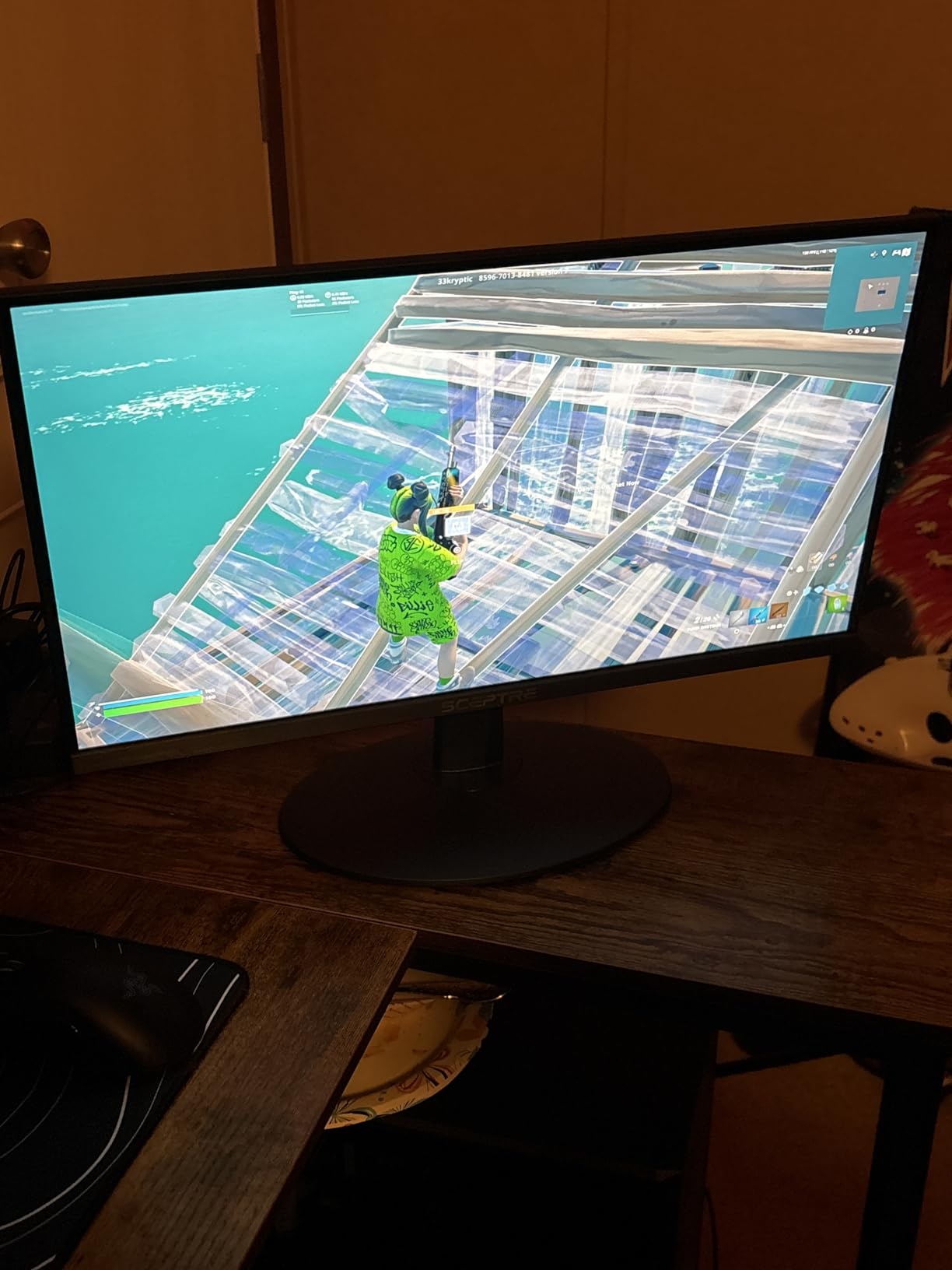
100% sRGB coverage and a 170-degree viewing angle are solid for the class, and the 2000:1 contrast is on the lower side next to the 3000:1 and 4000:1 VA panels here. On a small desk where both screens sit close to you, the difference is minor.
Reviewers mention quick assembly and a lightweight chassis that is easy to move between setups, plus consistent praise for picture clarity. The Blue-Light Shift feature reduces blue light output from the OSD for long evening sessions, which is useful on a second screen you keep open all day.
The near-universal complaint is the built-in speaker quality, which several buyers replaced with external speakers or a headset. The stand also feels cheap when tilting and has no height or swivel range, so alignment on a dual setup again depends on an arm or very careful placement.
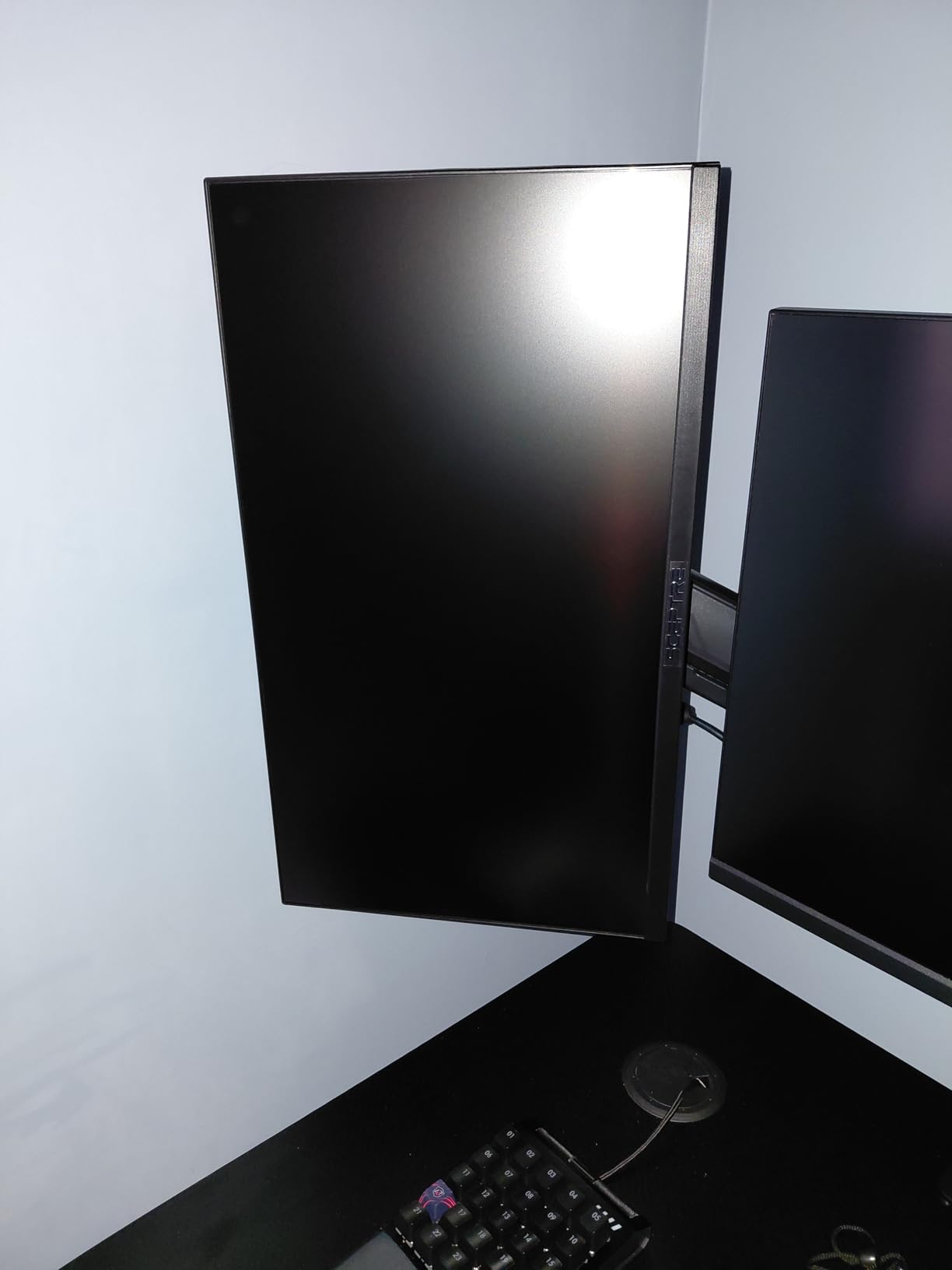
Console and laptop use on the second screen
This panel connects directly to consoles including PS4, PS5 and Switch, and the DisplayPort plus HDMI inputs cover laptop and desktop use. In a dual setup, the common pattern is a 144Hz gaming panel as your primary and this as a chat, dashboard or console screen, though mismatched refresh rates create exactly the friction buyers complain about most.
Desk maths for a 22-inch pair
Two 22-inch panels sit at about 90 cm of total width, well under 100 cm including the bezels, and they need around 45 cm of depth. That footprint is the main argument for this model, because most dual setups fail on available width rather than on screen quality.
Trade-offs to accept
At 22 inches and Full HD you get roughly 100 pixels per inch, the sharpest canvas here, but the smallest area of the three sizes in this roundup. Heavy multitasking, wide spreadsheets and long documents are cramped, and this is a panel for a second screen or a compact setup rather than a primary display. The 144Hz rate covers most casual play comfortably, though only the Dell’s 240Hz goes further for competitive titles.
9. LG 27U411A-B – The Best Colour Consistency at 27 Inches
LG 27U411A-B 27-inch Full HD (1920 x 1080) IPS Computer Monitor, 120Hz, HDR10, Reader Mode, Flicker Safe, HDMI, Slim Stand Base, Black
27-inch IPS
1920×1080 at 120Hz
250 cd/m2, 1500:1 contrast
HDR10, 99% sRGB, Switch app
+ Pros
- IPS colour stays consistent at dual-setup angles
- 120Hz with Motion Blur Reduction
- Three-side virtually borderless design
- HDR10 and 99% sRGB
- Switch app splits the screen into six sections
– Cons
- Single HDMI with no DisplayPort or USB hub
- 5ms native response versus the 1ms MBR figure
- Tilt-only stand
- No built-in speakers
The IPS panel and three-side virtually borderless design make this the neatest-looking 27-inch matched pair in the guide. Reviewers single out exactly those two qualities as the most cited strengths, particularly for pairing two units on a desk.
At 120Hz it matches the Acer for sustained smoothness, and the HDR10 support with 99% sRGB coverage gives richer colour for media and light creative work. The Switch app splits the screen into up to six sections from a single hotkey, which is a genuinely useful feature on a secondary display that shows a reference panel.
Reader Mode lowers blue light and Flicker Safe covers long sessions, so both screens can be tuned for all-day use independently. The 250 cd/m² brightness and matte finish handle a normally lit room without any problem.
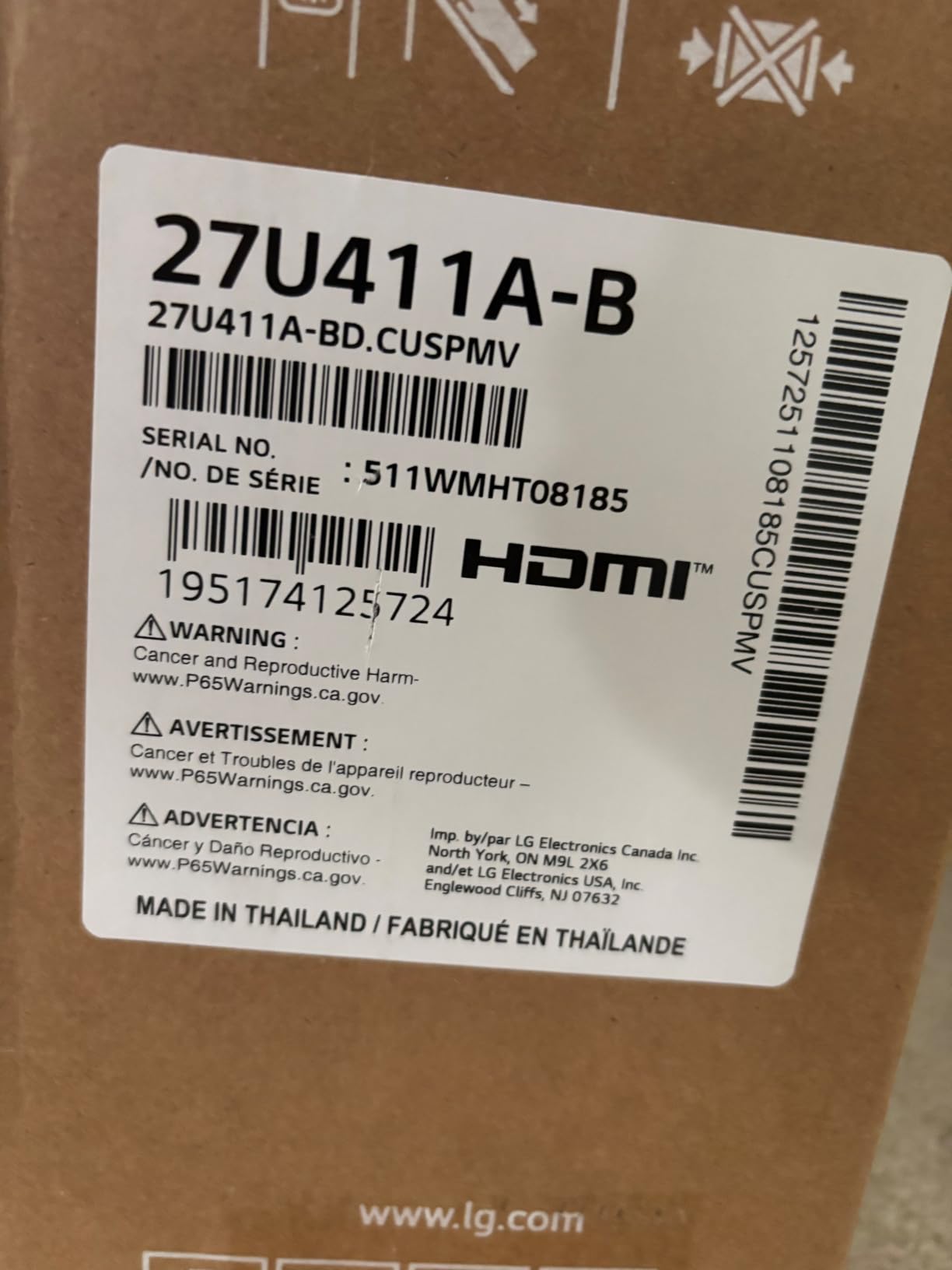
The contrast ratio of 1500:1 is the lowest in this roundup, which is the inherent trade for IPS. Blacks on dark interfaces sit closer to grey than they do on a VA panel, and on a second screen that sits beside a VA primary, that difference is one of the few mismatches you can genuinely see.
Buyers also appreciate the Dynamic Action Sync input-lag reduction and Black Stabilizer for dark scenes. Tilt adjustment runs from -5 to 20 degrees, which is a slightly wider range than most of the stands here, though it is still tilt only with no height, swivel or pivot.
Connectivity is the main constraint: a single HDMI port, no DisplayPort and no USB hub. For a dual setup driven by a laptop, that means an adapter, and our guide to docking stations for two screens covers the options in more depth.
IPS versus VA across two screens
If you are running these next to a VA panel, expect the two screens to look slightly different in dark scenes even with matched brightness settings. The compromise most buyers make is to use IPS on both screens for consistency, accepting 1500:1 contrast, or VA on both for deeper blacks and accepting the colour shift on the angled screen. Mixing is the option that causes the most complaints.
Refresh rate and the honest response time figure
The 120Hz refresh rate is a genuine step up from 60Hz for daily use, and it is what you notice first when dragging windows. The 1ms figure refers to Motion Blur Reduction, a backlight strobing feature, while the native panel response is 5ms. The practical difference is small outside competitive shooters, but it is worth knowing which number you are reading.
Best use in a two-screen layout
Put this on the primary position and a VA panel on the secondary if your work is a mix of writing and media, or buy two of these if consistency matters more than contrast depth. The Switch app screen-splitting is unusually useful for a second display, and the near-borderless design keeps the pair looking deliberate on a desk.
10. ArcticPro 22 Inch 144Hz – The Cheapest High-Refresh Matched Pair
ArcticPro 22 Inch Gaming Monitor 144Hz, FHD Computer Monitor, 105% sRGB
22-inch VA
1920×1080 at 144Hz
1ms, 3000:1 contrast
105% sRGB, 75×75 VESA, 3-year warranty
+ Pros
- 144Hz and 1ms at the lowest cost
- 105% sRGB colour is above the reference standard
- Light 2.05 kg chassis
- Three-year manufacturing warranty
- Compact footprint for a second screen
– Cons
- No built-in speakers
- Tilt-only stand adjustment
- Single HDMI plus legacy VGA
- Less established brand with a smaller review base
This is the lowest-cost way to put two identically specified 144Hz panels on one desk, and that combination is rare at any price. Buyers highlight the refresh rate and Full HD clarity as exceeding expectations for the money, alongside a light chassis that is easy to reposition.
The 3000:1 contrast and 105% sRGB coverage are strong figures for a 22-inch panel, and 178-degree viewing angles keep colour reasonably consistent from off-centre. That matters slightly more than usual because the second screen is angled toward you.
Two of these leave you with a compact, fast, colour-matched pair. The three-year manufacturing warranty is a genuine plus at this price, and it is the sort of coverage that buyers on forums say they trust more than an unknown brand with a one-year warranty.
The box includes the monitor, an HDMI cable, an adapter and the base, so the only thing you may need to buy is a second cable if you run two machines. The HDMI and VGA inputs cover a desktop and a laptop, though a single HDMI port means swapping cables when you switch devices.
Anti-blue light technology and low blue light processing are handled through the OSD, and the -5 to 15 degree tilt range covers most desk positions. The 75x75mm VESA pattern is the most common mount size, so arms and wall mounts are widely available.
Where the smaller brand shows is in the review base of 751 entries, which is a fraction of what the Sceptre, Samsung and KOORUI panels carry. That matters less for image quality and more for support: buyers repeatedly favour known brands at this tier for warranty handling and replacement parts, and that is a fair consideration before buying two units from a newer name.
144Hz on a budget, honestly assessed
Refresh rate is easy to overvalue. A 144Hz panel is worth it if you play competitive shooters, and most of the frames your PC generates will be shown. For document work, video calls and browsing, the jump from 100Hz is small and the jump from 60Hz is where you feel something. This panel delivers the headline number cheaply, but pair it with the understanding that 144Hz mostly helps the screen you game on.
Why matched panels reduce the usual complaints
Two identical panels from the same production run behave the same way, which removes the two complaints that dominate dual monitor discussions: mismatched scaling and mismatched colour. The cursor moves across the boundary at the same speed, the same refresh rate and the same pixel density, so the jump that people describe as a stutter simply does not happen.
Trade-offs and alternatives
There are no built-in speakers, the stand is tilt only, and the 22-inch canvas is small for document work. If your budget stretches slightly further, the Sceptre E225W-FW144 offers similar speed with DisplayPort included, and the Philips 241V8LB brings a four-year warranty at a larger size. This one wins on getting a matched high-refresh pair for the least.
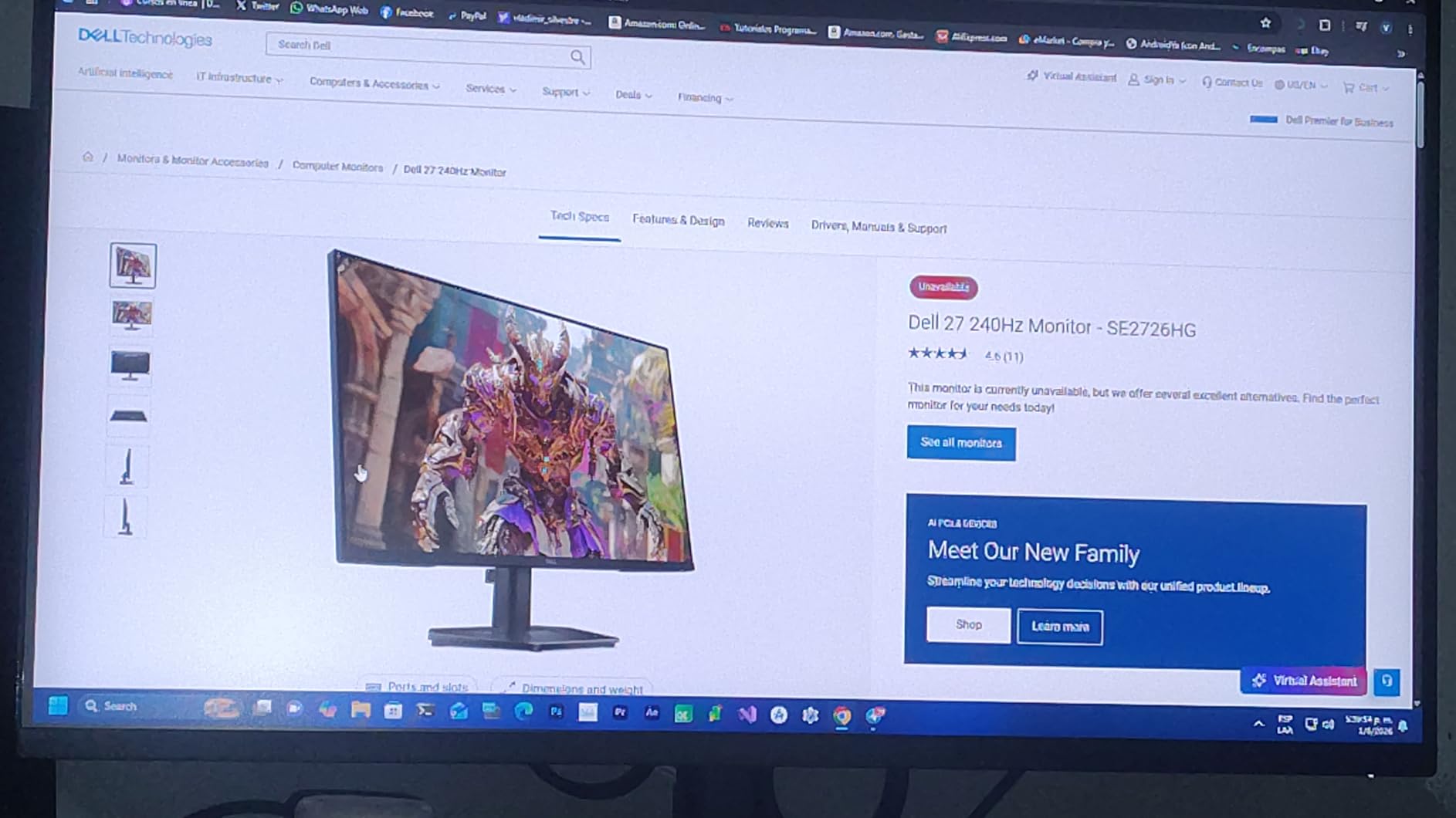
11. Dell SE2726HG – The 240Hz Option for Competitive Gaming
Dell 27 240Hz Gaming Monitor – SE2726HG – 27-inch FHD (1920×1080) 240Hz Display, in-Plane Switching (IPS) Technology, AMD FreeSync Premium, TÜV 3-Star, 2X HDMI, DisplayPort 1.4, Tilt
27-inch IPS
1920×1080 at 240Hz
300 brightness, 99% sRGB
FreeSync Premium, 2x HDMI plus DP 1.4
+ Pros
- 240Hz refresh rate with the lowest input lag here
- FreeSync Premium and HDMI VRR cut tearing on PC and console
- IPS colour accuracy across 178-degree angles
- TUV Rheinland 3-star eye comfort
- Two HDMI plus DisplayPort for three devices
– Cons
- Full HD at 27 inches limits screen real estate
- Tilt-only stand with no height
- swivel or pivot
- Some one-star reviews mention IPS glow at dark settings
A 240Hz panel inside this budget range is unusual, and it changes who this roundup is for. If you play competitive shooters or a fast racing game, this is the screen that makes a measurable difference; if you read spreadsheets, you will not see the benefit and the Full HD resolution at 27 inches is a real limitation.
Reviewers consistently praise the motion performance, tear-free gaming and colour accuracy for the price, and note that 74% of reviews are five-star. The FreeSync Premium support works with both PC and console, and the two HDMI ports plus DisplayPort mean you can connect three devices without a switcher.
As the primary screen, this is where I would put the 240Hz rate. As a secondary screen, pair it with another 240Hz panel if you can afford it, because a 240Hz primary next to a 100Hz secondary is the exact mismatch buyers complain about most.
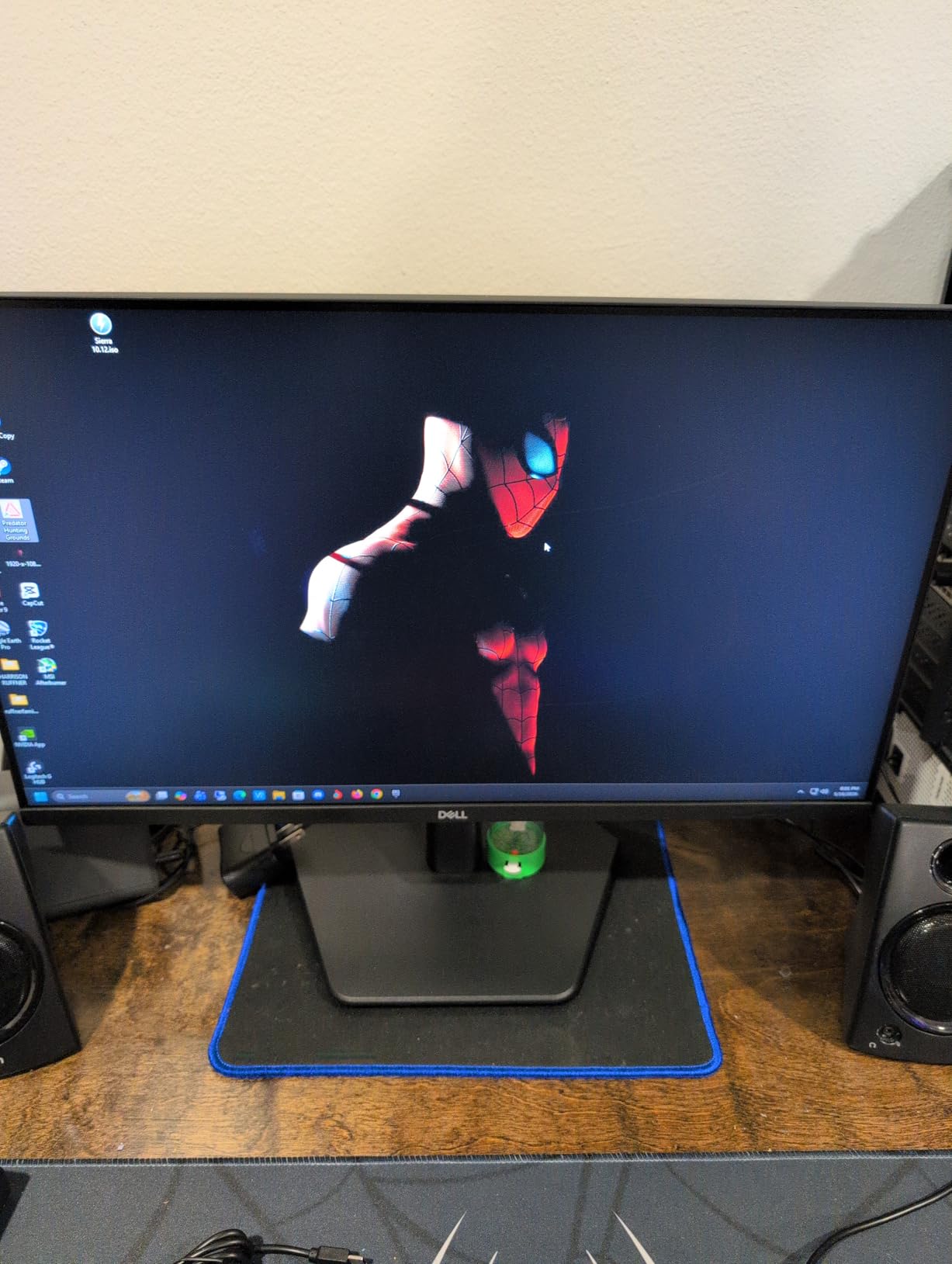
The TUV Rheinland 3-star eye comfort certification and the anti-glare matte finish make it a comfortable long-session panel, and the 300 brightness figure is the highest here. The 1000:1 contrast is typical for a fast IPS panel and is the trade for the refresh rate.
One detail worth flagging is the response time. The feature list cites a 0.5ms response figure while the specification block lists 5ms, which is a common marketing-versus-spec-sheet gap on fast panels. For practical purposes, treat it as a fast IPS response rather than a literal half-millisecond.
A small number of one-star reviews mention IPS glow or backlight bleed at dark settings, which is an inherent characteristic of the panel type. On a three-star overall rating across 340 reviews, this has the thinnest review base of the 27-inch panels here, so treat the consensus as promising rather than proven.
Can a 240Hz monitor actually show every frame?
A 240Hz panel refreshes 240 times per second, so it can display up to 240 distinct frames per second. If your PC renders 300 frames per second, roughly 80 of those frames never reach the screen, and that is normal rather than a fault. The practical rule is that a faster monitor never makes a slow machine feel fast, so pair it with hardware that can hold a high frame rate.
Two-screen performance mismatches
Running a 240Hz primary next to a 100Hz or 144Hz secondary is the most common source of dissatisfaction in dual setups, because the cursor and any motion crossing the boundary visibly change smoothness. It works, but it is noticeable every time you drag a window across. Either match both screens at the same rate, or accept the jump consciously.
Where it fits in a matched build
Two of these give you a dual high-refresh gaming rig with tear-free motion on both screens and enough ports to share one set of peripherals. The trade is resolution: 27-inch Full HD is 82 PPI, so editing or reading on these panels is softer than a 24-inch or 27-inch higher-resolution screen. A gaming-focused matched pair is the only build where I would accept that trade.
12. MNN 15.6-Inch Portable Monitor – A Second Screen That Travels
MNN 15.6″ FHD 60Hz Portable Monitor USB-C HDMI IPS HDR Gaming Laptop
15.6-inch IPS
1920×1080 at 60Hz
300 brightness, 1000:1 contrast
Two full-function USB-C ports, mini HDMI
+ Pros
- Two USB-C ports carry video and power on one cable
- 1.5 pounds and slim enough to pack
- Portrait mode suits documents and chat
- Works with laptops
- tablets
- Steam Deck and consoles
- PU leather cover doubles as a stand
– Cons
- 60Hz refresh and 5ms response rule it out for competitive gaming
- Side-mounted cables stop two units sitting flush
- Weak magnetic folding stand
- Can blank during OS boot and not resume
This is the odd one out in the roundup, and it solves a different problem: a second screen when you are not at your desk. At 1.5 pounds with two full-function USB-C ports, one cable carries both power and display signal to a laptop, mini PC, tablet or console.
With over 12,500 reviews, it is one of the most proven products in this entire guide, and the sentiment is consistent: quick plug-and-play setup, a clean image, included cables and a protective folding cover. Seventy-one percent of reviews are five-star.
For a travelling dual setup it is genuinely the best value option here, because a second screen that fits in a laptop bag costs a fraction of any desktop panel. At your desk, pair it with a 24-inch primary and angle it vertically for chat, documents or a reference panel.
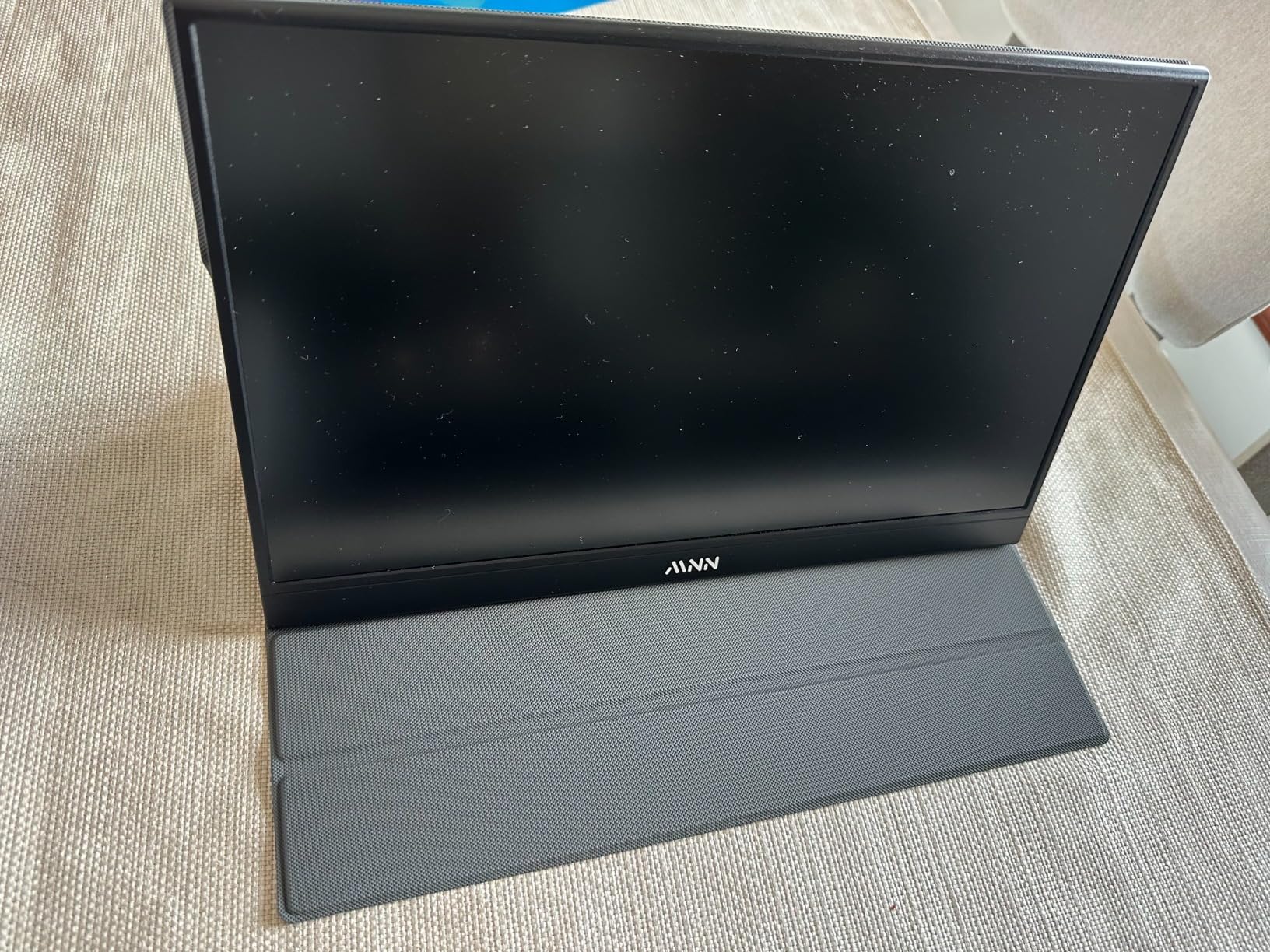
The 1920×1080 IPS panel at 141 pixels per inch is the sharpest canvas in the roundup, and the 178-degree viewing angle plus HDR mode make it pleasant to read. The matte finish is a sensible choice for a panel that moves between rooms and lighting conditions.
Display modes include copy, extended, second screen and portrait, and the portrait mode is the reason this earns a place in a dual-setup guide. A vertical second screen for long documents or a chat thread is a real productivity gain, and this is one of the few panels here that supports it properly.
The recurring complaints are consistent: the 60Hz ceiling, modest built-in audio, a plastic build and the weak magnetic stand. Several users also report that the screen can blank during OS boot and fail to resume reliably, which is a firmware behaviour rather than a hardware fault.
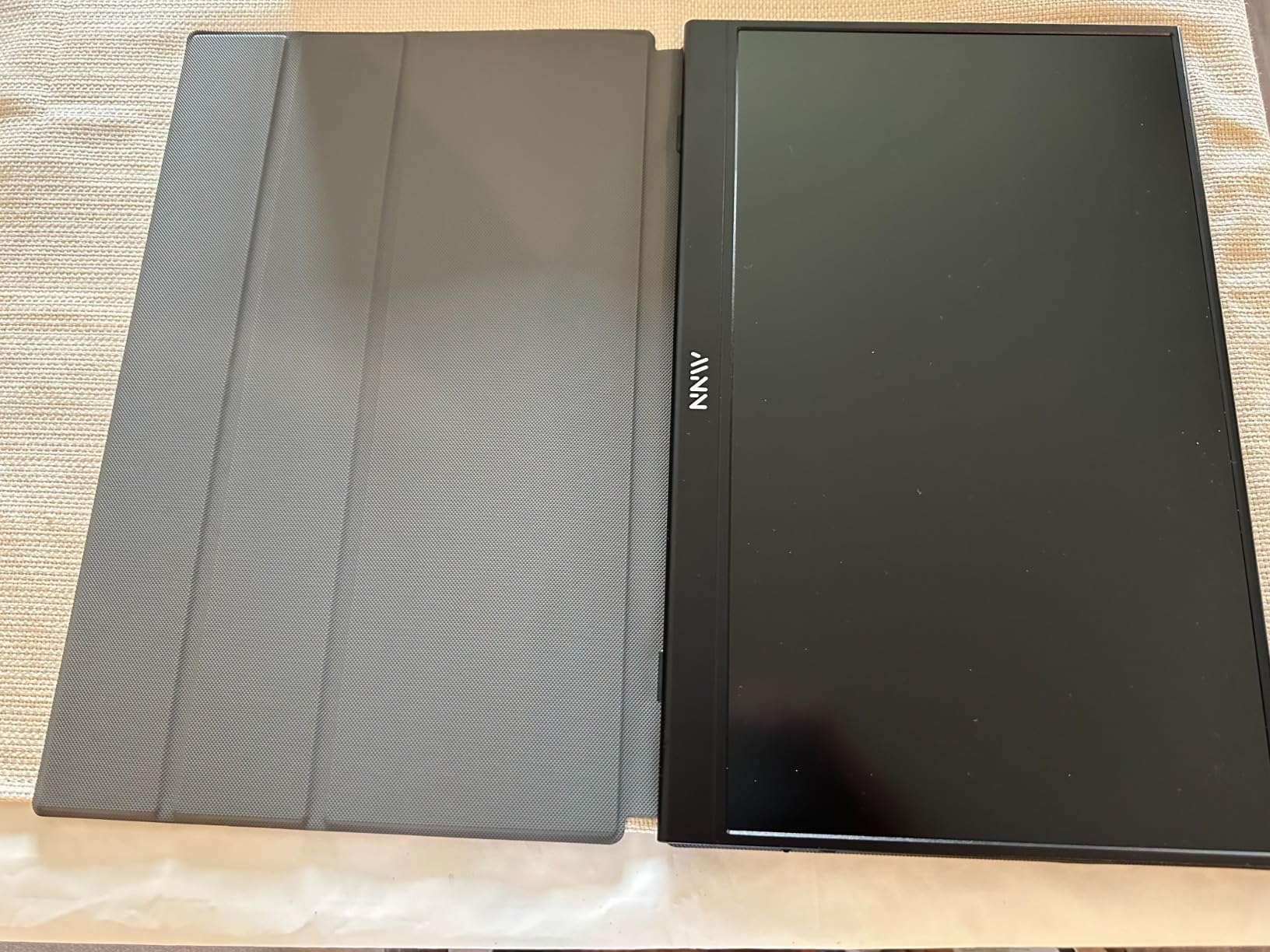
USB-C as the whole connection
Two full-function USB-C ports mean one cable handles display and power, plus a mini HDMI input and a USB-A power cable in the box. That is a genuinely different connection model from the HDMI and VGA panels in this roundup, and it is why this screen needs no dock to work with a laptop. Our picks for the best USB-C docking stations cover the option when you want to add ethernet and more ports.
Where a 15.6-inch panel fits in a dual setup
You will not get real multitasking from a 15.6-inch display, so treat it as an auxiliary screen rather than a peer. It works well for chat, a task list, media controls, a document reference or a system monitor, and the portrait mode turns it into a tall reader. Paired with a 24-inch primary, that combination covers most travel work.
The limitations to plan around
Side-mounted USB-C cables stop two portable monitors sitting flush against each other, so a dual portable setup leaves a visible gap you cannot close. The magnetic folding cover doubles as the stand and several buyers describe it as weak under any real pressure. And 60Hz with 5ms response means competitive gaming is out, regardless of how good the image looks.
Match or Mismatch: Why Two Identical Monitors Beat Two Different Ones
This is the question that decides whether your two-screen setup feels premium or permanently irritating, and almost nobody answers it directly. The short answer is that identical panels remove an entire category of daily friction, and on a tight budget that is worth more than a better primary screen.
What actually goes wrong with a mismatched pair
Different pixel densities make the cursor jump in apparent size as it crosses between screens, because Windows scales each display independently. Different refresh rates make motion stutter at the boundary. Different colour temperatures mean a document that looks white on one screen looks faintly blue on the other, and you stop noticing only after hours. Users on monitor forums describe all three as the most common reason a dual setup feels wrong, and none of them are fixable in software.
The VA panel warning that applies to every dual setup
VA panels look excellent head-on and shift colour as soon as you angle them, and a dual setup angles your secondary screen by 20 to 30 degrees by design. Users on r/Monitors make this point constantly. If your second screen sits to the side, choose IPS for that panel, or accept a visible difference between the two halves of your desk. Six of the panels in this roundup are VA, so the warning applies widely.
When a mismatch still makes sense
Two genuinely different screens are correct when the jobs differ. A high-refresh gaming primary next to a larger office panel is a legitimate build, as is a 27-inch main screen with a smaller 22-inch second for chat. The rule is to make the mismatch intentional: match the two panels that sit in the same visual role, and accept differences between the roles rather than within them.
Refurbished and used panels for a matched pair
Forum users point out that a matched pair is often easier to find second-hand than two identical new units, because a single owner who bought a model they liked sometimes sells a pair together. The advantage is colour matching that is exact, since both panels aged under the same conditions. The checks worth making are dead pixels, backlight uniformity, hinge stiffness and whether both units share the same panel revision. It is rarely covered in mainstream buying guides, and it is the most practical way to get an identical pair on a budget.
What to Look for When Building a Two-Screen Desk on a Budget
Panel type, size, refresh rate, eye comfort, mounting and ports decide whether a dual setup works. In that order, and with the price constraint in mind, here is what actually changes your experience.
Panel type: IPS versus VA versus TN
VA gives you the deepest blacks and the highest contrast, typically 3000:1 to 4000:1, which makes it the best choice for media on a secondary screen. It shifts colour when angled, so it is weaker for a screen turned inward. IPS holds colour and viewing angles far better, which is why the Acer KB272 G0bi and LG 27U411A-B are the right pick for angled dual setups, at the cost of roughly 1500:1 contrast. TN is the one to skip: it is the only option here with visible colour inversion and narrow angles.
Size and pixel density: the numbers that decide comfort
A 21.5-inch Full HD panel is about 102 pixels per inch, 24 inches works out to 92 PPI, and 27 inches drops to 82 PPI. That drop is the main reason 27-inch Full HD looks soft for dense text, and it is why a 24-inch pair beats a 27-inch pair for reading. Two 24-inch panels need about 120 cm of desk width, two 22-inch about 90 cm, and two 27-inch about 140 cm. Add 5 to 10 cm of desk depth for the stands.
Refresh rate: what 60, 100, 120 and 144Hz actually do
60Hz is the old baseline and the jump to 100Hz is the single cheapest upgrade in this roundup, because it makes scrolling and window movement noticeably smoother. 120Hz adds a little more and is the sweet spot for mixed work and light gaming. 144Hz and 240Hz are for competitive play, where the extra frames matter, and they matter least on a secondary screen. Whichever tier you pick, match both screens to the same tier.
Eye comfort across ten hours
Flicker-free backlighting and a low blue light mode are the two features worth insisting on when both screens are in your field of vision all day. TUV Rheinland certification appears on the KOORUI E2412F, the Samsung S36GD and the Dell SE2726HG, and Philips, Sceptre and Acer offer equivalent modes through the OSD. Matte finishes also cut reflections, which matters more than the certification on a two-screen desk with your face close to both panels.
Ergonomics and VESA mounting
Almost every monitor at this price ships with a tilt-only stand, no height adjustment, which makes aligning two screens to the same eye level difficult. The fix is a dual monitor arm, and that is why VESA compatibility matters more than any other spec on this list. The pattern is usually 75x75mm or 100x100mm, and the KOORUI E2412F uses the larger 100x100mm pattern, which gives you more arm options. Panel weight matters too: most here run between 1.5 and 9.3 pounds, all within a typical arm’s rating.
Ports, adapters and driving two screens from one laptop
Count the ports before you buy, because a single HDMI means swapping cables every time you switch machines. The Sceptre E275W-FW100T is the only 27-inch here with two HDMI plus DisplayPort, and the Dell SE2726HG matches that. If you are driving two screens from a laptop, check the laptop first: Windows machines usually support two displays directly, while a MacBook typically needs a Thunderbolt or USB-C dock, and DisplayLink adapters are the fallback for additional screens. Our guide to the best laptop docking stations for dual monitors covers the hardware side.
Setting Up Two Monitors So They Stay Configured
The hardware is the easy half. A surprising number of dual setups go wrong in software, and the fixes are quick once you know them.
Check the desk before the screens arrive
Measure the width and depth of your desk first, then compare against the panel footprint rather than the diagonal. Two 24-inch monitors need about 120 cm of width, two 22-inch about 90 cm, and two 27-inch about 140 cm. Leave a few centimetres at each side for the dual arm clamp and the desk edge, and allow 60 to 70 cm of depth for comfortable keyboard placement.
Plan the cables before you mount anything
Two monitors means two video cables and two power leads, plus everything else on the desk. Sceptre and SANSUI route cables through the stand, which helps, and a dual arm with a cable clip consolidates the rest into one bundle. If your two screens have different port layouts, check that your cables reach from the GPU to the back of the desk before you commit to a layout.
Use a dual monitor arm instead of two stands
An arm solves height alignment, tilt-only stands, desk space and cable management in one purchase, and every panel in this roundup except a few supports a VESA mount. Align both screens to the top of your eye level, angle them inward roughly 20 to 30 degrees, and keep the gap between panels small enough that a dragged window bridges the join rather than colliding with it.
Set the refresh rate and save the display layout
Several monitors in this guide ship with the refresh rate set below their maximum until you change it in the graphics control panel, which is why some look worse than the specification suggests. On Windows, open display settings, choose the advanced display option, and confirm each screen is running at its rated rate. Then set extend rather than duplicate mode, arrange the two screens to match their physical positions, and save the layout so it survives a reboot.
Frequently Asked Questions
Which monitor is best for a dual setup?
The Sceptre C248W-1920RN is the strongest all-round choice, with a 4.6 rating across more than 22,000 reviews, a 24-inch 1800R curved VA panel at 75Hz, 98% sRGB coverage, two HDMI ports and built-in speakers. Buy two of the same model so both screens scale identically.
What is the best budget monitor for a dual monitor setup?
The KOORUI E2412F is the best budget pick. It runs at 100Hz on a 24-inch VA panel with 99% sRGB coverage, 4000:1 contrast, TUV Rheinland certified low blue light and flicker-free tech, and a three-sided slim bezel designed for side-by-side placement. Matching refresh rates on both screens removes cursor stutter at the boundary.
What size monitor is best for a dual monitor setup?
Two 24-inch panels are the best all-round answer. A 24-inch Full HD screen works out to about 92 pixels per inch, compared with 82 PPI on a 27-inch and 102 PPI on a 22-inch, so text stays sharpest at 24 inches. Two 24-inch monitors need roughly 120 cm of desk width, against about 90 cm for 22-inch and 140 cm for 27-inch.
Do I need identical monitors for a dual setup?
Not strictly, but matching removes the most common sources of daily friction. Identical panels share the same pixel density, refresh rate and colour temperature, so the cursor does not change size or speed as it crosses between screens. Mismatches still work, and a different secondary screen makes sense when the two halves have genuinely different jobs.
Is a VA panel bad for the second screen in a dual setup?
VA gives the deepest blacks and highest contrast, typically 3000:1 to 4000:1, but it shifts colour as soon as you view it at an angle. A dual setup angles your secondary screen inward by 20 to 30 degrees by design, so IPS is the safer choice for an angled screen. Choose IPS when colour consistency matters more than contrast depth.
What is a good gaming monitor under the budget for a dual setup?
The Dell SE2726HG is the strongest gaming option here, with a 27-inch IPS panel at 240Hz, FreeSync Premium and HDMI VRR, 99% sRGB coverage and two HDMI ports plus DisplayPort. For a cheaper matched high-refresh pair, two ArcticPro 22-inch panels run at 144Hz. Match both screens to the same refresh rate to avoid stutter at the boundary.
Can a MacBook run two monitors at once?
Usually through a dock rather than directly. Most MacBook models support one external display natively, so a Thunderbolt or USB-C dock with two video outputs is the standard route. DisplayLink adapters are the fallback when you need more screens than the hardware supports. The MNN 15.6-inch portable monitor connects over a single full-function USB-C cable, which is the simplest option for travel.
Can a 144Hz monitor show 200 frames per second?
No. A 144Hz monitor can display up to 144 distinct frames per second, so if your PC renders 200 frames per second, roughly 56 of them never reach the screen. That is normal rather than a fault, and it is the reason a faster monitor never makes a slower machine feel faster. A 240Hz panel is only worth having if your hardware can hold a high frame rate.
Is 200Hz overkill for a budget dual monitor setup?
For most people at this budget, yes. The meaningful jumps are from 60Hz to 100Hz, which affects everyday scrolling, and from 100Hz to 144Hz if you play competitive games. Going beyond that delivers diminishing returns unless you are running a high-end graphics card. Whatever rate you pick, use the same rate on both screens.
Should I get two monitors or an ultrawide instead?
Two monitors win when your work involves two separate applications, because each screen can show a full window at its own size and you can angle them inward. A single ultrawide wins when you want one continuous canvas, simpler cable management and a single stand. If you only ever use one application at a time, the ultrawide is usually the better buy.
Final Verdicts by Work Style in 2026
If you want the most reliable matched pair with the deepest review base behind it, the Sceptre C248W-1920RN is the one. Two of them give you 48 inches of curved workspace with identical colour and scaling, and the built-in speakers keep the desk simple. The only compromise is 75Hz, which you can trade up if your budget stretches.
If smoothness across both screens matters more than anything else, choose the KOORUI E2412F. The 100Hz refresh, 4000:1 contrast, TUV eye comfort certification and three-year accessory warranty make it the best-value matched build in this guide, as long as you plan for the lack of DisplayPort.
If you play competitive games, the Dell SE2726HG at 240Hz is the fastest screen here, and two of them give you a matched high-refresh rig. If your desk is small, the Sceptre E225W-FW144 or ArcticPro 22-inch panels keep two screens within about 90 cm of width. If your desk is deep, the Samsung S36GD and Sceptre E275W-FW100T give you 54 inches of combined 27-inch width. If you travel, the MNN portable monitor adds a second screen anywhere with a USB-C port.
Whichever pair you choose, buy two identical units, check the VESA pattern so you can mount both on a dual arm, and measure your desk before the screens arrive. Those three decisions do more for a two-screen setup than any single specification on this list.
Leave a Reply