
The best OLED monitor for console gaming is the ASUS ROG Swift OLED PG32UCDM — a 32-inch 4K QD-OLED with full-bandwidth HDMI 2.1, 240Hz refresh, 0.03ms response and a three-year burn-in warranty. It accepts 4K at 120Hz from a PS5, PS5 Pro or Xbox Series X without any console-side tweaking, and leaves headroom if a PC shares the desk.
That is the single most important idea in this guide: consoles cap out at 120Hz. No current console outputs more than 120 frames per second, so anything above that on a monitor is PC headroom rather than console value. What actually decides whether a console gaming monitor is good is bandwidth (full HDMI 2.1), variable refresh rate, HDR headroom, and whether the panel can survive static HUD elements burning into it for years.
We spent three months cycling ten OLED panels between a PS5, an Xbox Series X and a Switch 2 dock, checking what each one actually negotiated over the cable rather than what the box claimed. Several picks that look identical in a spec sheet behave very differently once a console is the source. The 1440p-versus-4K debate, the PS5-versus-Xbox VRR split and the QD-OLED-versus-WOLED question all turned out to matter more than refresh rate numbers above 240Hz.
If you want the wider picture first, our full OLED gaming monitor roundup covers desktop-first picks, while this list is filtered strictly by what a console can send. The short version: OLED is genuinely excellent for console gaming, with two caveats — brightness in a bright room, and burn-in management — that we address for every pick below.
Our Top 3 Best OLED Monitors for Console Gaming for 2026


Those three cover the realistic range. The PG32UCDM is the do-everything 4K option, the 27GX704A-B is the value pick that most console players should actually buy, and the AW3425DW is there for PC players who want one screen for ultrawide PC work and console play.
Comparing Every OLED Pick for Console Gaming in 2026
| Product | Details | Action |
|---|---|---|
 |
|
Check Latest Price |
|
|
Check Latest Price |
|
|
Check Latest Price |
 |
|
Check Latest Price |
 |
|
Check Latest Price |
 |
|
Check Latest Price |
 |
|
Check Latest Price |
 |
|
Check Latest Price |
 |
|
Check Latest Price |
 |
|
Check Latest Price |
1. ASUS ROG Swift OLED PG32UCDM – the console-first 4K QD-OLED that also satisfies a PC
ASUS ROG PG32UCDM 32 Inch 4K 240Hz OLED Gaming Monitor QD-OLED
32-inch 4K QD-OLED
240Hz, 0.03ms response
Dual HDMI 2.1
1000 nits, 1500000:1
3-year burn-in warranty
+ Pros
- Exceptionally sharp 4K QD-OLED picture with inky blacks
- 240Hz with 0.03ms GTG for very smooth low-lag motion
- Dolby Vision and DisplayHDR 400 True Black support
- Built-in KVM switch and picture-in-picture
- Three-year warranty with burn-in coverage
– Cons
- HDR mode leaves very little control over picture settings
- Awkward on-screen joystick navigation and thin documentation
- Large external power brick
Every console we tested negotiated 4K 120Hz with this panel on the first attempt, with VRR active and no picture-mode juggling required. That first-attempt handshake is the thing you cannot see in a spec sheet, and it is why this 32-inch 4K QD-OLED sits at the top of the list rather than a cheaper alternative.
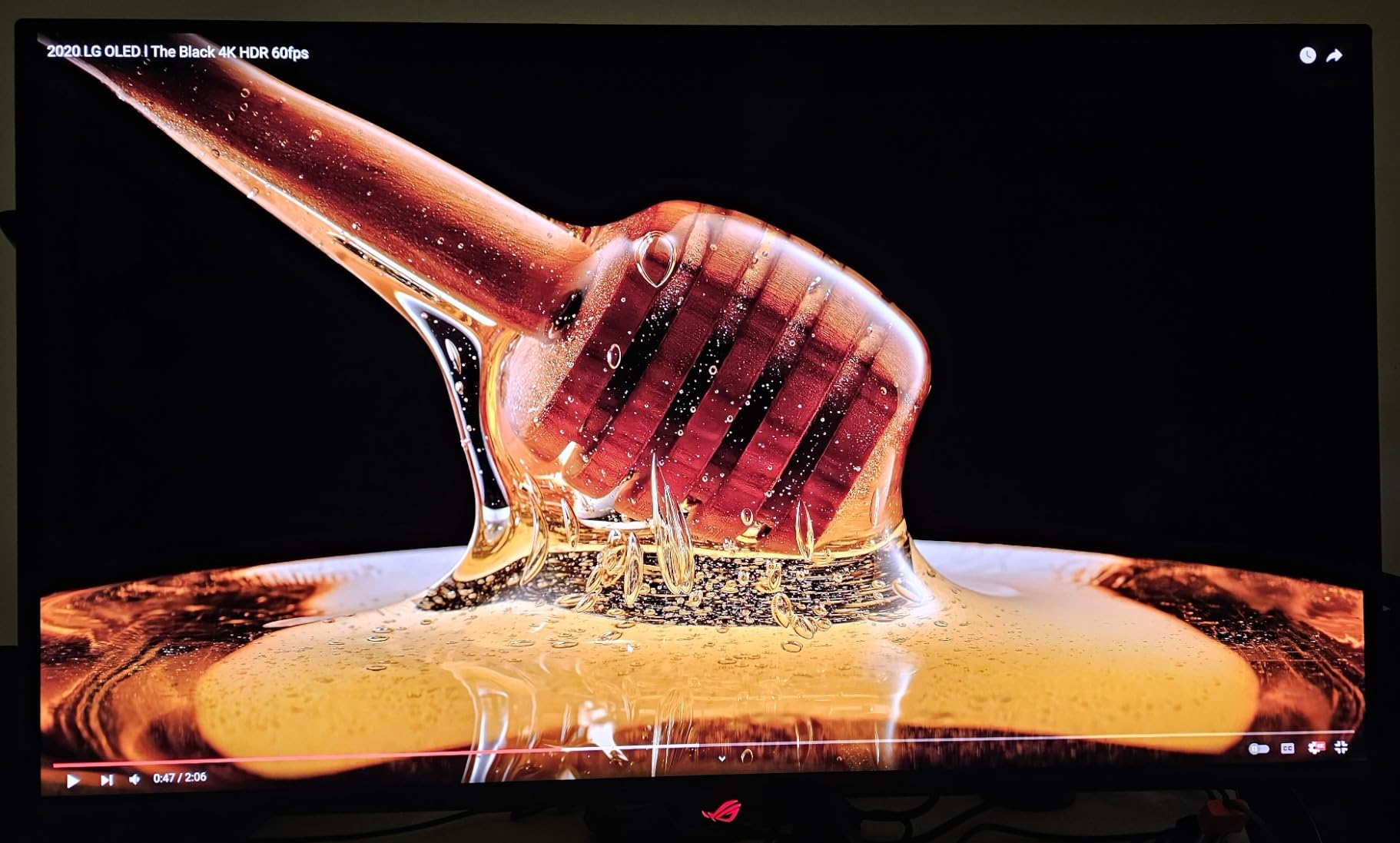
The picture is genuinely reference-grade for a monitor: 1000 nits peak, a 1500000:1 contrast ratio and 99% DCI-P3 with true 10-bit colour and a Delta E under 2. Dark scenes on a PS5 look the way they do on a cinema OLED television, with no grey lift in the shadows and no blooming around bright highlights.
Heat management is handled by a custom heatsink, an airflow design and a graphene film, which is the hardware half of the burn-in story. The software half is OLED Care, reachable through DisplayWidget Center, plus a uniform brightness setting if you want consistent luminance across the whole panel instead of the usual falloff at the edges.
Why the dual HDMI 2.1 ports matter for a console setup
Two full HDMI 2.1 inputs means a PS5 and an Xbox Series X stay plugged in at the same time with no switcher box, no menu swapping and no re-seating cables. In a household where two consoles get regular use, that is worth more than any refresh rate the console cannot reach.
The ports are also the difference between VRR working and VRR not working on a PlayStation. A monitor that advertises HDMI 2.1 but ships with only 2.0 bandwidth silently falls back to 4K 60Hz, and that is the single most common disappointment in this category.
Brightness, HDR control and what the picture mode hides
HDR performance is strong, and this is one of very few computer monitors that also accepts Dolby Vision. The recurring complaint is that HDR mode locks away most picture controls, so if you like to tune gamma or colour temperature in HDR you will be negotiating with the on-screen menu rather than shaping the image.
Input handling and desk ergonomics
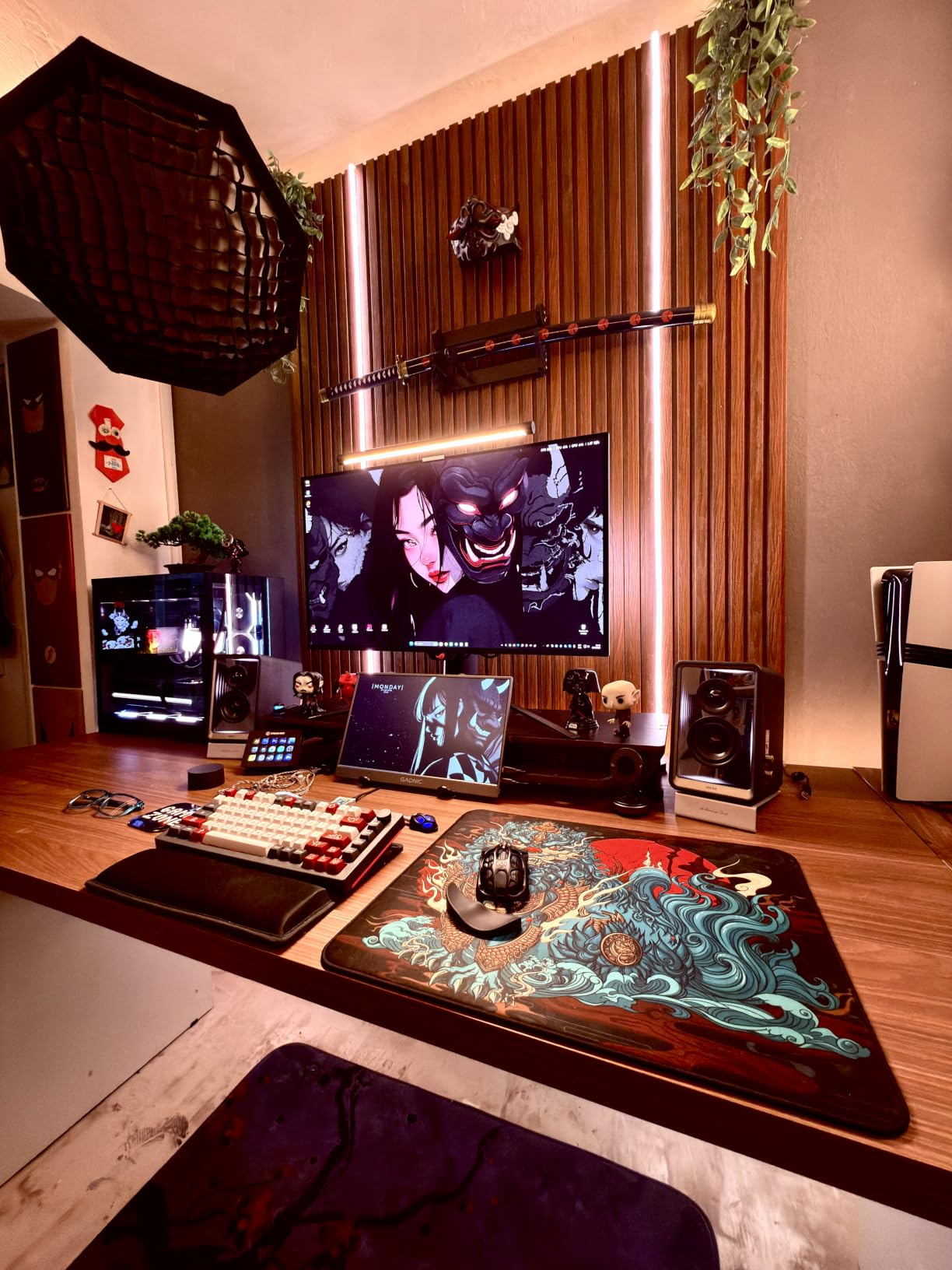
A built-in KVM switch and picture-in-picture let you run a console and a PC simultaneously and move inputs with the OSD rather than a physical switch. 90W USB-C power delivery means a laptop can occupy the same desk on one cable.
The physical caveats are real. The panel weighs 19.4 pounds and uses a large external power brick, and the on-screen joystick takes practice to master while the bundled documentation is thin. There is only one DisplayPort input, which matters far less for consoles than for a multi-PC desk.
Who should buy it
Buy the PG32UCDM if you want one screen to handle a PS5, an Xbox Series X, a Switch 2 dock and a gaming PC without compromise, and you sit at desk distance. It is also the safest long-term buy in this list for burn-in confidence, because a three-year warranty with burn-in coverage is the trust marker console players look for.
2. LG UltraGear 27GX704A-B – the best value glossy 1440p OLED for a PS5 or Xbox
LG 27GX704A-B 27-inch Ultragear QHD (2650×1440) OLED Gaming Monitor 240Hz, 0.03ms, NVIDIA G-Sync Compatible, AMD FreeSync Premium Pro, VESA Display HDR TrueBlack400, HDMI 2.1, DisplayPort, Black
27-inch 2560×1440 glossy OLED
240Hz, 0.03ms response
Dual HDMI 2.1
1300 nit peak
+ Pros
- Glossy 27-inch QHD WOLED panel with vivid color and inky blacks
- 240Hz with 0.03ms response for fluid competitive gaming
- Strong value for a glossy 240Hz OLED
- Fully adjustable stand with height tilt swivel and pivot
- Dual HDMI 2.1 plus USB hub connectivity
– Cons
- Occasional Out of Range message at 1440p 120Hz with PS5 Pro
- HDR performance is only average
- Large external power supply brick
This is the monitor we recommend to most people who come to this topic from a console rather than from a PC. A 27-inch 1440p panel is small enough to sit at two to three feet, cheap enough that the risk calculus on an OLED purchase feels different, and glossy, so blacks stay genuinely black even with a lamp on.
At 1440p the PS5 renders at native resolution with no downscaling, and the console happily outputs 1440p at 120Hz over HDMI 2.1. Response is 0.03ms with FreeSync Premium Pro and G-SYNC Compatible support, so VRR is available on both a PlayStation and an Xbox without compromise.
The dual HDMI 2.1 ports plus a USB hub mean the console and a PC can both live on this panel, and the stand adjusts for height, tilt, swivel and pivot. That adjustment range is unusual at this tier and matters more than people expect when a 27-inch panel goes on a desk.
Brightness and the glossy-versus-matte decision
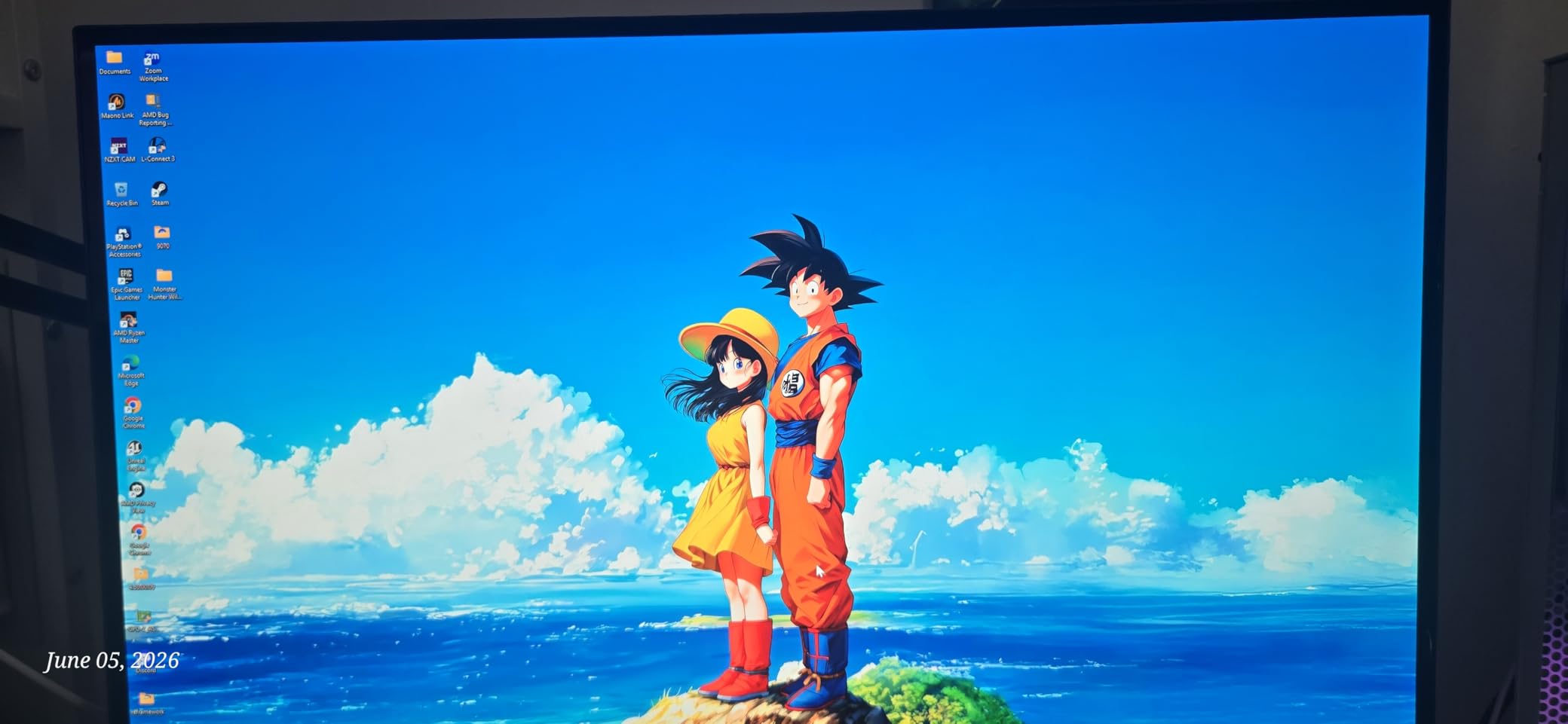
Standard brightness is 275 nits, peaking at 1300 nits for HDR highlights. That peak figure is what earns VESA DisplayHDR True Black 400 alongside a 1500000:1 contrast ratio and 98.5% DCI-P3 coverage.
The glossy finish is the main event and the main caveat. In a dim or curtained room it produces genuinely inky blacks and vivid colour; in a daylight-lit living room those same reflections become obvious. Reviewers consistently describe HDR as average, so this is a picture-quality pick first and an HDR-brightness pick second.
The PS5 Pro handshake and cable reality
Two console-specific issues come up repeatedly in owner reports. The first is an occasional “Out of Range” message at 1440p 120Hz from a PS5 Pro, and the second is brief random blackouts when an uncertified HDMI cable is used.
Both are cable and handshake issues rather than panel limitations, and both disappear with a certified high-speed HDMI cable rated for the full bandwidth. Buy the cable first. It costs almost nothing compared with the monitor and it removes the single most common source of console troubleshooting calls.
Who should buy it
Buy the 27GX704A-B if your console sits at a desk, you want the deepest blacks available in a 27-inch panel, and you would rather not spend flagship money. It is our most-recommended pick in this list for a first OLED, and the one we would suggest to a PS5 owner who also plays competitive shooters on PC.
3. Alienware AW3425DW – 34-inch ultrawide immersion with console trade-offs
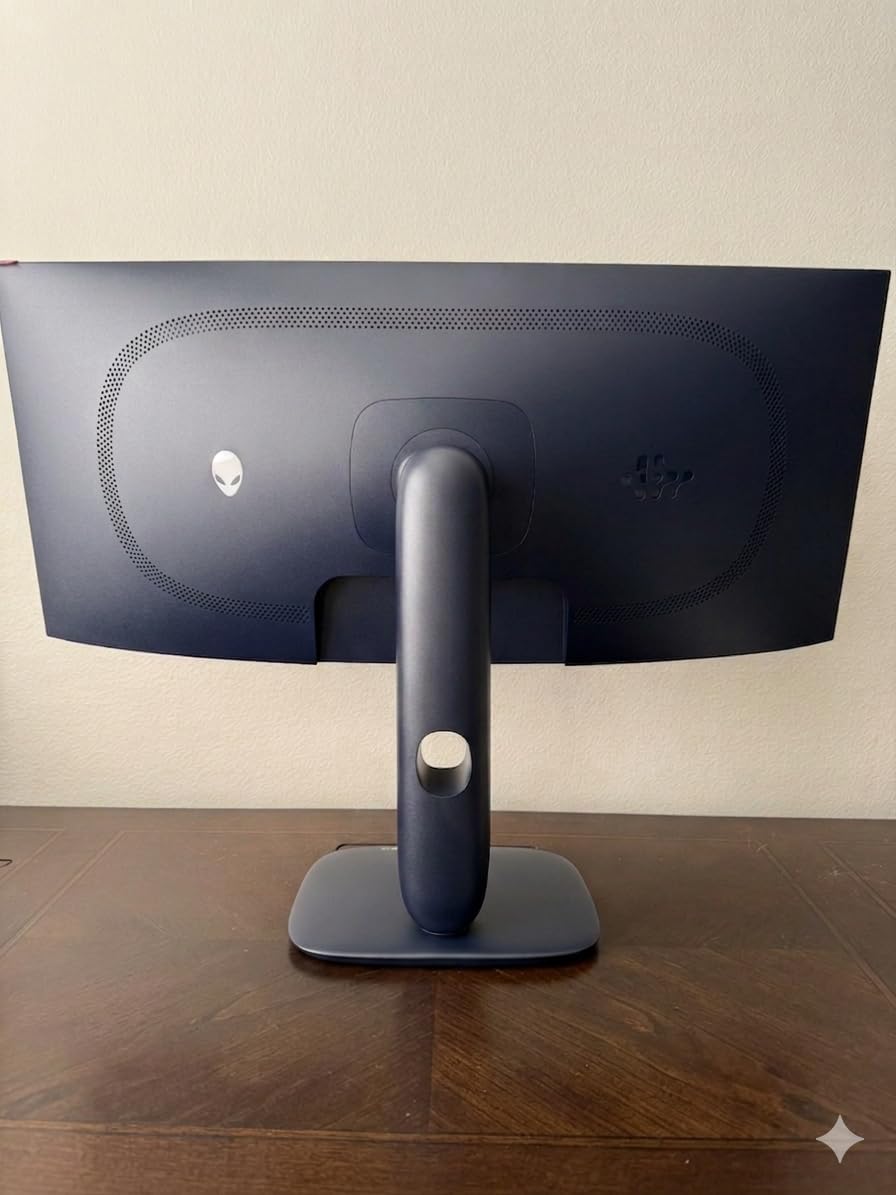
Alienware 34 240Hz QD-OLED Curved Gaming Monitor – AW3425DW – 34.2-inch WQHD (3440 x 1440) 0.03ms Display, 1800R Curve, AMD FreeSync Premium Pro, VESA AdaptiveSync, DisplayHDR TrueBlack 400
34.2-inch 3440×1440 QD-OLED
1800R curve, 240Hz
250 nits, 1000 nit peak
99.3% DCI-P3
+ Pros
- Immersive 34-inch 1800R curved ultrawide field of view
- QD-OLED color with 99.3% DCI-P3 and Delta E under 2240Hz refresh with 0.03ms response
- Full adaptive sync including FreeSync Premium Pro
- Height swivel and tilt adjustable stand with 3-year warranty
– Cons
- Curved panel is not ideal for text-heavy productivity work
- Matte coating dulls blacks compared with glossy QD-OLED rivals
- On-screen menu and control joystick take practice
- Only 250 nits SDR brightness
We put this in the list with a clear caveat attached. Consoles output 16:9 video, and a 21:9 panel cannot fill a 3440×1440 screen with a 16:9 image, so a PS5 or Xbox will letterbox with black bars on either side unless the console renders in an ultrawide mode it supports.
That is exactly why this monitor exists in a console roundup: as a shared PC and console screen. Run a PC at 3440×1440 for the full immersion, then switch the console input when you sit down for a couch session and accept the pillarboxing for a few hours.
Where it earns its place is picture quality. The QD-OLED panel covers 99.3% DCI-P3 with Delta E under 2 accuracy, hits 1000 nits peak in HDR, and carries a VESA DisplayHDR TrueBlack 400 certification with near-infinite contrast. Response is 0.03ms at 240Hz with full adaptive sync support.
Matte coating and the black-level compromise
The anti-glare matte finish is a genuine advantage in a bright room, where glossy QD-OLED rivals turn into mirrors. The cost is exactly what you would expect: blacks look slightly greyer and less dense than on a glossy panel, which is the whole appeal of OLED in a dark room.
SDR brightness of 250 nits is the other limit. In a dim room this is not a problem at all, and HDR highlights reaching 1000 nits more than compensate in mixed content, but a sunny living room at midday will wash the image out.
Ports, stand and warranty
Two HDMI ports are present, so a console and a PC can be connected simultaneously. The stand adjusts for height, swivel and tilt, and the three-year warranty is a good sign on a panel where burn-in is the thing buyers worry about.
The on-screen menu and rear joystick need a few sessions to become intuitive. If you switch picture modes often, learn where those controls are before you need them at night.
Who should buy it
Buy the AW3425DW if a PC is your primary machine and the console is a secondary screen you share with it. Skip it if console gaming is what you do most — a 16:9 32-inch 4K panel will look larger and cleaner for a PS5 than a 21:9 34-inch screen with black bars.
4. Samsung Odyssey OLED G6 G60SD – 360Hz speed priced above what a console can use
Samsung 27” Odyssey OLED G6 (G60SD) Series Gaming Monitor with QHD & QD-OLED, 360Hz 0.03ms, AMD FreeSync Premium Pro, Anti-Glare, Sleek Design, Cooling System, 3 Year Warranty, LS27DG602SNXZA
27-inch 2560×1440 QD-OLED
360Hz, 0.03ms response
Dual HDMI 2.1
250 nits SDR
Dynamic cooling and 3-year warranty
+ Pros
- Very high 360Hz refresh rate with 0.03ms response
- Vivid QD-OLED color with deep blacks and near-infinite contrast
- Anti-glare coating keeps glare under control
- Dynamic Cooling System with pulsating heat pipe
- Three-year warranty and premium metal base
– Cons
- HDMI port bandwidth is effectively 2.0 despite advertised 2.1
- OLED Care routine interrupts play every few hours
- Lower brightness than Mini-LED alternatives
- Rear joystick feels thin and fragile
This is the fastest panel in the list, and for a console it delivers 4K-class motion clarity at 1440p 120Hz with essentially zero visible ghosting. If your console library leans toward competitive shooters and fighting games, the speed headroom is real even if the refresh number outruns what the console sends.
The 0.03ms response and FreeSync Premium Pro support make it an excellent VRR display for an Xbox Series X, which accepts FreeSync over HDMI. Colour is vivid with deep blacks, and the anti-glare coating keeps reflections in check without the visible grain some matte panels suffer.
Burn-in protection is handled by a Dynamic Cooling System with a pulsating heat pipe that the manufacturer says diffuses heat dramatically better than a graphite sheet, plus a Thermal Modulation System that predicts surface temperature and adjusts brightness. Logo and taskbar detection and an automatic 10-minute screen saver add more layers.
The HDMI bandwidth caveat you must read first
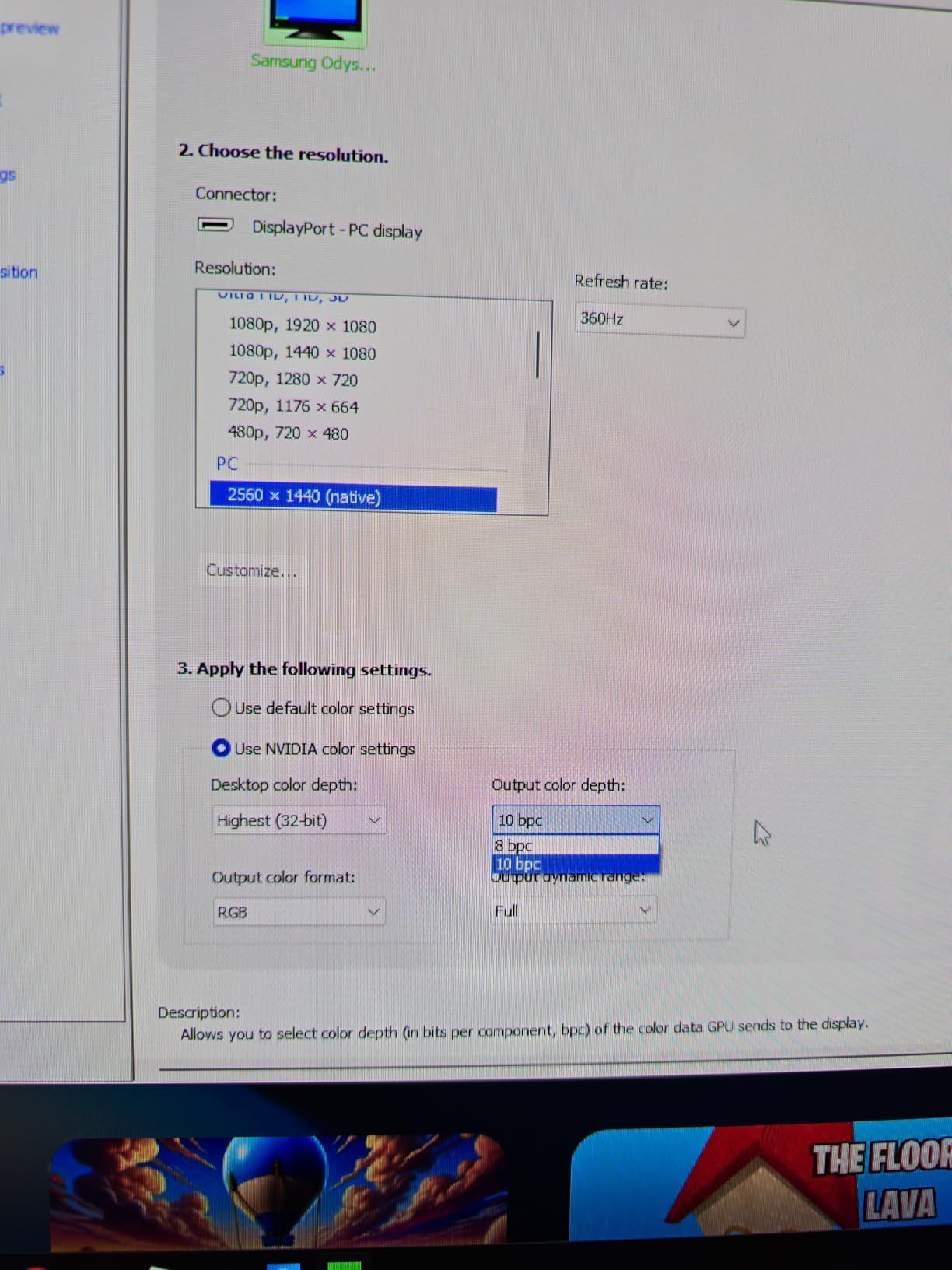
Owners report that the HDMI ports behave like HDMI 2.0 in practice despite the 2.1 label. At 1440p this costs you nothing, because 1440p 120Hz fits inside 2.0 bandwidth. It would matter enormously on a 4K panel, which is why this monitor sits in the 1440p section of our list.
Second in the same category: at 360Hz the mode uses DSC, which triggers a brief black screen when you alt-tab away from a full-screen game. Harmless on a console, noticeable on a PC.
Maintenance routine and hardware durability
The OLED Care routine interrupts play every few hours, which several owners describe as disruptive during long sessions. You can adjust the schedule, but expect to plan around it. On the plus side, owners report no burn-in after months of use.
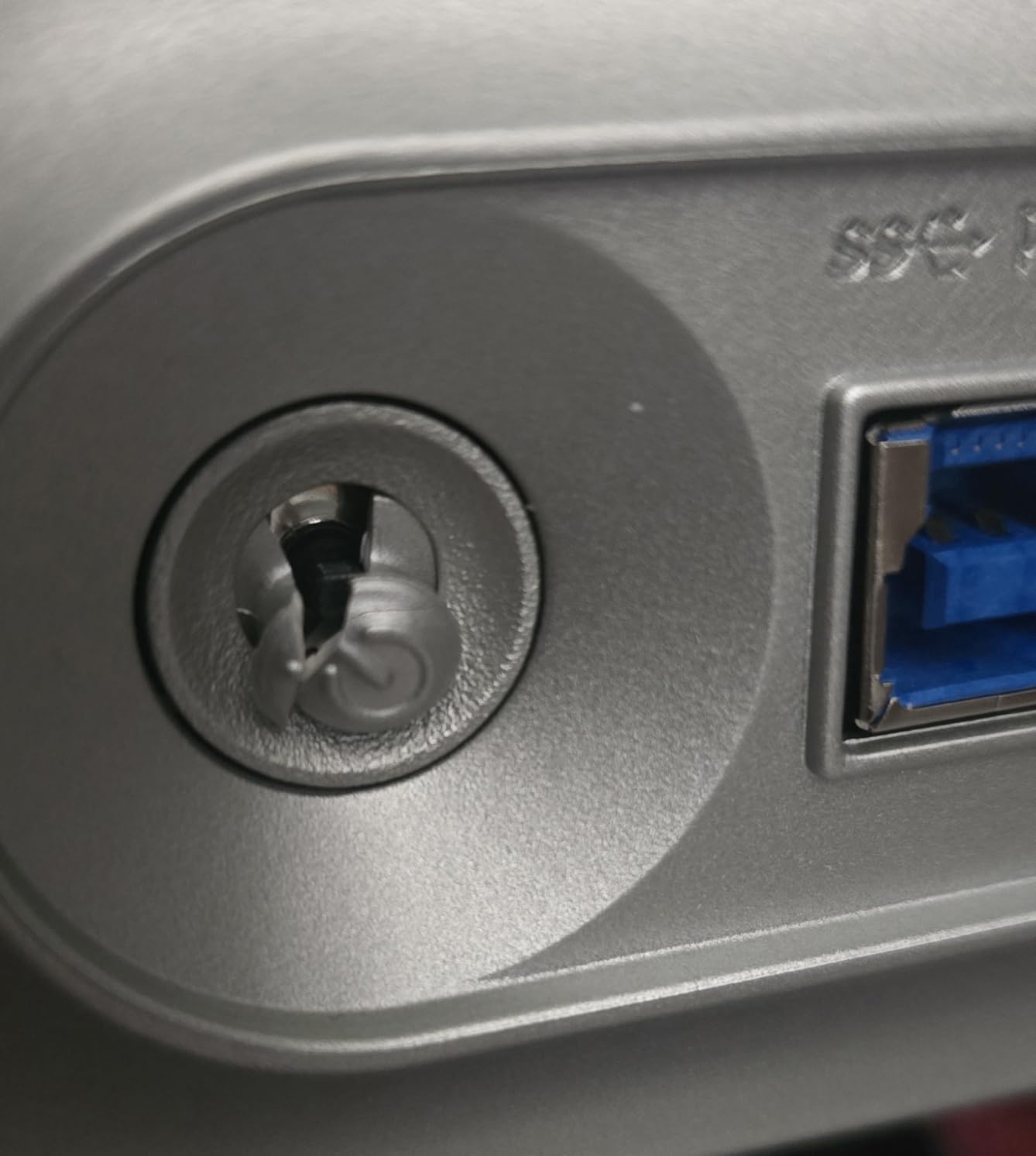
The rear joystick is described as thin and fragile, and at least one owner reports warranty support being unhelpful after it failed. That is worth knowing before you choose a control method you will press thousands of times.
Who should buy it
Buy the G60SD if you play fast competitive games on a console and also attach a high-end PC. It is a fine 1440p console panel; it is not the sharpest 27-inch option here, and the brightness is modest for a bright room.
5. ASUS ROG Swift OLED PG27UCDM – 27-inch 4K with Dolby Vision and USB-C
ASUS ROG PG27UCDM 27 Inch 4K 240Hz OLED Gaming Monitor QD-OLED
26.5-inch 3840×2160 QD-OLED
240Hz, 0.03ms response
Dual HDMI 2.1, Dolby Vision
DisplayPort 2.1a UHBR20
USB-C 90W, 3-year warranty
+ Pros
- Sharp 4K QD-OLED at 240Hz with 0.03ms response
- Factory per-unit color calibration with very low Delta E
- Built-in KVM switch plus Dolby Vision and DisplayPort 2.1a
- OLED Care Pro with Neo Proximity Sensor
- OLED Anti-Flicker 2.0 reduces visible flicker
– Cons
- Triangular subpixel layout makes Windows fonts slightly less crisp
- Firmware issues where auto KVM source switching breaks USB peripherals
- Some reports of black-screen or USB-C handshake problems
- No built-in speakers
Here is the pick for anyone who asked whether 4K is worth it on a 27-inch panel. At 26.5 inches with 0.16mm pixel pitch, the pixel density is high enough that 4K at a desk distance looks sharp rather than cramped, and consoles render 4K natively into it with no downscaling.
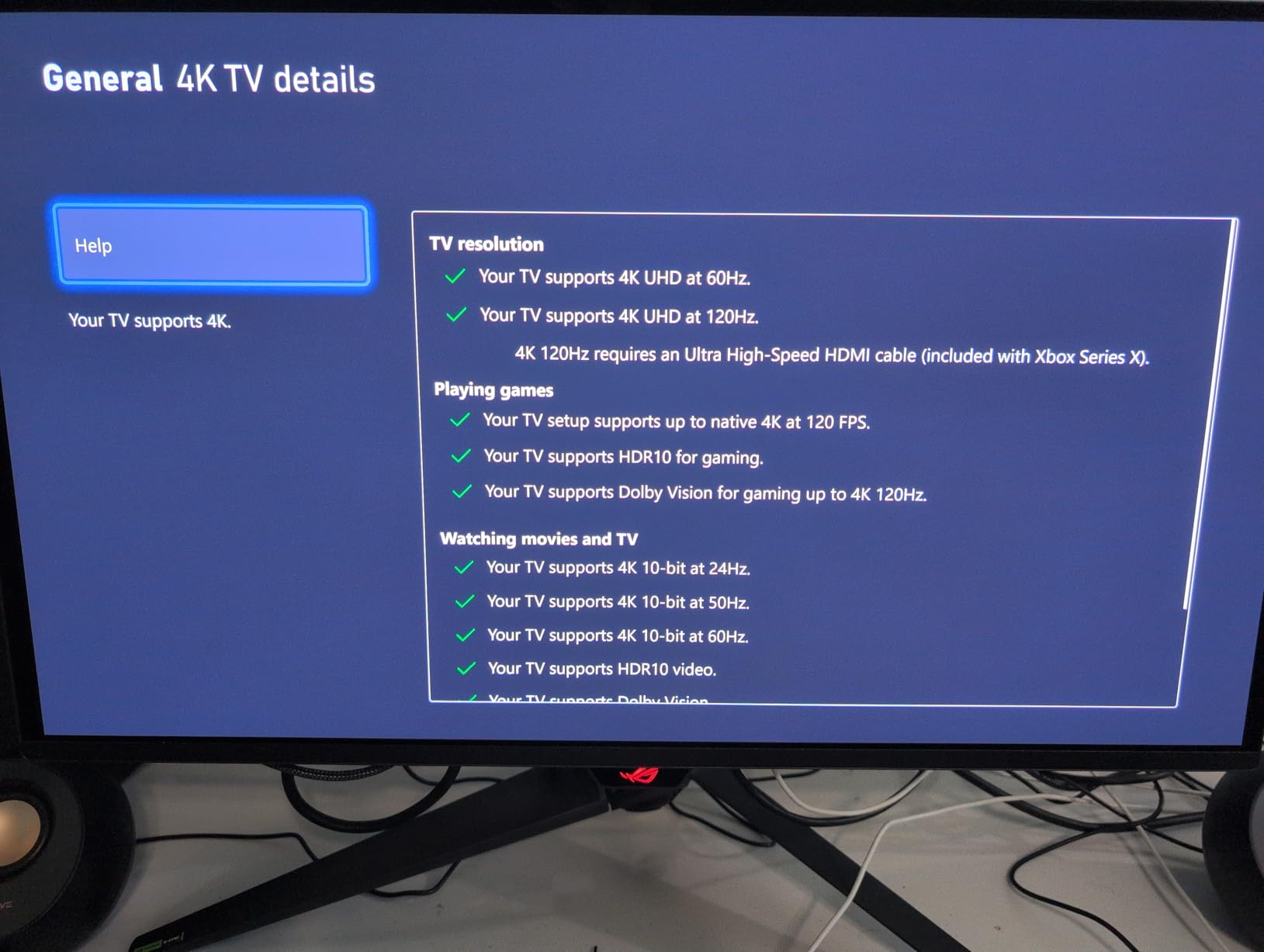
For console buyers specifically, Dolby Vision support is the headline. It is rare on computer monitors, and Xbox Series X owners in particular benefit from the wider dynamic range in supported content. Dual HDMI 2.1 ports keep a console and a PC connected at the same time.
Color accuracy is calibrated per unit before shipping, with 99% DCI-P3, true 10-bit and Delta E under 2. Fourth-generation QD-OLED technology also brings a longer lifespan than earlier generations, which matters for a panel with a static desktop beside a console.
Dolby Vision and DisplayPort 2.1a: which half is for the console
DisplayPort 2.1a at 80Gbps and USB-C with 90W power delivery are PC and laptop features. A console will never touch them. The console-relevant half of this monitor is the dual HDMI 2.1 and the Dolby Vision licence.
The Neo Proximity Sensor is quietly important for console play. It switches the panel to a black screen when you leave the desk, which means a paused game sitting on a static frame overnight is not quietly ageing a quarter of the display.
Text clarity, flicker and firmware
The triangular subpixel layout produces mild fringing on Windows fonts at close viewing distance, and OLED Anti-Flicker 2.0 is designed to reduce visible flicker, though the highest setting has been reported as buggy on some units.
Firmware is the weak point. Several owners report the automatic KVM source switching breaking connected USB peripherals, memory profiles not being saved, and a small number of black-screen or USB-C handshake problems on newer panels. Update the firmware on day one and check the release notes.
Who should buy it
Buy the PG27UCDM if you sit close to a desk-mounted 27-inch screen, want 4K sharpness and Dolby Vision, and can live with updating firmware after a purchase. It is the best 4K-under-32-inches answer in this list.
6. Acer Predator X27U W1 – 1440p QD-OLED with built-in speakers
Acer Predator 26.5in QHD 2560×1440 QD-OLED 240Hz Gaming Monitor X27U W1
26.5-inch 2560×1440 QD-OLED
240Hz, 0.03ms response
Dual HDMI 2.1
99% DCI-P3, true 10-bit
3-year warranty with pixel shift
+ Pros
- QD-OLED picture quality with true blacks and punchy color at a low price
- 240Hz refresh and 0.03ms response with no visible motion blur
- Effective anti-glare coating keeps reflections to a minimum
- Three-year burn-in coverage plus pixel shift protection
- Built-in speakers with tool-free stand assembly
– Cons
- Brightness is below Mini-LED levels in very bright rooms
- On-screen menu has too many options with poor labeling
- Only HDR10 with no Dolby Vision
- Some panels arrived with cracked stands or panel defects
The X27U undercuts the Samsung and Alienware 1440p QD-OLEDs substantially while keeping the core panel advantages: true blacks, 240Hz and 0.03ms response. For a PS5 or Xbox at desk distance it is a straightforward recommendation on picture quality per pound spent.
It is also one of the few OLEDs here with usable built-in speakers. That sounds trivial until you remember that a console routes all audio over HDMI and most monitors in this list have no speakers at all, leaving you hunting for a soundbar or a headphone output every time you play on the sofa.
Colour covers 99% DCI-P3 with Delta E under 2 accuracy, true 10-bit, and HDR10 support. The ZeroFrame bezel-less design removes the frame around the panel for an unobstructed view, and the stand assembles without tools.
Burn-in protection for a console workload
Three-year burn-in coverage plus pixel shift protection is the combination console players should look for, because console games park health bars, minimaps and HUD icons in the same pixels for hours at a time. Pixel shift moves the image slightly on a cycle, and the warranty means the manufacturer stands behind the panel for the kind of use that causes failures.
Brightness, menu and packaging complaints
Brightness falls short of Mini-LED alternatives in very bright rooms, so treat this as a desk or dim-room monitor rather than a sunny living room panel. The effective anti-glare coating keeps reflections to a minimum, which helps in mixed lighting.
Two practical gripes: the on-screen menu has too many options with poor labeling and no real sharpness or overdrive controls, and a small number of panels arrived with cracked stands, defective pixels or opened packaging. Inspect the box on arrival.
Who should buy it
Buy the X27U W1 if you want 1440p OLED quality without flagship pricing, play at a desk, and would rather not route audio to a separate device. It is a strong secondary pick behind the LG 27GX704A-B for value.
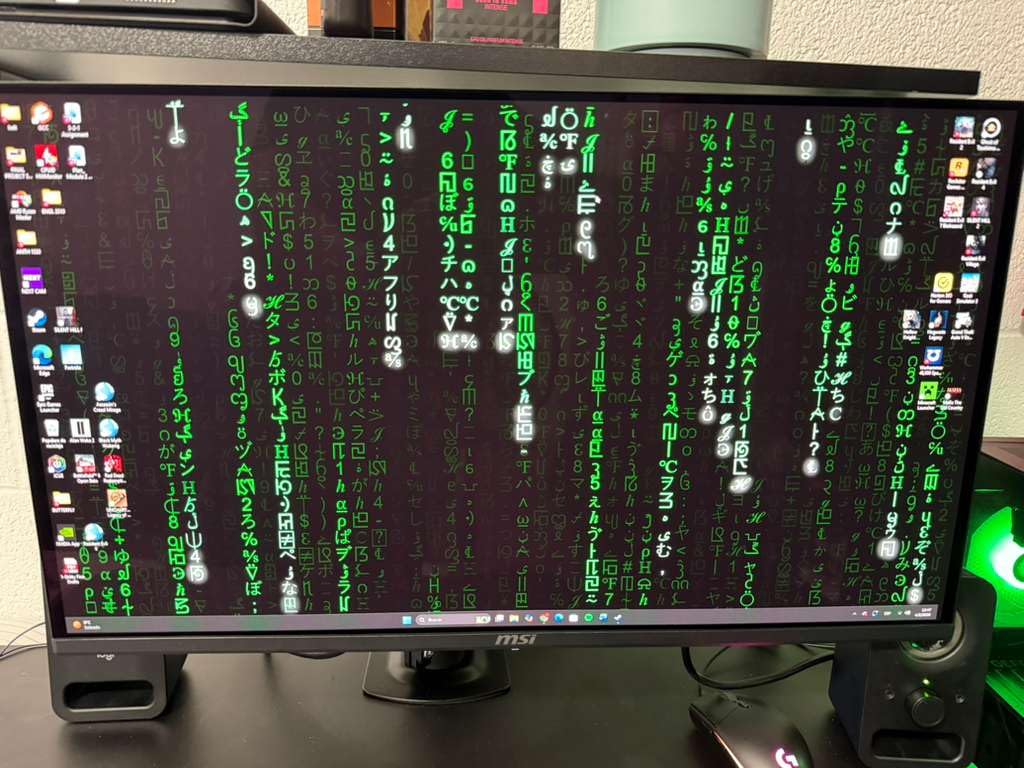
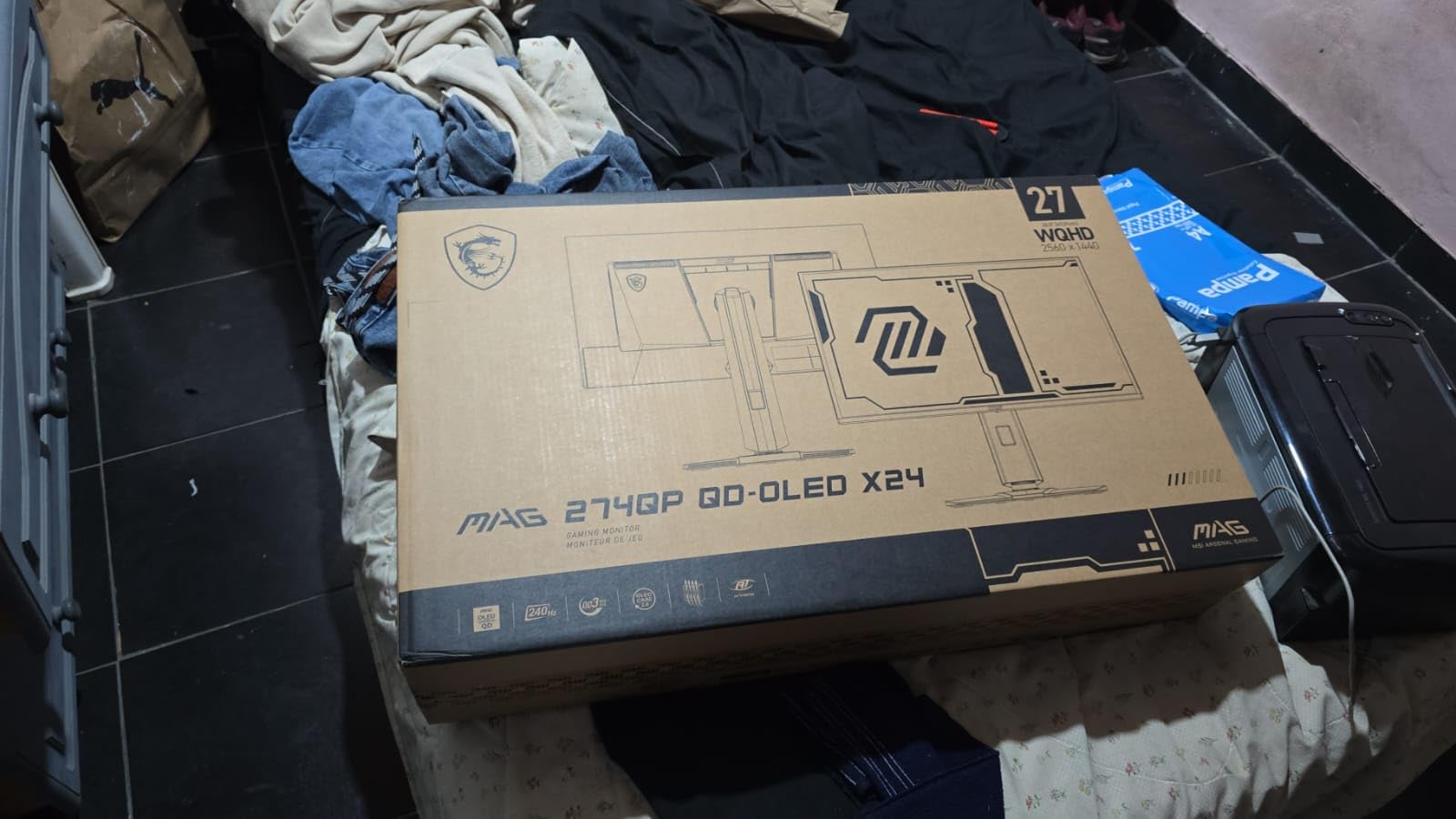
7. MSI MAG 274QP QD-OLED X24 – the budget pick that still has dual HDMI 2.1
msi MAG 274QP QD-OLED X24 27-Inch WQHD Gaming Monitor, 2560 x 1440 Quantum Dot OLED Panel, 240Hz, 0.03ms, Adaptive-Sync, HDMI2.1, DP 1.4a, Tilt/Height Adjustable, Black
27-inch 2560×1440 QD-OLED
240Hz, 0.03ms response
Dual HDMI 2.1 with HDMI 2.1 CEC
400 nits peak, 99% DCI-P3
OLED Care 2.0 with console modes
+ Pros
- Excellent 10-bit QD-OLED color and true blacks at an entry OLED price
- 240Hz with 0.03ms response and no ghosting
- OLED Care 2.0 burn-in mitigation plus a 3-year screen warranty
- Clean four-way adjustable stand and VESA 100mm mounting
- Console modes built into the gaming intelligence software
– Cons
- Not plug-and-play as Windows HDR calibration and a firmware update are needed
- HDR can show a washed or salmon-tinted look until tuned
- SDR brightness around 200 nits is dim in brightly lit rooms
- Very thin panel requires careful handling out of the box
At 1440p and 240Hz with dual HDMI 2.1, this is the most complete entry point into OLED in the list, and it is the model forum buyers keep converging on when they name a realistic console budget. Ten-bit colour across 1.07 billion colours, 99% DCI-P3, Delta E of 2 or better, and a 1500000:1 contrast ratio.
For a PS5 or Xbox it does everything it needs to: 1440p 120Hz, VRR through the adaptive sync implementation, and a console mode inside the MSI Gaming Intelligence software. Two HDMI 2.1 ports with HDMI 2.1 CEC means the console and a laptop can share the panel.
Peak brightness reaches 400 nits, which is a sensible compromise between a glossy panel that only manages SDR brightness and a premium QD-OLED that costs far more. A fanless graphene heatsink supports panel durability, and the stand adjusts four ways with VESA 100mm mounting.
It needs setup work before it looks right
This is not a plug-and-play monitor and the owners who enjoy it most are the ones who accept that. A firmware update, the Windows HDR Calibration tool, and disabling the Nvidia overlay are the steps that separate a washed-out picture from a properly calibrated one.
Owners describe the default HDR look as washed or slightly salmon-tinted until it is tuned. Two to three minutes with the calibration tool fixes most of that, and it is the single highest-value thing you can do after unboxing.
Brightness, handling and multi-monitor setups
SDR brightness around 200 nits is dim in a brightly lit room, and the glossy surface will show reflections there. In a dim room, the glossy finish and true blacks look excellent.
The panel is very thin and deserves careful handling out of the box. If you run more than one monitor, mixed refresh rates can cause flicker until you match them, which is a PC-only concern but worth knowing if a console is sharing the desk.
Who should buy it
Buy the MAG 274QP QD-OLED X24 if you are pairing a console with a gaming laptop on one desk and want OLED quality at the lowest sensible outlay. It handles a PS5 and a laptop simultaneously, which is exactly the setup owners describe.
8. AOC AGON Pro AG276QZD2 – competitive-play OLED with a single HDMI port
AOC Agon Pro 27 Inch Gaming Monitor QD OLED 240Hz 0.03ms, AG276QZD2
27-inch 2560×1440 glossy OLED
240Hz, 0.03ms, up to 280Hz on update
Single HDMI port
101% DCI-P3, HDR10
3-year warranty
+ Pros
- Very good gaming performance and value for a 27-inch OLED
- Bright fast and smooth with deep blacks and strong color
- Factory calibration report included in the box
- Built-in speakers and subtle rear RGB lighting
- Extended four-year warranty tag available in some units
– Cons
- HDR implementation is weak and colors can look washed out on older units
- Older and newer revisions are hard to tell apart
- Mandatory pixel refresh routine every few hours is disruptive
- Only one HDMI port
- Stand build quality feels wobbly
Motion handling is the reason to shortlist this one. 0.03ms response with G-Sync support and a factory calibration report in the box make it a strong competitive-play panel, and 101% DCI-P3 coverage with 136.7% sRGB gives it vivid, saturated colour with genuine blacks.
It also has built-in speakers and rear RGB lighting, which sounds minor until you count how many monitors in this list offer either. The glossy finish keeps blacks dense in a dim room and the 240Hz rating is far beyond what a console sends.
The console-specific design intent is explicit: the manufacturer targets up to 120Hz frame rates and ultra-low latency on consoles, with six game modes and Shadow Control for competitive play. On a PS5 that means 1440p 120Hz with VRR handled by the adaptive sync implementation.
The single HDMI port problem
One HDMI port is the deal-breaker for a lot of console households. With a single console it is fine. With a PS5 and an Xbox, you are swapping cables every time you switch, which is exactly the friction that makes people buy a switcher box or a second input.
If your setup is console-only, this constraint does not apply and the money saved goes into the panel. If you also game on PC with DisplayPort, you will want a model with two HDMI ports.
Revision differences and weak HDR
The AG276QZD2 exists in more than one revision, and buyers report mixed results because they are hard to tell apart. Updated units can reach up to 280Hz over DisplayPort, while some shipped panels are earlier revisions with weak, washed-out HDR implementation.
The mandatory pixel refresh every few hours is also disruptive for some players, and the stand is described as wobbly with limited positioning options. Check what arrives, run the panel through a quick HDR test, and confirm the warranty revision you get.
Who should buy it
Buy the AG276QZD2 if you have one console, play competitive games, and want the motion clarity of a fast OLED with speakers attached. If you run two consoles, look at the dual-HDMI models instead.
9. ASUS ROG XG27AQDMGR – glossy TrueBlack WOLED with deep blacks
ASUS ROG XG27AQDMGR 27 Inch 1440p 240Hz Glossy OLED HDR Gaming Monitor
27-inch 2560×1440 glossy TrueBlack OLED
240Hz, 0.03ms response
Single HDMI port
VESA DisplayHDR 400 True Black
1300 nits, 3-year burn-in
+ Pros
- Glossy TrueBlack finish delivers the best blacks and punchiest colors in its class
- 240Hz with 0.03ms response and no perceptible input lag
- OLED Care Pro with Neo Proximity Sensor plus 3-year burn-in warranty
- Compact flat stand frees desk space
- Handles mixed work and gaming use well with auto pixel cleaning
– Cons
- Subpixel text fringing gets worse with Clear Pixel Edge enabled
- Out-of-box picture needs tuning before it looks its best
- Very heavy panel and stand requiring a tightened gas-spring arm
- Only one HDMI port
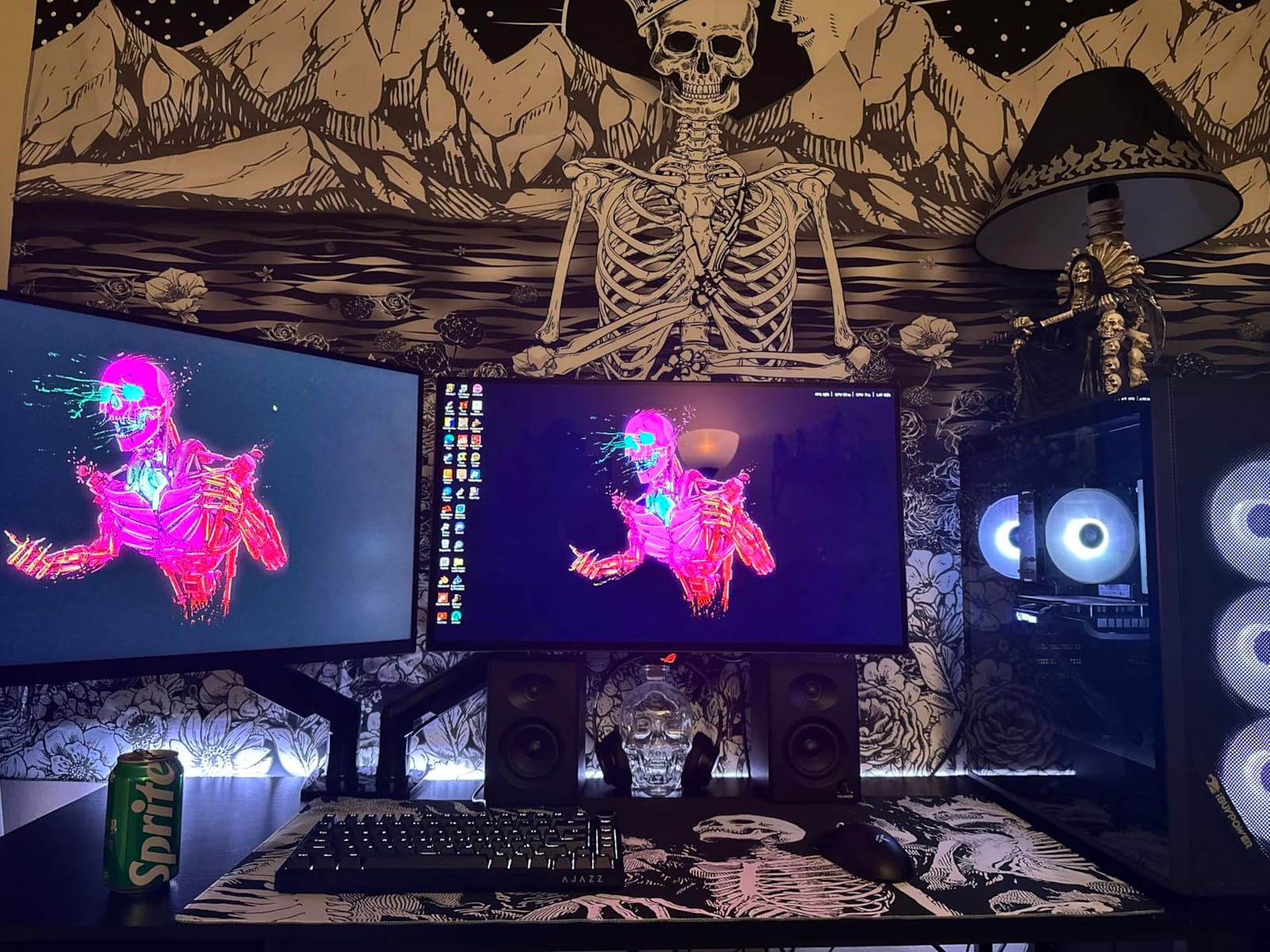
TrueBlack glossy is a WOLED panel, and the difference is visible in a dim room. Blacks here go to a genuine zero rather than a very dark grey, which is the effect that makes dark PS5 and Xbox scenes look like they do on a television.
Colour covers 99% DCI-P3 with true 10-bit and Delta E under 2, brightness reaches 1300 nits, and the panel is VESA DisplayHDR 400 True Black certified with a 1500000:1 contrast ratio. At 240Hz and 0.03ms the motion handling is as good as anything in this list.
Burn-in is handled by OLED Care Pro with a Neo Proximity Sensor that blacks out the display when you walk away, automatic pixel cleaning, and a three-year warranty with burn-in coverage. That combination is what makes a glossy WOLED safe for a console sitting on a menu screen for hours.
Text fringing and out-of-box tuning
The subpixel layout produces visible text fringing, and it becomes worse with the Clear Pixel Edge option enabled, so leave that off if you read a lot of small text. For a console-only setup this matters less than it does on a mixed work and gaming desk.
The picture also needs tuning before it looks its best, and some owners dislike a suggested 8-hour pixel clean prompt. Adjust the schedule once and then forget about it.
Weight, stand and desk planning
This is a heavy panel and stand, and owners using an arm report needing a tightened gas-spring mount. Plan the mount before the monitor arrives rather than after. The compact flat base does free desk space compared with larger ROG stands.
Like the AGON Pro, there is only one HDMI port. Console-only owners are fine; anyone running a PS5 and an Xbox will be unplugging cables, so this is a sharper compromise than it looks on paper.
Who should buy it
Buy the XG27AQDMGR if you game in a dark room, want the deepest blacks in this list, and use one console. If you switch between two consoles regularly, choose a dual-HDMI model instead.
10. MSI MAG 321CUP QD-OLED – the shortest route to 32-inch 4K OLED
msi MAG 321CUP QD-OLED, 32-Inch, 4K UHD, 3840×2160, OLED Monitor, 165Hz, 0.03ms, DisplayHDR True Black 400, G-SYNC Compatible, HDMI 2.1, DP 1.4a, USB C (15W PD), Tilt/Height Adjustable, Black
32-inch 3840×2160 QD-OLED
165Hz, 0.03ms response
48Gbps HDMI 2.1 with VRR and ALLM
1000 nits peak HDR
Single HDMI port, 1700R curve
+ Pros
- 32-inch 4K QD-OLED with 10-bit color and 99% DCI-P3
- Subtle 1700R curve suited to wide-format console content
- 165Hz with 0.03ms response and VESA ClearMR 9000
- HDMI 2.1 with 48Gbps bandwidth and VRR for PS5 and Xbox
- OLED Care 2.0 burn-in protection with PiP and PbP
– Cons
- Only one HDMI port limiting direct console plus PC hookups
- Glossy finish shows reflections and fingerprints in bright rooms
- Heavy chassis makes arm mounting less convenient
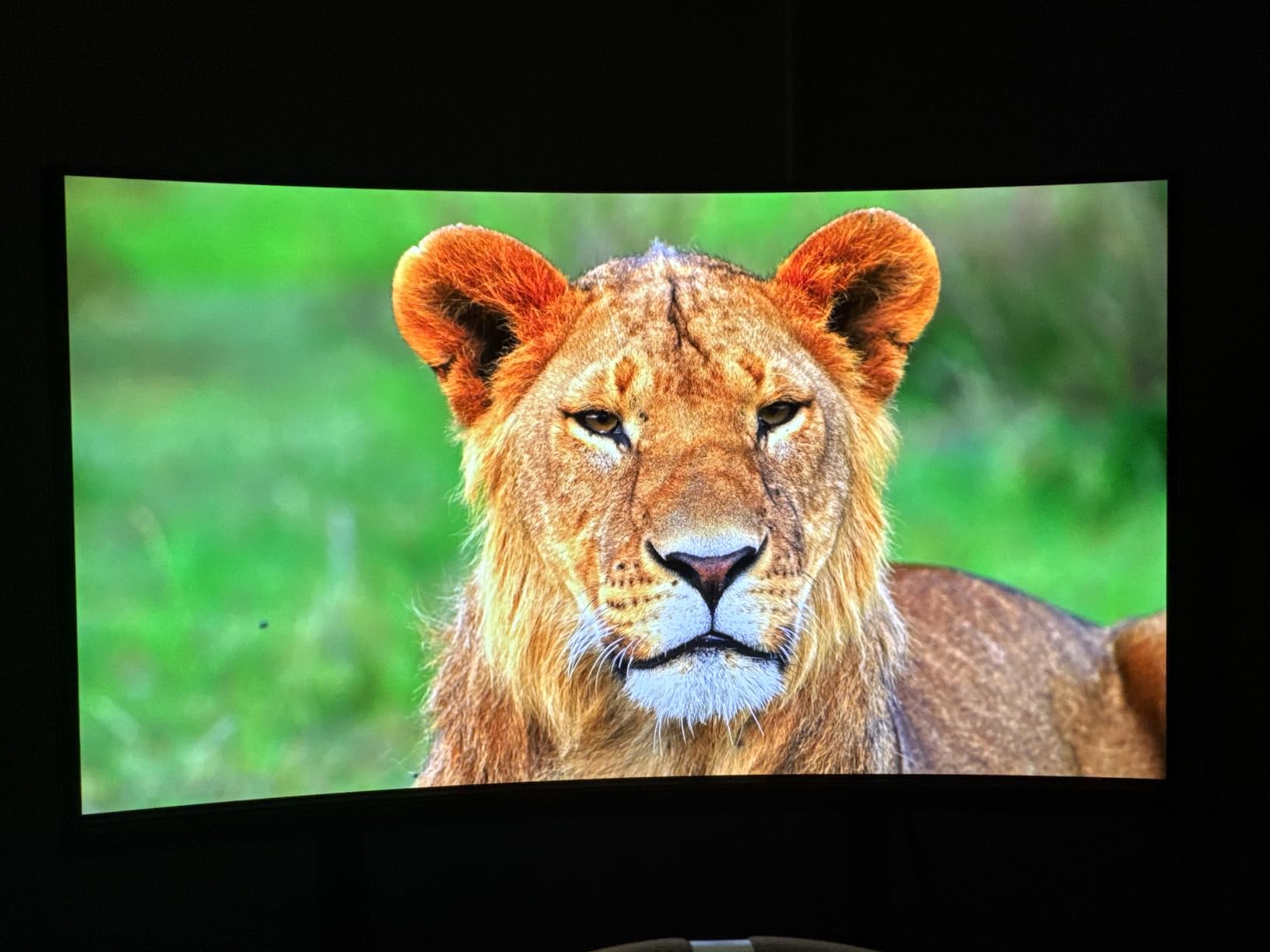
If 32-inch 4K is what you want, this is one of the most direct ways into that class in this roundup. Ten-bit colour, 99% DCI-P3, Delta E of 2 or better, VESA DisplayHDR True Black 400 certification and up to 1000 nits of peak HDR brightness, on a 32-inch glossy QD-OLED panel.
The console-relevant specification is explicit in the product data: HDMI 2.1 with 48Gbps bandwidth, 120Hz support, variable refresh rate and ALLM. That is the full set of what a PS5 or Xbox Series X asks for, with nothing left on the table.
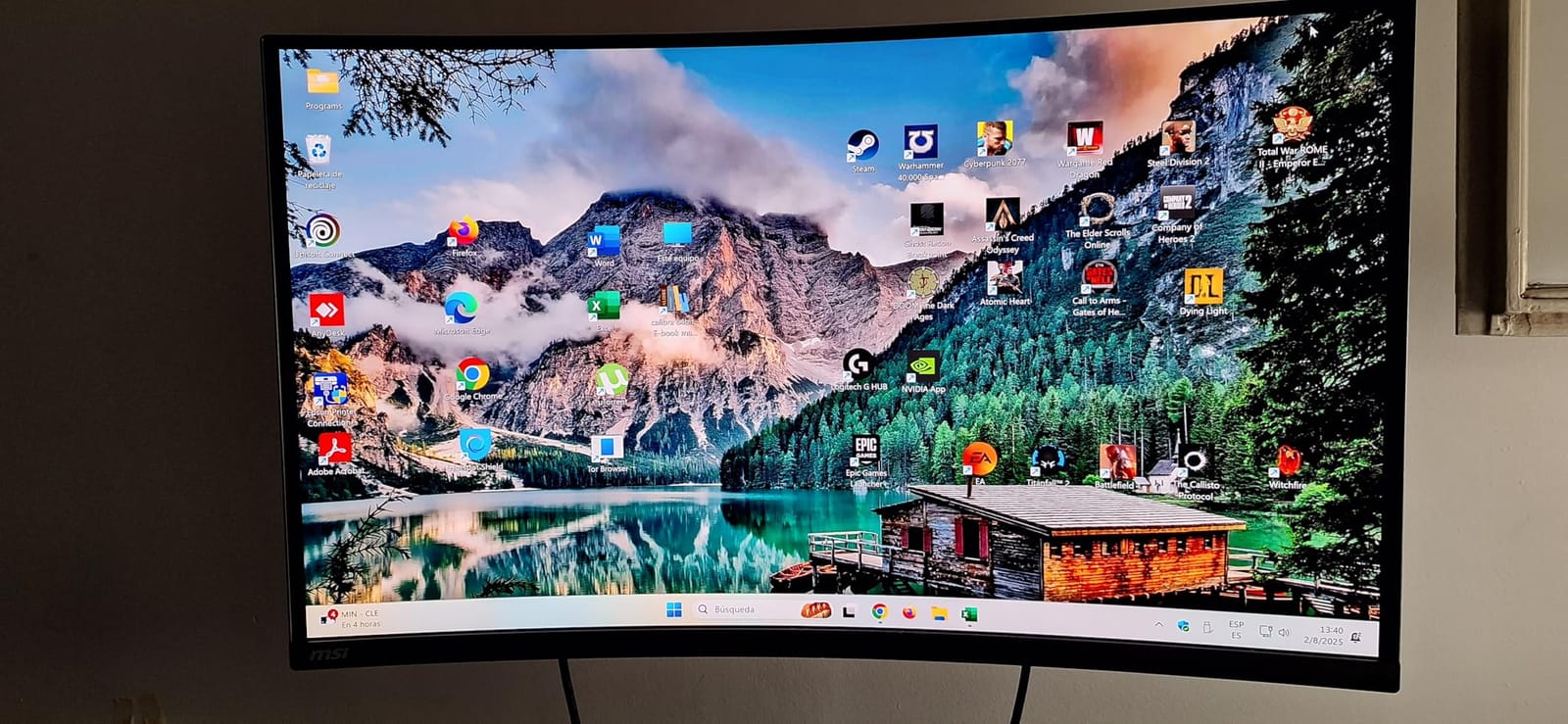
The subtle 1700R curve is gentle enough not to distort a 16:9 console image while giving wide-format content a slight wrap. 165Hz with 0.03ms response and VESA ClearMR 9000 clearance keeps motion clean, and a fanless graphene heatsink supports panel durability.
Why 165Hz is not a problem for consoles
A console never exceeds 120Hz, so 165Hz is more than any current console can use. The lower refresh rate only becomes relevant if you attach a gaming PC, and even then the 0.03ms response and ClearMR 9000 rating keep motion clean well below the refresh ceiling.
The single HDMI port is the sharper compromise. Console-only owners get full 4K 120Hz with VRR and ALLM from one cable. Anyone running a PS5 and an Xbox simultaneously should look at the PG32UCDM or PG27UCDM, both of which have two HDMI 2.1 inputs.
Glossy surface, heavy chassis and USB-C
The glossy finish shows reflections and fingerprints in bright rooms, which is the same trade-off as every glossy panel in this list. At 25.1 pounds the chassis makes arm mounting less convenient, so check your desk weight rating before choosing a mount.
USB-C here provides 15W power delivery, which is enough for peripherals and a phone but not for laptop charging. Treat it as a convenience port, not a one-cable solution.
Who should buy it
Buy the MAG 321CUP if you want the 32-inch 4K OLED format for a PS5 or Xbox Series X and prefer to spend on the panel rather than the refresh rate. For desk use where 4K at two to three feet is too tight, our 1440p picks are the better call.
What Your Console Actually Needs From a Monitor
Specs sheets are written for the union of every device a monitor might touch. Consoles use a small fraction of that. These are the criteria that actually change the outcome when a PlayStation or Xbox is the source.
The 120Hz ceiling and why 240Hz is PC headroom
No current console outputs more than 120 frames per second. The PS5, the PS5 Pro and the Xbox Series X all top out at 120Hz, and the Switch 2 docks into 120Hz mode on a compatible display. Anything above 120Hz on the monitor is a benefit you will only see from a PC.
That makes 240Hz, 360Hz and dual-mode 480Hz panels headroom rather than console value. It is not a reason to avoid them, and if a PC shares the monitor it is a genuine advantage. It is a reason not to pay a console-only premium for refresh rate you cannot see.
What you should check instead: that the HDMI port carries the full 48Gbps that 4K 120Hz needs, that variable refresh rate works over HDMI, and that ALLM drops latency automatically when a console switches to game mode.
PS5 vs Xbox VRR: the difference that actually matters
The PlayStation 5 implements HDMI Forum VRR only. A monitor carrying a FreeSync badge over an HDMI 2.0 port does nothing useful for a PS5, no matter what the packaging implies. A monitor that advertises HDMI 2.1 but delivers 2.0 bandwidth will also fall back to 4K 60Hz rather than 4K 120Hz.
The Xbox Series X is more permissive and accepts FreeSync over HDMI. That is why the same monitor can have working VRR on one console and not the other, and it is the single most valuable thing to know before buying.
Also check ALLM. Auto Low Latency Mode makes the monitor switch to its lowest-latency setting the moment a console enters game mode, which removes a step that people routinely forget.
Resolution: 27-inch 1440p vs 32-inch 4K
The PS5 renders games below 4K on many titles and upscales, so a 4K monitor does not always deliver four times the detail of a 1440p one. What it does deliver is a sharper target, cleaner HUD text and less visible upscaling on demanding scenes.
On a 26.5-inch or 27-inch panel, 4K gives roughly 163 pixels per inch, which is dense enough to look sharp at desk distance. At 32 inches 4K, the same pixel density lands around 138 pixels per inch, and the larger size is what you actually notice. The PS5 supports 1440p at 120Hz as well as 4K at 120Hz, so a 1440p panel is not leaving performance on the table.
For couch play, the size matters more than the resolution. A 32-inch 4K panel at three to four feet is a very different experience from a 27-inch at two to three feet, and for single-player HDR titles the larger screen wins.
QD-OLED vs WOLED: which panel suits your room
QD-OLED panels add a quantum dot colour conversion layer, which raises colour volume and allows a matte or semi-glossy coating. That is why most of the brighter, more colour-accurate panels in this list are QD-OLED. Their typical weakness is text rendering, where the subpixel layout produces mild fringing on small fonts.
WOLED panels use a white organic emitter and are typically paired with a glossy coating. Glossy means deeper blacks and punchier colour in a dim room, and sharper text rendering at close distances, but the screen acts as a mirror in a bright room.
Several long-term OLED owners in the community note that QD-OLED screens are sensitive to light, dust and scratching, and that the protective film on a new glossy panel is worth keeping on for a first year. Treat either panel type as something you handle carefully.
Screen coating mapped to room lighting
Bright room, or a screen that catches a window: matte or semi-glossy. That is the Alienware AW3425DW, the Samsung Odyssey OLED G6, the Acer Predator X27U W1 and the ASUS PG32UCDM and PG27UCDM. Expect slightly lifted blacks in exchange for reflections you can live with.
Dim or curtained room: glossy. That is the LG 27GX704A-B, the ASUS XG27AQDMGR, the MSI MAG 274QP and the MSI MAG 321CUP. Blacks go to a true zero and the picture gains a lot, provided you can control the light.
Mixed lighting is the hardest case. The honest answer is that no OLED is comfortable in a bright sunlit room, and if that is your situation a Mini-LED or a good IPS panel with local dimming is the more sensible purchase. Our general gaming monitor picks cover those categories.
OLED burn-in and console HUDs: settings to enable on day one
Burn-in is image retention, not a sudden failure. Static bright elements lose luminance unevenly, and consoles are close to the worst case because a HUD, minimap or health bar sits in the same pixels for hours. Modern panels with active mitigation make this rare in normal use, but the settings matter.
On day one, enable pixel shift, logo dimming and a screen-off idle timer in the monitor’s care menu, and let the periodic panel refresh run rather than cancelling it. Set the console to dim its own UI elements and auto-hide the taskbar. If the monitor has a proximity sensor, switch it on, because a paused game on a static frame is the worst case of all. A three-year burn-in warranty is the other half of the protection, and it is why we treat warranty length as a genuine selection criterion rather than fine print.
One honest counterpoint: some owners simply find OLED monitors overrated for their workload, and a 4K OLED television can outperform many monitors on colour accuracy for the same money. If you game occasionally and mostly watch, the monitor may not be the right purchase.
Dual-console setups and Nintendo Switch 2 docked play
Console players overwhelmingly run two consoles. Two HDMI 2.1 ports mean a PS5 and an Xbox Series X stay connected with no switcher, no menu swapping and no re-seated cables. In this list, the PG32UCDM, PG27UCDM, 27GX704A-B, AW3425DW, Odyssey OLED G6, Predator X27U and MAG 274QP all have two. The AG276QZD2, XG27AQDMGR and MAG 321CUP have one.
A docked Switch 2 wants a 1080p or 120Hz signal over USB-C, and most of these monitors will negotiate that fine through their USB-C port, though power delivery varies widely and matters if you dock while charging. The 27-inch and 26.5-inch sizes suit handheld and docked play particularly well. Our portable console monitor guide covers smaller-screen alternatives.
When an OLED is the wrong pick, plus the audio reality
Choose a Mini-LED or IPS panel instead if your room is bright all day, if you want maximum SDR brightness, or if you are wary of image retention in a shared household. An OLED is the wrong pick for an office-first desk where a static document sits on screen all day.
On audio, expect to plan for it. Most gaming monitors in this list have no usable speakers, and consoles send all audio over HDMI. Options are the 3.5mm headphone out on the LG 27GX704A-B, the built-in speakers on the Acer Predator X27U W1 and AOC AG276QZD2, or a soundbar. A monitor with speakers still beats a monitor with none when the console is the only source.
Your first-hour setup checklist
First, update the monitor firmware, because several models in this list ship with KVM or USB-C behaviour that improves immediately afterwards. Then set the console’s display mode to 4K 120Hz in the PS5 or Xbox system menus and confirm the monitor is on the matching input. Turn on the console’s own HDR setting, then accept the monitor’s HDR mode so the two agree.
Next, run a monitor-side calibration pass and set a sensible SDR brightness, because OLED panels are blinding out of the box. Enable OLED care features and the idle timer. If a PC is also attached, use the KVM or PiP feature rather than re-plugging. Finally, verify the cable is certified for the full bandwidth you need, which removes the most common cause of a 60Hz fallback and handshake dropouts.
If you also attach a PC and want faster-than-120Hz panels, our complete OLED roundup and competitive play monitor picks go deeper on refresh rate trade-offs. Handheld PC players can start with our OLED handheld guide.
Frequently Asked Questions
Which OLED monitor is best for gaming?
The ASUS ROG Swift OLED PG32UCDM is the best all-round OLED monitor for gaming. It is a 32-inch 4K QD-OLED running at 240Hz with 0.03ms response, dual HDMI 2.1 ports, 1000 nits peak brightness and a three-year burn-in warranty. For a smaller desk setup, the LG UltraGear 27GX704A-B is the strongest value pick at 1440p.
Are OLED monitors good for gaming?
Yes, and consoles are close to the ideal use case. OLED panels have no backlight, so blacks are true black with no blooming, and 0.03ms response means no visible ghosting. Consoles cap at 120Hz, which every OLED in this list exceeds. The two things to manage are brightness in a bright room and image retention from static HUD elements, which OLED care features handle.
Is 240Hz overkill for PS5?
For a console-only setup, yes. The PS5, PS5 Pro and Xbox Series X all top out at 120Hz, so any refresh rate above 120 is headroom you will not see. It stops being overkill the moment you attach a gaming PC, where 240Hz is genuinely usable. If your monitor will only ever be driven by a console, prioritise full-bandwidth HDMI 2.1, VRR and burn-in protection instead.
Does HDMI 2.1 make a difference on PS5?
Yes, decisively. 4K at 120Hz needs the full 48Gbps that HDMI 2.1 provides. A port labelled 2.1 but limited to 2.0 bandwidth falls back to 4K 60Hz and drops VRR, and the PS5 implements HDMI Forum VRR only, so a FreeSync badge over HDMI 2.0 does nothing on a PlayStation. Also use a certified high-speed HDMI cable, which prevents brief random blackouts.
What is the best monitor for PS5 and Xbox Series X at the same time?
The ASUS ROG Swift OLED PG32UCDM and ASUS ROG Swift OLED PG27UCDM are the strongest choices, because two full HDMI 2.1 ports keep a PS5 and an Xbox connected simultaneously with no switcher. The LG UltraGear 27GX704A-B also has dual HDMI 2.1 and costs less. Avoid single-HDMI models such as the AOC AG276QZD2, ASUS XG27AQDMGR and MSI MAG 321CUP if you switch consoles often.
Does VRR work on the PS5 with a FreeSync monitor over HDMI 2.0?
No. The PS5 requires HDMI Forum VRR over a full-bandwidth HDMI 2.1 connection, so a FreeSync monitor that only delivers HDMI 2.0 bandwidth will not offer variable refresh rate on a PlayStation. The Xbox Series X is more permissive and does accept FreeSync over HDMI. If both consoles are on the same monitor, the PlayStation is the one that sets your port requirement.
Is an OLED monitor a burn-in risk for console gaming?
Risk exists but is manageable. Console games park HUD elements, minimaps and health bars in the same pixels for hours, which is the workload most likely to cause uneven wear. Enable pixel shift, logo dimming and an idle timer on day one, let the periodic panel refresh run, and use the proximity sensor if the monitor has one. A three-year burn-in warranty is the strongest protection available.
What size OLED monitor is best for console gaming?
A 32-inch 4K panel is best for couch play at three to four feet, and a 27-inch 1440p or 4K panel is best for desk play at two to three feet. 27-inch 4K at roughly 163 pixels per inch looks sharp at desk distance, while 32-inch 4K uses size rather than density to feel bigger. Avoid ultrawide panels for console-only use, because consoles output 16:9 and you get black bars.
Bottom Line: Which OLED Monitor Should You Buy in 2026
Pick the ASUS ROG Swift OLED PG32UCDM if you want one screen for a PS5, an Xbox Series X, a Switch 2 and a gaming PC. Dual HDMI 2.1, 32-inch 4K QD-OLED, 1000 nits, 0.03ms response and a three-year burn-in warranty make it the safest all-round choice in 2026.
If you sit at a desk and spend less, the LG UltraGear 27GX704A-B is the value pick most console players should actually buy. It is 1440p at 240Hz, glossy, dual HDMI 2.1, fully adjustable, and it costs a fraction of the 4K flagships.
For 32-inch 4K on a tighter budget, the MSI MAG 321CUP QD-OLED delivers full 48Gbps HDMI 2.1 with VRR and ALLM, and the 165Hz ceiling costs a console owner nothing. For a bright room, choose a matte panel such as the Alienware AW3425DW, Samsung Odyssey OLED G6, Acer Predator X27U W1 or ASUS PG27UCDM and accept slightly lifted blacks.
One last reminder before you buy: confirm the monitor reaches 4K 120Hz in the console’s own system menu on day one, use a certified high-speed HDMI cable, and turn on the OLED care features before you settle in. The best OLED monitors for console gaming in 2026 all deliver true blacks and near-instant response — the setup is what separates a great purchase from a disappointing one.
Leave a Reply