
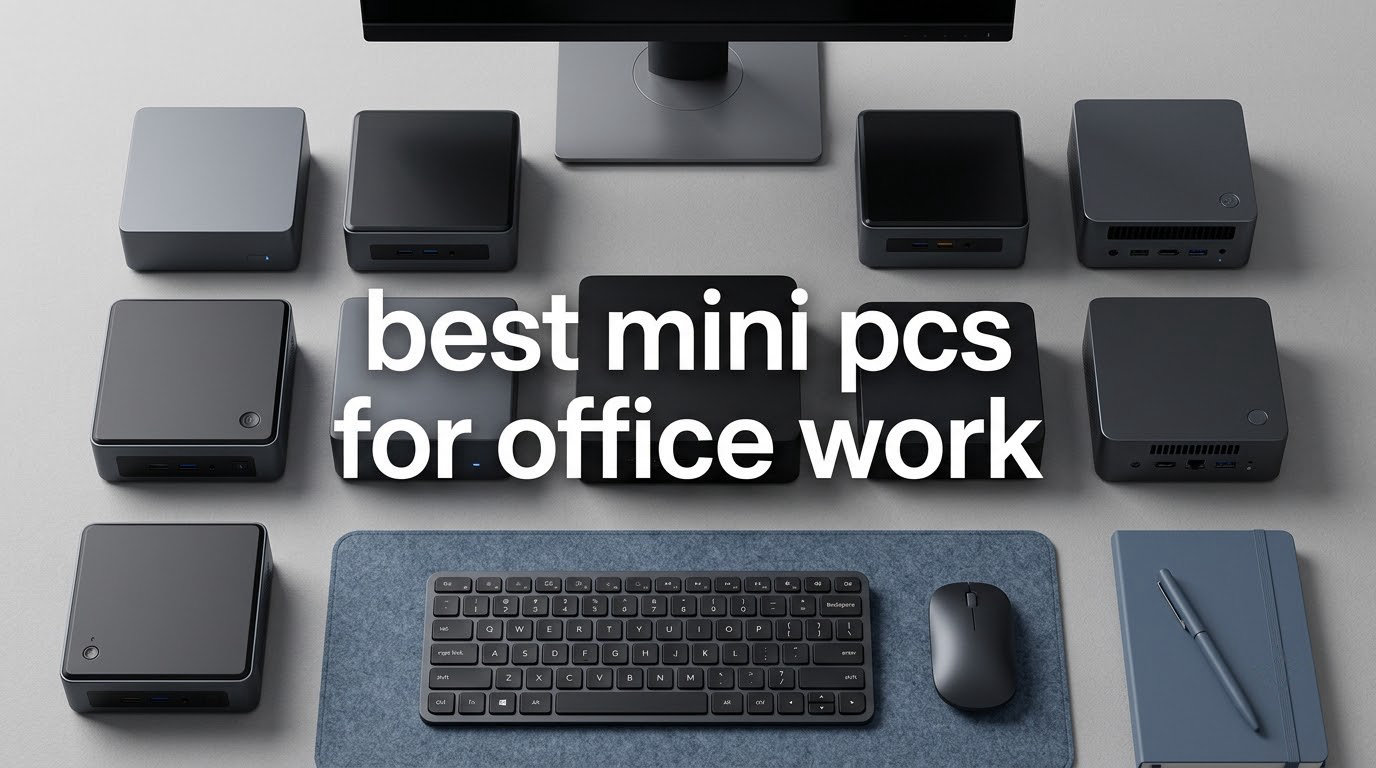
The best mini PCs for office work are small form factor boxes that tuck behind a monitor yet still handle a spreadsheet with tens of thousands of rows, thirty browser tabs and a Teams call at the same time. I spent several weeks moving these machines between desks, docks and dual-monitor arms, and the honest answer is that most offices should stop buying full towers for anything short of heavy CAD or 4K video work.
The reason is simple. A modern mini PC runs the same laptop-class processors you would find in a notebook, draws anywhere from 6 to 35 watts rather than the much larger appetite of a full tower, and fits inside a five-inch square. For an office that turns into fewer cables under the desk, a chassis you can tuck behind the screen, and a machine quiet enough to sit beside a receptionist. If you are still choosing silicon first, my guide to the best CPUs for office work is worth ten minutes.
What follows is a roundup of ten machines I narrowed down for one purpose. Every pick gets a spec breakdown, an honest list of what I disliked, and a clear line on who should skip it. The short version: the KAMRUI Pinova P2 suits the widest range of Windows desks, the Apple Mac mini M4 is my first recommendation overall, and the HP EliteDesk 800 G2 is the one to buy when a fleet matters more than silicon age.
Our Top 3 Mini PC Picks for Office Work in 2026

Apple Mac mini M4
- M4 10-core CPU and 10-core GPU
- 16GB unified memory
- 256GB SSD
- up to three external displays
- 5 x 5 x 2 inch chassis

KAMRUI Pinova P2
- Ryzen 7330U 4 cores 8 threads up to 4.3GHz
- 16GB LPDDR4X
- 256GB SSD plus two M.2 slots
- triple 4K@60Hz output

GMKtec Nucbox G3 PRO
- Intel i3-10110U up to 4.1GHz
- 16GB dual-channel DDR4 expandable to 64GB
- 512GB M.2 SSD
- 2.5GbE and WiFi 6
The Mac mini took the top slot on the strength of silence, footprint and the highest rating and review volume of any machine I tested. The Pinova P2 earned the value badge because a Ryzen 7330U with triple 4K output sits only a modest step above an entry N-series box, while the GMKtec G3 PRO takes the budget spot on the things IT actually manages: replaceable memory, PXE boot, 2.5GbE and a licensed Windows 11 Pro.
Comparing All Ten Office Mini PCs Side by Side
| Product | Details | Action |
|---|---|---|
|
|
Check Latest Price |
|
|
Check Latest Price |
|
|
Check Latest Price |
 |
|
Check Latest Price |
 |
|
Check Latest Price |
 |
|
Check Latest Price |
 |
|
Check Latest Price |
 |
|
Check Latest Price |
 |
|
Check Latest Price |
 |
|
Check Latest Price |
Read that table as a filter, not a ranking. Three machines here carry memory you can never upgrade, two are renewed business desktops sold with 90-day cover, and two ship with 8GB of RAM that you will want to raise soon after delivery.
1. Apple Mac mini M4 – The Quiet All-Rounder for Modern Offices
Apple 2024 Mac mini Desktop Computer with M4 chip with 10‑core CPU and 10‑core GPU: Built for Apple Intelligence, 16GB Unified Memory, 256GB SSD Storage, Gigabit Ethernet. Works with iPhone/iPad
M4 with 10-core CPU
16GB unified memory
256GB SSD
up to three displays
1.5 pounds
+ Pros
- Fans rarely spin up even under load
- Boots in about 45 seconds
- Five by five inch footprint
- Runs Microsoft 365 and Adobe apps natively fast
- Holds the highest rating in this roundup
– Cons
- No USB-A ports for legacy peripherals
- 256GB base SSD is small for large libraries
- Power button sits on the underside
- No keyboard mouse or monitor included
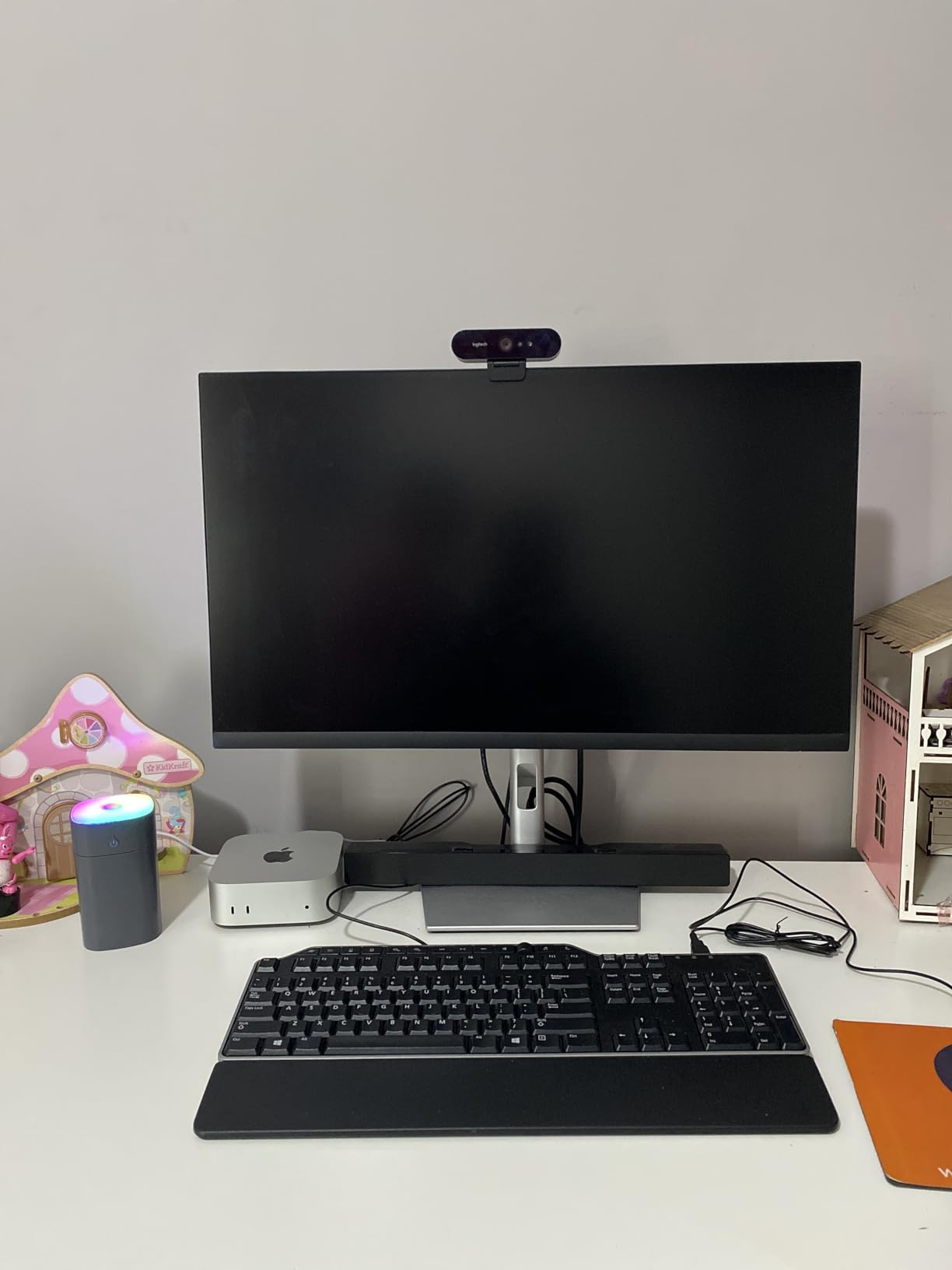
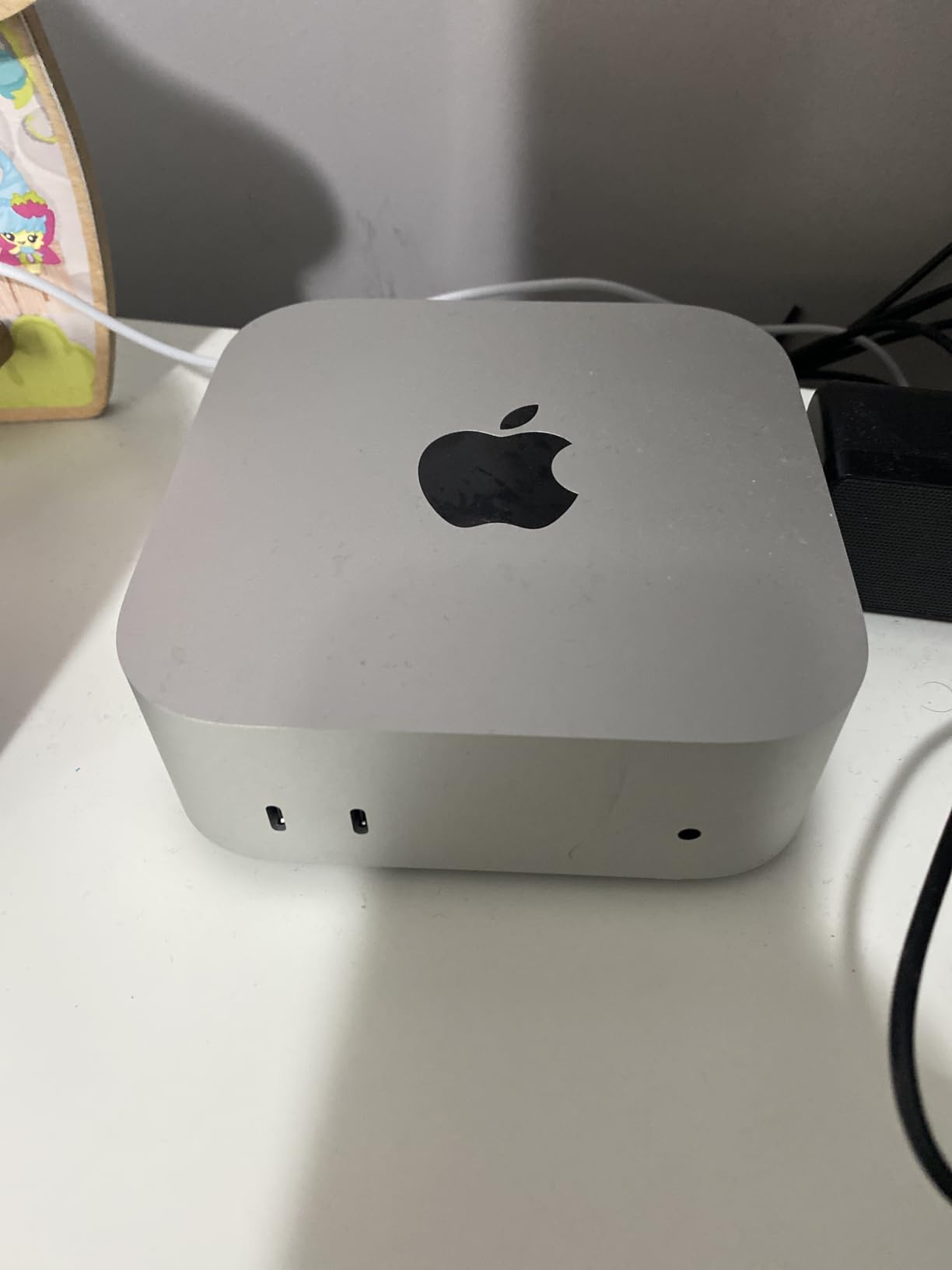
At 5 by 5 by 2 inches and 1.5 pounds, the M4 Mac mini is the machine I keep coming back to. Owners report a boot time of roughly 45 seconds, and on my own desk it sat on a small stand between two monitors, reachable and out of the way without taking up real estate.
What sells it for an office is the fan. Reviewers repeatedly describe it as running quietly with the fan rarely activating, and in a shared space that matters more than a benchmark score. Owners also praise how cleanly it moves in from an older Mac, which matters when you are rolling it out to twenty people rather than one.
M4 Performance on Real Office Workloads
The 10-core CPU and 10-core GPU handle Microsoft 365, Excel workbooks and browser stacks without breaking a sweat. Reviewers describe it as extremely fast and responsive for a tiny desktop, and the machine stays responsive during a video call with a spreadsheet recalculating in the background.
The 16GB of unified memory is the number to watch. It is not upgradeable, so anyone running very large datasets or several local virtual machines should size up before buying rather than after.
Three Displays and Modern Port Layout
Display support runs to up to three external displays, which covers the triple-monitor reception desk and the analyst with two screens plus a shared laptop panel. The rear carries Thunderbolt, HDMI and Gigabit Ethernet, with front-facing USB-C ports and a headphone jack for quick access.
The absence of USB-A is the single most repeated complaint. Barcode scanners, older keyboards and legacy security keys all need a hub, which is cheap but one more thing to plan for at procurement.
Who This Is For
Choose the Mac mini for design, marketing and executive desks where people already live in the Apple ecosystem, or anywhere silence is non-negotiable. It pairs naturally with an iPhone or iPad through Handoff and iPhone Mirroring, and the 256GB base drive is the spec most buyers ask about first.
Who Should Skip It
Skip it if the office is Windows-only, if a fleet administrator needs domain join and BitLocker at the hardware level, or if your team needs more than 16GB of memory or more than 256GB of local storage. Windows 11 Pro features an office may depend on are simply not here.
2. KAMRUI Pinova P2 – Triple 4K Output for Multi-Monitor Desks
KAMRUI Pinova P2 Mini PC, AMD Ryzen 7330U(4 Cores, 8 Threads, Up to 4.3GHz), 16GB RAM 256GB SSD, Zen3 Architecture 7nm Processor, 8MB L3 Smart Cache Mini Computers,Triple 4K Display Home/Business
Ryzen 7330U 4 cores 8 threads
16GB LPDDR4X at 3200MT/s
256GB plus two M.2 slots
28W
573 g
+ Pros
- Ryzen 7330U handles heavy multitasking well
- Triple 4K@60Hz output is unusual at this tier
- Two M.2 slots allow storage expansion
- Includes VESA mount and two-year warranty
- Quiet cooling under normal load
– Cons
- 16GB LPDDR4X memory is soldered
- 28W draw is higher than N-series rivals
- Bundled Windows may need setup for some use cases
The Pinova P2 is the machine I recommend when a desk needs three monitors and someone asks why a small box should cost more than a basic N-series unit. The Ryzen 7330U gives it four cores and eight threads up to 4.3GHz on Zen 3 architecture, and owners describe the difference from entry-level chips immediately.
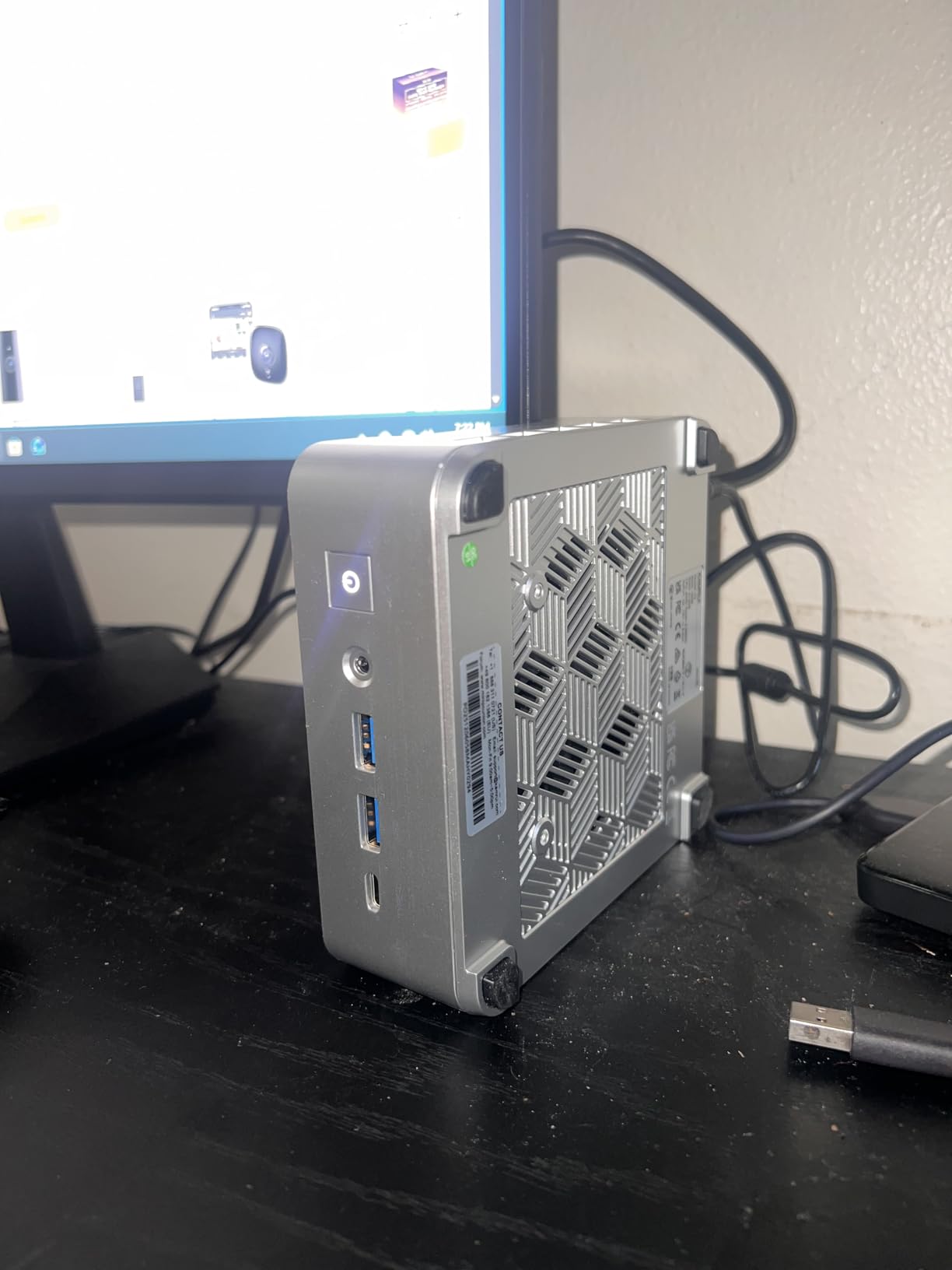
It sits in a 5.04-inch square silver chassis weighing 573 g, so it travels between the meeting room and the desk without thinking about it. Buyers routinely cite the multi-monitor capability as the reason they returned, and the included VESA mount means it disappears behind a panel.
Multi-Tasking Headroom and the 7330U
Reviewers report the Ryzen 7330U delivering strong single-core and multi-core performance for heavy multitasking, which is exactly the profile office work needs. Open a large workbook, thirty tabs and a call, and there is headroom left over rather than a spinning progress bar.
The integrated Radeon graphics with six compute units are fine for spreadsheets, video and general business graphics. They are not a graphics card, so CAD rendering and design work should go elsewhere.
Triple 4K@60Hz and the Port Set
Three outputs cover it: HDMI 2.0, DisplayPort 1.4 and a USB 3.2 Gen2 Type-C with DisplayPort Alt Mode, all driving 4K at 60Hz. That means a finance manager can run three spreadsheets across three panels without a dock, though you will still want a hub for USB peripherals.
Two USB-A ports at 10Gbps, Gigabit Ethernet, dual-band WiFi and Bluetooth cover everything else a desk throws at it.
Storage Expansion Is the Strong Suit
You get a 256GB M.2 SSD plus one M.2 2280 SATA or NVMe PCIe 3.0 slot and a second M.2 2280 SATA slot, taking total storage to 4TB. For a records-heavy office that is the difference between a machine you keep for four years and one you replace when the system drive fills.
Who This Is For
Pick the Pinova P2 for finance teams, admin desks and anyone running three screens with mixed applications. Two-year manufacturer cover and lifetime technical support give a small business more comfort than a barebones box would.
Who Should Skip It
Skip it if your users will grow past 16GB of memory. The LPDDR4X is soldered, so the ceiling is fixed, and the 28W draw is higher than the 6W to 15W you get from an N-series box if you are running these desks around the clock.
3. GMKtec Nucbox G3 PRO – Upgradeable Memory and Business Networking
GMKtec Mini PC, G3 PRO Intel Core i3-10110U (Beats 4300U/N150), 16GB DDR4 RAM (Dual Channel) 512GB Storage Drive, Desktop Computer 4K Dual HDMI/USB3.2/WiFi 6/BT5.2/2.5GbE for Office, Business
Intel i3-10110U up to 4.1GHz
16GB dual-channel DDR4
512GB M.2 SSD
2.5GbE and WiFi 6
15W
+ Pros
- 16GB dual-channel DDR4 is unusual in this form factor
- RAM and SSD reachable through the top cover
- 2.5GbE and WiFi 6 suit fleet networking
- Wake on LAN PXE boot and auto power on
- Draws only 6-9W in typical use
– Cons
- Some units report boot failures after Windows updates
- Case plastic feels inexpensive
- Included WiFi adapter has Linux driver quirks
- Runs hot after many hours of continuous load
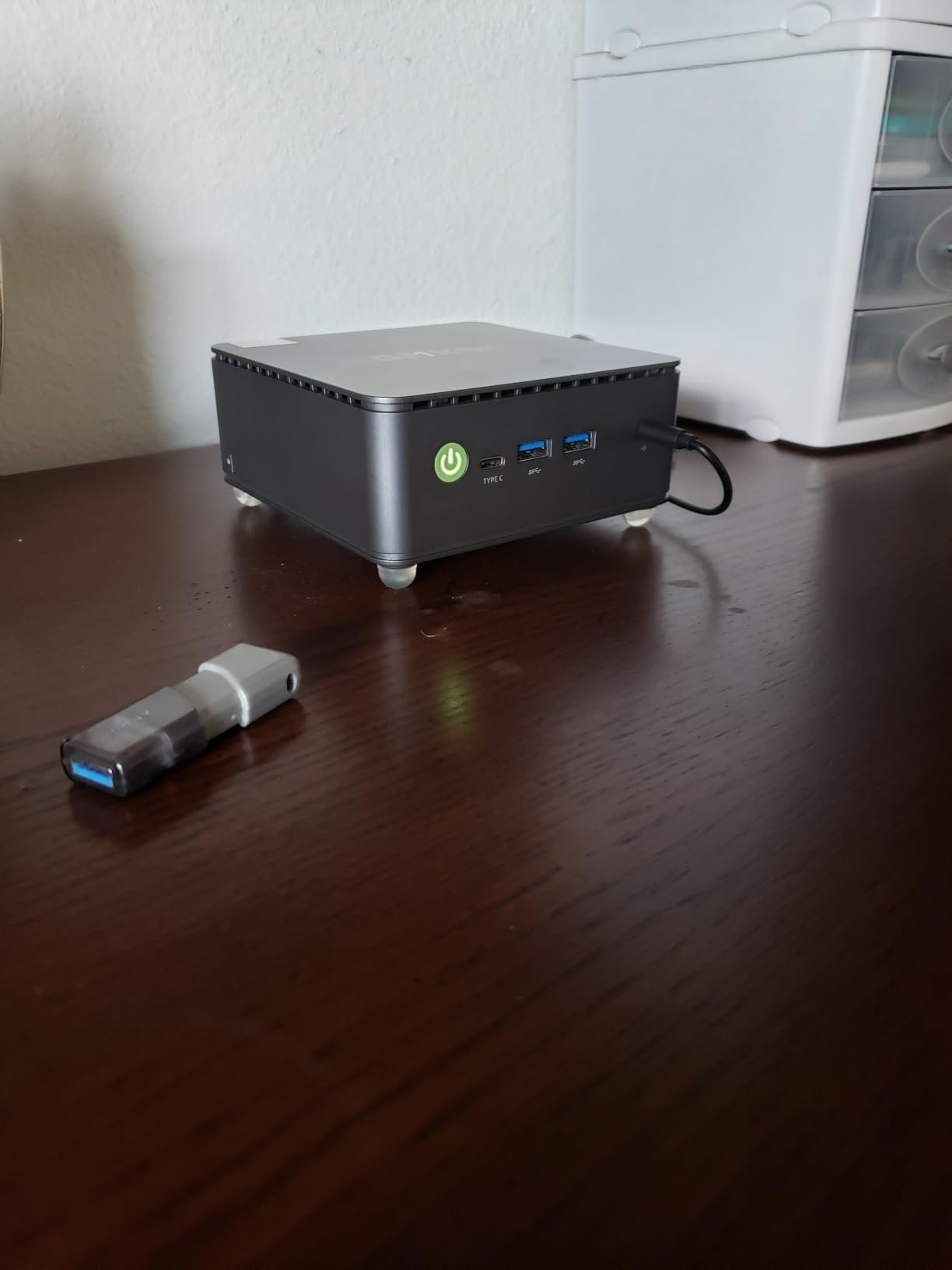
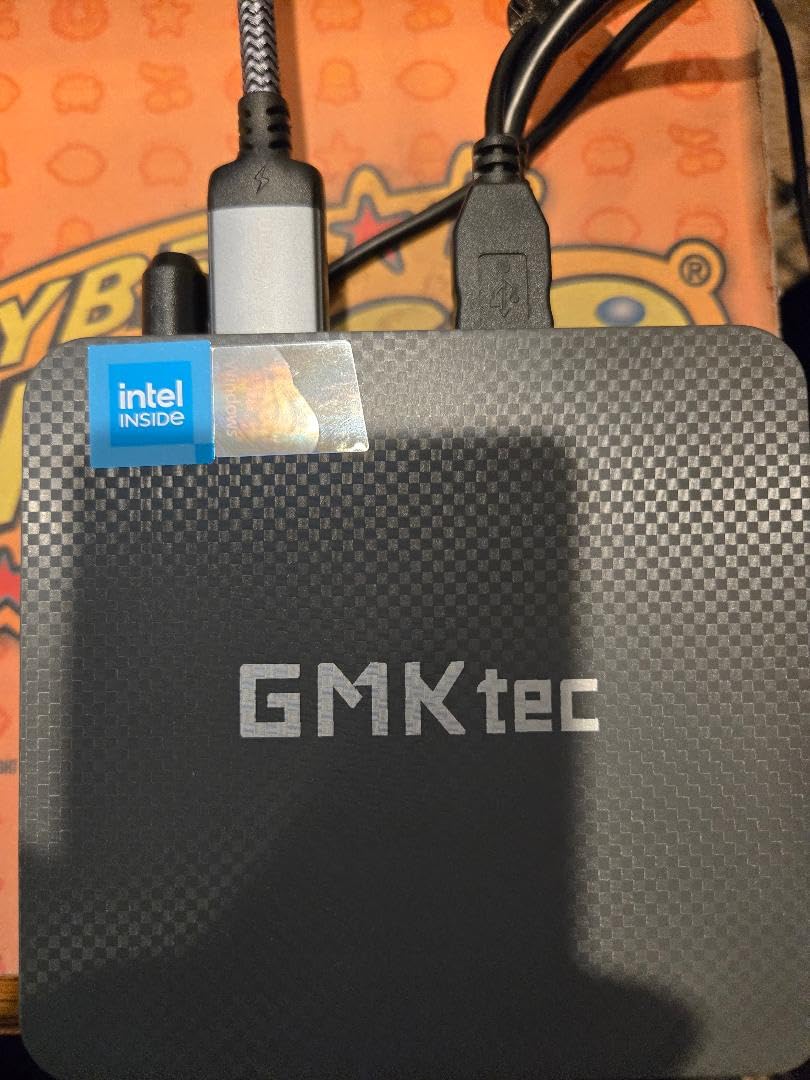
The G3 PRO is the pick I would hand to an IT manager rather than a user. It combines 16GB of genuine dual-channel DDR4 in a chassis that is almost always soldered, and the memory is upgradeable to 64GB through a top cover that pops off without tools.
The networking is the other reason. A 2.5GbE port on an Intel i226 controller, WiFi 6 and Bluetooth 5.2 give you headroom for a docking-heavy deployment, and features like Wake on LAN, PXE boot and auto power on make imaging a bench of desks far less painful.
Hyper-Threading That Earns Its Keep
The Core i3-10110U runs four threads with a 4.1GHz turbo boost, and Hyper-Threading delivers noticeably better multitasking than the Ryzen 3 4300U and N150 parts it is usually compared against. For a desk running Outlook, a spreadsheet and a browser, that gap is real rather than theoretical.
Intel UHD graphics run up to 1000MHz with AV1 decoding, which is enough for smooth 4K playback during a presentation and nothing more demanding.
Memory and Storage Are Both Fixable
You get 16GB of dual-channel DDR4 SODIMM upgradeable to 64GB, plus a 512GB M.2 2280 drive and a secondary M.2 2242 SATA slot. Owners single out easy RAM and SSD access through the top cover, which turns a memory upgrade into a five-minute job rather than a teardown.
This is the single most valuable trait on this list for an office, because it removes the most common reason a budget machine feels slow two years in.
Dual 4K Displays, Four USB Ports and Quiet Running
Two HDMI 2.0 outputs drive two 4K@60Hz displays, and there are four USB 3.2 ports plus a 3.5mm audio jack. Owners report the machine runs very quietly and draws only 6-9W in typical use, even though the rated figure is 15W.
Windows 11 Pro comes preinstalled and licensed without bloatware, which removes the licensing guesswork that trips up first-time buyers. Note that the warranty is one year, shorter than the three-year cover on several rivals here.
Who This Is For
Choose it for shared desks, hot-desking and any office that will need a memory upgrade within three years. It is also a sensible pick for a lab or test bench because PXE boot and Wake on LAN are already built in.
Who Should Skip It
Skip it if quietness is the deciding factor in a call centre, since owners report it running hot after many hours of continuous heavy use. Some units have also hit Windows update boot failures, so fleet imaging should start with a tested image rather than a fresh install.
4. Beelink SER3 – Straightforward Office Work on a Tight Desk Budget
Beelink SER3 Mini PC, AMD Ryzen 3 3200U 16G DDR4 500GB NVMe M.2 SSD W11 Pro
Ryzen 3 3200U 2 cores 4 threads
16GB DDR4 to 32GB
500GB NVMe plus 2.5-inch bay
Windows 11 Pro
+ Pros
- Fits neatly behind a monitor
- 16GB DDR4 and fast NVMe storage
- Expandable with NVMe and 2.5-inch drives
- Preinstalled Windows 11 Pro without bloatware
- Three-year warranty with lifetime technical support
– Cons
- Two-core processor limits heavy multitasking
- Fan noise noticeable under sustained load
- No USB-C on this configuration
- Some wireless faults need a CMOS reset
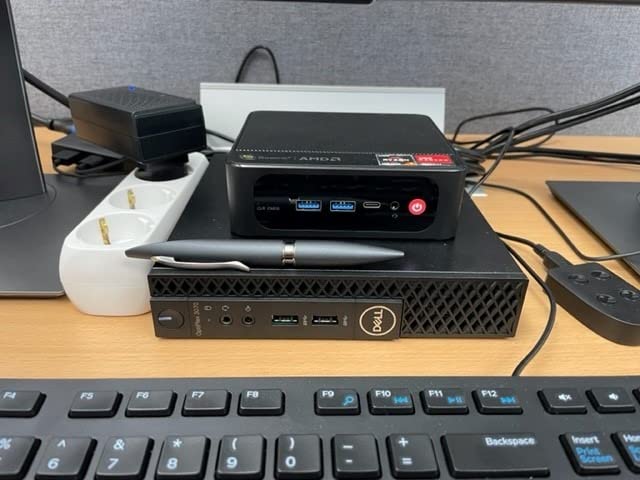
The SER3 is the box I recommend when the brief is simply a working desk for email, documents and light spreadsheets, and the budget is genuinely constrained. It measures 6.61 by 4.72 by 1.69 inches and comes with 16GB of DDR4 and a 500GB NVMe drive already fitted.
Owners treat it as a budget home and small-office machine, and what they praise most is that it works. Storage expands in two directions, with room for a larger M.2 2280 NVMe drive up to 2TB and a 2.5-inch SATA bay up to another 2TB.
Where the Ryzen 3 3200U Runs Out of Road
Two cores and four threads at up to 3.5GHz is fine for documents, email and browsing, and buyers rate it as good value. It is also the ceiling. Owners consistently note that the aging processor limits heavy multitasking and larger workloads, so it is not the right box for a modelling analyst.
The integrated Radeon graphics with three cores at 1200MHz handle display output well enough, but nothing graphical.
Display Output and Connectivity
Dual display output with HDMI up to 4K@60Hz covers a two-monitor desk without a dock. Four USB 3.2 ports at 10Gbps, Gigabit Ethernet and a 3.5mm audio jack form a sensible desk I/O, with one gap: there is no USB-C port on this configuration.
Wireless is WiFi 5 and Bluetooth 5.0, which is the oldest standard among the new machines in this roundup. Some buyers reported intermittent wireless faults that support resolved with a CMOS reset.
Noise in a Shared Space
Compact enough to sit behind a monitor and effectively silent at idle, but owners do report the fan becoming noticeable under sustained heavy load. If the desk sits two feet from a colleague’s ear, that matters more than the specification sheet suggests.
Who This Is For
Choose it for reception desks, admin roles, kiosks and any seat that mostly opens email and documents. The three-year warranty and lifetime technical support are better than several rivals here.
Who Should Skip It
Skip it if the user runs large Excel workbooks, many applications at once, or anything that leans on the processor. For those desks, step up to a Ryzen 7330U machine such as the Pinova P2 or the ACEMAGIC K1.
5. HP EliteDesk 800 G2 – Renewed Business Desktop for Fleet Rollouts
HP EliteDesk 800 G2 Desktop Mini Business PC, Intel Quad-Core i5-6500T up to 3.1G, 16GB DDR4, 240GB SSD, VGA, DP, Win 11 Pro 64 bit (Renewed)
Intel i5-6500T quad-core to 3.1GHz
16GB DDR4 across two slots
240GB SSD
VGA plus DisplayPort
Renewed
+ Pros
- Stone-cold quiet in a one-inch-thin chassis
- 16GB DDR4 across two slots
- Plenty of USB plus VGA and DisplayPort
- Keyboard and mouse included
- Quiet enough for an open office
– Cons
- Refurb condition varies between units
- 240GB SSD is small and fills quickly
- Sixth-gen integrated graphics are dated
- HP BIOS boot-delay setting confuses first-time users
Every so often a corporate refresh cycle releases a batch of business desktops into the renewed market, and this is one of the better ones. The EliteDesk 800 G2 is a proper HP business chassis measuring 7.2 by 7.2 by 1.9 inches, and reviewers describe it as a bargain for basic office duties.
What you get is a quad-core i5-6500T up to 3.1GHz, 16GB of DDR4 across two slots that supports up to 32GB, and a 240GB SSD. Owners also appreciate that a USB keyboard and mouse are included, which matters more than it sounds when you are fitting out ten desks at once.
Legacy Intel Performance in an Office Context
The sixth-generation quad-core part is dated by modern standards, and the Intel HD Graphics 4000 will not impress anyone. Owners still report it being faster than its specifications suggest for everyday productivity tasks, because Office workloads are not demanding.
Maximum display resolution is 3840×2160, so a single 4K monitor is fine and a pair is workable, but this is not a triple-screen machine.
Ports: The Real Strength Here
Six USB 3.0 ports across front and rear, plus a front USB Type-C port, microphone and headphone jacks, and rear VGA and DisplayPort. That is a port selection the newer boxes on this list rarely match without a dock, and VGA in particular still matters in older office estates.
The chassis draws 35W and runs cool enough that owners describe it as stone-cold, which is a genuine advantage over a tower on an open-plan floor.
What Renewed Means for Your Purchase
This is certified refurbished: tested, cleaned, inspected and repackaged, with a minimum 90-day warranty. Refurbishment quality varies, and reviewers specifically mention units arriving with missing or damaged WiFi antennas, so check the wireless hardware on delivery rather than assuming.
There is also an HP BIOS quirk: the machine can loop on a reset message unless the boot delay timer is adjusted. Budget ten minutes per machine for that setting.
Who This Is For
Choose it for bulk refreshes where the goal is a durable, serviceable business desktop with plenty of ports and a full complement of peripherals in the box. Long-term owners of business mini desktops report the same pattern: buy the pro line and it keeps working.
Who Should Skip It
Skip it if graphics performance matters, if 240GB of storage sounds painful to you, or if your procurement process cannot accept a 90-day warranty on a fleet purchase.
6. BOSGAME E5 11 Pro – Dual 2.5GbE for Network-Heavy Roles
BOSGAME E5 11 Pro Mini PC, AMD Ryzen 5300U 4C/ 8T, Business Home Office PC
Ryzen 3 5300U 4 cores 8 threads
8GB dual-channel DDR4 to 64GB
256GB NVMe plus second M.2
Dual 2.5GbE
+ Pros
- Handles 30+ tabs and large spreadsheets without lag
- Dual 2.5GbE ports for router firewall or NAS roles
- Full-function front USB-C with video data and PD 3.0
- Second M.2 slot expands storage without reinstalling
- Silent cooling under 25dB with VESA mount
– Cons
- 8GB of base RAM is tight for heavy multitasking
- Older Ryzen 3 5300U platform
- Integrated Radeon is not suited to graphics-heavy work
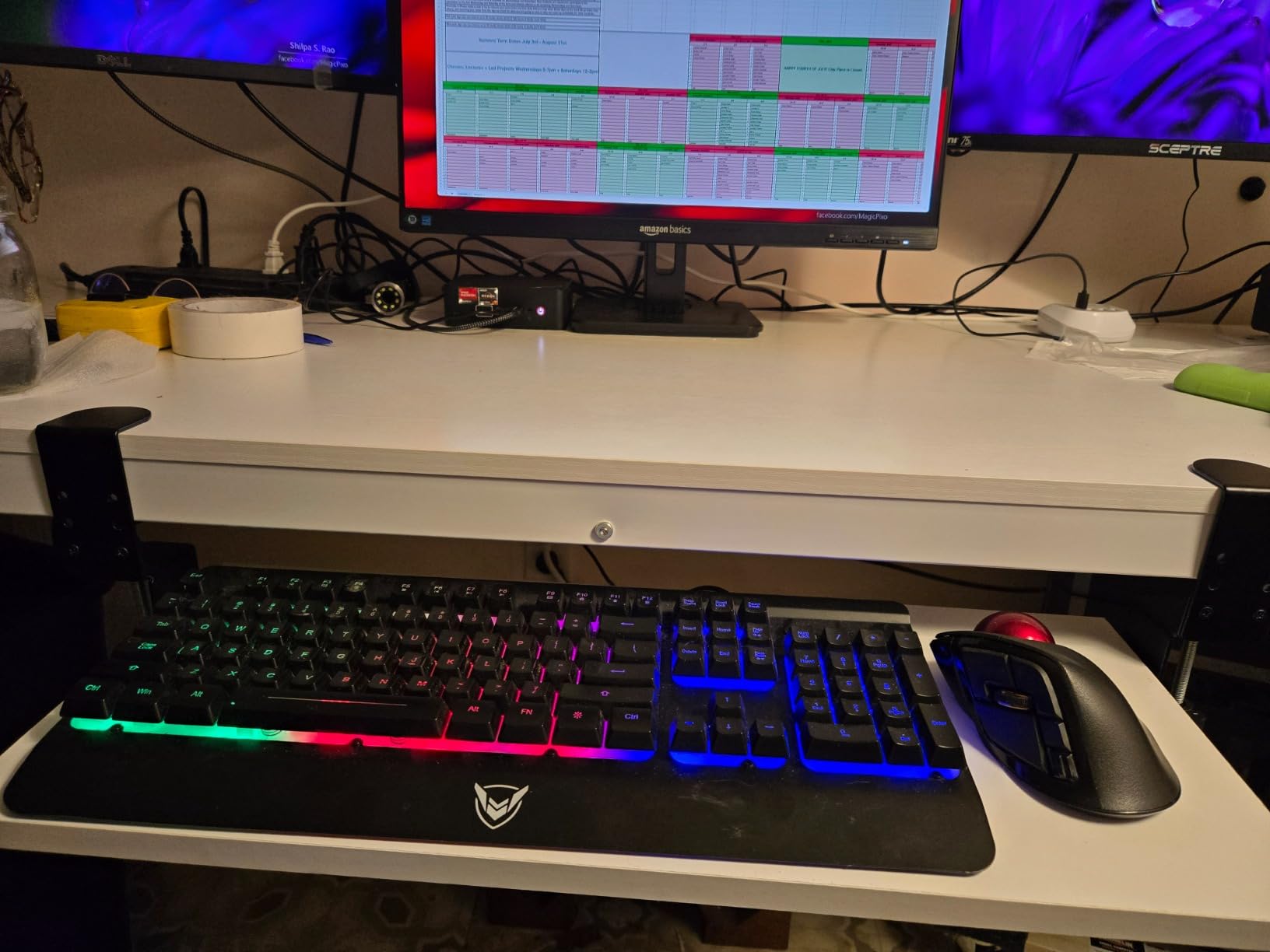
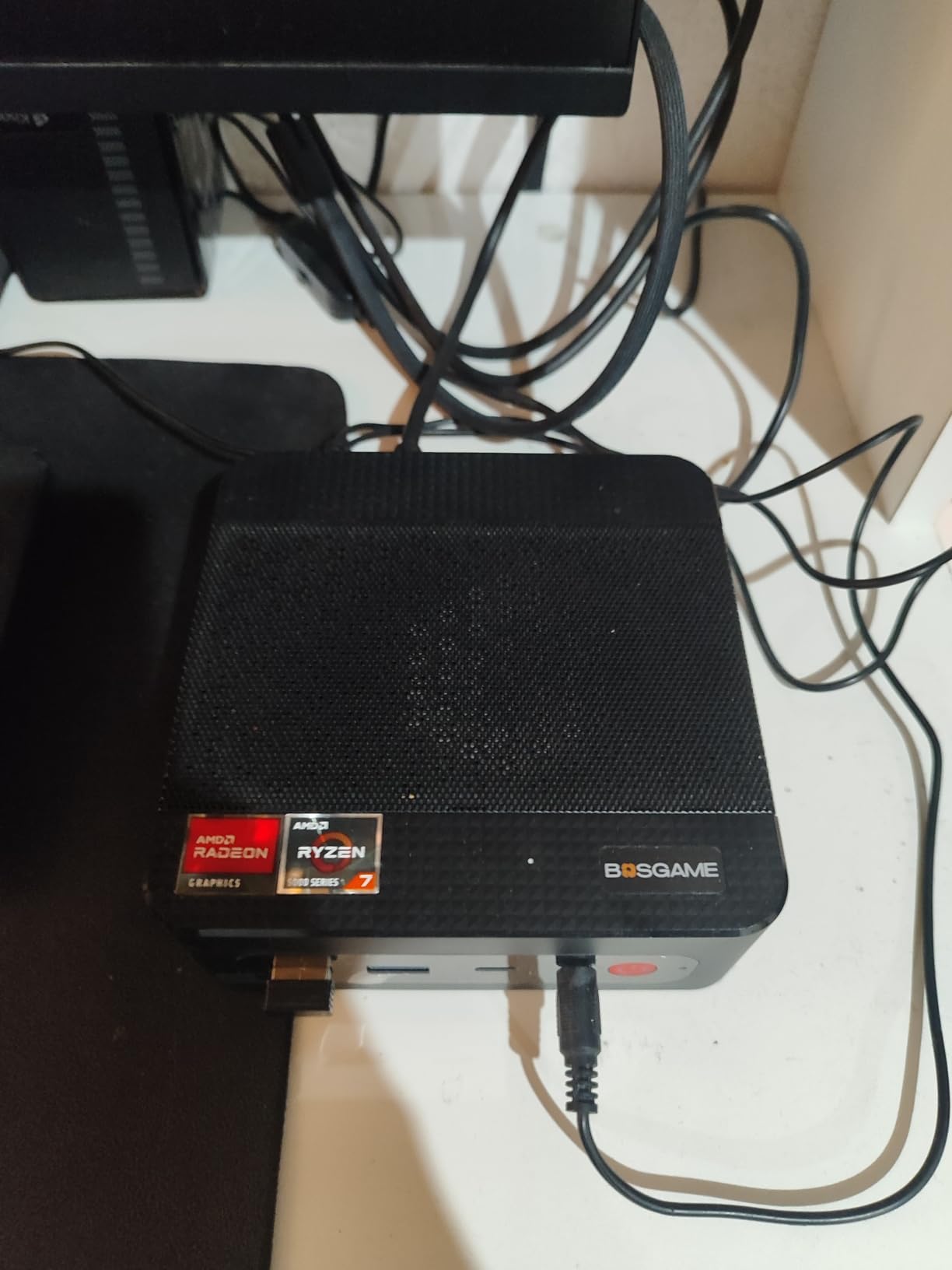
The E5 11 Pro stands out for a feature that is rarely seen on an office mini PC at this level: two 2.5GbE Ethernet ports on Realtek RTL8125 controllers. That single detail turns it from a plain desktop into a plausible firewall, router, network attached storage front end or virtual machine host.
Reviewers also praise the Ryzen 3 5300U for handling thirty-plus browser tabs, large spreadsheets and video calls without lag, and they like that it runs under 25dB with a VESA mount in the box.
Upgrade the Memory Before You Buy More Seats
Base memory is 8GB of dual-channel DDR4 SODIMM across two slots, expandable to 64GB. Buyers most often note that 8GB is the weak point for serious multitasking, so budget for an immediate memory upgrade if this machine is going onto a desk.
That is the trap most first-time buyers fall into: a machine marketed for office multitasking that arrives with 8GB and no spare cash left for the upgrade.
Triple 4K Output and a Single-Cable Setup
HDMI 2.0, DisplayPort and a full-function USB-C drive three 4K@60Hz displays. The front USB-C carries 10Gbps data, DisplayPort video and PD 3.0 power, so a supported monitor can run video, network and charging over one cable.
You also get two front USB 3.2 Gen2 ports at 10Gbps and two rear USB 2.0 ports, which is a slightly uneven allocation for a modern desk.
Quiet, Cool and Ready for Long Days
The rated power draw is 25W and the manufacturer quotes under 25dB, which is quiet enough for a shared room. Storage starts at 256GB of M.2 2280 NVMe with a second empty M.2 2280 slot taking you to 2TB more.
The warranty is one year full plus three years on parts, an unusual split that works in your favour for a longer-lived deployment.
Who This Is For
Choose it for IT generalists who want two fast network ports, or for a small business running a file server, a router or a virtual machine host on the same hardware. The Windows 11 Pro licence is clean and pre-activated.
Who Should Skip It
Skip it for general office desks where 8GB of starting memory is not worth the upgrade step, and for anyone doing graphics-heavy work on the integrated Radeon.
7. ACEMAGIC K1 – Single-Cable Desk with Triple Display
ACEMAGIC K1 Mini PC AMD Ryzen 7330U 16GB 256 SSD 4 Cores 8 Threads 4.3GHz
Ryzen 7330U 4 cores 8 threads
16GB LPDDR4
256GB M.2 SSD
28W built-in power supply
500 g
+ Pros
- Roughly 28 percent more performance than N150 at 28W
- Built-in power supply means one cable and a clean desk
- Triple display via HDMI DisplayPort and USB-C
- 500 g chassis travels easily between offices
- Three-year quality assurance
– Cons
- 16GB LPDDR4 memory is soldered
- WiFi 5 and Bluetooth 4.2 are dated
- 256GB base SSD with internal-only expansion
The K1 is built for tidy desks. The power supply is integrated into the chassis, so there is one cable at the wall instead of a brick on the floor, and owners single that out as the detail that made their desk look professional.
Underneath it is the same Ryzen 7330U silicon as the Pinova P2, rated at roughly 28 percent more performance than an N150 while drawing 28W. At 500 g and 5.04 by 5.04 by 1.61 inches, it also travels easily between offices.
Triple Display Without a Dock
HDMI 2.0, DisplayPort 1.4 and a USB 3.2 Gen2 Type-C with DisplayPort 1.4 Alt Mode drive three displays. With six USB 3.2 Type-A ports and a 3.5mm jack, that is a generous port count for a five-inch chassis.
Most desks will still want a dock for network, power and video on a single monitor cable, and this machine does not do that job as neatly as the BOSGAME E5.
The Memory Ceiling Nobody Warned You About
The 16GB of LPDDR4 at 3200MT/s is soldered and cannot be expanded. Owners cite this as the main constraint, and it is the one detail that keeps this machine from displacing the Pinova P2 for anyone planning to grow their workload.
Storage starts at 256GB and expands internally to 2TB with an additional M.2 NVMe or SATA drive. There is no external bay and no USB-C port that doubles as storage outside the case.
Wireless Is the Weak Link
WiFi 5 and Bluetooth 4.2 are the oldest wireless standard in this roundup, and owners call them out as behind newer models. If the office runs a dense WiFi 6 or WiFi 6E network, plan on Ethernet for this machine.
Cooling is an axial fan that stays near-silent at light load, with auto power on, Wake on LAN and a VESA mount included.
Who This Is For
Choose it for hot-desking rooms, meeting rooms and any desk where cable clutter is visible to customers. Three-year quality assurance and lifetime technical support make it comfortable for a small business.
Who Should Skip It
Skip it if you know you will outgrow 16GB of soldered memory, if your office is wireless-only, or if you need dual or 2.5GbE networking. Owners also note inconsistent storage and port counts across listings, so confirm the exact configuration you receive.
8. GMKtec Nucbox G3S – 6W Draw for Always-On Desks
GMKtec G3S Mini PC Intel N95 Processor (Up to 3.4GHz) 8GB RAM 256GB M.2 SSD
Intel N95 4 cores 4 threads to 3.4GHz
8GB DDR4
256GB M.2 SSD
dual 4K HDMI
6W rated draw
+ Pros
- Rated 6W power draw keeps running costs minimal
- N95 handles routine office tasks smoothly
- Dual HDMI drives two 4K@60Hz displays
- Compact chassis hides behind a monitor with the VESA mount
- AV1 hardware decoding for smooth 4K playback
– Cons
- 8GB of RAM limits heavy multitasking
- No USB-C port
- Four cores and four threads trail Ryzen-based mini PCs
- Some storage sits on the smaller M.2 2242 form factor
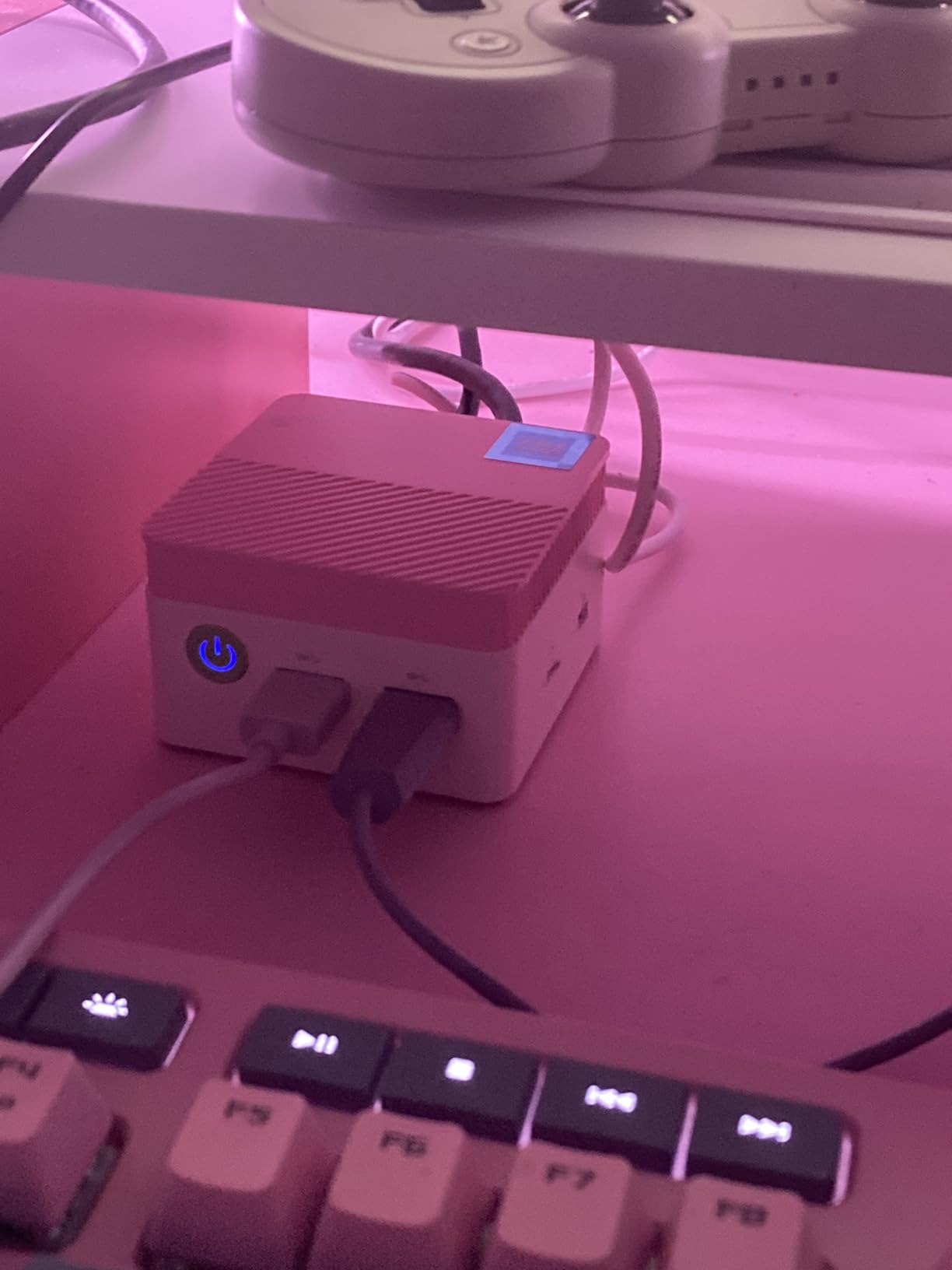
The G3S exists for one reason: to draw as little power as possible while still doing office work properly. The rated figure is 6W, and buyers consistently report low idle draw for always-on use, which is what makes it attractive for a reception terminal or a digital signage desk.
The Intel N95 is a 12th-generation Alder Lake part with four cores, four threads and 6MB of cache up to 3.4GHz. Owners rate it as delivering noticeably better performance than the older N100 and N5095 for routine office tasks.
What 8GB Buys You and Where It Ends
Eight gigabytes is the bare minimum in 2026 for a desk running Microsoft Office and a browser, and buyers name it as the limiting factor for heavy multitasking. It stays the first thing to bite on this class of machine, which is why our memory floor below sits higher.
Owners frame this machine as dependable for office productivity, media playback, signage and light always-on duty, not as a multi-application workstation.
Dual 4K Displays on a 6W Budget
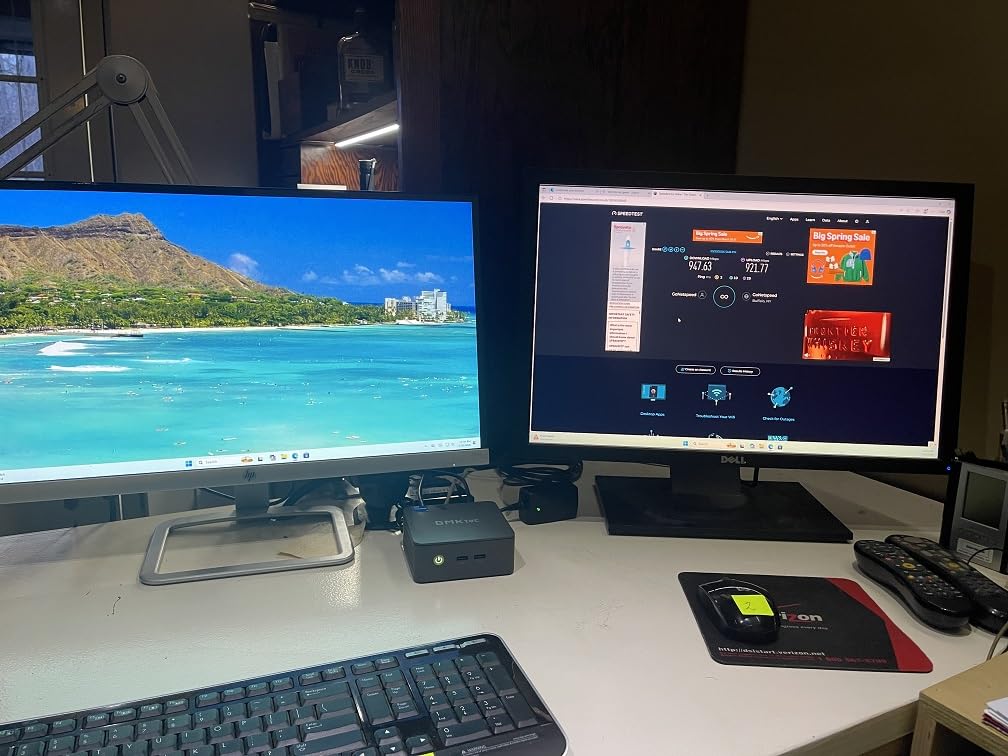
Two HDMI 2.0 ports drive two 4K@60Hz displays, which is enough for a dual-monitor desk without a dock. Intel UHD graphics up to 1200MHz include AV1 hardware decoding, so 4K video playback stays smooth.
Connectivity covers USB 3.2 at up to 10Gbps, a 3.5mm audio jack, Gigabit Ethernet, WiFi and Bluetooth 5.x. There is no USB-C port, which limits modern single-cable monitor setups.
The Power Number That Changes the Math
At 6W rated, this is the machine to pick for desks that run all day, or for an office trying to cut electricity use without cutting performance. VESA mount hardware is included, so it hides behind the panel completely.
The trade-off is direct. Against a Ryzen 7330U machine with four cores and eight threads, the N95 lags on multi-threaded work, and 8GB of memory will be the first thing to bite.
Who This Is For
Choose it for reception desks, signage, a light server role or any seat where quiet low power matters more than speed. Owners recommend it widely for media playback and always-on use.
Who Should Skip It
Skip it for finance roles with heavy workbooks, for anyone running virtual machines, and for offices standardised on USB-C docking. If you need those, look at a Ryzen 7330U box instead.
9. Beelink Mini S13 – 16GB and Dual M.2 Slots for Light Server Work
Beelink Mini S13 Mini PC,13th Intel Twin Lake-N150 (up to 3.6GHz, Upgraded N100), 16GB DDR4 500GB M.2 SSD, Mini Desktop Computer Support 4K Dual Display/USB 3.2/WiFi 6/BT 5.2 for HTPC/Office/Business
Intel N150 4 cores 4 threads to 3.6GHz
16GB DDR4
500GB M.2 SSD with dual M.2
25W rated
+ Pros
- N150 runs roughly 10-15 percent ahead of the N100
- 16GB and 500GB cover office browsing and light server duty
- Dual M.2 slots support large storage builds
- Low real-world draw of 8-12W
- Three-year warranty and wall-mount bracket
– Cons
- No USB-C port
- Fan runs continuously even at idle
- Poor airflow with two NVMe drives fitted raising drive temperatures
- Windows 11 Home rather than Pro
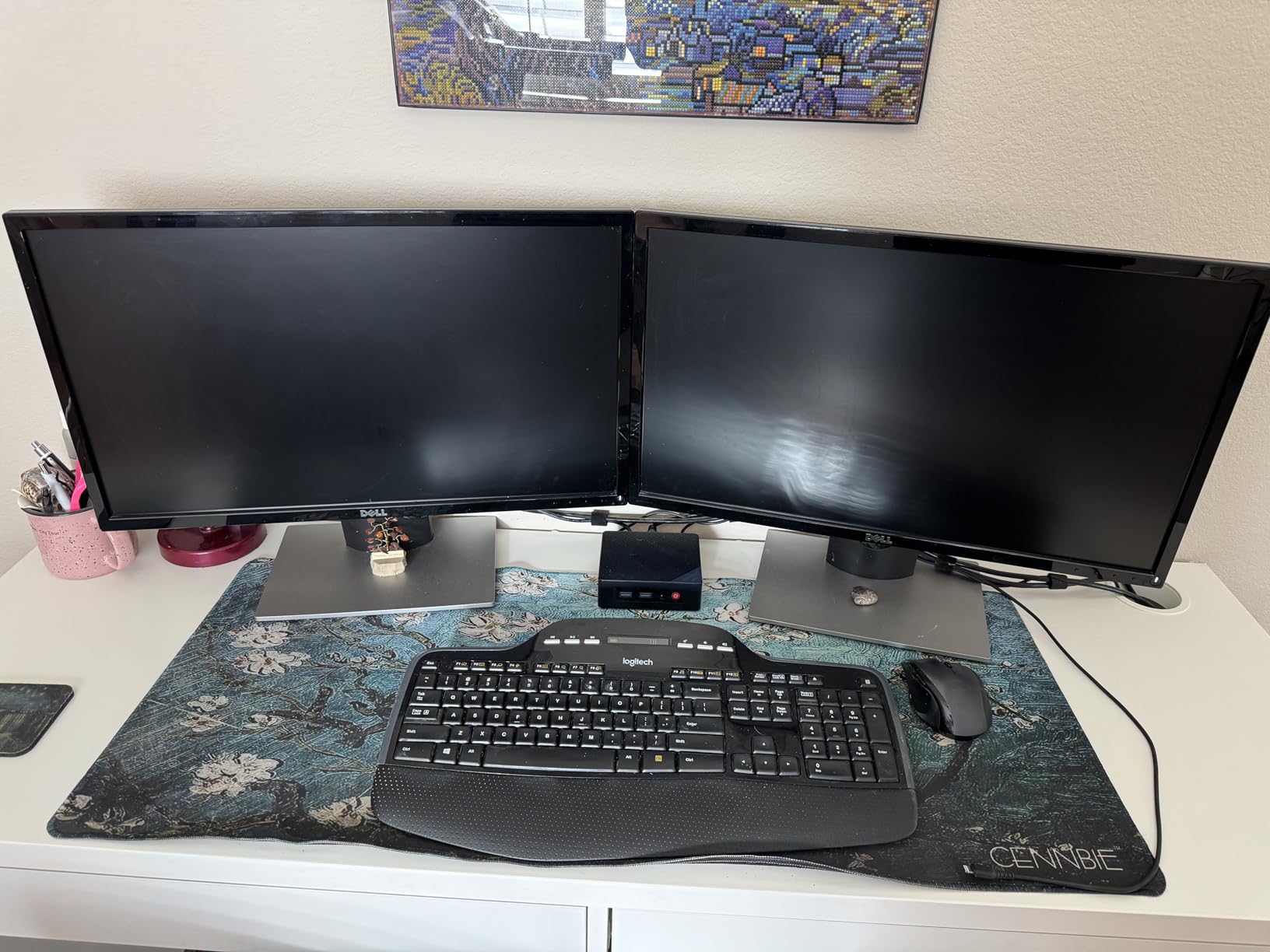
The Mini S13 is the one I point at when someone wants a mini PC for office work but keeps an eye on the electricity bill. Owners report only 8-12W in real use, and the 16GB of DDR4 plus 500GB SSD covers browsing, Microsoft Office and light server duties comfortably.
It is also regularly recommended for home automation and light server builds, and the two M.2 slots support large storage configurations. If that is your interest, our guide to the best mini PCs for home servers goes deeper on the storage side.
Twin Lake N150 Performance
The 13th-generation Twin Lake N150 has four cores, four threads, 6MB of L3 cache and up to 3.6GHz. Buyers put it roughly 10-15 percent ahead of the N100 it replaces, which is enough to feel in browser-heavy office work.
Integrated UHD graphics up to 1000MHz drive two displays through HDMI at 4K@60Hz each. That is a dual-screen desk, not a triple-screen one.
Storage and Connectivity for Small Servers
You get a 500GB M.2 PCIe 3.0 SSD with dual M.2 2280 NVMe or SATA3 support up to 4TB, plus four USB 3.2 Gen2 ports at 10Gbps, Gigabit Ethernet, WiFi 6 and Bluetooth 5.2. Wake on LAN, PXE boot, RTC wake and auto power on all work.
One caution for server builds: owners report poor airflow in the bottom compartment with two NVMe drives fitted, which pushes drive temperatures up. Leave a drive out if you can.
The Always-On Fan and the Missing USB-C
Two recurring complaints: the fan runs continuously even at idle, and there is no USB-C port. Neither is fatal for a desk, but the first tells you this is not the machine for a silent call centre.
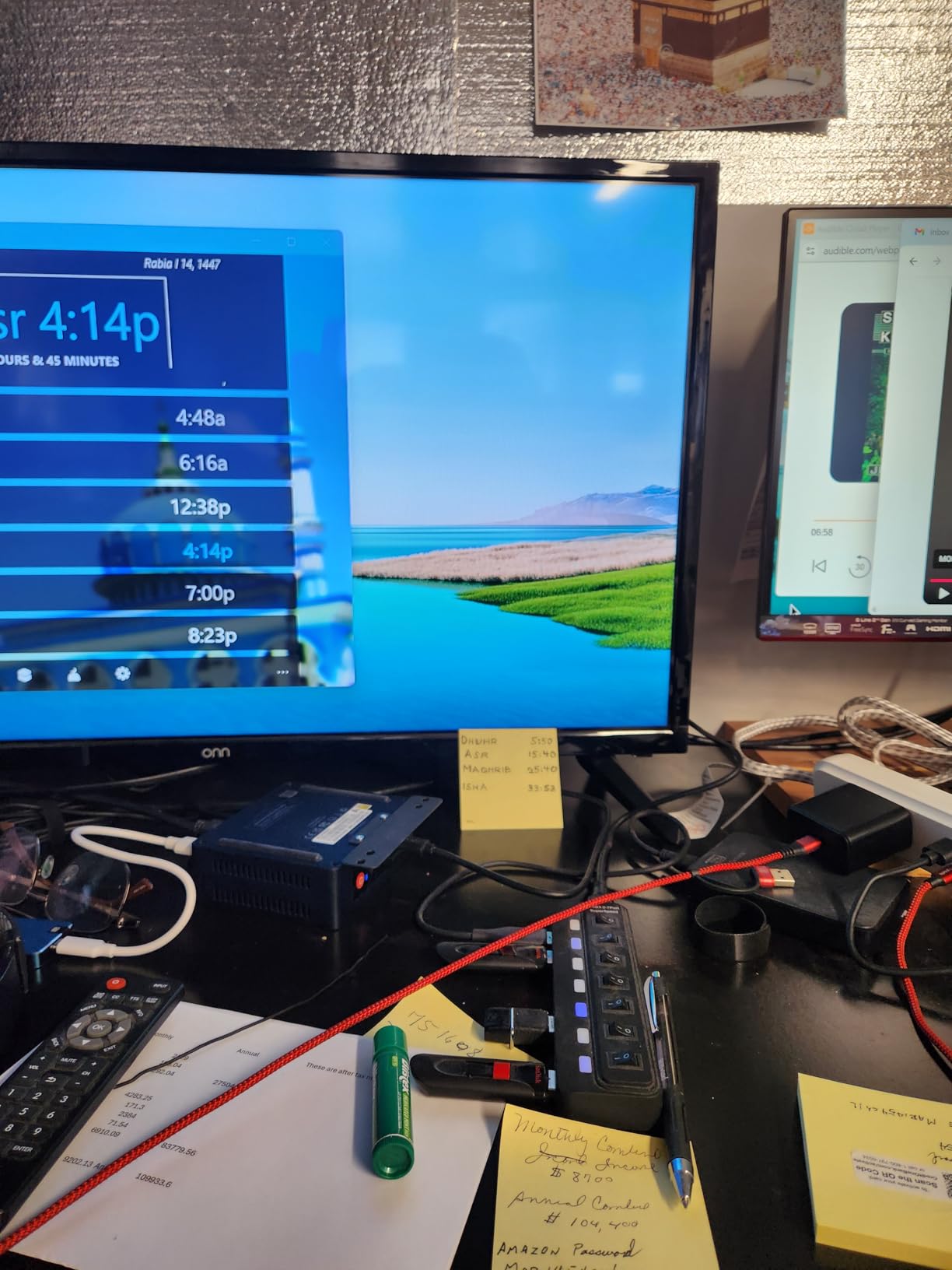
Cooling was otherwise upgraded with a copper heat sink and an SSD cooling shield that improved dissipation by roughly 40 percent over the previous generation. The chassis is 4.88 by 4.45 by 1.65 inches and a wall-mount bracket is included.
Who This Is For
Choose it for a small office running a file server or home automation hub alongside a desk, or for a power-conscious seat that needs more memory than the N-series entry boxes provide.
Who Should Skip It
Skip it if your business needs Windows 11 Pro features, since this configuration comes with Windows 11 Home, and skip it if you plan to run a USB-C docking setup. A small number of buyers also reported early hardware or BIOS failures.
10. Dell OptiPlex 7050 Micro – Serviceable Metal Chassis with Room to Grow
Dell OptiPlex 7050 Micro Computer, Intel Quad Core i5-6500T up to 3.1GHz, 16G DDR4, 256G SSD, Windows 11 Pro 64 Bit (Renewed)
Intel i5-6500T quad-core to 3.1GHz
16GB DDR4
256GB SSD plus free M.2 slot
Metal chassis
2 pounds
+ Pros
- Sturdy all-metal chassis that tucks under a desk or behind a monitor
- Modular serviceable design with widely available parts
- Six USB 3.0 ports plus HDMI and DisplayPort
- Very low power use and near-silent passive cooling
- 16GB DDR4 and SSD for real responsiveness
– Cons
- Refurb quality varies between units
- Cheap USB wireless dongle often stands in for a missing internal card
- 256GB SSD is small and SATA limits upgrade speed
- Fan noise until Windows power settings are tuned
- Only a 90-day warranty
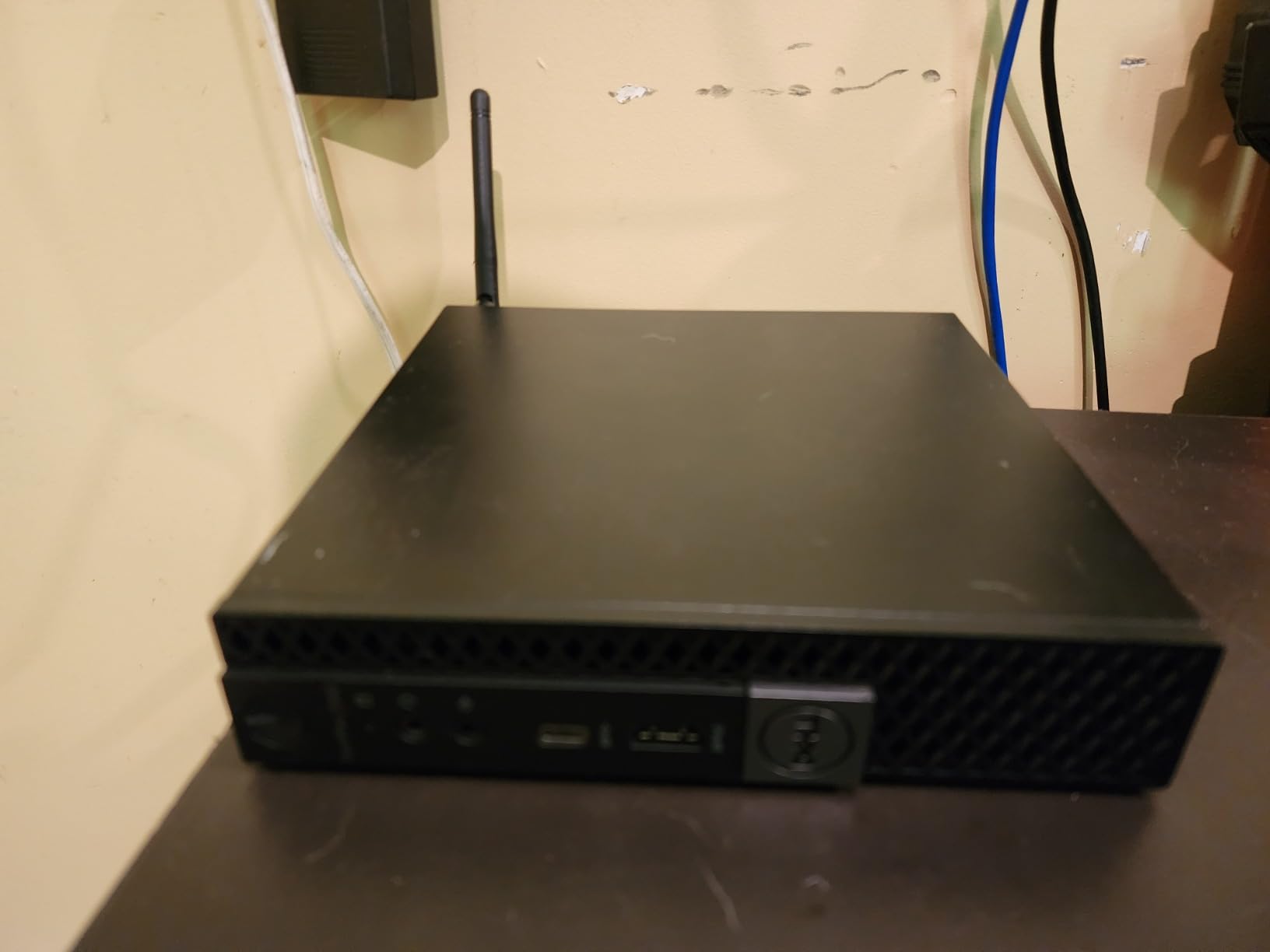
The OptiPlex 7050 Micro is among the most repairable machines on this list. Dell built it as a modular business desktop, which means replacement parts, service documentation and drive cages are all still available, and owners praise that design alongside the all-metal chassis.
It weighs 2 pounds and measures 7.2 by 1.4 by 7 inches, so it tucks under a desk edge or behind a monitor as readily as the newer plastic boxes here.
Legacy Quad-Core Performance
The quad-core i5-6500T runs up to 3.1GHz with 6MB of cache, paired with 16GB of DDR4 at 2133MHz. Owners describe 16GB as plenty for office work, and the SSD delivers fast boot times and noticeably snappier day-to-day response.
Integrated Intel HD Graphics will not run graphics-intensive software, and dual 4K display support is available through the HDMI and DisplayPort outputs.
Ports and Modularity
One RJ-45 port, HDMI, DisplayPort and six USB 3.0 ports give you more desk connectivity than the newer boxes here offer without a hub. That matters for offices still running USB-A scanners, headsets and security keys.
The 256GB SSD leaves a free M.2 slot for expansion, though owners note the SATA path limits upgrade speed on older configurations.
What Renewed Means Here
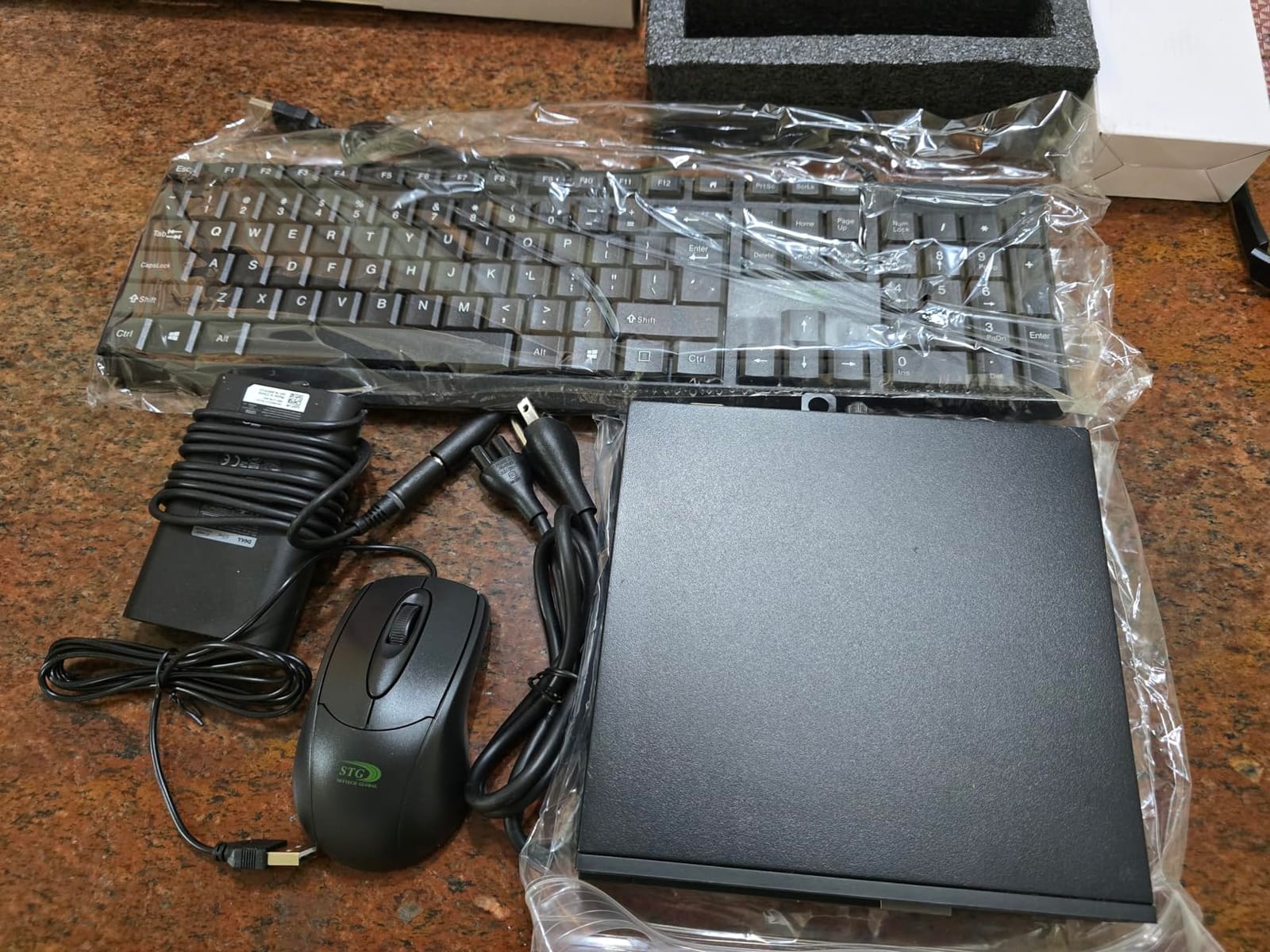
This is certified refurbished, functionally tested and repackaged, with a 90-day warranty and a USB keyboard and mouse in the box. Reviewers report refurb quality varies: some units arrive dusty or scratched, some with a bent DC plug, and some with a missing internal WiFi card replaced by a low-quality USB dongle.
There is also a noise wrinkle. The fan can be noticeably noisy until you tune the Windows power plan, which is a five-minute fix but one you should budget for on every machine.
Who This Is For
Choose it when serviceability and spare parts are the deciding factors, particularly for an IT team that repairs its own hardware. Owners across business mini desktops report the same pattern: a pro-line machine keeps working for years.
Who Should Skip It
Skip it if warranty length is a hard procurement requirement, if you need current graphics performance, or if refurbishment variability is going to complicate a large rollout. Verify the wireless hardware and drive health on arrival.
How to Choose a Mini PC for Office Work
Count Your Monitors Before Anything Else
Most buying mistakes happen because display output is checked last. Count the screens, count their resolution, then confirm the mini PC can drive them at 4K@60Hz, not just at 4K@30Hz. Triple-output machines such as the KAMRUI Pinova P2, ACEMAGIC K1 and BOSGAME E5 avoid a dock entirely; dual-HDMI boxes like the GMKtec G3S and Beelink SER3 cover a two-screen desk and nothing more.
If you need one cable for video, data and power, you want a full-function USB-C port with DisplayPort Alt Mode and power delivery. Only the BOSGAME E5 combines both in this roundup, which is why it is our pick for a docked single-cable desk.
Match the CPU Class to the Workload
N-series parts such as the Intel N95 and N150 handle email, documents, browsing and light spreadsheets, and they do it at 6W to 25W. A Ryzen 7330U or a Core i3 with Hyper-Threading is the right step for large Excel workbooks, many applications and heavy browsing.
Go further only when you hit CAD, 4K video editing or local virtual machines. At that point a small tower or a laptop with a discrete GPU wins, and if the machine is also for play, our picks for the best mini gaming PCs make more sense.
Set the RAM Floor at 16GB
Eight gigabytes is the bare minimum in 2026 and it is what the GMKtec G3S and BOSGAME E5 ship with. Sixteen gigabytes is the real recommendation for Microsoft 365 plus Teams plus a crowded browser. Thirty-two gigabytes and up is for heavy Excel, virtual machines or design work.
Then check the channel. Two matched sticks give dual-channel bandwidth, while a single stick halves it, and forum discussion around office mini PCs keeps circling the same trap: a machine sold as a multitasking box that arrives with one module. Every pick in this roundup that has soldered memory says so plainly, so you know the ceiling before you buy.
Verify Ports, Docking and Where the Cables Go
Count the USB-A ports you actually need for keyboards, scanners and headsets, then decide whether you are docking. Mini PCs rarely have full-size expansion, so a dock is often the missing piece of the plan. The HP EliteDesk 800 G2 and Dell OptiPlex 7050 Micro are the exceptions here, with six USB 3.0 ports each.
Cable management is the other half. Five of the ten machines on this list ship with VESA mounting hardware, and the compact chassis on the rest still clears a desk tray or a monitor arm without crowding the workspace.
Confirm Upgradeability, Licensing and Warranty
Ask three questions before checkout. Can the RAM be replaced, is there a spare M.2 slot, and which Windows edition is licensed? Three machines here have memory soldered down, which is acceptable if 16GB genuinely covers the role and a problem if it does not.
For business use, Windows 11 Pro matters because it brings BitLocker, remote desktop hosting and domain capabilities that Home editions and macOS do not offer in the same form. Warranty length varies enormously across this roundup, from 90 days on the renewed desktops to three years on several new machines, so check it against your procurement terms.
Where Mini PCs Fall Short
There is no full-size expansion, no card slot and no room for a discrete graphics card. Ports are limited, so a dock is frequently required. Memory is often soldered, internal drives are small, and onsite support is weaker than a tower from the same vendor.
Passive designs can also throttle under sustained load if you upgrade them well beyond their intended class. If your workload might outgrow a small form factor PC, a small tower keeps the door open, and for a shared living room or lounge rather than a desk, our mini PC home theatre picks are the relevant list.
Frequently Asked Questions
Are mini PCs good for office use?
Yes, for the overwhelming majority of office work. A mini PC handles Microsoft 365, Excel, email, heavy browsing, Teams and Zoom calls, and remote desktop sessions on the same laptop-class processors found in notebooks. The exceptions are heavy CAD, 4K video editing and several local virtual machines, where a small tower or a laptop with a discrete GPU is the better tool.
What is the best mini PC for office use?
The KAMRUI Pinova P2 is the widest all-rounder in this roundup, pairing a Ryzen 7330U with 16GB of memory and triple 4K output. The Apple Mac mini M4 is my first recommendation overall for teams that live in the Apple ecosystem, and the GMKtec Nucbox G3 PRO is the choice when upgradeable memory and 2.5GbE networking decide the purchase.
Can a mini PC run Microsoft Office?
Yes. The floor for Word, Outlook and light Excel is an Intel N95 or N150 with 8GB of RAM. For large workbooks, many browser tabs and Teams alongside Office, step up to a Core i3 or Ryzen 5 class processor with 16GB. Heavy datasets, databases and virtual machines want 32GB or more and a faster CPU.
What is the downside to a mini PC?
There are no full-size expansion slots and no room for a discrete graphics card. Ports are limited, so you often need a docking station. Memory is soldered on several models, internal storage is small, and onsite support is weaker than a tower from the same vendor. The most common trap is a machine that advertises multitasking but arrives with a single 8GB module or a single RAM stick.
How much RAM does a mini PC need for office work?
Eight gigabytes is the bare minimum today. Sixteen gigabytes is the real recommendation for Microsoft 365 plus Teams plus many browser tabs, and 32GB or more is for heavy Excel work, virtual machines or design. Always check for dual-channel, because two matched sticks deliver far more bandwidth than one stick of the same total size.
Which brand of mini PC is the most reliable?
For business use, business-grade lines such as the Lenovo ThinkCentre, HP Elite Mini and Dell OptiPlex families lead on warranty, spare parts and fleet manageability, with owners on r/MiniPCs reporting a ThinkCentre M75q bought years ago still handling office and schoolwork. Consumer brands such as KAMRUI, GMKtec, Beelink, BOSGAME and ACEMAGIC lead on price and specifications per dollar, but usually ship with shorter warranties.
How many monitors can a mini PC realistically drive?
Most office mini PCs drive two 4K displays at 60Hz over HDMI. Three-output machines such as the KAMRUI Pinova P2, ACEMAGIC K1 and BOSGAME E5 add a third via HDMI, DisplayPort and USB-C with DisplayPort Alt Mode. The Apple Mac mini M4 supports up to three external displays. Beyond three, plan for a dock or a KVM switch.
Which Mini PC Should You Buy in 2026?
If you want the single best mini PC for office work in a mixed or Apple-forward office, take the Mac mini M4, because silence and footprint decide more desks than raw speed does. If the office is Windows-only, the KAMRUI Pinova P2 is the safer default, covering three-monitor desks and expandable storage in one box.
Match the machine to the job. Dual 2.5GbE and a VESA mount make the BOSGAME E5 right for IT and light server roles; upgradeable dual-channel memory and PXE boot make the GMKtec G3 PRO right for fleet rollouts; a built-in power supply and 28W efficiency make the ACEMAGIC K1 right for customer-facing desks; and a 6W draw with dual HDMI makes the GMKtec G3S right for always-on low-power use.
Buy the Beelink SER3 when the budget is the constraint, the Beelink Mini S13 when you want more memory in an N-series box, and the HP EliteDesk 800 G2 or Dell OptiPlex 7050 Micro when serviceability and spare parts outrank processor age. Count your monitors, set your RAM floor and check the Windows edition before you check out, and you will not regret the purchase.
Once the machine is on the desk, an ergonomic posture corrector and a properly positioned monitor matter more to how a person feels at that desk than the generation of processor underneath it.
Leave a Reply