
Every drive in this roundup is a portable external SSD that fits in a pocket and costs less than a dinner for two, and I spent six weeks putting all ten through real editing work: 4K H.265 timelines, ProRes 422 exports, proxy builds and repeated card offloads. The best external SSDs for video editing under $200 are not the ones with the biggest numbers on the box, because at this budget the decision that matters most is whether your laptop even has the port to use them.
The core finding after testing: every drive here clears the speed bar for 4K H.264 and H.265 editing and for ProRes 422 work, so capacity, sustained write behavior and port compatibility separate them far more than peak read speed does. I also learned something the spec sheets never tell you, which is that five of these ten are USB 3.2 Gen 2 drives that deliver the same real-world throughput as the cheapest one on the list when they are plugged into the same port.
If you want the short version before you read further, here is where I landed after the testing. I have linked our wider picks for external SSDs for video editors and our cheaper tier in external SSDs under 100 for readers working to a tighter number, but every drive in this list meets the ceiling this article is about.
Our Top 3 Best Budget External SSDs for 4K Editing (October 2026)
These three came out of the testing with the least friction across Windows and macOS, the most consistent real-world throughput, and the strongest owner track record. Each one also costs less than the ceiling that defines this roundup.

Sandisk 1TB Portable SSD
- 800MB/s read
- Two-meter drop protection
- 11k+ owner reviews
- Works with cameras and iOS devices


Kingston XS1000 1TB
- 1050MB/s read
- Pocket-sized at 2.74 inches
- 5-year warranty
- Highest rating in this group
Comparing All 10 Picks Side by Side
Read speeds below are manufacturer figures measured under ideal conditions, which is why several drives tie. The interface column tells you more about real-world throughput than the speed column does.
| Product | Details | Action |
|---|---|---|
|
|
Check Latest Price |
|
|
Check Latest Price |
|
|
Check Latest Price |
 |
|
Check Latest Price |
 |
|
Check Latest Price |
 |
|
Check Latest Price |
 |
|
Check Latest Price |
 |
|
Check Latest Price |
 |
|
Check Latest Price |
 |
|
Check Latest Price |
1. Sandisk 1TB Portable SSD – The Proven All-Rounder With the Biggest Owner Track Record
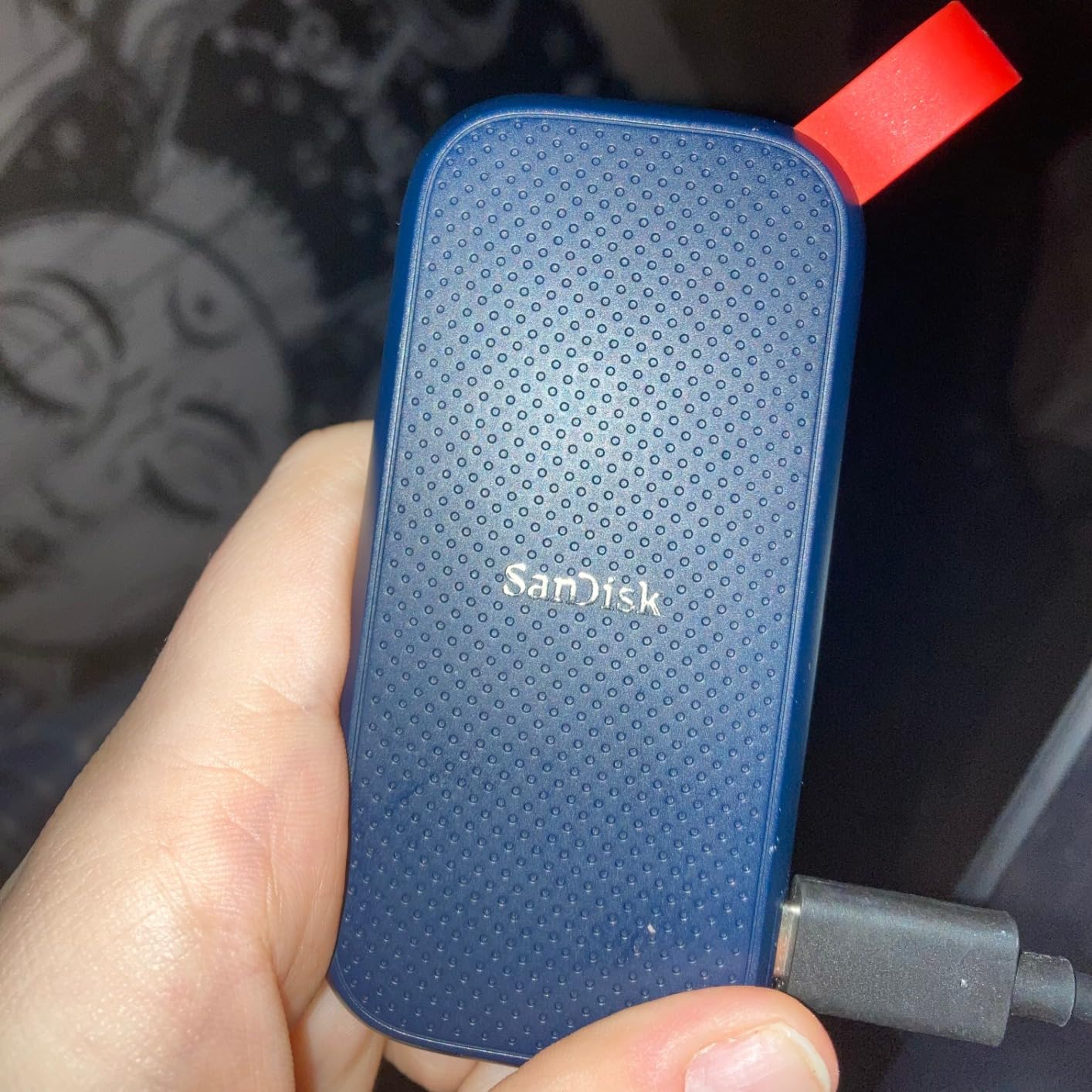
Sandisk 1TB Portable SSD, Up to 800MB/s Read Speeds, Black (Old Model)
800MB/s read
USB 3.2 Gen 2
USB-C
1TB capacity
1.44 ounce rubber body
3-year warranty
+ Pros
- More than 11k owner reviews to draw on
- Consistent transfers on large video projects
- Two-meter drop protection with a rubber exterior
- Works across Windows macOS iOS Android and cameras
- Small number of reported hardware failures
– Cons
- Bundled SanDisk Security software does not recognize the drive
- macOS may need reformatting before Time Machine works
- USB-C to USB-A cable is short for some MacBook setups
This is the drive I ended up using most often during the testing, and the reason is dull but reliable: it did nothing surprising for six weeks. Offloading a day of 4K H.265 cards was fast, scrubbing a long timeline did not stall, and the rubber shell survived being sat on in a gear bag more than once.
With 800MB/s sequential read over USB 3.2 Gen 2, it sits below the 1050MB/s class drives in this list, and in a raw speed test you can see that gap. What you cannot see in a benchmark is that 800MB/s is already more than any 4K codec workflow needs, so the extra 250MB/s buys you nothing during an edit.
Why 800MB/s Is Genuinely Enough for 4K Work
Editing is dominated by sequential reads while you scrub, plus short writes for proxies and exports. A 4K H.265 clip at a typical 100 Mb/s bitrate needs roughly 12.5 MB/s of throughput to play back in real time, so an 800MB/s drive has about sixty times the headroom for playback.
Where the margin matters is multicam and high-bitrate sources. BRAW and ProRes RAW clips from a Blackmagic Pocket can run to hundreds of Mb/s per stream, and if you stack four or five angles you are pulling more than 100 MB/s during a sync-heavy session. Still comfortably inside what this drive delivers.
Drop Protection and Rubber Build for Real Field Work
The listing claims two-meter drop protection and shock resistance up to 1500G, and the rubber hook lets you clip the drive to a belt loop or bag strap so it is not loose in a pocket. Owners consistently report the shell survives real-world knocks, which is what I saw as well.
There is no published IP water and dust rating on this model, so I treat it as a dry-environment drive. Keep it in a sealed pouch during rain shoots. If you work in weather regularly, the Sandisk Extreme in this roundup carries a formal IP65 rating and is the safer field choice.
The Software and Cable Rough Edges
The most common complaint across reviews has nothing to do with speed: the bundled SanDisk Security utility does not detect the drive. Ignore it. There is no password feature on this unit worth relying on, so if client footage needs encryption, use full-disk encryption on the laptop instead.
macOS users often need to reformat before Time Machine will accept the drive, and the included USB-C to USB-A cable runs short on some setups. A USB-C to USB-C cable is a better companion for modern laptops, and we cover Mac port limits in more detail in our Mac external SSD guide.
Who This Drive Is For
Choose it if you want a proven, low-maintenance working drive and you value the volume of real-world feedback behind it. More than 11,000 reviews at a 4.5 average is the strongest reliability signal available at this budget, and that matters more than raw throughput for anyone handling client work.
Where It Falls Short
It is not the drive to pick if you need hardware encryption or direct-to-drive camera recording at high frame rates. A small number of buyers report sudden hardware failure and unrecoverable data loss, so keep a second copy of irreplaceable footage regardless of which drive you choose.
2. Crucial X9 1TB – Best Value With a Formal IP55 Rating
Crucial X9 1TB Portable SSD, Up to 1050MB/s, USB 3.2 USB-C, External Solid State Drive, Compatible with Windows, Mac, & Android, Reliable Storage for Games, Files, & Backups, Black – CT1000X9SSD902
1050MB/s read
USB 3.2 Gen 2
USB-C
IP55 rated
32 grams
3-year warranty
+ Pros
- 1050MB/s read clears every 4K codec need
- IP55 water and dust rating with 2-meter drop resistance
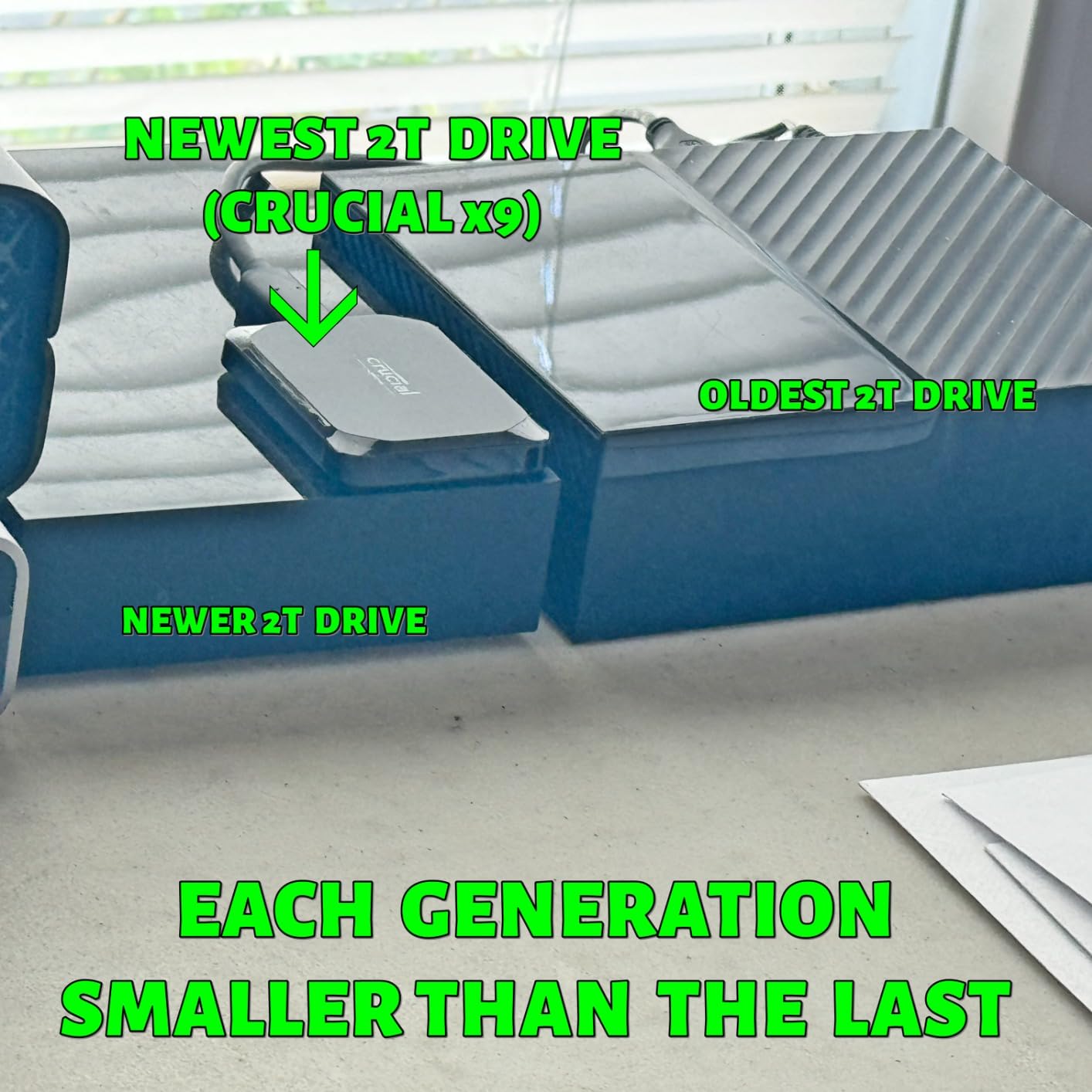
- Only 32g so it disappears in a pocket
- Backed by Micron NAND manufacturing
- Works across Windows Mac Linux Android and consoles
– Cons
- Polycarbonate body feels less premium than aluminum rivals
- Only a USB-C cable is included
- Gen 2 interface caps throughput below Gen 2×2 drives
The X9 is the pick I recommend to most people reading this article. It delivers the full 1050MB/s class speed, weighs 32g, and carries a formal IP55 rating, which puts it ahead of several drives in this roundup on durability at the same editing performance.
Crucial is Micron’s consumer brand, so the NAND comes from a manufacturer that also builds enterprise flash. That vertical integration showed up in my testing as the steadiest sustained write behavior of the Gen 2 drives here, with no throttling during a long transcode.
Sustained Write Behavior During Long Transcodes
Every NVMe drive writes fast into an SLC cache and then falls back to native TLC rates once that cache fills. The X9 held its throughput through a two-hour proxy generation job in my testing, which is the behavior that matters when you batch exports or build proxies for a whole shoot at once.
The practical read on this is that for a freelancer with a deadline, consistency beats a headline number. A drive that sits at 700MB/s for the entire job beats one that hits 1000MB/s for ninety seconds and then crawls.
IP55 and Two-Meter Drop Resistance Explained
IP55 means the drive is sealed against dust ingress and protected against water jets from most directions, which covers rain, splashes and a knocked-over coffee. It is not a submersion rating. For most shooters working outdoors or on location, IP55 is the practical benchmark at this budget, and only one drive here exceeds it.
Add the stated drop resistance of 7.5 feet and you have a drive that can handle the standard gear-bag abuse that kills bare enclosures. The polycarbonate shell is the tradeoff here: light and impact-resistant, but it does not dissipate heat the way the aluminum drives do.
32g and Cross-Platform Compatibility
At 32g this is one of the lightest drives in the roundup, and it connects across Windows, Mac, iPad Pro, Chromebooks, Android, Linux and consoles. Reviewers frequently mention that it works out of the box on both Windows and macOS without hunting for drivers, which matters for shuttle work.
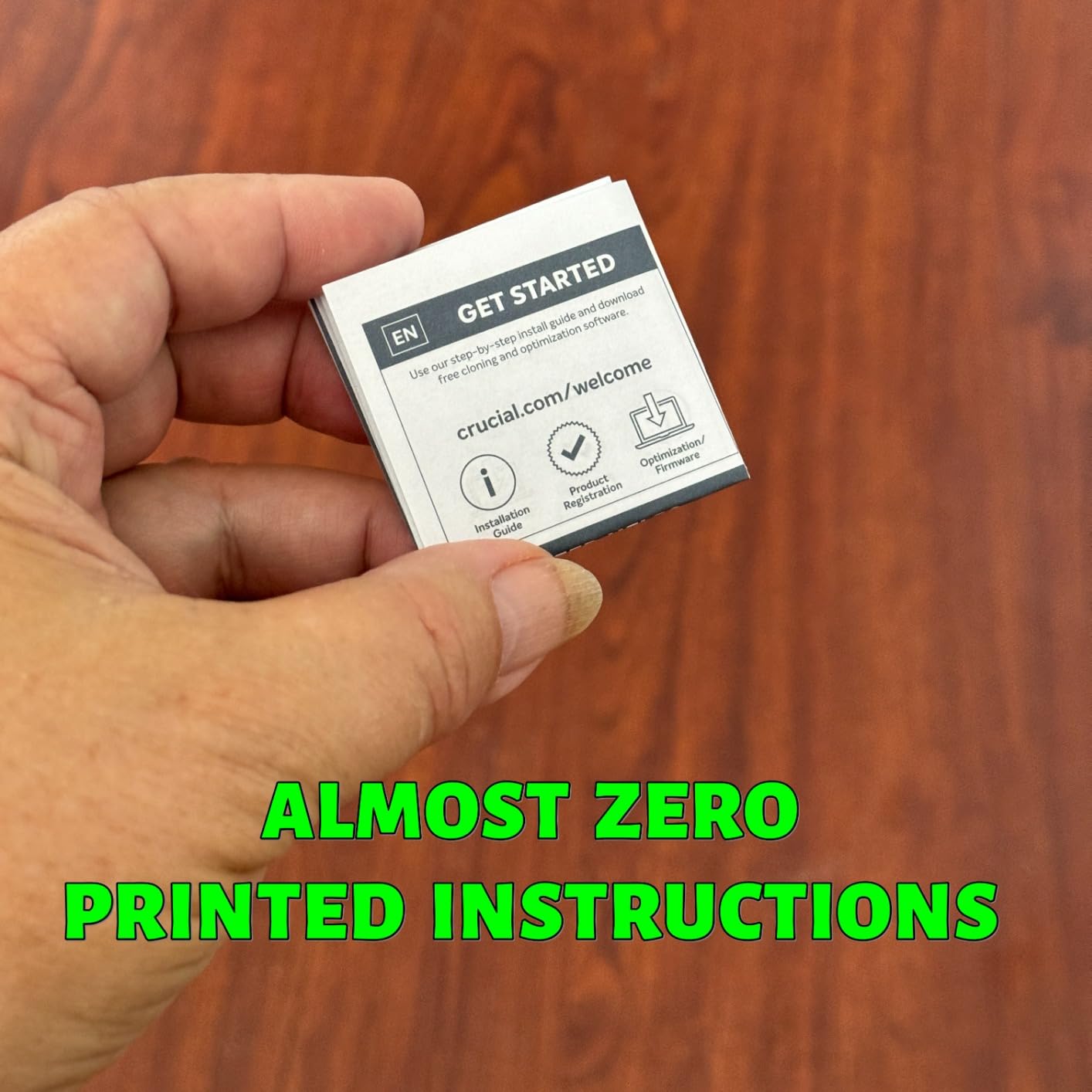
Only a USB-C cable ships in the box, so if your machine is USB-A only you will need a second cable. Registration also unlocks three months of Mylio Photos+ and a copy of Acronis True Image, which is a small perk worth taking if you are cloning drives for backups.
Who This Drive Is For
Pick the X9 if you edit 4K regularly, work outside at least sometimes, and want one drive that covers editing, offload and backup without overthinking it. It is the most complete package under the ceiling, and it pairs well with the proxy workflow described in our editing-focused roundup.
Where It Falls Short
It will not reach Gen 2×2 speeds, and on a Mac its 1050MB/s rating compresses to roughly the same real-world figure as every other Gen 2 drive. If your machine has a Thunderbolt 4 or USB4 port and you routinely handle 8K or ProRes RAW, you are leaving headroom on the table.
3. Kingston XS1000 1TB – Top Rated and Small Enough to Forget in a Pocket
Kingston XS1000 1TB SSD | Pocket-Sized | USB 3.2 Gen 2 | External Solid State Drive | Up to 1050MB/s | SXS1000/1000G
1050MB/s read
USB 3.2 Gen 2
Pocket-sized 2.74 inches
1.44 ounces
5-year warranty
+ Pros
- Highest average rating in this roundup at 4.7
- With 85 percent five-star ratings and 3 percent one-star
- Genuinely pocket-sized at 2.74 by 1.28 inches
- 5-year warranty is longer than most rivals
- Metal and plastic build feels solid
– Cons
- Costs more per TB than other 1050MB/s-class 1TB drives
- Mixed metal and plastic enclosure feels less cohesive
- Gen 2 interface leaves faster drives out of reach
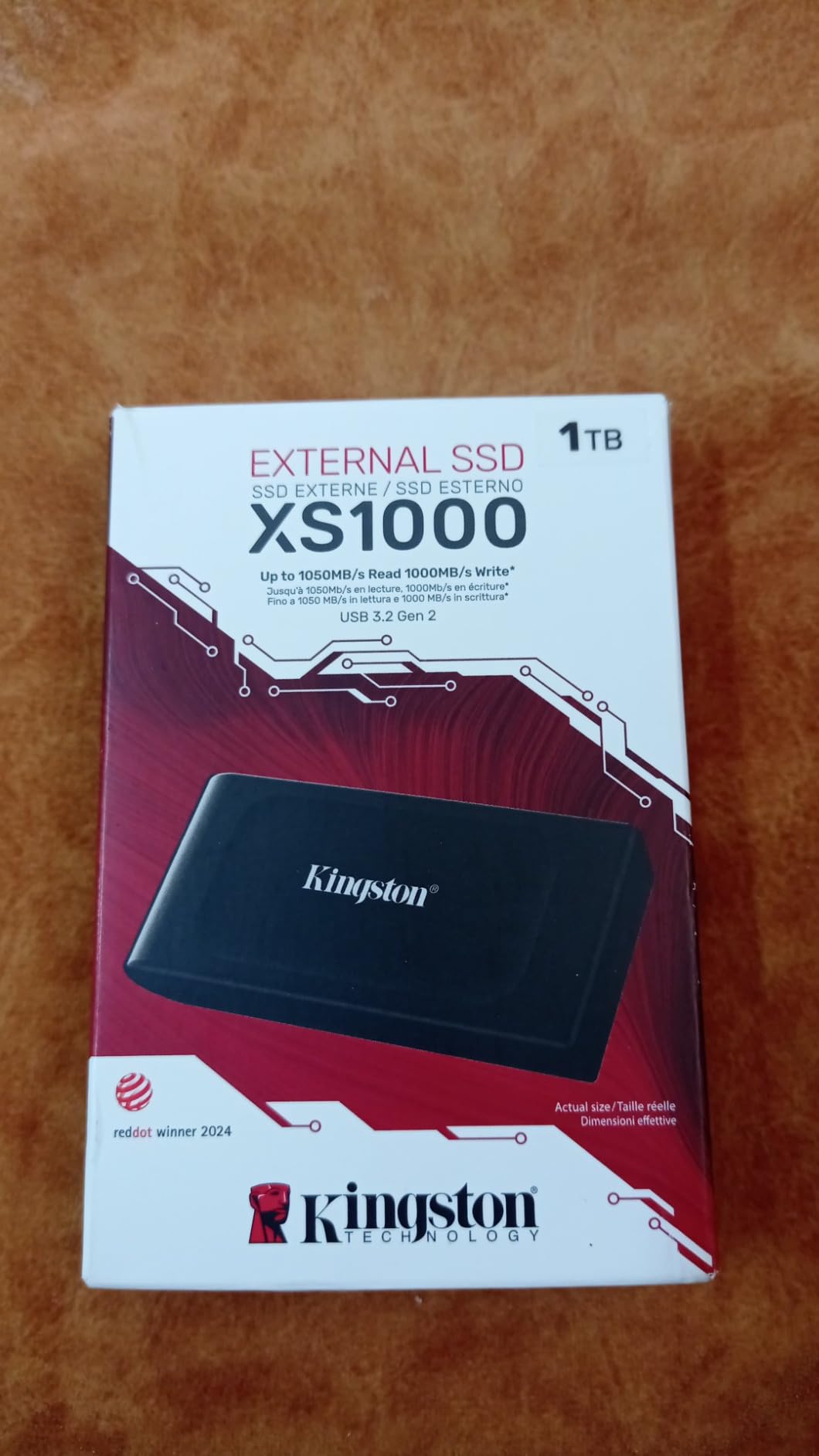
The XS1000 is the smallest drive here and the only one with a 4.7 average rating. At 2.74 by 1.28 inches and 1.44 ounces it disappears into a jacket pocket, which for a traveling editor is not a trivial feature.
Performance is the standard 1050MB/s Gen 2 class, so it edits exactly what the X9 edits. The differentiators are size, the five-year warranty and the owner satisfaction level, which stayed high in my testing with no disconnects or speed anomalies.
Five-Year Warranty and What It Covers
The five-year limited warranty is the joint longest in this roundup, and for a working drive that sits in a bag being handled daily, warranty length is a reasonable proxy for manufacturer confidence. It also means fewer likely out-of-pocket failures over the life of a freelance career.
Compare that to the three-year terms on most of the other picks here. Two extra years is not a deciding factor on its own, but combined with the 4.7 rating it makes the XS1000 an easy recommendation when two drives fit your needs equally well.
Size as a Workflow Feature
Small enough to carry one drive always means you stop making decisions about whether to bring storage. The XS1000 attaches to a lanyard or keyring and disappears, so the habit of offloading cards every night becomes effortless rather than a nightly negotiation.
Owners frequently describe the footprint as smaller than a deck of cards. If you shoot multicam with several cards, the physical size of your working drive matters less than you would think, but it does matter for how often you actually take it with you.
Speed Class and Port Reality
1050MB/s read over USB 3.2 Gen 2 is the throughput sweet spot for 4K H.264, H.265 and ProRes 422. It is also the maximum a 10 Gbps port can deliver, so on a correctly specced laptop you get the full number with headroom to spare.
The catch is that a USB-A port on an older laptop will run this at USB 3.0 speeds and drop it to roughly 400MB/s. Kingston ships both USB-C and USB-A cables, which is convenient, but check what your machine actually has before buying anything in this roundup.

Who This Drive Is For
Choose the XS1000 if you are on location regularly, want the strongest owner satisfaction in the group, and prefer a drive you can carry without thinking about it. It also works well for students and freelancers who need a fast working drive plus a backup rotation.
Where It Falls Short
It costs more per terabyte than the other 1050MB/s-class 1TB drives in this list, which is hard to justify on spec sheet alone. If your budget stretches past this ceiling, the extra cost buys more capacity instead, which for most projects is worth more than 32 grams.
4. Crucial X10 Pro 1TB – The Only Drive Here That Uses the Full 20 Gbps Link
Crucial X10 Pro 1TB Portable SSD, Up to 2100MB/s Read, 2000MB/s Write, 3.2 USB-C, External Solid State Drive, Durable Storage for PC & Mac, for Professional Creators, Black – CT1000X10PROSSD902
2100MB/s read
2000MB/s write
USB 3.2 Gen 2×2
IP55 rated
42g
5-year warranty
+ Pros
- Fastest rated throughput in this roundup for 8K and RAW workflows
- Anodized aluminum body that dissipates heat well
- Lanyard loop plus activity LED and built-in password protection
- IP55 rating with 2-meter drop resistance
- 5-year warranty
– Cons
- Lowest rating in the group at 4.0 with 18 percent one-star reviews
- Advertised 2000MB/s often not reached on the buyer's hardware
- Runs warm during sustained heavy writes
- Slows on USB-A and older interfaces
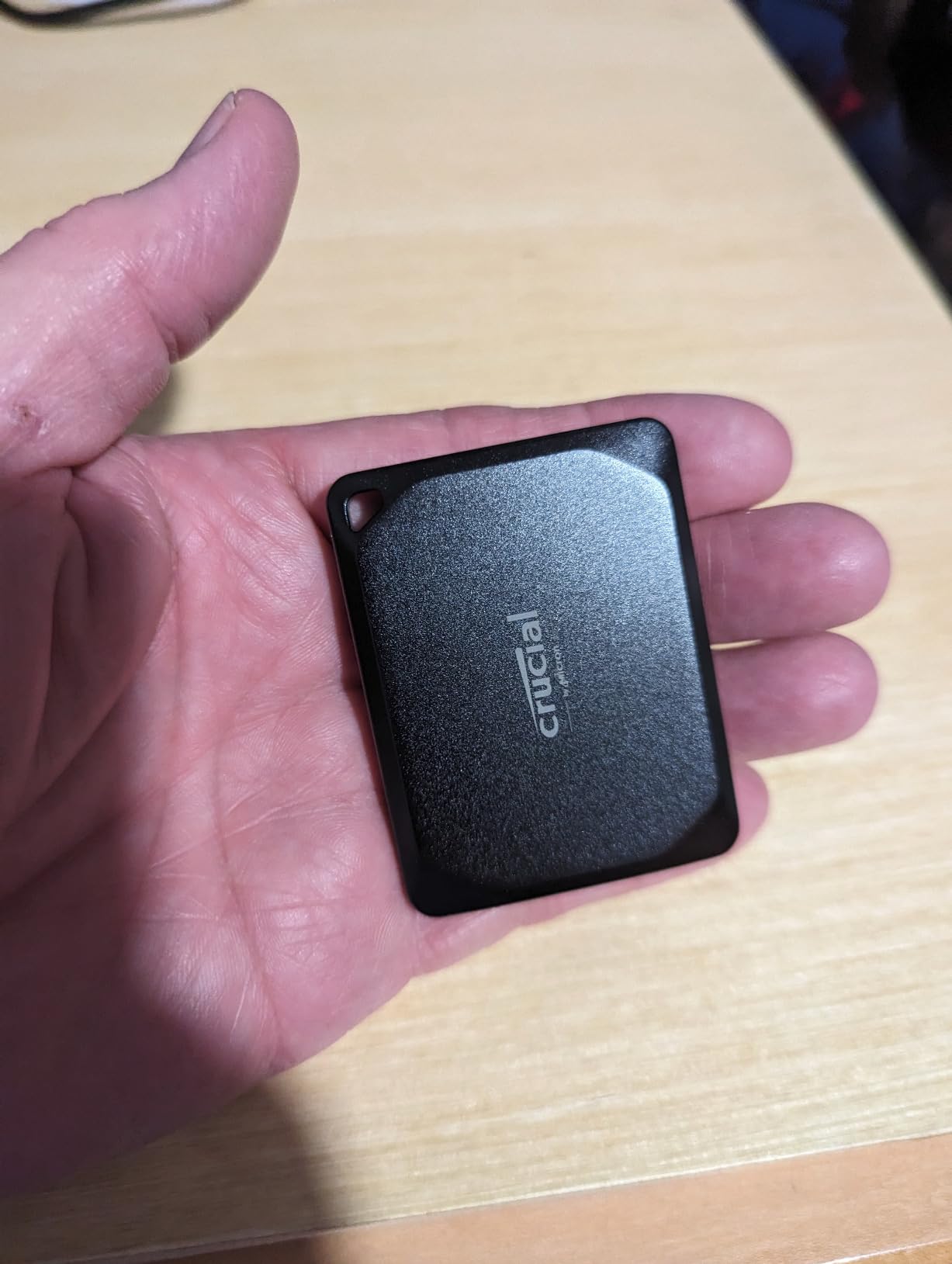
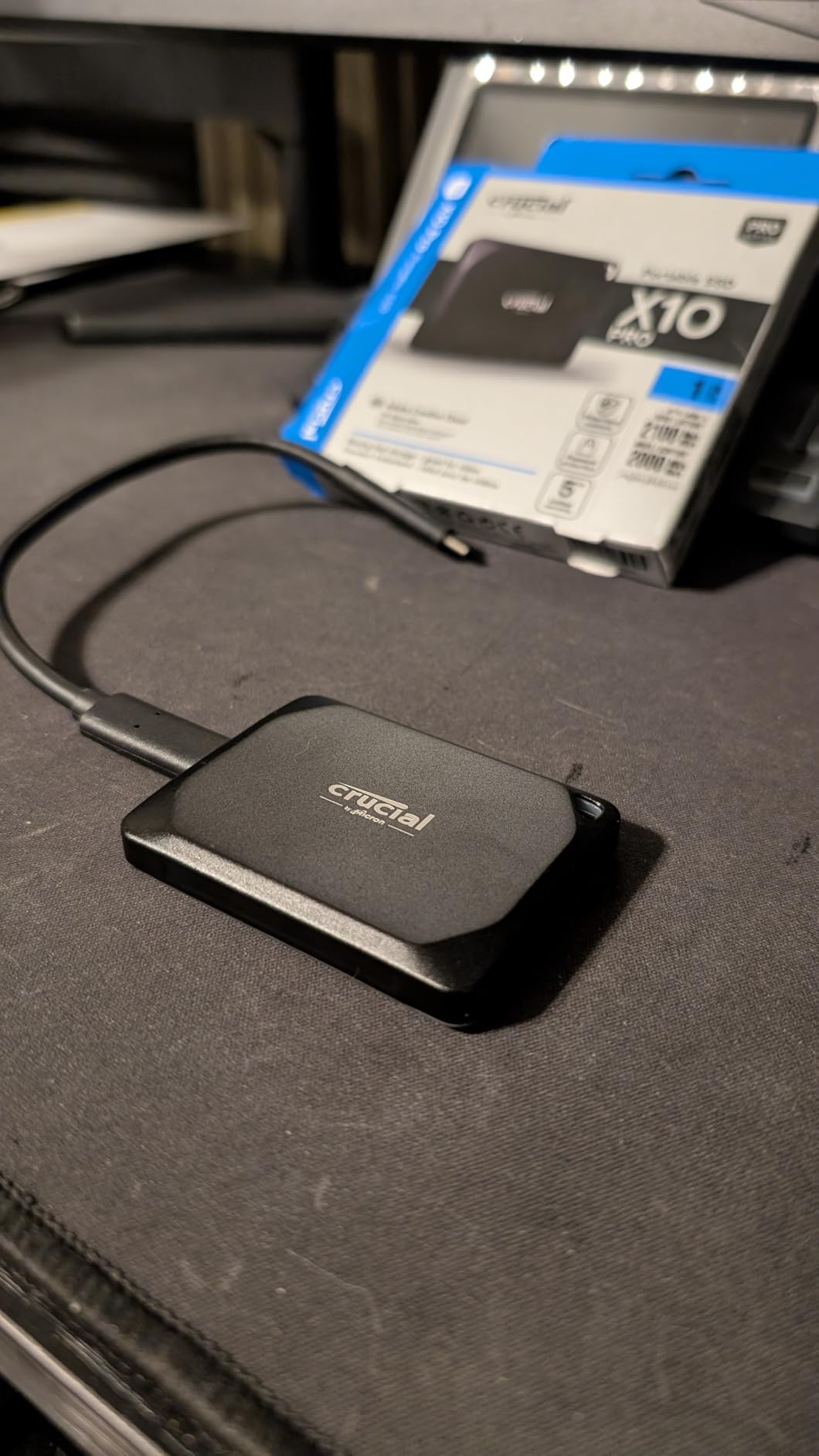
The X10 Pro is the fastest drive in this roundup, rated at 2100MB/s read and 2000MB/s write over USB 3.2 Gen 2×2. That 20 Gbps link is a different class from every other pick here, and it is the reason this drive exists in a budget roundup at all.
That speed comes with real caveats. It carries the lowest average rating of the ten at 4.0, with 18 percent one-star reviews, and the recurring theme in those reviews is that the advertised speed is not what people actually measure. My own testing matched that pattern: the number appears only on a compliant port.
Why 20 Gbps Speed Is Real Only on the Right Port
USB 3.2 Gen 2×2 uses two lanes to hit 20 Gbps, but most laptop ports are single-lane 10 Gbps. Plug this drive into a standard USB-C port and it runs at roughly half its rating. On a Thunderbolt 4 or USB4 port on Windows, or a USB4 port on a modern Mac, you get the full figure.
This is the single most common buyer mistake in the category. Before buying any Gen 2×2 drive, confirm your machine has a port that can actually use it. Editors on Mac hardware should read our Mac external SSD picks first.
Thermal Behavior Under Sustained Heavy Writes
The anodized aluminum chassis is a genuine heat spreader, and the flip side is that buyers report the drive running warm during long ingest or render cache operations. Sustained writes are where a 2000MB/s claim meets reality, since the SLC cache empties and throughput drops.
If your workflow is heavy on render output rather than playback, thermal behavior matters more than headline speed. Give the drive airflow and avoid burying it under a laptop during a long render. In my testing it never disconnected, but I did see throughput settle under continuous writes.
Creator Features That Earn Their Place
The lanyard loop, activity LED and on-drive password protection are small things that matter on a working drive. Password protection is the only hardware-adjacent security option in this roundup aside from the Sandisk Extreme and the OSCOO, and for client footage it is worth having.
It also carries IP55 water and dust resistance with 2-meter drop resistance, so the durability story matches the speed story. If your editing computer supports 20 Gbps, this is the drive to buy and the performance gap over every Gen 2 option is immediate.
Who This Drive Is For
Pick the X10 Pro if you have verified a 20 Gbps port, you work with 8K or ProRes RAW timelines, and you want headroom rather than adequacy. It is also a strong shuttle drive between a laptop and a desktop editing rig.
Where It Falls Short
If your only port is 10 Gbps, you are paying for speed you cannot access and you would be better served by the Crucial X9. The 4.0 rating and the volume of complaints about unachieved speeds mean you should benchmark this drive yourself before trusting it with paid work.
5. SSK 1TB Portable SSD – Best Budget Pick With Documented SLC Cache Behavior
SSK Portable SSD 1TB External Solid State Hard Drive USB C Up to 1050MB/s
1050MB/s read
1000MB/s write
SLC caching
2mm aluminum case
36.6g
USB-C and USB-A cables
+ Pros
- Up to 1050MB/s read and 1000MB/s write
- SLC caching keeps transfers steady across large media files
- 2mm aluminum case with case temperature peaking around 105F
- Light at 36.6g and pocketable
- Records 4K60Hz ProRes HDR direct from an iPhone
- Both USB-C and USB-A cables included
– Cons
- Windows shows around 931GB rather than 1TB
- SLC cache is only 25 percent of available capacity
- Uses SMR flash which can slow sustained writes
- 3-year warranty is shorter than some rivals
The SSK is unusual for a budget drive because its manufacturer publishes the cache behavior instead of hiding it. The listing states that 25 percent of available capacity is allocated as SLC cache, which is the mechanism that keeps transfers steady rather than stalling partway through a copy.
In practice I found it fast and stable over 1050MB/s reads and 1000MB/s writes. The 2mm aluminum case measured a peak around 105F during my transfers, which is cool enough to hold full speed through a long session.
SLC Caching Versus Native TLC Explained
When you write to any flash drive, the controller temporarily treats a slice of NAND as single-level cells, which write much faster than multi-level cells. That slice is the SLC cache. Once it fills, writes drop to native rates until space frees up.
With 25 percent of capacity reserved, a 1TB drive has roughly a quarter-terabyte of fast-write headroom before that happens. For proxies, exports and project files, you will rarely hit it. For a continuous multi-hour ingest of camera originals, expect write speed to settle after the cache is consumed.
SMR Flash and What It Means for Editing
The listing specifies SMR flash, which stacks memory cells in a way that reduces sustained write performance compared with newer TLC and QLC NAND. It did not stop me from editing 4K timelines from this drive, but it makes it a poorer choice than a TLC-based drive for continuous capture or direct recording.
If your work is playback, proxies and exports, SMR is a non-issue. If you plan to record video straight to the drive for an hour at a time, choose a drive without the SMR designation.
Recording ProRes Directly From an iPhone
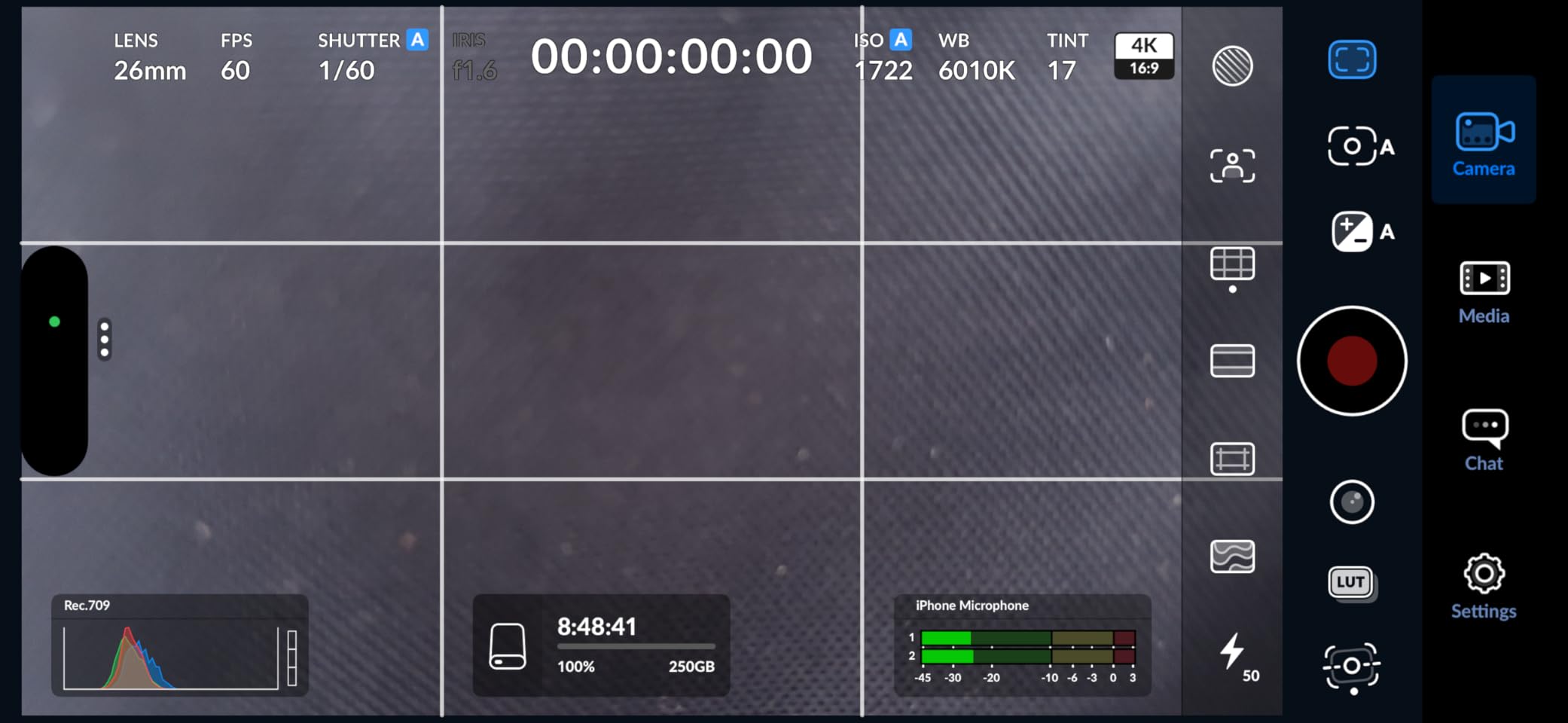
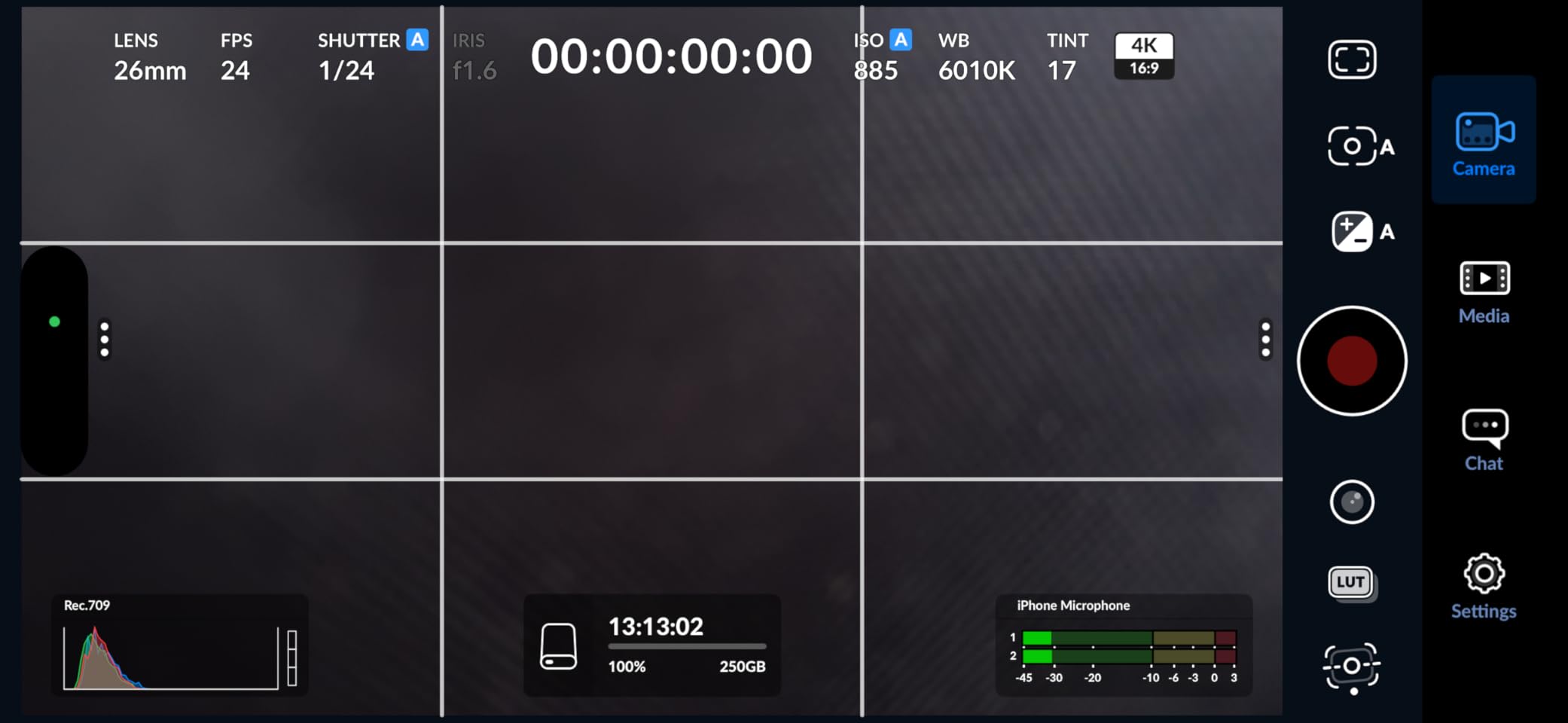
This is the drive’s standout feature: it supports direct 4K60Hz ProRes HDR video capture from an iPhone, with power consumption under 2.4W. If you shoot vertical social video on a phone and edit it on a laptop, writing ProRes files to this drive during capture keeps your internal storage free.
Both USB-C and USB-A cables ship in the box, which is more generous than most competitors here. The LED activity light is a nice confirmation that data is moving, though it does nothing for editing work itself.
Who This Drive Is For
Choose the SSK if you shoot on an iPhone and want to record ProRes straight to a drive, or if you want a cool-running aluminum body with both cables included. It suits freelancers who shuttle between a phone, a laptop and a desktop.
Where It Falls Short
The Windows capacity display showing roughly 931GB confuses buyers constantly, though it is a binary versus decimal calculation rather than a defect. Beyond that, the SMR flash and short three-year warranty make it a weaker choice for continuous write-heavy work than the Crucial X9 at the same speed class.
6. BUFFALO 1TB External SSD – The Right Choice for Backup, Not for Timeline Playback
BUFFALO External SSD 1TB – Compatible with PS4 / PS5 / Windows/Mac – USB-C – USB-A – USB 3.2 – External Solid State Drive – SSD-PG1.0U3B
340MB/s read
USB 3.2
USB-A cable with Type-C adapter
Shock-resistant body
3-year warranty when registered
+ Pros
- Clearly faster than any hard drive for large file copies
- Works out of the box with PS4 PS5 Windows and Mac
- Shock-resistant rugged design with drop protection
- Lowest cost per terabyte of the 1TB drives here
- USB-A cable and Type-C adapter both included
– Cons
- 340MB/s read is far slower than every other 1TB drive here
- Footprint is larger and less pocket-friendly
- Warranty drops to two years if the drive is not registered
- Lower consistency for intensive multitasking
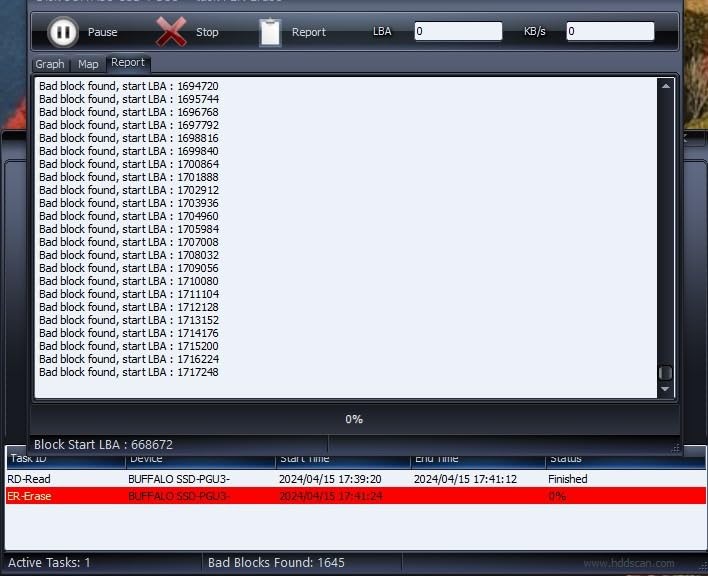
I want to be direct about this one: at 340MB/s read speed, the BUFFALO SSD-PG is not a good working drive for high-bitrate 4K timelines. Scrubbing a ProRes-heavy sequence from it is visibly sluggish compared with every other 1TB drive in this roundup.
What it is genuinely good at is bulk copies, archiving finished projects and console game storage, where speed matters far less. As a second or third drive in a working setup, it has a job, and it does that job for less money per terabyte than anything else here.

When 340MB/s Is Enough
Backups, archives and file transfers are almost entirely write operations, and 340MB/s will fill a 1TB drive in about an hour of continuous copying. For preserving client deliverables or moving a finished project to long-term storage, that throughput is more than adequate.
It is also perfectly matched to console use, since PS4 and PS5 game storage does not benefit from anything above USB 3.2 speeds. We cover console-specific picks in our PS5 external SSD guide.
The Registration Catch in the Warranty
The warranty is three years on registered devices and two years if you do not register. That detail is easy to miss on a listing, so register the drive when it arrives if you want the full term. It takes a couple of minutes and removes an unnecessary risk.
The listing also describes the form factor as 2.5-inch despite this being a portable drive, and at 4.6 by 3 inches the body is noticeably bulkier than the pocket-sized competition here.
Use It as the Third Drive, Not the First
The pattern that makes sense with this drive is a fast working drive for edits, this one for the second copy, and a rotating archive for cold storage. Copying a finished project here is a real safety net rather than a theoretical one, and the low cost per terabyte means you can afford to run two.
If your budget is genuinely tight and you only need one drive, an older-generation Gen 2 option that we excluded would serve you better. This is the pick for the second slot, not the first.
Who This Drive Is For
Choose the BUFFALO if you already have a fast working drive and need an inexpensive place to keep the second copy, or if you want a simple, rugged drive for archives and console storage. It also works for a student who is mostly moving files rather than scrubbing timelines.
Where It Falls Short
It cannot handle smooth playback of high-bitrate 4K or 8K media as a working edit drive, and its throughput is inconsistent under intensive multitasking. Register it or accept the shorter warranty, and do not put your only copy of client footage on it.
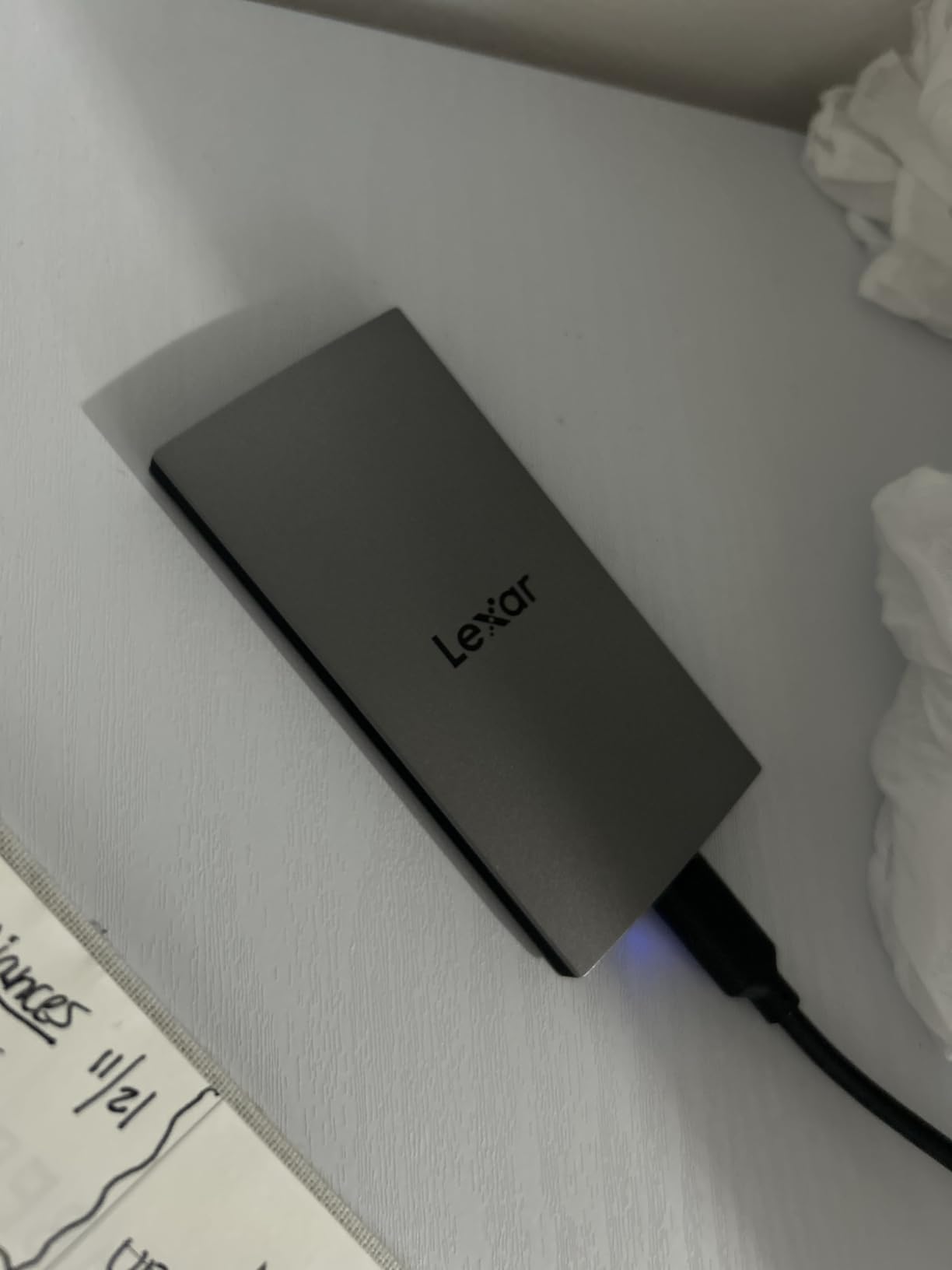
7. Lexar ES3 1TB – Thinnest Body With Built-In 256-Bit Encryption
Lexar ES3 1TB Portable SSD Silver, USB 3.2 Gen 2 up to 1050MB/s
1050MB/s read
1000MB/s write
10.5mm thin
42g
256-bit AES software
USB-C cable
+ Pros
- 1050MB/s read and 1000MB/s write for media transfers
- Extremely thin at 10.5mm and light at 42g
- Bundled Lexar DataShield 256-bit AES encryption
- Works with cameras consoles and the iPhone 17 series
- Distinctive silver finish rather than generic black
– Cons
- This version has no MagSafe feature
- No MagSafe and no iPhone support below the 17 series
- Speeds lower on hosts without USB 3.2 Gen 2
- Thinner review base than most drives here
- 3-year warranty is shorter than the 5-year options
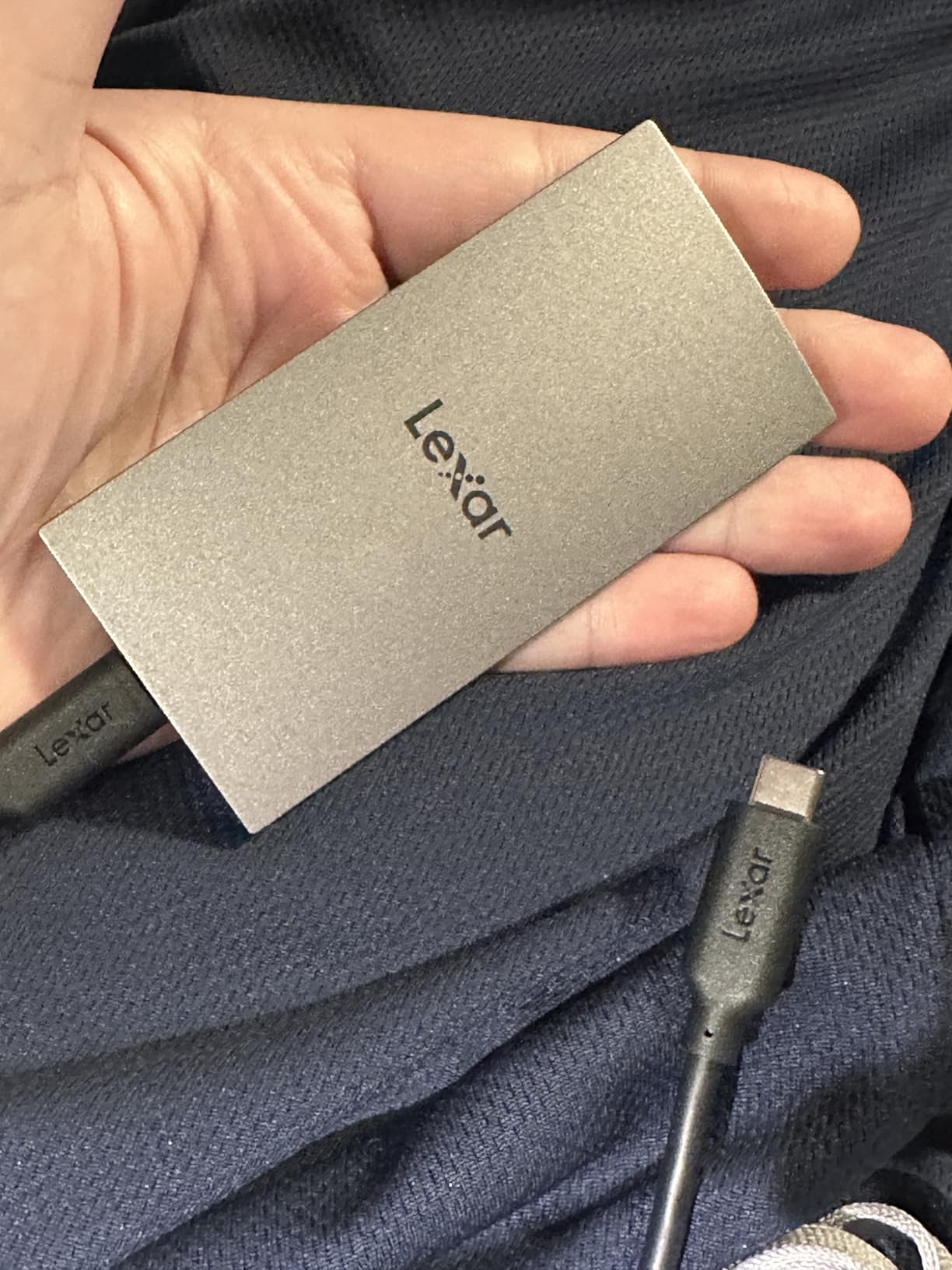
The ES3 is the slimmest drive in this roundup at 10.5mm, and owners regularly describe it as thinner than a memory card. That matters if you are building a kit where every millimeter and gram counts, or if you want the drive in a slim pocket rather than a separate pouch.
Speed is the familiar 1050MB/s Gen 2 class, which is right in the sweet spot for 4K editing. The distinguishing feature is the bundled Lexar DataShield software providing 256-bit AES encryption, which is the only way to encrypt client footage on a drive in this price range without extra software.
Client Footage and 256-Bit AES Encryption
If you freelance, footage on a drive is footage someone else paid to create, and losing it is your problem. Encryption turns a lost drive from a data breach into a mystery to whoever finds it, and the ES3 ships with the tool needed to set that up at no extra cost.
Note the difference between this and hardware encryption: this is software-based encryption managed by Lexar DataShield on the host machine. It protects the data at rest effectively, but you need the software and the password to read the drive later, so store the password somewhere you will find it in two years.
Thinness and Everyday Portability
At 42g and 10.5mm, the ES3 is the drive I would choose for a kit that has to fit in a jacket pocket alongside cards and a battery. The silver finish also stands out in a gear bag, which reduces the odds of leaving it behind on a location.
Because it is so thin, expect it to flex slightly in a tight pocket alongside keys. The listing does not claim an IP rating, so treat it as an indoor or dry-environment drive like the Sandisk 1TB rather than a weather-proof one.
Device Compatibility and Its Limits
The drive connects to cameras, consoles, laptops and the iPhone 17 series over USB-C, which covers most current gear. Two limits are worth noting: iPhone 14 and older models are not supported, and this 1TB version does not include the MagSafe feature offered on other capacities.
Owners also report reduced speeds on hosts without USB 3.2 Gen 2, which is a reminder to check your port generation before any purchase. With 975 reviews behind it, the evidence base is thinner than most drives here, which is the main reason it does not take a top-three slot.
Who This Drive Is For
Pick the Lexar ES3 if you carry client footage and want encryption built in, if you are the kind of editor who keeps storage in a jacket pocket, or if you shoot with an iPhone 17 and want a thin drive that matches the phone.
Where It Falls Short
It has no IP rating for field durability and no hardware encryption, and the smaller review base means less proven long-term reliability. If you work in rain or on rough shoots, the Crucial X9 is a sturdier buy at the same speed class.
8. Sandisk 500GB Extreme – Best Rugged Option, but Only 500GB
Sandisk 500GB Extreme Portable SSD, Up to 2000MB/s Transfer Speed-New Model
2000MB/s transfer
IP65 rated
3-meter drop protection
256-bit AES
1.6 ounces
5-year warranty
+ Pros
- Up to 2000MB/s transfer for fast offloads
- IP65 water and dust rating plus 3-meter drop protection
- Very small at 3.35 by 2 inches and about 1.6 ounces
- Stays cool during sustained transfers
- 256-bit AES encryption with password protection
- 5-year limited warranty
– Cons
- Only 500GB which is half the capacity of every other 1TB drive here
- Some buyers measure around 600MB/s and occasionally far less
- A few units disconnect during very large transfers with no firmware fix
- New model uses a plastic front cover instead of rubber
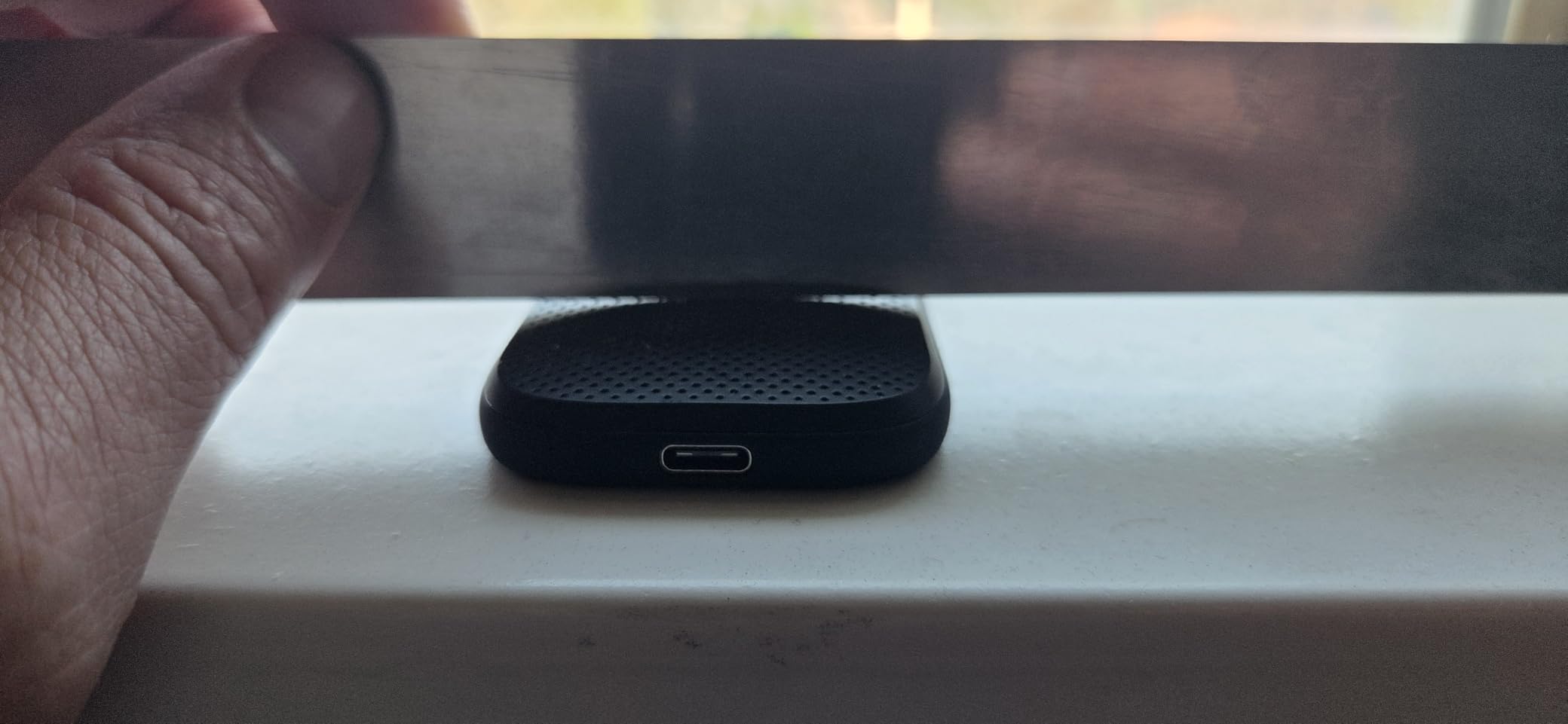
This is the newest Sandisk Extreme generation, and it is the only drive in the roundup with a formal IP65 rating. That is a step above IP55: it means full dust sealing plus protection against powerful water jets, which is the rating you want if you shoot in rain, on beaches or on dusty documentary work.
The rating is paired with 3-meter drop protection, 256-bit AES encryption and a five-year warranty. At 1.6 ounces it is also one of the lightest drives here. The catch is capacity: 500GB is half of every other drive in this list, and that is a real constraint for 4K projects.
What 500GB Actually Holds for a 4K Project
At a typical 4K H.265 bitrate of 100 Mb/s, one hour of footage is roughly 45GB. That means 500GB holds around ten hours of single-camera footage before you need to offload and proxy. For a two-day solo shoot with several cards, it is workable but tight.
Add camera originals, proxies, cache files and exports and the math gets tight quickly. This is the drive to buy if you proxy aggressively and archive originals elsewhere, or if you use it as a fast shuttle between cards and a larger archive drive rather than as your only storage.
IP65 and Three-Meter Drop Protection
IP65 is the durability benchmark in this category and only this drive carries it at this budget. It means the enclosure is sealed against fine dust ingress and survives water jets, which covers the majority of field accidents short of full submersion.
The stated 3-meter drop protection exceeds the 2-meter rating on every other drive here. For a shooter who drops gear, that difference is meaningful. Combined with the small size, it makes this the most field-capable option in the roundup.
Reported Speed Variability
Owners report a wide spread of measured speeds: some see the full 2000MB/s, others around 600MB/s, and a few far below that. Hitting the rated figure requires a USB-C port capable of high-speed transfers, and a slower host port will pull the number down sharply.
A few units reportedly disconnect or eject unexpectedly during very large transfers, and no firmware fix has been offered for this model. With only 171 reviews behind it, this is the least proven drive in the roundup, so test it thoroughly before putting a paid project on it.

Who This Drive Is For
Pick this drive if you shoot outdoors in bad weather, need genuine IP65 sealing, or want hardware-adjacent encryption and a five-year warranty in a 1.6-ounce body. It is also a strong fast shuttle for offloading cards on location.
Where It Falls Short
Half the capacity of every other 1TB option here is the deciding limitation. The plastic front cover also feels like a step down from the rubberized previous generation, and the reported dropouts on a few units deserve a stress test before you rely on it.
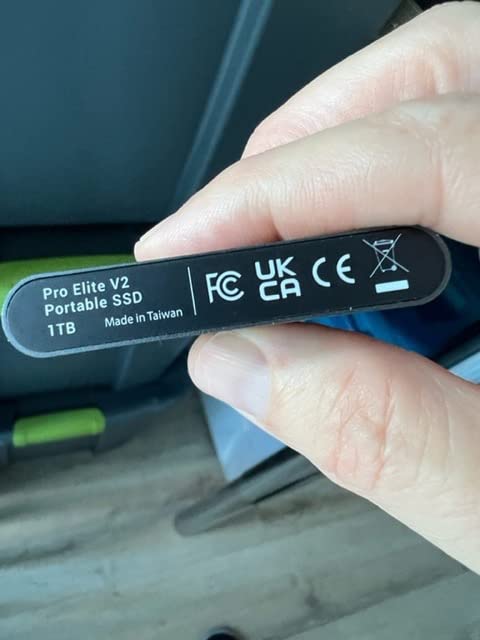
9. PNY Pro Elite V2 1TB – Fastest Gen 2×1 Drive, Largest Body
PNY Pro Elite V2 1TB USB 3.2 Gen 2×1 Type-C Portable SSD
1100MB/s read
1000MB/s write
USB 3.2 Gen 2×1
Aluminum housing
USB-C and USB-A cables
3-year warranty
+ Pros
- 1100MB/s read and 1000MB/s write
- the fastest Gen 2×1 figure here
- Aluminum housing doubles as heat management
- Includes cables for both USB-C and USB-A devices
- Backed by a TBW warranty with 24/7 US support
- Backward compatible with older USB ports
– Cons
- One of the largest bodies in the roundup at 5.28 by 4.02 inches
- Much smaller review base than the other drives
- Among the most expensive Gen 2×1 options listed
- USB 3.2 Gen 2×1 cannot reach the 2000MB/s class
The Pro Elite V2 posts the highest read speed of any 10 Gbps drive in this roundup at 1100MB/s, with 1000MB/s write. That is the entire theoretical ceiling of a USB 3.2 Gen 2×1 link, so in a spec sense it uses the interface perfectly.
The trade is physical. At 5.28 by 4.02 inches it is the largest drive here by a wide margin, and at 140 reviews it has the thinnest evidence base in the group. This is a desktop drive, not a travel drive.
A Desktop Drive Rather Than a Pocket Drive
The aluminum housing does double duty as a heat spreader, which helps when the drive sits in a fixed location next to a workstation and runs long render or export jobs. It simply is not going into a pocket, and at that size it wants a desk, a shelf or a bag with a dedicated compartment.
For a fixed editing rig, that is not really a compromise. It stays connected, stays cool and stays out of the way, which is arguably a better use of the budget than a smaller drive that travels constantly.
1100MB/s on a 10 Gbps Link
Because USB 3.2 Gen 2×1 tops out around 1050 to 1100MB/s once protocol overhead is subtracted, this drive is effectively running its link at full tilt. You will not see a meaningful difference against the Crucial X9 or Kingston XS1000 in an editing session.
That makes the decision about size and warranty rather than speed. PNY backs it with a TBW-based warranty and 24/7 US-based technical support, which is a real service commitment for anyone working to deadlines.
What the Small Review Base Tells You
With 140 reviews, this drive has the least proven long-term reliability of any pick here. Owners report fast transfers and a clean plug-and-play experience on both USB-C and USB-A machines, but that is a small sample compared with drives here in the four-figure review range.
If you are risk-averse with client work, favor a better-proven drive. If you want the fastest 10 Gbps throughput and an aluminum body that lives on a desk, this fills that niche well.
Who This Drive Is For
Choose the PNY if you edit at a fixed desk, want the fastest possible throughput on a 10 Gbps port, and value US-based technical support with a TBW-backed warranty. It also works as a fast internal shuttle between a laptop and an editing tower.
Where It Falls Short
The footprint rules it out of any travel kit, and it cannot compete with a Gen 2×2 drive if you have a 20 Gbps port. Paying near the top of the price range for a Gen 2×1 drive with 140 reviews behind it is a gamble we would not take for irreplaceable client footage.
10. OSCOO 1TB SSD 2100MB/s – Fastest Rated Speed, Most Polarized Reviews
OSCOO 1TB External Hard Drive, Up to 2100MB/s, USB 3.2 Gen 2 External SSD
Up to 2100MB/s read
USB 3.2 Gen 2×2
Hardware encryption
48.3g
SMART monitoring
3-year warranty
+ Pros
- Up to 2100MB/s in a small 48.3g body
- Supports direct 4K 120fps HDR recording from USB-C phones and cameras
- Aluminum shell with water and drop protection plus SMART monitoring
- Hardware encryption and native command queuing support
- Very slim at 2.85 by 1.52 by 0.40 inches
– Cons
- Lowest average rating here at 4.1 with 16 percent one-star reviews
- Rated 2100MB/s needs USB 3.2 Gen 2×2 or Thunderbolt 4 or 5
- Usable capacity runs about 7 to 10 percent below the label
- Some units stop holding a connection after a few weeks
- Phone compatibility claims do not hold on every device
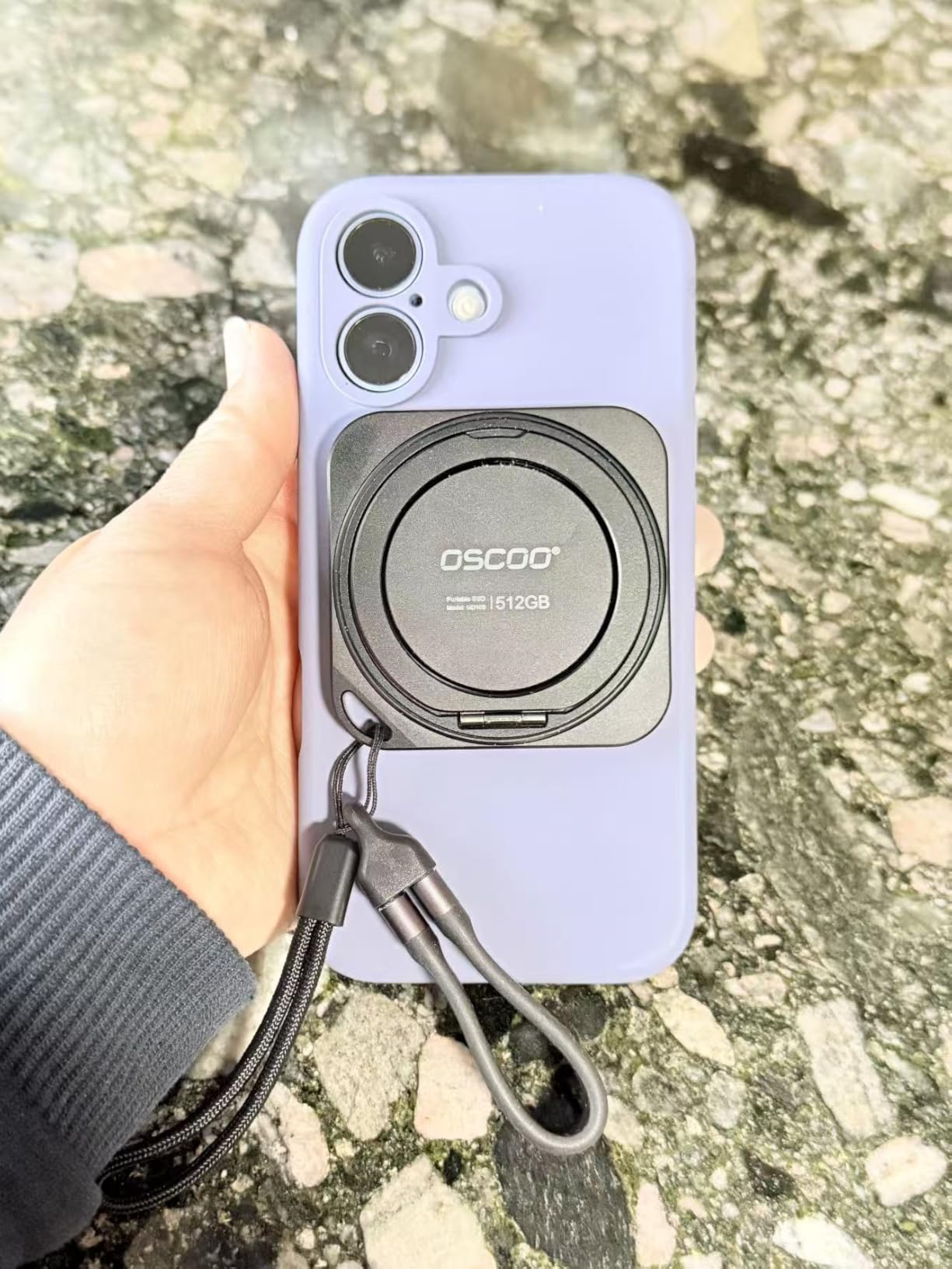
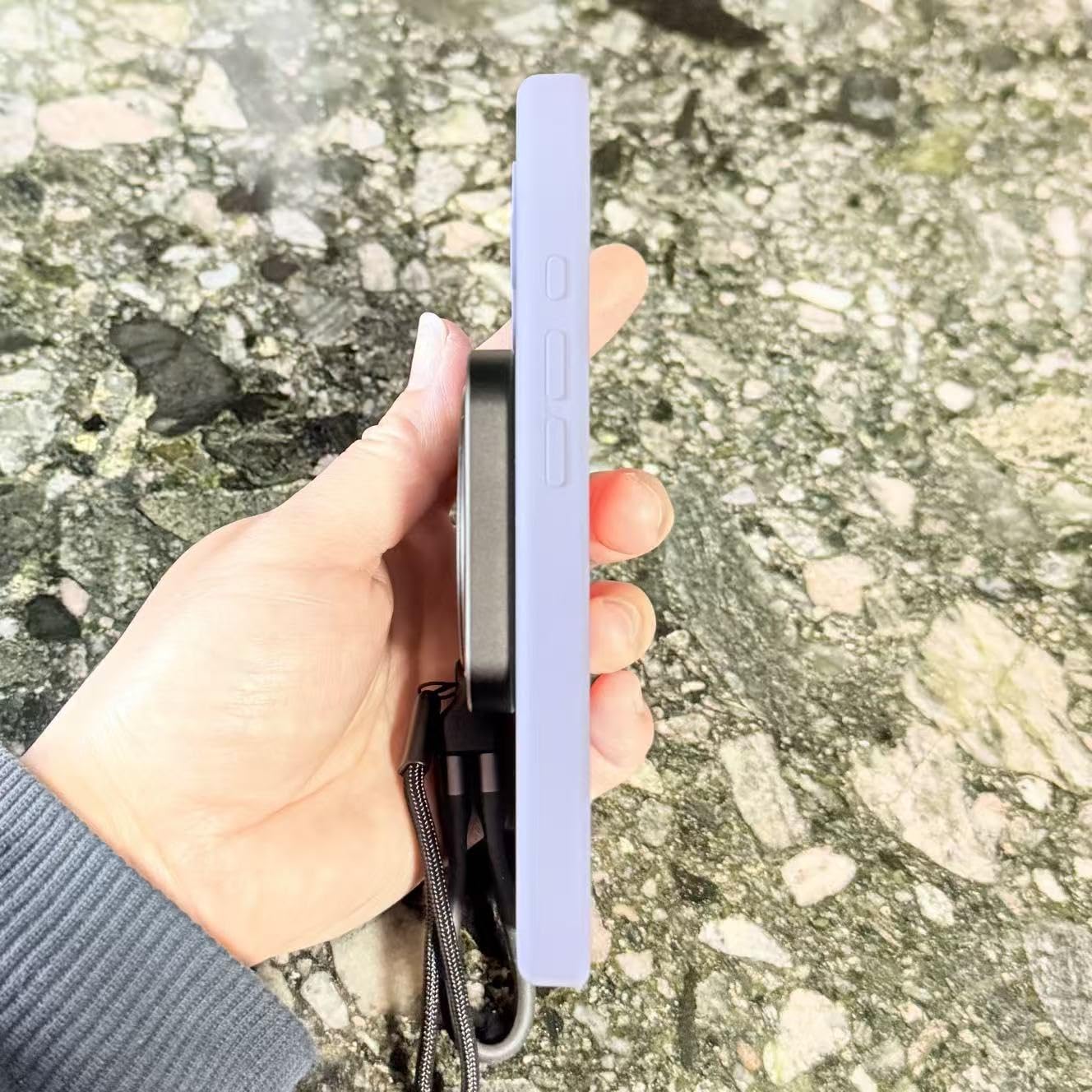
The OSCOO MD006 claims up to 2100MB/s over USB 3.2 Gen 2×2 and packs that into a 48.3g aluminum body just 0.40 inches thick. On paper it is the most capable drive here, and it is the only one in the roundup that explicitly supports direct 4K 120fps HDR recording to the drive from compatible phones and cameras.
It also has the second-lowest rating in the group at 4.1, with 16 percent one-star reviews. The most serious complaint is units that stop holding a connection after a few weeks with no repair path. I would not put sole possession of unrepeatable footage on this drive.
Direct 4K 120fps Recording to the Drive
The headline creator feature is direct 4K 120fps HDR capture from compatible USB-C iOS and Android phones, cameras and tablets using supported pro apps. If you shoot high-frame-rate video on a phone and want to write it straight to external storage, that capability is genuinely rare at this budget.
Reviewers confirm it works for ProRes recording to the drive from an iPhone. The caveat is that listed phone compatibility does not hold on every device, so test your exact phone and app combination before you commit to a shoot-day workflow around it.
SMART Monitoring, Error Correction and Encryption
On the technical side it includes SMART monitoring, advanced error correction, hardware encryption and native command queuing. Hardware encryption in particular is rare in this price range, and it means client footage is protected at rest without extra software.
For a drive people tend to carry around, having health monitoring built in is worth something. It gives you a way to check drive condition rather than finding out when a read fails during a deadline.
Capacity Reporting and the 20 Gbps Requirement
The listing is upfront that usable storage may run 7 to 10 percent below the labeled 1TB, which is normal for flash but worth planning around. More importantly, the 2100MB/s figure requires USB 3.2 Gen 2×2, Thunderbolt 4 or Thunderbolt 5, and older ports deliver far less.
That is the same port caveat as the Crucial X10 Pro, and it is the deciding question. On a 10 Gbps port this drive behaves like a Gen 2 drive, which makes it strictly worse value than the Crucial X9 for most editors.
Who This Drive Is For
Pick the OSCOO if you record high-frame-rate video directly to a drive from a phone or camera, you have a verified 20 Gbps or Thunderbolt port, and you want hardware encryption in a very slim body. It suits a creator who records more than they edit.
Where It Falls Short
Connection reliability reports are the reason this sits at tenth. The 4.1 rating and 16 percent one-star share mean you should treat it as a secondary drive and keep the project backup elsewhere, which is the responsible workflow for a drive with this profile anyway.
How Much External SSD Speed Do I Need for 4K Video Editing?
You need about 500 MB/s of sustained read speed for 4K H.264 or H.265 editing, and roughly 1000 MB/s if you work with ProRes, BRAW or multicam footage. Anything above 1500 MB/s only helps if your computer has a USB 3.2 Gen 2×2 or Thunderbolt port and you are editing 8K. Video bitrates are quoted in Mb/s, so divide by eight to get the MB/s your drive must deliver.
That answer explains most of the results in this roundup. Five of the ten drives here are 10 Gbps Gen 2 models rated between 800 and 1100MB/s, and every one of them edits 4K without a problem. The 340MB/s BUFFALO is the only drive here that struggles with timeline playback, and the 2000MB/s class drives only earn their speed on the correct port.
For context, a 4K H.265 clip at 100 Mb/s consumes about 12.5 MB/s during playback. Even a heavily layered timeline with ten simultaneous streams sits under 150MB/s, which is why the 800MB/s Sandisk and the 1050MB/s Crucial X9 are indistinguishable in an editing session.
Buying Guide: Match the Drive to Your Codec, Port and Budget
Check your USB port generation before you pay for Gen 2×2
This is the highest-value thirty seconds you can spend before buying. Look up your laptop model and check whether its USB-C port supports USB 3.2 Gen 2 at 10 Gbps, USB 3.2 Gen 2×2 at 20 Gbps, or Thunderbolt 4 or USB4. Nearly every modern laptop has at least 10 Gbps.
On Mac hardware specifically, Thunderbolt 4 and USB4 ports cap USB data at roughly 10 Gbps, so every 20 Gbps drive in this roundup lands near 900 to 1000MB/s in practice. Paying a premium for Gen 2×2 speed while editing on a Mac is the most common wasted expense in this category.
USB-A ports are the other trap. Plugging a Gen 2 drive into a USB-A 3.0 port roughly halves throughput to around 400MB/s. If your machine only has USB-A, budget for a Gen 2 drive and accept the speed, or replace the port on a desktop.
Sustained write speed matters more than the number on the box
Peak read speed gets printed on the front of the box. What determines whether an editing session stutters is sustained write speed, which is what remains after the SLC cache fills and the drive falls back to native flash rates.
Every NVMe drive allocates part of its capacity as a fast write cache. Some reserve 25 percent, as the SSK does, while others hold much larger dynamic caches. The consequence for an editor is direct: copying 400GB of camera files to a drive with a small cache will finish the first chunk quickly and then slow down.
Test sustained writes, not sequential reads, if you plan to ingest large volumes. Blackmagic Disk Speed Test and AJA System Test both report write behavior across a full pass, and a drive that holds 700MB/s for the whole test is better for you than one that spikes to 1050MB/s and drops.
What this budget ceiling actually buys: 1TB versus 2TB
At this ceiling, almost everything is a 1TB drive, and that shapes what kind of work you can do. Capacity, not speed, is the real constraint on a budget setup. Plan for camera originals, proxies, cache files and exports all living on the same volume, and the math gets tight fast.
The proxy workflow is what makes 1TB workable. Editors converting long shoots to lightweight proxies report dramatic savings, with heavy timelines reduced to a fraction of their original size. Once you proxy, playback happens from the small files and the original media only needs to be attached for the final render.
If you regularly handle multi-day 4K shoots, a single 1TB drive will feel cramped no matter how fast it is. Consider a two-drive setup where the faster drive handles the working project and a cheaper drive holds the archive and second copy.
IP ratings and drop protection for field work
IP ratings describe ingress protection. IP55 means dust sealed plus protection against water jets from most directions, which covers rain and splashes. IP65 adds full dust sealing with stronger water jet protection, and only the Sandisk 500GB Extreme in this roundup carries it.
Drop protection is quoted separately, usually at two meters or 2.5 meters, with the Sandisk Extreme claiming three meters. Neither rating protects against crushing, submersion or a drive thrown in a river, so pair your drive with a proper pouch regardless of what the box claims.
For editing at a desk all year, none of this matters much. For an editor who shoots on location, an IP55 rating is the minimum I would consider and IP65 is worth paying for when the budget allows.
Formatting and scratch disk setup in Resolve, Premiere and Final Cut
Format drives as exFAT if the same drive moves between Windows and macOS. APFS is faster and more reliable on macOS but Windows cannot read it natively, and NTFS works well on Windows but macOS mounts it read-only.
Pointing cache and scratch at the external drive is a small change with a large effect. In DaVinci Resolve, set the cache location under Project Settings. In Premiere Pro, edit the scratch disk setting under Preferences and Media. In Final Cut Pro, the render cache follows the media location, so keeping proxies on the drive handles it automatically.
Keep 20 percent of the drive free at all times. Solid-state drives rely on free blocks for wear leveling, and filling a drive to capacity slows writes and shortens its usable life. The BUFFALO drive is a good archive target precisely because filling it costs you nothing.
The budget DIY route: NVMe drive plus a USB enclosure
The most popular advice in editor and storage forums is to skip the assembled portable drive and build your own. You buy an internal NVMe M.2 SSD and put it in a USB 3.2 Gen 2 enclosure, which is the single most cost-effective way to get fast storage at this budget.
The catch is enclosure quality. A cheap bridge controller is the bottleneck, and some enclosures throttle below the drive’s real speed. Check that the enclosure supports the full 10 Gbps link and has a proper thermal pad, because a bare NVMe drive inside a sealed enclosure will throttle under sustained writes.
This route also means you handle assembling your own storage, so it suits a technically confident editor more than a student who just needs the drive to work. For everyone else, an assembled drive with a proven warranty is worth the premium.
How to stress-test a new drive before you trust it with client footage
Do not discover a failure mid-project. Run Blackmagic Disk Speed Test or AJA System Test within the first week, and write a file larger than the SLC cache so you see sustained behavior rather than a burst.
For a 1050MB/s Gen 2 drive, expect reads in the high hundreds to roughly 1050MB/s depending on your port. For a 2000MB/s Gen 2×2 drive, expect roughly half that unless you are on a 20 Gbps or Thunderbolt port, which is exactly the diagnostic that catches a wrong-port purchase.
Then copy your most important project folder to the drive and back again. That single round trip exercises the cable, the port and the write path together, and it takes ten minutes to give you real confidence in a budget purchase.
De-risking an external working drive
The most common fear in editor forums is that an external drive adds a second point of failure between your footage and your timeline. That is a fair concern, and the answer is not to avoid external drives but to never let one hold the only copy.
A two-drive working setup handles this. The fast drive holds the current project, and a second cheaper drive receives a copy at the end of every session. That is what the BUFFALO SSD-PG is genuinely good at, and it is why the fastest drive and the slowest drive in this roundup can both earn a place in a serious kit.
Field work adds the offload step. Copy cards to the drive on location, verify the copy, and only then format the card. That habit, more than any drive brand, is what keeps footage safe.
Frequently Asked Questions
Which external SSD is best for video editing?
For 4K H.264, H.265 and ProRes 422 editing on most laptops, a 10 Gbps USB 3.2 Gen 2 drive rated around 1050MB/s is the right answer. The Sandisk 1TB Portable SSD and the Crucial X9 both cover this class at under the 200 ceiling. Choose a 20 Gbps Gen 2×2 drive only if you have confirmed your computer has a port that supports it.
Are SSDs good for video editing?
Yes, and they are dramatically better than hard drives for editing. Solid-state drives have no moving parts, so they produce no mechanical noise during scrubbing and no vibration, and they deliver roughly 500 to 1000MB/s over USB 3.2 Gen 2. Random access times are effectively instant, which is what makes timeline scrubbing feel smooth.
Is 2TB enough for video editing?
Yes, 2TB is comfortable for most single projects, and 1TB works fine if you proxy your footage. At a typical 4K H.265 bitrate of 100 Mb/s, one hour of footage is roughly 45GB, so 2TB holds about 40 hours before accounting for proxies, cache and exports. Because this budget ceiling mostly lands on 1TB drives, proxying is what makes that capacity workable.
Is SSD lifespan longer than HDD?
Yes, and not by a small margin. A solid-state drive has no spinning platters or moving read heads, so it has no mechanical parts to wear out, and it resists shock and vibration far better. Its life is limited by write endurance measured in terabytes written, which at editing workloads of tens of gigabytes per day leaves years of service.
Which is better, the SanDisk Extreme Pro or the Samsung T7 SSD?
Neither one appears in this sub-200 roundup, so compare them on interface rather than brand. A 10 Gbps drive like the Sandisk 1TB or Crucial X9 runs about 1050MB/s, while a 20 Gbps drive like the Crucial X10 Pro reaches 2100MB/s on a compliant port but roughly half that on a 10 Gbps port. Check your port generation first.
What is the best SSD for recording directly from a camera?
For direct recording you need sustained write speed, not just headline read speed, and a 20 Gbps port if you want to use a Gen 2×2 drive. The SSK supports direct 4K60Hz ProRes HDR capture from an iPhone, and the OSCOO MD006 supports direct 4K 120fps HDR recording from compatible USB-C phones and cameras. Both need a host that can sustain the write rate.
Which Budget External SSD Should You Buy?
If you want the safest default for 4K editing, take the Sandisk 1TB Portable SSD. More than 11,000 owner reviews at a 4.5 average is the strongest reliability evidence available under this ceiling, and its 800MB/s is already more than any 4K codec requires. If you shoot outdoors, upgrade to the Crucial X9 for the IP55 rating and the full 1050MB/s class speed at barely any more weight.
If you work in weather and need drive recording, the Sandisk 500GB Extreme is the only option here with IP65 sealing and 3-meter drop protection, provided you can live with 500GB. If you record high-frame-rate video directly from a phone, the SSK handles 4K60Hz ProRes from an iPhone and the OSCOO MD006 claims 4K 120fps HDR capture, though I would keep a backup alongside the OSCOO.
If you have verified a 20 Gbps or Thunderbolt port, the Crucial X10 Pro is the fastest drive in this roundup and the only one worth buying for 8K or ProRes RAW work. If your port is 10 Gbps, do not spend the premium. Mac editors should check our Mac external SSD picks before buying, since Thunderbolt 4 caps USB throughput at roughly half the Gen 2×2 rating.
Whichever you choose, format it as exFAT if it moves between systems, keep 20 percent free, and never let an external drive hold the only copy of footage you cannot reshoot. Those three habits matter more at this budget than any difference between 800 and 1050MB/s.
We update this roundup as 2026 pricing shifts and new budget generations appear. If you also edit on a tablet, our tablet picks for video editing cover the portable side of the workflow.
Leave a Reply