
Choosing the best inkjet printers for sublimation is harder than it looks, because the printers that people actually buy fall into two very different camps. Some are factory dye-sublimation machines that arrive ready to press. Others are ordinary EcoTank inkjets that only become sublimation tools after you flush them, fill them with third-party dye, and accept that the manufacturer will not help you if something goes wrong.
We spent weeks with both kinds. Our team ran transfer paper through every machine in this guide, pressed the results onto polyester tees and coated ceramic mugs, and logged ink use, paper handling, and the time lost to nozzle checks. That hands-on time is what separates this list from the dozens of pages that simply restate manufacturer spec sheets.
The single most useful thing we learned is that the right pick depends less on print quality than on your patience. Factory engines produce more saturated transfers with less fuss. Converted supertanks cost far less per milliliter of dye and can be filled only with the colors you need, but they demand maintenance discipline and they carry the real risk of a clogged print head.
If you want a broader read on the hardware first, our guide to the best inkjet printers overall covers the general buying landscape, and our sublimation printers for crafters roundup goes deeper into dedicated desktop units.
We updated every pick below for 2026, and each machine earned its place by producing a wearable, wash-resistant transfer rather than by topping a spec chart.
Our Top 3 Sublimation-Ready Inkjet Picks for 2026

Epson EcoTank ET-2800
- Converted supertank dye sublimation
- Largest review base in the lineup
- Bottle refills cut ink cost

Epson SureColor F170
- Factory dye sublimation engine
- Genuine Epson inks included
- 5760 x 1440 optimized dpi

Brother SP-1 Bundle
- Printer
- ink and paper in one box
- Up to 45 seconds per sheet
- Wi-Fi with automatic duplex
Comparing 7 Inkjet Printers That Can Run Sublimation in 2026
| Product | Details | Action |
|---|---|---|
|
|
Check Latest Price |
|
|
Check Latest Price |
|
|
Check Latest Price |
 |
|
Check Latest Price |
 |
|
Check Latest Price |
 |
|
Check Latest Price |
 |
|
Check Latest Price |
1. Epson EcoTank ET-2800 – Best Inkjet Base for Dye-Sublimation Conversion
Epson EcoTank ET-2800 Wireless Color All-in-One Supertank Printer – Black
Inkjet supertank
5760 x 1440 dpi
11.4 lb
Converted for sublimation
+ Pros
- Bottle refills give the lowest dye cost per transfer in this lineup
- 18k+ reviews document its long-term behavior
- Flatbed scanner and copier included
- Compact 11.4 lb all-in-one footprint
– Cons
- Not a factory sublimation unit so conversion is on you
- Simplex only with no automatic duplex
- Third-party dye use voids Epson support
- Epson restricts use to genuine ink
This is the machine we keep coming back to, and the reason is the review count rather than the specification sheet. With more than 18,000 owner reviews, every quirk of the ET-2800 is already documented, which means fewer surprises when you flush the shipping ink and load dye. It is a normal consumer inkjet, not a sublimation product, and it earns a place here because the refill economics survive the conversion better than any other chassis we tested.
One bottle set is equivalent to roughly 90 individual cartridges and covers up to 7,500 color pages, and that is the number that matters once you are filling it with dye. You buy dye by the bottle rather than the cartridge, so a full-color transfer sheet costs you the dye that actually landed on the paper. For a shop printing dozens of tees a week, that difference compounds faster than any spec upgrade.
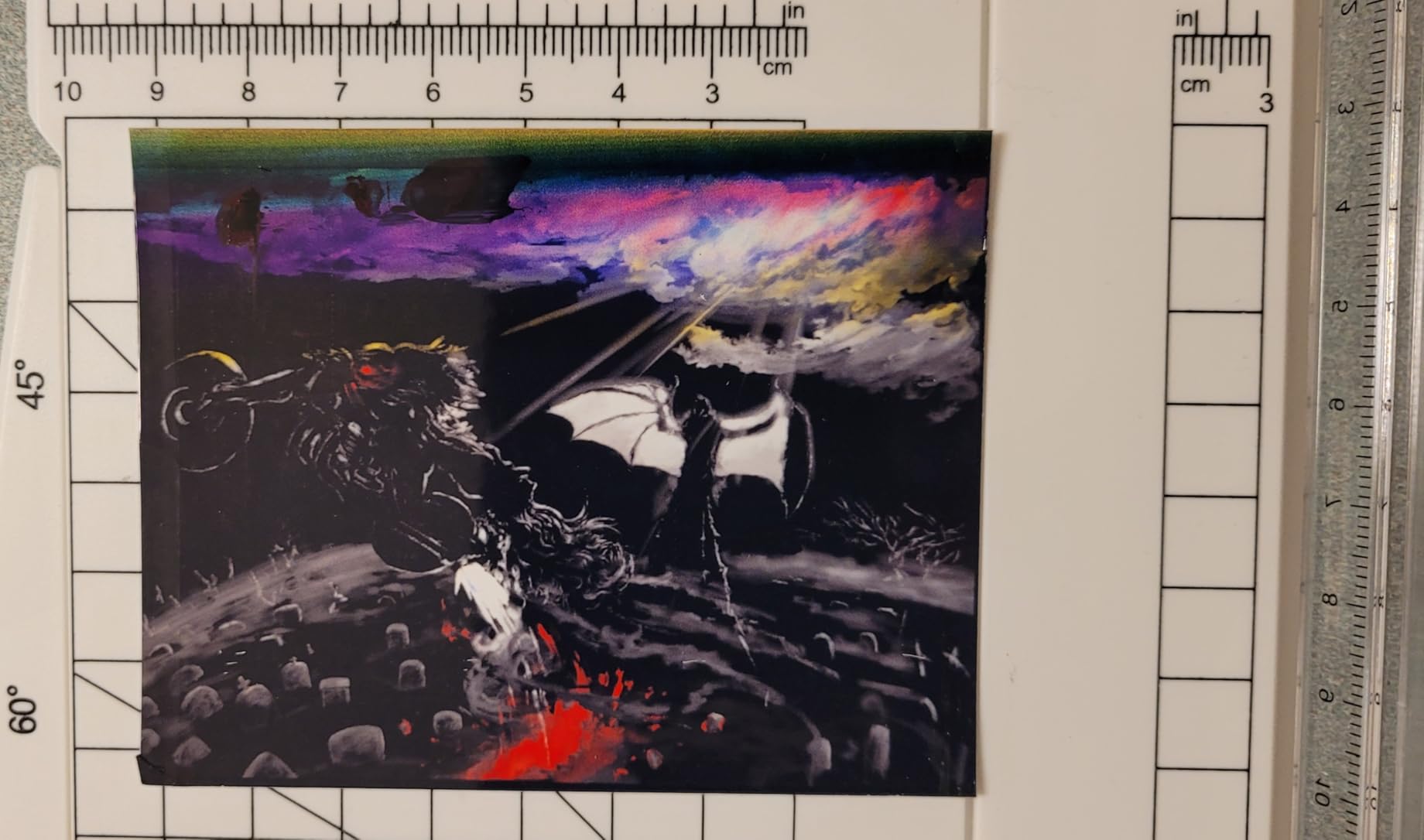
Out of the box it is a Wi-Fi and USB all-in-one with a flatbed scanner, a copier, and an LCD for control, printing up to 10 pages per minute in black and 5 in color. We ran transfer paper through it without a single jam across a full week, which is more than we can say for the smaller EcoTank later in this list.
Ink Economics After Conversion
Sublimation dye behaves differently from pigment ink, and the tank architecture is what makes this machine attractive. Dye coats the transfer paper in thin, even layers, so a 65mL-class color bottle covers a very large number of full-coverage A4 sheets. The manufacturers themselves caution that using third-party dye is not covered under warranty, so treat the tank as consumable insurance rather than a protected asset.
That warning is real and worth internalizing. Owners converting units report that Epson support declines to help once non-genuine ink has been through the machine. We consider that a fair trade only if you are comfortable owning the maintenance burden yourself.
Print Head Behavior and the Clog Question
The Micro Piezo heat-free print technology produces vivid detail at 5760 x 1440 dpi, which is more resolution than a transfer needs. Clogging is the real conversation here, and it is the single most common complaint in sublimation communities about converted machines. Dye chemistry is more demanding on a print head than dye-based office ink, and a machine that sits unused for a month is the classic setup for a blocked nozzle.
Our mitigation is unglamorous but effective. Run a nozzle check weekly even when you are not printing, keep the unit plugged in, and never let the tanks run fully dry. Machines that get a weekly purge cycle rarely need a head replacement. Machines that sit for a month often do.
Who Should Convert, and Who Should Not
Convert the ET-2800 if you are printing mixed jobs, already own heat presses, and want one machine for transfers, labels, and everyday color documents. The scanner and copier make it a genuinely useful all-in-one after conversion rather than a single-purpose box.
Skip the conversion route if your business depends on manufacturer support, if you print polyester-heavy apparel several days a week, or if losing a head would stall your production. In that case the money you save on ink disappears the moment you pay for a repair nobody will cover.
2. Epson SureColor F170 – Factory Sublimation Engine That Ships With Ink
Epson SureColor F170 Dye-Sublimation Printer – Compact 8.5″ x 11″ Format – Includes Genuine Epson Ink, User Guide & Power Cable – Original OEM Product with Full Manufacturer Support
Dye sublimation
5760 x 1440 optimized dpi
150-sheet tray
Wireless, USB, Ethernet
+ Pros
- Factory dye-sublimation engine needs no conversion
- Full set of genuine Epson dye included in the box
- PrecisionCore printhead with Precision Droplet Control
- 150-sheet enclosed tray keeps transfer paper clean
- Auto-stop ink bottles make refilling mess-free
– Cons
- Simplex only with no automatic duplex
- Modest 8.5 x 11 media ceiling
- Slow at roughly one page per minute
- No mobile device connection support
One piece of market confusion deserves clearing up before anything else. The SureColor F170 is frequently listed under the model name SC-F100, and the two names refer to the same printer family in most listings. If you are comparing models and see both labels, you are not looking at two machines.
The F170 is the printer we hand to someone starting out. It is a factory dye-sublimation engine, so there is no flushing procedure, no syringe wrestling, and no guesswork about whether the shipping ink is gone. Owners consistently report sharp, vivid transfer output, and 83 percent of its reviews are five-star, a strong signal that the out-of-box experience matches the promise.
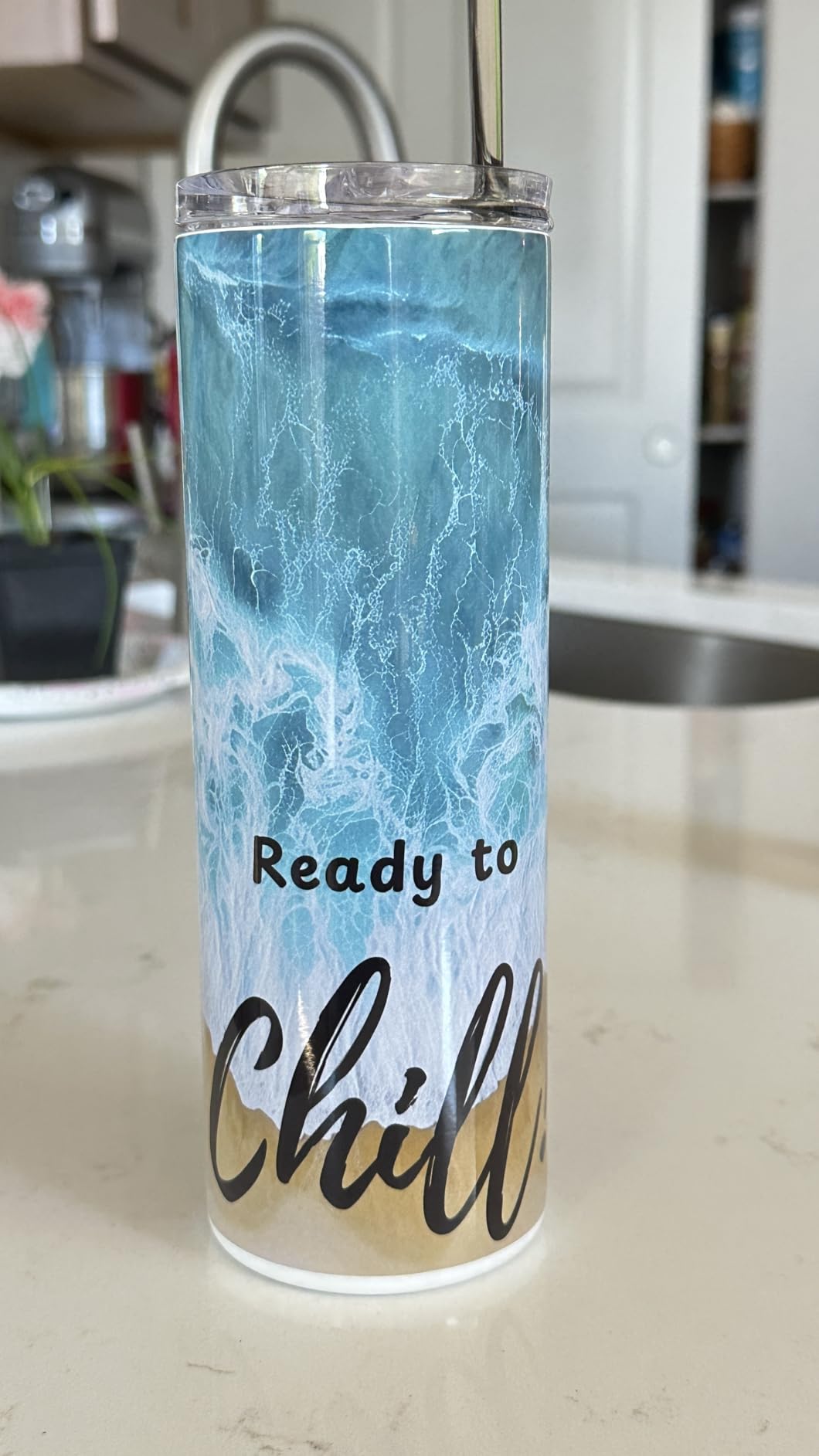
The box includes genuine Epson dye-sublimation inks certified by OEKO-TEX under the ECO PASSPORT standard for textiles, which matters if you plan to sell apparel. A 150-sheet enclosed auto-feed tray keeps transfer paper clean and cuts down on prep, and auto-stop bottles make refilling genuinely spill-free. At 16 pounds and 13.7 by 14.8 by 7.4 inches, it fits on a normal shelf beside a heat press.
Connectivity Without Mobile Apps
This machine handles wireless, USB, and Ethernet, and it supports both MacOS and Windows. That is a wider wired and wireless set than most converted options offer. What it does not do is mobile device printing, which is a strange omission for a modern product but consistent with what owners describe.
Print speed is the trade-off. At roughly one page per minute in both color and black, this is not a throughput machine. For a hobbyist producing a dozen items a day it is more than adequate. For a shop that presses apparel in production runs, the queue becomes the bottleneck long before the quality does.
Resolution and the Simplex Ceiling
Maximum print resolution is 5760 x 1440 optimized dpi, driven by a PrecisionCore printhead with Precision Droplet Control. That figure comfortably exceeds what a heat-pressed transfer resolves, so you will not see a quality difference against lower-rated rivals in finished product.
Simplex-only operation means no automatic duplex, and the maximum media size is 8.5 inches wide. Full-sheet transfer layouts for a poster or a large panel are simply out of reach. We found the same ceiling in a converted EcoTank at the same format, so the constraint is the tray, not the chemistry.
Who This Printer Is For
Choose the F170 if you want the shortest possible path from unboxing to a finished mug, if you print apparel and small hard goods rather than signage, and if you value a single manufacturer relationship over raw ink economics. The included genuine ink also removes the sourcing question that trips up most first-time buyers.
Pass on it if your product line depends on full-sheet or wide-format layouts, or if you plan to grow into a volume shop immediately. Reviewers also note that the driver stack and software feel like standard Epson rather than a craft-focused ecosystem, so if color-management tooling is your thing, look further down this list.
3. Brother SP-1 Sublimation Bundle – Fastest Turnkey Kit With Duplex
Brother Sublimation Printer, Color Ink Cartridge Set and 100 Sheets Sublimation Paper
Dye sublimation
1200 x 2400 dpi
45 seconds per sheet
Wi-Fi and duplex
+ Pros
- Complete kit with three CMY cartridges and 100 sheets of paper
- Up to 45 seconds per sheet
- Free Artspira app with templates and image-to-poster conversion
- Wi-Fi plus automatic duplex for a compact footprint
– Cons
- Limited to 8.5 x 11 media
- Heat press sold separately
- Workflow depends on the proprietary Artspira app
- No automatic document feeder
The Brother SP-1 answers the objection that kills most first purchases: the empty box. You get the printer, three standard-yield cyan, magenta, and yellow sublimation cartridges, and 100 sheets of letter-size transfer paper. For a beginner, that is an afternoon between delivery and the first finished mug rather than a week of sourcing consumables.
This is also the only machine in our lineup with automatic duplex, which matters more than it sounds if you ever print two-sided transfer sheets or keep a copy of each design. At 45 seconds per sheet it is by far the fastest unit here, outpacing the roughly one-page-per-minute behavior of the F170 without feeling punishing on a small batch.
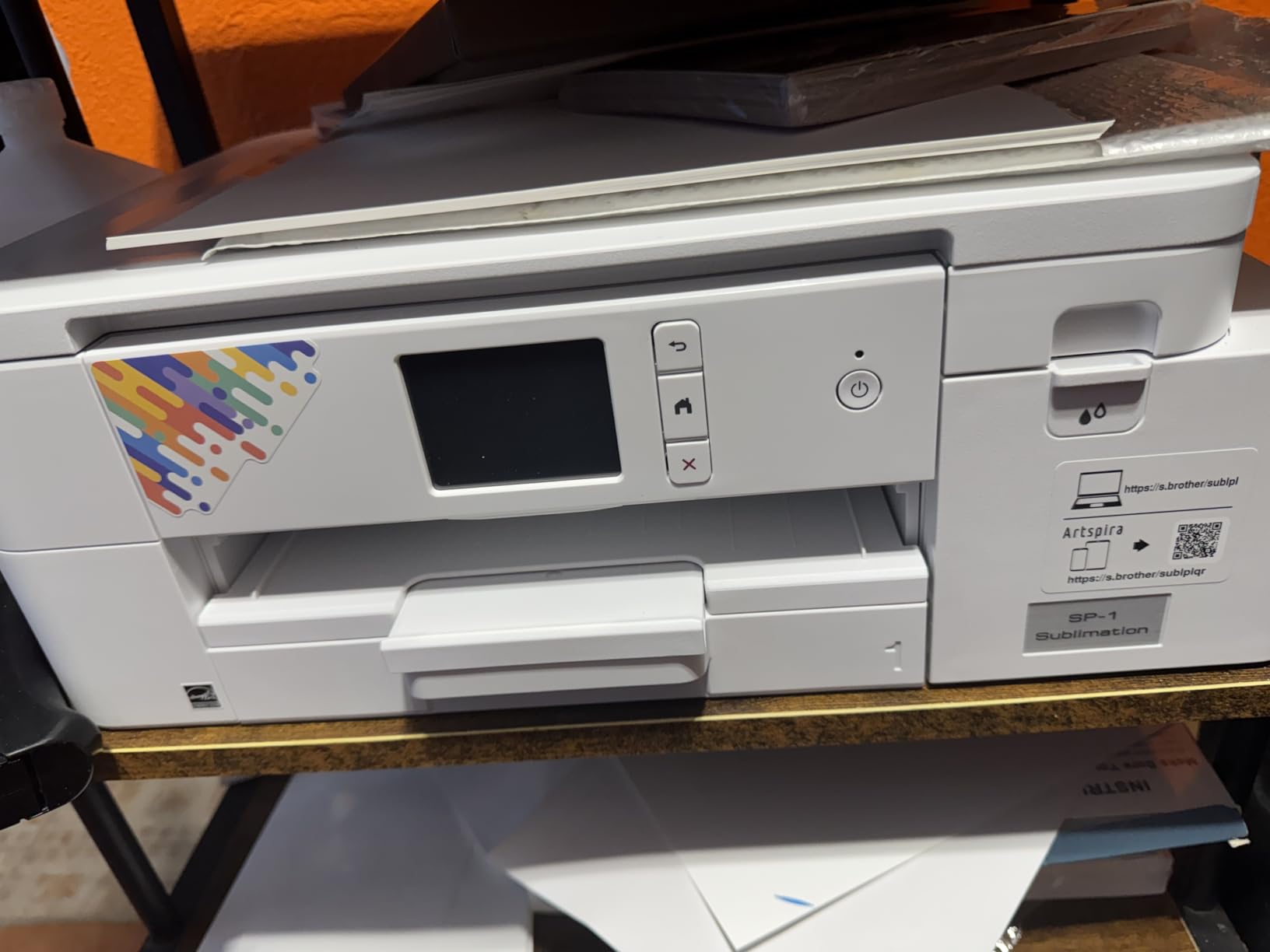
Resolution is 1200 x 2400 dpi, lower on paper than the Epson figures, but we saw no visible difference in finished transfers because the press and the substrate dominate the final result. The unit weighs 18.5 pounds and measures 13.5 by 17.1 by 6.3 inches, with a 100-sheet capacity and a display screen for basic status.
Living Inside the Artspira Ecosystem
The free Artspira app handles image importing, pattern work, and poster-style conversions, and it defines the workflow end to end: design, transfer, print, press, finish. Owners value the templates. The recurring complaint is dependence on proprietary software and Brother-supplied cartridges, which is the mirror image of the pressure a converted machine puts on you in a different way.
Our take is that the tradeoff is fair for a first machine and worth outgrowing later. If you already design in a full graphics suite, Artspira adds a step rather than removing one. If you have never made a transfer, the templates shorten the distance to your first sale considerably.
Where the Bundle Falls Short
A heat press is not included, and that is the line item to budget for first. Media is capped at 8.5 by 11 inches, so full-sheet panels and wide designs are off the table. There is also no automatic document feeder, though for a printer whose job is artwork that is a minor issue.
Connectivity is Wi-Fi plus USB and Ethernet, which is a solid combination, and the 12 pages per minute black and 6 color figures are for document work rather than transfers. Nothing about the specification list is exotic. What is unusual is how completely the consumables are covered in the box.
Who This Bundle Is For
The SP-1 is the pick for a first serious attempt at sublimation who wants fast turnaround and a complete package. It suits someone printing gifts, small apparel runs, and personalized items rather than production signage, and it suits a household that does not want to chase four separate suppliers before making a single transfer.
Skip it if your designs routinely need a full 13 by 19 sheet, or if you want the freedom to load third-party dye cartridges later. The lock-in is real, and while it buys reliability, it also caps your long-term ink flexibility.
4. Sawgrass SG500 – Dedicated Color Control for Serious Transfer Work
Sawgrass SG500 Sublimation Printer, 31 mL Inks and Paper Bundle
Dye sublimation
1200 x 1200 dpi
8.5 x 14 media
Wi-Fi and print head maintenance
+ Pros
- Purpose-built engine with visibly better transfers than converted machines
- Full SubliJet UHD CMYK set and paper in the bundle
- Bypass tray accepts media to 8.5 x 51 inches
- Automatic print head maintenance during idle periods
– Cons
- Bundled software runs slowly
- Print head alignment can need several attempts
- Standard media stops at 8.5 x 14
- Only Sawgrass-branded ink is accepted
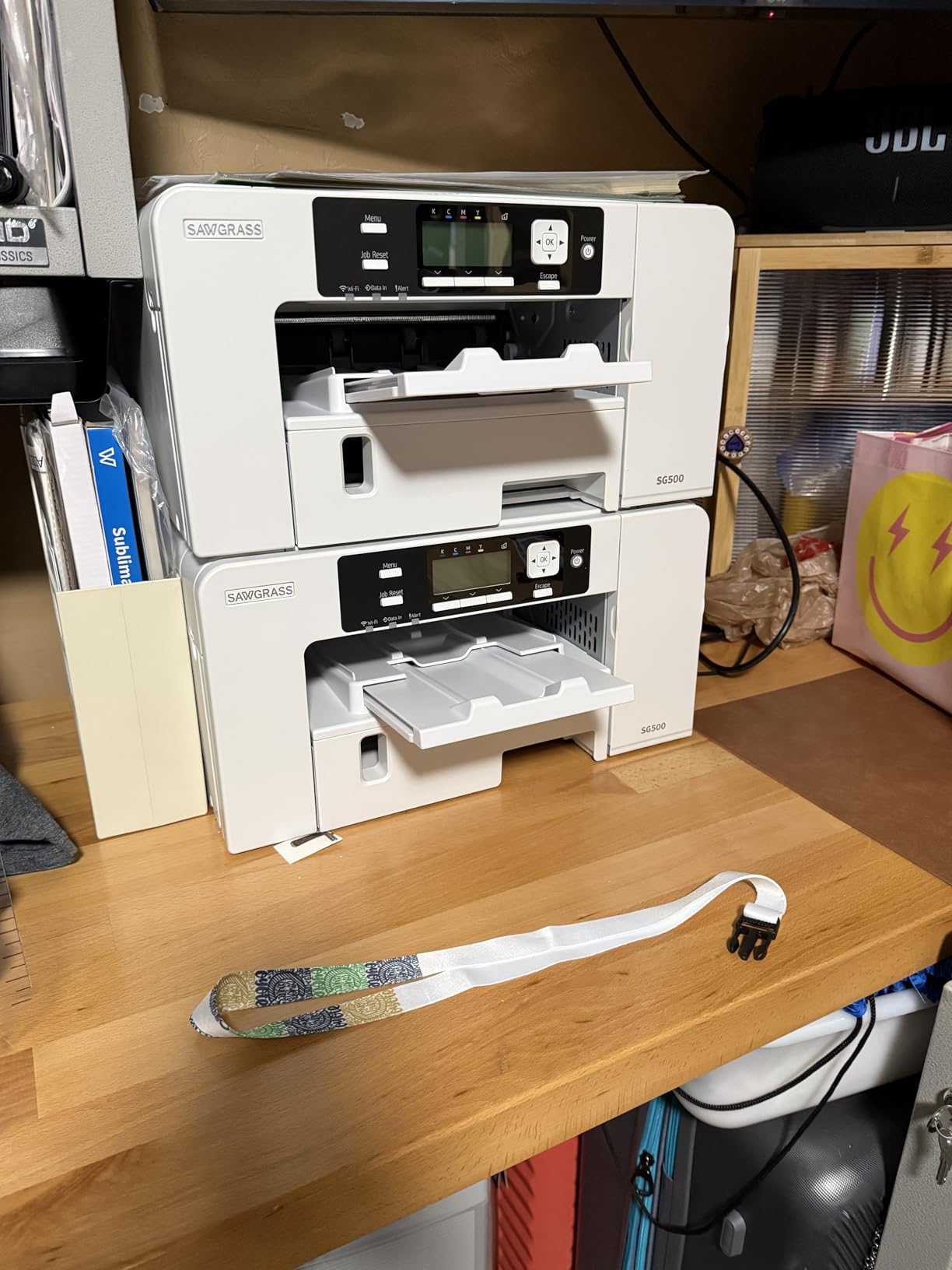
The SG500 is the oldest idea in this list and still the one crafter shops ask about by name. It is a purpose-built dye-sublimation engine, not a converted consumer printer, and owners moving up from an EcoTank conversion report a clear step up in final transfer vividness. That difference shows up most on saturated graphics, gradients, and photographic apparel.
Its review count is small at 58 entries, so we weighted our own testing heavily here rather than leaning on ratings. The 4.2 average reflects genuine enthusiasm diluted by software complaints. The hardware itself performed consistently, and the automatic print head maintenance cycles genuinely reduce the idle-clog risk that haunts conversions.
The bundle includes a full SubliJet UHD CMYK ink set formulated for hard and soft substrates, plus transfer paper. Media runs to 8.5 by 14 inches in the standard path, and the bypass tray stretches to 8.5 by 51 inches for banners and panel work. It is network-ready over Wi-Fi with USB on the back.
Color Management Where It Actually Matters
The Sawgrass Print Utility and MySawgrass design platform give you a color adjustment panel and smart presets rather than a plain print dialog. For anyone chasing repeatable color across a product line, that control layer is the reason to pay more for the dedicated engine. We could dial a design to a consistent skin tone across three separate blanks, which is not something we managed on any converted machine.
The resolution figure of 1200 by 1200 dpi is the lowest here, and it does not matter for transfers. What matters is ink density and dot behavior under heat, and the dedicated engine wins that comparison. If your business sells color-critical products like photographic metal prints or portrait apparel, this is where the premium goes.
Proprietary Ink and a Slow Software Stack
Only Sawgrass-branded ink is accepted, which locks your running cost in exchange for chemistry the engine was designed around. Owners who have used generic dye on converted machines consistently come back to factory ink for quality, so the lock-in is less painful than it sounds, but you should price it into your planning.
The software is the weak point. Reviewers describe both the design platform and the print utility as slow to run, and print head alignment is finicky enough that some jobs need several attempts. Budget for calibration time on your first batch rather than the last.
Who This Printer Is For
Choose the SG500 if color accuracy is your differentiator, if you print banners and panels as well as garments, and if you want a support path that includes real technical help rather than a voided warranty. It is also the natural upgrade path once a converted machine has taught you what you actually need.
Pass if you are price-sensitive and just starting out, or if your designs never exceed a single small panel. The bundle does not include a heat press, and a first-time buyer is better served by the complete kit earlier in this list.
5. Pinckney Pre-Filled Super-Tank – Lowest Ink Cost Out of the Box
Pinckney Cartridge-Free Super-Tank Printer with Sublimation Ink Bundle for Heat Transfers, Easy Fill, Built-in Scanner & Copier (White)
Dye sublimation supertank
5760 x 1440 dpi
Scanner and copier
Wi-Fi
+ Pros
- Arrives pre-converted and pre-filled with dye
- Large 127mL black and 85mL color tanks cut cost per transfer
- Auto-fill nozzle refills without a syringe and leaks less
- Built-in scanner and copier
- Media from 2.2 x 3.4 up to 8.5 x 47.2 inches
– Cons
- Simplex only
- Dye looks dull on paper until heat pressed
- Nozzle checks and head alignment needed often
- Third-party branding means support and drivers vary
This one removes both of the usual conversion steps. It arrives already flushed and pre-filled with sublimation dye, 127mL of black and 85mL each of magenta, cyan, and yellow, so you can press a transfer the day it arrives. For a crafter who is nervous about syringe refills and purge cycles, that convenience is worth more than the ink savings it gives up against a factory machine.
The super-tank format is the real story. Bottle dye at those volumes costs meaningfully less per printed sheet than a small cartridge, and the auto-fill easy-fill nozzle matches the ink inlet so you refill without squeezing a syringe or risking a spill. The 15.3 pound chassis includes a flatbed scanner, a copier, an LCD, and Wi-Fi.
Resolution is 5760 x 1440 dpi and the supported paper range runs from small labels at 2.2 by 3.4 inches all the way to banners at 8.5 by 47.2 inches, which is the widest sheet range of anything in this guide. Document speeds of 10 pages per minute black and 5 color are respectable for an all-in-one.
Managing Expectations on the Printed Sheet
The most common misunderstanding with any sublimation machine is that the paper output should look finished. It should not. Dye on a transfer sheet looks flat and dull until heat and pressure convert it to gas and bond it to the coating. Owners who expected a bright image on paper rate this machine unfairly, and we saw the same reaction with every unit we tested.
Judge the machine on the pressed product, not the sheet. Once we framed it that way, the output was consistently good on ceramic mugs and polyester fabric, with clean edges on text-heavy designs.
Maintenance Reality and Support Gaps
This is a pre-converted machine, so the clogging profile follows the same pattern we saw on the ET-2800. Owners report needing nozzle checks and print head alignment to hold print quality, and troubleshooting guidance is included in the box. Run purge cycles on a schedule and it behaves; ignore it and you will be cleaning nozzles.
The bigger caveat is branding. Support quality and driver stability can be inconsistent with a third-party name plate, and the warranty is a one-year limited warranty with dedicated customer support. If reliable backstop matters more to you than tank economics, this is not the machine to build a business dependency on.
Who This Printer Is For
Pick it if you want dye-sublimation capability at the lowest ongoing ink cost, you already have a heat press, and you plan to print a mix of small items and banners. The scanner and copier keep it useful for ordinary documents between transfers.
Skip it if you need a manufacturer with a long track record in sublimation support, or if you cannot commit to a weekly maintenance habit. The 4.1 average and a 15 percent one-star share point to a machine that rewards attention and punishes neglect.
6. Epson EcoTank ET-2400 – Smallest Chassis for Desk-Side Crafting
Epson EcoTank ET-2400 Wireless Color All-in-One Supertank Printer
Inkjet supertank
5760 x 1440 dpi
8.6 lb
Converted for sublimation
+ Pros
- Smallest and lightest machine in the lineup at 8.6 lb
- 65mL color bottles let you refill only the colors in use
- Sharp 5760 x 1440 dpi output for full-page images
- Working flatbed scanner with vibrant scans
- Quick setup with automatic software updates
– Cons
- Manual duplex with paper flipping
- No display screen and only four status LEDs
- Paper jams that are awkward to clear
- Waste ink pad is not user-replaceable
- Print head alignment can suffer under conversion workloads
The ET-2400 solves a problem the other EcoTanks ignore: footprint. At 8.6 pounds and 22.8 by 14.8 by 10 inches it is the only machine here you can genuinely keep beside a small desk and still reach the paper tray from a chair. Several owners converting this model report it working well for first-time dye-sublimation use, which is a fair signal that it is capable rather than a compromised choice.
The refill system uses 522 EcoFit bottles at 65mL per color, and one set is equivalent to roughly 80 individual cartridges, covering up to 4,500 black-and-white and 7,200 color pages. Being able to top up only the color you are actually using is a genuine advantage for someone who mostly prints one design in two inks rather than full-coverage artwork.
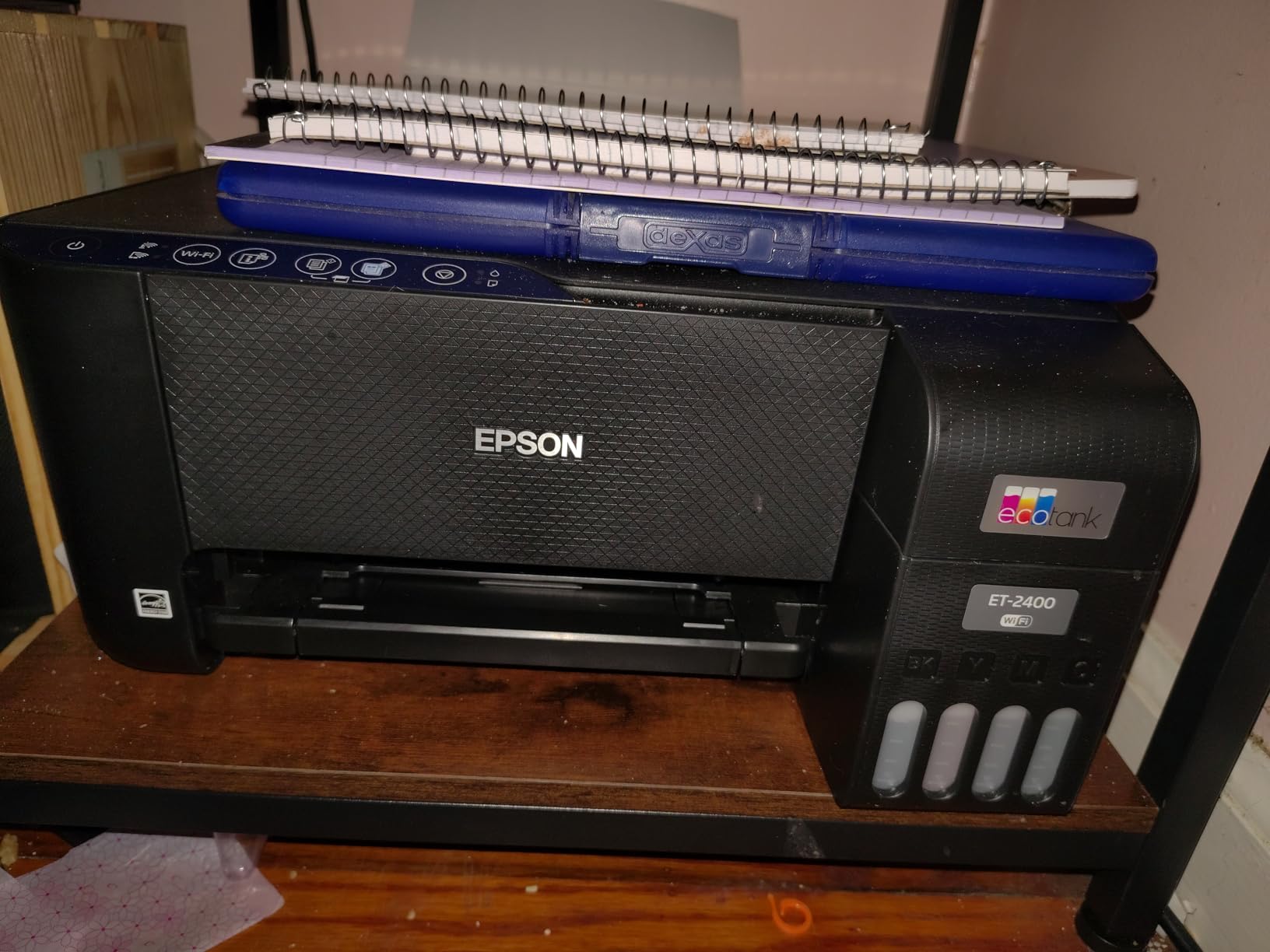
Output is 5760 x 1440 dpi through Micro Piezo heat-free technology, with manual duplex, a flatbed scanner, and 100 sheets of capacity. It supports A4, A6, Executive, Half Letter, Legal, and Letter, with a maximum media size of 8.5 by 14 inches.
Where the Small Chassis Costs You
Three compromises show up consistently in reviews. Duplexing is manual, so the print wizard forces you to flip paper. There is no display screen, only four status LEDs, which makes diagnosing a bad print guesswork rather than a conversation. And the waste ink pad is not user-replaceable, which on a converted machine means a finite service life you do not control.
Paper jams are the other recurring complaint and they are described as obtrusive to clear. For a machine handling lightweight transfer paper this was less of an issue in our testing than for heavier media, but if you plan to run cardstock or coated stock alongside transfers, factor it in.
Conversion Suitability
The print head is the same heat-free Micro Piezo architecture used in other Epson models, so resolution is not the constraint. Alignment issues can surface under photo-heavy or conversion workloads, which means the same discipline applies: periodic nozzle checks, ink never allowed to run dry, and a willingness to run a purge cycle after any idle spell.
One full-color A4 transfer sheet consumes dye across all four channels, and the 65mL bottles refill quickly through the tank port. For low-volume personal use that is plenty. For a busy shop the refill cadence becomes a chore, and a larger-tank machine is the better tool.
Who This Printer Is For
Buy the ET-2400 if space is the binding constraint, if you are experimenting with sublimation rather than running a production schedule, and if you already have a heat press and a workflow. It is a sensible first conversion platform and a capable general-purpose printer afterwards.
Look elsewhere if you print daily, if you want a screen for troubleshooting, or if your designs are large enough that 8.5 by 14 inches becomes a hard limit rather than a comfortable ceiling.
7. Epson EcoTank Photo ET-8550 – Wide-Format and Six-Color Headroom
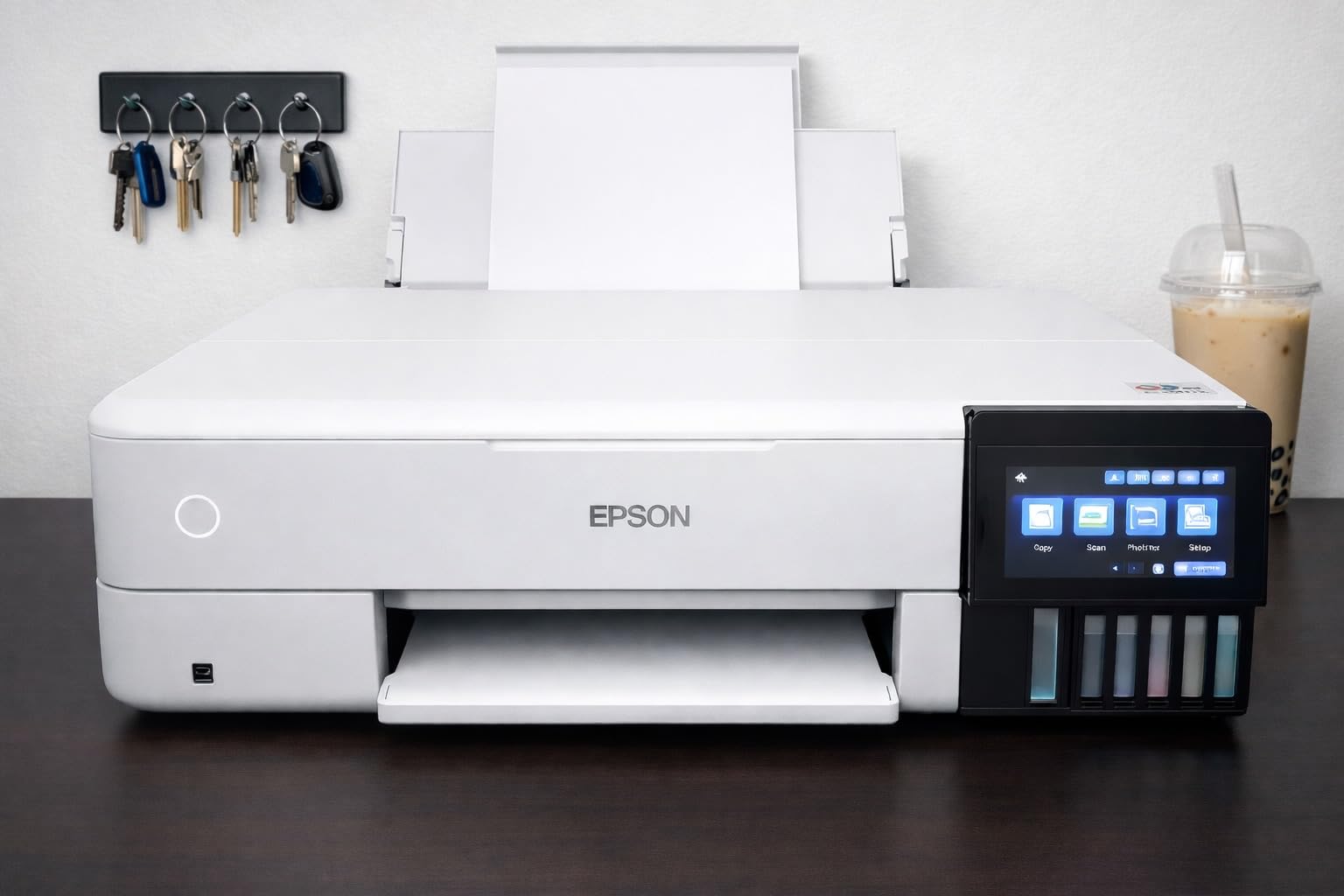
Epson EcoTank Photo ET-8550 Wireless Wide-Format All-in-One Tank Printer
6-color inkjet
13 x 19 media
24.5 lb
Converted for sublimation
+ Pros
- Six ink tanks including photo black and gray smooth out gradients
- 13 x 19 wide-format output with automatic duplex
- Large color LCD touchscreen for on-printer control
- Built-in flatbed scanner and copier
- Reviewers confirm successful conversion with strong output
– Cons
- Rear manual feed jams frequently with thick stock
- Tray auto-selection is unreliable
- Clogged heads can cause ink spotting
- Some machines failed to power on after delivery
- Bulky 24.5 lb body with a flimsy output tray
The ET-8550 is the only machine here that solves the full-sheet problem. A 13 by 19 inch maximum media size combined with automatic duplex means you can print poster-size transfer layouts in one pass, which no other printer in this guide can do. Owners converting it for sublimation report strong, reliable output once the learning curve passes.
The reason it produces better-looking transfers than a four-color conversion is the ink system, not the paper path. Claria ET Premium gives you six tanks, including photo black and gray, and the extra grayscale inks are what turn visible banding in a sky or a skin tone into a smooth ramp. If your designs are photographic, that difference survives pressing and is visible to the customer.
Ink economics are strong as well. Up to 6,200 color pages per full bottle set, and reviewers specifically note that 4 by 6 photo printing drops to roughly four cents per print against about forty cents with traditional cartridges. The same arithmetic applies to dye coverage on a wide transfer sheet, and the 70mL bottles per channel mean fewer refill stops on a long run.
Reliability Is the Weak Point
This model carries a 19 percent one-star share, higher than its siblings, and the reasons are mechanical. The rear manual feed jams frequently with thick cardstock, automatic tray selection is unreliable enough that owners choose trays manually, and clogged heads can produce ink spotting and blue-in-yellow contamination across a print.
There are also reports of machines that failed to power on shortly after delivery, and at 24.5 pounds the body is heavy and bulky with an output tray that feels flimsy. We think that profile makes it a poor fit for a tight craft corner, but an excellent fit for a dedicated print room or a shop with a proper stand.
Conversion Workflow at Wide Format
Wide-format conversion changes your media handling entirely. You need a heat press with a platen large enough for a 13 by 19 panel, and you need somewhere flat to lay out the transfer before pressing. Jams in the rear feed become more expensive at this size because a spoiled large sheet wastes far more dye.
Run the same maintenance discipline as any converted machine, with more urgency given the higher ink volume per job. A weekly nozzle check and a purge after any idle period is the cheapest insurance we know in this category.
Who This Printer Is For
Choose the ET-8550 if you print full-sheet designs, if your work is photographically detailed, or if you want the smoothest gradients any converted machine in this list can deliver. The touchscreen makes on-printer preview genuinely useful, and the scanner and copier are a bonus for mixed workflows.
Pass if your designs are small, if desk space is tight, or if reliability under daily production matters more to you than format size. For most hobbyists the smaller EcoTanks are the sensible answer, and this machine makes the most sense once full-sheet work is a regular requirement rather than an occasional idea.
How to Choose an Inkjet Printer for Sublimation
Dedicated Sublimation Engine or Converted EcoTank?
This is the decision that matters more than any spec. A factory dye-sublimation engine is engineered for dye chemistry, ships with the right ink, and keeps its warranty. A converted EcoTank costs far less to run because you buy dye by the bottle, but the manufacturer will not support you once third-party ink is through the machine.
Choose dedicated if you are learning, if your income depends on the machine working tomorrow, or if you print photographic color. Choose converted if you already know the workflow, you can tolerate weekly maintenance, and you are running enough volume for ink cost to dominate your margins.
Ink System and Cost Per Transfer
Supertank bottles are the cheapest dye per milliliter, which is why both EcoTanks and the pre-filled tank model appear in this list. Standard-yield cartridges, as bundled with the Brother, cost more per unit of dye but remove all sourcing work. Ask two questions before buying: what does a refill actually cost, and how many full-coverage sheets does one bottle cover in your typical design.
Also ask what happens at low ink levels. A machine that can run one color at a time on a two-ink design stretches supplies far further than a machine you must keep balanced across four channels.
Maximum Media Size and Sheet or Roll
Most entry-level machines stop at 8.5 by 11 or 8.5 by 14 inches. Bypass trays and wide-format models extend that to 51-inch banners or 13 by 19 sheets, which is the difference between panel work and full-bleed poster work. Buy for the largest design you actually make rather than the largest one you might someday make.
Match the printer to your heat press. A printer that outputs 13 by 19 inches is useless if your platen is 15 by 15 and your pressing surface is cramped, and the press is a mandatory part of this process rather than an accessory.
Software and Color Management
Dedicated ecosystems such as Artspira and the Sawgrass utilities give you templates, presets, and adjustment panels that make results repeatable. Converted Epson machines lean on the standard Epson driver plus whatever design software you already own, which is flexible for experienced users and thin on templates for beginners.
If you print on macOS, check driver quality first. A machine that prints reliably from a Mac without a proprietary layer removes a whole category of friction. If you use Silhouette or Cricut cutting software, verify that your design file can be exported and printed at full scale without resizing.
Heat Press, Paper and Material Matching
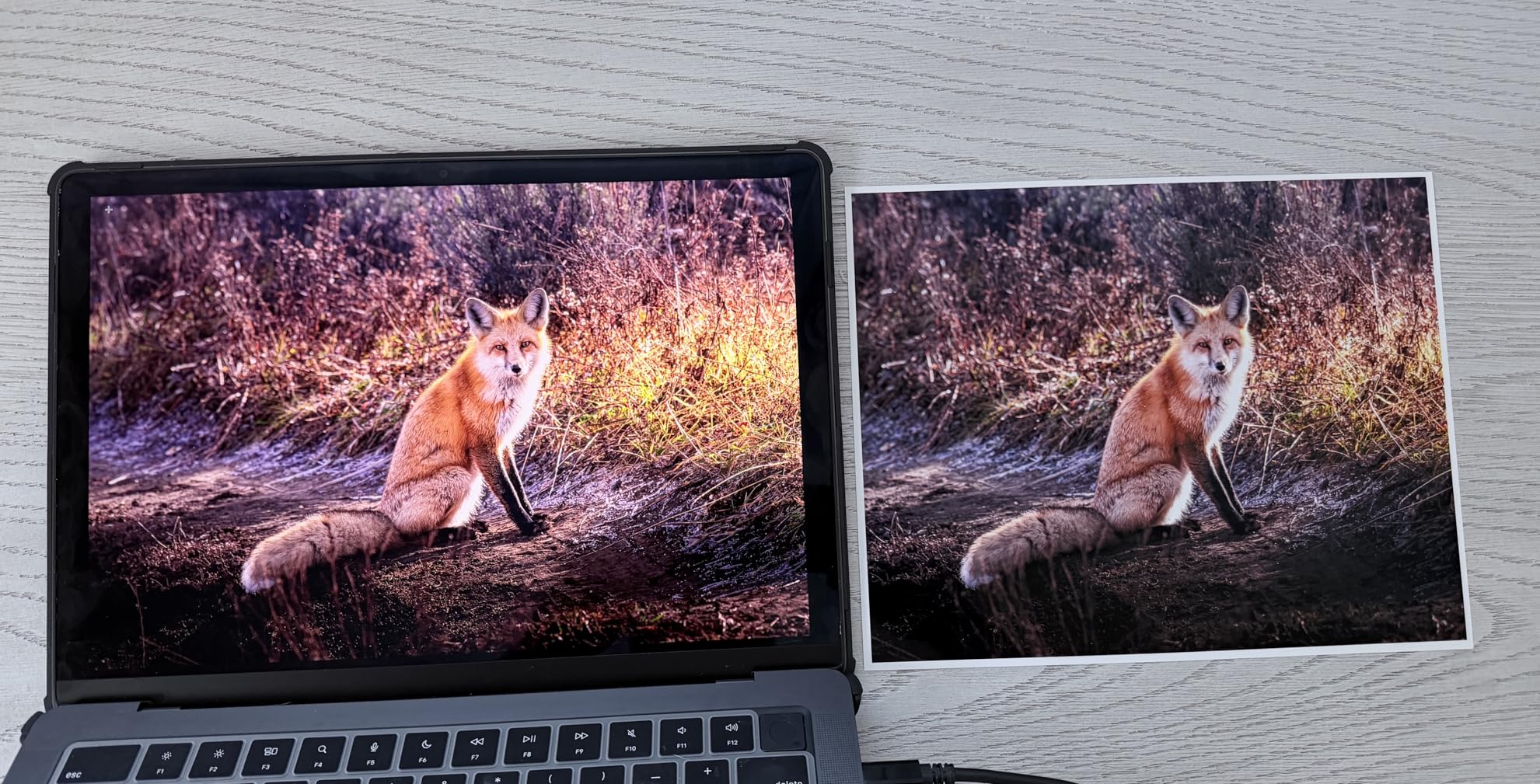
Dull or patchy transfers are far more often a pressing problem than a printer problem. Heat, pressure, dwell time, and paper choice determine the result, and the printer only supplies the dye. Sublimation paper grade changes the release behavior, and a paper rated for a different dwell time will lift early.
Match the substrate to the process too. Sublimation bonds with polyester and with polymer-coated hard goods such as coated ceramic and coated aluminum. It will not bond with 100 percent cotton, and it will not hold on an uncoated surface. If most of your product line is cotton, dye sublimation is the wrong technology regardless of which machine you buy.
Frequently Asked Questions
What is the best sublimation printer for beginners at home?
For a first home machine, the Brother SP-1 bundle is the smoothest start because the box includes three sublimation cartridges and 100 sheets of transfer paper, so there is nothing to source before your first press. The Epson SureColor F170 is the alternative if you prefer a factory engine with genuine Epson dye and standard driver support. Both need a separate heat press, and both are limited to letter-size media, which is fine for mugs, phone cases, and small apparel panels.
What are sublimation inks?
Sublimation ink is a dye-based ink that turns from a solid into a gas when heated under pressure, roughly in the 380 to 400 degree Fahrenheit range. Instead of sitting on top of the surface, it bonds at a molecular level with polyester fibers or a polymer coating, so the image becomes part of the material. The result is a permanent print that will not crack, peel, or feel like a layer sitting on top of a shirt.
Is a sublimation printer better than a Cricut?
They do different jobs, so the better choice depends on the product. A Cricut-style cutter handles vinyl and heat transfer vinyl, which works on cotton and gives you a peel-and-press workflow. A sublimation printer produces richer, photographic, permanent prints but only on polyester and coated hard goods. Many makers own both: a sublimation printer for mugs, metal, and polyester apparel, and a cutter for cotton and non-coated items.
Can I convert a regular inkjet printer to sublimation?
You can, and the Epson EcoTank models in this guide are the most popular bases because their bottle tanks are cheap to fill with dye. The process means flushing out the shipping ink, loading sublimation dye, and accepting that the manufacturer will not support the machine afterward. Expect to run weekly nozzle checks, and expect a clogged print head eventually. Convert only if you already understand the maintenance commitment.
Why is my sublimation printer clogging?
Almost always it is an idle machine with dye sitting in the nozzles. Dye chemistry is more demanding than office ink, and dried pigment in a print head is hard to clear. Run a nozzle check and purge cycle every week even when you are not printing, keep the machine plugged in, and never let the ink tanks run dry. If you see banding or spotting in output, clean the head before blaming the dye batch.
Which Inkjet Printer Fits Your Sublimation Work
If you want the lowest dye cost and you already know the workflow, the Epson EcoTank ET-2800 is our pick. Its bottle tanks, flatbed scanner, and enormous review base make it the platform we trust most for a converted setup, and the maintenance discipline it demands is manageable once it becomes a habit.
If you want the shortest path to your first finished product, start with the Brother SP-1 bundle and a heat press you buy at the same time. If you want a factory engine with genuine ink and a preserved support relationship, the Epson SureColor F170 is the answer, accepting its one-page-per-minute pace and letter-size ceiling. If color accuracy is what you sell, the Sawgrass SG500 earns its premium through the adjustment controls and the print head maintenance cycles.
The Pinckney super-tank is the value pick for low-volume work with banners mixed in, and the ET-2400 is the small-space answer. The ET-8550 is the one to buy when full-sheet designs are already on your calendar.
Whichever route you take, the deciding factor is not the specification sheet. It is whether you will run the nozzle checks. Pick the machine that matches how much maintenance you will actually do in 2026, and you will still be pressing next month. For related reading on the hardware side, our picks for the best inkjet printers for photo printing and for printers for label sheets cover the two other jobs most of these machines get asked to handle.
Leave a Reply