
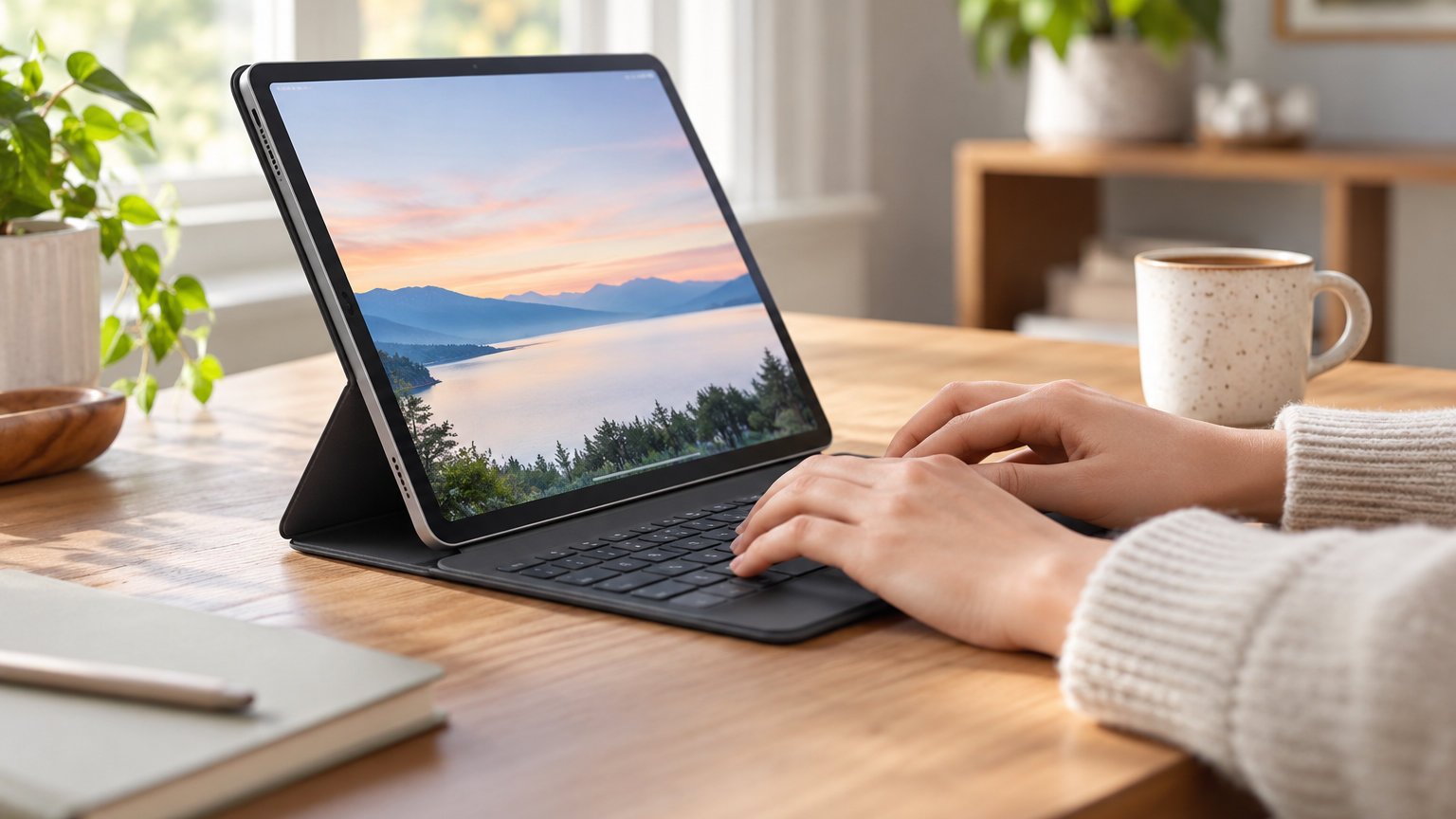
If you’re hunting for iPad keyboard case deals during Amazon’s Prime Big Deal Days (October 6-7, 2026), the Hamile Keyboard Case is the pick to watch first. It pairs a multi-gesture trackpad, a 7-color backlit keyboard, and a 230+ hour battery life that puts most folio cases to shame. For shoppers who want a true laptop replacement, the typecase Touch 360 swings through seven use modes on a 360 degree hinge, and the Logitech Combo Touch uses Apple’s Smart Connector so you never charge a keyboard again.
Below are 10 iPad keyboard case options worth comparing during the sale, from budget folio builds to Apple’s own Magic Keyboard Pro for iPad Pro M4 and M5. Each pick covers a different need: durability, battery life, lap use, trackpad feel, or pure value. Most need a Prime membership to unlock the sale price, and the offers tend to change through the event, so it pays to compare early.
Our Top 3 Picks for iPad Keyboard Case Deals


iPad Keyboard Case Deals Compared (2026)
| Product | Details | Action |
|---|---|---|
|
|
Check Deal Price |
|
|
Check Deal Price |
|
|
Check Deal Price |
 |
|
Check Deal Price |
 |
|
Check Deal Price |
 |
|
Check Deal Price |
 |
|
Check Deal Price |
 |
|
Check Deal Price |
 |
|
Check Deal Price |
 |
|
Check Deal Price |
How We Chose
We pulled every spec, owner rating, and review count from the live product listings and lined the picks up against the iPad models people actually buy today: the 10th gen, the A16 11th gen, iPad Air 11-inch (M2, M3, M4), and iPad Pro 11-inch and 13-inch (M4, M5). Each case was checked for connection type, trackpad support, backlighting, battery life, and ruggedness. The data was confirmed in October 2026 for this sale article.
1. Hamile Keyboard Case: Editor’s Choice
Hamile for iPad A16 11th 10th Generation Case with Keyboard – Wireless
Battery: 230+ hours
Trackpad: multi-gesture
Backlit: 7-color
Connection: BT
+ Pros
- Long 230+ hour battery life
- 7-color backlit keyboard with 3 brightness levels
- Magnetic detachable keyboard design
- Compatible with A16 and 10th gen iPad
– Cons
- Bluetooth can need re-pairing
- Pencil holder design is basic
The Hamile case is the kind of pick that quietly wins a sale: a 4.5-star average across 11k+ reviews, a 420mAh battery rated for 230+ hours of use, and a multi-gesture trackpad that actually responds to iPadOS swipes. Owners report a full week of heavy writing between charges, and the magnetic keyboard pulls free when you want to read or sketch without the rest of the case in the way.
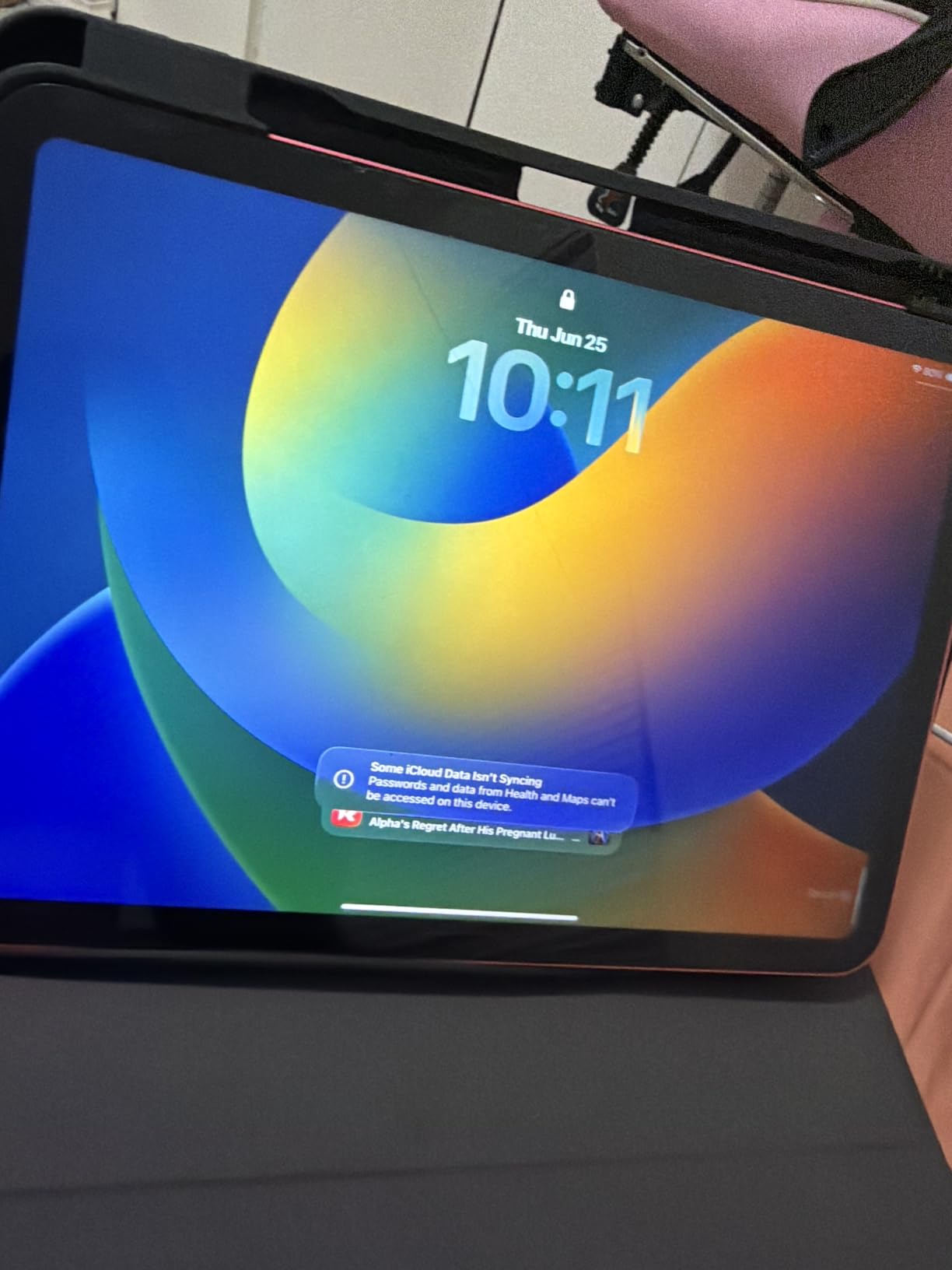
Best for: shoppers who want one case that does everything well without the Apple tax. Skip it if you want Smart Connector convenience; the Hamile runs on Bluetooth and needs an occasional re-pair. Compared with the Harvopu Folio Case, the Hamile delivers a noticeably longer battery and more user reviews, but the Harvopu adds a sturdier-feeling TPU interior if you need extra drop cushioning.
Good to know: at 1.06 inches thick with the keyboard attached, this case is bulkier than the Logitech Combo Touch, so it travels heavier in a backpack. Owners do mention the keys feel closer to a laptop scissor switch than to a flat folio keyboard, which makes it a solid choice for writers on the iPad 10th gen or A16 11-inch.
2. Harvopu Folio Case: Budget Pick
Harvopu for iPad A16 11th/10th Generation Case with Keyboard, Folio Cover
Keyboard: magnetic detachable
Trackpad: multi-gesture
Backlit: 7 RGB
Connection: BT
+ Pros
- Magnetically detachable keyboard
- 7-color RGB backlit with 3 brightness levels
- Multi-gesture trackpad
- 420mAh battery with long standby
– Cons
- Pencil sold separately
- Model number must match before buying
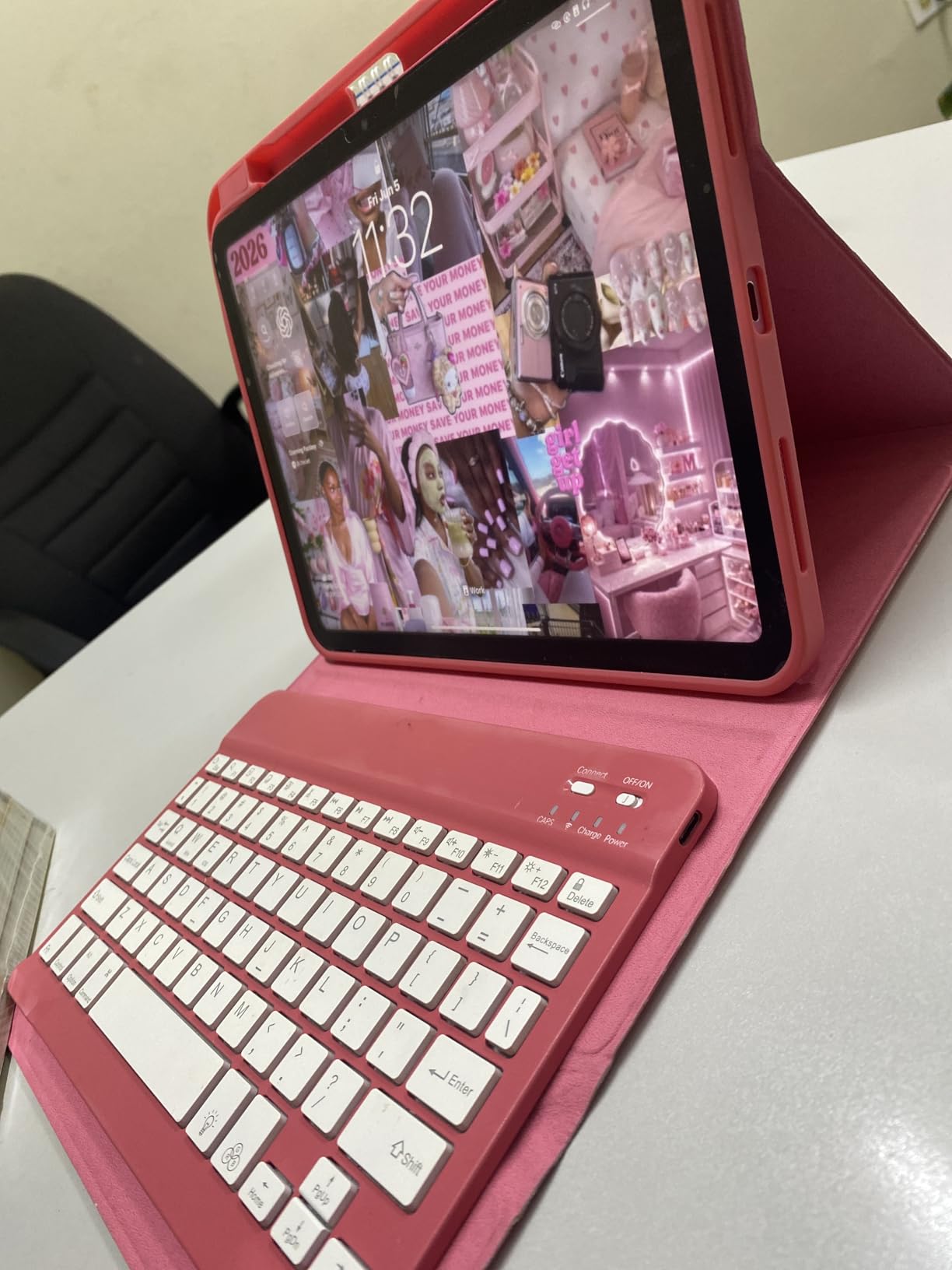
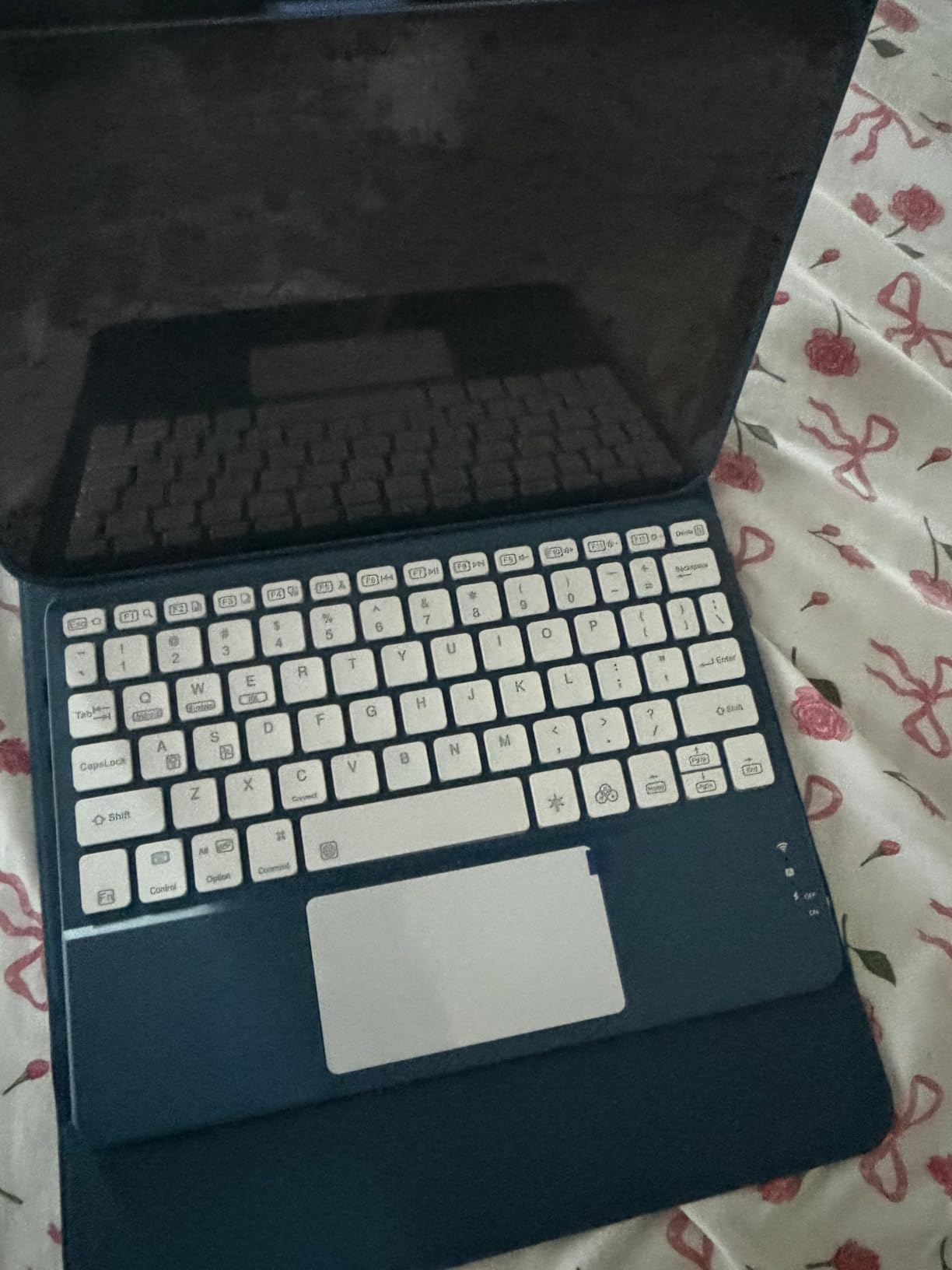
Harvopu packs the same core experience as cases two or three times the price: a magnetically detachable keyboard, a multi-finger trackpad, and a 7-color RGB backlight with three brightness levels. At 4.3 stars across 6,777 reviews, it is one of the most-trusted budget picks for the iPad 10th gen and A16 11-inch in the same model-number family.
Owners say the stain-resistant PU exterior and heat-dissipating TPU interior hold up well after months of daily use, and the three anti-slip grooves give you a usable range of viewing angles. The main caveat is compatibility: this case fits model numbers A2696, A2757, A2777 (10th gen) and A3354, A3355, A3356 (A16 11-inch), so check the back of your iPad before you commit.
Compared with the Hamile Keyboard Case, the Harvopu is slightly heavier and trades some battery endurance for a more textured outer shell. If you mainly type at a desk and don’t need the longest battery in this list, the Harvopu is a clean way to save on a sale that’s already cutting prices.
3. typecase Touch 360: Best Value
typecase Touch iPad A16 11th/10th Gen Case with Keyboard, 360° Rotating
Hinge: 360 rotating
Trackpad: multi-touch
Backlit: 11-color
Weight: 650 g
+ Pros
- 360 degree rotating hinge with 7 use modes
- Multi-touch trackpad for gestures
- 11-color RGB backlit keys
- Battery lasts over a week of regular use
– Cons
- Trackpad needs a physical press
- 650g is heavier than folio picks
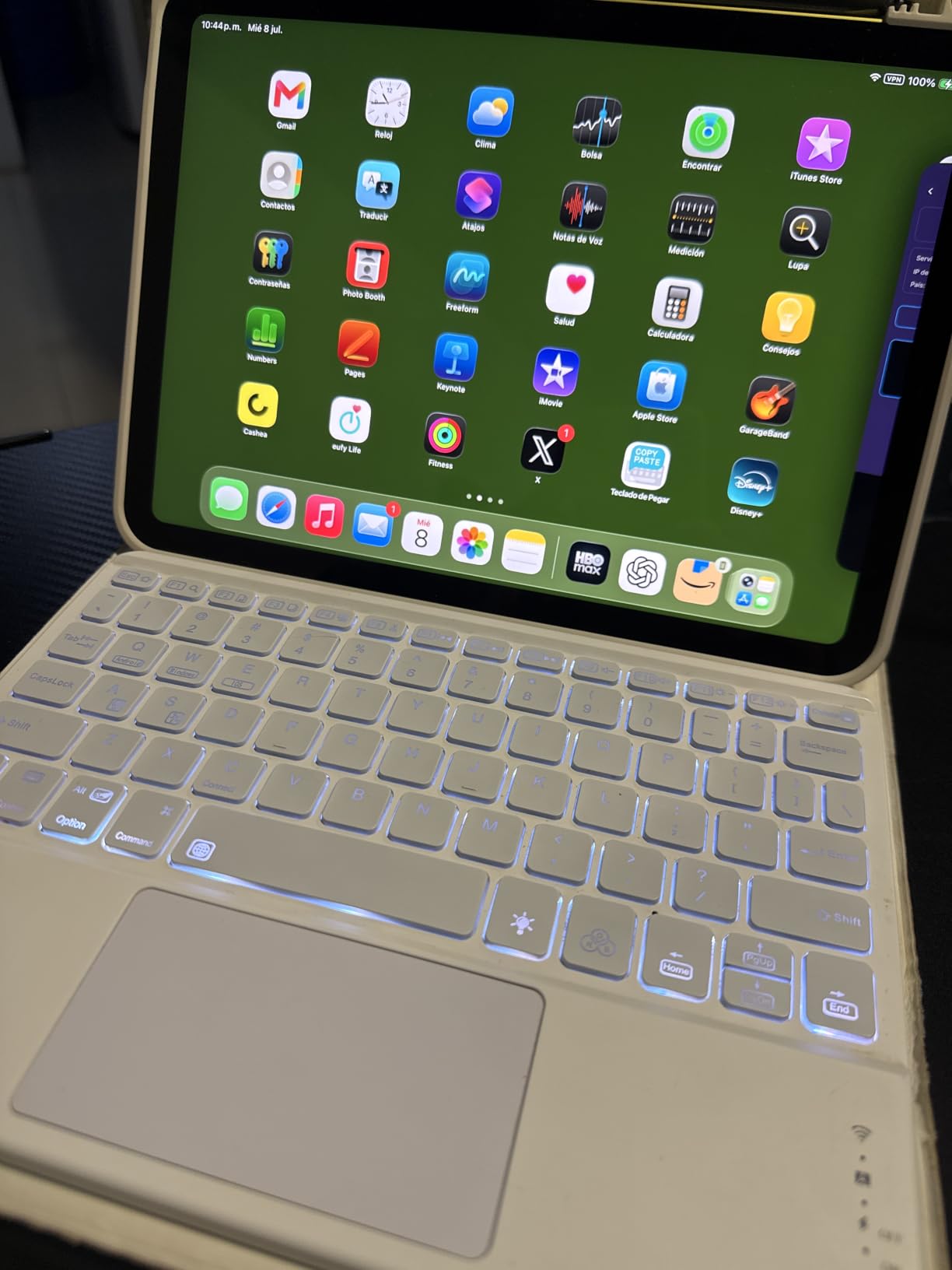
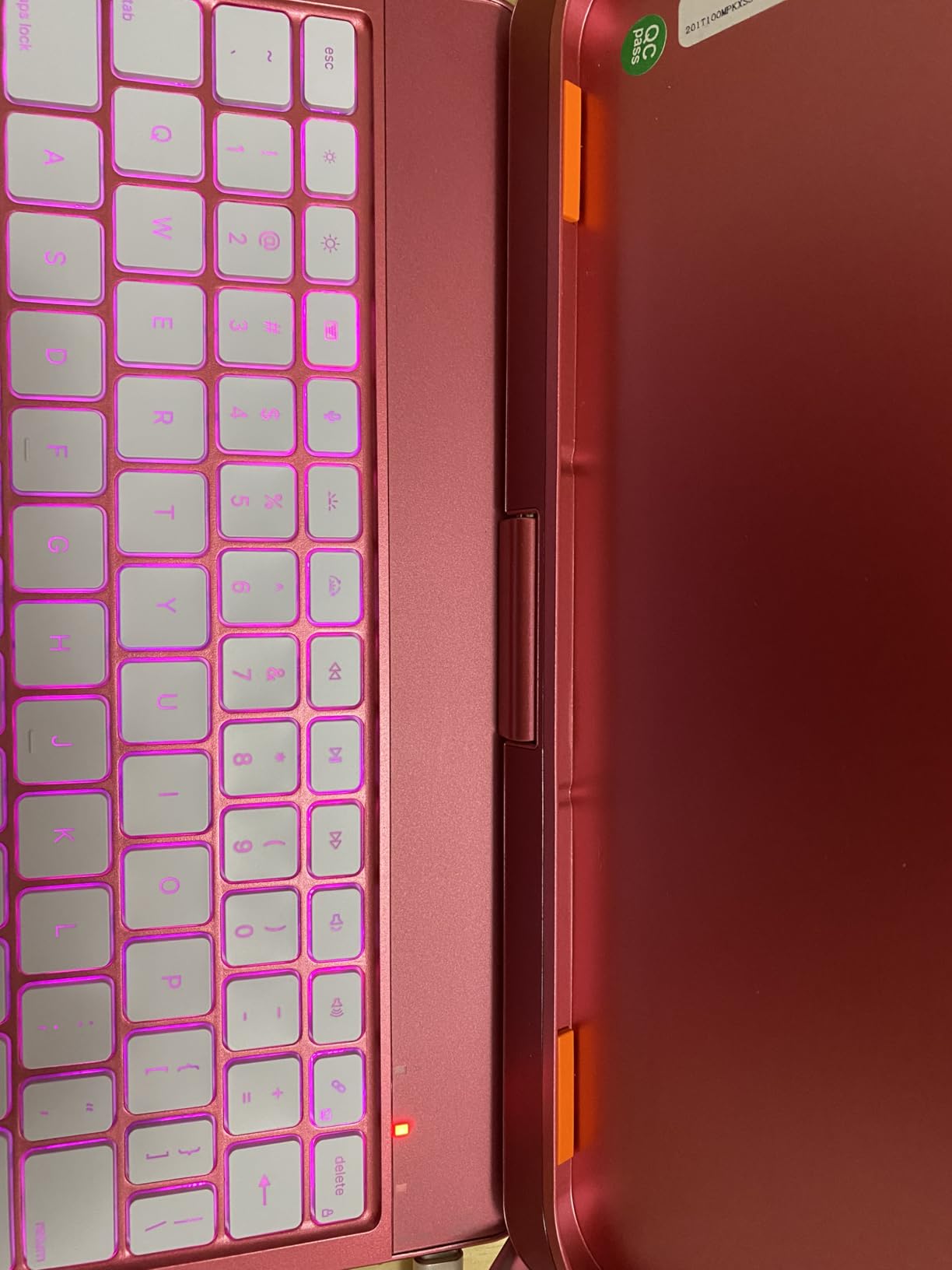
If you want a keyboard case that does more than fold, the typecase Touch 360 uses a patented 360-degree hinge to switch between seven distinct use modes, including tent and stand modes for watching video. The 78-key layout gives you a real function row, and the 11-color RGB backlight is one of the more colorful setups in this list.
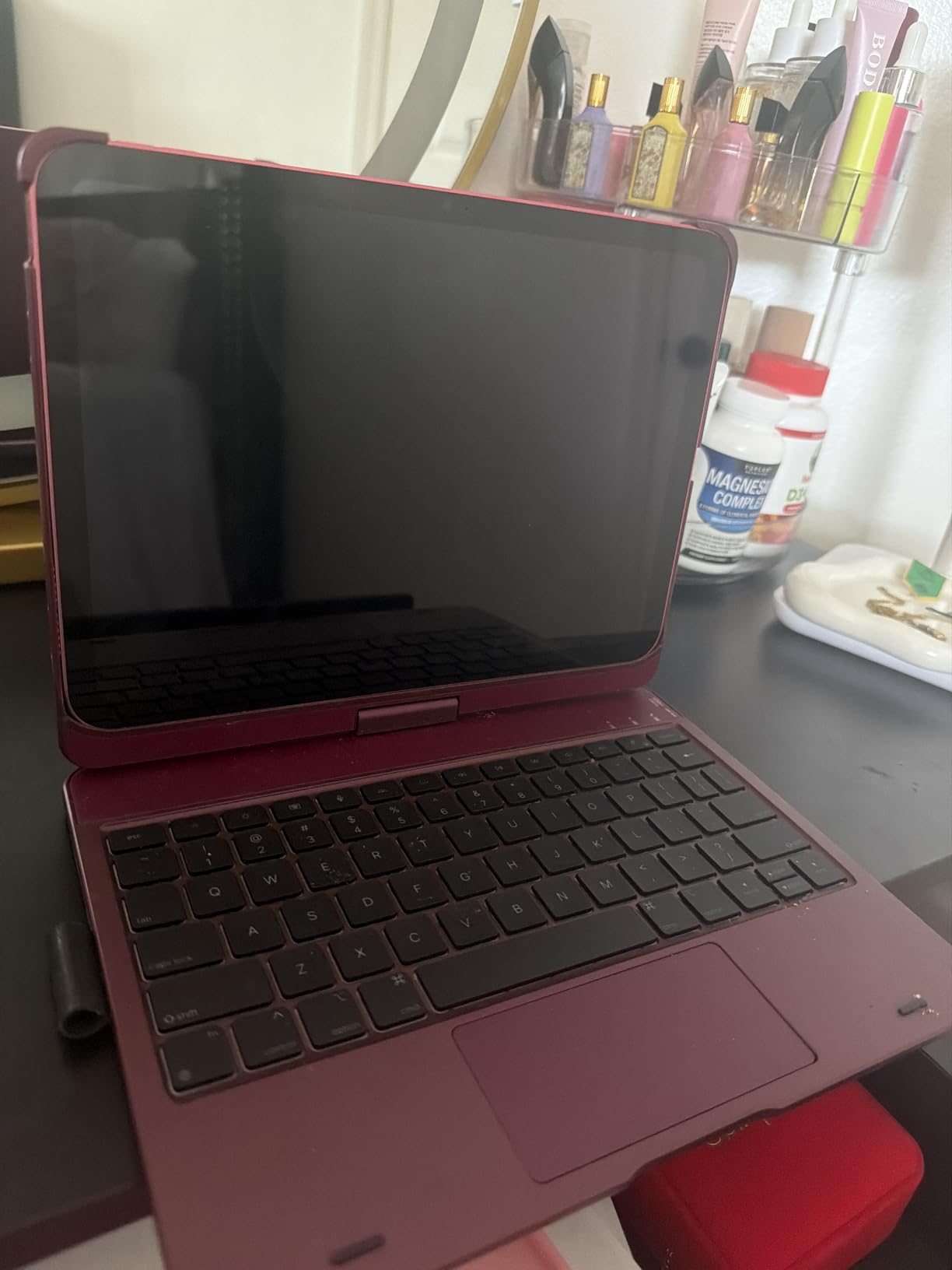
Owners mention the hinge feels strong and stays in place, even after months of daily rotation. Battery life is a real strength: reviewers say it holds a charge for over a week with regular typing, and auto sleep/wake helps stretch it further. The trade-off is weight at 650 grams, which is heavier than the Hamile or Harvopu but lighter than the ZAGG Rugged Book.
Versus the Logitech Combo Touch, the typecase is the budget alternative for people who like mode-switching and don’t mind a Bluetooth pairing. The Logitech is the better laptop-replacement pick because Smart Connector means no charging; the typecase is the better pick if you want to flip the iPad around and share the screen.
4. Logitech Combo Touch: Best for Laptop Replacement
Logitech Combo Touch, Detachable iPad Keyboard Case 10th gen – Oxford Gray
Connection: Smart Connector
Trackpad: precision
Backlit: yes
Modes: 4
+ Pros
- Smart Connector powers keyboard from iPad
- Premium woven fabric finish
- Detachable keyboard for flexible modes
- Backlit keys with iPadOS shortcut row
– Cons
- No tap-to-click on trackpad
- Pencil loop feels like an afterthought
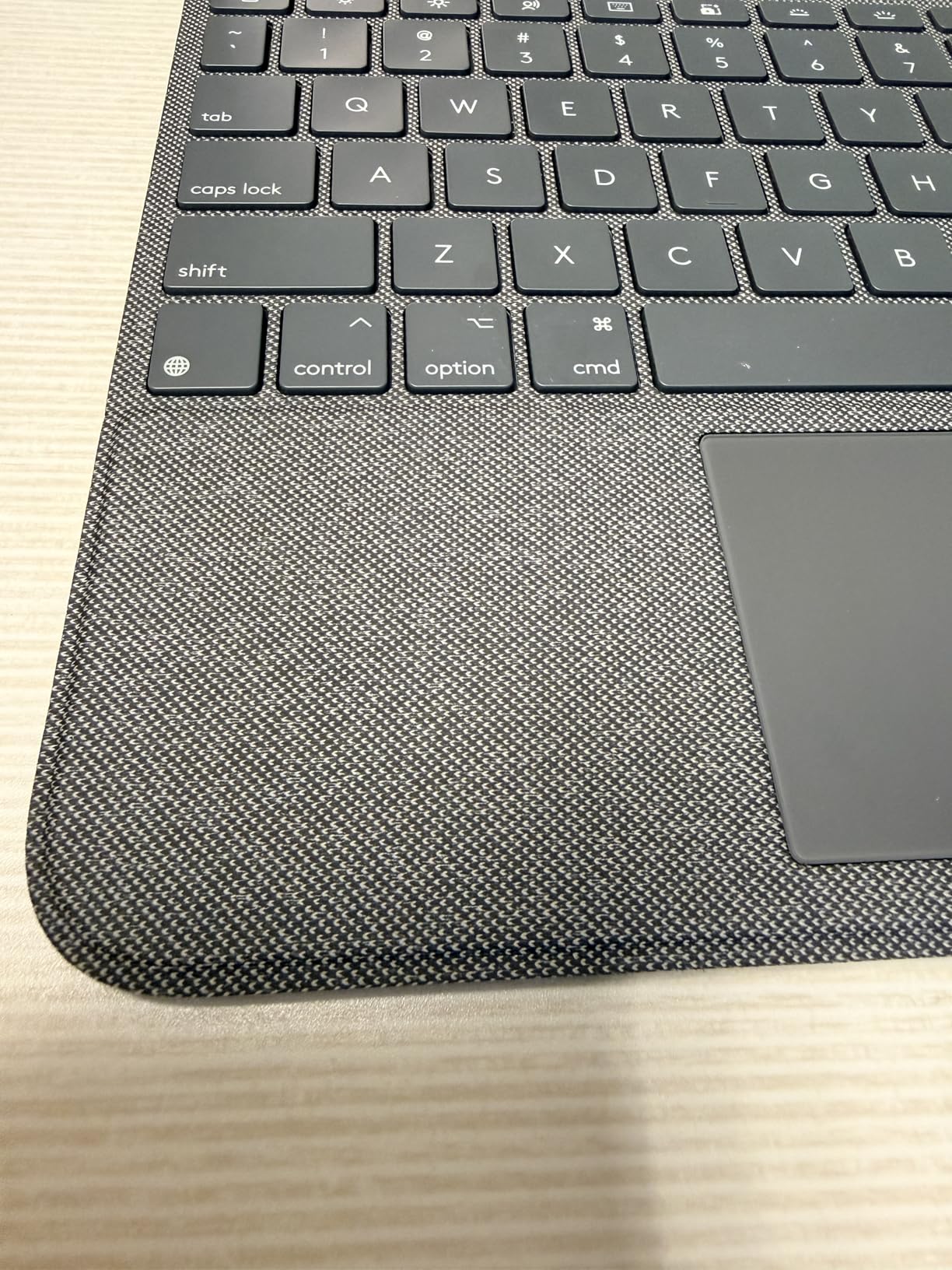
For shoppers who want a real laptop replacement, the Logitech Combo Touch uses Apple’s Smart Connector to draw power straight from the iPad, so there is no battery to charge and no Bluetooth pairing to maintain. Owners love the four-mode design (Type, Read, Sketch, View) and the backlit keys with iPadOS shortcuts including Screenshot and Dictation.
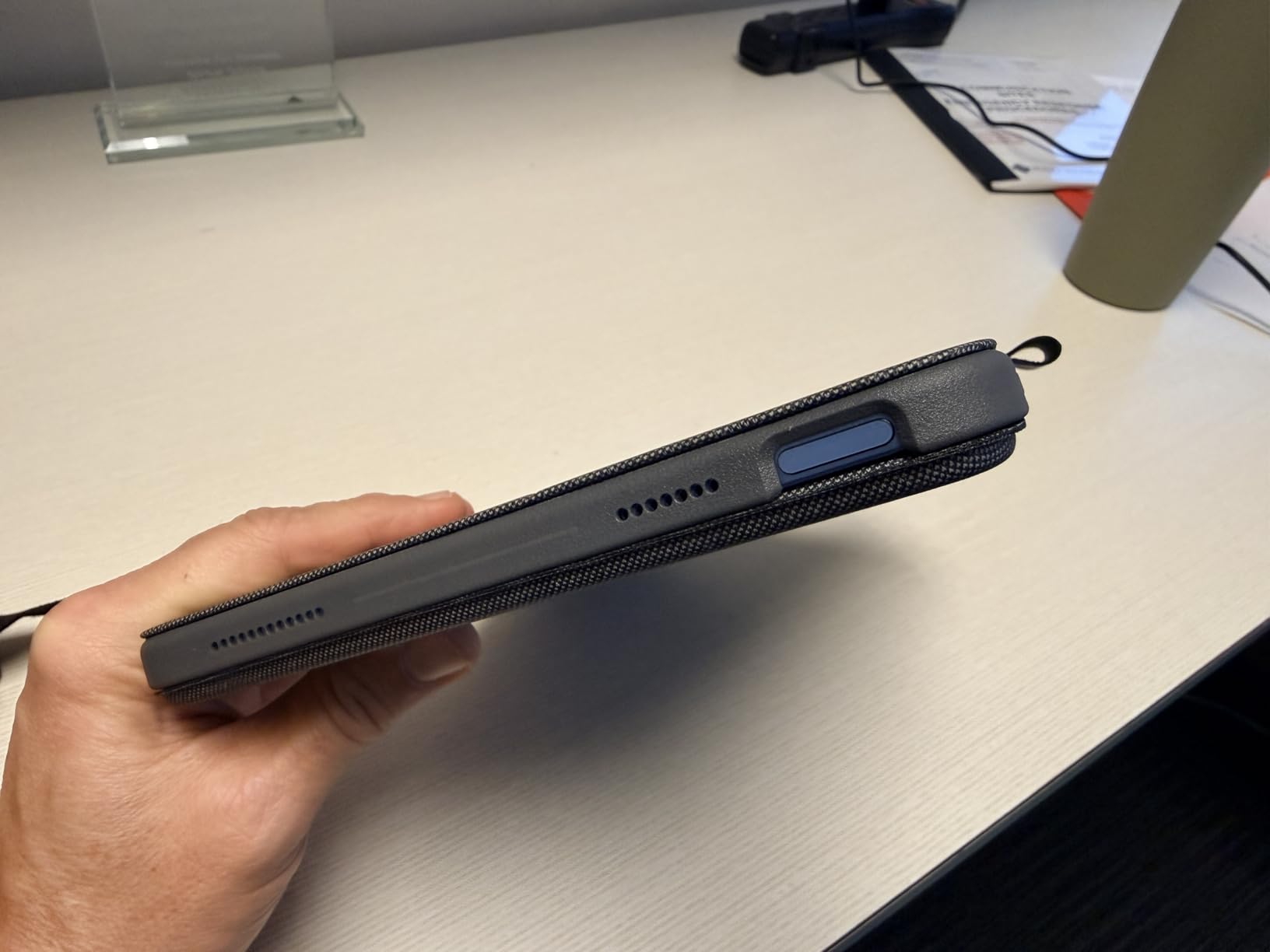
The 50-degree kickstand tilt is a sweet spot for desk and lap use, and the woven fabric finish feels more premium than a plain PU folio. At 572 grams, the Combo Touch is lighter than the typecase 360, and the detachable keyboard lets you keep the case on the iPad while you read or stream.
Skip it if you need tap-to-click on the trackpad; this one still needs a physical press. The Apple Magic Keyboard Folio is the closest same-vibe alternative, but it sits at a higher tier and lacks the Combo Touch’s rugged edge protection.
5. ZAGG Rugged Book: Best for Durability
ZAGG Rugged Book iPad 11″ (A16)/ 10.9″ (Gen 10) Keyboard Case
Drop rating: 6.6 ft
Keyboard: detachable BT
Backlit: 7-color
Pencil: holder
+ Pros
- Military-grade drop protection up to 6.6 ft
- 7-color backlit keyboard
- Detachable wireless keyboard
- Apple Pencil holder built in
– Cons
- Heaviest case on this list
- Tight fit when inserting the iPad
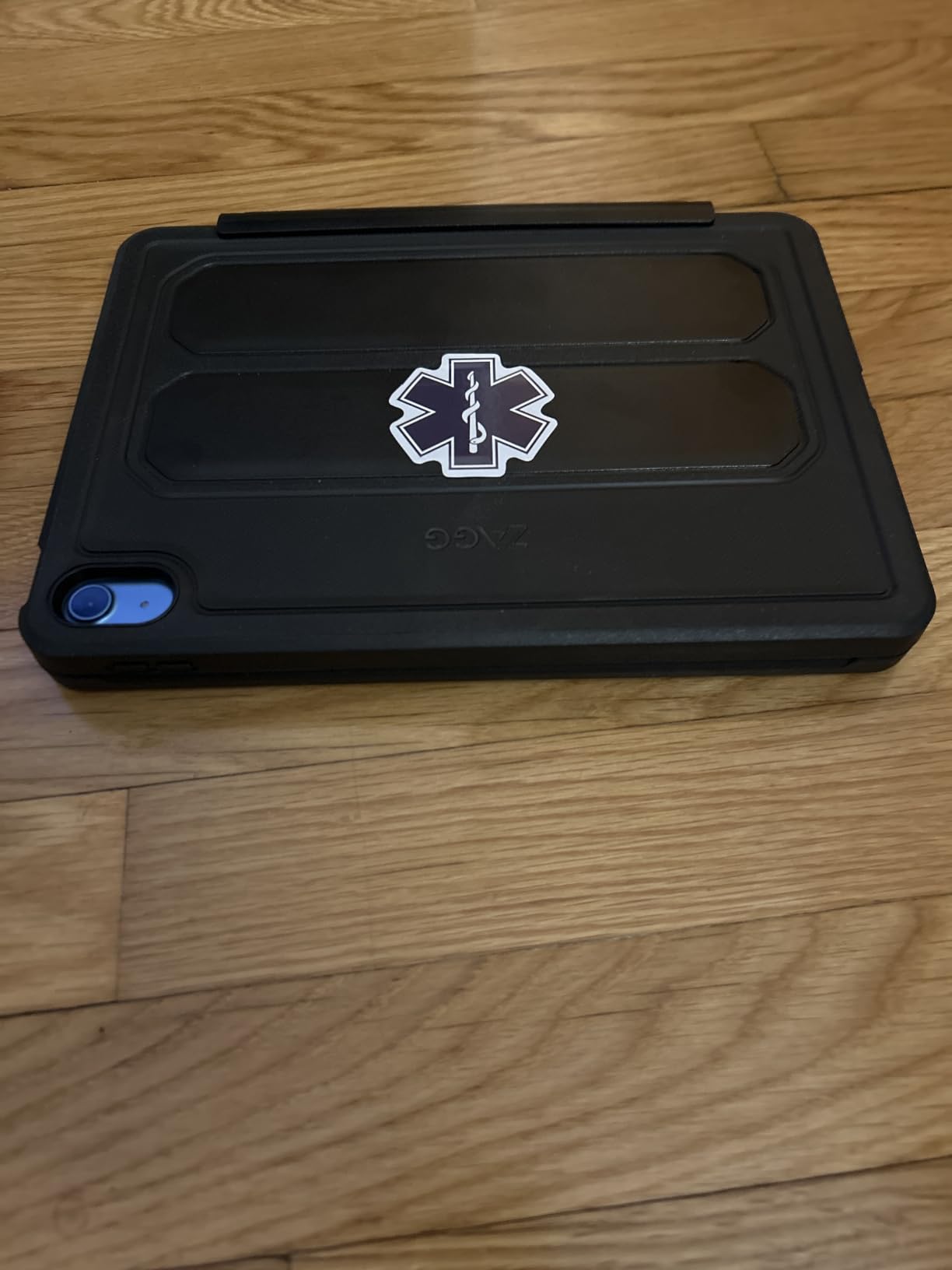
If you actually drop your iPad, the ZAGG Rugged Book is the only case in this roundup with a tested 6.6-foot drop rating, the same kind of MIL-STD certification you see on rugged laptops. The case is wrapped in rubber edges and a hard shell, and the keyboard is detachable so you can keep the iPad in the case alone when you don’t need keys.
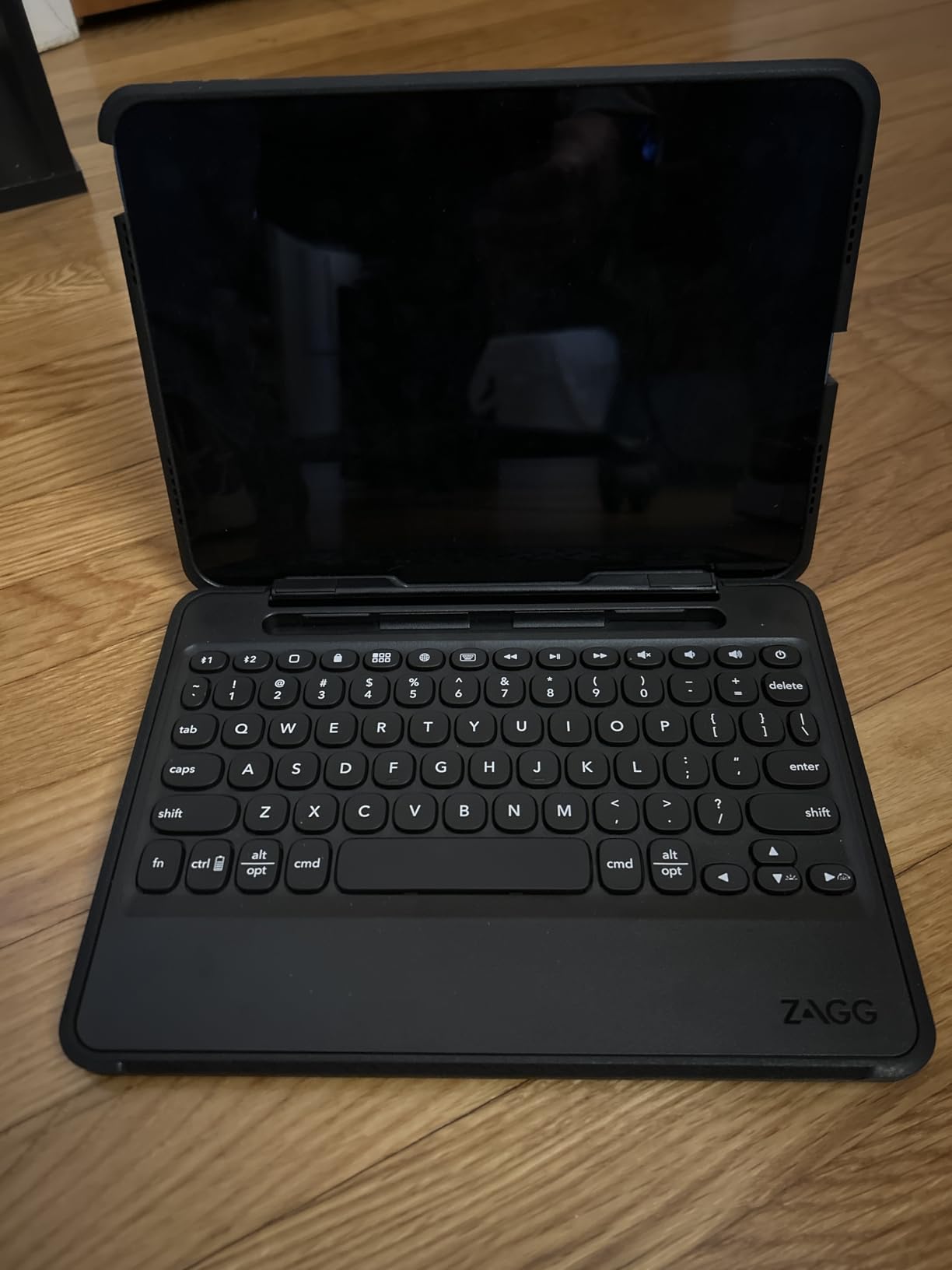
At 2.5 pounds, this is the heaviest option here by a wide margin, so it is not a daily-travel keyboard case. Owners mention the tight fit makes inserting the iPad a small effort the first few times, but the trade-off is the kind of protection that survives a backpack full of gear.
Compared with the Hamile Keyboard Case, the ZAGG gives up some portability for real drop insurance. Pick the ZAGG if you commute with kids, work in the field, or just hate babying your devices.
6. Apple Magic Keyboard Folio: Best for Apple Fans
Apple Magic Keyboard Folio: iPad Keyboard and case for iPad (A16 and 10th Generation), Detachable Two-Piece Design that attaches magnetically, Built-in trackpad, US English – White
Design: 2-piece detachable
Trackpad: click-anywhere
Function row: 14 keys
Connection: magnetic
+ Pros
- Magnetic attachment works instantly
- Detachable keyboard plus protective back panel
- Large click-anywhere trackpad
- 14-key function row
– Cons
- White finish shows dirt
- Back panel can pop loose
- No Pencil holder or charger
The Apple Magic Keyboard Folio is the more affordable Apple option for the iPad 10th gen and A16, designed as a two-piece set: a keyboard that snaps on magnetically and a separate back panel with a kickstand. The instant magnetic connection means no pairing dance, and the click-anywhere trackpad supports the full Multi-Touch gesture set in iPadOS.
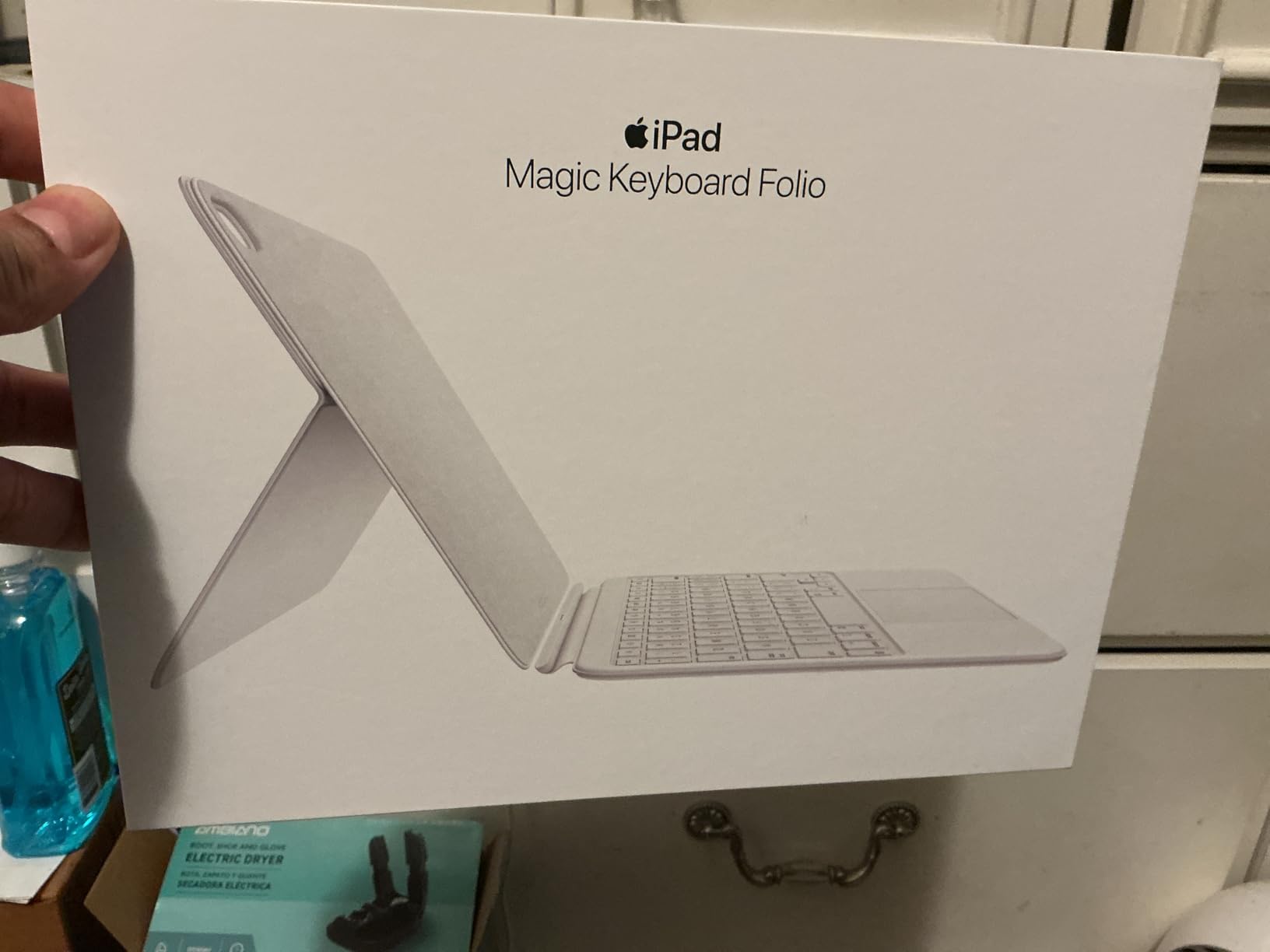
Owners like the 14-key function row for volume, brightness, and media controls, and the slim profile is the thinnest of any Apple-branded keyboard option in this roundup. The honest complaints are practical: the white finish picks up dye from jeans, and the back panel can unclip when you open the case wide.
Versus the Logitech Combo Touch, this is the cleaner Apple-native experience with a better trackpad feel. It is the right call if you live in iPadOS and don’t need extra drop protection.
7. runelk Magic-Style Keyboard: Best Battery Life
runelk Keyboard Case for iPad 10th Generation 2022 & 11th (A16, 2025) – Magic-Style Keyboard with Multi-Touch Trackpad – Floating Cantilever Stand – Magnetic Case for iPad 10.9 inch 10th / 11th Gen.
Battery: 3 months daily
Stand: floating cantilever
Trackpad: multi-touch
Keys: 64
+ Pros
- 750mAh battery rated for 3 months daily
- Strong magnetic hold on the iPad
- Floating cantilever stand
- Full iPadOS shortcut row
– Cons
- No backlit keys
- Tilt range is more limited than Apple's
The runelk is the budget Magic Keyboard dupe for shoppers who care most about battery life. The 750mAh cell is rated for three months of daily use or two weeks of nightly use, which means you can basically stop thinking about charging the keyboard.
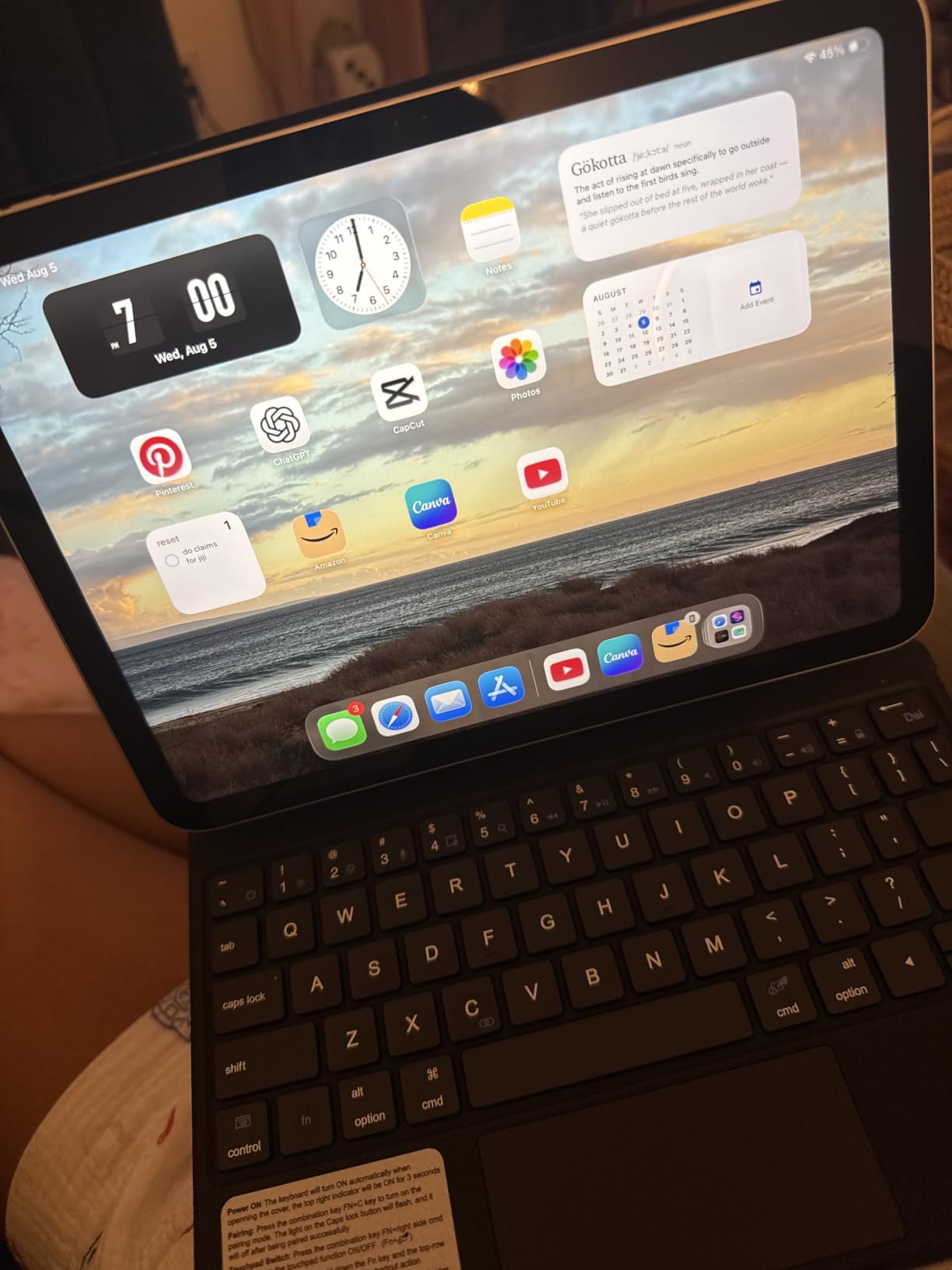
The floating cantilever stand mimics the Apple Magic Keyboard’s look without the Apple price, and the 64-key layout includes a full shortcut row. The magnetic hold is firm enough that owners report no slippage on a tilted lap, and the synthetic vegan leather case feels nicer than a plain plastic shell.
Skip it if you type in dim rooms; there is no backlight on this model. The Hamile Keyboard Case is the better pick for backlit typing, but the runelk wins for anyone who forgets to plug things in.
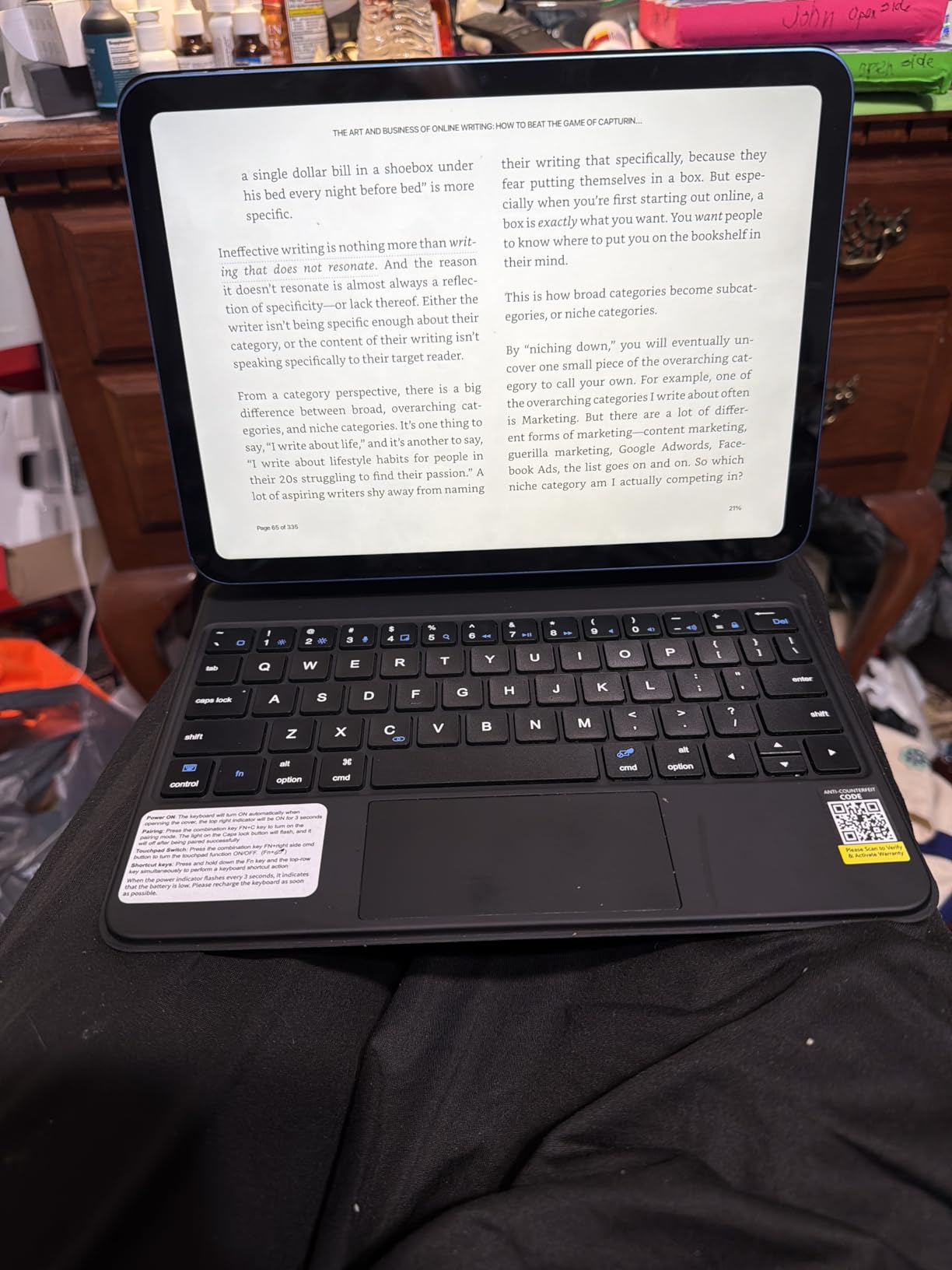
8. CHESONA iPad Air Case: Best for Multi-Device Pairing
CHESONA for iPad Air 11 Inch (M4/M3/M2)&Air 4th/5th Case with Keyboard
Channels: dual Bluetooth
Trackpad: multi-touch
Backlit: 7-color
Keys: 78
+ Pros
- Dual Bluetooth channels for two devices
- 7-color backlit keyboard
- Multi-touch trackpad with gestures
- Compatible with iPad Air 11-inch M2 to M4
– Cons
- Trackpad needs a hard press
- Pencil holder doesn't charge Apple Pencil
CHESONA is one of the few cases in this roundup built for the iPad Air 11-inch line, covering the M2 (2024), M3 (2025), and M4 (2026) generations as well as the older iPad Air 5th and 4th gen. The standout feature is the dual Bluetooth channels: you can connect the keyboard to your iPad and a second device at the same time and switch with a key combo.
For shoppers who bounce between an iPad Air and a work laptop, the dual-channel design is more useful than a flashy spec on paper. The 7-color backlight has three brightness levels, and the multi-touch trackpad handles iPadOS gestures cleanly. Owners do mention the trackpad needs a firmer press than a MacBook, and the Apple Pencil holder does not charge the Pencil.
Good to know: the case fits the 11-inch Air but not the 13-inch Air, so check the model number on the back of your iPad before the sale ends.
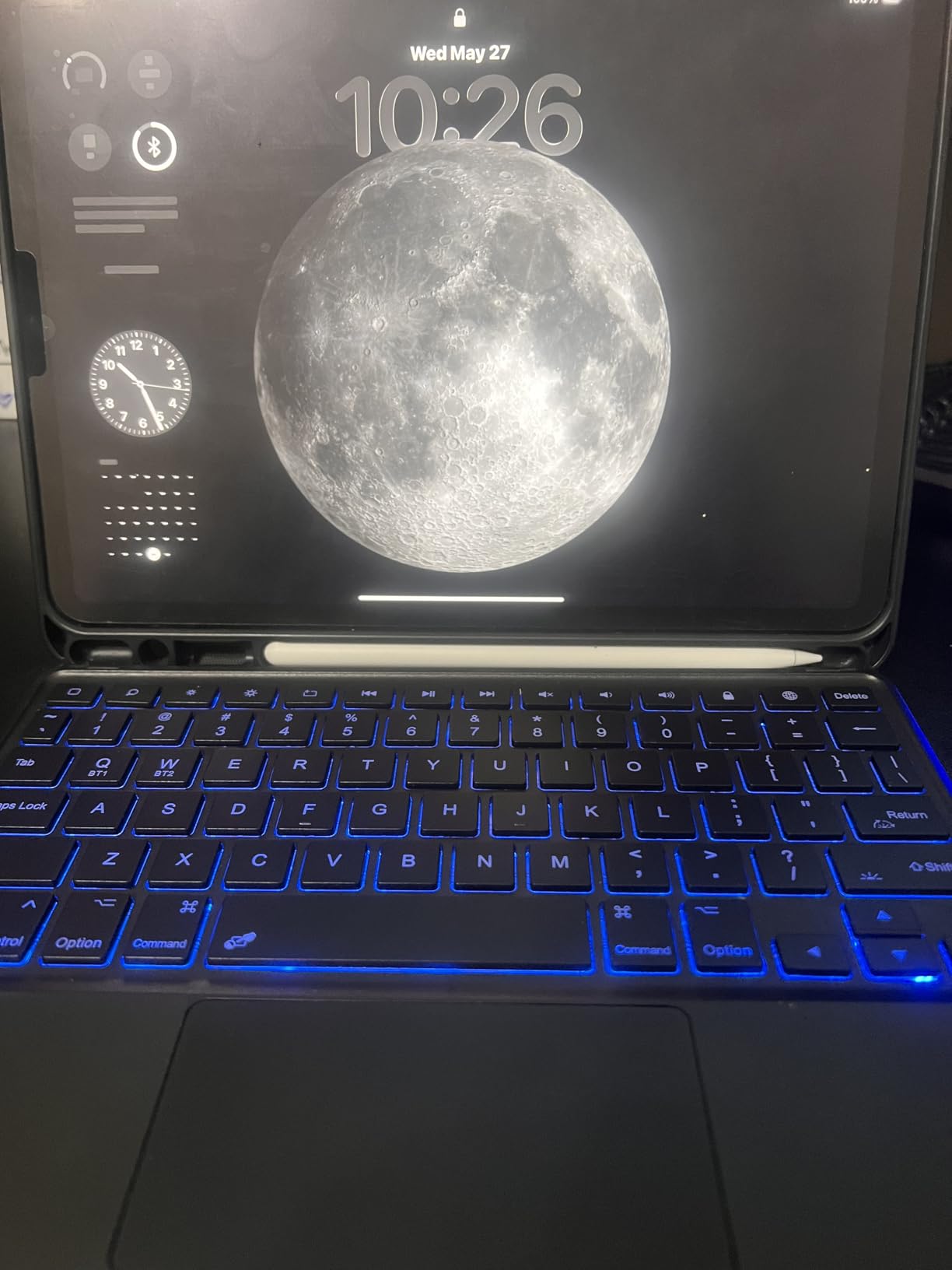
9. Apple Magic Keyboard Pro 13: Best for iPad Pro 13
Apple iPad Magic Keyboard Case for iPad Pro 13-inch (M4 and M5), Great Typing Experience, Built-in Trackpad, Function Row, US English – Black
Trackpad: glass haptic
Function row: 10 keys
Charging: USB-C pass-through
Hinge: cantilever
+ Pros
- Glass trackpad with haptic feedback
- Backlit scissor keys with great travel
- USB-C pass-through charging
- 10-key function row for shortcuts
– Cons
- Top heavy on a 13-inch iPad
- No Pencil storage
- Costs more than third-party options
The Apple Magic Keyboard for iPad Pro 13-inch (M4 and M5) is the flagship pick for shoppers who want the smoothest glass trackpad in this category, complete with haptic feedback that mimics a MacBook’s Force Touch. The two-cantilever hinge gives a satisfying floating look, and the 10-key function row covers volume, brightness, and media shortcuts.
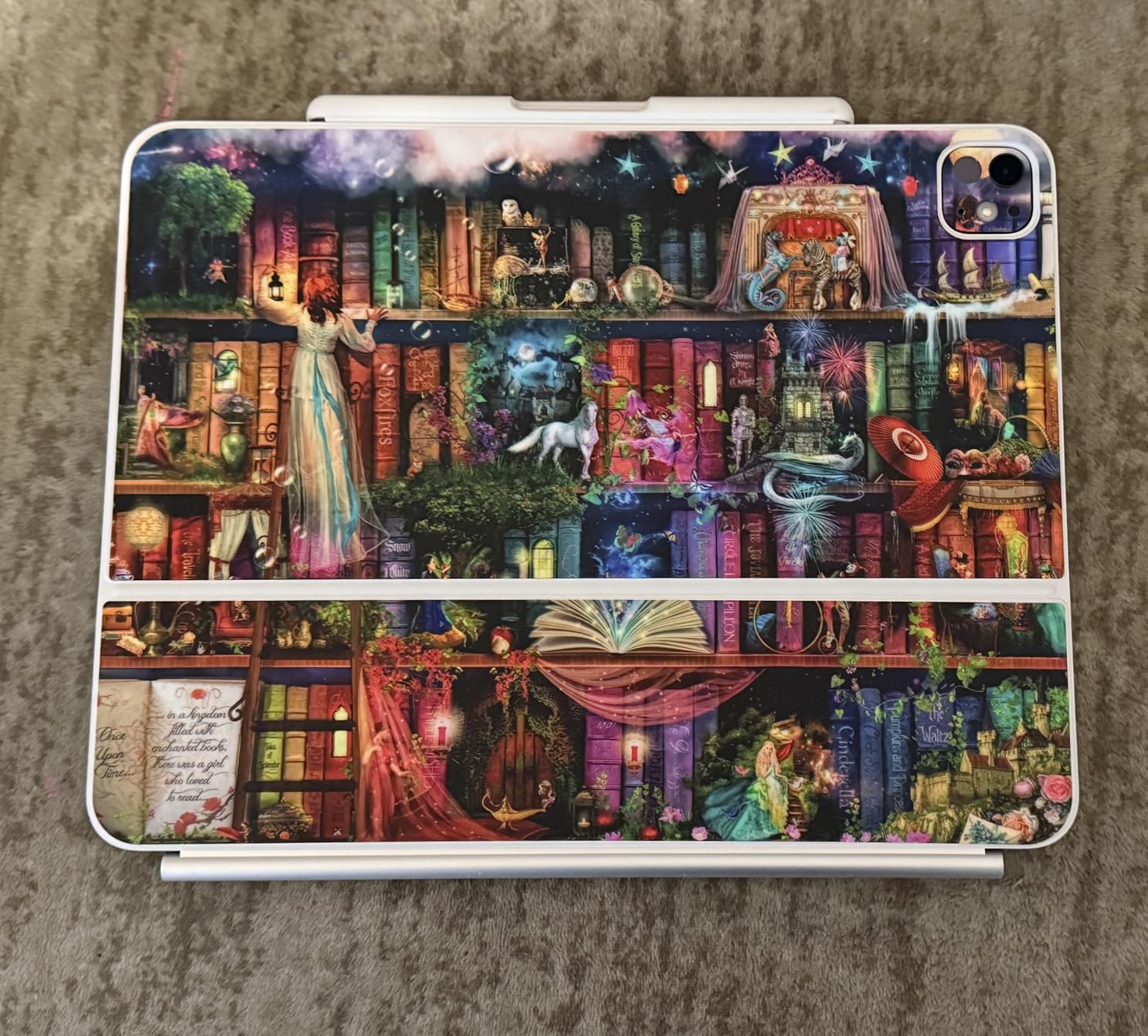
USB-C pass-through charging is genuinely useful on a 13-inch iPad, since it frees the iPad’s only port for accessories while you top up. Owners love the typing feel and the instant magnetic attach, but the honest complaint is weight: at the 13-inch size, the case is top heavy and not great on a lap for long sessions.
Versus the Apple Magic Keyboard Pro 11, the 13-inch version gives you a larger key pitch and a roomier trackpad, but adds bulk. If you travel with a backpack, the 11-inch is easier to live with; if you work at a desk, the 13-inch is the better daily driver.
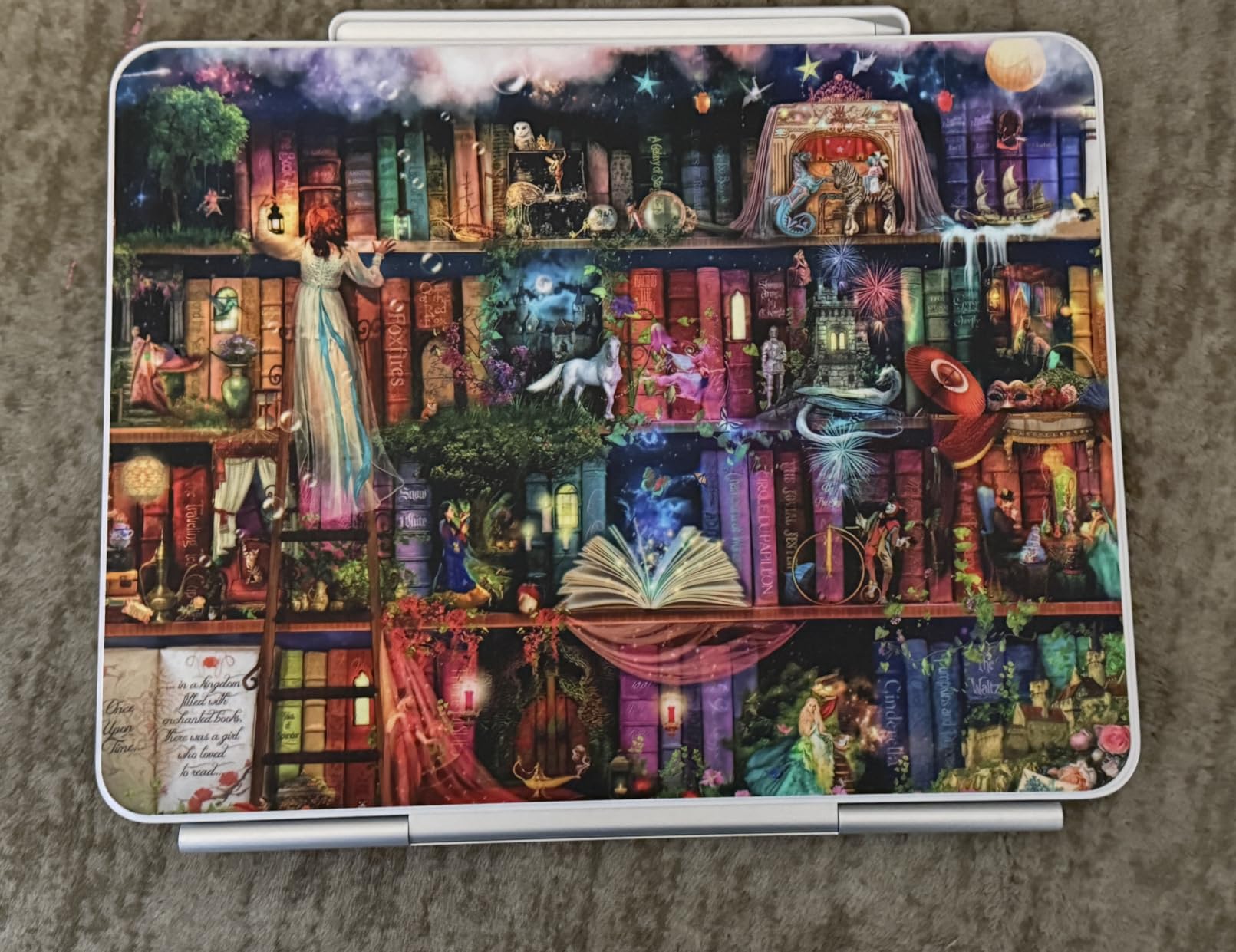
10. Apple Magic Keyboard Pro 11: Best for iPad Pro 11
Apple iPad Magic Keyboard Case for iPad Pro 11-inch (M4 and M5), Great Typing Experience, Built-in Trackpad, Function Row, US English – Black
Trackpad: glass haptic
Function row: 10 keys
Charging: USB-C pass-through
Hinge: cantilever
+ Pros
- Glass trackpad with haptic feedback
- Backlit scissor keys
- USB-C pass-through charging
- Instant magnetic connection
- Sleek black finish
– Cons
- Top heavy for lap use
- Limited edge protection
- No Pencil storage
The 11-inch version of the Apple Magic Keyboard keeps everything people like about the 13-inch model: the glass haptic trackpad, the scissor-switch keys, the 10-key function row, and the instant magnetic attach. At 1.6 pounds, it is the lighter of the two Apple flagship cases and the better pick for daily backpack carry.
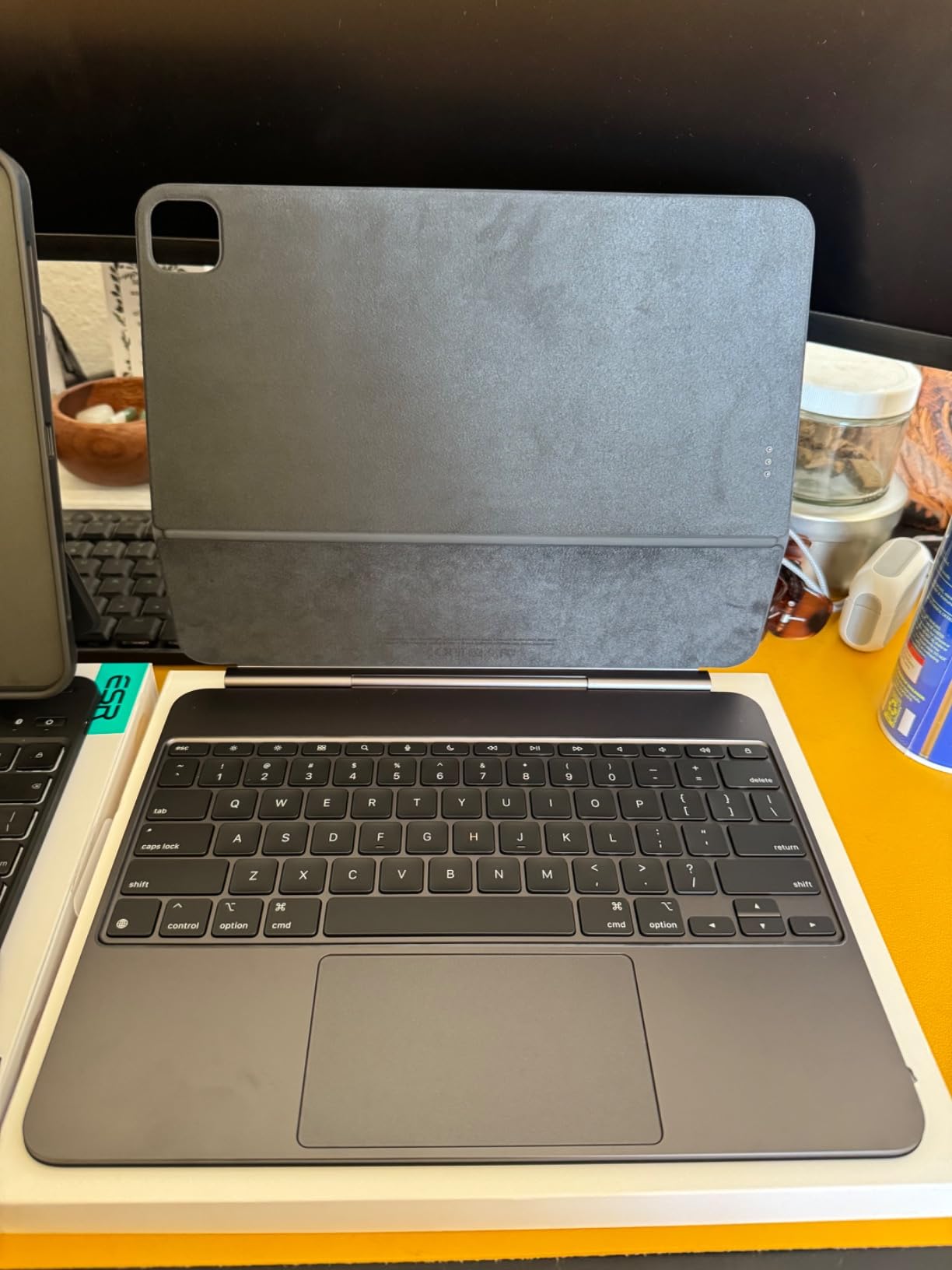
Owners report the same typing quality as a MacBook, which is the main reason people pay the premium. The trade-offs are the same as the 13-inch: limited edge protection, no Pencil storage, and a top-heavy feel on the lap. If you mainly use your iPad Pro on a desk, the trade-offs barely register.
Compared with the Logitech Combo Touch, the Apple Magic Keyboard Pro 11 is a cleaner Apple-native experience with a better trackpad, but you give up the Combo Touch’s MIL-spec edge protection and Smart Connector convenience. Pick the Apple for build quality, the Logitech for protection.
How to Choose iPad Keyboard Cases During Prime Big Deal Days
Match the Case to Your iPad Model First
The most common mistake on Prime Big Deal Days is buying a case that fits the wrong iPad. The 10th gen and A16 11th gen share a model-number family (A2696, A2757, A2777, A3354, A3355, A3356), but iPad Air 11-inch (M2/M3/M4), iPad Pro 11-inch (M4/M5), and iPad Pro 13-inch (M4/M5) are different sizes entirely. Always check the model number printed on the back of your iPad before you click the button.
Pick a Connection: Smart Connector vs Bluetooth
Smart Connector cases like the Logitech Combo Touch draw power straight from the iPad, so there is no battery to charge and no Bluetooth pairing to maintain. Bluetooth cases like the Hamile or Harvopu need a charge, but they usually cost less and offer features like RGB backlighting that Smart Connector cases skip. Pick Smart Connector if you hate charging accessories; pick Bluetooth if you want the broadest feature set and best price.
Decide If You Need a Trackpad
Every case in this roundup includes a trackpad, but the feel varies. Apple’s glass haptic trackpads on the Magic Keyboard Pro 11 and Pro 13 are the smoothest, while most folio cases use a click-anywhere plastic trackpad. The Logitech Combo Touch is the only Smart Connector pick here that has both a precision trackpad and a detachable keyboard, which makes it the strongest laptop-replacement choice.
Weight and Lap Use
Weight matters more than people expect. The Hamile and Harvopu are among the lightest, the typecase Touch 360 sits in the middle at 650 grams, and the ZAGG Rugged Book is the heaviest at 2.5 pounds. If you type on the couch or on a commute, anything over about 1.5 pounds gets uncomfortable on a lap after 20 minutes. For lap-first users, the Logitech Combo Touch and the Apple Magic Keyboard Pro 11 are easier to live with than the ZAGG.
Backlight, Battery, and Pencil Storage
Backlighting, battery life, and Apple Pencil storage are the three small features that decide a sale pick. The Hamile and Harvopu add RGB backlights at a budget price. The runelk gives you the longest battery but skips backlight. The Apple Magic Keyboard Pro cases skip Pencil storage entirely, so plan on a separate sleeve if you carry a Pencil daily.
How to Shop iPad Keyboard Case Deals During the Sale
During Prime Big Deal Days, the safest moves are simple: check the model number on the back of your iPad before you click, confirm the seller is Amazon or an authorized dealer, and watch the listing through the two-day window because offers change. Most of these deals require a Prime membership, and a free trial counts. If you see a model-year or generation mismatch, the discount is not worth the return. The Hamile and Harvopu listings tend to move first, while the Apple Magic Keyboard Pro cases usually settle a day or two into the event.
Quick checklist:
- Match model number before you buy (A2696, A3354, M4, and so on)
- Pick a connection type: Smart Connector for zero-charge, Bluetooth for features
- Decide on trackpad priority: glass haptic (Apple), precision (Logitech), or click-anywhere (most folios)
- Set a weight limit: under 1.5 lb for daily lap use
- Confirm backlight, battery, and Pencil storage if you need any of them
- Check the seller is Amazon or an authorized dealer
If you want a deeper rundown of the iPad accessories that pair well with these cases, our iPad accessories guide covers stands, styluses, and sleeves. Shoppers weighing whether to upgrade the iPad itself can read our iPad alternatives roundup for context. And if you want to see how sale events compare across categories, our Big Spring Sale air fryer deals show the same offer-pattern logic in a different category.
Frequently Asked Questions
When does Prime Big Deal Days run in 2026?
Prime Big Deal Days runs October 6-7, 2026. Most of the iPad keyboard case offers during the event require a Prime membership, though a free trial counts. The exact deals and prices change through the two-day window, so it pays to compare early.
Which iPad keyboard case deal is best for Prime Big Deal Days?
The Hamile Keyboard Case is the most balanced pick, with a 4.5-star average across 11k+ reviews, a 230+ hour battery, and a multi-gesture trackpad. For shoppers who want a true laptop replacement, the Logitech Combo Touch is the better pick because Smart Connector means no charging.
Which iPad keyboard case in this list has the longest battery life?
The runelk Magic-Style Keyboard leads this list on battery life with a 750mAh cell rated for three months of daily use, and the Hamile Keyboard Case is close behind with a 230+ hour rating. The Apple Magic Keyboard Pro cases skip a battery entirely because they pull power from the iPad through the magnetic attachment.
Is an iPad keyboard case worth it?
For shoppers who use their iPad as a laptop replacement or write more than a few emails a day, a keyboard case is usually worth it. Cases like the Hamile and the Logitech Combo Touch turn the iPad into a real productivity setup, and the trackpads support the same iPadOS gestures a MacBook does.
What should I look for in an iPad keyboard case during Prime Big Deal Days?
Match the model number on the back of your iPad first. Then decide between Smart Connector (no charging, fewer features) and Bluetooth (more features, must charge). Weight, backlighting, battery life, and Pencil storage are the small features that decide a sale pick.
Final Verdict: iPad Keyboard Case Deals
Buy the Hamile Keyboard Case if you want the strongest all-around iPad keyboard case deal during Prime Big Deal Days, with the longest battery life and the most owner reviews in this roundup. Buy the Logitech Combo Touch if you want Smart Connector convenience and a true laptop-replacement feel. Buy the typecase Touch 360 if you want seven use modes on a 360-degree hinge without a big price. Buy the Apple Magic Keyboard Pro 11 or Apple Magic Keyboard Pro 13 if you want Apple’s glass haptic trackpad and a premium typing feel, and the CHESONA iPad Air Case if you need a case that fits the iPad Air 11-inch M2/M3/M4 line. Compare the current offers during the two-day sale window, confirm the model number on the back of your iPad, and pick the case that matches how you actually work.
Leave a Reply