
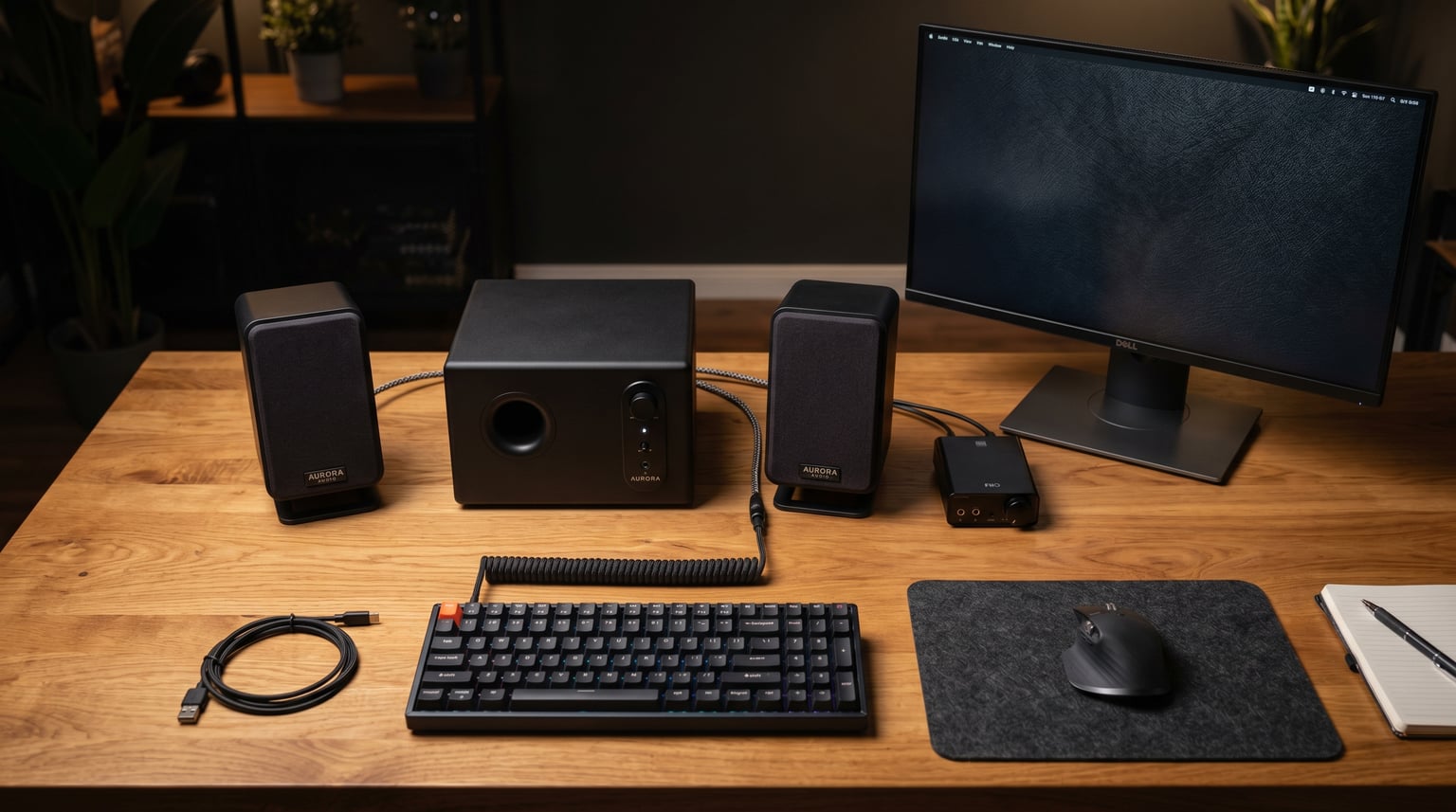
Finding the best 2.1 PC speakers means balancing sound quality, desk space, and your budget. A dedicated subwoofer changes everything when it comes to gaming explosions, movie bass drops, and music that actually feels full. After testing 10 popular 2.1 computer speaker systems over several weeks, I narrowed down what matters most for real desktop setups.
Our team evaluated everything from budget USB-powered systems under $30 to premium THX-certified rigs pushing 400 watts. We tested each system for gaming, music, movies, and daily desktop use. Whether you need room-shaking bass for FPS games or clean audio for a home office, this guide covers every price point and use case.
If you are also building or upgrading your workstation, you might want to check out our guide to the best computer repair tools to keep your setup running smoothly. For entertainment beyond the desk, our picks for streaming devices for entertainment pair nicely with a good audio system.
Top 3 Picks for Best 2.1 PC Speakers
Best 2.1 PC Speakers in 2026
| Product | Details | Action |
|---|---|---|
 |
|
Check Latest Price |
 |
|
Check Latest Price |
 |
|
Check Latest Price |
 |
|
Check Latest Price |
 |
|
Check Latest Price |
 |
|
Check Latest Price |
 |
|
Check Latest Price |
 |
|
Check Latest Price |
 |
|
Check Latest Price |
 |
|
Check Latest Price |
1. Klipsch ProMedia 2.1 THX Certified – The Gold Standard
Klipsch ProMedia 2.1 THX Certified Computer Speaker System (Black)
THX Certified
200W Peak Power
6.5 inch Subwoofer
110dB Output
+ Pros
- Legendary Klipsch sound with THX certification
- Powerful bass from 6.5 inch subwoofer
- Very loud output for gaming and movies
- Clear highs with MicroTractrix Horn technology
- Convenient control pod with volume and bass
– Cons
- Treble can be bright for some listeners
- No power switch always on
- Bright LED power light
I have been using the Klipsch ProMedia 2.1 for over a month, and it is easy to see why this system gets recommended everywhere on Reddit’s audio communities. The THX certification is not just a marketing sticker. It means these speakers meet strict performance standards for clarity, dynamic range, and output level.
The 6.5-inch side-firing ported subwoofer produces bass you can feel in your chest. Playing games like Cyberpunk 2077, every explosion and engine rumble comes through with weight and detail. The 3-inch midrange drivers with MicroTractrix Horn technology deliver crisp highs that cut through without sounding harsh.
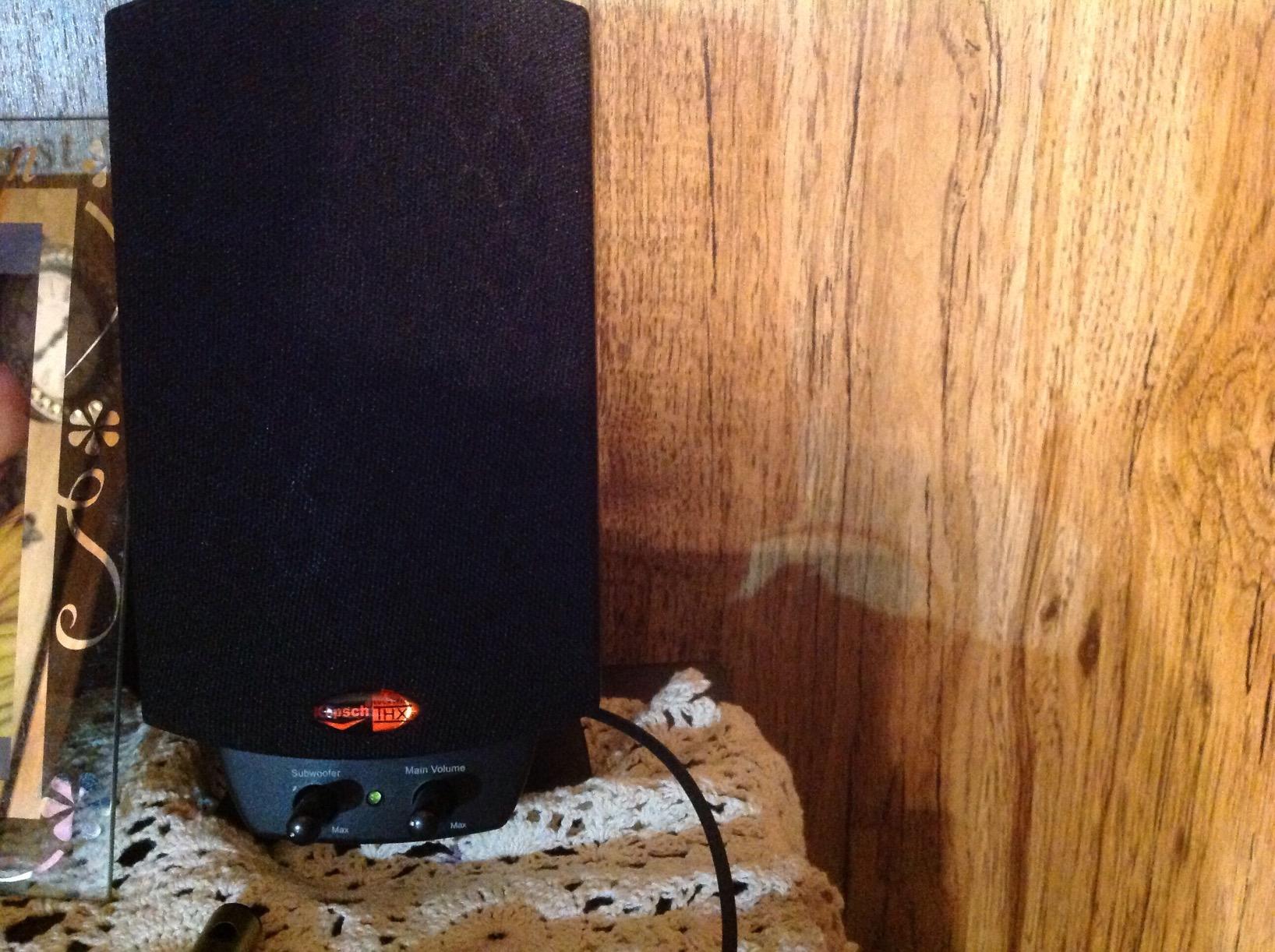
At 200 watts peak power, this system fills medium to large rooms effortlessly. I tested it in a 15-by-20-foot home office, and even at 60 percent volume, the sound was room-filling. The control pod is a nice touch, letting you adjust volume and bass without reaching under the desk.
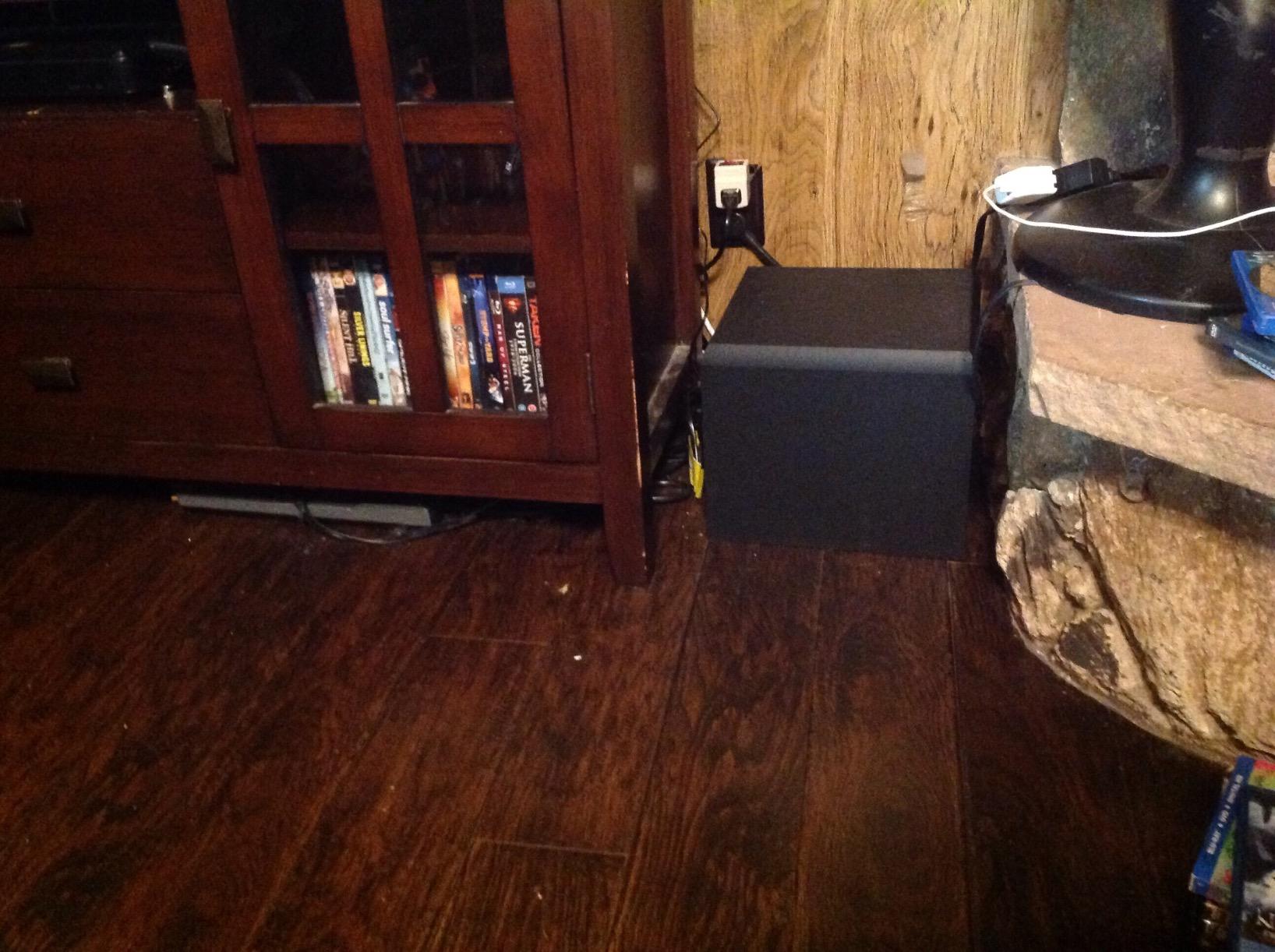
The build quality feels solid for the price. The satellites have a nice heft to them, and the subwoofer cabinet is dense enough to stay put even during heavy bass passages. After weeks of daily use, nothing has rattled loose or degraded in sound quality.
Sound Signature and Tuning
The ProMedia 2.1 has a slightly forward sound signature. Highs are bright and detailed, which some listeners love for gaming and others find fatiguing during long music sessions. The mids are clear and present, making dialogue in movies easy to follow.
Bass response is the real star here. The subwoofer hits low and tight, avoiding the boomy, muddy bass that plagues cheaper 2.1 systems. Whether you are listening to electronic music or playing competitive shooters, the low end stays controlled and punchy.
Desk Space Requirements
The satellites measure 8.5 by 4.2 by 5.67 inches, so they fit on most desks without crowding your monitors. The subwoofer is 9.5 by 9.8 by 10.2 inches, which means it lives under your desk. This is a wired system with a control pod, so plan your cable routing accordingly.
The control pod sits on your desk and connects to the subwoofer. It has a headphone jack and auxiliary input, which is convenient for quickly switching between PC audio and a phone or music player.
2. Logitech Z623 400W THX – Powerhouse Performer
Logitech Z623 400 Watt Home 2.1 Speaker System – Black
THX Certified
400W Peak
200W RMS
Multiple Inputs
+ Pros
- THX certified with massive 400W peak power
- Deep tight bass without boominess
- Multiple inputs for up to 3 devices
- Well-built with metal grilles
- Great value compared to premium brands
– Cons
- Mids can be recessed
- Satellite cables only 6 feet
- No remote control
- Proprietary connector for right speaker
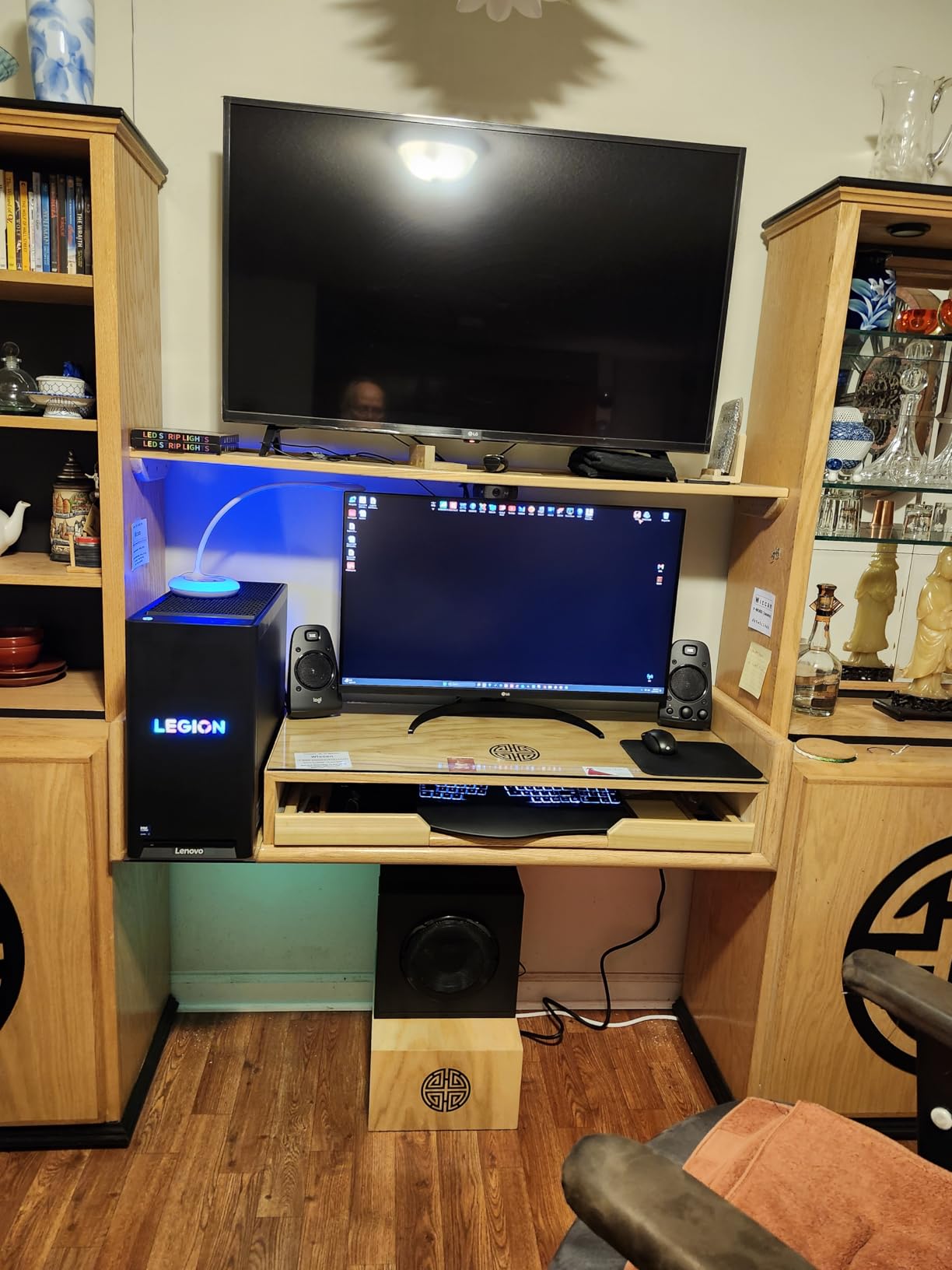
The Logitech Z623 is a brute force system that delivers 400 watts of peak power with THX certification. I set this up in a larger room to see if it could fill the space, and the answer was a resounding yes. At half volume, it already outpaced most desktop speakers at their maximum.
What surprised me most was the bass quality. The subwoofer has a 12-inch design that produces deep, tight low-end response. Unlike some powerful systems that get boomy, the Z623 keeps the bass controlled even at high volumes. Movies like Dune with their heavy LFE channels sounded incredible.
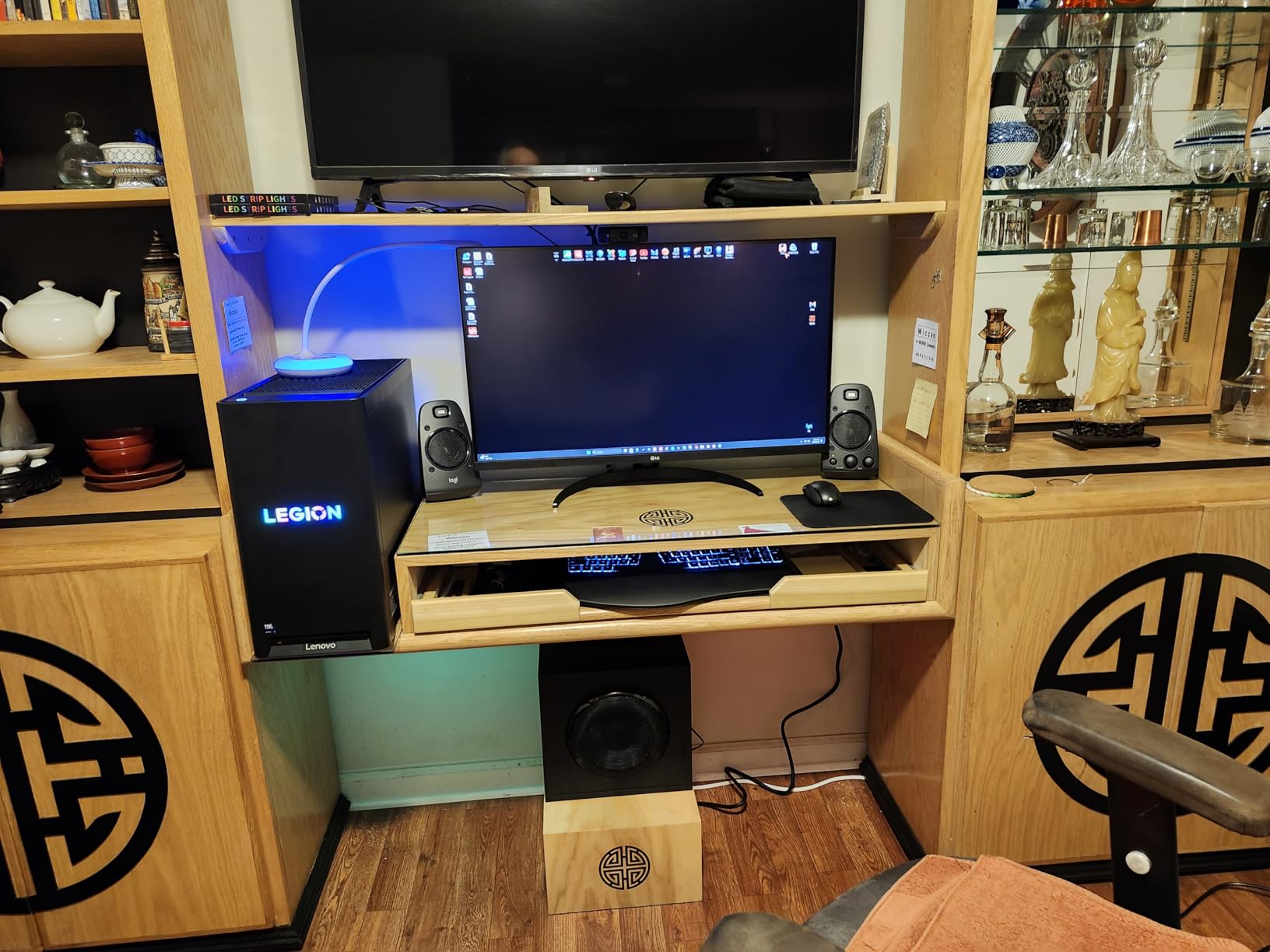
The connectivity is a strong point. With RCA and 3.5mm inputs, you can connect up to three devices simultaneously. I had my PC, a gaming console, and a phone all hooked up, switching between them without replugging anything.
The controls live on the right satellite speaker, including volume, bass boost, and power. This is more convenient than a separate control pod for some setups, though it means the right speaker needs to be within arm’s reach.
Power and Room Size Matching
With 200 watts RMS, this system is overkill for a small bedroom desk. I found it performs best in medium to large rooms where the power can breathe. In a tight space, you might never push it past 30 percent volume.
The subwoofer is substantial at 11.2 by 12.0 by 10.5 inches. Make sure you have floor space under or beside your desk for it. The satellite speakers have metal grilles that feel durable and look clean on any desk setup.
Comparison to the Klipsch ProMedia
The Z623 and ProMedia 2.1 are the two most compared THX systems on the market. The Z623 wins on raw power and input flexibility. The Klipsch wins on sound clarity and midrange presence. If you want maximum volume and bass impact, go Logitech. If you want more balanced, detailed sound, go Klipsch.
Both are excellent choices for the best 2.1 PC speakers in their price range. The Z623 has a slight edge in user ratings at 4.6 stars across over 11,000 reviews.
3. Cyber Acoustics CA-3610 – Best Budget 2.1 System
Cyber Acoustics CA-3610 2.1 Multimedia Speaker System with Subwoofer, 62 Watts Peak Power, Strong Bass, Perfect for Music, Movies, and Games
62W Peak
30W RMS
5.25 inch Subwoofer
Control Pod
+ Pros
- Incredible value for the price
- Powerful 5.25 inch subwoofer with deep bass
- Bright tweeters with clear highs
- Easy plug-and-play setup
- Convenient control pod
– Cons
- Control pod design can be frustrating
- Power button reliability concerns
- Materials feel less premium
- Bass can overwhelm dialogue
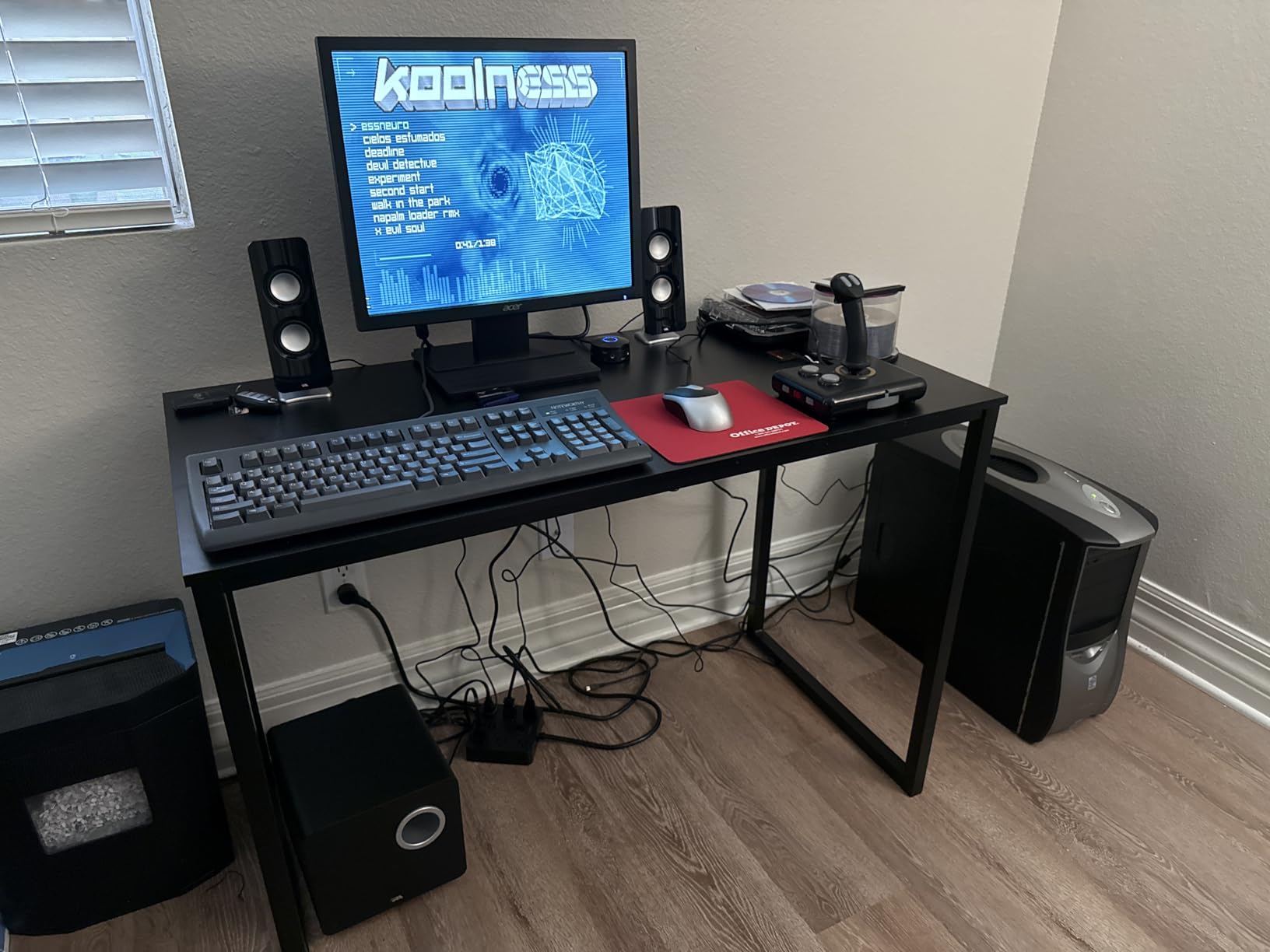
The Cyber Acoustics CA-3610 proves you do not need to spend big to get a real 2.1 experience. At a fraction of what the THX-certified systems cost, this setup delivers a 5.25-inch down-firing subwoofer with a tuned port that produces bass well beyond its price class.
I tested this system for two weeks of daily use, including gaming, YouTube, movies, and music. The dual 2-inch titanium drivers per satellite produce clear, bright highs that make dialogue and instruments easy to pick out. The subwoofer adds real depth to games and movies that flat desktop speakers simply cannot match.
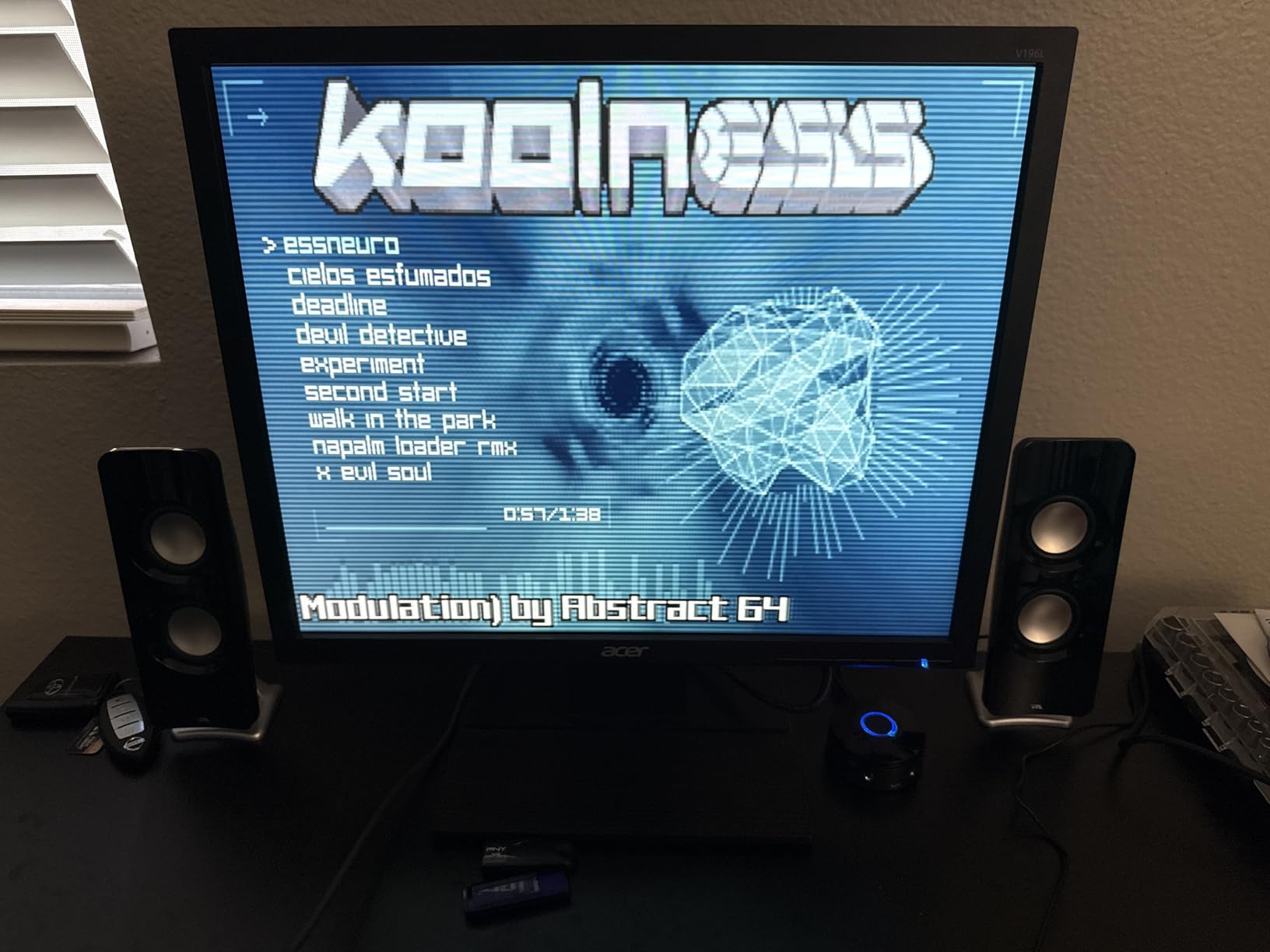
At 62 watts peak and 30 watts RMS, this system is best suited for small to medium rooms. It will not shake the walls like the Logitech Z623, but it fills a bedroom or home office with satisfying sound. For a budget 2.1 PC speaker setup, the value here is hard to beat.
The control pod is a mixed bag. It gives you volume and bass knobs on your desk, which is great. But the design feels a bit clunky, and some users report power button issues over time. The headphone jack on the pod is a nice convenience for late-night gaming.
Best Use Cases for the CA-3610
This system shines for students, home office workers, and casual gamers who want a major upgrade over built-in monitor speakers without spending a fortune. It handles music well for its price, with a slightly warm sound signature that suits most genres.
The subwoofer measures about 9.1 by 13.8 by 8.7 inches. It is compact enough to slide under most desks. The satellites are small and unobtrusive, making them ideal for cramped desk setups.
Limitations to Know
The materials feel budget-friendly, which is expected at this price. The plastic construction is functional but not premium. Dialogue can get muddy when the bass is turned up high, so some EQ tweaking helps balance things out.
Despite these caveats, over 2,900 reviewers rate it 4.3 stars. For anyone asking what the best budget 2.1 PC speakers are, this is consistently the answer.
4. Logitech Z407 Bluetooth – Wireless Control Champion
Logitech Z407 Bluetooth Computer Speakers with Subwoofer and Wireless Control, Immersive Sound, Premium Audio with Multiple Inputs, USB Speakers
80W Peak
40W RMS
Bluetooth
Wireless Control Dial
+ Pros
- Wireless control dial with 30m range
- Multiple connections including Bluetooth
- Oval satellites position vertically or horizontally
- Down-firing ported subwoofer
- Easy setup and premium build
– Cons
- Bass may be too pronounced
- Automatic standby mode
- No manual on/off switch
- Control puck requires batteries
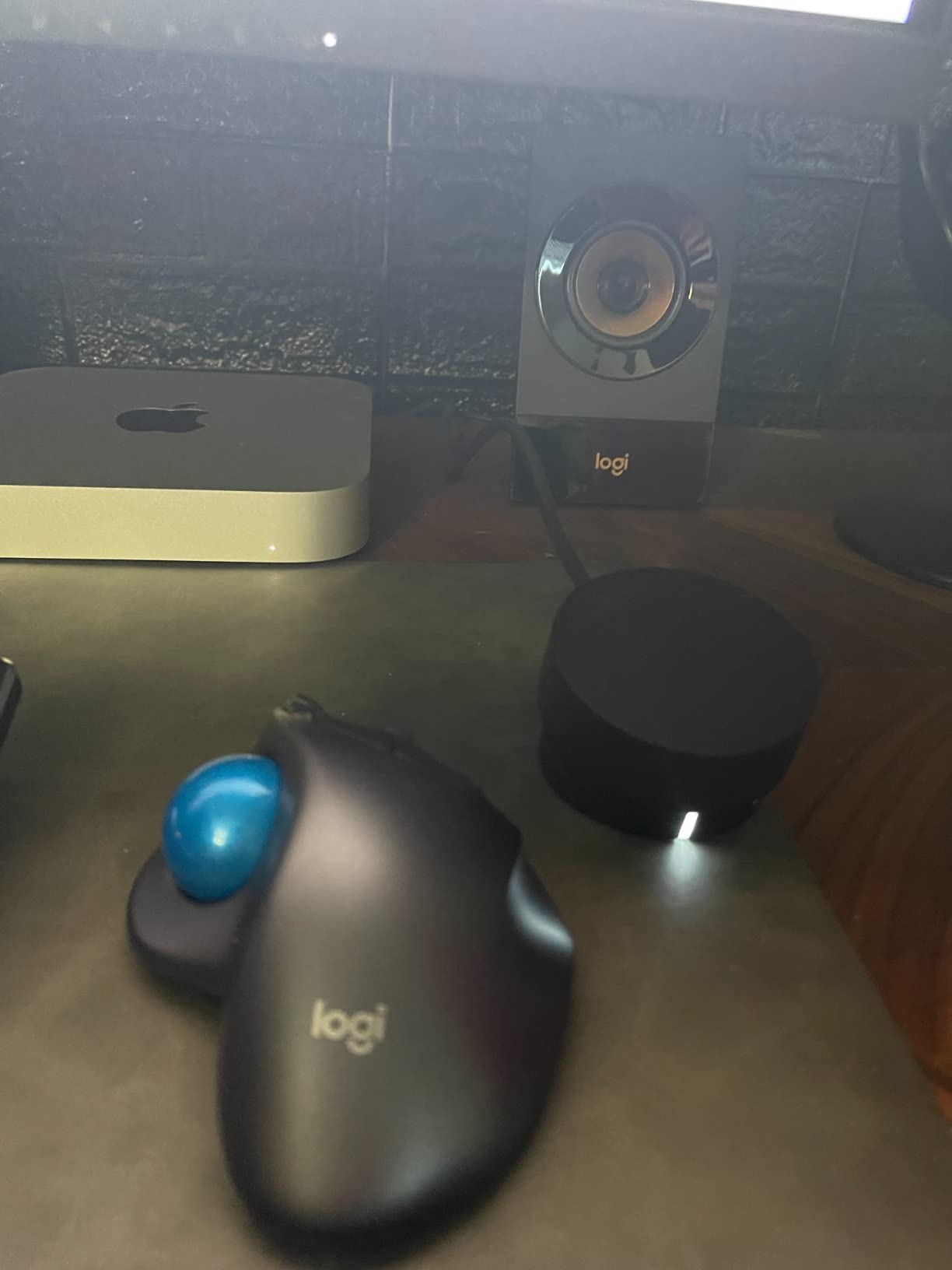
The Logitech Z407 brings something different to the table with its wireless control dial. This puck-shaped controller communicates with the speaker system from up to 30 meters away. I clipped it to my monitor stand and could adjust volume, skip tracks, and mute without reaching for the speakers.
The connectivity options are excellent for a multi-device desk. Bluetooth, micro USB, and 3.5mm inputs let you connect up to three devices at once. I paired my phone over Bluetooth for music while keeping the PC connected via USB, switching sources with a button press on the control dial.
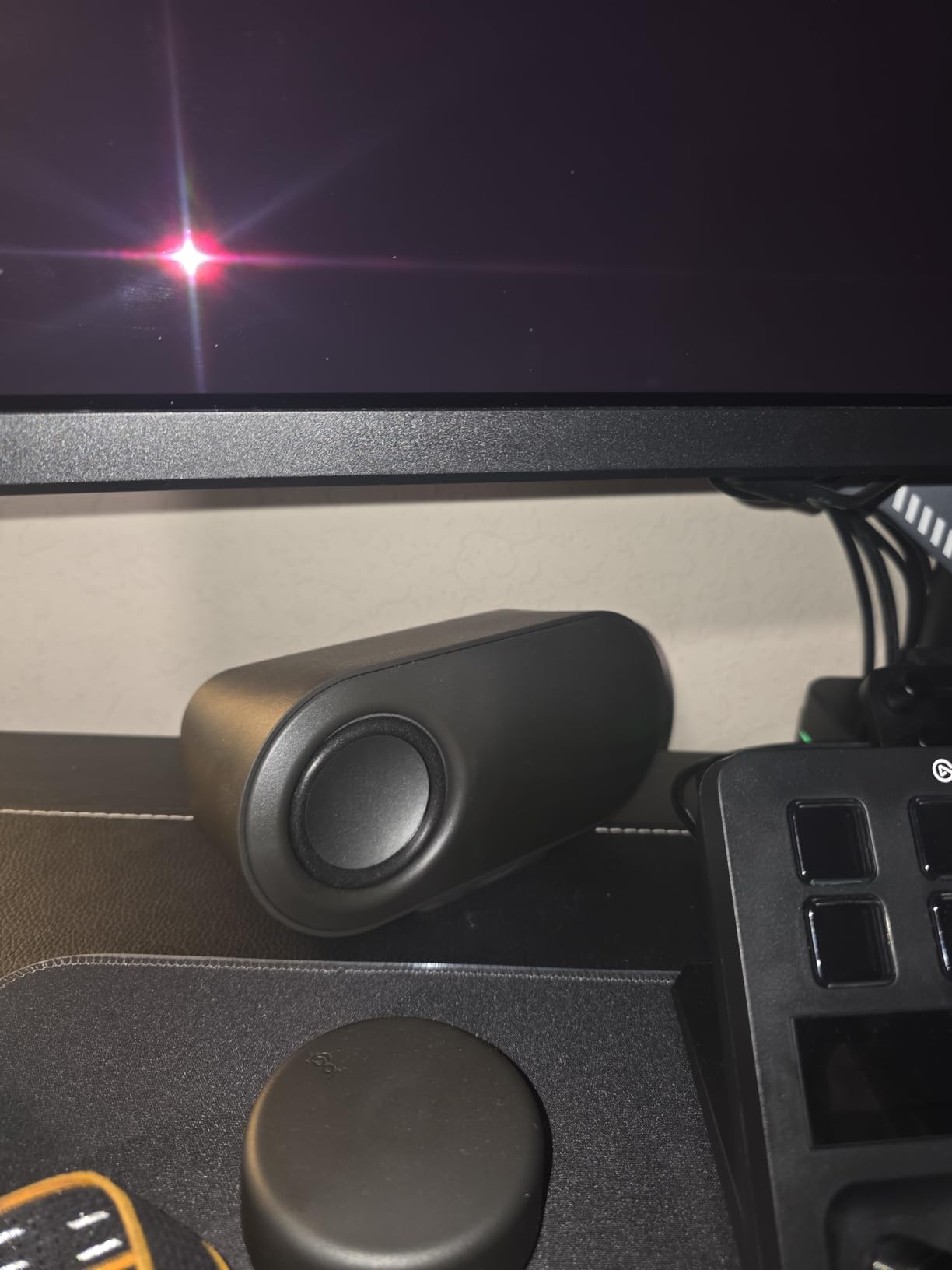
Sound quality is solid with 80 watts peak and 40 watts RMS. The 20-watt subwoofer uses digital signal processing to produce clean bass that is punchy without being overwhelming. The oval-shaped satellite speakers can sit vertically or horizontally, giving you placement flexibility.
The down-firing ported subwoofer delivers surprising low-end for its size. I found the DSP tuning keeps bass tight on most content, though some users report it can be too pronounced on bass-heavy tracks. The automatic standby mode saves power but can be annoying if it kicks in during quiet passages.
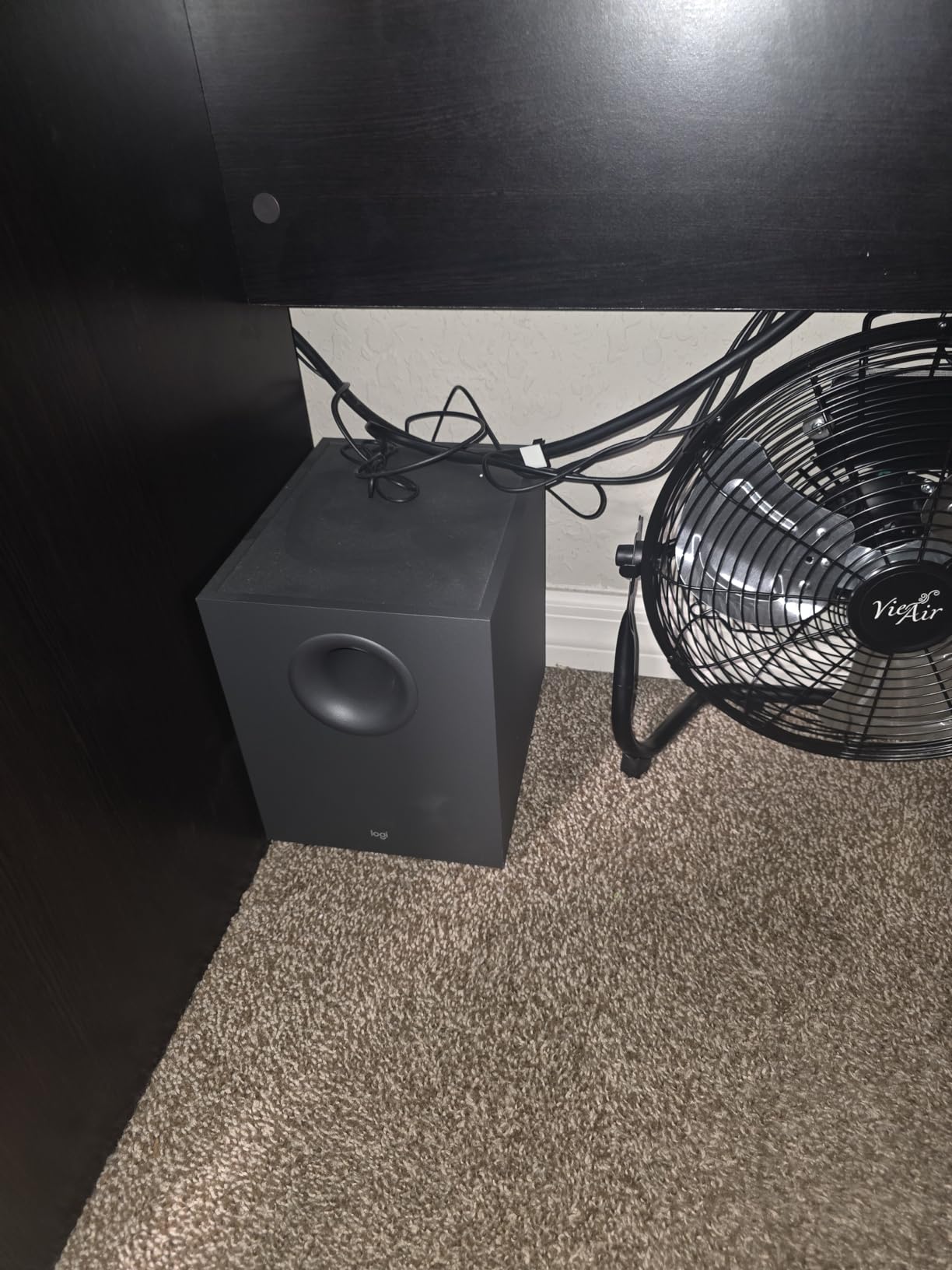
Wireless Control Experience
The wireless control dial is the standout feature. It rotates for volume, has play and pause controls, and even lets you switch between Bluetooth and wired sources. The dial requires batteries, which is a minor inconvenience compared to the convenience it offers.
For users who hate reaching behind speakers or fumbling with cables, this control system is a genuine quality-of-life upgrade. It works smoothly within range and has a satisfying tactile feel when turning.
Setup and Daily Use
Setup is genuinely plug-and-play. Connect the subwoofer to power, plug the satellites in, pair your devices, and you are ready. The system remembers paired devices and reconnects automatically.
The satellites have a modern, premium look with fabric grilles. They look at home on any desk setup, from minimalist workstations to RGB-heavy gaming rigs. The build quality feels a step above typical budget speakers.
5. Nylavee SK100Pro – Emerging Value Brand
Nylavee Computer Speakers with Subwoofer, 2.1 PC Soundbar, Bluetooth 5.4
60W Peak
30W RMS
Bluetooth 5.4
Silk Tweeters
+ Pros
- Excellent sound clarity with silk dome tweeters
- Bluetooth 5.4 for stable wireless
- Great value for the price
- Modern compact design
- No drivers or software needed
– Cons
- Newer brand with limited reviews
- Bass may be overwhelming
- Requires AC adapter
The Nylavee SK100Pro is a newer entrant that has been generating buzz for punching above its weight. With dual soft-dome silk tweeters and a 5.25-inch bass driver, this system delivers a sound profile that rivals more established brands. I was genuinely surprised by the clarity on first listen.
The silk tweeters produce smooth, detailed highs without harshness. This is notable because many budget 2.1 systems sound shrill at the top end. The Nylavee handles cymbals, high vocals, and game effects with a refinement that feels more expensive than it is.
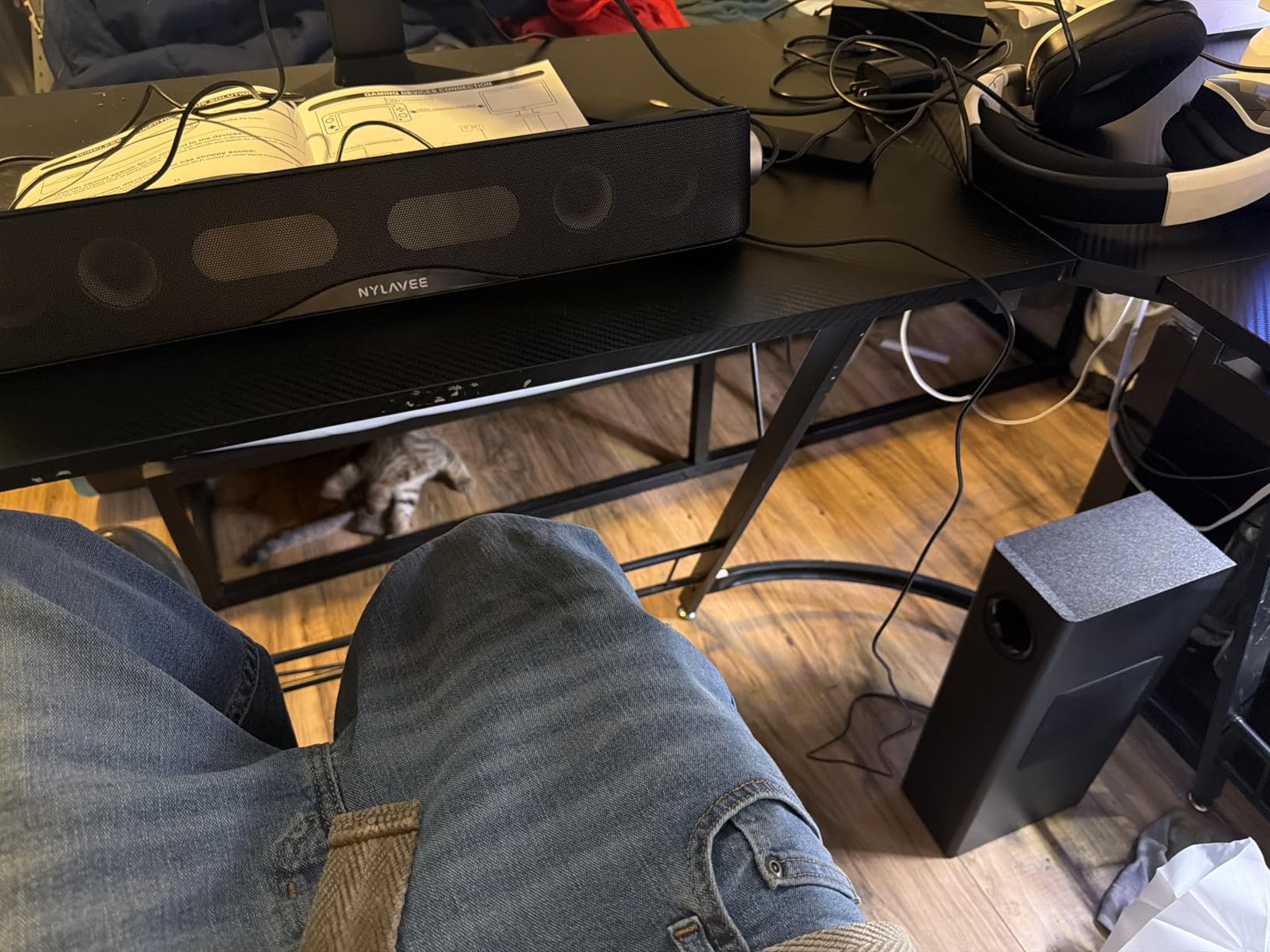
Bluetooth 5.4 provides a stable wireless connection with minimal latency. I used it for both music streaming and casual gaming without noticing any sync issues. The 3.5mm AUX input is there for wired connections when you want zero latency.
The side knob handles power, mode switching, and volume control in one dial. It is simple and effective. The 60-watt peak output is plenty for desktop use, filling a medium room with ease.
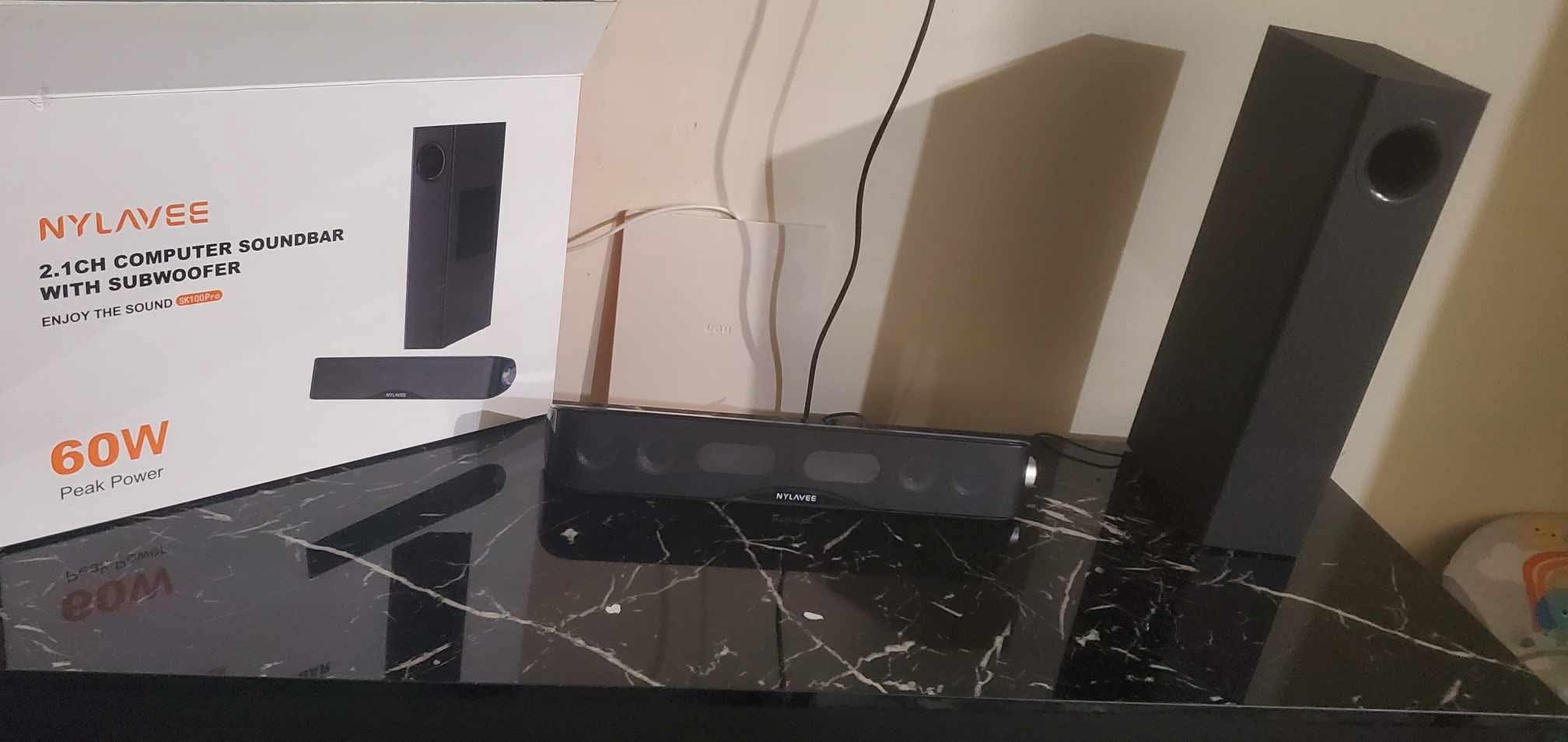
Sound Quality Deep Dive
The Nylavee uses a 2.1 configuration with a dedicated subwoofer that handles frequencies below what the satellites can reproduce. The crossover is well-tuned, blending the sub and satellites seamlessly. Bass is deep and controlled, though some users may find it slightly forward.
For music, the silk tweeters shine on acoustic and vocal-heavy tracks. Gaming sound effects come through crisp and positional. Movie dialogue stays clear even during action sequences, which is where many budget systems fall apart.
Brand Reliability Considerations
As a newer brand, Nylavee has a limited track record compared to Logitech or Klipsch. However, the 18-month warranty provides some peace of mind. Early reviews are overwhelmingly positive at 4.6 stars, though the review count is still building.
If you are willing to try an emerging brand, the SK100Pro offers excellent value. The sound quality and feature set rival systems costing significantly more.
6. Bluedee BD-SK900PRO – RGB Gaming Pick
Bluedee Computer Speakers with Subwoofer, 2.1 PC Speakers, 80W Peak Power
80W Peak
Bluetooth 5.4
RGB Lighting
USB-C
DSP Tuning
+ Pros
- Deep bass with dedicated subwoofer
- Multiple connections including USB-C
- RGB lighting adds gaming aesthetic
- DSP tuning for balanced sound
- Good value for features
– Cons
- Some distortion at maximum volume
- RGB may not suit all preferences
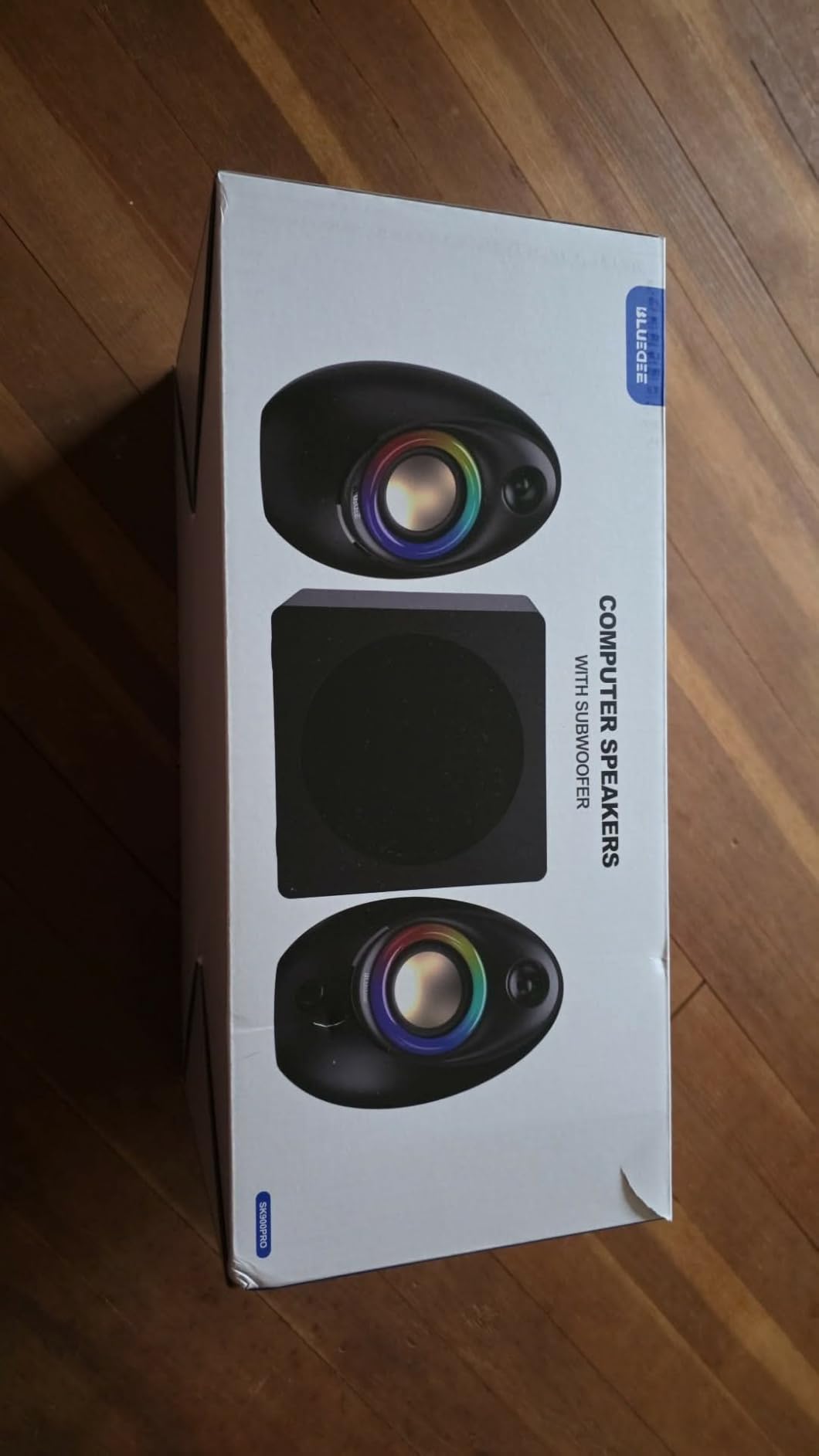
The Bluedee BD-SK900PRO is built for gamers who want audio and aesthetics in one package. The RGB lighting system offers dynamic colors and static glow options, syncing with your other gaming peripherals. I tested it alongside an RGB keyboard and mouse, and the coordinated look was impressive.
Sound quality is strong with 80 watts peak power and DSP tuning. The system is designed to deliver clear vocals and balanced audio across the frequency range. The dedicated subwoofer produces deep bass that adds impact to gaming without overwhelming the mids and highs.
Connectivity is where the Bluedee stands out. Bluetooth 5.4, USB-A, USB-C, and 3.5mm AUX cover every possible device. The USB-C option is particularly nice for modern laptops and phones that have dropped the headphone jack.
The all-in-one control knob manages volume, playback, and lighting modes. It is tactile and responsive, making adjustments easy during gaming sessions without alt-tabbing out of your game.
Gaming Performance
For gaming, the Bluedee delivers positional audio that helps with spatial awareness in shooters. Footsteps, reloads, and environmental sounds come through clearly. The bass adds weight to explosions and gunfire without muddying the important mid-range detail.
Some distortion was noticeable at maximum volume on bass-heavy tracks. Keeping the volume at 80 percent or below eliminates this issue entirely and still provides plenty of output for desktop use.
RGB Lighting Customization
The RGB system offers multiple modes, including static colors, breathing effects, and music-reactive patterns. The music-reactive mode pulses the lights in time with your audio, which looks great during gaming sessions. You can also turn the RGB off entirely if you prefer a clean look.
The lighting is controlled via the main knob, so you do not need additional software. This keeps the setup simple and avoids the bloatware that some RGB peripherals require.
7. FIFINE AmpliGame A22 – Compact Gaming Speaker
FIFINE AmpliGame A22 2.1 Gaming Computer Speakers with Subwoofer Bluetooth
RGB Lighting
EQ Modes
Bluetooth
Optical
Compact Size
+ Pros
- 18 RGB lighting modes with audio sync
- Compact size fits tight desks
- Multiple connections including optical
- EQ modes for Game Movie Music
- Good value for price
– Cons
- Bass could be deeper
- Some reports of aux buzz
- RGB elements may cause rare PC issues
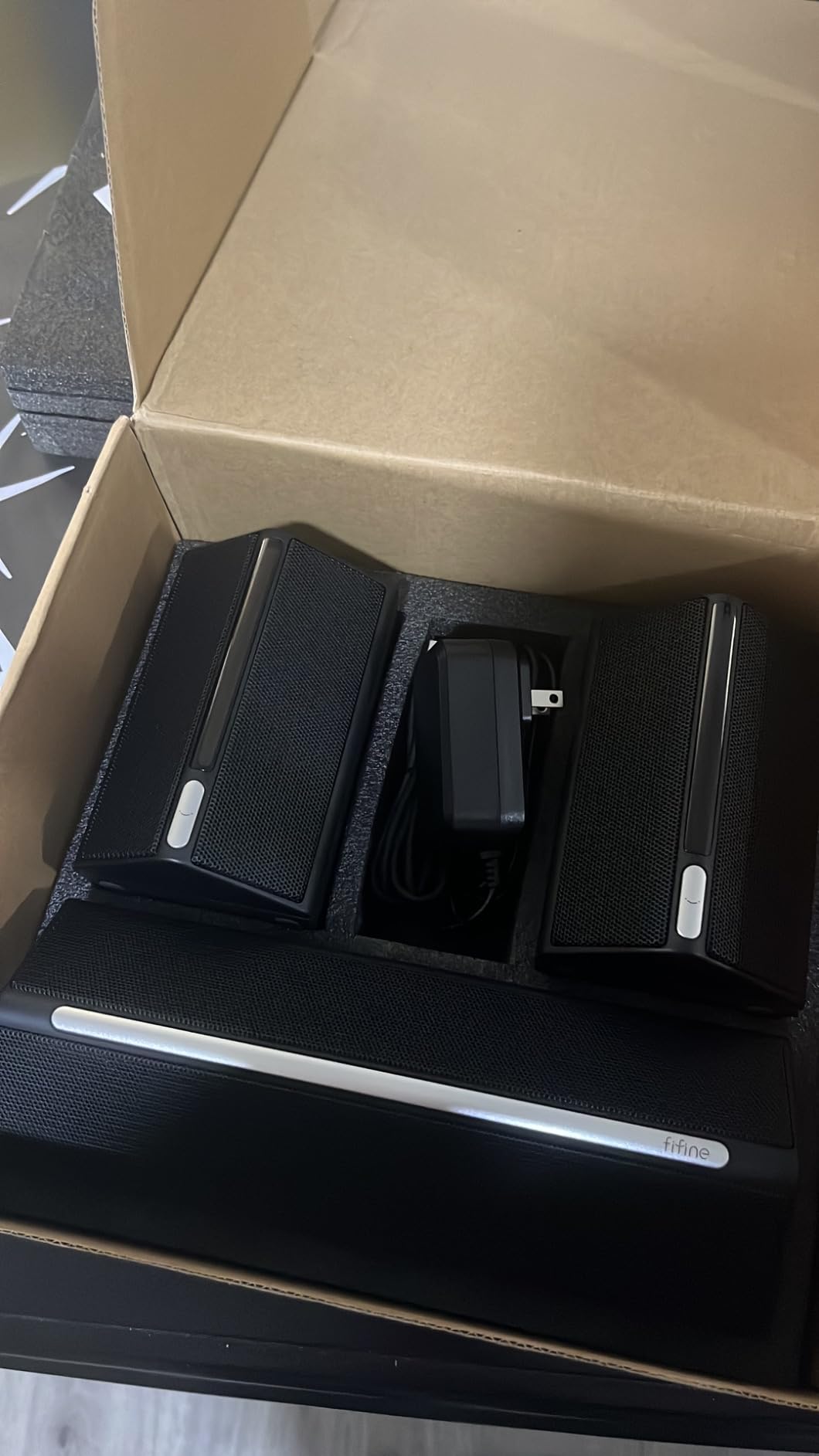
The FIFINE AmpliGame A22 is the most compact 2.1 system in this lineup. With satellite dimensions of just 3.8 by 3.14 by 4.72 inches, it fits on desks where larger systems simply cannot go. I tested it on a small standing desk with limited surface area, and it fit perfectly beside a 27-inch monitor.
Despite the small size, the A22 packs in features. It has 18 RGB lighting modes, including audio-sync and breathing effects. The top-mounted controls handle volume, playback, and EQ mode switching. The three EQ modes (Game, Movie, Music) adjust the sound profile for different content types.
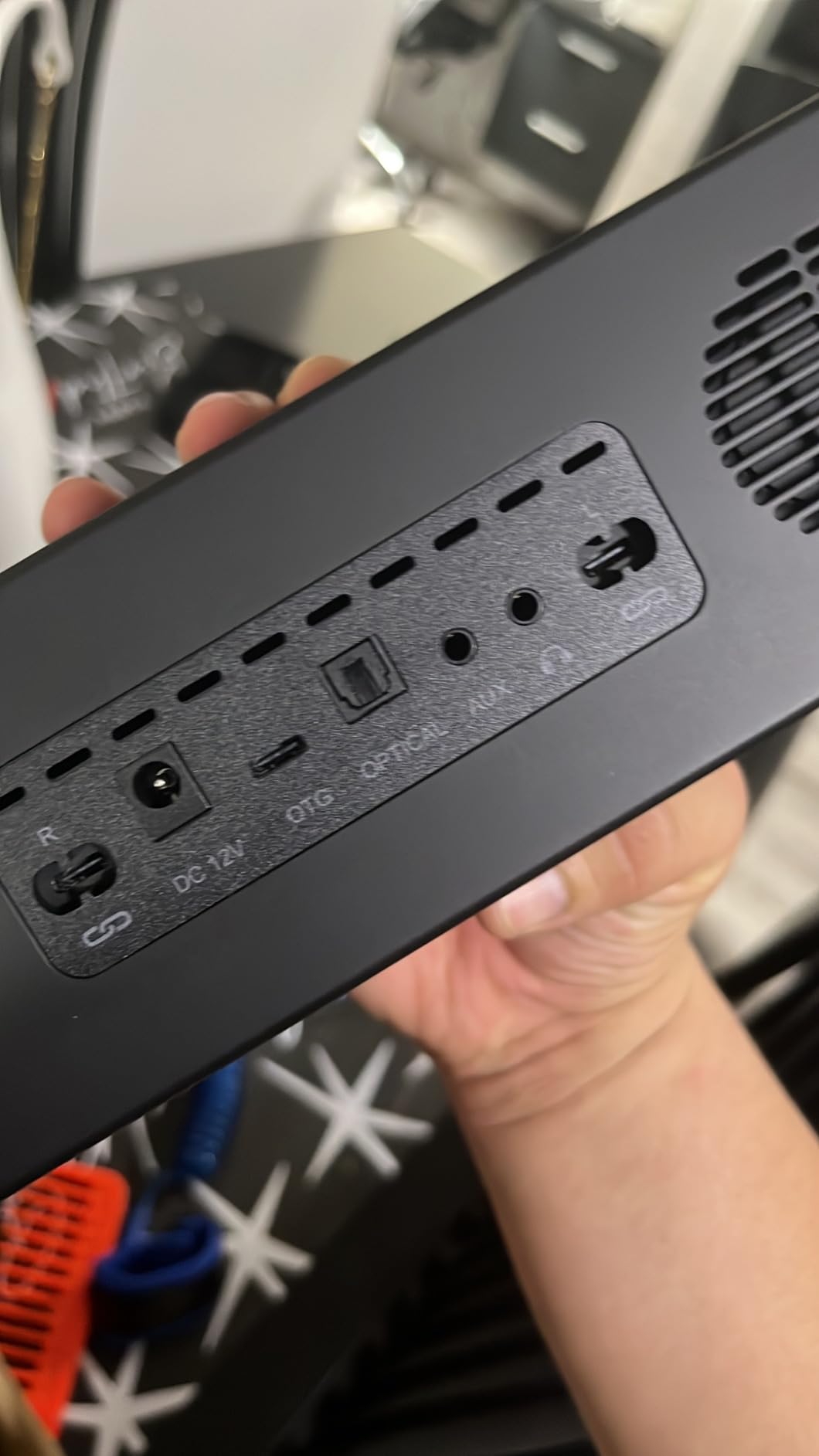
Connectivity is versatile with OTG, optical, AUX, and Bluetooth options. The optical input is a nice addition that you do not often see at this price, making it compatible with TVs and some gaming consoles directly.
The 4.5-inch subwoofer produces decent bass for the size, though it cannot match the low-end impact of larger systems. The sound is clean and clear overall, with the EQ modes providing useful tonal adjustments.
RGB and Aesthetics
The RGB lighting on the A22 is one of its best features. The audio-sync mode reacts to game sounds and music, creating an immersive visual experience. The lighting is bright enough to be noticeable without being distracting during gameplay.
A small number of users have reported that the RGB controller can occasionally cause PC issues. This appears to be rare and may be related to specific motherboard configurations. If you experience problems, disabling the RGB via the control panel resolves it.
Best Desk Size Fit
This is the system I would recommend for anyone with a genuinely small desk. The footprint is minimal, and the subwoofer is small enough to fit on the desk surface if floor space is tight. It trades some bass depth for size, which is a fair compromise for cramped setups.
For dorm rooms, small apartments, or secondary setups, the FIFINE A22 offers great value with a feature set that belies its compact size.
8. OROW S211 – Ultra-Budget USB Powered
OR O R O W OROW S211 New USB-Powered 2.1 Multimedia Speakers System with Subwoofer,16W Computer Speakers,Strong Bass,3.5mm Audio Inputs,Great for PC/PS4/TV (Wooden)
16W USB Powered
Wooden Enclosure
Ultra Budget
3.5mm Input
+ Pros
- USB powered eliminates need for wall outlet
- Surprisingly good sound for price
- Deep bass from subwoofer
- Compact desk-friendly size
- Incredible budget value
– Cons
- Short cables limit placement
- Controls on back of subwoofer
- Durability concerns over time
- Bass can overpower mids
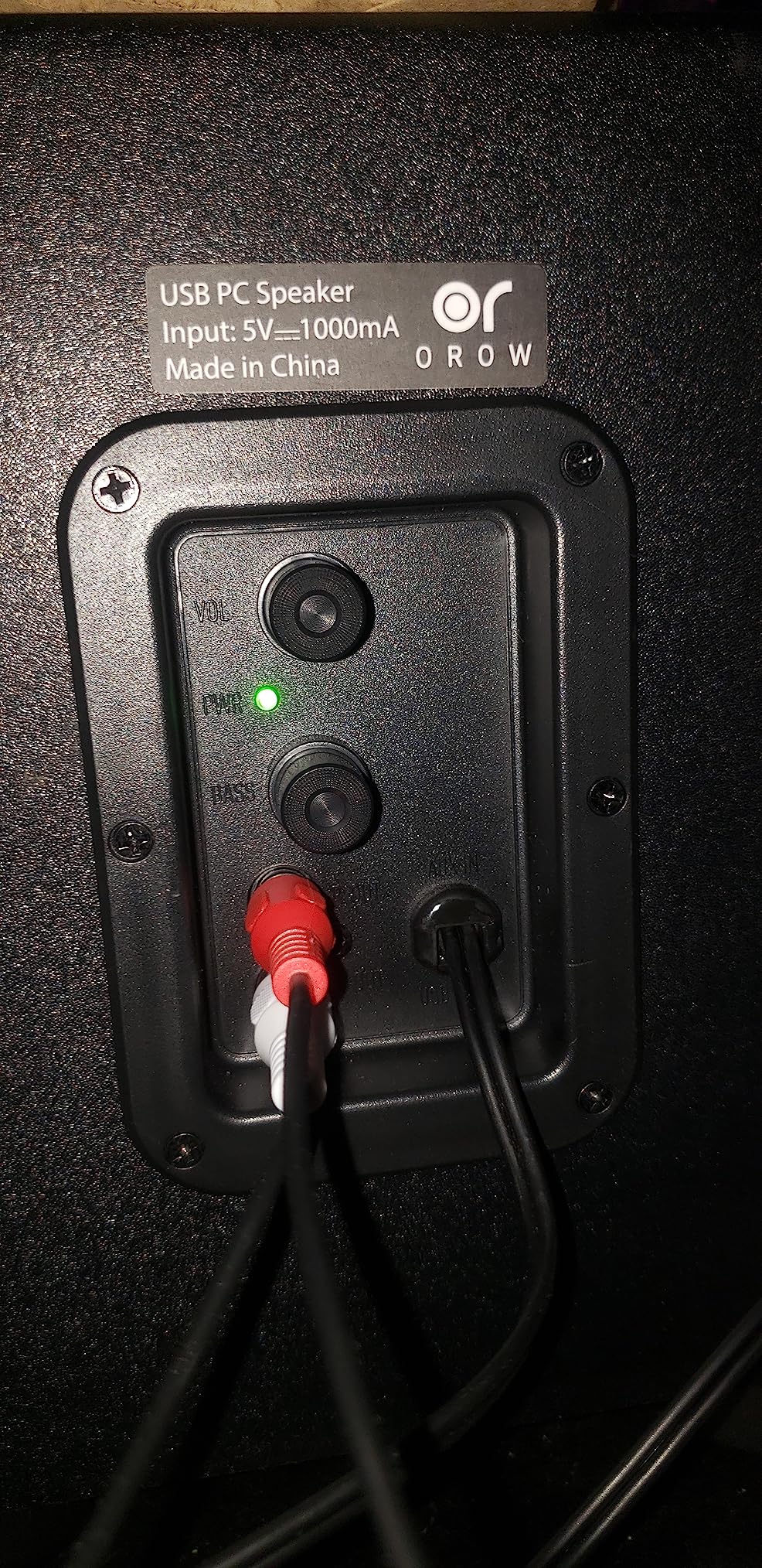
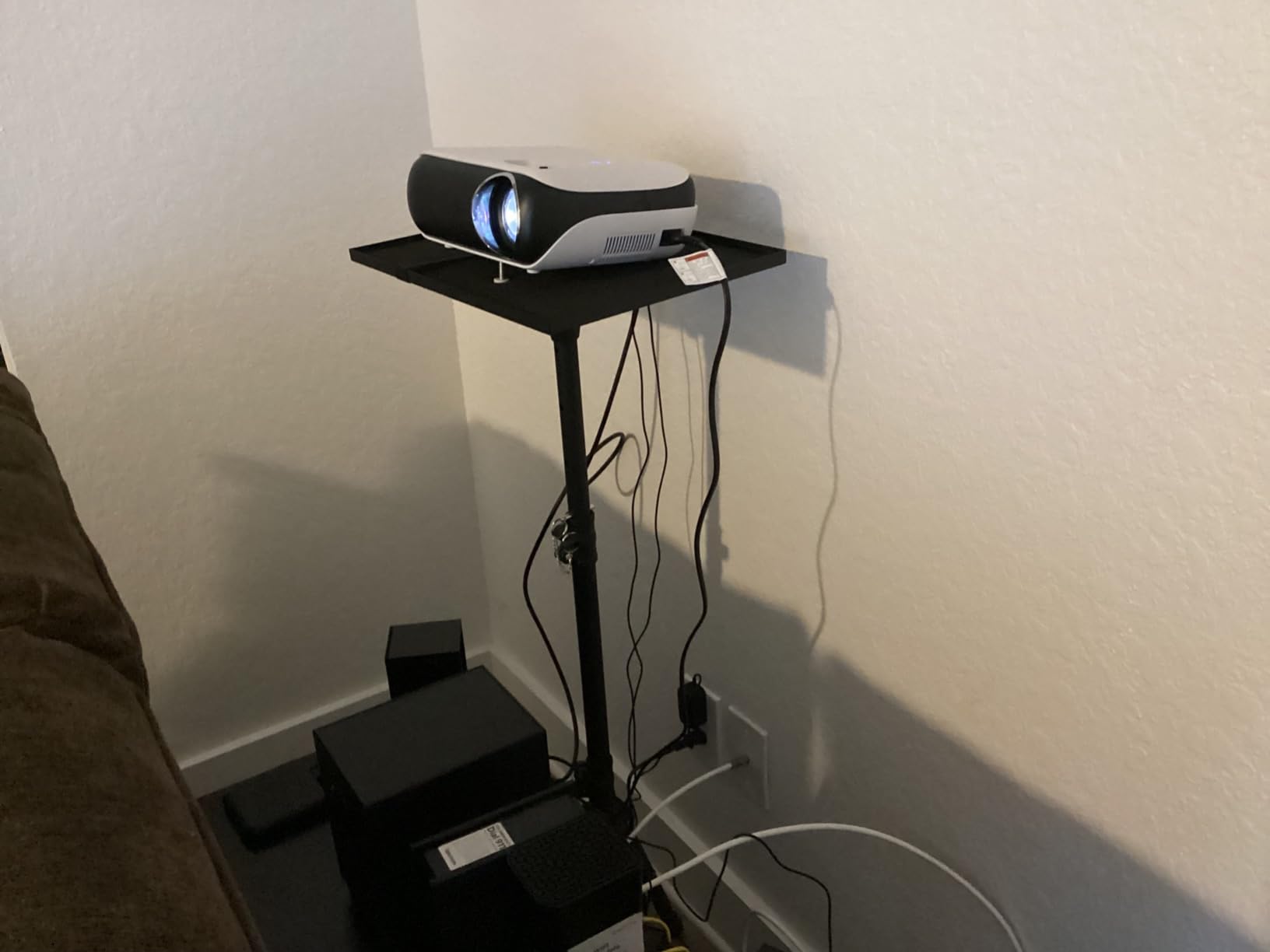
The OROW S211 is the most affordable 2.1 system on this list, and it is USB-powered, which means no wall outlet required. For anyone building a minimal desk setup or working with limited power strips, this is a genuine advantage. I tested it plugged directly into a USB port on my monitor.
The wooden enclosure is a nice touch at this price point. Wood helps reduce resonance and produces a warmer sound than all-plastic cabinets. The 9mm thick wooden box design contributes to cleaner audio than you might expect for under $40.
At 16 watts, this system is not going to fill a large room. But for close-range desktop listening, it delivers surprisingly capable sound. The dedicated subwoofer adds bass that makes games and movies more engaging than any built-in speaker ever could.
The build is basic, with controls mounted on the back of the subwoofer. This is inconvenient for adjusting volume or bass on the fly. Short cables also limit where you can place the satellites relative to the subwoofer and your PC.
Who Should Consider the OROW S211
This is the entry-level pick for someone who wants a 2.1 system but has a very tight budget. It is ideal for a secondary PC, a kid’s first desktop setup, or a work-from-home station where you just want better sound than monitor speakers without spending much.
Over 1,200 reviewers have rated it 4.1 stars, which suggests solid satisfaction for the price. The main complaint is long-term durability, with some units failing after extended use. At this price, some risk is expected.
USB Power Advantages and Limitations
USB power means the system draws from your PC or a USB hub. This keeps cable management simple and eliminates the need for a free wall outlet. The tradeoff is lower total power, since USB ports are limited in output compared to AC adapters.
If your desk has power constraints or you want the simplest possible setup, the OROW S211 makes sense. Just temper your expectations on volume and bass depth compared to AC-powered systems.
9. Logitech Z533 – Balanced Mid-Range Option
Logitech Z533 2.1 Multimedia Speaker System with Subwoofer
120W Peak
60W RMS
Front-Facing Sub
Control Pod
+ Pros
- Powerful 120W balanced sound
- Rich booming bass from front-facing sub
- Clear treble and balanced audio
- Wired control pod with headphone jack
- Multiple inputs for broad compatibility
– Cons
- Volume knob can develop crackling
- No Bluetooth connectivity
- Bass can rattle at certain frequencies
The Logitech Z533 sits comfortably between the budget Cyber Acoustics and the premium Z623. With 120 watts peak and 60 watts RMS, it delivers robust sound without the extreme power (and price) of its bigger brother. I found it to be the sweet spot for a mid-size room.
The front-facing subwoofer design is worth noting. Unlike down-firing subs that bounce bass off the floor, the front-facing driver pushes sound directly toward you. This creates a more direct, punchy bass response that works well for gaming and music.
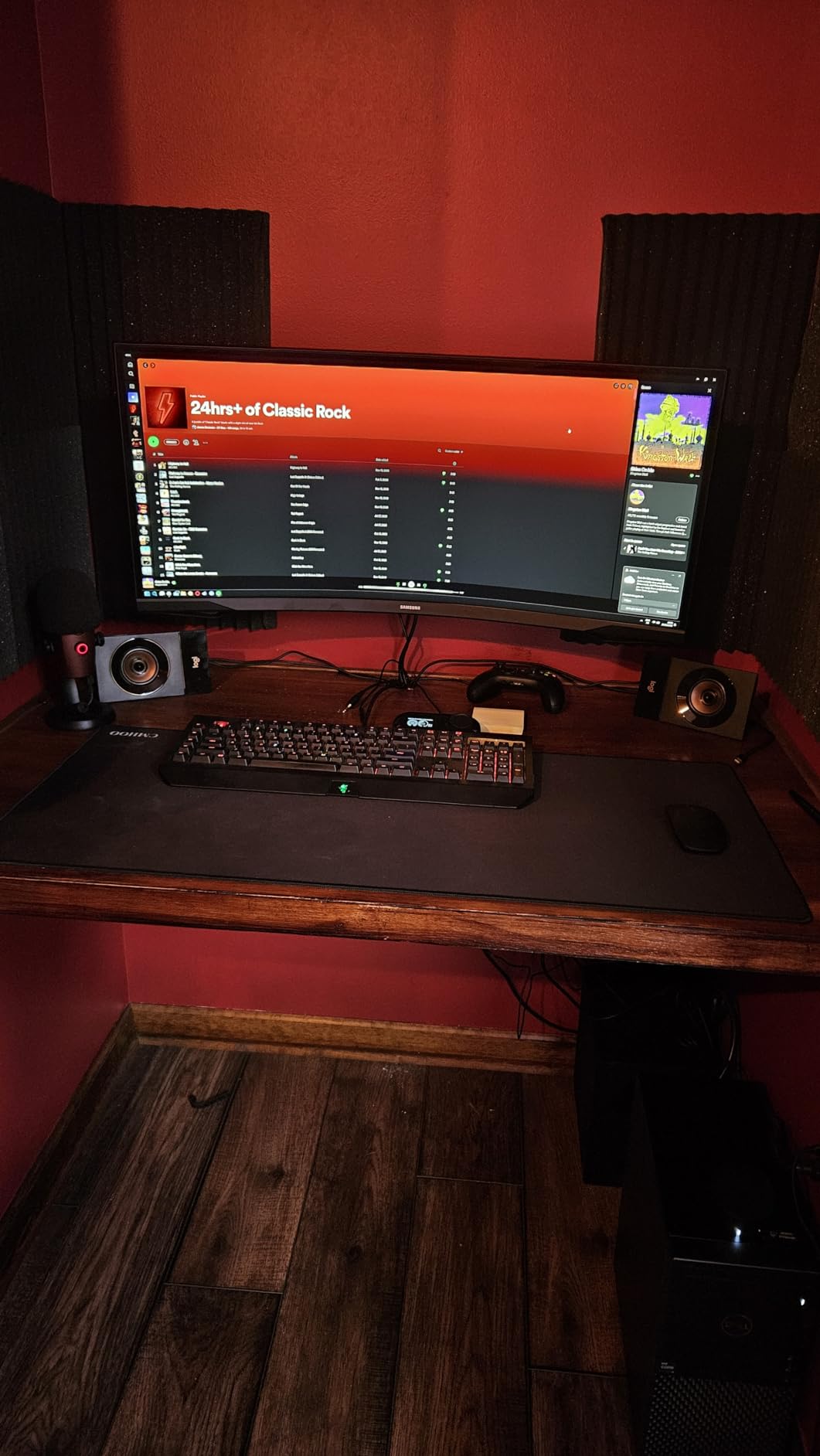
The wired control pod is one of the best I have used. It has dedicated knobs for power, volume, and bass, plus a headphone jack and auxiliary input. Everything is within reach, and the build quality of the pod feels durable.
Sound quality is balanced across the frequency range. Treble is clear without being harsh, mids are present and natural, and bass is rich without overwhelming the rest of the mix. This makes the Z533 a versatile system that handles every content type competently.
Long-Term Durability Notes
The most common complaint about the Z533 is that the volume control knob can develop a crackling sound over time. This is a potentiometer wear issue that affects some units after months or years of use. It is not universal, but it appears often enough in reviews to mention.
The bass can also rattle at certain frequencies if the subwoofer is pushed hard. Keeping the bass knob at a moderate setting eliminates this issue for most content.
Connectivity and Compatibility
The Z533 uses 3.5mm and RCA inputs, making it compatible with PCs, gaming consoles, TVs, smartphones, and tablets. There is no Bluetooth, so wireless streaming is not an option without adding a separate Bluetooth receiver.
For wired setups, the Z533 is an excellent mid-range choice with Logitech’s reputation for reliability and a strong feature set for the price.
10. Klipsch ProMedia Lumina 2.1 – Premium RGB Gaming
Klipsch ProMedia Lumina 2.1 Computer Gaming System with Subwoofer and RGB Lighting Effects Built-in
RGB Lighting
Bluetooth 5.3
USB-C
6.5 inch Subwoofer
App Control
+ Pros
- Exceptional sound clarity and detail
- Deep clean bass from 6.5 inch sub
- Multiple connectivity including USB-C and Bluetooth
- Premium build quality
- Customizable RGB with SignalRGB sync
– Cons
- Software can be buggy and glitchy
- High price point
- Proprietary satellite cables
- RGB setup can be finicky
The Klipsch ProMedia Lumina 2.1 is the modern reimagining of the legendary ProMedia line. It adds RGB lighting, app control, and updated connectivity while maintaining the sound quality Klipsch is known for. This is the premium pick for gamers who want audiophile-grade audio with visual flair.
The 6.5-inch subwoofer has an adjustable gain control, letting you dial in exactly how much bass you want. I found the low-end to be deep, clean, and controlled. It hits lower than most desktop subwoofers and stays tight even at high volumes.
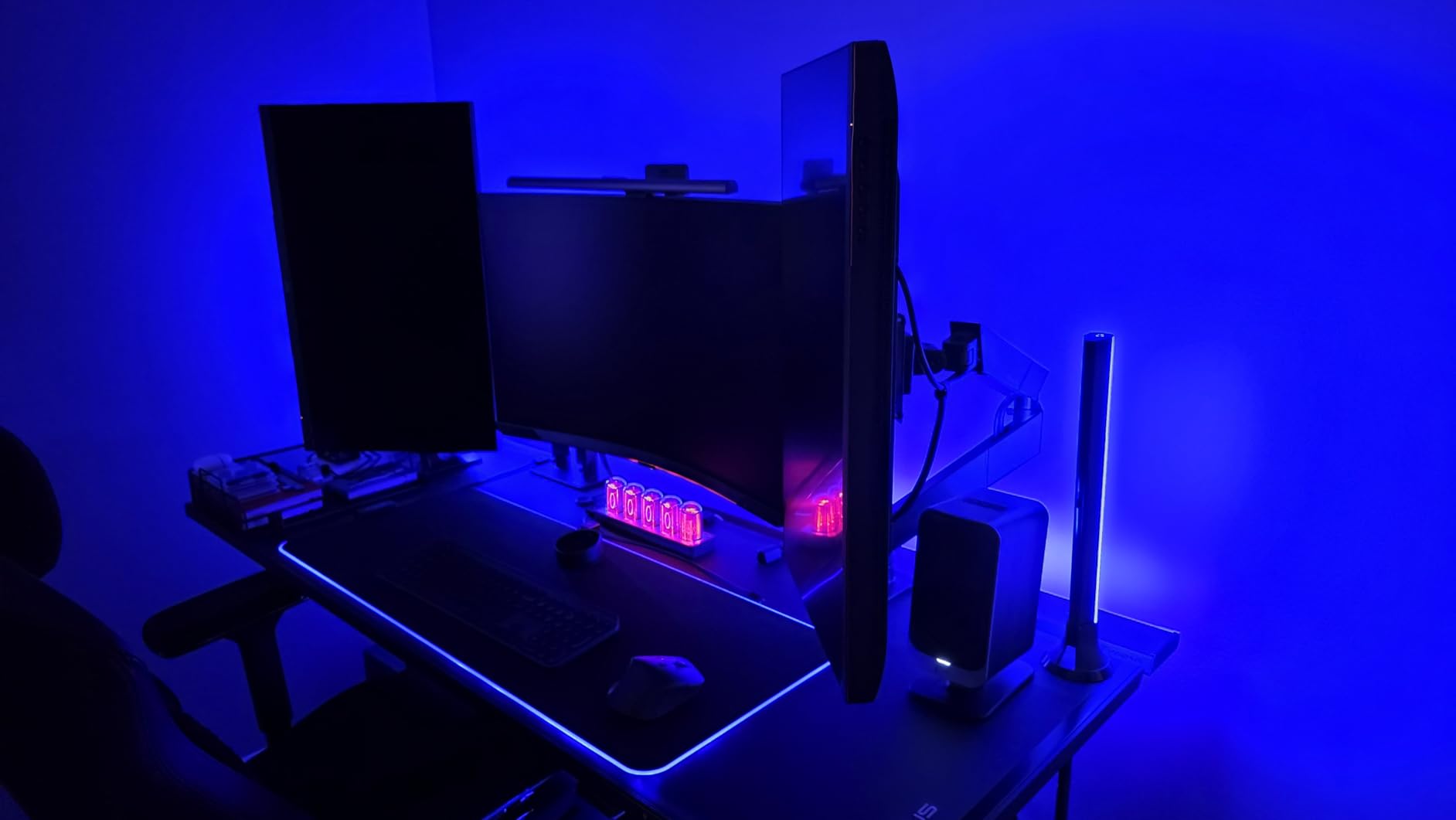
Connectivity is future-proofed with USB-C, 3.5mm AUX, and Bluetooth 5.3. The USB-C connection provides clean digital audio straight from your PC, bypassing the sound card for potentially better quality. Bluetooth 5.3 ensures stable wireless streaming from phones and tablets.
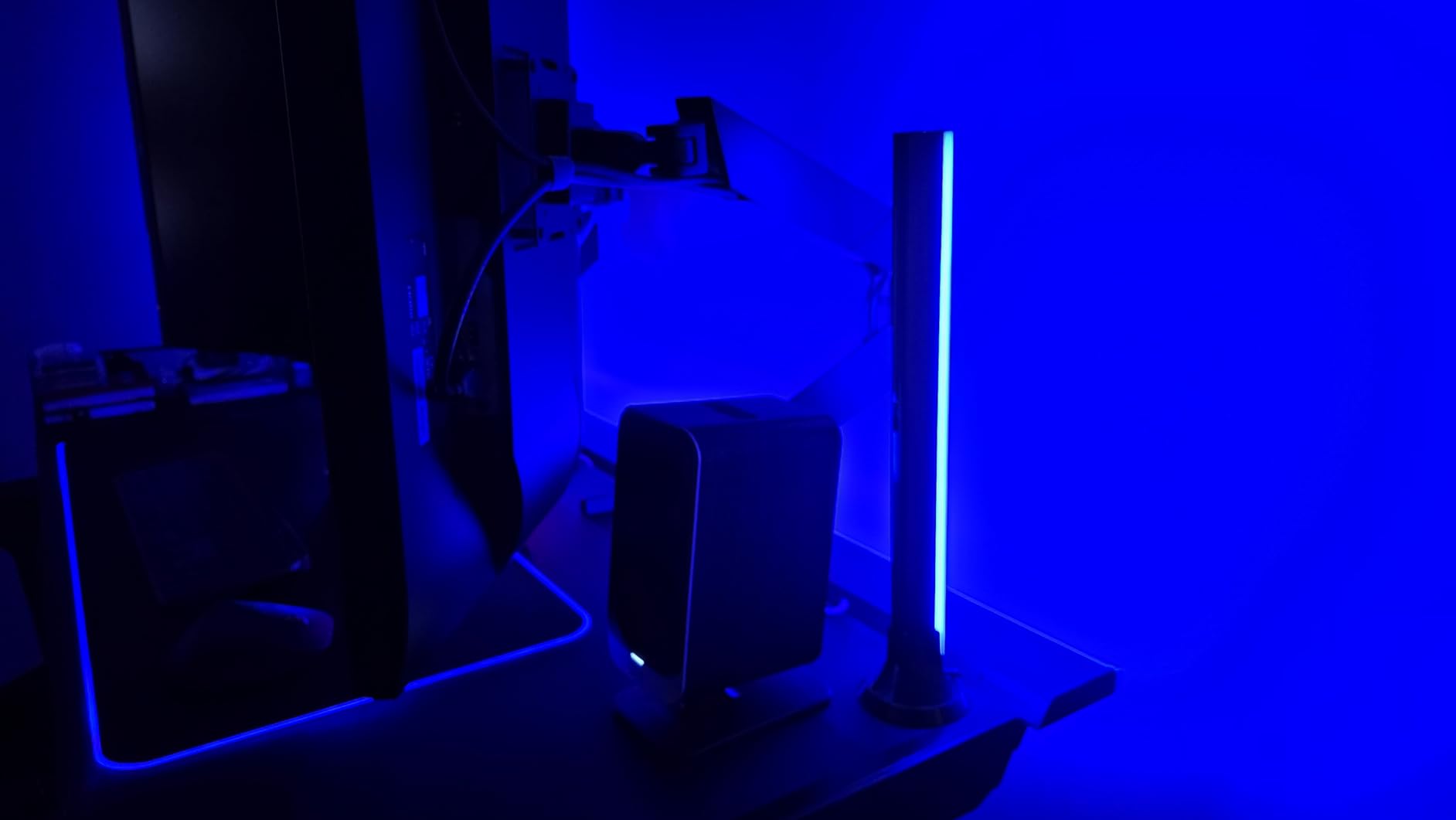
The Klipsch Control app lets you adjust EQ settings, lighting modes, and system modes. The music-reactive RGB lighting pulses with your audio and is compatible with SignalRGB for syncing across your entire RGB setup.
Software Experience
The Klipsch Control app is the main weak point of this system. It can be buggy and glitchy, with some users reporting volume responsiveness issues through the PC software. The RGB setup can also be finicky, requiring patience to get everything configured the way you want.
Once configured, the system works well. But the initial setup experience is not as smooth as competitors. If you are comfortable with some troubleshooting, the sound quality makes it worth the effort.
Is the Premium Price Justified
The Lumina is the most expensive system in this lineup. You are paying for the Klipsch sound quality, the modern connectivity options, and the RGB integration. If those features matter to you, the premium is justified.
For users who want the absolute best sound quality and do not care about RGB, the original Klipsch ProMedia 2.1 remains a better value. The Lumina is for those who want both performance and aesthetics in a single package.
Buying Guide: How to Choose the Best 2.1 PC Speakers
Choosing the right 2.1 PC speaker system comes down to understanding your needs and matching them to the right features. Here is what matters most when making your decision.
Sound Quality and Bass Performance
Sound quality is subjective, but a few objective factors help. Look for systems with dedicated tweeters for clear highs and a subwoofer that produces controlled, not boomy, bass. THX certification, found on the Klipsch ProMedia and Logitech Z623, guarantees a minimum standard of audio performance.
The subwoofer driver size directly impacts bass depth. A 6.5-inch driver like the Klipsch systems use hits lower frequencies than a 4.5-inch driver like the FIFINE. Consider what you listen to most. Bass-heavy music and action movies benefit from larger drivers.
Wattage and Power Output
Wattage ratings can be confusing because manufacturers quote peak and RMS differently. Peak power is the maximum burst the system can handle briefly. RMS is the continuous power output, which is a better real-world indicator.
For desktop use in a small room, 30-60 watts RMS is sufficient. For medium rooms, 60-100 watts RMS fills the space. The Logitech Z623 at 200 watts RMS is suited for large rooms or users who want maximum headroom.
Connectivity Options
Modern 2.1 systems offer various connectivity options. Wired connections (3.5mm AUX, RCA, USB, optical) provide the lowest latency and best audio quality. Bluetooth adds wireless convenience but may introduce slight latency, which matters for competitive gaming.
Consider what devices you need to connect. If you use a phone, tablet, and PC, look for systems with multiple inputs like the Logitech Z407 or Bluedee BD-SK900PRO. USB-C connectivity on the Klipsch Lumina and Bluedee is a nice future-proofing feature.
Desk Space and Subwoofer Size
One of the biggest pain points forum users mention is subwoofer size. Measure your available under-desk space before buying. The Logitech Z623 subwoofer is massive at over a foot tall. The FIFINE A22 and OROW S211 have compact subs that fit almost anywhere.
Satellite speaker size matters for desk surface area. If you have dual monitors and limited desk depth, compact satellites like the FIFINE or Nylavee work better than larger units. Also consider whether the system needs a control pod on your desk.
2.1 vs 2.0 Speakers: Which Is Right for You
People often ask whether 2.1 speakers are better than 2.0 for PC use. The answer depends on your needs. A 2.1 system with a dedicated subwoofer produces significantly deeper bass and more immersive sound for gaming, movies, and bass-heavy music.
A 2.0 system is more compact, simpler to set up, and sufficient for podcasts, voice calls, and casual listening. If you have zero floor space for a subwoofer, a quality 2.0 system is better than a compromised 2.1 setup. But if you want full-range sound and have room for a sub, 2.1 is the clear winner.
Understanding THX Certification
THX certification is a performance standard originally developed by Lucasfilm for cinema audio. For PC speakers, it means the system meets specific criteria for output level, frequency response, and distortion. Only a handful of 2.1 PC speaker systems carry this certification.
The Klipsch ProMedia 2.1 and Logitech Z623 are the two THX-certified systems in this guide. If audio fidelity is your top priority, THX certification provides assurance that the system performs to a recognized standard.
FAQ
What are the best 2.1 PC speakers for gaming?
The Razer Nommo V2 and Klipsch ProMedia Lumina 2.1 are top gaming picks, but from our tested lineup, the Klipsch ProMedia 2.1 THX and Bluedee BD-SK900PRO are excellent for gaming. The Klipsch delivers THX-certified sound with powerful bass, while the Bluedee adds RGB lighting and multiple connectivity options at a lower price point.
What 2.1 speaker system is best for computer?
The Klipsch ProMedia 2.1 THX is the best overall 2.1 speaker system for a computer. It offers THX-certified sound quality, a powerful 6.5-inch subwoofer, and 200 watts of peak power. For a more budget-friendly option, the Cyber Acoustics CA-3610 delivers excellent value.
Are 2.1 speakers better than 2.0 for PC?
Yes, 2.1 speakers are generally better than 2.0 for PC use if you want deep bass and immersive sound. The dedicated subwoofer in a 2.1 system produces low frequencies that small satellite speakers alone cannot reproduce. However, 2.0 systems are more compact and simpler to set up if desk space is limited.
What is the best budget 2.1 PC speakers?
The Cyber Acoustics CA-3610 is the best budget 2.1 PC speaker system, offering a 5.25-inch subwoofer, 62 watts peak power, and a control pod at an affordable price. For an even lower budget, the OROW S211 at under $30 provides USB-powered 2.1 sound with surprising quality.
How do I choose computer speakers for my desk?
To choose computer speakers for your desk, first measure your available desk surface and under-desk space for a subwoofer. Then consider your primary use case: gaming benefits from low latency wired connections and strong bass, while office use may prioritize clear dialogue. Match the wattage to your room size, and check connectivity options to ensure compatibility with all your devices.
Conclusion: Finding Your Best 2.1 PC Speakers in 2026
The best 2.1 PC speakers for you depend on your budget, desk space, and how you use your computer. The Klipsch ProMedia 2.1 THX remains the gold standard for sound quality and value, earning our Editor’s Choice. The Logitech Z623 is the powerhouse pick if you want maximum output with THX certification.
For budget-conscious buyers, the Cyber Acoustics CA-3610 delivers impressive performance without breaking the bank. The Logitech Z407 is the connectivity champion with its wireless control dial and Bluetooth. And the Klipsch ProMedia Lumina 2.1 is the premium pick for gamers who want both sound quality and RGB aesthetics.
Whichever system you choose, any of these 2.1 setups will dramatically outperform built-in monitor speakers or basic 2.0 desktop speakers. Pick the one that matches your space, budget, and listening preferences, and you will be enjoying richer, fuller desktop audio for years to come.
Leave a Reply