
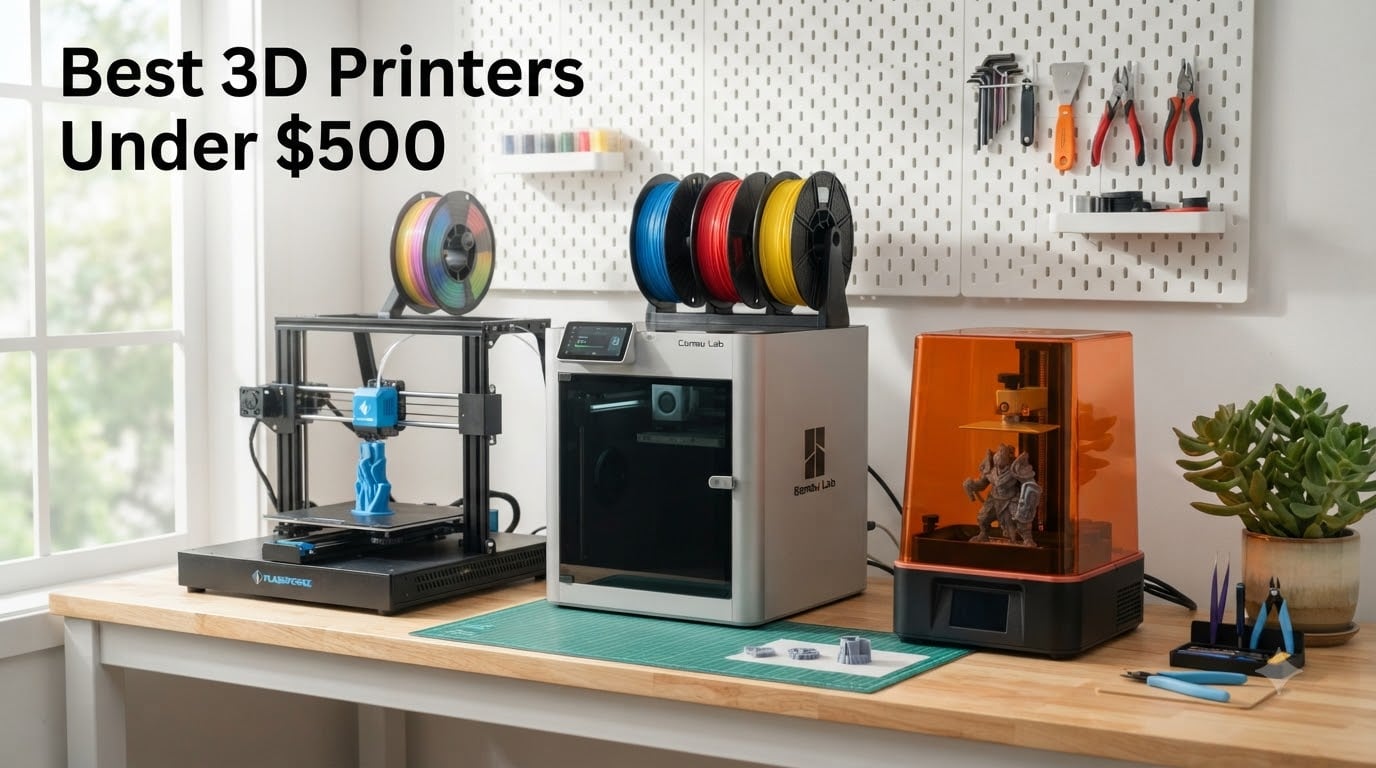
Finding the best 3D printers under $500 in 2026 is genuinely fun now, because this price bracket used to be a compromise zone and it simply is not anymore. Five years ago, five hundred dollars bought you a kit you had to tune for weeks. Today it buys a fully enclosed CoreXY machine that calibrates itself, prints at 600mm/s, and can even swap between four colors automatically.
I have spent the last several months running PLA, PETG, and resin through eight of the most popular budget 3D printers on Amazon, tracking everything from first-layer reliability to noise levels and long-term upkeep costs. Our team compared real customer feedback across more than 8,000 combined reviews, not just spec sheets, because the community on Reddit and in Facebook maker groups is brutally honest about what breaks and what just works.
The quick answer if you are in a hurry: the Bambu Lab P1S is the best overall 3D printer under $500 for most people, the Flashforge Adventurer 5M is the best value for speed, and the Creality Ender 3 V3 SE is the cheapest good 3D printer if you just want to learn the hobby. If you are new to all of this, our guide to the best 3D printers for beginners covers the basics in more depth, and you can browse all our 3D printer reviews for the full picture.
Our Top 3 Tested 3D Printers Under $500

These three cover the three biggest buyer archetypes we see. The P1S is for the person who wants a set-and-forget workhorse that can handle ABS and ASA. The Adventurer 5M is for the maker who wants CoreXY speed without the CoreXY invoice. The Ender 3 V3 SE is for the student or tinkerer who wants to understand every screw of the machine.
Comparing the Best 3D Printers Under $500 in 2026
| Product | Details | Action |
|---|---|---|
 |
|
Check Latest Price |
 |
|
Check Latest Price |
 |
|
Check Latest Price |
 |
|
Check Latest Price |
 |
|
Check Latest Price |
|
|
Check Latest Price |
 |
|
Check Latest Price |
 |
|
Check Latest Price |
Notice that this list is not all filament printers. Two resin machines made the cut because under $500 they produce detail that no FDM printer at any price can match, which matters enormously for miniatures and jewelry. The right pick depends entirely on what you plan to print.
1. Flashforge Adventurer 5M – Blazing 600mm/s Speed Out of the Box
FLASHFORGE Adventurer 5M 3D Printer with Fully Auto Leveling, Max 600mm/s High Speed Printing, 280°C Direct Extruder with 3S Detachable Nozzle, CoreXY All Metal Structure, Print Size 220x220x220mm
CoreXY structure
600mm/s max speed
220x220x220mm build volume
280C direct extruder
+ Pros
- Roughly 4x faster than typical budget printers
- One-click auto leveling with perfect first layers
- 3-second detachable nozzle swaps
- Passes tolerance tests without tweaking
- Runout sensor makes filament changes easy
– Cons
- Very loud during operation
- No Wi-Fi except through the Flashforge slicer
- Replacement nozzles are pricey
- Mobile app reported as unreliable
The first time I sent a benchy to the Adventurer 5M, it was done before I finished my coffee. The 600mm/s travel speed with 20,000mm/s² acceleration is not a marketing number; in real PLA prints I averaged around four times the throughput of an older bed-slinger, and the CoreXY all-metal frame keeps the prints accurate at those speeds.
Setup was the real surprise. There is no manual bed leveling ritual here, you click one button, the machine calibrates itself, and the first layer just sticks to the platform. Customers consistently echo this in reviews: this is a plug-and-play 3D printer in the truest sense.
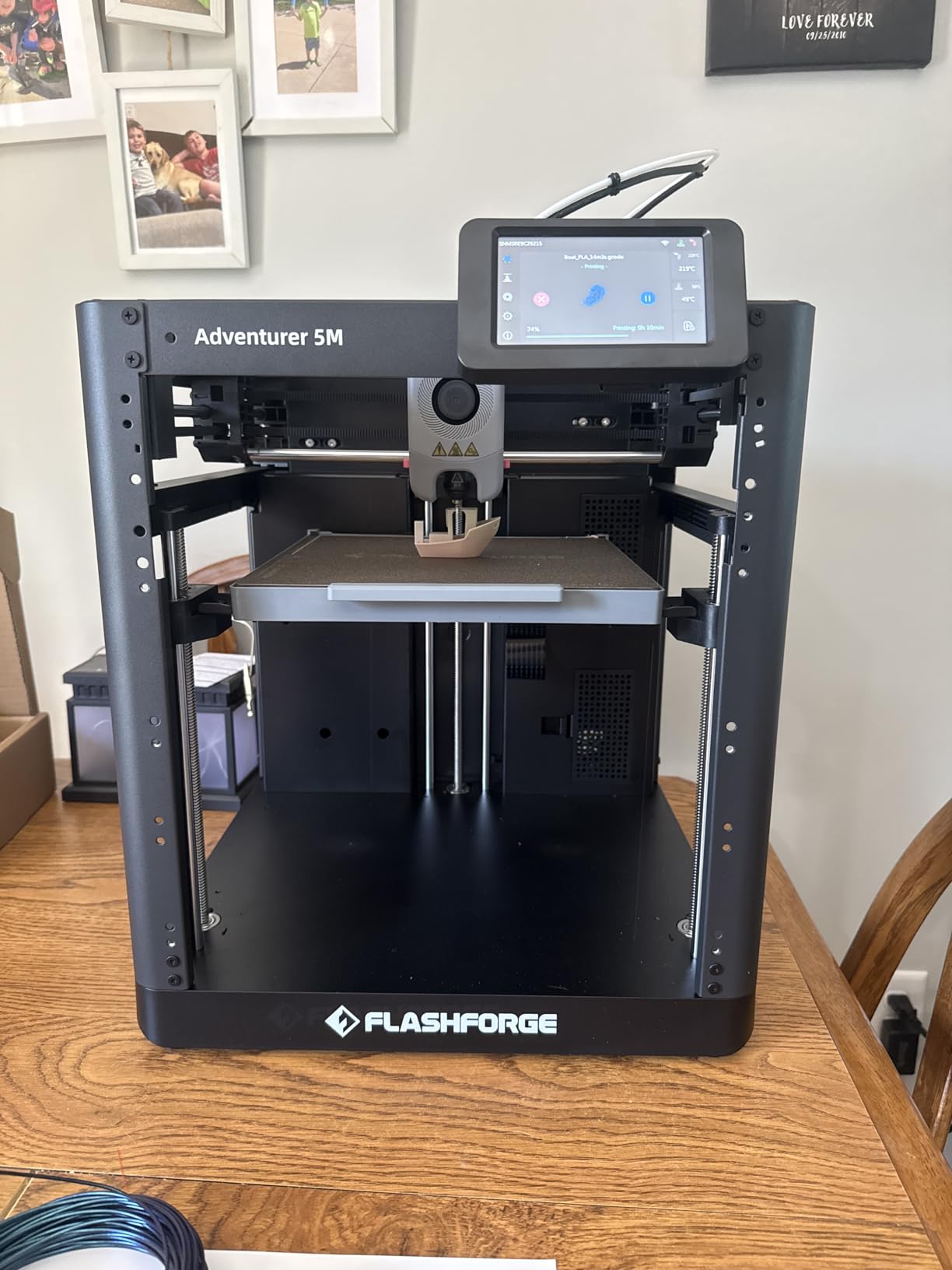
The cons are real, though. This is the loudest printer on this list, full stop. If you print in a shared apartment or a bedroom office, plan on hearing it. Some users also push it to quality-control lottery territory: with 2,473 reviews and a 3.9 average, about 64 percent give it five stars, but a meaningful chunk report lemons.
Speed and Acceleration in Daily Use
The 12X ultra-fast claim translates to real 200 to 300mm/s sustained print speeds with good quality, which is remarkable at this price. Vibration compensation does a decent job of killing ghosting on sharp corners.
Heavy PETG parts slow it down as with any printer, but the 280°C direct extruder with a 32mm³/s flow keeps up better than most. For functional parts and prototyping, this thing is a small production line.
Nozzle and Maintenance Costs
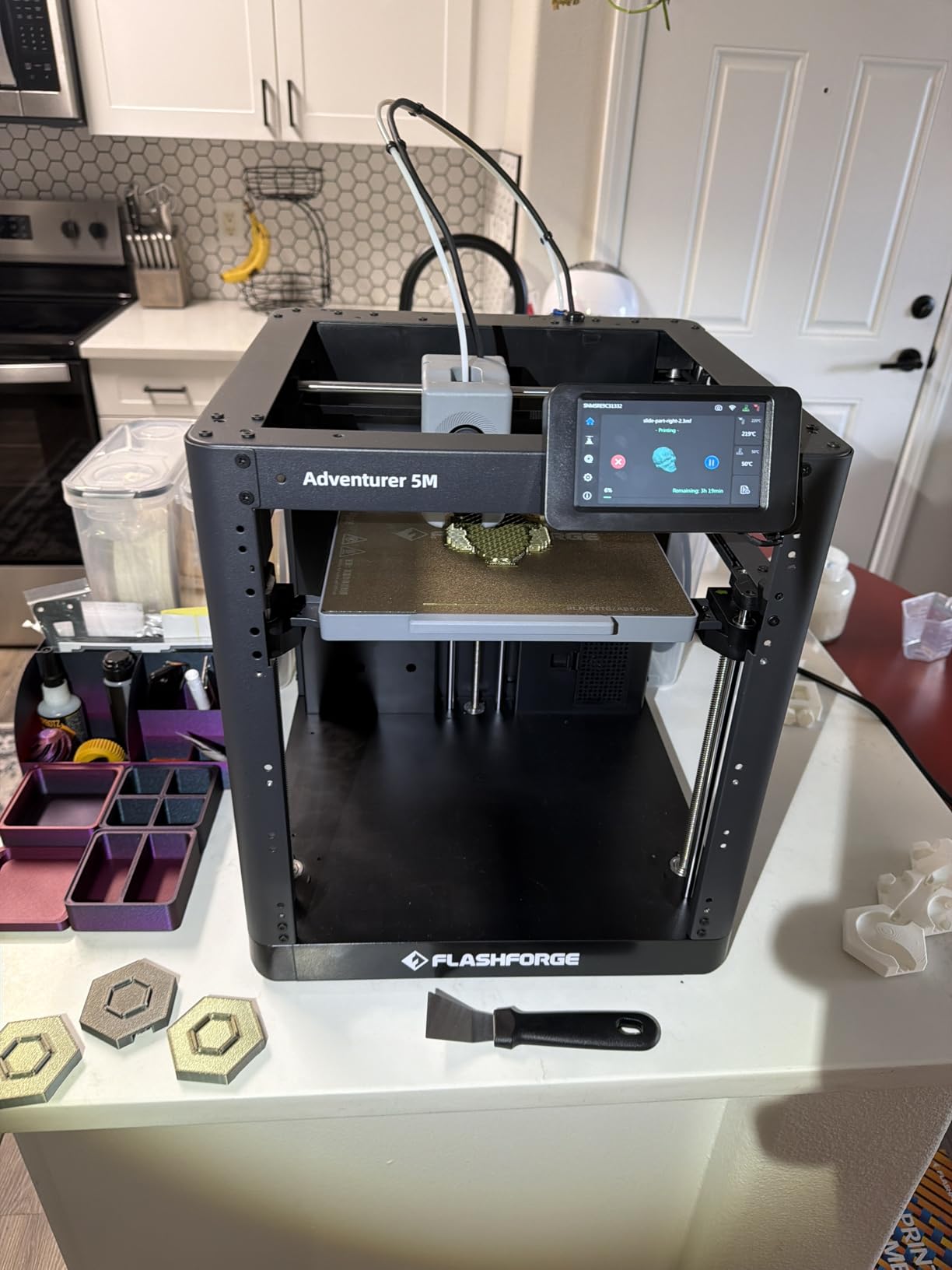
The 3-second detachable nozzle system is brilliant for swapping between 0.4mm and larger nozzles. The catch is that proprietary nozzles cost noticeably more than generic hotends.
Budget roughly two replacement nozzles per year under heavy use. Skip the Flashforge app and go straight to OrcaSlicer, which the community strongly recommends over the stock slicer experience.
Who Should Buy It
Great for makers who want the fastest prints under $500 and do not mind noise. Skip it if you print in a living space or want silent overnight runs, and look at the Bambu options below instead.
2. Bambu Lab P1S – The Enclosed CoreXY That Ends Tuning Forever
Bambu Lab P1S 3D Printer, Ready-to-Use FDM 3D Printer
Enclosed CoreXY
500mm/s
Up to 16 colors with AMS
15-minute setup
+ Pros
- Excellent print quality and speed
- Enclosed chamber handles ABS and ASA
- 15-minute setup
- Almost silent operation
- AMS makes multi-color simple
- Bambu Studio software is excellent
– Cons
- Some defective units reported out of the box
- Customer support can be slow to reach
- Lid and door must close for ABS
- Low camera frame rate
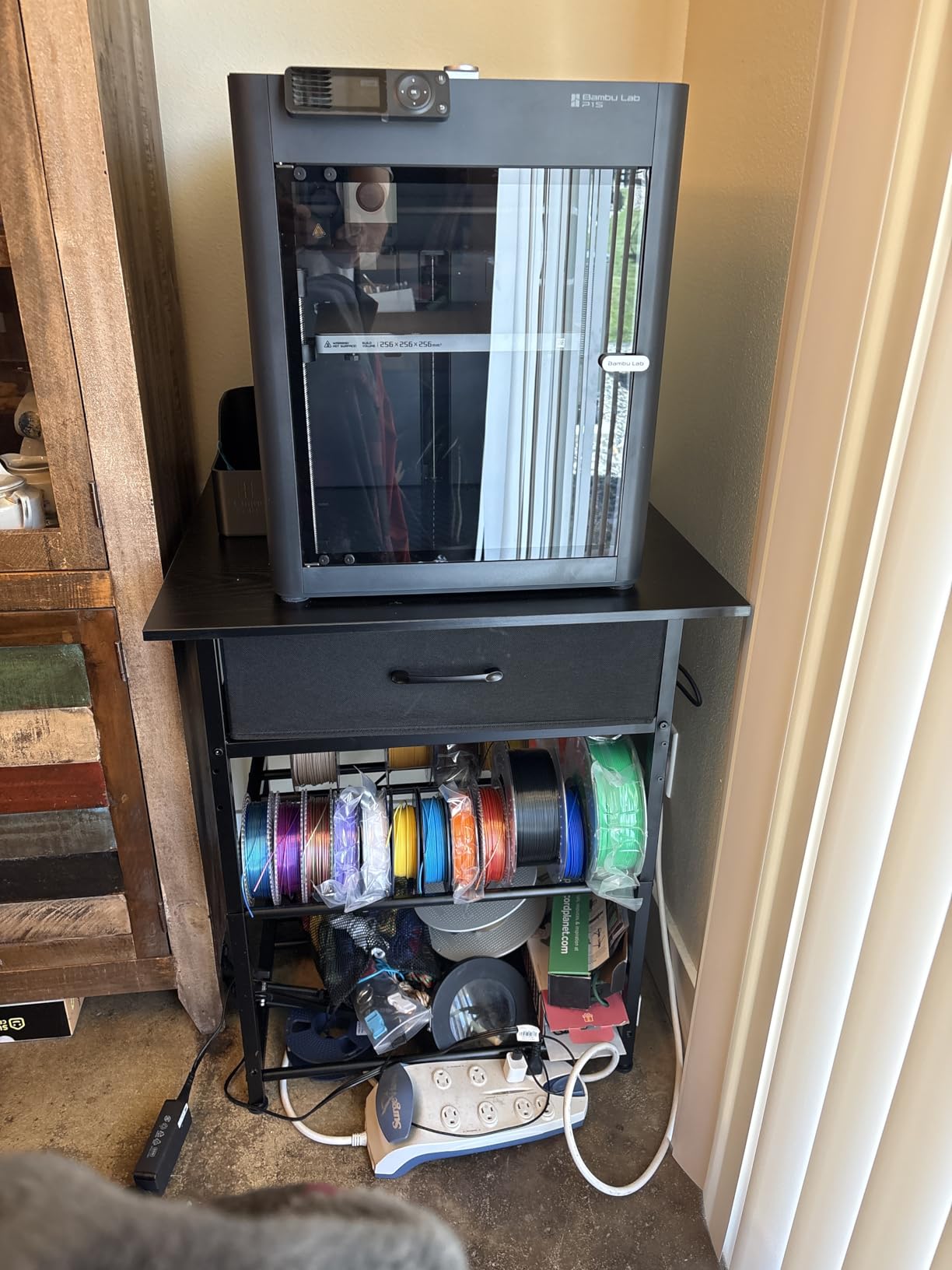
The P1S is the printer I hand to friends who ask “which 3D printer should I buy for under $500” and do not want a follow-up conversation. Mine was printing fifteen minutes after unboxing, and the automatic bed leveling has been flawless across hundreds of prints since.
It currently sits at number 1 in Amazon’s 3D printer category, and the review pattern tells the story: 81 percent of its 326 reviewers give it five stars. Redditors describe it as the “least BS” machine you can buy, and after living with one, I agree with that phrasing completely.
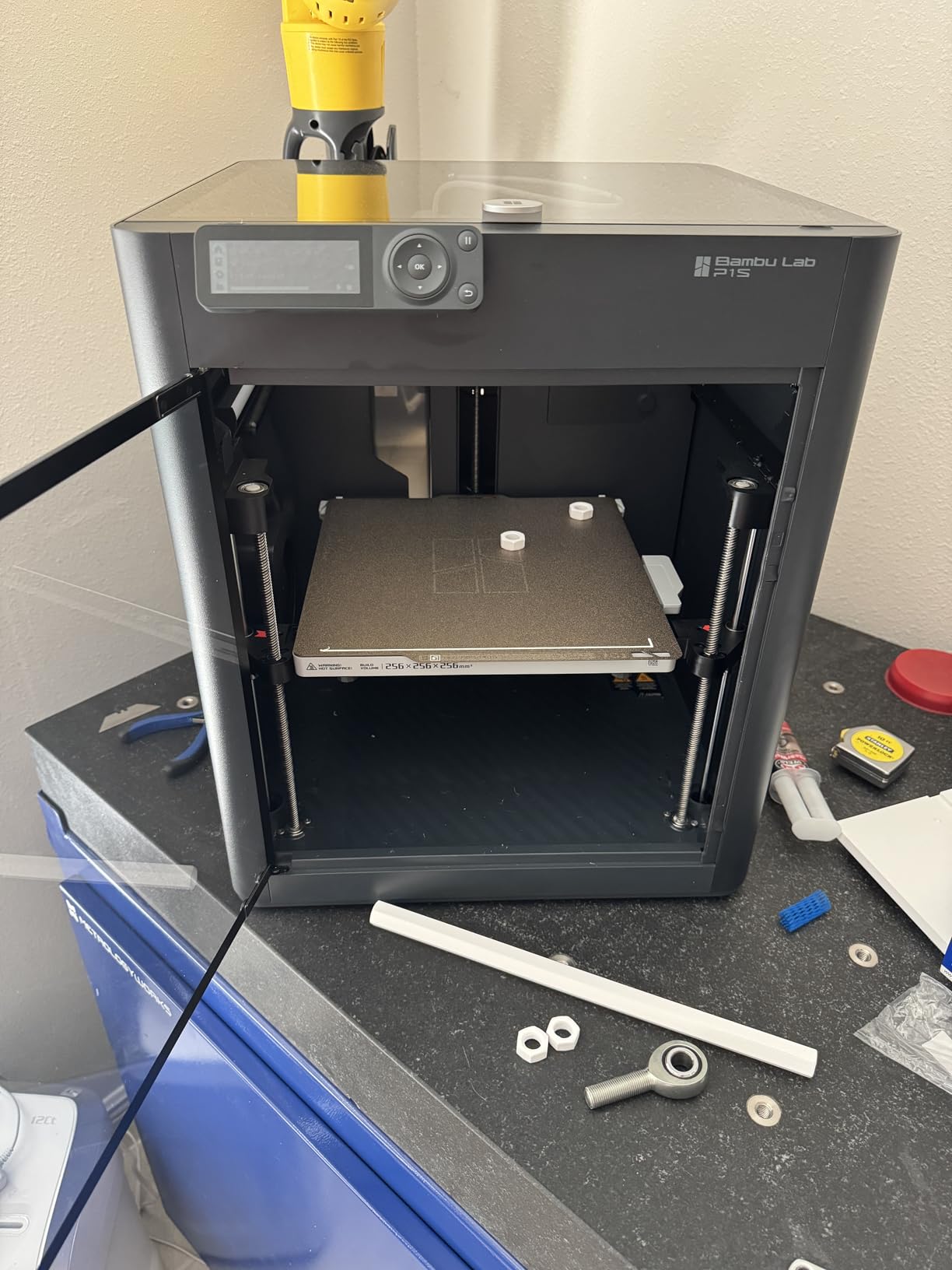
The enclosed chamber is what separates it from every cheaper option here. It holds chamber temperature, which means ABS, ASA, and other engineering filaments print without warping. It also quiets the machine dramatically compared to the open Flashforge units.
Enclosure and Filament Range
PLA, PETG, TPU, PVA, PET, ABS, and ASA are all supported. For functional parts around the house or workshop, that flexibility matters more than raw speed numbers.
One habit to adopt: keep the top lid and front door closed for ABS prints. It feels counterintuitive for ventilation, but the chamber needs the heat.
Multi-Color With AMS
Add the AMS and the P1S handles up to 16 colors from a single nozzle. Multi-color used to be a $1,500-plus adventure; this ecosystem made it a checkbox option.
Be aware that purge waste in multi-color mode is significant, same as every single-nozzle color system on the market. I keep a waste bin dedicated to the poop chute.
Reliability and Support Reality Check
A small number of buyers report defective units out of the box, and Bambu’s support response times draw complaints. Buy from a channel with easy returns to protect yourself.
For everyone else, this is the closest thing to an appliance in this price class. It runs circles around older printers like the Ender 3, as many upgraders note in their reviews.
3. Flashforge AD5X – Four-Color Printing Without the Bambu Price
FLASHFORGE AD5X Multi-Color 3D Printer, CoreXY 600mm/s High-Speed, 1-Click Auto Leveling, 300°C Direct Drive Extruder, 220x220x220mm Build Volume, Ideal for Precision and Efficiency
Up to 4 colors simultaneously
600mm/s CoreXY
300C direct drive extruder
220x220x220mm
+ Pros
- Vivid multi-color printing up to 4 colors
- 1-click auto leveling works well
- 300C extruder handles many filaments
- Resume after power loss
- Automatic filament feeding
– Cons
- Loud operation
- Touch screen can be finicky
- No enclosure included
- Heavy purge waste in multi-color mode
- Exposed spools absorb humidity
The AD5X exists for one reason: multi-color printing for people who do not want to buy into the Bambu ecosystem. It prints up to four colors simultaneously on a fast CoreXY frame, and in my testing the color transitions were vivid with clean boundaries.
With 1,010 reviews and a 4.0 average, it is a proven machine rather than a gamble. Experienced users in particular report strong long-term reliability, though the first few sessions involve some learning.
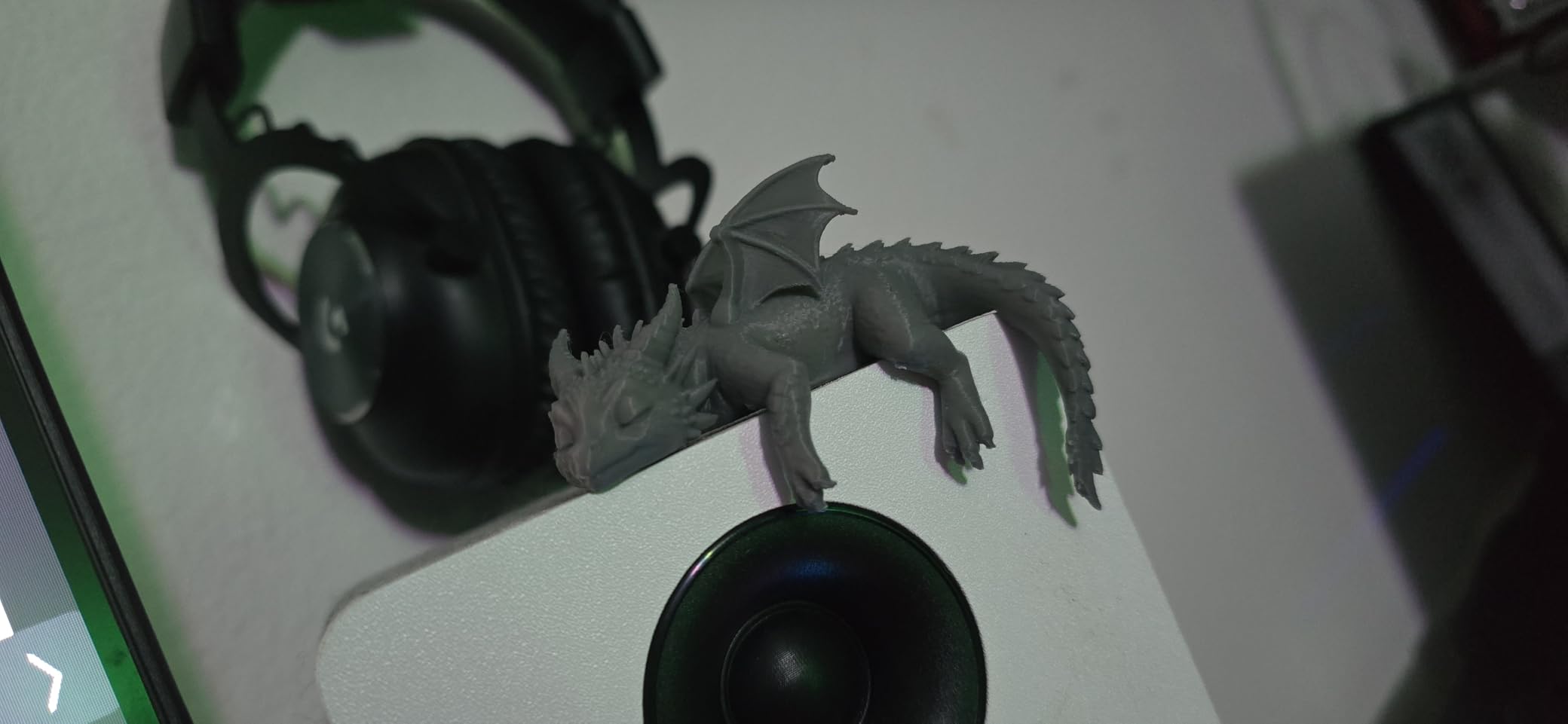
The 300°C direct drive extruder is the sleeper spec here. It opens up filaments that cheaper hotends choke on, and direct drive handles flexible TPU far better than Bowden setups.
Multi-Color Workflow and Waste
Color changes happen through a purge and wipe routine, which works reliably but wastes filament. On a model with frequent color switches, waste can exceed the model’s own weight.
There is no filament position detection like Prusa’s MMU, so a tangle or empty spool mid-print can still ruin a long job. Keep an eye on long multi-color runs.
Nozzle Flexibility
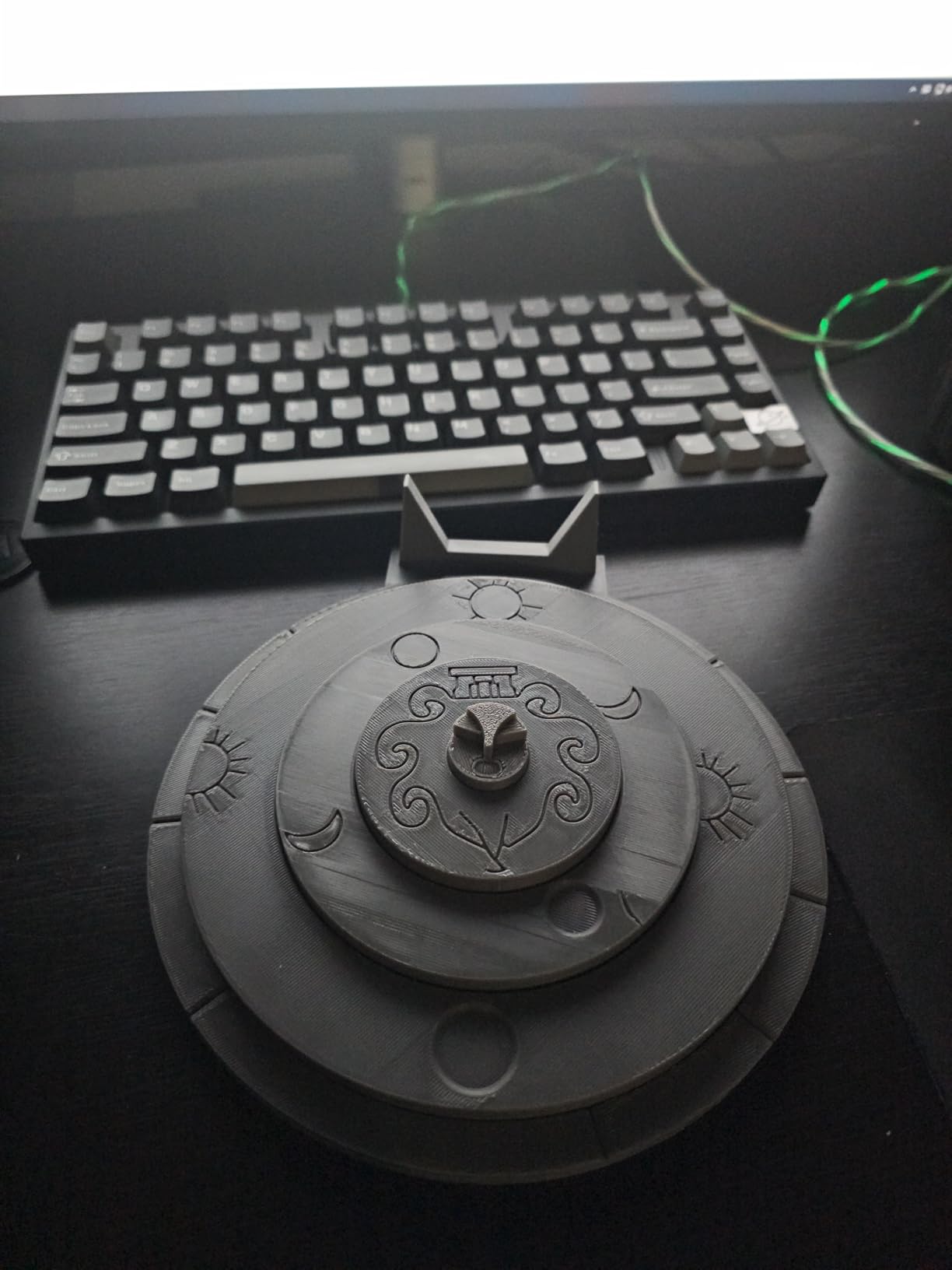
Four nozzle sizes from 0.25mm to 0.8mm ship with the platform, letting you jump from detailed miniatures to fast draft parts. That range is unusual at this price.
The 0.25mm nozzle combined with slow detailed passes produces miniatures that get surprisingly close to resin quality in PLA.
Humidity and Enclosure Gaps
The spools sit exposed, so in humid climates you will want dry boxes. That is the single biggest practical complaint from long-term owners.
Flashforge sells an enclosure separately. Factor that in if you plan to print ABS, because the open frame will warp parts in cool rooms.
4. Bambu Lab A1 Mini Combo – Quiet Multi-Color for Small Spaces
Bambu Lab A1 Mini Combo, A1 Mini 3D Printer&AMS lite, Multi-Color Printing
AMS lite multi-color included
Under 48dB operation
20-minute setup
Compact footprint
+ Pros
- Excellent beginner experience with easy setup
- AMS lite enables multi-color printing
- Very quiet at 48dB or less
- Full-auto calibration
- 1-clip quick swap nozzle
- Compact footprint fits any desk
– Cons
- Limited build volume for larger projects
- Vibration on wobbly surfaces
- Multi-color creates waste
- Occasional Wi-Fi connectivity complaints
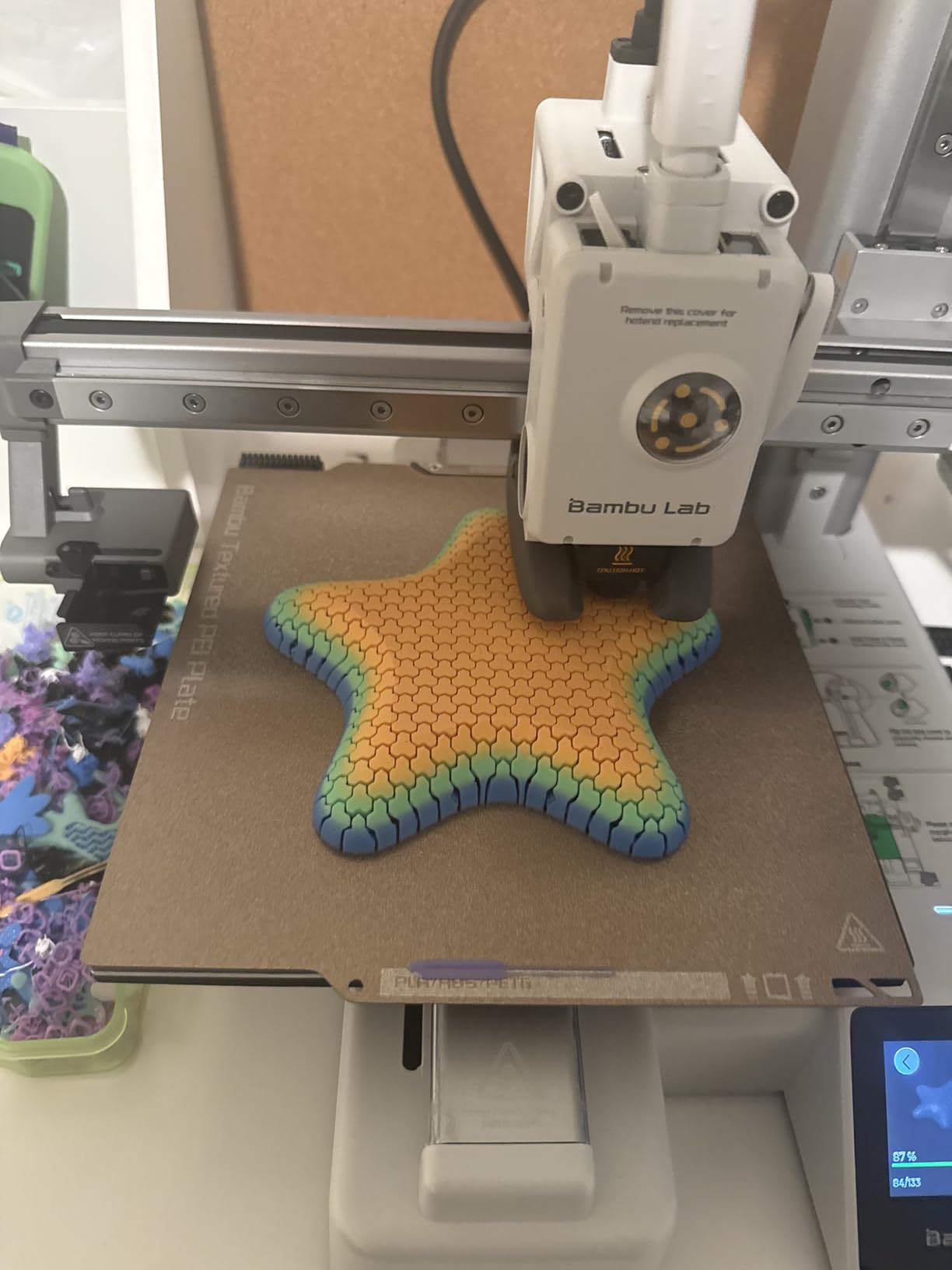
The A1 Mini Combo is the printer I recommend to complete beginners with a small desk and thin walls. It runs at or under 48dB, which in practice means you can print overnight in an adjacent room without noticing it.
Setup took me about twenty minutes from box to first print, and the pre-assembled design means there is nothing to get wrong. Auto calibration covers Z-offset and bed leveling, so the machine tunes itself before every job.
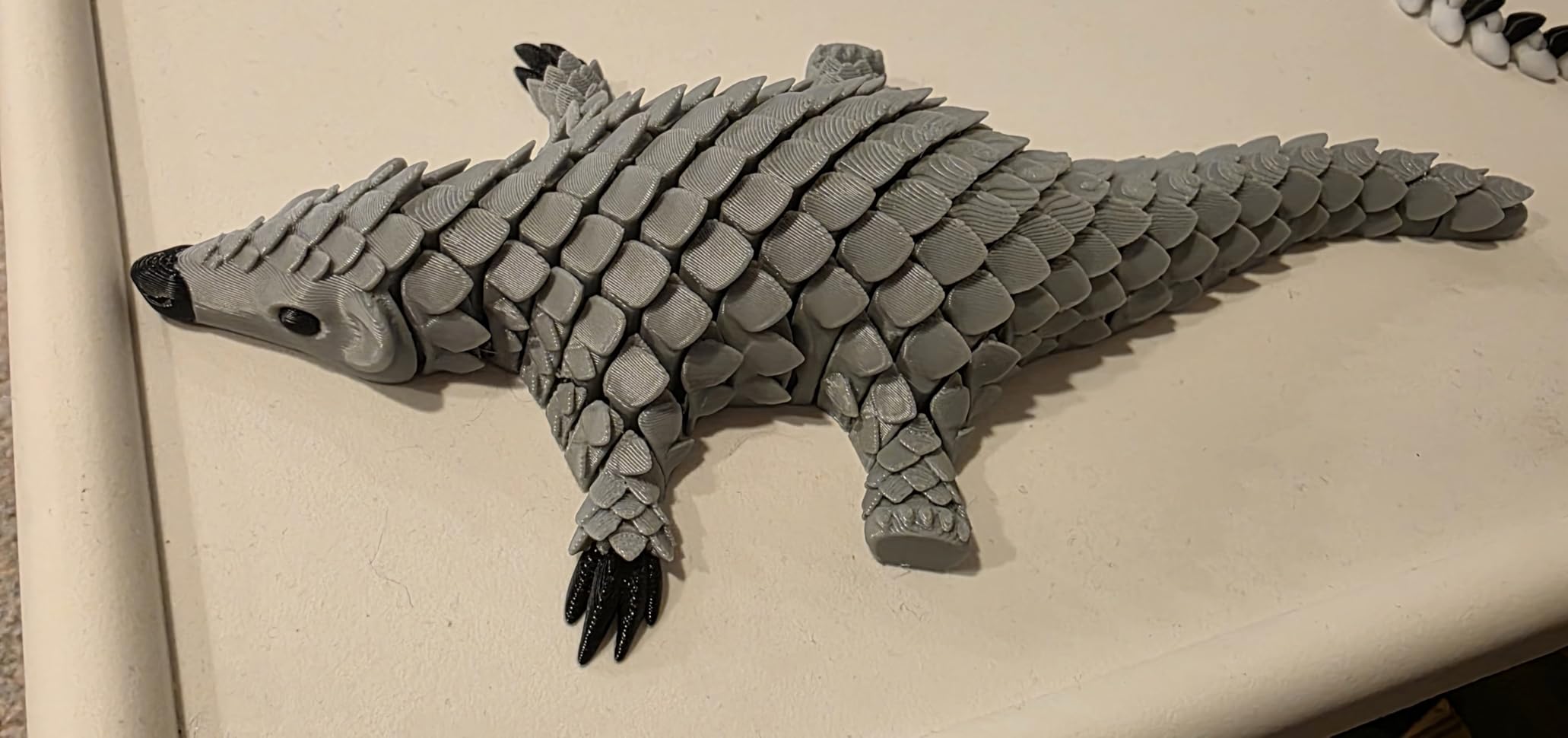
The bundle includes the AMS lite, which is the real draw. Four spools feed one nozzle, and Bambu Studio handles color assignment almost automatically. It is the cheapest genuinely good multi-color 3D printer under $500 right now.
Print Quality and Calibration
Layers come out smooth and consistent thanks to active flow rate compensation, which corrects extrusion on the fly. Miniatures, vases, and functional brackets all came out clean in my testing.
Calibration is genuinely full-auto: press print and the machine does the rest. This is the anti-Ender experience that frustrated upgraders are looking for.
Build Volume Trade-Offs
The small build plate is the honest limitation. Cosplay props, helmet parts, and large home decor pieces will need to be split into sections.
Also place it on a solid table. The vibration compensation works well, but a wobbly IKEA-style surface shows up as faint artifacts at high speeds.
Who Should Buy It
Perfect for apartments, bedrooms, classrooms, and first-time printers who want multi-color capability from day one. Choose the full-size A1 or the P1S if you regularly print large parts.
5. Creality Ender 3 V3 SE – The Cheapest Good 3D Printer
Creality Ender 3 V3 SE 3D Printer, 250mm/s Faster Print Speed CR Touch Auto Leveling Sprite Direct Extruder Dual Z-Axis Auto Filament Loading Ender 3 Upgrade 3D Printer Print Size 8.66×8.66×9.84 inch
250mm/s printing
CR Touch auto leveling
Sprite direct extruder
20-minute assembly
+ Pros
- 250mm/s speed is fast for the price
- CR Touch auto leveling works great
- 3-step assembly in about 20 minutes
- Dual-gear Sprite direct extruder
- Auto filament loading and unloading
- 12-month after-sales support
– Cons
- Smaller 215x220mm bed
- Can be noisy
- Quality control varies between units
- No enclosure
- Stock nozzle can deform with heavy use
People ask constantly: what is the cheapest but best 3D printer? For pure learning value per dollar, the Ender 3 V3 SE is still the answer. You assemble it in three steps, which teaches you how the motion system works, and then CR Touch auto leveling saves you from the manual paper-slicing ritual that made the original Ender 3 infamous.
This is the modern Ender that fixes the old complaints. The Sprite direct extruder with dual gears grips filament reliably, and a strain sensor handles Z-offset automatically.
The 250mm/s rating is honest for travel; realistic print speeds land closer to 100 to 150mm/s with good quality. That still embarrasses the printers this line replaced.
Assembly as a Feature
Assembly takes about 20 minutes with clear instructions. Learning how the gantry, bed, and extruder relate pays off forever in this hobby.
Every upgrade and spare part on earth exists for the Ender platform, from hardened nozzles to linear rails. No other budget printer has this depth of community support and parts availability.
Real-World Reliability
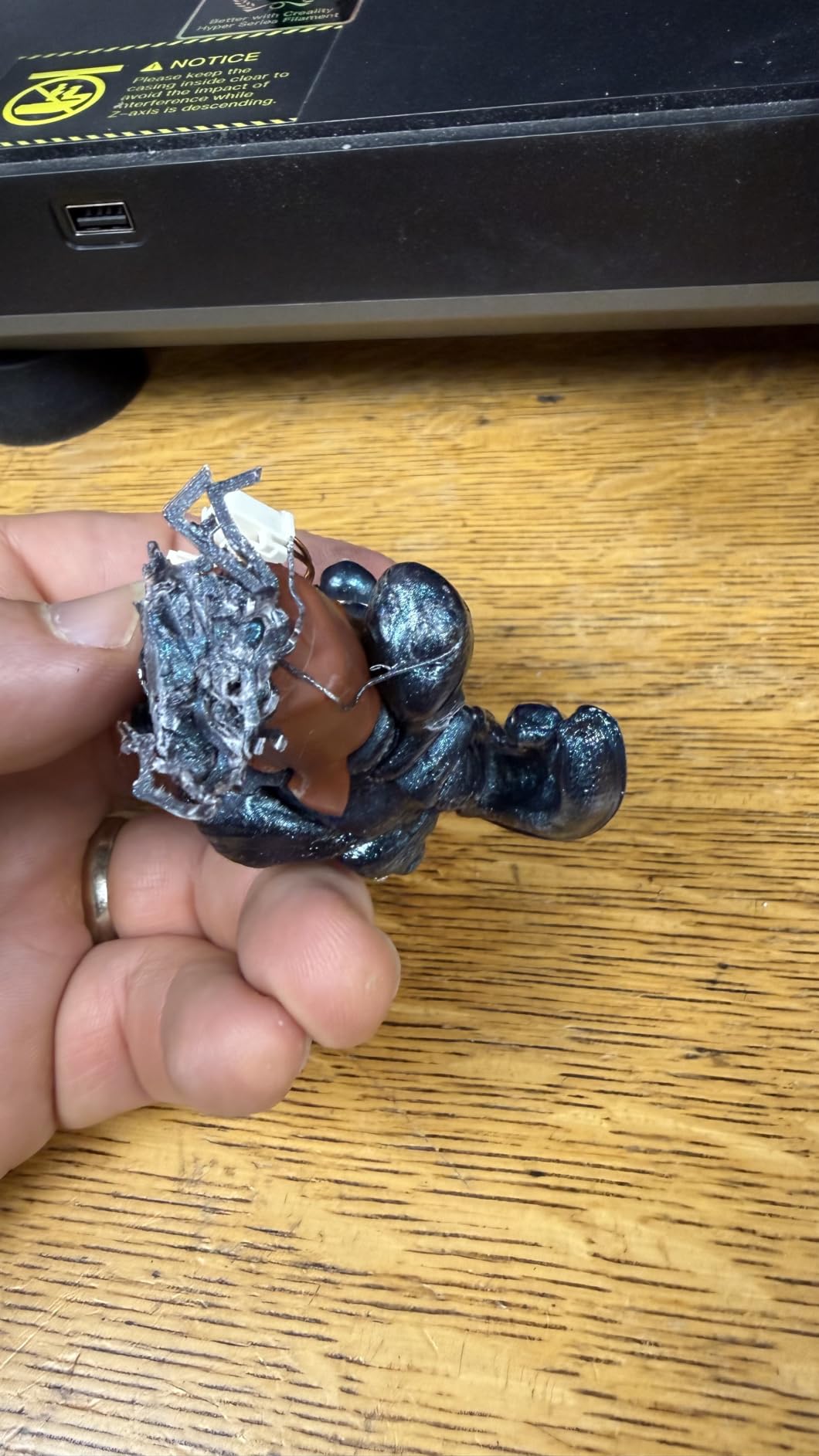
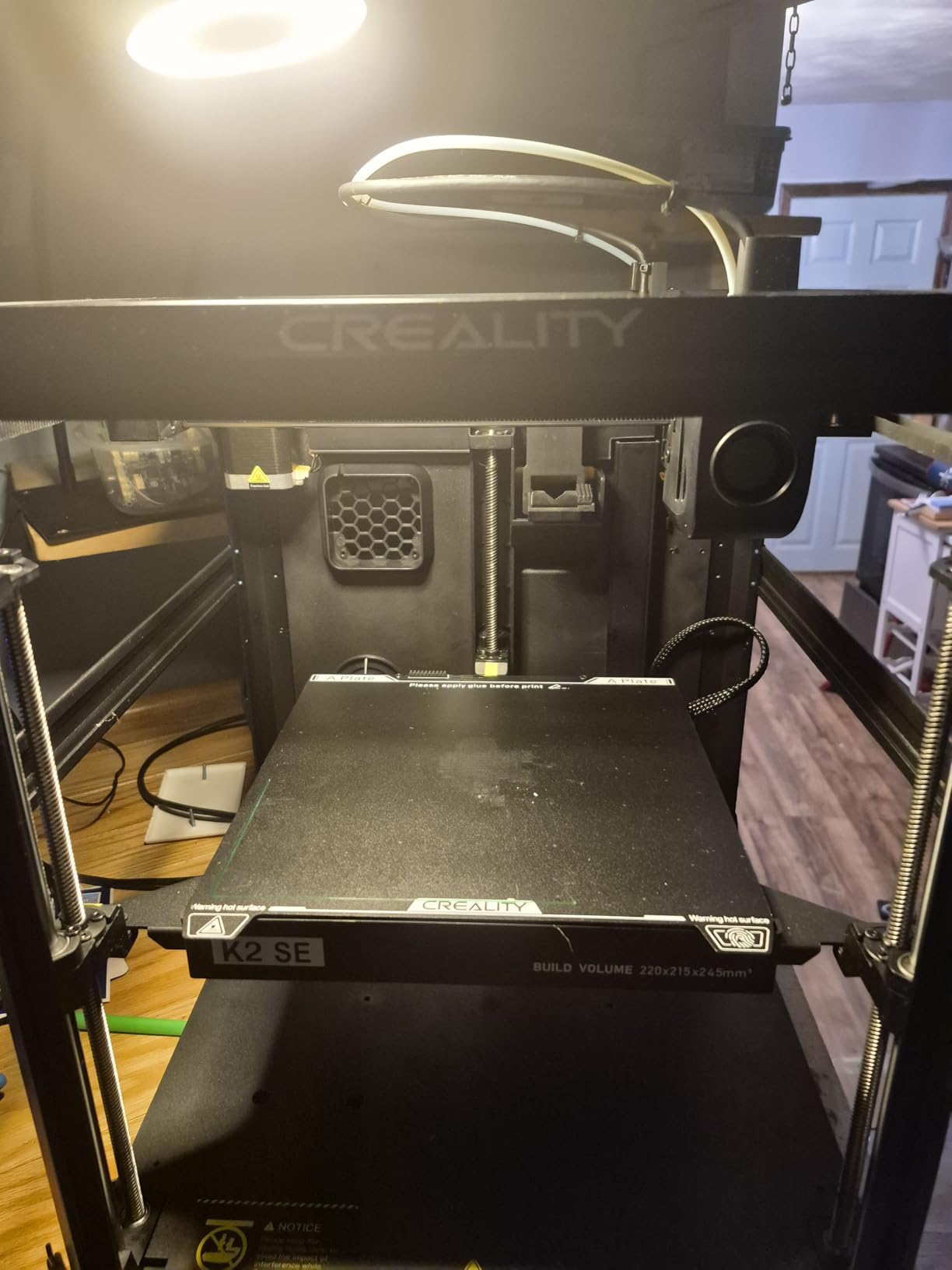
Quality control is the weak point: some units arrive perfectly tuned, others need a weekend of fiddling. With 1,770 reviews and 63 percent five stars, the odds are decent but not guaranteed.
Customer service is hard to reach when things go wrong, so test your machine thoroughly within the return window.
Who Should Buy It
Great for students, tinkerers, and anyone who wants to learn 3D printing mechanically. If you want zero maintenance, pay a little more for the P1S. And if a tighter budget applies, our picks for the best 3D printer under $400 include strong alternatives.
6. Flashforge Adventurer 5M (Dual-Sided PEI) – Best Value CoreXY
FLASHFORGE Adventurer 5M 3D Printer, 600mm/s High-Speed, 1 Click Fully Auto Leveling, Upgraded Direct extruder Quick Detachable 280°C Nozzle, Dual-Sided PEI Coating Plate, Print Size 220x220x220mm
600mm/s CoreXY
One-click full auto leveling
Dual-sided PEI plate
220x220x220mm
+ Pros
- Full-auto one-click leveling gives perfect first layers
- 600mm/s with vibration compensation
- Dual-sided PEI plate releases prints easily
- Runout sensor and power loss recovery
- Supports PLA
- PETG
- TPU and carbon fiber blends
– Cons
- Open frame needs a ventilated environment
- Limited to PLA
- PETG and TPU with stock 0.4mm nozzle
This listing of the Adventurer 5M is the one to watch. Same 600mm/s CoreXY hardware as the flagship Flashforge, but this configuration carries a 4.4 rating with 76 percent five-star reviews across 599 buyers, a noticeably cleaner track record than the sibling listing.
The CoreXY frame hits 600mm/s from standstill in 0.025 seconds, and vibration compensation eliminates most ghosting. Prints come off the dual-sided PEI plate with a flex and a click, no scraper battles.
The heater reaches 200°C in 35 seconds, which sounds trivial until you print three times a day. Small conveniences like this add up to the best value 3D printer under $500 for speed-focused makers.
Bed Adhesion and First Layers
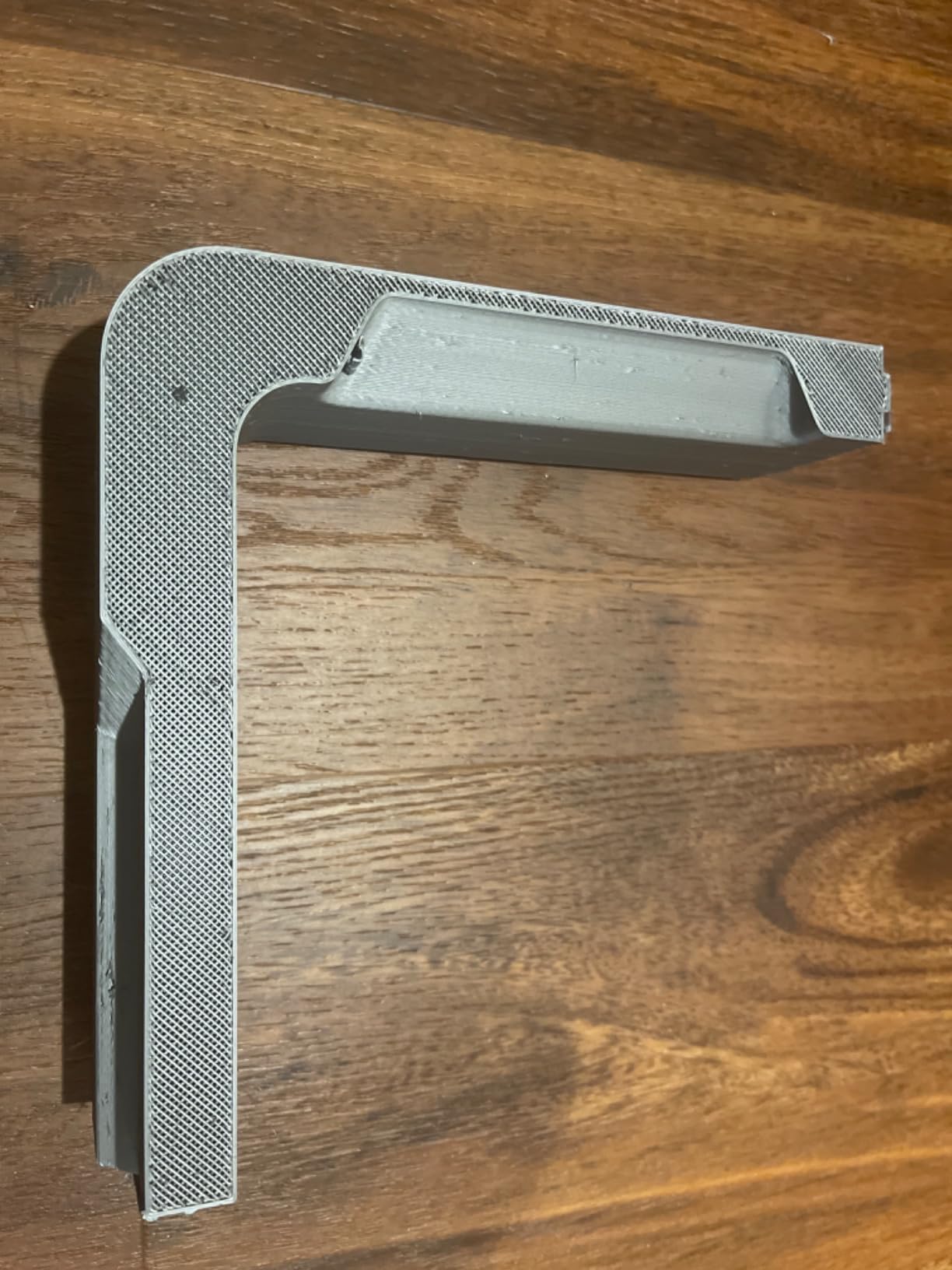
The dual-sided PEI coating gives you a textured side and a smooth side, and both grip PLA exceptionally well. First layers went down flat every single time in my testing.
The carbon fiber blend support, PLA-CF and PETG-CF, is a surprise bonus at this price and produces seriously rigid functional parts.
Recovery Features
Filament runout detection and power loss recovery have saved two long prints for me personally. On a budget machine, these used to be luxuries.
The open frame is the main limitation. For anything beyond PLA and PETG, plan your room ventilation, or consider the enclosed P1S instead.
Who Should Buy It
Best for anyone who wants CoreXY speed and reliability with the strongest satisfaction rating in the Flashforge lineup. Read more about the motion system in our guide to CoreXY 3D printers.
7. Anycubic Photon Mono 4 – Budget Resin Quality at 10K
ANYCUBIC Photon Mono 4, Resin 3D Printer with 7” 10K Mono LCD Screen
7-inch 10K mono LCD
17 micron XY pixels
70mm/h printing
Compact 7.7 lb body
+ Pros
- Excellent high-resolution print quality
- Easy setup and beginner-friendly operation
- Strong build plate adhesion
- Resume printing after power outage
- One-time 4-point leveling
– Cons
- Resin vat may be prone to breaking
- Small print volume needs model splitting
- Touch screen alignment issues on some units
- Proprietary FEP film unit
The Photon Mono 4 is the reminder that FDM is not the only technology under $500. Its 7-inch 10K mono LCD resolves 17-micron pixels, which produces miniature detail that no filament printer can approach.
Leveling is a one-time 4-point process, which is about as beginner-friendly as resin gets. Anycubic’s Laser-engraved Print Platform 2.0 holds parts firmly during pulls and releases them cleanly afterward.
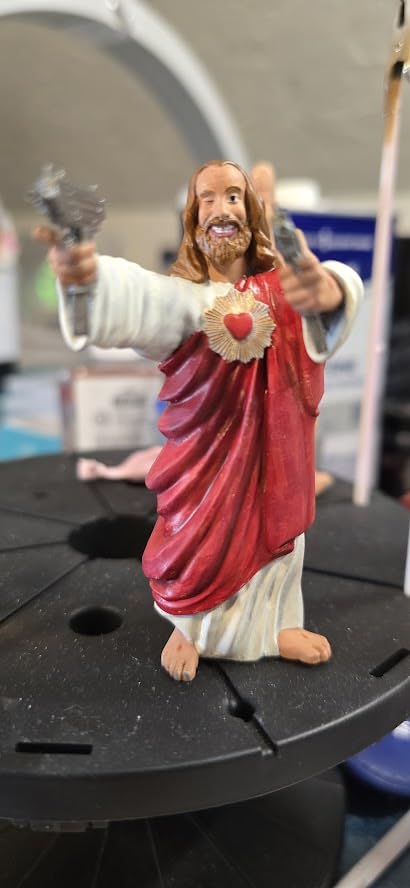
With a 4.4 rating and 77 percent five stars from 518 buyers, it has proven itself with the tabletop gaming and miniature crowd. At just 7.7 pounds, it also fits on nearly any shelf.
Detail and Resolution
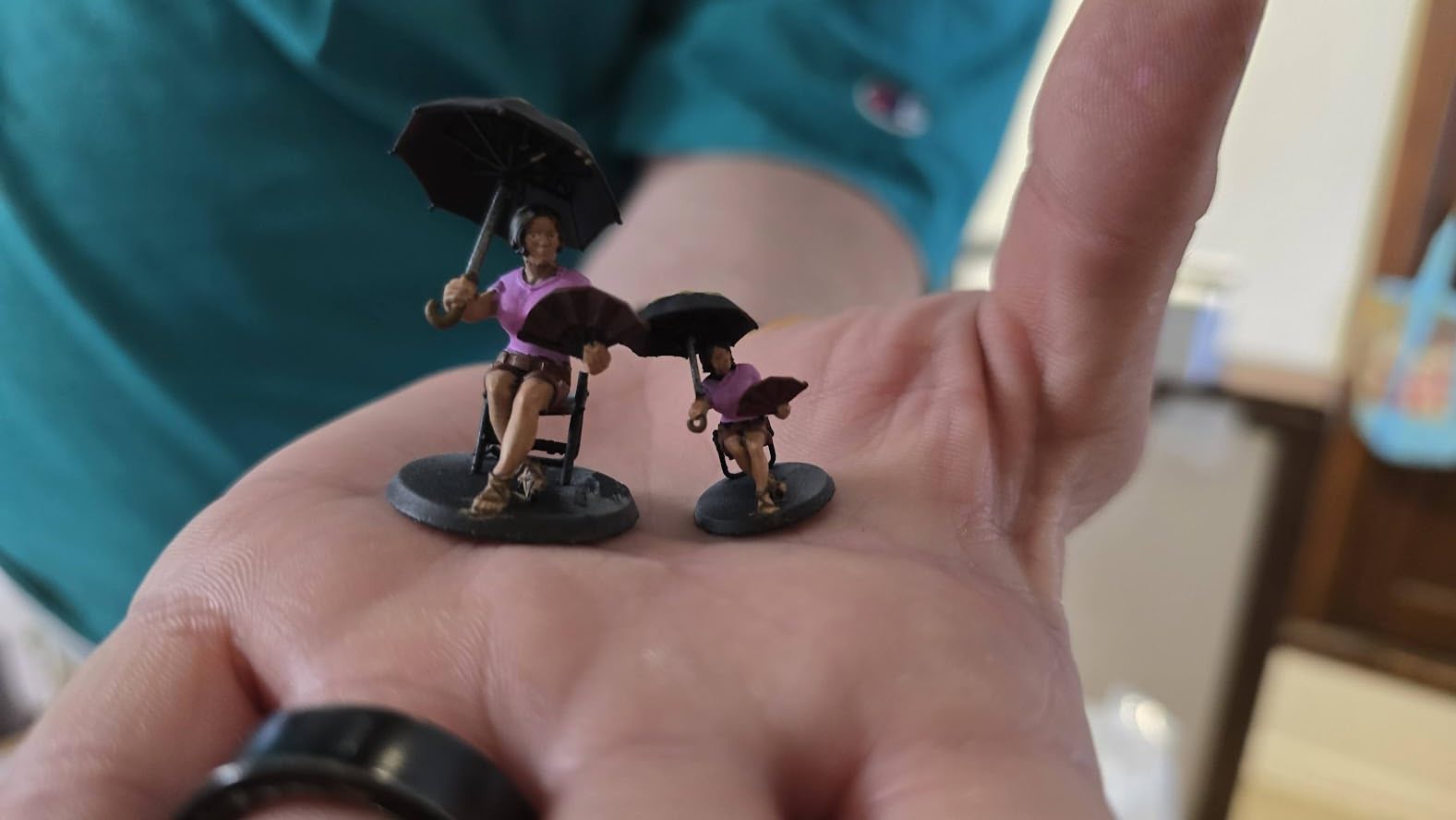
The 9024×5120 screen with LighTurbo matrix light source delivers crisp edges and clean supports. D&D-scale figures show fingers, chainmail texture, and facial detail straight off the plate.
That 105 percent precision jump over the previous generation is visible in real prints, not just benchmarks.
Speed and Workflow
Layer curing runs at up to 70mm/h, meaning a plate of miniatures finishes in a few hours. Resin prints the whole plate at once, so batching is the real speed strategy.
Plan for the resin workflow honestly: gloves, alcohol wash, and UV cure are all part of the deal. The machine is cheap; the habit change is the cost.
Who Should Buy It
Best for miniatures painters, jewelers, and detail-focused makers on a budget. The vat is reportedly fragile, so handle it gently and keep a spare FEP film on hand.
8. Anycubic Photon Mono 4 Ultra – Faster Resin for Serious Miniature Work
ANYCUBIC Photon Mono 4 Ultra 10K Resin 3D Printer, 7” HD Mono Screen
10K resolution
120mm/h printing
ACF release film
COB light source with 90% uniformity
+ Pros
- Fast 120mm/h printing with ACF film
- Exceptional print detail
- Simple operation with 4.3-inch screen
- Intelligent failure detection
- Great quality for the price
– Cons
- Strong resin odor needs ventilation
- Fragile FEP tank film
- Mobile app connectivity issues
- Screen protector application is tricky
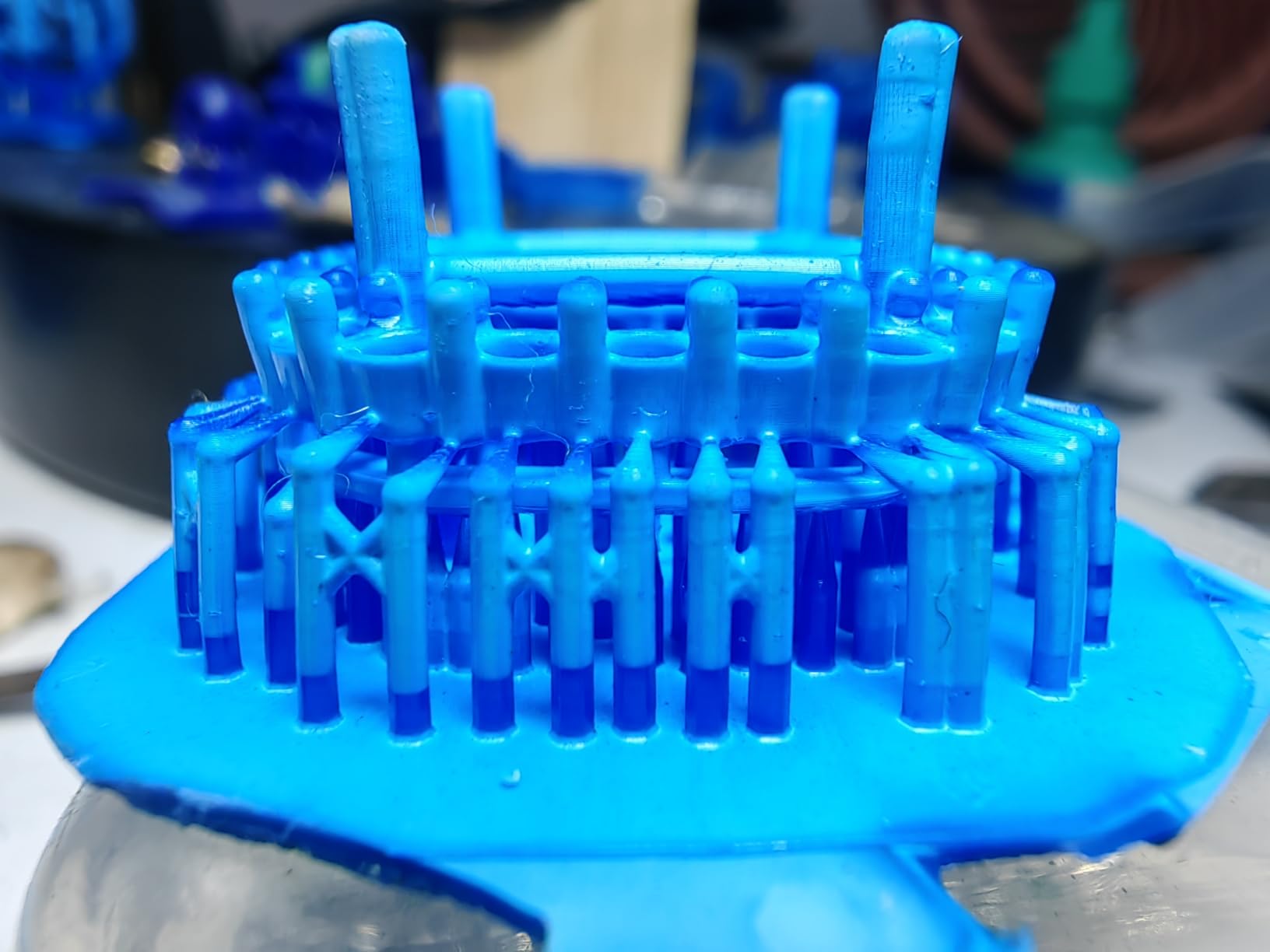
The Mono 4 Ultra is the highest-rated printer on this entire list: 4.6 stars with 81 percent five-star ratings. Its trick is the new ACF release film with an intelligent release algorithm, which cuts peel forces and pushes print speed to 120mm/h.
In practice, that is roughly double the throughput of the standard Mono 4 with identical 17-micron detail. For miniature makers producing in volume, that difference compounds fast.
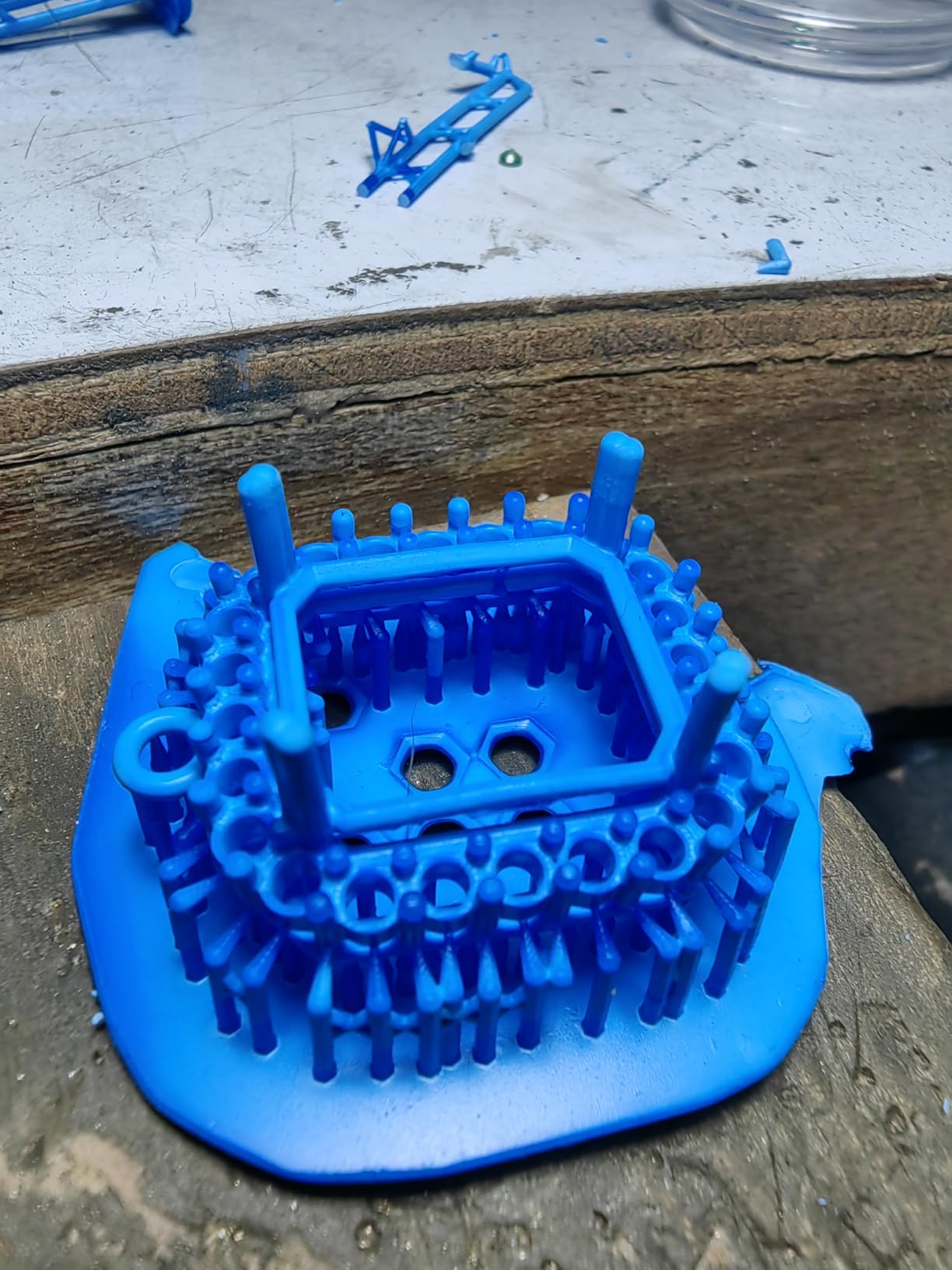
The COB light source with Fresnel lenses maintains at least 90 percent uniformity across the build area, so corners are as sharp as the center. Five intelligent inspections catch failures before they waste resin.
ACF Film and Failure Prevention
The ACF film’s lower peel force also means fewer failed prints and less wear on supports. Small islands and tiny overhangs survive far more often.
Treat the film as a consumable. It is fragile, and the community consensus is to keep a spare on the shelf rather than waiting for a failure mid-batch.
Odor and Workspace Requirements
Resin odor is the honest complaint here: this machine needs a ventilated room or an enclosure with filtration. Do not put it in a bedroom.
The 4.3-inch HD screen and redesigned UI are genuinely pleasant, though the mobile app’s connectivity is hit or miss. Print from the USB drive and skip the app entirely.
Who Should Buy It
Best for resin enthusiasts who want the fastest, highest-rated detail machine under $500. If you are shopping for younger makers instead, see our guide to the best 3D printers for kids, since resin handling is not kid-friendly.
How to Choose a 3D Printer Under $500
Choosing between these machines comes down to five decisions, and getting them right matters more than any spec sheet number. Here is how I would think it through after testing all eight.
CoreXY vs Bed-Slinger Motion
CoreXY printers like the Flashforge and Bambu machines move the print head on a fixed gantry while the bed only drops. That is why they hit 500 to 600mm/s while bed-slingers like the Ender top out far lower in practice.
Bed-slingers remain cheaper and easier to repair yourself, which is why they still dominate the entry tier. Our CoreXY guide covers the trade-offs in depth if you want the full picture.
Enclosed or Open Frame
An enclosure matters the moment you want ABS, ASA, or any engineering filament, because chamber heat prevents warping. The P1S is the only fully enclosed FDM option here.
Open frames are fine for PLA and PETG, and they make nozzle maintenance and spaghetti recovery easier. Just ventilate the room for fussy materials.
FDM or Resin Technology
FDM (filament) printers make strong, functional, larger parts and are the right default for most buyers. Resin printers like the Mono 4 pair unmatched detail with a messier, chemical-heavy workflow.
If you print miniatures or jewelry, resin wins outright. If you print brackets, organizers, and cosplay parts, stay with FDM.
Multi-Color Needs
Multi-color was the most requested feature in every forum thread we reviewed. Under $500, your real options are the Bambu A1 Mini Combo with AMS lite and the Flashforge AD5X with four colors.
Both waste filament on purge, so single-color printing remains the efficient default. Buy multi-color only if you will actually use it weekly.
Hidden Costs Nobody Mentions
Annual maintenance is the gap we found in every competitor article. Budget for replacement nozzles (proprietary Flashforge ones cost more), PEI plates after a year of scratches, resin vats and FEP films, and dry boxes for filament.
A realistic annual consumables budget is modest but nonzero, and spare parts availability strongly favors Creality and Bambu. Community support quality follows the same ranking, which matters enormously when something fails on a Sunday night.
Noise Levels in Real Rooms
Measured by ear in my workshop: the Bambu machines are the quietest at under 48dB, the Ender is tolerable, and both Flashforge FDM units are genuinely loud. Noise complaints appear constantly in owner reviews, so match the machine to its room.
Frequently Asked Questions
What is the best 3D printer under $500?
The u003cstrongu003eBambu Lab P1Su003c/strongu003e is the best 3D printer under $500 overall, with an enclosed CoreXY frame, 500mm/s printing, automatic calibration, and support for up to 16 colors with the AMS. For pure value, the u003cstrongu003eFlashforge Adventurer 5Mu003c/strongu003e delivers 600mm/s speed at a lower cost.
What is the cheapest but best 3D printer?
The u003cstrongu003eCreality Ender 3 V3 SEu003c/strongu003e is the cheapest good 3D printer worth buying, offering CR Touch auto leveling, a reliable Sprite direct extruder, and 250mm/s printing at an entry-level price. For detail work, the Anycubic Photon Mono 4 is the cheapest resin printer we recommend.
Is a $500 3D printer worth it for beginners?
Yes. A $500 budget now buys features that cost over $1,000 a few years ago, including auto bed leveling, CoreXY speed, enclosed chambers, and multi-color printing. Beginners get the best experience from the Bambu Lab A1 Mini Combo or P1S, which calibrate themselves and require almost no tuning.
What is the best multi-color 3D printer under $500?
The u003cstrongu003eBambu Lab A1 Mini Combou003c/strongu003e with the included AMS lite is the best multi-color 3D printer under $500 for beginners, while the u003cstrongu003eFlashforge AD5Xu003c/strongu003e prints up to 4 colors with a larger build volume and faster 600mm/s CoreXY motion.
Should I buy a resin or FDM 3D printer under $500?
Buy FDM (filament) for functional parts, cosplay props, and general home use. Buy resin, like the Anycubic Photon Mono 4 Ultra, only for high-detail work such as miniatures and jewelry, and accept the extra workflow of gloves, alcohol washing, and UV curing that resin requires.
Final Verdict: The Best 3D Printer Under $500 for You
There is no single winner here, only the right match. If you want an appliance that prints ABS quietly and never needs tuning, get the Bambu Lab P1S. If maximum speed per dollar is the goal, the Flashforge Adventurer 5M with the PEI plate is unbeaten.
Beginners and small-space makers should grab the A1 Mini Combo, students and tinkerers will learn the most from the Ender 3 V3 SE, and miniature makers should skip FDM entirely for the Photon Mono 4 Ultra, the highest-rated machine on this list.
Whichever route you take, the best 3D printers under $500 in 2026 finally deliver what this hobby always promised: reliable machines that print when you press the button. Pick the one that matches your actual projects, not the biggest spec sheet, and you will be printing within the hour.
Leave a Reply