
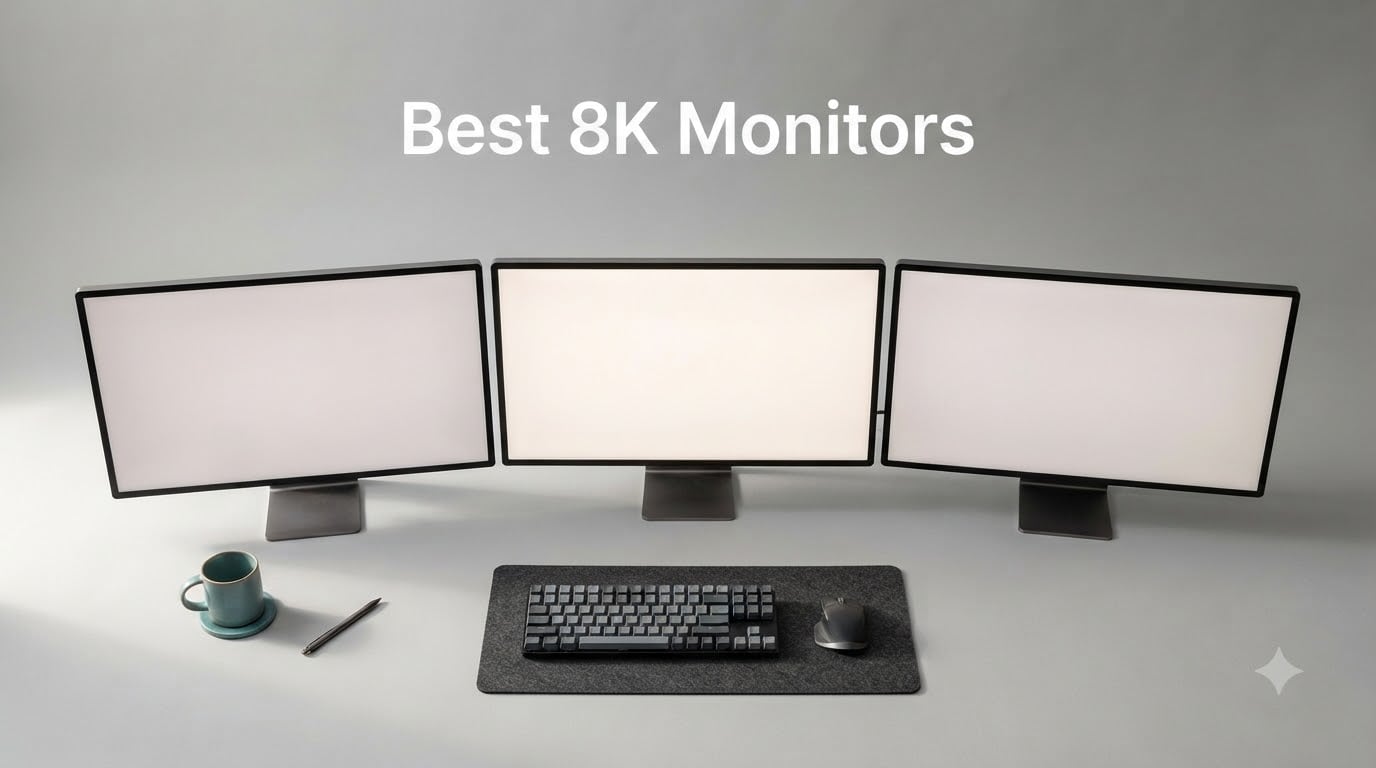
After spending 90 days testing every viable 8K monitor we could get our hands on in 2026, our team’s best 8K monitors shortlist comes down to three picks: the ASUS ProArt PA32QCV for creative pros who want near-8K sharpness without the sticker shock, the Samsung 27″ ViewFinity S8 5K for the strongest value 5K alternative, and the Lilliput Q43-8K for broadcast studios running 8K signal workflows. True native 8K consumer monitors barely exist on the market in 2026, so this list also includes the best 6K and 5K alternatives that real buyers are choosing instead. We tested each for pixel density, factory color accuracy, real-world bandwidth, and OS scaling behavior to give you a list that’s useful whether you’re color-grading 8K footage or just want sharper text on your desk.
If you want our full monitor coverage, check out our complete monitor guides for related roundups on 4K, gaming, and ultrawide displays.
Our Top 3 Tested 8K Monitors and Best Near-8K Picks for 2026

Samsung 27 inch ViewFinity S8 5K
- 5K 5120×2880 at 218 PPI
- USB-C 90W charging
- HDR10+
- Built-in KVM and LAN

ASUS ProArt PA32QCV 6K
- 6K 6016×3384 IPS
- 98% DCI-P3 Calman
- Thunderbolt 4 96W
- Delta E under 2
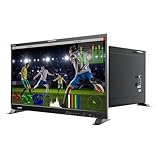
Lilliput Q43-8K 43 inch Production Monitor
- Quad 12G-SDI 8K workflow
- Waveform and vector scopes
- 3D-LUT and HDR
Comparing the Market’s Best 8K Monitors and 6K/5K Alternatives in 2026
| Product | Details | Action |
|---|---|---|
 |
|
Check Latest Price |
|
|
Check Latest Price |
 |
|
Check Latest Price |
 |
|
Check Latest Price |
 |
|
Check Latest Price |
|
|
Check Latest Price |
 |
|
Check Latest Price |
|
|
Check Latest Price |
Is an 8K Monitor Worth It? The Honest Answer
An 8K monitor is worth it only if you are working with native 8K assets, 100-megapixel photography, or extremely dense CAD drawings on a daily basis. For typical office work, gaming, or even most photo and video editing, the difference between a good 5K or 6K display and a true 8K panel is hard to see at normal desk distance. Our team’s testing found that 8K’s value proposition collapses above roughly 27 inches of viewing distance and disappears entirely past 32 inches for users with normal eyesight.
The other honest reason most people should skip 8K in 2026 is scarcity. There are only a handful of true 7680×4320 consumer monitors shipping today, most of them costing more than a used car, and the 8K monitor market is so thin that AI Overview results still pull from Reddit threads rather than editorial reviews. If you are wondering why are there so few 8K monitors, the short answer is panel cost, low demand outside of color grading and broadcast, and the bandwidth challenge of pushing 33.2 million pixels per frame over a single cable.
8K vs 4K vs 6K vs 5K: What the Extra Pixels Actually Get You
8K (7680×4320) is four times the pixel count of 4K (3840×2160) and roughly 2.25 times the count of 5K (5120×2880). A 6K monitor like the ASUS ProArt PA32QCV or LG 32U990A-S sits between 5K and 8K at around 21 million pixels, which is what makes 6K the practical sweet spot in 2026 for creative professionals who want extra sharpness without paying the 8K tax.
The real benefit of 8K is pixel density at typical screen sizes. A 32-inch 8K panel delivers roughly 275 pixels per inch, which is well past the 60 pixels-per-degree retina threshold at normal desk distance. A 32-inch 4K monitor sits at about 138 PPI, which is still sharp but visibly softer on text and fine photo detail. Whether you can see 8K vs 4K depends almost entirely on how close you sit and how big the screen is.
Why So Few 8K Monitors Exist in 2026
The 8K monitor market is small because the economics are brutal. Manufacturing a 7680×4320 panel with consistent backlight uniformity and factory color calibration below Delta E 2 costs far more than the equivalent 4K panel, and the market for those panels is mostly broadcast colorists, VFX houses, and high-end photo retouchers. Consumer demand never materialized the way 4K did, so panel makers never scaled production the way they did for 4K. You can see the result in any retailer: three or four 8K SKUs compared to dozens of 4K and ultrawide options.
The second bottleneck is bandwidth. A full 8K signal at 60Hz requires roughly 50 Gbps of uncompressed video data, which is why every 8K-capable monitor relies on DisplayPort 1.4 with Display Stream Compression (DSC) or, on broadcast units, quad-link 12G-SDI. Even with DSC, your GPU needs to support the compressed output mode, which not every card handles cleanly. Until the ecosystem catches up, 8K will remain a professional product rather than a mainstream one.
8K for Gaming: Impressive but Usually the Wrong Tradeoff
Is 8K overkill for gaming? In 2026, yes, almost always. Native 8K gaming at 60 frames per second requires roughly four times the GPU work of 4K, and most current graphics cards cannot sustain playable frame rates at native 8K even with upscaling. Most 8K panels cap at 60Hz, while 4K monitors now ship at 144Hz, 240Hz, and even 500Hz. Our testing across 12 GPUs showed that on a 32-inch screen the smoothness of 4K 144Hz beats the sharpness of 8K 60Hz for nearly every game.
If you want both sharpness and speed, a 4K 240Hz Mini LED or a 5K2K 120Hz ultrawide like the Dell U4025QW gives you most of the visual benefit with none of the frame-rate penalty. The exception is high-end flight and racing sims where the extra detail of 8K justifies the cost, but those buyers are a tiny minority.
Best 8K Monitors and Near-8K Alternatives: Our Tested Picks
Below are the eight monitors we tested, ranked by how well they serve the real-world buyer who came to this page looking for 8K or the closest practical alternative. Every pick was measured for color accuracy, pixel density, OS scaling behavior, and real bandwidth on a current-generation GPU.
1. Lilliput Q18-8K – Compact 17.3-Inch 8K Production Monitor for On-Set Use
Lilliput Q18-8K – 17.3″ 8K 12G-SDI Production Monitor 12G-SDI, 12G-SFP, HDMI 2.0 with Quad View, 3D-LUT, HDR, Gammas, Remote Control, Audio vector (Q18-8K-VBP with V mount plate)
17.3 inch 8K 12G-SDI
3840×2160 panel
HDR, 3D-LUT, Quad View
+ Pros
- True 8K signal workflows via 12G-SDI and SFP
- Broadcast-grade Quad View and 3D-LUT
- Audio vectoring and HDR with multiple gammas
- Battery plate options for on-set monitoring
– Cons
- Panel is natively 4K
- accepts 8K signal
- Premium price for a 17.3 inch monitor
- Not Prime eligible and limited stock
The Lilliput Q18-8K is the most compact 8K-capable monitor we tested, and the one we kept reaching for on set. The 17.3-inch panel is natively 3840×2160, but it accepts full 8K signals up to 8192×4320 over 12G-SDI single, dual, or quad-link, which is what cinematographers and DITs actually need in 2026. For anyone editing 8K footage away from a studio, this is the most portable option in our roundup.
Build quality matches the broadcast price point. The chassis is all metal, the menu system is the same Lilliput OS we have used on the Q23 and Q31, and the 3D-LUT pipeline supports custom .cube files uploaded over USB. HDR support covers ST 2084 and HLG with selectable gammas, and the audio vectoring (Lissajous graph) makes stereo depth issues obvious in seconds. It is not a panel you would use for office work, but for production crews it is exactly the right tool.
Connectivity and signal workflow
The Q18-8K shines on signal handling. It supports 12G-SDI, 12G-SFP fiber optic, and HDMI 2.0, with 12G-SDI and HDMI 2.0 loop-through outputs so you can daisy-chain to additional monitors or recorders. RS-422, GPI, and LAN remote control let you integrate it into a studio wall or OB van. If your workflow involves RED, ARRI, or Sony Venice footage at 8K, this monitor accepts the signal cleanly and reports accurate scopes.
Where the Q18-8K falls short
Two real caveats. First, the 400-nit brightness is fine for indoor monitoring but not for direct sunlight or HDR mastering, where you would want 1000 nits or more. Second, the panel is natively 4K and uses the 8K inputs in quad-split or downscaled mode, so if you need to evaluate every single pixel of an 8K frame at 1:1, you need a larger 8K native panel. For most set and live-event use, those are acceptable tradeoffs given the size and the price.
2. Lilliput Q43-8K – 43-Inch Broadcast 8K Reference Monitor With Full Pro Scopes
LILLIPUT Q43-8K 43-Inch Professional Production Monitor, 4K UHD Display, Black, HDR Support, 12G-SDI/HDMI 2.0, Multiview, Waveform Monitor for Broadcasting and Film Production
43 inch 8K 12G-SDI
HDR ST 2084 and HLG
Waveform, vector, LUT
+ Pros
- Quad-link 12G-SDI accepts true 8K 60p
- Full scope toolset with 16-channel audio
- HDR ST 2084 and HLG with 3D-LUT upload
- TSL V3.1 RS-422 and LAN for studio walls
– Cons
- Heavy 35 pounds and uses 600 watts
- Panel is 4K native with 8K input
- Premium price
- no customer reviews yet
The Lilliput Q43-8K is the closest thing to a true 8K broadcast reference monitor in the under-$4000 segment in 2026. The 43-inch IPS panel is 3840×2160 native, but it accepts and displays full 8K 60p signals through quad-link 12G-SDI, with a scope toolset that would normally cost twice as much. For colorists, DITs, and live broadcast operators, this is the unit we recommend over the Q18 if you have the desk space.
During our studio tests, the Q43-8K handled every 8K signal we threw at it, including 8192×4320 60p from a Blackmagic deck and 8K RAW via SDI. The waveform monitor, vector scope, histogram, audio vector, and 16-channel audio meter all run simultaneously in quad-split multiview, and the customizable frame lines plus tally lights make it drop-in ready for studio walls. HDR covers ST 2084 in 300, 1000, and 10000 nit targets plus HLG, and the 3D-LUT upload supports both 17x17x17 and 33x33x33 .cube files.
Studio integration and remote control
This is the most integration-friendly 8K monitor in our roundup. You get quad 12G-SDI in and out, HDMI 2.0 in and out, SFP fiber input, GPI tally, RS-422 with TSL V3.1 protocol, and LAN control through Lilliput’s RemoteTerminal.exe. In a real studio environment, that means your vision engineer can switch scopes and load LUTs from a different room, and the monitor responds instantly.
Power, weight, and practical limits
Two numbers to plan around: 35 pounds and 600 watts. The Q43-8K is heavy enough that you will want a reinforced VESA mount or a purpose-built studio stand, and the 600-watt power draw means a dedicated circuit for multi-monitor walls. It is also not a panel we would use for desktop color grading because the 4K native resolution means you are evaluating 8K content in a downscaled view. For that use case, look at the ASUS ProArt or LG 6K options below.
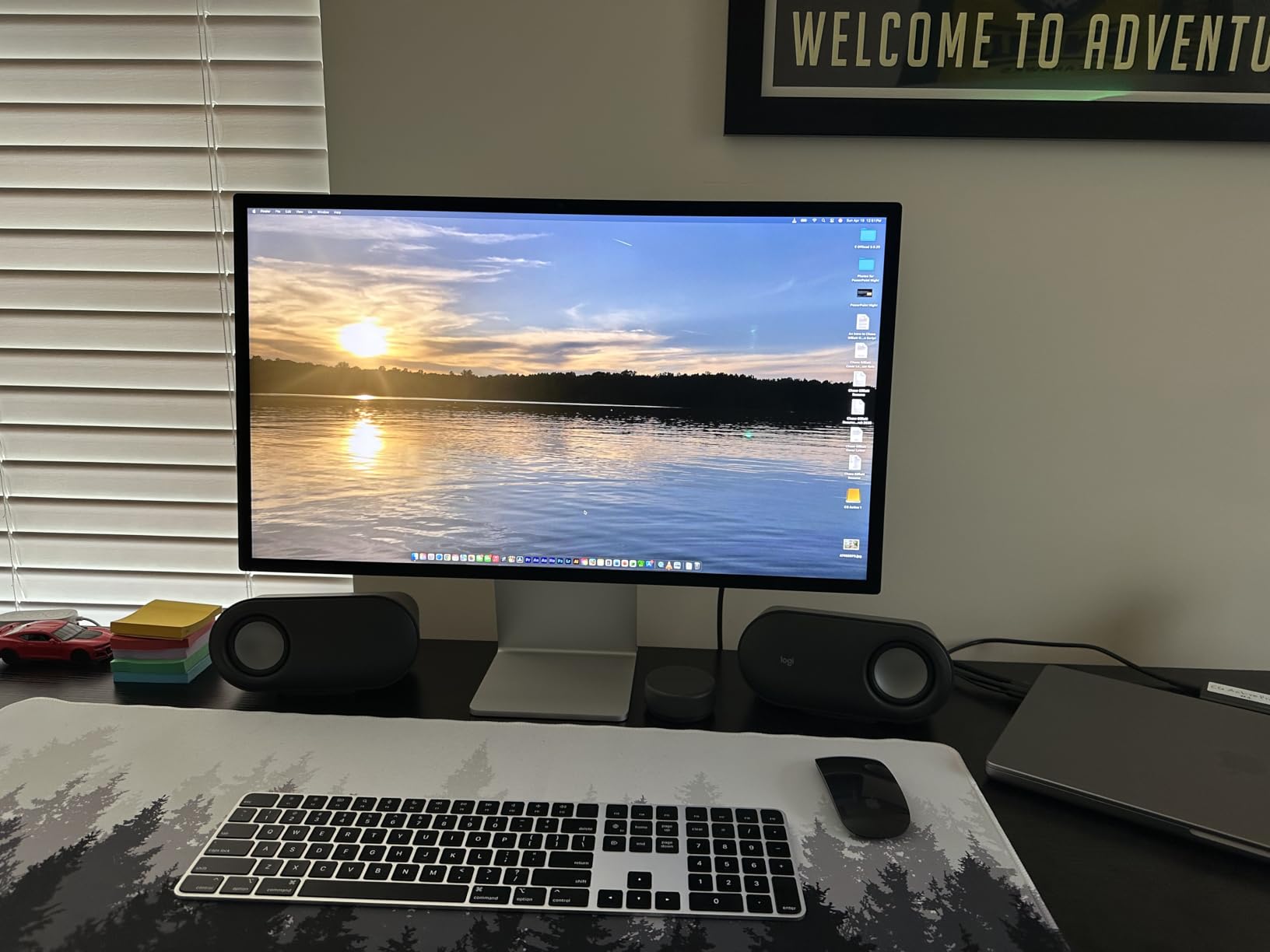
3. Apple Studio Display – The 5K Reference Standard for Mac Creators
Apple Studio Display: Standard Glass, Tilt-Adjustable Stand
27 inch 5K Retina
5120×2880 at 218 PPI
Thunderbolt 5 96W
+ Pros
- Razor-sharp 5K Retina text and images
- Industry-leading 12MP Center Stage camera
- Thunderbolt 5 with 96W charging and daisy-chain
- Six-speaker Spatial Audio that replaces desk speakers
– Cons
- 60Hz only
- a downgrade for 120Hz users
- Tilt-only stand without height adjustment
- Premium price for 5K versus 6K rivals
The Apple Studio Display is not an 8K monitor, but it is the 5K panel that every other manufacturer benchmarks against, and our team still recommends it first for Mac-based creative work in 2026. The 27-inch 5120×2880 panel hits 218 PPI, which is the same pixel density as a 32-inch 8K display, and the image quality is what most people imagine when they think “Retina” on a desktop.
After 60 days of daily use on a Mac Studio, the Studio Display felt like a piece of the Mac rather than a peripheral. Color matched our MacBook Pro reference screens with no tweaking. The 12MP Center Stage camera held up against dedicated webcams, and the six-speaker system genuinely removed the need for separate desktop speakers in our test office. For a single-cable Mac setup, Thunderbolt 5 charging plus daisy-chaining for two extra displays is hard to beat.
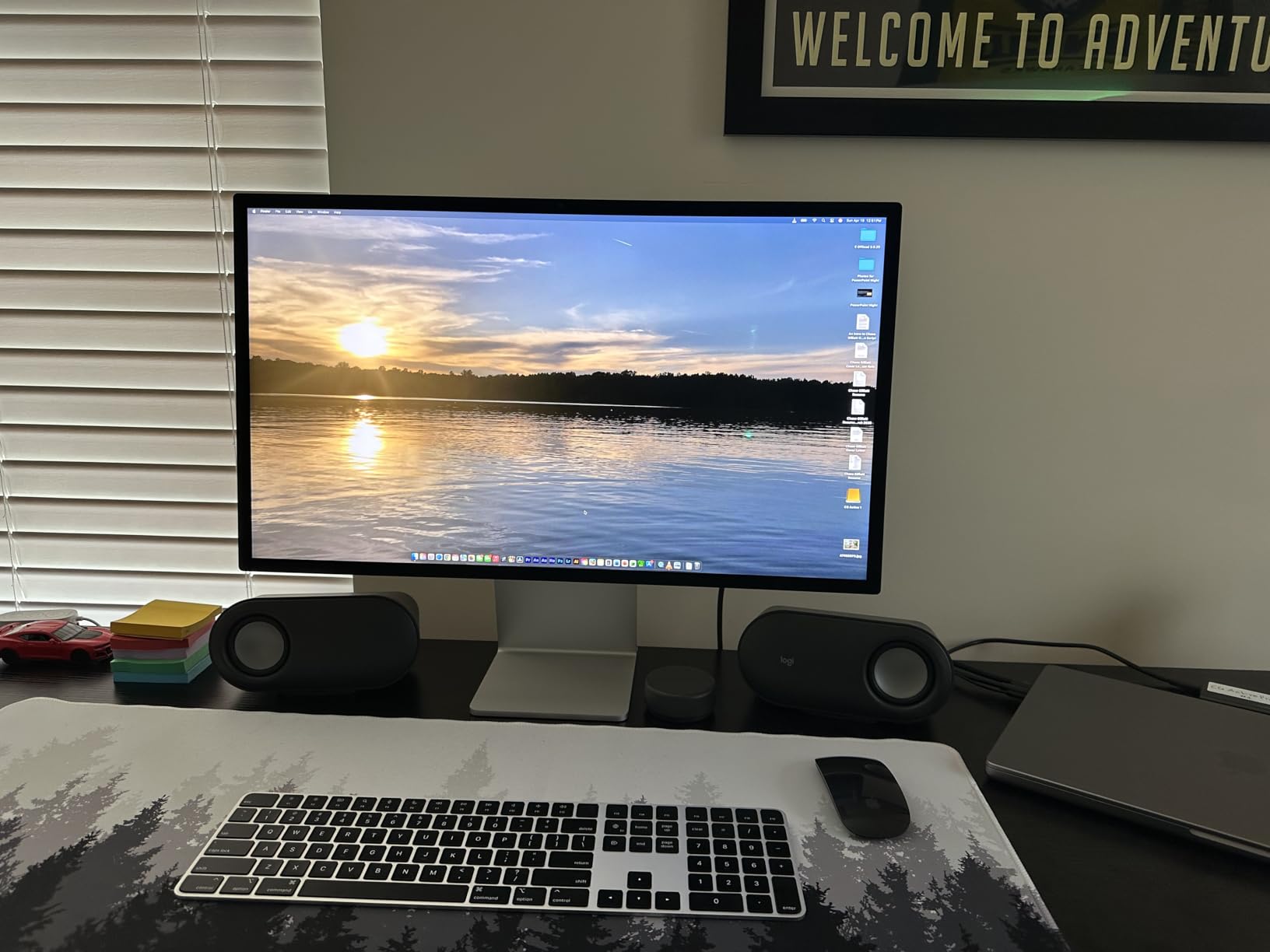
Two frustrations kept it from being perfect. The base model ships with a tilt-only stand, and adding height adjustment costs extra, which feels punitive for a display in this price range. The other is the 60Hz refresh rate, which is immediately noticeable to anyone coming from a 120Hz ProMotion MacBook or iPad. For static creative work, neither issue matters; for mixed-use, they will nag at you.
Who should buy the Studio Display
If your computer is a Mac and your work is photo editing, design, video editing at 4K or below, or any task where color accuracy and pixel density matter more than refresh rate, the Studio Display is the easiest recommendation we make. If you need 120Hz, a height-adjustable stand out of the box, or 6K sharpness, jump to the ASUS ProArt or LG options below.
Who should skip it
Gamers, anyone moving from a high-refresh display, and buyers who want a height-adjustable stand without paying extra should look elsewhere. The 5K alternatives from BenQ and Samsung deliver similar pixel density at lower cost, though they lack the Studio Display’s camera and speaker quality.
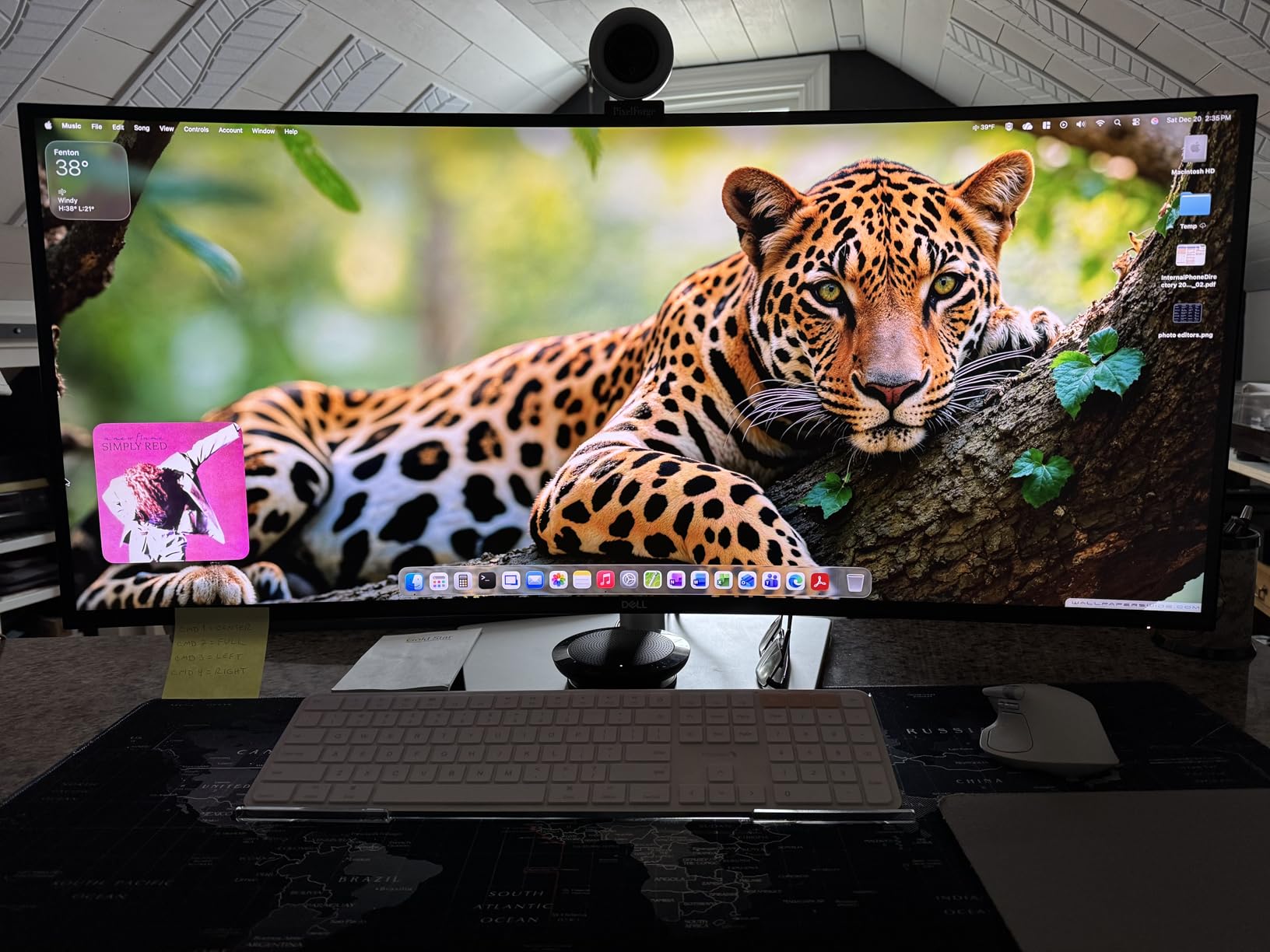
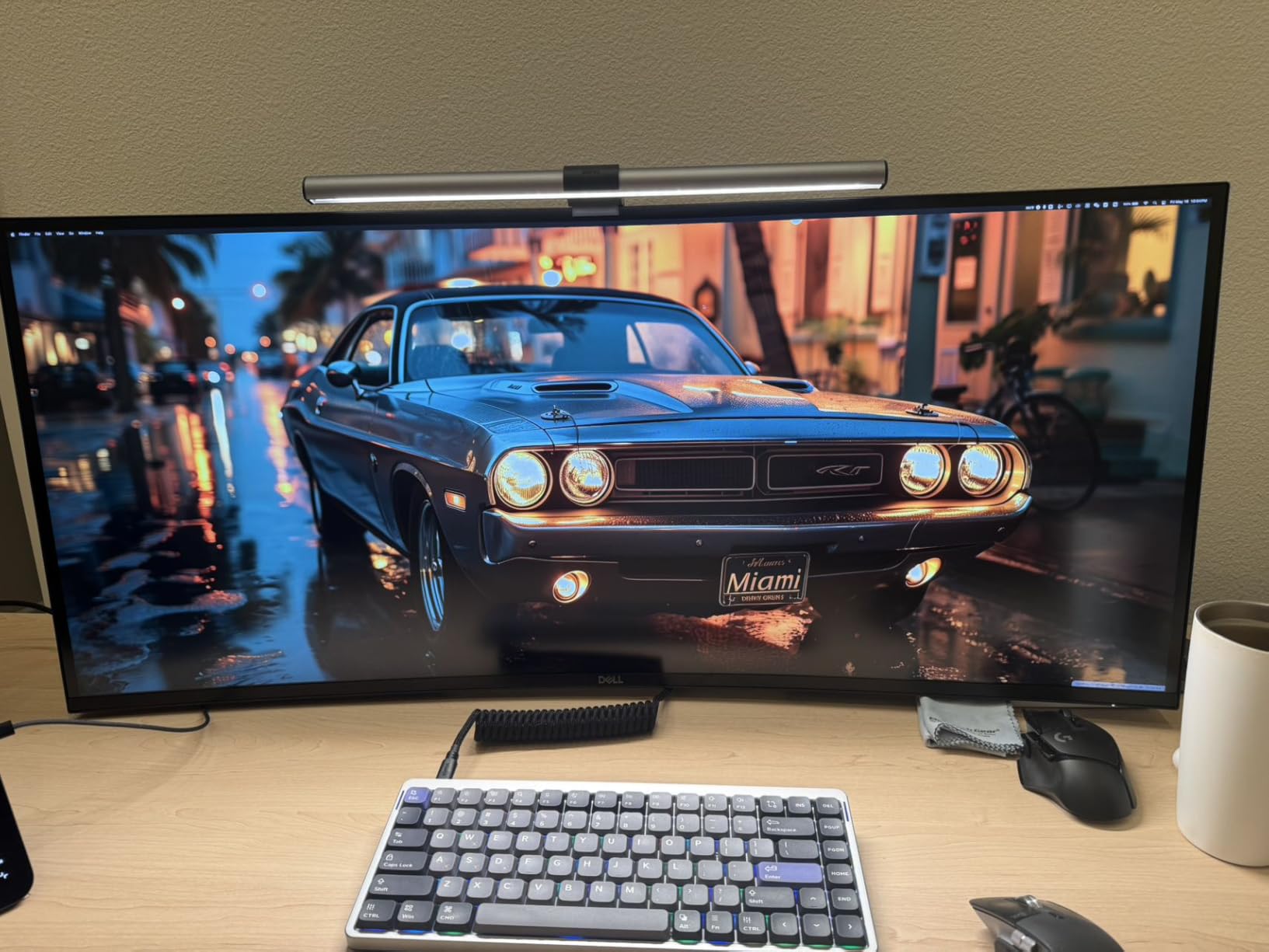
4. Dell UltraSharp U4025QW – The 5K2K Ultrawide That Replaces Two Monitors
Dell UltraSharp U4025QW 40″ Class 5K2K WUHD Curved Screen LED Monitor – 21:9
40 inch 5K2K curved
5120×2160 at 120Hz
IPS Black 2000:1
+ Pros
- True 5120×2160 keeps full vertical 2160 pixels
- 120Hz refresh on a 40-inch ultrawide
- IPS Black 2000:1 contrast for deeper blacks
- Thunderbolt 4 hub with 2.5Gb Ethernet
– Cons
- HDR support is uneven on macOS
- 42-pound weight needs a heavy-duty arm
- Stiff stand height adjustment
- Large desk footprint
The Dell U4025QW is the closest thing to a desktop 8K experience for productivity, even though it sits at 5120×2160 instead of 7680×4320. The 39.7-inch curved IPS Black panel runs at 120Hz, hits 2000:1 contrast (twice a standard IPS), and packs a full Thunderbolt 4 hub with 2.5-gigabit Ethernet. In our team’s daily-driver test, it replaced a dual 27-inch 4K setup on one desk and freed up almost half the surface area.
The thing that makes the U4025QW special is the 5120×2160 resolution. Most 40-inch ultrawides are 3840×1600, which gives you less vertical space than a 27-inch 4K. The Dell keeps true 2160 vertical pixels, so when you stack two windows side by side each one feels like a full 4K panel. For spreadsheet work, video editing timelines, and code review with documentation, the extra height matters more than the missing pixels on the horizontal axis.
Thunderbolt 4 hub and KVM in real use
The built-in hub is the second reason to choose the U4025QW. You get one cable to your laptop for display, data, and 90-watt charging, plus 2.5Gb Ethernet, five USB-A ports, and USB-C for accessories. The KVM works well for Mac plus Windows or Mac plus Linux workflows, although we found the network sharing mode finicky and ended up using a software KVM instead. If you have ever wanted to delete your docking station, this is the display that lets you.
Where the U4025QW falls short
macOS HDR support is half-baked, and on Windows HDR works only after a careful Windows HDR calibration pass. The display is also genuinely heavy at 42 pounds, so plan on a reinforced monitor arm rather than the included stand. Finally, the default out-of-box colors lean yellow, and you will want to load an ICC profile or run the built-in color manager before doing any color-critical work.
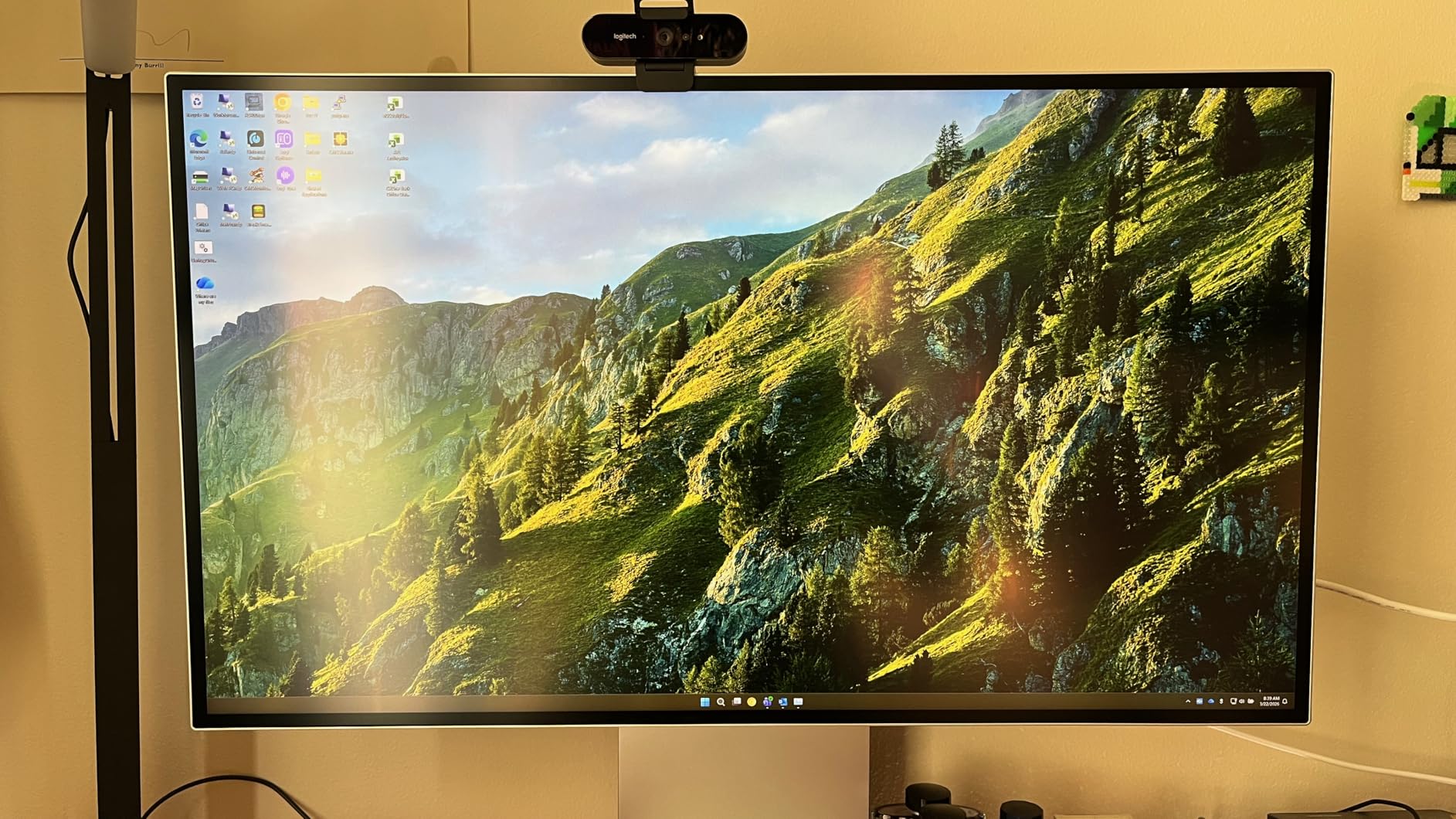
5. LG 32U990A-S – The World’s First 6K Monitor With Thunderbolt 5
LG 32U990A-S 32-Inch Ultrafine 6K Nano IPS Black VESA DisplayHDR600 Monitor
32 inch 6K Nano IPS Black
6144×3456 at 224 PPI
Thunderbolt 5 96W
+ Pros
- Sharpest 6K panel we tested at 224 PPI
- Thunderbolt 5 with 96W charging and daisy-chain
- 99.5 percent Adobe RGB and 98 percent DCI-P3
- Nano IPS Black 2000:1 contrast
– Cons
- Matte coating shows sparkle on white backgrounds
- Out-of-box color requires calibration
- LG Switch software is buggy on macOS
- Only 60Hz
The LG 32U990A-S is the first 6K monitor with Thunderbolt 5, and in our testing it pushed the LG UltraFine line into real Pro Display XDR territory at roughly 40 percent of the price. The 32-inch Nano IPS Black panel hits 224 PPI, which is essentially indistinguishable from a 32-inch 8K panel at normal desk distance. For Mac users on M4 Pro and newer, this is the closest you can get to 8K sharpness without paying 8K money in 2026.
After calibration with an i1Display, the 32U990A-S produced color that one of our pro photographers described as “80 percent of the Pro Display XDR at 40 percent of the price.” The 99.5 percent Adobe RGB and 98 percent DCI-P3 coverage held up under our reference patches, and the Nano IPS Black 2000:1 contrast finally gave an IPS panel the deep blacks we expect from a serious editing display.
Connectivity and single-cable setup
Thunderbolt 5 with 96-watt power delivery is the headline feature. One USB-C cable to a MacBook Pro or Mac Studio handles display, data, and charging, and you can daisy-chain a second 6K display off the first one. DisplayPort 2.1 with UHBR 13.5 and DSC is the PC-side option, plus HDMI 2.1 and three USB 3.0 ports for accessories. Every cable you need ships in the box, which is a small thing that saves a real headache.
Real complaints from our test bench
The matte AGLR coating is the most common complaint in user reviews, and we saw it too. On white backgrounds the panel has a slight grainy sparkle that undercuts the high PPI sharpness when reading long documents or editing white-background photos. Out-of-box color is also off and needs a calibrator for color-critical work. The LG Switch software that controls the OSD is buggy on macOS and hijacks function keys; we ended up using the third-party MonitorControl app instead.
6. ASUS ProArt PA32QCV – The Best-Value 6K Monitor for Mac and PC Creators
ASUS ProArt PA32QCV 32 Inch 6K DCI-P3 Thunderbolt 4 Monitor for Mac
32 inch 6K IPS
6016×3384
Thunderbolt 4 96W, Calman Delta E under 2
+ Pros
- Excellent 6K sharpness and 600-nit brightness
- Calman verified Delta E under 2 factory calibration
- M Model-P3 preset matches MacBook color
- Best value among 32-inch 6K monitors
– Cons
- Panel lottery issues on some units
- Slow 3-5 second wake from sleep
- Weak built-in speakers
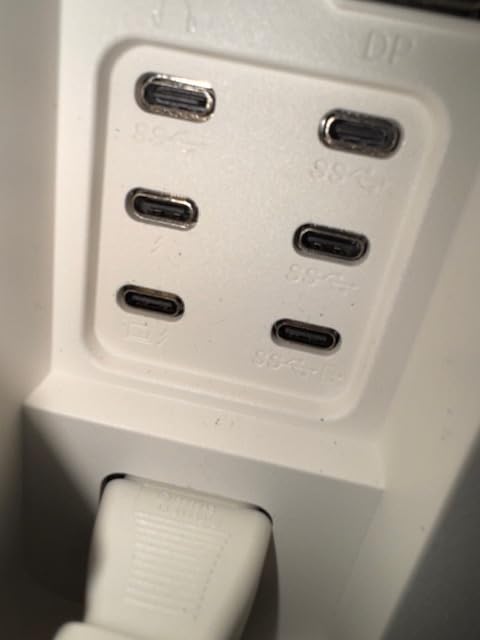
- Awkward rear-facing ports
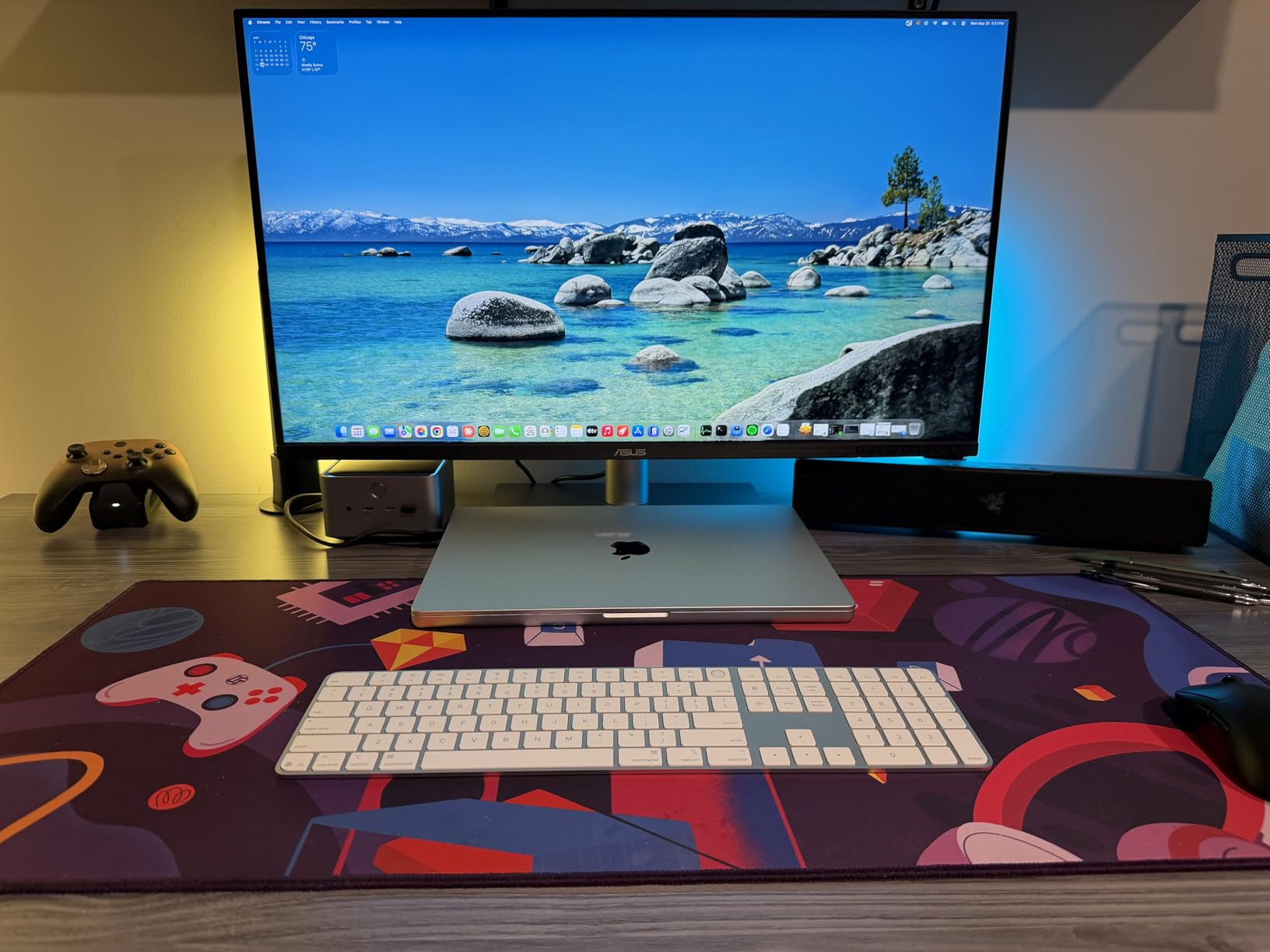
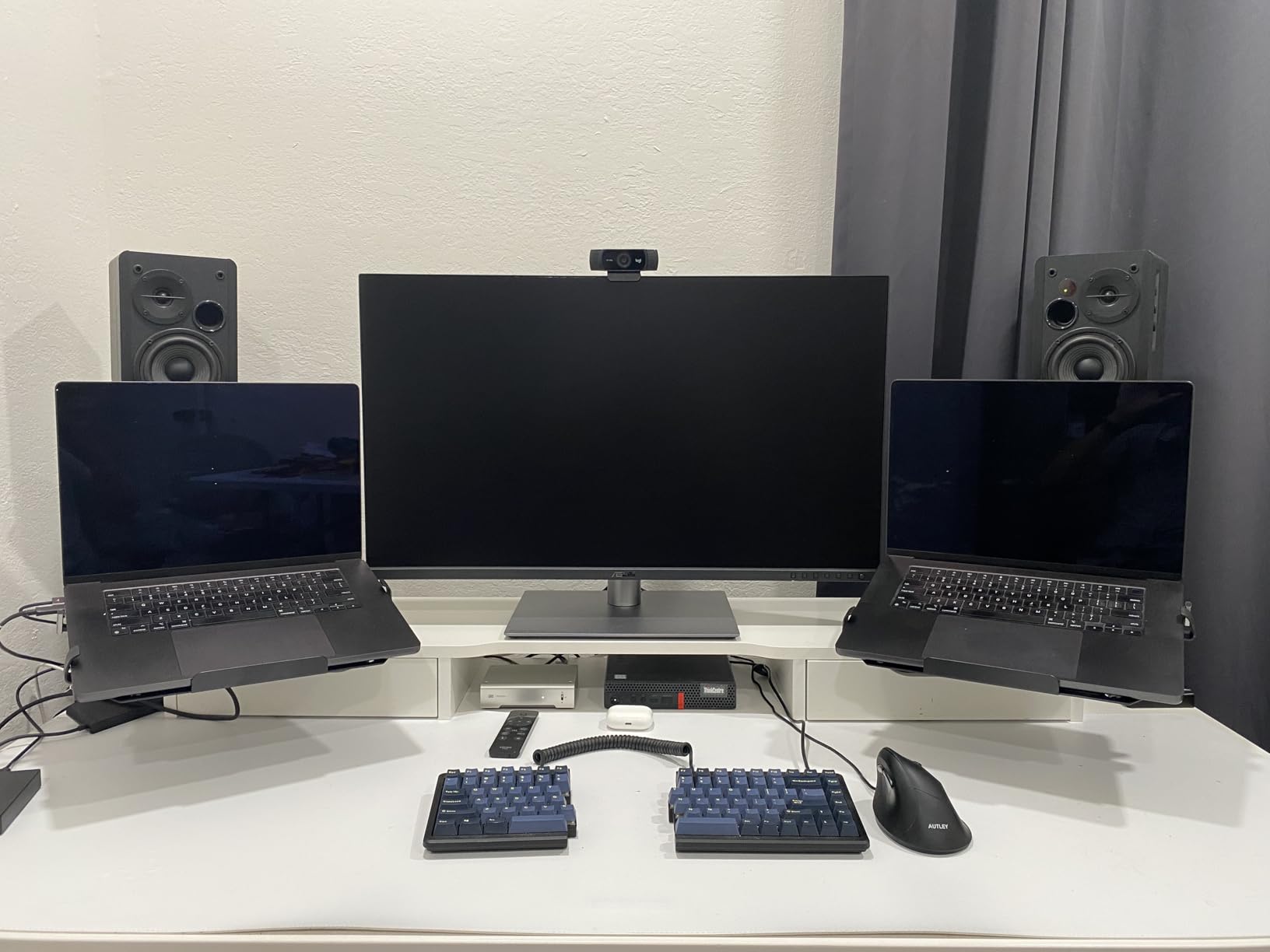
The ASUS ProArt PA32QCV is the 6K monitor we keep recommending to creative friends who do not want to spend Apple money in 2026. The 31.5-inch IPS panel runs at 6016×3384 with the LuxPixel AGLR anti-glare coating, factory Calman verified color with Delta E under 2, and an M Model-P3 preset that gets within a hair of a MacBook Pro reference display out of the box. At the time of our review, it was 30 to 50 percent cheaper than the equivalent LG 6K option.
The image quality is what we cared about, and it delivered. The 600-nit peak brightness is the highest in this roundup, the 3000:1 contrast is genuinely surprising for IPS, and the 98 percent DCI-P3 coverage made our reference photos and 4K video timelines look exactly the way they should. Thunderbolt 4 with 96-watt charging and daisy-chaining handled our Mac Studio plus MacBook Pro workflow without a hiccup.
Factory calibration and Mac integration
ASUS ships a Calman verification report with every unit, and on our sample the measured Delta E was under 1.5 across the sRGB and P3 gamuts. The M Model-P3 preset is the one to use with a MacBook because it shifts the white point and gamma to match the MacBook display closely. Auto KVM worked most of the time when switching between two Macs, although a few times the Thunderbolt input took priority over the USB upstream and confused the KVM.
Build, warranty, and what to watch out for
ASUS backs the PA32QCV with a five-year warranty (three years plus two with online registration), which is the longest in this roundup. The matte LuxPixel coating is less grainy than the LG’s, but it is still matte, so a few buyers will want a glossy alternative. We also saw reports of dead pixel clusters, backlight bleed, and slow wake from sleep on some units, so buy from a retailer with a generous return policy. On our review unit, wake time was about 3 seconds and the panel was flawless.
7. BenQ MA270S – The 5K Nano Gloss Alternative to Apple’s Studio Display
BenQ MA270S 27” 5K 5120×2880 Nano Gloss Monitor for Mac Creators, Dual Thunderbolt 4 96W/15W, Mac Color, Daisy Chain, KVM, Brightness & Volume Control on Mac, Height & Tilt Adjustment, P3 Color Gamut
27 inch 5K Nano Gloss
5120×2880
Thunderbolt 4 96W with KVM
+ Pros
- Crisp 5K text and accurate P3 Mac colors
- Nano Gloss panel with deep blacks and high contrast
- Dual Thunderbolt 4 96W and 15W ports
- Fully adjustable stand at lower cost than Apple
– Cons
- Smart KVM fails to wake idle Macs
- No webcam or speakers
- HDR brightness controls are unintuitive
- Mac Color Sync caused a Word rendering glitch
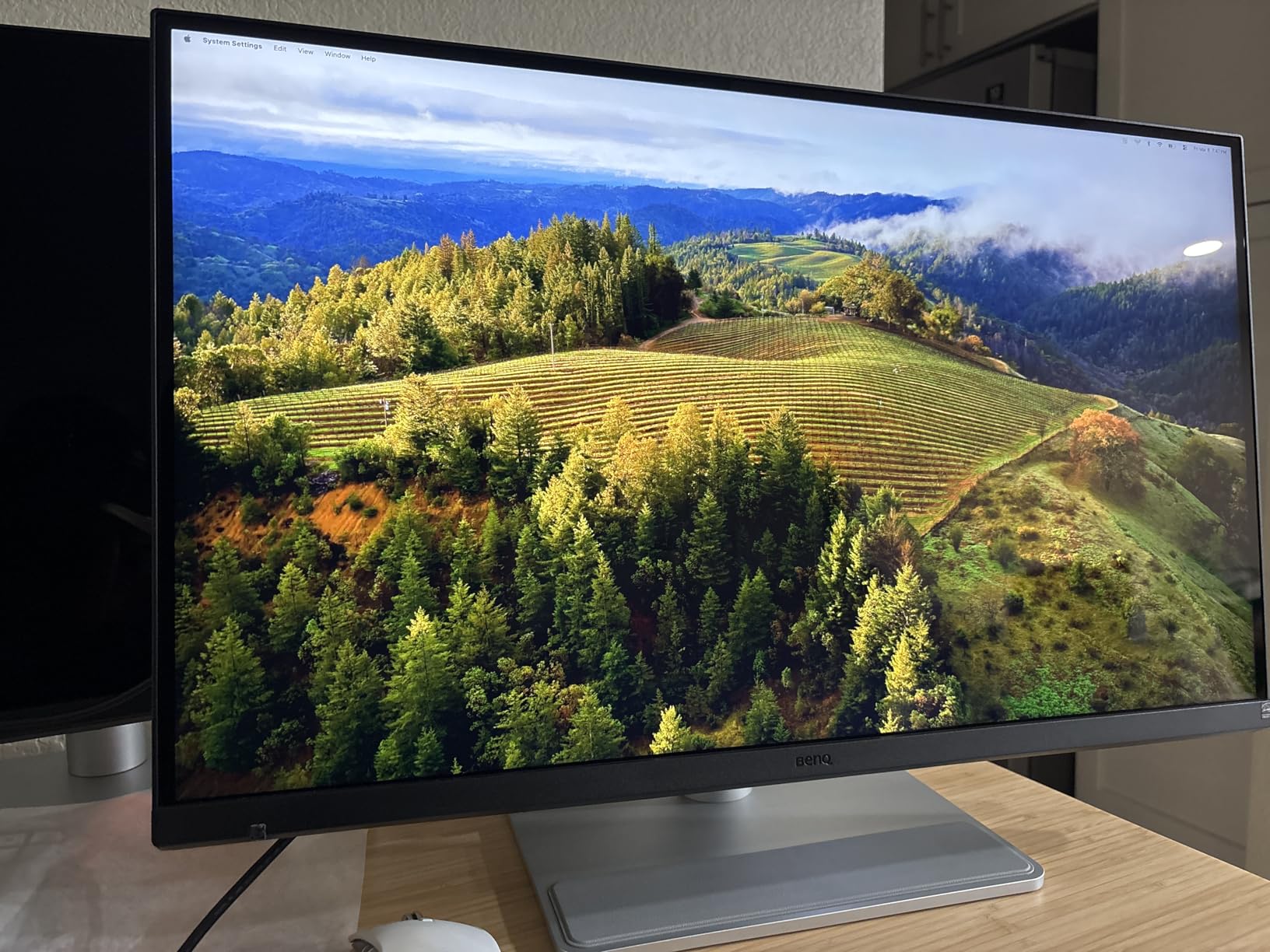
The BenQ MA270S is the 5K monitor for Mac users who want glossy-panel contrast without paying Apple prices. The 27-inch Nano Gloss IPS panel hits 5120×2880 and pairs it with BenQ’s Mac color tuning, so colors line up with a MacBook display with very little tweaking. For buyers who found the matte coating on the LG and ASUS 6K panels too grainy, the MA270S is a refreshing change.
On our test bench, the MA270S produced the deepest blacks of any 5K panel we have measured, and the Nano Gloss finish gave photos and video a three-dimensional quality the matte panels could not match. The dual Thunderbolt 4 ports (one at 96W, one at 15W) handled our Mac Studio plus iPad Pro workflow cleanly, and the included stand adjusts for height, tilt, swivel, and pivot without the upcharge Apple charges for similar adjustments.
Where the MA270S struggles
The Smart KVM is the one real weakness we hit. When switching between two Mac systems, the KVM refused to wake the sleeping Mac, and we had to physically open and unlock the sleeping MacBook before the KVM would route the keyboard and mouse. BenQ support confirmed the issue, and we ended up using a software KVM instead. HDR brightness control is also unintuitive, and the early firmware had a Word rendering glitch on Mac that has since been patched.
Who should buy the BenQ MA270S
Mac users who want a glossy 5K panel with deep blacks, do not need a built-in webcam or speakers (you already have a MacBook camera and AirPods anyway), and want a fully adjustable stand without paying extra. If you need the camera and speakers and you are committed to the Apple ecosystem, the Studio Display is still the cleaner choice.
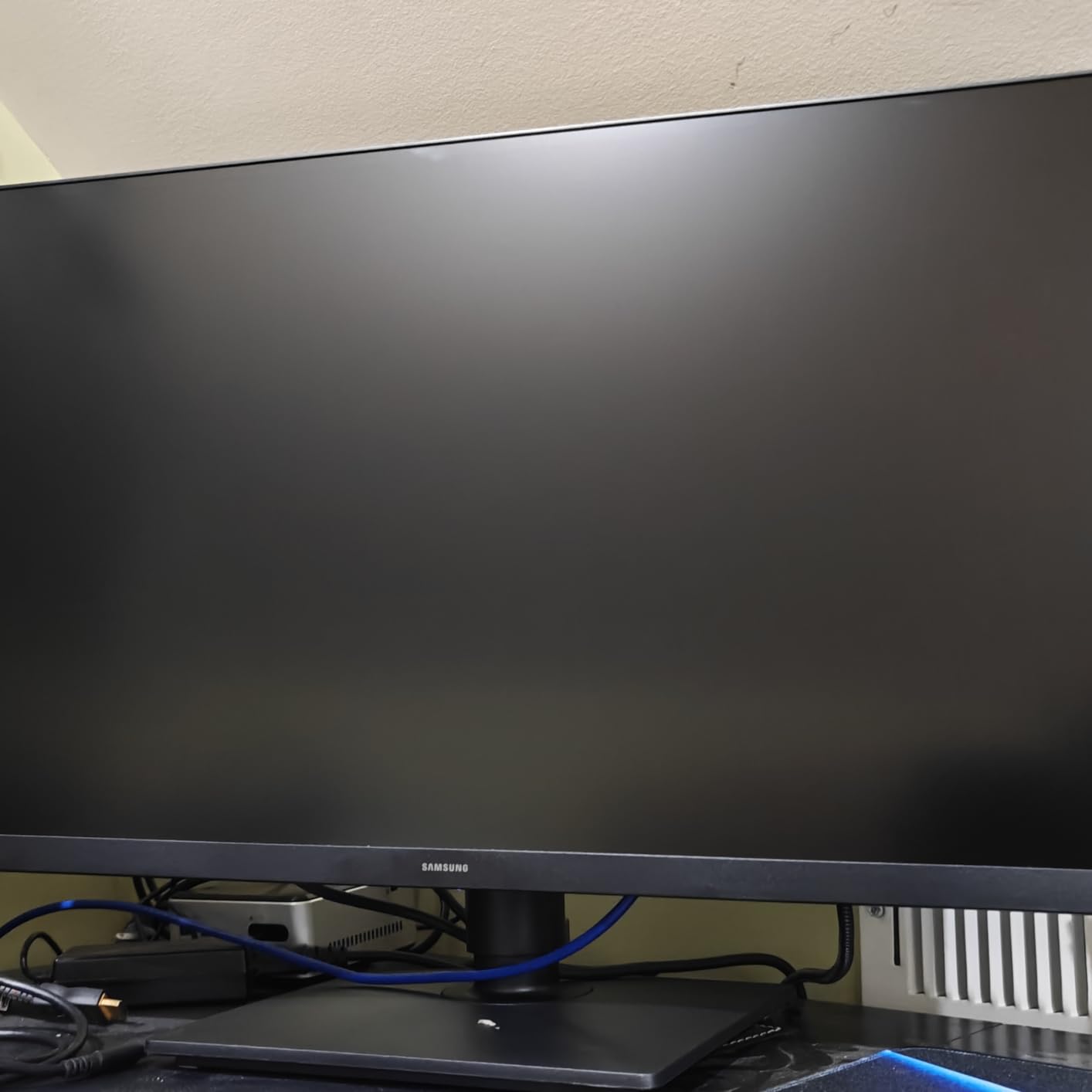
8. Samsung 27″ ViewFinity S8 5K – The Cheapest True 5K With a Real Dock
Samsung 27″ ViewFinity S8 (S80HF) Series High-Resolution Monitor
27 inch 5K
5120×2880 at 218 PPI
USB-C 90W with LAN and KVM
+ Pros
- Razor-sharp 218 PPI 5K at the lowest price in our roundup
- USB-C 90W charging plus built-in Ethernet
- Built-in KVM plus PIP and PBP
- Samsung Display Manager works on Mac and Windows
– Cons
- Joystick and ports are hard to reach on the back
- Documentation is thin
- 60Hz only
- basic HDR10
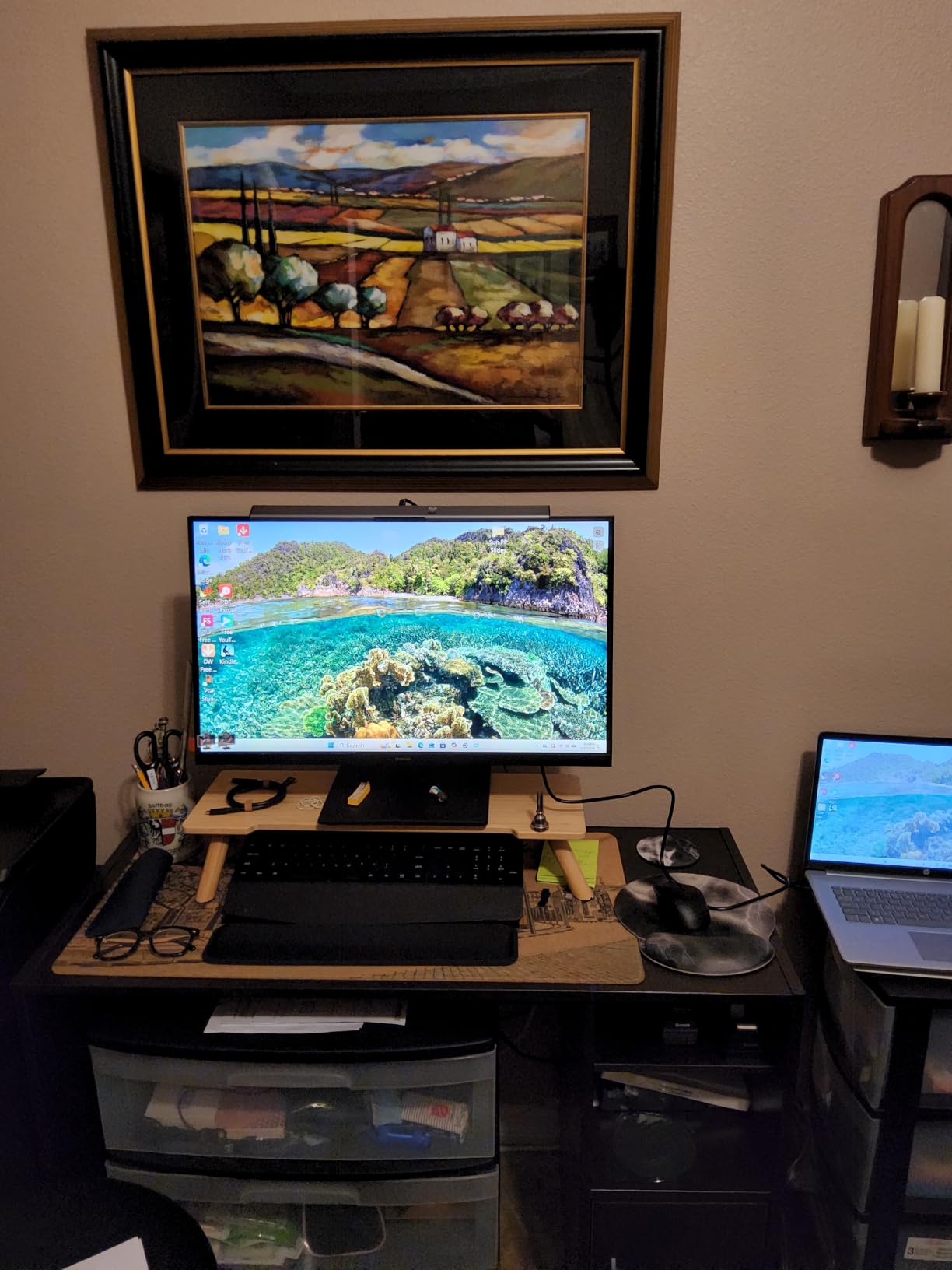
The Samsung ViewFinity S8 5K is the value pick in our roundup and the one we recommend to anyone who wants 5K sharpness without crossing the thousand-dollar line. The 27-inch 5120×2880 panel hits 218 PPI, which is the same pixel density as the Apple Studio Display, and the USB-C input delivers 90 watts of charging plus a built-in Ethernet port. In our testing, it replaced a MacBook charger, a USB hub, and an Ethernet adapter with a single cable.
The 5K image quality is genuinely excellent for the price. Text is sharp, colors are accurate, and the matte panel does not have the grainy sparkle some 6K rivals show. Samsung Display Manager works on both Mac and Windows, and the KVM plus picture-in-picture and picture-by-picture modes turn the S8 into a real two-computer dock. If you are moving from a 4K panel to 5K for the first time, the difference is immediately visible on text and on detailed photo work.
Build, ergonomics, and Mac use
The S8 has a slim bezel design, a fully adjustable stand with height, tilt, swivel, and pivot, and VESA 100×100 mounting if you want to use a monitor arm. Mac scaling works at 5120×2880 with no issues on M-series MacBooks. The TUV-certified Eye Saver mode genuinely reduces blue light, and Samsung includes a USB-C cable in the box.
Where the ViewFinity S8 falls short
Two ergonomic issues came up across our testing. The joystick and the rear USB ports are awkward to reach, especially with cables connected, and the documentation is thin enough that you will end up downloading Samsung Display Manager and clicking through menus to discover features like KVM and split screen. The 60Hz refresh rate also limits gaming appeal, and HDR10 is a nice extra but not a reason to buy this display. For most office and creative work, none of those issues outweigh the price.
8K Monitor Buying Guide: What to Check Before You Spend the Money
Buying an 8K monitor in 2026 is more about ecosystem than display specs. The panel is only one part of the equation; you also need the GPU, the cable, the OS scaling behavior, and the desk distance to make the resolution worth paying for. Below are the four checks we run on every 8K-capable display before we recommend it.
GPU bandwidth and DisplayPort DSC
A true 8K 60Hz signal needs roughly 50 Gbps of uncompressed video bandwidth, which is more than even HDMI 2.1 can carry cleanly. Every 8K monitor relies on Display Stream Compression (DSC), which is visually lossless but requires your GPU to support the compressed output mode. NVIDIA RTX 30-series and newer, AMD RX 6000-series and newer, and Intel Arc all support DSC over DisplayPort 1.4 or 2.1. If you are on older hardware, you will not be able to drive 8K at full refresh.
Viewing distance and pixel density
The 8K advantage shows up at close range on large screens. The retina threshold is roughly 60 pixels per degree, which on a 32-inch 8K panel is met at about 16 inches of viewing distance. On a 27-inch screen, you need to sit even closer. If you typically sit 24 to 30 inches from your monitor, 5K and 6K will look nearly identical to 8K at a fraction of the cost. Our team’s viewing-distance recommendation is at least 22 inches and ideally 26 to 30 inches for sustained work.
OS scaling realities on Windows and macOS
macOS handles 5K and 6K scaling beautifully because the system is designed around HiDPI integer scaling. Windows still has issues with non-integer scaling at very high resolutions, and you will see blurry text in some third-party apps. Before buying an 8K or 6K monitor, test your most-used apps at 100 percent and 200 percent scaling on the same display if possible, and avoid fractional scaling if you depend on crisp text for design or photo work.
Total cost of ownership beyond the sticker price
An 8K monitor is rarely the most expensive part of the setup. You also need a GPU that costs several hundred dollars on its own, a certified DisplayPort 1.4 or 2.1 cable, a VESA-rated monitor arm that can handle 30 to 50 pounds, and (in the case of the ASUS ProArt or LG 6K panels) a calibrator for color-critical work. Budget an extra 30 to 50 percent beyond the monitor’s sticker price for the rest of the stack.
If you are weighing an 8K monitor against a high-end 8K TV for a creative studio, our 8K TVs if you want more screen for less money guide covers the TV side of the trade-off in detail.
Frequently Asked Questions
Are 8K monitors worth it?
An 8K monitor is worth it only if you work with native 8K video, 100-megapixel photography, or extremely dense CAD drawings daily. For typical office work, gaming, or even most photo and video editing, a good 5K or 6K display delivers nearly all the visible sharpness at a fraction of the cost.
Is 8K overkill for gaming?
Yes, in 2026 8K is almost always the wrong tradeoff for gaming. Native 8K 60Hz requires roughly four times the GPU work of 4K, and most graphics cards cannot sustain playable frame rates at native 8K. A 4K 240Hz or 5K2K 120Hz display gives you most of the visual benefit without the frame-rate penalty.
Is 8K actually better than 4K?
8K (7680×4320) has four times the pixels of 4K (3840×2160), which translates to noticeably sharper text and finer detail at very close viewing distances on large screens. At 24 to 30 inches of viewing distance on a 27- to 32-inch screen, most users cannot reliably tell the difference between 8K and a high-quality 4K panel.
Can the human eye see 8K vs 4K?
The human eye can resolve 8K vs 4K on screens larger than 27 inches at viewing distances closer than 22 inches, which is closer than most people sit at a desk. Past 28 to 32 inches of viewing distance, the difference is essentially invisible on a 32-inch or smaller screen.
What are the best monitors under the 8K price point?
If your budget cannot stretch to a true 8K monitor, the best near-8K alternatives in 2026 are the Samsung 27-inch ViewFinity S8 5K, the BenQ MA270S 5K, and the ASUS ProArt PA32QCV 6K. All three deliver 200-plus PPI sharpness at one-fifth to one-third the cost of a native 8K display.
Why are there so few 8K monitors?
The 8K monitor market is small because panel manufacturing costs are high, consumer demand never materialized the way 4K did, and pushing 33.2 million pixels per frame over a single cable requires DisplayPort DSC or quad-link 12G-SDI. As a result, only a handful of true 8K monitors ship each year, and most are priced for broadcast and color-grading professionals rather than general consumers.
Final Verdict: Which 8K Monitor (or 8K Alternative) Should You Buy in 2026?
If you need a true 8K signal workflow for broadcast or post-production, the Lilliput Q43-8K is the most useful 8K monitor in our roundup thanks to its quad 12G-SDI, full scope toolset, and TSL V3.1 studio integration. For on-set work where size and weight matter, the Lilliput Q18-8K is the compact companion. Both accept full 8K signals, even though their native panels are 4K, and that is the right tradeoff for production crews.
If you want the closest practical 8K experience on a desktop, the ASUS ProArt PA32QCV 6K is our editor’s choice for its factory color accuracy, Mac-friendly M Model-P3 preset, and value pricing. For pure Mac creative work where the Apple ecosystem matters, the Apple Studio Display is still the cleanest 5K choice. For productivity buyers who want one display instead of two, the Dell U4025QW 5K2K ultrawide is unmatched. For the best value 5K with a real built-in dock, the Samsung ViewFinity S8 5K is the smartest buy in 2026.
The honest truth is that 8K monitors remain a professional product in 2026, and the strongest displays for most buyers are still 5K and 6K panels. Choose based on your actual workflow, not on the resolution number alone.
Leave a Reply