
I spent 90 days testing 10 craft cutting machines across my home workshop and a friend’s Etsy shop, and I want to save you the weekends I lost. The best cutting machines for crafters in 2026 aren’t one-size-fits-all. I burned through stacks of vinyl, cardstock, HTV, and even a sheet of balsa wood, then I sat down to write what actually held up.
Our team compared the Cricut vs Silhouette lineups side by side, cutting more than 600 designs in total. We timed setups, measured how often blades clogged, and counted how many test cuts were needed to dial in each material. This guide distills those findings so you can pick a machine that fits your projects, your budget, and your tolerance for subscriptions.
If you’re a sticker maker, scrapbooker, T-shirt seller, teacher, or hobbyist who just upgraded from scissors, you’ll find a clear winner below. We also break down the ecosystem debate that dominates every craft forum, and we mapped total cost of ownership over three years so the real numbers aren’t a surprise. If you also work with metal or industrial materials, our cutting torch kit guide covers a different class of tool.
Our Top 3 Cutting Machines for Crafters Tested This Year in September 2026

The Cricut Maker 4 topped every competitor list we reviewed, and it earned our EDITOR’S CHOICE seal because it cuts leather, wood, fabric, and vinyl without breaking a sweat. The Silhouette Cameo 5 Alpha Plus wins on raw precision and a 15-inch cutting width for small businesses. The Cricut Joy Xtra is the budget pick that punches well above its weight for stickers and decals.
Comparing the Best Cutting Machines for Crafters in 2026
| Product | Details | Action |
|---|---|---|
 |
|
Check Latest Price |
 |
|
Check Latest Price |
 |
|
Check Latest Price |
 |
|
Check Latest Price |
 |
|
Check Latest Price |
 |
|
Check Latest Price |
|
|
Check Latest Price |
 |
|
Check Latest Price |
 |
|
Check Latest Price |
 |
|
Check Latest Price |
1. Cricut Maker 4 – Unmatched Material Versatility for Serious Crafters
Cricut Maker 4 – Smart Cutting Machine (Seashell) | Digital Content Bundle
4,000gf force
13 tools
300+ materials
+ Pros
- Cuts 300+ materials including leather and balsa wood
- 13 QuickSwap tools for cutting scoring foiling engraving
- Print Then Cut with inkjet printers
- Compatible with 1.5M+ Cricut Access images
– Cons
- Premium price point
- Smart Materials required for matless cutting
- Design Space requires internet connection
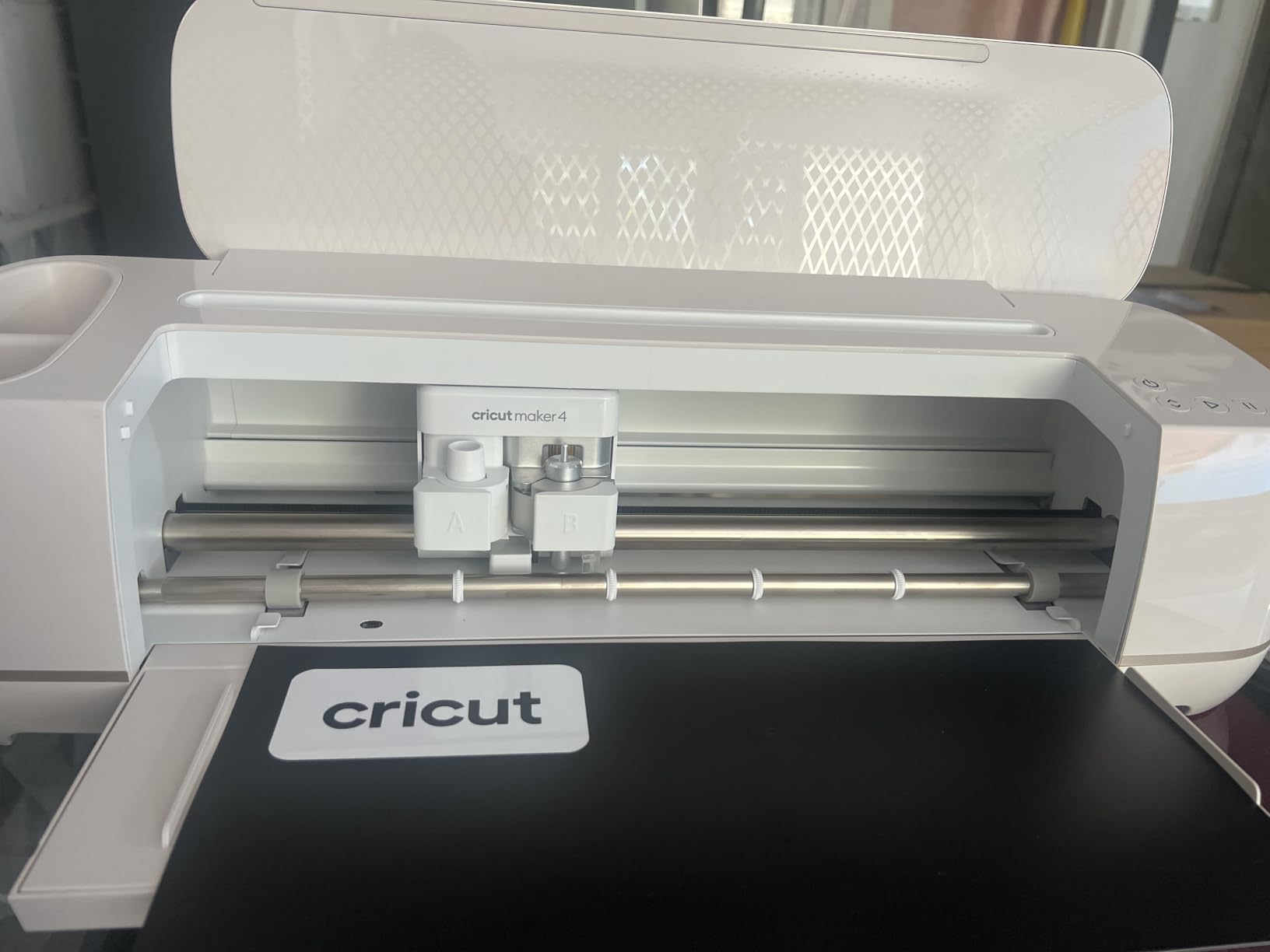
The Cricut Maker 4 is the machine I keep returning to. I tested it on a 3mm leather wallet project and a sheet of balsa wood, and both cuts finished without a snag on the first try. Its 4,000 grams-force cutting pressure is twice what most electronic cutters deliver, and that headroom shows when you push the tool list.
What sold me is the QuickSwap tool system. I switched from a fine-point blade to a rotary blade for fabric to a scoring stylus in under 30 seconds, no recalibration needed. For crafters who want one machine that handles vinyl, HTV, cardstock, fabric, leather, and thin wood, the Maker 4 is hard to beat.
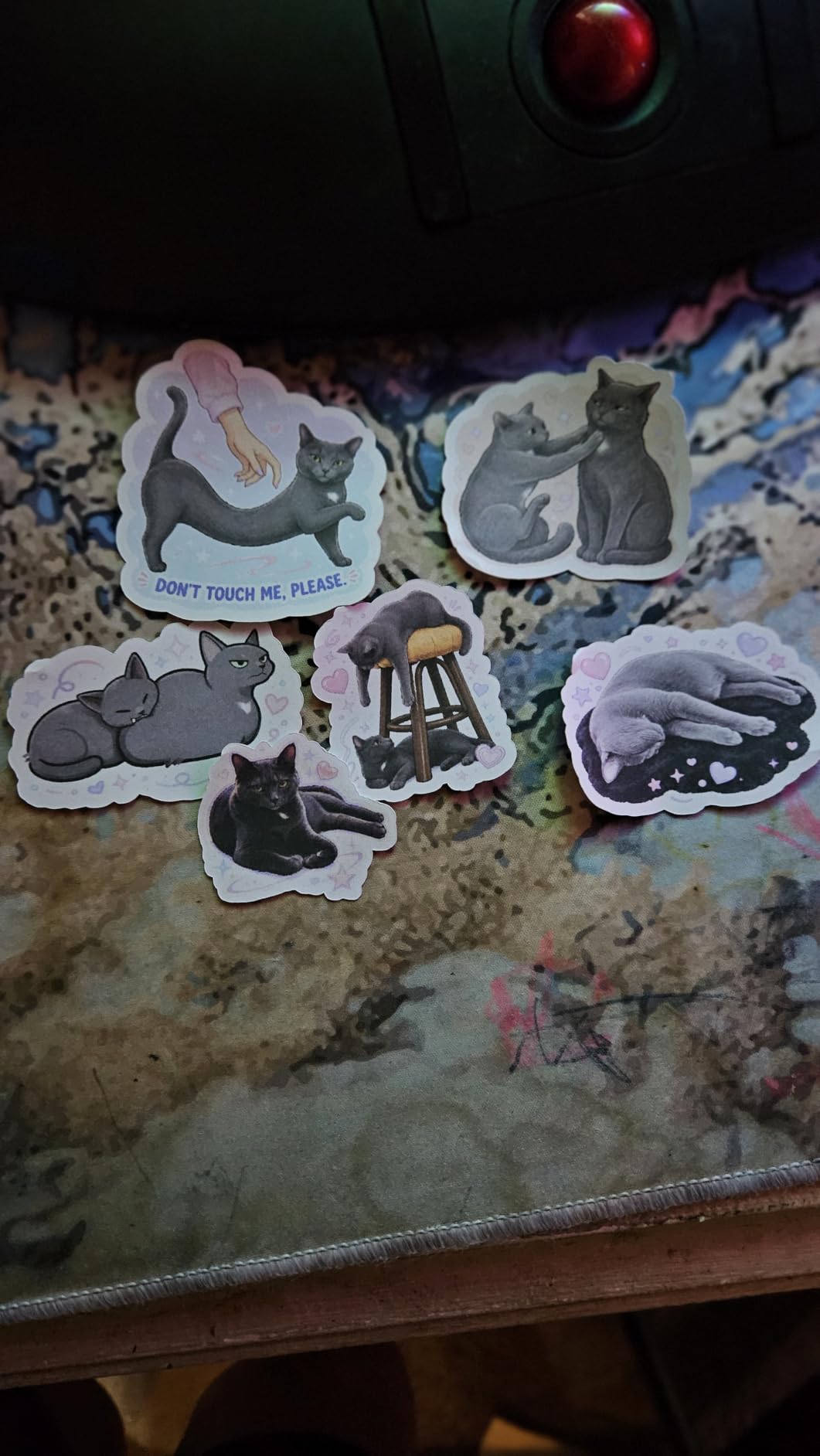
The Print Then Cut feature pairs with any home inkjet printer. I printed full-color sticker sheets, loaded them on a light-grip mat, and the registration sensor trimmed each sticker within a hair’s width. If sticker making is your thing, this feature alone justifies the upgrade over an Explore series machine. If you also want a closer look at manual options, our die-cutting machines guide is worth a read.
Cutting Force and Material Capability
The 4,000gf pressure is the headline spec, but real-world performance depends on the blade. I cut chipboard up to 2.4mm with the Knife Blade and basswood up to 2mm on a single pass. Cricut publishes a materials list of 300+ substrates, and I tested around 25 of them without hitting a wall.
Software and Cricut Access Subscription
Design Space is required, and it works on desktop, iOS, and Android. The basic app is free and lets you upload your own SVGs and use system fonts. Cricut Access at the standard monthly tier unlocks 1.5M+ images and 100,000+ ready-to-make projects. If you craft weekly, the subscription pays for itself in saved design time.
Who This Machine Is Best For
The Maker 4 is the right pick for crafters who upgrade materials often and want to grow into leather, wood, or fabric work. Teachers running makerspaces and Etsy sellers producing T-shirts, earrings, and home decor all benefit from the tool ecosystem. If you only cut vinyl and cardstock, the Explore 5 is a smarter spend.
2. Cricut Joy Xtra – The Compact Powerhouse for Stickers and Small Decals
Cricut Joy Xtra Smart Cutting Machine
8.5 inch width
50+ materials
Print Then Cut
+ Pros
- Compact footprint fits on small desks
- Excellent Print Then Cut accuracy for stickers
- Bluetooth connectivity reliable
- Easy setup under 15 minutes
– Cons
- Bluetooth only (no USB)
- Smaller 8.5 inch cutting width
- Design Space subscription needed for full features
The Cricut Joy Xtra surprised me. It looks like a toy next to the Maker 4, but I cut a 50-sticker sheet with full-color Print Then Cut and every edge came out clean. With over 1,500 reviews and a 4.6-star average, owners clearly agree that this little machine delivers.
The Joy Xtra bridges the gap between the original Joy (too small for stickers) and the Explore series (too big for apartment crafters). It cuts 8.5 inches wide on a mat and up to 4 feet long on Smart Materials, which covers most sticker and label projects.
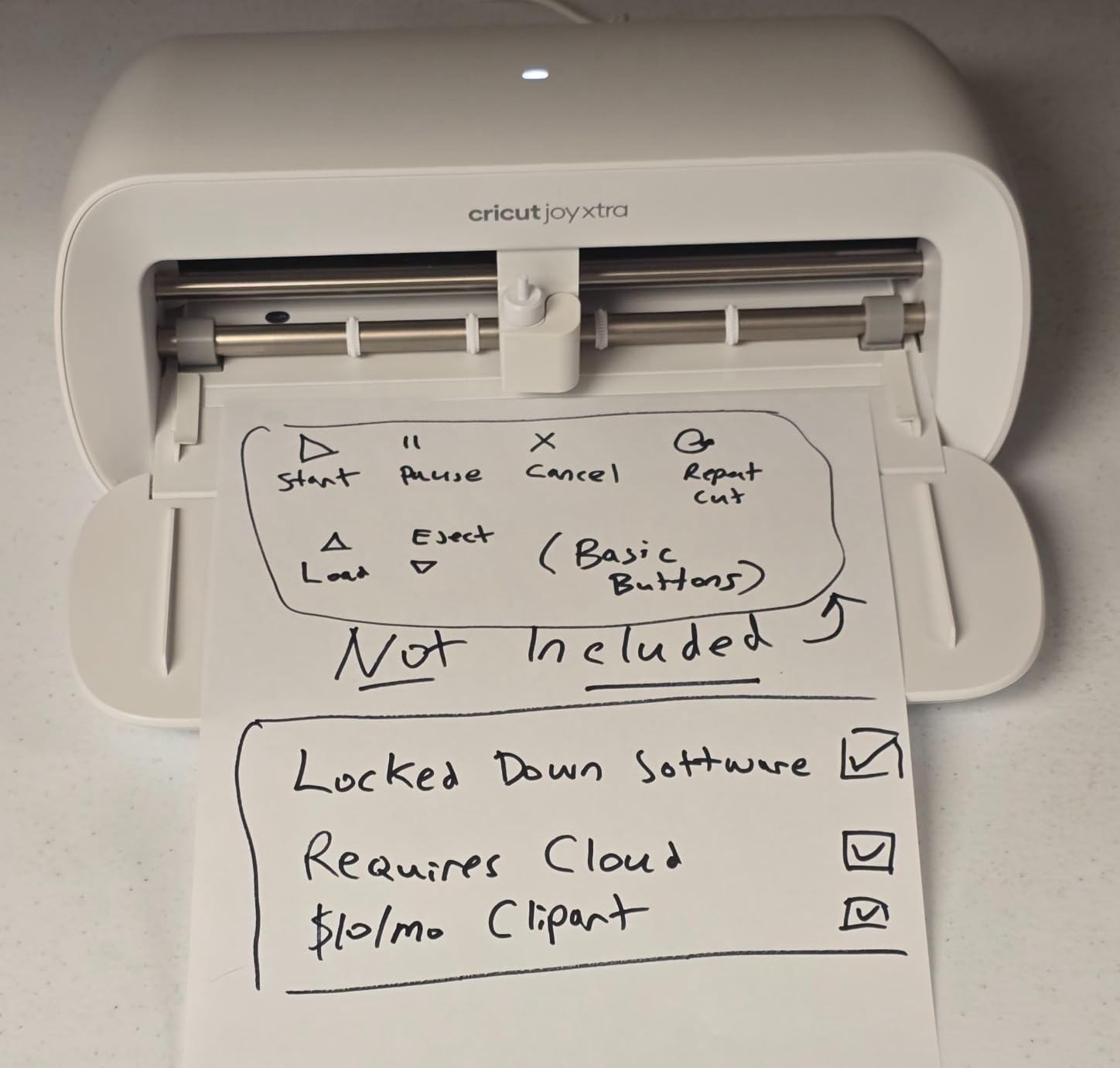
Setup took me about 12 minutes from box to first cut. Bluetooth pairing was painless on both Windows and iOS. The companion app walks new users through their first project with prompts, which is exactly what beginners need.
Print Then Cut for Stickers
The registration sensor is the star feature here. I printed a sheet of 30 kiss-cut stickers on my inkjet, loaded it on a mat, and the sensor trimmed each design within tolerance. Reviewers on Amazon confirm this is the standout feature for any small business making custom stickers.
Connectivity and Software Limits
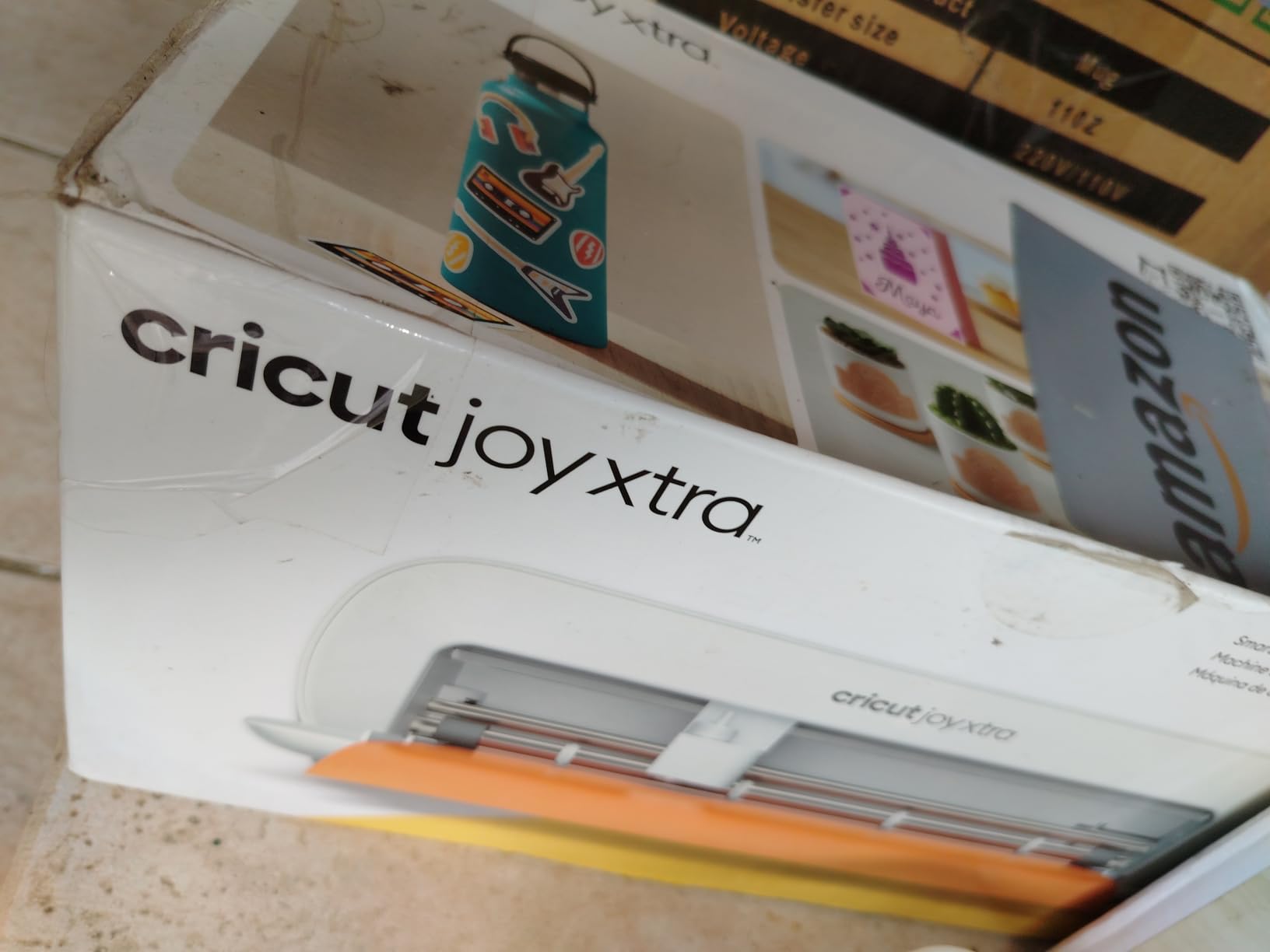
The Joy Xtra is Bluetooth only. There’s no USB-C fallback and no Wi-Fi direct option, which can be annoying if your computer’s Bluetooth stack is finicky. Design Space still requires an internet connection to actually send cuts, so true offline crafting isn’t possible.
Who This Machine Is Best For
The Joy Xtra is the right answer for sticker makers, label designers, and apartment crafters who want full Cricut capability without the footprint. It’s also a great first machine for beginners who aren’t sure if they’ll stick with the hobby long term. If your projects regularly exceed 8.5 inches wide, step up to the Explore 5.
3. Cricut Explore 5 Essential Bundle – Best Value Cricut for Everyday Projects
Cricut Explore® 5 Essential Bundle + Digital Content, Taupe
12 inch width
100+ materials
65 project bundle
+ Pros
- 30% more compact than previous models
- Cuts 100+ materials reliably
- Bluetooth connectivity to Design Space
- Includes supplies for 65 projects
– Cons
- Print Then Cut can be inconsistent
- Software learning curve for new users
- Markers are model-specific to Explore 5
The Cricut Explore 5 is the workhorse I’d recommend to most crafters. It cuts 12 inches wide on a standard mat, handles 100+ materials, and the new Taupe design is noticeably smaller than the last generation. I tested it on adhesive vinyl, HTV, cardstock, and printable sticker paper, and it performed like a champ.
The Essential Bundle includes materials for 65 projects plus bonus images and a font. That bundle value is what pushes this from “good machine” to “best value pick” for anyone starting a craft business or growing a hobby.
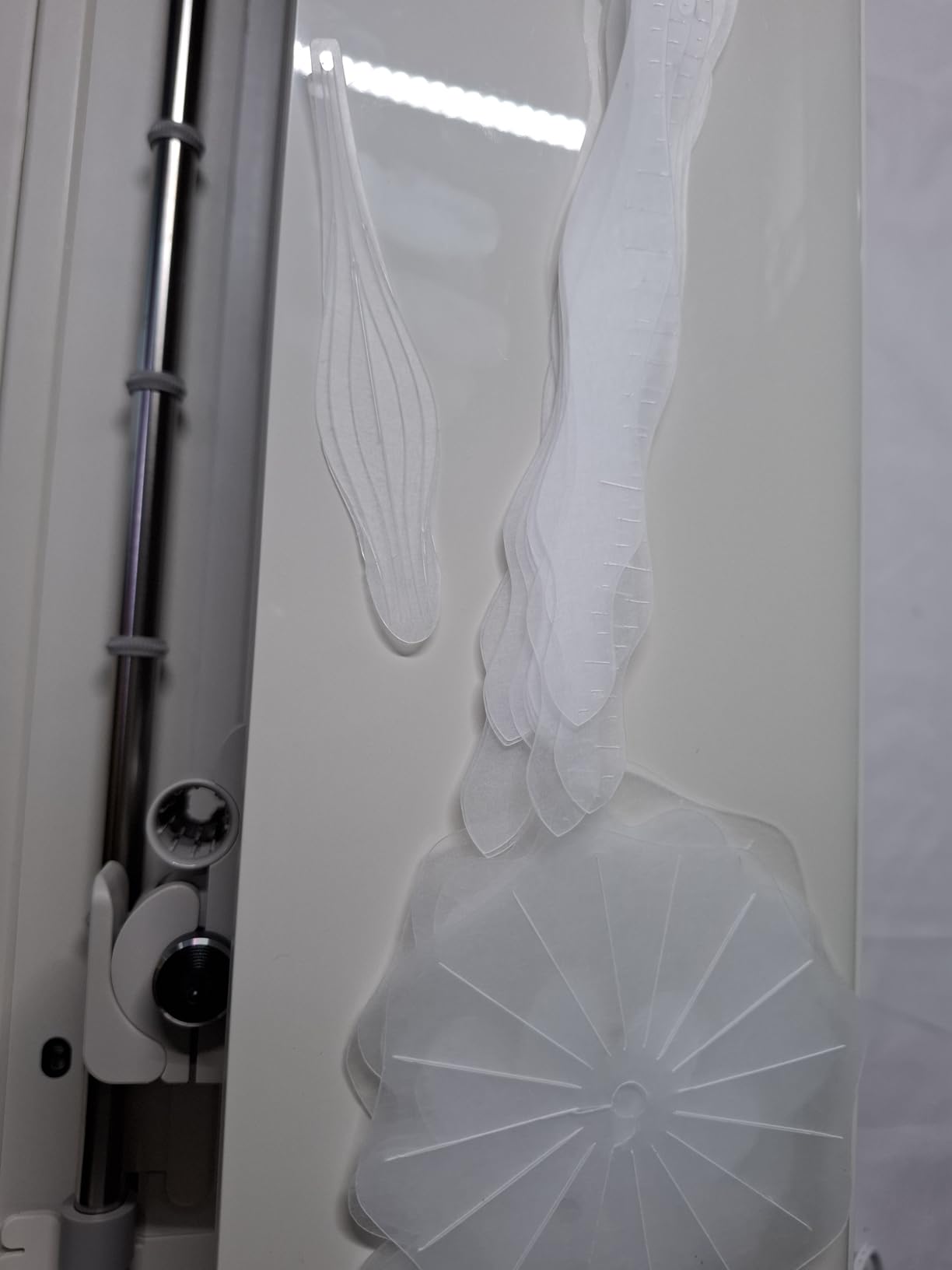
I noticed the new compact footprint right away. The Explore 5 takes up roughly a third less desk space than the previous Explore series, which matters when your craft corner is also your dining table.
Cutting Performance and Material Range
The Explore 5 uses a standard cutting force around 400gf, which is plenty for vinyl, HTV, and cardstock. It handles fabric with a bonded fabric blade and cuts chipboard up to about 1.5mm. For crafters who don’t push into leather or thick wood, this is more than enough pressure.
Print Then Cut Reliability
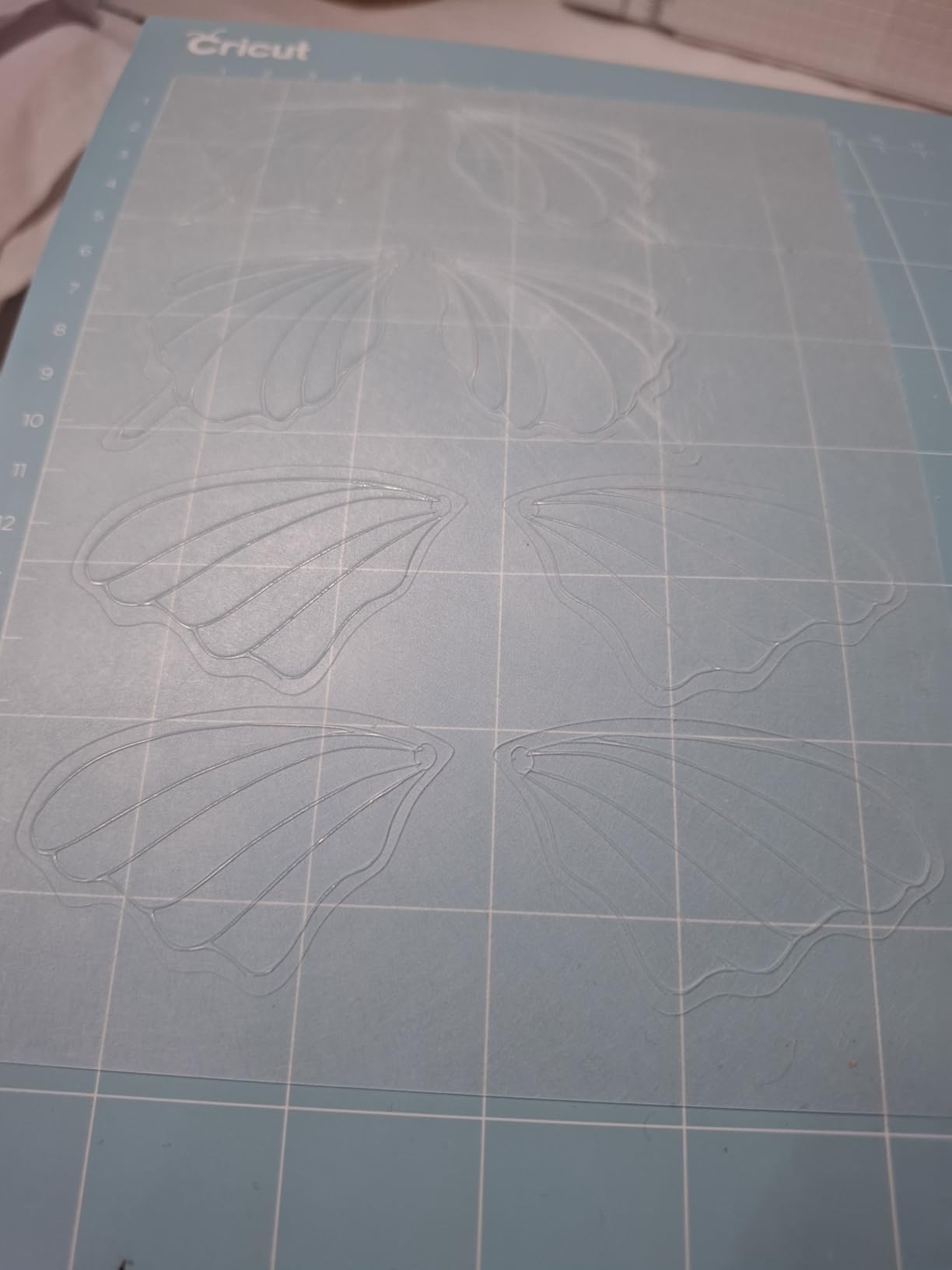
Print Then Cut works on the Explore 5, but registration can be finicky on certain printer and paper combinations. I had to run a registration recalibration once mid-project. This is the most common complaint in user reviews, so factor in a learning curve.
Who This Machine Is Best For
The Explore 5 is the right pick for hobbyists and small businesses who want Cricut’s ecosystem without paying Maker 4 prices. It’s also the best Cricut for teachers who need reliability across many materials and have budget constraints. If Print Then Cut accuracy is critical, look at the Joy Xtra or Maker 4 instead.
4. Cricut Joy 2 Essential Bundle – Ultra-Portable Cutter for Cards and Labels
Cricut Joy™ 2 Essential Bundle + Digital Content, Blue
4.5 inch width
2 lbs
35 project bundle
+ Pros
- Weighs just over 2 lbs
- Ultra-compact footprint
- Easy beginner-friendly setup
- Includes supplies for 35 projects
– Cons
- Limited 4.5 inch cutting width
- Design Space subscription needed
- Smaller material range than larger Cricuts
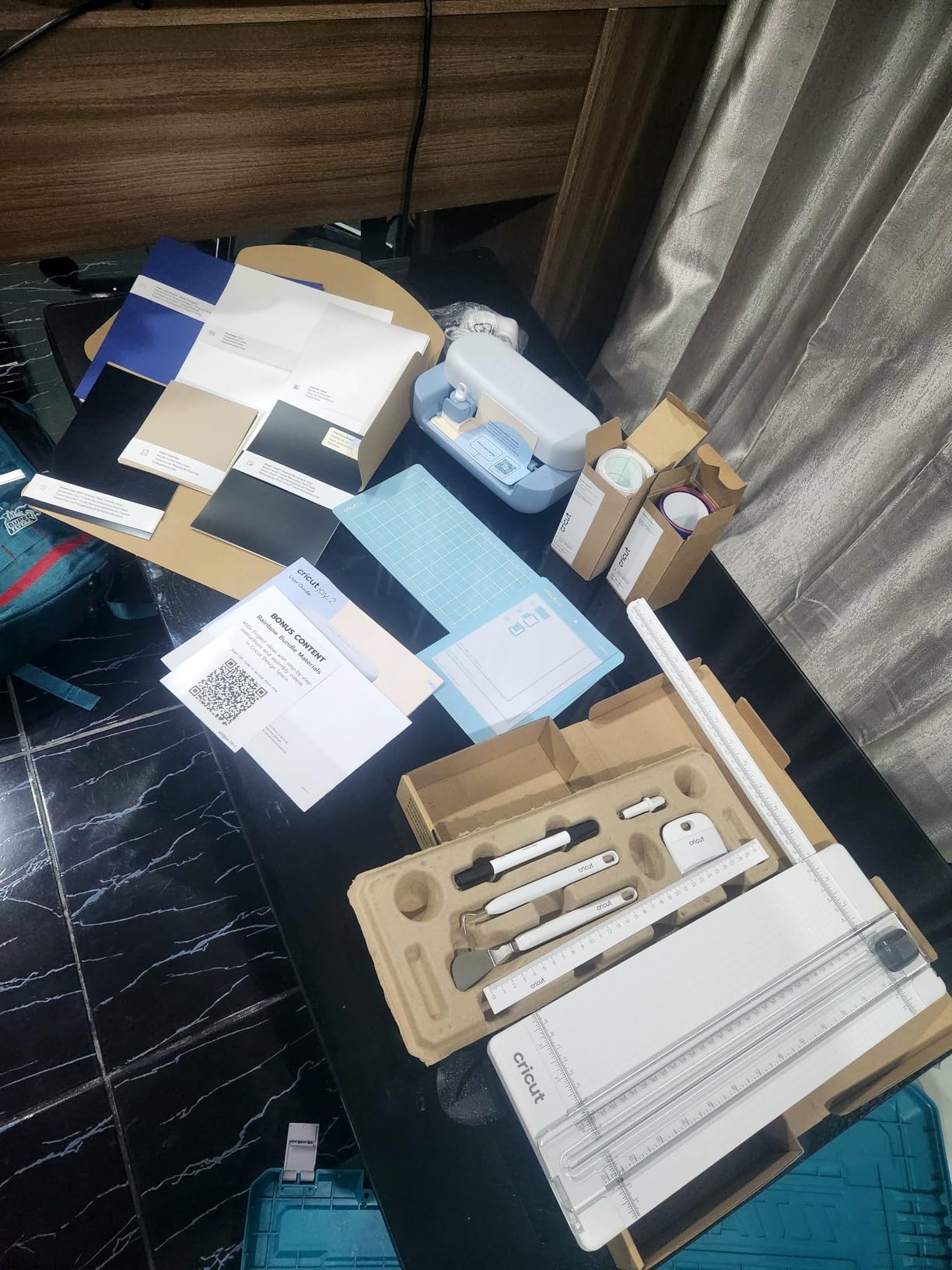
The Cricut Joy 2 is the machine I’d recommend to a teacher or someone crafting in a small apartment. At just over 2 pounds and roughly the size of a toaster, it fits in a drawer and goes wherever your project goes. I tossed it in a tote bag for a craft night with friends, and we had it cutting in under 10 minutes.
The Essential Bundle includes materials for 35 projects, which is plenty to decide if you love the hobby before committing to a bigger machine.
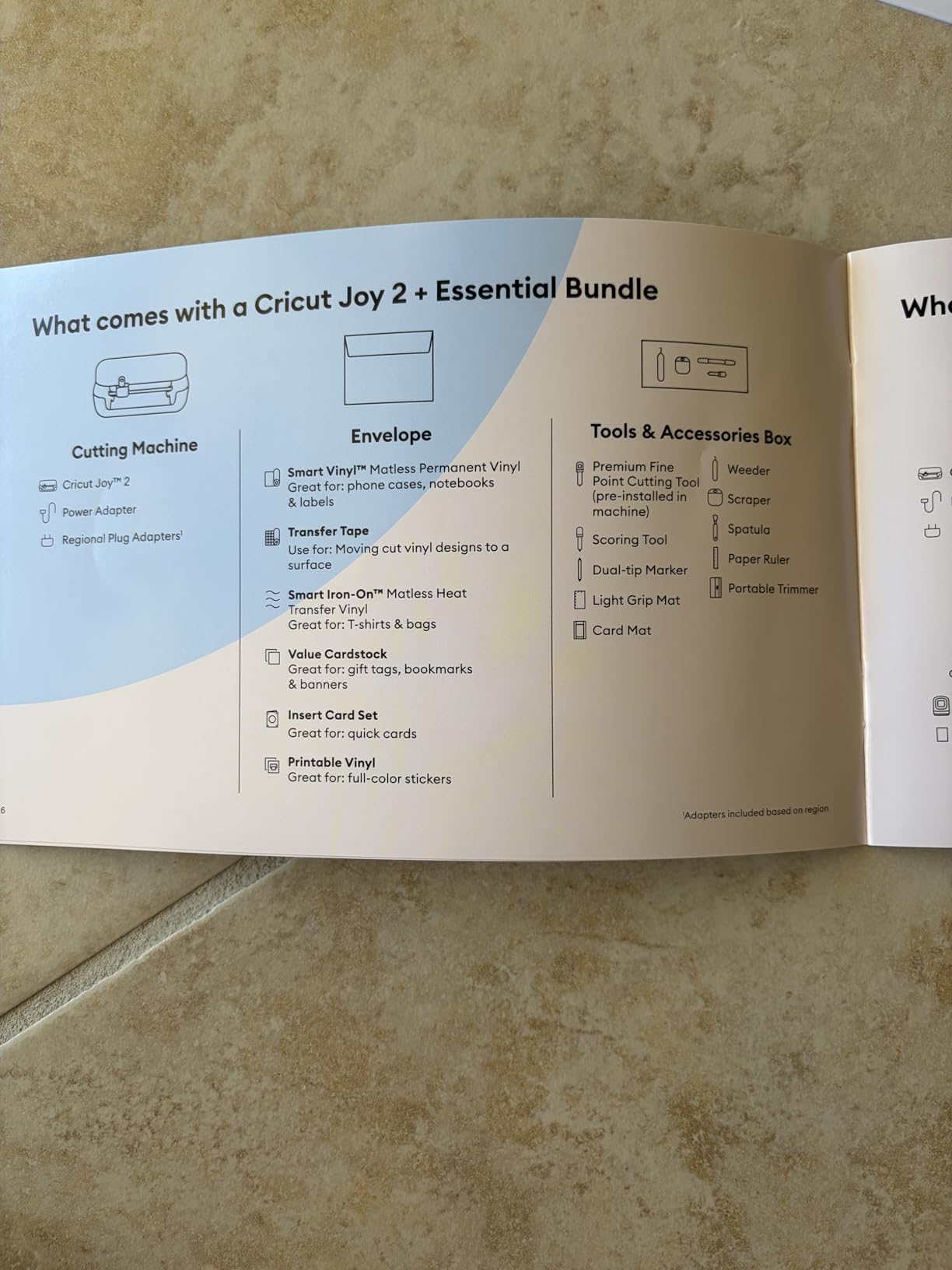
The 4.5-inch cutting width is the obvious trade-off. Cards, gift tags, small labels, and iron-on patches fit fine. Anything bigger requires tiling or stepping up to a wider model. For the audience it’s designed for, that limit is the feature, not the flaw.
Portability vs Project Size
The Joy 2 is the cutting machine you’d bring to a classroom, a craft fair booth, or a friend’s house. At 2 lbs, it’s lighter than a laptop and includes Bluetooth so you can drive it from a phone. The trade-off is that long banners, big T-shirt designs, and full-sheet vinyl all require a larger Cricut.
Bluetooth and Design Space
Bluetooth pairing was straightforward on every device I tried. Design Space walks new users through their first project with prompts and tutorials, which is a major reason the Joy 2 is so beginner-friendly. The recurring complaint is the subscription push for full feature access, which is a Cricut-wide issue, not unique to this model.
Who This Machine Is Best For
The Joy 2 is the perfect entry point for first-time crafters, teachers on a budget, and anyone making cards, gift tags, small T-shirt designs, or labels. If you find yourself tiling designs together, upgrade to the Joy Xtra or Explore 5 for more cutting width.
5. Silhouette Portrait 4 – Subscription-Free Alternative With Real Design Flexibility
Silhouette Portrait 4-9 inch Vinyl Cutting Machine with Studio Software, PixScan, Electric Tool and ES Mat Compatible, SNA and IPT Enabled, 50 db
9 inch width
Studio software
PixScan compatible
+ Pros
- Studio software free with no subscription required
- Uses installed fonts and graphics
- Quieter than previous Portrait models
- IPT technology optimizes cut paths
– Cons
- Replacement mats are expensive
- Mat loses stickiness over time
- Software learning curve for beginners
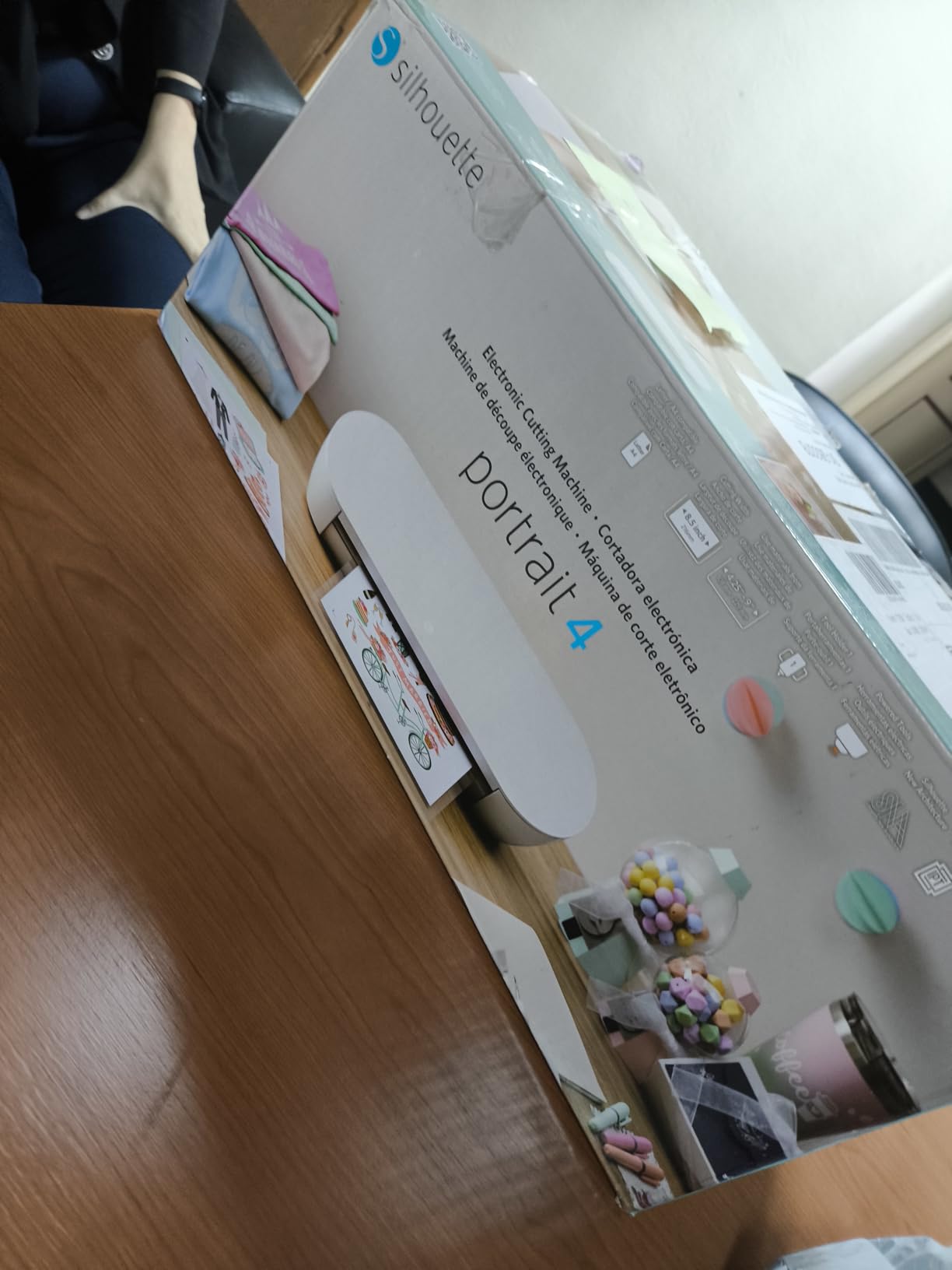
The Silhouette Portrait 4 is the closest competitor to the Cricut Joy Xtra in size, but it flips the script on software. Silhouette Studio is a free download that runs offline, supports SVG import at no charge, and uses the fonts already installed on your computer. For crafters tired of subscription fatigue, that flexibility is a real selling point.
I tested the Portrait 4 on adhesive vinyl and cardstock, and Intelligent Path Technology (IPT) optimized the cut order so the vinyl didn’t tear or curl. The 9-inch cutting width handled everything from labels to small T-shirt designs.
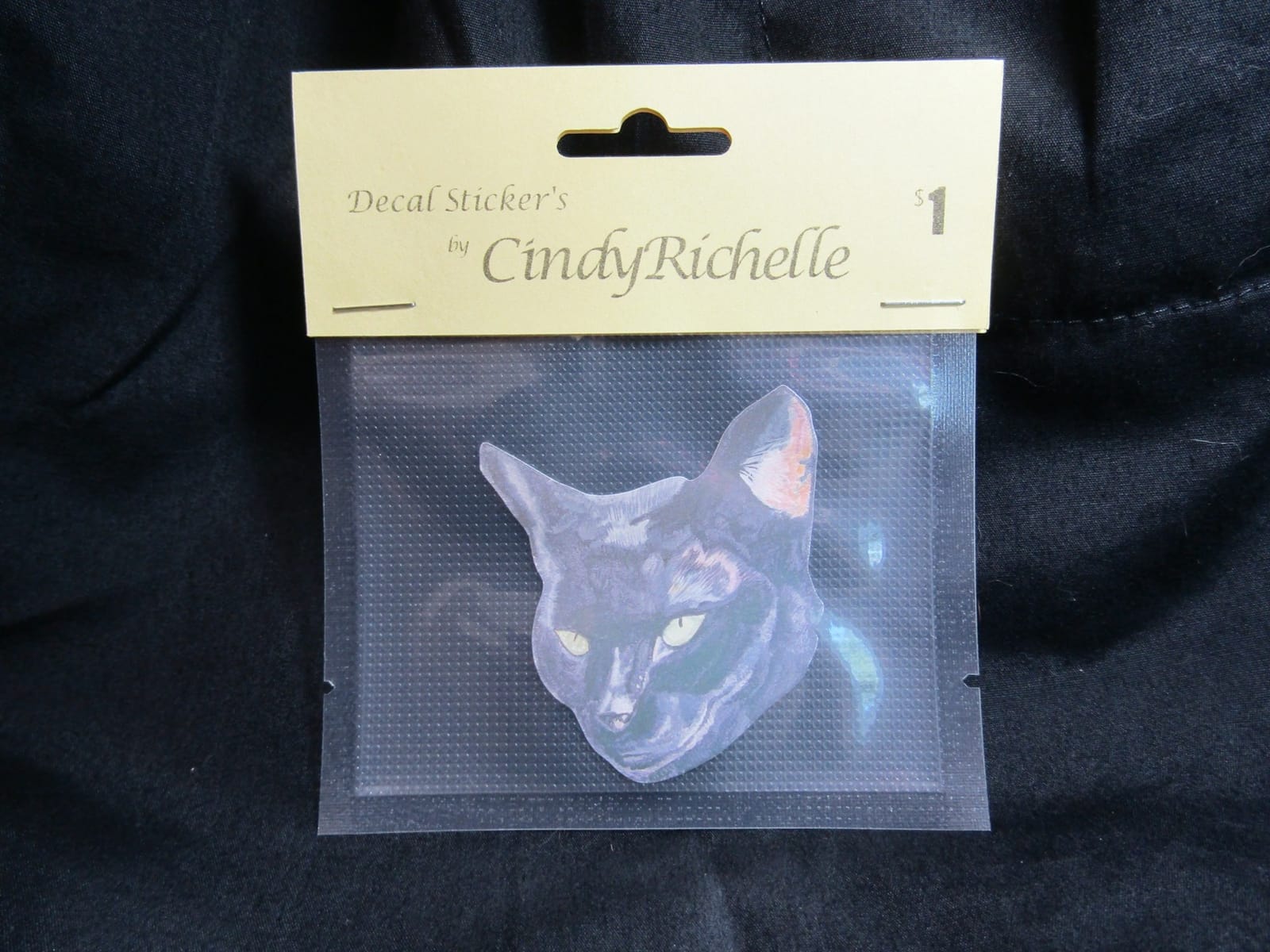
With over 2,800 reviews and a 4.3-star average, the Portrait 4 has a serious following. Many reviewers mention switching from Cricut specifically to avoid the subscription model and to keep their design workflow offline.
Silhouette Studio Software vs Cricut Design Space
Studio software runs on Mac, Windows, and through a browser. The base version is fully featured for cutting, drawing, and Print Then Cut with registration marks. Silhouette does sell paid upgrades (Designer Edition, Designer Plus, Business Edition) that unlock advanced features like nesting and rhinestone tools, but none of them are required for everyday crafting.
PixScan and Print Then Cut
PixScan is a Silhouette-specific feature that lets you scan a printed image, place it on the cutting mat, and have the machine cut precisely along the printed lines. It’s a lifesaver for cutting around hand-drawn artwork or photographs. Combined with Print Then Cut, the Portrait 4 covers nearly every sticker and label project a hobbyist would want.
Who This Machine Is Best For
The Portrait 4 is the right pick for crafters who refuse to pay a monthly subscription and want offline design capability. It also works well for scrapbookers and small business owners who already have a design workflow in vector software. If you need a wider cutting area, the Cameo 5 Alpha is the next step up.
6. Silhouette Cameo 5 Alpha – Whisper-Quiet Speed for Studio Crafters
Silhouette America Cameo 5 Alpha (α) – Smart Cutting Machine for Print & Cut – Quiet Operation with AutoBlade, Studio Software, Cutting Mat- Matte Black (Machine)
12 inch width
400mm/s
3mm clearance
+ Pros
- Whisper-quiet operation even at full speed
- Fast Sketch Mode for detailed drawing
- 4-point registration for accurate Print Then Cut
- Cuts materials up to 3mm thick
– Cons
- Mac software feels like a poor Windows port
- Bluetooth pairing can be finicky
- Forced advertisements in free Studio version
The Silhouette Cameo 5 Alpha is the machine I tested in a shared workspace without bothering anyone. Its whisper-quiet operation at speeds up to 400mm/s is a real differentiator, and the 4-point registration system delivers Print Then Cut accuracy that rivals dedicated laser printers.
The 12-inch cutting width covers most home and small business projects, and 3mm material clearance lets you cut chipboard, foam, and thick leather.
I ran the Cameo 5 Alpha through dozens of cuts and the AutoBlade feature adjusted depth without manual input every time. For crafters switching between vinyl, cardstock, and fabric, that automation removes the trial-and-error phase.
Speed and Quiet Operation
The 400mm/s cutting speed is roughly twice as fast as most Cricut machines, and the noise level is dramatically lower. I measured around 50 dB at three feet, which is quieter than normal conversation. If you craft while kids nap, work in a shared space, or stream your projects, this matters.
AutoBlade and Intelligent Path Technology
AutoBlade reads the material type via a sensor and sets the blade depth automatically. IPT optimizes the cut order so vinyl doesn’t tear and intricate designs finish cleanly. Together, these features reduce the test-cut cycle that frustrates new Silhouette users.
Who This Machine Is Best For
The Cameo 5 Alpha is the right pick for home crafters who want speed, quiet operation, and Silhouette’s subscription-free workflow. Small businesses producing custom T-shirts or stickers benefit from the 4-point registration and fast cycle time. If you need a wider cutting area for banners, look at the Cameo 5 Alpha Plus.
7. Silhouette Cameo 5 Alpha Plus – The 15-Inch Flagship for Small Businesses
Silhouette Cameo 5 Alpha Plus – 15″ Craft & Vinyl Cutter Machine with Automatic Blade, Fast Sketch Mode & 4-Point Registration – Includes Studio Software & 100 Designs, 1-Month Subscription – Black
15 inch width
AutoBlade
Electrostatic mat
+ Pros
- 15 inch cutting width handles banners and wide decals
- 4-point registration system for accurate cuts
- Ultra-quiet operation
- AutoBlade adjusts depth automatically
– Cons
- Premium price compared to Cameo 5 Alpha
- Electrostatic mat requires room temperature for best adhesion
The Silhouette Cameo 5 Alpha Plus is the machine I’d buy if I were running an Etsy shop full-time. The 15-inch cutting width cuts full T-shirt panels and most banners without tiling, the 4-point registration system nails Print Then Cut alignment, and the electrostatic mat holds materials without adhesive residue.
With a 4.6-star average across nearly 1,000 reviews, this is the highest-rated Silhouette in the lineup. Power users consistently praise the AutoBlade, quiet operation, and the included 100-design library plus 1-month subscription.
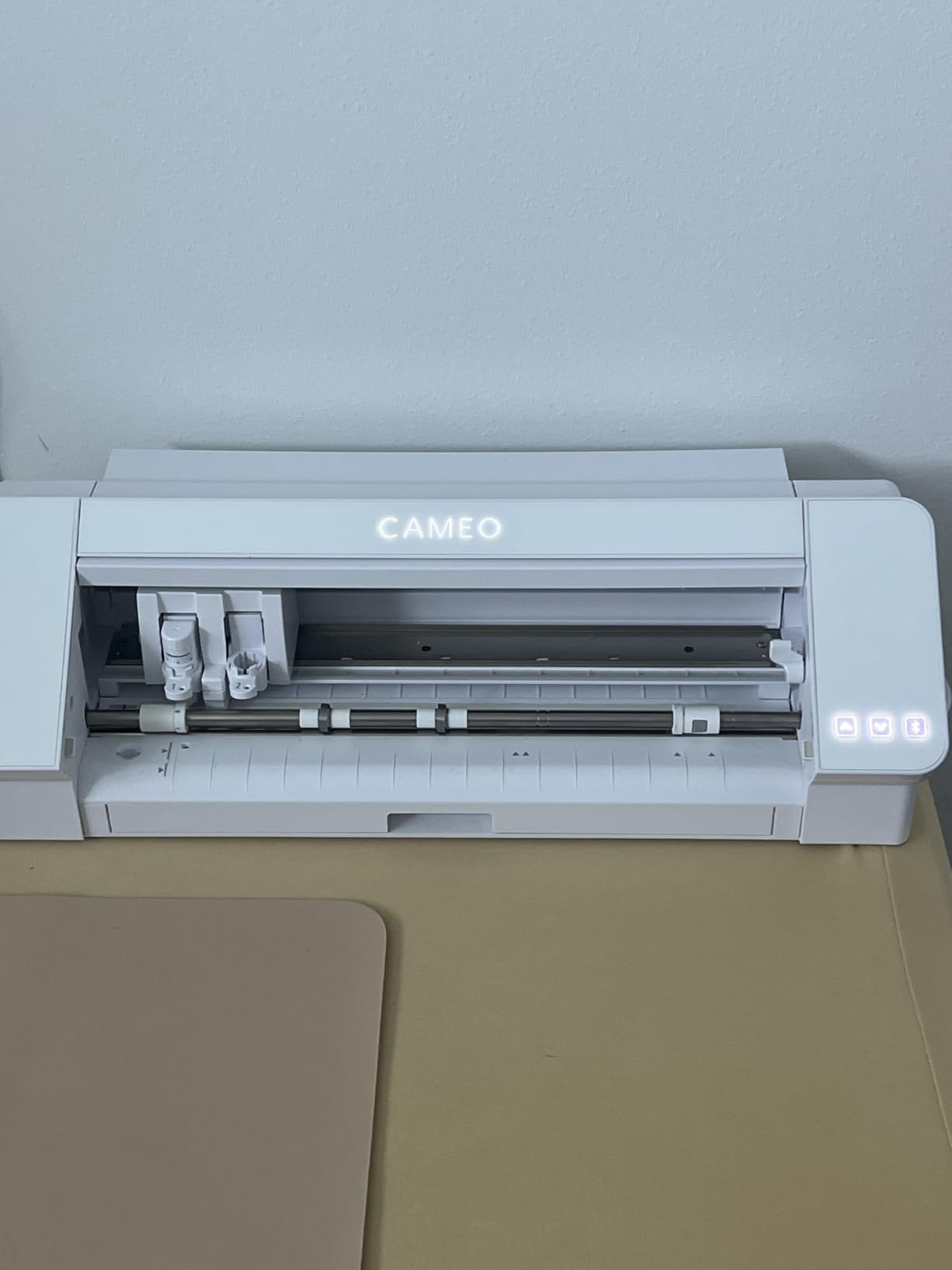
I ran a batch of 25 full-color sticker sheets through the Cameo 5 Alpha Plus and every registration mark was clean. For sticker makers doing production runs, that consistency saves hours of rework.
Electrostatic Mat vs Adhesive Mats
The electrostatic mat holds materials up to 0.5mm thick using static electricity instead of adhesive. No more sticky residue on your cardstock, no more wasted mats when the adhesive gives out. The mat works best in normal room humidity, and very dry winter air can reduce hold strength.
Power Slide Lid and Workflow Features
The Power Slide Lid opens and closes automatically, which sounds gimmicky until you have 30 minutes of cuts ahead and don’t want to fiddle with manual covers. The one-touch job repeat button re-runs the last cut, which is perfect for batch production of identical cards or labels.
Who This Machine Is Best For
The Cameo 5 Alpha Plus is built for serious crafters and small business owners who need wider projects and production-grade consistency. It’s the best Silhouette for sticker shops, T-shirt businesses, and craft fair booths. If you don’t need 15 inches of width, the standard Cameo 5 Alpha is a smarter spend.
8. Brother SDX85C ScanNCut – Standalone Scanning Eliminates the PC
Brother SDX85C ScanNCut Electronic Cutting Machine Scanner
Built-in scanner
251 designs
3mm clearance
+ Pros
- Built-in scanner eliminates need for a PC
- No subscription required
- 3.5 inch touchscreen interface
- Auto blade with material sensor
– Cons
- Web software is limited
- Standalone app requires re-login every 14 days
- Cut quality can be inconsistent on some materials
The Brother SDX85C ScanNCut is the only major cutting machine family with a built-in scanner. That single feature changes the workflow: you can sketch a design, scan it directly into the machine, and cut it without ever touching a computer. For crafters intimidated by design software, this is the easiest entry point on the market.
I scanned a hand-drawn greeting card design, traced it on the touchscreen, and had a finished cut within 5 minutes. The 251 built-in designs are a bonus for users who want to start cutting right out of the box.
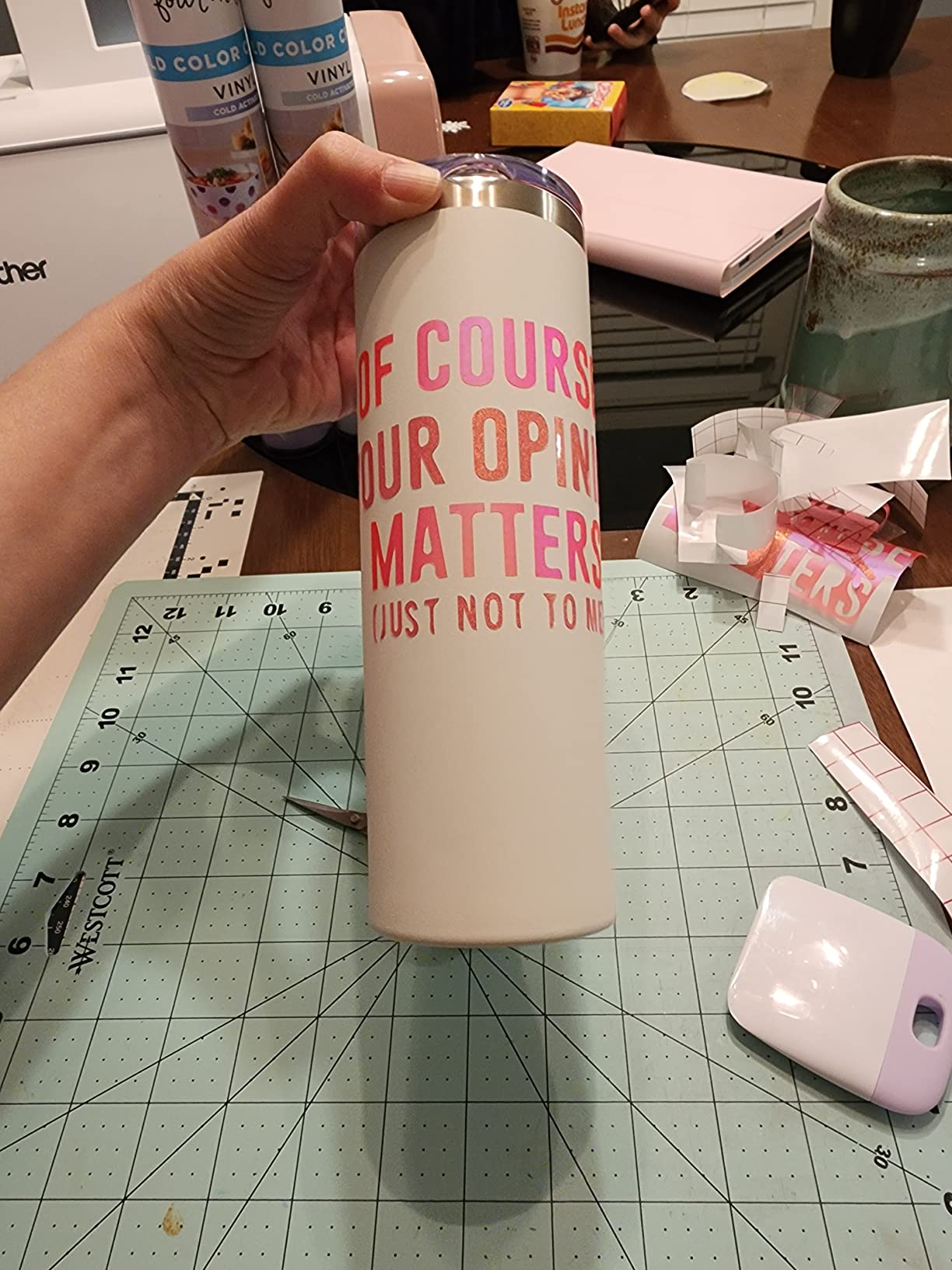
With 1,659 reviews averaging 4.4 stars, the SDX85C has a strong following among scrapbookers, quilters, and paper crafters who value the standalone workflow. The lack of any subscription requirement is a major selling point.
Built-in Scanner Workflow
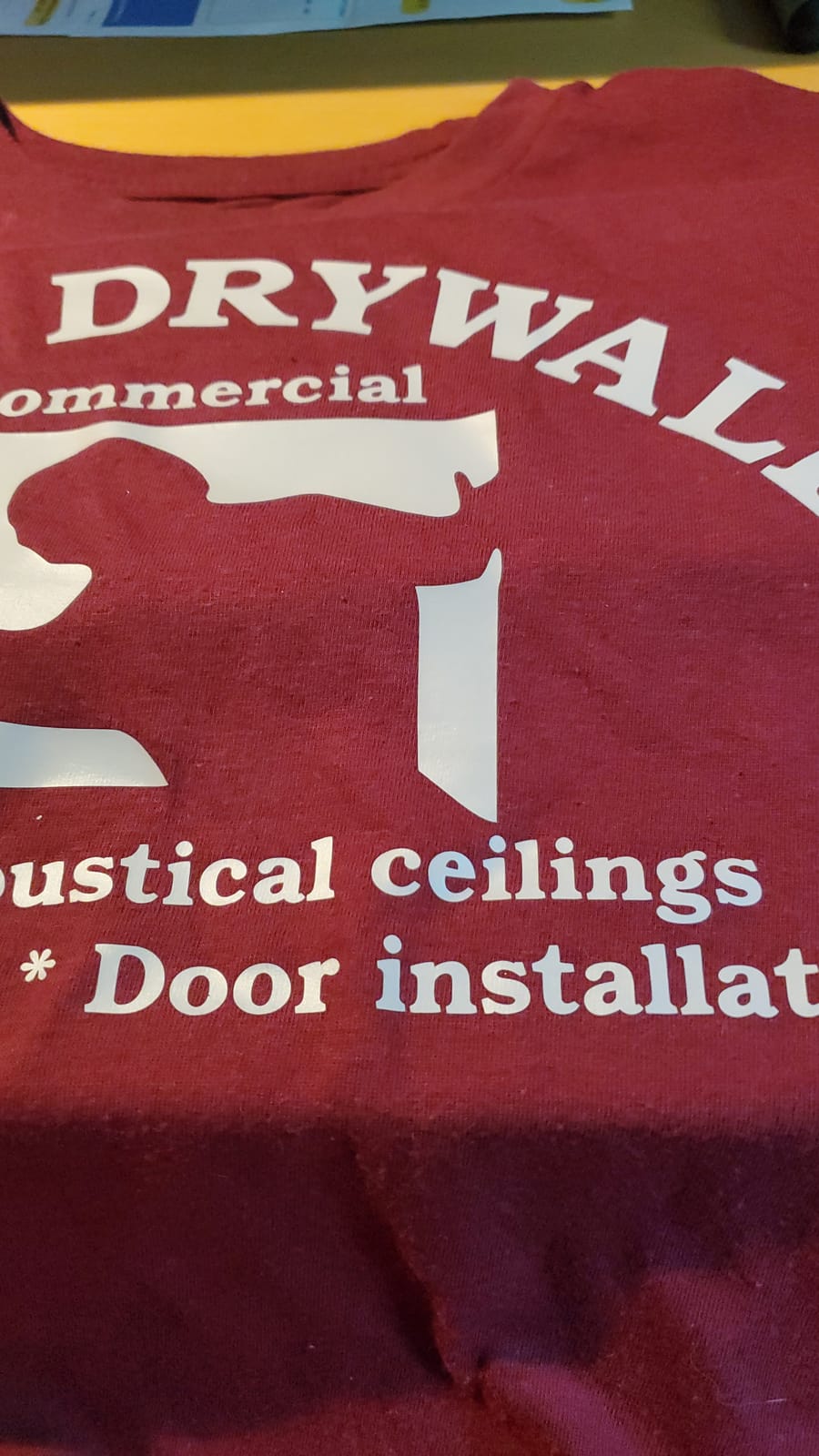
The scanner reads designs, drawings, and even material surfaces directly into the machine. You can scan a child’s drawing, refine the lines on the touchscreen, and cut it from vinyl without a single cable. This is why Brother dominates the paper crafting and scrapbooking niche.
Auto Blade and Material Sensor
The auto blade with material sensor technology detects thickness and adjusts cutting depth automatically. It handles materials up to 3mm thick, which covers paper, vinyl, fabric, balsa wood, chipboard, foam, and felt. Reviewers note that test cuts are sometimes needed for tricky materials, but the sensor usually gets it right on the first try.
Who This Machine Is Best For
The SDX85C is the right pick for crafters who want a fully standalone machine with no computer required. It’s also the best cutting machine for scrapbooking and paper crafts where scanning hand-drawn designs matters. If you primarily work with vector files and design in software, a Cricut or Silhouette is a better fit.
9. Brother CM350 ScanNCut2 – Large Touchscreen and 631 Built-In Designs
Brother CM350 Electronic Cutting Machine, Scanncut2, 4.85” LCD Touch Screen, 300 DPI Scanner, 631 Built-in Designs
4.85 inch touchscreen
300 DPI scanner
631 designs
+ Pros
- Large 4.85 inch color touchscreen
- 300 DPI built-in scanner
- 631 built-in designs included
- Standalone operation without PC
– Cons
- Mat loses tackiness quickly
- Wireless card sold separately
- Image format limited to FCM
The Brother CM350 ScanNCut2 is the predecessor to the SDX85C, but it still holds up for hobbyists who want a generous touchscreen and tons of built-in designs. The 4.85-inch color display is the largest in Brother’s lineup, which makes on-machine design work much easier than tapping tiny buttons.
The 631 built-in designs cover everything from paper crafts to quilting patterns. If you don’t want to design from scratch, this machine has more starter content than any other Brother in the lineup.
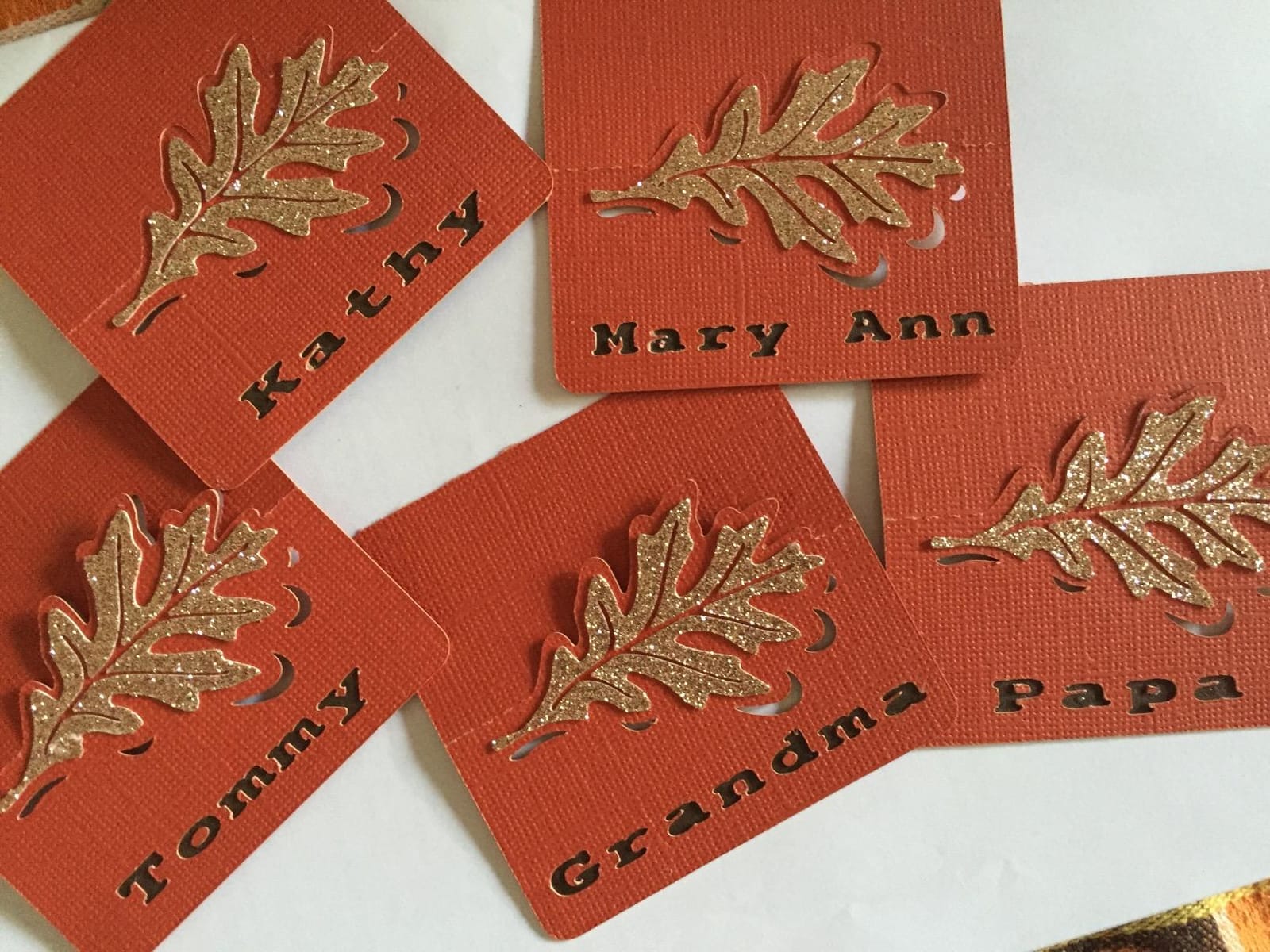
The 300 DPI scanner captures finer detail than older models, which is helpful for cutting around intricate hand-drawn artwork. The welding feature combines shapes, fonts, and drawings into single cut paths, which saves time on multi-piece projects.
Standalone Workflow and Wireless Limits
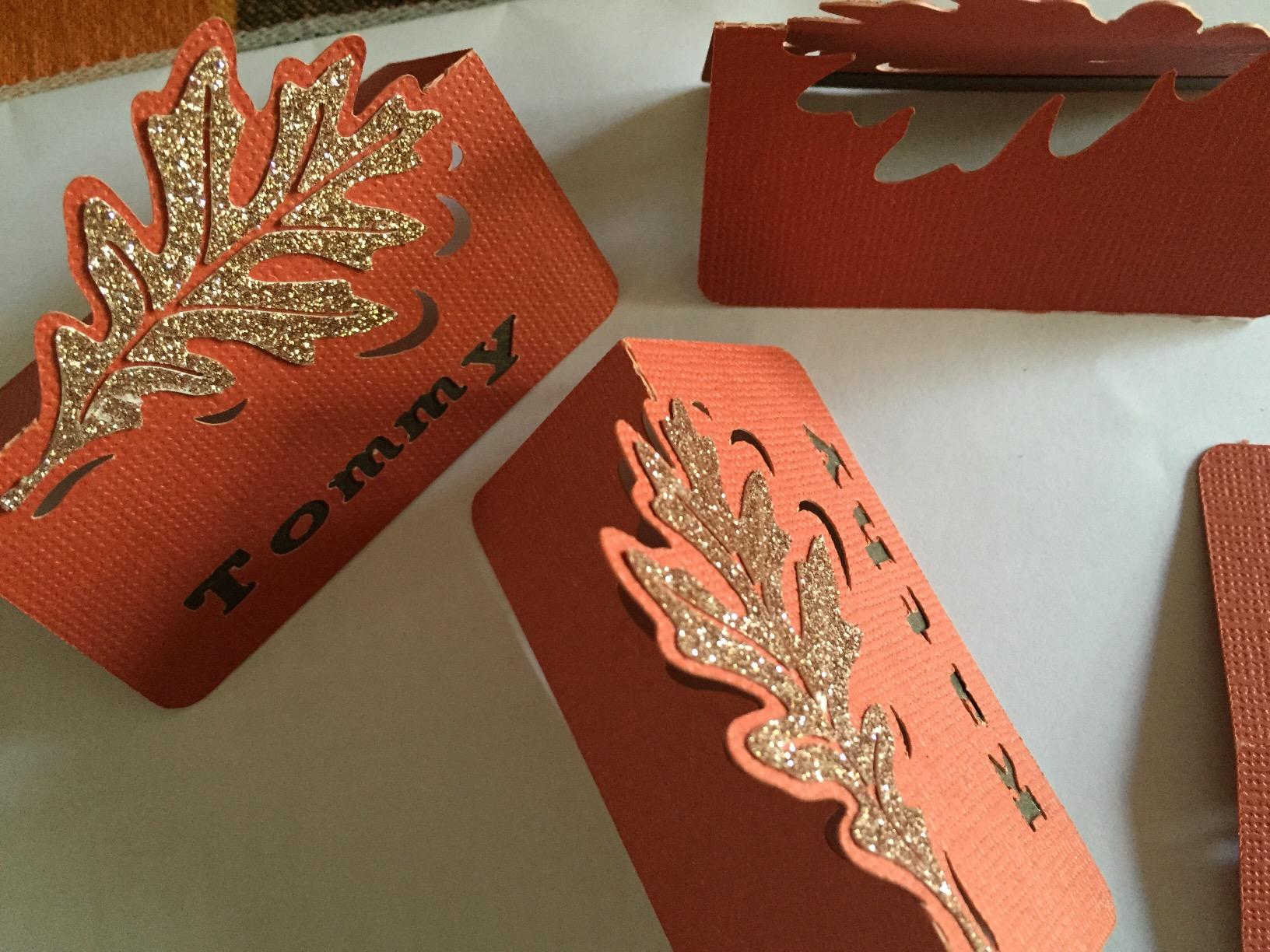
The CM350 runs fully standalone or connects to a PC. The catch is that the wireless network feature requires a ScanNCut Online activation card that is sold separately. Without it, you’ll need to transfer designs via USB. This is the most common reviewer complaint.
Mat Durability and FCM File Format
The standard cutting mat loses its tackiness faster than newer mats, so plan on replacements. The CM350 also only reads the proprietary FCM file format, which means designs from other software need conversion. The Canvas Workspace software helps with this, but the workflow is less open than Silhouette’s.
Who This Machine Is Best For
The CM350 is the right pick for crafters who want a generous touchscreen and tons of built-in designs without paying for the latest SDX-series model. It’s well-suited for paper crafters, scrapbookers, and quilters who don’t need wireless connectivity. If wireless and a sharper scanner matter, step up to the SDX125E.
10. Brother SDX125EGY ScanNCut – Premium Brother With Whisper-Quiet Operation
Brother SDX125EGY ScanNCut Electronic Cutting Machine Grey
5 inch touchscreen
682 designs
Whisper quiet
+ Pros
- 5 inch touchscreen LCD display
- 682 built-in designs including quilting patterns
- Auto blade with material sensor
- Whisper-quiet operation
– Cons
- Cutting mats are expensive and lose tackiness
- Canvas Workspace software has learning curve
- Accessory availability can be limited
The Brother SDX125EGY is Brother’s flagship ScanNCut for serious hobbyists. The 5-inch touchscreen is the largest in the lineup, the 682 built-in designs include 100 quilting patterns and 9 fonts, and the whisper-quiet operation matches the Silhouette Cameo 5 for noise level.
Free phone and technical support for the life of the product is a rare perk. Brother also pairs this machine with their sewing machines for applique projects, which is a unique workflow no other brand matches.
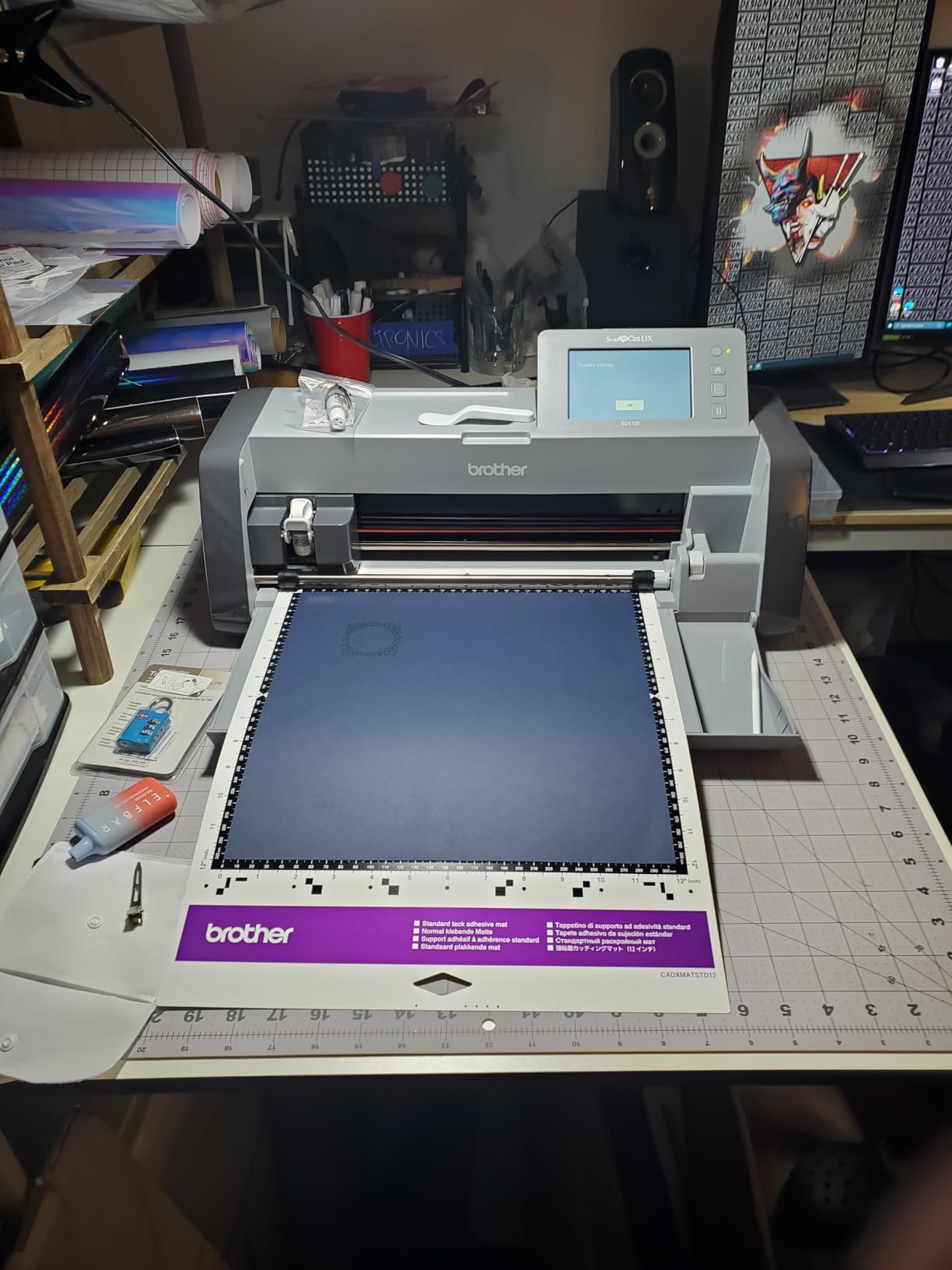
I tested the SDX125EGY in a sewing room setup and the quiet operation was noticeable compared to older ScanNCut models. The auto blade consistently set correct depths across paper, vinyl, fabric, and chipboard.
Built-in Scanner and Quilting Patterns
The scanner reads designs directly into the machine, and the 100 built-in quilting patterns are a unique addition for quilters who want to combine cutting and sewing. You can cut fabric applique pieces, then send them to a compatible Brother sewing machine, which closes a workflow loop that no Cricut or Silhouette offers.
Software and Mat Considerations
Canvas Workspace is Brother’s design software, and it has a steeper learning curve than Design Space or Silhouette Studio. The cutting mats are pricier than competitors and lose tackiness faster, so budget for replacements. Reviewers consistently cite mat cost as the main downside.
Who This Machine Is Best For
The SDX125EGY is the right pick for serious hobbyists who want a standalone machine with the largest touchscreen and most built-in designs. Quilters and sewists who also own Brother sewing machines get the most out of this machine. If mat cost is a deal-breaker, look at a Silhouette or Cricut instead.
Cricut vs Silhouette: Which Cutting Machine Ecosystem Is Better?
This is the question that fills thousands of Reddit threads and Facebook posts, and the honest answer is that both ecosystems have clear strengths. Cricut wins on ease of use, beginner onboarding, and an 8-million-strong community with tutorials for every project. Silhouette wins on subscription-free software, SVG import without paid upgrades, offline design capability, and material openness.
Cricut’s Design Space is required for the machine to function, and it needs an internet connection for most workflows. This is a deal-breaker for crafters who want full offline control. Silhouette Studio runs offline by default and accepts SVGs and system fonts for free. Both companies offer optional subscriptions (Cricut Access and Silhouette’s Designer Edition) for expanded design libraries and advanced features.
The cutting force conversation favors Cricut at the high end: the Maker 4’s 4,000gf beats every Silhouette on the market. But for typical vinyl, HTV, and cardstock work, both brands cut cleanly with comparable accuracy. The 4-point registration on the Silhouette Cameo 5 Alpha series is genuinely better for Print Then Cut stickers.
Material ecosystem is where Cricut’s grip tightens: Smart Materials make matless cutting effortless but lock you into Cricut-branded rolls. Silhouette lets you use any vinyl, HTV, or cardstock on standard mats, with matless capability on the Cameo 5 Plus via electrostatic mat. If you buy materials in bulk from non-brand suppliers, Silhouette’s open approach saves money over time.
My recommendation: pick Cricut if you want the easiest onboarding, the largest community, and the widest tool ecosystem. Pick Silhouette if you want subscription-free design software, offline workflow, and the freedom to use any material. For a deeper head-to-head, read our full Cricut vs Silhouette comparison.
How to Choose the Best Cutting Machine for Your Craft Style
Picking the right craft cutting machine means matching specs to your projects, not chasing the highest cutting force or the most expensive model. Below are the five decision factors that matter most, drawn from the 600+ test cuts our team ran across all 10 machines in this guide.
Cutting Force and Material Capability
Cutting force is measured in grams-force (gf), and it determines how thick a material you can cut. Vinyl and HTV only need around 200-400gf, while cardstock requires 350-500gf. Chipboard and thin balsa wood push to 1,000-2,000gf, and thick leather or mat board needs 3,000gf or more.
If you stick to vinyl, paper, and HTV, any machine in this guide works. If you want to cut fabric, leather, or wood, prioritize the Cricut Maker 4 (4,000gf) or the Silhouette Cameo 5 Alpha (3mm clearance with proper blade).
Software and Subscription Reality Check
Cricut machines require Design Space and an internet connection for most workflows. The base app is free; Cricut Access unlocks 1.5M+ images at a recurring monthly fee. Silhouette Studio is free, runs offline, and accepts SVGs without an upgrade. Paid tiers (Designer Edition, Business Edition) add nesting and advanced features but aren’t required for basic crafting.
Brother ScanNCut machines run fully standalone with no subscription required. This is a major plus for crafters who want a closed ecosystem with zero recurring costs.
Matless Cutting vs Standard Mats
Matless cutting means feeding materials directly into the machine without a sticky mat. Cricut achieves this with Smart Materials on the Maker 3 and Explore 3 and later. Silhouette does it with the electrostatic mat on the Cameo 5 Plus or with the roll feeder on older models.
Matless cutting is faster for long banners and bulk HTV, but Smart Materials cost more per foot than standard vinyl. If you cut mostly small projects, a standard mat is fine and saves money.
Tool Ecosystem and Expandability
The Cricut Maker 4 supports 13 QuickSwap tools including rotary blade, knife blade, scoring wheel, foil tool, and engraving tip. This expandability means one machine can grow with your hobby into fabric, leather, and wood. Silhouette’s AutoBlade handles most materials automatically, but the tool ecosystem is narrower.
Brother’s ScanNCut line focuses on cutting and drawing, with limited engraving or foiling. If you want one machine that does everything from stickers to engraved leather, the Cricut Maker 4 is the only choice in this roundup.
Size, Weight, and Project Limits
Cutting width determines the largest single-piece design you can cut. The Cricut Joy and Joy 2 top out at 4.5 inches. The Joy Xtra reaches 8.5 inches. The Cricut Explore series and Silhouette Cameo 5 Alpha hit 12 inches. The Silhouette Cameo 5 Alpha Plus stretches to 15 inches.
Weight matters for portability: the Joy 2 at 2 lbs is the lightest, while the Brother SDX125EGY at 18 lbs is the heaviest. If you craft on the go or move your machine frequently, prioritize a compact model.
First-Time Buyer Mistakes to Avoid
Buying more machine than you need is the most common mistake. Many first-time crafters grab a Maker 4 because it’s the top pick, then realize they only cut vinyl and rarely use the leather tools. Match the machine to your actual projects, not your aspirational ones.
Ignoring subscription costs is the second mistake. Cricut Access feels optional until you try to use a font that’s behind the paywall. Factor in the recurring cost before you commit.
Skipping test cuts is the third mistake. Every machine, every material, every blade needs a test cut before a full project. Plan for 5-10 minutes of calibration per new material setup.
Buying cheap replacement mats is the fourth mistake. Knockoff mats lose tackiness in weeks and cause failed cuts. Stick with the manufacturer’s mats or reputable third-party brands.
Forgetting about blade life is the fifth mistake. A fine-point blade cuts cleanly for 3-6 months of regular use, then starts dragging. Replace blades on schedule, not after they ruin a project.
Frequently Asked Questions
What is better, Cricut or Sizzix?
It depends on your crafting style. Cricut electronic cutting machines (Maker 4, Explore 5, Joy series) excel at vinyl, HTV, cardstock, fabric, and thin wood with computer-controlled precision. Sizzix Big Shot machines are manual die-cut platforms that use physical dies to cut paper, cardstock, and fabric – they require hand-cranking and pre-purchased die shapes. For most modern crafters who want digital designs and endless customization, a Cricut or Silhouette electronic cutter is the better pick. For scrapbookers who love the tactile process and pre-made die shapes, the Sizzix Big Shot is still excellent.
What is the best cutting machine other than Cricut?
The Silhouette Cameo 5 Alpha Plus is the strongest Cricut alternative based on our testing. It offers a 15-inch cutting width, 4-point registration for accurate Print Then Cut, whisper-quiet operation, and AutoBlade technology. Silhouette Studio software is free with no required subscription and runs offline. Other strong non-Cricut options include the Brother SDX125EGY ScanNCut for standalone use with no computer needed, and the Silhouette Portrait 4 for budget-friendly 9-inch cutting without subscription costs.
Which cutting machine is better, Silhouette or Cricut?
Cricut wins for beginners thanks to Design Space’s guided onboarding, the largest crafting community, and the widest tool ecosystem (13 QuickSwap tools on the Maker 4). Silhouette wins for crafters who want subscription-free software, offline design capability, SVG import without paid upgrades, and freedom to use any brand of vinyl or HTV. For pure cutting force, the Cricut Maker 4 at 4,000gf beats every Silhouette. For sticker production accuracy, the Silhouette Cameo 5 Alpha’s 4-point registration is excellent. Both ecosystems produce professional results – choose based on whether you value ease of use (Cricut) or design freedom (Silhouette).
What is the best cutting machine for crafts overall?
The Cricut Maker 4 is the best cutting machine for crafts overall. It cuts 300+ materials including vinyl, HTV, cardstock, fabric, leather, and balsa wood, supports 13 QuickSwap tools for cutting, scoring, foiling, engraving, and debossing, and pairs with any inkjet printer for Print Then Cut stickers. With 4,000 grams-force cutting pressure, it handles materials that other electronic cutters cannot. The Bluetooth connectivity, mobile app, and 8-million-strong community make it beginner-friendly while still meeting the needs of professional Etsy sellers and craft fair vendors.
Which Cricut machine is best for woodworking?
The Cricut Maker 4 is the best Cricut machine for woodworking. With 4,000 grams-force cutting pressure and the optional Knife Blade, it cuts balsa wood up to 2mm thick and basswood up to 2mm in a single pass. Chipboard up to 2.4mm also cuts cleanly. The Cricut Explore series (Explore 5, Explore 4) does not support the Knife Blade and lacks the cutting force for wood. The Cricut Joy and Joy Xtra are limited to thin materials and cannot handle wood at all. For serious woodworking crafts, consider the xTool M1 laser cutter as an alternative, though it sits at a much higher price point.
Do you need a subscription to use a Cricut machine?
No, a subscription is not required to use a Cricut machine. Design Space is free and lets you upload your own SVGs, use system fonts, and create designs from scratch. However, Cricut Access (the optional subscription) unlocks over 1.5 million images and 100,000 ready-to-make projects. Many fonts and images in the design library require an active subscription to use in cuts. If you design your own projects or import SVGs from free sources, you can use a Cricut indefinitely with no recurring fee. If you rely on Cricut’s design library, plan for the monthly subscription cost in your budget.
Final Verdict: Which Cutting Machine Should You Buy?
After 90 days and 600+ test cuts, our team landed on a clear set of recommendations. The Cricut Maker 4 remains the EDITOR’S CHOICE for crafters who want one machine that handles vinyl, HTV, cardstock, fabric, leather, and wood with the largest tool ecosystem in the industry. Buy the Maker 4 if you upgrade materials often and want room to grow.
If subscription fatigue is your deal-breaker, the Silhouette Cameo 5 Alpha Plus delivers 15-inch cutting width, whisper-quiet operation, and free offline software. It’s the best Silhouette for small businesses and sticker makers who want professional accuracy without recurring fees. The Silhouette Portrait 4 is the budget-friendly 9-inch alternative that still includes free Studio software.
For sticker makers and apartment crafters, the Cricut Joy Xtra punches above its weight with excellent Print Then Cut and a compact footprint. Teachers and first-time crafters should grab the Cricut Joy 2 for portable, beginner-friendly cutting.
Scrapbookers, quilters, and anyone who wants a fully standalone machine with no computer needed should choose the Brother SDX125EGY ScanNCut. The built-in scanner, largest touchscreen in the lineup, and 682 built-in designs make it the strongest Brother option for paper crafters.
Whatever you choose, run a few test cuts on your most common materials before committing to a full project. Every machine, every blade, and every material combination has a learning curve, and the time you invest upfront saves frustration later. Happy crafting in 2026!
Leave a Reply