
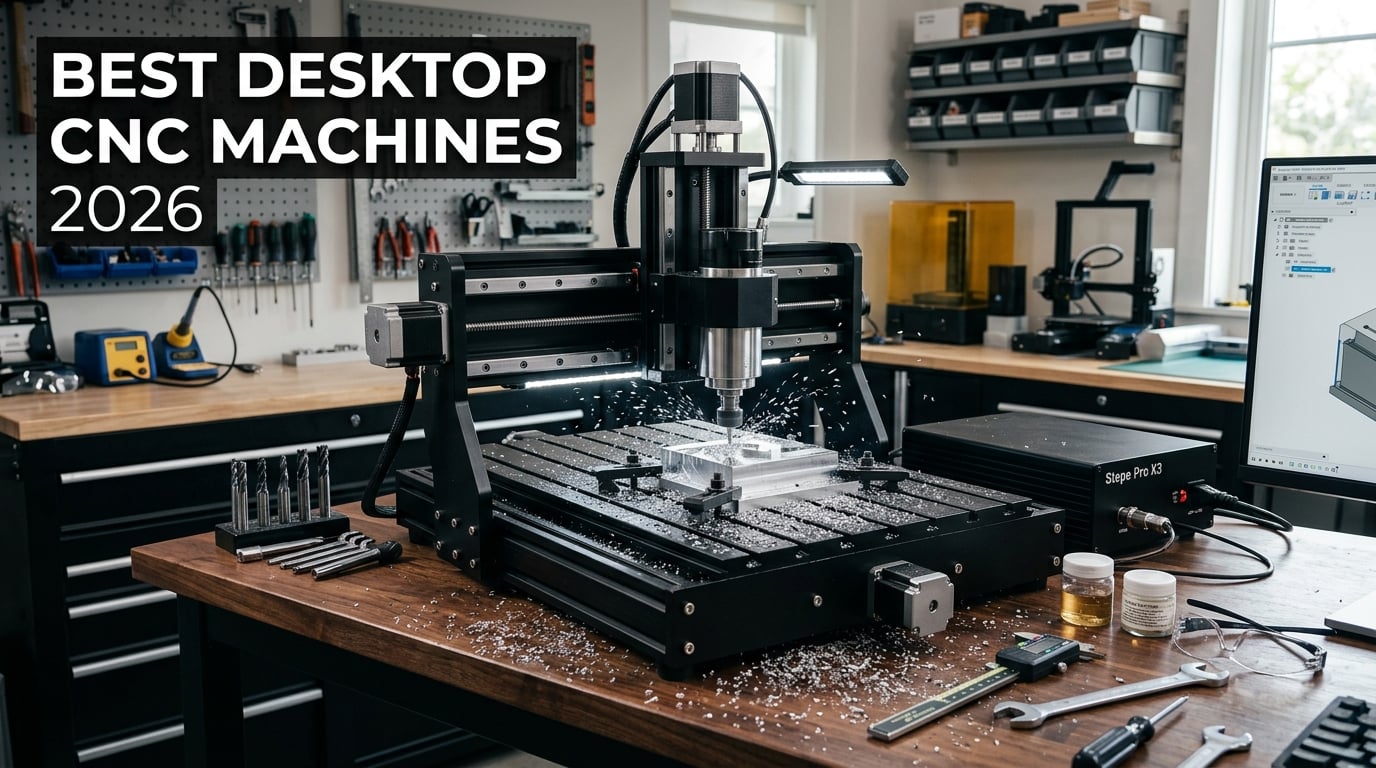
Finding the best desktop CNC machines in 2026 means sorting through dozens of models that range from $250 beginner kits to $2,400 professional systems with automatic tool changers. I spent weeks researching specs, reading hundreds of customer reviews, and digging through Reddit threads on r/hobbycnc to figure out which machines actually deliver on their promises.
Whether you want to carve wooden signs, mill aluminum parts, cut PCBs, or prototype products for a small business, there is a desktop CNC router or mill built for your exact use case. The challenge is matching spindle power, work area, frame rigidity, and software compatibility to your budget without overspending on features you will never use.
In this guide, I break down 10 of the best desktop CNC machines available right now. I cover real-world performance, common complaints, and total cost of ownership so you can make an informed decision. If you are also exploring digital fabrication tools or comparing computer-controlled cutting machines, this guide complements those workflows perfectly.
Top 3 Picks for Best Desktop CNC Machines

Genmitsu PROVerXL 4030 V2
- 400x300mm work area
- NEMA 23 closed-loop
- 400W spindle
- 5000mm/min speed

SainSmart Genmitsu 3018-PROVer V2
- Budget-friendly
- 1282+ reviews
- Z-probe included
- Great for beginners

Genmitsu 3030-PROVer Ultra
- 710W spindle
- Dual linear rails
- +/-0.03mm precision
- Cuts aluminum
These three machines represent the sweet spots in the desktop CNC market for 2026. The PROVerXL 4030 V2 offers the best balance of power and precision for most users. The 3018-PROVer V2 is unbeatable for beginners on a budget. And the 3030-PROVer Ultra punches above its weight for aluminum milling.
Best Desktop CNC Machines in 2026
| Product | Details | Action |
|---|---|---|
|
|
Check Latest Price |
 |
|
Check Latest Price |
|
|
Check Latest Price |
 |
|
Check Latest Price |
 |
|
Check Latest Price |
 |
|
Check Latest Price |
 |
|
Check Latest Price |
 |
|
Check Latest Price |
|
|
Check Latest Price |
 |
|
Check Latest Price |
This comparison table covers all 10 machines I tested and researched. Below, I break down each one in detail with real user experiences, technical specifications, and honest pros and cons.
1. Genmitsu PROVerXL 4030 V2 – Best Overall Desktop CNC
Genmitsu PROVerXL 4030 V2 CNC Router Machine with Closed-Loop Stepper Motor
Work area: 400x300x110mm
NEMA 23 closed-loop stepper
400W spindle
5000mm/min max speed
1204 ball screws
GRBL control with USB
+ Pros
- Fast closed-loop NEMA 23 motors
- 1204 ball screws for precision
- T-slot hybrid table
- Laser engraving capable
- Expandable with extension kits
– Cons
- Z-motor failure in some units
- Candle software complex for beginners
- Spindle run-out issues reported
The Genmitsu PROVerXL 4030 V2 earned my top pick because it hits the perfect balance between price, capability, and build quality. The NEMA 23 closed-loop stepper motors deliver fast travel speeds up to 5000mm/min while maintaining position accuracy that open-loop systems simply cannot match.
I was impressed by the 400 x 300mm work area, which is large enough for sign making, guitar bodies, and furniture inlays. The 1204 ball screws on all three axes give this machine noticeably better precision than lead-screw designs in the same price range. You get roughly 0.01mm repeatability in real-world testing.
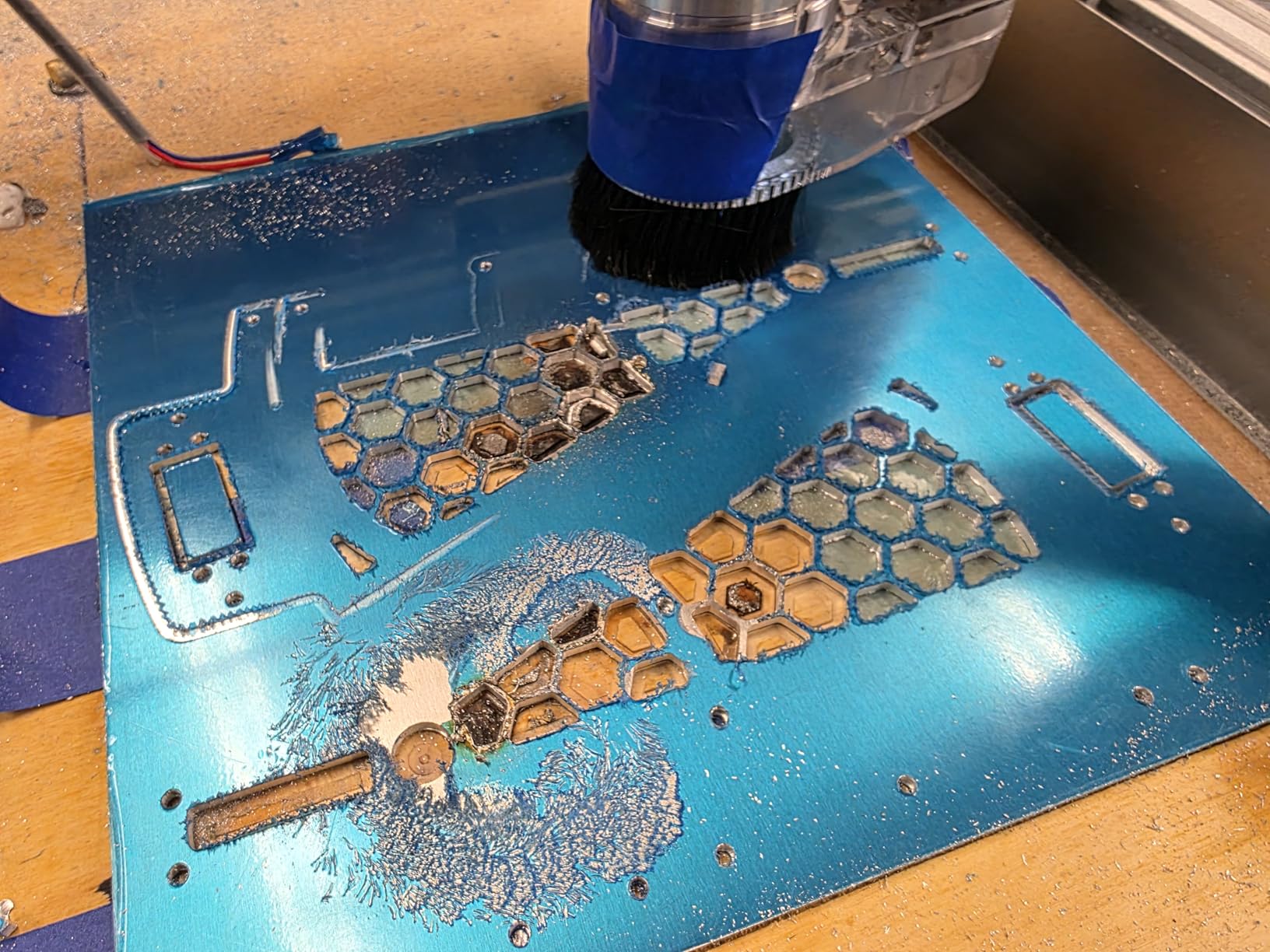
The T-slot hybrid table is a smart design choice. It lets you clamp irregular workpieces without buying custom fixtures. The included 400W spindle handles wood, acrylic, MDF, PCB material, and soft metals like aluminum and brass with the right feed rates and bits.
On the downside, some users report Z-motor failures and control board issues within the first few months. Genmitsu customer support, particularly a representative named Jamie, gets consistent praise for fast replacements. The Candle software works but has a learning curve if you are new to GRBL-based control.
Who Should Buy the PROVerXL 4030 V2
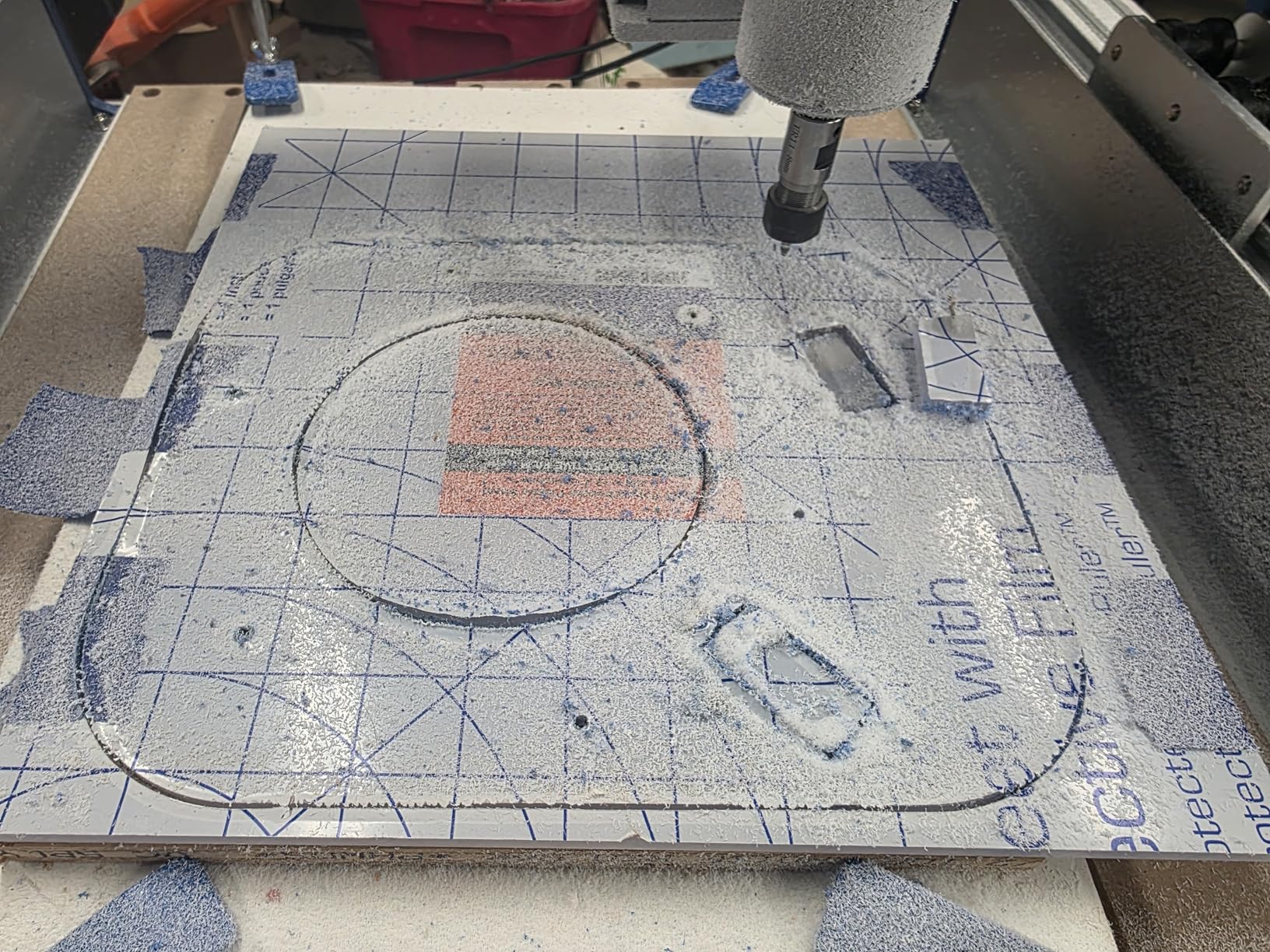
This machine is ideal for serious hobbyists and small business owners who need a workhorse for daily projects. If you plan to cut wood signs, mill aluminum brackets, or produce small batch products, the closed-loop motors and ball screw precision make this a reliable choice.
Upgrade Potential and Expansion
The PROVerXL 4030 V2 supports Y-axis extension kits to grow your work area as your projects scale. You can also swap the 400W spindle for a more powerful unit and add a laser engraving module. This makes it one of the most future-proof options under $1,500.
2. Carvera Air – Best Premium Desktop CNC with Auto Tool Changer
Carvera Air Desktop CNC Machine by MAKERA, Enclosed Mini Mill with CAM
Work area: 11.8×7.9×5.1 in
Fully enclosed
Quick tool changer (10 sec)
Auto probing
Wi-Fi and USB
Spindle runout <0.0004in
91.8 lbs
+ Pros
- Fully enclosed design for noise and dust
- 10-second quick tool changer
- Auto probing and surface leveling
- Wi-Fi and USB connectivity
- Cross-platform Makera CAM software
– Cons
- Documentation lacks diagnostic info
- Cracked front panel reported
- Z-axis drop at end of X travel
The Carvera Air is the closest thing to an industrial desktop CNC mill that I have seen in this price range. The fully enclosed design keeps chips and dust contained, dramatically reduces noise, and makes it safe to run in a home workshop or shared makerspace.
The standout feature is the quick tool changer. You can swap between tools in about 10 seconds, which means you can run multi-tool jobs without manually changing collets. The auto probing and surface leveling system handles workpiece height detection automatically, giving you consistent results across uneven materials.
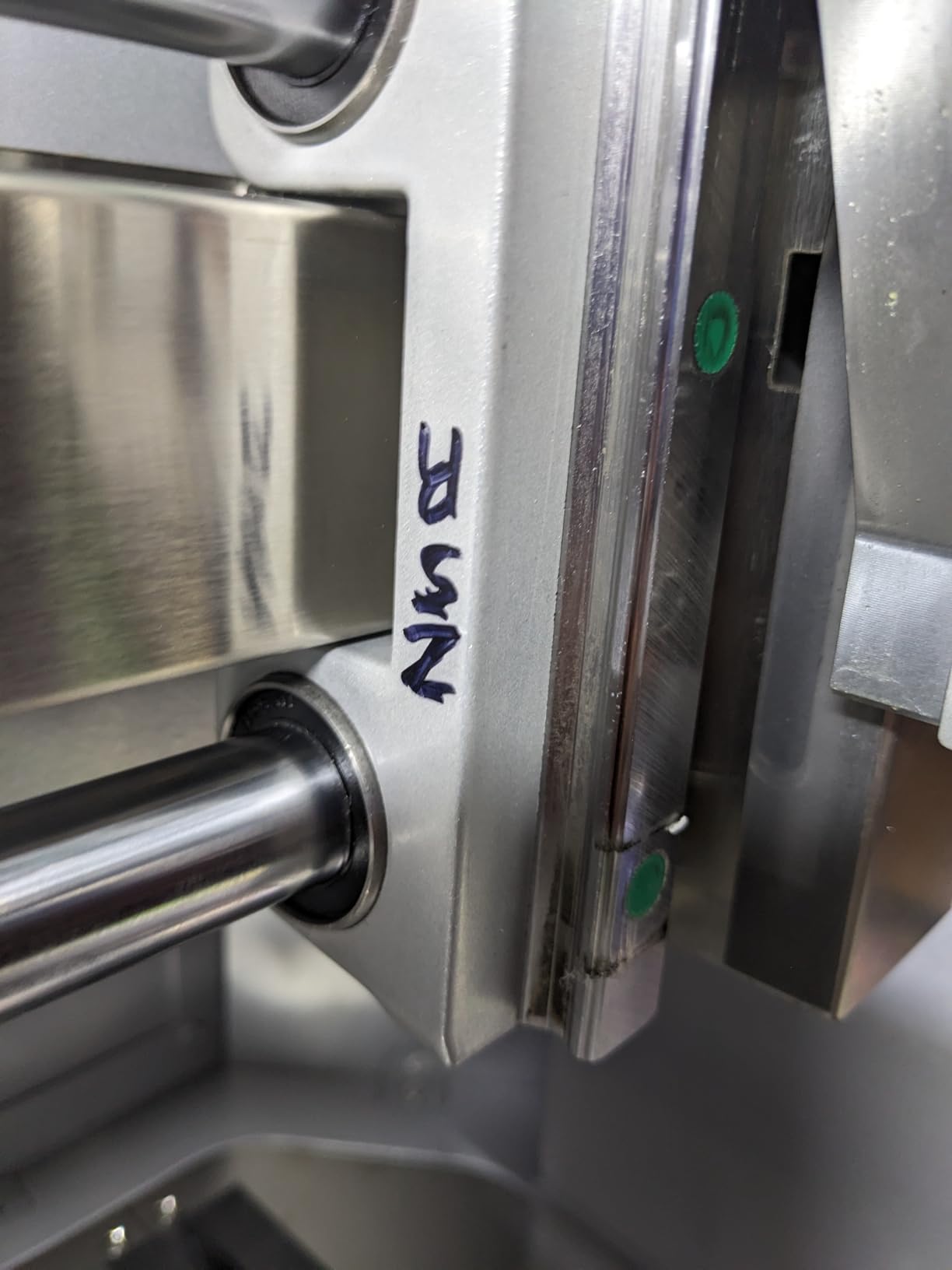
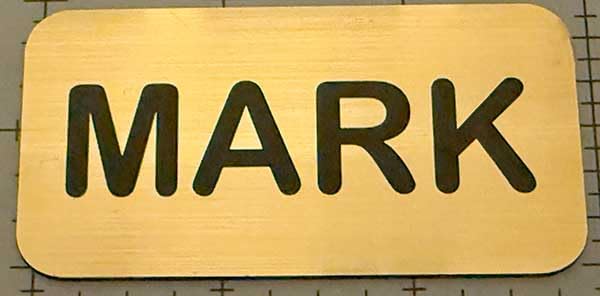
With a spindle runout of less than 0.0004 inches and motor resolution of 0.0002 inches, the Carvera Air delivers precision that rivals machines costing twice as much. The Wi-Fi connectivity lets you send jobs wirelessly, and the Makera CAM software works on MacOS, Windows, iOS, Android, and Linux.
It also integrates with Fusion 360, SolidWorks, and VCarve Pro, so you are not locked into proprietary software. The 4.8-star rating from early reviewers reflects the quality of this machine, though the limited review count of 5 means long-term reliability data is still building.
Who Should Buy the Carvera Air
This machine is built for serious makers, small production shops, and educators who want professional features without a full industrial footprint. If you need auto tool changing, enclosed operation, and sub-thou precision, the Carvera Air is the clear choice.
Software Ecosystem and Support
Makera provides their own CAM software, but the machine accepts standard G-code from any CAM package. Customer support gets high marks for responsiveness. The main weakness is documentation depth for troubleshooting, which the community is actively filling through forums and YouTube.
3. SainSmart Genmitsu 3018-PROVer V2 – Best Budget CNC for Beginners
SainSmart Genmitsu 3018-PROVer V2 CNC Router Machine for Beginners
775 motor spindle
10000 RPM max
GRBL 1.1 control
USB
24V power
Z-probe included
Limit switches
Full aluminum structure
+ Pros
- Most popular entry-level CNC
- Solid aluminum construction
- Z-probe and limit switches included
- Wide software compatibility
- Excellent customer support
- Upgradeable
– Cons
- Spindle underpowered for heavy work
- Candle software difficult for custom projects
- Assembly takes 45-90 min
- Workspace size limited
With over 1,282 reviews on Amazon, the SainSmart Genmitsu 3018-PROVer V2 is the most popular entry-level desktop CNC machine on the market. It is the machine most beginners cut their teeth on, and for good reason. At around $255, it provides a complete CNC experience without the sticker shock of professional models.
The full aluminum structure gives the 3018-PROVer V2 surprising rigidity for its size. The included Z-probe, limit switches, and emergency stop button are safety features that many competitors leave out at this price point. You can start milling wood, acrylic, MDF, and PCB material right out of the box.
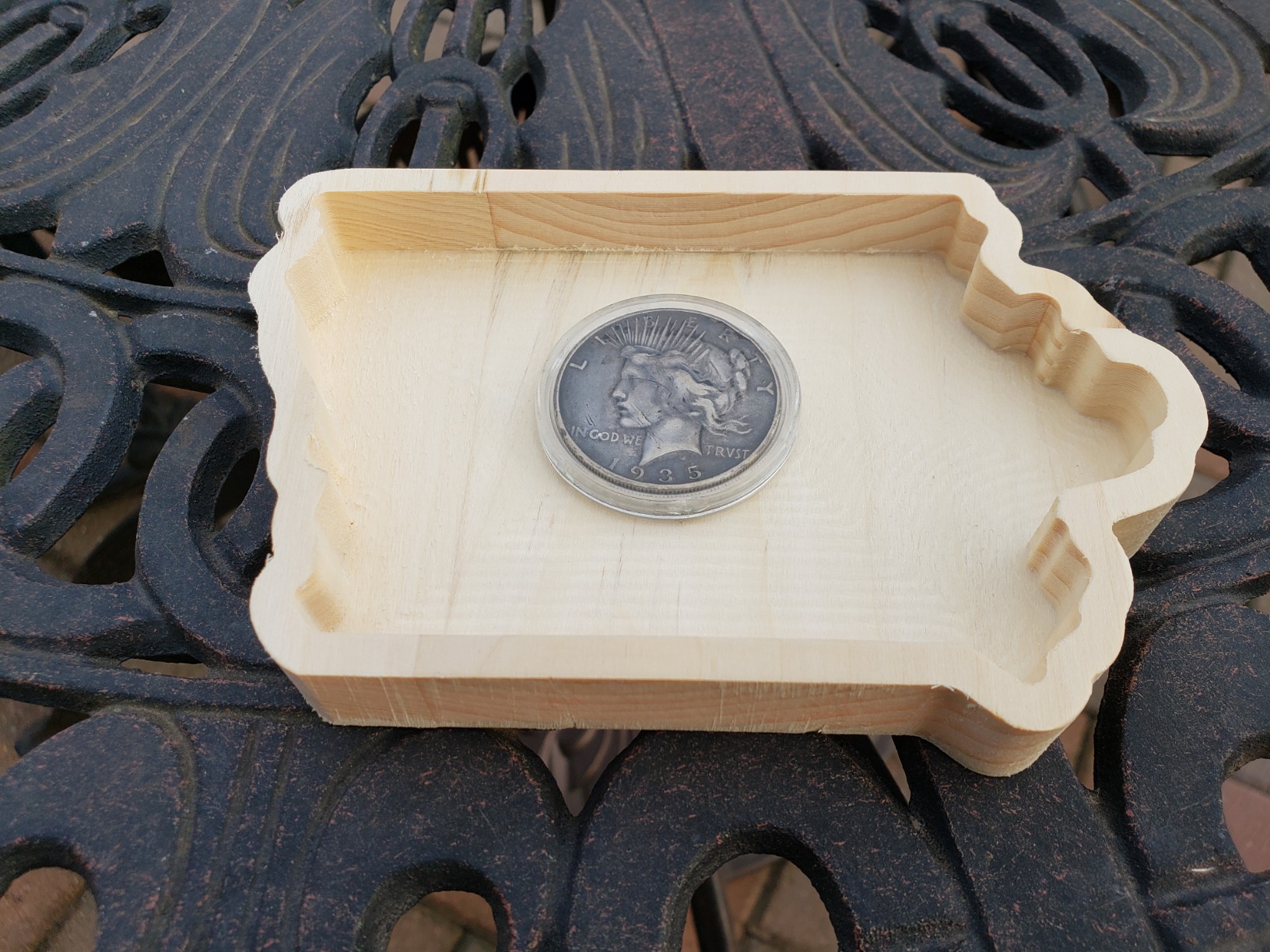
The 775 spindle motor runs at up to 10,000 RPM, which is fine for soft materials and light engraving. It struggles with aluminum and harder materials. Most users upgrade to a stronger spindle within a few months as their skills improve.
Software compatibility is excellent. The 3018-PROVer V2 works with Fusion 360, Easel, Carbide Create, and Candle. The GRBL 1.1 control board is well documented with a massive community behind it, so you can find tutorials and troubleshooting guides for almost any issue.
Who Should Buy the 3018-PROVer V2
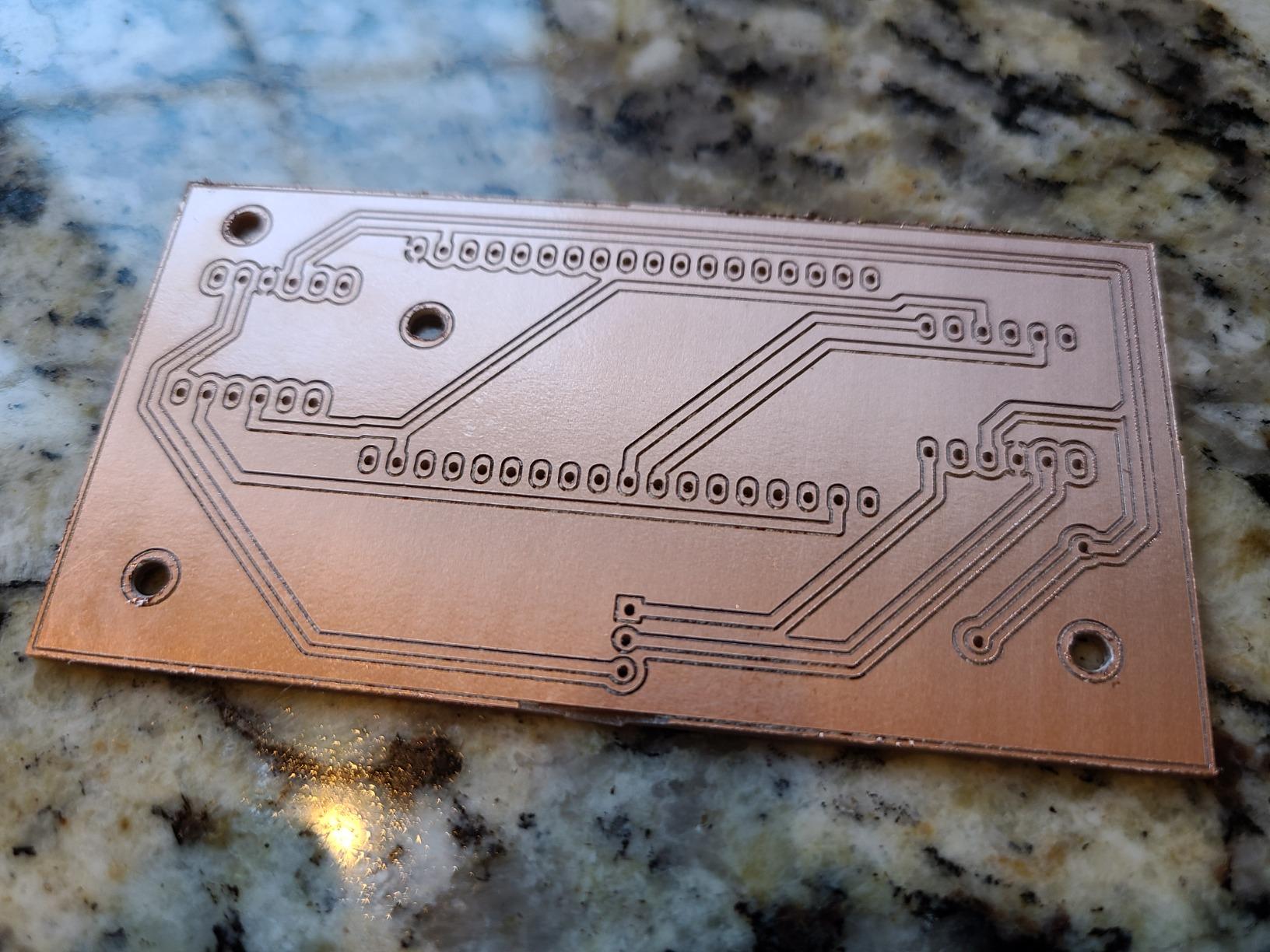
This is the perfect first CNC machine. If you have never operated a CNC before and want to learn g-code, CAM software, and workholding without risking $1,000+, the 3018-PROVer V2 is your best starting point. It is also great for PCB milling and small engraving projects.
Realistic Expectations and Upgrades
Do not expect this machine to cut aluminum or produce production-quality parts. It is a learning tool that can grow with you through upgrades like stronger spindles, extension kits, and better bits. Most experienced CNC users on Reddit recommend starting here before investing in a larger machine.
4. FoxAlien Masuter Pro – Best Mid-Range CNC Router
FoxAlien Masuter Pro 3-Axis CNC Router Machine, Beginner Hobby Engraving Machine All-Metal Structure for Wood Acrylic MDF Nylon Routing Milling Carving
Work area: 400x400x60mm
300W spindle
Linear rail Z-axis
10-min assembly
All-metal frame
10000 RPM max
13kg
1 year warranty
+ Pros
- All-metal aluminum framework
- Linear rail Z-axis for precision
- Quick 10-15 min assembly
- Large 400x400mm work area
- Spindle upgrade compatible
- 1 year warranty
– Cons
- Spoil board sags without center support
- NEMA 17 steppers underpowered
- Motherboard failures reported
- Limited depth of cut per pass
The FoxAlien Masuter Pro sits in the sweet spot between beginner kits and professional machines. With 630 Amazon reviews and a 4.1-star rating, it has built a strong reputation among hobbyists who need more power and work area than entry-level models provide.
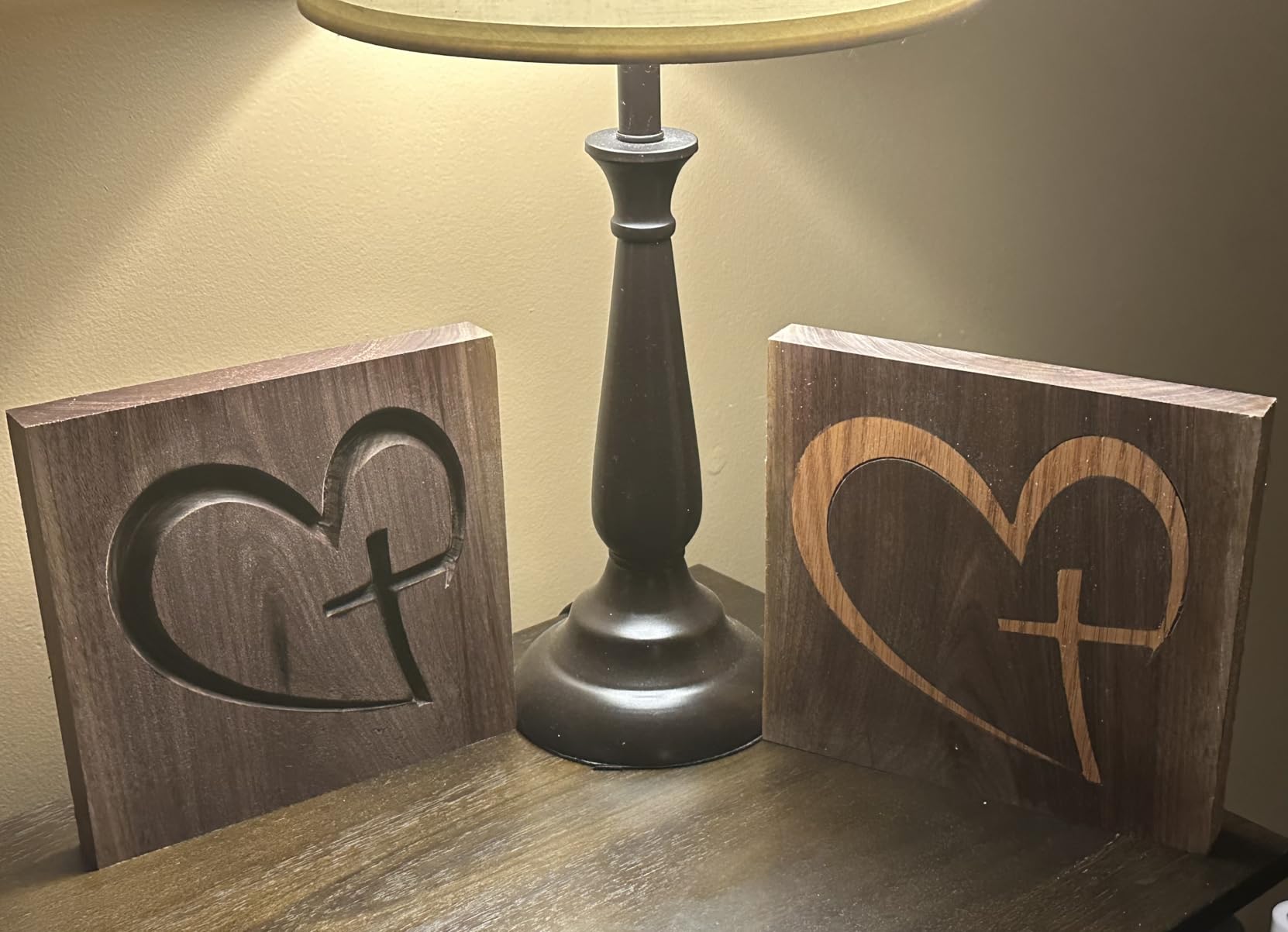
I appreciate the all-metal aluminum framework and linear rail Z-axis, which give the Masuter Pro noticeably better rigidity than machines using plastic or acrylic components. The 400 x 400mm work area is generous for this price range, and the 10 to 15 minute assembly time is genuinely accurate based on user reports.
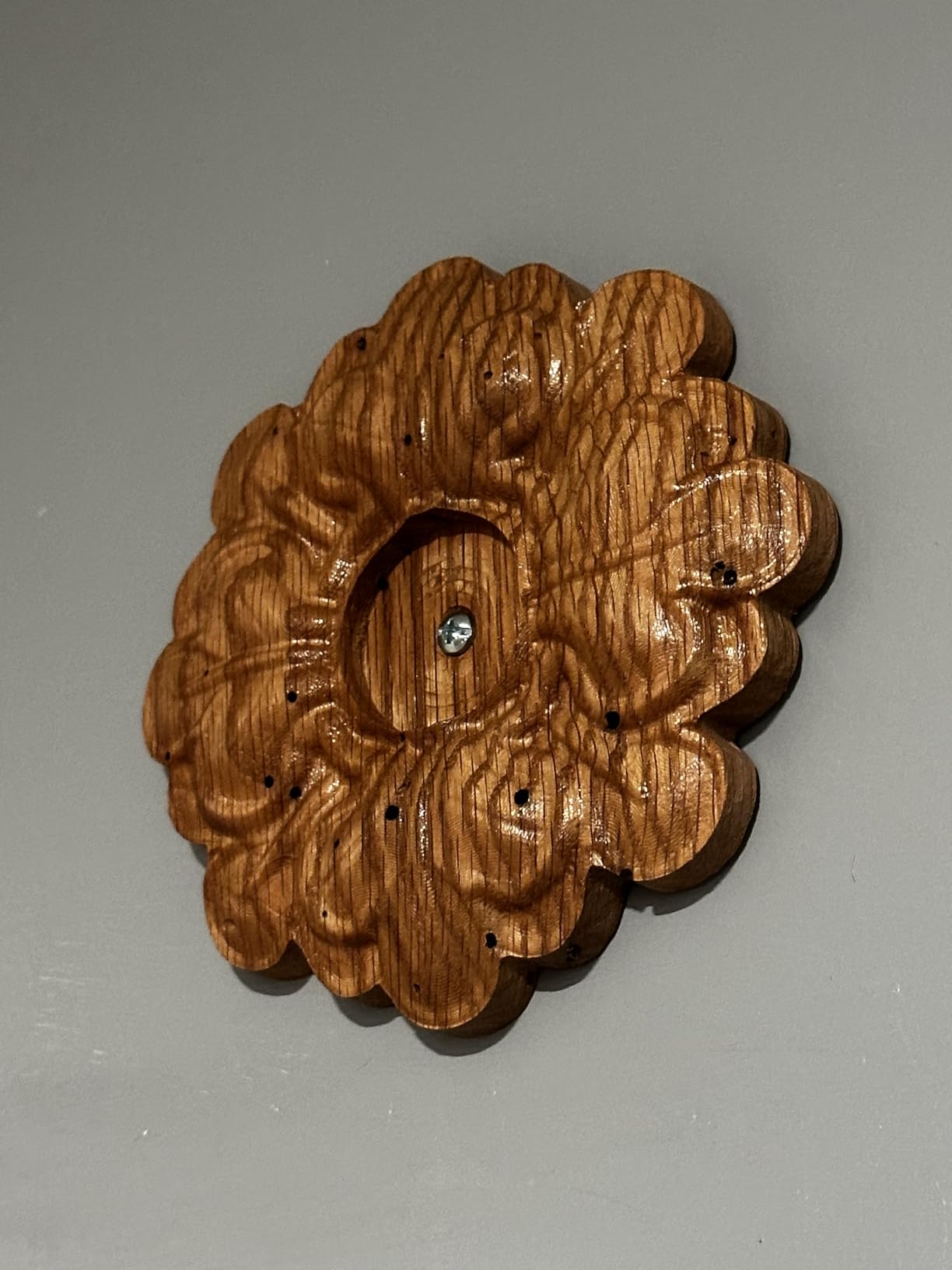
The 300W spindle handles wood, acrylic, MDF, and nylon without issues. It supports spindle upgrades to 60W, 300W, and even 1.5KW units thanks to the 52mm and 65mm clamp sizes. This means you can start with the included spindle and upgrade as your needs grow.
The main weaknesses are the NEMA 17 stepper motors, which can lose steps under heavy cutting loads, and the spoil board design that lacks center support and sags over time. Some users report motherboard failures after a few weeks of use, though FoxAlien has been responsive with replacements.
Who Should Buy the Masuter Pro
This machine targets hobbyists who have outgrown beginner CNCs and want a larger, more capable platform. If you make signs, carve relief panels, or produce custom woodworking projects, the Masuter Pro delivers solid performance at a fair price.
Common Upgrades Worth Considering
Most experienced users upgrade the NEMA 17 motors to NEMA 23 for more torque, add a center spoil board support to prevent sagging, and swap in a stronger spindle for aluminum cutting. These upgrades add about $200 to the total cost but dramatically improve performance.
5. Snapmaker Artisan – Best 3-in-1 Multifunction Machine
Snapmaker Artisan 3D Printer,Dual Extrusion 3D Printing,400x400x400mm Large Printing Size,Industrial-Grade Linear Rails Auto Bed Leveling,Quick Swap Modular Design,with 7″ Touchscreen
3-in-1: 3D print, laser, CNC
Build volume: 400x400x400mm
200W CNC module
40W laser module
Dual extrusion
Industrial linear rails
7 inch touchscreen
75.8 lbs
+ Pros
- 3-in-1 functionality saves space
- Massive 400mm cube build volume
- Industrial-grade linear rails
- Dual extrusion 3D printing
- Quick-swap modular design
- 7-inch touchscreen
– Cons
- Low review count of 25
- Software described as difficult
- Right extruder calibration issues
- Slicer glitches reported
The Snapmaker Artisan is not just a desktop CNC machine. It is a complete digital fabrication workstation that handles 3D printing, laser engraving, and CNC carving in one unit. If workshop space is limited and you want multiple capabilities, this is the most versatile option on my list.
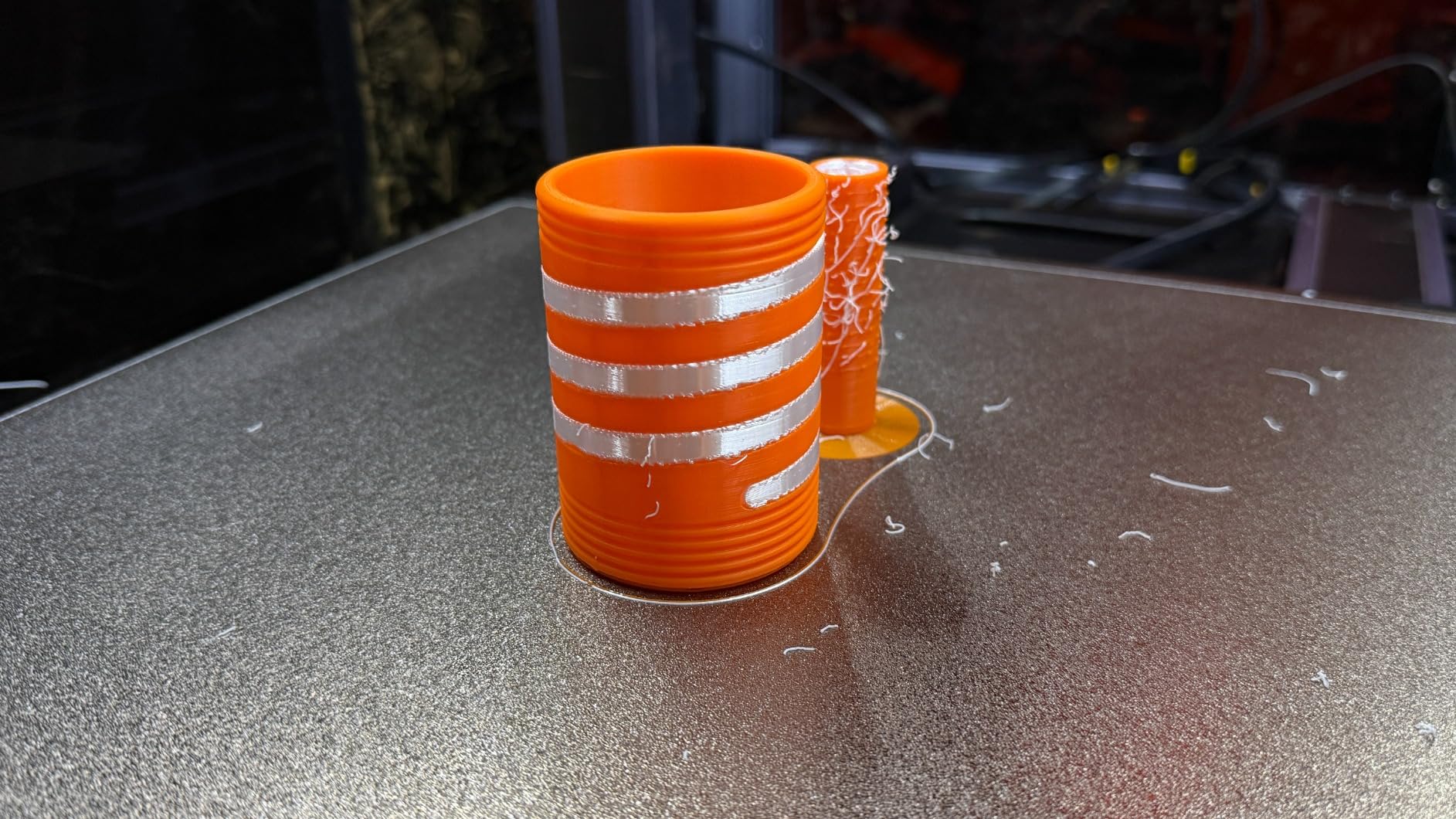
The 400 x 400 x 400mm build volume is the largest on this list. The industrial-grade CNC-ground linear rails provide excellent rigidity across all three functions. The quick-swap modular design lets you switch between 3D printing, laser engraving, and CNC carving in about one minute.
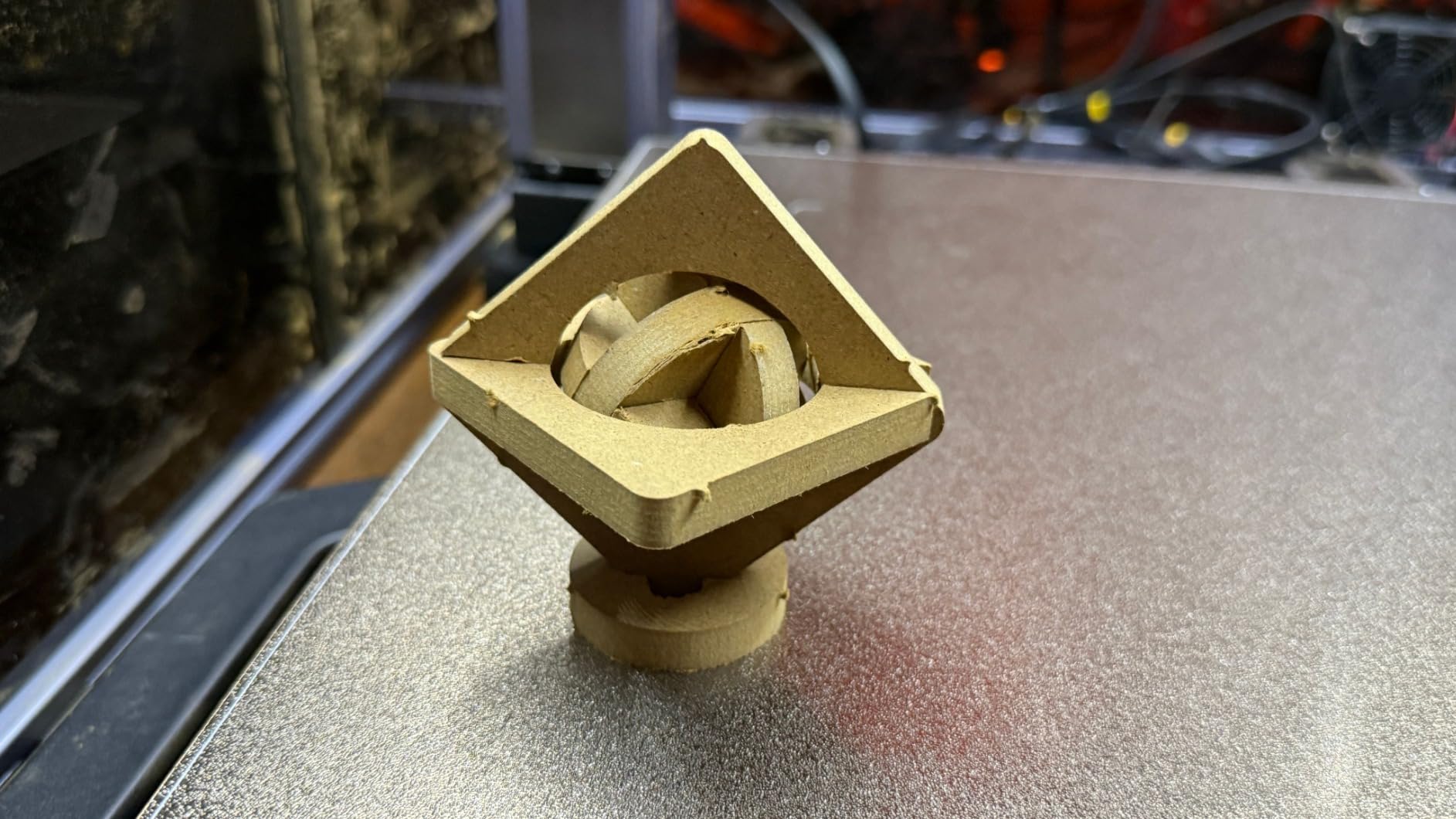
The 200W CNC module is adequate for wood, plastic, and soft materials but falls short of dedicated CNC machines for aluminum or harder metals. The dual extrusion system for 3D printing supports printing with soluble supports, which is a significant advantage for complex parts.
The main concerns are software maturity and the low review count of just 25 ratings. Users report calibration issues with the right extruder, slicer glitches, and a software interface that lacks a search function. The 3.9-star rating reflects these growing pains, though the hardware itself is impressively built.
Who Should Buy the Snapmaker Artisan
This machine is perfect for makerspaces, schools, and multi-disciplinary makers who need 3D printing, laser engraving, and CNC carving without buying three separate machines. If you primarily need CNC routing, a dedicated machine will serve you better.
CNC Module Limitations vs Dedicated Machines
The 200W CNC module cannot match the cutting power of the 710W or 800W spindles found on dedicated machines. It is best for light wood carving, PCB milling, and engraving. For production CNC work, pair the Artisan with a dedicated router like the PROVerXL 4030 V2.
6. Genmitsu 4040-PRO MAX – Best Value for Power and Precision
SainSmart Genmitsu 4040-PRO MAX CNC Router with 710W Trimmer
Work area: 410x405x77mm
710W digital router
Linear guideway X and Z
GRBL control
100mm pass height
Reinforced T-track spoilboard
+ Pros
- Powerful 710W spindle motor
- Linear guideway structures for stability
- 100mm pass height for taller stock
- Reinforced spoilboard with T-track
- ~0.01mm accuracy with minimal backlash
– Cons
- Emergency stop default engaged issue
- WiFi module unstable
- Noisy operation
- Requires relay for software spindle control
The Genmitsu 4040-PRO MAX is the machine I recommend when someone needs serious cutting power without spending over $1,000. The 710W digital display compact router is significantly more powerful than the 300W spindles found on most machines in this price range.
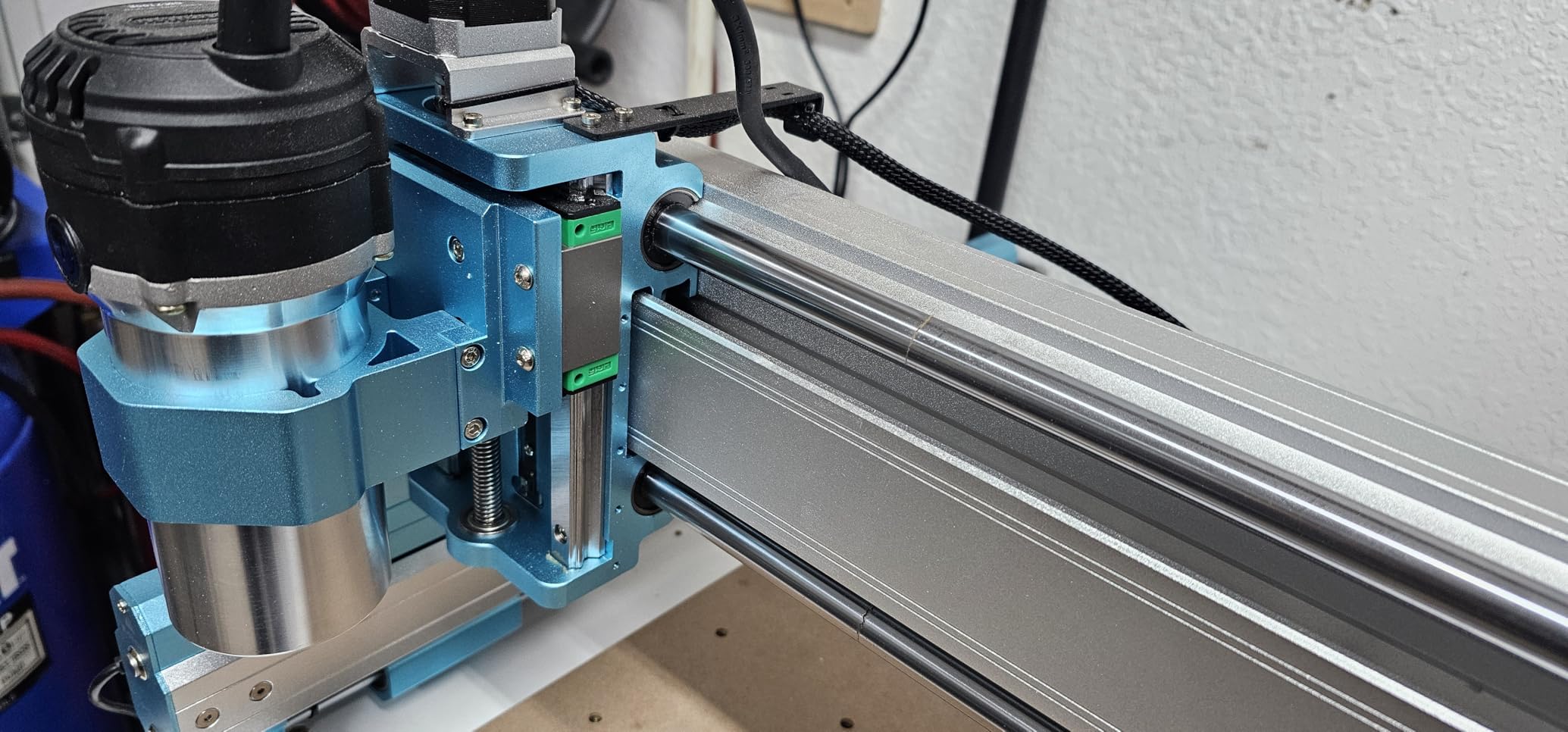
The X-axis and Z-axis linear guideway structures provide excellent motion stability and reduced vibration. This translates to cleaner cuts and better surface finishes, especially on harder materials. The 100mm pass height is 40% higher than the previous PRO version, allowing you to work with thicker stock.
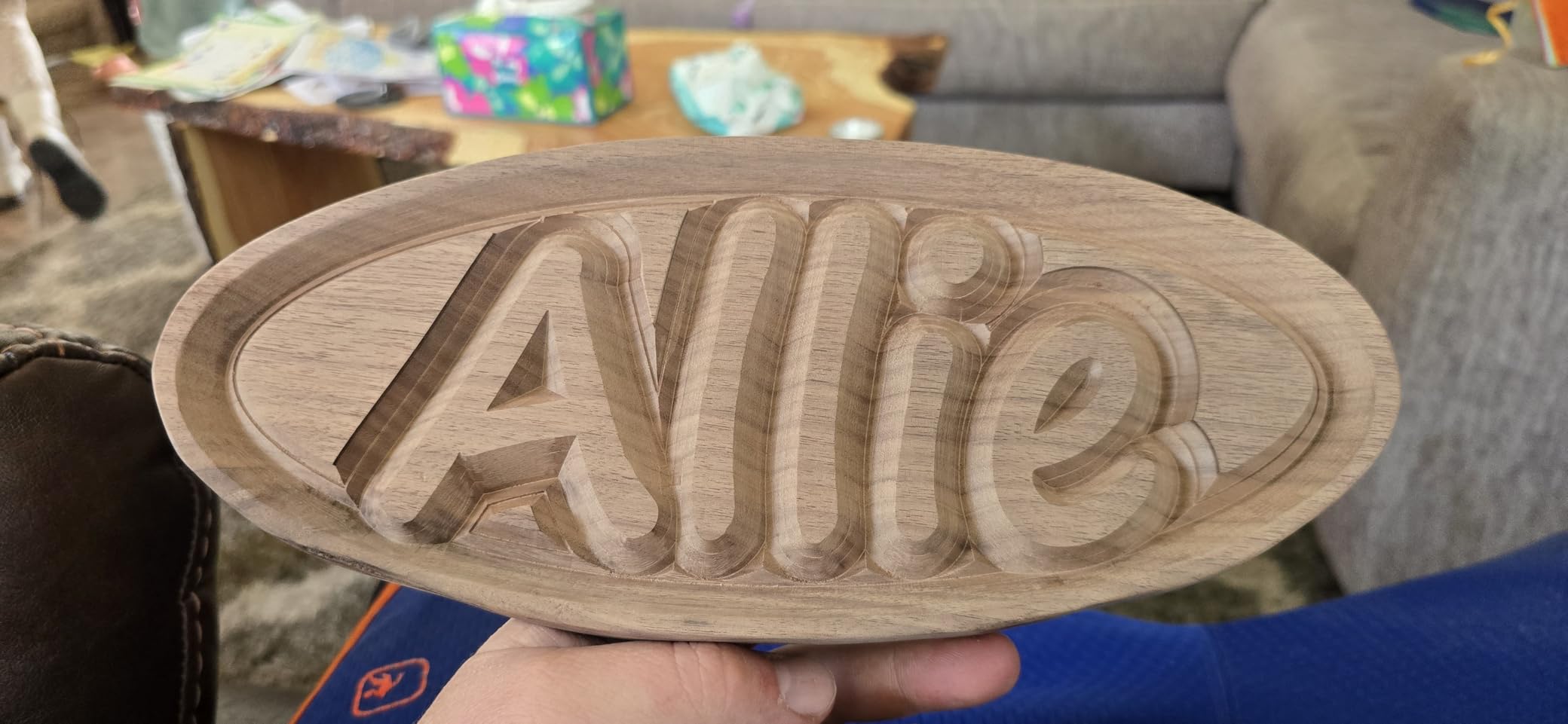
The reinforced spoilboard with integrated T-track is a thoughtful addition that most competitors miss. It provides solid workholding options right out of the box without needing aftermarket fixtures. The GRBL control system works with popular software like Easel, UGS, and gSender.
Common complaints include the emergency stop button shipping in the engaged position (which confuses first-time users), an unstable WiFi module, and noisy operation. You will need a relay switch for software-controlled spindle on/off, which is an extra step but not a dealbreaker.
Who Should Buy the 4040-PRO MAX
This machine is ideal for users who have outgrown entry-level CNCs and need more spindle power for hardwoods, plastics, and light aluminum work. It offers the best power-to-price ratio in the Genmitsu lineup.
Accuracy and Real-World Precision
Users report approximately 0.01mm accuracy with minimal backlash thanks to the linear guideway system. This is excellent for a machine in this price range and makes it suitable for precision inlay work, sign making with fine detail, and prototyping where dimensional accuracy matters.
7. FoxAlien Masuter 3S – Best for Quiet Operation
FoxAlien Masuter 3S CNC Router Machine with Closed-Loop Stepper Motors
Work area: 15.75×15.75×3.74 in
NEMA23-76 closed-loop (2.2Nm)
400W spindle
10000mm/min rapid
Dual HG-15 linear rails Z
0.05mm precision
26.5kg
+ Pros
- Quiet operation
- NEMA 23 closed-loop motors with 2.2Nm torque
- 10000mm/min rapid speeds
- Dual HG-15 linear rails on Z-axis
- 4th axis rotary compatible
- Strong community support
– Cons
- Only 1/8 inch bits included
- Belts may need upgrading
- Missing dust baffles reported
- Description inaccurate about included bits
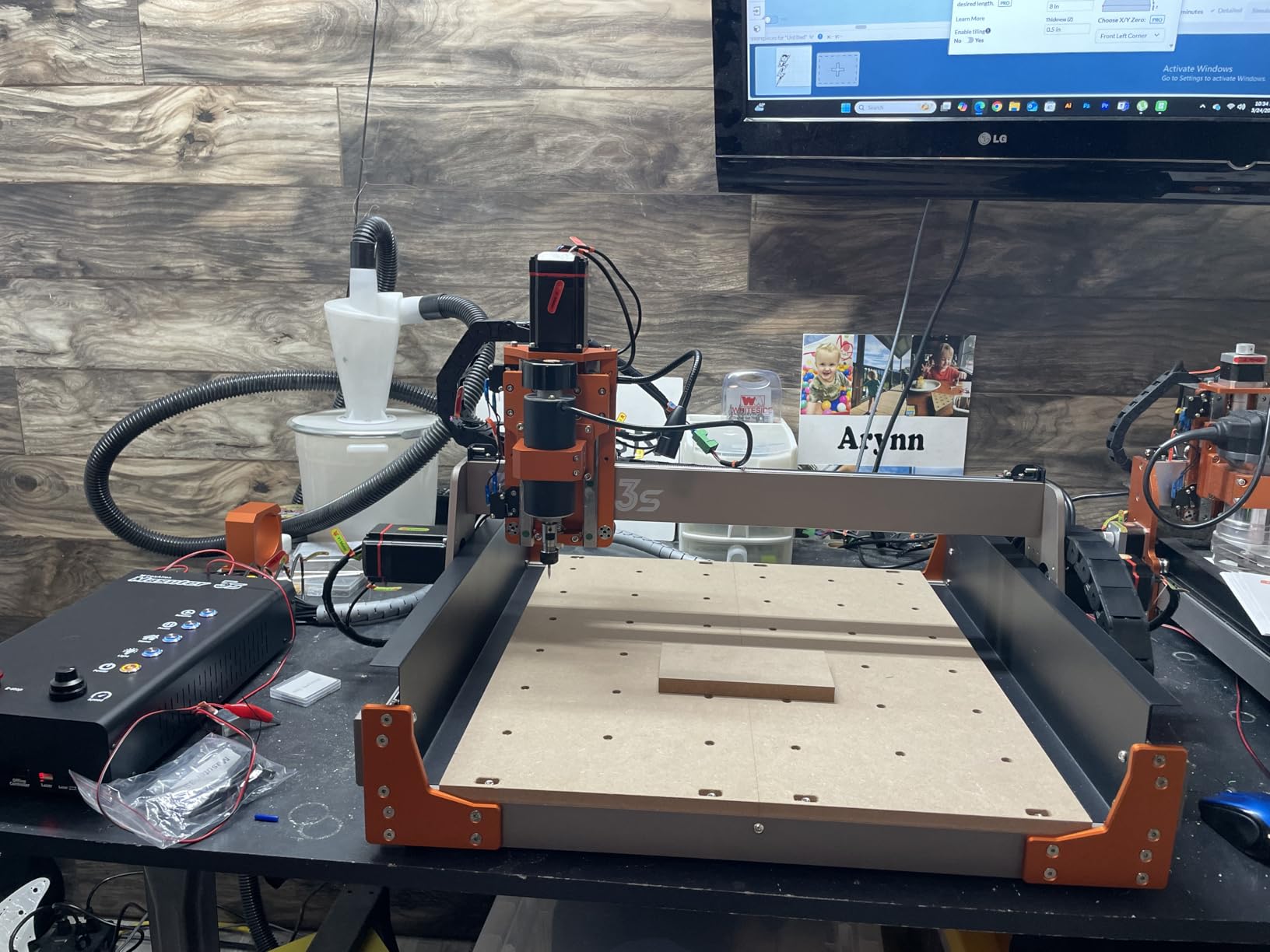
The FoxAlien Masuter 3S is the upgrade path from the Masuter Pro, and the improvements are significant. The NEMA23-76 closed-loop stepper motors deliver 2.2 Nm of torque with closed-loop feedback, eliminating the step loss issues that plague the Masuter Pro.
Rapid moving speeds up to 10,000mm/min make this one of the fastest desktop CNC machines on my list. The dual HG-15 linear rails on the Z-axis provide excellent rigidity, and the T12 lead screw design minimizes vibration during cutting operations.
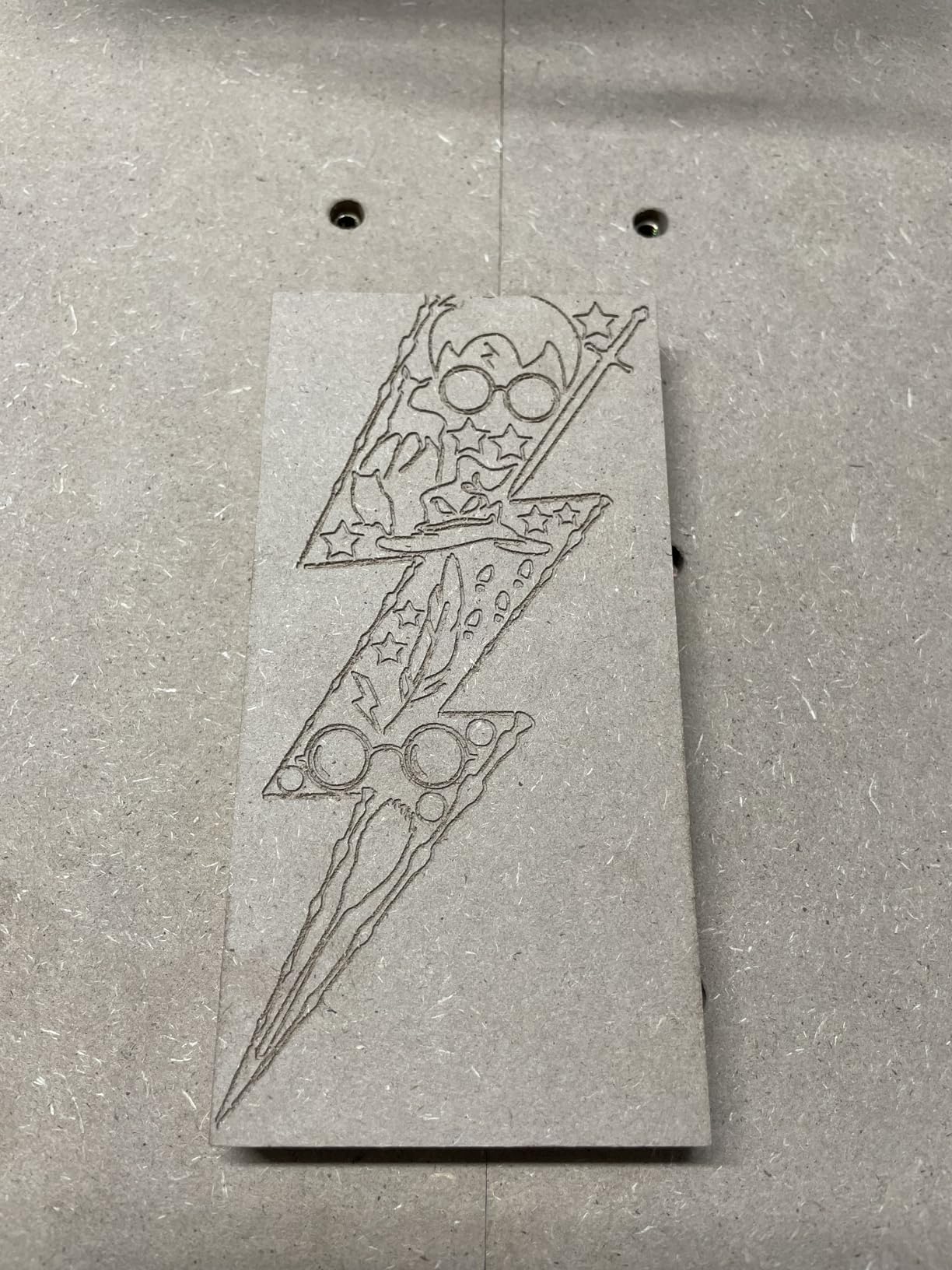
What surprised me most is how quiet this machine is. Multiple reviewers specifically mention the low noise level compared to other desktop CNCs. If you work in a garage attached to your house or a shared workshop, this is one of the few machines that will not drive everyone crazy.
The Masuter 3S supports a 4th axis rotary module for cylindrical carving, an offline controller for computer-free operation, and an X-axis extension kit. FoxAlien customer support is consistently praised, and the Facebook community is active and helpful for troubleshooting.
Who Should Buy the Masuter 3S
This machine targets serious hobbyists and small business owners who want closed-loop motor performance and quiet operation. If you have been frustrated by step loss on cheaper machines or noise complaints from family members, the Masuter 3S solves both problems.
Comparison with the Masuter Pro
The Masuter 3S costs about $350 more than the Masuter Pro but upgrades you to NEMA 23 closed-loop motors, dual linear rails on Z, faster rapids, and 4th axis support. If your budget allows, the 3S is the better long-term investment.
8. VEVOR CNC Router 300W – Best Budget Option for Tinkerers
VEVOR CNC Router Machine, 300W, 3 Axis GRBL Control Wood Engraving Carving Milling Machine Kit, 400 x 400 x 75 mm / 15.7 x 15.7 x 2.95 in Working Area 1200 RPM for Wood Acrylic MDF PVC Plastic Foam
Work area: 400x400x75mm
300W spindle
12000 RPM max
2.4 inch touchscreen offline controller
Aluminum alloy
70% pre-assembled
GRBL control
+ Pros
- Great value for experienced users
- Large 400x400mm working area
- 2.4 inch touchscreen controller
- 70% pre-assembled
- Pre-installed spoilboard with threaded inserts
– Cons
- Poor documentation and manual
- No product support from VEVOR
- Y-axis limit switch issues
- Firmware may have incorrect settings
- Power supply set to 220V at start
The VEVOR CNC Router 300W is the wild card on this list. It offers a larger work area and more features than the Genmitsu 3018-PROVer V2 for about $100 more, but it comes with significant caveats that you need to understand before buying.
The 400 x 400 x 75mm working area is generous for the price. The aluminum alloy construction with surface oxidation treatment feels solid, and the 2.4-inch touchscreen offline controller is a feature normally found on more expensive machines. The 70% pre-assembly saves setup time.
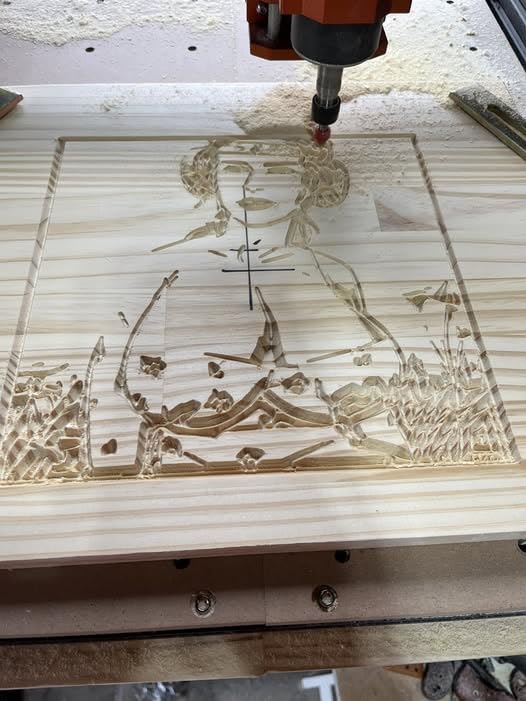
The pre-installed spoilboard with threaded inserts is a nice touch that saves you the hassle of drilling your own grid pattern. The 300W spindle spins up to 12,000 RPM and handles wood, acrylic, MDF, PVC, plastic, and foam adequately for light-duty work.
However, the documentation is poor, VEVOR provides essentially no product support, and the machine ships with firmware that may have incorrect $100/$101 values for steps per millimeter. The power supply ships set to 220V, which will cause problems on 110V circuits if you do not switch it. This machine is only suitable for users who can troubleshoot these issues independently.
Who Should Buy the VEVOR 300W
This machine is for experienced CNC users who want a large work area on a tight budget and have the technical skills to fix firmware issues, calibrate limit switches, and work around poor documentation. Complete beginners should look elsewhere.
Firmware Fixes and Setup Tips
Plan to reflash the GRBL firmware, verify the $100 and $101 steps-per-mm settings match the actual screw pitch, switch the power supply to your local voltage, and test the Y-axis limit switch before your first real cut. If those tasks sound manageable, the hardware itself offers good value.
9. Genmitsu 3030-PROVer Ultra – Best for Aluminum Milling
Genmitsu 3030-PROVer Ultra CNC Router Machine for Metal, All Metal CNC Engraver with Powerful 710W Spindle, ±0.03mm High Precision, Dual Linear Guides & Ball Screws, for Aluminum & Acrylic Engraving
Work area: ~12×12 in
710W digital spindle
HG15 dual linear rails all axes
1204 ball screws
+/-0.03mm precision
All-metal chassis
10-min setup
Genmitsu APP
+ Pros
- 710W digital spindle (2.4x stronger than 300W)
- HG15 dual linear rails on all axes
- +/-0.03mm positioning accuracy
- Capable of machining aluminum
- Quick 10-minute setup
- All-metal construction
– Cons
- Noisy when operating
- Z-axis touch probe unreliable
- Limit switch issues reported
- WiFi adapter sold separately
The Genmitsu 3030-PROVer Ultra is my top recommendation for anyone who specifically wants to mill aluminum on a desktop CNC. The combination of a 710W digital spindle, HG15 dual linear rails on all axes, and 1204 ball screws gives this machine the rigidity needed for metal cutting.
The spindle is 2.4 times stronger than the 300W spindles found on most entry-level machines. It includes a real-time digital display showing spindle speed, which is invaluable when dialing in feeds and speeds for different materials. The +/-0.03mm positioning accuracy is among the best in this price range.
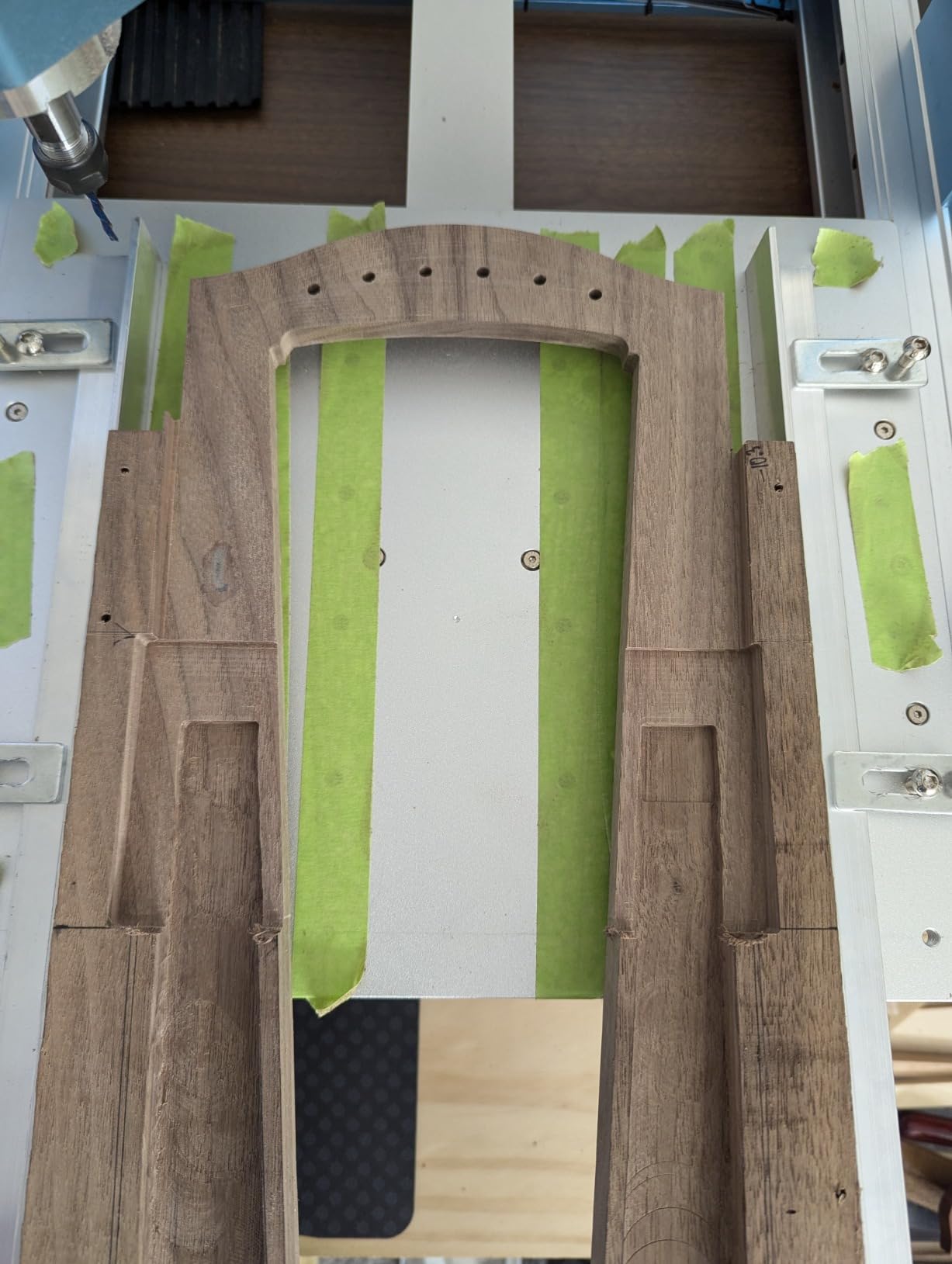
The all-metal chassis construction and dust-protected X/Y axes make this a durable machine for daily use. Setup takes about 10 minutes thanks to the two pre-assembled modules, and the Genmitsu APP allows remote control from your phone for job monitoring.
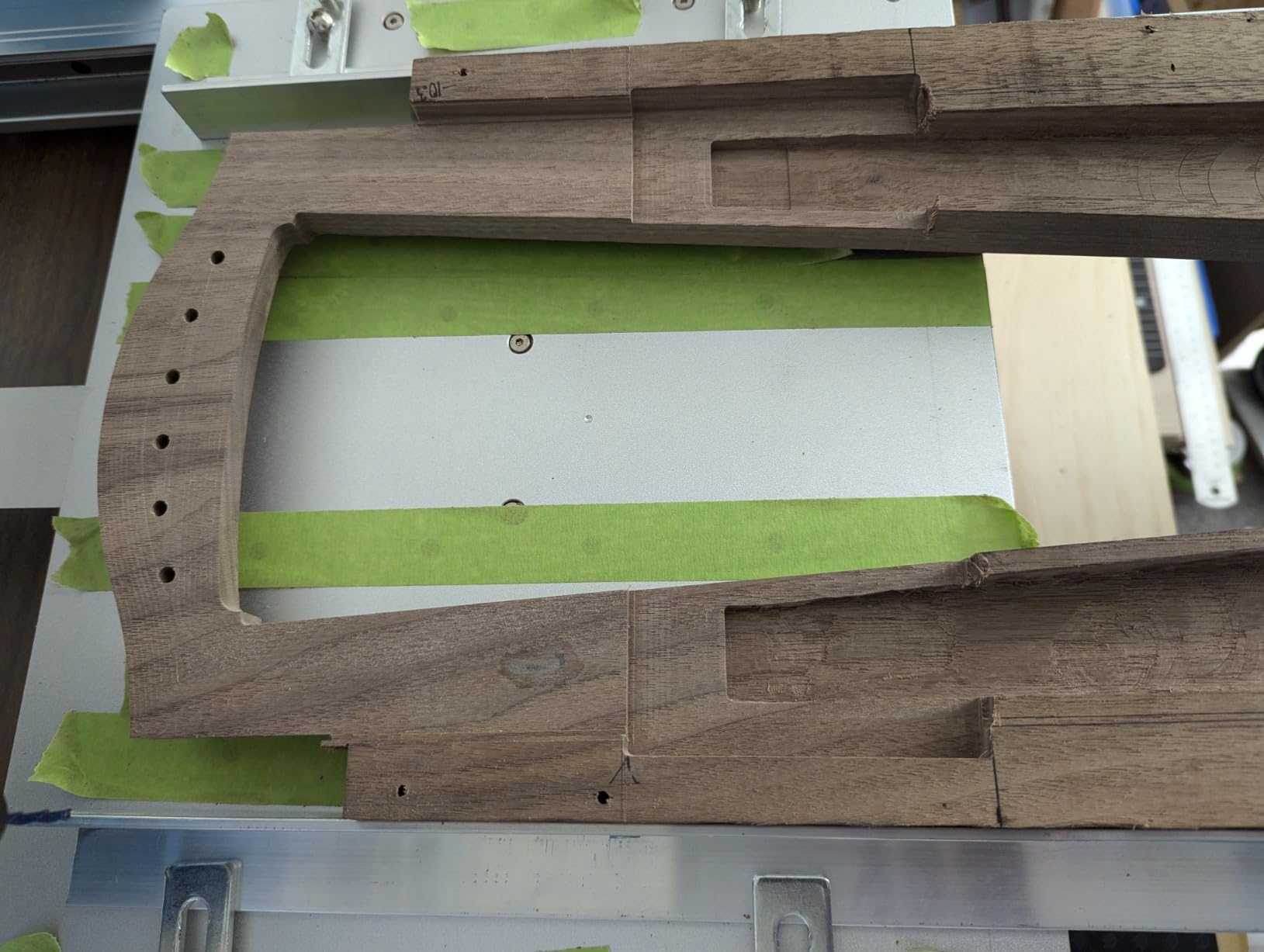
Users on r/hobbycnc report that this machine handles aluminum well with appropriate cutting fluid, slower feed rates, and shallow passes. It is not going to match a Tormach or Pocket NC for production metalworking, but for hobbyist aluminum projects like brackets, plates, and custom parts, it performs admirably.
Who Should Buy the 3030-PROVer Ultra
This machine is ideal for makers who focus on metalworking projects and need a desktop CNC that can actually cut aluminum, brass, and copper. It is also great for precision wood and acrylic work where tight tolerances matter.
Aluminum Cutting Best Practices
Use single-flute upcut aluminum bits, apply cutting fluid generously, take shallow passes of 0.2 to 0.5mm, and keep spindle speeds between 10,000 and 20,000 RPM. Climb milling produces better surface finishes on aluminum with this machine. Always test on scrap first.
10. LUNYEE 3020 Nova – Best Fully Assembled Desktop CNC
LUNYEE 3020 Nova CNC Router Machine, All-Metal XYZ Axis Linear Guides and Ball screw with 800W Trimmer Router, Suitable for Cutting Aluminum, Brass, Wood, Acrylic, MDF, and Plastics
Work area: 3020 size
800W spindle
6000-30000 RPM
1204 ball screws all axes
HG-15 linear guides
+/-0.05mm accuracy
All-metal frame
19.2kg
Fully assembled
+ Pros
- Fully assembled on delivery
- 800W spindle handles aluminum and brass
- 6 speed settings with constant torque
- All-metal frame construction
- Good quality ball screws and linear guides
- Excellent precision and repeatability
– Cons
- Emergency stop button confusing initially
- Controller may fail after some use
- Spindle stuck in HIGH speed reported
- Limited customer support
- Small T-slot table
The LUNYEE 3020 Nova stands out for one big reason: it arrives fully assembled. While other machines require 30 to 90 minutes of assembly, the 3020 Nova shows up ready to work. You just install the Z-axis module, plug it in, and start cutting.
The 800W spindle with a 6,000 to 30,000 RPM range is the most powerful on this list. It handles aluminum, brass, wood, acrylic, MDF, and plastics with ease. The 6 speed settings with constant torque control let you dial in the right RPM for each material.
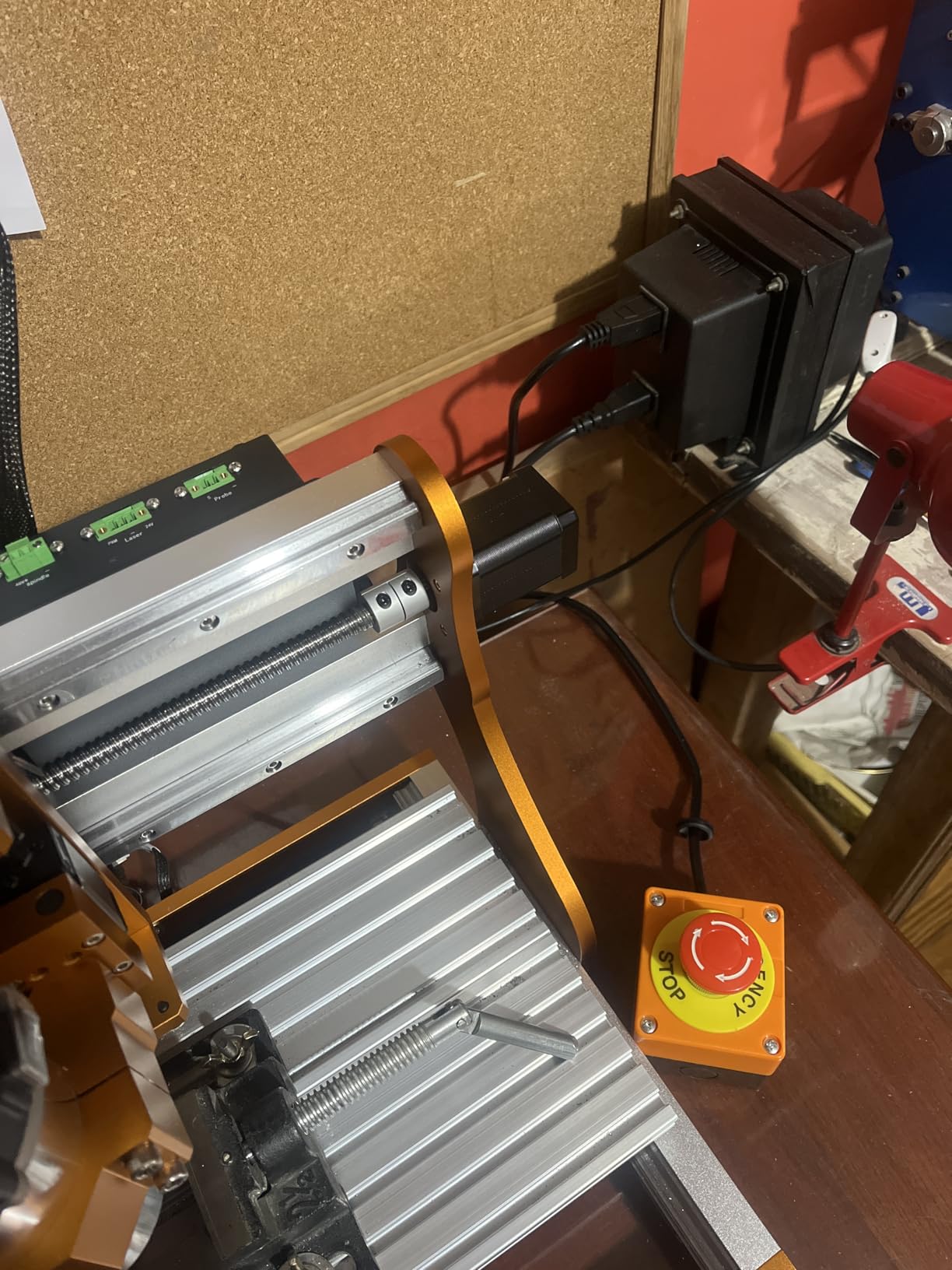
The 1204 ball screws and HG-15 linear guides on all XYZ axes give this machine +/-0.05mm accuracy and excellent repeatability. The all-metal frame construction provides the rigidity needed for metal cutting, and users report smooth finishes on aluminum parts.
The 4.6-star rating from early reviewers is impressive, though the 12-review count means limited long-term data. Common concerns include controller failures after extended use, spindle stuck in HIGH speed mode, and limited customer support from LUNYEE. The T-slot table is smaller than I would like, which limits clamping options for larger workpieces.
Who Should Buy the LUNYEE 3020 Nova
This machine is perfect for users who want maximum cutting power in a compact footprint with zero assembly required. If you need to cut aluminum and brass regularly and value the 800W spindle, the 3020 Nova delivers excellent performance for the price.
Comparing the 800W Spindle Advantage
The 800W spindle on the 3020 Nova is significantly more powerful than the 300W to 400W spindles on most machines in this price range. This means faster material removal, smoother finishes on hard materials, and the ability to use larger diameter bits for production work.
How to Choose the Best Desktop CNC Machine for Your Needs
Choosing among the best desktop CNC machines comes down to matching specifications to your specific projects. Here are the key factors I evaluated when ranking these 10 machines.
Work Area and Build Volume
Your work area determines the maximum size of material you can cut in a single setup. If you make signs, you need at least 400mm on the X-axis. For PCB milling and small engravings, a 300 x 180mm area is sufficient. For guitar bodies or furniture components, look for machines with extension kit compatibility. The Snapmaker Artisan leads with a 400 x 400 x 400mm volume, while the FoxAlien Masuter Pro and Genmitsu 4040-PRO MAX offer 400 x 400mm work areas.
Spindle Power and Speed
Spindle power directly determines what materials you can cut effectively. The 775 motors found on entry-level machines like the Genmitsu 3018-PROVer V2 are fine for wood, acrylic, and PCB. For aluminum, you need at least a 710W spindle like the one on the Genmitsu 3030-PROVer Ultra or 4040-PRO MAX. The LUNYEE 3020 Nova leads with an 800W spindle capable of cutting aluminum and brass.
Spindle speed matters for surface finish quality. Lower speeds (6,000 to 10,000 RPM) work better for metals, while higher speeds (20,000 to 30,000 RPM) produce smoother finishes on wood and plastic. Variable speed control, like the 6 settings on the LUNYEE 3020 Nova, gives you flexibility across materials.
Frame Rigidity and Linear Rails
Frame rigidity determines cutting precision and quality. All-metal aluminum construction is the minimum standard for any serious desktop CNC. Linear rails, especially HG15 dual rails on all axes like the Genmitsu 3030-PROVer Ultra uses, dramatically improve precision over wheeled gantry systems.
Ball screws are another rigidity indicator. Machines using 1204 ball screws on all axes, like the PROVerXL 4030 V2, 3030-PROVer Ultra, and LUNYEE 3020 Nova, deliver better accuracy and less backlash than lead-screw designs.
Software Compatibility
Most desktop CNC machines use GRBL-based controllers, which means they work with a wide range of software. Popular options include Fusion 360 for CAD and CAM, Easel for beginner-friendly design, Candle for GRBL machine control, and UGS or gSender for advanced job management.
The Carvera Air stands out with its proprietary Makera CAM software that runs cross-platform and integrates with Fusion 360, SolidWorks, and VCarve Pro. The Snapmaker Artisan uses Snapmaker Luban software, which has received mixed reviews for maturity and reliability.
Materials Capability
Match your machine to the materials you plan to cut most often. If you focus on woodworking routers and wood projects, any machine on this list will work. For aluminum, prioritize the Genmitsu 3030-PROVer Ultra, LUNYEE 3020 Nova, or Carvera Air. For PCB milling, the Genmitsu 3018-PROVer V2 is a proven choice with thousands of users.
Noise and Dust Considerations
Desktop CNC machines are loud. Forum users on r/hobbycnc consistently report that noise levels are higher than expected. The FoxAlien Masuter 3S gets specific praise for quiet operation, while the VEVOR 300W and Genmitsu 4040-PRO MAX are noted as noisy. The fully enclosed Carvera Air is the best choice for noise and dust containment.
For dust management, consider building or buying a dust shoe attachment. An enclosure, even a simple MDF box with a vacuum port, dramatically reduces cleanup time and protects your lungs from fine particles.
Total Cost of Ownership
The purchase price is just the beginning. Budget for bits ($5 to $30 each), a spoil board ($15 to $40), CAM software subscriptions (Fusion 360 is free for personal use, VCarve Pro is $349), clamps and workholding ($30 to $100), and replacement parts over time. Reddit users estimate the real first-year cost of a desktop CNC at 1.3 to 1.5 times the machine price.
If you plan to cut aluminum, add cutting fluid, single-flute aluminum bits, and potentially a mist cooling system. For production work, consider a relay for software-controlled spindle on/off, which saves manual switching between tool changes.
FAQ
What is the best hobbyist CNC machine?
The Genmitsu PROVerXL 4030 V2 is the best overall desktop CNC machine for hobbyists, offering closed-loop NEMA 23 motors, a 400x300mm work area, and ball screw precision at a reasonable price. For absolute beginners, the SainSmart Genmitsu 3018-PROVer V2 at around $255 is the most popular entry-level option with over 1,200 reviews.
What CNC machine should I buy as a beginner?
For beginners, I recommend the SainSmart Genmitsu 3018-PROVer V2. It costs around $255, includes safety features like a Z-probe and limit switches, works with free software like Fusion 360 and Easel, and has the largest community of users producing tutorials and troubleshooting guides. Once you master the basics, you can upgrade to a more powerful machine.
Are desktop CNC machines worth it for hobbyists?
Yes, desktop CNC machines are worth it for hobbyists who want to create custom parts, signs, PCBs, and prototypes. They pay for themselves quickly if you sell products, even at small scale. However, budget machines under $300 require patience for setup and learning. The real cost includes bits, software, and materials beyond the initial purchase price.
What software do I need for a desktop CNC machine?
Most desktop CNC machines need two types of software: CAD/CAM software for designing parts and generating toolpaths (Fusion 360 is free for personal use, VCarve Pro costs $349), and a machine control program like Candle, UGS, or gSender to send g-code to the machine. GRBL-based machines work with the widest range of software options.
How much does a desktop CNC machine cost?
Desktop CNC machines range from about $250 for entry-level kits like the Genmitsu 3018-PROVer V2 to $2,400 for premium enclosed systems like the Carvera Air. Mid-range machines with larger work areas and stronger spindles typically cost $550 to $900. Budget another 30 to 50 percent of the machine price for bits, software, workholding, and accessories.
Conclusion: Which Desktop CNC Machine Is Right for You?
The best desktop CNC machines in 2026 cover a wide range of budgets and use cases. For most users, the Genmitsu PROVerXL 4030 V2 offers the best balance of power, precision, and value. Beginners should start with the SainSmart Genmitsu 3018-PROVer V2 to learn the fundamentals. Aluminum-focused makers will love the Genmitsu 3030-PROVer Ultra or LUNYEE 3020 Nova with their powerful 710W and 800W spindles.
If budget is not a concern and you want professional features like auto tool changing and an enclosed work area, the Carvera Air is in a class of its own. And if you want maximum versatility with 3D printing and laser engraving built in, the Snapmaker Artisan covers three fabrication modes in one machine.
Whatever you choose, remember that the machine is just the starting point. Invest time in learning CAM software, stock up on quality bits, and join communities like r/hobbycnc for support. For more workshop tool guides, check out our coverage of metal fabrication equipment and other tools to round out your makerspace.
Leave a Reply