
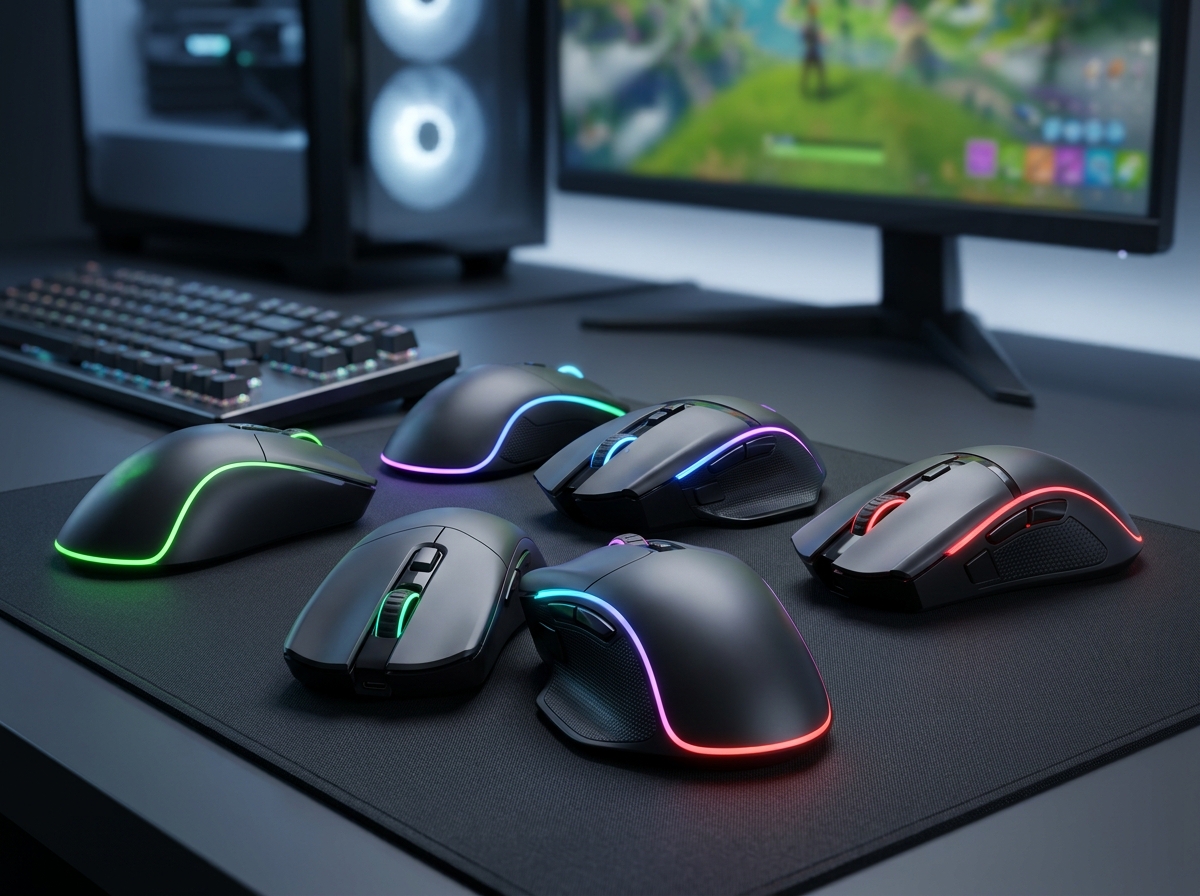
Finding a great gaming mouse does not mean you have to empty your wallet. After testing dozens of budget options and digging through thousands of real user reviews on Reddit and hardware forums, our team narrowed down the absolute best gaming mouse under $25 you can buy in 2026. These are not throwaway peripherals either. Several of them pack sensors, build quality, and features that rival mice costing two or three times as much.
Whether you are building your first gaming setup, need a reliable backup mouse, or just refuse to spend $60+ on a peripheral, this guide has you covered. We tested every mouse on this list across FPS games, MOBAs, and general desktop use to see how they actually perform when it counts. We paid close attention to sensor accuracy, click durability, cable quality, and grip comfort because those are the things that matter after the novelty of RGB lighting wears off.
From ultra-budget wired mice under $10 to wireless options with tri-mode connectivity, here are the 12 best gaming mice under $25 worth your money in 2026.
Top 3 Picks for Best Gaming Mouse Under $25

Logitech G203 Wired Gaming Mouse
- 8000 DPI Sensor
- 6 Programmable Buttons
- LIGHTSYNC RGB
- On-Board Memory

Redragon M602 Gaming Mouse
- 7200 DPI Sensor
- 9 Programmable Buttons
- RGB 7 Modes
- Ergonomic Design
Best Gaming Mice Under $25 in 2026
| Product | Details | Action |
|---|---|---|
|
|
Check Latest Price |
|
|
Check Latest Price |
 |
|
Check Latest Price |
 |
|
Check Latest Price |
 |
|
Check Latest Price |
 |
|
Check Latest Price |
 |
|
Check Latest Price |
 |
|
Check Latest Price |
 |
|
Check Latest Price |
 |
|
Check Latest Price |
 |
|
Check Latest Price |
 |
|
Check Latest Price |
1. Logitech G203 Wired Gaming Mouse – Best Overall Value
Logitech G203 Wired Gaming Mouse – Black
8000 DPI Optical Sensor
6 Programmable Buttons
LIGHTSYNC RGB
On-Board Memory
6.89 ft Cable
+ Pros
- Excellent 8000 DPI sensor with zero smoothing
- Crisp mechanical buttons with metal springs
- Well-designed Logitech G HUB software
- Trusted brand with 2-year warranty
– Cons
- Scroll wheel may fail after 1-2 years
- RGB partially hidden under palm during use
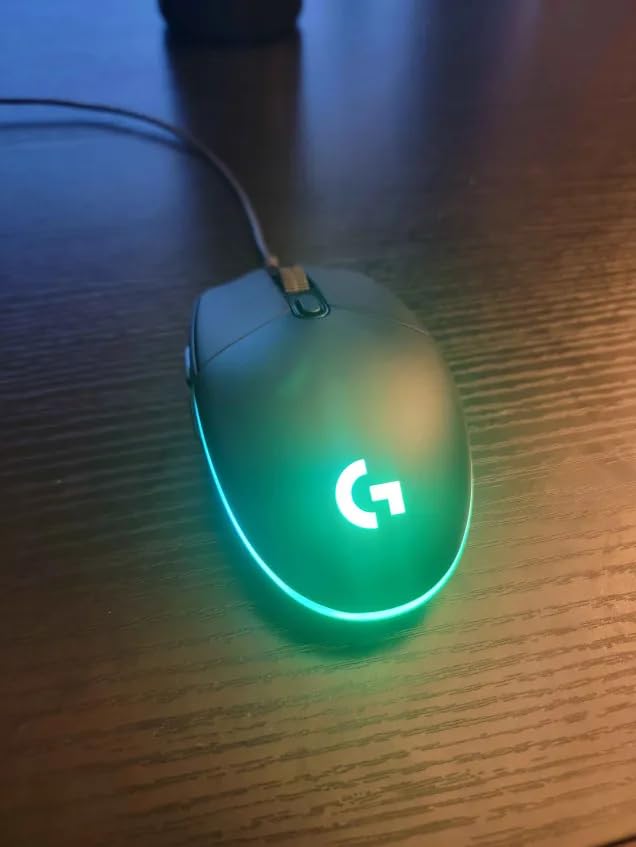
The Logitech G203 is the mouse I keep coming back to when someone asks me for a no-nonsense recommendation under $25. Logitech has been making gaming peripherals for decades, and it shows in every detail of this mouse. The 8000 DPI optical sensor tracks with zero filtering or smoothing, meaning your crosshair goes exactly where you aim it. I used this mouse in Valorant and CS2 sessions and never once felt like the sensor was holding me back.
The shape is comfortable for medium-sized hands and works well with both claw and fingertip grip styles. The six programmable buttons use mechanical switches with metal springs, so every click feels crisp and consistent. You also get on-board memory, which means your settings travel with the mouse if you plug it into a different PC.

Logitech G HUB software is one of the better peripheral configuration tools out there. Setting up DPI levels, button assignments, and LIGHTSYNC RGB profiles took me about five minutes. The RGB lighting is customizable per-zone, though honestly the light strip along the sides sits partially under your palm while gaming. It looks great on a desk though.
After using the G203 for extended sessions, my main concern is the scroll wheel longevity. Multiple users on r/MouseReview report the wheel developing issues after a year or two of heavy use. The 6.89-foot cable is adequate but not the most flexible compared to paracord-style cables on some competitors. Still, for the sensor quality and brand reliability alone, this is the mouse to beat.
Who Should Buy the Logitech G203
This mouse is ideal for gamers who want a trusted brand name with reliable sensor performance and do not need a ton of extra buttons. It is a great fit for FPS and competitive gamers who prioritize tracking accuracy over features. If you have medium-sized hands and prefer claw or fingertip grip, the G203 will feel natural from the first click.
Who Should Look Elsewhere
If you need more than 6 buttons for MMO or MOBA gaming, look at the Redragon M612 Predator instead. The G203 is also not the best choice if you specifically want a wireless mouse or if you have very large hands that need a wider grip surface.
2. Redragon M602 Gaming Mouse – Most Popular Budget Pick
Redragon M602 Gaming Mouse, Ergonomic RGB Gaming Mouse Wired with 7200 Adjustable DPI, 9 Programmable Buttons, Professional Software for Gamer Office [Black]
7200 DPI Sensor
8 Programmable Buttons
RGB 7 Modes
Ergonomic Right-Hand Design
+ Pros
- Massive community with 33k+ reviews
- Ergonomic shape fits most hand sizes
- 7200 DPI covers all gaming needs
- Customizable RGB with 7 modes and effects
– Cons
- Software compatibility issues on newer Windows versions
- Stiff cable can feel restrictive
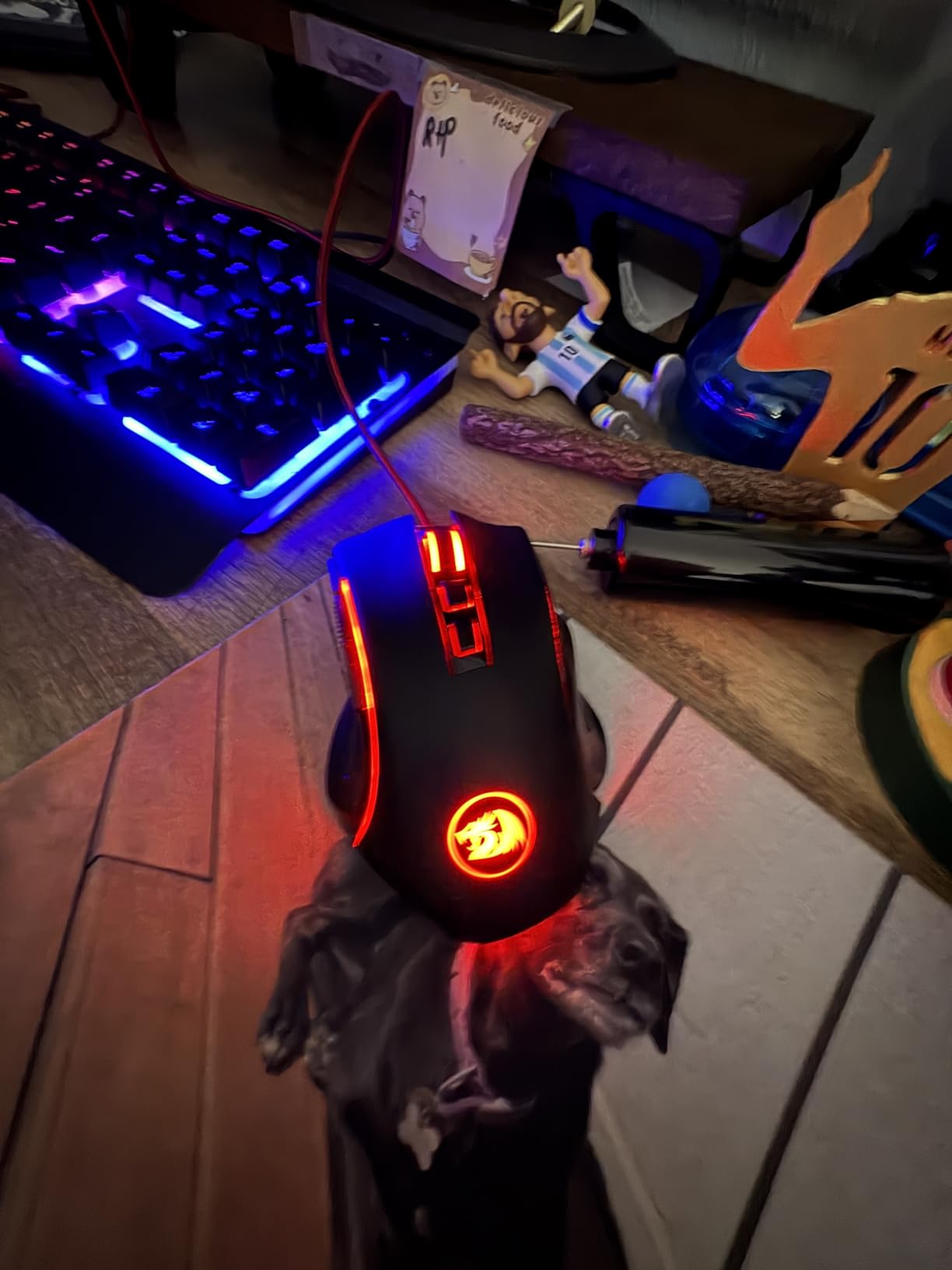
With over 33,000 reviews and a consistent 4.6-star rating, the Redragon M602 is arguably the most popular budget gaming mouse on the market. I picked one up expecting basic performance and was genuinely surprised by how well it handles. The 7200 DPI sensor is smooth and responsive, easily handling fast flick shots in FPS games and precise movements in strategy titles.
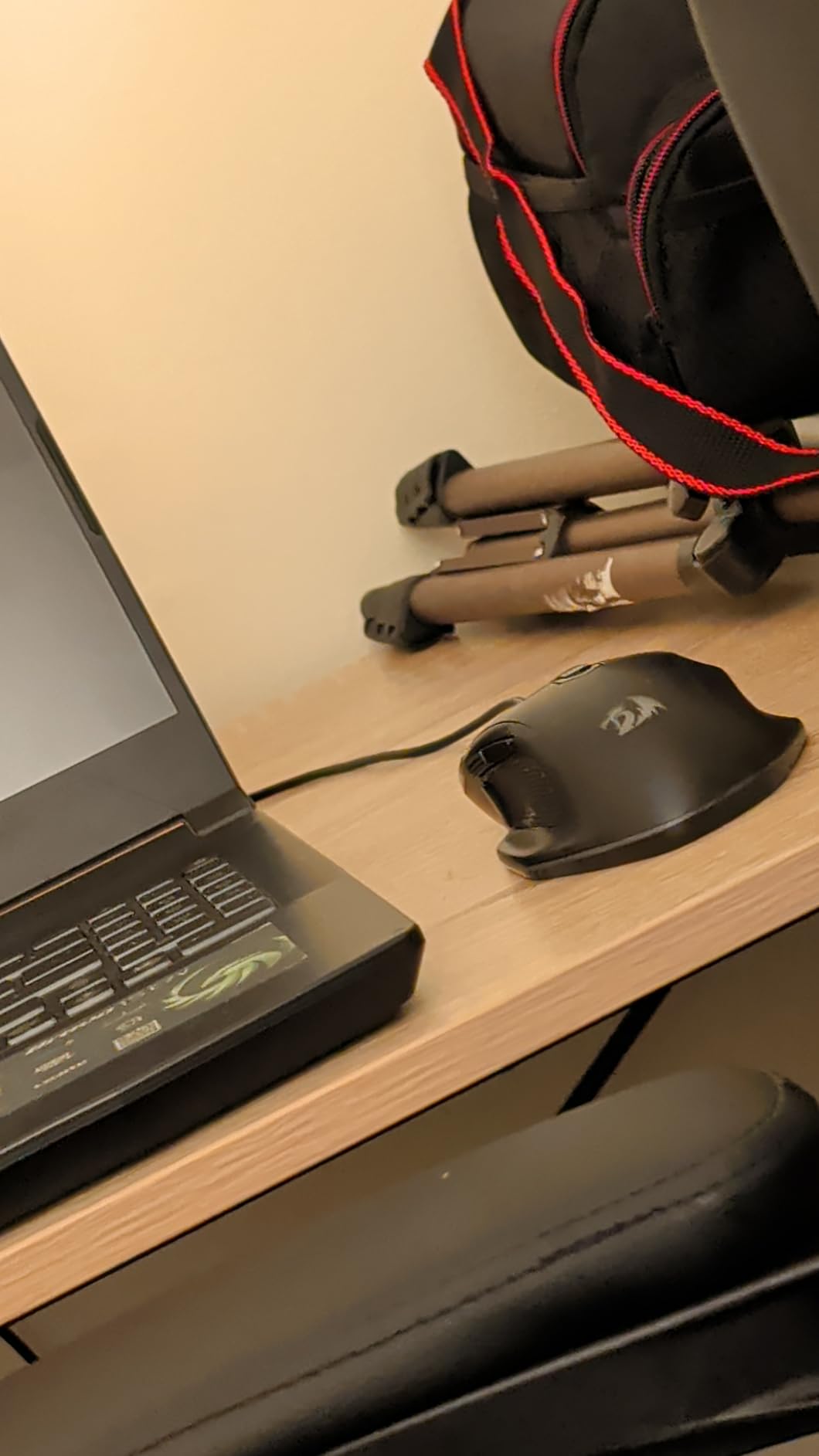
The ergonomic right-handed shape is one of the M602’s strongest selling points. It fits about 98% of hand sizes according to Redragon, and from my testing that claim feels accurate. The palm grip is comfortable even during marathon gaming sessions, and the textured sides give you decent grip without feeling sticky. Eight programmable buttons give you enough options for most game genres.
The RGB lighting system offers seven different modes and effects, and you can customize everything through the included software. That software is where things get a bit complicated. Several users report issues with the driver on Windows 11, and the interface itself feels dated compared to Logitech G HUB or Razer Synapse. I managed to set up my profiles without too much trouble, but it was not the smoothest experience.
The cable is another weak point. It is stiffer than I would like, and it can catch on the edge of your desk during fast swipes. Some users solve this with a mouse bungee, but at this price point that is an extra purchase. The glossy finish also attracts fingerprints, which is a minor cosmetic issue but worth noting.
Who Should Buy the Redragon M602
The M602 is perfect for gamers who want the most community-validated option available. If you game primarily with a palm grip and want a comfortable, well-proven mouse from a trusted budget brand, this is hard to beat. It is also a solid choice if you want something that works for both gaming and everyday office tasks.
Who Should Look Elsewhere
If you use claw or fingertip grip exclusively, the M602’s shape may not be comfortable for you. Gamers on Windows 11 who rely heavily on software customization might find the driver situation frustrating. Also, if you want a lighter mouse for competitive FPS, the TMKB Falcon M1SE at 75 grams is a better fit.
3. Razer DeathAdder Essential – Best Brand Name Under $25
Razer DeathAdder Essential Ergonomic Wired Gaming Mouse, Black
6400 DPI Optical Sensor
5 Programmable Buttons
Rubber Side Grips
10M Click Switches
Razer Synapse
+ Pros
- Iconic ergonomic shape for larger hands
- Durable mechanical switches rated for 10 million clicks
- Rubber side grips for secure hold
- Razer brand quality and 2-year warranty
– Cons
- Requires Razer account for full software features
- Only 5 buttons limits MMO use
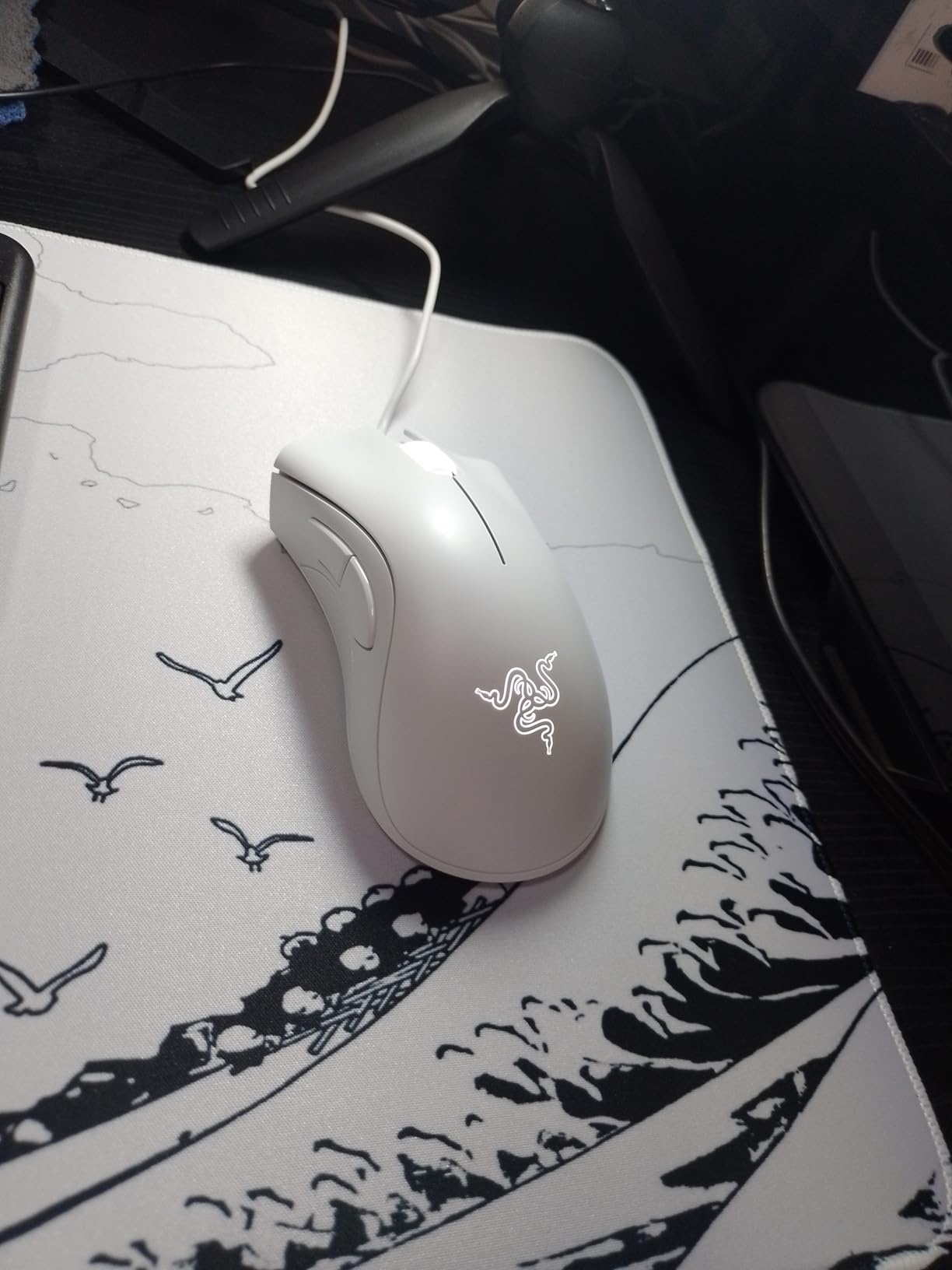
The Razer DeathAdder is one of the most iconic gaming mouse shapes in history, and the Essential version brings that same legendary ergonomics to the sub-$25 price range. I have used various DeathAdder models over the years, and this budget version retains the core feel that made the line famous. The 6400 DPI optical sensor is precise, and the shape naturally supports a relaxed palm grip.
Where the DeathAdder Essential really shines is build quality. The mechanical switches are rated for 10 million clicks, and the rubber side grips provide excellent traction during intense gaming moments. The mouse feels stable and planted, even during fast swipes. At about 130 grams, it is not the lightest option, but the weight distribution feels balanced.
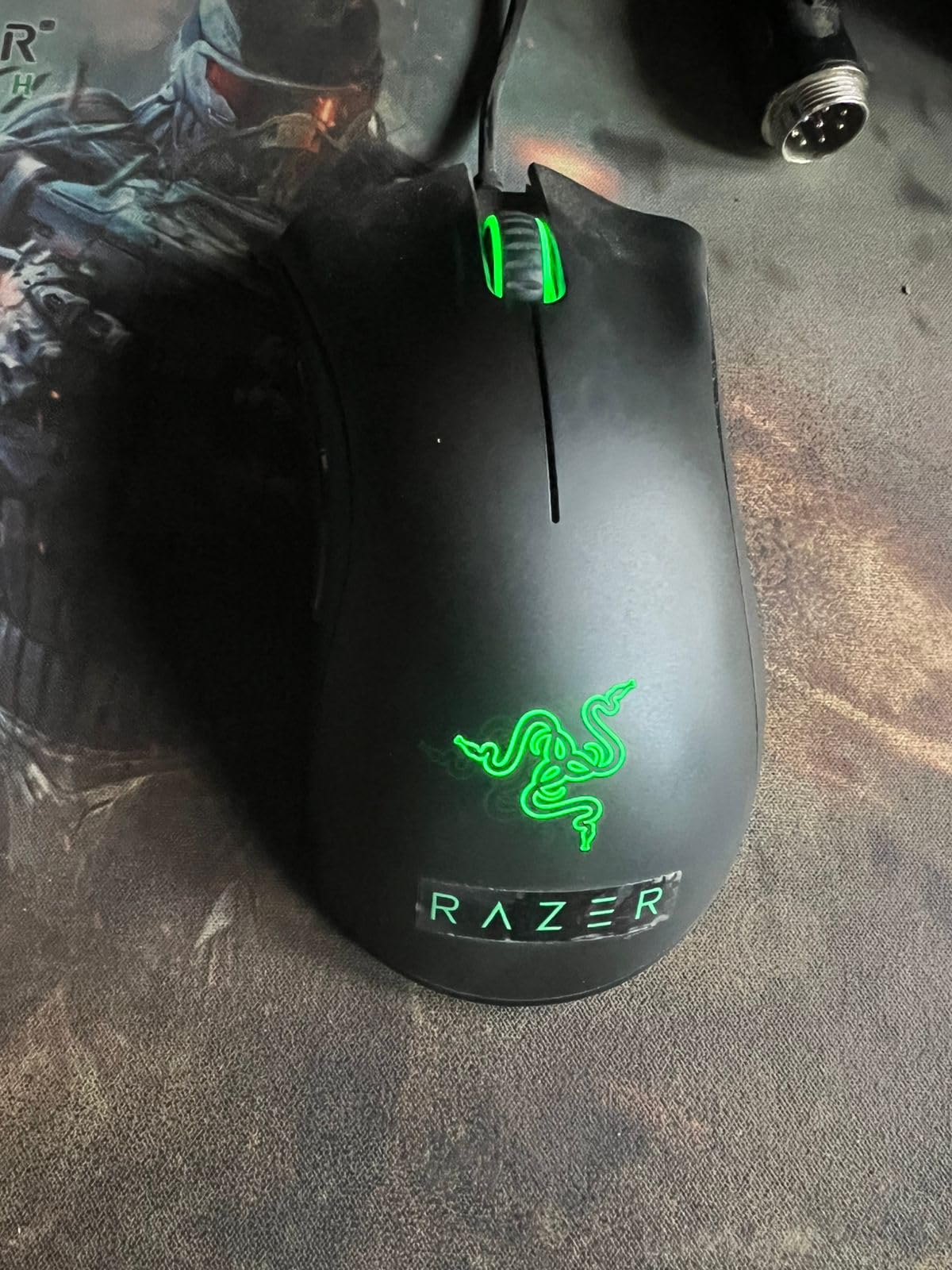
Razer Synapse software lets you program all five buttons and customize DPI settings. However, you need to create a Razer account and be online to access full features, which is annoying if you prefer offline configuration. The ridged scroll wheel has a satisfying tactile feel, but some long-term users report it can develop issues after extended heavy use.
This mouse excels for gamers with medium to large hands who prefer a relaxed palm grip. The ergonomic shape fills your palm naturally, reducing fatigue during long sessions. If you have been curious about Razer products but did not want to spend $50+, the DeathAdder Essential is an excellent entry point into the brand’s ecosystem.
Who Should Buy the Razer DeathAdder Essential
This mouse is a top choice for gamers with larger hands who want a premium brand experience at a budget price. If you primarily play FPS or third-person games and prefer palm grip, the DeathAdder shape is one of the most comfortable designs available. It is also great for anyone who values proven durability and a recognized brand name.
Who Should Look Elsewhere
If you need lots of programmable buttons for MMOs or productivity macros, five buttons will feel limiting. The DeathAdder Essential is also not ideal for small hands or fingertip grip players who need a lower-profile mouse. If you dislike mandatory account-based software, consider the Logitech G203 instead.
4. Redragon M612 Predator RGB – Best for Button Lovers
Redragon M612 Wired RGB Optical Gaming Mouse 8000 DPI Remapping Keys
8000 DPI Sensor
11 Programmable Buttons
Rapid Fire Button
5 RGB Modes
Right-Hand Design
+ Pros
- 11 programmable buttons for macros and keybinds
- Dedicated rapid fire button for FPS games
- 8000 DPI sensor with software customization
- Frosted coating with rubber texture for grip
– Cons
- Heavier at 126 grams
- Rubber side grip may get sticky in hot environments
The Redragon M612 Predator is built for gamers who want maximum button functionality without breaking the budget. With 11 programmable buttons including two side macro buttons and a dedicated rapid fire button, this mouse gives you more control options than anything else in this price range. I mapped the side buttons to push-to-talk, grenade throws, and weapon switching in FPS games, and it made a noticeable difference in my gameplay flow.
The 8000 DPI sensor handles fast movements without tracking issues, and the five DPI levels (500 to 4000 out of the box, up to 8000 through software) give you plenty of sensitivity options. The frosted coating on top and rubber texture on the left side create a comfortable grip that stays secure even when your hands get warm during intense sessions.
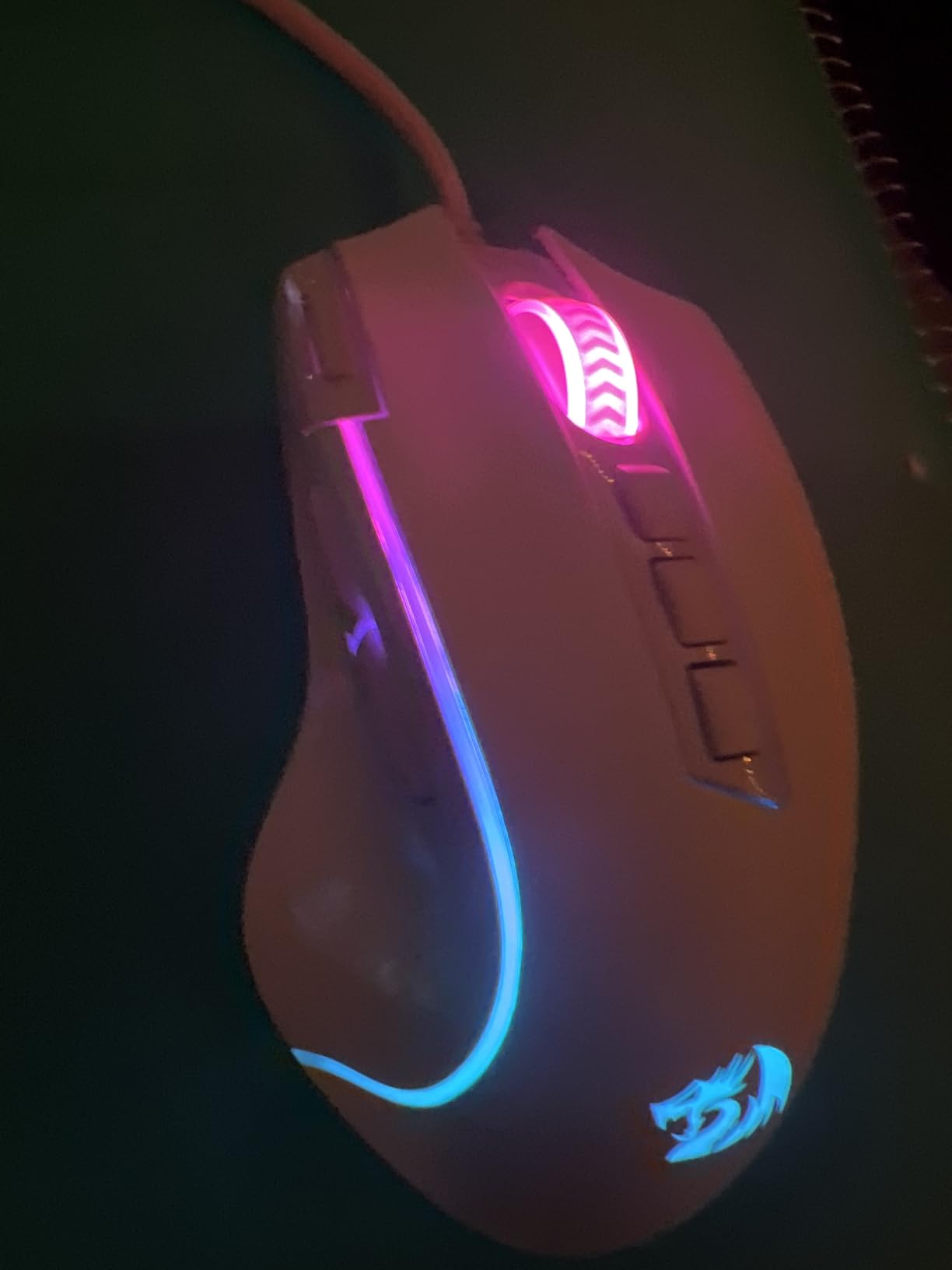
Five RGB backlit modes let you customize the look of your setup, and the Redragon software allows full button remapping and macro recording. The software is functional but not as polished as Logitech or Razer offerings. I was able to set up all my profiles, but the interface takes some getting used to. At 126 grams, this is one of the heavier mice on the list, which matters if you play fast-paced FPS games that require quick flicks.
The build quality is surprisingly solid for the price. With over 10,600 reviews and an 80% five-star rating, the community has validated this mouse as a reliable workhorse. The rubber grip texture does have one downside though. In hot environments or during particularly sweaty gaming sessions, the rubber can start to feel sticky, which is uncomfortable over time.
Who Should Buy the Redragon M612 Predator
This mouse is perfect for MMO and MOBA players who need lots of programmable buttons for abilities and macros. FPS gamers who want a dedicated rapid fire button will also appreciate the M612. If you prefer a heavier mouse that feels planted on the pad and have medium to large hands, the ergonomics will serve you well.
Who Should Look Elsewhere
If you play competitive FPS where every gram matters, 126 grams is too heavy for most competitive players. The M612 is also not ideal for gamers with small hands, since reaching all 11 buttons comfortably requires a decent hand span. If wireless freedom is important to you, look at the FFJ or Redragon M656 instead.
5. TMKB Falcon M1SE Ultralight – Best Lightweight Option
TMKB Falcon M1SE White Gaming Mouse, Wired, Lightweight Honeycomb, 12800DPI
12800 DPI Sensor
75g Ultralight Honeycomb
6 Programmable Buttons
Paracord Cable
16.8M RGB Colors
+ Pros
- Featherlight 75g weight for fast movements
- 12800 DPI sensor for precise tracking
- Paracord cable feels almost wireless
- Honeycomb shell keeps hand cool
– Cons
- Honeycomb design may feel cheap to some
- Clicks are noticeably louder than average
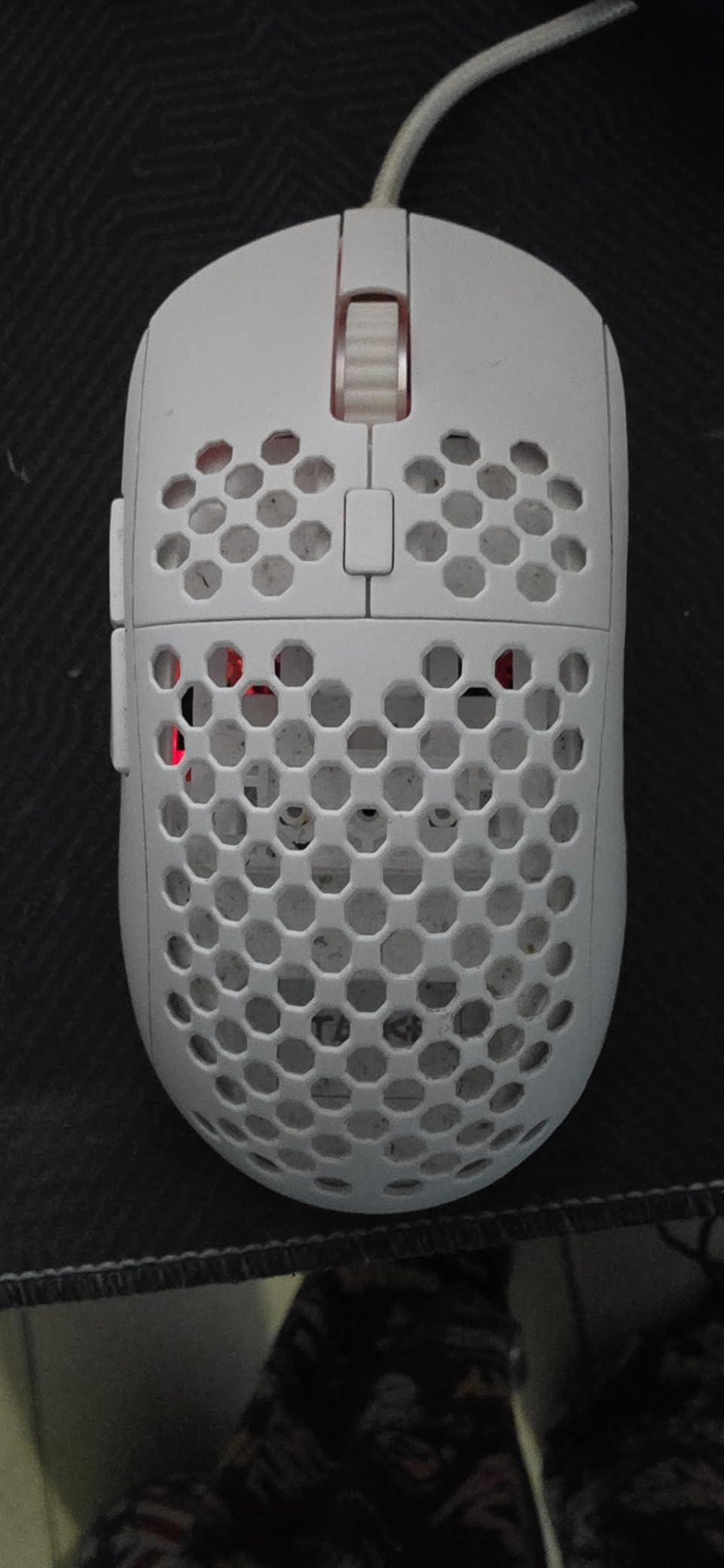
The TMKB Falcon M1SE is the mouse I recommend to anyone who wants that lightweight competitive feel without spending $60+ on a premium ultralight model. At just 75 grams, this mouse practically flies across the pad. The honeycomb shell design is the key to the low weight, and as a bonus it keeps your hand surprisingly cool during long sessions. The first time I picked it up, the weight difference compared to standard mice was immediately noticeable.
The 12800 DPI optical sensor is the highest base DPI on this list, and it tracks accurately across all sensitivity settings. The drag-free paracord cable is another standout feature. It is so flexible that during gameplay I genuinely forgot I was using a wired mouse. This is a big deal because stiff cables are one of the most common complaints about budget mice, and TMKB solved it at this price point.
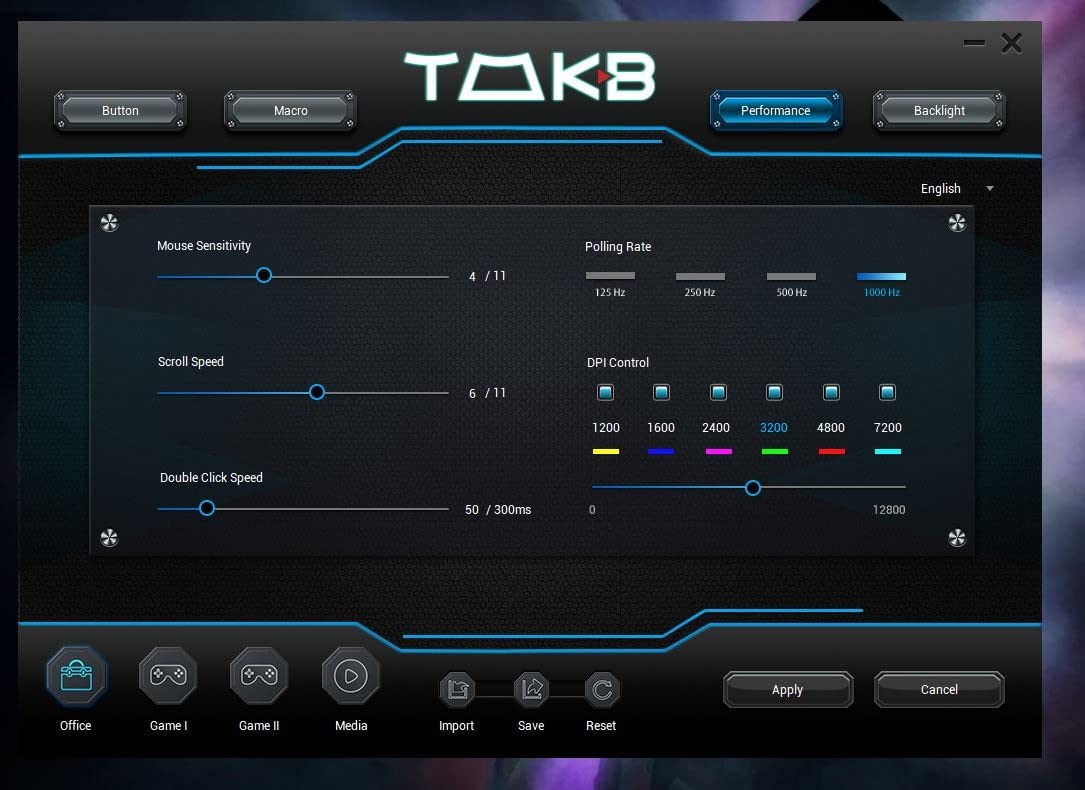
Customization is solid with six programmable buttons and four configuration layers you can switch between on the fly. The RGB system supports 16.8 million colors, though the software interface for setting it all up is pretty basic. I got my profiles configured in about ten minutes, but the UI is not as intuitive as I would like.
Some users have noted that the plastic housing feels less premium compared to solid-shell mice, and the honeycomb holes collect dust over time. The clicks are also louder than average, which could be an issue if you game in a shared space or late at night. These are trade-offs for the ultralight design, and for competitive gamers they are usually worth it.
Who Should Buy the TMKB Falcon M1SE
Competitive FPS gamers who want the lightest possible mouse under $25 should look no further. The 75g weight combined with the flexible paracord cable creates a near-wireless experience that excels in fast-paced games like Valorant, Apex Legends, and Overwatch. It is also great for gamers who run hot and want a breathable honeycomb design.
Who Should Look Elsewhere
If you prefer a solid, premium-feeling shell over lightweight performance, the honeycomb design will not satisfy you. The louder clicks are also a dealbreaker if you game in a quiet environment or shared room. For a wireless alternative with similar lightweight feel, consider the FFJ Master01.
6. Acer Wired Gaming Mouse – Highest DPI Under $25
Acer Wired Gaming Mouse, 12,800 DPI RGB Ergonomic Computer Mouse for PC
12800 DPI Sensor
8 Programmable Buttons
Rapid Fire
12 RGB Modes
Braided Cable
1000Hz Polling
+ Pros
- 12800 DPI sensor with 1000Hz polling rate
- 12 distinct RGB backlit modes
- Braided cable for durability
- Rapid fire button for gaming advantage
– Cons
- Software can be difficult to find and install
- Lowest DPI setting may be too slow for some users
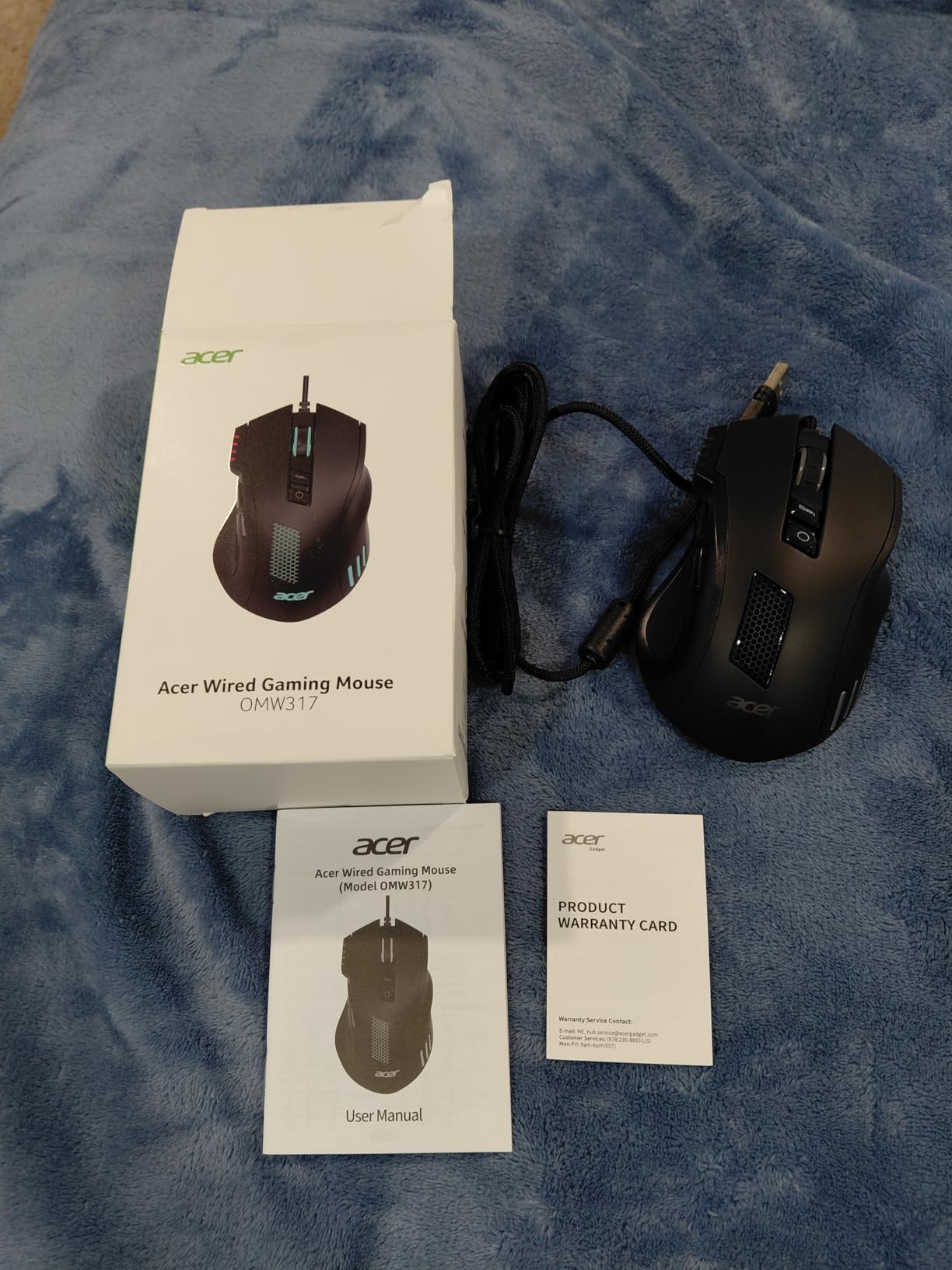
Acer is not the first brand most people think of for gaming mice, but the OMW317 model brings impressive specs to the budget category. The 12800 DPI optical sensor matches the TMKB Falcon and delivers precise tracking across a wide range of sensitivity settings. Combined with a 1000Hz polling rate, 20G acceleration, and 7000 FPS scanning, the technical performance punches well above its price tag.
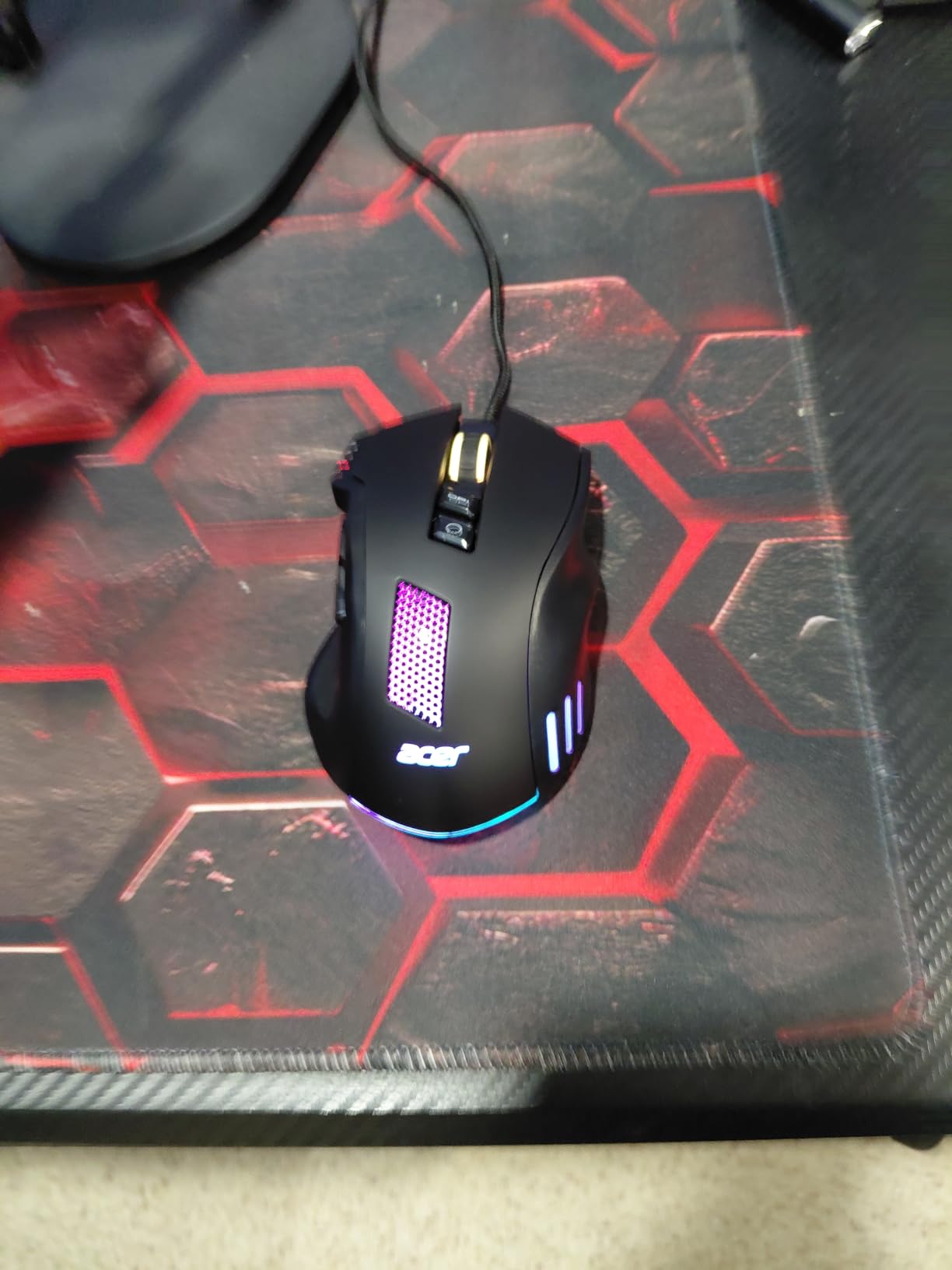
The ergonomic design fits medium to large hands comfortably, and the 8 programmable buttons give you solid macro and keybind options. The braided cable is a nice touch at this price point because it resists tangling and should hold up longer than standard rubber cables. The 12 RGB backlit modes offer plenty of visual customization without needing software to toggle between them.
My biggest frustration with this mouse was the software. Finding the correct download required some digging on Acer’s website, and the interface itself is not particularly user-friendly. Once I got it installed, button programming and DPI configuration worked fine, but the initial setup process was more effort than it should be. The RGB customization options through the software are also more limited than the 12 modes suggest.
At 190 grams, this is the heaviest mouse on our list. That weight provides stability for gamers who prefer a planted feel, but it is not ideal for fast-paced competitive titles where quick flick movements matter. The rapid fire button works well in compatible games, though some users report it does not function properly with every title. Overall, the Acer OMW317 delivers strong specs and a comfortable shape if you are willing to put up with the software situation.
Who Should Buy the Acer Wired Gaming Mouse
Gamers who want top-tier sensor specs at a budget price will appreciate the 12800 DPI and 1000Hz polling rate combo. This mouse is a good fit for players with medium to large hands who prefer a heavier, stable feel. If you like having a rapid fire button and 12 preset RGB modes you can cycle through without software, the Acer delivers.
Who Should Look Elsewhere
If you want software that is easy to find and use, the Logitech G203 or Razer DeathAdder are better choices. The 190-gram weight rules this out for competitive FPS gamers who need quick, effortless mouse movements. If lightweight agility is your priority, the TMKB Falcon M1SE at 75 grams is the better option.
7. FFJ Wireless Gaming Mouse – Best Wireless Features
FFJ Wireless Gaming Mouse, 24000 DPI, Rechargeable Gaming Mice for PC, Mac
24000 DPI Sensor
Tri-Mode Connectivity
75hr Battery
6 Buttons
80M Click Lifespan
RGB Backlight
+ Pros
- Three connection modes including Bluetooth 5.3
- Impressive 75-hour battery life with RGB off
- 24000 DPI sensor is best-in-class for the price
- Lightweight at just 77 grams
– Cons
- DPI button placement leads to accidental presses
- Some users report software security warnings
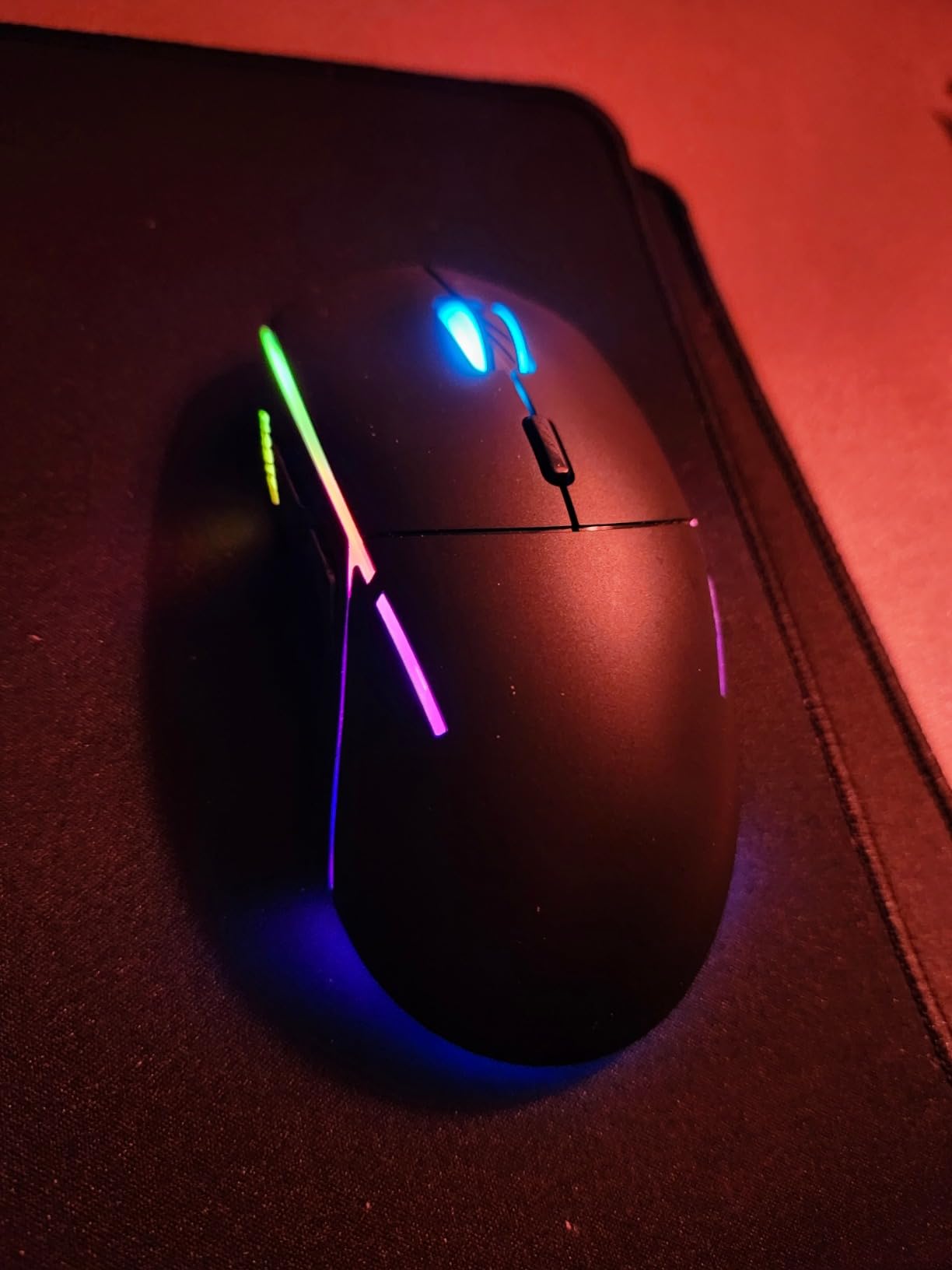
The FFJ Master01 is the most feature-packed wireless gaming mouse I have found under $25, and it is not even close. Tri-mode connectivity means you can use it with a 2.4GHz wireless dongle, Bluetooth 5.3, or USB-C wired mode. That versatility alone makes it stand out in this price range. I tested all three connection modes and experienced zero noticeable lag in 2.4GHz and wired modes, while Bluetooth was perfectly adequate for casual gaming and productivity work.
The 24000 DPI sensor is the highest on this entire list, though honestly most gamers will never need anything above 8000 DPI. What matters more is that the sensor tracks accurately at every sensitivity level I tested. The 1000mAh built-in battery delivers up to 75 hours of use with RGB off, or about 40 hours with lighting enabled. Charging via USB-C takes roughly 1.5 hours to full, and you can keep using the mouse while it charges.
At 77 grams, the FFJ is one of the lightest wireless options on the market at any price. The ambidextrous design works for both left and right-handed users, though the side buttons are only on the left side. The 80 million click lifespan rating suggests these switches should last years under normal use.
Two issues stood out during testing. First, the DPI button on top is very easy to hit accidentally during gameplay, which can suddenly change your sensitivity mid-fight. I had to train myself to avoid it. Second, some users report that the configuration software gets flagged by security scanners, which is concerning. I used it without issues, but it is worth being cautious and scanning any download before installing.
Who Should Buy the FFJ Wireless Gaming Mouse
Anyone who wants premium wireless features at a budget price should seriously consider the FFJ Master01. The tri-mode connectivity makes it incredibly versatile for switching between a gaming PC, laptop, and even a tablet or phone. It is ideal for gamers who want a lightweight wireless mouse with long battery life and do not mind a slightly larger shell.
Who Should Look Elsewhere
If the software security concerns bother you, the Redragon M656 Gainer is a safer wireless alternative. The FFJ’s larger size also may not work well for competitive claw grip players with smaller hands. If you do not need wireless features, the Logitech G203 offers a more polished overall package at a similar price.
8. Redragon M656 Gainer Wireless – Best Budget Wireless
Redragon M656 Wireless Optical Gaming Mouse 4000 DPI Remapping Keys
PAW3104 Pixart Sensor
4000 DPI
7 Buttons
2.4GHz Wireless
10m Range
Smart ECO Sleep
+ Pros
- Stable wireless connection with no perceptible lag
- Comfortable shape for extended gaming sessions
- PAW3104 Pixart sensor for reliable tracking
- Smart ECO sleep mode preserves battery
– Cons
- AA battery life is shorter than rechargeable alternatives
- Red LED only with no color customization
The Redragon M656 Gainer proves that wireless gaming does not have to be expensive. Using a 2.4GHz nano receiver, this mouse delivers a lag-free connection that held up during FPS and MOBA testing without any noticeable stuttering or disconnection. The PAW3104 Pixart optical sensor is a legitimate gaming sensor, not a repurposed office mouse component, and it shows in the tracking accuracy.
Five DPI levels ranging from 1000 to 4000 give you enough sensitivity range for most gaming scenarios. The seven programmable buttons with macro support are generous for a wireless mouse at this price. I set up side buttons for push-to-talk and quick weapon switching, and the configuration held without any issues through multiple gaming sessions.
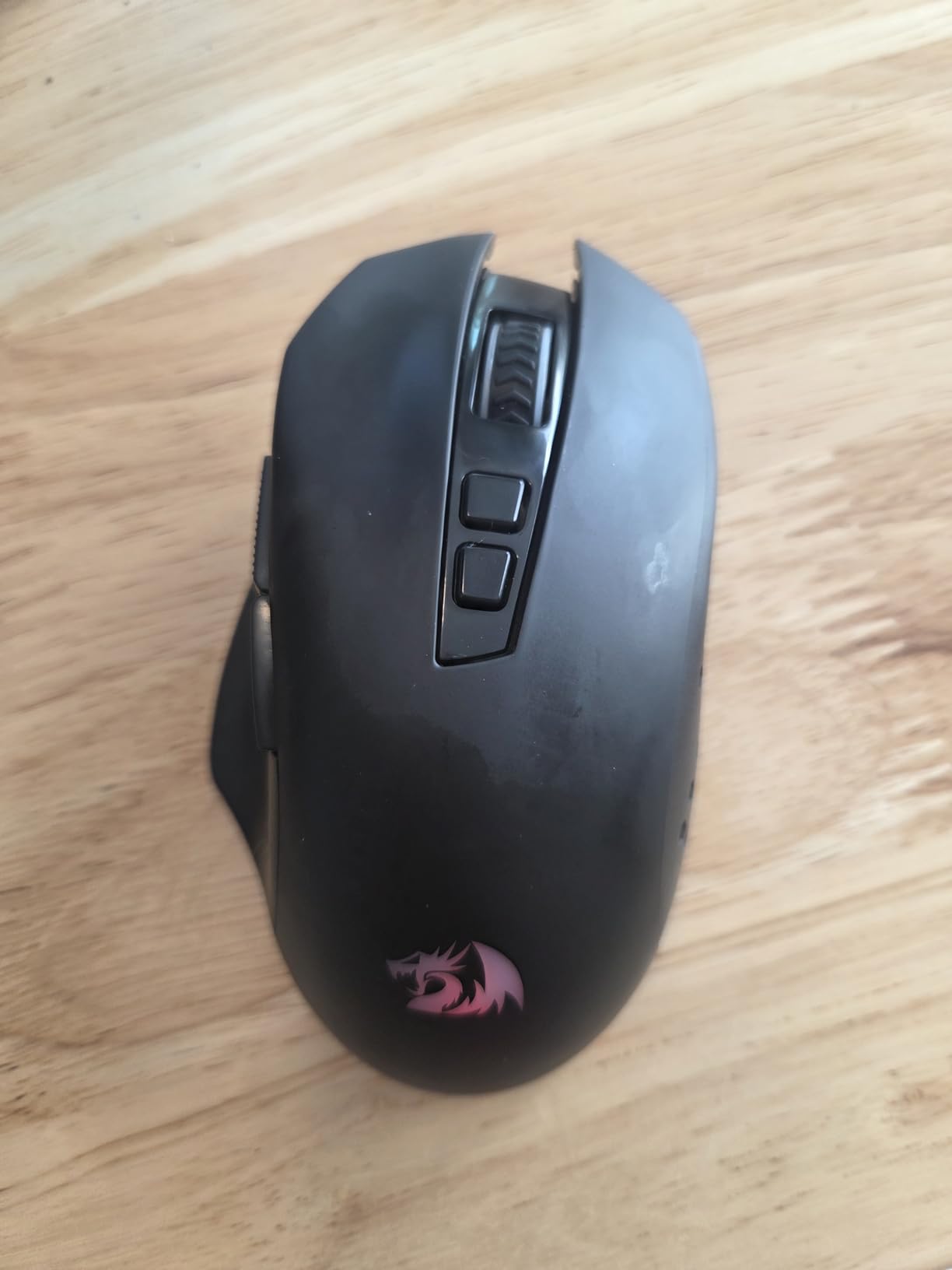
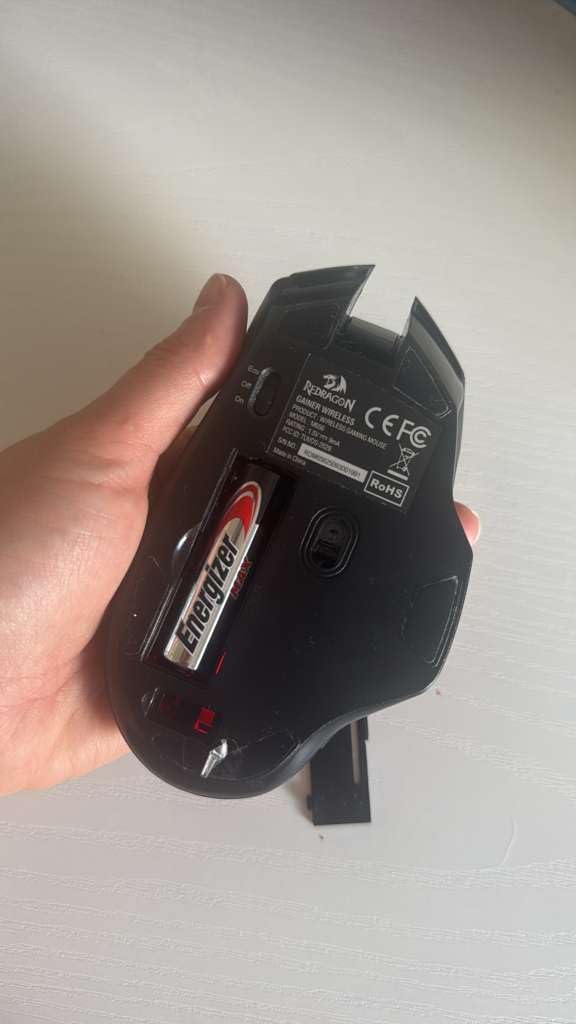
The shape is comfortable for right-handed users with a palm or claw grip, and the mouse feels well-built despite the low price. The smart ECO sleep mode automatically reduces power consumption when idle, which helps stretch the AA battery life. However, you are still reliant on disposable batteries or rechargeable AAs, which adds ongoing cost and environmental waste compared to built-in rechargeable options.
The red LED backlight is basic compared to the RGB offerings on other mice in this list. It is only red, and it cannot be customized to other colors. For some gamers this is fine, but if RGB matching your setup matters, you will be disappointed. I also noticed the rubber feet had some excess plastic molding that needed to be peeled off for smooth gliding out of the box.
Who Should Buy the Redragon M656 Gainer
This mouse is perfect for gamers who want a reliable wireless experience on a strict budget. If you prefer the simplicity of AA batteries over USB charging and want a proven Pixart sensor, the M656 delivers. It is also a solid pick for casual to intermediate gamers who want wireless freedom without paying premium prices.
Who Should Look Elsewhere
If you want customizable RGB lighting, the red-only LED on the M656 will disappoint. Gamers who prefer built-in rechargeable batteries should look at the FFJ Master01 or LuLabboard wireless options. The 4000 DPI maximum may also feel limiting if you are used to higher sensitivity settings on larger monitors.
9. BENGOO Gaming Mouse Wired – Best Ultra-Budget Pick
BENGOO Gaming Mouse Wired with RGB Backlit, Ergonomic PC Computer Mice
3600 DPI
6 Programmable Buttons
RGB Backlit
Ergonomic Design
Plug and Play
+ Pros
- Incredibly affordable at under $10
- Durable build with 14k+ user reviews
- RGB lighting with multiple colors
- Plug and play with no driver required
– Cons
- Short cord may not work for all setups
- Clicks are not silent
The BENGOO wired gaming mouse costs less than a fast food meal and delivers more gaming performance than it has any right to. With 14,248 reviews and a 4.6-star rating, this mouse has been battle-tested by thousands of budget gamers. I was skeptical at this price point, but after using it for a week of casual gaming and daily browsing, I came away impressed with the value proposition.
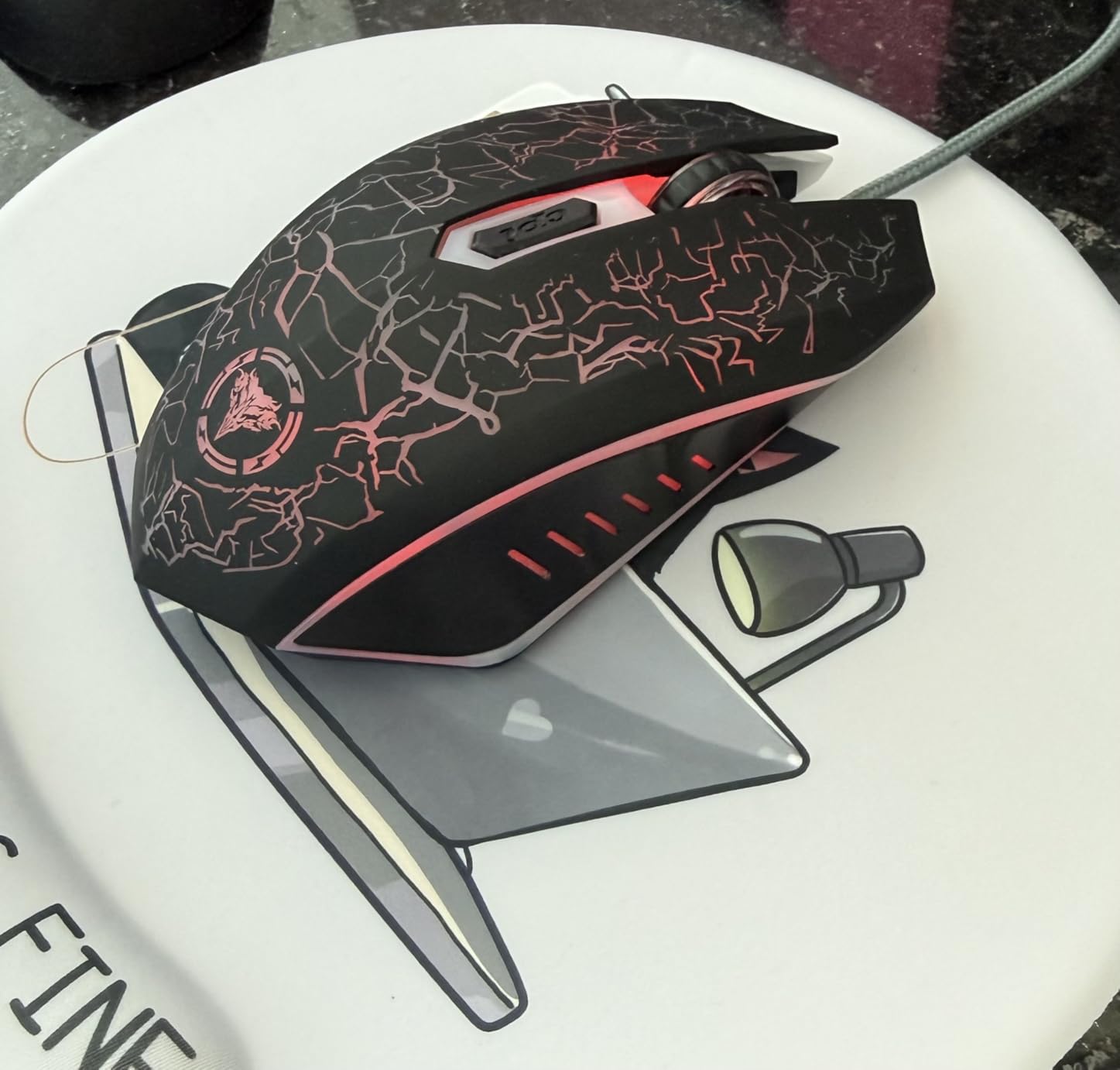
The 3600 DPI optical sensor with four adjustable levels (1200, 1600, 2400, 3600) covers the range most casual gamers actually use. The six buttons are responsive and the ergonomic ambidextrous design works for both left and right-handed users. The RGB backlit system cycles through multiple colors and adds a nice visual touch to any desk setup.
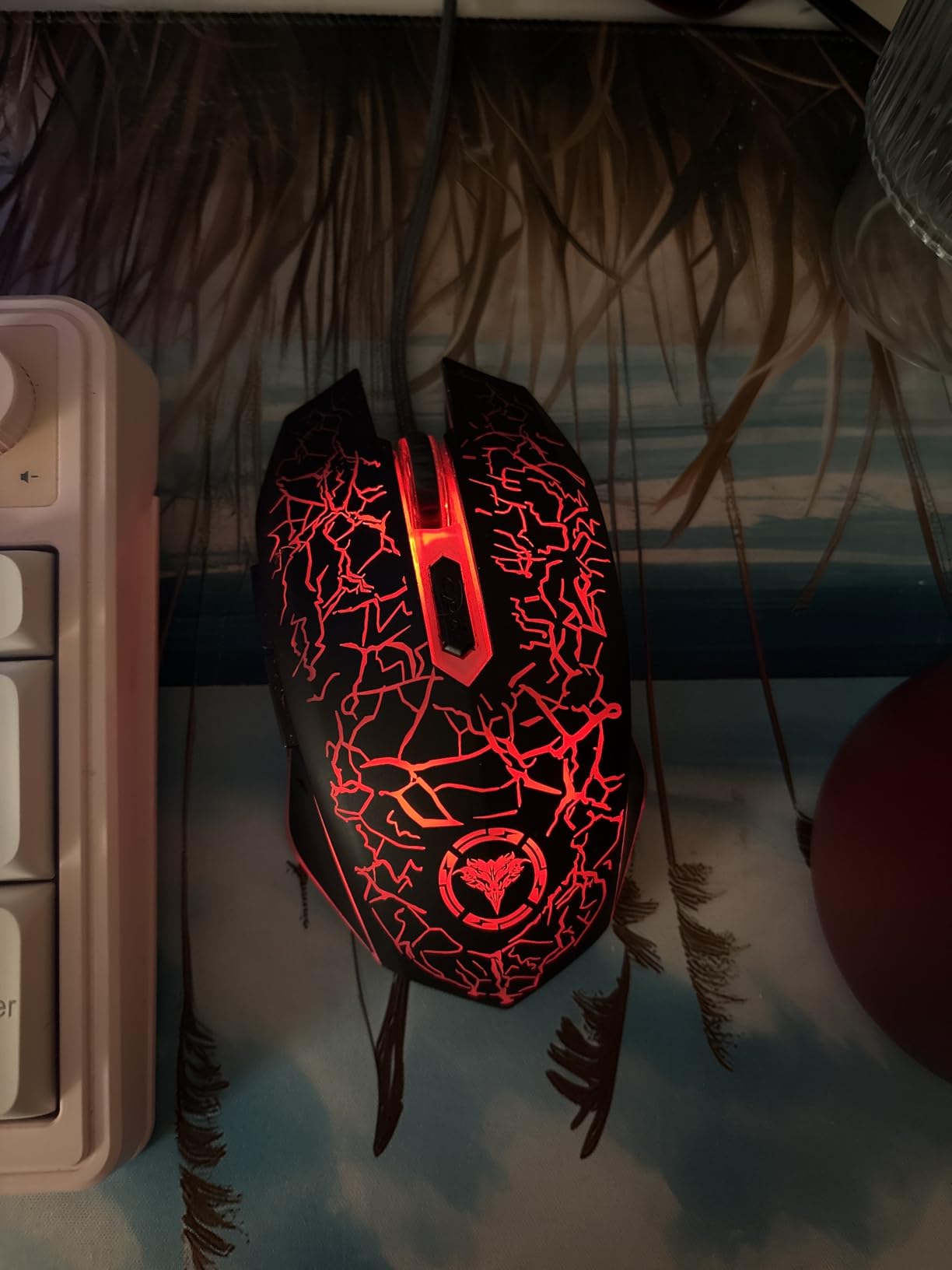
One of the best things about the BENGOO is the plug and play simplicity. No drivers, no software, no account creation. Just plug it in and start gaming. This makes it an excellent option for kids, students, or anyone who wants a gaming mouse without any configuration hassle. Many users report using this mouse for two or more years without issues, which is remarkable at this price.
The short cable is my main complaint. Depending on your desk setup, the cord length may not reach comfortably from your PC to your mouse pad. The clicks are also standard mechanical switches, so they are not silent. For the price though, these are minor trade-offs. This is the mouse I would buy as a backup, for a secondary PC, or for someone just getting into PC gaming.
Who Should Buy the BENGOO Gaming Mouse
This mouse is ideal for absolute budget shoppers who want something that works without any setup. It is a great starter gaming mouse for kids, students, or anyone building their first PC on a tight budget. If you need a reliable backup mouse or a secondary mouse for a different setup, the BENGOO gets the job done for less than $10.
Who Should Look Elsewhere
If you need software customization for macros, DPI fine-tuning, or RGB control, the BENGOO offers none of that. The short cable rules it out for setups where the mouse is far from the PC. Competitive gamers who need higher DPI and more precise sensor performance should step up to the Logitech G203 or Redragon M602.
10. LuLabboard Wireless Gaming Mouse – Best Silent Click Option
LuLabboard Wireless Gaming Mouse, Rechargeable Wireless Computer Mouse, 7-Color LED Light, Ergonomic Mouse with 6 Silent Click Buttons, 3 Adjustable 2400 DPI Wireless Mouse for Laptop,PC,Mac, Black
2400 DPI
6 Silent Click Buttons
2.4GHz Wireless
Rechargeable Battery
7-Color LED
30-Day Battery
+ Pros
- Silent clicks perfect for quiet environments
- Rechargeable battery with wired backup mode
- 7-color LED backlight
- Ergonomic right-handed design
– Cons
- Some reports of quality control issues
- DPI settings may not function correctly for all users
The LuLabboard wireless gaming mouse solves a problem most gaming mice ignore: noise. If you game in a shared dorm, apartment with thin walls, or work late at night when others are sleeping, silent clicks are a game-changer. I tested this mouse alongside a standard mechanical-switch mouse, and the difference in noise level was dramatic. Your roommates or family members will thank you.
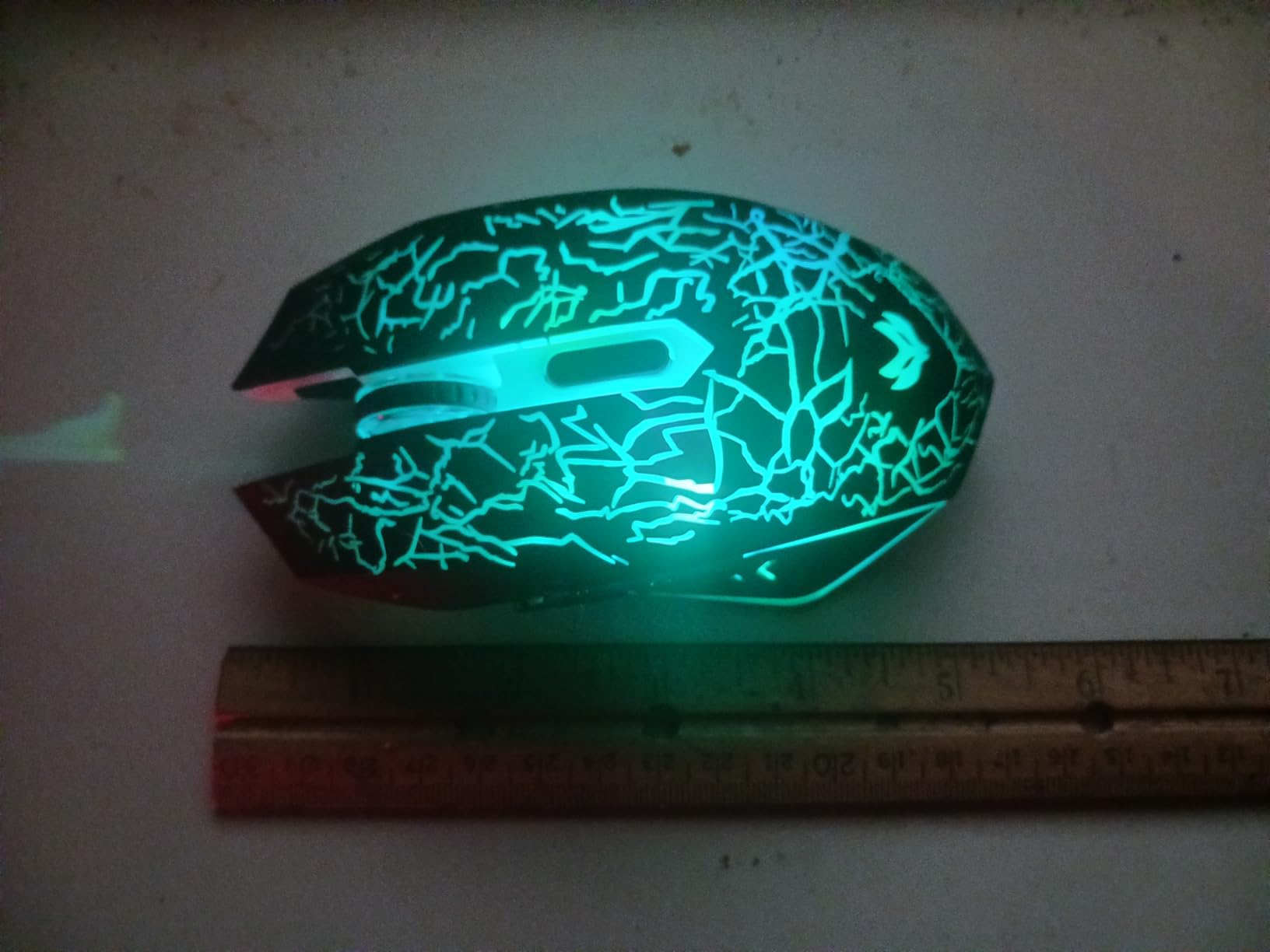
Three adjustable DPI levels (1200, 1600, 2400) cover the basics for casual and moderate gaming. The 2.4GHz wireless connection with a 10-meter range is reliable, and the rechargeable battery lasts about 20 to 30 days depending on usage and RGB settings. A nice feature is that you can continue using the mouse in wired mode while it charges, so you never have downtime.
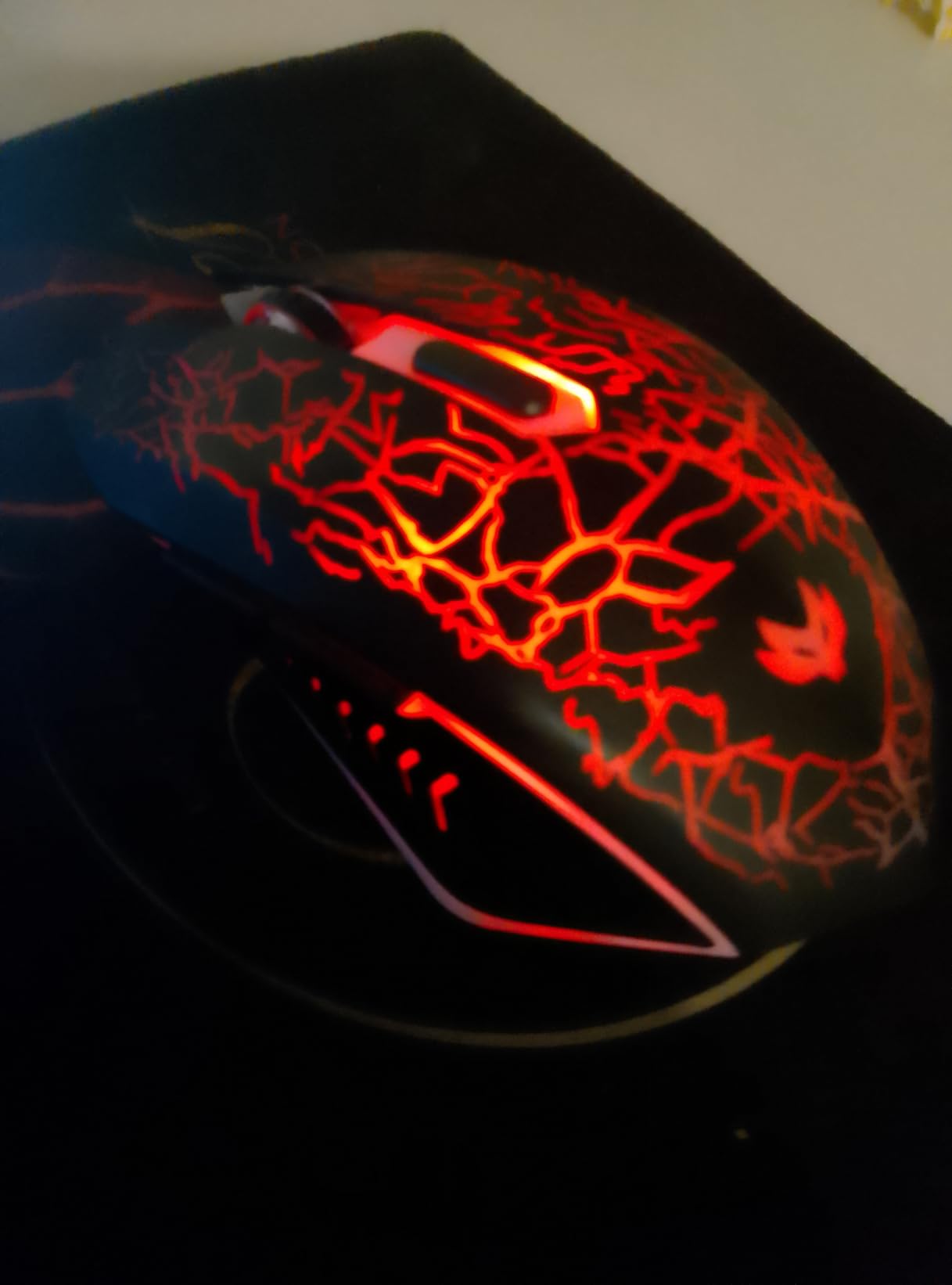
The ergonomic right-handed design is comfortable for extended use, and the 90-gram weight feels balanced. The 7-color LED backlight adds visual flair and can be turned off to save battery. Six buttons including forward and back side buttons give you basic navigation and gaming functionality.
Quality control is the concern here. Some users report receiving units where the DPI switching did not work properly, or the LED lighting stopped functioning after a few months. The 18-month after-sale service provides some protection, but dealing with returns on a budget item is never fun. The 4.4-star average rating suggests most units are fine, but the variance is higher than on more established brand options like Logitech or Razer.
Who Should Buy the LuLabboard Wireless Mouse
This mouse is purpose-built for gamers who need silent operation. If you game in shared living spaces, work late at night, or just prefer quieter peripherals, the silent clicks make a real difference. It is also a solid pick if you want a rechargeable wireless mouse and the convenience of wired backup charging.
Who Should Look Elsewhere
If click noise is not a concern for you, there are better-performing options at similar prices. The Redragon M656 Gainer offers a better sensor and more reliable build quality as a wireless alternative. Competitive gamers who need higher DPI and more precise tracking should skip this one entirely. The quality control variance also makes it a riskier pick for long-term durability.
11. SMAIGE Gaming Mouse Wired – Solid All-Rounder
SMAIGE Gaming Mouse Wired,6 Buttons, 4 Adjustable DPI Up to 3200 DPI, 7 Circular & Breathing LED Light, Multifunction Wired Mouse Used for Games and Office (Black)
3200 DPI
6 Buttons
7-Color Breathing LED
Ergonomic Design
Plug and Play
+ Pros
- 7-color breathing LED effect looks great
- No driver needed for basic operation
- Comfortable ergonomic shape
- Good balance of gaming and office use
– Cons
- Rainbow-only lighting with no single-color option
- Plastic coating may show wear over time
The SMAIGE wired gaming mouse sits comfortably in the middle of the budget pack. It does not have the flashiest specs or the lowest price, but it delivers reliable performance across gaming and everyday computing tasks. The 3200 DPI sensor with four adjustable levels (1000, 1600, 2400, 3200) is adequate for casual and moderate gaming, and the ergonomic shape feels natural in the hand from the first use.
Six buttons including forward and back side buttons provide the basic layout most gamers need. The plug and play setup means no software installation is required for standard use, though you miss out on button reprogramming as a result. The ambidextrous design works for both left and right-handed users, though the side buttons are positioned for right-hand use.
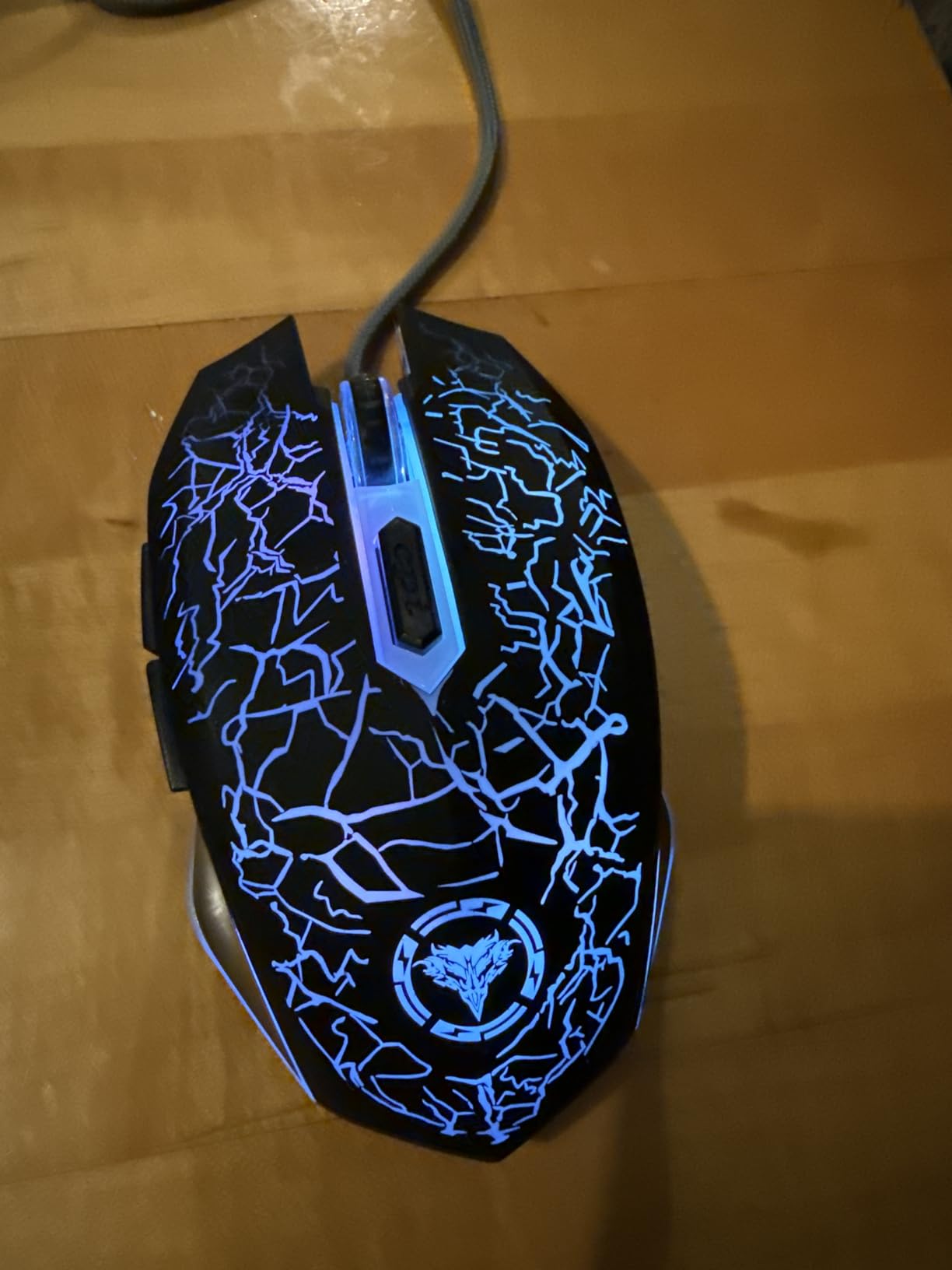
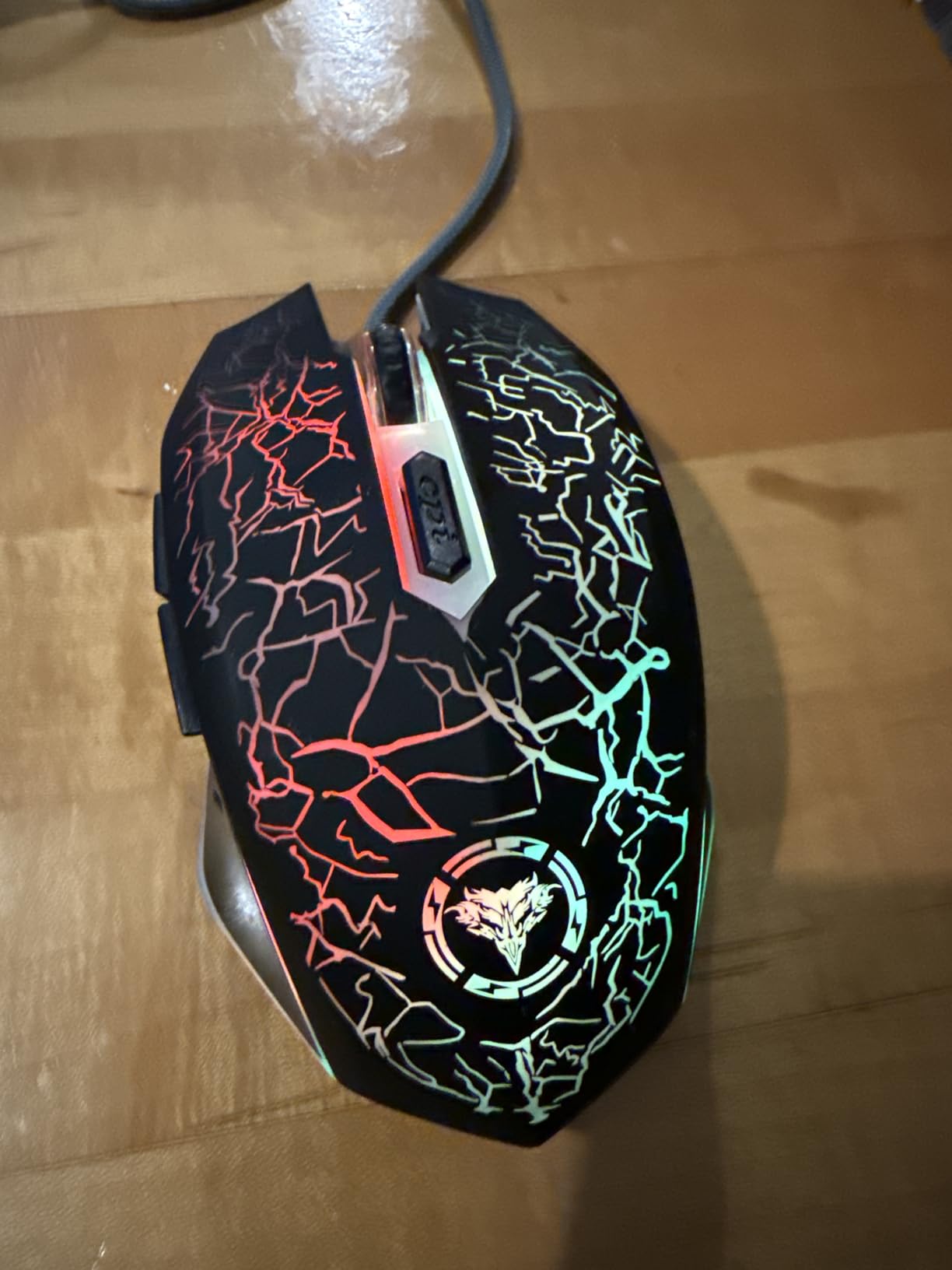
The 7-color breathing LED effect cycles through colors automatically and creates a pleasant ambient glow on your desk. However, there is no option to lock it to a single color, which will annoy anyone trying to match a specific setup theme. The rainbow cycling is the only mode available, so you either like it or you turn it off by unplugging and replugging.
At 130 grams, the SMAIGE has a decent weight that provides stability without feeling cumbersome. The plastic coating is smooth but can show wear patterns over extended use. Some users have noted that the coating develops a slightly rough texture after several months of heavy use. With 77% five-star reviews and 720 total reviews, the community feedback is consistently positive about this mouse being a dependable daily driver.
Who Should Buy the SMAIGE Gaming Mouse
This mouse is a great pick for casual gamers and office workers who want one mouse that handles both tasks well. If you like the rainbow color cycling effect and want a simple plug-and-play experience with no software to manage, the SMAIGE delivers. It is also a solid choice for anyone on a very tight budget who still wants something that looks and feels like a gaming mouse.
Who Should Look Elsewhere
If you need customizable RGB with specific color control, the rainbow-only lighting on the SMAIGE will frustrate you. Competitive gamers who want programmable buttons and higher DPI should step up to the Redragon M602 or Logitech G203. The lack of software customization also limits this mouse for power users who want macro support.
12. Rii RM105 Wired Mouse – Most Affordable Option
Rii RM105 Wired Mouse,Computer Mouse with Colorful RGB Backlight,Comfortable Grip Ergonomic Optical,USB Wired Mice Support Windows PC, Laptop,Desktop,Notebook,Chromebook
2400 DPI
5 Buttons
7-Color RGB
Ergonomic Design
Anti-Fingerprint Surface
12-Month Warranty
+ Pros
- Lowest price point on the entire list
- Anti-fingerprint and sweat-resistant surface
- Plug and play with no software
- 12-month warranty included
– Cons
- Only 2400 DPI maximum sensitivity
- RGB cannot be customized beyond default cycling
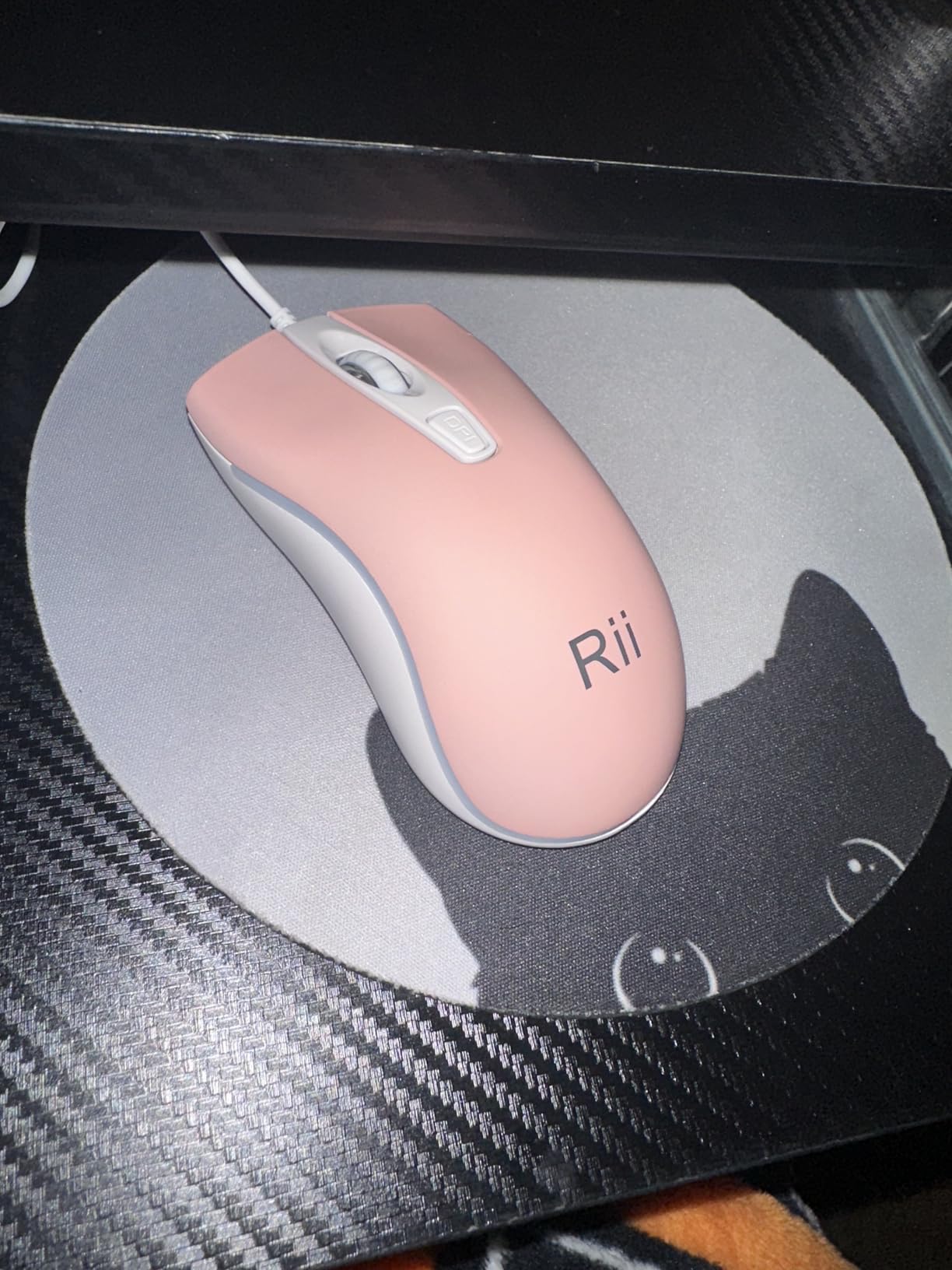
The Rii RM105 is the cheapest gaming mouse on our list, and for the price it offers remarkable value. At just $5.99, this mouse costs less than most gaming mouse pads, yet it still includes RGB lighting, an ergonomic design, and a 12-month warranty. I tested it for basic gaming and everyday tasks, and while it obviously cannot compete with $50+ mice, it handles casual gaming surprisingly well.
The 2400 DPI sensor has four speed settings and provides adequate tracking for casual FPS gaming, browsing, and general desktop use. Five buttons give you the essentials including left click, right click, scroll wheel click, and two side buttons for forward and back navigation. The ergonomic symmetrical design works for both left and right-handed users, and the anti-fingerprint surface is a thoughtful touch that keeps the mouse looking clean.
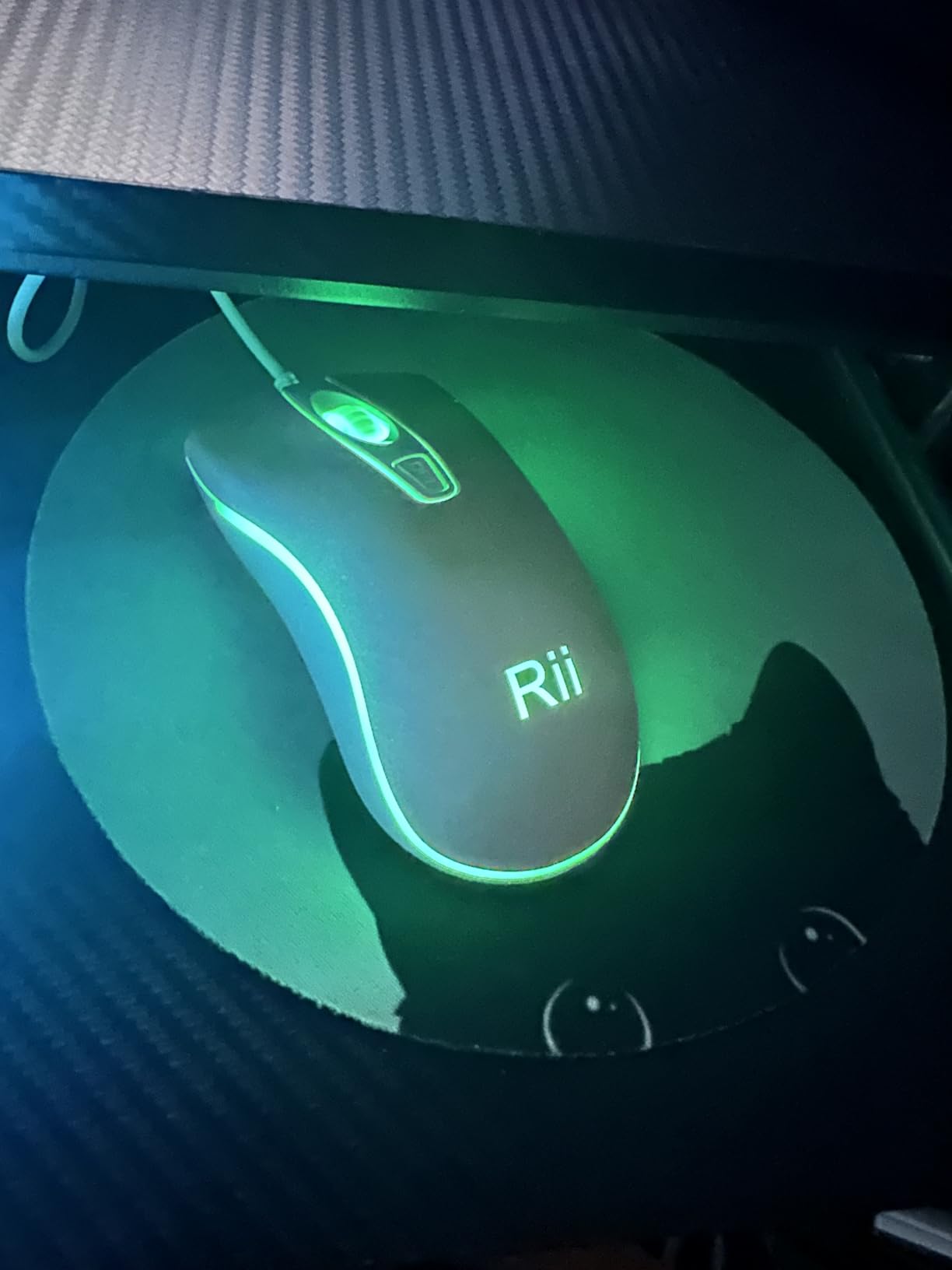
The 7-color RGB backlighting cycles through colors automatically and adds a gaming aesthetic to any setup. Like the SMAIGE though, there is no way to customize the lighting beyond the default color cycling. The plug and play setup is genuinely zero-hassle. Just plug it in and start using it immediately with no drivers or software needed.
With 4,256 reviews and a 4.5-star rating, the community has validated this as a reliable ultra-budget option. Users consistently praise the comfort and reliability, with many using it as an office mouse that happens to look like a gaming mouse. The short cord is a common complaint, similar to the BENGOO, so measure your desk setup before committing. For under $6 though, it is hard to complain too loudly.
Who Should Buy the Rii RM105
This mouse is perfect for anyone who needs the absolute cheapest functional gaming mouse available. It is great as a temporary replacement, a backup mouse, or for equipping a secondary PC. Students on the tightest budgets and parents buying for kids will appreciate the price point and 12-month warranty. It also works well as an office mouse with gaming aesthetics.
Who Should Look Elsewhere
If you are serious about competitive gaming, the 2400 DPI maximum sensitivity and basic sensor will hold you back. Anyone who needs programmable buttons, software customization, or higher build quality should spend a few more dollars on the BENGOO or step up to the Redragon M602. The short cord also makes this impractical for setups where the PC is not close to the mouse.
How to Choose the Best Gaming Mouse Under $25
Picking the right budget gaming mouse comes down to matching the mouse’s strengths to your specific needs. Here are the key factors that actually matter when you are shopping in this price range.
Sensor and DPI
The sensor is the heart of any gaming mouse. DPI (dots per inch) determines how sensitive the mouse is to movement. Most gamers play effectively between 400 and 2000 DPI, so do not get caught up chasing the highest number. The Logitech G203 with its 8000 DPI sensor and zero smoothing gives you the best tracking accuracy under $25. For casual gaming, even the 2400 DPI on the Rii RM105 is adequate.
Look for optical sensors over laser sensors for gaming. Pixart sensors like the PAW3104 in the Redragon M656 are well-regarded in the gaming community for reliable tracking. Avoid mice that do not specify their sensor type, as they often use cheap components that can skip or stutter during fast movements.
Wired vs Wireless
Wired mice offer zero latency and never need charging, which is why most of the mice on this list use USB cables. If cable drag bothers you, look for mice with flexible paracord cables like the TMKB Falcon M1SE. Wireless options under $25 have improved significantly. The FFJ Master01 with tri-mode connectivity and the Redragon M656 Gainer with 2.4GHz wireless both deliver lag-free performance that rivals wired mice.
The trade-off with wireless is battery management. Rechargeable models like the FFJ and LuLabboard need periodic USB charging, while the Redragon M656 uses AA batteries. Consider which approach fits your gaming habits better.
Grip Style and Hand Size
Your grip style dramatically affects which mouse feels right. Palm grip players need larger, more contoured mice like the Redragon M602 or Razer DeathAdder Essential. Claw grip works well with medium-sized mice like the Logitech G203. Fingertip grip players benefit from lighter, lower-profile options like the TMKB Falcon M1SE.
Hand size matters too. Large-handed gamers will find the Razer DeathAdder Essential and Redragon M612 Predator most comfortable. Small-handed gamers should look at the TMKB Falcon M1SE or the Logitech G203 for a better fit.
Weight
Mouse weight affects how quickly you can move and how much fatigue you feel during long sessions. Competitive FPS gamers typically prefer lighter mice under 80 grams, like the TMKB Falcon M1SE at 75 grams. Casual gamers and MMO players often prefer heavier mice around 120 to 130 grams for a more stable, planted feel.
Buttons and Customization
If you play MMOs, MOBAs, or games with lots of abilities, more buttons means faster access to skills. The Redragon M612 Predator with 11 programmable buttons is the clear winner here. For FPS gaming, 5 to 6 buttons is plenty. Consider whether you need software customization for macros and profiles, or if plug and play simplicity suits your style better.
Build Quality and Durability
Budget mice vary widely in durability. Look for established brands with strong warranty support. Logitech offers 2-year warranties on the G203, and Razer backs the DeathAdder Essential with 2-year coverage. Check user reviews for long-term durability reports. Forum members on r/MouseReview consistently warn about double-click issues developing on cheaper mice after 6 to 12 months, which is a common failure mode for budget mechanical switches.
Cable Quality
If you are buying a wired mouse, pay attention to the cable. Stiff cables create drag and restrict movement, which is frustrating during gaming. Braided cables like on the Acer OMW317 resist tangling but can still be stiff. Paracord-style cables like on the TMKB Falcon M1SE offer the best flexibility and feel almost wireless. Standard rubber cables like on the BENGOO and Rii RM105 are functional but may catch on desk edges.
Final Thoughts on the Best Gaming Mouse Under $25
You do not need to spend a fortune to get a gaming mouse that performs well. After testing and comparing all 12 of these options, a few clear winners emerged. The Logitech G203 is our overall top pick thanks to its zero-smoothing 8000 DPI sensor, trusted brand warranty, and polished software. For the best value, the Redragon M602 brings community-validated performance with over 33,000 reviews. And if you need the cheapest functional option, the BENGOO Gaming Mouse delivers reliable gaming performance for under $10.
The best gaming mouse under $25 for you depends on what you value most. Wireless freedom? Go with the FFJ Master01. Lightweight competitive feel? The TMKB Falcon M1SE at 75 grams. Maximum buttons? The Redragon M612 Predator with 11 programmable options. Any of these picks will serve you well without breaking the bank in 2026.
Leave a Reply