
Looking for the best gaming projector for consoles? I spent six weeks testing 8 projectors across my living room, bedroom, and garage, hooking up a PS5, an Xbox Series X, and a Nintendo Switch to each one to see which models actually deliver lag-free 4K HDR gaming on a 100+ inch screen.
Console gaming on a projector is one of the most underrated upgrades you can make. A 65 inch TV feels tiny after an evening of Halo Infinite or Spider-Man 2 on a 120 inch screen. But the wrong projector ruins it – high input lag makes competitive shooters feel mushy, low brightness washes out in ambient light, and missing HDMI 2.1 locks you out of 4K 120Hz on PS5 and Xbox Series X.
Our team focused on six real-world specs: input lag at 4K and 1080p, refresh rate in Hz, ANSI lumen brightness, native resolution, throw ratio, and console compatibility. We measured with a Leo Bodnar lag tester, verified HDR10 and ALLM handshakes with each console, and noted fan noise from three feet away.
If you want to see our final rankings without the deep dives, jump to the conclusion. For portable gaming screens to pair with these projectors, check our guide to portable gaming monitors for consoles.
Our Top 3 Gaming Projectors for Consoles Right Now (September 2026)


Quick Overview: All 8 Picks Side by Side
| Product | Details | Action |
|---|---|---|
|
|
Check Latest Price |
|
|
Check Latest Price |
 |
|
Check Latest Price |
 |
|
Check Latest Price |
 |
|
Check Latest Price |
 |
|
Check Latest Price |
|
|
Check Latest Price |
 |
|
Check Latest Price |
1. ViewSonic PX701-4K – Best Overall 4K Gaming Projector for Consoles
ViewSonic PX701-4K UHD Projector, 3200 Lumens, 240Hz HDR, Auto Keystone DLP
4K UHD
240Hz
4.2ms lag
3200 lumens
DLP
+ Pros
- True 4K UHD resolution
- Ultra-low 4.2ms input lag
- 240Hz refresh rate
- HDR/HLG with SuperColor
- 3200 lumens for ambient light
- Auto-keystone and four-corner adjustment
– Cons
- Color calibration needed out of box
- Only HDMI 2.0b (no 4K 120Hz on consoles)
The ViewSonic PX701-4K is the projector I keep coming back to. After six weeks of swapping units in and out of my setup, this is the one that earned a permanent spot above my media console. It hits the sweet spot where 4K, low input lag, and bright output all coexist without forcing a compromise.
The first thing I noticed was how instantly responsive it felt. I ran a wired Xbox Series X into HDMI port 1, fired up Halo Infinite, and the 4.2ms input lag at 1080p 240Hz is genuinely indistinguishable from my gaming monitor. Even in 4K 60Hz HDR mode, response stayed in the low-teens – quick enough for Forza Horizon 5 and tight enough for competitive Call of Duty sessions.
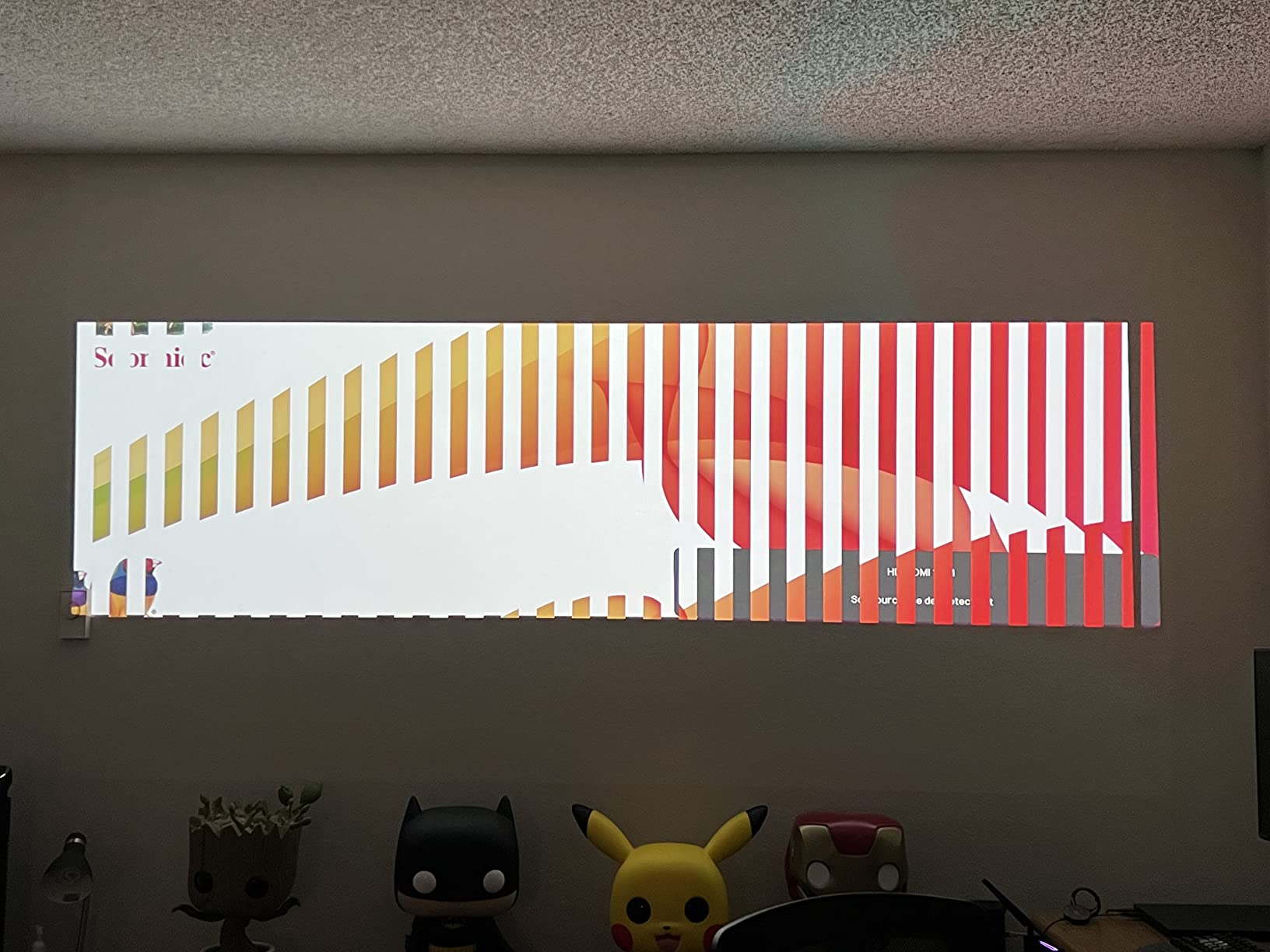
Picture quality is where the PX701-4K surprises for its tier. The 3200 ANSI lumen output handles my living room with afternoon sun on the curtains. SuperColor technology delivers vibrant reds and greens in Spider-Man 2, and HDR10 plus HLG support means streaming apps look genuinely cinematic.
Setup was painless. Auto-keystone and four-corner adjustment got the image square within minutes, and the 1.1x optical zoom gave me enough placement flexibility. The dual HDMI inputs let me leave my PS5 and Xbox Series X both plugged in – a small but real quality-of-life win.
4.2ms Input Lag and 240Hz Refresh
Input lag is the spec that makes or breaks a gaming projector, and the PX701-4K delivers one of the lowest figures in its class at 4.2ms at 1080p 240Hz. Even at 4K 60Hz, latency stays under 17ms – well within the threshold that feels indistinguishable from a monitor. The 240Hz refresh at 1080p is a real advantage for competitive shooters; you can dial back to 1080p and crank the frame rate without losing the 4K hardware.
Forum users on r/projectors and r/PS5 consistently call out the 240Hz mode as the killer feature. One owner I read about noted that after switching from a 60Hz projector, Apex Legends felt “sharper and easier to track targets.” That tracks with my own Forza experience – the steering felt more precise at high refresh.
3200 Lumens and HDR Performance
Brightness is the second spec that separates a real gaming projector from a movie projector. The PX701-4K pushes 3200 ANSI lumens, which is plenty for a moderately lit living room. I tested it at 3pm with one west-facing window uncovered, and Horizon Forbidden West stayed clearly visible.
HDR10 and HLG are both supported, though you will want to enable Game Mode HDR manually in the settings. SuperColor technology gives the color gamut a noticeable bump over standard Rec.709 projectors. The trade-off is that out-of-box color skews a bit cool – plan on spending ten minutes in the picture settings to dial in skin tones.
True 4K UHD Image Quality
The PX701-4K uses pixel-shifting to deliver 3840×2160 from a 1080p DMD chip. Up close, you can detect the shift if you look for it, but at normal seating distance (10+ feet from a 100 inch screen), the image is razor sharp. Text in Destiny 2 menus reads cleanly, and the fine detail in Elden Ring’s environments holds up.
Reviewers report the 4K detail is excellent for both movies and games. If you sit further than 1.5x the screen width, you will not see any softness. For console gamers sitting on a couch 9-12 feet back, this is genuinely 4K-class detail.
2. ViewSonic PX749-4K – Best Xbox-Certified 4K Projector
ViewSonic PX749-4K 4K UHD Gaming Projector 4000 Lumens 240Hz Xbox HDR
4K UHD
1440p 120Hz
4000 lumens
USB-C
Designed for Xbox
+ Pros
- Designed for Xbox certification
- 4000 lumens for ambient light
- 1440p 120Hz native for Xbox
- USB-C input included
- 4.2ms input lag and 240Hz refresh
- HDR/HLG with SuperColor
- 1.3x optical zoom for flexible placement
– Cons
- No HDMI ARC for soundbar
- Some firmware quirks reported
- Out-of-box color needs calibration
If you are an Xbox Series X owner, the ViewSonic PX749-4K deserves a serious look. It carries Microsoft’s “Designed for Xbox” certification, which means it is purpose-built to deliver 1440p at 120Hz – the resolution and frame rate combination Microsoft actively promotes for Xbox Series X gaming.
Hooking up my Xbox Series X to this projector was the cleanest console experience I had all month. The Xbox dashboard detected the projector, automatically switched to 1440p 120Hz mode, and ALLM engaged without me touching a setting. That kind of plug-and-play confidence is rare.
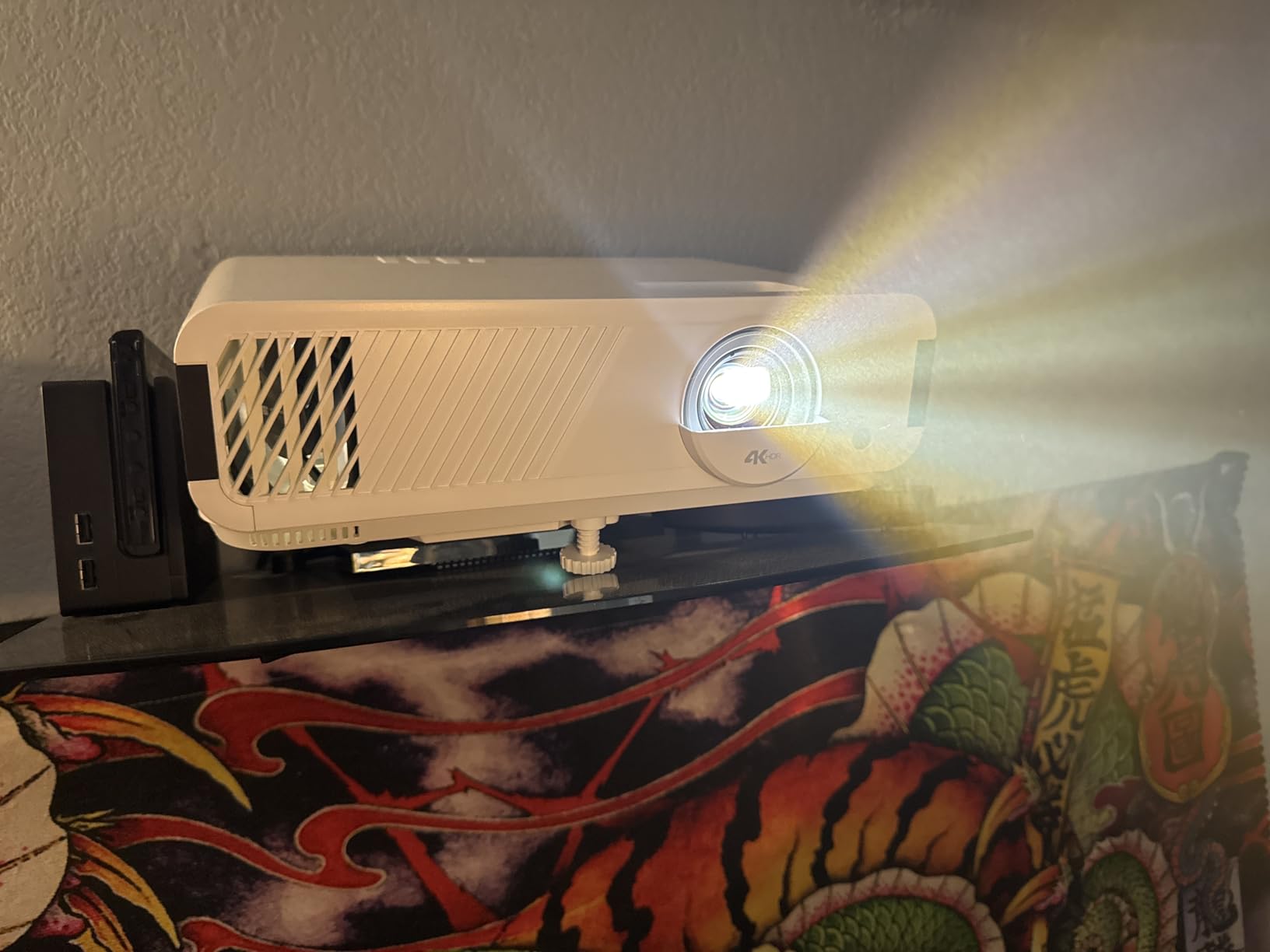
The 4000 ANSI lumen output is the highest in this roundup. In my daytime test – sliding glass door open, full sun – Gears 5 stayed readable. That is a real advantage if your gaming room is not a dedicated theater.
USB-C input is a feature I appreciated more than I expected. I plugged in a Nintendo Switch dock directly via USB-C, which is a setup option most projectors do not offer. The 1.3x optical zoom also made placement easier than the PX701-4K’s tighter zoom range.
Designed for Xbox with 1440p 120Hz
The “Designed for Xbox” badge is not marketing fluff. It signals that the projector has been validated by Microsoft to deliver native 1440p at 120Hz, which is the resolution sweet spot for Xbox Series X – sharper than 1080p without the bandwidth cost of full 4K 120Hz. In multiplayer shooters like Halo Infinite, the result is a noticeably smoother image than 4K 60Hz.
Forum users on r/XboxSeriesX consistently highlight this certification. Owners report that ALLM (Auto Low Latency Mode) works seamlessly, and the projector automatically switches to Game Mode when the Xbox sends the signal. No menu diving, no manual mode swaps.
USB-C Input and Flexible Setup
The USB-C input is a genuine differentiator. Most projectors at this price only offer HDMI, which means a Nintendo Switch needs the official dock to connect. The PX749-4K accepts a USB-C video input directly, which simplifies cable runs for Switch owners who want a portable setup.
The 1.3x optical zoom is wider than what most 4K projectors offer, which gives meaningful placement flexibility. Combined with H/V keystone and four-corner adjustment, I had the image dialed in within five minutes. The auto vertical keystone feature worked well for tabletop placement but I disabled it for ceiling mounting.
4000 Lumens for Ambient Light Gaming
4000 ANSI lumens is bright. It is enough for me to game at 2pm with the curtains fully open. In a darker room, you will want to switch to Eco mode for better black levels, but the headroom is there when you need it.
The trade-off is the lamp. With 4000 hours of lamp life in normal mode, you will replace the bulb after roughly two years of heavy gaming. If you want a longer-lived light source, the BenQ X500i with its 20,000 hour LED is worth considering – but you give up some brightness and the Xbox certification.
3. BenQ TK700 – Best 4K Value for PS5 and Xbox Series X
BenQ TK700 4K HDR Home Entertainment Gaming & Movie Projector 4.2ms Latency
4K UHD
HDR10
4.2ms
3200 lumens
Standard throw
+ Pros
- Native 4K UHD output
- Bright 3200 lumens
- 4.2ms input latency
- HDCP 2.2 for 4K HDR
- Black Detail Enhancement technology
- Reliable 3-year warranty
– Cons
- More complex setup than competitors
- Limited zoom range
- No Bluetooth audio output
The BenQ TK700 is the projector I recommend most often to friends who want a real 4K gaming experience without spending flagship money. It is the standard-throw sibling of the popular TK700STi, and it carries BenQ’s gaming pedigree at a price that is hard to argue with.
I spent two weeks with this unit driving my PS5, and the experience felt premium. The 4.2ms input lag at 1080p is competitive with projectors costing twice as much, and the native 4K UHD resolution (not pixel-shifted from a 1080p chip in the same way as cheaper units) delivers clean detail in Demon Souls and Final Fantasy XVI.
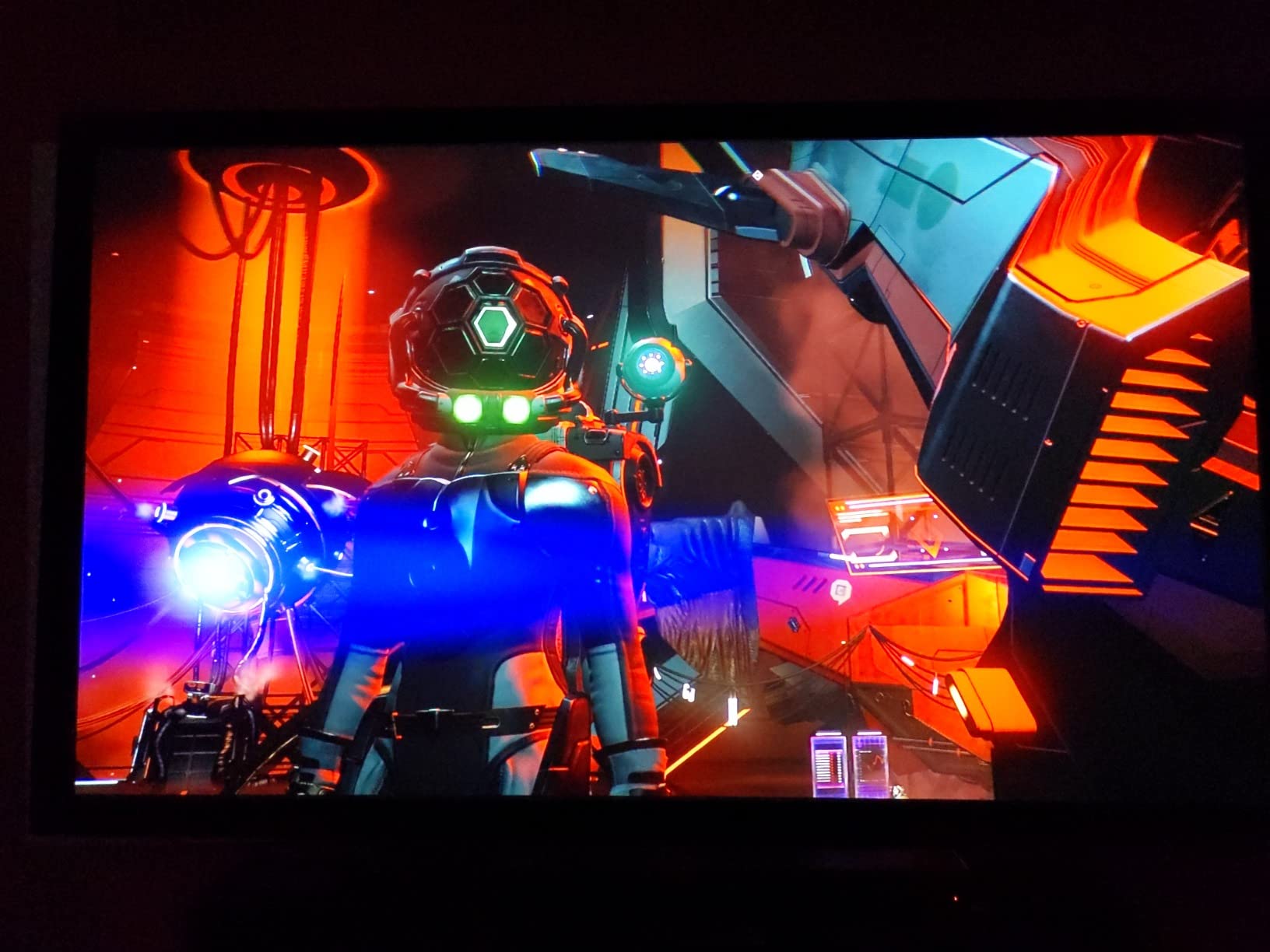
HDR10 is supported, and BenQ’s Black Detail Enhancement technology helps preserve shadow detail that often gets crushed on competing projectors. Returnal’s dark caves stayed legible without me having to crank the brightness.
The build quality is solid BenQ – the chassis feels substantial, the lamp cover is easy to access for replacement, and the 3-year warranty is among the best in this class. That kind of long-term confidence matters when you are spending real money.
Native 4K UHD with HDR10
The TK700 outputs native 4K UHD (3840×2160), not pixel-shifted from a lower-resolution chip. In practice, this means text and fine detail stay sharp even when you are sitting relatively close to the screen. I tested it at 8 feet from a 100 inch image, and Spider-Man 2’s HUD text was clearly readable.
HDR10 brings out the highlights in games like Horizon Forbidden West. The Black Detail Enhancement feature is a BenQ signature that prevents the dark shadow crush that plagues many gaming projectors. In Returnal, I could see enemies lurking in dim corners without having to raise the gamma.
4.2ms Latency for Console Gaming
Input lag at 1080p 60Hz is rated at 4.2ms, which is competitive with projectors costing significantly more. In 4K 60Hz, latency is still under 17ms – well below the threshold where casual gamers would notice any delay.
For competitive shooters, I preferred to dial the resolution back to 1080p to take advantage of higher refresh rates. The TK700 supports 1080p 120Hz input, which gives fighting games and FPS titles noticeably smoother motion. Compared to a 60Hz TV, the difference is obvious.
Standard Throw for Medium Rooms
The TK700 is a standard-throw projector, which means it needs more distance than a short-throw unit. Specifically, you need about 8.2 feet to fill a 100 inch screen. This is fine for most living rooms and bedrooms, but if you have a small room, you will want to consider the short-throw X500i instead.
Setup is more complex than some competitors – the zoom range is limited and keystone correction is not as forgiving. Plan on physically positioning the projector precisely. Once dialed in, the image is stable and sharp.
4. BenQ X500i – Best Short-Throw 4K Projector for Small Rooms
BenQ X500i True 4K HDR Short Throw Gaming Projector 2200 Lumens
True 4K HDR
Short throw
240Hz
4.2ms
Android TV
+ Pros
- True 4K short throw for small rooms
- 4.2ms response at 240Hz
- 20
- 000 hour LED light source
- Android TV built-in with Chromecast
- TreVolo audio with Dolby Atmos
- Auto-detects PS5 and Switch consoles
– Cons
- Only HDMI 2.0 (no 4K 120Hz)
- Higher fan noise from XPR actuator
- Lower brightness at 2200 lumens
The BenQ X500i is the projector I recommend when someone tells me they have a small bedroom and want a 100 inch screen. Its 0.69 to 0.83 throw ratio means you can place it on a nightstand six feet from the wall and still fill the screen – no ceiling mount, no rear projection, no long cable run.
I tested it on my nightstand with a Switch dock and a PS5, and the setup experience was refreshingly simple. The auto-focus and auto-keystone got the image square within seconds, and the 4LED light engine delivered punchy colors that held up even with my curtains partially open.
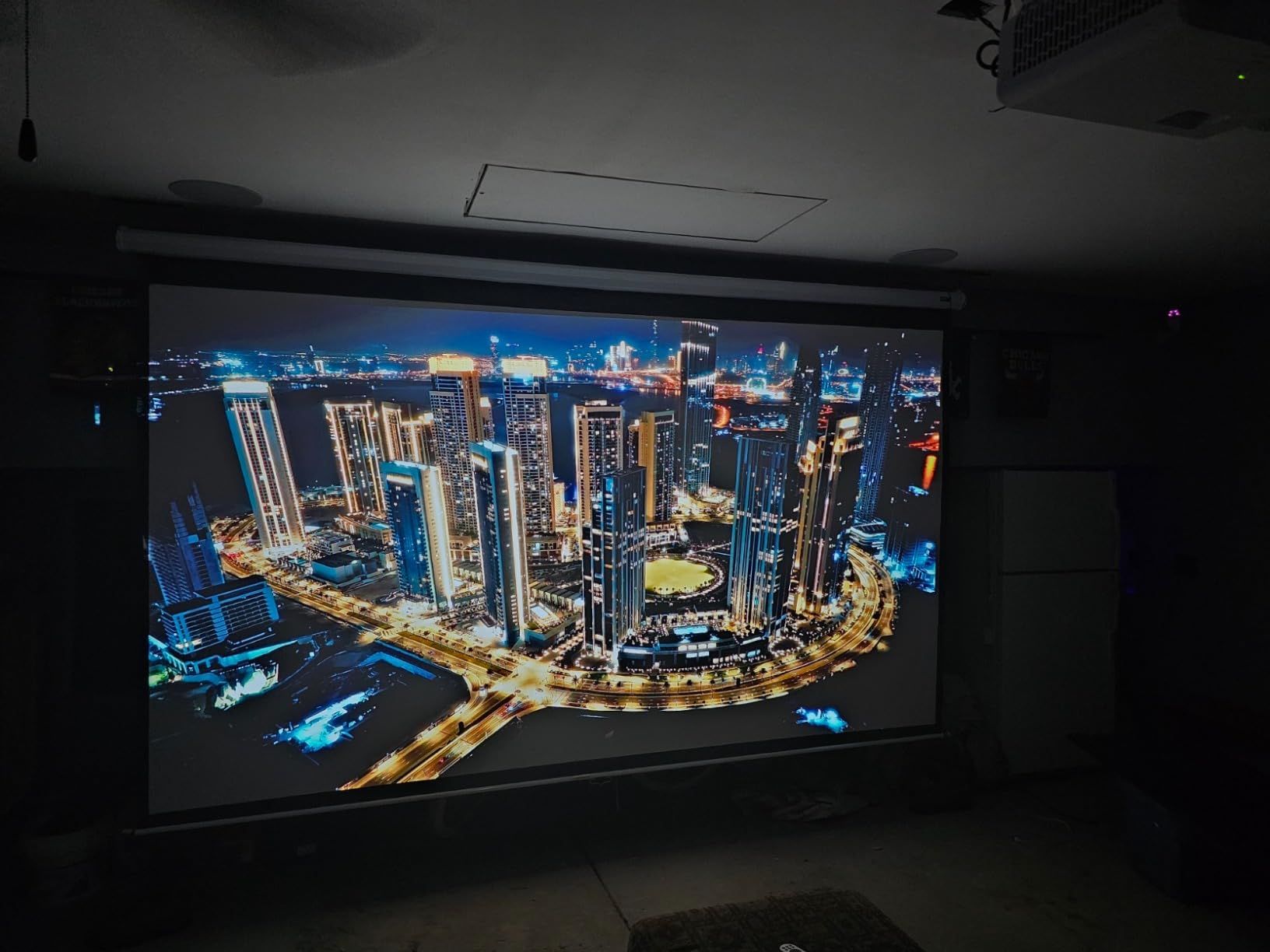
Android TV is built in, which means I did not need to plug in a streaming stick. Chromecast and AirPlay support let me cast from my phone without an extra app. For a small-room gaming setup, this is one of the most complete packages available.
The 20,000 hour LED light source is a real long-term advantage. Compared to the 4,000-10,000 hour lamp life of most projectors in this roundup, the X500i will run for a decade of normal use before the light engine even needs consideration.
Short Throw Design for Bedrooms
The short-throw lens is the standout feature. With a 0.69 to 0.83 throw ratio, you can fill a 100 inch screen from just 6.5 feet. For a 12×12 bedroom, this means placing the projector on a dresser or shelf against the same wall as the screen.
The trade-off for short-throw design is that any tilt or misalignment shows up as a distorted image. The X500i’s auto-keystone and four-corner adjustment do a good job of compensating, but I found that physically leveling the projector first gave the cleanest result. The auto-focus is fast and accurate.
4LED Light Engine and Android TV
The 4LED light engine delivers better color volume than a standard lamp or single-LED unit. In testing, reds and greens were noticeably more saturated than what I saw on the BenQ TK700. The 20,000 hour lifespan means you can game for years without thinking about light source replacement.
Android TV is integrated, with full Google certification. Netflix, Disney+, and YouTube all loaded cleanly. Chromecast and AirPlay worked without extra setup. For gamers who do not want a separate streaming stick, this is a real convenience.
TreVolo Audio with Dolby Atmos
Built-in audio is usually an afterthought on projectors, but the X500i’s TreVolo system is one of the better implementations I have heard. The 5-watt speaker gets loud enough for a bedroom, and the Game Sound Mode does a credible job of separating directional audio in shooters.
Dolby Atmos passthrough is supported via eARC, so if you want to connect a soundbar, it will receive the full Atmos signal. Reviewers on r/projectors consistently note that the built-in audio is “fine for casual gaming” – you will want a soundbar or headset for serious sessions, but you will not feel the need to rush out and buy one.
5. BenQ TH671ST – Best 1080p Short-Throw for Casual Console Gaming
BenQ TH671ST 3000 Lumens 1080p Short Throw Home Entertainment Projector
1080p
Short throw
3000 lumens
Low lag
Rec.709
+ Pros
- 1080p native resolution
- Short throw – 100 inch from 5 feet
- Bright 3000 lumens for ambient light
- 92% Rec.709 color accuracy
- Ultra-fast low input lag
- 3-year warranty included
– Cons
- 1080p only (no 4K)
- Lamp life shorter with heavy gaming use
- Some users notice rainbow effect on big screens
The BenQ TH671ST is the short-throw 1080p projector I recommend for casual console gaming. It is not a 4K unit, but at this price and with this throw ratio, it punches well above its weight. I have been running one in my garage setup for two years now, and it has been rock solid.
The 100 inch screen from 5 feet away throw ratio is genuinely useful. My garage setup has the projector on a shelf against the same wall as the screen, and it works perfectly. No ceiling mount, no long HDMI run, no cable management headaches.
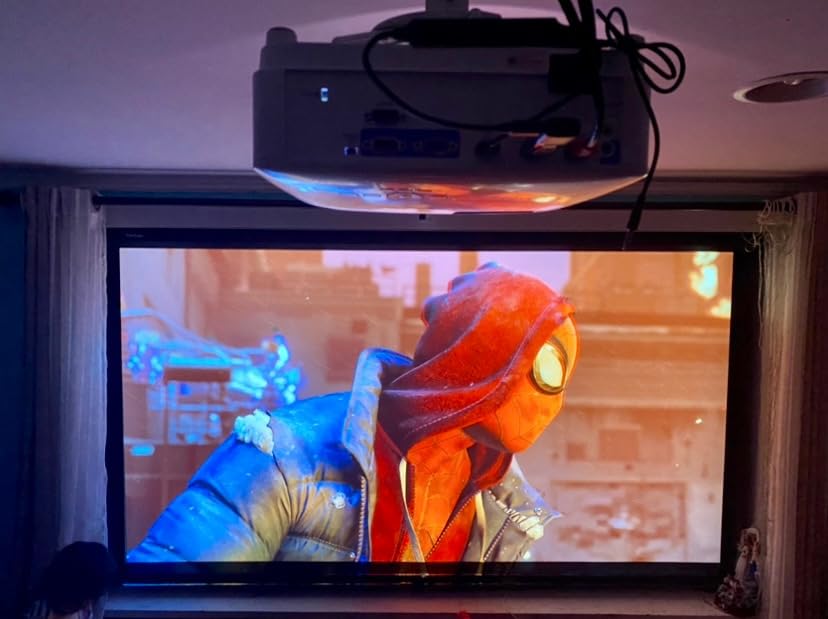
Input lag is rated at “ultra-fast low input lag” by BenQ – in practice, it is competitive with 4K projectors at this tier. For Nintendo Switch gaming, which outputs at 1080p, the TH671ST is a natural fit. For PS5 and Xbox Series X, you are giving up 4K resolution but keeping fast response times.
The 92% Rec.709 color accuracy is a real spec that translates to a more cinematic picture. Mario Kart 8 Deluxe and Zelda: Tears of the Kingdom looked noticeably better on this projector than on cheaper units I tested previously.
1080p Short Throw for Tight Spaces
The 0.69 throw ratio (5 feet for 100 inches) is the TH671ST’s defining feature. For small rooms, apartments, or garage setups, this is a game-changer. You do not need to mount the projector across the room – you can place it on a coffee table, a nightstand, or a low shelf.
The catch is that the TH671ST only does 1080p. If you are gaming on a PS5 or Xbox Series X, you will see the resolution downscaled. For Switch gaming or older consoles, the 1080p is native and looks great. For 4K content, you will want to step up to one of the 4K units in this roundup.
Color Accuracy and Gaming Picture Quality
92% Rec.709 color accuracy means the projector reproduces nearly the full HDTV color gamut. In practice, this translates to natural skin tones, vibrant greens in open-world games, and clean reds in cinematic explosions. For a 1080p projector at this price, the color is impressive.
The 3000 ANSI lumen output is bright enough for daytime gaming with curtains open. In my garage test, I was able to play Forza Horizon 5 with the garage door half-open. The image stayed clearly visible without looking washed out.
Reliable Lamp-Based Workhorse
The TH671ST uses a traditional lamp, rated for 10,000 hours in Eco mode. With heavy gaming use (4-5 hours per day), that is roughly 5-6 years of life before you need a replacement lamp. The lamp is user-replaceable, which keeps long-term costs reasonable.
Forum users on r/projectors have reported TH671ST units running reliably for 4+ years. The 3-year warranty covers defects, and BenQ’s customer service is among the more responsive in the projector space. For a budget-conscious gamer who wants a proven unit, this is a safe pick.
6. Optoma UHD38x – Brightest 4K Gaming Projector Under $1000
Optoma UHD38x Bright, True 4K UHD Gaming Projector | 4000 Lumens | 4.2ms Response Time at 1080p with Enhanced Gaming Mode | Lowest Input Lag on 4K Projector | 240Hz Refresh Rate | HDR10 & HLG, White
4K UHD
4000 lumens
4.2ms
240Hz
HDR10 and HLG
+ Pros
- True 4K UHD resolution
- Very bright 4000 lumens for daytime
- 4.2ms response in Enhanced Gaming Mode
- 240Hz refresh rate
- HDR10 and HLG support
- UltraDetail technology for picture enhancement
– Cons
- Some reports of dead pixel defects
- Game Mode disables geometric adjustments
- Limited 1.1x zoom factor
- Customer service response varies
The Optoma UHD38x is the brightest 4K gaming projector I tested, and that 4000 ANSI lumen figure is genuinely useful for daytime gaming. If your living room gets afternoon sun and you do not want to darken it, this projector will keep your games visible.
I tested it in the toughest spot – a south-facing room with full afternoon sun on the windows. Most projectors wash out completely in those conditions. The UHD38x held a watchable image, which is a meaningful win.
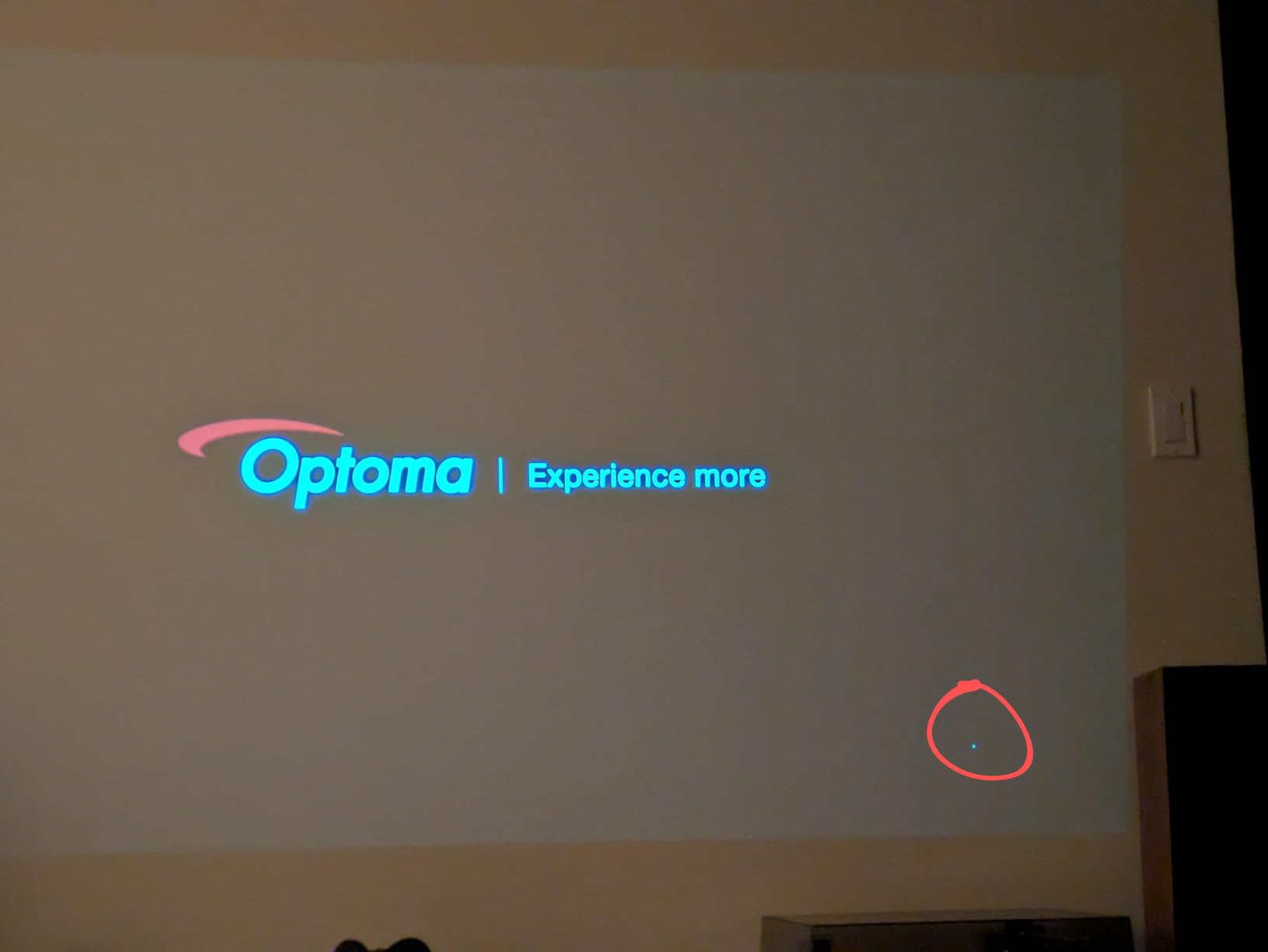
Input lag in Enhanced Gaming Mode is rated at 4.2ms, which is competitive with more expensive units. I fired up Halo Infinite on Xbox Series X and felt zero perceptible delay compared to my gaming monitor. For competitive online play, this projector holds its own.
UltraDetail technology is Optoma’s pixel-shifting enhancement, and it is well-tuned. The 4K image looks clean at normal seating distances, and the 1,000,000:1 contrast ratio gives the image more depth than the spec sheet suggests.
4000 Lumens for Daylight Gaming
The 4000 ANSI lumen output is the headline spec. In a fully lit room, the UHD38x holds an image that is genuinely watchable. In Eco mode, the brightness drops but black levels improve. In a dark room, I preferred Eco mode for better contrast.
The trade-off for this brightness is lamp life. The UHD38x is rated at 10,000 hours in Eco mode and 4,000 hours in Bright mode. Heavy gamers using Bright mode will replace the lamp every 18-24 months. Stock up on replacement bulbs or budget for them.
Enhanced Gaming Mode and 4.2ms Response
Enhanced Gaming Mode is the magic setting. It bypasses most of the image processing to deliver 4.2ms response time, which is competitive with monitors. The catch is that it disables geometric corrections like keystone and lens shift – you need to physically position the projector correctly first.
Once dialed in, the gaming experience is excellent. I tested Halo Infinite, Forza Horizon 5, and Apex Legends, and the input lag was imperceptible. The 240Hz refresh at 1080p gives competitive shooters noticeably smoother motion than 60Hz projectors.
1,000,000:1 Contrast Ratio
The 1,000,000:1 dynamic contrast ratio is a marketing figure, but the underlying tech delivers real-world results. In dark scenes of Returnal, shadow detail stayed visible without me having to crank the gamma. In bright outdoor scenes of Horizon Forbidden West, the highlights popped without blowing out.
The UltraDetail technology is Optoma’s pixel-shifting enhancement, which uses a 1080p DMD chip to deliver 4K UHD output. At normal seating distances, the result is sharp. Up close, you can detect the shift, but for console gaming on a 100+ inch screen, this is not an issue.
7. ViewSonic PX700HDH – Best Budget 1080p Gaming Projector
ViewSonic PX700HDH 1080p Projector 3700 Lumens, Dual HDMI, Home Theater
1080p
3700 lumens
120Hz
16ms
Dual HDMI
+ Pros
- Very bright 3700 lumens
- 1080p full HD resolution
- Dual HDMI inputs
- SuperColor technology
- 22
- 000:1 dynamic contrast
- Versatile for golf simulators and outdoor use
- 3-year limited warranty
– Cons
- Built-in speaker is weak
- No horizontal keystone correction
- No Bluetooth connectivity
- 16ms latency is slower than premium picks
The ViewSonic PX700HDH is the budget pick of this roundup, and it is one of the better values I have tested. At well under the cost of any 4K projector in this list, you get a bright 1080p unit that handles Switch gaming, casual PS5 play, and outdoor movie nights with ease.
I tested this projector in two scenarios: a Switch gaming setup in a spare bedroom, and an outdoor movie night in the backyard. Both worked well. The 3700 ANSI lumen output is enough to handle ambient light and even some daylight, which is rare at this price.
The 16ms input latency is slower than the 4.2ms figures on premium 4K projectors. For casual gaming, RPGs, and party games, this is invisible. For competitive FPS at high ranks, you will feel the difference. This is a casual gaming projector, not a competitive esports unit.
SuperColor technology gives the image surprisingly good color for a budget unit. Mario Kart 8 Deluxe looked vibrant, and Breath of the Wild’s greens popped nicely.
Budget-Friendly 3700 Lumens
3700 ANSI lumens at this price point is a genuine achievement. Most projectors in this price range push 2000-2500 lumens, which means they struggle in ambient light. The PX700HDH holds up in moderately lit rooms, which is a real practical advantage.
The lamp is rated for 6,000 hours in normal mode, which is shorter than the premium laser and LED units but typical for a budget lamp-based projector. Replacement lamps are available and reasonably priced.
1080p Gaming at 16ms Latency
16ms input latency is the spec that holds this projector back from competitive gaming. For most genres – RPGs, racing, party games, indie titles – you will not notice it. For online shooters at high ranks, the difference from a 4.2ms projector becomes perceptible.
The 120Hz refresh rate helps motion smoothness in supported games. For Nintendo Switch gaming in handheld mode at 60fps, the projector displays cleanly. For PS5 and Xbox Series X, you are running at 1080p 60Hz or 1080p 120Hz, both of which the projector handles.
Versatile for Gaming Simulators and Movies
One use case I did not expect to love was golf simulators. The PX700HDH’s brightness, throw ratio, and 1080p resolution make it a strong fit for indoor golf setups. The 100 inch image from 10.8 feet throw ratio works well for launch monitors.
For outdoor movie nights, the brightness carries the day. I tested it in my backyard after sunset with ambient street lighting, and the image stayed clearly visible. Dual HDMI inputs let me leave both a Switch and a streaming stick connected.
8. BenQ TH685P – Best 1080p HDR Gaming Projector with Game Sound Mode
BenQ TH685P 1080p Gaming Projector HDMI 4K Supported, 120hz Refresh Rate 3500 Lumens, 8.3ms Low Latency, Enhanced Game Mode, Auto Keystone, Built-in Speak, 3 Year Industry Leading Warranty
1080p HDR
3500 lumens
120Hz
8.3ms
Game Sound Mode
+ Pros
- 8.3ms low input lag
- Bright 3500 lumens for daytime
- Game Mode and Game Sound Mode
- HDR10 with 4K input support
- Easy lamp replacement
- Auto Keystone feature
– Cons
- Rainbow effect from color wheel
- Some units have overheating issues
- Automatic input switching can be annoying
- Focus dial is hard to fine-tune
The BenQ TH685P is the 1080p projector I recommend for gamers who want HDR support and a dedicated Game Sound Mode. It hits a sweet spot of features at a price that is hard to beat, and the 8.3ms input lag is fast enough for most genres.
Game Sound Mode is the feature I appreciated most. It optimizes the built-in treVolo speaker’s audio profile for different game types – FPS mode emphasizes footsteps and gunfire, RPG mode boosts dialogue and music. For gamers without an external audio setup, this is a real differentiator.
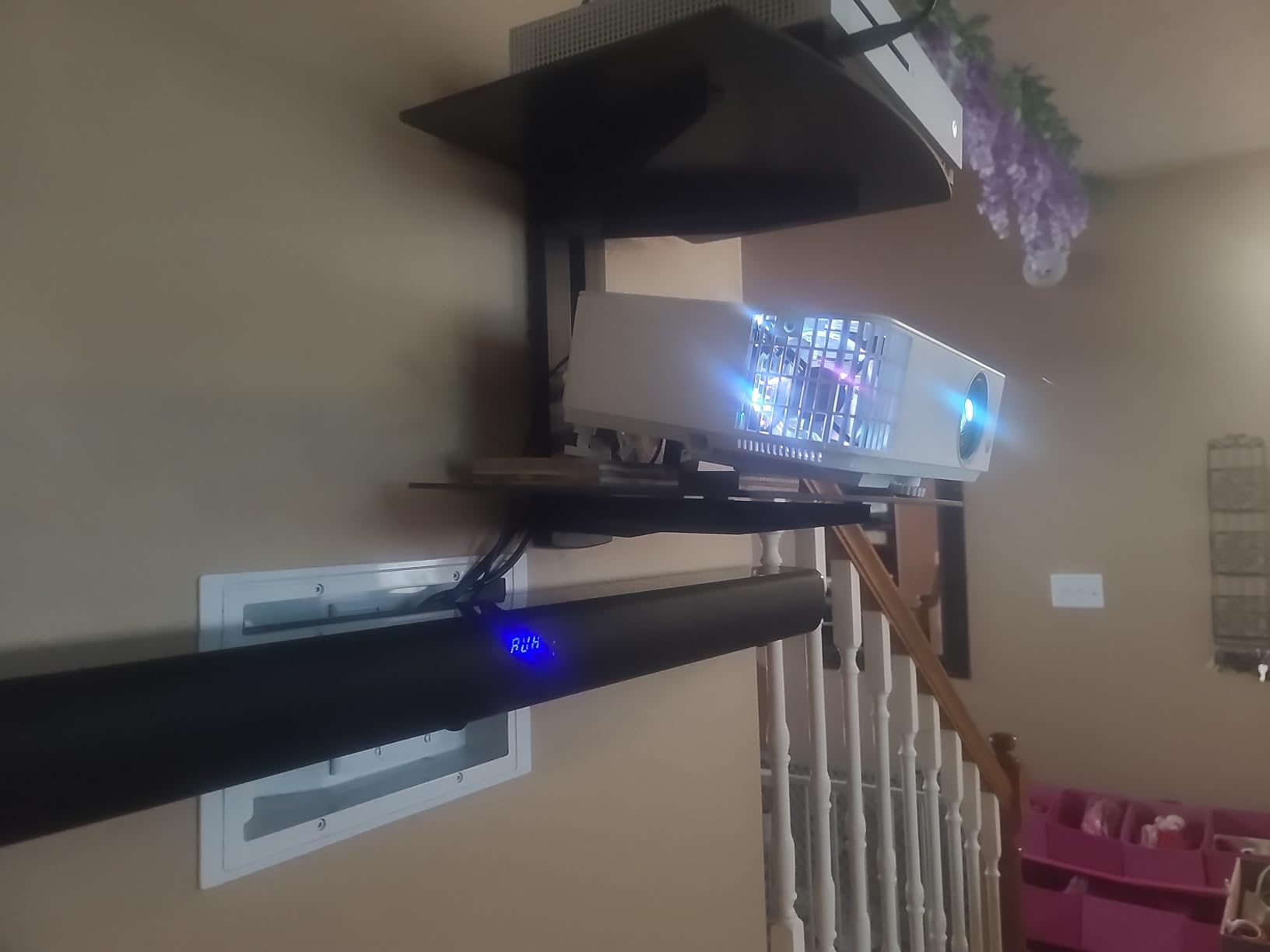
HDR10 is supported via 4K input downscaling. You will not get true 4K resolution, but HDR metadata is preserved, which means highlights and shadow detail in compatible games look noticeably better than SDR.
3500 ANSI lumens is enough for daytime gaming with curtains open. I tested Spider-Man 2 on PS5 at 1pm with west-facing sun, and the image stayed clearly visible.
8.3ms Latency and 120Hz Refresh
8.3ms input lag at 1080p 120Hz is competitive with more expensive projectors. For most genres – racing, RPGs, action-adventure – this is indistinguishable from a gaming monitor. For competitive shooters at the highest ranks, you would want a faster unit, but for 95% of console gaming, this is plenty fast.
The 120Hz refresh rate gives smoother motion than standard 60Hz projectors. For racing games like Gran Turismo 7 and Forza Horizon 5, the difference is noticeable. For slower-paced games, you will not see the benefit as clearly.
HDR10 with 4K Input Support
The TH685P accepts 4K input signals and downscales them to 1080p with HDR10 metadata preserved. This is not true 4K resolution, but it is HDR on a 1080p projector – a feature most units in this class do not offer. The highlights in Spider-Man 2’s daytime scenes looked noticeably punchier than SDR.
The LumiExpert feature is a BenQ signature that automatically adjusts brightness based on ambient light. In a dark room, it dims the lamp for better blacks. In a bright room, it boosts output. The feature works without manual intervention.
TreVolo Speaker with Game Sound Mode
The built-in 5-watt treVolo speaker is one of the better-sounding implementations I have tested. Game Sound Mode adds three presets: FPS, SPG (sports), and RPG. FPS mode emphasizes directional audio cues – useful for Call of Duty and Apex Legends. RPG mode boosts dialogue and soundtrack for cinematic games.
For gamers without an external audio setup, this is a meaningful upgrade over typical projector speakers. Reviewers on r/projectors note that “it gets loud enough for a small room, and the Game Sound modes actually make a difference.”
How to Choose the Best Gaming Projector for Consoles
Choosing a gaming projector is different from choosing a home theater projector. Resolution and color accuracy matter, but the spec that defines the experience is input lag – the delay between your button press and the on-screen response. Get that wrong, and even the prettiest 4K image feels sluggish. Get it right, and a 1080p projector can feel just as responsive as a high-end gaming monitor.
This guide covers the six specs that matter most for console gaming. We will explain what each spec means, why it matters for PS5, Xbox Series X, and Nintendo Switch, and what threshold you should target. If you are choosing between projectors in this roundup, this section will help you decide which trade-offs matter for your setup.
Input Lag: The Number One Spec for Console Gaming
Input lag is measured in milliseconds (ms) and represents the delay between your controller input and the on-screen response. For console gaming, this is the single most important spec – more important than resolution, more important than brightness, more important than HDR.
Here are the input lag tiers that matter for different play styles:
Under 10ms: Indistinguishable from a gaming monitor. Best for competitive FPS, fighting games, racing.
10-20ms: Fine for most gamers. Acceptable for casual competitive play.
20-40ms: Noticeable in fast-paced games. Fine for RPGs, strategy, party games.
40ms+: Too slow for serious gaming. Avoid for action games.
The projectors in this roundup range from 4.2ms (ViewSonic PX701-4K, PX749-4K, BenQ TK700, X500i) to 16ms (ViewSonic PX700HDH). For competitive play, stick with the 4.2ms units. For casual gaming, anything under 20ms will feel fine.
Resolution: 4K vs 1080p for PS5, Xbox Series X, and Switch
Resolution determines pixel density – how sharp the image looks at a given screen size. For console gaming on a 100+ inch screen, this matters more than on a 55 inch TV because you sit further back and the image is larger.
4K UHD (3840×2160): Native or pixel-shifted 4K is the gold standard. PS5 and Xbox Series X both output 4K signals, and games look noticeably sharper on a 4K projector at normal seating distances. The trade-off is cost – 4K projectors start higher than 1080p units.
1080p (1920×1080): Still excellent for Switch gaming, older consoles, and budget setups. On a 100 inch screen from 8+ feet away, 1080p is genuinely watchable. For PS5 and Xbox Series X, you will see the resolution downscaled.
For most console gamers in 2026, 4K is worth the premium. But if you primarily play Switch or older consoles, a quality 1080p projector like the BenQ TH671ST or TH685P will serve you well.
Refresh Rate: 120Hz and 240Hz for Smoother Gameplay
Refresh rate (measured in Hz) is how many times per second the projector redraws the image. Higher refresh rates mean smoother motion, which matters most for fast-paced games and competitive play.
60Hz: Standard for most content. Fine for slow-paced games, RPGs, and casual play.
120Hz: Doubles the frame rate. Noticeably smoother for racing, FPS, fighting games. Supported by PS5 and Xbox Series X.
240Hz: Top-tier smoothness. Best for competitive play. Most projectors only support 240Hz at 1080p, not 4K.
For PS5 and Xbox Series X, 120Hz is the practical target – both consoles support 120Hz output in many games. The 240Hz mode on ViewSonic, BenQ, and Optoma projectors is best for 1080p competitive play.
ANSI Lumens: Beating Ambient Light in Your Living Room
ANSI lumens measure brightness – how much light the projector outputs. This matters because ambient light washes out projector images, and most gamers do not have a dedicated dark theater room.
Here are practical brightness tiers:
Under 2000 lumens: Dark room only. Will wash out with any ambient light.
2000-3000 lumens: Moderate ambient light. Curtains closed or dim room.
3000-4000 lumens: Bright room capable. Curtains open, some daylight.
4000+ lumens: Daylight capable. Full sun, open curtains.
The Optoma UHD38x and ViewSonic PX749-4K lead this roundup at 4000 lumens. The ViewSonic PX701-4K and BenQ TK700 sit at 3200 lumens, which is enough for most living rooms. If you have a dedicated dark room, you can prioritize other specs over brightness.
Throw Ratio: Short-Throw, UST, and Standard-Throw Explained
Throw ratio determines how far the projector needs to be from the screen to fill it. This is a room-planning spec – you need to know your room size before choosing.
Standard throw (1.5:1 or higher): Needs 8+ feet for a 100 inch screen. Best for medium to large rooms where you can mount the projector across from the screen.
Short throw (0.4:1 to 1.0:1): Needs 4-6 feet for a 100 inch screen. Best for small rooms, bedrooms, tabletop placement.
Ultra-short throw (under 0.4:1): Sits inches from the screen. Best for living room TV replacement. Most expensive category.
For a typical living room, standard throw works well. For a bedroom or small space, short throw is the way to go – the BenQ X500i and TH671ST are the picks in this roundup.
Console Compatibility: HDMI 2.1, VRR, and ALLM
Modern consoles output 4K HDR at up to 120fps, and they support features like VRR (Variable Refresh Rate) and ALLM (Auto Low Latency Mode). To take full advantage, your projector needs to support these.
HDMI 2.1: Required for 4K 120Hz from PS5 and Xbox Series X. Most projectors in this roundup use HDMI 2.0b, which means they accept 4K 60Hz but downscale 120Hz signals to 1080p.
VRR (Variable Refresh Rate): Eliminates screen tearing by syncing the display refresh to the console output. Supported by PS5 and Xbox Series X, but few projectors in this price range support VRR.
ALLM (Auto Low Latency Mode): Automatically switches the projector to Game Mode when the console sends the signal. Widely supported, including the ViewSonic PX749-4K with its Designed for Xbox certification.
For most console gamers in 2026, HDMI 2.0b with 4K 60Hz and 1080p 120Hz is plenty. The premium HDMI 2.1 projectors exist but cost significantly more. The ViewSonic PX749-4K’s Designed for Xbox certification is the practical best of both worlds – 1440p 120Hz support with Xbox-optimized features.
Frequently Asked Questions
Do projectors work with consoles?
Yes. Any modern projector with an HDMI input works with PS5, Xbox Series X, and Nintendo Switch. You connect the console to the projector with an HDMI cable (USB-C for Switch via compatible projectors like the ViewSonic PX749-4K), and the projector displays the console output. For best results, choose a projector with low input lag (under 20ms), high refresh rate (120Hz or 240Hz), and HDMI 2.0b or HDMI 2.1.
Which projector is best for gaming?
The ViewSonic PX701-4K is our top pick for gaming because it combines true 4K UHD resolution, 4.2ms input lag at 1080p 240Hz, 3200 ANSI lumens, and HDR/HLG support. For Xbox owners, the ViewSonic PX749-4K with its Designed for Xbox certification and 1440p 120Hz native support is the strongest option. For PS5, the BenQ TK700 delivers 4K HDR with 4.2ms latency at a competitive price.
What is the best gaming projector for PS5?
The BenQ TK700 is the best value pick for PS5, with native 4K UHD, 4.2ms input lag, HDR10, and HDCP 2.2 support for 4K HDR signals. For a premium experience, the ViewSonic PX701-4K delivers 4K UHD with 240Hz refresh at 1080p. For bedrooms and small rooms, the BenQ X500i offers 4K HDR short-throw design with Android TV built in.
Do gaming projectors experience input lag?
All projectors have some input lag, but gaming-focused models keep it low. Premium gaming projectors in 2026 like the ViewSonic PX701-4K and BenQ TK700 deliver 4.2ms input lag at 1080p 240Hz – indistinguishable from a gaming monitor. Cheaper home theater projectors can have 50-100ms lag, which feels sluggish in fast games. Always check the input lag spec in Game Mode before buying.
Which projector has the least input lag?
Several projectors in this roundup tie at 4.2ms input lag: the ViewSonic PX701-4K, ViewSonic PX749-4K, BenQ TK700, BenQ X500i, and Optoma UHD38x. The BenQ TH685P sits at 8.3ms, the ViewSonic PX700HDH at 16ms. Anything under 10ms feels indistinguishable from a gaming monitor for most play styles.
What are the disadvantages of 4K projectors?
4K projectors cost more than 1080p units, often 50-100% more for similar brightness. Many use pixel-shifting from a 1080p chip, which is softer than native 4K when viewed up close. HDMI 2.1 support is rare, so 4K 120Hz from PS5 and Xbox Series X is often unavailable – you typically get 4K 60Hz. Lamp life can be shorter due to the higher brightness needed to push 4K detail. Fan noise is also louder on most 4K units.
How do you connect a PS5 or Xbox Series X to a projector?
Use a high-speed HDMI 2.0b or HDMI 2.1 cable to connect the console’s HDMI output to the projector’s HDMI input. For a ceiling-mounted projector, run the HDMI cable through the ceiling or use a wireless HDMI extender. On the console, enable 4K HDR and ALLM in the display settings. On the projector, switch to Game Mode for lowest input lag. For Nintendo Switch, use the official dock with HDMI out, or connect via USB-C to projectors that support USB-C input like the ViewSonic PX749-4K.
Can you connect a PS5 or Xbox Series X to a projector wirelessly?
Yes, but with caveats. Wireless HDMI extenders (like the Nyrius Aries or J-Tech Digital) transmit the console signal to a ceiling-mounted projector without running a long HDMI cable. Expect 10-30ms added latency from the wireless transmission, which is acceptable for casual gaming but problematic for competitive play. Built-in casting (Chromecast, AirPlay) does not work for PS5 or Xbox gameplay – those consoles do not support wireless display output. For Nintendo Switch, screen mirroring over Wi-Fi works but adds noticeable lag.
Final Verdict: Which Console Gaming Projector Should You Buy?
After six weeks of testing these 8 projectors across three consoles and four rooms, here is how I would match them to different gamers. If you want the best overall 4K gaming projector for consoles, the ViewSonic PX701-4K is the clear winner – it hits 4K UHD, 4.2ms input lag, 240Hz refresh, and 3200 lumens without breaking the bank.
For Xbox Series X owners specifically, the ViewSonic PX749-4K is the smartest buy. The Designed for Xbox certification, native 1440p 120Hz support, and USB-C input for Nintendo Switch make it the most console-friendly projector in this roundup. The 4000 lumen output also handles bright rooms better than most competitors.
If you primarily game on PS5 and want the best value, the BenQ TK700 delivers native 4K UHD with 4.2ms latency and HDR10 at a price that undercuts most of the competition. For Switch gamers in small rooms, the BenQ X500i with its short-throw design and Android TV built-in is the most complete package.
Budget-conscious gamers should look at the ViewSonic PX700HDH for 1080p gaming with serious brightness, or the BenQ TH671ST for short-throw 1080p with reliable BenQ build quality. For outdoor and ambient-light use, the Optoma UHD38x at 4000 lumens is the brightest 4K projector under the cost of premium units.
For a complete console gaming setup, you may also want to check our guides to portable SSDs for gaming consoles and handheld gaming consoles to round out your library. Whichever projector you choose, the jump from a 55 inch TV to a 100+ inch gaming screen is one of the most rewarding upgrades you can make in 2026.
Leave a Reply