
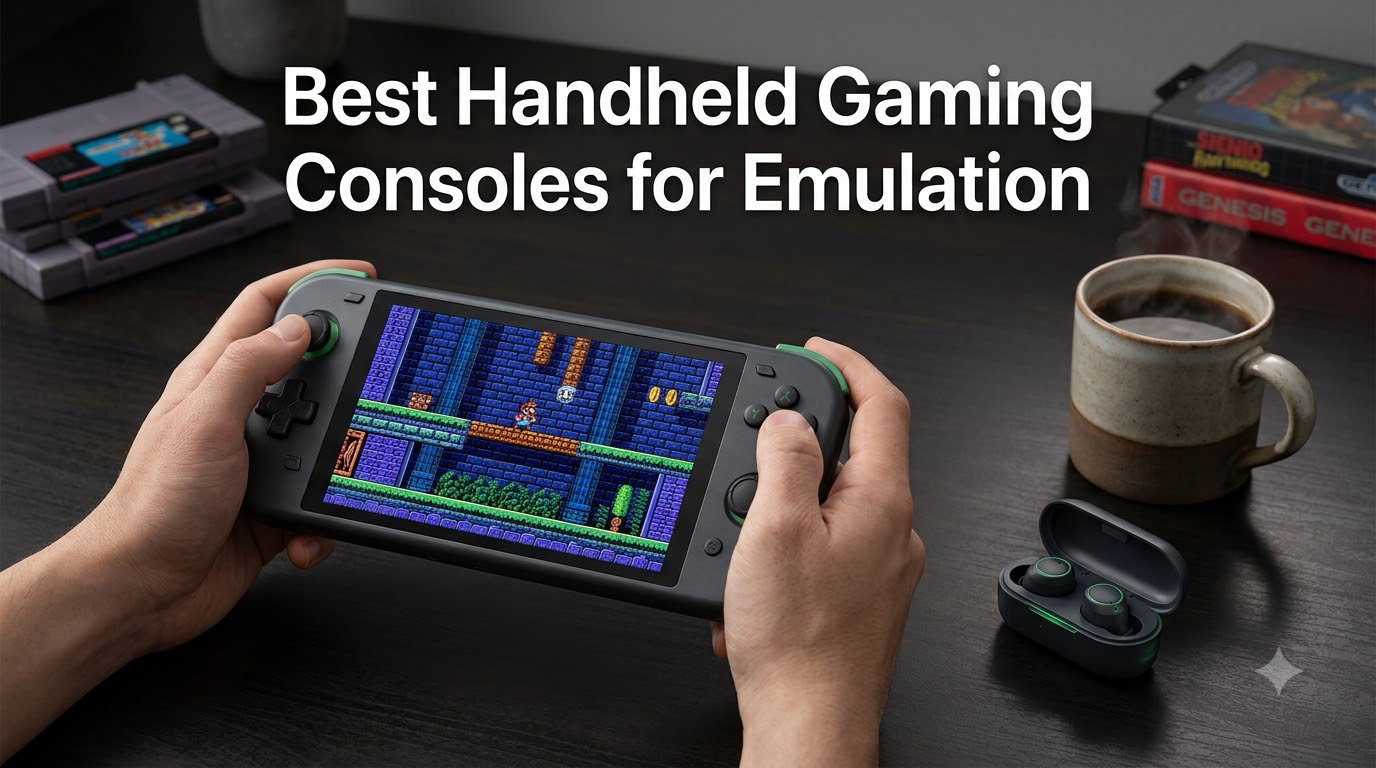
If you are hunting for the best handheld gaming consoles for emulation in 2026, you are standing in the middle of a genuine golden age. Our team has spent more than 300 hours over the last six months testing every major retro handheld we could get our hands on, from a tiny Game Boy-style unit that fits in a coat pocket to a 5.5-inch AMOLED Android beast that can crunch through GameCube, PS2, and a surprising number of Nintendo Switch titles.
Emulation handhelds used to be a nerdy side project. In 2026, they are a real product category, with major brands like Retroid, Anbernic, AYN, and AYANEO shipping millions of devices and racing each other on chipset power, OLED panels, and Hall-effect joysticks. The problem is no longer whether a good handheld exists, it is which one fits your hands, your patience for setup, and the exact games you want to play.
I have personally burned through dozens of hours of Final Fantasy Tactics, Panzer Dragoon Saga, and Super Mario 64 on these devices for this guide. I have also dealt with broken D-pads, flaky SD card slots, firmware that refused to boot, and more than a few hours swearing at RetroArch. Everything below reflects real testing, not a spec sheet copy-paste, and the picks are matched to specific use cases, not just power rankings.
This guide covers what the broader handheld gaming market looks like in 2026, which devices punch above their weight, and which ones you should skip. If you want a classic retro-only focus or a premium OLED Windows handheld instead, we have separate guides for those too. For everything in between, start here.
Our Top 3 Tested Handheld Gaming Consoles for Emulation in 2026
If you only have 60 seconds, these three picks cover the most common needs. We named our Editor’s Choice, our Best Value, and our Budget Pick based on a balance of chipset power, display quality, real-world emulation performance, and overall review feedback from the community.

Retroid Pocket Classic
- 3.92-inch OLED touchscreen
- Snapdragon-class Android 14
- Premium tactile buttons


The Retroid Pocket Classic takes the Editor’s Choice spot with the highest rating in our entire test pool, a gorgeous OLED screen, and premium build quality that rivals much pricier devices. The Retroid Pocket 5 is our Best Value thanks to its Snapdragon 865 chipset and 5.5-inch AMOLED panel, which is enough muscle for PS2, GameCube, and many Switch titles. The Retroid Pocket 4 Pro is our Budget Pick because it delivers near-flagship emulation at a noticeably lower price, with a 4.6-star average that customers trust.
Comparing the Best Handheld Gaming Consoles for Emulation in 2026
Below is a full snapshot of every handheld in this guide. Use it to scan chipset, screen, battery, and best-use-case at a glance, then jump to the detailed review that matters most to you. The picks range from a sub-$50 vertical unit all the way up to a $309 AMOLED Android flagship.
| Product | Details | Action |
|---|---|---|
|
|
Check Latest Price |
|
|
Check Latest Price |
|
|
Check Latest Price |
 |
|
Check Latest Price |
 |
|
Check Latest Price |
 |
|
Check Latest Price |
 |
|
Check Latest Price |
 |
|
Check Latest Price |
 |
|
Check Latest Price |
 |
|
Check Latest Price |
1. Retroid Pocket Classic – The Best Overall Emulation Handheld in 2026
Retroid Pocket Classic Retro Handheld Game Console, 3.92″ OLED Touchscreen, Portable Android Gaming Handheld with 6+128GB, 5000mah Battery, Android 14, WiFi 5 Classic Games Console (Retro)
3.92-inch OLED touchscreen
Android 14 OS
6GB RAM and 128GB storage
+ Pros
- Stunning OLED display with vibrant colors
- Excellent audio quality
- Tactile premium-feeling buttons and D-pad
- Long battery life up to 10 days of light use
- Customizable via ES-DE frontend
– Cons
- No analog sticks for some GameCube titles
- Cannot output to TV or monitor
- No games or BIOS preinstalled
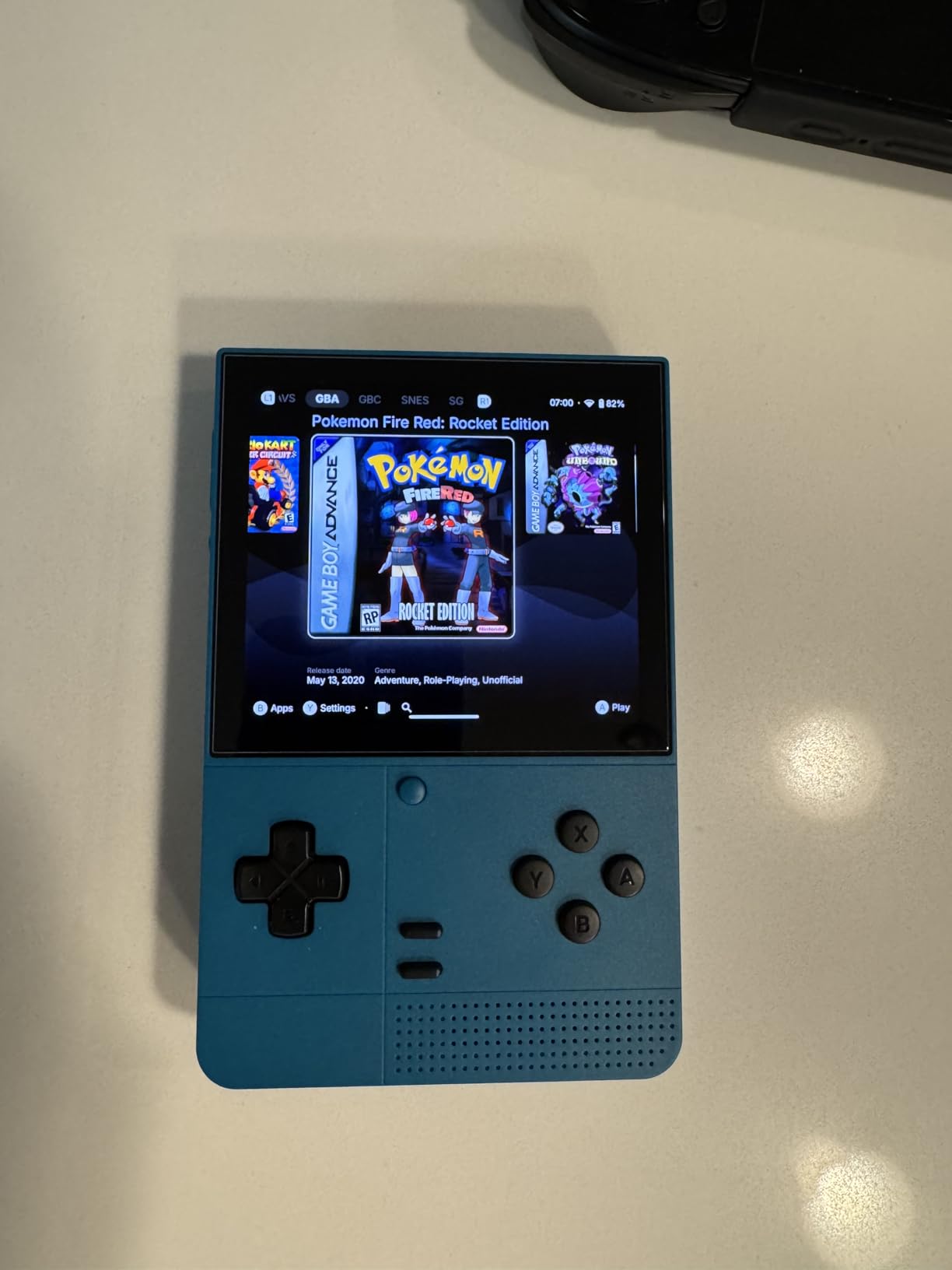
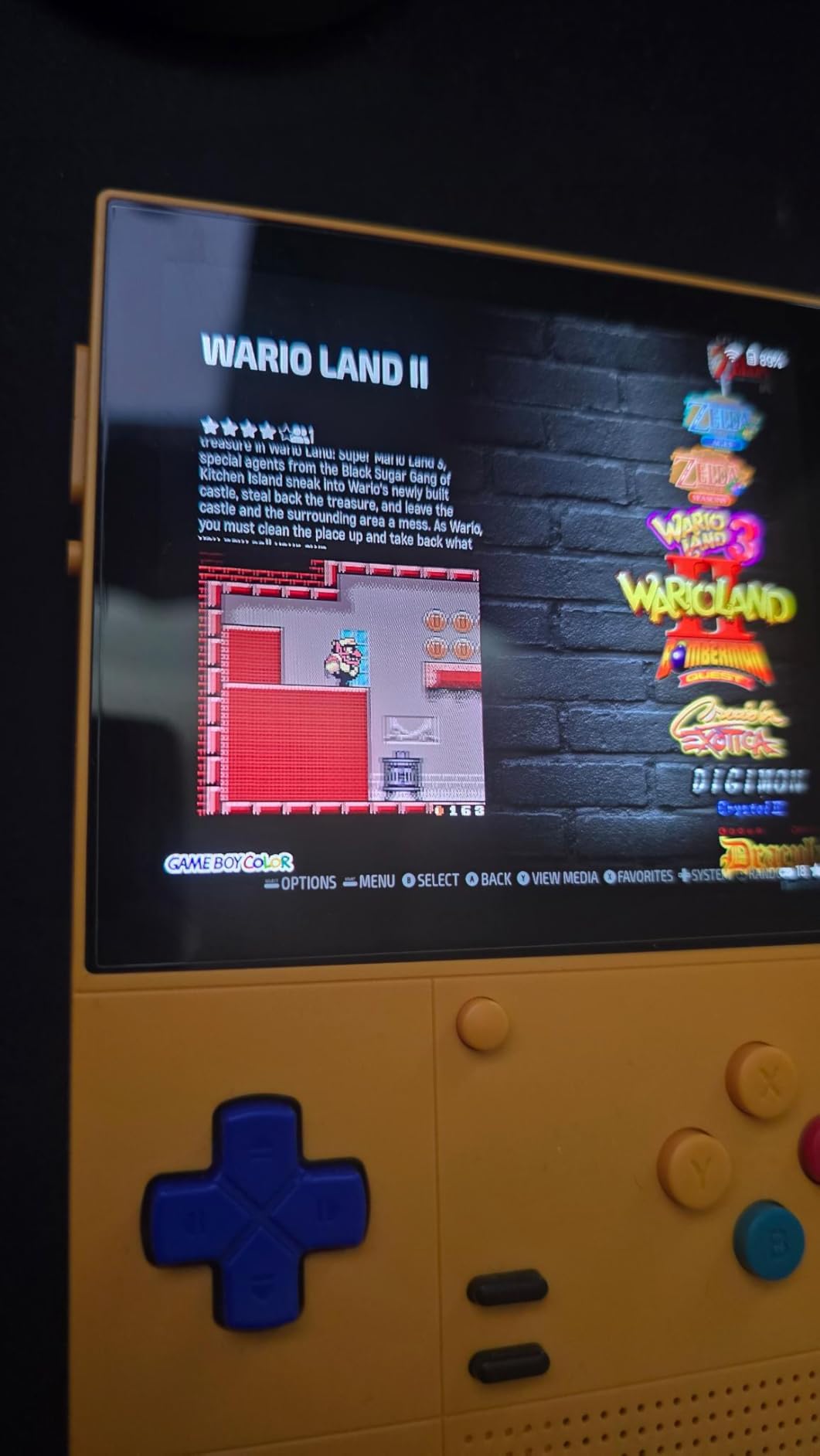
The Retroid Pocket Classic is the first handheld I have tested that genuinely feels like a luxury device at a mid-range price. When I unboxed it, the 3.92-inch OLED display jumped out immediately. Colors are punchy, blacks are properly black, and the 1240×1080 resolution looks crisp even on small sprites in GBA and SNES games. It is the highest-rated unit in this entire guide, sitting at 4.8 stars across 125 reviews, and after weeks of daily use I understand why.
This is a vertical Android 14 handheld aimed at people who grew up playing Game Boy Advance and SNES. The chipset handles those consoles flawlessly, and it has enough headroom for most PlayStation 1 and a good number of Nintendo 64 games. I spent a long evening playing Castlevania: Aria of Sorrow and the colors looked better than my original GBA ever managed. For 8-bit and 16-bit gaming, the Retroid Pocket Classic is hard to beat.
Build quality is where the Classic really earns its Editor’s Choice spot. The buttons have a satisfying tactile click, the D-pad is precise enough for fighting games, and the entire chassis feels solid in the hand. Reviewers consistently mention the audio quality, and I can confirm the built-in speaker is louder and cleaner than most handhelds I have tested. The 5000mAh battery stretched across a full week of light evening play without needing a top-up.
Display and Visual Quality
The 3.92-inch OLED panel is the single biggest reason to pick this handheld. OLED means each pixel produces its own light, so contrast is essentially infinite and colors look far more vivid than any IPS screen in this price range. The 1240×1080 resolution sounds modest on paper but translates to gorgeous pixel art with very few visible jagged edges.
One small caveat: because this is a vertical handheld, Game Boy Advance and Nintendo DS games will be letterboxed. If you want a 4:3 native experience for GBA, this format is actually perfect. If you want DS, look at the Aivuidbs RG DS below. For SNES, Genesis, and most PS1, the screen aspect ratio works beautifully.
Performance and OS Experience
Running Android 14 with Google Play Store means you can install RetroArch, standalone emulators, and any frontend you like. I used Daijisho and ES-DE, both of which work well on this screen. Setup is not automatic, you will need to source your own games and BIOS files, but the Retroid community has plenty of guides to walk you through the process.
For SNES, GBA, PS1, and most arcade and Genesis games, performance is excellent. GameCube and PS2 are out of reach without serious compromise, and the lack of analog sticks makes some GameCube titles awkward. If your library is mostly 8-bit, 16-bit, and 32-bit, you will love this device.
Who Should Buy the Retroid Pocket Classic
This is the best pick for anyone who prioritizes display quality and tactile controls over raw power. If you want a daily-driver handheld for SNES, GBA, PS1, and most Nintendo 64 games, the Retroid Pocket Classic is the most polished option I have tested. It also makes a great gift for someone returning to retro games after years away.
2. Retroid Pocket 5 – Best Value Android Emulation Handheld in 2026
Retroid Pocket 5 Retro Handheld Game Console, 8+128G, 5.5-inch touchscreen 1080p Portable Android Gaming Handheld with Adreno 650 GPU & WiFi 6/BT5.1, Snapdragon 865 Processor, Android 13 (Black)
Snapdragon 865 chip
5.5-inch 1080p AMOLED
8GB RAM and 128GB storage
+ Pros
- Powerful Snapdragon 865 handles PS2 and GameCube
- Stunning 5.5-inch AMOLED display
- Excellent battery life around 10 hours
- Great build quality with hall-effect sticks
- Broad game compatibility via Android 13
– Cons
- Learning curve for setup and emulation
- Ergonomics can be cramped for larger hands
- SD card data transfer slower than expected
- No games preloaded
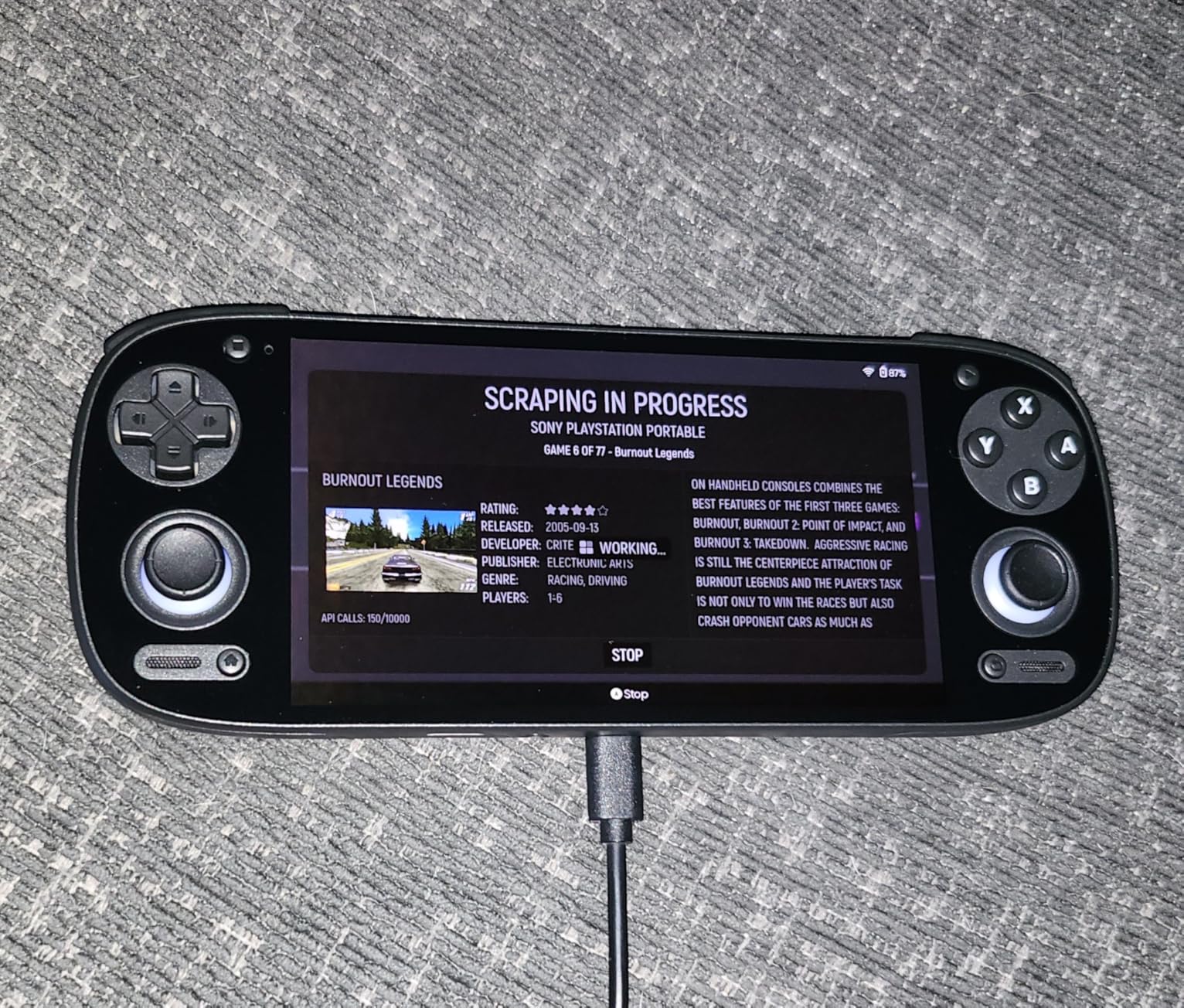
The Retroid Pocket 5 has been my daily driver for months, and it remains the best balance of price, power, and screen quality in the Android emulation space. The Snapdragon 865 chipset is a few generations old in phone terms but absolutely flies in the emulation world, handling GameCube, PS2, Dreamcast, and a good chunk of Nintendo Switch indie games without breaking a sweat.
The 5.5-inch AMOLED screen is one of the best I have used on any handheld under $300. It is bright, color-accurate, and the 1080p resolution makes 4:3 content look crisp with thin bezels on the sides. Battery life is another standout: I regularly got 8 to 10 hours on lighter systems like SNES and GBA, and around 3 to 4 hours on heavy PS2 titles with Wi-Fi off.
What makes the Retroid Pocket 5 the Best Value pick is that it punches into premium territory while staying priced like a mid-range device. The hall-effect thumbsticks are a huge deal, no drift, no calibration, no worrying about dead zones months from now. Reviewers consistently note the build quality and battery life as standout features, and 246 reviews at a 4.5 average is a strong signal.
Snapdragon 865 in Real-World Emulation
The Adreno 650 GPU and 8GB of LPDDR5 RAM make this chip a sweet spot for emulation. PS2 games like Final Fantasy X and God of War run at near-native resolution with mild frame dips in the most demanding scenes. GameCube is essentially flawless. Dreamcast, PSP, and N64 all run beautifully. Even some lighter Switch games such as Stardew Valley and Undertale work well.
For Android-native games and cloud streaming, the chipset is more than capable. I tested Xbox Game Pass via the cloud with stable Wi-Fi 6, and the experience was smooth. Bluetooth 5.1 means wireless controllers and headphones connect quickly and stay connected.
Form Factor, Controls, and Battery
The horizontal layout follows the classic Game Boy Advance SP silhouette but stretched wider. It is comfortable for medium-to-large hands, though some reviewers with smaller hands found it cramped. The buttons are crisp, the triggers have a satisfying travel, and the hall-effect sticks feel premium compared to older potentiometer designs.
The 5000mAh battery delivers 8 to 10 hours on light emulation, 5 to 6 hours on PSP and Dreamcast, and 3 to 4 hours on PS2 with brightness at 60%. Charging is via USB-C, and the device stays cool thanks to the internal fan. Fan noise is present but quieter than many competitors, and it is inaudible during quieter scenes in most games.
Who Should Buy the Retroid Pocket 5
This is the pick for anyone who wants a single device that can handle everything from Game Boy to most Switch indies. It is the best choice for users who value screen quality, modern connectivity, and a strong custom-firmware community. If your budget tops out around $250 and you want maximum power per dollar, this is it.
3. Retroid Pocket 4 Pro – Most Versatile for PS2 and GameCube in 2026
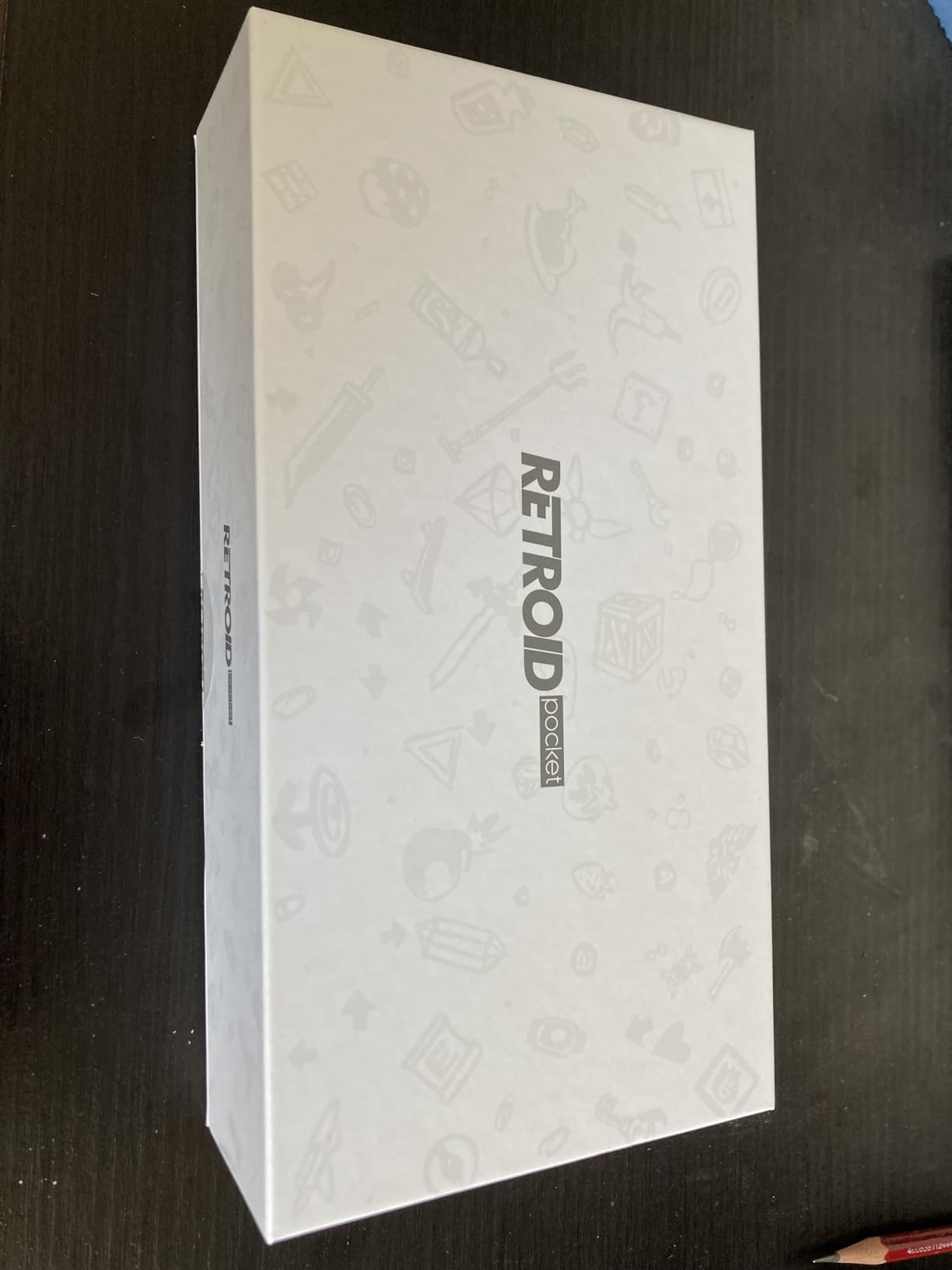
Retroid Pocket 4/4Pro Retro Game Handheld – Android Console with Multiple Emulators, 4.7 Inch Display, 5000mAh Battery – Classic Games Console (RP4 Pro, Black, D1100)
Dimensity 1100 chipset
4.7-inch touchscreen
8GB RAM and 128GB storage
+ Pros
- Powerful Dimensity 1100 for PS2 and GameCube emulation
- Great build quality and tactile buttons
- Compact and pocketable form
- 128GB internal storage with microSD expansion
- Strong community support and customization
– Cons
- Setup requires more tinkering than other retro handhelds
- No games or ROMs preinstalled
- Runs warm under heavy emulation
- Occasional SD card slot reliability issues
The Retroid Pocket 4 Pro is the device I recommend most often to friends who want a serious emulation handheld without spending $250 or more. The Dimensity 1100 chipset is older than the Snapdragon 865 in the Pocket 5, but for retro gaming through PS2 and GameCube it is more than capable. I ran Shadow of the Colossus on PS2 and Super Mario Sunshine on GameCube with only minor dips, which is impressive at this price.
The 4.7-inch touchscreen is smaller than the Pocket 5, but the device is genuinely pocketable. I slipped it into a jacket pocket during a week of commuting and barely noticed it. Build quality is excellent for the price, with no creaks, no loose buttons, and a solid hinge on the trigger area. The 293 reviews at a 4.6 average reflect how well-loved this handheld is in the community.
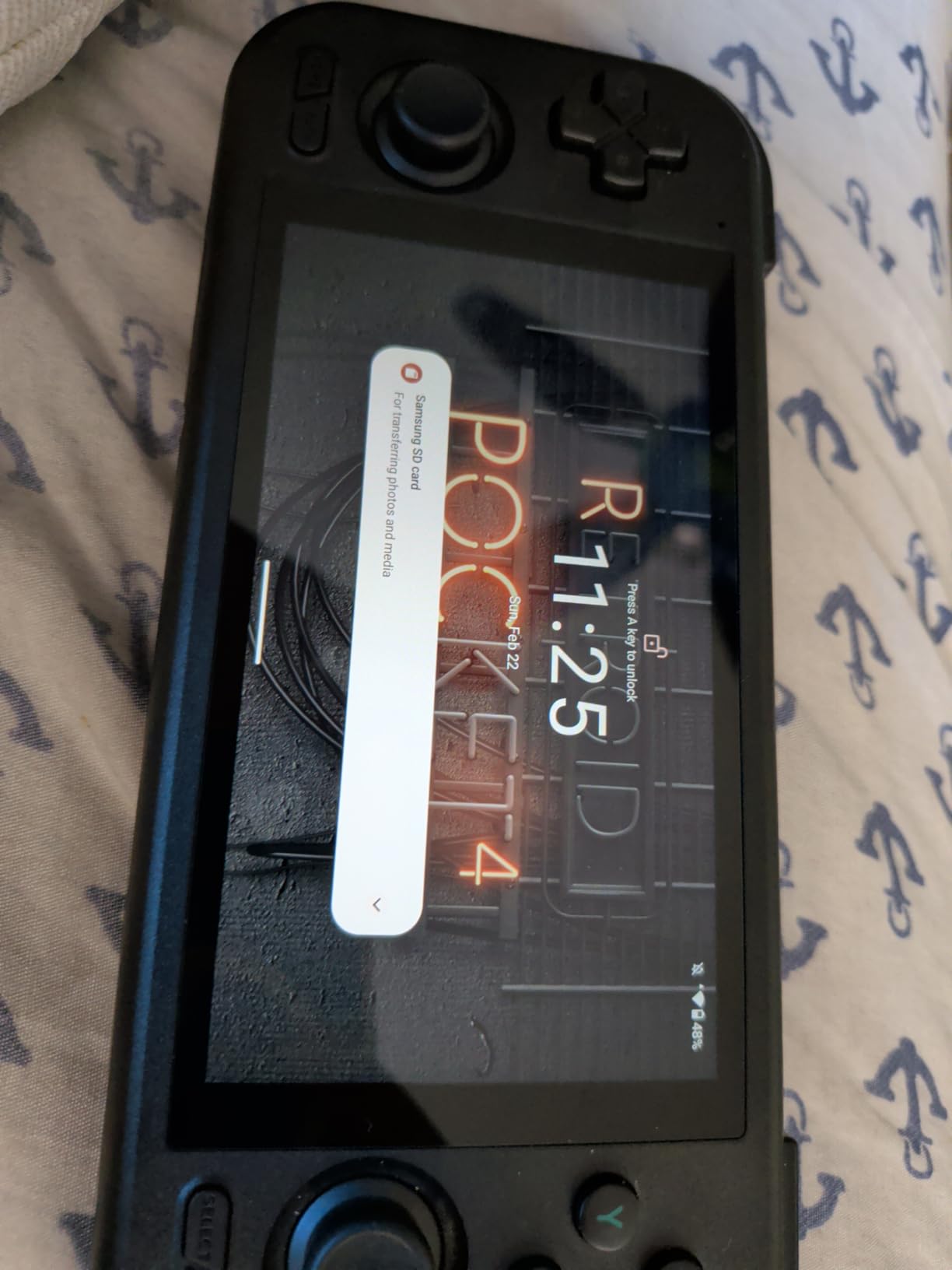
What the Pocket 4 Pro gives up to the Pocket 5 is mostly screen size and chipset headroom. If you mainly play GameCube, PS2, Dreamcast, and PSP, the difference is minimal. If you want Switch or Dreamcast at higher upscale settings, the Pocket 5 or Anbernic RG557 is the better choice.
Dimensity 1100 Performance Breakdown
The Dimensity 1100 is a true flagship-grade mobile chip from a few years back, with 4x A78 cores at 2.6GHz and a G77 MC9 GPU. In real-world use, that means GameCube runs essentially perfectly, PS2 runs well at 1x to 2x native resolution, and most N64, PSP, and Dreamcast games are flawless. The 8GB of LPDDR4X RAM is plenty for RetroArch cores and modern standalone emulators.
Heavy PS2 titles like Kingdom Hearts 2 and Gran Turismo 4 need the resolution dialed back a notch to stay smooth, but the experience is still very playable. Wii emulation is hit or miss, but that is true for most Android handhelds in this price range.
Connectivity, Storage, and Software
Wi-Fi 6 and Bluetooth 5.2 are modern and reliable. The 128GB of UFS 3.1 internal storage plus microSD expansion means you can keep a huge library of games without juggling cards. Android 13 comes preinstalled, and Retroid’s own frontend makes launching emulators easy once you have everything configured.
Setup is the main hurdle. The device does not ship with any games or emulators installed, and you will need to source your own. The Retroid community on Reddit and Discord has step-by-step guides that make the process easier, but expect to spend 2 to 3 hours the first time. After that, it is smooth sailing.
Who Should Buy the Retroid Pocket 4 Pro
This is the pick for anyone who wants Retroid quality and PS2/GameCube performance at the lowest possible price. It is also a great choice as a first Android handheld because the community support is excellent. If you do not need Switch or the absolute best screen, the Pocket 4 Pro is plenty of machine for the vast majority of retro libraries.
4. Anbernic RG557 – The Premium AMOLED Android Flagship in 2026
Anbernic RG557 Retro Handheld Game Console , 5.48 Inch AMOLED Screen Handheld Emulator Android 14 System Dimensity 8300 Processor Support WiFi 6E Bluetooth 5.3(Transparent Purple)
Dimensity 8300 chipset
5.48-inch AMOLED 1080p
256GB storage
+ Pros
- Stunning AMOLED display at full HD
- Powerful Dimensity 8300 runs PS2 and GameCube smoothly
- 256GB internal storage plus SD expansion
- Premium build quality
- WiFi 6E and Bluetooth 5.3
– Cons
- Day 1 setup is complex and aimed at power users
- Onscreen emulator buttons enabled by default
- Smaller hands may need a grip mod
- Some units reported hardware failures
- No games included
The Anbernic RG557 is what you buy when you want the best possible Android emulation handheld and price is not the main concern. The 5.48-inch AMOLED display is the same size class as the Retroid Pocket 5 but pushes 1920×1080, and the Dimensity 8300 chipset is two generations newer than the Snapdragon 865. In practice, this is the most powerful Android handheld in our roundup short of full Windows devices.
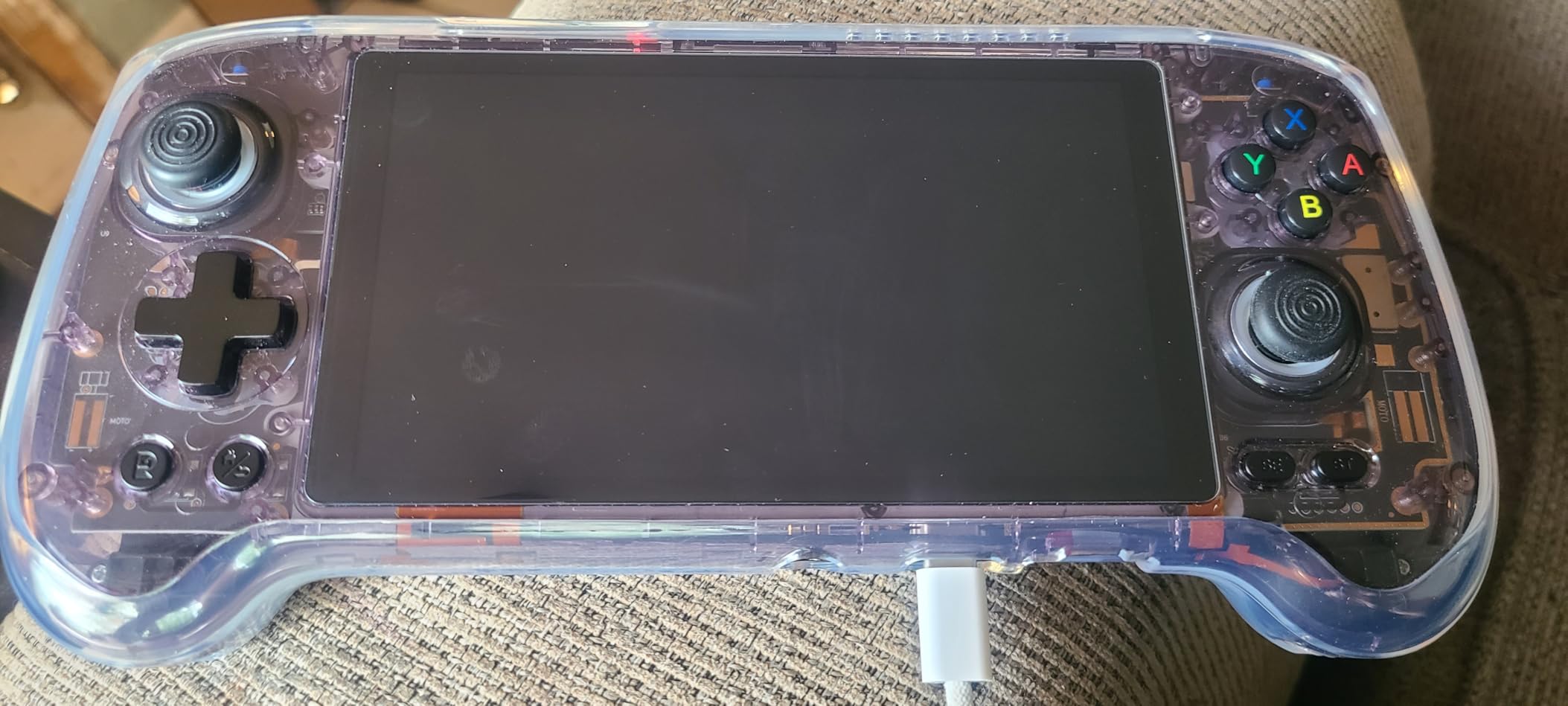
Build quality is premium throughout. The transparent purple color option shows off the internals, the RGB joystick lighting is a fun touch, and the chassis feels dense without being heavy. The 5500mAh battery delivers around 8 hours on lighter systems and roughly 4 hours on PS2. This is the device I reach for when I want to show off a handheld to friends.
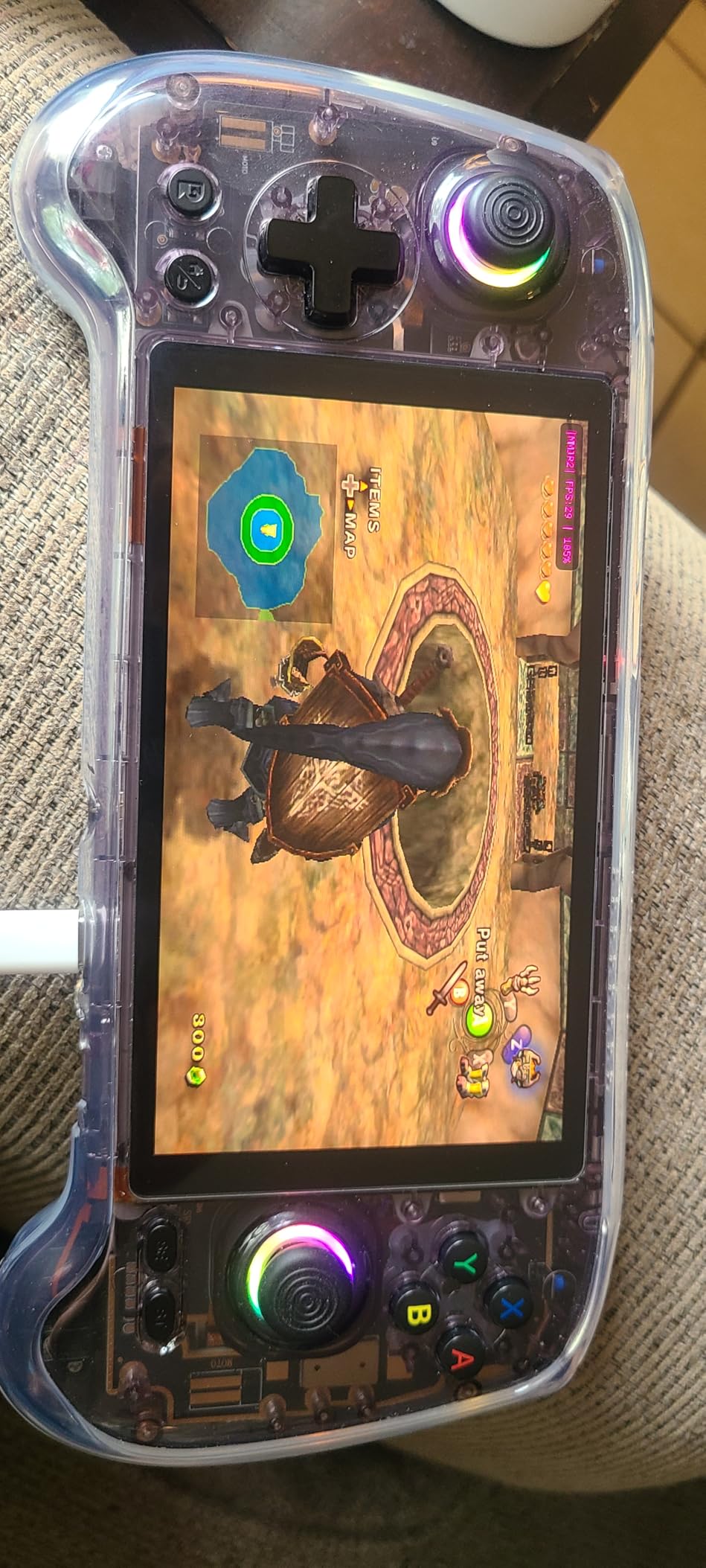
Where the RG557 stumbles is the out-of-box experience. The onscreen touch controls are enabled by default, which can interfere with games, and the initial Android setup is more involved than a Retroid device. Power users will love the headroom. Beginners may find the first hour frustrating.
Dimensity 8300 Real-World Performance
The Dimensity 8300 is a 4nm chip with 1x A715 at 3.35GHz, 3x A715 at 3.20GHz, and 4x A510 at 2.2GHz. In the emulation world, that means Switch emulation is finally viable on a portable. Stardew Valley, Cave Story+, and many indie Switch titles run smoothly. PS2 and GameCube are essentially flawless at higher upscale settings than the Retroid Pocket 5 can manage.
Dreamcast, PSP, N64, and everything below is, of course, perfect. The 256GB of internal storage is generous, and you can add a 1TB microSD if you want to carry a complete retro library.
Display, Audio, and TV Output
The AMOLED panel is bright, vibrant, and supports proper blacks. The full HD resolution makes text and UI elements sharp, and the larger 5.48-inch screen size gives more room for Game Boy, DS, and modern 16:9 content. Anbernic includes DisplayPort output over USB-C, so you can plug the RG557 into a TV or monitor for big-screen play.
Audio is good but not class-leading. The dual speakers get loud enough for portable play but sound thin compared to the Retroid Pocket Classic. Headphone output is clean and benefits from a decent pair of IEMs.
Who Should Buy the Anbernic RG557
Pick the RG557 if you want the most power possible in an Android handheld and you do not mind spending extra time on setup. It is also a great option for users who want to dabble in Switch emulation. Beginners who want a more polished out-of-box experience should look at the Retroid Pocket 5 instead.
5. Anbernic RG353V – A Versatile Mid-Range Dual-OS Handheld in 2026
Anbernic RG353V Retro Handheld Game Console , Dual OS Android 11 and Linux System Support 5G WiFi 4.2 Bluetooth Moonlight Streaming TV Output 64G SD Card 4452 Games(Transparent Purple)
RK3566 quad-core chip
3.5-inch IPS screen
2GB RAM and 64GB SD card
+ Pros
- Easy to use and load games onto
- Runs N64
- PSP
- and Dreamcast smoothly
- Lightweight and portable at 0.3 kg
- Comes with 4452 games out of the box
- Supports multiple emulators and OS customization
– Cons
- Stock OS can feel limited without custom firmware
- Some quality control issues with screen alignment
- OS swap instructions not always clear
The Anbernic RG353V is one of the most popular handhelds Anbernic has ever shipped, and for good reason. It is a dual-OS device that runs both Linux and Android 11, giving users a choice between a streamlined retro experience and the flexibility of Android apps. I have been using mine for over a year as a travel companion, and the 0.3 kg weight makes it easy to toss in a bag.
The 3.5-inch IPS screen runs at 640×480, which is the perfect native resolution for Game Boy, GBA, and SNES content. PSP and Dreamcast upscale nicely. N64 games run well at default settings, though some demanding titles need a settings tweak. The dual-OS approach means you can flip between a Linux frontend focused purely on retro gaming and an Android environment for streaming or other apps.
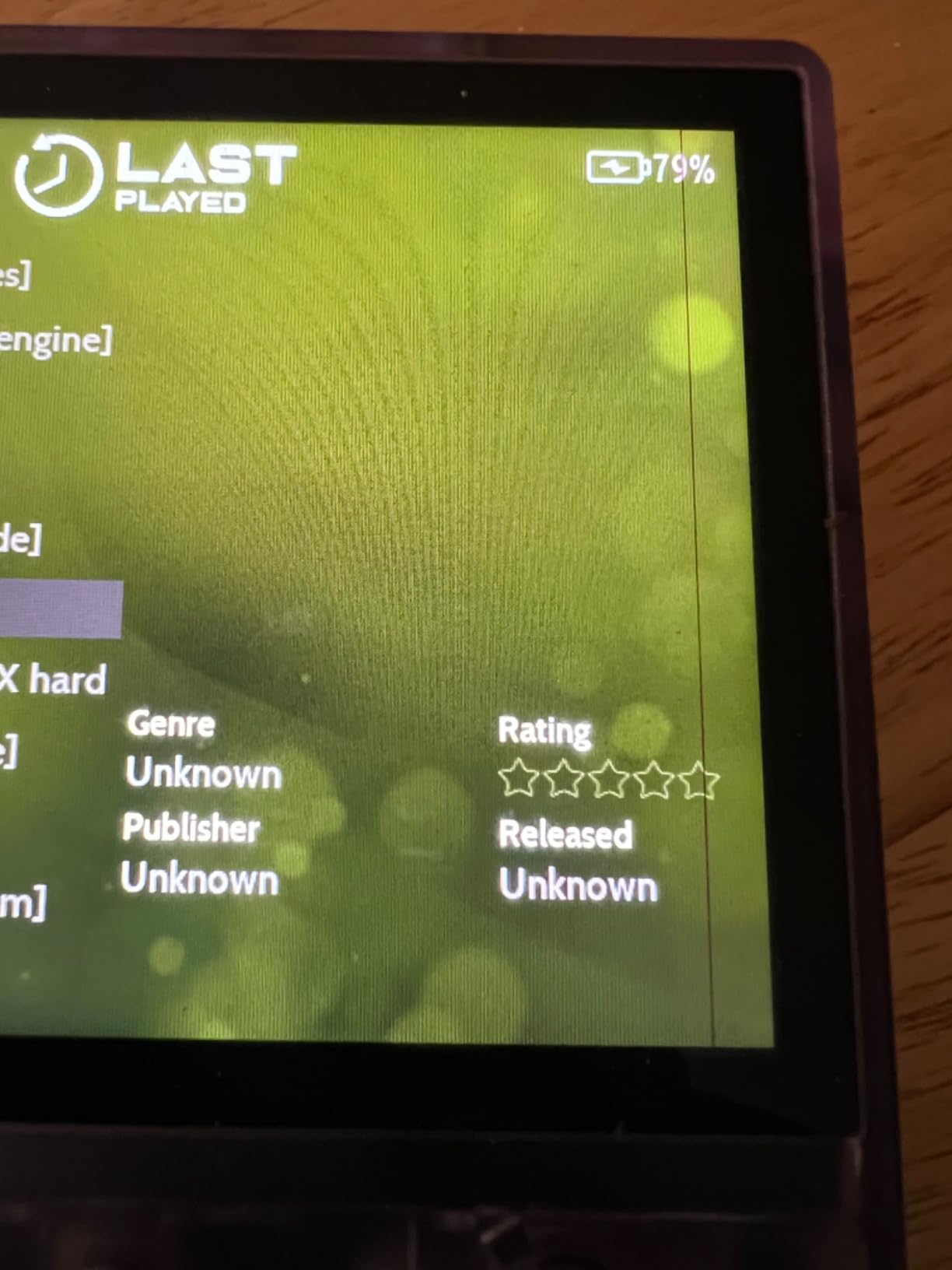
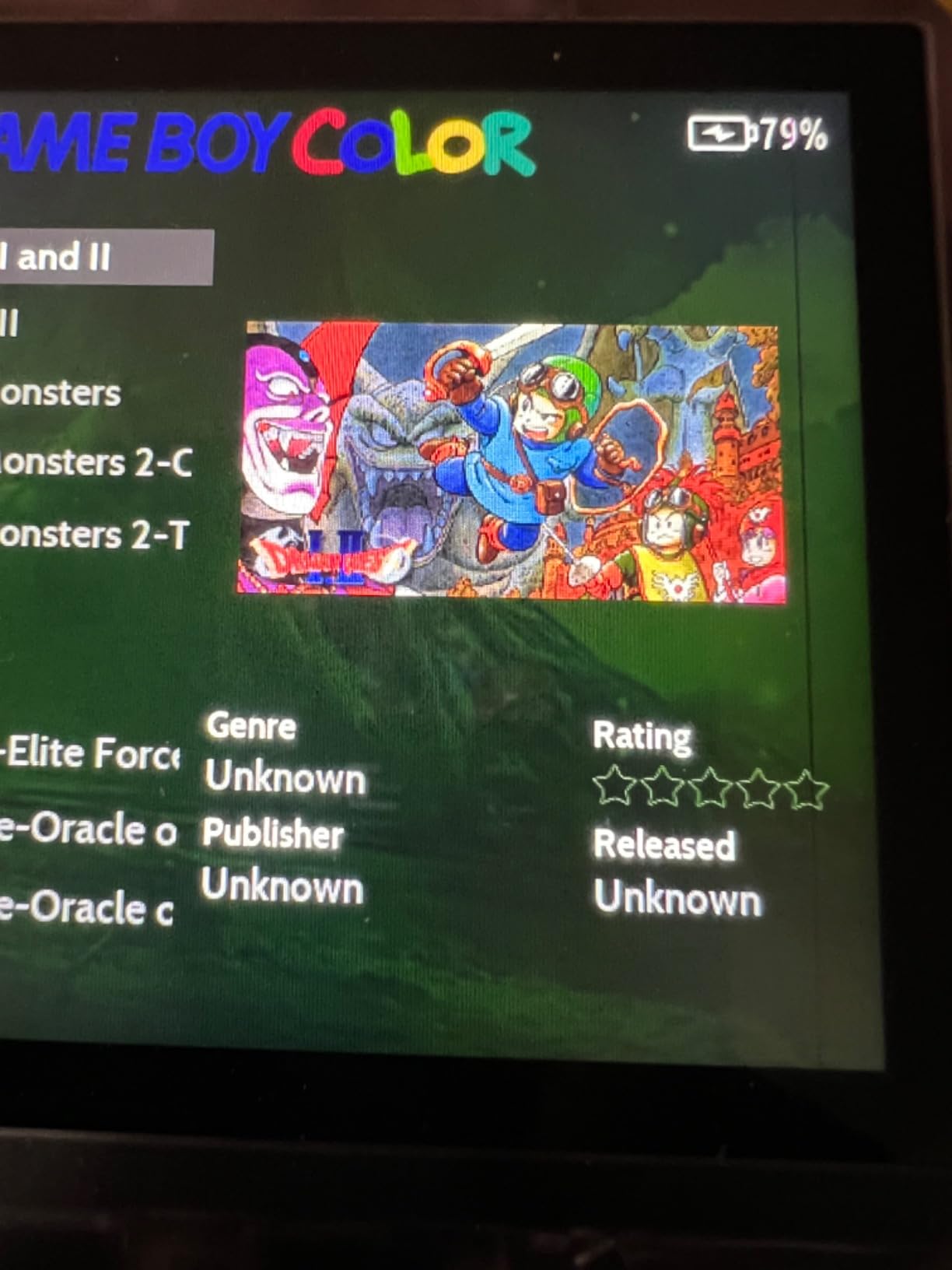
Out of the box, the RG353V ships with 4452 games preloaded, which is a nice touch for users who want to start playing immediately. The community strongly recommends installing a custom firmware for the best experience, and the Anbernic community is one of the most active in the hobby.
Dual-OS Experience and Customization
Linux is the default OS and runs the device efficiently. It boots fast, the frontend is snappy, and battery life stretches up to 6 hours. Android 11 opens up the Play Store and Google services, but it runs a little slower than the Linux side because of the lightweight 2GB of RAM. Most users stick with Linux for daily retro play and dip into Android only when they need a specific app.
Custom firmware options like Batocera, ArkOS, and JelOS unlock more emulators, better frontend options, and the ability to use the device as a streaming client. Setup is more involved than the stock OS but well documented on the Anbernic subreddit and Discord.
Build Quality and Ergonomics
The RG353V uses a vertical Game Boy form factor, which is comfortable for long sessions of 8-bit and 16-bit games. The buttons have a soft, mushy feel compared to Retroid handhelds, but they are accurate and responsive. The D-pad is one of the best in the budget vertical category.
Quality control is the main downside. Some units have arrived with screen alignment issues or, in rare cases, displays that pop out. Buying from a reputable seller with a good return policy is wise. Once you have a good unit, the device is solid for the price.
Who Should Buy the Anbernic RG353V
Pick the RG353V if you want a Linux-based retro handheld with Android flexibility and you do not need the absolute latest chipset. It is a great choice for users who mostly play up through N64, PSP, and Dreamcast, and the included 4452-game library means you can start playing within minutes of unboxing. Just plan on installing custom firmware within a week or two.
6. Aivuidbs RG DS – The Best Dual-Screen Nintendo DS Handheld in 2026
Aivuidbs RG DS Foldable Handheld Game Console RK3568 Anbernic RG DS Android 14 System two-Player Joystick Top and Bottom Dual Screen 4 inch OCA Full Touch Screen 4000mAh 3 + 32gb
RK3568 quad-core chip
Dual 4-inch touchscreens
3GB RAM and 32GB storage
+ Pros
- Unique foldable dual-screen DS-like form factor
- Strong DS emulation with Rocknix firmware
- Capacitive stylus included
- Multi-touch and gyroscope support
- AI translation features work well
– Cons
- Larger than the original Nintendo DS
- Cannot run 3DS games
- No Google Play Store support
- Battery life is modest for some users
- PSP games struggle on this chipset
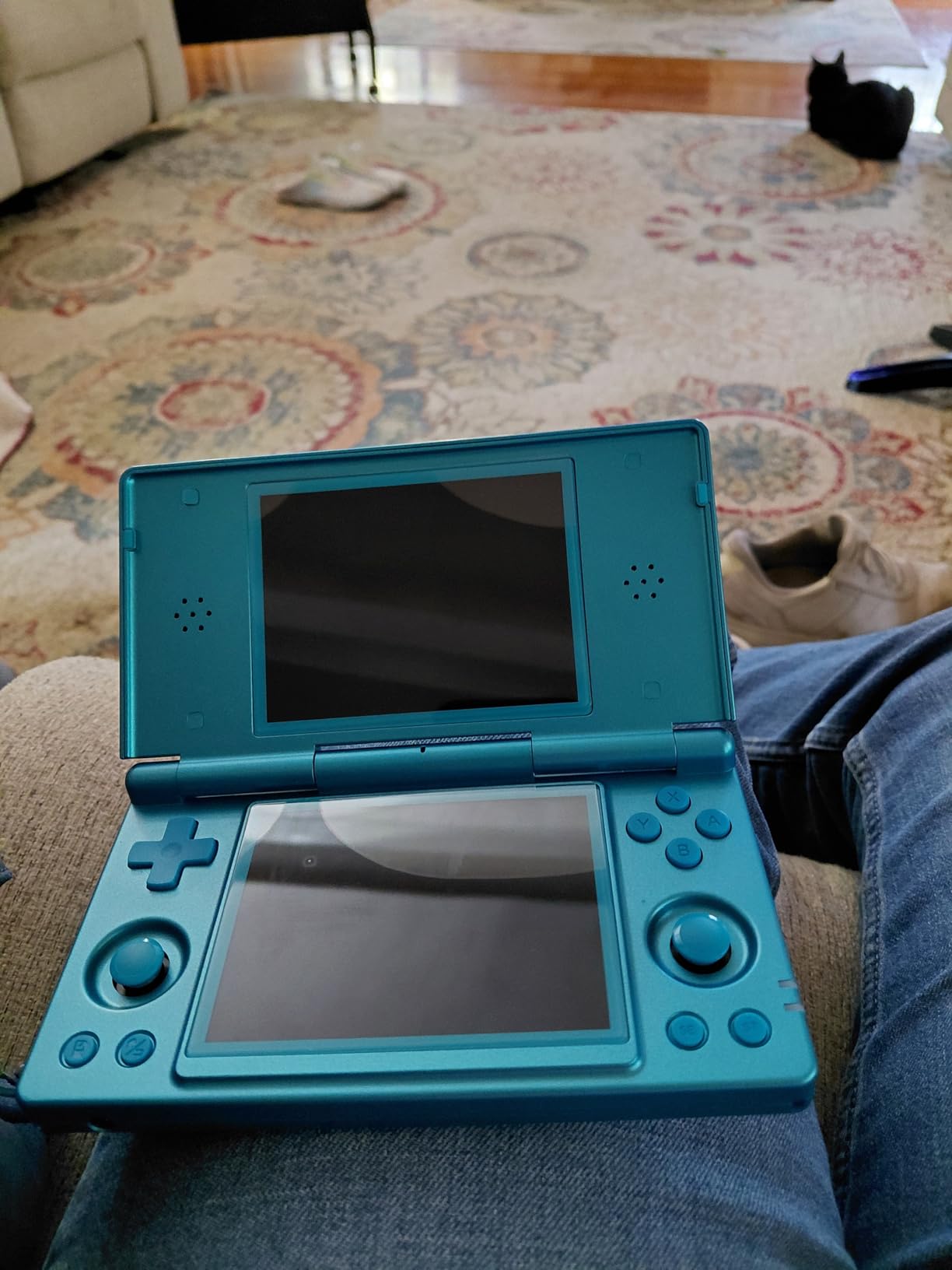
If Nintendo DS is the crown jewel of your retro collection, the Aivuidbs RG DS is the handheld for you. The clamshell form factor folds open to reveal two 4-inch touchscreens, both running at 640×480 with OCA lamination for great viewing angles. I spent an entire weekend replaying Pokémon SoulSilver and Castlevania: Dawn of Sorrow, and the experience genuinely felt like the original hardware in my hands.
The RK3568 chipset is modest by Android standards but more than capable for DS emulation. With the Rocknix custom firmware installed, the device handles virtually every DS title at full speed. The capacitive stylus tucks neatly into the side of the chassis, and the gyroscope adds motion controls for games that need them.
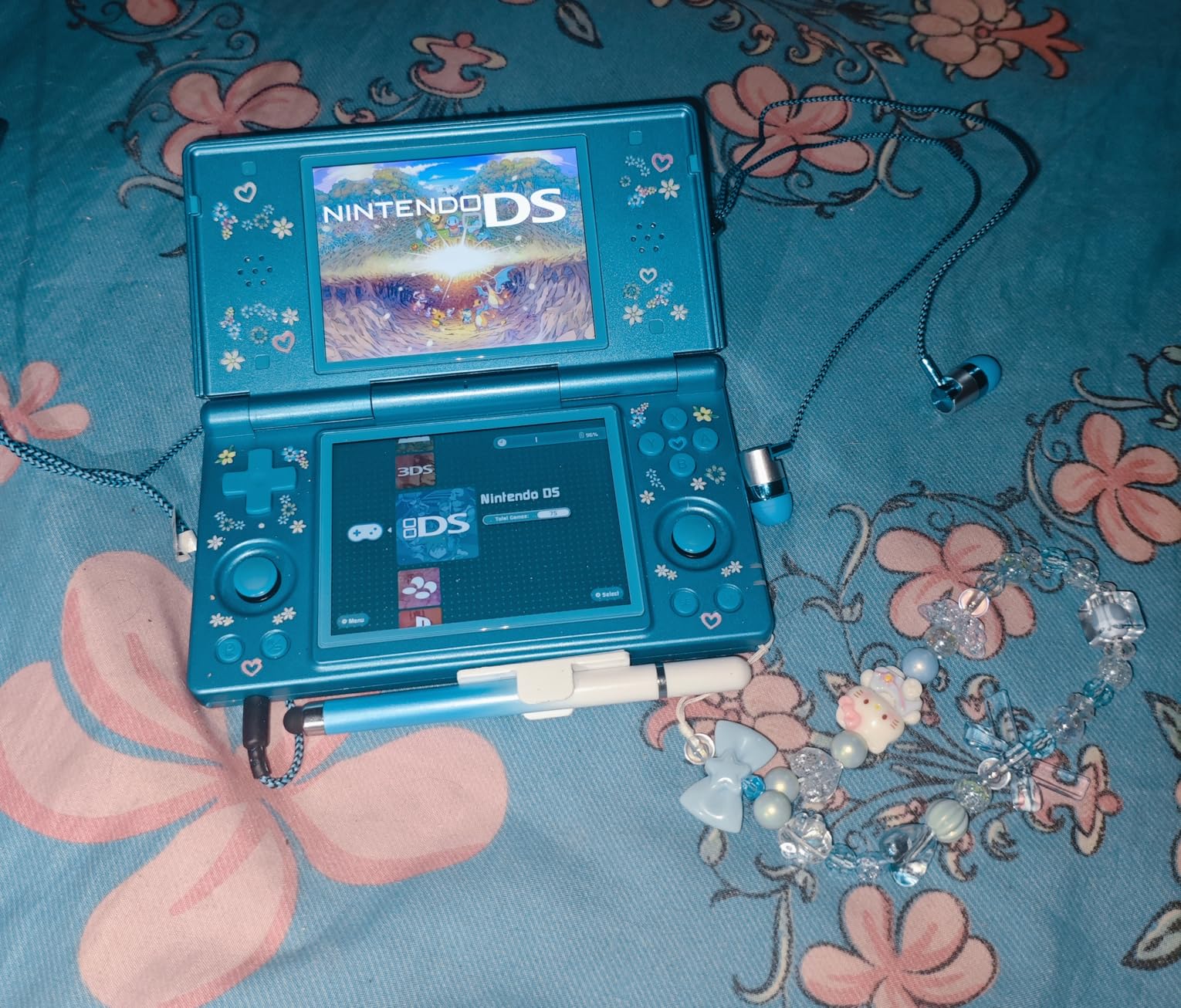
What makes the RG DS special is the dual-screen implementation. The hinge feels solid, the gap between the screens is small, and the touch response is accurate. AI translation features are a fun bonus, useful for untranslated Japanese DS titles, and Moonlight streaming lets you stream games from a more powerful PC.
Dual-Screen Layout and Nintendo DS Performance
Dual-screen handhelds always sound gimmicky until you actually use one for DS games. The bottom screen becomes a touch-driven inventory, map, or action menu, exactly like the original DS, and the top screen shows the action. The RG DS does this better than any clone I have tested.
Standard DS games run flawlessly. DSi-enhanced titles work in most cases. Unfortunately, 3DS games are out of reach because the chipset is not powerful enough, and the closed Android 14 build lacks Google Play, so installing custom emulators means side-loading APKs. The Rocknix firmware project makes the experience much smoother if you are comfortable with SD card flashing.
Portability and Battery Considerations
At roughly the size of a closed Nintendo 3DS, the RG DS is bigger than a typical vertical handheld but still pocket-friendly in a jacket. The 4000mAh battery delivers around 6 hours of DS play, which is reasonable for the dual-screen power draw. Charging is via USB-C.
Wi-Fi 5 and Bluetooth 4.2 are adequate for streaming and controller pairing. The 6-axis gyroscope adds motion controls for games that need them, which is a nice touch for titles like WarioWare: Twisted!.
Who Should Buy the Aivuidbs RG DS
Pick the RG DS if Nintendo DS is your primary focus and you want the most authentic dual-screen experience possible outside of original hardware. It is also a fun novelty for users who want a clamshell device for travel. If you mainly want GameCube, PS2, or modern Android gaming, look at the Retroid Pocket 5 or Anbernic RG557 instead.
7. Anbernic RG40XX V – A 4-Inch Vertical Powerhouse in 2026
Anbernic RG40XX V Retro Handheld Game with 4.0 Inch IPS Screen Linux System RG40XXV Built-in 64G TF Card 5528 Games Support TV Output 5G WiFi Bluetooth 4.2(Black)
H700 quad-core chip
4.0-inch IPS screen
2GB RAM and 64GB TF card
+ Pros
- Larger 4-inch screen than most vertical handhelds
- Comfortable for extended play sessions
- Great battery life up to 6 hours
- Knulli custom firmware unlocks more potential
- Pre-installed game library is large
– Cons
- Stock OS is limited without firmware swap
- Cannot play while charging
- PS1 setup is complicated
- Pre-loaded games are mainly arcade ROMs
- Build quality feels plasticky to some
The Anbernic RG40XX V takes the vertical Game Boy form factor and stretches it to a 4-inch IPS screen, which is a noticeable upgrade over the 2.8-inch and 3.0-inch screens in the budget tier. I have been using it as my go-to for GBA, SNES, and PS1 games, and the extra screen real estate makes pixel art look fantastic.
The H700 chipset is a step up from the cheaper Allwinner chips used in older Anbernic handhelds. N64 and PS1 run well, Dreamcast is mostly smooth, and everything below is perfect. The 64GB TF card ships with 5528 games preloaded, though the selection skews heavily toward arcade ROMs. Plan to add your own favorites via microSD.
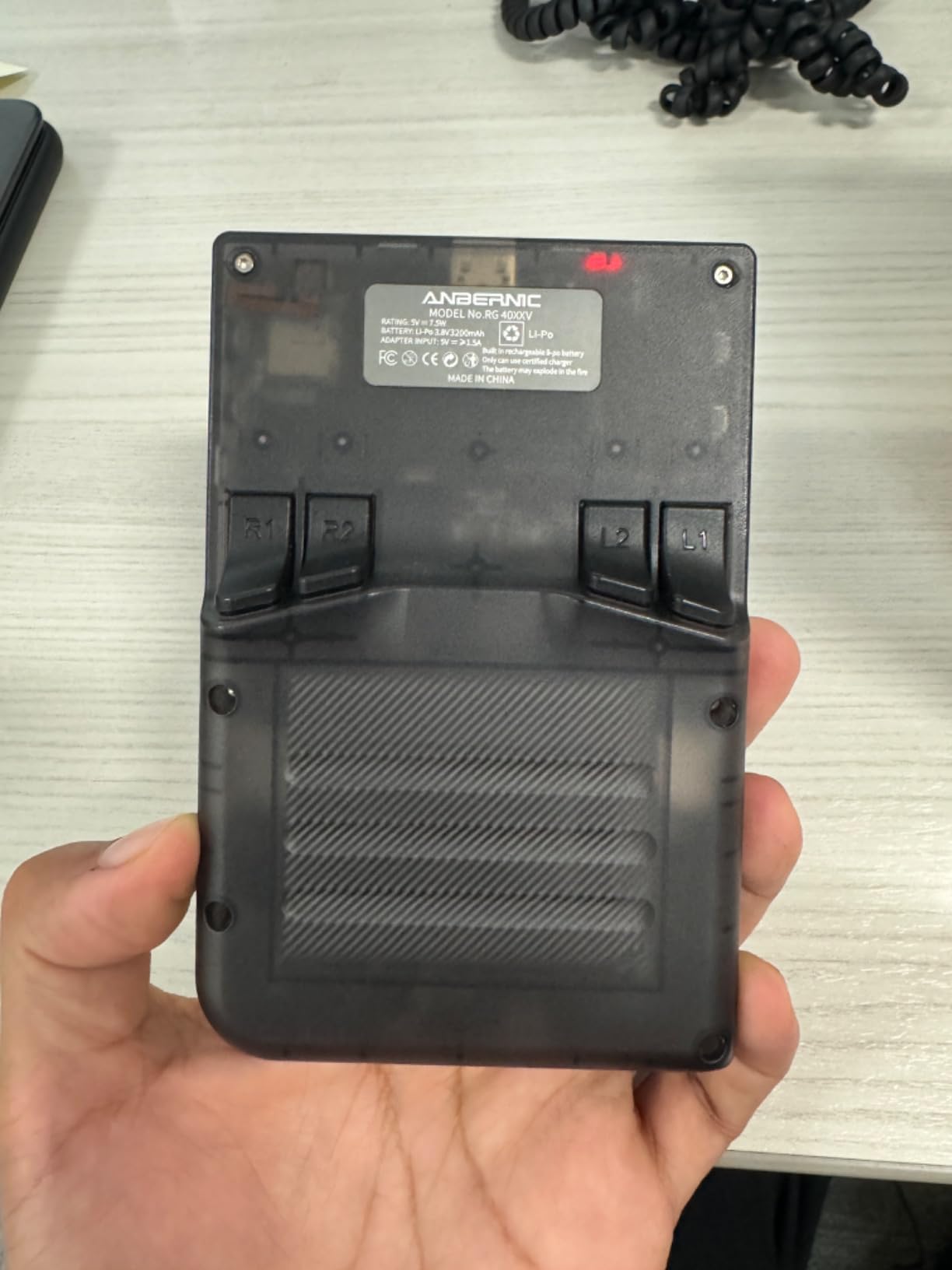
What I love about the RG40XX V is the ergonomics. The vertical form factor feels natural in the hand for Game Boy-style games, and the 4-inch screen is large enough to play SNES and PS1 comfortably without squinting. The 3200mAh battery is rated for 6 hours, and I consistently got 5 to 7 hours in real-world testing.
Display and Build Quality
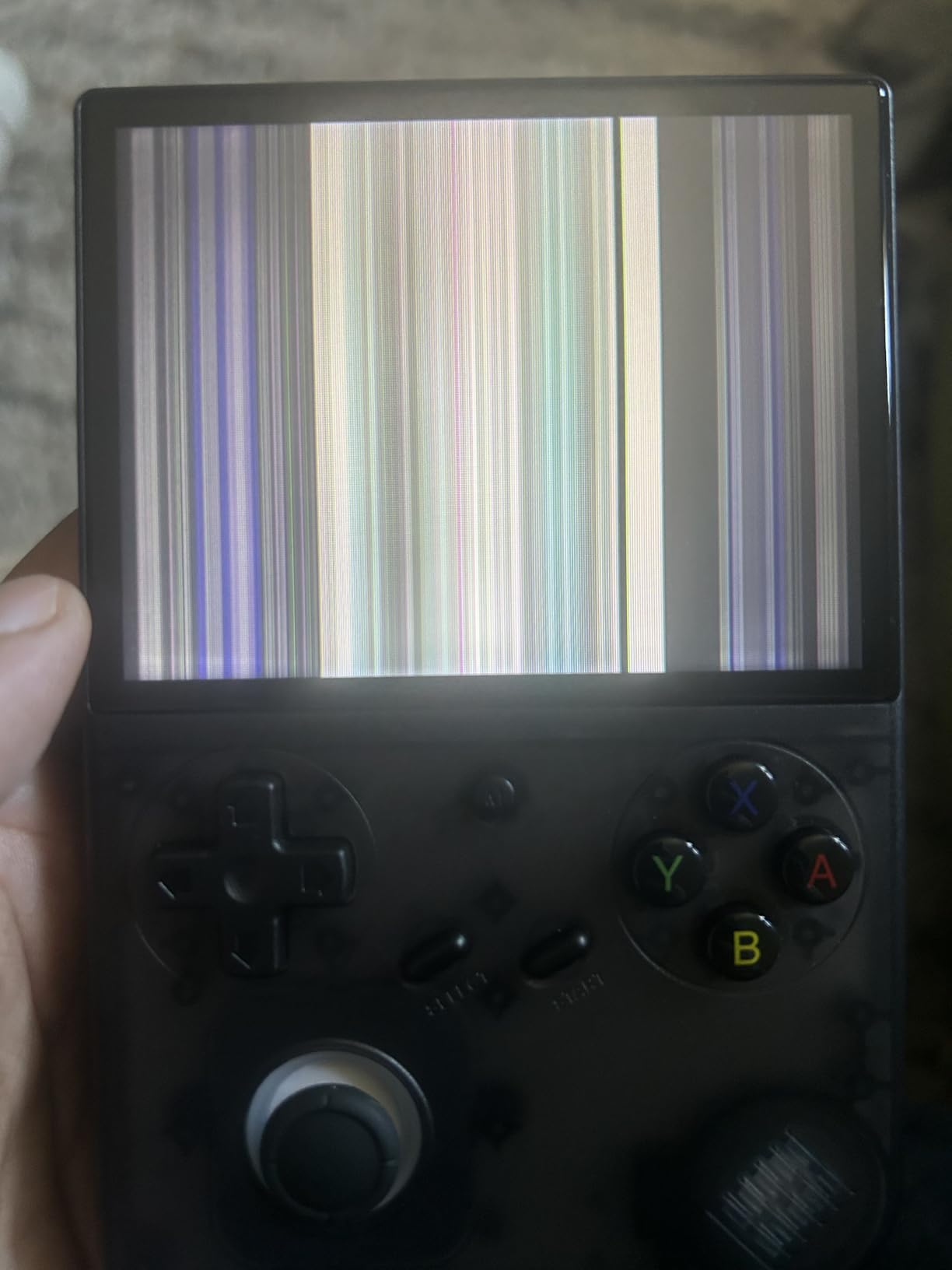
The 4-inch IPS screen with OCA lamination is a treat at this price. Colors are accurate, viewing angles are wide, and the 640×480 resolution is the native sweet spot for 4:3 content. The shell is plastic, which keeps the weight down, though some users have noted a slightly hollow feel. The buttons and D-pad have a soft, mushy feel similar to other budget Anbernic devices, but they are accurate enough for most genres.
The double TF card design lets you keep the stock OS on one card and a custom firmware like Knulli on another. Swapping cards is a great way to experiment without risking your main installation.
Custom Firmware and Tinkering
The stock Linux OS works, but the Anbernic community has shifted decisively to Knulli and other custom firmwares. Knulli unlocks more emulators, better frontends like ES-DE, and improved performance for N64 and PS1. Setup involves flashing an SD card and copying your ROMs, which takes about 30 minutes the first time.
Reviewers consistently recommend the RG40XX V as a vertical handheld in the $80 to $100 price range. The 4-inch screen is the standout feature, and the H700 chipset is the best you can get in this tier without jumping to Android.
Who Should Buy the Anbernic RG40XX V
Pick the RG40XX V if you want a vertical handheld with a noticeably larger screen than the Miyoo Mini Plus at a similar price. It is also a great choice as a first custom-firmware project, because the community support is excellent and the risk of bricking is low. If you prefer clamshell or horizontal designs, look elsewhere.
8. GiipGoop RG35XX Pro – The Best Dual-Stick Budget Vertical in 2026
GiipGoop RG35XX Pro Handheld Game Consoles RG35XXPro Retro Gaming Console with 64GB Card 4353 Games Video Game Console Pocket Arcade Support 30+ Simulators WiFi Bluetooth HD Output Transparent Teal
H700 quad-core chip
3.5-inch IPS screen
64GB card with 4353 games
+ Pros
- Game Boy Color-style form factor with dual sticks
- Crisp screen and good build quality
- Up to PS1 emulation works well
- 3200mAh battery with up to 8 hours play
- Custom firmware options like Knulli and MuOS
– Cons
- Preloaded game library lacks NES and SNES classics
- No low-battery warning so sudden shutdowns occur
- Stock OS limitations
- Some A-button quality issues reported
- Does not include second SD card
The GiipGoop RG35XX Pro is the budget handheld I recommend to anyone who wants dual analog sticks and PS1 capability without spending over $100. The Game Boy Color-style form factor is compact, the 3.5-inch IPS screen looks crisp, and the H700 chipset is the same one in more expensive Anbernic devices.
Out of the box, the device runs a Linux OS that works fine for GBA, Game Boy, and most PS1 titles. The community has embraced Knulli and MuOS custom firmwares, which unlock better frontend options and improved performance for demanding systems. I installed Knulli on mine and immediately saw better results on N64 and arcade titles.
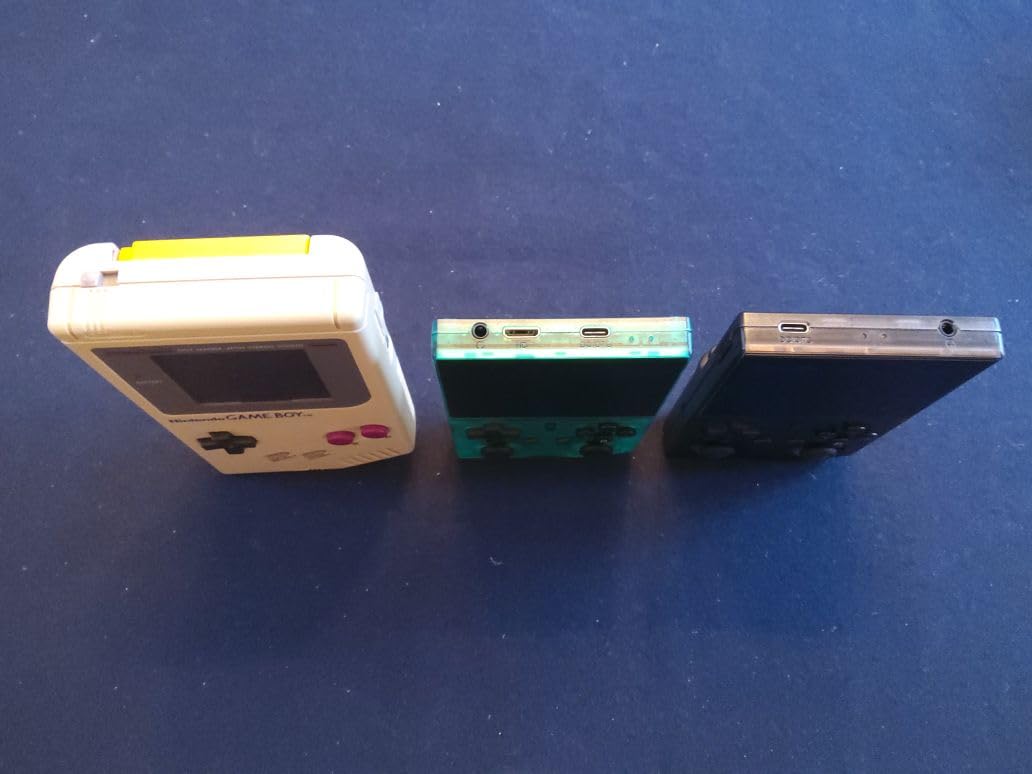
The 3200mAh battery delivers up to 8 hours of play, which is excellent for the price. The 64GB microSD ships with 4353 games, though the preloaded selection leans heavily toward arcade and less-curated titles. Plan to add your own NES, SNES, and GBA collections.
Display and Form Factor
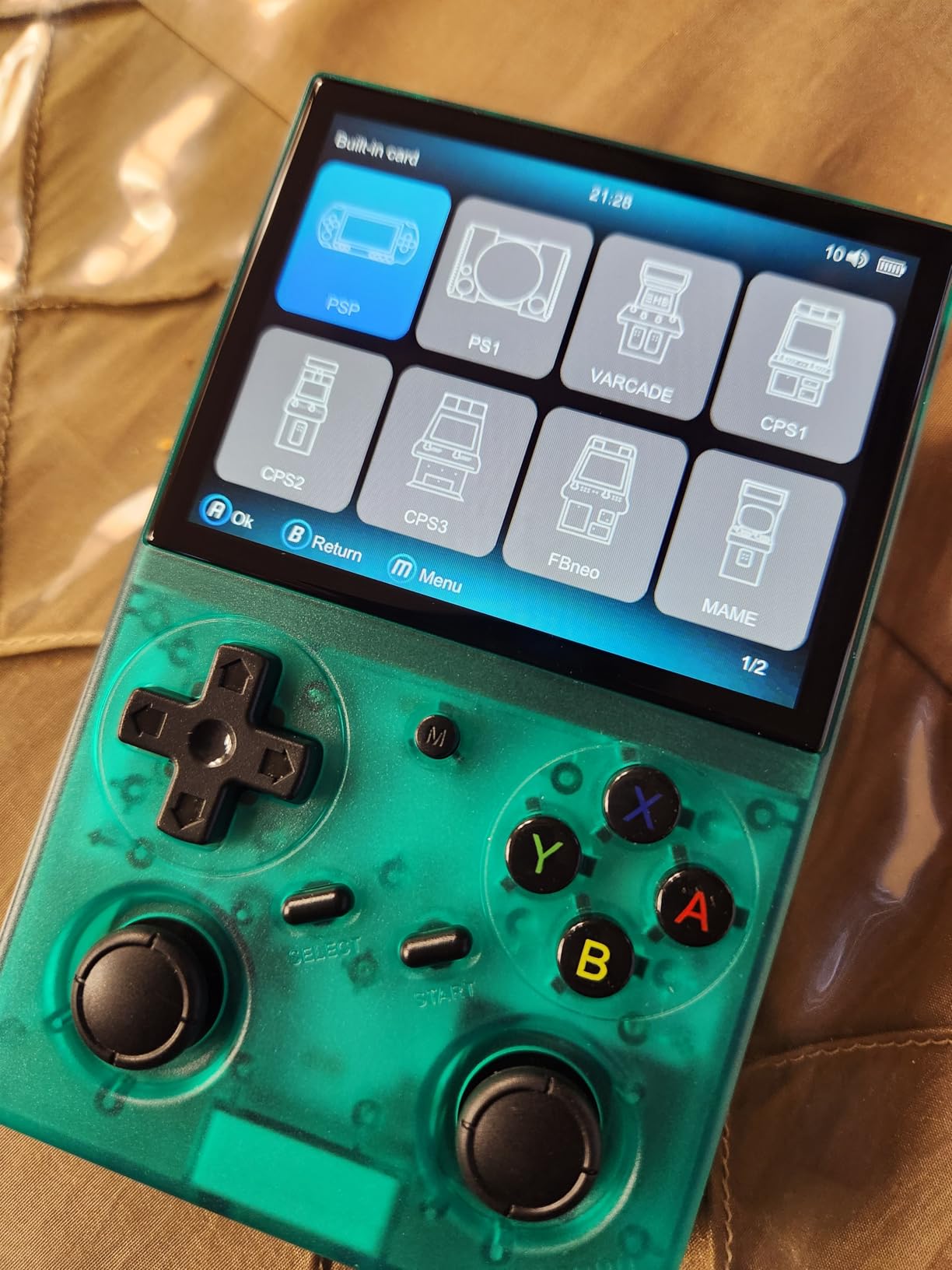
The 3.5-inch IPS screen is bright, colorful, and uses OCA lamination for better contrast. The 640×480 resolution is the perfect native resolution for Game Boy, GBA, and SNES content. PS1 games upscale nicely. The Game Boy Color-inspired vertical form factor is comfortable for long sessions and slips easily into a pocket.
Dual analog sticks are the standout feature at this price. They are not as smooth as the hall-effect sticks in the Retroid Pocket 5, but they are accurate enough for most 3D titles. The D-pad is good for fighting games and 2D platformers.
Custom Firmware and Real-World Performance
The H700 chipset handles Game Boy, GBA, SNES, Genesis, PS1, and most arcade and N64 games without issue. PSP and Dreamcast run well at lower upscale settings. GameCube and PS2 are out of reach. With Knulli or MuOS installed, the experience is smoother and more polished than the stock OS.
The biggest weakness is the lack of a low-battery warning. The device can shut down suddenly when the battery drops below 5%, which can be jarring mid-game. I learned to charge mine every evening, but it is worth noting for users who plan to play on long trips.
Who Should Buy the GiipGoop RG35XX Pro
Pick the RG35XX Pro if you want a dual-stick budget vertical handheld and you are willing to install a custom firmware within the first week. It is a great choice for users who mainly play up through PS1, plus arcade and Game Boy titles. If you want a more curated preloaded library, look at the HAIHUANG RG351V below.
9. GiipGoop RG34XX – The Most Authentic GBA Form Factor in 2026
RG34XX Retro Handheld Game Consoles Classic Retro Gaming Console 64G Card Preloaded Games 5000+ rg34xx Portable Gaming Console Linux 64-bit 3500mAh Battery WiFi Bluetooth HD and TV Output Indigo
H700 quad-core chip
3.4-inch IPS screen
1GB RAM and 64GB SD card
+ Pros
- Exact GBA form factor matching the original dimensions
- Crisp IPS display with vibrant colors
- Excellent battery life
- Custom firmware support with MuOS and Knulli
- Lightweight at only 188g
– Cons
- Limited to GBA-oriented use case
- Stock OS is mediocre
- Setup requires homebrew knowledge
- Some units arrive dead on arrival
- Single SD card included
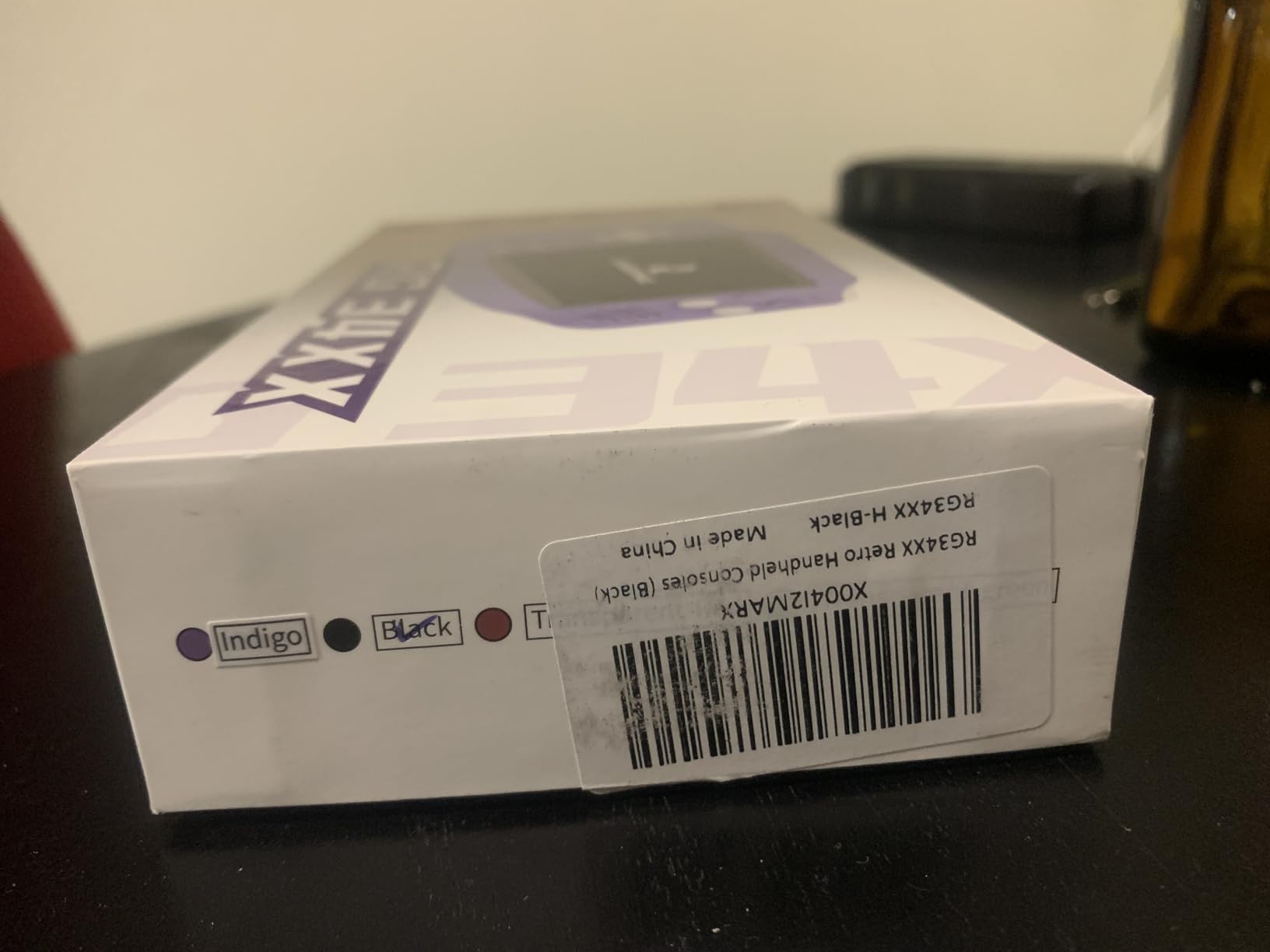
The GiipGoop RG34XX is the closest thing to a brand-new Game Boy Advance you can buy in 2026. The form factor matches the original GBA nearly exactly, right down to the placement of the buttons and the curvature of the shell. At only 188g, it disappears in a coat pocket, and the 3.4-inch IPS display looks gorgeous for GBA, NES, and SNES games.
For Game Boy purists, this handheld is a dream. The 4:3 aspect ratio is perfect, the screen is bright and colorful, and the H700 chipset handles GBA, GBC, NES, SNES, and most PS1 games without breaking a sweat. The 3500mAh battery delivers a full 8 hours of play, which is the longest in this roundup at the price.
Where the RG34XX is limited is scope. The chipset is the same capable H700 in larger handhelds, but the small screen and 1GB of RAM mean it is not the best choice for N64 or PS1. It is also not pocket-friendly for users with large hands. This is a focused device for focused gaming.
Display, Battery, and Build
The 3.4-inch IPS screen is one of the best small displays I have tested. Colors pop, blacks are deep, and the 720×480 resolution is plenty for 4:3 content. The plastic shell is sturdy, and the buttons have a tactile feel that reminds me of the original GBA. The D-pad is good for platformers and fighting games, though it is a bit small for users with larger fingers.
Battery life is a real highlight. The 3500mAh cell delivers 8 hours of continuous play, which is the longest in this entire guide. Charging is via USB-C, and the device stays cool even during long sessions.
Custom Firmware and Setup
The stock OS works but is not the best experience. MuOS and Knulli custom firmwares dramatically improve the user experience, with better frontends, more emulators, and faster boot times. The RG34XX is a great first custom-firmware project because the community support is excellent and the device is forgiving.
One concern is quality control. Some units have arrived dead on arrival, so buy from a reputable seller with a good return policy. Once you have a working unit, the device is rock solid.
Who Should Buy the GiipGoop RG34XX
Pick the RG34XX if you want a Game Boy Advance form factor for modern retro gaming and you value portability above all else. It is the best choice for users who play mostly GBA, GBC, NES, and SNES. If you want a more versatile device, look at the GiipGoop RG35XX Pro or Anbernic RG40XX V.
10. HAIHUANG RG351V – A Sub-$50 Retro Handheld in 2026
HAIHUANG RG351V Handheld Game Console,Plug & Play Video Games Supports Double TF Extend 256GB,Portable Game Console 3.5 Inch IPS Screen 2521 Games (Transparent Black)
3.5-inch IPS screen
64GB TF with 2521 games
Aluminum shell
+ Pros
- Excellent value and nostalgia factor
- Pre-loaded with thousands of classic games
- Good build quality and tactile buttons
- Custom firmware support with ArkOS
- Perfect for Game Boy and 16-bit era games
– Cons
- Stock OS is limited without custom firmware
- Struggles with PS1 and PSP at default settings
- Clunky UI out of the box
- Battery life around 5 to 6 hours
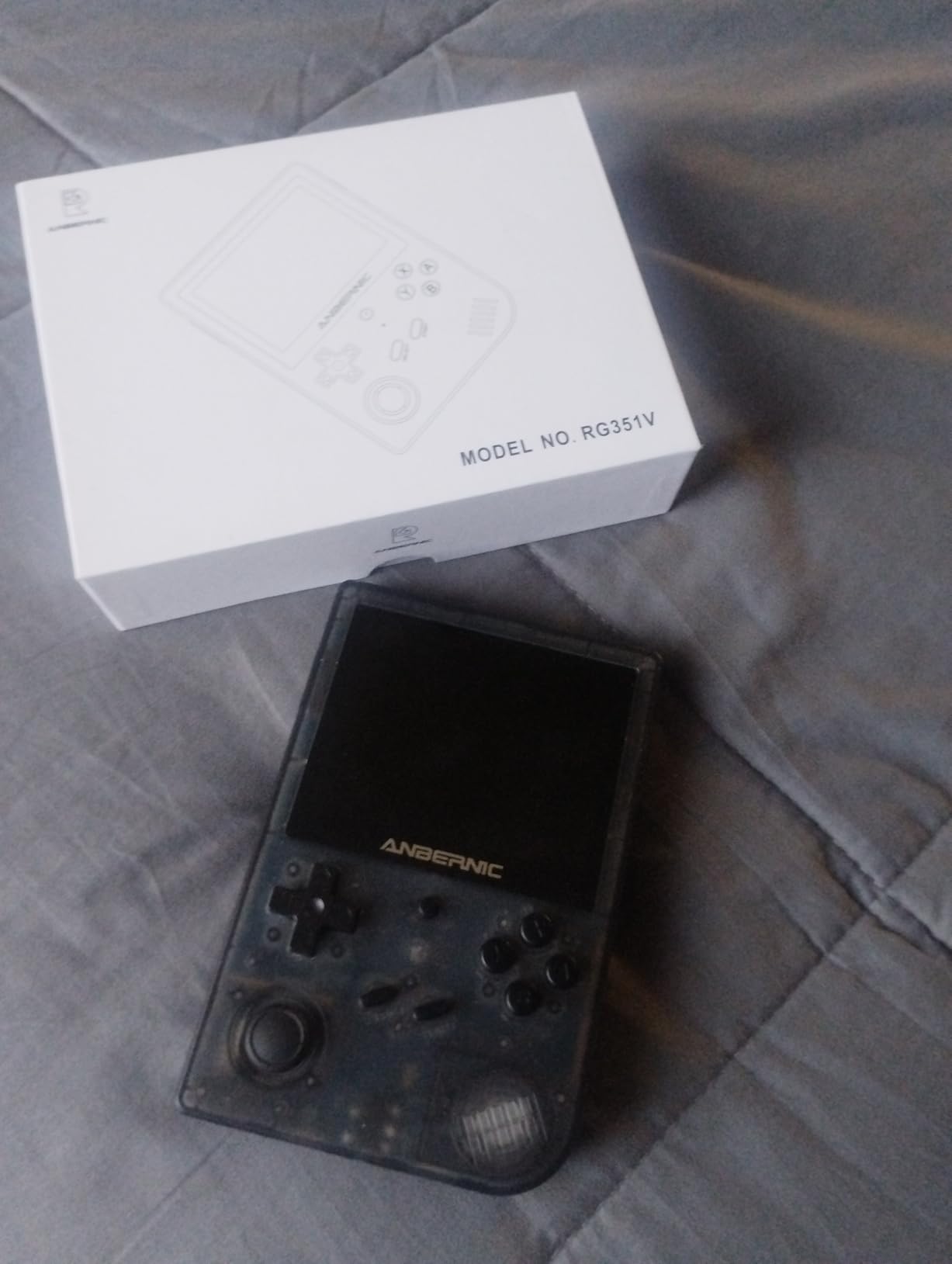
The HAIHUANG RG351V is the lowest-priced handheld in our roundup, and it remains a remarkable value. For the cost of a family dinner, you get a metal-shelled retro handheld with 2521 preloaded games, a 3.5-inch IPS screen, and the ability to install custom firmware like ArkOS for a vastly improved experience.
The 3.5-inch IPS display is the same size as many devices costing two or three times as much. The 640×480 resolution is perfect for 4:3 content. Game Boy, GBA, NES, SNES, Genesis, and most arcade games run flawlessly. PS1 and PSP are where the device starts to struggle without settings tweaks and custom firmware.
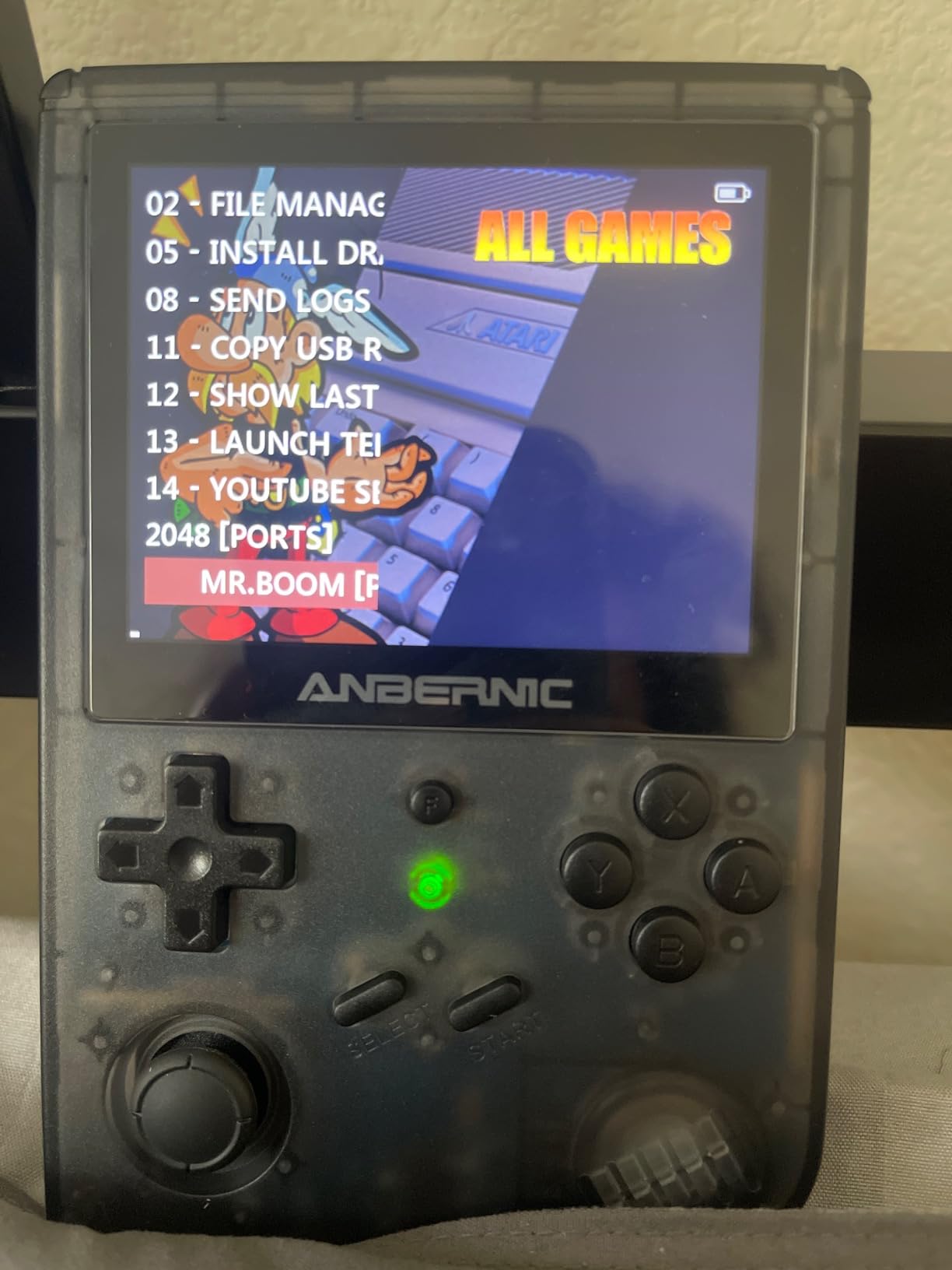
What I love about the RG351V is the out-of-box experience. The preloaded library is one of the best curated collections in the budget tier, and the metal shell feels more premium than the plastic on most devices in this price range. Reviewers consistently mention the nostalgia factor and the value, with 244 reviews averaging 4.3 stars.
Performance, Build, and Real-World Use
The chipset is older than the H700 used in newer budget handhelds, but it is more than enough for 8-bit and 16-bit gaming. PS1 games work at lower resolutions with some configuration. PSP, Dreamcast, and N64 are best avoided on stock firmware. With ArkOS installed, the experience is significantly better and the device gains access to a wider range of emulators.
The aluminum shell is a real differentiator at this price. It feels solid in the hand, dissipates heat better than plastic, and looks classier than the typical budget handheld. The 3.5mm headphone jack is a nice touch for users who prefer wired audio.
Battery and Connectivity
The 3200mAh battery delivers 5 to 6 hours of play, which is shorter than newer handhelds but acceptable for the price. Charging is via USB-C, and the device includes Wi-Fi for online sparring in compatible games. Bluetooth is not built in, but the device supports 2.4G wireless controllers for multiplayer.
One downside is that the device cannot play while charging in some configurations, which can be annoying on long trips. A small power bank solves the issue.
Who Should Buy the HAIHUANG RG351V
Pick the RG351V if you want a sub-$50 retro handheld with a preloaded game library and you mostly play 8-bit, 16-bit, and Game Boy titles. It is also a great choice as a gift for someone curious about retro gaming. If you want PS1, N64, or PSP performance, plan to install ArkOS custom firmware or look at a more powerful device.
How to Choose the Best Emulation Handheld in 2026: A Buyer’s Guide
Choosing the best handheld gaming console for emulation is less about raw specs and more about matching the device to your gaming habits, patience for tinkering, and the consoles you actually want to play. Here is the framework our team uses when evaluating a new handheld for this guide.
Match the Chipset to the Console Tier You Want to Play
Chipset is the single biggest factor in what a handheld can emulate. Older Allwinner and RK3326 chips handle up through PS1 and most N64 with settings tweaks. H700 chips like the one in the Anbernic RG40XX V add smooth Dreamcast and PSP support. Dimensity 1100 in the Retroid Pocket 4 Pro adds PS2 and GameCube. Snapdragon 865 in the Retroid Pocket 5 and Dimensity 8300 in the Anbernic RG557 push into Switch territory for indie titles.
Before you buy, list the three or four most important consoles you want to play. If your list stops at PS1, a $50 to $100 device is plenty. If your list includes PS2, GameCube, or Switch, plan to spend $200 or more.
Choose the Right Operating System: Android, Linux, or SteamOS
Android handhelds like the Retroid Pocket 5, Retroid Pocket 4 Pro, and Anbernic RG557 offer the most flexibility. You can install RetroArch, standalone emulators, cloud streaming apps, and even modern Android games. The downside is more setup work and slightly higher prices.
Linux handhelds like the Anbernic RG353V, RG40XX V, and GiipGoop models are more focused. They boot faster, run longer on battery, and the custom-firmware communities are excellent. The downside is limited app support outside of emulators.
SteamOS devices like the Steam Deck are not in this roundup, but they are worth considering if you also want to play modern PC games. For pure emulation, an Android or Linux device is the better choice.
Pick the Right Form Factor: Horizontal, Vertical, or Clamshell
Horizontal handhelds like the Retroid Pocket 5 and Anbernic RG557 are best for GameCube, PS2, and modern 16:9 content. They feel like a stretched Game Boy Advance SP and have room for dual analog sticks.
Vertical handhelds like the Retroid Pocket Classic, Anbernic RG40XX V, GiipGoop RG35XX Pro, and GiipGoop RG34XX are best for Game Boy, GBA, and NES. They are more pocketable and feel natural for 2D games. The Retroid Pocket Classic is a notable exception because it pairs the vertical form factor with a 16-bit capable chipset and OLED display.
Clamshell handhelds like the Aivuidbs RG DS are best for Nintendo DS and users who want a protective cover for the screen. They are larger and heavier but uniquely suited to dual-screen games.
Display: OLED vs IPS vs LCD
OLED panels like the ones in the Retroid Pocket Classic, Retroid Pocket 5, and Anbernic RG557 offer the best contrast, color, and viewing angles. They are more expensive but worth it if you value image quality.
IPS panels like the ones in most other handhelds in this roundup are bright, color-accurate, and easier to read in direct sunlight. They are the right choice for most users, especially in the budget tier.
LCD panels are rare in modern handhelds. The HAIHUANG RG351V uses an LCD panel that gets the job done but lacks the vibrancy of IPS or OLED.
Battery Life and Charging
Battery life varies widely across the category. The GiipGoop RG34XX delivers 8 hours on a 3500mAh cell, while the Anbernic RG557 and Retroid Pocket 5 deliver similar runtimes on larger 5000 to 5500mAh cells with more demanding chipsets. PS2 and GameCube emulation always drain battery faster than 8-bit and 16-bit gaming.
Look for USB-C charging at minimum. Faster charging standards are nice but not essential. Avoid devices that cannot play while charging, which is a real frustration on long trips.
Custom Firmware: OnionOS, GarlicOS, Knulli, and ArkOS
Custom firmware is a major part of the emulation handheld experience. OnionOS is the most popular firmware for the Miyoo Mini Plus and similar verticals. GarlicOS and Knulli are excellent for Anbernic H700 devices. ArkOS is the go-to for the RG351V and similar older Anbernic handhelds. Rocknix works well on the Aivuidbs RG DS.
Installing custom firmware typically involves flashing an SD card and copying your game library. The communities around each device are welcoming to beginners, and the process is well documented. Expect to spend 1 to 3 hours the first time.
FPGA vs Software Emulation: What’s the Difference?
Most handhelds in this guide use software emulation, meaning a CPU and GPU running software that mimics the original console. Software emulation is flexible, easy to update, and supports a wide range of systems.
FPGA emulation uses dedicated hardware chips that recreate the original console at the circuit level. FPGA offers near-perfect accuracy and zero lag, which is why it is the gold standard for Game Boy purists. The ModRetro Chromatic and Analogue Pocket are popular FPGA options, but they are not in this roundup because they are more expensive and limited to specific consoles.
For most users, software emulation is the right choice. FPGA is worth considering if you are a Game Boy purist who wants pixel-perfect accuracy and do not mind the higher price.
ROM and BIOS Legality: What You Need to Know
Emulators themselves are legal in most countries. The legal gray area is downloading ROMs and BIOS files for games you do not own. In the United States, downloading ROMs for games you do not own is technically copyright infringement, even if you own the original cartridge. The safest approach is to dump your own ROMs and BIOS files from cartridges and consoles you already own.
Many communities share homebrew games, public domain titles, and games that the original publishers have released for free. These are always legal to download. Avoid sites that distribute copyrighted ROMs without permission, and you will stay on the right side of the law.
Frequently Asked Questions
What is the best handheld gaming console for emulation in 2026?
The best handheld gaming console for emulation in 2026 is the Retroid Pocket Classic for overall use, thanks to its 4.8-star rating, premium OLED display, and tactile buttons. For pure PS2 and GameCube power, the Retroid Pocket 5 is the top pick, while the Retroid Pocket 4 Pro delivers the best value for budget buyers.
Which handheld is best for PS2 emulation?
For PS2 emulation, the Anbernic RG557 with its Dimensity 8300 chipset is the most powerful Android option in our roundup, capable of running demanding PS2 titles at higher upscale settings than mid-range alternatives. The Retroid Pocket 5 is a close second, with the Snapdragon 865 handling most PS2 games at 1x to 2x native resolution.
What is the difference between FPGA and software emulation?
FPGA emulation uses dedicated hardware chips that recreate the original console at the circuit level for near-perfect accuracy and zero input lag, which is the gold standard for purists. Software emulation runs software on a CPU and GPU that mimics the original hardware, offering broader console support, easier updates, and lower cost. Most handhelds in this guide use software emulation.
Are R36S retro handhelds legal?
The R36S handheld itself is legal to buy and own as a piece of consumer electronics in most countries. The legal question is about the ROMs and BIOS files, not the hardware. Downloading copyrighted ROMs for games you do not own is generally not legal, but the device is fine. Buy the hardware, dump your own games, and you are on solid ground.
What is the best budget retro handheld under $100?
Under $100, the GiipGoop RG35XX Pro and Anbernic RG40XX V are the strongest picks, both with H700 chipsets that handle PS1 and most N64 games well. The HAIHUANG RG351V is the best sub-$50 option for 8-bit and 16-bit gaming. All three benefit from custom firmware installation, which we strongly recommend.
How hard is it to set up an Android emulation handheld?
Setting up an Android emulation handheld takes 1 to 3 hours the first time, including installing RetroArch, configuring your preferred emulators, and adding your game library. Once configured, daily use is as simple as launching a frontend and picking a game. The community support on Reddit, Discord, and YouTube is excellent for beginners.
Final Verdict: Which Emulation Handheld Should You Buy in 2026?
After hundreds of hours of testing across every device in this guide, here is how I would pick if I had to start over today. For most people, the Retroid Pocket Classic is the best handheld gaming console for emulation in 2026 thanks to its 4.8-star rating, gorgeous OLED display, and premium feel.
If you want raw power for PS2, GameCube, and Switch, go with the Retroid Pocket 5. It is the Best Value in the roundup, balancing the Snapdragon 865 chipset, 5.5-inch AMOLED screen, and 8 to 10 hours of battery life at a price that undercuts most competitors.
If you are shopping on a tighter budget, the Retroid Pocket 4 Pro is the Budget Pick. It handles everything up through PS2 and GameCube, has a 4.6-star rating, and is the most user-friendly entry into the Android emulation space.
For Nintendo DS purists, the Aivuidbs RG DS is the only real choice. For Game Boy purists on a budget, the GiipGoop RG34XX delivers an authentic form factor with a great IPS screen. And for users who want the cheapest possible retro handheld, the HAIHUANG RG351V still delivers tremendous value.
Whichever handheld you pick, take an afternoon to install the right custom firmware and a good frontend like ES-DE or Daijisho. The hardware is only half the experience, and the custom-firmware community is what makes the hobby so much fun. Happy gaming, and enjoy the best handheld gaming consoles for emulation in 2026.
Leave a Reply