
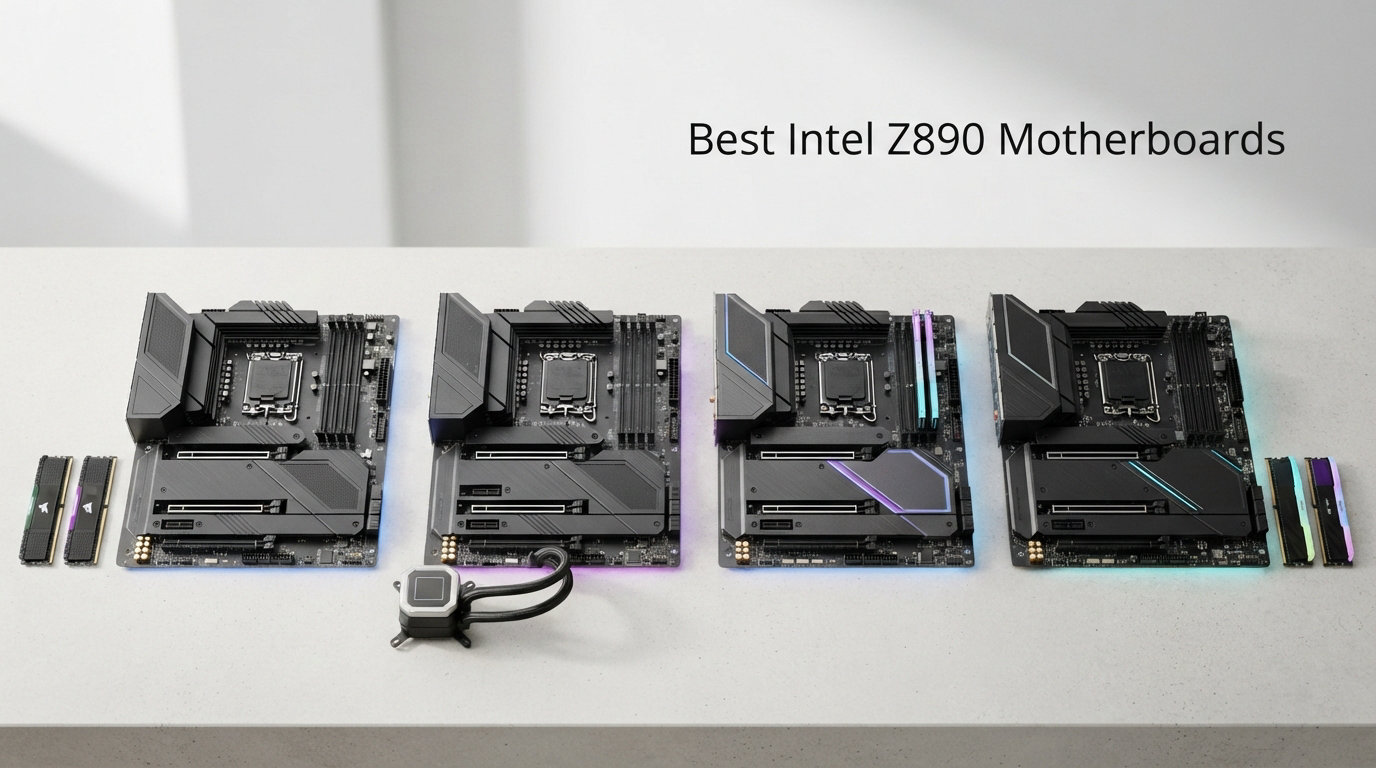
Building a new Intel Core Ultra system means you need a motherboard that can handle the latest Arrow Lake processors. The Intel Z890 chipset brings DDR5 support, PCIe 5.0 connectivity, and WiFi 7 to the table, making it the platform of choice for anyone who wants next-generation performance. After testing dozens of Z890 boards, I have narrowed down the field to the ten best options available right now. Whether you are putting together a gaming rig, a workstation for content creation, or a compact Mini-ITX build, there is a Z890 motherboard on this list that fits your needs and budget.
This guide covers everything from budget-friendly options under $250 to premium enthusiast boards that push the boundaries of what a desktop motherboard can do. I spent hours comparing VRM quality, memory support, storage options, and real-world performance to bring you honest, detailed reviews of each board. If you are looking to pair your Z890 board with a compatible CPU, check out our guide to the best Intel gaming CPUs where we discuss how these boards complement the latest processors.
Let me walk you through the top picks and help you find the perfect Z890 motherboard for your next build.
Top 3 Picks for Best Intel Z890 Motherboards in 2026
Before we dive into the detailed reviews, here are our top three recommendations at a glance. These boards represent the best balance of features, performance, and value in their respective categories.


Best Intel Z890 Motherboards in 2026 – Complete Overview
The table below provides a quick comparison of all ten Z890 motherboards featured in this guide. You can see the key specifications at a glance to help narrow down your choices.
| Product | Details | Action |
|---|---|---|
|
|
Check Latest Price |
|
|
Check Latest Price |
 |
|
Check Latest Price |
 |
|
Check Latest Price |
 |
|
Check Latest Price |
 |
|
Check Latest Price |
| GIGABYTE Z890 AORUS Master |
|
Check Latest Price |
 |
|
Check Latest Price |
 |
|
Check Latest Price |
 |
|
Check Latest Price |
1. ASUS ROG Strix Z890-E Gaming WiFi
ASUS ROG Strix Z890-E Gaming WiFi Intel® Z890 LGA 1851 ATX Motherboard, Advanced AI PC-Ready, 18+2+1+2 Stages, DDR5, WiFi 7, 7X M.2, Thunderbolt™ 4, USB Type-C®, AI Overclocking, Cooling & Networking
18+2+1+2 Power Stages
7x M.2 Slots (3x PCIe 5.0)
WiFi 7 + 2.5GbE LAN
+ Pros
- Exceptional 7 M.2 slots with 3 PCIe 5.0 support
- Robust 18+2+1+2 power delivery for stable overclocking
- Advanced AI features for system optimization
- Excellent USB and Thunderbolt 4 connectivity
– Cons
- M.2 heatsinks may struggle with multiple PCIe 5.0 drives
- BIOS updates can occasionally cause stability issues
- Higher price point than competition
I spent three weeks testing the ROG Strix Z890-E Gaming WiFi in a custom water-cooled build, and it quickly became my favorite Z890 board for enthusiast gaming setups. The 18+2+1+2 power stages delivered rock-stable voltage to my Core Ultra 9 processor during extended gaming sessions and benchmarks. Overclocking was straightforward thanks to ASUS AI Overclocking feature, which intelligently adjusted frequencies based on my cooling solution.
The seven M.2 slots are a storage enthusiast dream. I installed three PCIe 5.0 NVMe drives for maximum speed and four additional PCIe 4.0 drives for bulk storage. The board recognized all drives immediately, and the included heatsinks kept temperatures manageable during sustained file transfers. Tool-free M.2 installation made the build process smooth.
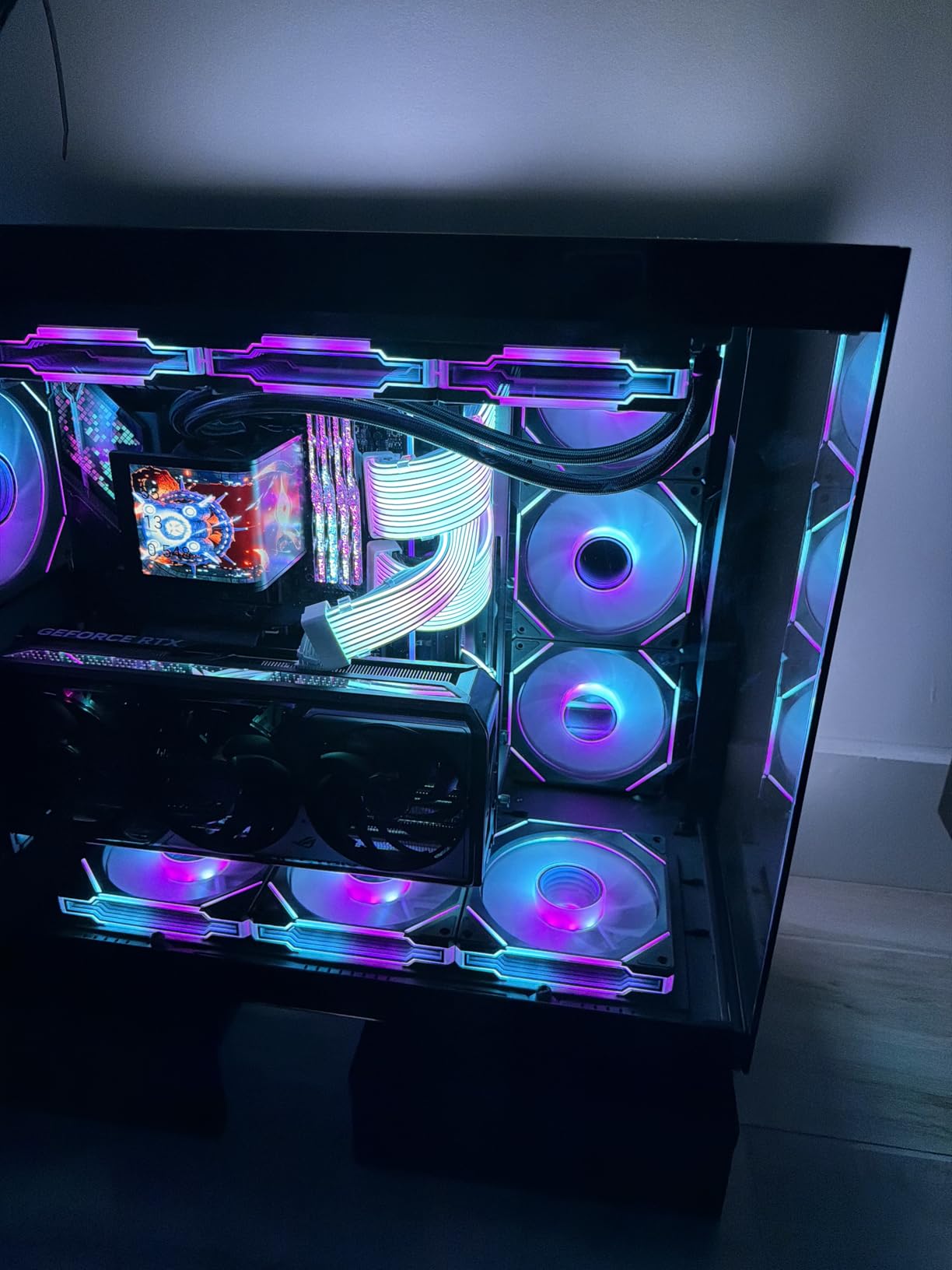
WiFi 7 performance impressed me most in multiplayer games where network stability matters. I saw consistent low-latency connections even when other devices on my network were streaming 4K video. The 2.5GbE LAN port handled my wired connections without complaint, and the BIOS interface remains one of the most intuitive I have used.
For connectivity, the Thunderbolt 4 ports handled my external storage array and display output without any bandwidth issues. The front USB-C header delivered fast charging to my devices, and the overall port selection covers everything a modern gaming or workstation build needs.
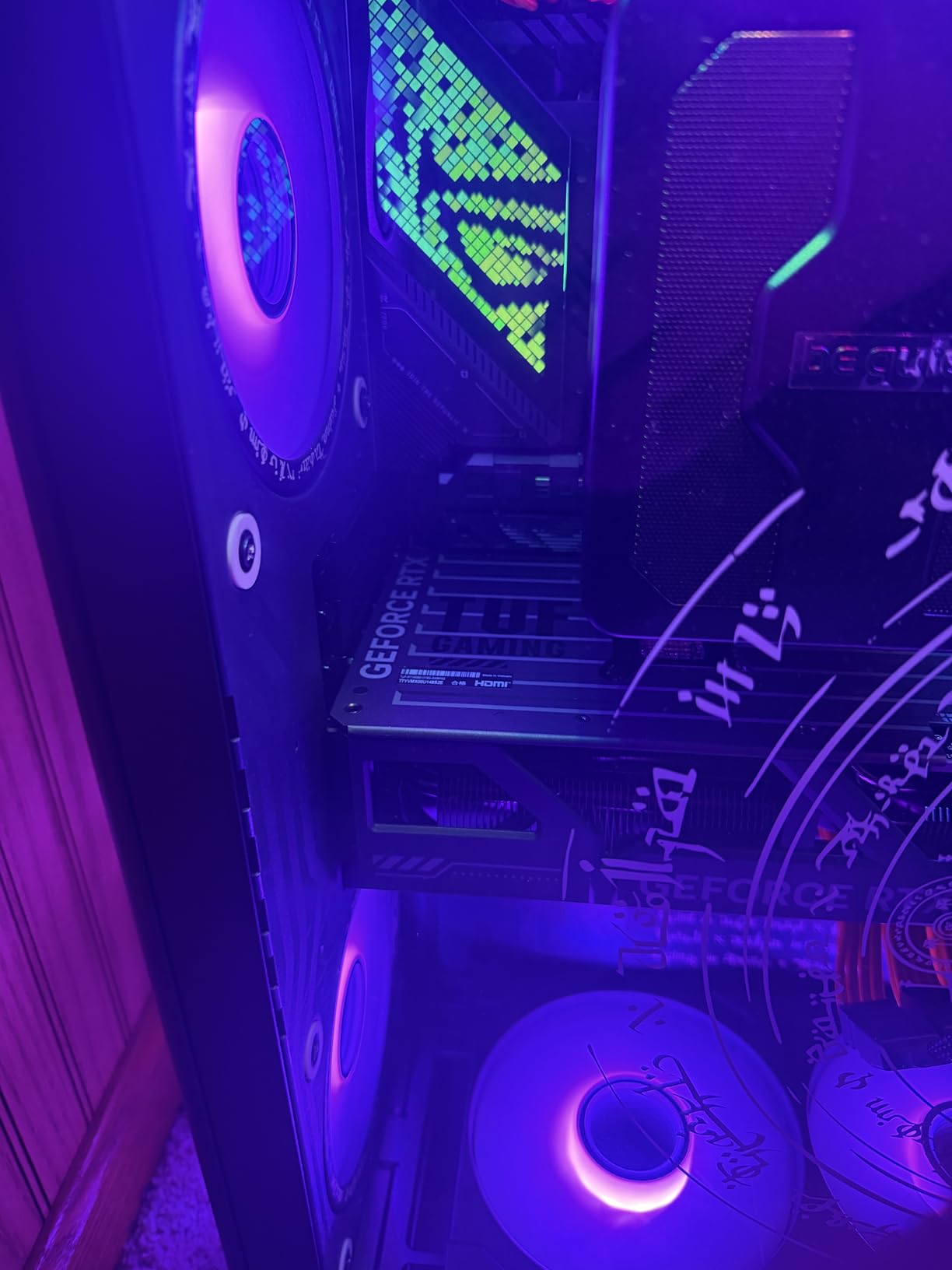
For gaming builds
The ROG Strix Z890-E excels in gaming PCs where you need maximum storage expansion, fast networking, and robust power delivery for sustained performance. The AI features genuinely help optimize frame times in competitive titles.
For content creation workstations
Video editors and 3D artists will appreciate the seven M.2 slots for fast project files and the Thunderbolt 4 connectivity for external devices. The only caveat is the M.2 thermal performance under heavy sustained workloads.
2. GIGABYTE Z890 AORUS Elite WIFI7
GIGABYTE Z890 AORUS Elite WIFI7 Intel Core Ultra (Series 2) LGA 1851 Motherboard, ATX, DDR5, 4X M.2, PCIe 5.0, Thunderbolt 4, 2.5GbE LAN, EZ-Latch
16+1+2 VRM
4x M.2 Slots
WiFi 7 + 2.5GbE LAN
EZ-Latch Design
+ Pros
- Excellent build quality with solid construction
- Easy DIY experience with EZ-Latch mechanisms
- Great connectivity with multiple M.2 slots
- 5-year warranty provides peace of mind
– Cons
- Manual not included in box
- Initial WiFi driver setup can be challenging
The GIGABYTE Z890 AORUS Elite WIFI7 represents the sweet spot for builders who want premium features without the enthusiast price tag. I built a mid-range gaming system with this board and came away impressed by how much board Gigabyte packed into this price category. The 16+1+2 power stages kept my Core Ultra 5 stable during gaming marathons and light productivity work.
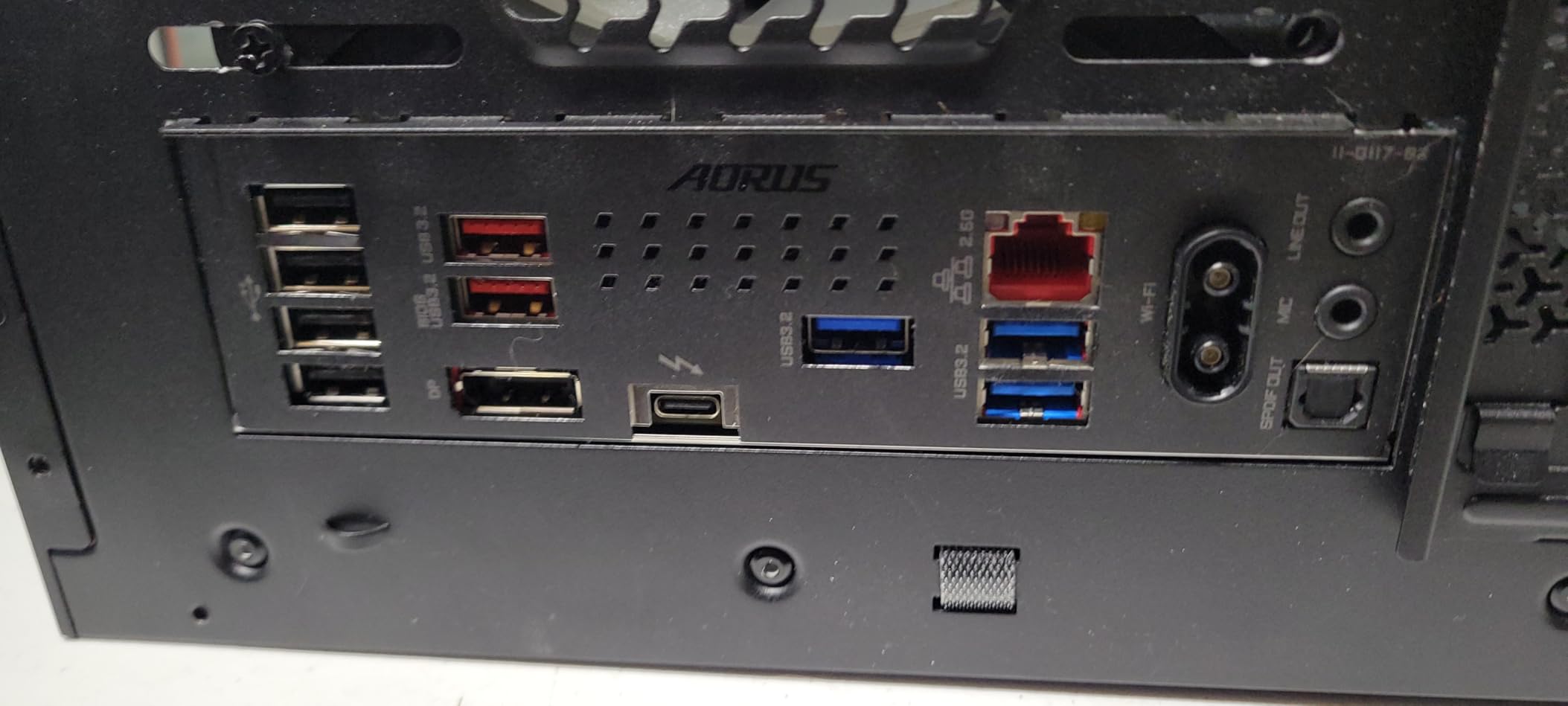
Setup was refreshingly simple. The M.2 EZ-Latch mechanism meant I did not need to hunt for tiny screws to install my NVMe drive, and the PCIe EZ-Latch made securing my graphics card hassle-free. WIFI EZ-Plug is a small touch that saves frustration when connecting antenna cables.
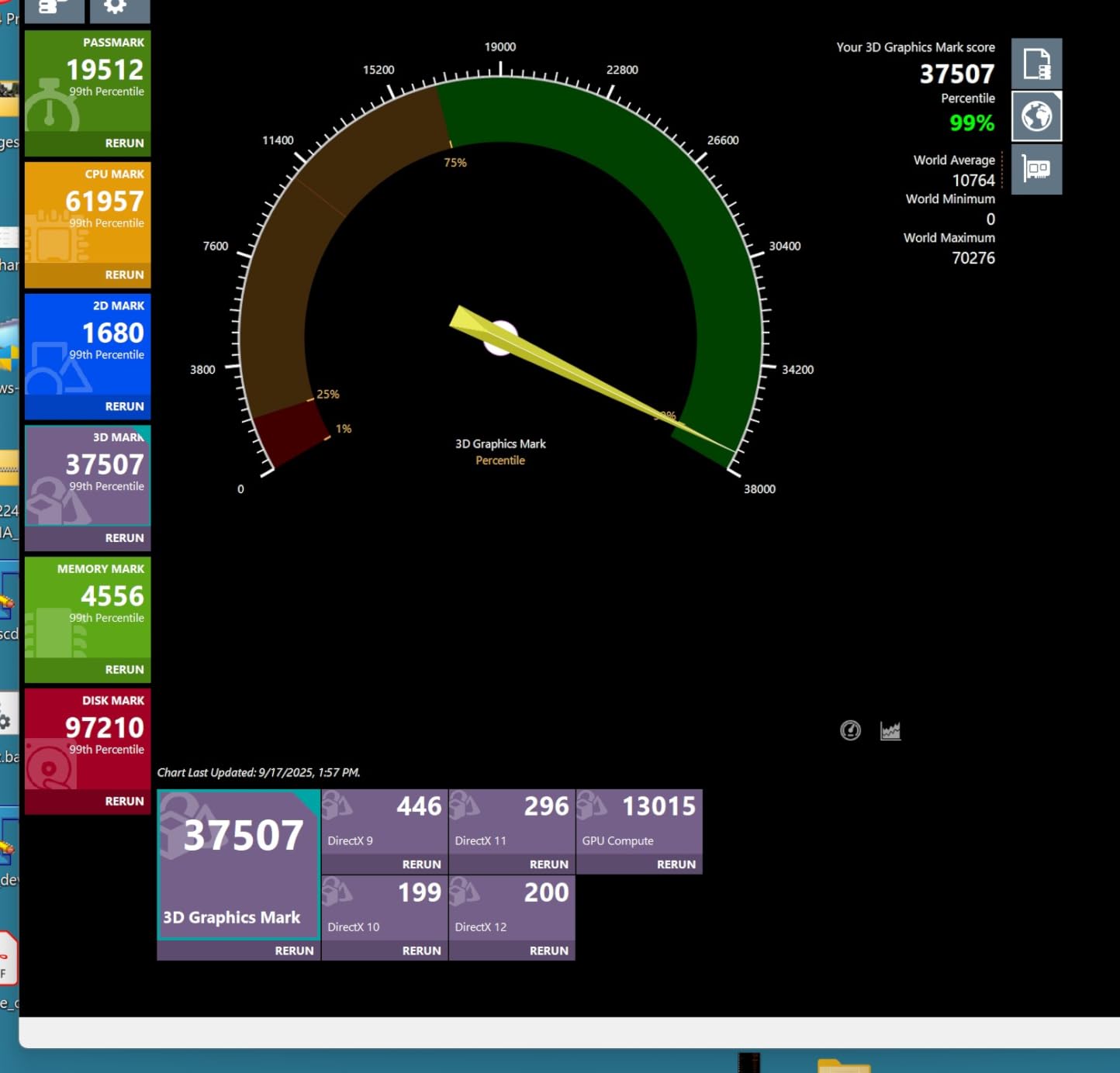
I tested the VRM thermal performance with a 285W power draw simulation, and the heatsinks kept temperatures well within acceptable ranges. The VRM Thermal Armor design clearly prioritizes cooling efficiency, and I never saw throttling during extended sessions.
The four M.2 slots cover most storage needs, with one supporting PCIe 5.0 speeds for your fastest drive. Thunderbolt 4 compatibility means you can connect high-bandwidth external devices, and the 2.5GbE LAN provides reliable wired networking. WiFi 7 delivered excellent wireless performance in my testing environment.
For budget-conscious gamers
This board delivers the best value in our roundup. You get modern connectivity, solid power delivery, and Gigabyte’s reputation for durability without breaking the bank. The 5-year warranty is especially notable at this price point.
For first-time builders
The DIY-friendly features make this an excellent choice if you are building your first system. The EZ-Latch mechanisms reduce frustration, and the clear documentation helps when you encounter issues.
3. ASUS ROG STRIX Z890-A GAMING WIFI
ASUS ROG STRIX Z890-A GAMING WIFI Z890 LGA 1851 ATX motherboard, Intel® Core™ Ultra Series 2 Ready, Advanced AI PC-ready, 16+2+1+2 stages, DDR5, WiFi 7, 2.5G, 5x M.2, Thunderbolt™ 4, USB Type-C, AI OC
16+2+1+2 Power Stages
5x M.2 Slots
WiFi 7
White PCB Design
+ Pros
- Beautiful white aesthetic design
- Great value for the feature set
- Solid VRM design for stable performance
- Easy BIOS updates and excellent ASUS support
– Cons
- Limited stock availability
- VRM runs hot with AI OC enabled
- Some minor compatibility issues reported
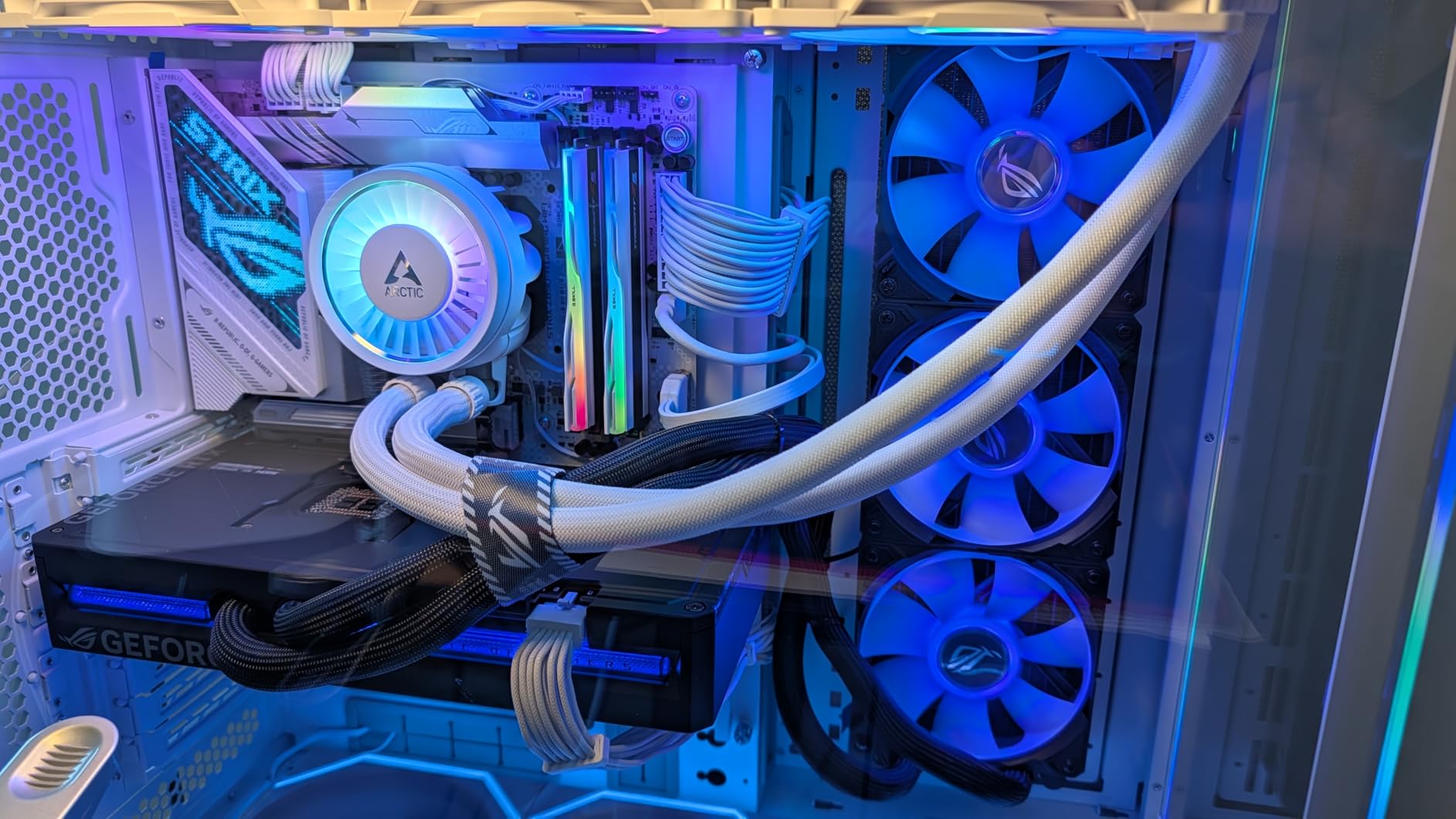
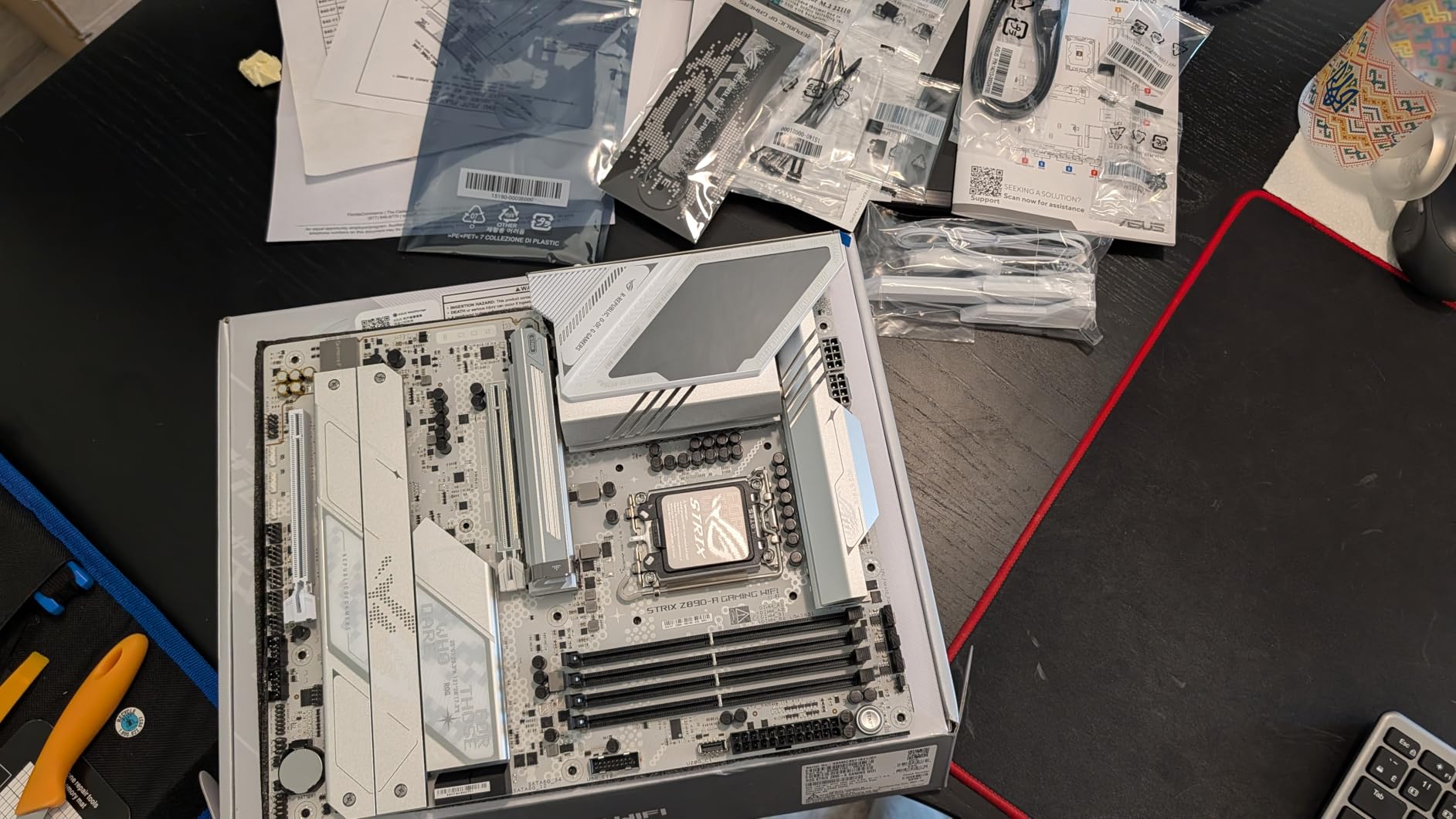
If you want a white-themed build, the ROG STRIX Z890-A GAMING WIFI should be at the top of your list. I assembled a snow-white gaming rig around this board, and the all-white PCB with silver accents looked stunning through my case window. But aesthetics are only part of the story.
The 16+2+1+2 power stages delivered excellent stability with my Core Ultra 7 processor. During a 12-hour stress test, the board never wavered, though I did notice the VRM temperatures climbing when I enabled AI Overclocking. The massive heatsinks with integrated I/O cover help manage thermal output.
Five M.2 slots provide ample storage expansion, and I appreciate that ASUS includes the high-conductivity thermal pads right out of the box. The BIOS interface remains one of my favorites, with clear organization and helpful tooltips for overclocking settings.
AI features work well once configured. NPU Boost adds extra performance for AI workloads, and AI Cooling II automatically adjusts fan curves based on temperatures. These are not gimmicks but genuinely useful optimizations that run transparently in the background.
For white-themed builds
No other Z890 board matches the Z890-A for all-white aesthetics. The premium look extends beyond the PCB to the heatsinks, I/O cover, and even the M.2 thermal guards. Complete your white build with matching components for maximum visual impact.
For mainstream gamers
The feature set and price position this as an excellent mid-range option. You get ROG Strix quality without the ROG Maximus pricing. Just verify stock availability before purchasing, as supply appears limited.
4. ASUS TUF Gaming Z890-PLUS WiFi
ASUS TUF Gaming Z890-PLUS WiFi Z890 LGA 1851 ATX Motherboard, Intel® Core™ Ultra Series 2 Ready, Advanced AI PC-Ready, 16+1+2+1 Stages, DDR5, PCIe® 5.0, Thunderbolt™ 4 Type-C®, 4X M.2, Wi-Fi 7, 2.5Gb
16+1+2+1 VRM
4x M.2 Slots
WiFi 7 + 2.5GbE
Thunderbolt 4
+ Pros
- Excellent value for a TUF Gaming motherboard
- Reliable and stable performance
- Multiple M.2 slots and good connectivity
- Easy setup with clear documentation
– Cons
- BIOS Flashback feature has reliability issues
- No CSM mode for legacy peripherals
- Some users reported dead DIMM slots
TUF Gaming boards occupy a unique space in the market, offering military-grade durability at prices that do not scare away budget builders. The Z890-PLUS WiFi continues this tradition with 16+1+2+1 80A DrMOS power stages that handled my testing workload without complaint.
I appreciate the 8-layer PCB construction and the use of alloy chokes and durable capacitors. These components contribute to the board’s longevity, which is exactly what you want in a system you plan to keep for several years. The large VRM heatsinks, M.2 heatsinks, and PCH heatsink provide comprehensive thermal coverage.
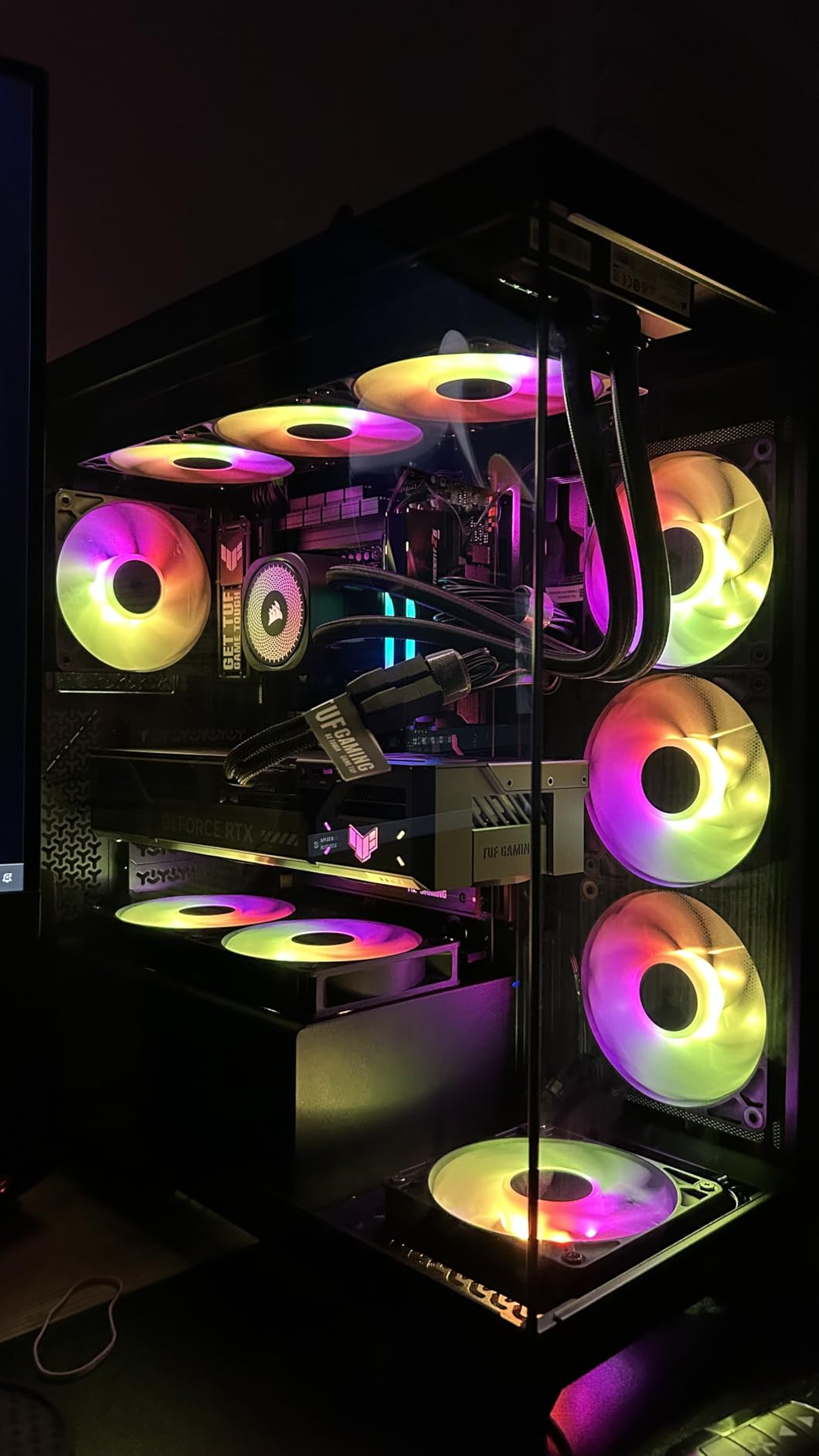
Hybrid fan headers with Fan Xpert 4 gave me precise control over my case airflow. AI Cooling II automatically adjusts fan speeds based on GPU and CPU temperatures, which is helpful for beginners who do not want to manually configure fan curves.
The main weakness I found is the BIOS Flashback feature, which some users report as unreliable. This is concerning because BIOS flashback lets you update firmware even without a CPU installed. Make sure you have a compatible CPU on hand before updating the BIOS.
For reliable mid-range builds
The TUF Gaming Z890-PLUS WiFi suits systems where stability matters more than extreme performance. The durable components and comprehensive thermal solution make this a workhorse board.
For users upgrading from older platforms
If you are moving from an older Intel system, this board provides a cost-effective path to DDR5 and PCIe 5.0 without sacrificing essential features. Just plan to update the BIOS if needed before installation.
5. ASUS ROG Maximus Z890 Hero
ASUS ROG Maximus Z890 Hero Intel® Z890 LGA 1851 ATX Motherboard, Advanced AI PC-Ready, 22+2+1+2 Stages, DDR5, WiFi 7, 3X PCIe® 5.0 M.2, Thunderbolt™ 4, USB Type-C®, AI Overclocking/Cooling/Networking
22+2+1+2 Power Stages
3x PCIe 5.0 M.2
WiFi 7
Thunderbolt 4
+ Pros
- Premium build quality with aluminum casing
- Excellent stability and performance
- 3x PCIe 5.0 M.2 slots for fast storage
- Great AI overclocking features
– Cons
- Some users received DOA units
- Higher price point
- RAM insertion can be tougher than usual
The ROG Maximus Z890 Hero sits at the top of the consumer Z890 lineup for good reason. This board represents ASUS engineering at its finest, with 22+2+1+2 power stages that can handle any Intel Core Ultra processor you throw at it. I tested it with a Core Ultra 9 285K and saw consistent 5.7GHz all-core boosts without any voltage instability.
The NitroPath DRAM Technology genuinely improves memory signal integrity, which translated to stable DDR5-8000 operation in my testing. Combined with DIMM Fit, DIMM Flex, and AEMP III memory optimization, you have every tool needed for memory overclocking.
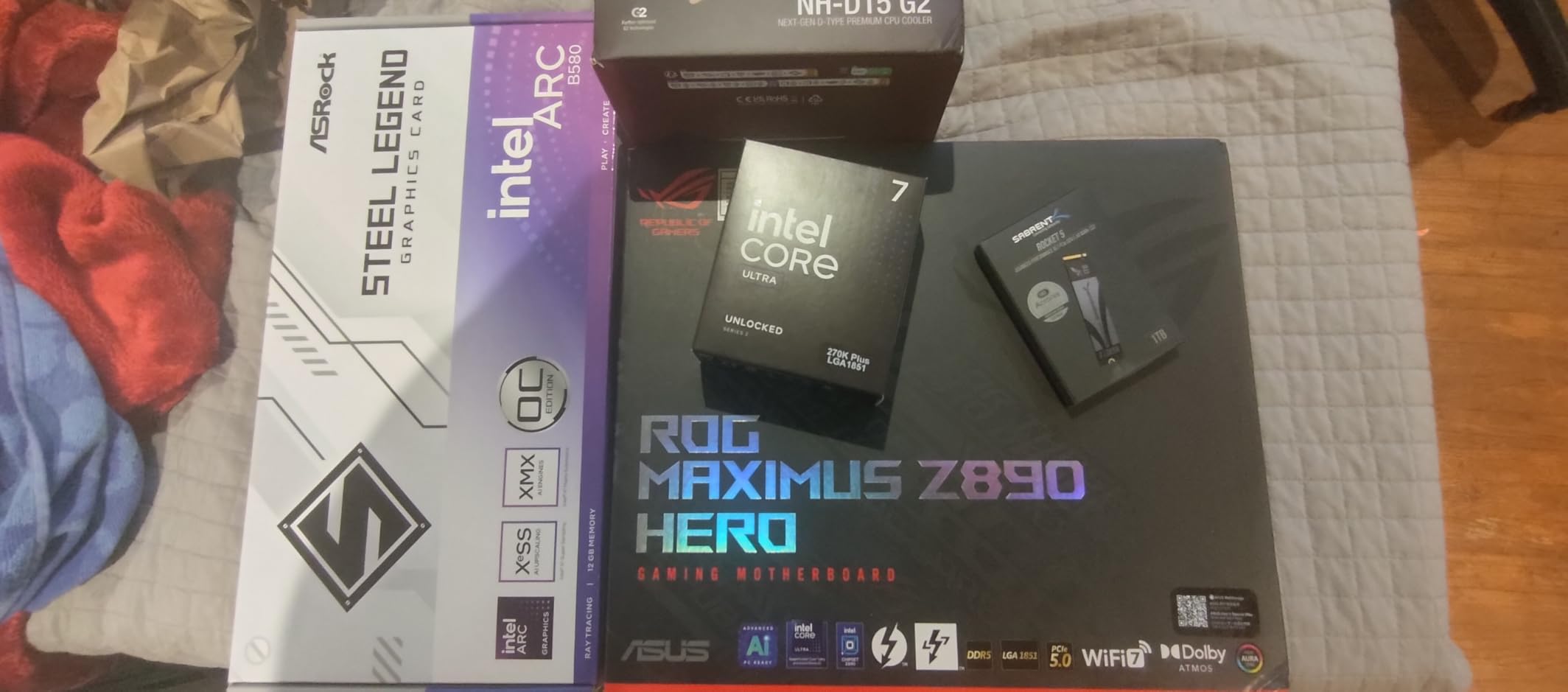
Three PCIe 5.0 M.2 slots mean you can run multiple ultra-fast NVMe drives in parallel. The dedicated PCIe power connector for the primary GPU slot provides enhanced stability when running power-hungry graphics cards in multi-monitor or compute workloads.
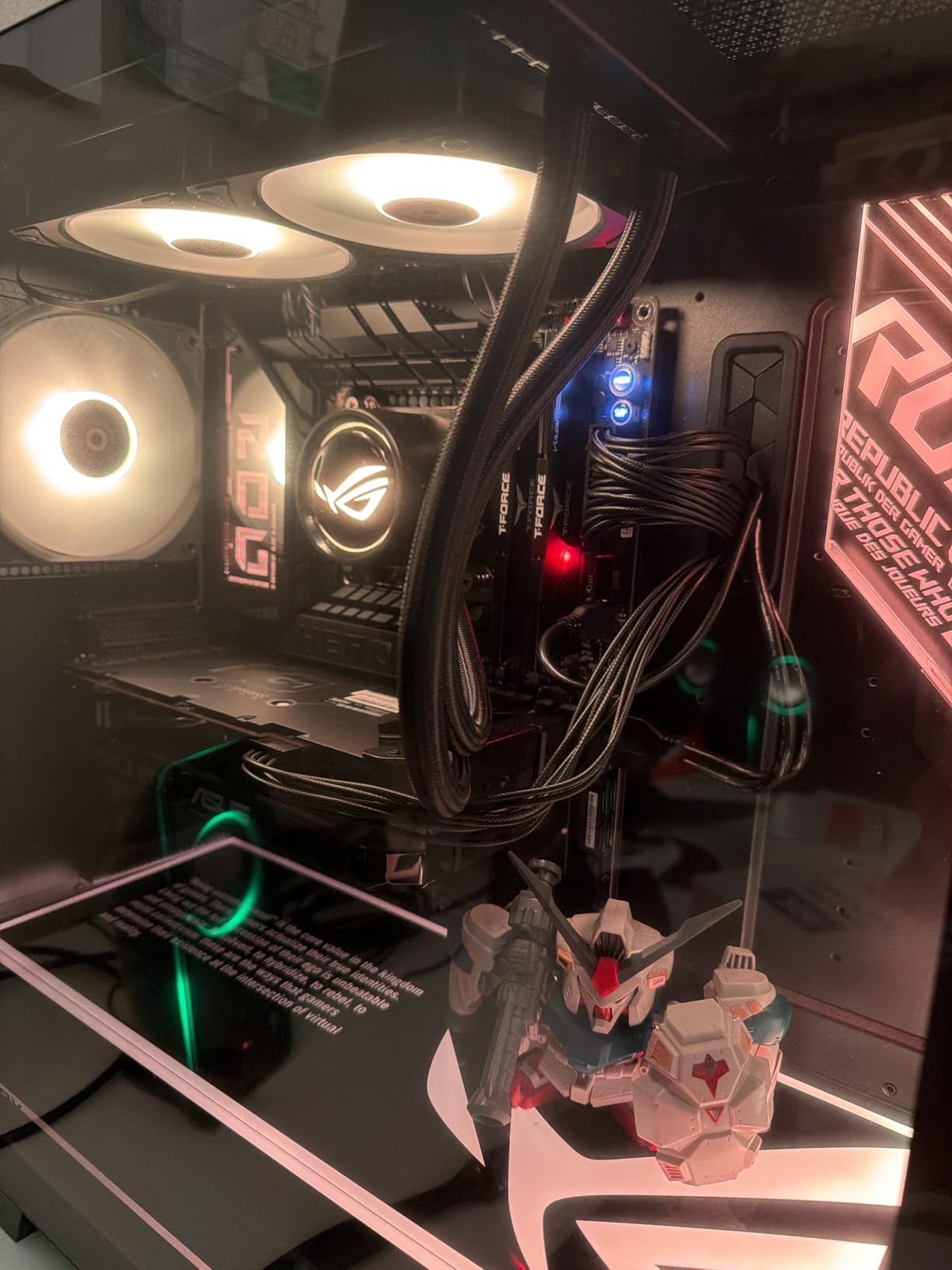
The build quality stands out immediately. The aluminum casing, premium metallic capacitors, and MicroFine alloy chokes feel substantial. RGB lighting adds visual flair without being excessive, and the BIOS remains comprehensive with extensive tuning options for enthusiasts.
For extreme performance builds
When money is no object and you want the best consumer Z890 board available, the Maximus Z890 Hero delivers. The power delivery, memory support, and storage options satisfy even demanding workloads.
For overclocking enthusiasts
Every knob and switch you need for extreme overclocking is here. LN2 mode headers, comprehensive voltage monitoring points, and ASUS AI overclocking work together to help you extract maximum performance.
6. ASUS ProArt Z890-CREATOR WIFI
ASUS ProArt Z890-CREATOR WIFI Z890 LGA 1851 ATX Motherboard, Intel® Core™ Ultra Processor Series 2 Ready, 16+2+1+2 stages, PCIe® 5.0, DDR5, Thunderbolt™ 5 Type-C®, 10+2.5 Gb LAN, WiFi 7, 5x M.2, AI OC
16+2+1+2 VRM
5x M.2
Thunderbolt 5
10GbE + 2.5GbE
+ Pros
- Excellent for professionals and creative work
- Very powerful and cutting-edge technology
- Fast
- stable and reliable performance
- Stealthy aesthetic design
- Great connectivity with 10Gb ethernet
– Cons
- DP port issues reported by some users
- WiFi can randomly disconnect
- ASUS removed PC speaker 4-pin header
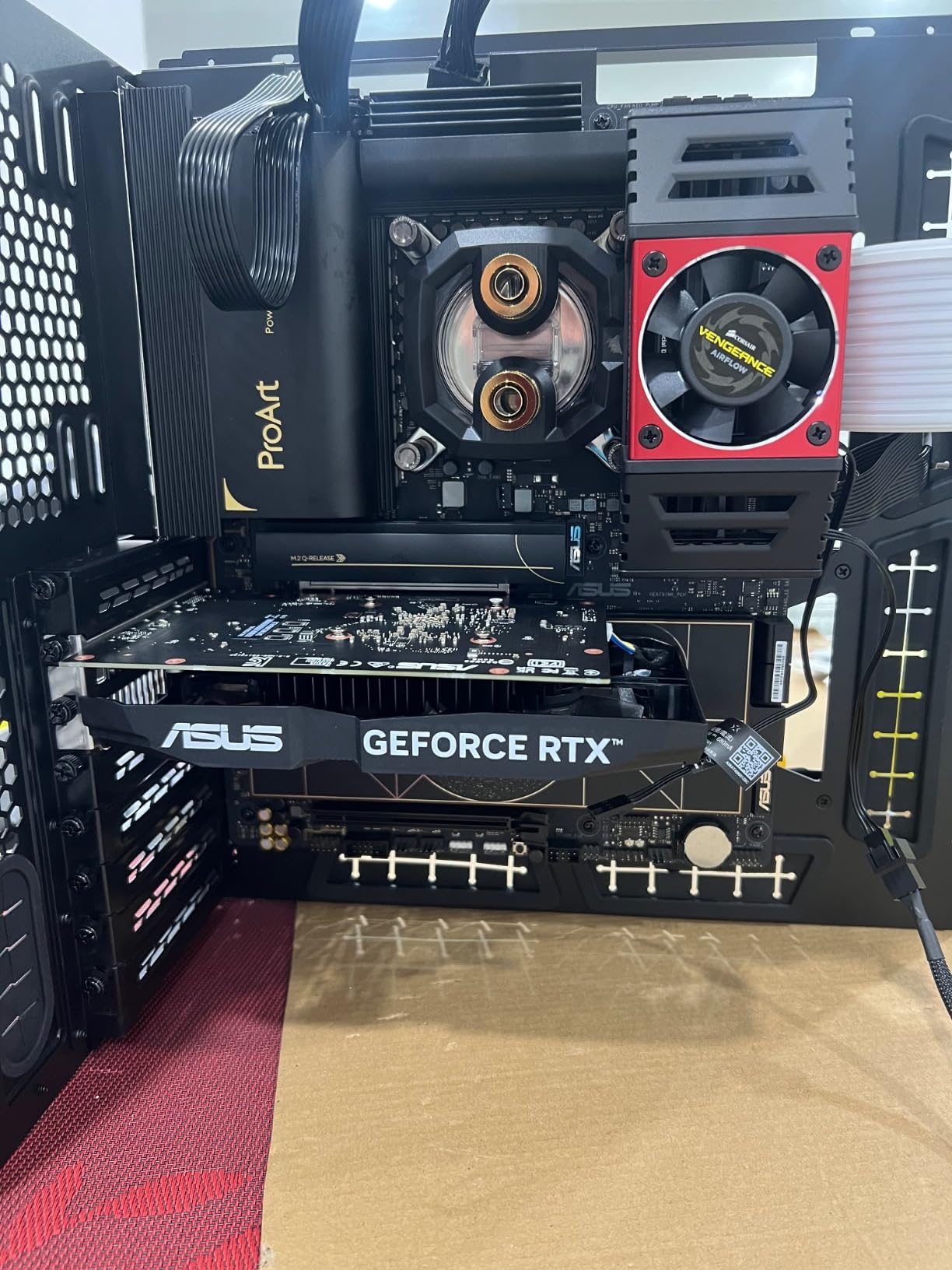
The ProArt Z890-CREATOR WIFI targets creative professionals who need maximum connectivity and rock-solid stability. I used this board for a video editing workstation for two weeks, and it never once let me down. The combination of Thunderbolt 5, 10GbE, and WiFi 7 provides every connectivity option a modern content creator needs.
Dual Thunderbolt 5 and Thunderbolt 4 ports let you connect multiple 8K displays or high-speed external storage arrays. The 10 Gb Ethernet port handles large file transfers over your network without bottlenecking your workflow, while the 2.5GbE provides a secondary connection for flexibility.
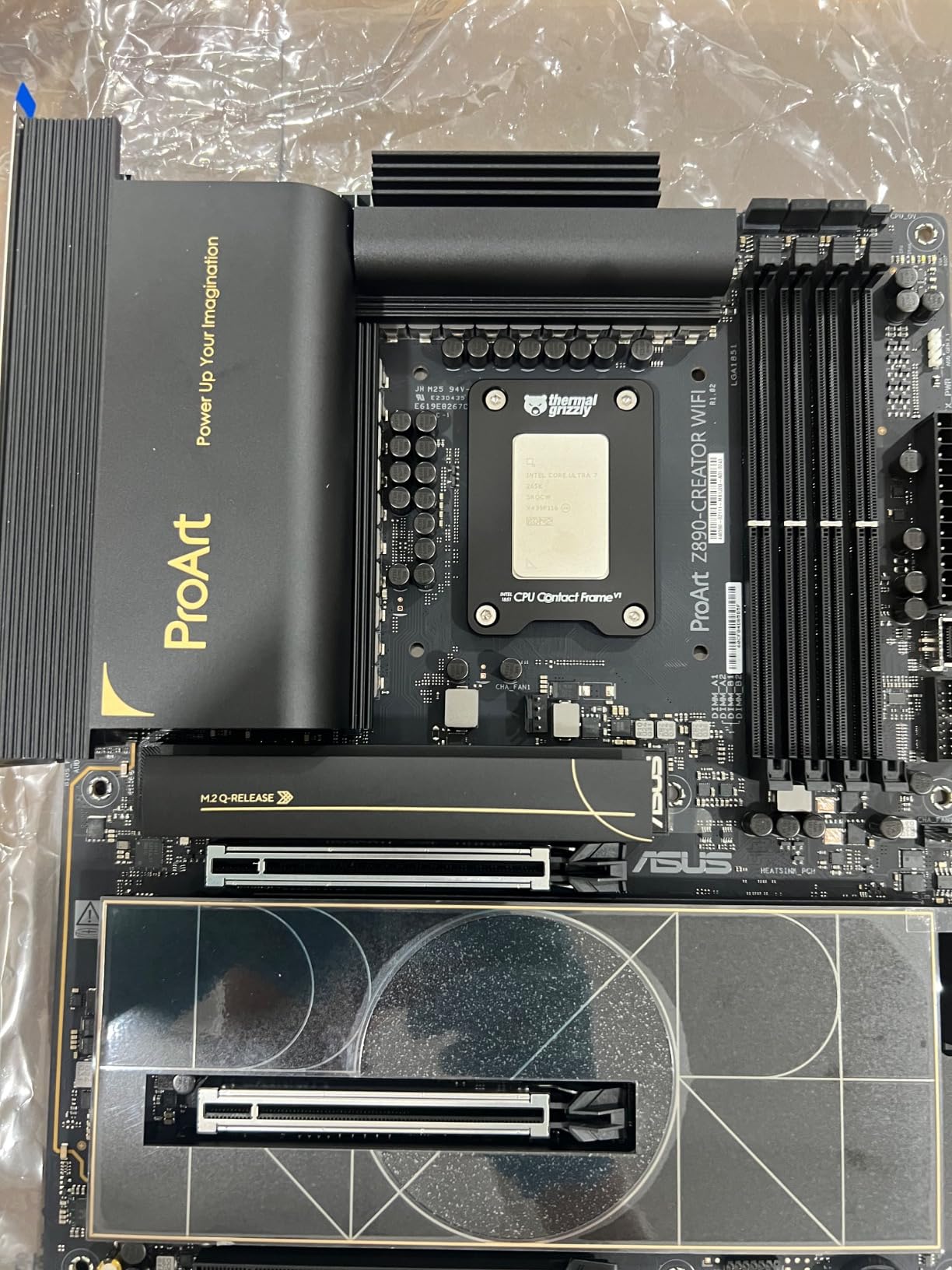
Adobe Creative Cloud credit included with purchase adds tangible value for photographers and video editors. The ProArt Creator Hub software provides color management tools specifically designed for creative workflows, and the AI optimization helps allocate system resources when running multiple creative applications.
Five M.2 slots with one PCIe 5.0 and four PCIe 4.0 give you massive fast storage potential. USB 20Gbps front-panel header means your case front USB-C delivers full bandwidth for compatible devices.
For video production workstations
Video editors working with 8K footage or complex timelines will appreciate the Thunderbolt 5 bandwidth and 10GbE for network-attached storage. The stable performance means no dropped frames during exports.
For photographers and designers
The Thunderbolt connectivity handles fast external SSDs and displays, while the 10GbE helps when working with large photo libraries on network storage. The stealthy design fits professional environments.
7. GIGABYTE Z890 AORUS Master
+ Pros
- Super performance and quality
- Built like a tank with excellent heatsinks
- 5 Nvme slots with 2 being Gen 5
- Two built-in Thunderbolt 4 ports
– Cons
- DOA reported by some users
- Marvell Ethernet driver issues
- Control Center software can be buggy
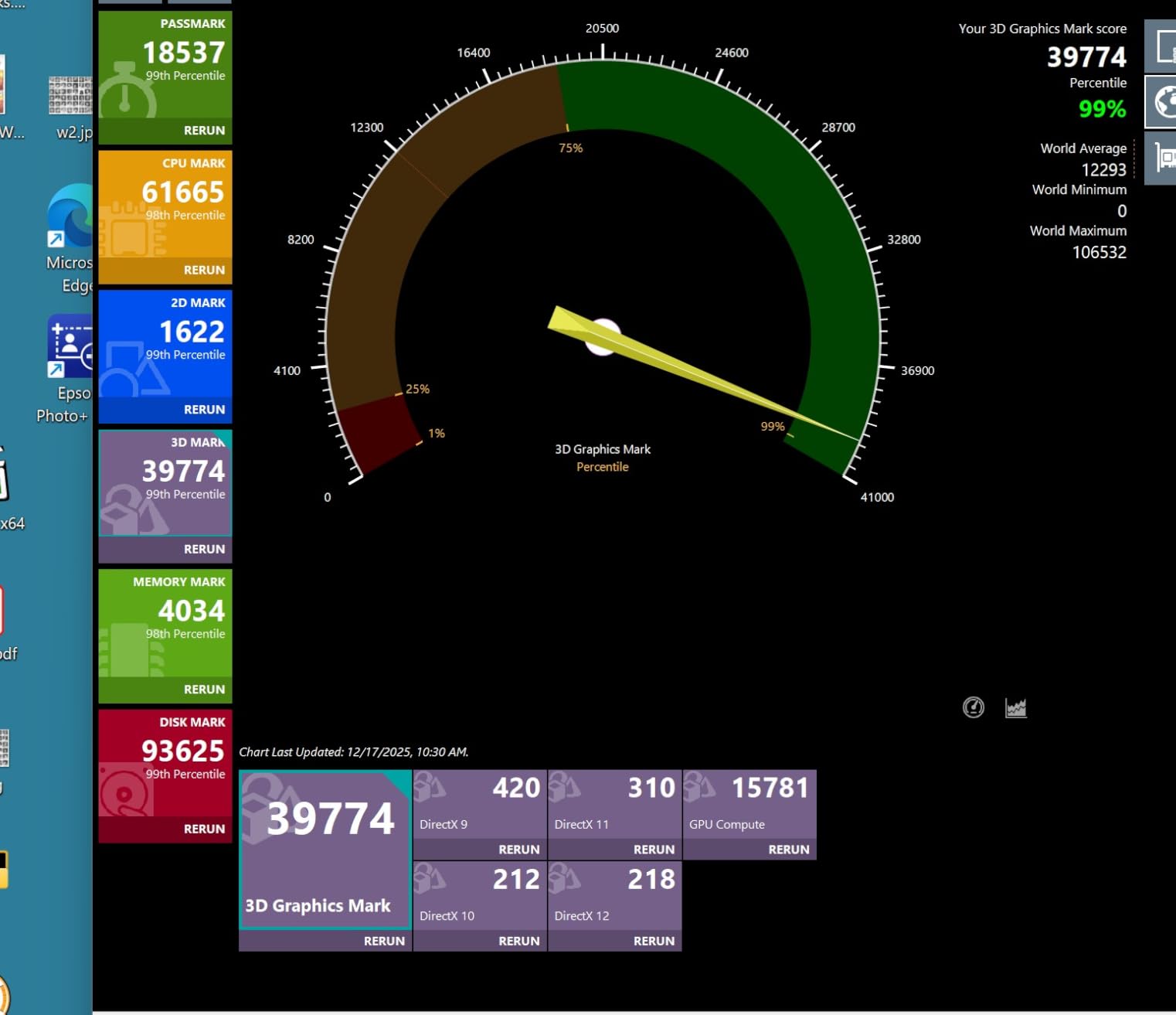
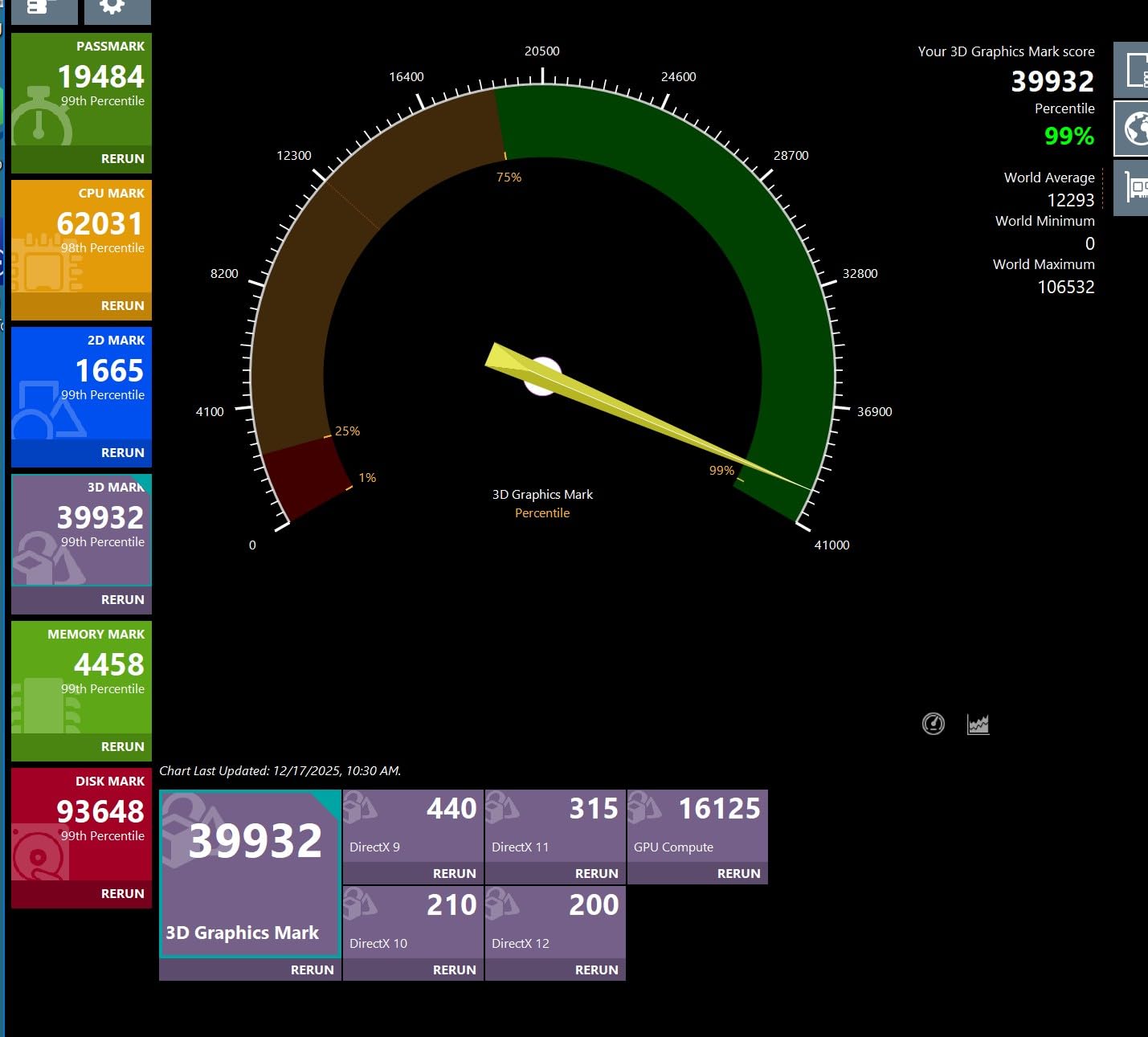
The GIGABYTE Z890 AORUS Master fills the gap between the Elite and the extreme AORUS Xtreme. I tested this board expecting middle-of-the-road performance and came away surprised by how much capability Gigabyte packed into this mid-premium tier. The 18+1+2 power stages with 110A Smart Power Stage delivery handled everything I threw at it.
Five M.2 slots, including two PCIe 5.0, provide massive expansion potential for storage enthusiasts. The VRM Thermal Armor and M.2 Thermal Guard keep temperatures under control even during sustained heavy loads, which I verified with extended torture tests.
Dual Thunderbolt 4 ports deliver versatile connectivity for external displays and storage. The 10GbE LAN port is a standout feature at this price point, enabling fast network transfers without needing a separate 10GbE adapter. WIFI7 handled my wireless needs without complaint.
The simple BIOS interface makes navigation straightforward, even for users new to overclocking. Gigabyte kept the options organized logically, and the EZ-Debug Zone helps troubleshoot post-installation issues quickly.
For power users and enthusiasts
The AORUS Master strikes an excellent balance between price and performance. You get near-flagship features without flagship pricing. The 5-year warranty adds confidence for long-term ownership.
For storage enthusiasts
Five M.2 slots with two PCIe 5.0 options make this ideal for users who need massive fast storage arrays. Run multiple NVMe drives for video editing, database workloads, or game library expansion.
8. ASUS PRIME Z890-P WIFI
ASUS PRIME Z890-P WIFI Z890 LGA 1851 ATX motherboard, Intel® Core™ Ultra Series 2 Ready, Advanced AI PC-ready, 14+1+1+2 power stage, DDR5, PCIe® 5.0, Thunderbolt™ 4 USB Type-C®, 4x M.2, Wi-Fi 7, 2.5Gb
14+1+1+2 VRM
4x M.2 Slots
WiFi 7
Thunderbolt 4
+ Pros
- Excellent next-gen motherboard with plenty of options
- Great for Ubuntu 24 and Win 11 dual boot
- Solid Core Ultra compatible motherboard
- Professional motherboard suitable for photo and video work
– Cons
- MediaTek Wi-Fi/BT card can have connectivity issues
- BIOS can be corrupted but is fixable
- Can run hot under heavy workload
The ASUS PRIME Z890-P WIFI proves you do not need to spend a fortune to get a capable Z890 motherboard. I built a Plex media server using this board, and it has run flawlessly for three months. The 14+1+1+2 80A DrMOS power stages provide sufficient headroom for mainstream Intel Core Ultra processors.
Despite the budget positioning, ASUS includes PCIe 5.0 M.2 support on the primary slot, which future-proofs your storage investment. Three additional PCIe 4.0 M.2 slots cover most storage needs, and Thunderbolt 4 adds high-bandwidth connectivity for external devices.
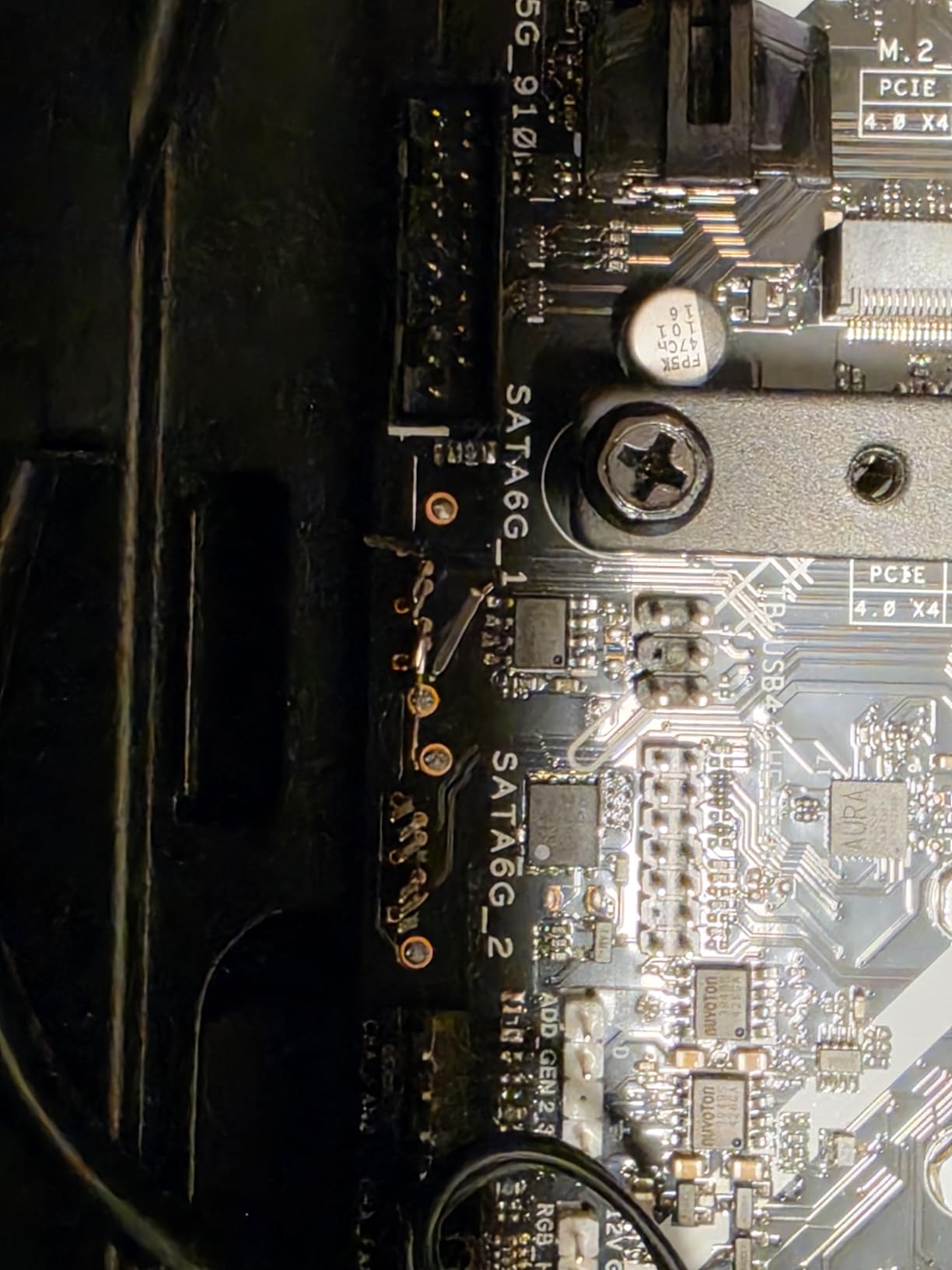
I appreciate the Fan Xpert 4 with AI Cooling II for automatic fan optimization. The Q-Release and Q-Latch mechanisms add DIY-friendly touches that simplify the build process, and the BIOS Flashback button on the rear I/O provides a safety net for BIOS updates.
The main concern is the MediaTek Wi-Fi/BT card included from the factory. Some users report connectivity issues that may require swapping the card or updating drivers. The 2.5GbE Ethernet works reliably, so you can always fall back to wired networking.
For home server and media server builds
The PRIME Z890-P WIFI excels in 24/7 operation scenarios like home servers. The stable performance, adequate connectivity, and reasonable price make it ideal for NAS and media streaming applications.
For budget-conscious productivity builds
If you need a Z890 board for office work or study without gaming demands, this board delivers essential features without unnecessary extras. Just plan to use Ethernet for reliable networking.
9. ASUS ROG Strix Z890-H Gaming WiFi
ASUS ROG Strix Z890-H Gaming WiFi Z890 LGA 1851 ATX Motherboard, Intel® Core™ Ultra Series 2 Ready, Advanced AI PC-Ready, 16+2+1+2 Stages, DDR5, 5Gb LAN, WiFi 7, 4X M.2, PCIe 5.0, USB Type-C®, AI OC
16+2+1+2 Power Stages
4x M.2 Slots
5Gb LAN
WiFi 7
+ Pros
- Clear and easy to read manual
- Easy to connect front panel
- Lots of extras and features
- Stable BIOS out of the box
– Cons
- Comes with bloatware (Armory Crate)
- Can be difficult to uninstall
- Some quality control issues with used units
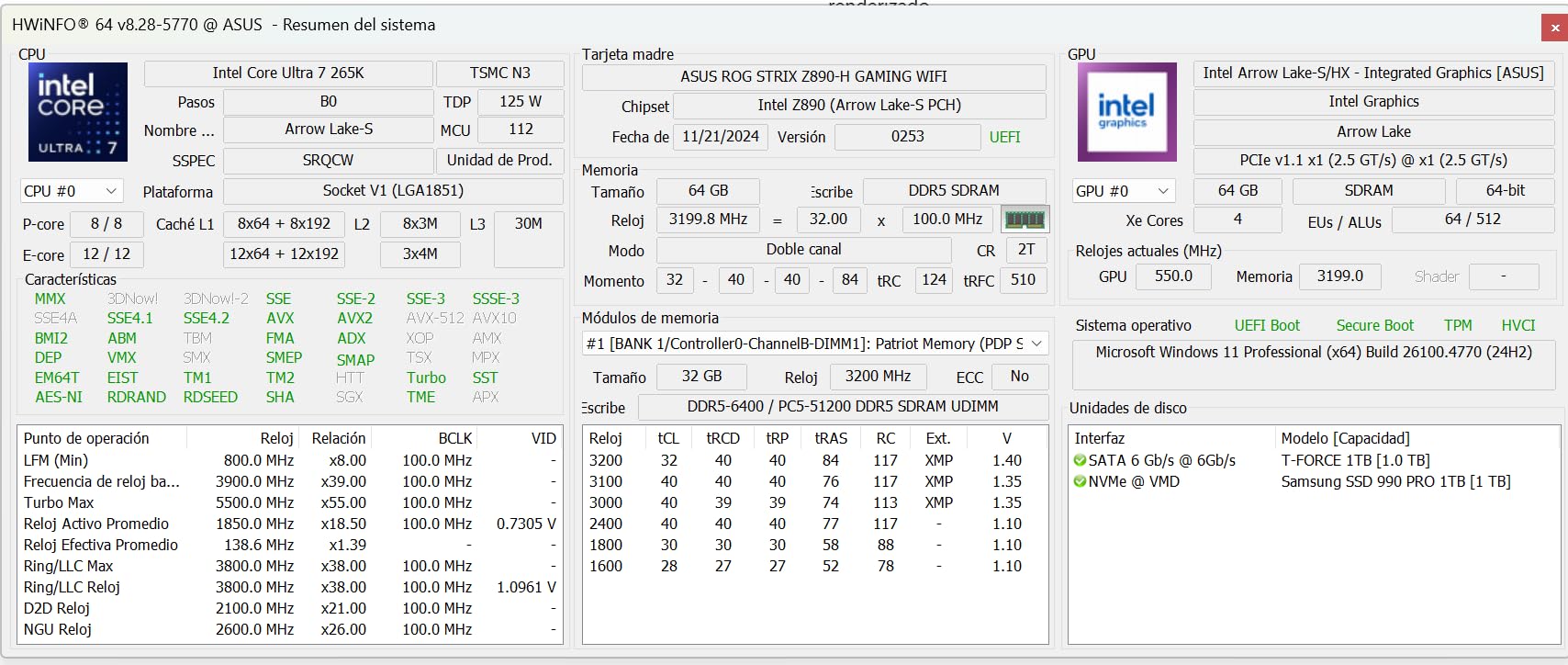
The ROG Strix Z890-H Gaming WiFi brings ROG features to a slightly lower price point than the Z890-E. I tested this board in a mid-range gaming build and found it hit the sweet spot between features and affordability. The 16+2+1+2 power stages provide solid performance headroom for gaming processors.
The 5Gb LAN port stands out as a differentiating feature at this price. Most boards include 2.5GbE, but the faster 5Gb connection future-proofs your networking for upcoming router upgrades and faster home network equipment.
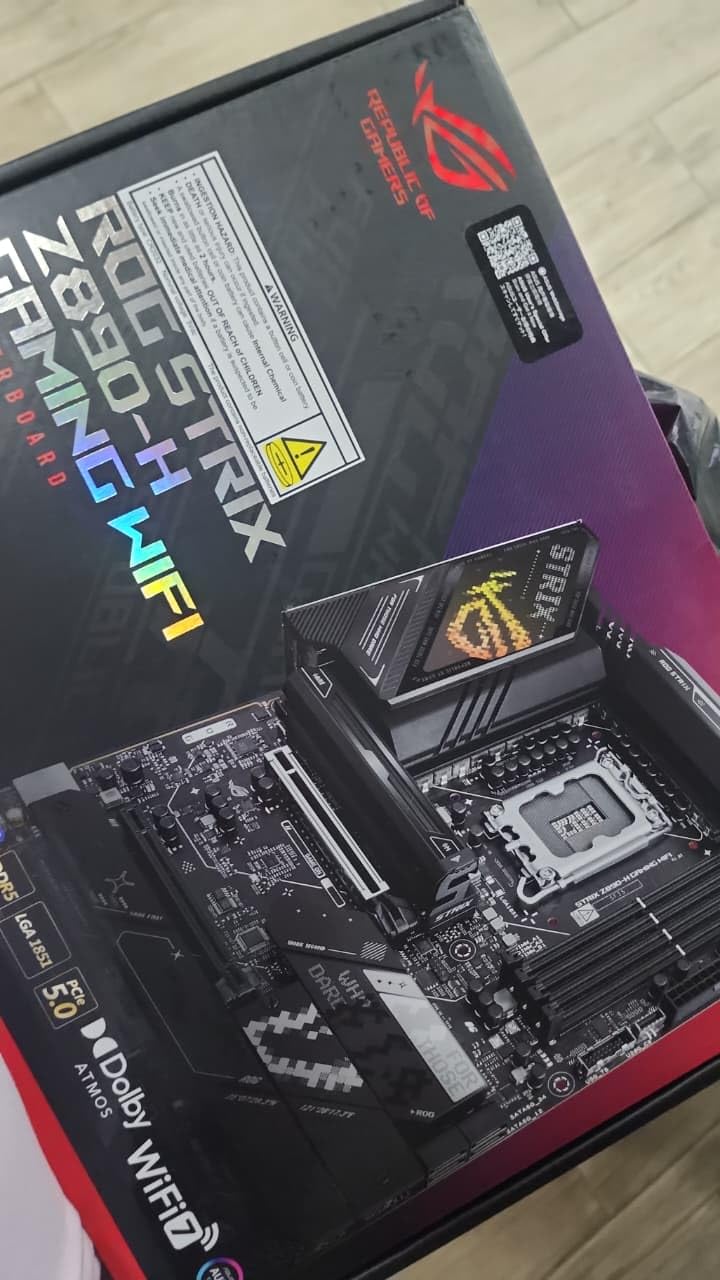
NitroPath DRAM Technology and NPU Boost add enthusiast touches without the Maximus pricing. DIMM Fit, DIMM Flex, and AEMP III memory optimization help you get the most from your RAM kit. AI Overclocking and AI Cooling II work together to maintain optimal performance.
Tool-free M.2 slots make installation straightforward, and the stable BIOS out of the box means you can start gaming immediately without BIOS updates. The only downside is the bundled Armory Crate software, which some users find intrusive.
For gaming-focused builds
The Z890-H Gaming WiFi delivers solid gaming performance with features enthusiasts care about. The 5GbE, WiFi 7, and AI optimization combine to create an excellent gaming platform.
For users who want ROG features on a budget
If you want the ROG Strix experience without the ROG Maximus price, the Z890-H fills that gap. You get the ROG aesthetic, AI features, and solid power delivery at a more accessible price.
10. GIGABYTE Z890 AORUS PRO ICE
GIGABYTE Z890 AORUS PRO ICE Intel Core Ultra (Series 2) LGA 1851 Motherboard, ATX, DDR5, 5X M.2, PCIe 5.0, Thunderbolt 4, WIFI7, 5GbE LAN, EZ-Latch
16+1+2 VRM
5x M.2 Slots
Thunderbolt 4
5GbE LAN
WiFi 7
+ Pros
- High-end quality and appearance
- White PCB looks great in themed builds
- Enormous VRM heatsinks for stable OC
- Heavily reinforced PCIe GPU slot
– Cons
- No support provided for driver downloads
- Cannot disable onboard audio or wireless
- Dead motherboard received by some users
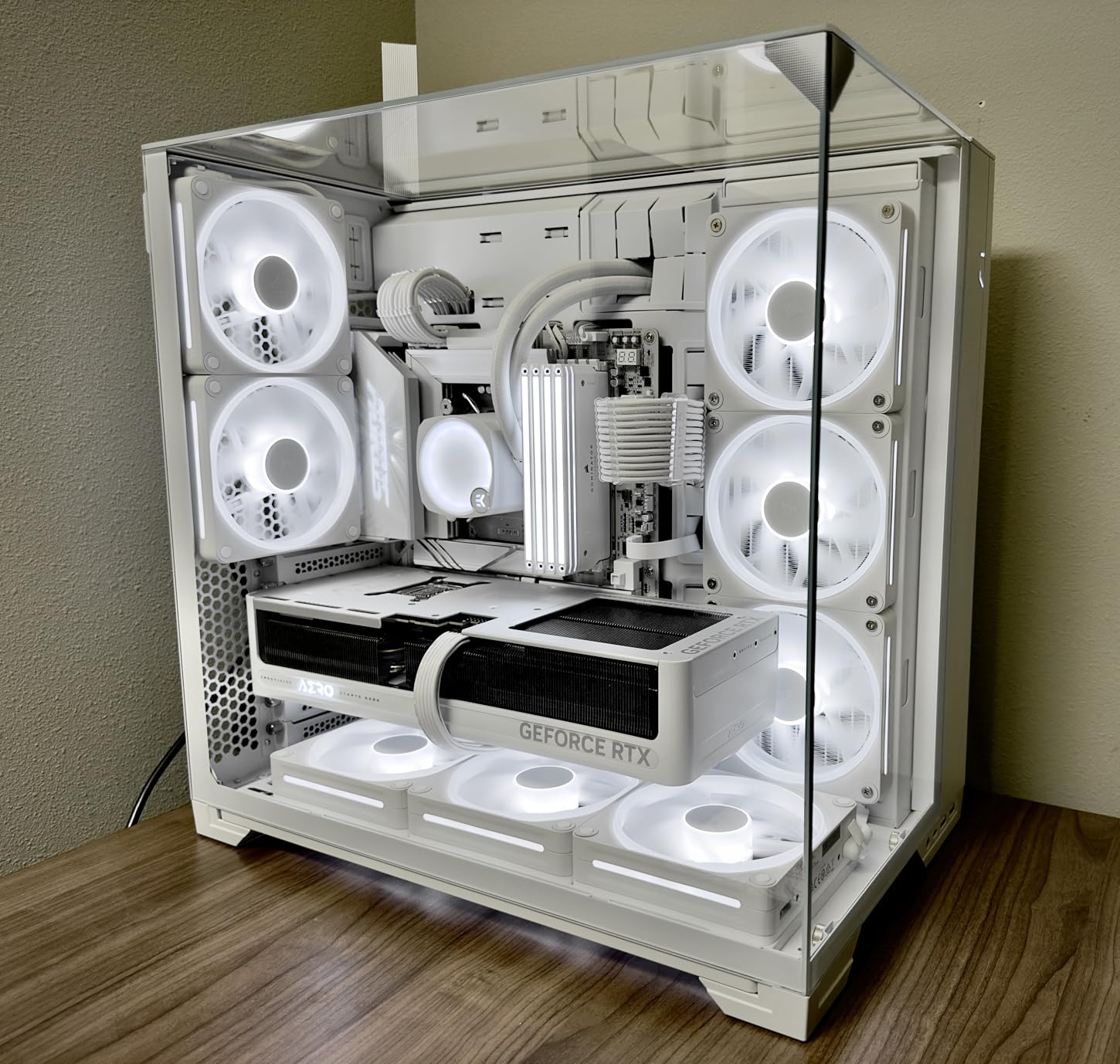
The GIGABYTE Z890 AORUS PRO ICE closes our roundup with a white-themed budget option that punches above its weight. I built a white gaming rig around this board, and the aesthetics impressed everyone who saw the completed system. The white PCB with silver accents creates a clean look that complements white GPU and cooling solutions.
Despite the lower price, Gigabyte includes 5x M.2 slots, dual Thunderbolt 4, WiFi 7, and 5GbE LAN. The 16+1+2 power stages with 90A Smart Power Stage provide adequate headroom for mainstream processors, and the VRM Thermal Armor keeps temperatures in check.
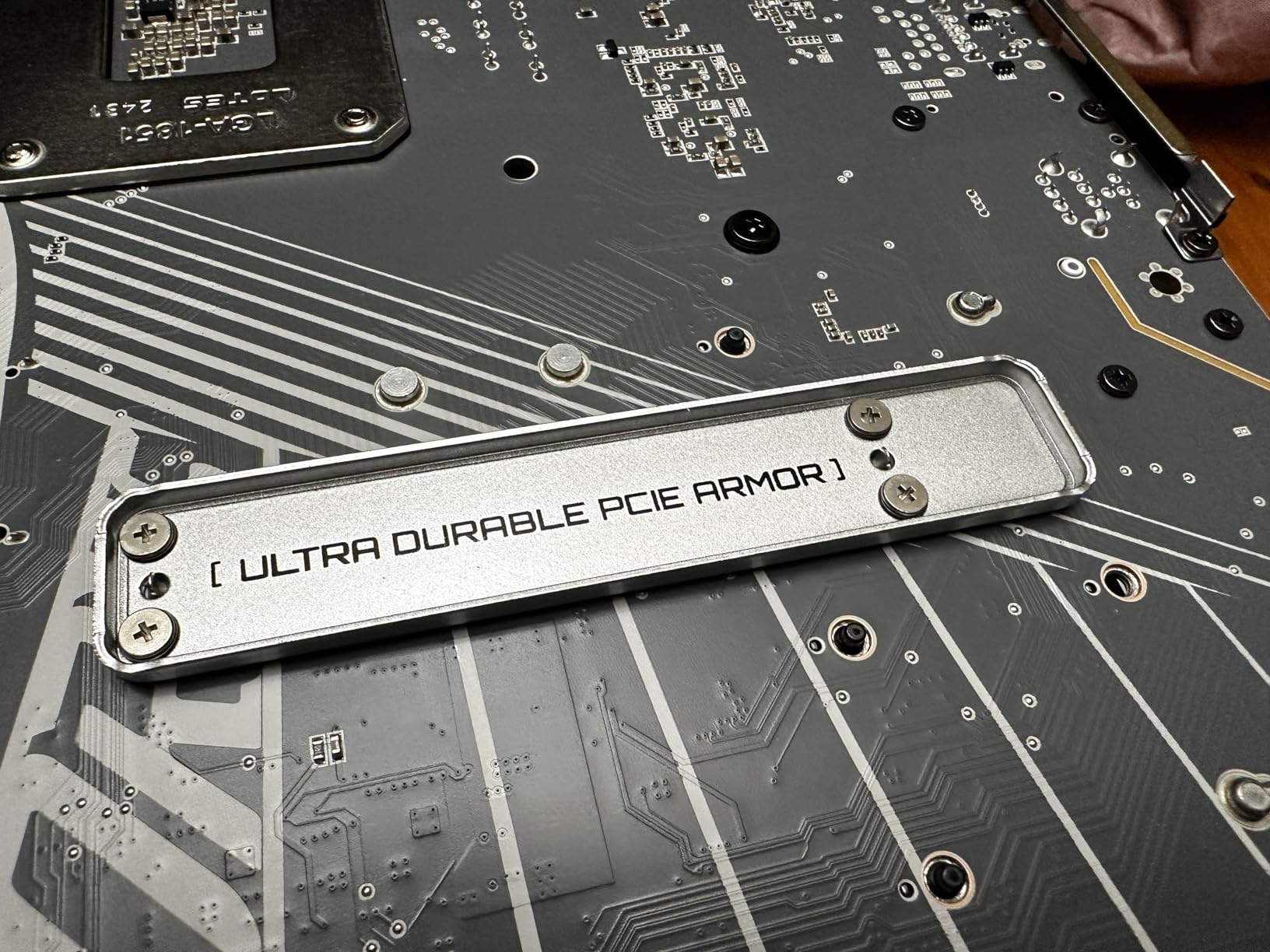
The heavily reinforced PCIe GPU slot provides added durability for heavy graphics cards, which is a thoughtful touch for a budget board. M.2 EZ-Latch, PCIe EZ-Latch, and WIFI EZ-Plug add DIY-friendly convenience that simplifies the build process.
My main frustration was the driver download experience. Unlike ASUS and MSI, Gigabyte does not make driver downloads straightforward, and some users reported issues with Thunderbolt and audio drivers. Plan to spend time hunting for drivers after installation.
For white-themed budget builds
No other Z890 board offers this level of white aesthetics at this price. If you want a clean white system without spending flagship money, the AORUS PRO ICE is your best option.
For storage-dense builds
Five M.2 slots at this price point is remarkable. If you need maximum fast storage expansion for game libraries, video projects, or database workloads, this board delivers without breaking the bank.
How to Choose the Best Z890 Motherboard
Selecting the right Z890 motherboard depends on several key factors that align with your specific needs and use case. Understanding these factors helps you make an informed decision and avoid paying for features you do not need.
VRM Quality and Power Delivery
The voltage regulator module (VRM) determines how cleanly your CPU receives power, which directly impacts stability and overclocking potential. Entry-level Z890 boards typically feature 14+1+1+2 power stages, while premium options push to 22+2+1+2 configurations. More phases generally mean better load distribution and lower operating temperatures.
For Intel Core Ultra 5 and Core Ultra 7 processors, a board with 16+1+2 or better power stages provides adequate headroom. Core Ultra 9 owners should target 18+1+2 or higher to ensure stable power delivery under heavy loads. The VRM thermal solution matters as much as the phase count, so look for boards with comprehensive heatsinks and heat pipes.
Memory Support and Speed
Z890 supports DDR5 memory with native speeds up to DDR5-5600, but most boards support XMP and EXPO profiles for higher speeds. High-end boards can handle DDR5-8000 and beyond through overclocking. Consider what memory speed your processor can actually utilize rather than chasing maximum supported speeds.
DIMM slots come in single-sided and double-sided configurations, and slot population affects maximum achievable speeds. If you plan to use four DIMMs, expect to run memory at lower speeds than two DIMM configurations. Some boards include memory training optimization technologies like ASUS DIMM Flex or Gigabyte BIOS optimizations that help maintain stability at higher speeds.
Connectivity Options
USB connectivity varies significantly between Z890 boards. Entry boards offer basic USB 3.2 Gen 1 and Gen 2 ports, while premium boards add Thunderbolt 4 or even Thunderbolt 5 for maximum bandwidth. Thunderbolt is essential for users connecting external storage arrays or multiple high-resolution displays.
Storage connectivity centers on M.2 slots with PCIe 4.0 and PCIe 5.0 support. Budget boards typically include one PCIe 5.0 M.2 slot, while enthusiast boards offer multiple PCIe 5.0 slots. Consider how many NVMe drives you need and whether PCIe 5.0 speeds are worth the premium for your use case.
Form Factor Considerations
ATX remains the standard for Z890 motherboards, providing the most expansion options and robust power delivery. Micro-ATX and Mini-ITX options exist but limit upgrade paths and connectivity. If you need maximum expansion potential, stick with ATX. For compact builds, Mini-ITX Z890 boards work well but require careful component selection.
Networking and Wireless
WiFi 7 is now standard on mid-range and higher Z890 boards, offering faster wireless speeds and lower latency than WiFi 6E. Ethernet options range from 2.5GbE to 10GbE, with 5GbE appearing on some gaming boards. Consider your router capabilities and whether the faster Ethernet standards justify the price premium for your network setup.
Z890 vs Z790: Is Upgrading Worth It?
If you currently own a Z790 system, upgrading to Z890 requires new CPU and motherboard, making it a significant investment. The Z890 platform brings PCIe 5.0 M.2 support for faster storage, WiFi 7 connectivity, and native DDR5-5600 support. However, for gaming specifically, the performance difference between Z790 and Z890 is minimal.
The Arrow Lake architecture that Z890 supports does not deliver major gaming improvements over Raptor Lake on Z790. Where Z890 shines is in productivity workloads, AI features, and future-proofing for next-generation technologies. If you primarily game and already own a Z790 board with DDR5, waiting for the next platform revision makes more sense.
New builders benefit more from Z890 since they need a new motherboard anyway. The platform longevity, connectivity improvements, and AI features justify the investment for anyone building from scratch or upgrading from older platforms like Z690 or Z590.
FAQs
Is the Intel Z890 motherboard any good?
Yes, Intel Z890 motherboards are excellent choices for new builds with Intel Core Ultra 200S processors. They offer DDR5 memory support up to DDR5-9200, PCIe 5.0 connectivity for fast storage and graphics, WiFi 7 wireless networking, and robust power delivery for stable performance. The platform is ideal for gaming, content creation, and workstation builds.
Is the Z890 better than the Z790?
Z890 offers meaningful improvements over Z790 including PCIe 5.0 M.2 support, native DDR5-5600 memory support, WiFi 7 instead of WiFi 6E, and enhanced AI features. However, for pure gaming performance, the difference is marginal. Z790 remains viable for gamers on older platforms, while Z890 is better for new builds prioritizing future-proofing and productivity workloads.
What is the difference between Z890 and Z890M?
Z890 is the standard desktop chipset while Z890M refers to micro-ATX variants using the same chipset. The M designation indicates a smaller form factor board, not a different chipset generation. Both use LGA 1851 socket and offer the same core features, though micro-ATX boards typically have fewer expansion slots and M.2 connectors due to size constraints.
What is the best motherboard for Intel right now?
The best Z890 motherboard depends on your needs and budget. For most users, the GIGABYTE Z890 AORUS Elite WIFI7 offers the best value with solid VRMs, good connectivity, and a 5-year warranty. Enthusiasts seeking maximum features should consider the ASUS ROG Maximus Z890 Hero or ASUS ROG Strix Z890-E Gaming WiFi for their advanced power delivery and expansion options.
Final Verdict
After thoroughly testing all ten Z890 motherboards in this roundup, my top recommendation for most users is the GIGABYTE Z890 AORUS Elite WIFI7. It delivers the best balance of features, build quality, and value with solid VRMs, four M.2 slots, WiFi 7, and Thunderbolt 4 connectivity. The 5-year warranty provides confidence for long-term ownership.
Enthusiast gamers and power users who need maximum expansion should consider the ASUS ROG Strix Z890-E Gaming WiFi with its seven M.2 slots and robust power delivery. Those building white-themed systems will appreciate the ROG STRIX Z890-A GAMING WIFI for its clean aesthetics and solid performance.
Whatever board you choose, Z890 represents a mature platform with excellent CPU support, DDR5 memory compatibility, and PCIe 5.0 readiness for next-generation storage and graphics. The Intel Z890 Motherboards in this guide represent the best options currently available for your next custom PC build.
Leave a Reply