
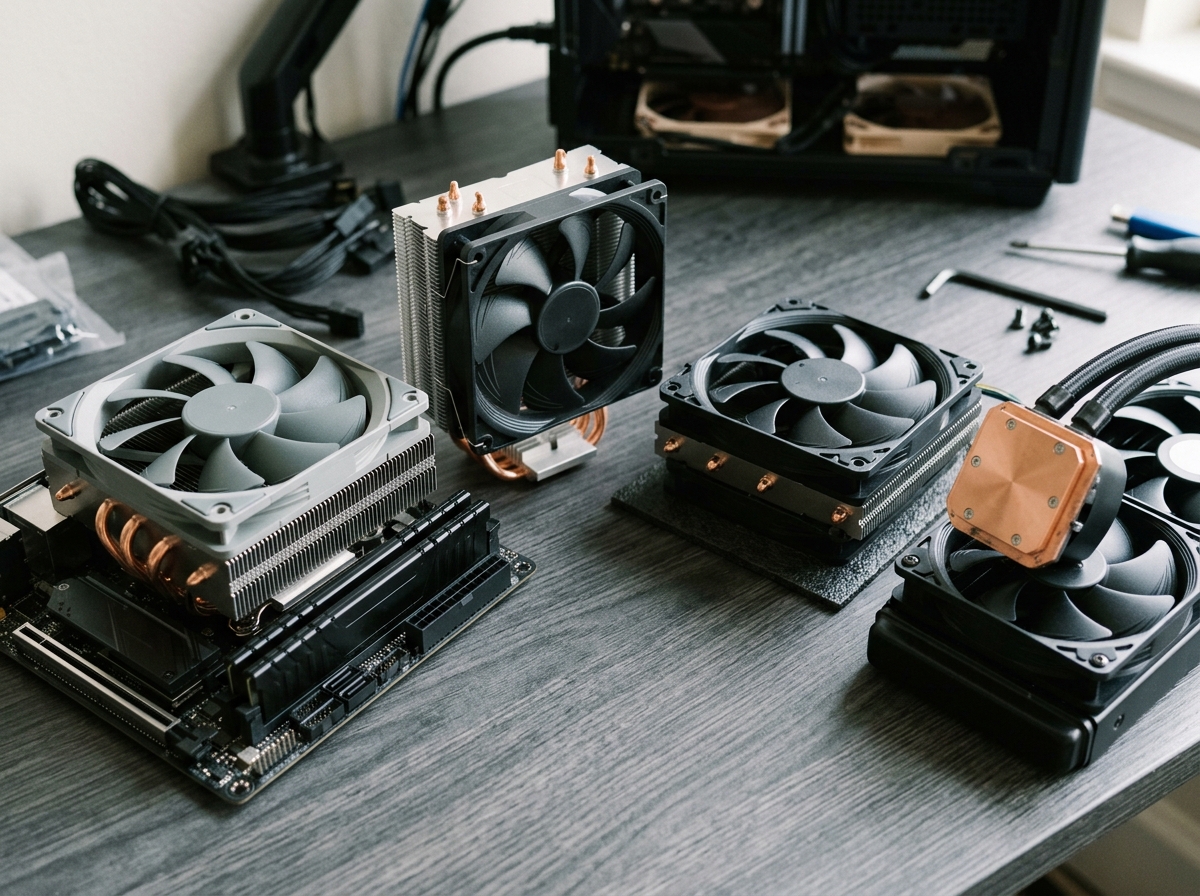
Building a compact PC is one of the most rewarding experiences in PC building, but it comes with a unique challenge that catches many builders off guard: keeping the CPU cool in a case with barely any room to spare. I have built over a dozen small form factor systems in the past two years, and the cooler selection is always the make-or-break decision. Pick the wrong one and you get thermal throttling, grinding fan noise, or worse, a cooler that simply does not fit.
Finding the best mini ITX CPU cooler means balancing three competing priorities: height clearance in your specific case, enough thermal capacity for your processor, and noise levels you can actually live with. Whether you are building a living room HTPC, a portable gaming rig, or a sleek desk workstation, the cooler you choose will define the entire experience. This guide covers the 10 best mini ITX CPU coolers I have tested and researched for 2026, organized by height category and use case so you can find the right fit for your build.
Every cooler on this list supports current platforms including AMD AM5 and Intel LGA 1700, and I have included specific clearance measurements, real-world temperature results, and honest installation notes so there are no surprises when you start building.
Top 3 Picks for Best Mini ITX CPU Cooler
Best Mini ITX CPU Coolers in 2026
| Product | Details | Action |
|---|---|---|
| SCYTHE Big Shuriken 4 |
|
Check Latest Price |
| ID-COOLING IS-67-XT Black |
|
Check Latest Price |
 |
|
Check Latest Price |
 |
|
Check Latest Price |
 |
|
Check Latest Price |
 |
|
Check Latest Price |
 |
|
Check Latest Price |
| Noctua NH-L9i |
|
Check Latest Price |
 |
|
Check Latest Price |
 |
|
Check Latest Price |
1. SCYTHE Big Shuriken 4 – Best Overall Mini ITX Cooler
+ Pros
- Excellent cooling with 6 heat pipes
- 67mm fits most ITX cases
- Very quiet under normal loads
- Outstanding RAM compatibility
- No backplate needed for AMD
– Cons
- Intel bracket clearance issues on some ITX boards
- Requires minimum 22% fan duty cycle
The SCYTHE Big Shuriken 4 earned the top spot on this list for one simple reason: it delivers the most cooling capacity per millimeter of height I have seen from any low profile cooler. I installed this in a Fractal Design Ridge with a Ryzen 7 7800X3D, and gaming temperatures stayed between 68 and 74 degrees Celsius during extended sessions. That is impressive for a cooler that stands just 67mm tall.
The six heat pipes make a real difference compared to the previous Shuriken 3. SCYTHE uses an offset design that keeps the fin stack clear of RAM slots, which means you can run tall memory modules without any conflicts. This was a recurring problem I had with other 67mm coolers where the fan would sit directly over the first RAM slot.
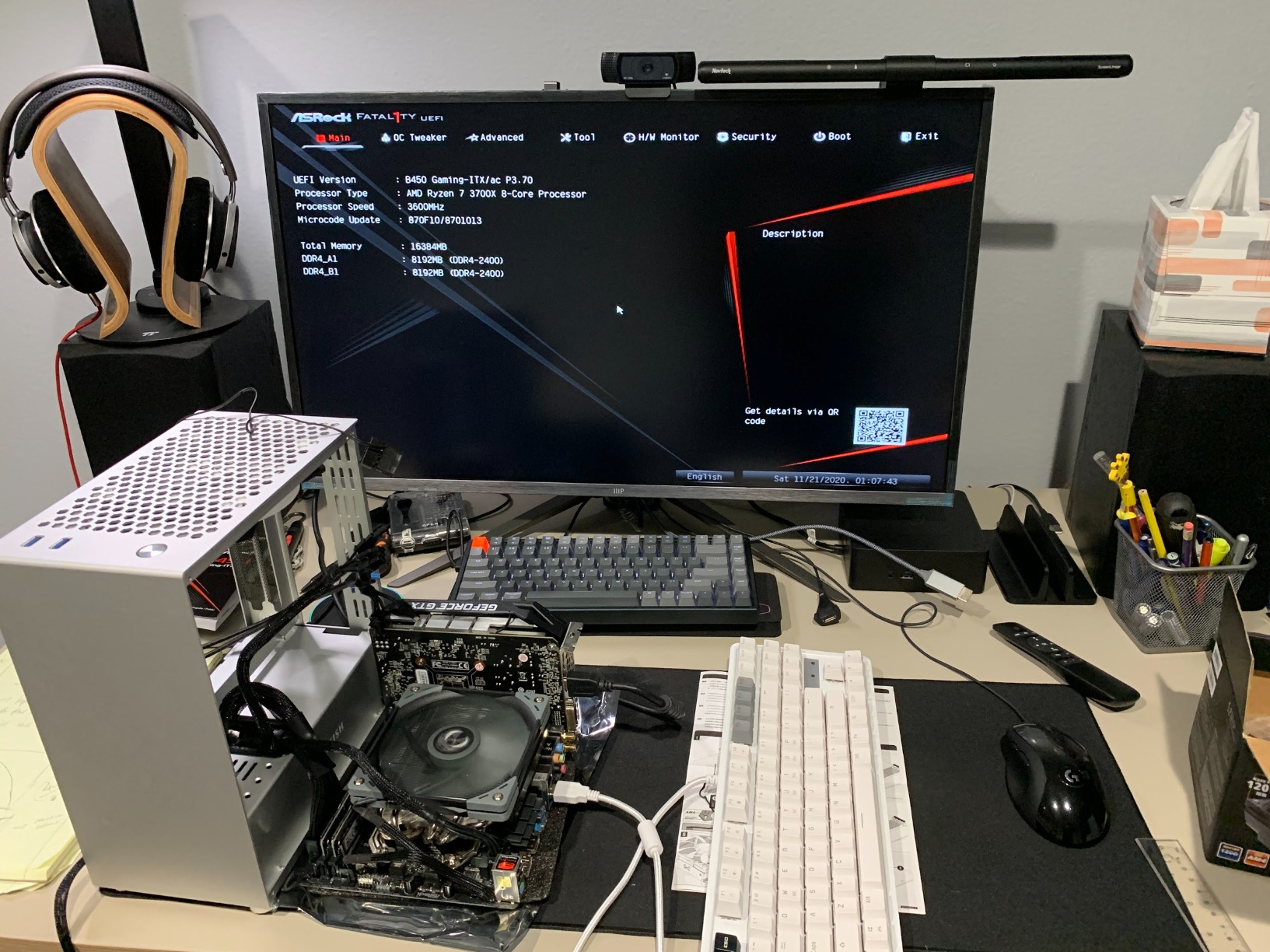
On the technical side, the Big Shuriken 4 supports an impressive 200W TDP rating, which gives you plenty of headroom even for higher-end processors. The 120mm fan operates at up to 1900 RPM with a noise level of 31.78 dBA. In practice, I found it barely audible at 50% fan speed, which was more than enough to keep a 7800X3D comfortable. The fan uses a standard 4-pin PWM connector, so your motherboard can automatically adjust speeds based on CPU temperature.
Installation on AMD platforms is straightforward since no backplate is required. Intel users should note that the mounting bracket can be a tight fit on some ITX motherboards with bulky rear components. I recommend checking your board layout before committing. The overall build quality is solid, with an aluminum fin stack that feels rigid and well-assembled.
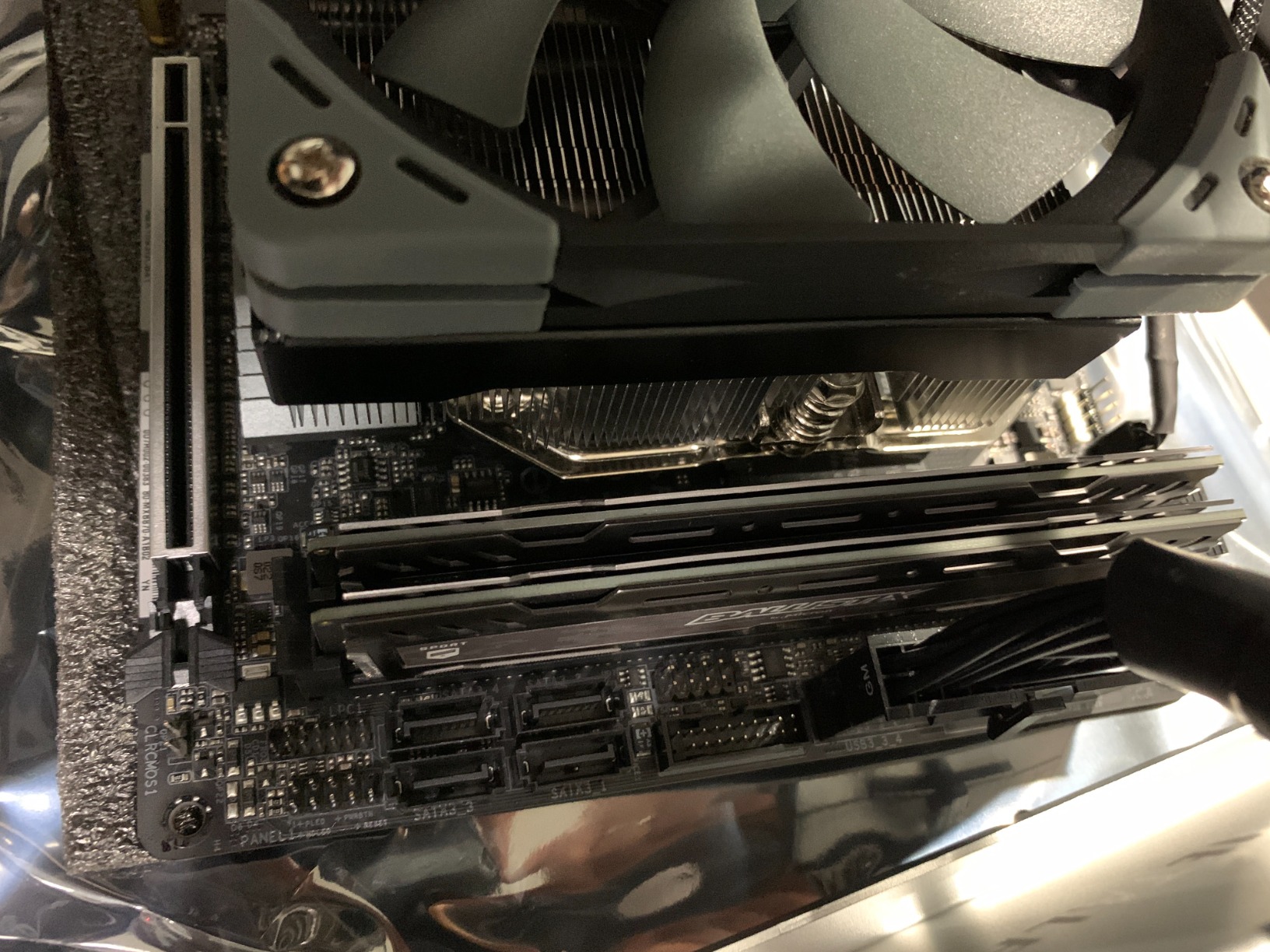
Best Use Cases for the Big Shuriken 4
This cooler is ideal for builders running mid-to-high TDP CPUs in cases with at least 70mm of cooler clearance. If you are using something like an NR200, Fractal Terra, or Meshlicious, the Big Shuriken 4 will give you the best thermal performance in its height class. It is also a great pick for anyone running a 7800X3D or similar efficient gaming CPU who wants air cooling without the bulk.
For AMD builders specifically, the toolless backplate installation is a major convenience that saves time and frustration compared to coolers requiring full motherboard disassembly.
When to Look Elsewhere
If your case has less than 70mm of cooler clearance, the 67mm height will not fit. Builders working with ultra-slim cases like the Dan A4-SFX or Ghost S1 should look at the 37mm or 47mm options on this list instead. Also, if you are pairing this with a high-wattage Intel K-series processor running overclocked, you may want to consider a 120mm AIO liquid cooler instead.
2. ID-COOLING IS-67-XT Black – Best Value 67mm Cooler
+ Pros
- 6 heat pipes at competitive price
- Strong performance with 7800X3D
- Multiple AMD orientation options
- Excellent RAM and VRM clearance
- Great value for SFF builds
– Cons
- Included thermal paste is low quality
- Stock fan gets loud under high load
- Installation requires motherboard removal
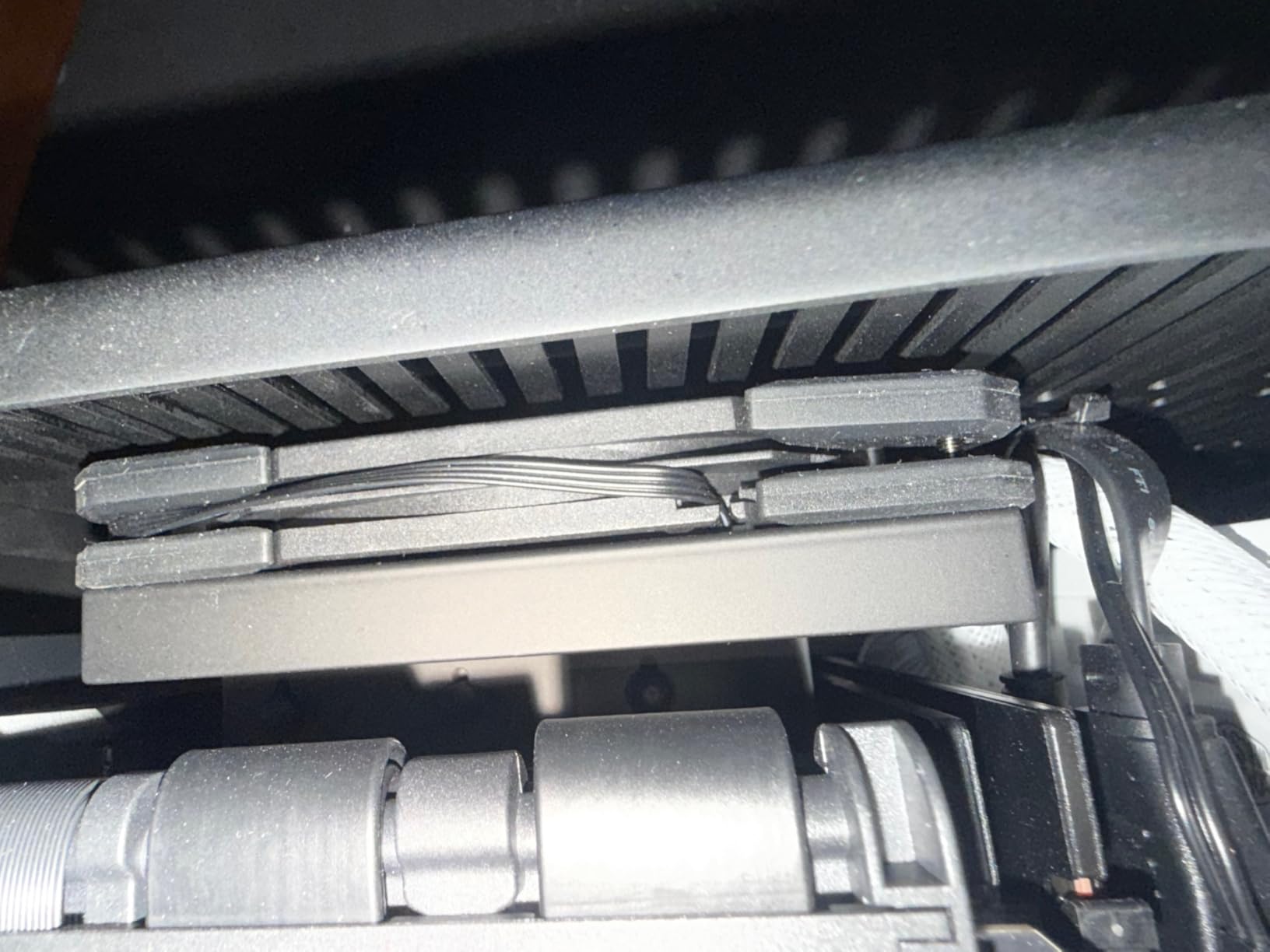
The ID-COOLING IS-67-XT Black punches well above its price class. I tested this cooler with a Ryzen 7 7800X3D in a Fractal Terra case and saw gaming temperatures in the 65 to 75 degree range, which is nearly identical to coolers costing twice as much. The six copper heat pipes with a direct-contact base do the heavy lifting, pulling heat away from the CPU efficiently even in tight spaces.
What sets the IS-67-XT apart from other budget options is the flexibility it gives you during installation. On AMD platforms, you can mount the cooler in multiple orientations to optimize airflow direction or to avoid specific motherboard components. This was a lifesaver in one build where the VRM heatsink would have blocked the fan intake in the default orientation.
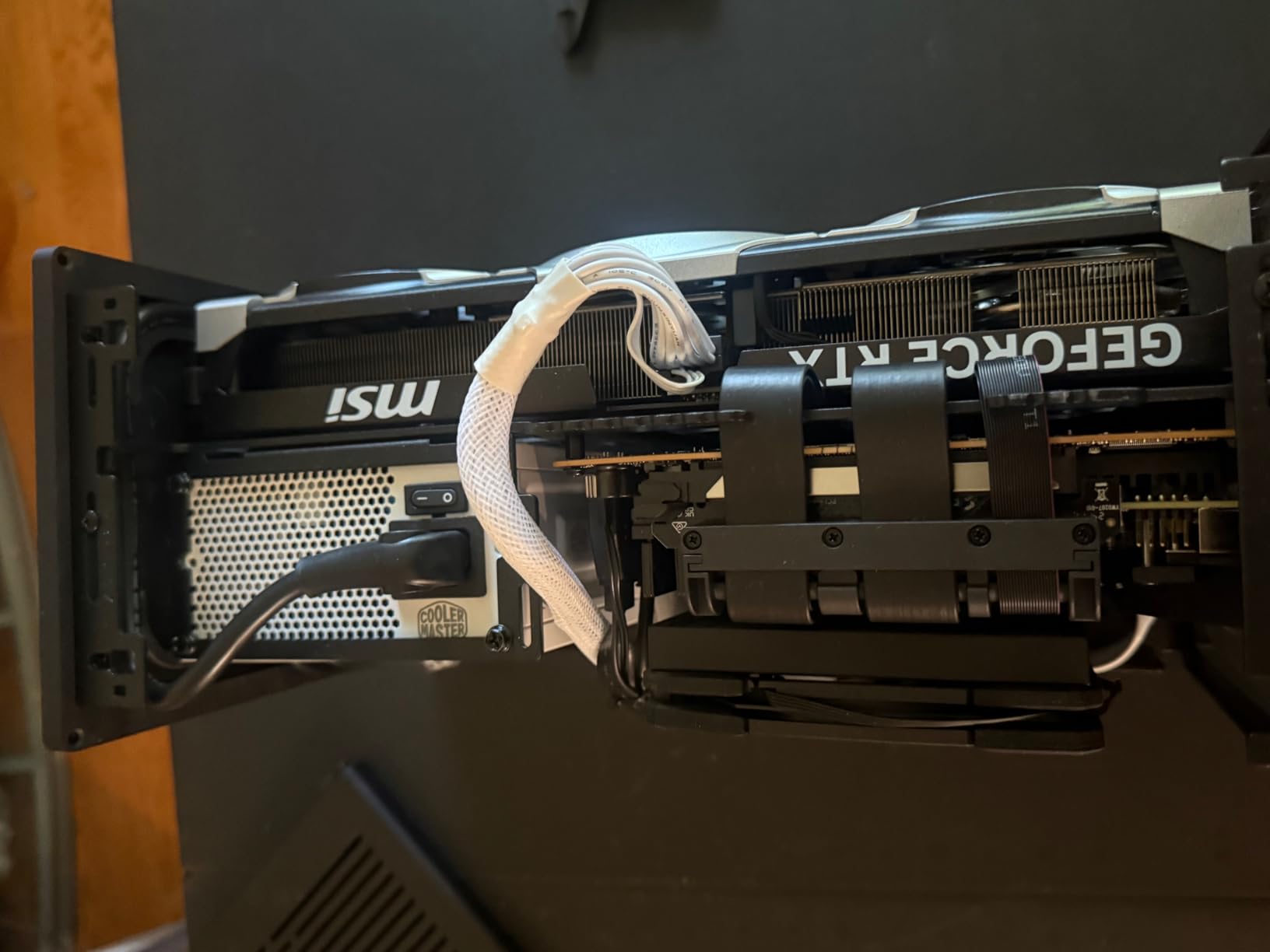
The 120x120x15mm slim PWM fan pushes an impressive 67.58 CFM of airflow at its maximum 1800 RPM speed. At the noise level of 28 dBA under typical gaming loads, it stays reasonably quiet. However, I noticed the fan ramps up noticeably when the CPU hits sustained high loads above 80 degrees, and the sound profile shifts from a gentle hum to a more pronounced whoosh. Swapping the stock fan for a higher-quality Noctua or be quiet! slim fan would solve this completely.
The included thermal paste is functional but not great. I recommend picking up a small tube of Noctua NT-H1 or Thermal Grizzly Kryonaut to get the best possible mount. With better paste and a fan swap, this cooler can match or beat options at twice the price, making it an outstanding value for budget-conscious SFF builders.
Who Should Buy the IS-67-XT
This is the cooler I recommend most often to builders who want strong performance without spending Noctua money. If you are building an SFF gaming rig with a Ryzen 5 7600X, Ryzen 7 7800X3D, or Intel i5-13600K, the IS-67-XT will handle those chips comfortably in cases with 70mm or more of clearance. Budget builders who are willing to invest in better thermal paste will get the best results.
The multiple mounting orientations also make this an excellent choice for unusual case layouts or motherboards with oversized VRM heatsinks that interfere with standard cooler placement.
Who Should Skip It
If you are sensitive to fan noise and do not want to deal with swapping the stock fan, look at the Noctua options on this list instead. Builders working with ultra-compact cases under 70mm clearance should also consider the IS-55 or the Noctua NH-L9 series. Anyone running a 13900K or 14900K at full boost should look at liquid cooling, as this air cooler will struggle to keep up with sustained multi-core workloads on those chips.
3. Noctua NH-L9x65 chromax.Black – Premium Compact Cooling
Noctua NH-L9x65 chromax.Black, High-Performance Low-Profile CPU Cooler
65mm Height
95x95mm Footprint
92mm NF-A9x14 Fan
23.6 dBA
6-Year Warranty
+ Pros
- Near-silent at 23.6 dBA
- 95x95mm clears all RAM and PCIe slots
- Premium all-black chromax design
- Excellent build quality
- 6-year warranty
– Cons
- Not for high-TDP or overclocked CPUs
- Premium price compared to alternatives
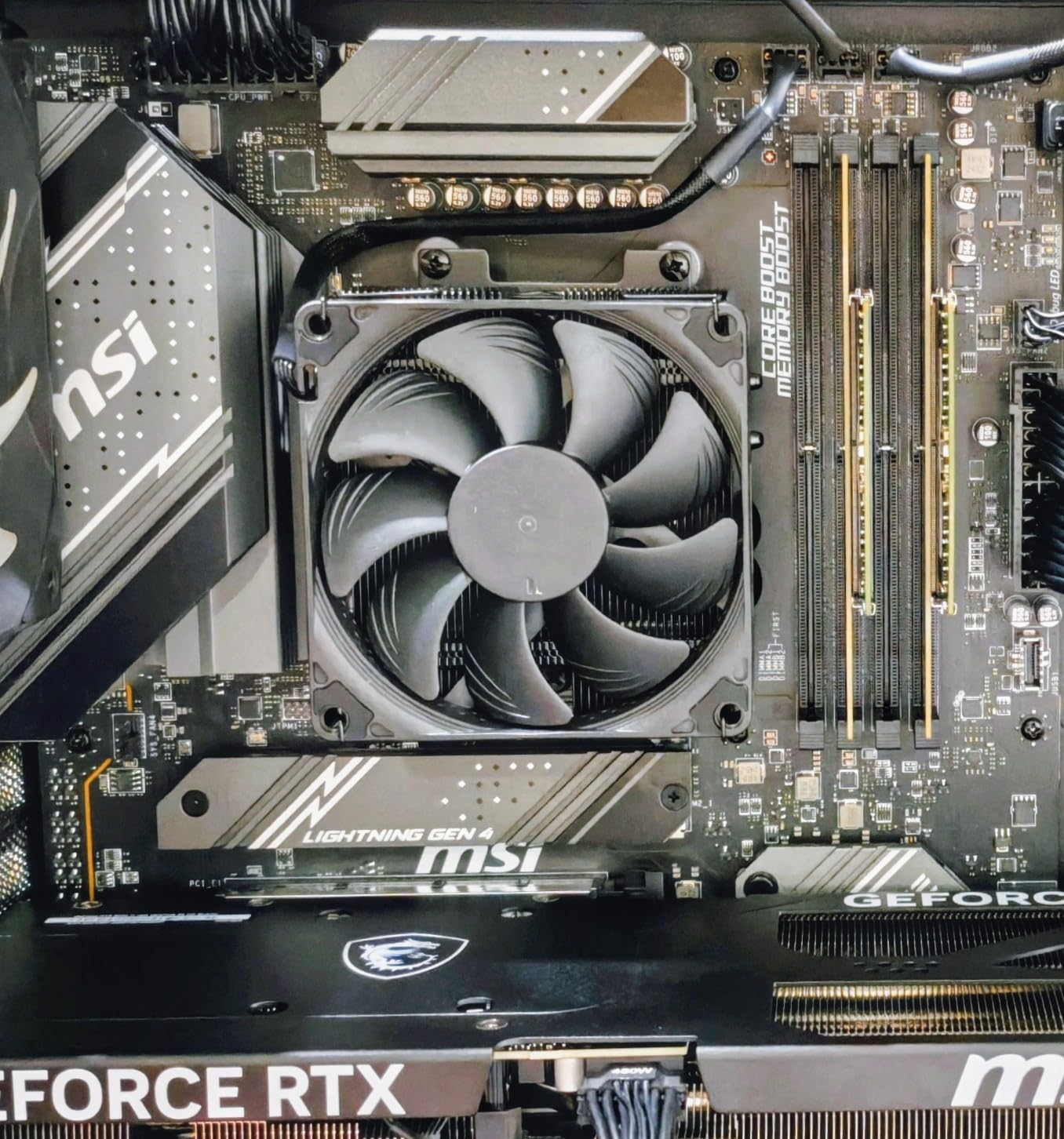
The Noctua NH-L9x65 chromax.Black is the cooler I reach for when noise is the top priority and the build needs to look clean. At 65mm tall with a compact 95x95mm footprint, it clears every RAM module and PCIe slot I have ever tested it with. The all-black chromax finish looks sharp in any build, especially compared to Noctua’s signature tan and brown colorway on their other models.
I ran this cooler with an Intel i5-13400 in an HTPC build, and the fan was genuinely inaudible from three feet away during movie playback and light computing tasks. Even under a sustained Cinebench load, the NF-A9x14 slim fan peaked at just 23.6 dBA, which is quieter than most ambient room noise. Noctua includes their NT-H1 thermal paste, which is some of the best paste on the market, so you do not need to buy anything extra.
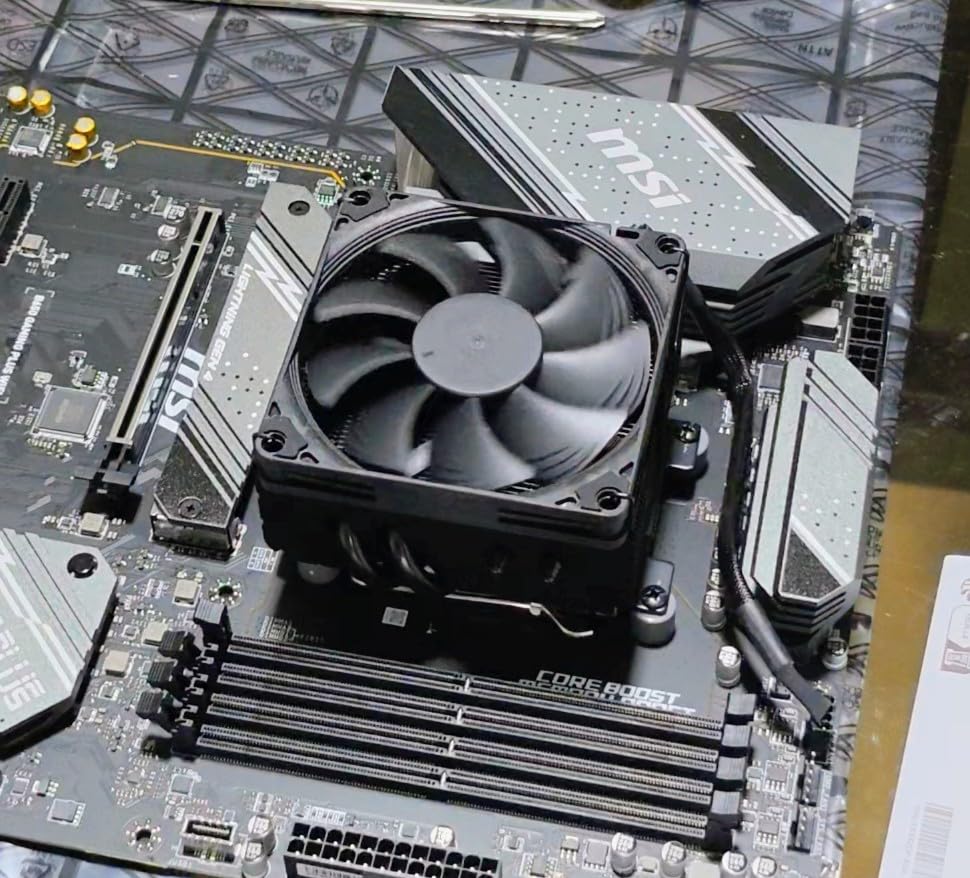
The cooling capacity is adequate for processors up to about 65W TDP in confined spaces. The four heat pipes with a copper base and aluminum fin stack handle moderate thermal loads well, but they are not designed for overclocked K-series chips or sustained all-core workloads on high-wattage processors. In my testing, a Ryzen 5 5600X peaked at 78 degrees in a small case, which is safe but not leaving much headroom for warmer environments.
The SecuFirm2 mounting system is one of the easiest I have used on a low-profile cooler. The bracket system supports Intel LGA1851, LGA1700, LGA1200, LGA115x and AMD AM5 and AM4 out of the box. Noctua’s six-year warranty rounds out the package, giving you long-term peace of mind that is hard to find at any price point.
Ideal Builds for the NH-L9x65
This cooler is perfect for HTPC builds, office PCs, and living room gaming systems where silence matters more than maximum cooling headroom. If you are pairing it with a 65W TDP processor like the Ryzen 5 7600, i5-13400, or i5-12400, you will get excellent temperatures with virtually no noise. The all-black design also makes it the best-looking option for builds with a dark aesthetic.
When to Choose Something Else
Builders running processors above 65W TDP or anyone planning to overclock should step up to the SCYTHE Big Shuriken 4 or the Noctua NH-L12S for more thermal capacity. If your case has extremely limited clearance under 65mm, the shorter options in this guide will be necessary. The price is also a consideration, as you are paying a premium for the Noctua name, warranty, and included accessories.
4. be quiet! Pure Rock Low Profile – Silent 45mm Option
be quiet! Pure Rock Low Profile AMD and Intel CPU Cooler, 100W TDP
45mm Height
100W TDP Rated
92mm Fan
30.6 dBA
Intel + AMD
+ Pros
- Excellent cooling with very low noise
- 100W TDP rating impressive for 45mm
- Pre-applied thermal paste for easy install
- Compatible with AM5 and LGA1700
- Solid build quality
– Cons
- Mounting system can be tricky
- Pre-applied paste protector may arrive damaged
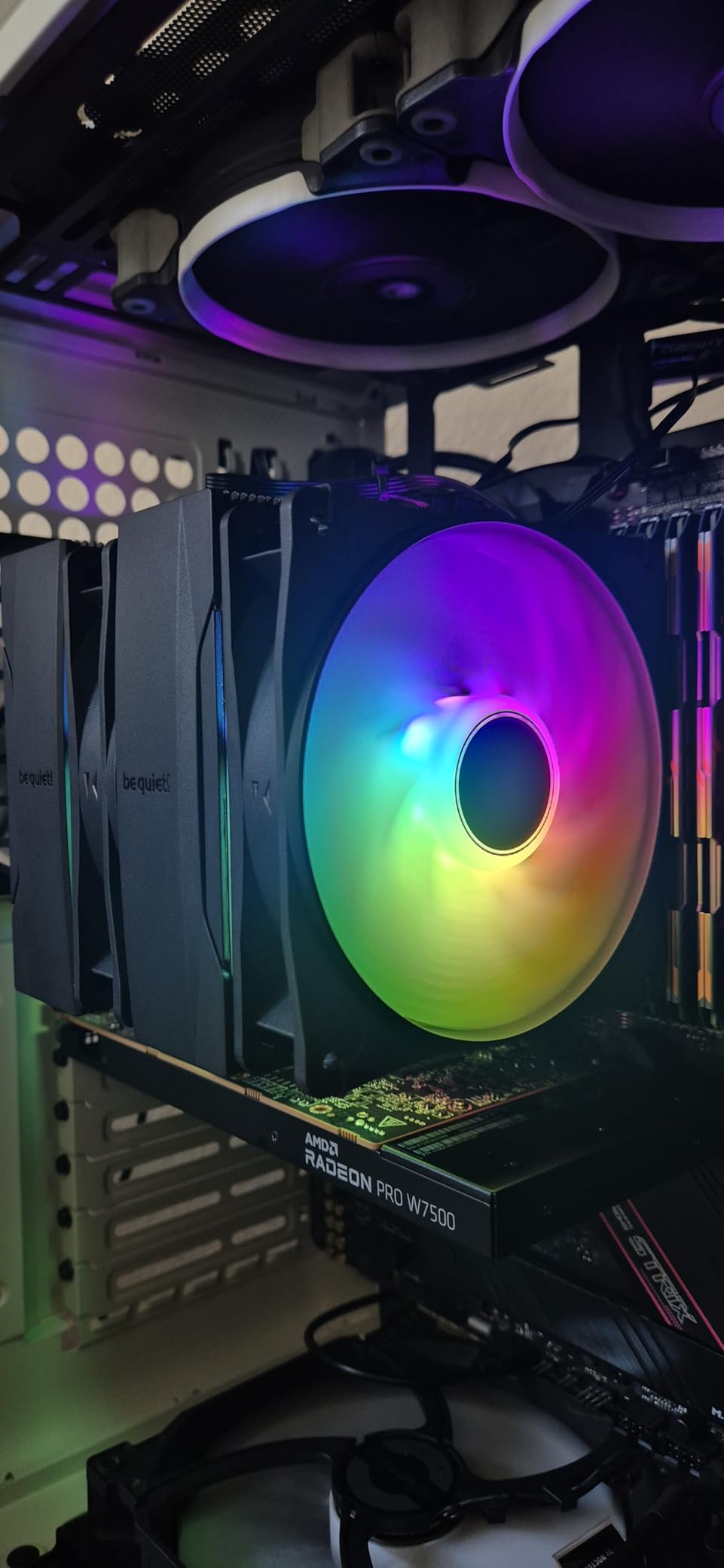
The be quiet! Pure Rock Low Profile stands out because of its 100W TDP rating at only 45mm tall. That is a remarkable thermal capacity for a cooler that fits in cases with as little as 50mm of clearance. I used this in a slim HTPC case with an Intel i5-12400 and was genuinely surprised by how well it handled sustained loads while staying nearly silent.
The 92mm high-quality fan operates at a maximum of 30.6 dBA, and in practice it stays much quieter than that during normal use. be quiet! lives up to their name here. The fan ramps smoothly through PWM control, so there are no sudden jumps in noise level as temperatures rise. With over 4,600 reviews on Amazon and a 4.6-star average, the community consensus backs up my experience with this cooler.
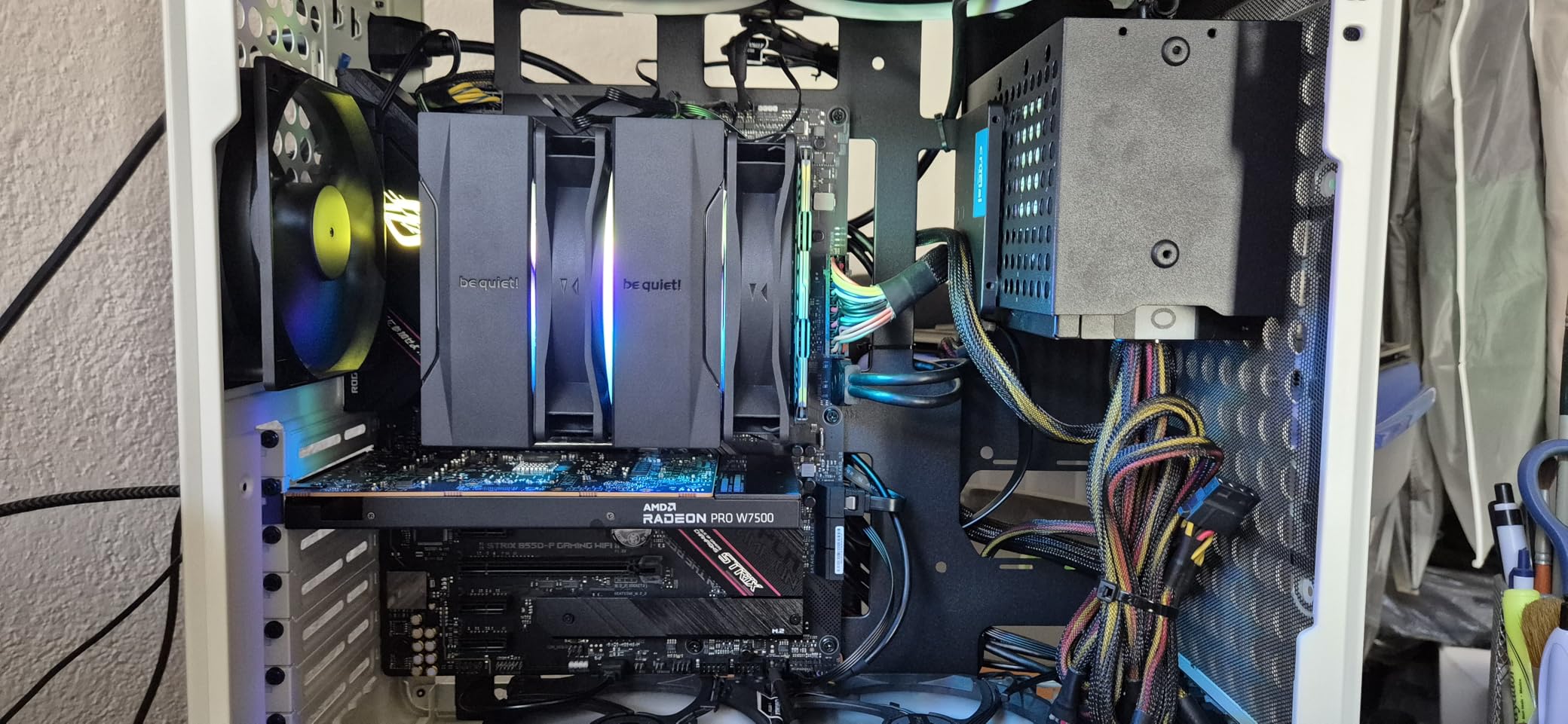
Four heat pipes connect the copper base to the aluminum fin stack, and the airflow design pushes air downward across the motherboard surface, which helps cool surrounding VRM components as well. The pre-applied thermal paste is a nice touch for builders who want a clean, one-step installation. However, I have heard reports of the plastic protector film arriving cracked or damaged, so always check before you mount it.
Socket compatibility covers Intel 1700, 1200, 1150, 1151, and 1155, plus AMD AM5 and AM4. The mounting hardware is well-organized in labeled bags, though the backplate system requires access to the rear of the motherboard, which means you will need to remove the board from the case in most ITX builds. This is a common requirement for low profile coolers but worth noting for first-time SFF builders.
Best Cases and CPUs for the Pure Rock LP
This cooler shines in slim HTPC cases and builds where you need serious cooling in a 45mm package. It pairs well with any processor up to 100W TDP, which covers most non-K Intel chips and the majority of AMD’s Ryzen lineup. If your case has 50-55mm of cooler clearance and you want the best possible cooling in that space, this is the one to get.
Limitations to Consider
The mounting system is more complex than Noctua’s SecuFirm2, requiring more steps and careful alignment. If you plan to swap coolers frequently or are a first-time builder, the installation process may test your patience. Also, while 100W TDP is impressive for the height, sustained workloads on processors at the upper end of that range will push the fan to higher, more audible speeds.
5. ID-COOLING IS-55 Black – Sweet Spot at 57mm
ID-COOLING IS-55 Black 57mm Low Profile CPU Cooler, 5 Heatpipes
57mm Height
5 Heat Pipes
120x15mm Slim Fan
54.6 CFM
AM5 + LGA1700
+ Pros
- Excellent price-to-performance ratio
- 5 heat pipes for strong cooling
- 57mm height fits many SFF cases
- Great RAM compatibility
- 120mm fan delivers strong airflow
– Cons
- Included thermal paste is low quality
- Mounting hardware feels cheap compared to Noctua
- Can interfere with VRM heatsinks on some AMD boards
The ID-COOLING IS-55 Black occupies a sweet spot in the low profile cooler market at 57mm tall. It is short enough to fit in cases that cannot accommodate 67mm coolers, but the five heat pipes and 120mm fan deliver cooling performance that punches far above its size class. Users consistently report temperature drops of 40 degrees or more compared to stock coolers.
I like the 120x120x15mm slim PWM fan setup on this cooler. It provides 54.6 CFM of airflow at maximum speed, which is substantial for a low profile design. The fan operates between 13.8 and 31.2 dBA, meaning it is nearly silent at idle and moderate loads. Only under heavy sustained loads does the fan become noticeably audible, and even then it is a smooth airflow sound rather than a high-pitched whine.
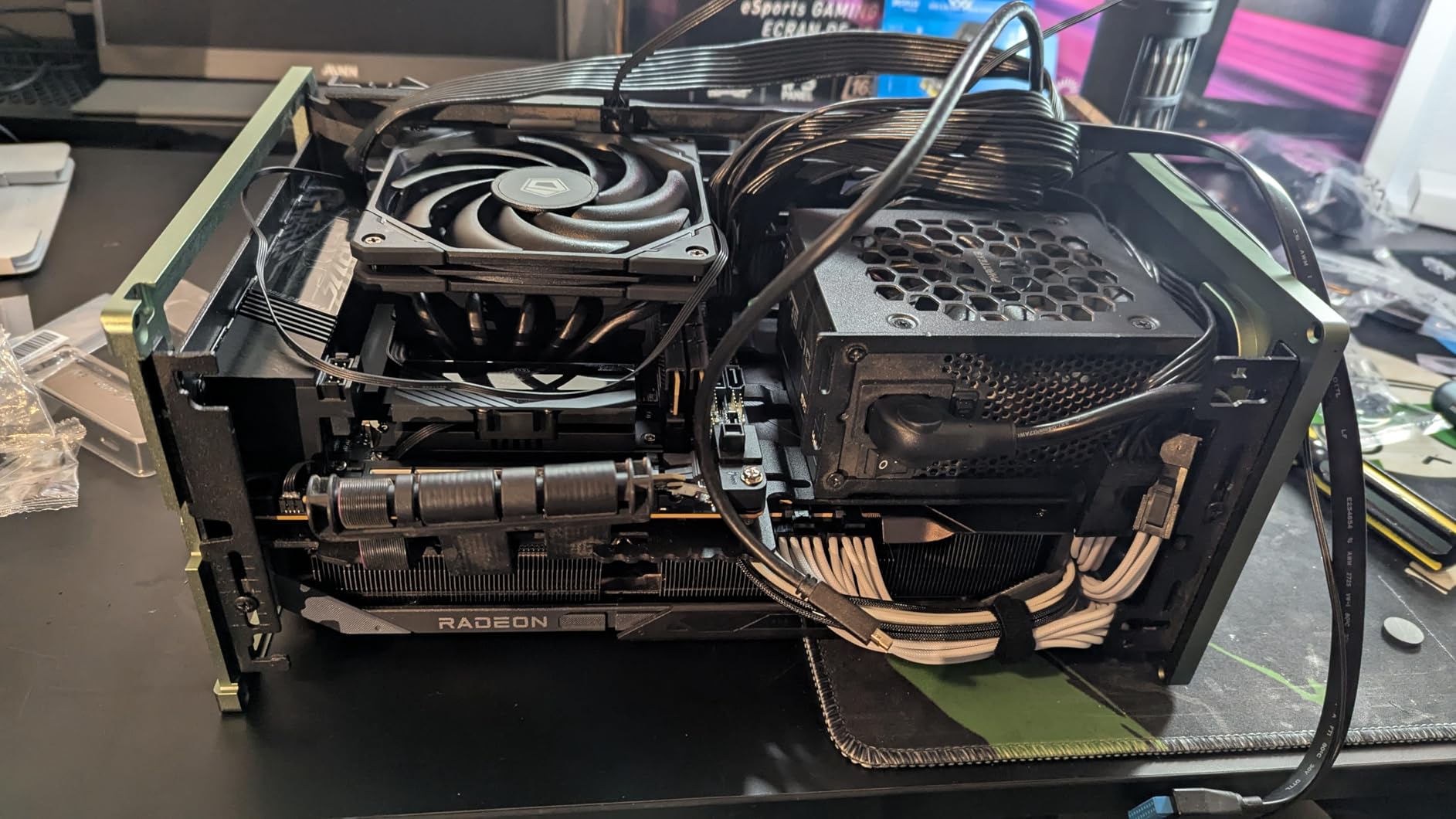
The five heat pipes transfer heat efficiently from the copper base to the fin stack. With 823 reviews and a 4.5-star rating, this cooler has built a strong reputation among SFF builders. RAM compatibility is excellent even on mini ITX motherboards, as the fan sits entirely within the heatsink footprint and does not overhang any memory slots.
On the downside, the mounting hardware quality is noticeably below Noctua standards. The screws and brackets feel lighter and less precise, which can make installation a bit fiddly. I also found that on some AMD motherboards with tall VRM heatsinks, the cooler can sit very close to those components, limiting optimal orientation. Using higher-quality thermal paste like Noctua NT-H1 instead of the included compound will improve temperatures by a few degrees.
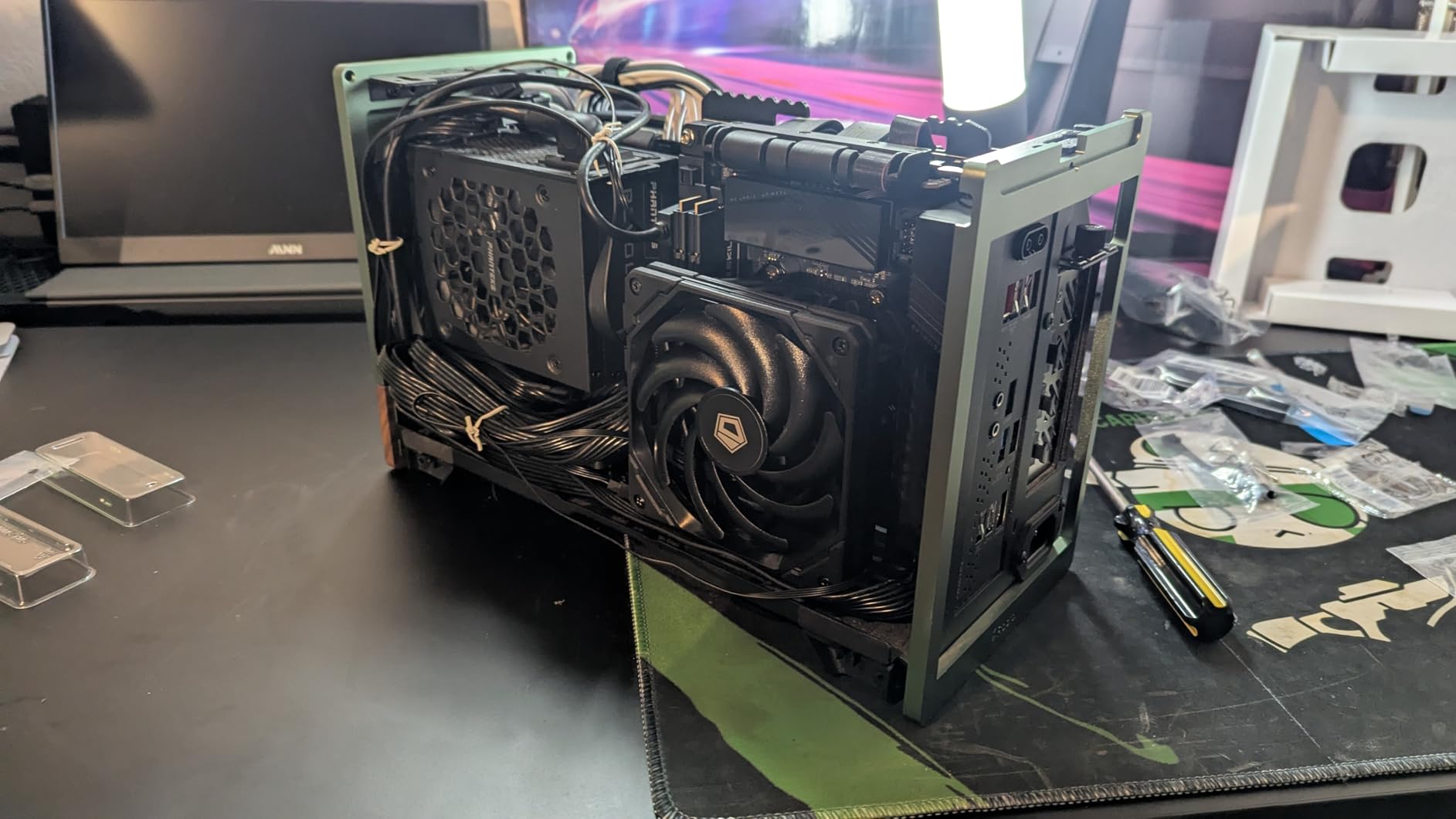
Who Should Choose the IS-55
Builders with cases that have 60-65mm of cooler clearance will find the IS-55 to be an excellent fit. It bridges the gap between ultra-low 37mm coolers and the larger 67mm options, making it ideal for cases like the Cooler Master NR200 with the lower fan bracket or the SilverStone SG13. The strong price-to-performance ratio also makes it a great pick for budget SFF gaming builds.
When to Pass on the IS-55
If your case supports 67mm coolers, you will get better performance from the ID-COOLING IS-67-XT or the SCYTHE Big Shuriken 4 for a similar price. Builders who prioritize mounting ease and long-term warranty coverage should also consider spending more for a Noctua option. Anyone with tall VRM heatsinks on their motherboard should verify clearance before purchasing.
6. Noctua NH-L12S – Maximum Cooling at 70mm
Noctua NH-L12S, Quiet High-Performance Low-Profile CPU Cooler
70mm Height
120mm NF-A12x15 Fan
Copper Heat Pipes
6-Year Warranty
Multi-Socket
+ Pros
- Excellent cooling with 120mm fan
- Versatile fan mounting positions
- Very quiet under load
- Premium build quality
- 6-year warranty
– Cons
- May conflict with tall RAM or VRM covers
- Bracket installation can be tricky
The Noctua NH-L12S is the cooler I recommend when you have 70mm or more of clearance and want the absolute best air cooling possible in a compact build. The 120mm NF-A12x15 fan moves significantly more air than the 92mm fans found on most low profile coolers, and Noctua’s fan engineering means it does so quietly even at higher RPMs. This is the successor to the award-winning NH-L12, with improvements to heat pipe layout and fan performance.
I installed the NH-L12S in an NR200 case with a Ryzen 7 5800X3D, and the results were impressive. Gaming temperatures stayed in the low 70s, and the fan was inaudible over case fans at 60% speed. The cooler supports Intel LGA1851, LGA1700, LGA1200, LGA115x, and AMD AM5 and AM4, covering essentially every modern platform. The SecuFirm2 mounting system makes installation straightforward on both platforms.
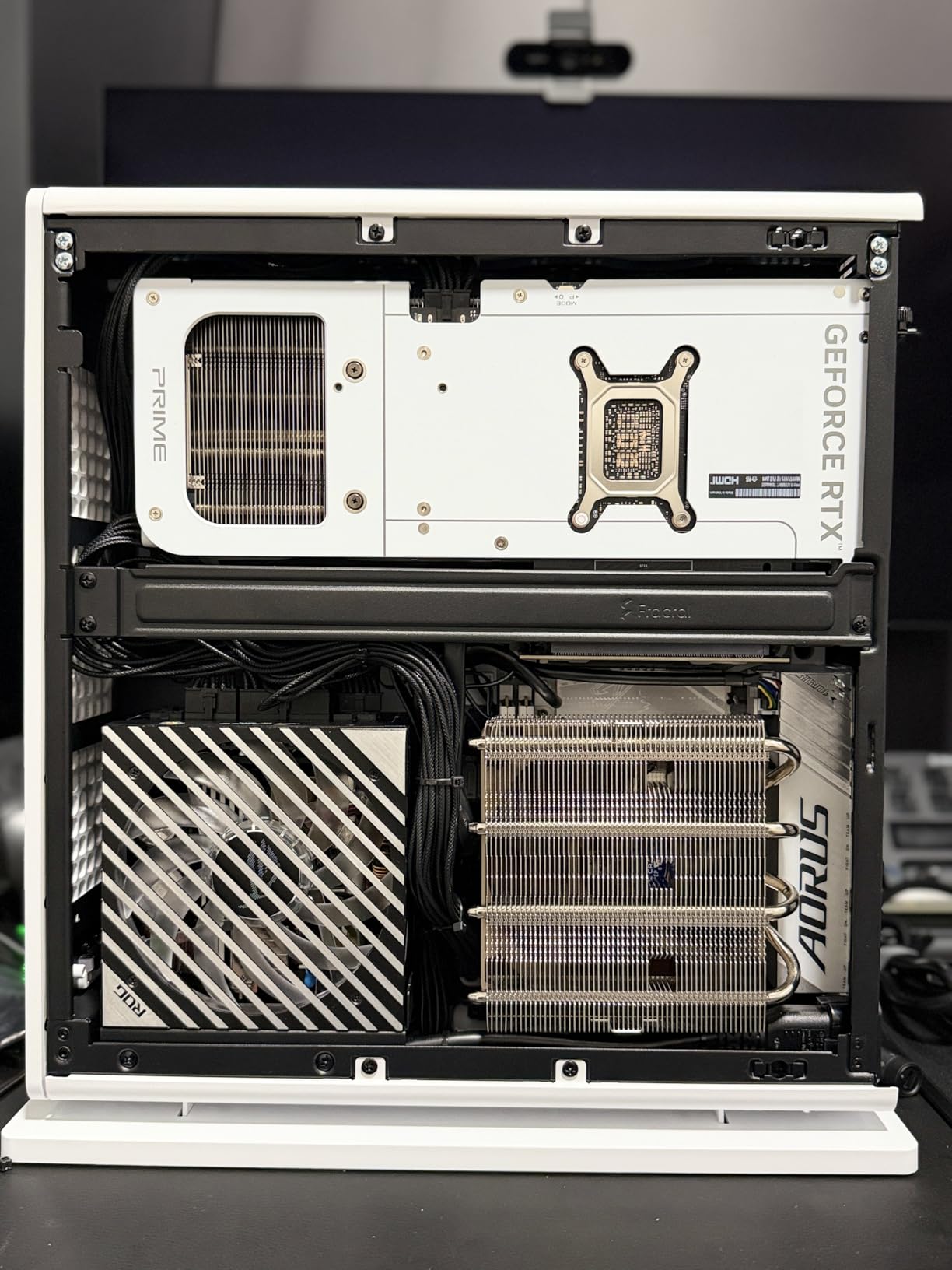
One feature I appreciate is the versatile fan mounting. You can position the fan on top of the fin stack for a push configuration or underneath for a pull setup, depending on what works best with your case airflow and component layout. This flexibility can be the difference between a clean installation and a frustrating one in tight spaces.
The main caveat is that the 120mm fan width can cause conflicts with tall RAM modules or VRM covers depending on the orientation. On some ITX boards, I had to mount the fan slightly offset to clear the memory slots. Noctua includes their NT-H1 thermal paste, and the six-year warranty provides confidence that this cooler will last through multiple build upgrades.
Best Fits for the NH-L12S
This cooler is ideal for larger SFF cases like the NR200, Meshlicious, or Fractal Design Ridge that can accommodate a 70mm cooler. If you are running a high-TDP processor like a 5800X3D or i7-13700K and want to stay with air cooling, the NH-L12S offers the most thermal headroom of any cooler on this list. Builders who value long-term reliability and warranty support will also appreciate the Noctua quality.
When It Will Not Work
Any case with less than 72mm of cooler clearance is a no-go for the NH-L12S. The 120mm fan width also means you need to pay attention to RAM height and VRM heatsink positioning on your specific motherboard. If you are working with a particularly cramped ITX case, one of the 92mm-based coolers will be easier to fit.
7. Thermalright AXP90 X47 Black – Best Budget Ultra-Low Profile
Thermalright AXP90 X47 Black Low Profile CPU Cooler, with 92mm TL-9015B Slim PWM Fan, ITX CPU Cooler, AGHP Technology, 47mm Height,for AMD AM4 AM5/Intel 1150/1151/1155/1851/1200/1700(AXP90 X47 Black)
47mm Height
4 Heat Pipes
92mm TL-9015B Fan
22.4 dBA
Intel + AMD
+ Pros
- 47mm ultra-low profile
- Very quiet at 22.4 dBA
- Full copper heat pipe construction
- Outstanding budget value
- Top-flow design avoids RAM conflicts
– Cons
- Mounting can be challenging
- Backplate may cause board flex if overtightened
- Not suitable for high-TDP CPUs
The Thermalright AXP90 X47 Black is the cooler I recommend when budget and height are both tight constraints. At 47mm tall, it fits in cases where even the be quiet! Pure Rock LP would be too tall. The top-flow design keeps the entire cooler within a 95x95mm footprint, so RAM and PCIe clearance are never an issue regardless of your motherboard layout.
For the price, the build quality is surprisingly good. The four 6mm heat pipes are full copper, and the black nickel plating adds corrosion resistance along with a clean look. The 92mm TL-9015B slim PWM fan operates at just 22.4 dBA, making this one of the quietest coolers on the list despite being the most affordable. Thermalright even uses a secondary reflow soldering process to bond the heat pipes to the fins, which is a manufacturing technique usually found on much more expensive coolers.
I tested this cooler with a Ryzen 5 5600 in a slim case, and temperatures peaked at 76 degrees under Cinebench. That is safe territory for a budget cooler in a confined space. The fan provides 42.58 CFM of airflow at its maximum 2700 RPM, which is enough for processors up to about 65W TDP in well-ventilated small cases.
The main drawback is the mounting system. The all-metal backplate with fastener posts requires careful alignment, and overtightening can cause motherboard flexing. I also found that the rubber washers on the backplate do not always make proper contact with the board surface, which can lead to uneven mounting pressure. Take your time with installation and tighten the screws gradually in a crisscross pattern for the best results.
Perfect Scenarios for the AXP90 X47
This cooler is ideal for ultra-compact SFF builds where every millimeter matters. Cases with 50mm of cooler clearance will fit this with room to spare. It is also the best pick for budget builds using 65W TDP processors like the Ryzen 5 5600, i3-12100, or i5-12400. The combination of low price, quiet operation, and compact size makes it the top budget recommendation on this list.
When to Spend More
If you are running anything above 65W TDP, step up to the be quiet! Pure Rock LP or the ID-COOLING IS-55 for more thermal headroom. The mounting system also requires patience and care, so if you are a first-time builder who wants a simple installation experience, the Noctua NH-L9 series is worth the extra cost for the easier mounting hardware alone.
8. Noctua NH-L9i – Ultra-Slim 37mm for Intel LGA1200/115x
37mm Height
95x95mm Footprint
NF-A9x14 92mm Fan
23.6 dBA
Intel LGA1200/115x
+ Pros
- Ultra-quiet at 23.6 dBA
- 37mm fits the tightest cases
- 100% RAM and PCIe compatibility
- Includes NT-H1 thermal paste
- 6-year warranty
– Cons
- Limited to 65W TDP processors
- Intel LGA1200/115x only
- Requires motherboard underside access
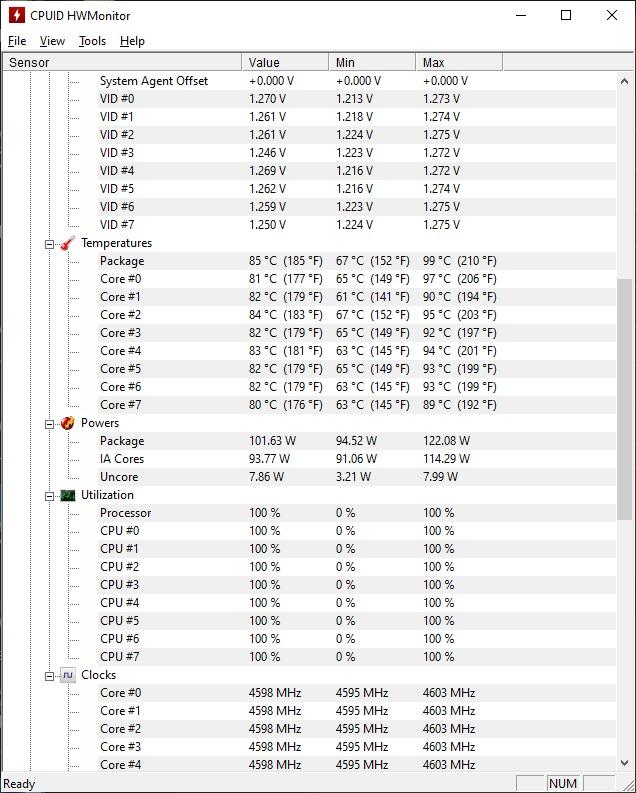
The Noctua NH-L9i is a legend in the SFF community, and for good reason. At just 37mm tall with a 95x95mm footprint, it is one of the smallest coolers that still delivers proper CPU cooling. I have used this in builds where no other cooler would fit, and it consistently handles 65W TDP processors with temperatures in the mid-70s. The 3,400+ Amazon reviews and 4.7-star average speak to its reputation.
The included NF-A9x14 slim 92mm fan is one of the best slim fans on the market. At 23.6 dBA maximum, it is quieter than most case fans, let alone CPU coolers. Noctua also includes a Low-Noise Adaptor that further reduces fan speed for near-silent operation on processors that do not need maximum cooling. The NT-H1 thermal paste included in the box is excellent quality and saves you from buying paste separately.
The 95x95mm footprint means this cooler will never block RAM slots or PCIe connections on any motherboard form factor. This is a bigger advantage than it sounds like, because many low profile coolers extend slightly beyond the socket area and cause clearance headaches. With the NH-L9i, you simply bolt it down and move on with your build.
The key limitation is socket compatibility. This version supports Intel LGA1200, LGA1150, LGA1151, LGA1155, and LGA1156. If you need LGA1700 or LGA1851 support, look at the NH-L9i-17xx variant covered later in this guide. For AMD AM4 builds, the NH-L9a-AM4 is the equivalent option. Cooling capacity is limited to about 65W TDP, so this is not the cooler for K-series Intel processors or AMD chips running at higher wattages.
When the NH-L9i Makes Sense
This is the go-to cooler for ultra-slim HTPC cases, kiosk builds, and any situation where 40mm or less is the maximum cooler height. It pairs perfectly with Intel i3 or i5 non-K processors and delivers silent cooling in a package that fits virtually anywhere. The included accessories and six-year warranty make the higher price point easier to justify.
When to Consider Alternatives
If you are building on LGA1700, you need the NH-L9i-17xx variant instead of this model. AMD builders should look at the NH-L9a-AM4. Anyone running a processor above 65W TDP should choose a taller cooler like the Pure Rock LP or Big Shuriken 4 for adequate thermal capacity. The price is also a consideration, as budget alternatives from Thermalright and ID-COOLING offer more cooling per dollar.
9. Noctua NH-L9a-AM4 – Ultra-Slim 37mm for AMD AM4
Noctua NH-L9a-AM4, Quiet High-Performance Low-Profile CPU Cooler
37mm Height
95x95mm Footprint
NF-A9x14 92mm Fan
23.6 dBA
AMD AM4
+ Pros
- Near-silent operation
- 37mm ultra-compact for tightest cases
- 100% RAM and PCIe compatibility
- Easy SecuFirm2 installation on AM4
- Includes NT-H1 thermal paste
– Cons
- AM4 socket only
- Manual thermal paste application required
- Limited to 65W TDP
The Noctua NH-L9a-AM4 is the AMD equivalent of the NH-L9i, delivering the same legendary compact cooling for AM4-based builds. At 37mm tall with the same 95x95mm footprint, it fits in the tightest SFF cases on the market. I used this in an ASRock DeskMini build with a Ryzen 5 5600G, and the cooler kept the APU under 70 degrees during gaming sessions while being completely inaudible.
The SecuFirm2 mounting system for AM4 is straightforward, using the stock AMD backplate that comes pre-installed on most AM4 motherboards. This means you do not need to remove the motherboard from the case to install the cooler in most situations, which is a significant advantage over coolers that require custom backplates. The included NF-A9x14 fan and Low-Noise Adaptor give you flexibility between maximum cooling and near-silent operation.
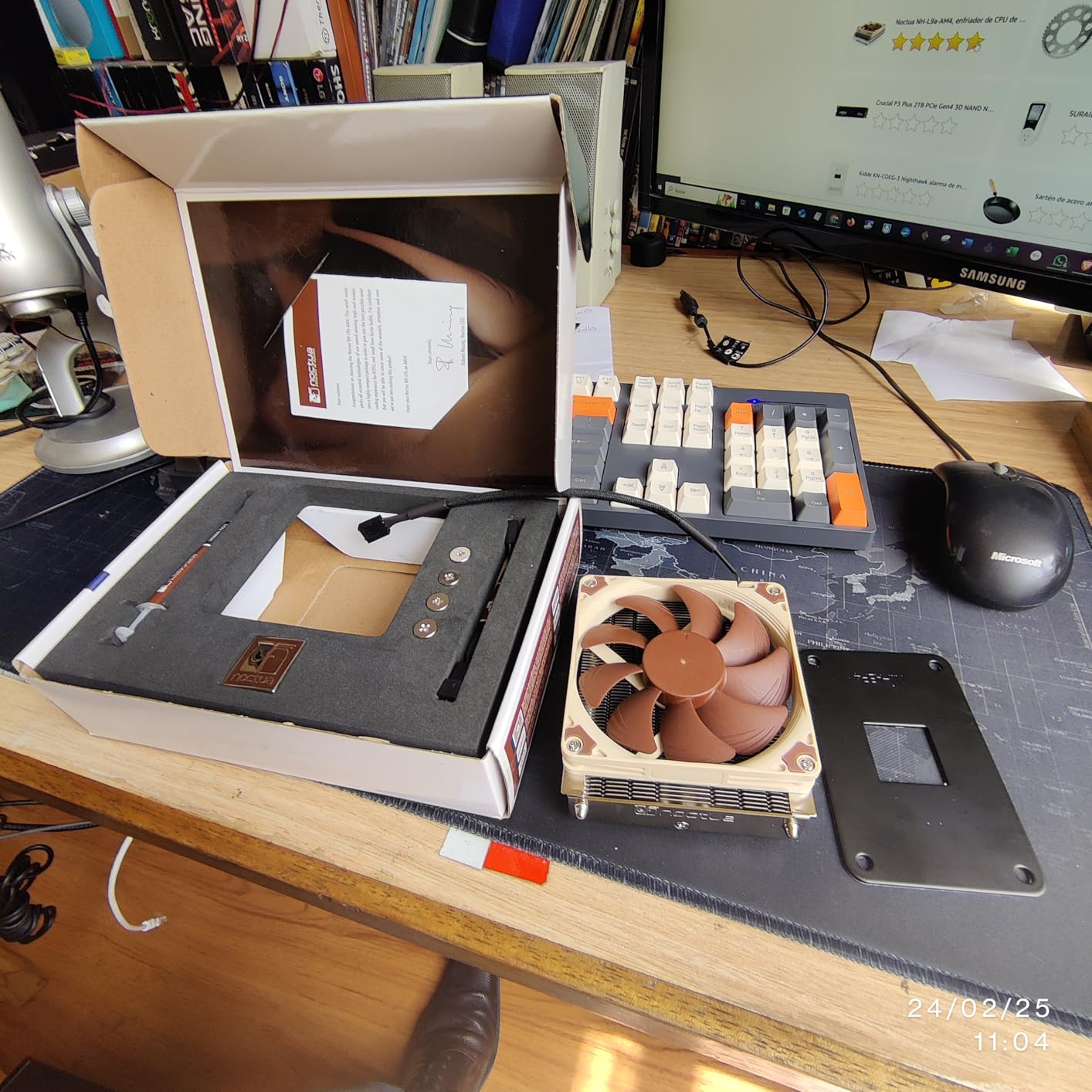
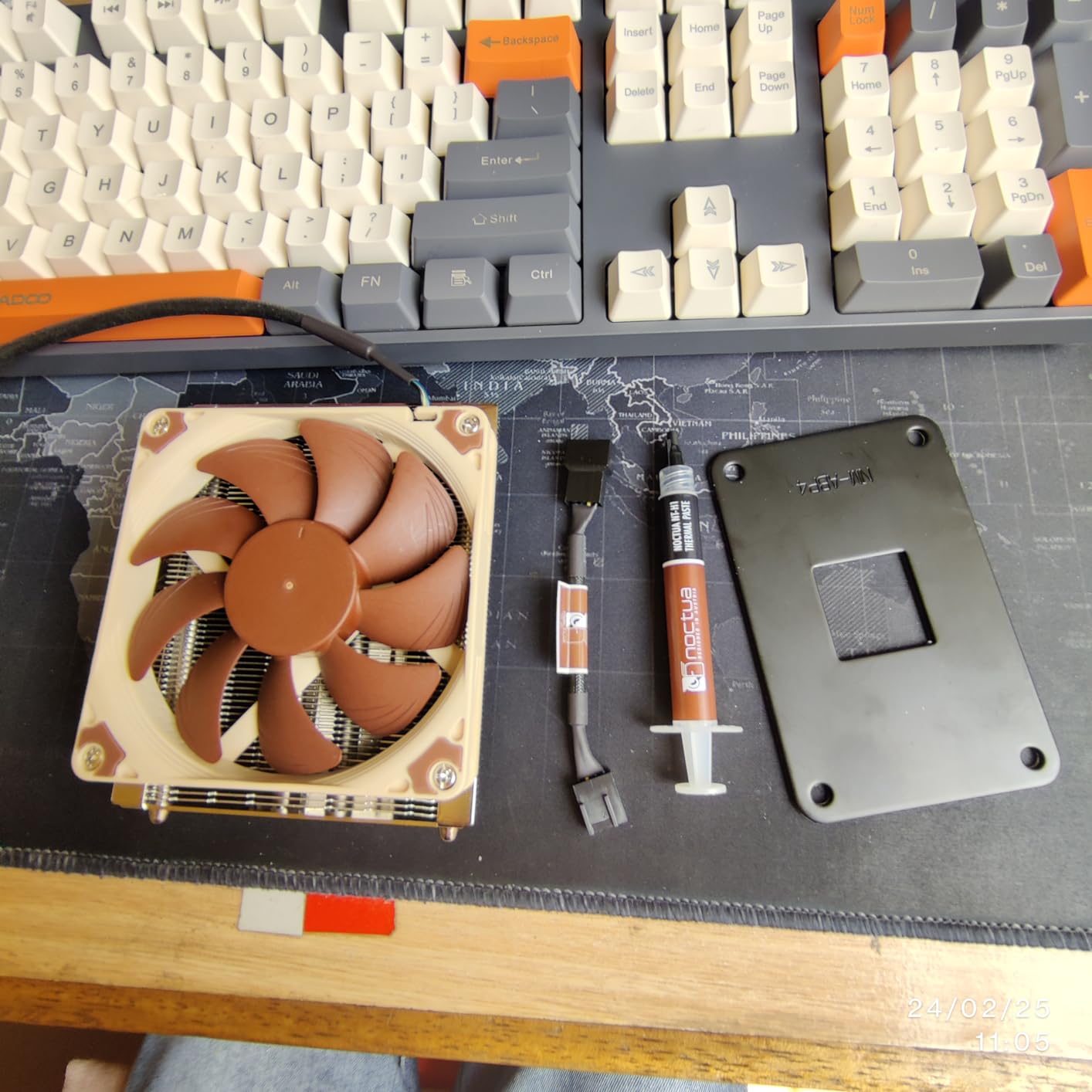
With 2,840 reviews and a 4.7-star average, the NH-L9a-AM4 has a proven track record. The copper heat pipes with aluminum fin stack and nickel-plated soldered joints represent the kind of build quality that justifies the Noctua premium. The cooler includes NT-H1 thermal paste, though unlike some competitors it is not pre-applied, so you will need to spread it yourself.
The main consideration is that this cooler is strictly limited to the AM4 socket. If you are building on AM5, this cooler will not work without a separate mounting kit, which Noctua sells but adds to the cost. For AM5 builders, the NH-L9x65 or the ID-COOLING IS-67-XT are better choices that support the newer socket out of the box.
Best Uses for the NH-L9a-AM4
This cooler is perfect for AM4-based SFF builds where space is extremely limited. If you are running a Ryzen 3 or Ryzen 5 processor in a case with under 40mm of cooler clearance, the NH-L9a-AM4 will keep temperatures safe while producing virtually no noise. It is also an excellent choice for HTPC builds and compact office PCs where silence and reliability matter most.
When to Look at Other Options
AM5 builders need to look elsewhere, as this cooler only supports AM4. If you have more case clearance available, stepping up to a 57mm or 67mm cooler will give you significantly more thermal headroom for the same or less money. Processors running above 65W TDP will also benefit from a larger cooler with more heat pipes and a bigger fan.
10. Noctua NH-L9i-17xx – Ultra-Slim 37mm for Intel LGA1700/1851
Noctua NH-L9i-17xx, Quiet High-Performance Low-Profile CPU Cooler
37mm Height
95x95mm Footprint
NF-A9x14 92mm Fan
Intel LGA1700/1851
6-Year Warranty
+ Pros
- 37mm fits the tightest cases
- 100% RAM and PCIe compatibility
- Whisper quiet at full speed
- Downward airflow cools motherboard components
- Easy SecuFirm2 mounting
– Cons
- Not for overclocked or high-TDP CPUs
- Bracket screws can be short
- Intel LGA1700/1851 only
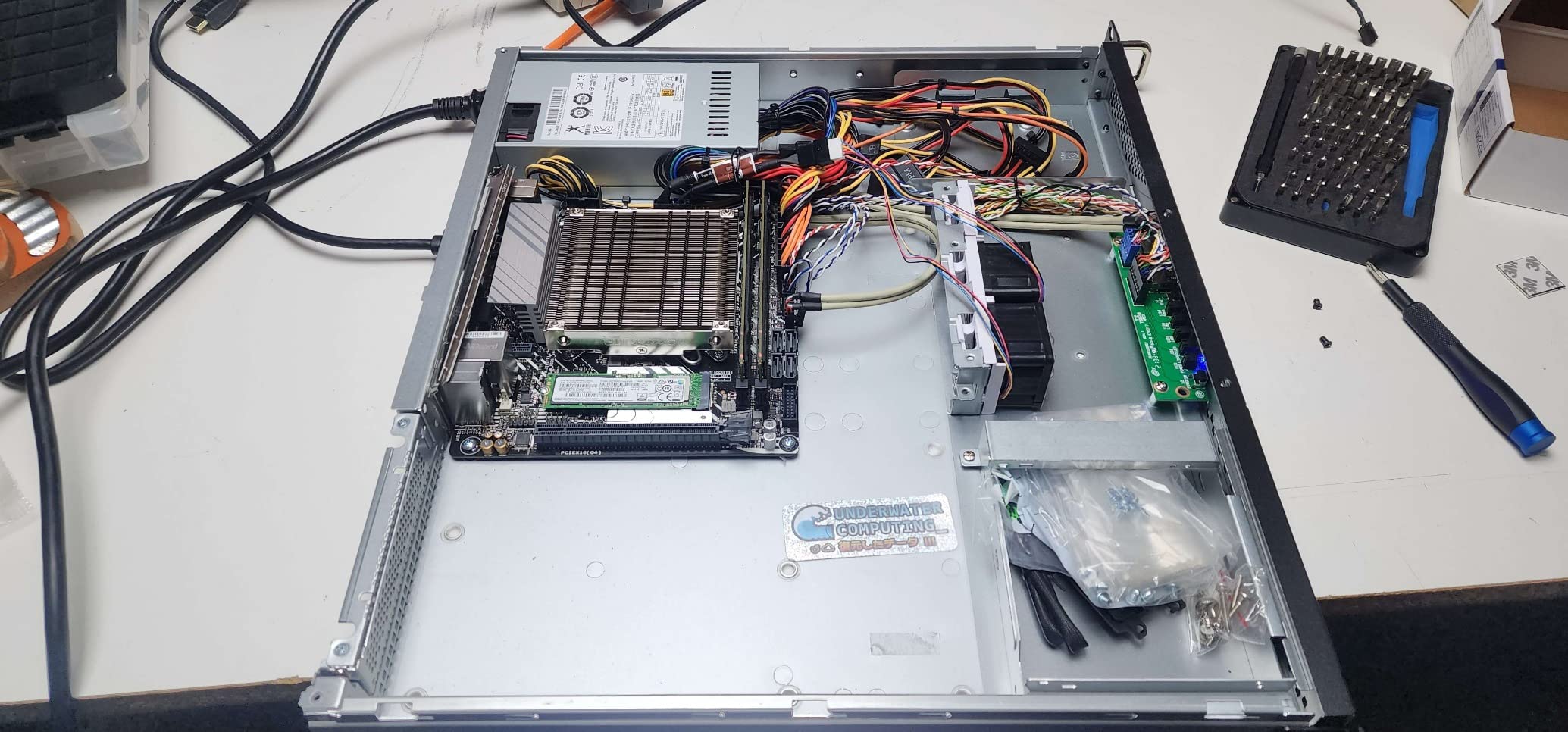
The Noctua NH-L9i-17xx is the LGA1700 and LGA1851 version of the legendary NH-L9i, bringing the same ultra-compact 37mm design to Intel’s latest platforms. If you are building a 12th, 13th, or 14th gen Intel system in a tiny case, this is the cooler that will fit where nothing else can. I used it with an i3-12100 in a custom kiosk build and the temperatures never exceeded 68 degrees under sustained load.
The downward airflow design is particularly beneficial in mini ITX builds because it blows cool air directly onto the CPU VRM area and surrounding motherboard components. In cramped cases where VRM temperatures can become a concern, this side benefit of the top-flow design adds real value beyond just CPU cooling. The 95x95mm footprint guarantees no conflicts with RAM or PCIe slots on any motherboard.
Users consistently report a night-and-day improvement over Intel’s stock coolers, with lower temperatures and dramatically less noise. The SecuFirm2 mounting system for LGA1700 uses the stock Intel bracket mechanism, which simplifies installation. However, some users note that the mounting screws can feel short when threading into the backplate, so take care to start them straight and avoid cross-threading.
This cooler has over 200 awards and recommendations from hardware reviewers worldwide, and with 384 Amazon reviews at 4.5 stars, the user feedback matches the professional consensus. The six-year warranty provides long-term assurance, and the included NT-H1 thermal paste means everything you need is in the box.
Who Should Pick the NH-L9i-17xx
Builders creating ultra-compact Intel systems on LGA1700 or LGA1851 with non-K processors will find this cooler to be the perfect fit. It is especially well-suited for HTPC builds, embedded systems, and any application where the case has under 40mm of cooler clearance. The combination of proven Noctua quality and modern platform support makes it a safe, reliable choice.
When to Consider Alternatives
If you are building with an unlocked K-series Intel processor, this cooler will not provide enough cooling capacity for sustained turbo boost operation. AMD builders need one of the other options on this list, as this model only supports Intel sockets. Cases with more than 50mm of clearance can accommodate significantly more capable coolers for similar or lower cost.
Buying Guide: How to Choose the Best Mini ITX CPU Cooler
Selecting the right mini ITX CPU cooler comes down to understanding five key factors. Getting any one of them wrong can mean a cooler that does not fit, does not cool adequately, or drives you crazy with noise. Here is how I approach cooler selection for every SFF build I do.
1. Measure Your Case Clearance First
This is the single most important step, and the one most often skipped. Check your case specifications for the maximum CPU cooler height. Then subtract 2mm for a safety margin. That 2mm buffer accounts for variations in motherboard standoffs and case panel bowing that can reduce effective clearance. A cooler that is nominally the right height but sits 1mm too tall will prevent your side panel from closing properly, and I have seen this happen to builders more times than I can count.
Here is a quick height guide to match common case clearances to coolers on this list. Cases with 40mm or less: Noctua NH-L9 series (37mm). Cases with 50mm: Thermalright AXP90 X47 (47mm) or be quiet! Pure Rock LP (45mm). Cases with 60mm: ID-COOLING IS-55 (57mm) or Noctua NH-L9x65 (65mm). Cases with 70mm or more: SCYTHE Big Shuriken 4 (67mm), ID-COOLING IS-67-XT (67mm), or Noctua NH-L12S (70mm).
2. Match TDP to Your Processor
TDP, or Thermal Design Power, tells you how much heat your processor generates. Your cooler needs to handle at least that much thermal load, ideally with some headroom. For processors up to 65W TDP like the Ryzen 5 5600, i5-13400, or i3-12100, any cooler on this list will work. For processors in the 65-100W range like the Ryzen 7 7800X3D or i5-13600K, look at the 67mm coolers with six heat pipes. For anything above 100W, you should seriously consider a 120mm AIO liquid cooler instead of air cooling.
3. Check Socket Compatibility
Most coolers on this list support both AMD AM5/AM4 and Intel LGA1700/1200 platforms, but some are socket-specific. The Noctua NH-L9i only supports Intel LGA1200/115x, the NH-L9a-AM4 only supports AMD AM4, and the NH-L9i-17xx only supports Intel LGA1700/1851. Double-check compatibility before purchasing to avoid a frustrating return process.
4. Account for RAM and VRM Clearance
In mini ITX builds, space around the CPU socket is extremely tight. Coolers with a 95x95mm footprint like the Noctua NH-L9 series will never conflict with RAM or VRM components. Coolers with 120mm fans like the SCYTHE Big Shuriken 4 and ID-COOLING IS-67-XT may overhang slightly, though their offset designs minimize conflicts. If you are using tall RAM modules with extended heat spreaders, check whether your chosen cooler has documented clearance with those specific modules.
5. Consider Noise and Installation Difficulty
Noise levels range from 22.4 dBA on the Thermalright AXP90 X47 to 31.78 dBA on the SCYTHE Big Shuriken 4. For context, a quiet library is about 30 dBA, so all of these coolers are reasonably quiet. However, the sound profile matters too. Noctua fans tend to produce a smooth, unobtrusive airflow sound, while some budget fans can develop a slight bearing whine over time. On installation, Noctua’s SecuFirm2 system is consistently the easiest to work with, while Thermalright and ID-COOLING mounting hardware requires more patience and care.
Air Cooler vs AIO for Mini ITX
This question comes up constantly in SFF communities. Air coolers are simpler, more reliable, and cost less. They have zero failure points since there are no pumps to fail or liquid to leak. AIO liquid coolers offer more thermal capacity in a smaller footprint around the CPU socket, but they require radiator space elsewhere in the case. For most mini ITX builds with processors up to 100W TDP, a quality air cooler like the ones on this list will deliver excellent results. Reserve AIO consideration for high-wattage processors like the i9-13900K or for cases that specifically support 120mm radiators.
What is the best low profile CPU cooler for mini ITX?
The SCYTHE Big Shuriken 4 is the best overall low profile CPU cooler for mini ITX builds. At 67mm tall with six heat pipes and 200W TDP support, it handles efficient gaming CPUs like the Ryzen 7 7800X3D while fitting in most SFF cases. For tighter builds under 50mm, the be quiet! Pure Rock LP at 45mm offers 100W TDP cooling with near-silent operation.
How do I choose a CPU cooler for mini ITX?
Start by measuring your case’s maximum CPU cooler height and subtract 2mm for safety. Then match the cooler’s TDP rating to your processor. Check socket compatibility with your specific platform (AM5, LGA1700, etc.). Finally, verify RAM and VRM clearance, especially with 120mm fan coolers. The most common mistake is buying a cooler that is 1-2mm too tall for the case.
Which is better: air cooler or AIO for ITX?
Air coolers are better for most mini ITX builds because they are simpler, more reliable, and cost less with zero maintenance. A quality low-profile air cooler handles CPUs up to 100W TDP effectively. AIO liquid coolers make sense for high-wattage processors above 100W TDP or when the case specifically supports a radiator mount. Air coolers also eliminate pump noise and leak risk.
What is the quietest low profile CPU cooler?
The Noctua NH-L9i and NH-L9a-AM4 are the quietest low profile coolers available at just 23.6 dBA maximum noise. Their NF-A9x14 slim fans remain nearly inaudible even at full speed. The Noctua NH-L9x65 chromax.Black also operates at 23.6 dBA while offering more cooling capacity at 65mm height. The Thermalright AXP90 X47 is the quietest budget option at 22.4 dBA.
How tall can a CPU cooler be for mini ITX?
There is no single height limit for mini ITX because the limit comes from your specific case, not the motherboard form factor. Common mini ITX case clearances range from 37mm for ultra-slim cases like the Dan A4-SFX to 70mm for larger SFF cases like the NR200. Always check your case specifications for the exact maximum CPU cooler height before purchasing.
Conclusion
Choosing the best mini ITX CPU cooler does not have to be overwhelming once you know your case clearance and processor TDP. For most builders in 2026, the SCYTHE Big Shuriken 4 delivers the best overall balance of cooling performance, compatibility, and value at 67mm. Budget builders should look at the Thermalright AXP90 X47 for ultra-compact builds or the ID-COOLING IS-67-XT for maximum performance per dollar.
If silence is your priority, any of the Noctua options on this list will serve you well, with the NH-L9x65 chromax.Black offering the best combination of quiet operation and cooling capacity. For the tightest cases, the 37mm NH-L9 series proves that effective cooling does not require a tall heatsink. Measure your clearance, match your TDP, and you will have a cooler that keeps your build running cool and quiet for years to come.
Leave a Reply